Skip to content
50% off this one-time $1.99 pack with HALFOFF — or unlimited with Pro.HALFOFF
Premium

Free Cornell Notes Templates (Word, PDF)

Worksheets
shabarishetty by shabarishetty
Updated 0 downloads 1 community comment

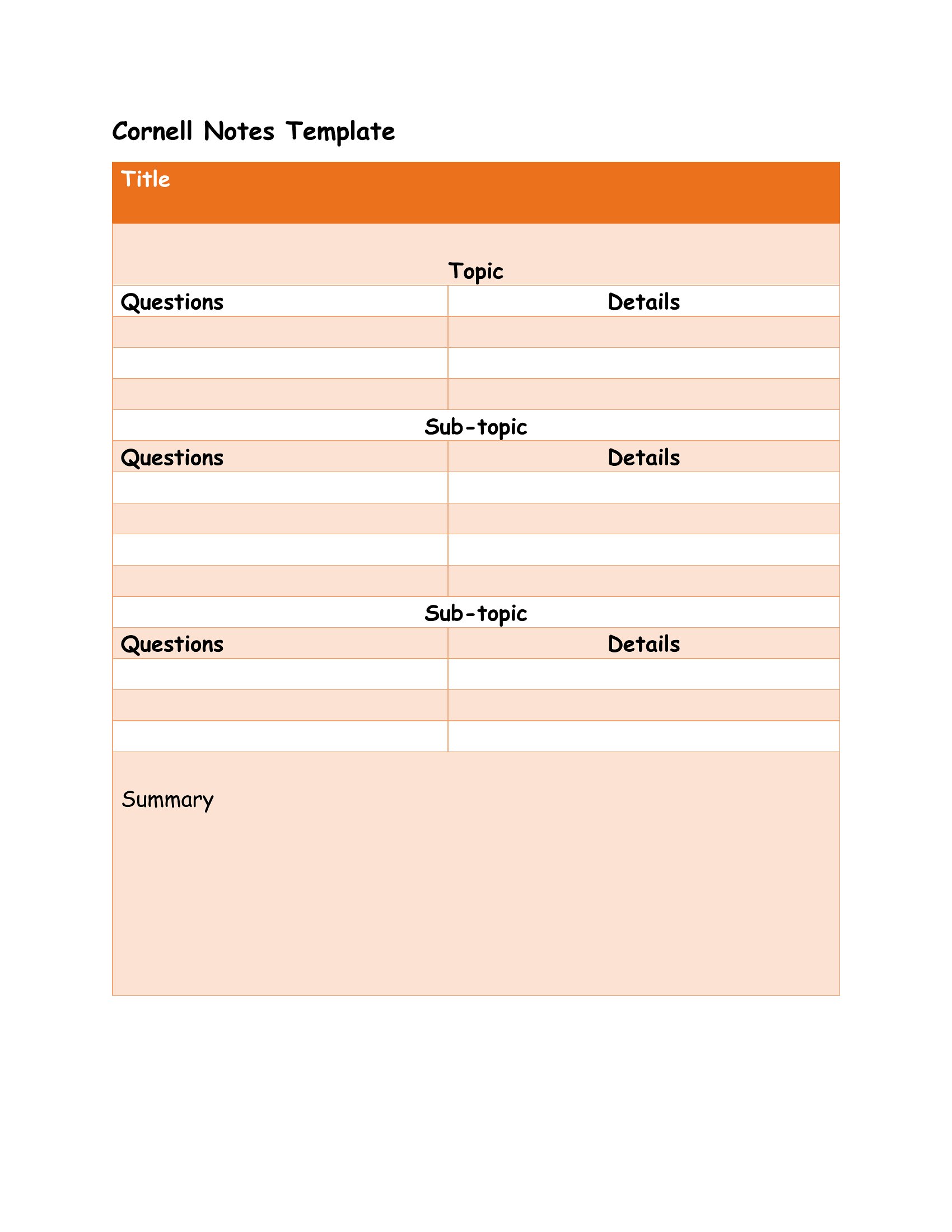
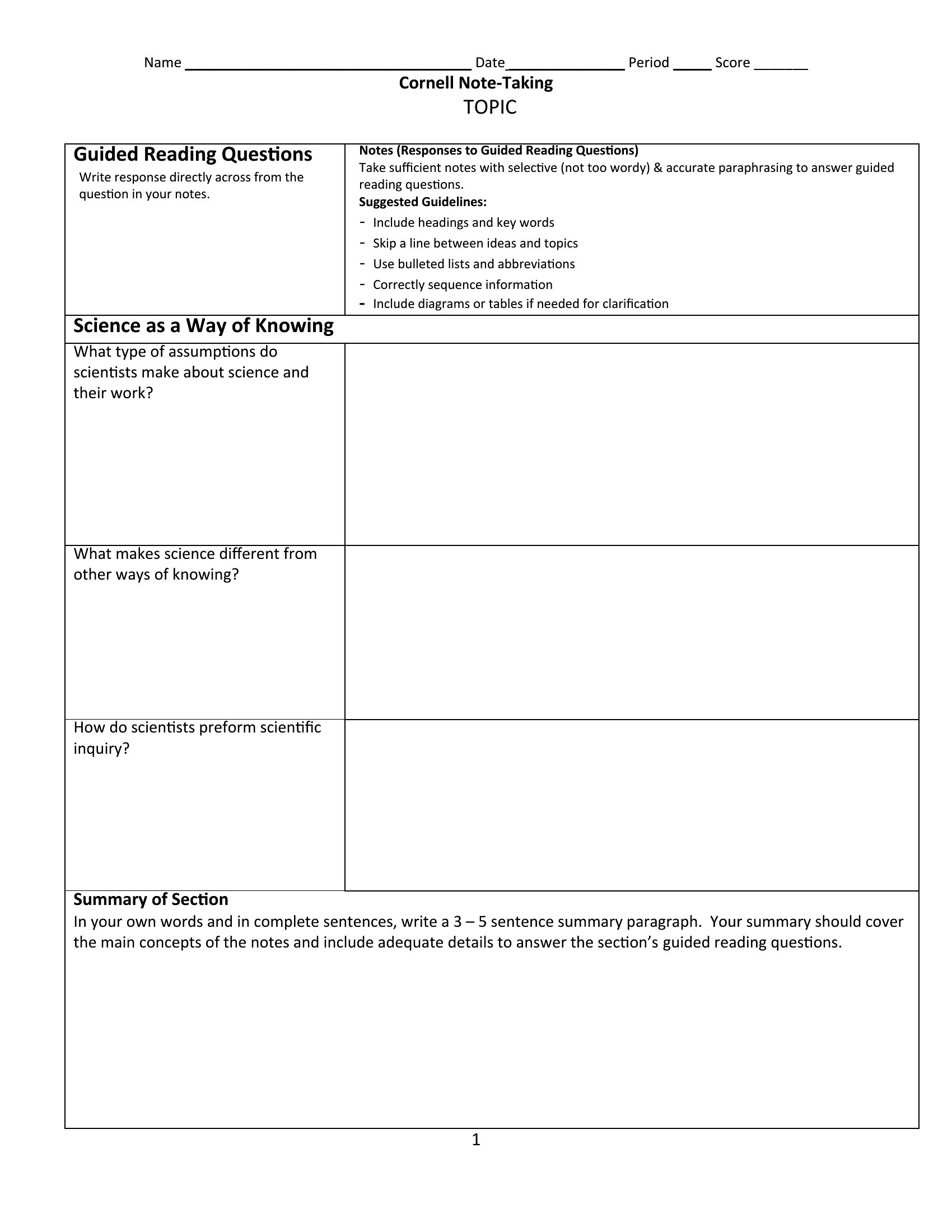
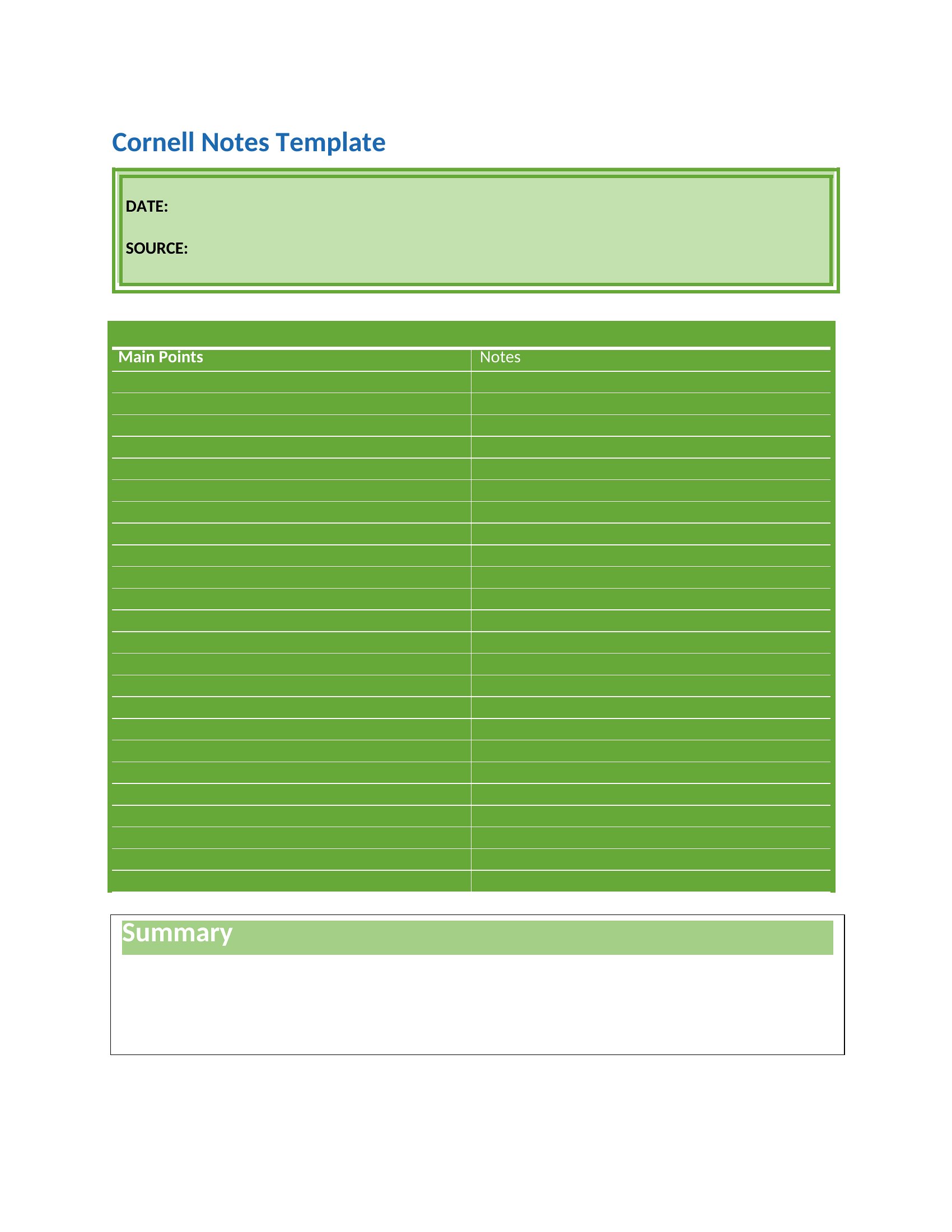
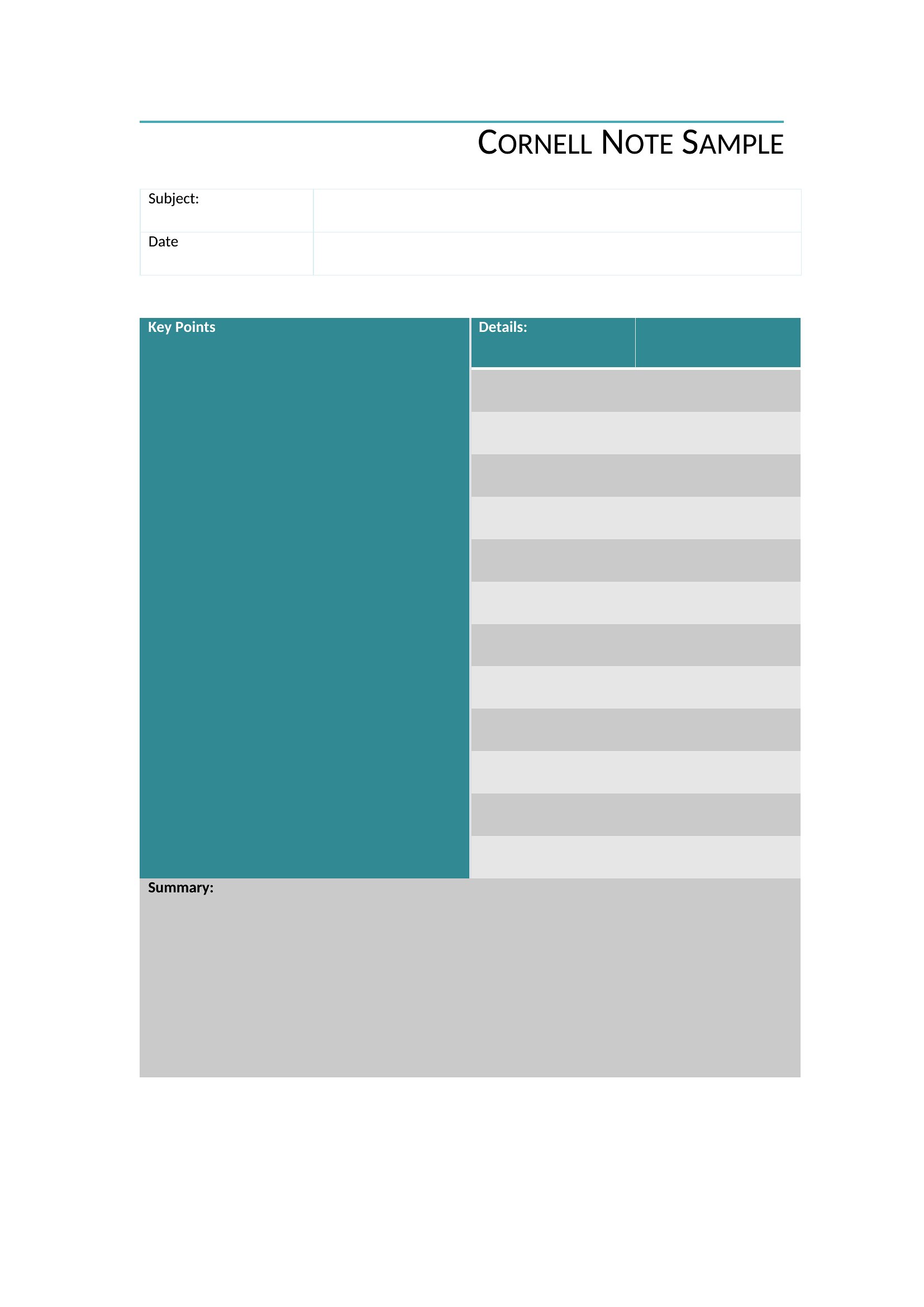
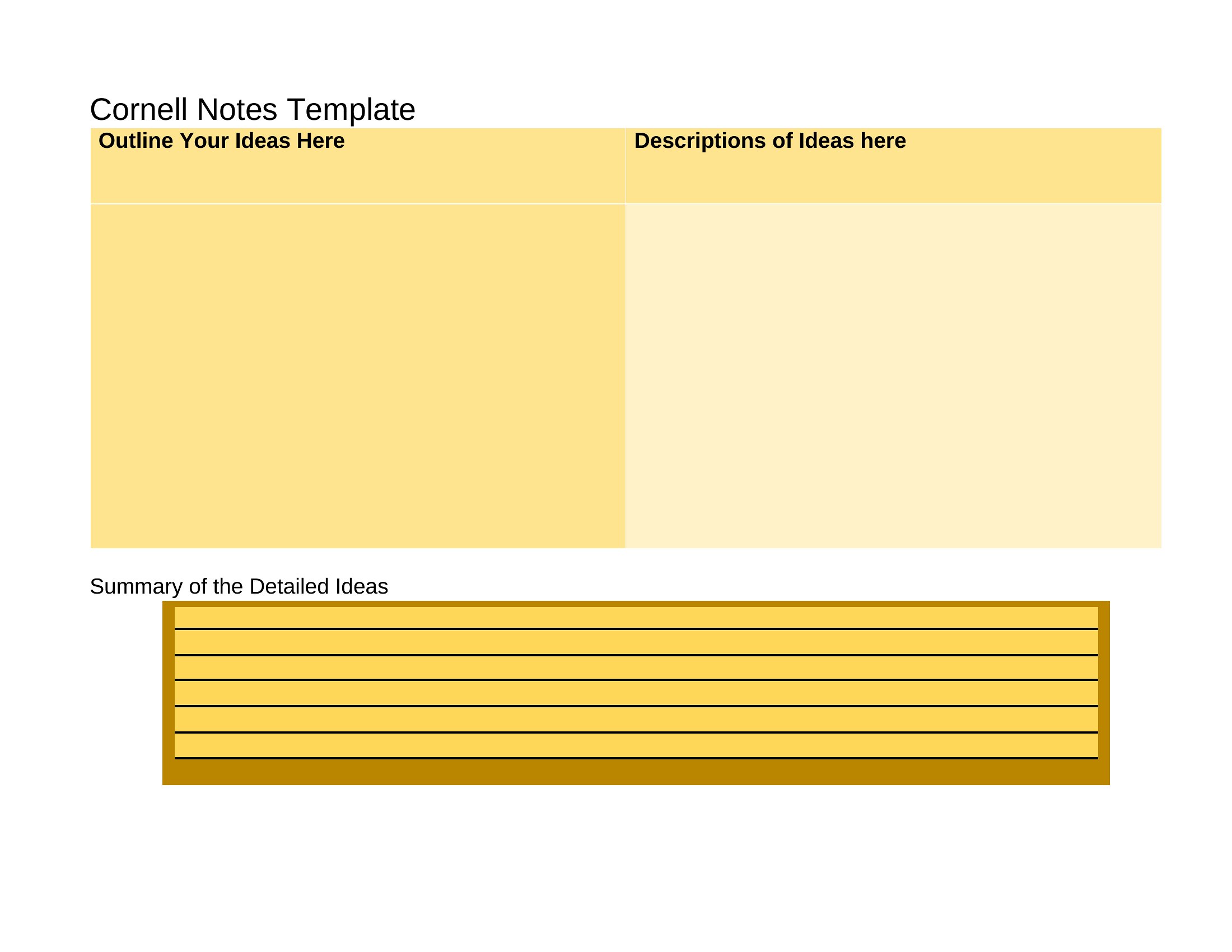
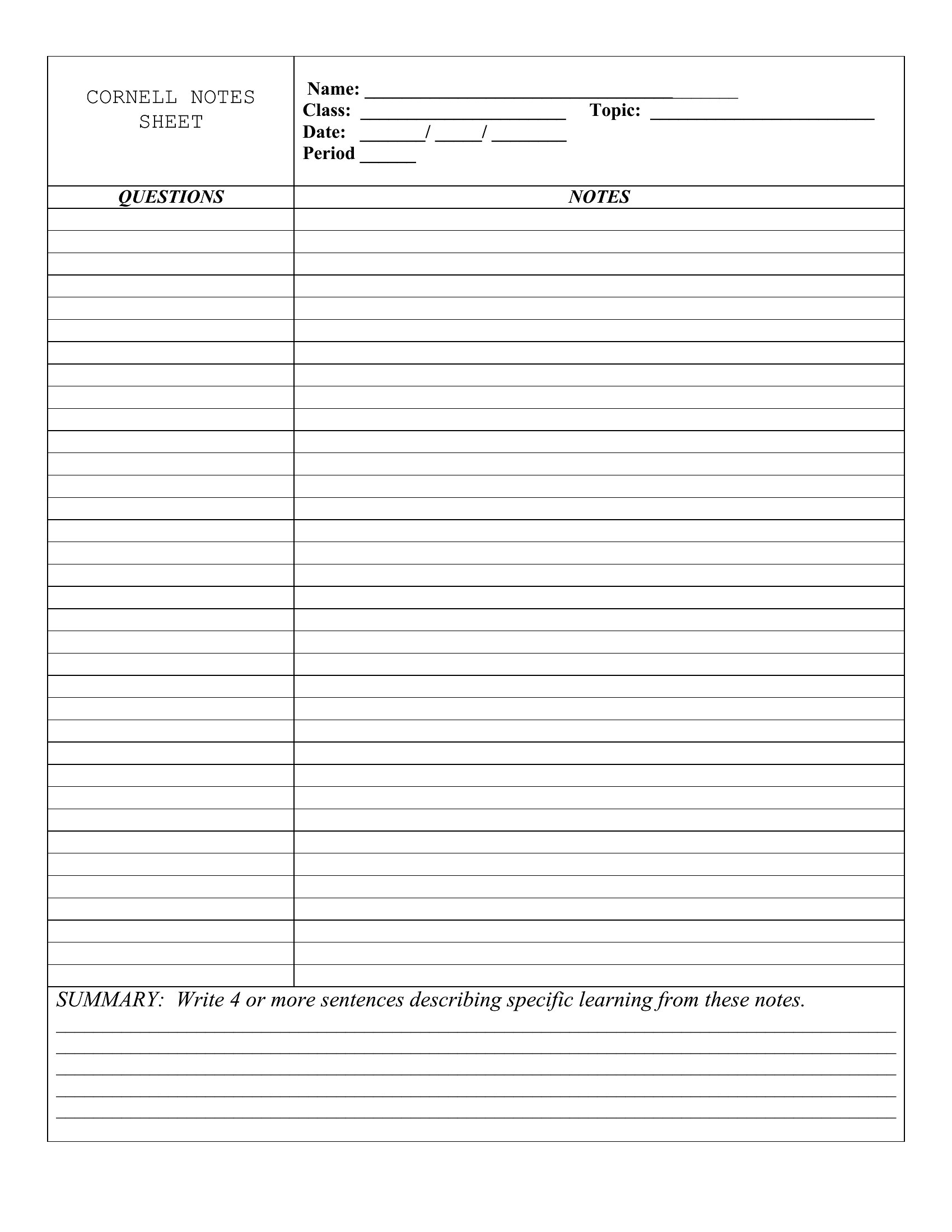
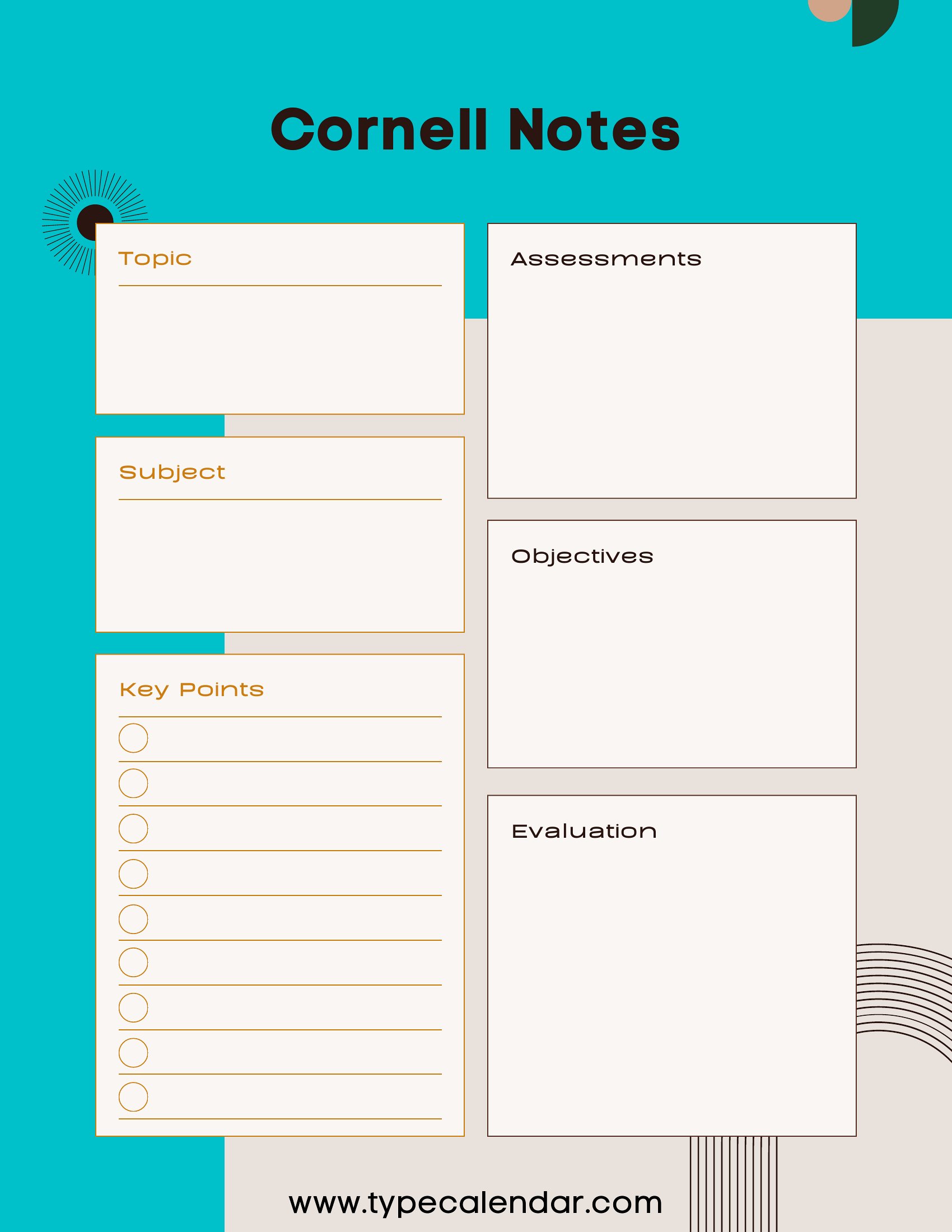
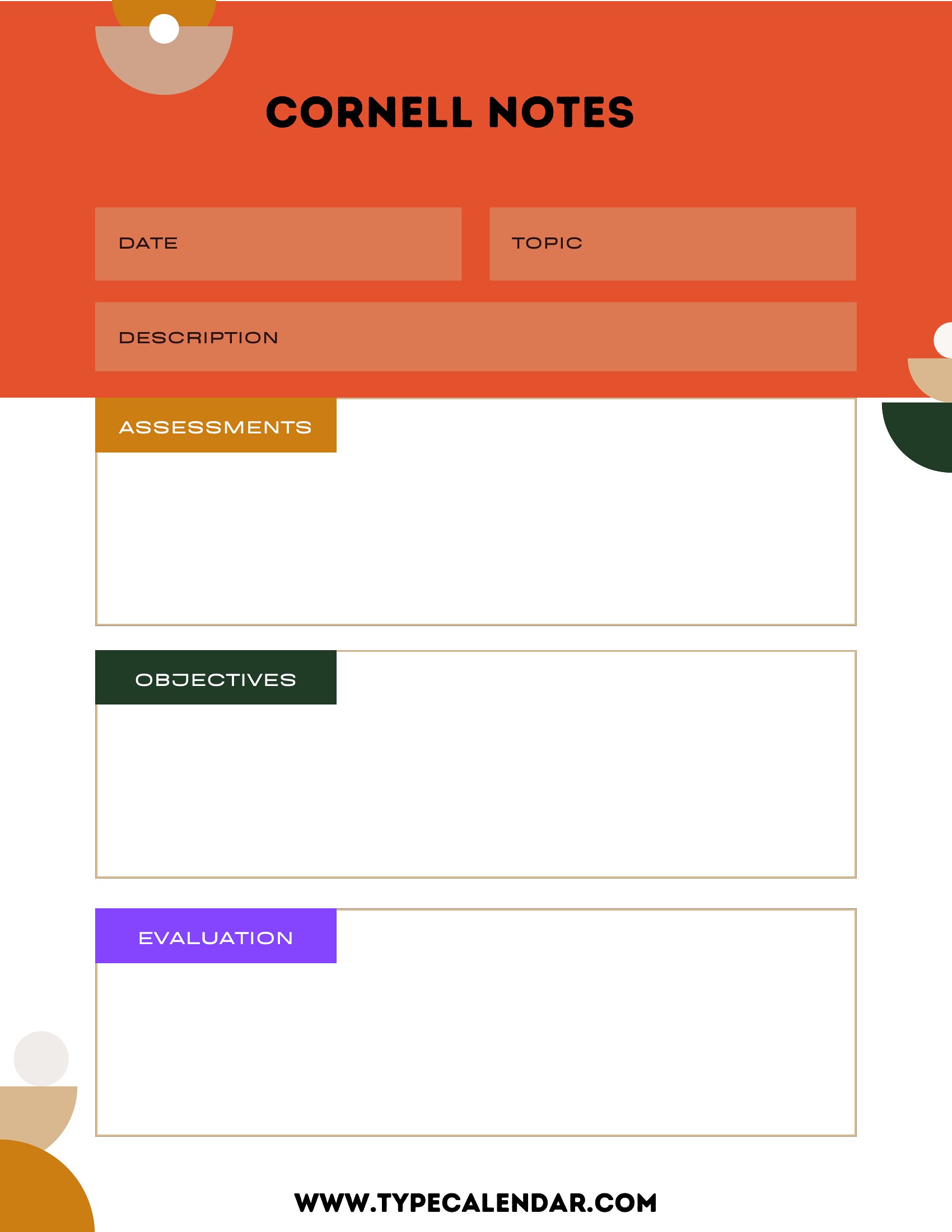
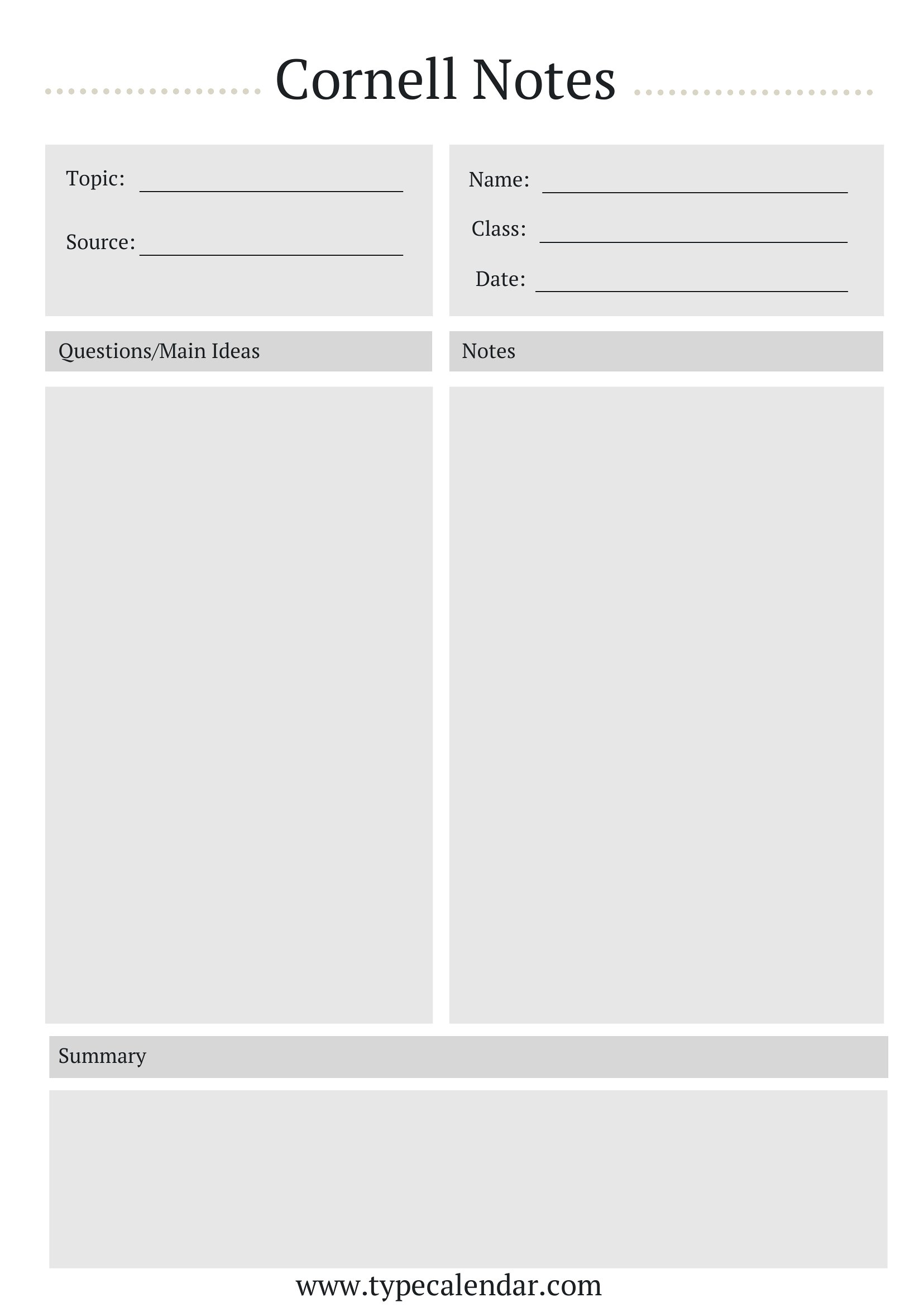
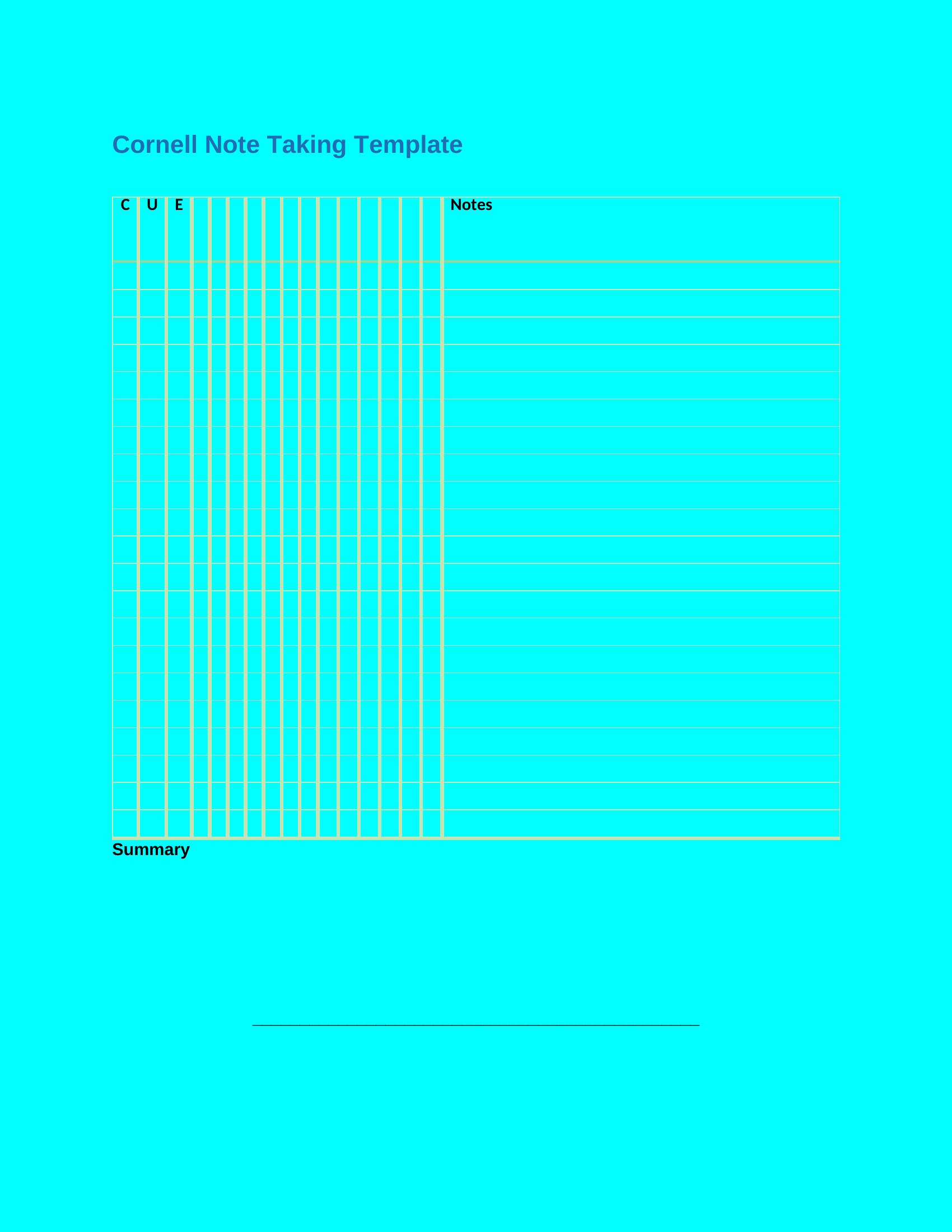
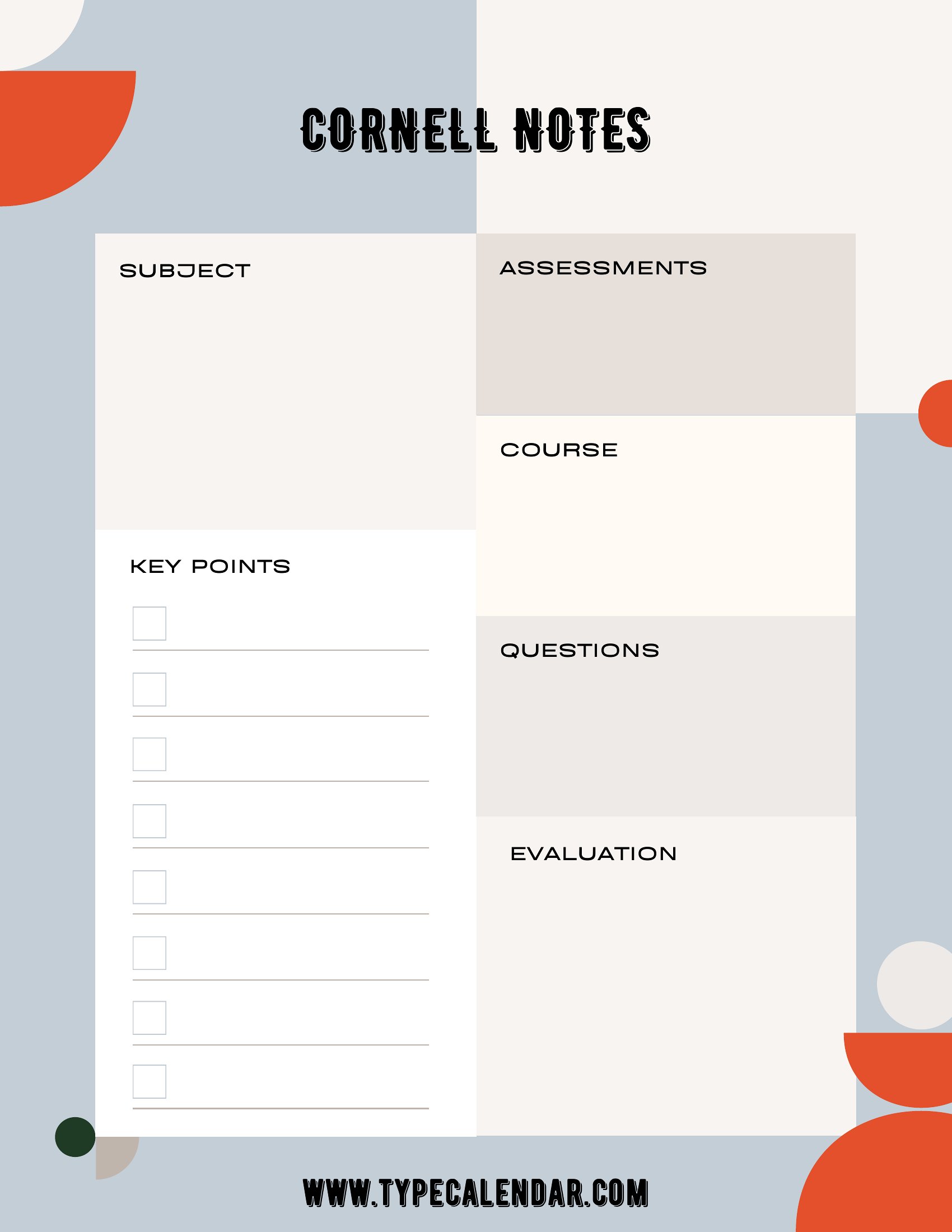
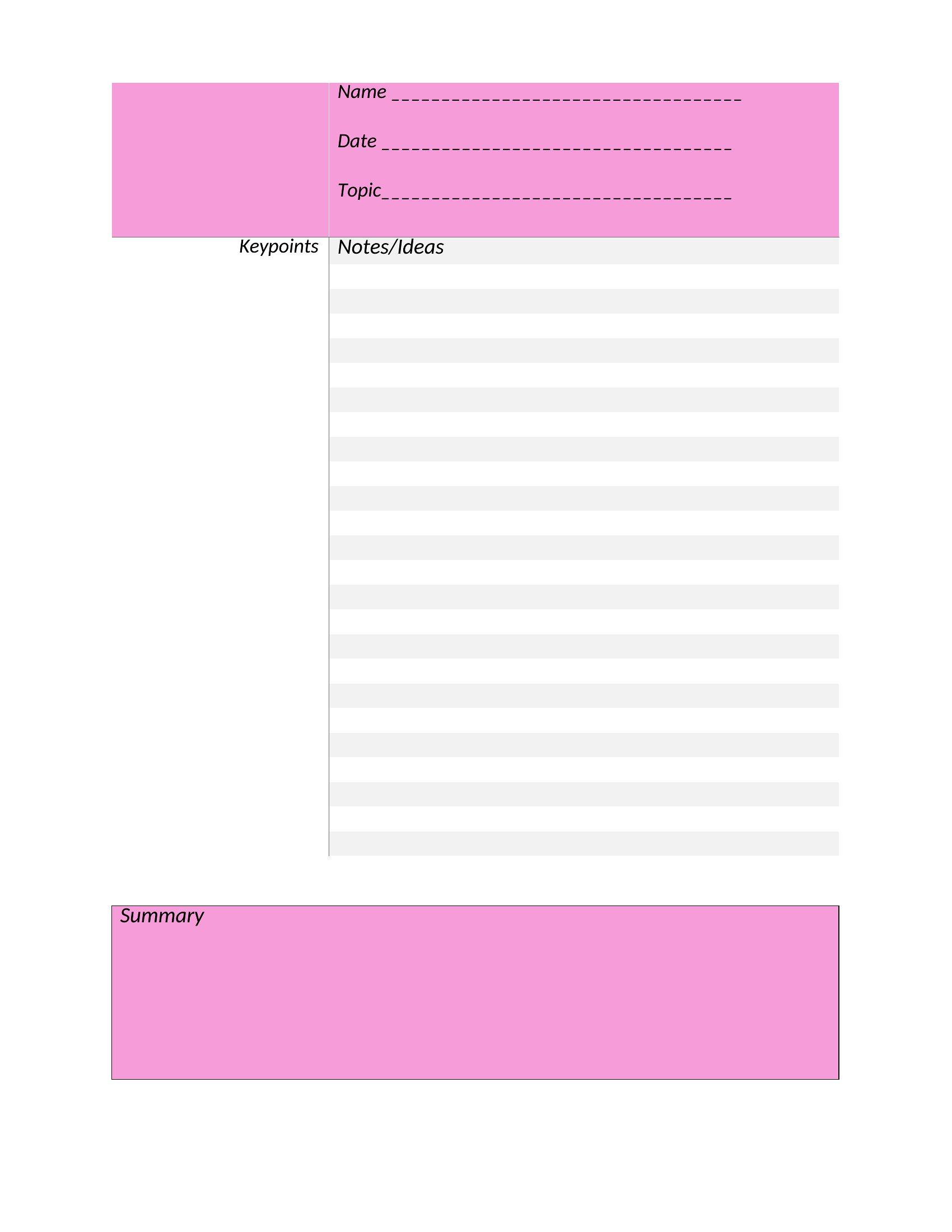
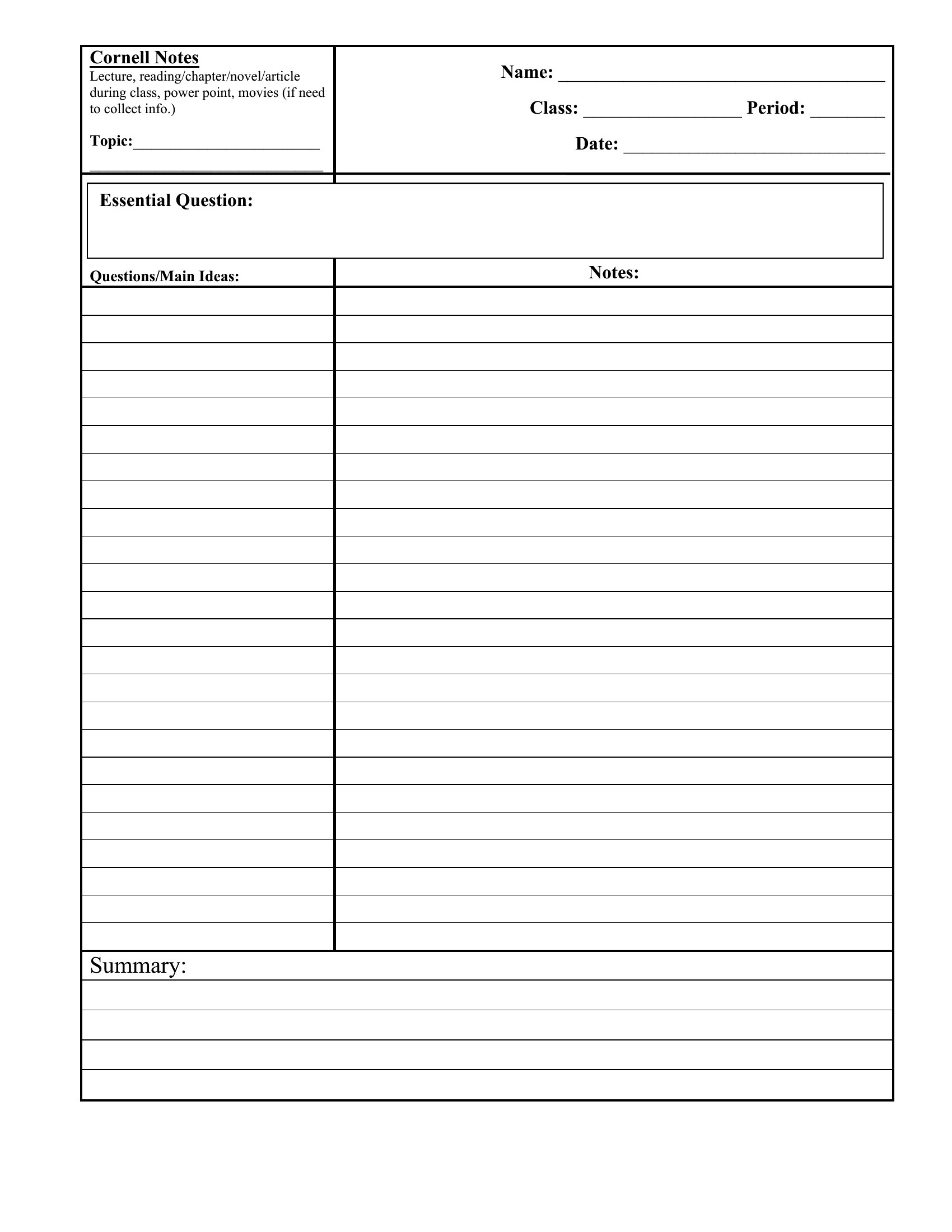
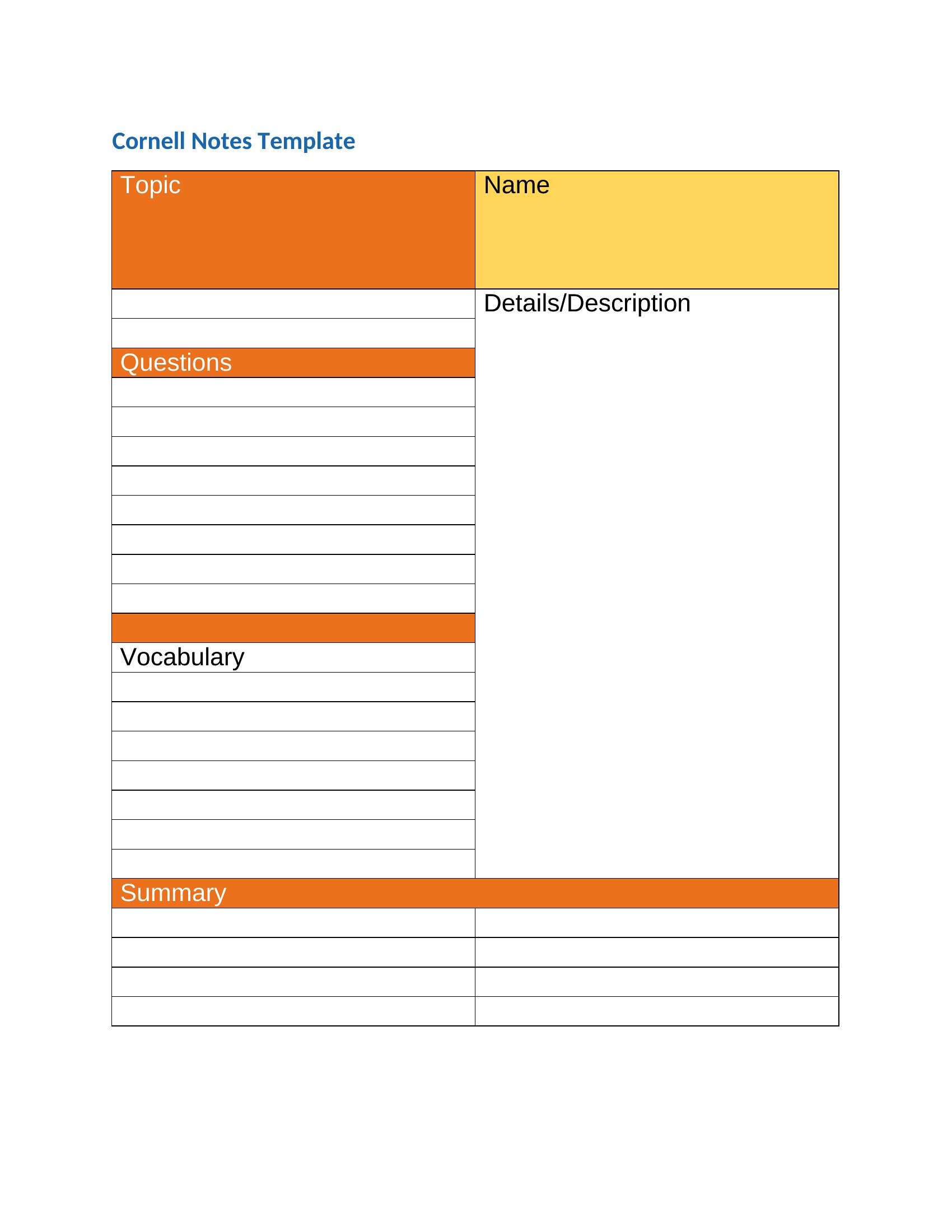
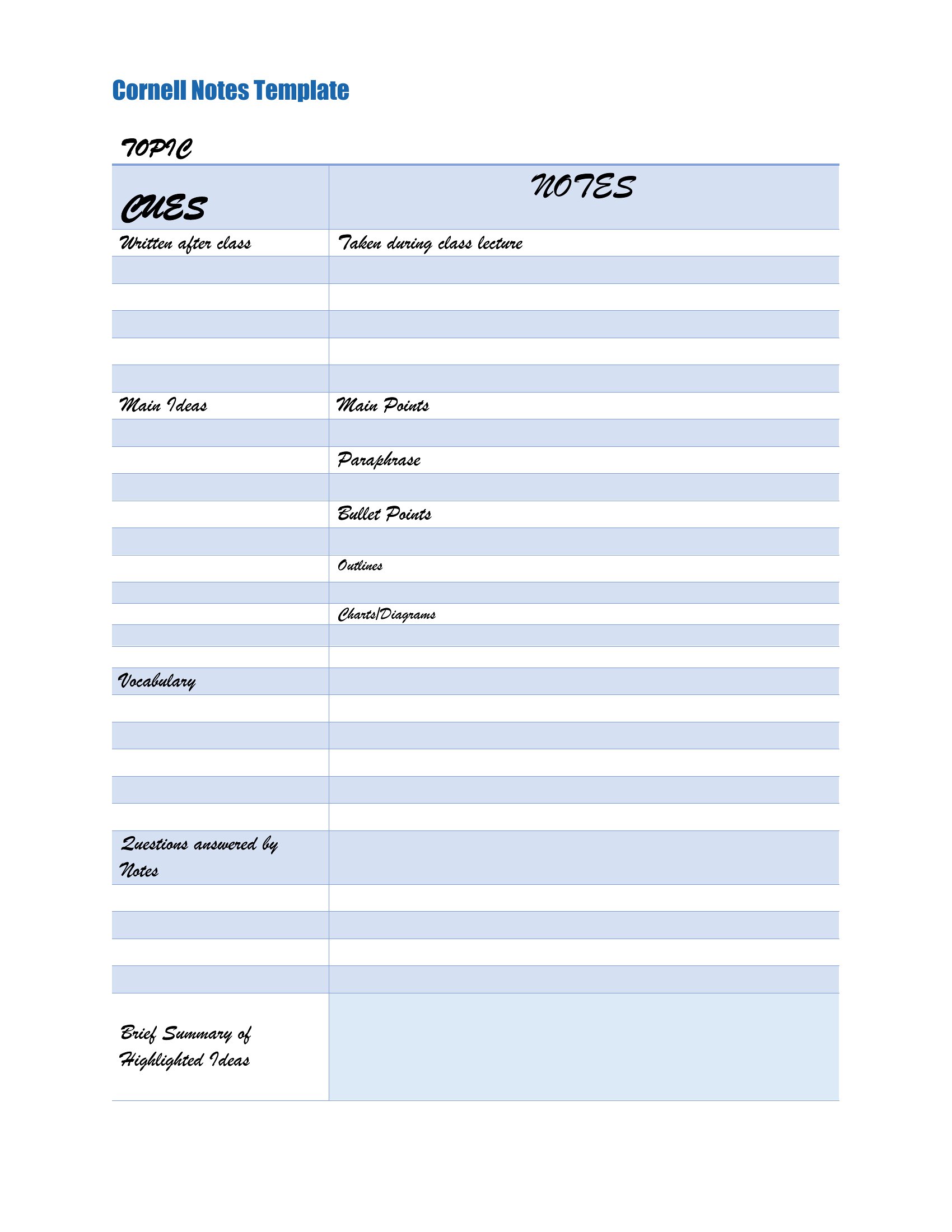
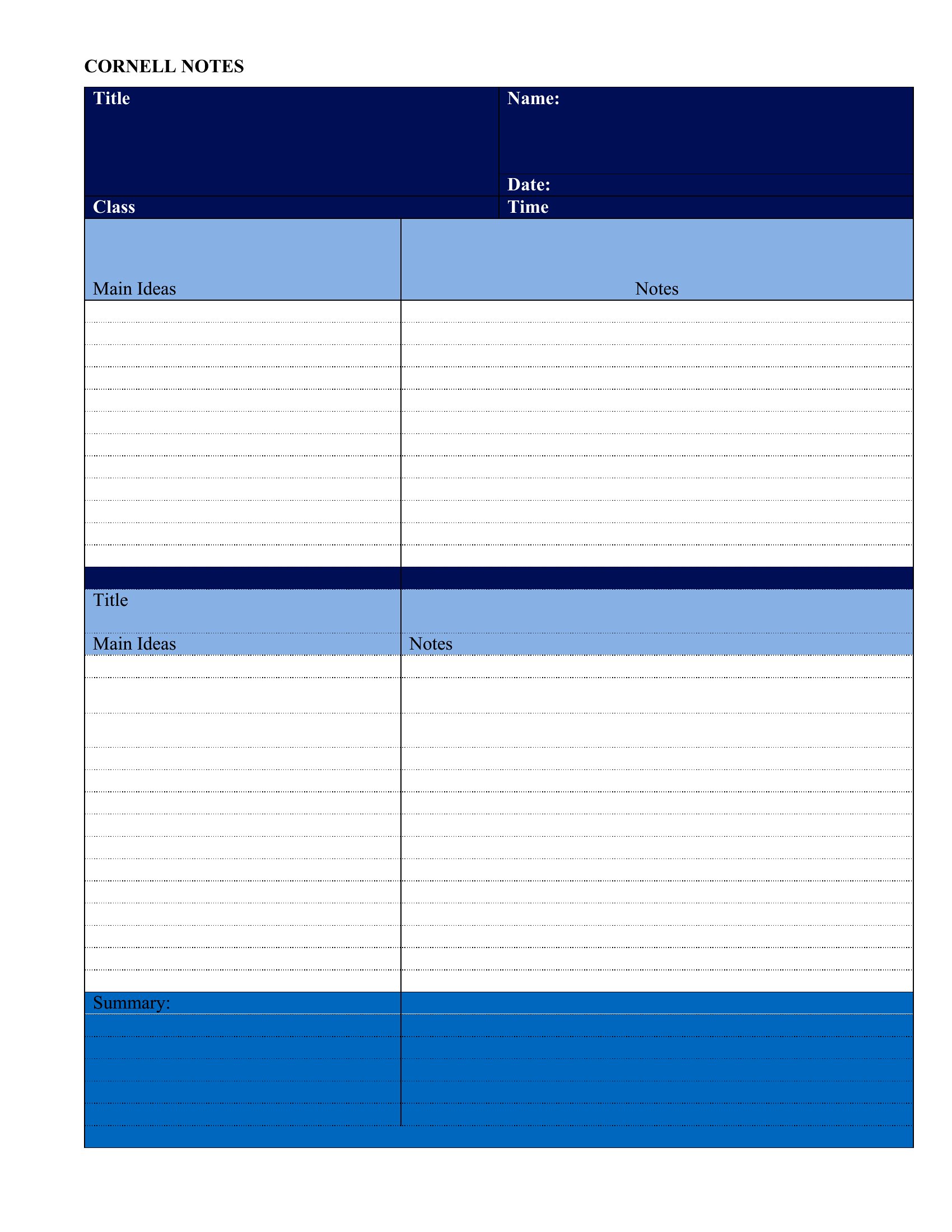
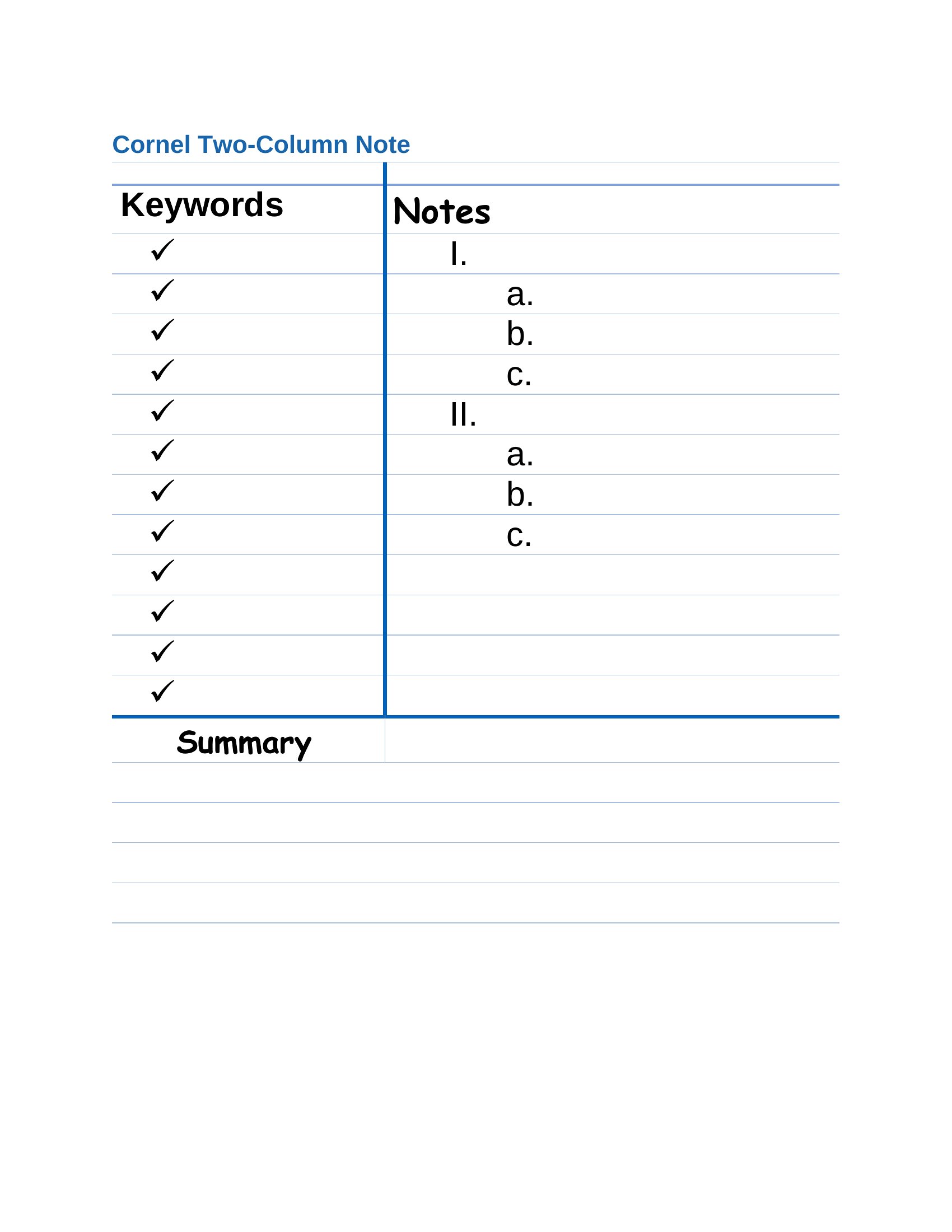
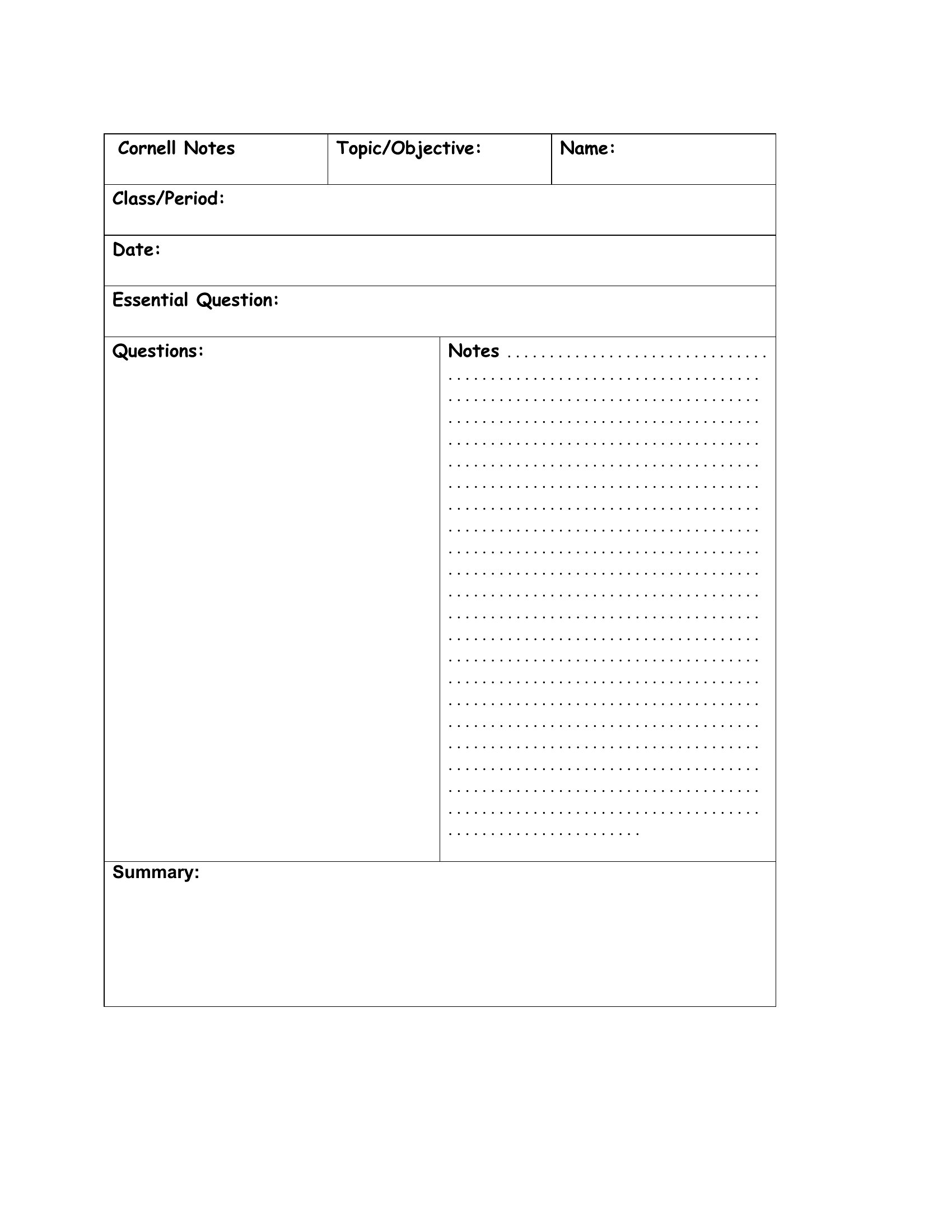
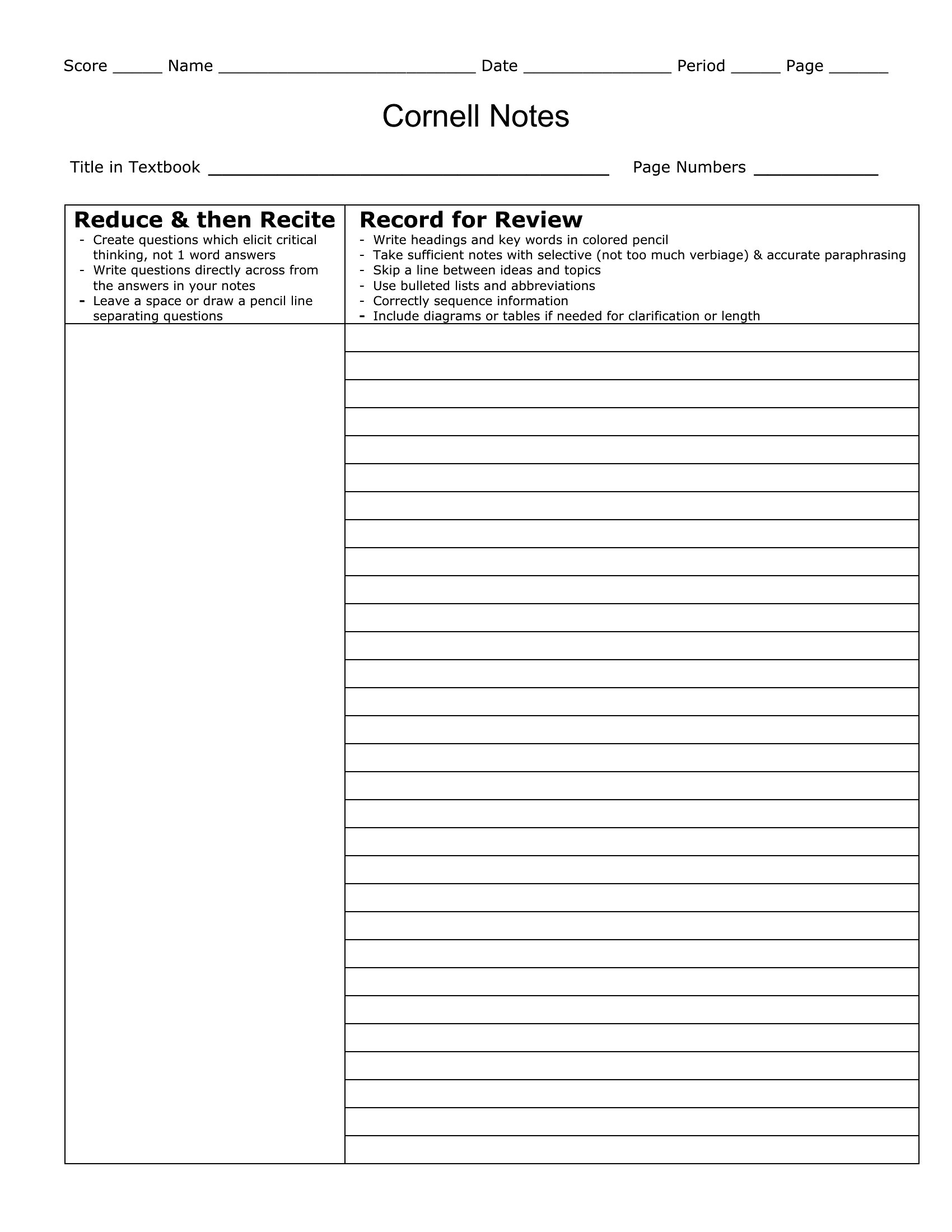
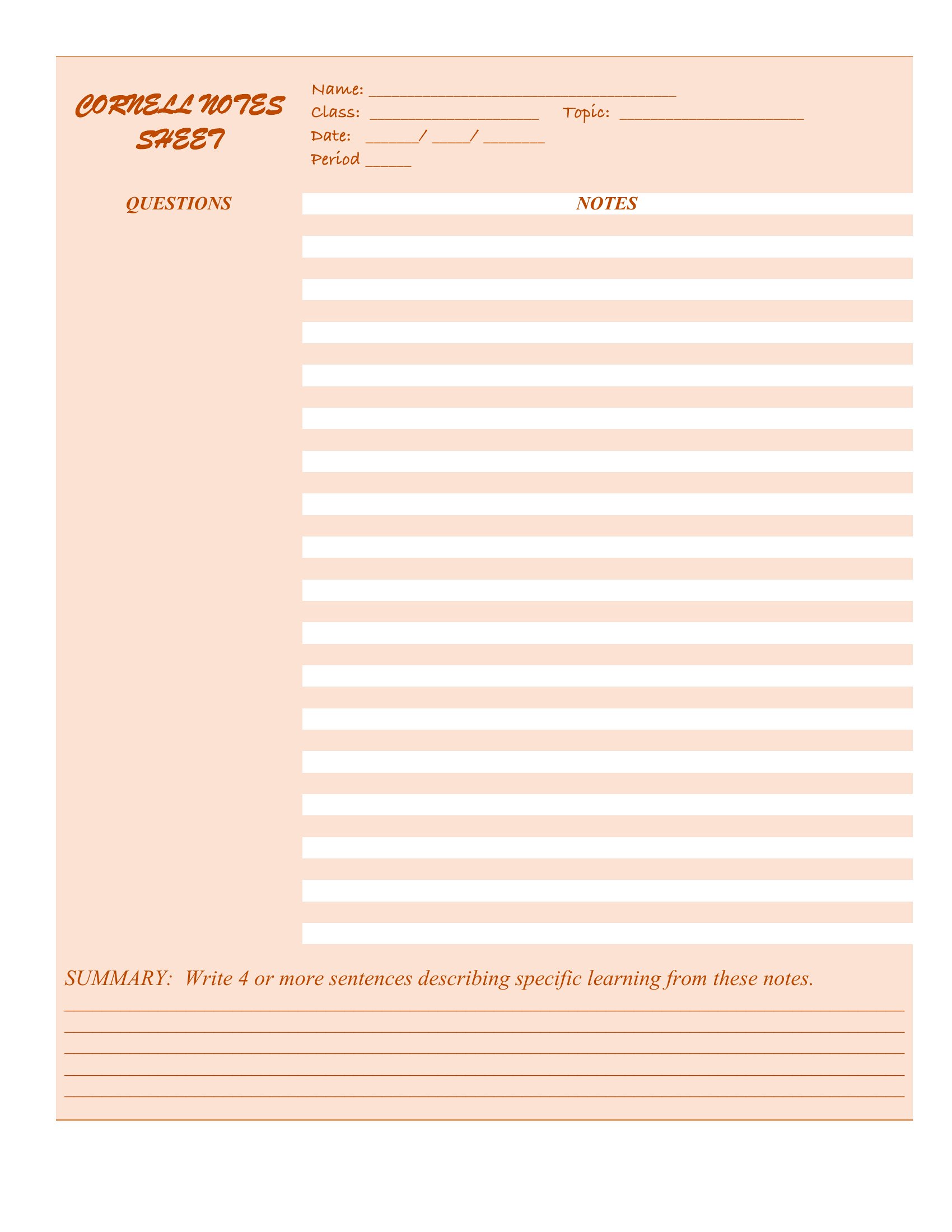
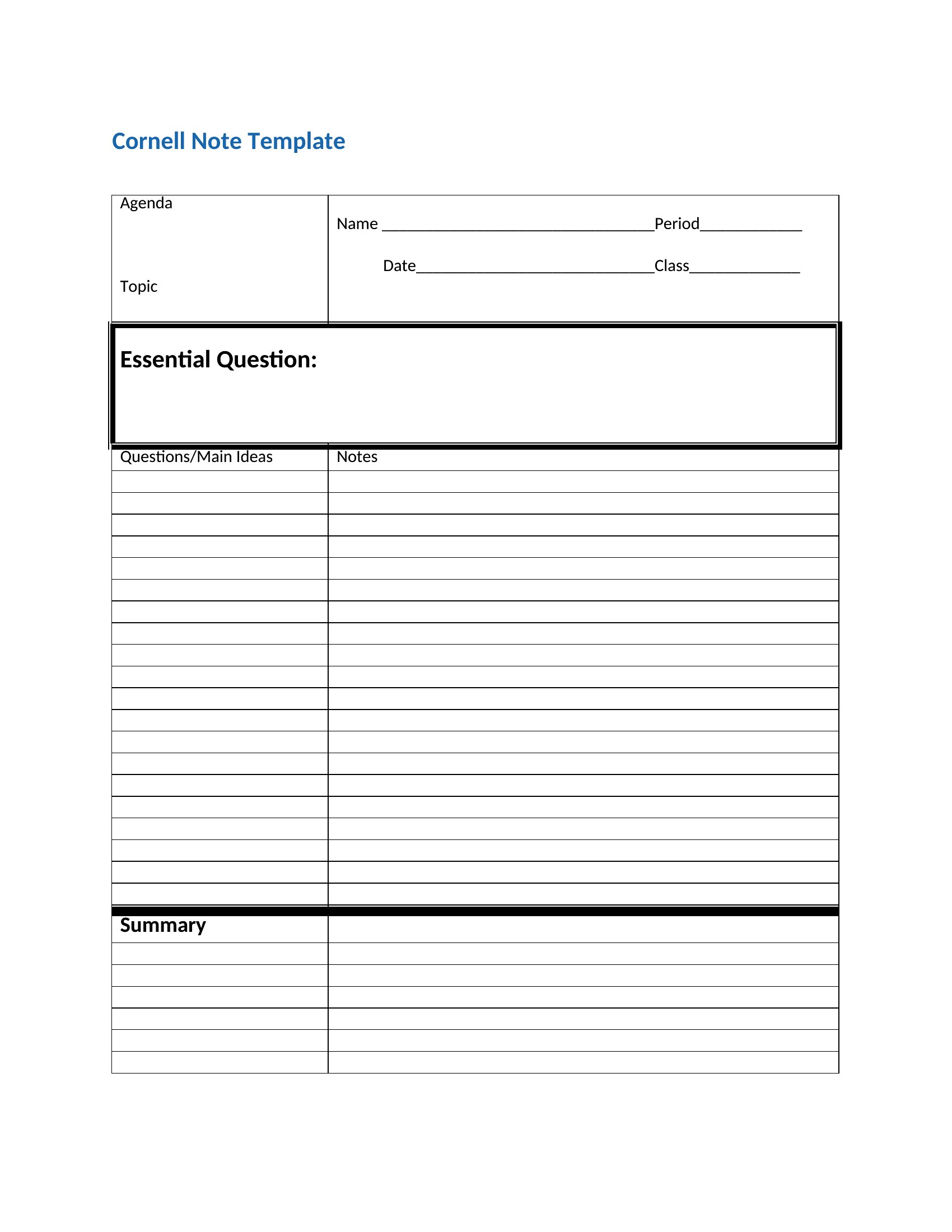
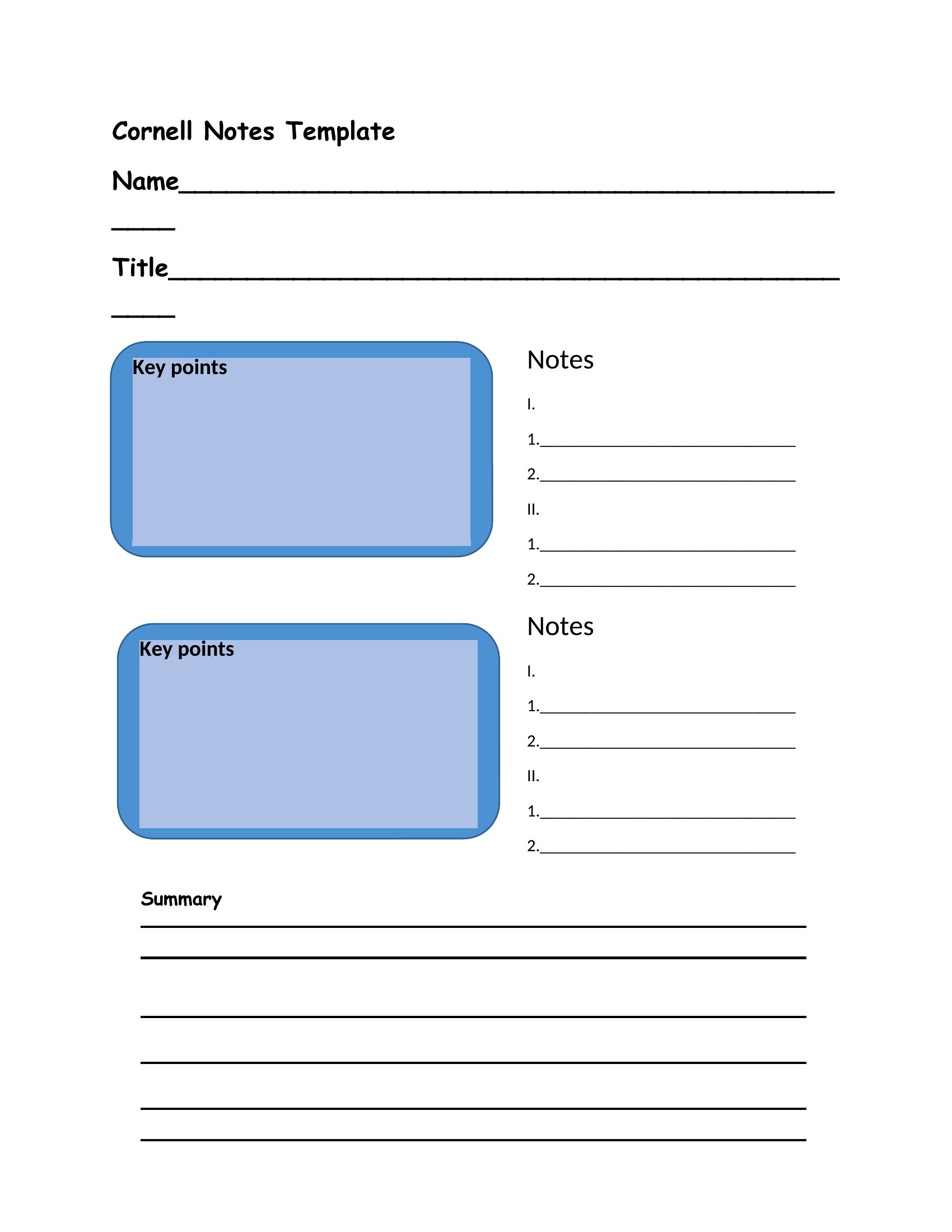
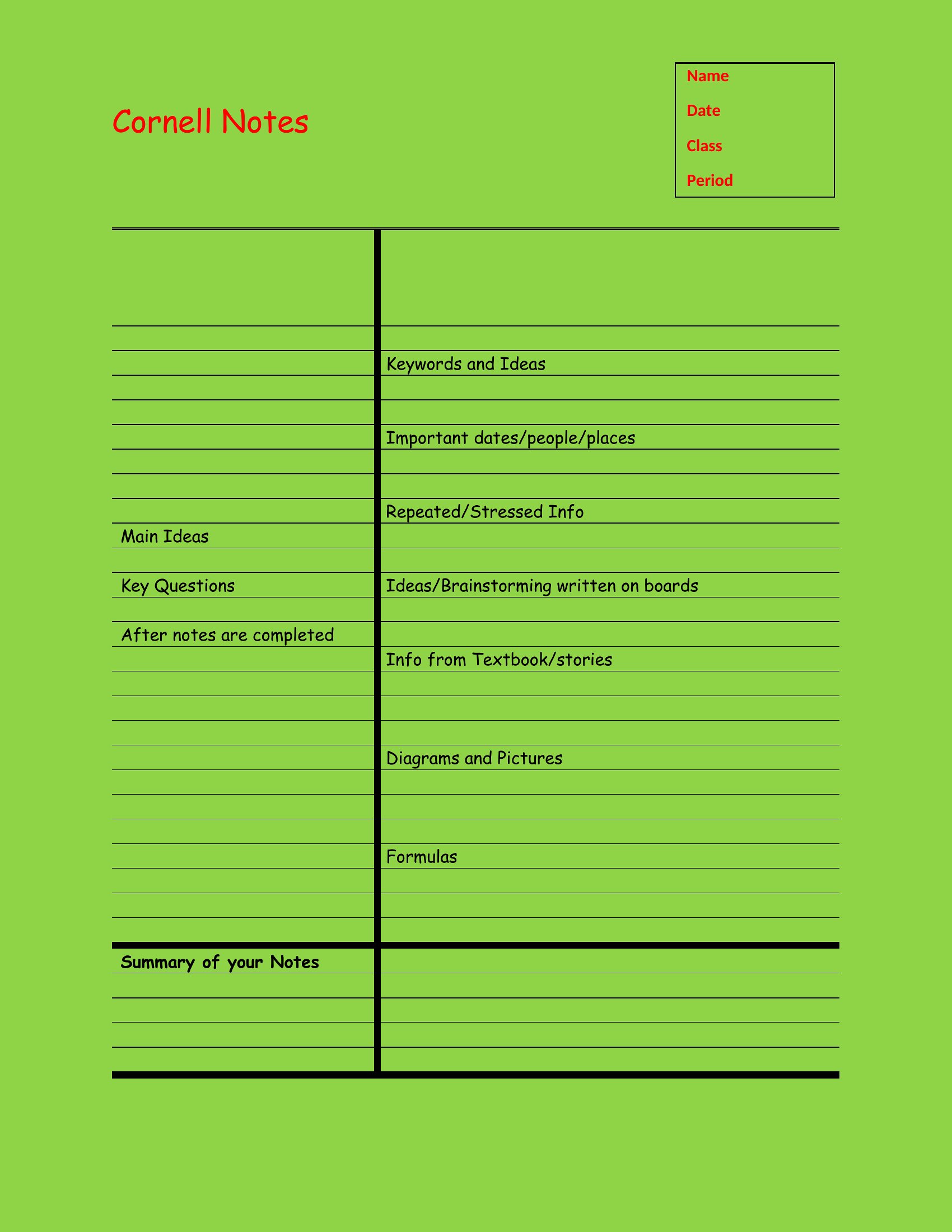
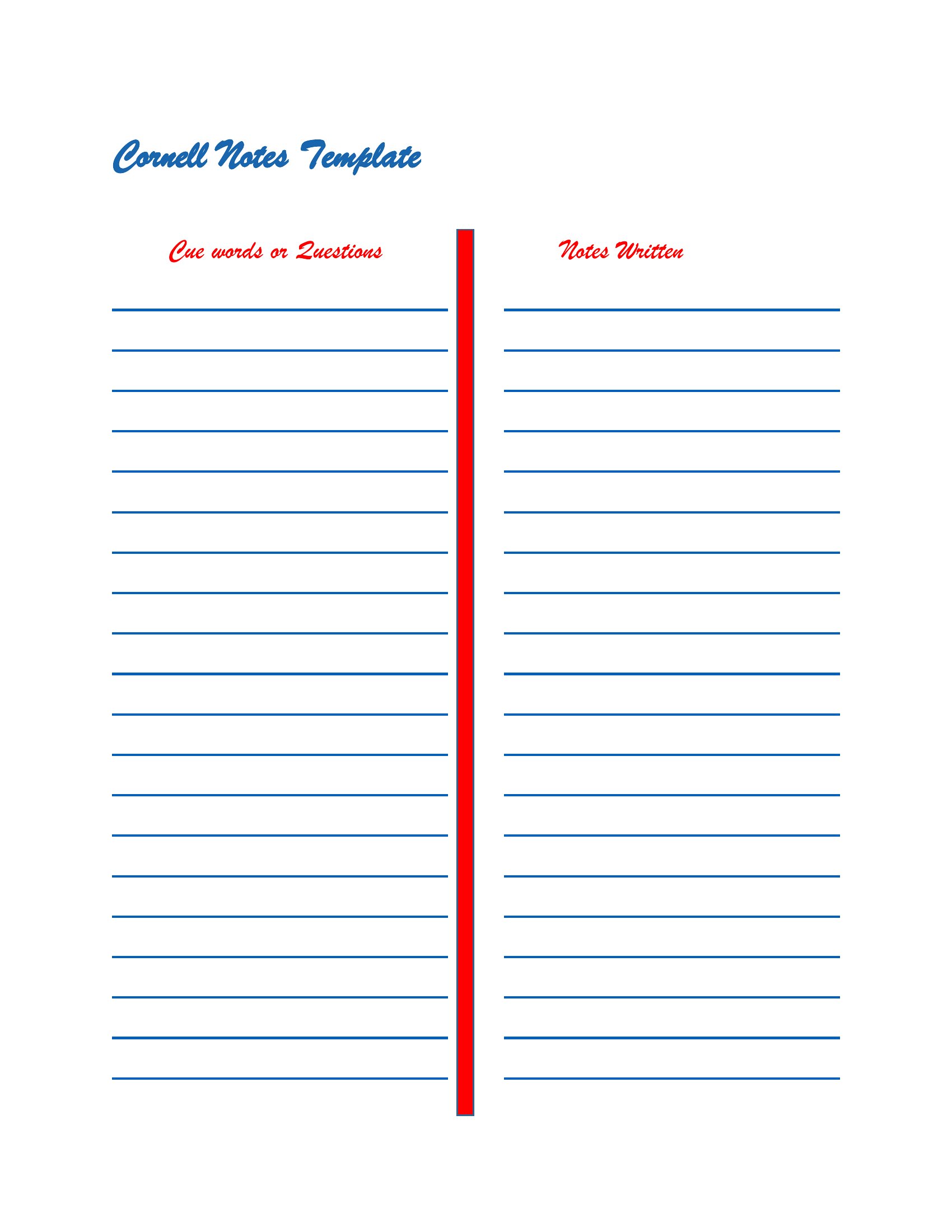
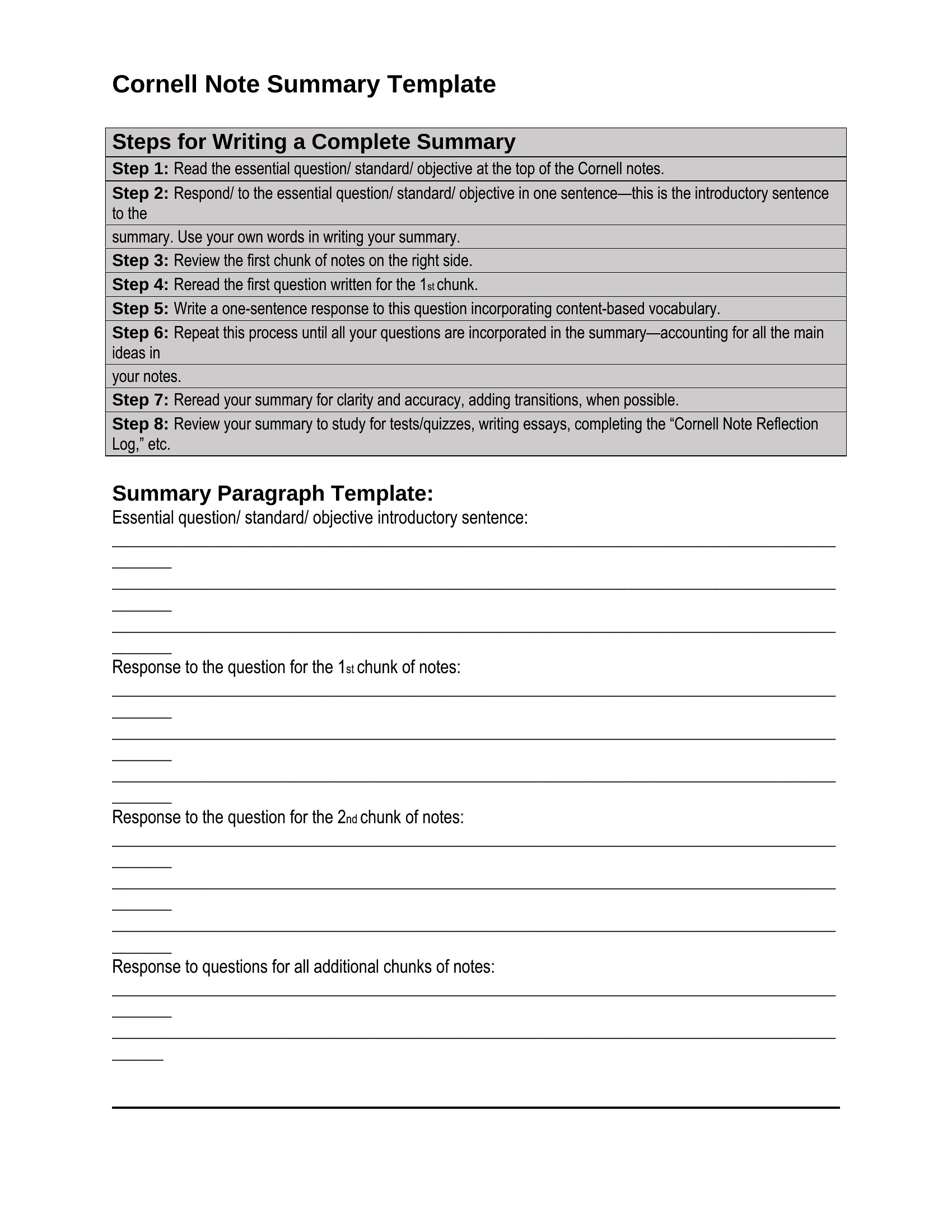
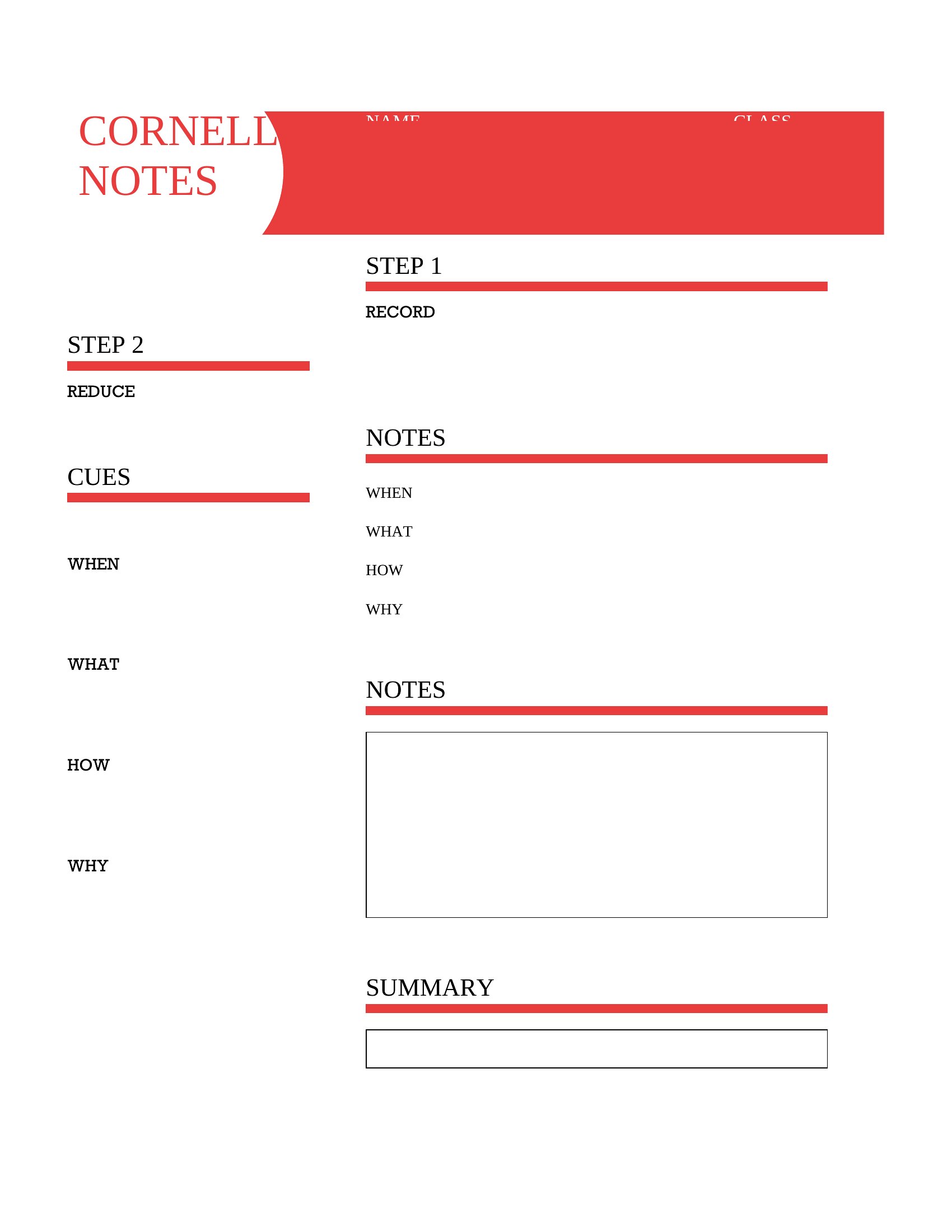
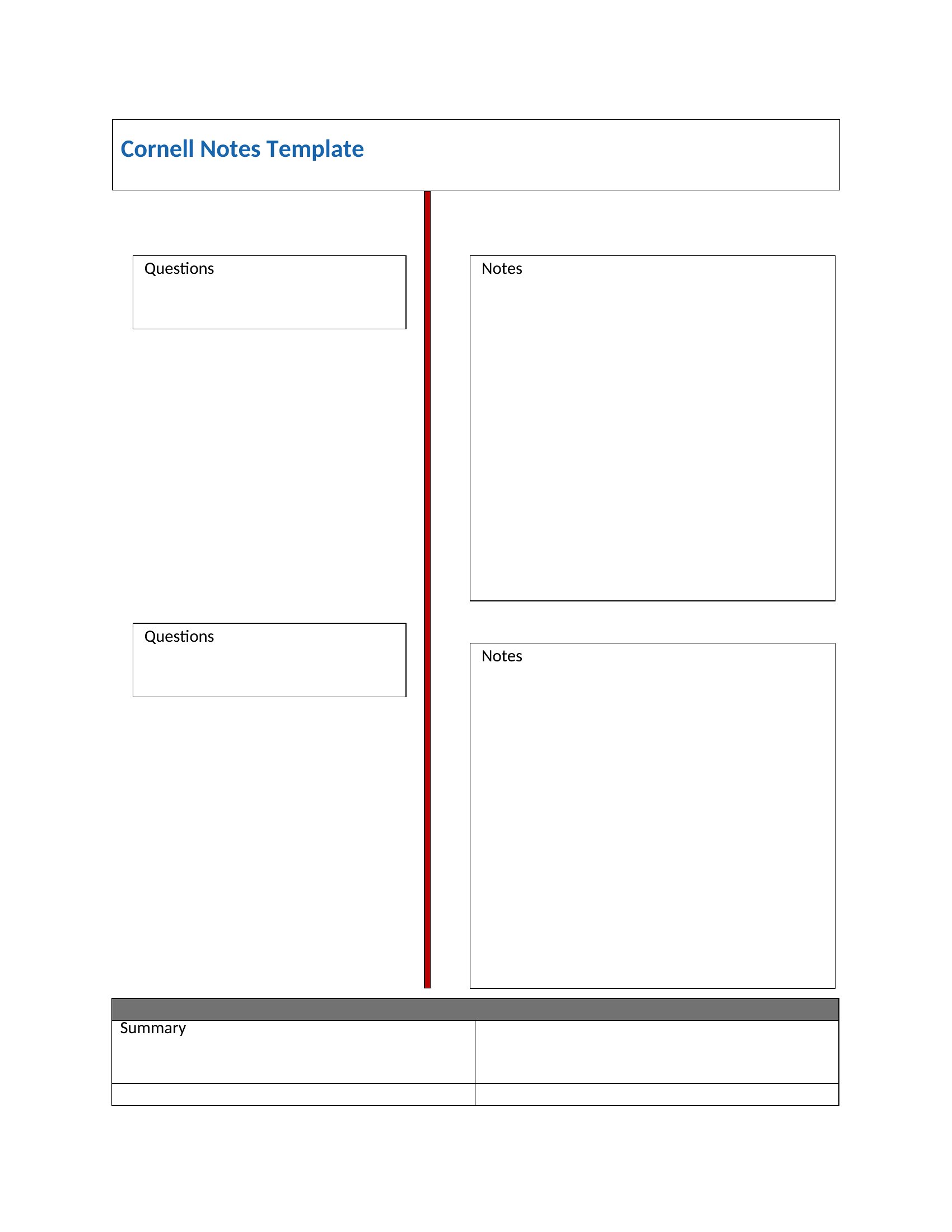
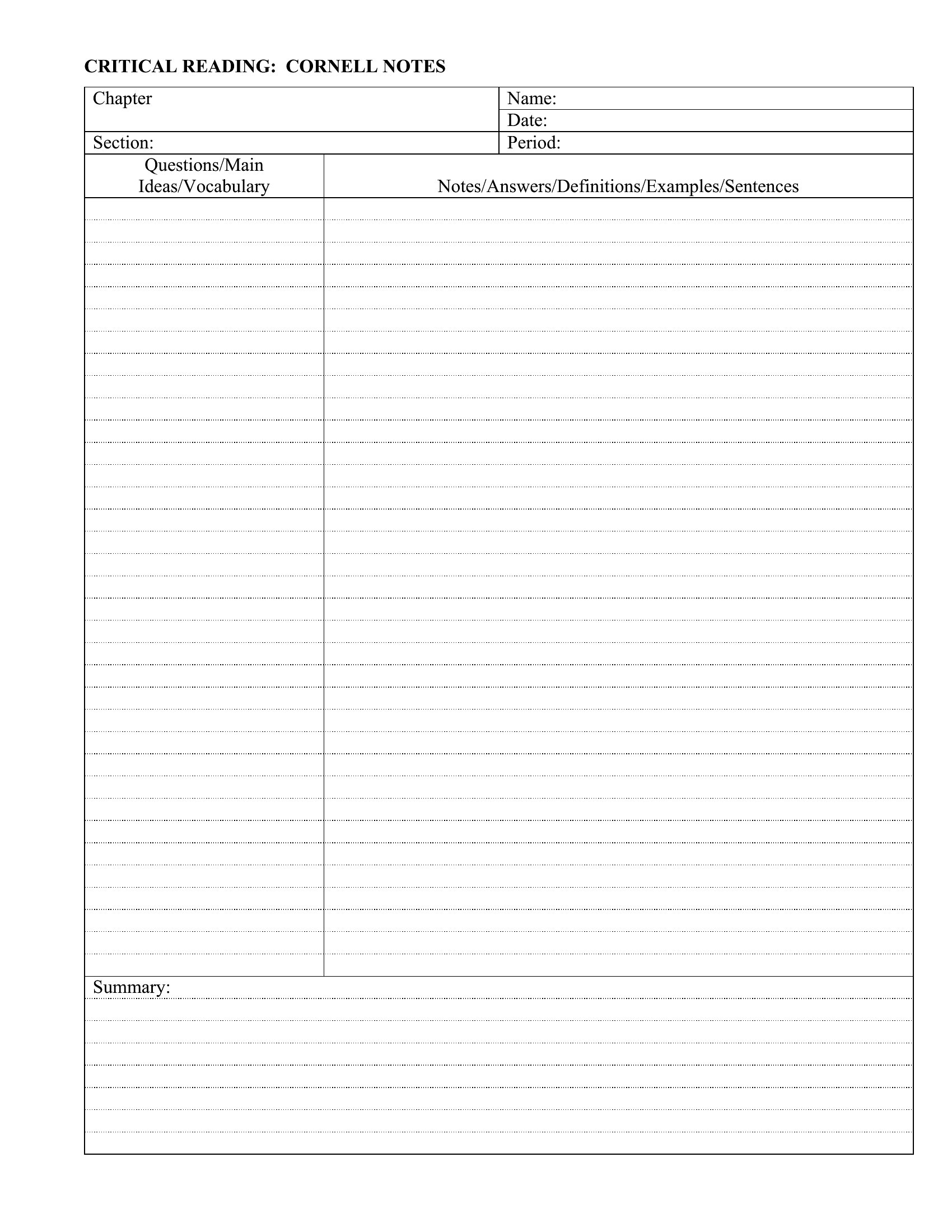
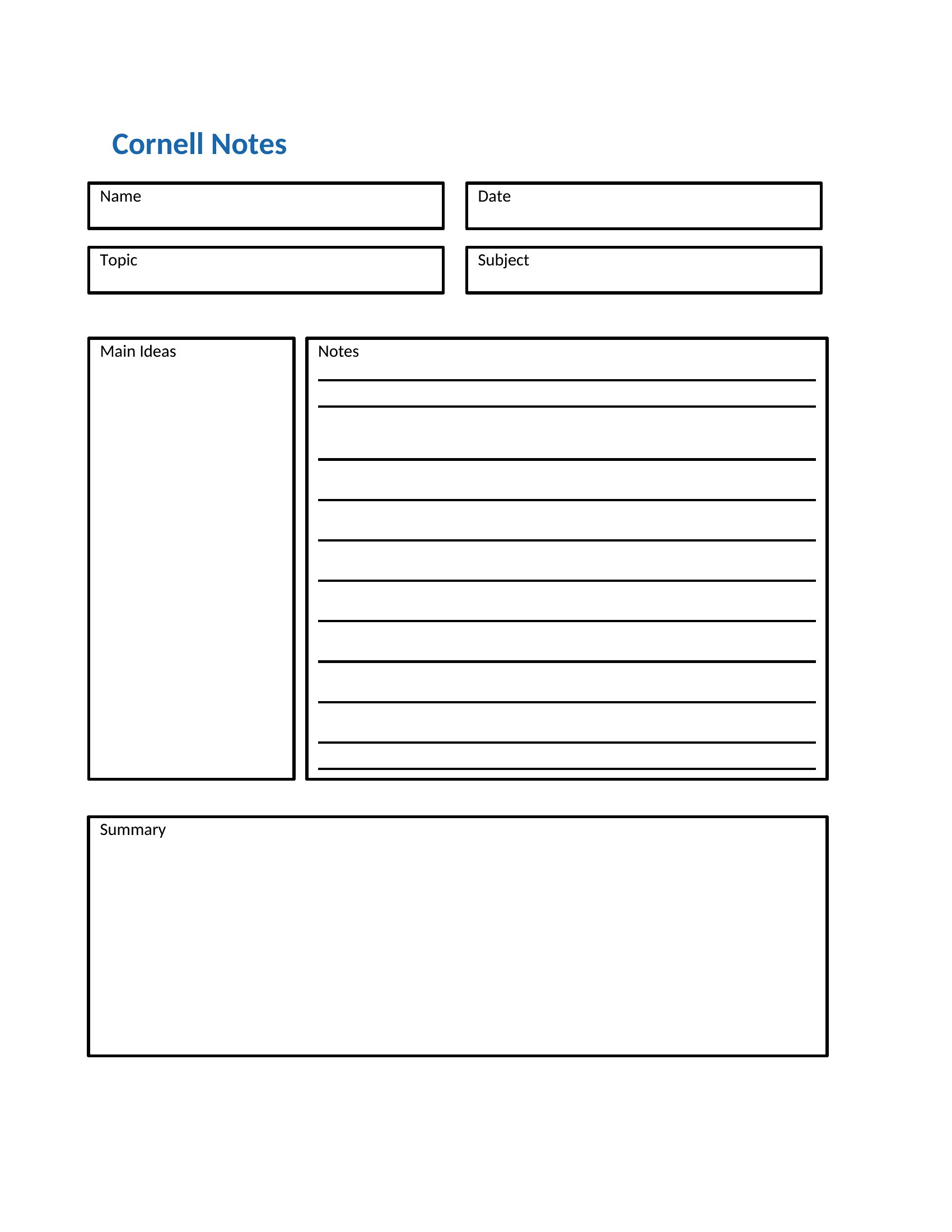
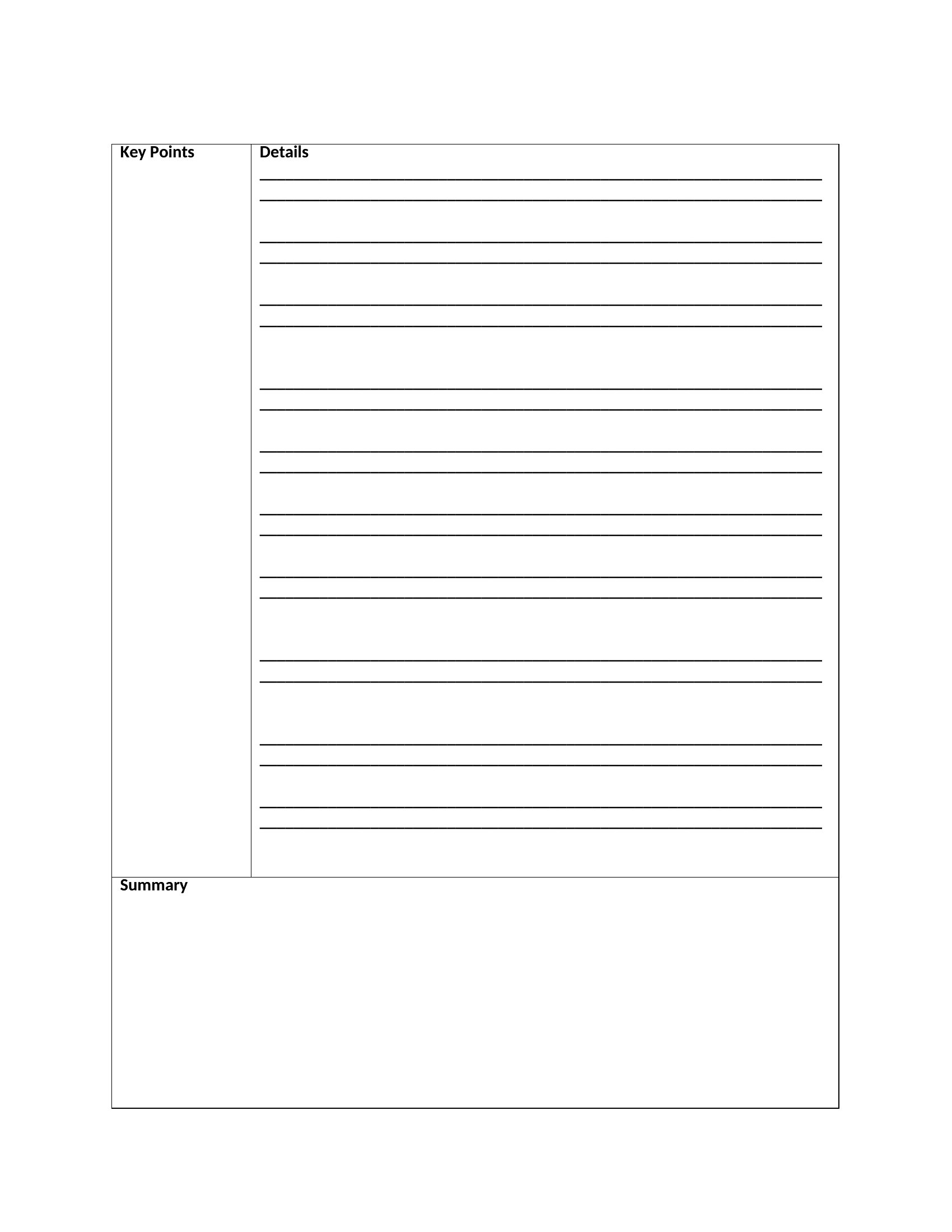
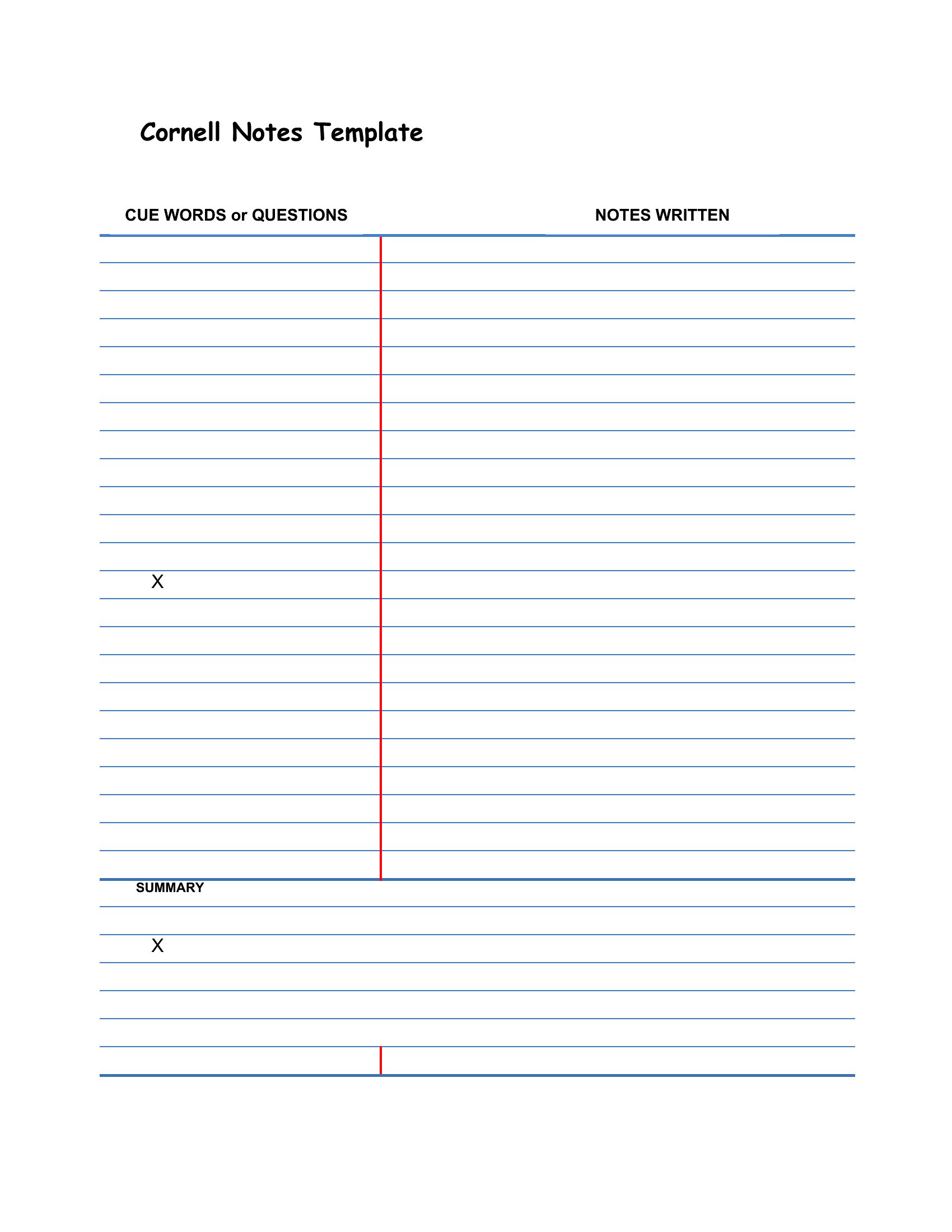
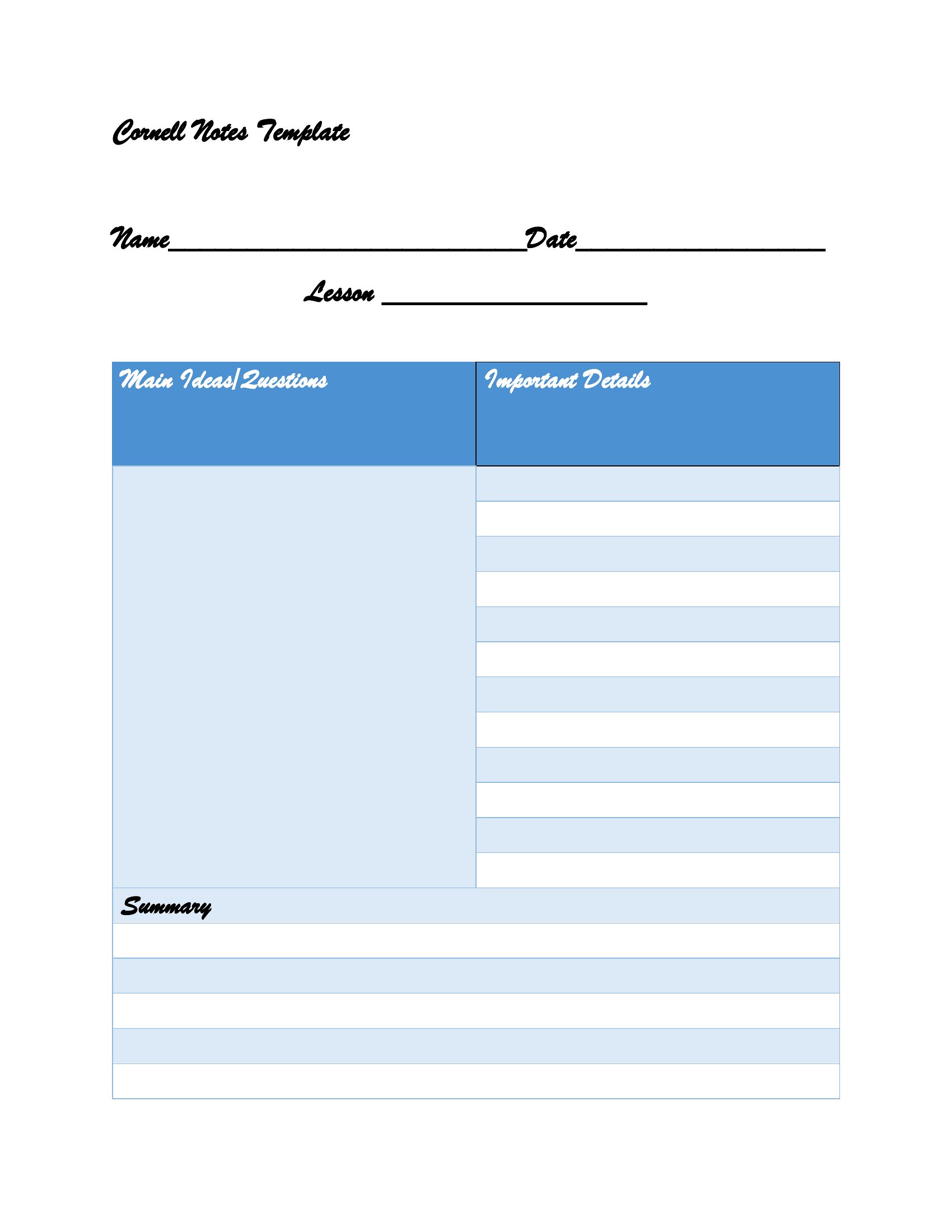
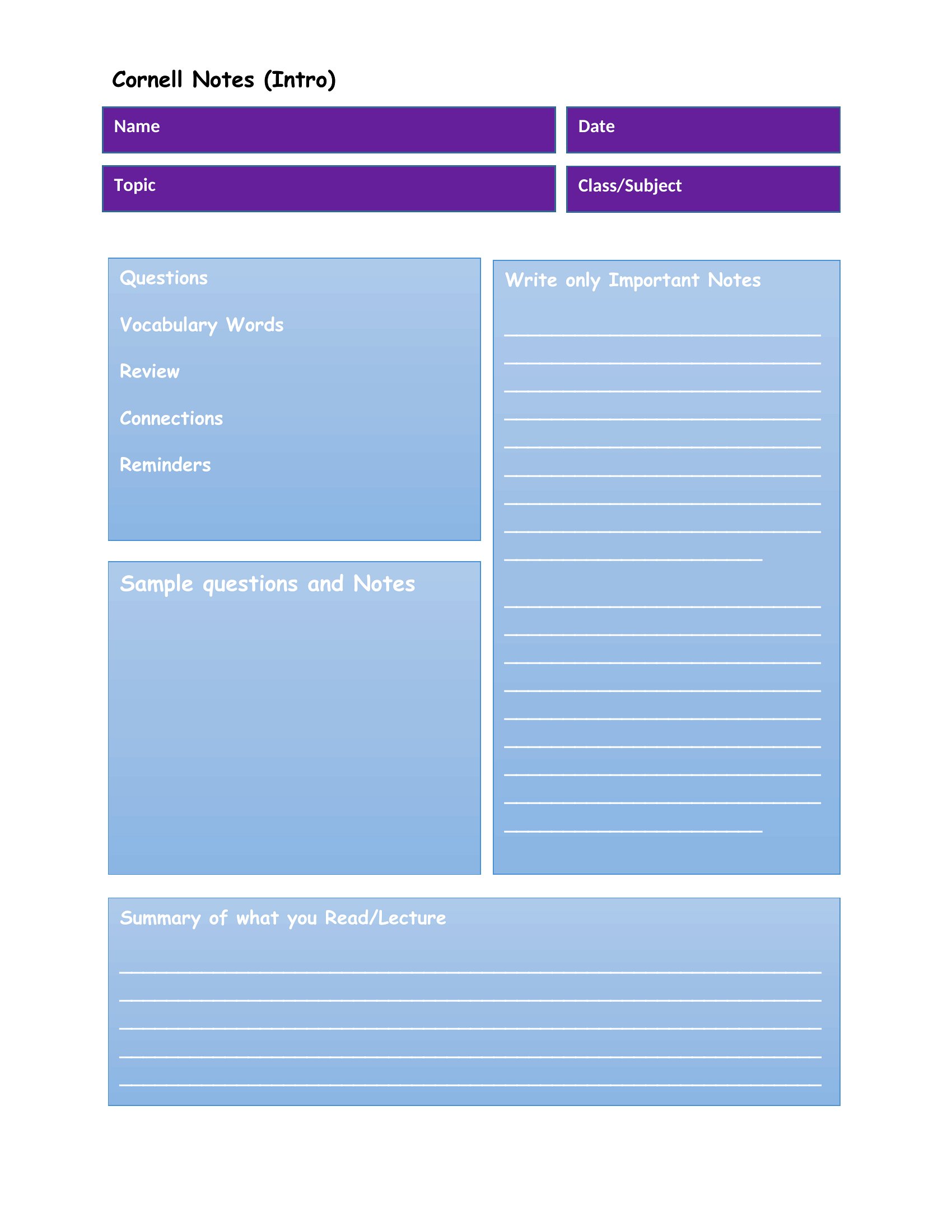
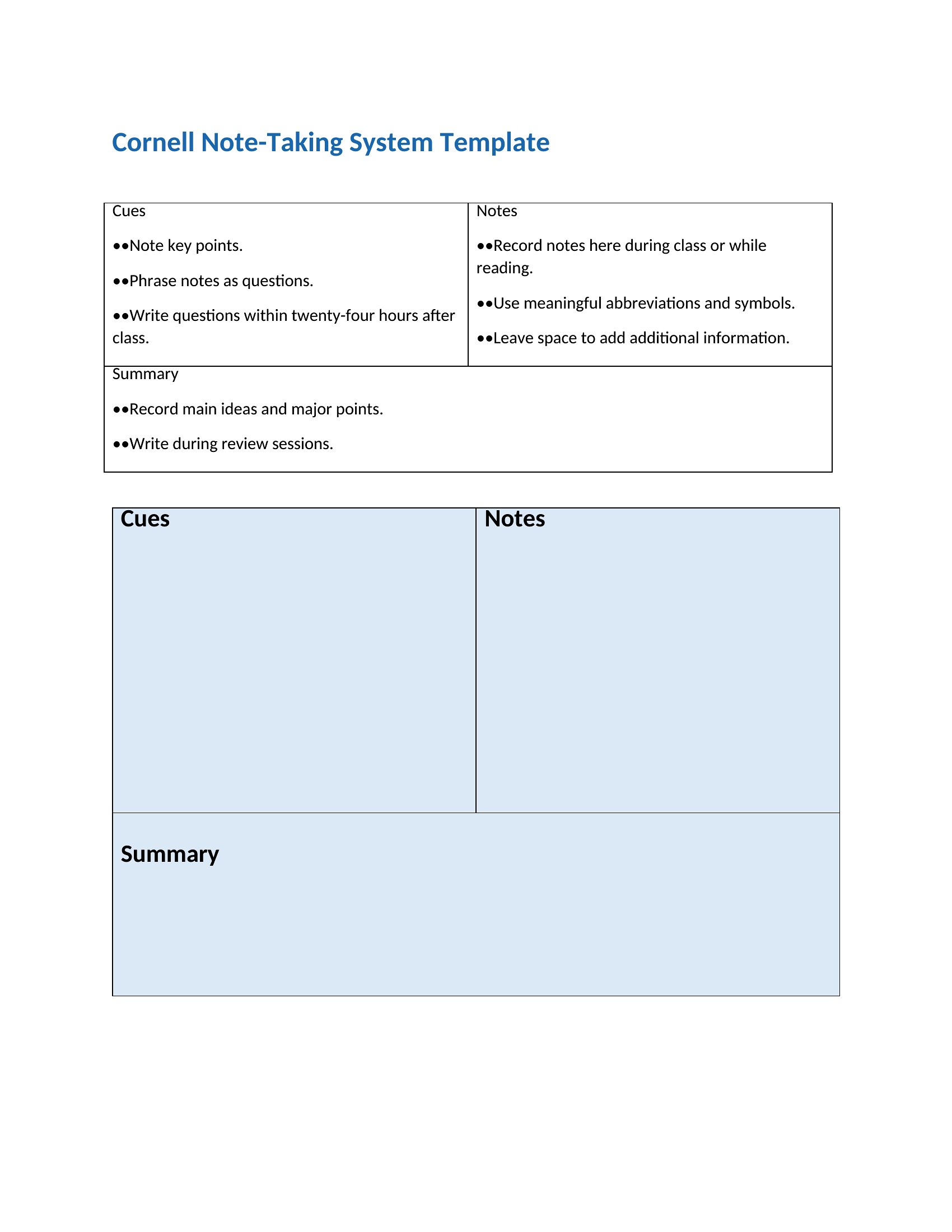
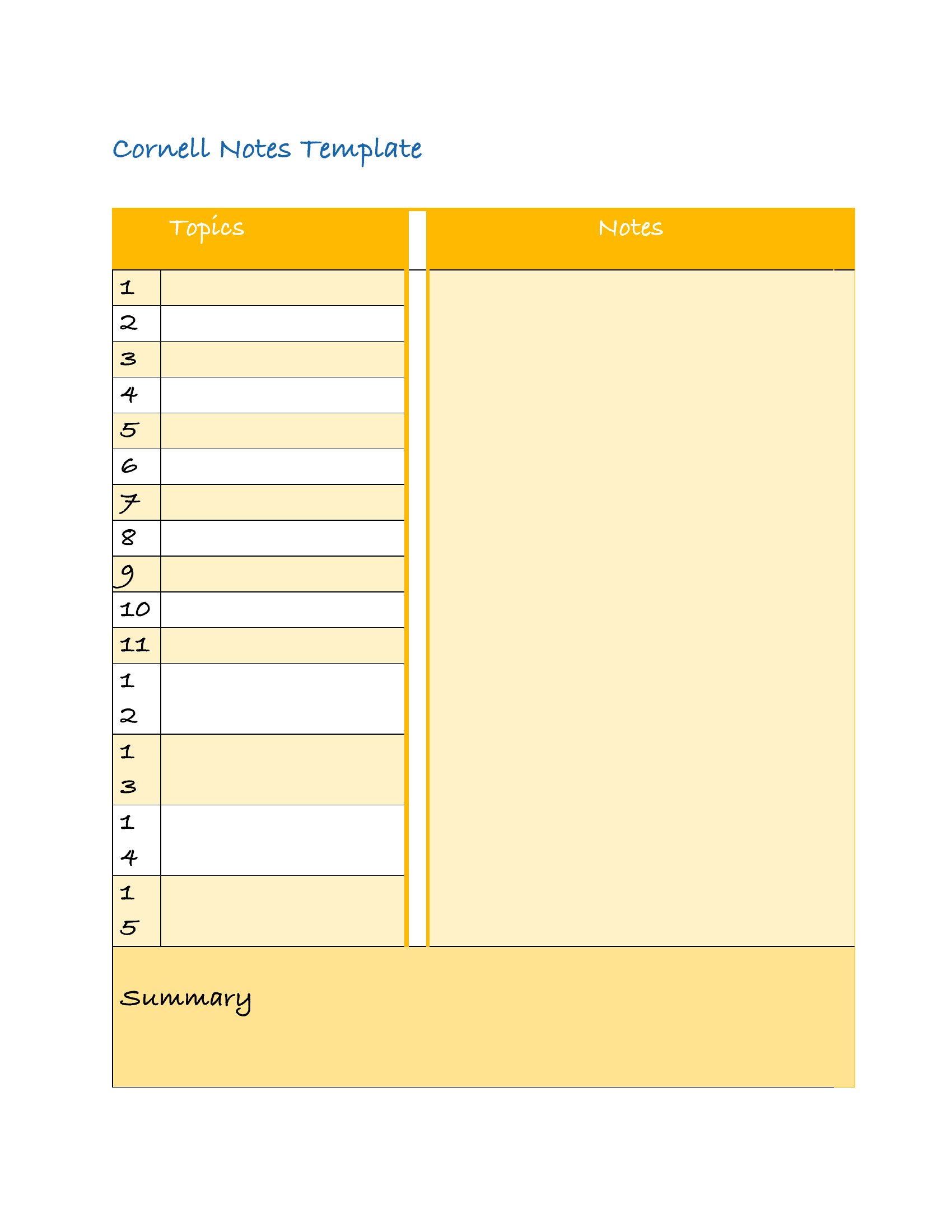
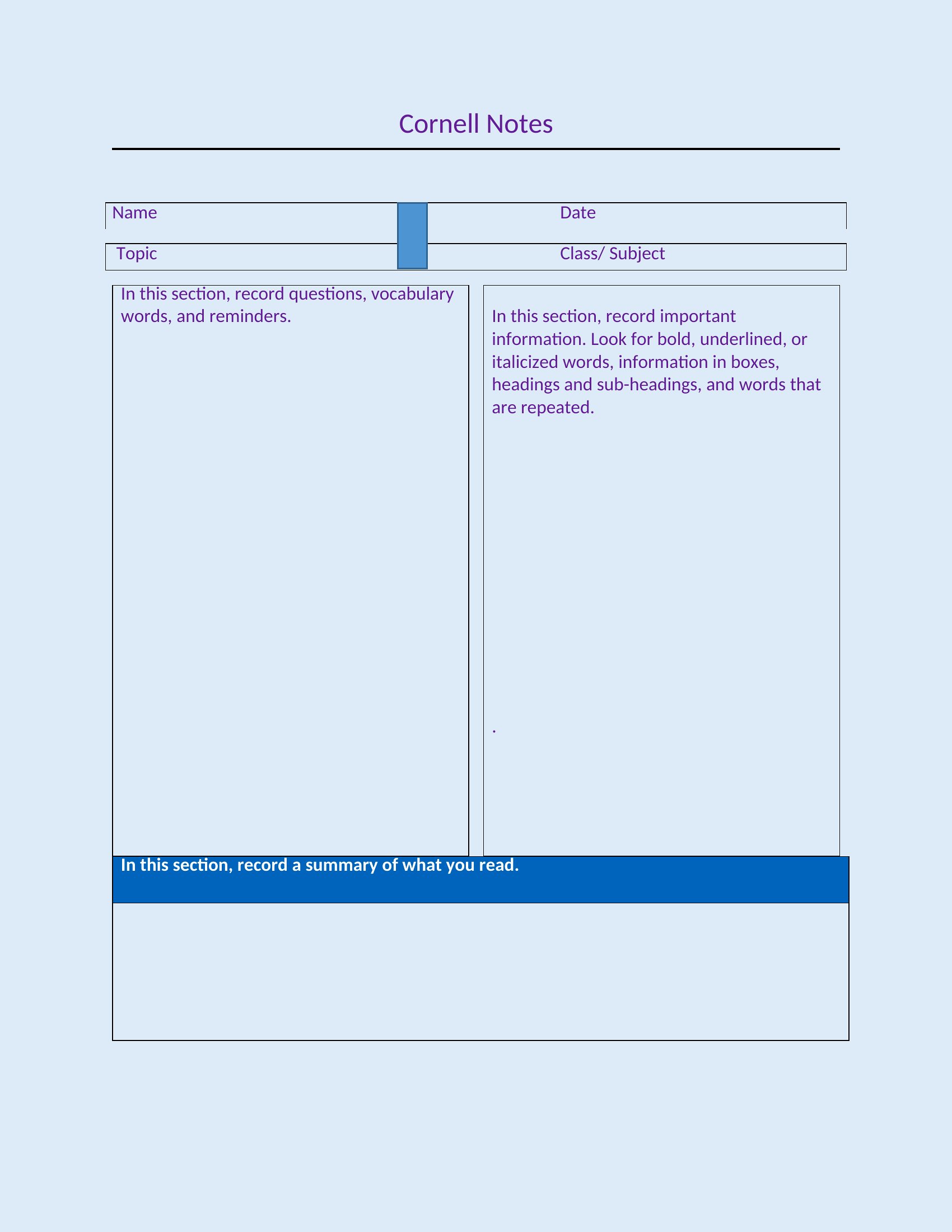
The Cornell method splits a page into cues, notes, and a summary so what you write in class actually sticks when you review later. This set of 36 Cornell Notes templates gives students, teachers, and lifelong learners that proven layout without drawing the lines themselves, ready for lectures, reading sessions, or meeting notes. The structure nudges you to pull out key questions and recap each page in your own words.

You can print the PDF versions for handwritten notes or type directly into the Word files on a laptop. Each one keeps the recall column, the main note area, and the summary bar in the right proportions, so your pages stay consistent across a whole semester. Download the layout you like and bring it to your next class.

When to use this Cornell Notes template

  • High school students reviewing complex history lectures and needing a structured way to separate facts from questions for study sessions.
  • College professors grading student notes and requiring the Cornell format for exams to ensure they’ve mastered both content and critical questions.
  • Graduate researchers summarizing dense academic papers, using the left column to list key arguments before drafting a concise summary at the bottom.
  • Professionals attending client strategy meetings and needing to quickly capture action items in the notes section while reserving the summary for follow-up emails.

Which format should I download?

WordPDF

Choose Word if you plan to frequently edit or reuse the templates across different devices, as it supports easy revisions and formatting adjustments. Opt for PDF if you’re working in a read-only setting—like distributing to students or sharing with colleagues—where the fixed layout preserves the Cornell method’s integrity without risk of accidental edits. PDFs also work seamlessly when printing or embedding in presentations.

Choose from 36 Cornell Notes Templates

How to use this Cornell Notes template

How does the Cornell layout help with long-term retention compared to traditional note-taking?

The Cornell method forces you to actively process information by separating notes, cues (questions), and a summary. Studies show this active recall technique improves memory retention by 20–30% over passive note-taking, especially for complex topics. The left column turns facts into self-quizzes, while the summary reinforces the big picture.

Can I use these templates for subjects where I don’t have a teacher or structured material, like self-study?

Absolutely. The Cornell format works just as well for self-directed learning. Use the left column to jot down questions you’d ask an expert, fill the notes section with your research, and summarize key takeaways at the bottom. It’s a great way to simulate the Socratic questioning used in classrooms but applied to books, podcasts, or online courses.

What’s the best way to adapt these templates for group study sessions where multiple people are taking notes?

Print or share PDF versions so everyone uses the same layout, then assign roles—one person handles the cues (questions), another captures notes, and a third summarizes. Alternatively, project a shared digital whiteboard version of the template during the session. This keeps discussions focused and ensures all participants engage with the material structure.

Comments

Join the conversation

Sign in to share your thoughts and leave a comment on this resource.

Newsletter

Get Weekly Design Updates

Join our community to receive curated resources and inspiration.

Weekly Tips Resources Early Access

We respect your privacy. Confirmation email required. Privacy Policy