
FAQ
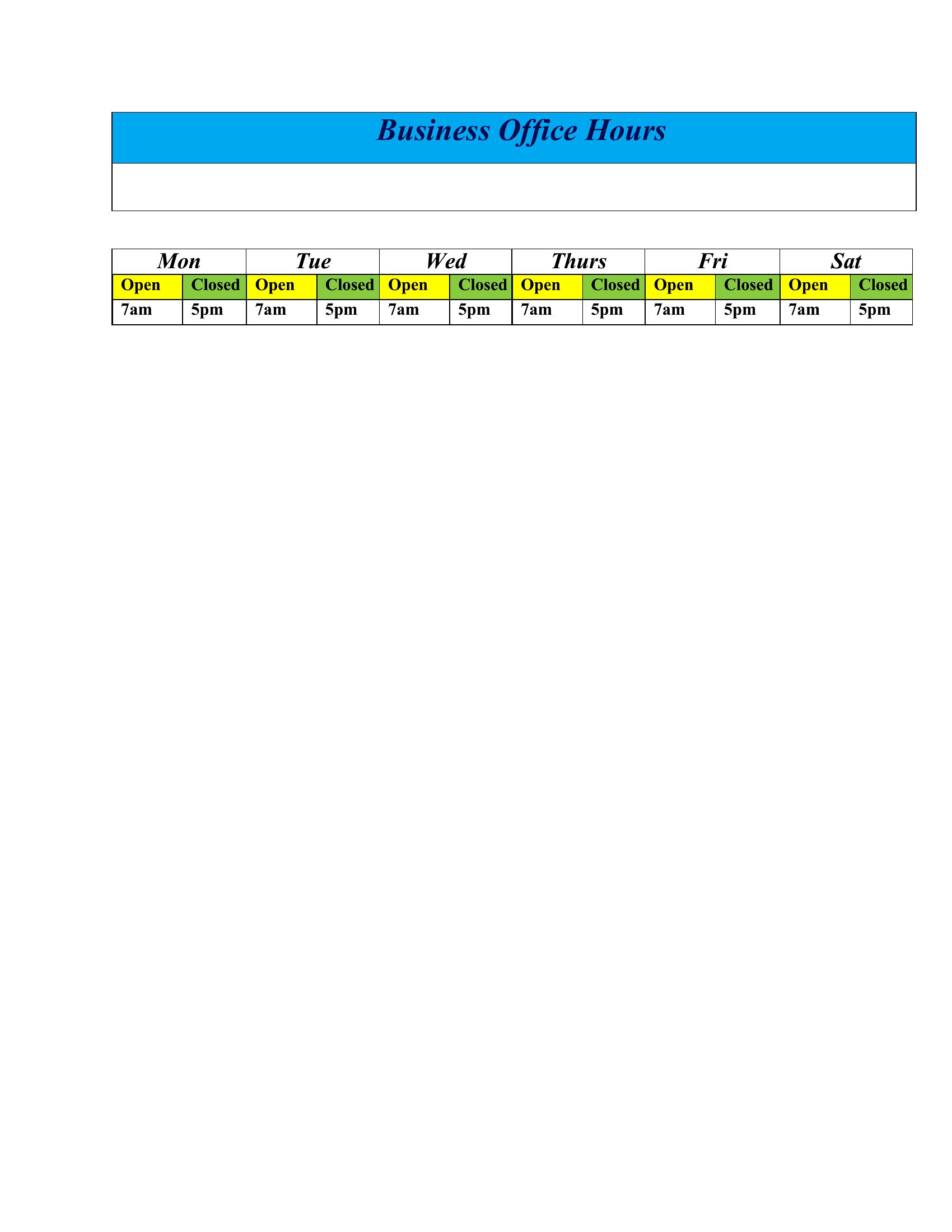
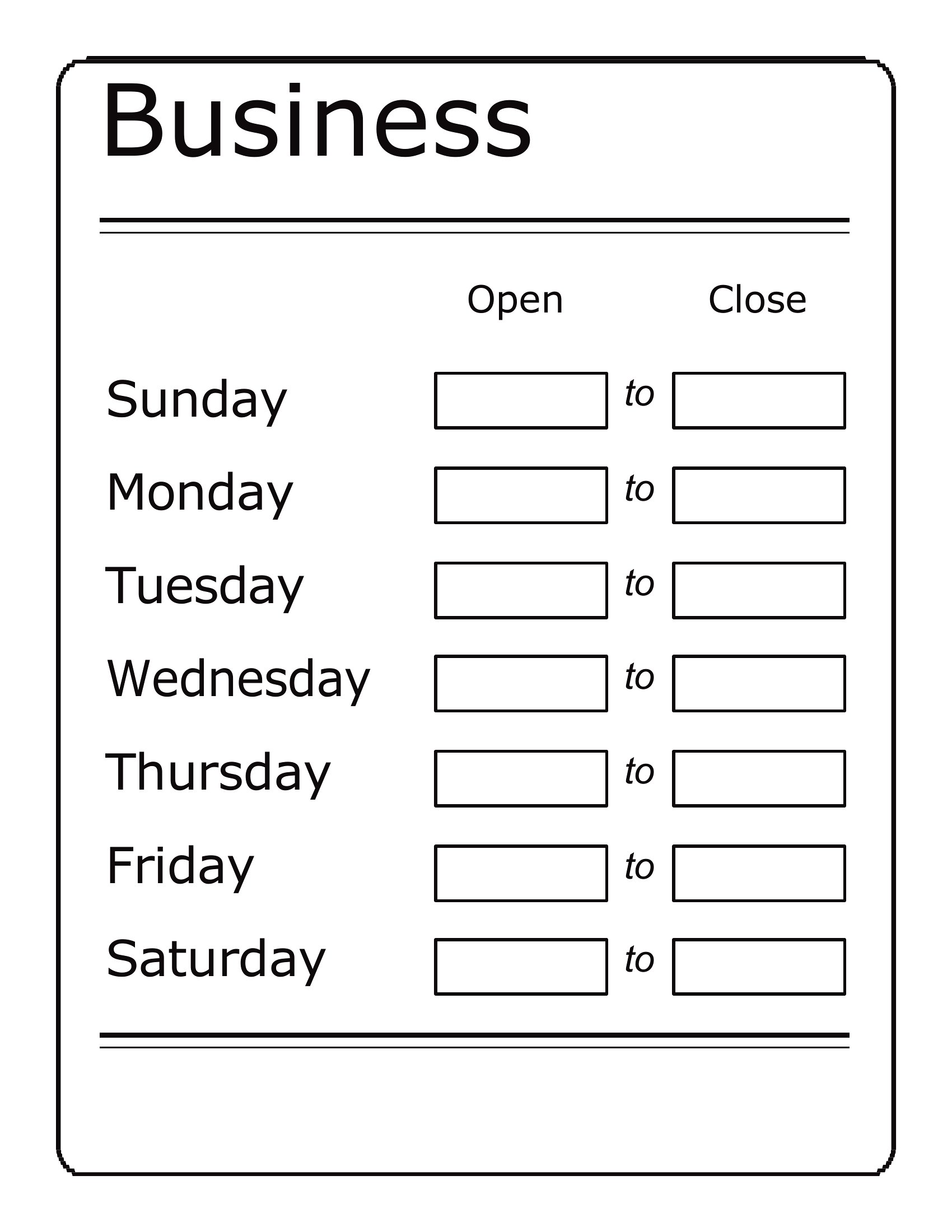
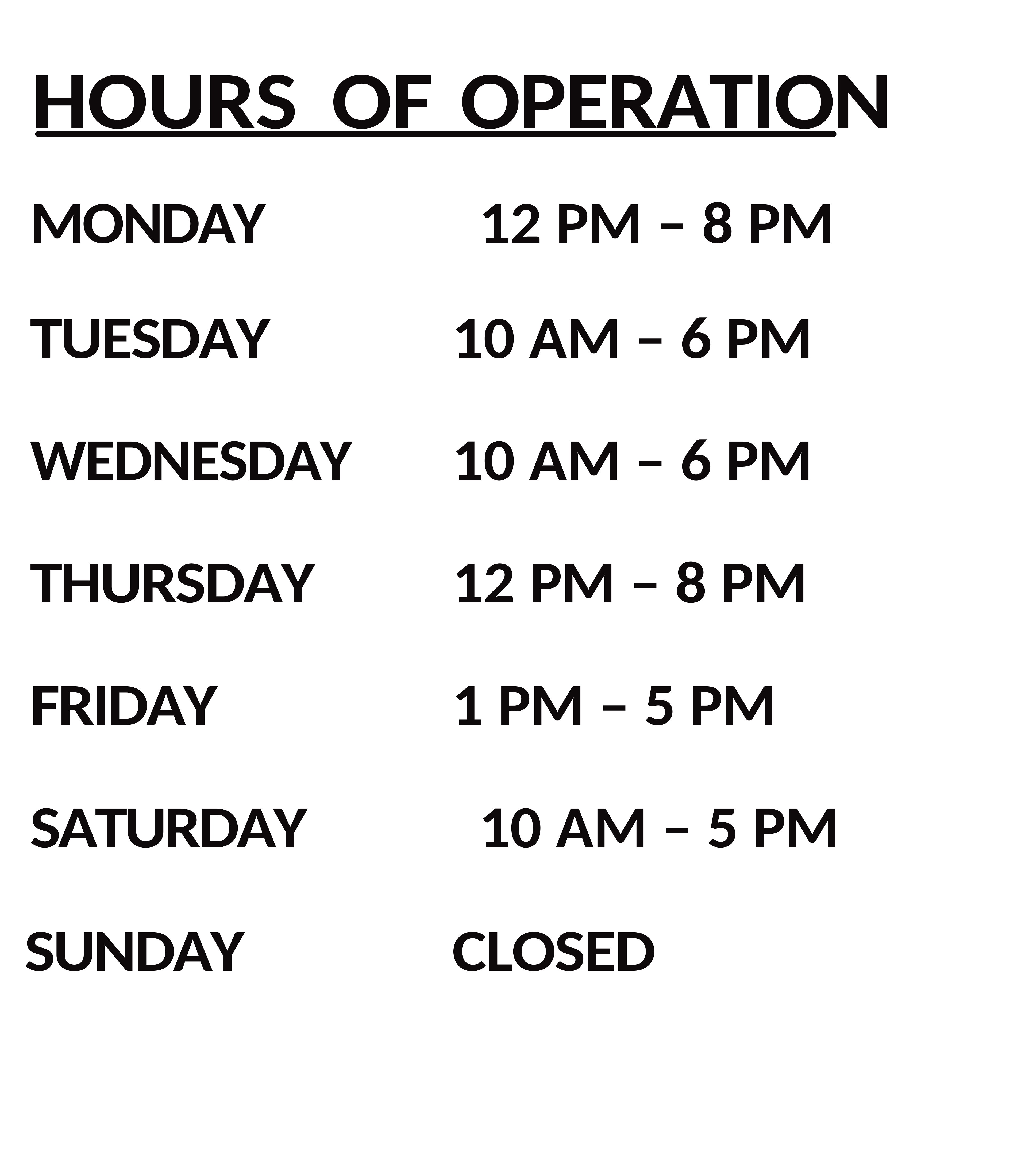
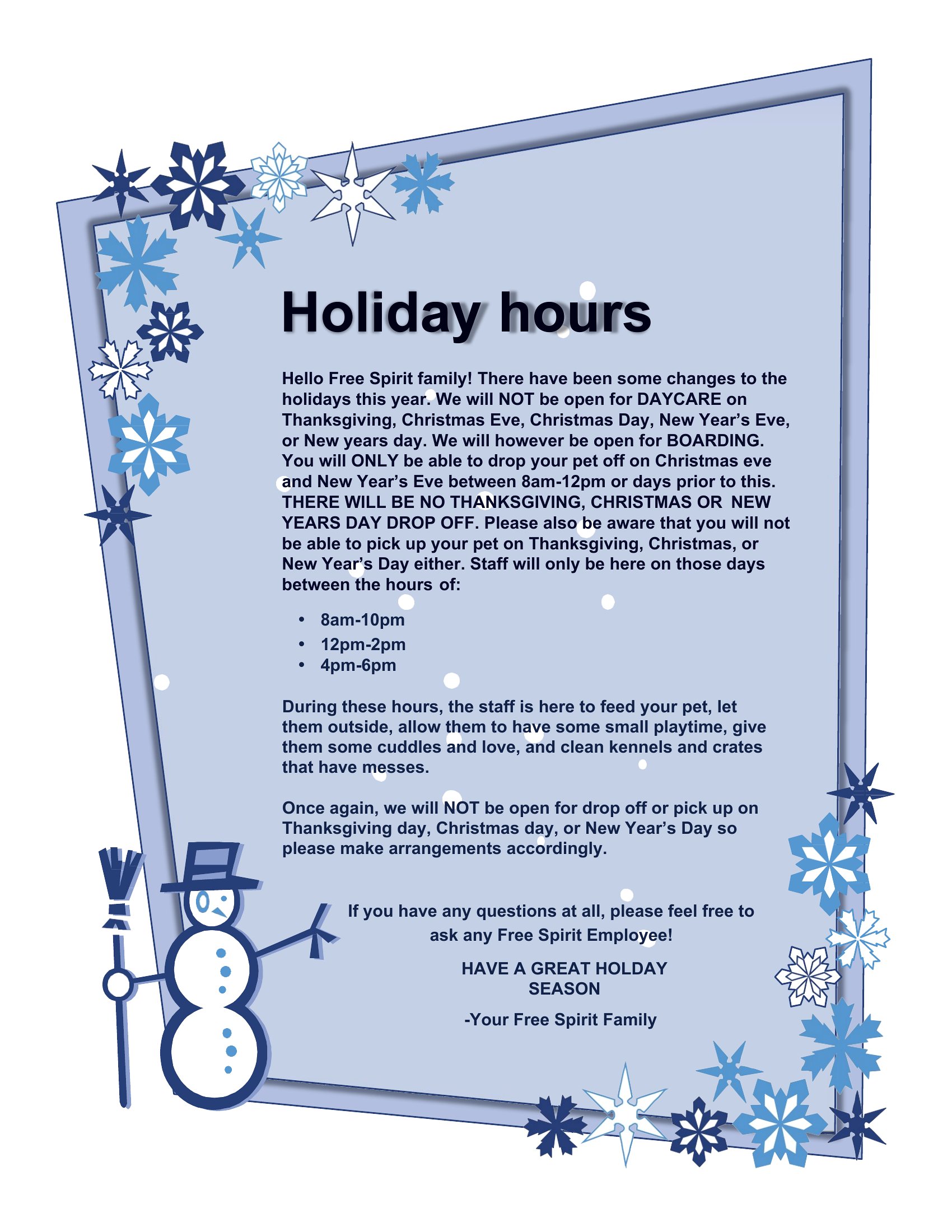
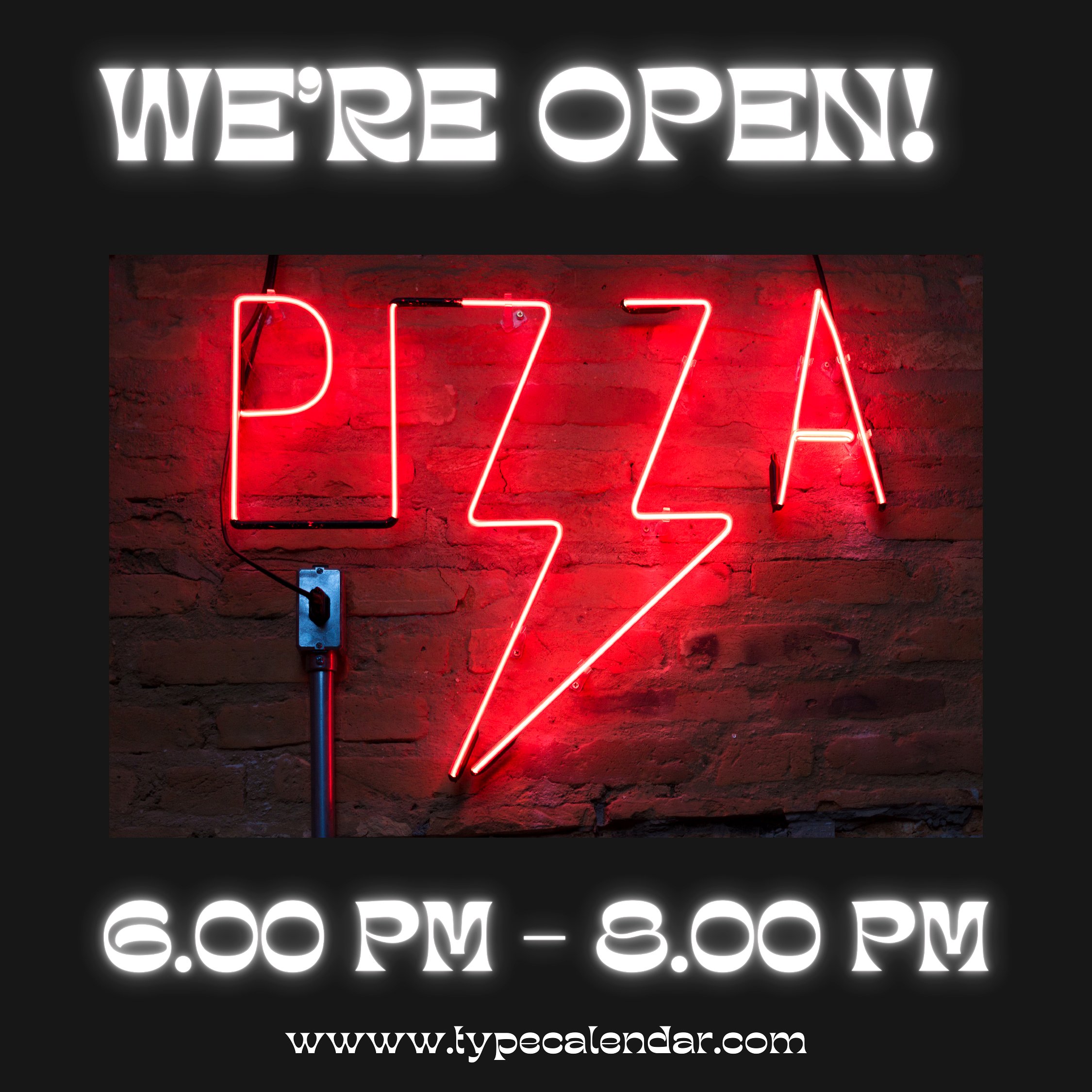
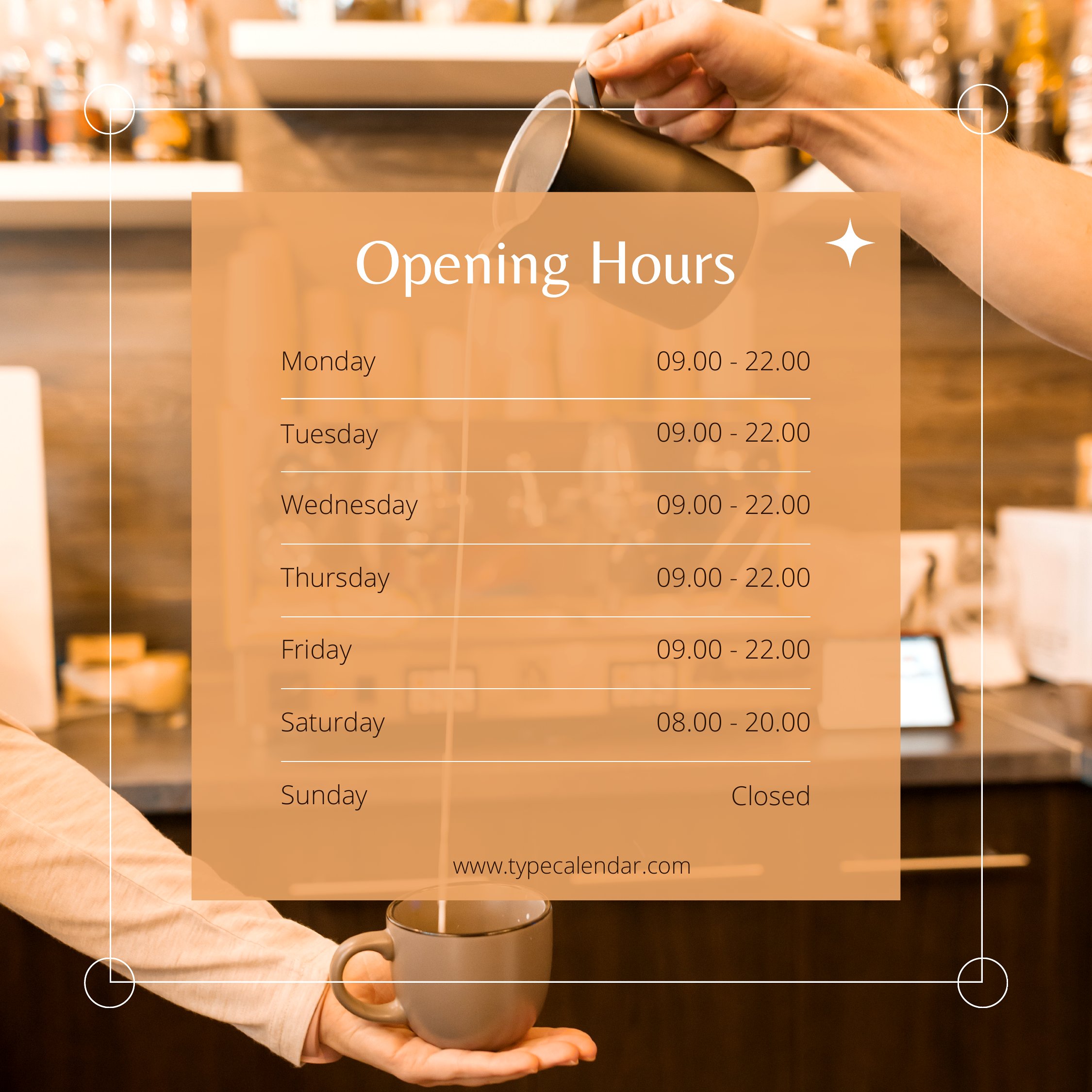
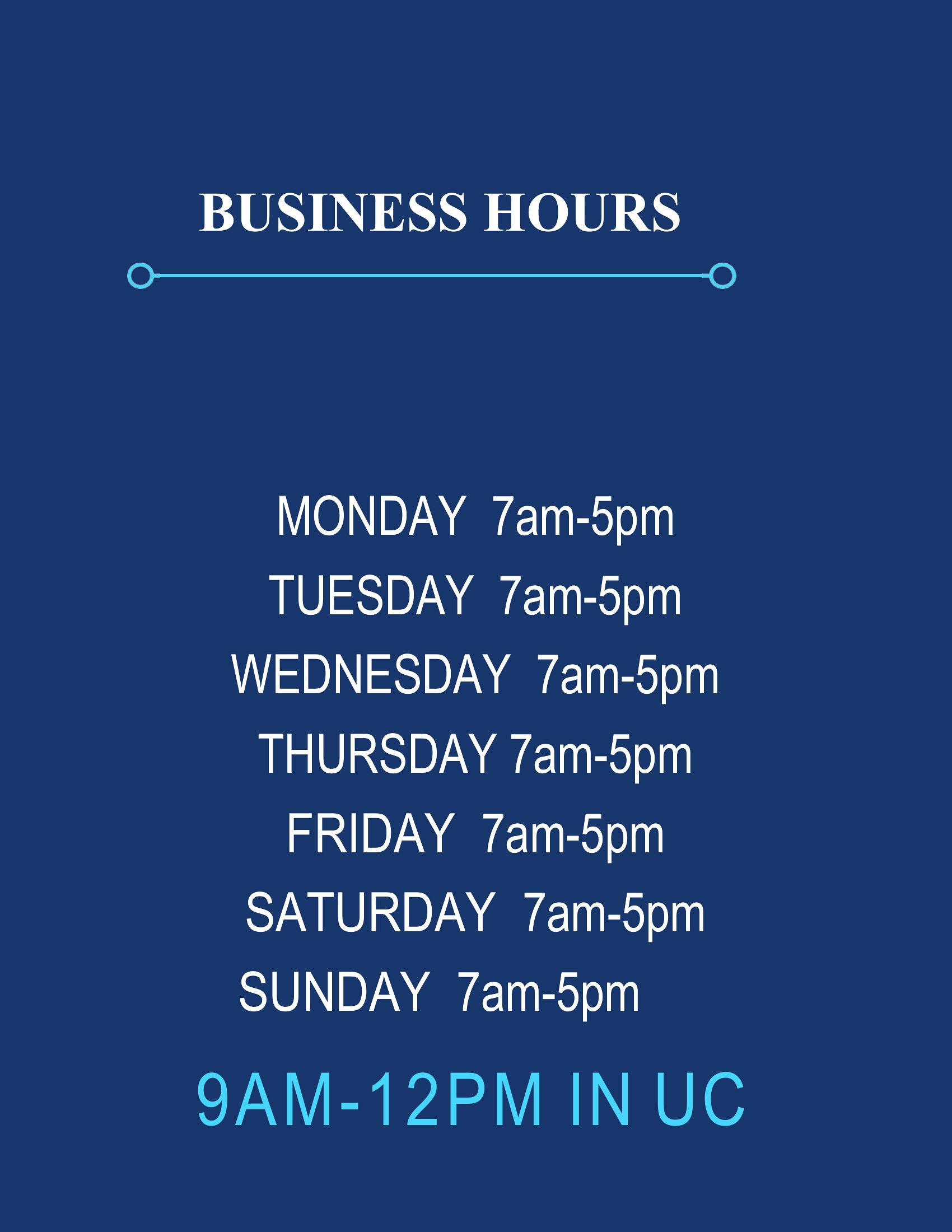
Can I include a ‘by appointment only’ notice alongside my business hours?
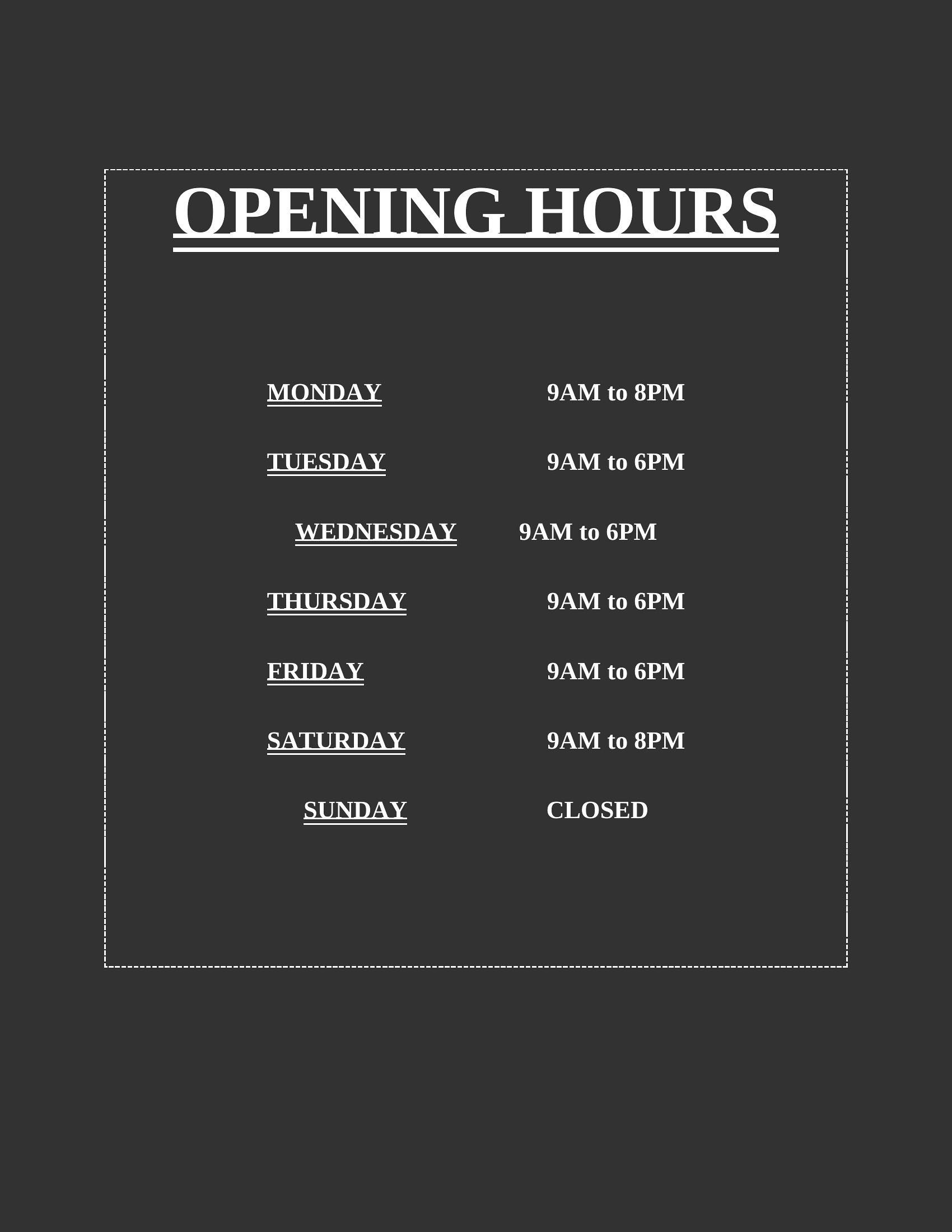
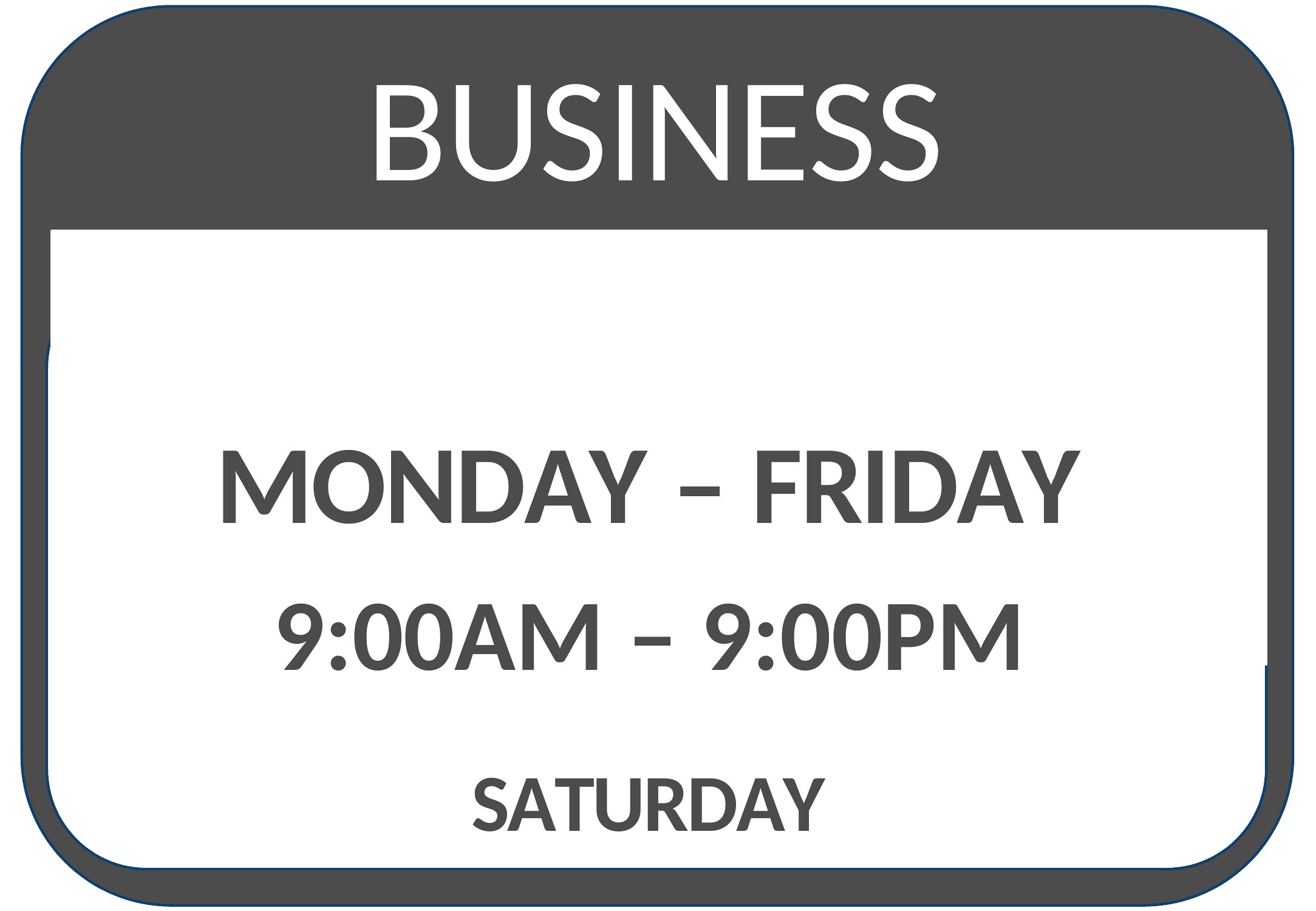
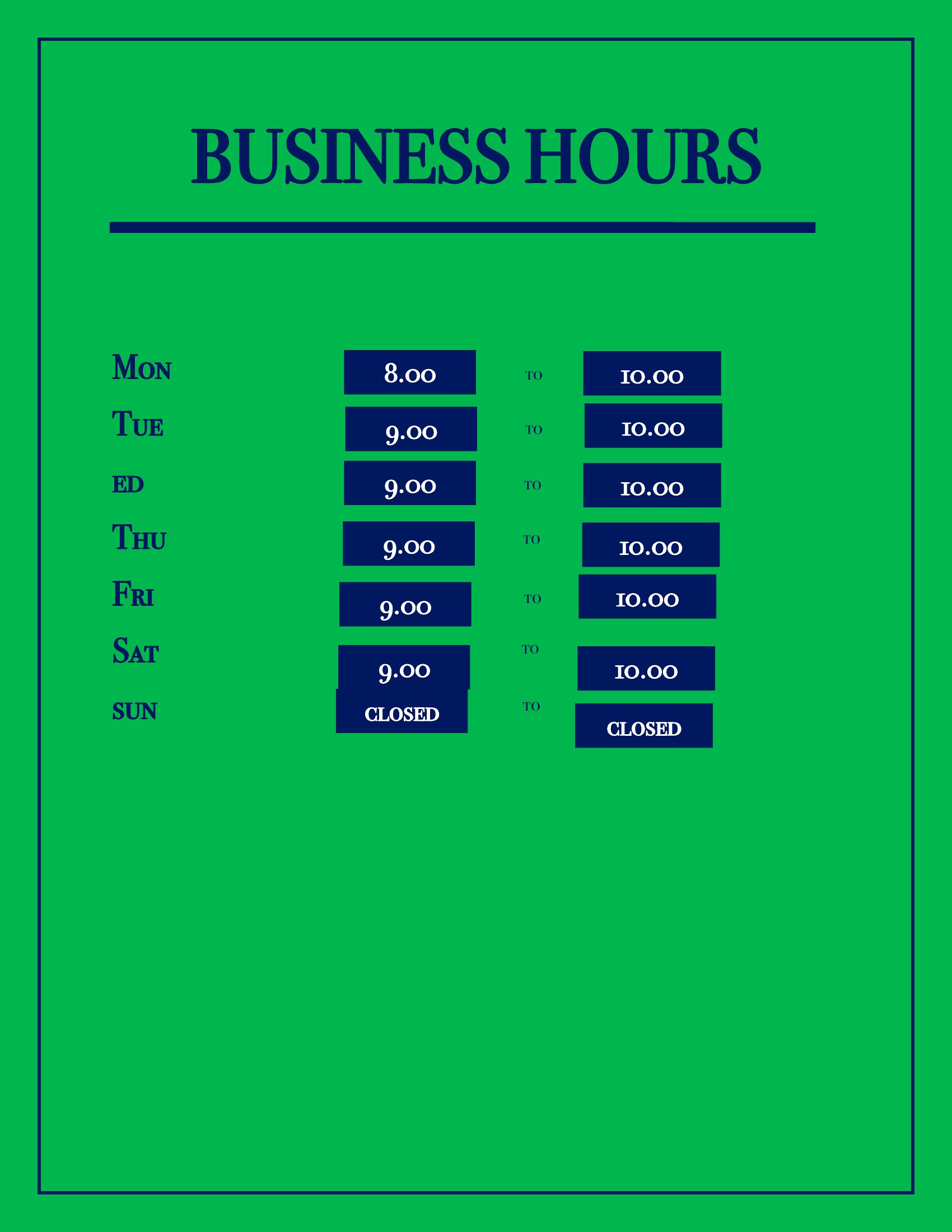
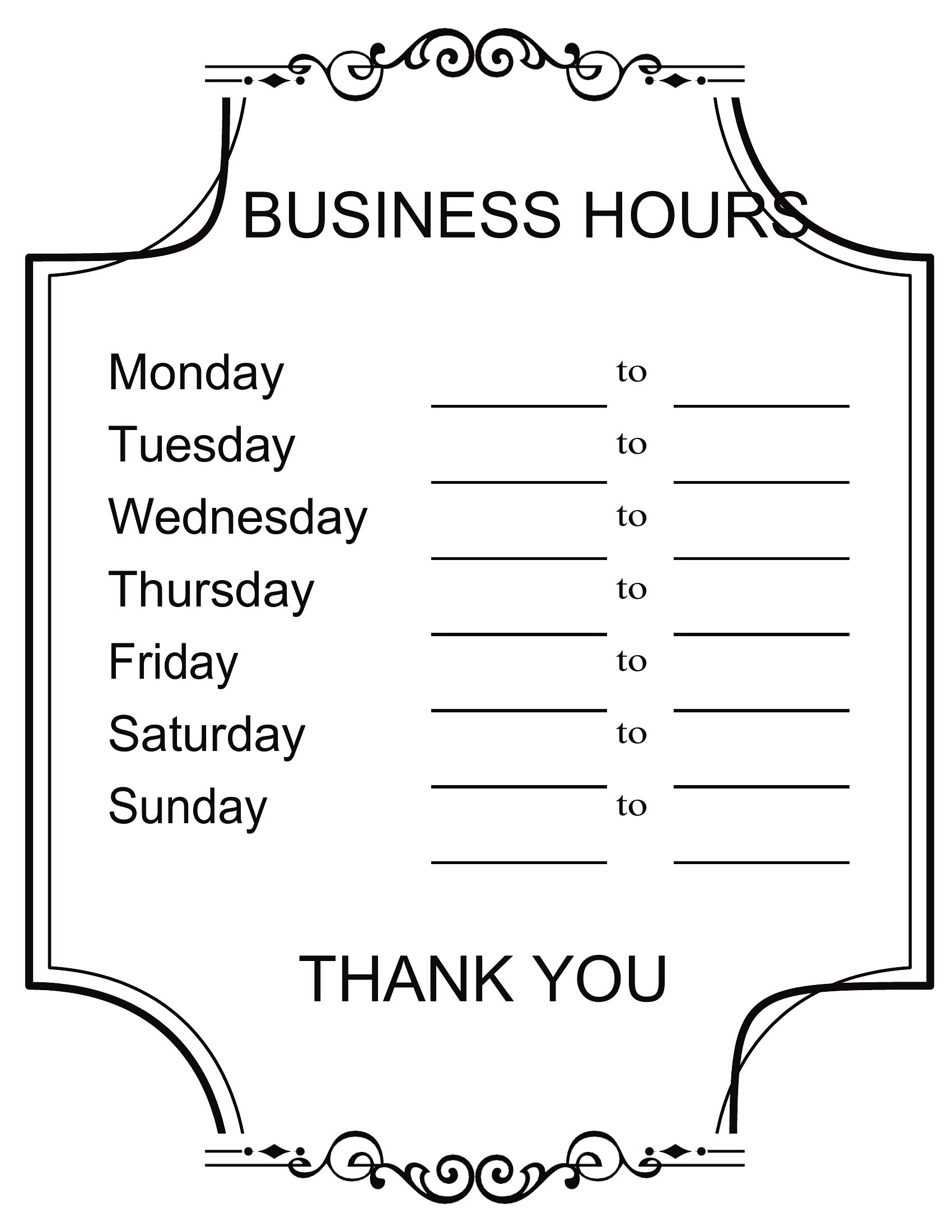
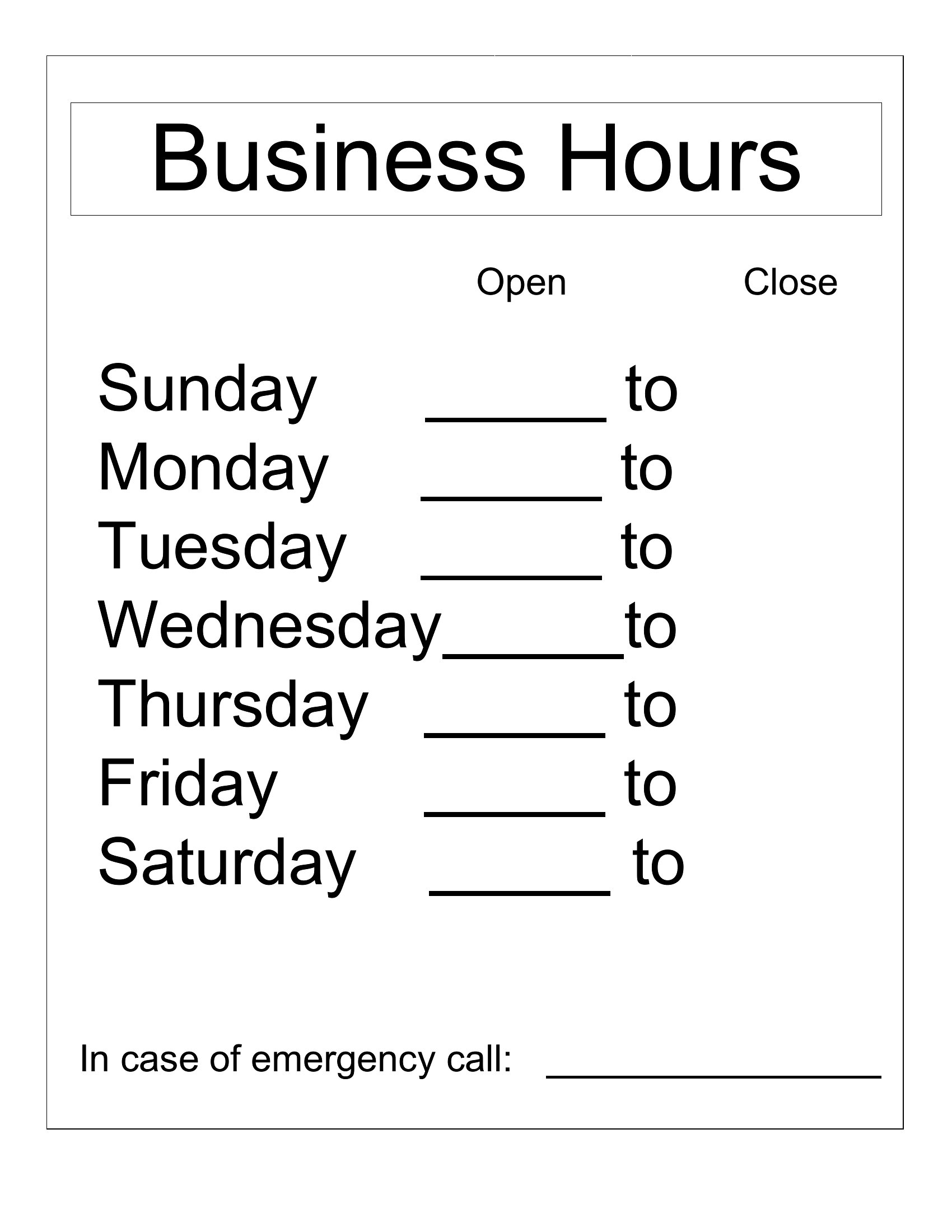
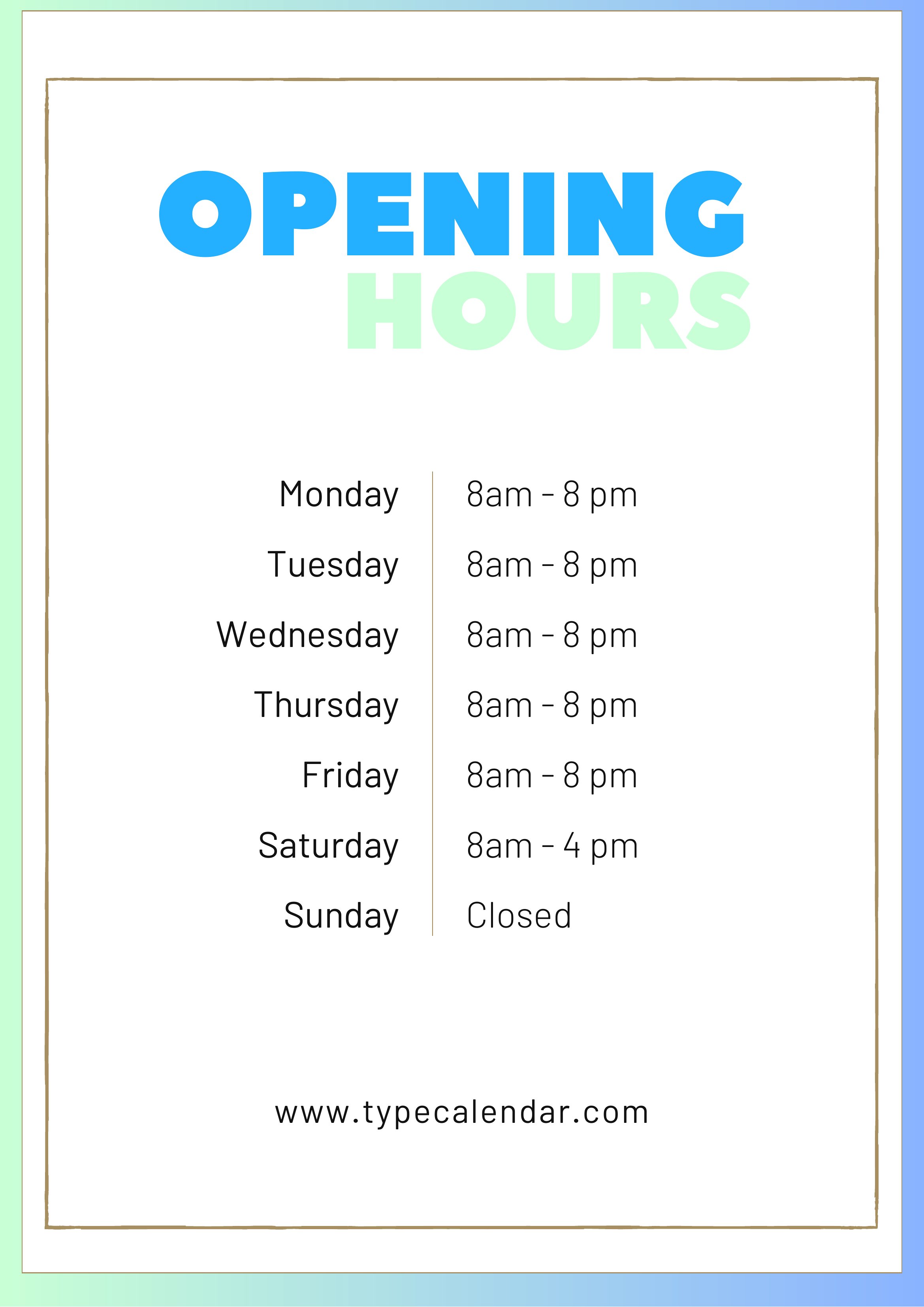
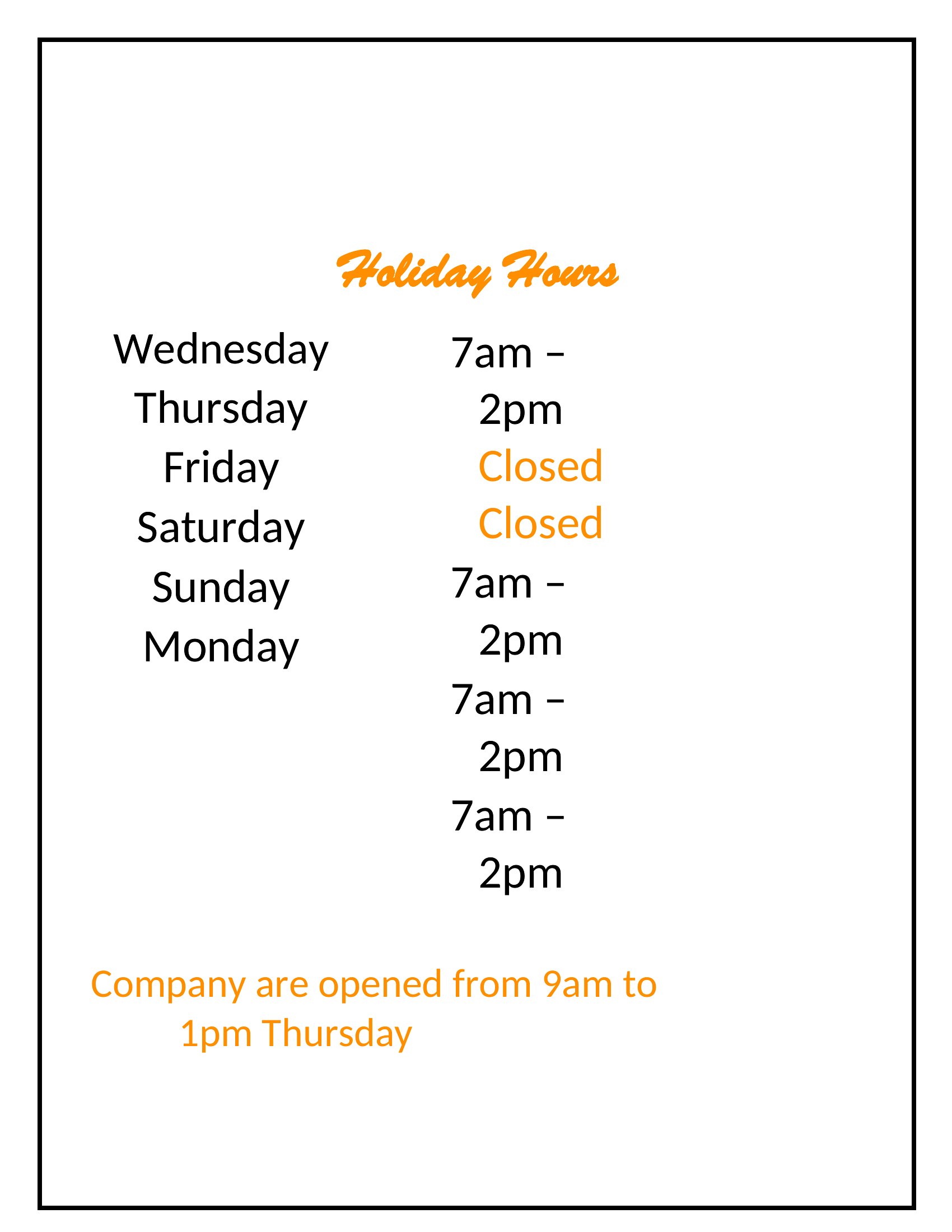
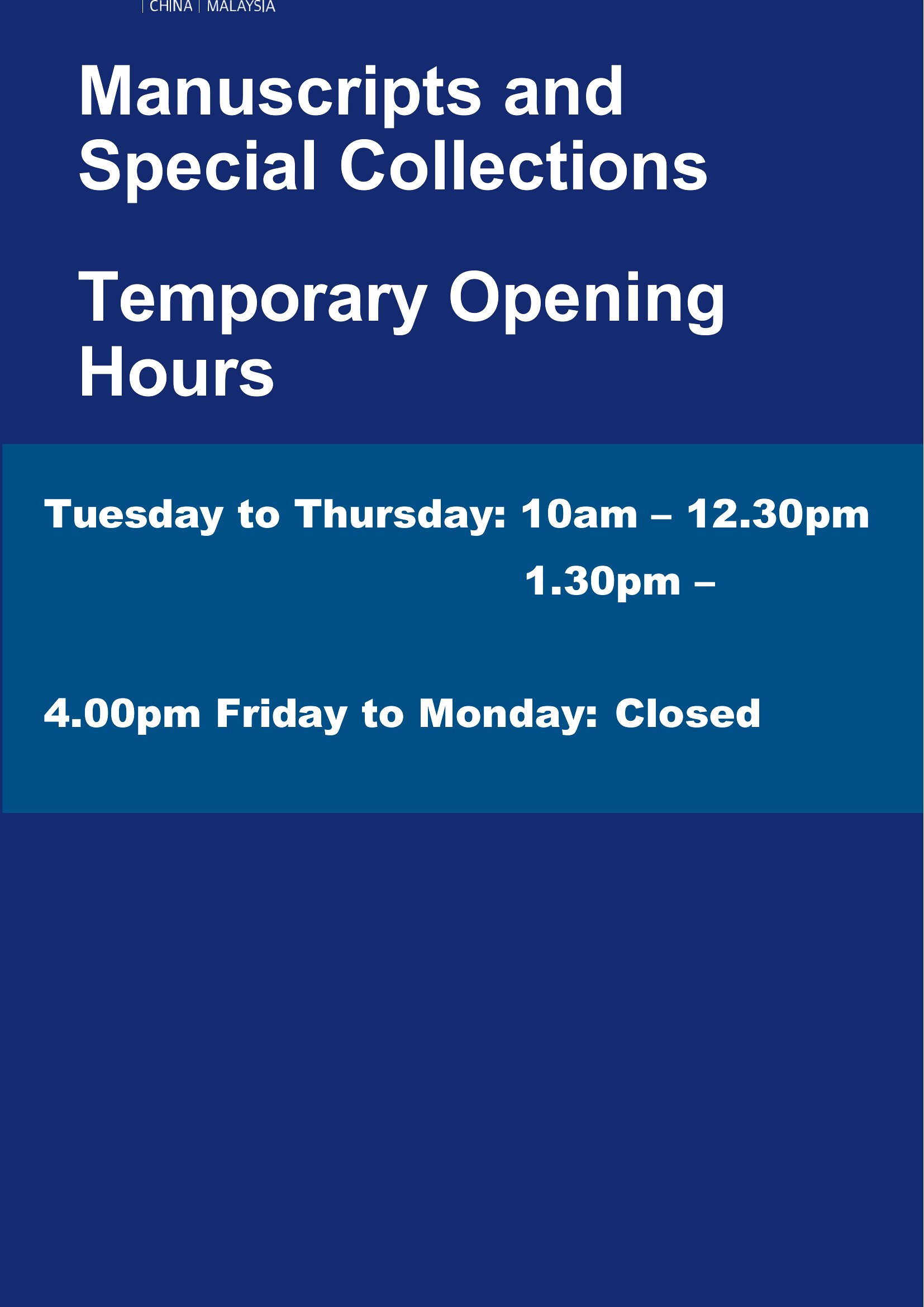
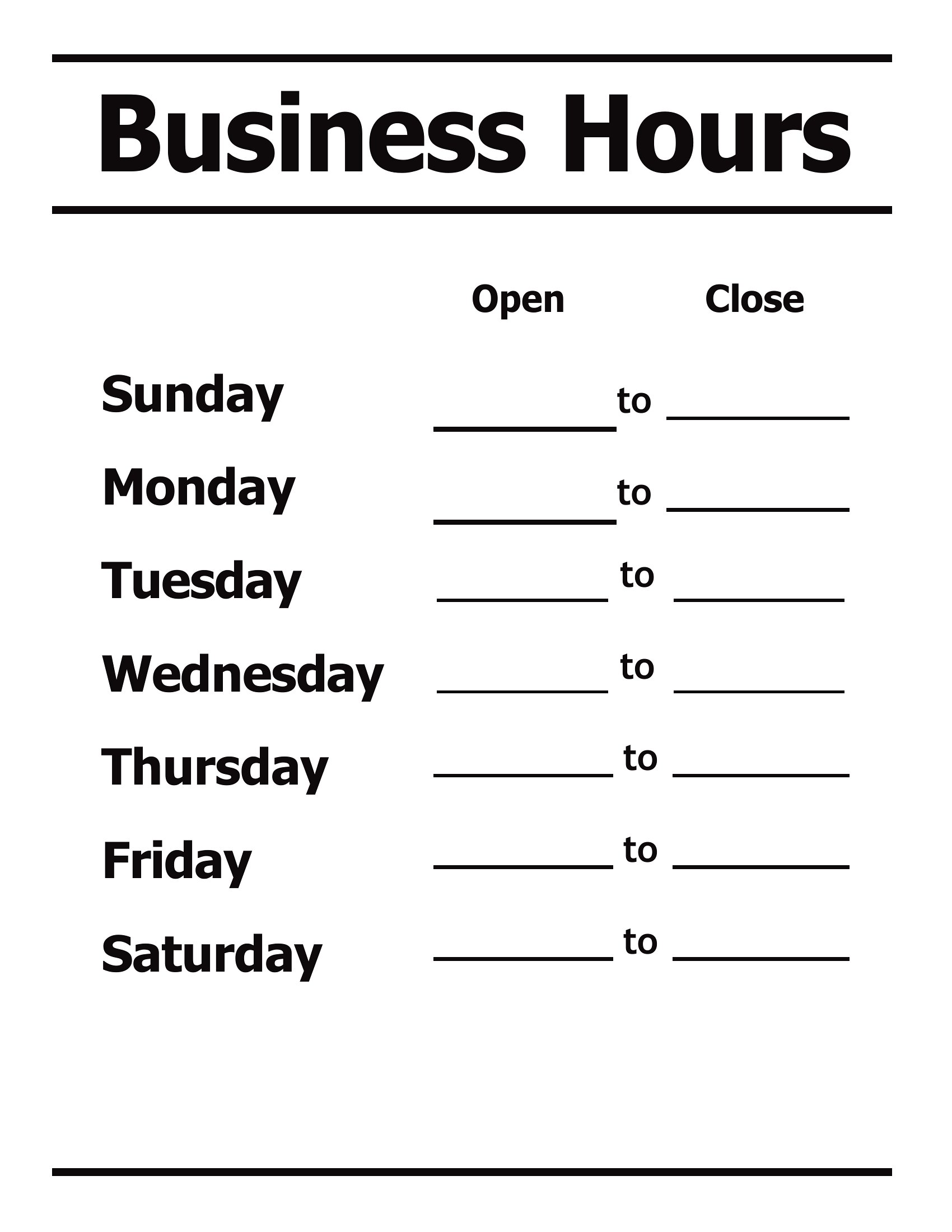
Yes, several templates in this collection feature designated space for additional notes. Look for layouts with a secondary line or a small box below the time slots—simply type your appointment policy there. For salons or service-based businesses, this helps manage expectations upfront and reduces unnecessary drop-ins.
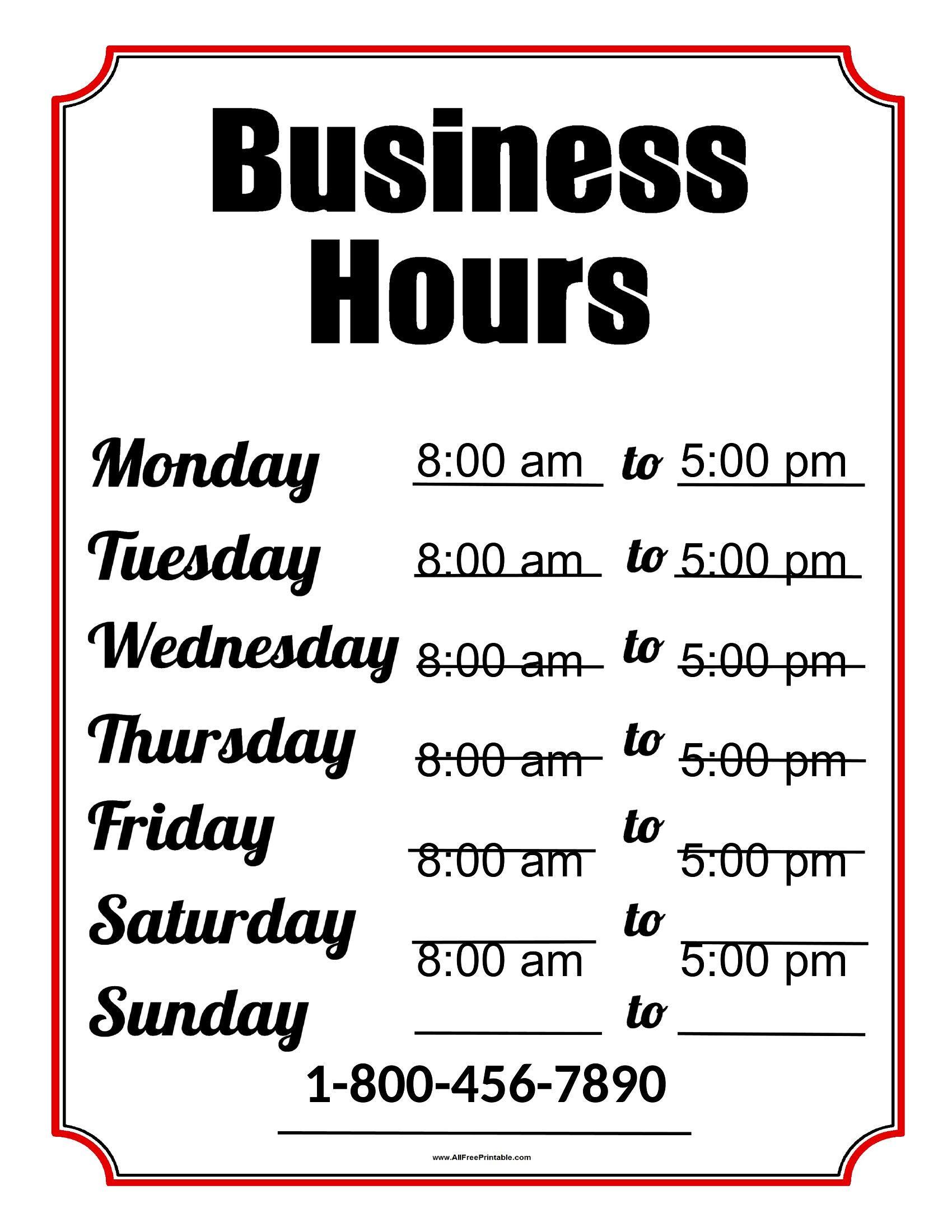
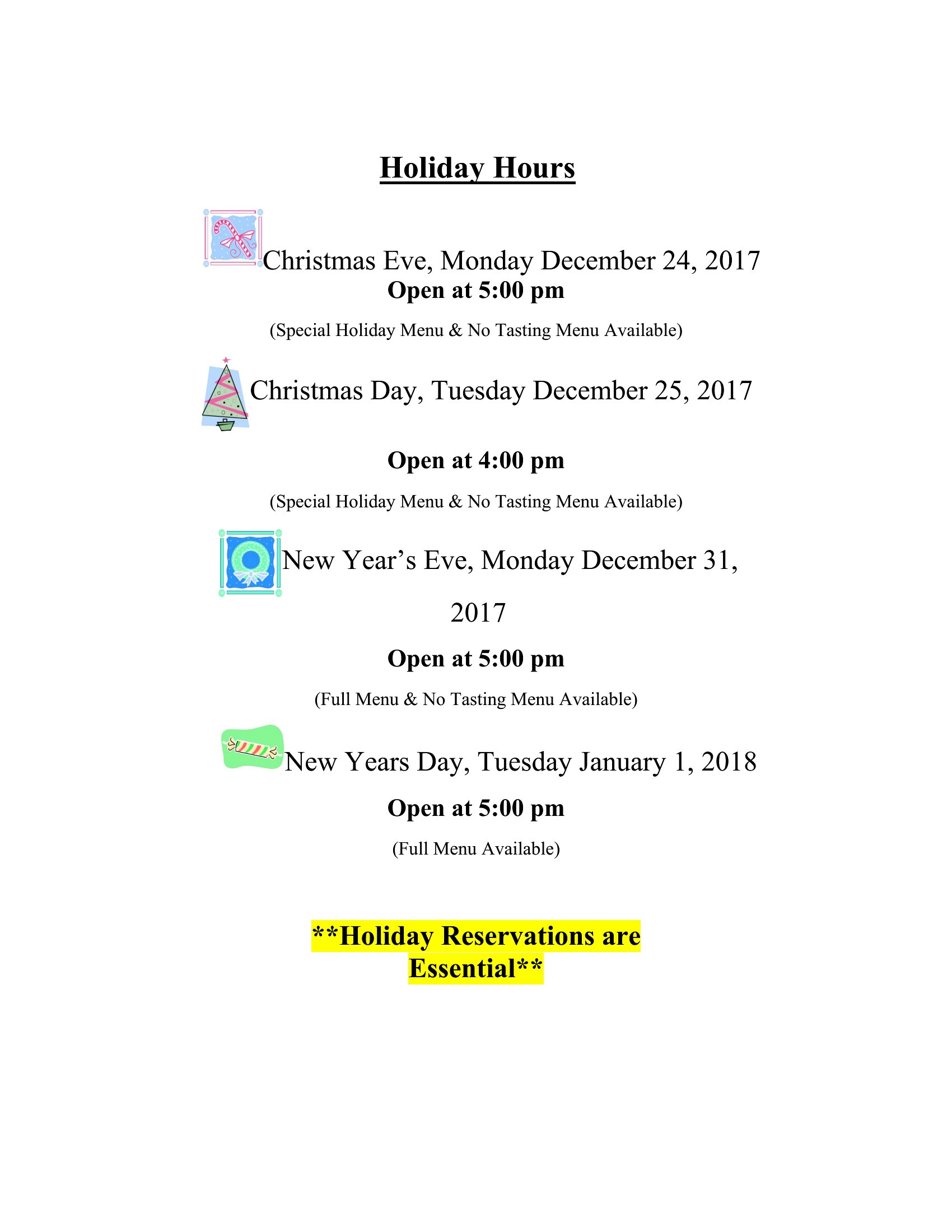
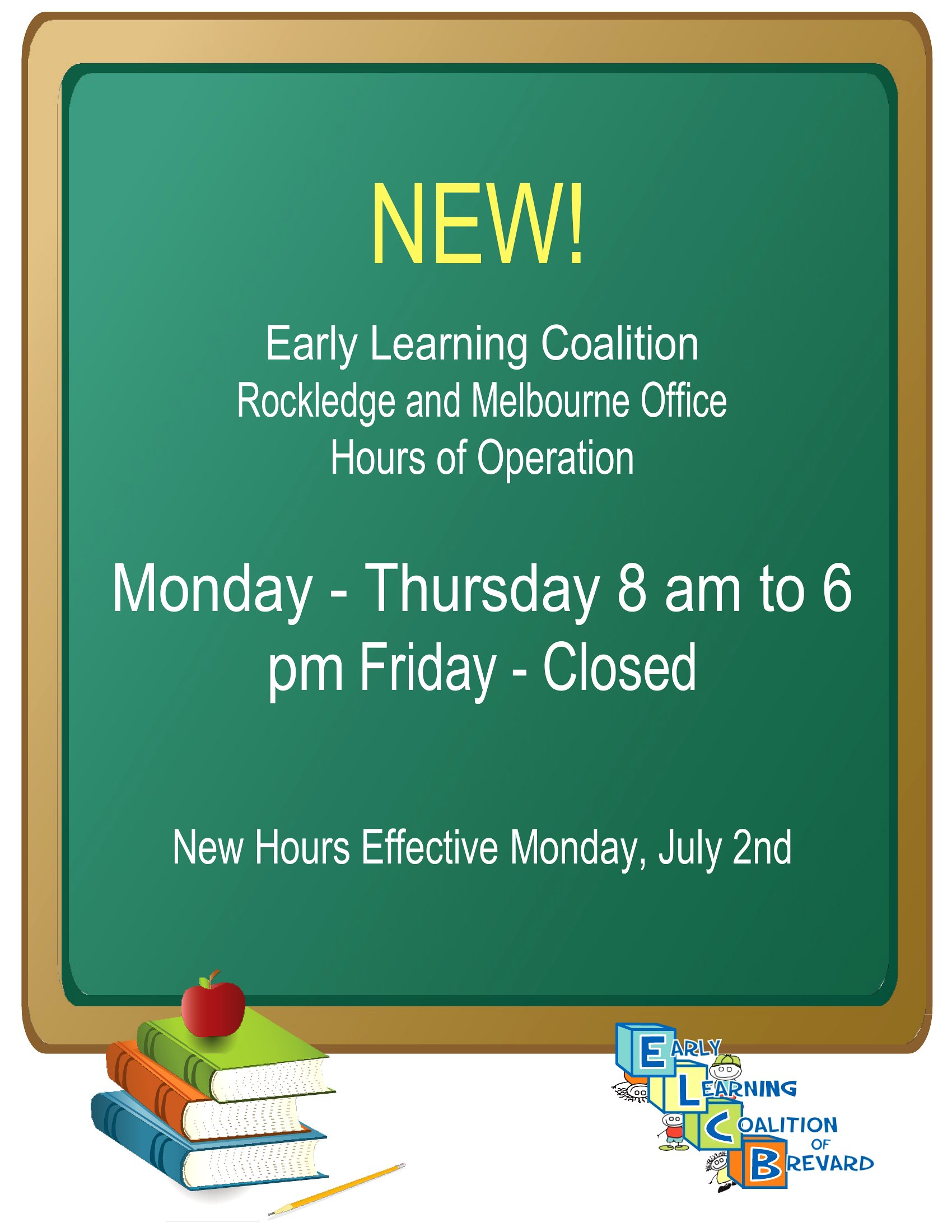
How do I adjust the template if my hours change daily (like a market vendor)?
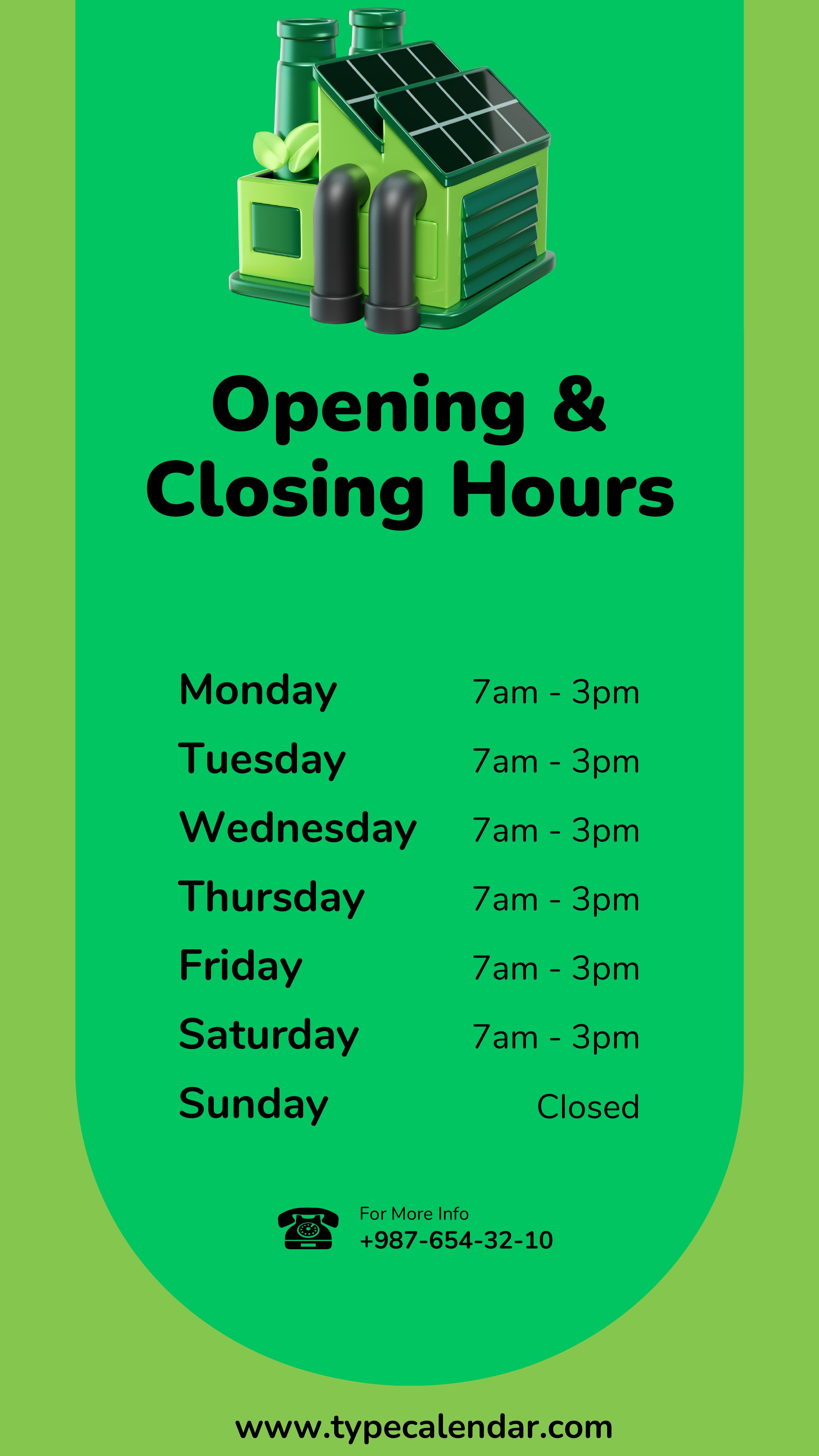
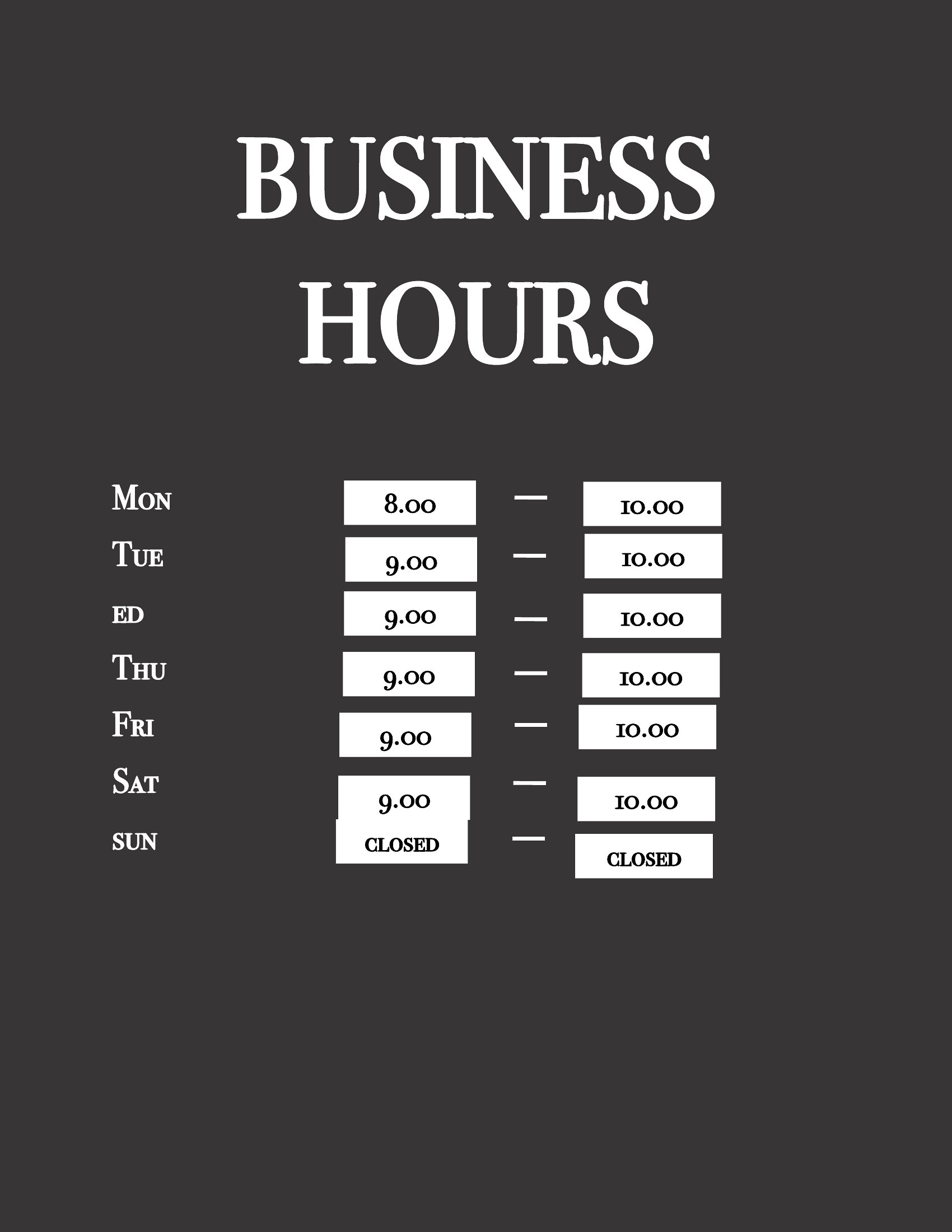
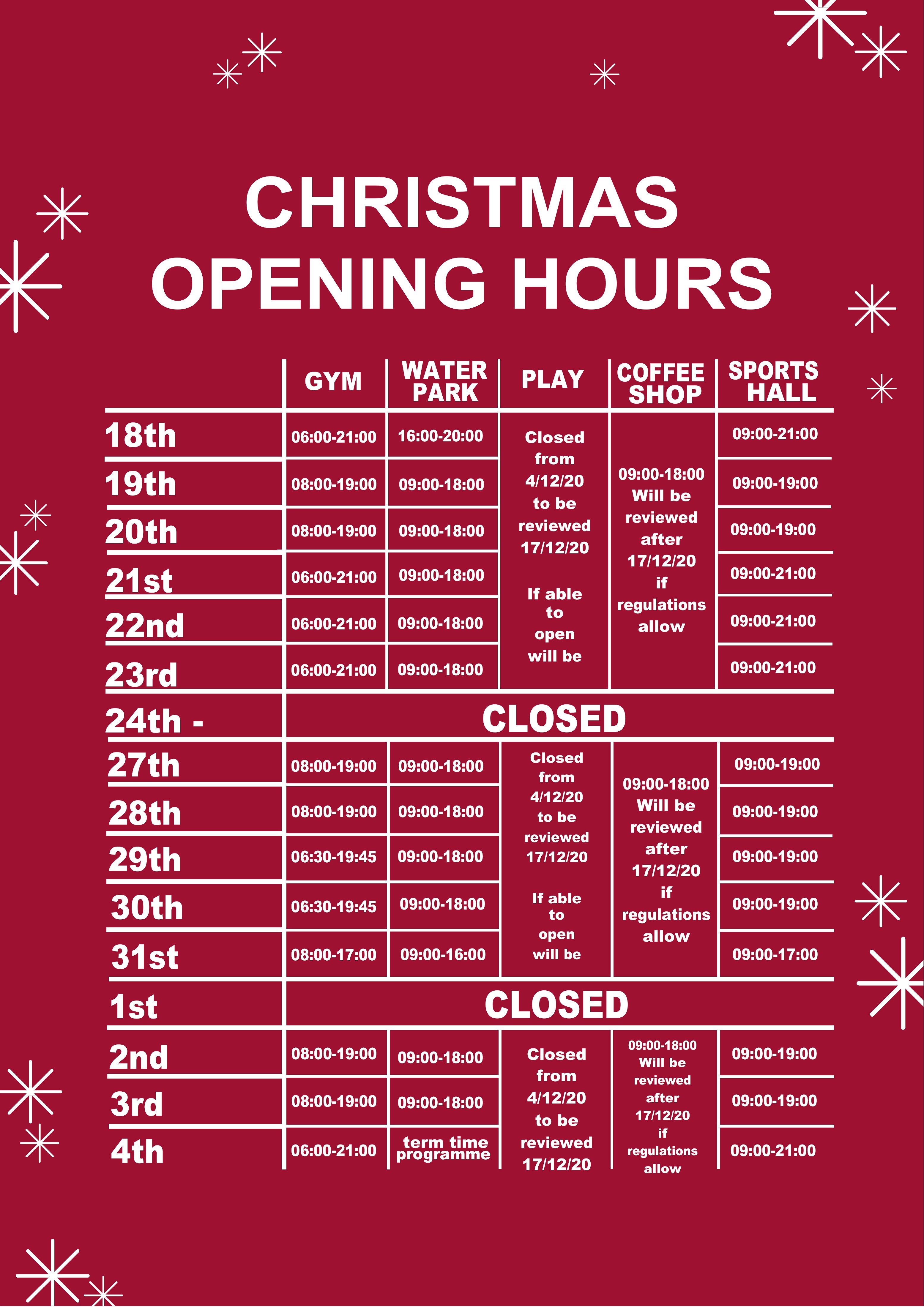
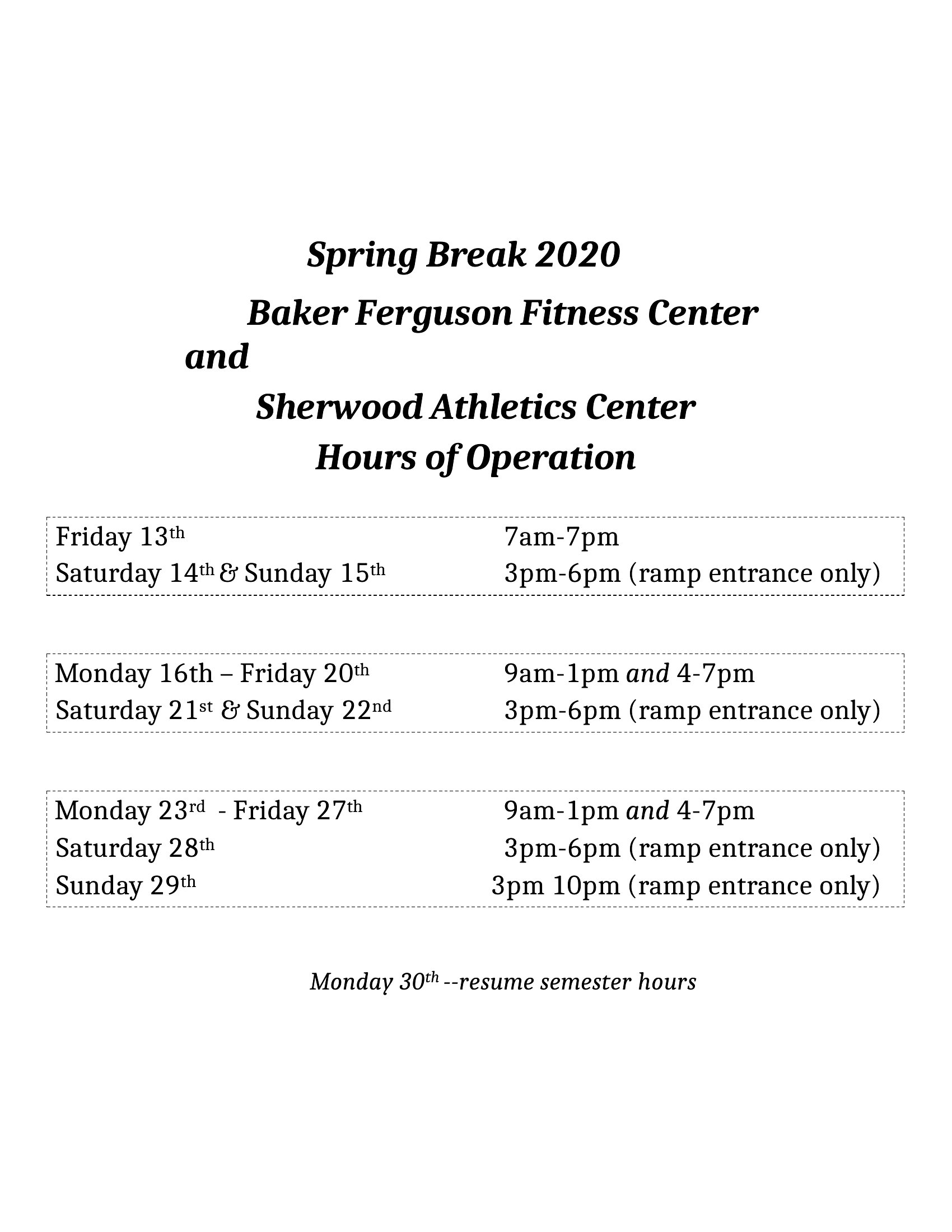
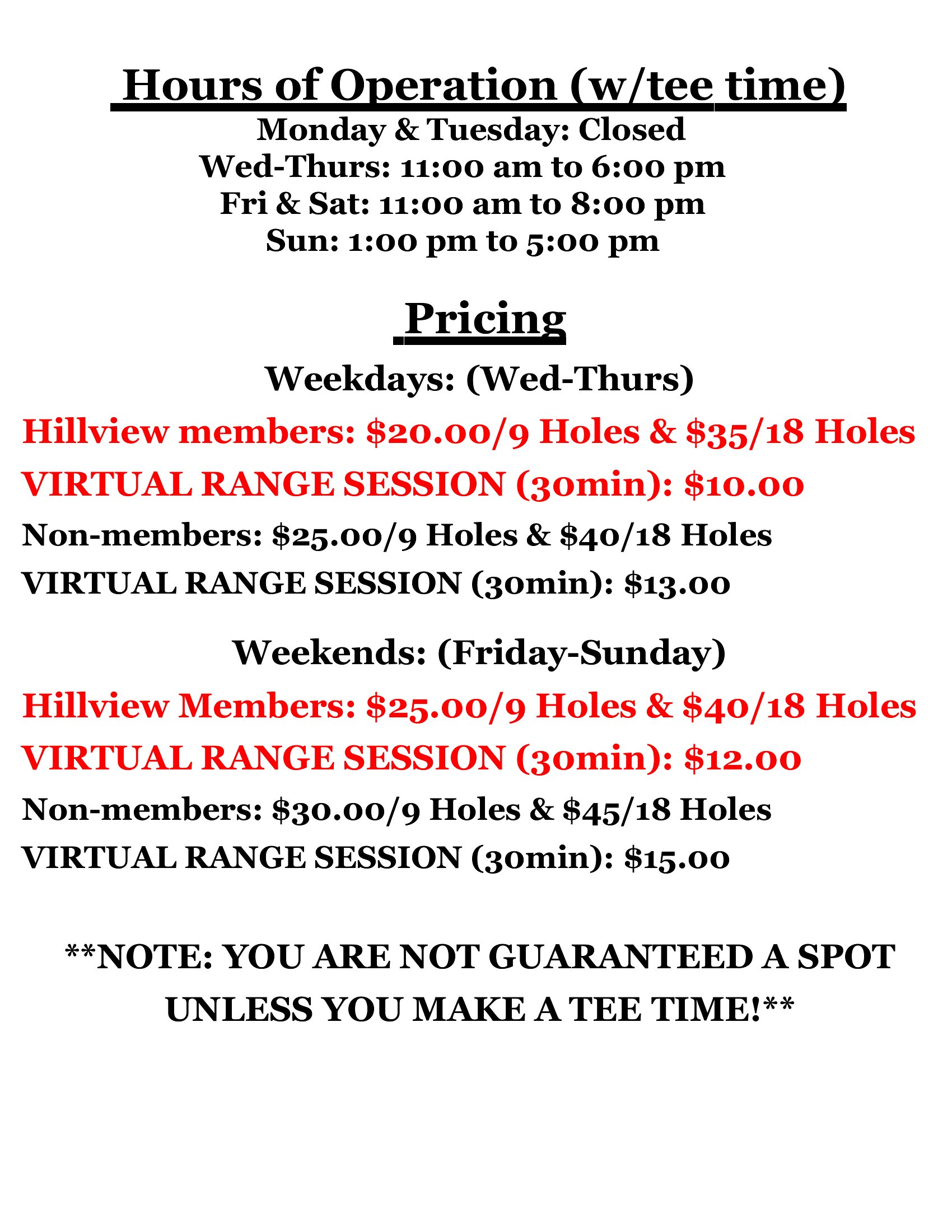
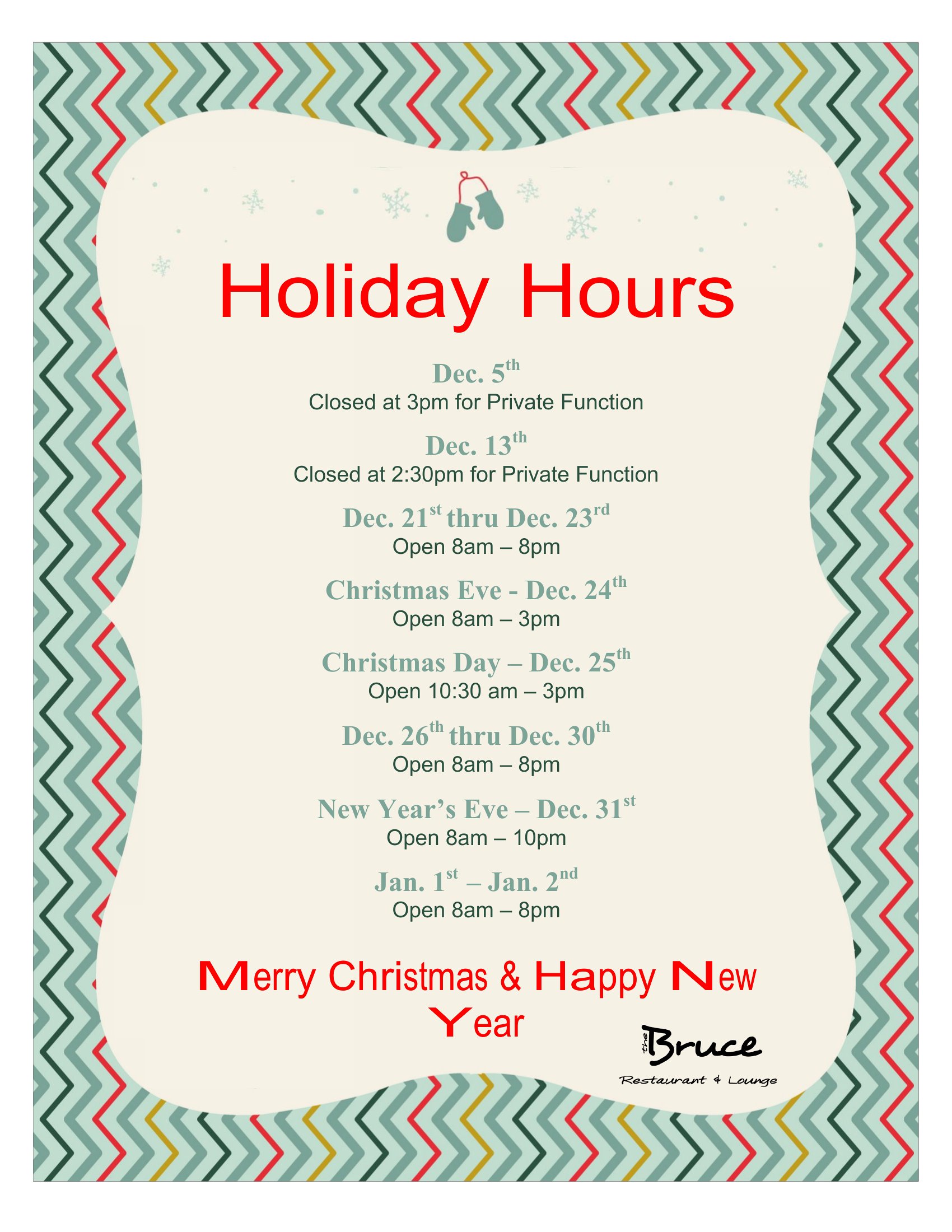
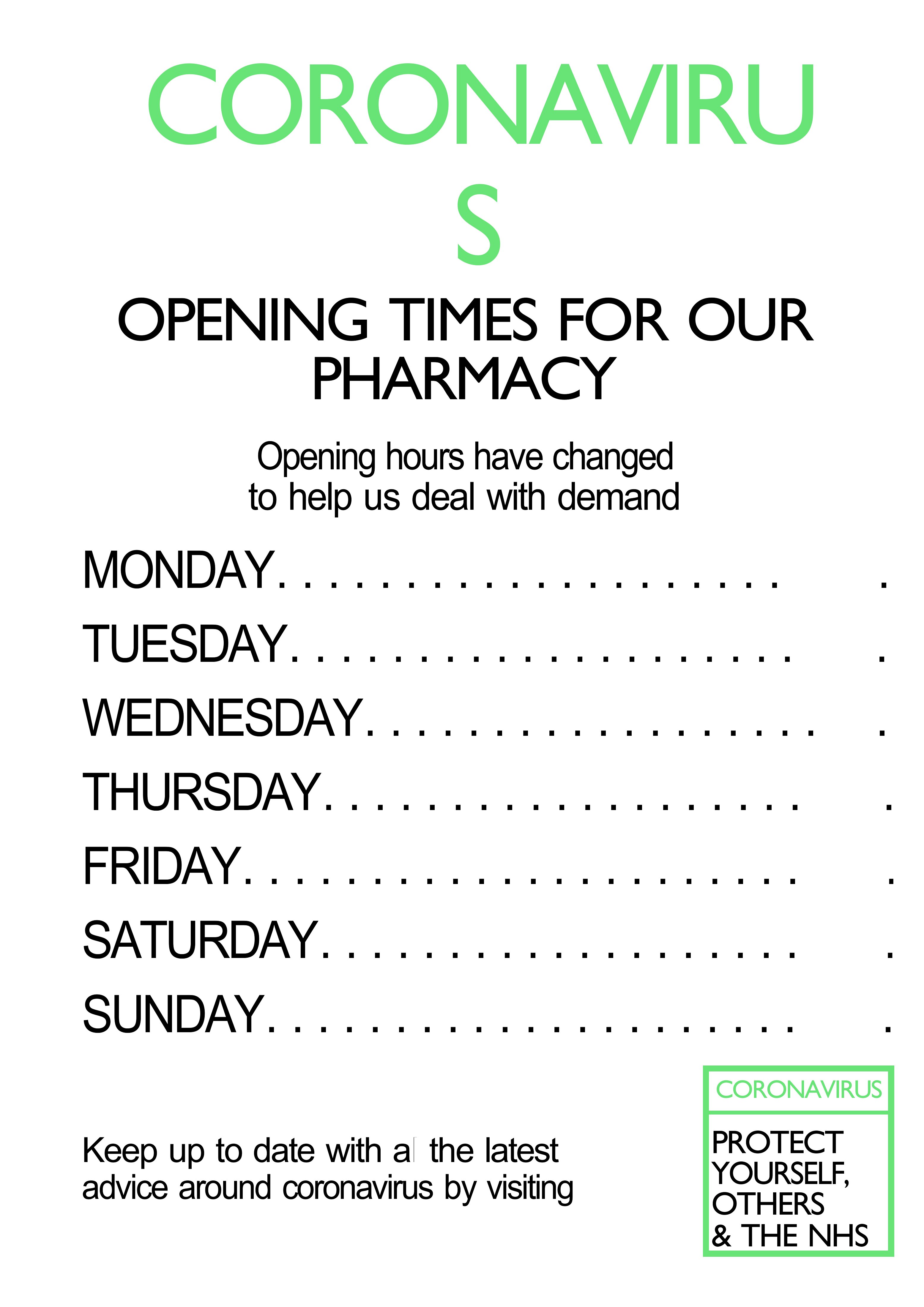
The Word templates are fully editable, so you can manually update times each day or week. For PDFs, you’ll need to reopen the file in a program like Adobe Acrobat (which allows text edits in newer versions) or recreate the layout in Word first. Consider saving a backup of the original template to reset formatting easily.
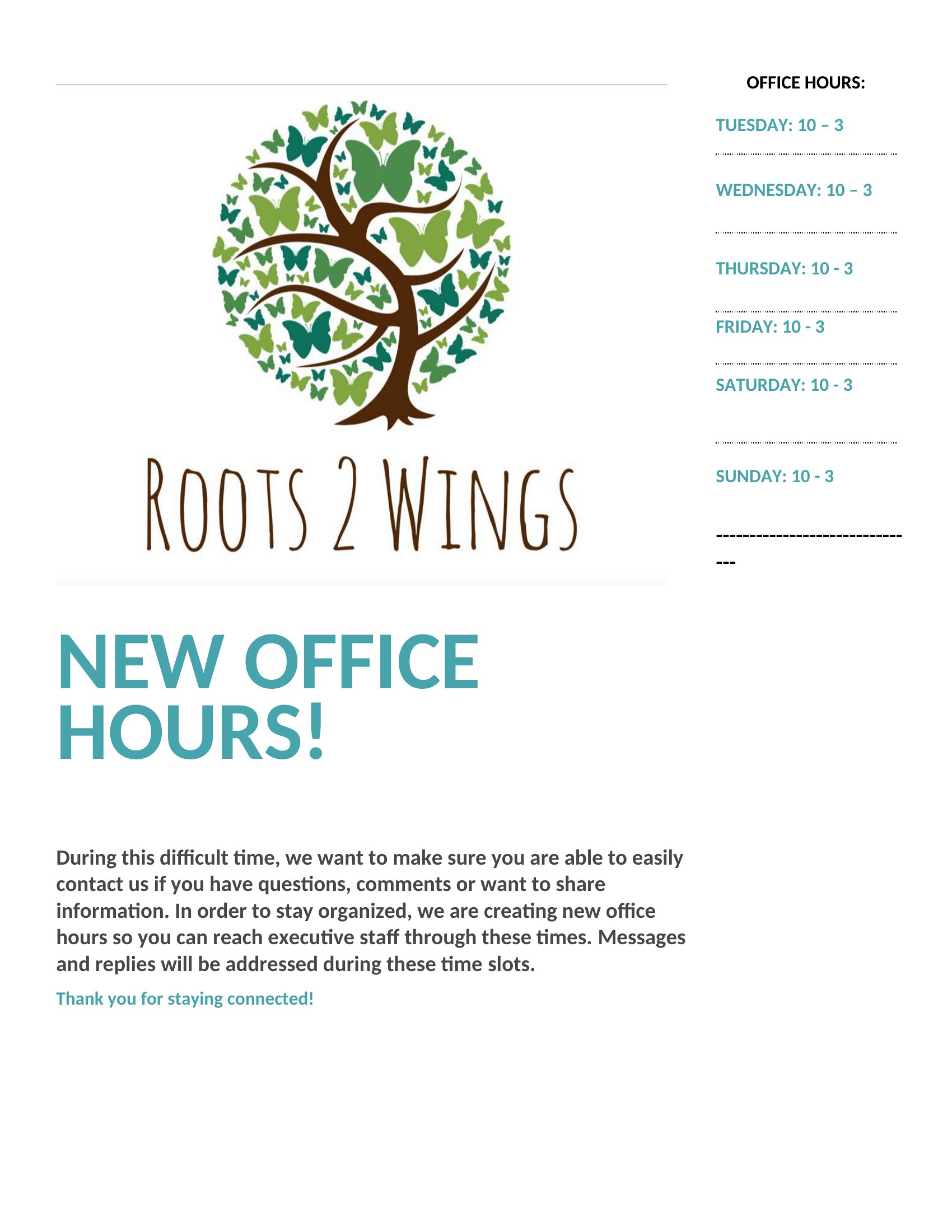
Should I add my business name or logo to the template, and how?
While the templates are designed to stand alone, adding your business name or logo can reinforce branding. In Word, insert your logo as an image or text box, then resize to fit. For PDFs, you’ll need to edit the file digitally beforehand or print the template, then overlay your logo by hand if you’re using a permanent sign. Avoid covering critical hour details.
Comments
Join the conversation
Sign in to share your thoughts and leave a comment on this resource.