

Skip to content
50% off this one-time $1.99 pack with HALFOFF — or unlimited with Pro.HALFOFF
Premium

Free Business Hours Sign Templates (Word, PDF)

Life
ildapires by ildapires
Updated 0 downloads 1 community comment

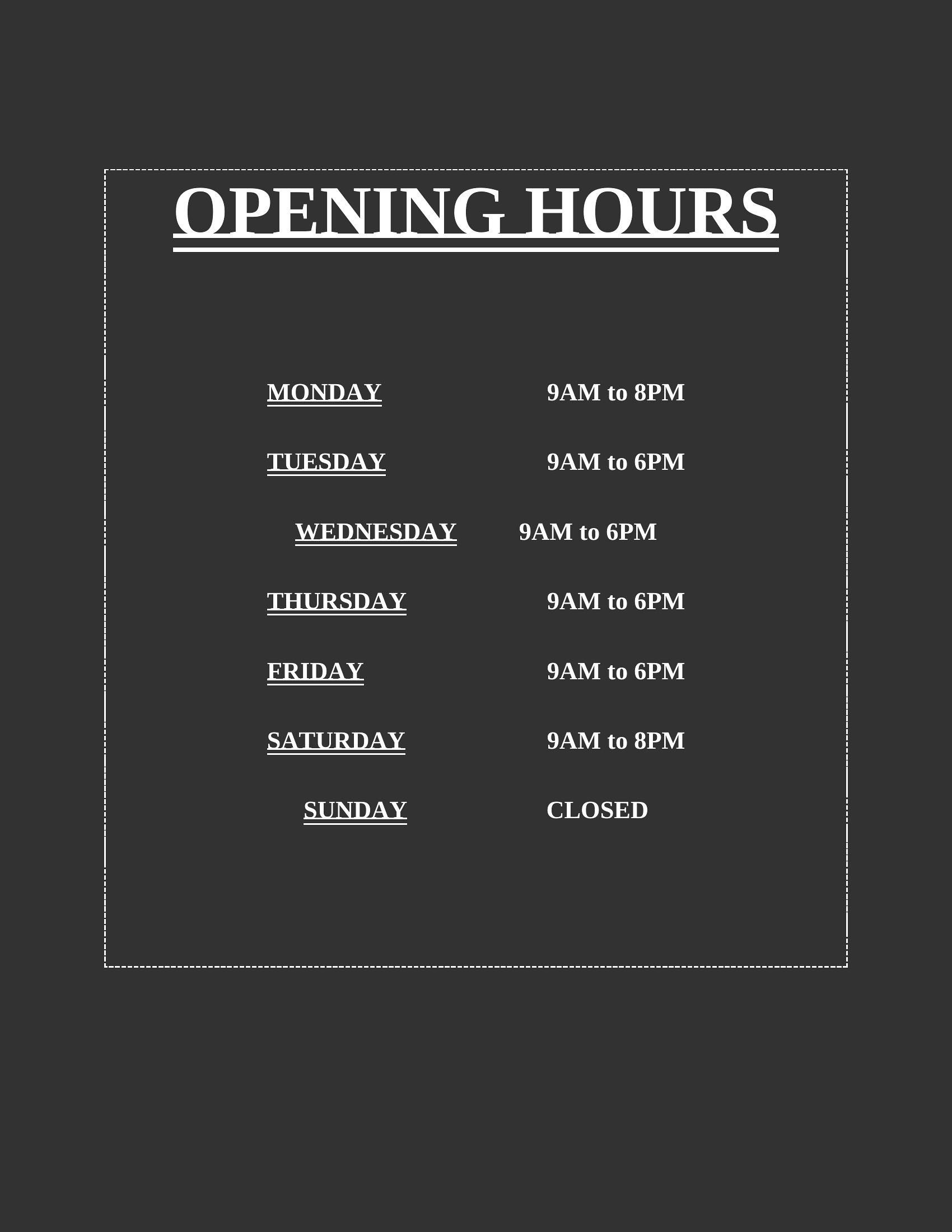
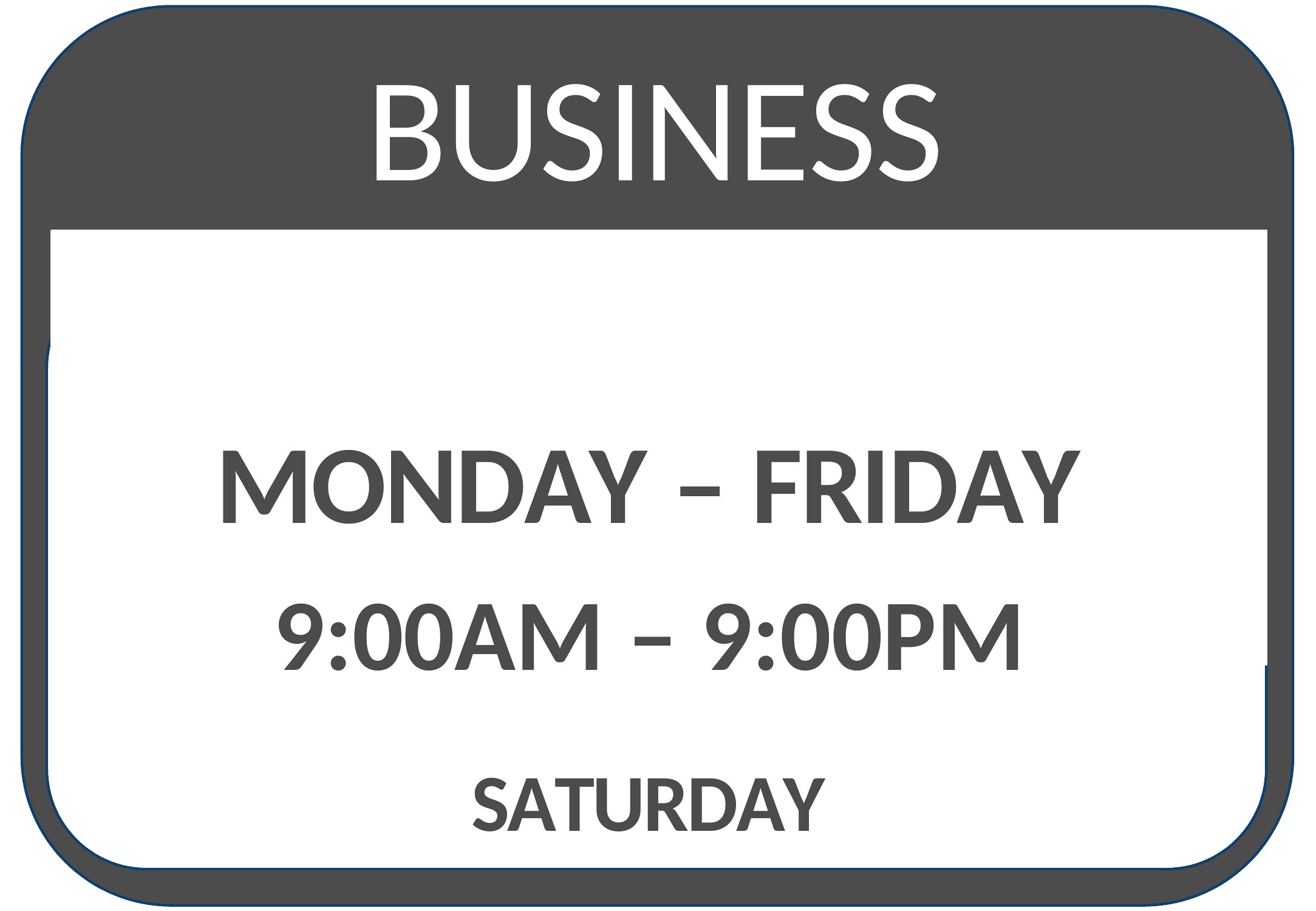
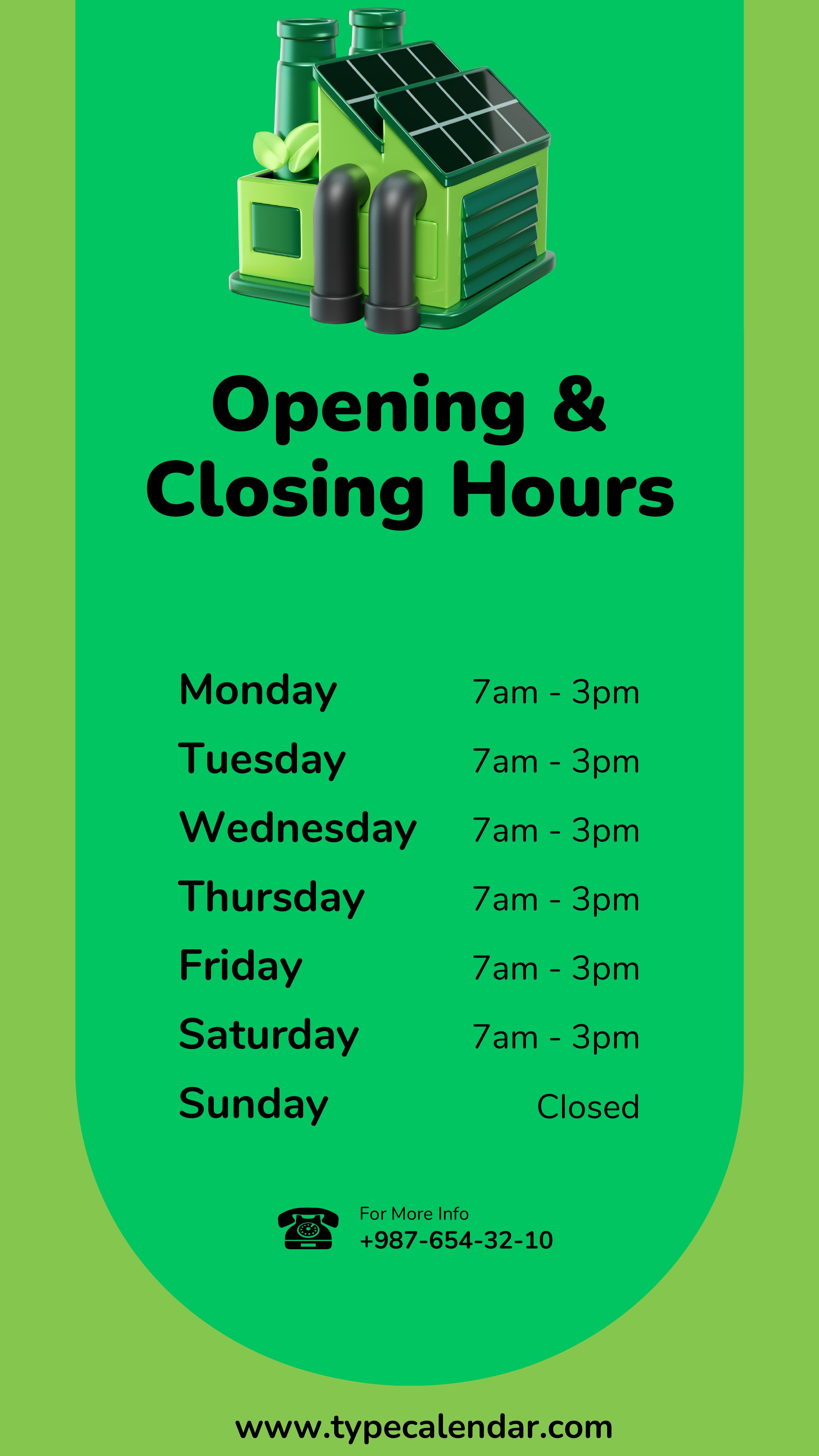
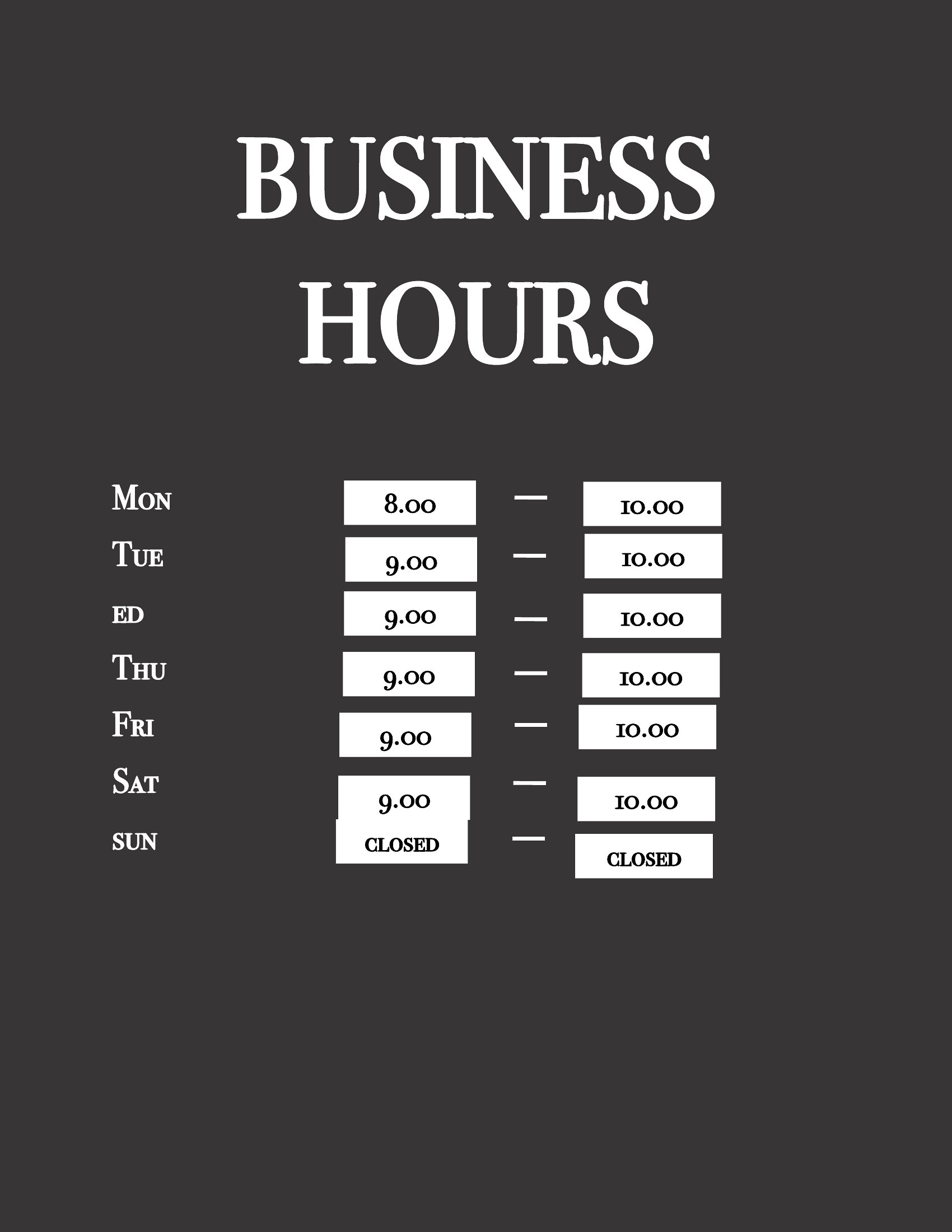
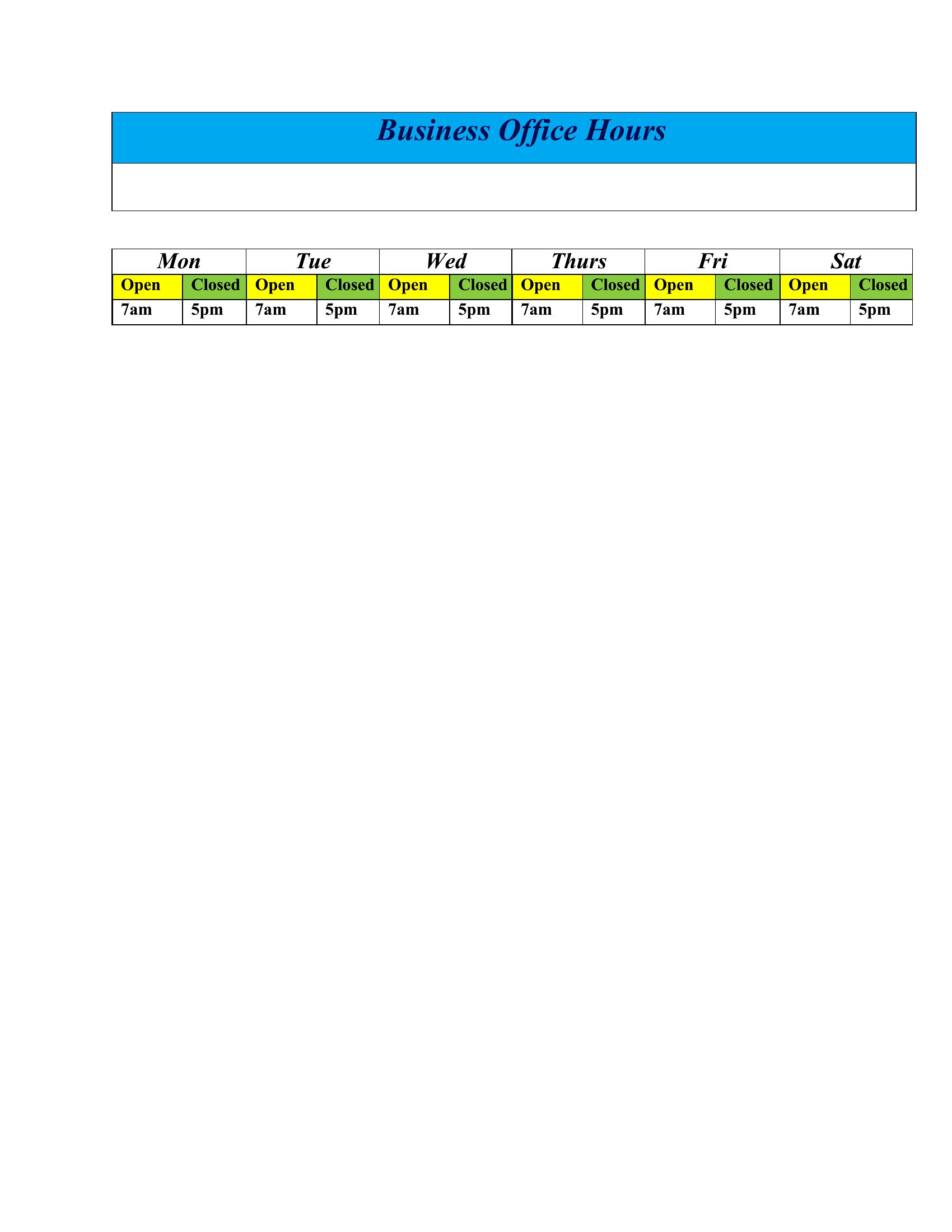
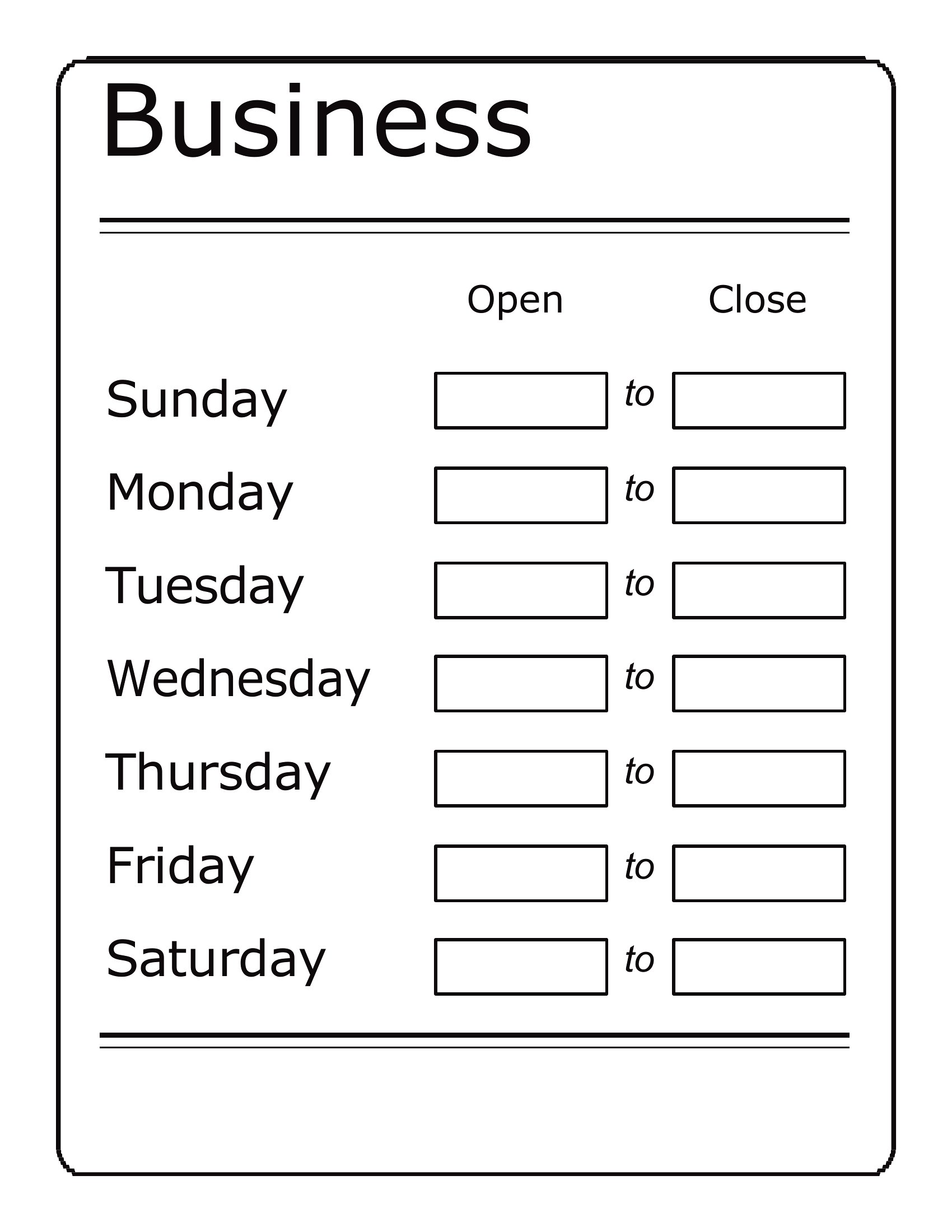
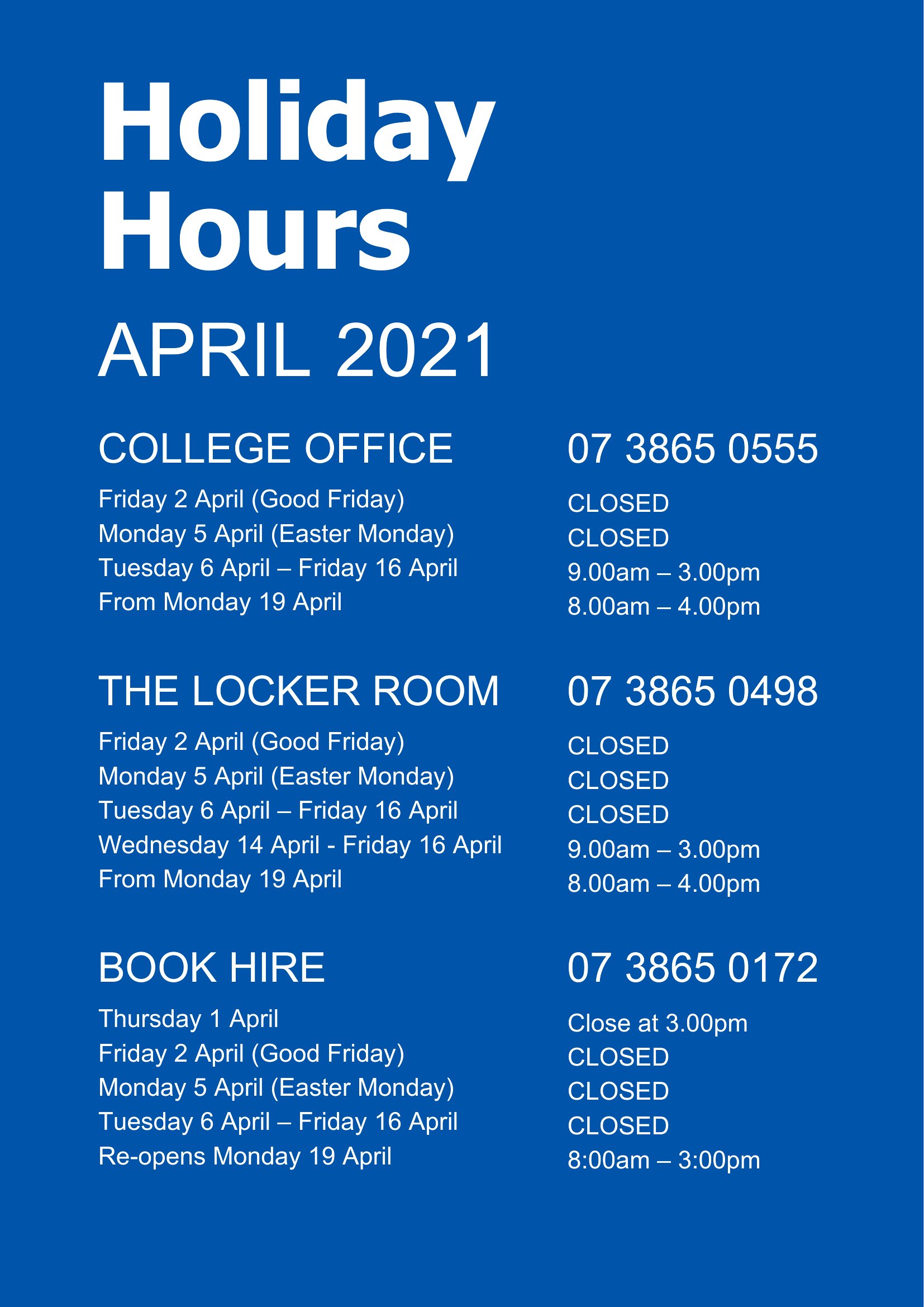
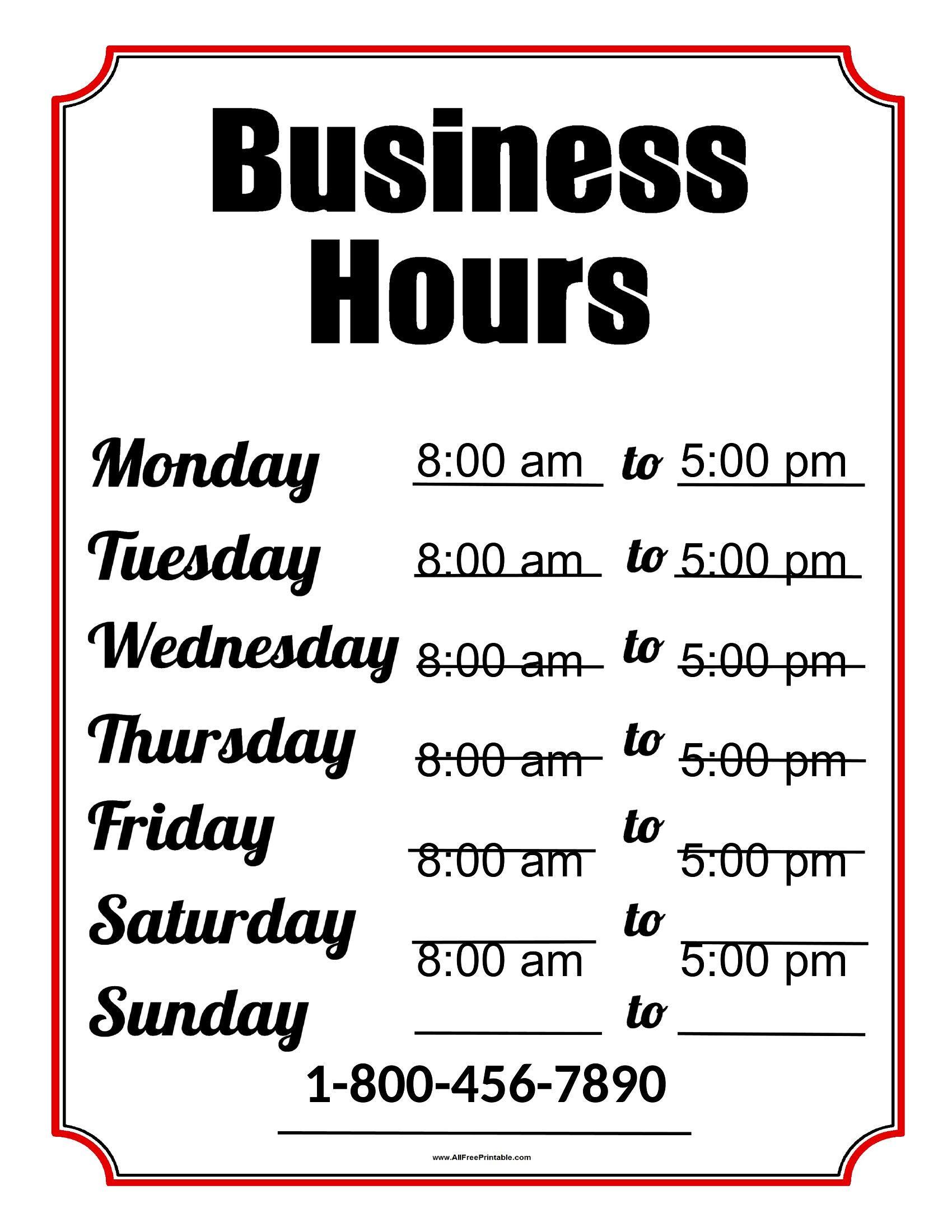
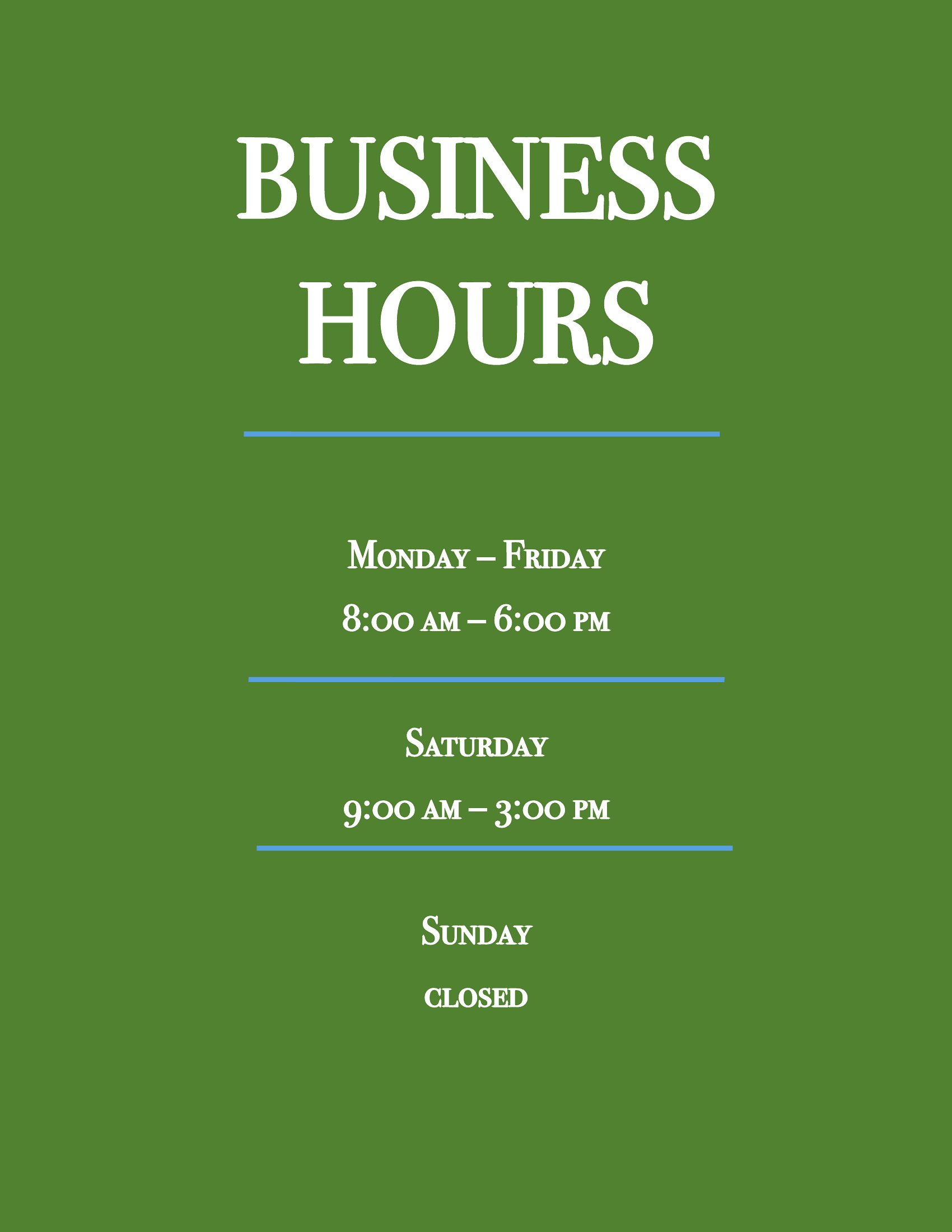
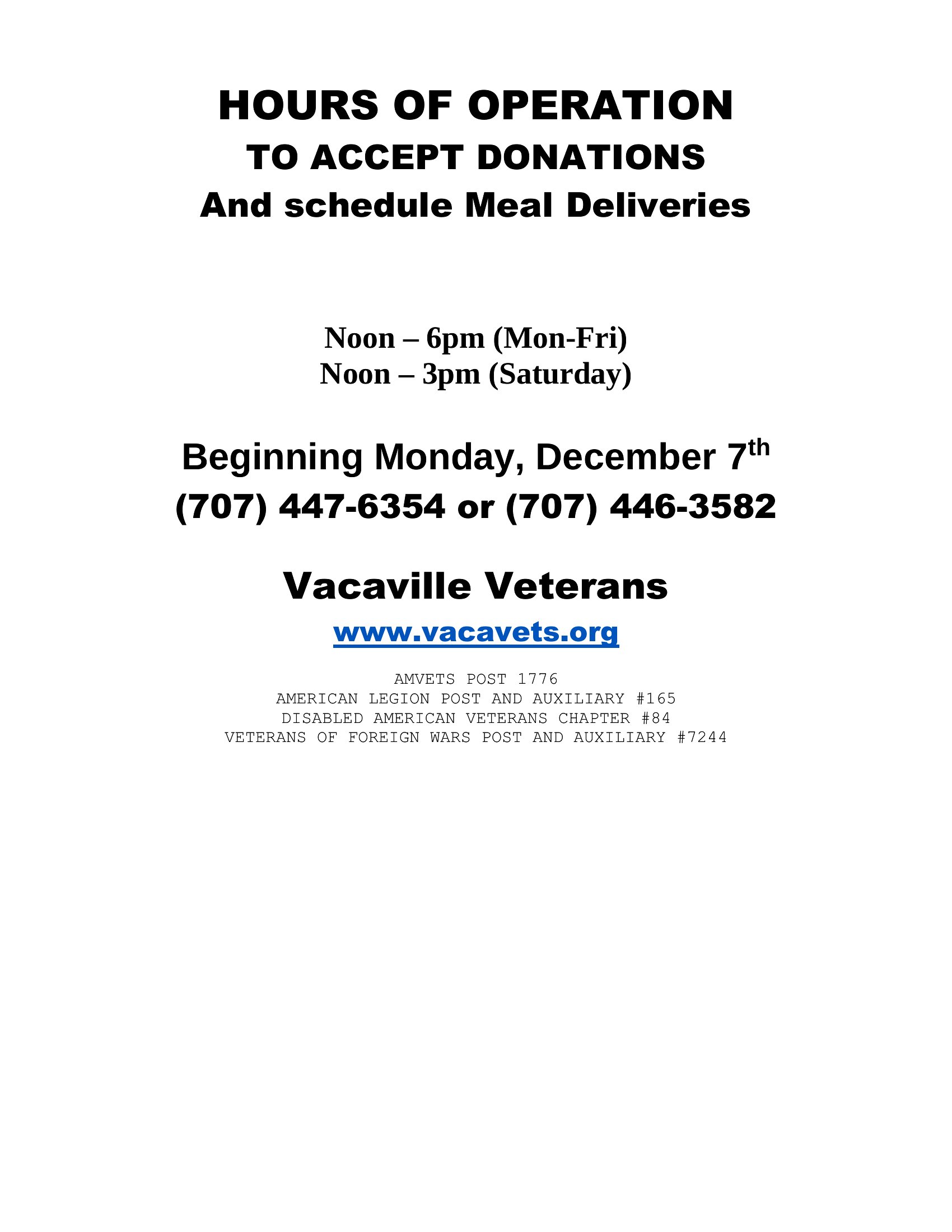
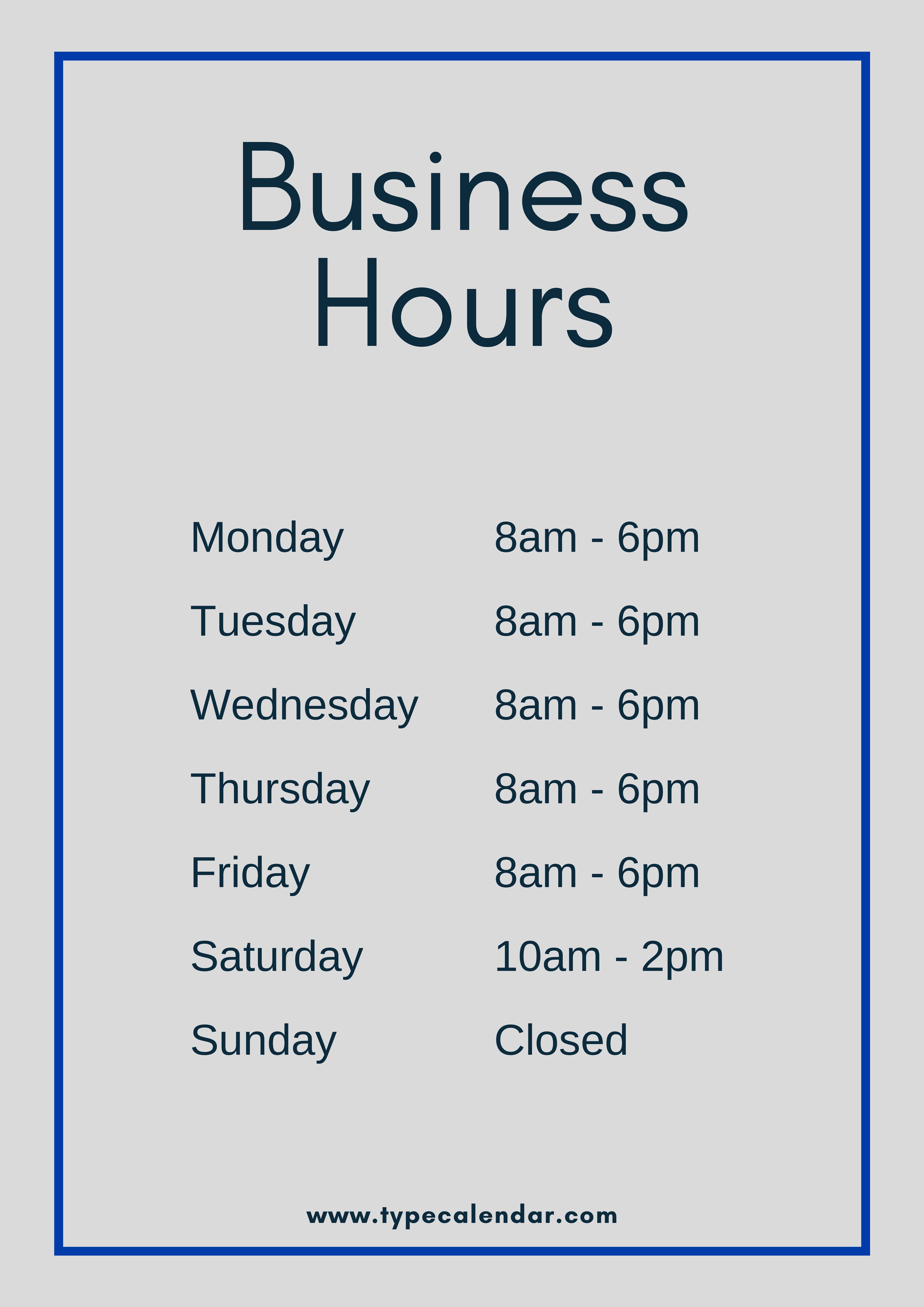
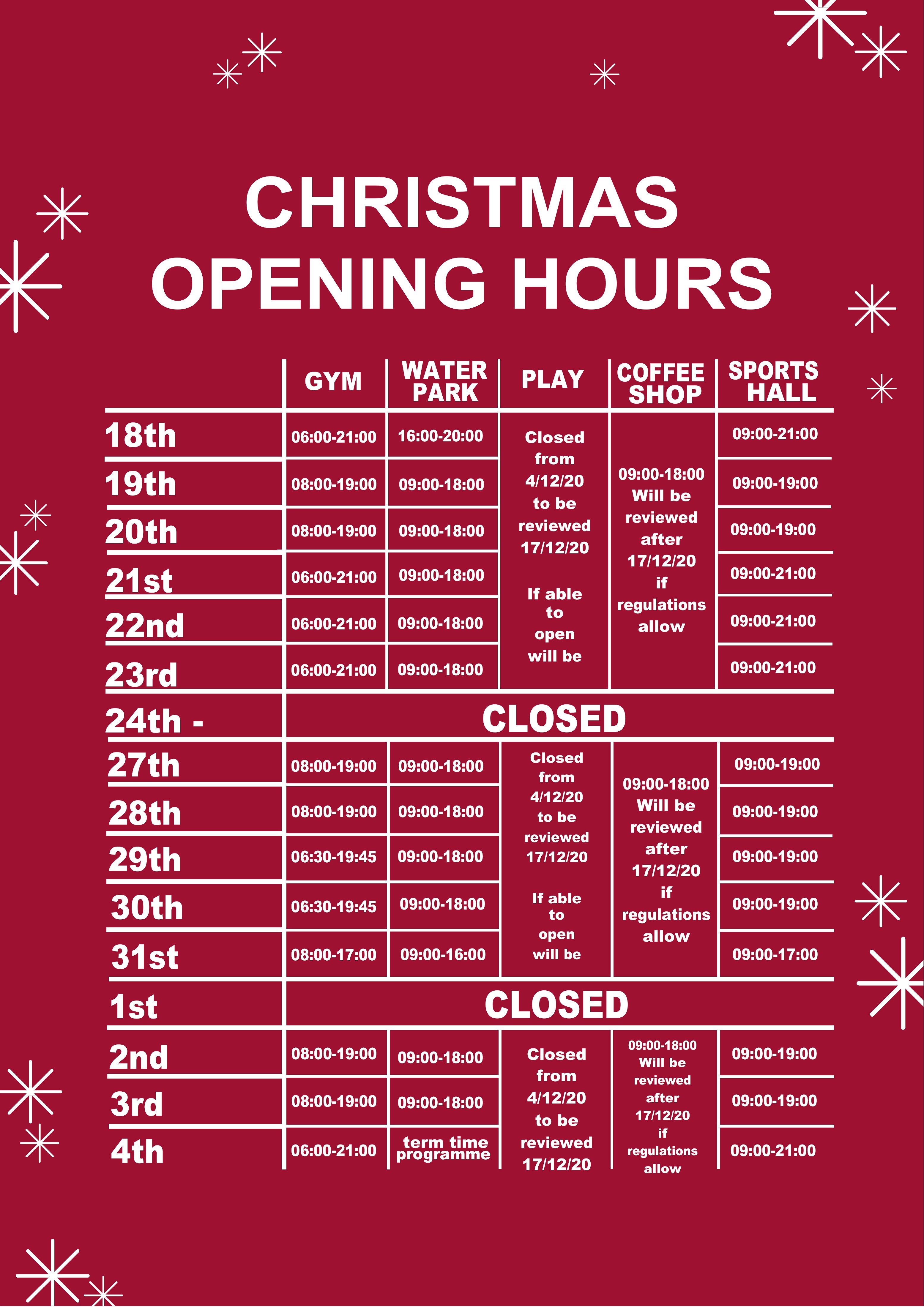
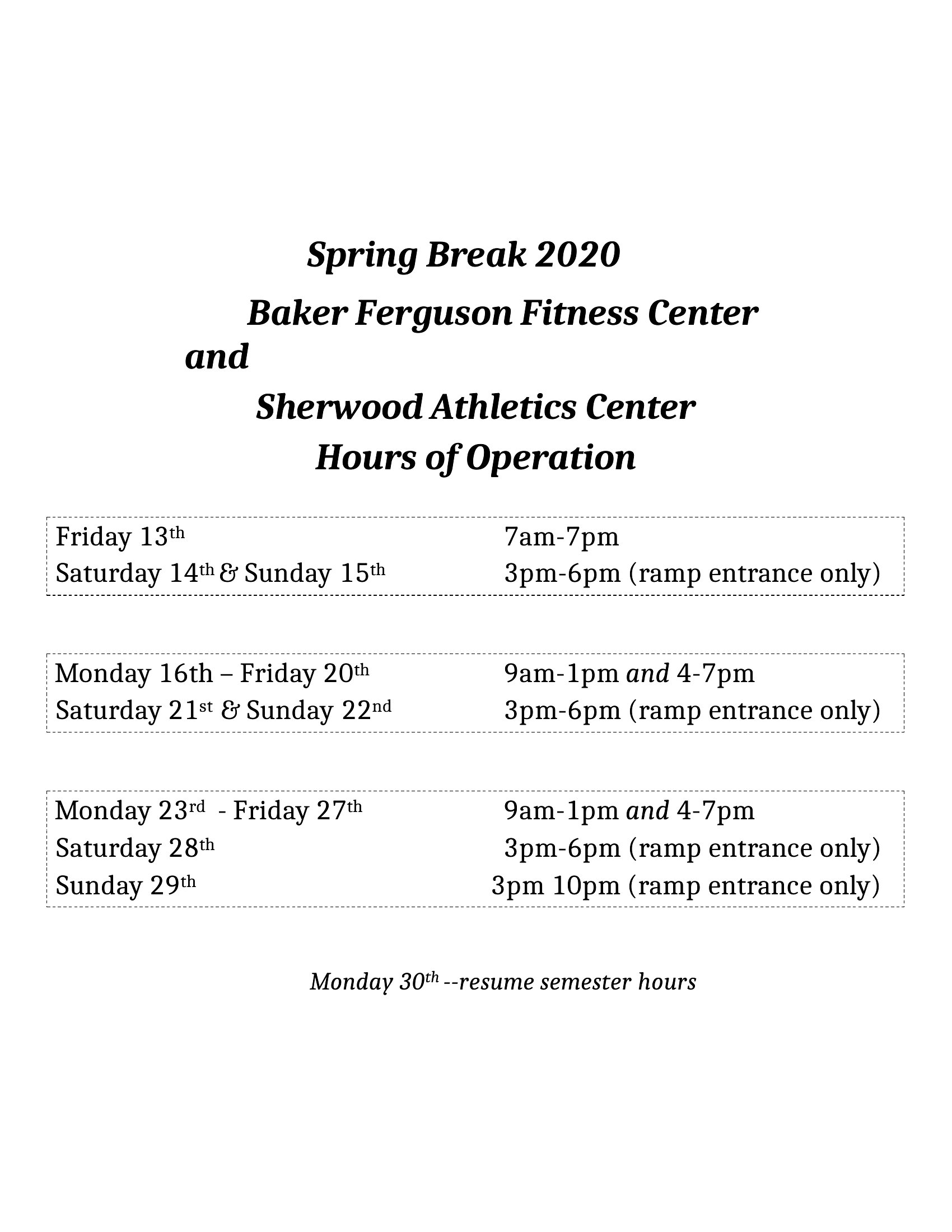
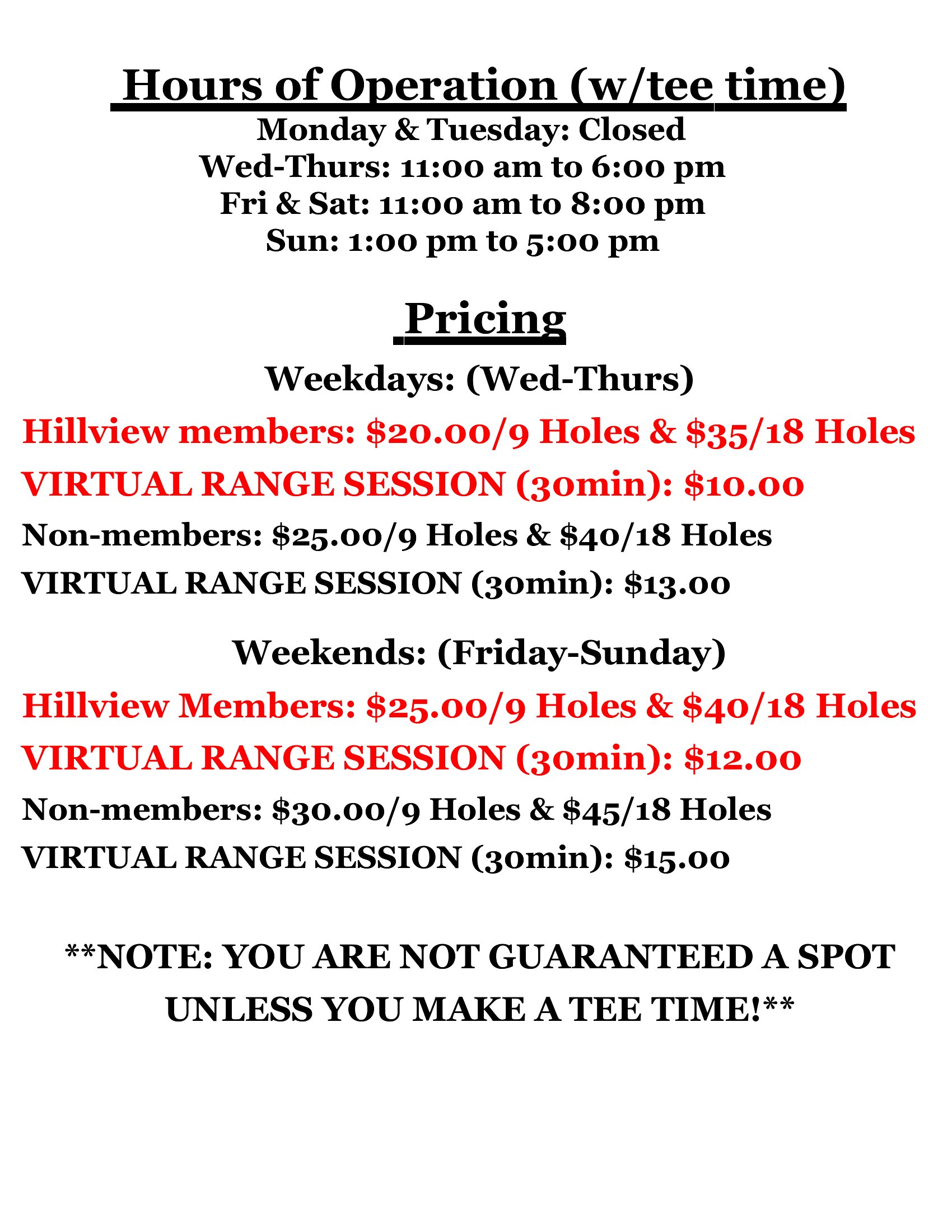
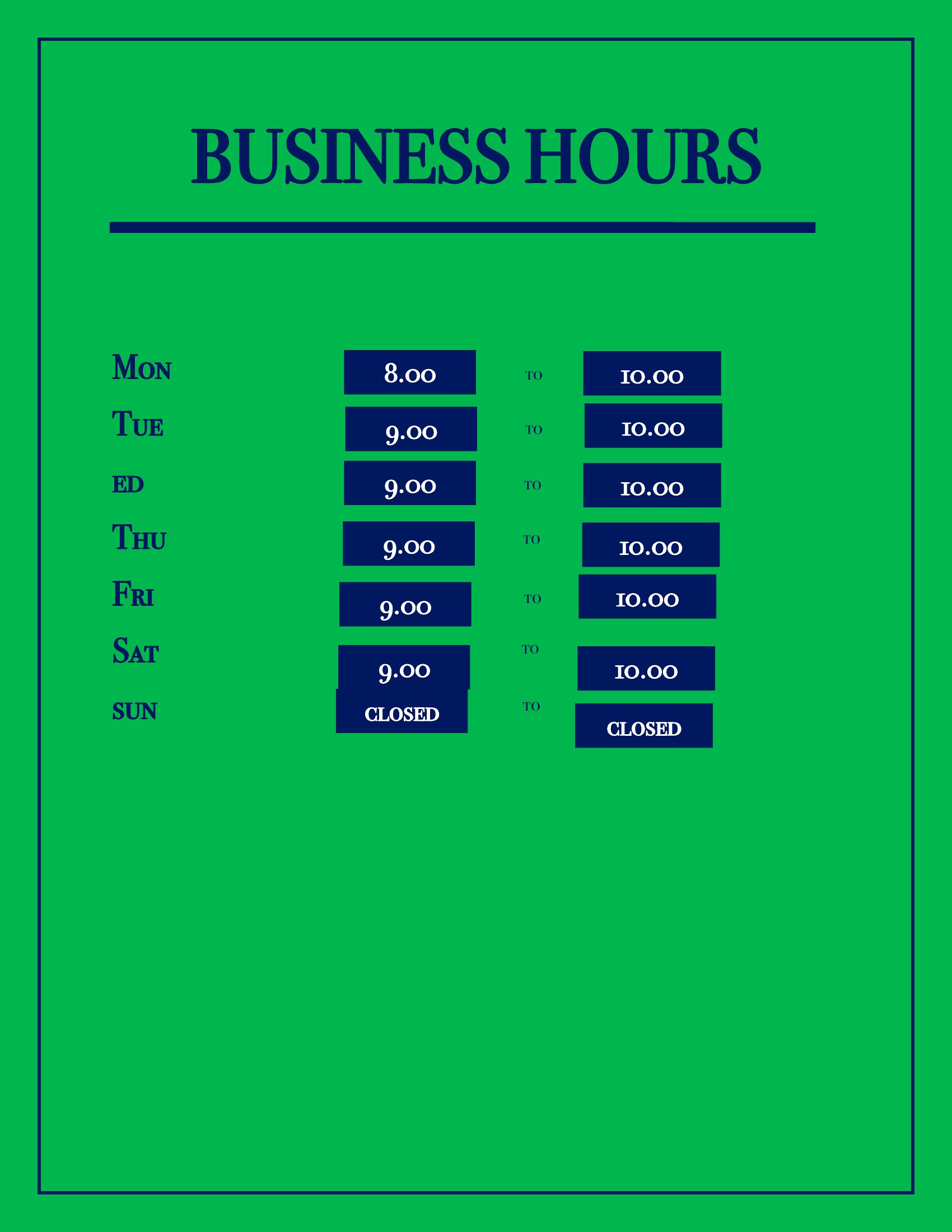
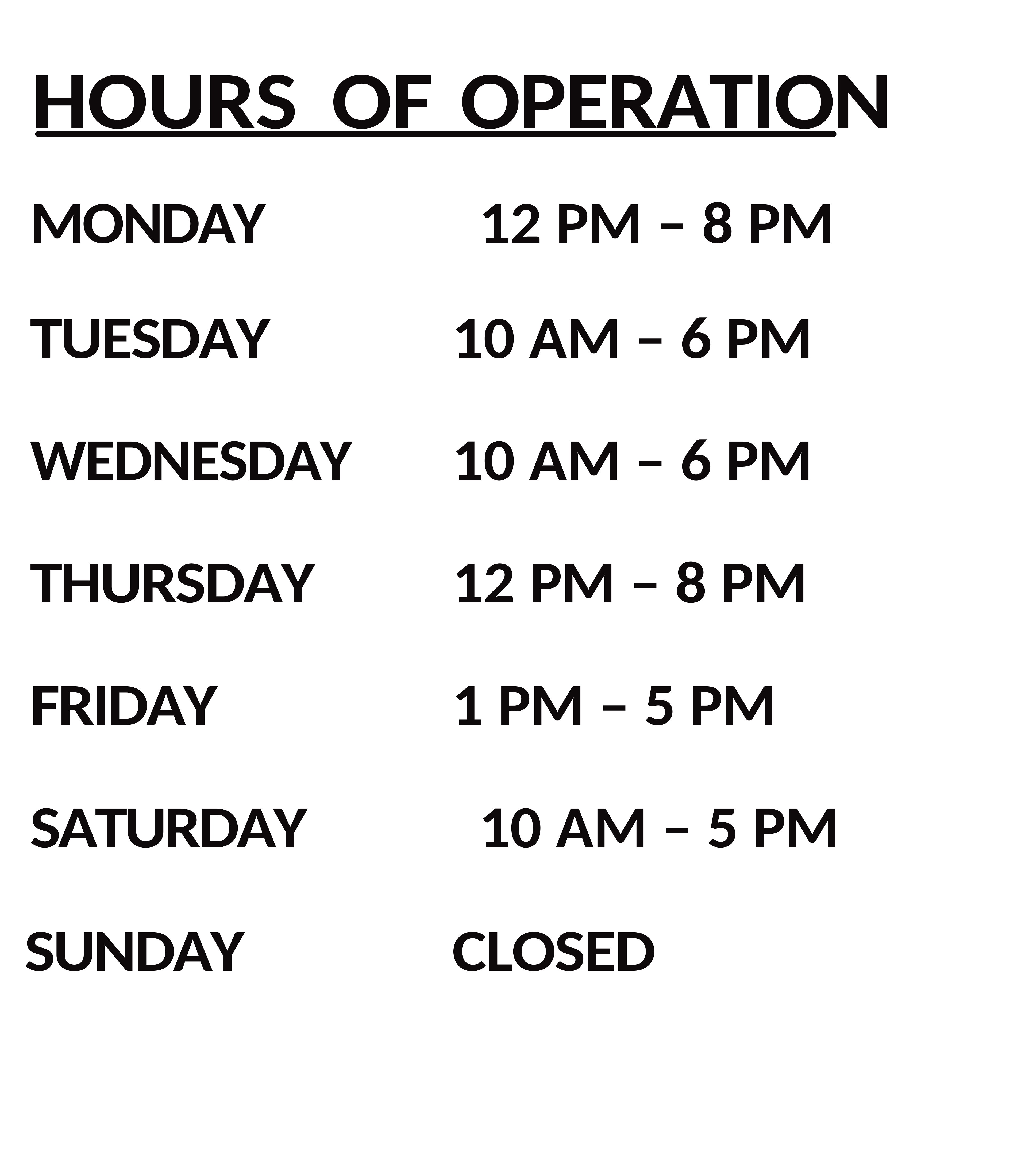
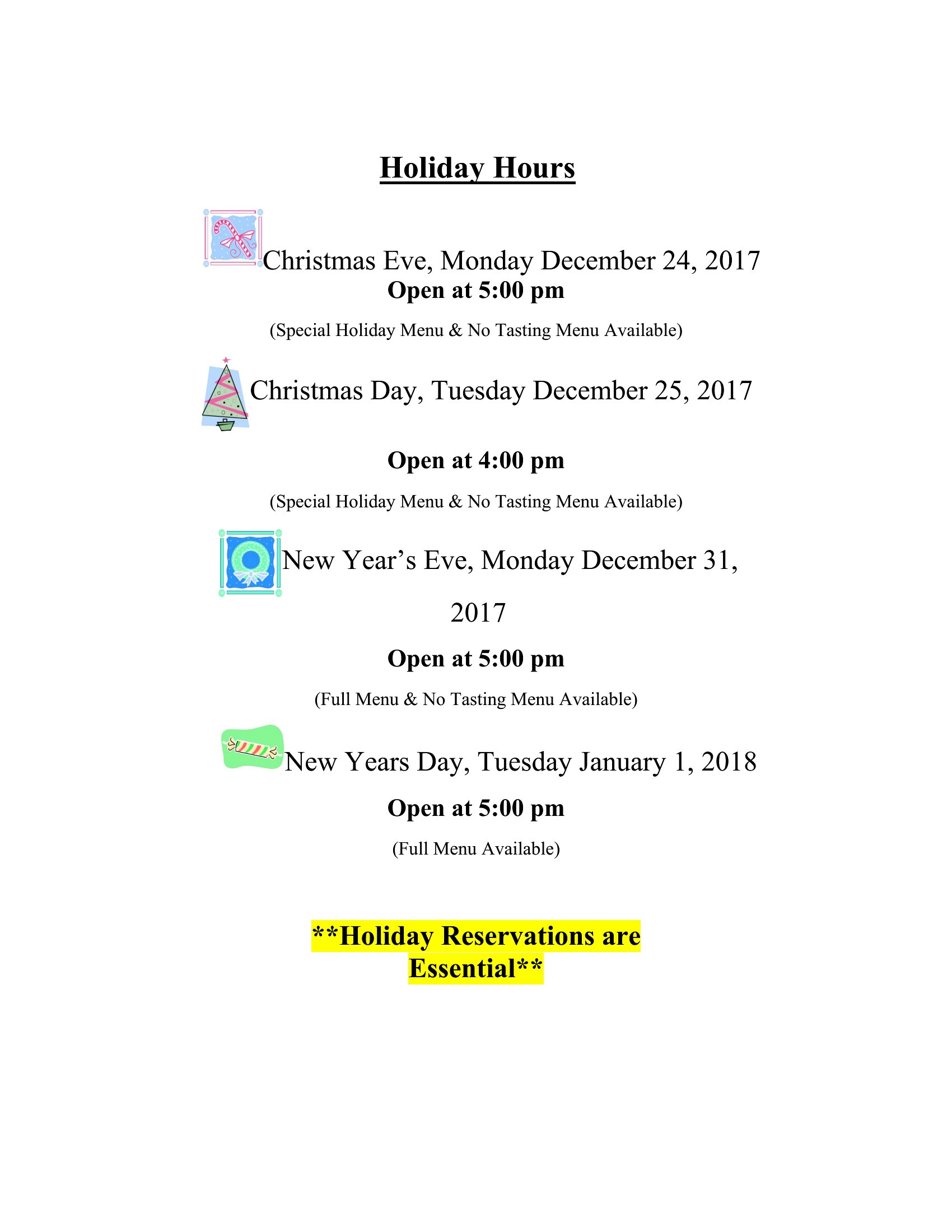
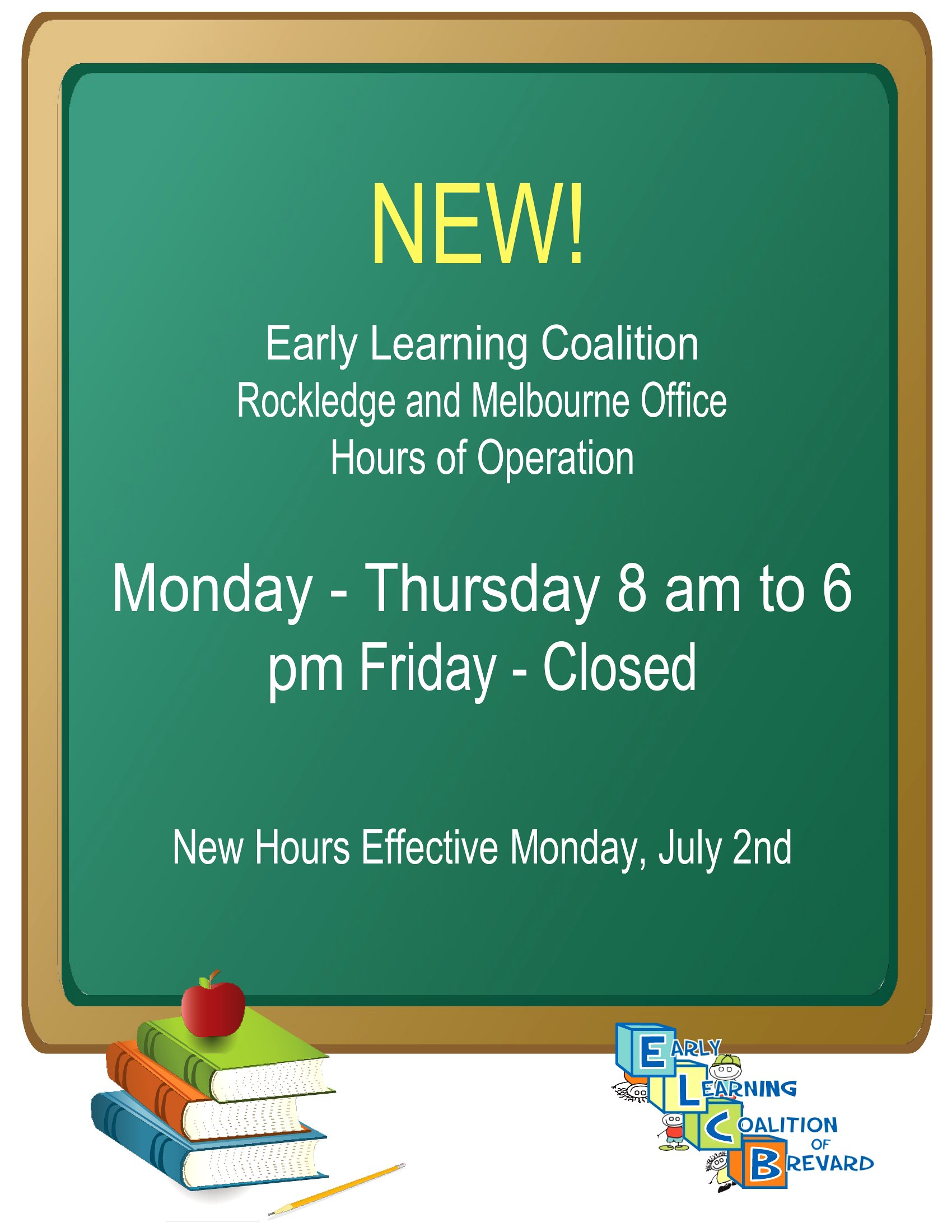
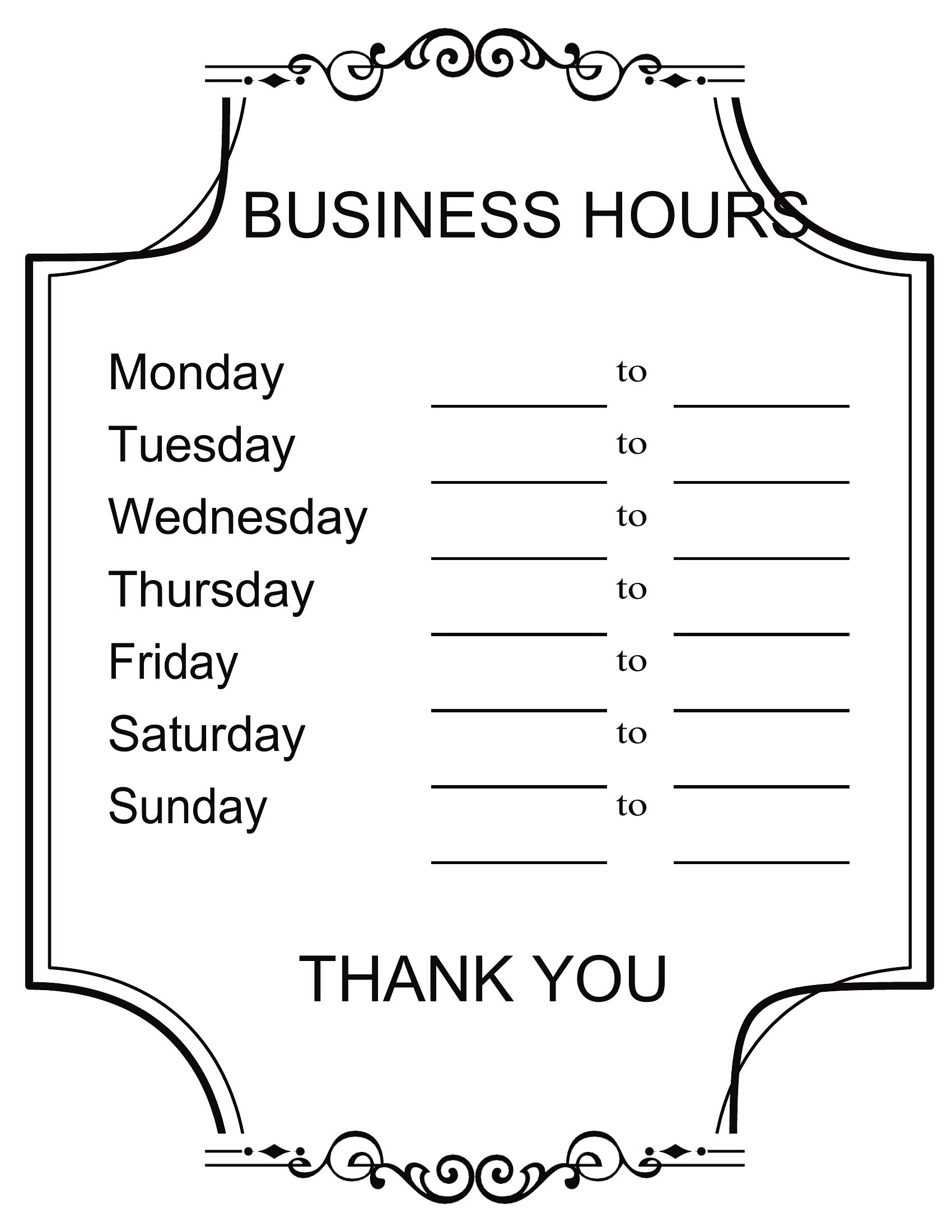
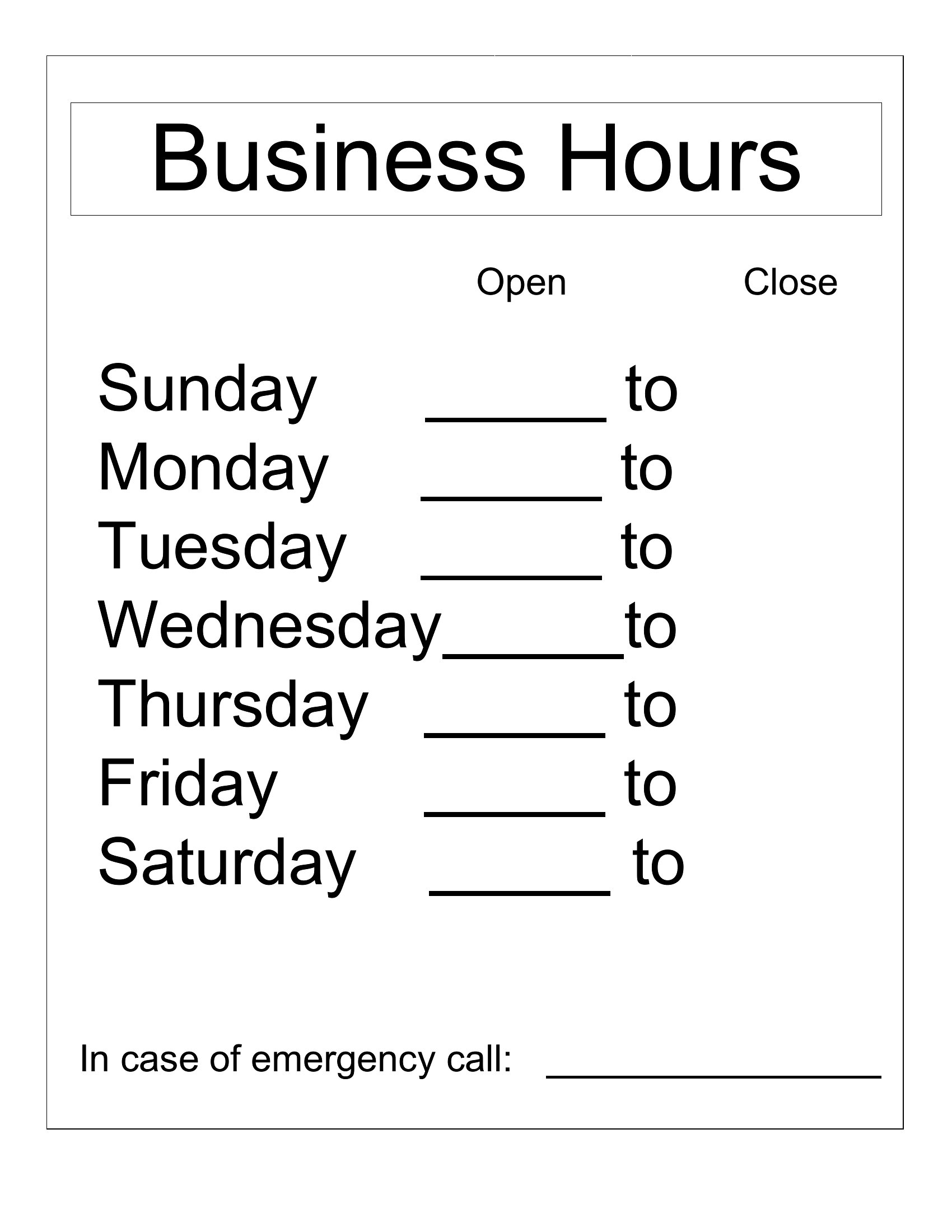
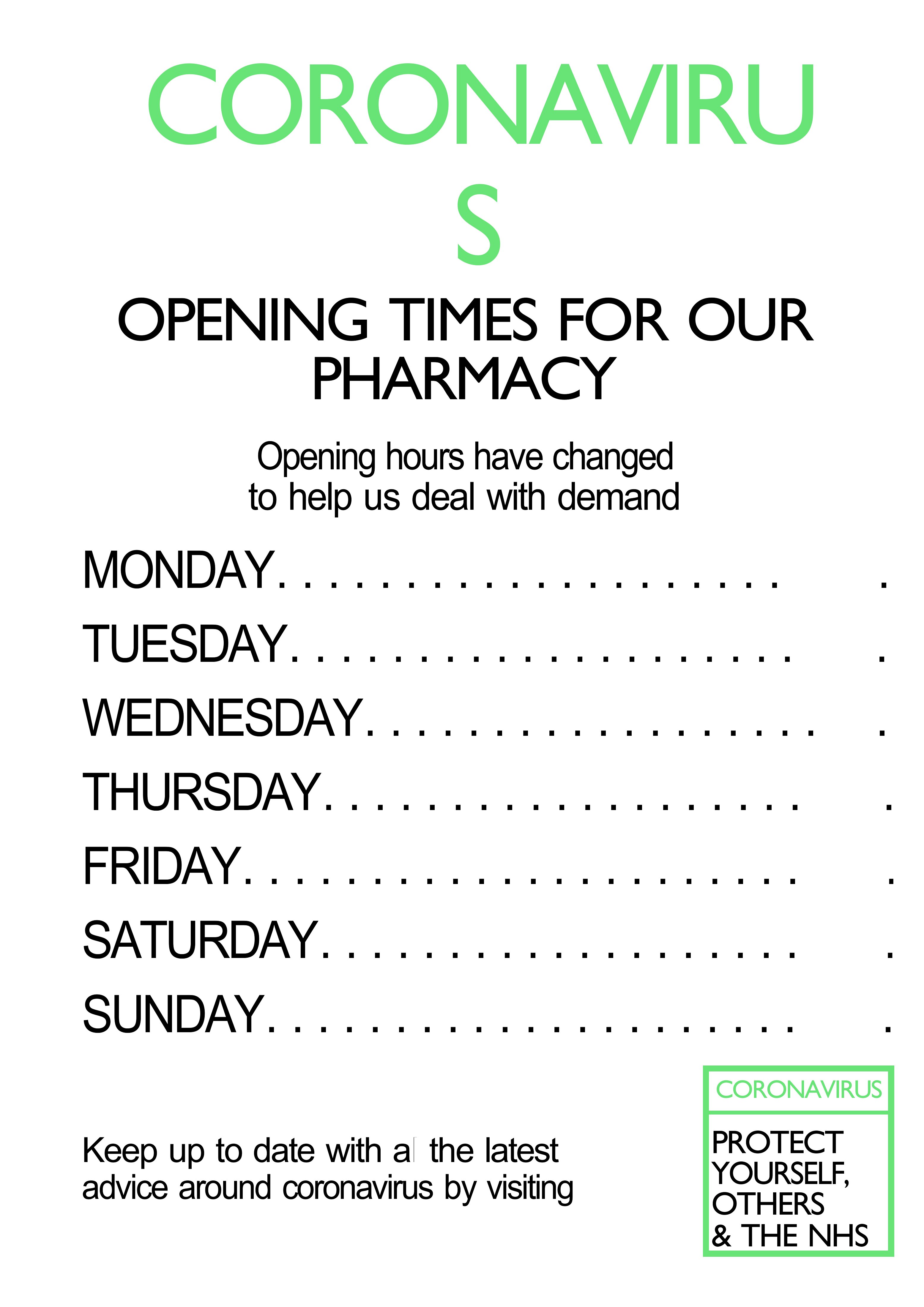
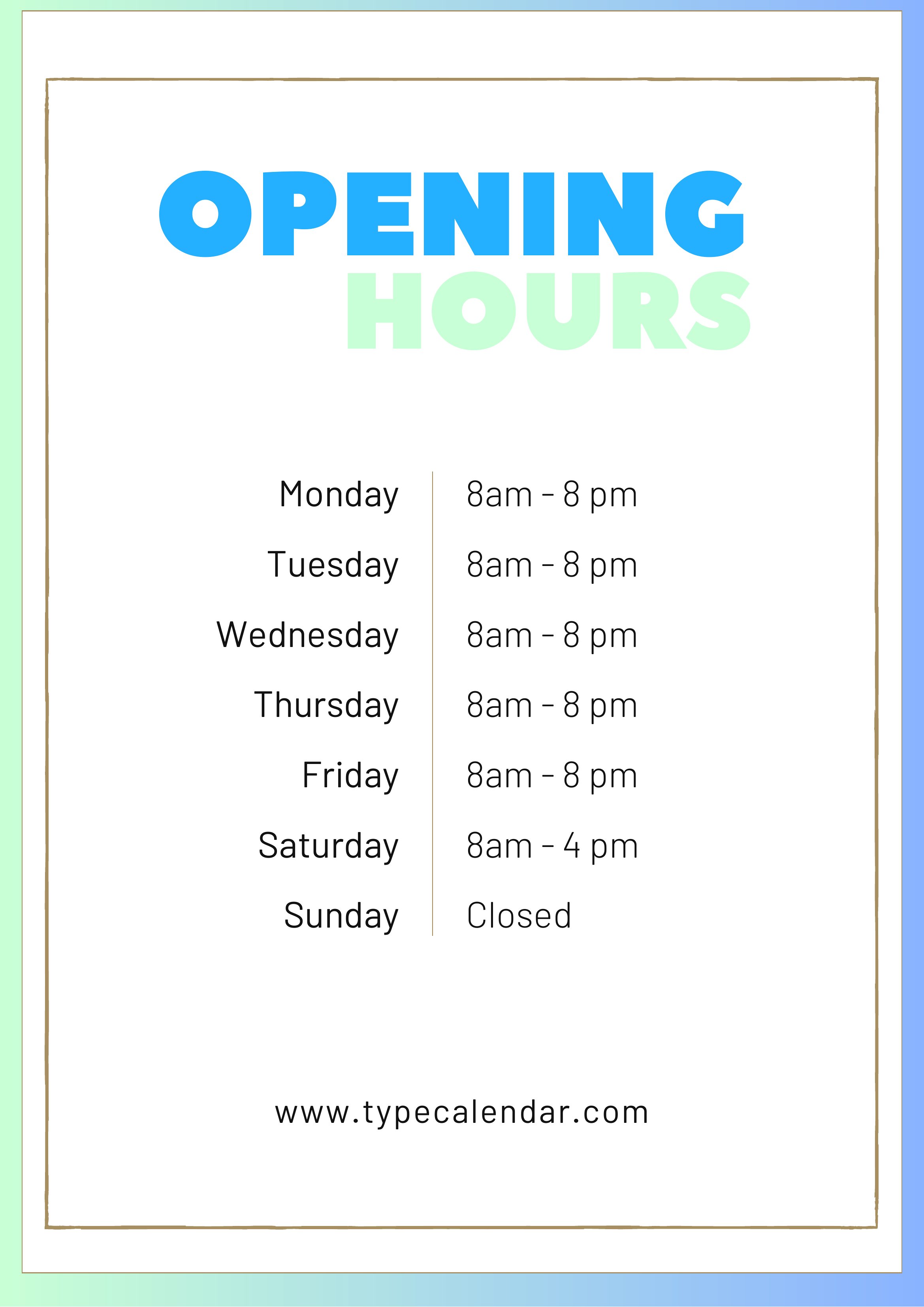
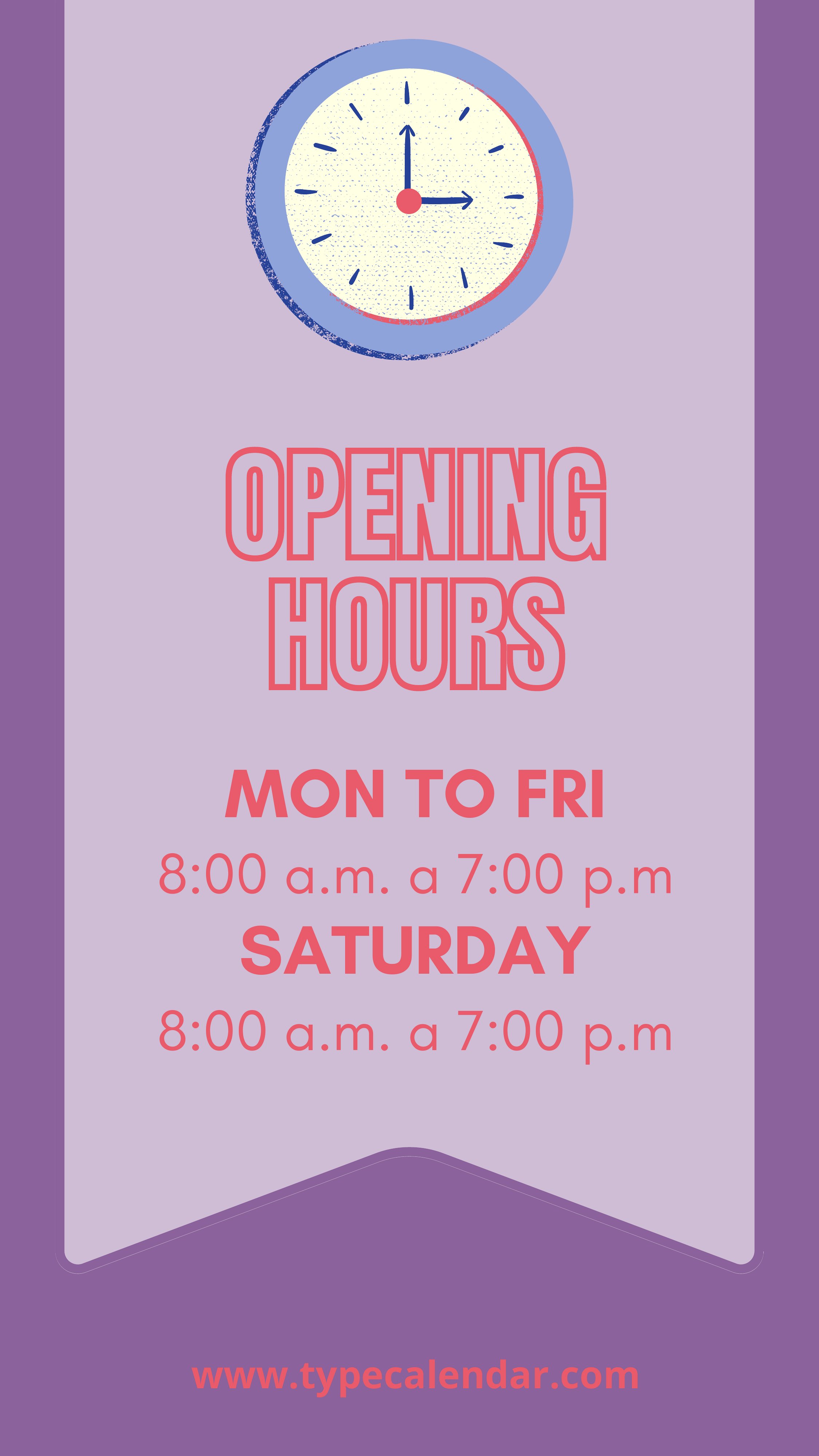
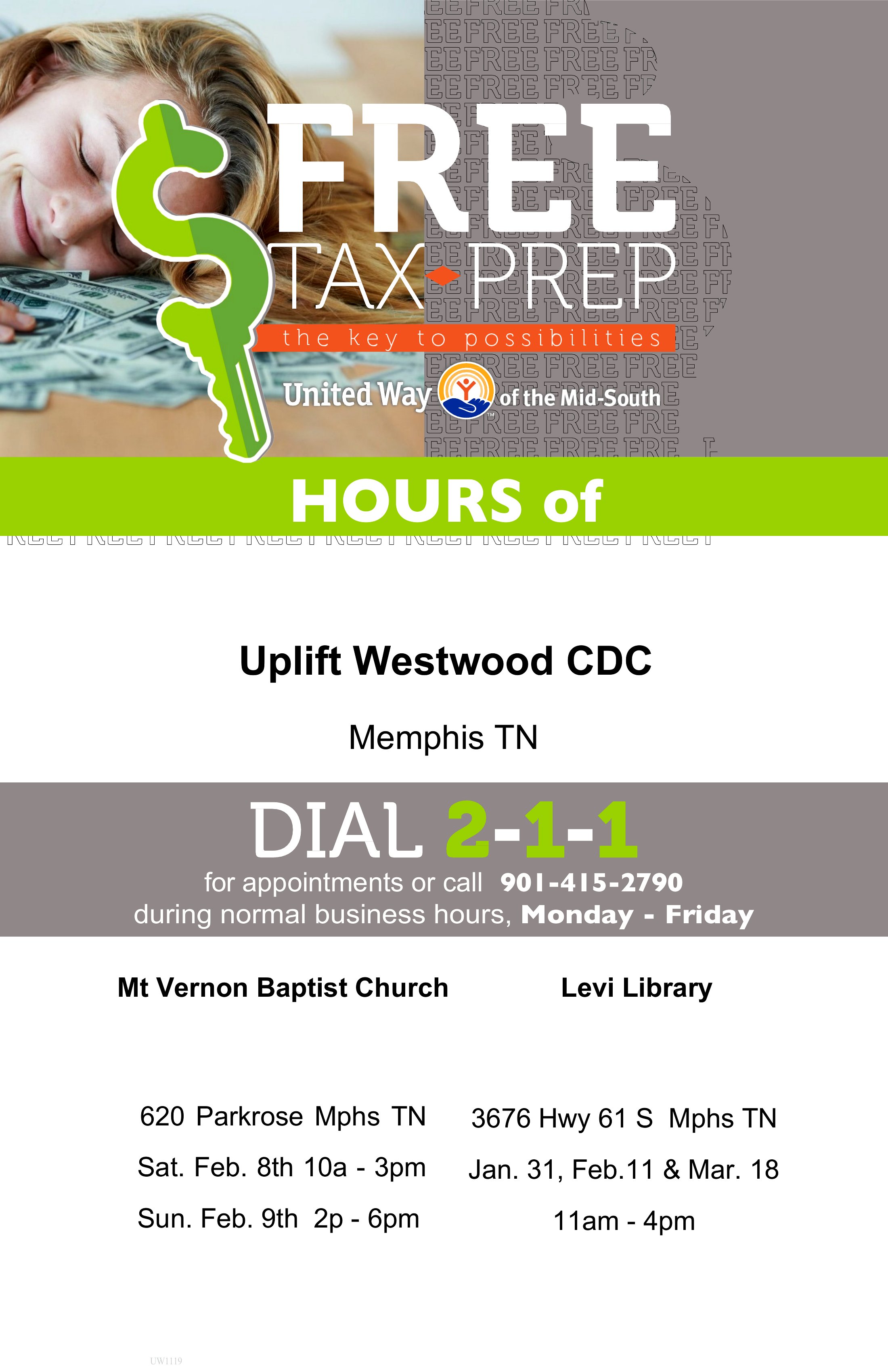
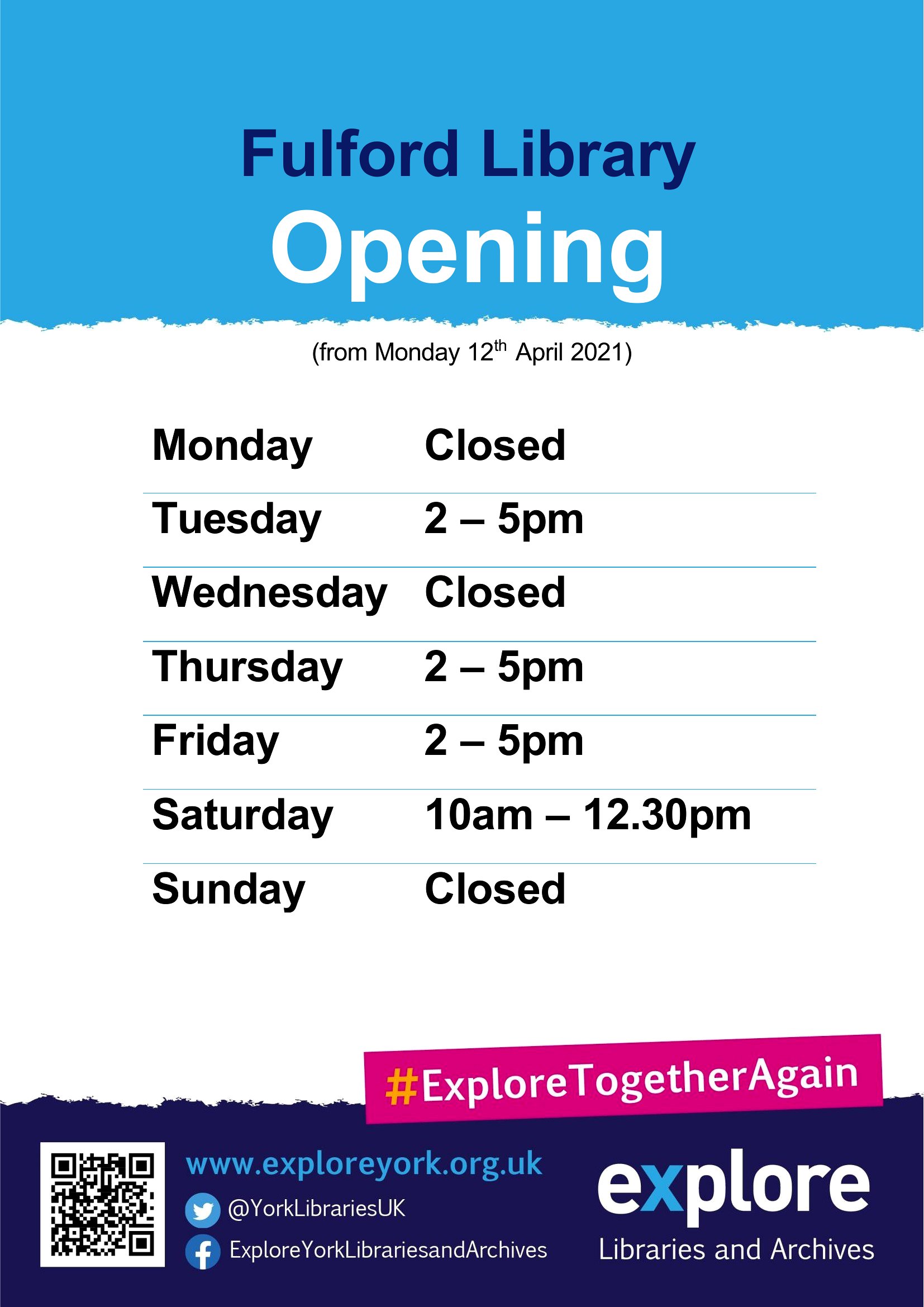
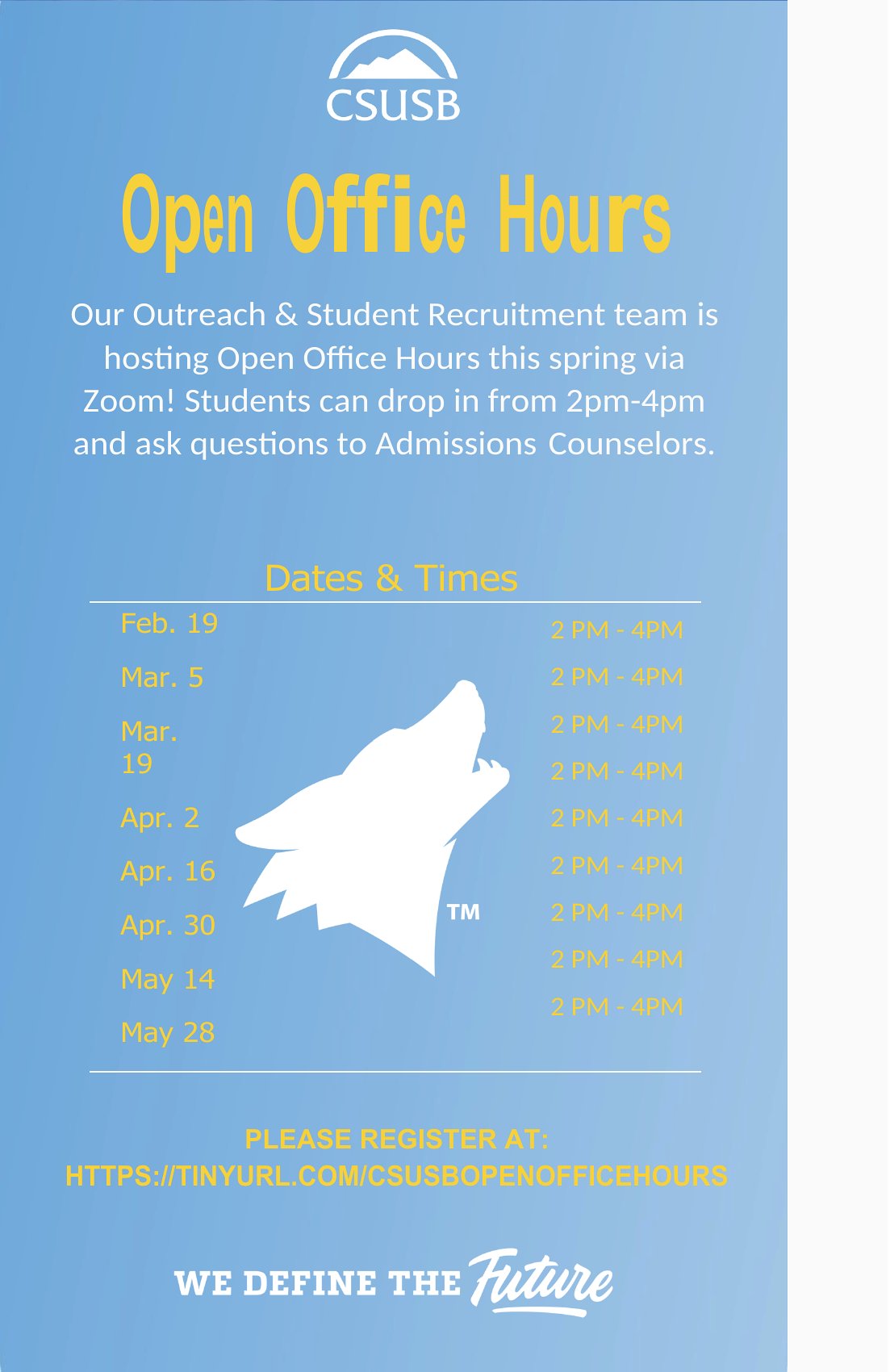
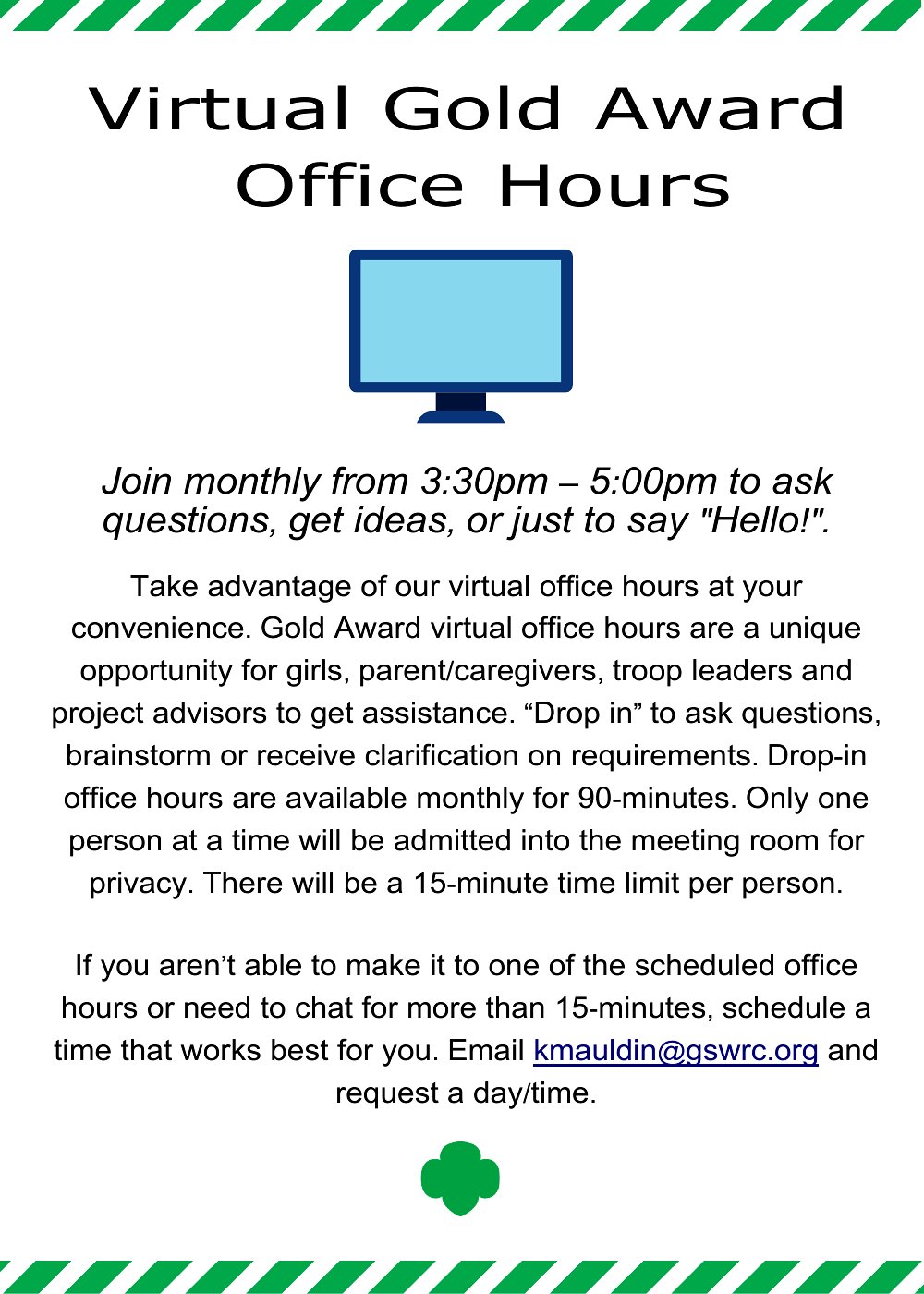
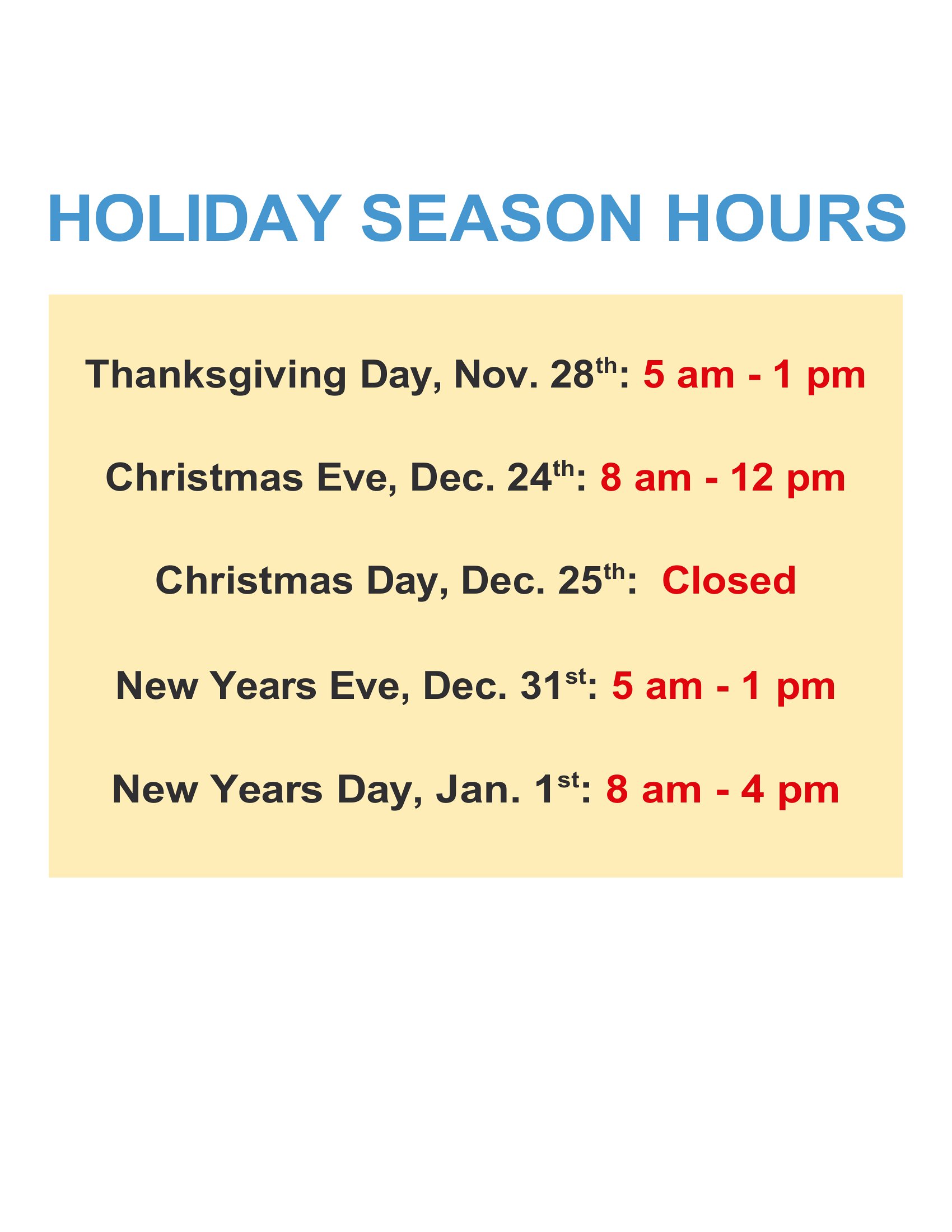
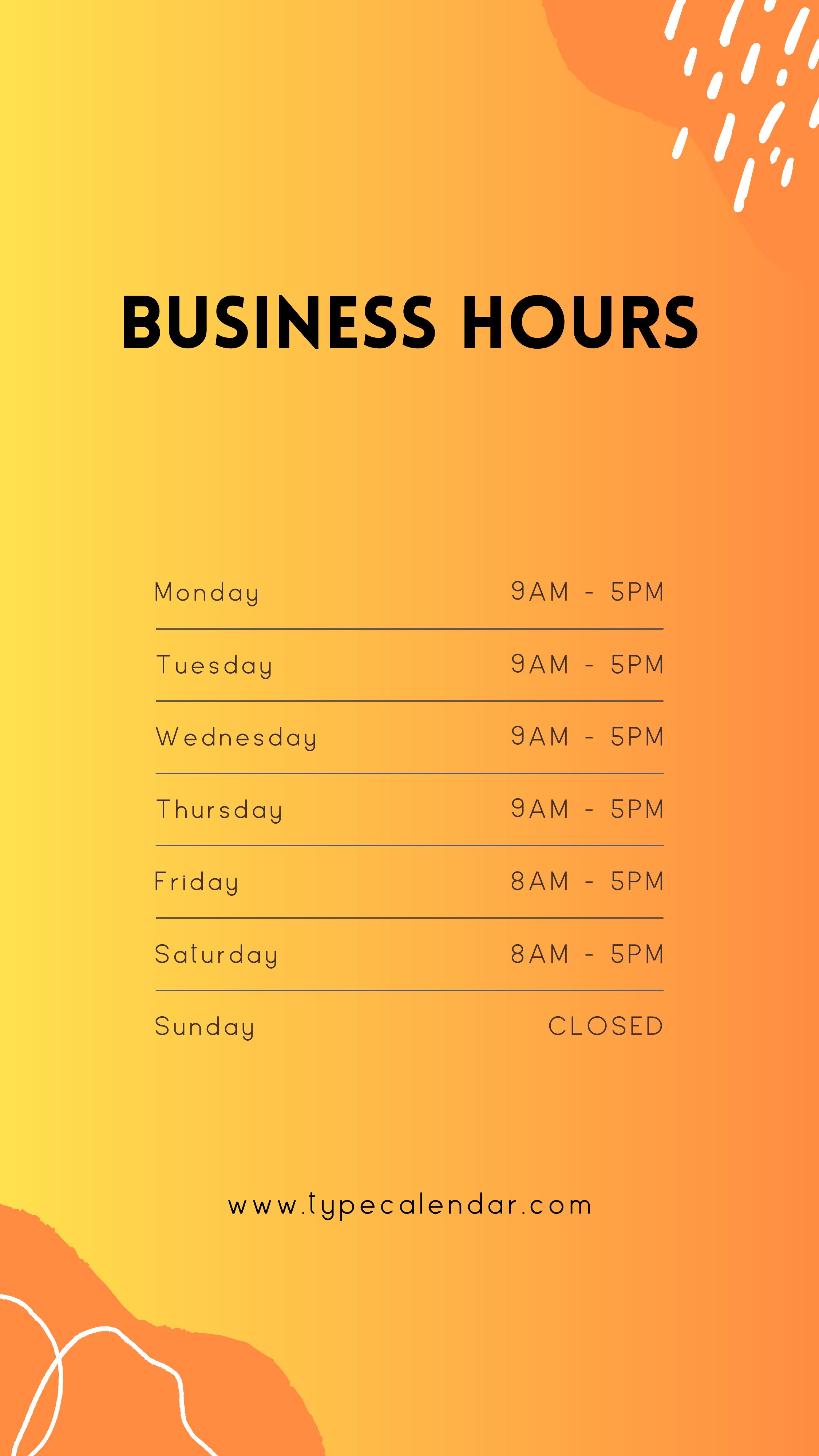
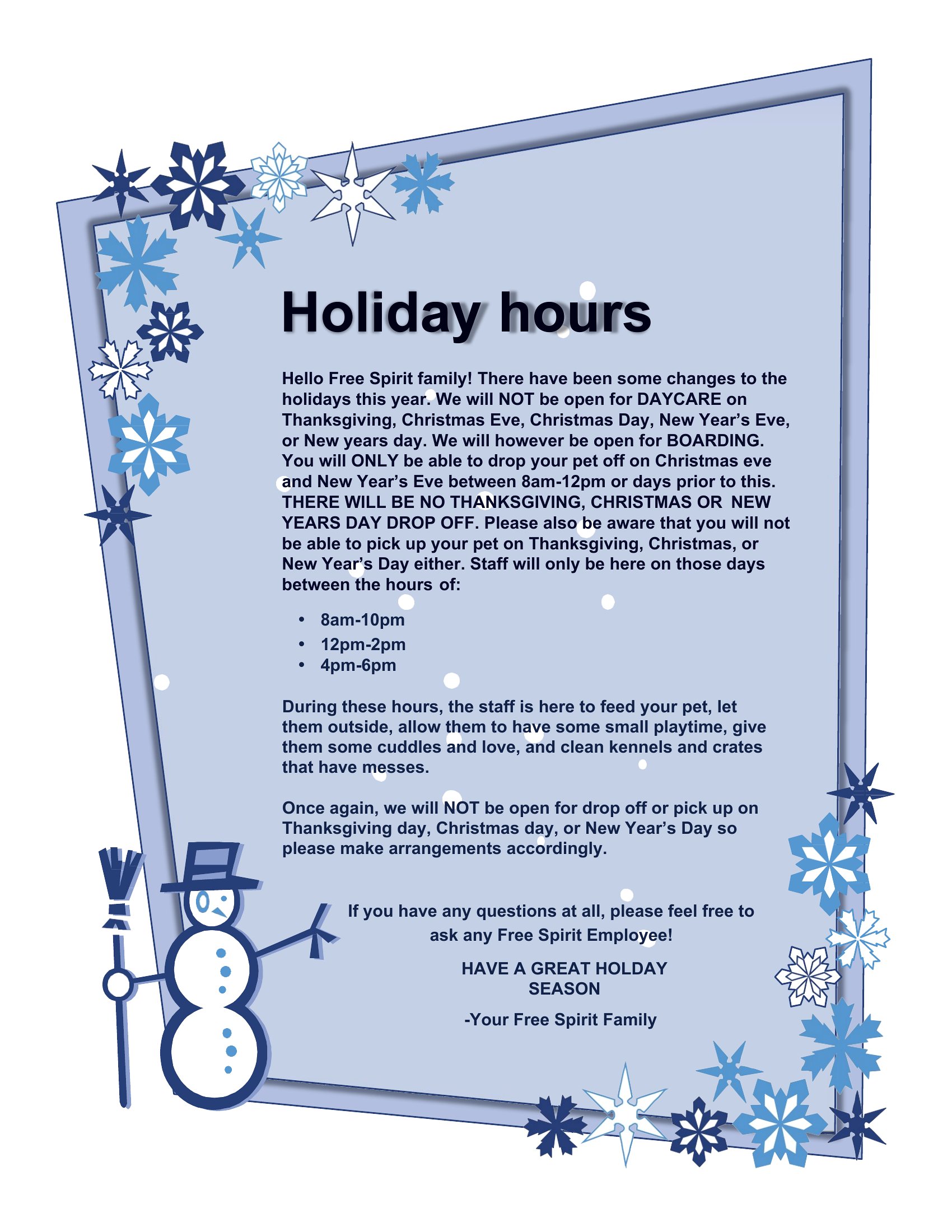
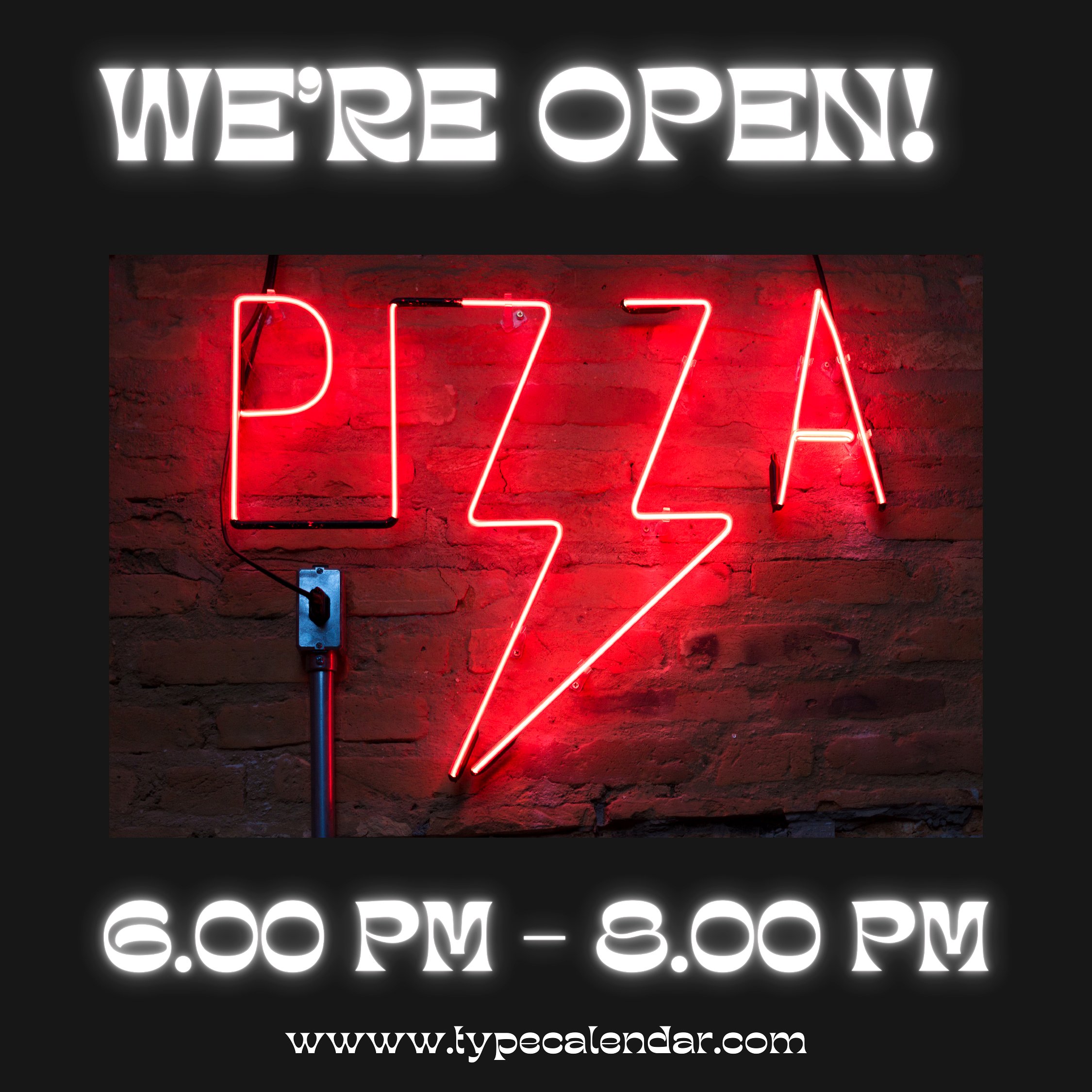
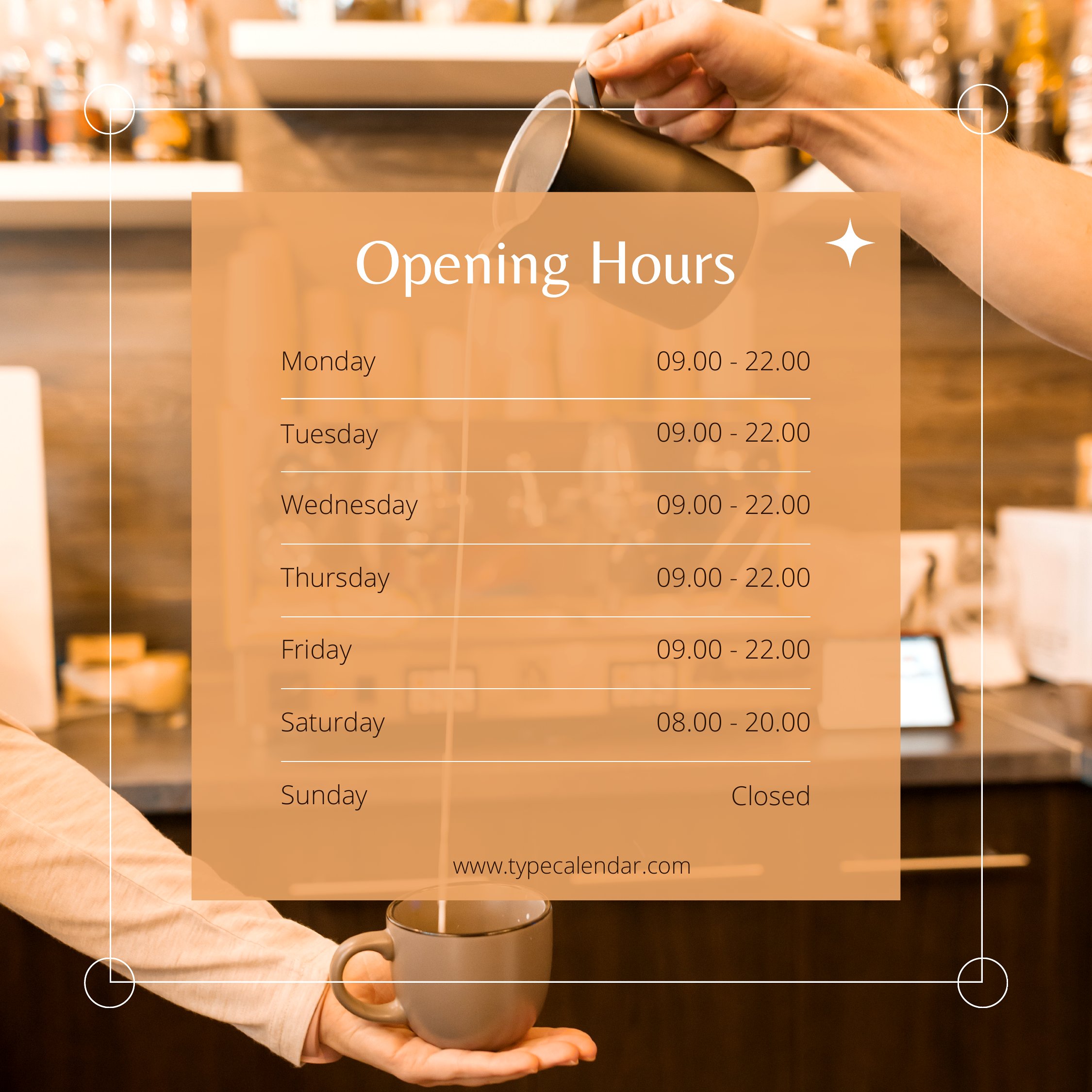
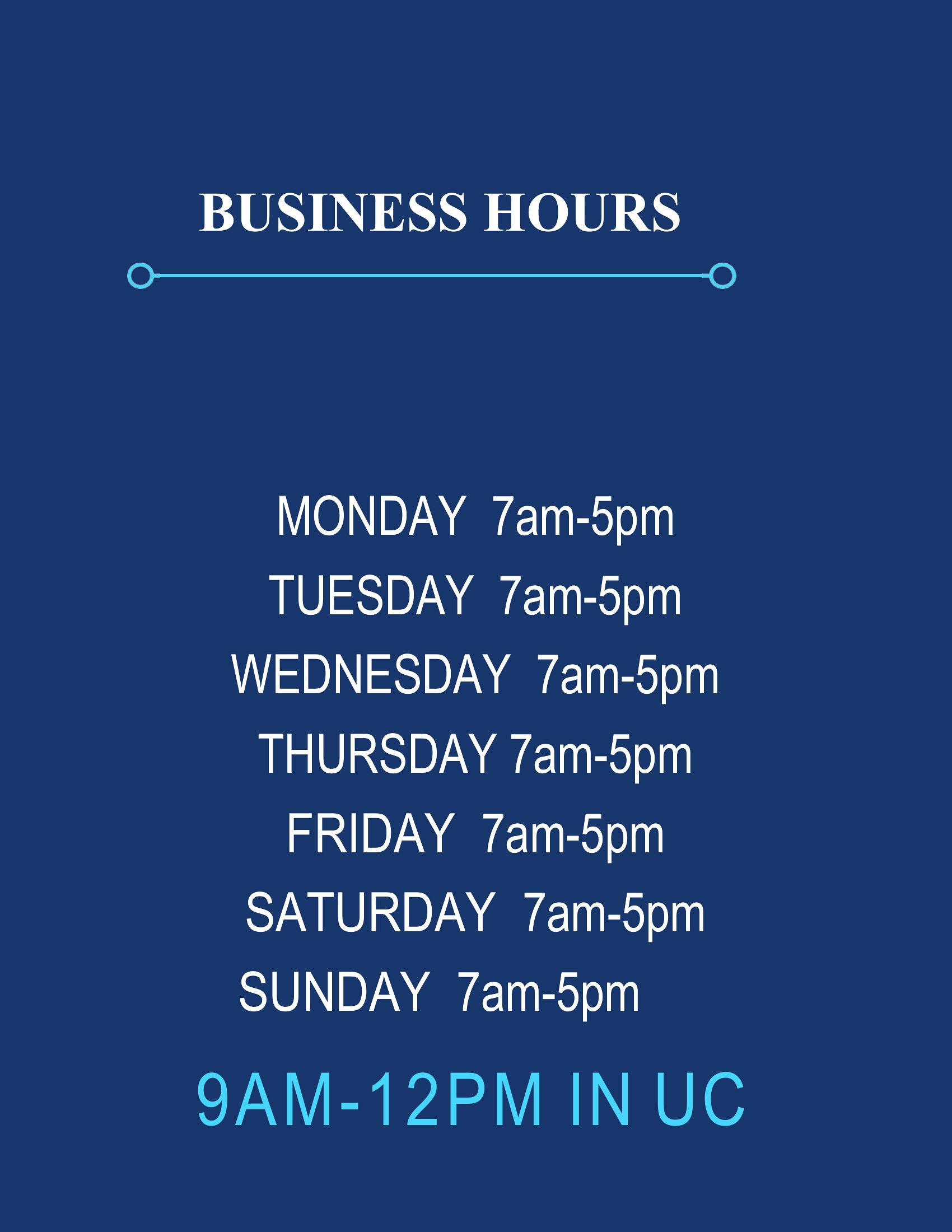
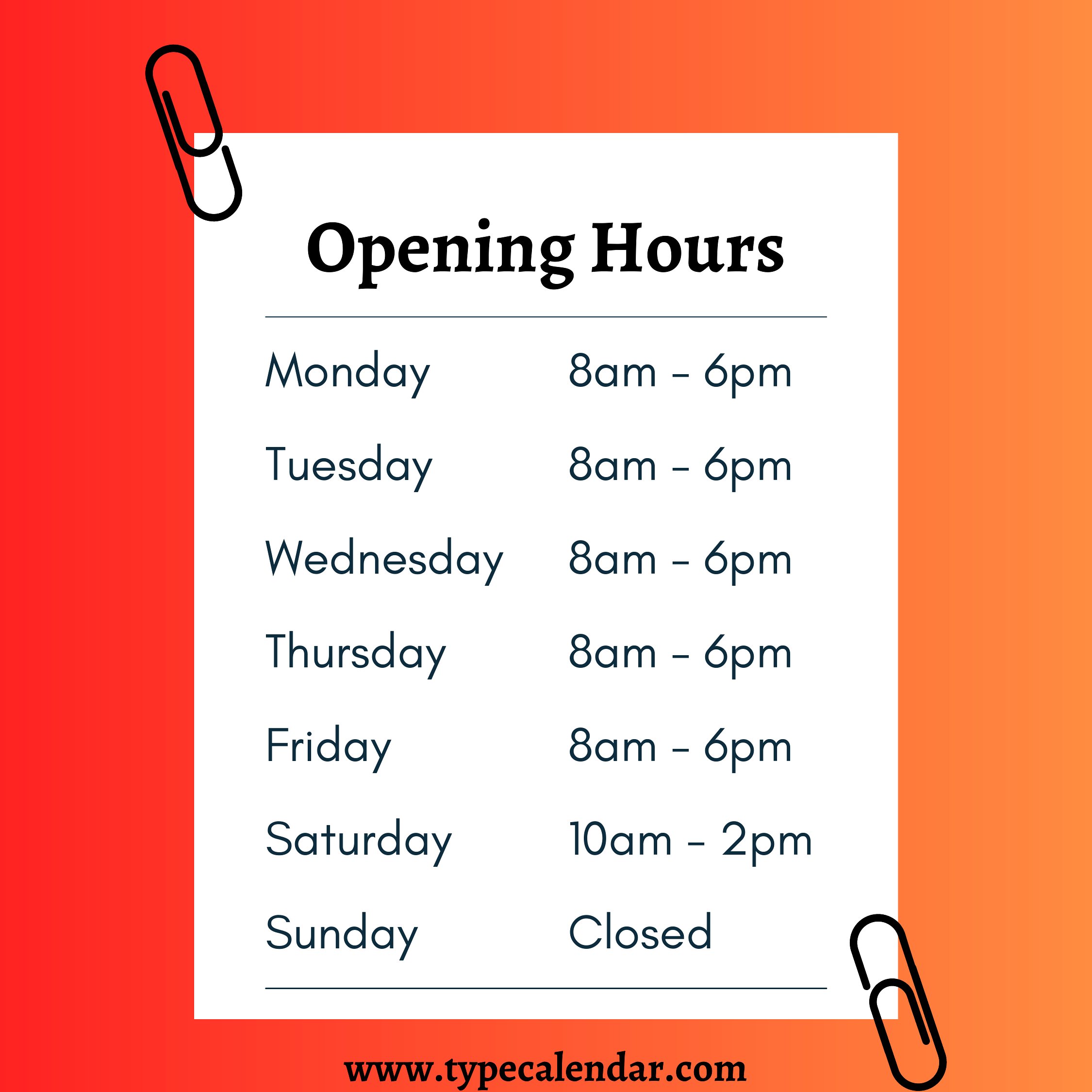
Customers shouldn't have to guess when you're open, and a clear hours sign on the door answers that at a glance. This set of 43 business hours templates lets shop owners, salons, clinics, and restaurants list their daily times in a clean, readable format that looks professional taped to a window. Several layouts leave space for holiday notes or a phone number, which saves you fielding the same questions over and over.

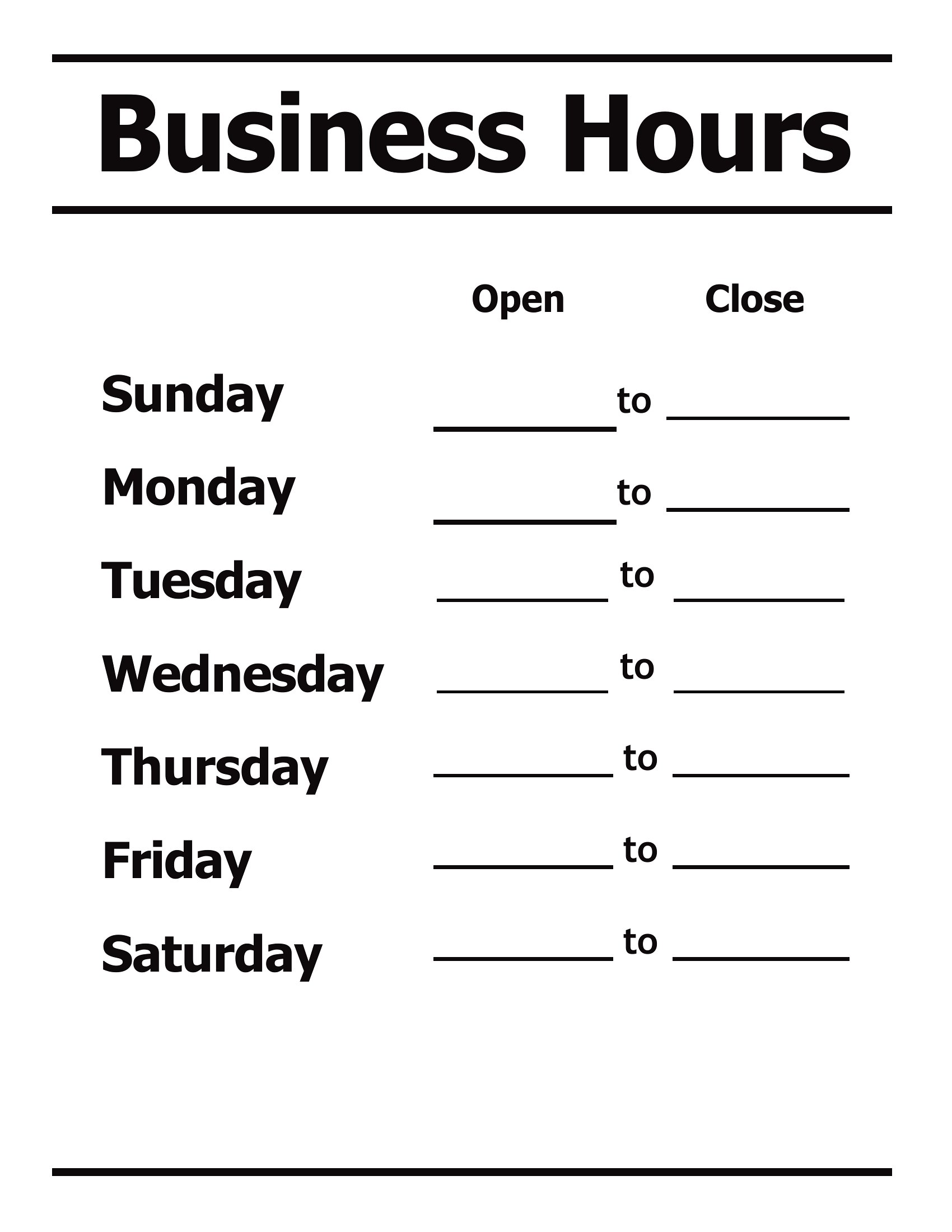
The designs come in editable Word files and print-ready PDFs, so you can type your schedule, adjust the styling, and print on standard paper. Update the times whenever your hours change and swap the old sign out in seconds. Find the look that fits your storefront and have a tidy hours notice posted today.

When to use this Business Hours template

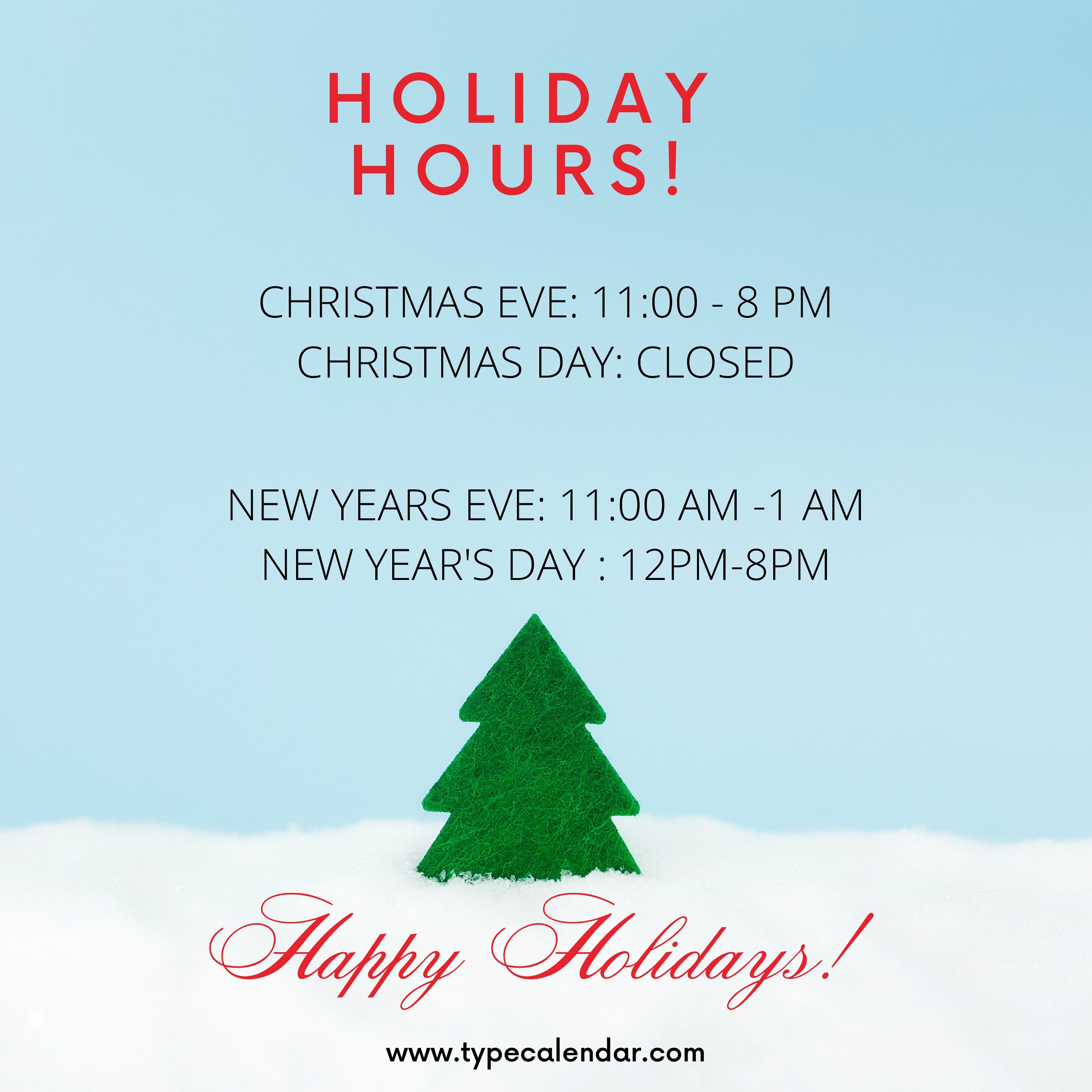
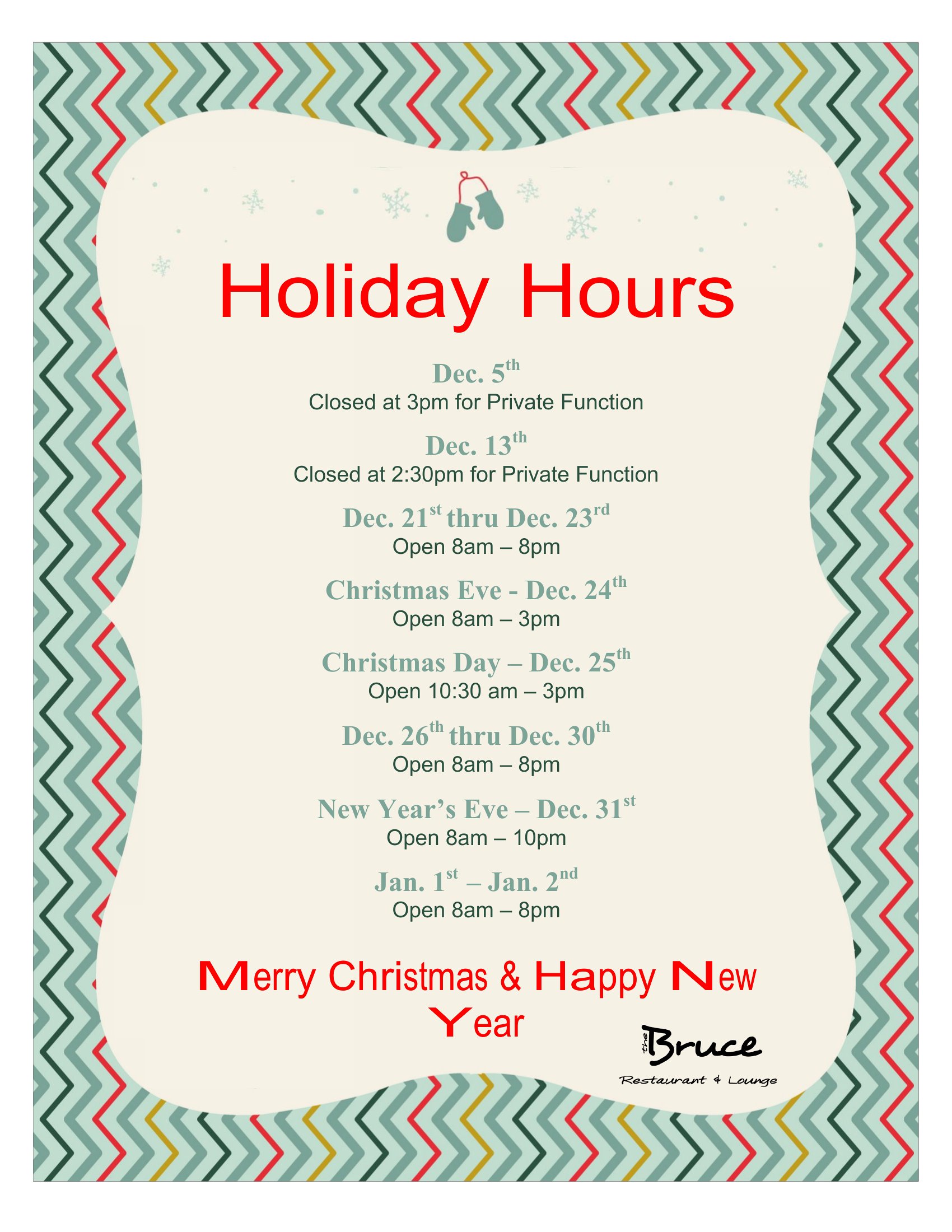
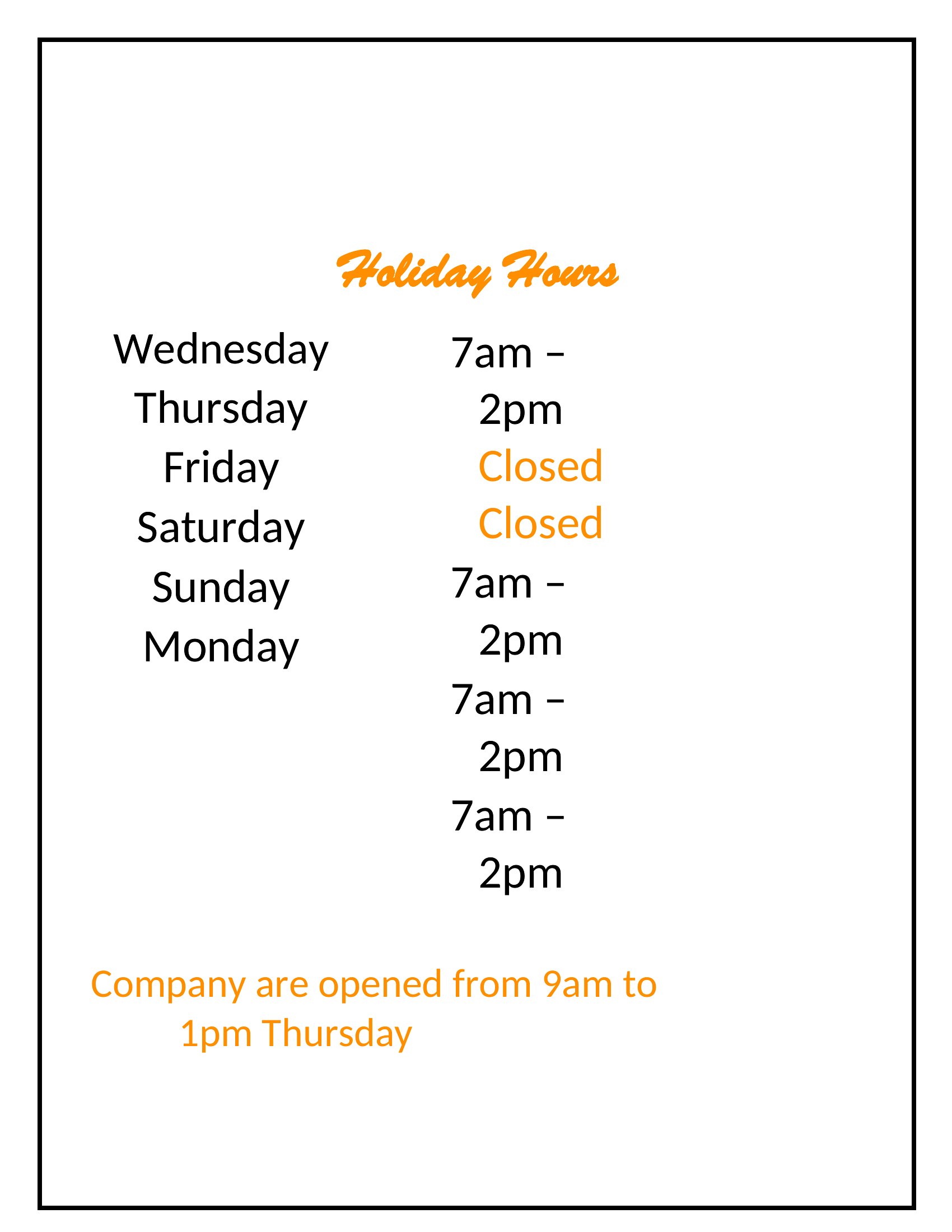
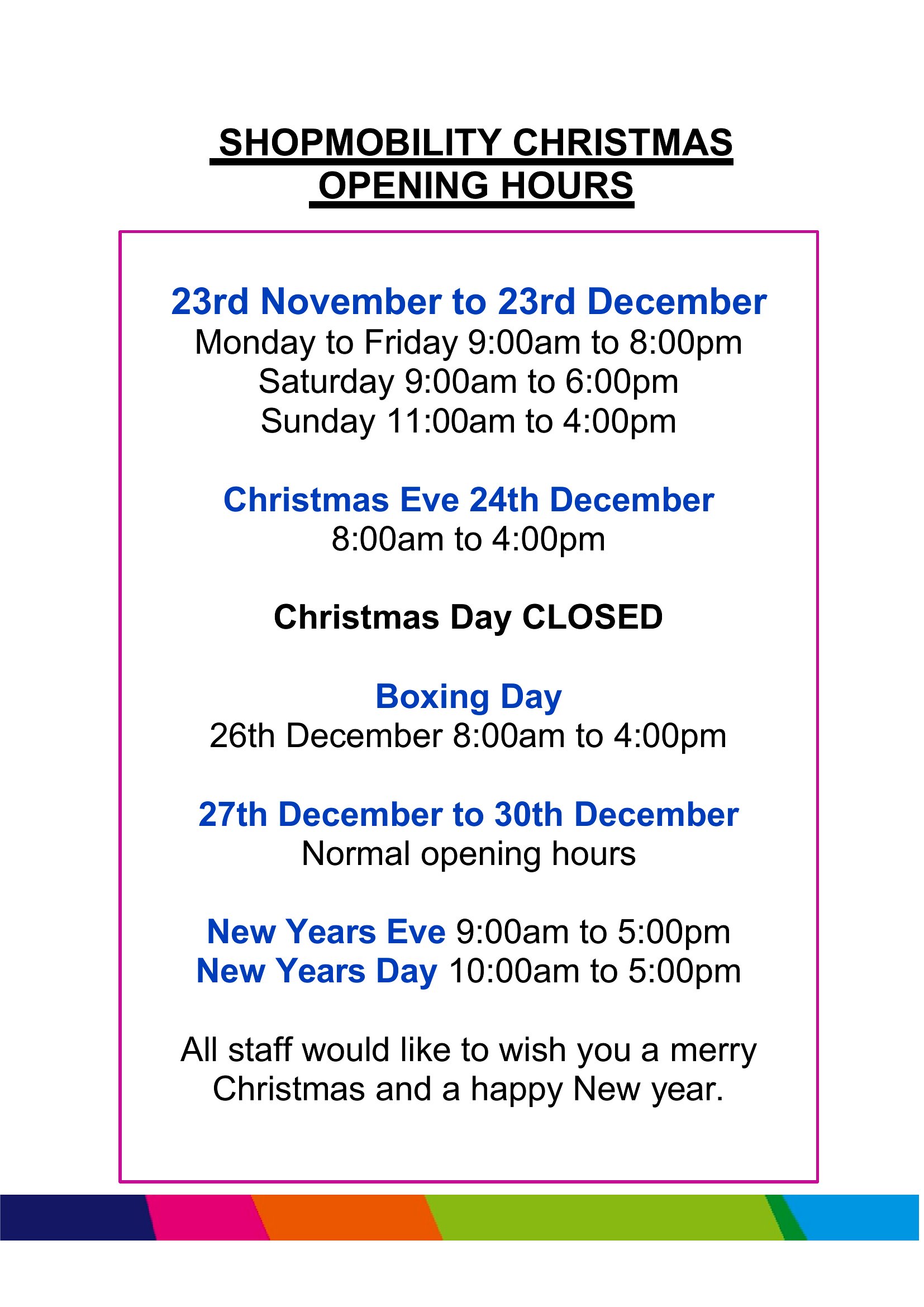
  • Small retail shops with seasonal hours need a template that clearly shows weekday vs. weekend shifts while leaving space for upcoming holiday closures, so customers always know when to visit.
  • Salons and barbershops with appointment-only policies can use a template that includes both open hours and a brief note about required bookings, reducing phone calls from walk-ins.
  • Clinics or dental offices with multiple service windows (e.g., emergency vs. regular hours) benefit from a two-column layout to differentiate urgent care times from routine appointments.
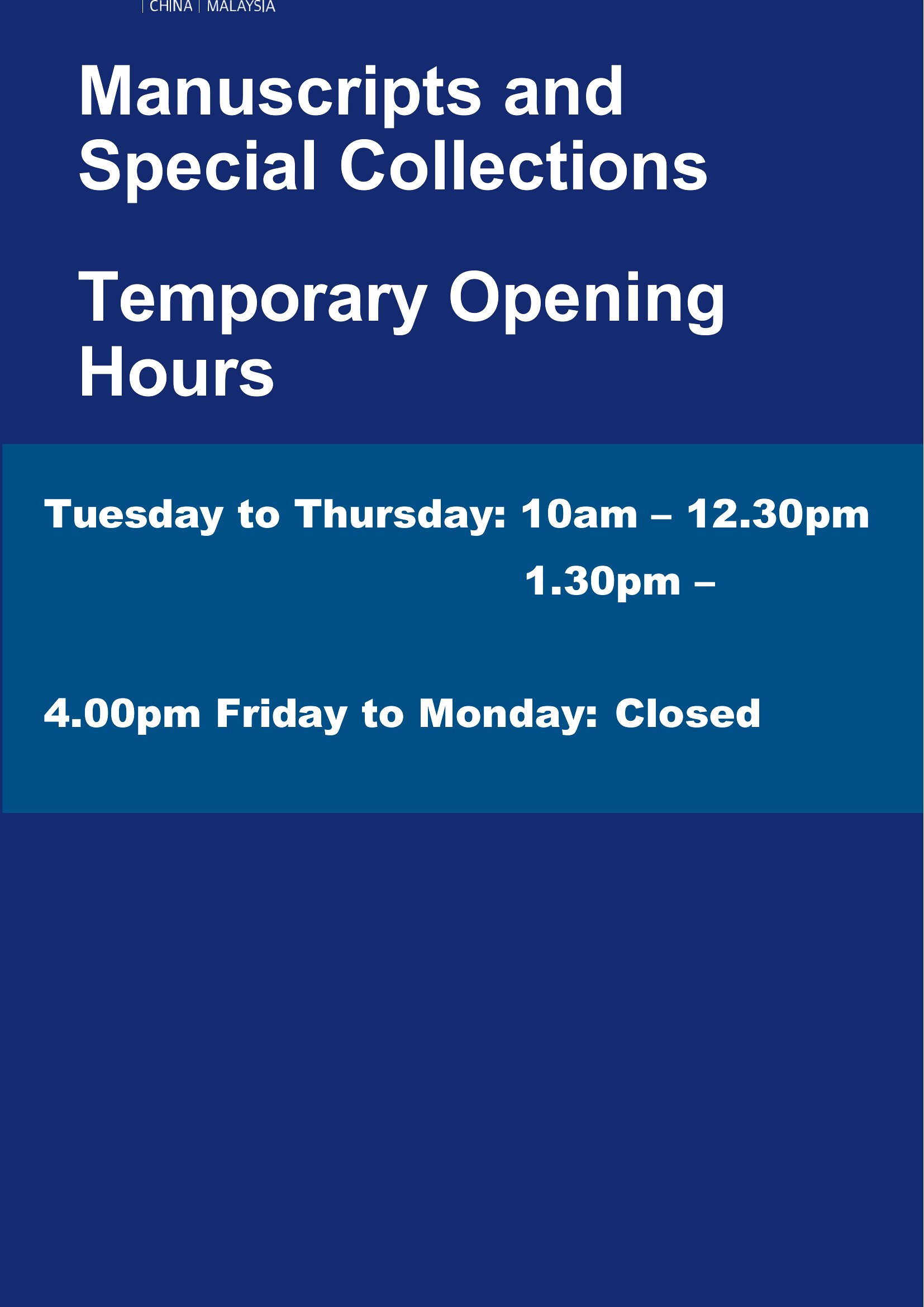
  • Cafés or bistros near colleges must display hours that change between semester dates, so an editable template with a space for seasonal notes keeps their signage accurate year-round.

Which format should I download?

WordPDF

Word is ideal if you need to update hours frequently—like for a pop-up shop or a business testing new timings—and want to tweak text, fonts, or add notes without design constraints. Choose PDF when your hours are finalized and you only need a print-ready, tamper-proof sign (e.g., for a brick-and-mortar storefront or a permanent window decal). The PDFs here are best for quick printing or sharing with a designer for final adjustments before production.

How to use this Business Hours template

Can I include a ‘by appointment only’ notice alongside my business hours?

Yes, several templates in this collection feature designated space for additional notes. Look for layouts with a secondary line or a small box below the time slots—simply type your appointment policy there. For salons or service-based businesses, this helps manage expectations upfront and reduces unnecessary drop-ins.

How do I adjust the template if my hours change daily (like a market vendor)?

The Word templates are fully editable, so you can manually update times each day or week. For PDFs, you’ll need to reopen the file in a program like Adobe Acrobat (which allows text edits in newer versions) or recreate the layout in Word first. Consider saving a backup of the original template to reset formatting easily.

Should I add my business name or logo to the template, and how?

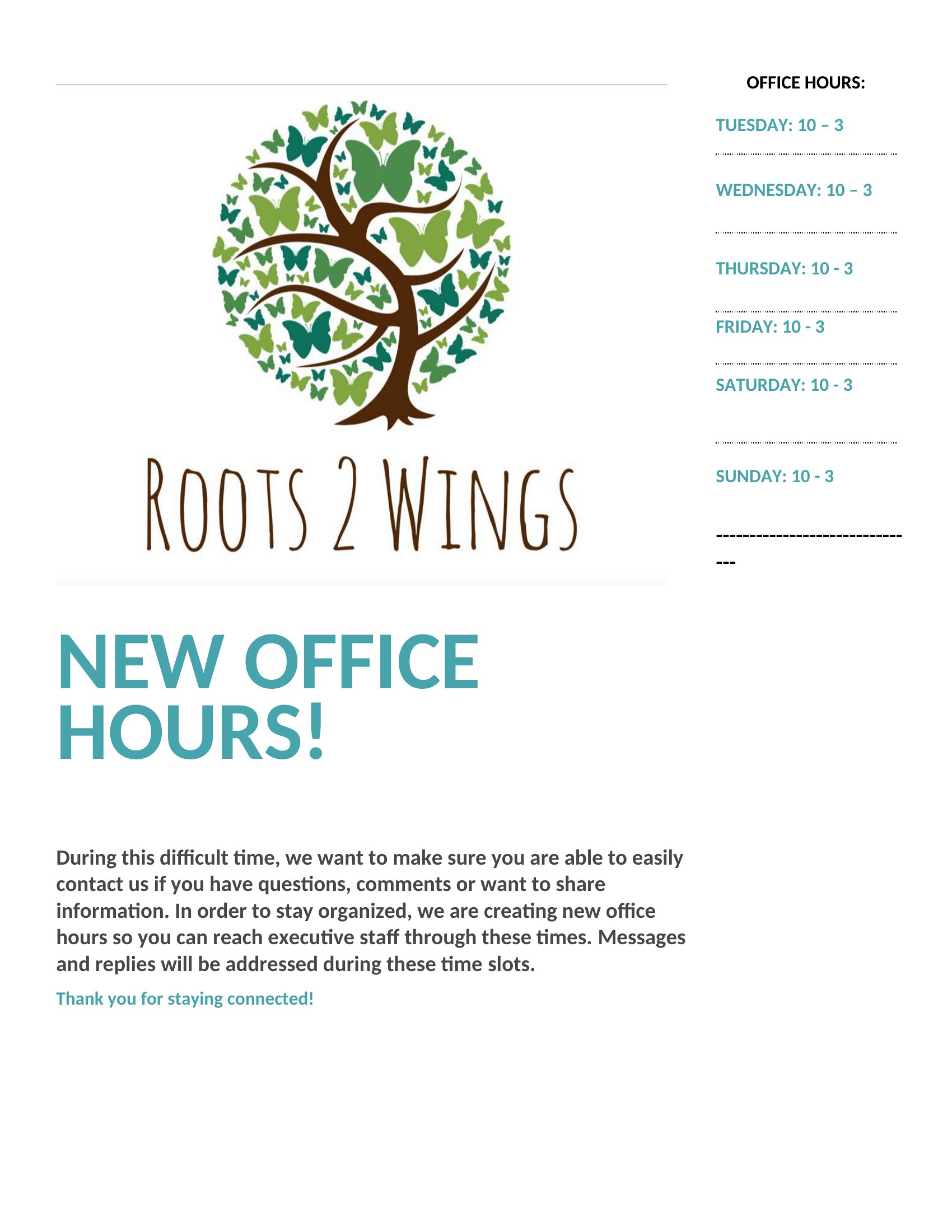
While the templates are designed to stand alone, adding your business name or logo can reinforce branding. In Word, insert your logo as an image or text box, then resize to fit. For PDFs, you’ll need to edit the file digitally beforehand or print the template, then overlay your logo by hand if you’re using a permanent sign. Avoid covering critical hour details.

Comments

Join the conversation

Sign in to share your thoughts and leave a comment on this resource.

Newsletter

Get Weekly Design Updates

Join our community to receive curated resources and inspiration.

Weekly Tips Resources Early Access

We respect your privacy. Confirmation email required. Privacy Policy