Free Employee Schedule Templates (Word, Excel, PDF)
DailyTemplates
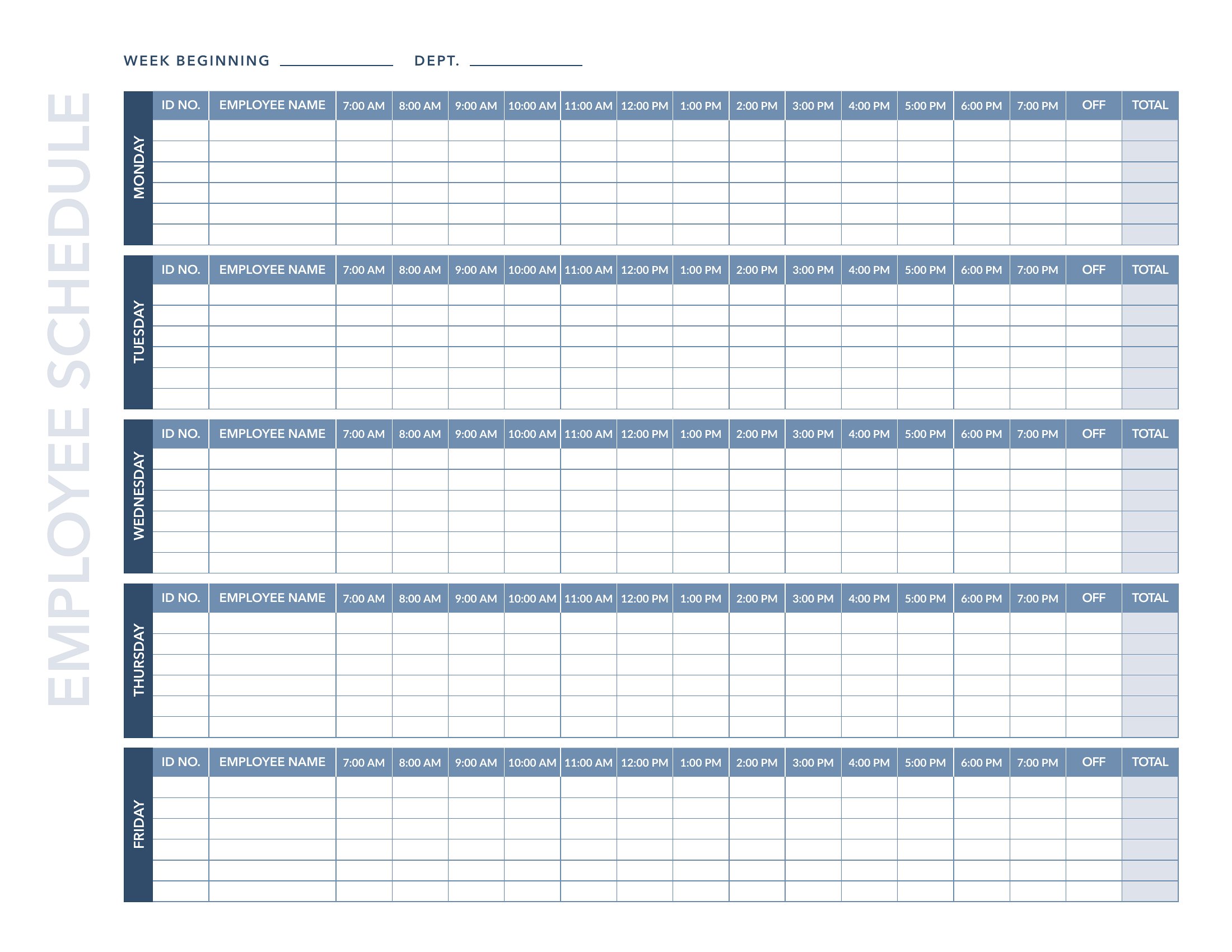
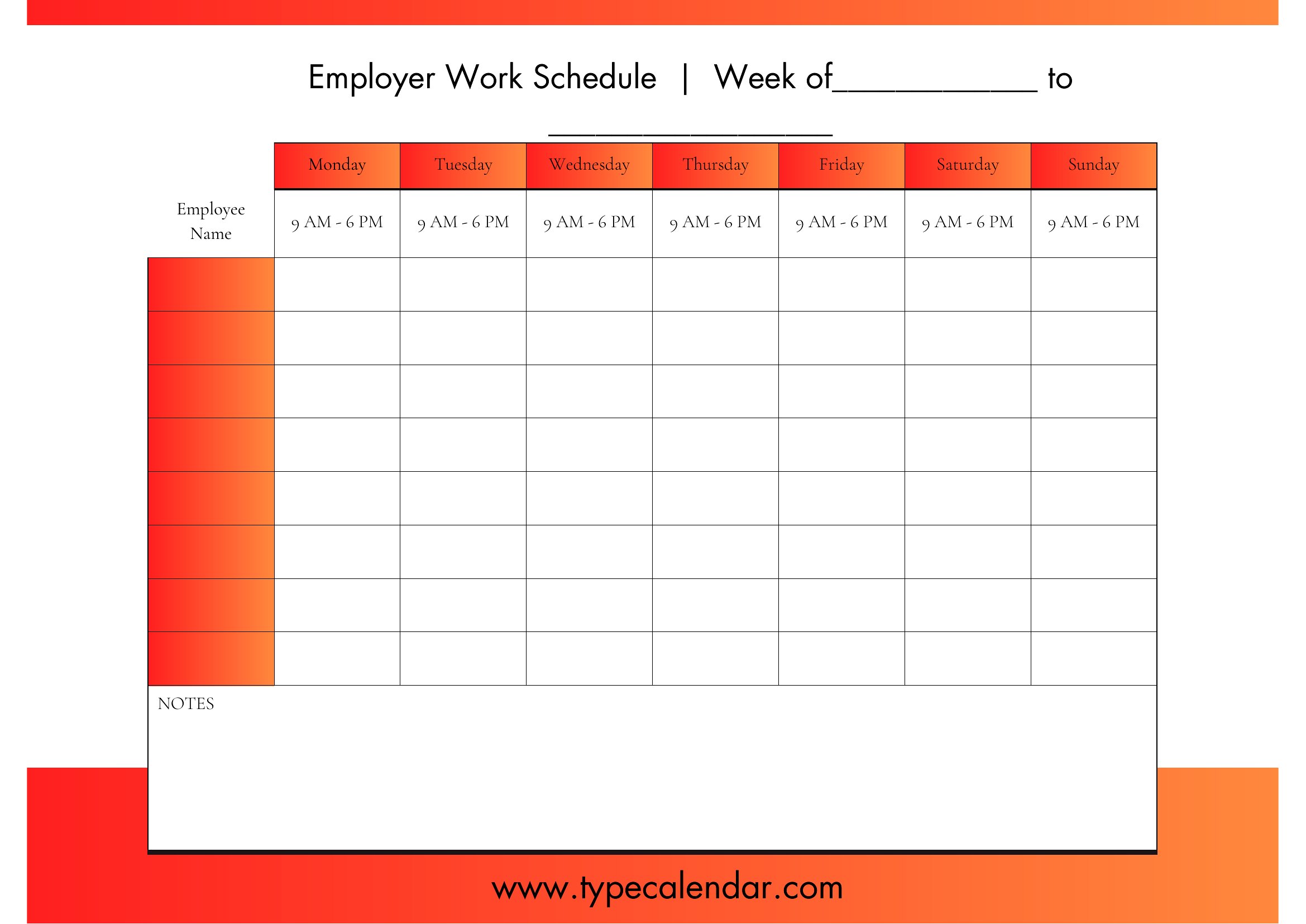
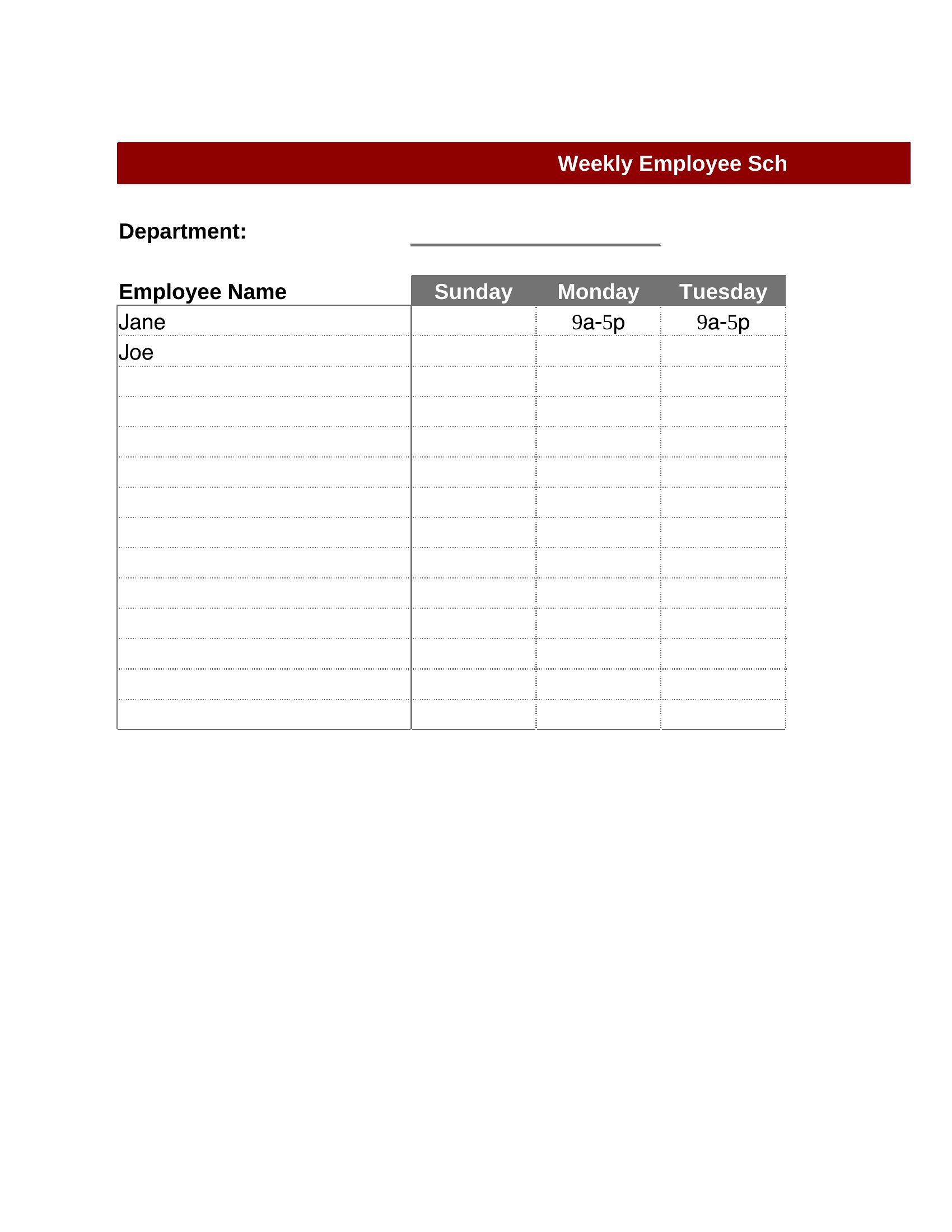
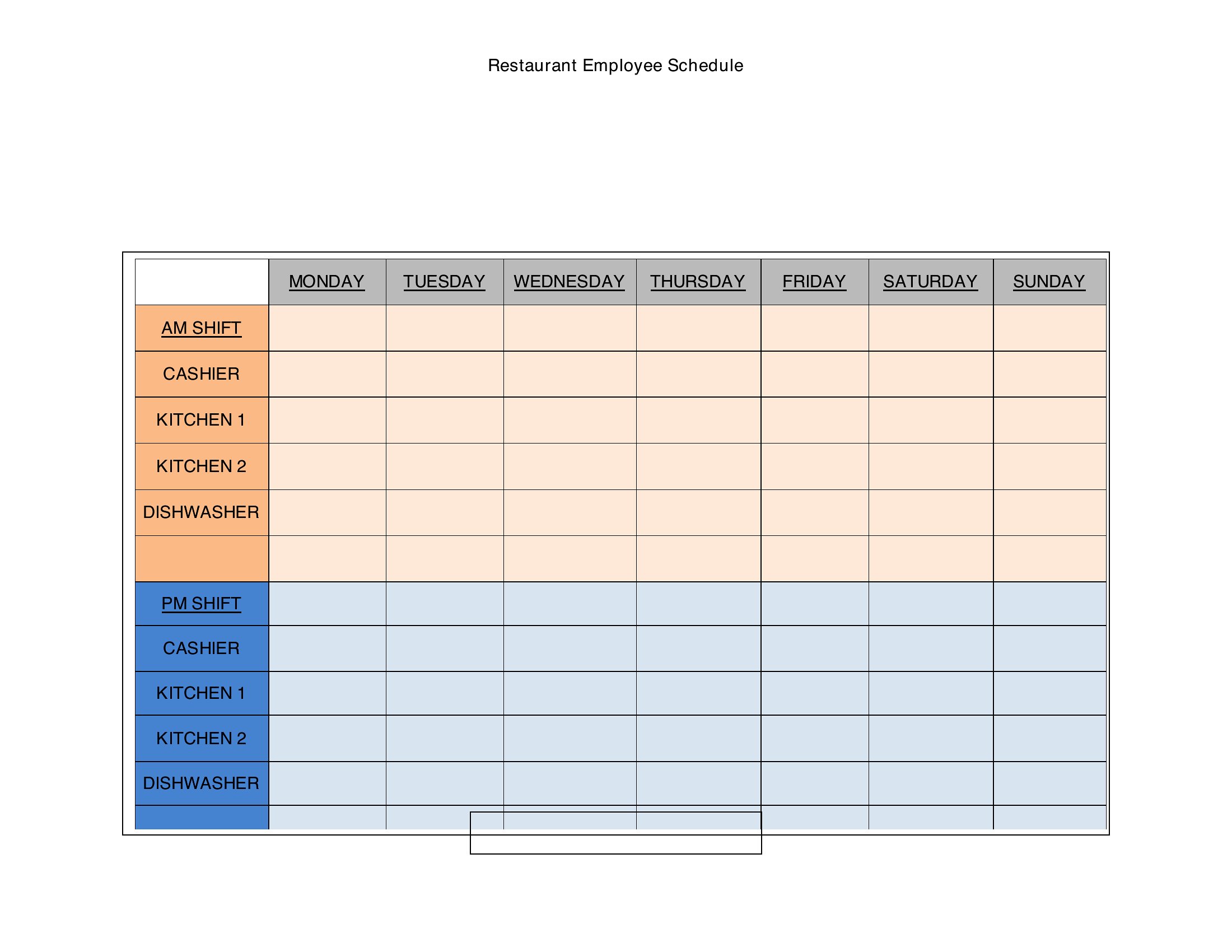
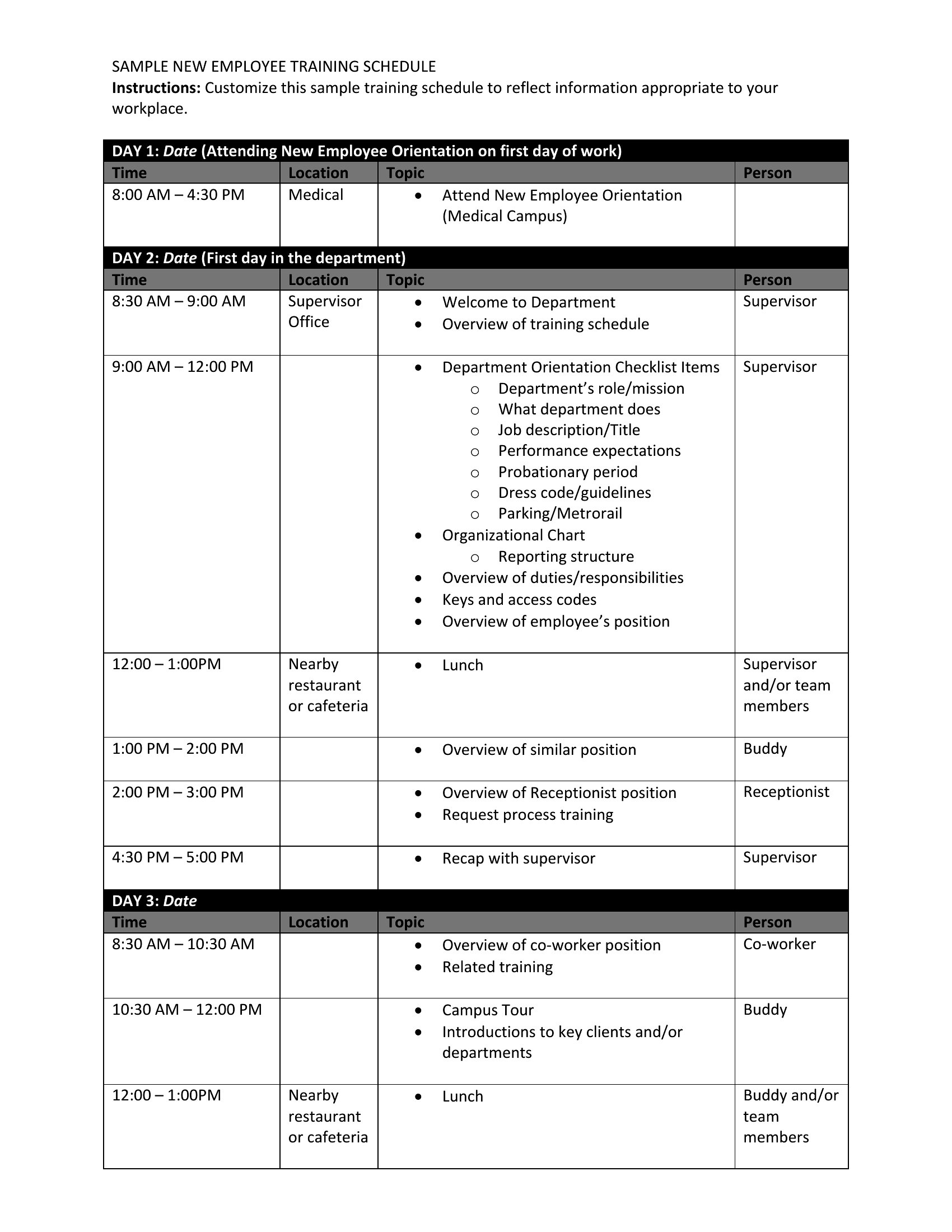
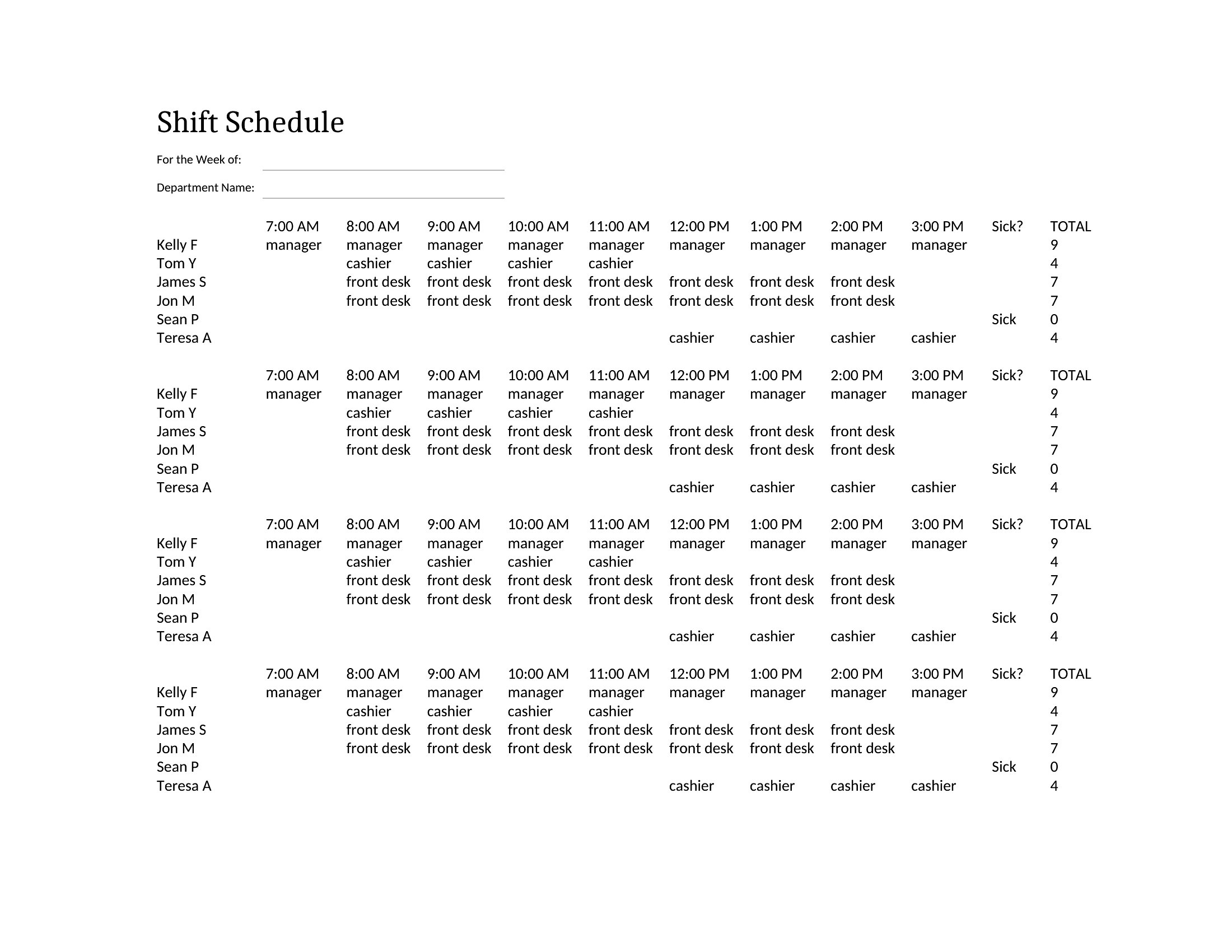
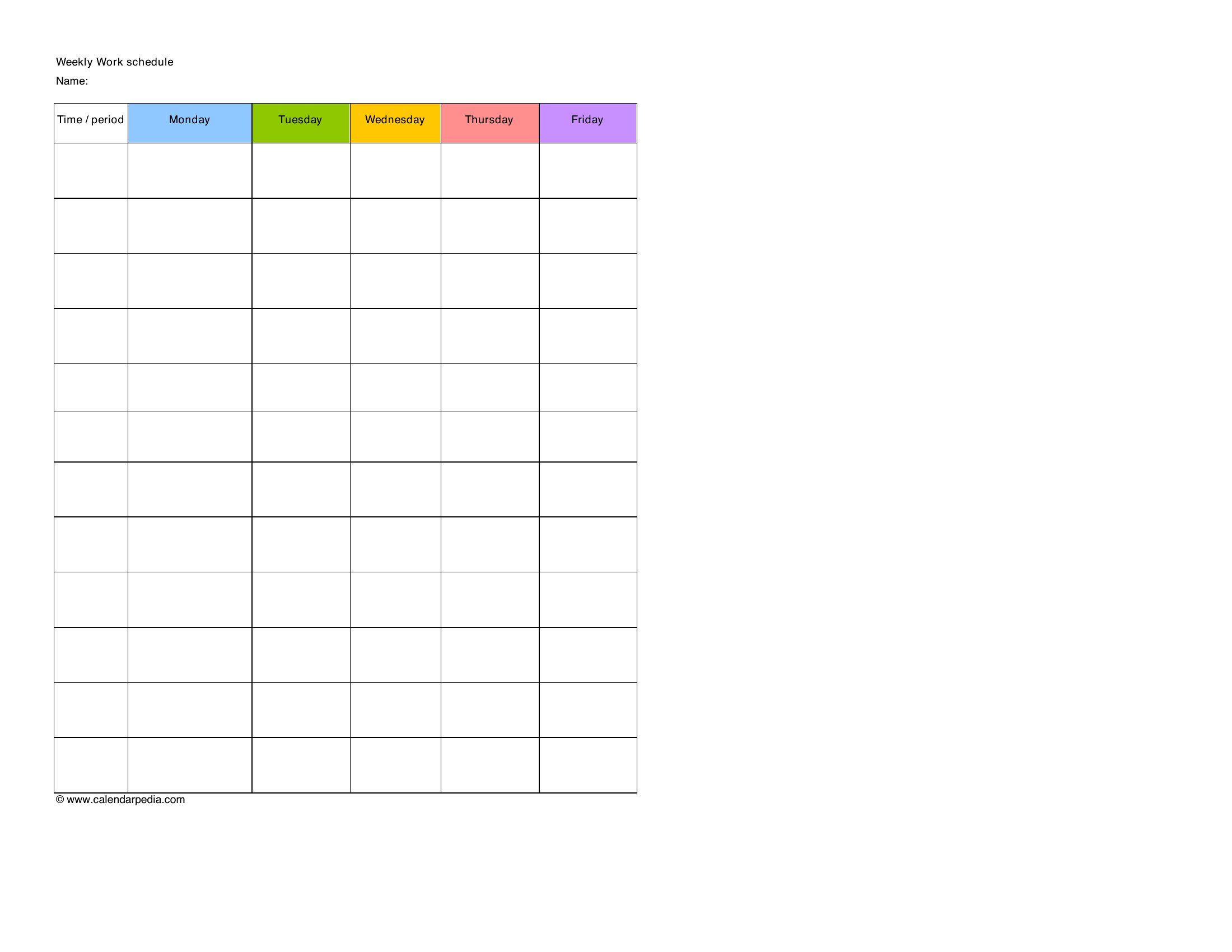
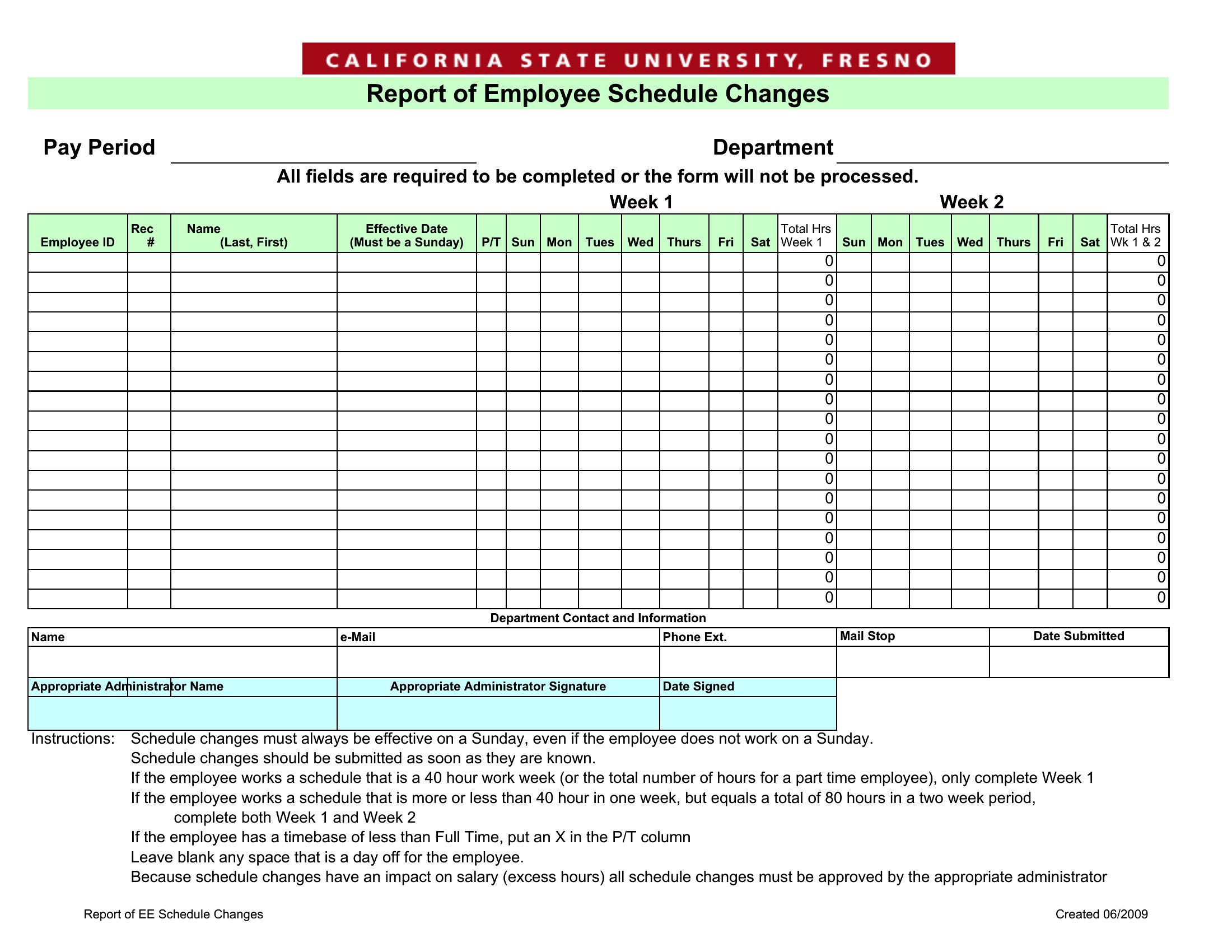
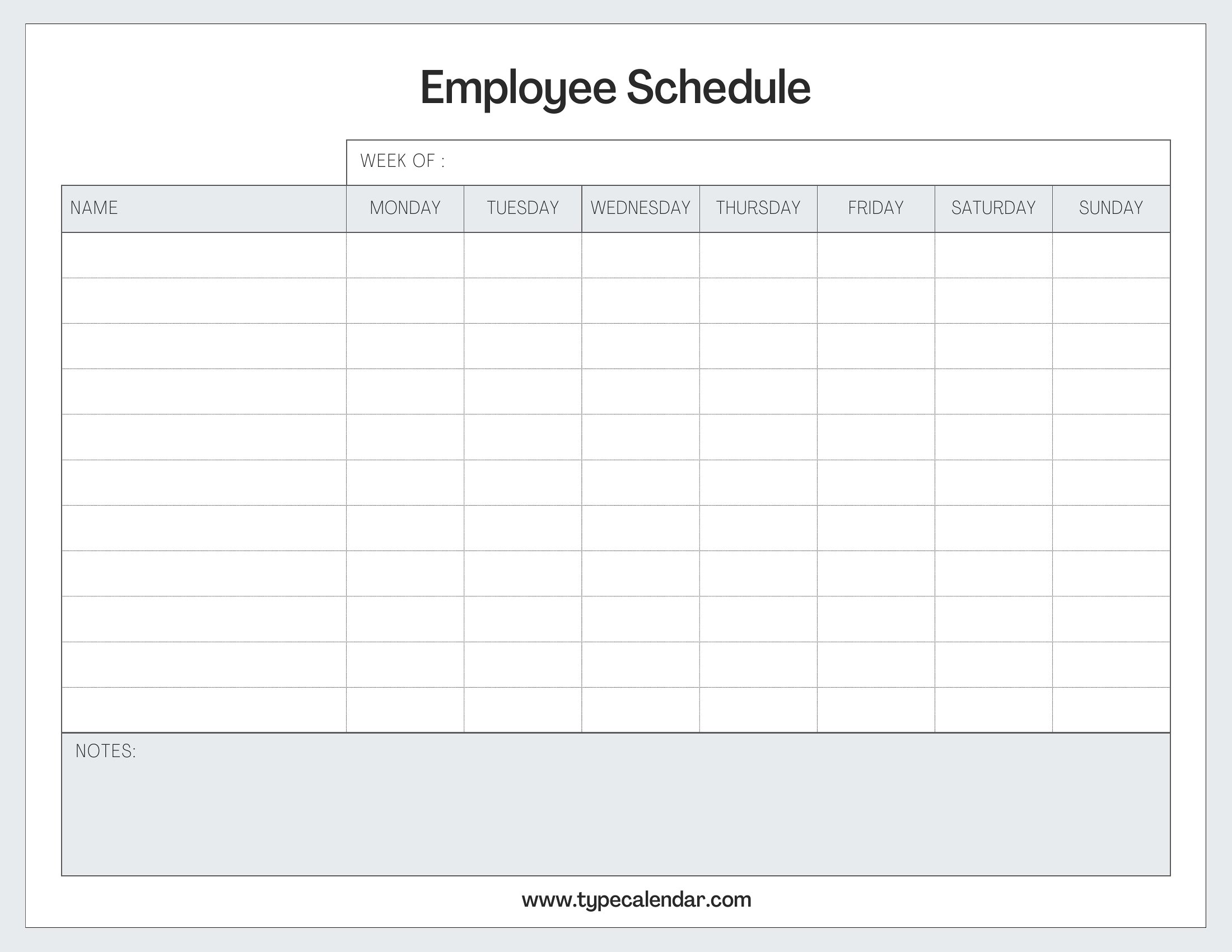
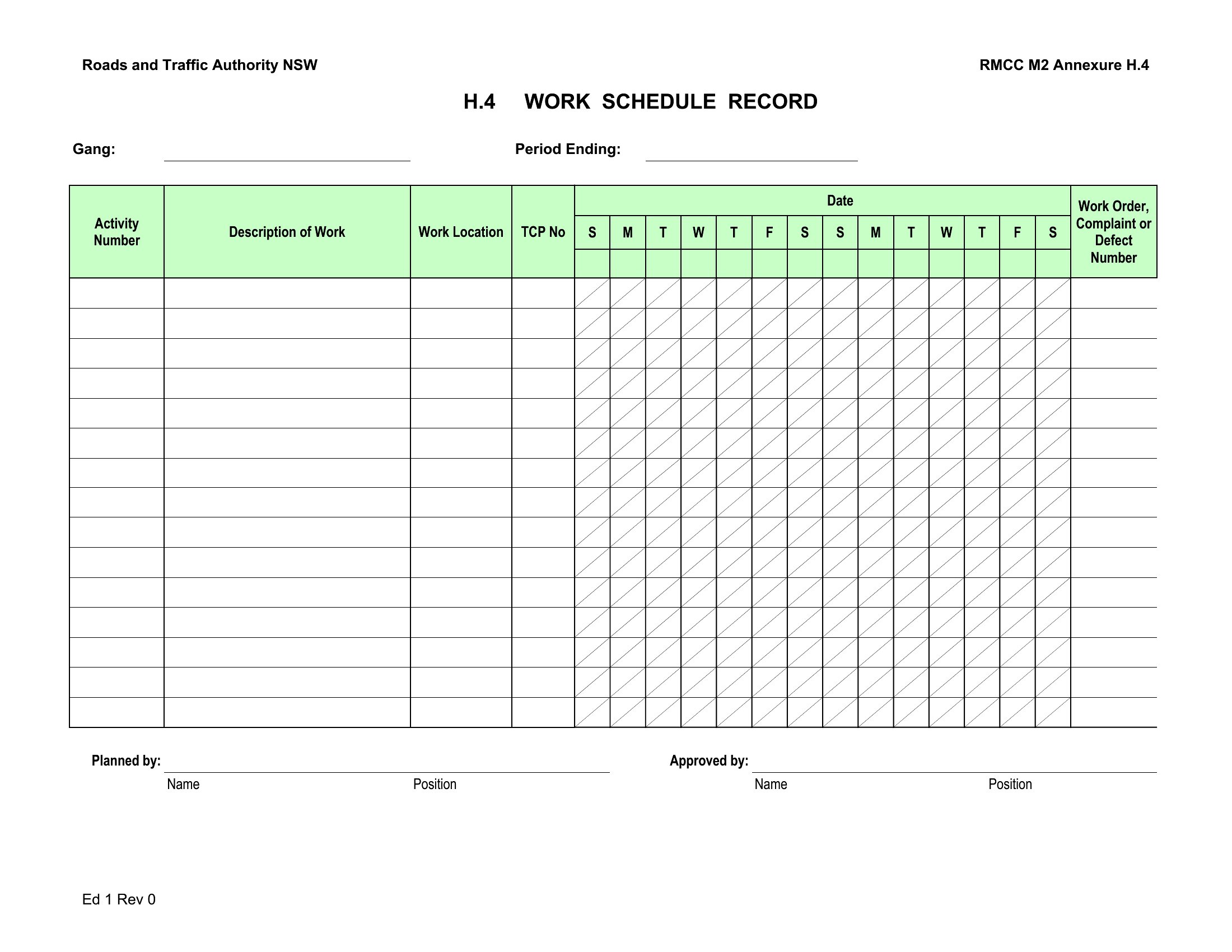
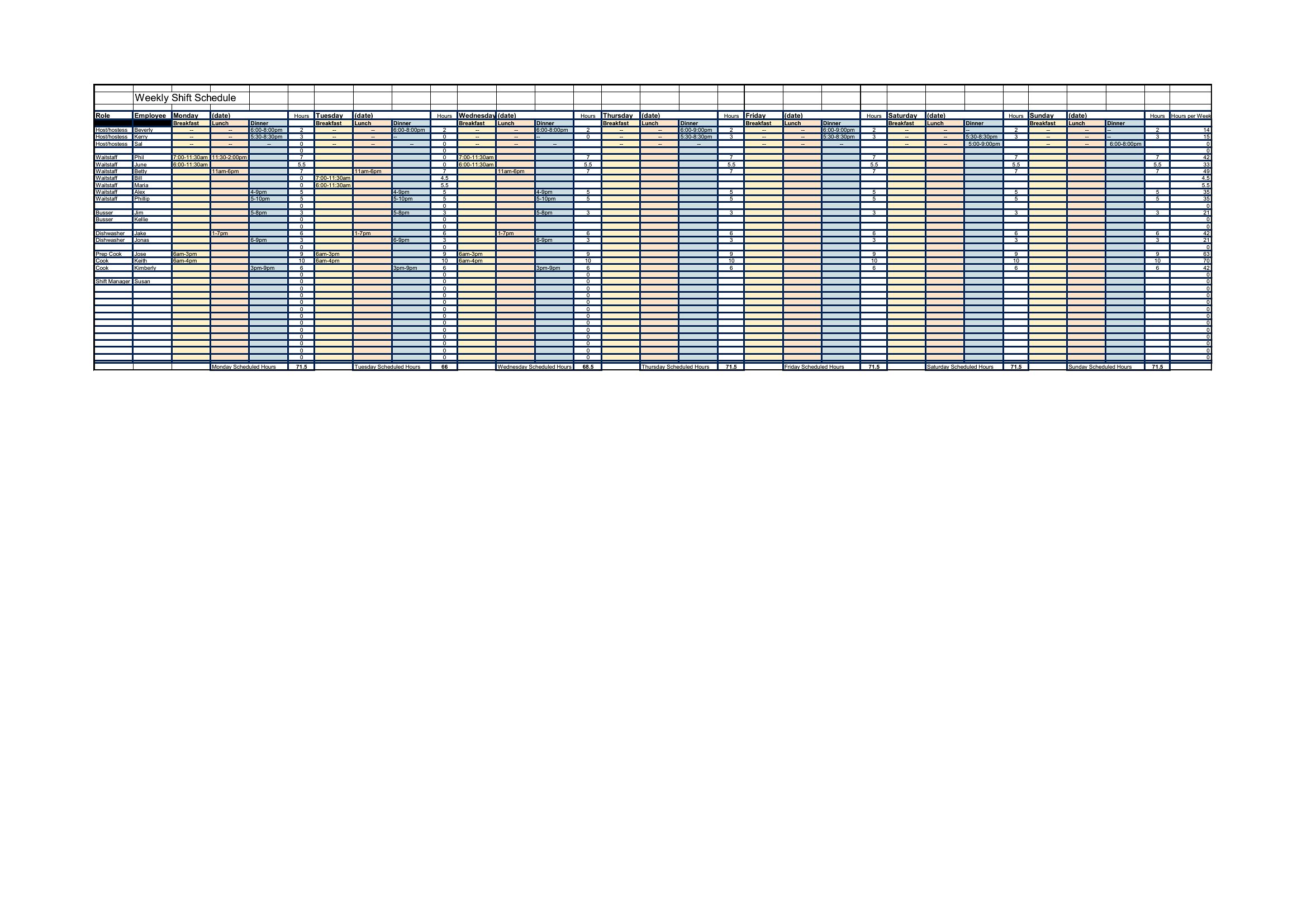
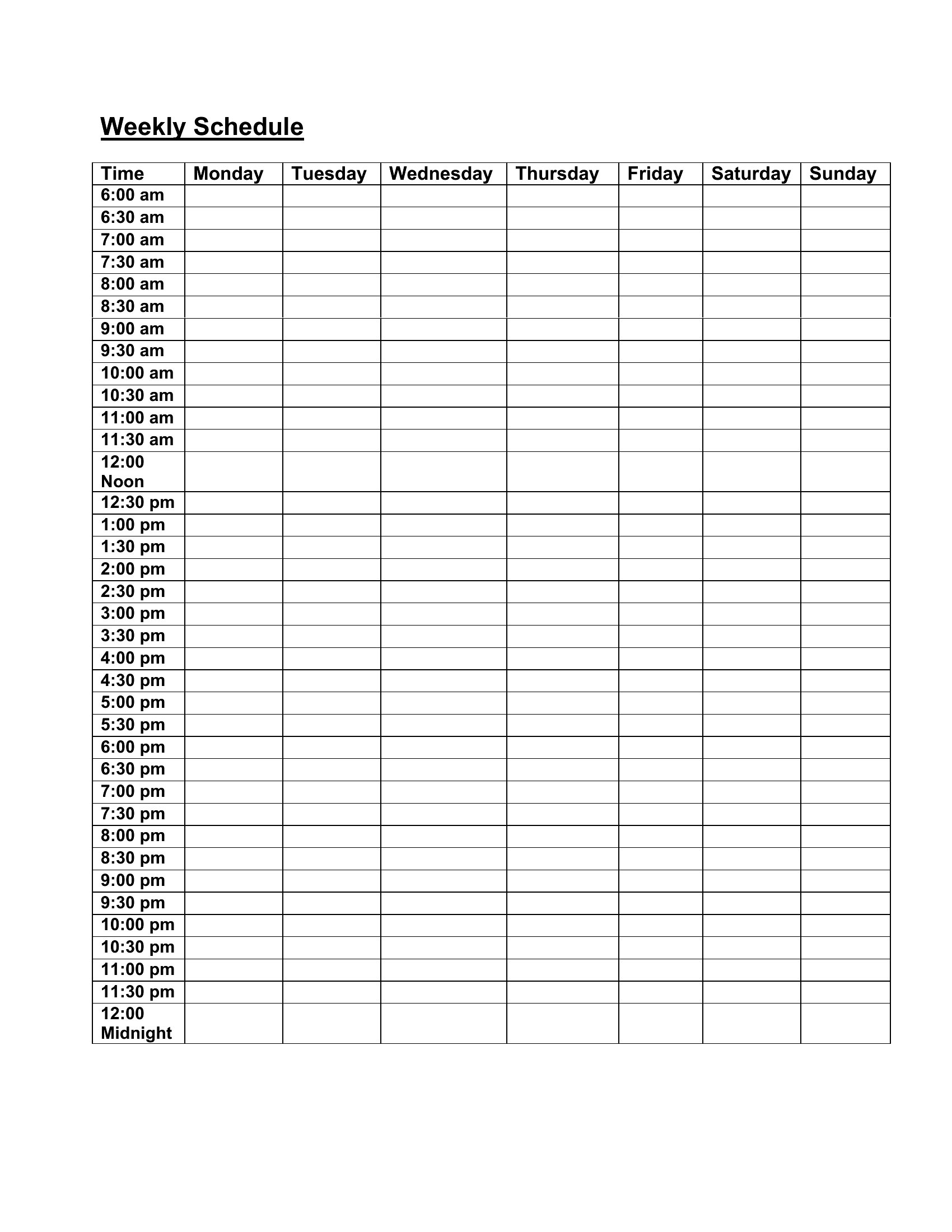
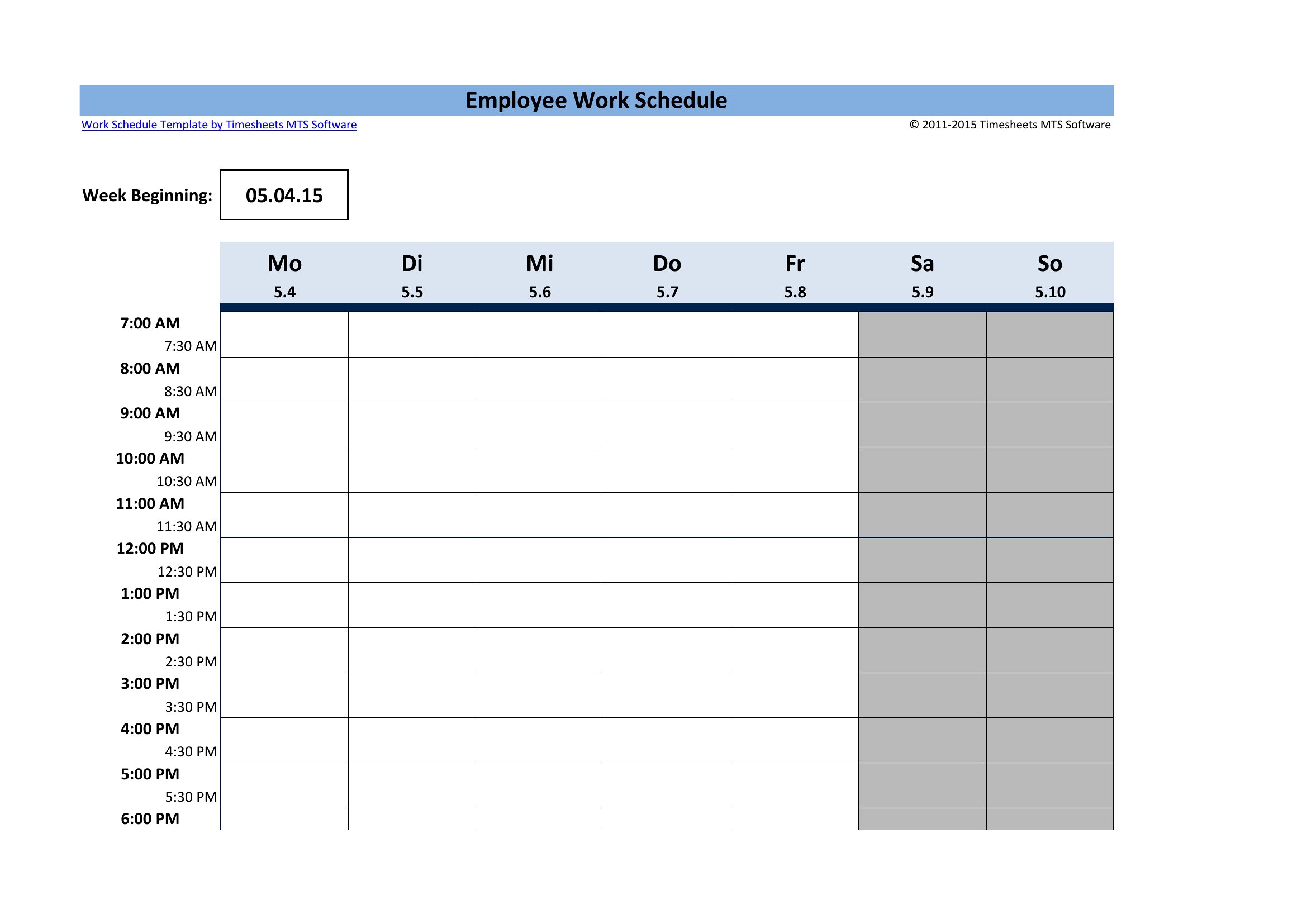
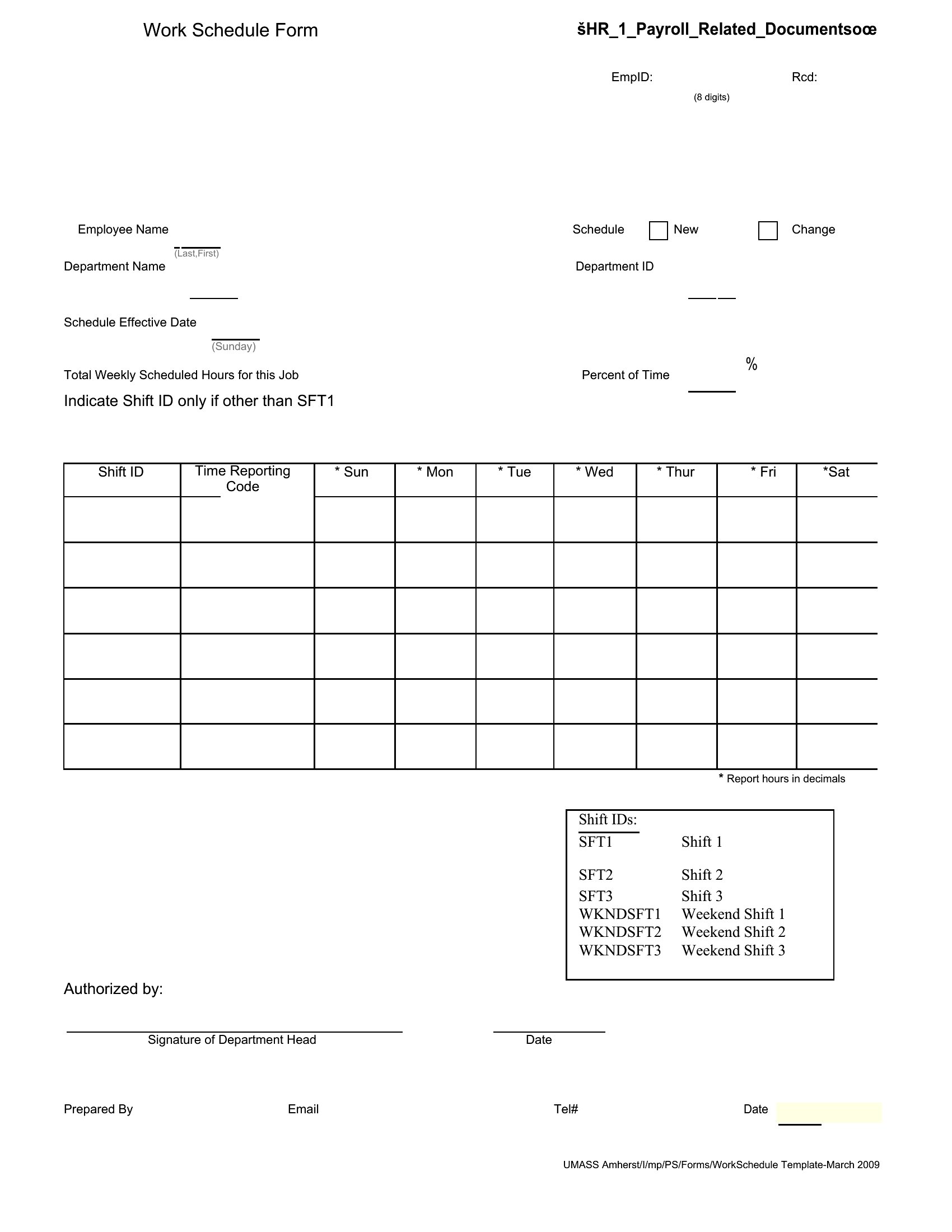
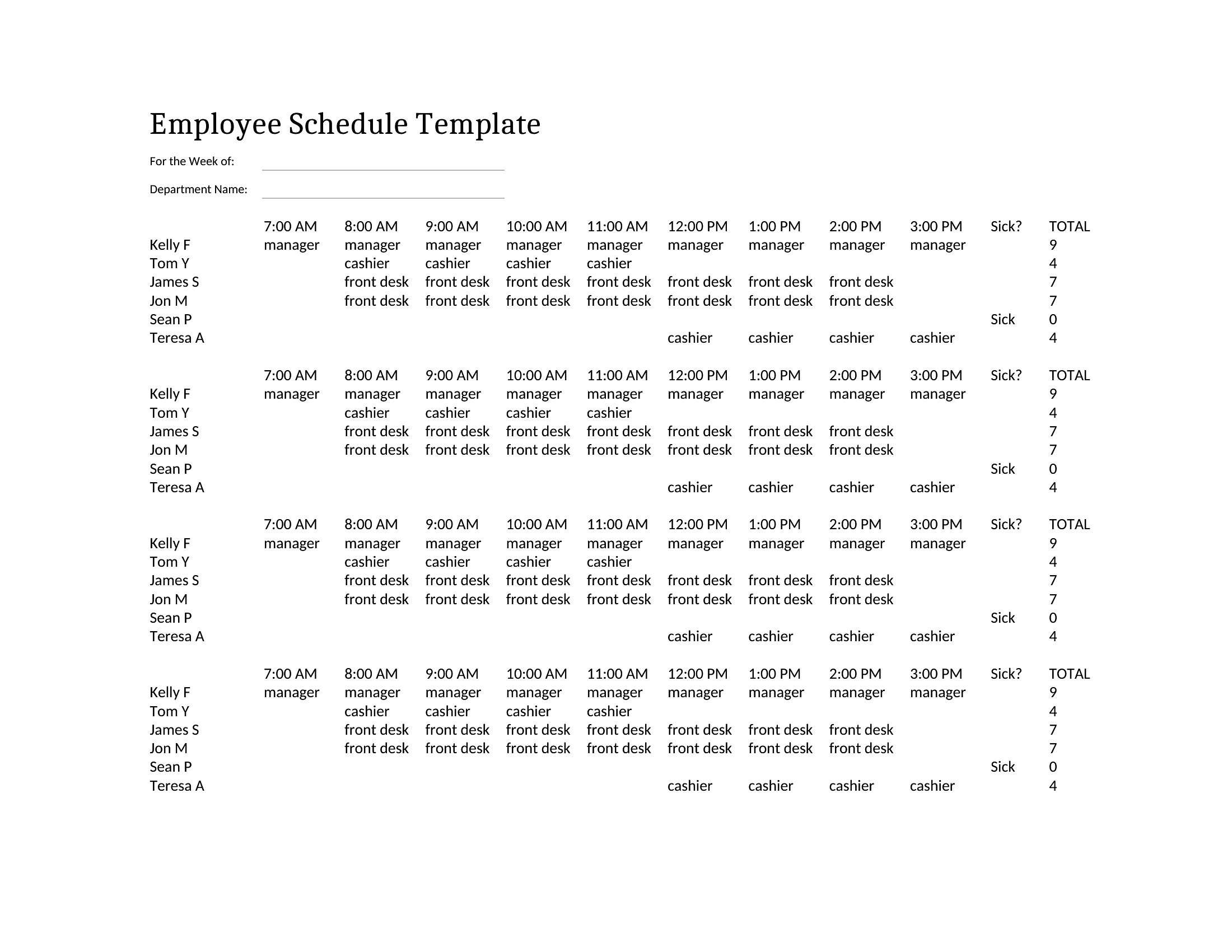
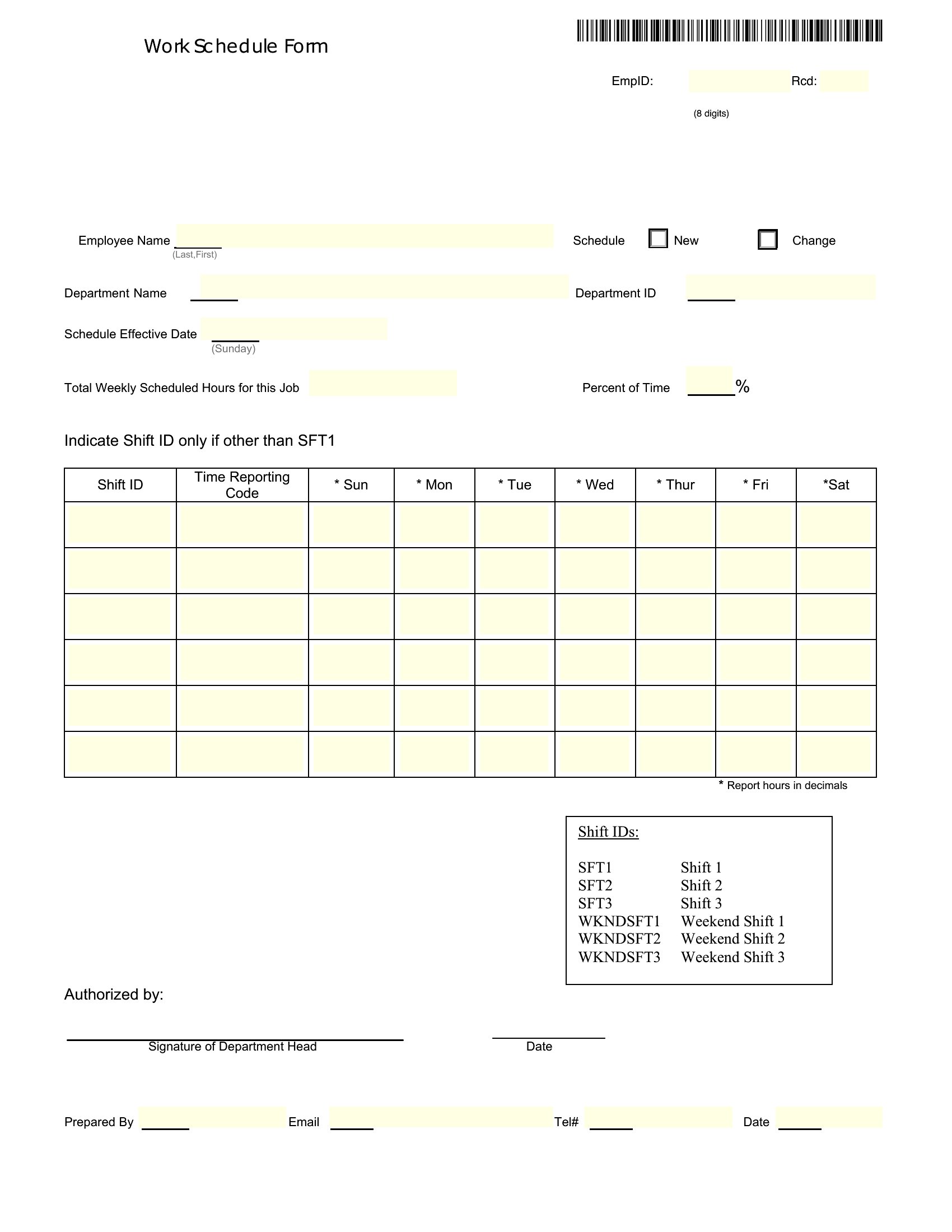
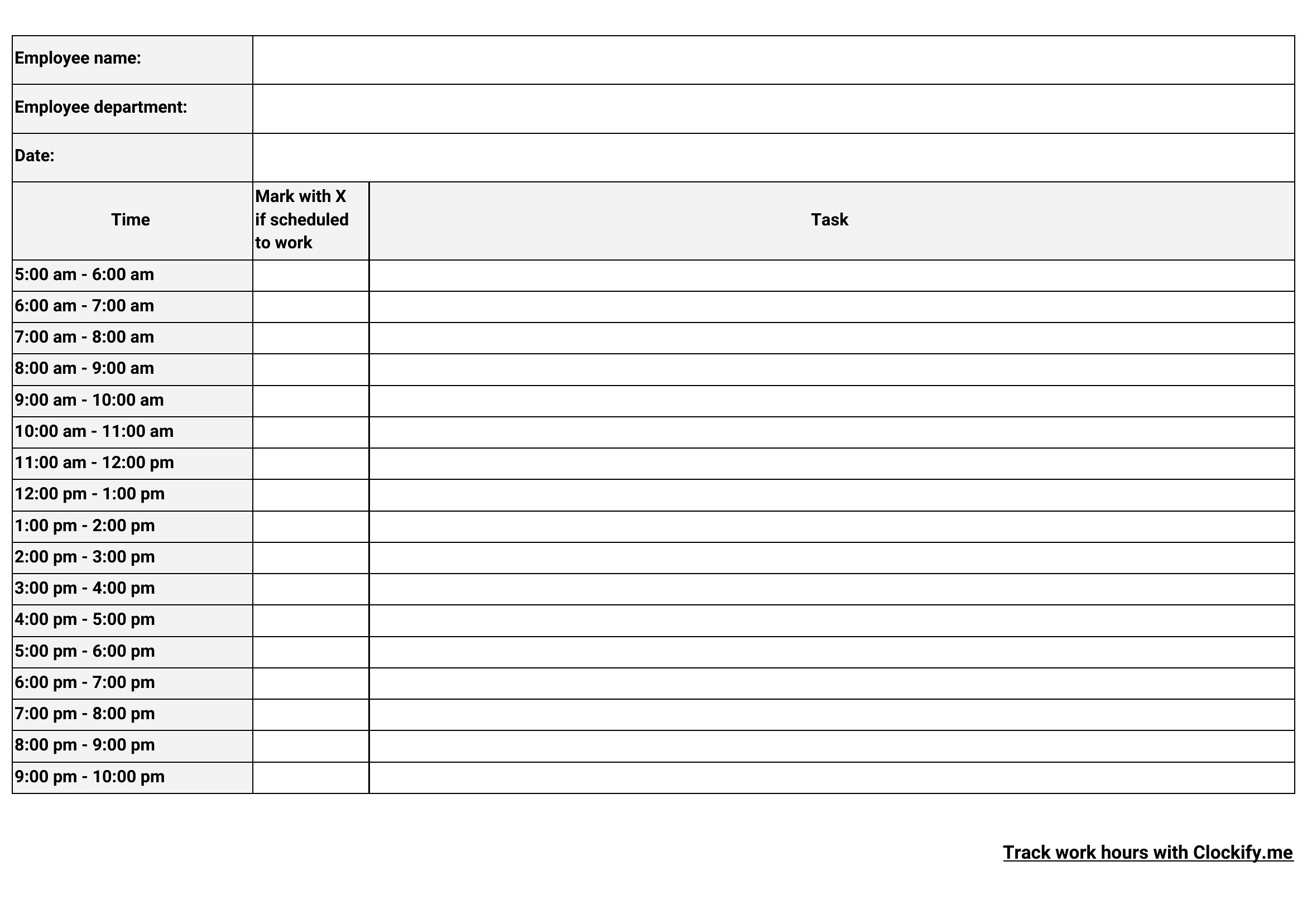
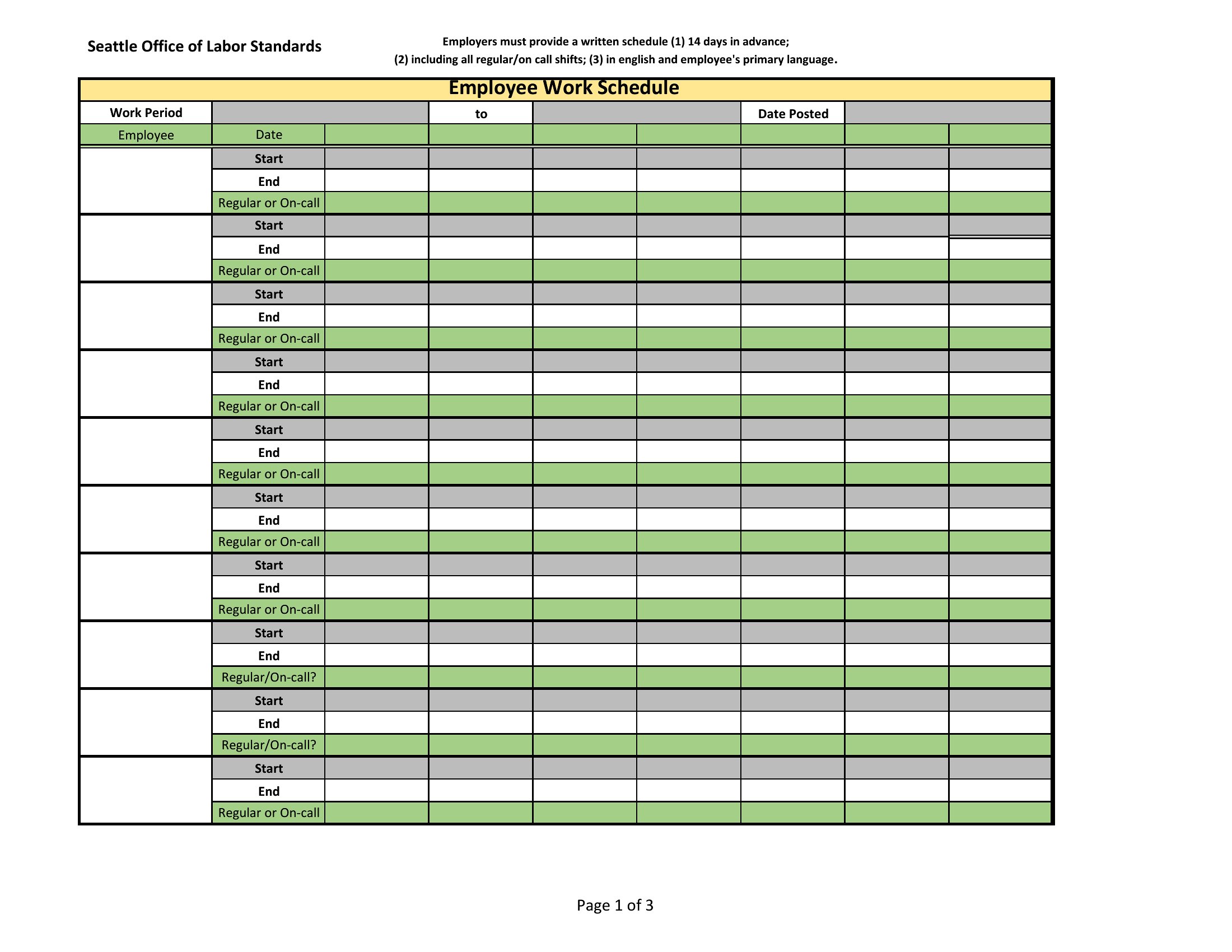
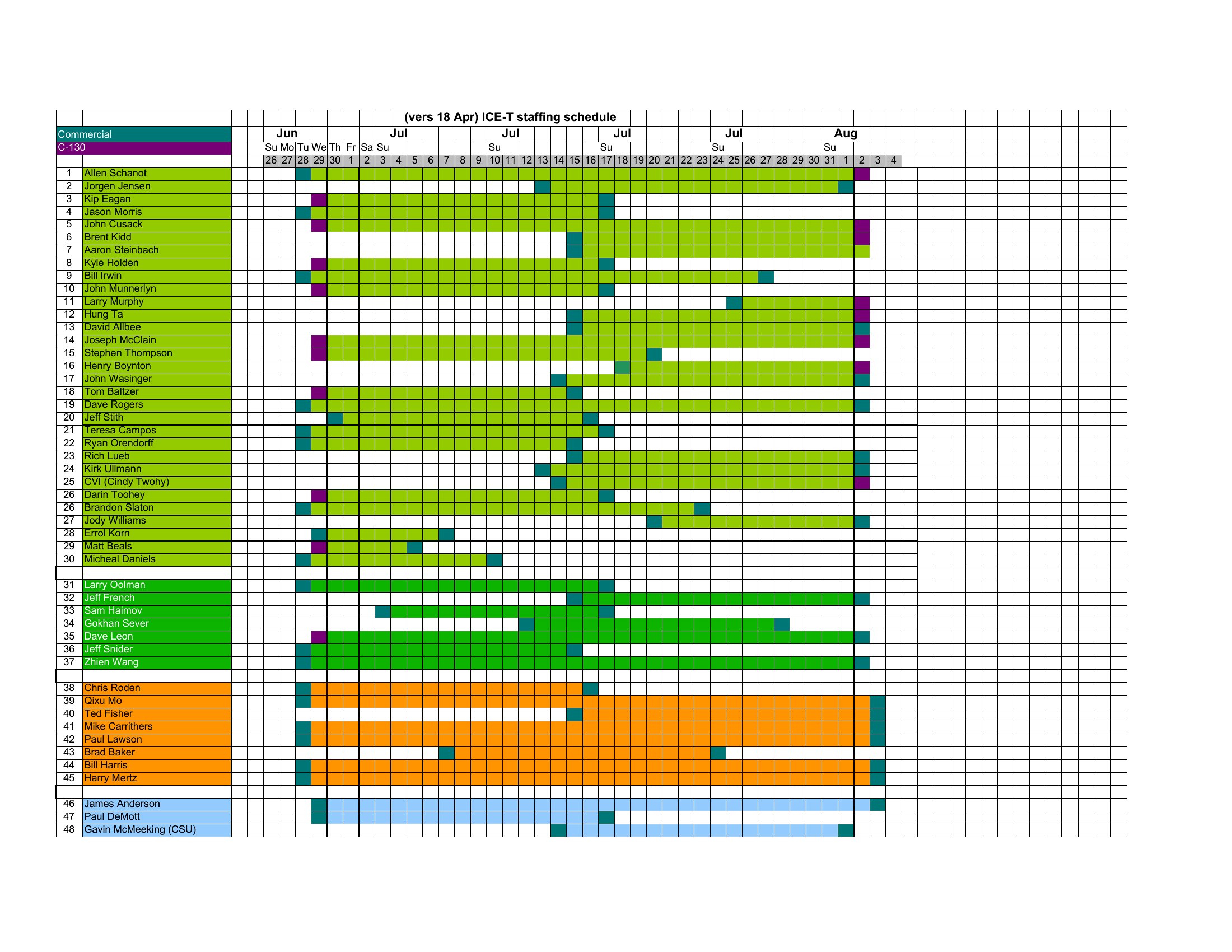
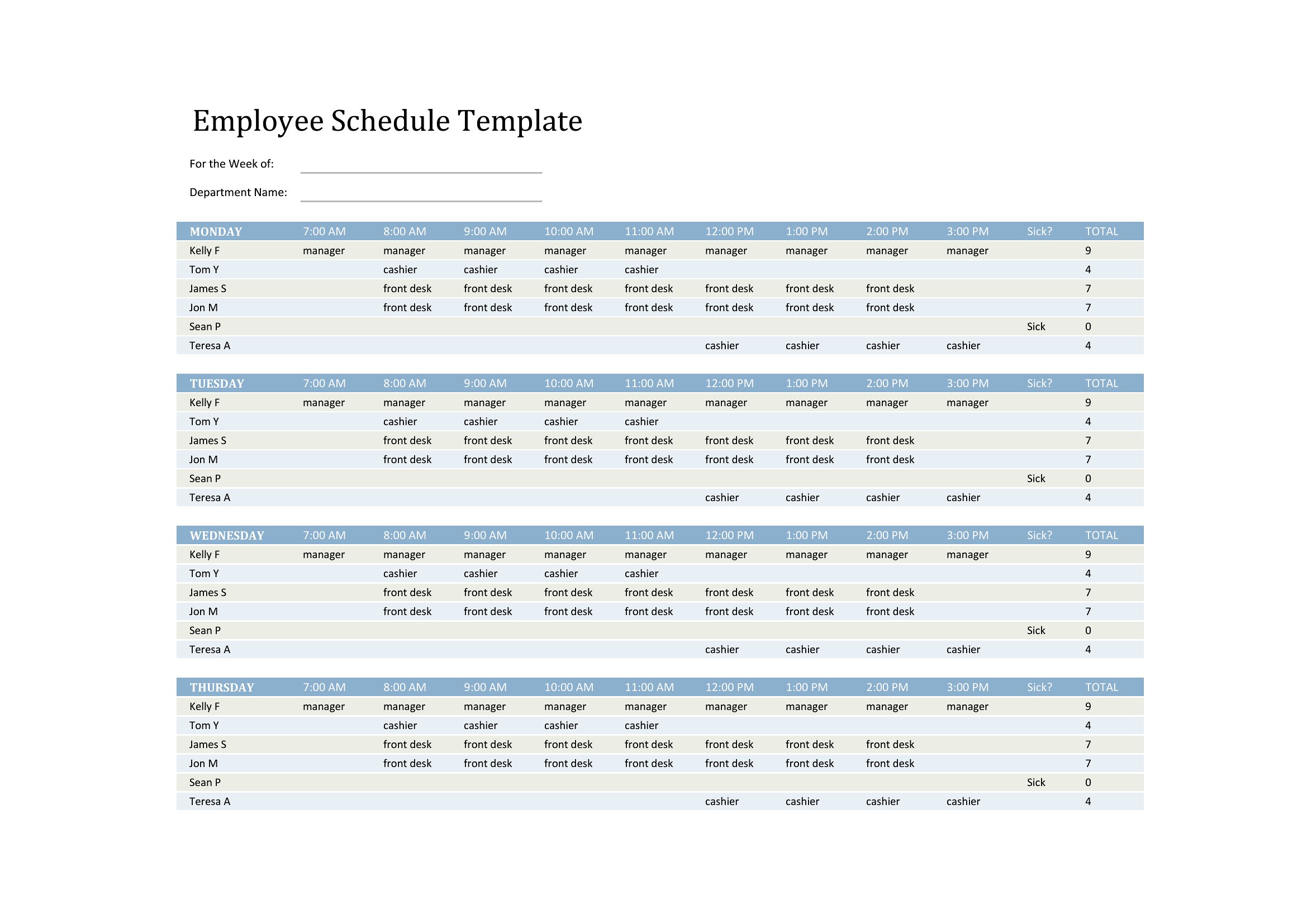
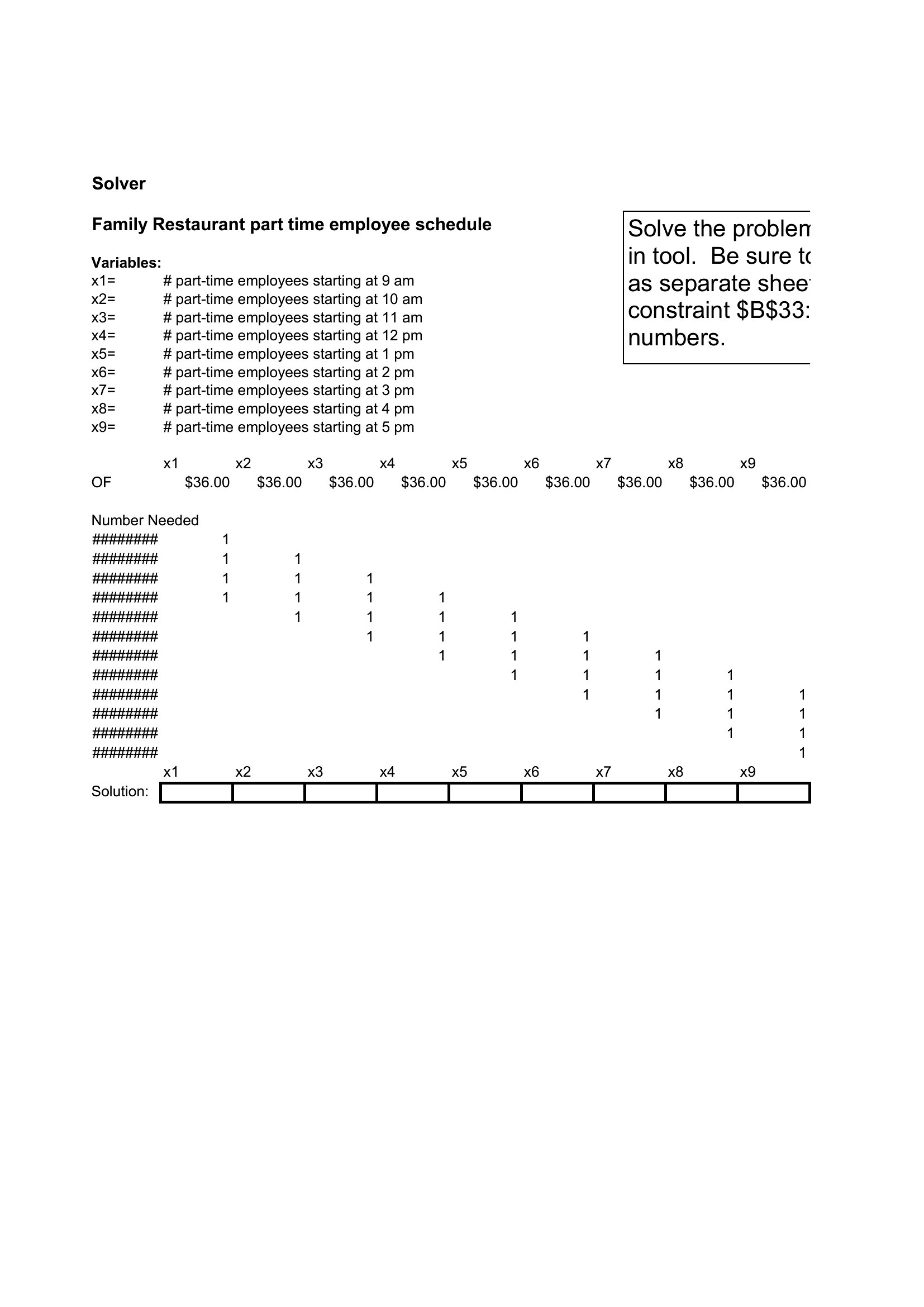
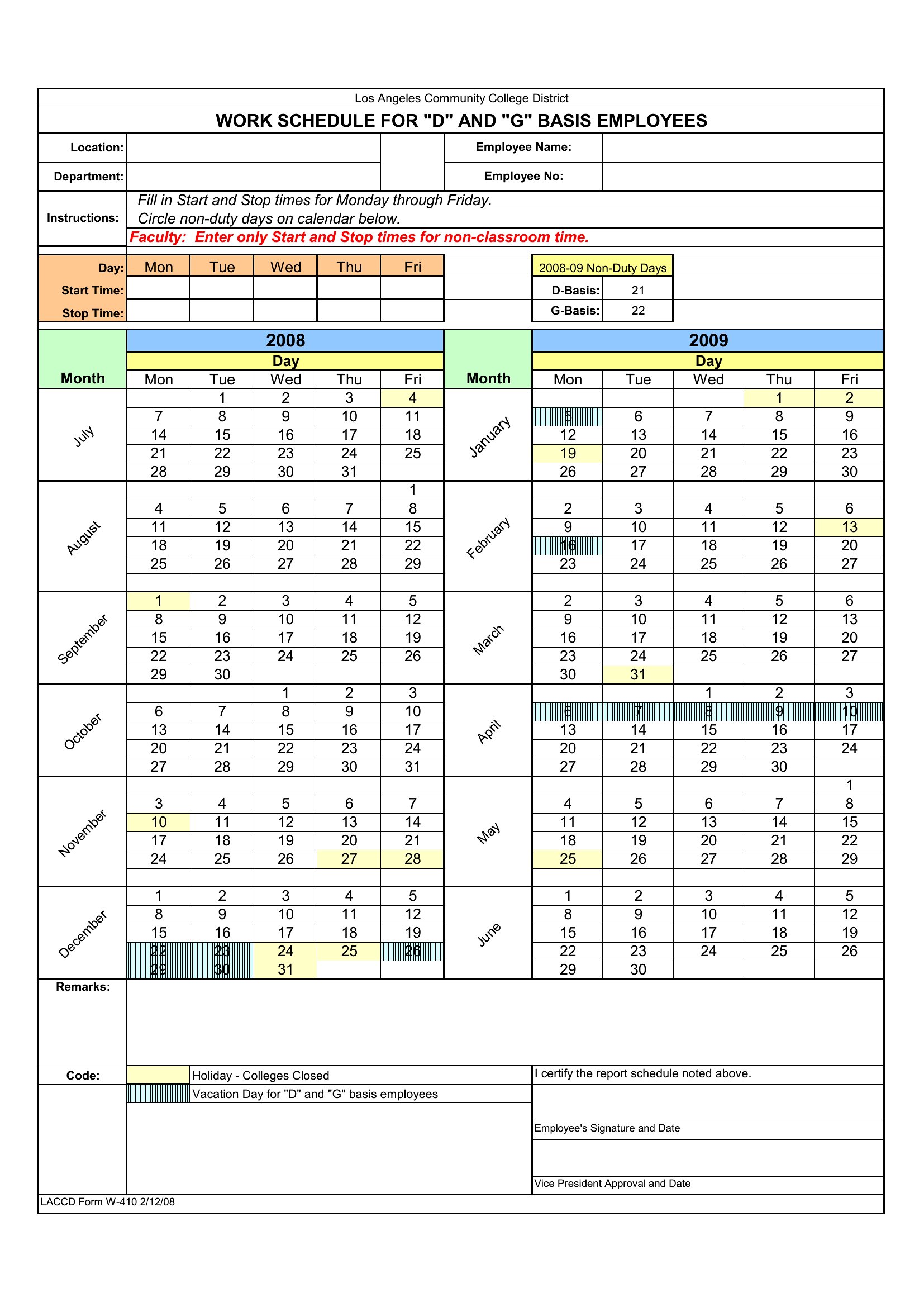
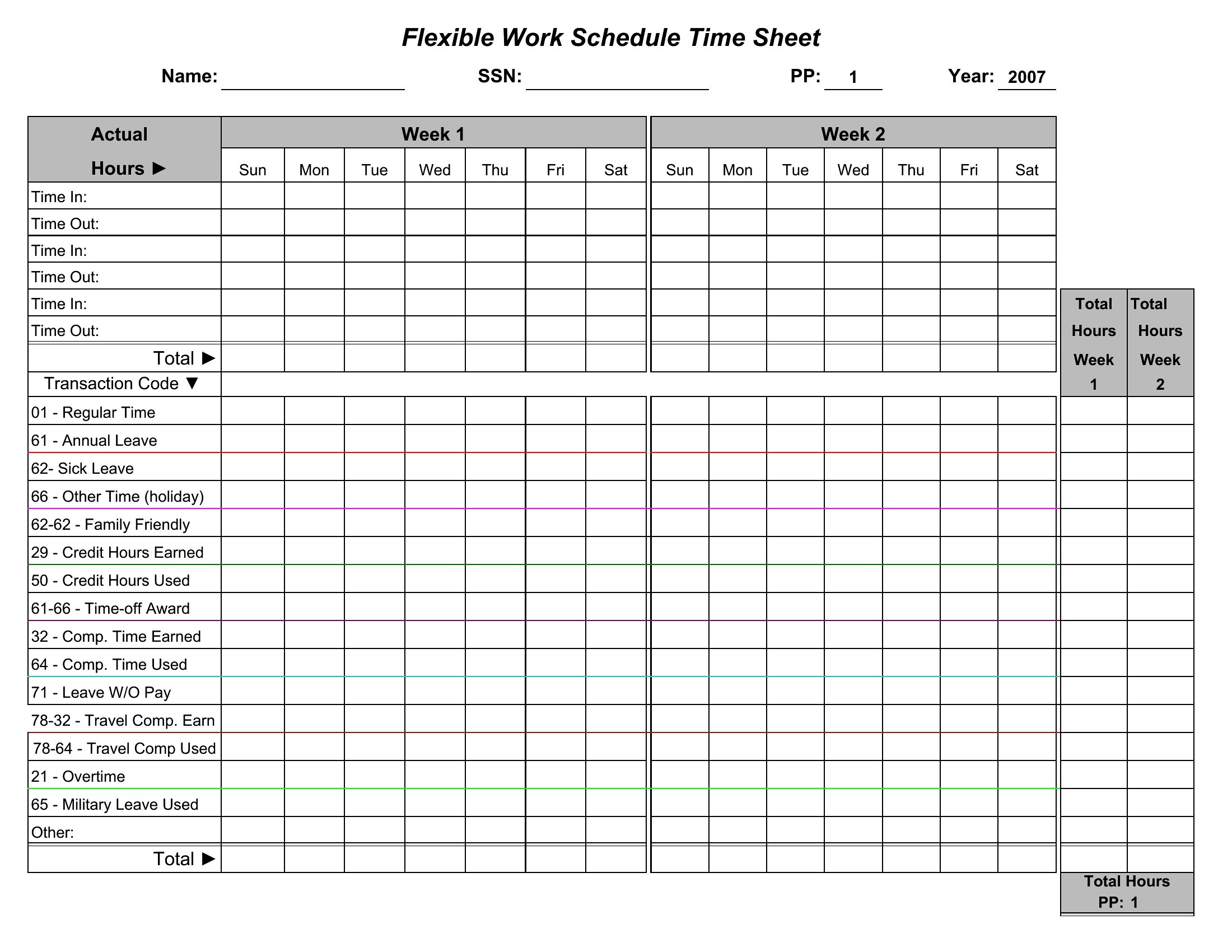
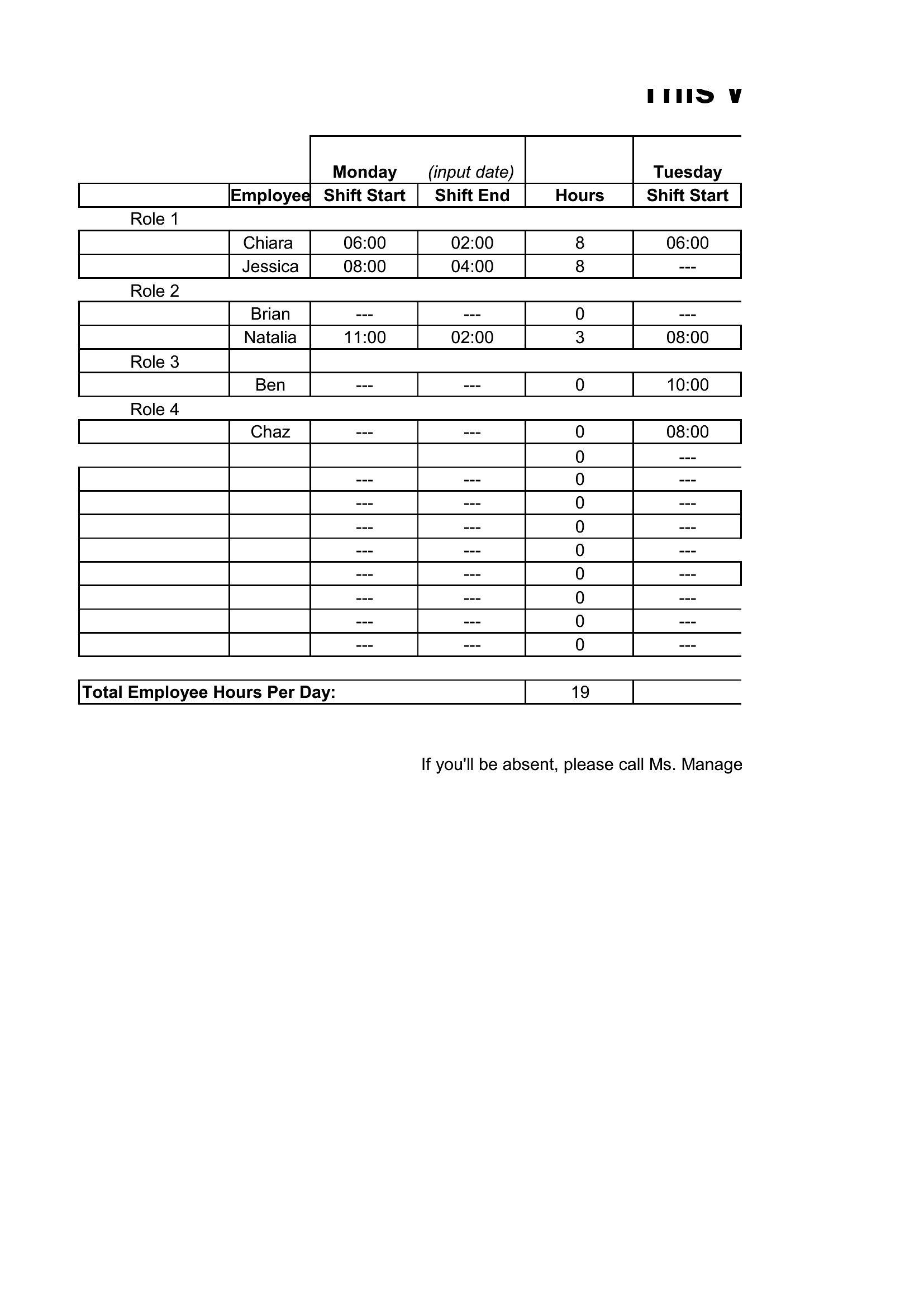
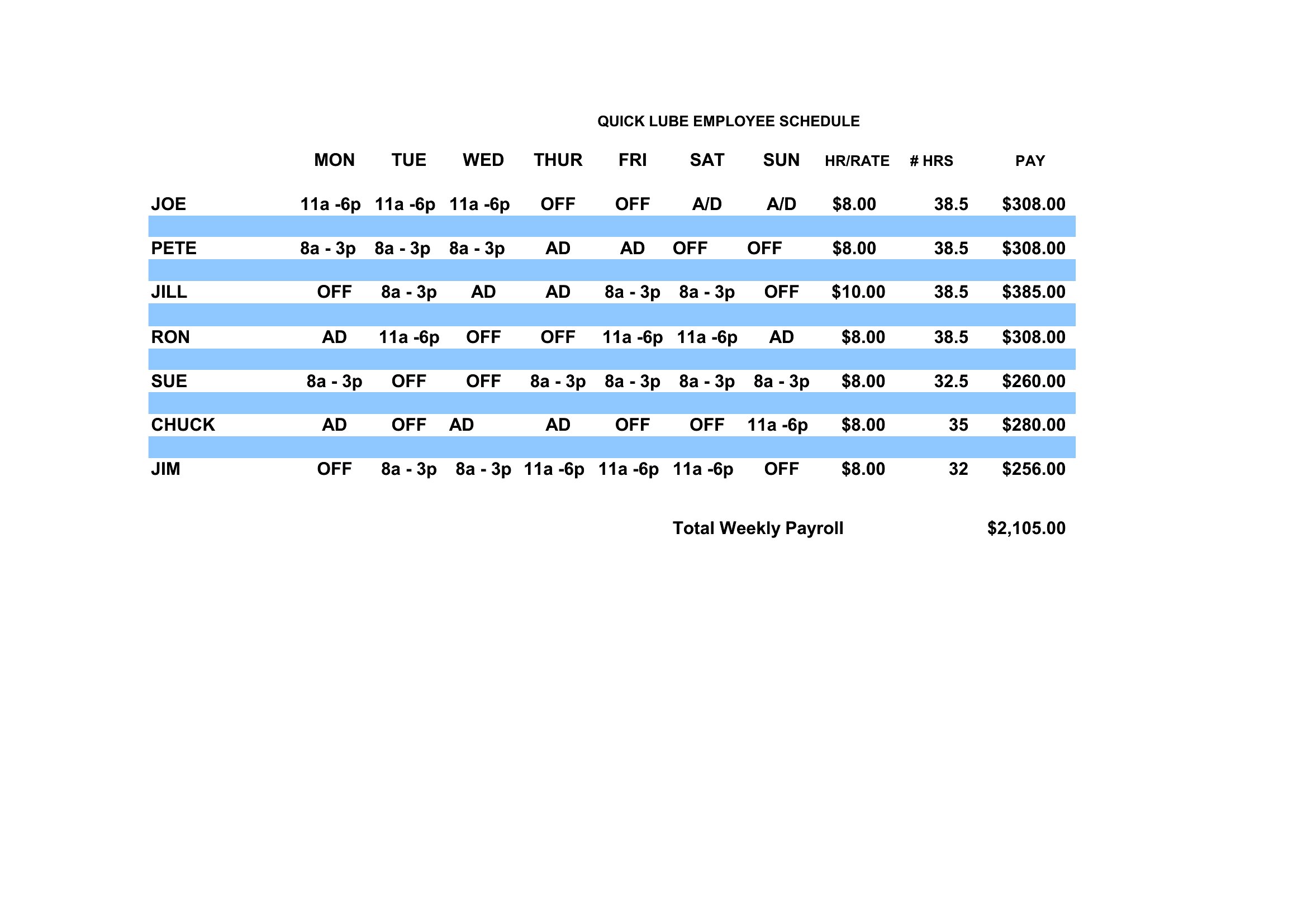
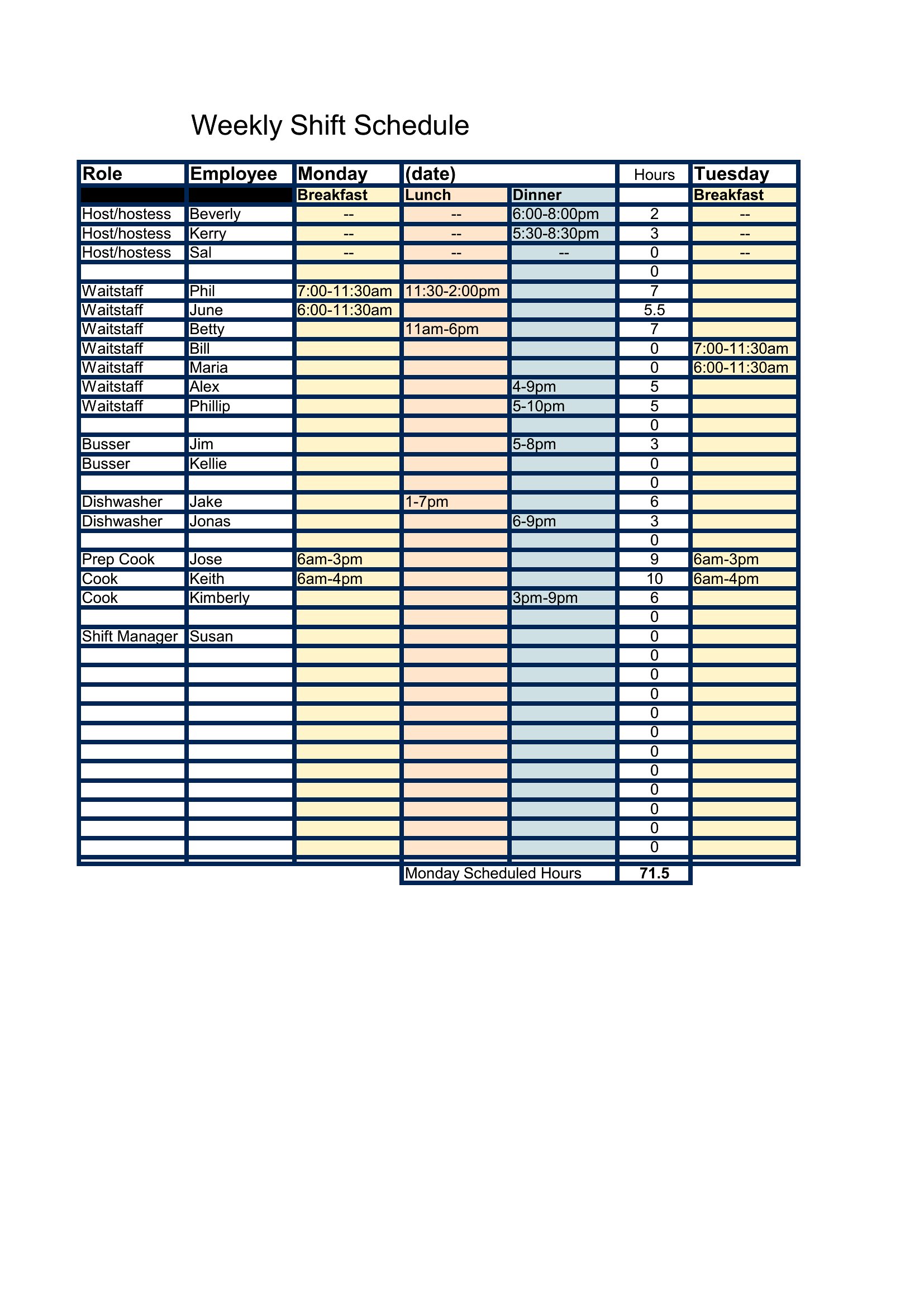
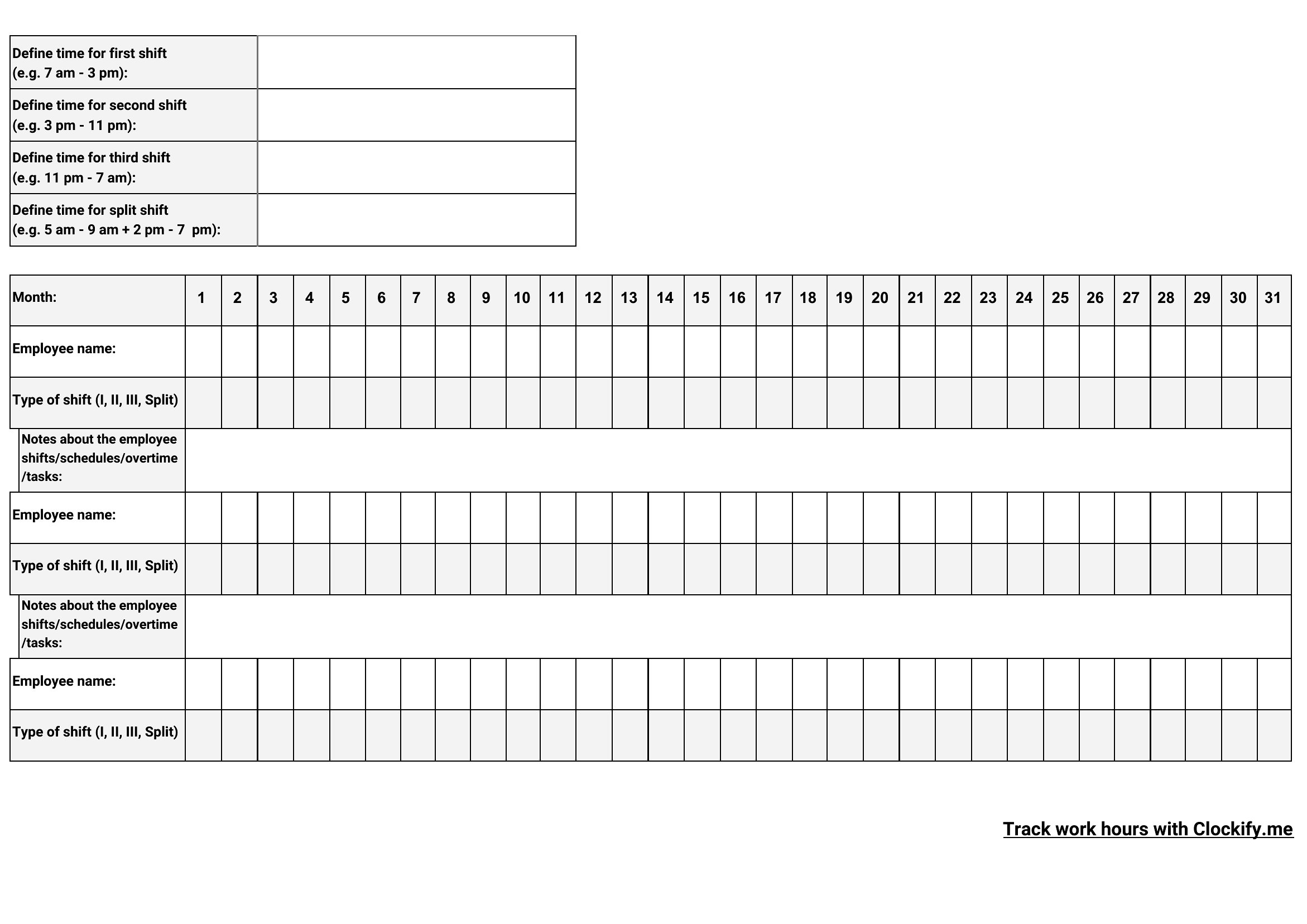
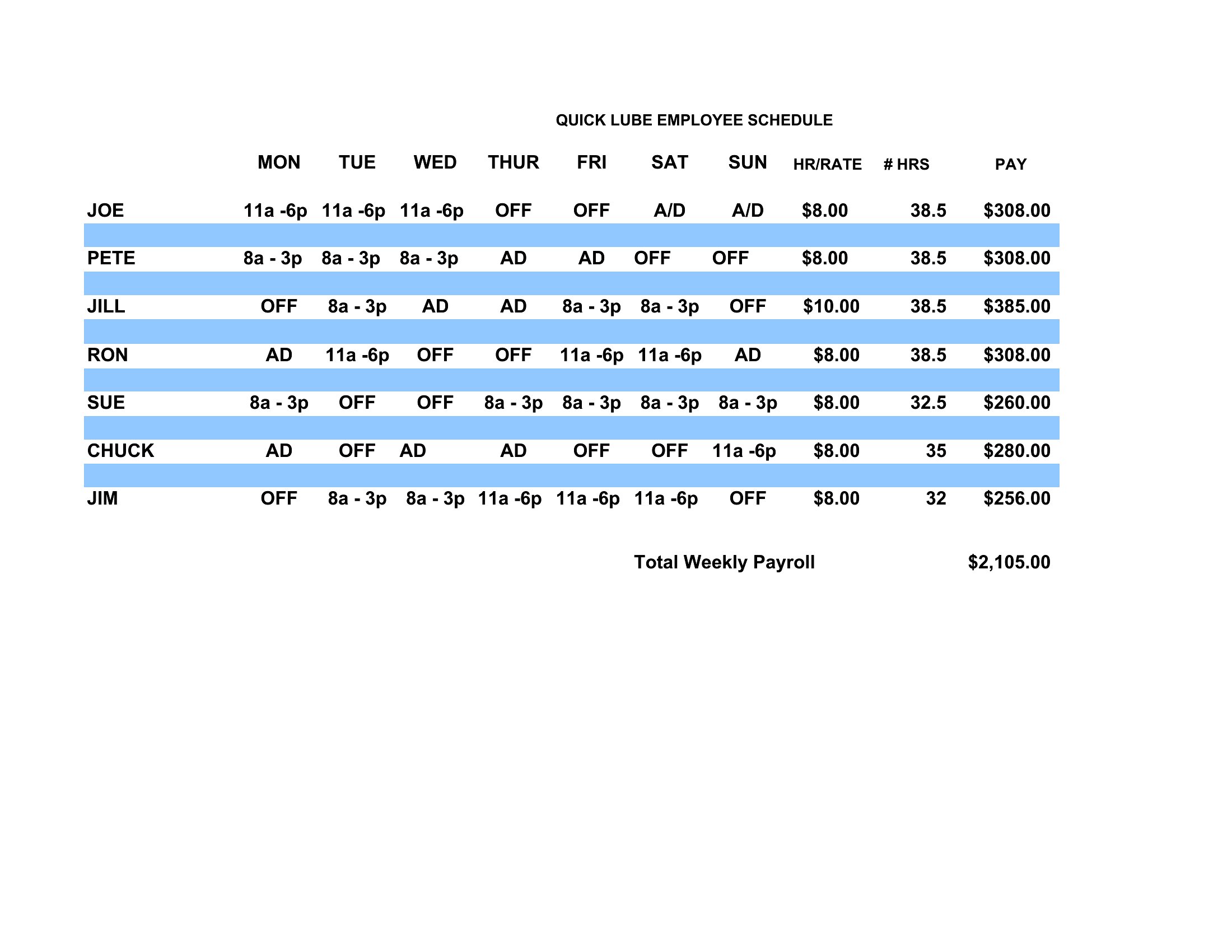
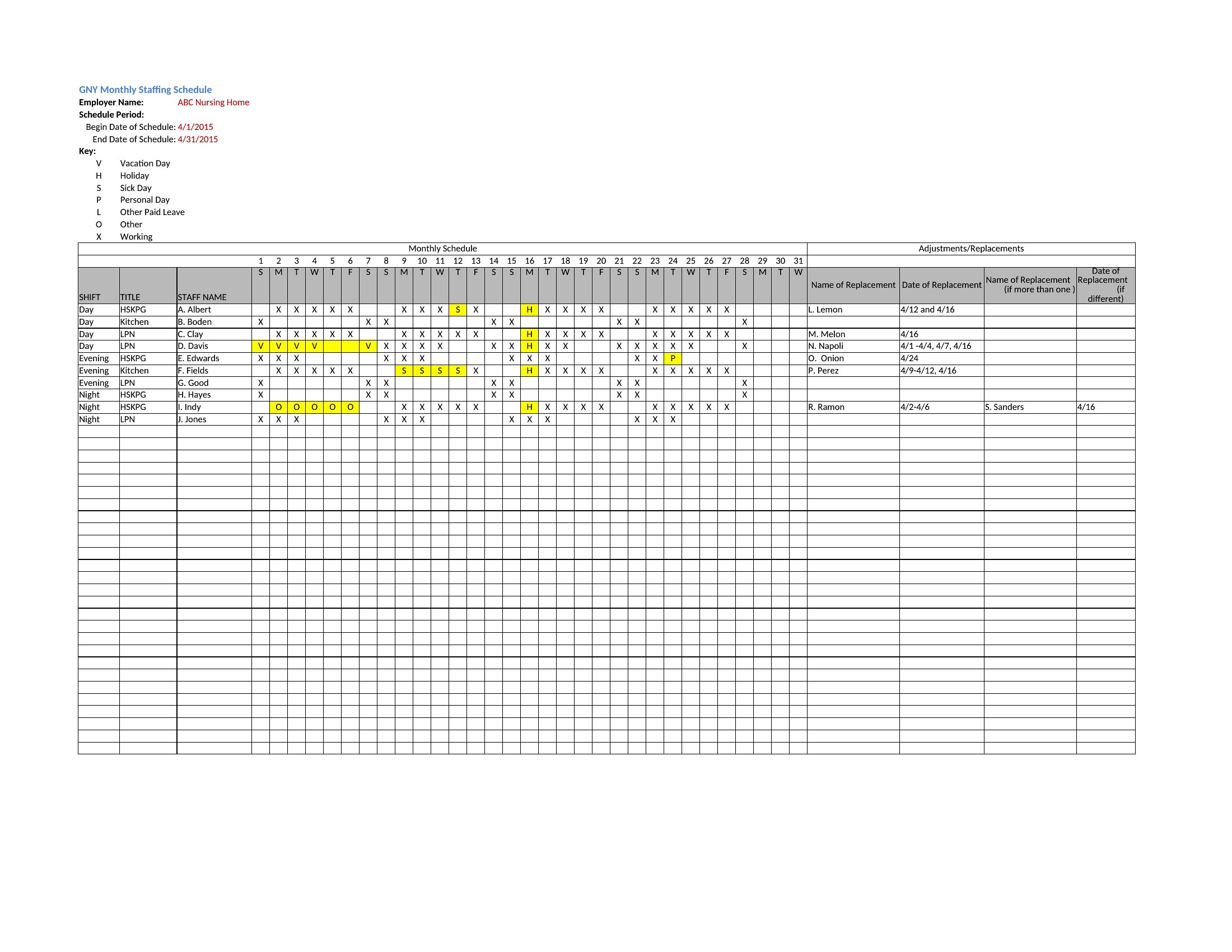
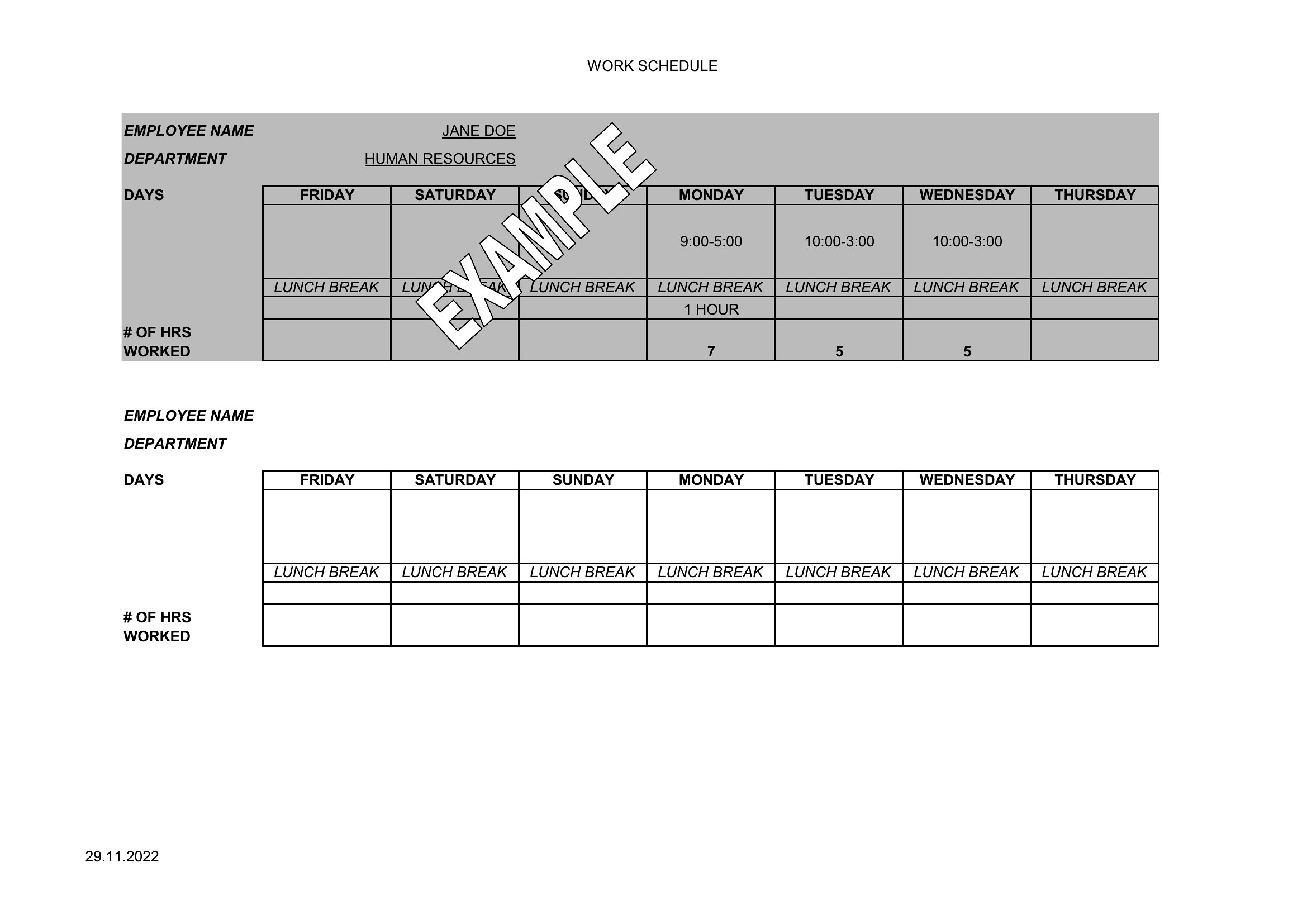
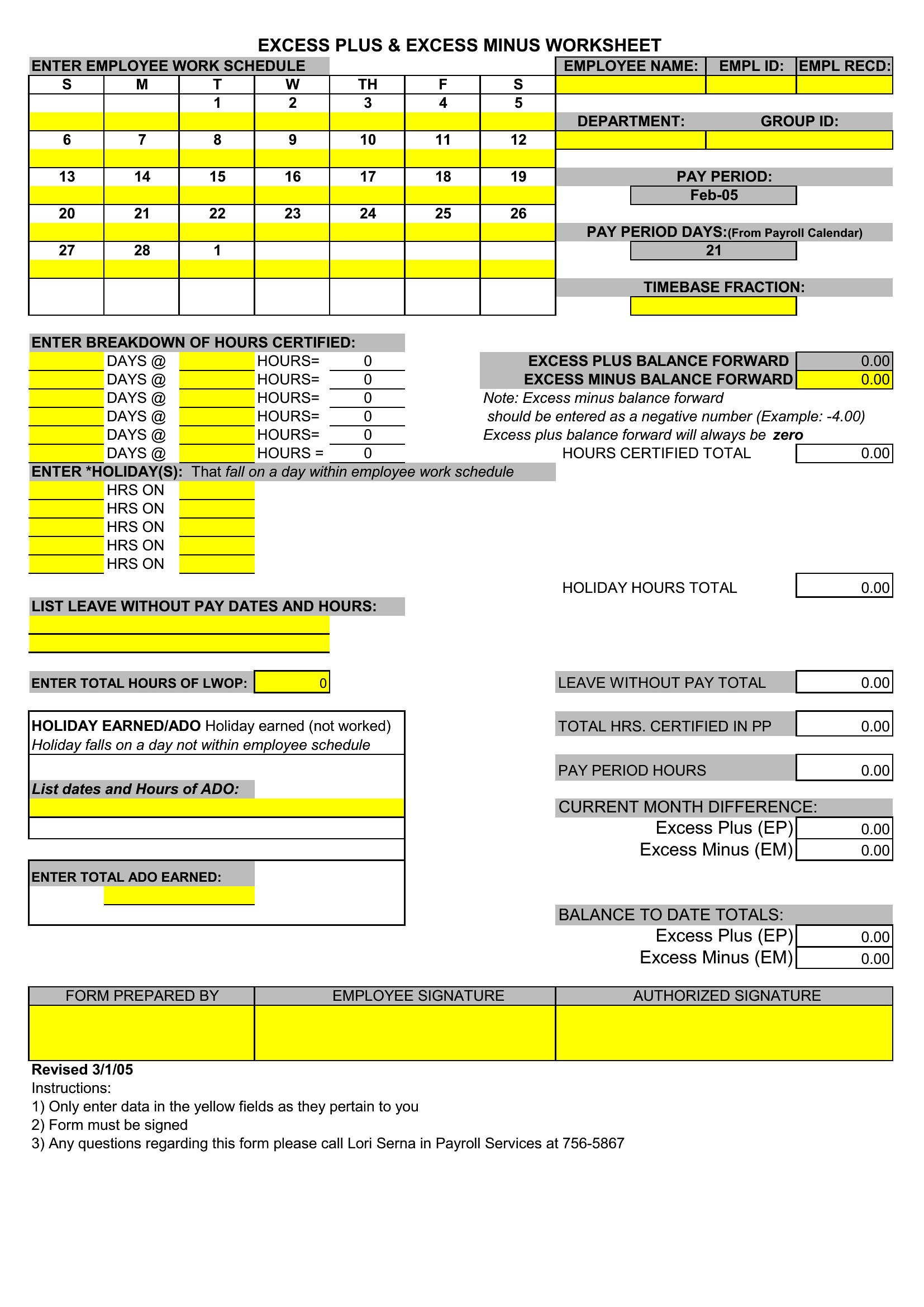
FAQ
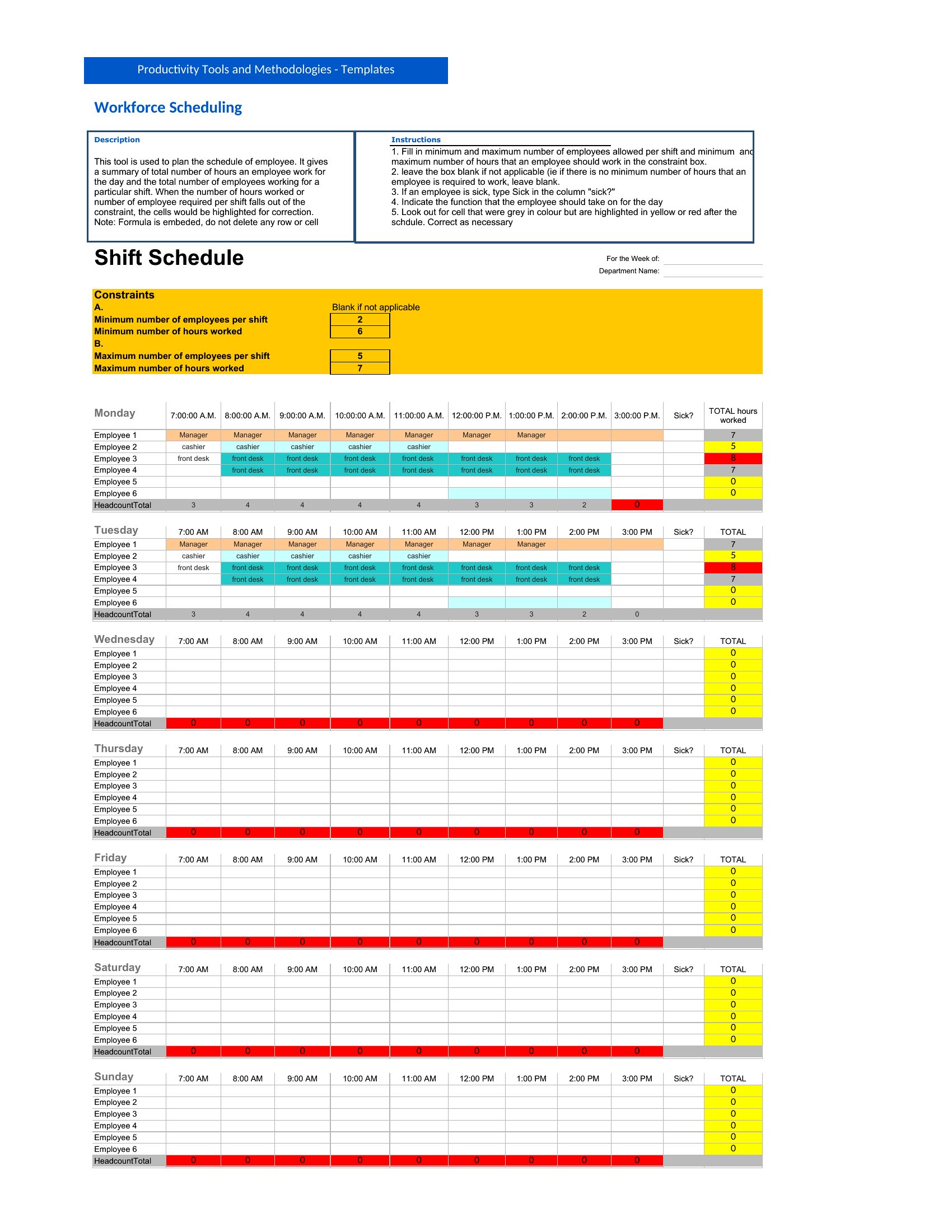
How do I make sure the schedule accounts for employee availability preferences?
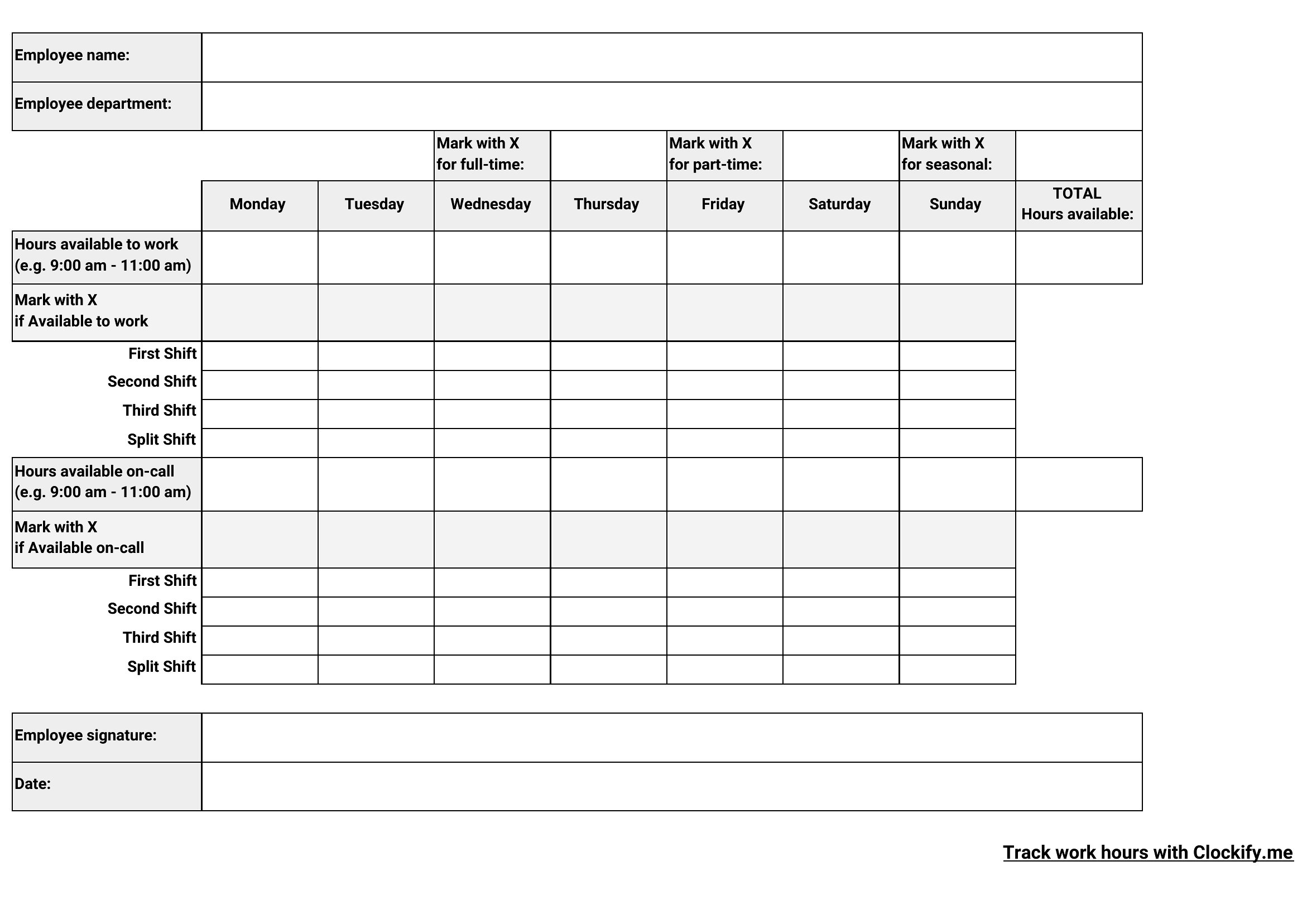
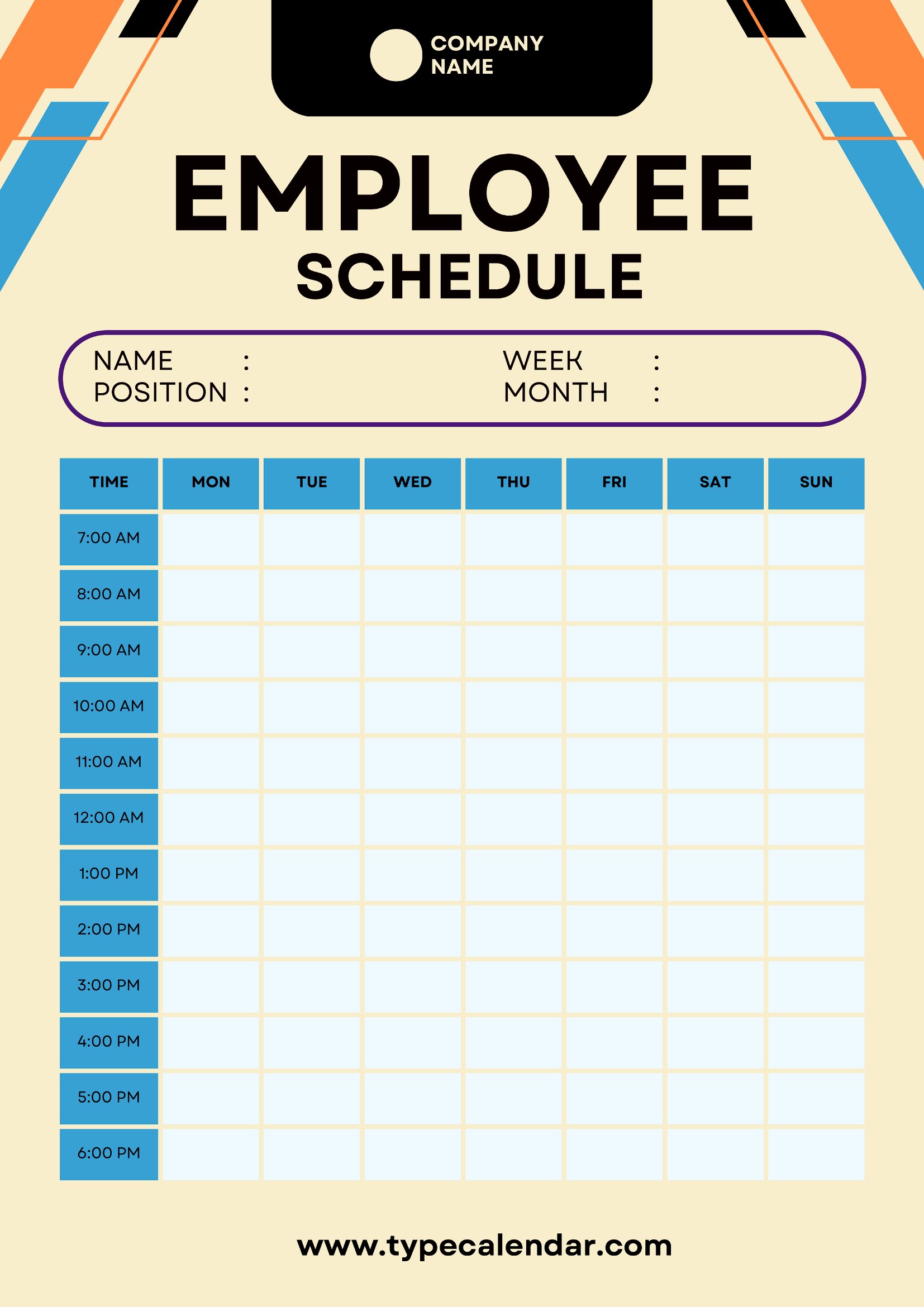
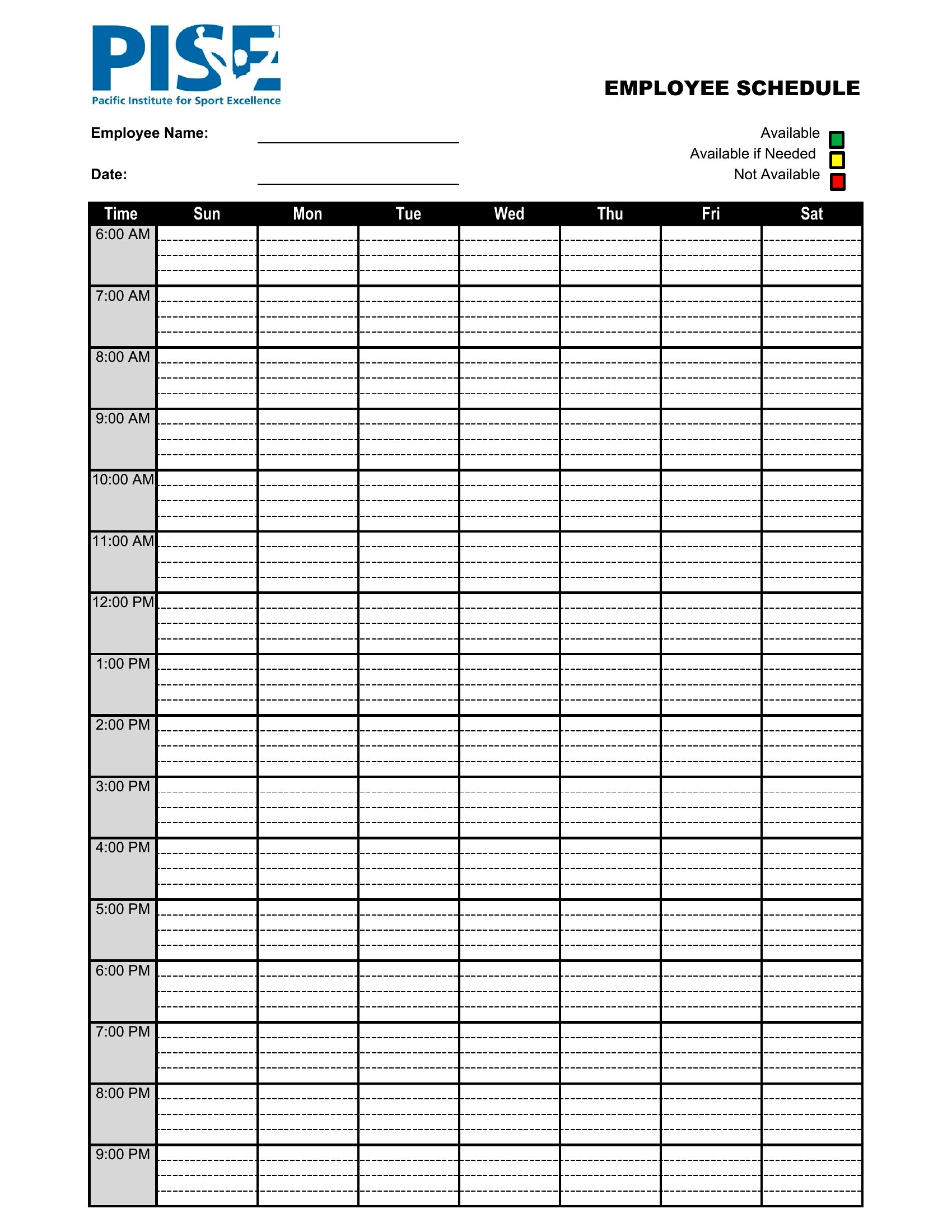
Start by collecting availability notes in a separate column or tab (Excel) or as a comment (Word). In Excel, use conditional formatting to highlight conflicts—like red for overlaps—so you can manually adjust before finalizing. For PDFs, print a side-by-side version with availability and schedule grids to compare at a glance.
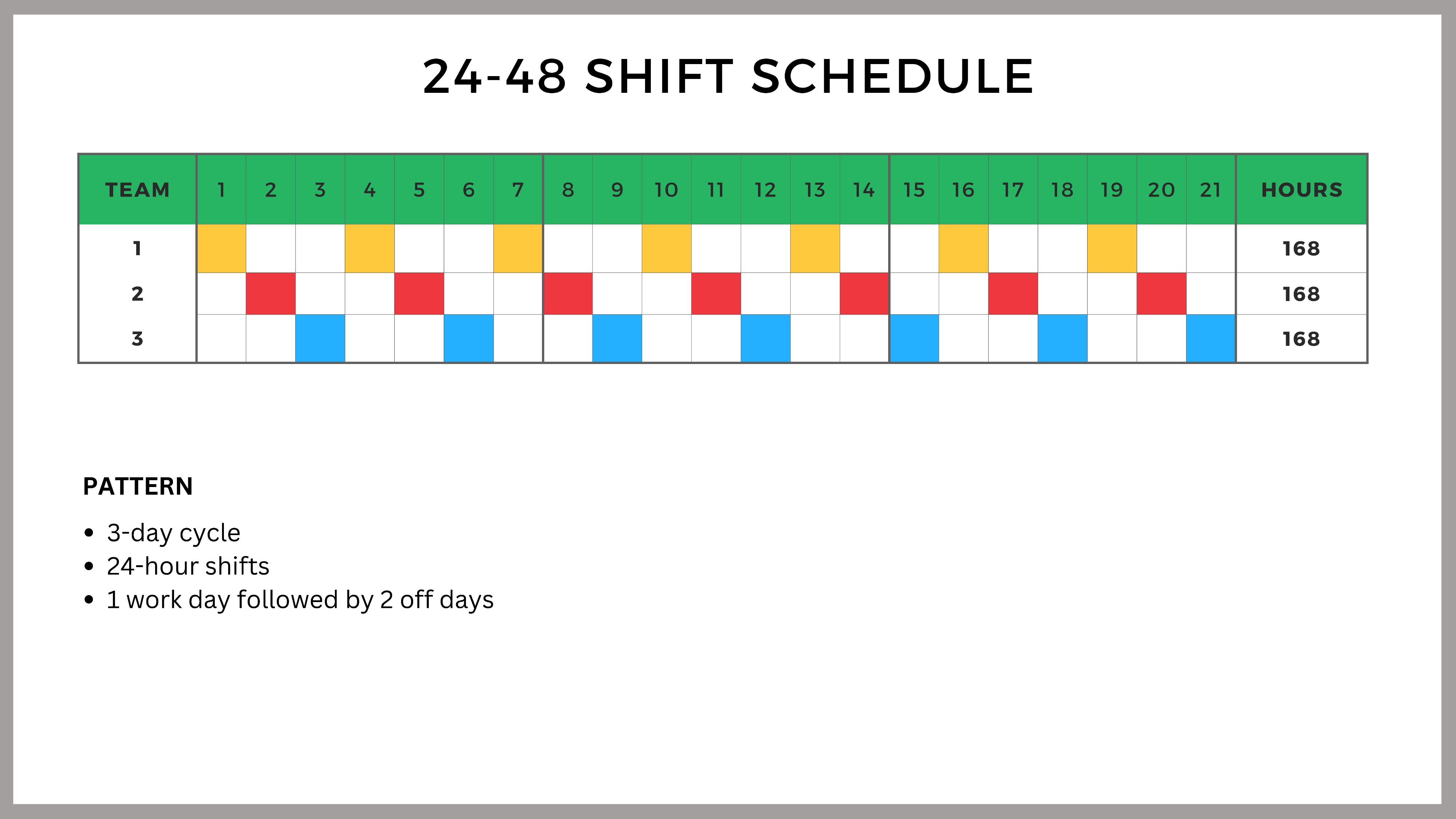
Can these templates help with unionized workforces that require strict seniority rules?
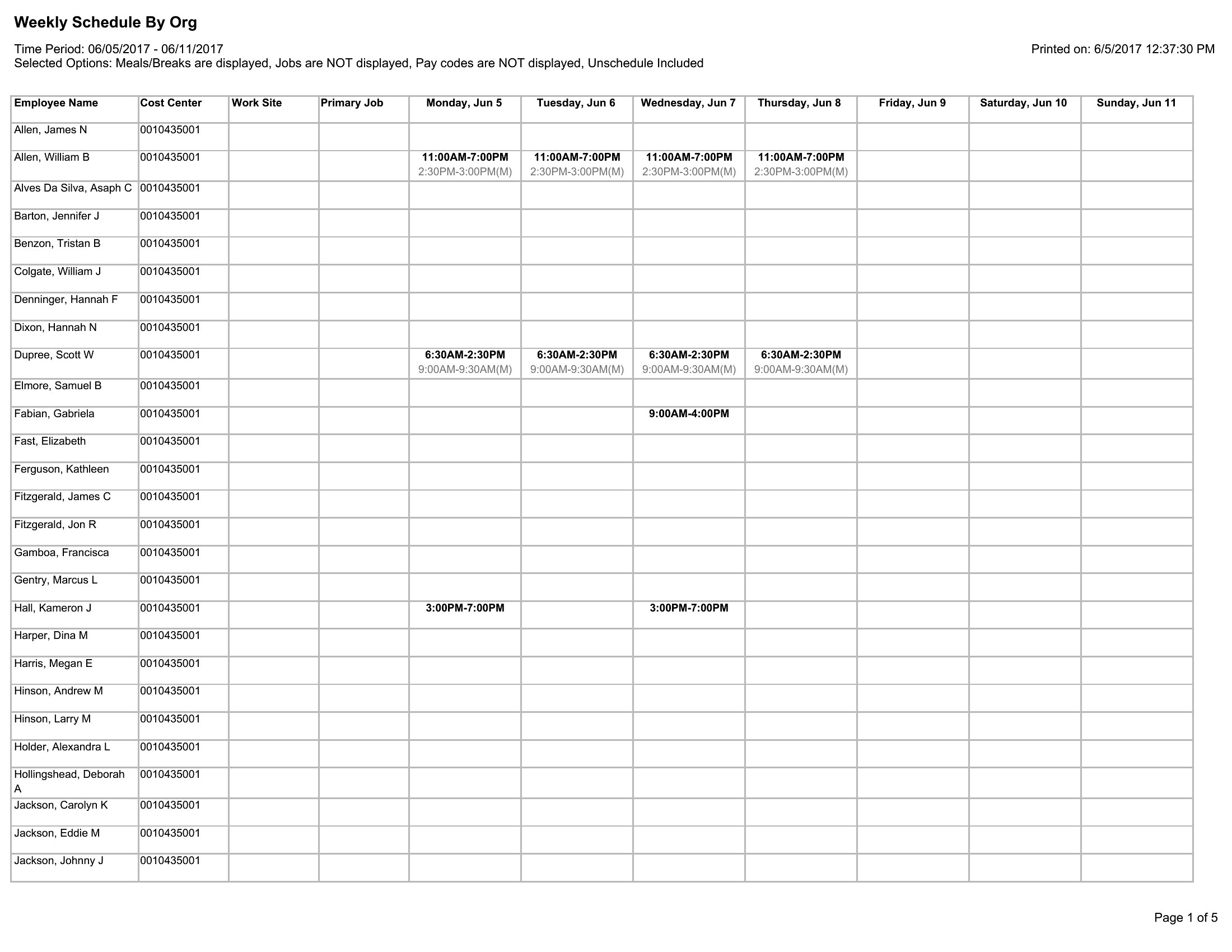
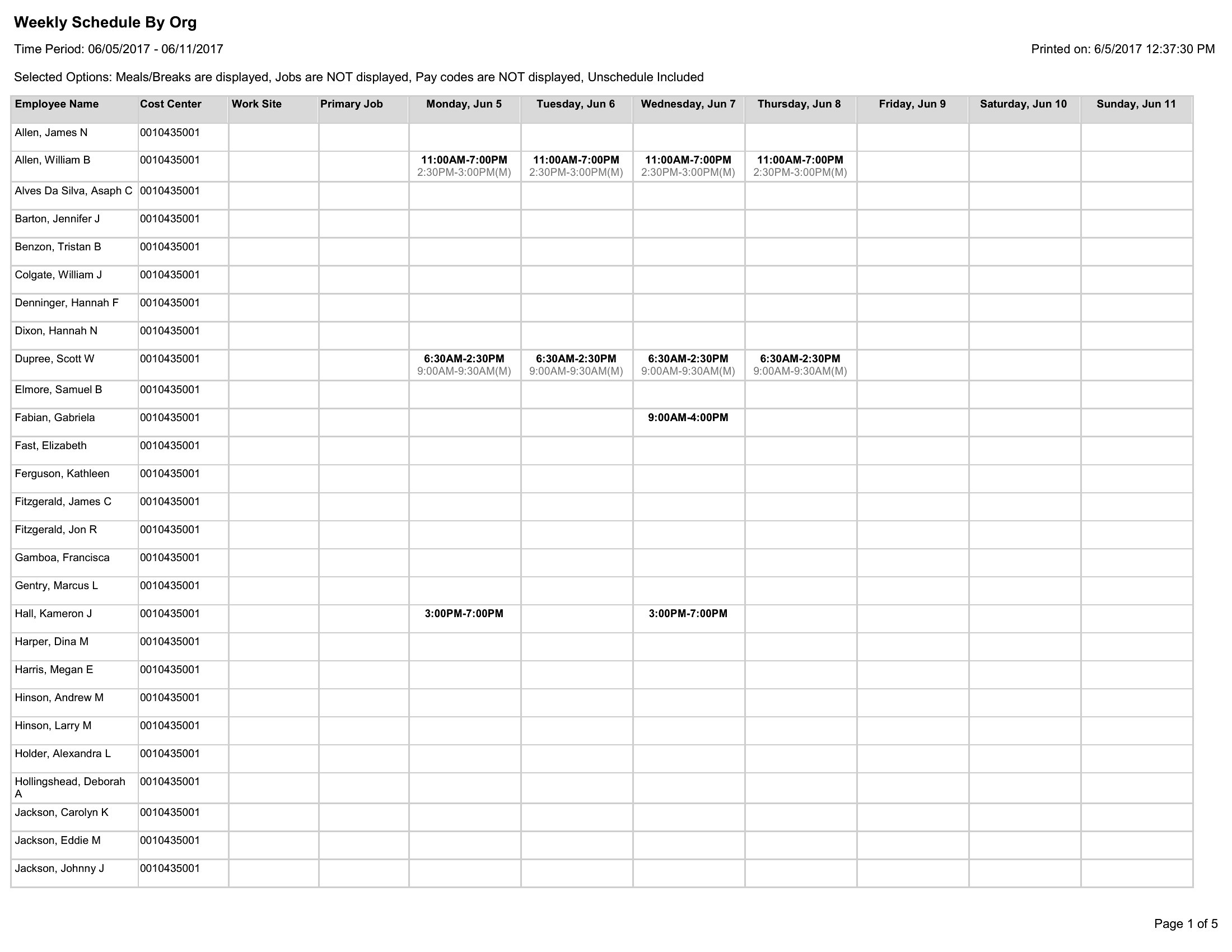
Yes, but treat them as a starting point. Use Excel to sort employees by tenure or seniority before assigning shifts, and add columns for union-mandated breaks or mandatory days off. Word’s track-changes feature lets you document adjustments if disputes arise—but always confirm with your HR team or union rep first.
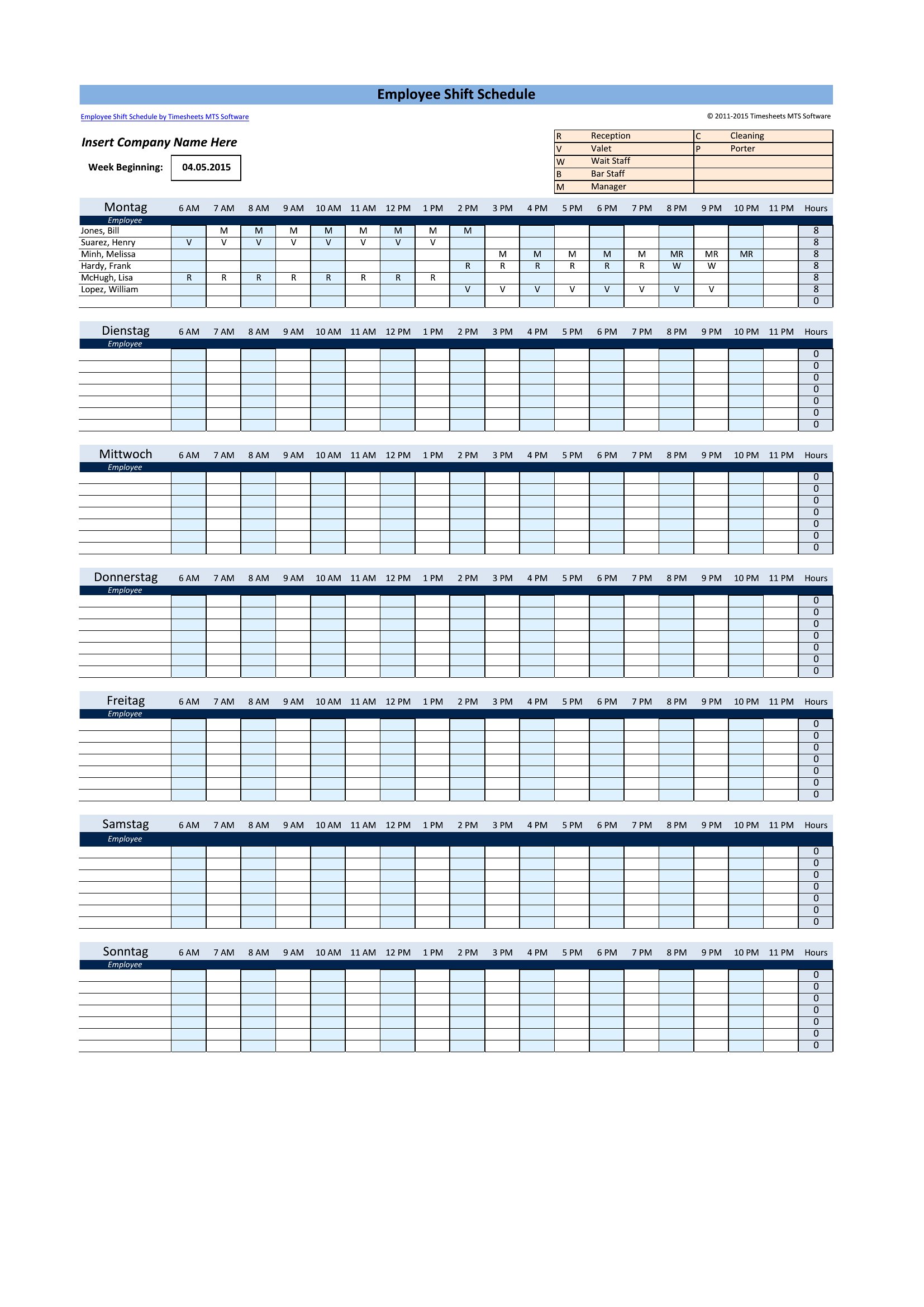
What’s the best way to handle last-minute shift swaps without creating chaos?
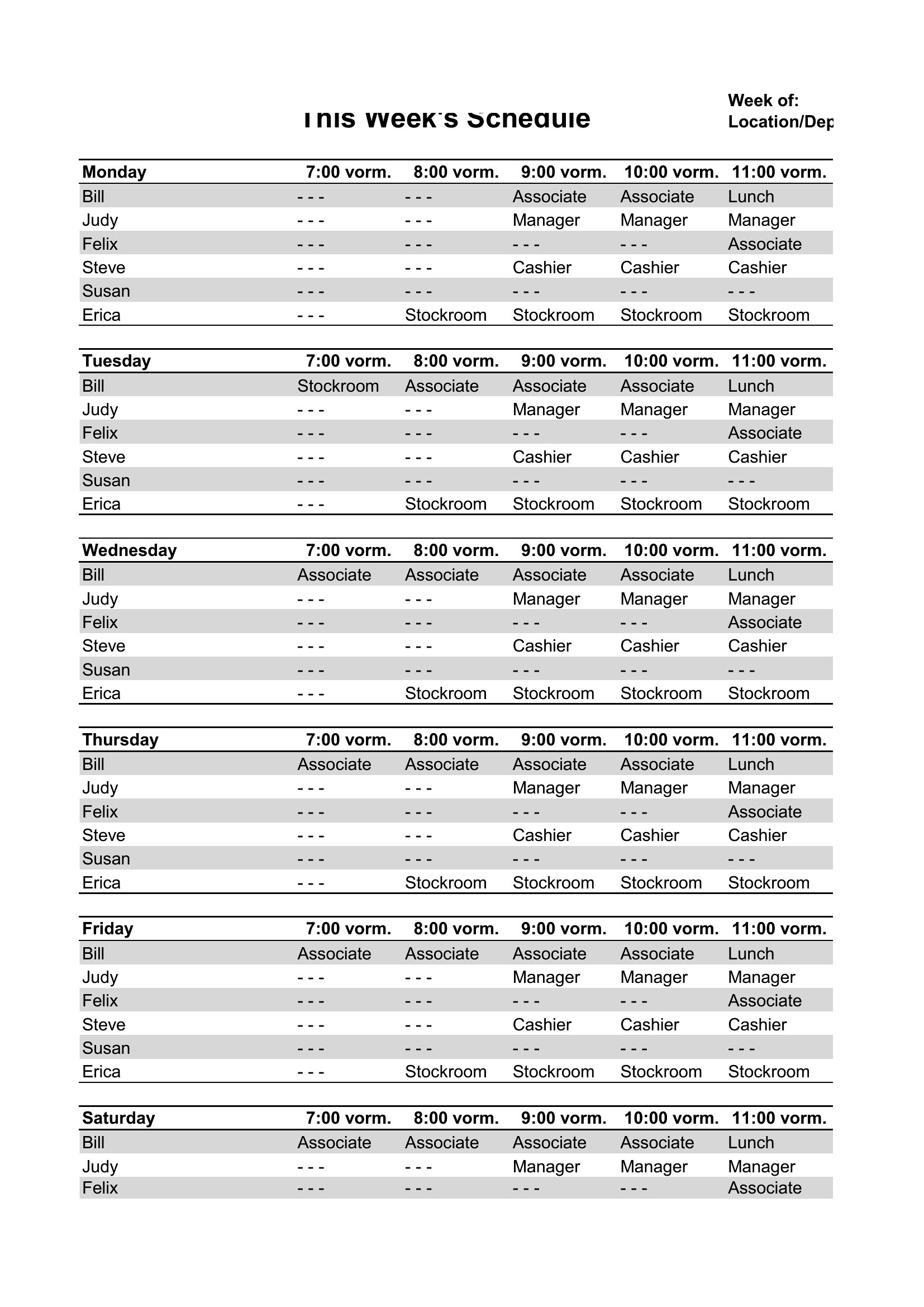
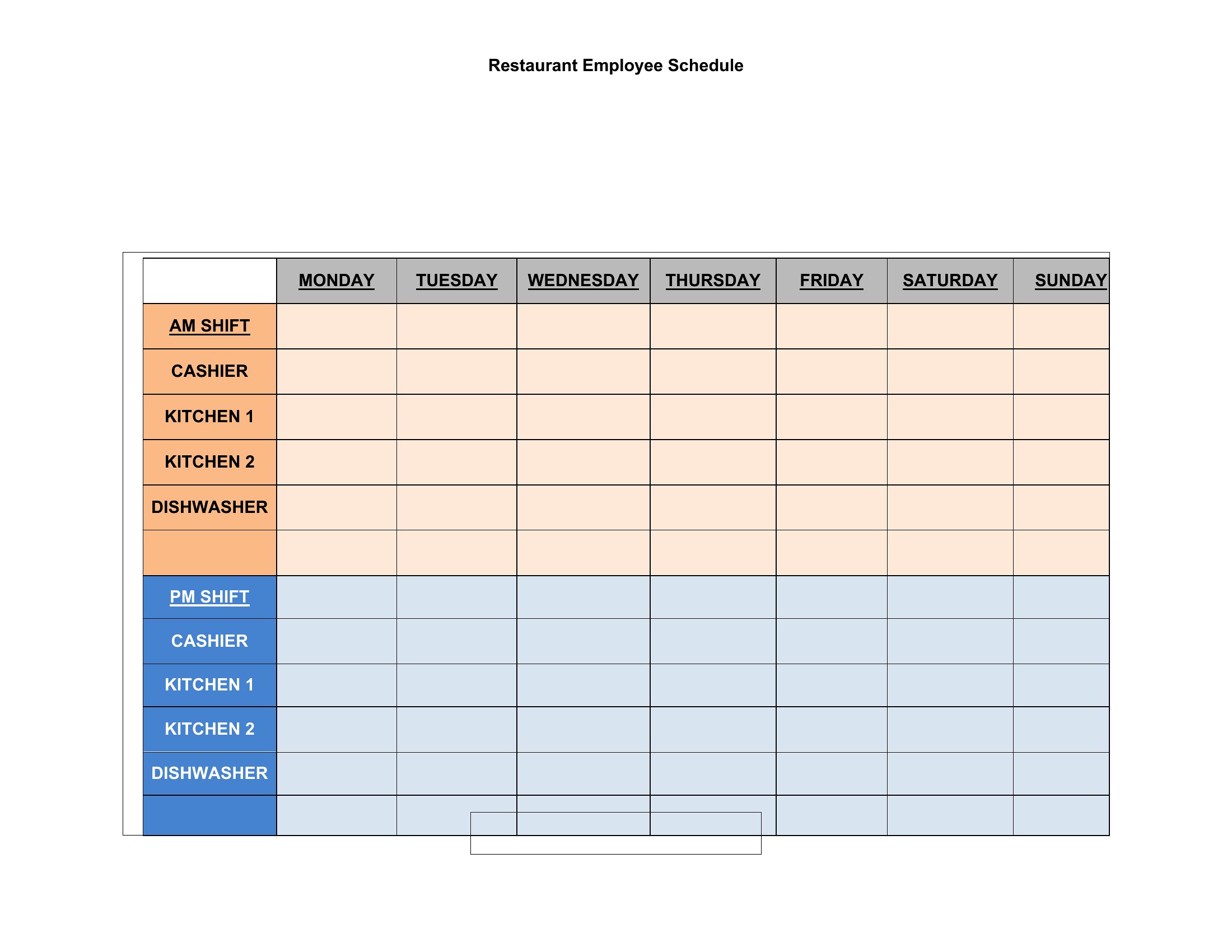
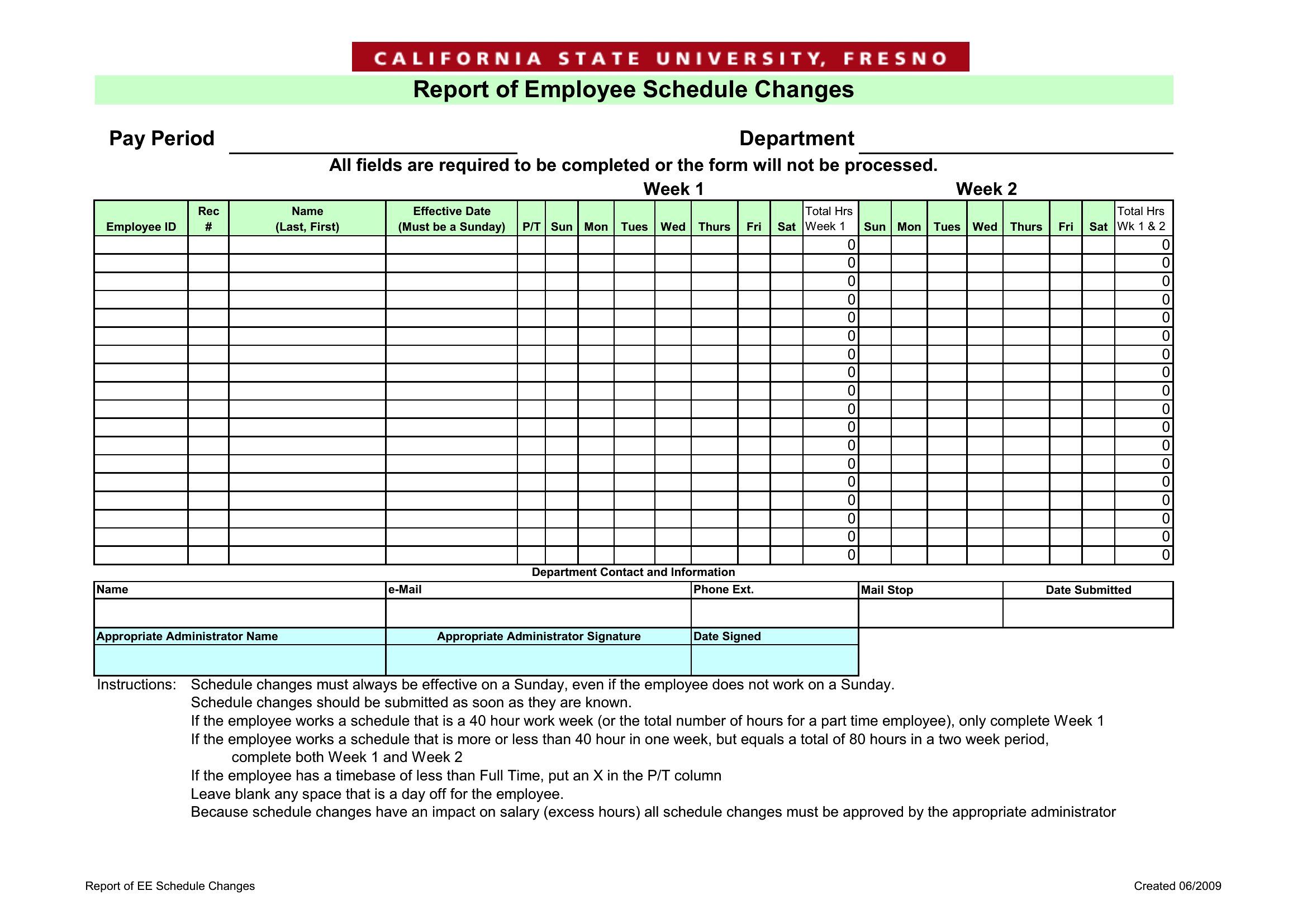
In Excel, create a ‘Swap Log’ tab to track who requests changes and when. Use data validation to restrict swaps to pre-approved pairs (e.g., only cross-training employees can cover each other’s roles). For Word or PDF, print a ‘Swap Request Form’ to collect signatures and note the original schedule version—this protects you if disputes happen later.
Comments
Join the conversation
Sign in to share your thoughts and leave a comment on this resource.