Skip to content
50% off this one-time $1.99 pack with HALFOFF — or unlimited with Pro.HALFOFF
Premium

Free Scope of Work Templates (Word)
Analysis
marcuslarson by marcuslarson
Updated 0 downloads 1 community comment

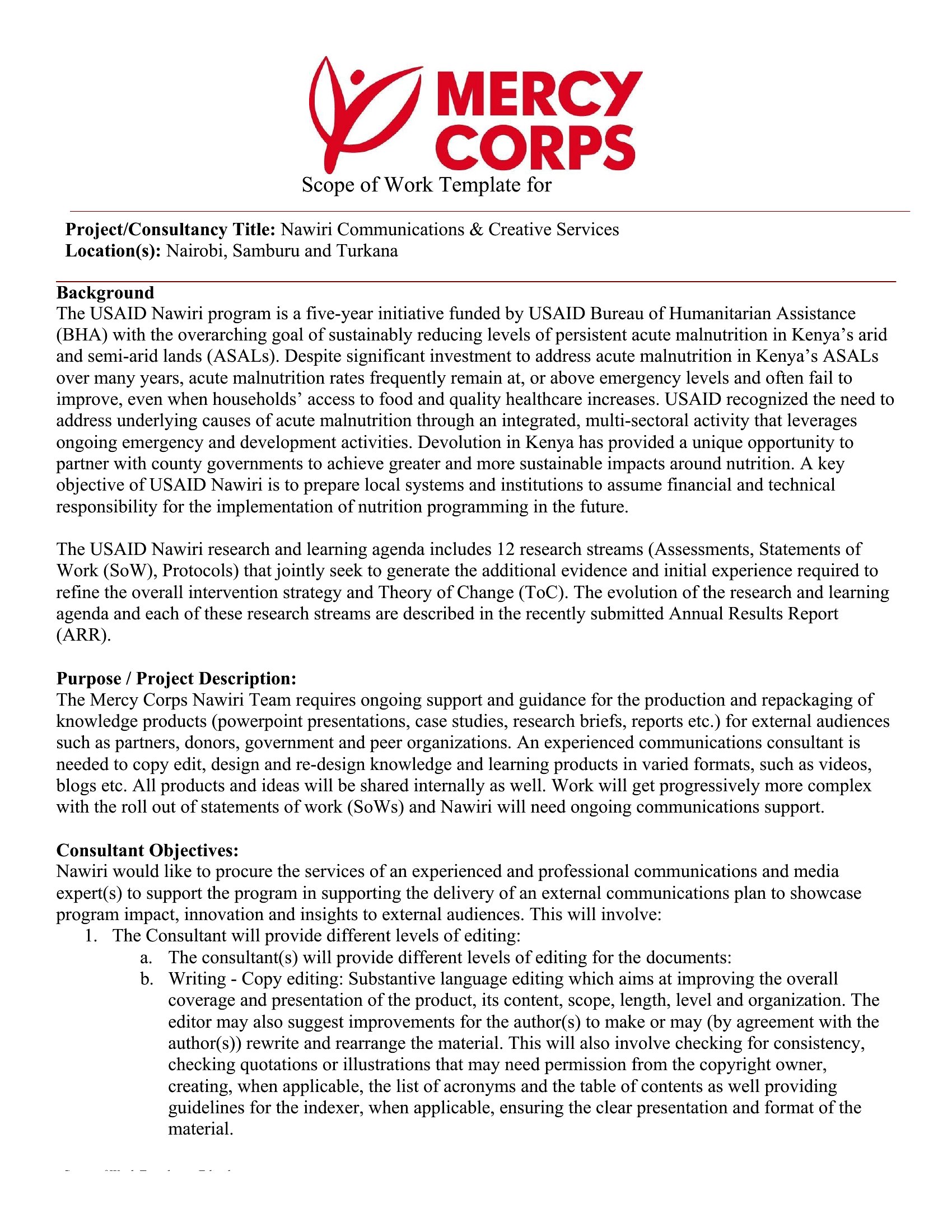
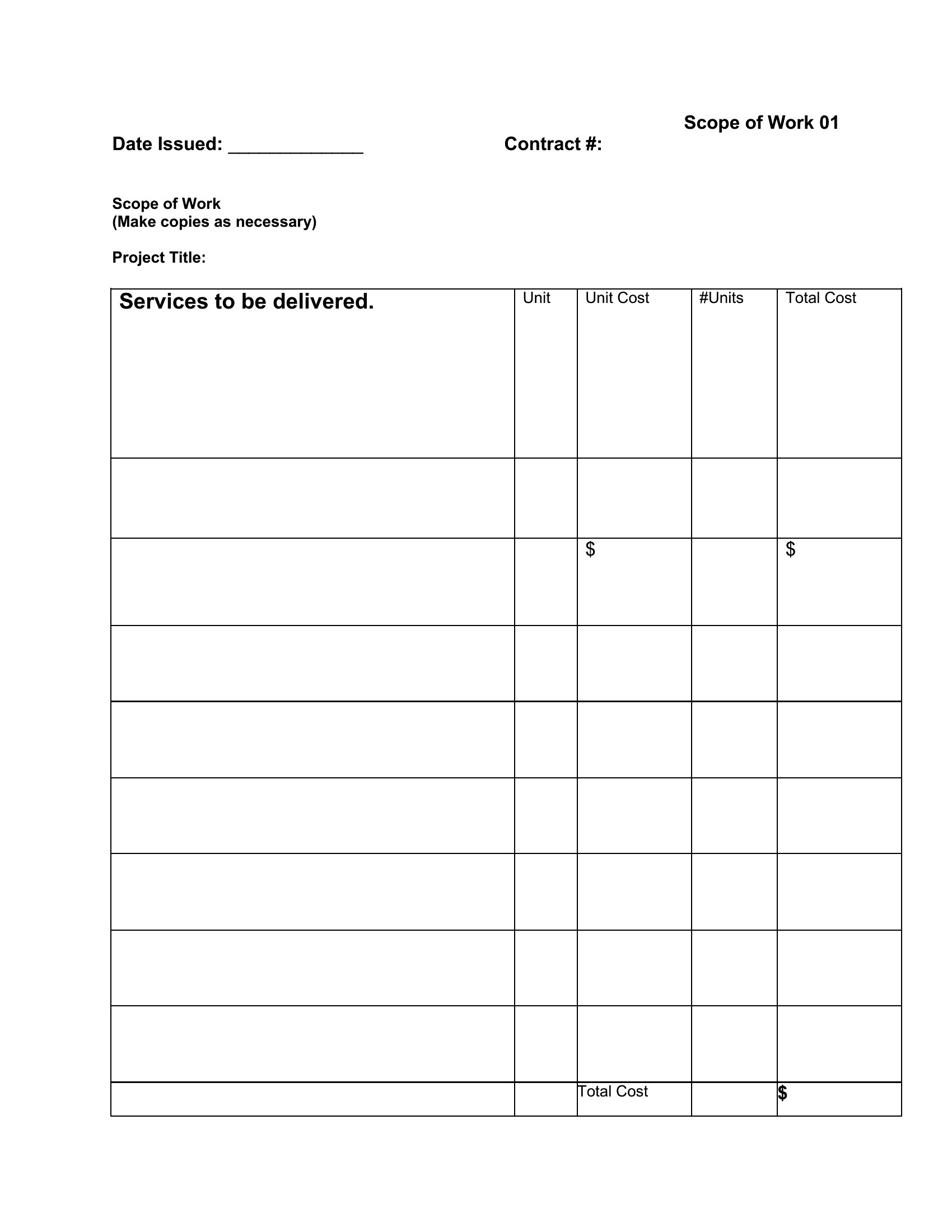
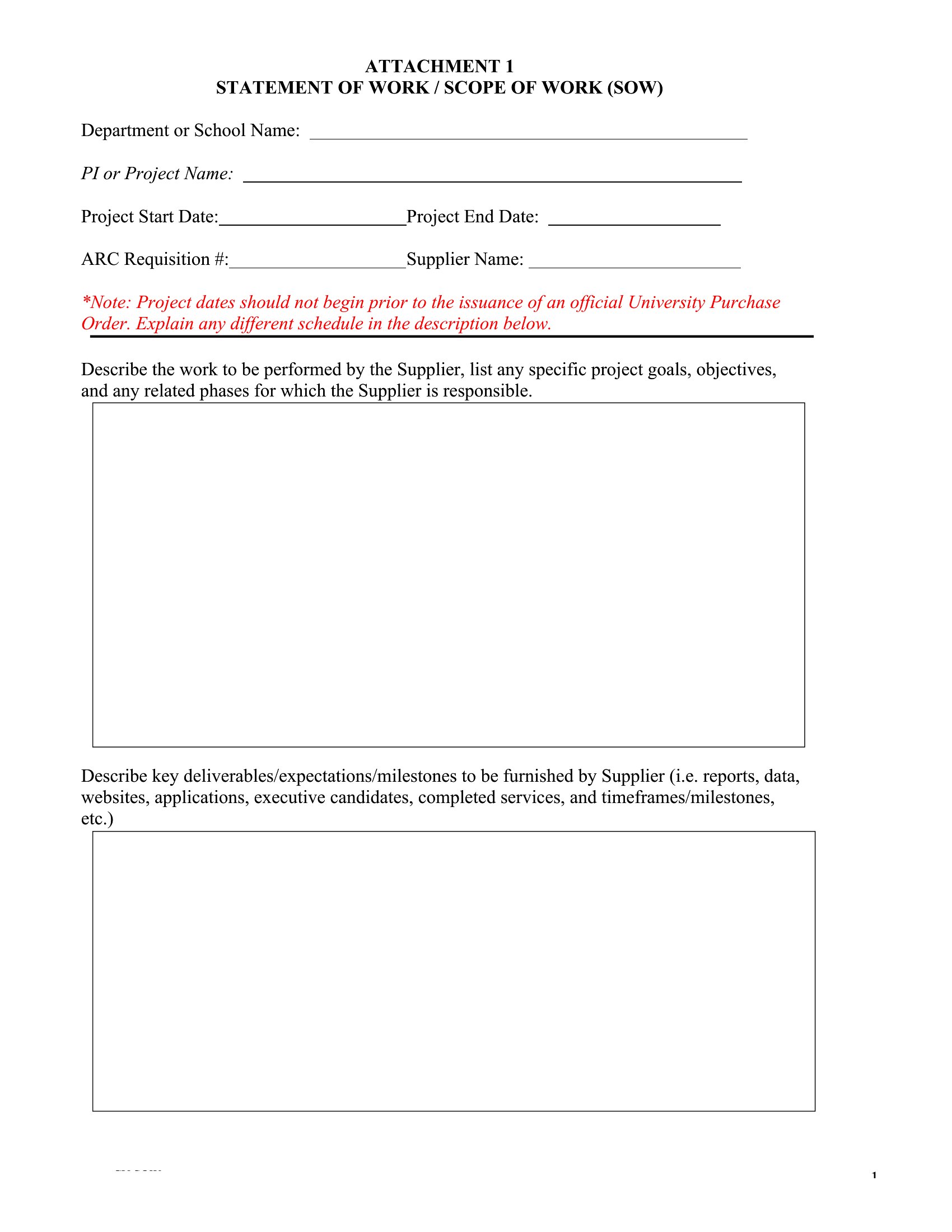
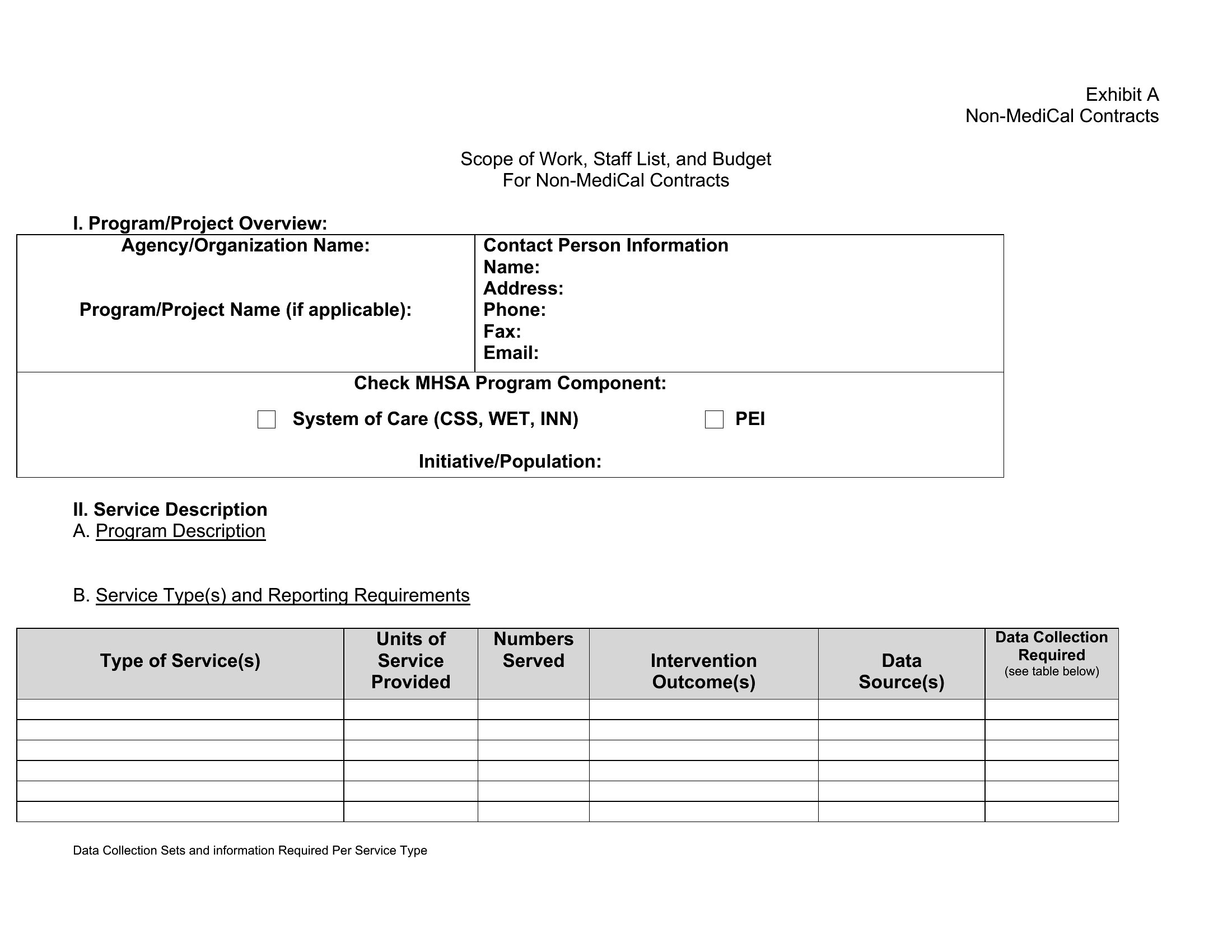
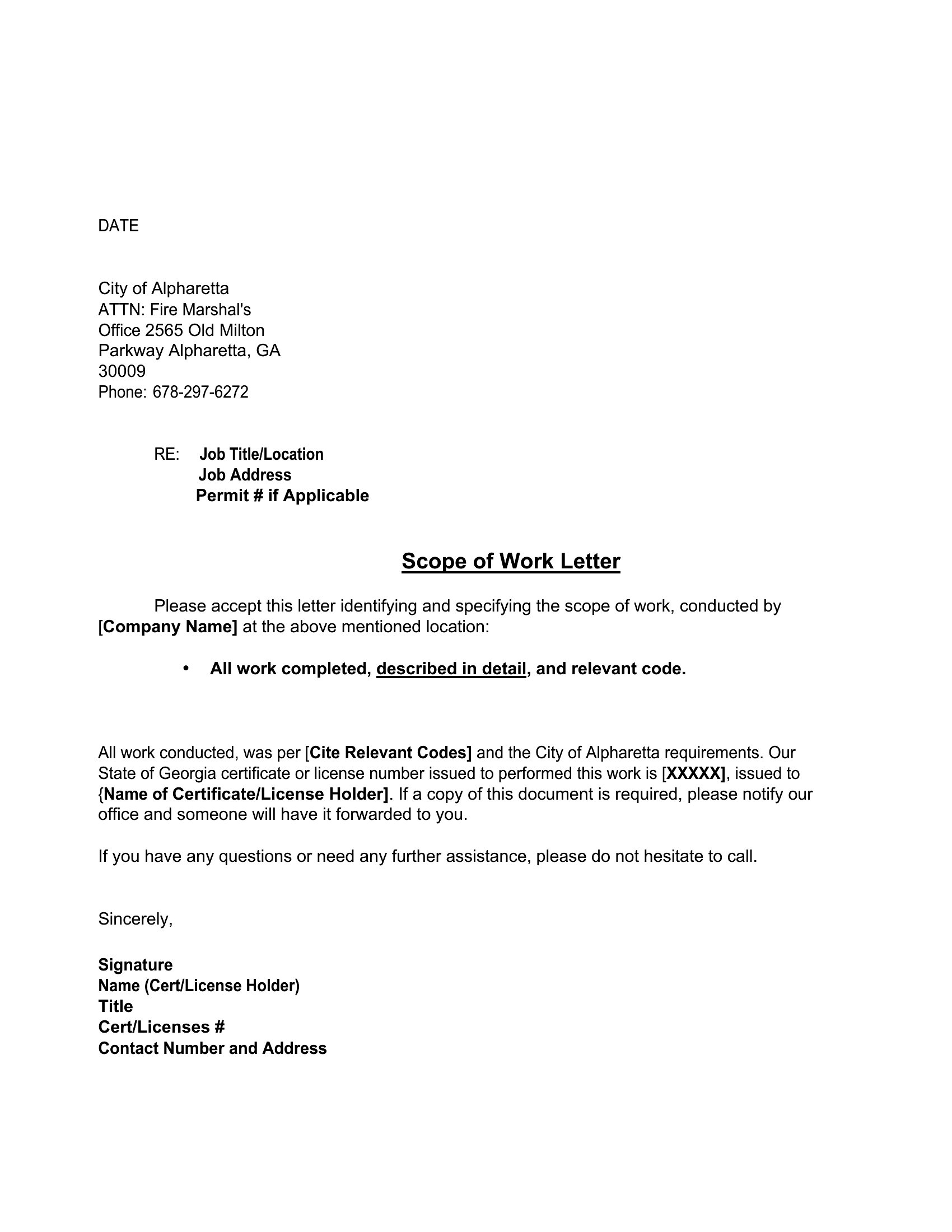
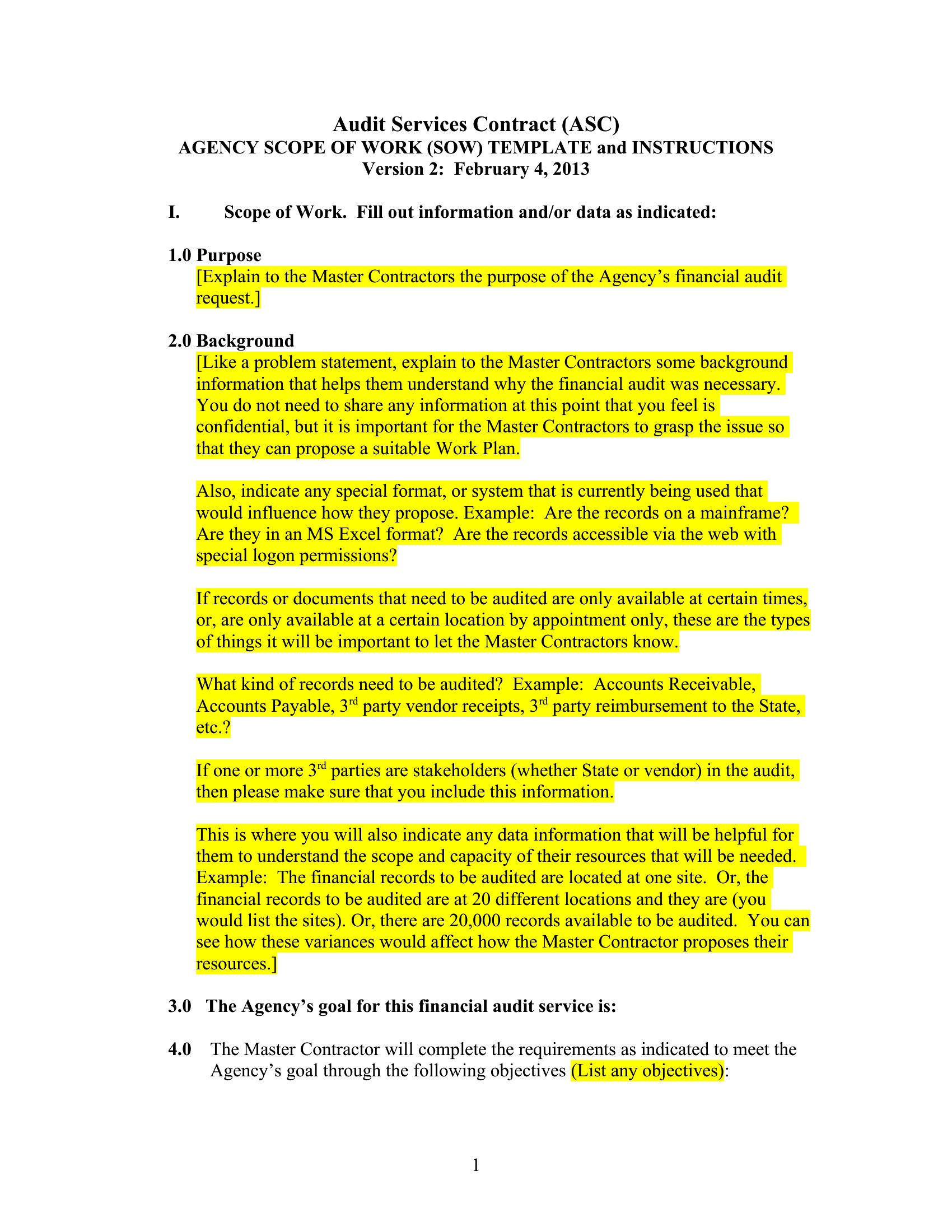
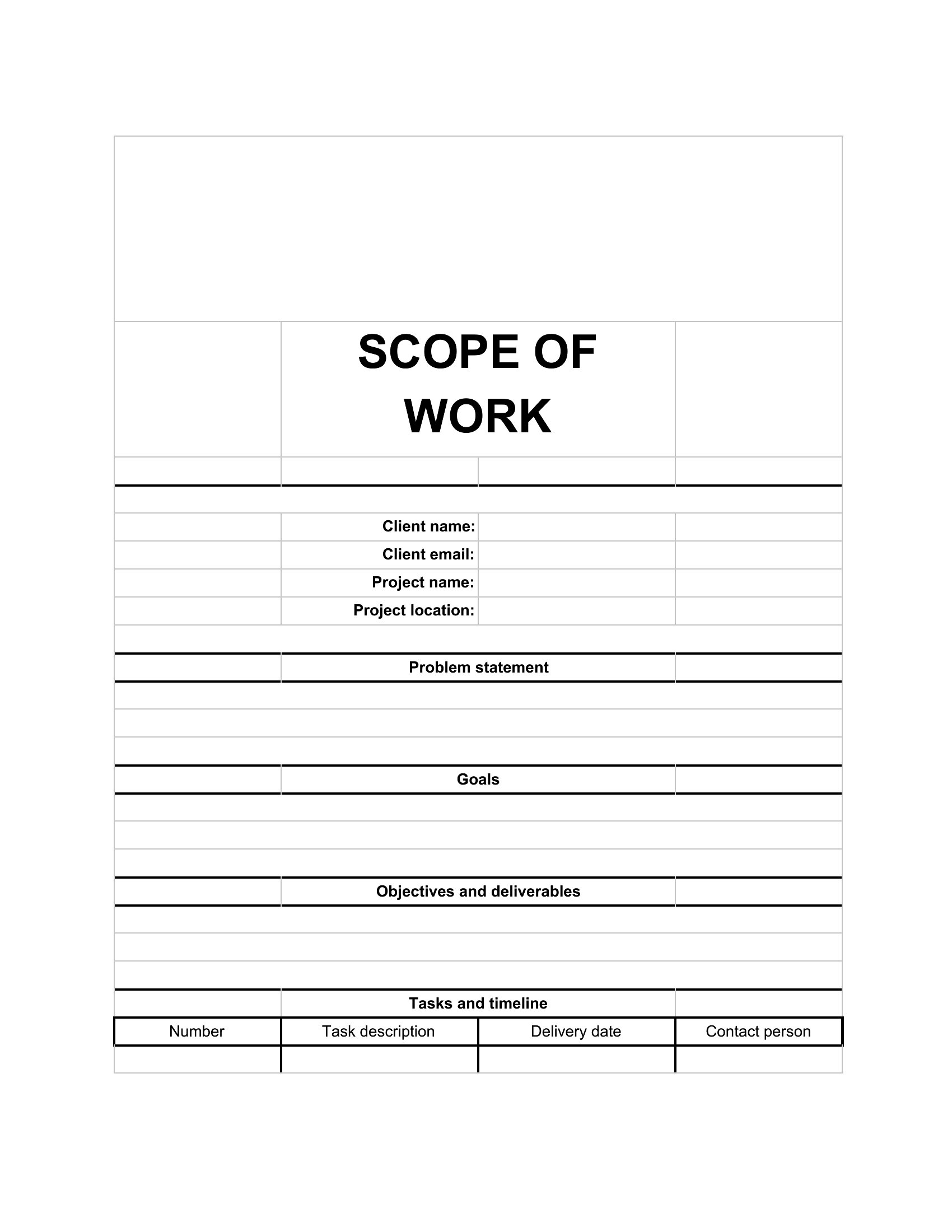
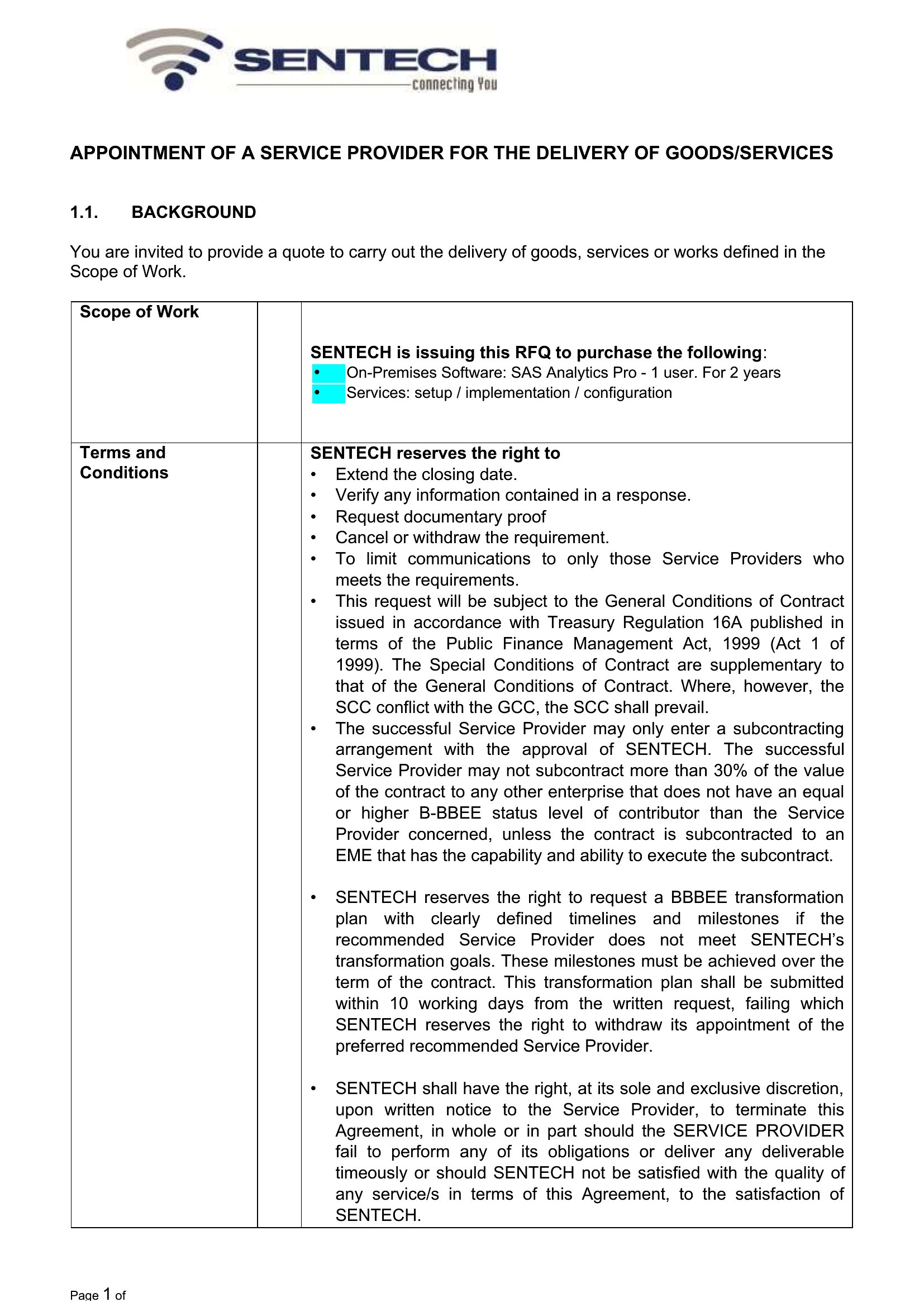
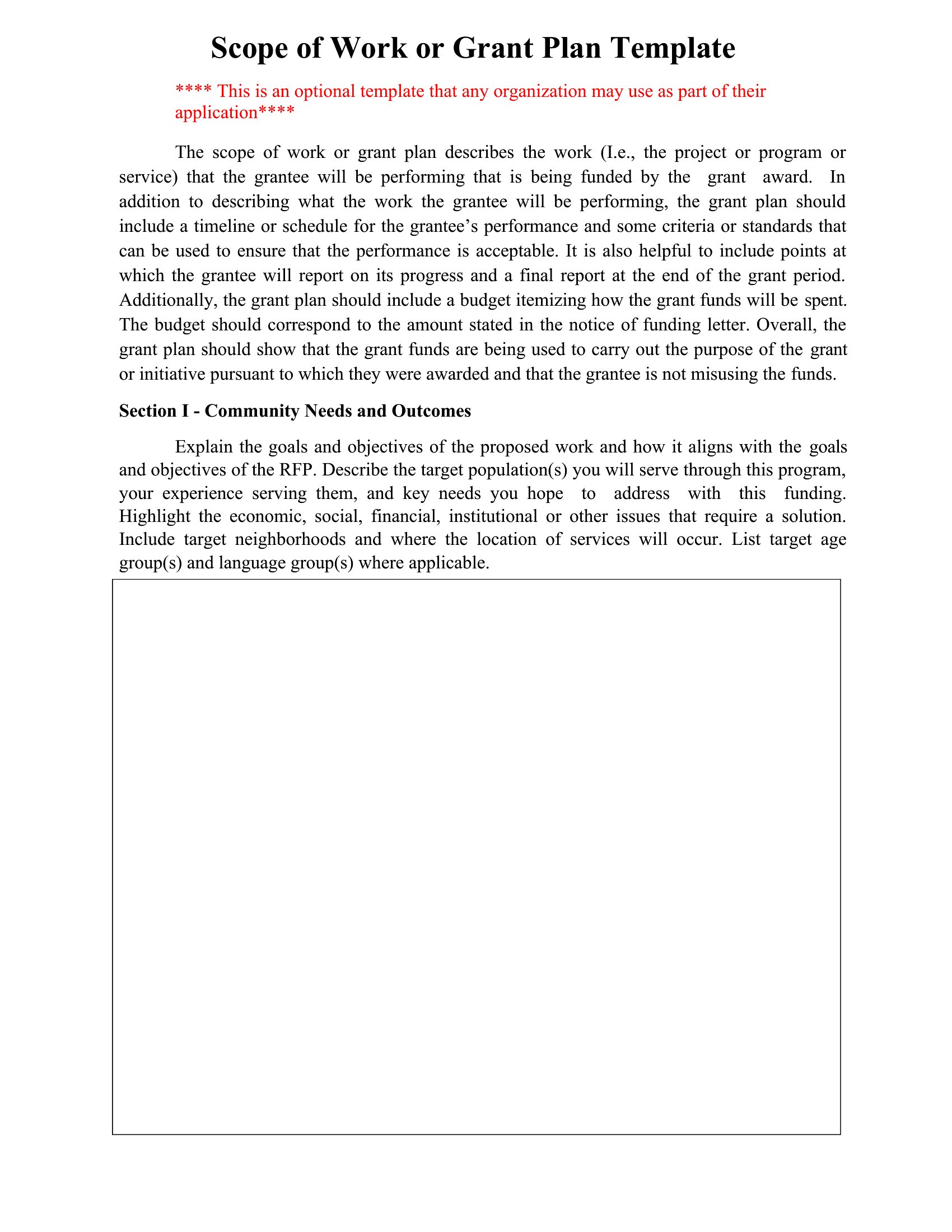
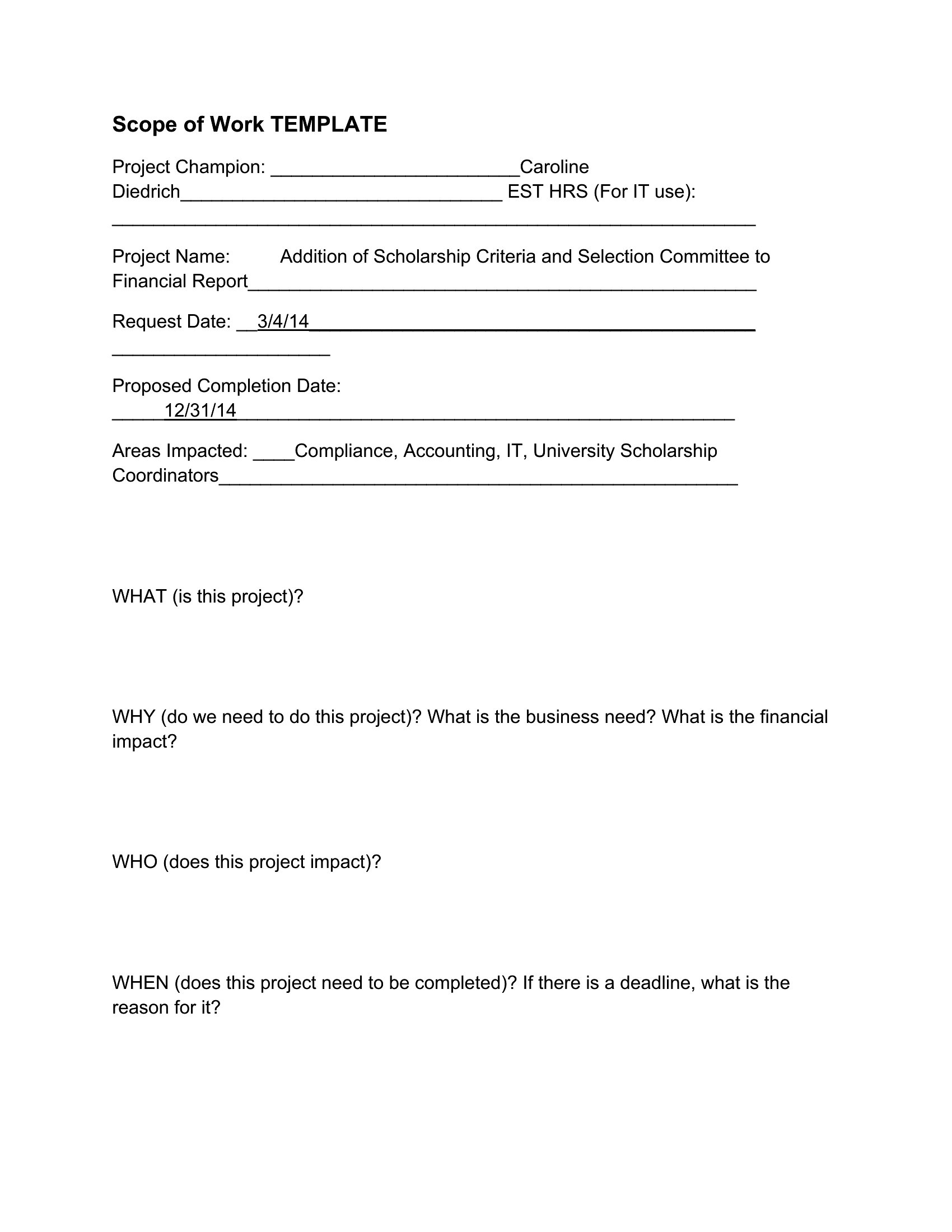
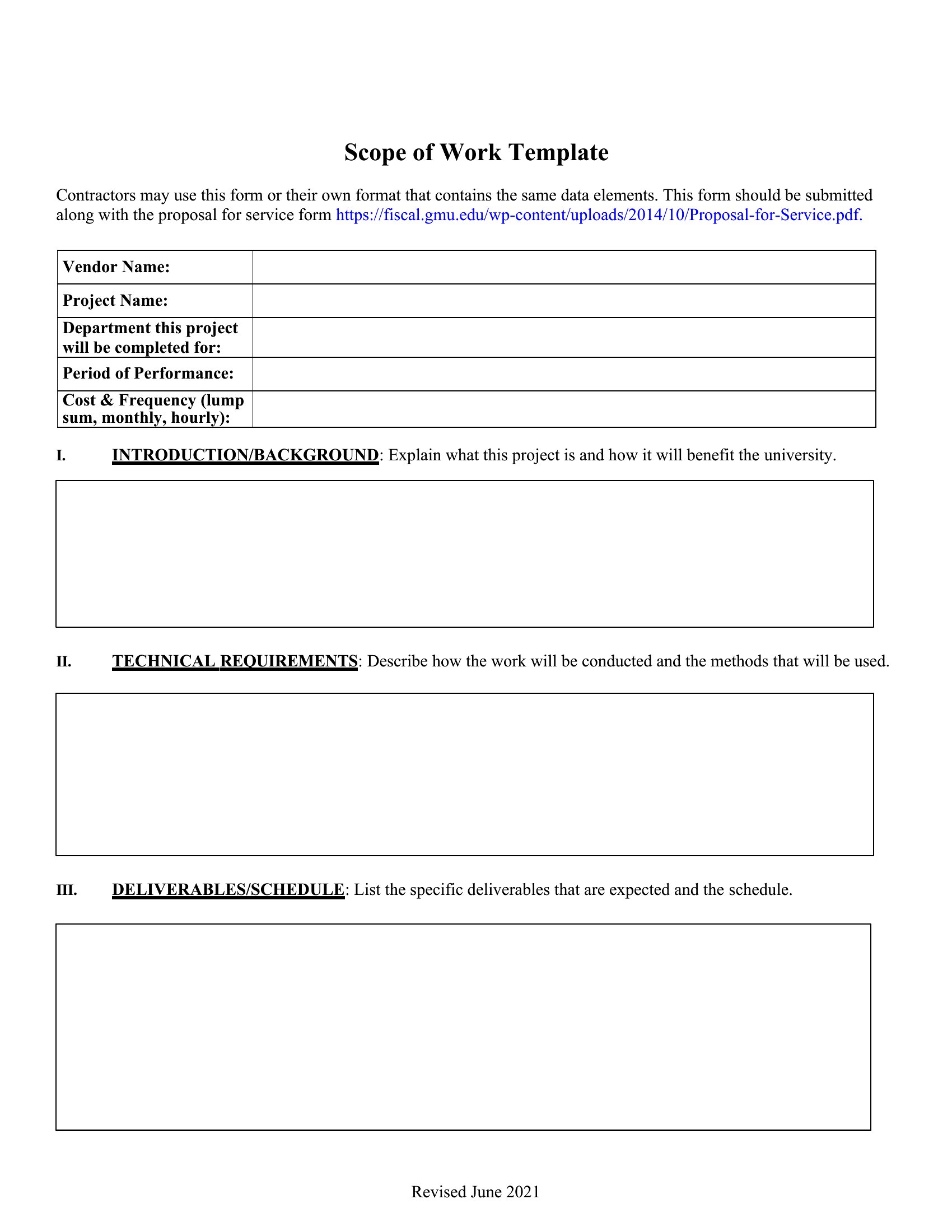
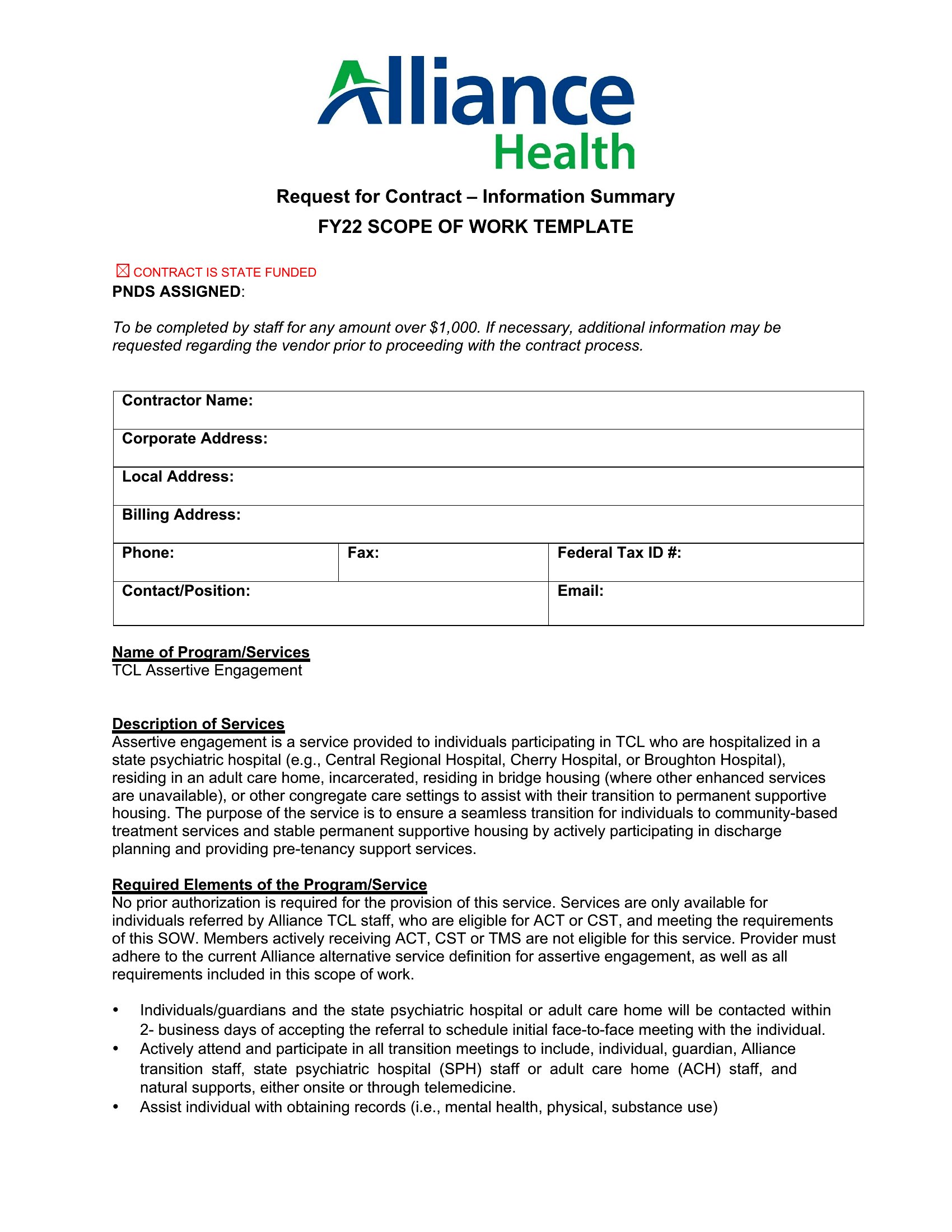
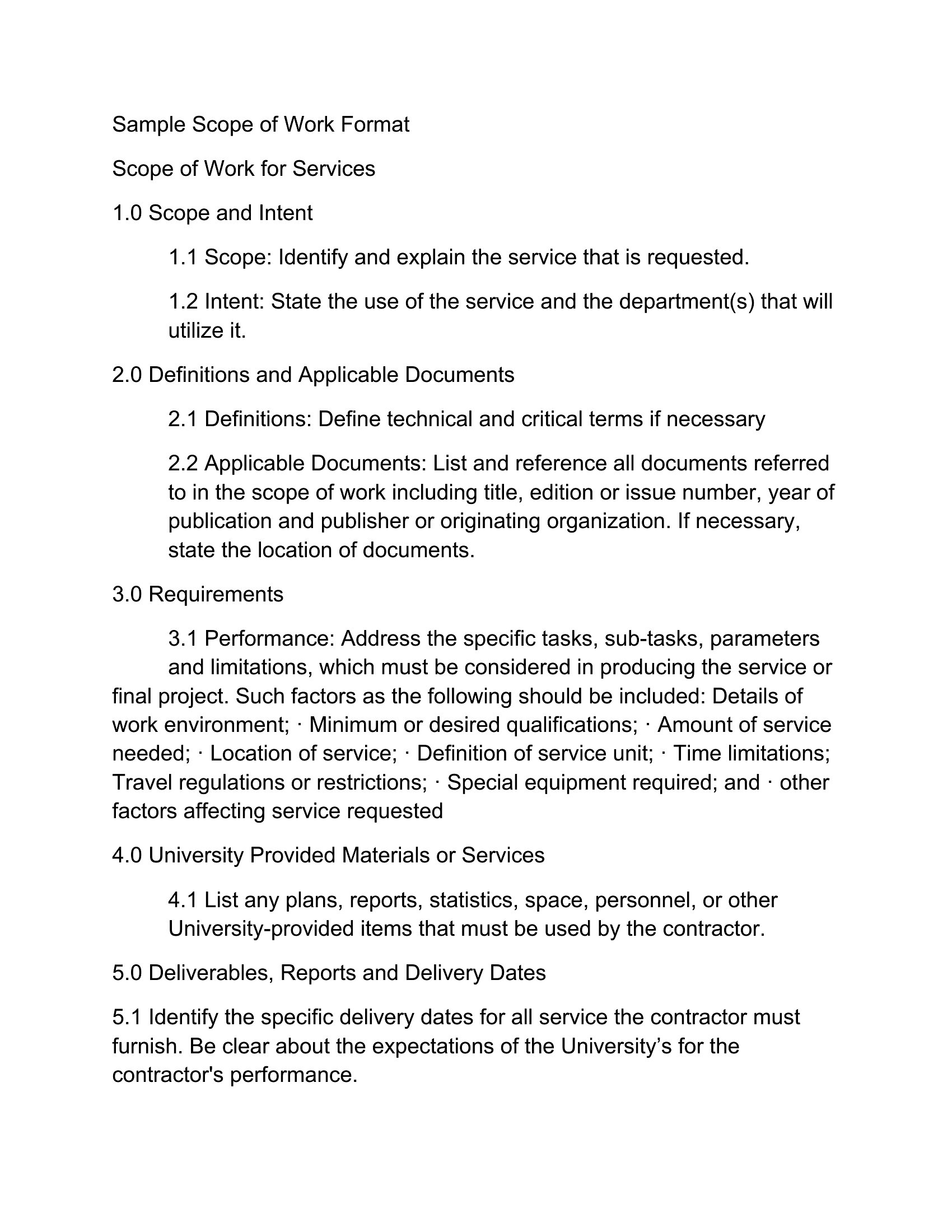
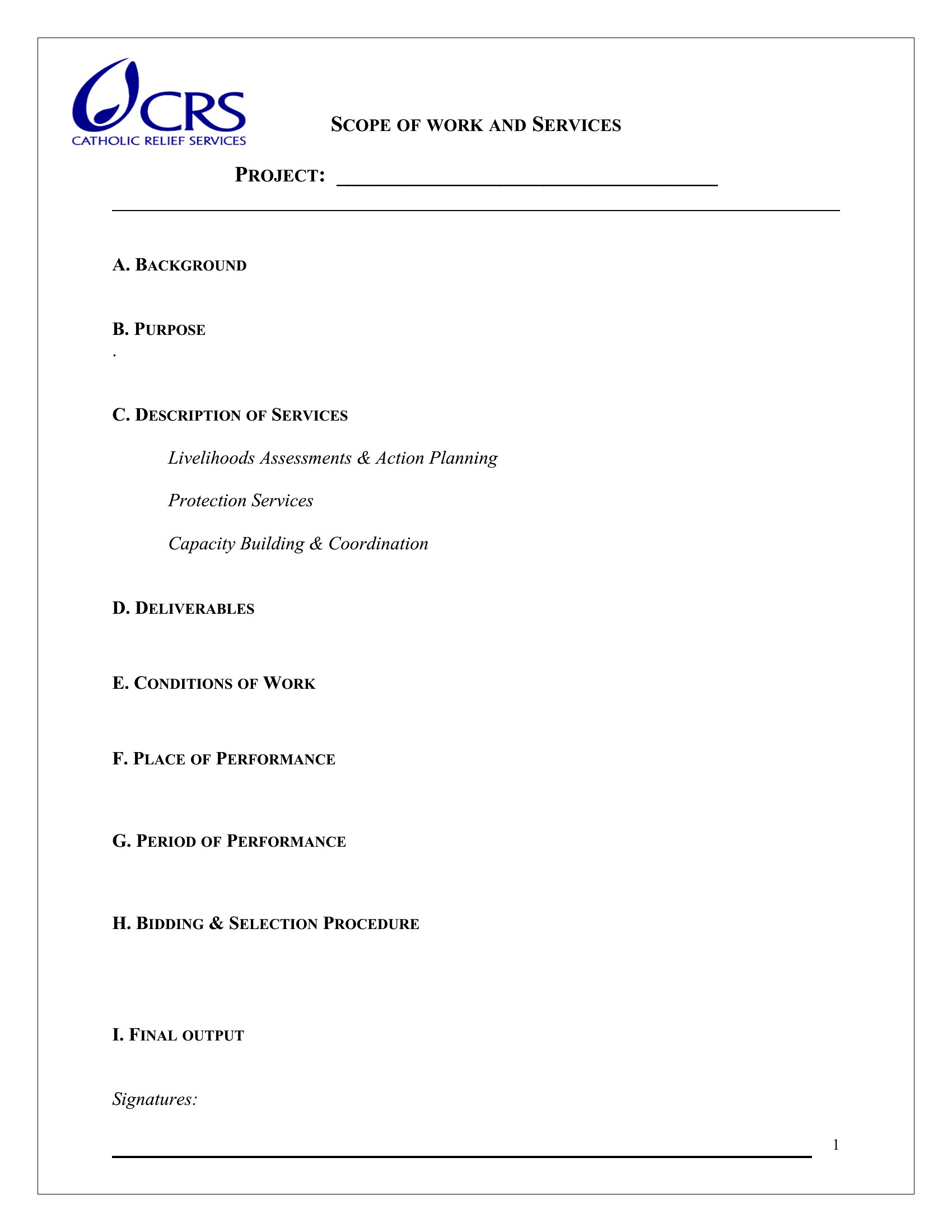
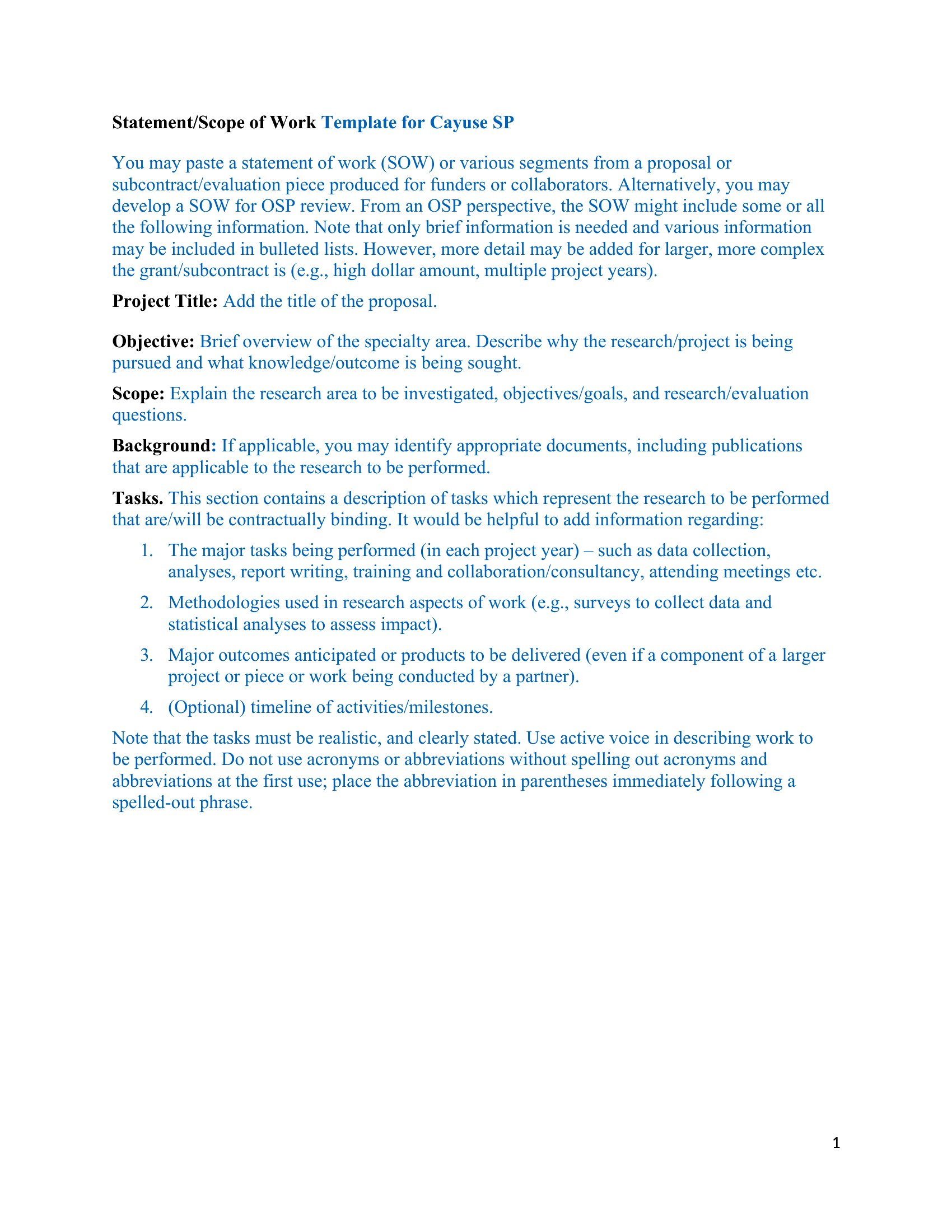
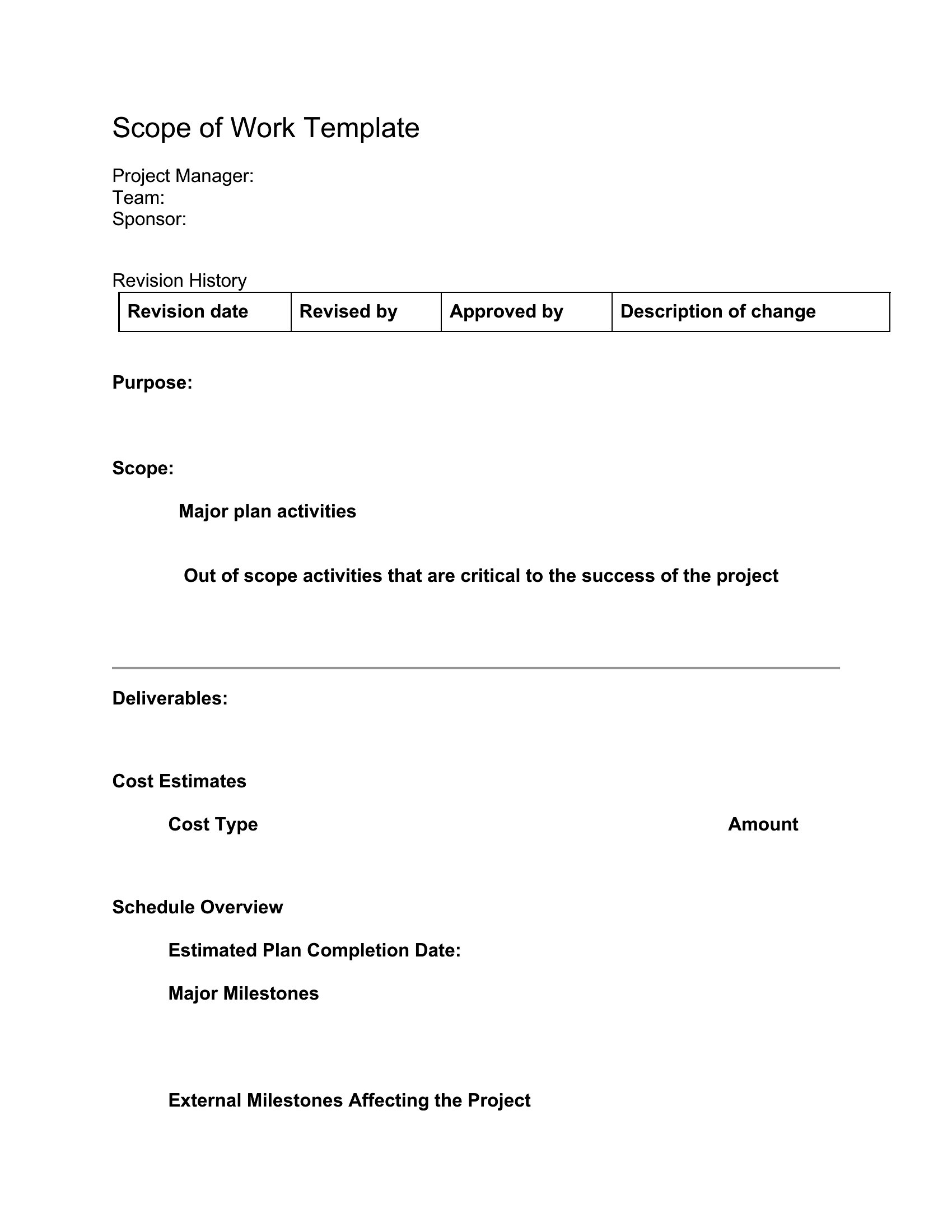
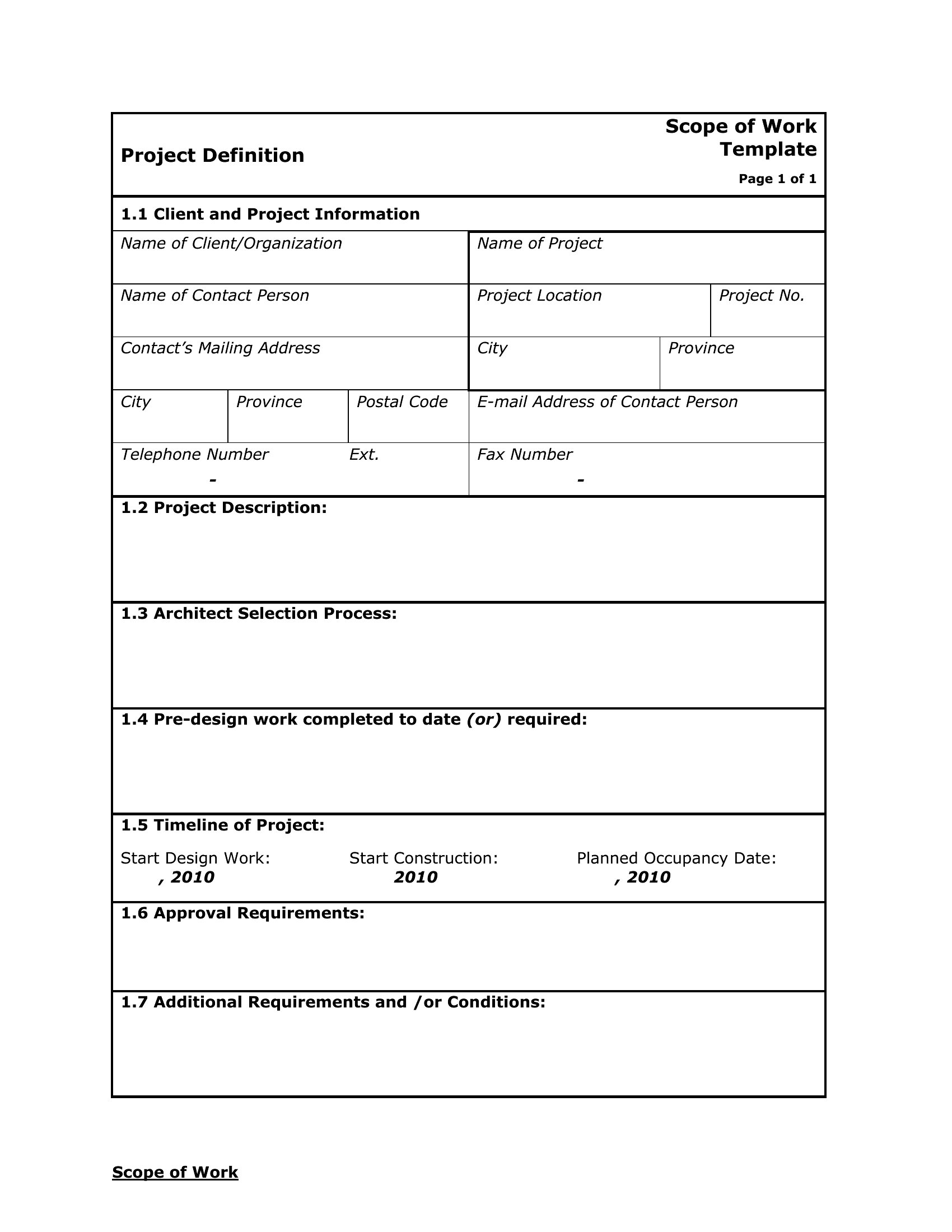
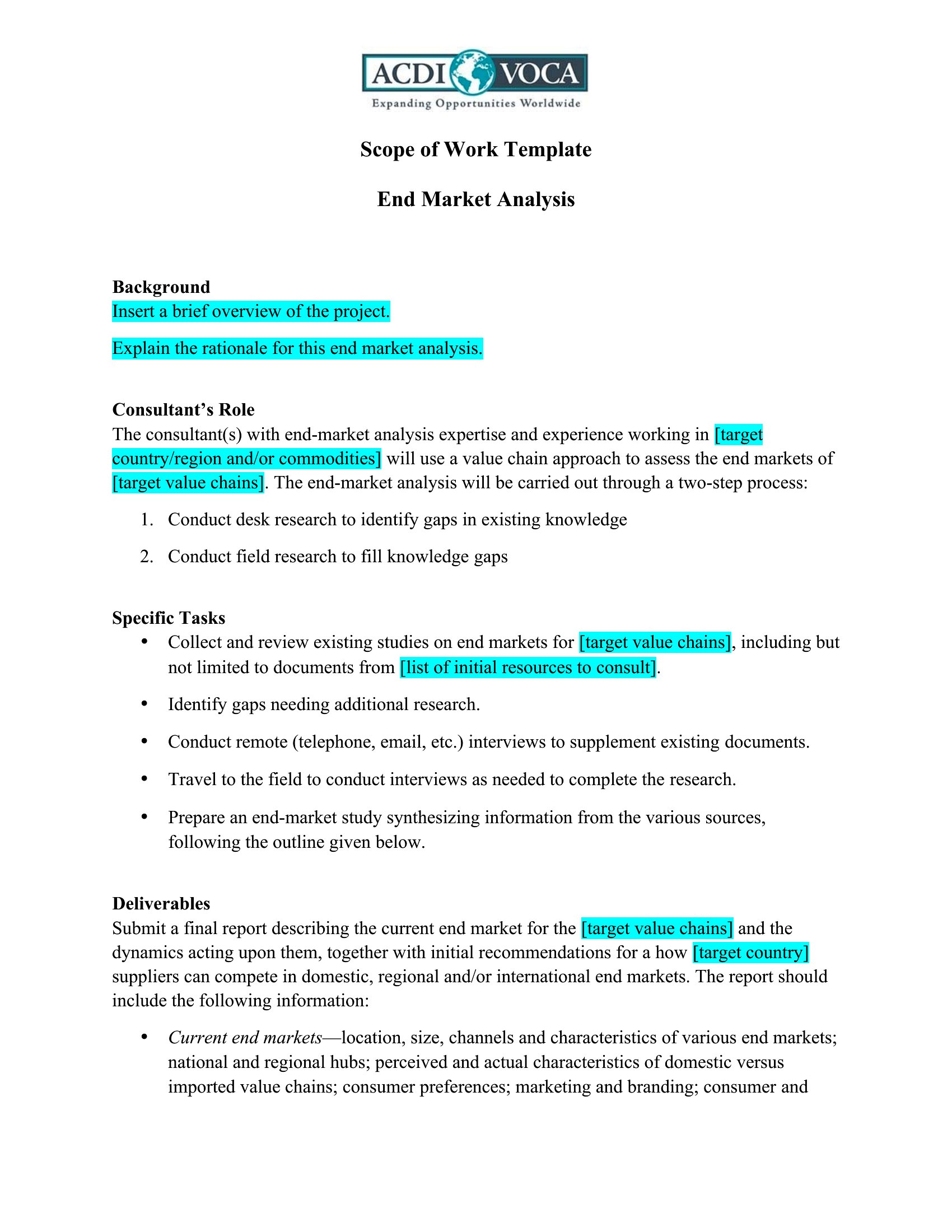
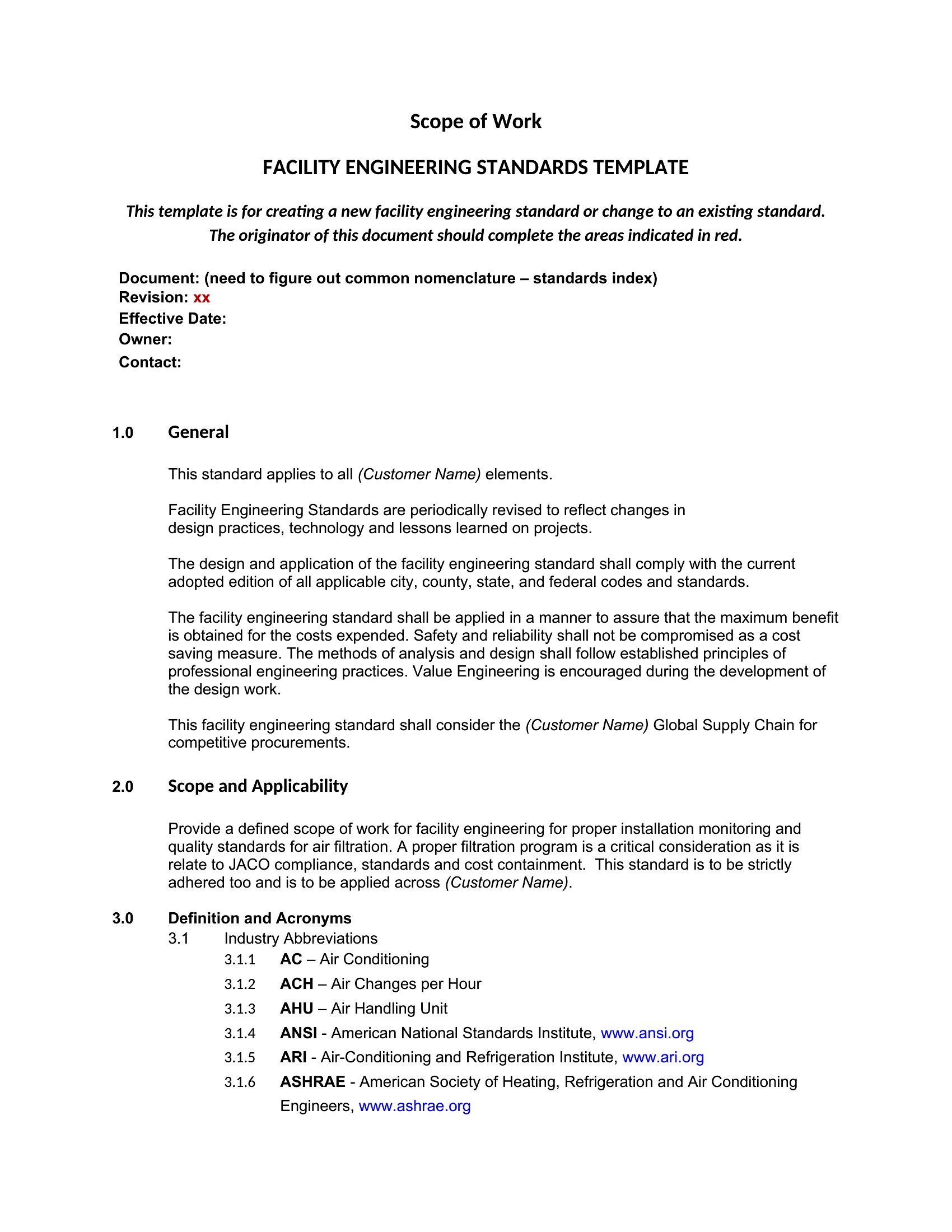
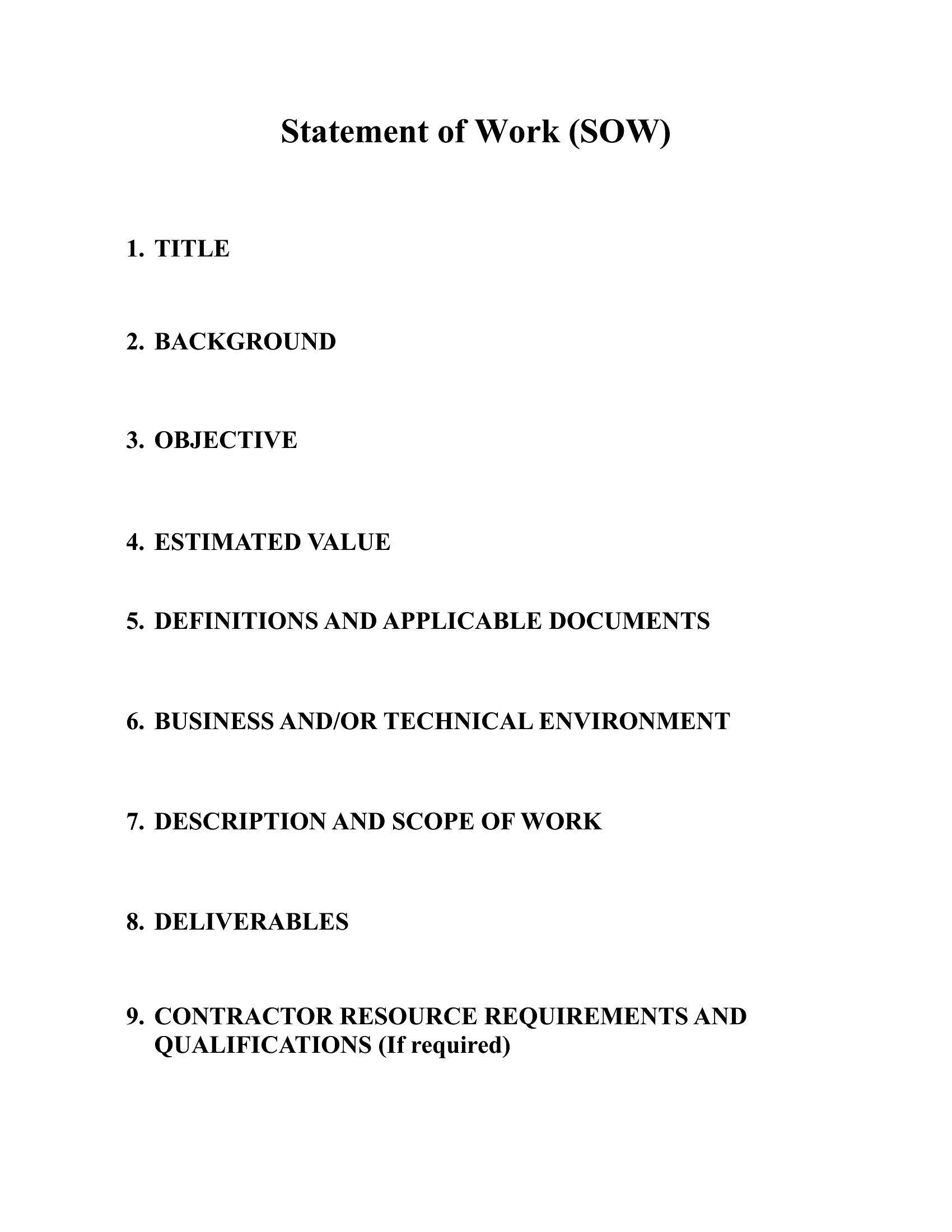
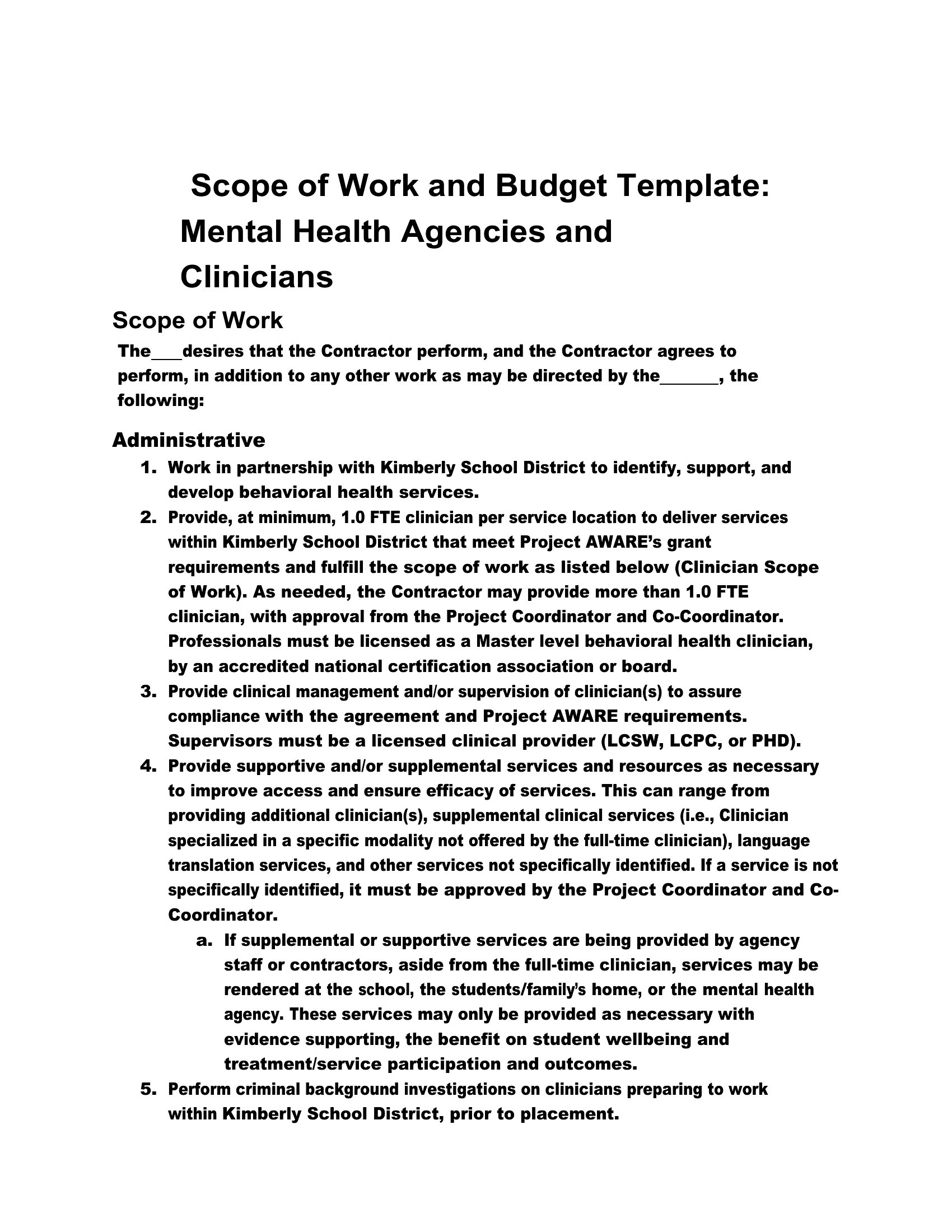
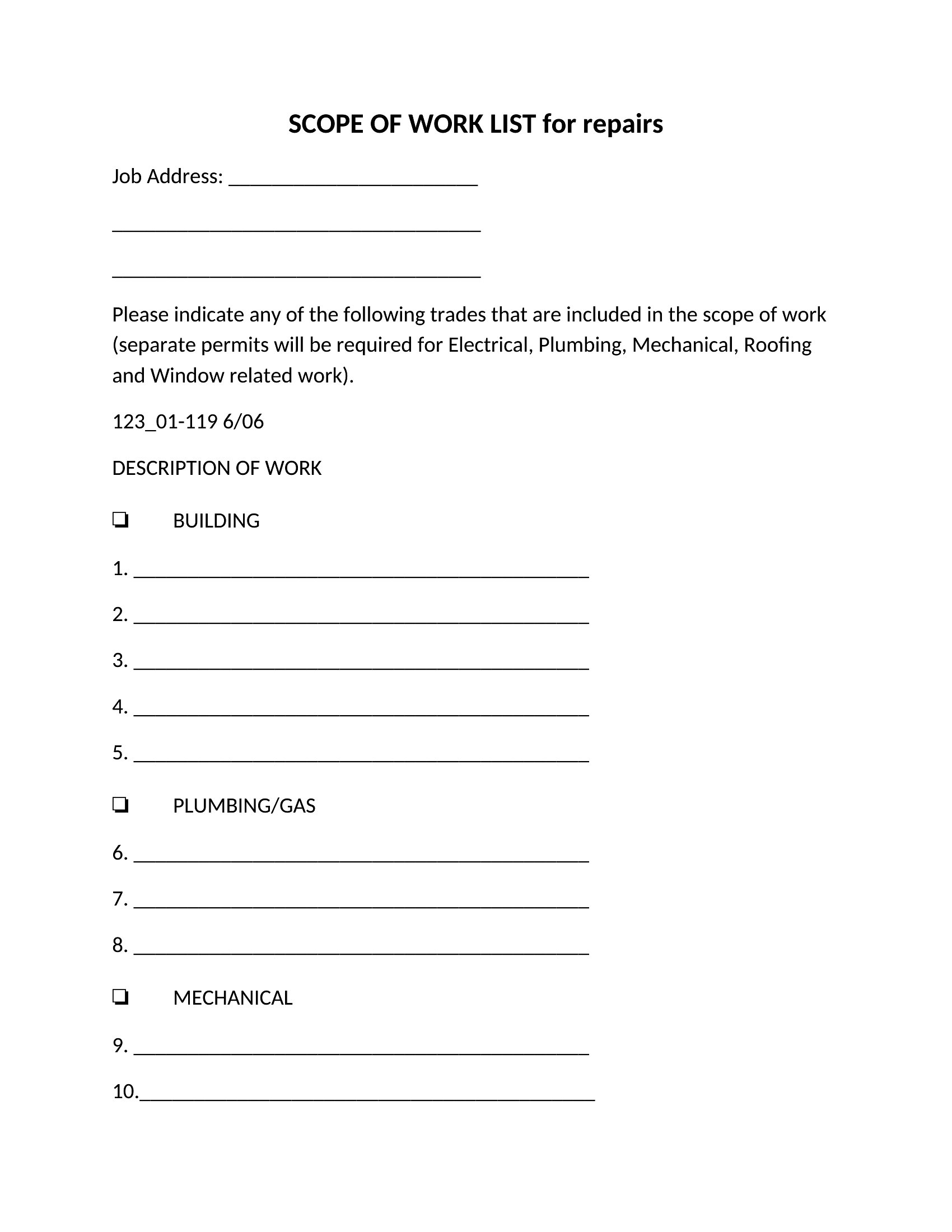
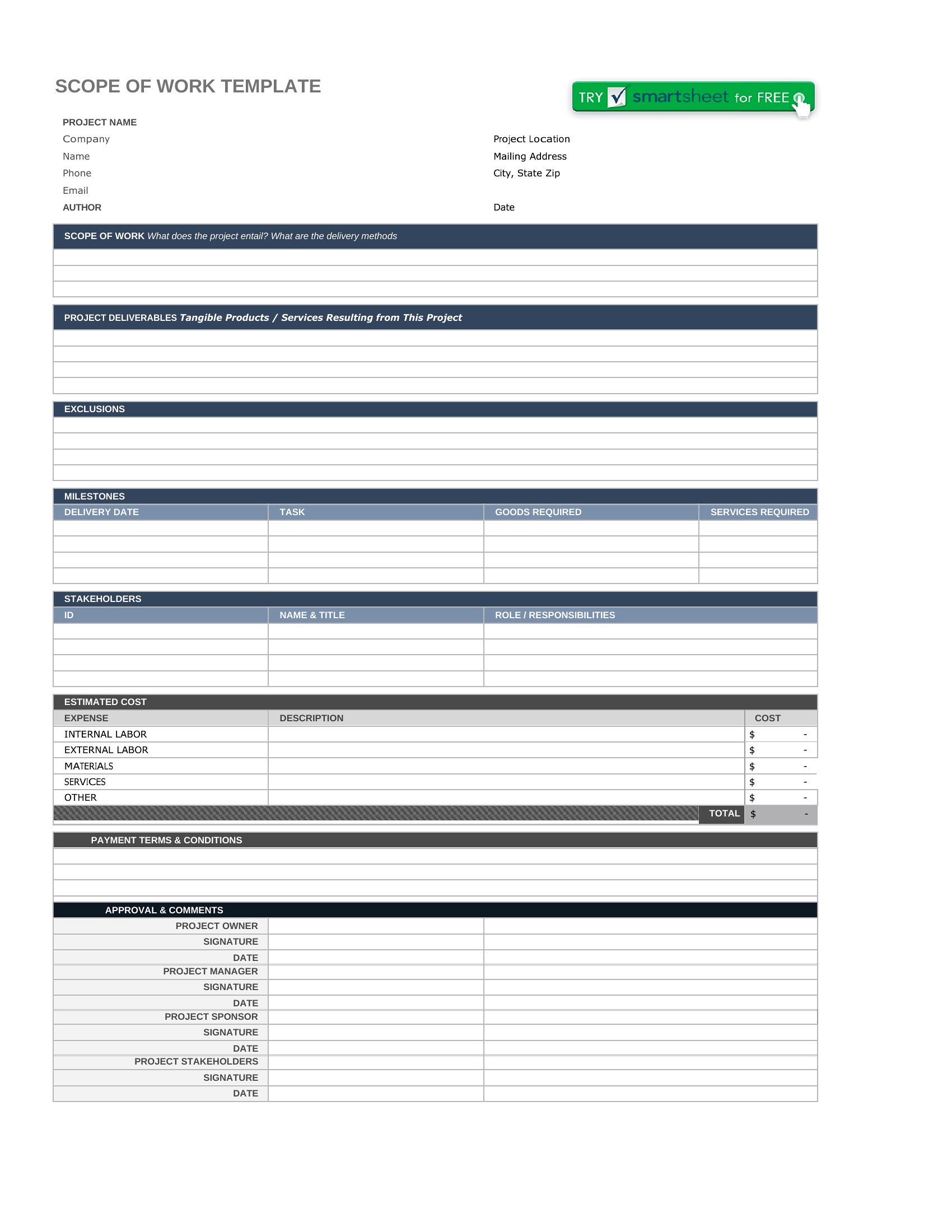
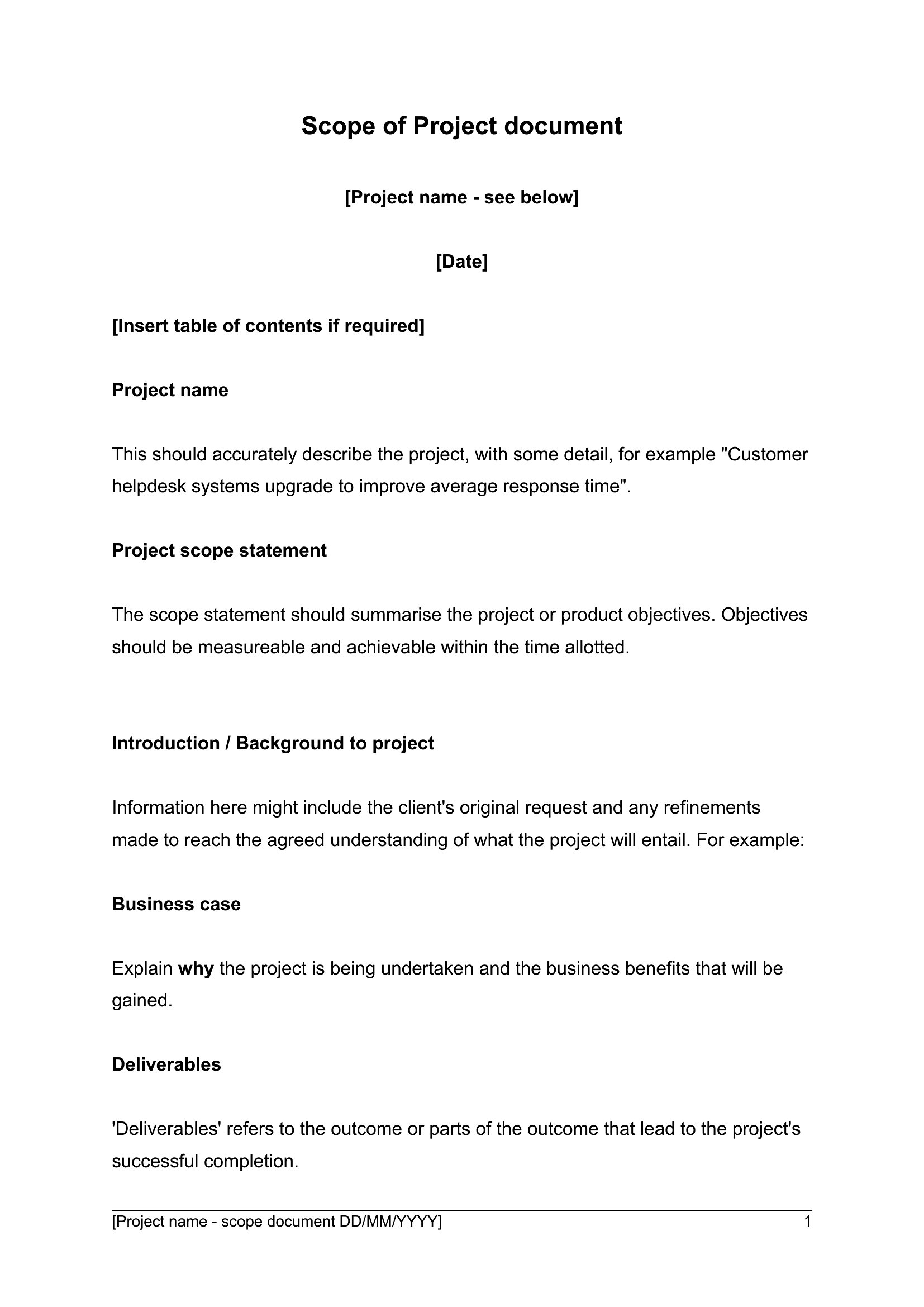
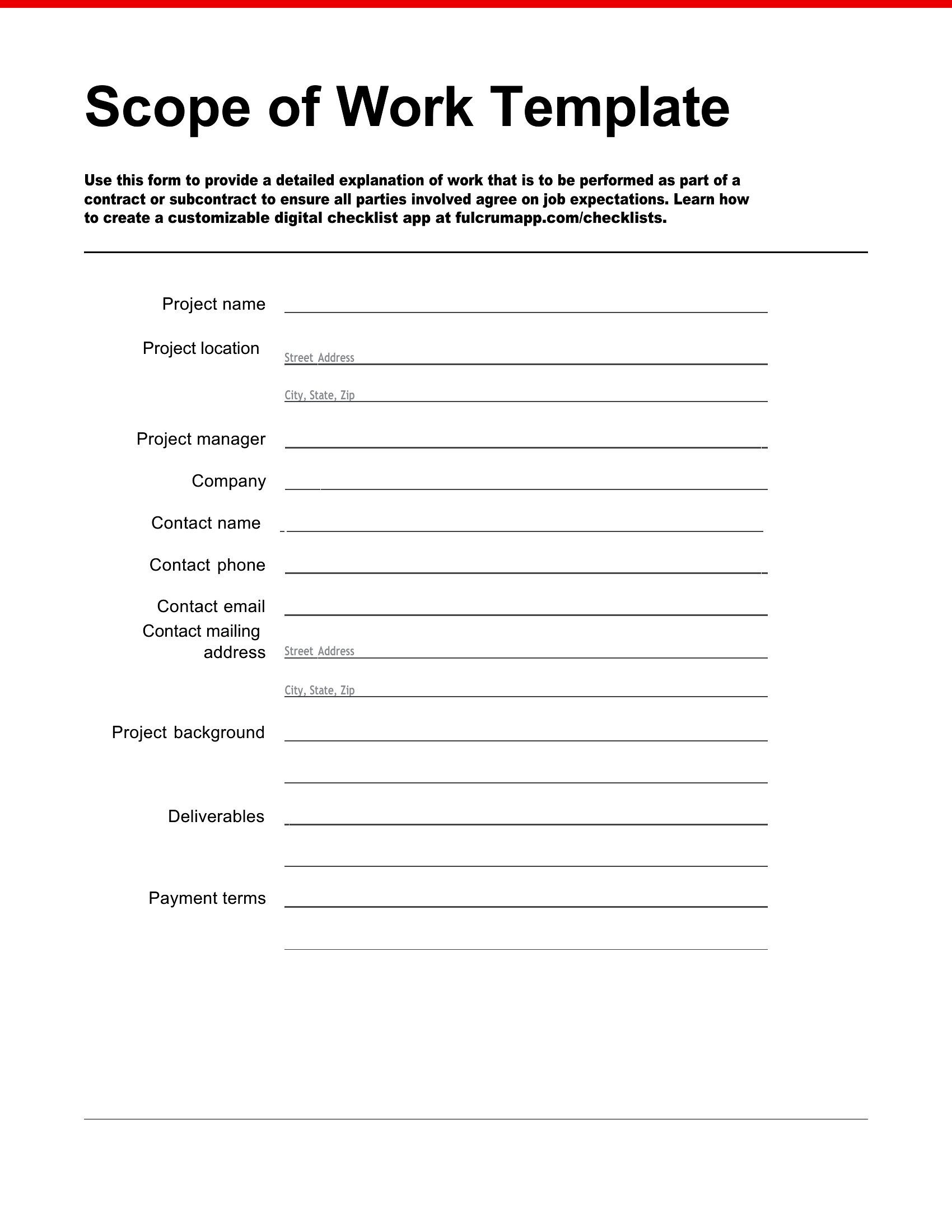
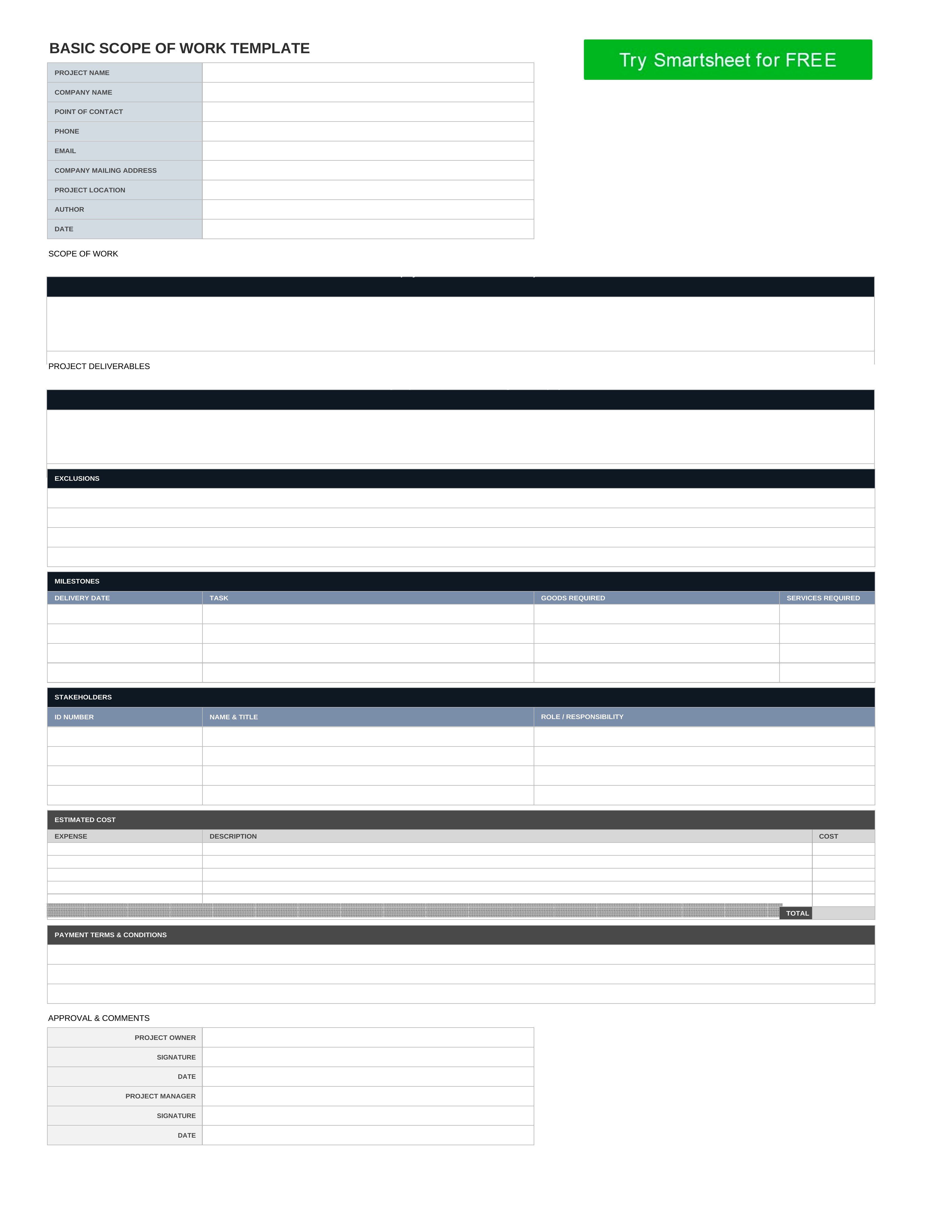
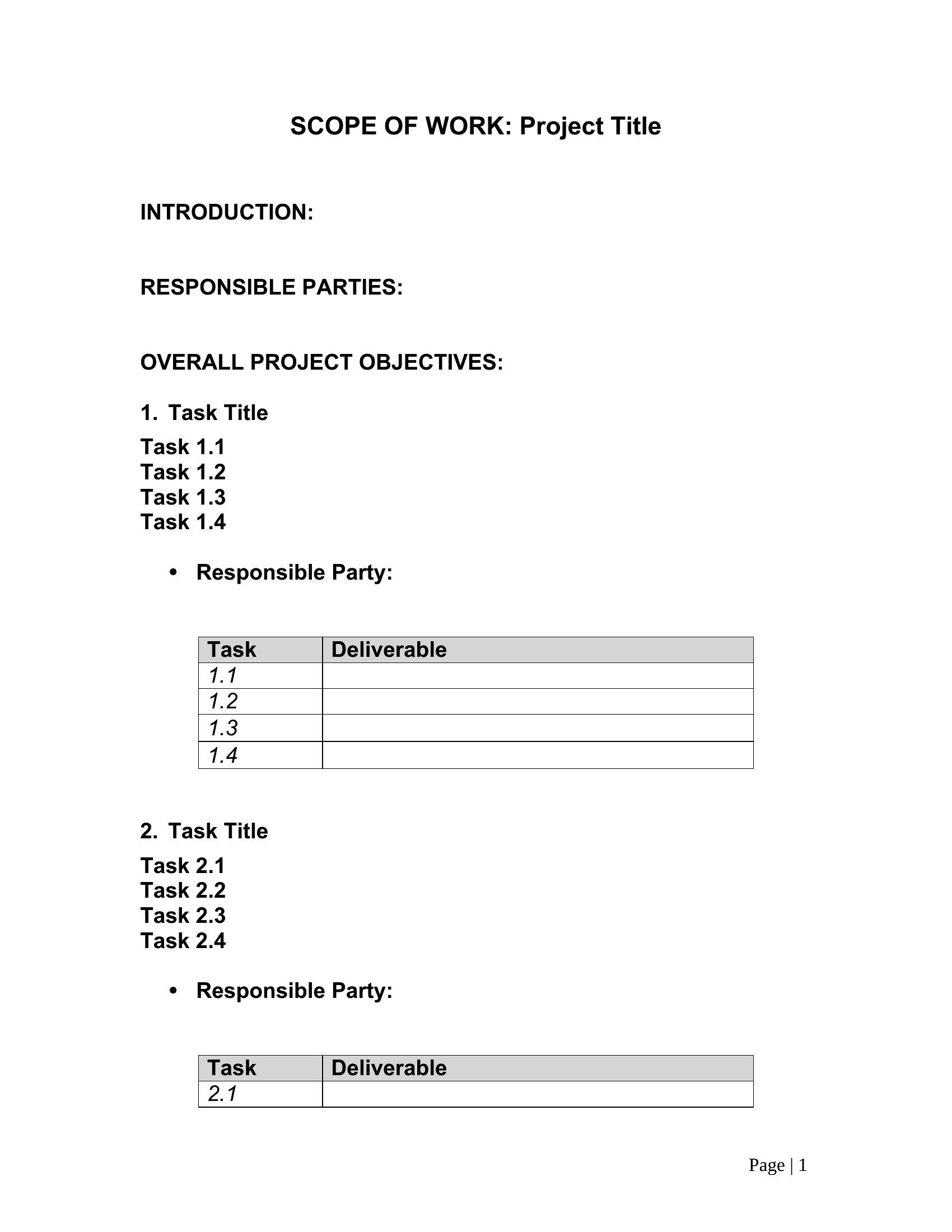
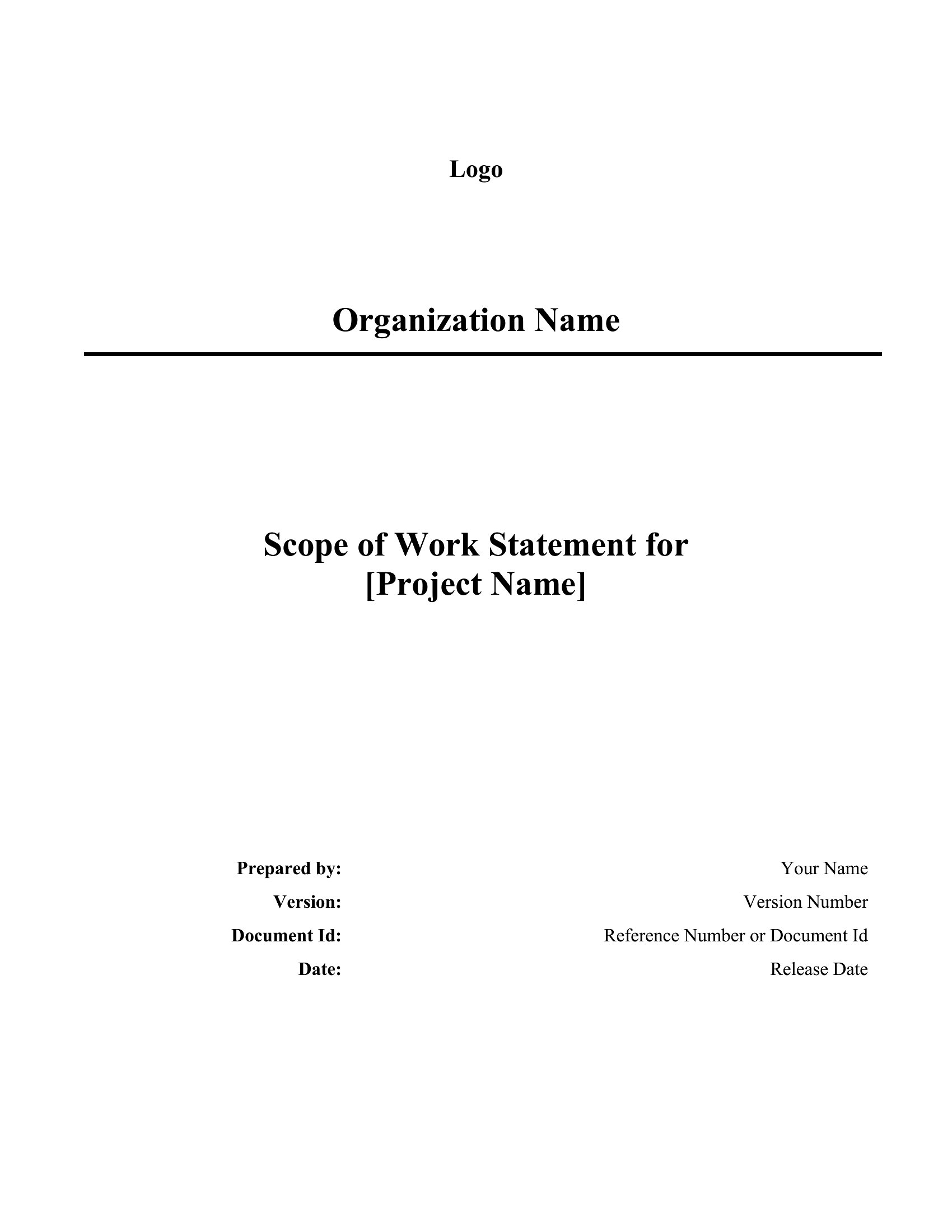
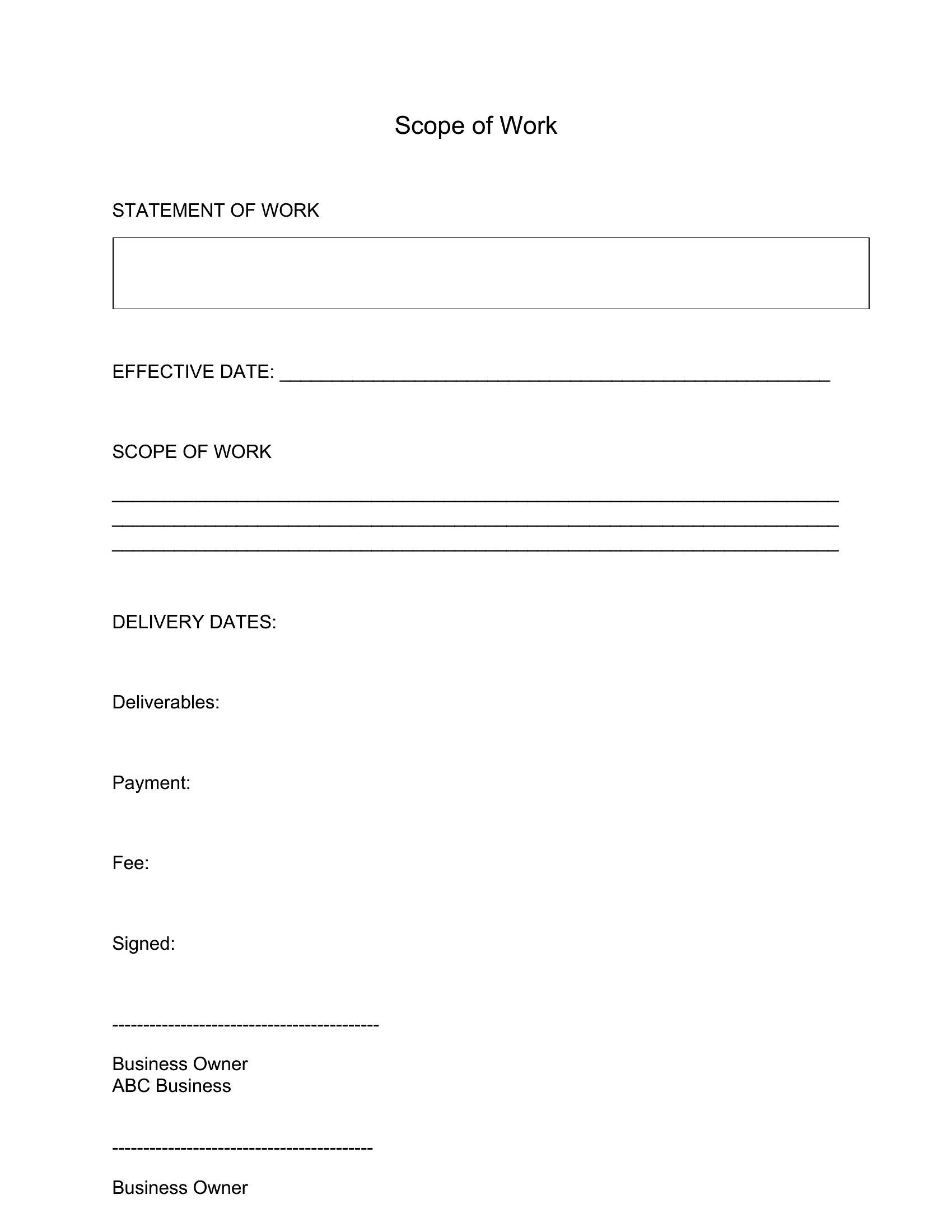
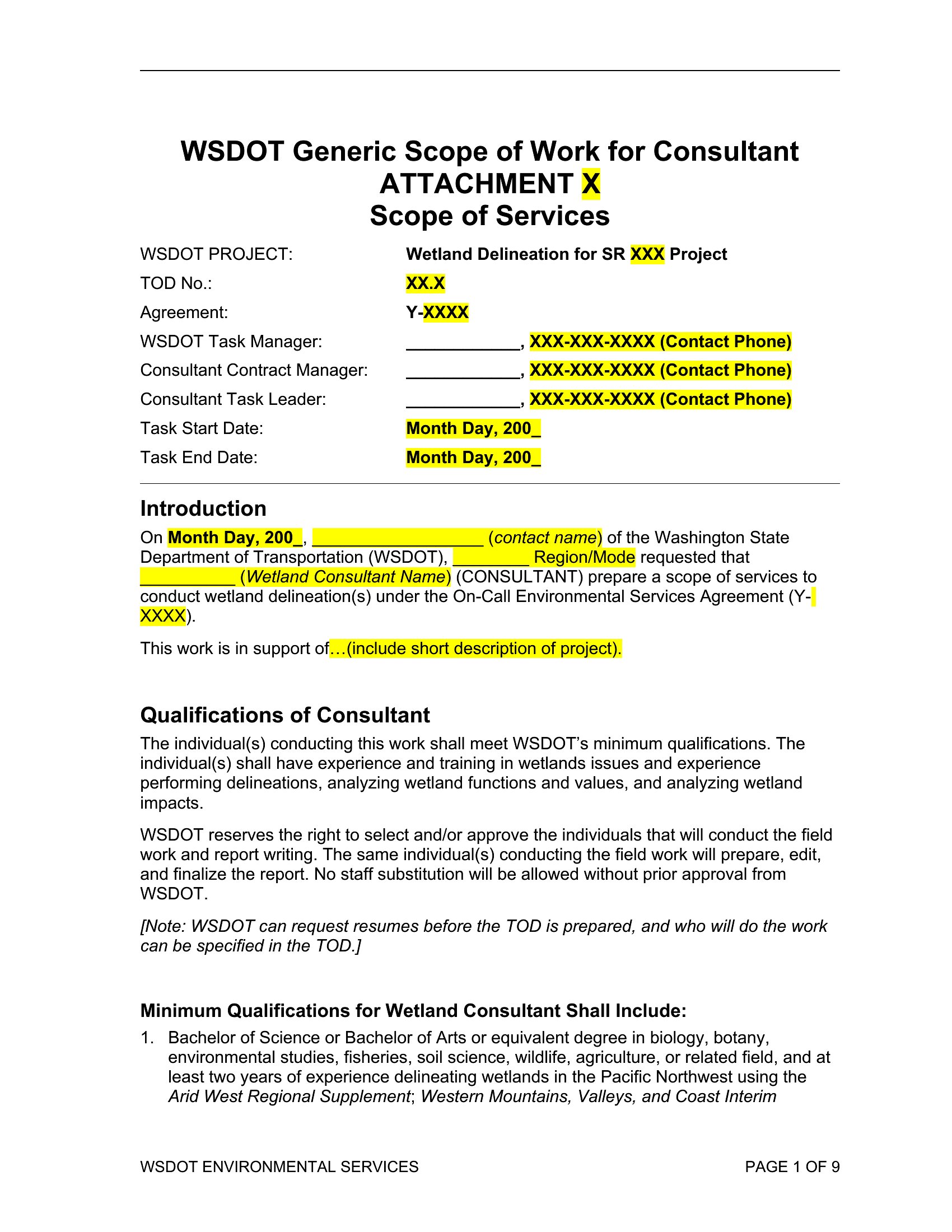
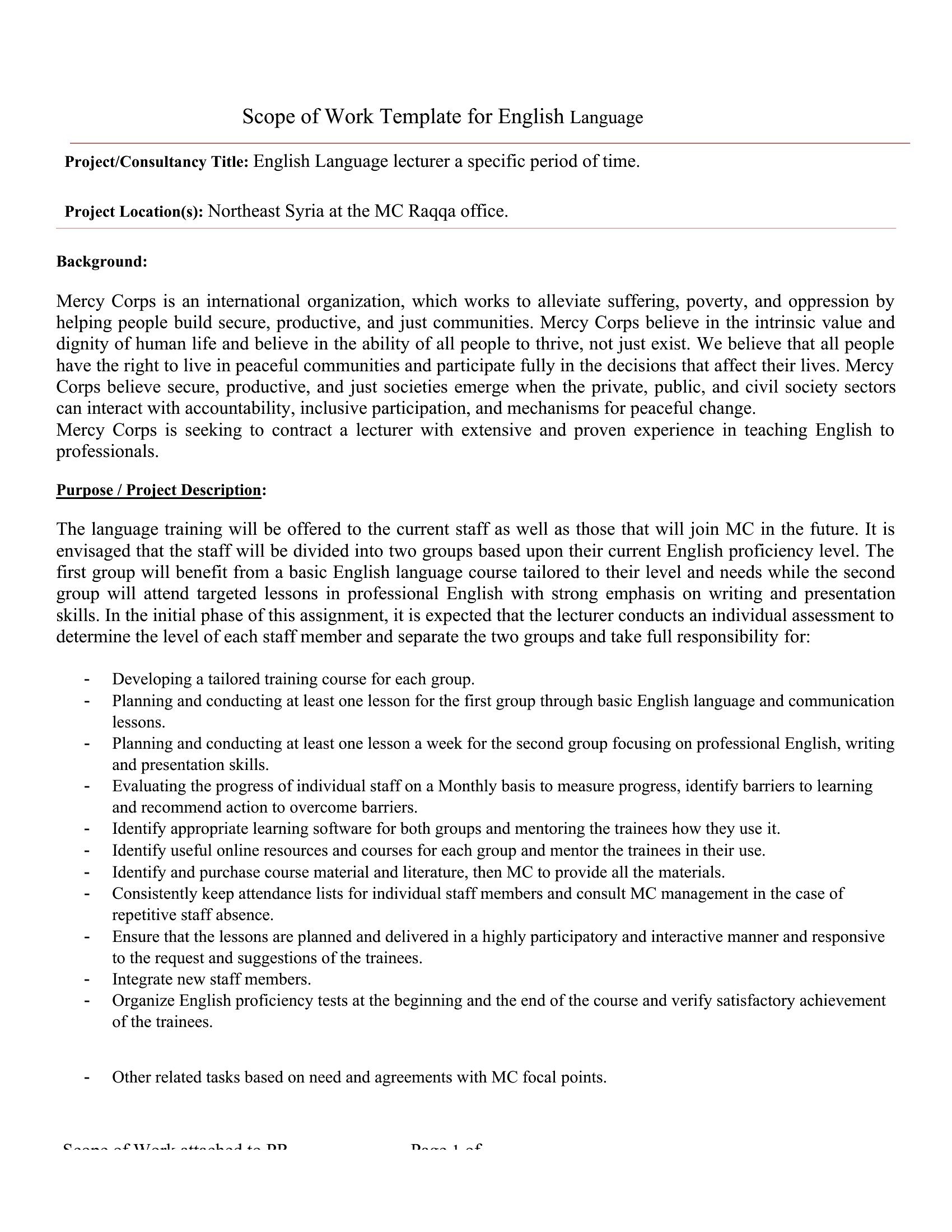
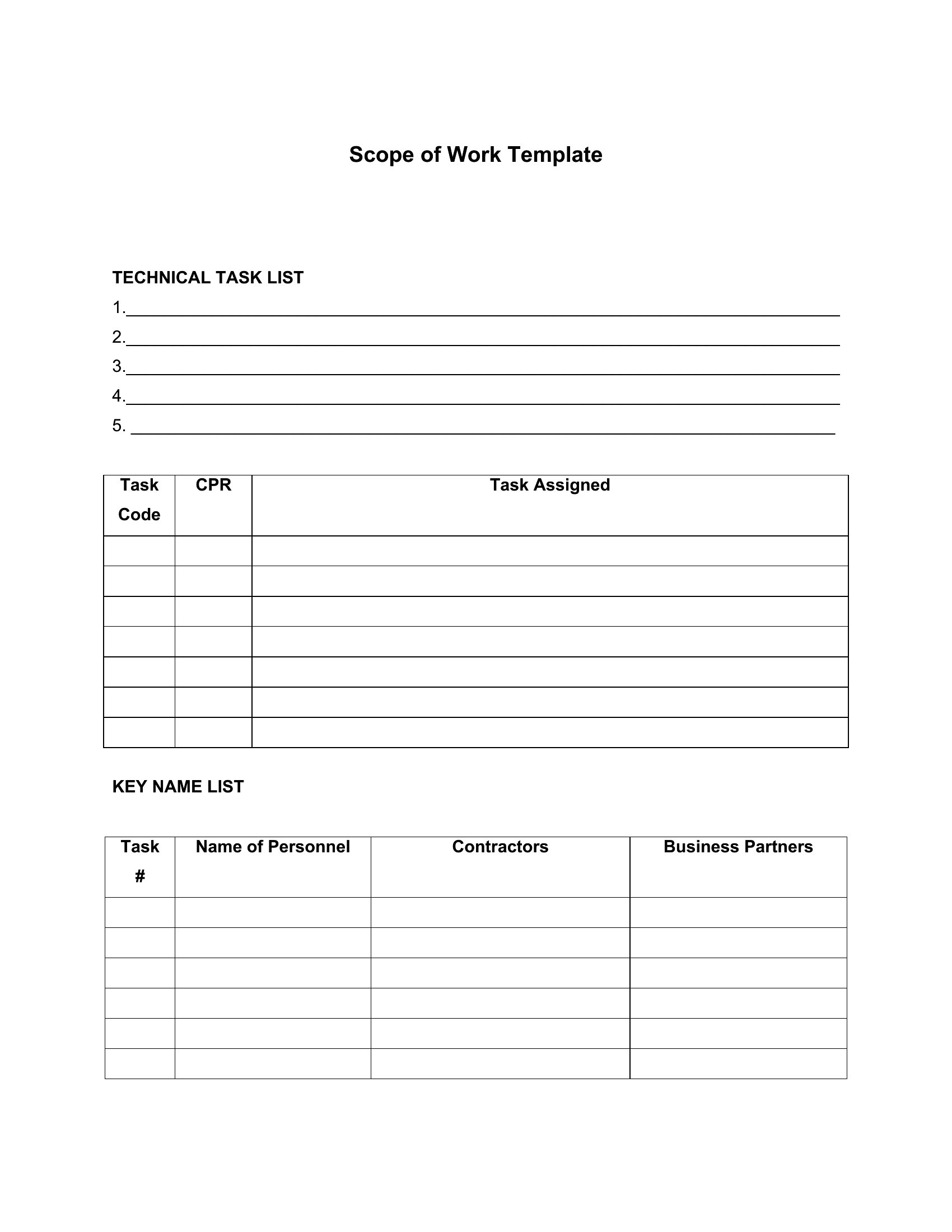
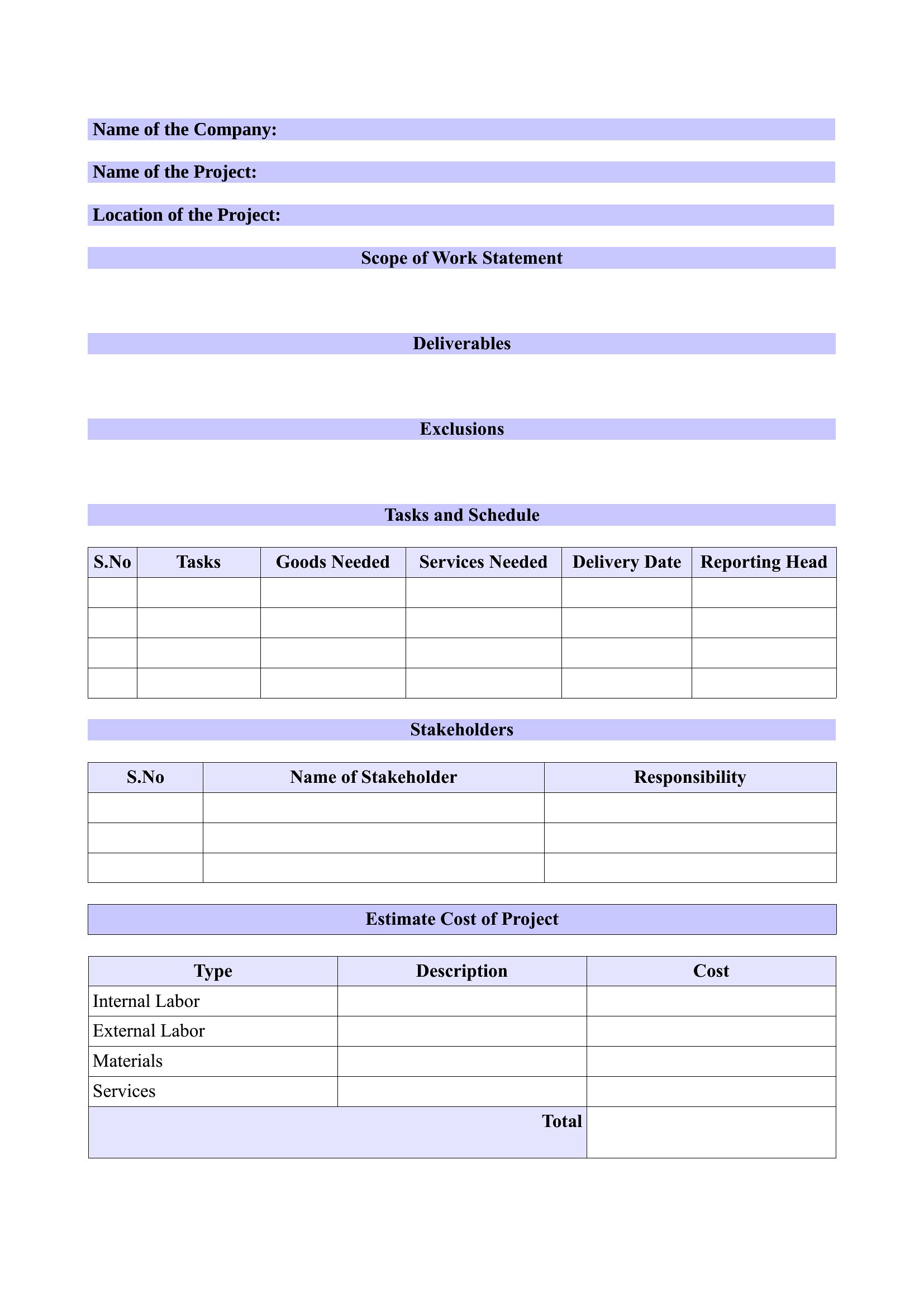
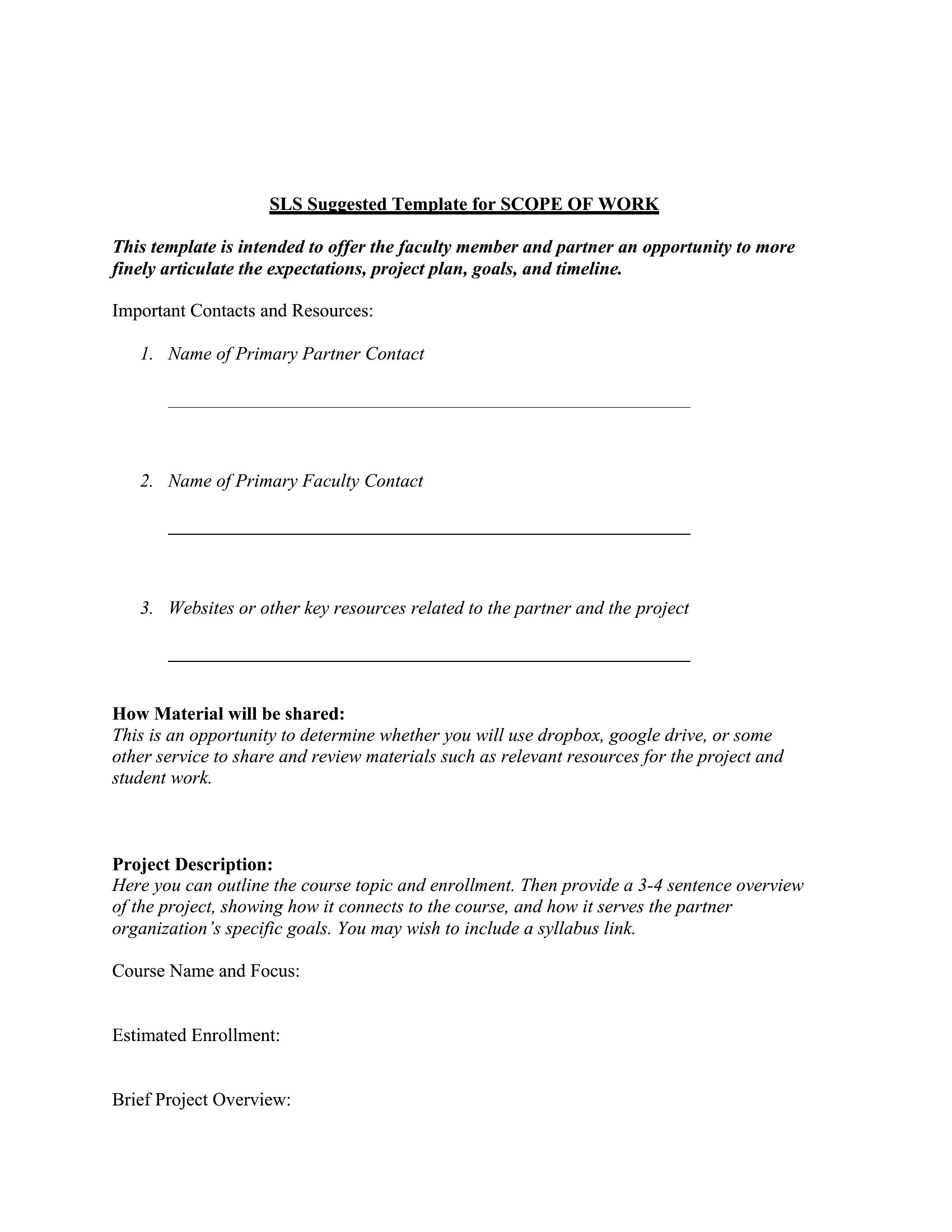
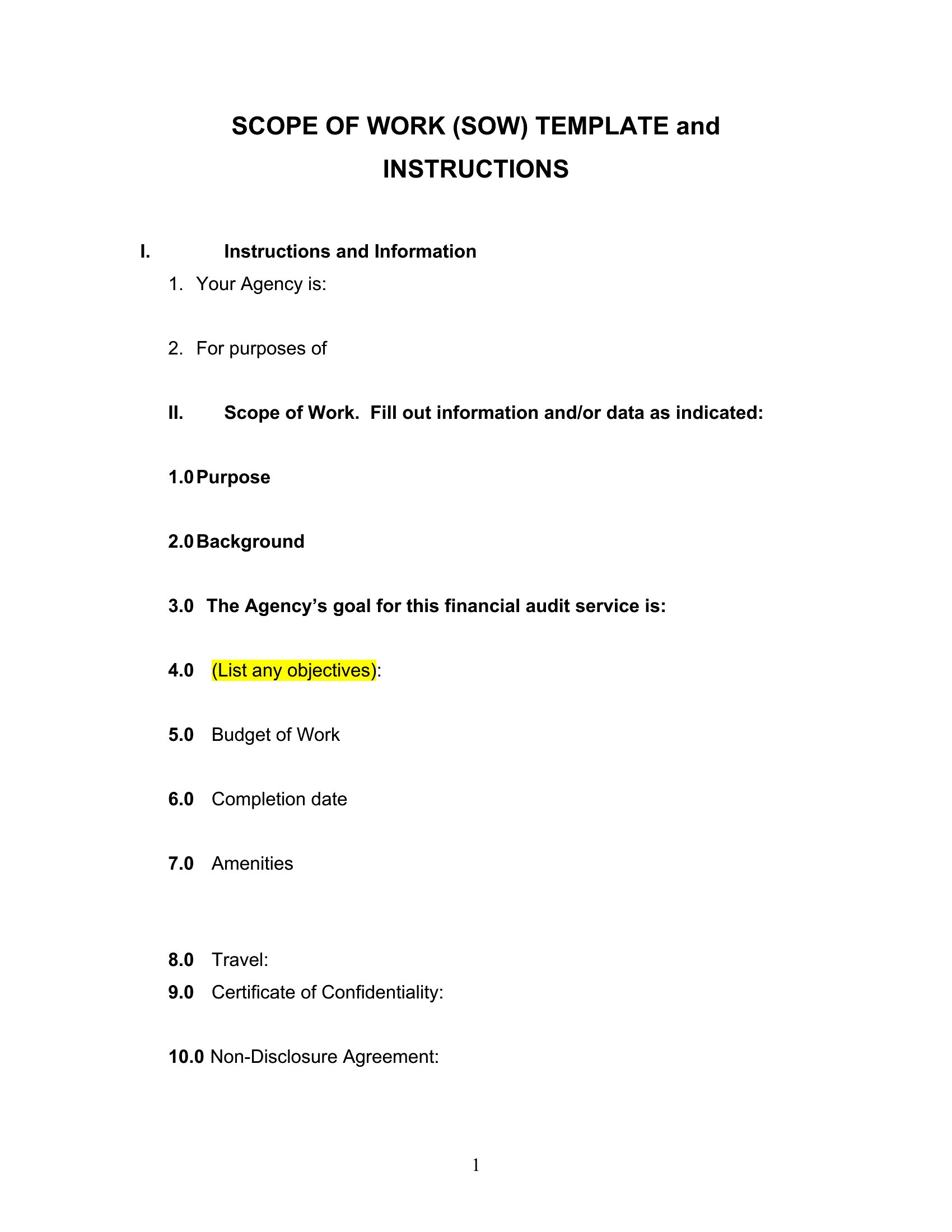
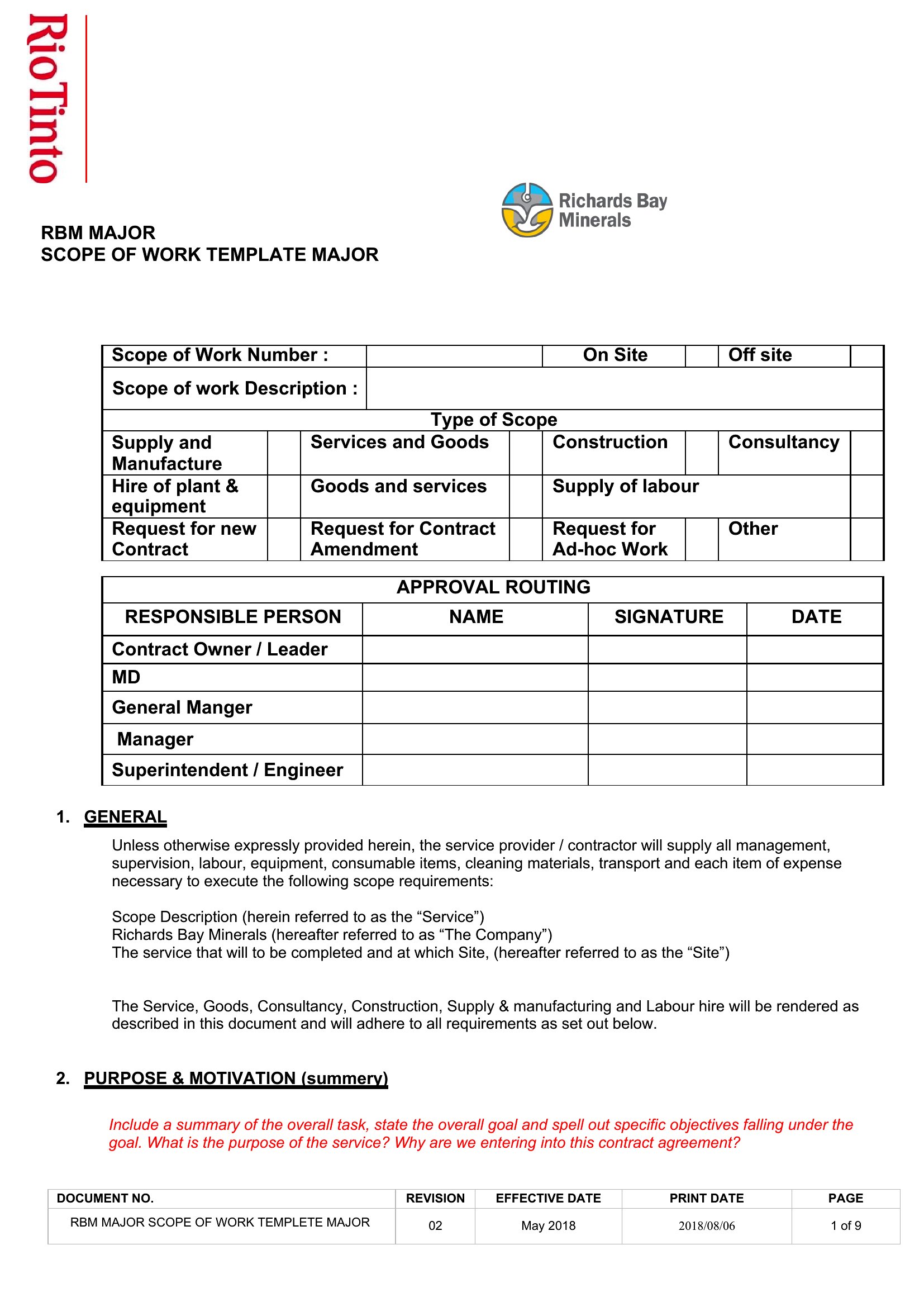
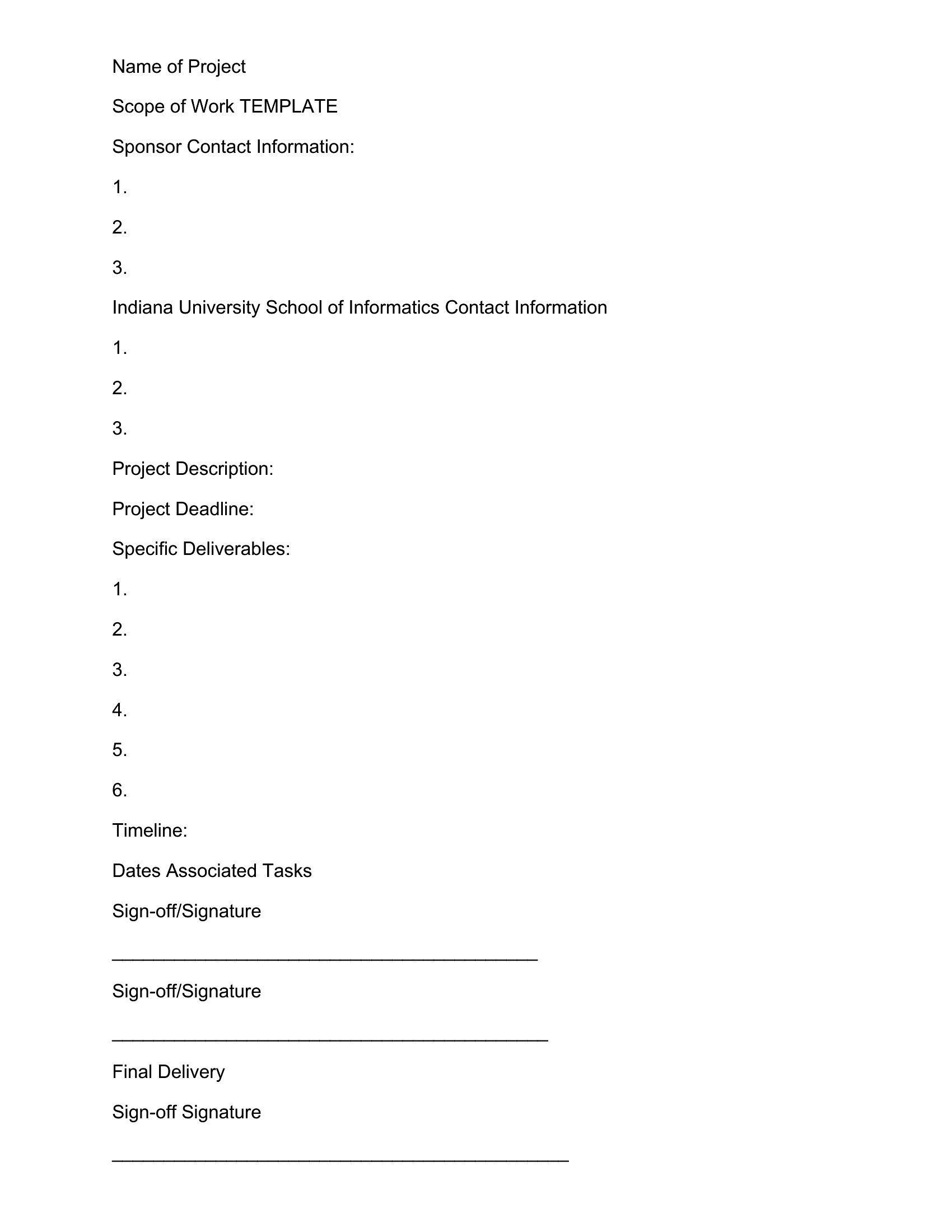
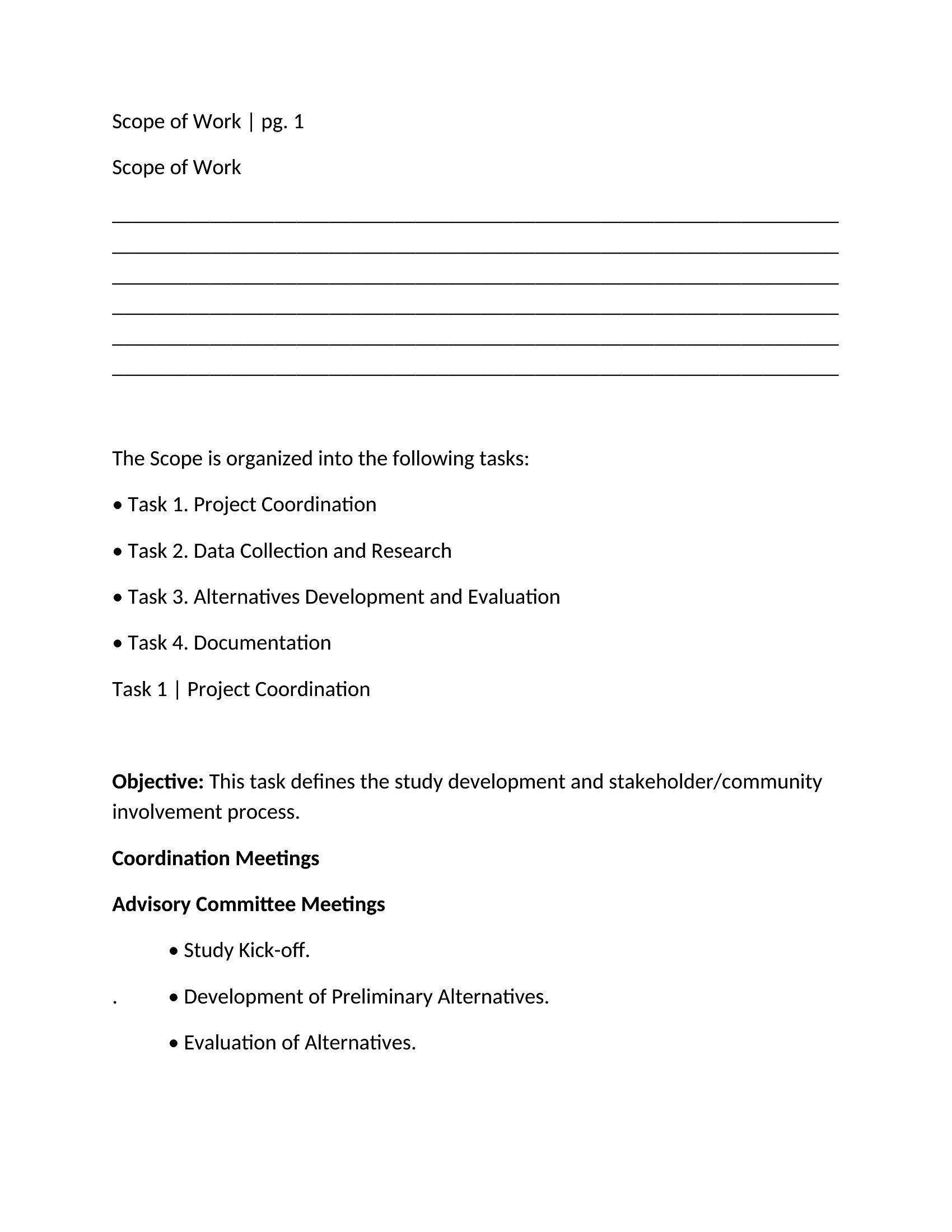
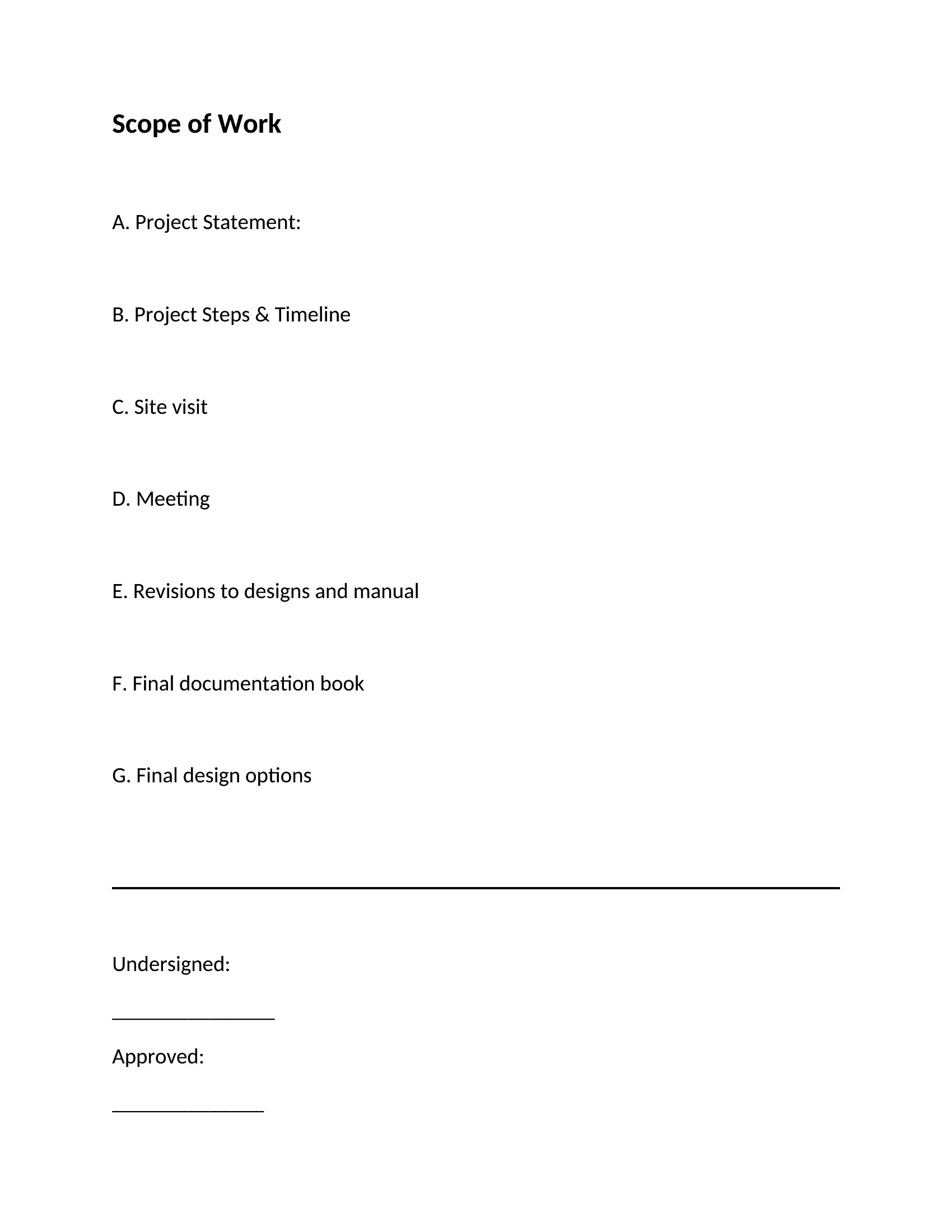
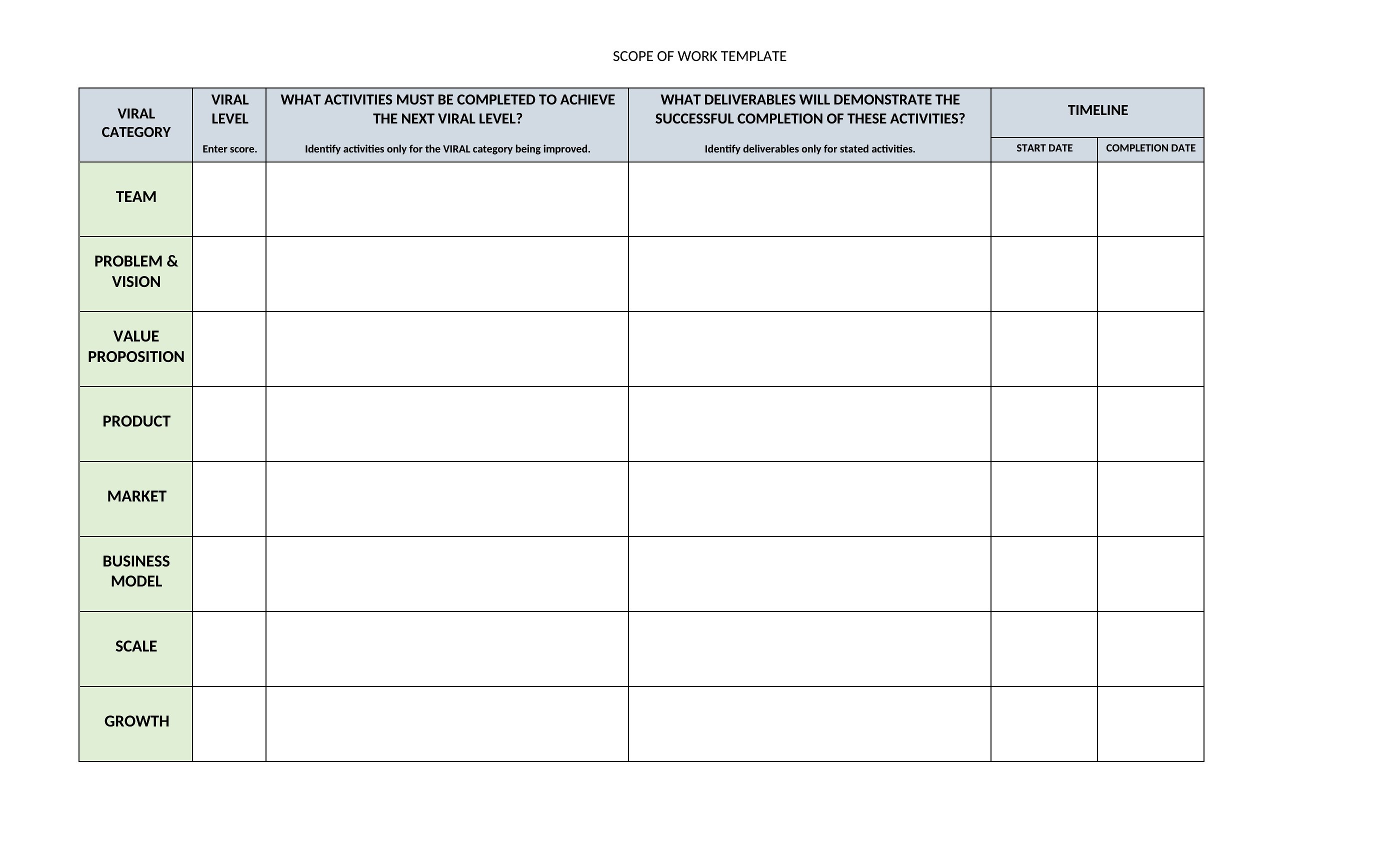
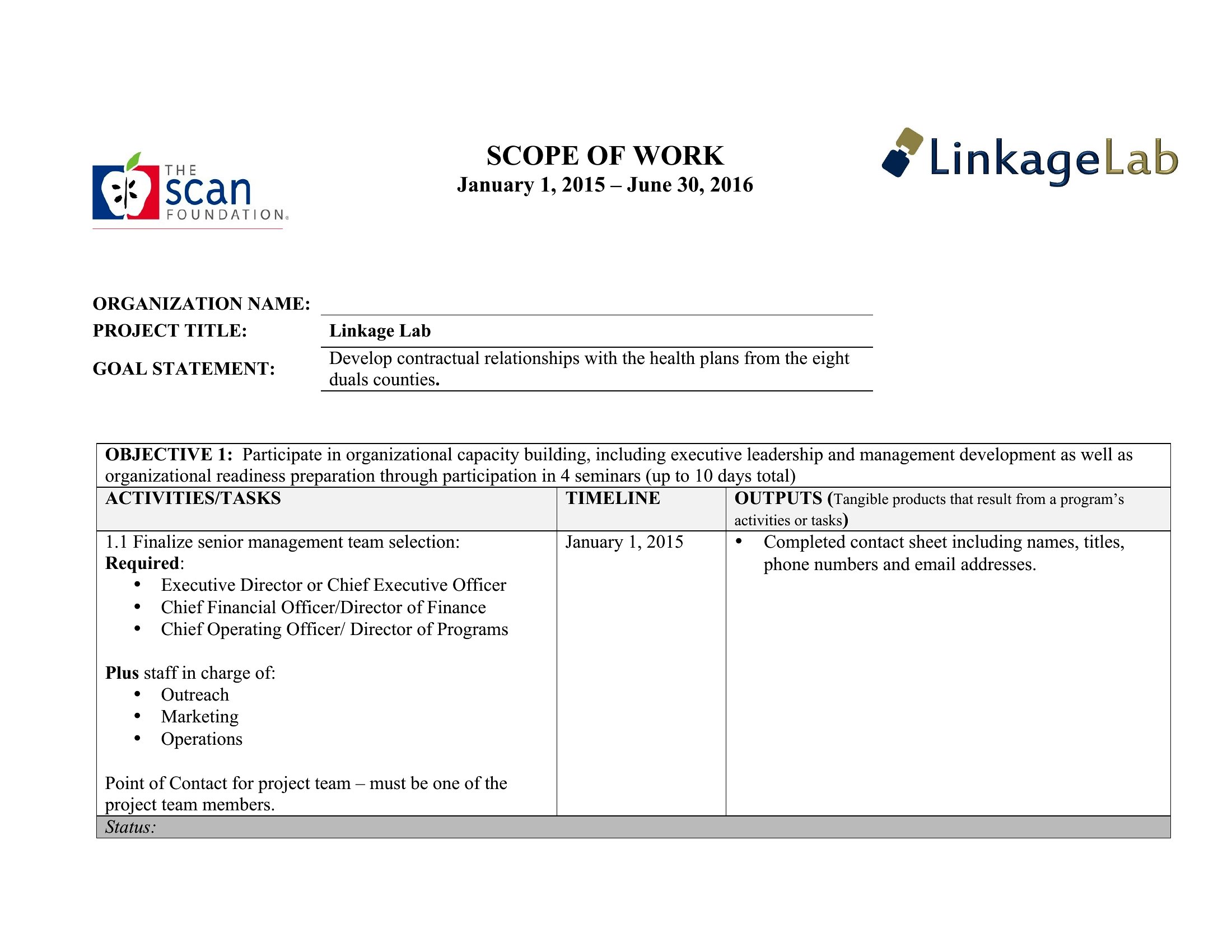
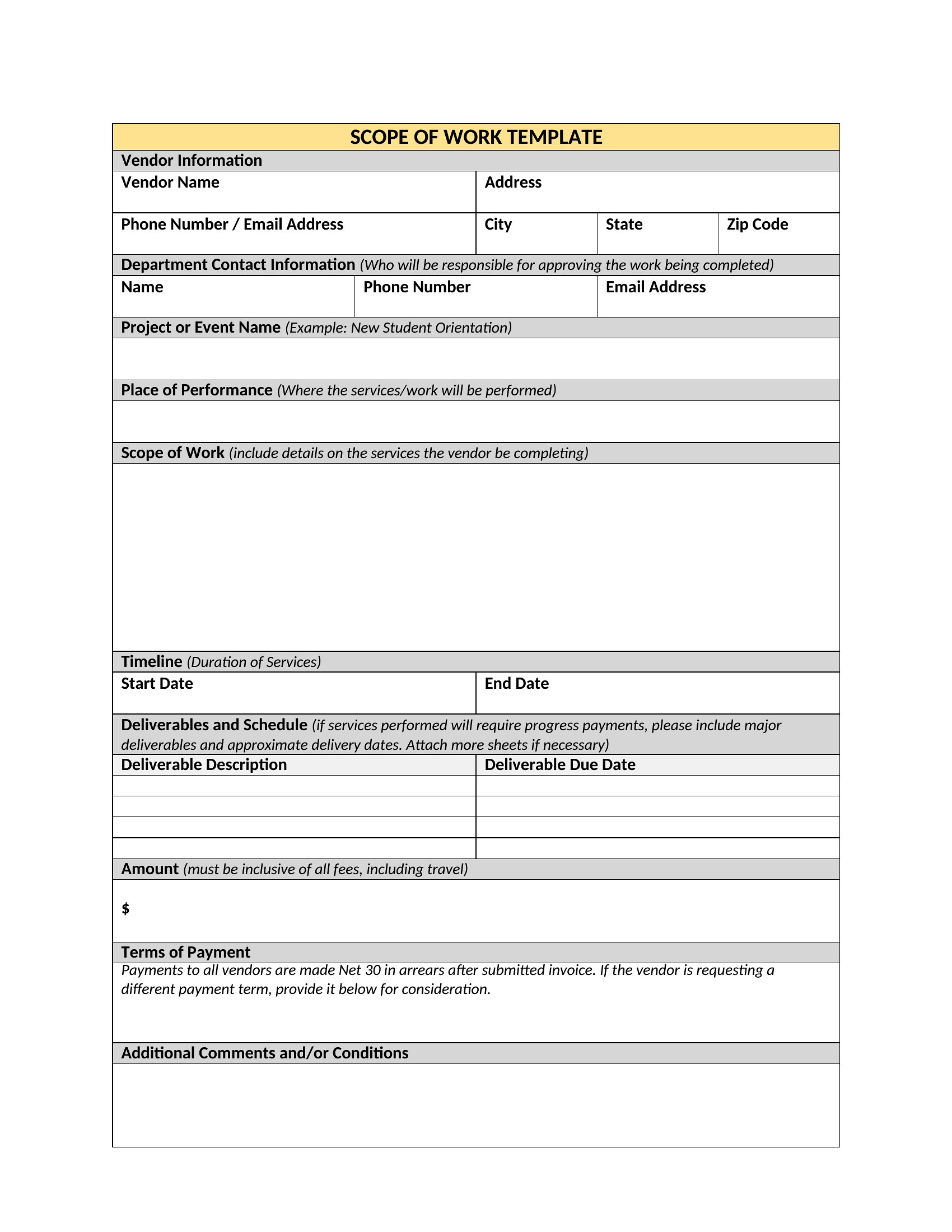
A scope of work nails down exactly what a project includes, who does what, and when it's due, heading off the misunderstandings that derail contracts. These 49 templates help contractors, freelancers, and project managers spell out deliverables, timelines, and responsibilities so clients and vendors share the same expectations from day one.
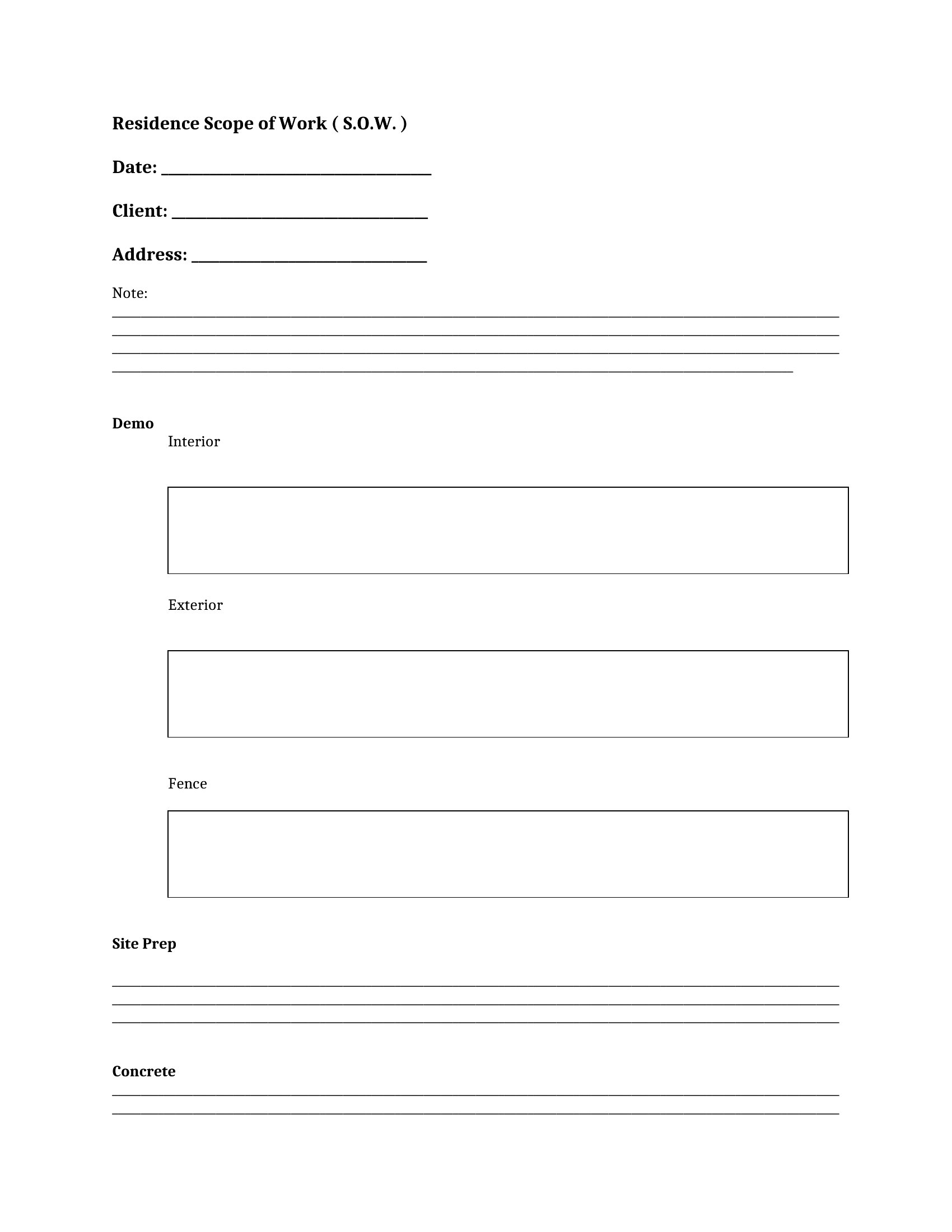
Each template is editable in Microsoft Word, ready for you to define tasks, milestones, and payment terms in plain language. Tailor the sections to the job, review them with your client, and attach the document to the main agreement. Download the layout that fits your project and start the work with everyone on the same page.

When to use this Scope of Work template

  • A freelance graphic designer pitching a logo and branding package to a startup should use this to clearly outline the 3 revisions, 2 color schemes, and final file formats included—plus the 10-day timeline—so the client doesn’t assume unlimited edits or rushed delivery.
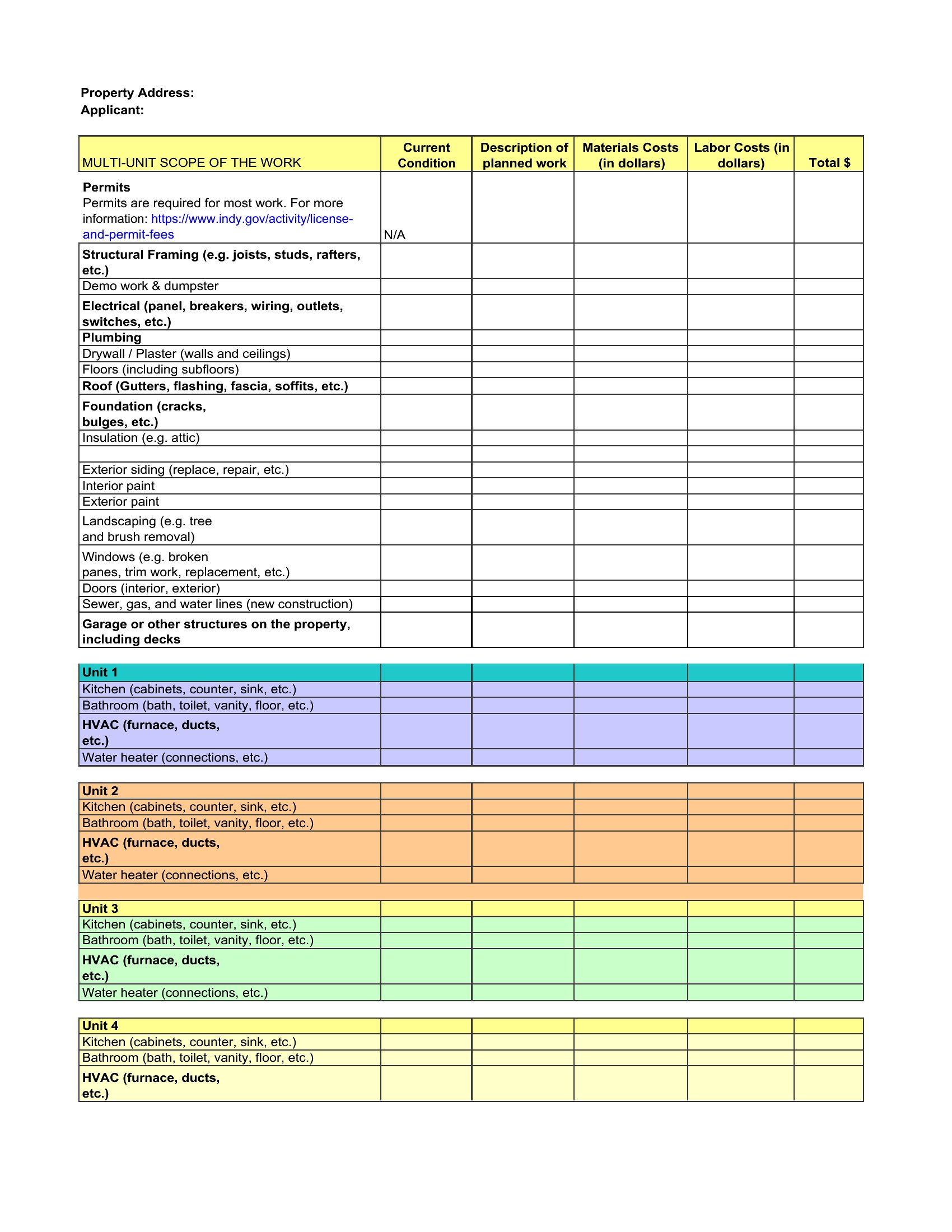
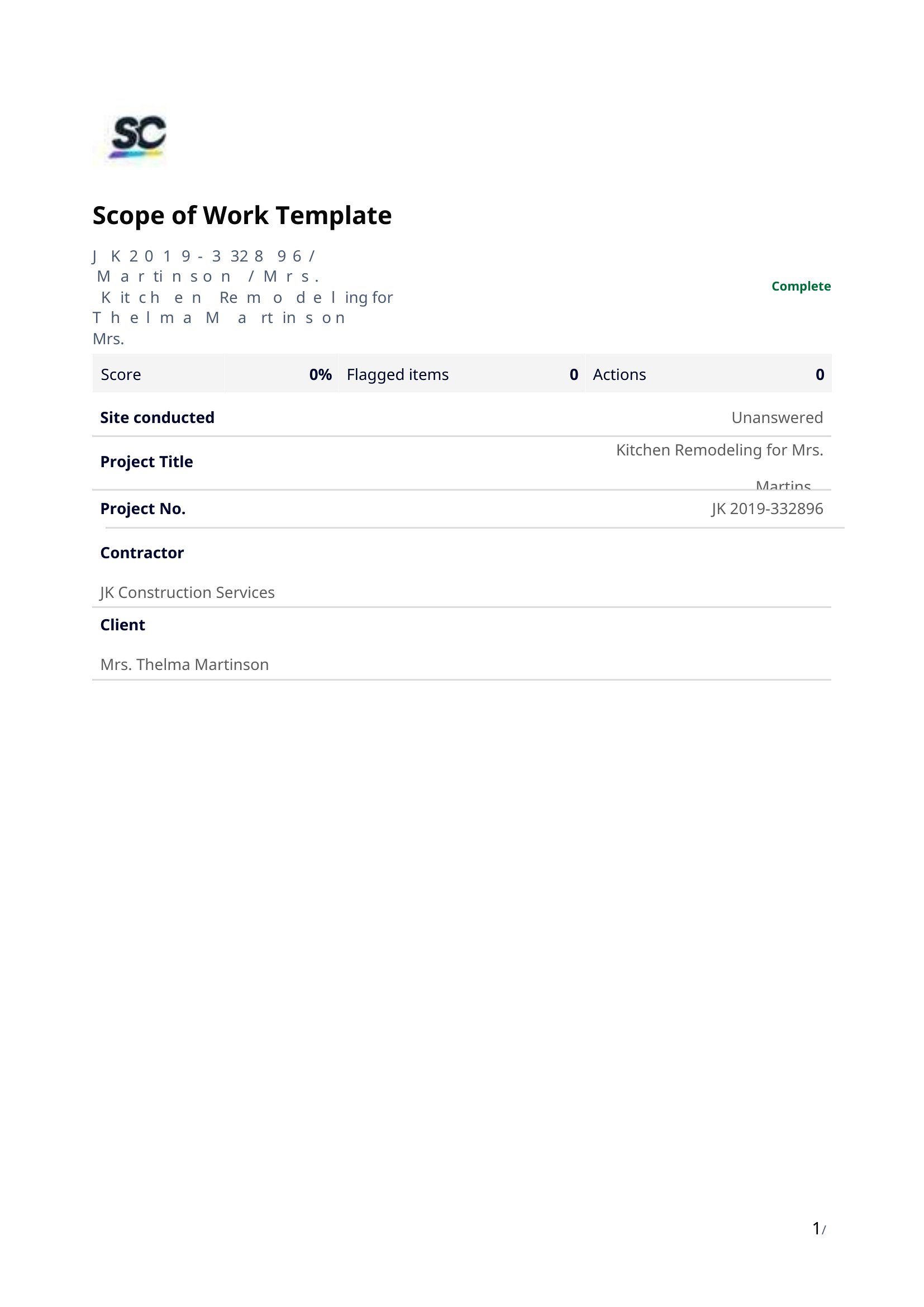
  • Construction contractors bidding on a renovation project must include a scope of work in Word to detail demolition phases, material specifications, and inspection milestones, ensuring subcontractors and the homeowner agree on what’s excluded (e.g., plumbing upgrades).
  • Remote project managers coordinating with offshore developers can use a template to define sprint goals, API requirements, and testing protocols, preventing scope creep when daily standups focus only on progress, not changing deliverables.
  • Nonprofit event planners hiring a caterer should specify the exact number of gluten-free options, dietary restrictions, and setup/disassembly times, so the vendor quotes accurately and the team avoids last-minute surprises during volunteer coordination.

Which format should I download?

Word

All 49 templates are designed exclusively for Microsoft Word because it’s the most widely used and flexible platform for collaborative editing. Word allows easy tracking of changes, comments between stakeholders, and seamless integration with project management tools like Asana or Trello. Use it when you need to share the document for review, revisions, or sign-off—especially if multiple parties (clients, vendors, or team members) are editing simultaneously.
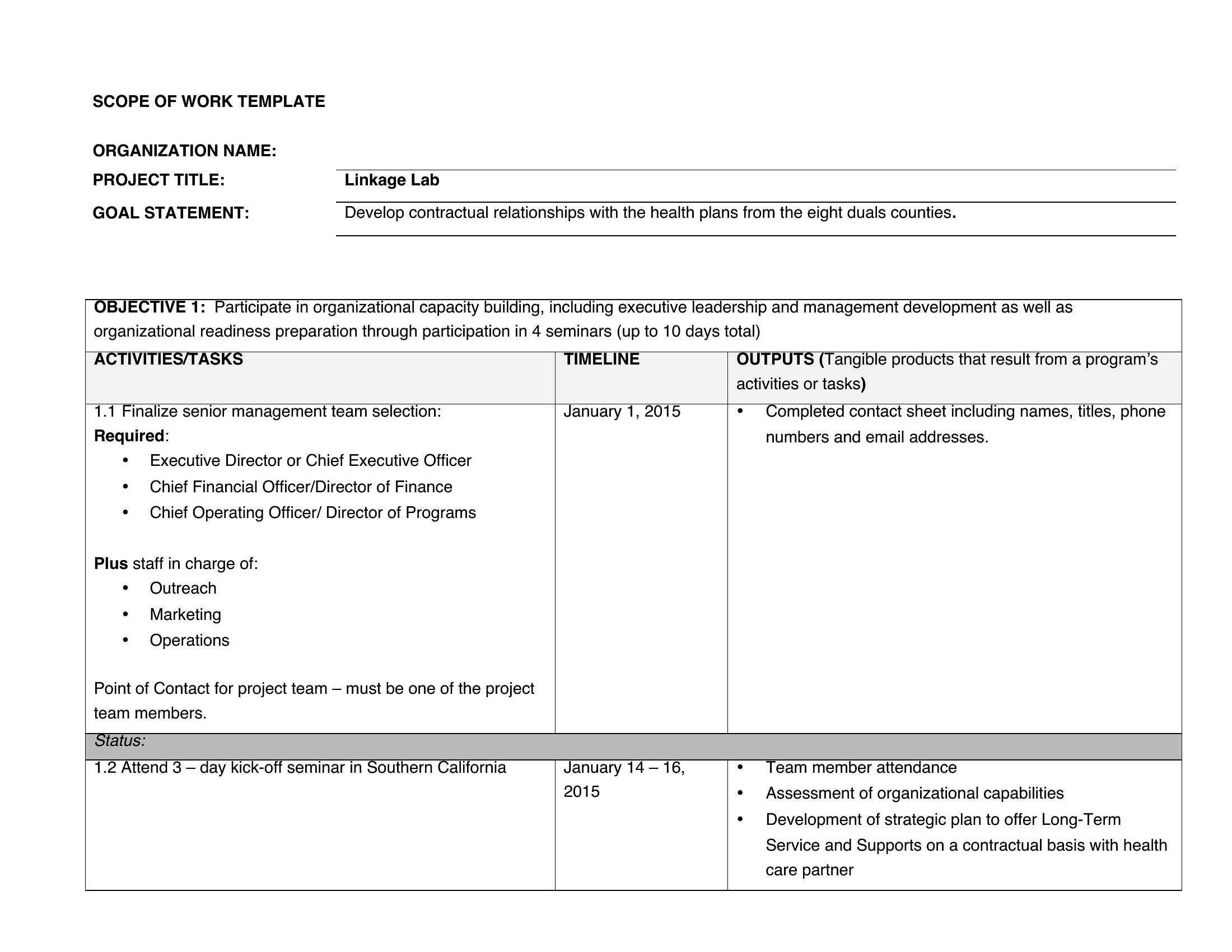
Choose from 49 Scope of Work Templates
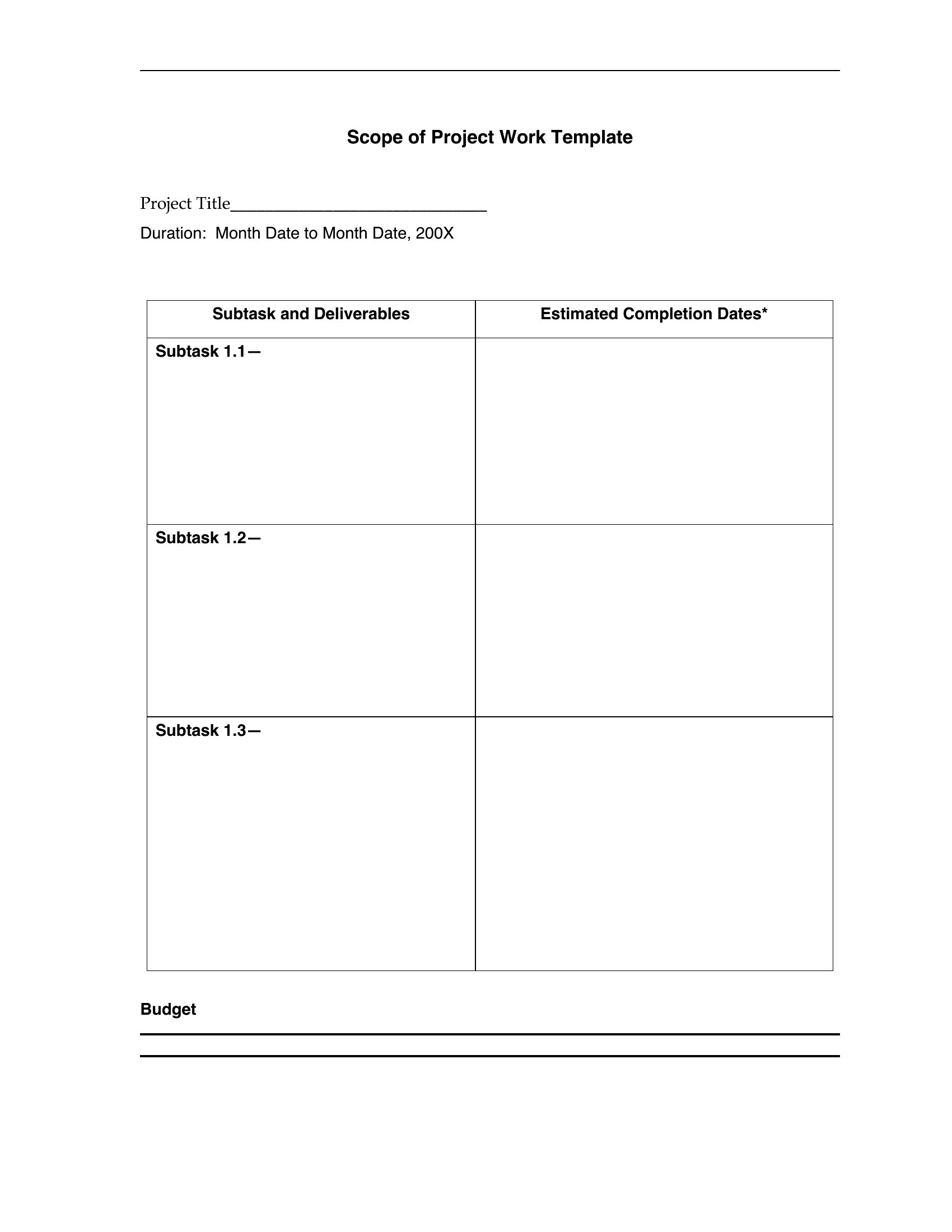
How to use this Scope of Work template

How can I ensure my scope of work template covers all legal bases without hiring a lawyer?

These templates are structured to include key legal guardrails like deliverables, timelines, and payment terms, but they’re not substitutes for professional legal advice. Always review the final document with a lawyer if the project involves high risk, regulated industries (e.g., healthcare), or complex contracts. Focus on clarity over brevity—vague language is the #1 cause of disputes.
What’s the best way to handle add-ons or changes after the scope of work is signed?

Include a “Change Request” section in your Word template outlining how modifications will be approved, priced, and documented. Require written confirmation for any adjustments to avoid verbal agreements. For example, add: ‘All scope changes must be submitted in writing and approved by [Party Name] within [timeframe] to qualify for revision inclusions.’

Should I tailor the template to my industry, or use a generic one to keep it simple?

Tailor it—even slightly. A generic template might miss critical terms for your field (e.g., “as-built drawings” for construction or “HIPAA-compliant files” for healthcare). Start with a template closest to your project type, then customize sections like deliverables or compliance requirements. For example, a software dev scope needs “source code ownership” clauses, while a marketing scope needs “analytics access” details.

Comments

Join the conversation

Sign in to share your thoughts and leave a comment on this resource.

Newsletter

Get Weekly Design Updates
Join our community to receive curated resources and inspiration.
Weekly Tips Resources Early Access
We respect your privacy. Confirmation email required. Privacy Policy