
FAQ
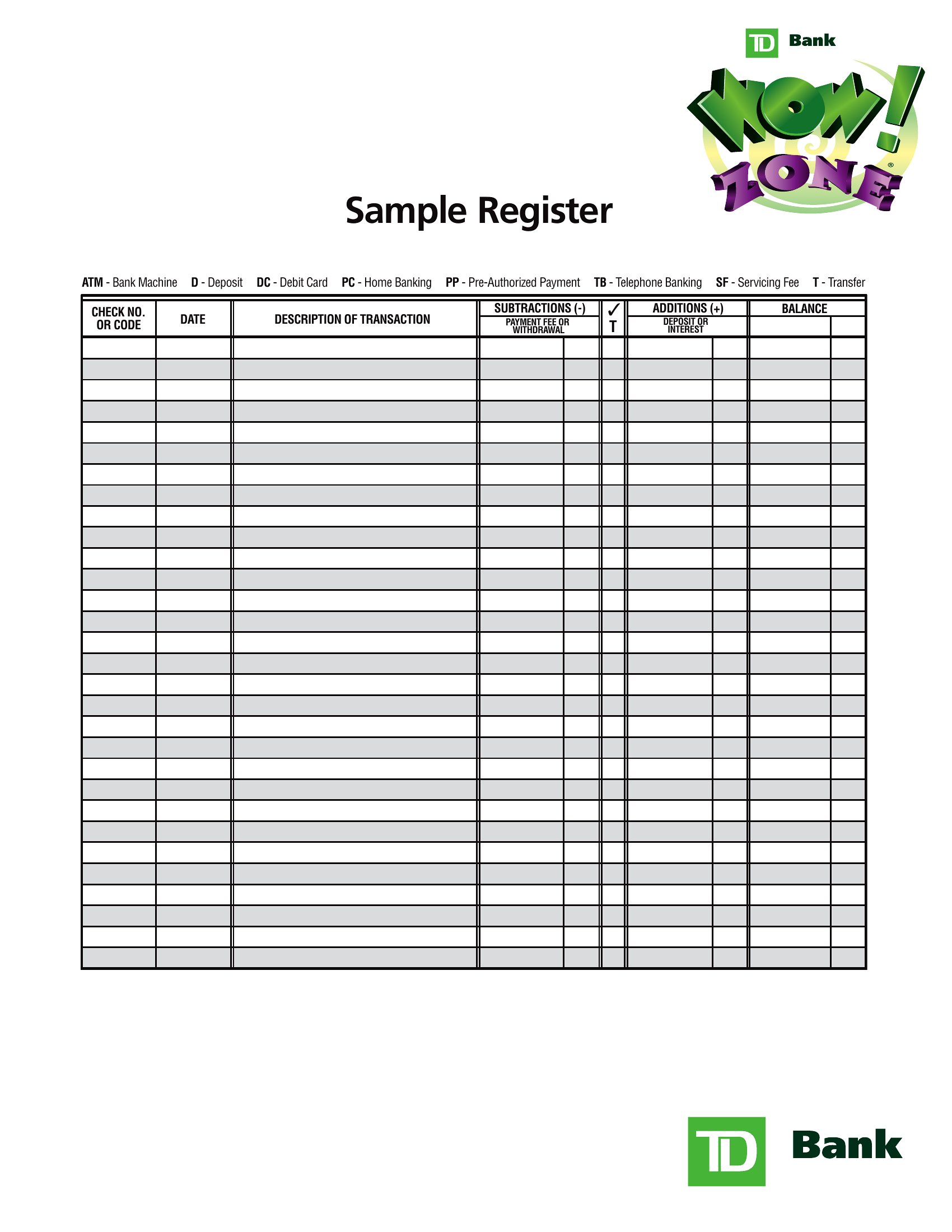
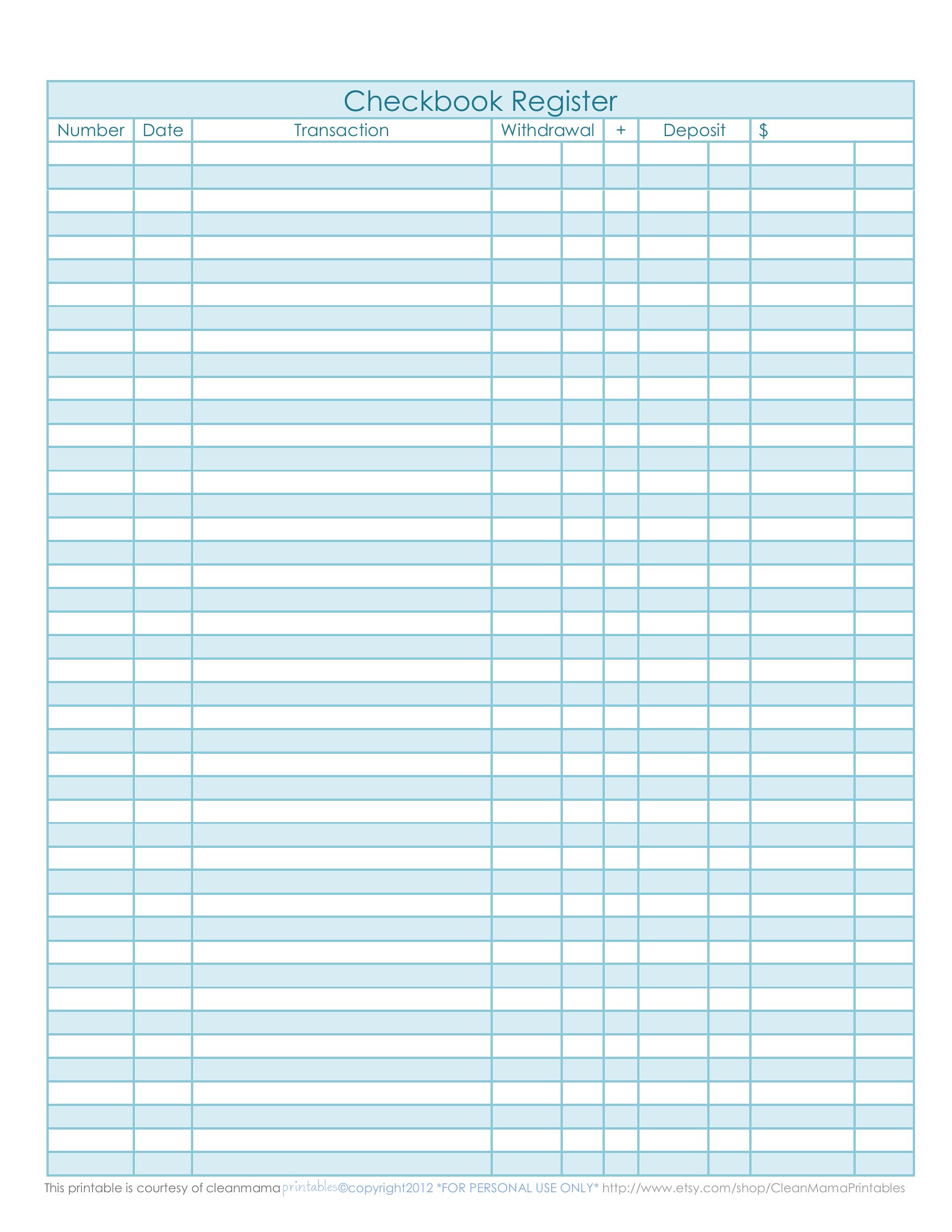
How do I handle voided checks or returned deposits in this register?
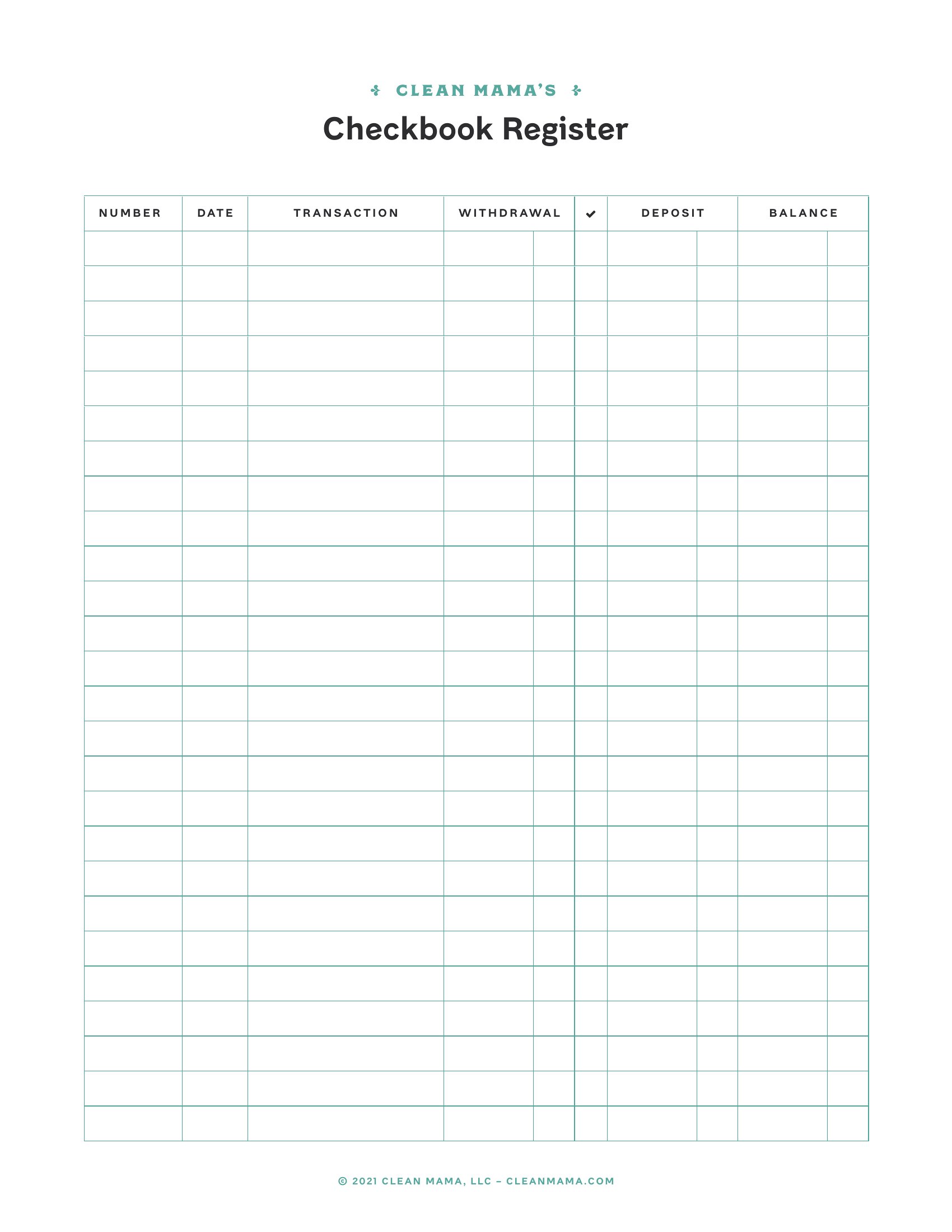
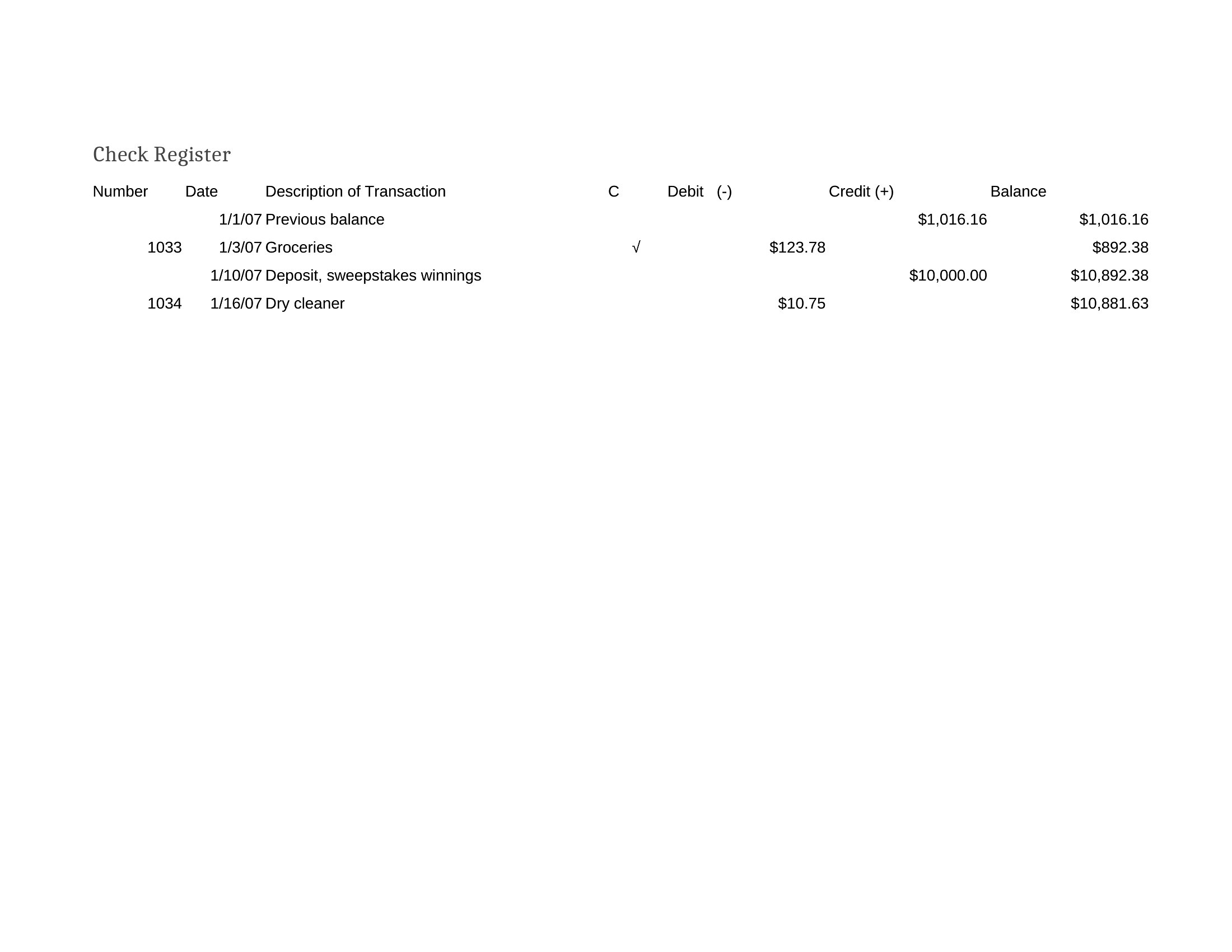
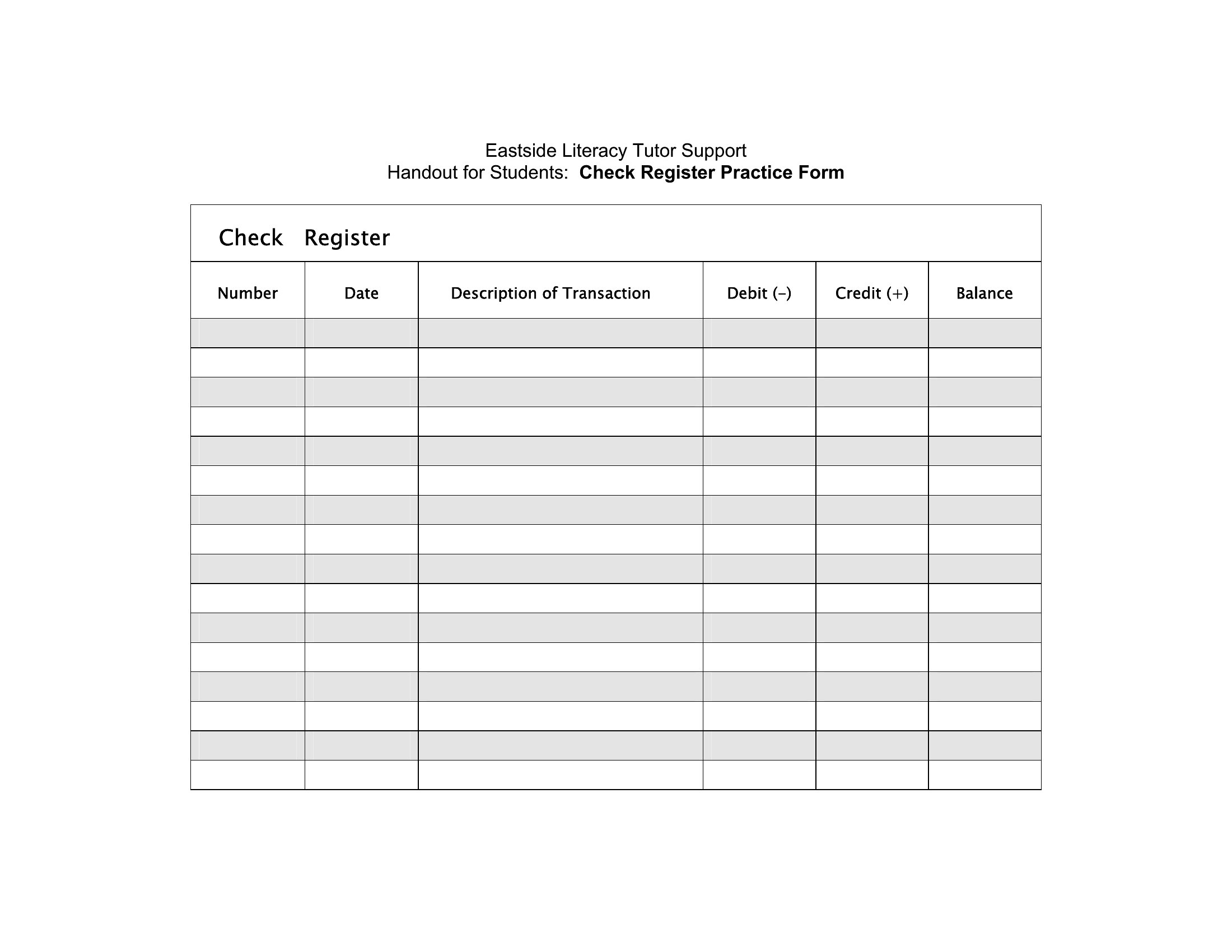
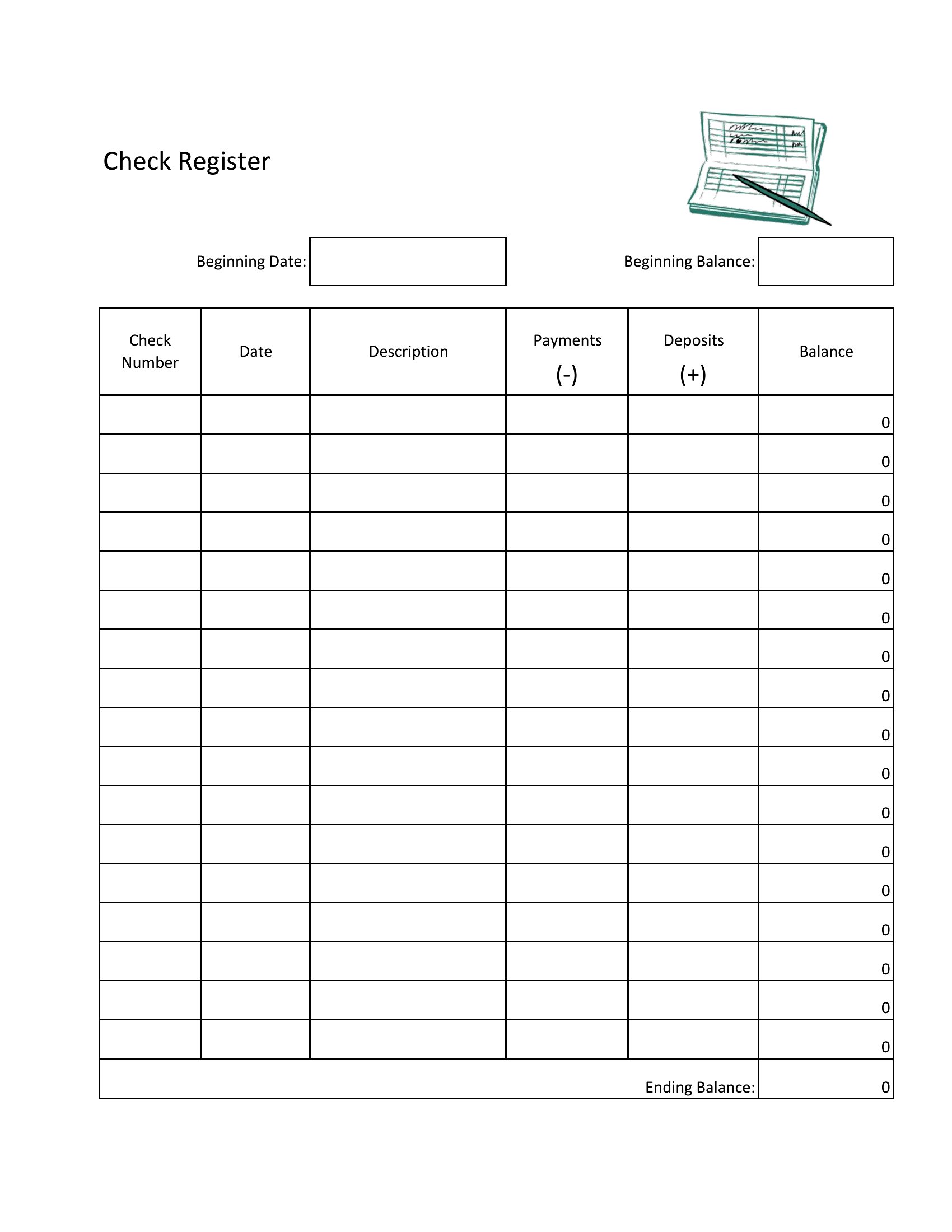
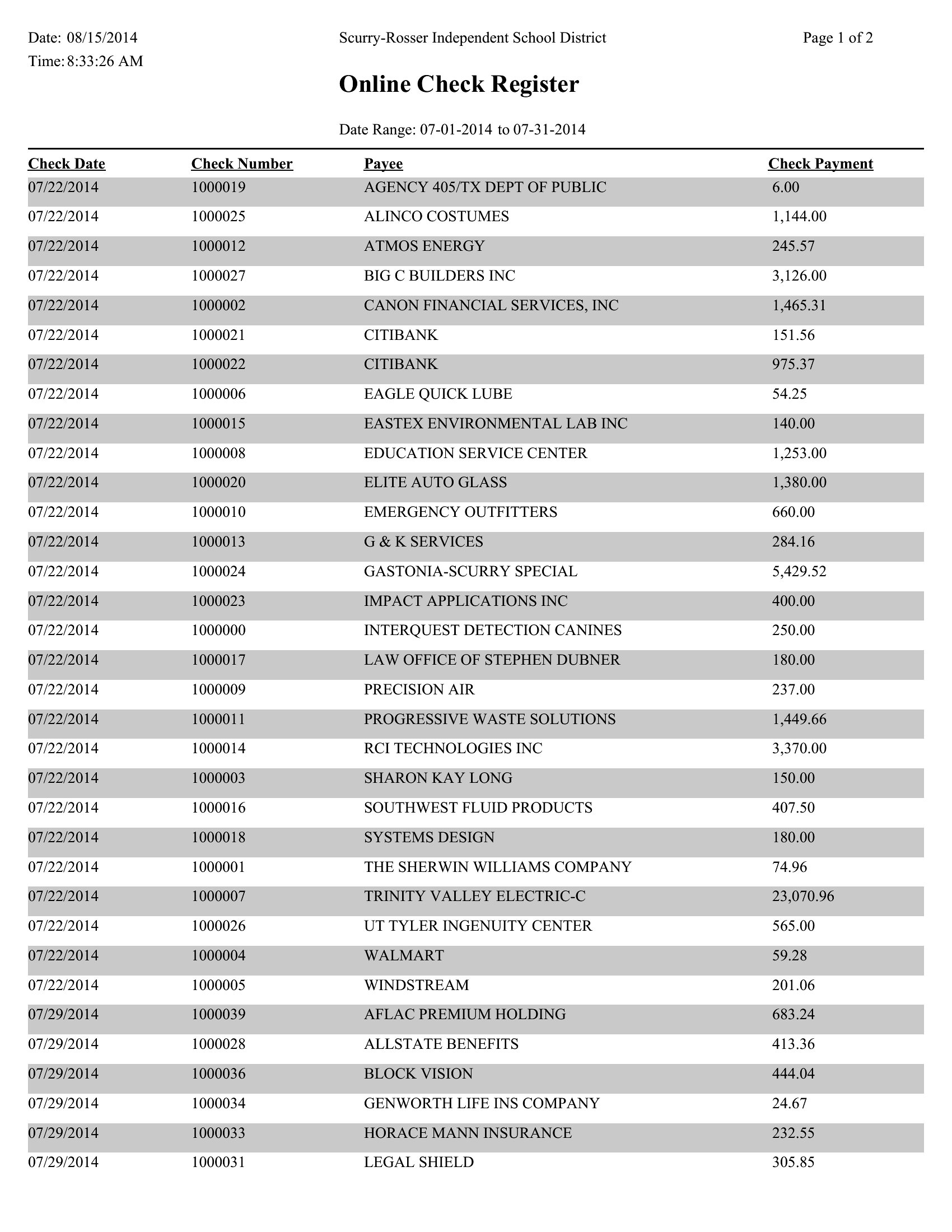
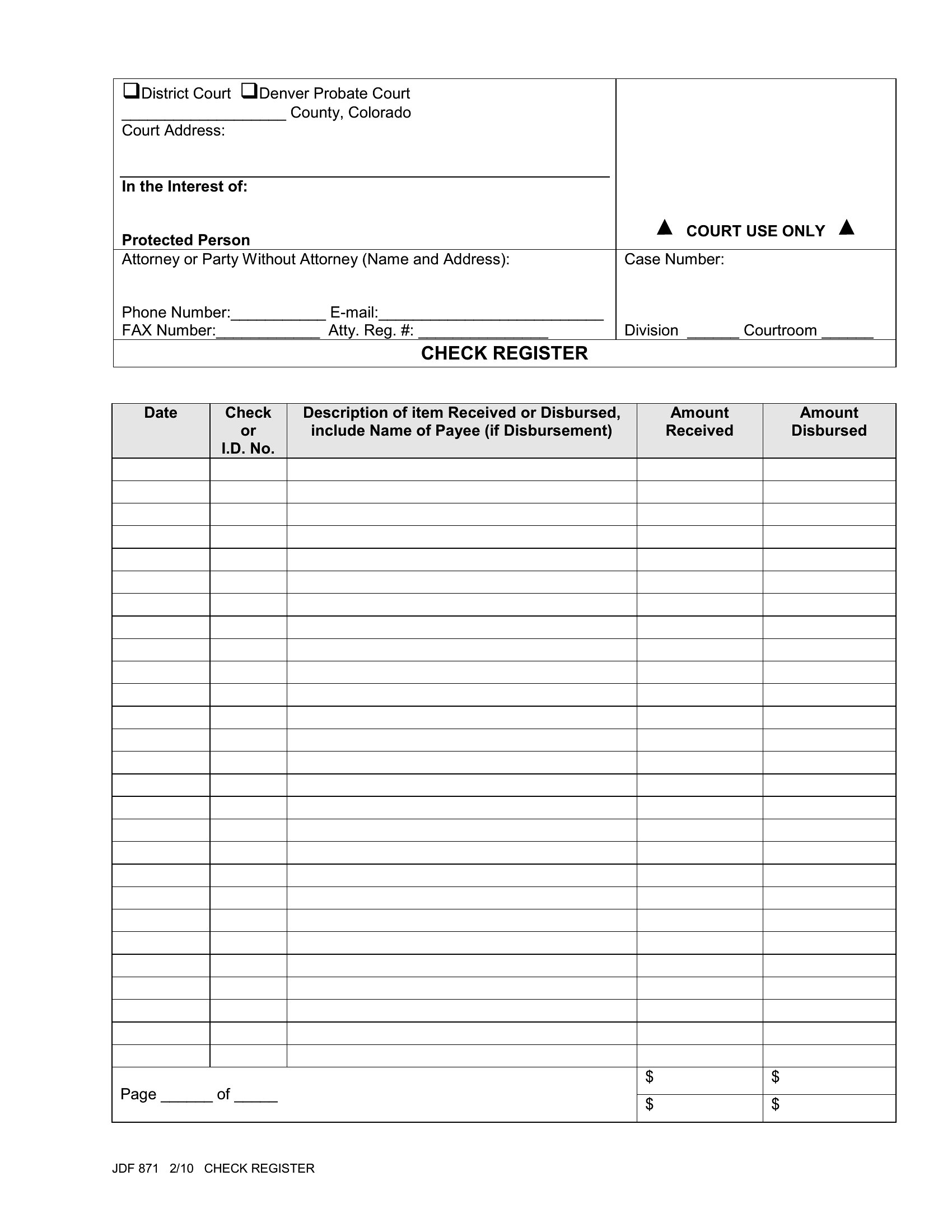
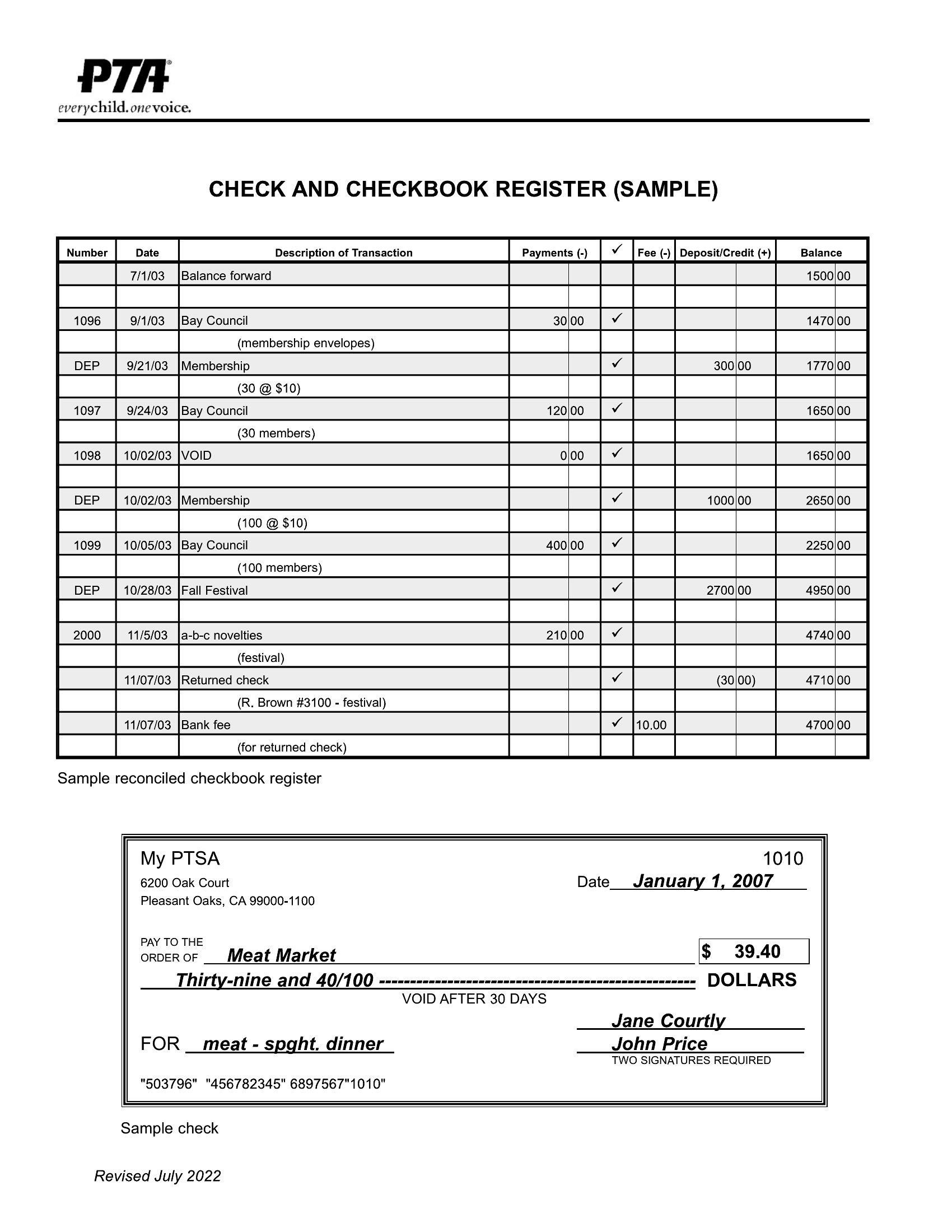
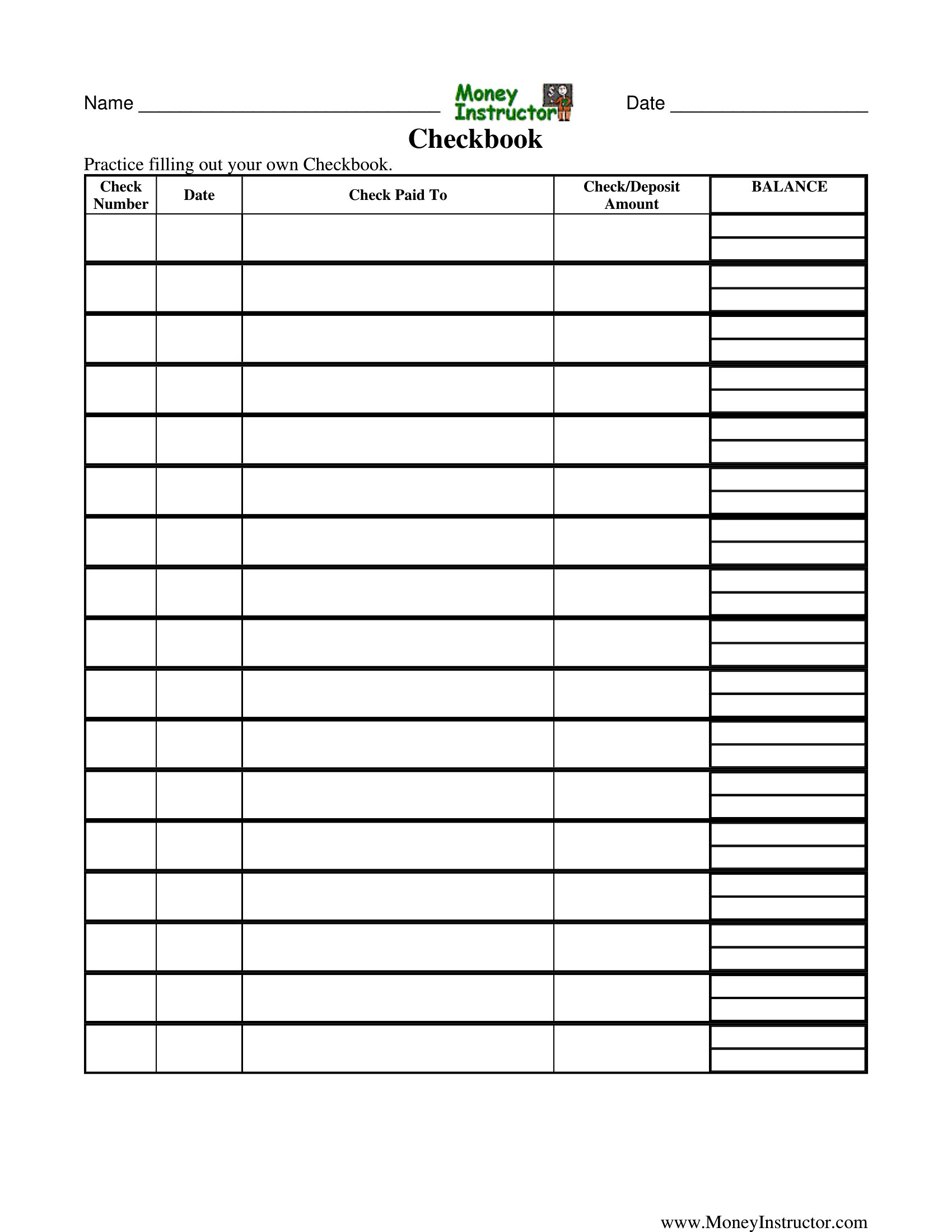
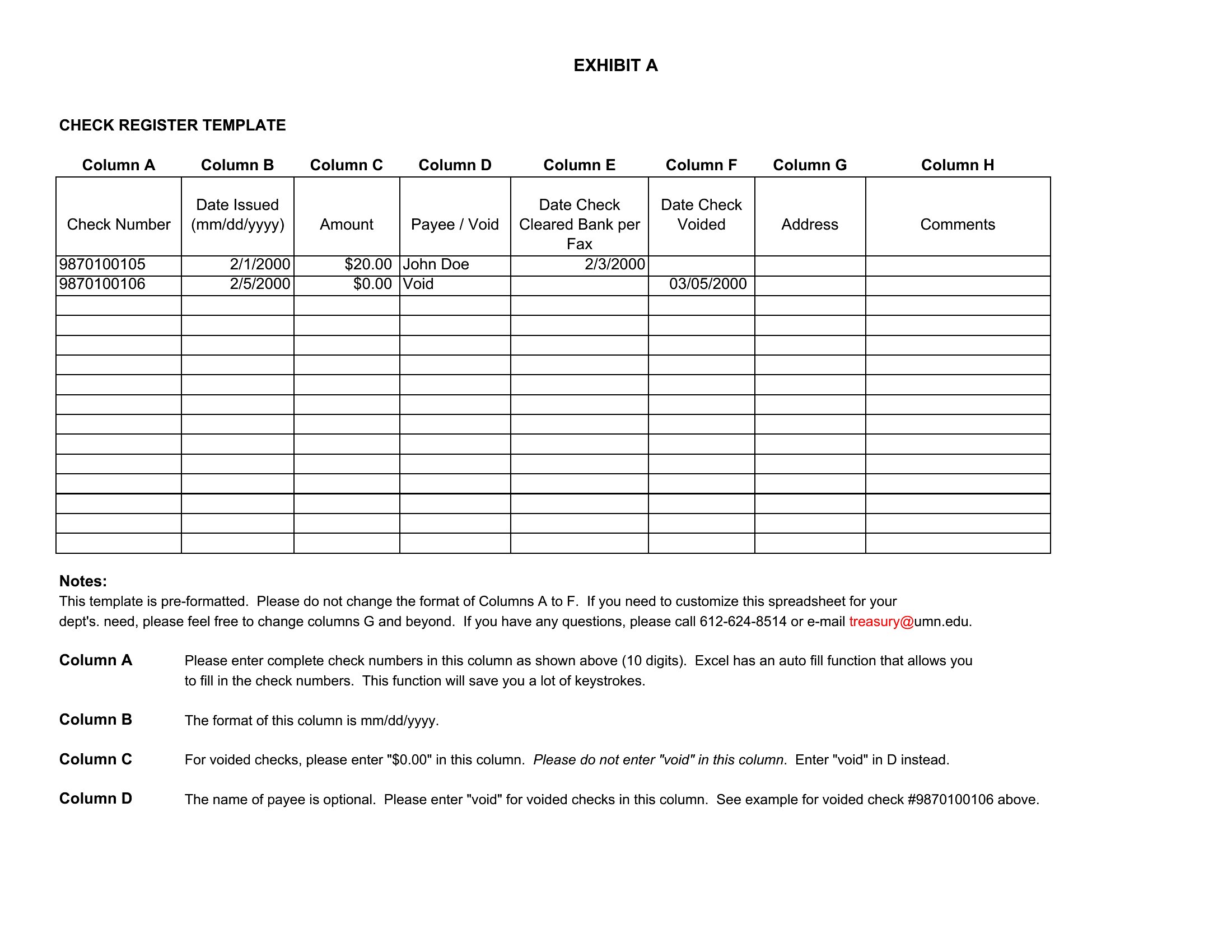
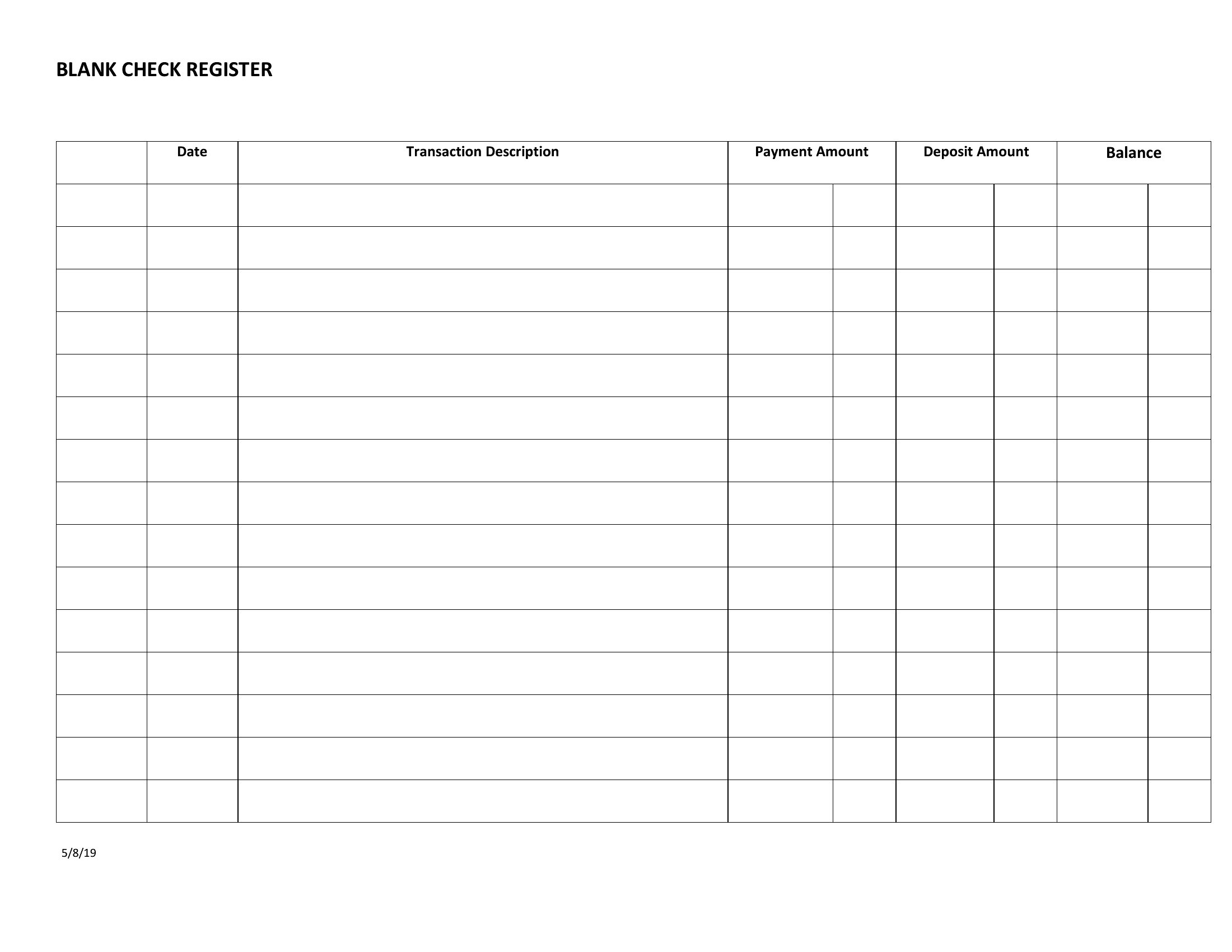
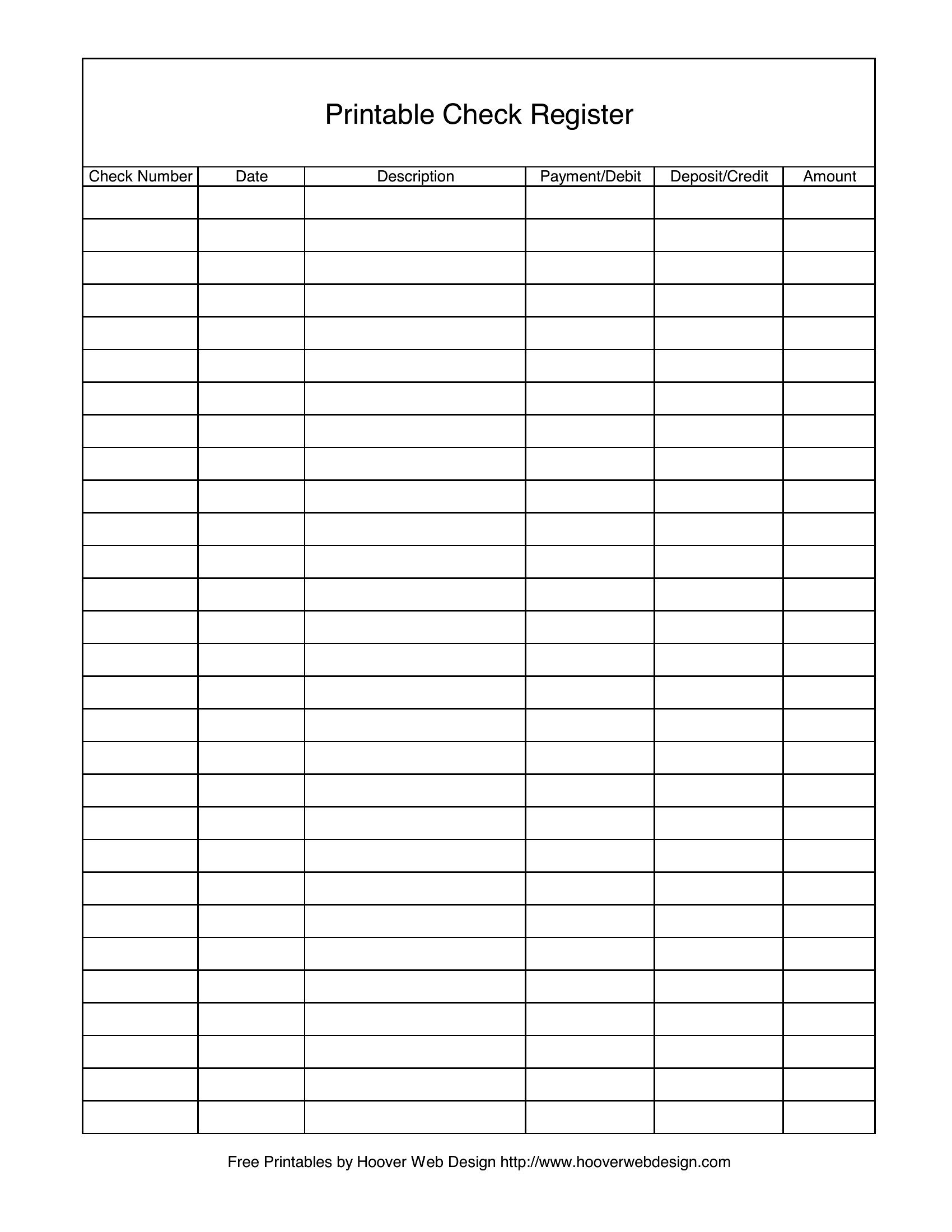
Mark the voided check with a ‘V’ in the date column and note the correction in the memo section. For returned deposits, subtract the amount in red ink and document the bank’s reason code if provided. Never erase—cross out and initial the change to maintain an audit trail.
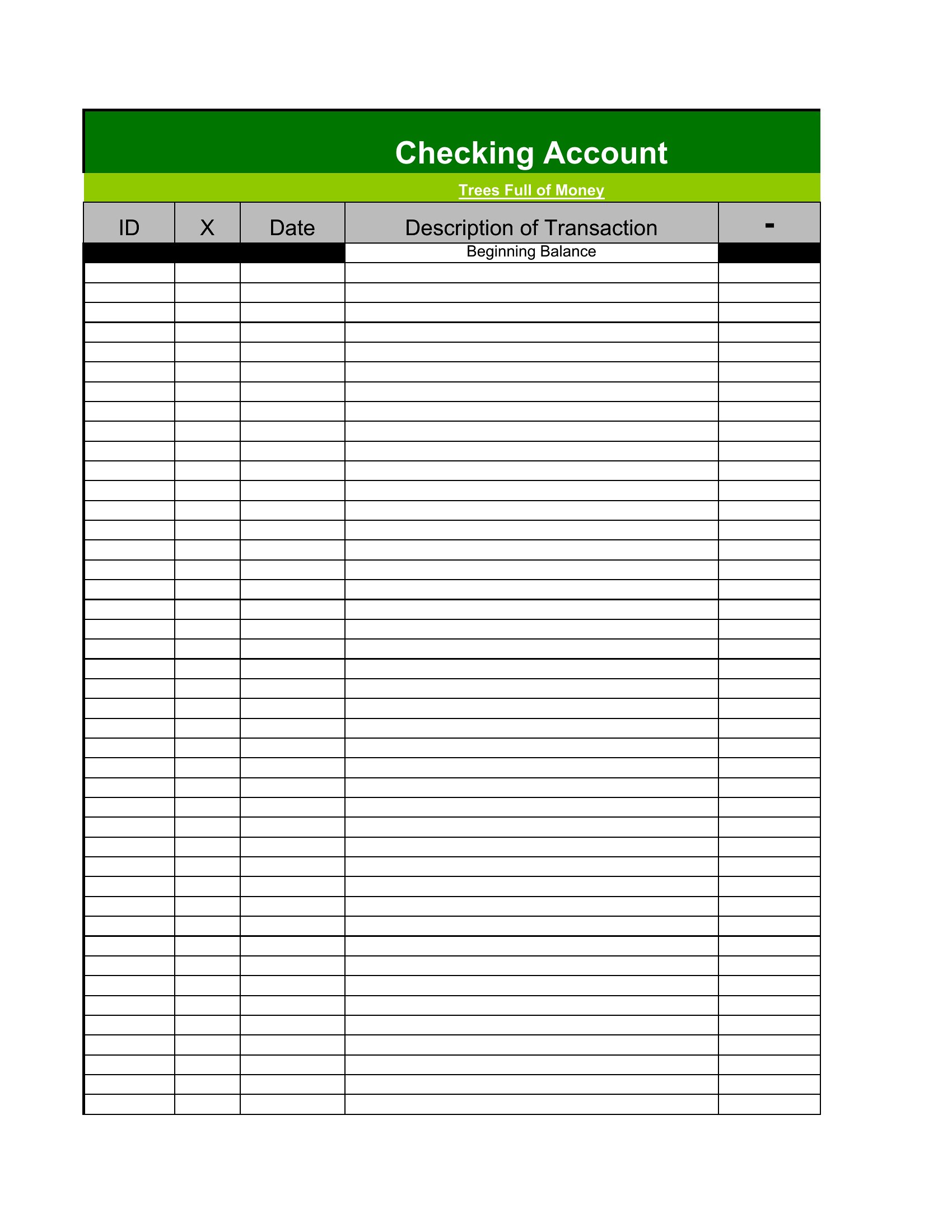
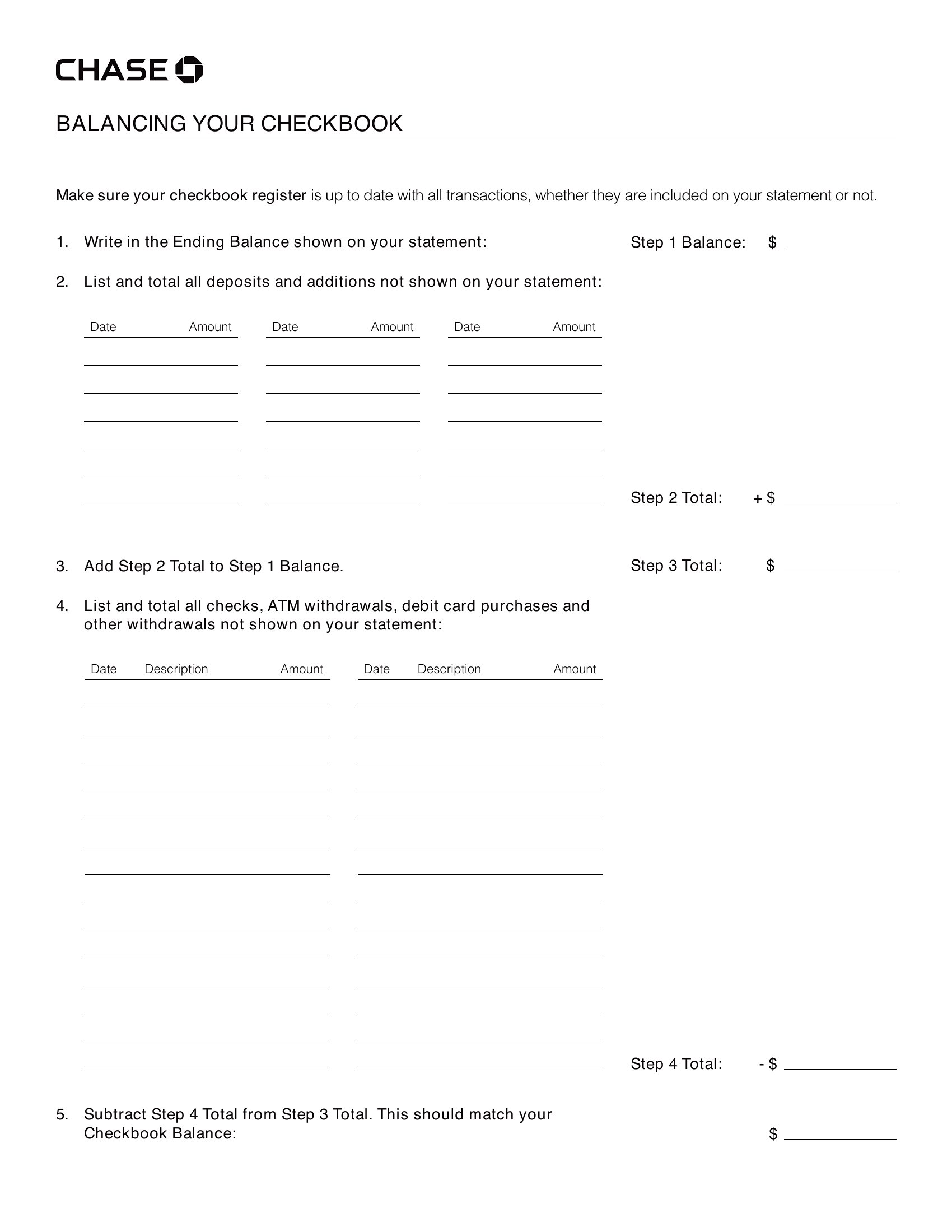
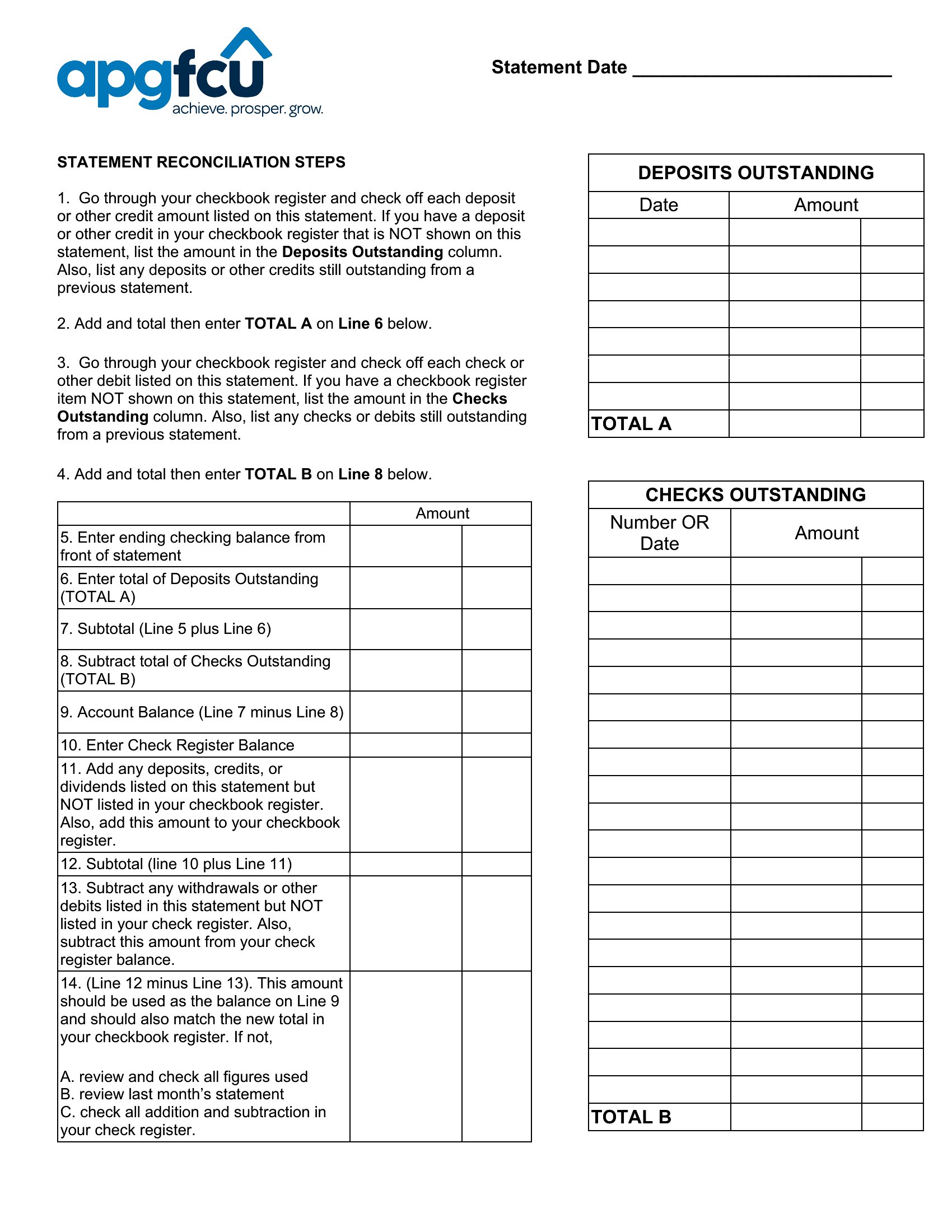
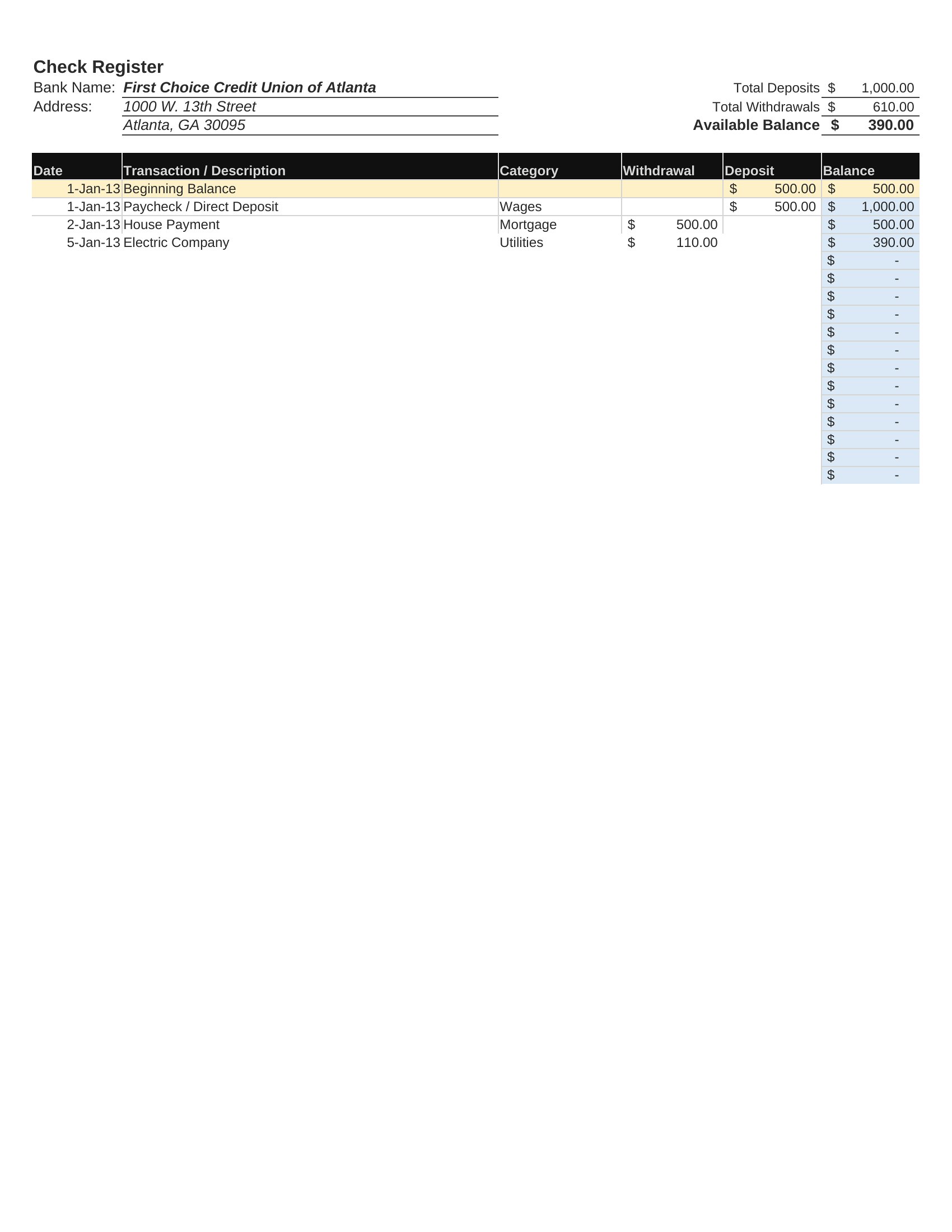
Can I use an Excel register if I also use online banking for reconciliation?
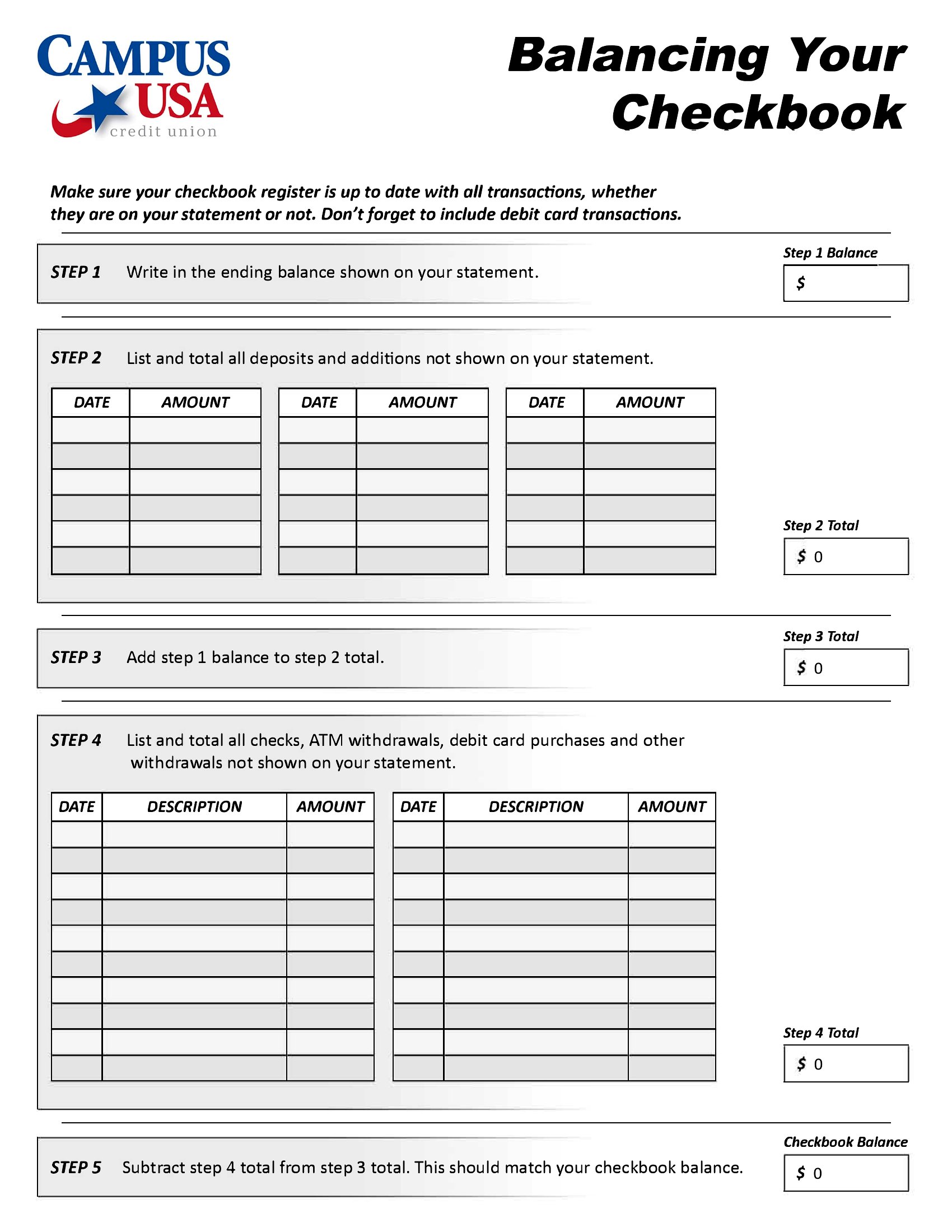
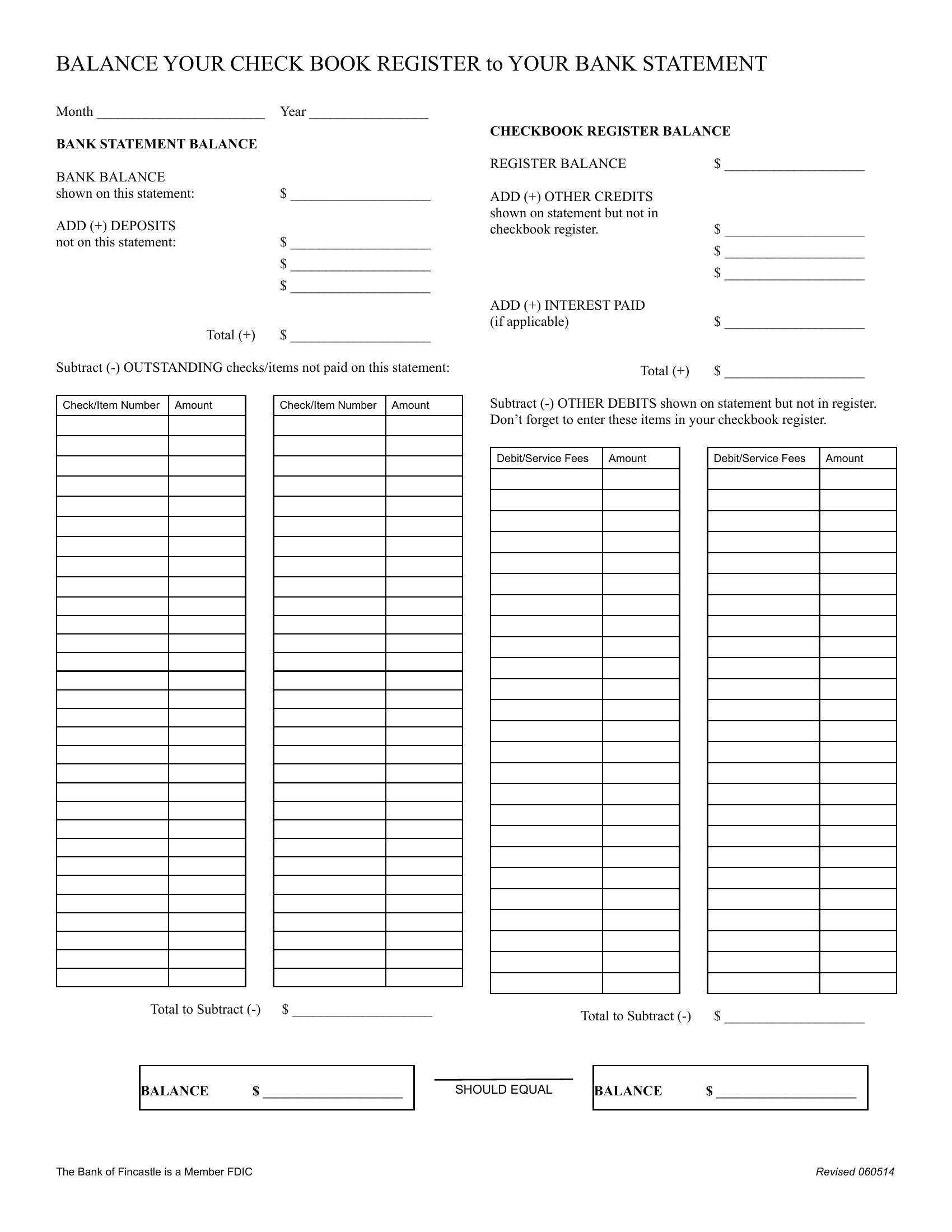
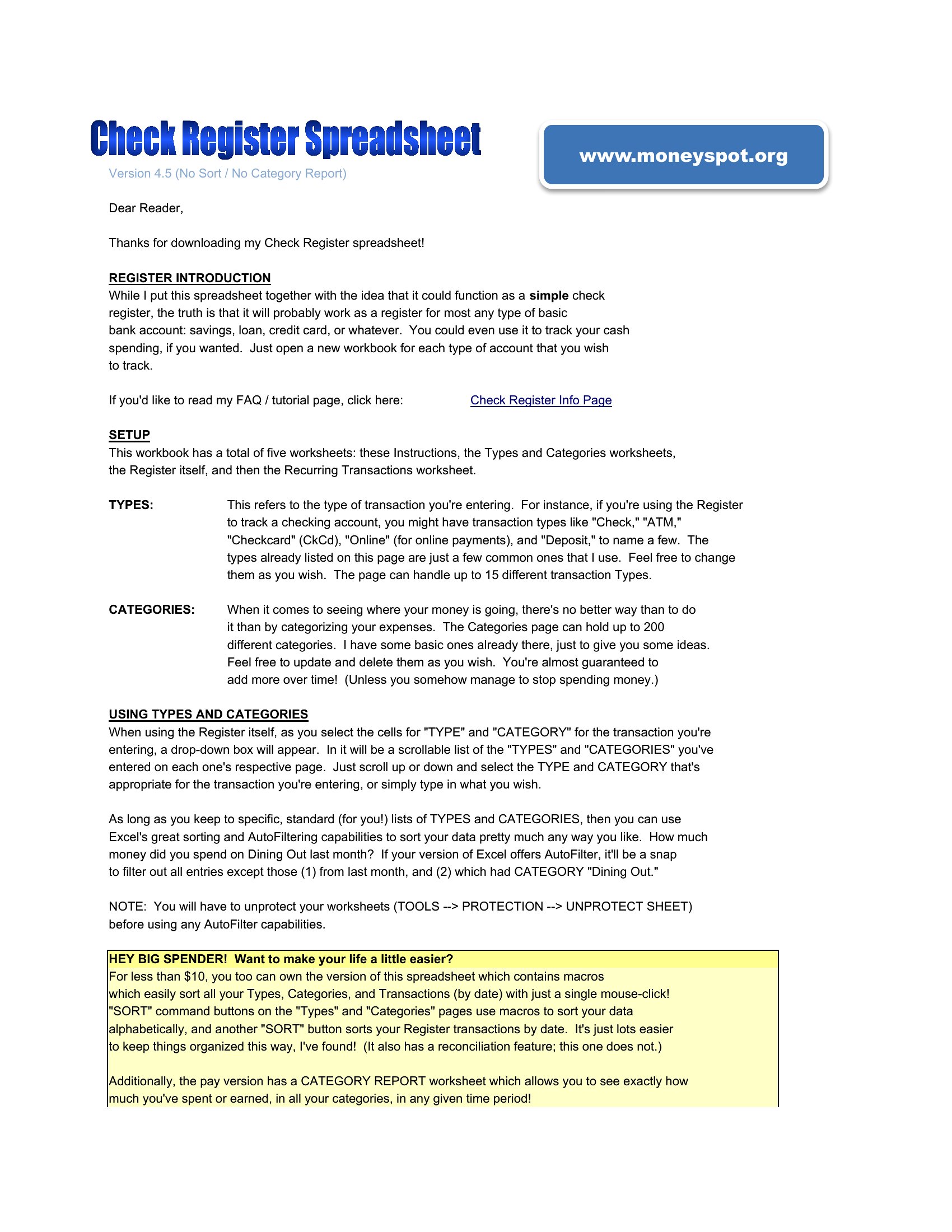
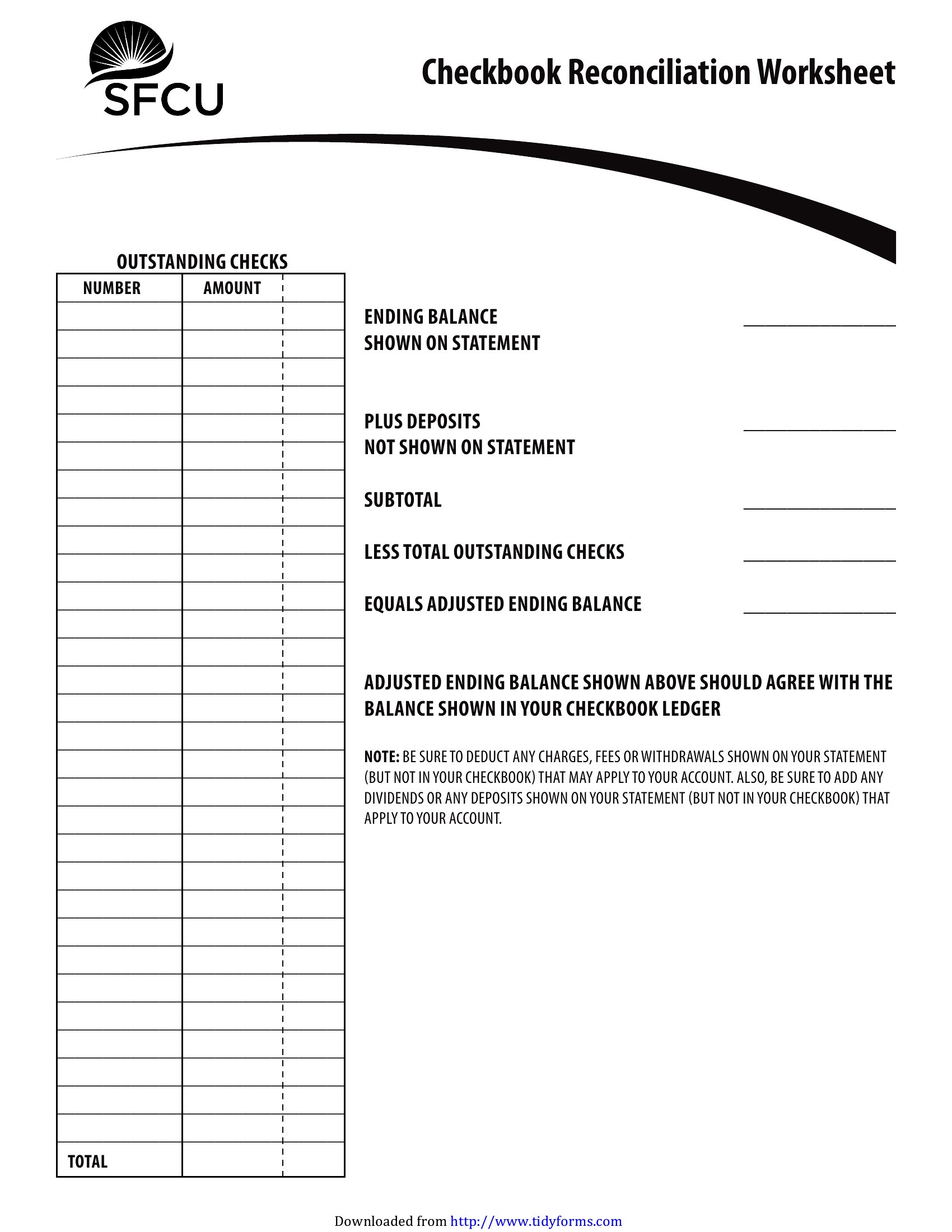
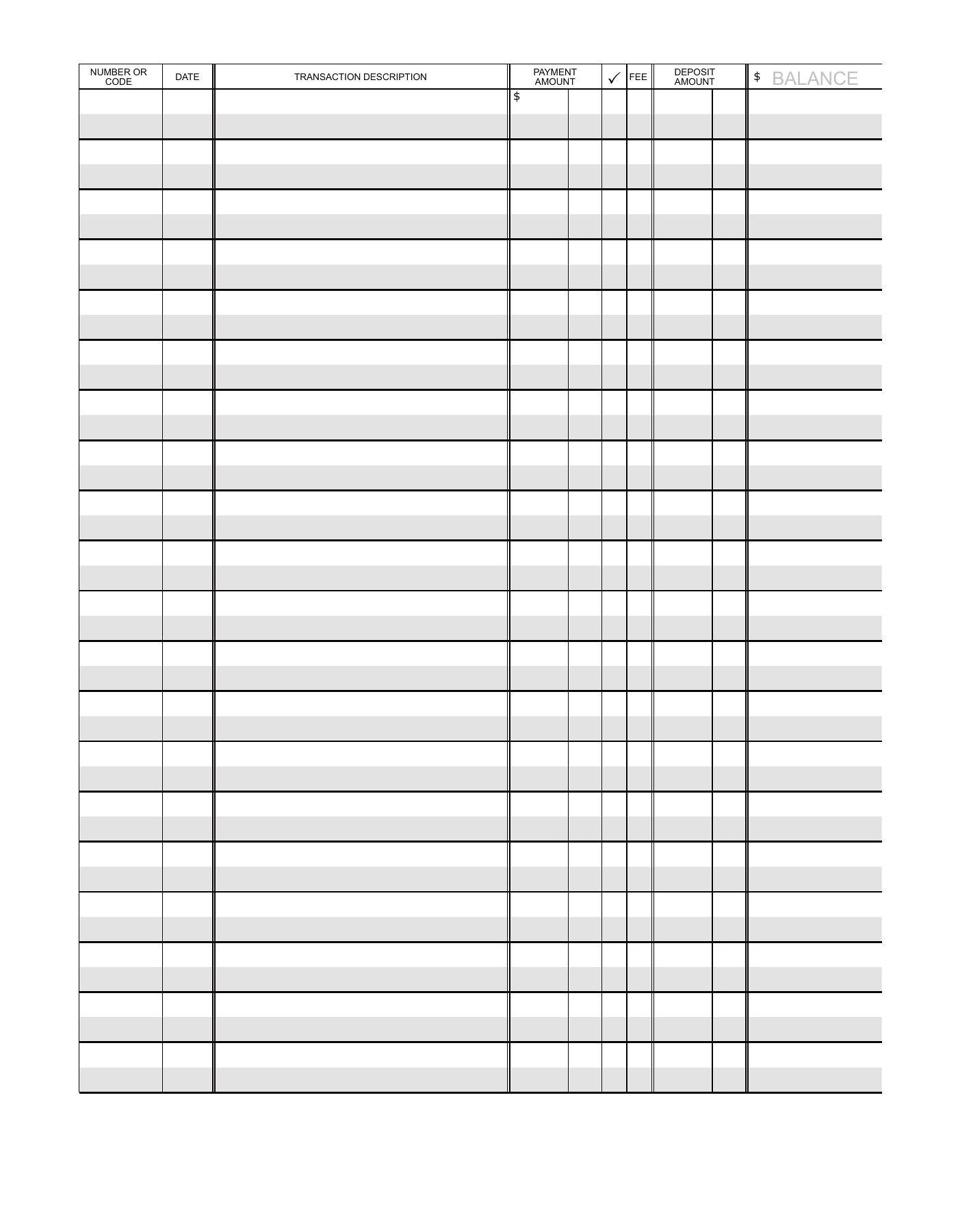
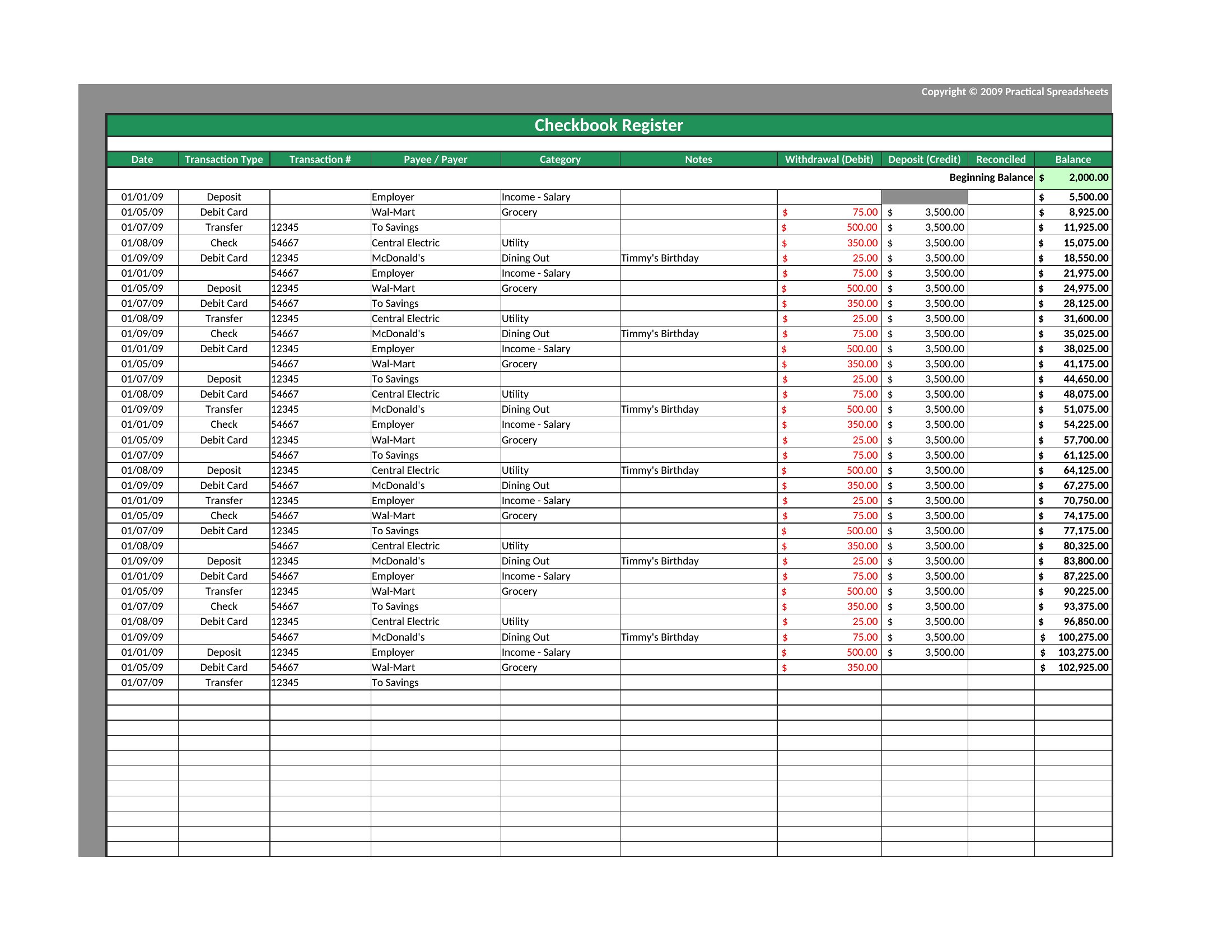
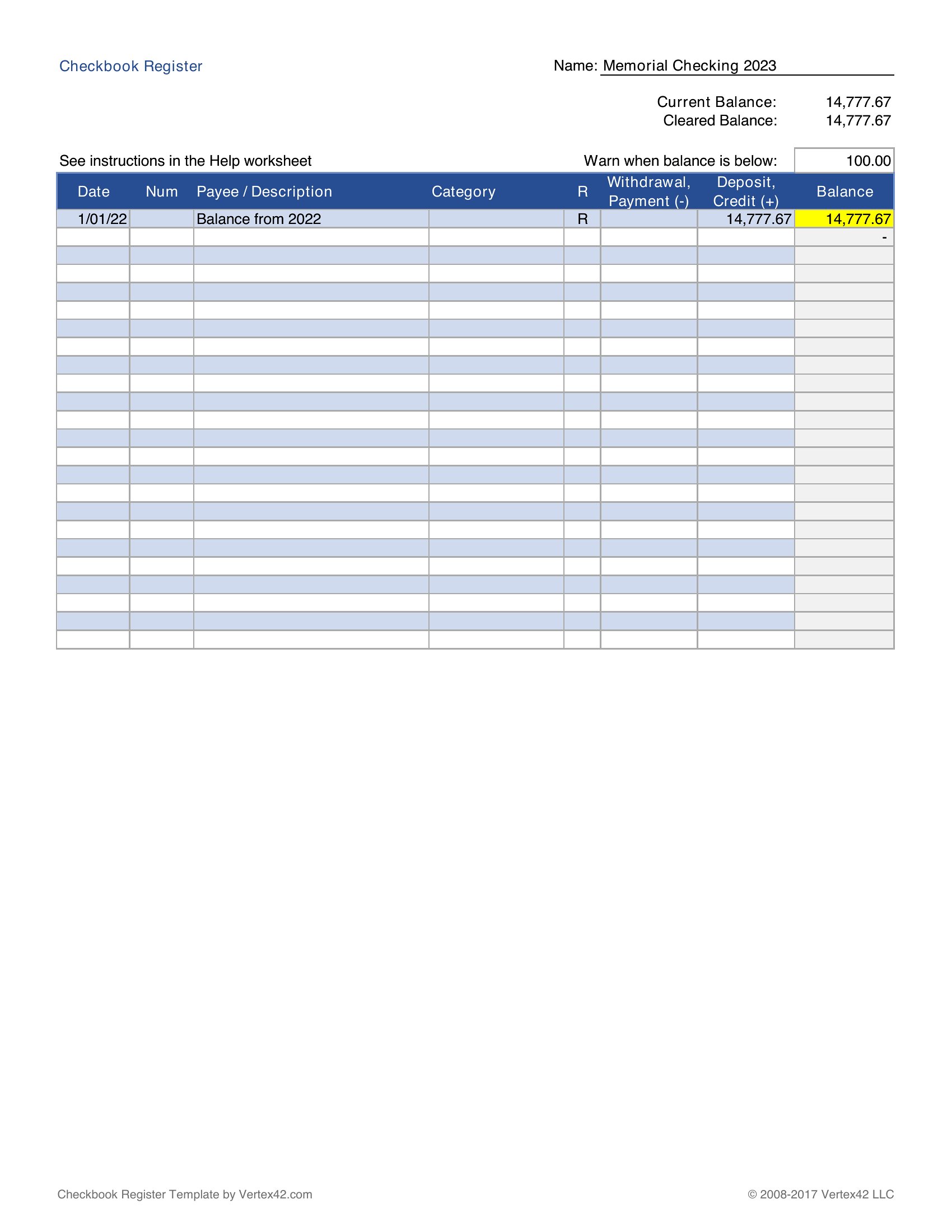
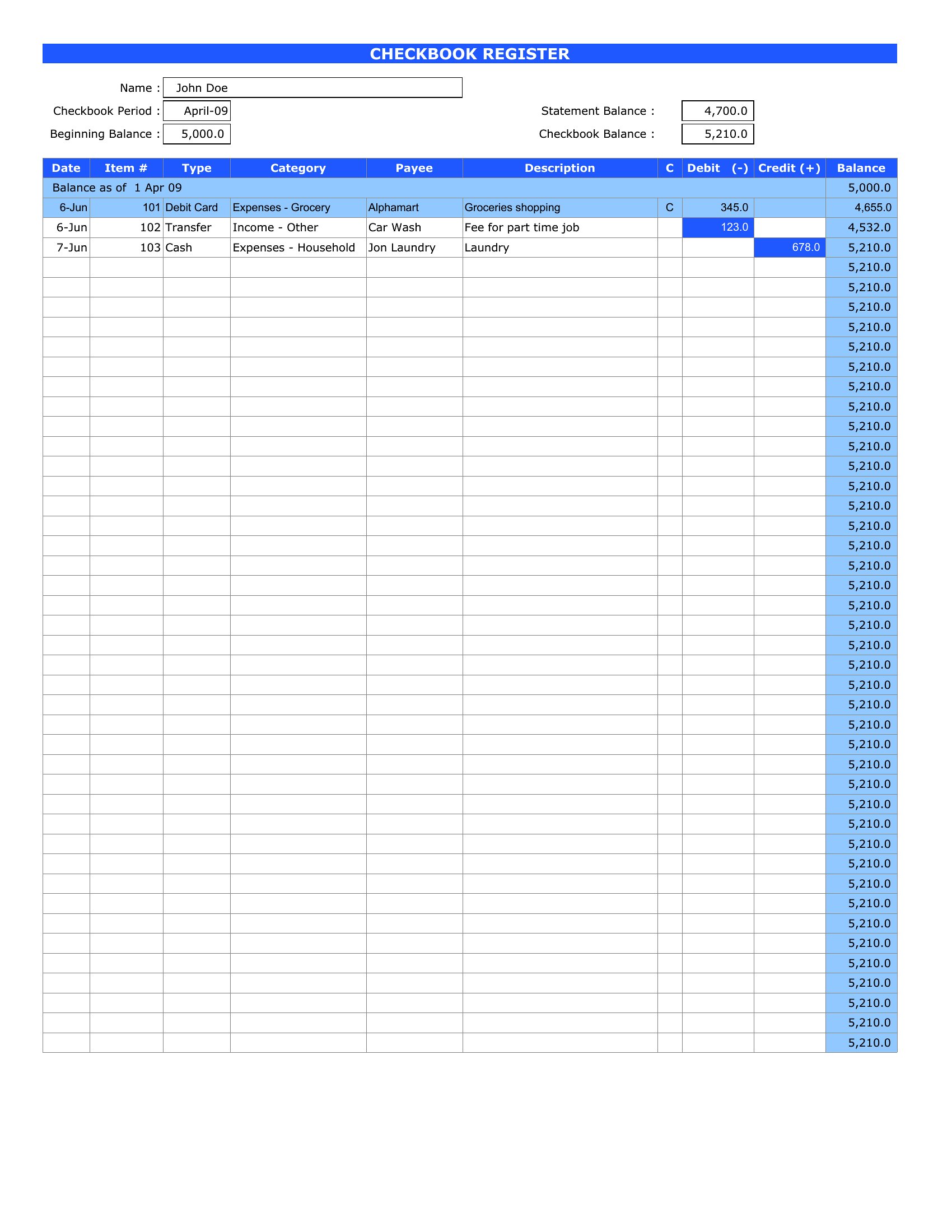
Yes, but dedicate a separate column to ‘Bank Statement Reconciliation’ and note pending transactions (like clears or holds) until they appear in your bank’s records. Update the register first, then cross-reference with your bank’s end-of-month statement to catch discrepancies early.
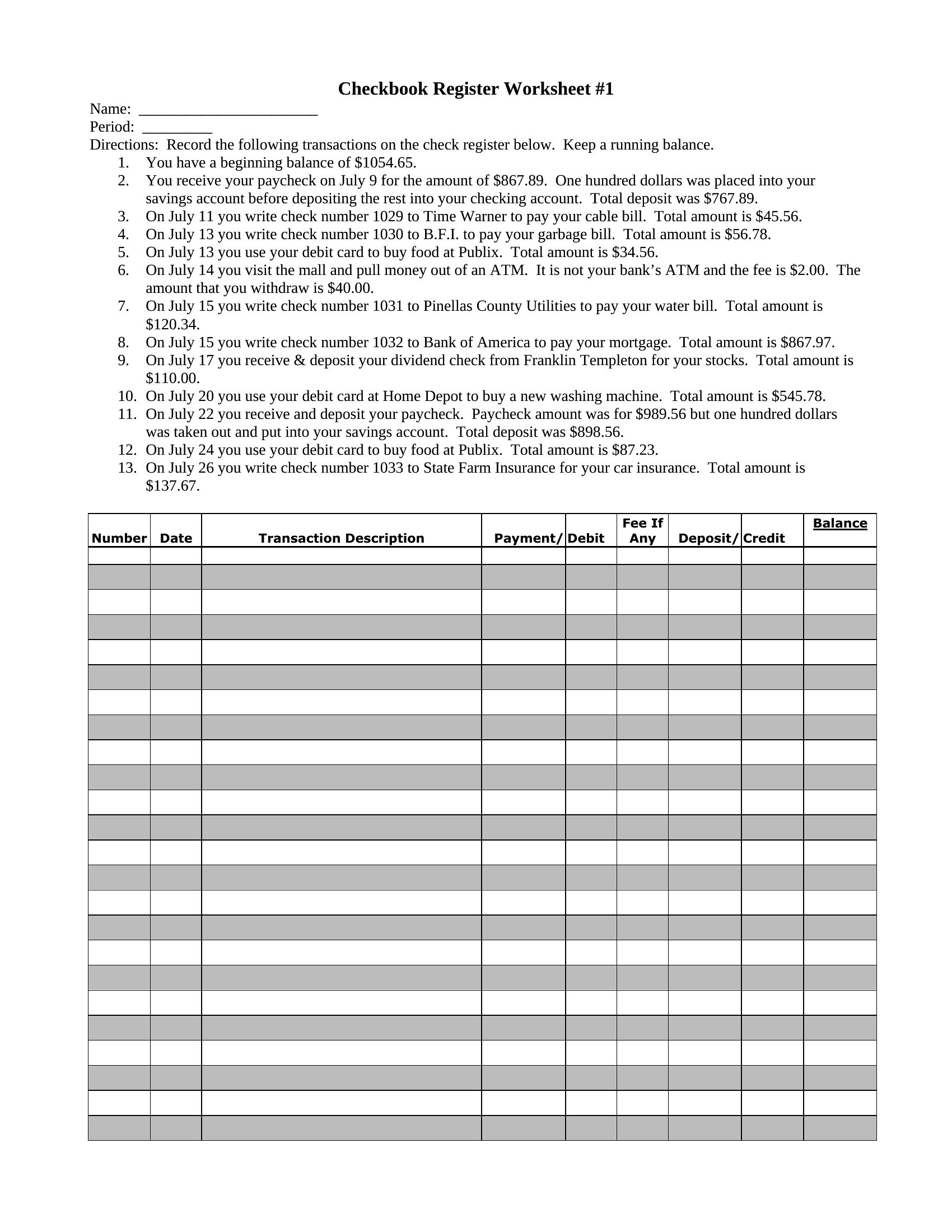
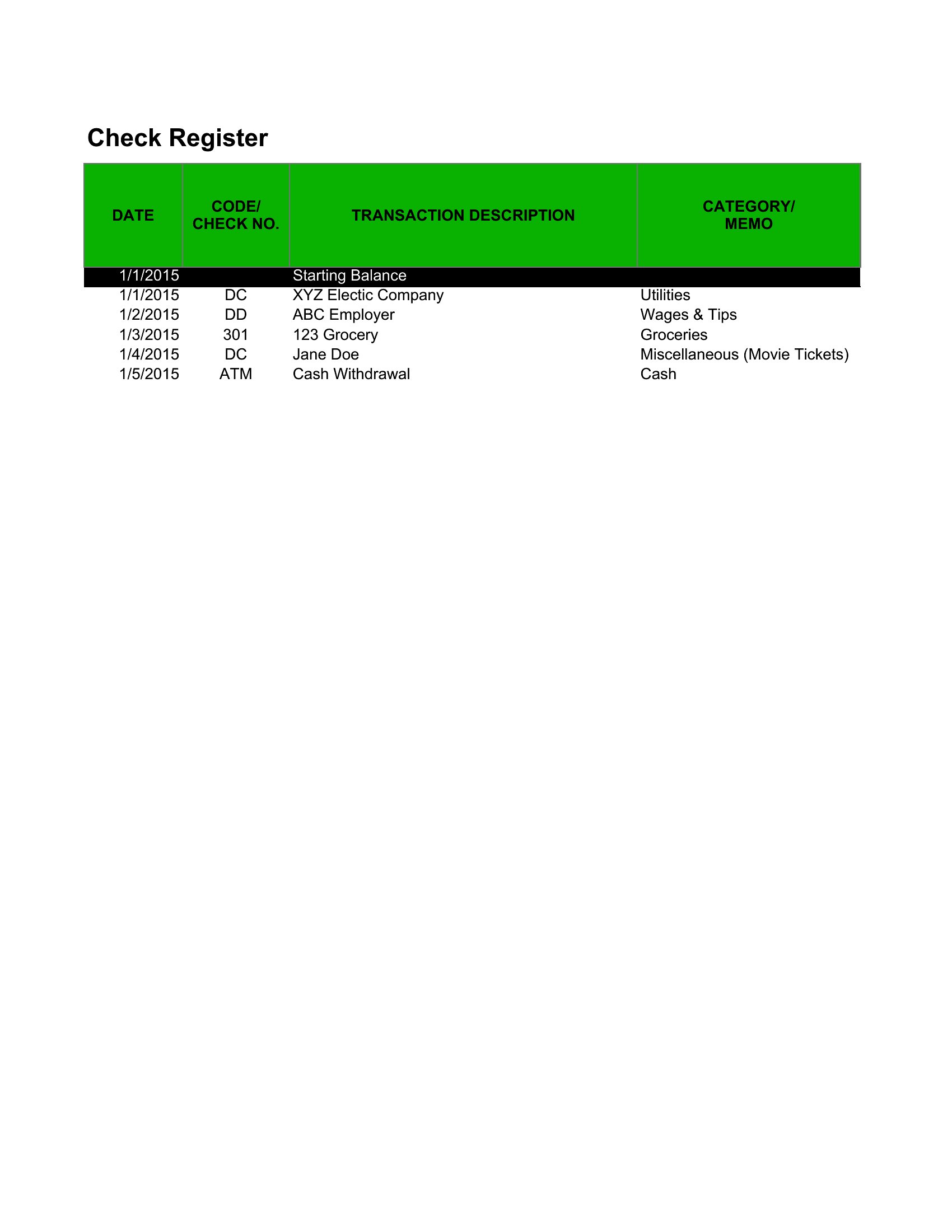
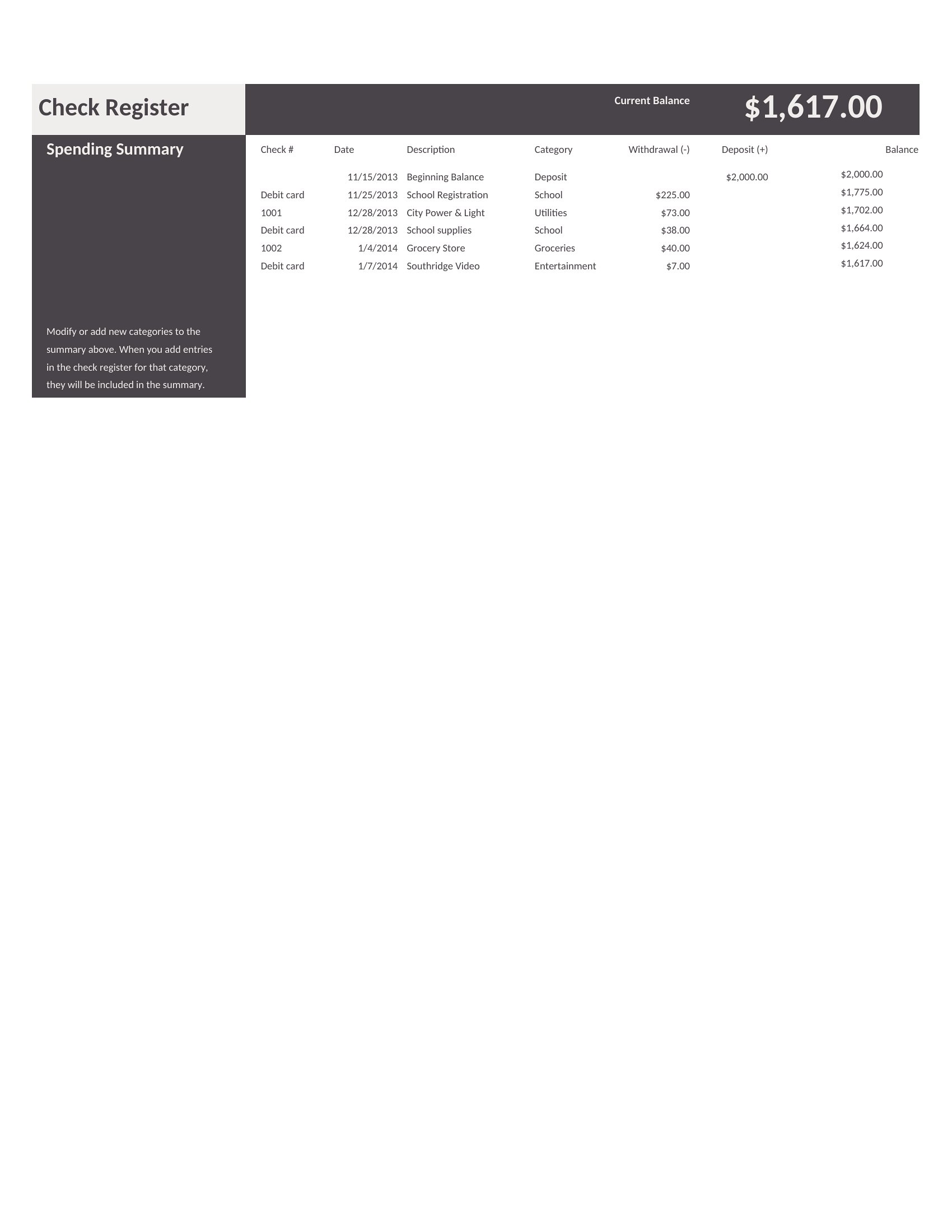
What’s the best way to organize checks by category (e.g., groceries, subscriptions) in a manual system?
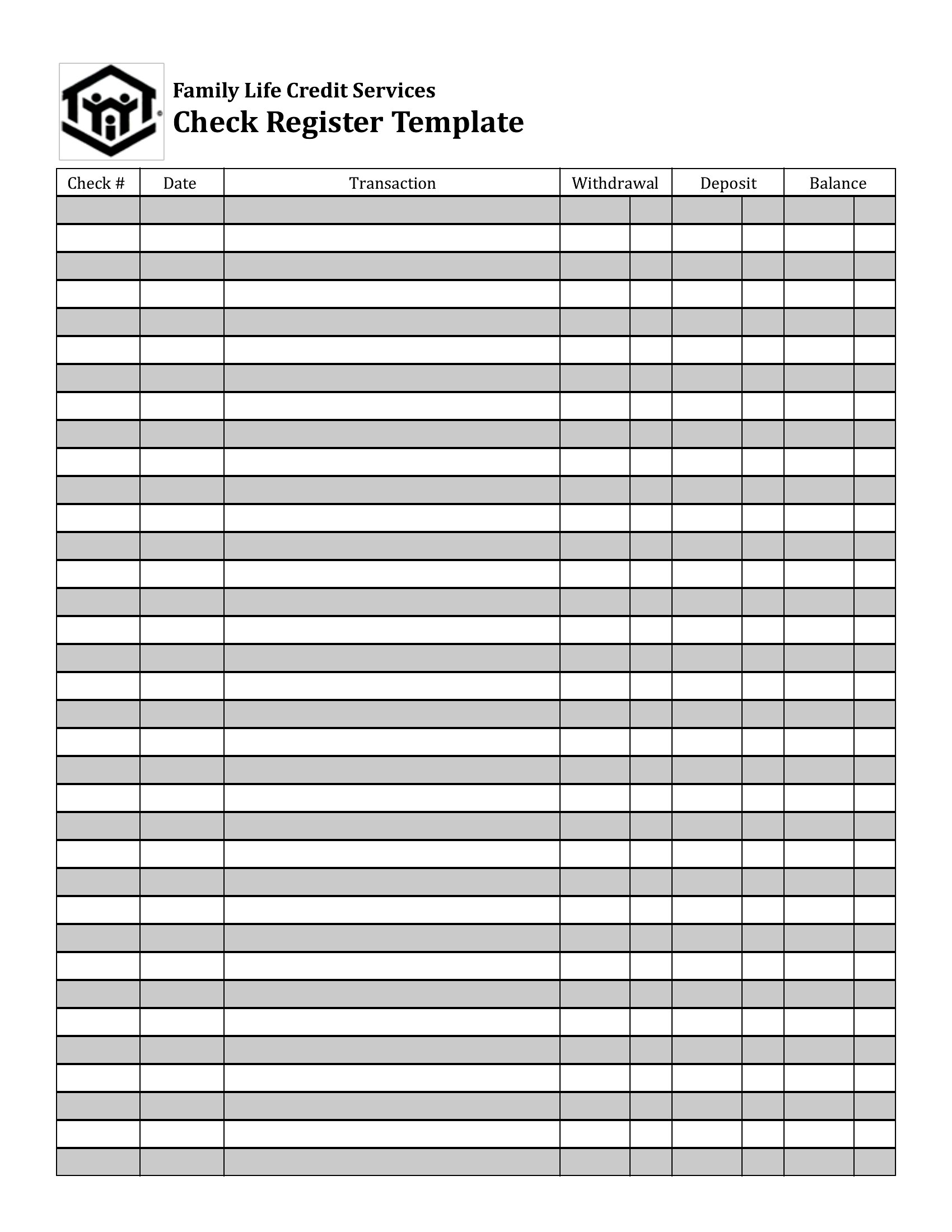
Add a ‘Category’ column next to the payee and use abbreviations like ‘G’ for groceries or ‘SUB’ for subscriptions. Color-code the rows in Excel (e.g., green for income, red for bills) or use highlighters in printable versions to quickly spot spending trends at glance.
Comments
Join the conversation
Sign in to share your thoughts and leave a comment on this resource.