





Skip to content
50% off this one-time $1.99 pack with HALFOFF — or unlimited with Pro.HALFOFF
Premium

Free Christmas Border Templates (Word, PDF)

Life
ottosaari by ottosaari
Updated 0 downloads Quality-checked template

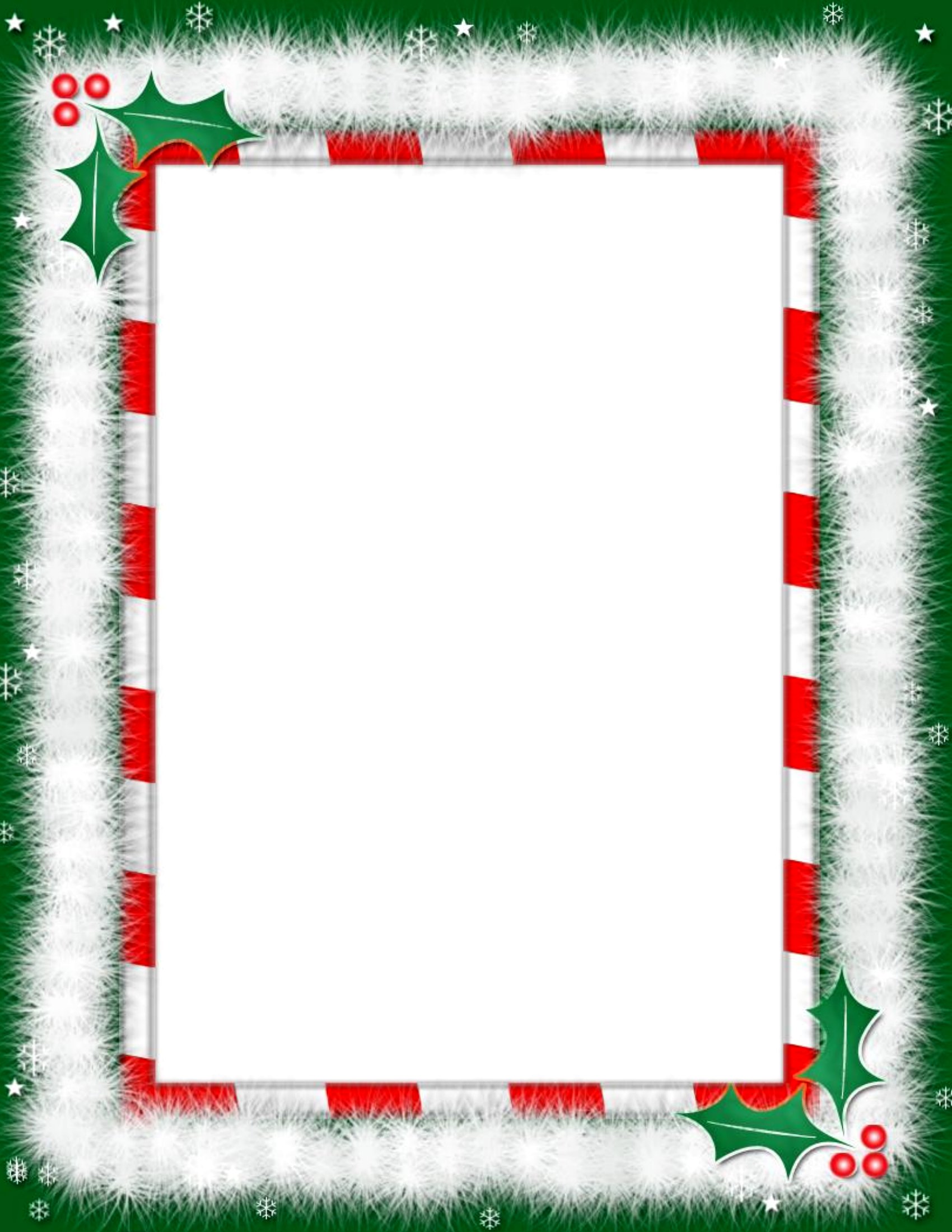
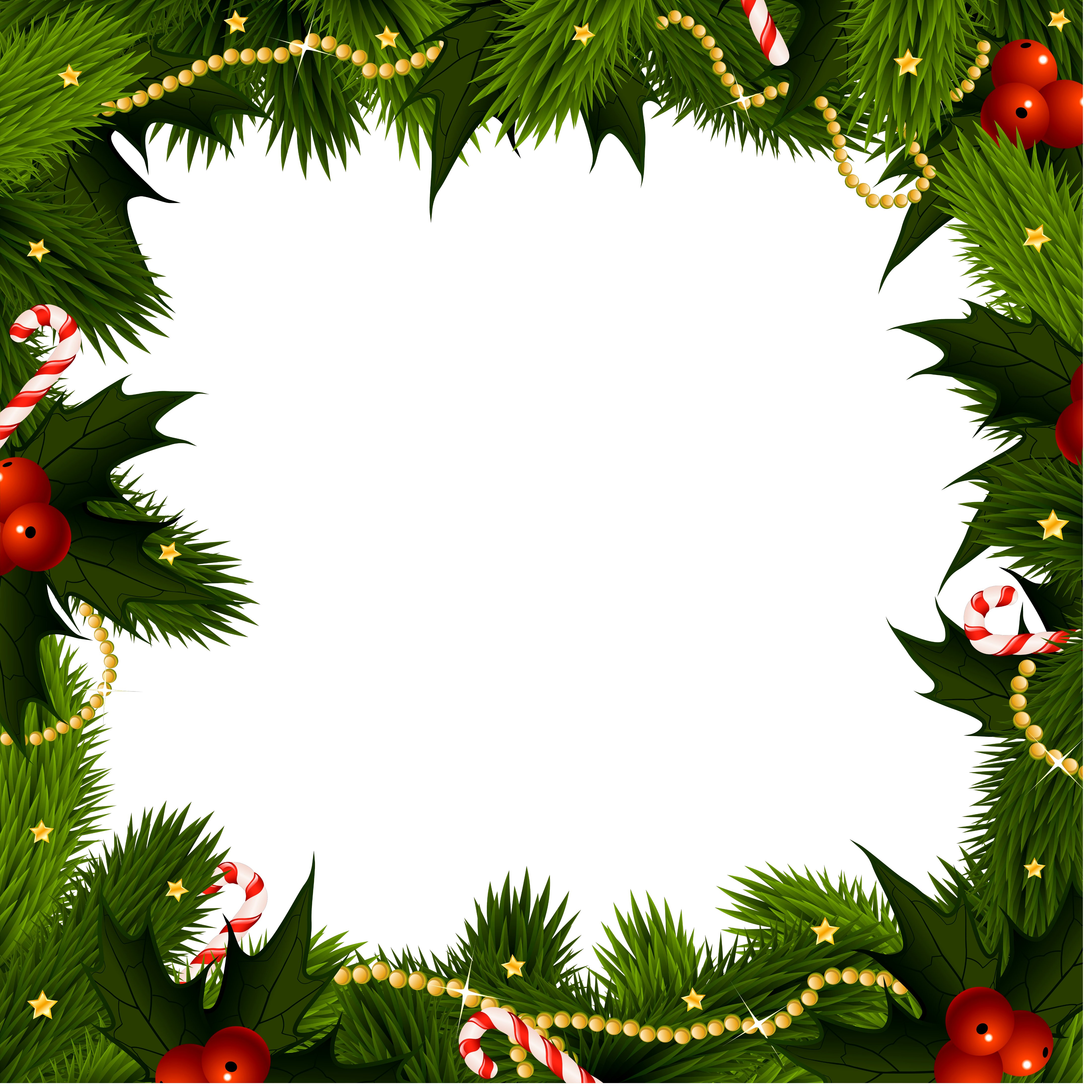
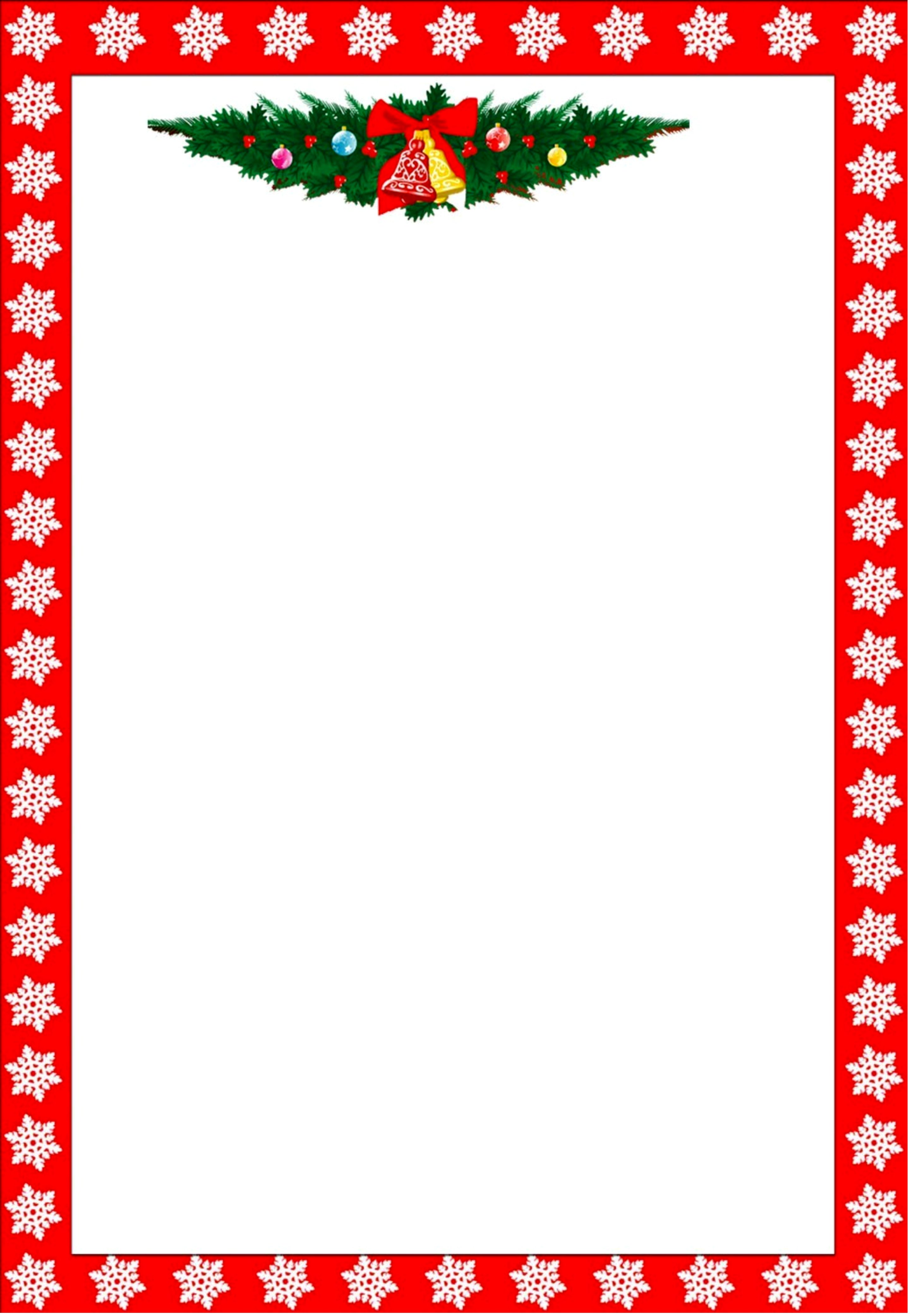
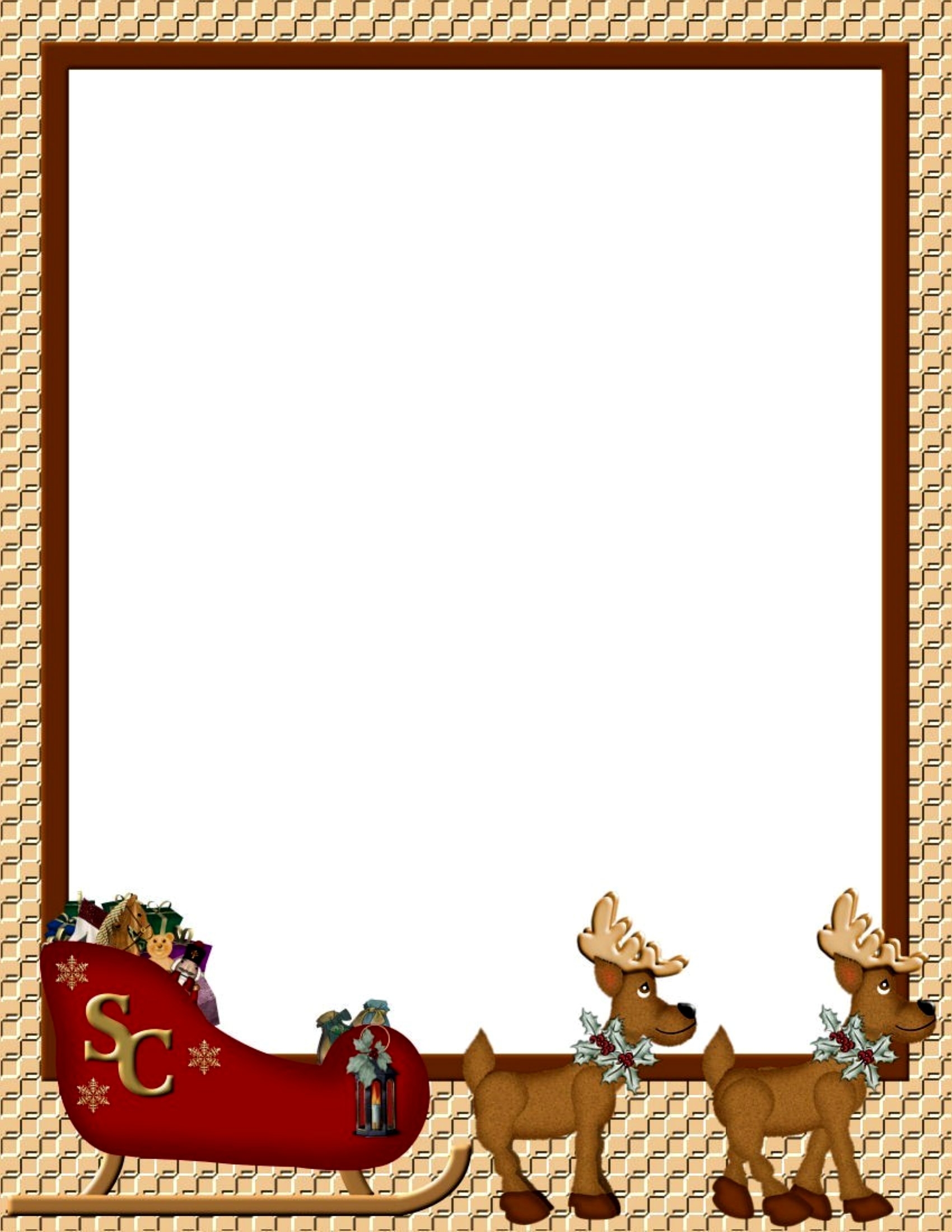
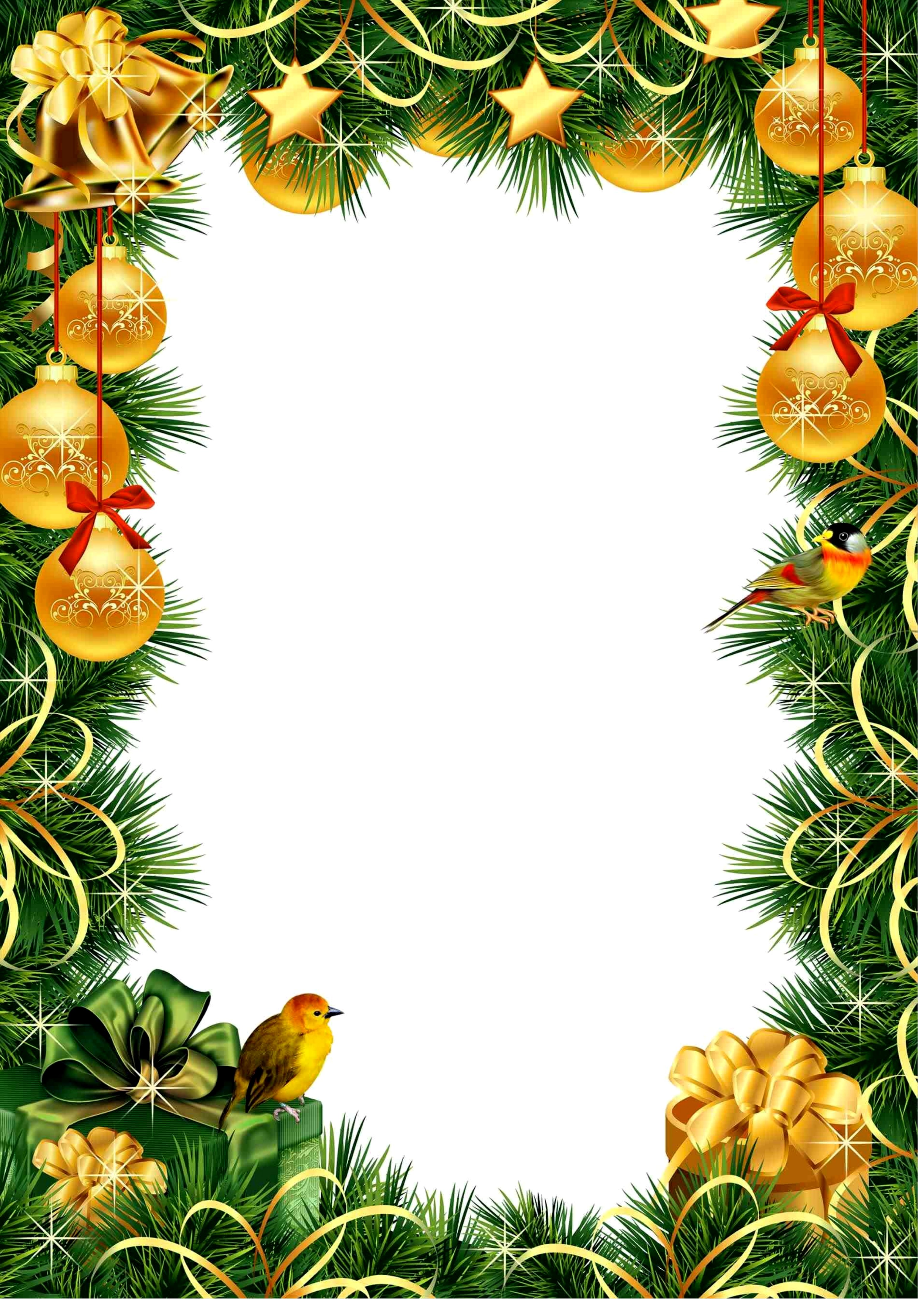
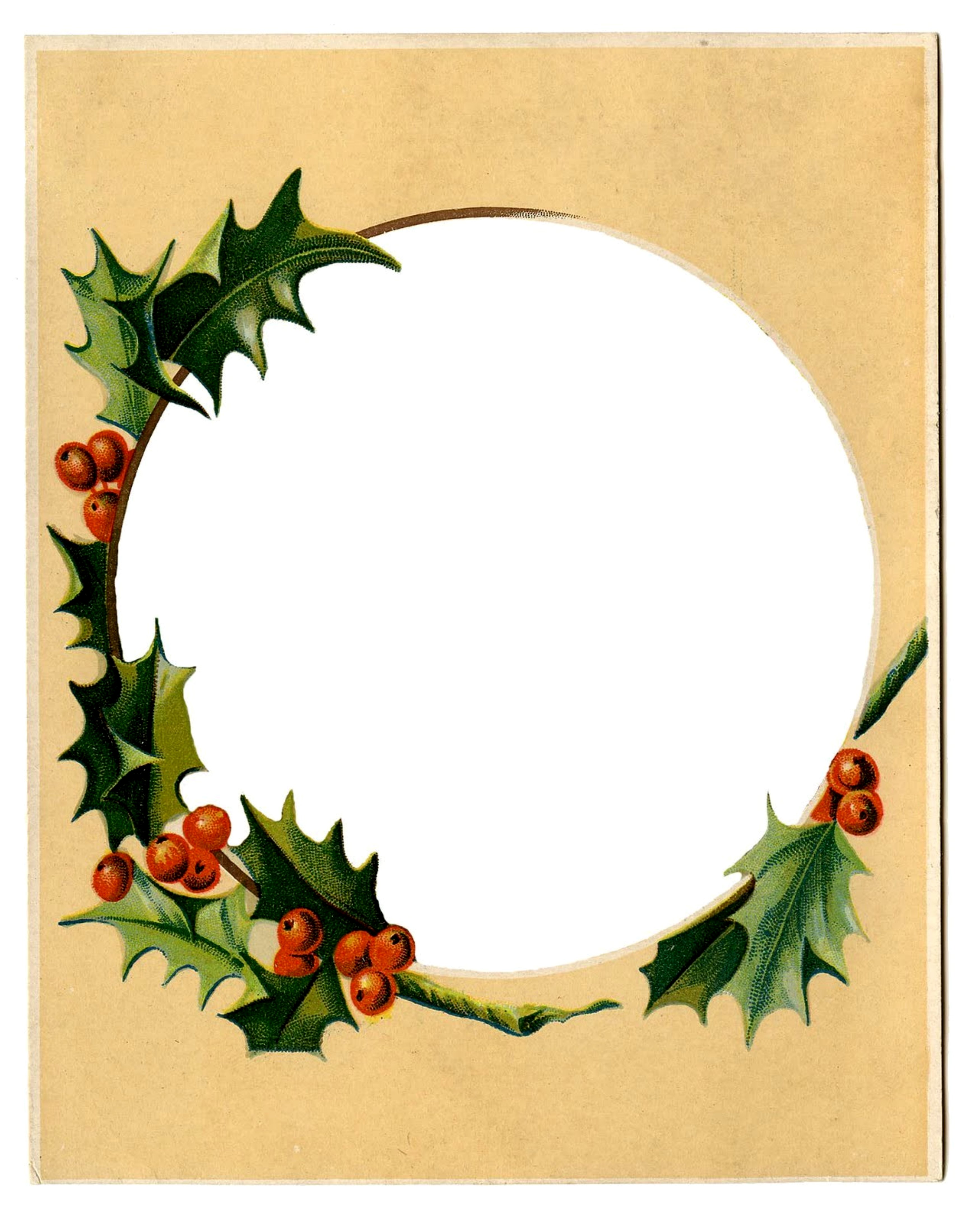
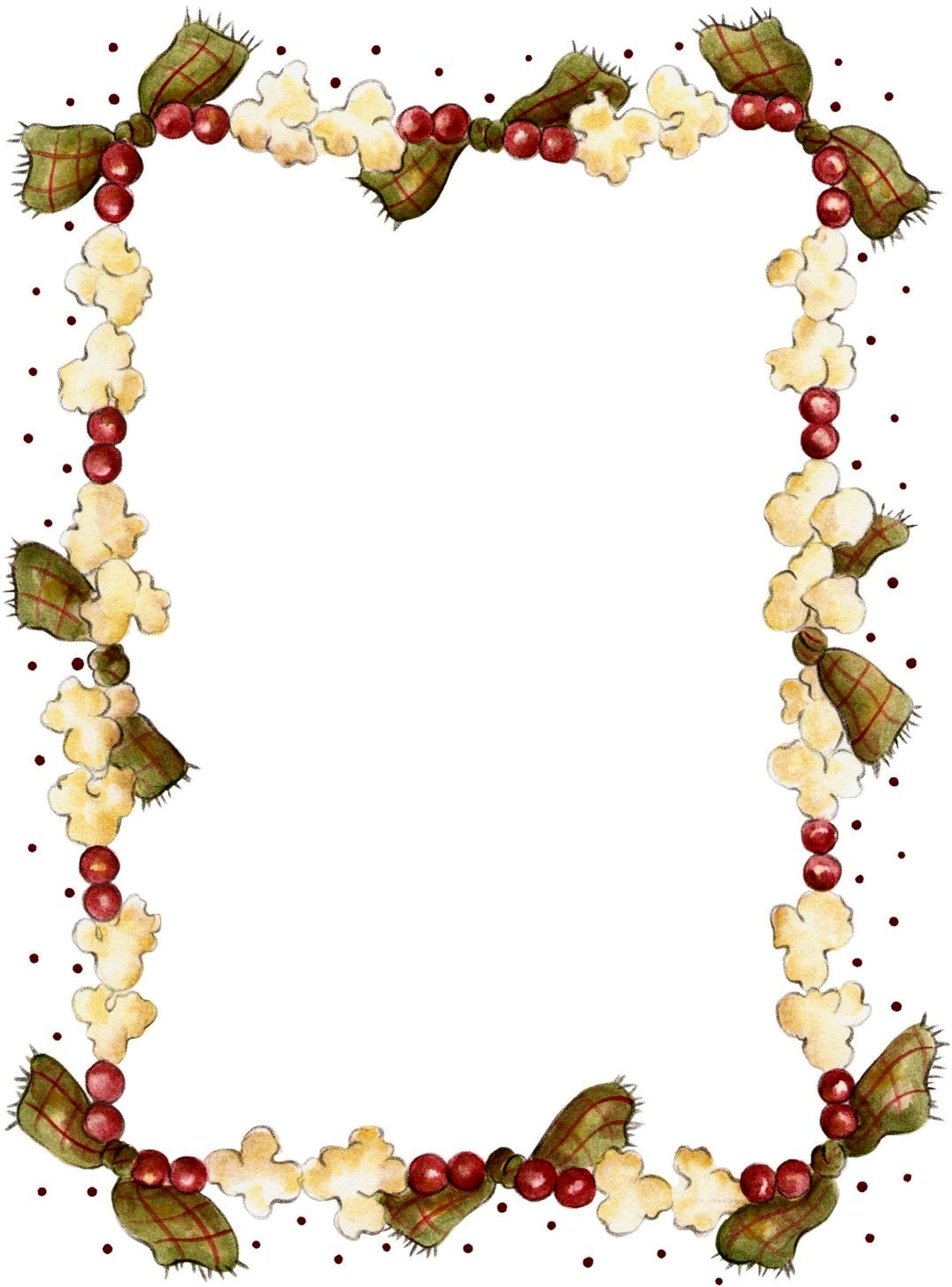
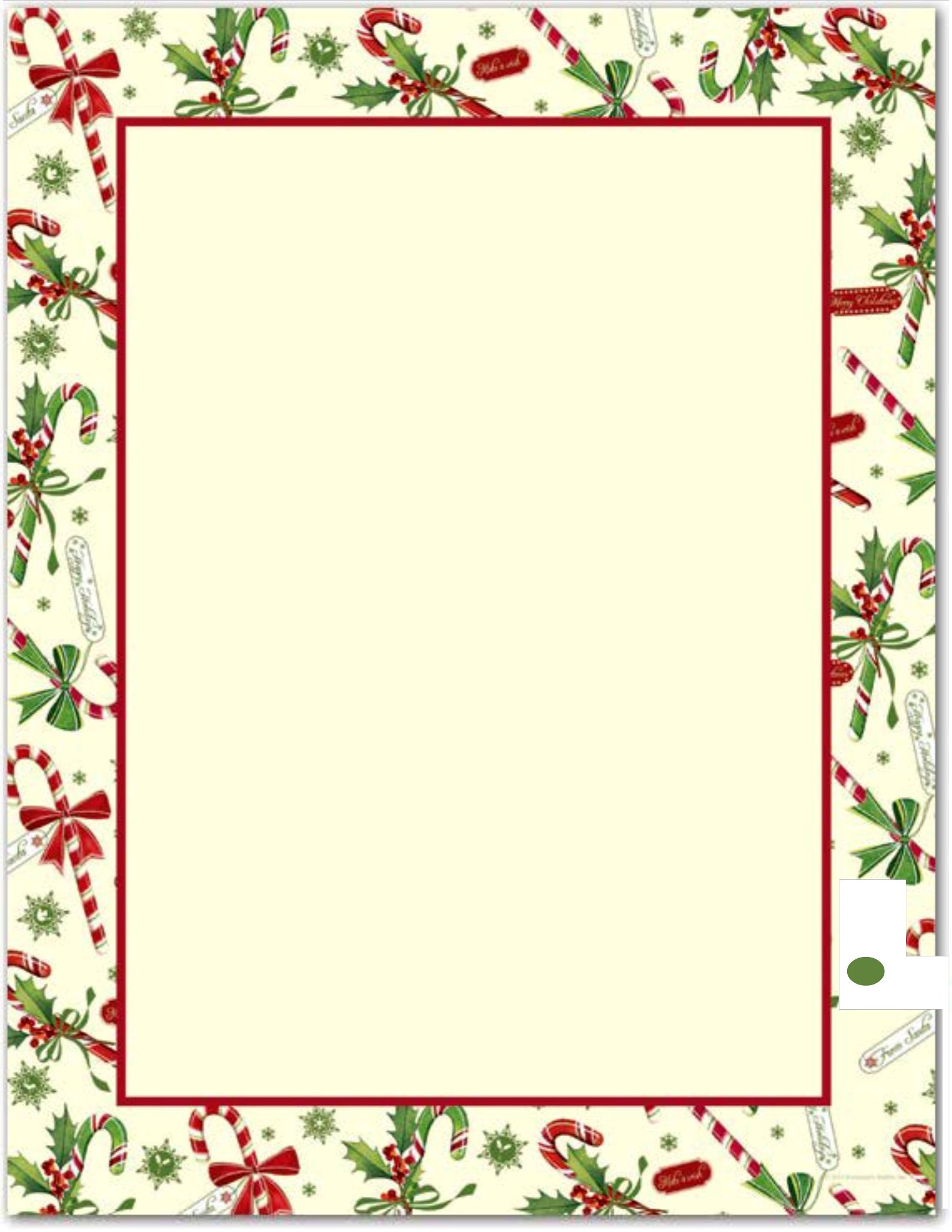
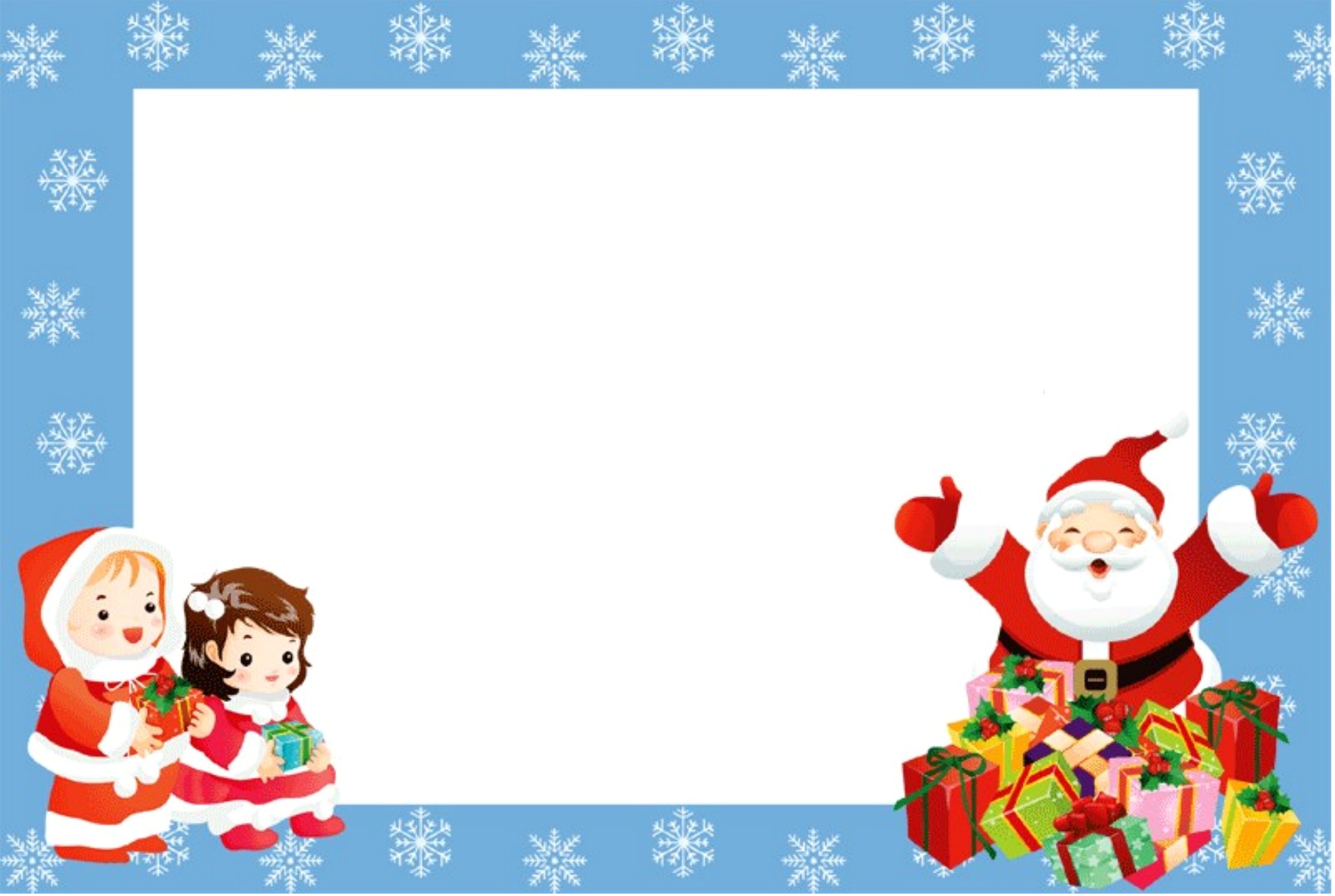
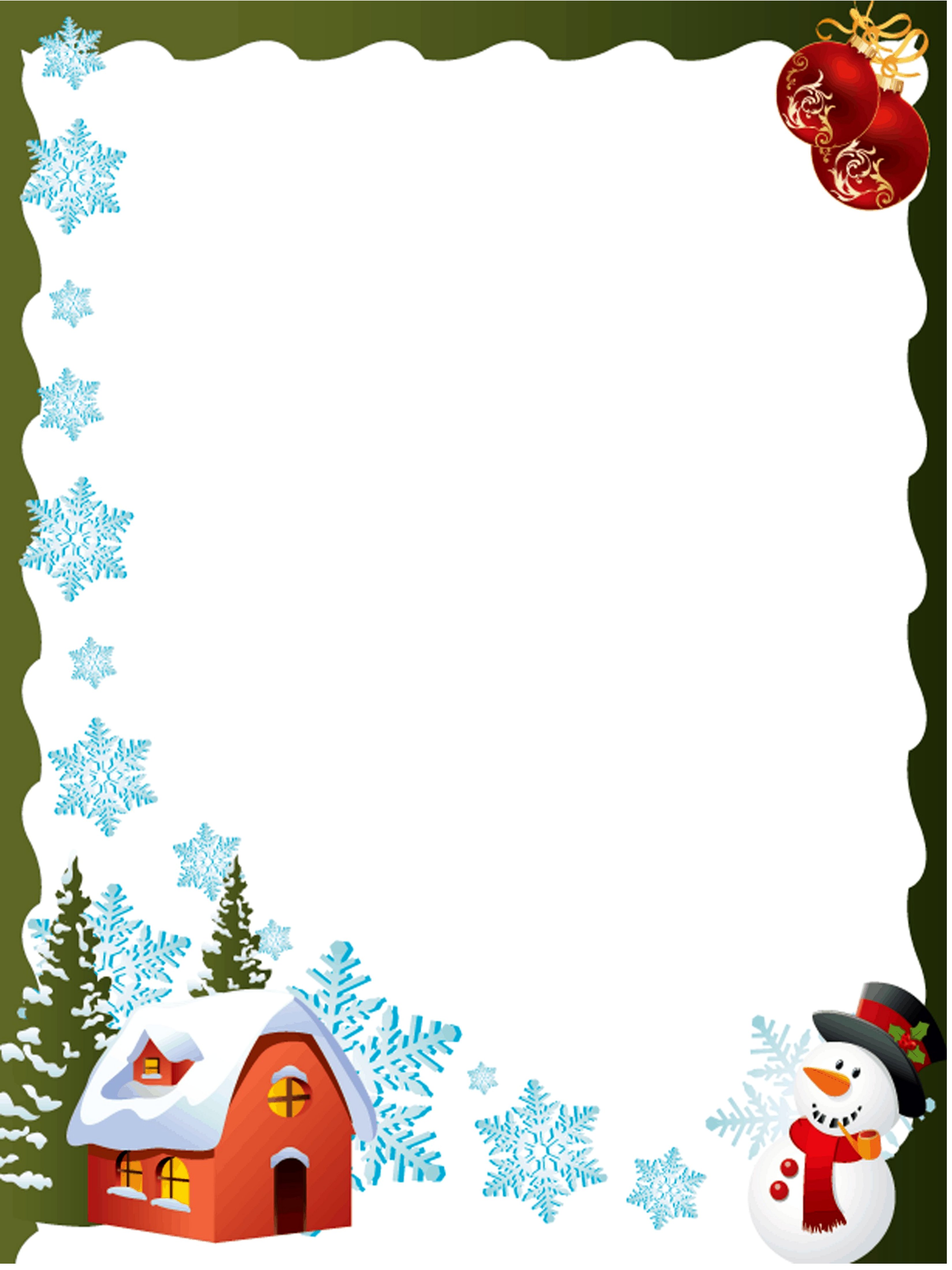
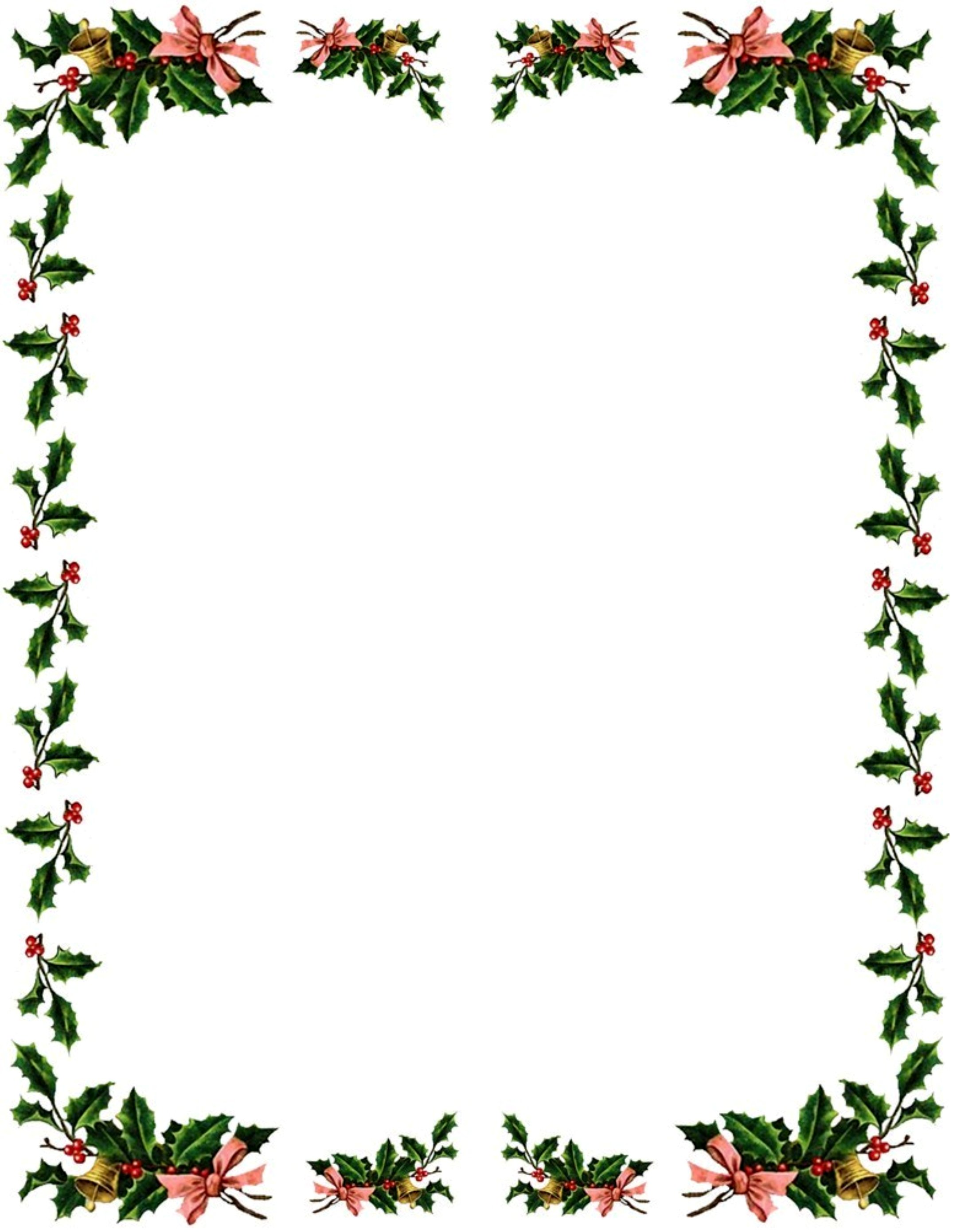
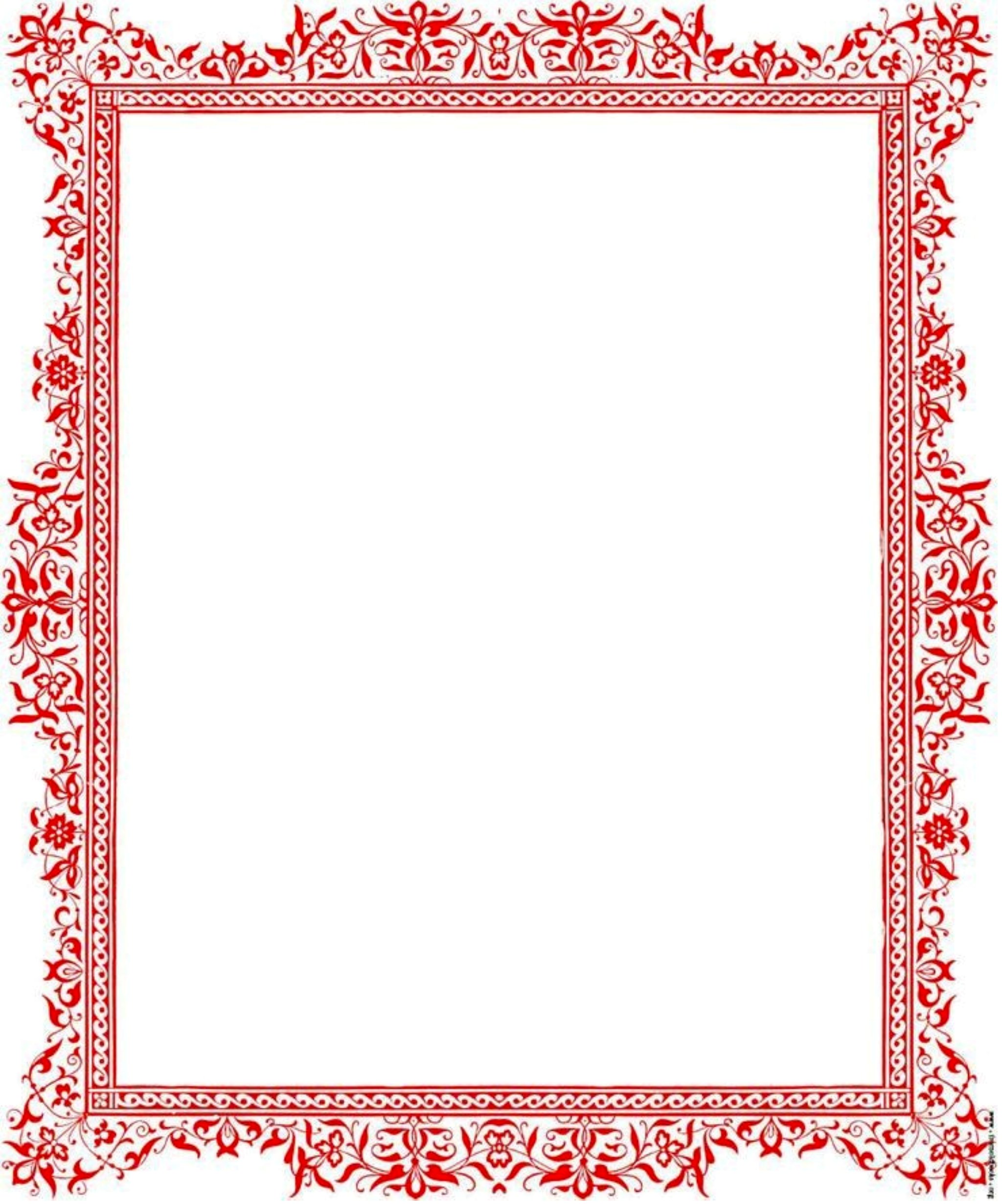
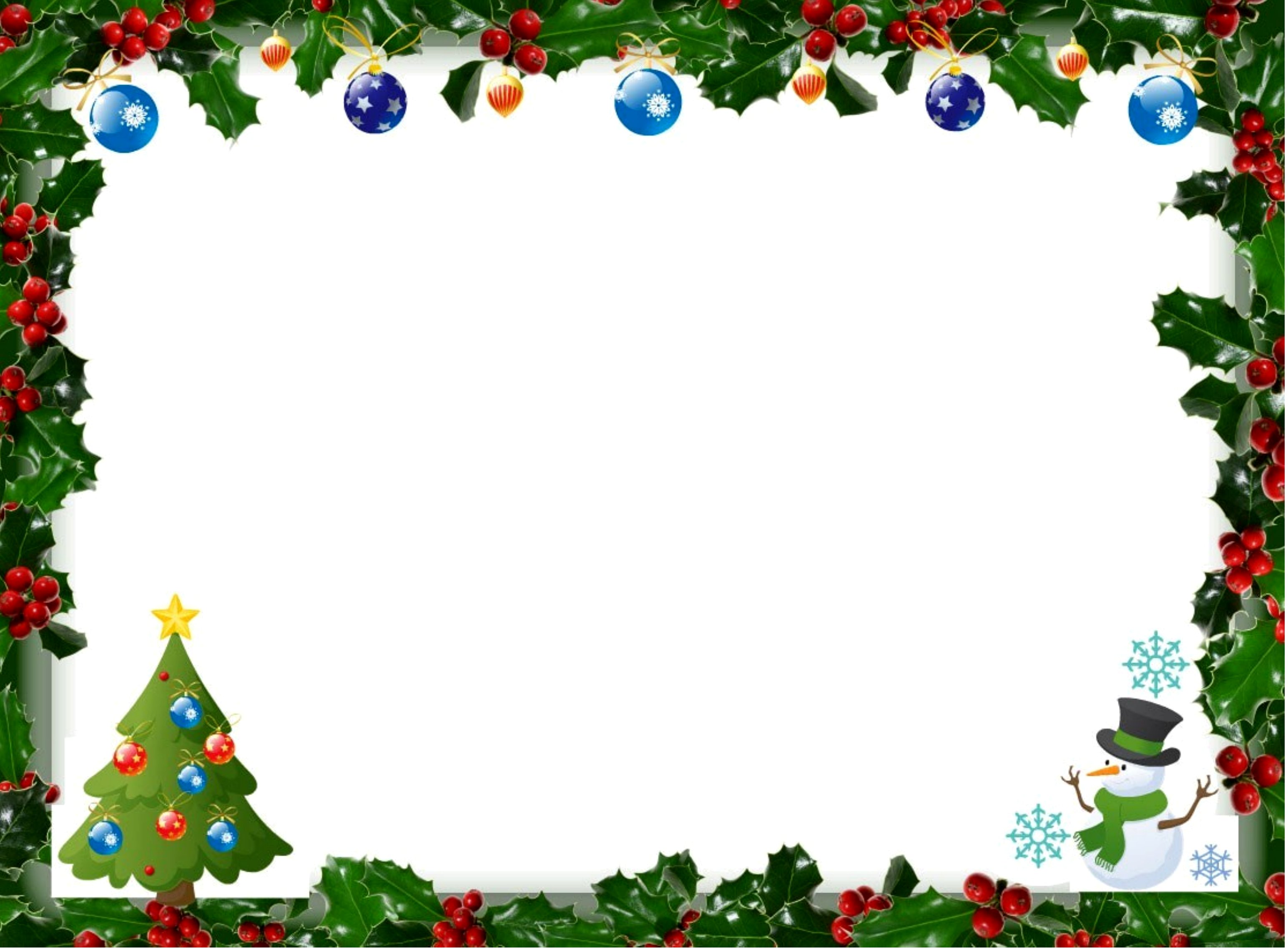
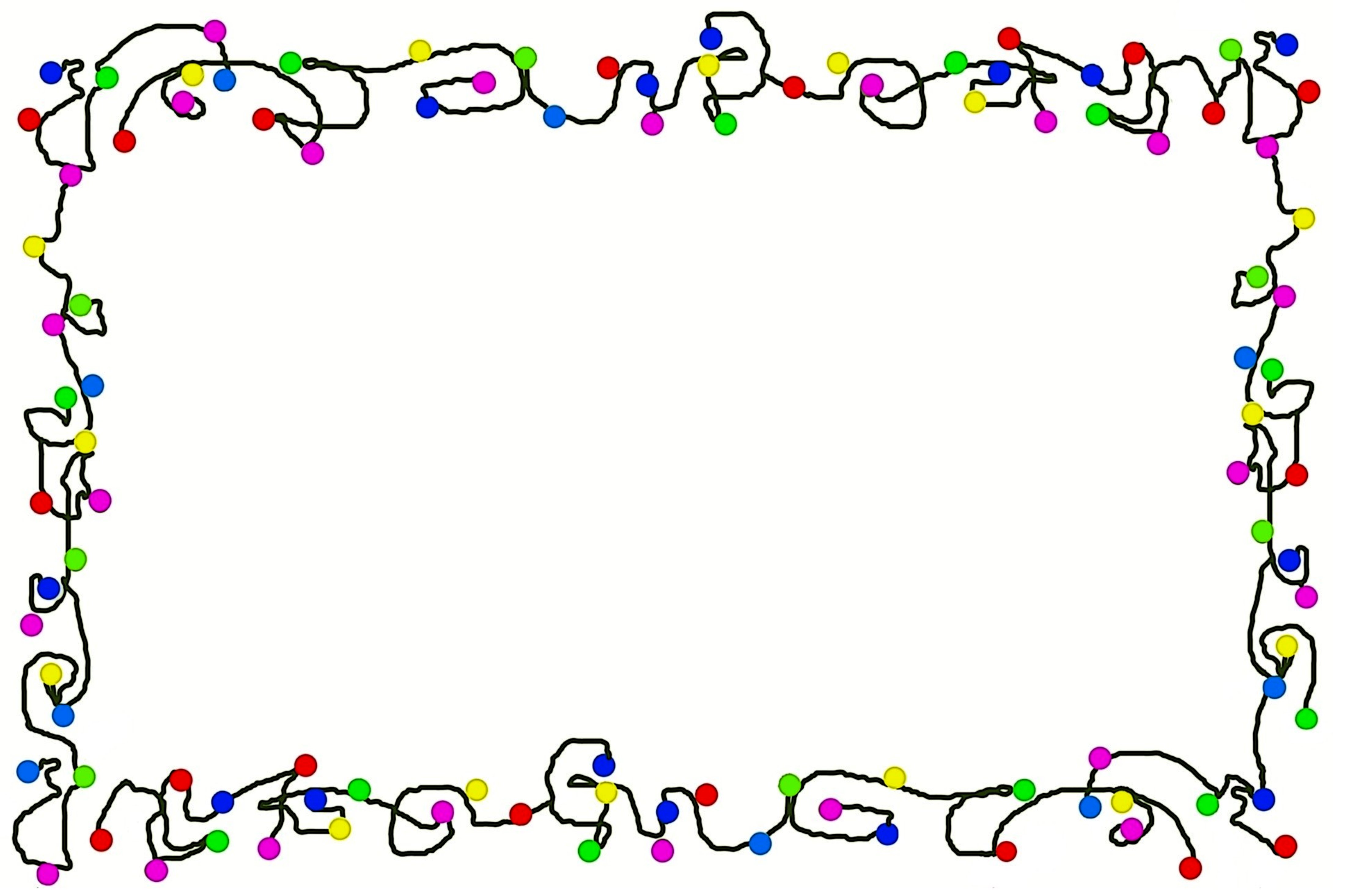
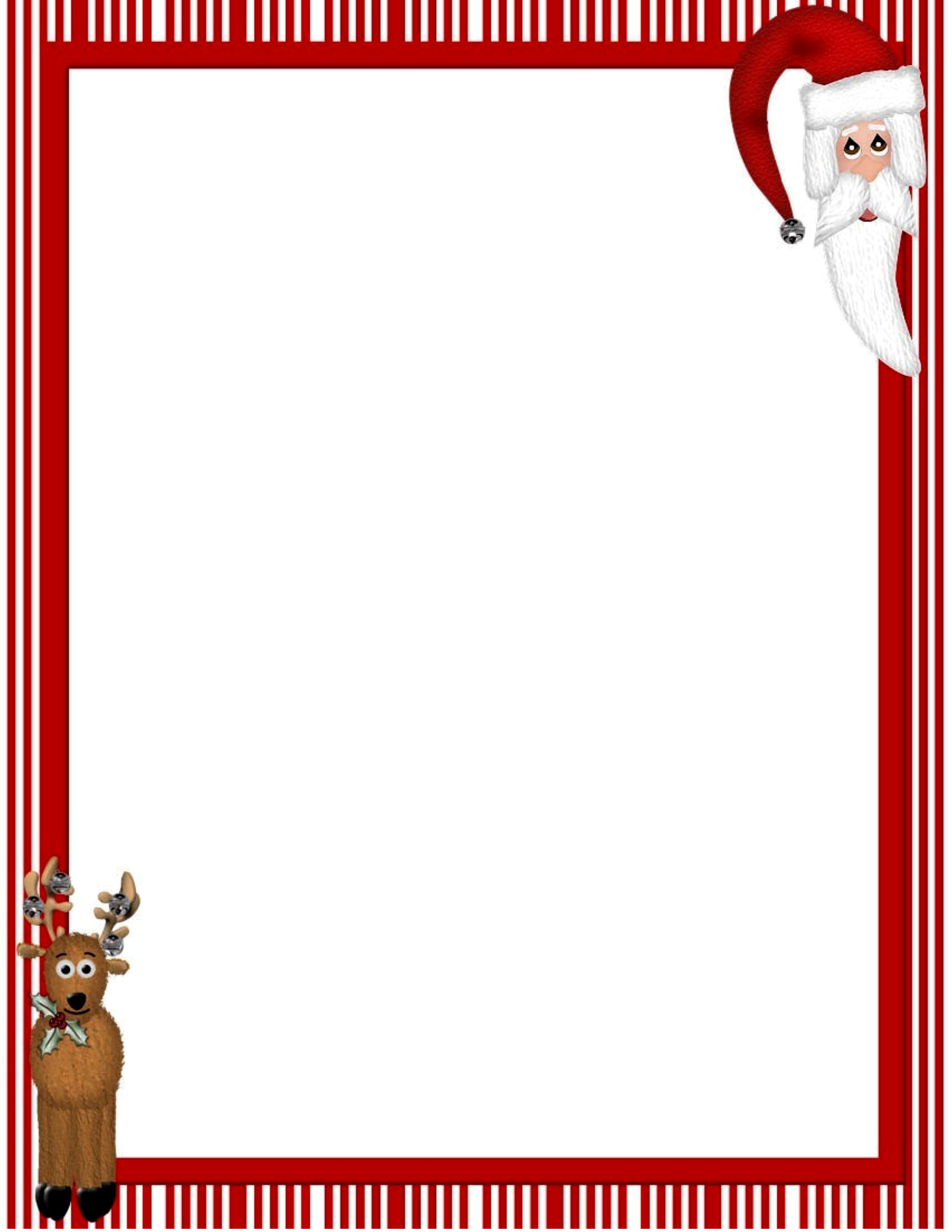
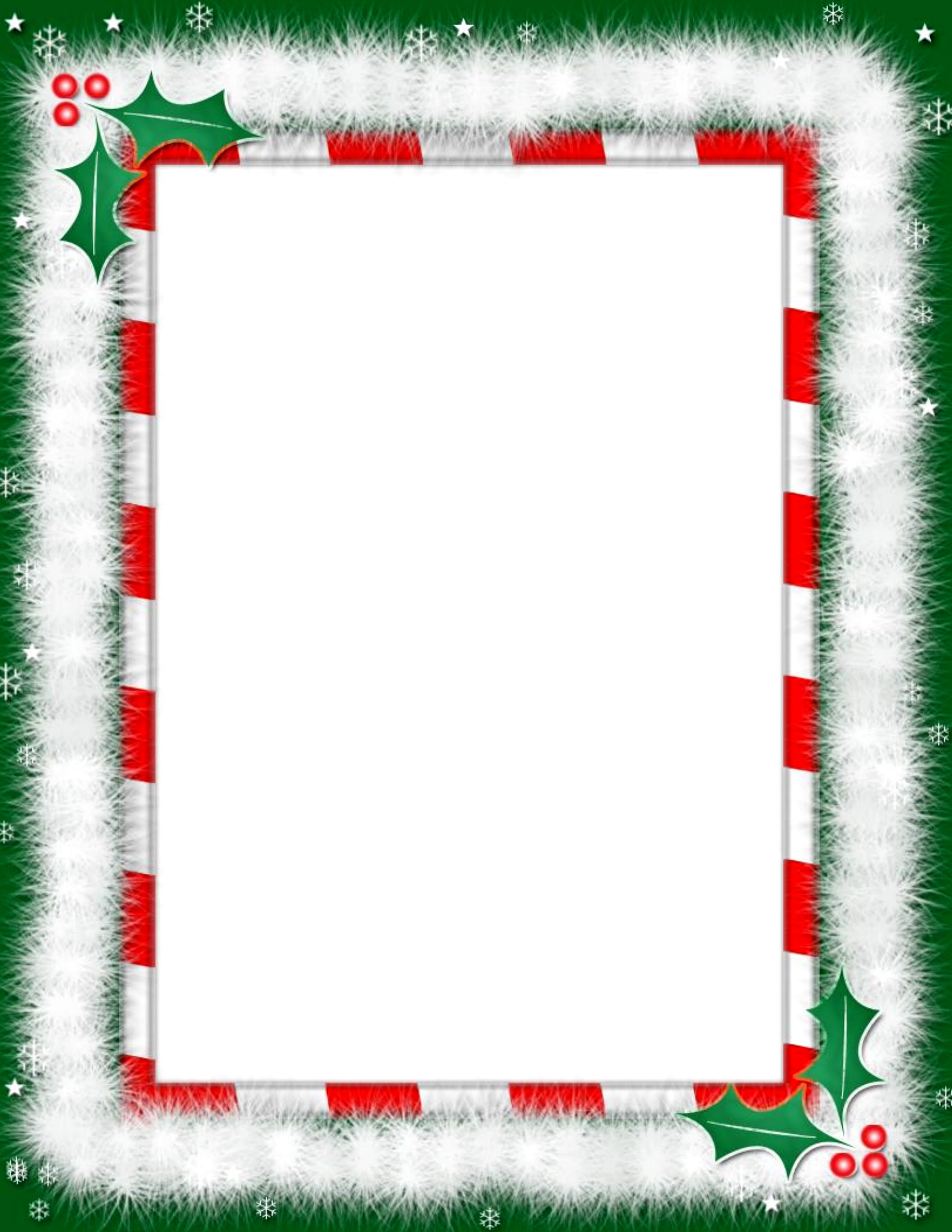
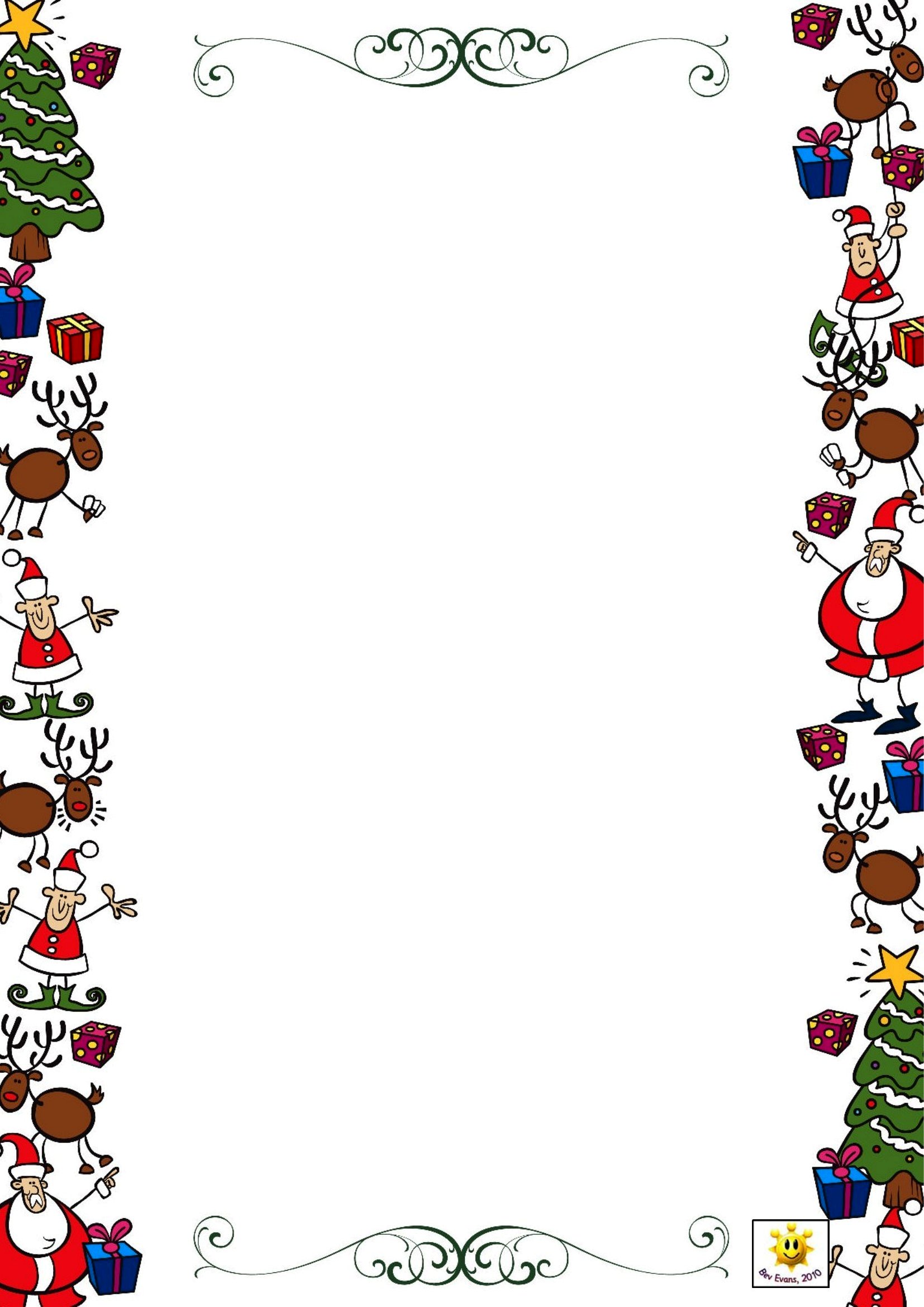
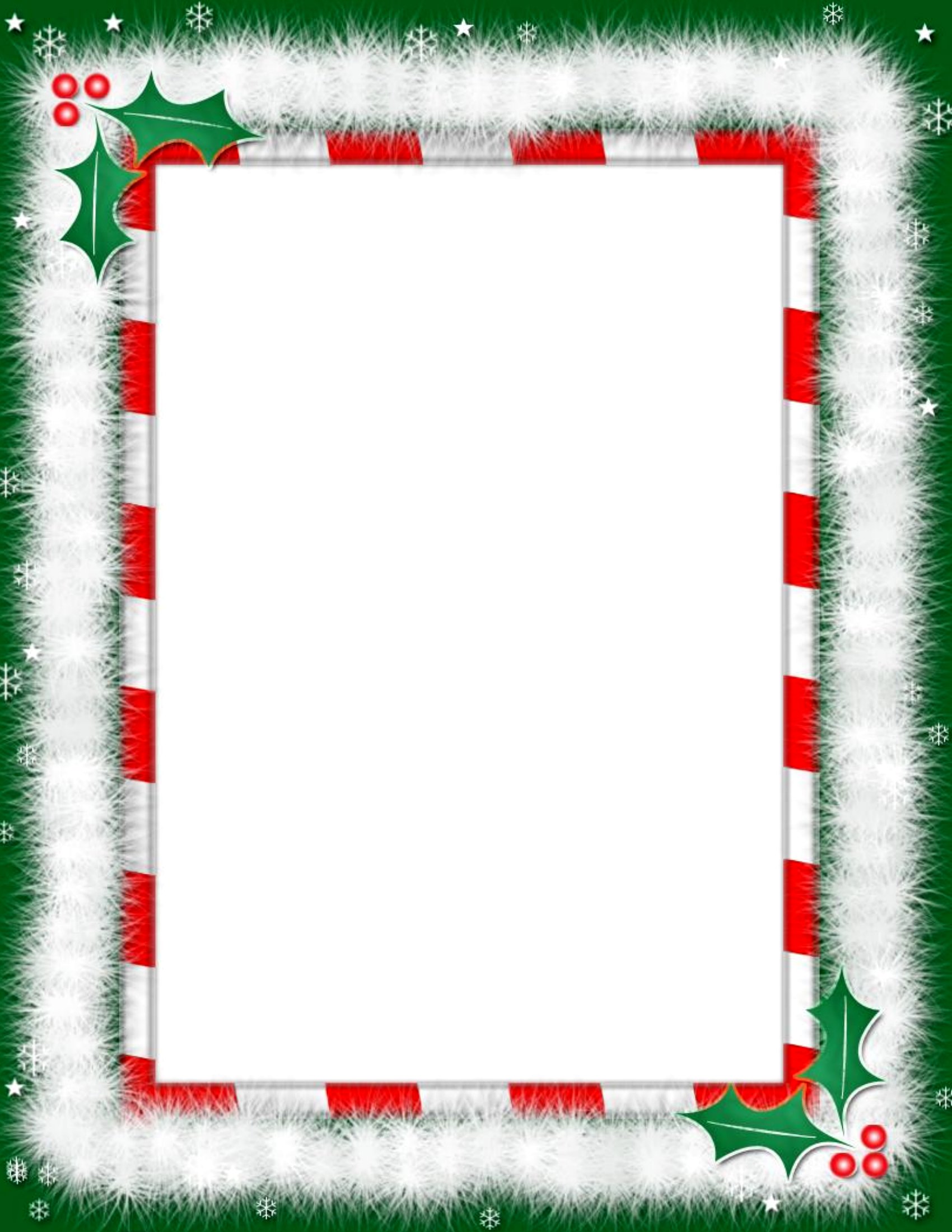
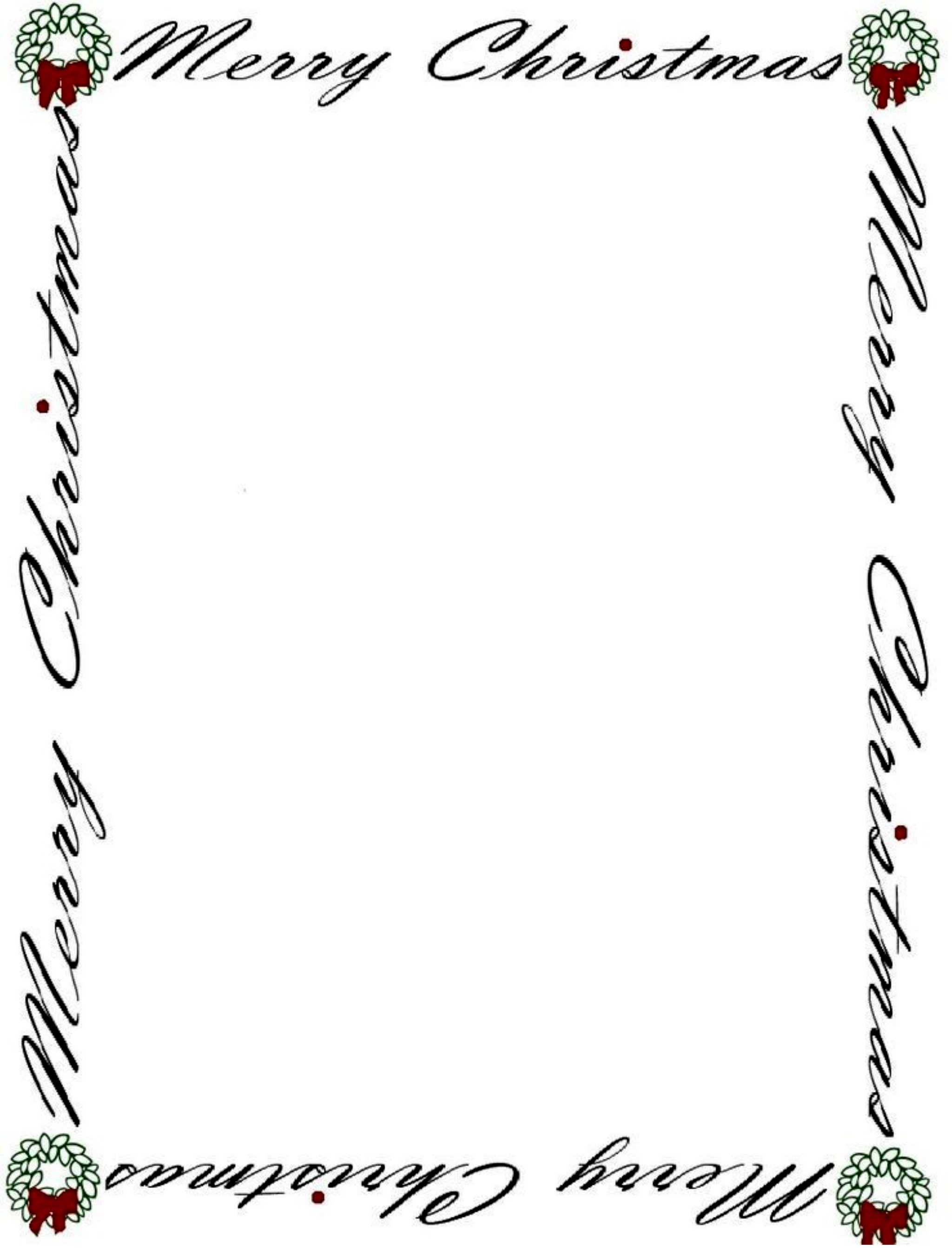
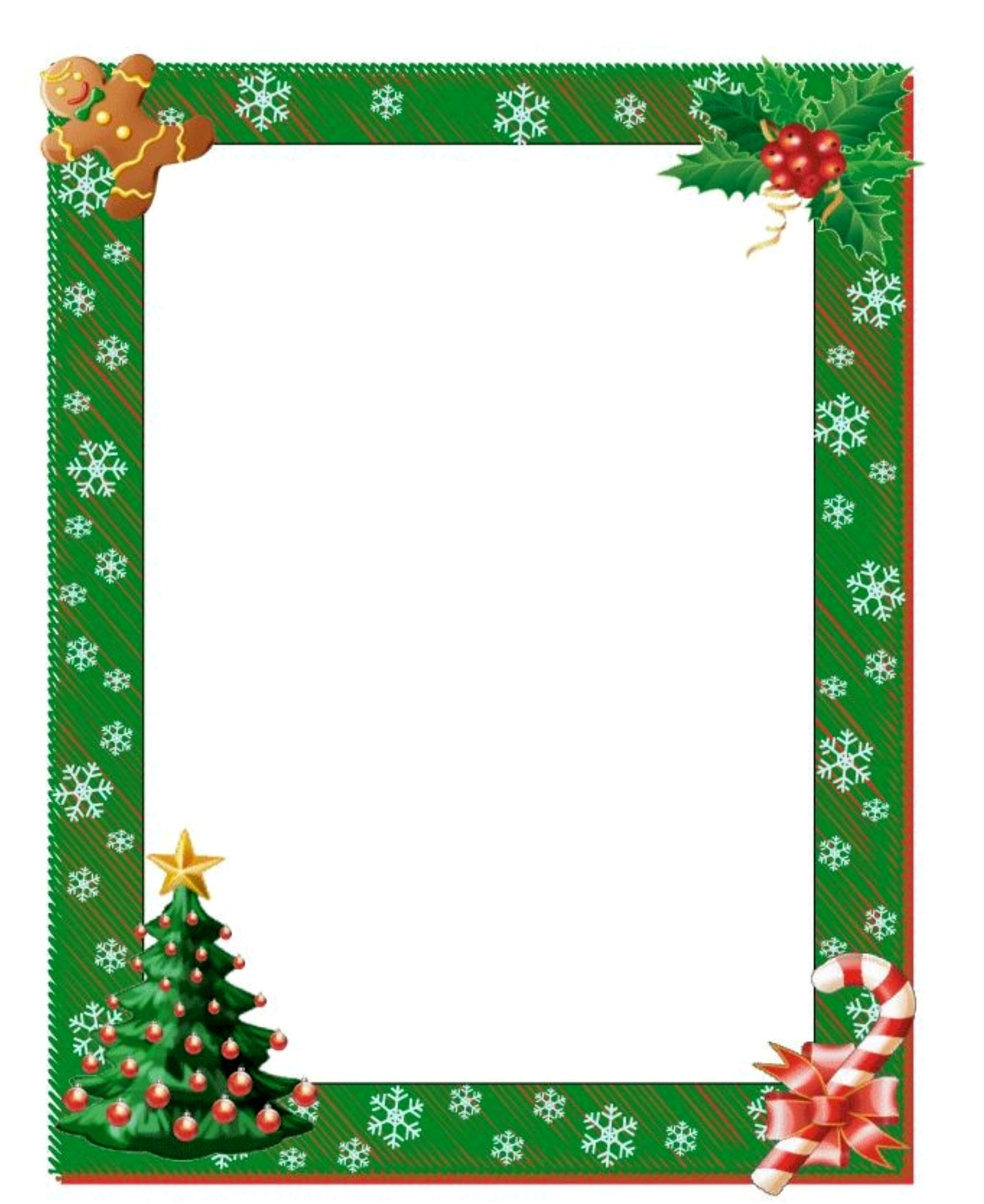
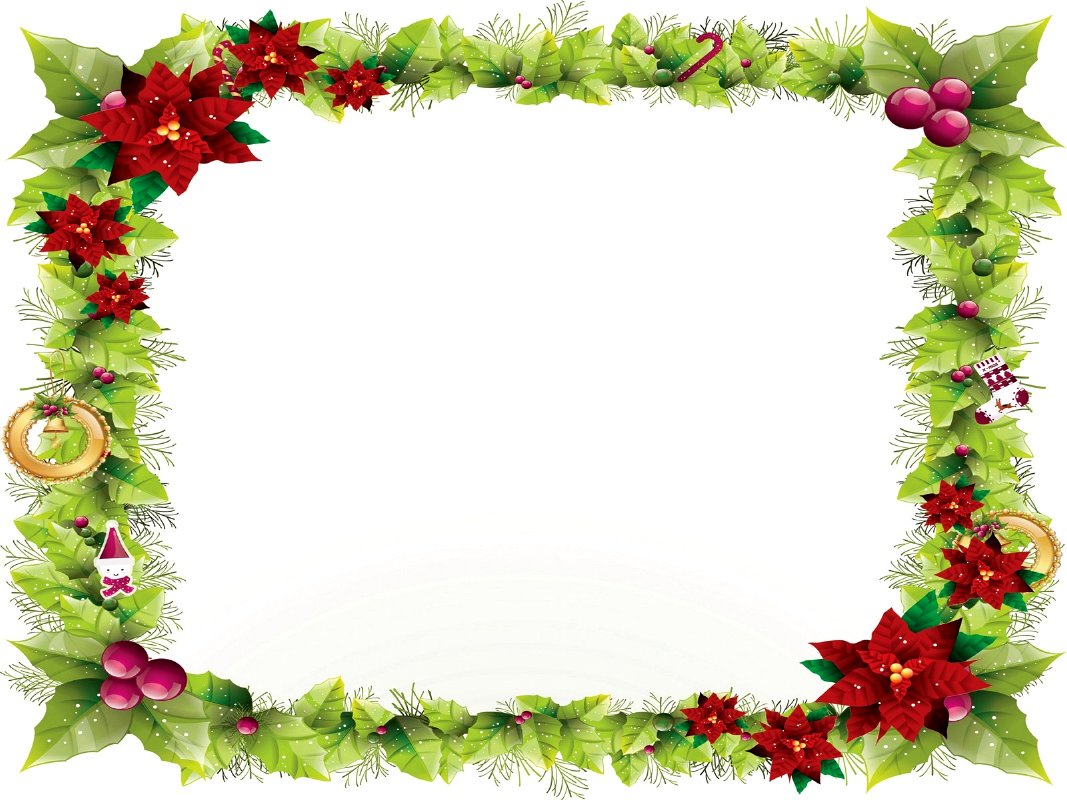
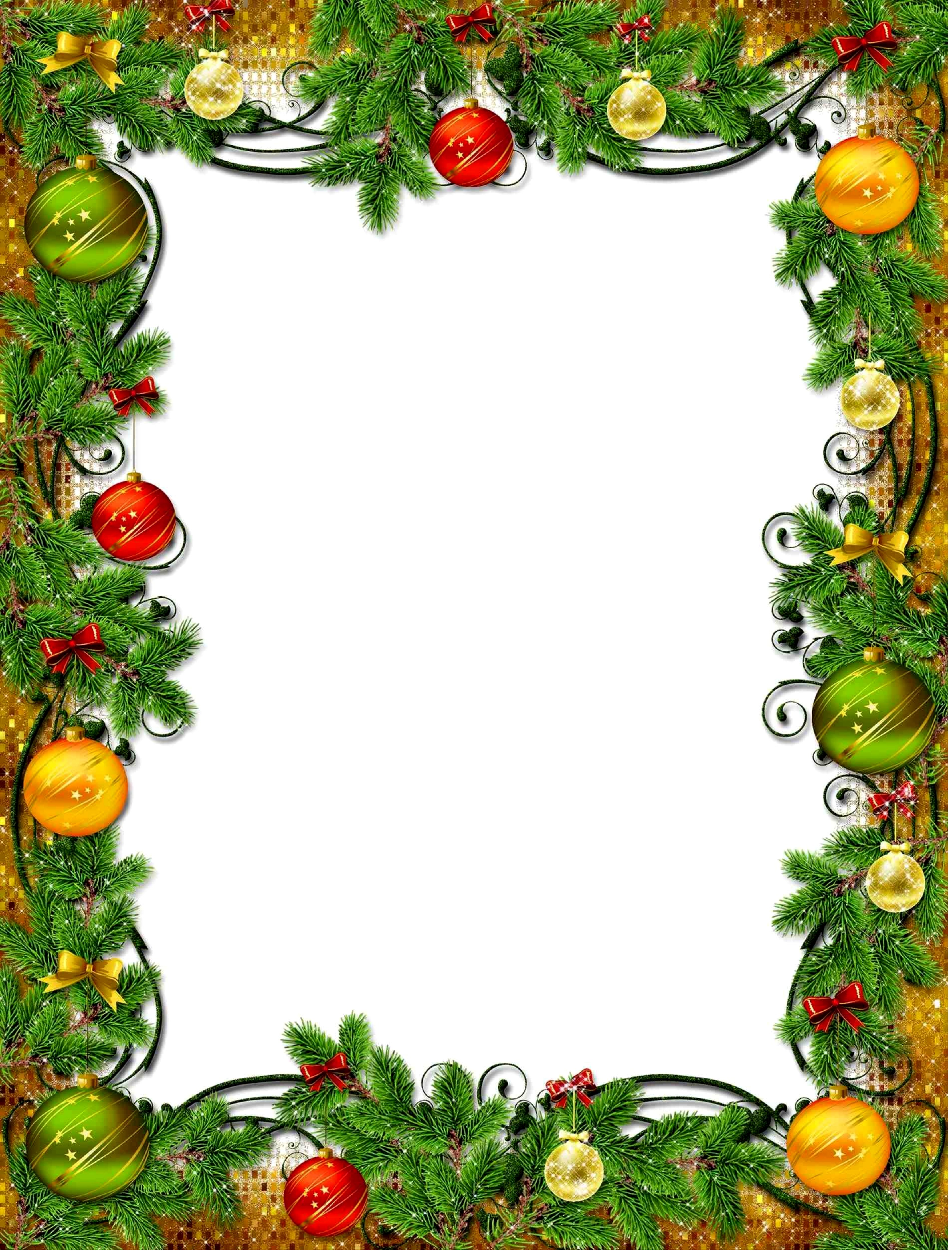
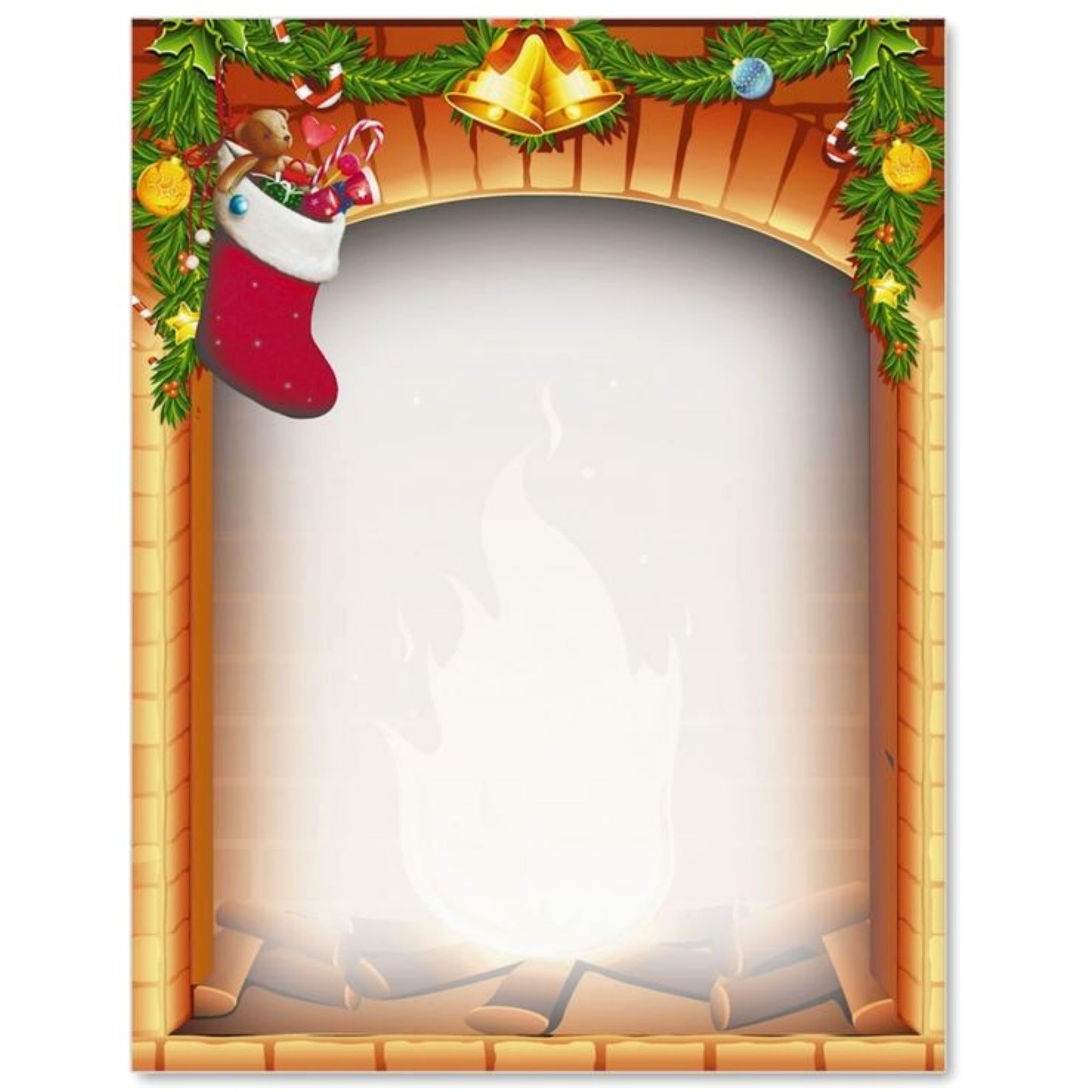
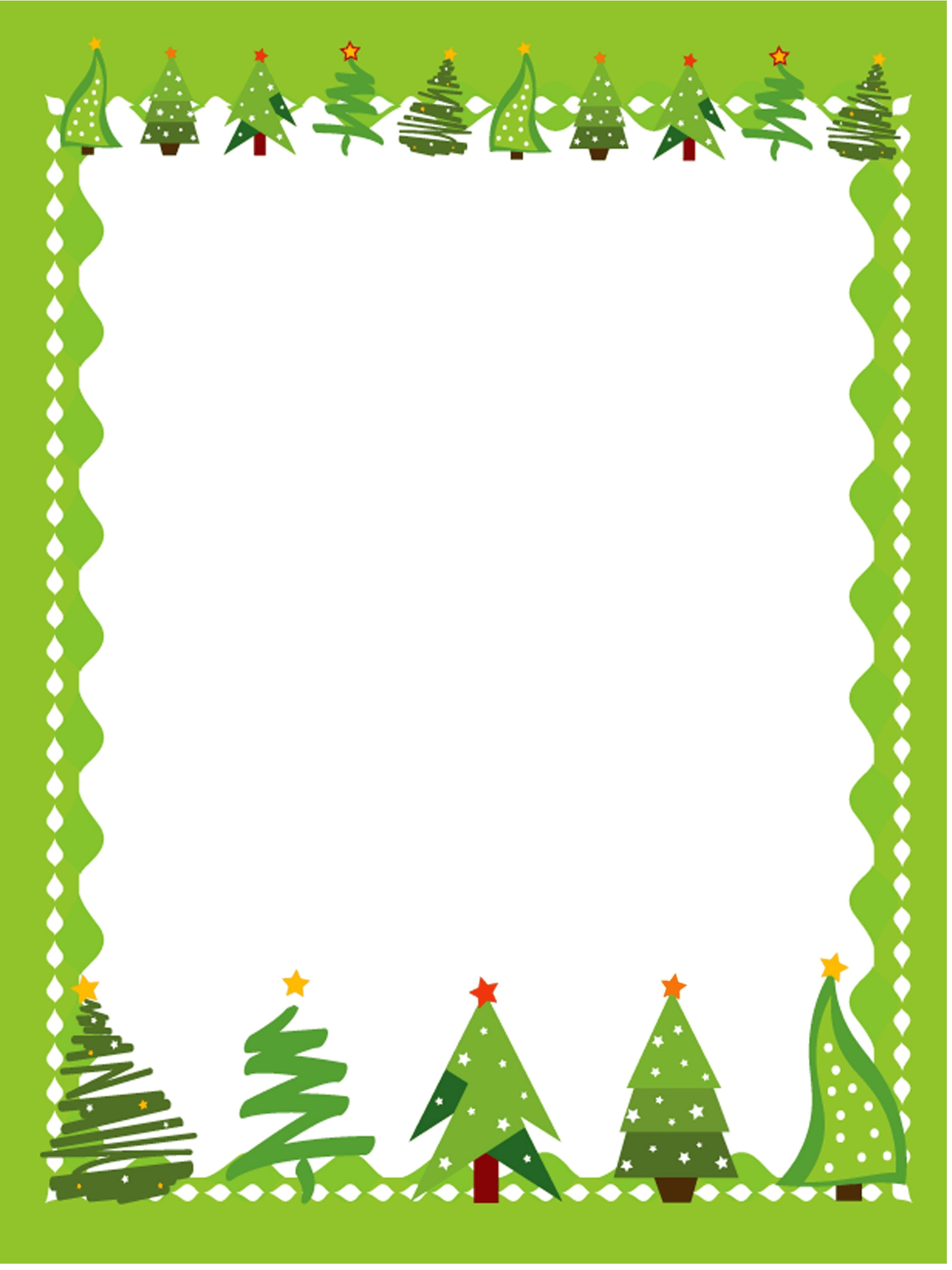
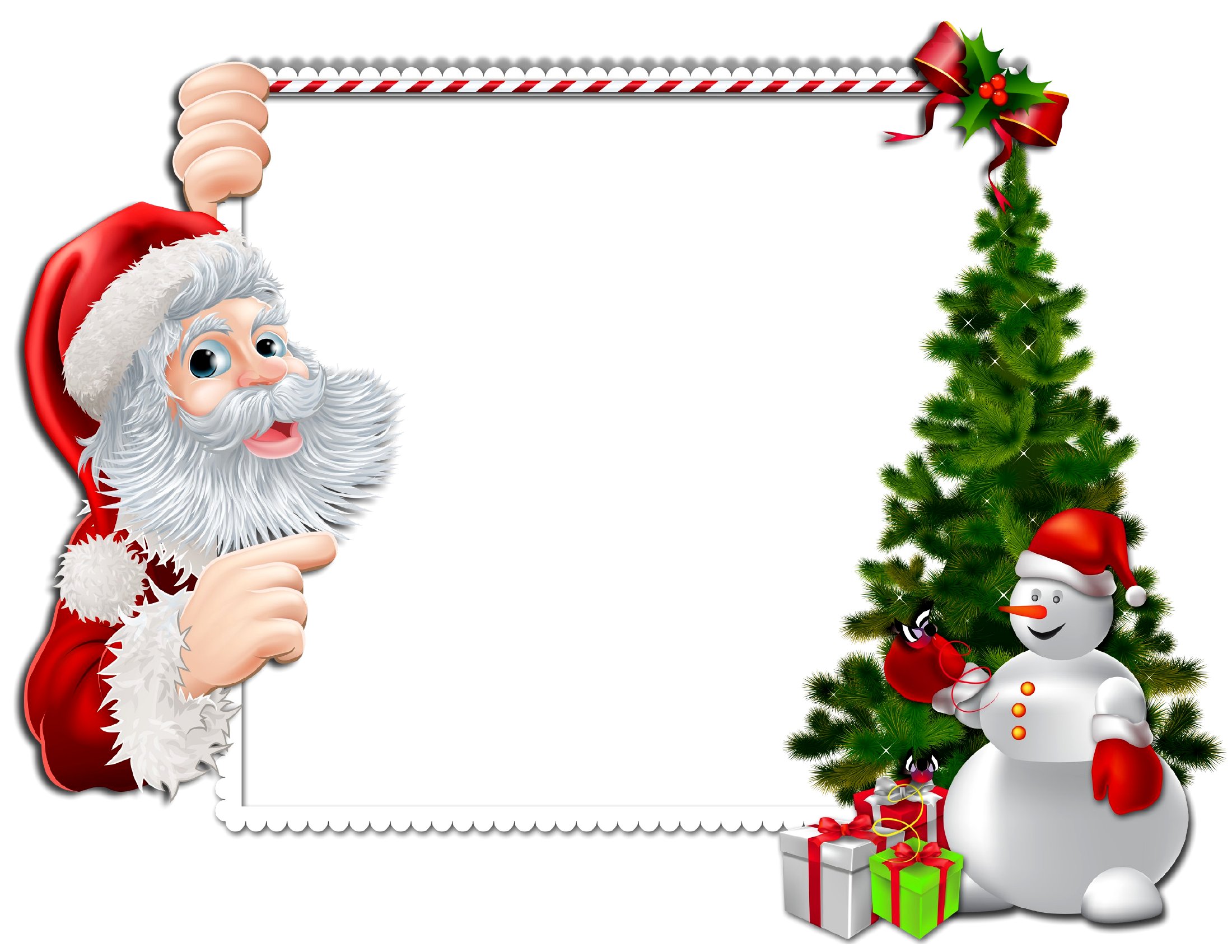
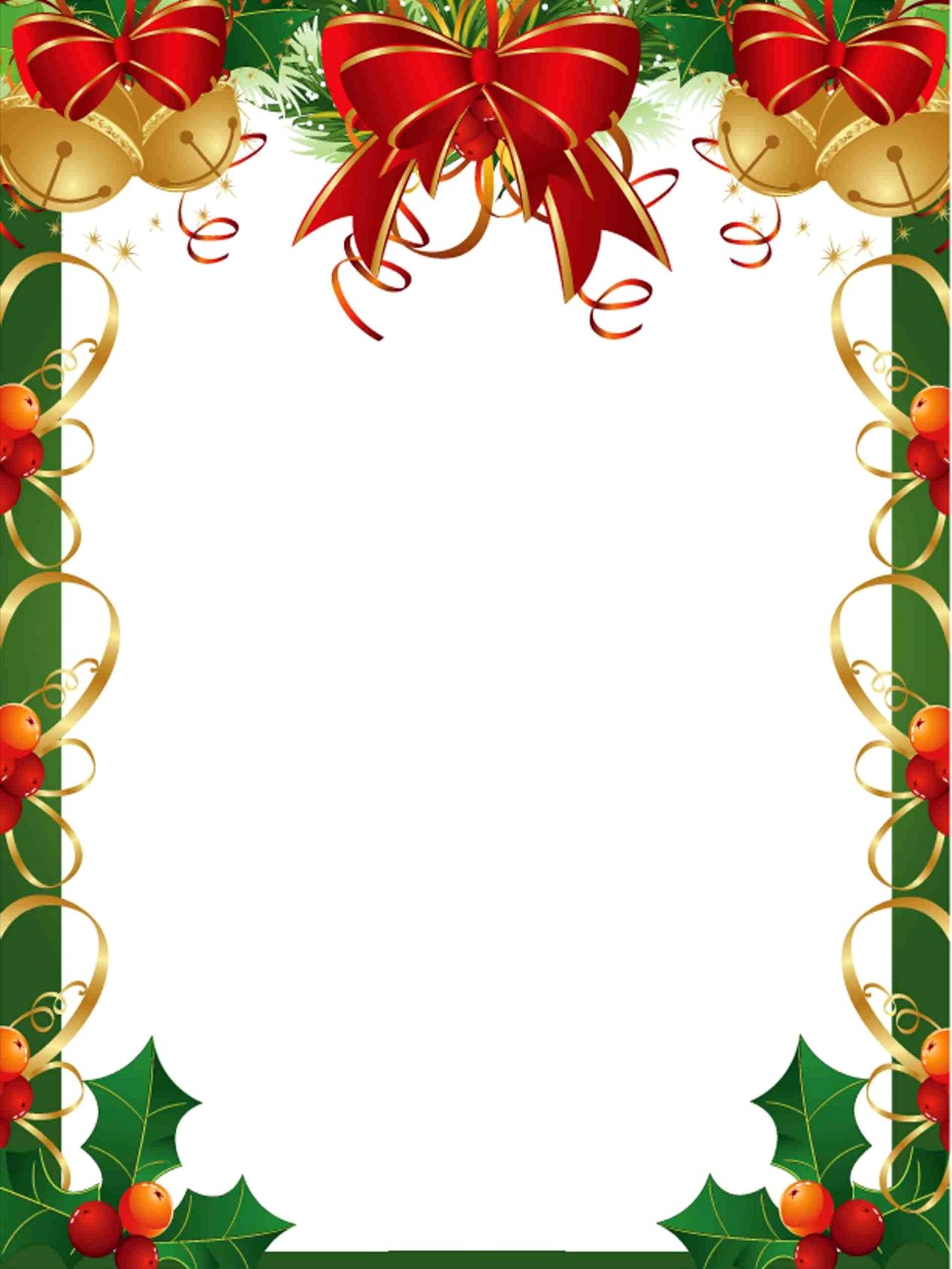
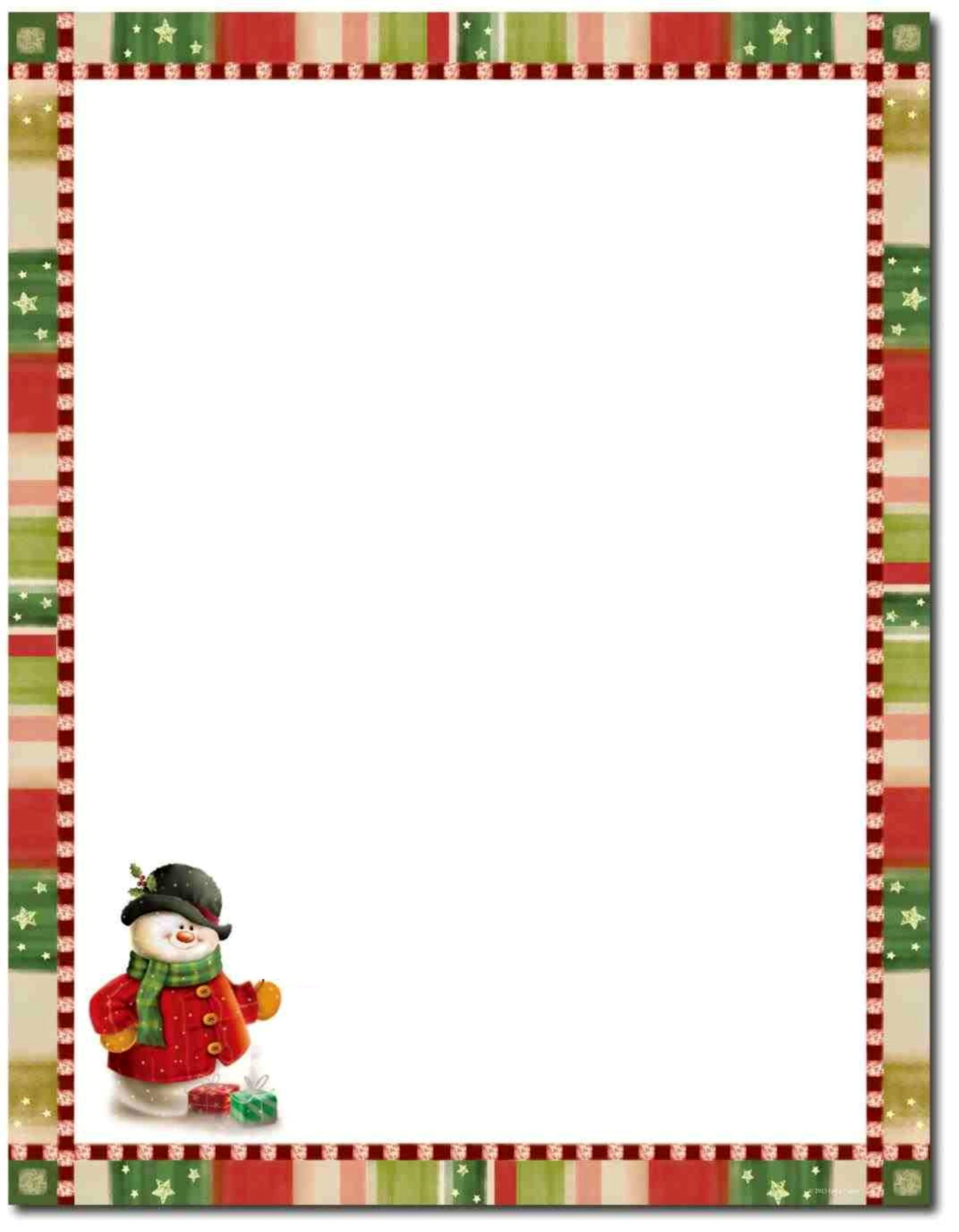
A festive border turns a plain page into something that feels like the holidays, framing letters, flyers, menus, and kids' crafts with seasonal charm. This set of 40 Christmas borders gives teachers, crafters, and party planners decorative edges ready to drop behind their own text or artwork for cards, invitations, and classroom handouts.

Print the PDF versions as ready-to-use stationery, or open the Word files to type directly inside the border before printing. They're sized for standard letter paper and keep their crisp look on screen or in print. Download the design that suits your project and give your holiday pages a polished finishing touch.

When to use this Christmas Border template

  • Teachers can add these holiday borders to classroom newsletters or student worksheets to create a festive learning environment during December, instantly making assignments feel more engaging for young students.
  • Event planners designing Christmas party invitations or holiday menus will save hours by layering these borders behind custom text, giving their designs a polished, cohesive look without starting from scratch.
  • Crafting parents or grandparents can print and laminate these borders to decorate kids’ holiday bulletin boards or scrapbook pages, offering a quick way to add visual interest to homemade gifts or classroom projects.
  • Small business owners sending holiday greeting cards or promotional flyers can enhance their branding by framing their content with these seasonal borders, creating a memorable unboxing or reading experience for customers.

Which format should I download?

WordPDF

Choose Word if you need to edit or resize the border to fit your existing design—it’s the best option for integrating these borders into invitations, reports, or flyers where text or images might need adjusting. Opt for PDF if you’re printing directly or sharing the border as a read-only overlay for projects like bulletin boards or laminated decorations, as PDFs preserve crisp edges and formatting for immediate use. Word is ideal for customization; PDF is perfect for printing or sharing without risk of altering the original design.

Choose from 40 Christmas Border Templates

How to use this Christmas Border template

What is a Christmas border used for?

A Christmas border frames the edge of a page with seasonal artwork, turning plain documents into festive ones. It decorates letters, flyers, menus, certificates, invitations, and children's crafts. Because the center stays open, you can add your own text or images while the border supplies holiday charm.

How do you add text inside a Christmas border?

Place the border as a background or behind a text box, then type within the open center so words do not overlap the artwork. Leaving a margin between text and the decorative edge keeps everything readable and prevents content from being cut off when the page is printed.

What designs work best for a Christmas border?

Popular motifs include holly, snowflakes, ornaments, pine branches, candy canes, and string lights. Simpler borders suit formal letters and menus, while playful ones fit kids' crafts and party invites. Matching the border style to the document's purpose keeps the overall look balanced rather than cluttered.

Comments

Join the conversation

Sign in to share your thoughts and leave a comment on this resource.

Newsletter

Get Weekly Design Updates

Join our community to receive curated resources and inspiration.

Weekly Tips Resources Early Access

We respect your privacy. Confirmation email required. Privacy Policy