















FAQ
How do I make sure the gift certificate includes all the necessary details for redemption?
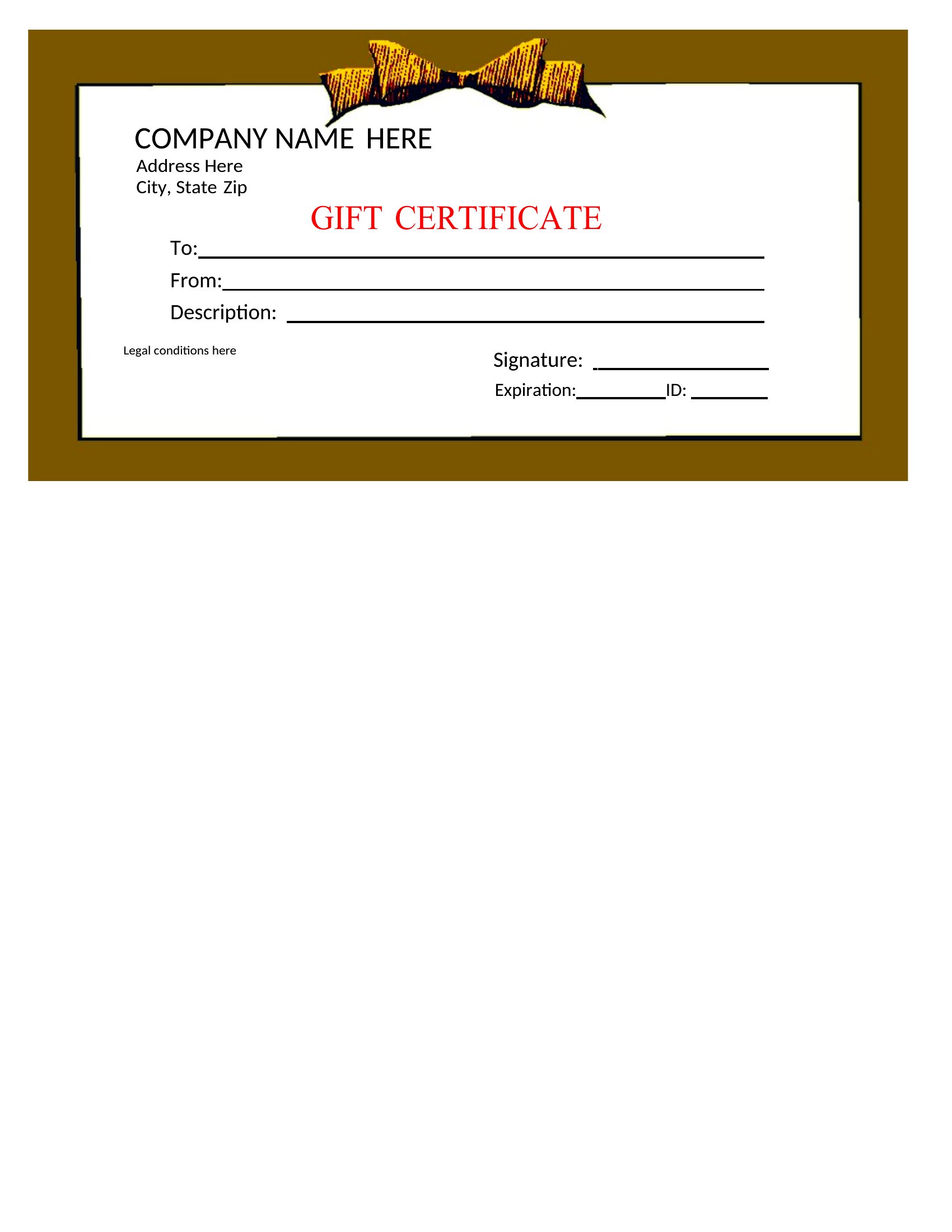
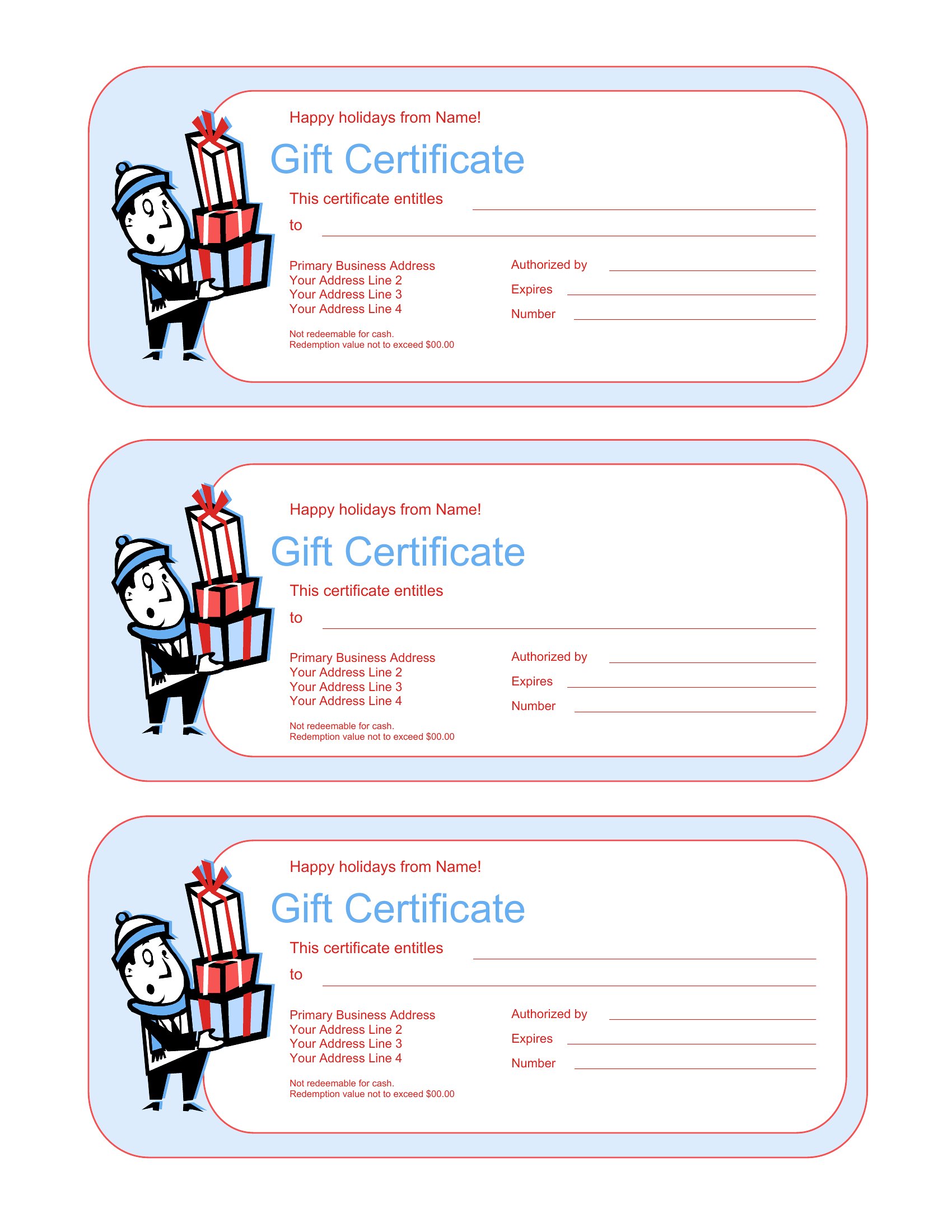
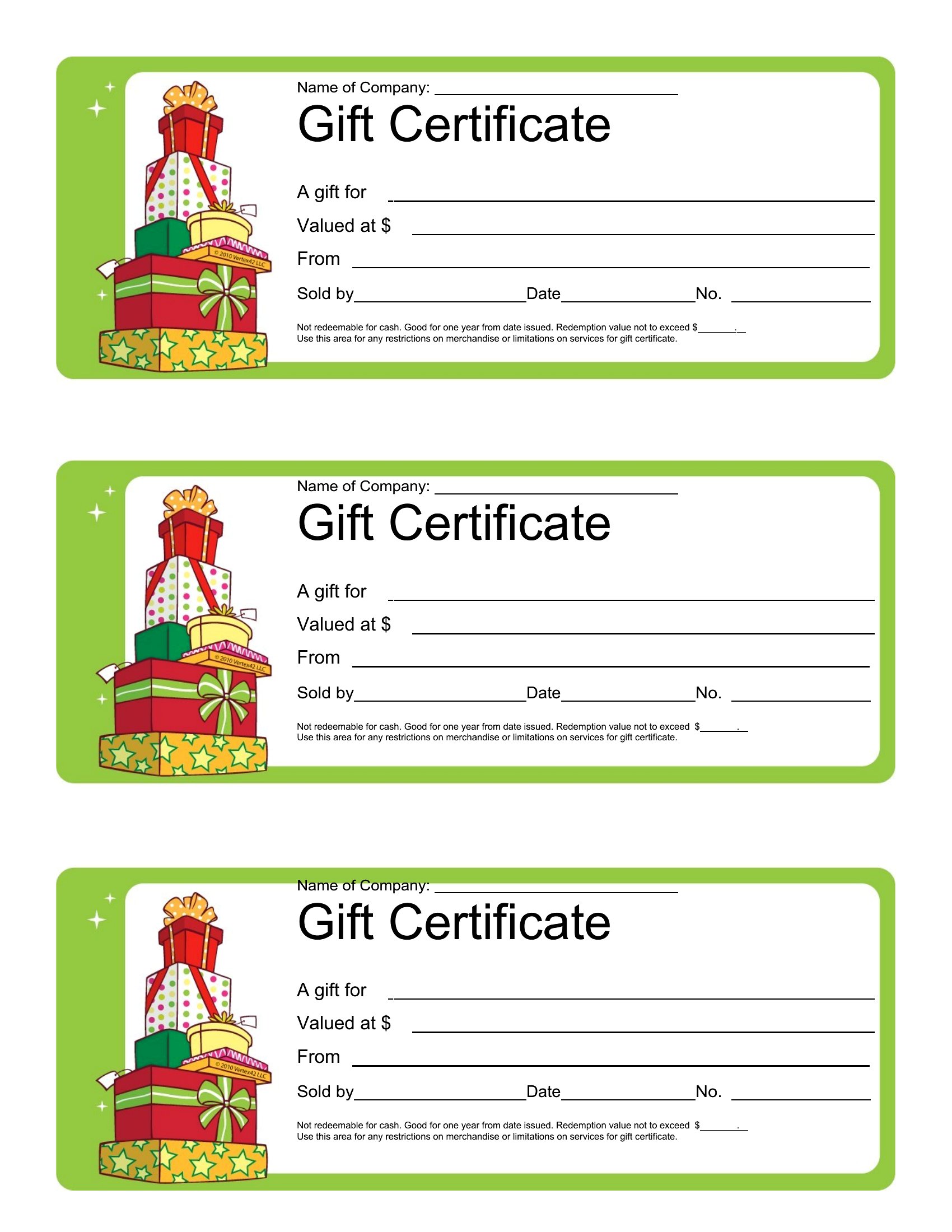
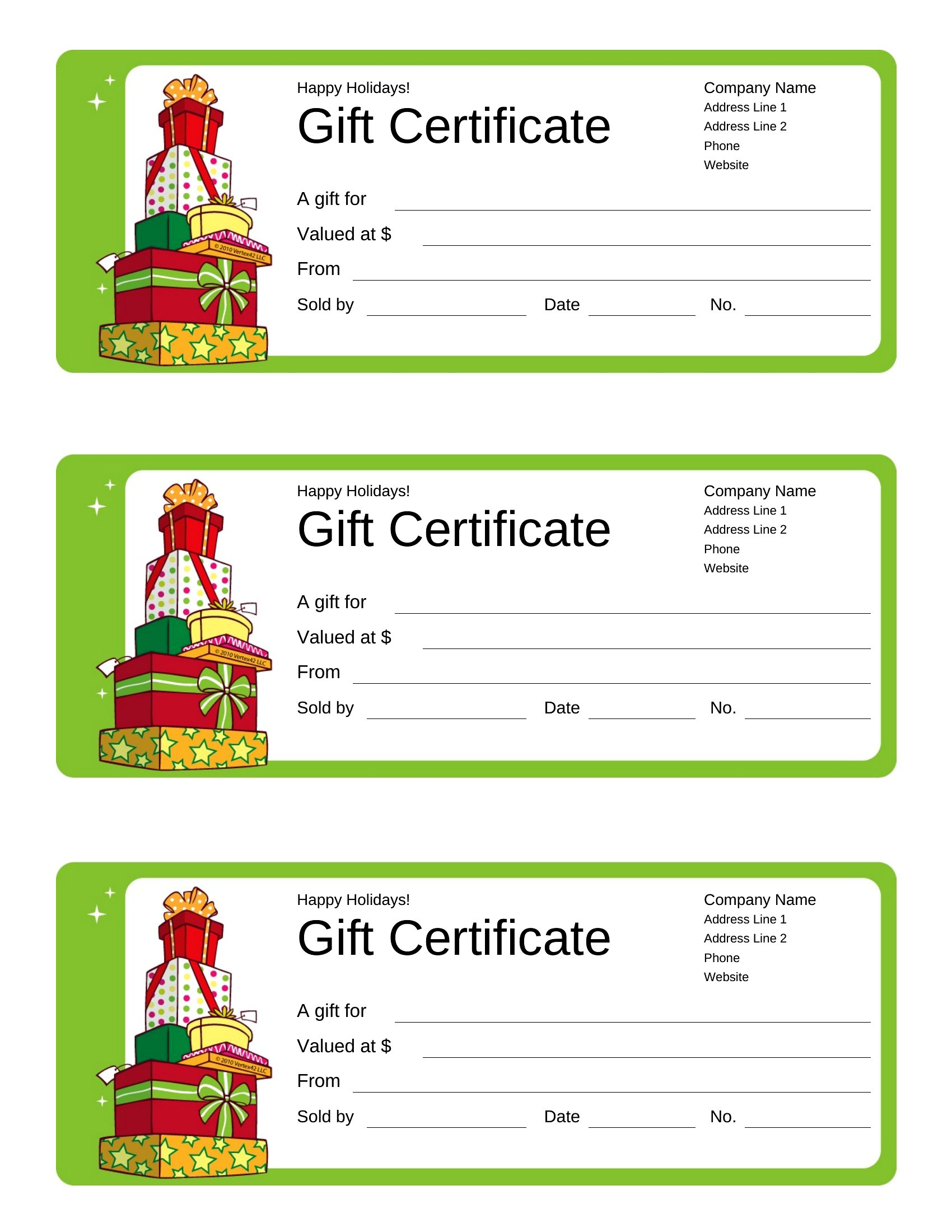
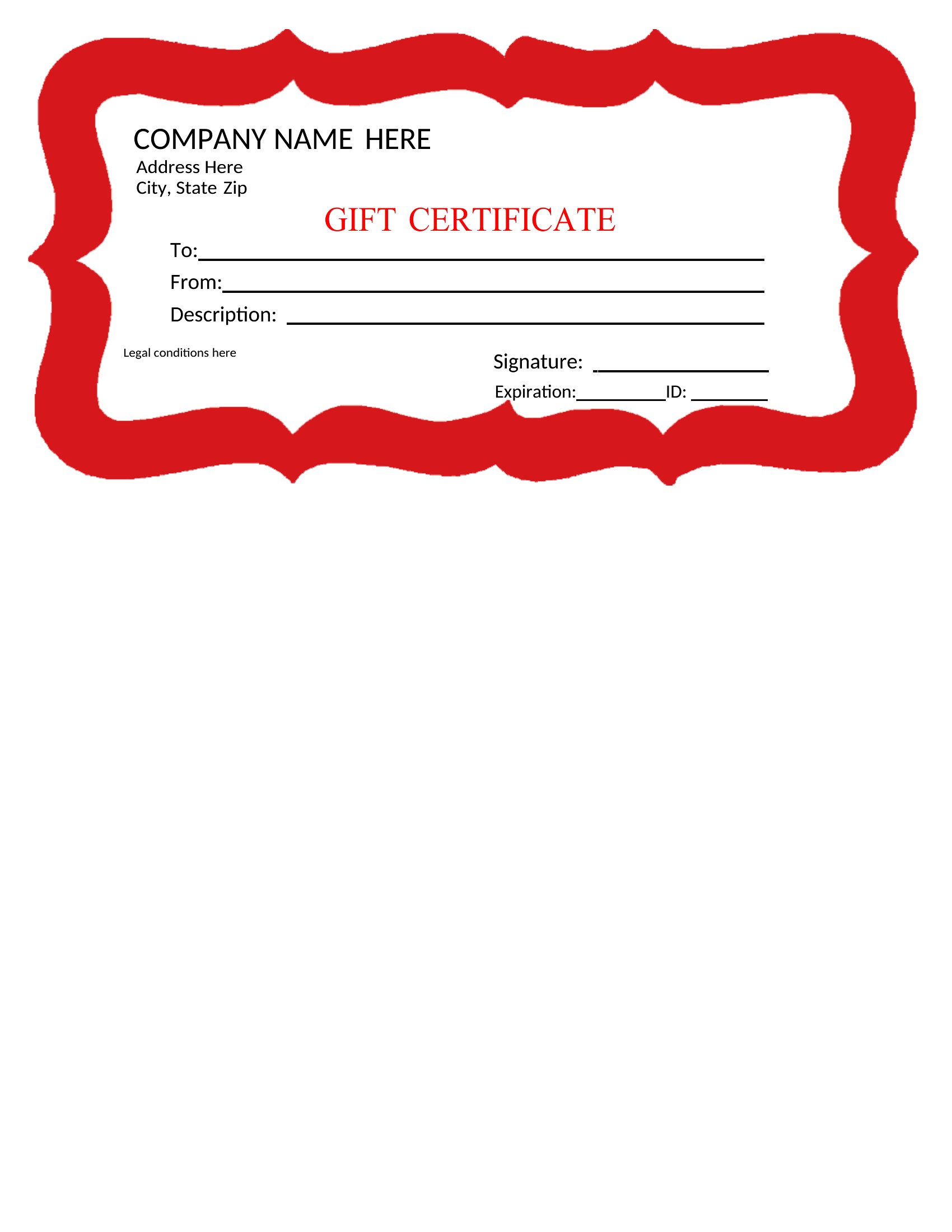
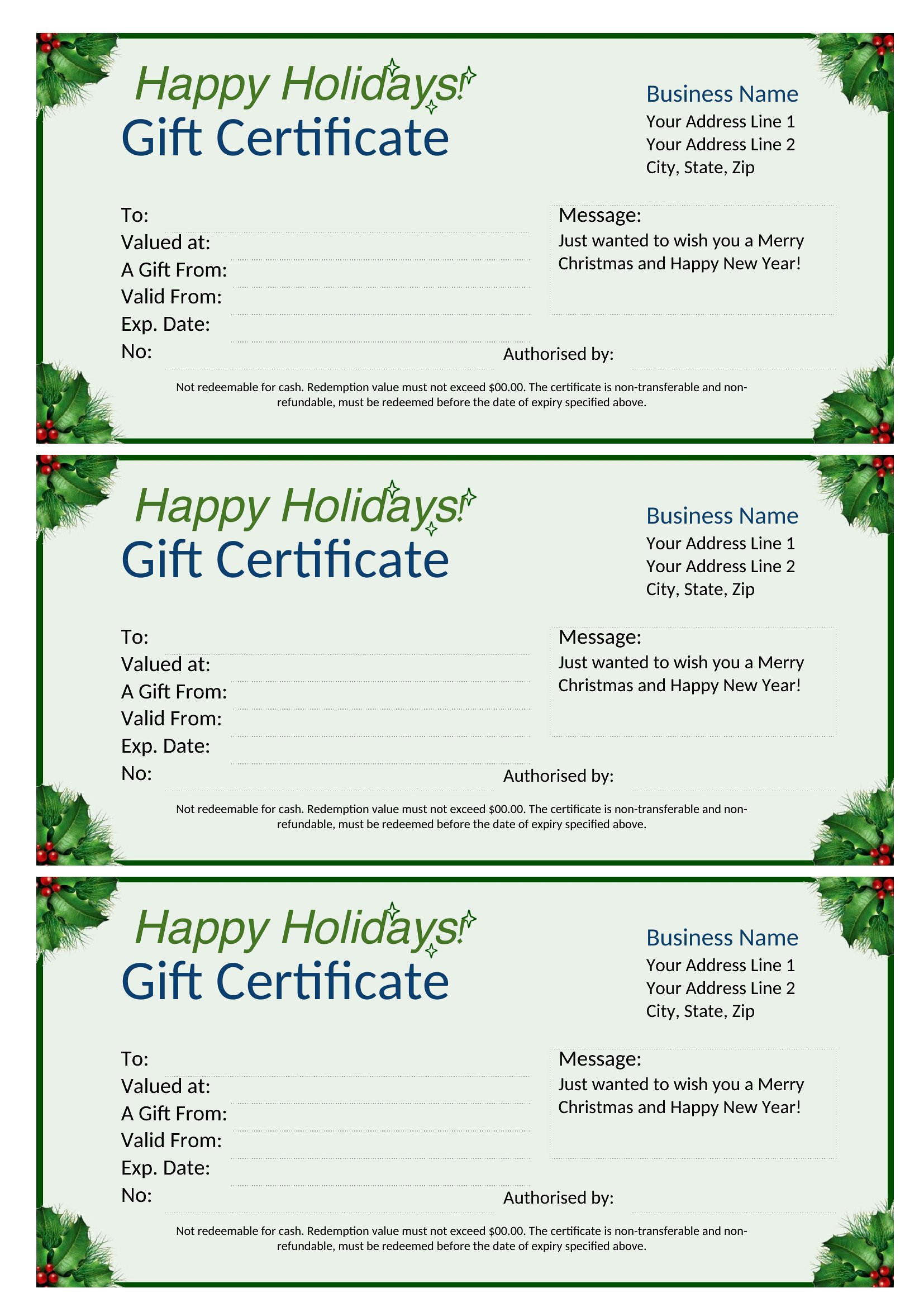
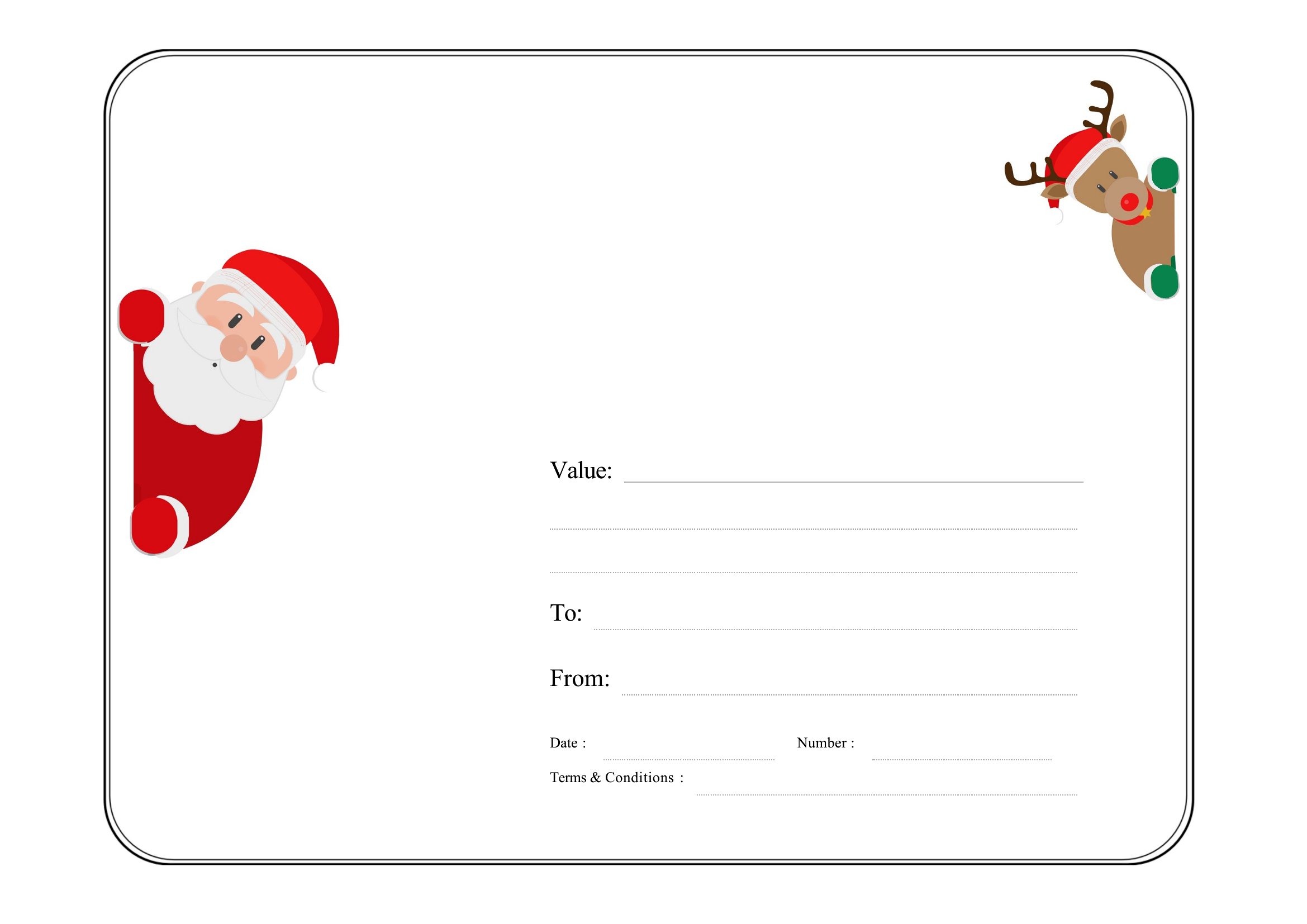
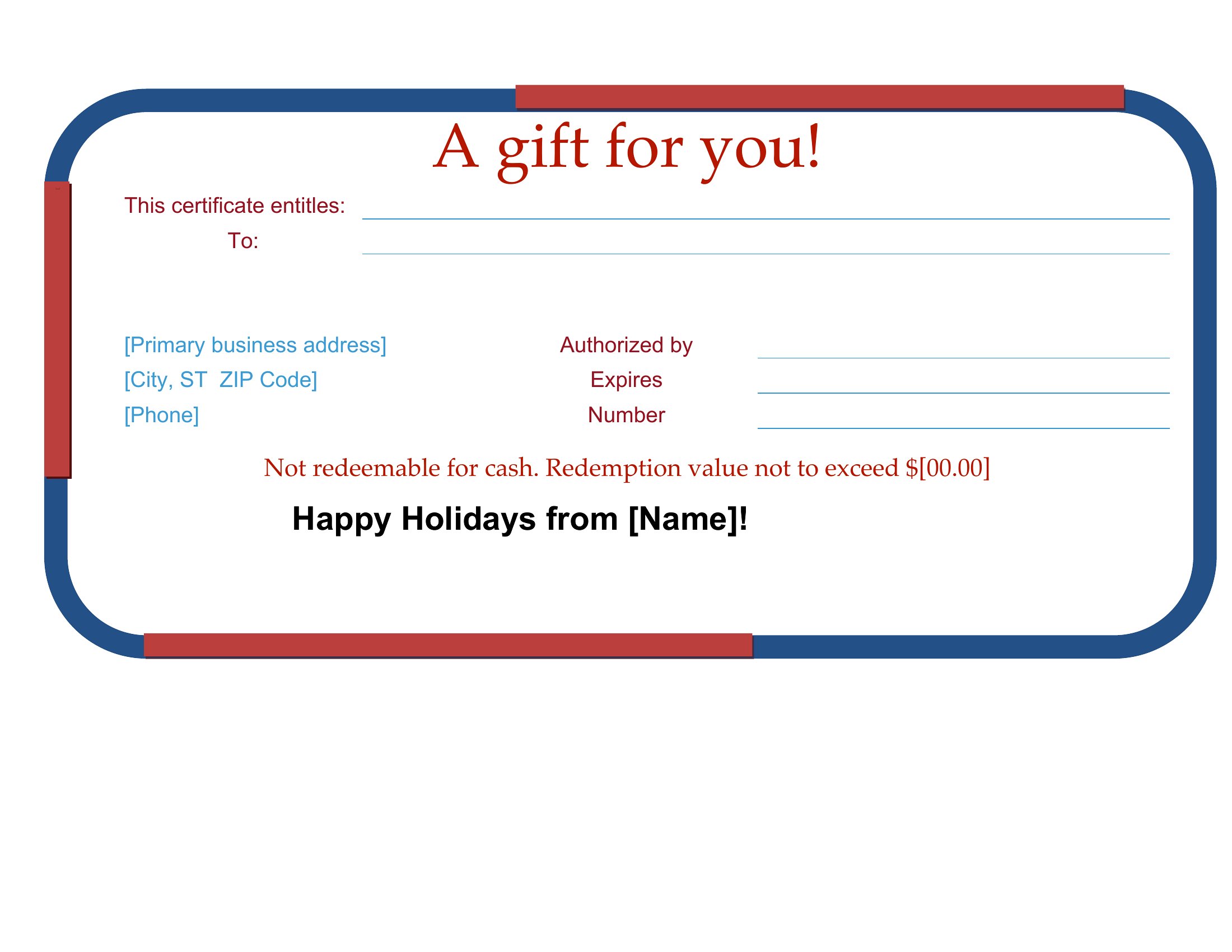
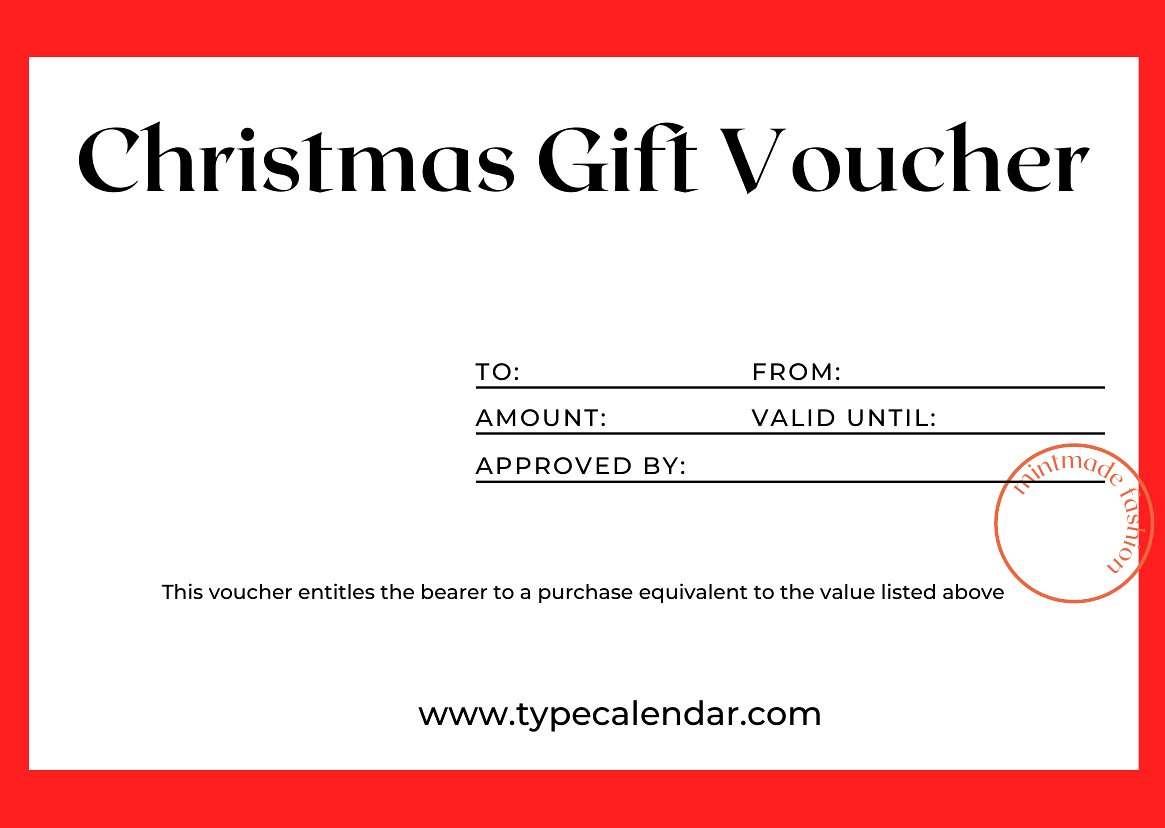
Include clear instructions on the certificate, such as the value, expiration date (if applicable), and any conditions for use. For example, specify whether the certificate is for a one-time service or a discount on a future purchase. Always double-check the terms before finalizing the design to avoid confusion later.
Can I add a holiday-themed background or clipart to the certificate while keeping it professional?
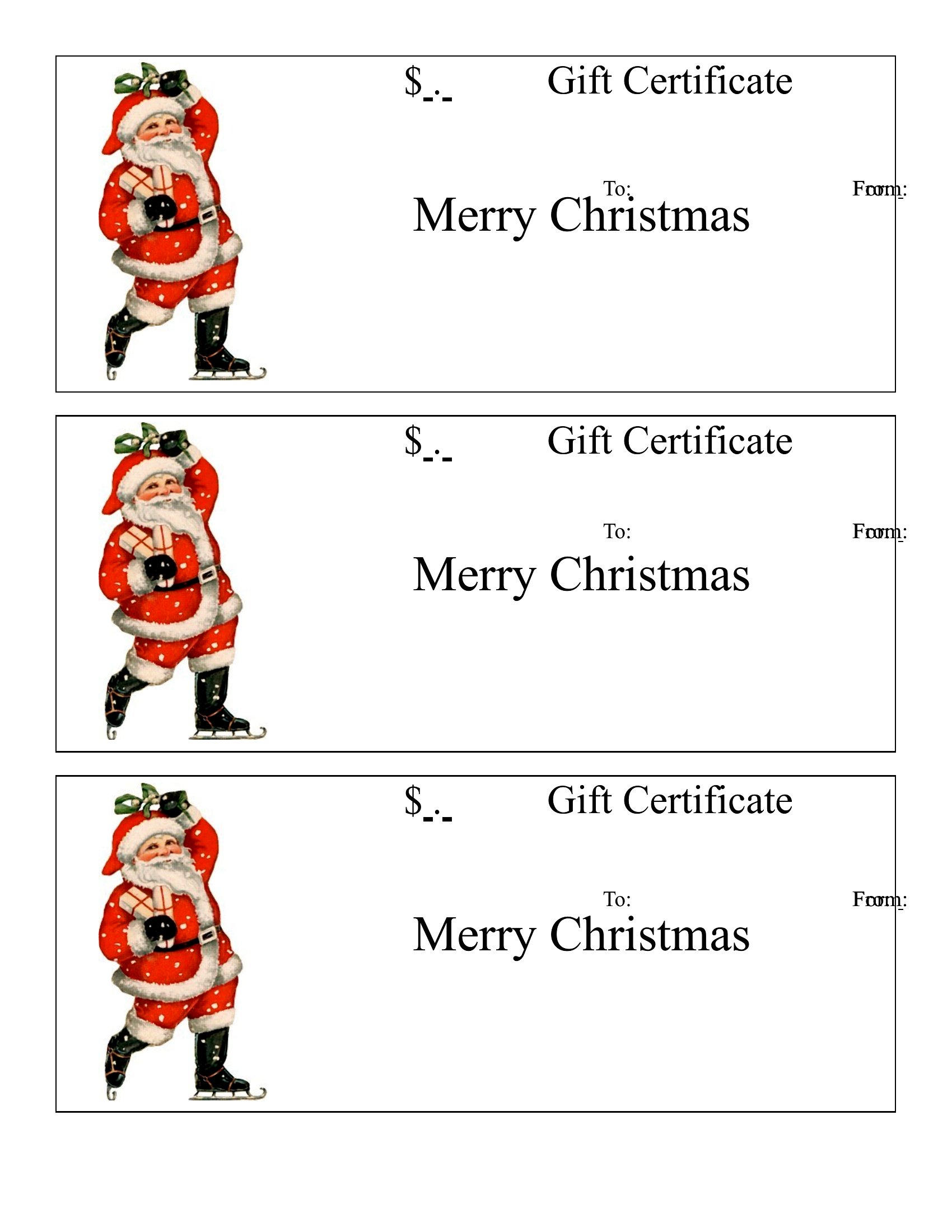
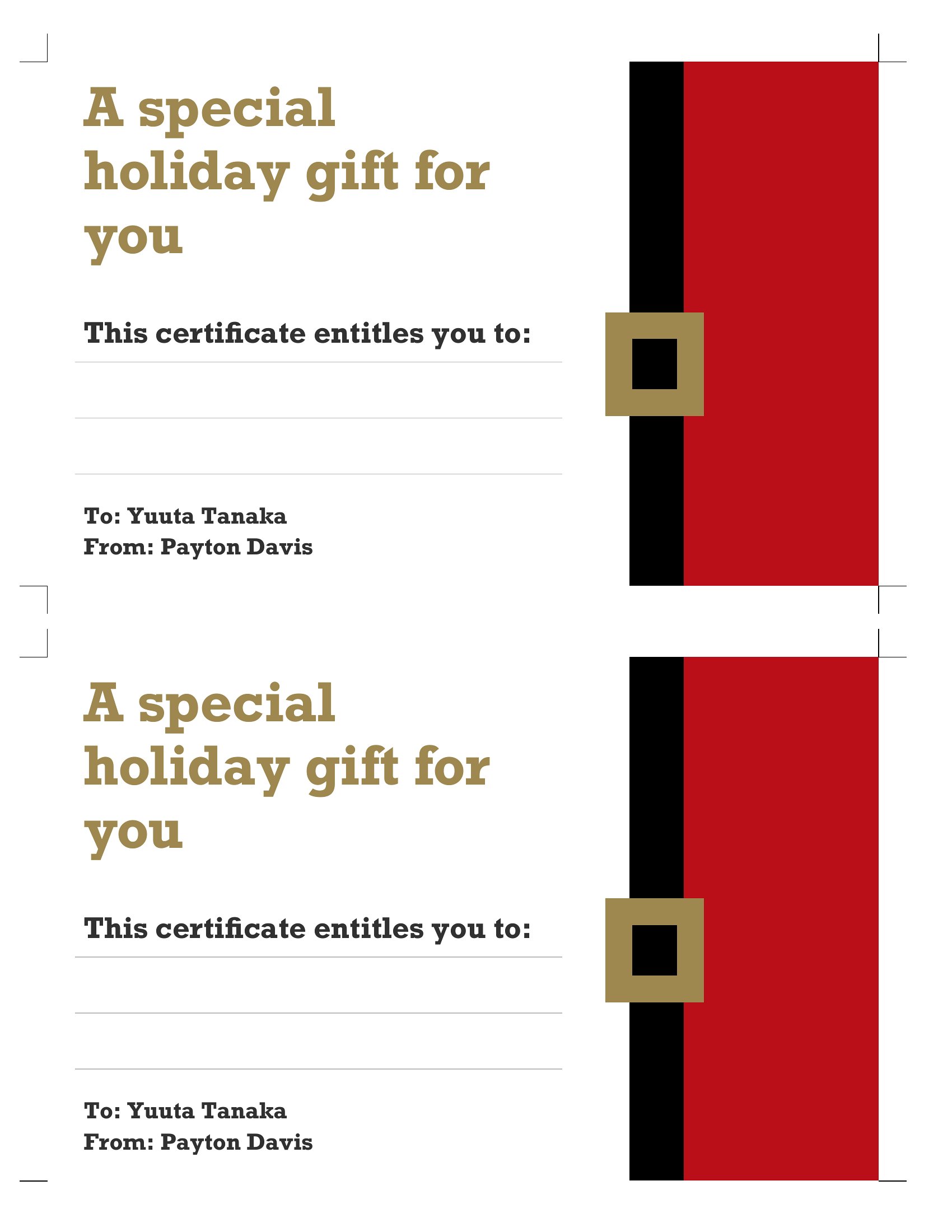
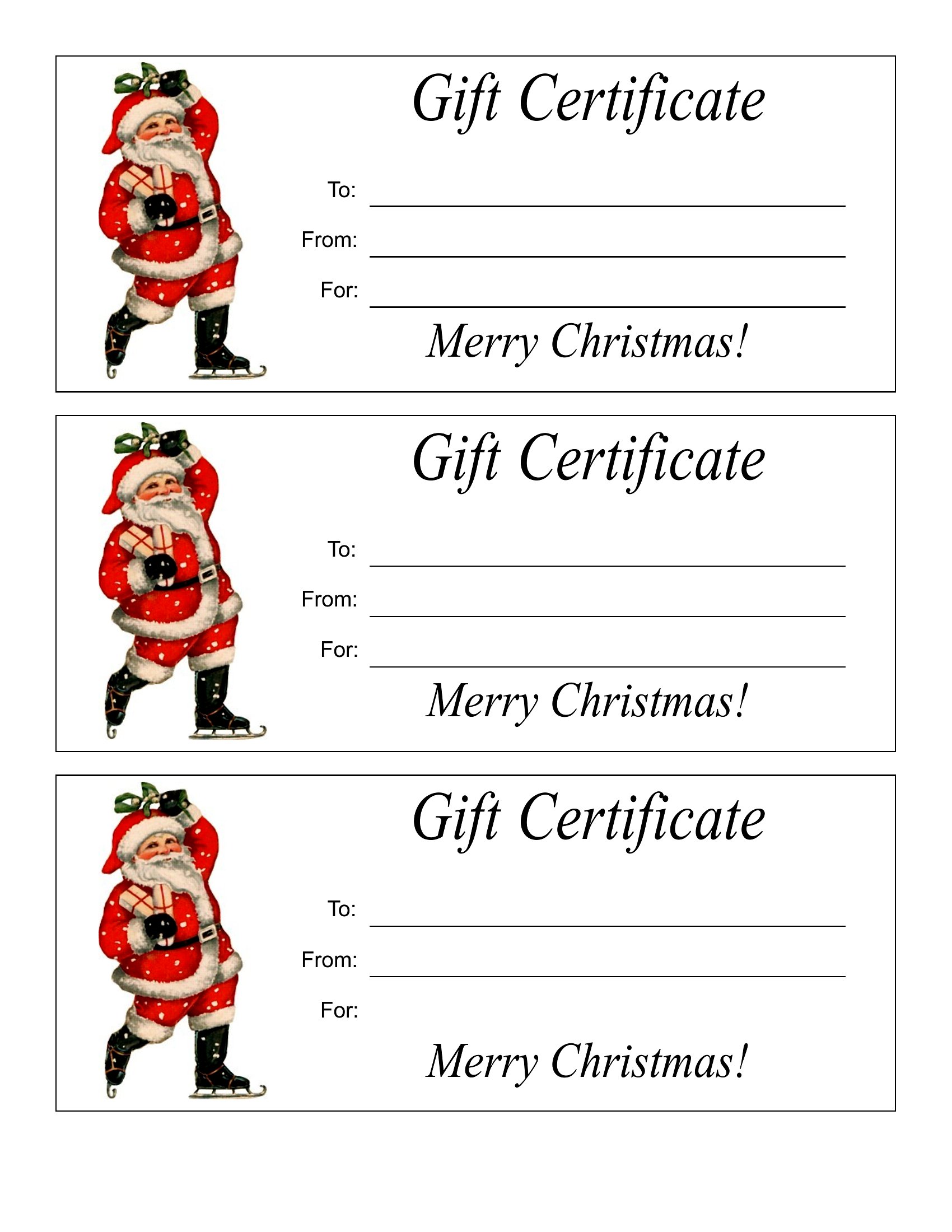
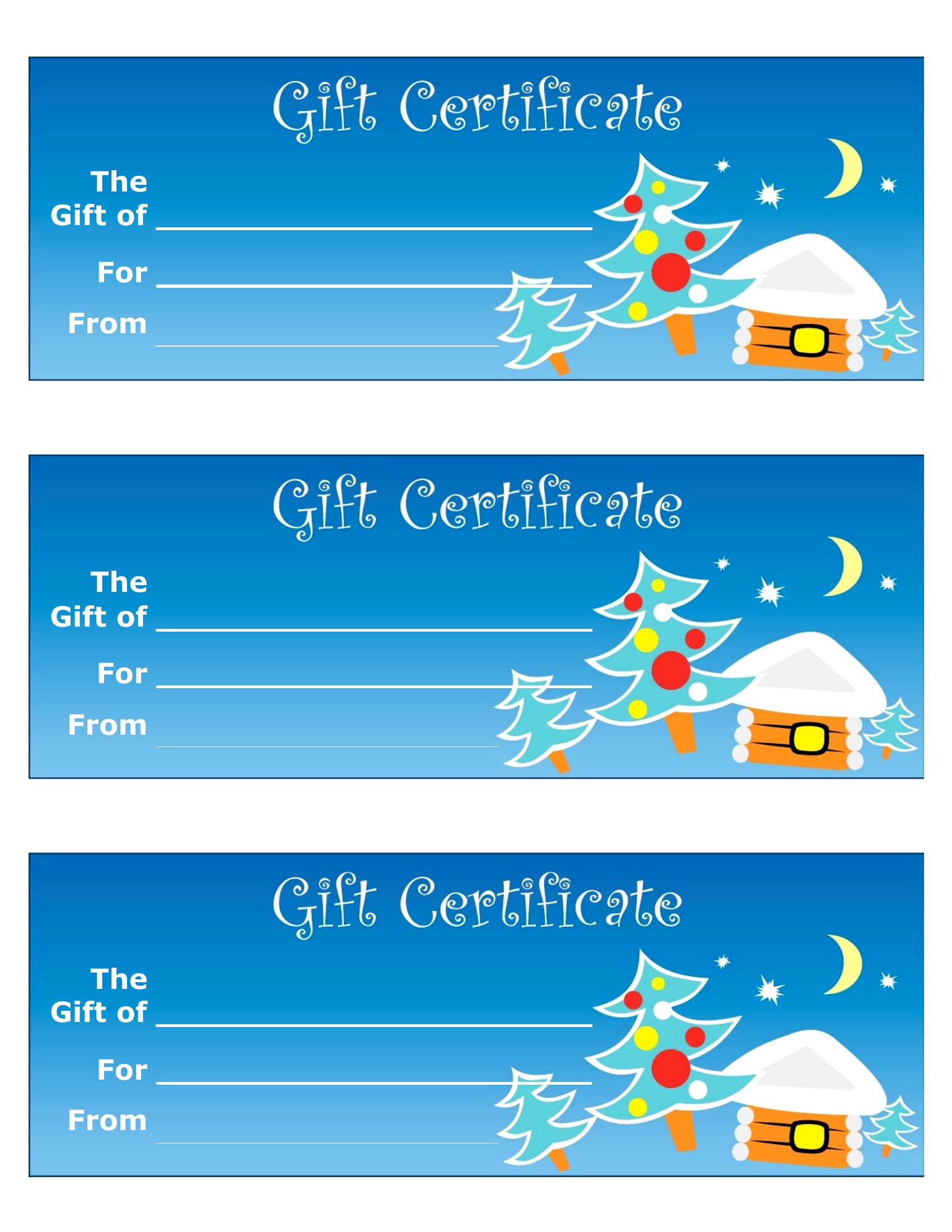
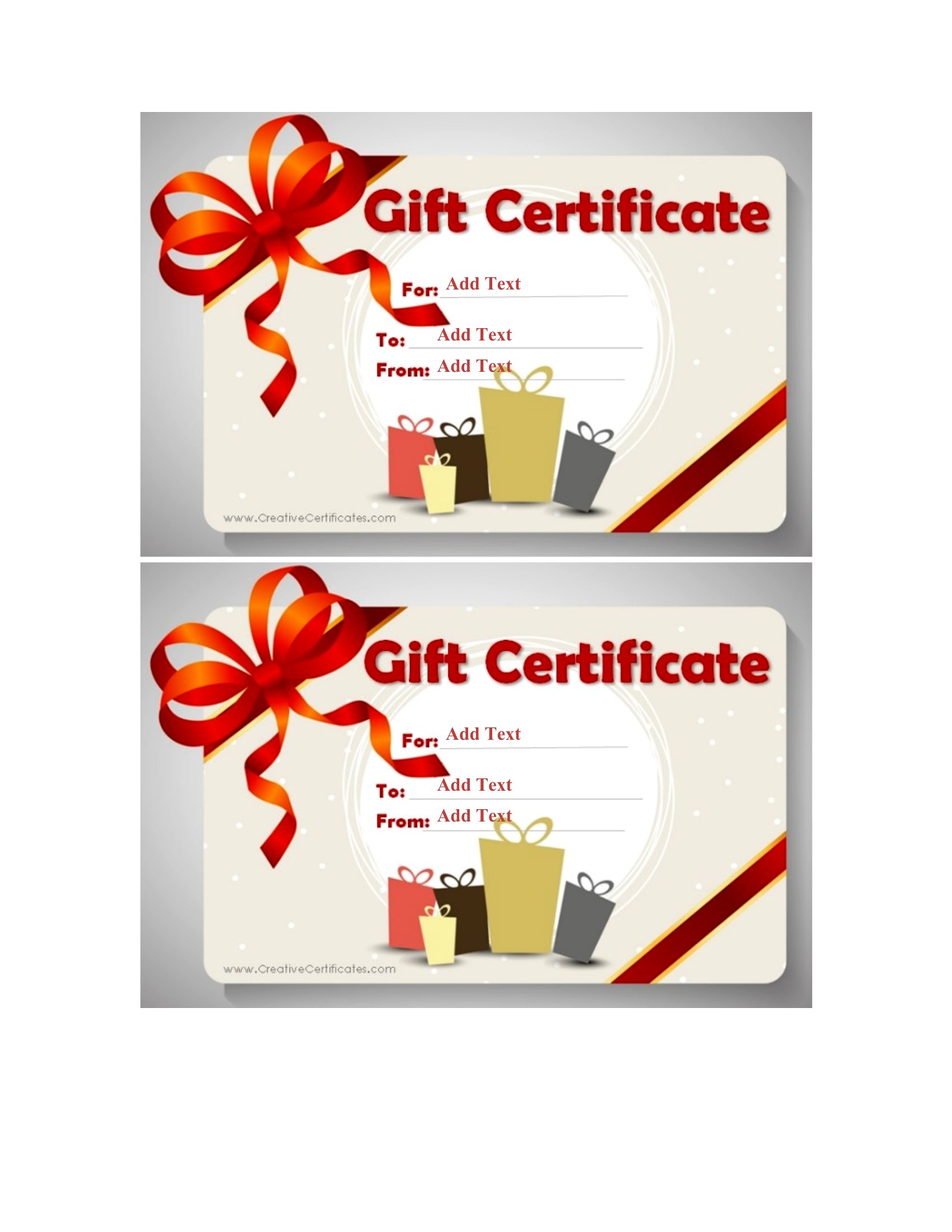
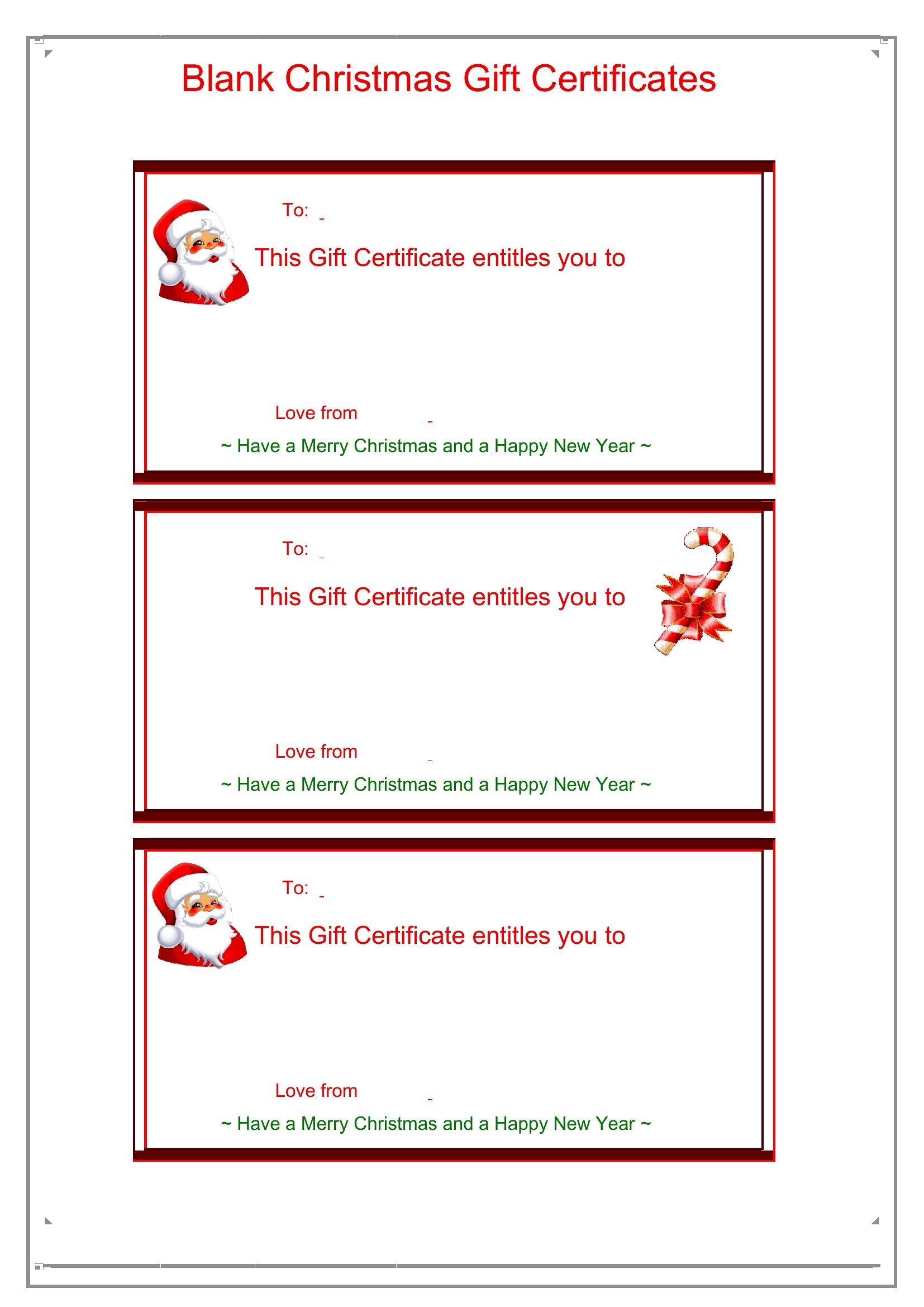
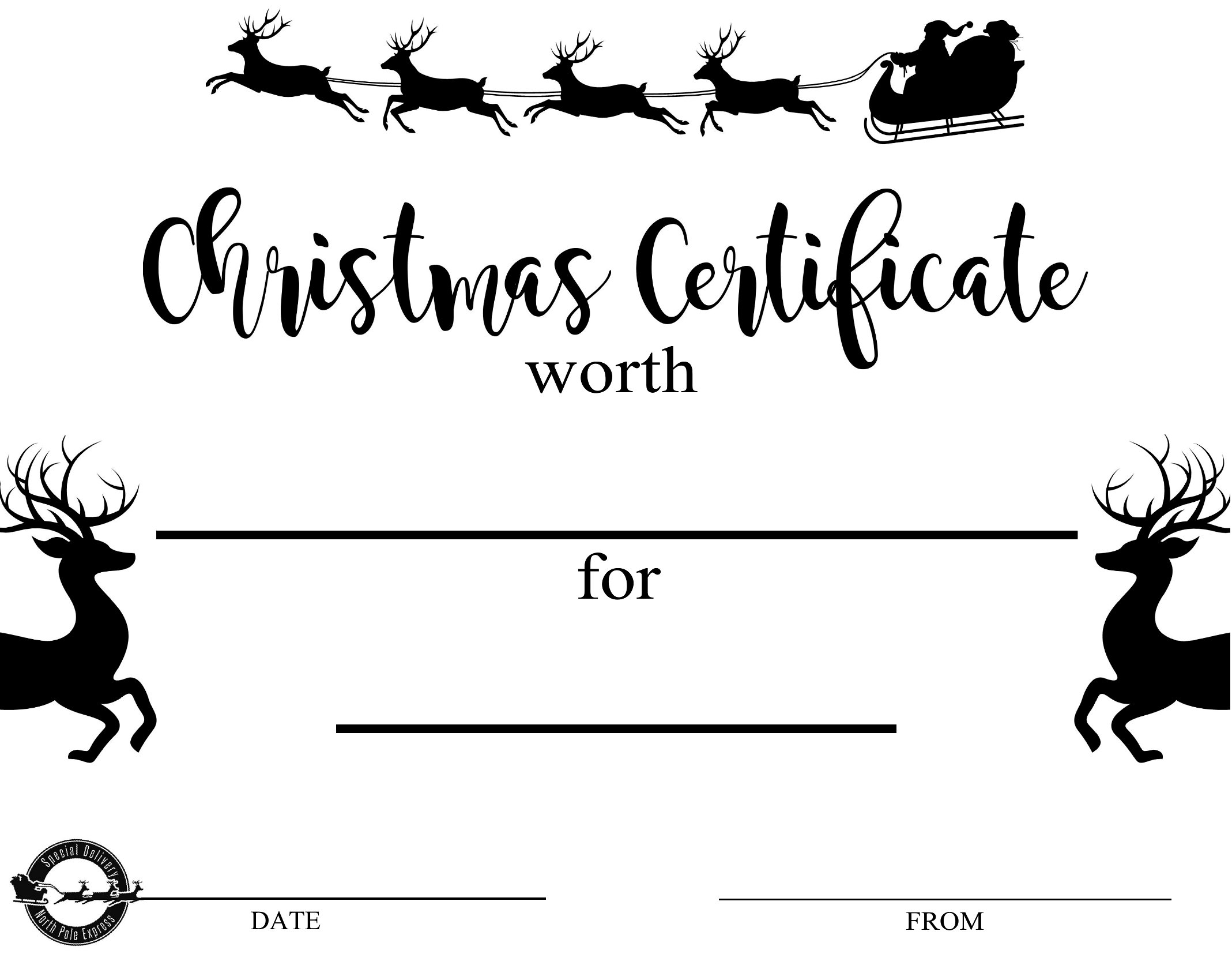
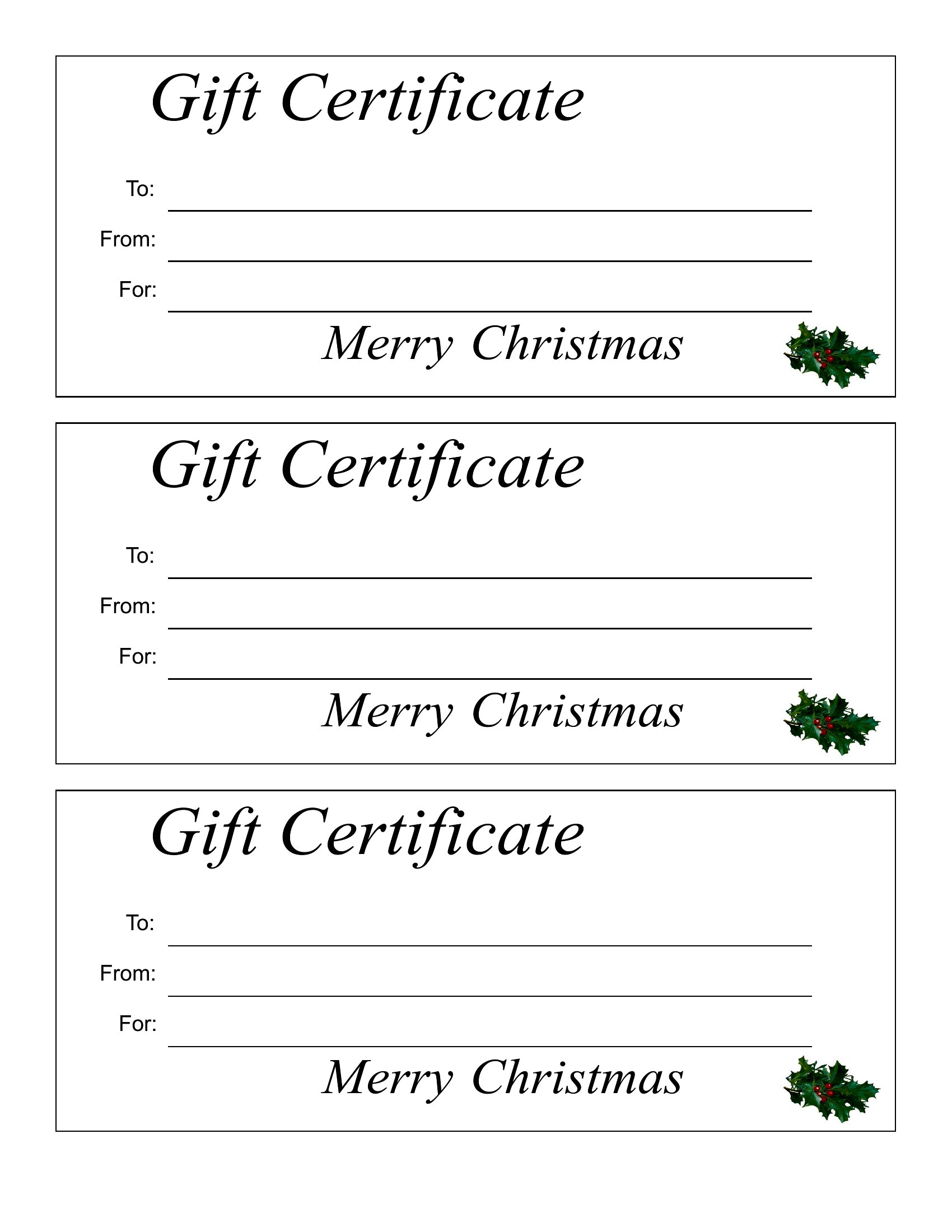
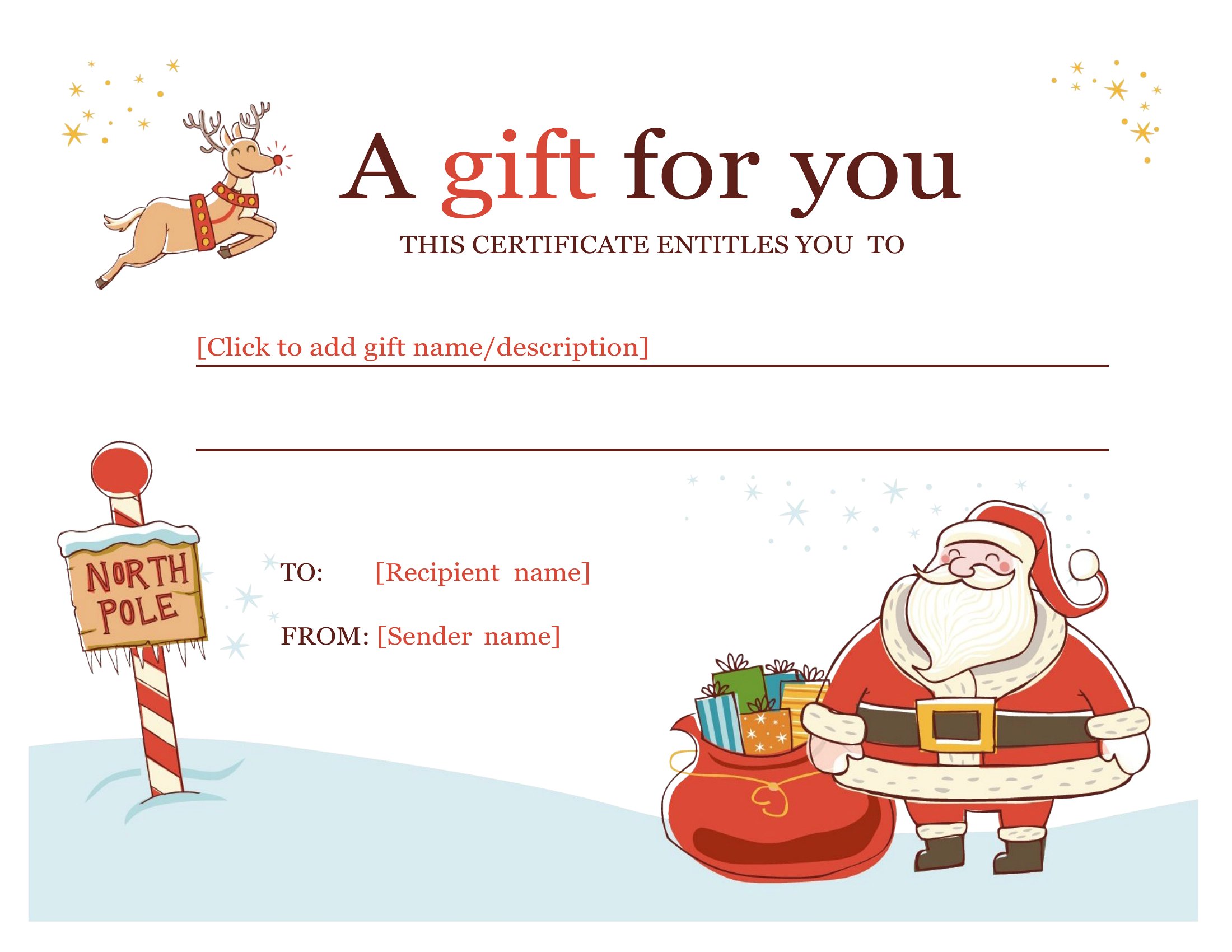
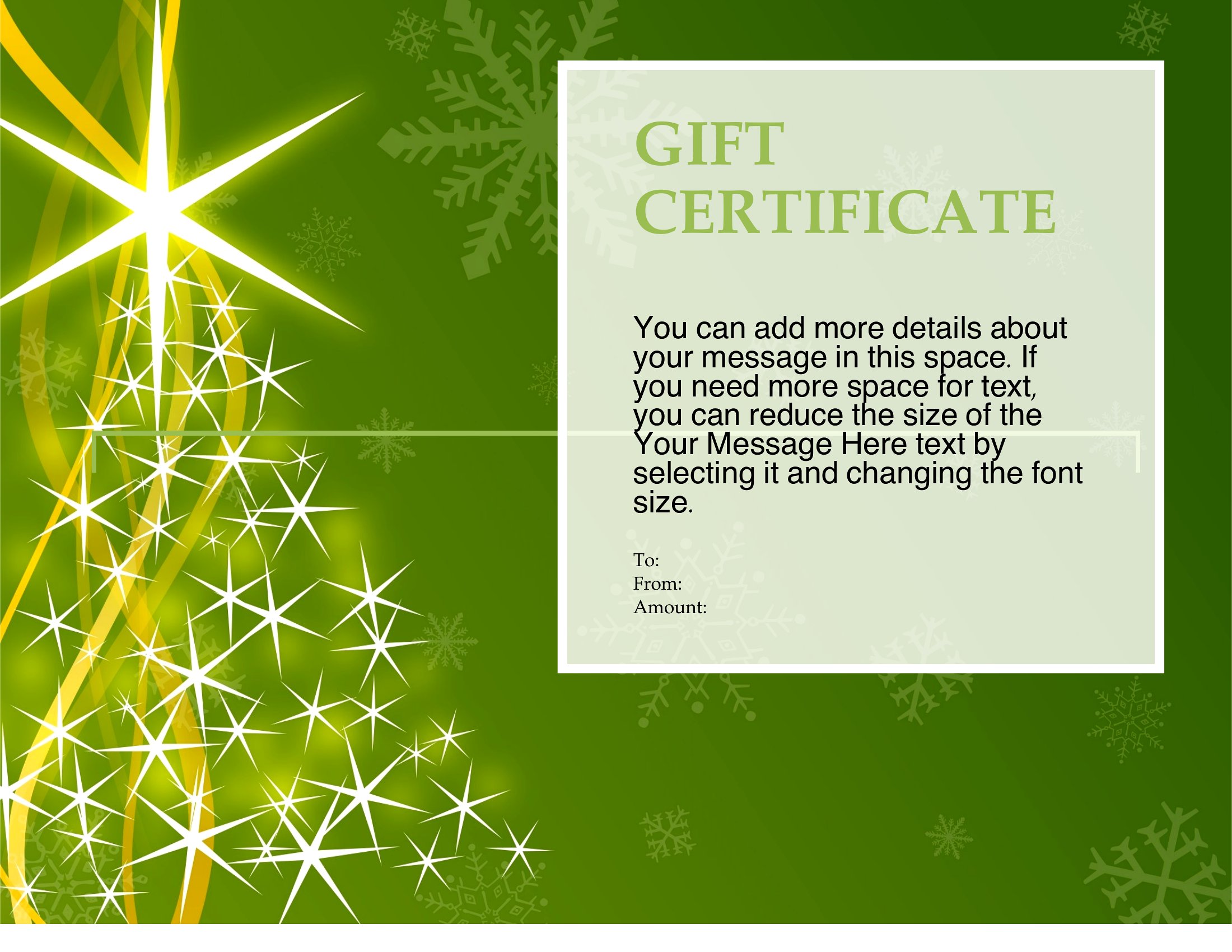
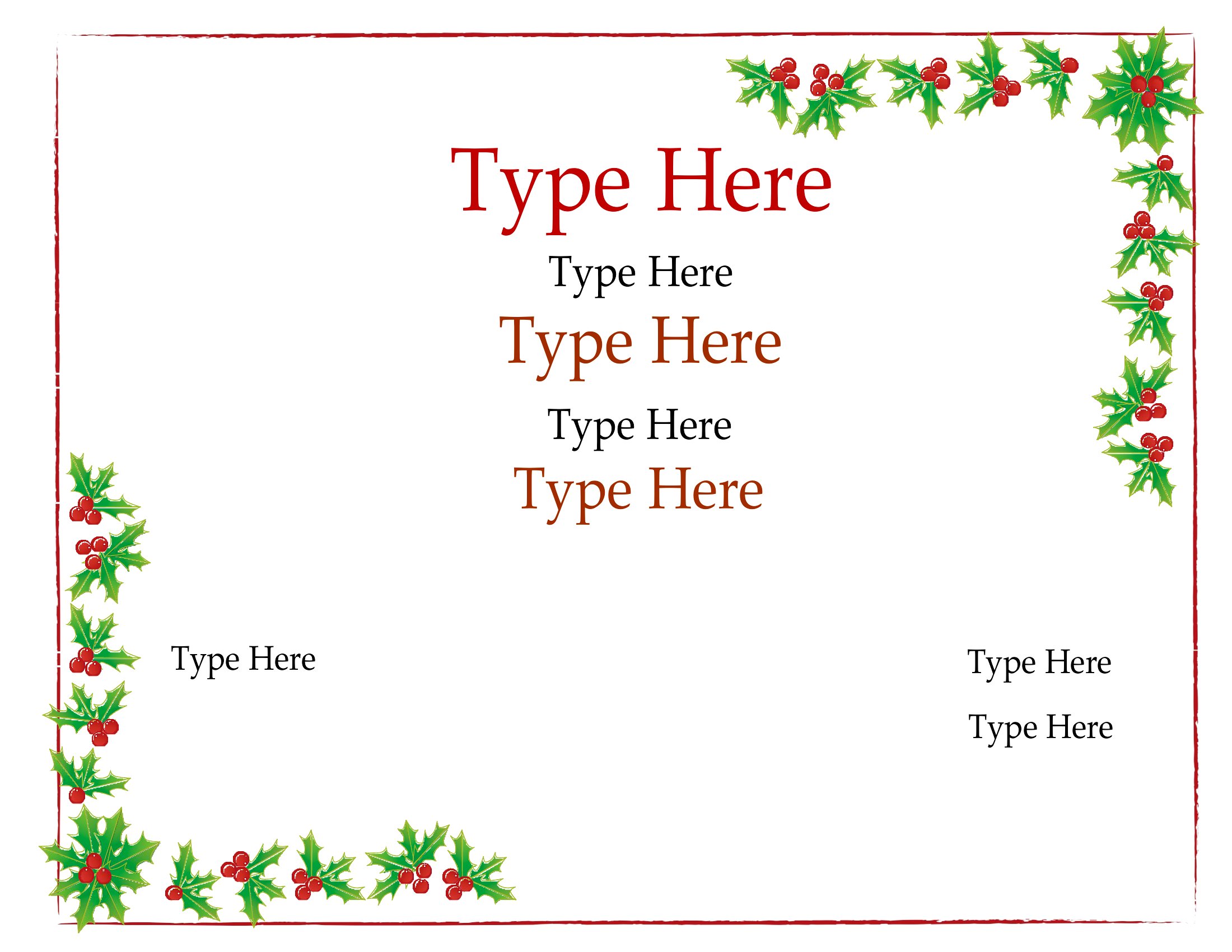
Yes, many of these templates include festive elements like snowflakes or holly, but you can also add your own subtle holiday-themed graphics as long as they align with your brand or the recipient’s preferences. Keep the design clean and easy to read—avoid overly busy backgrounds that might distract from the certificate’s purpose.
What’s the best way to store or track digital gift certificates sent via email or text?
If sending digital certificates, include a unique redemption code or a clear subject line in your email to help the recipient identify it later. For tracking, consider using a simple spreadsheet to log who received which certificate and its value, especially if you’re offering multiple types or need to honor them later.
Comments
Join the conversation
Sign in to share your thoughts and leave a comment on this resource.