Skip to content
50% off this one-time $1.99 pack with HALFOFF — or unlimited with Pro.HALFOFF
Premium

Free Printable Table Tent Templates (Word, PDF)

Life
elioguerin by elioguerin
Updated 0 downloads Quality-checked template

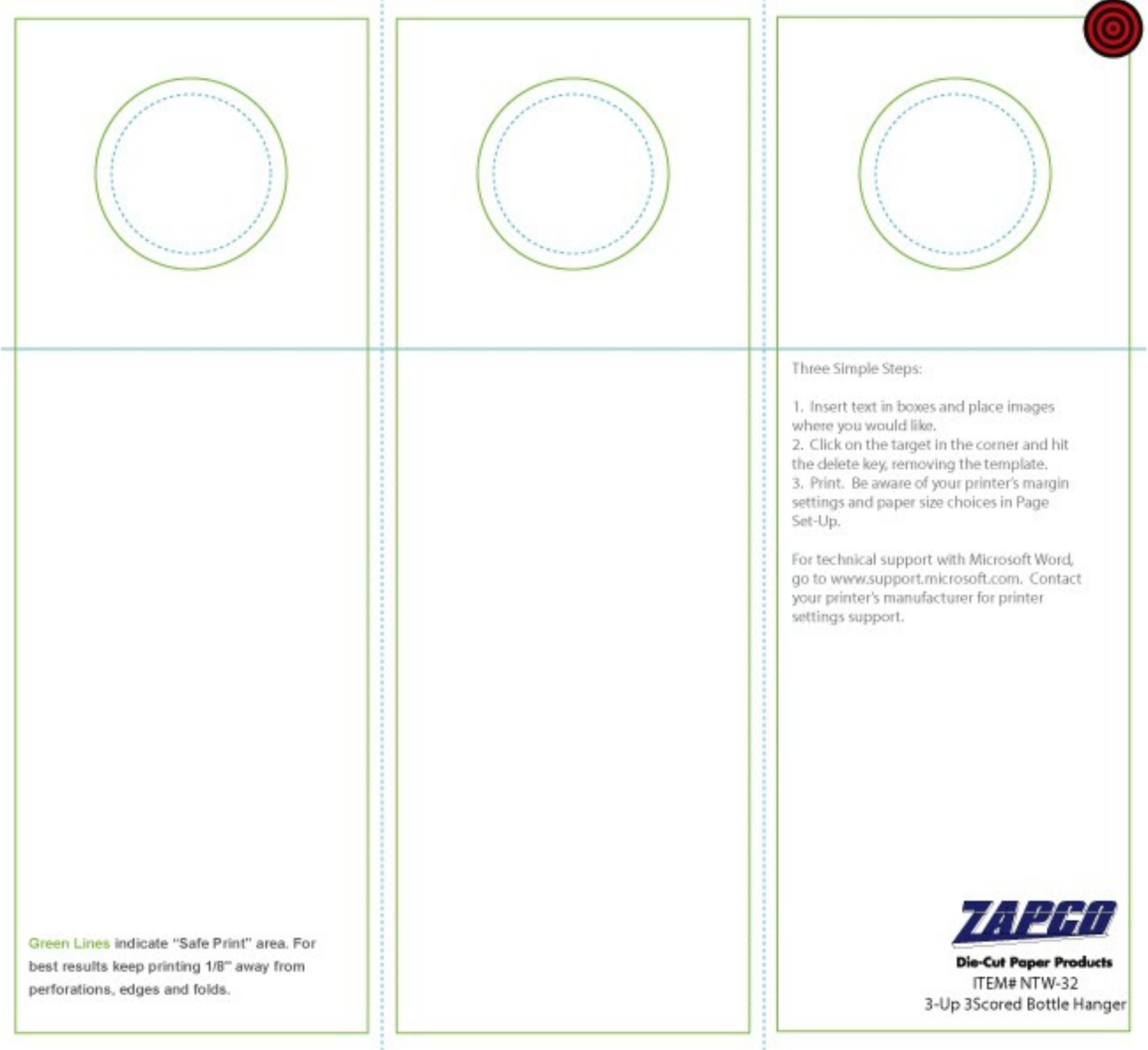
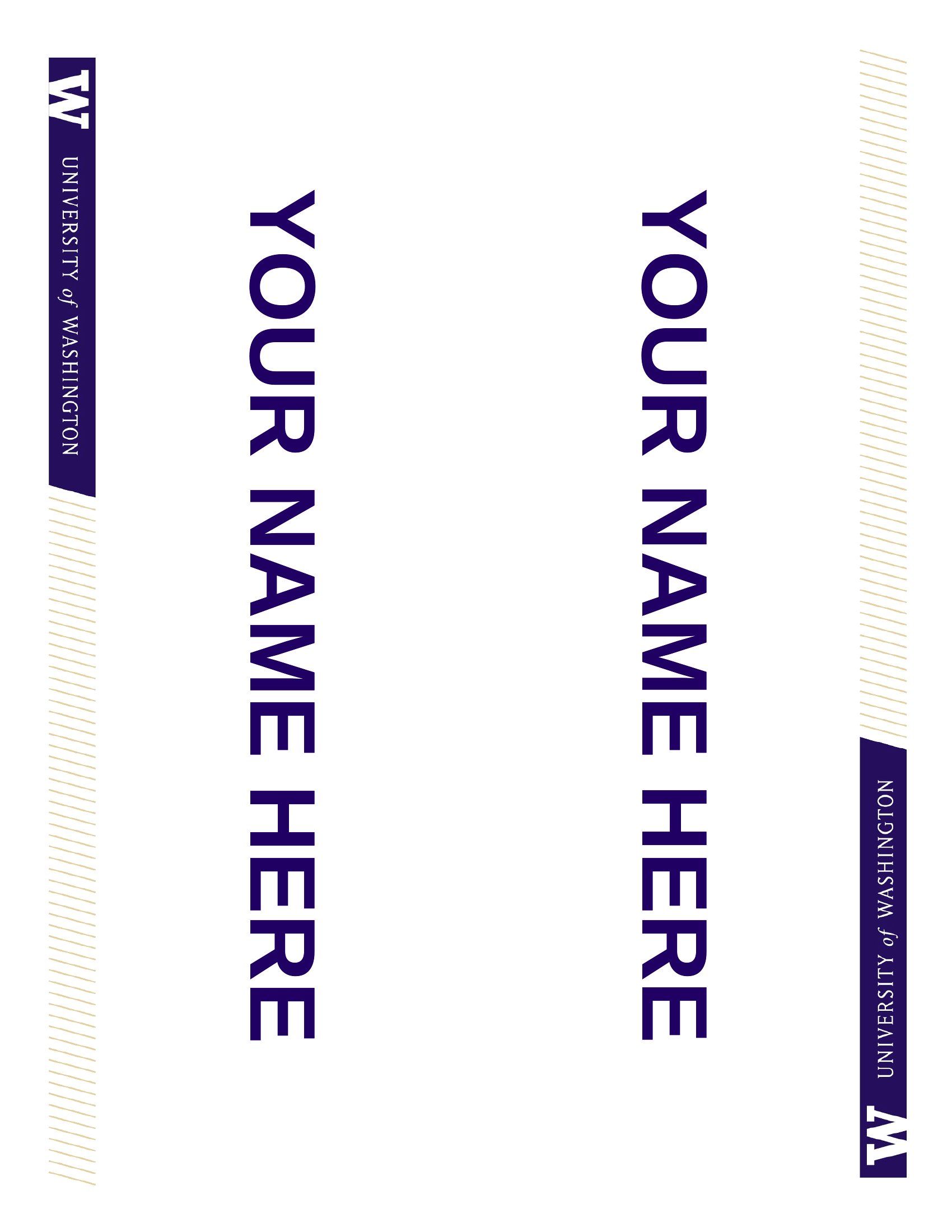
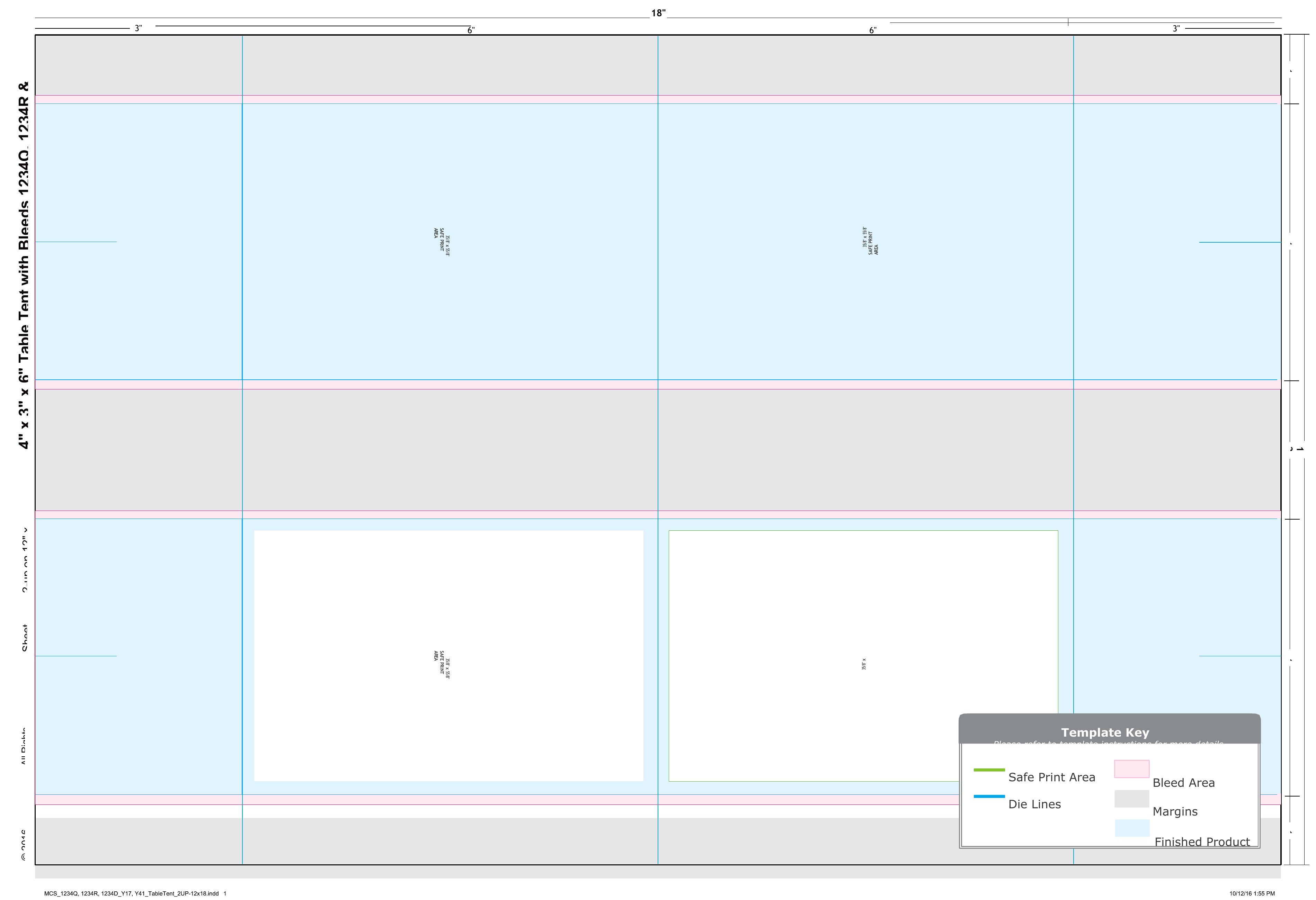
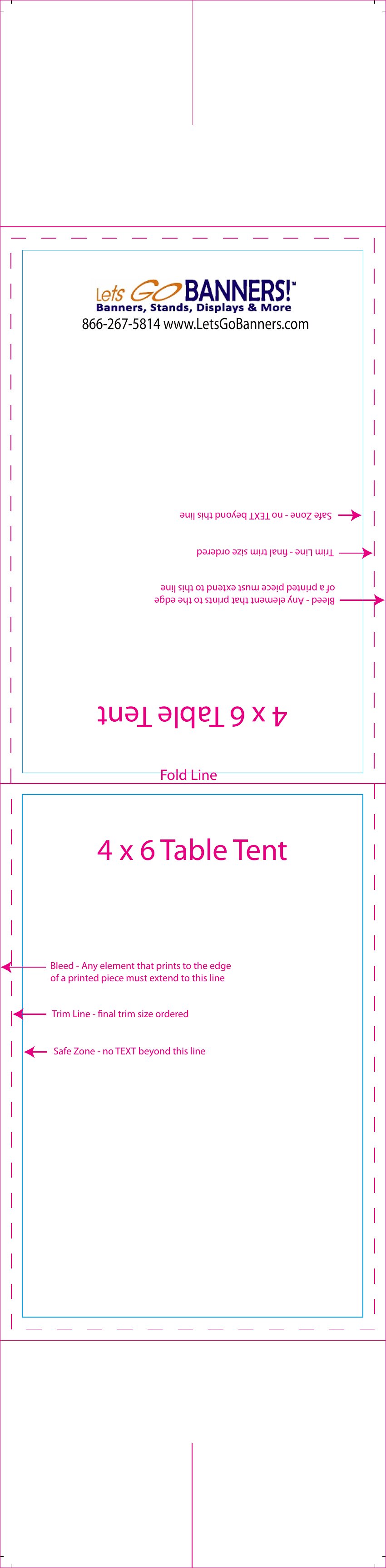
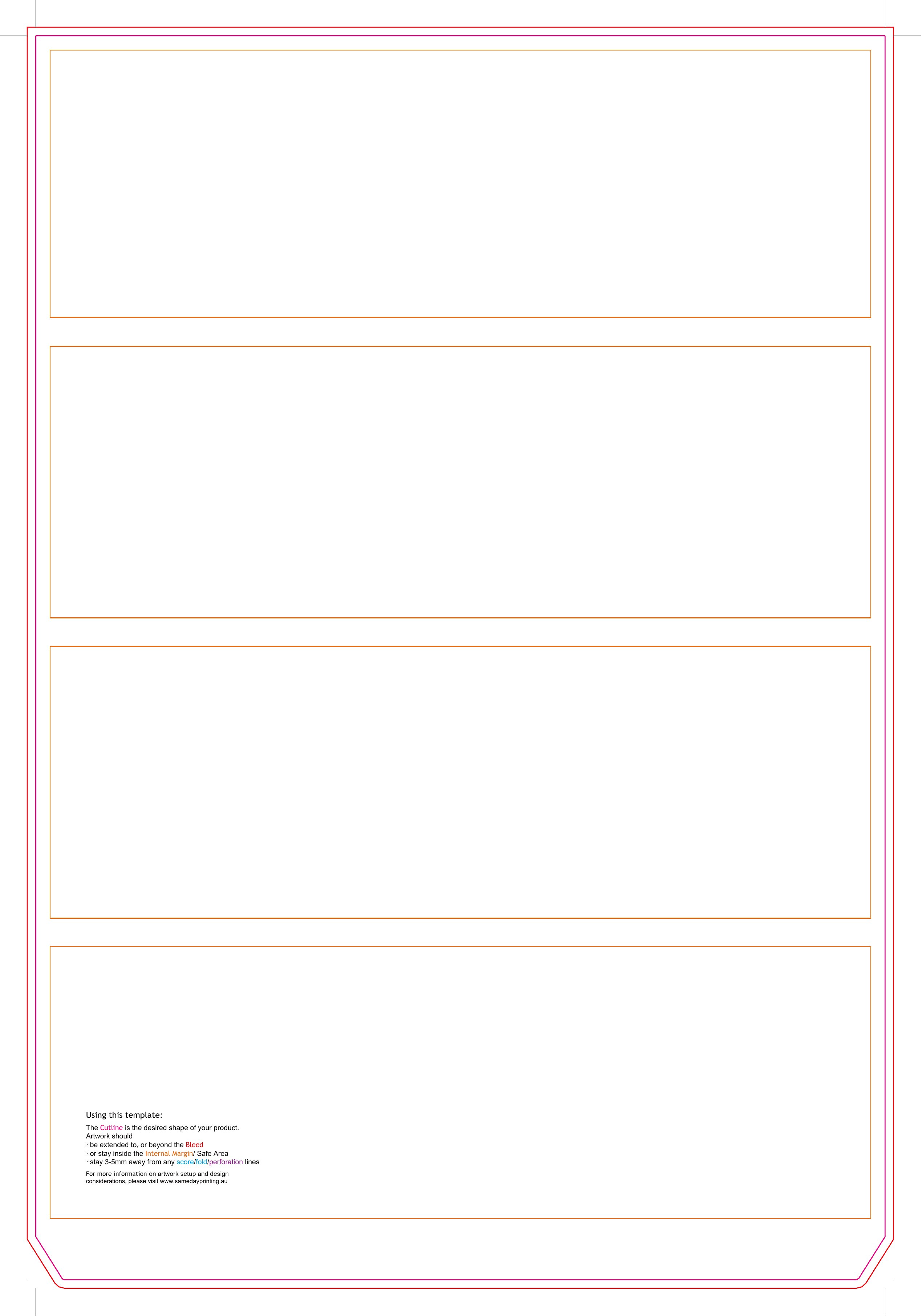
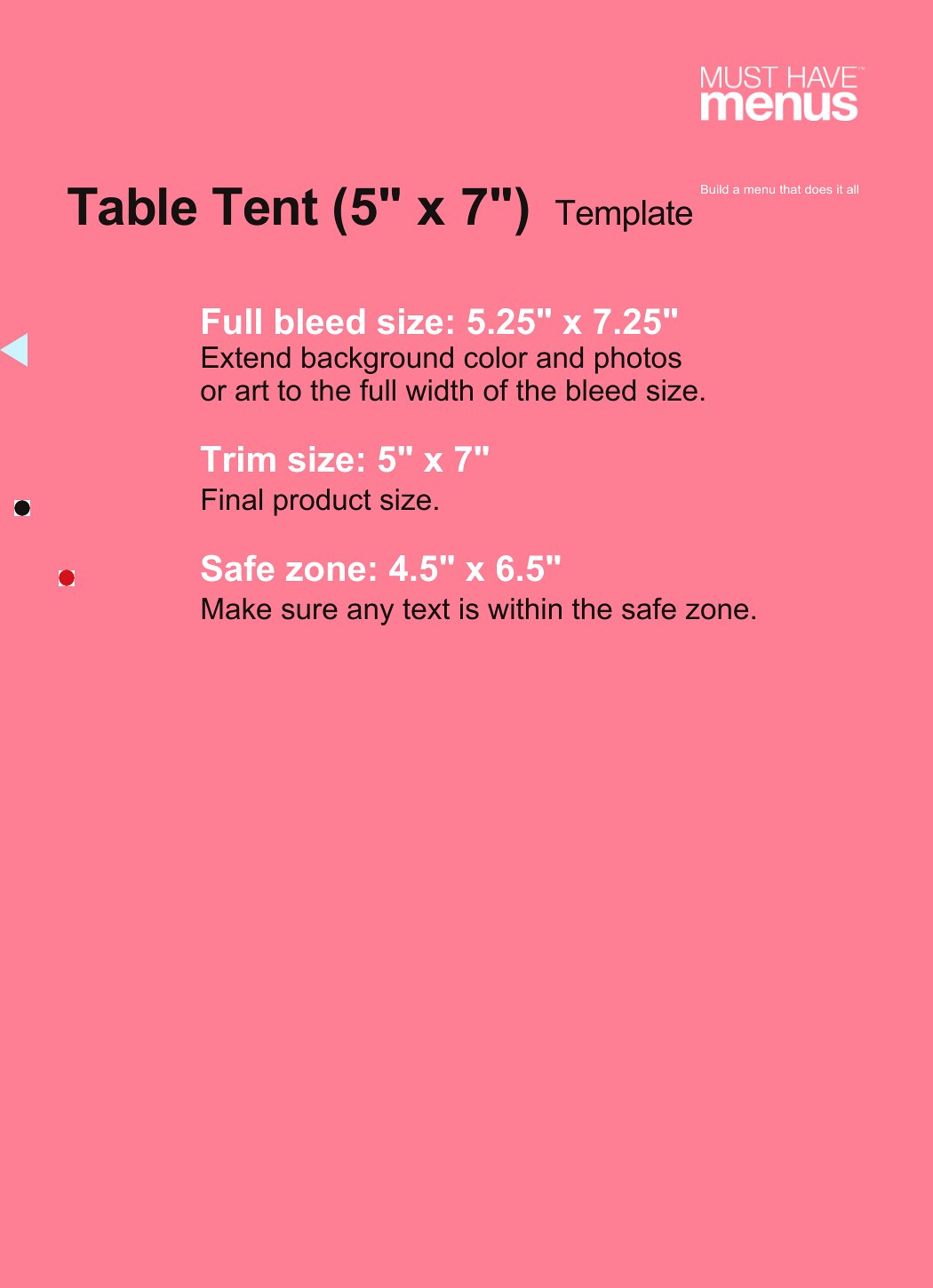
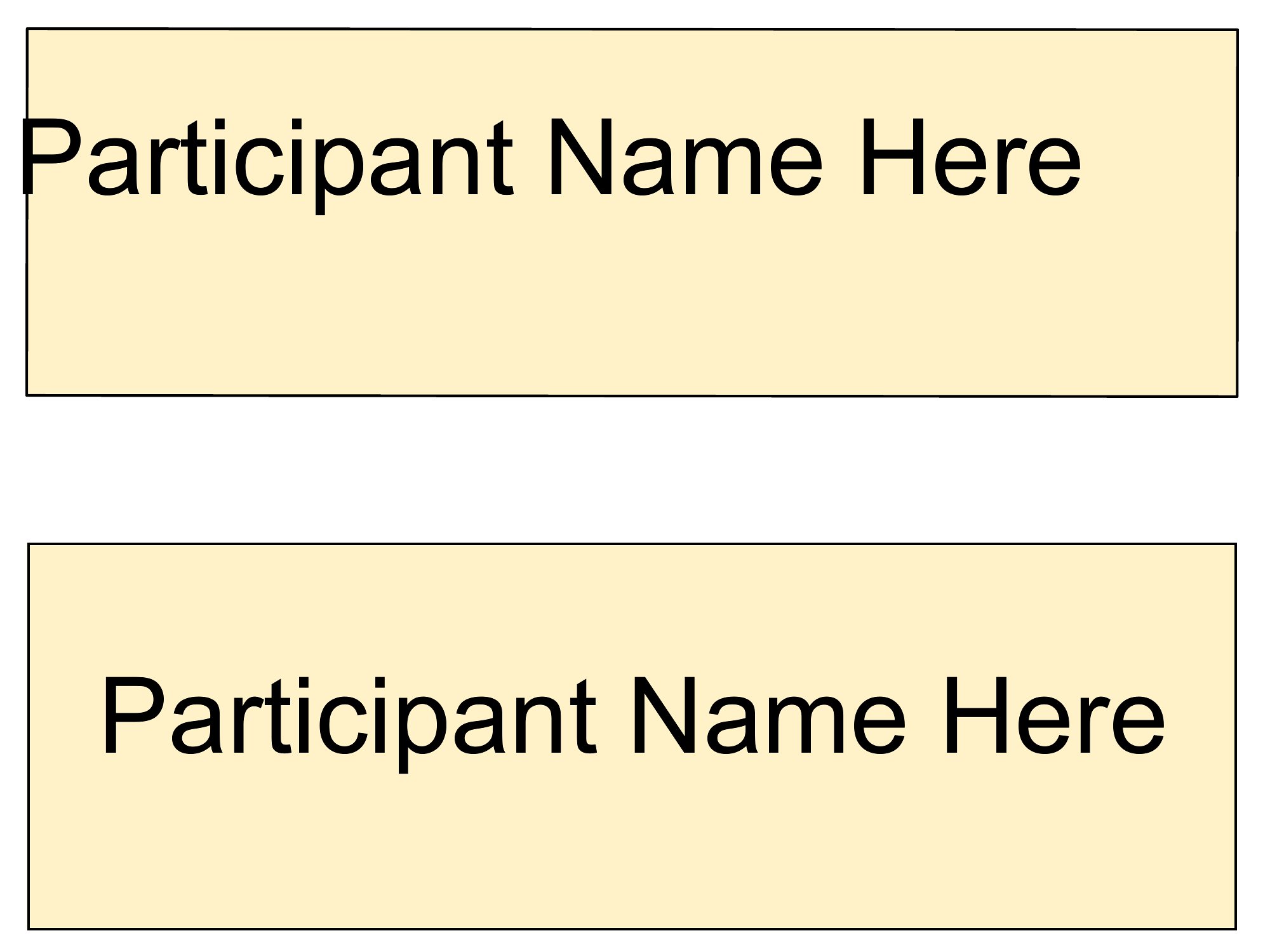
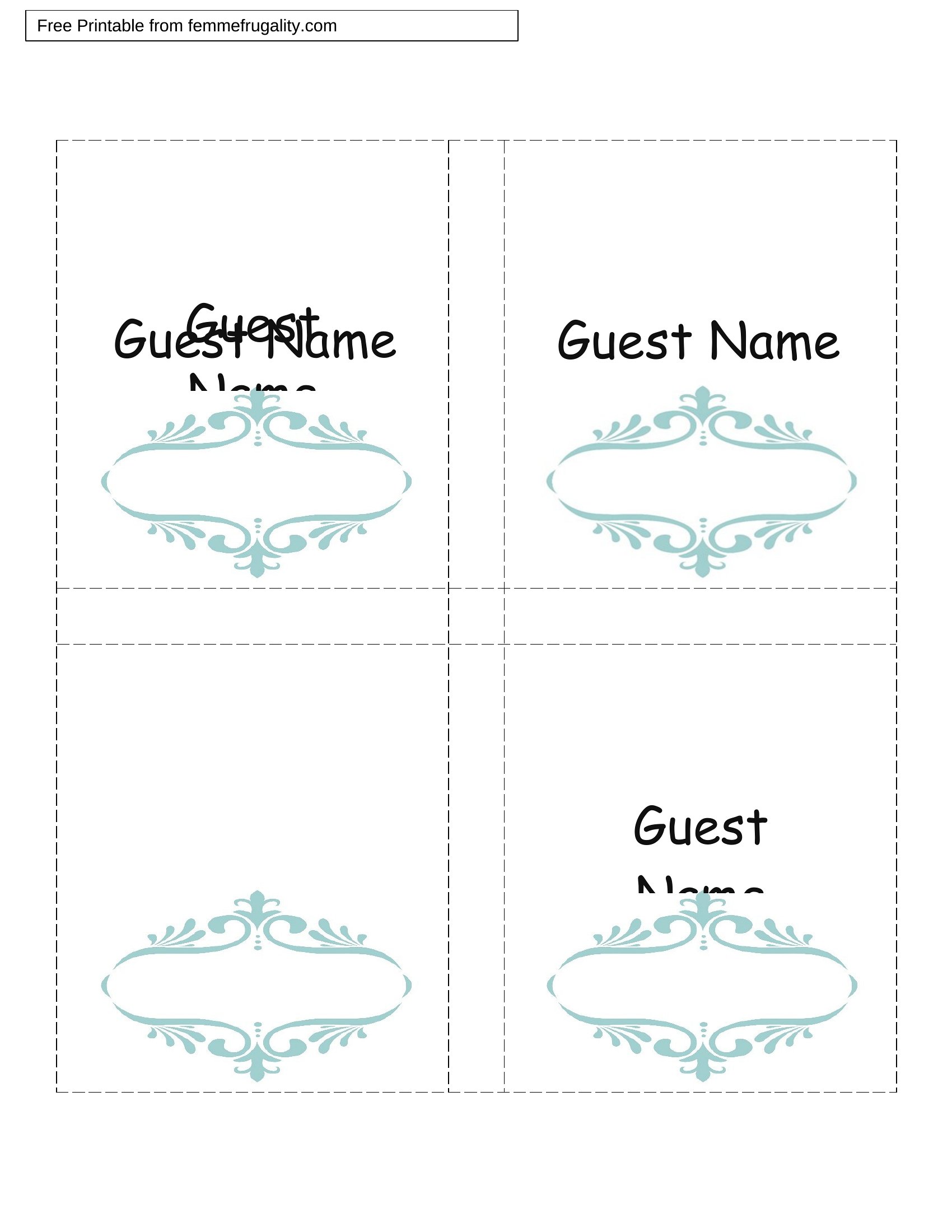
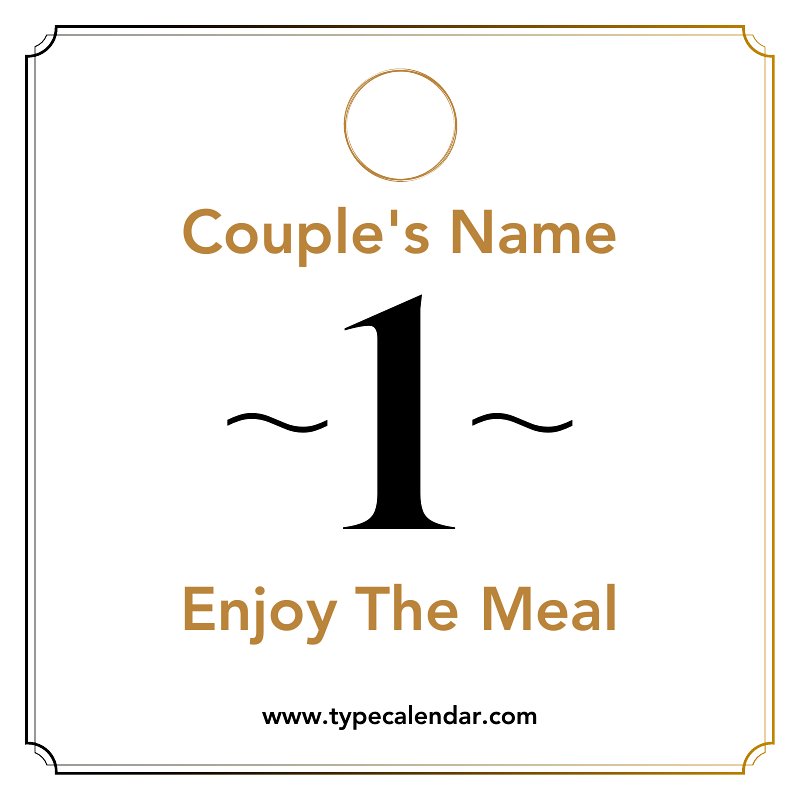
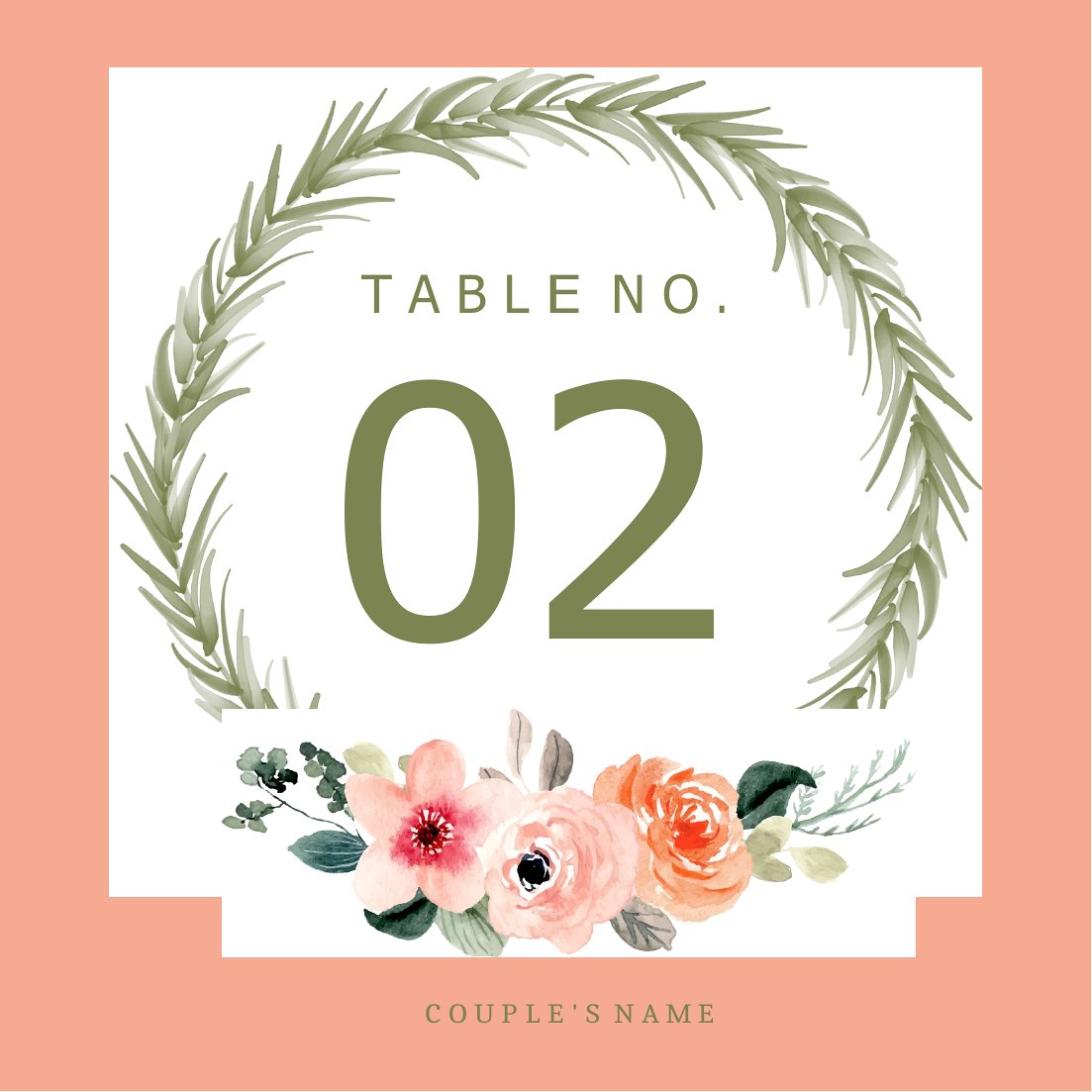
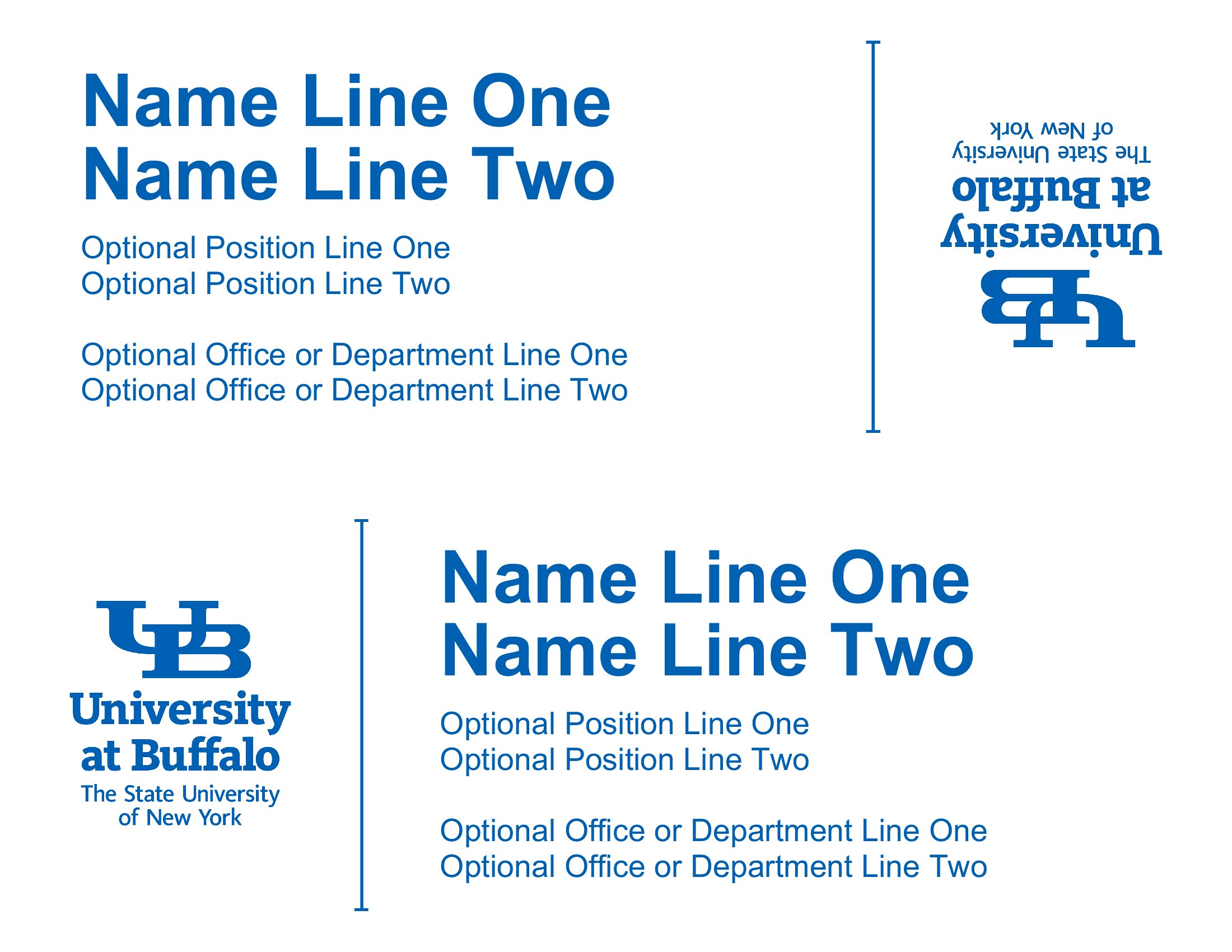
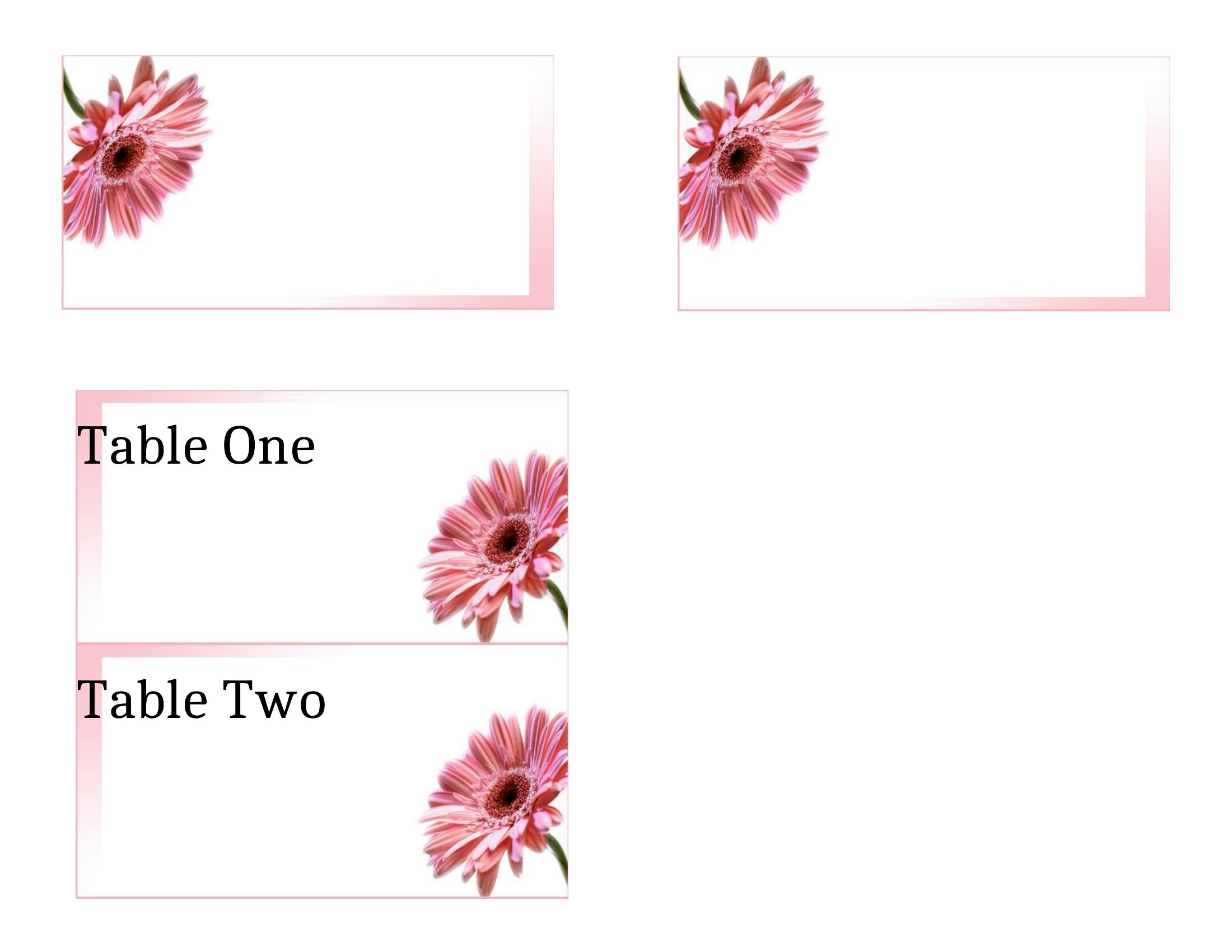
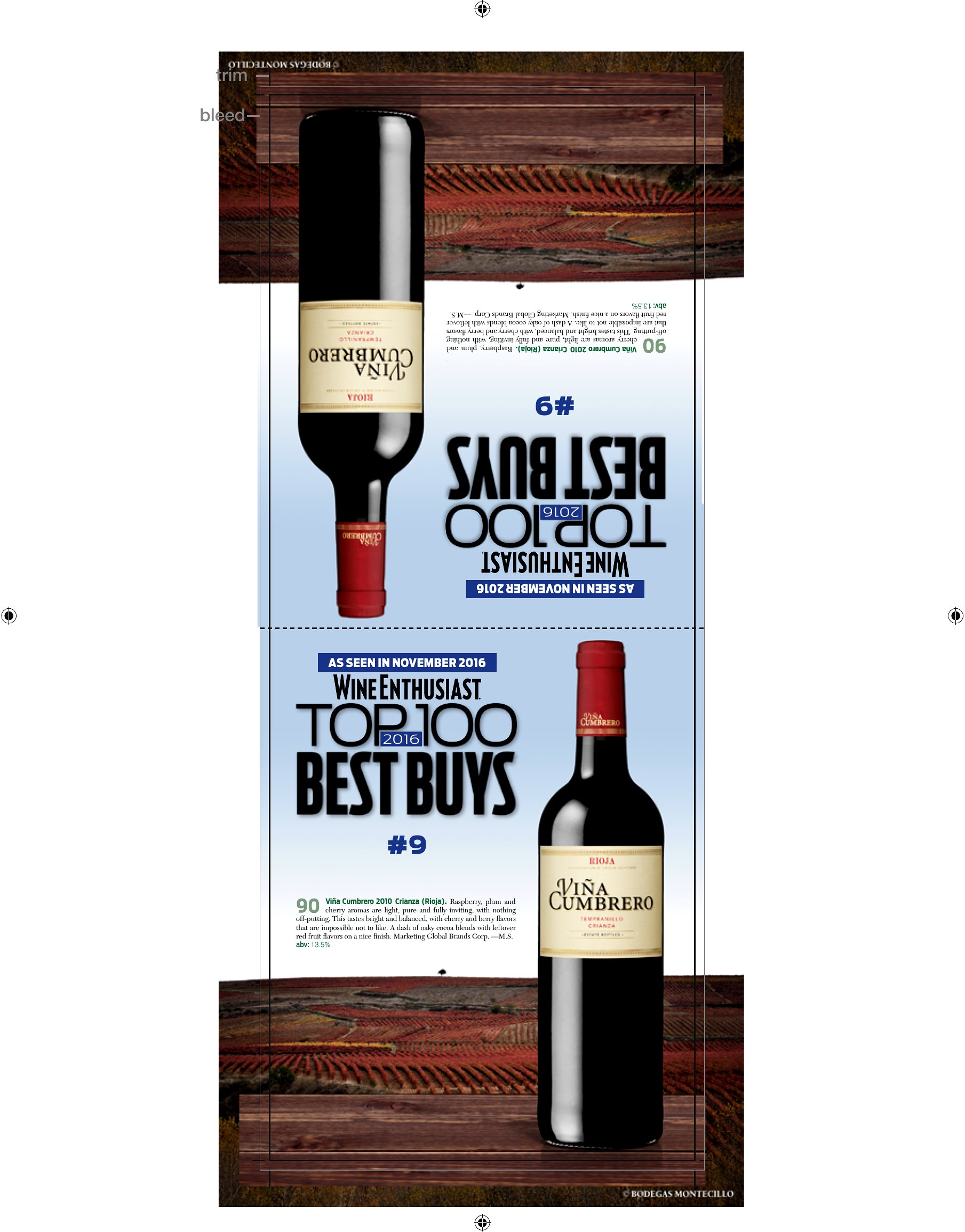
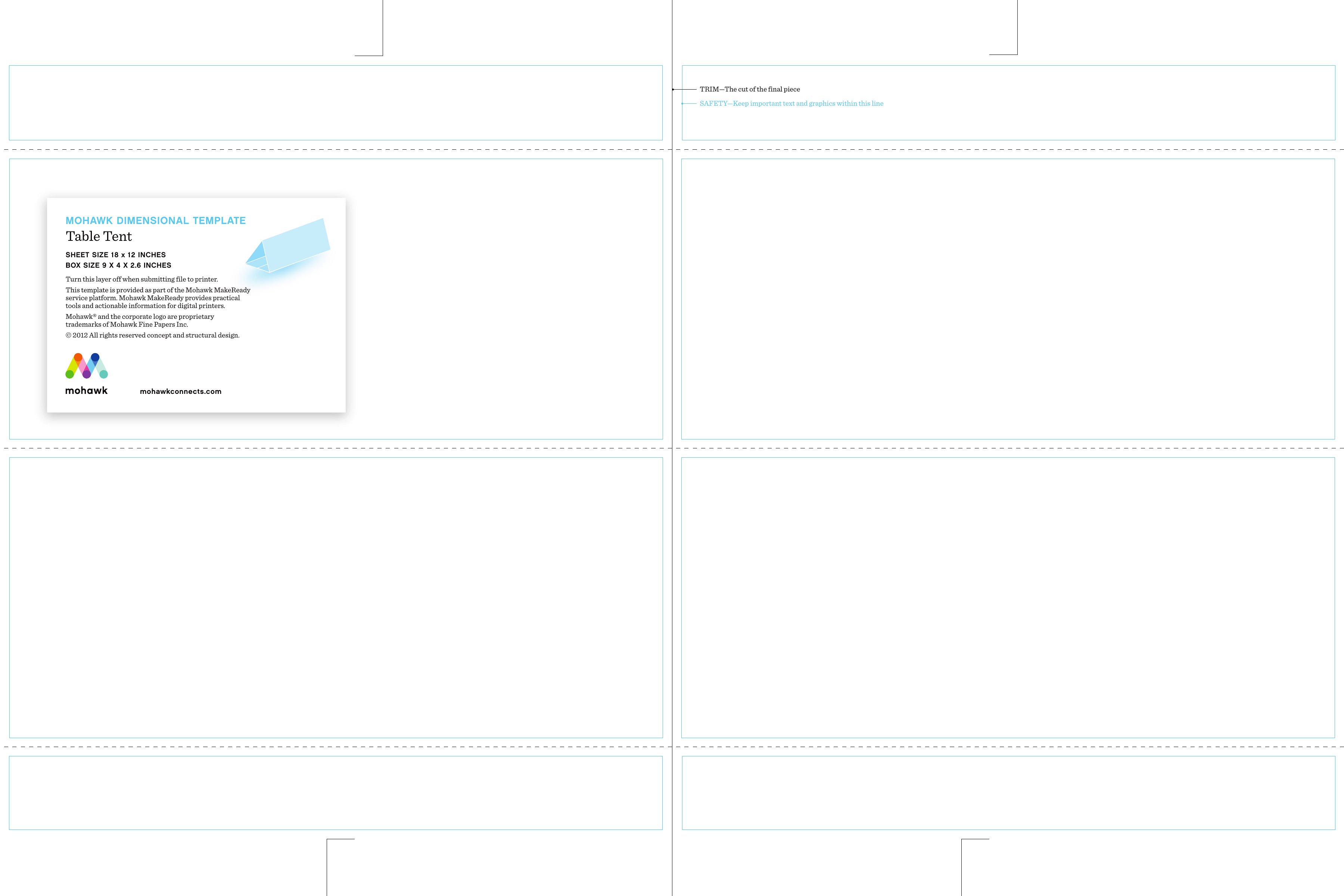
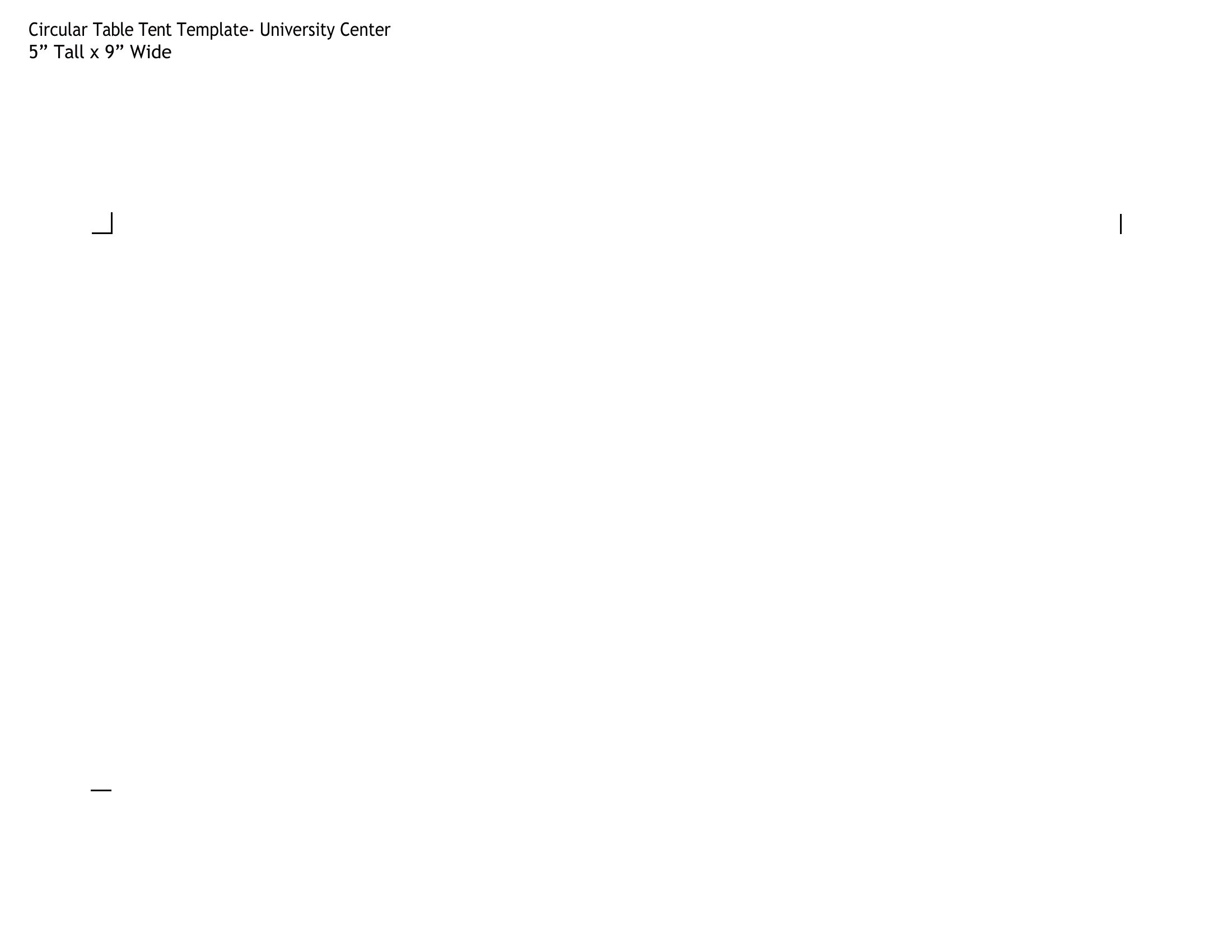
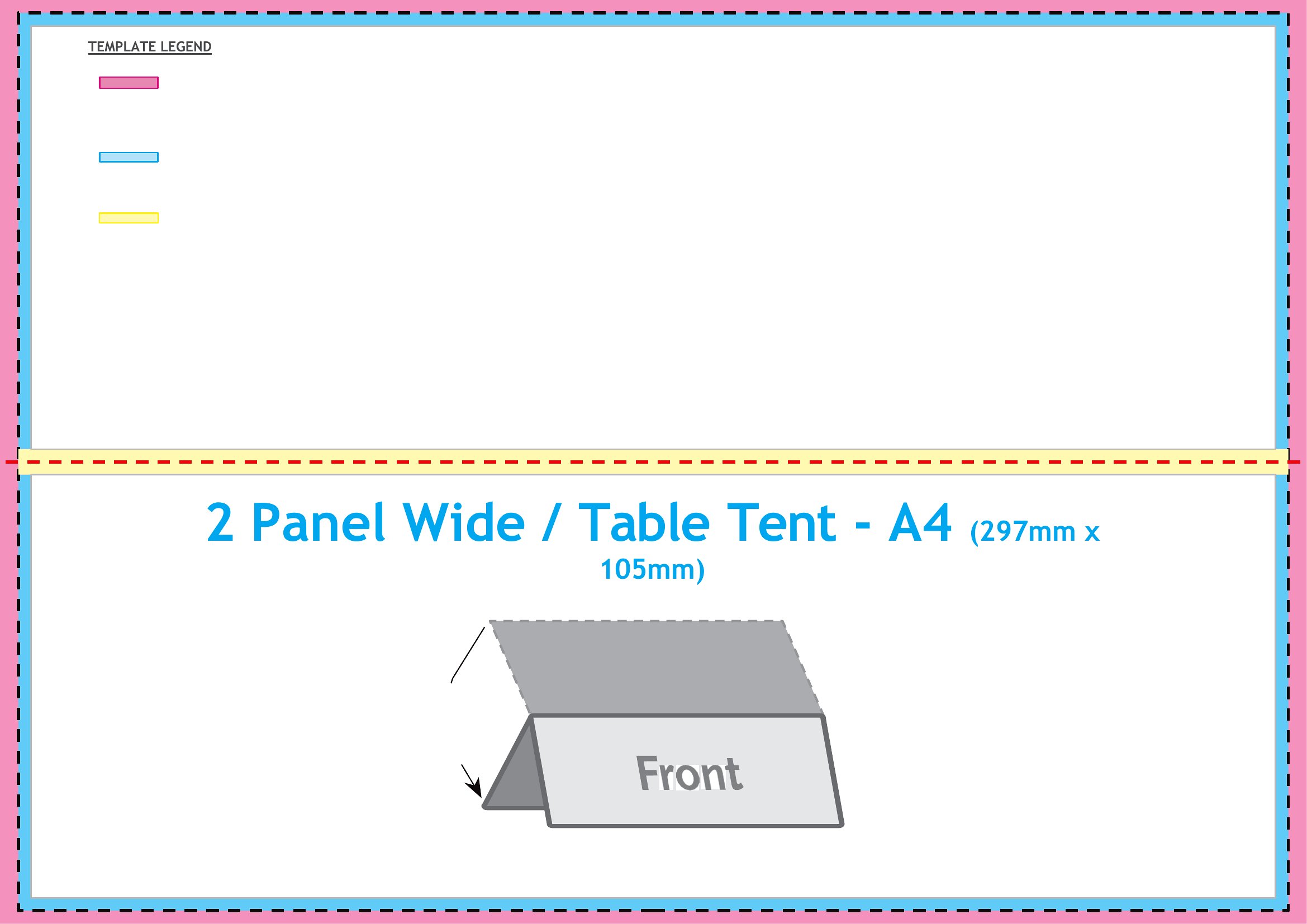
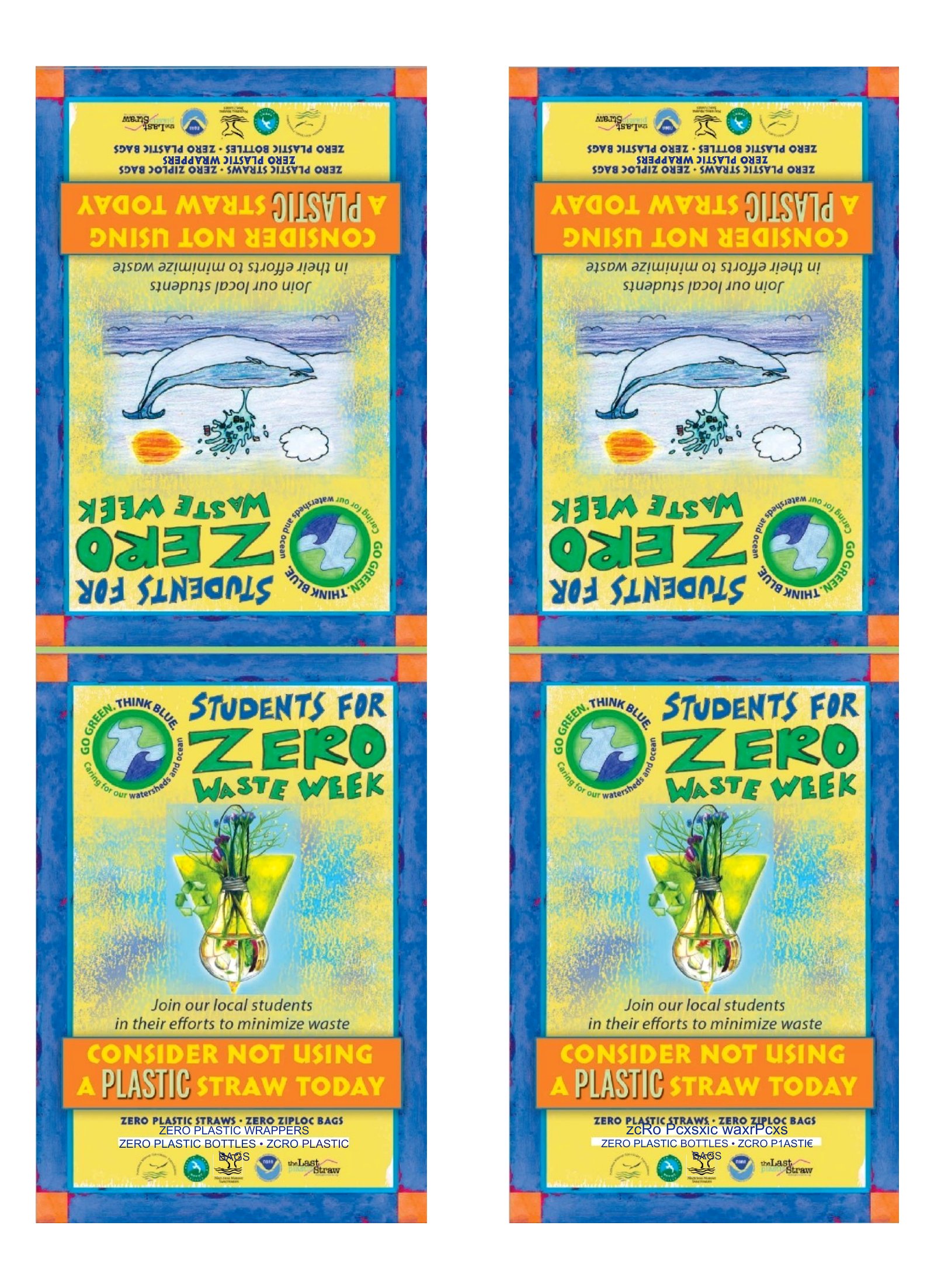
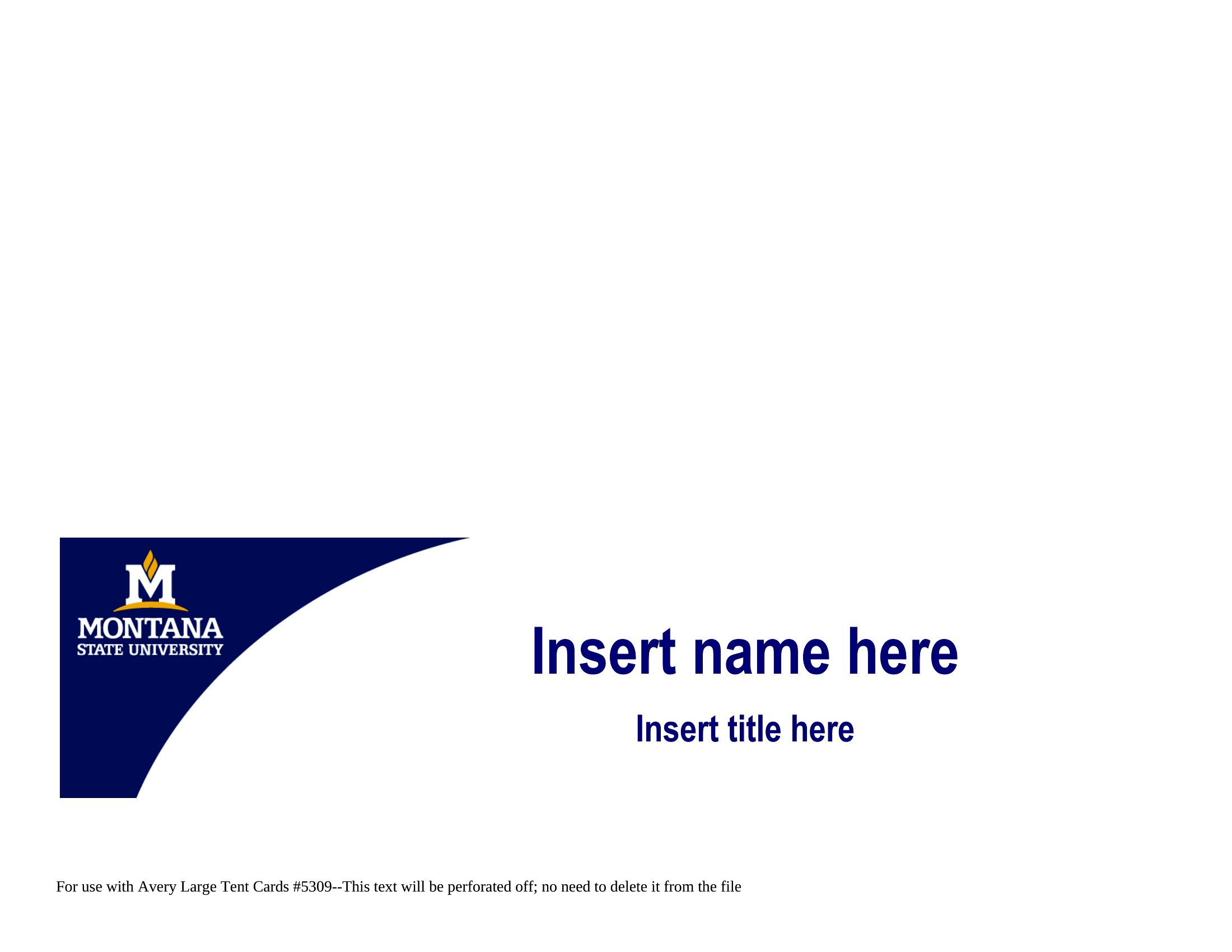
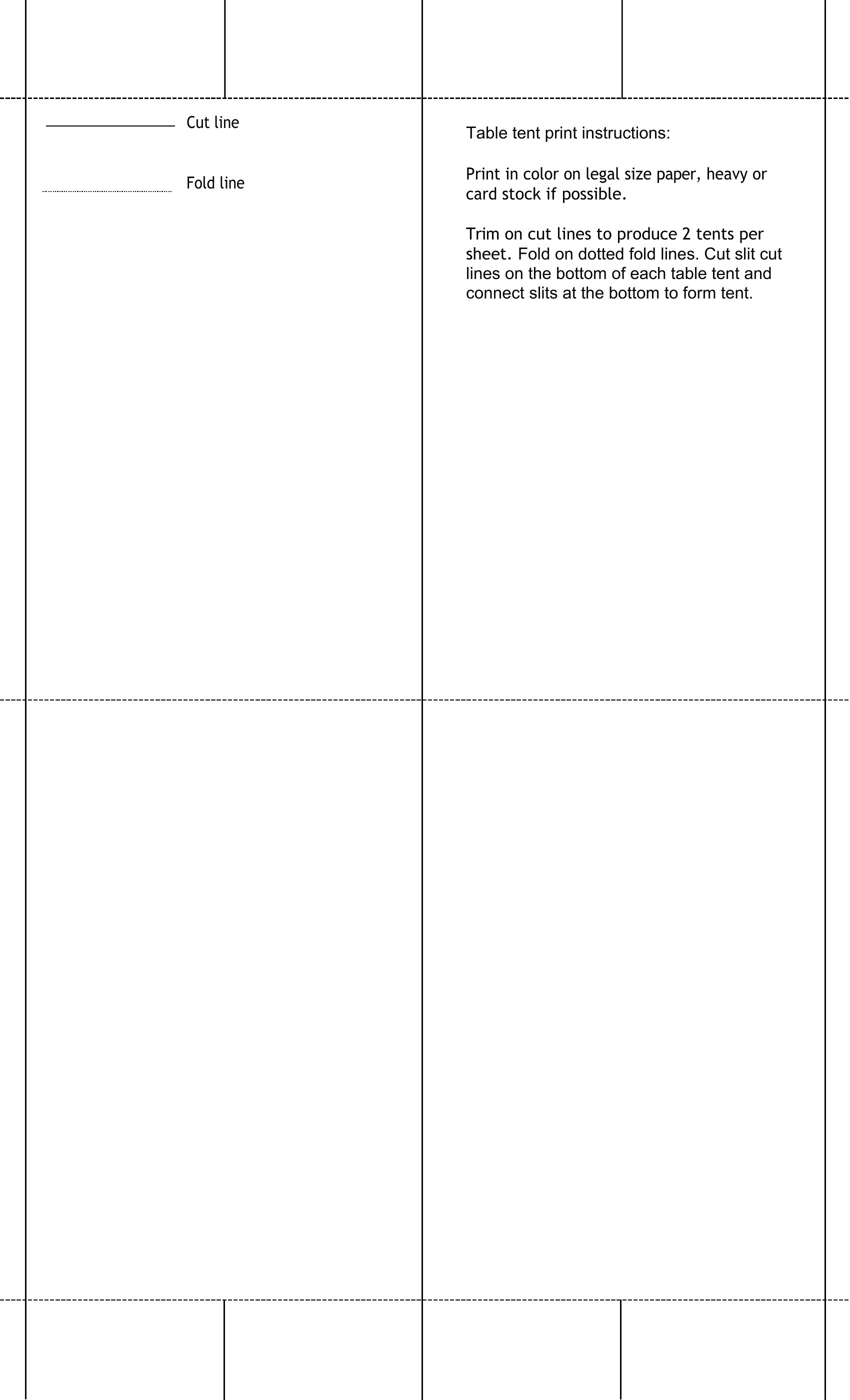
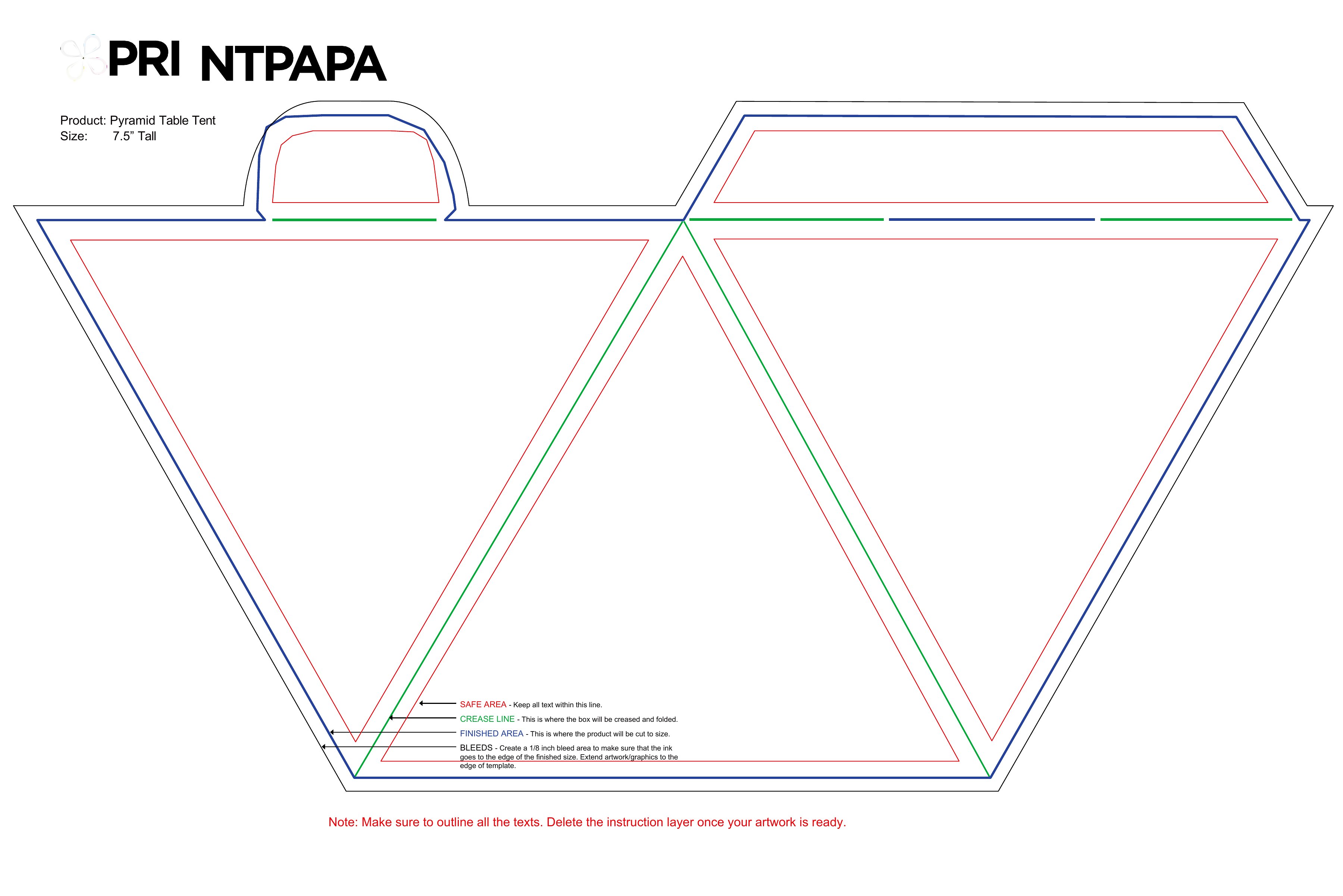
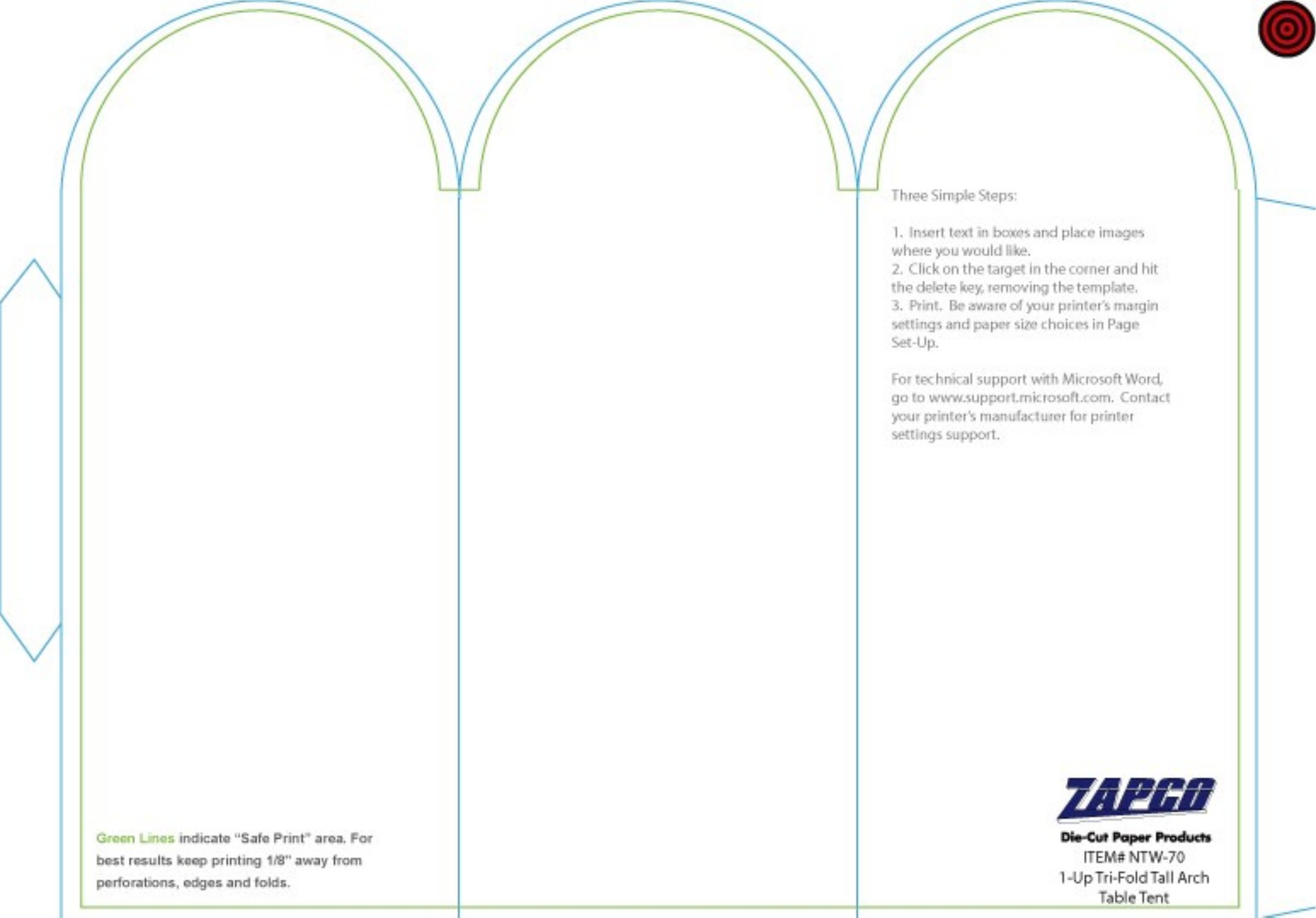
Table tents are those little folded signs that stand on a table to share a name, a menu special, or event info, and they're quick to make with the right template. This set of 41 templates folds flat-printed paper into a two-sided standing card, perfect for restaurants, conferences, weddings, and classrooms. Event planners, small-business owners, and teachers can put useful info right where people are looking.

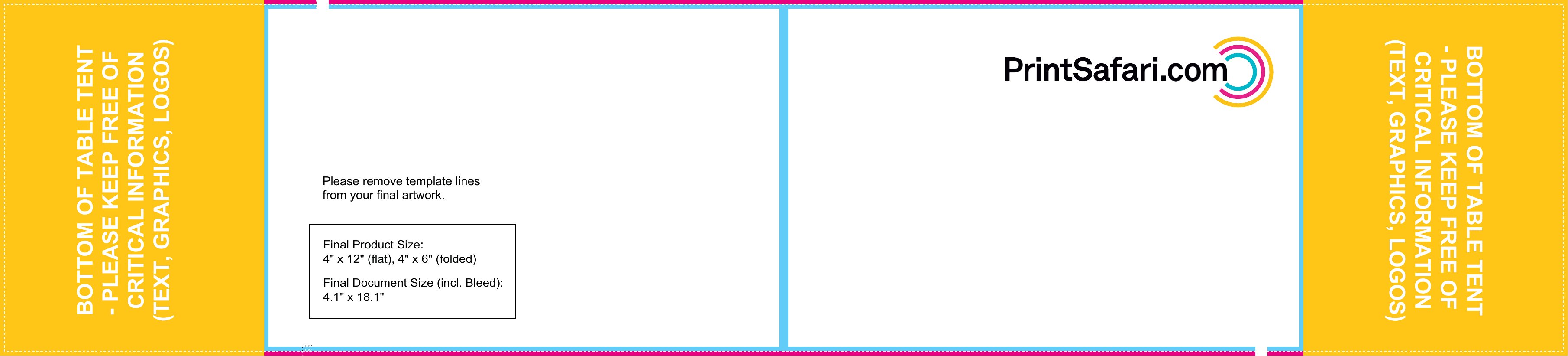
Edit the Word versions to add your text and branding, or print the PDF layouts and fold along the lines. They're sized for standard paper and stand up on their own once folded. Pick the design that fits your event and have eye-catching table tents ready in minutes.

When to use this Table Tent template

  • A local bakery owner wants to quickly print daily specials on table tents for weekend brunch crowds, updating the menu every few weeks without reprinting full signs.
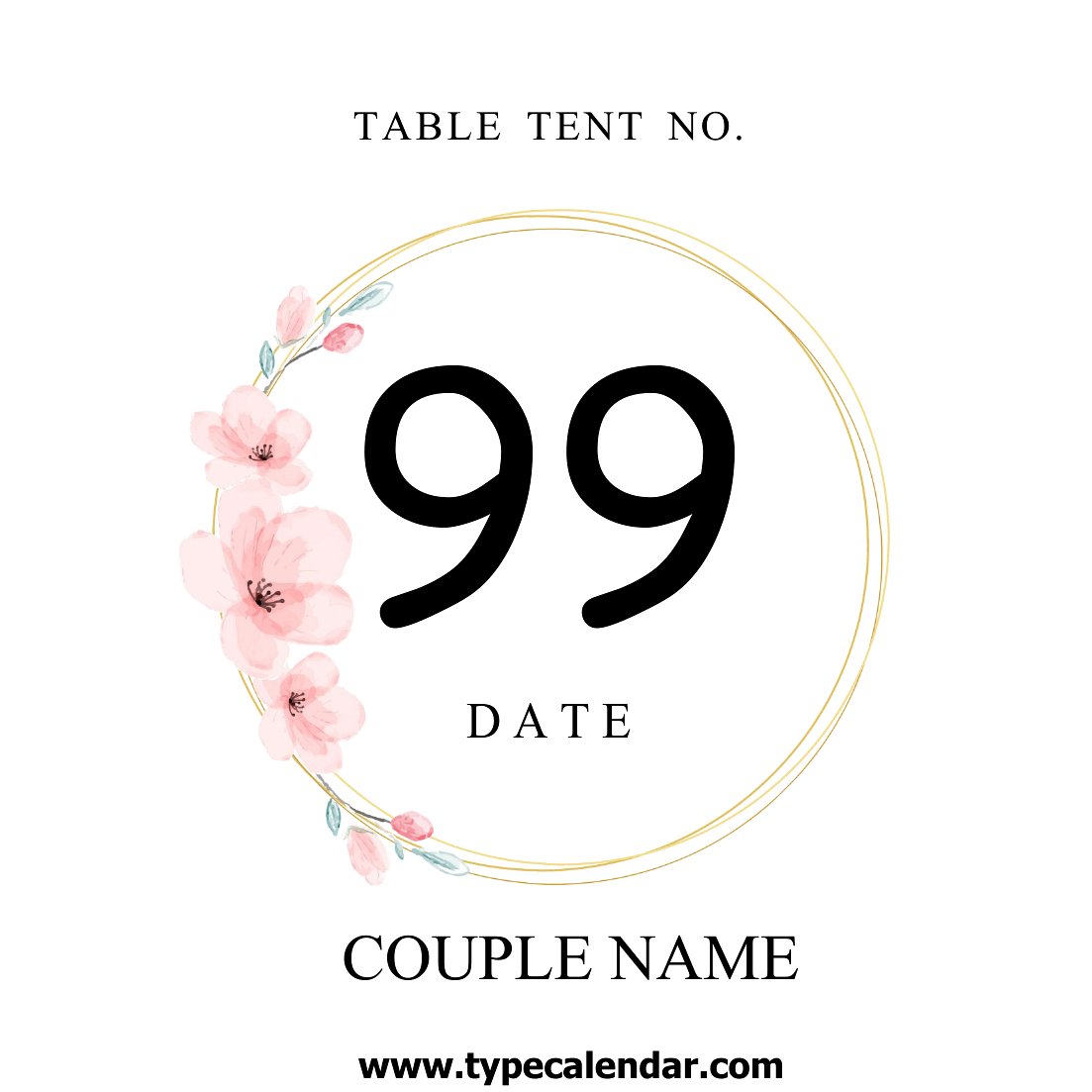
  • A wedding planner needs to display seating charts, ceremony times, and vendor booth locations at a large reception, using durable, foldable tents that guests can easily read from their tables.
  • A university professor organizes a guest lecture series and requires table tents to list speaker bios, session times, and room locations for attendees navigating a sprawling campus.
  • A small café hosts weekly open mic nights and uses table tents to highlight performer names, set times, and drink specials, replacing handwritten notes that smudge or fade.

Which format should I download?

WordPDF

Choose Word if you need to edit text, resize elements, or adjust fonts before printing—ideal for frequent updates like daily menus or event schedules. Opt for PDF if you prefer a fixed, print-ready design with no formatting risks, perfect for one-time use like wedding seating charts or promotional materials where consistency matters. Word is best for flexibility; PDF is best for reliability.

Choose from 41 Table Tent Templates

How to use this Table Tent template

Can I use these templates for promotional table tents with my business logo?

Yes, these templates are designed to be customized with your branding. Simply insert your logo, colors, and text in Word or edit the PDF using a tool like Adobe Acrobat. Always ensure your design aligns with your brand guidelines for a polished look.

What size paper should I use to create a standard table tent?

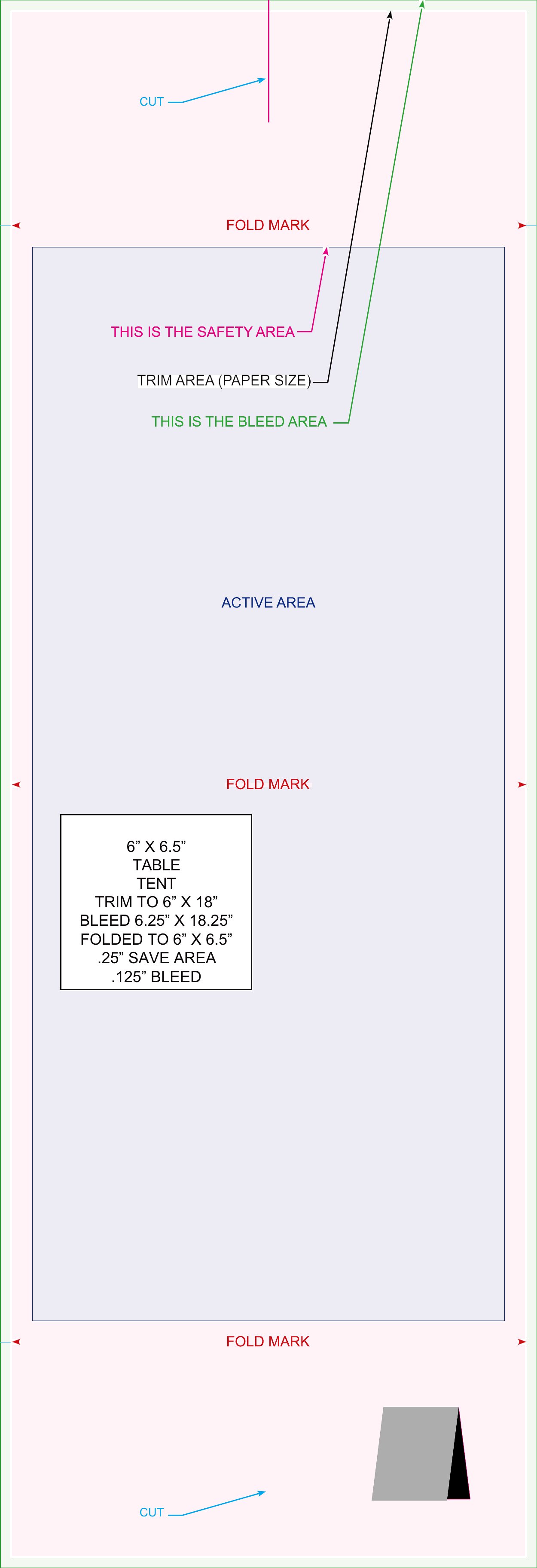
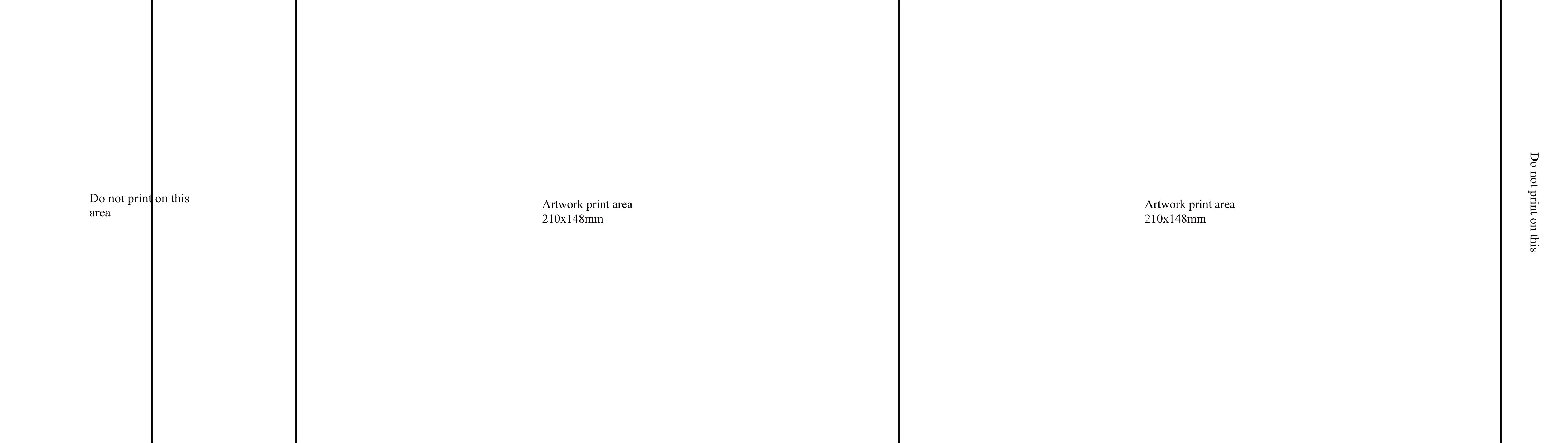
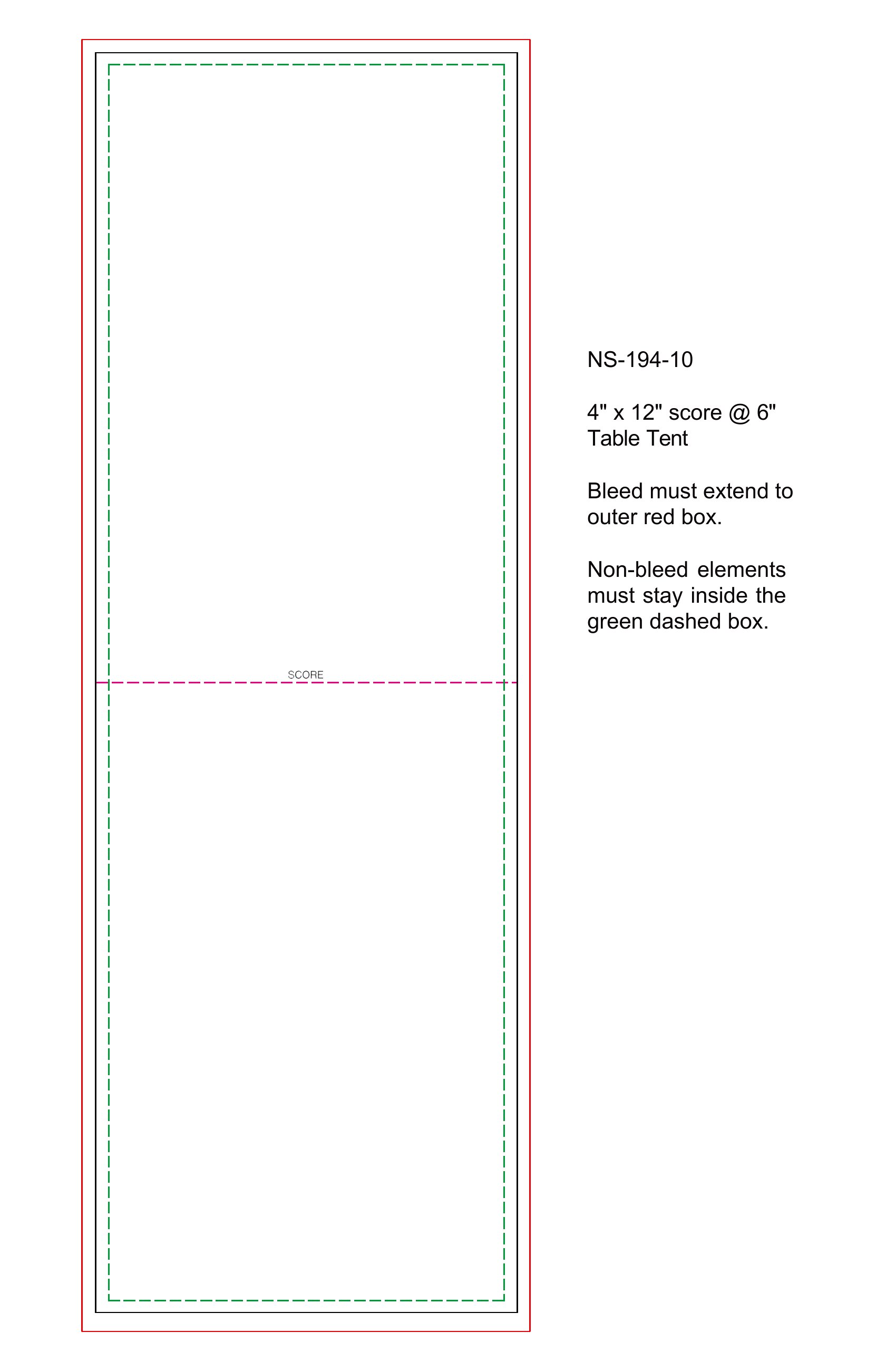
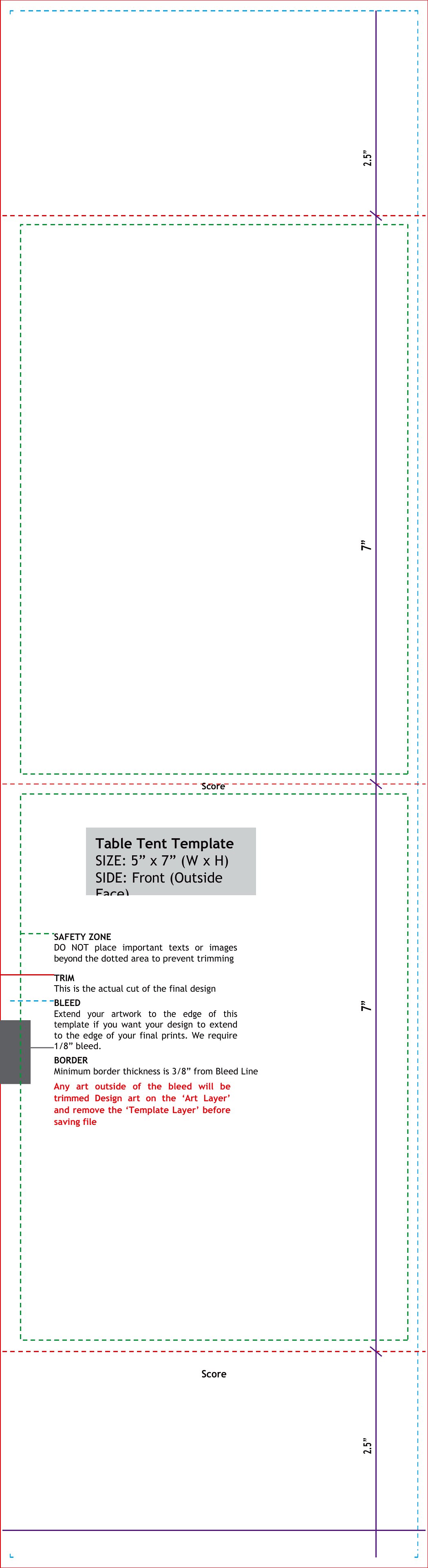
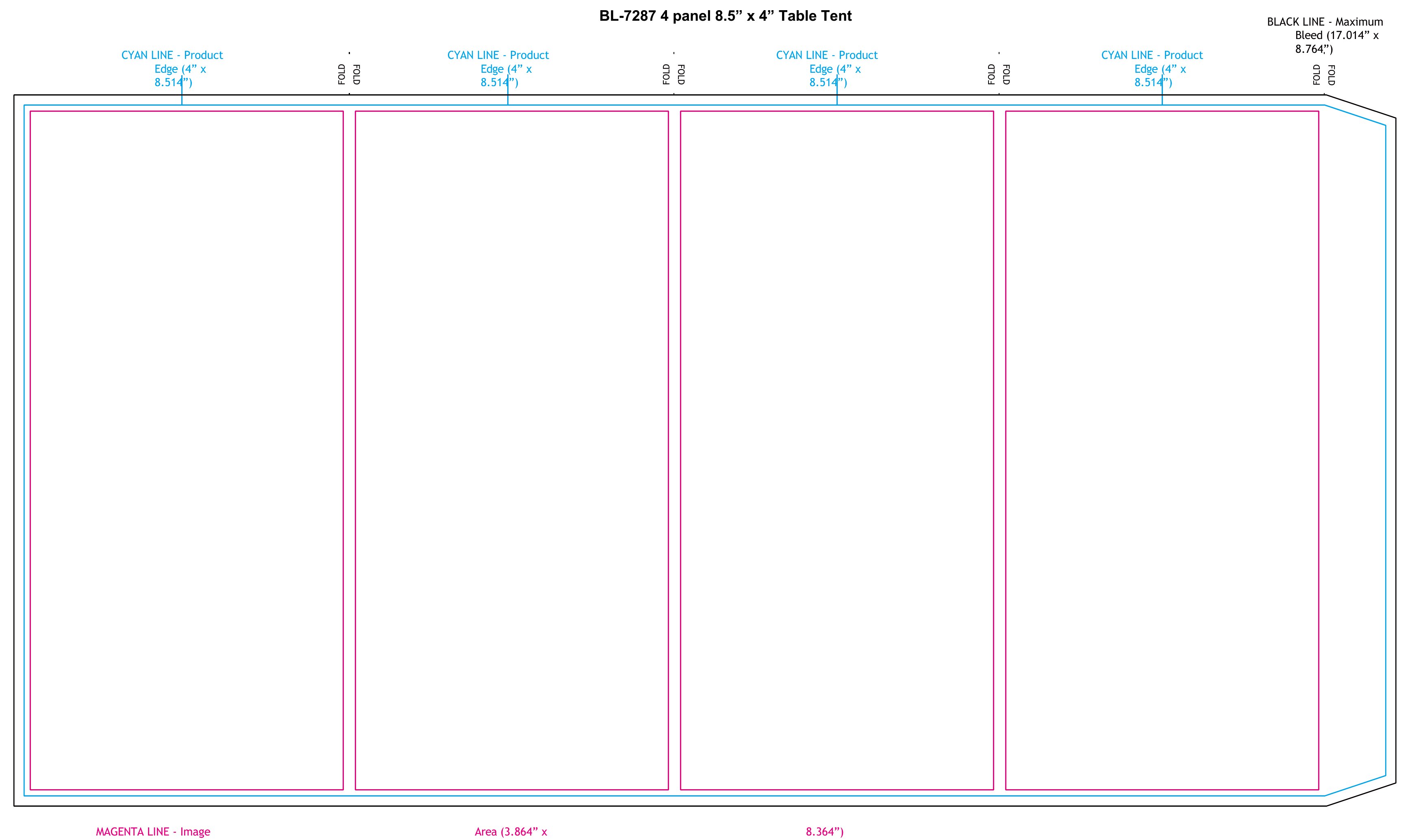
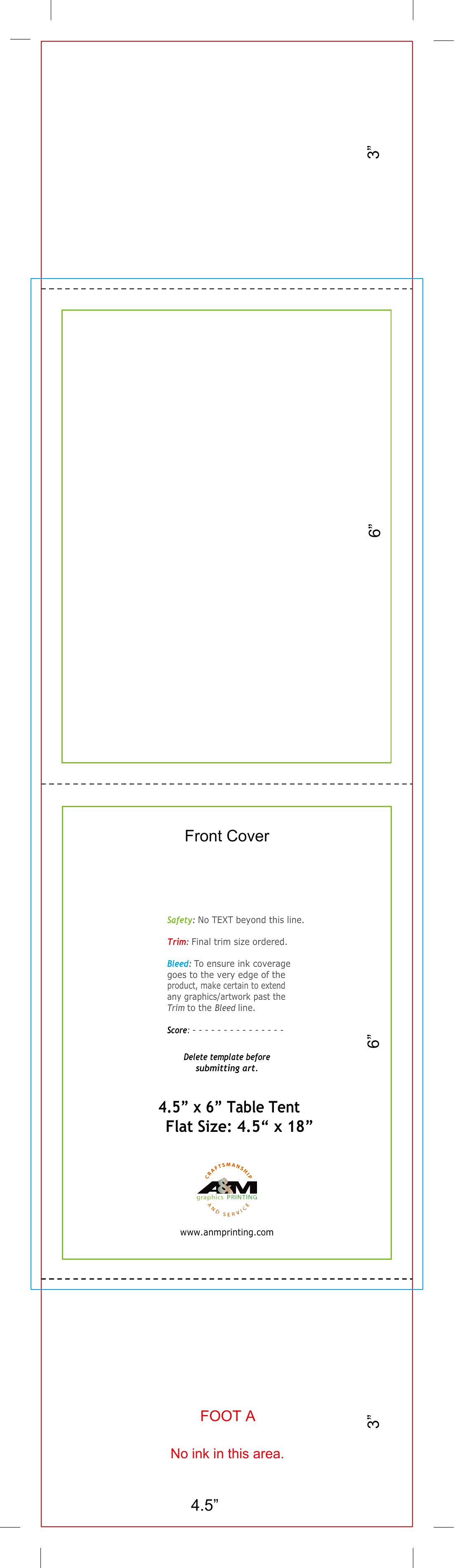
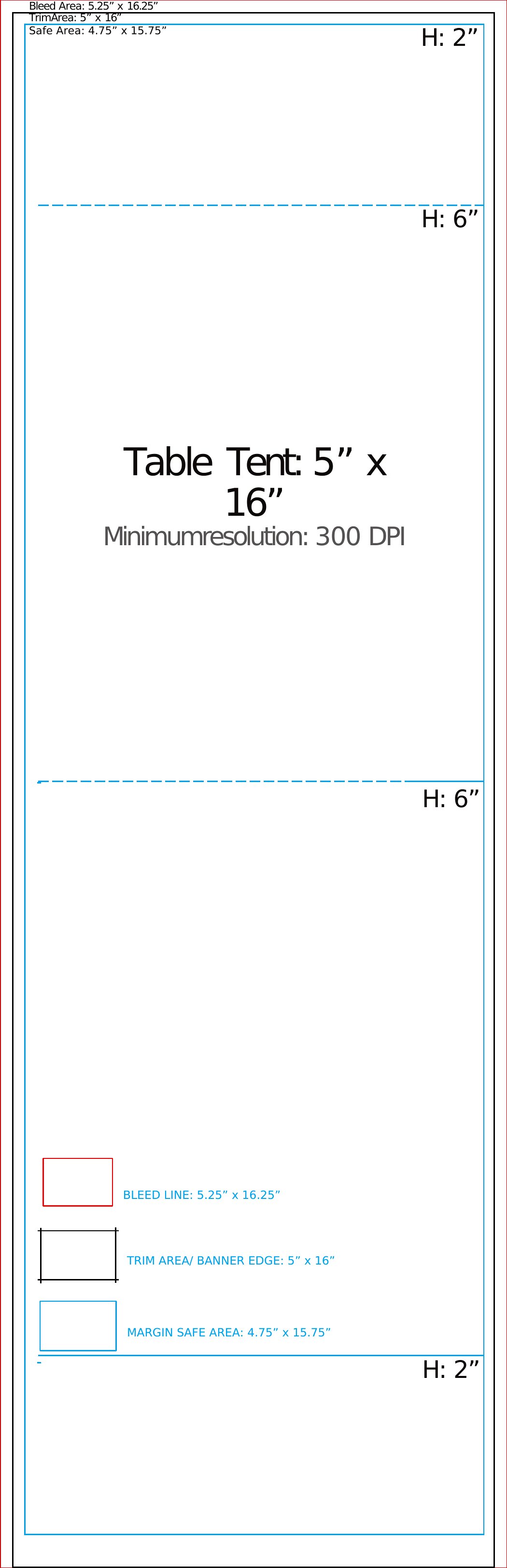
Most table tents in this collection are designed for 8.5 x 11-inch paper, which folds into a compact, standing shape. Cut the paper to 8.5 x 5.5 inches before folding for a neat, professional finish. Adjust dimensions in Word if you need a different size.

How do I ensure the text on my table tent remains legible from across the table?

Use a bold, sans-serif font (like Arial or Helvetica) in at least 12-point size for body text and 14-point or larger for headings. Limit text to 3-4 lines per side to avoid clutter, and print on matte or glossy paper for better visibility under restaurant or event lighting.

Comments

Join the conversation

Sign in to share your thoughts and leave a comment on this resource.

Newsletter

Get Weekly Design Updates

Join our community to receive curated resources and inspiration.

Weekly Tips Resources Early Access

We respect your privacy. Confirmation email required. Privacy Policy