Skip to content
50% off this one-time $1.99 pack with HALFOFF — or unlimited with Pro.HALFOFF
Premium

Free Press Release Templates (Word, PDF)

Business
ulkutuzun by ulkutuzun
Updated 0 downloads Quality-checked template

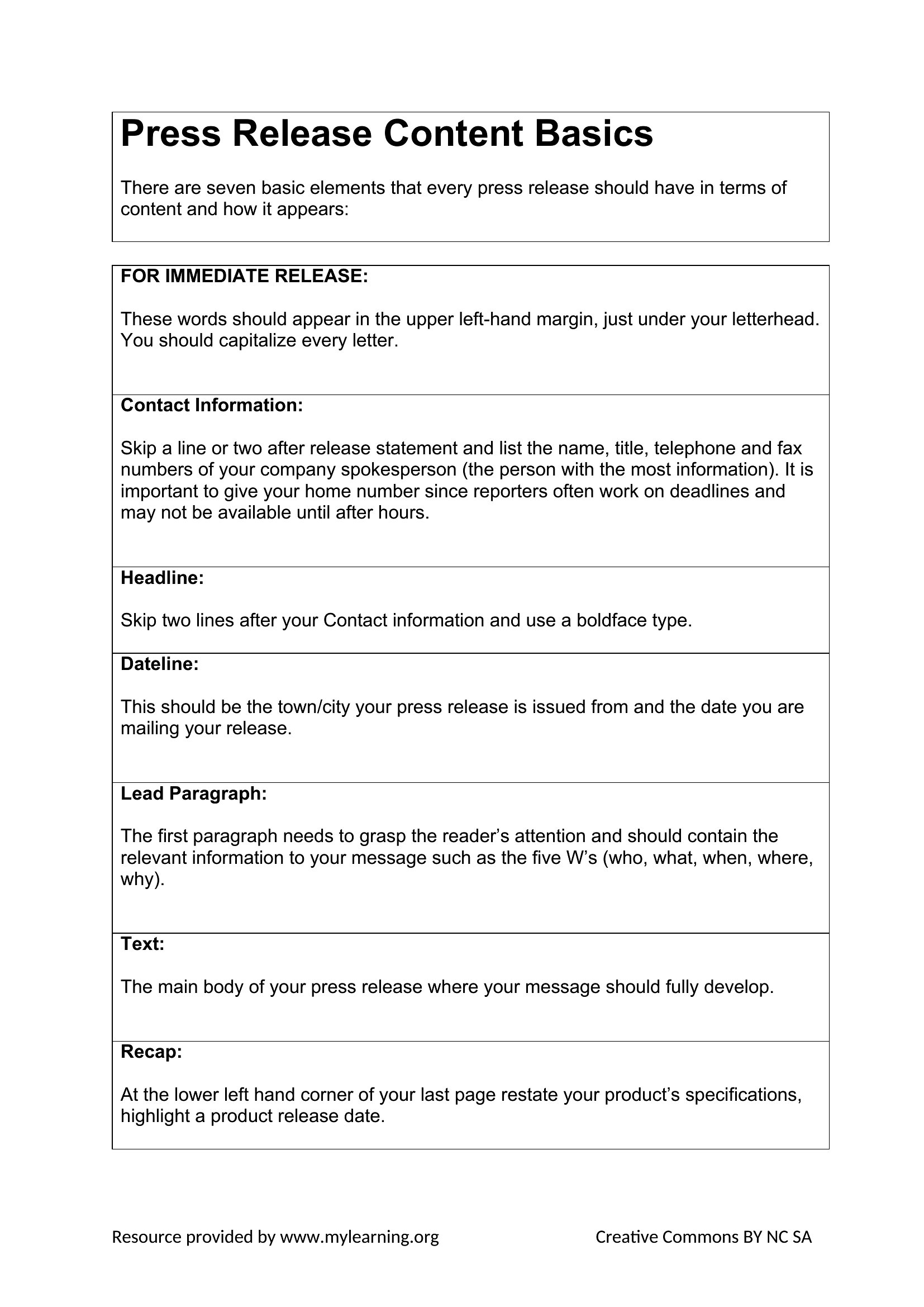
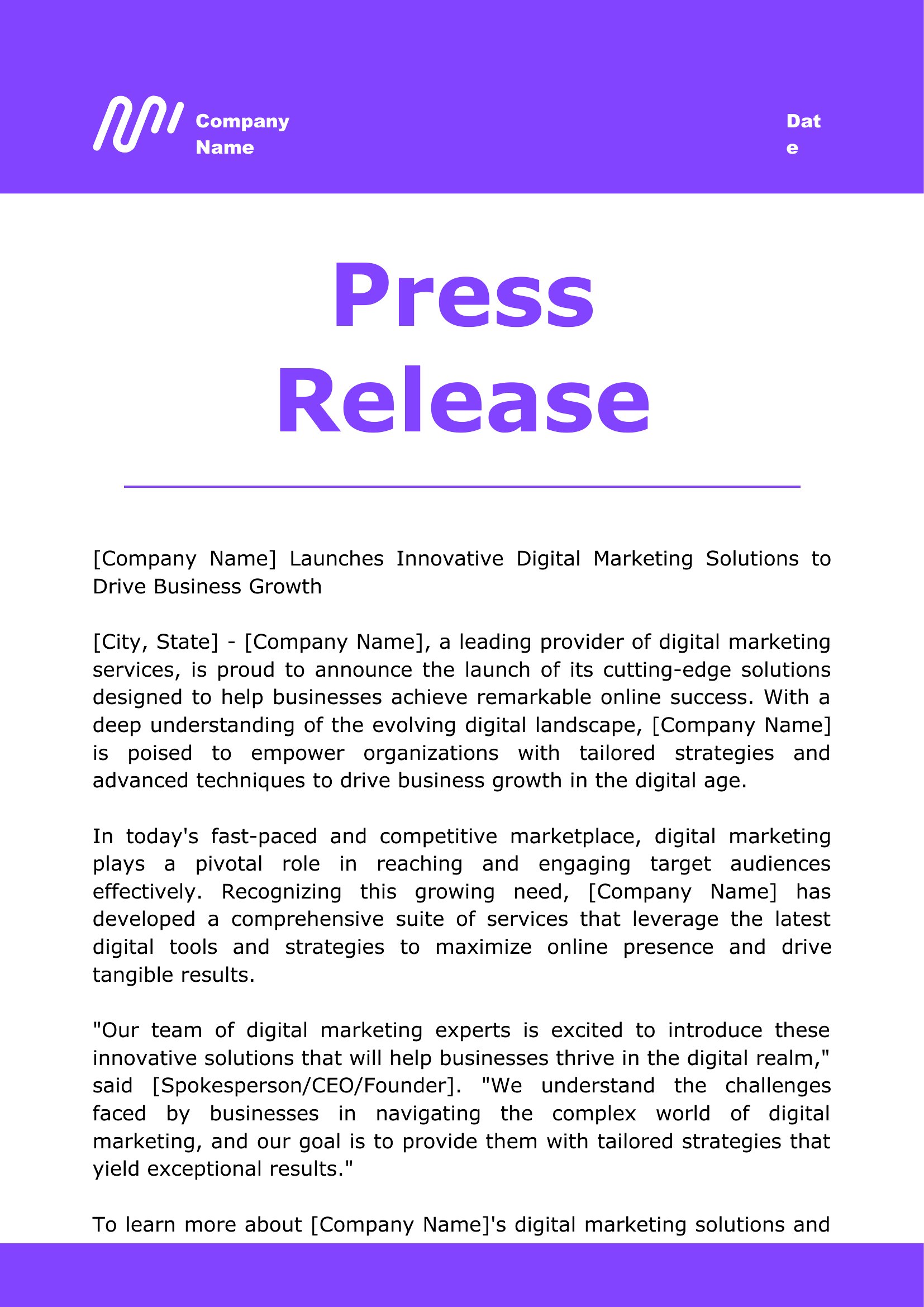
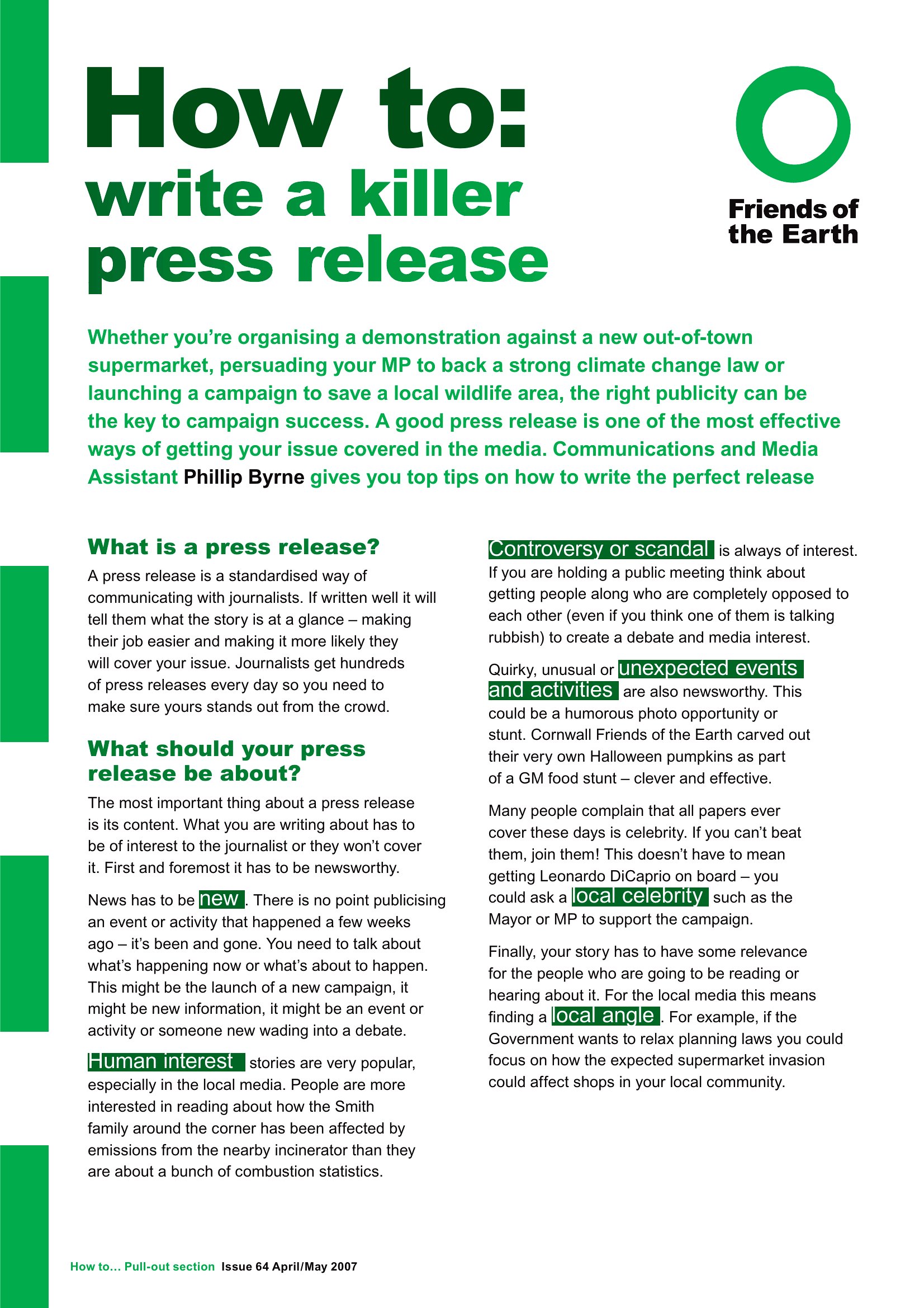
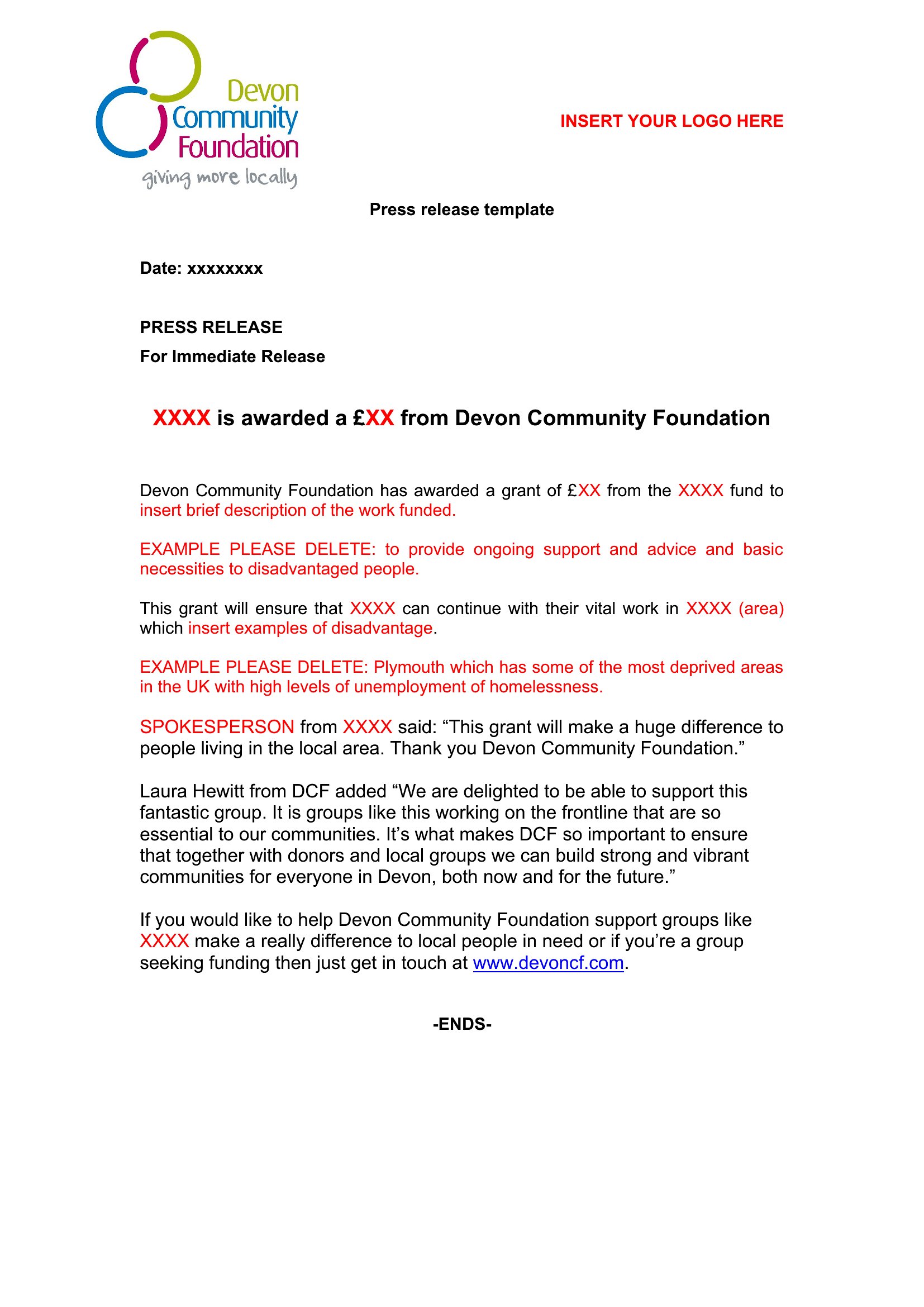
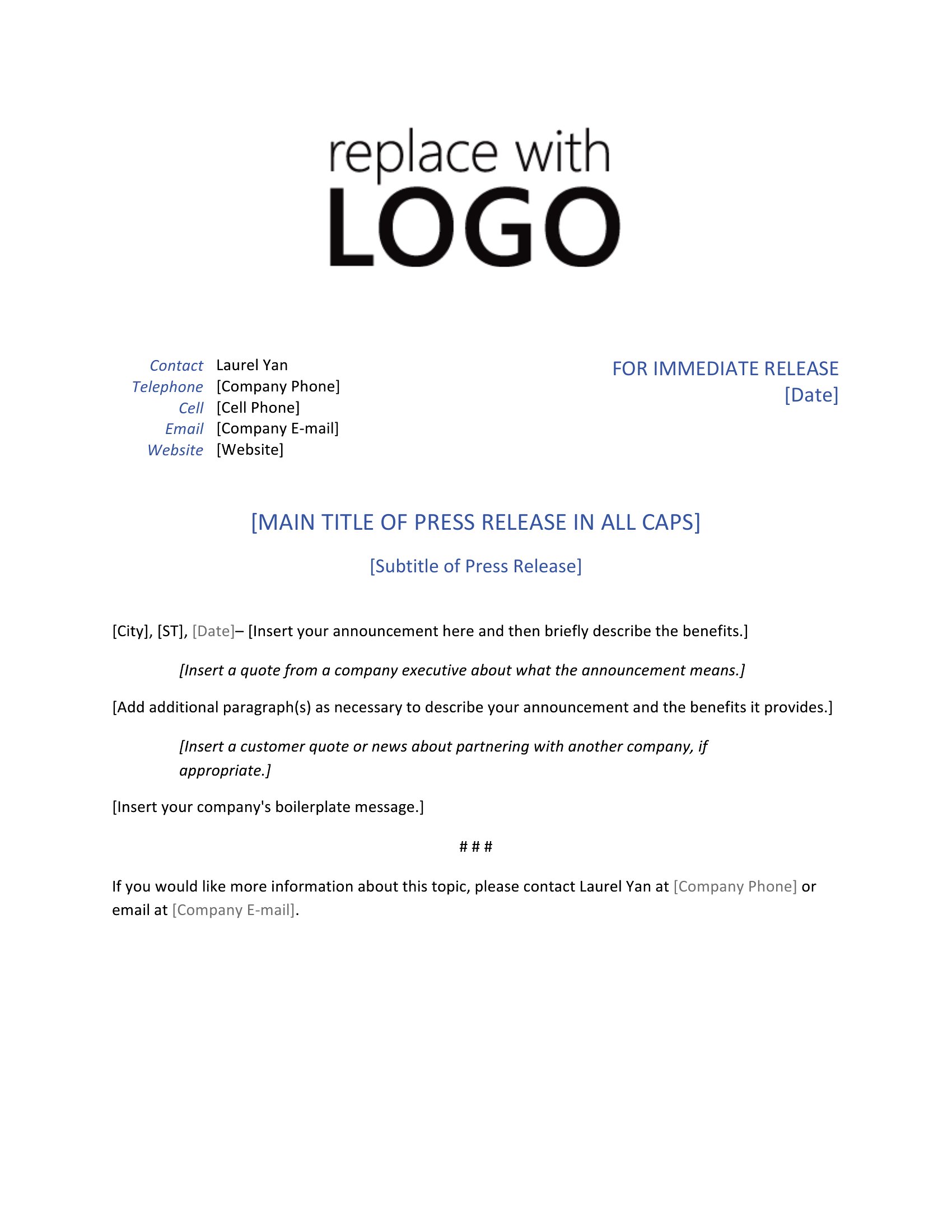
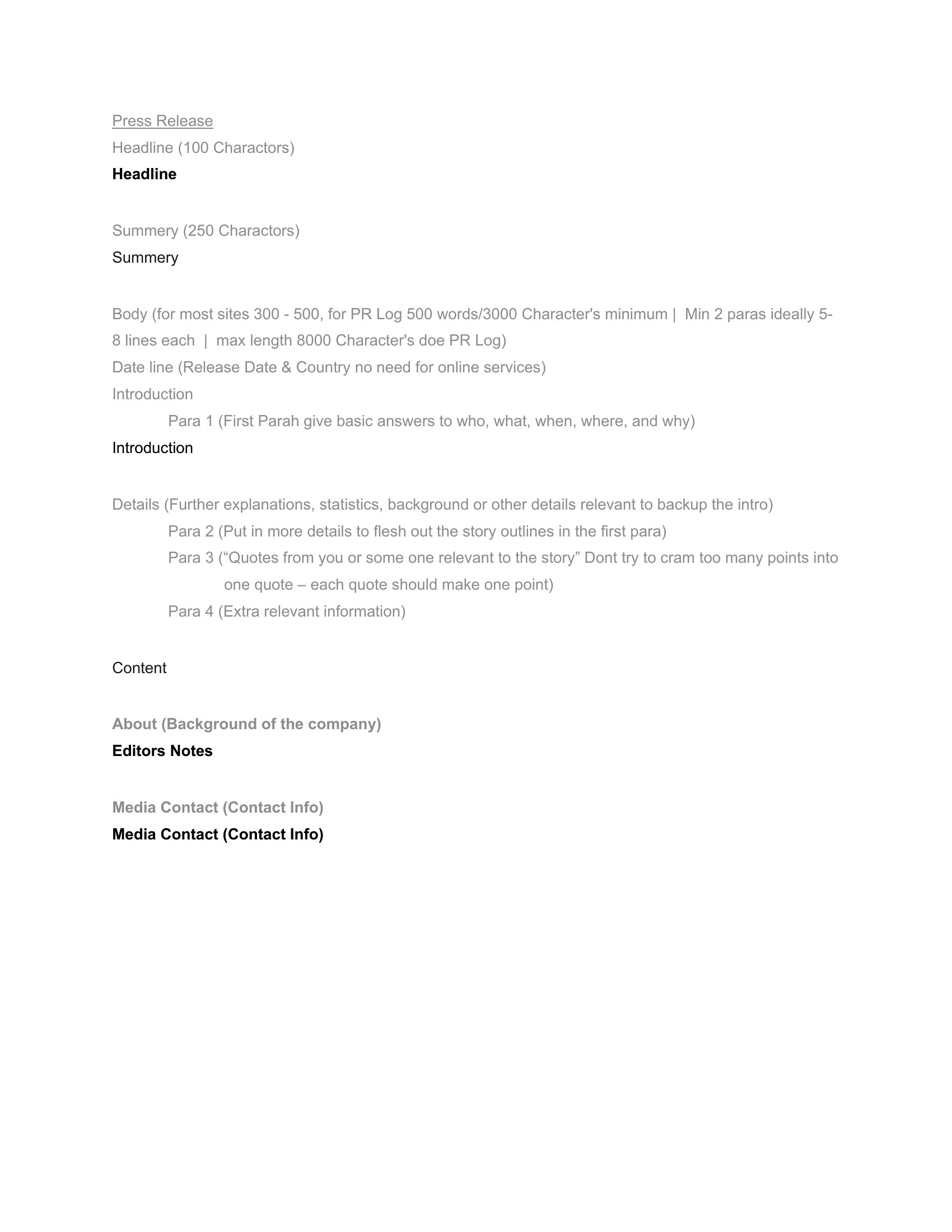
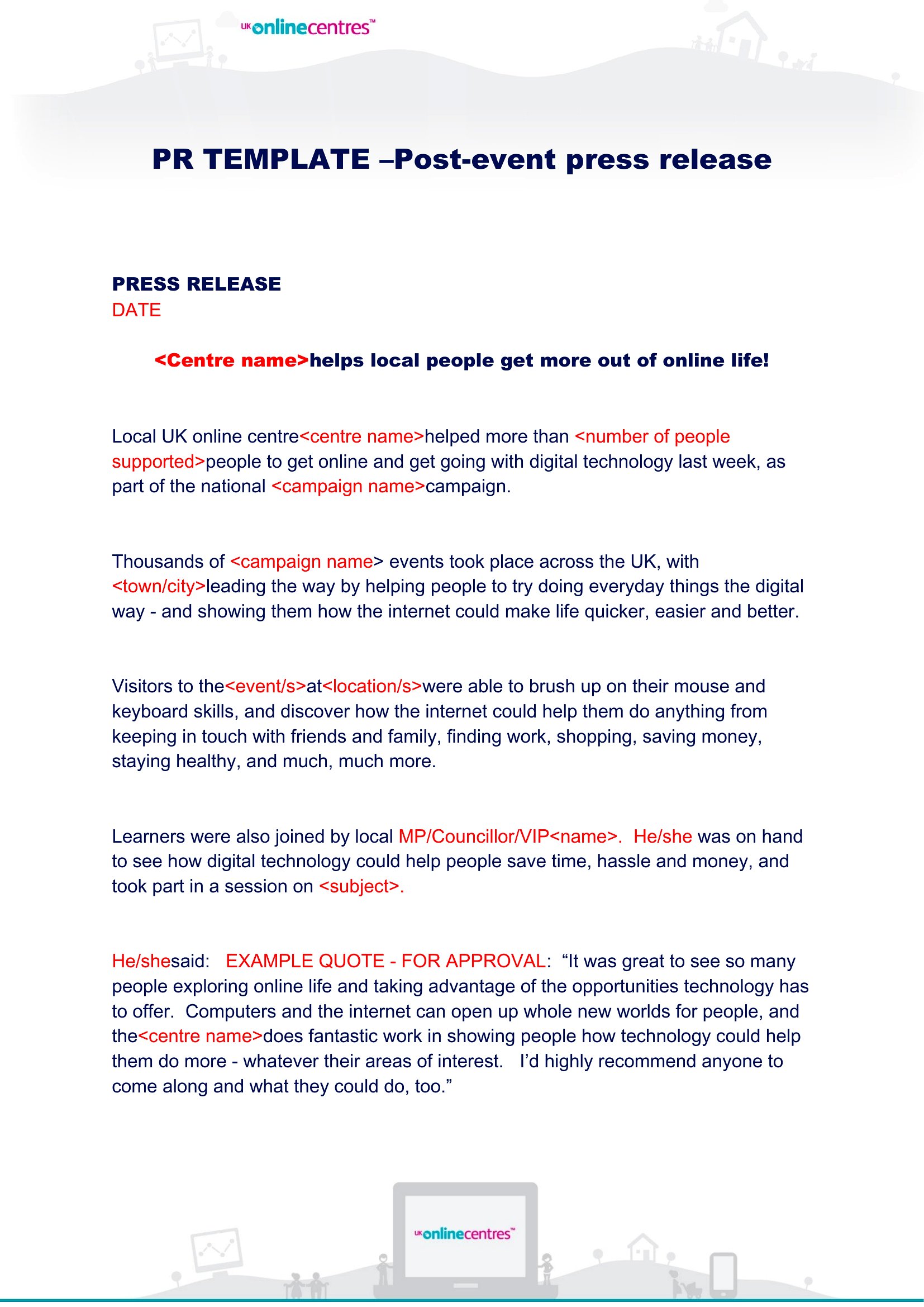
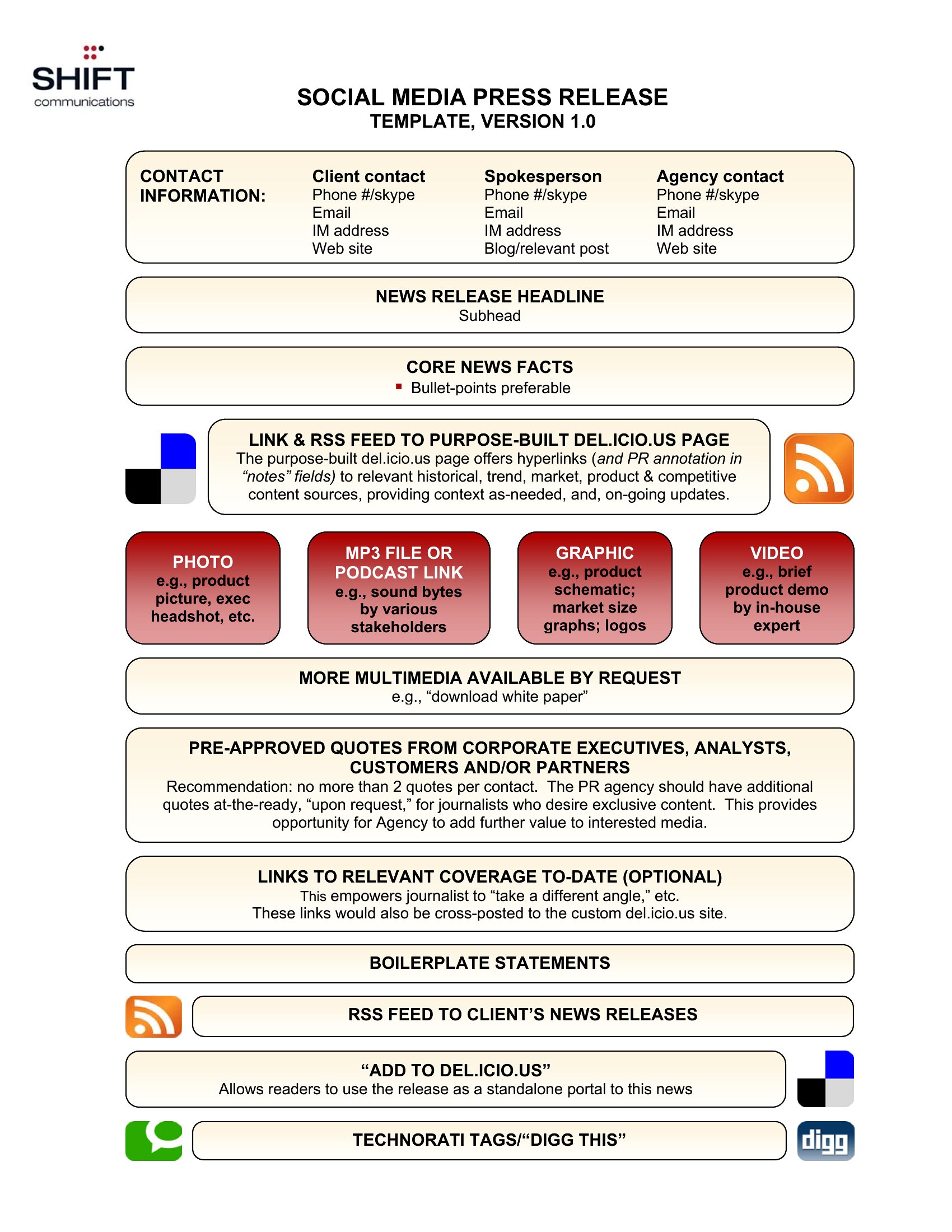
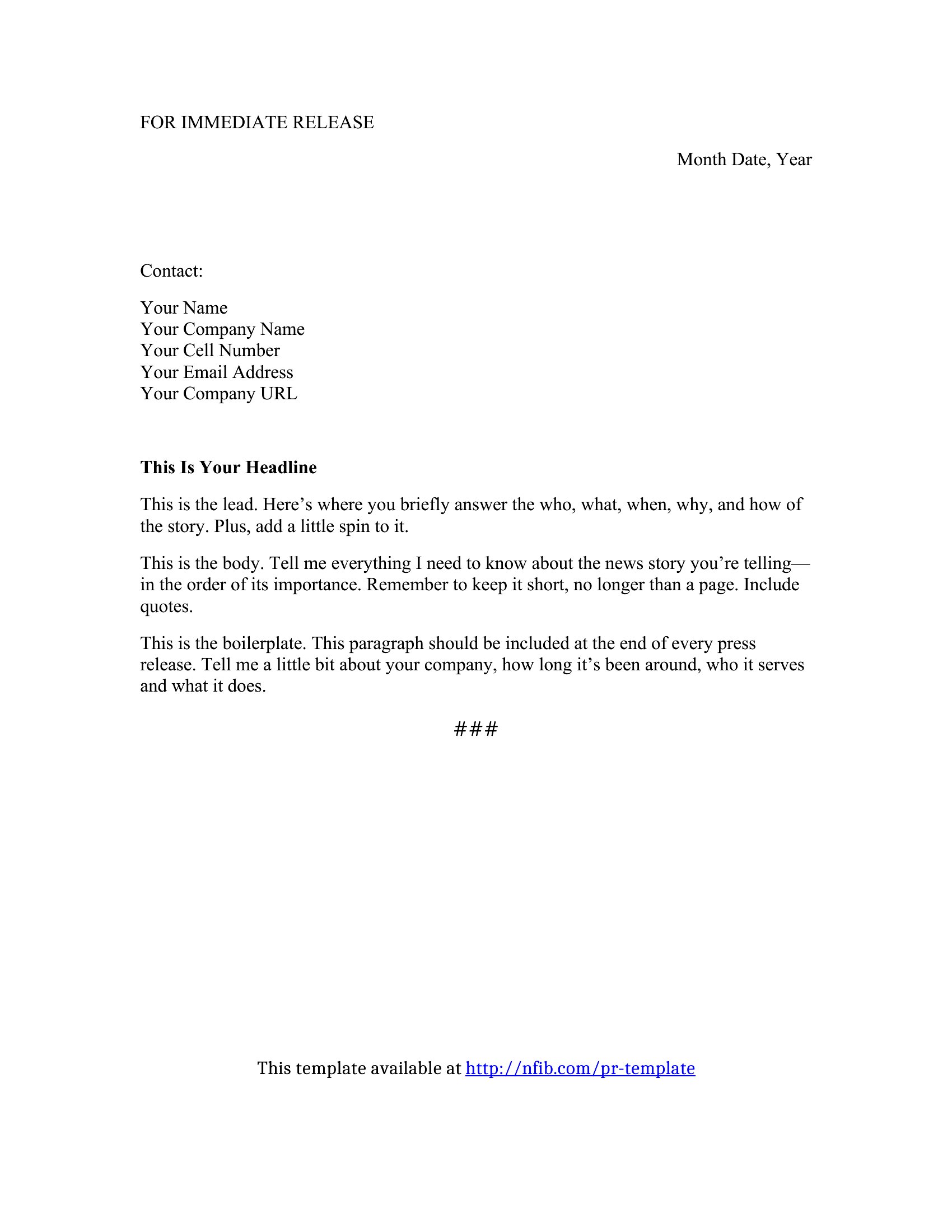
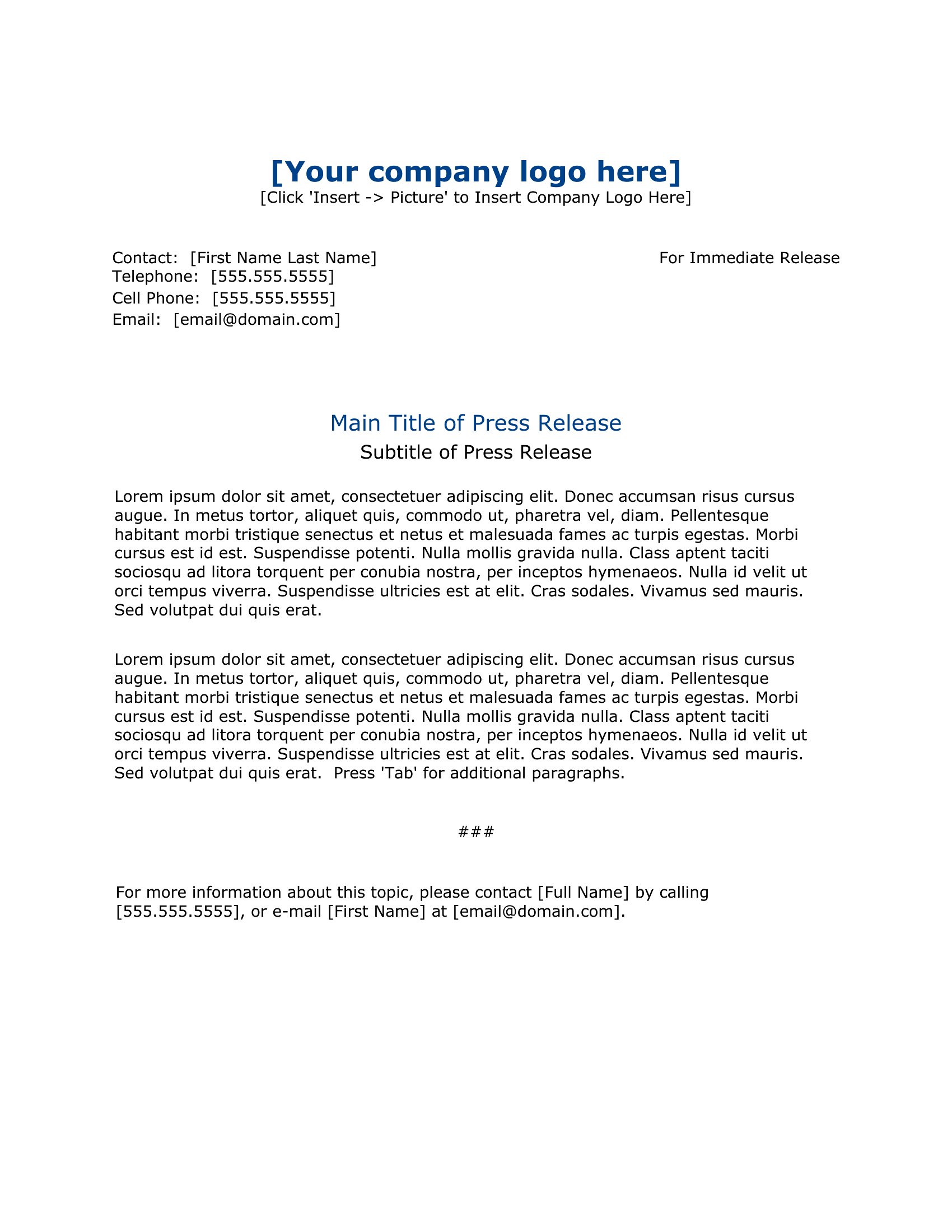
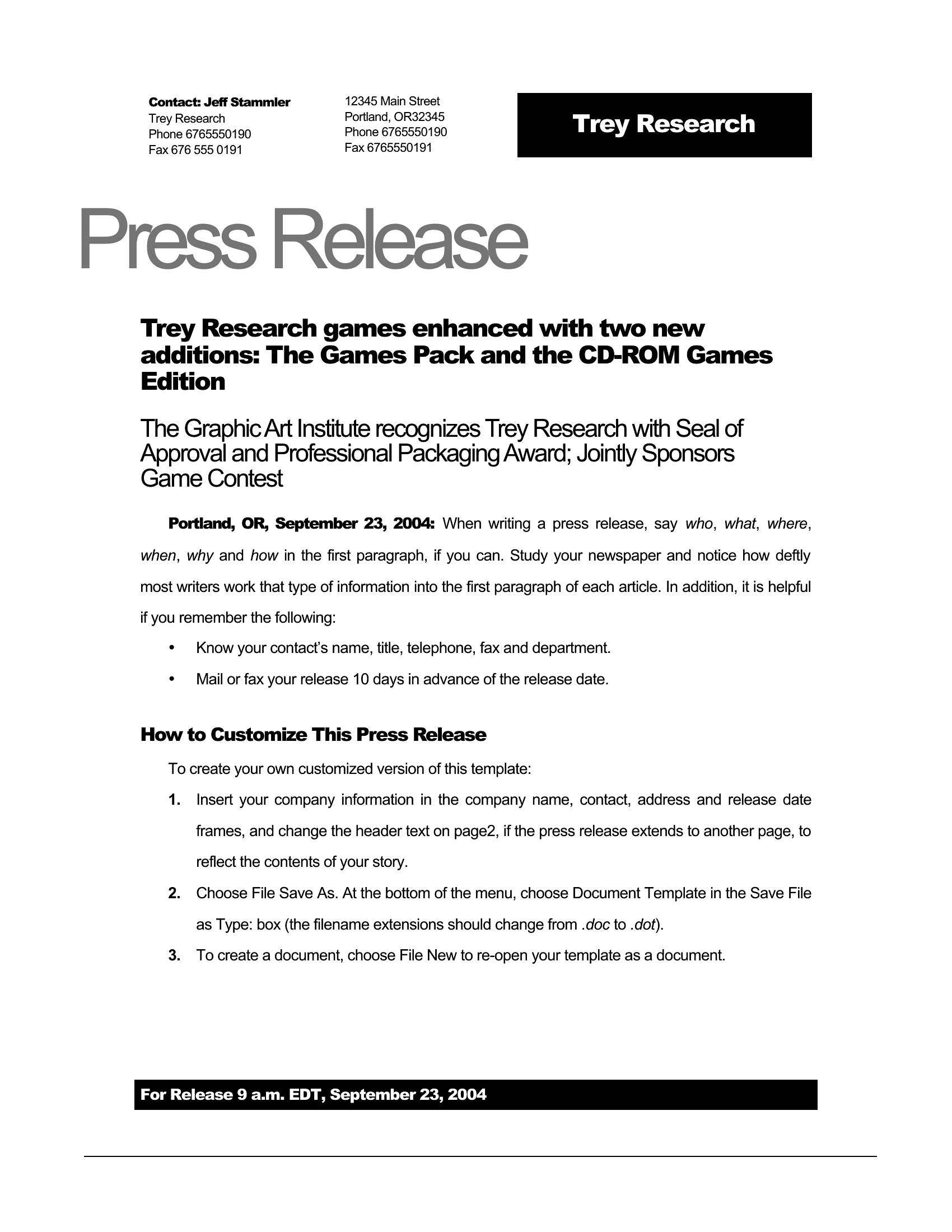
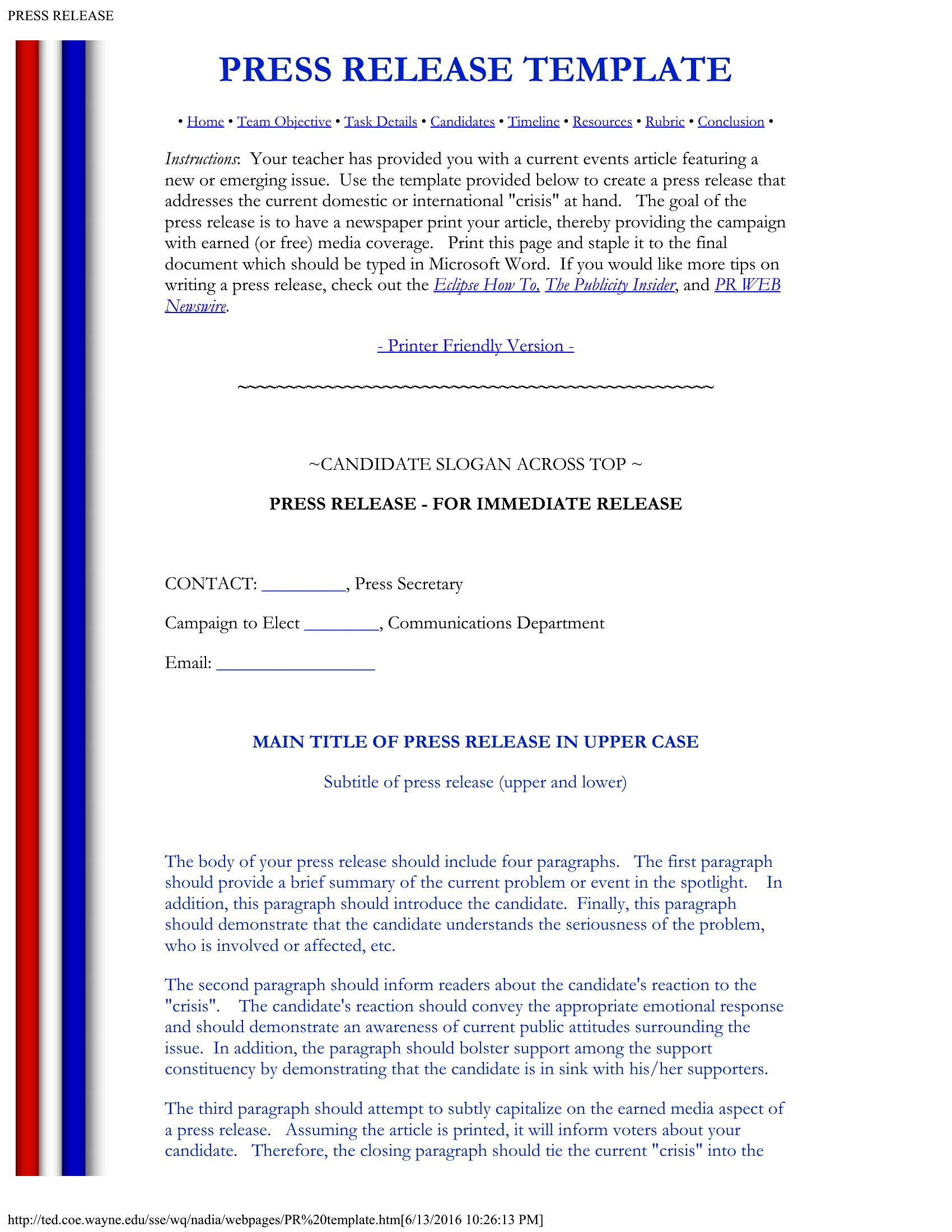
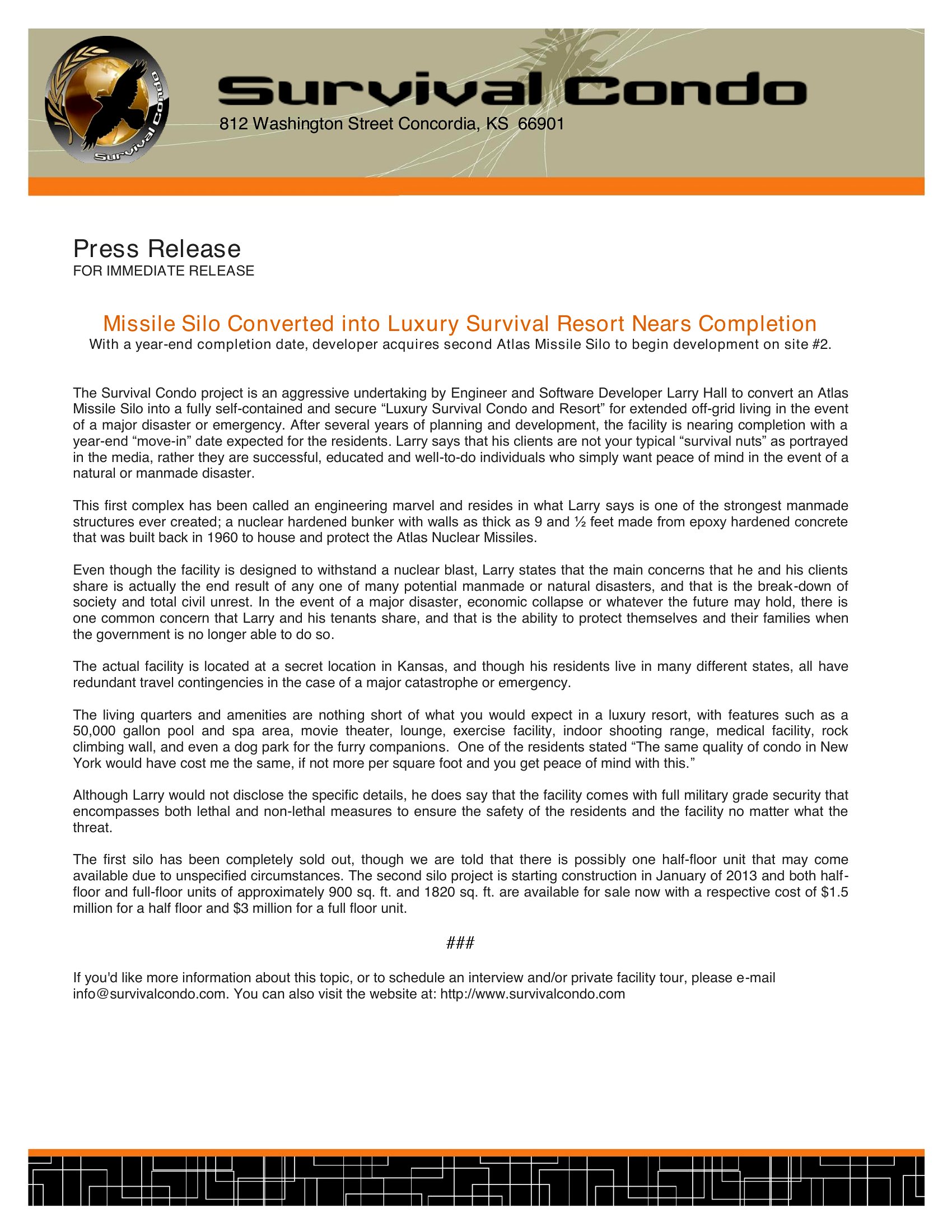
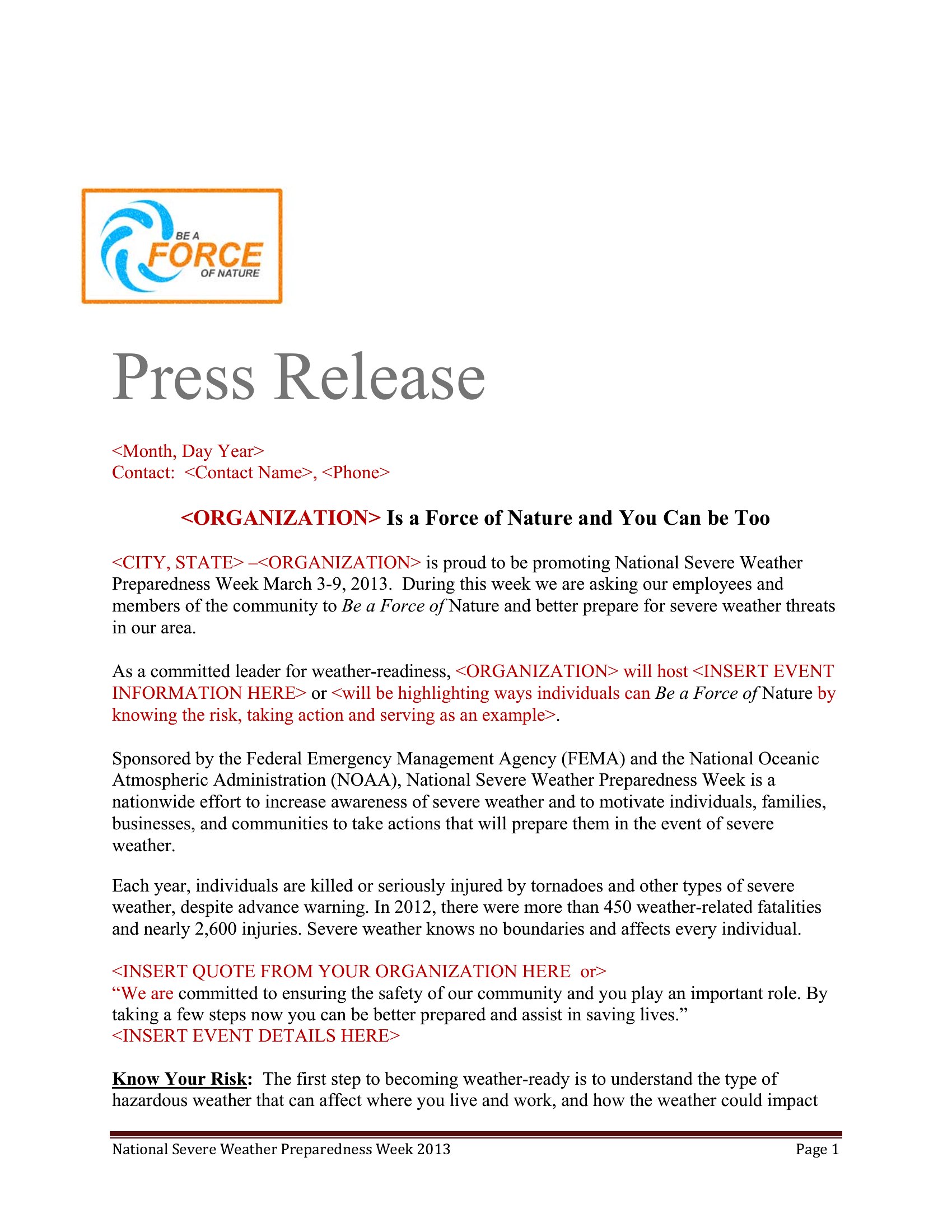
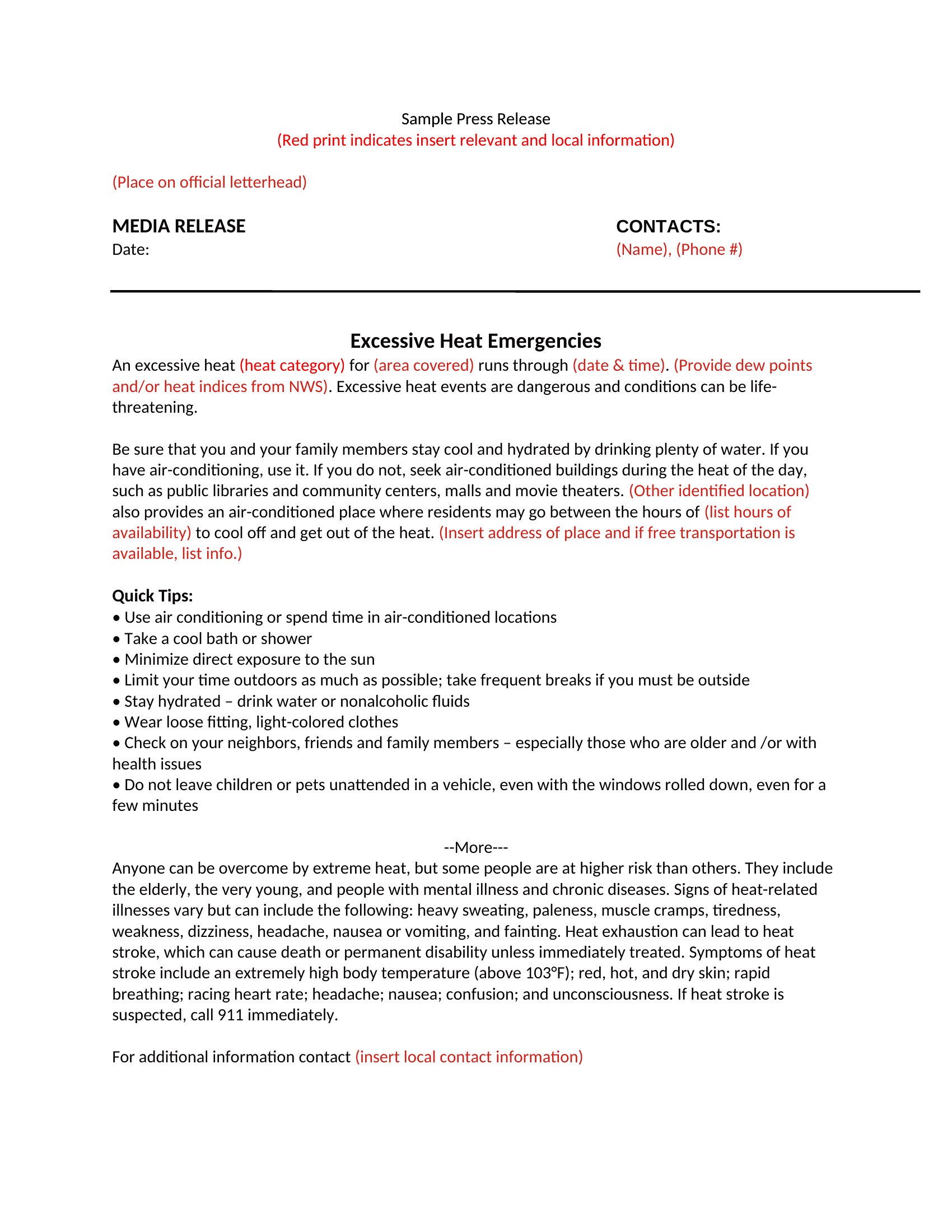
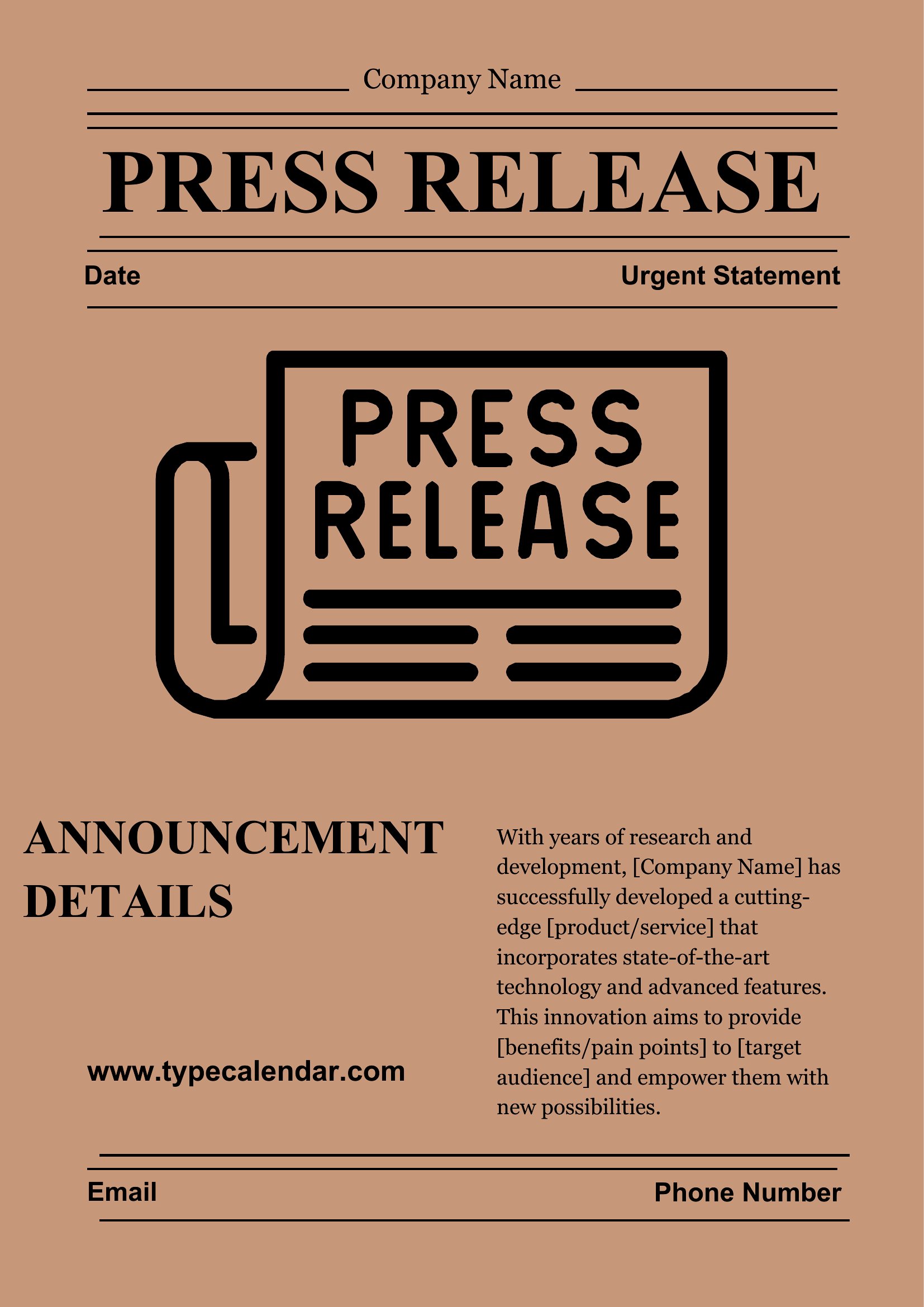
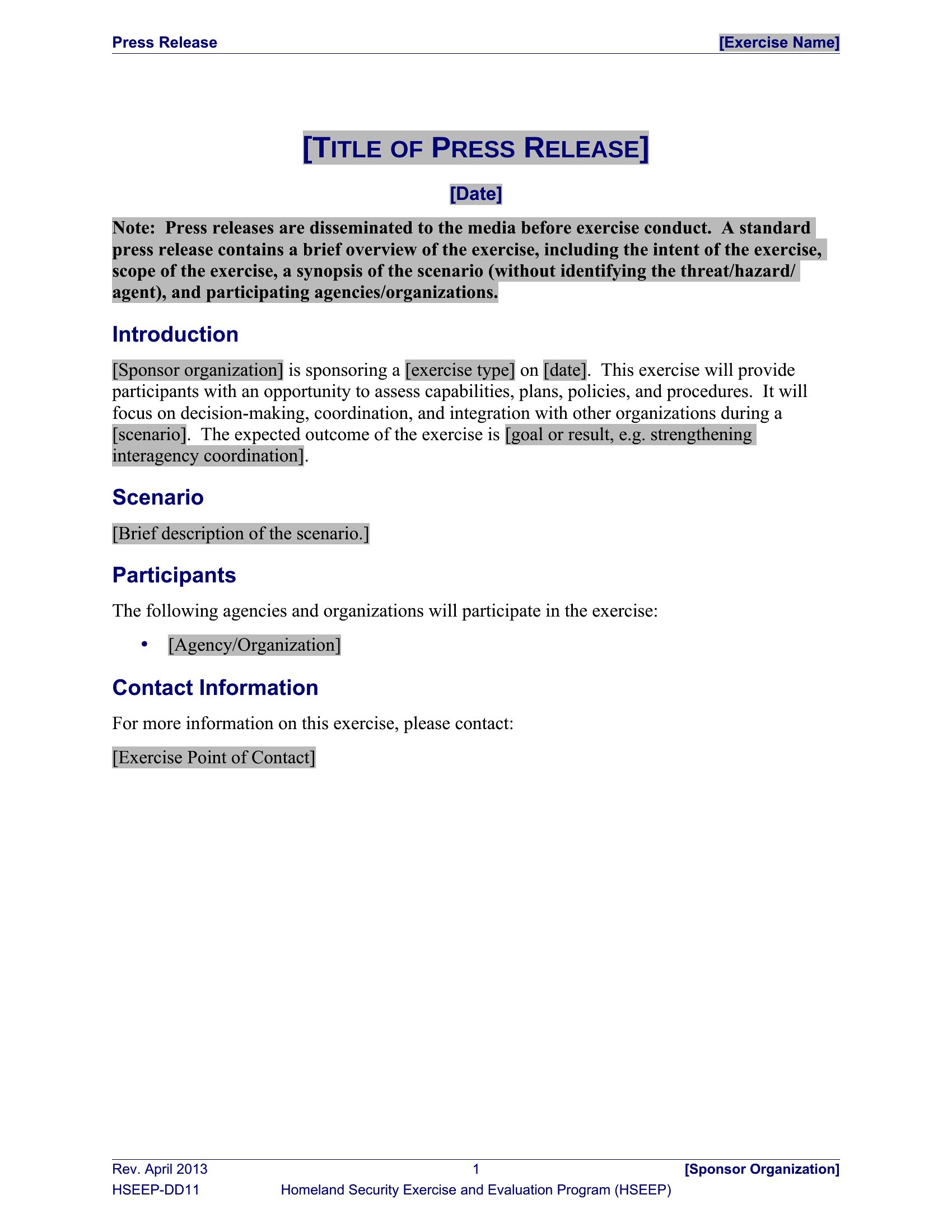
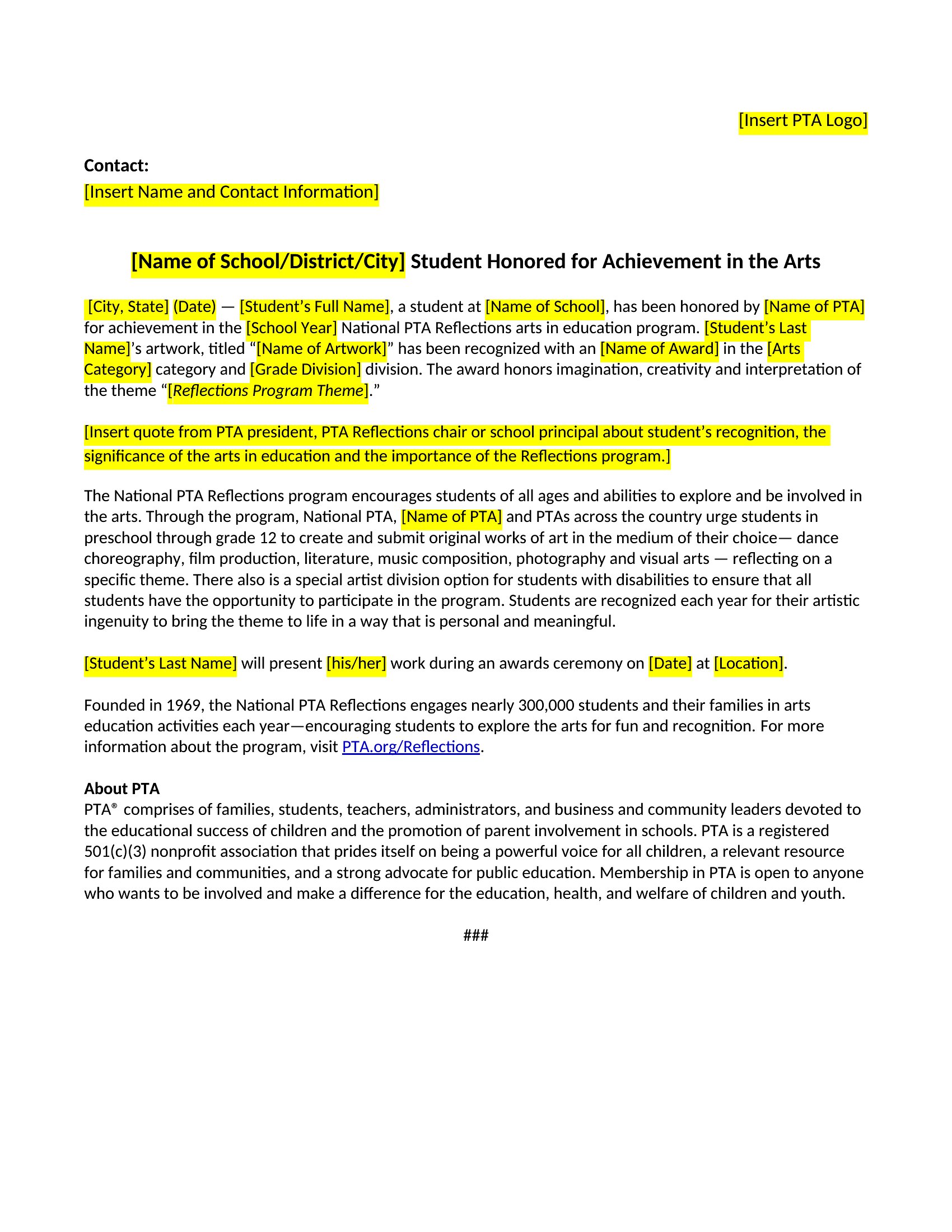
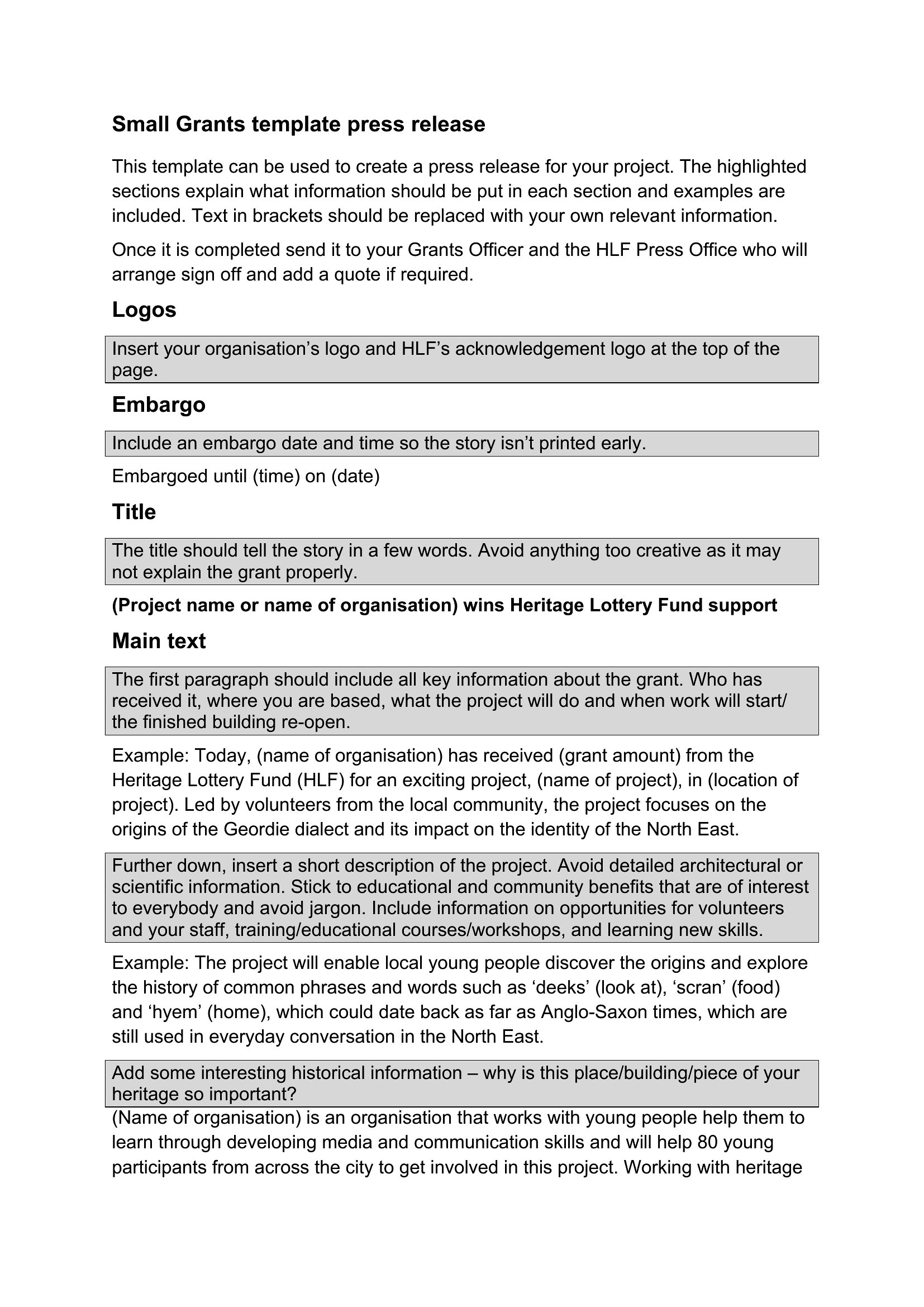
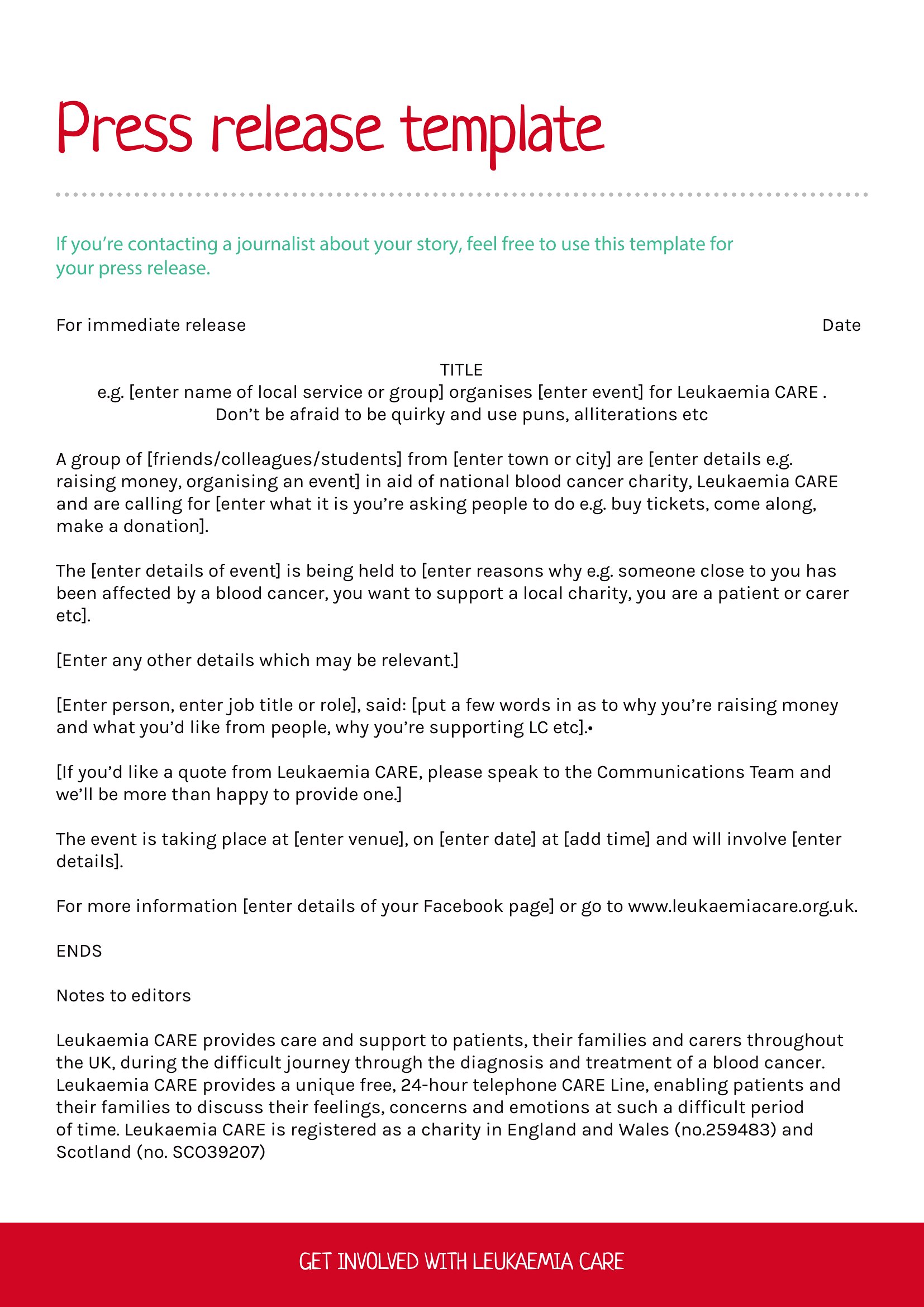
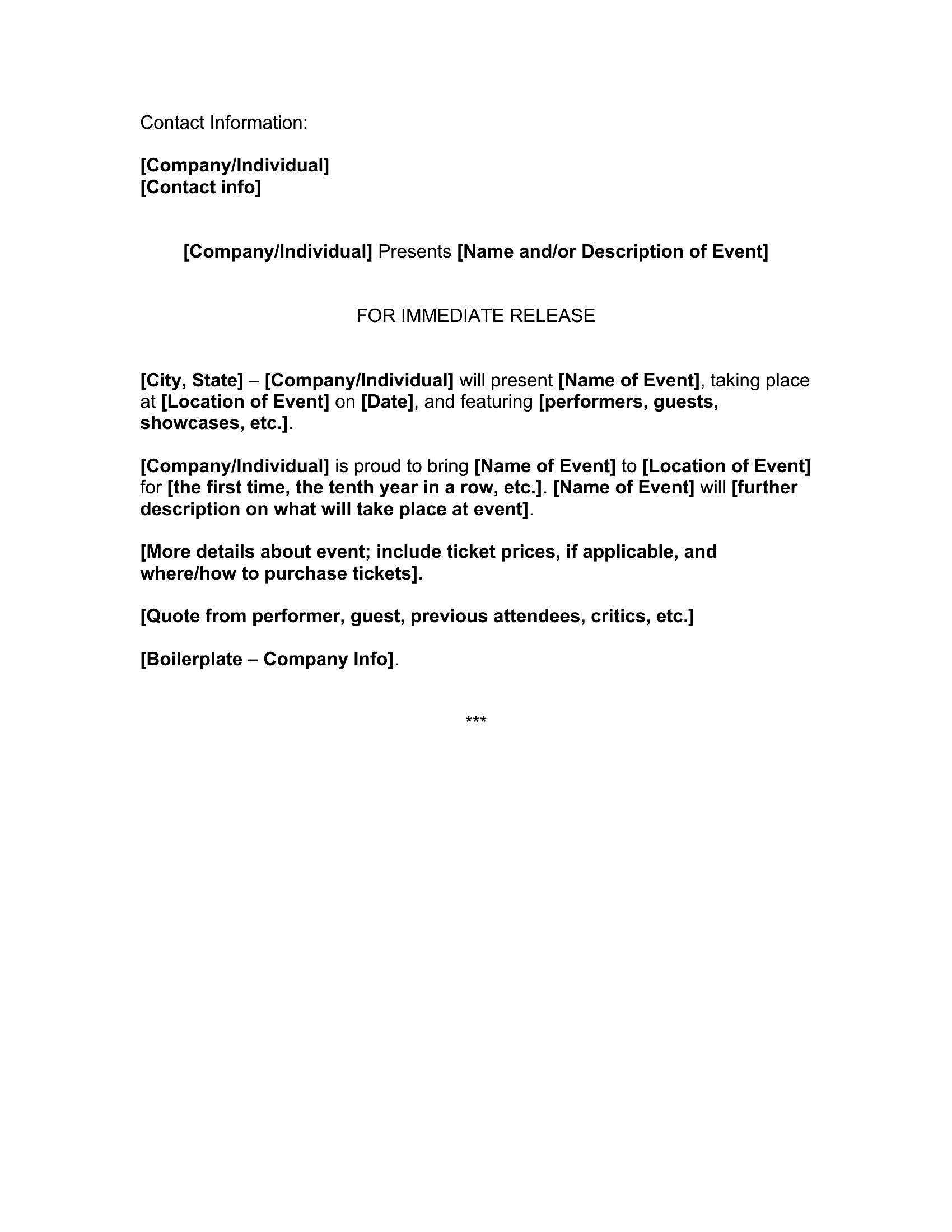
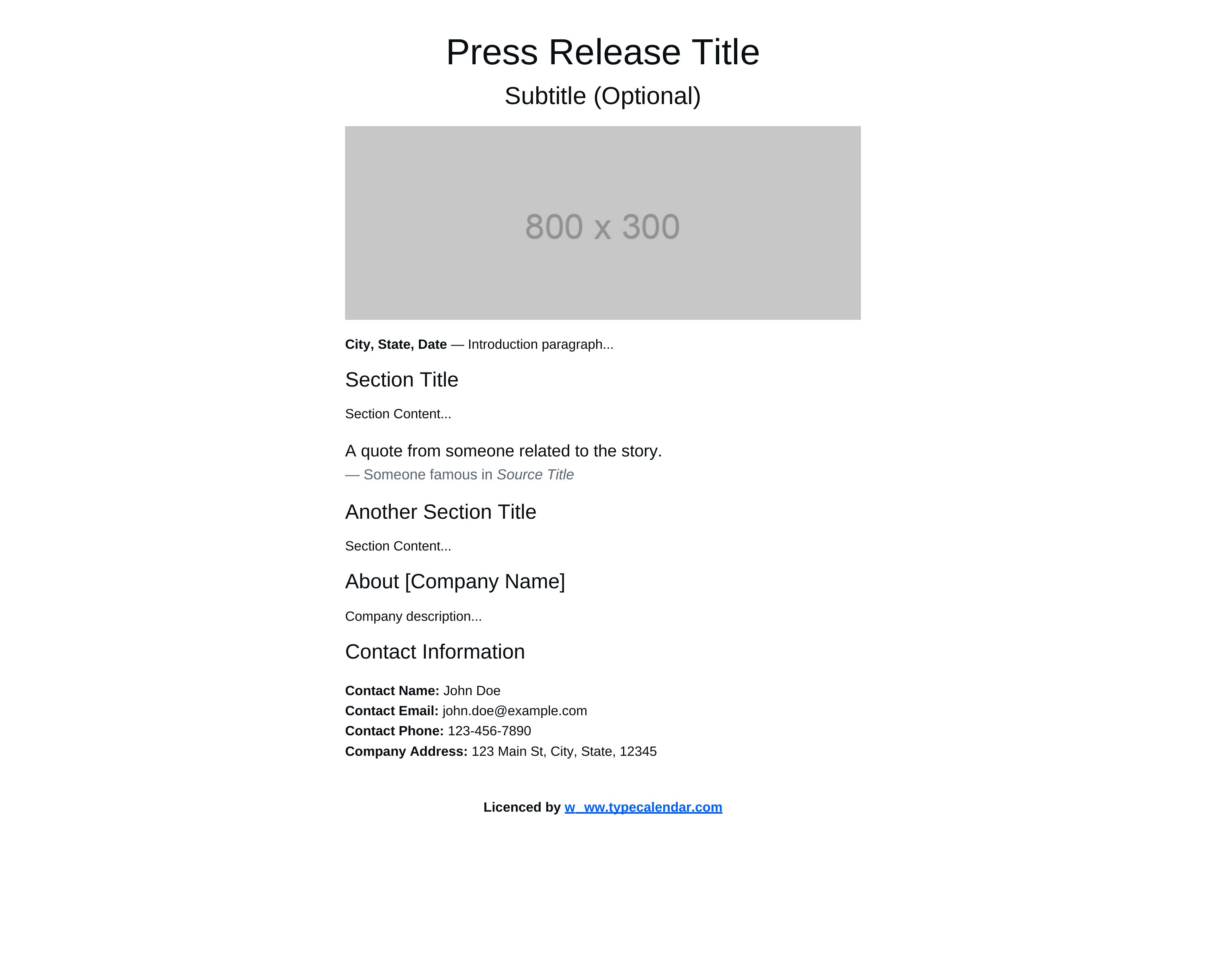
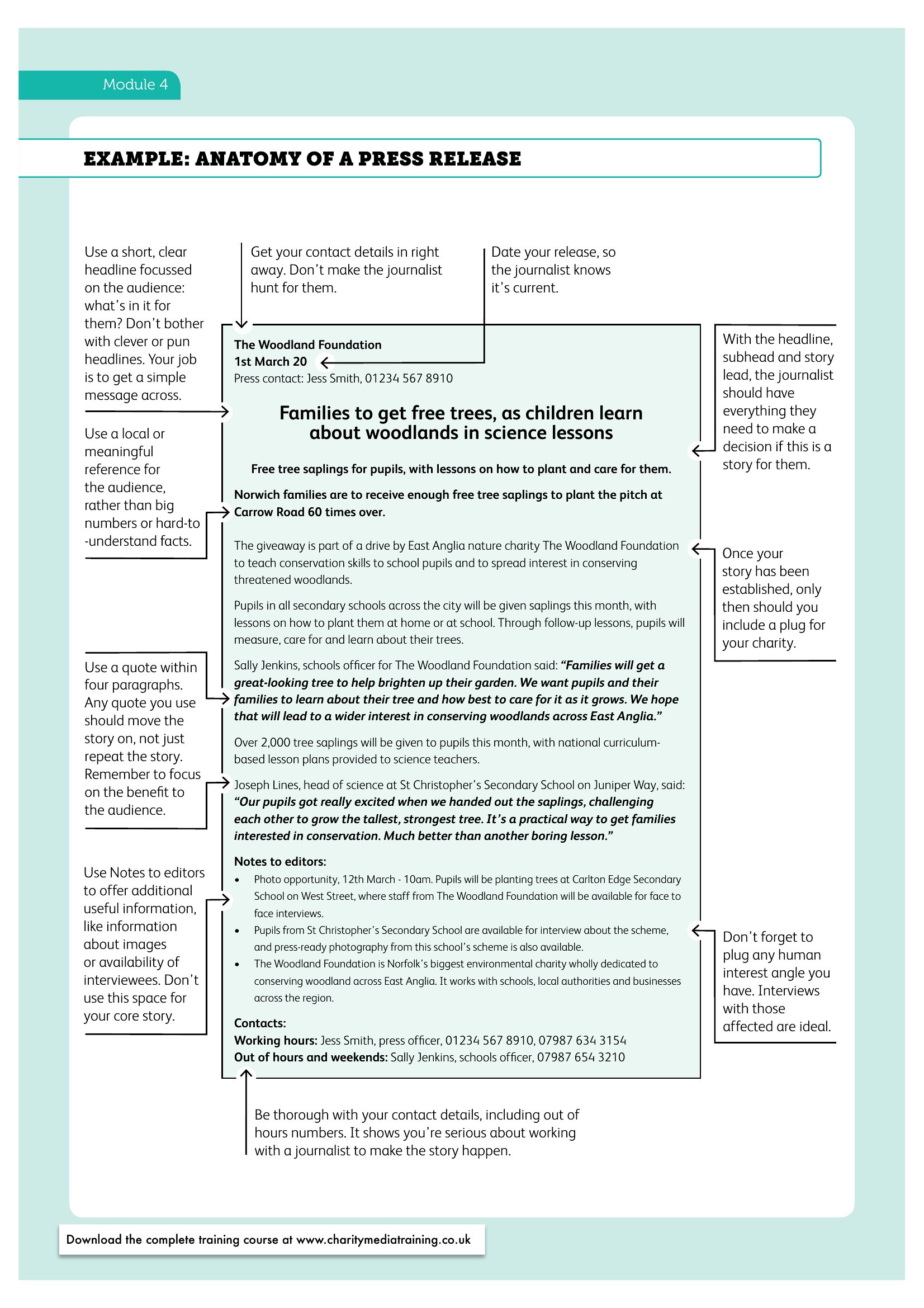
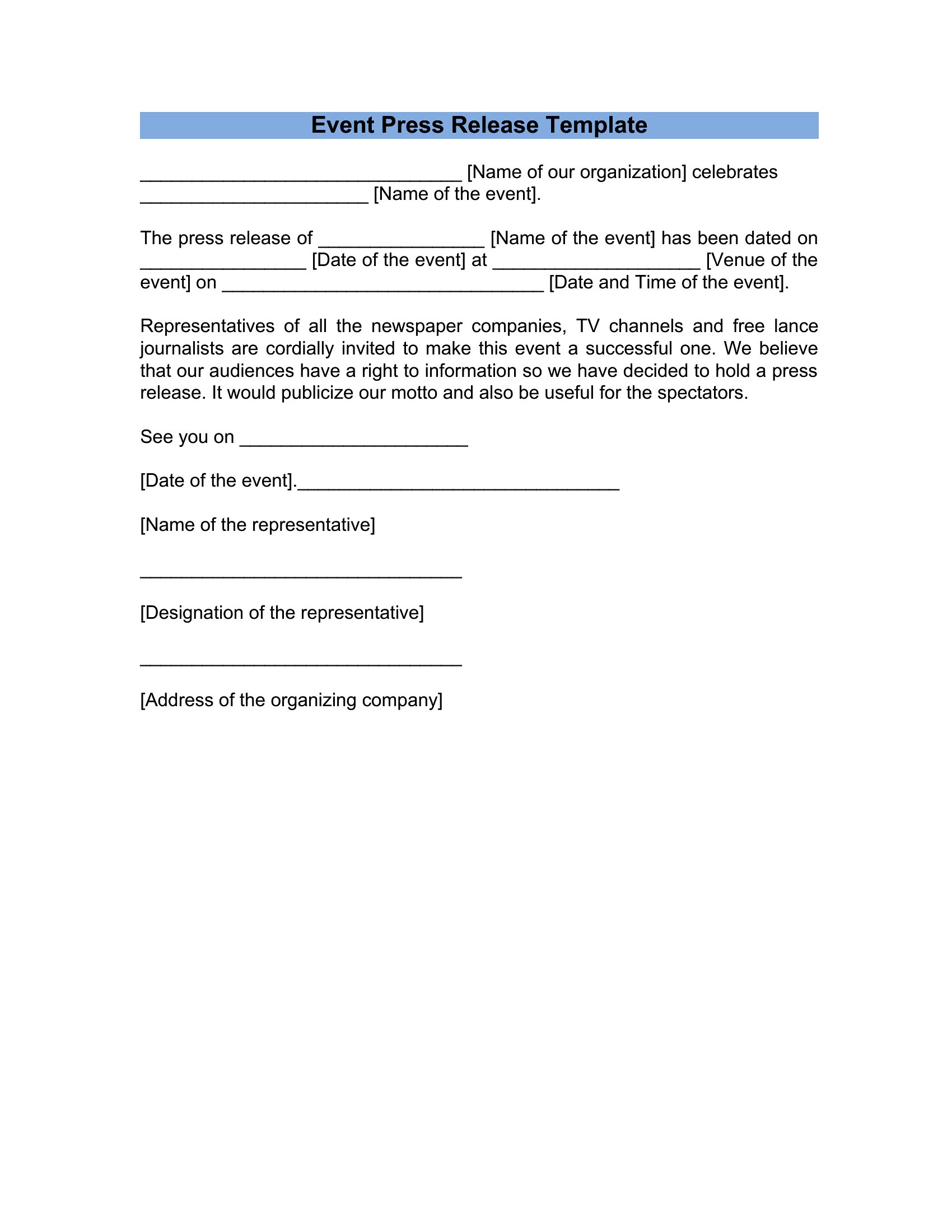
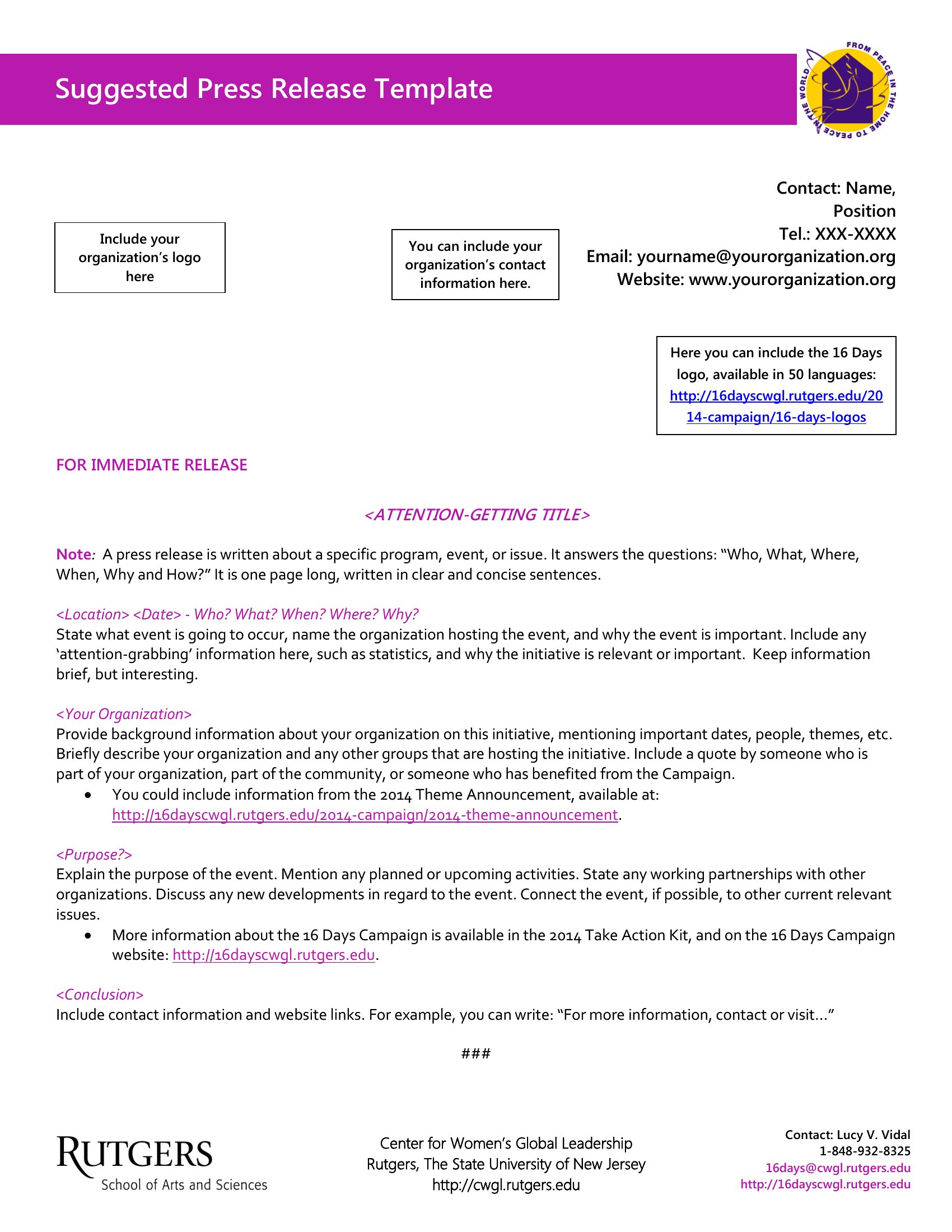
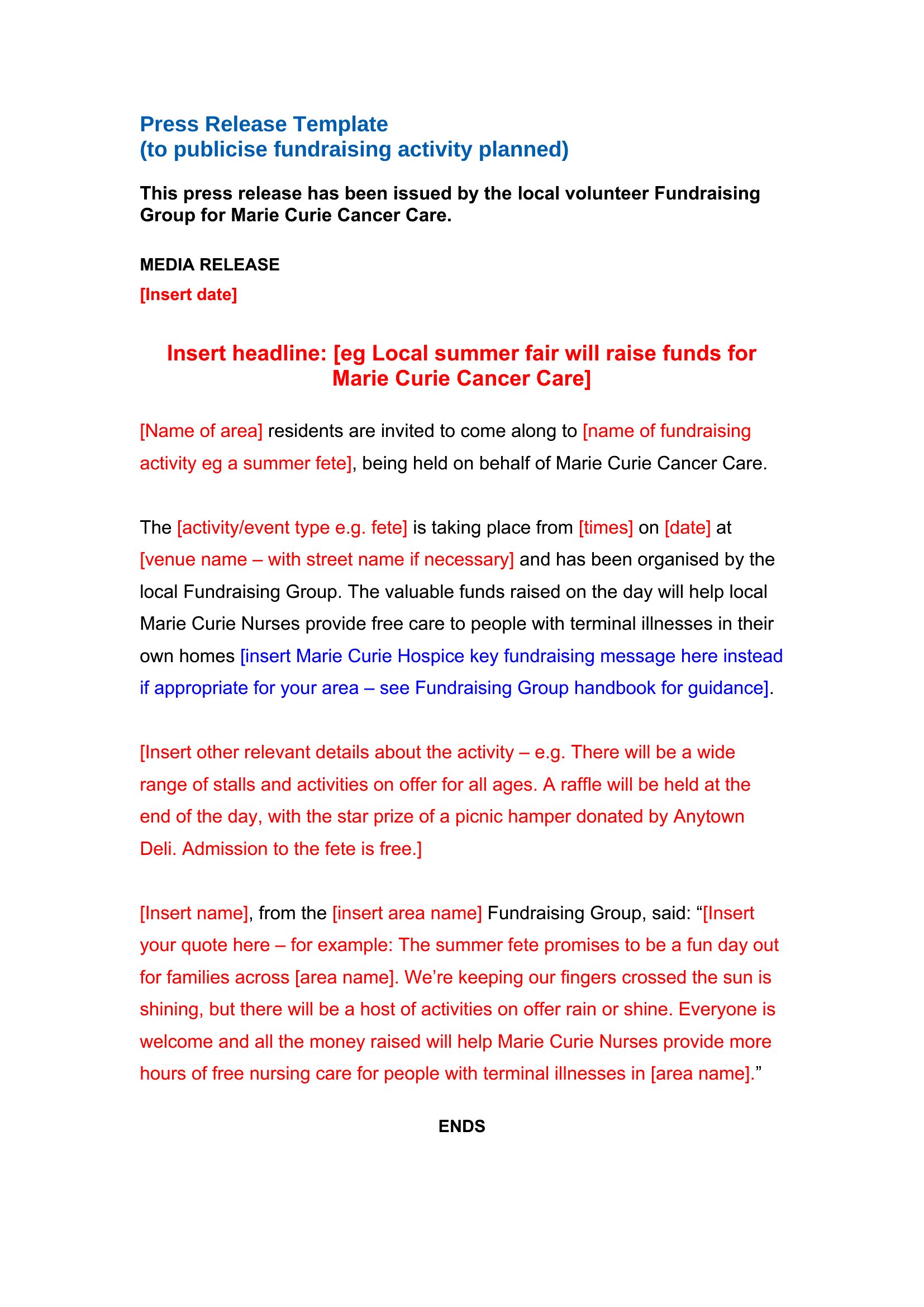
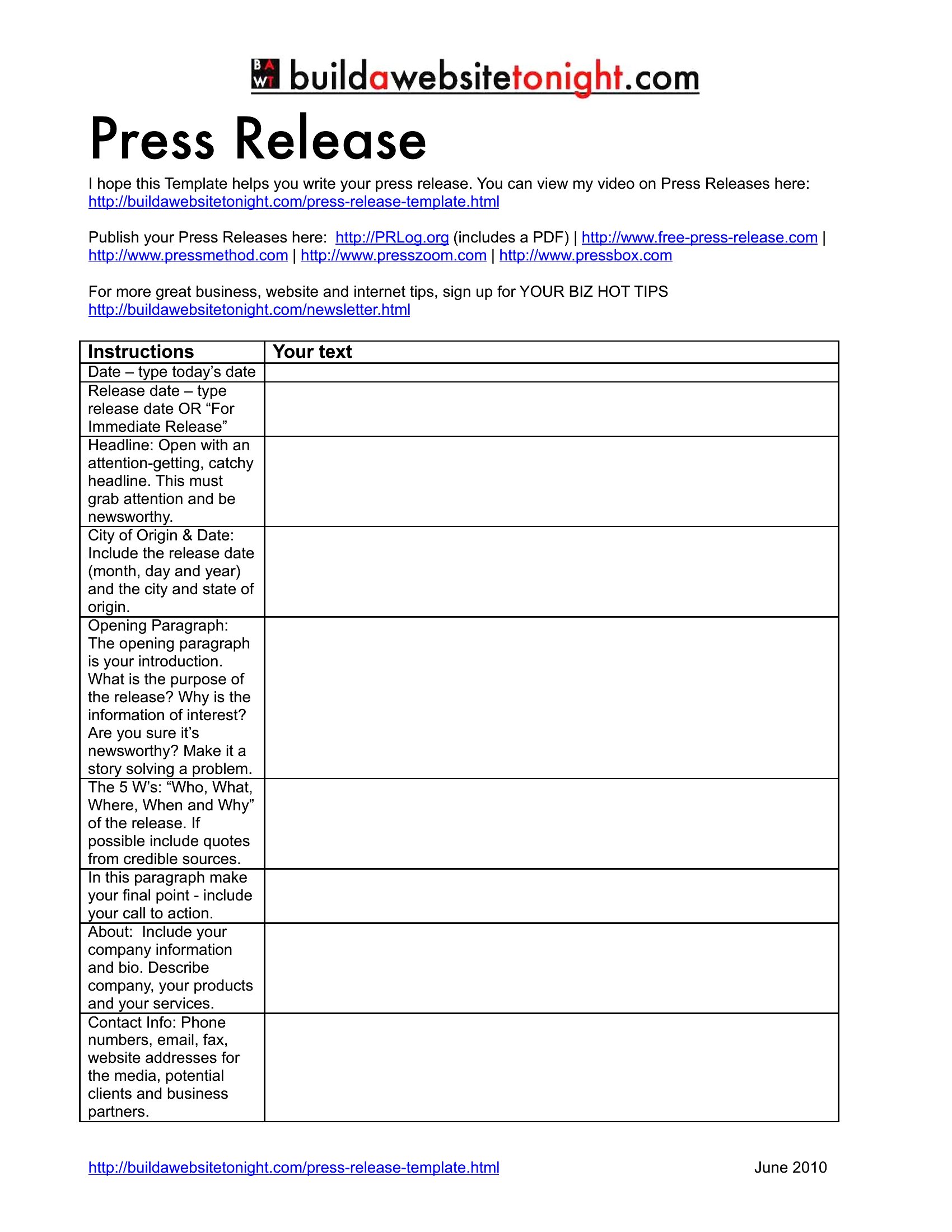
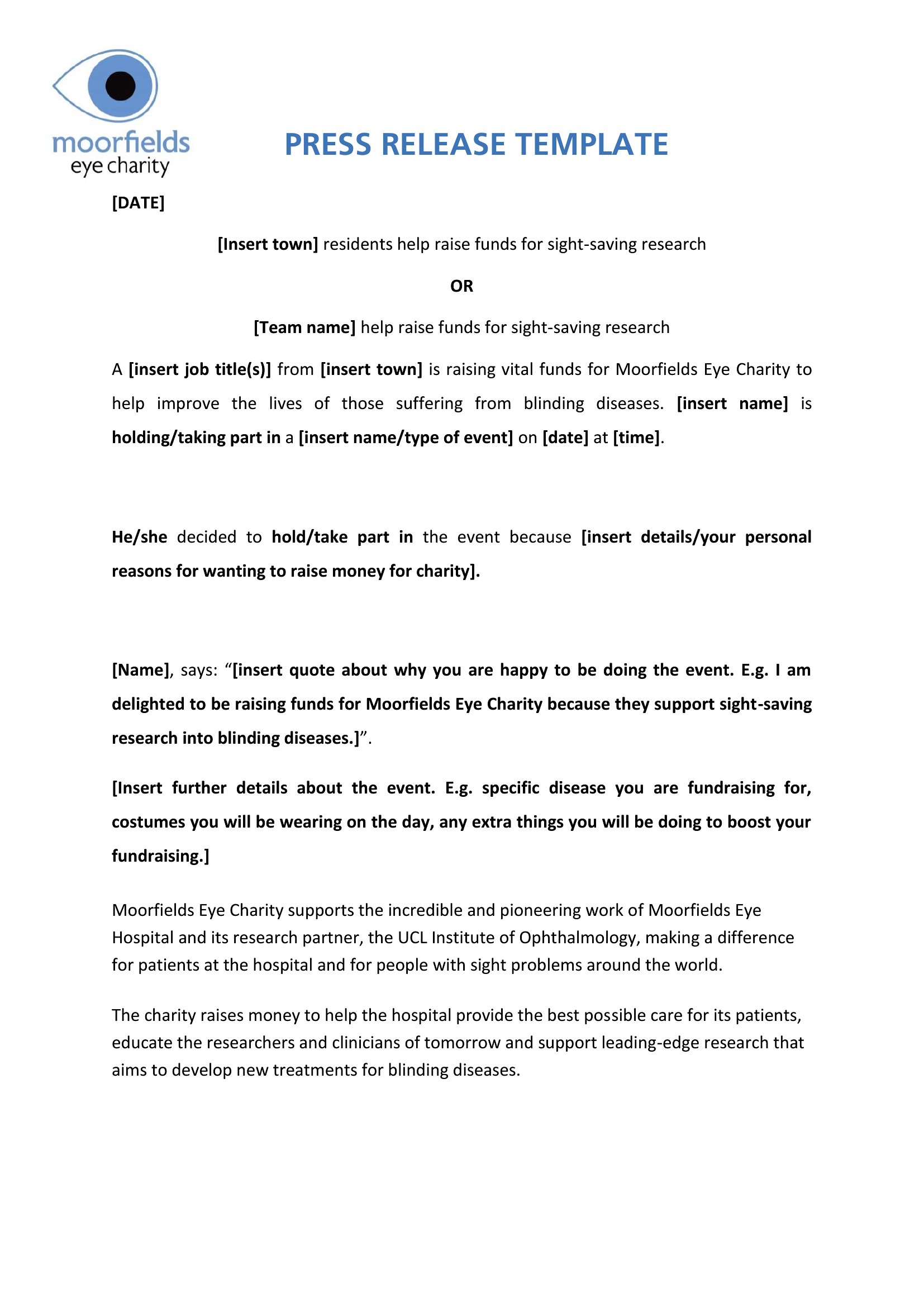
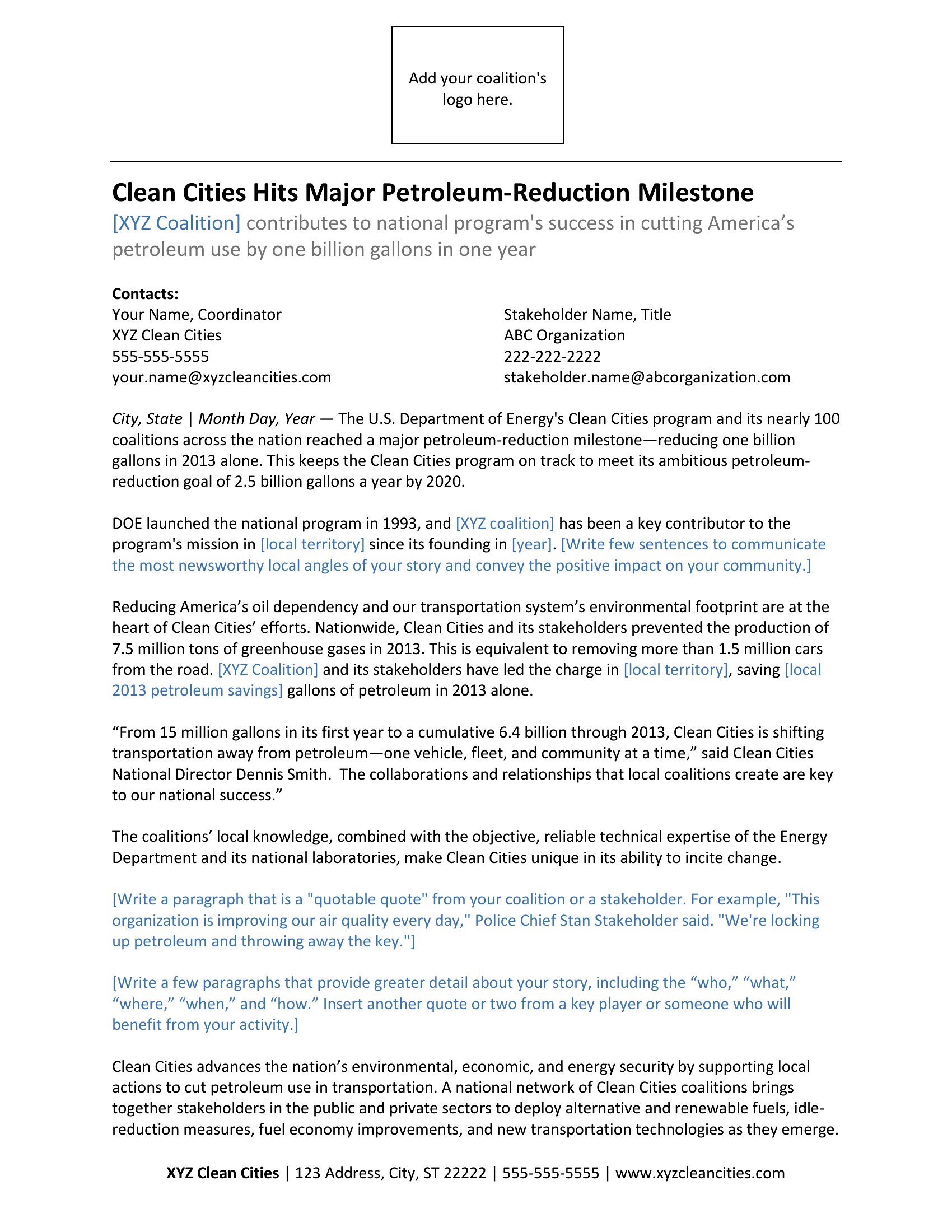
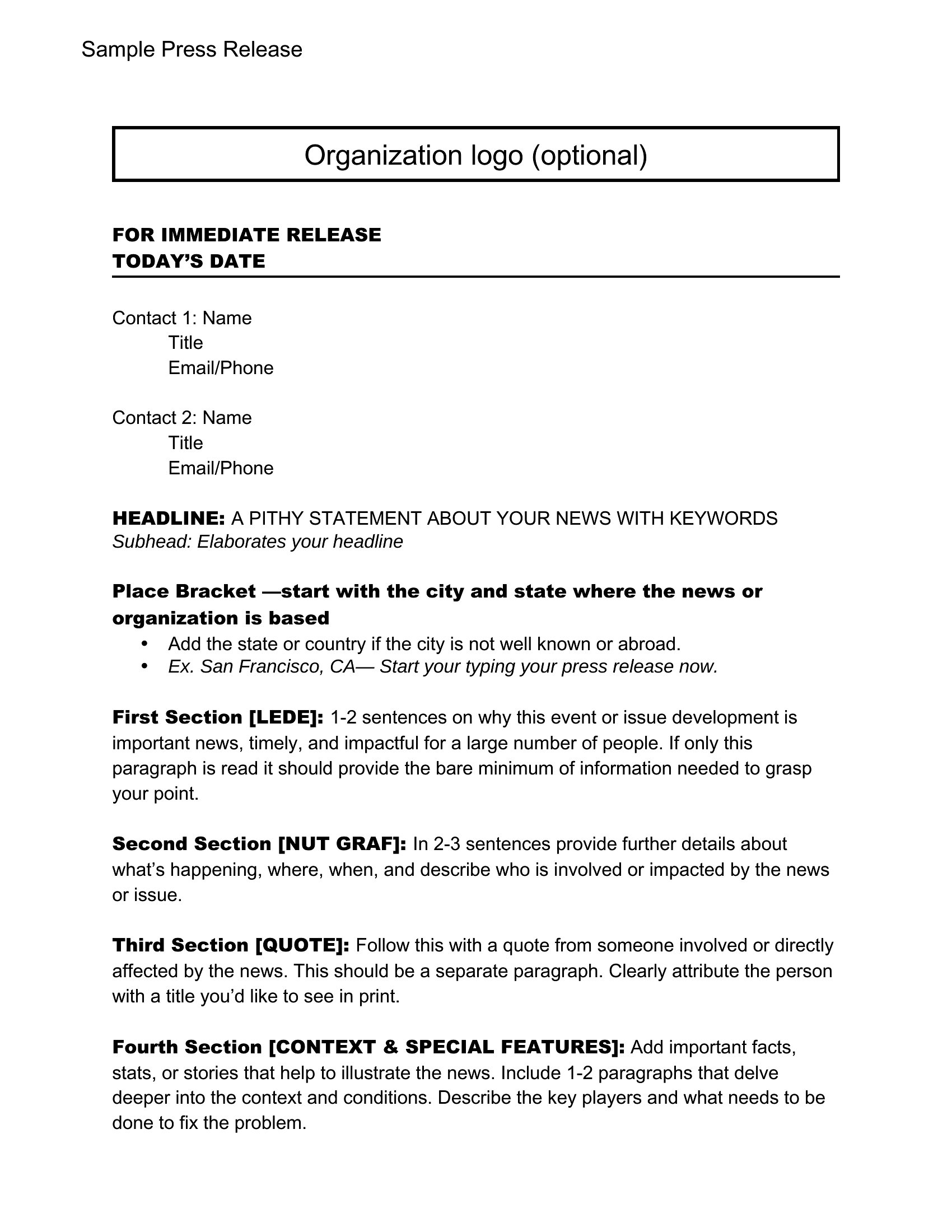
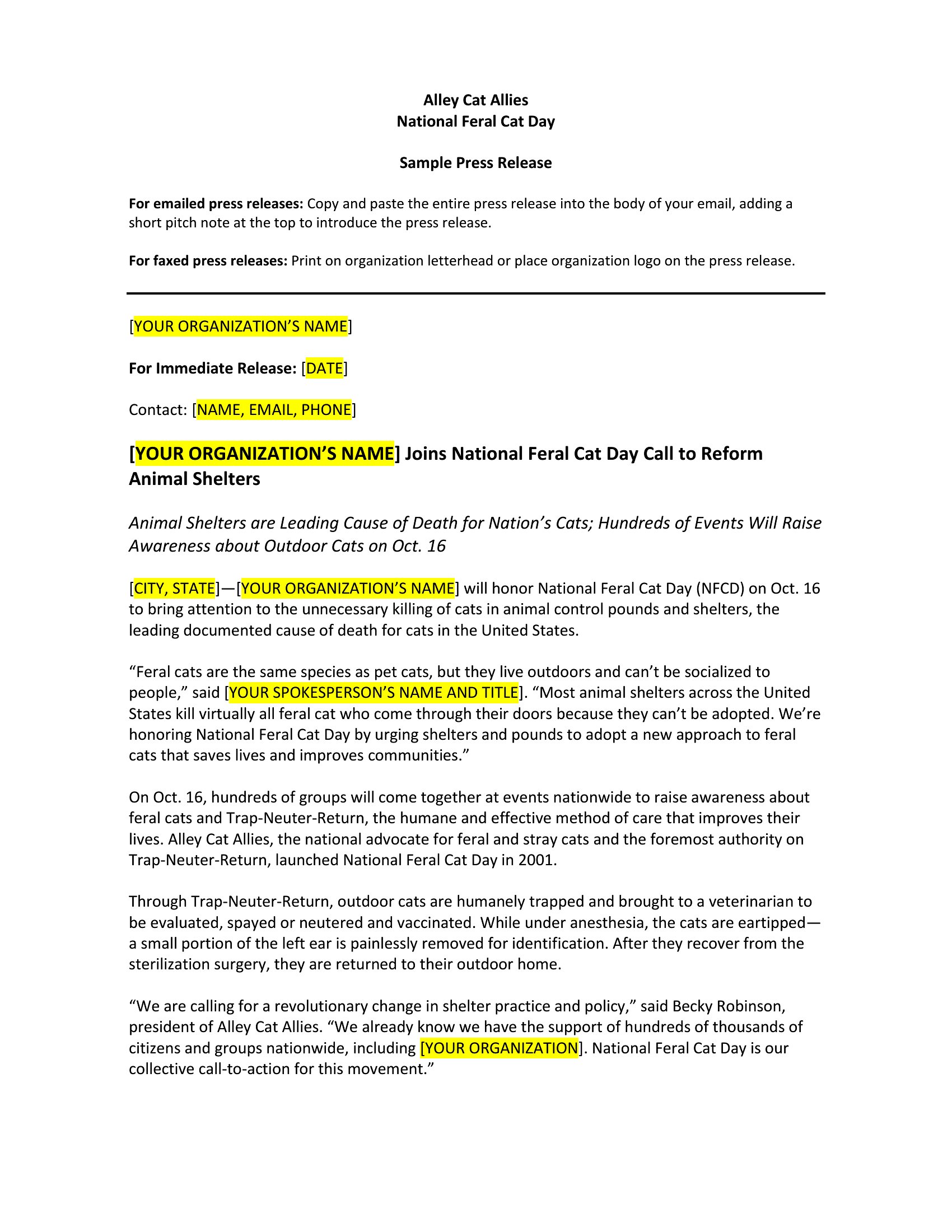
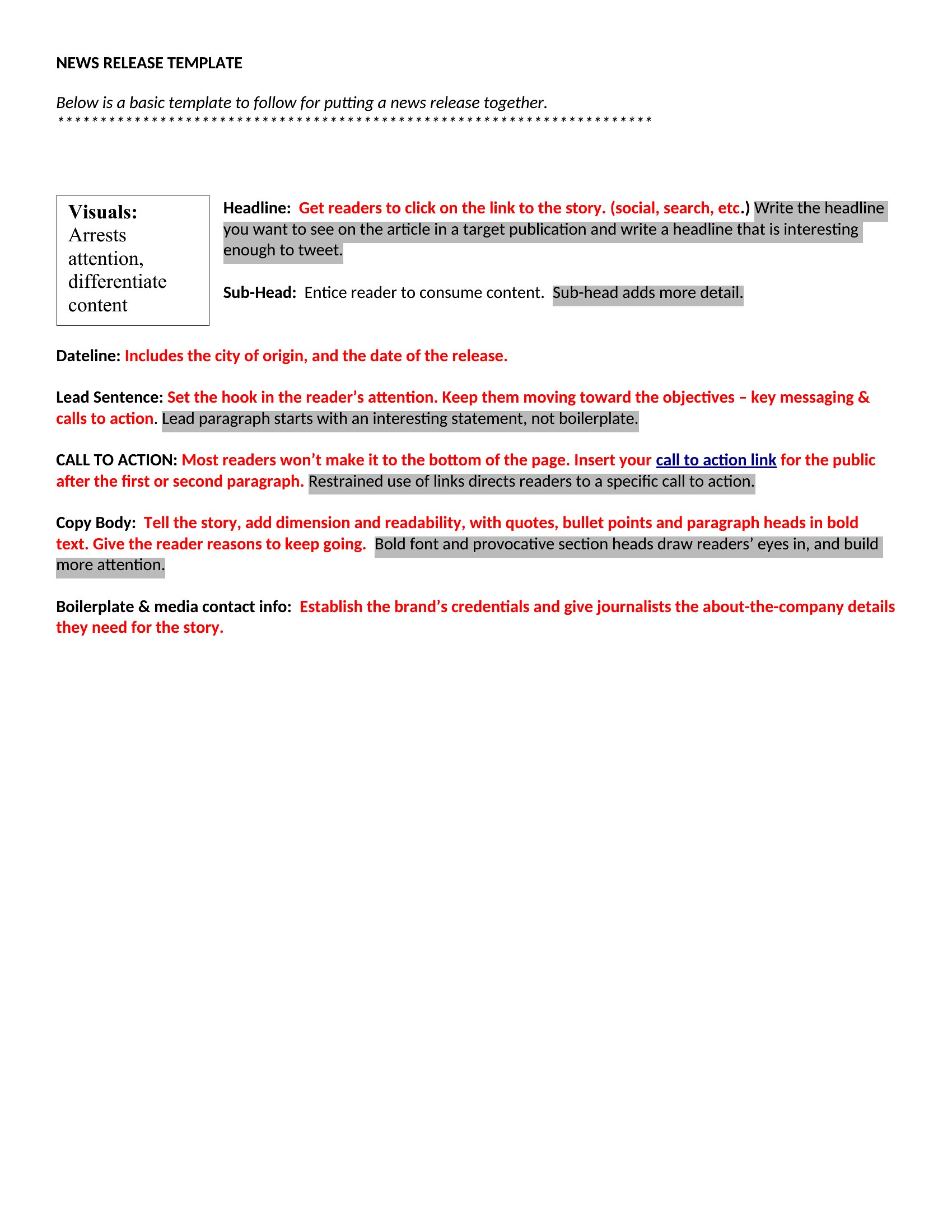
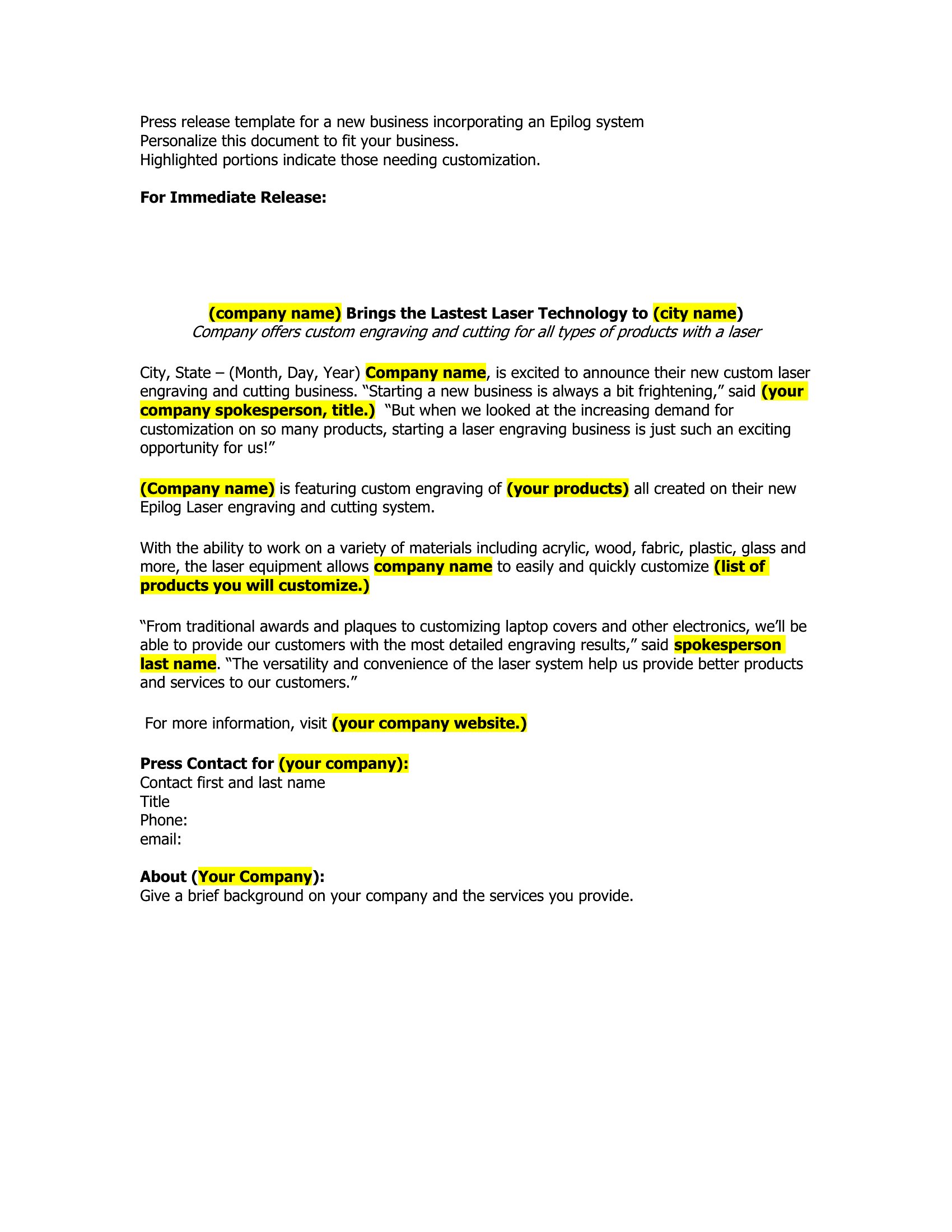
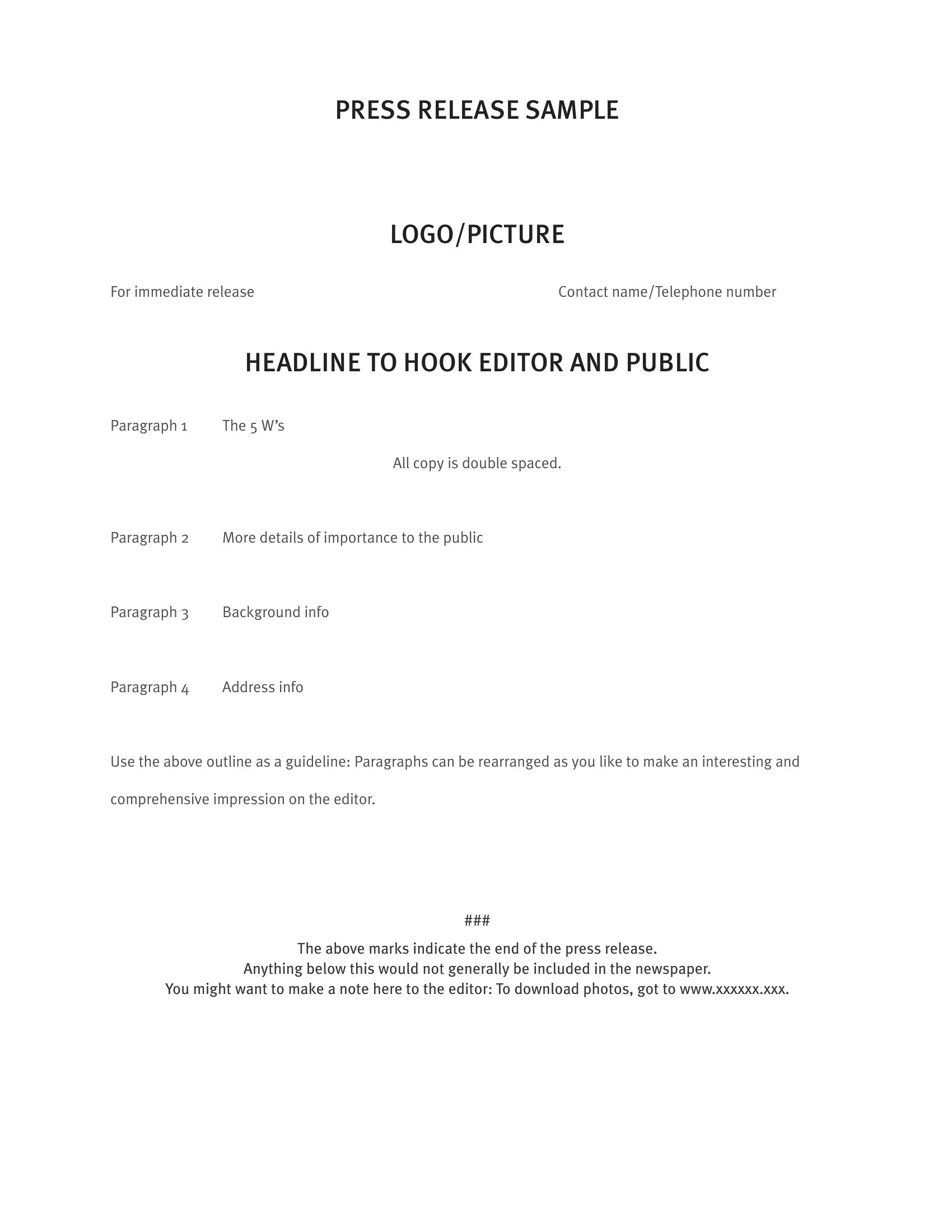
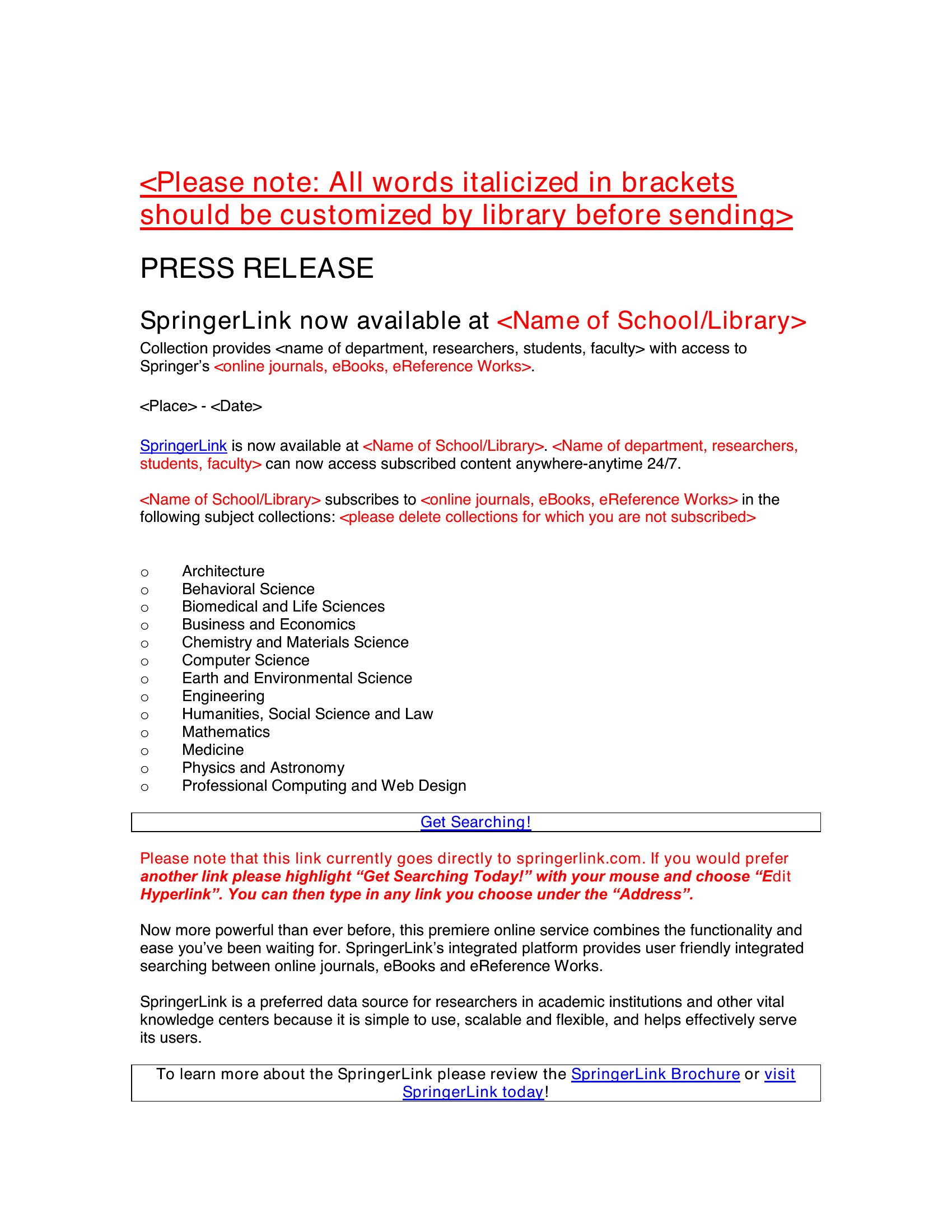
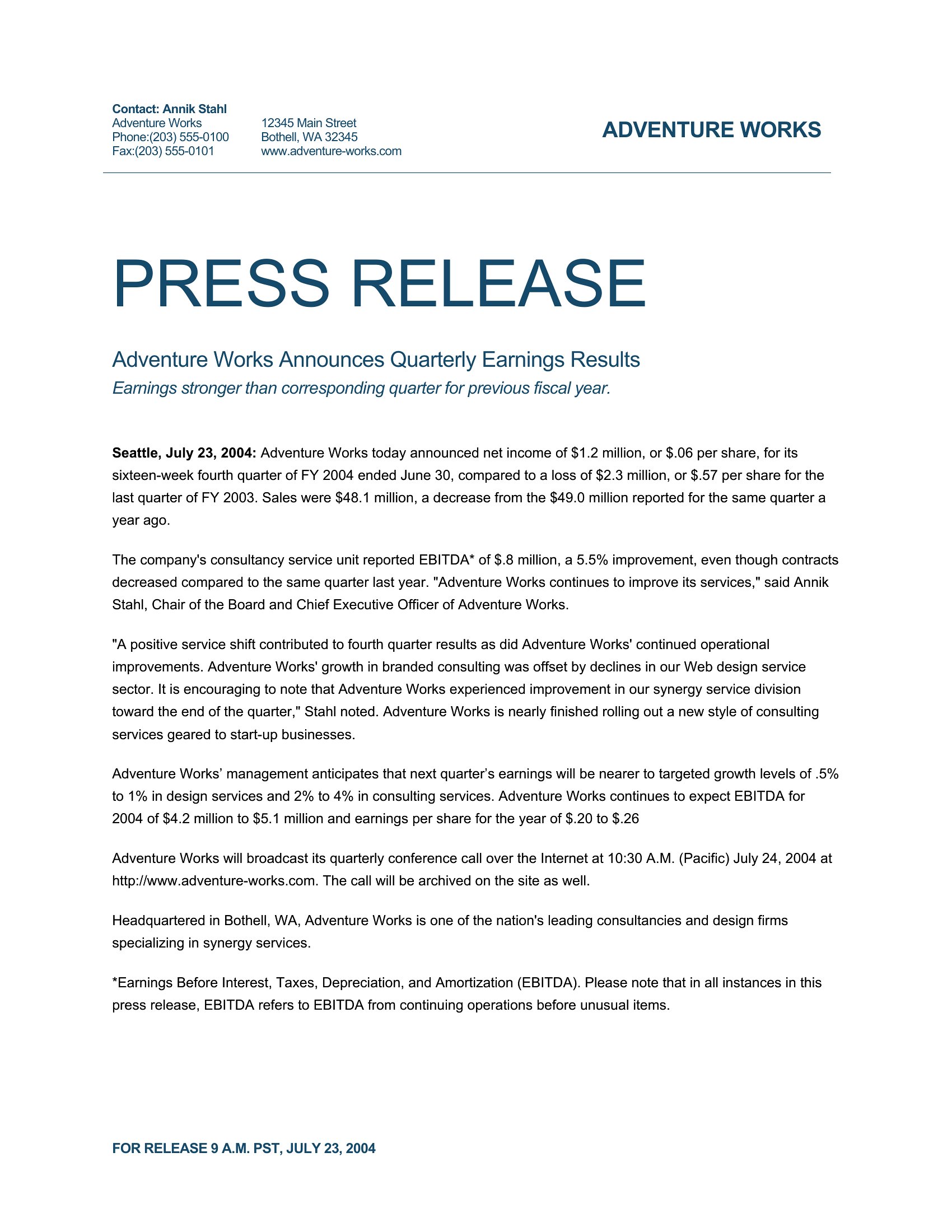
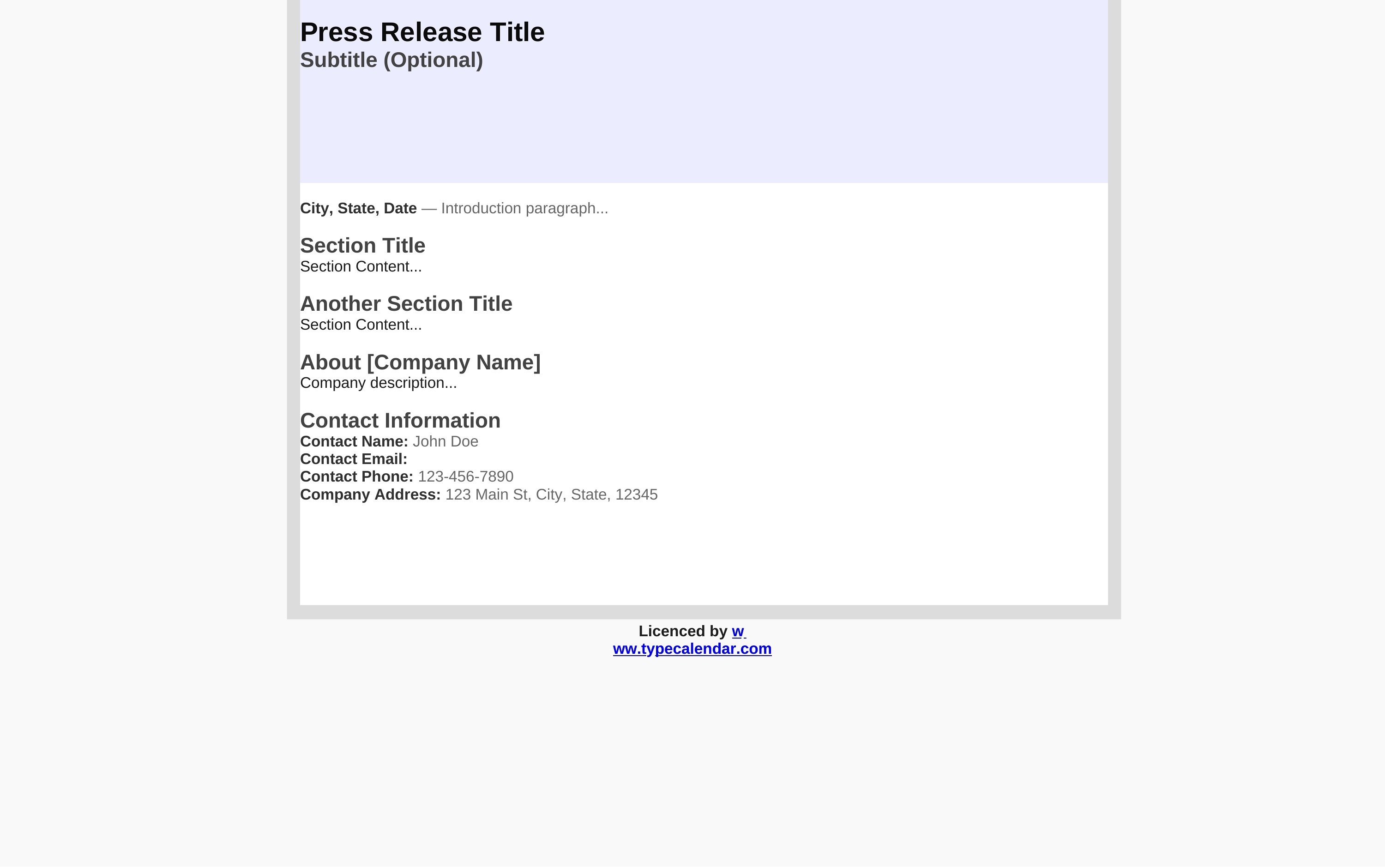
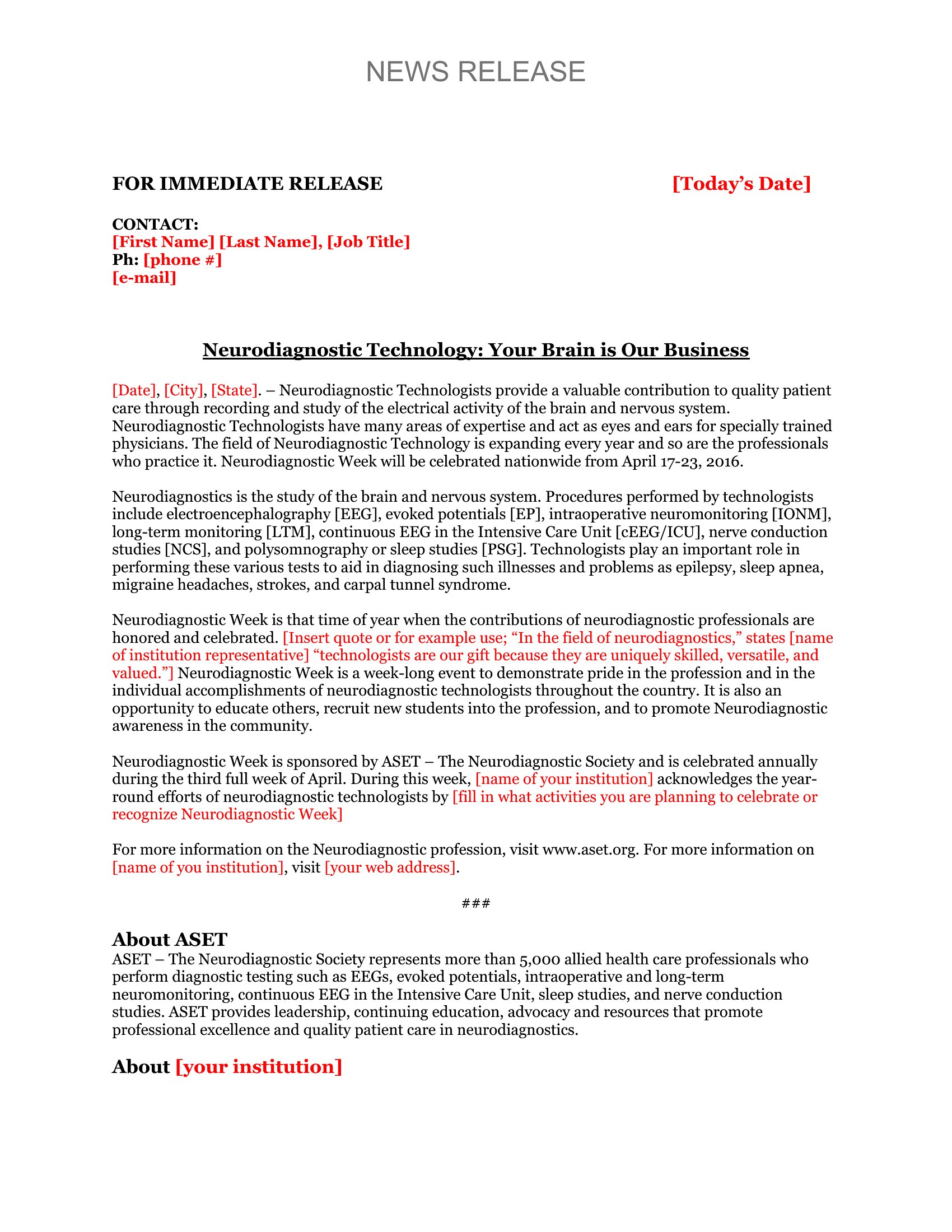
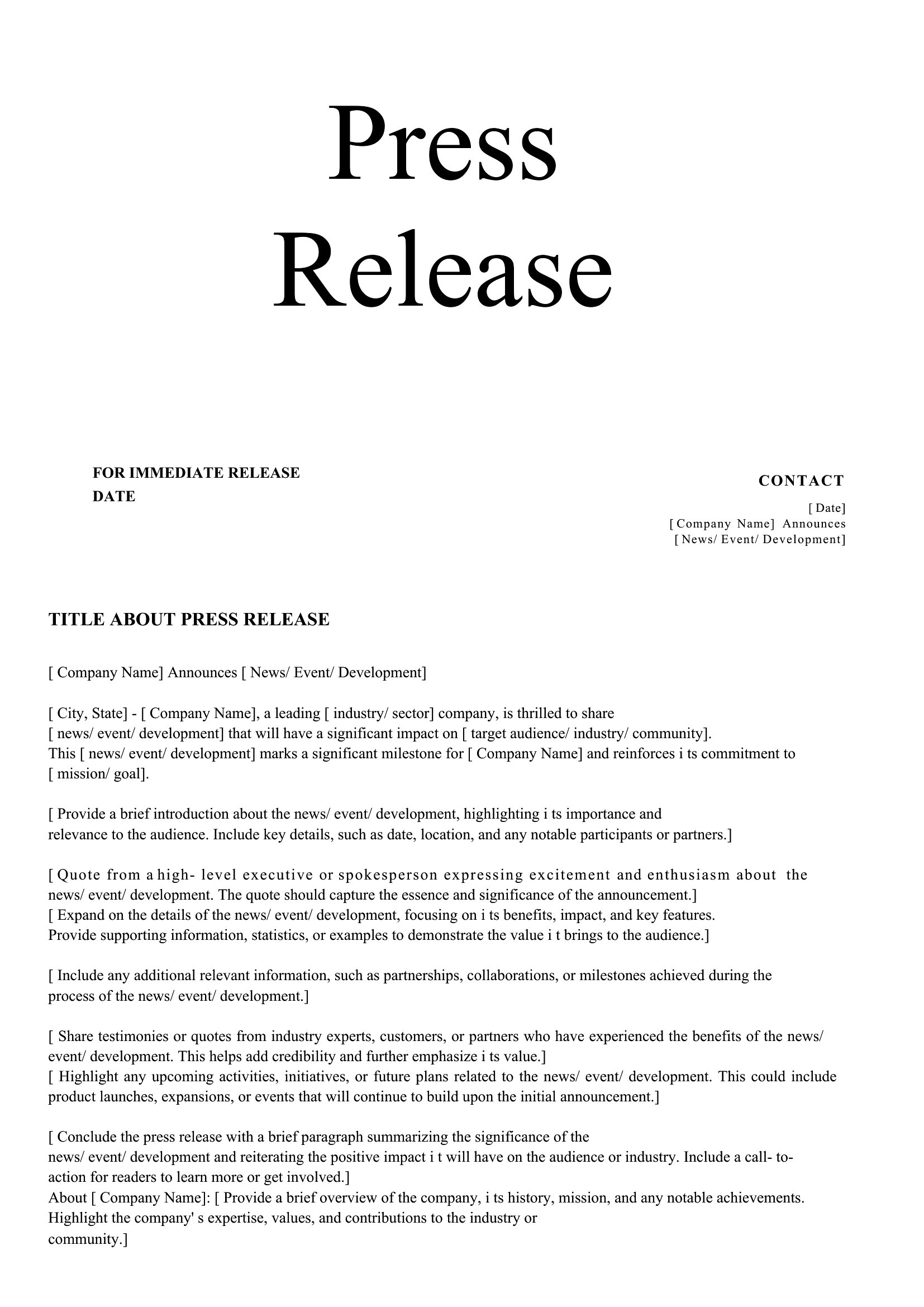
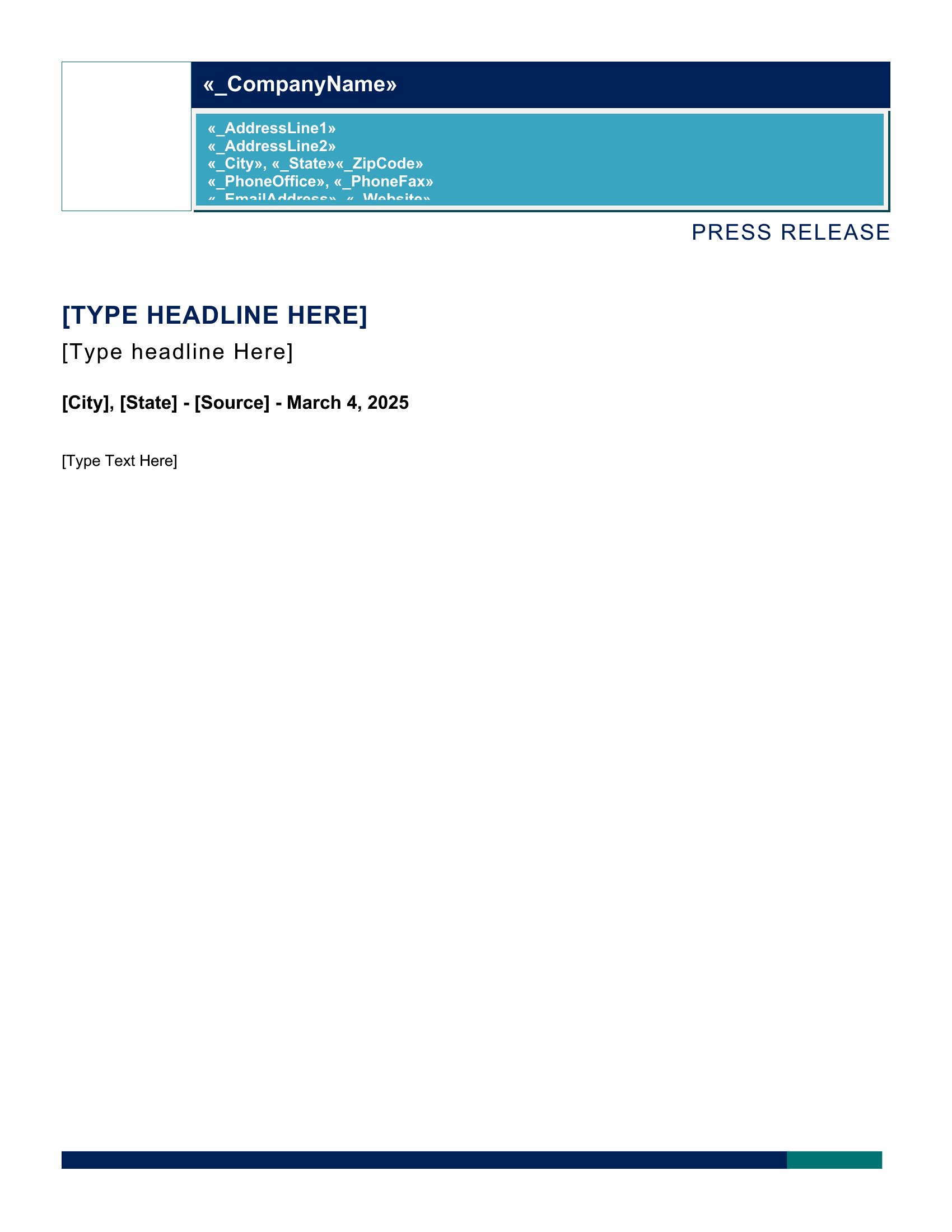
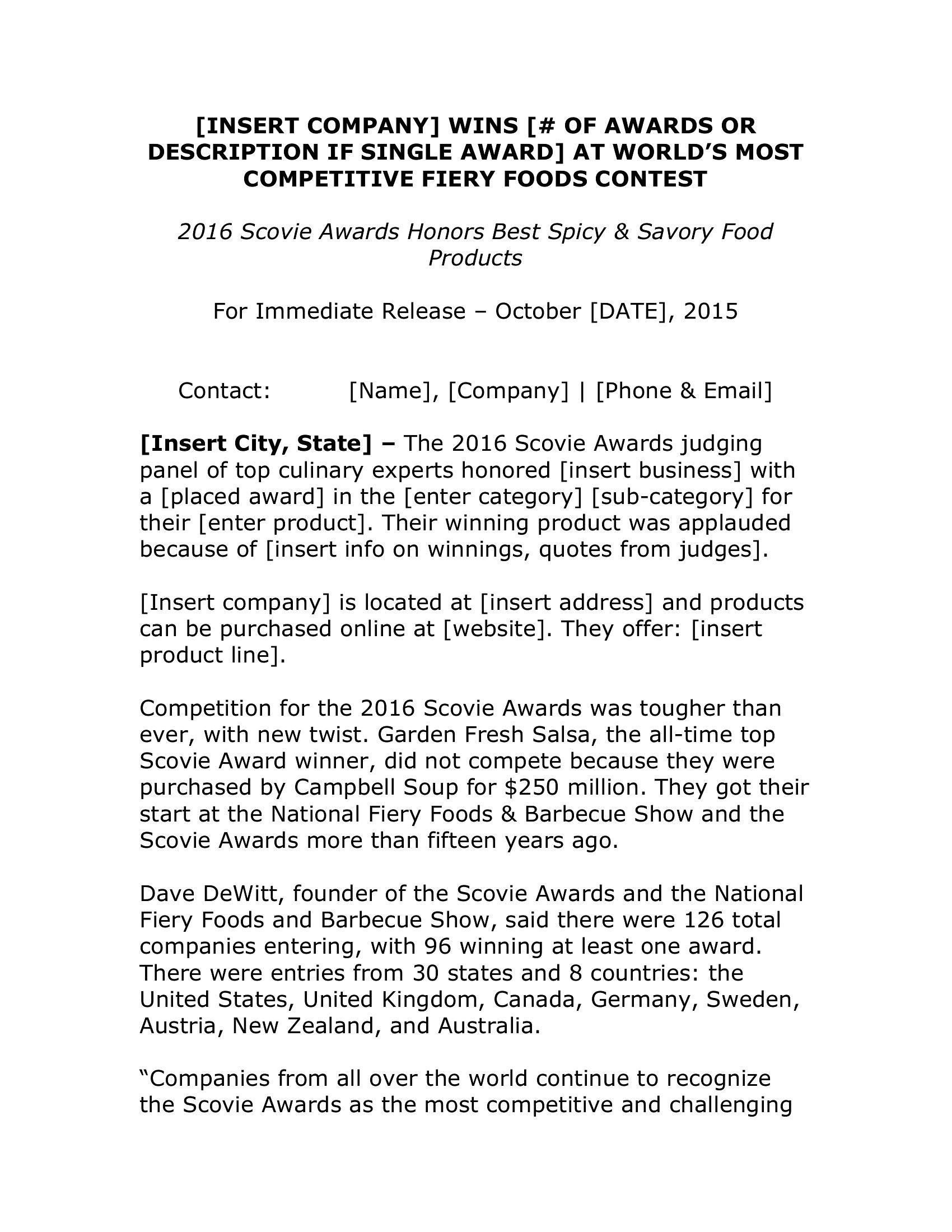
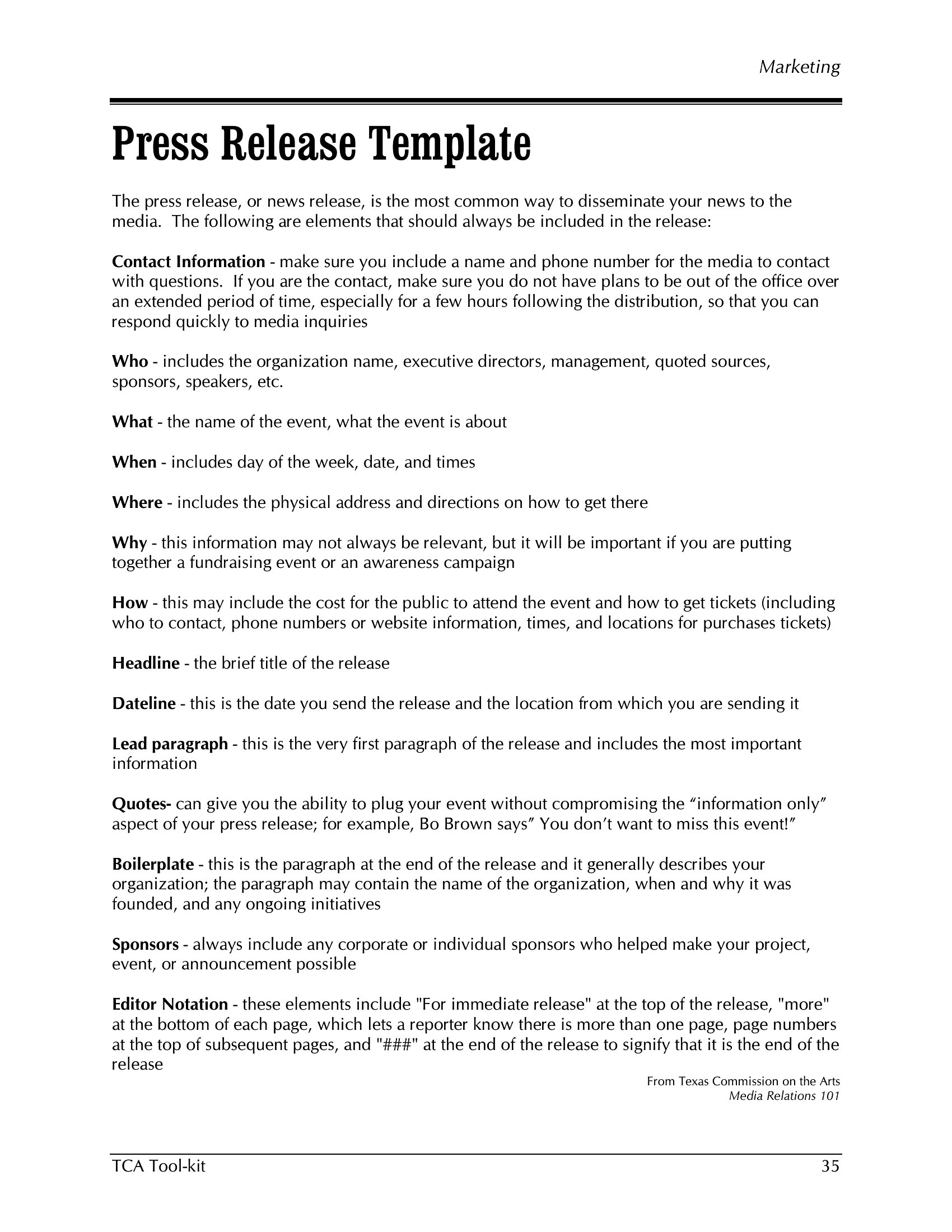
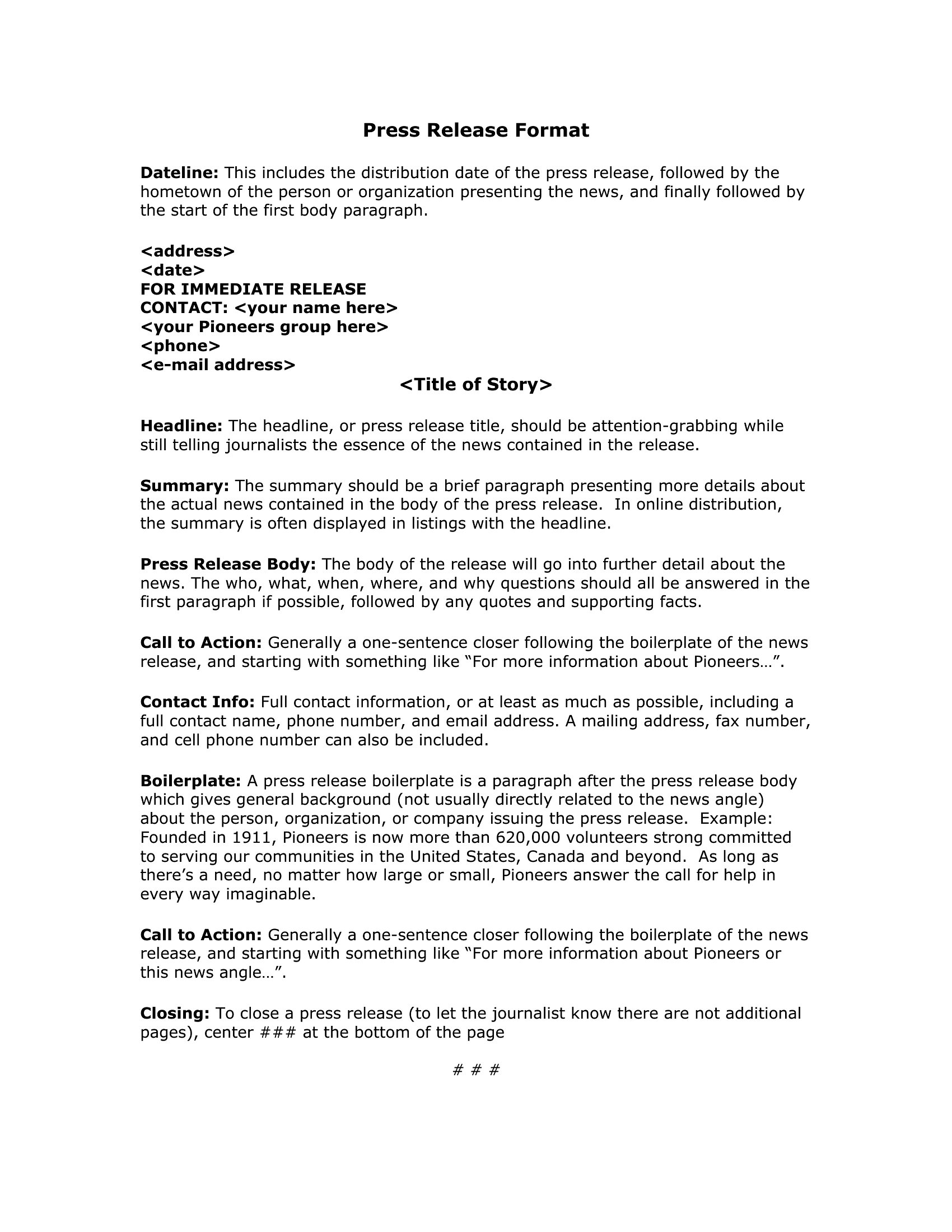
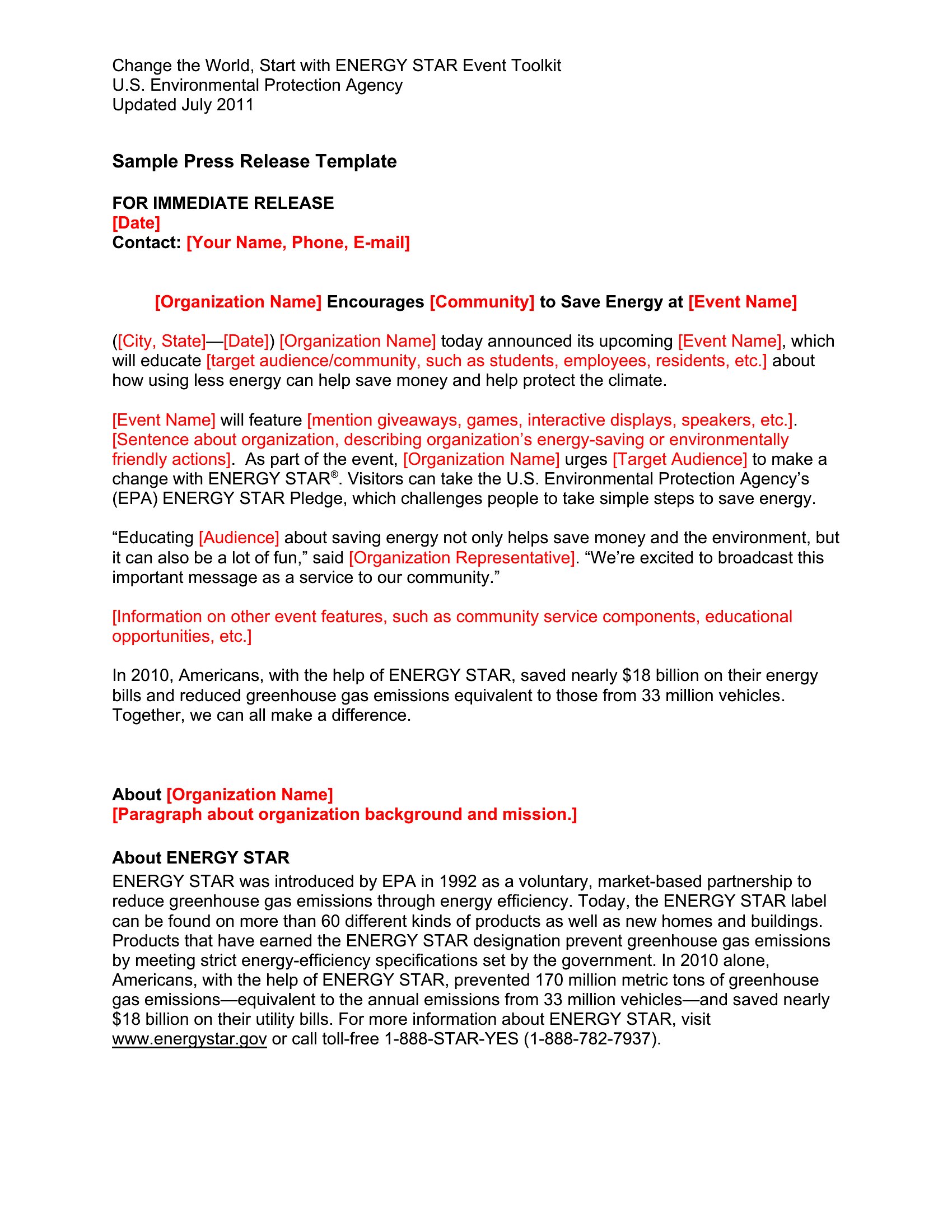
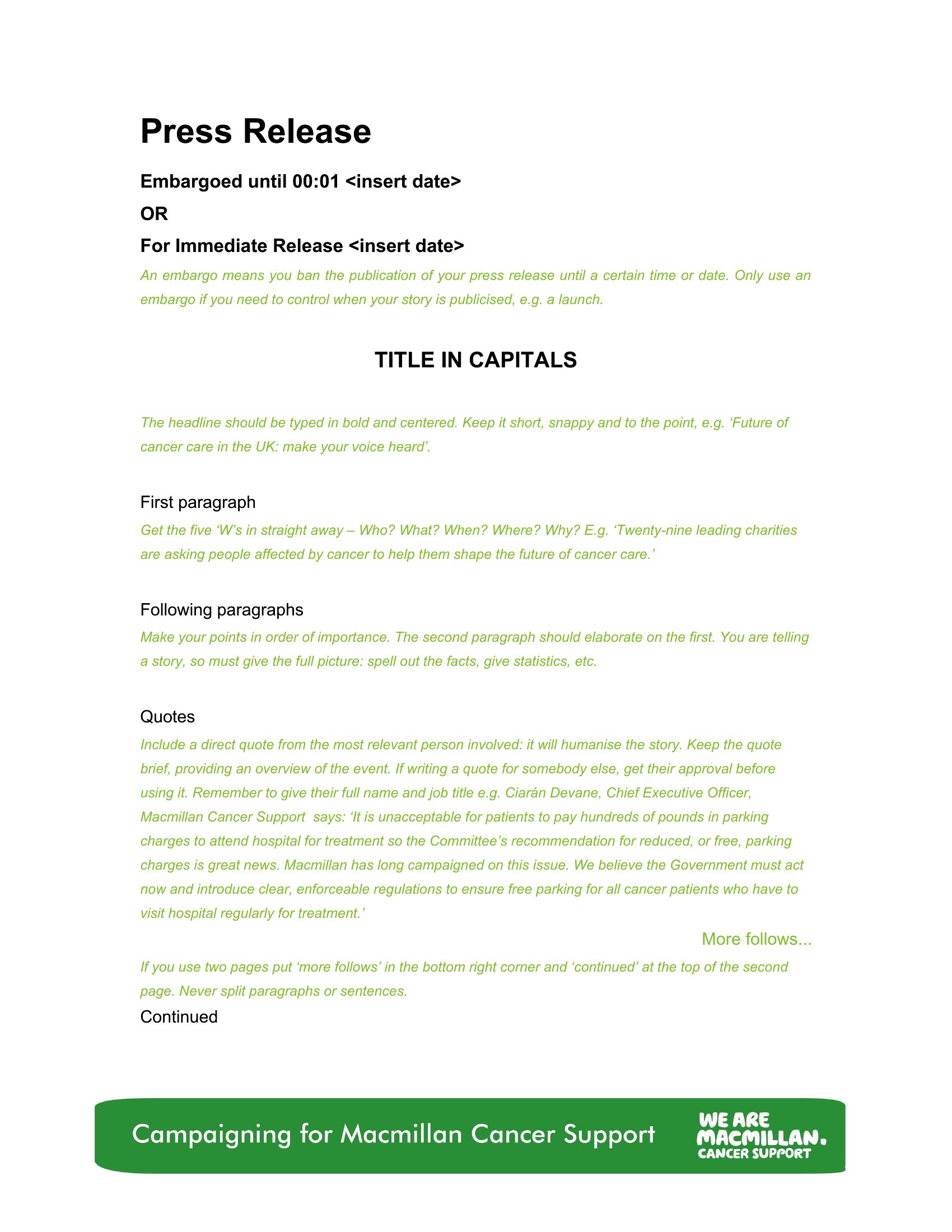
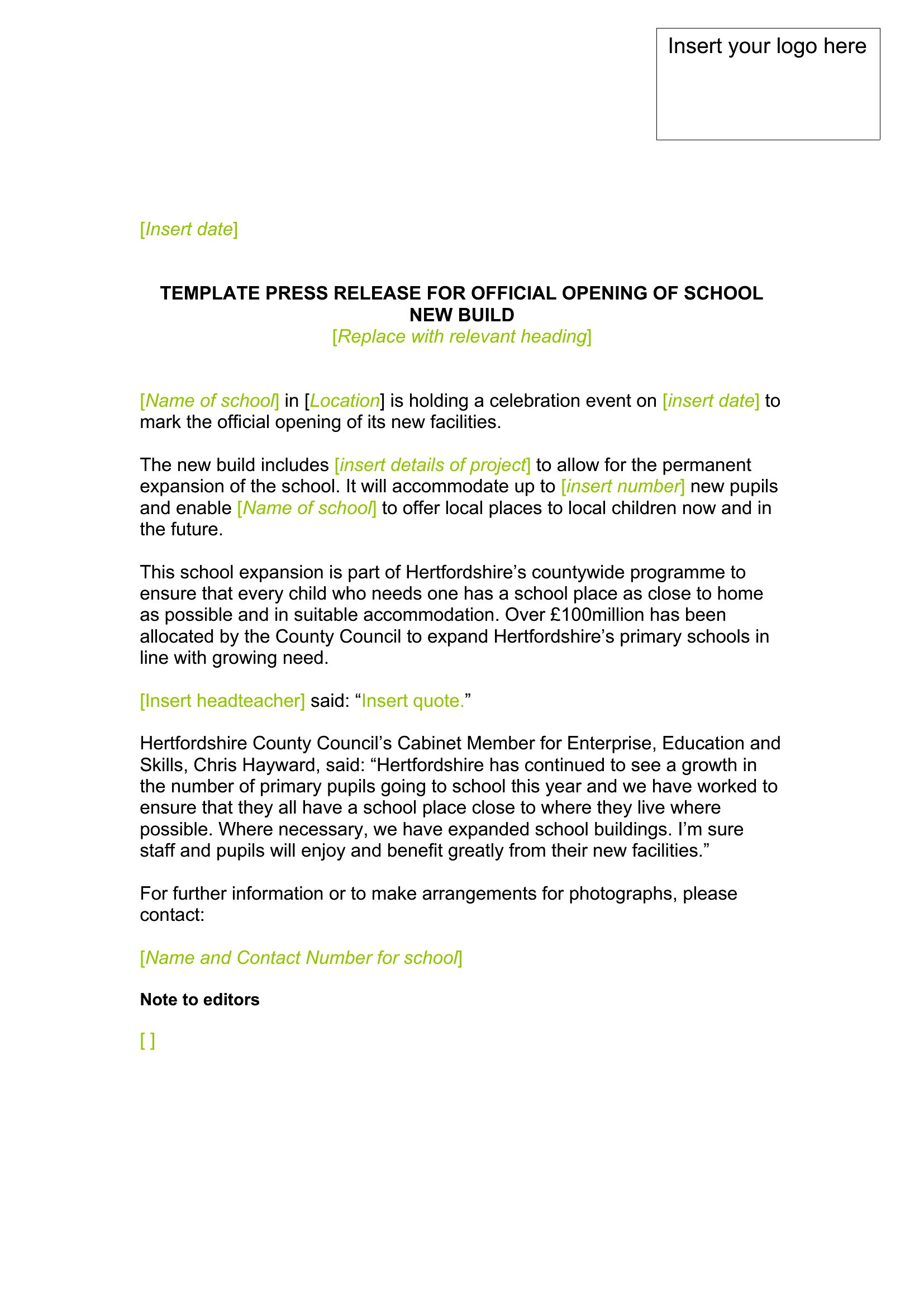
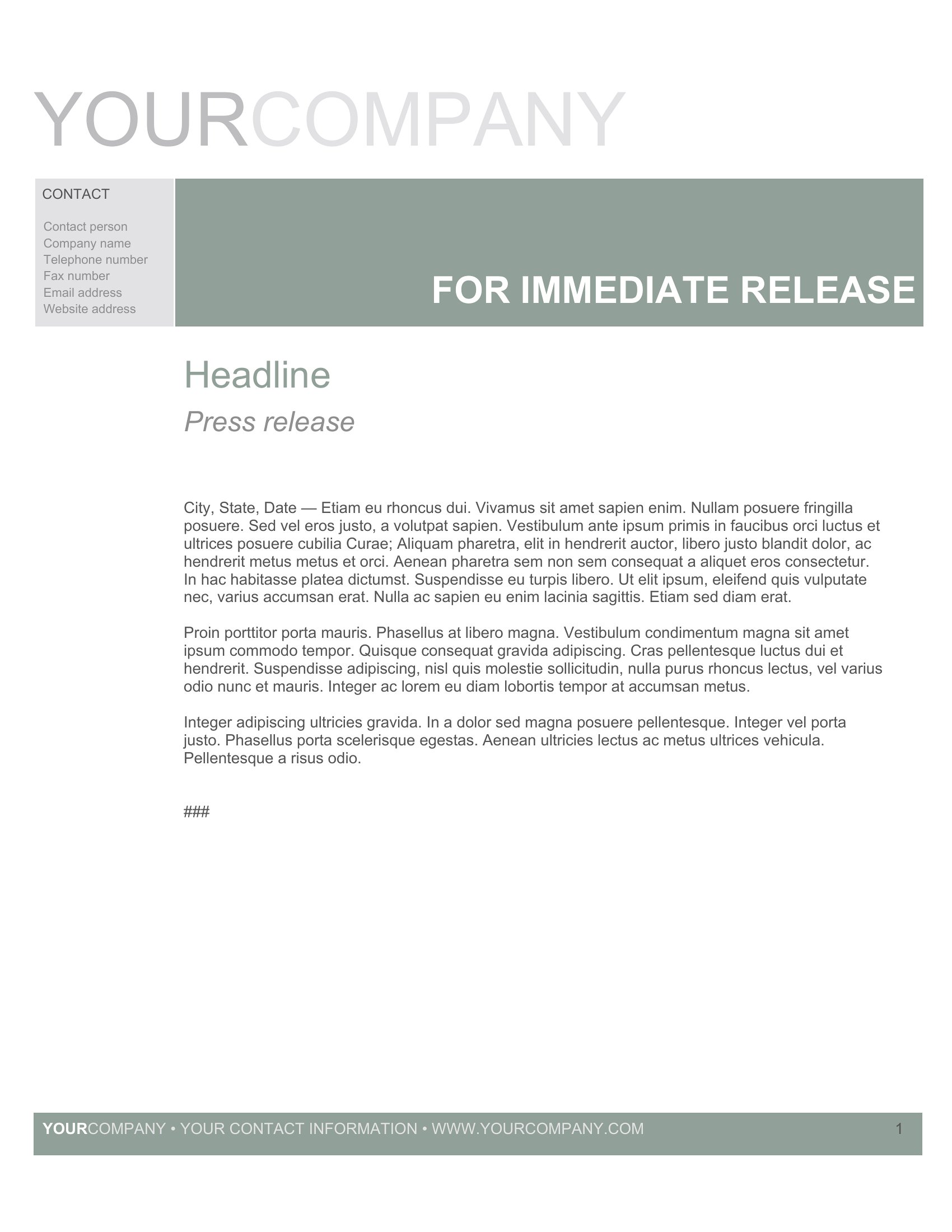
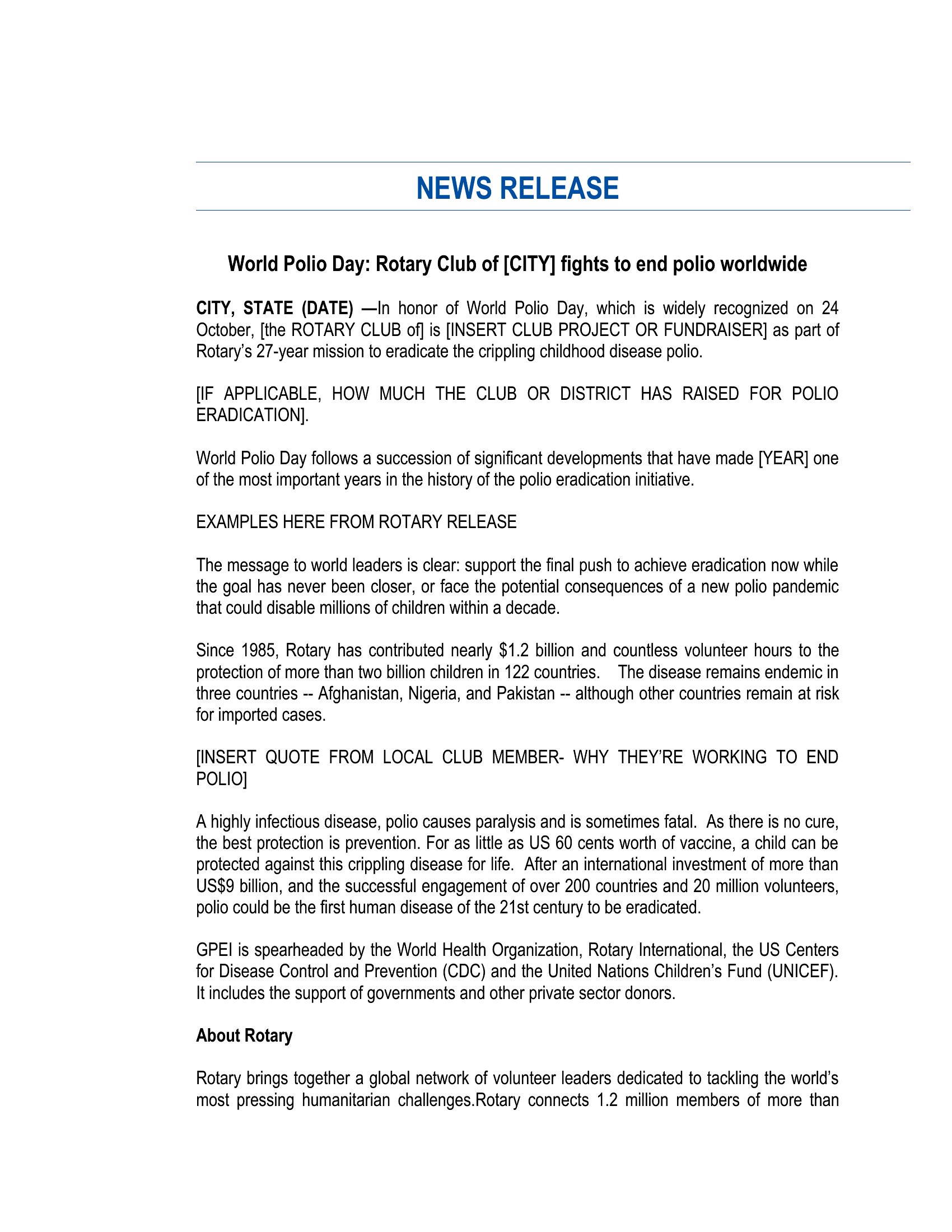
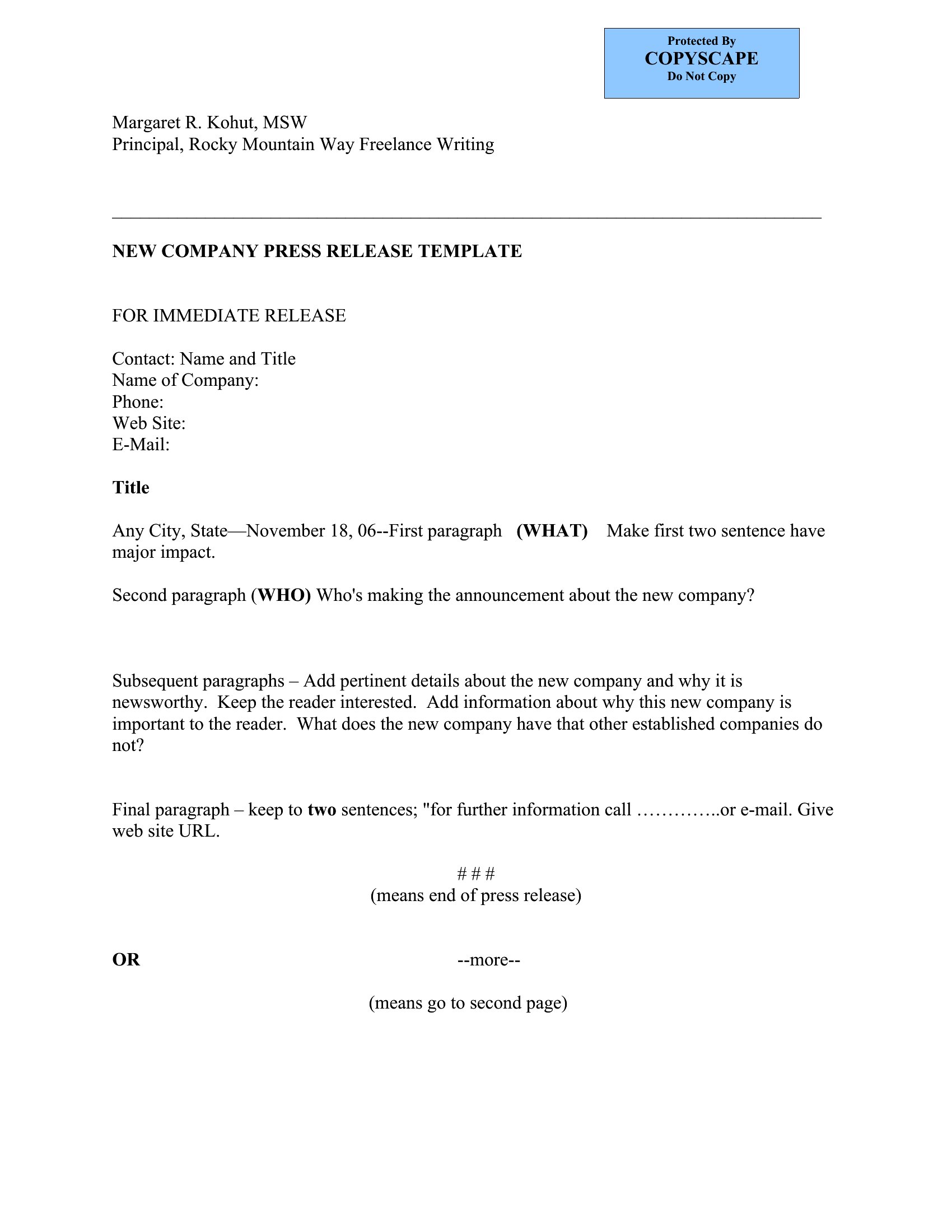
A press release announces your news in the format reporters expect, which makes it far more likely to actually get picked up. This set of 51 templates follows the standard structure, from the headline and dateline to the body, boilerplate, and contact details, for product launches, events, hires, and company milestones. Marketers, PR teams, and small-business owners can put out professional announcements without hiring an agency.

The templates open in Word for editing and come as PDFs for clean distribution. Write a strong headline, lead with the most important facts, and keep the tone newsworthy rather than salesy. Pick the format that fits your announcement and send journalists something they can run with.

When to use this Press Release template

  • A tech startup launching a new app can use these templates to craft a polished press release for industry reporters, ensuring the announcement includes technical specs, competitive advantages, and a compelling hook in the opening paragraphs.
  • Nonprofit organizations announcing major grant awards or partnership expansions need these templates to structure their news with impact metrics, donor quotes, and clear calls to action for media coverage and donor engagement.
  • Local business owners opening a new restaurant location should select a template that highlights menu innovations, community ties, and grand opening details, helping local journalists quickly grasp the story’s relevance to their audience.
  • Corporate communications teams responding to an executive hire or promotion can leverage these templates to draft official announcements that emphasize leadership experience, career milestones, and how the hire aligns with company growth strategies.

Which format should I download?

WordPDF

For this collection, choose Word if you need to edit the press release extensively—such as adjusting sections, adding logos, or tailoring the boilerplate—before sharing it internally or distributing it to media contacts. The editable format ensures consistency across multiple drafts and revisions. Opt for PDF if your goal is final presentation, such as attaching the release to an email pitch or printing it for an event handout, as PDFs preserve formatting and look professional without requiring further adjustments. Since Word is the only fully editable format here, it’s ideal for teams that prioritize flexibility before locking in a polished version for distribution.

How to use this Press Release template

How should I structure the headline to maximize media pickup?

Craft a headline under 12 words that answers the ‘who, what, where, when, and why’ of your announcement. For example, ‘Local Bakery Launches Gluten-Free Line, Expands to Downtown Location’ clearly signals newsworthiness. Avoid jargon or vague phrasing, and place the most compelling detail first. The template’s headline section is designed to help you refine this with space for a subhead that adds context.

What details should I include in the boilerplate section to make it useful for reporters?

The boilerplate should briefly summarize your organization’s mission, key achievements, and any relevant stats—such as years in business or market reach—within 3–4 sentences. For instance, if announcing a product launch, mention your company’s expertise in that field and how it differentiates you. This section helps reporters quickly understand your credibility, so avoid generic descriptions. The template provides a dedicated space to keep this concise and impactful.

Can I use these templates to announce both positive and sensitive news, like a layoff or restructuring?

While these templates provide a standard structure, sensitive news requires additional care. Use the existing format for clarity and transparency, but focus on the ‘why’ behind the changes—such as strategic shifts or financial realities—and emphasize support for affected employees. Avoid jargon and consider adding a quote from leadership acknowledging the impact. For highly sensitive topics, consult a PR professional to refine the message before finalizing the release.

Comments

Join the conversation

Sign in to share your thoughts and leave a comment on this resource.

Newsletter

Get Weekly Design Updates

Join our community to receive curated resources and inspiration.

Weekly Tips Resources Early Access

We respect your privacy. Confirmation email required. Privacy Policy