Skip to content
50% off this one-time $1.99 pack with HALFOFF — or unlimited with Pro.HALFOFF
Premium

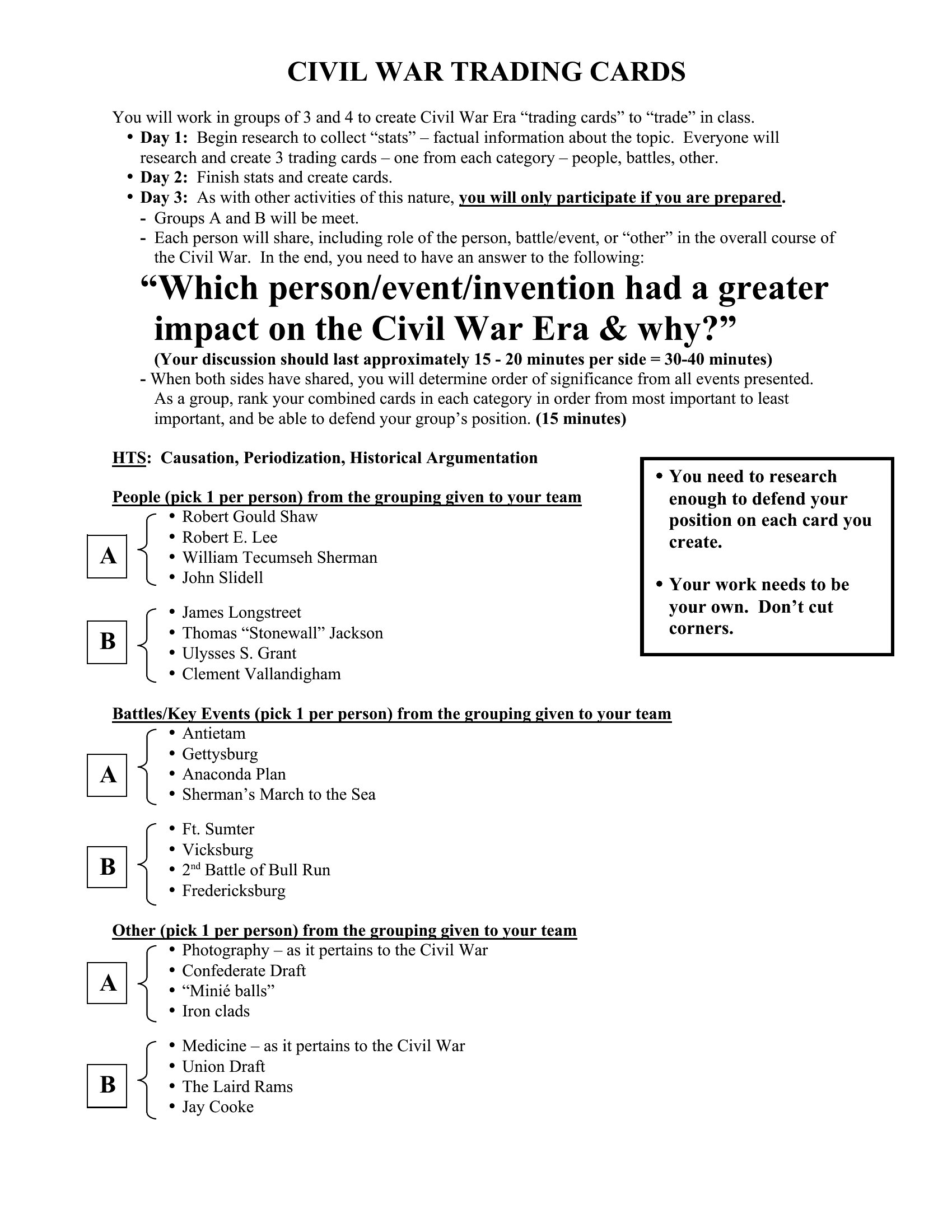
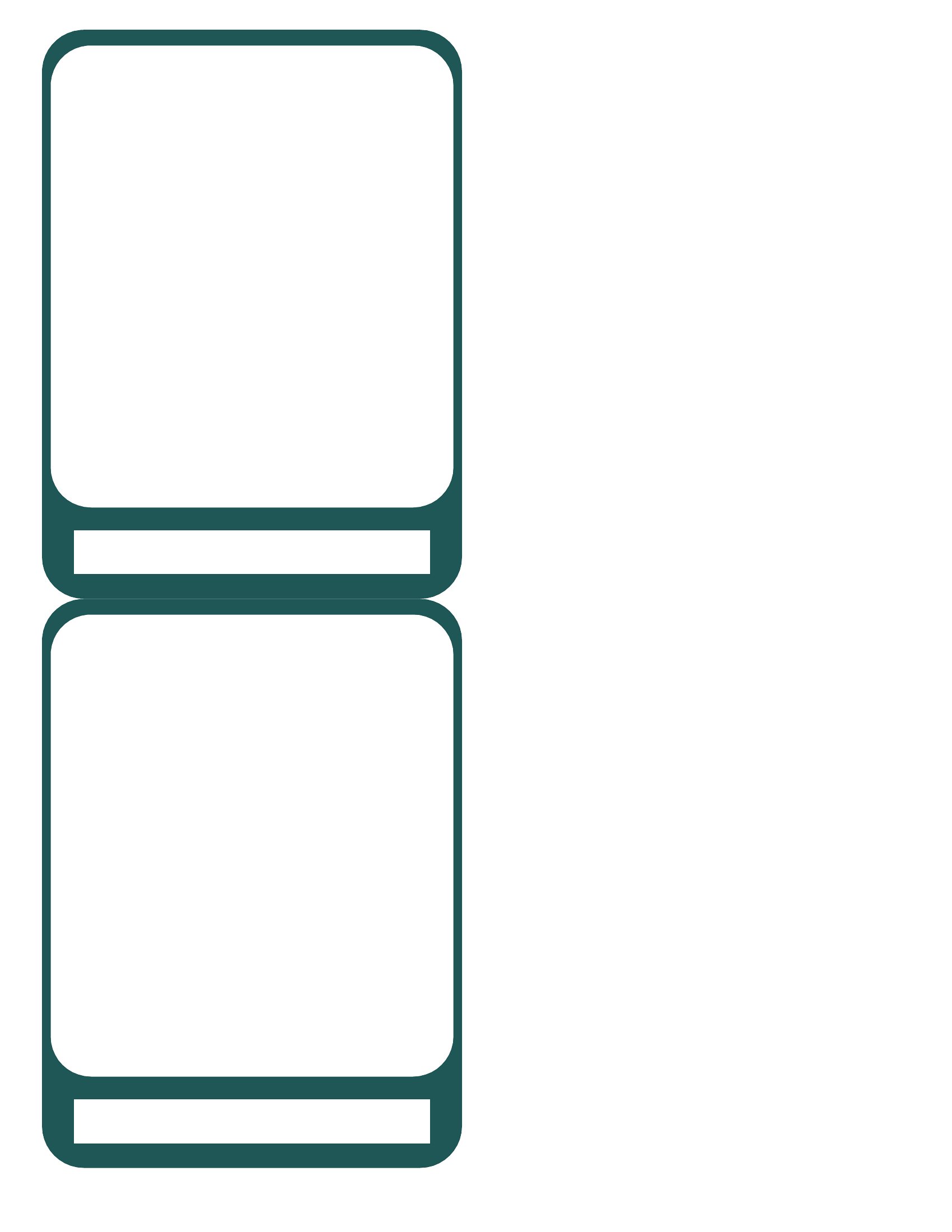
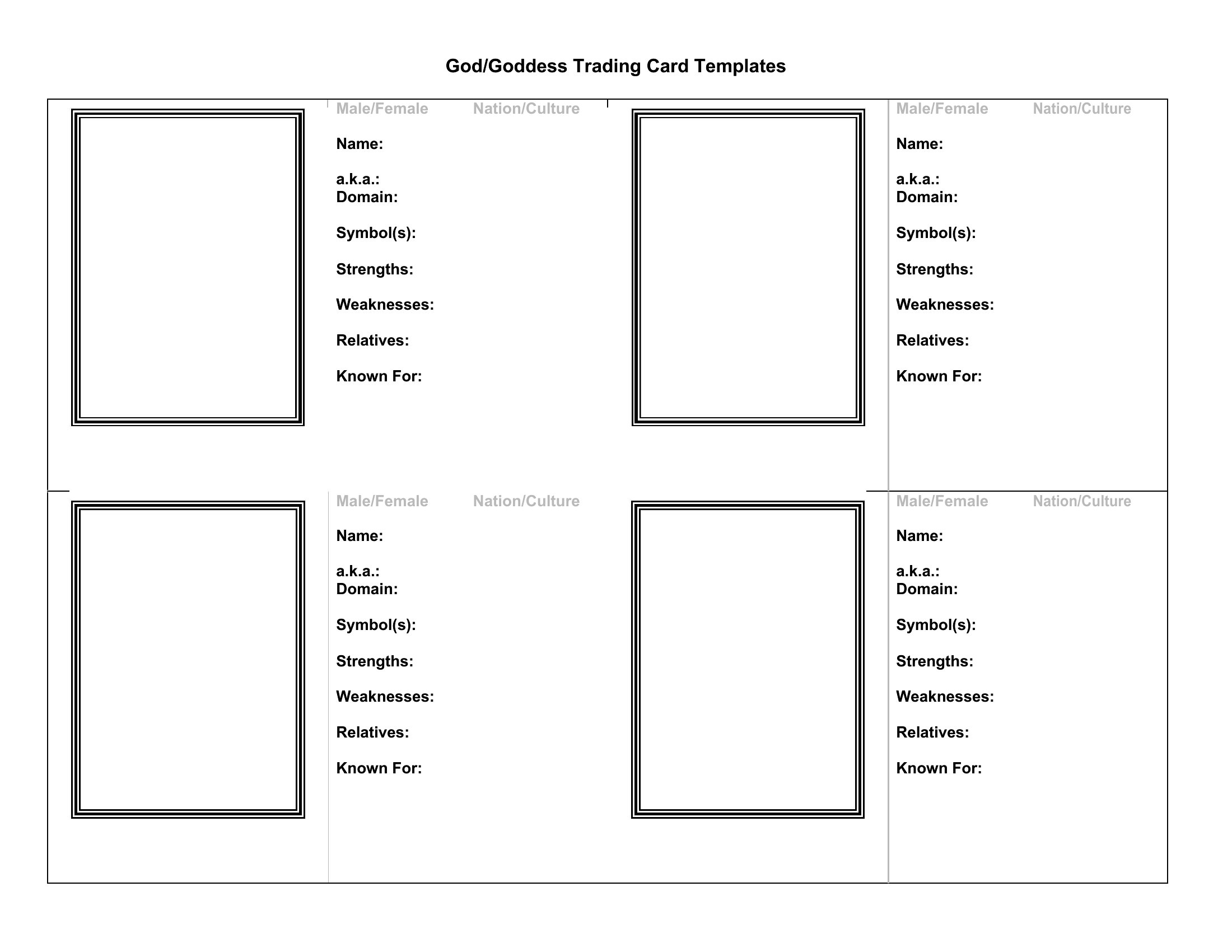
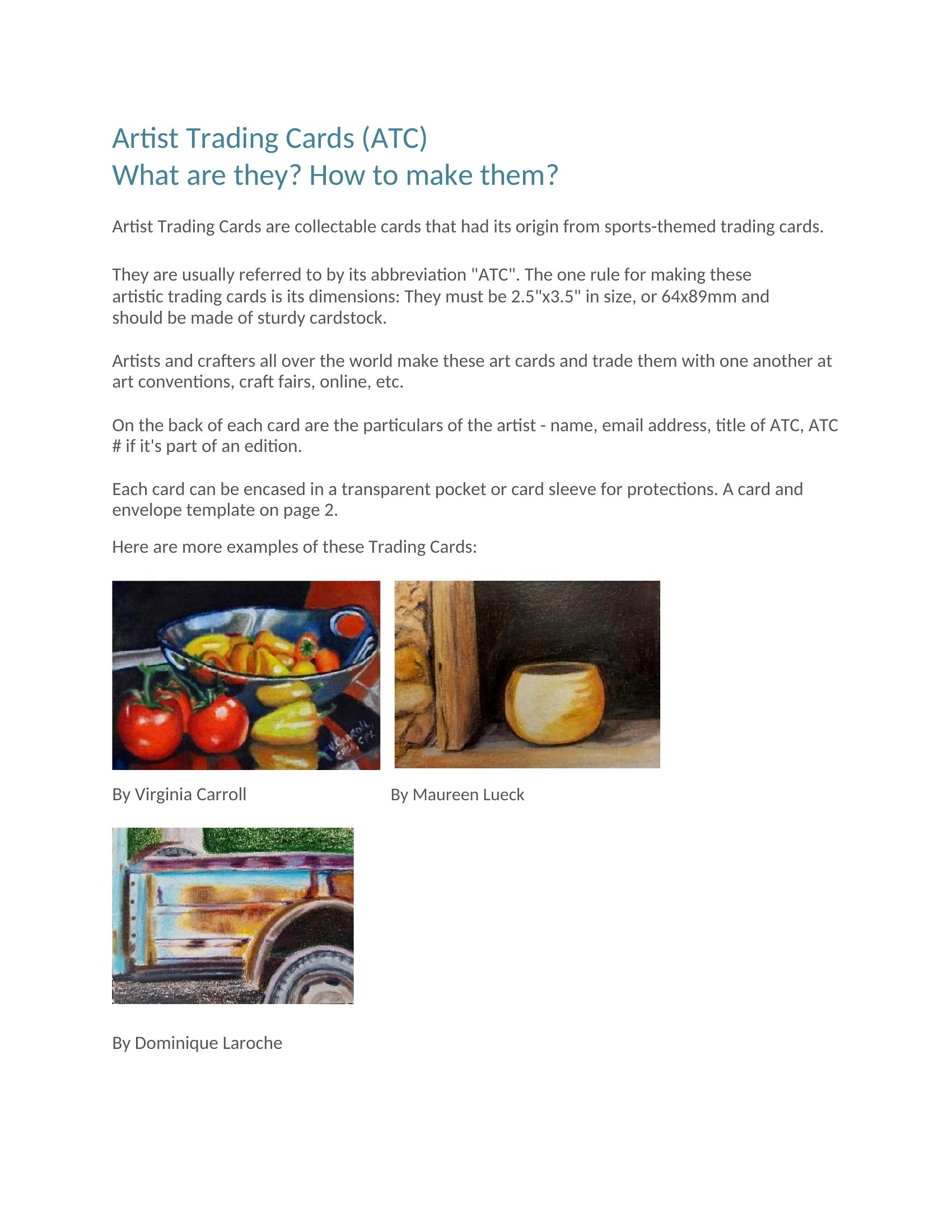
Free Trading Card Templates (Word)

Life
amalieandersen by amalieandersen
Updated 0 downloads Quality-checked template

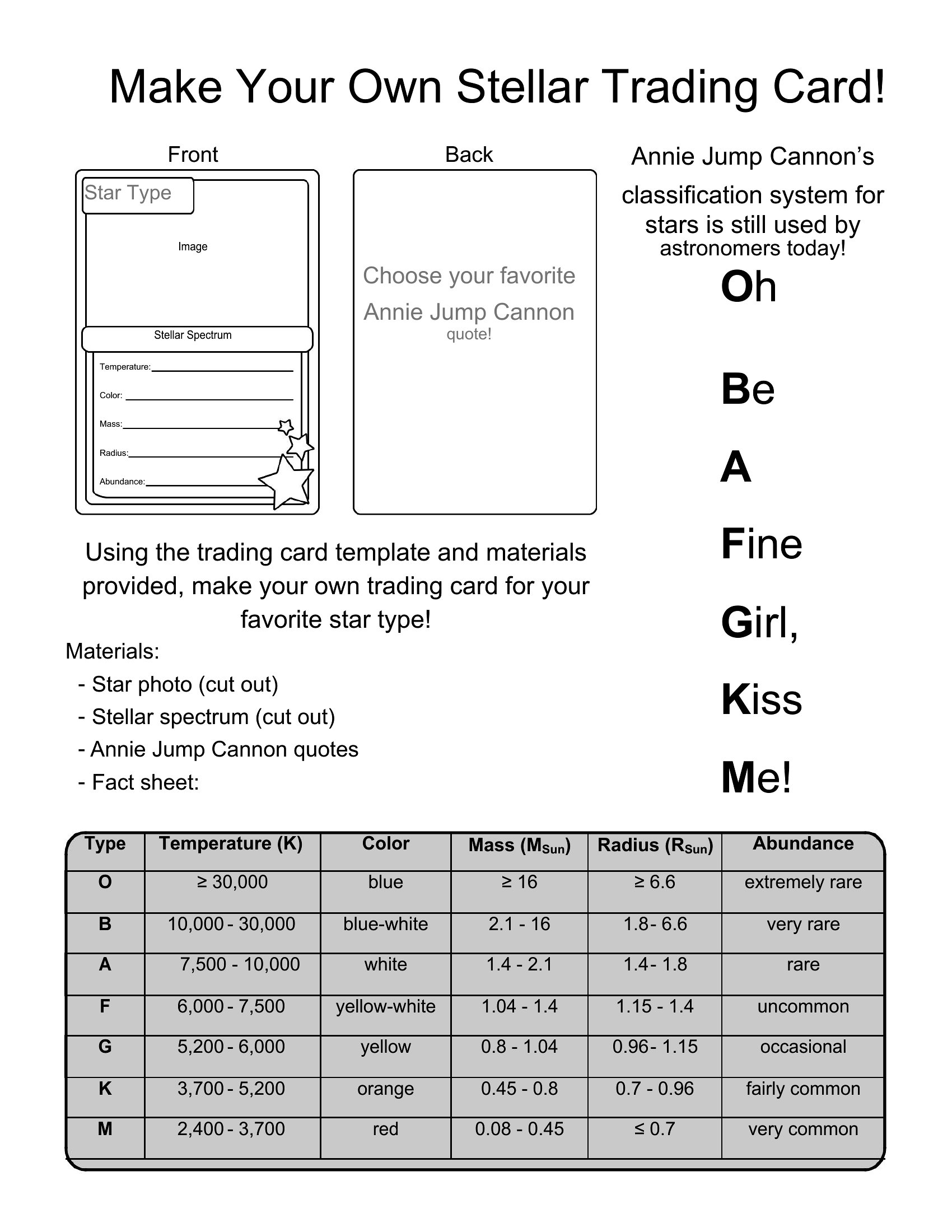
Making your own trading cards is a fun project for classrooms, sports teams, game nights, and small creators, and a ready template skips the fiddly layout work. This collection of 33 templates gives you card fronts and backs with space for an image, name, stats, and a short description. Teachers, parents, and hobbyists can design custom cards for players, characters, or even vocabulary words.

The templates open in Word, so you can drop in photos, type the details, and print a sheet of cards to cut out. The sizing stays consistent so the cards line up neatly. Pick the layout that fits your idea and start building a deck that's entirely your own.

When to use this Trading Card template

  • Elementary teachers designing flashcards for spelling bees or vocabulary lessons, needing uniform layouts to keep students engaged with visuals and quick-reference stats.
  • Coaches for youth sports teams creating player cards with stats, positions, and team logos to distribute at games and practice as team morale boosters.
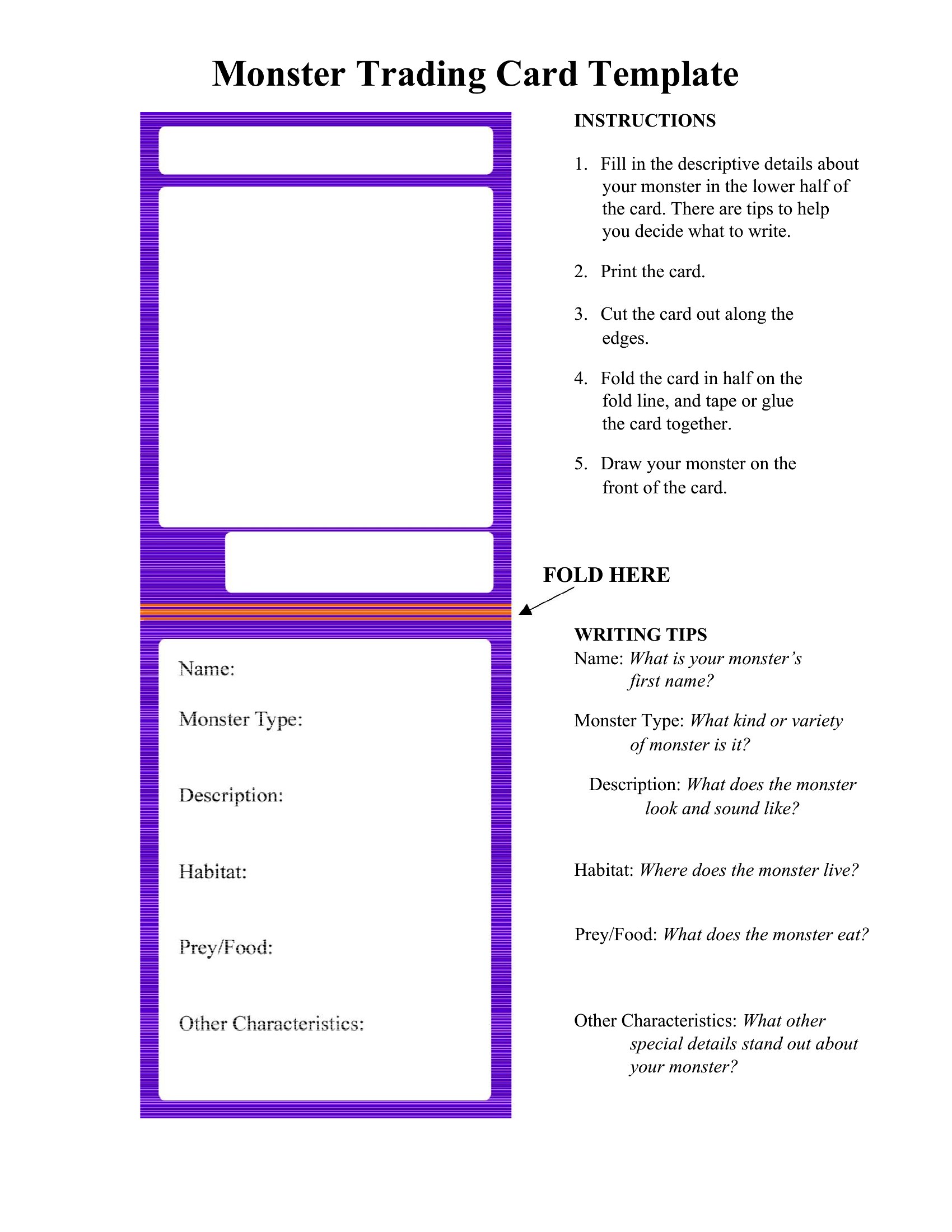
  • Tabletop game designers prototyping character or monster cards for homebrew RPGs, ensuring consistent sizing and stat-block placement before printing playtest decks.
  • Artists and small creators selling limited-edition collectible cards (e.g., zines, comic characters) who want a polished, professional look without designing from scratch.

Which format should I download?

Word

All 33 templates in this collection are optimized for Word, which is ideal for users who need a balance of flexibility and ease. Choose Word if you plan to edit text frequently, insert clipart or photos, or print directly—it’s the best format for collaborative projects (e.g., classrooms) or iterative designs (e.g., game balancing). Avoid other formats like Canva or Illustrator here unless you’re converting later, as Word’s grid tools simplify alignment for trading card layouts (e.g., centering stats, cropping images).

Choose from 33 Trading Card Templates

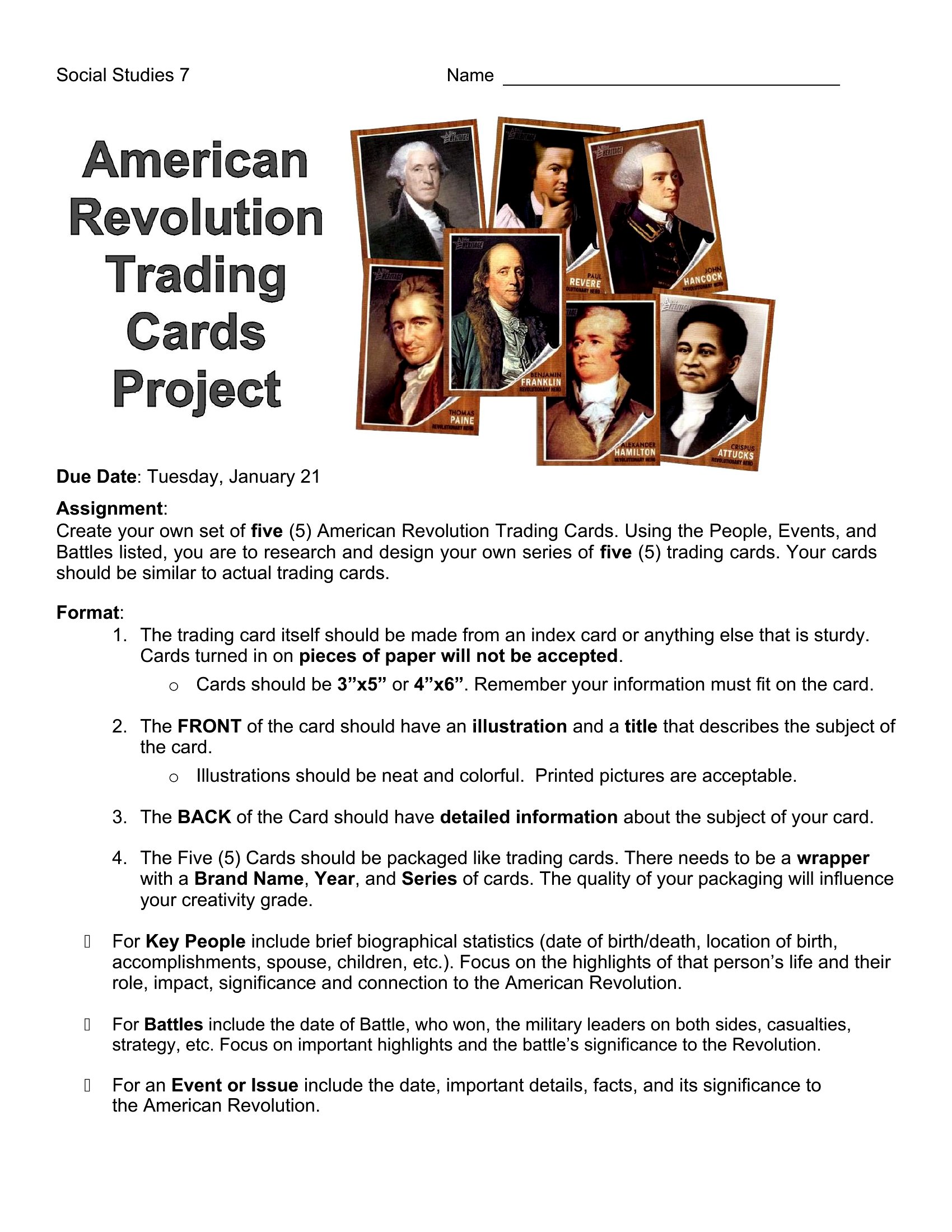
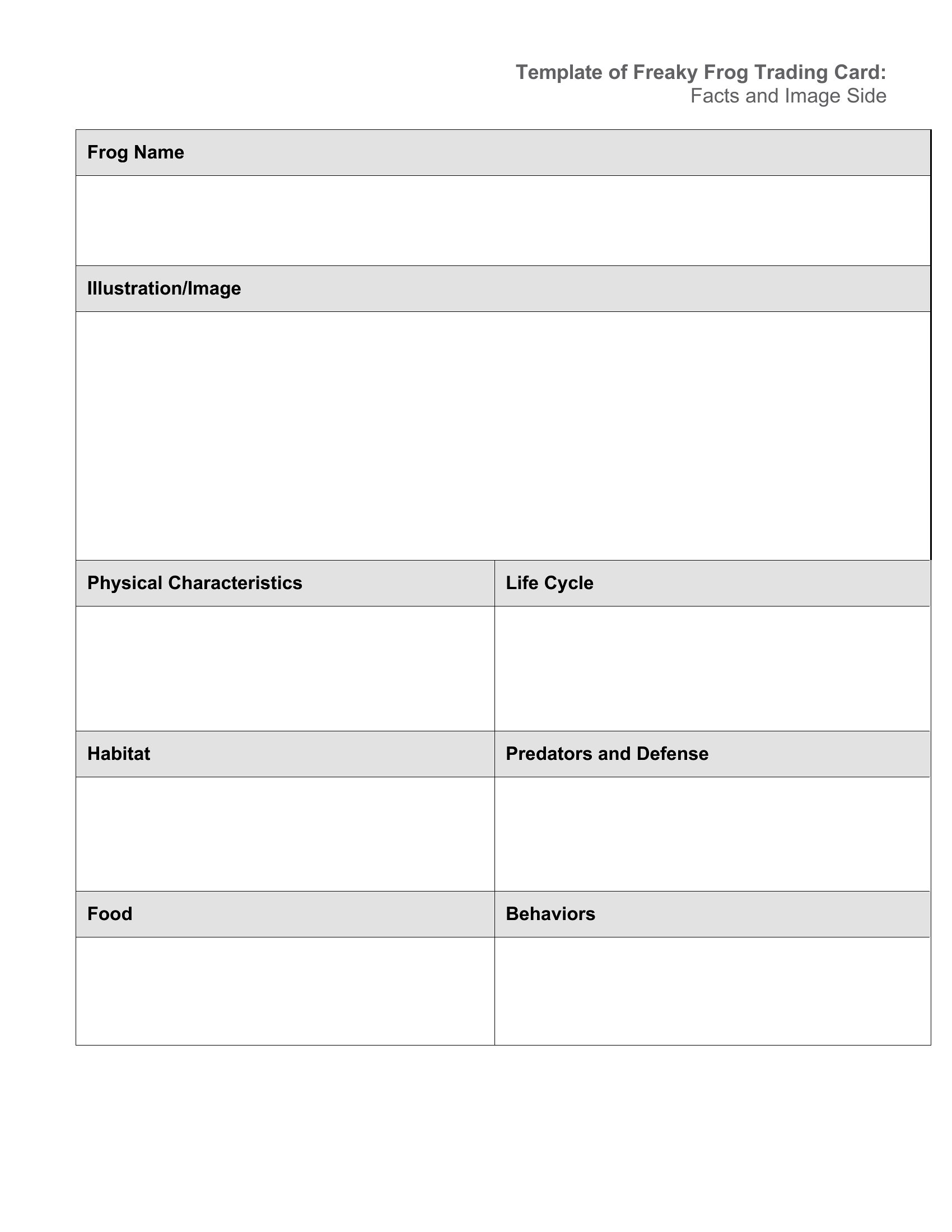
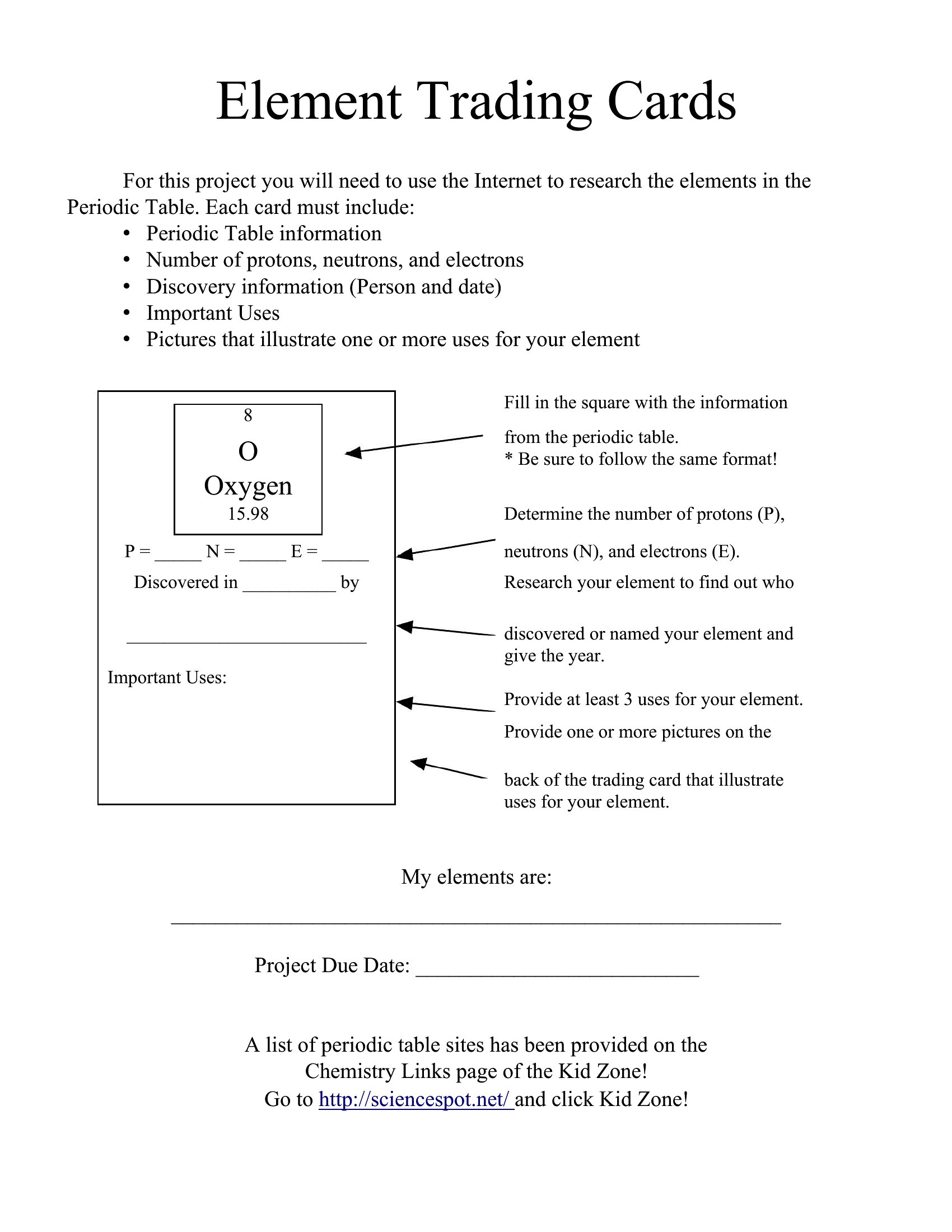
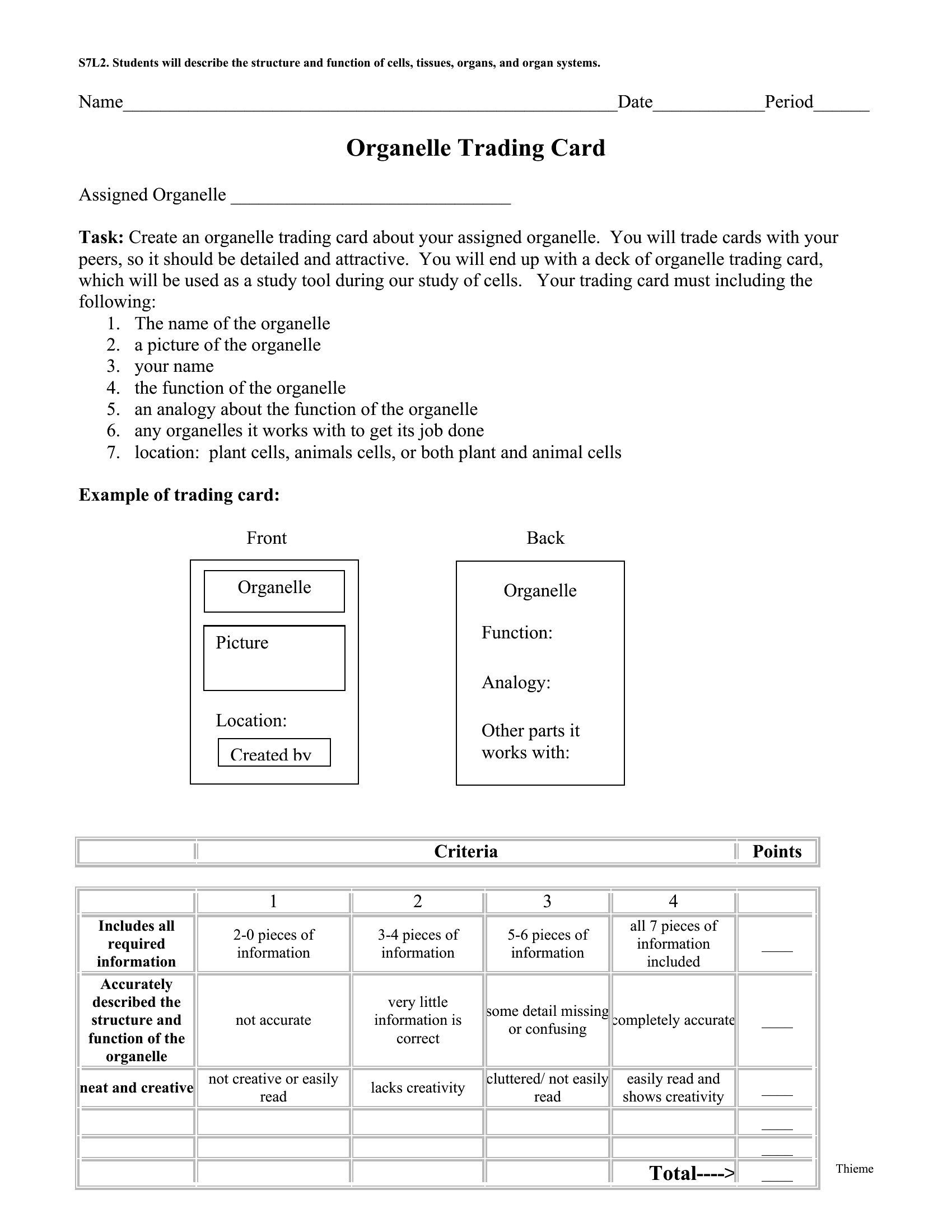
Aew Trading Cards template thumbnail
0 downloads
Download
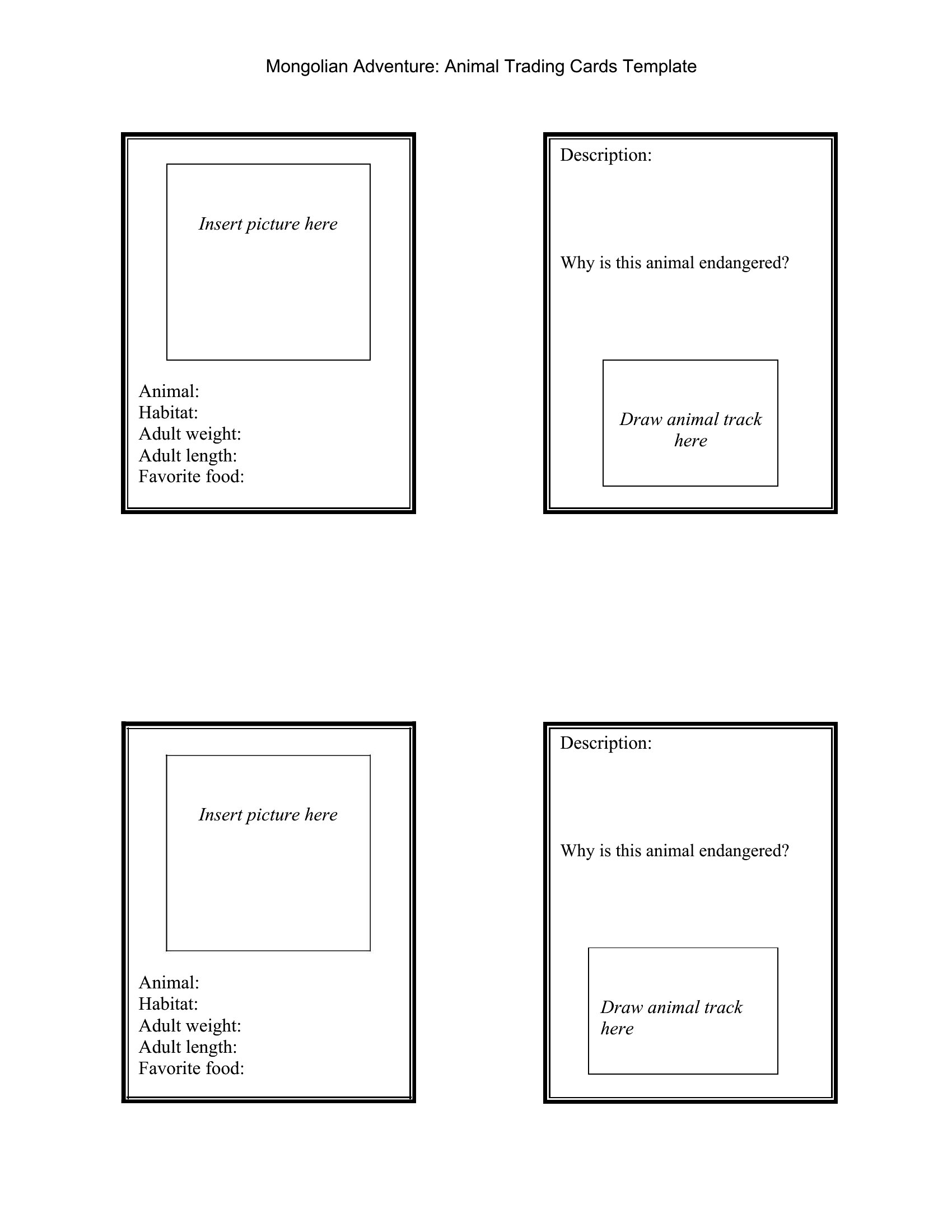
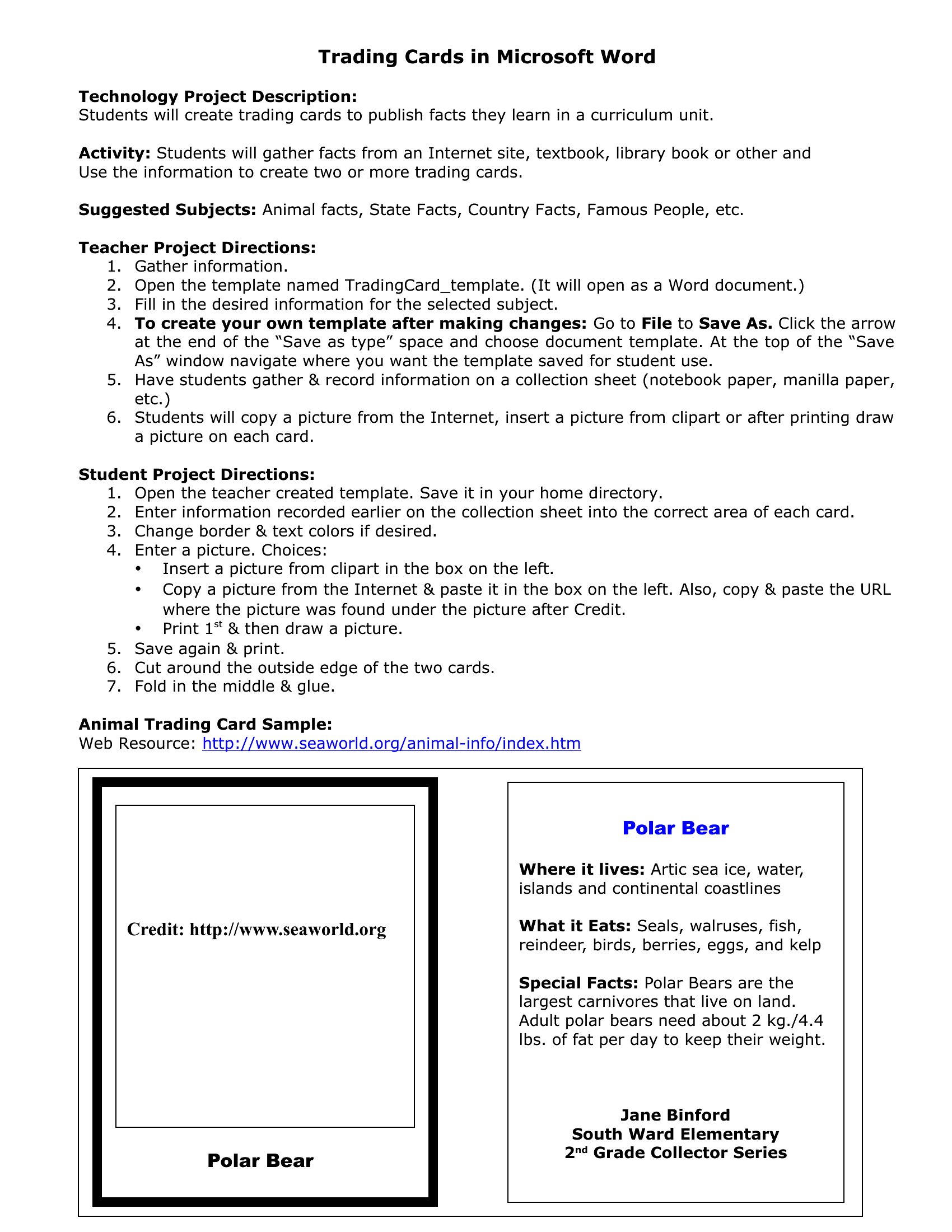
Trading Card Game template thumbnail
0 downloads
Download
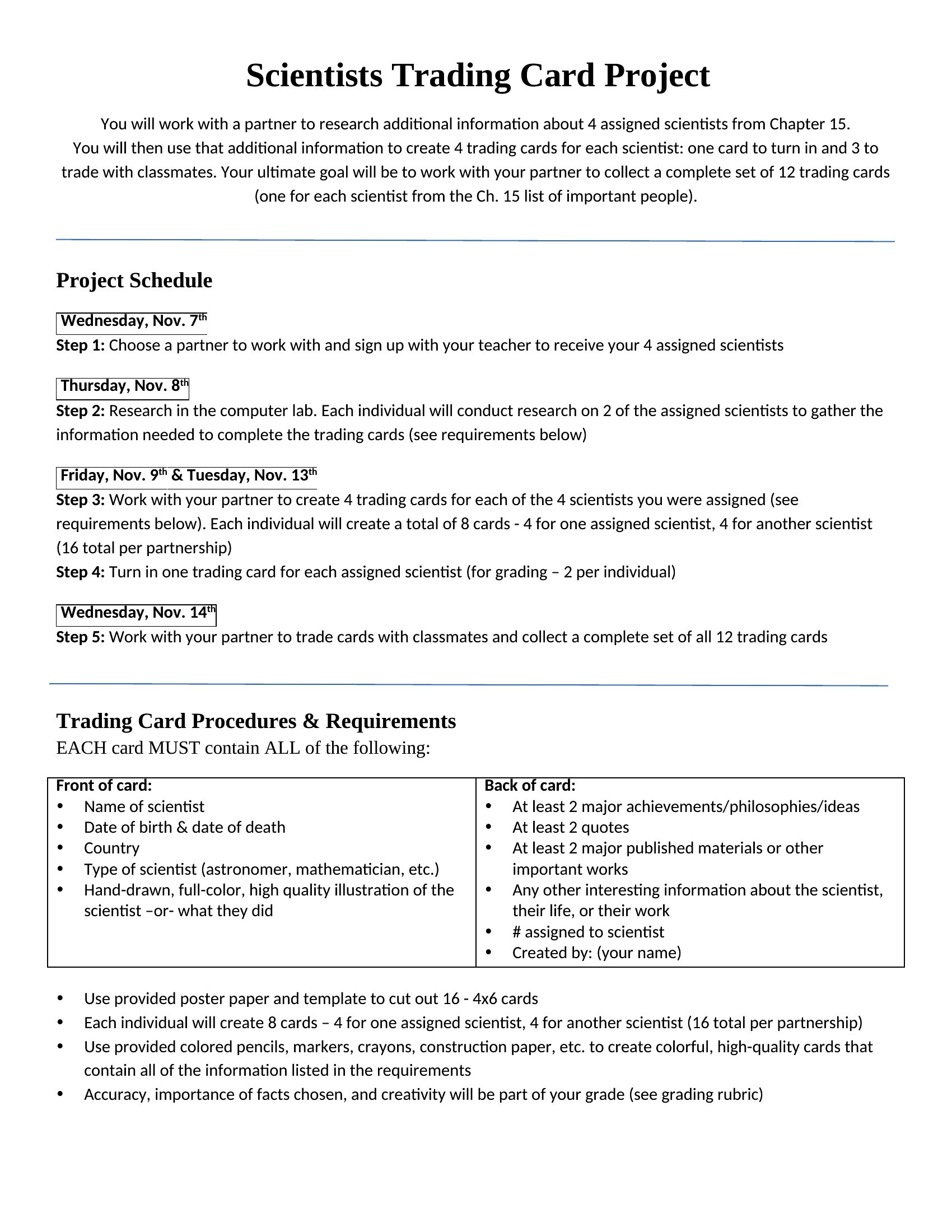
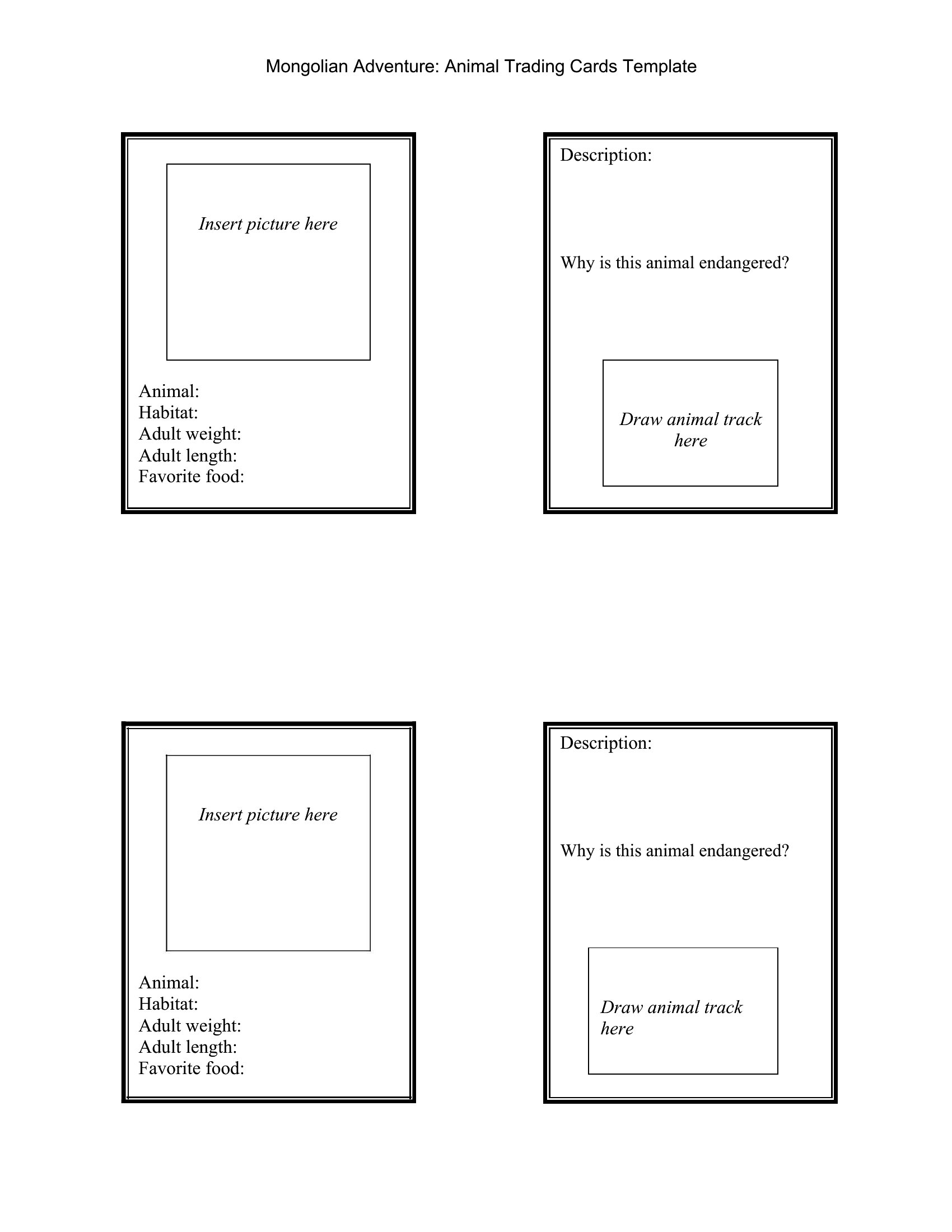
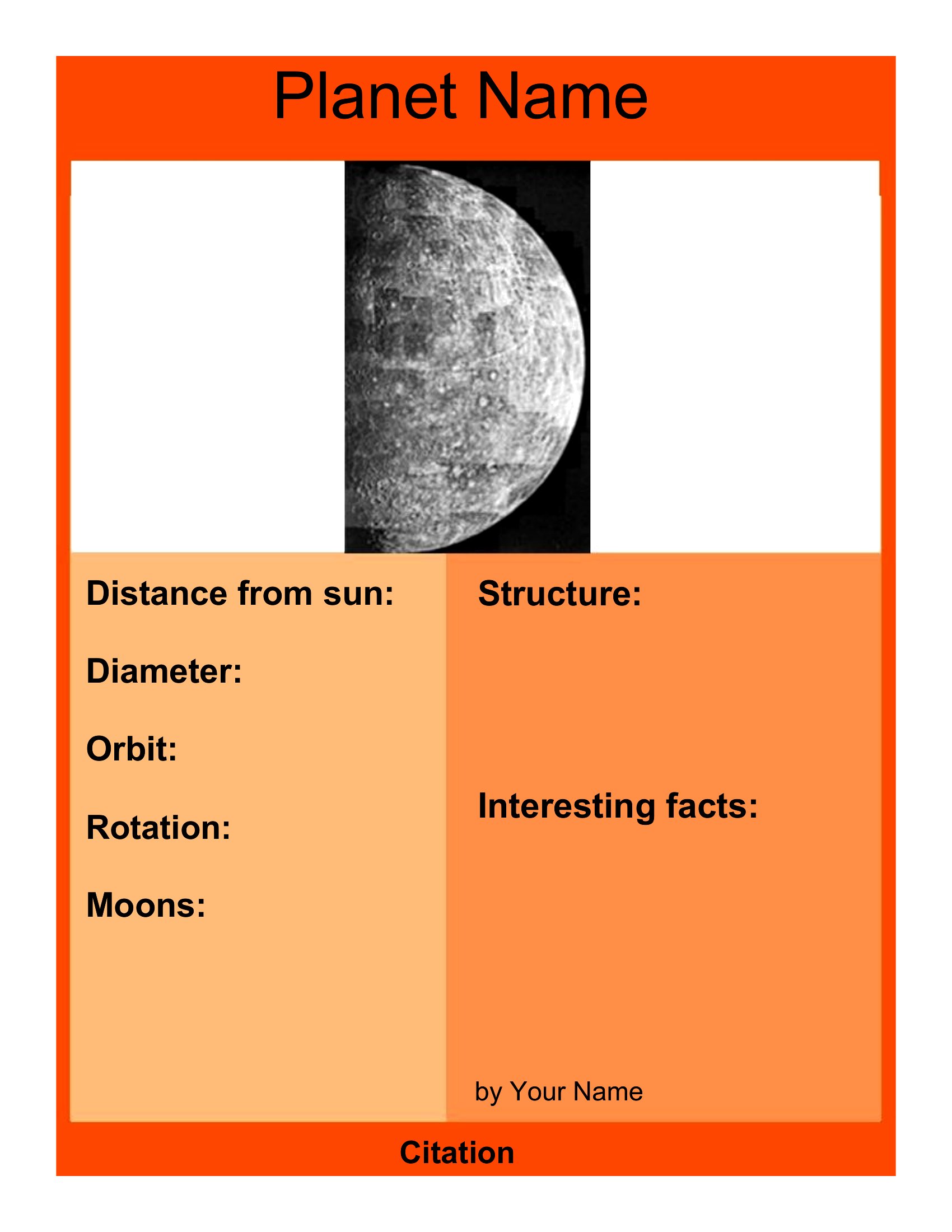
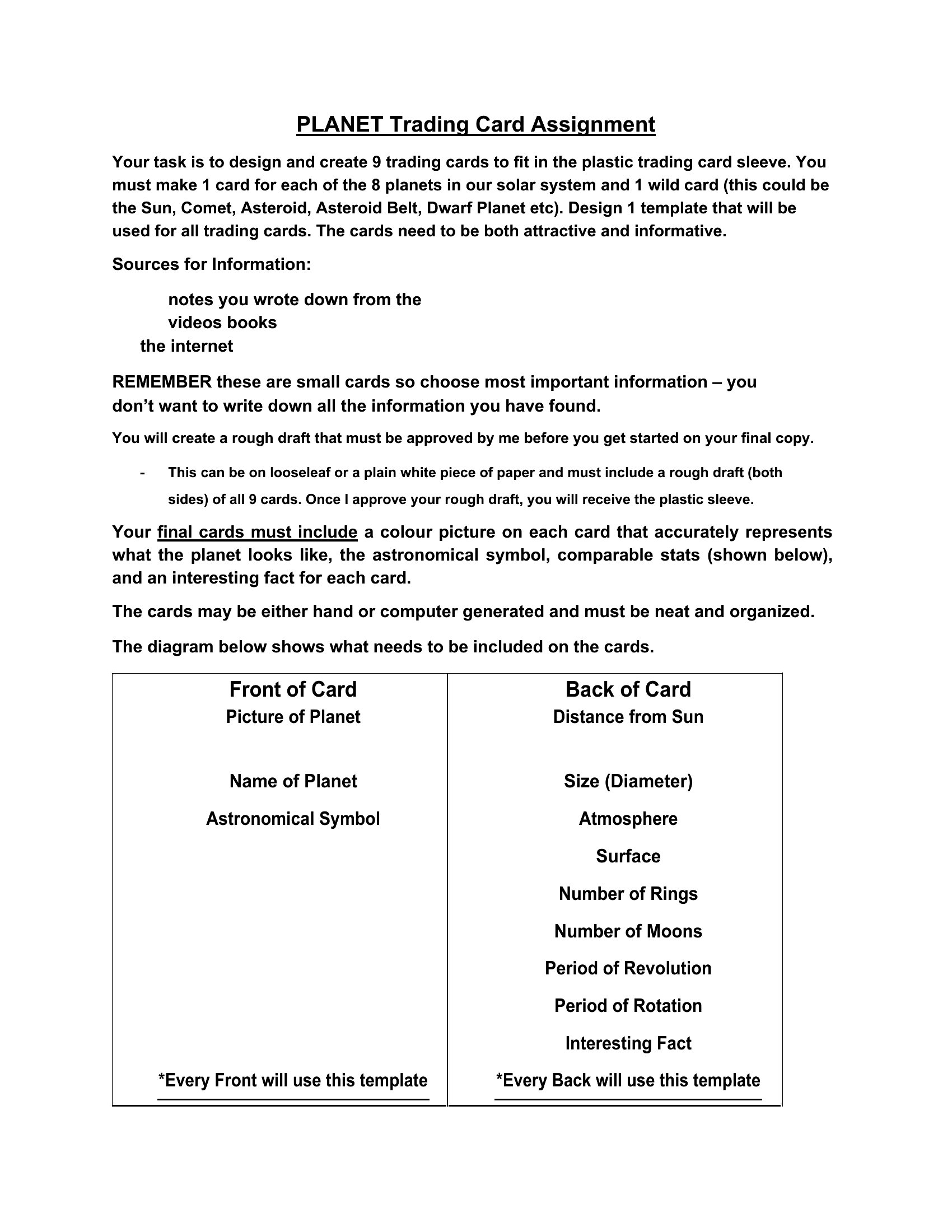
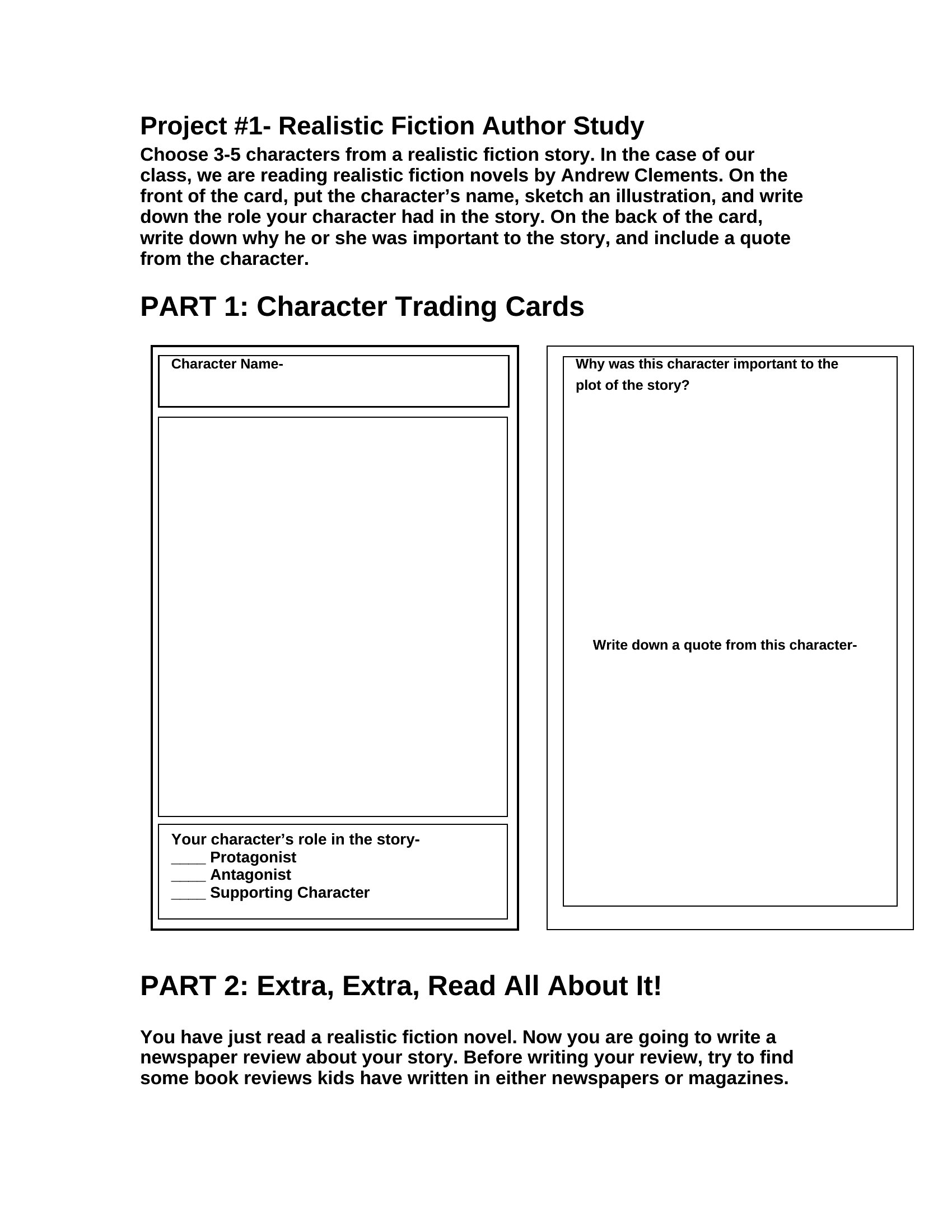
Artist Trading Cards template thumbnail
0 downloads
Download
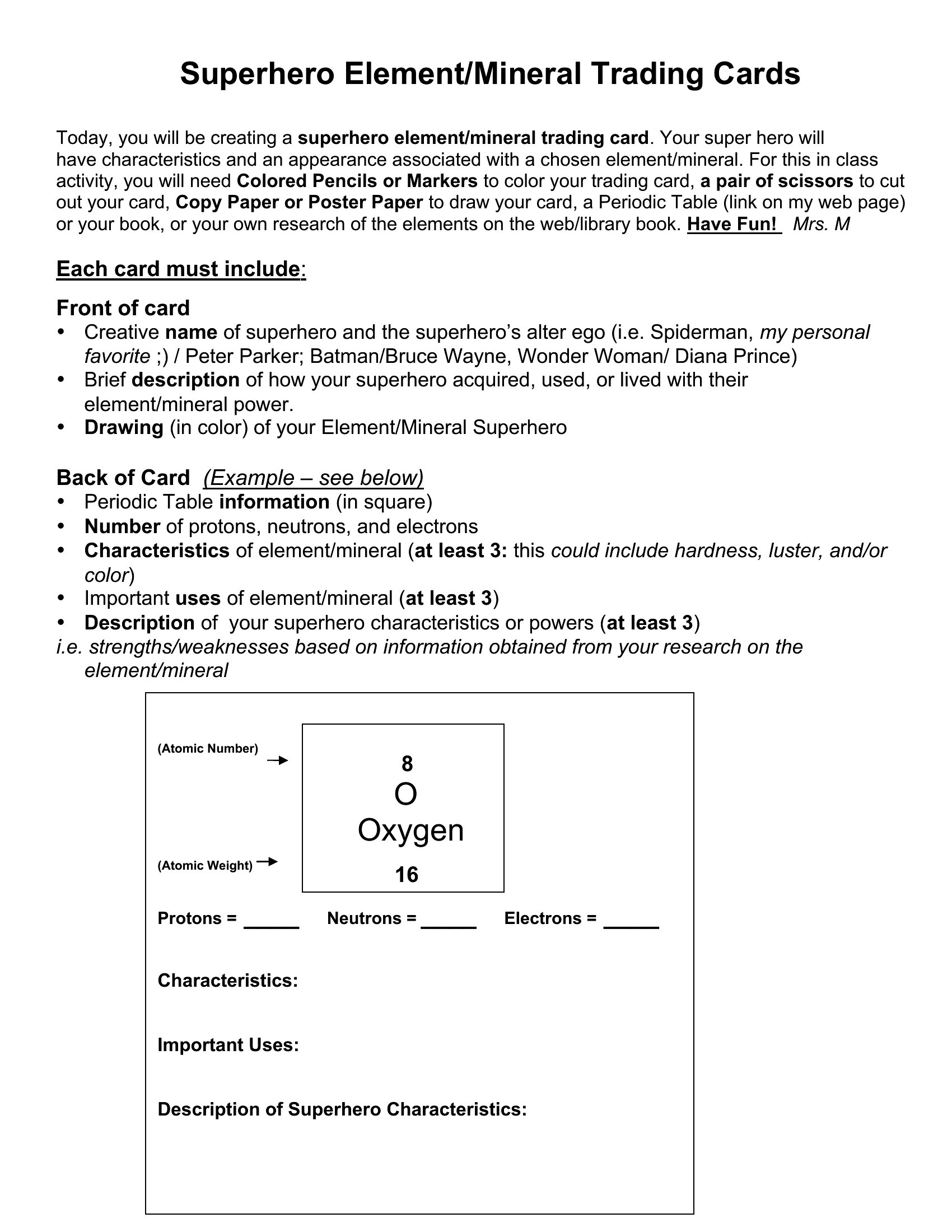
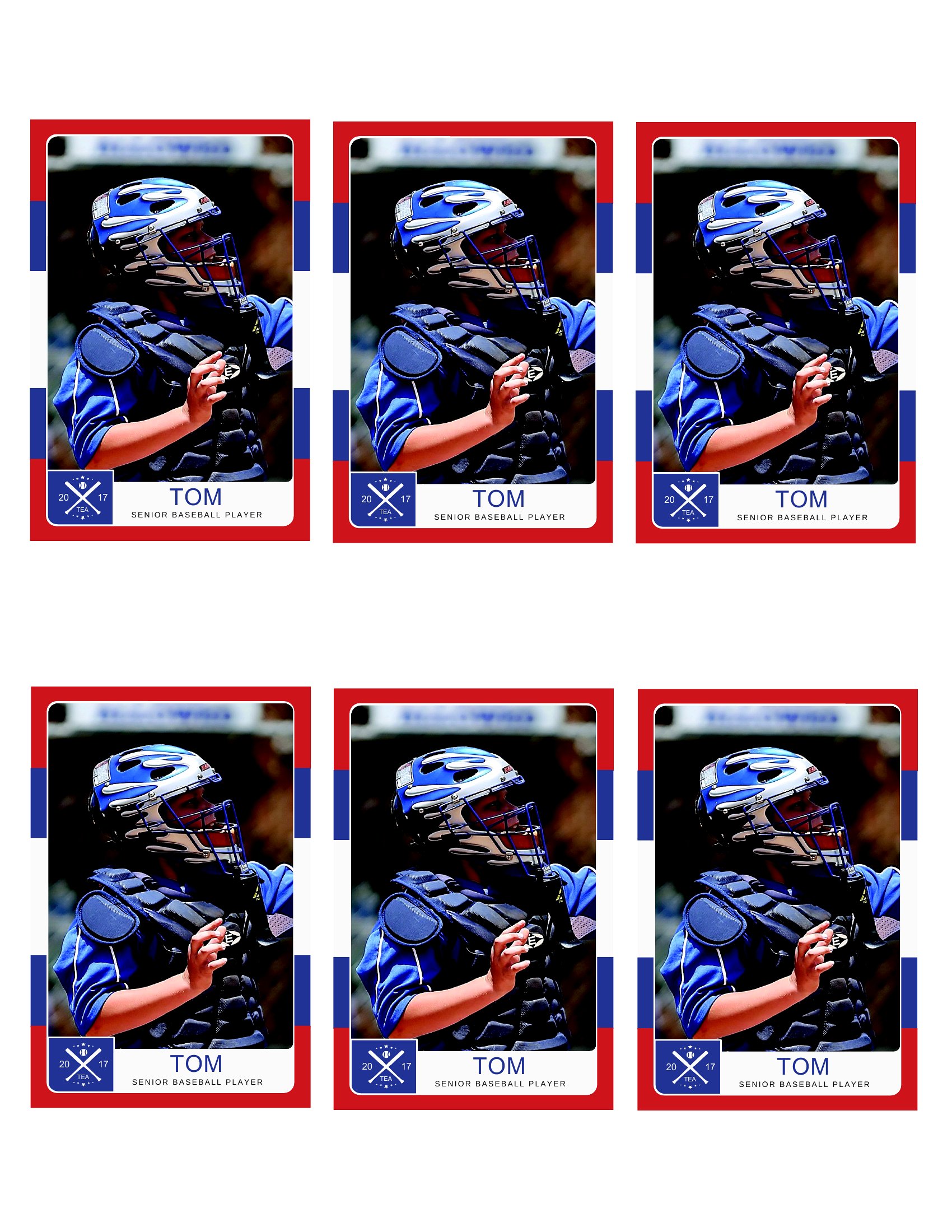
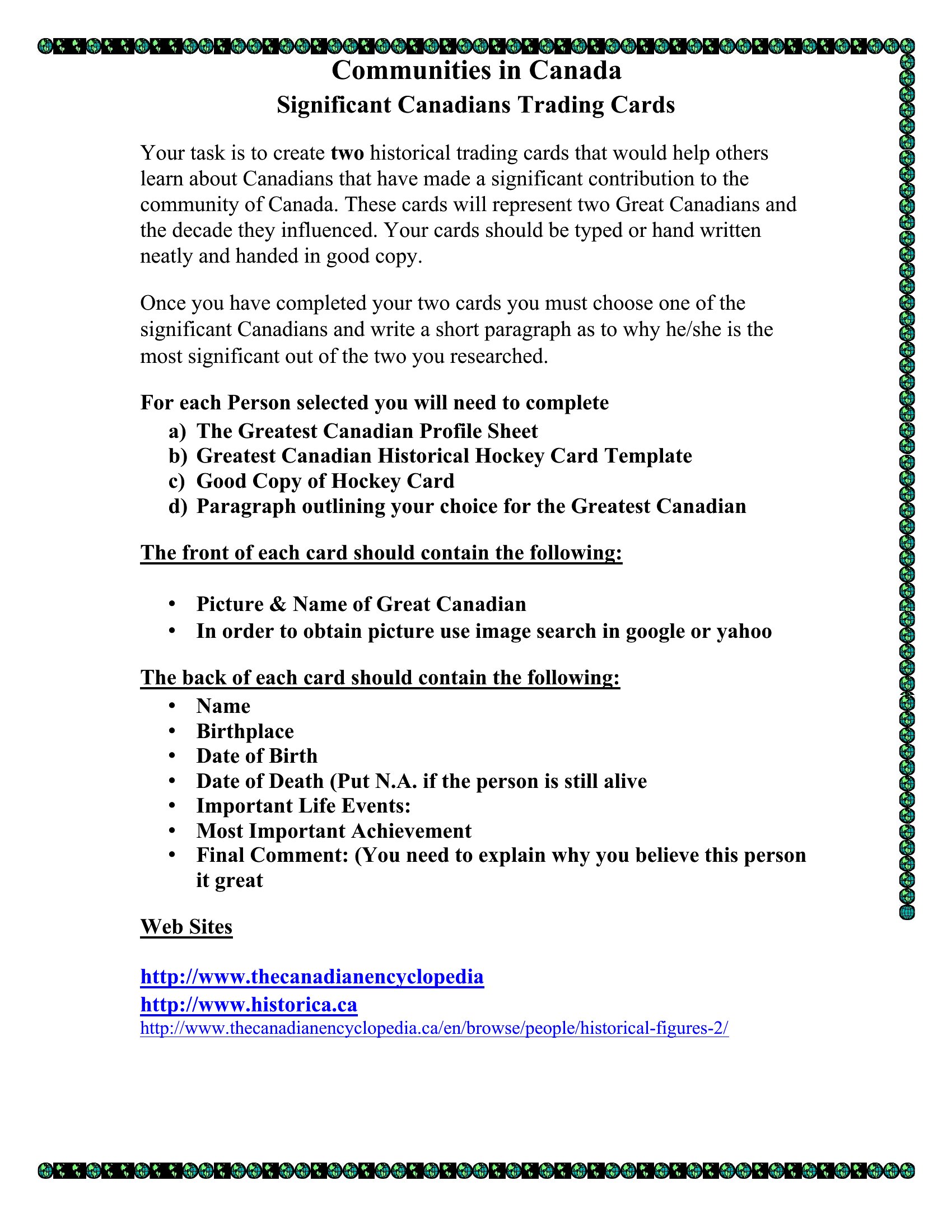
Sports Trading Cards template thumbnail
0 downloads
Download
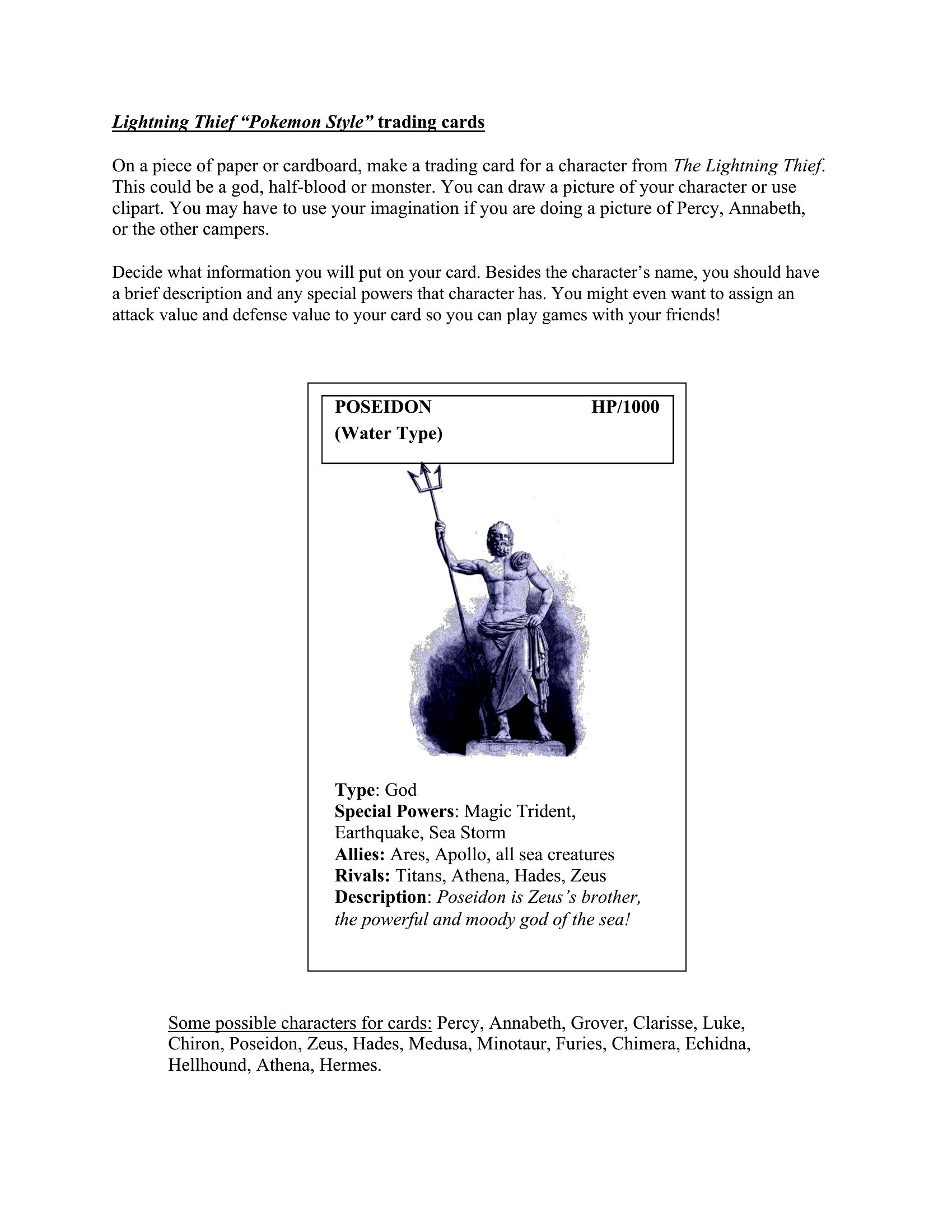
Pokemon Card Trading template thumbnail
0 downloads
Download
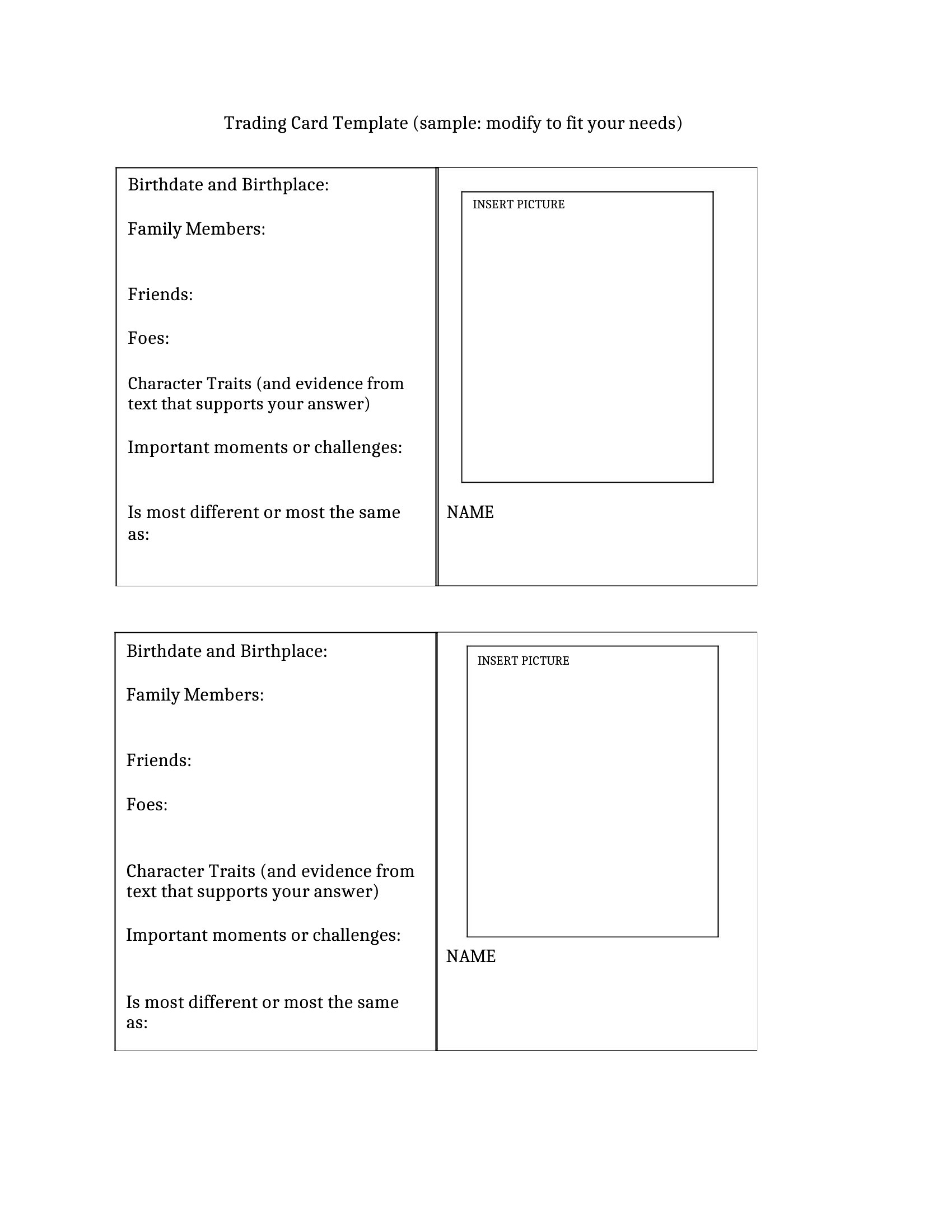
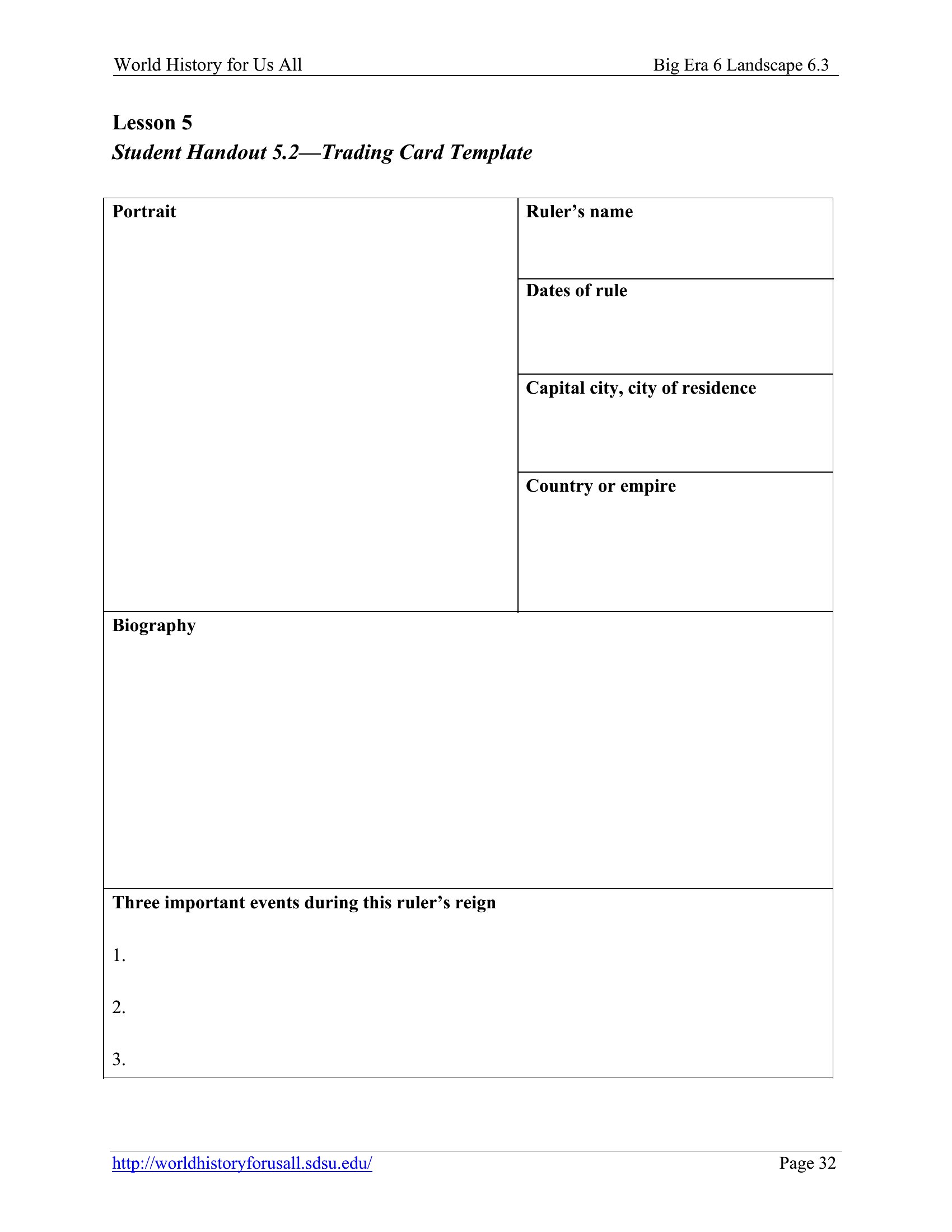
Cards Trading template thumbnail
0 downloads
Download
Sports Card Trading template thumbnail
0 downloads
Download
Marvel Trading Cards template thumbnail
0 downloads
Download

How to use this Trading Card template

What is a trading card and what information goes on one?

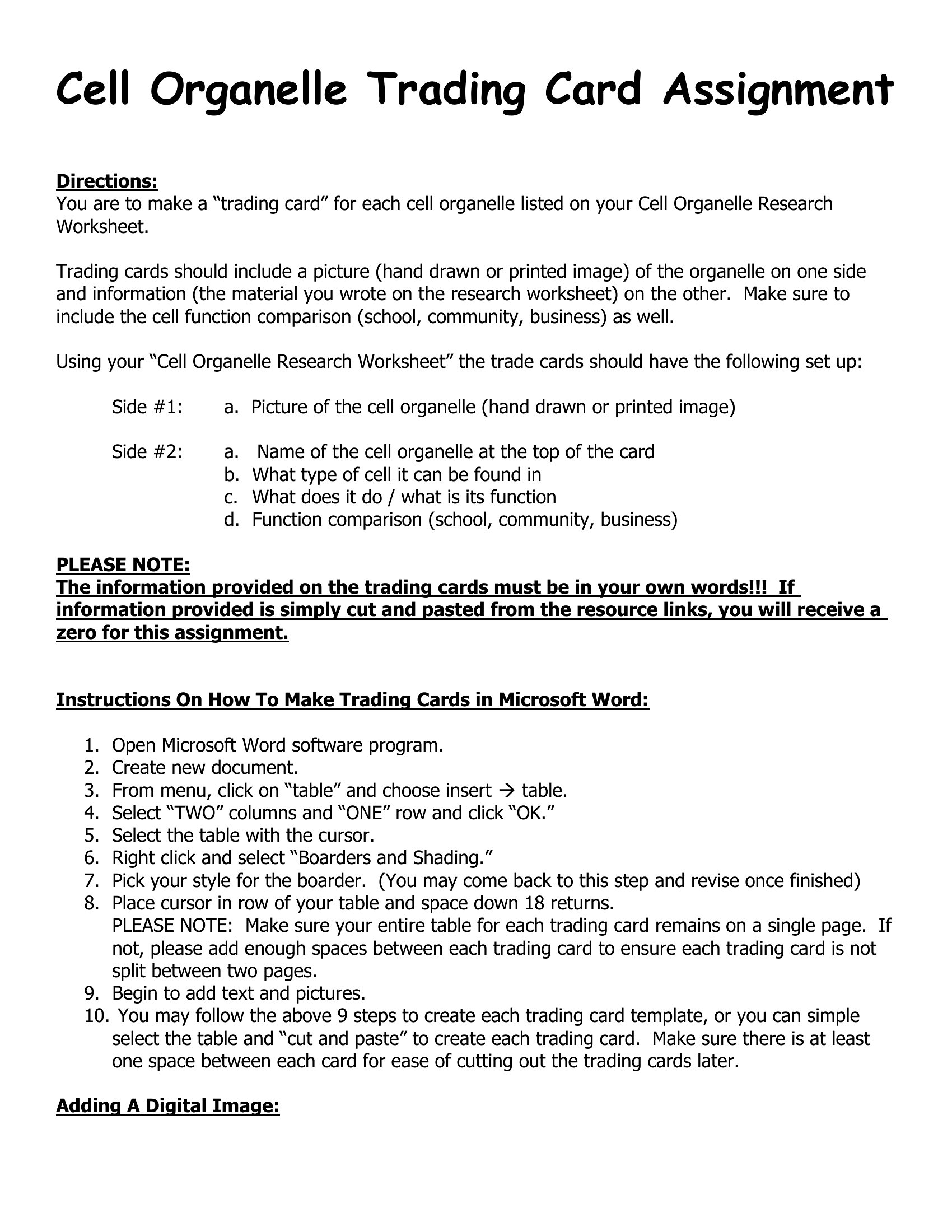
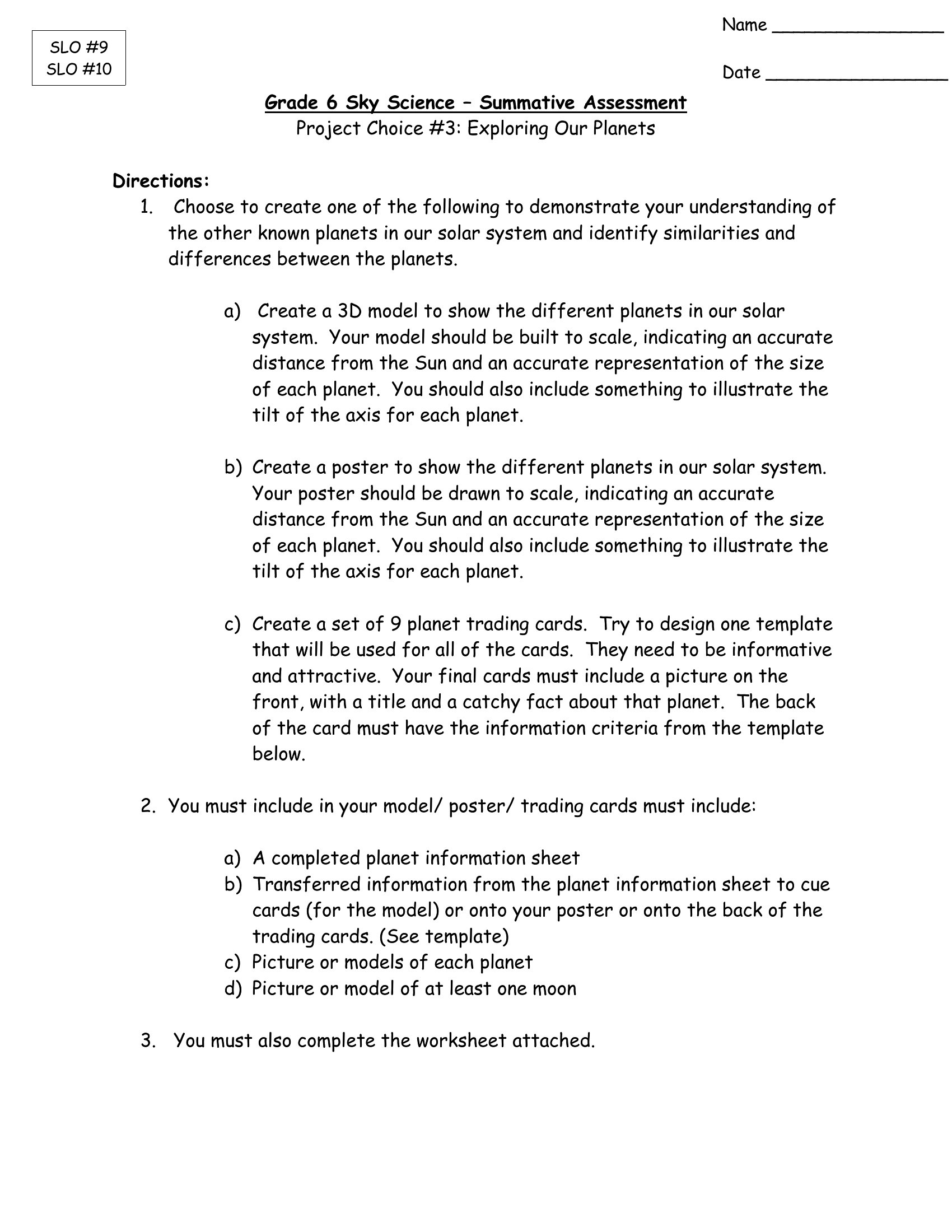
A trading card is a small card featuring a person, character, player, or item, designed to be collected or traded. The front usually shows an image and name, while the back lists stats, facts, or a short description. Classrooms, teams, and creators make custom cards for fun and learning.

How do you design a trading card front and back?

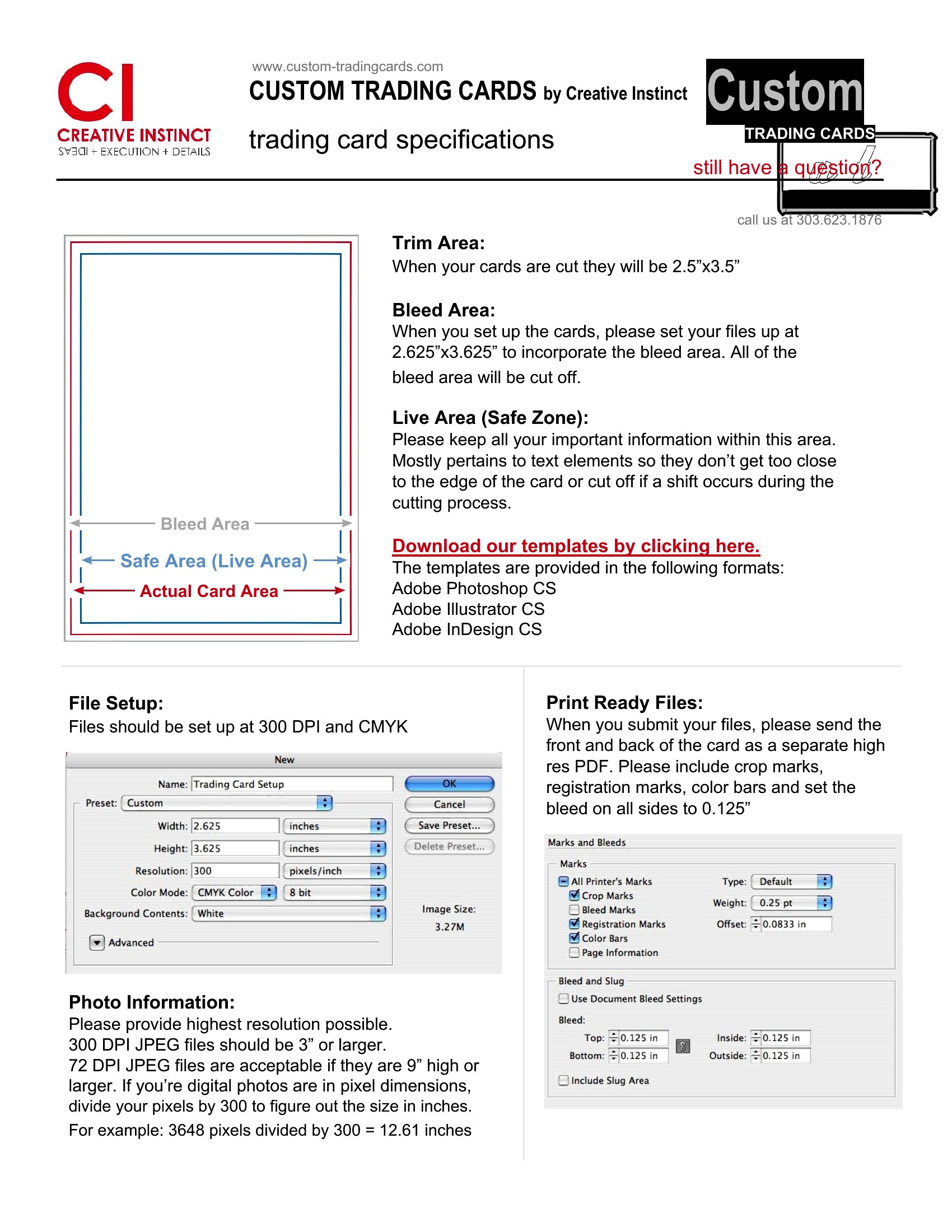
The front typically features a clear image, a name or title, and sometimes a frame or team color. The back holds stats, facts, a short bio, or a description. Keeping text concise and the image prominent makes the card easy to read and visually appealing.

What are creative ways to use custom trading cards?

Custom trading cards work for classroom projects that profile historical figures or vocabulary, sports teams celebrating players, game nights with original characters, and small creators showcasing their work. They make information fun to collect and share, and creating them builds skills in summarizing and presenting content concisely.

Comments

Join the conversation

Sign in to share your thoughts and leave a comment on this resource.

Newsletter

Get Weekly Design Updates

Join our community to receive curated resources and inspiration.

Weekly Tips Resources Early Access

We respect your privacy. Confirmation email required. Privacy Policy