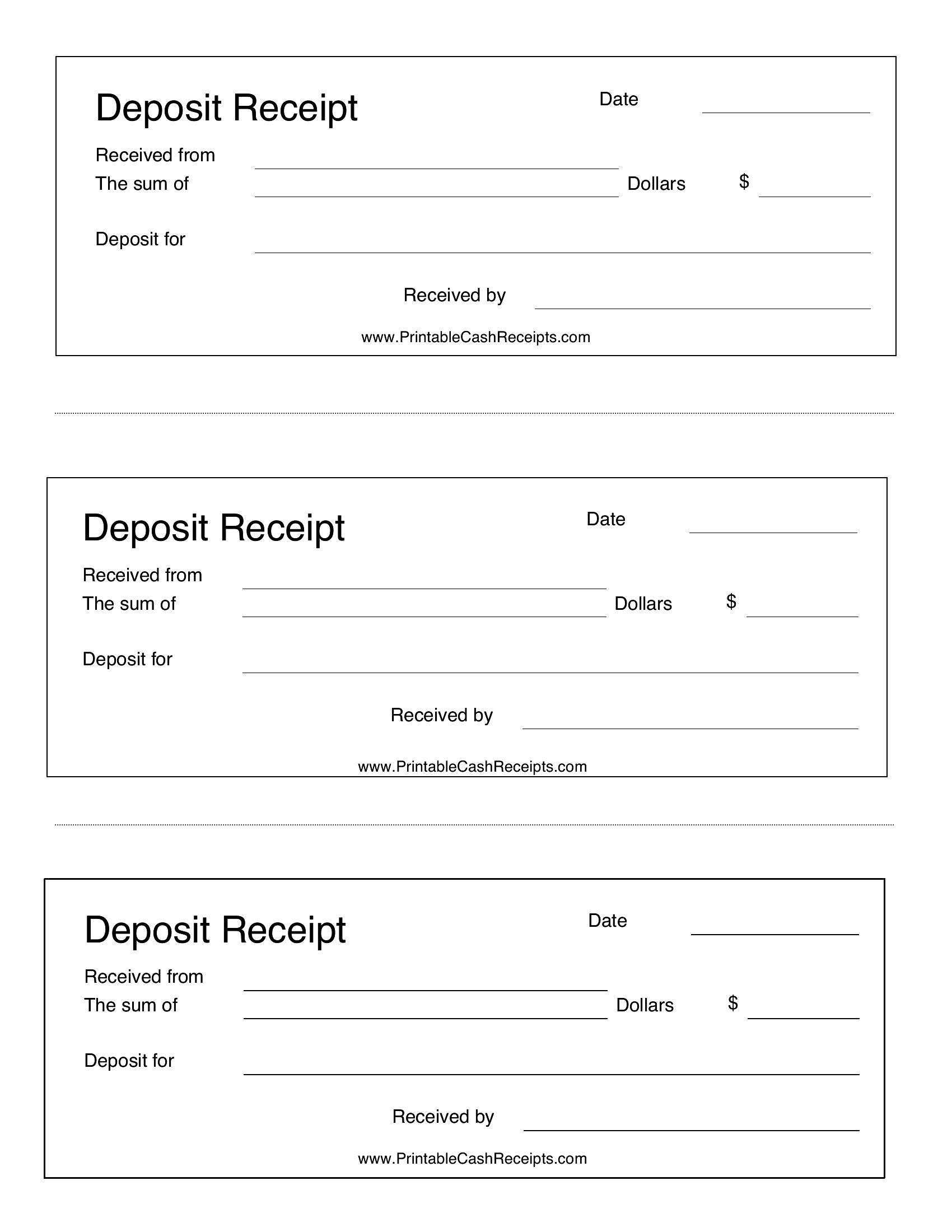
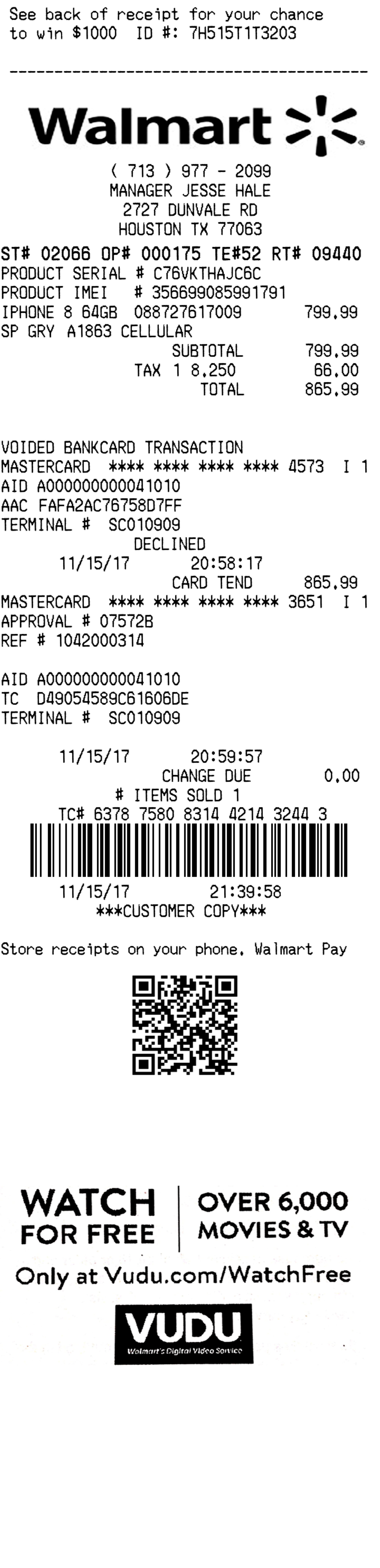
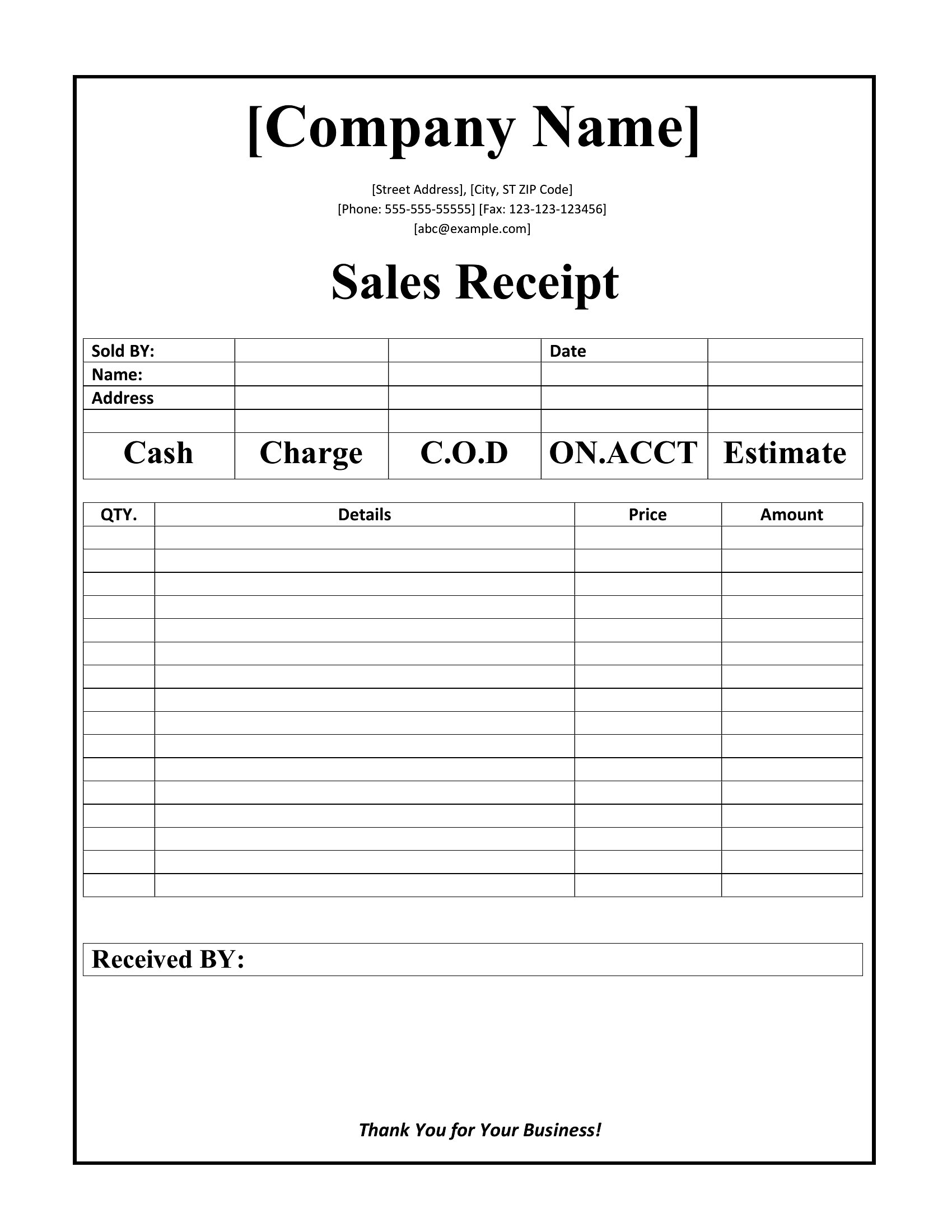
Free Receipt Templates (Word & PDF)
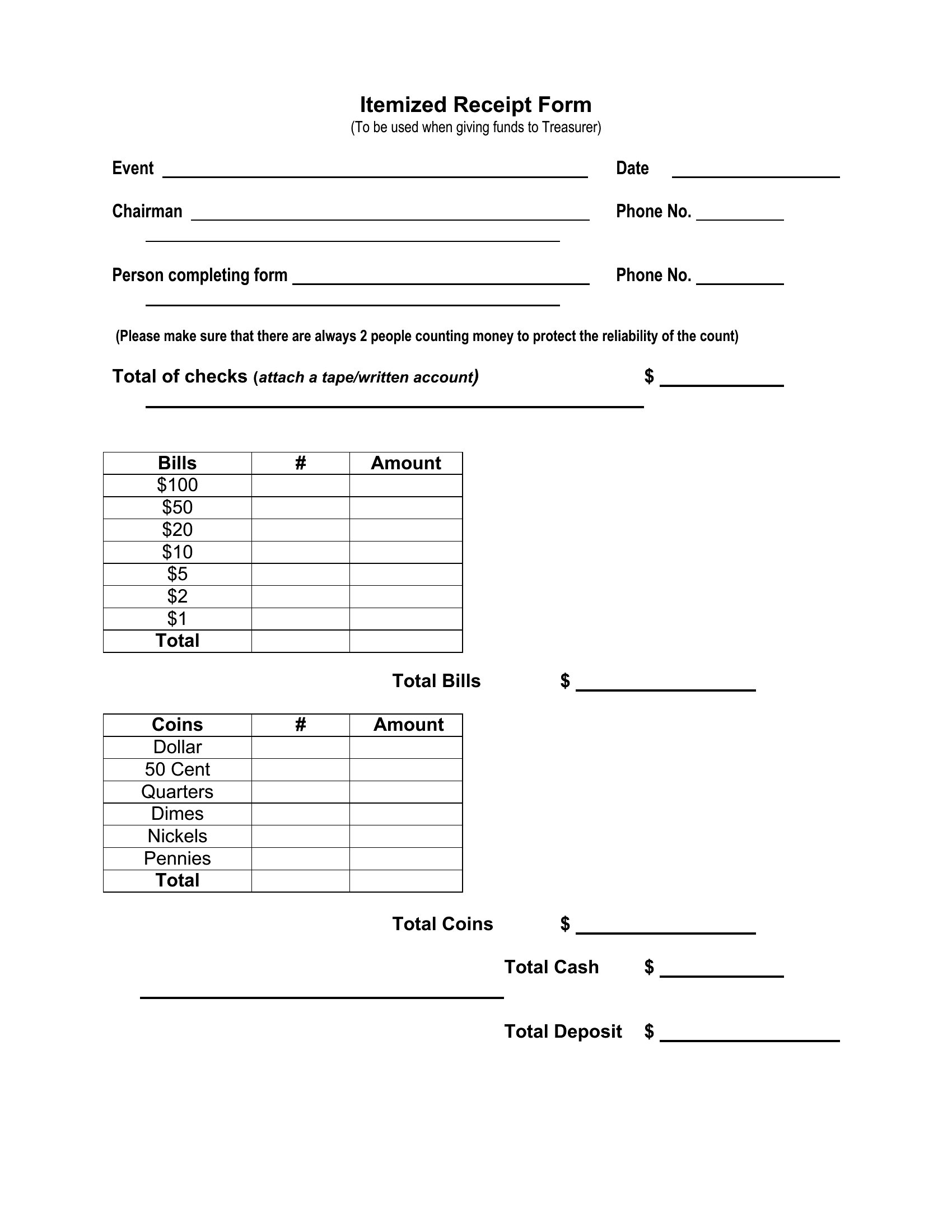
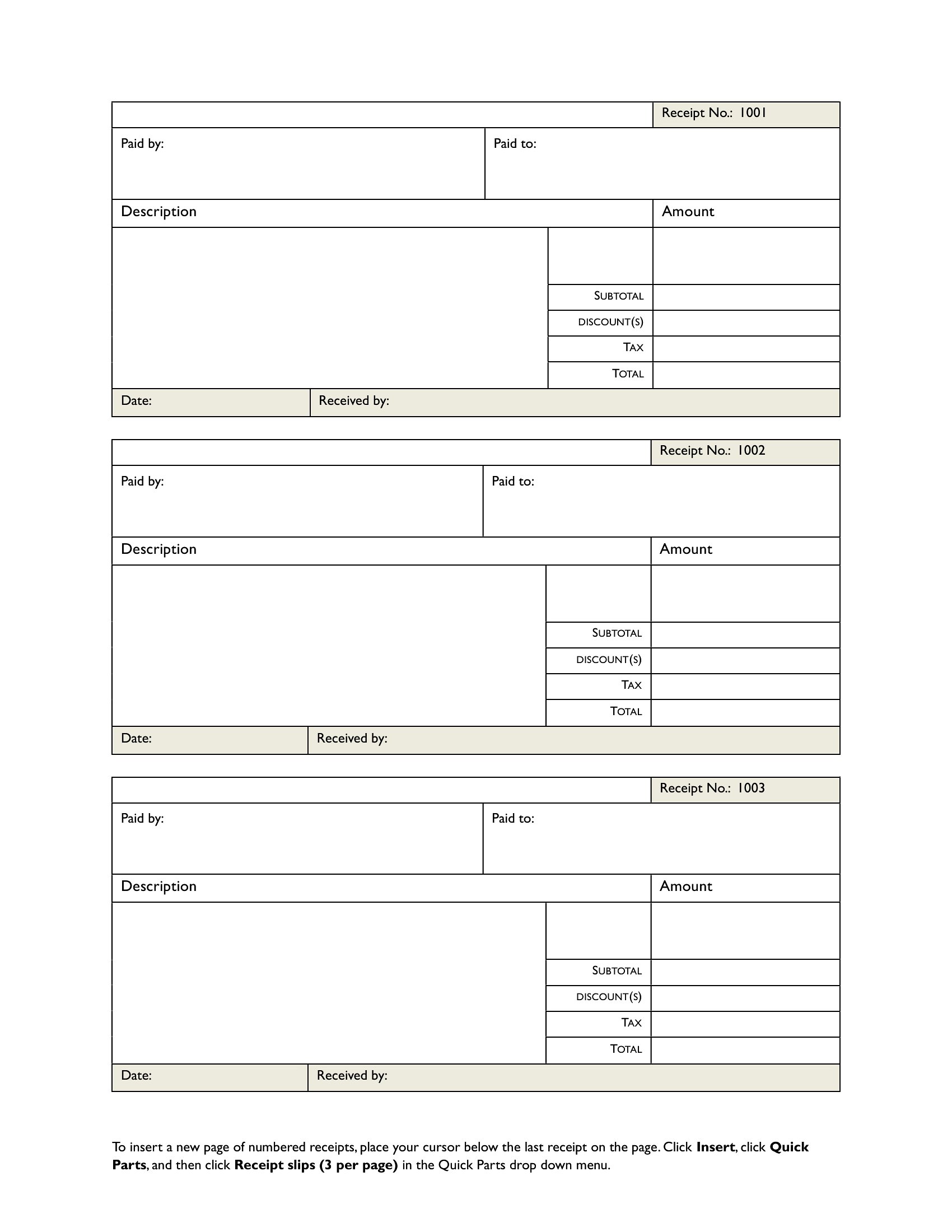
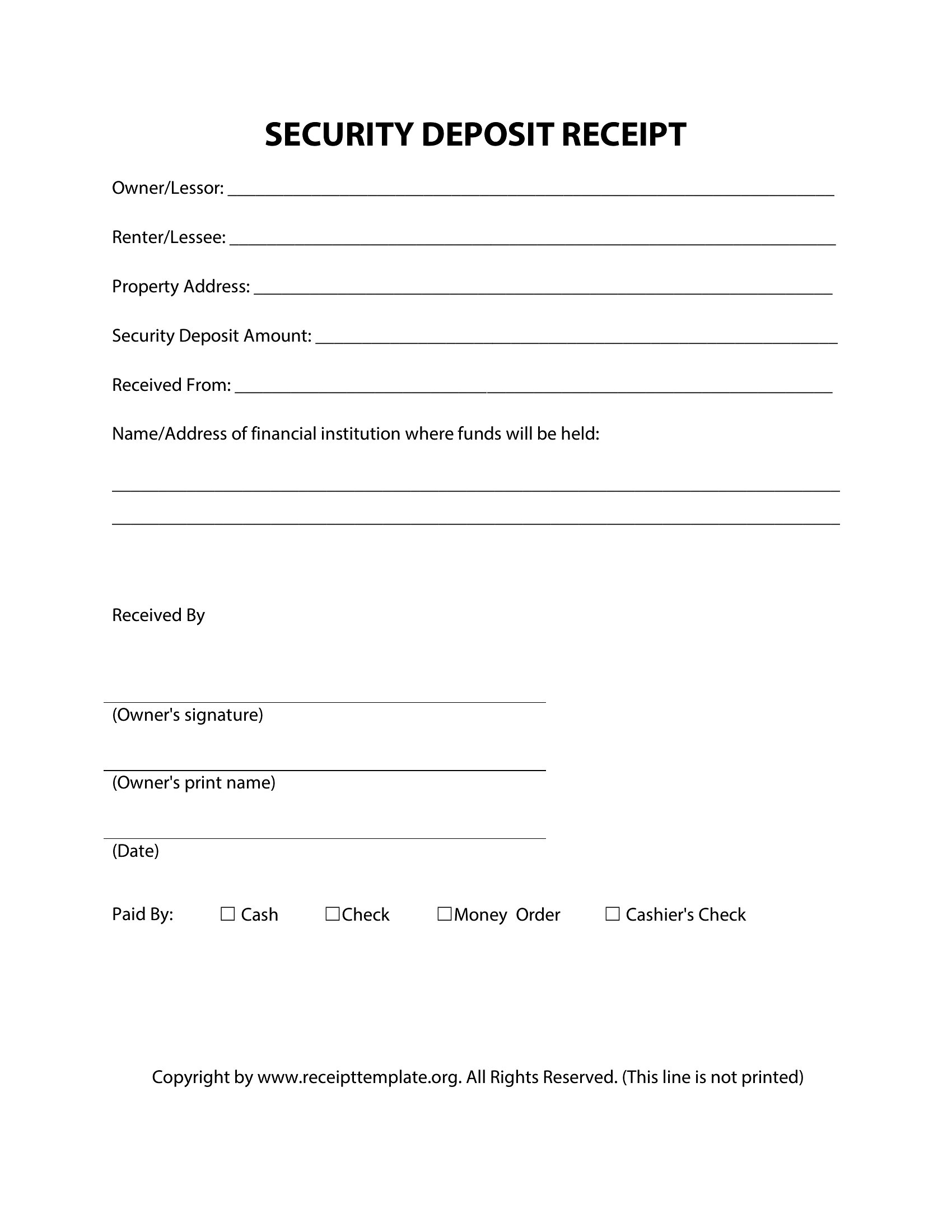
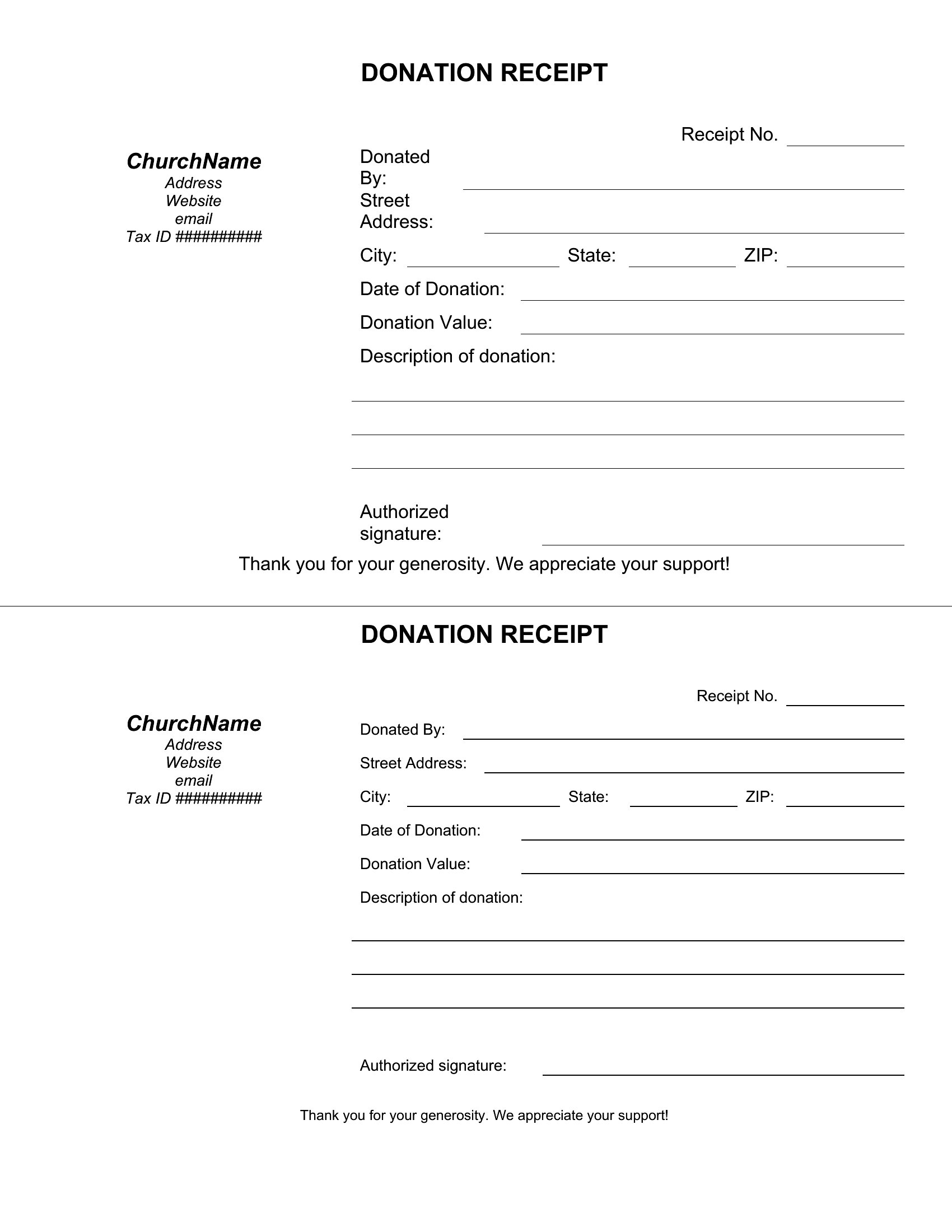
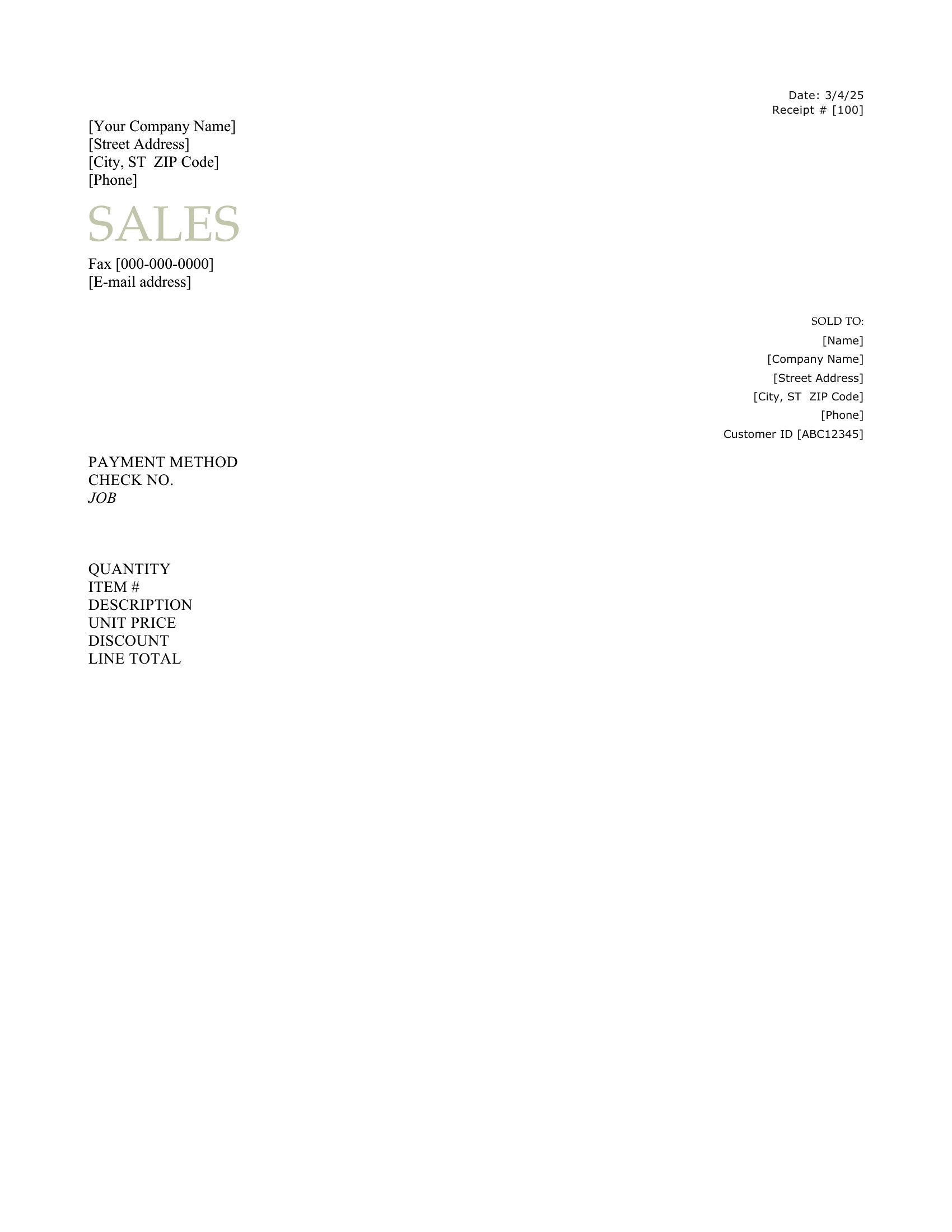
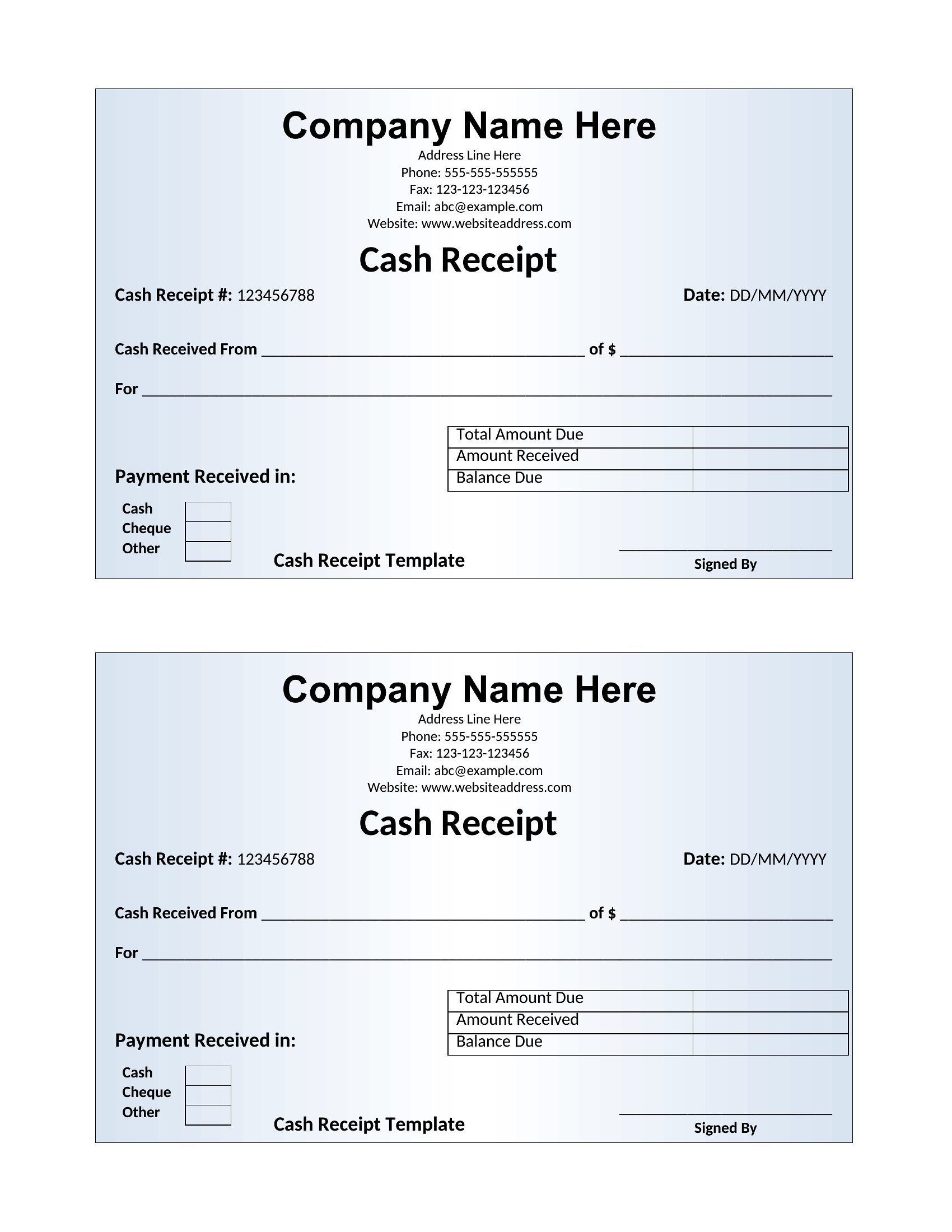
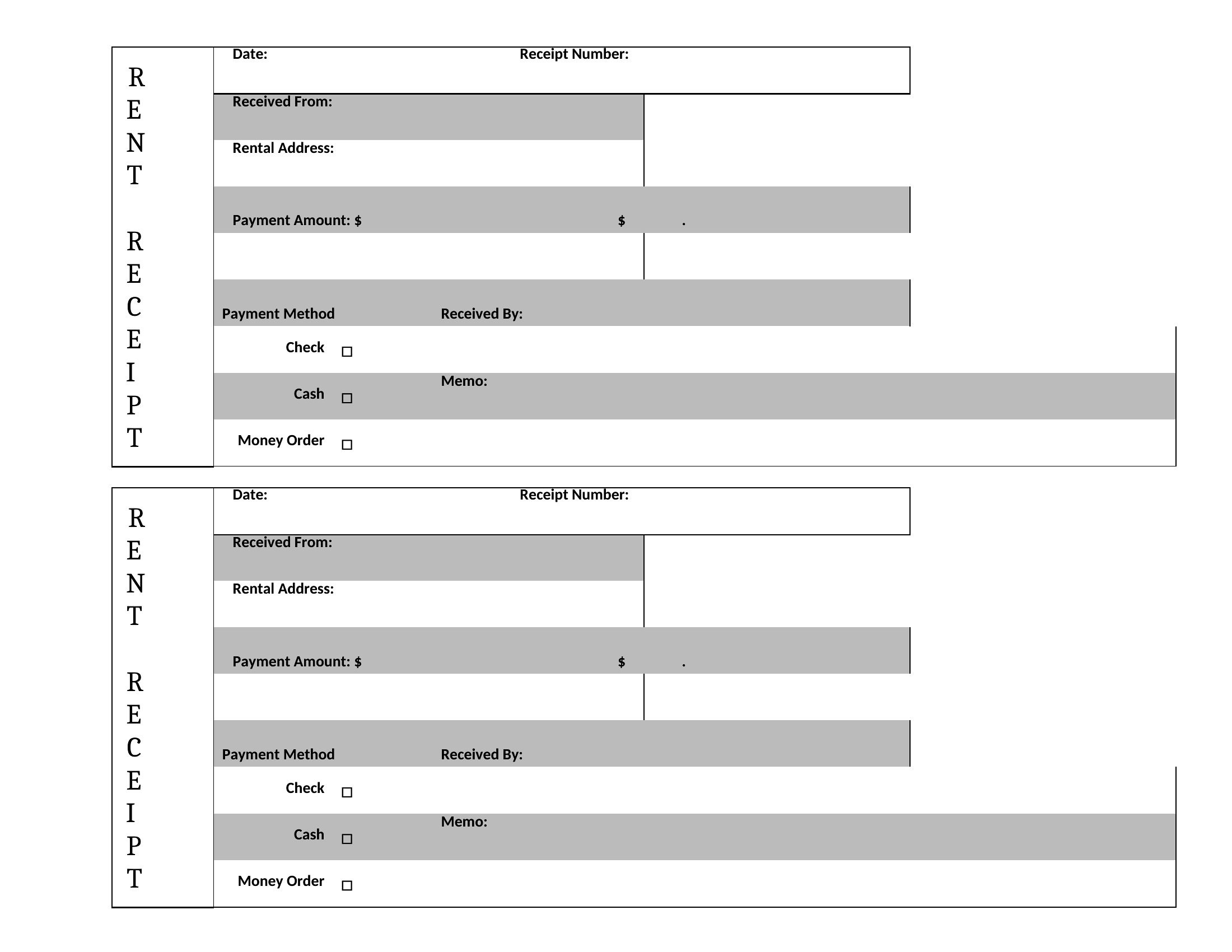
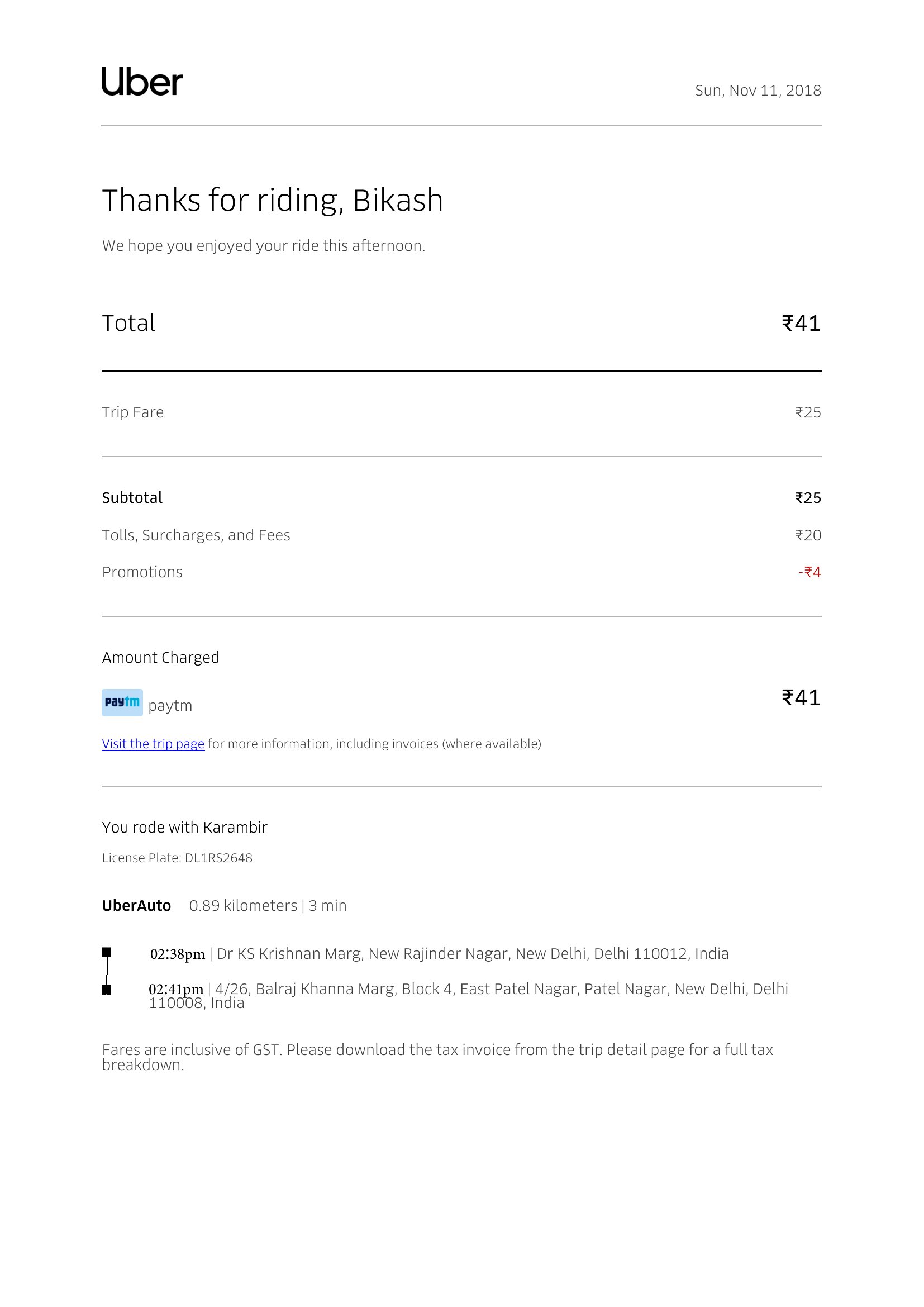
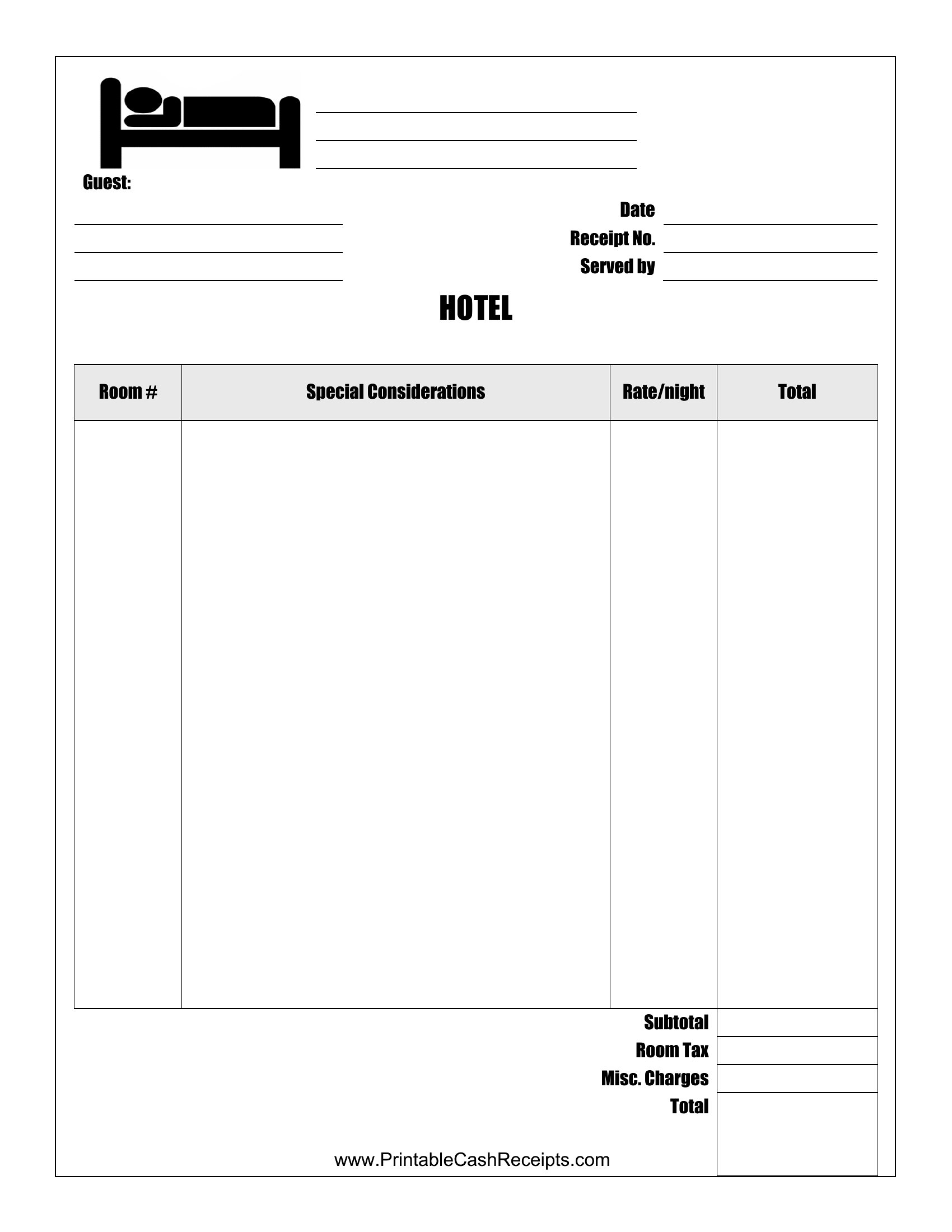
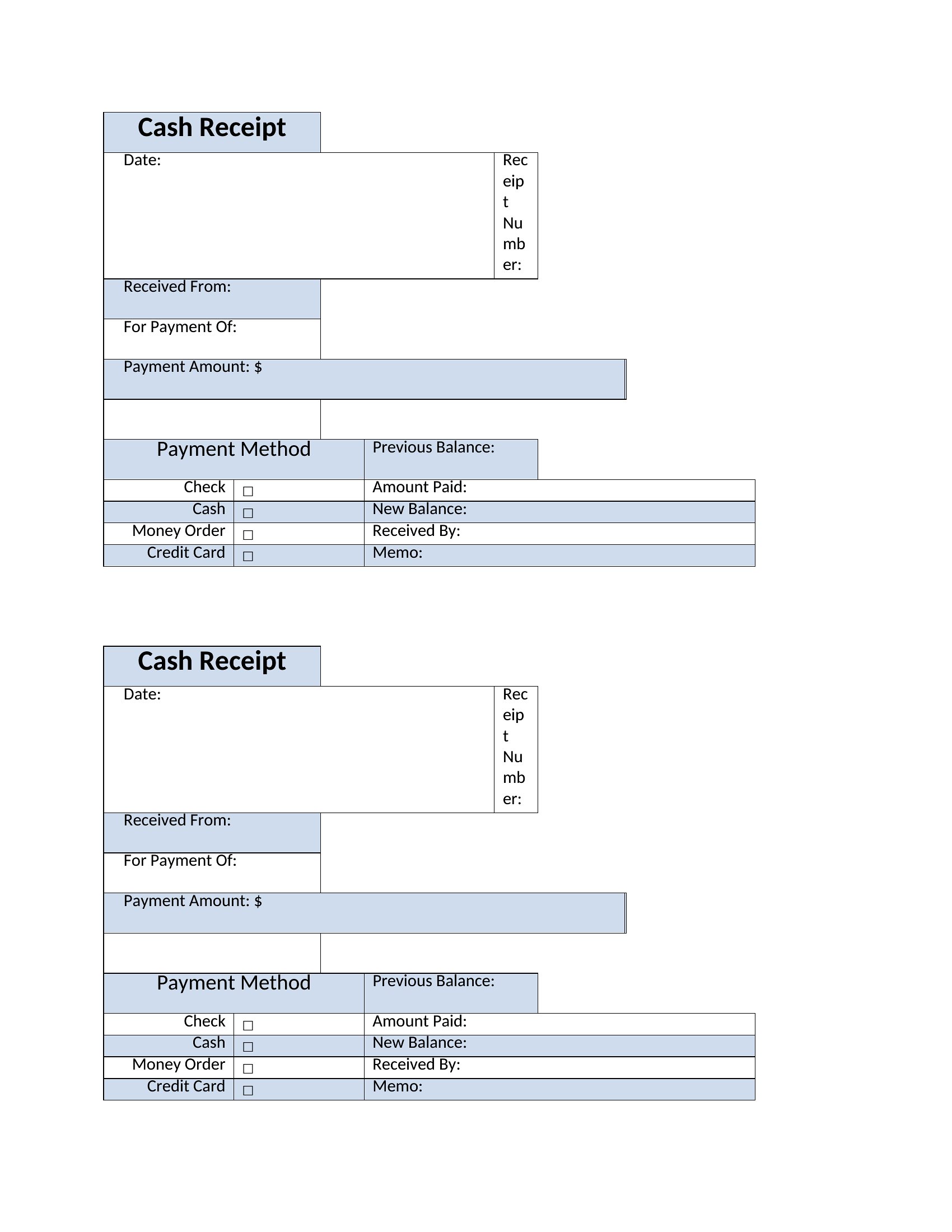
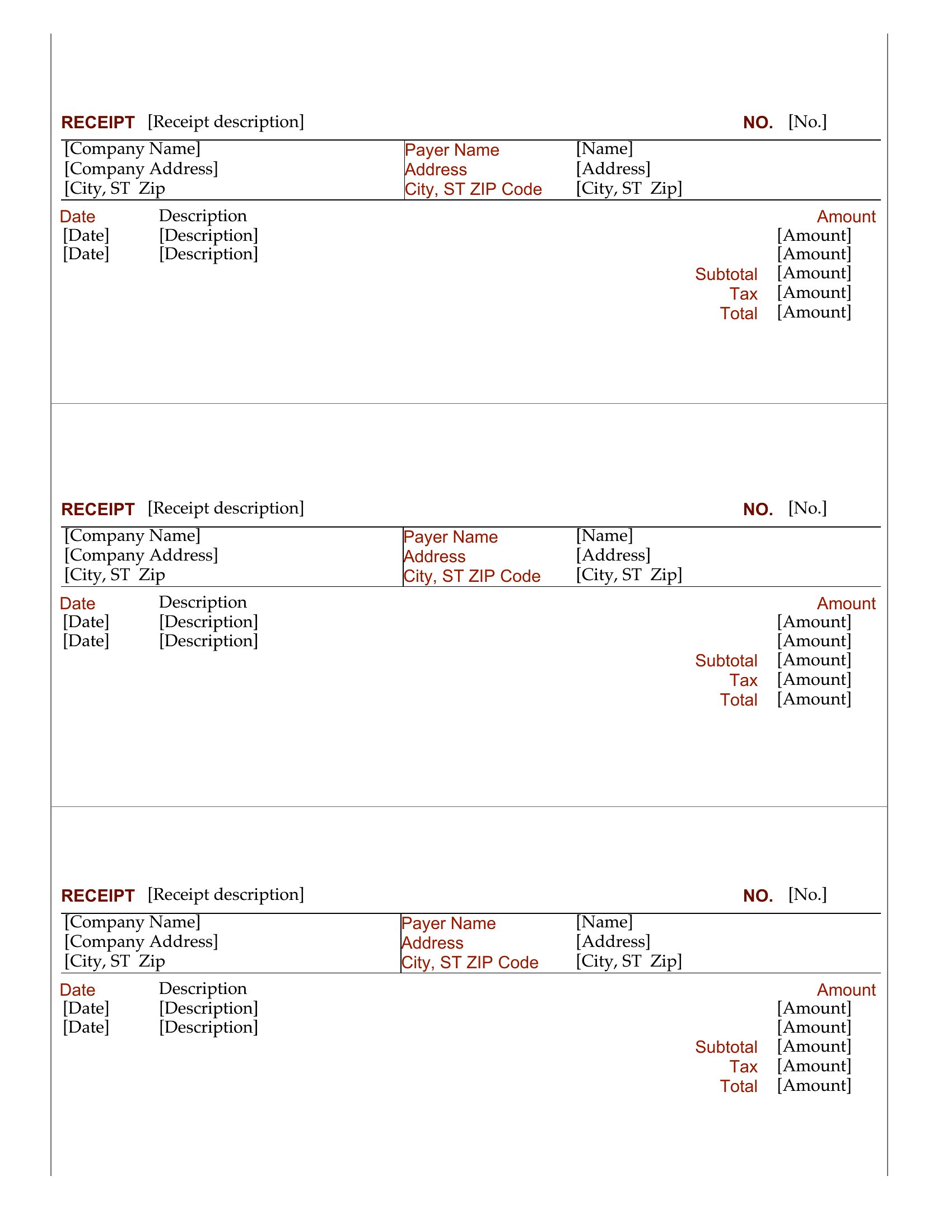
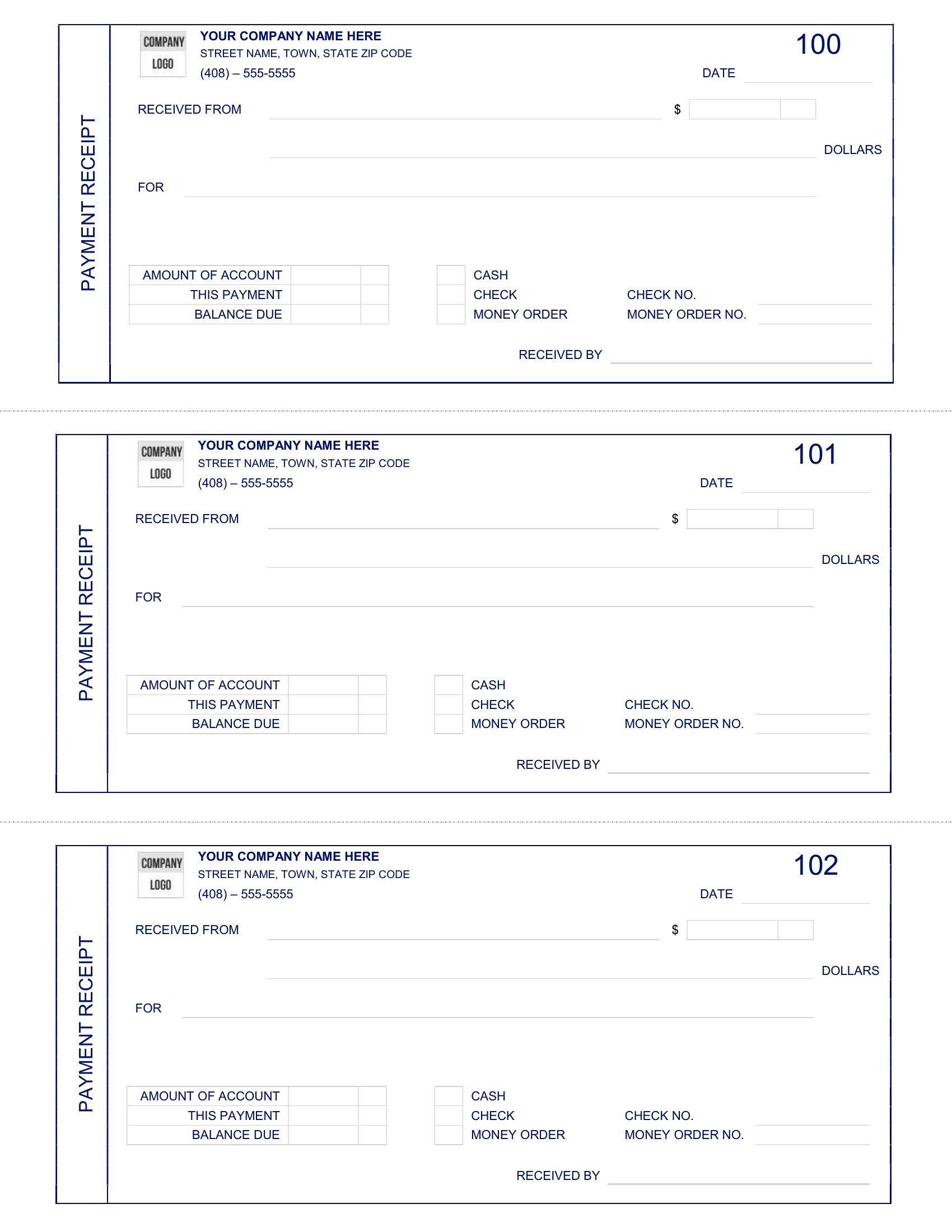
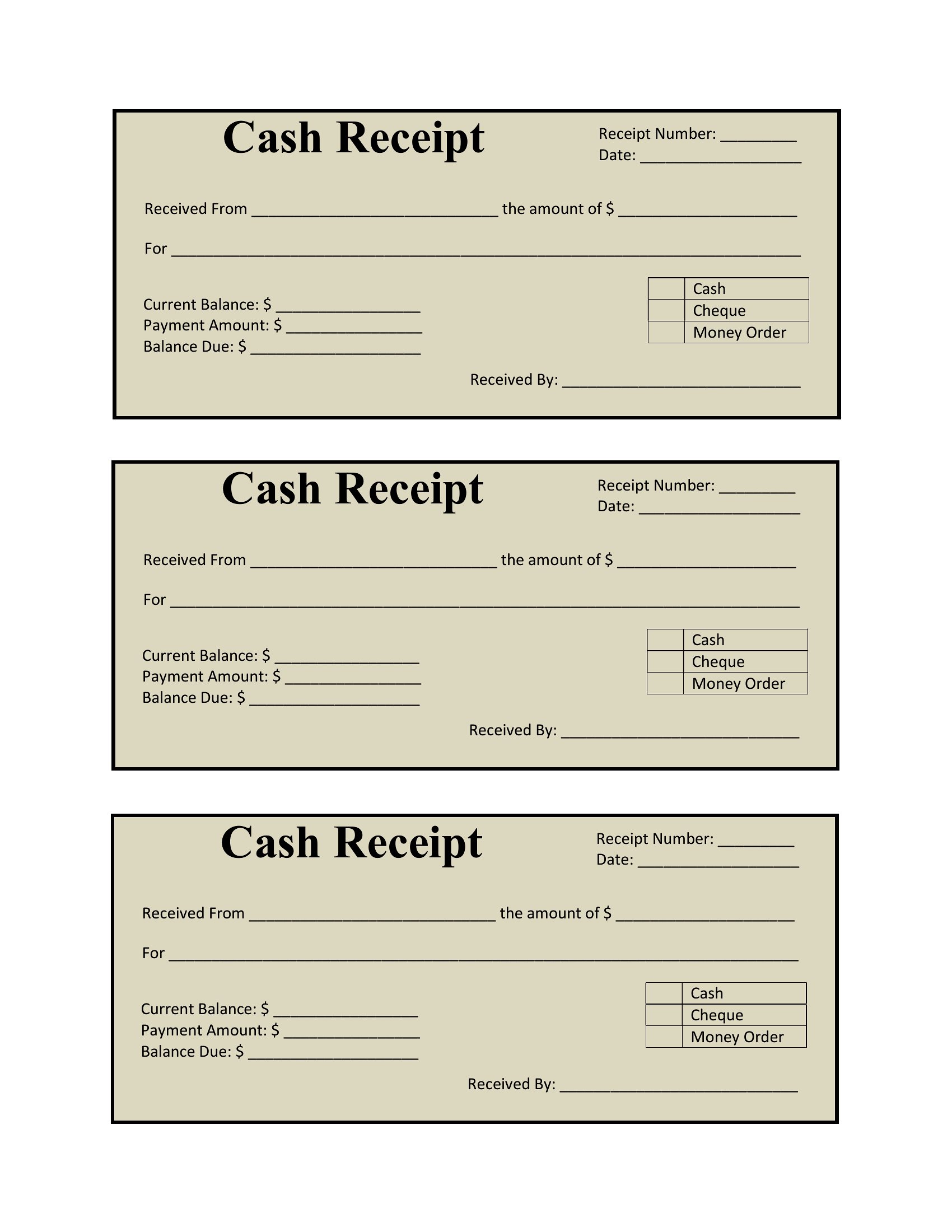
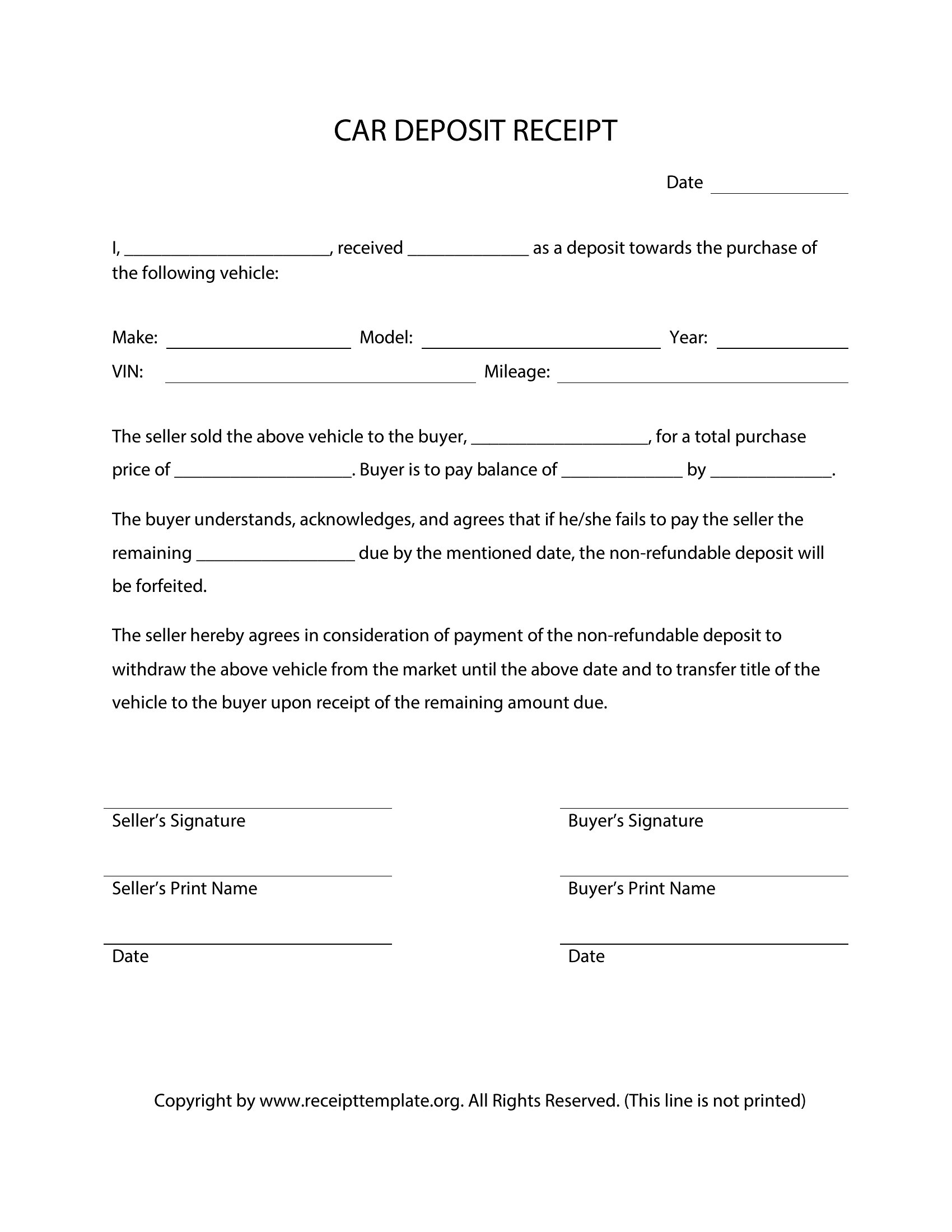
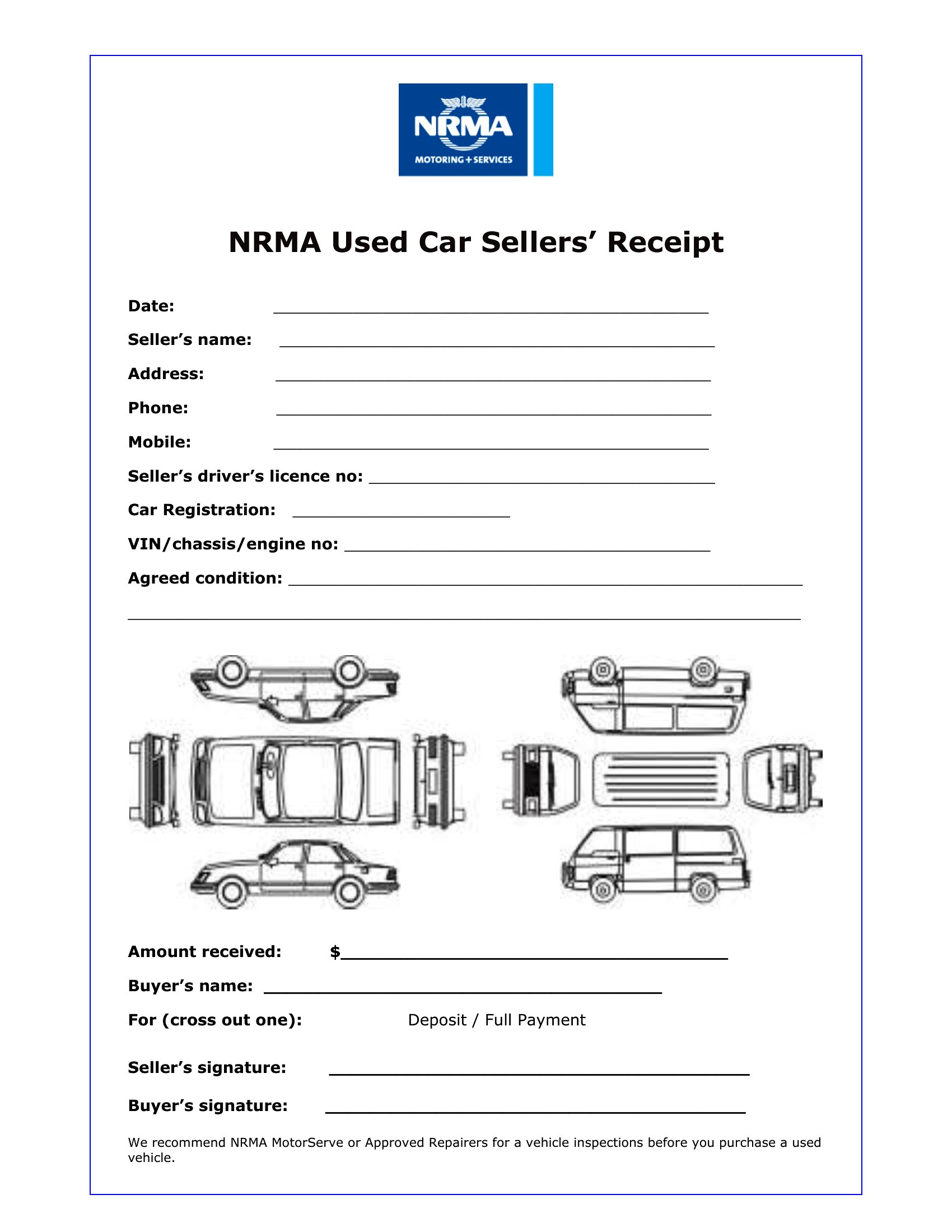
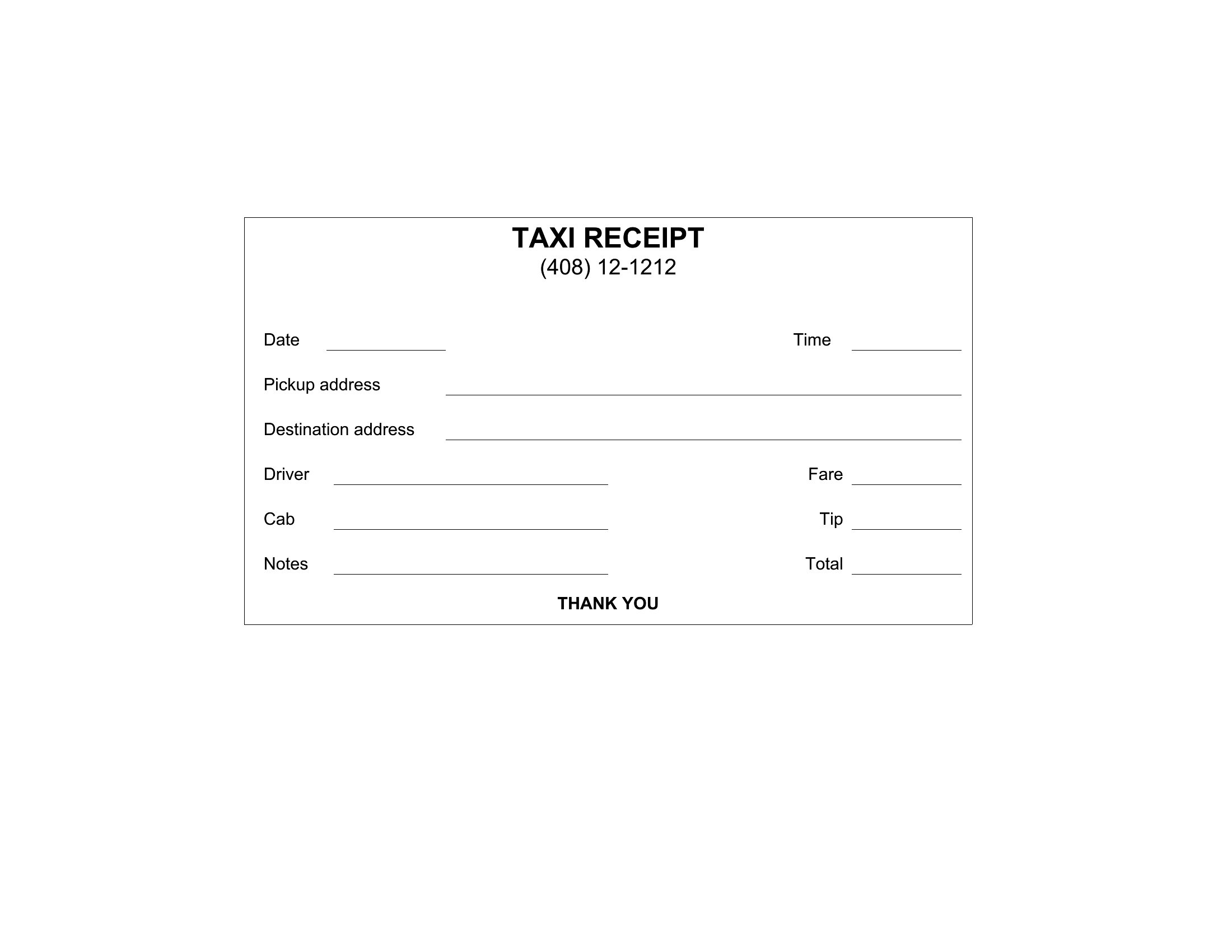
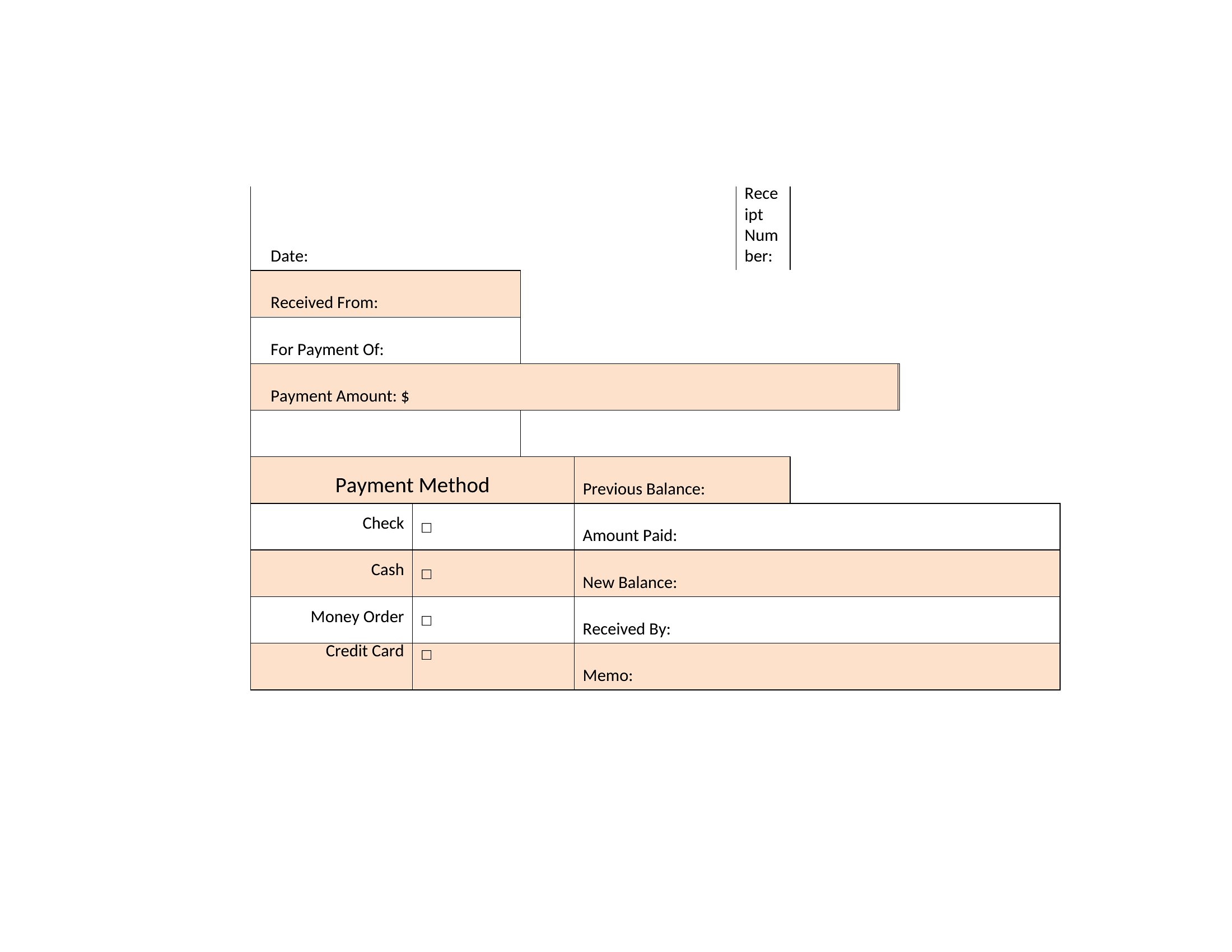
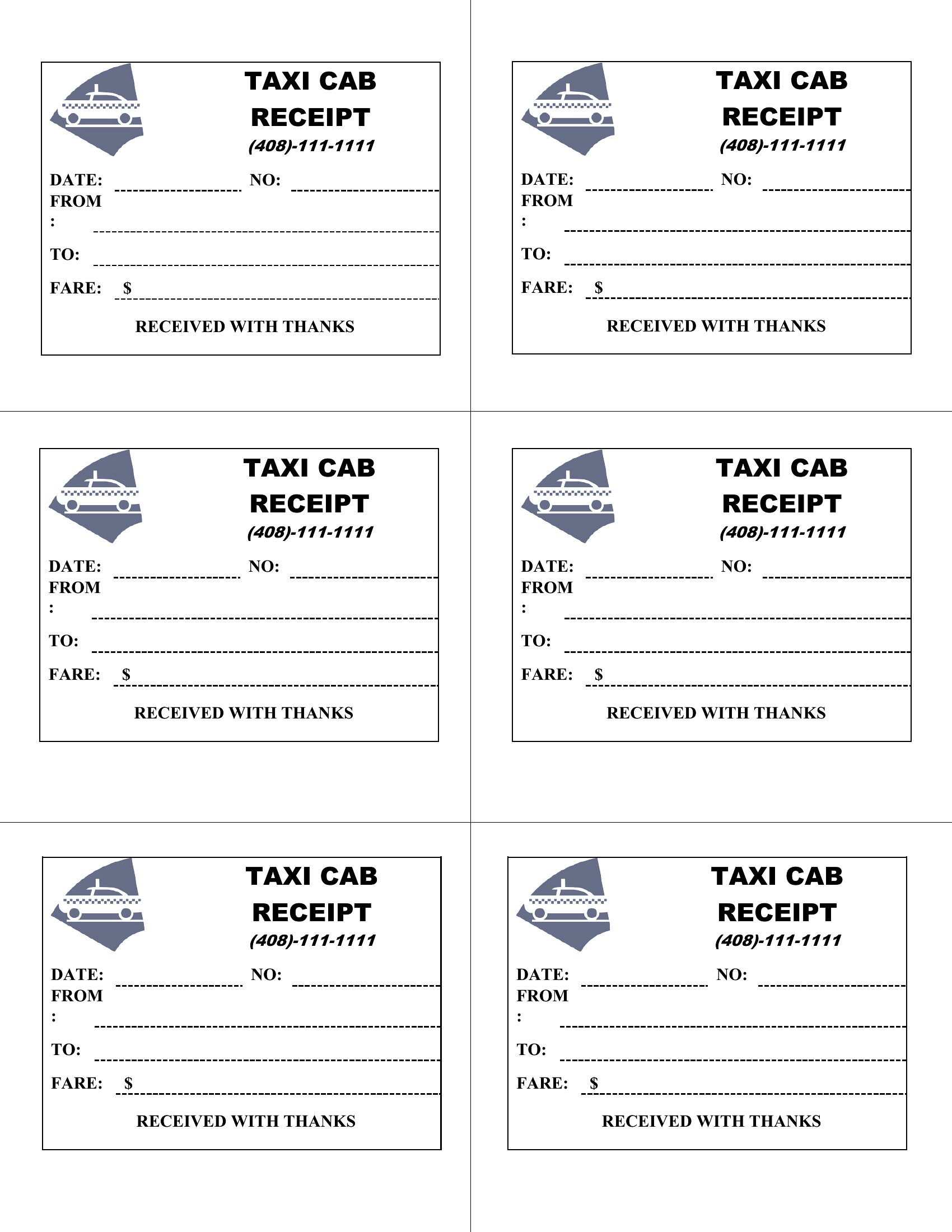
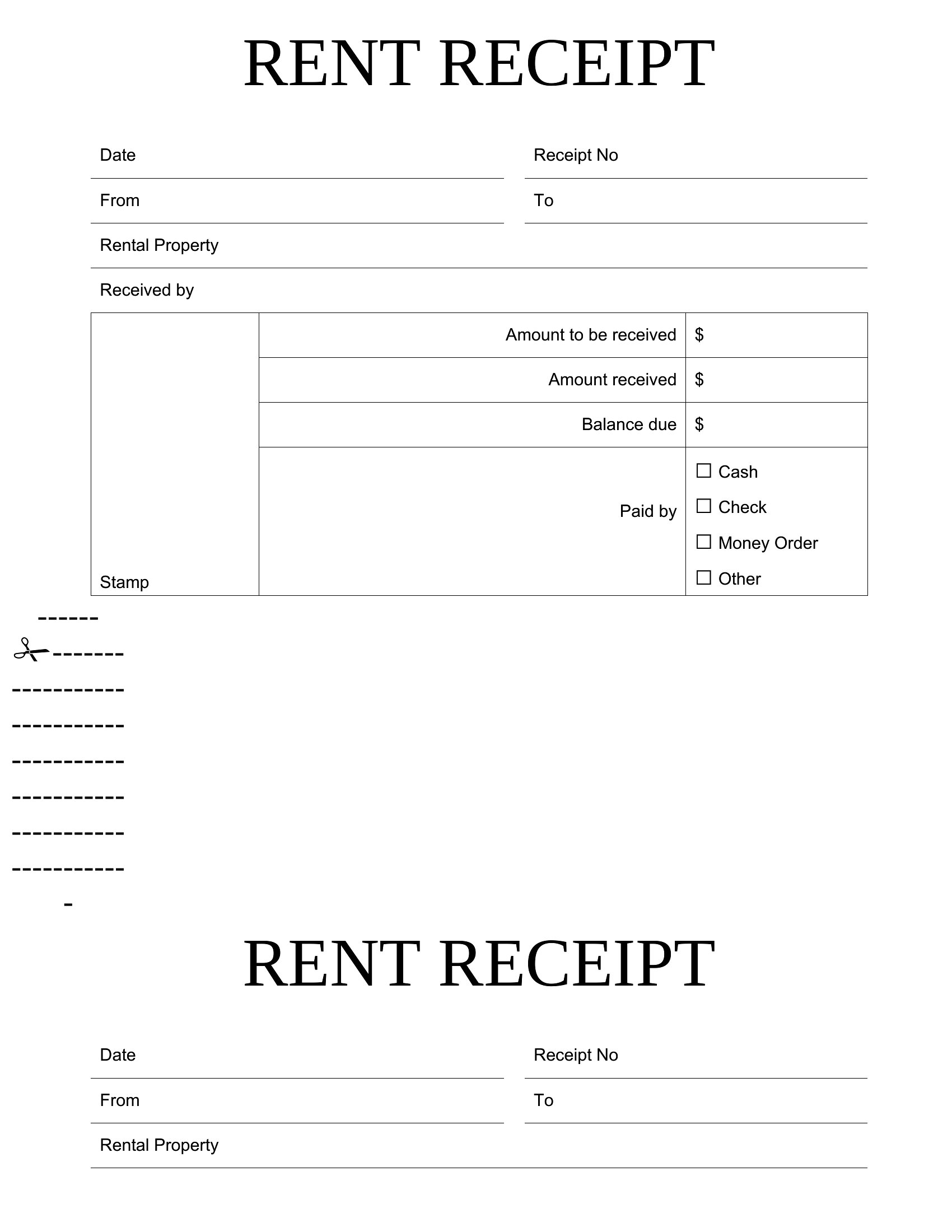
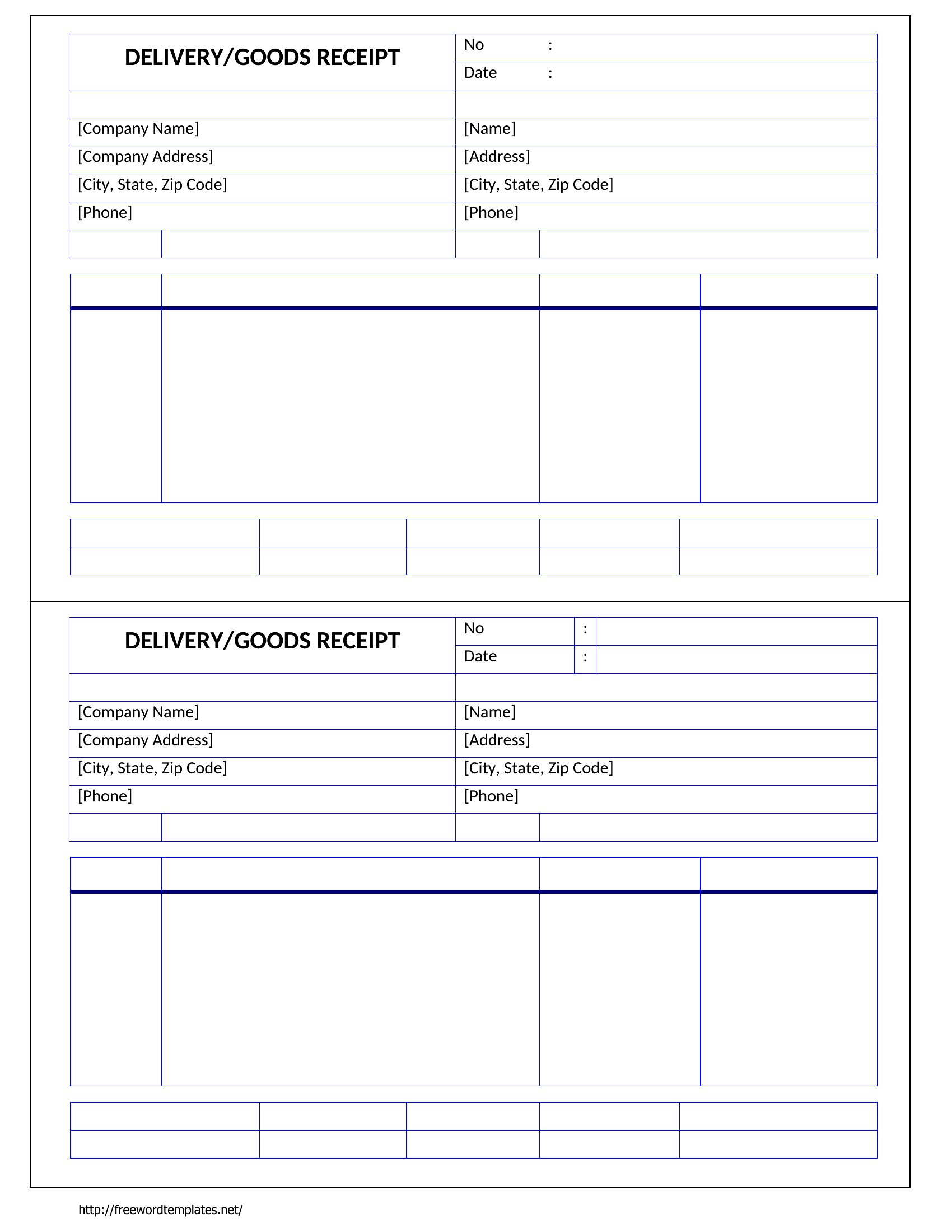
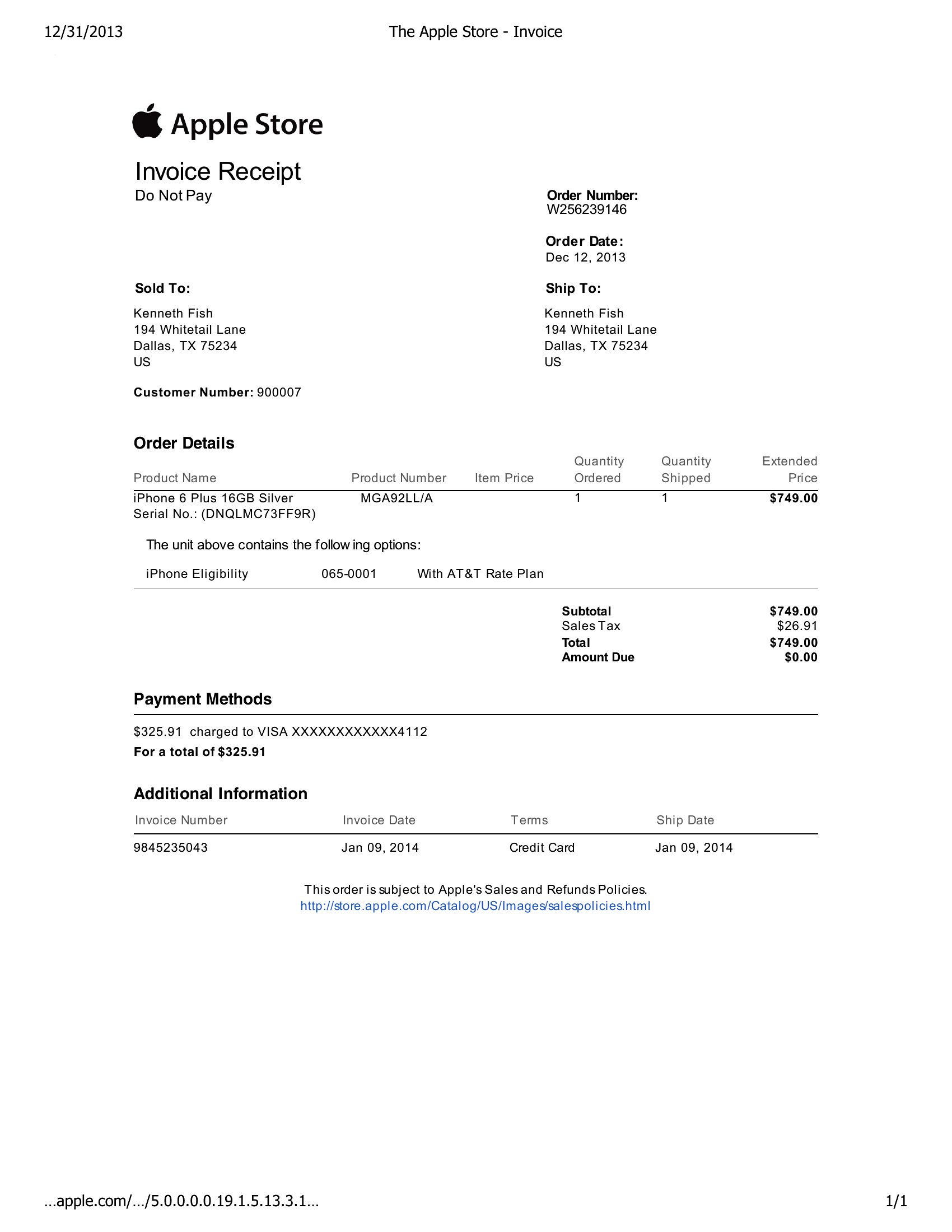
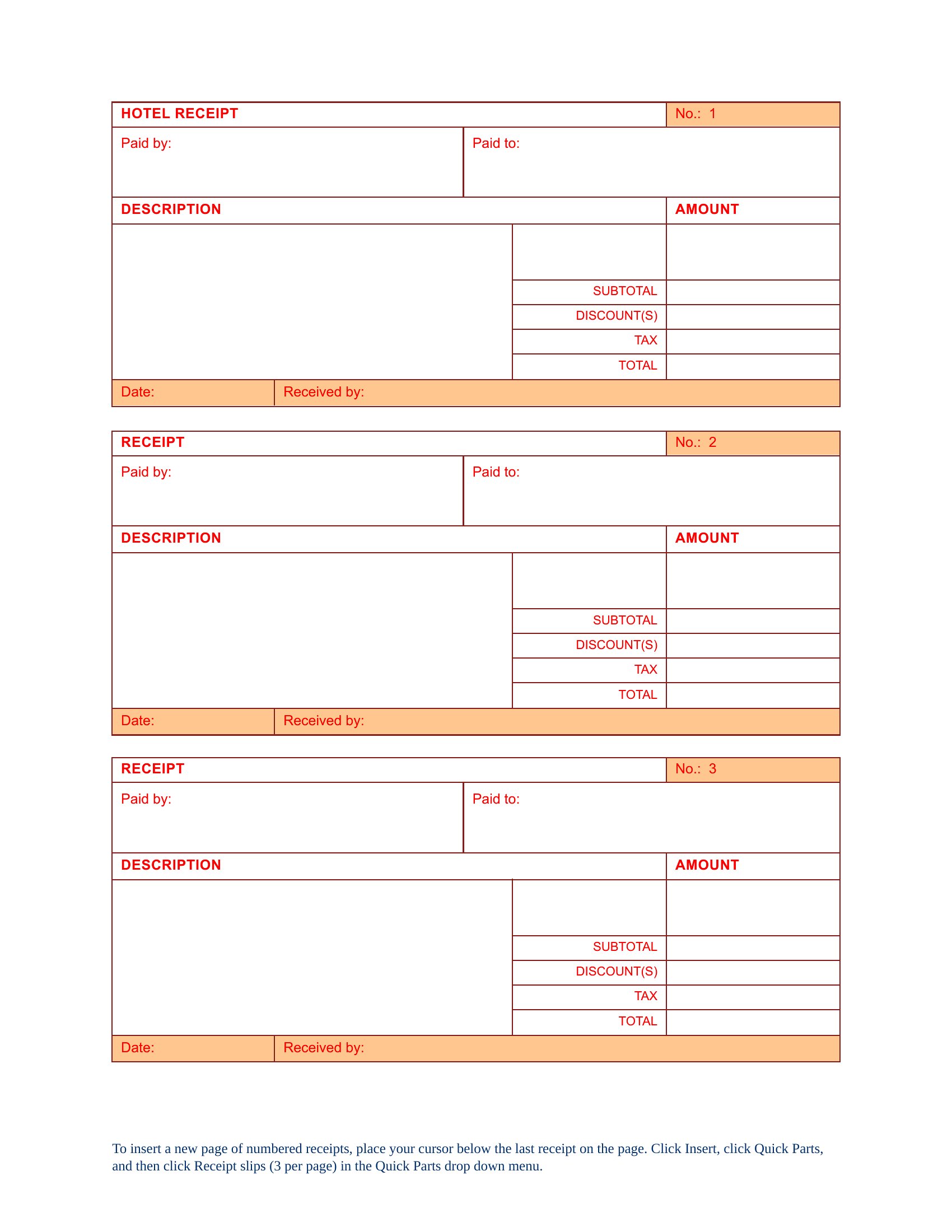
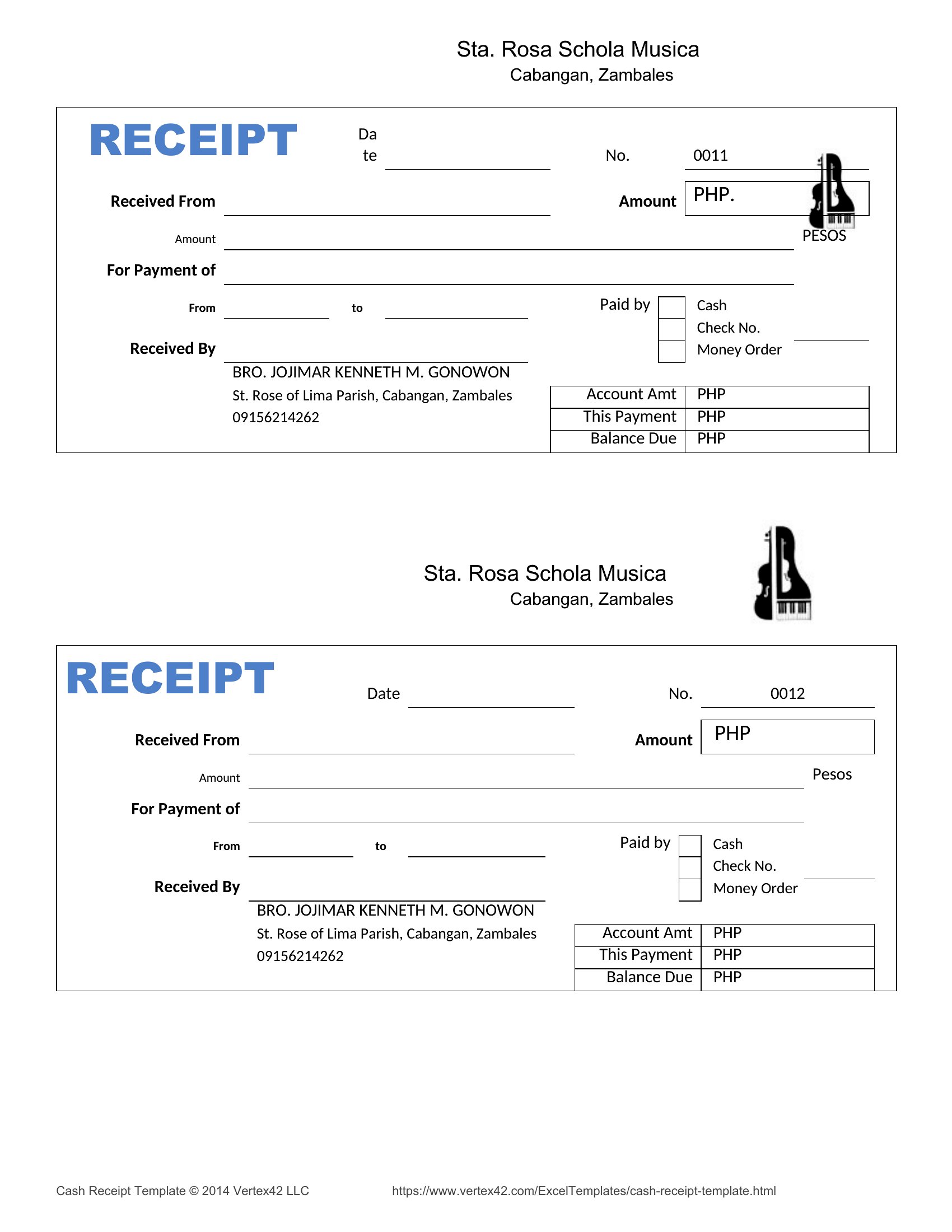
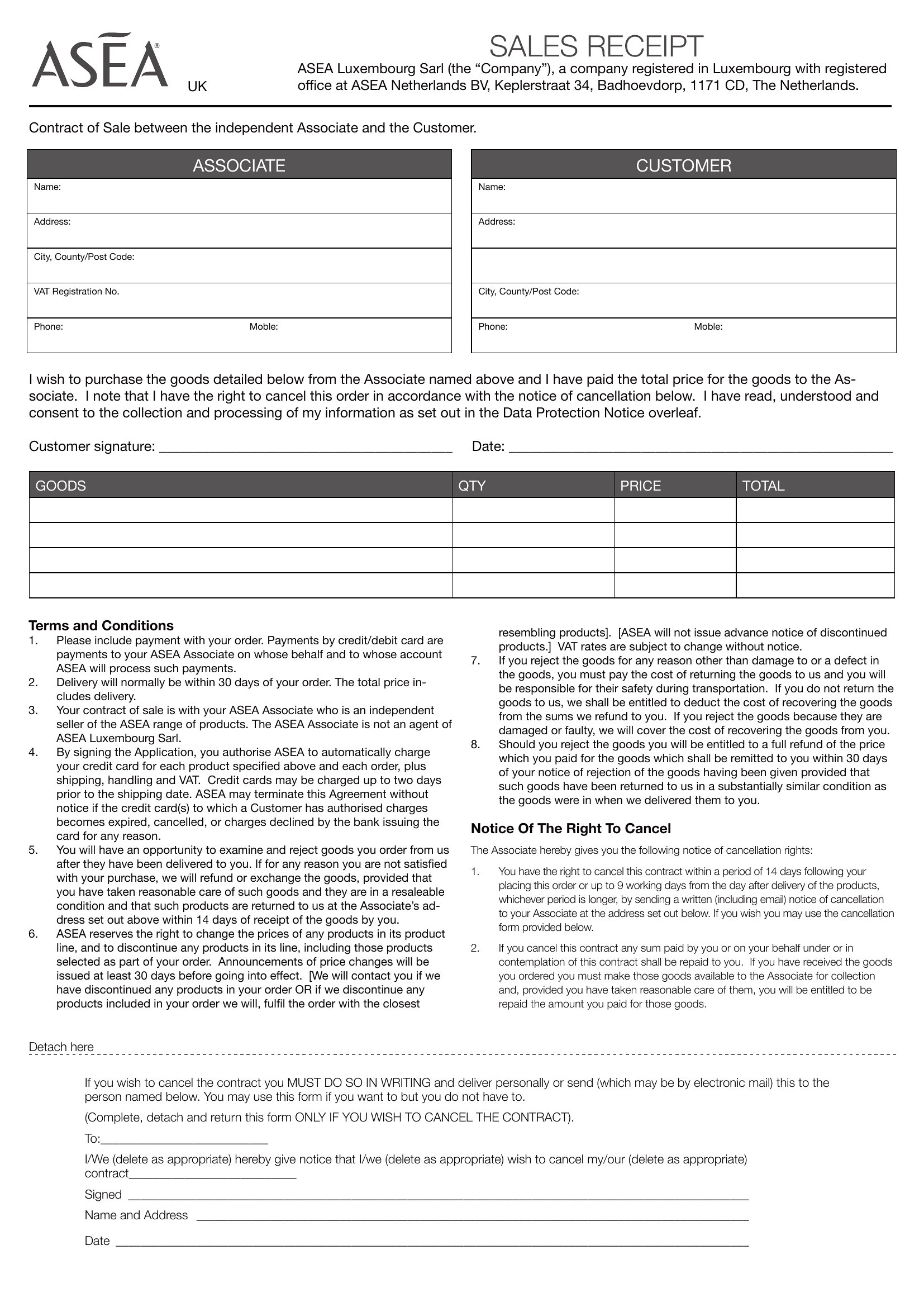
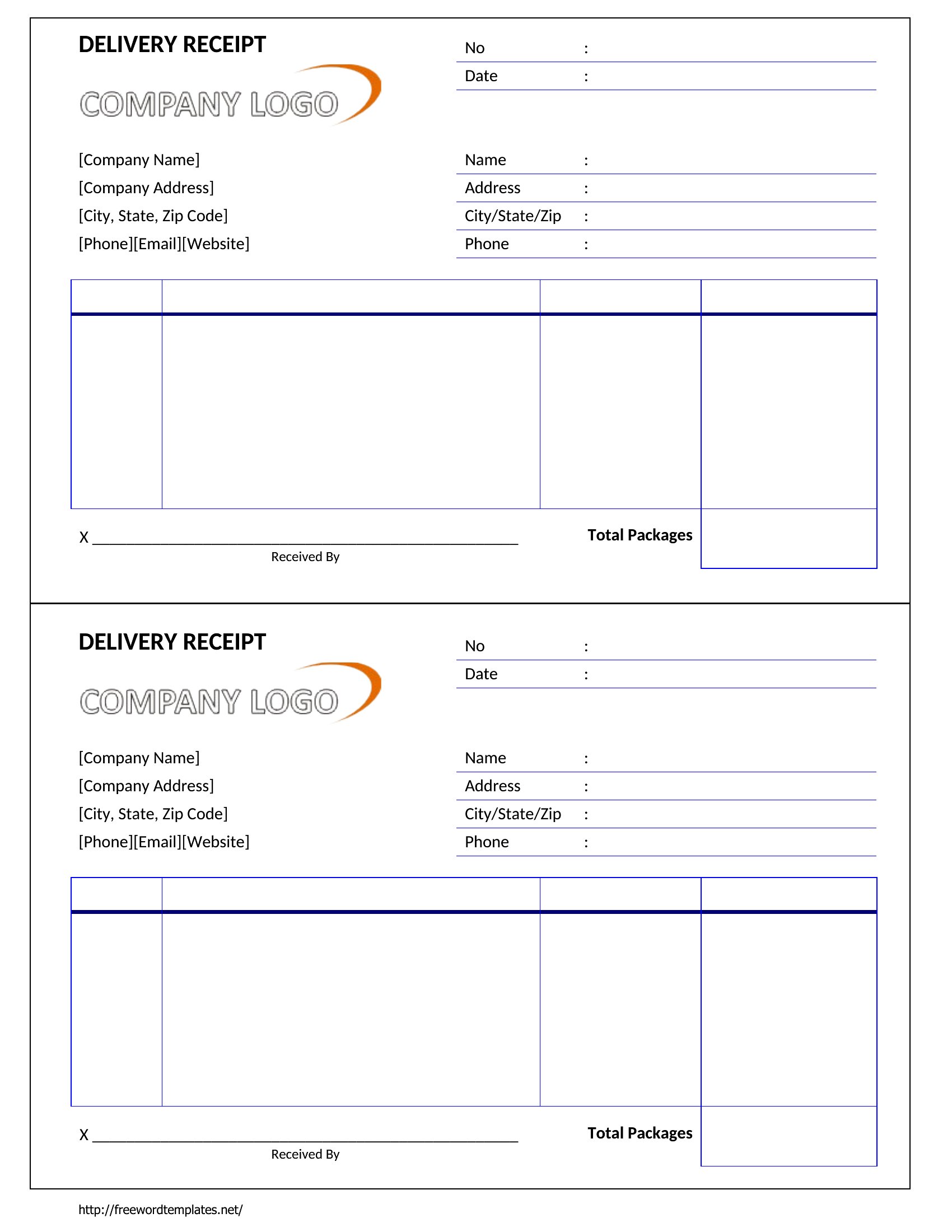
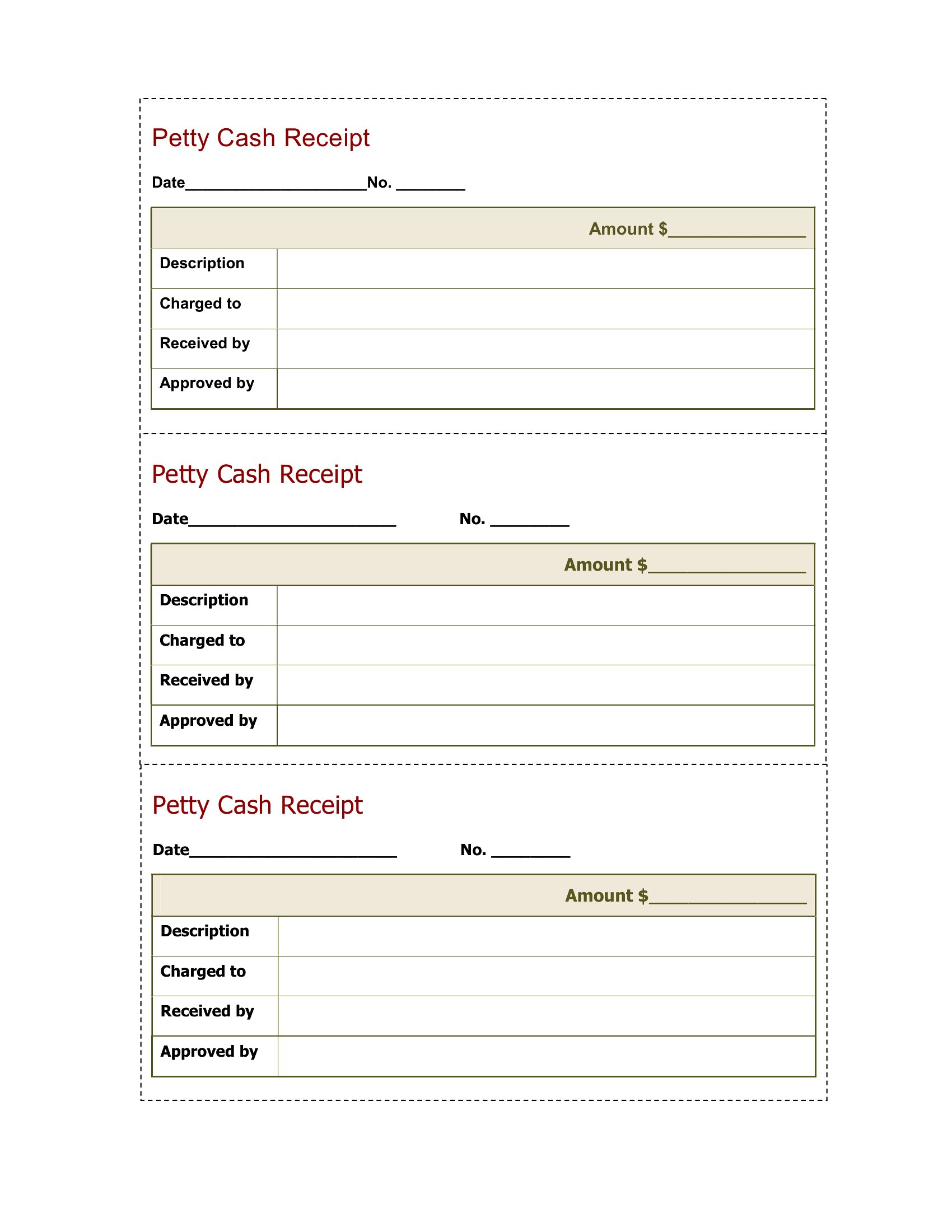
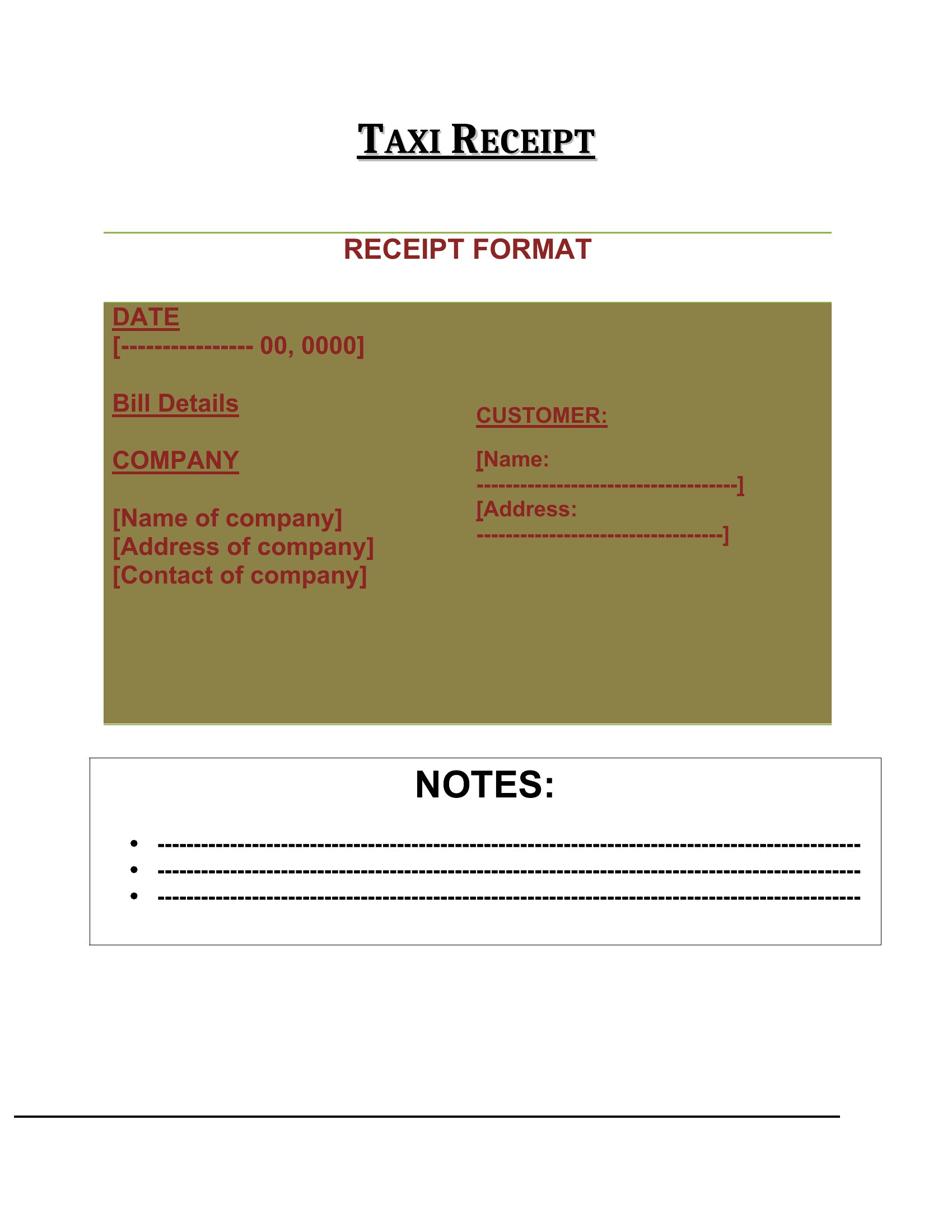
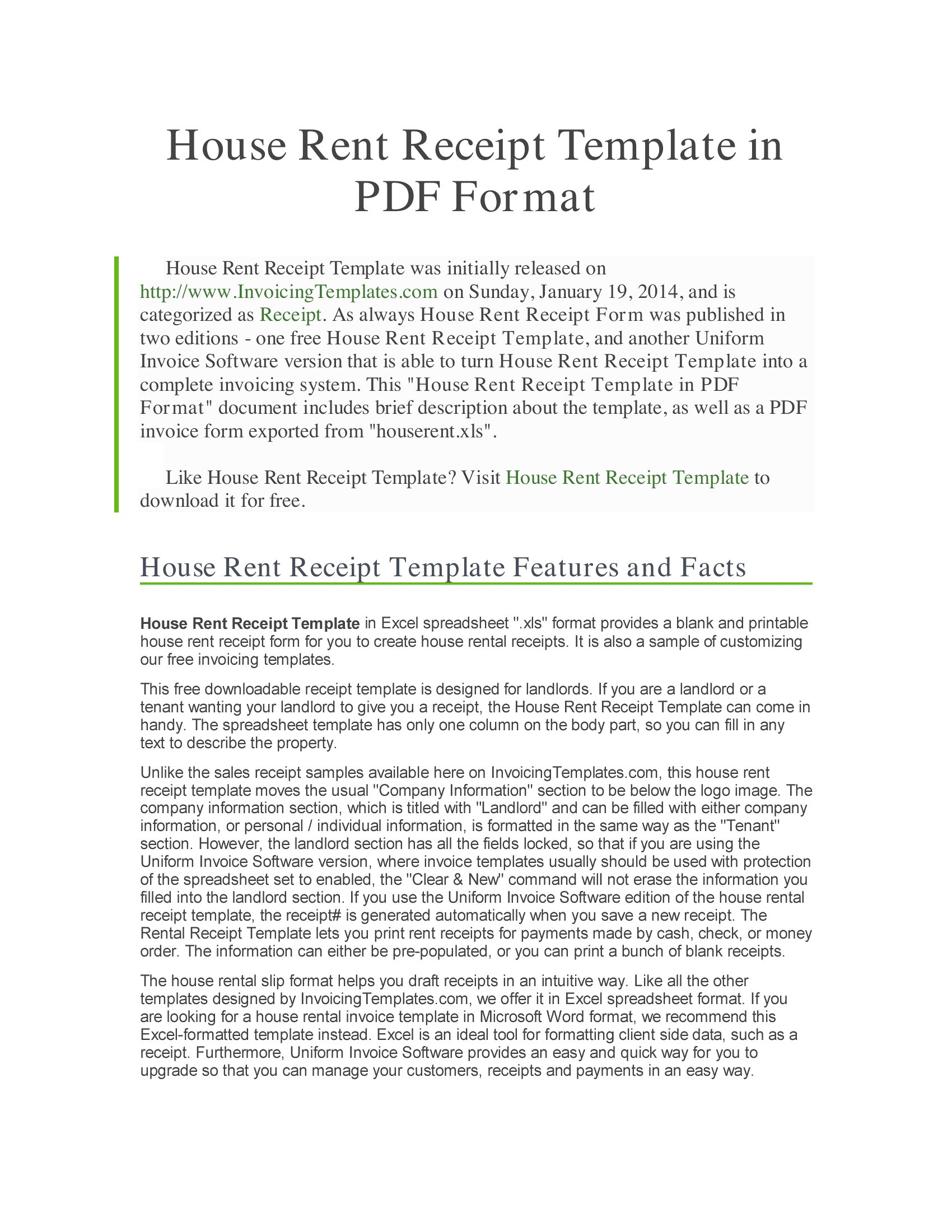
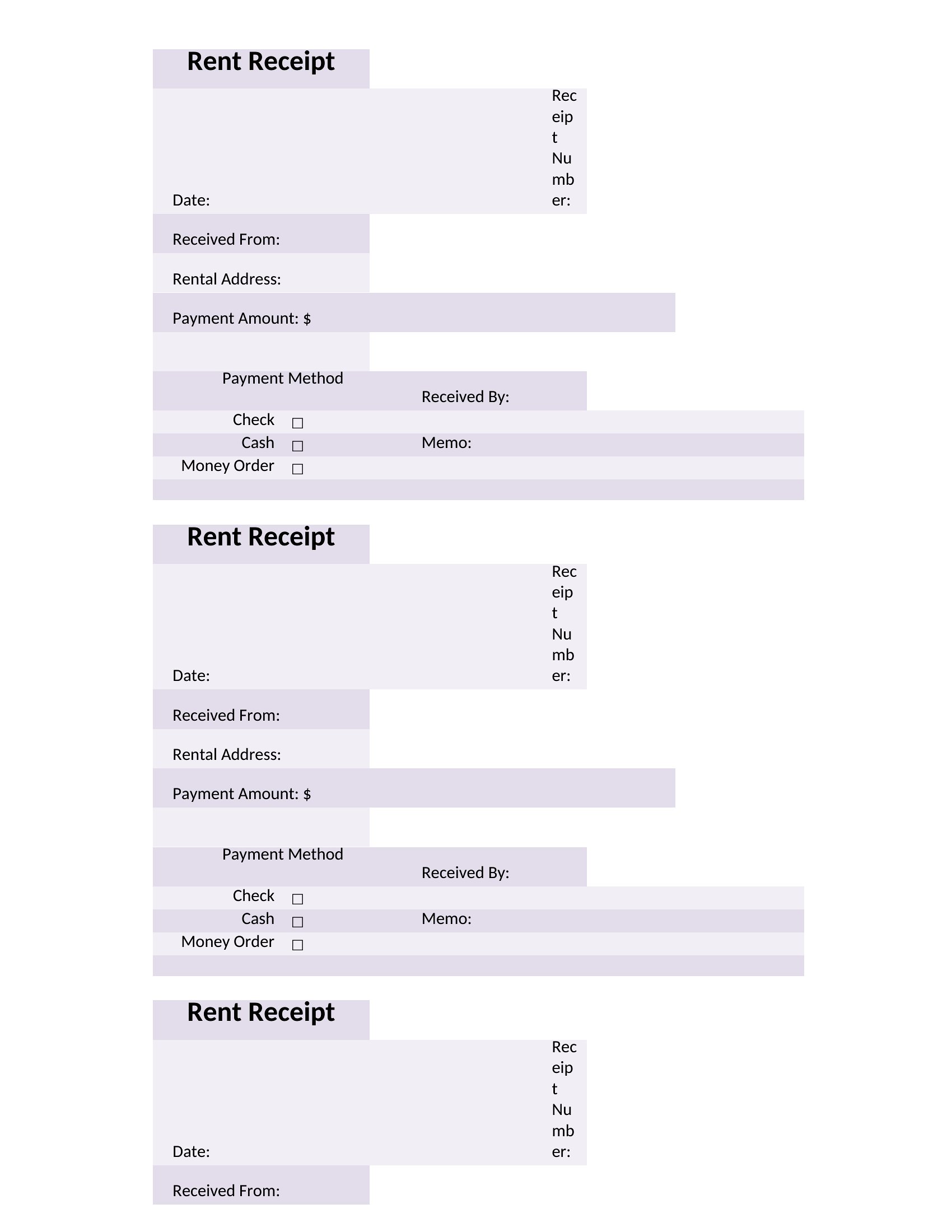
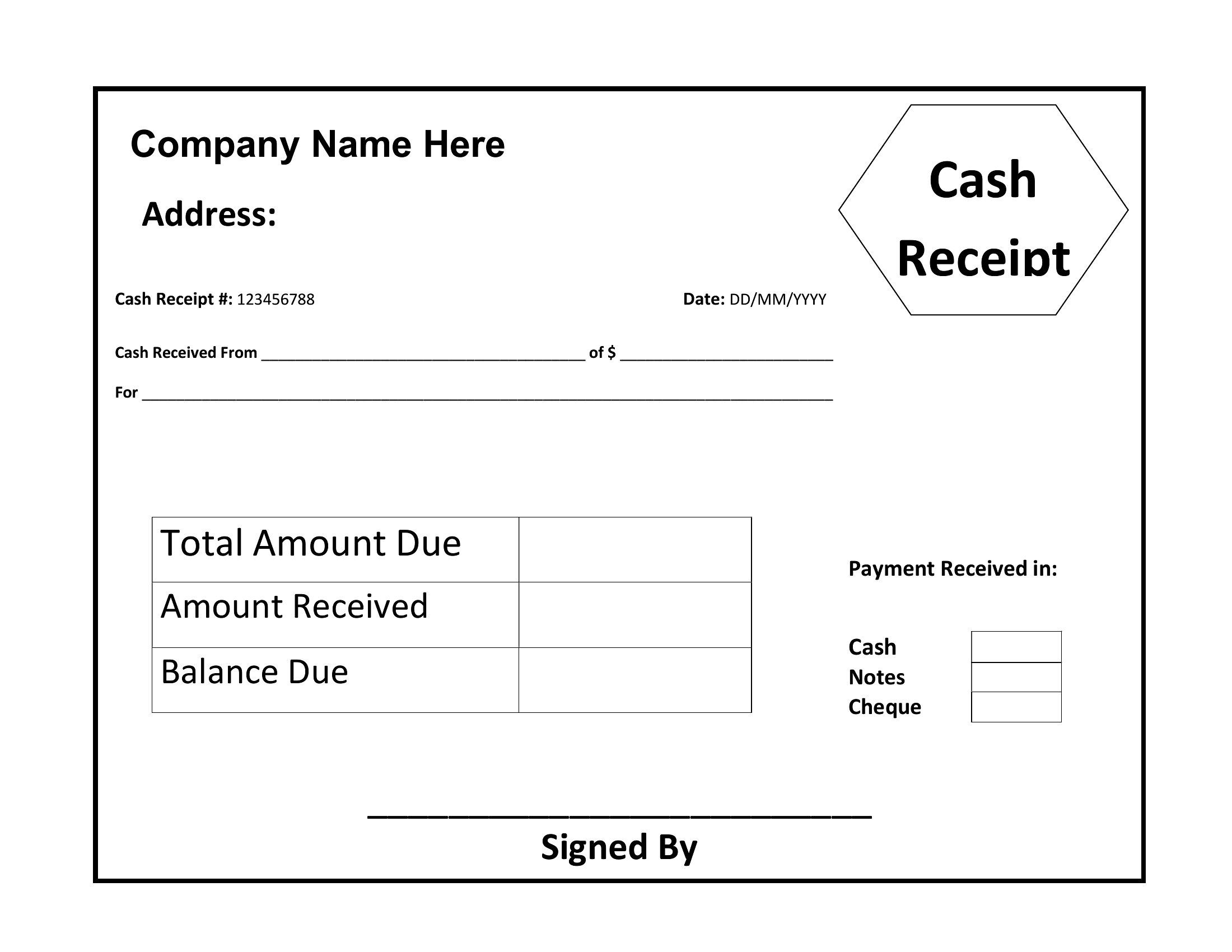
PaymentsA written receipt closes the loop on a sale, giving both the buyer and seller proof of what changed hands and when. This set of 45 templates spans cash sales, rent payments, deposits, and general purchases, so a small-business owner, landlord, or weekend market vendor can hand over something more official than a scribbled note. Each one leaves room for the date, amount, payment method, and a signature.
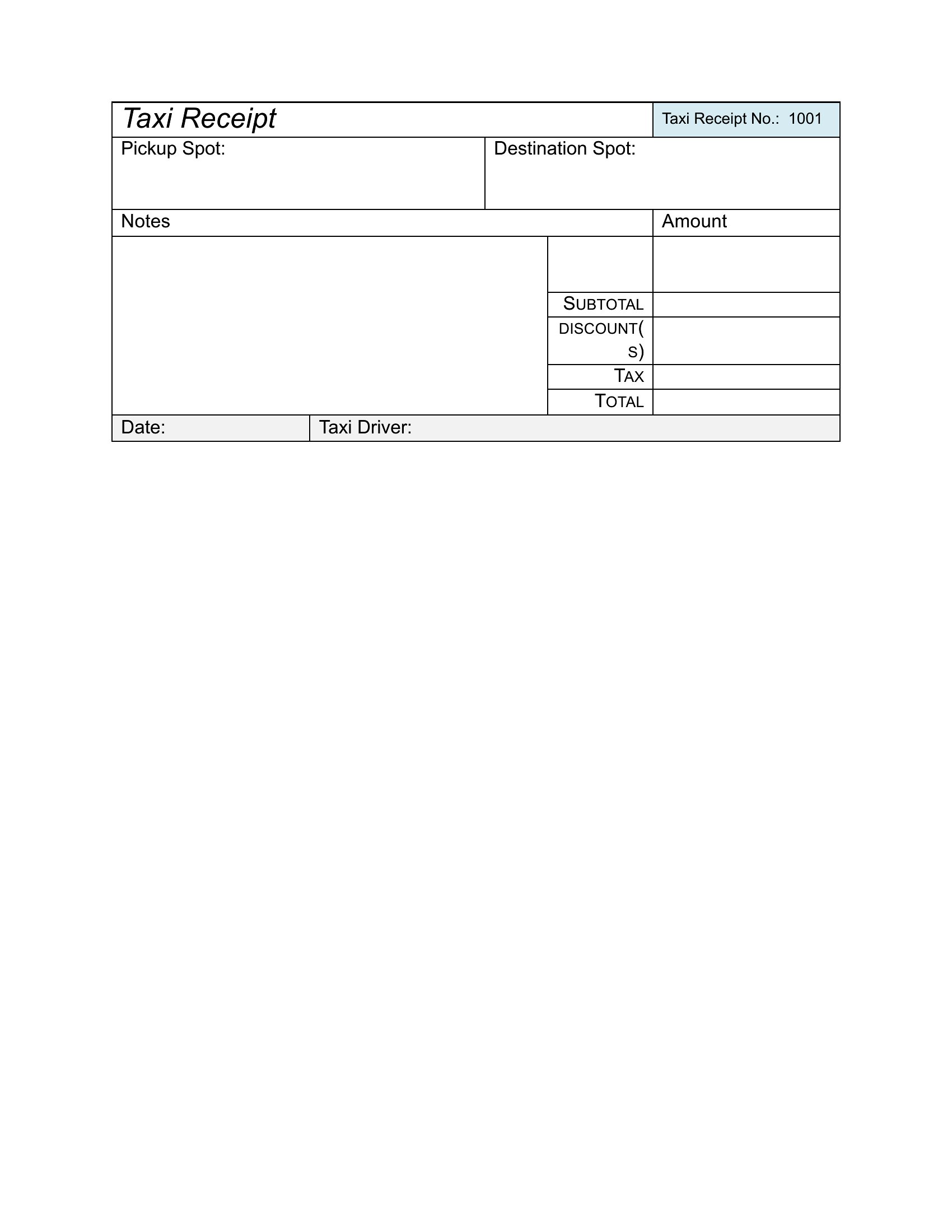
Edit the layouts in Word to add your business name and logo, or print the PDF versions in a pad and fill them out by hand. The math stays simple and the fields are clearly labeled, so nothing important gets missed. Grab the receipt style that suits your sales and keep clean records from the very first transaction.
When to use this Receipt template
- A freelance photographer selling prints at a local art fair needs a quick receipt to document cash sales and keep track of customer details for future inquiries.
- A landlord collecting monthly rent from tenants prefers a professional receipt format to include lease references and payment terms for their records.
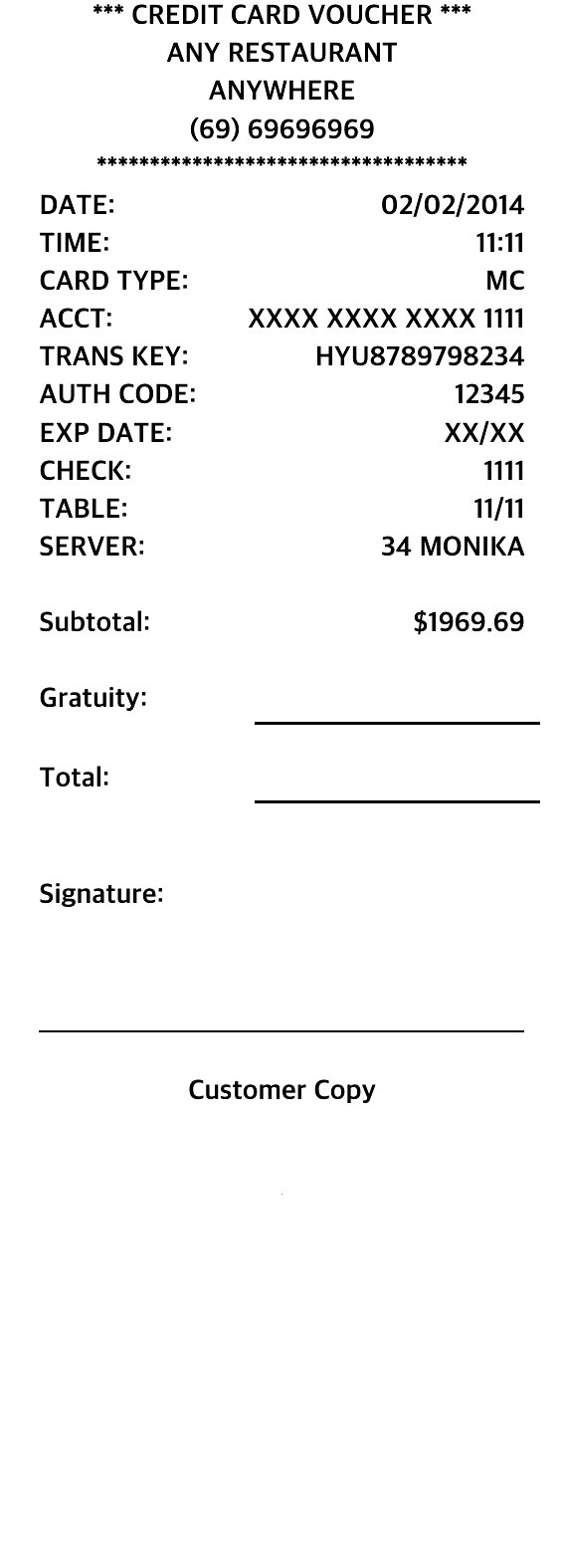
- A small café owner wants a receipt template that fits their POS system’s printout size while clearly listing taxable items and gratuity options for customers.
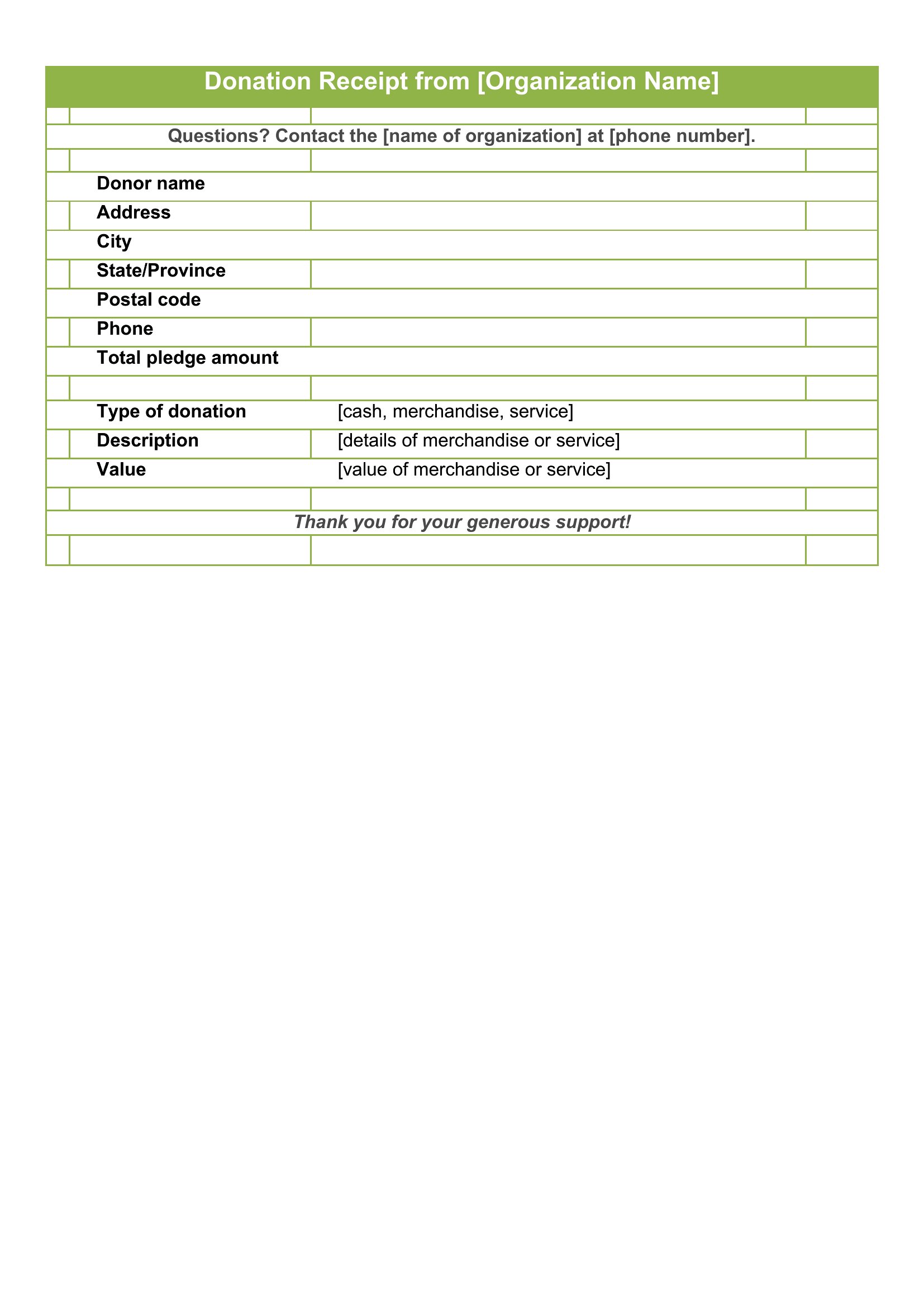
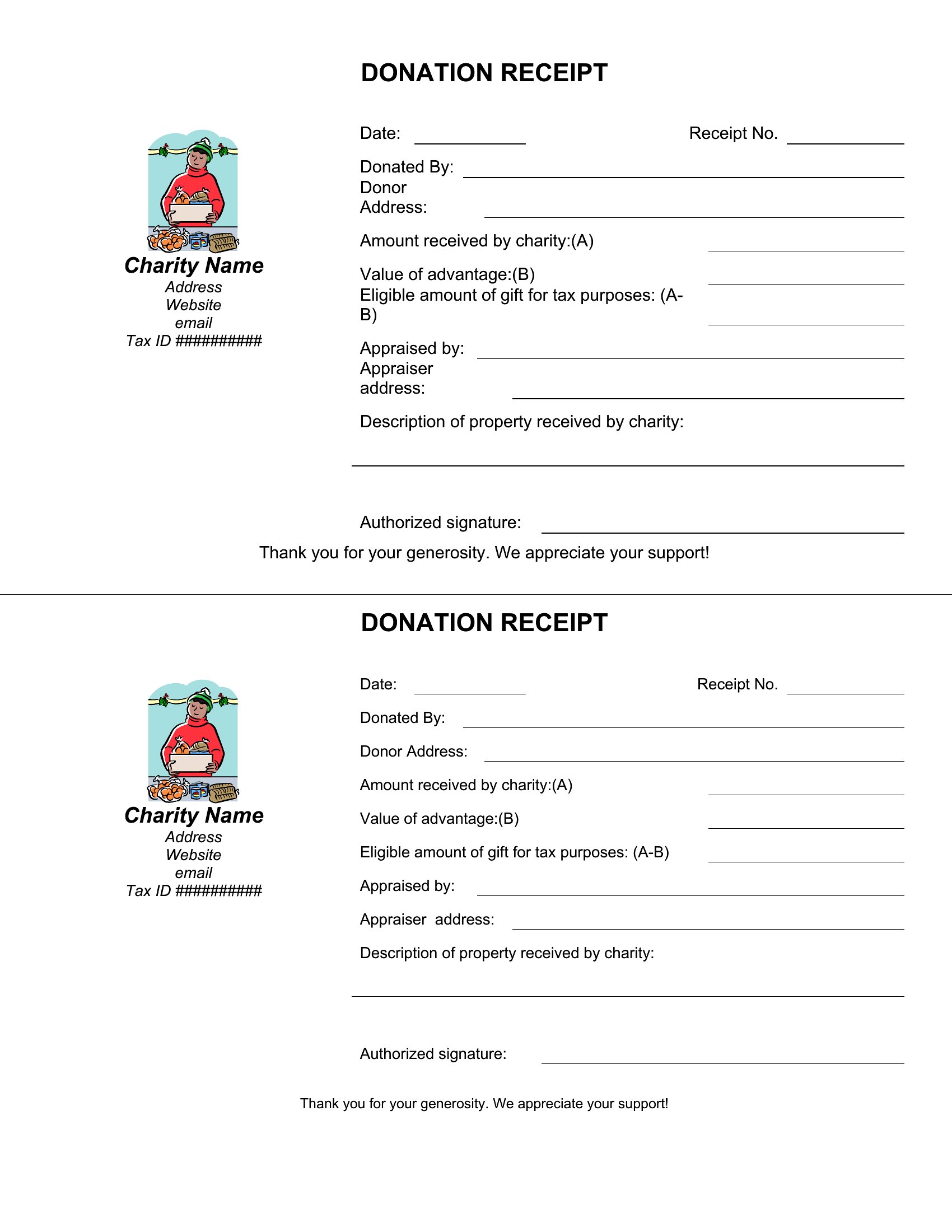
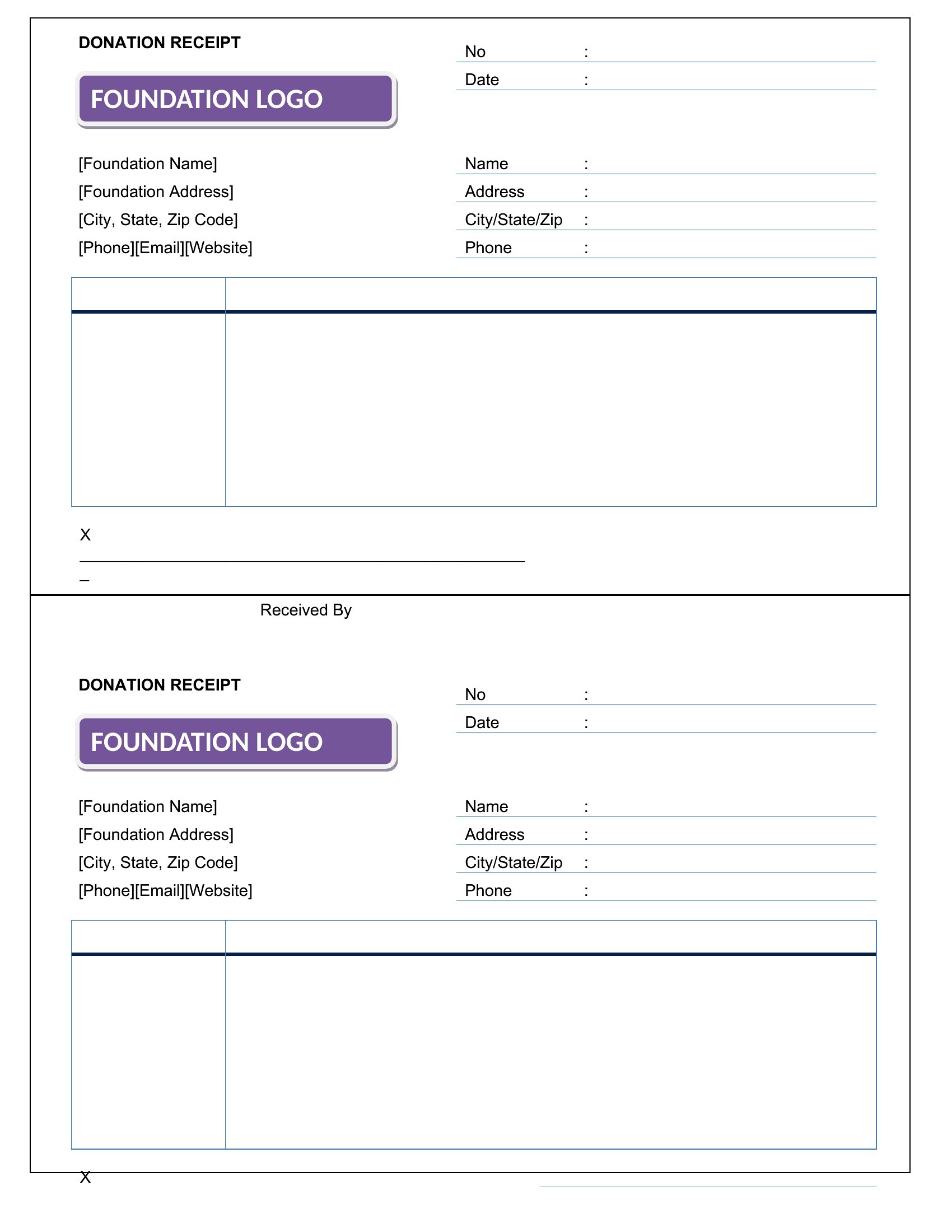
- A nonprofit event organizer requires receipts for donors that detail tax-deductible amounts, ensuring compliance with donation recordkeeping guidelines.
Which format should I download?
Choose Word if you need to generate receipts frequently and want to customize fields like item descriptions or branding before printing or emailing. Word’s editable text works well for recurring transactions where details vary. Opt for PDF if you’re printing receipts on the spot—like at a market stall or retail counter—and need a fixed, professional layout that won’t shift when shared or stored. PDFs also lock in formatting for consistency across multiple copies.
How to use this Receipt template
Do these receipt templates include space for tax details or itemized breakdowns?
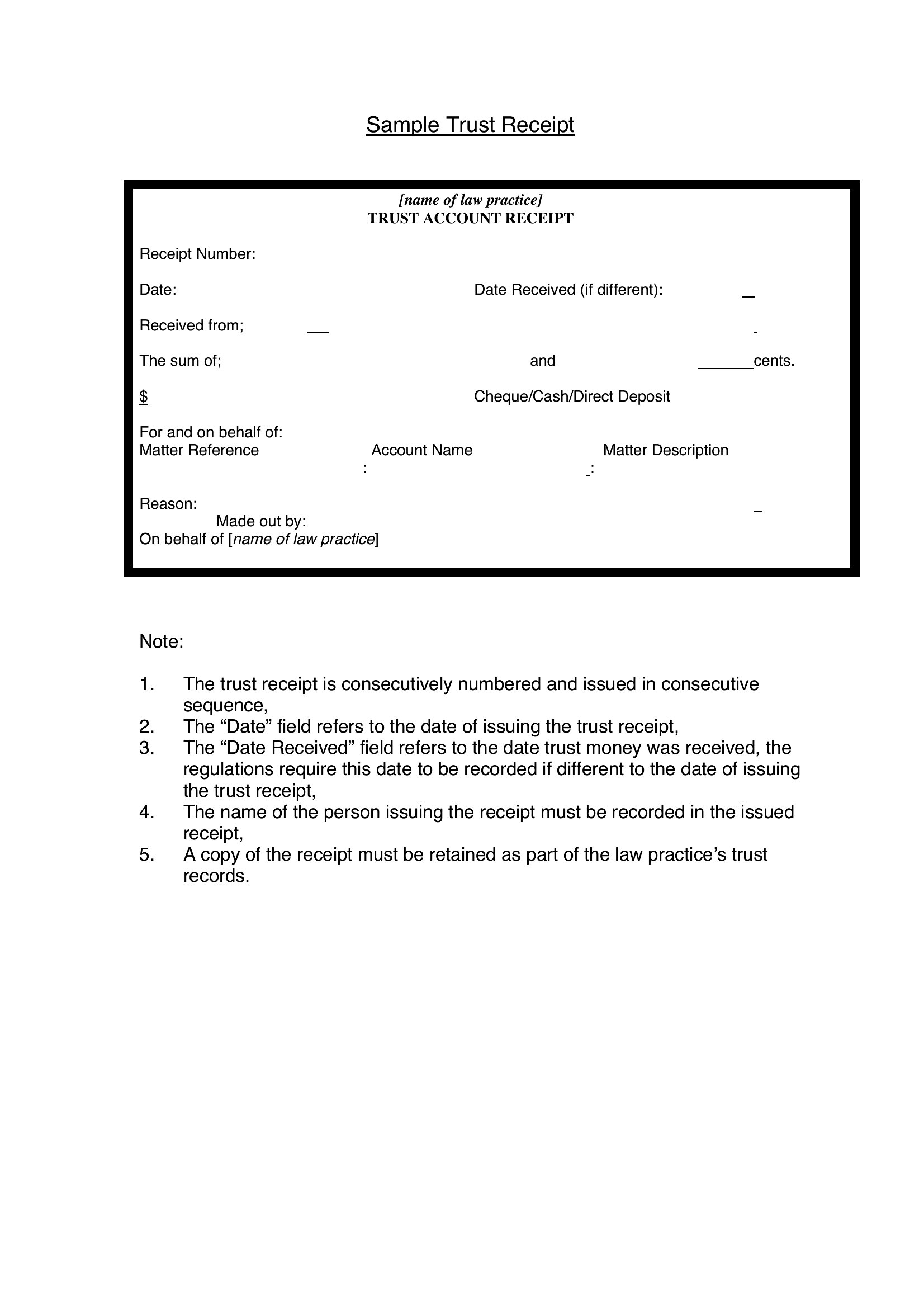
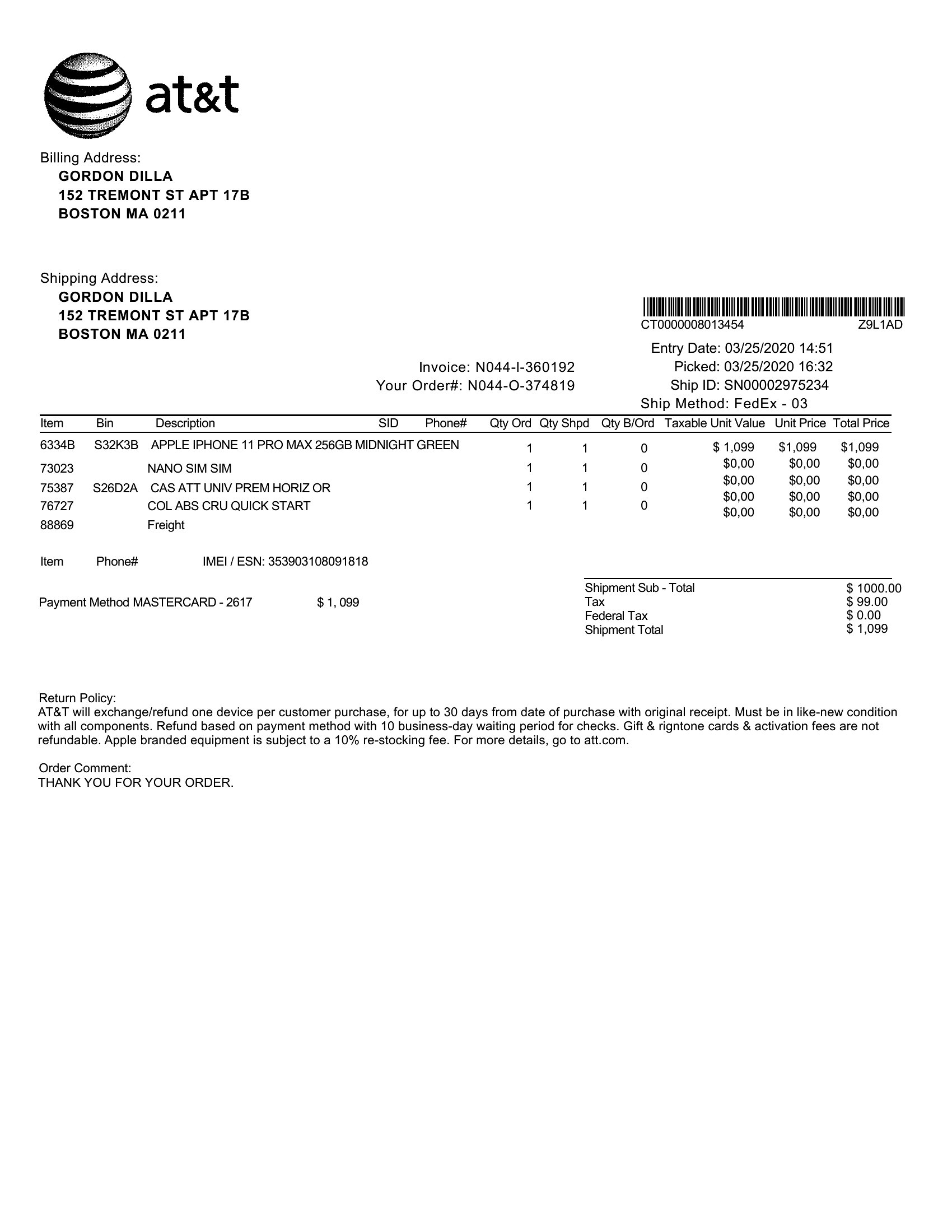
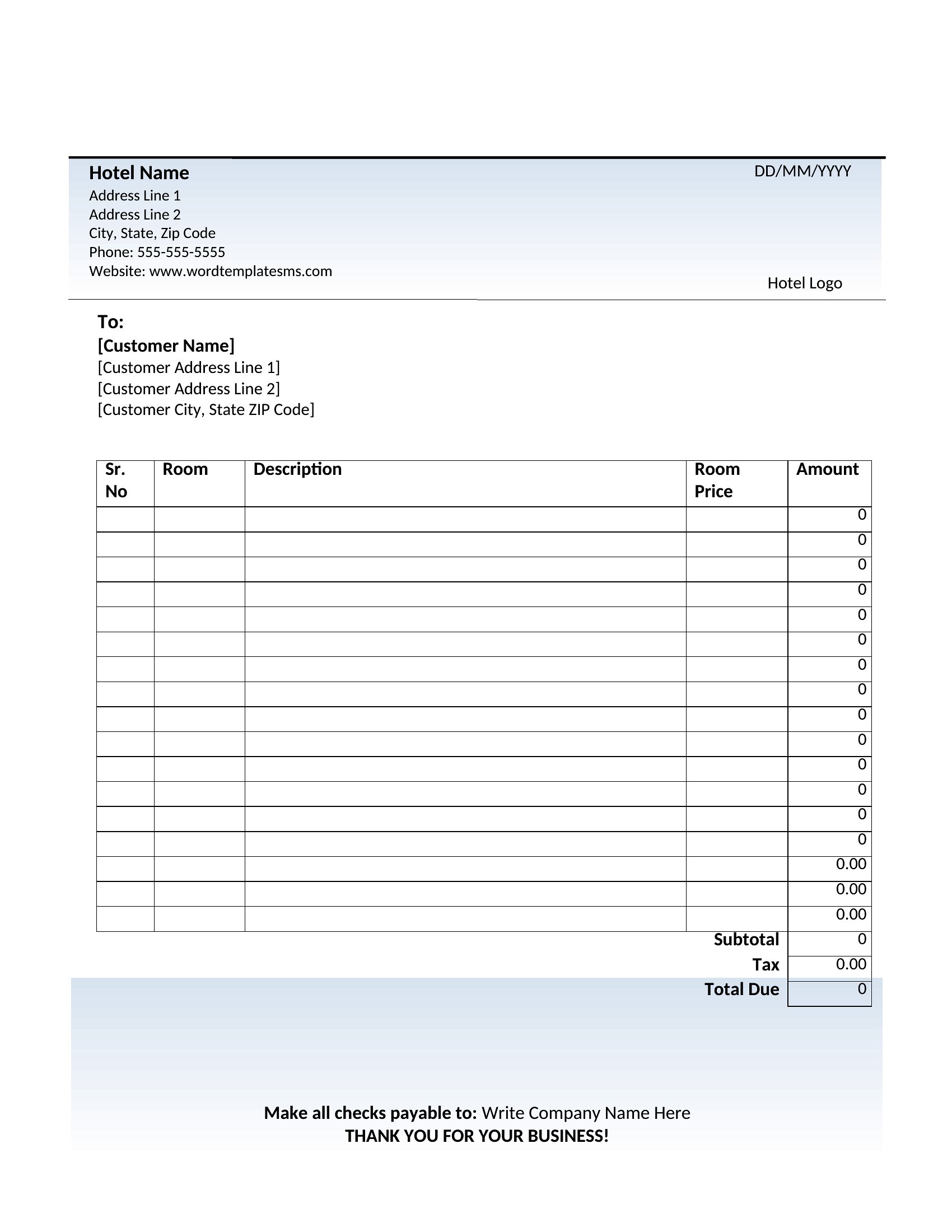
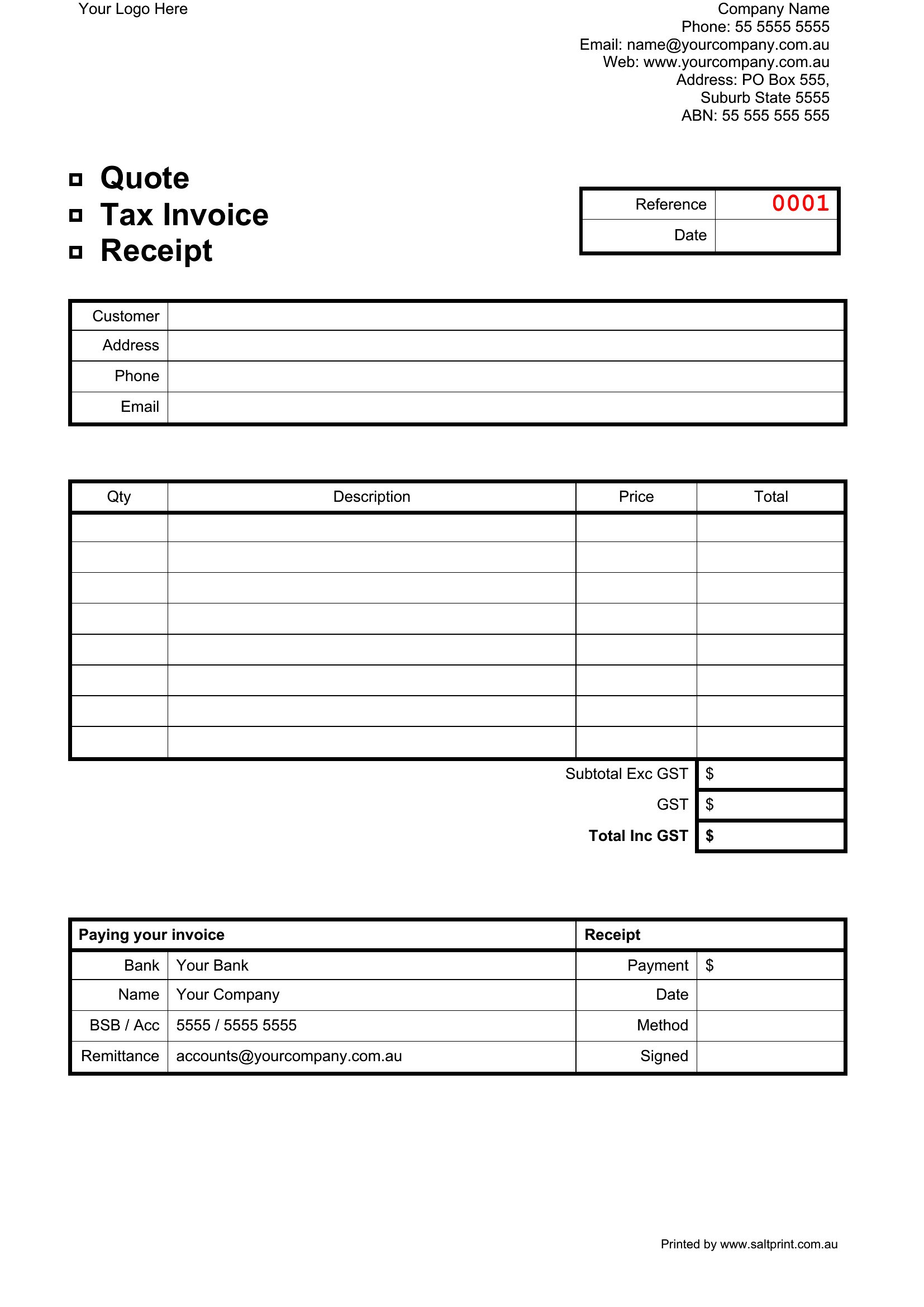
Yes, many templates in this collection feature columns for itemized costs, subtotals, tax rates, and payment methods. Look for samples labeled with terms like ‘detailed’ or ‘tax-inclusive’ if you need those specifics. For businesses in regions with strict tax laws, double-check local requirements before finalizing.
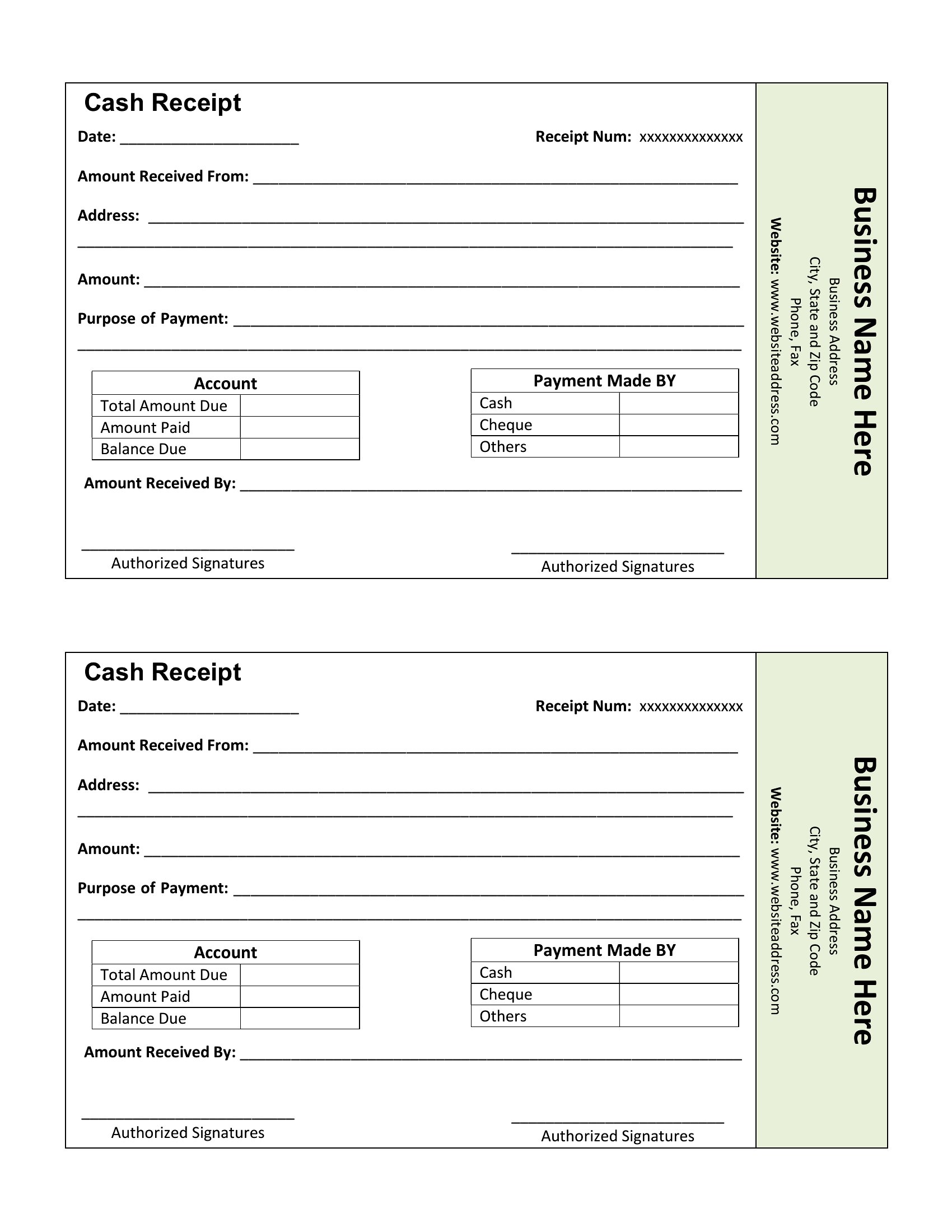
Can I add a logo or business name to a PDF receipt template?
If you’re using Word first, you can embed a logo or business name before converting to PDF, ensuring it stays part of the final file. For PDF-only templates, you’ll need design software to merge the logo afterward. Always save a backup with your branding removed if you plan to share the template publicly.
Are there receipt templates designed for services rather than physical goods?
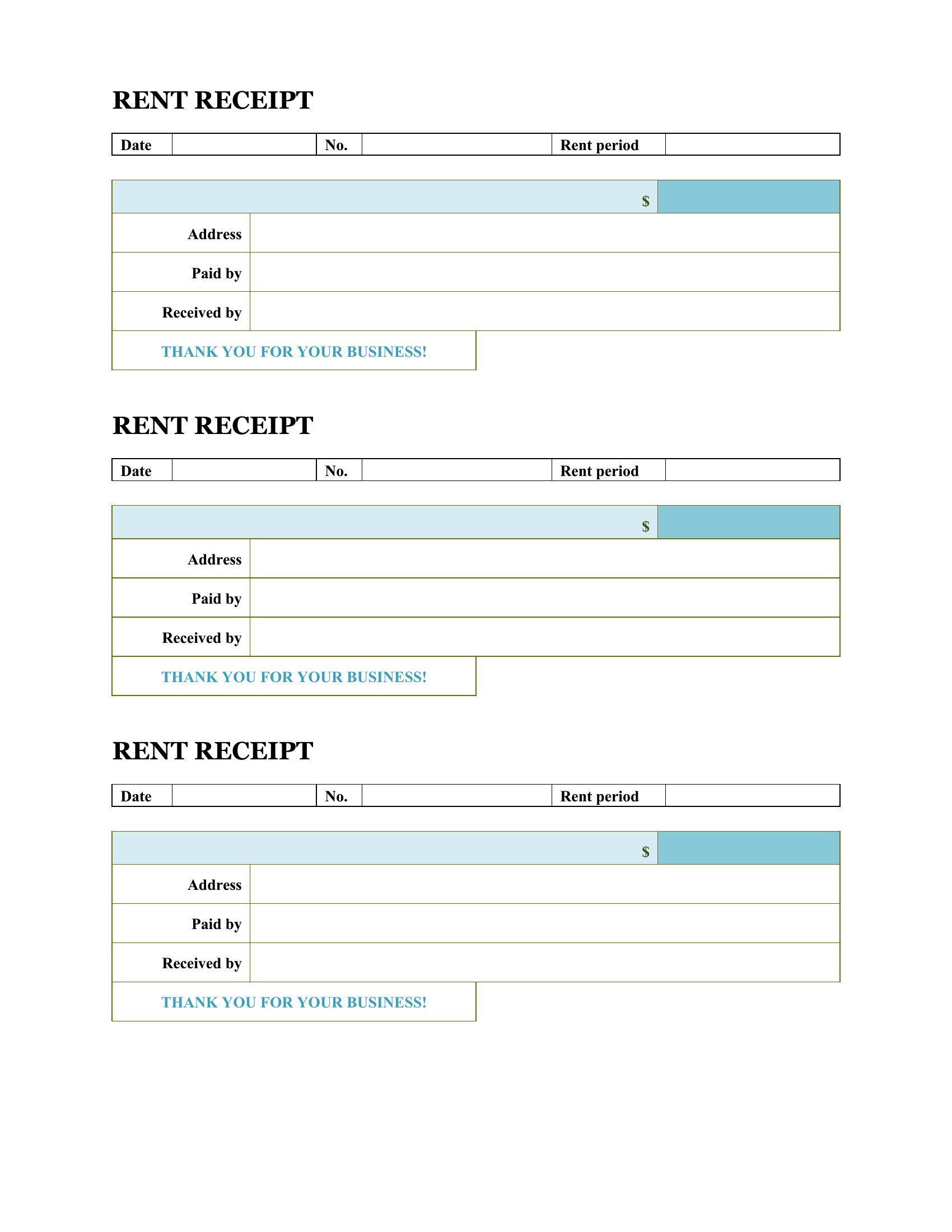
Yes, several templates in this set include sections for service descriptions, hours worked, or rates per service (e.g., consulting or handyman work). Look for samples with fields like ‘Service Provided’ or ‘Time Spent’ to match your needs. These are ideal for sole proprietors or gig workers who bill clients for labor.
Comments
Join the conversation
Sign in to share your thoughts and leave a comment on this resource.