
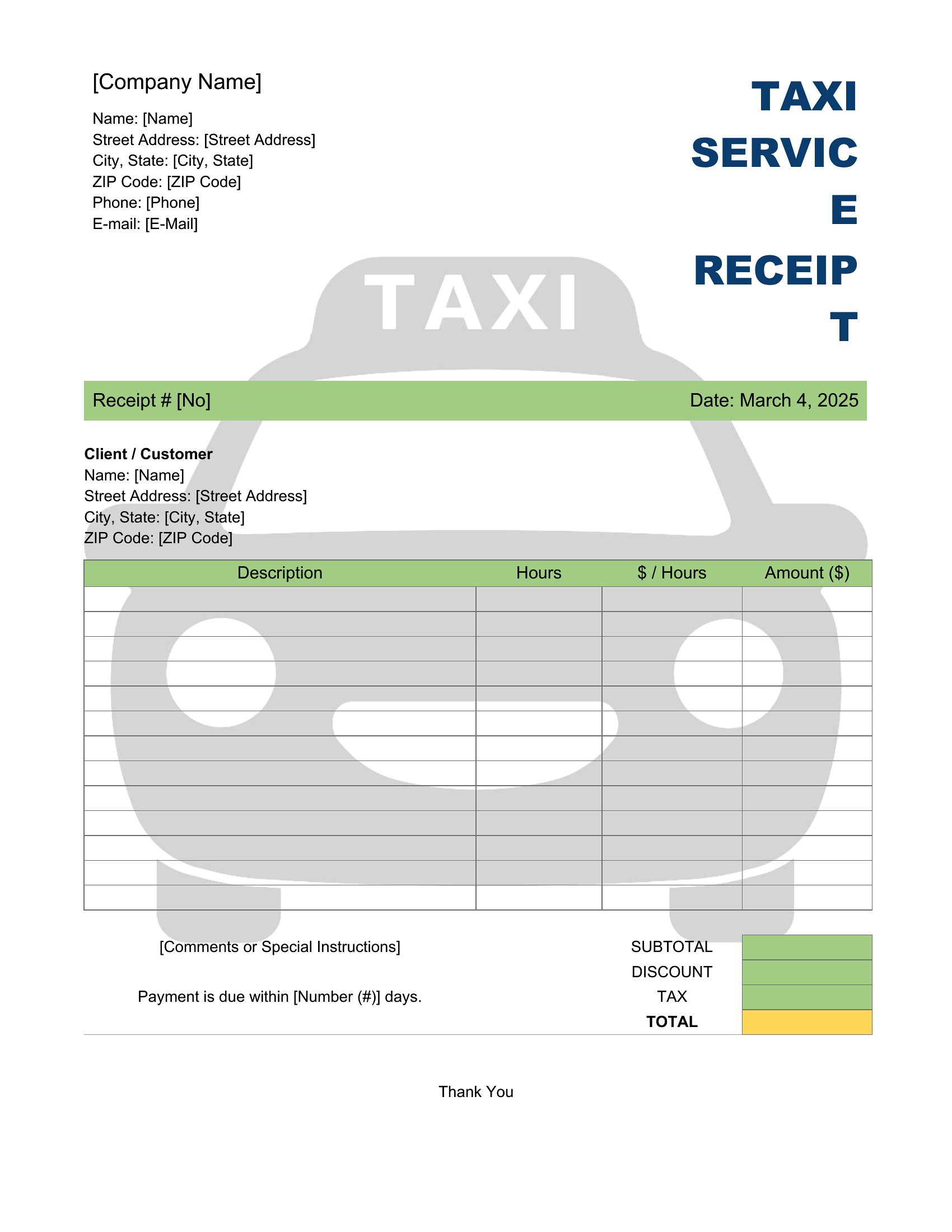
Free Taxi Receipt Templates (Word, Excel)
PaymentsTemplates




FAQ
Can these receipts include optional fields like toll fees or wait time charges?
Yes, the Word templates let you add or remove fields to include tolls, wait time, or additional surcharges. Excel formats can also accommodate extra columns for these charges if you’re tracking them separately for accounting. Always verify your local regulations, as some areas require specific disclosures on receipts.
Do these templates meet the legal requirements for taxi receipts in my city?
Templates provide a professional structure with key details like fare, date, and route, but local laws may mandate additional info such as the driver’s license number or company registration. Check your city’s Department of Transportation or taxi commission for exact requirements, and adjust the Word templates accordingly.
How can I ensure the receipts are legible if printed on thermal paper?
Thermal paper can fade over time, so use a dark ink pen to manually record details like the driver’s name or company info on Word-printed receipts before handing them over. For Excel, print to PDF first and then to thermal paper to maintain clarity, though test a sample to confirm print quality.
Comments
Join the conversation
Sign in to share your thoughts and leave a comment on this resource.
