FAQ
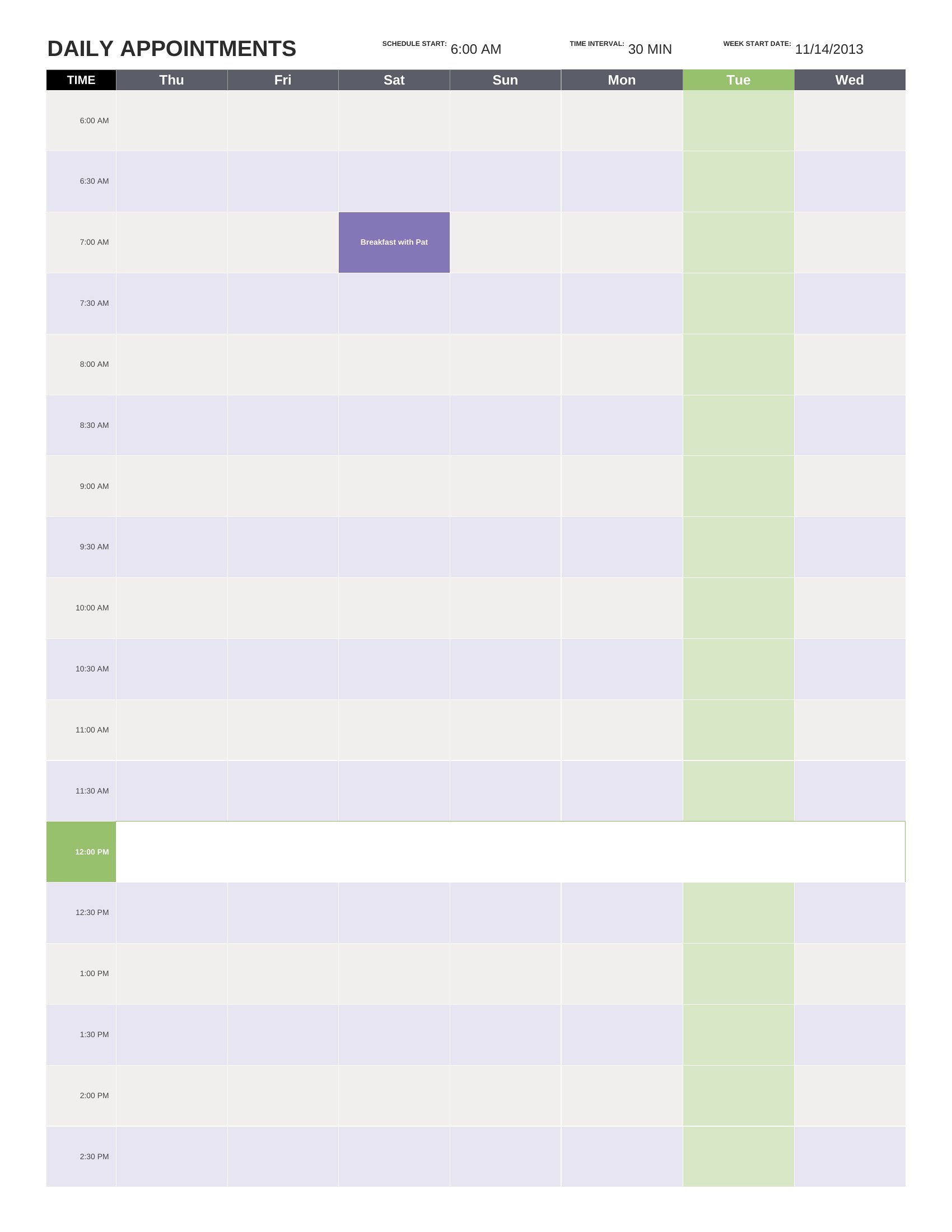
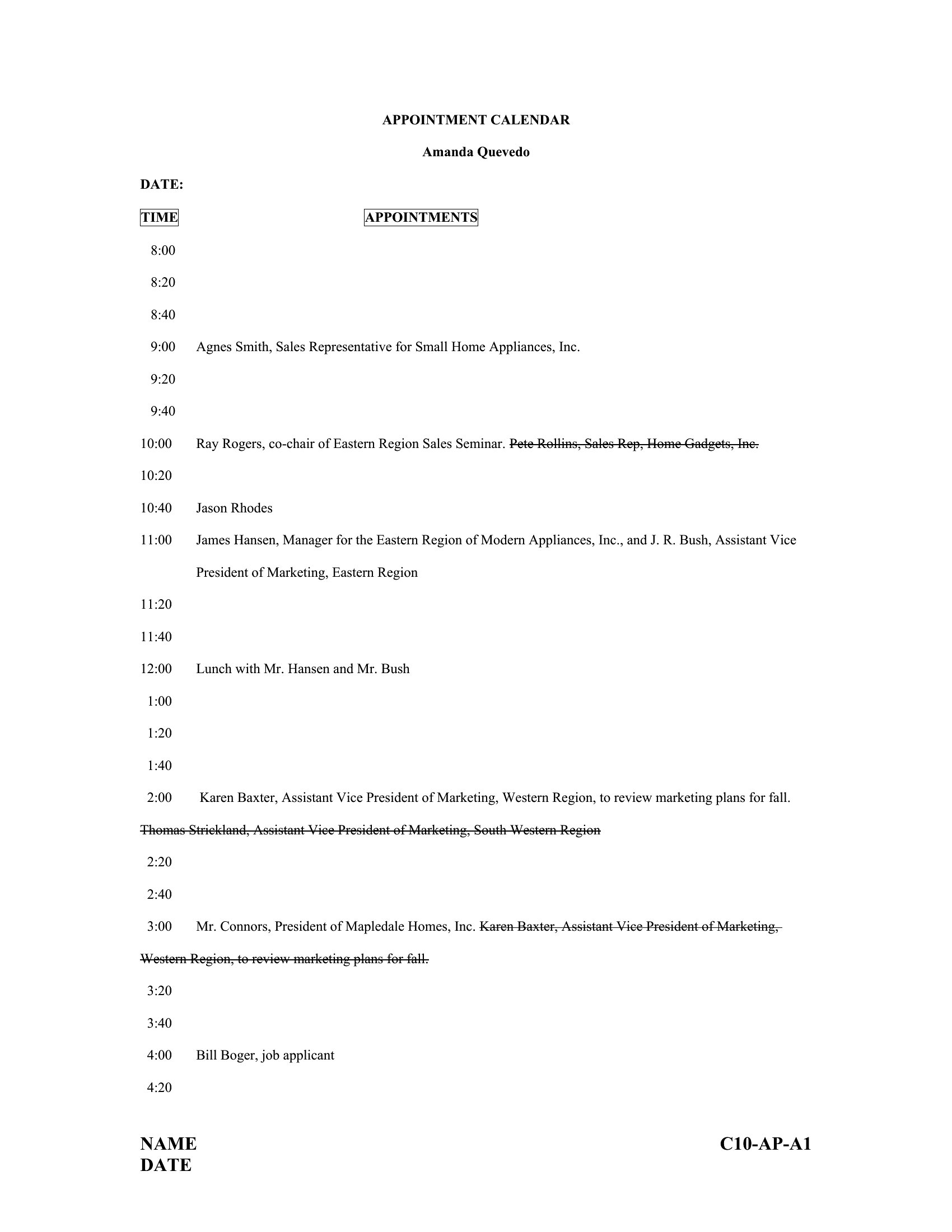
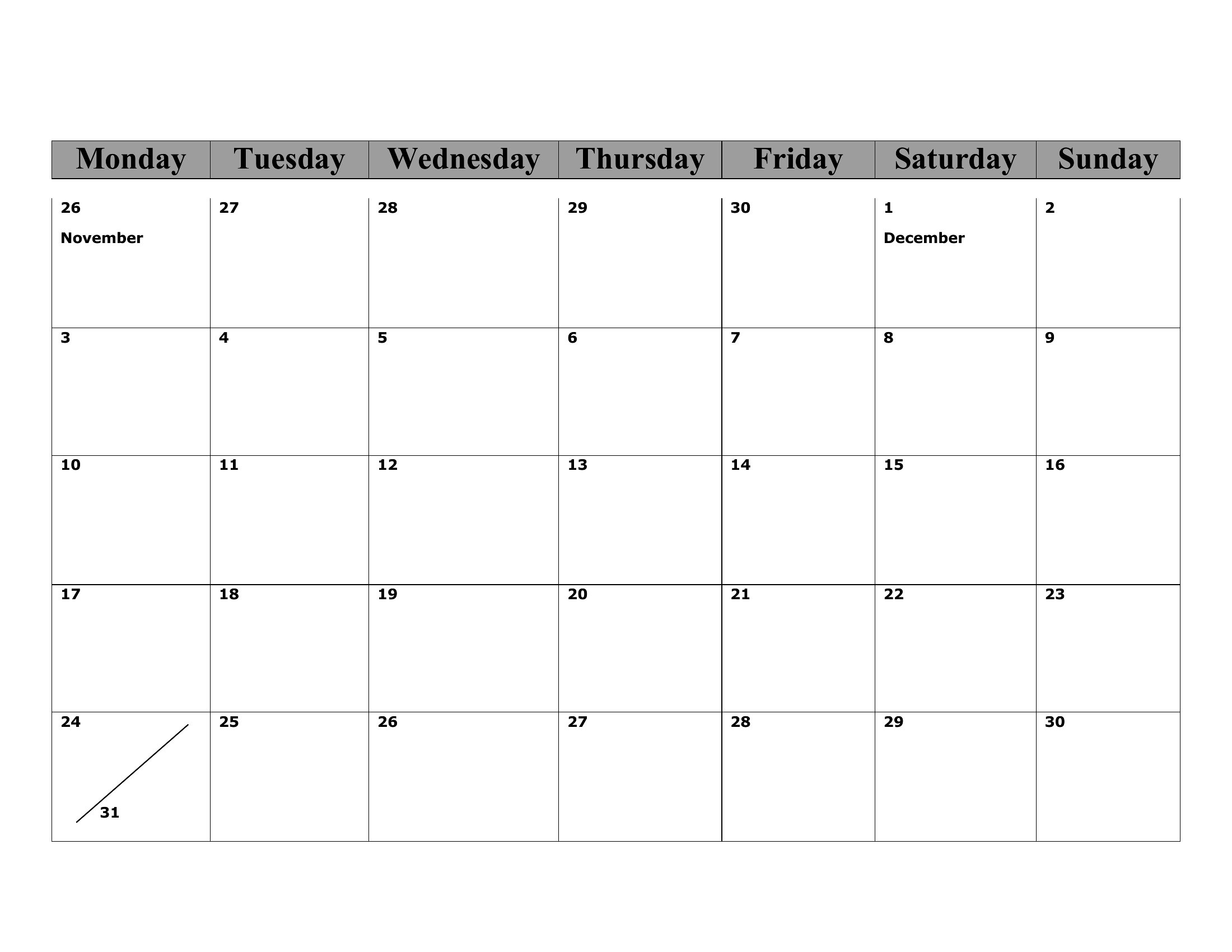
Why do some templates show hourly slots while others are blank grids?
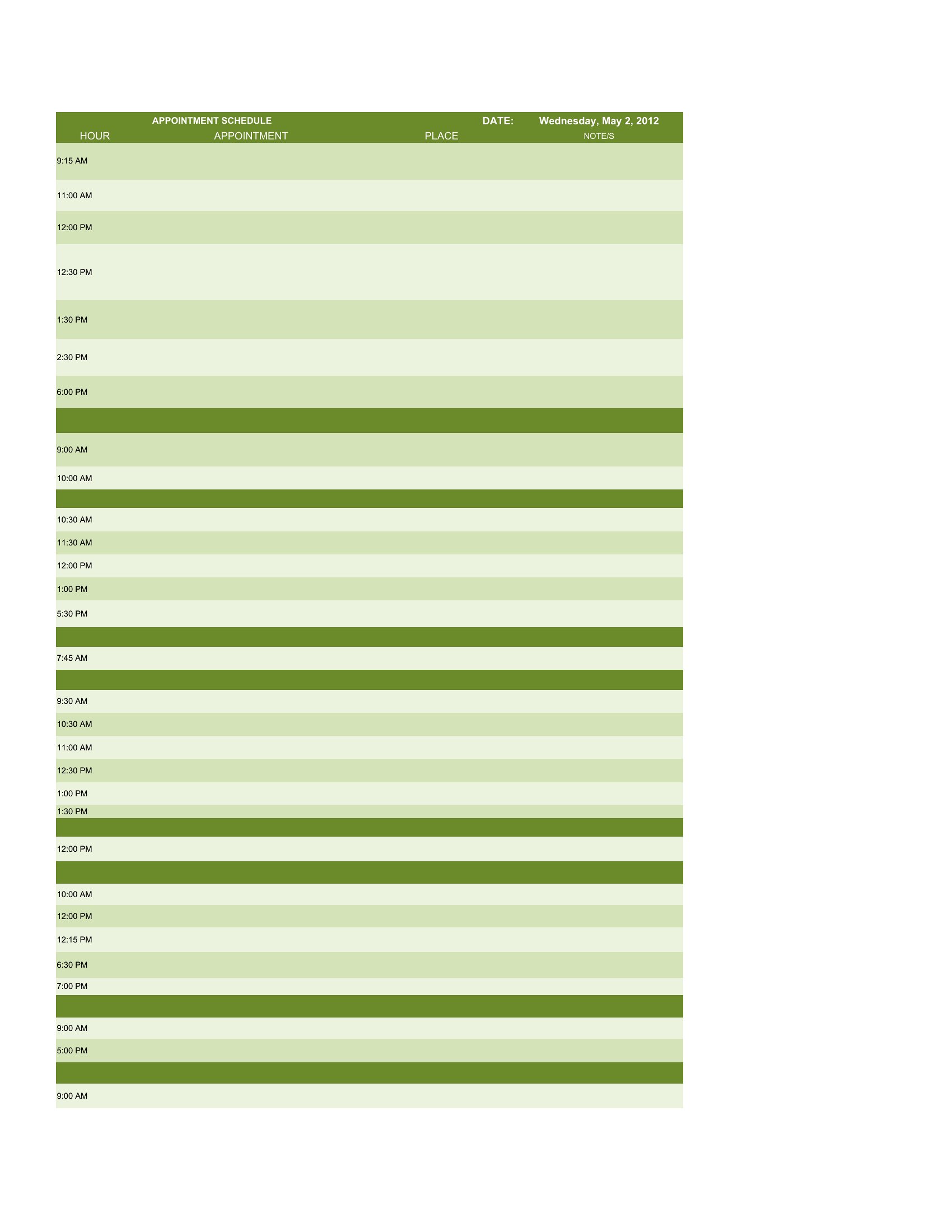
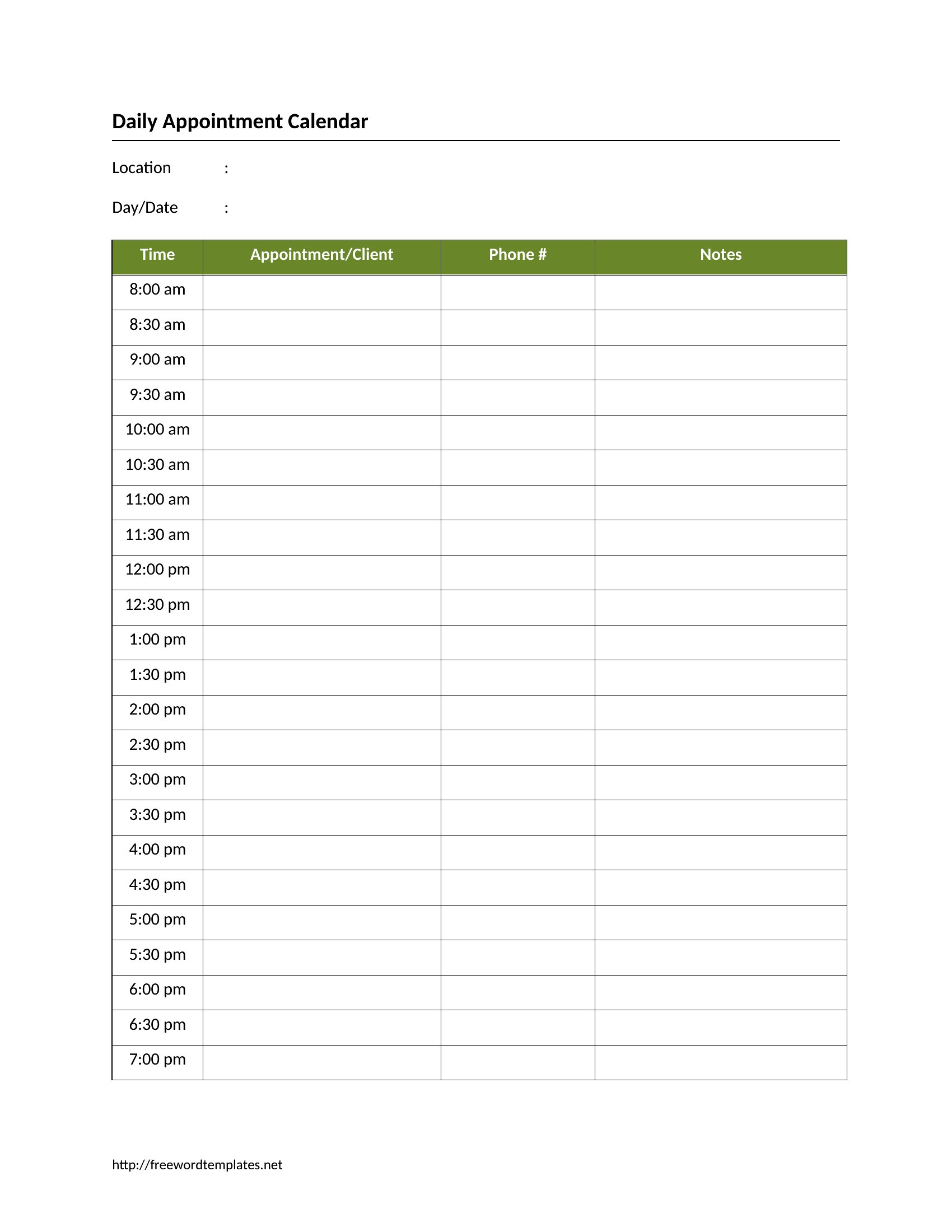
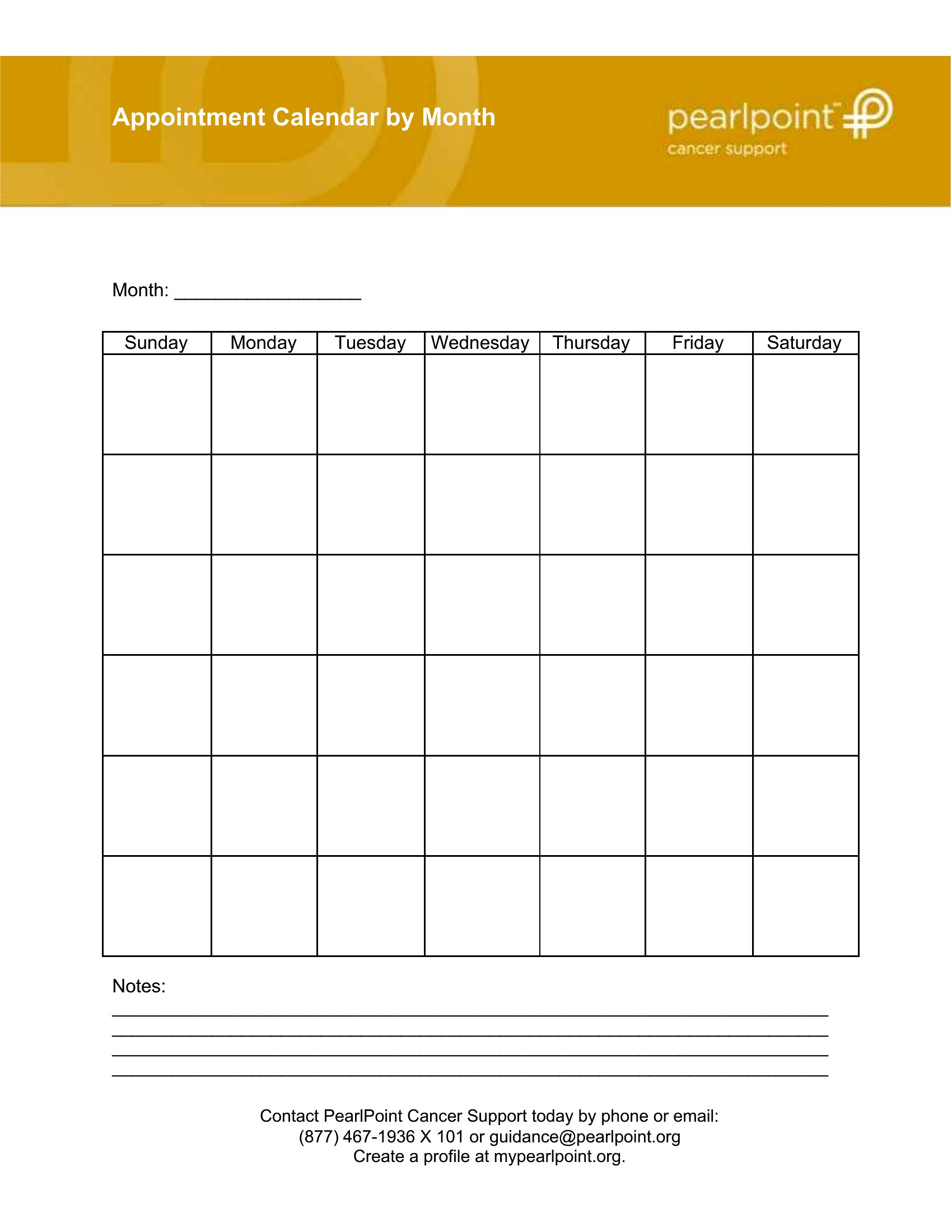
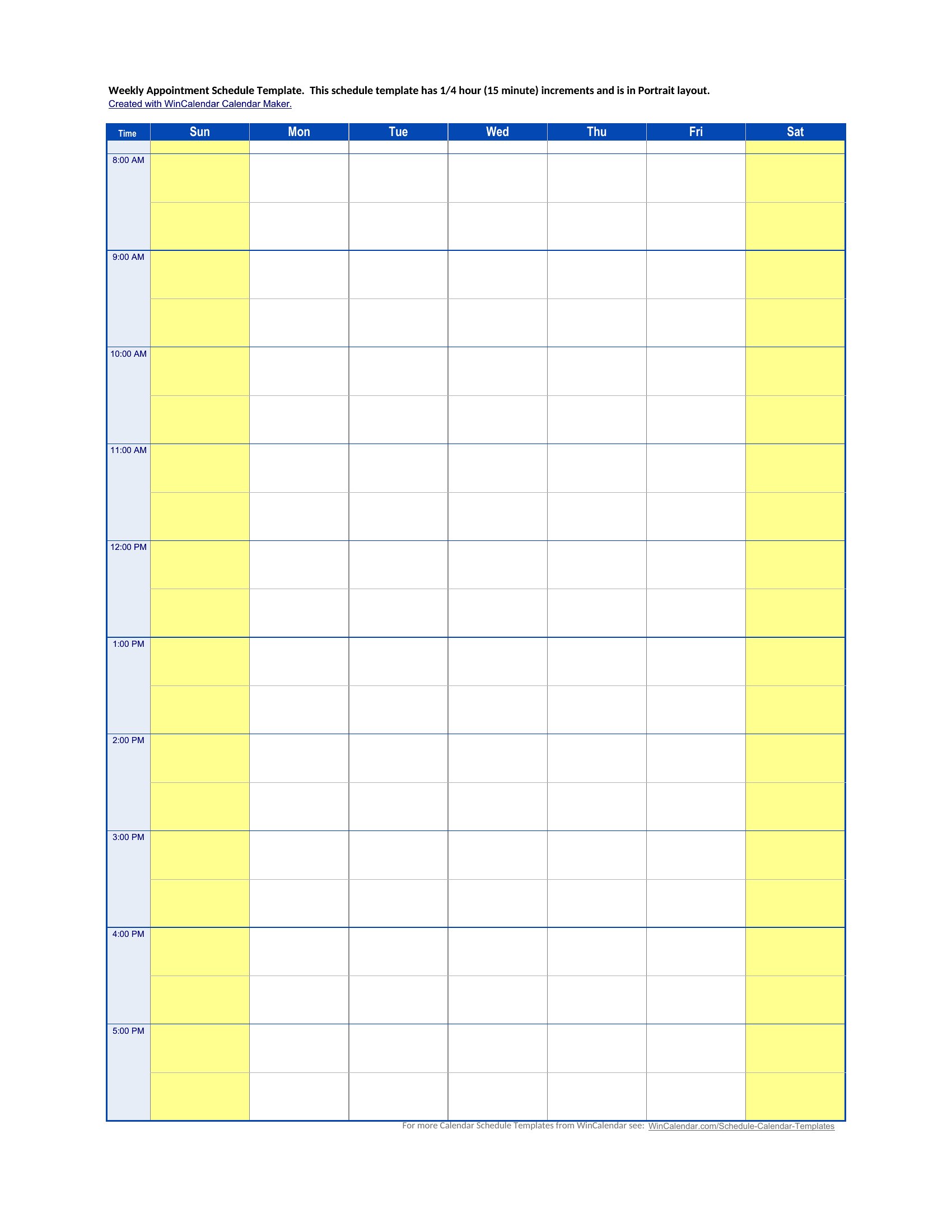
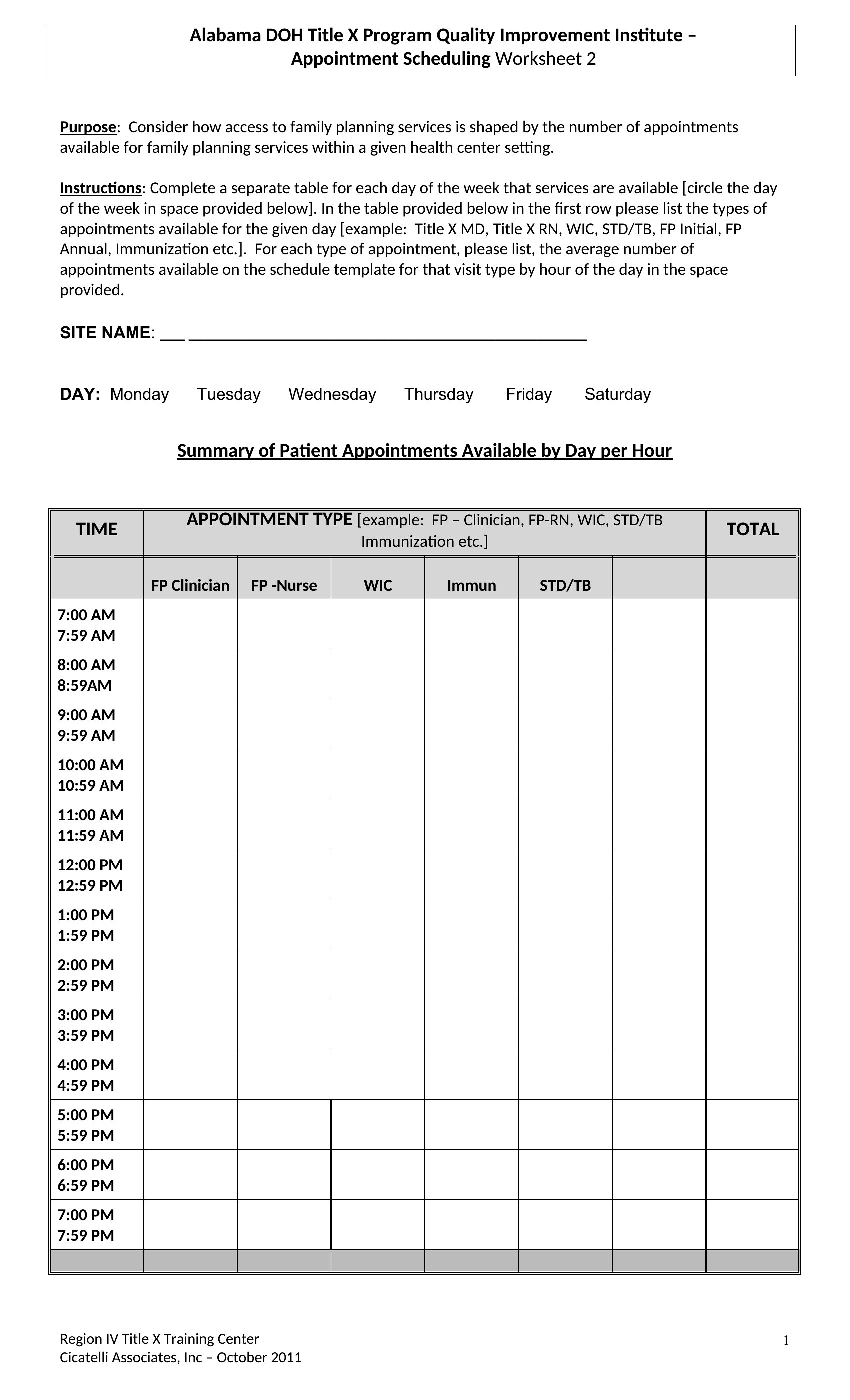
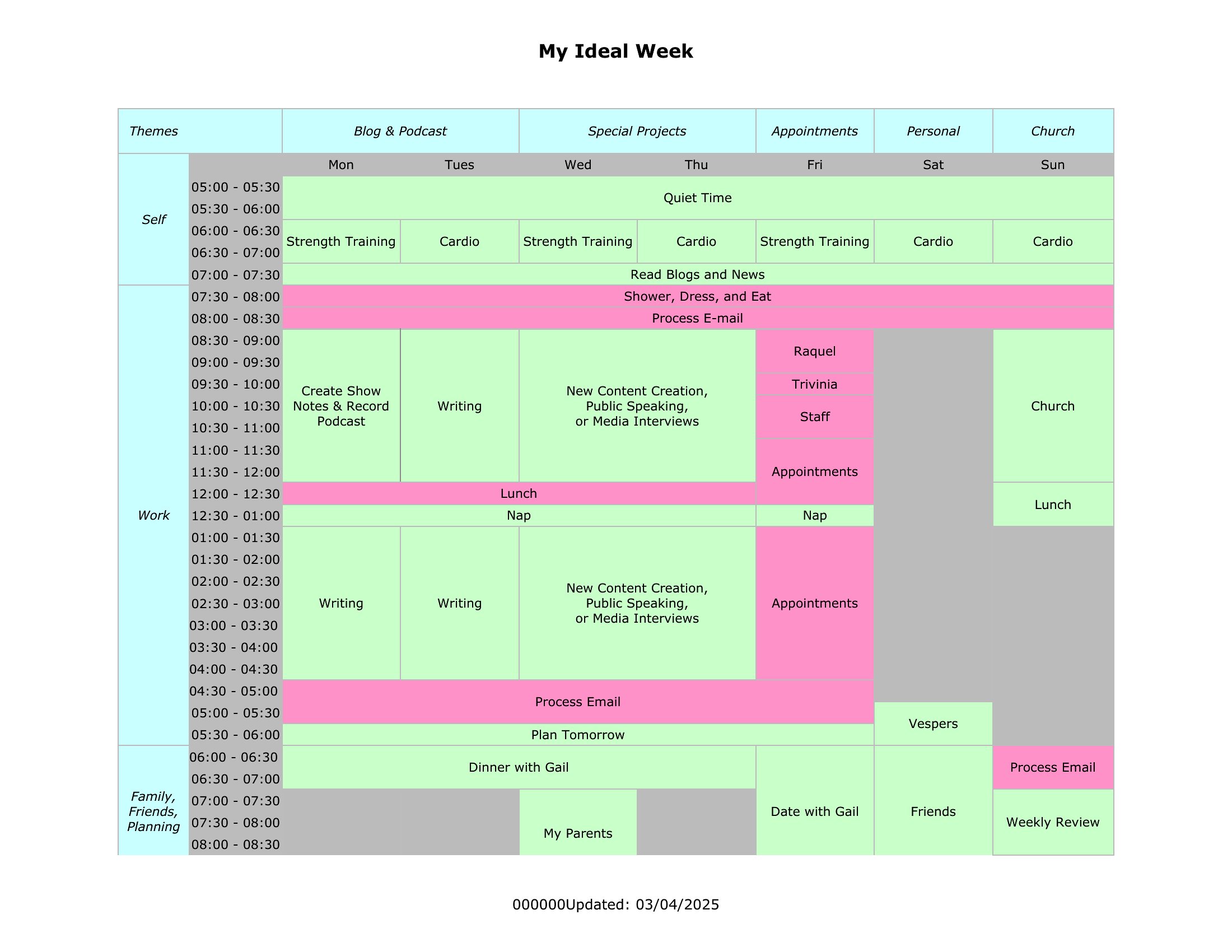
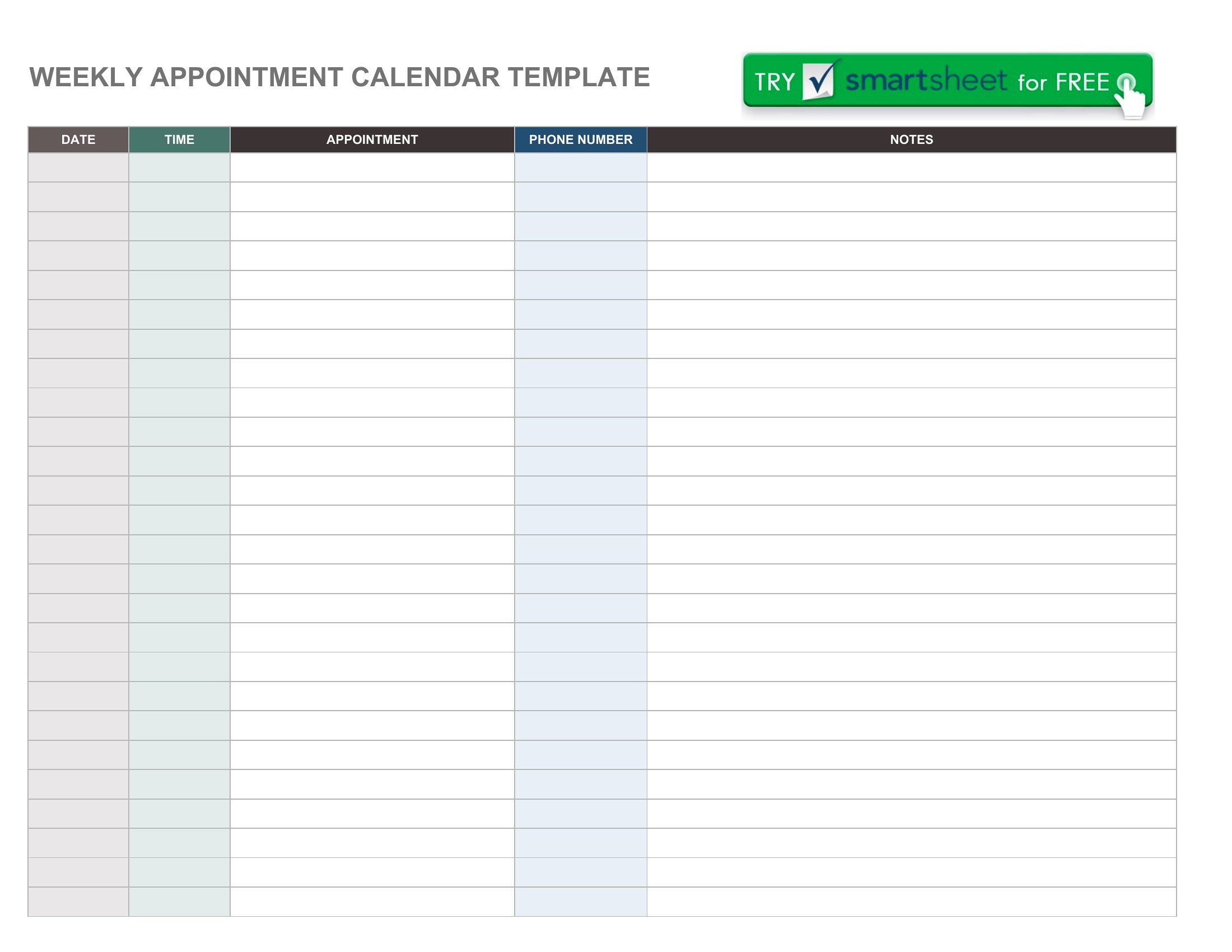
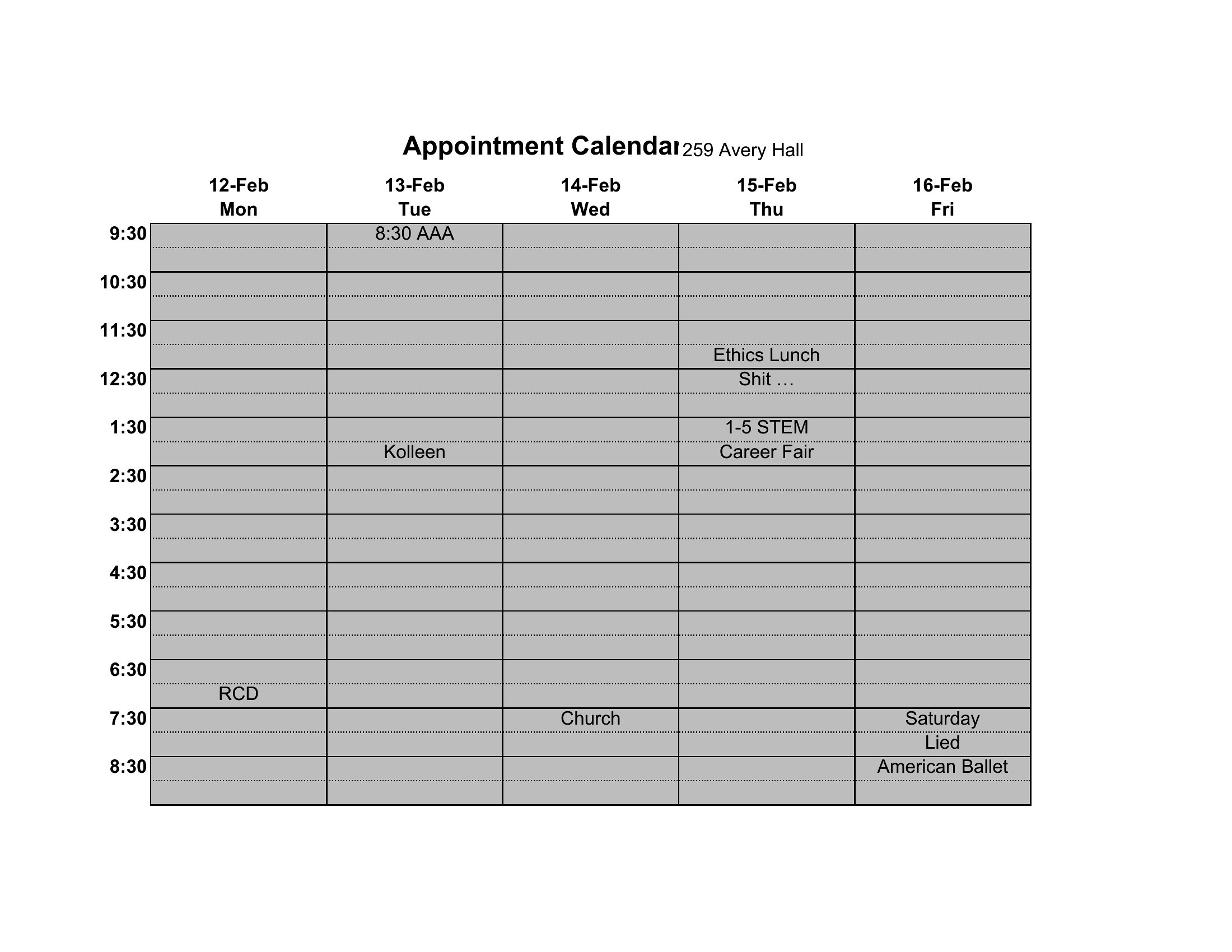
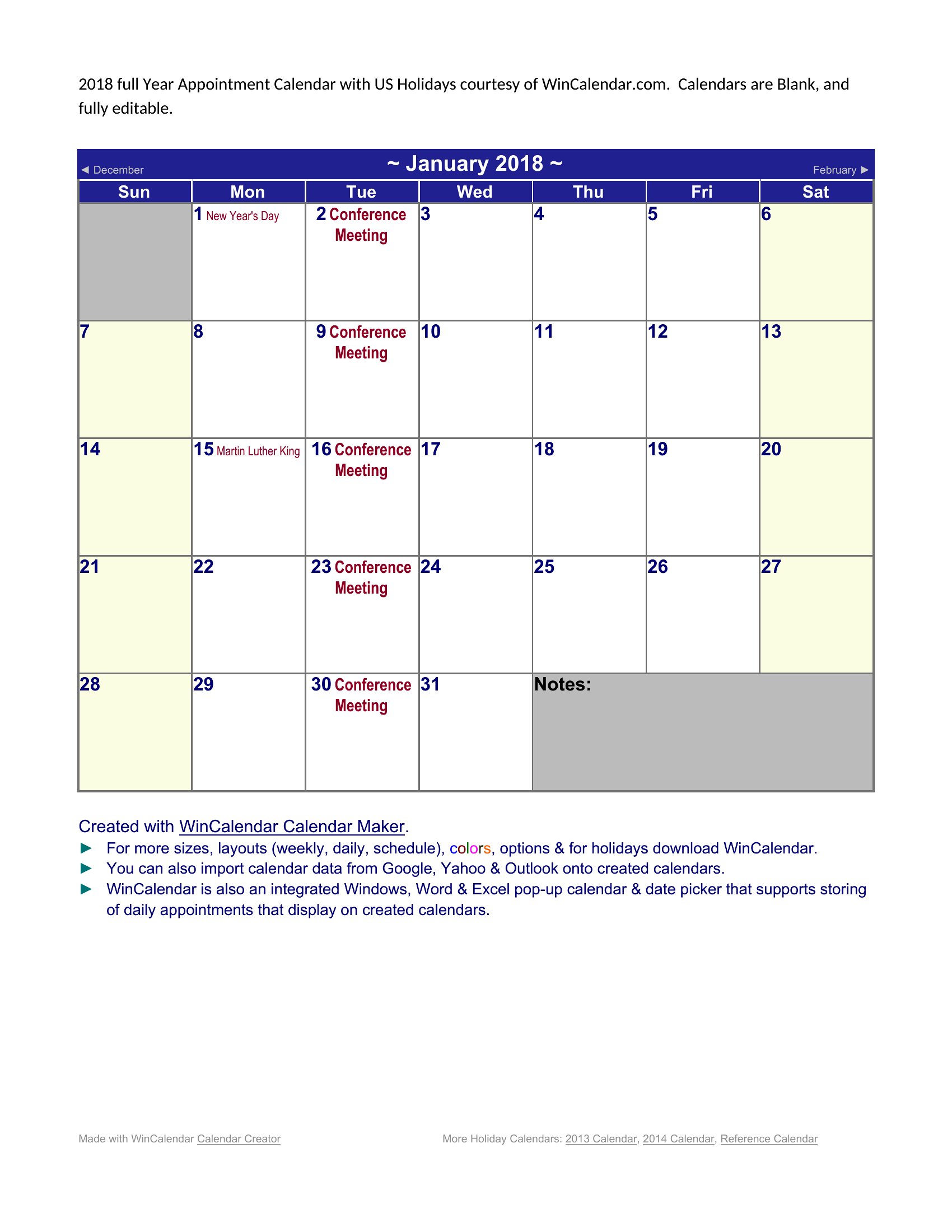
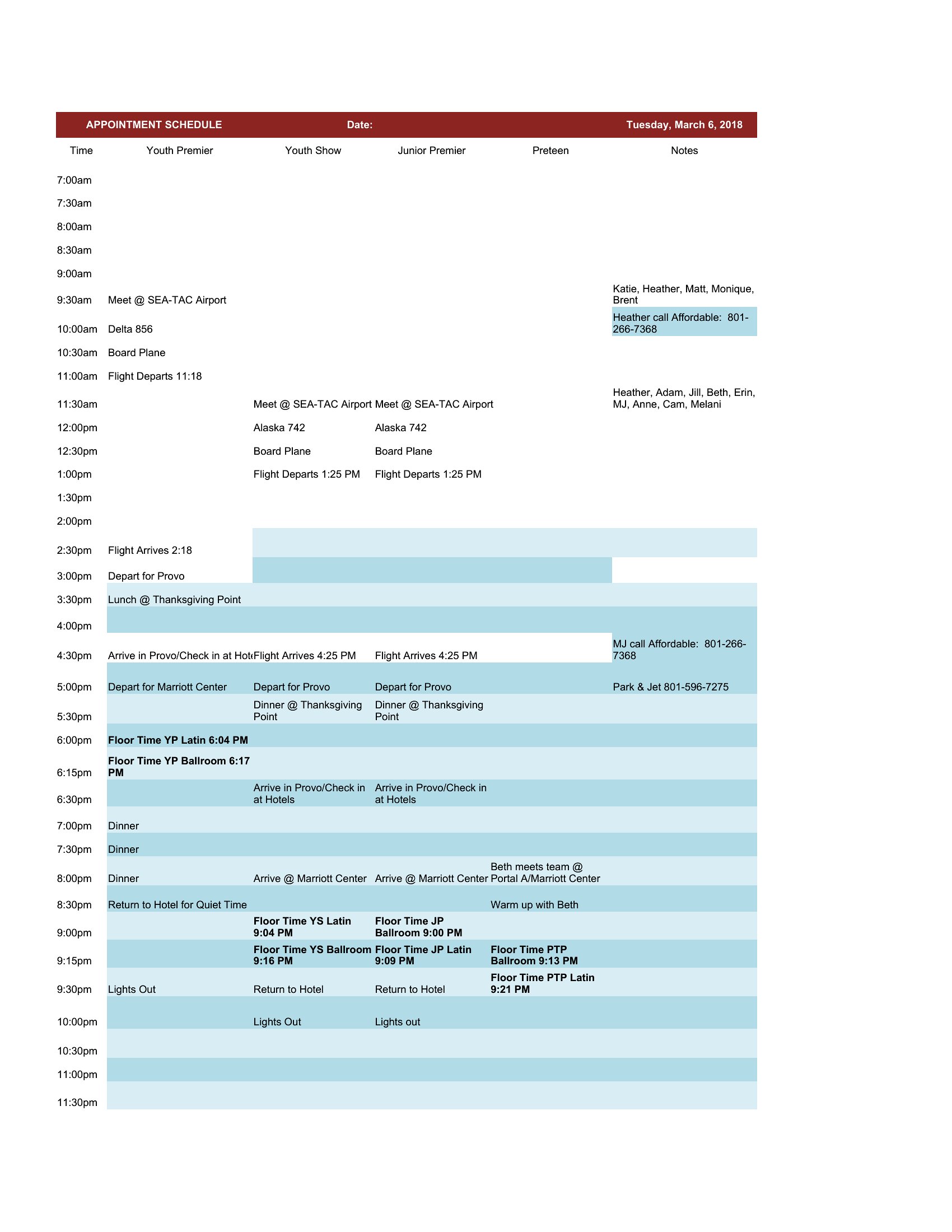
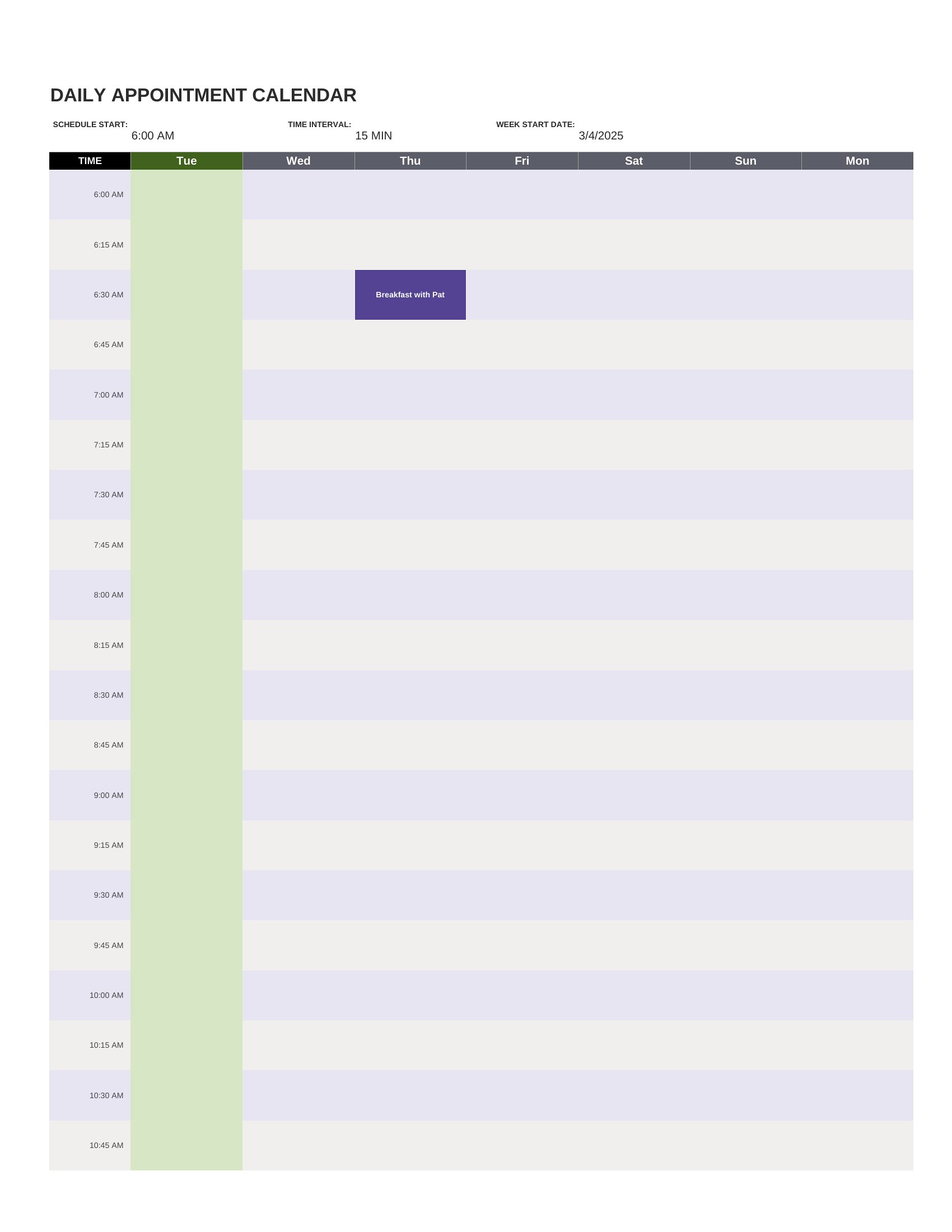
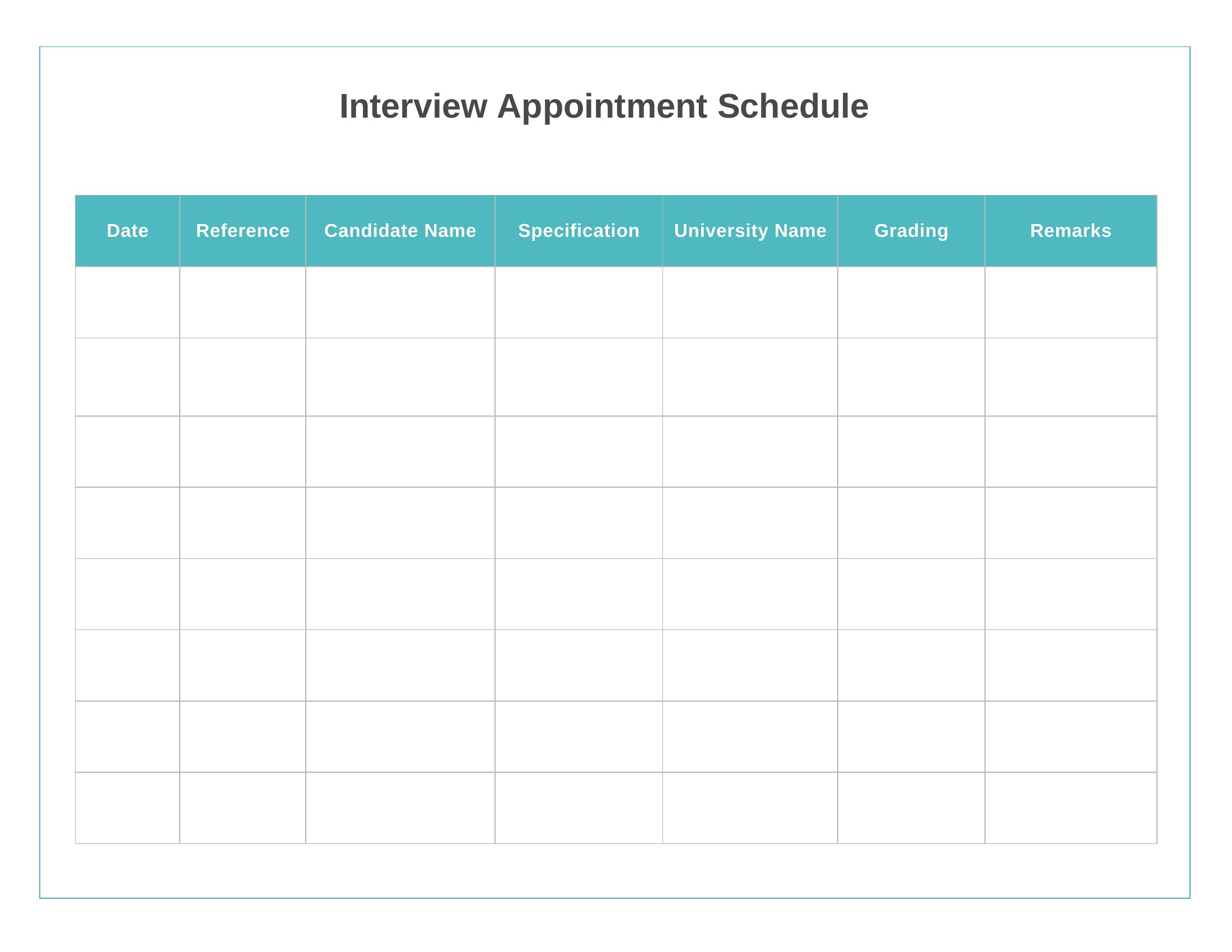
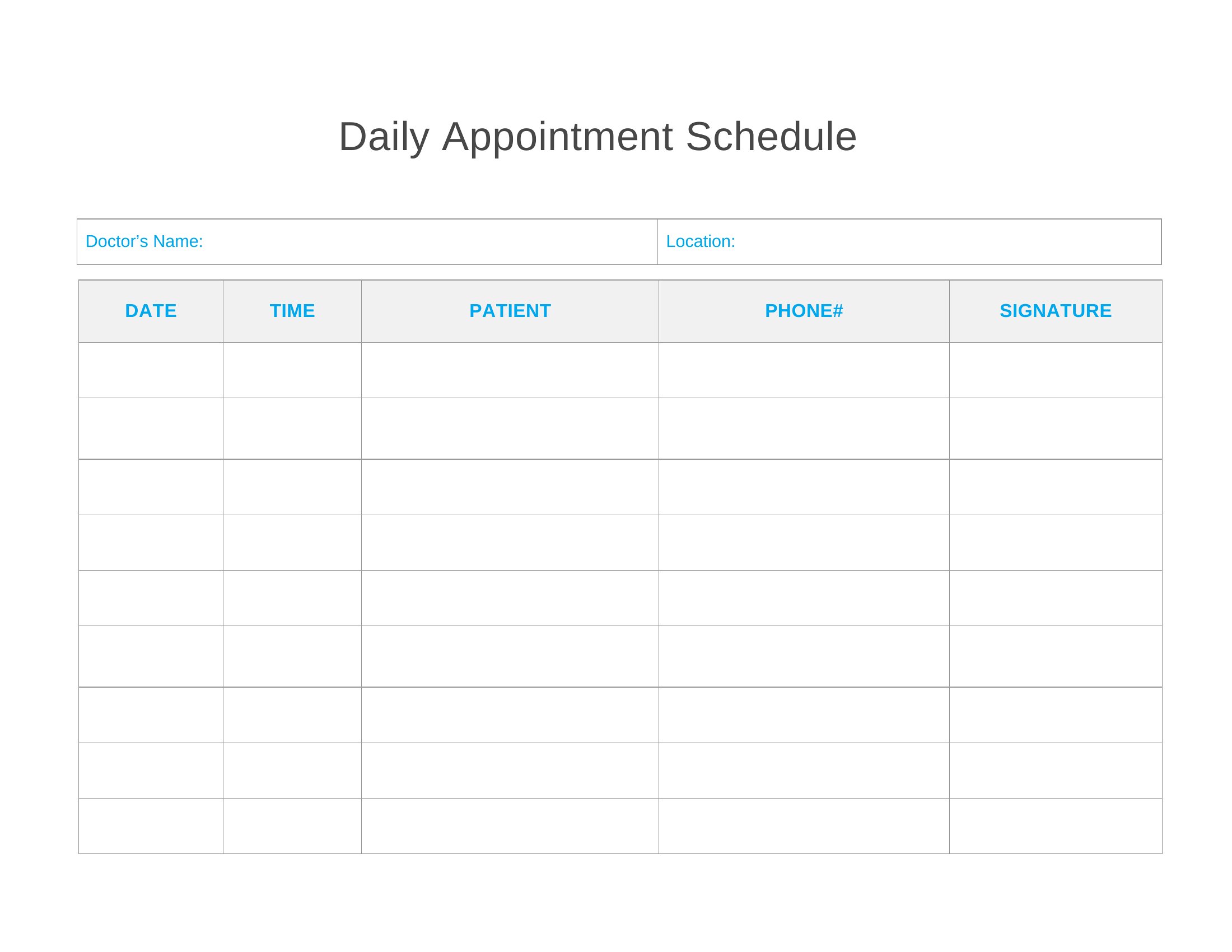
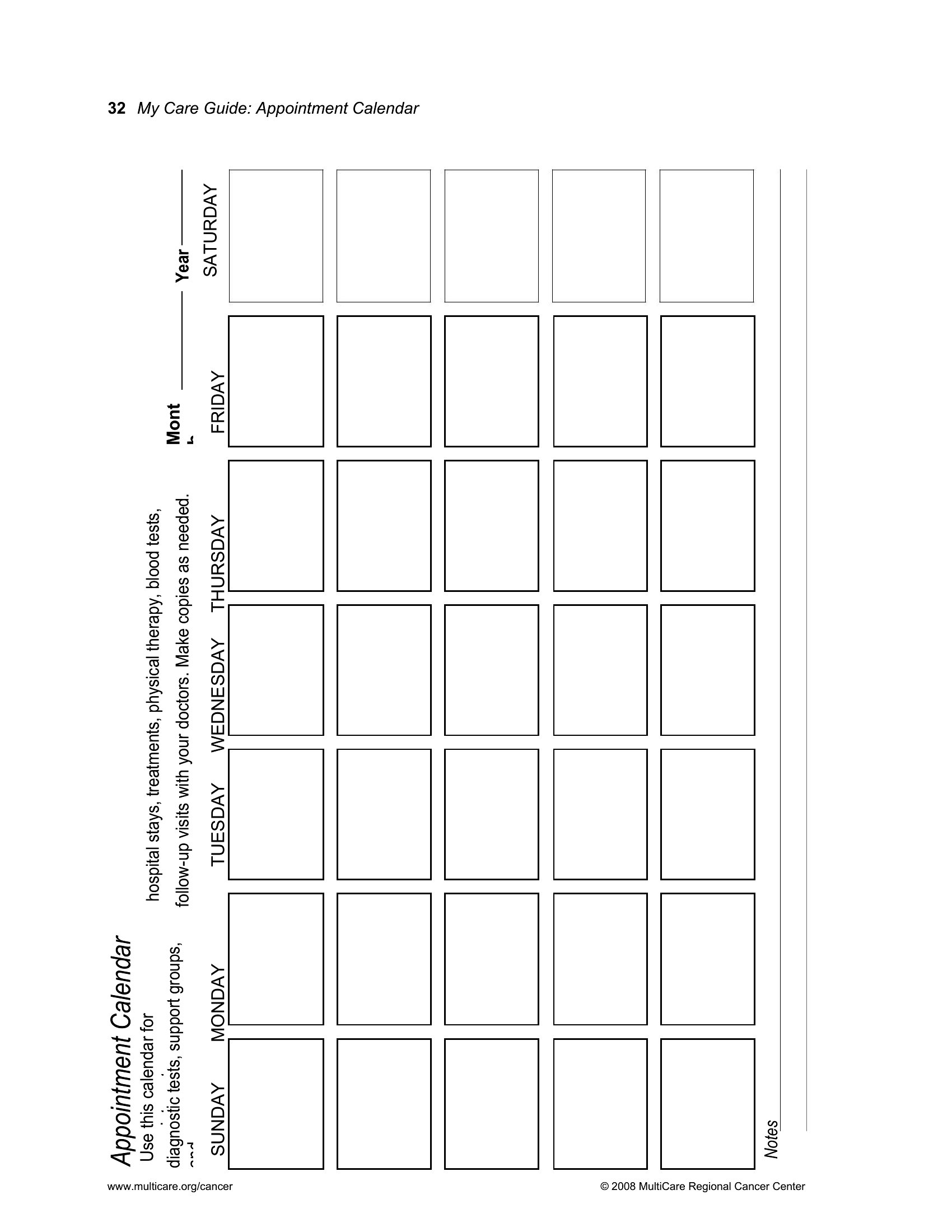
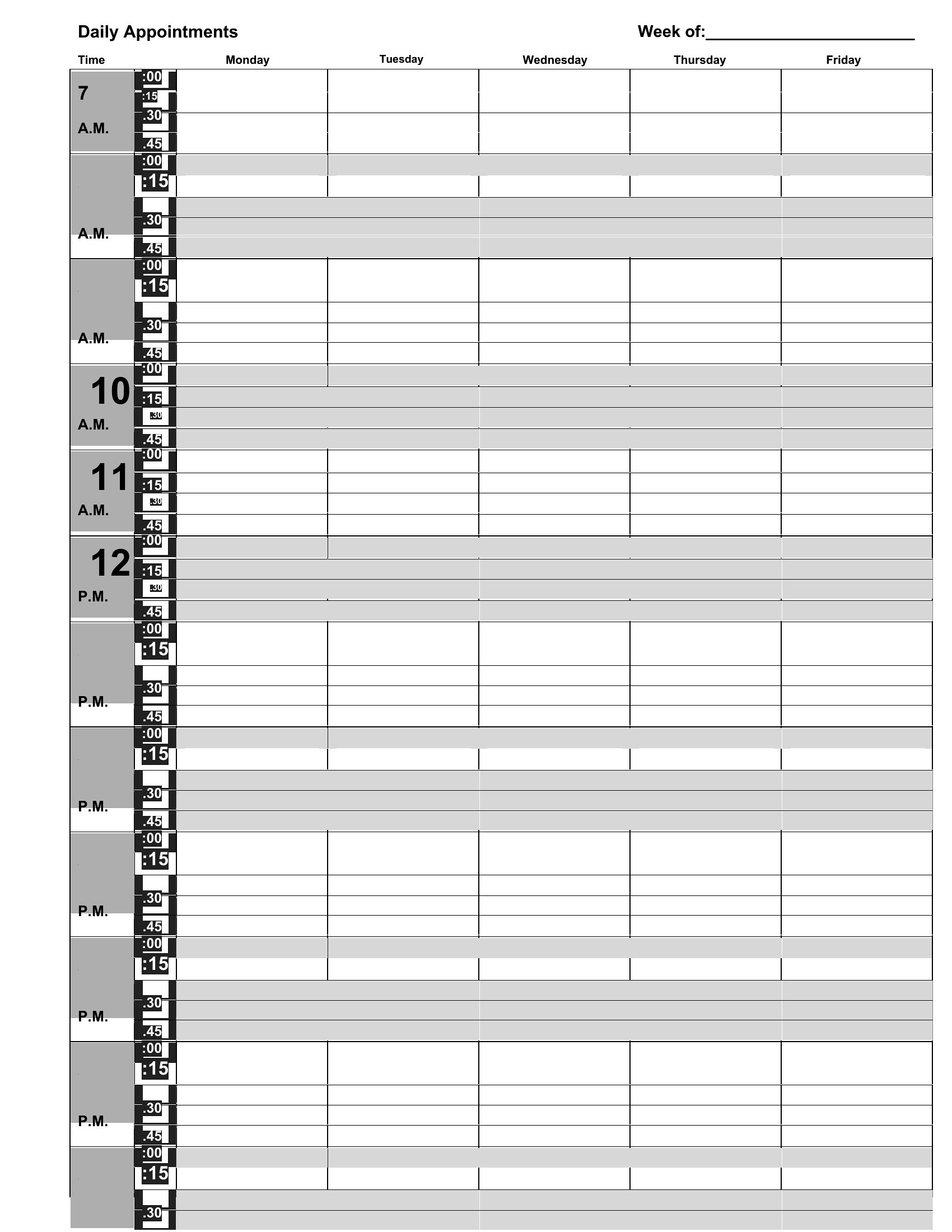
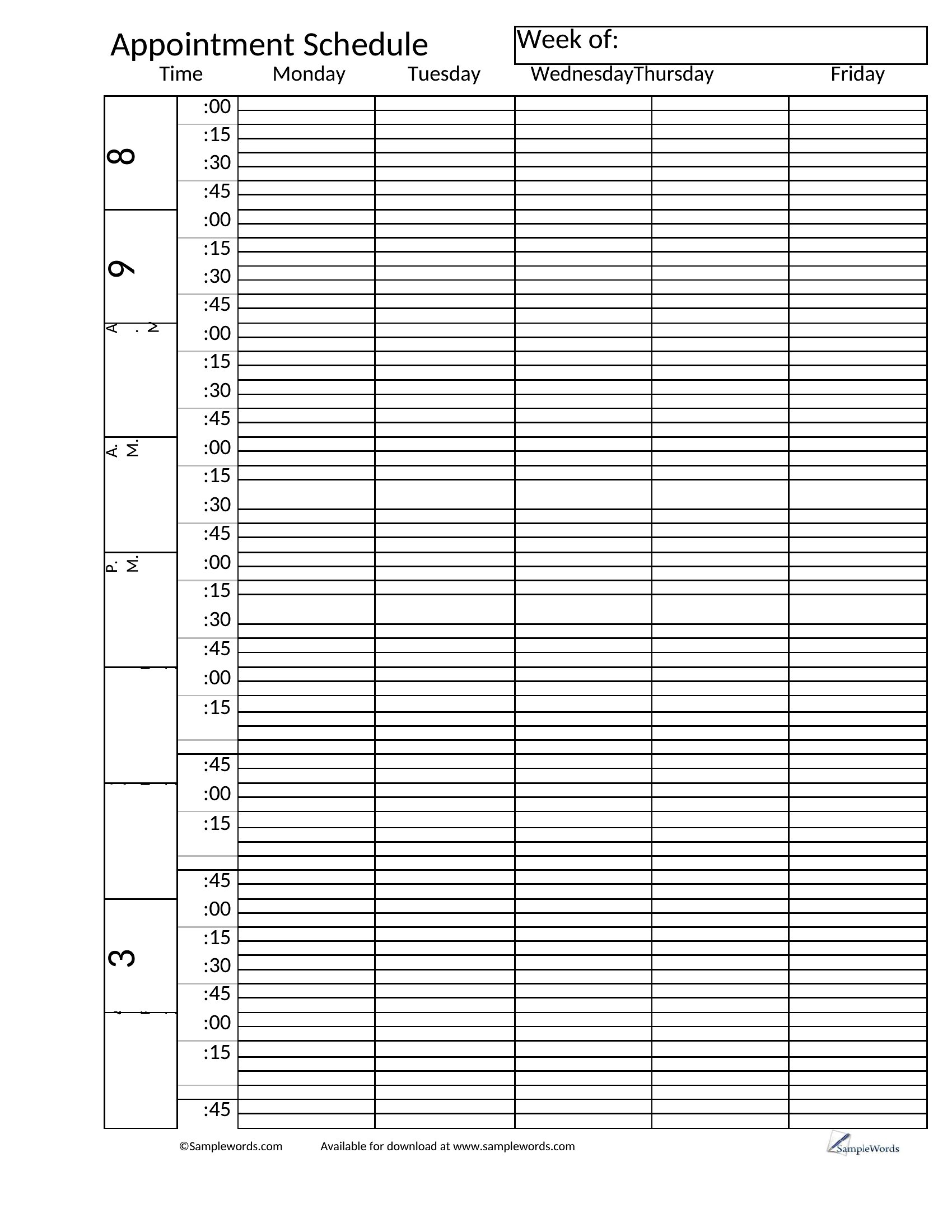
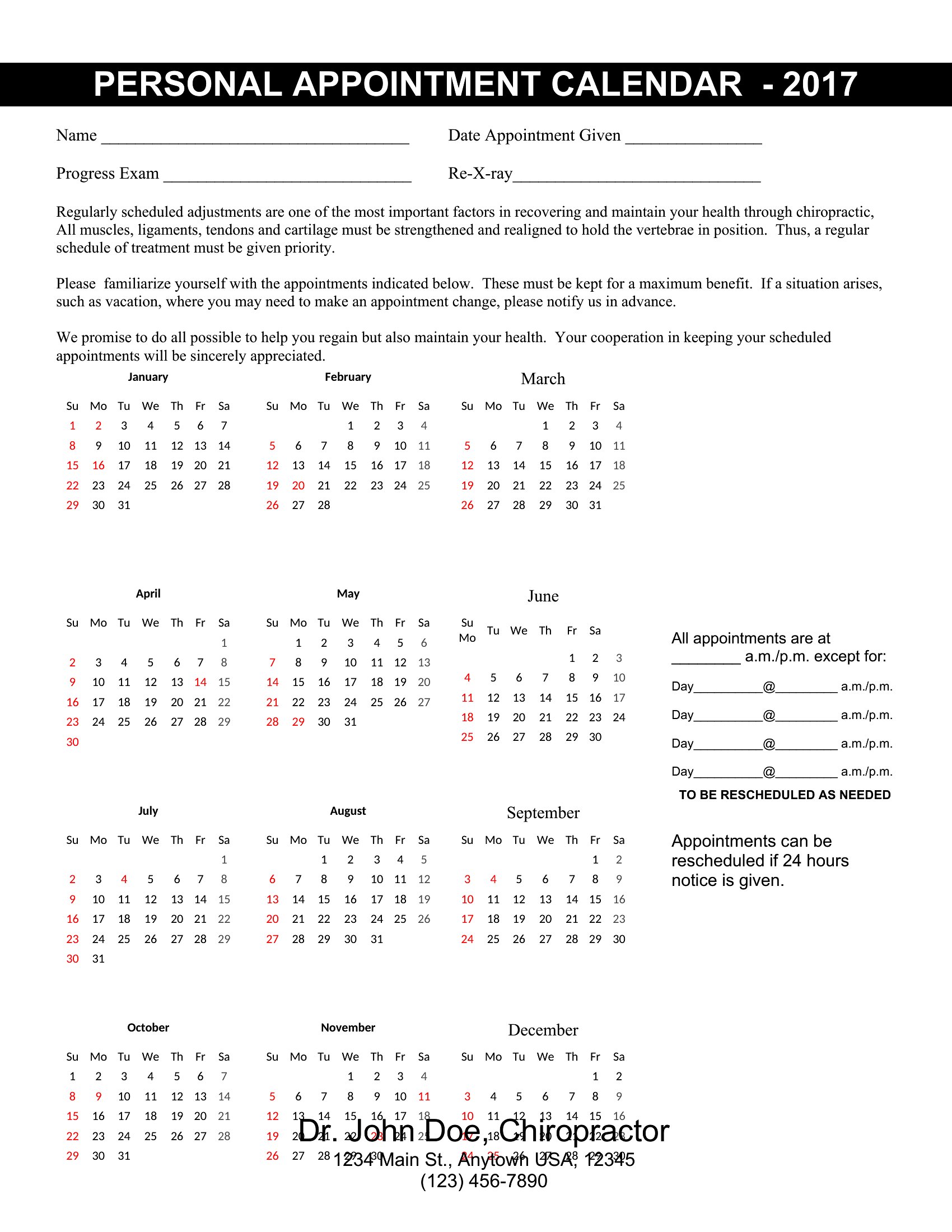
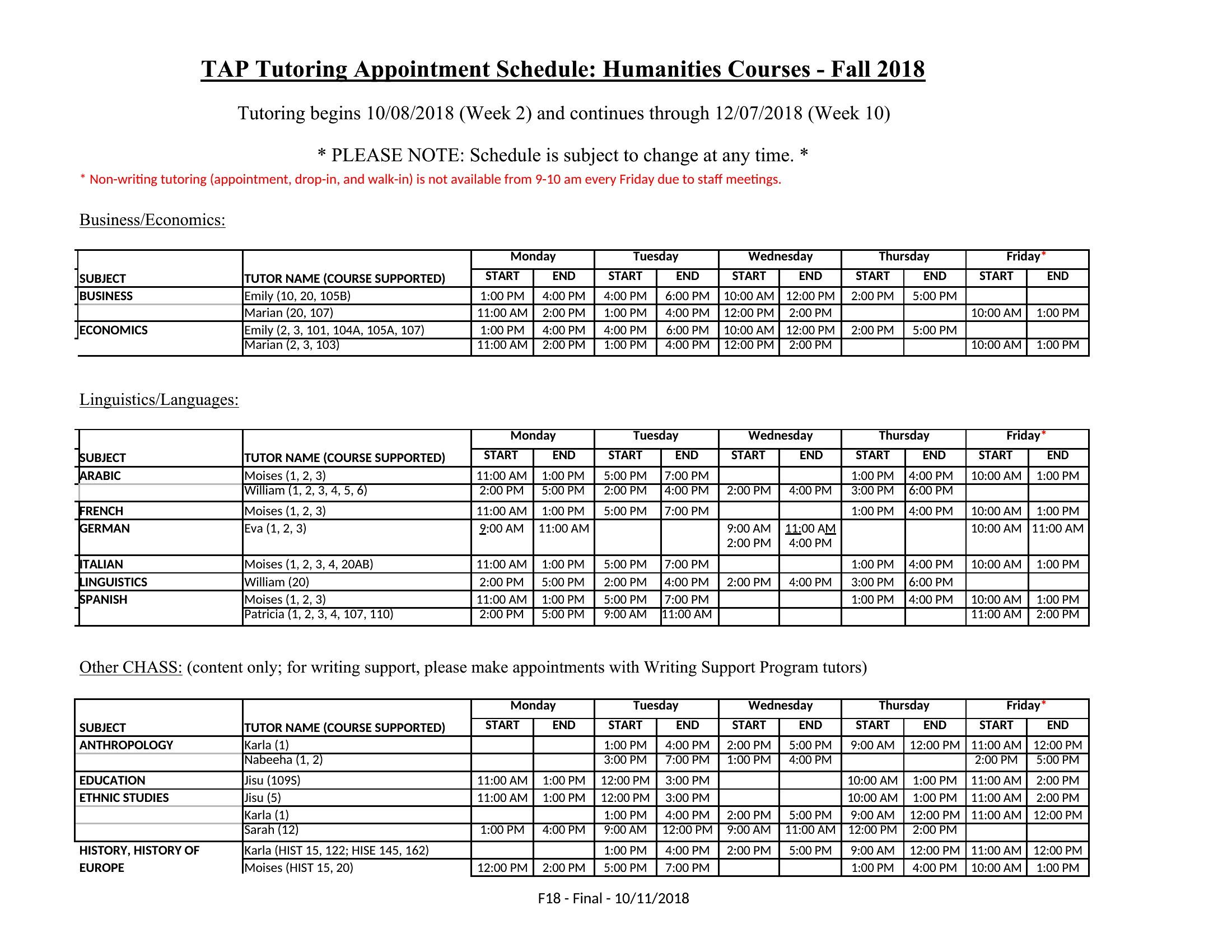
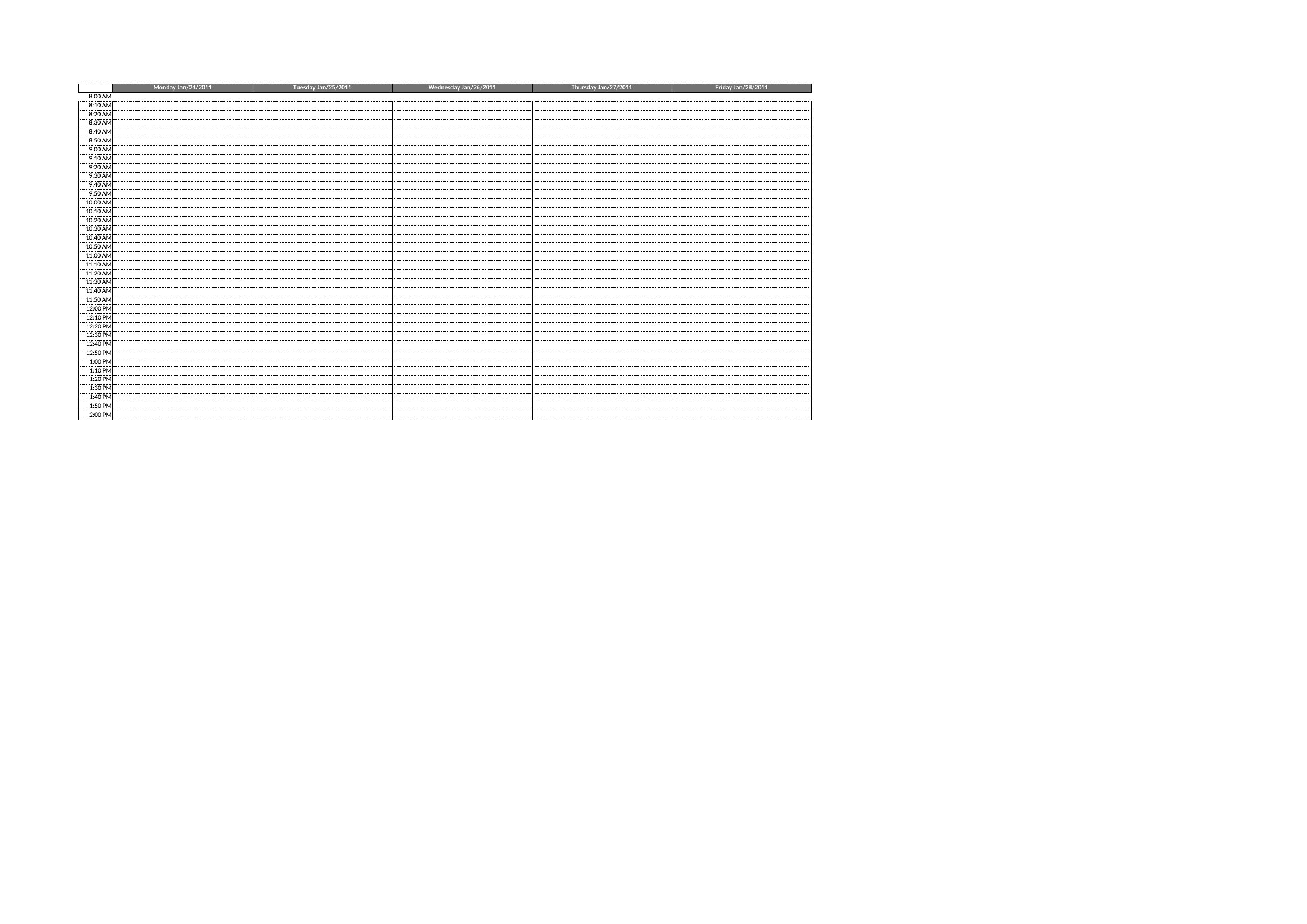
Hourly templates are designed for businesses with predictable appointment lengths, like salons or therapy sessions. Blank grids let you customize your own time increments—ideal for variable-length consultations (e.g., legal or medical appointments) or when you need to group multiple services under one time block. Start with the hourly version if you’re unsure, then adjust as needed.
Can I use these templates to integrate with online booking tools later?
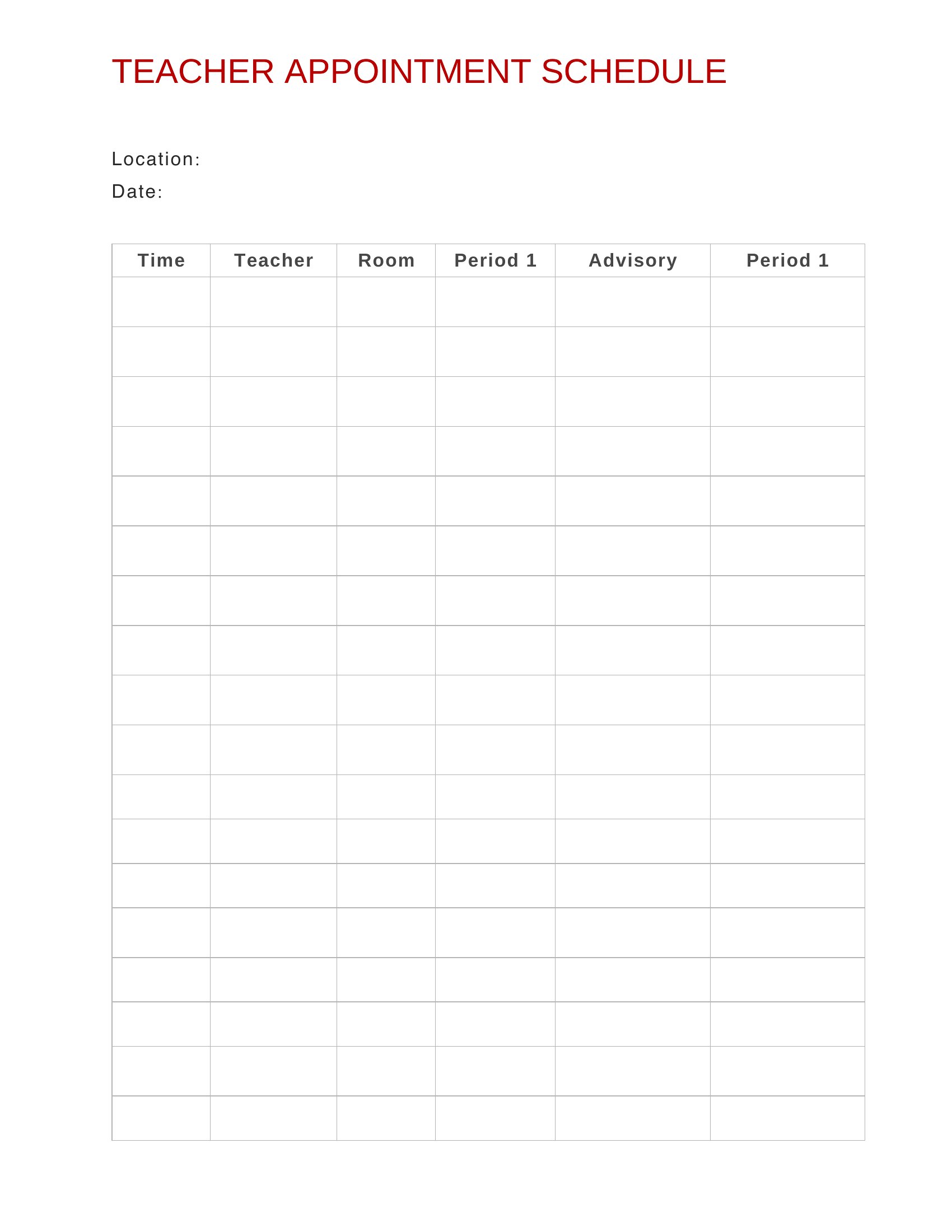
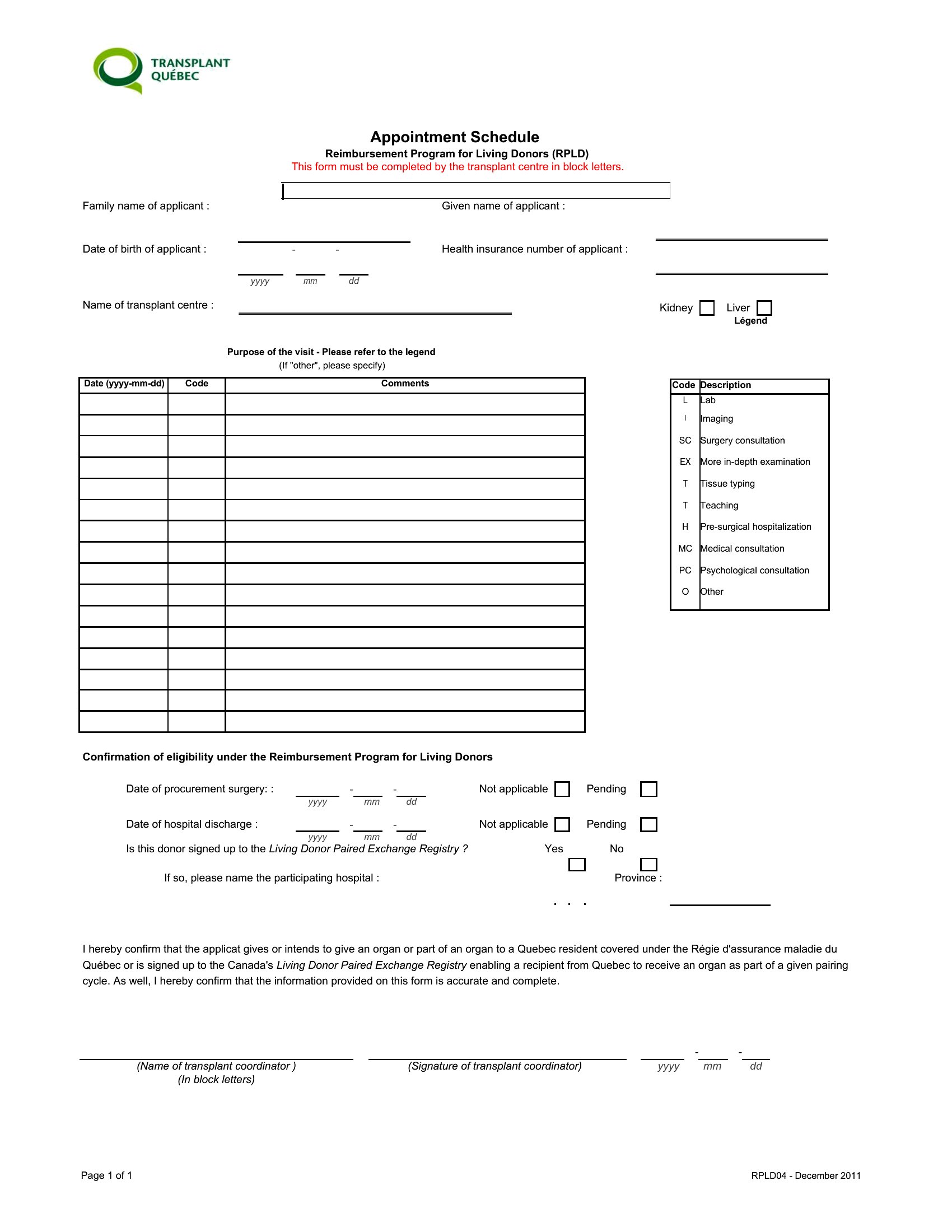
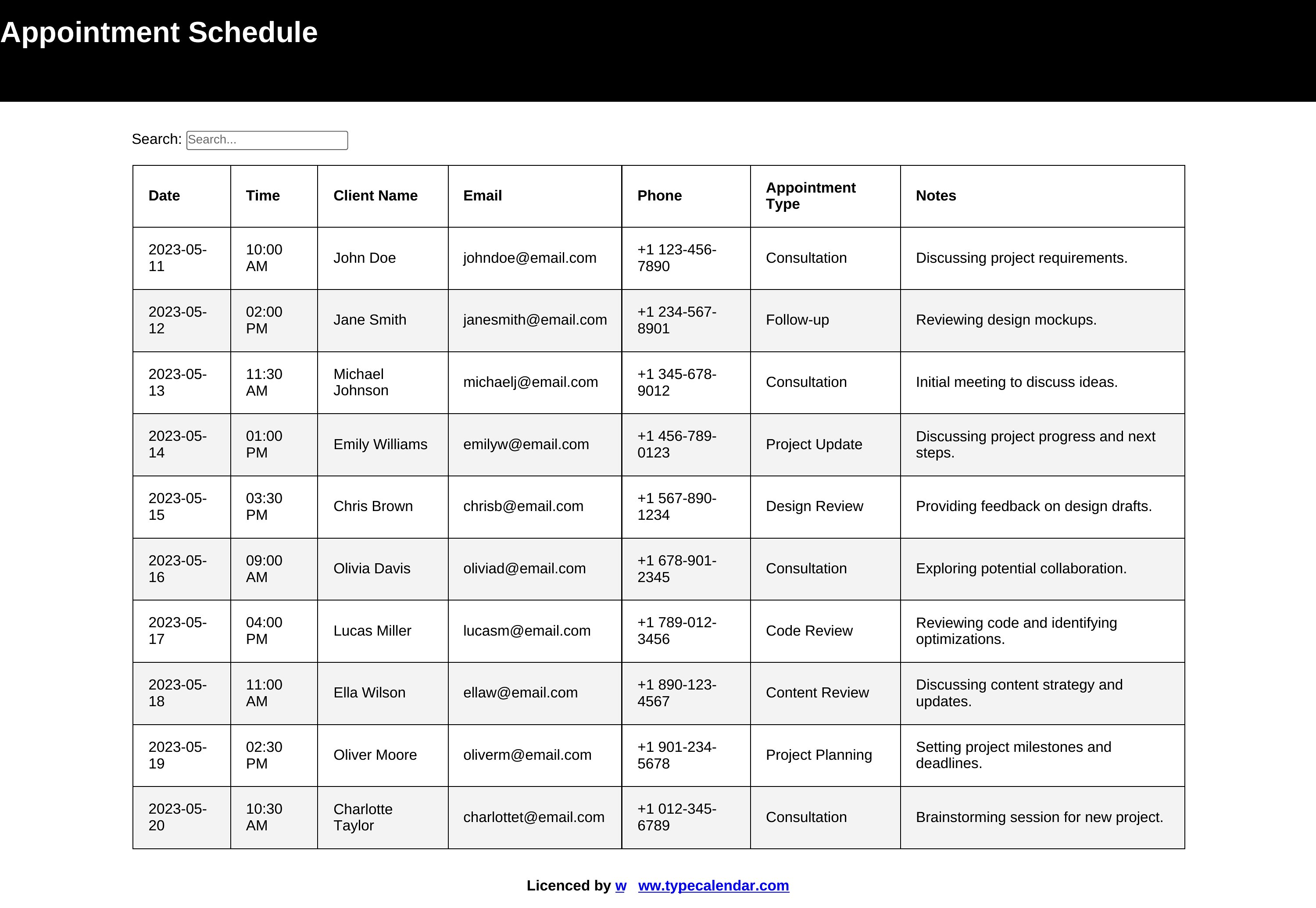
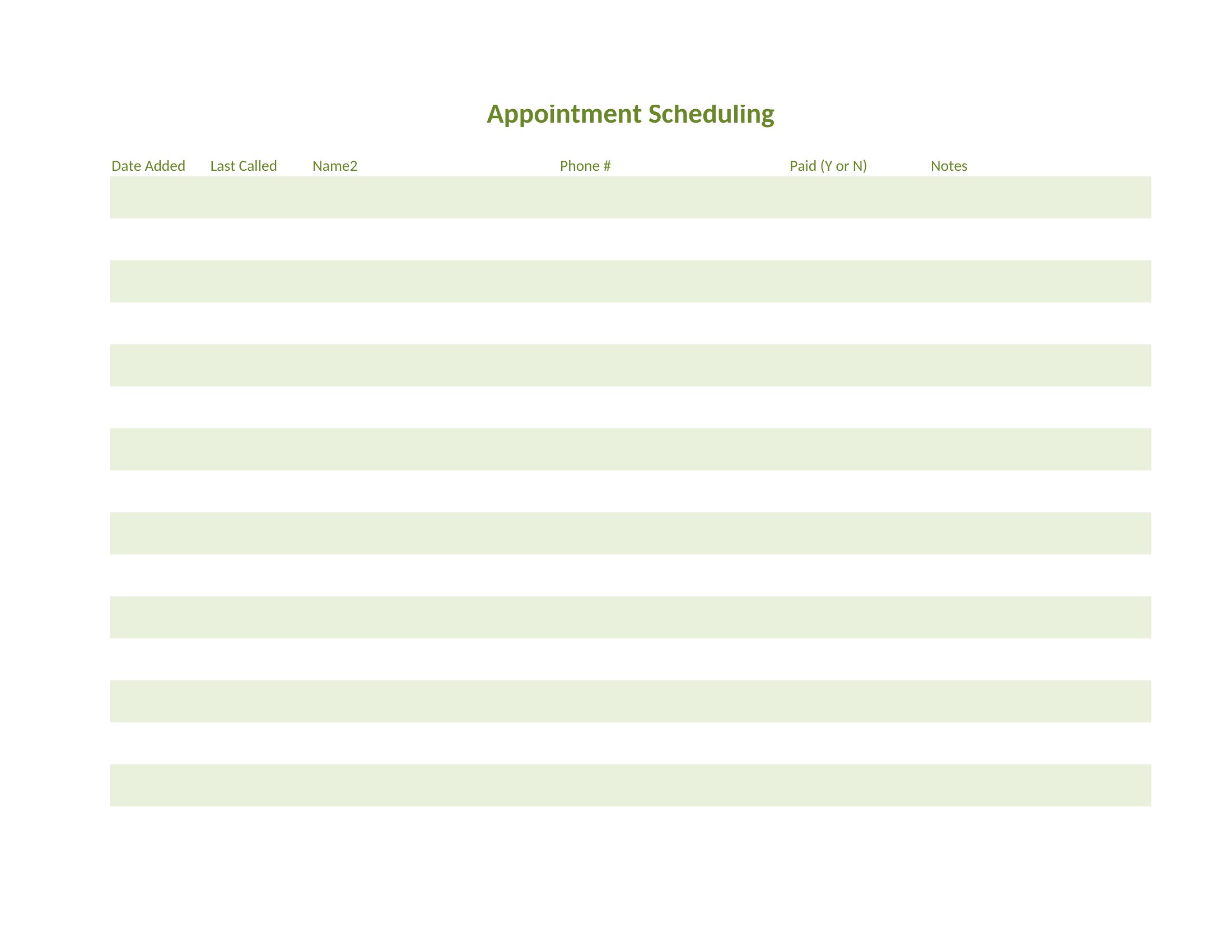
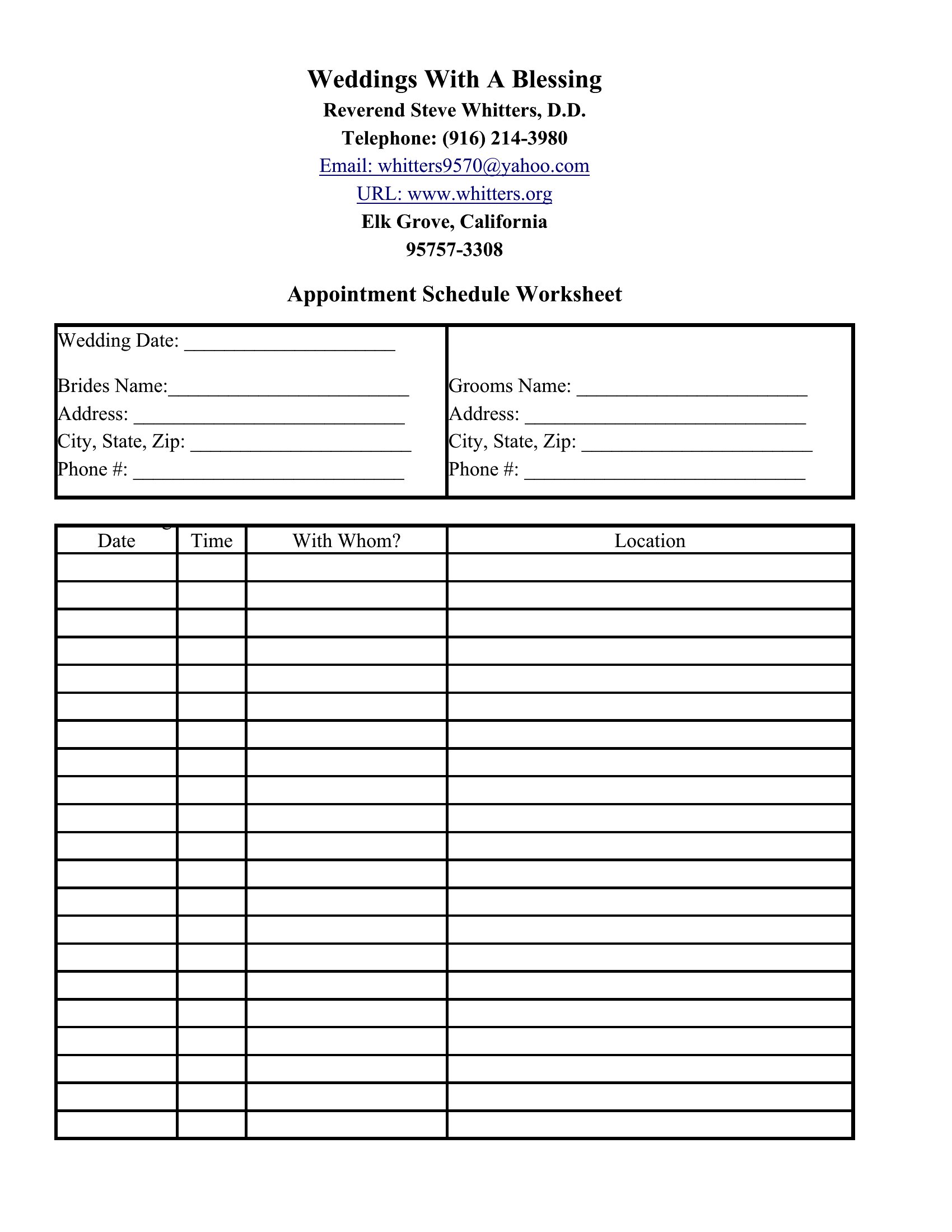
Yes, these templates are starting points for organizing your schedule. Many online booking systems (like Calendly or Square Appointments) sync with calendar data, so you can use the Excel or Word layout to map out your ideal time blocks before transferring them to your software. Just label columns consistently (e.g., ‘Time,’ ‘Client Name,’ ‘Service’) to make the transition smoother.
How do I adjust a template if my appointments run longer than 30 or 60 minutes?
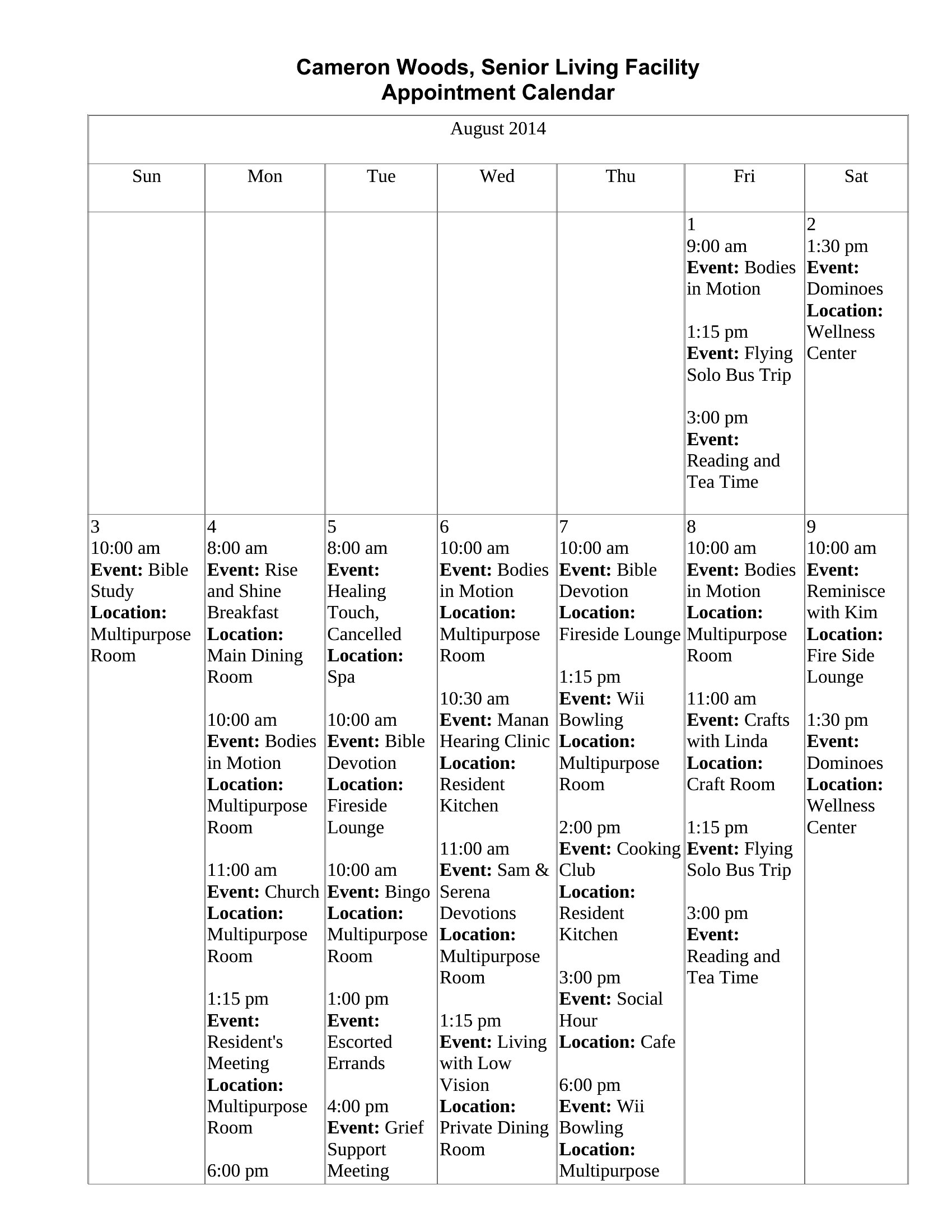
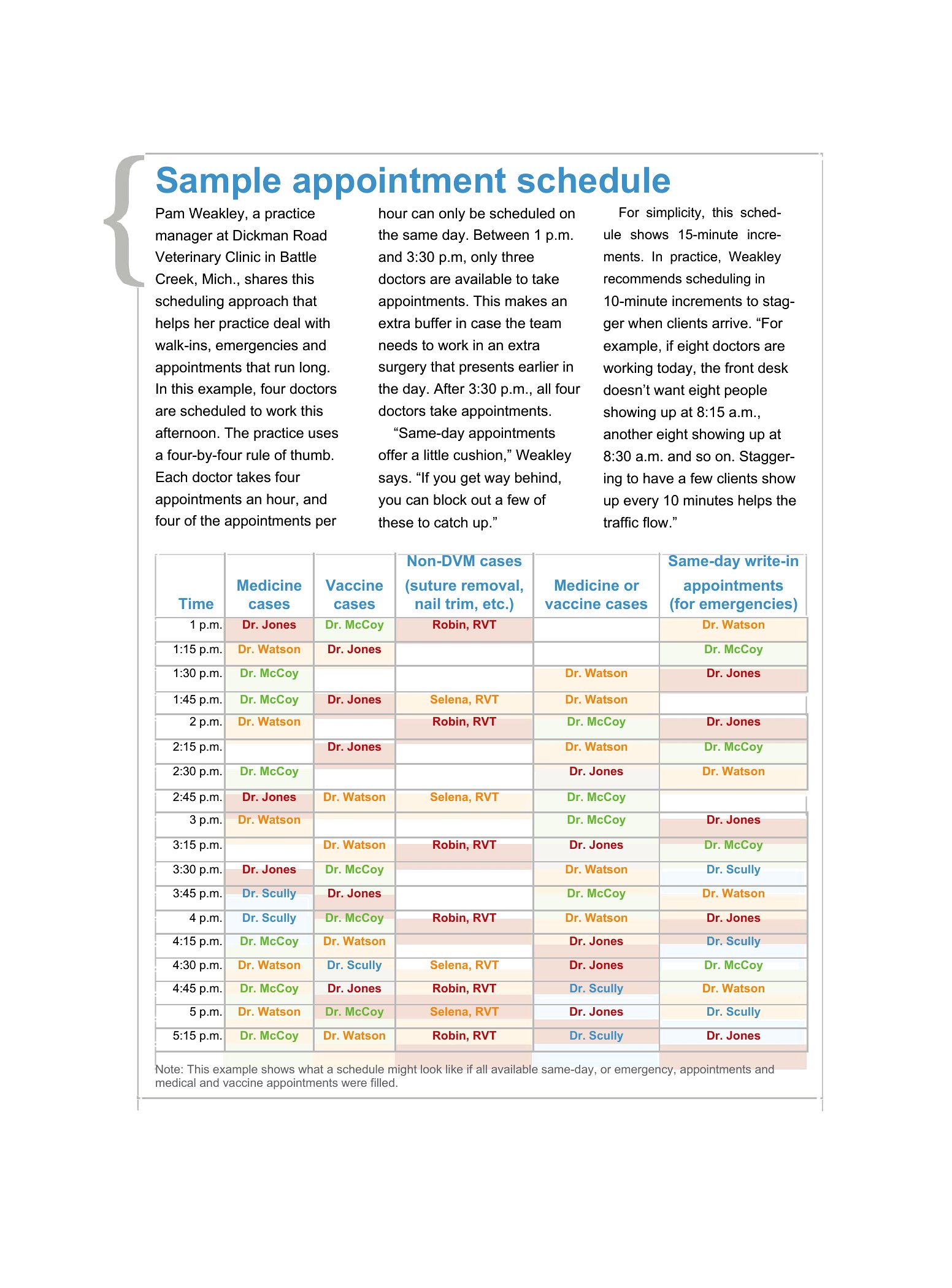
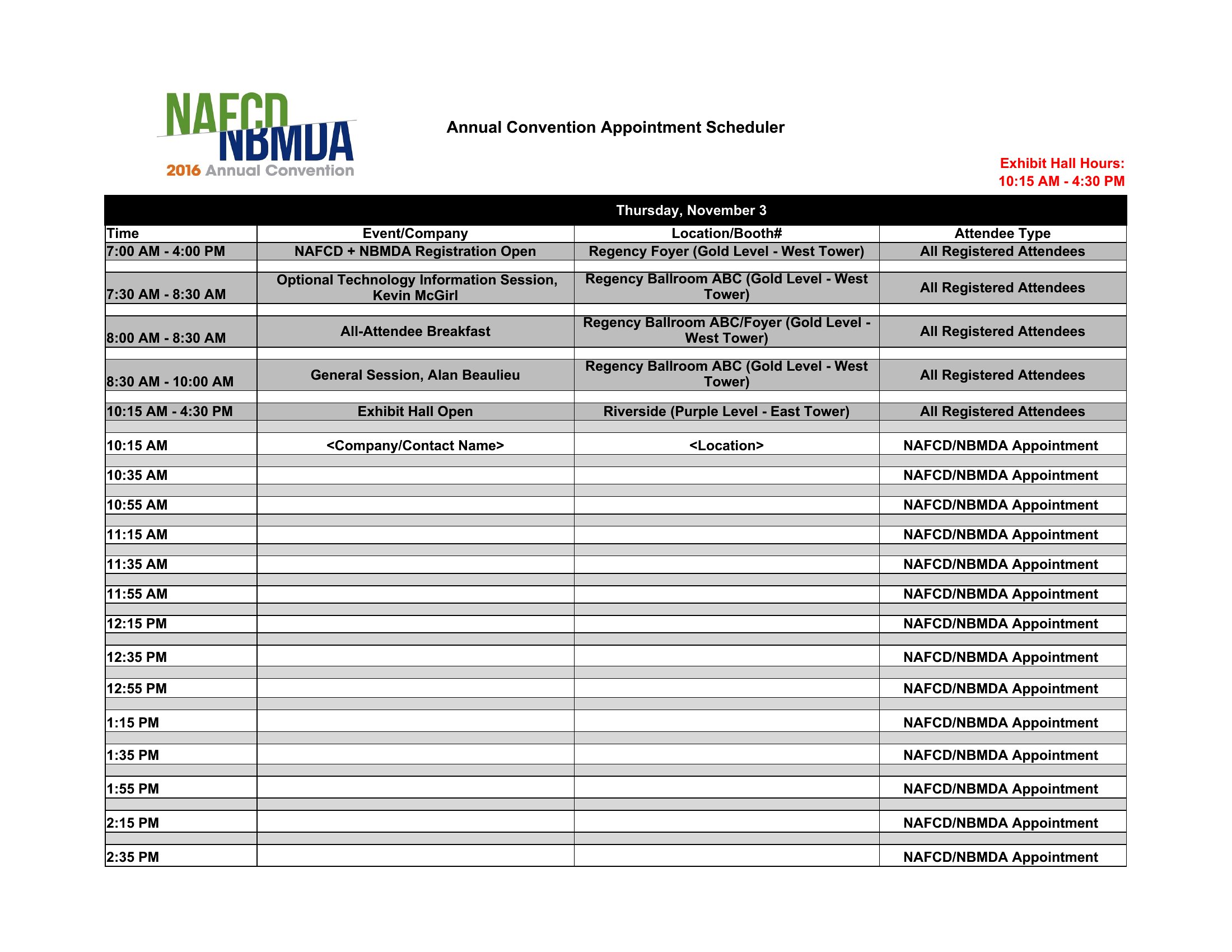
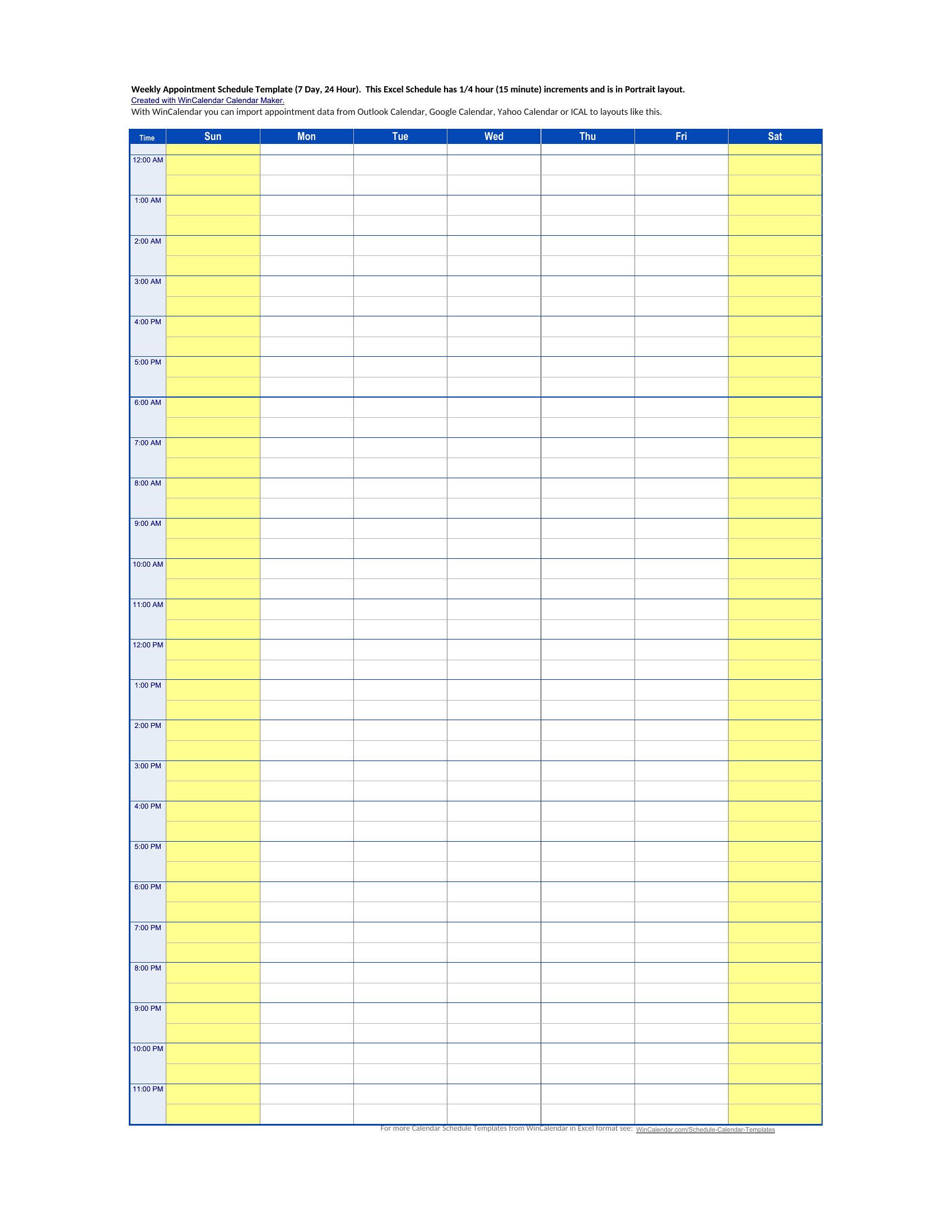
In Excel, merge cells or widen time columns to accommodate longer slots—just ensure your time increments (e.g., 15-minute blocks) still work for your average appointment length. In Word, delete or adjust the pre-set time labels and redraw your grid with larger blocks. For example, a 90-minute therapy session might span three rows in a 30-minute grid or occupy two rows in a 45-minute setup.
Comments
Join the conversation
Sign in to share your thoughts and leave a comment on this resource.