Free Church Directory Templates (Word, Excel, PDF)
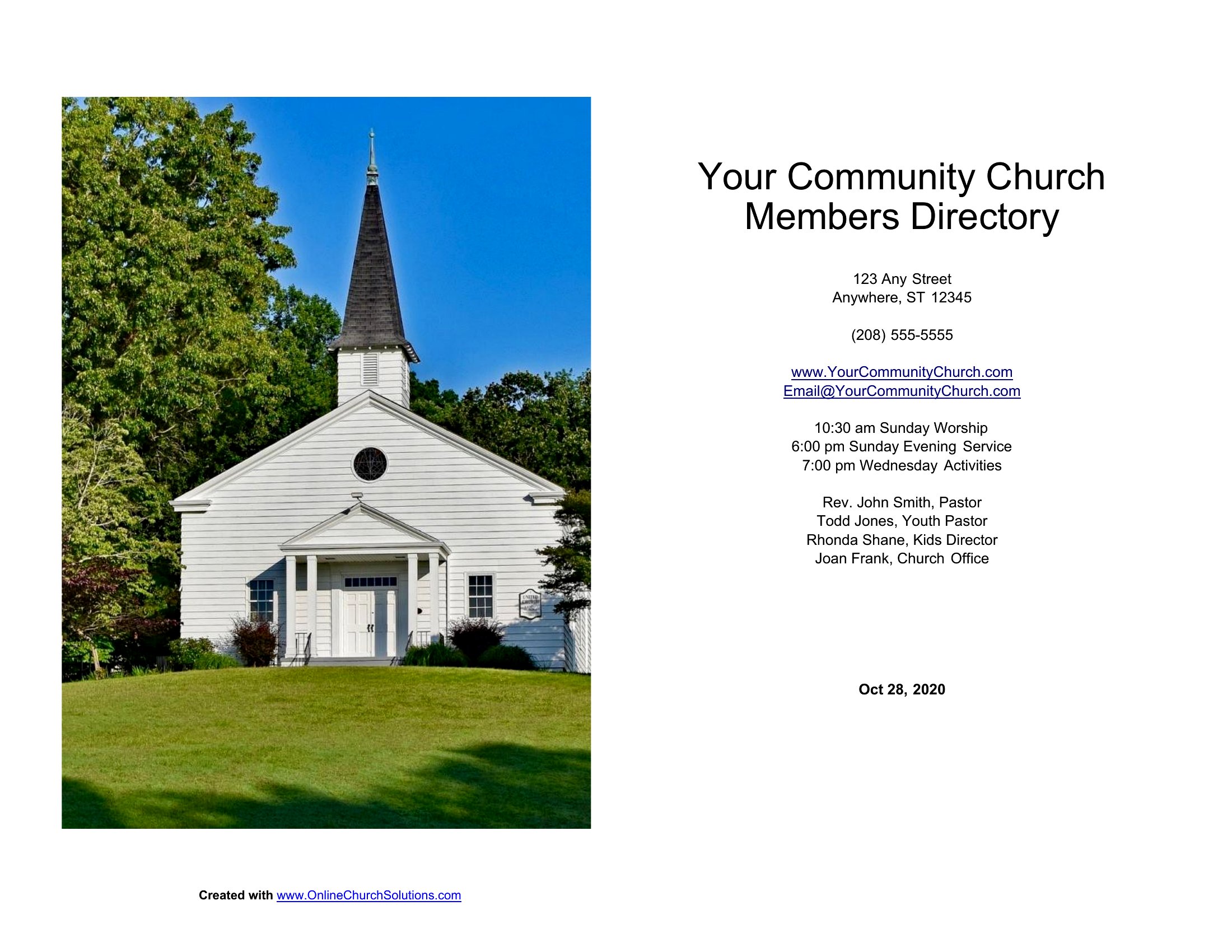
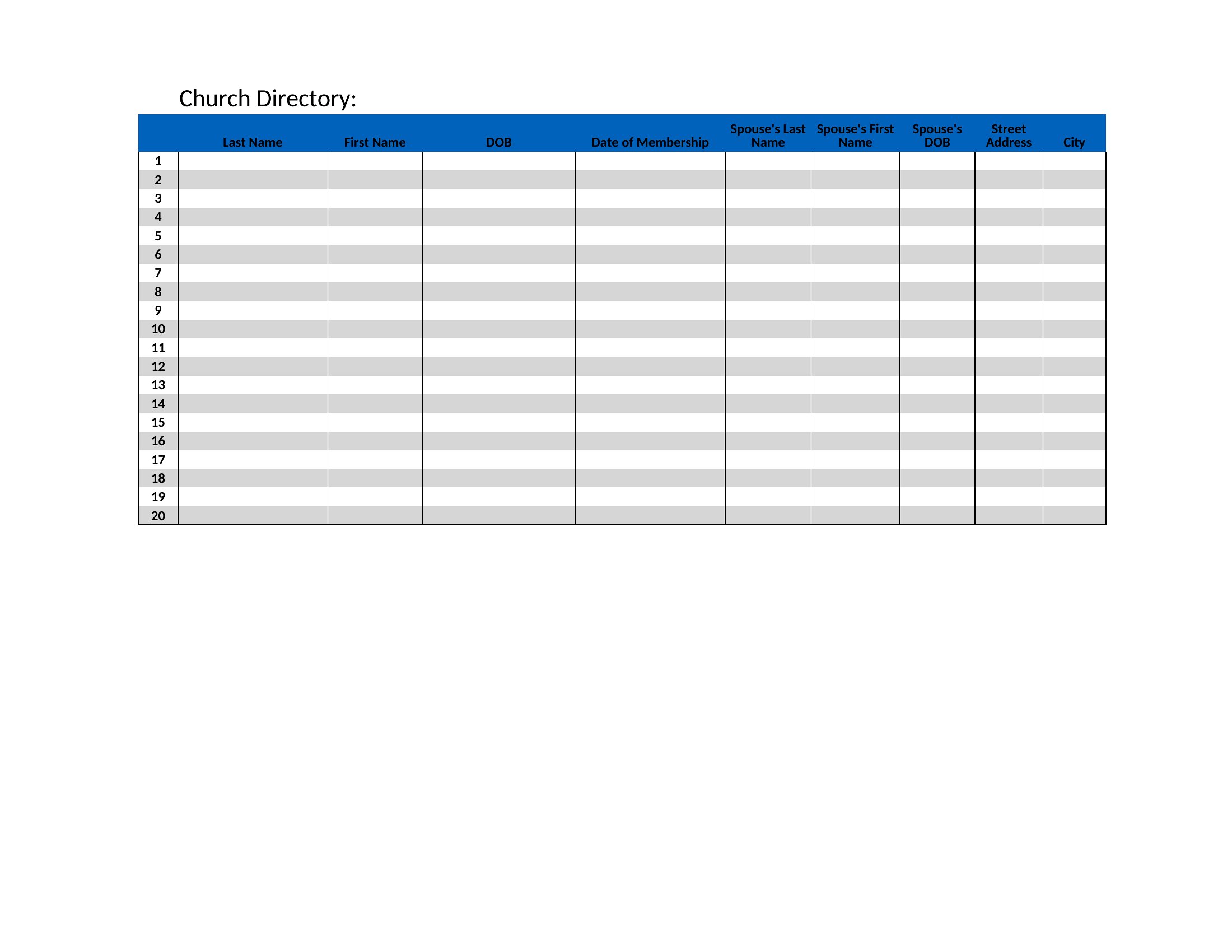
DataA current church directory helps members put names to faces and keeps contact details handy for the whole congregation. This set of 13 templates offers photo-style directories and simple contact lists for small parishes and large fellowships alike. Church secretaries and volunteers can build a directory without hiring an outside service.
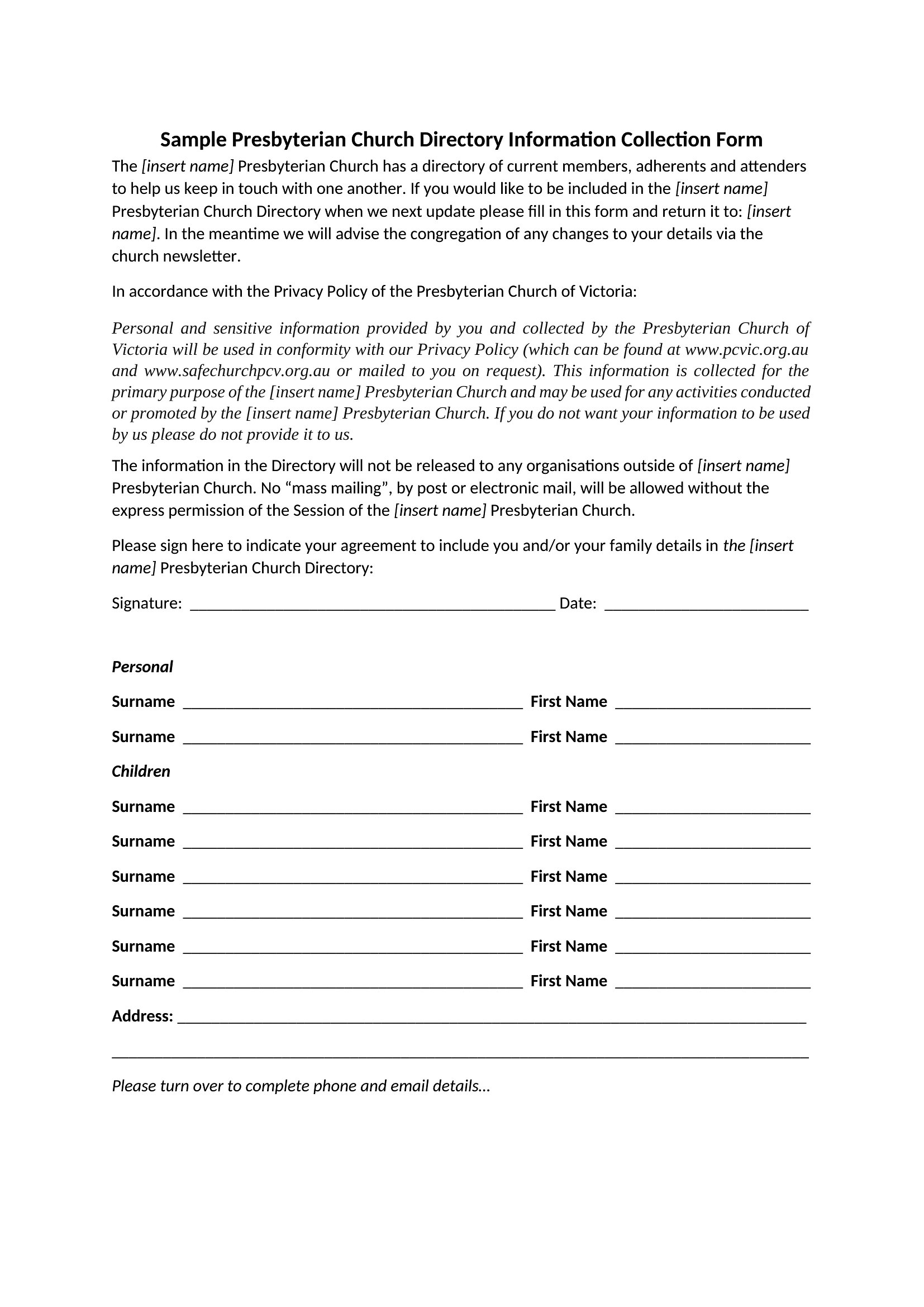
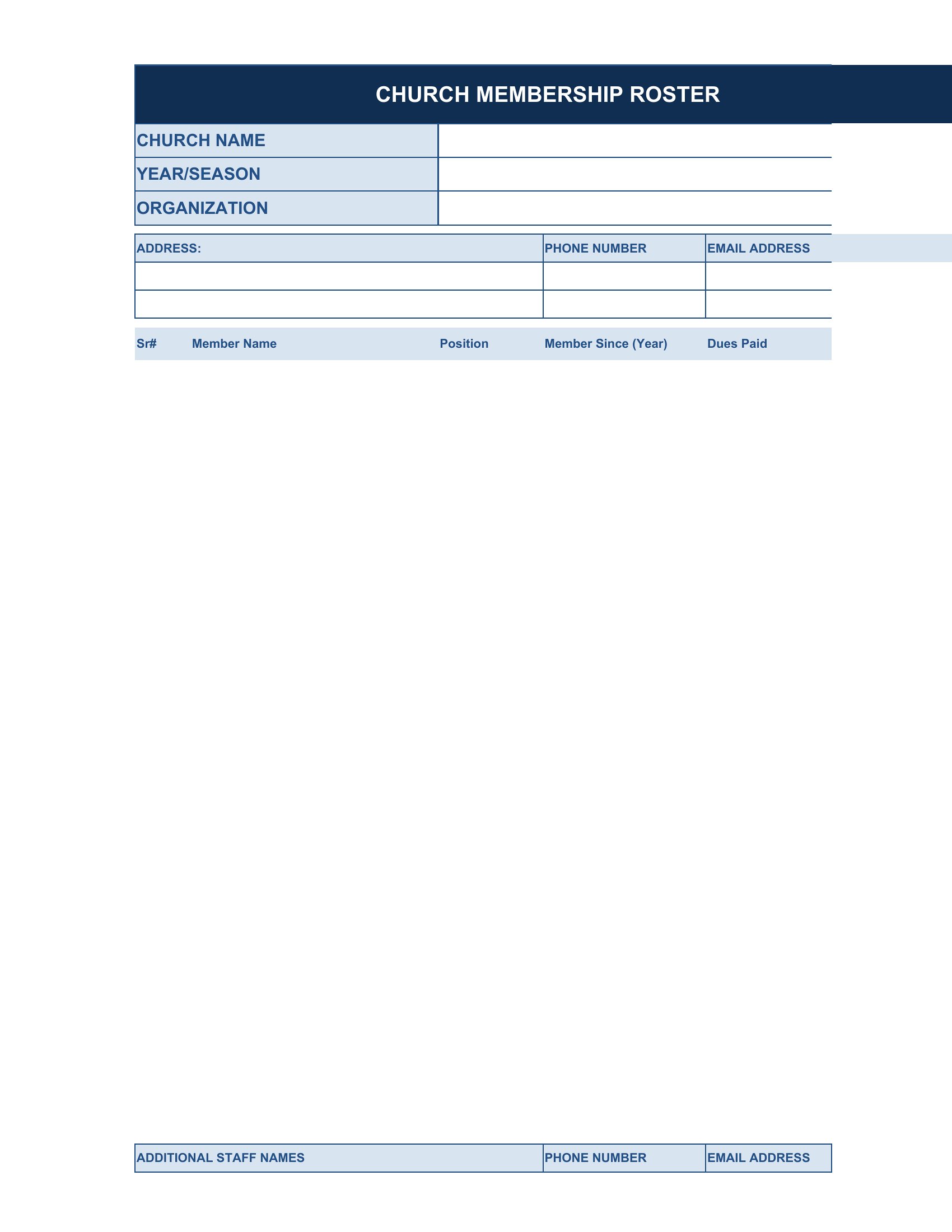
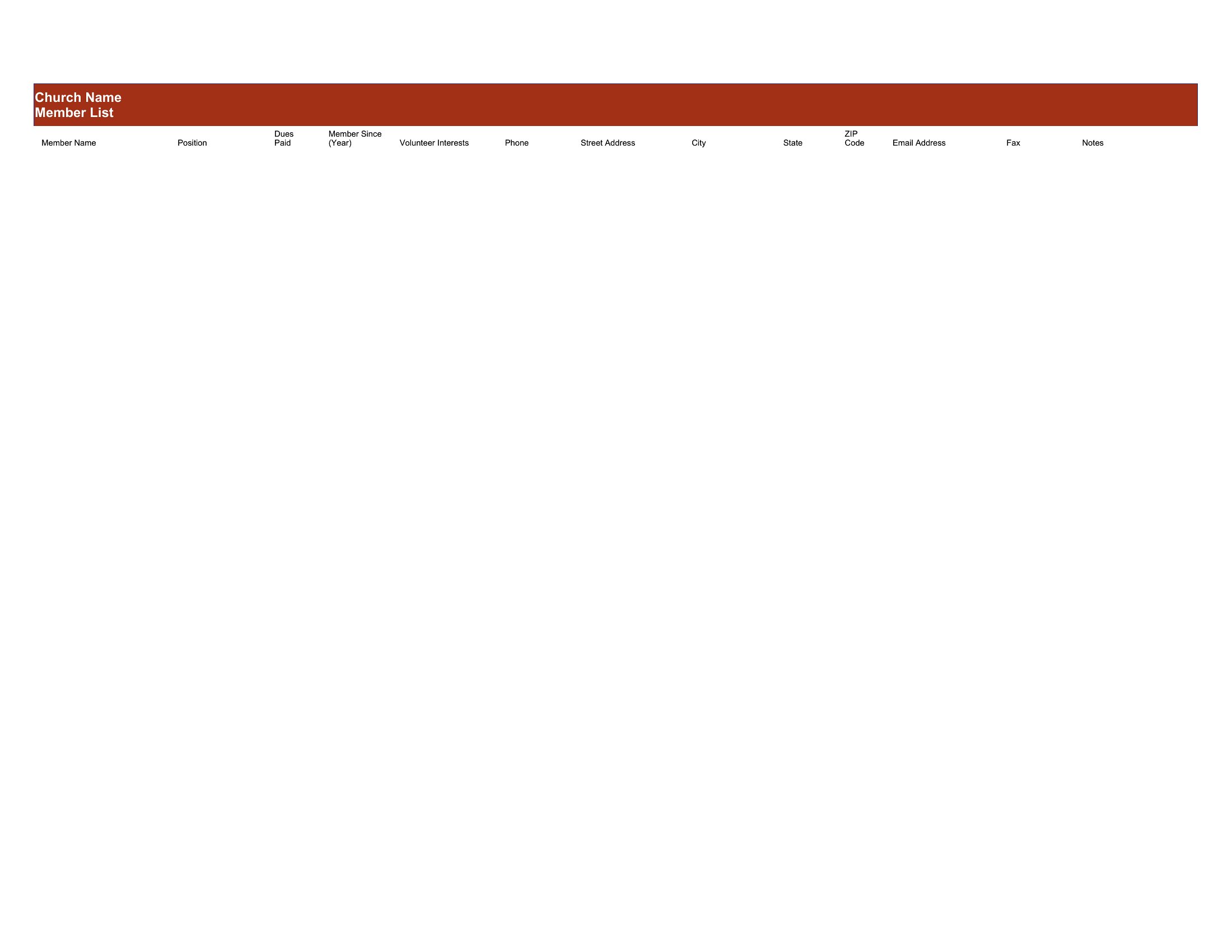
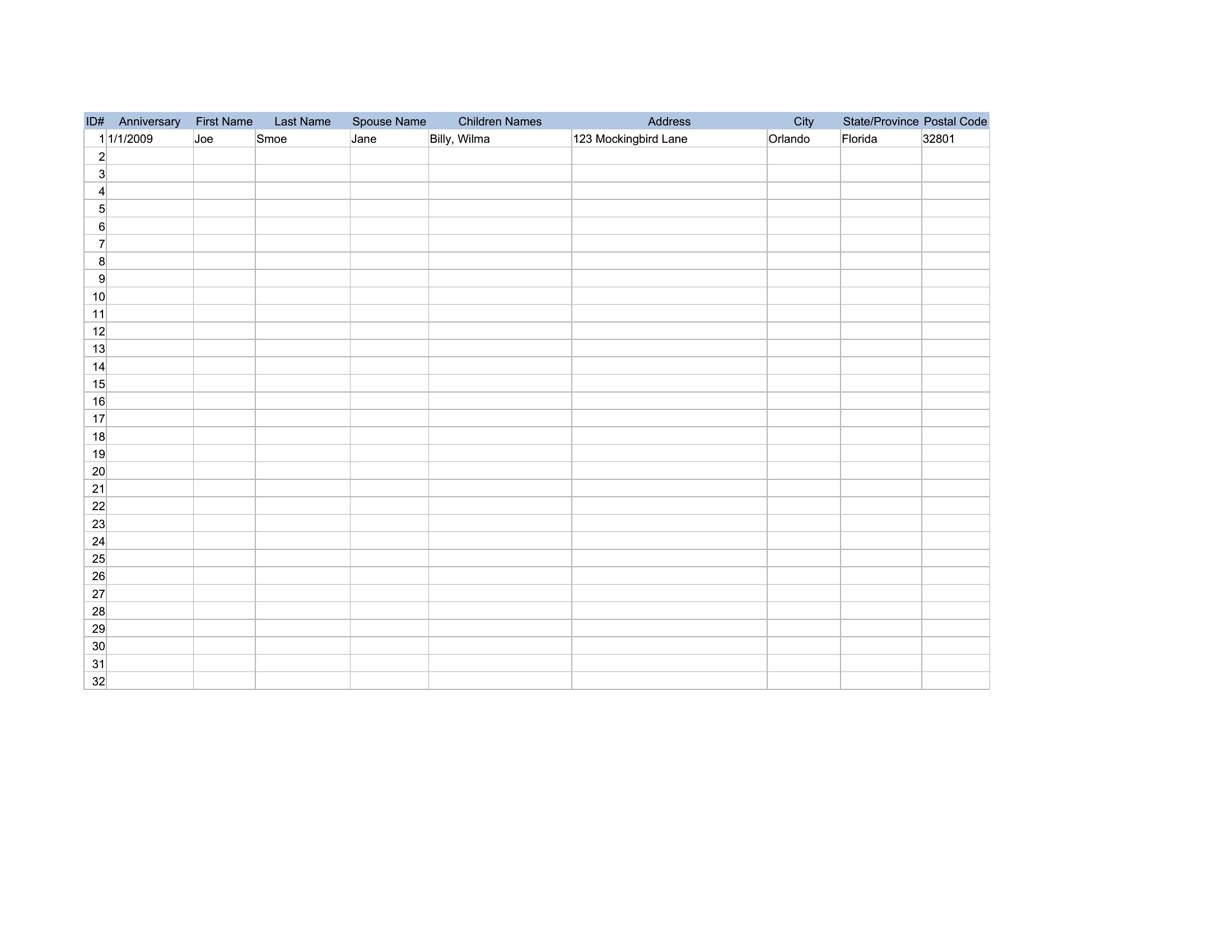
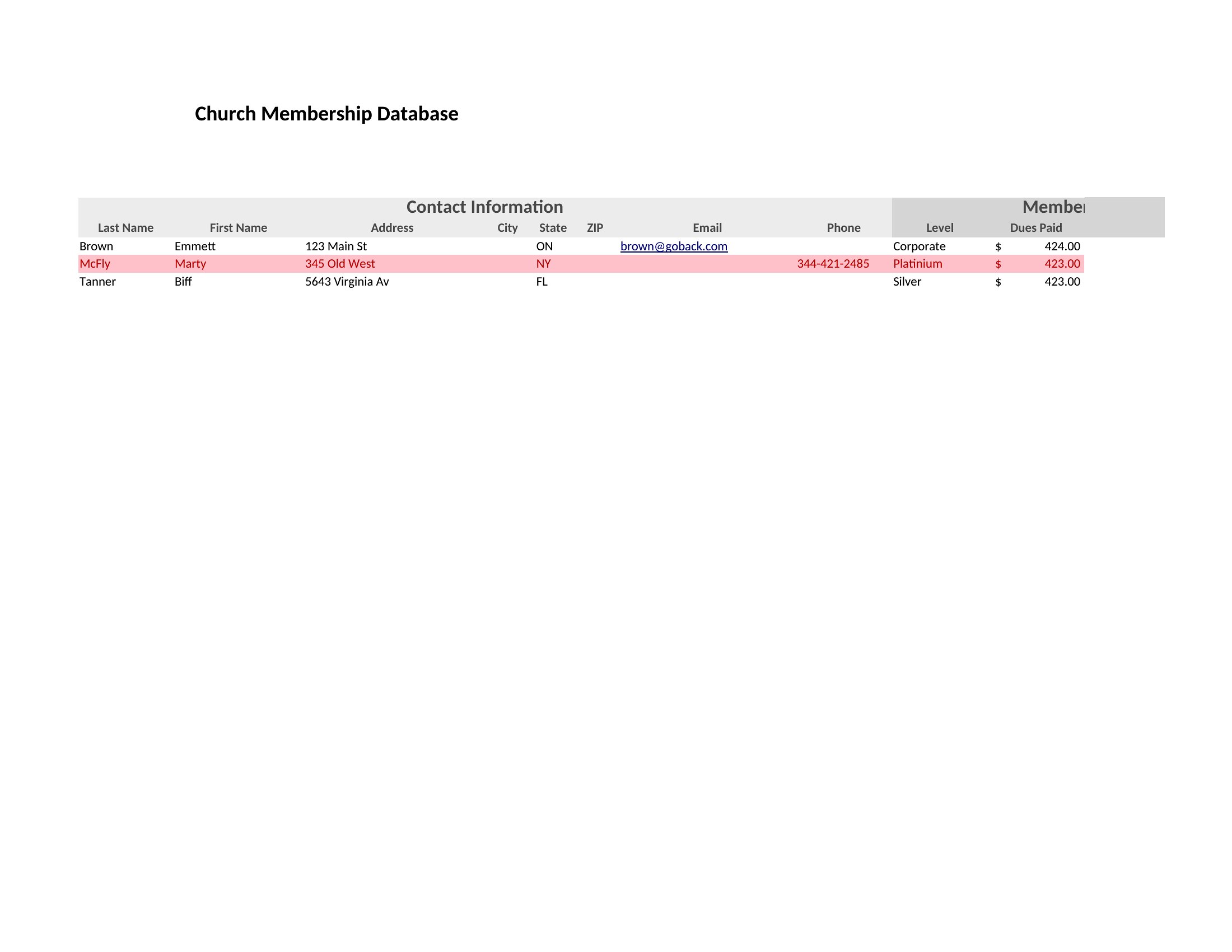
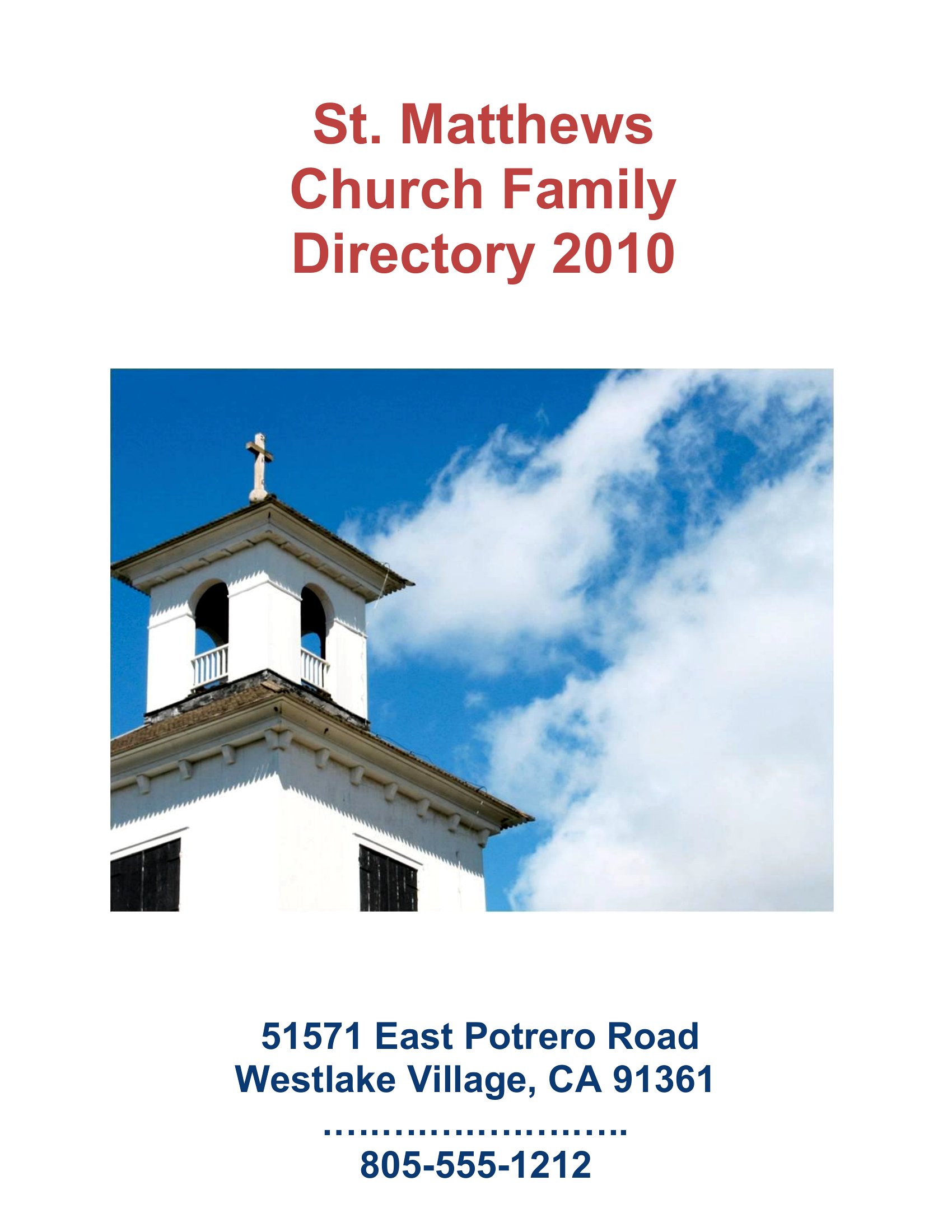
You'll find Word and PDF layouts for a printed booklet, plus Excel sheets for maintaining the master contact list. Enter your members, arrange the pages, and print copies for the welcome table or share a digital version. Pick the format that suits your congregation and put a fresh directory together this season.
When to use this Church Directory template
- Small-town churches with fewer than 100 members can use the Word or PDF layouts to create a simple, printable directory with photos and basic contact info for the upcoming holiday season.
- Volunteer-led church staffs managing Sunday school classes need an Excel-based directory to track family names, allergies, and contact numbers for quick emergency reference during outings.
- Newly merged congregations combining two existing rosters use the universal Word template to organize combined member lists, including roles like choir leaders or ushers, before printing a unified booklet.
- Church secretaries at large urban parishes with rotating attendance need the PDF format for a dynamic, annual directory that includes member photos, family groups, and service schedules for quick updates and distribution.
Which format should I download?
Choose Word if you need to customize fields, add member photos, or edit names repeatedly before finalizing a printable directory. Use Excel for data-heavy tasks like sorting by family, department, or giving records—ideal for volunteers managing spreadsheets. Opt for PDF if you want a polished, ready-to-print layout for a church directory booklet, especially when sharing with a designer or printer. PDF is also best for preserving formatting in digital or printed copies.
Choose from 13 Church Directory Templates
Church Directory
How to use this Church Directory template
How should we decide whether to include photos in our church directory?
Photos help members put faces to names, especially in larger congregations. For smaller groups, a photo directory can feel more personal but may require extra time to collect images. Start with a Word or PDF template that supports photos, then decide based on your congregation’s size and how often you’ll update the directory.
Can we use these templates to track member attendance or giving records?
The templates focus on contact details and basic member info, not attendance or financial records. For tracking those, pair the directory with a separate Excel sheet or church management software. The Word and PDF layouts can still list roles like treasurers or Sunday school teachers, though.
What’s the best way to organize members who have multiple roles in the church?
Use the Excel format to create tabs or columns for different roles (e.g., choir, board member, youth leader). For printed directories, note roles alongside names in the Word or PDF template. Avoid overcrowding—keep it simple so members can quickly find what they need without confusion.
Comments
Join the conversation
Sign in to share your thoughts and leave a comment on this resource.