Free One-on-One Meeting Templates (Word, PDF)
BusinessTemplates

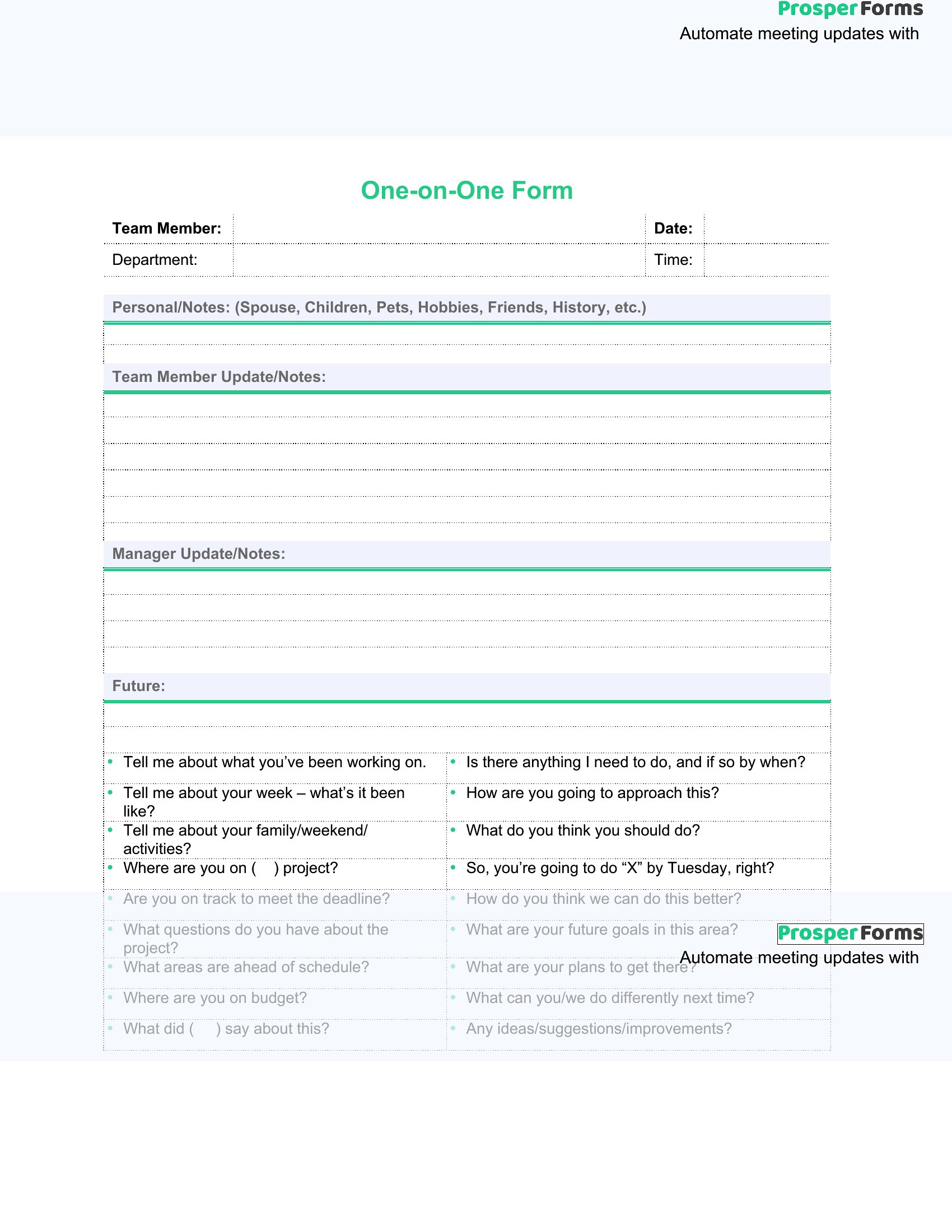
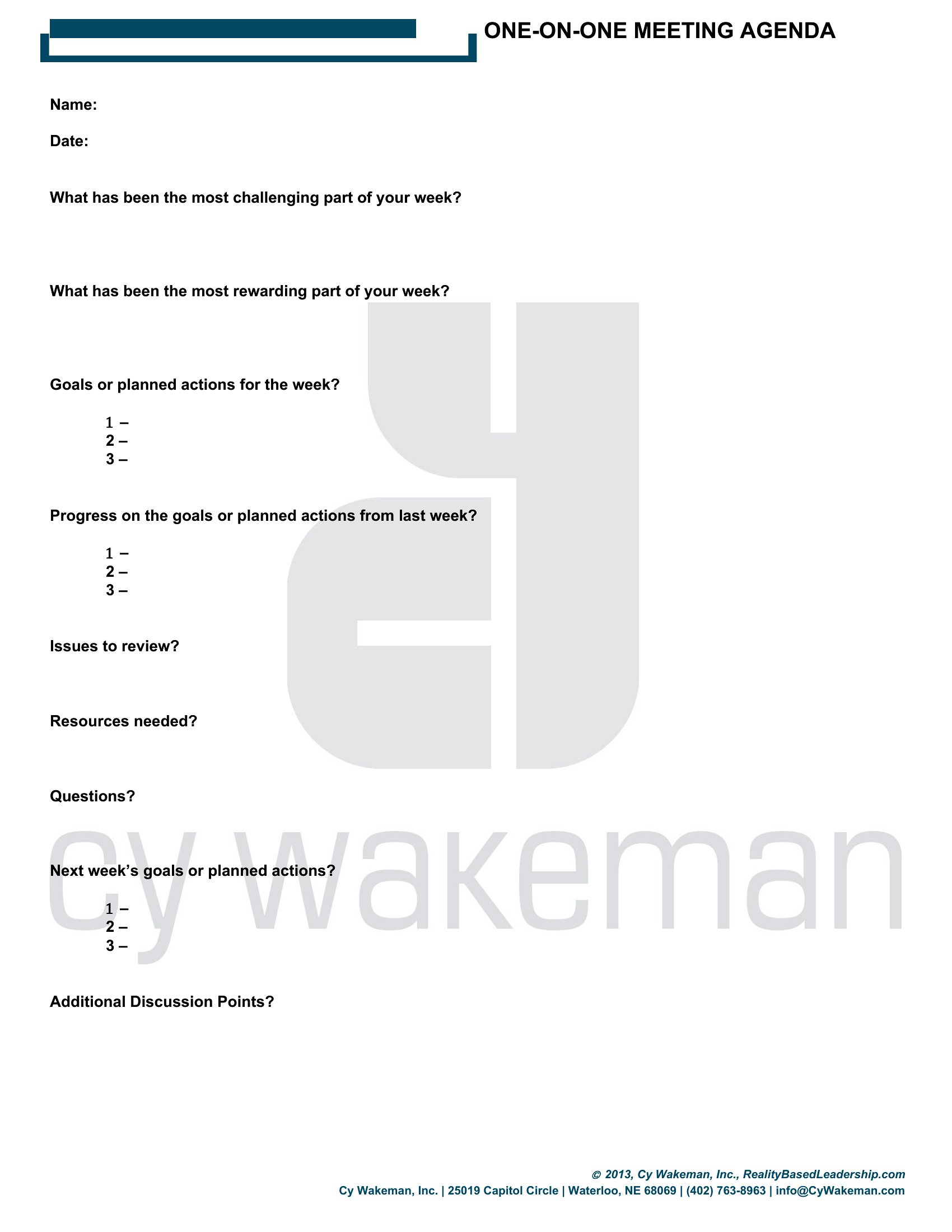
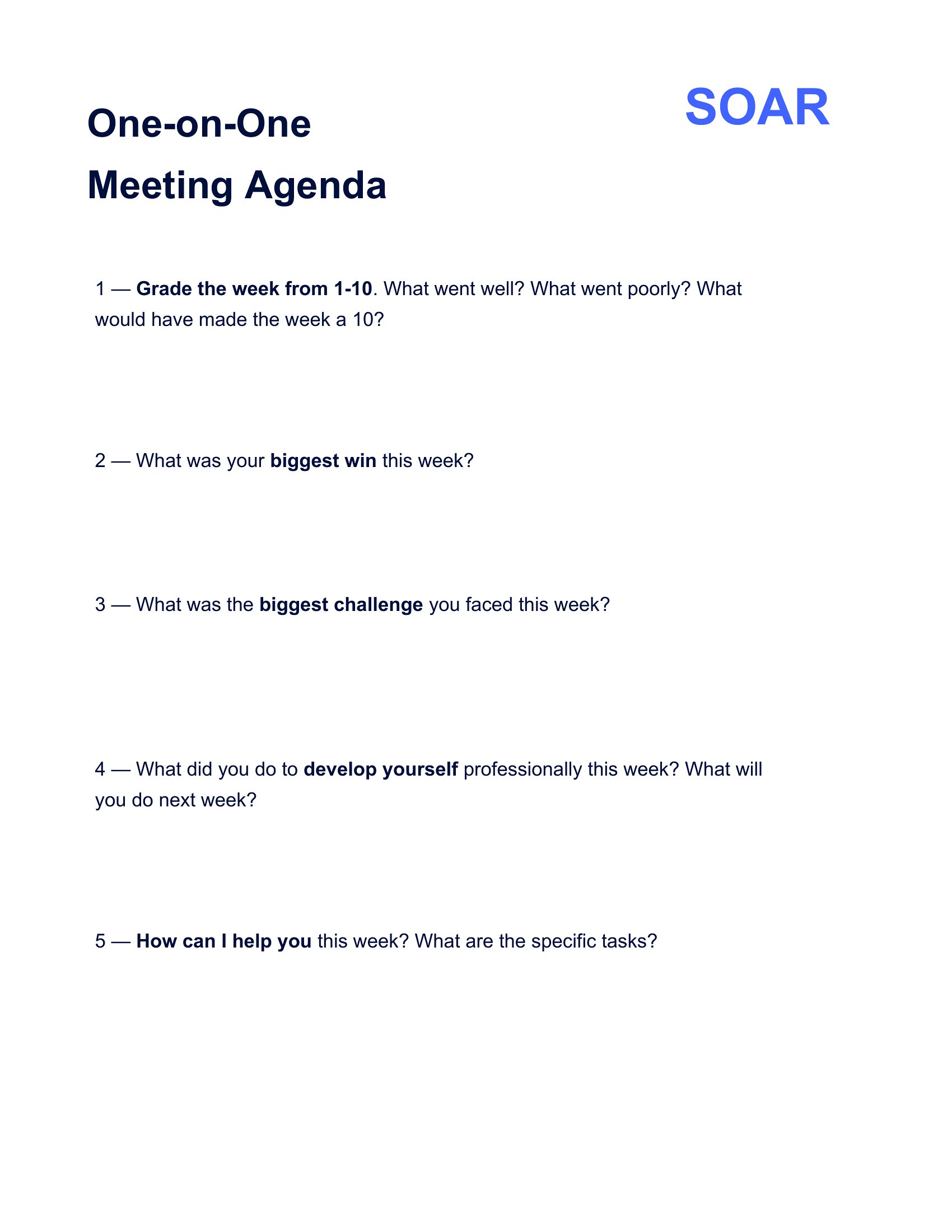
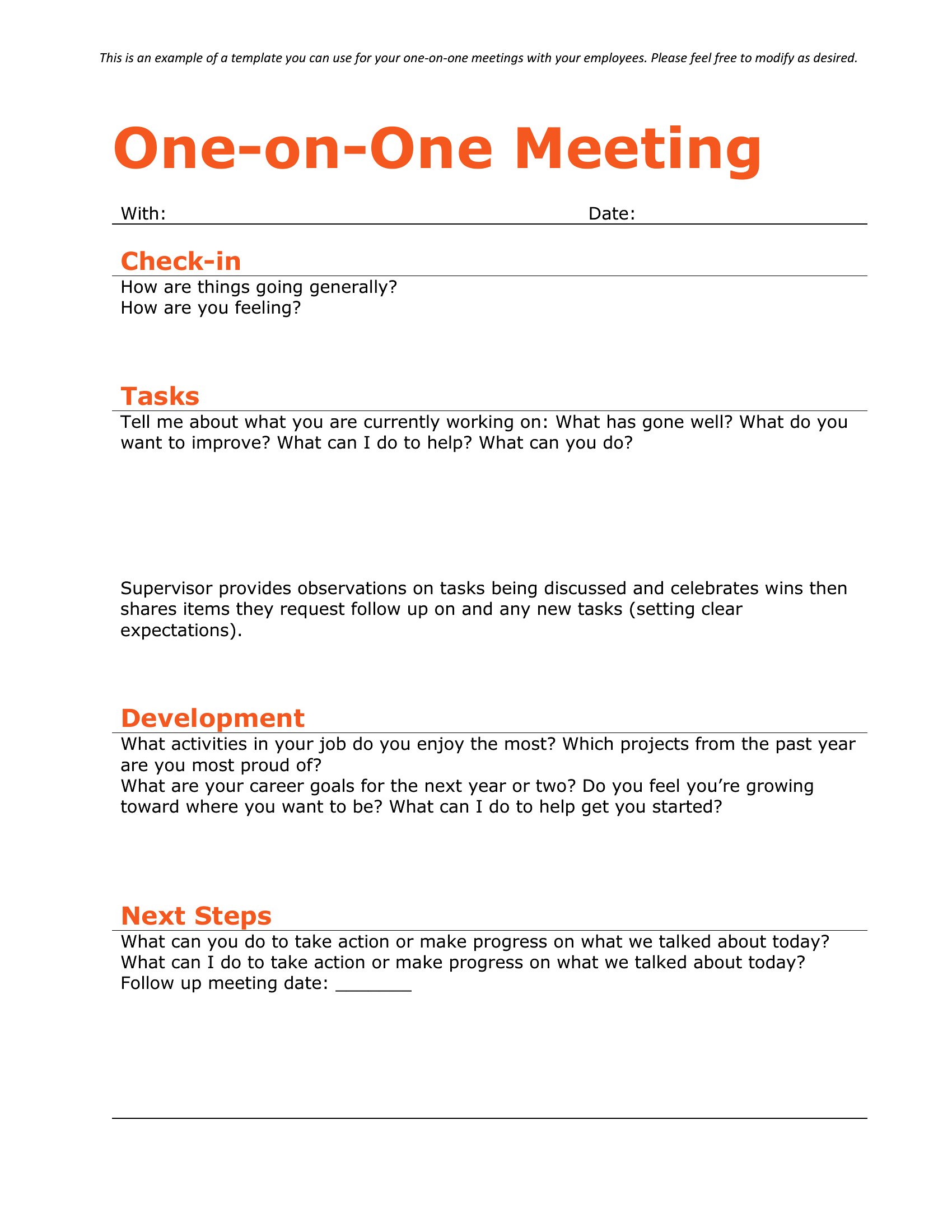


FAQ
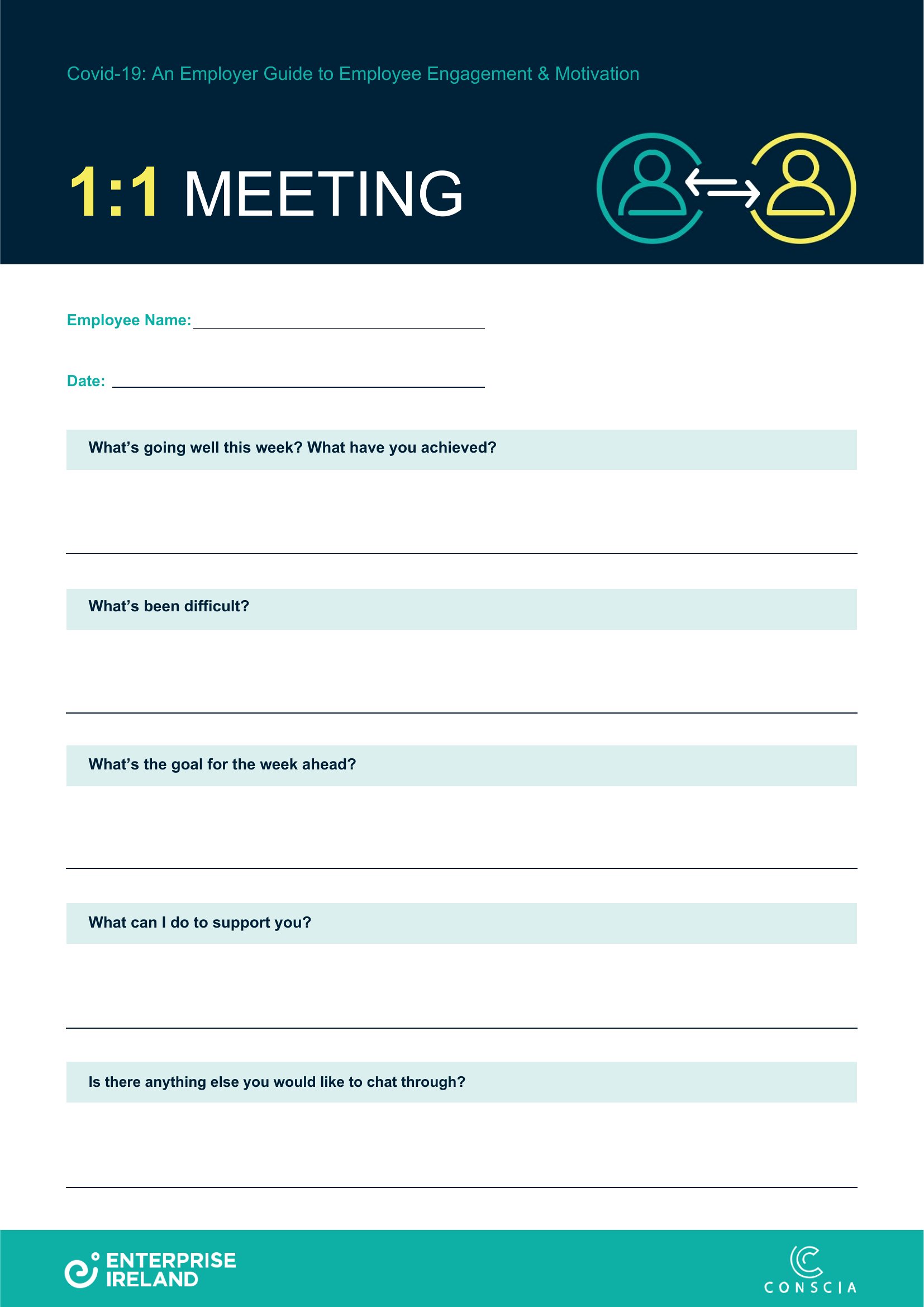
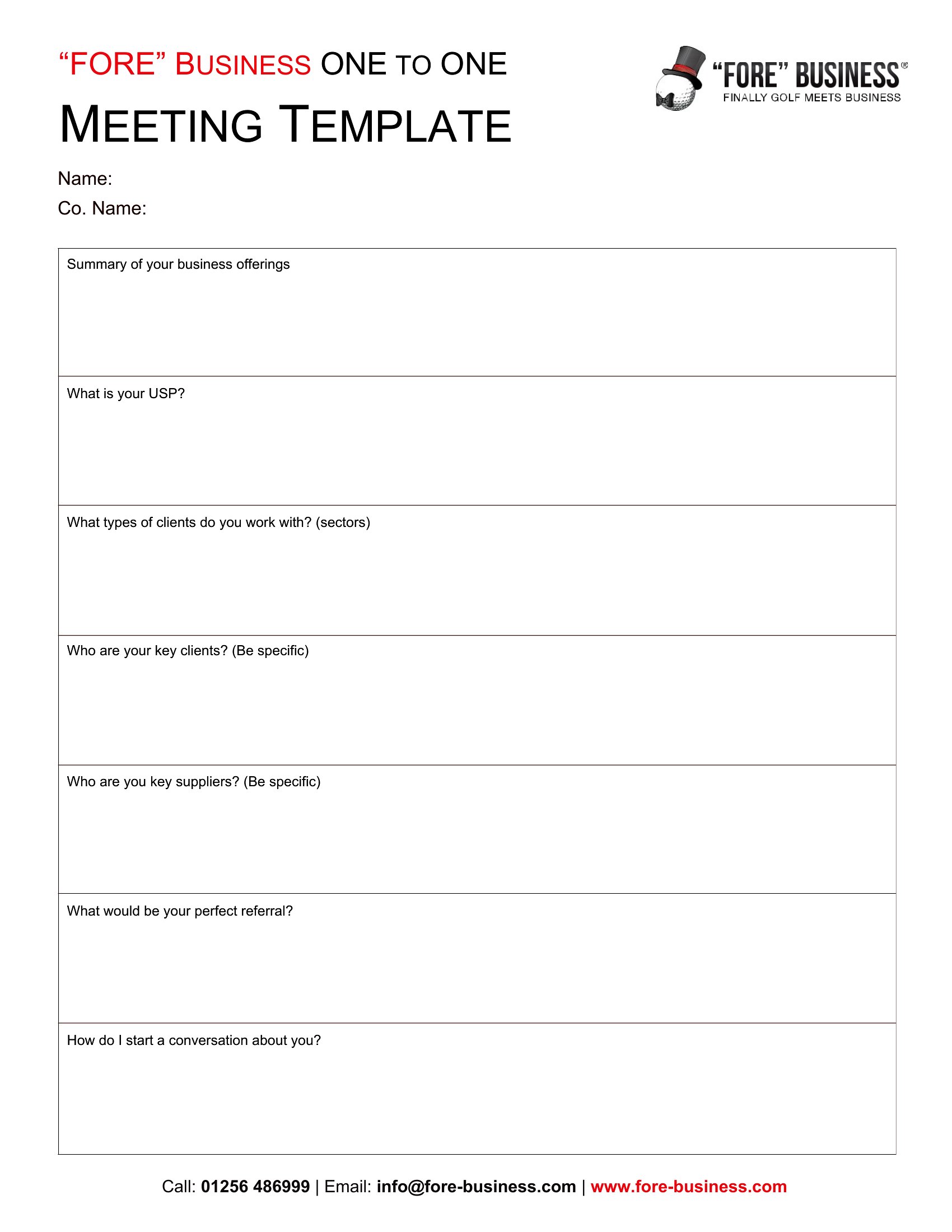
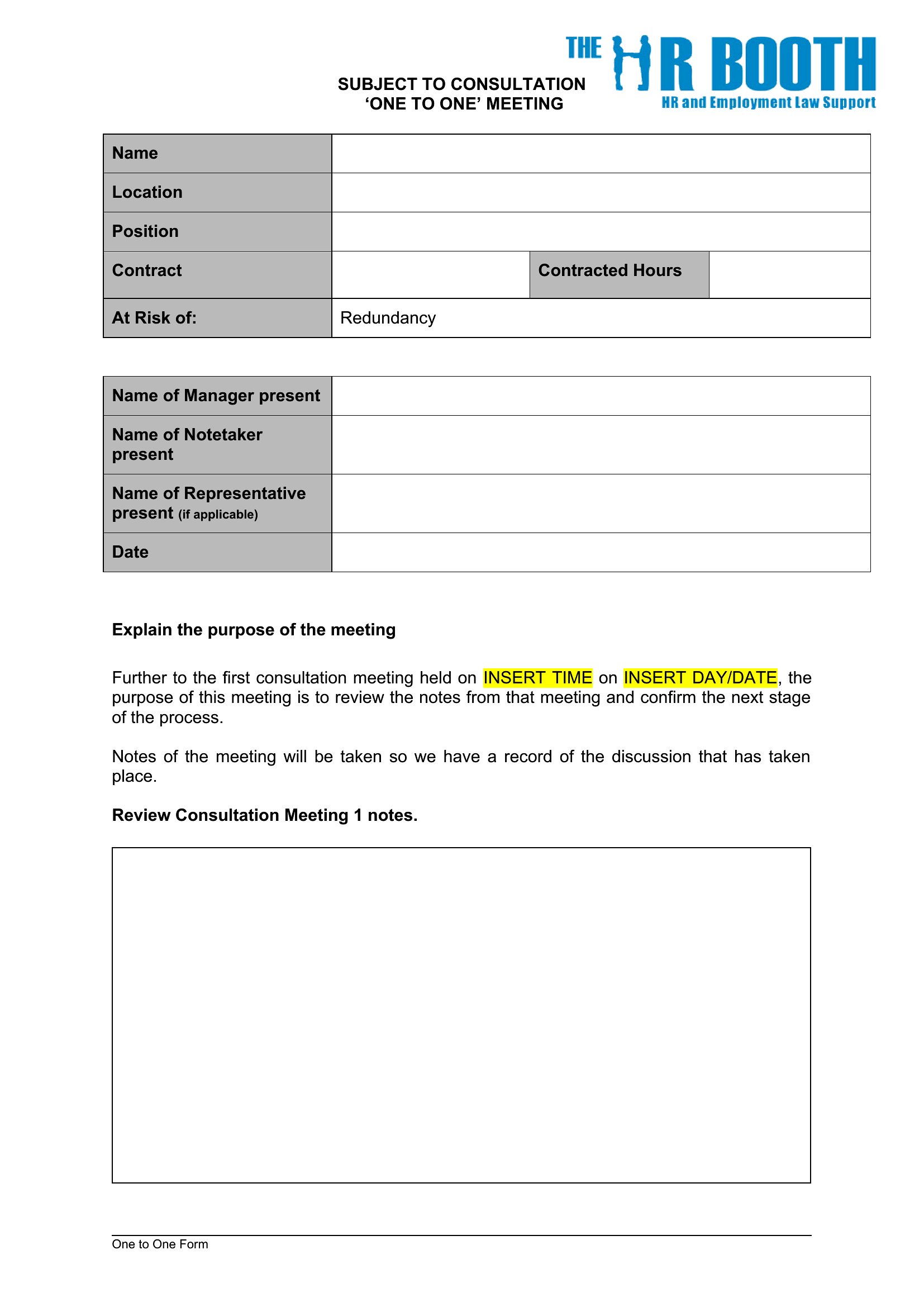
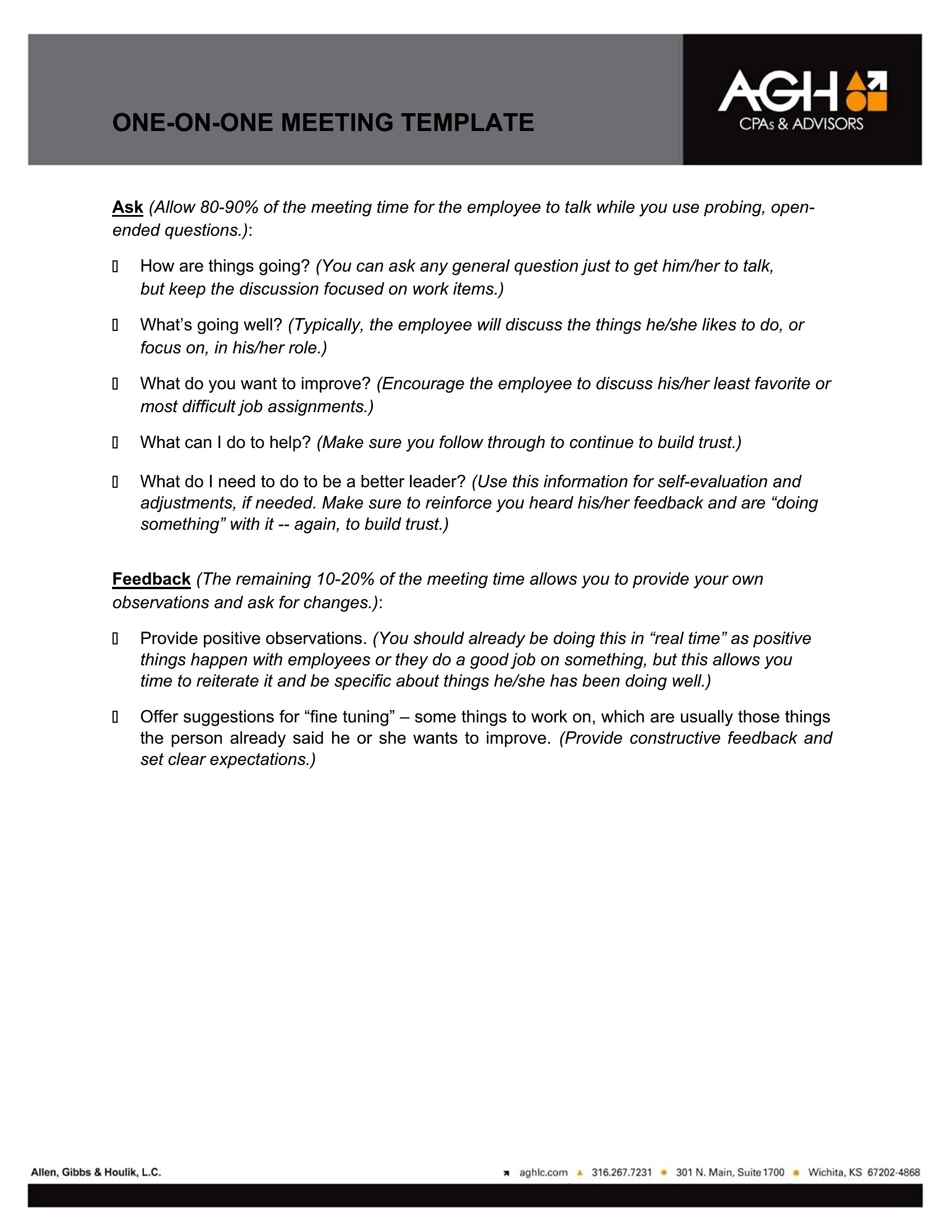
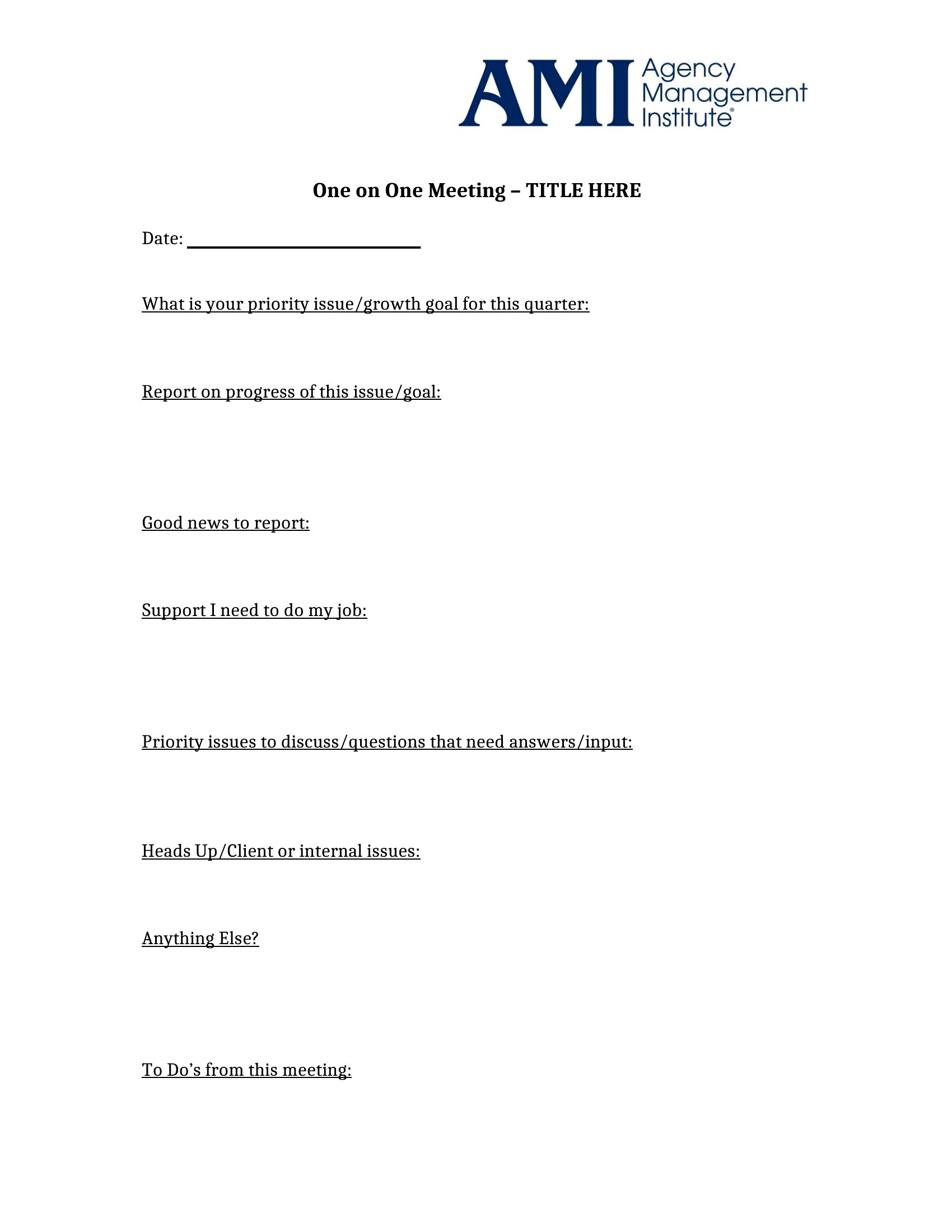
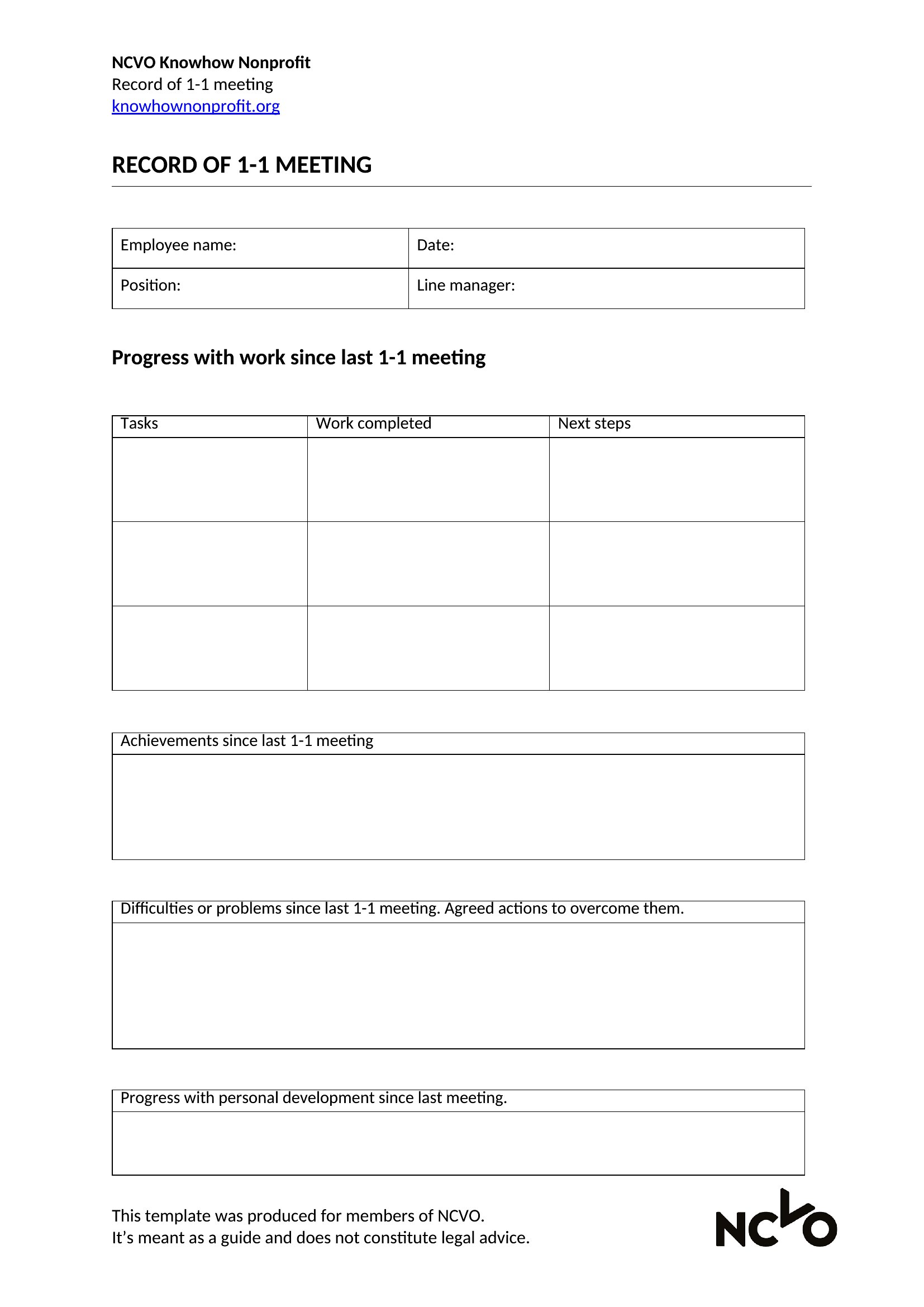
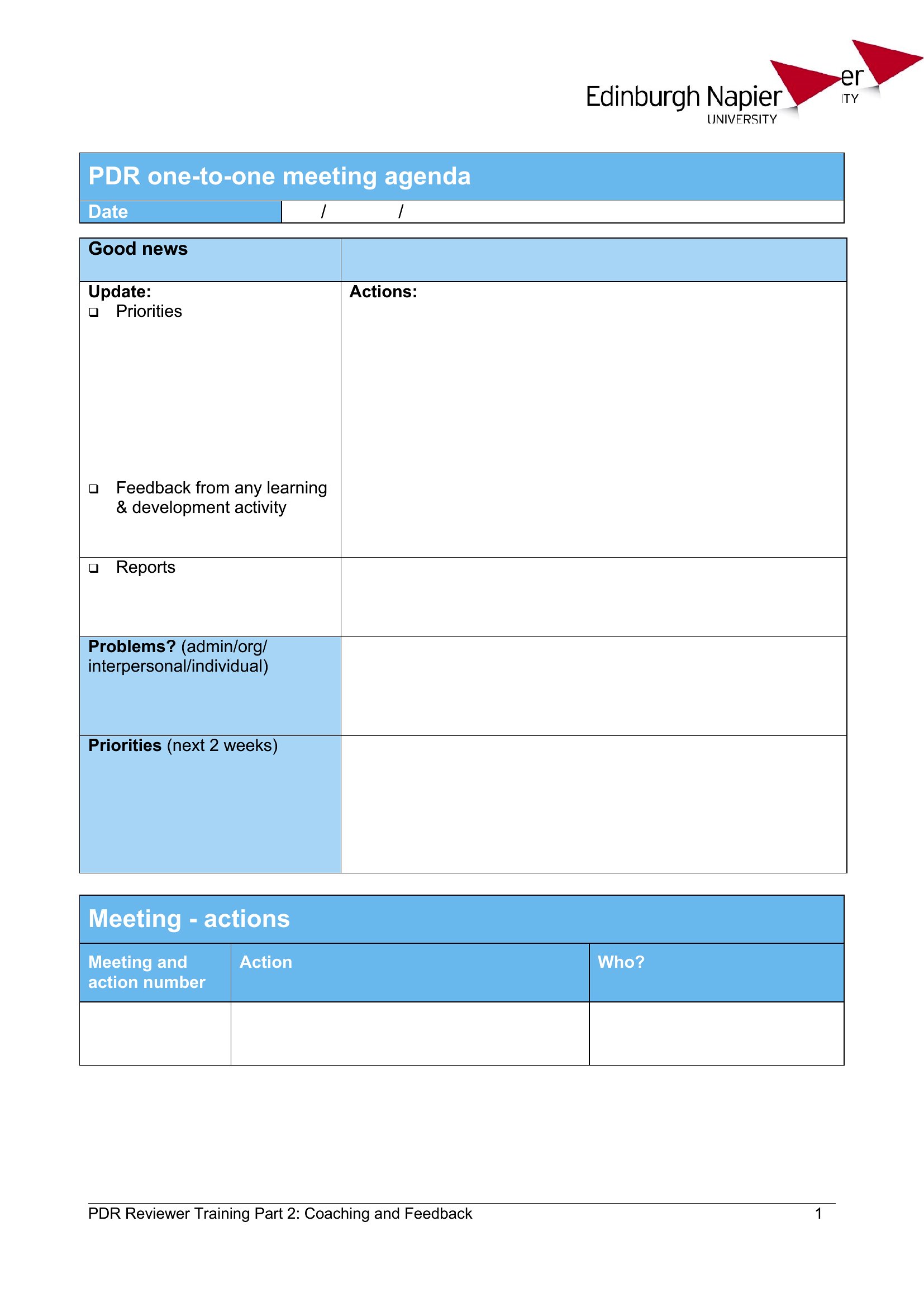
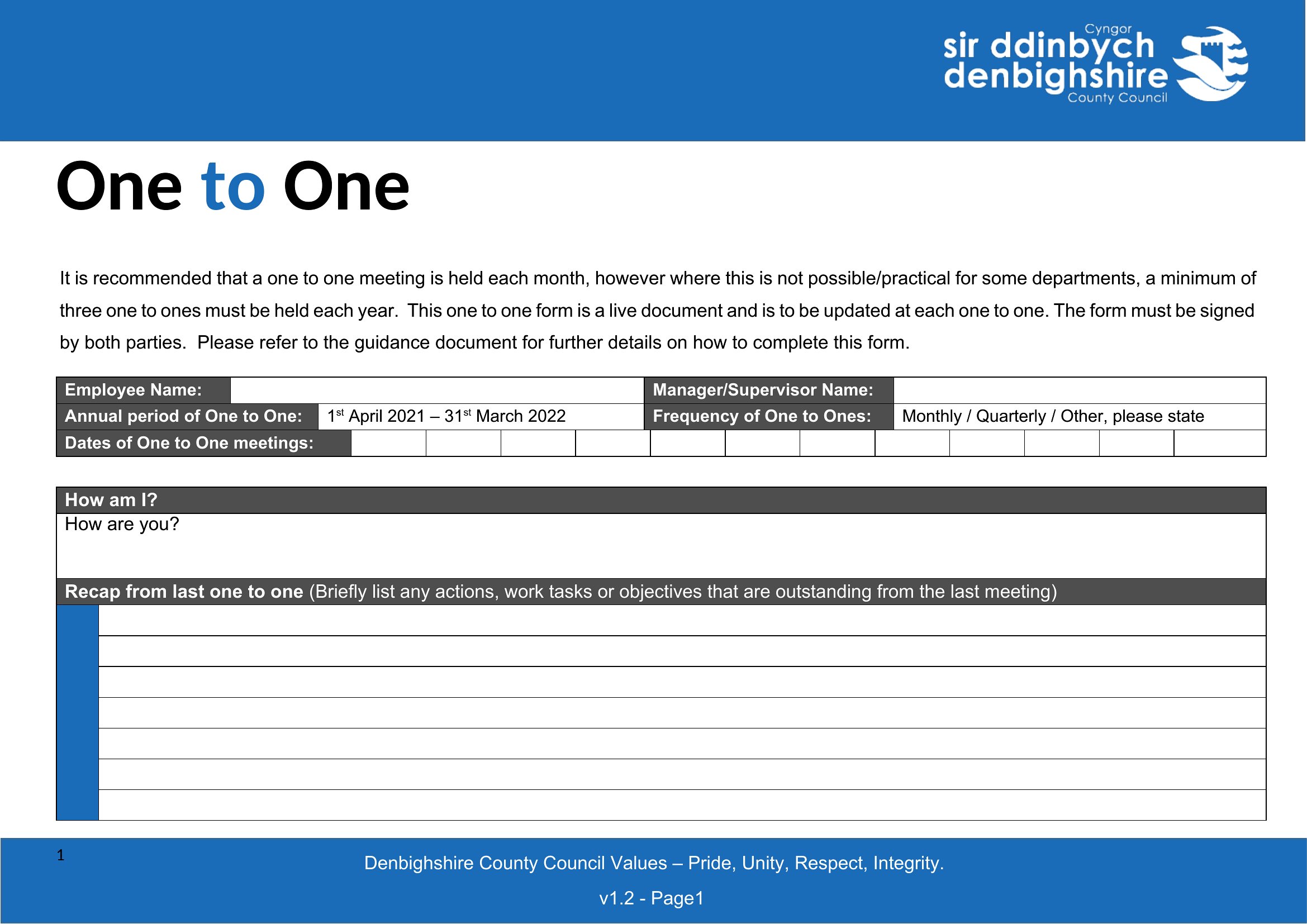
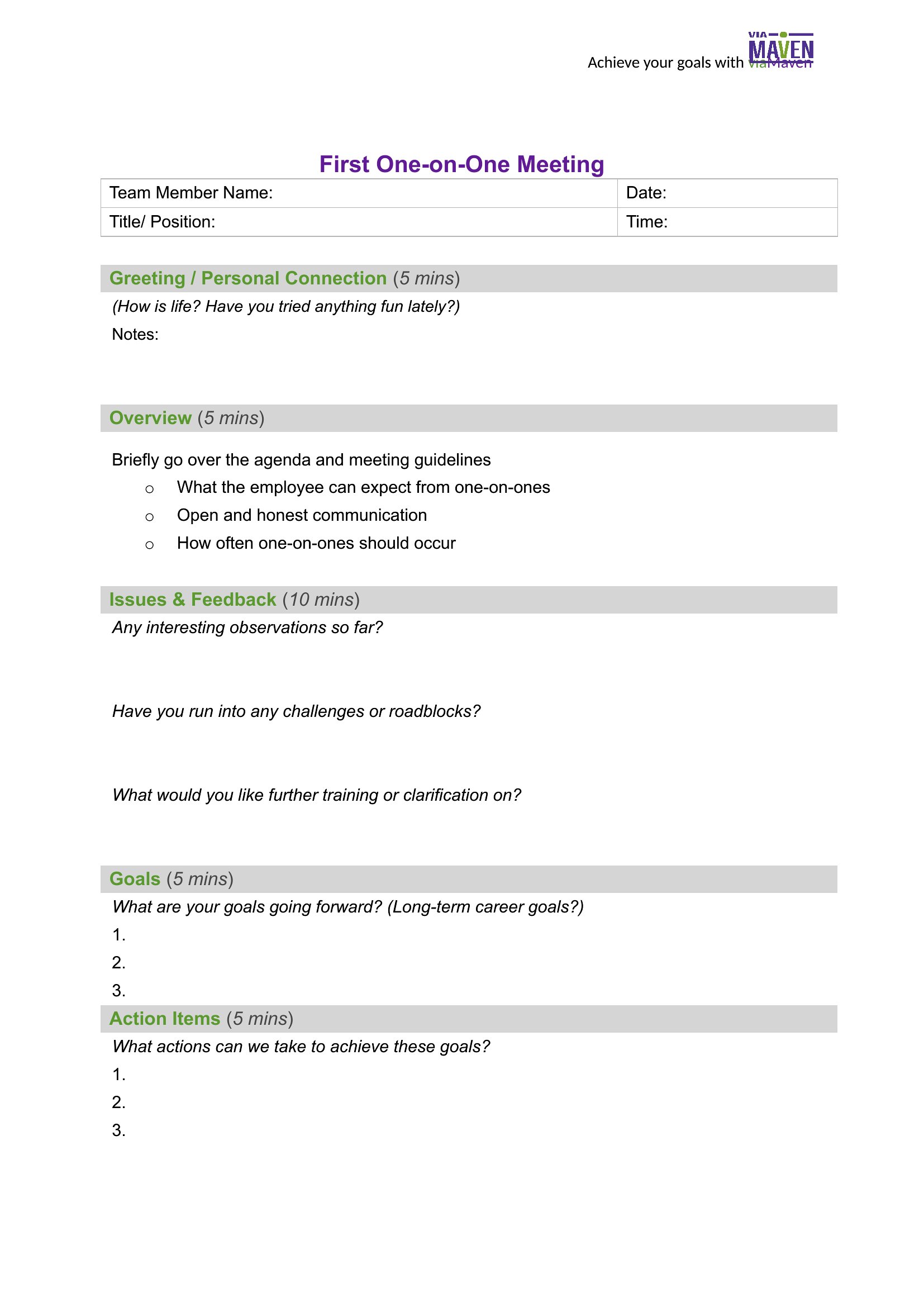
How can I adapt these templates to address sensitive topics like career development or underperformance?
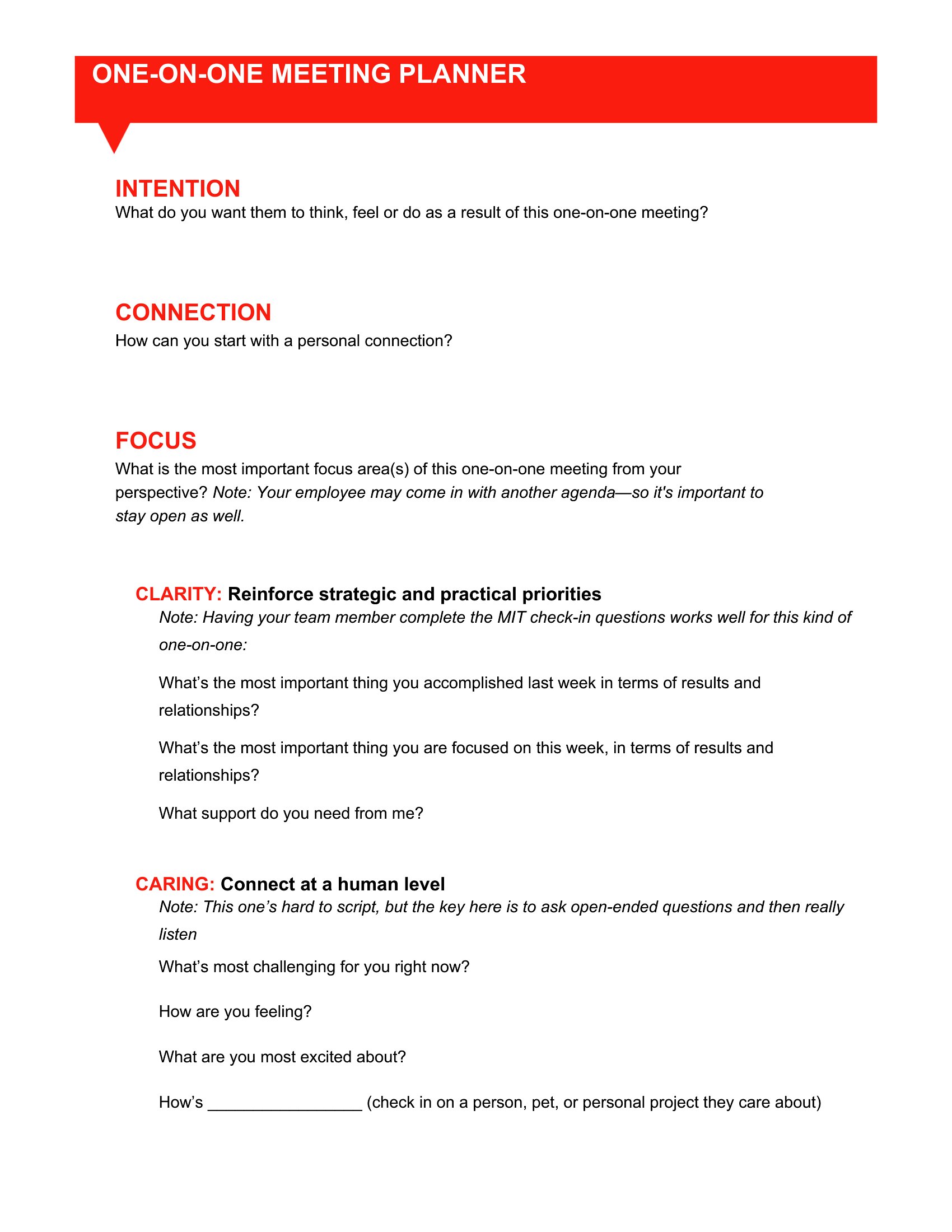
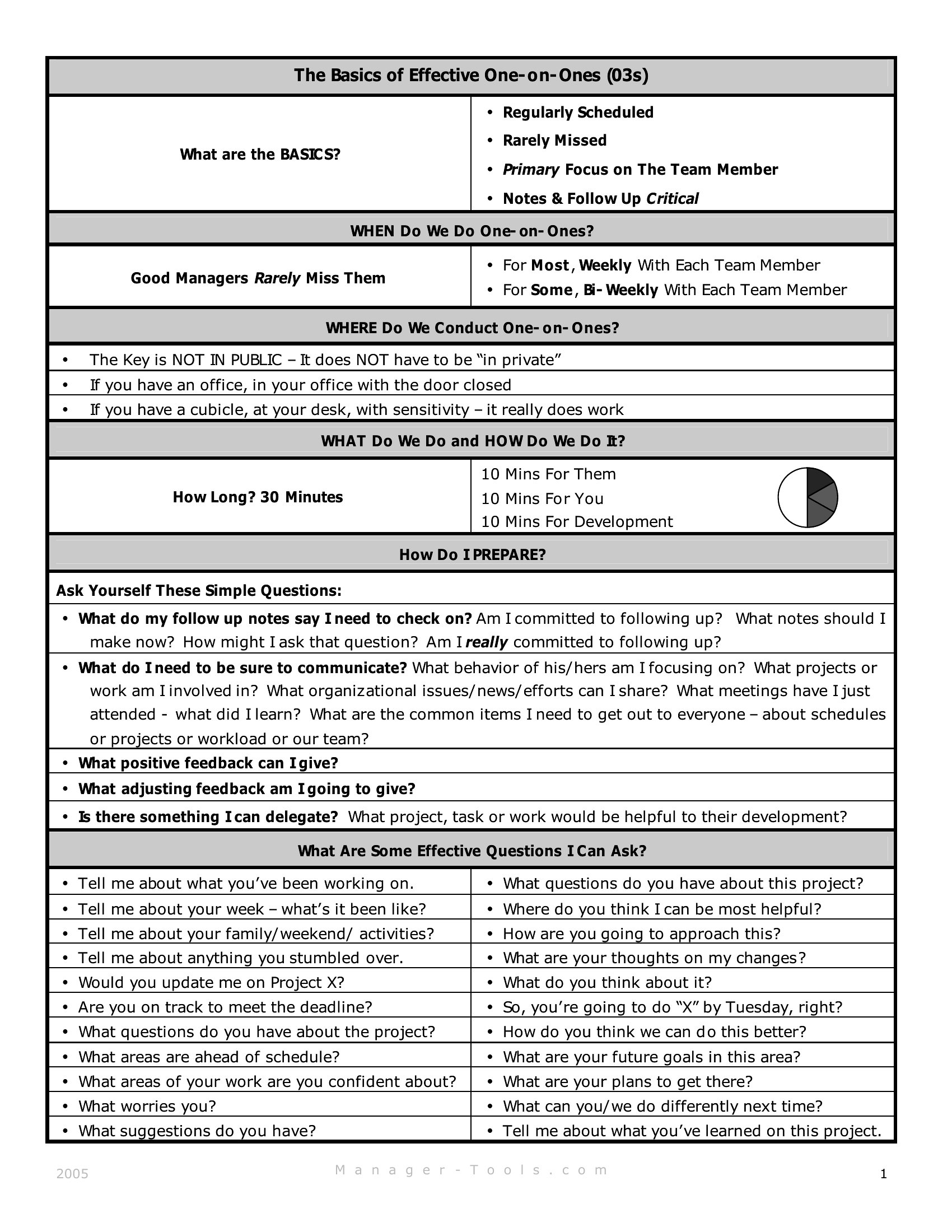
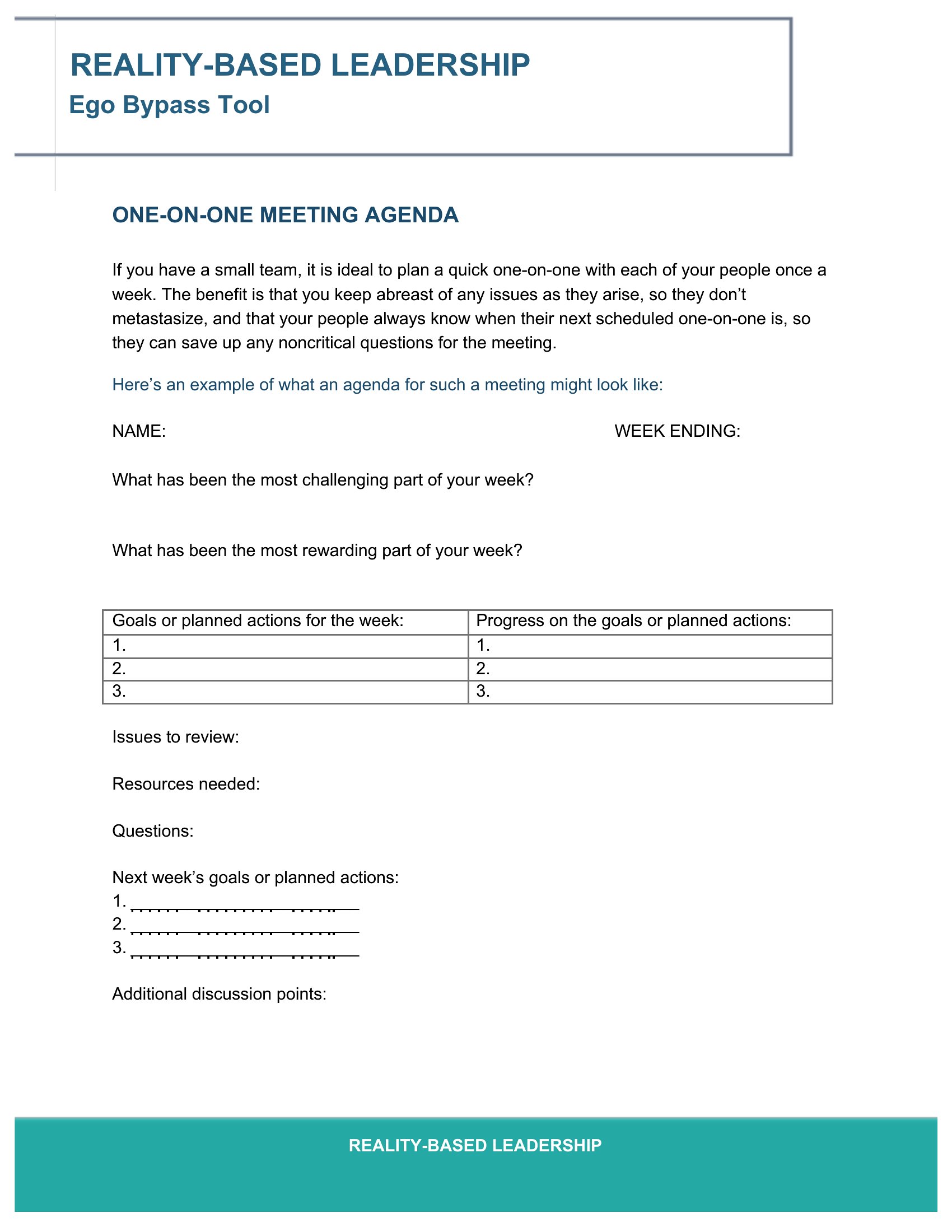
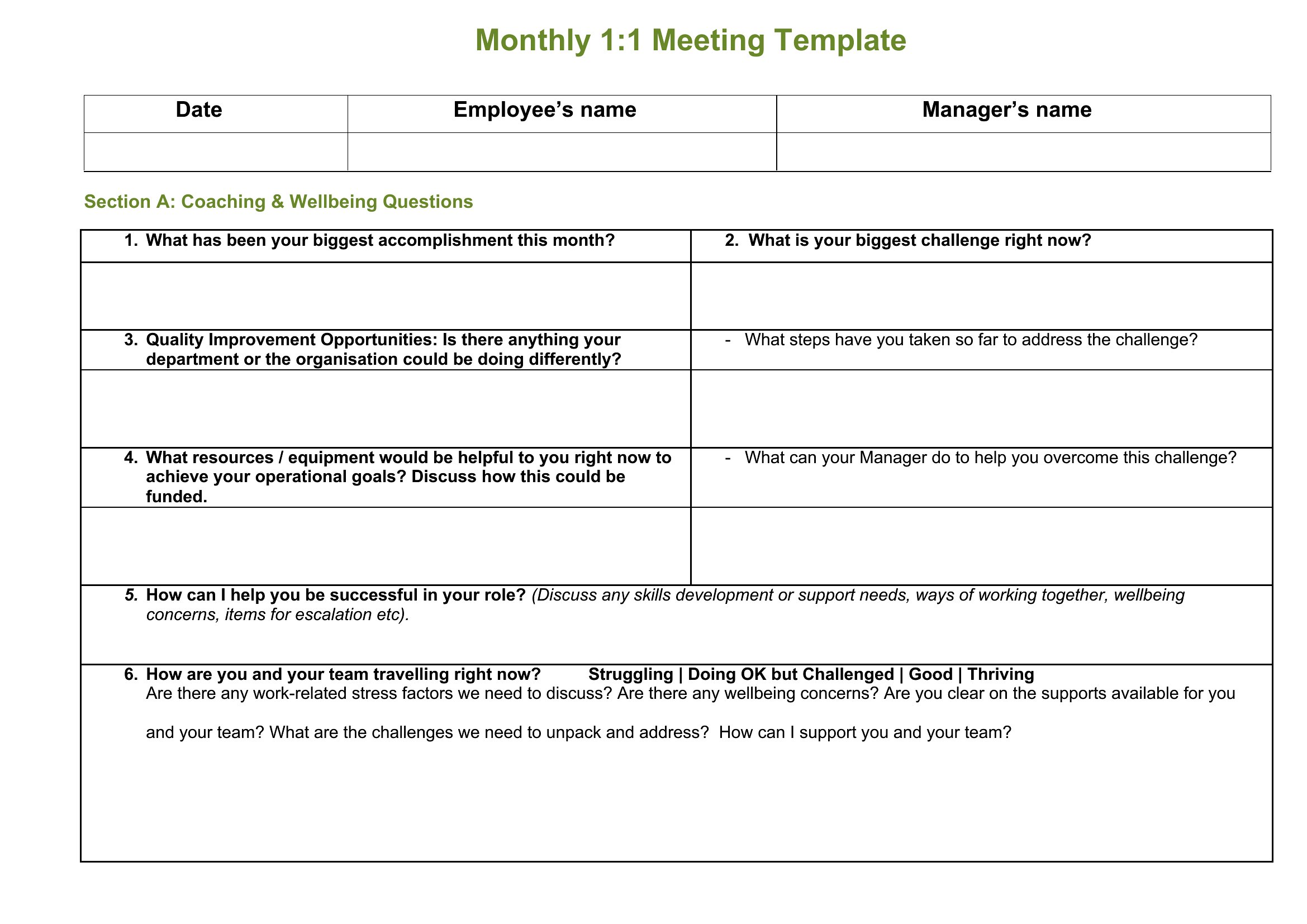
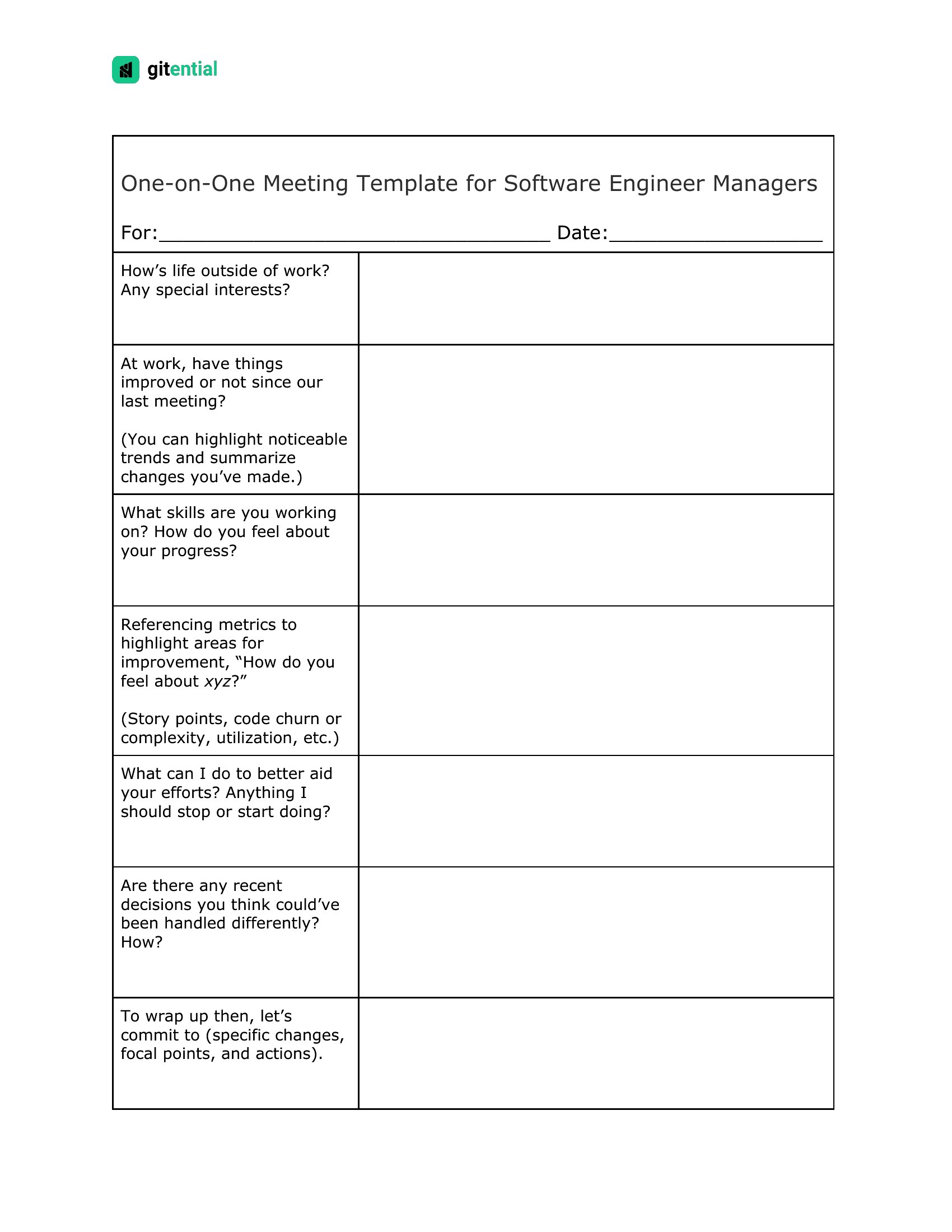
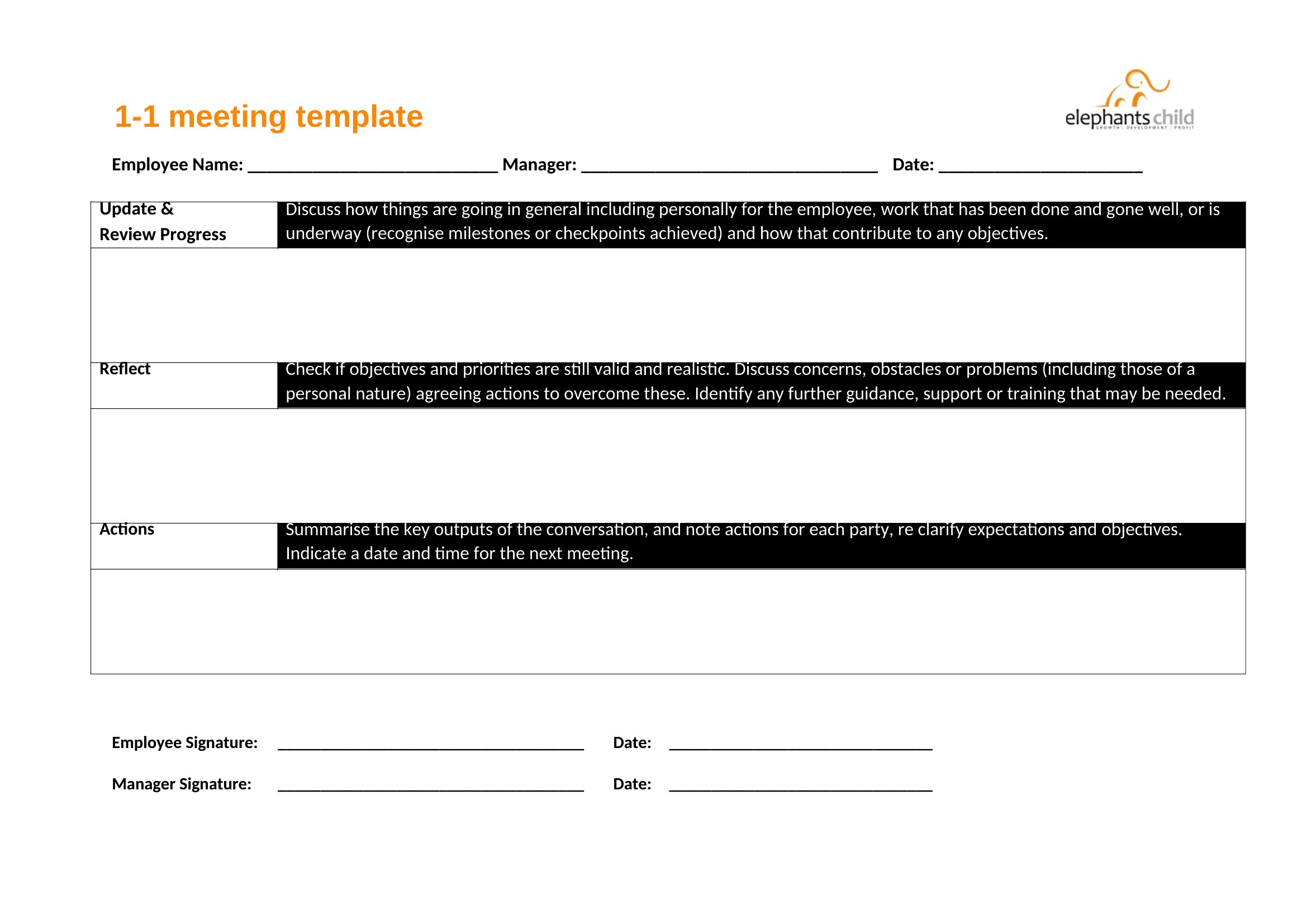
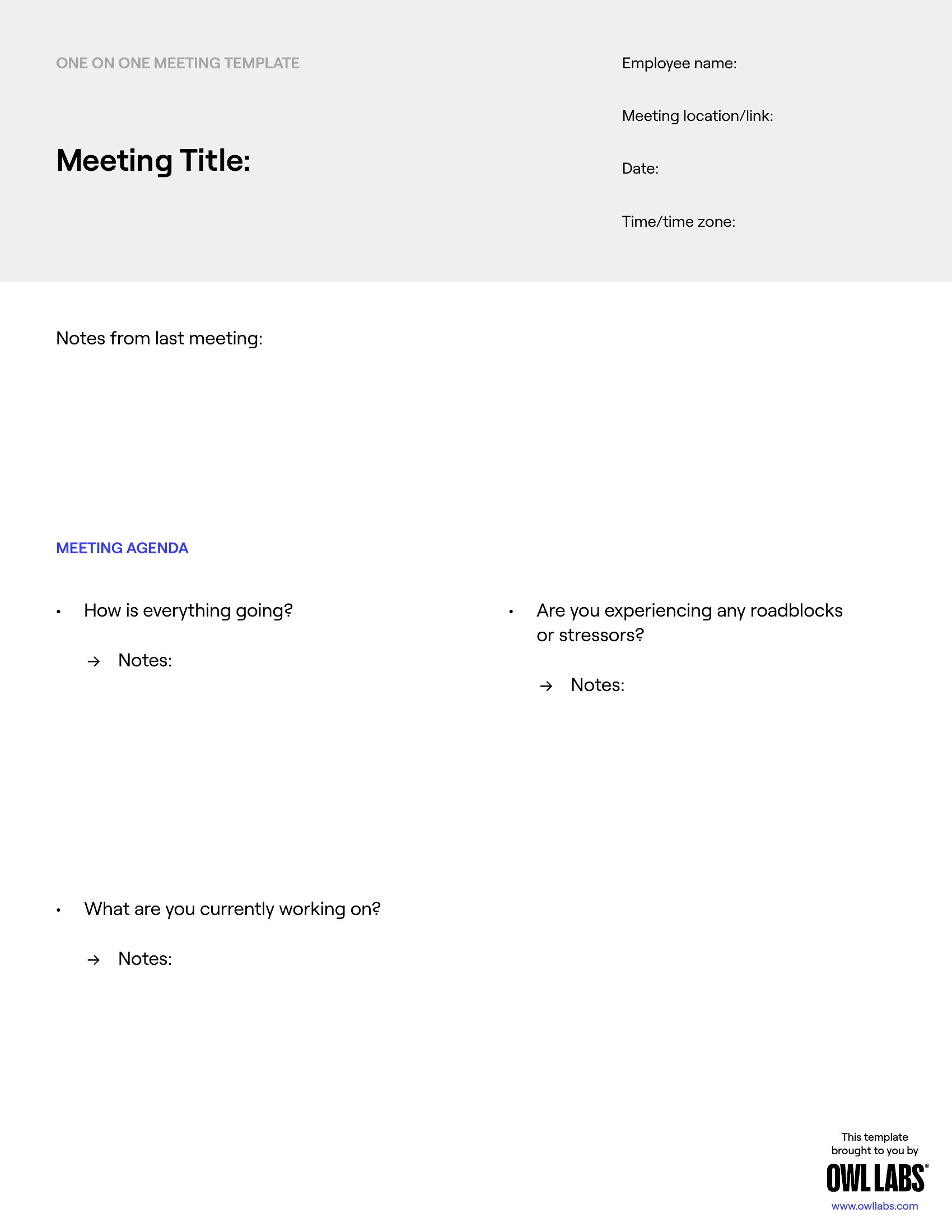
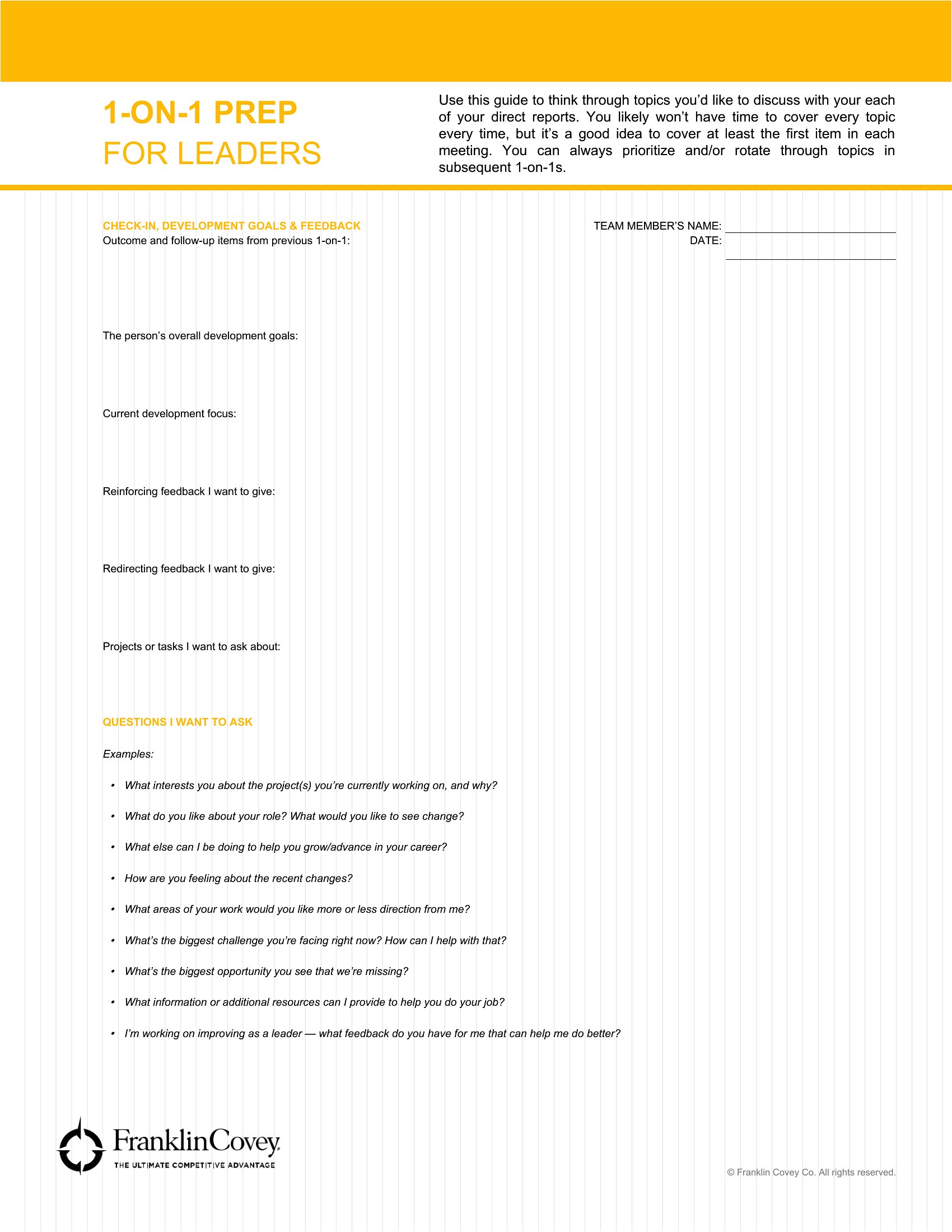
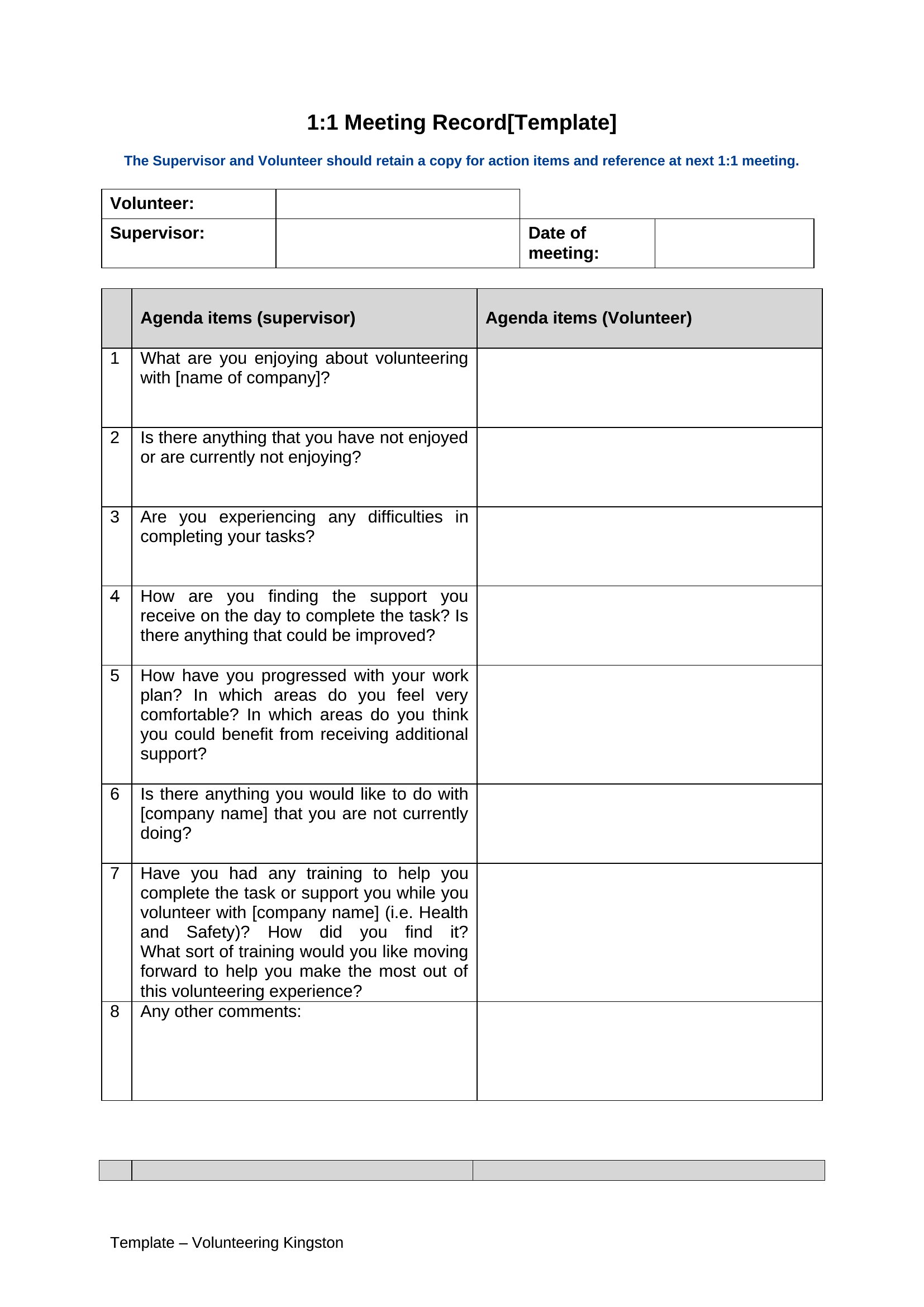
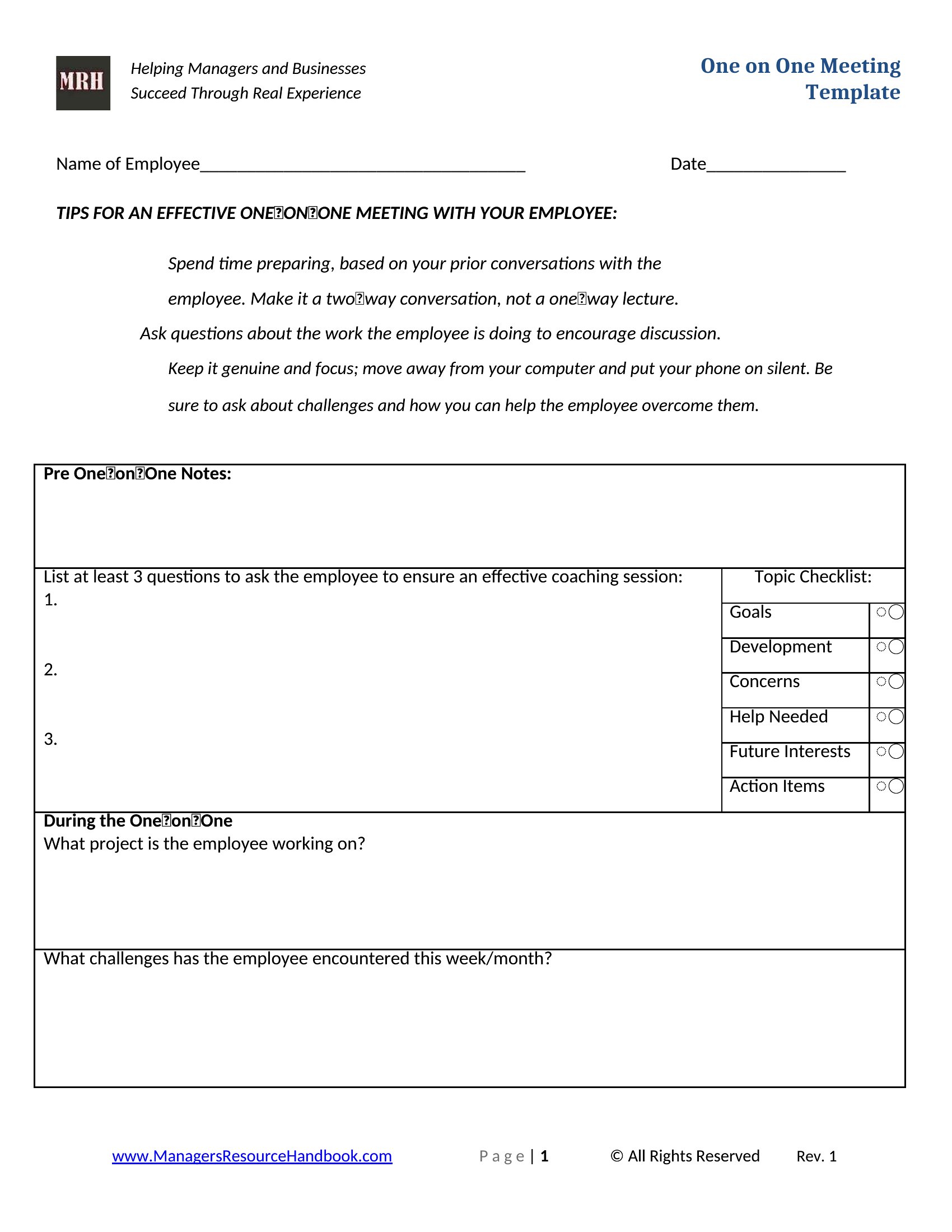
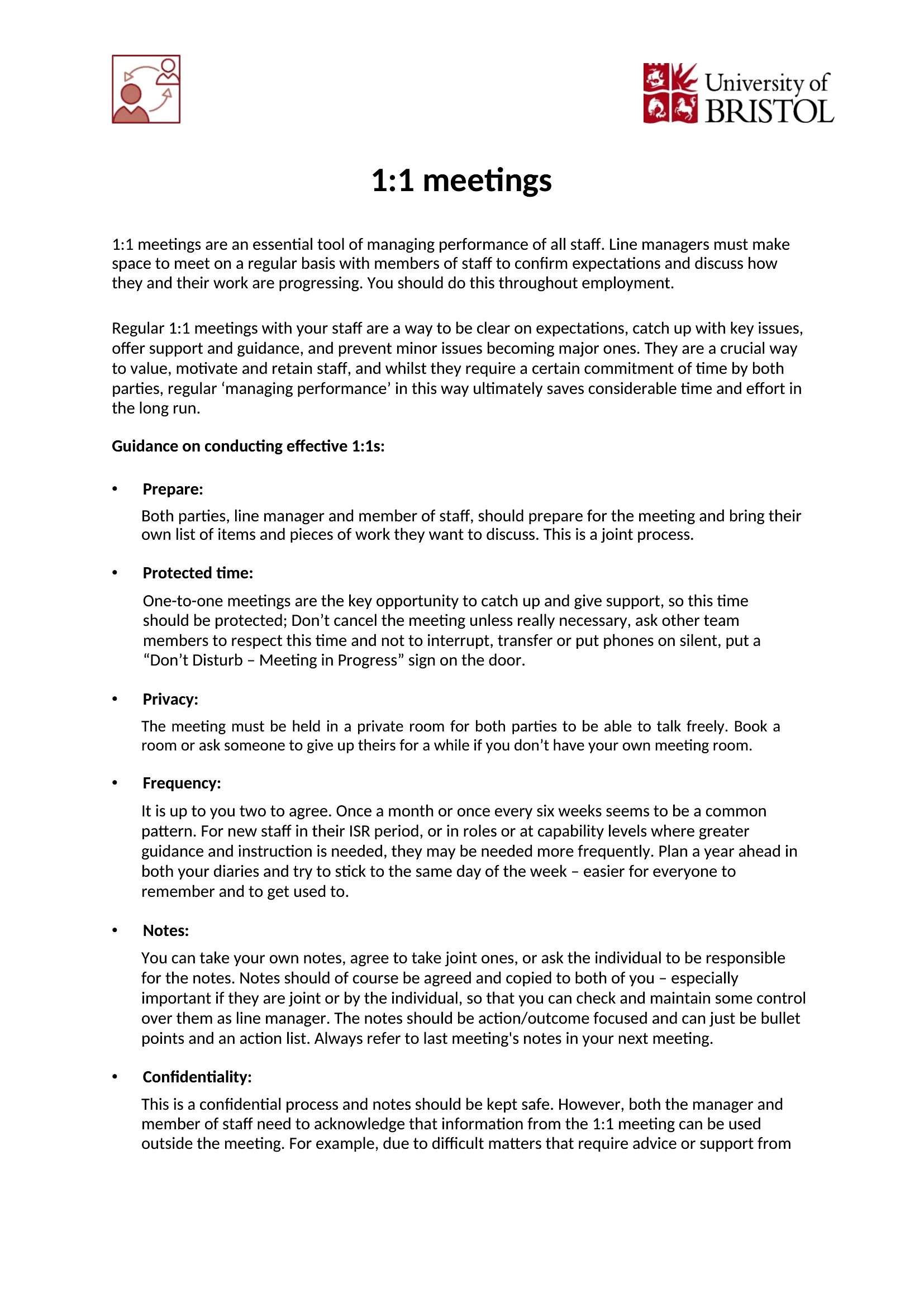
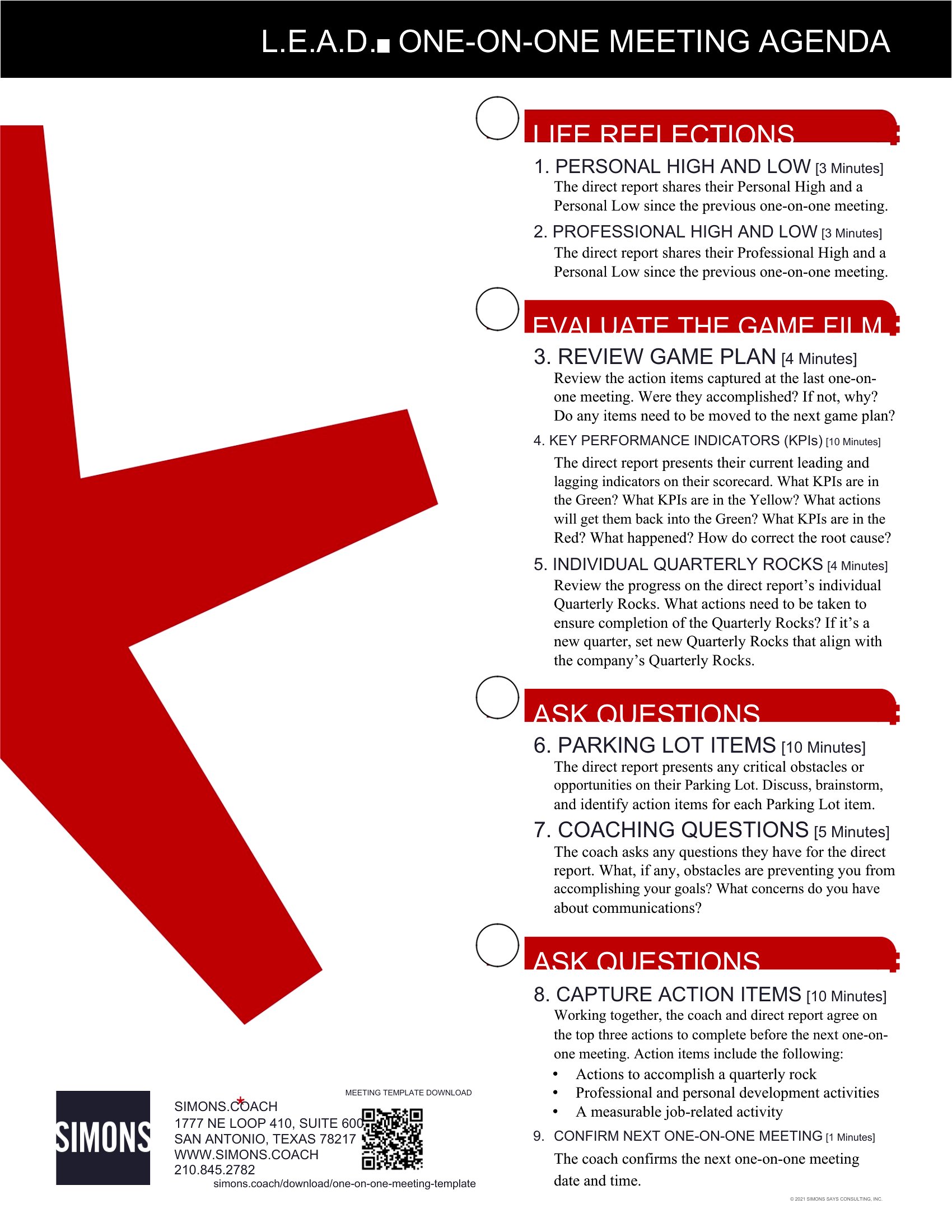
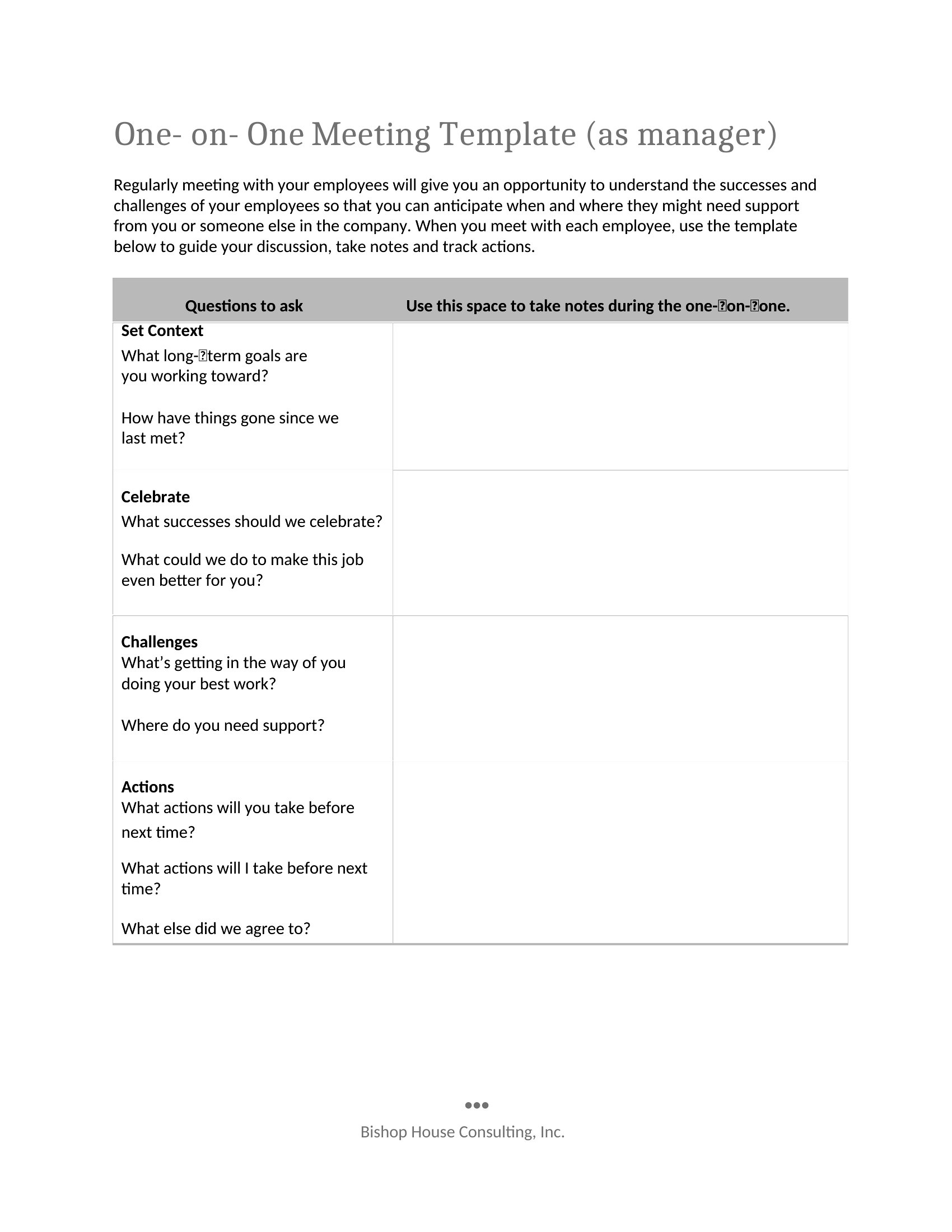
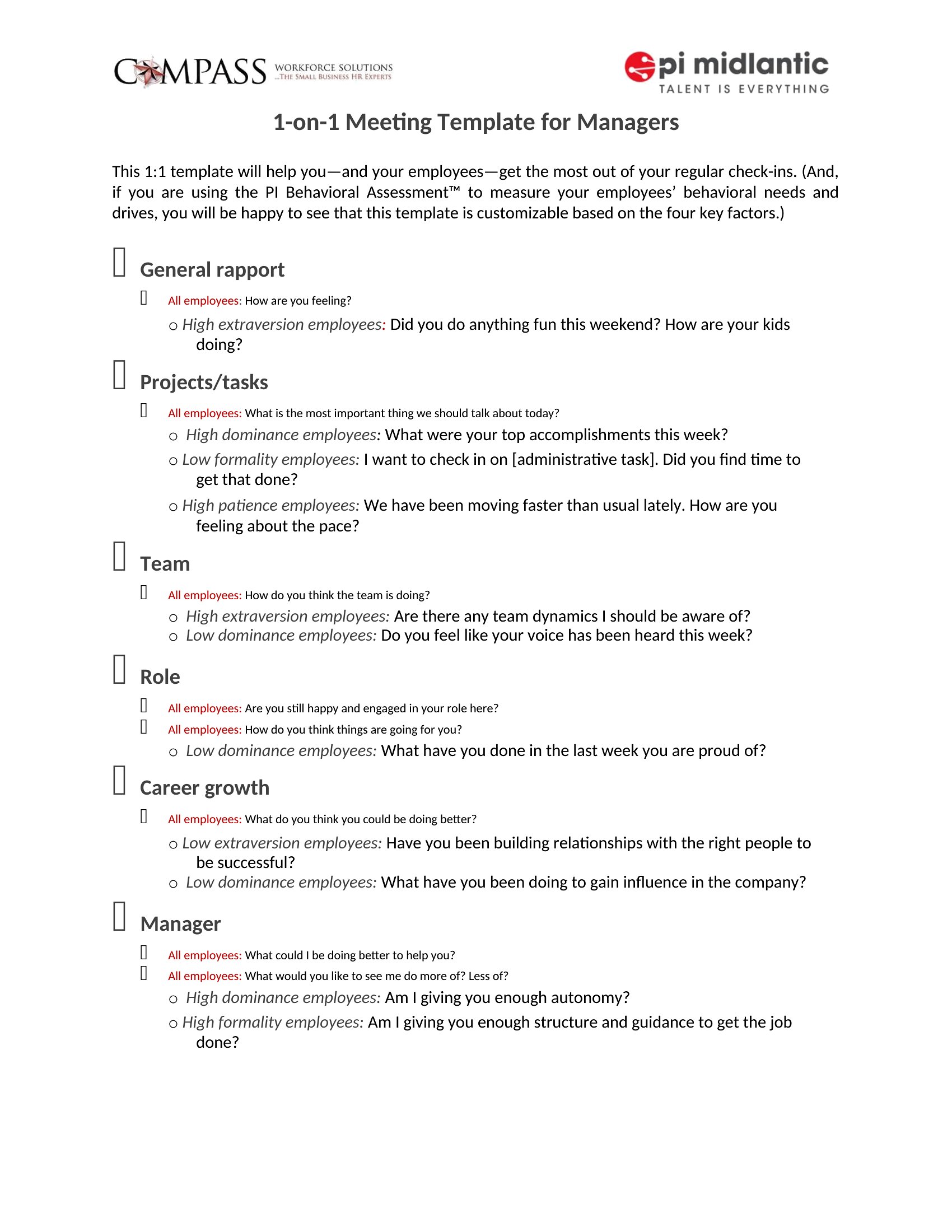
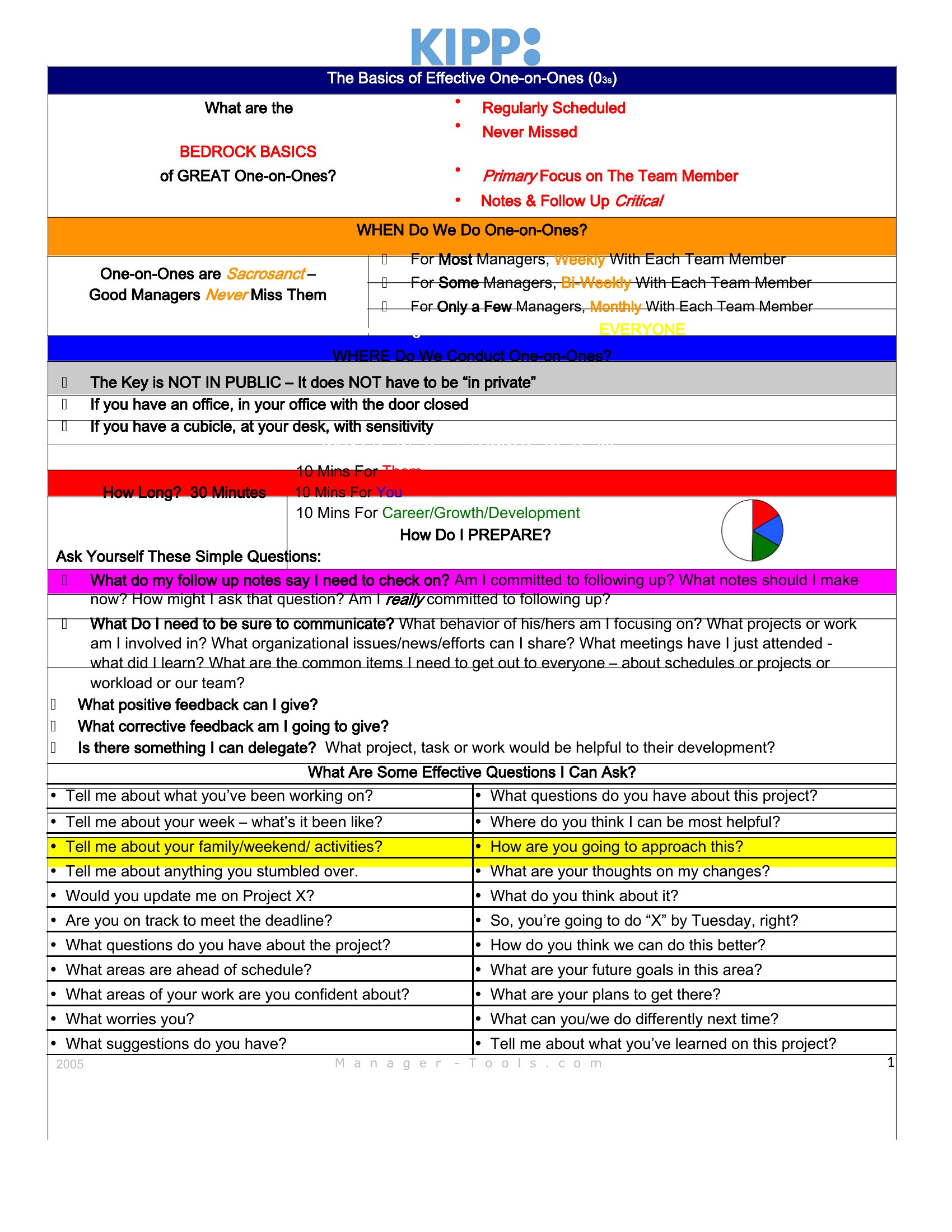
Use these templates as a foundation to structure the conversation, but tailor the language to fit your team’s culture. For example, replace generic ‘feedback’ sections with specific frameworks like the ‘SBI’ (Situation-Behavior-Impact) model for constructive critiques. Avoid filling in examples that might not apply—leave space for notes to personalize the discussion. For sensitive topics, pair the template with a pre-meeting conversation to set expectations.
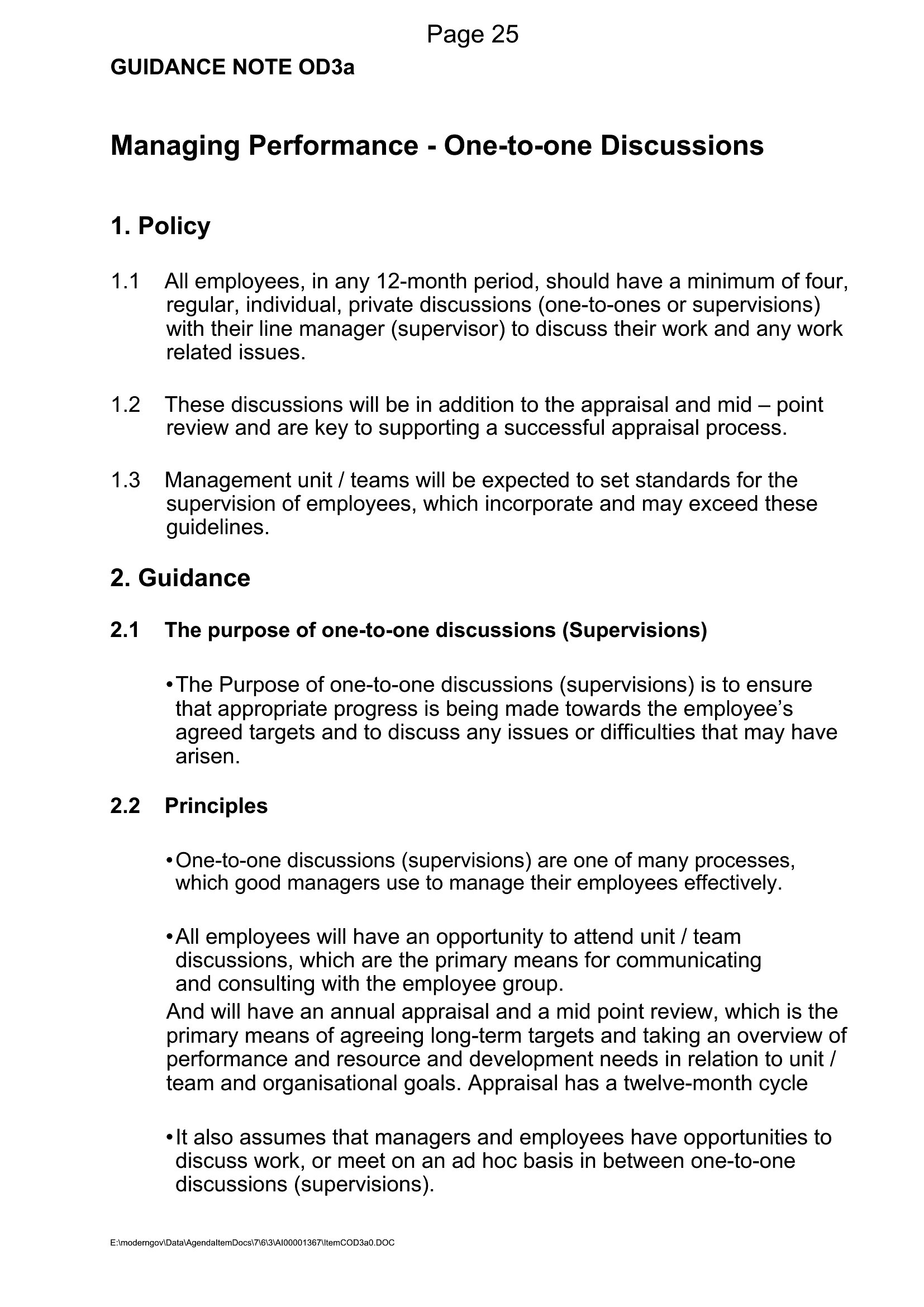
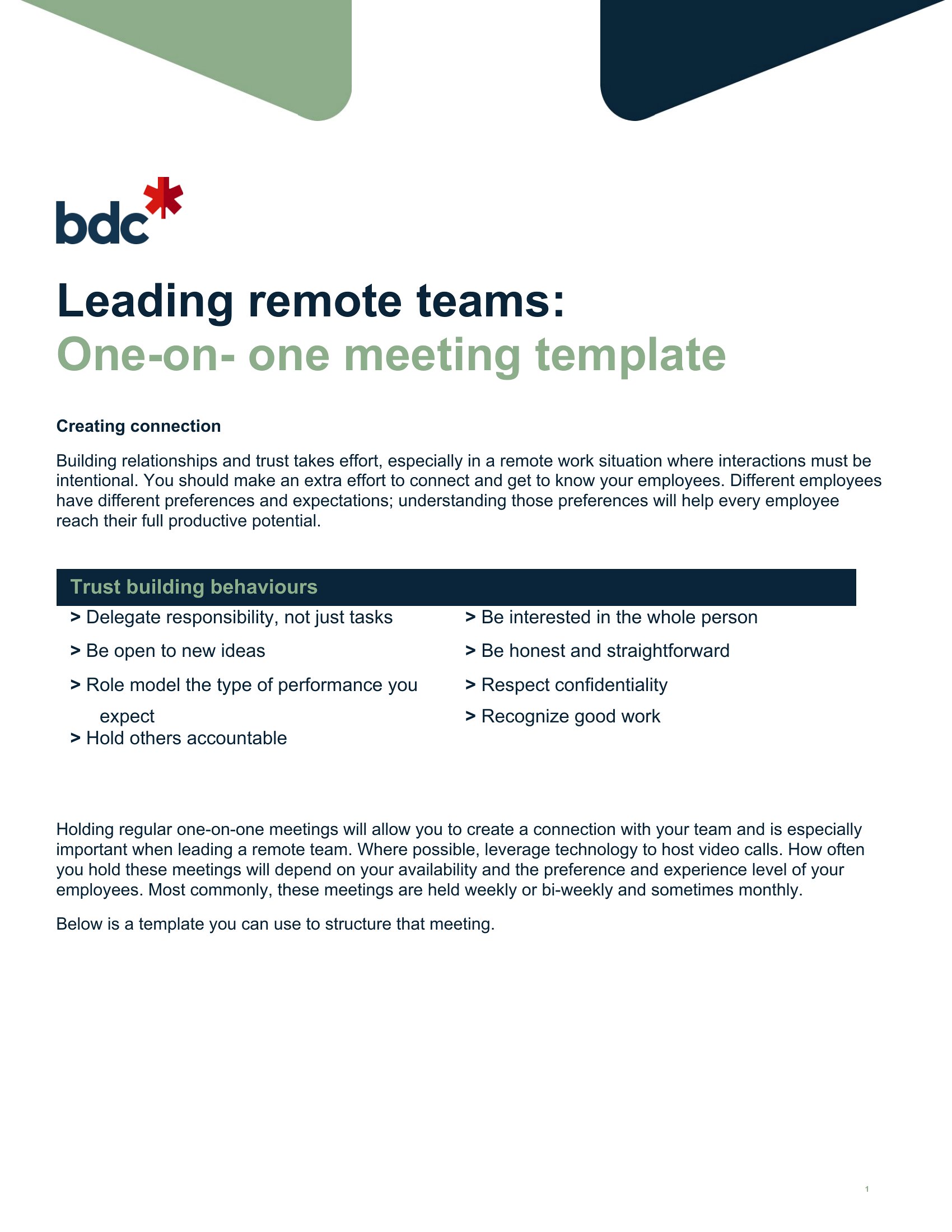
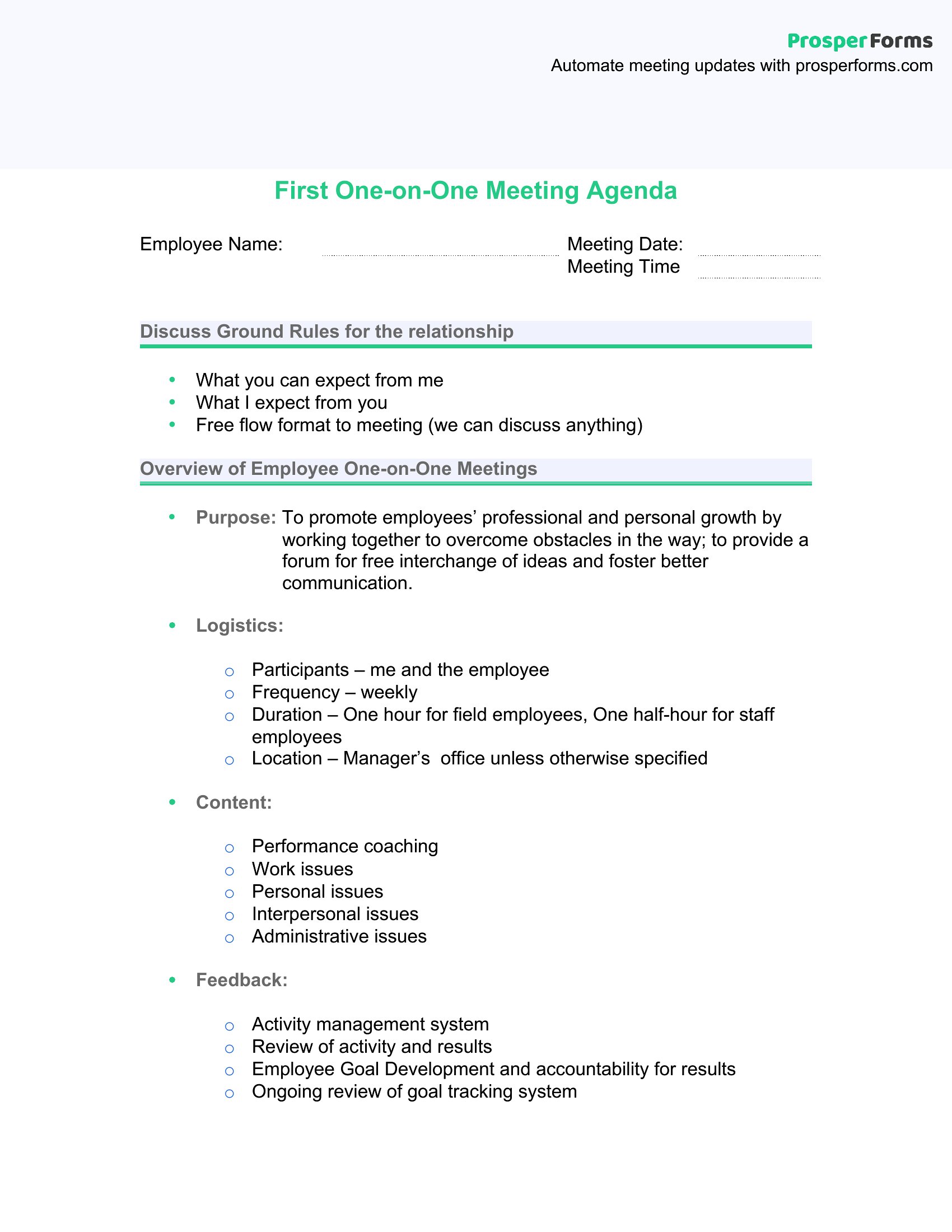
What’s the best way to use these templates if my team is distributed across different time zones?
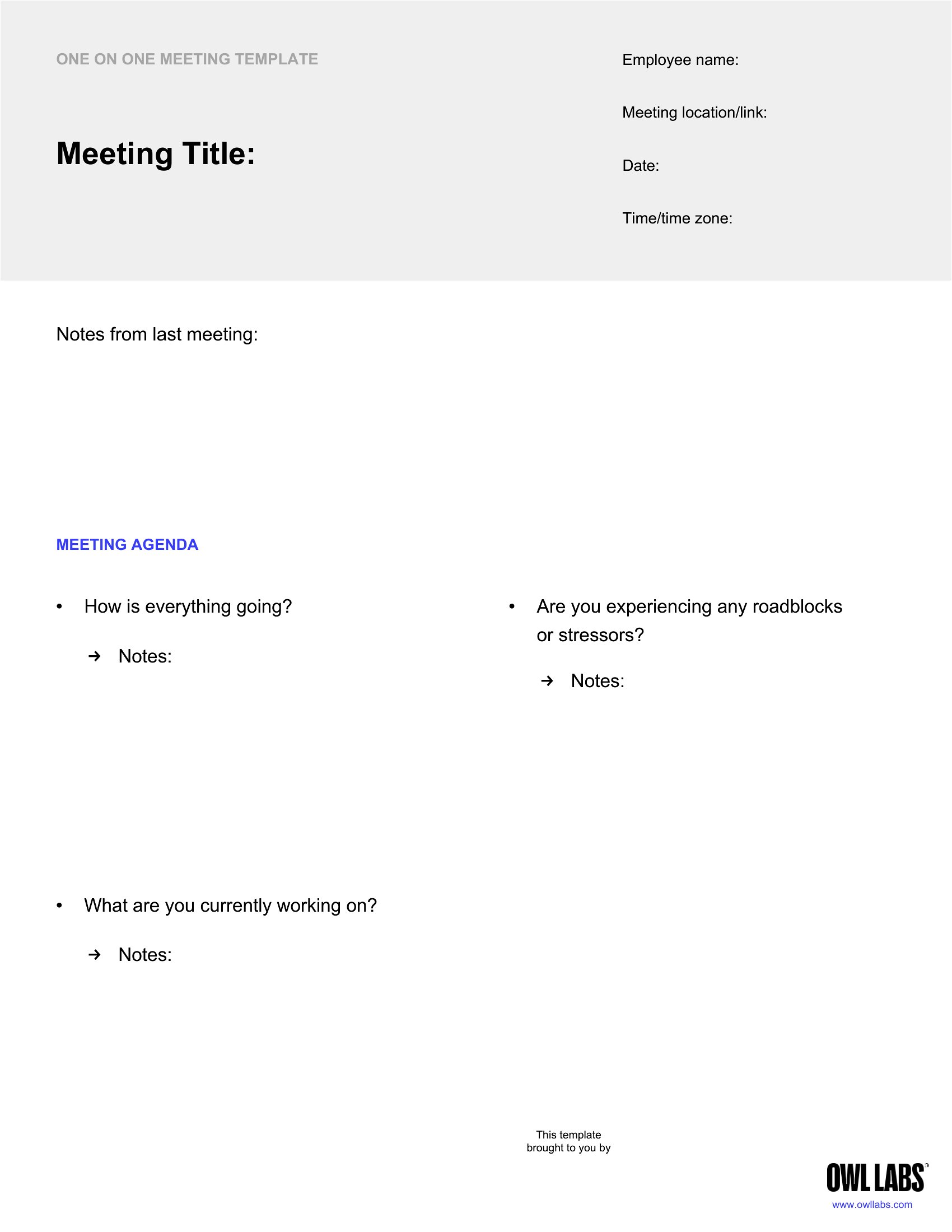
Share the PDF version in advance via email or a collaboration tool like Google Drive, allowing team members to review and add notes before the meeting. For Word files, use cloud-based sharing (e.g., Microsoft OneDrive) so everyone can edit simultaneously if your meeting overlaps with their working hours. Emphasize asynchronous preparation—ask participants to jot down key points in the template ahead of time to maximize face-to-face discussion.
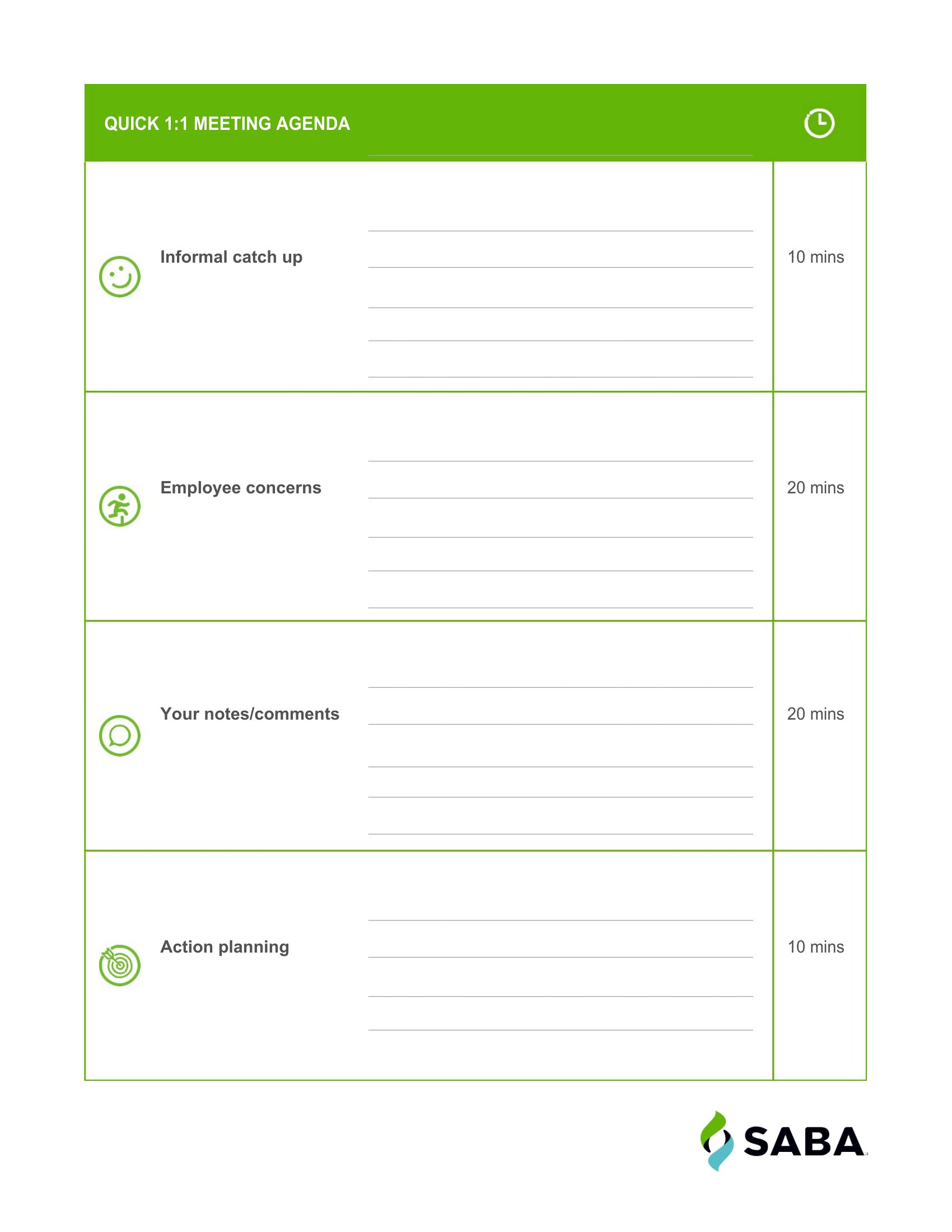
Should I include a ‘follow-up’ section in every one-on-one, even for quick check-ins?
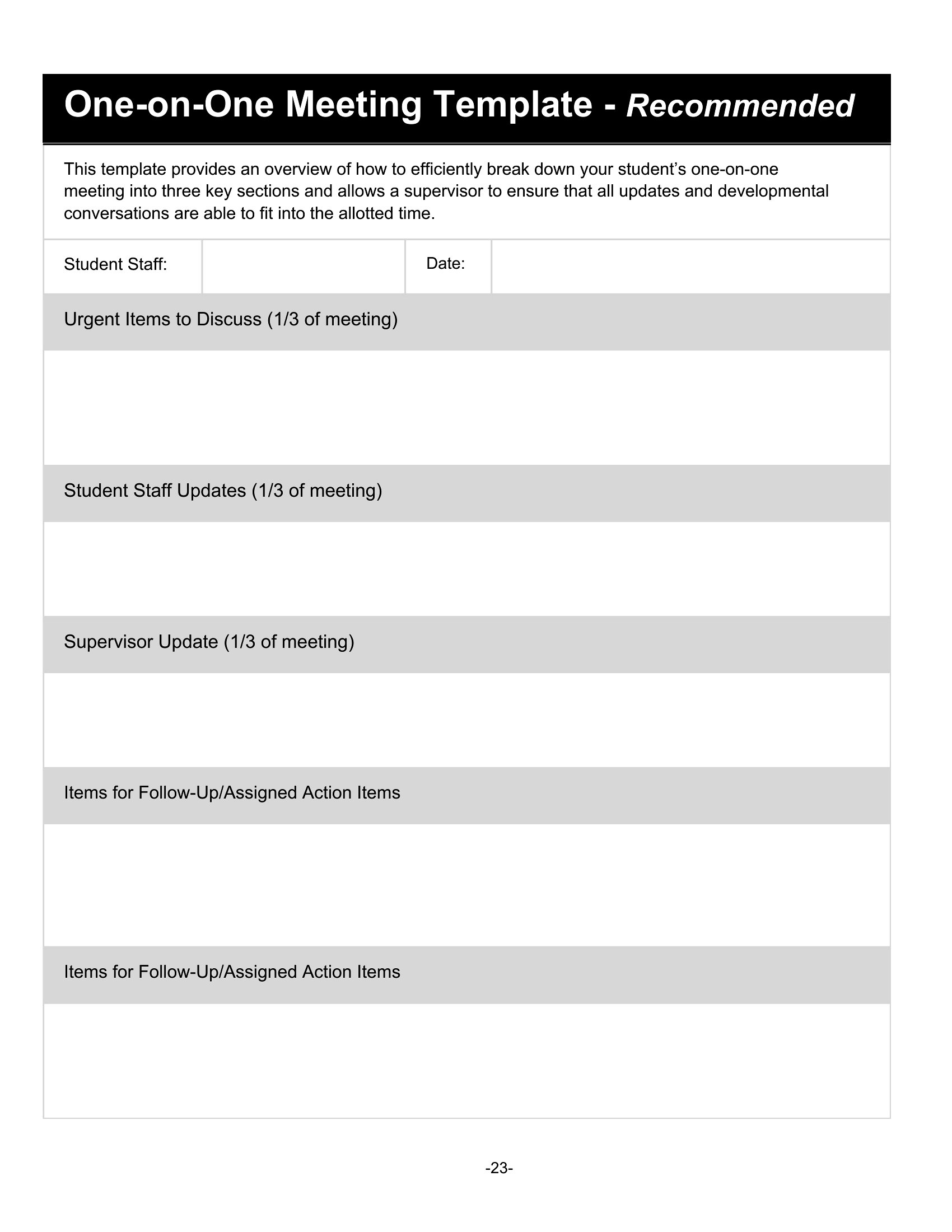
Yes, even for brief meetings. The follow-up section ensures accountability by clearly outlining action items, deadlines, and owners. For example, if a team member mentions a roadblock, document who will investigate it and by when. This prevents assumptions and keeps discussions action-oriented. Use the template’s follow-up section to summarize decisions made during the meeting, which serves as a quick reference for both parties.
Comments
Join the conversation
Sign in to share your thoughts and leave a comment on this resource.