
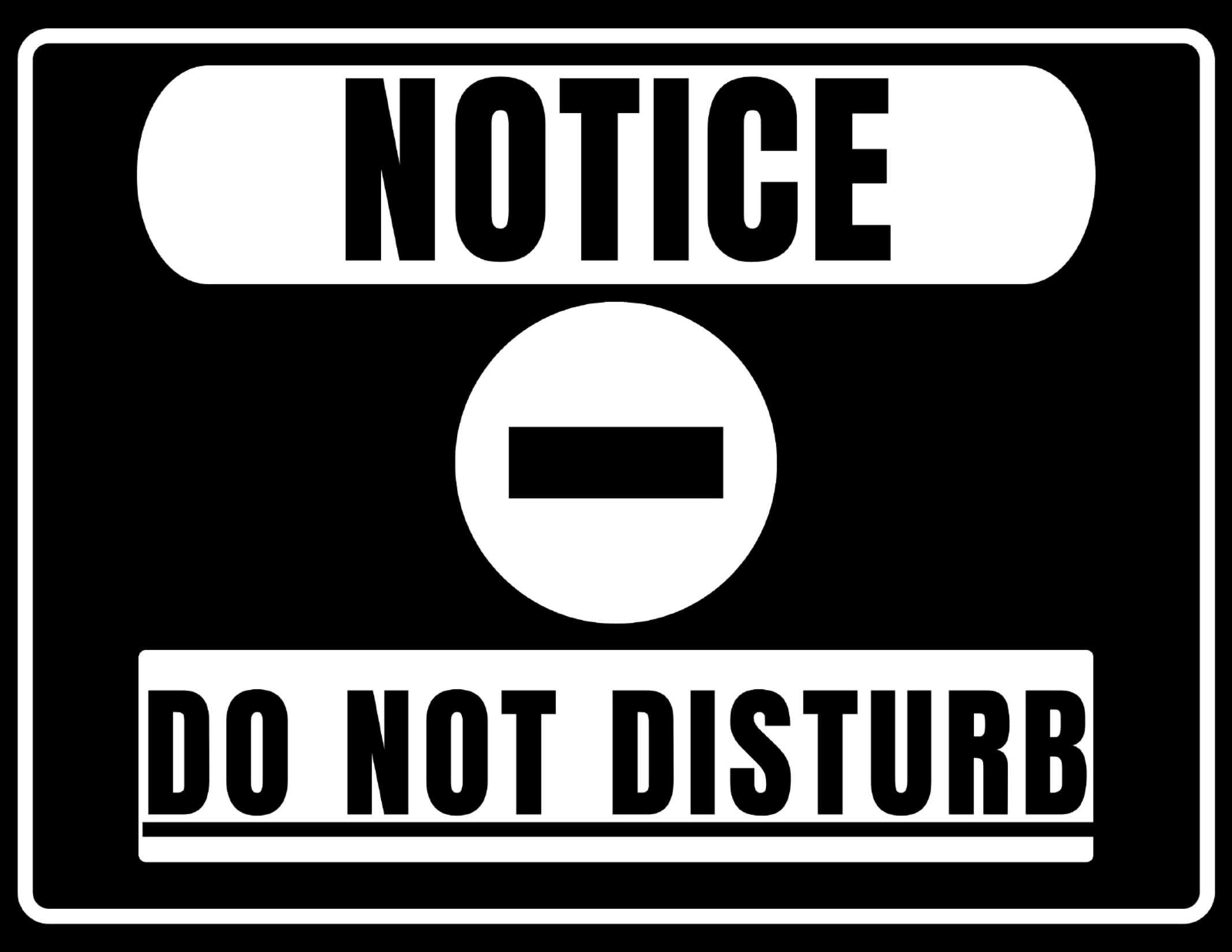


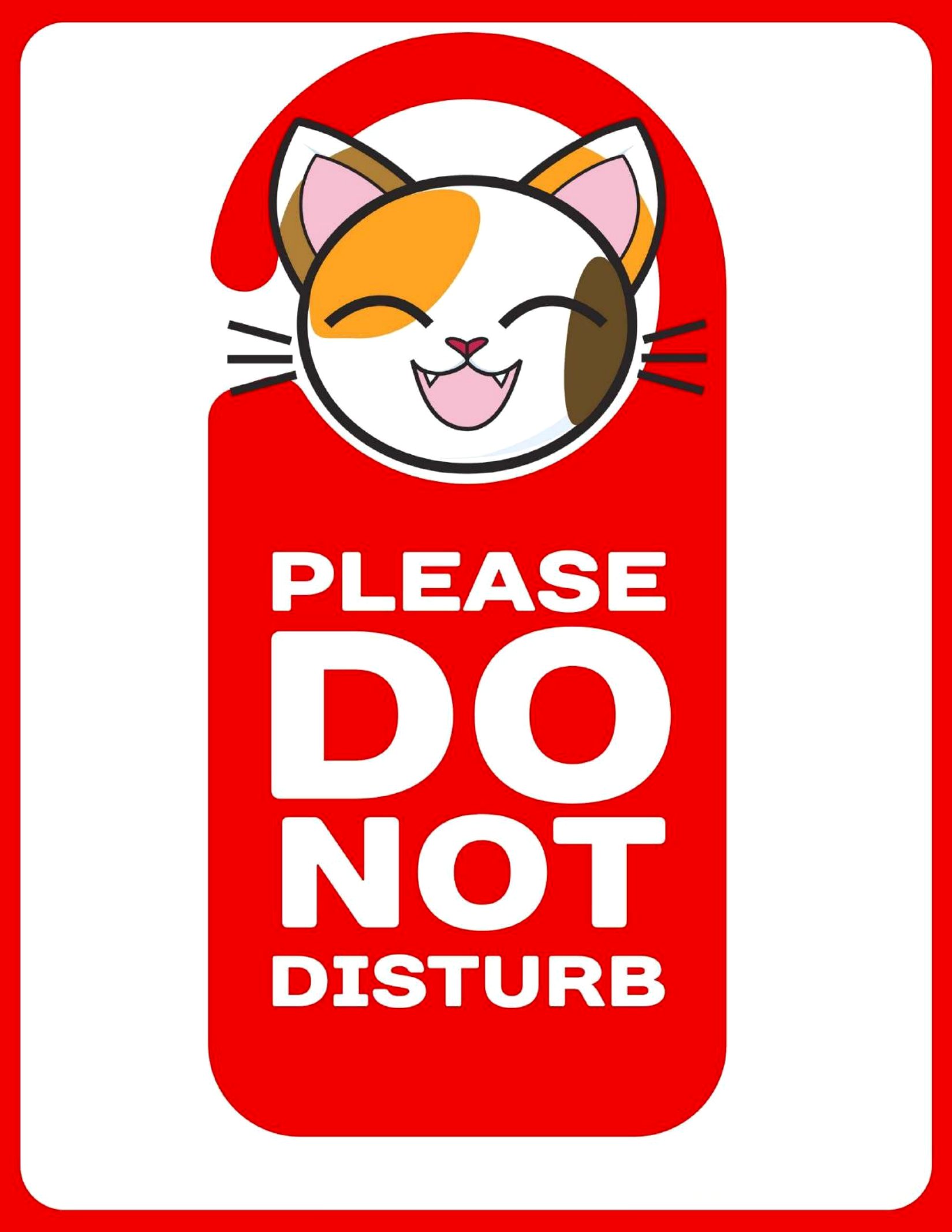
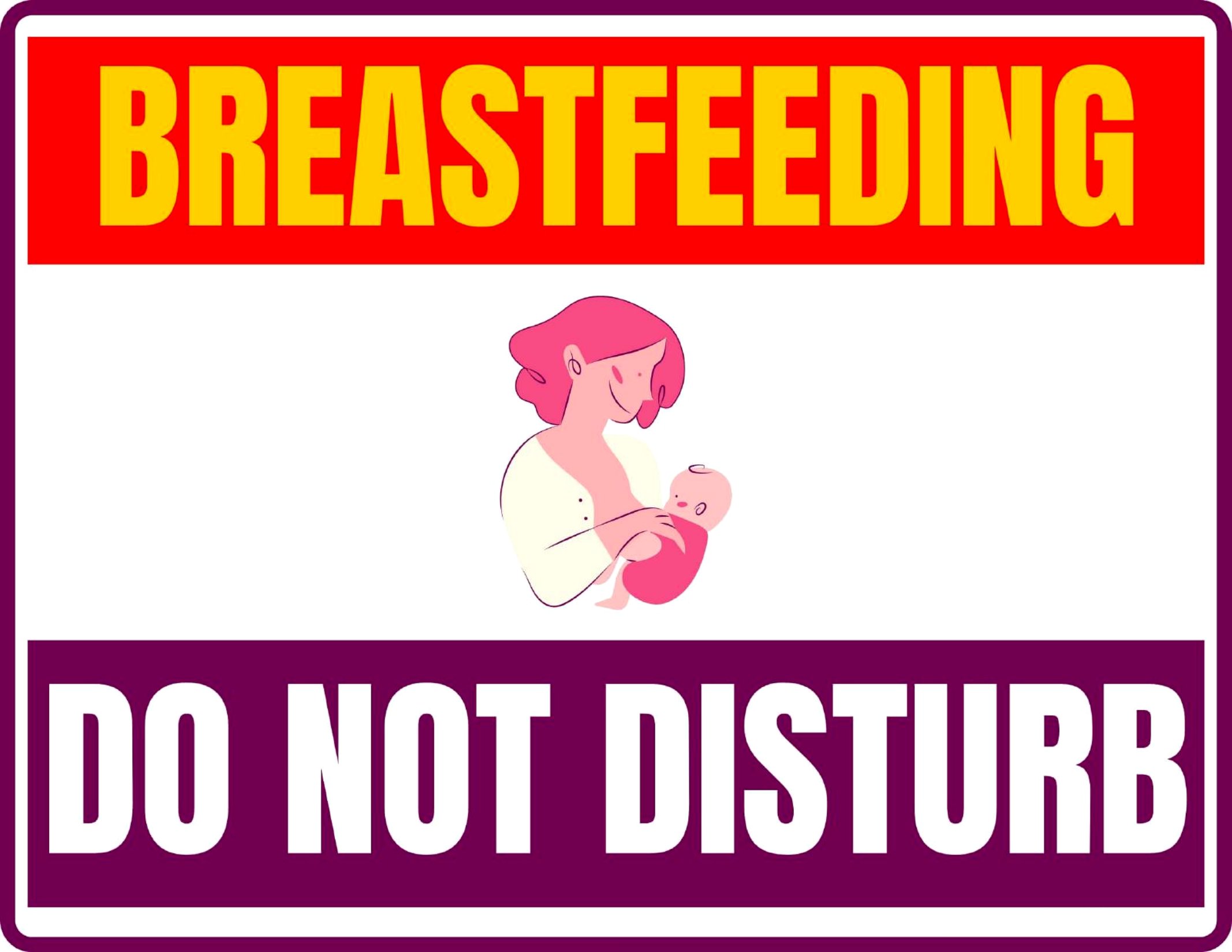
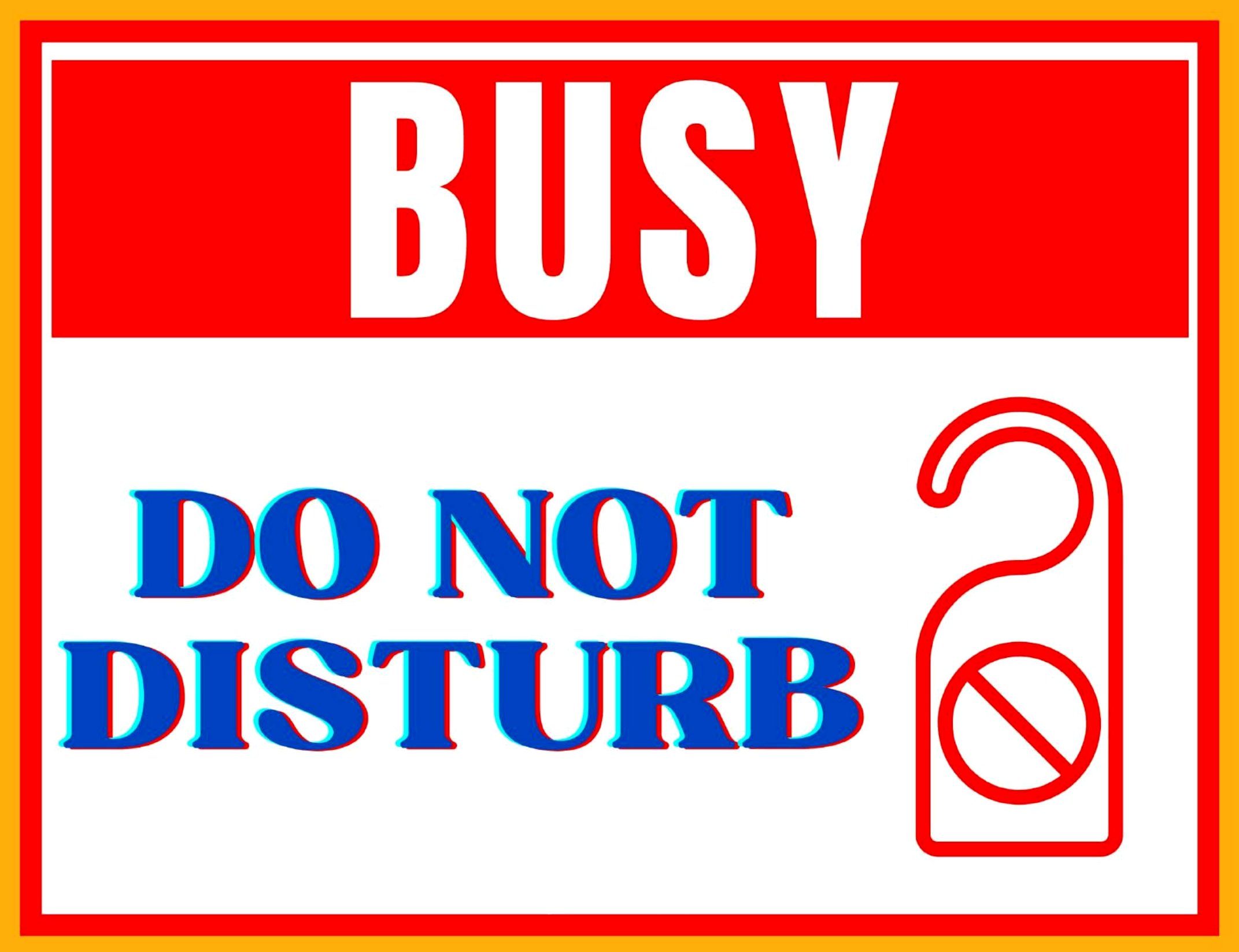
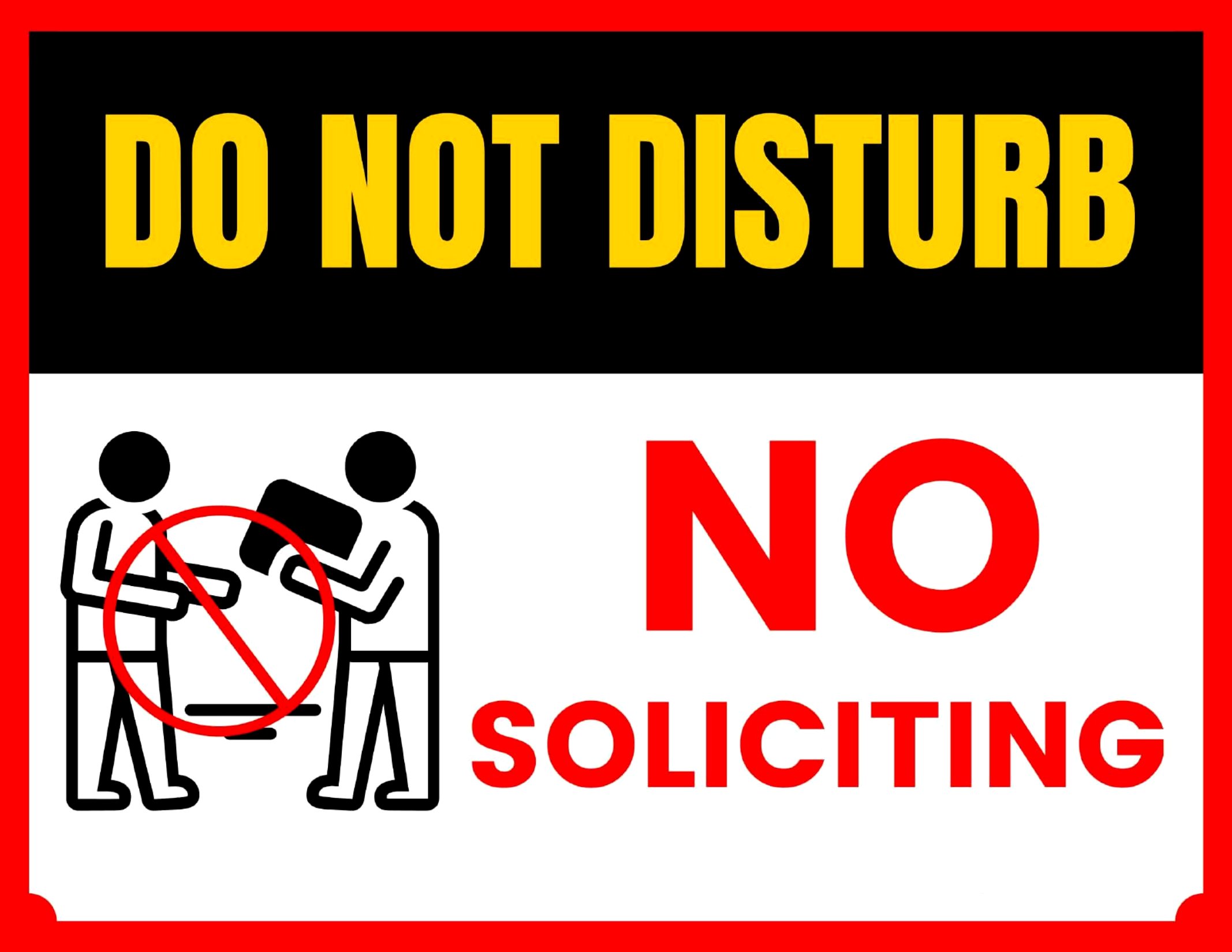
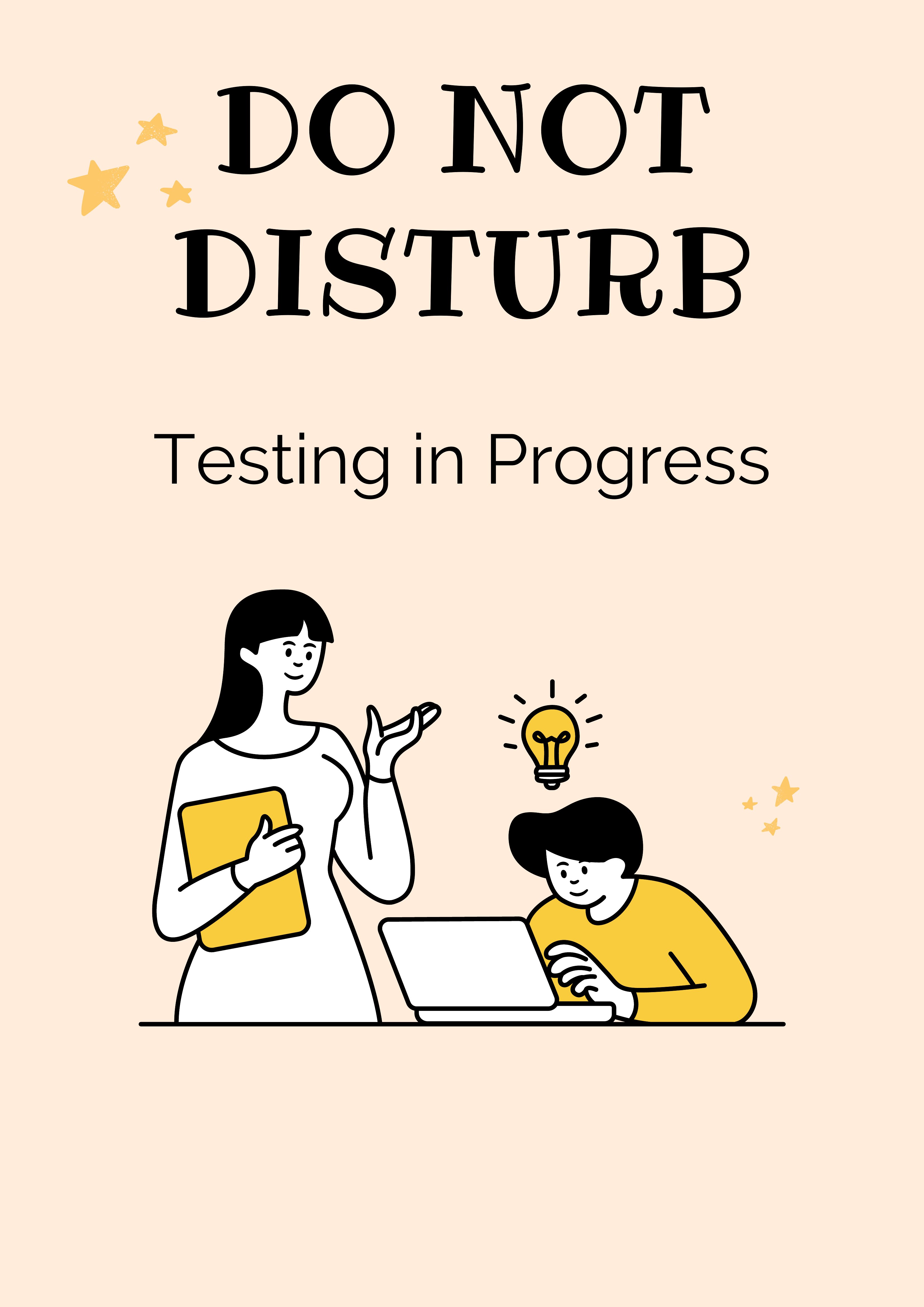

Free Do Not Disturb Sign Printables (PDF)
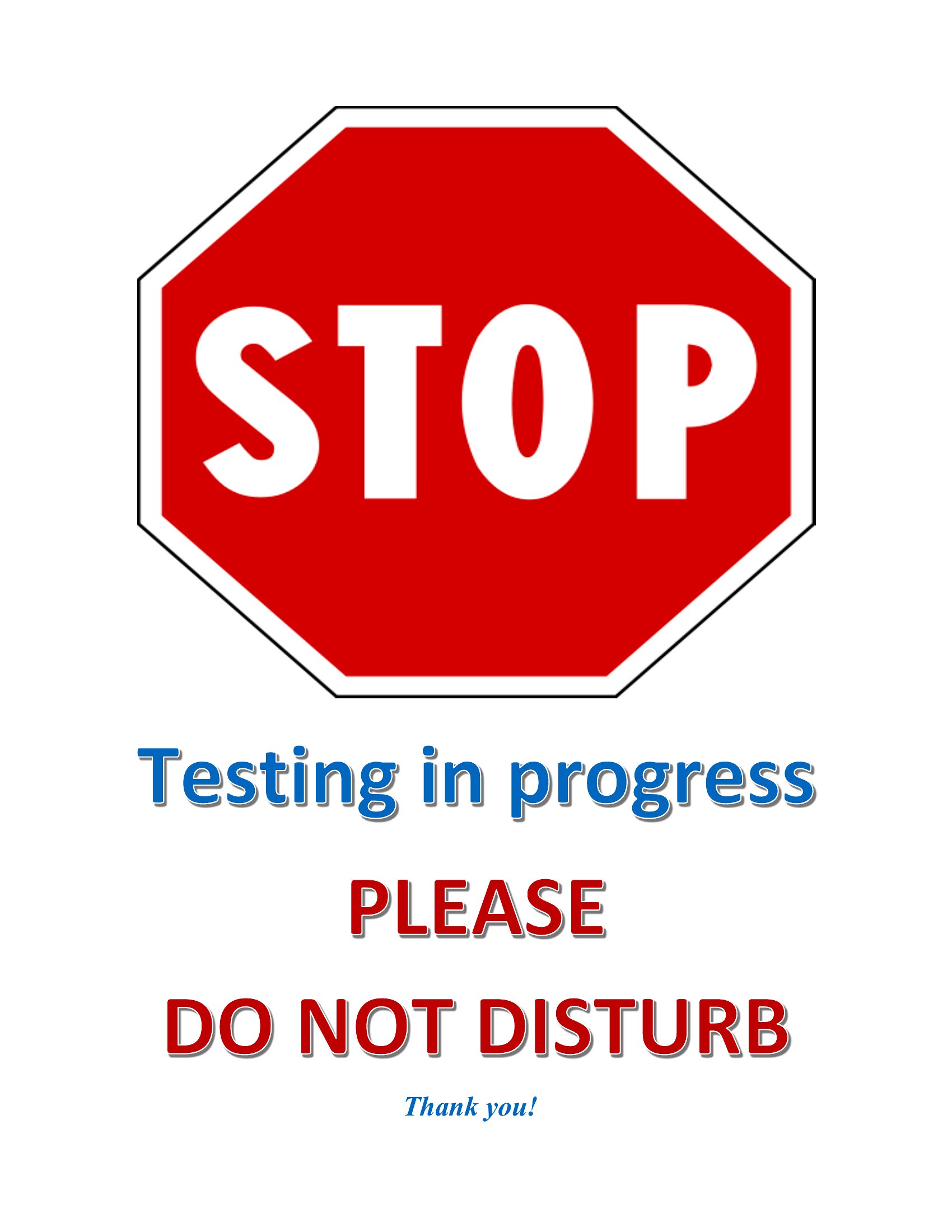
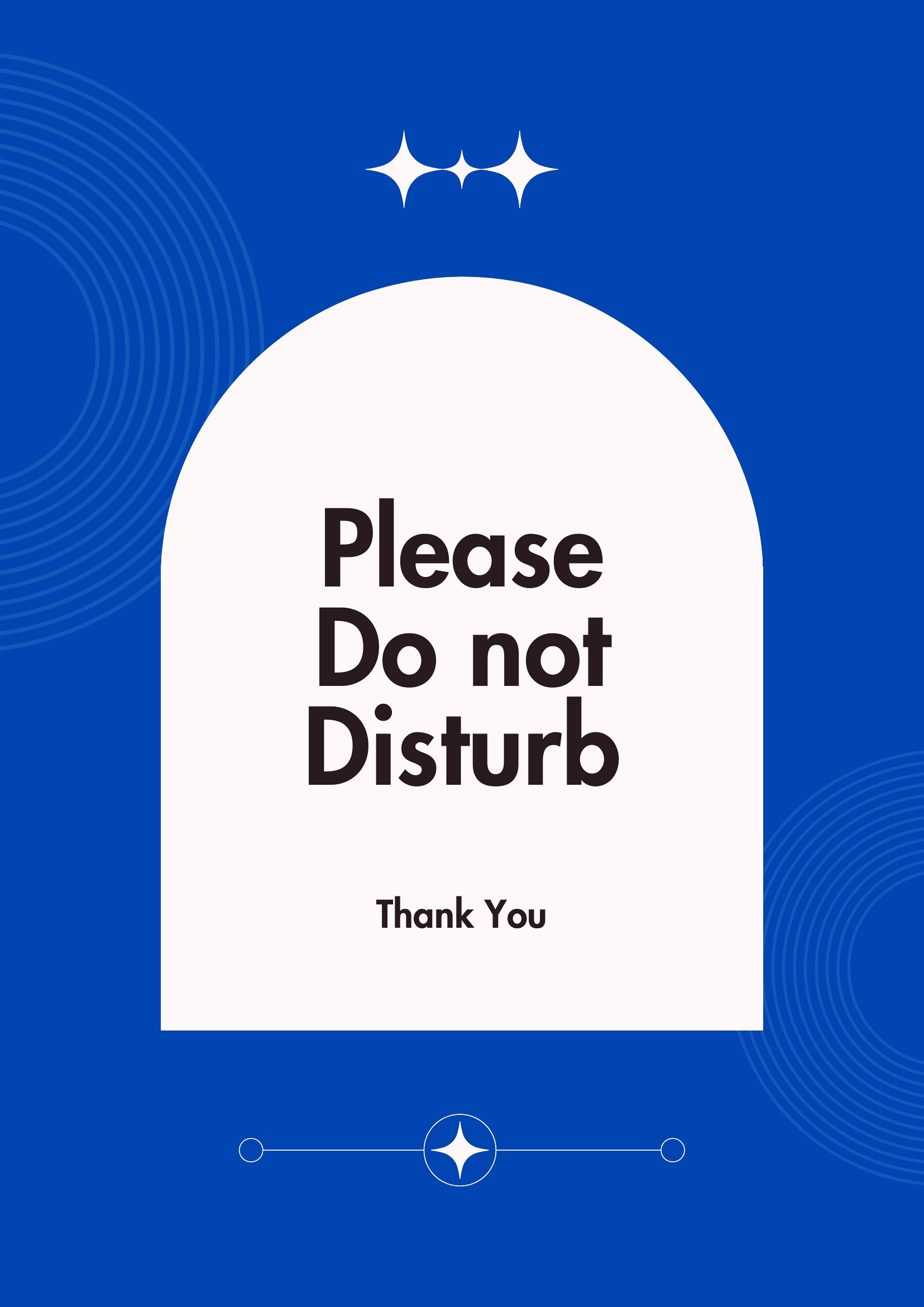
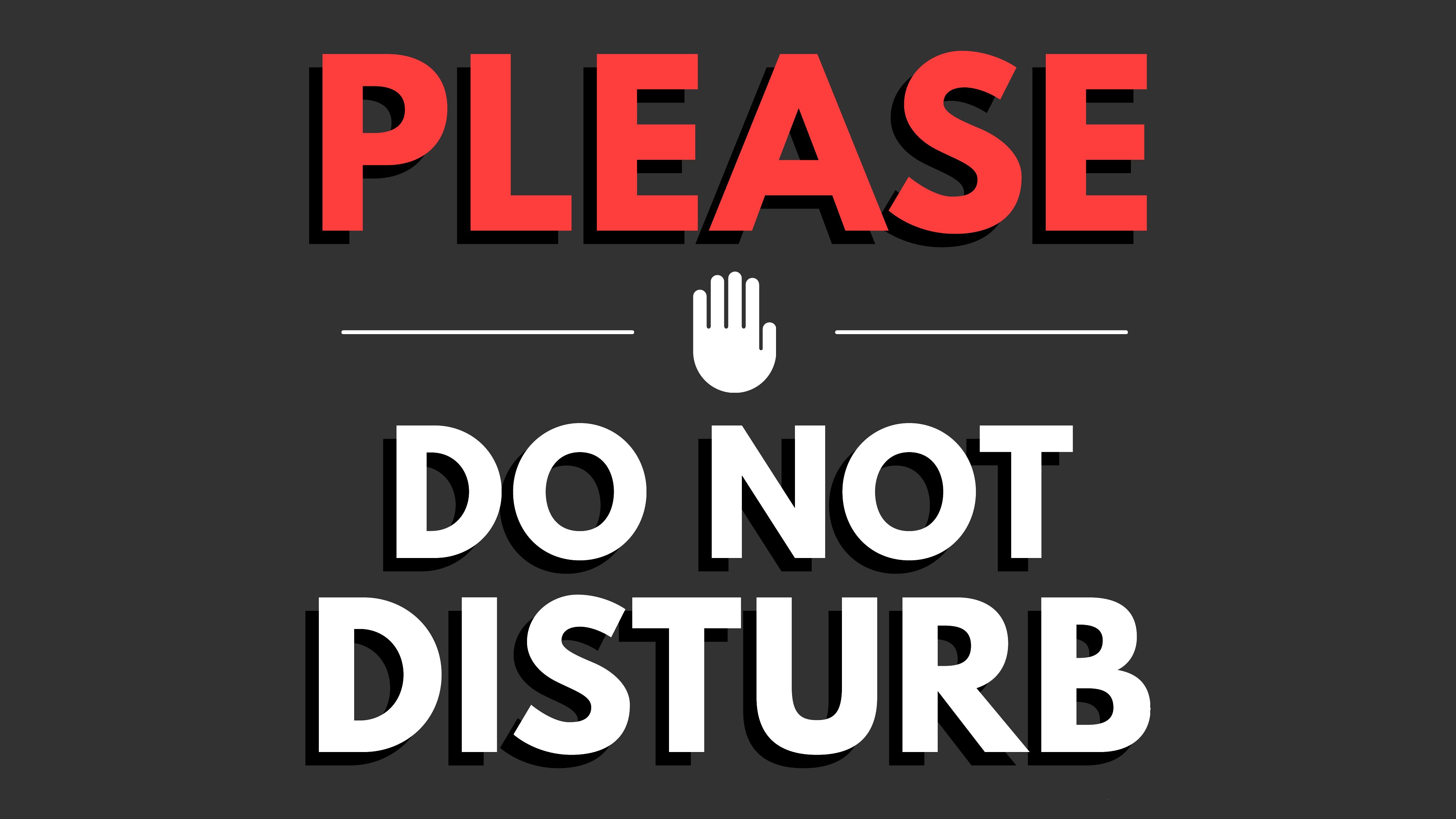
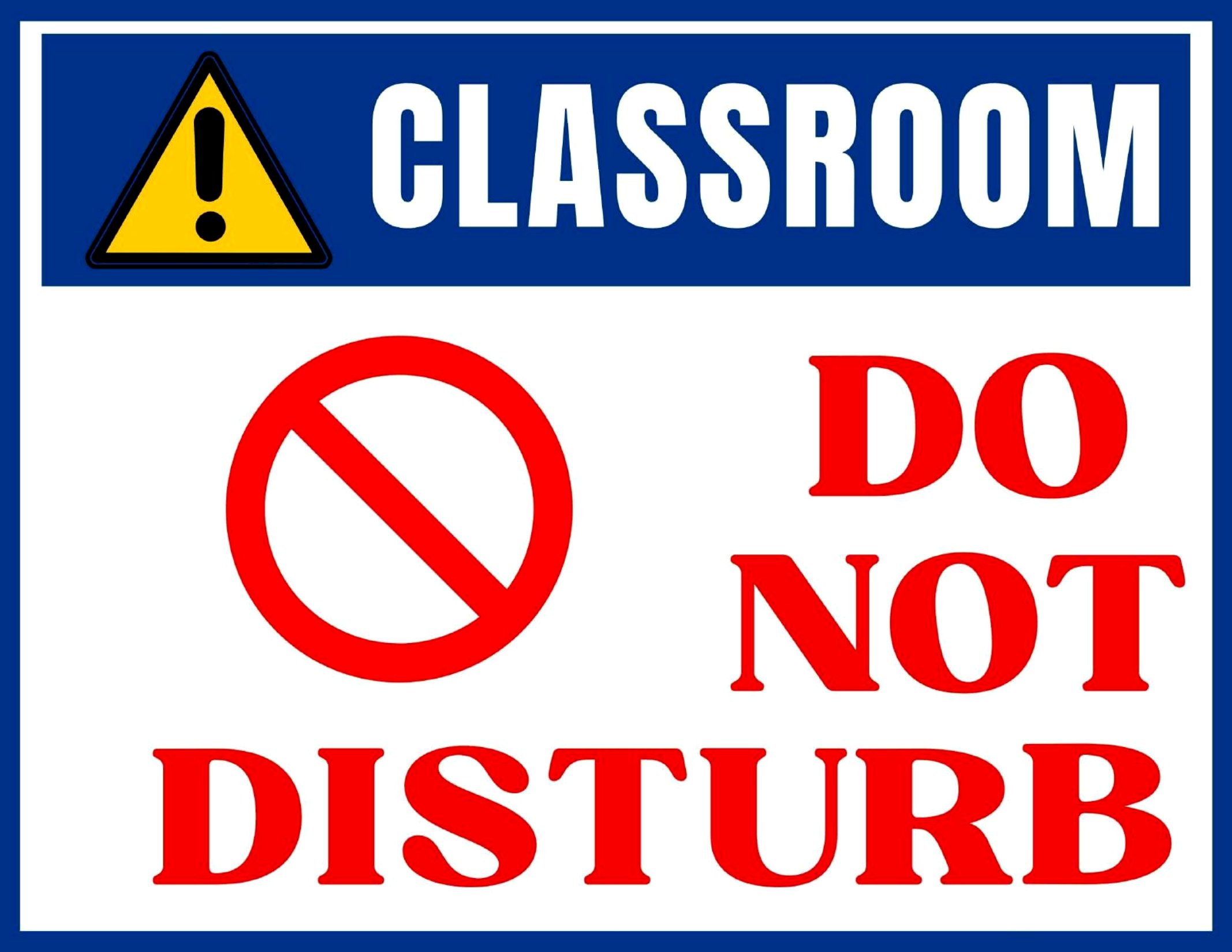
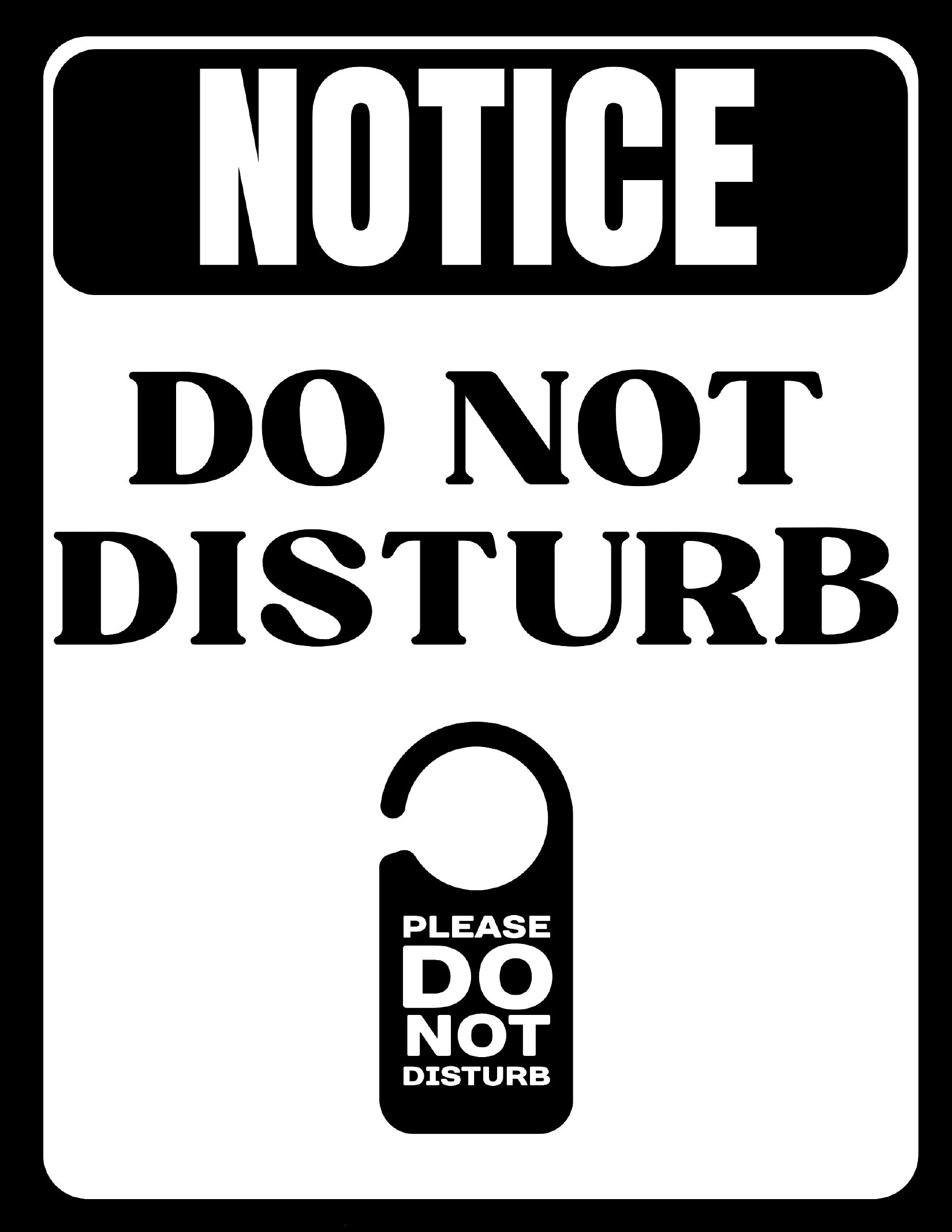
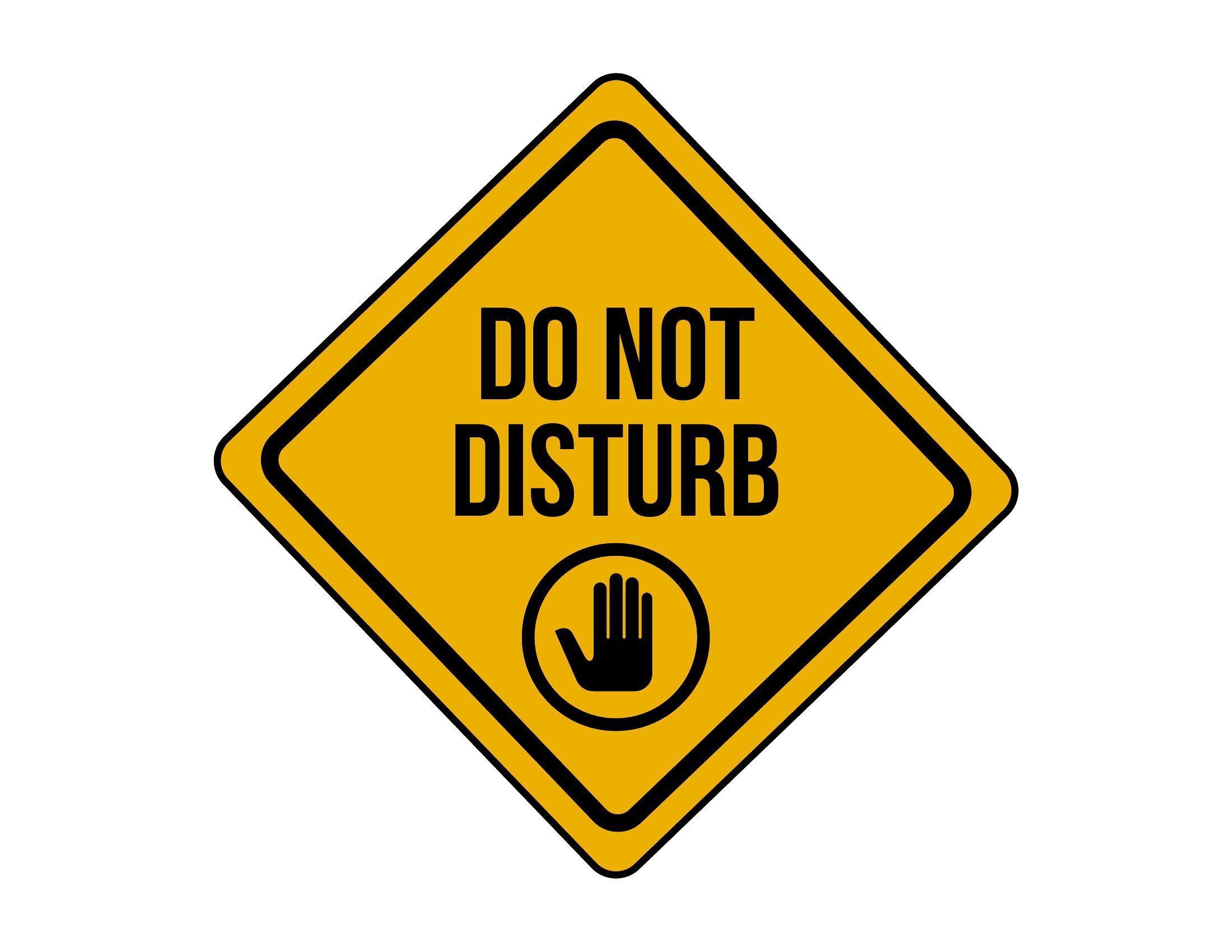
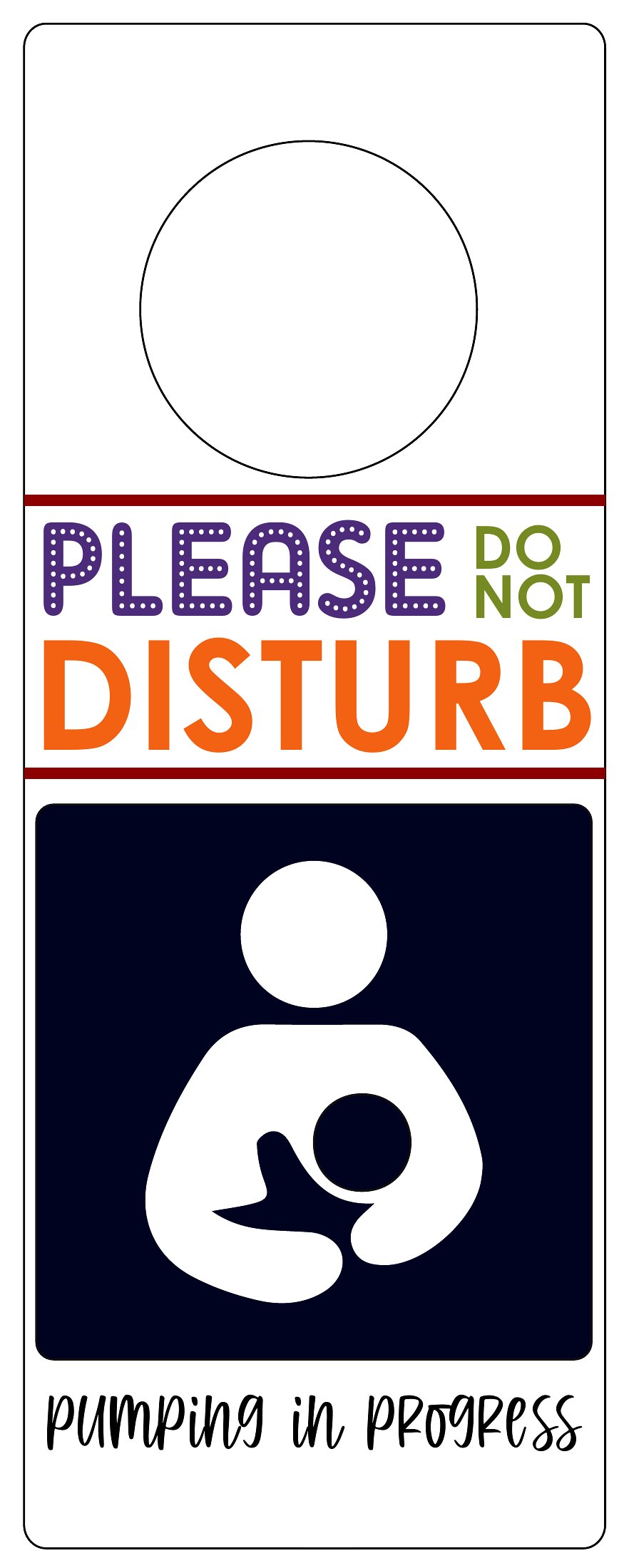
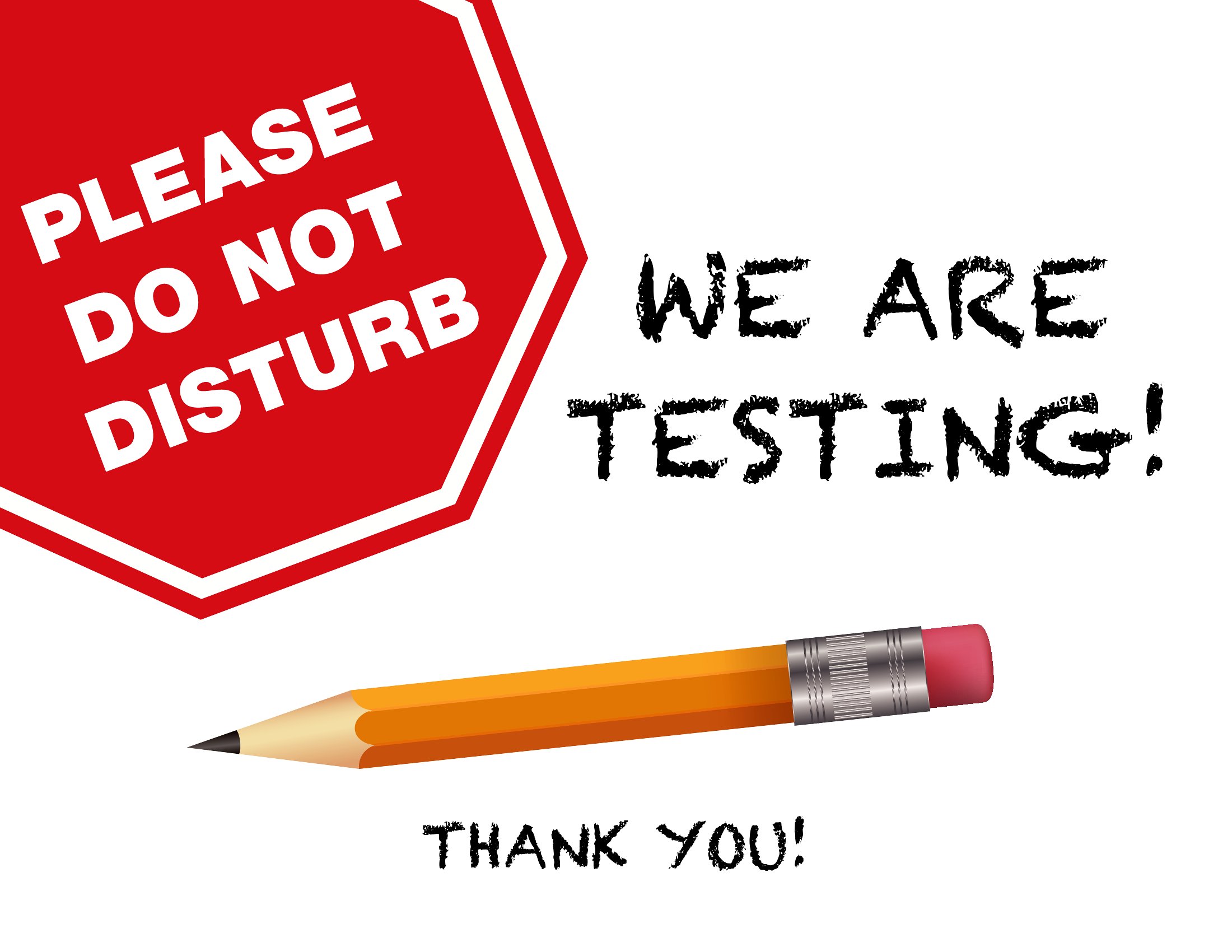
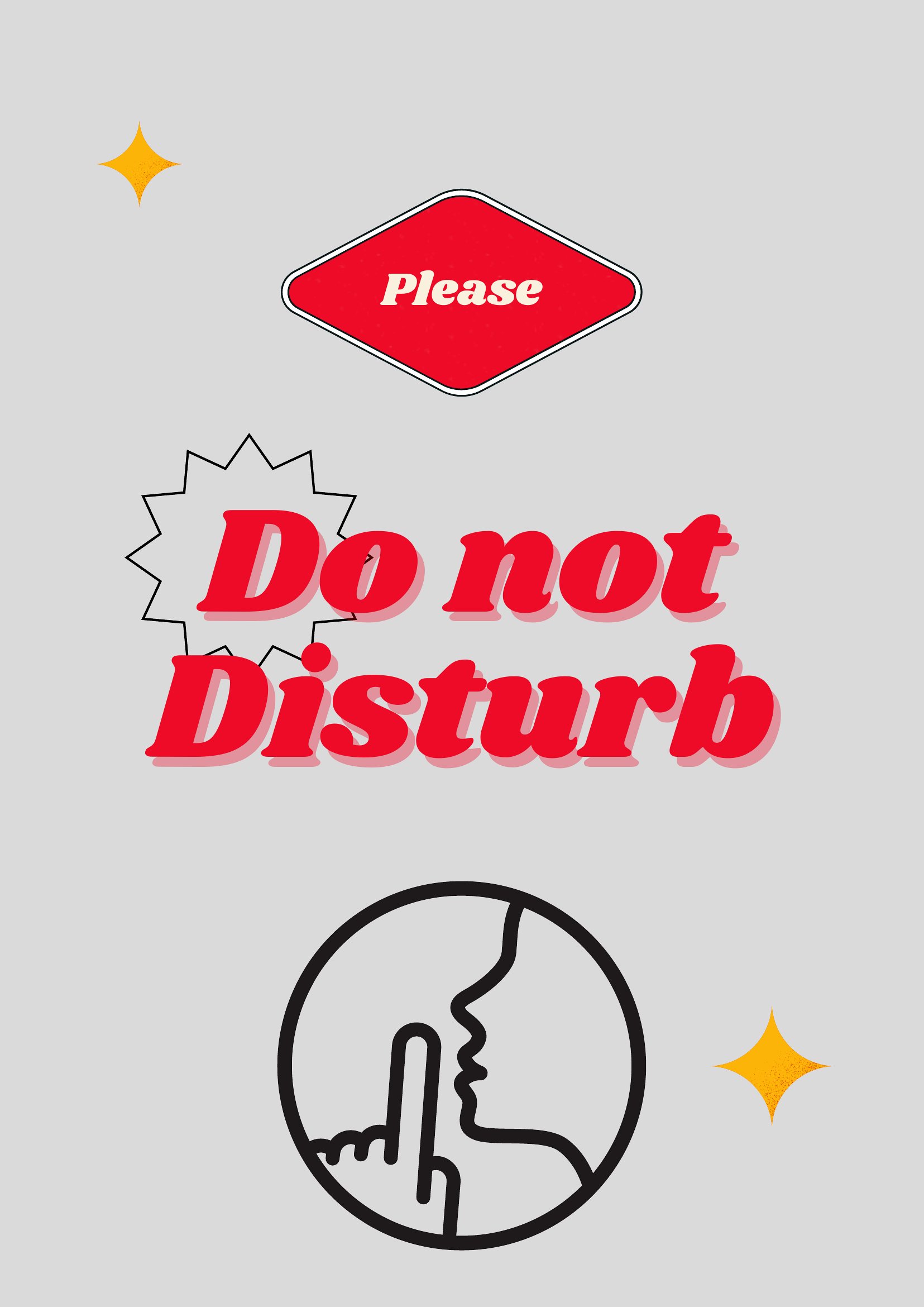
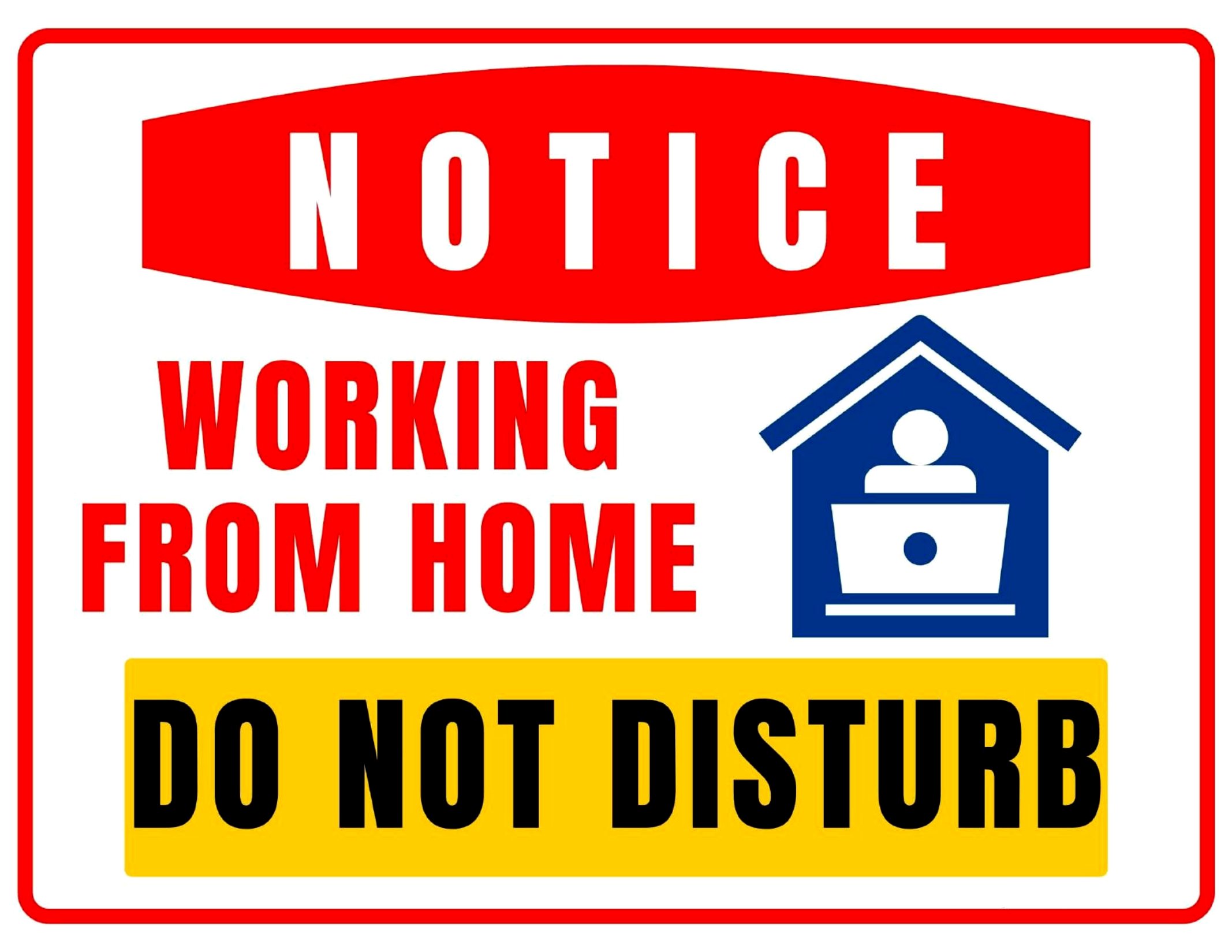
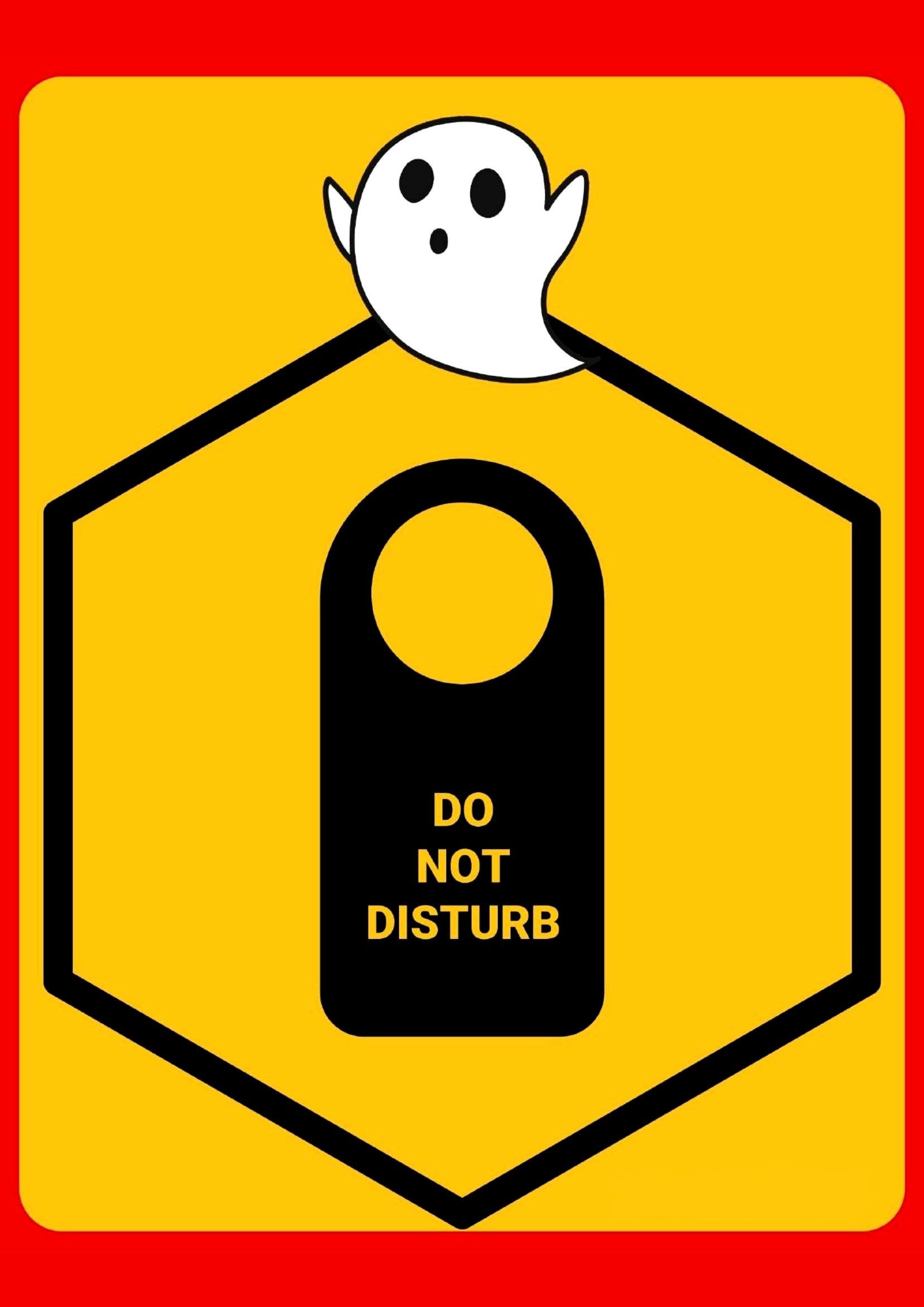
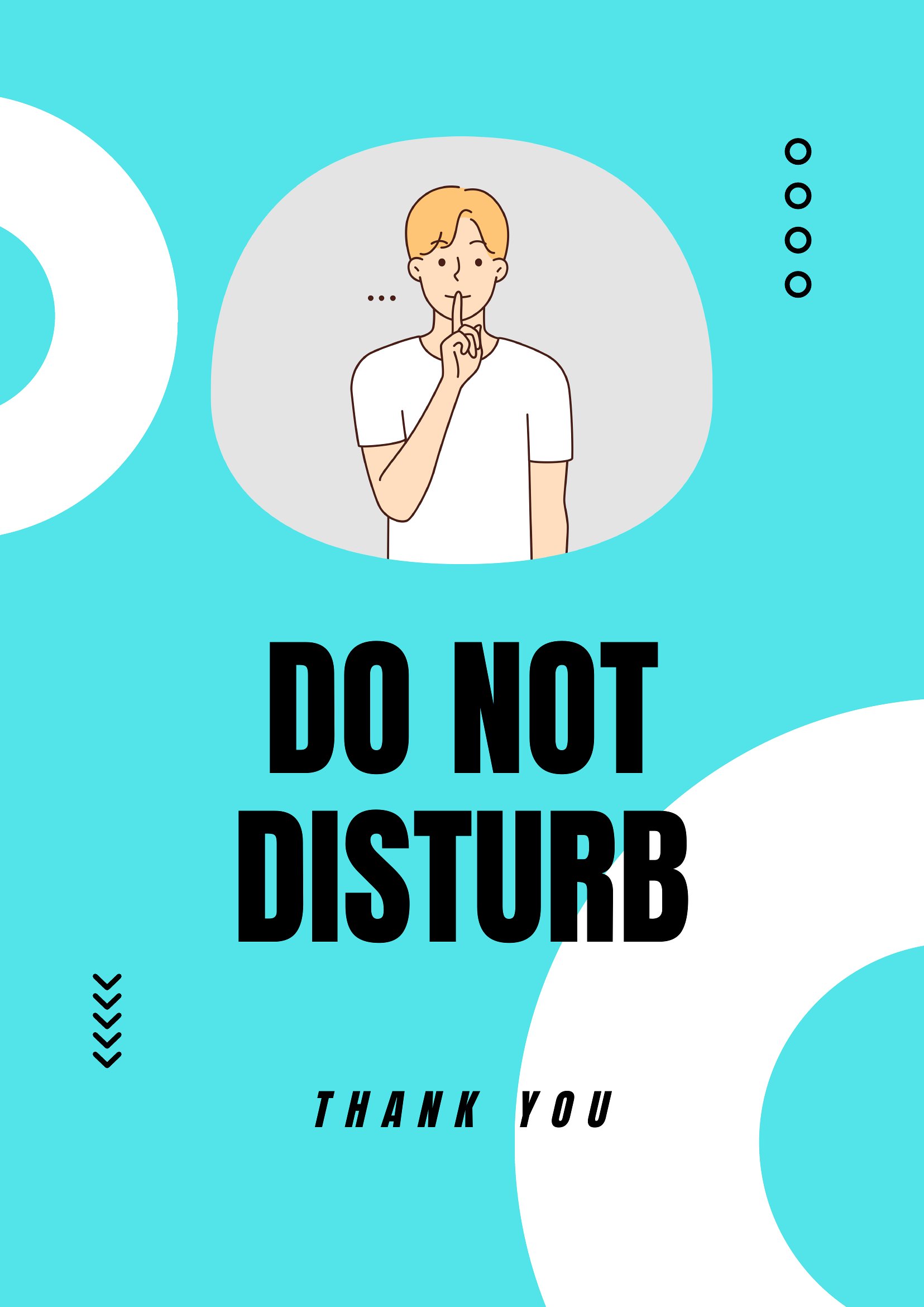
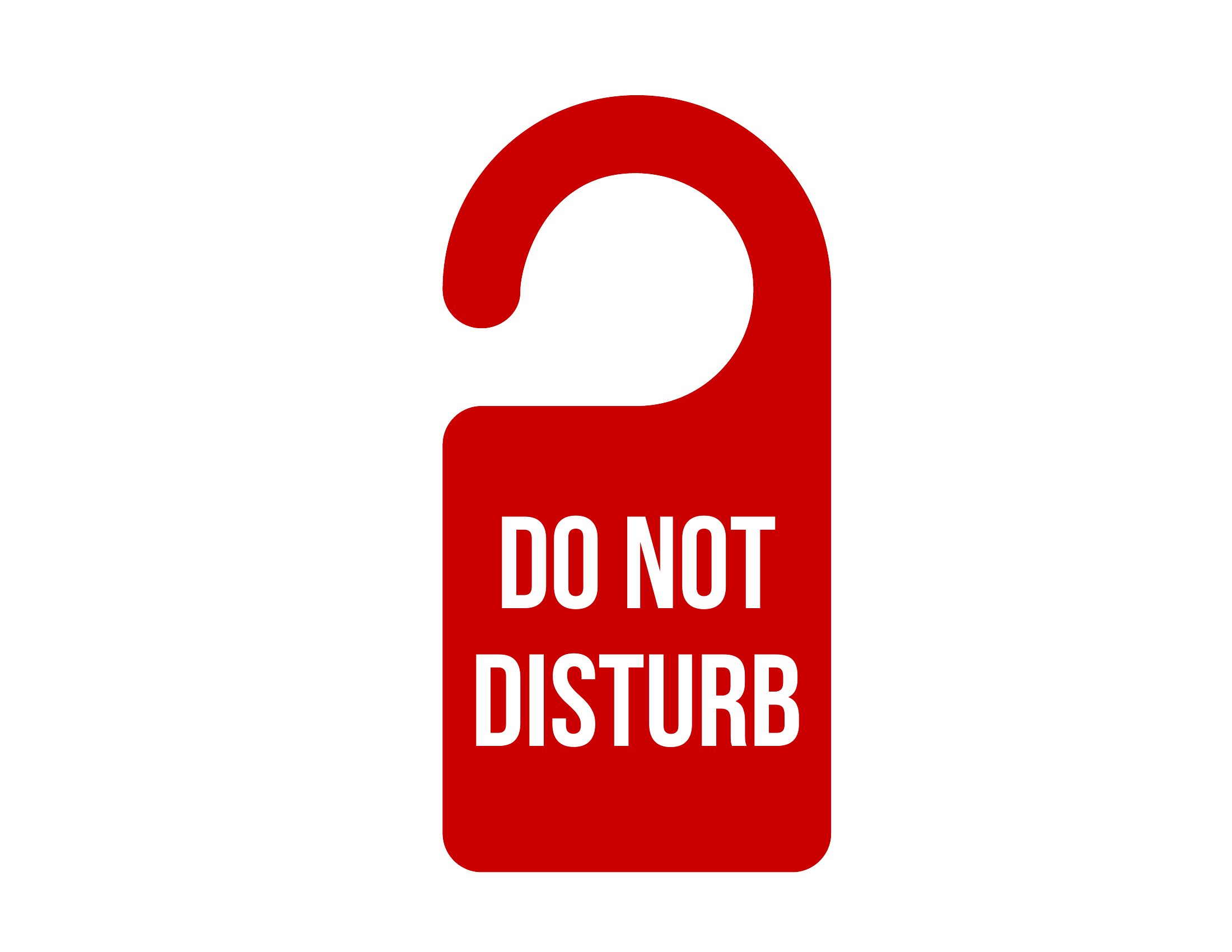
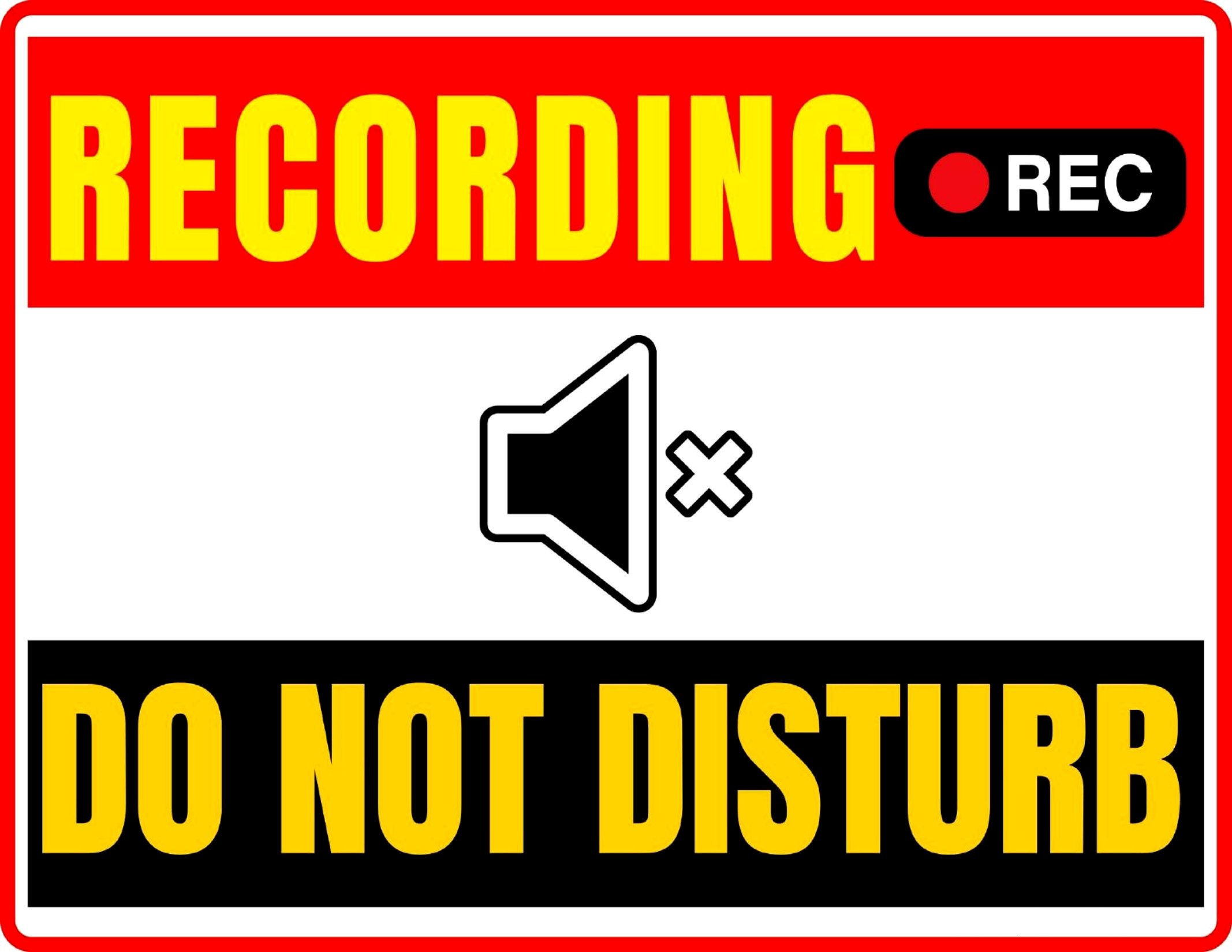
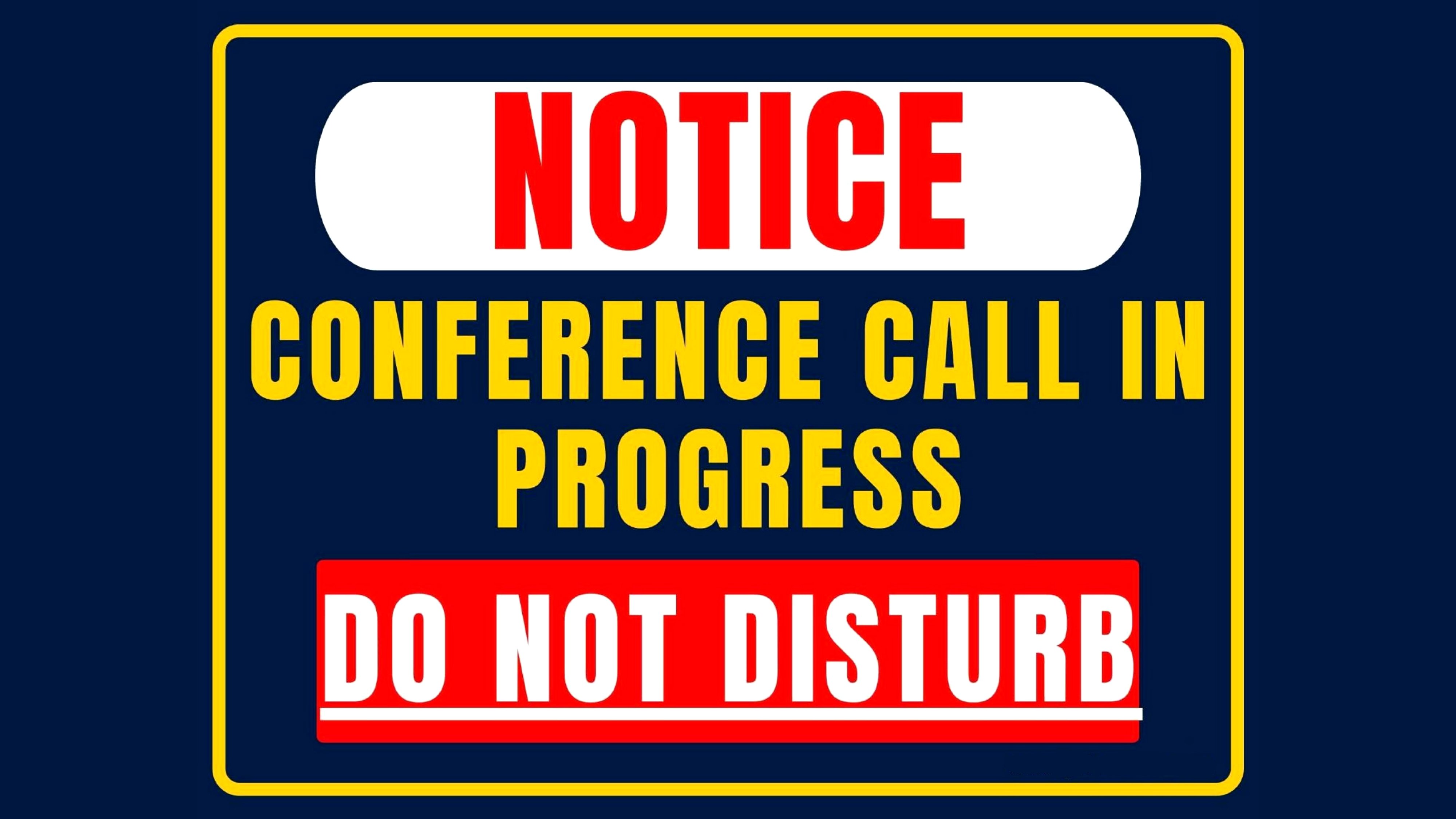
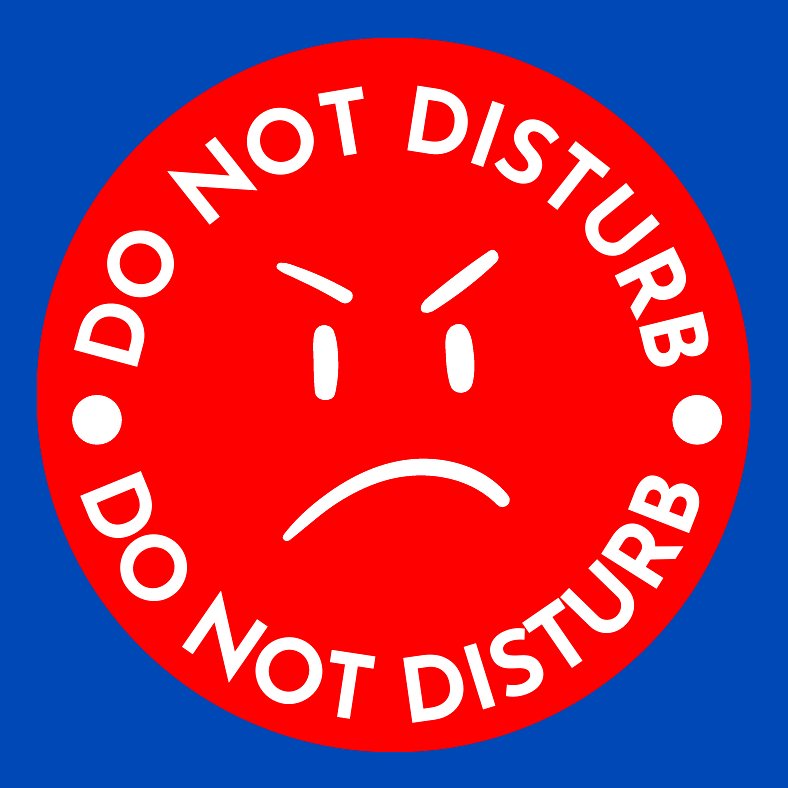
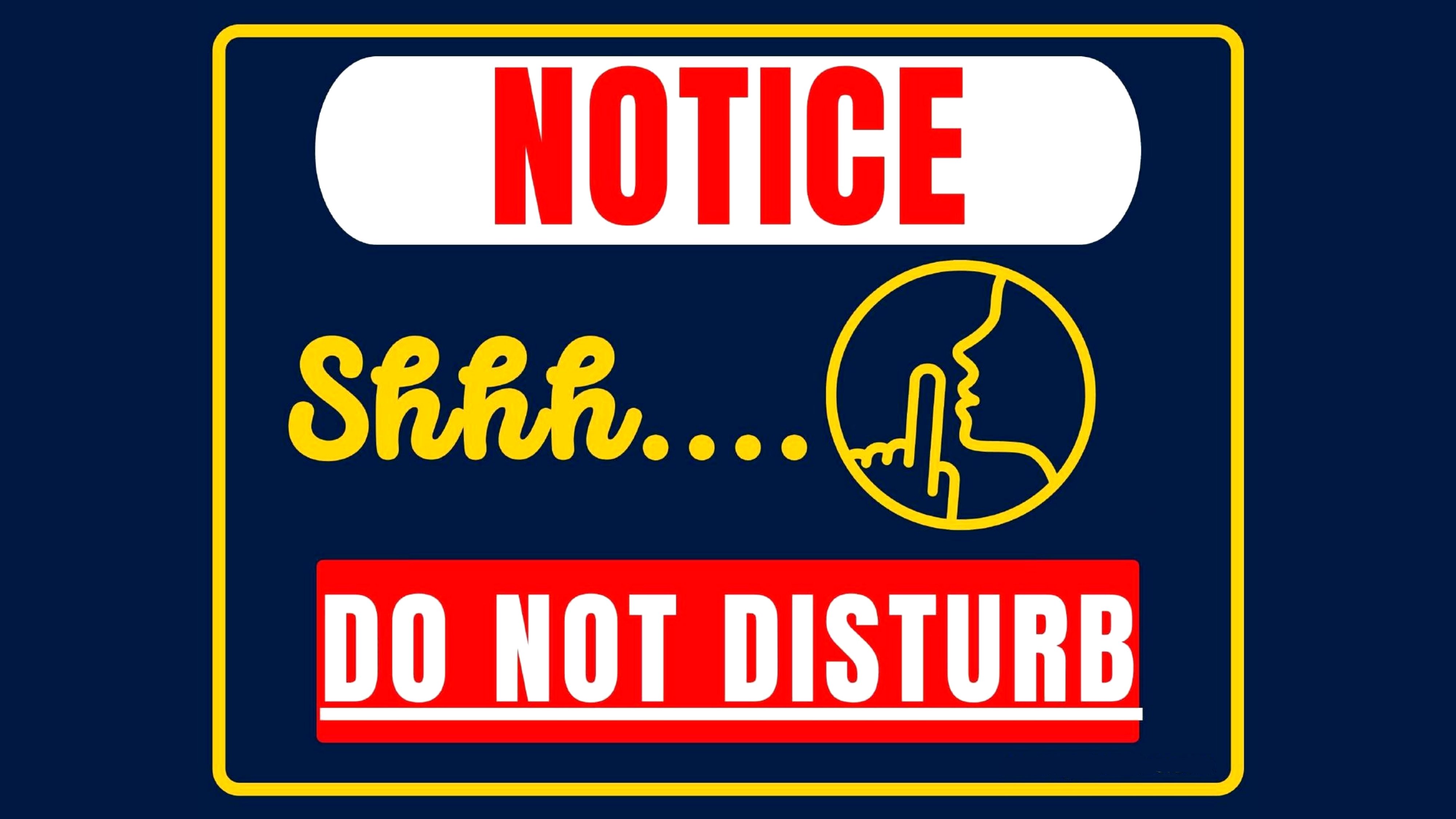
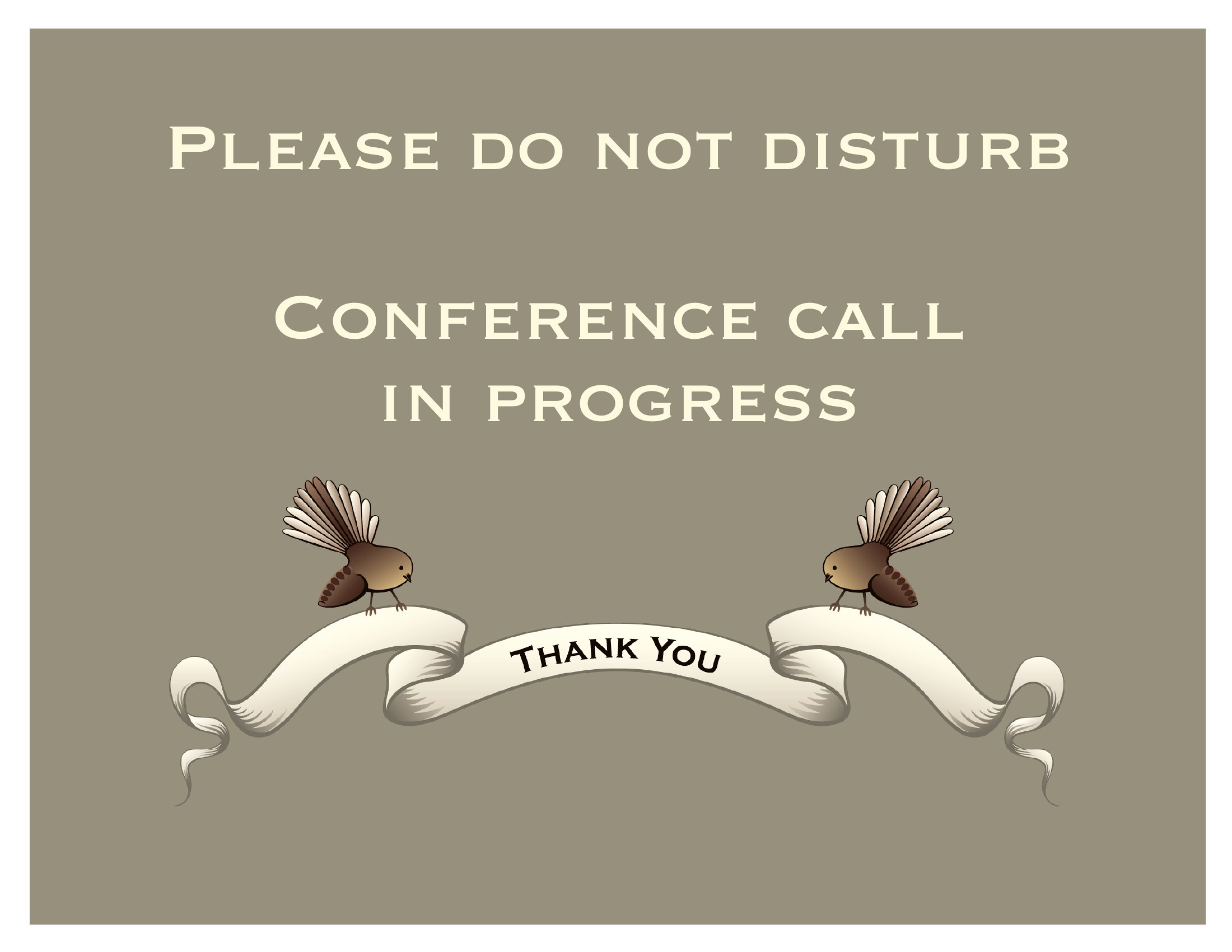
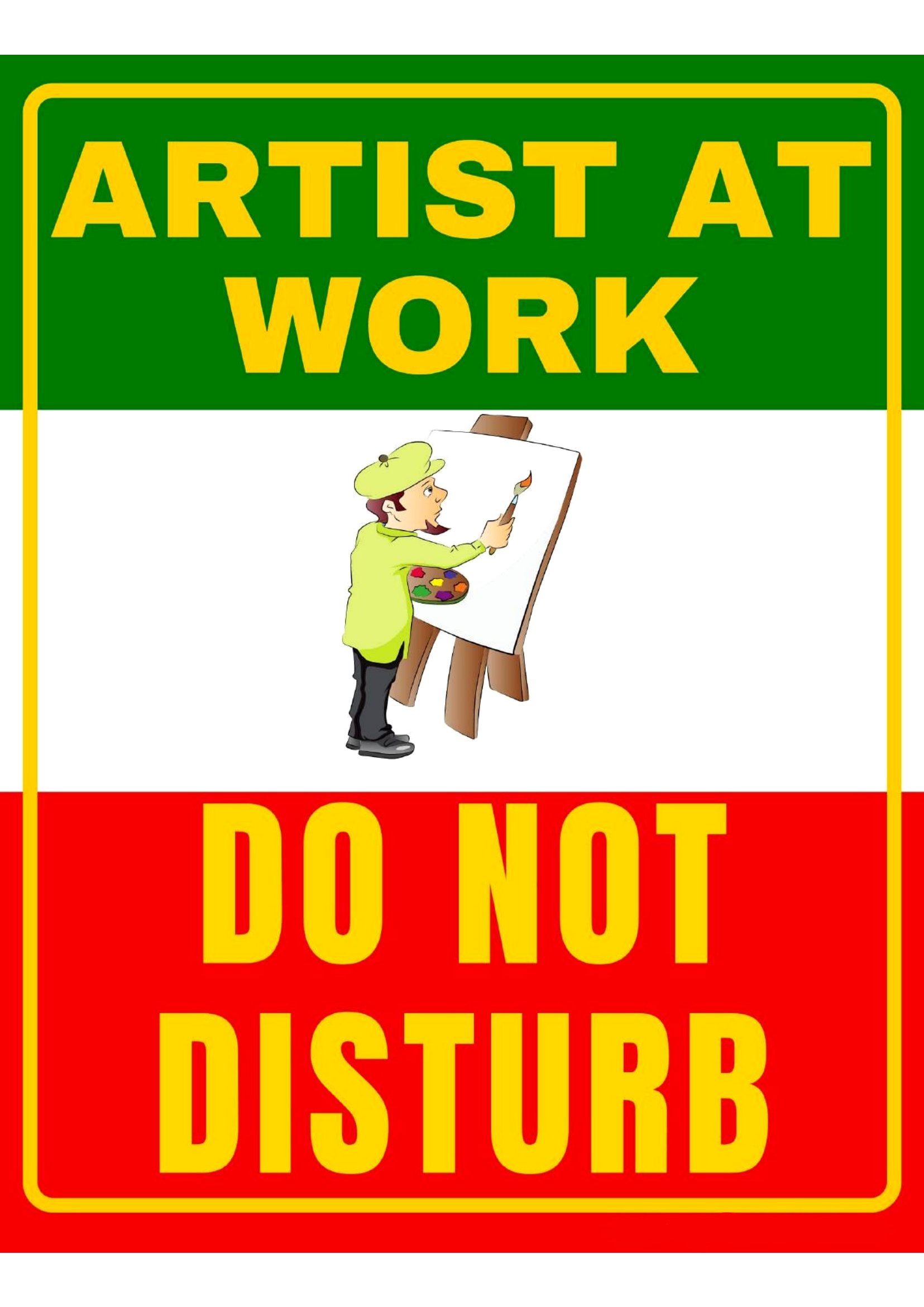
LifeSometimes the kindest thing a closed door can do is explain itself, and a do not disturb sign handles that without you saying a word. This library of 47 printable signs spans hotel-style door hangers, office desk cards, and home-office notices for video calls, naps, and focused work. Remote workers, shift sleepers, and front-desk staff can grab the style that fits and post it in seconds.
Files arrive as print-ready PDFs that print sharp at full page or door-hanger size. Run them on cardstock for a hanger that lasts, or print a quick paper copy for a one-off meeting. There's nothing to set up and no design work involved. Pick the wording and look you like, print it, and reclaim your quiet.
When to use this Do Not Disturb Sign template
- Remote workers who need to signal when they’re in focus mode or on a video call but don’t want to explain themselves—just print and hang.
- Hotel or Airbnb hosts who want to offer guests a polished, professional sign to indicate cleaning in progress or a ‘do not disturb’ request during their stay.
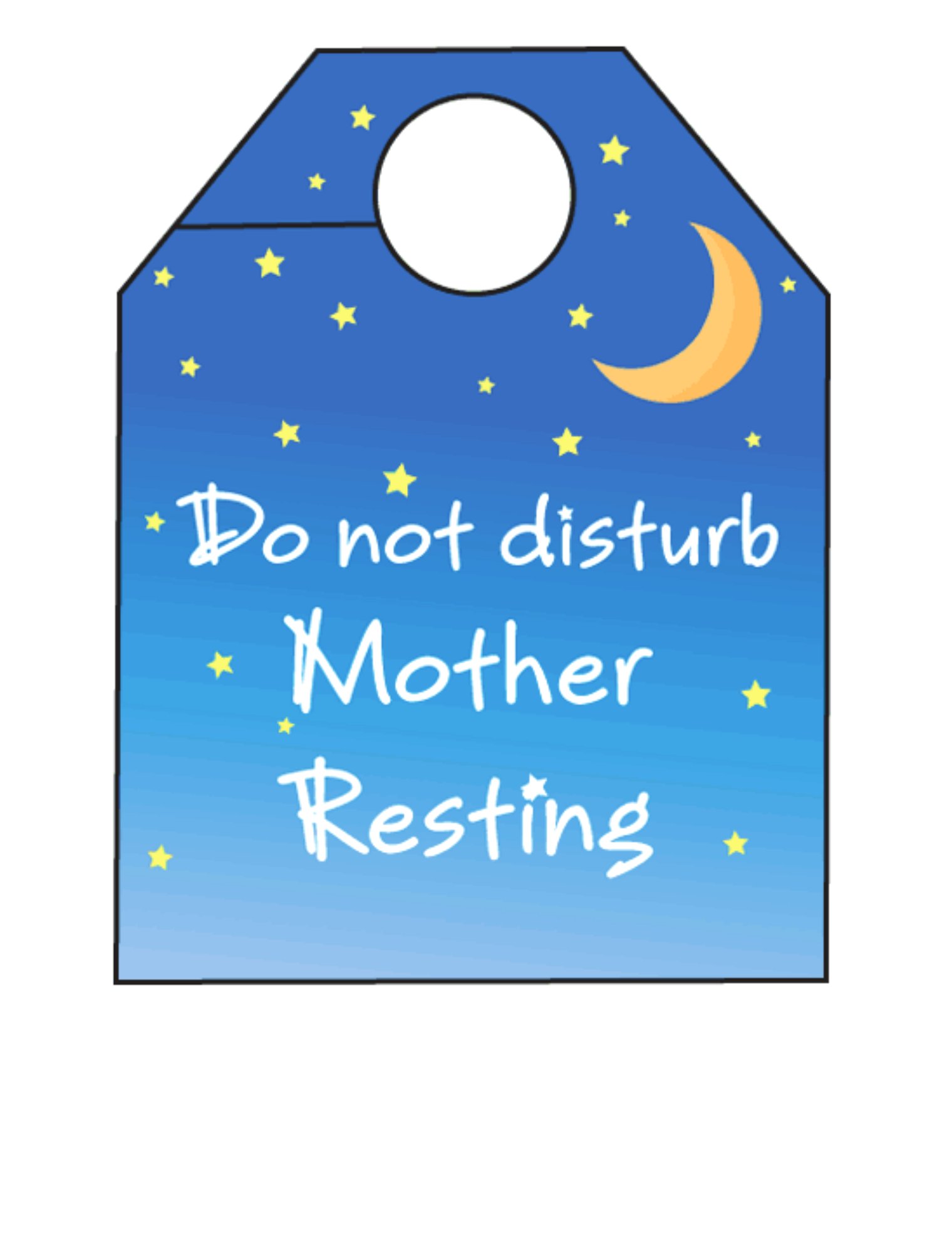
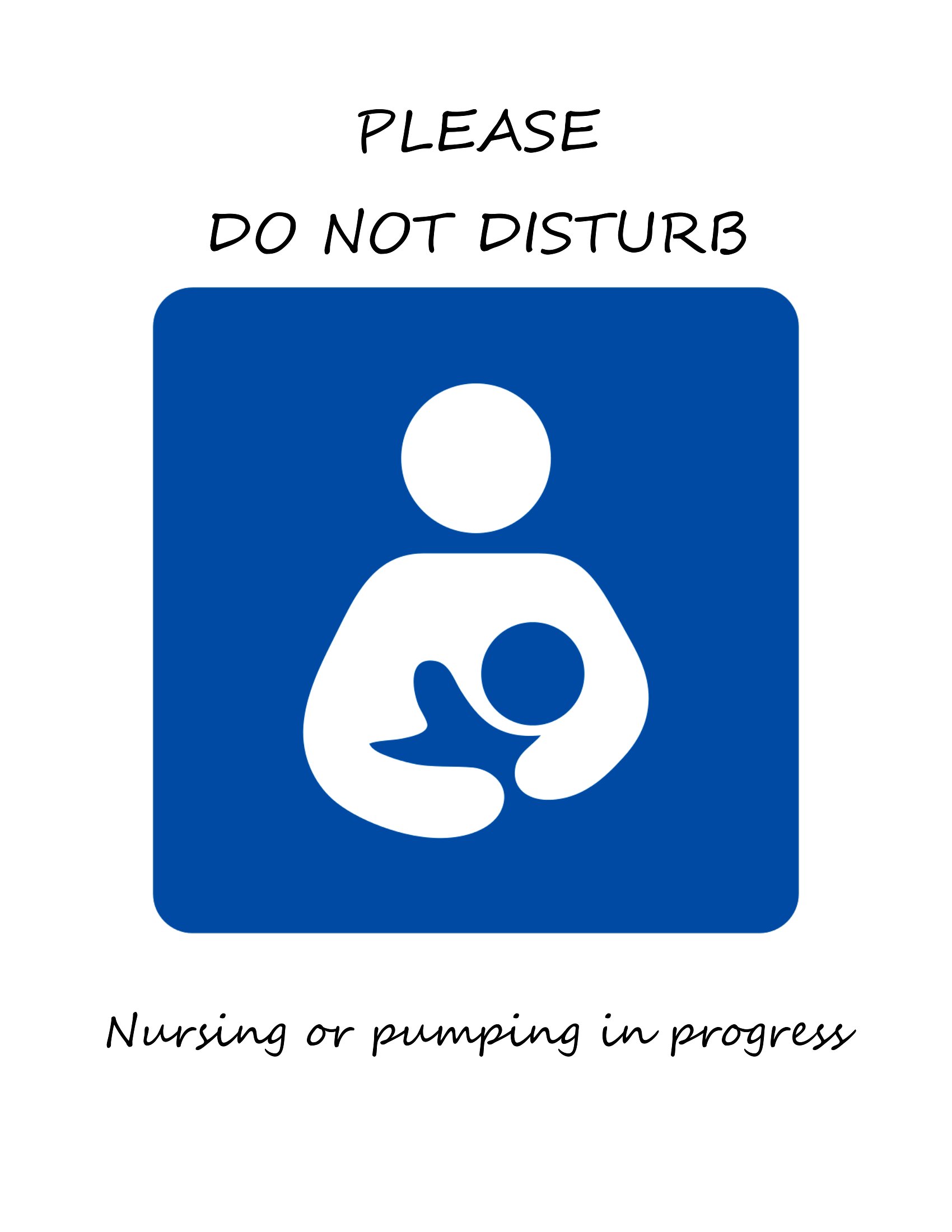
- Parents of newborns or shift workers who need to communicate nap time or quiet hours to a busy household without interrupting their rest.
- Office staff in shared workspaces or open-plan environments who want a subtle but clear way to indicate they’re unavailable for quick interruptions.
Which format should I download?
All templates here are PDFs, which are ideal because they’re universally printable at any scale—from small desk cards to large door hangers. The PDF format also preserves clarity and design quality, whether you’re printing on matte cardstock for a soft look or glossy paper for a polished feel. Choose this format if you want full control over text, size, and placement for your specific signage needs. No formatting adjustments are needed before printing.
How to use this Do Not Disturb Sign template
Can I add my own logo or branding to these signs?
Yes, you can easily overlay your logo or branding using design software like Canva or Adobe Illustrator before printing. The PDF format allows for layer adjustments, so you can maintain the template’s visual integrity while adding personal touches. Just save as a new file to keep the original intact.
How do I ensure the text is clear when printing for a door hanger?
Print on high-quality, matte or glossy paper (80–120 lb weight) and use a laser or high-resolution inkjet printer for sharp text. For door hangers, consider printing at 110% or 125% scale to ensure visibility from a distance. Test a small print first if unsure about sizing.
Are these signs suitable for medical or clinical settings where privacy is critical?
These templates are starting points and can be customized for privacy notices, but they are not legally binding or certified for medical use. If you’re in a clinical setting, consult your facility’s guidelines or a legal professional to ensure compliance with privacy laws like HIPAA before using or modifying them.
Comments
Join the conversation
Sign in to share your thoughts and leave a comment on this resource.