FAQ
Can these templates include a dentist’s license number or practice contact details?
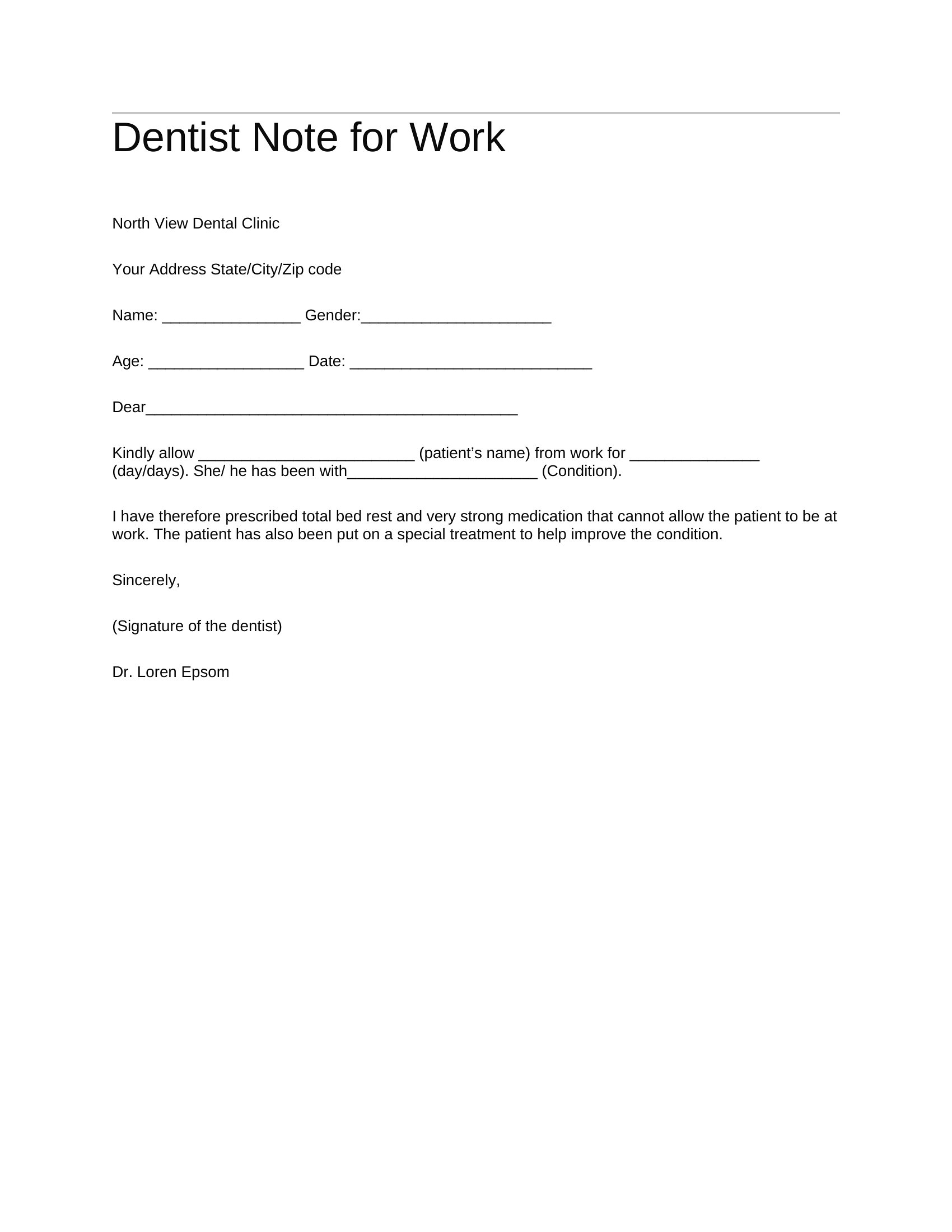
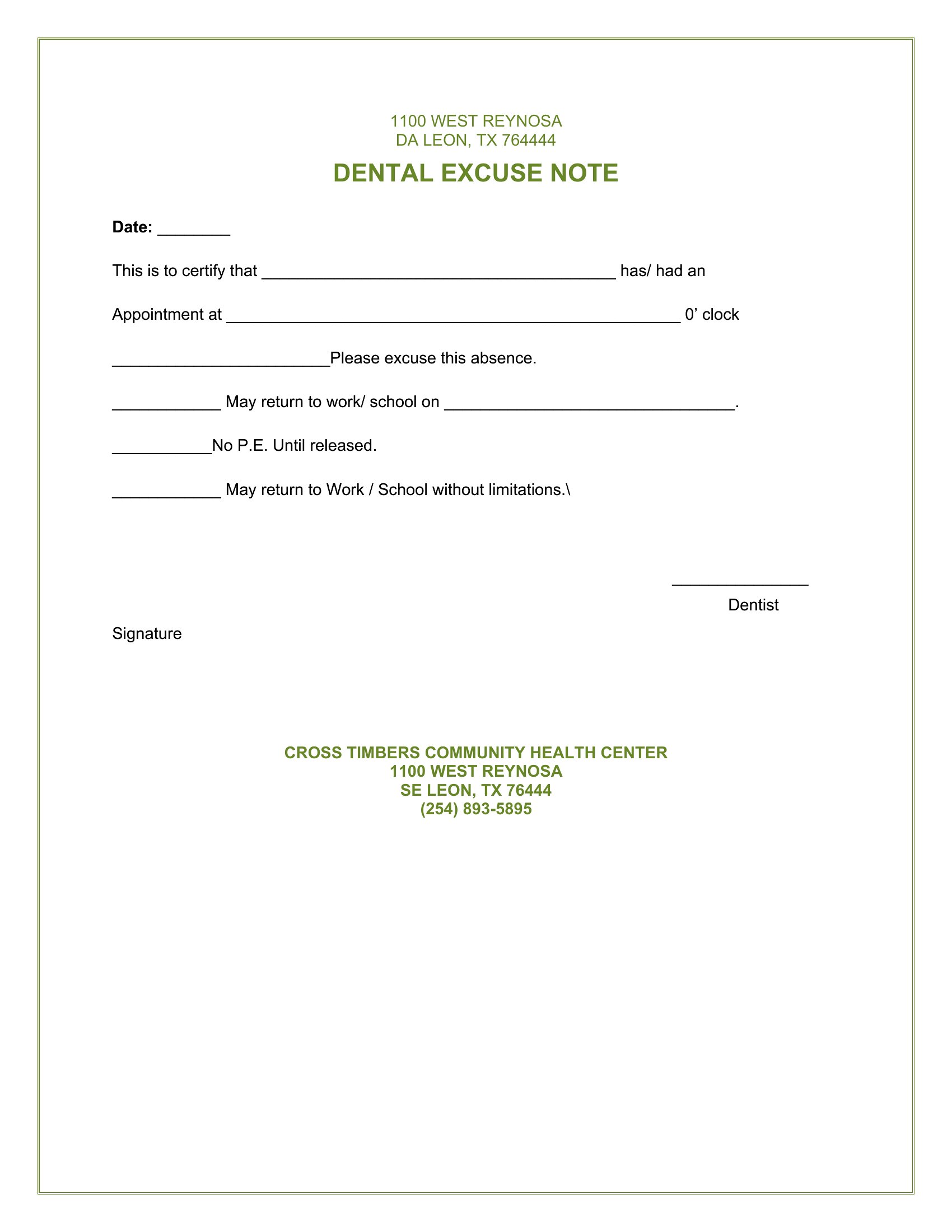
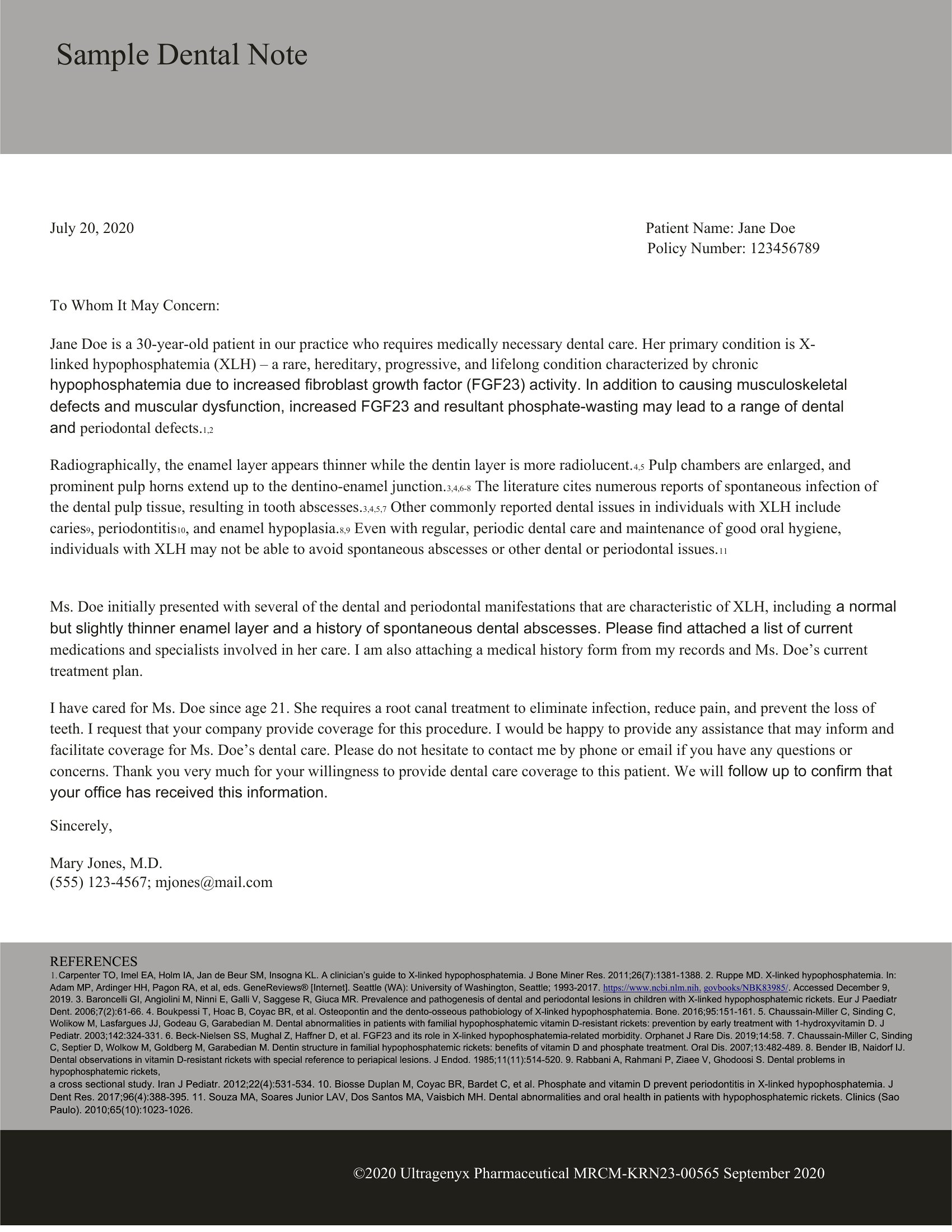
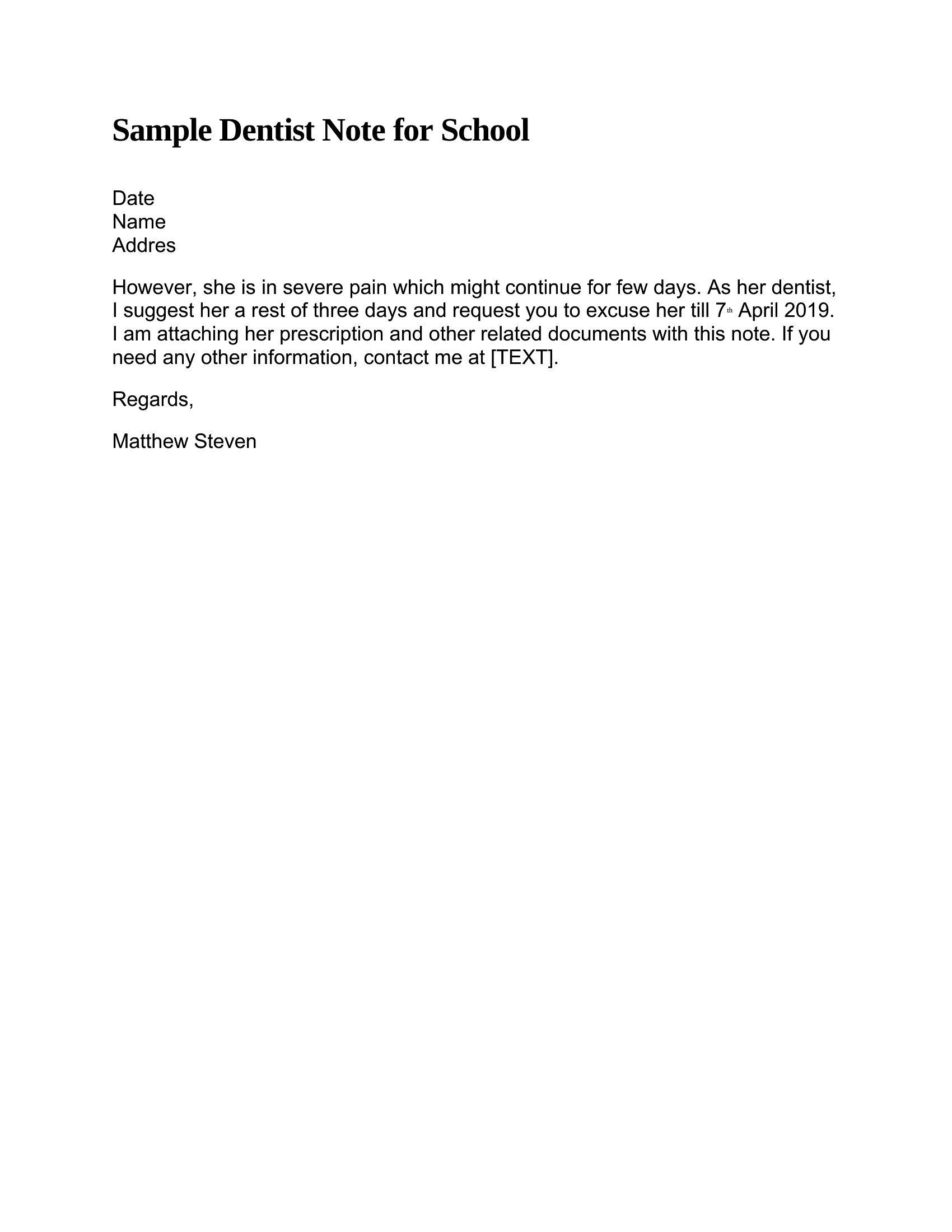
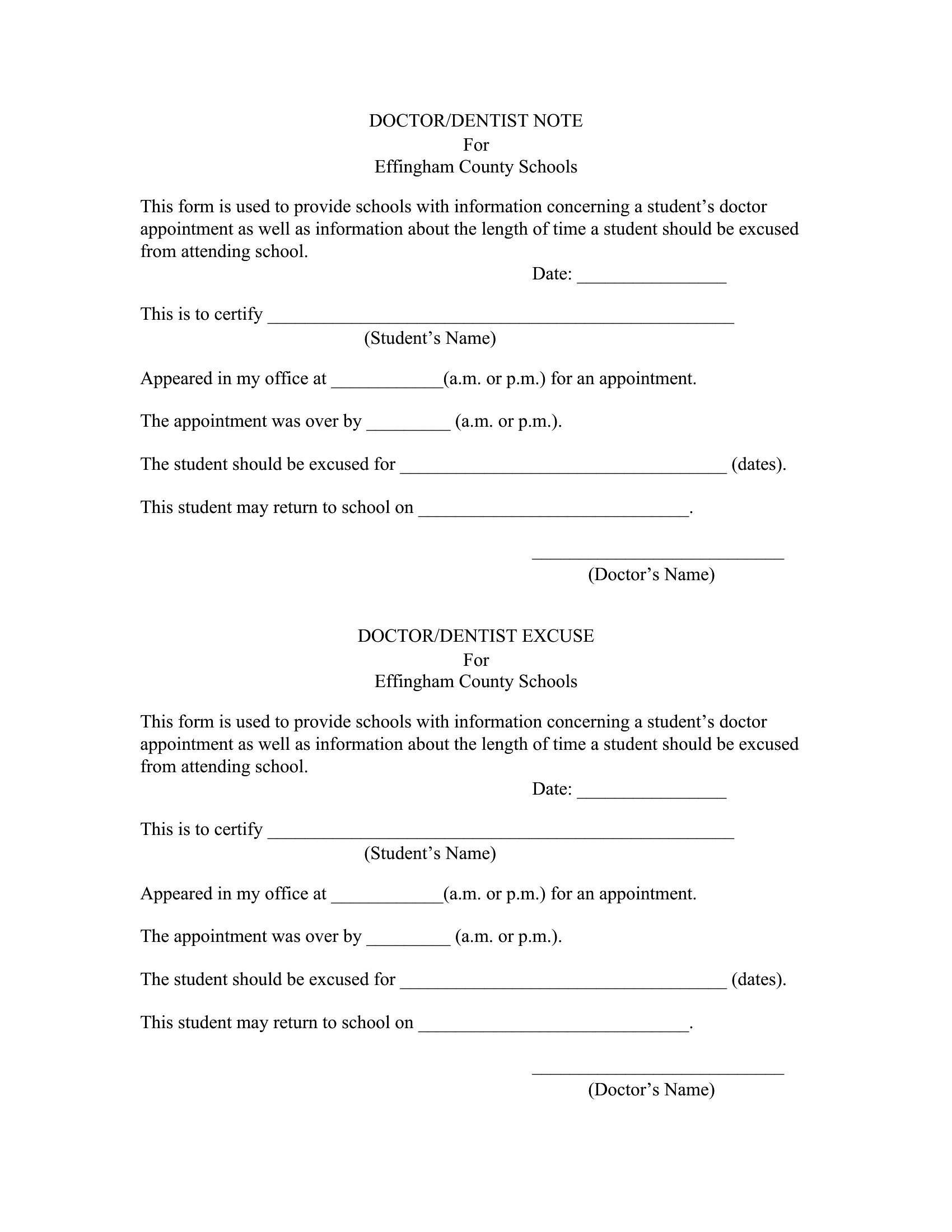
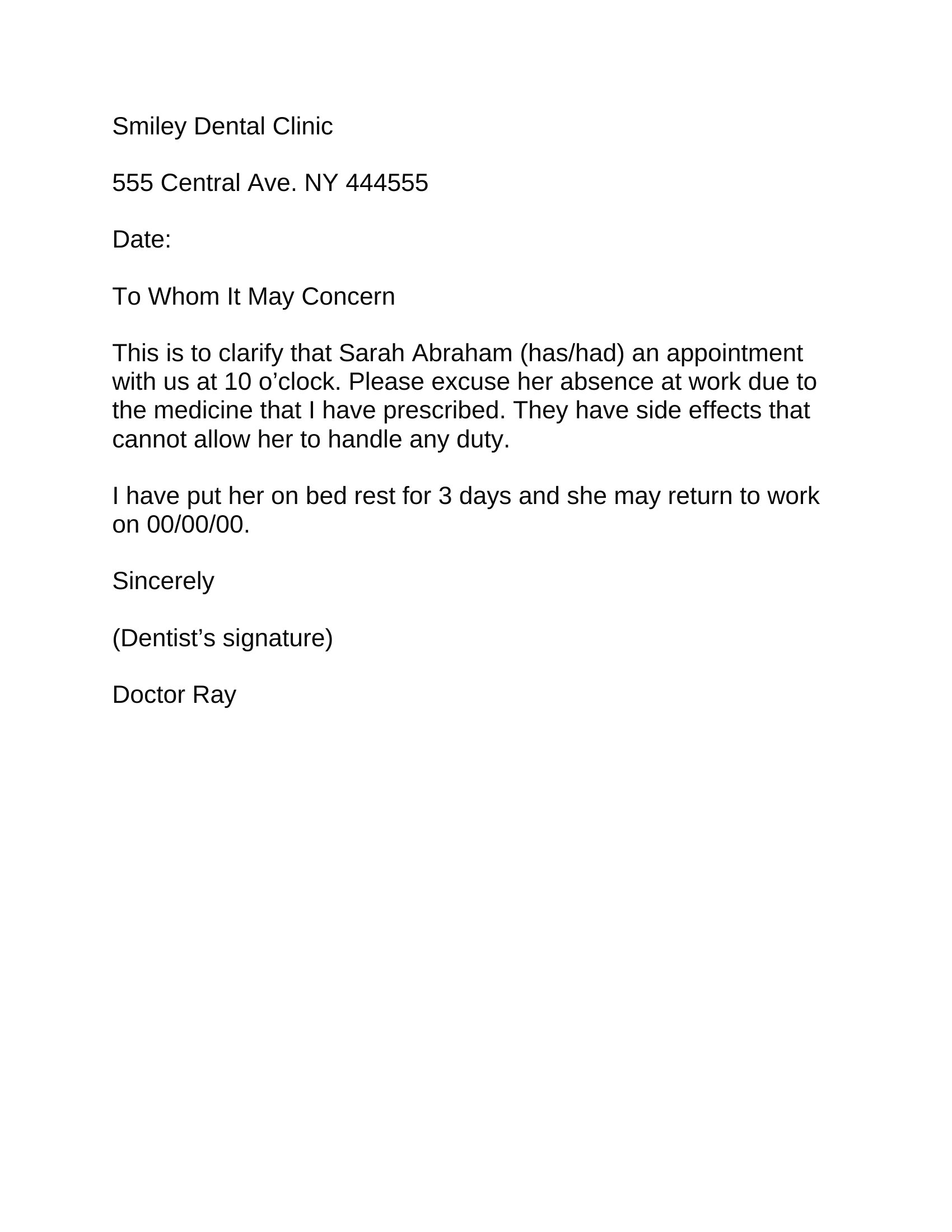
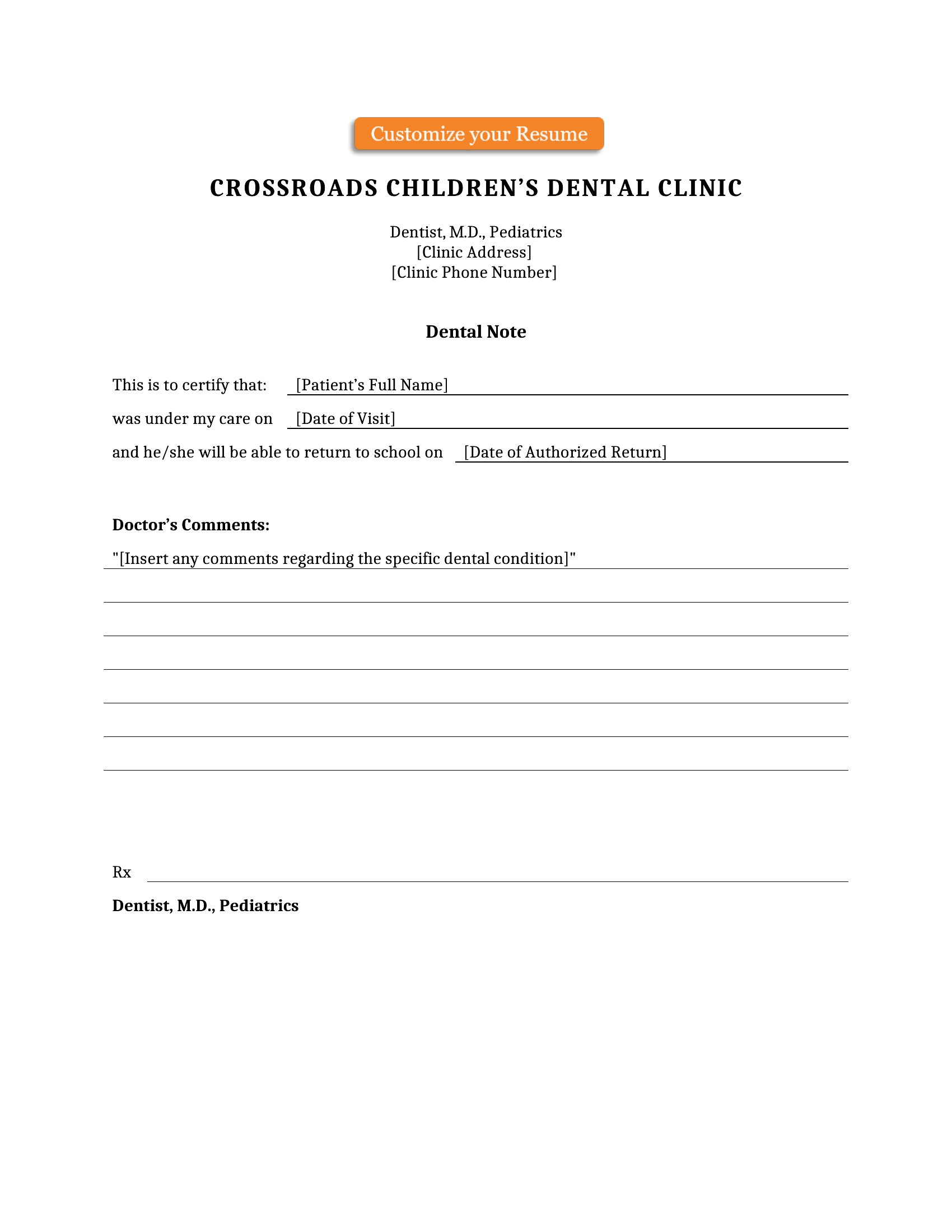
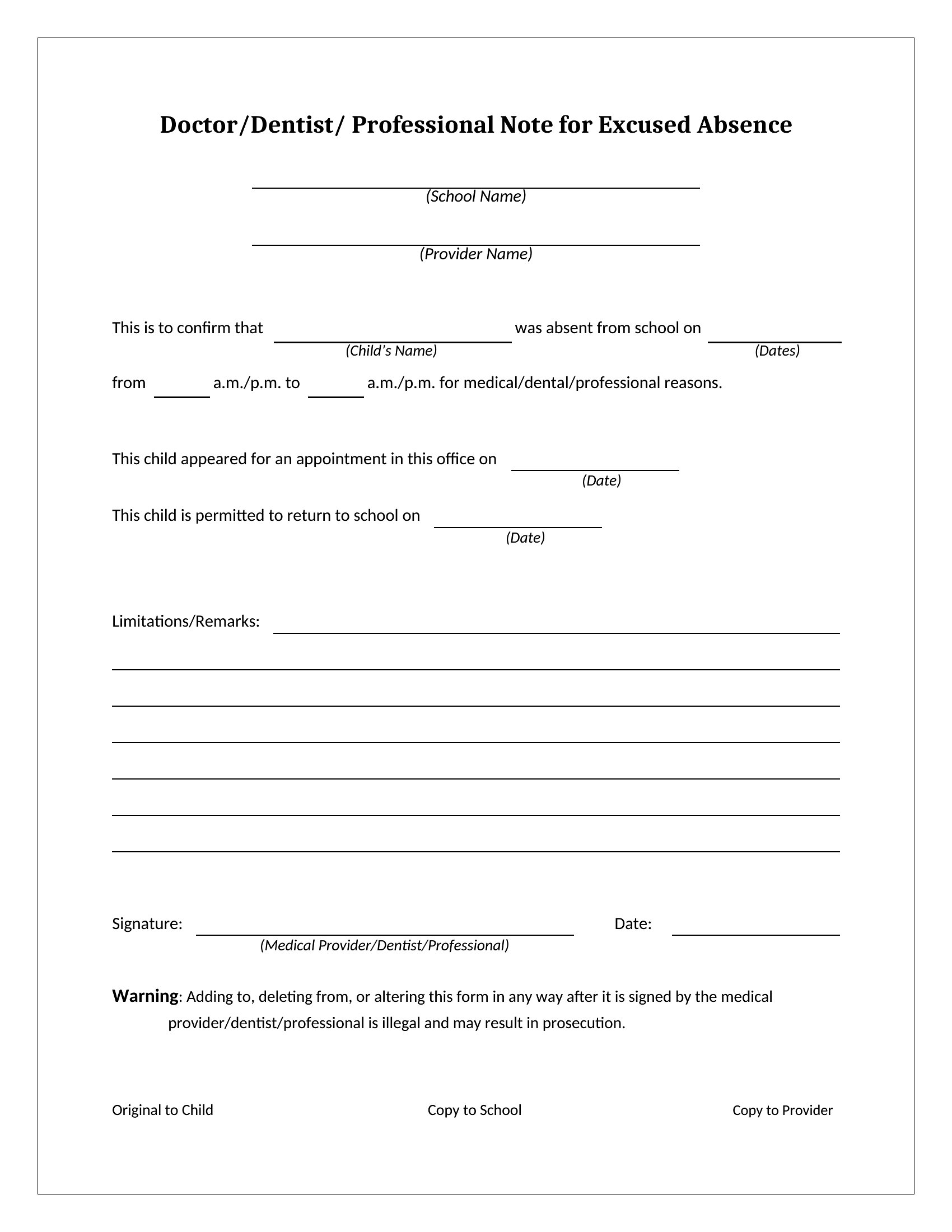
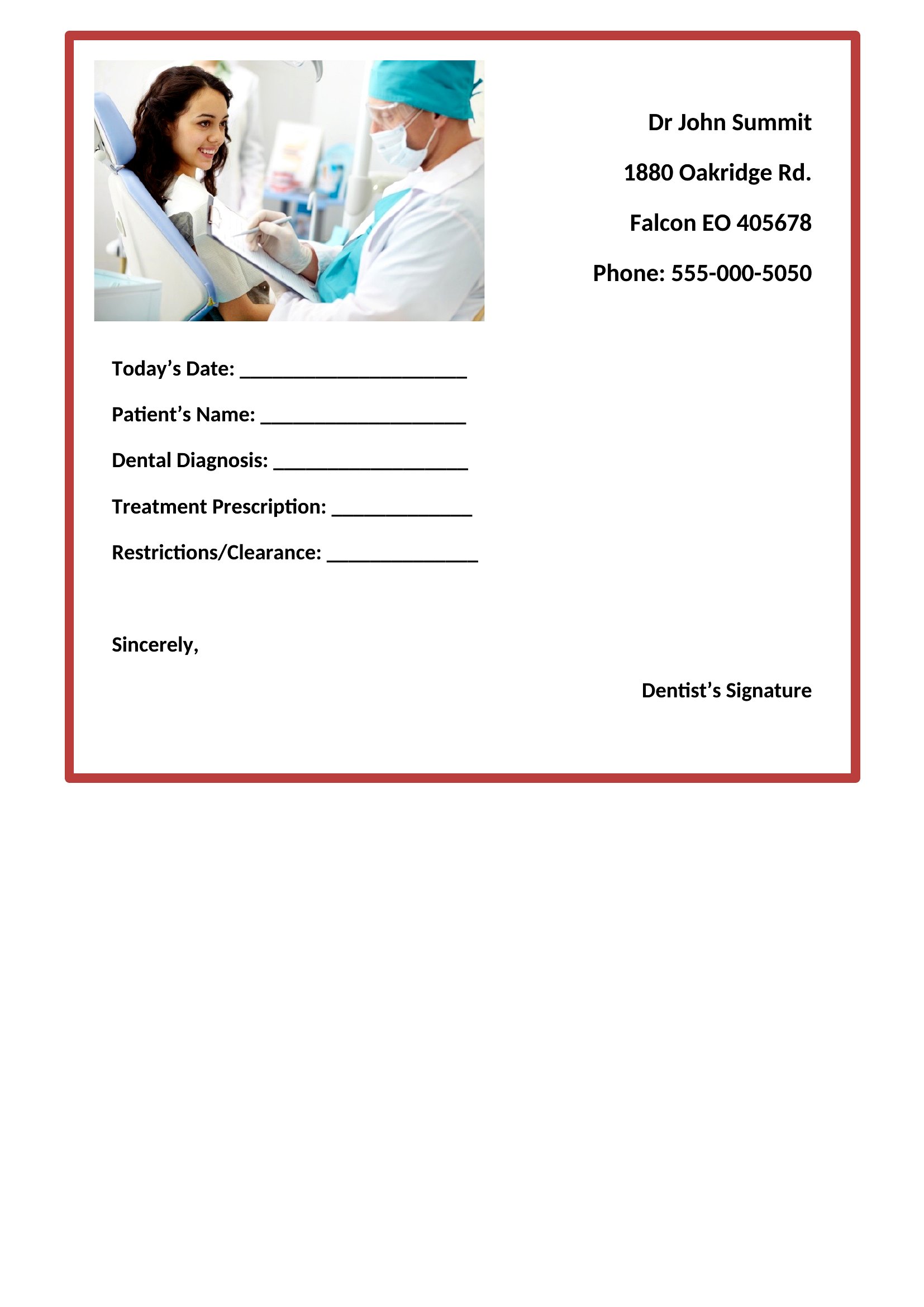
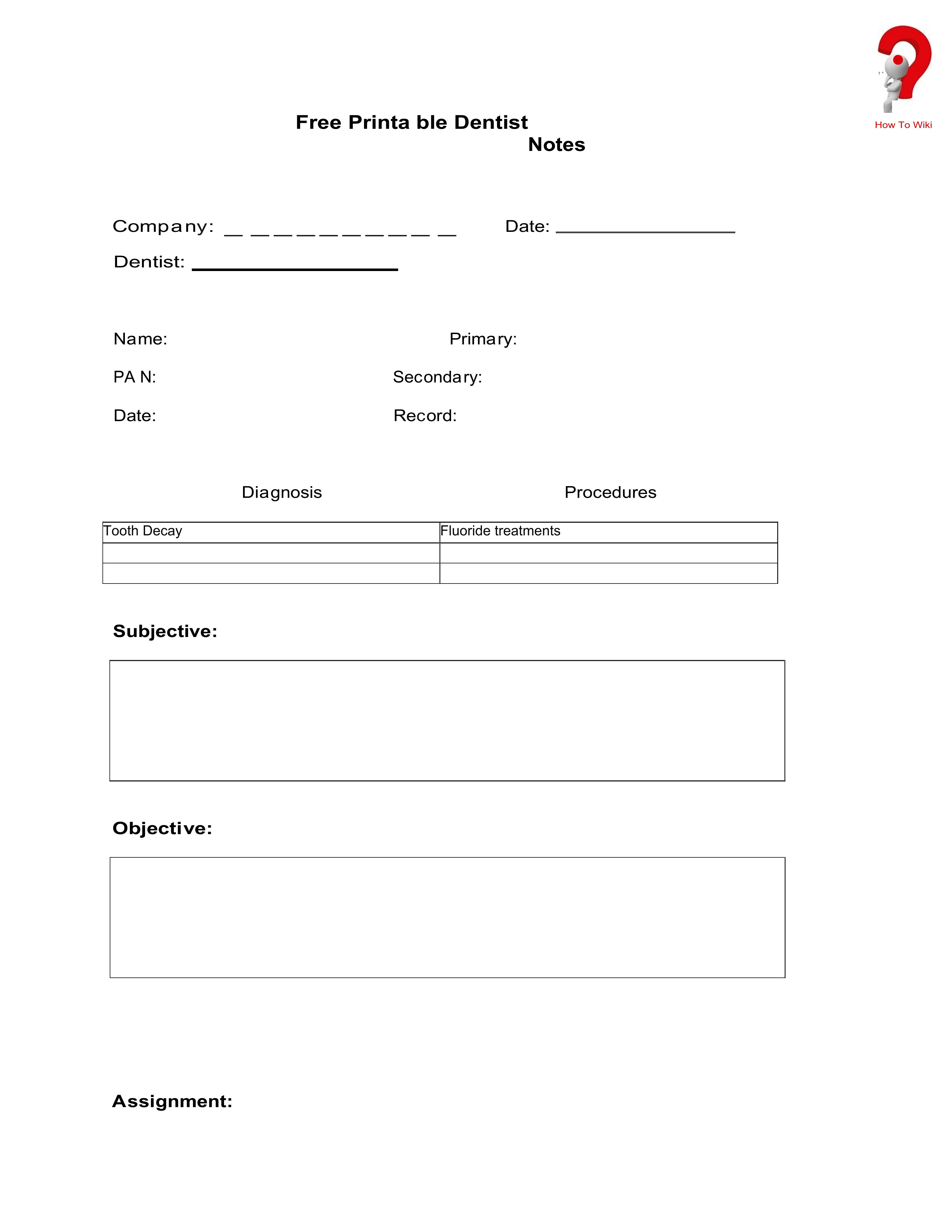
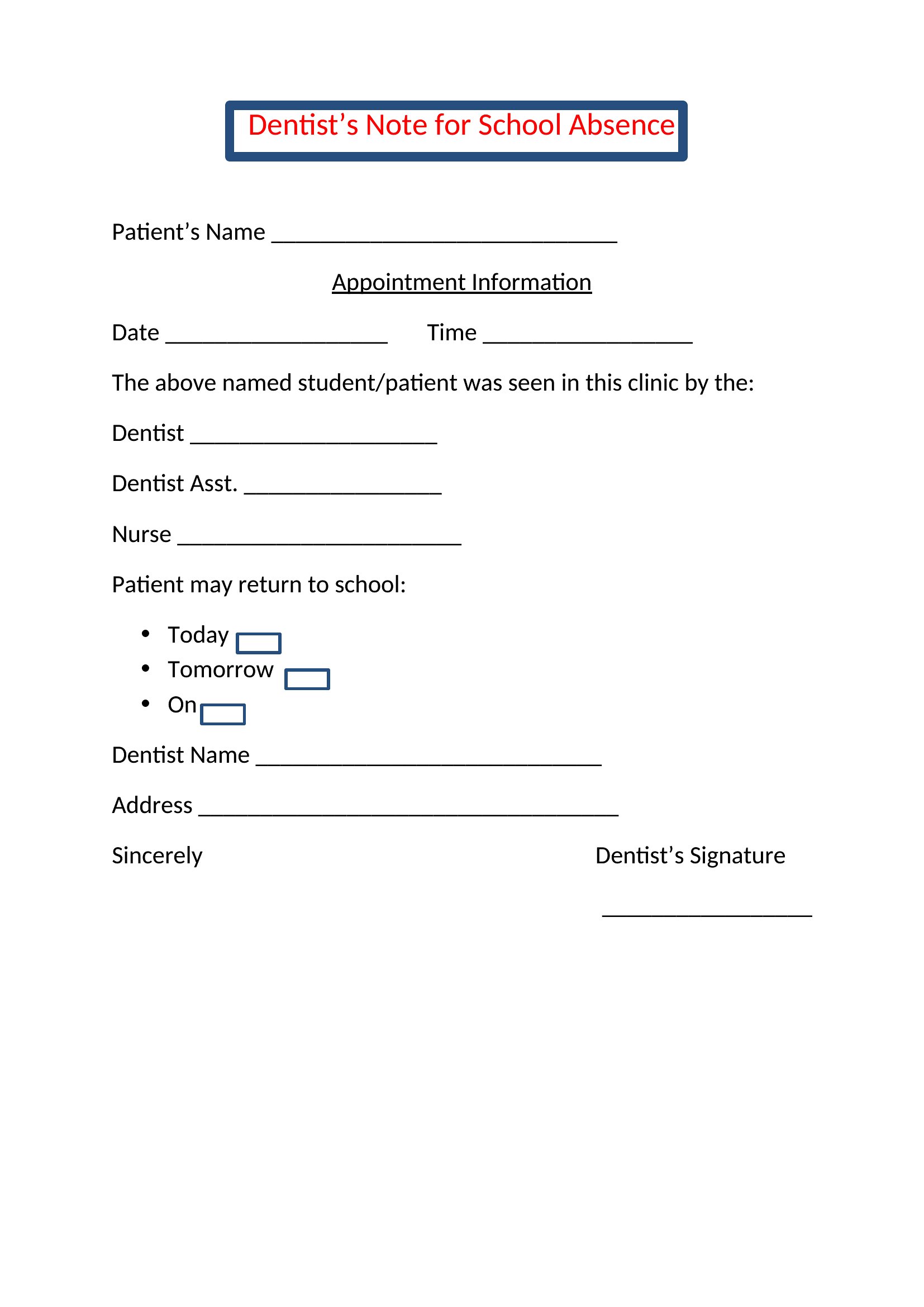
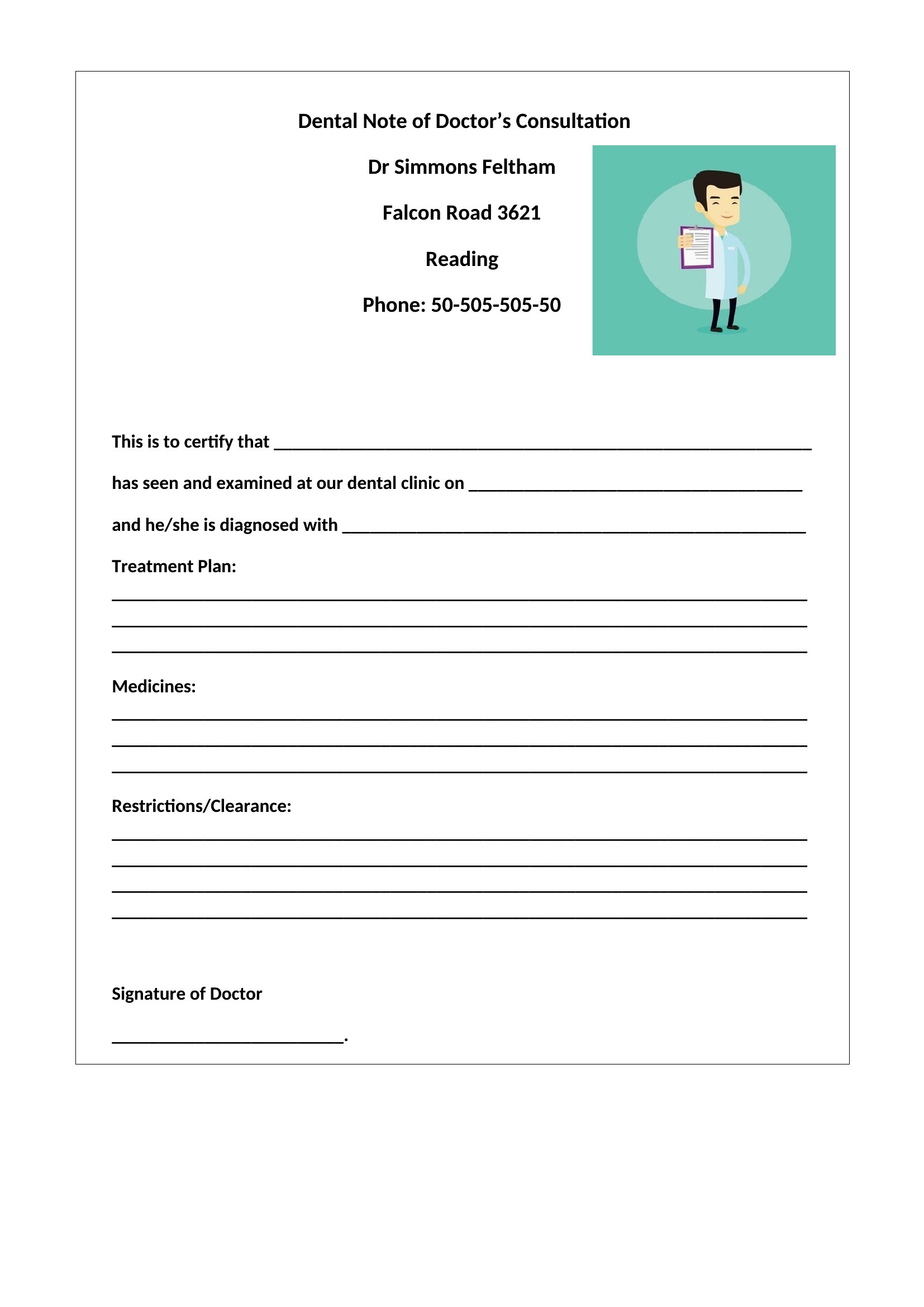
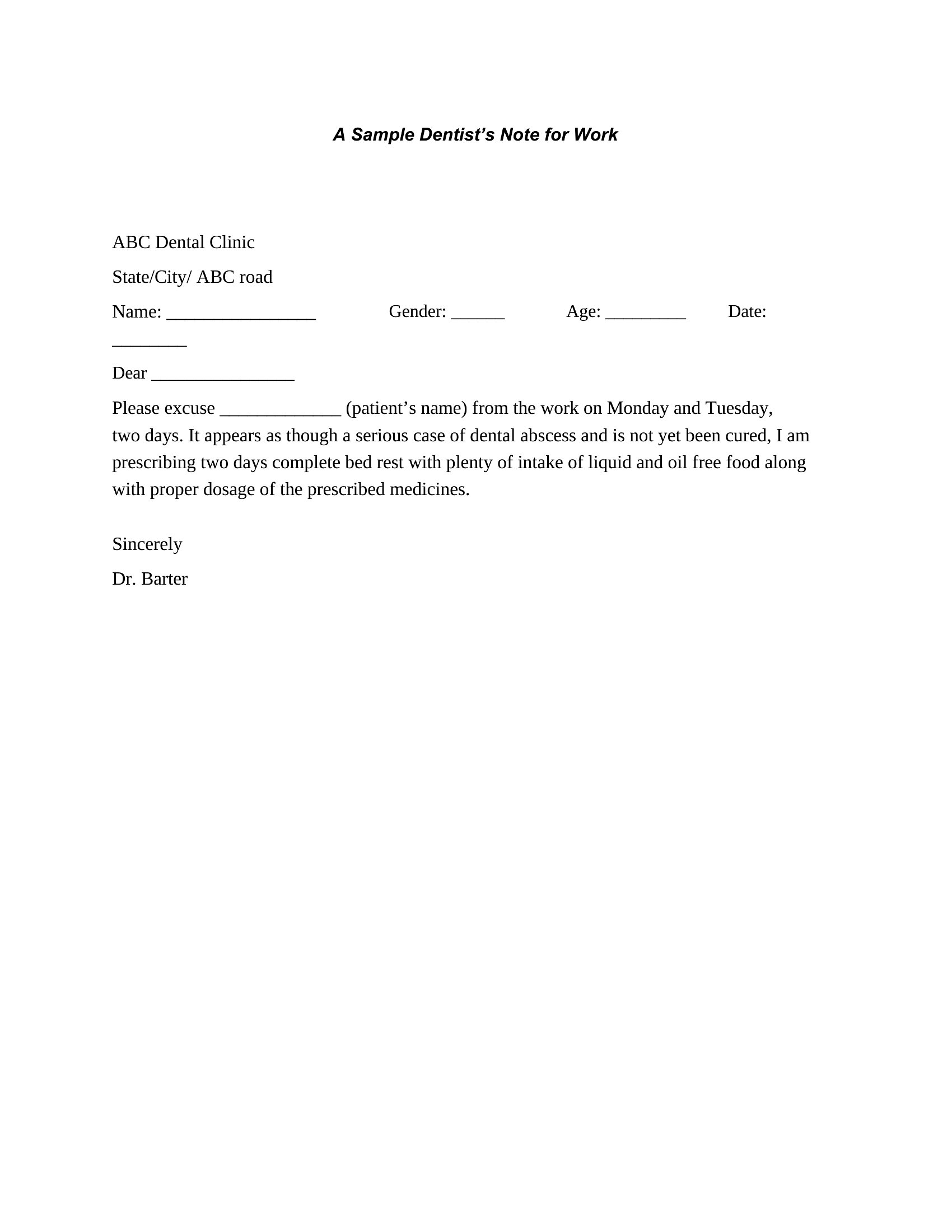
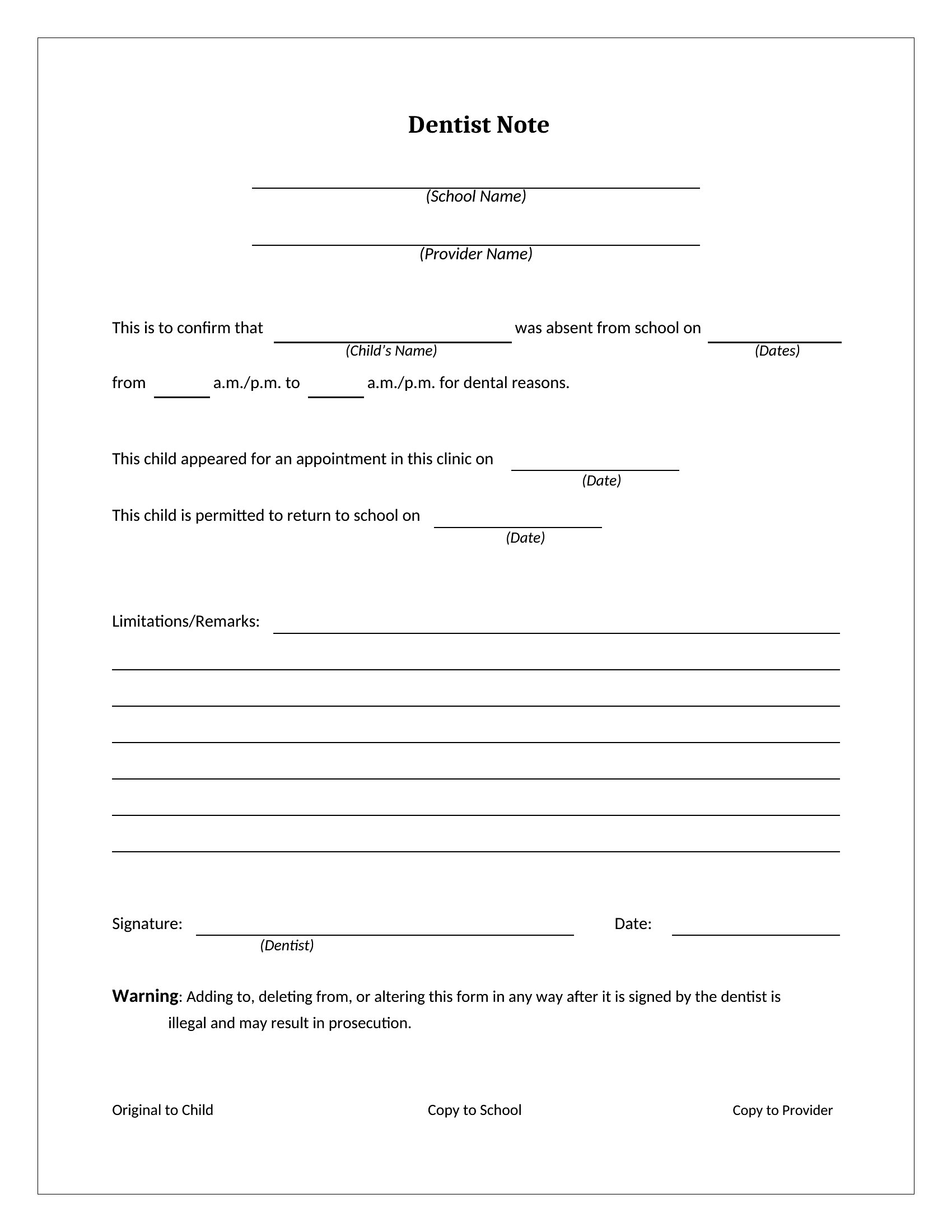
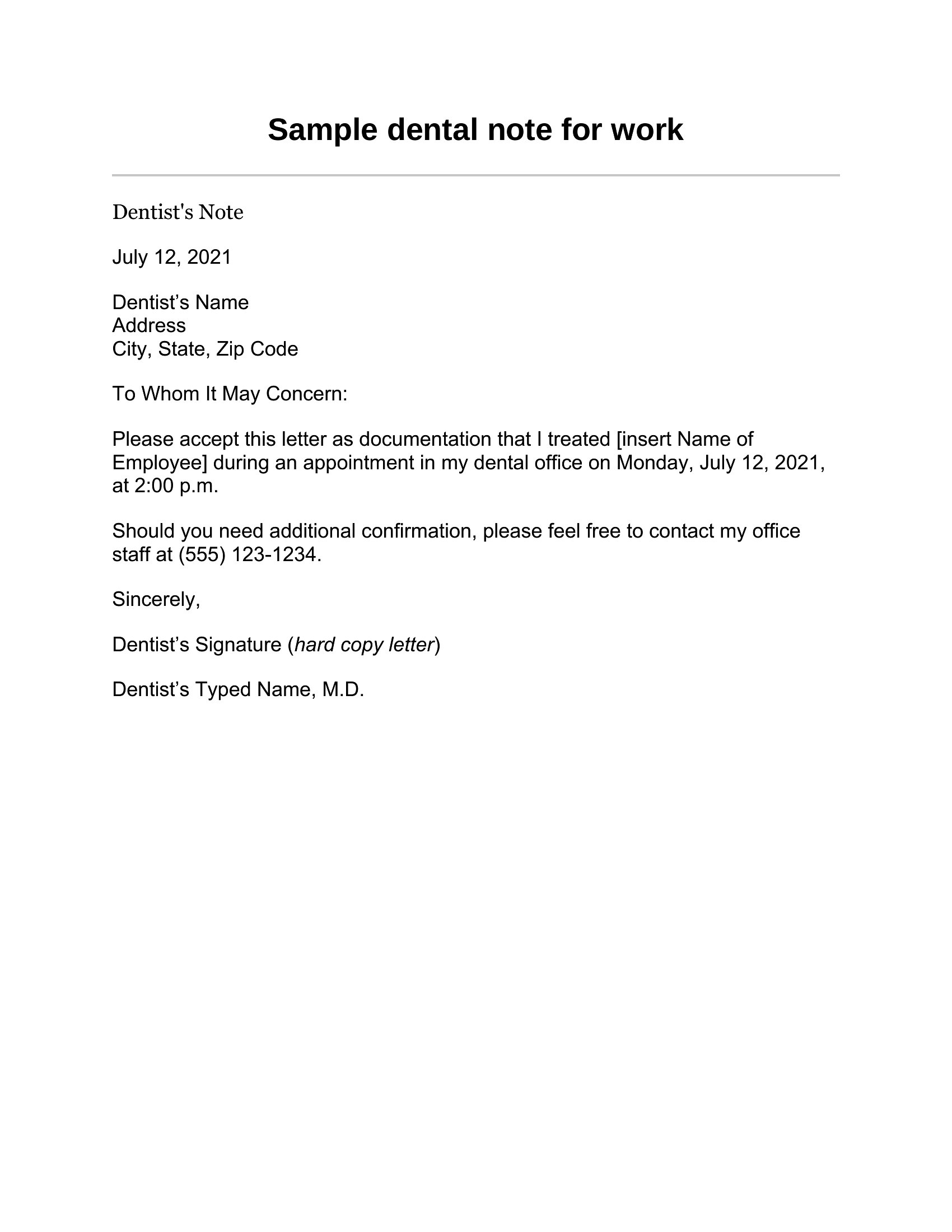
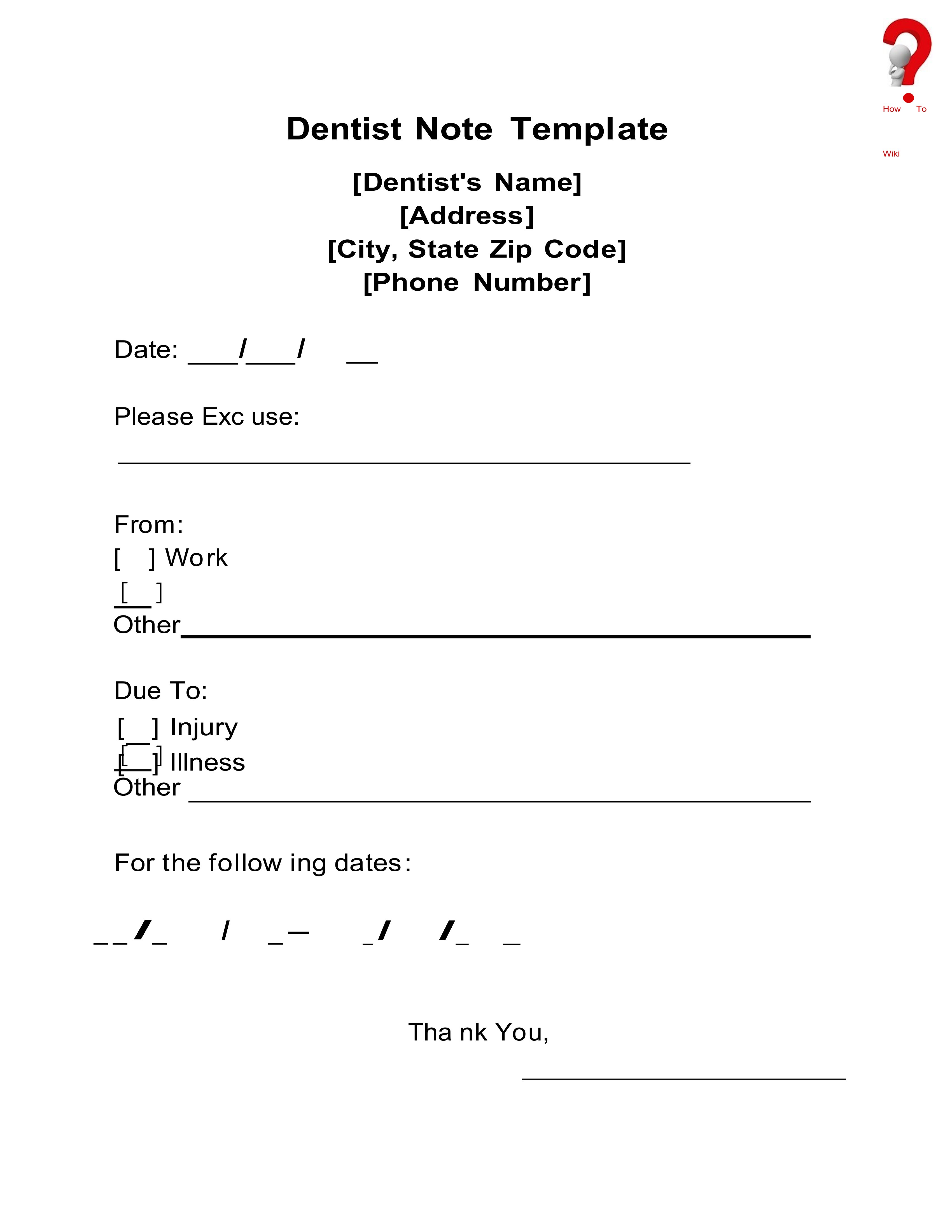
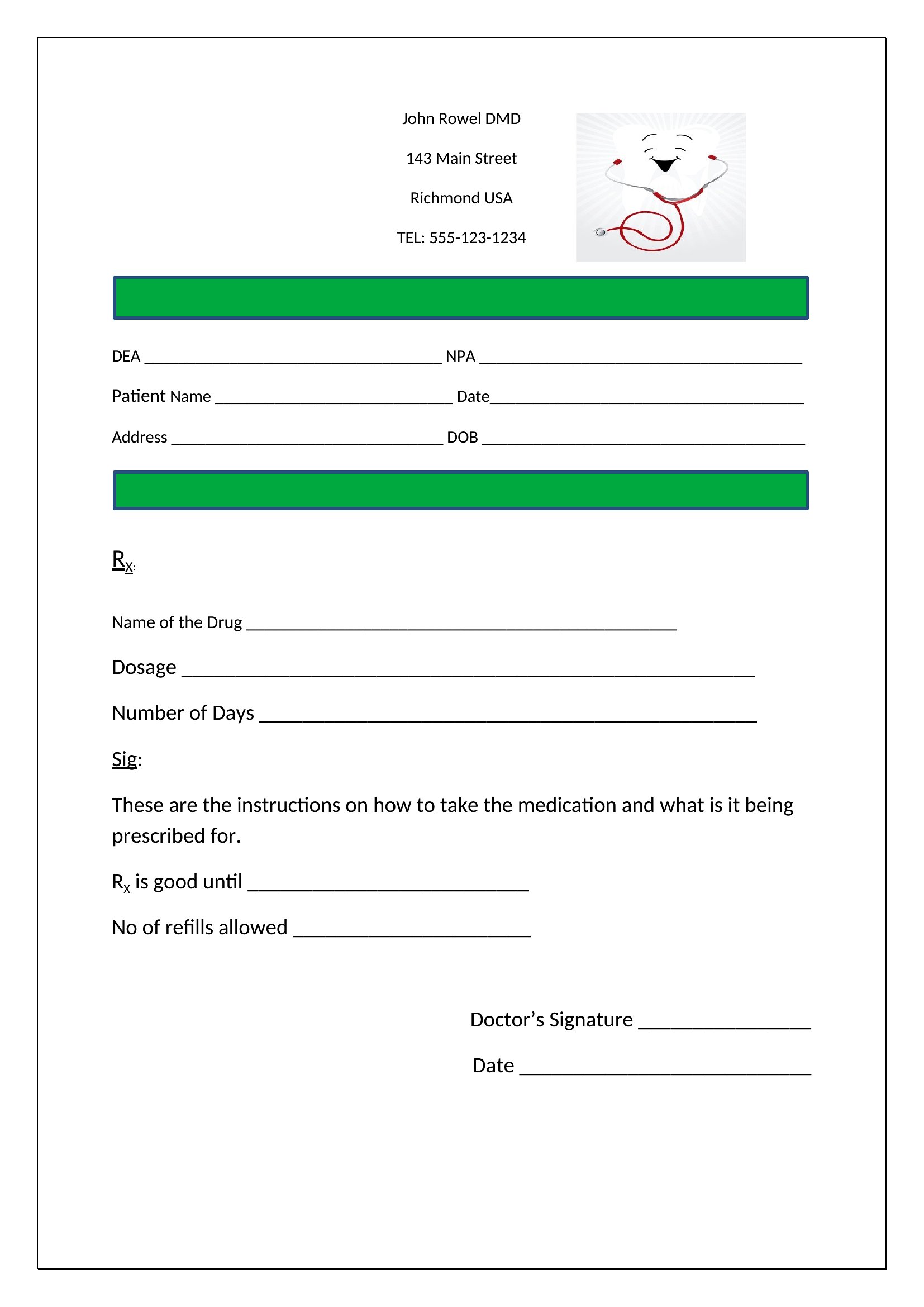
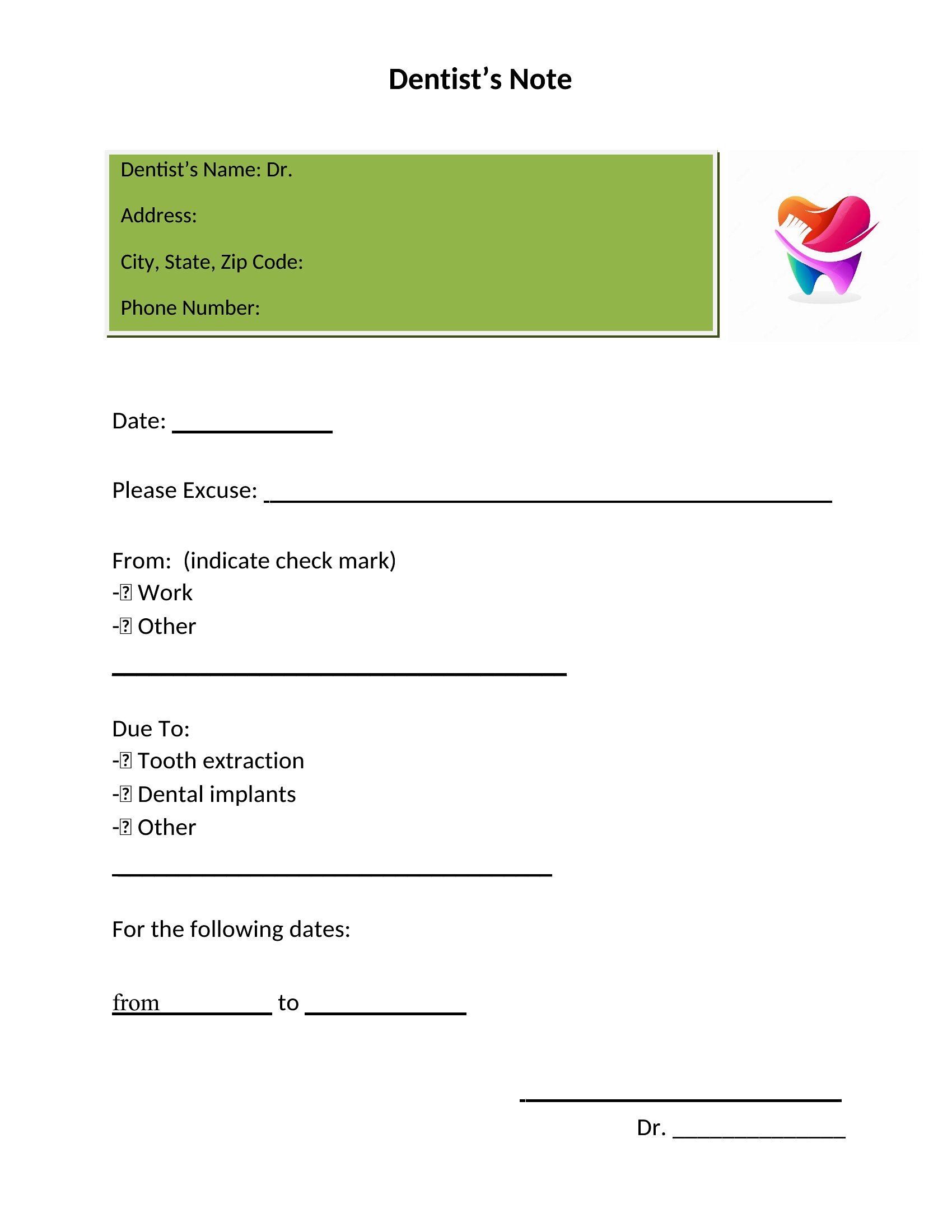
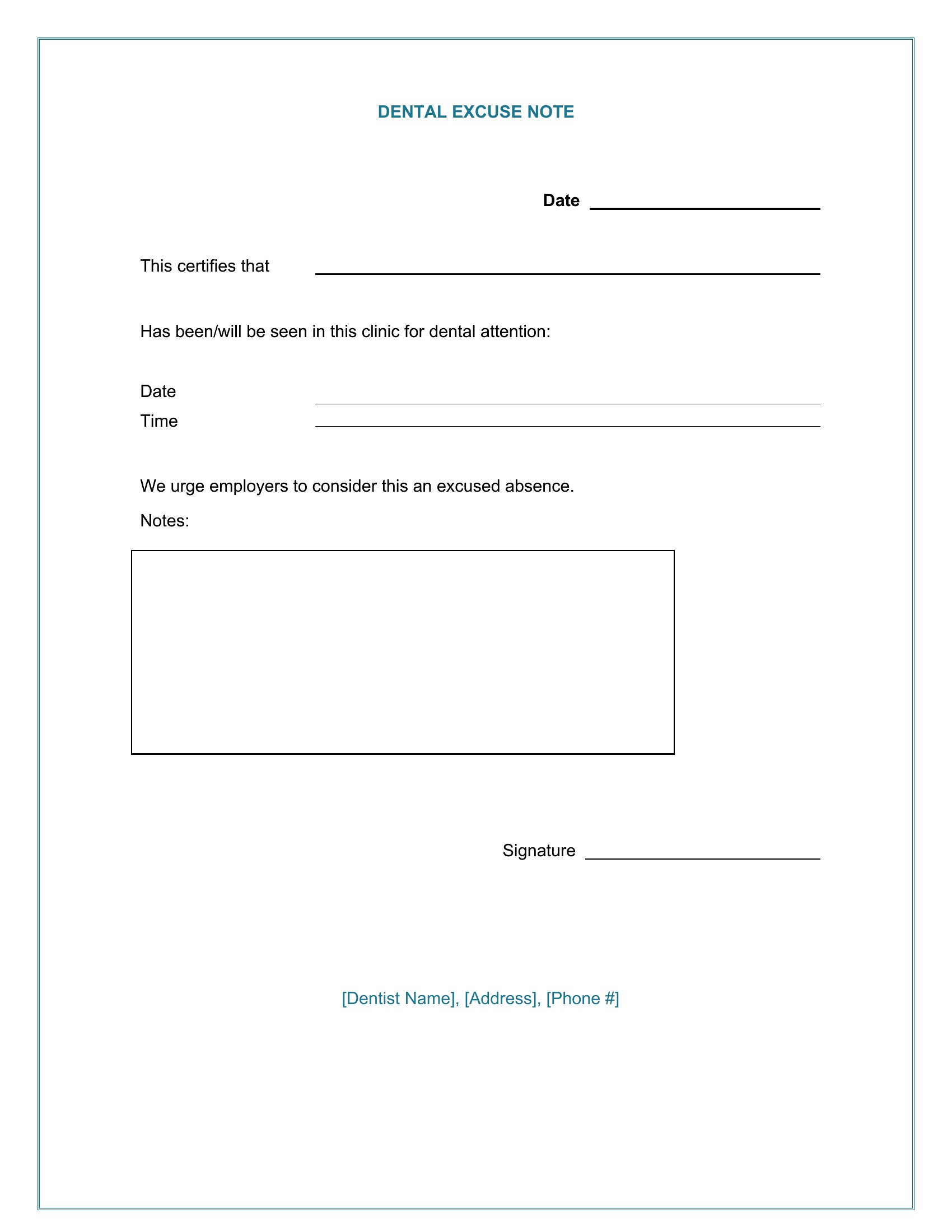
Yes, the Word templates provide fields where you can manually add a dentist’s license number, clinic name, and contact information. However, ensure all details comply with your state’s dental board regulations before use. These are starting points—always verify legal requirements for your specific practice.
Do the templates accommodate notes for both routine cleanings and emergency dental visits?
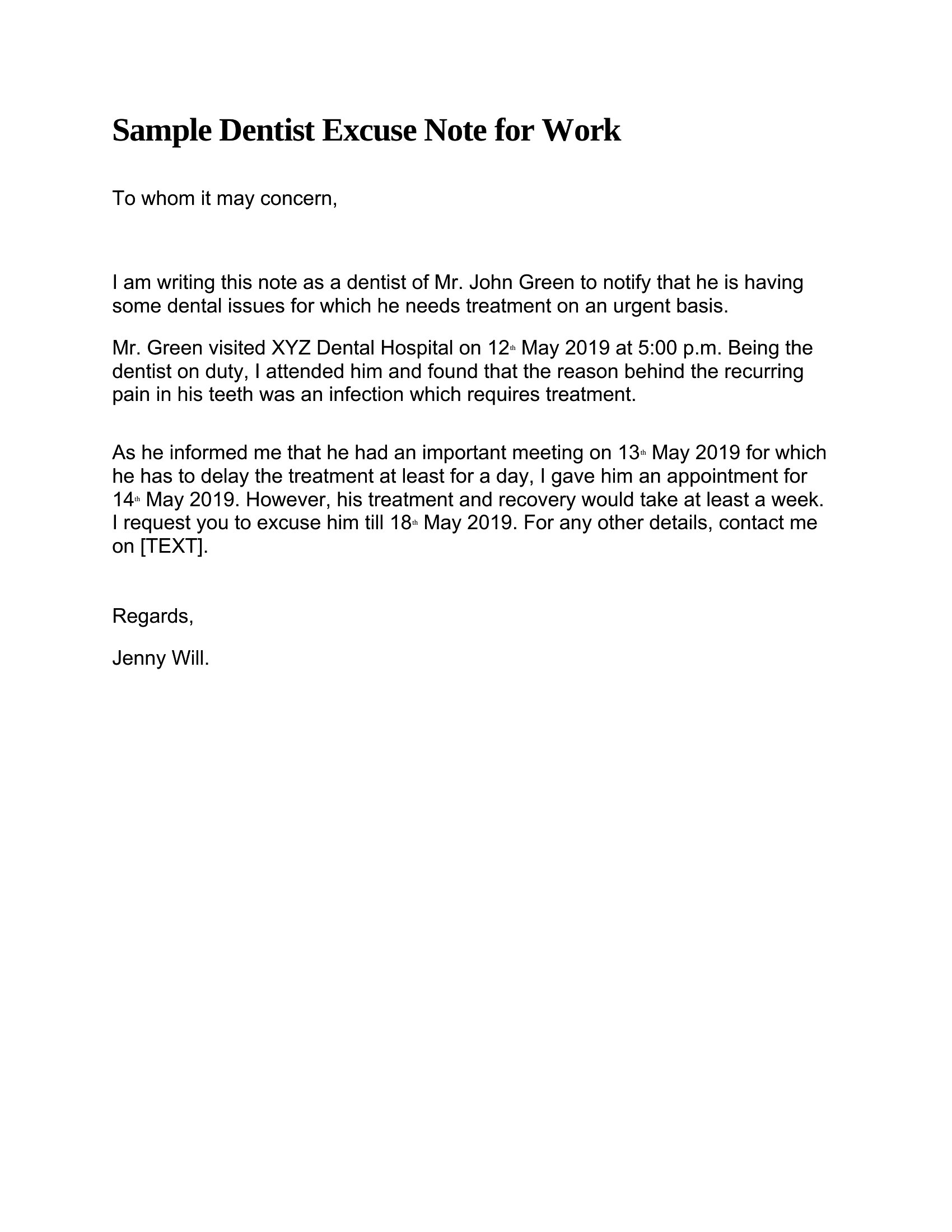
The templates include space for the date, patient name, provider signature, and a notes section. For emergencies, office staff can add details like ‘unexpected tooth abscess’ or ‘trauma-related extraction’ in the provided area. The focus is on clarity for schools or employers, not clinical diagnosis.
Are these suitable for bilingual offices that need notes in both English and Spanish?
The templates are in English by default, but the editable Word format lets you duplicate and translate them for bilingual use. Simply copy the template, adjust the text to Spanish, and save as a separate file. No built-in translation tools are included, so manual review is recommended for accuracy.
Comments
Join the conversation
Sign in to share your thoughts and leave a comment on this resource.