Skip to content
50% off this one-time $1.99 pack with HALFOFF — or unlimited with Pro.HALFOFF
Premium

Free Tooth Fairy Certificates (PDF)

Life
felixramirez by felixramirez
Updated 0 downloads Quality-checked template

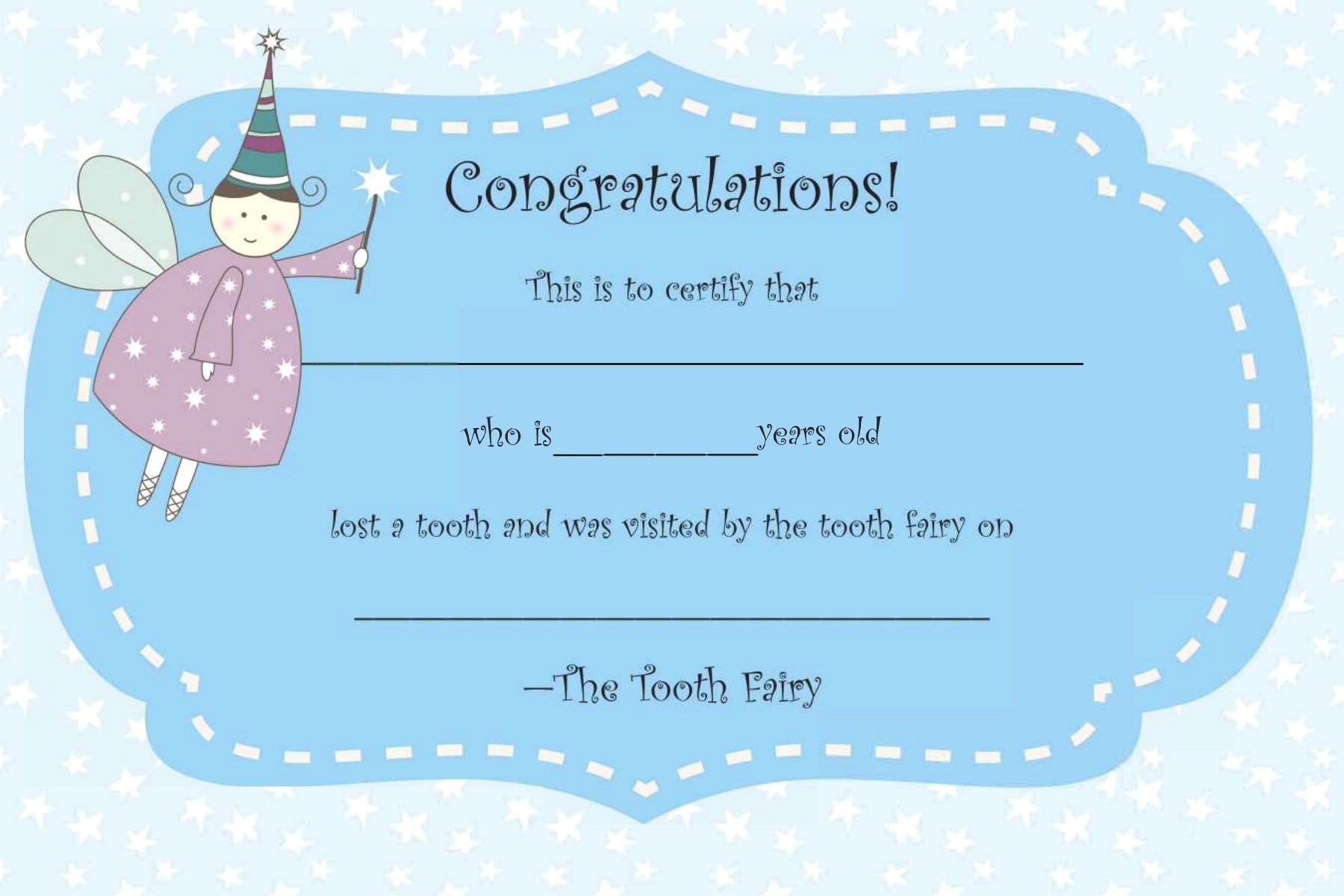
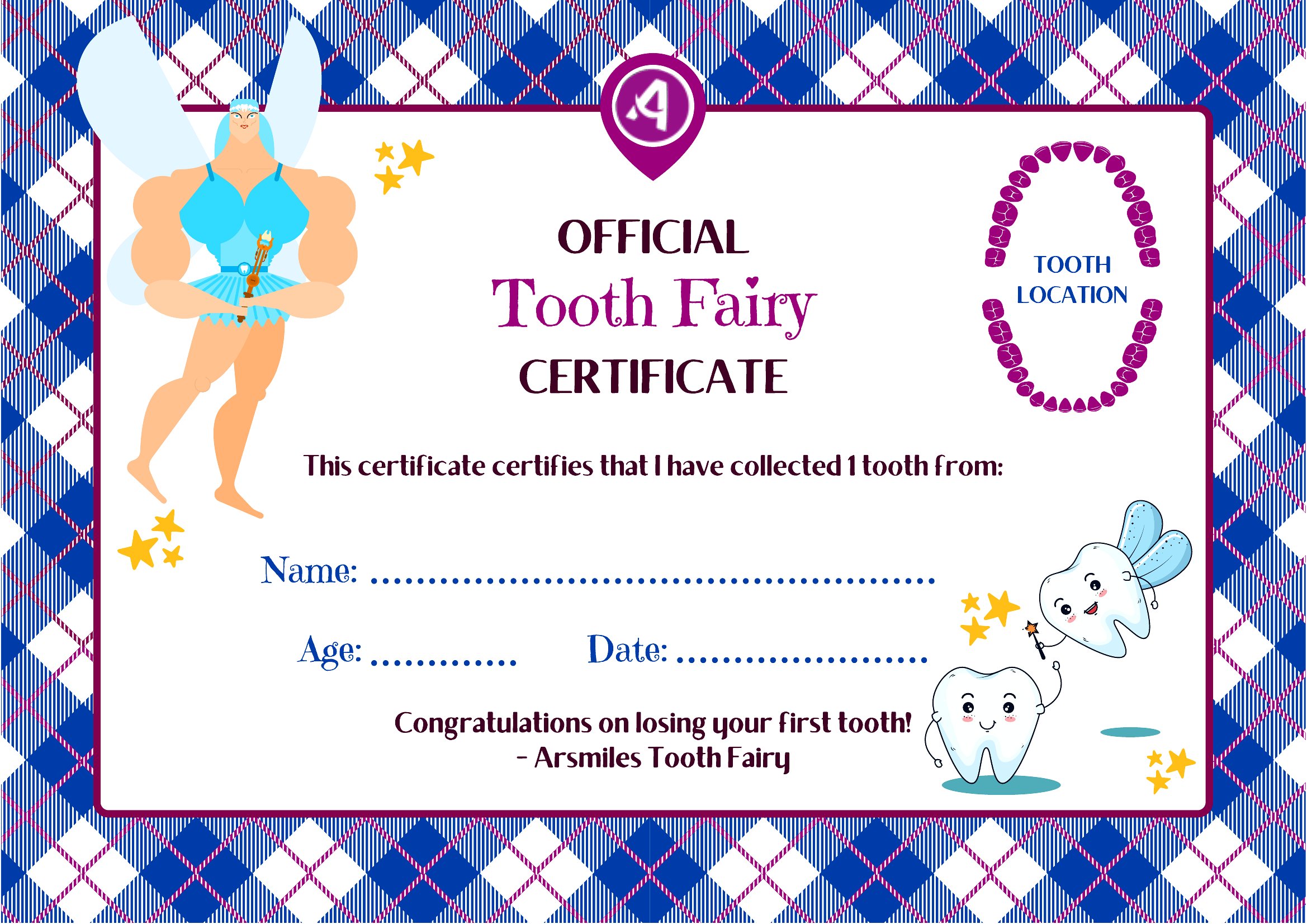
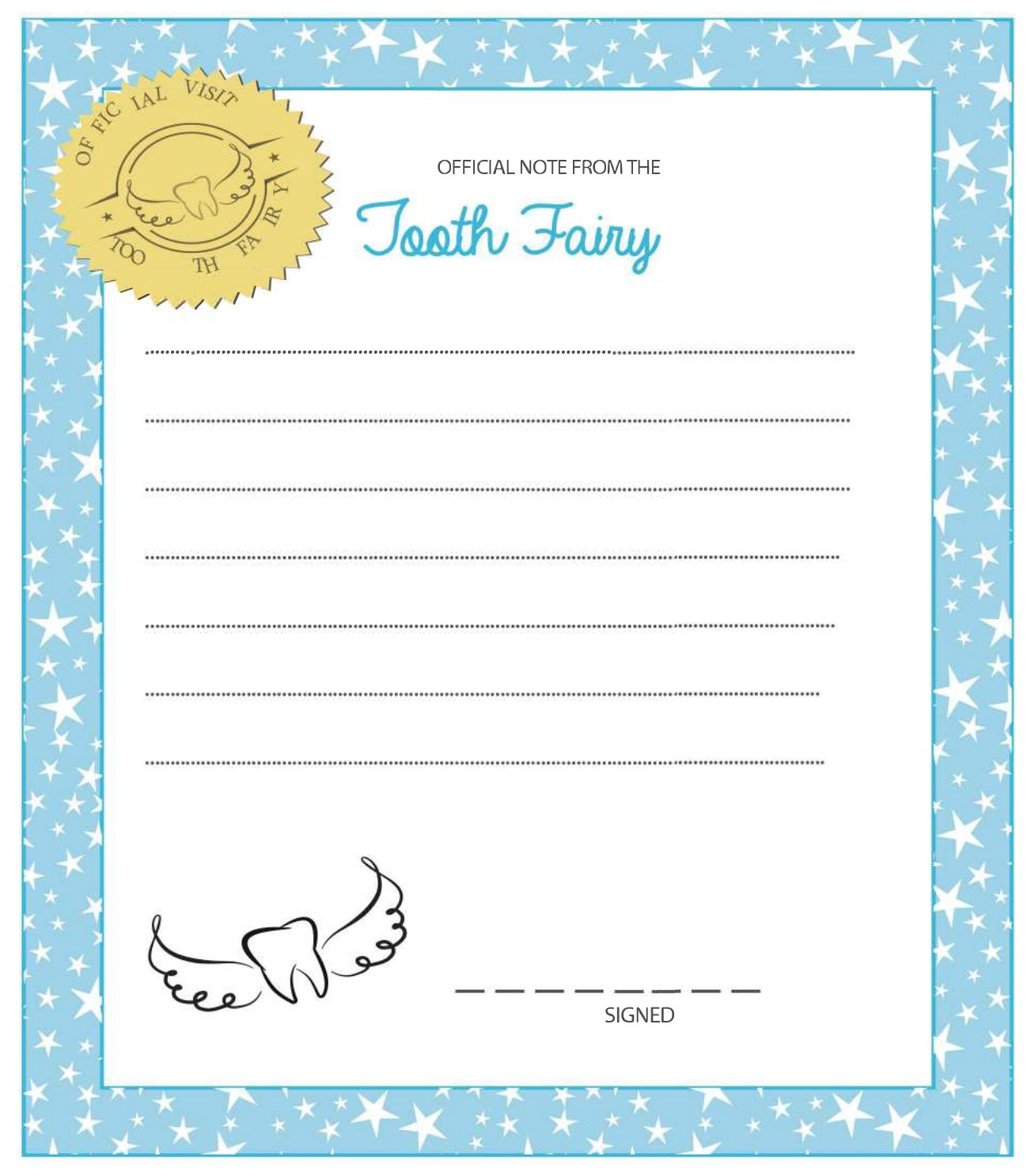
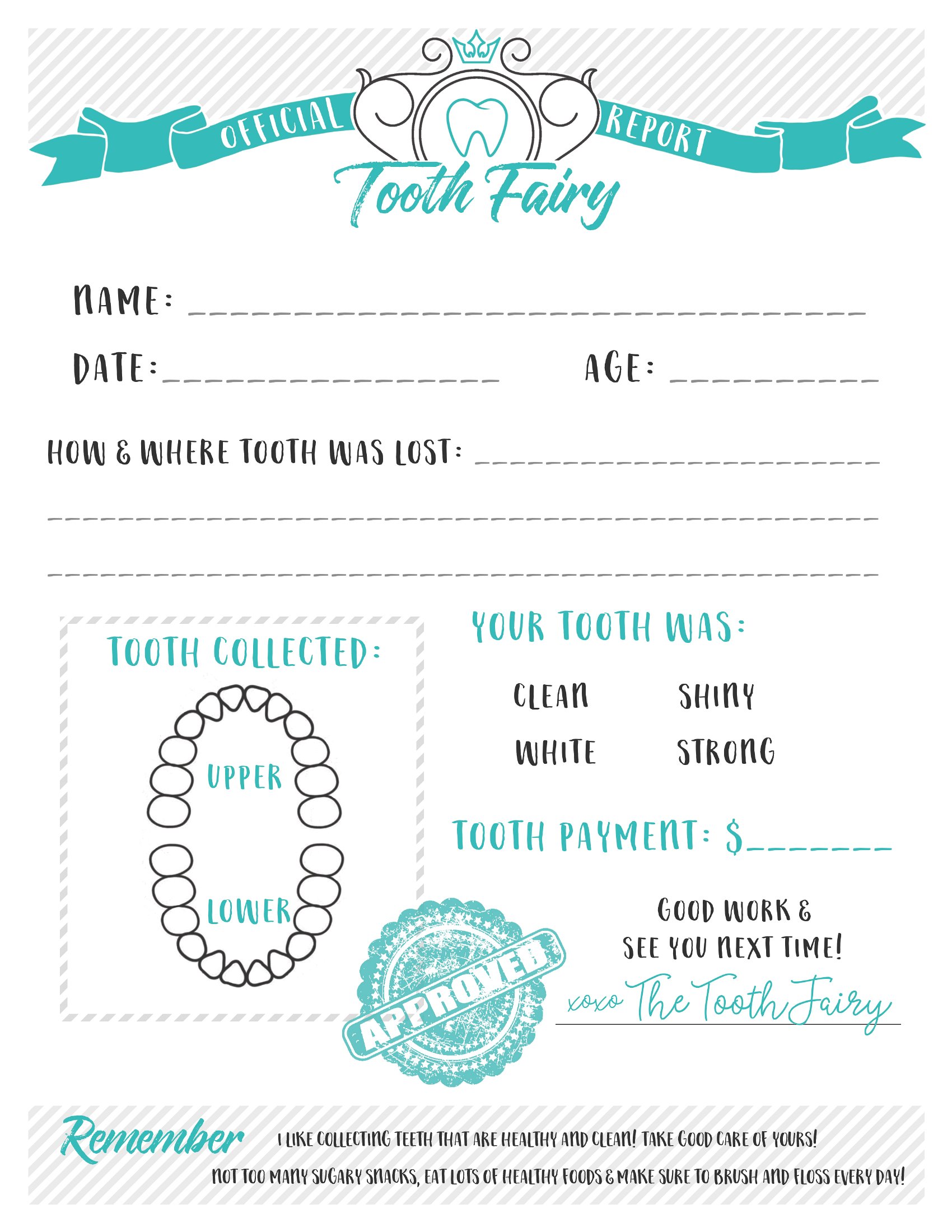
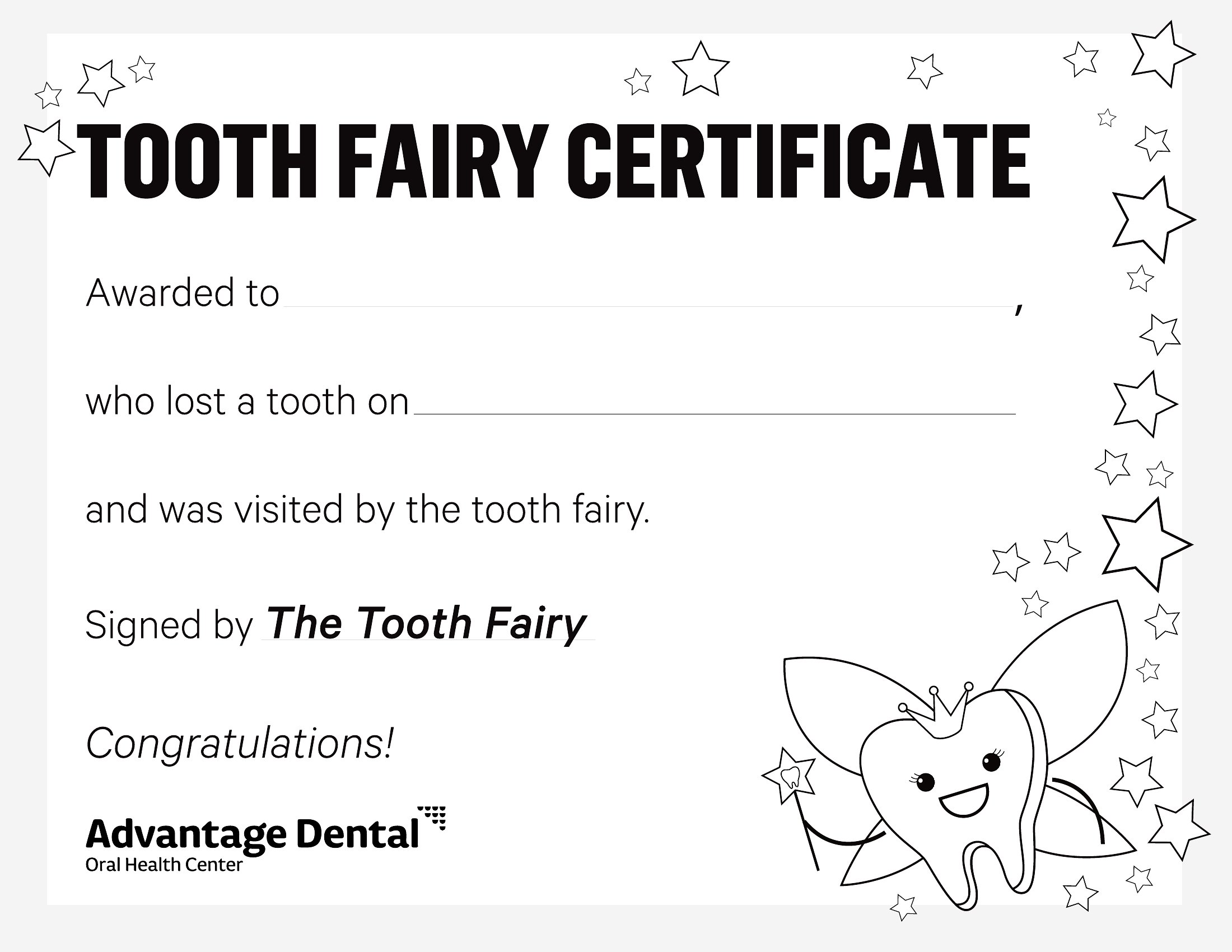
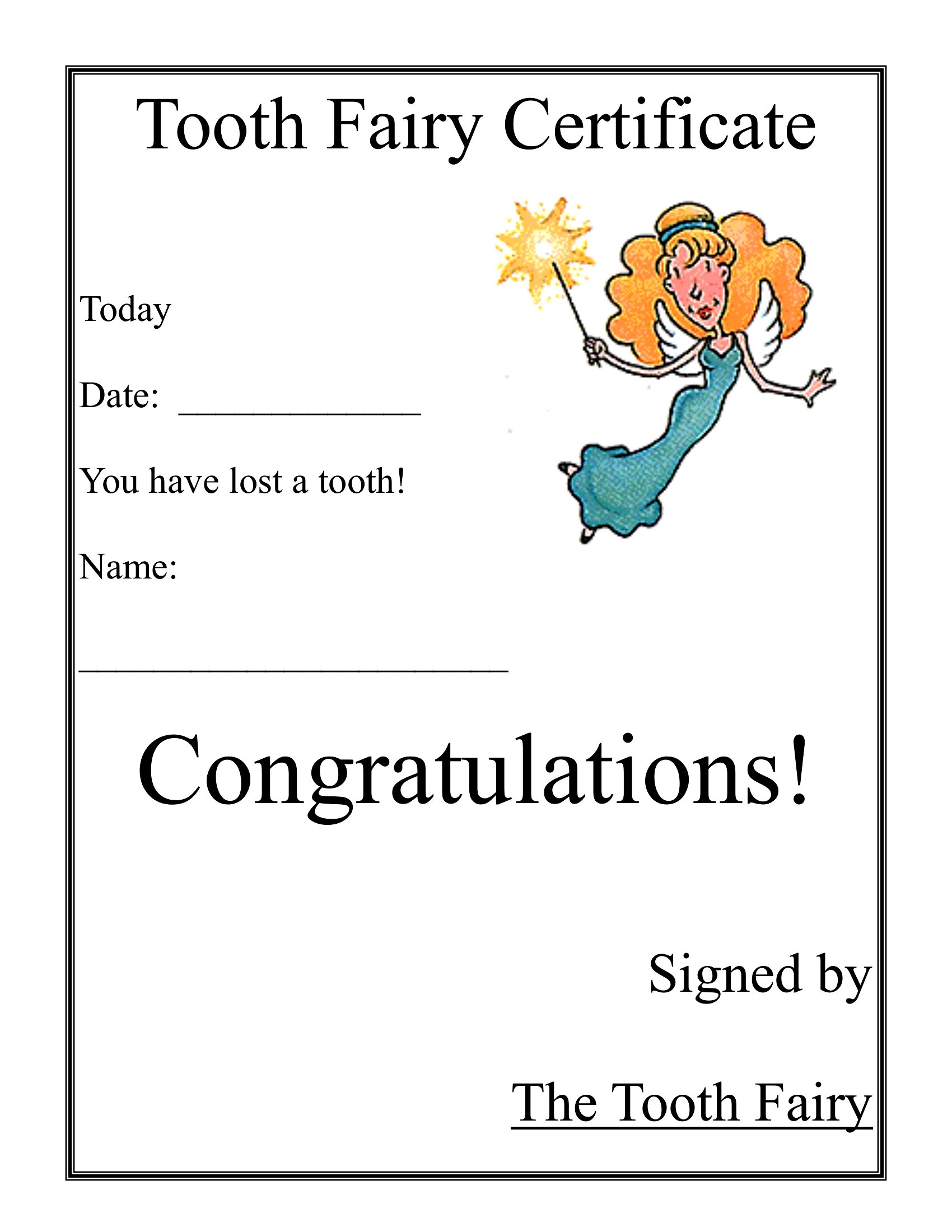
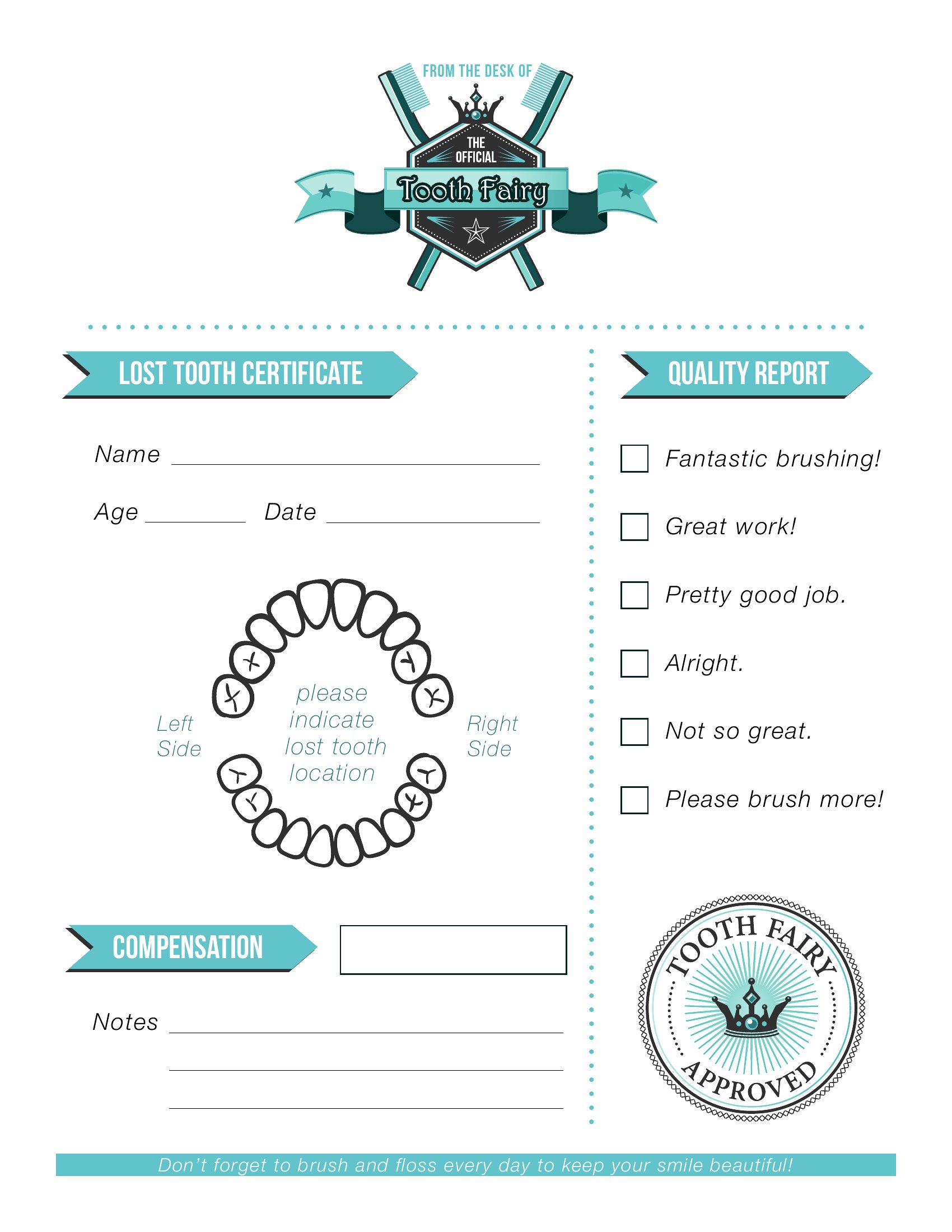
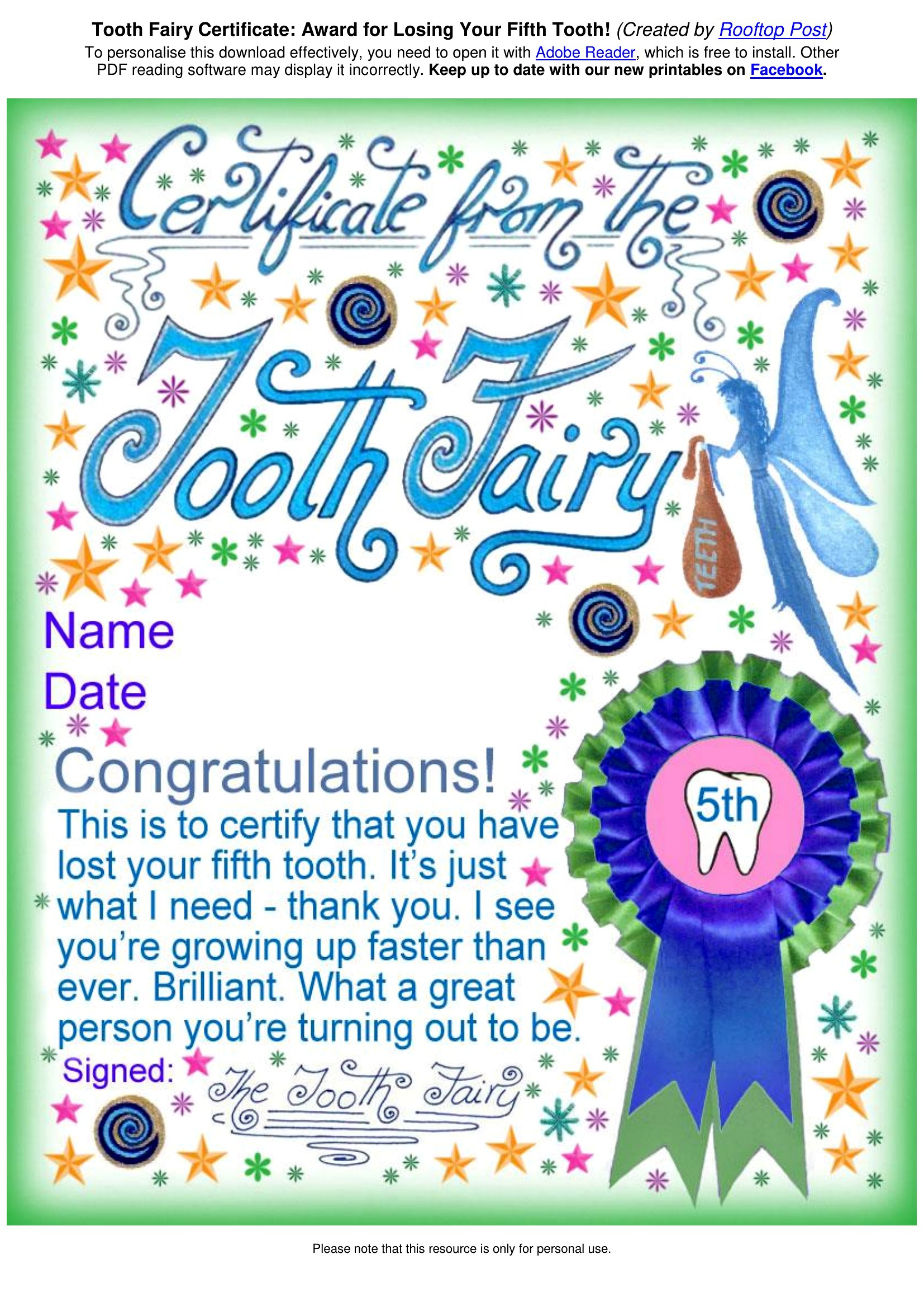
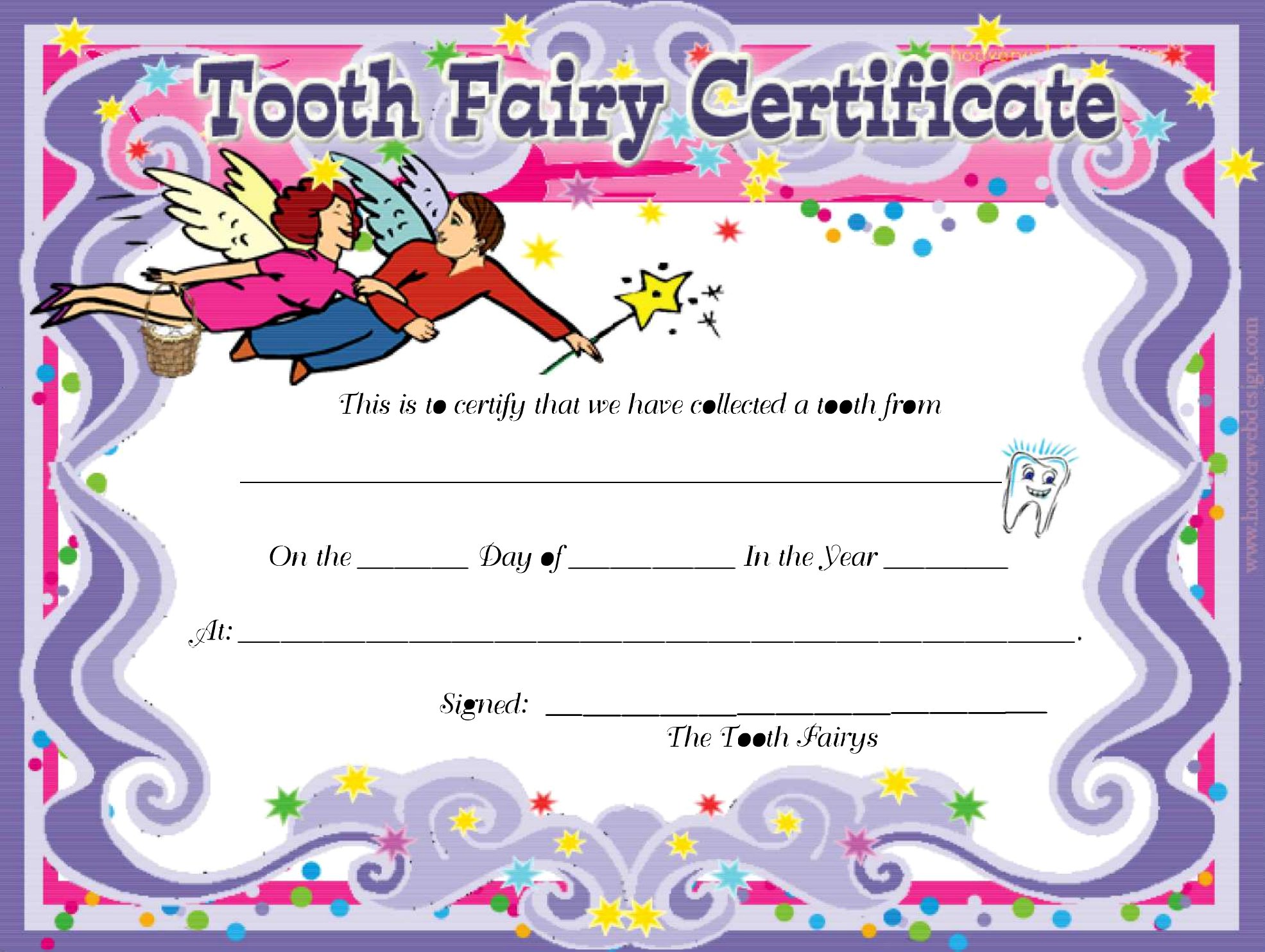
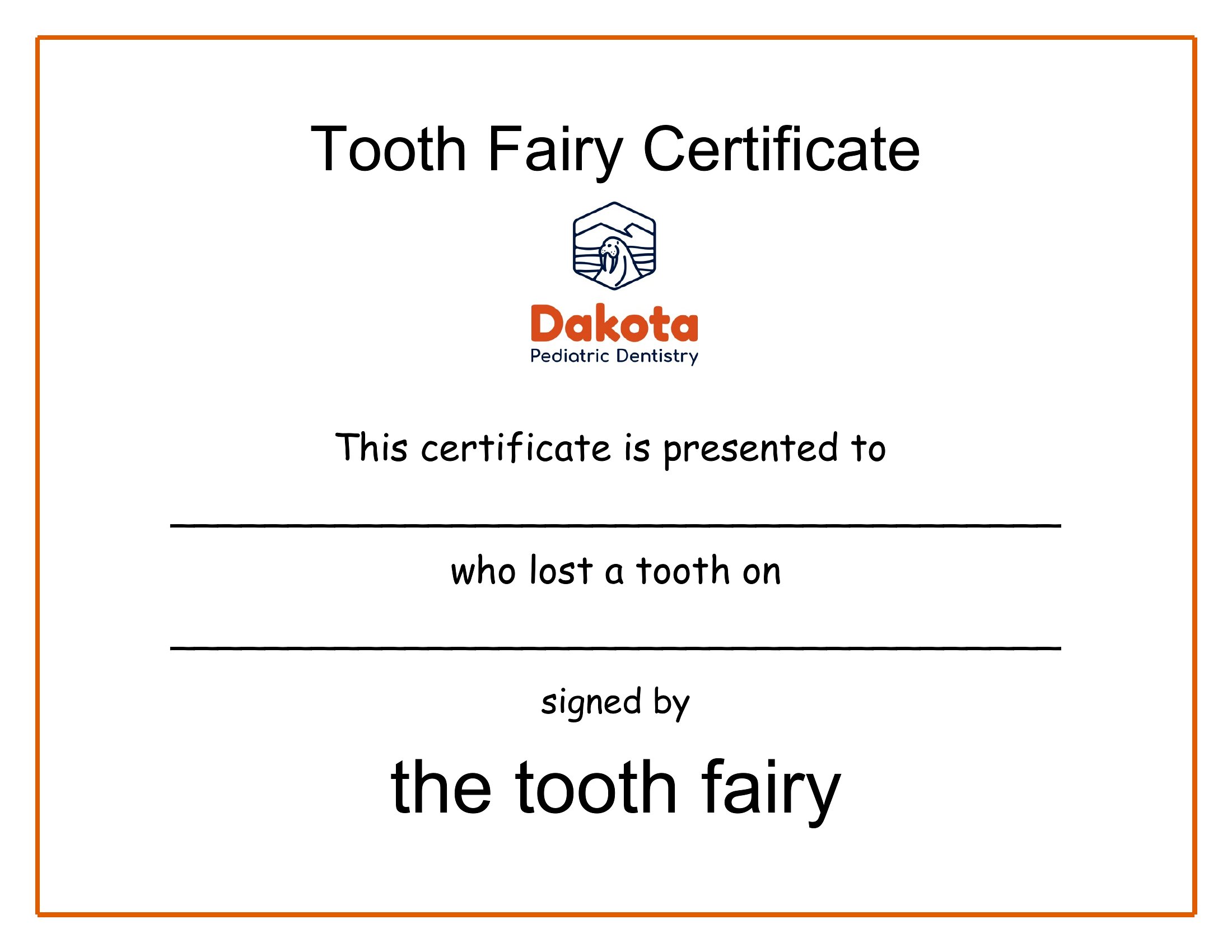
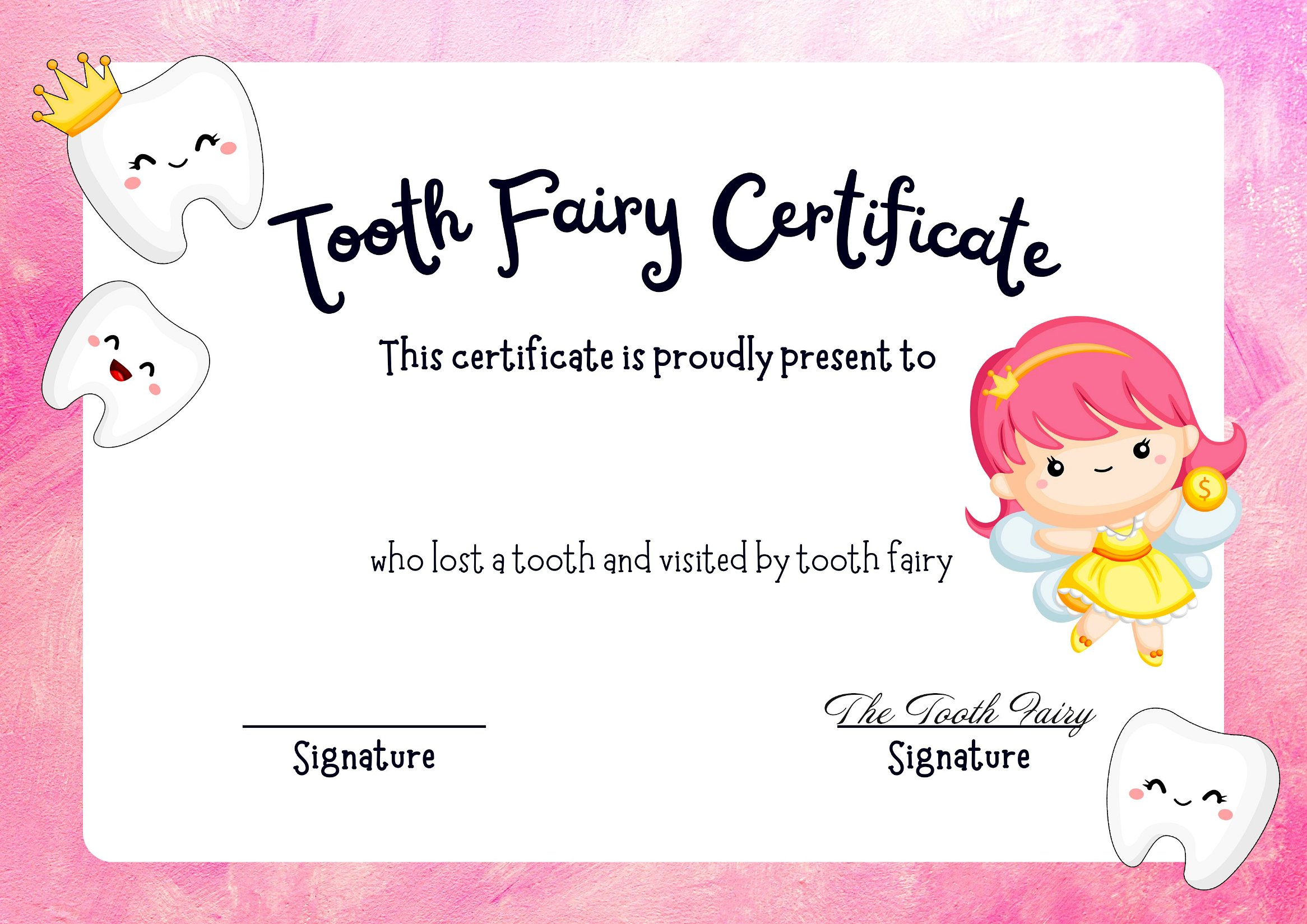
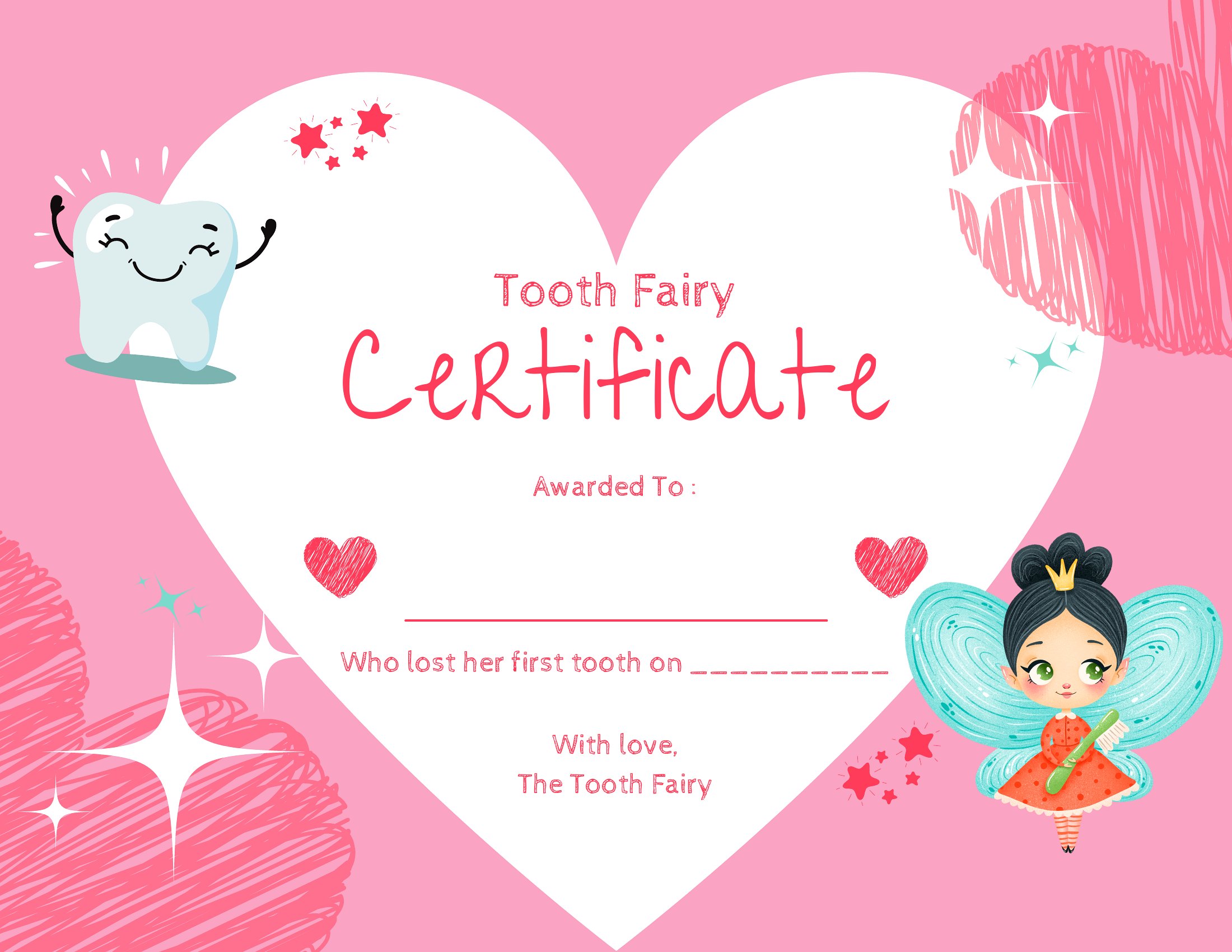
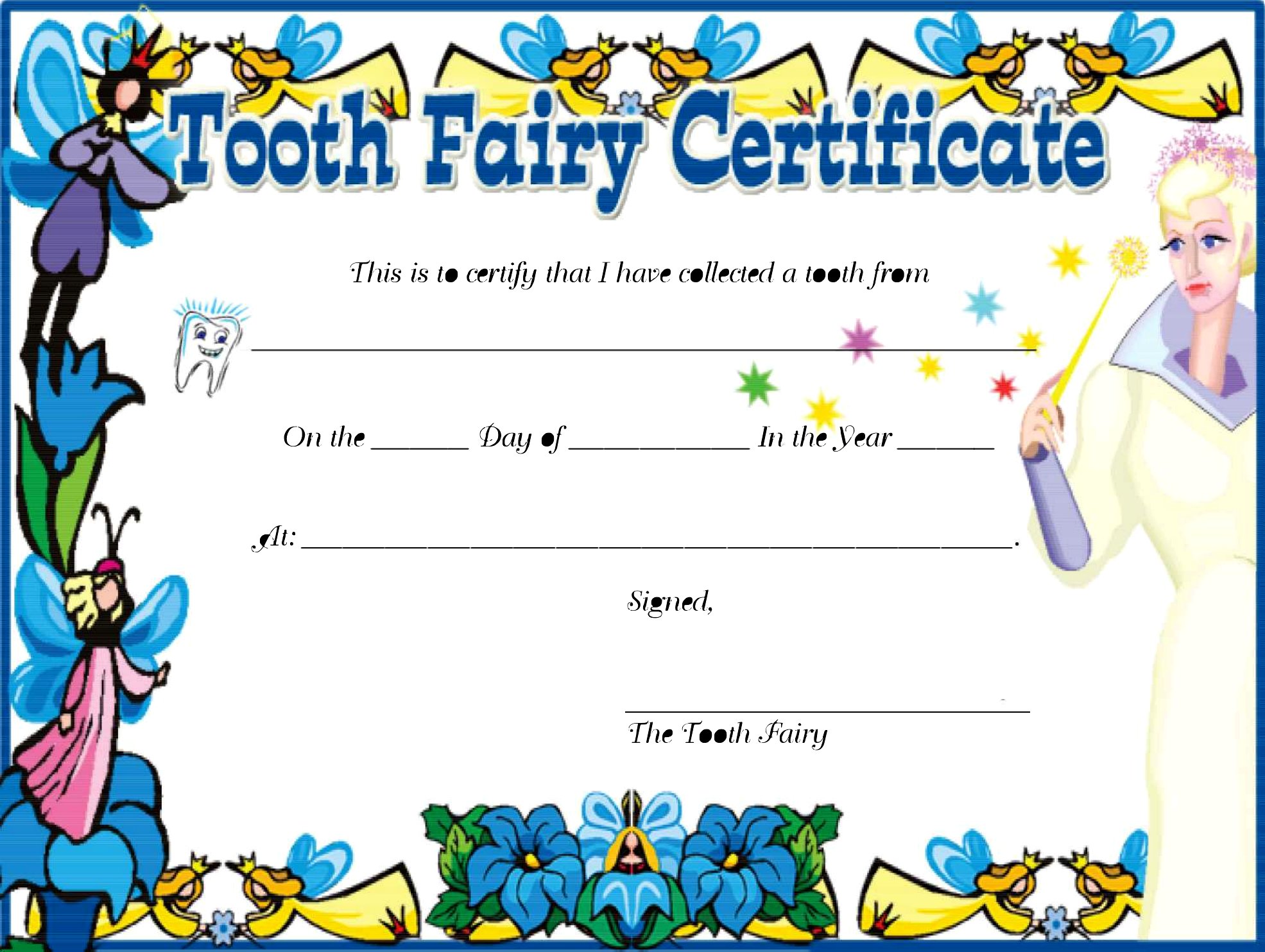
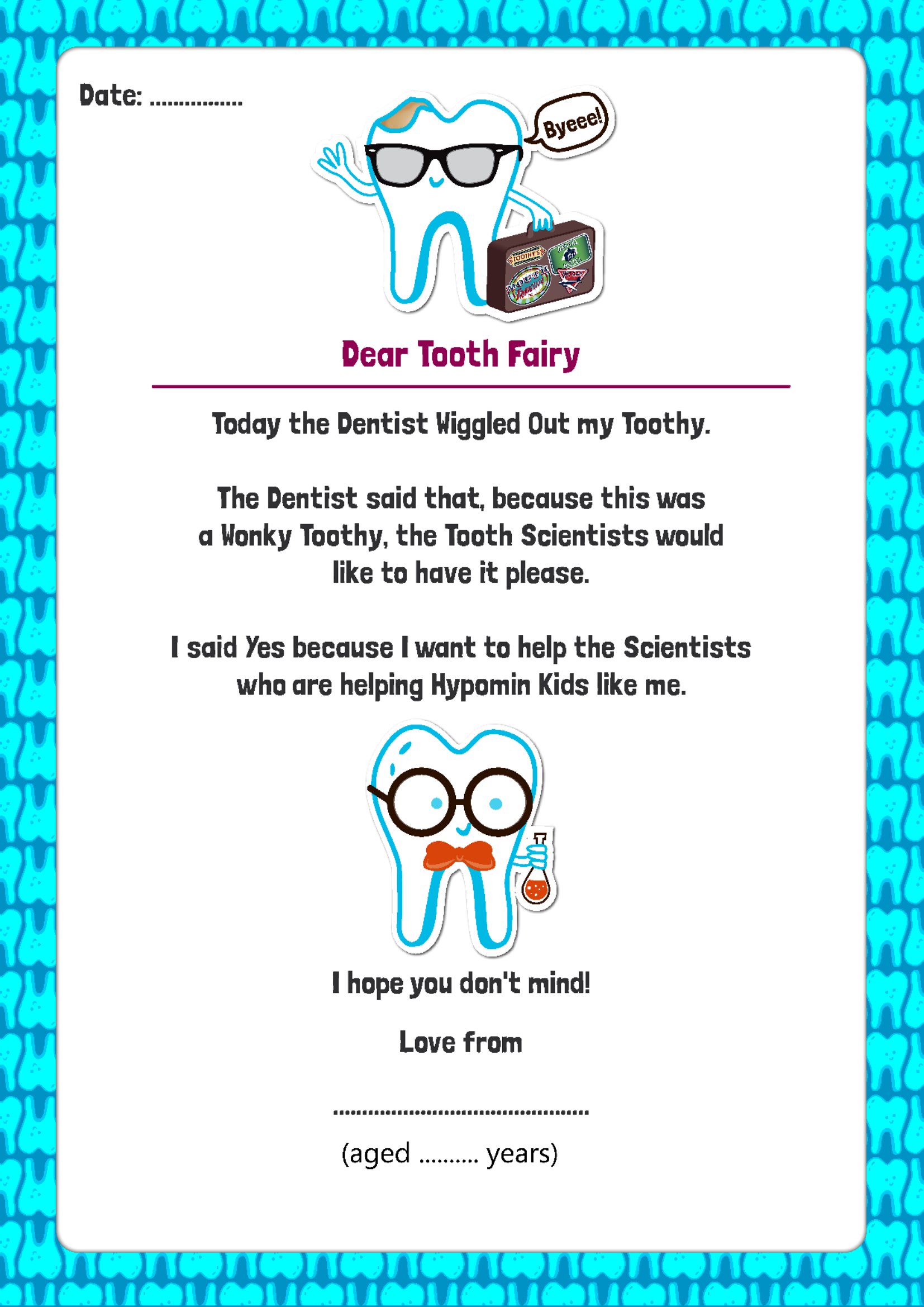
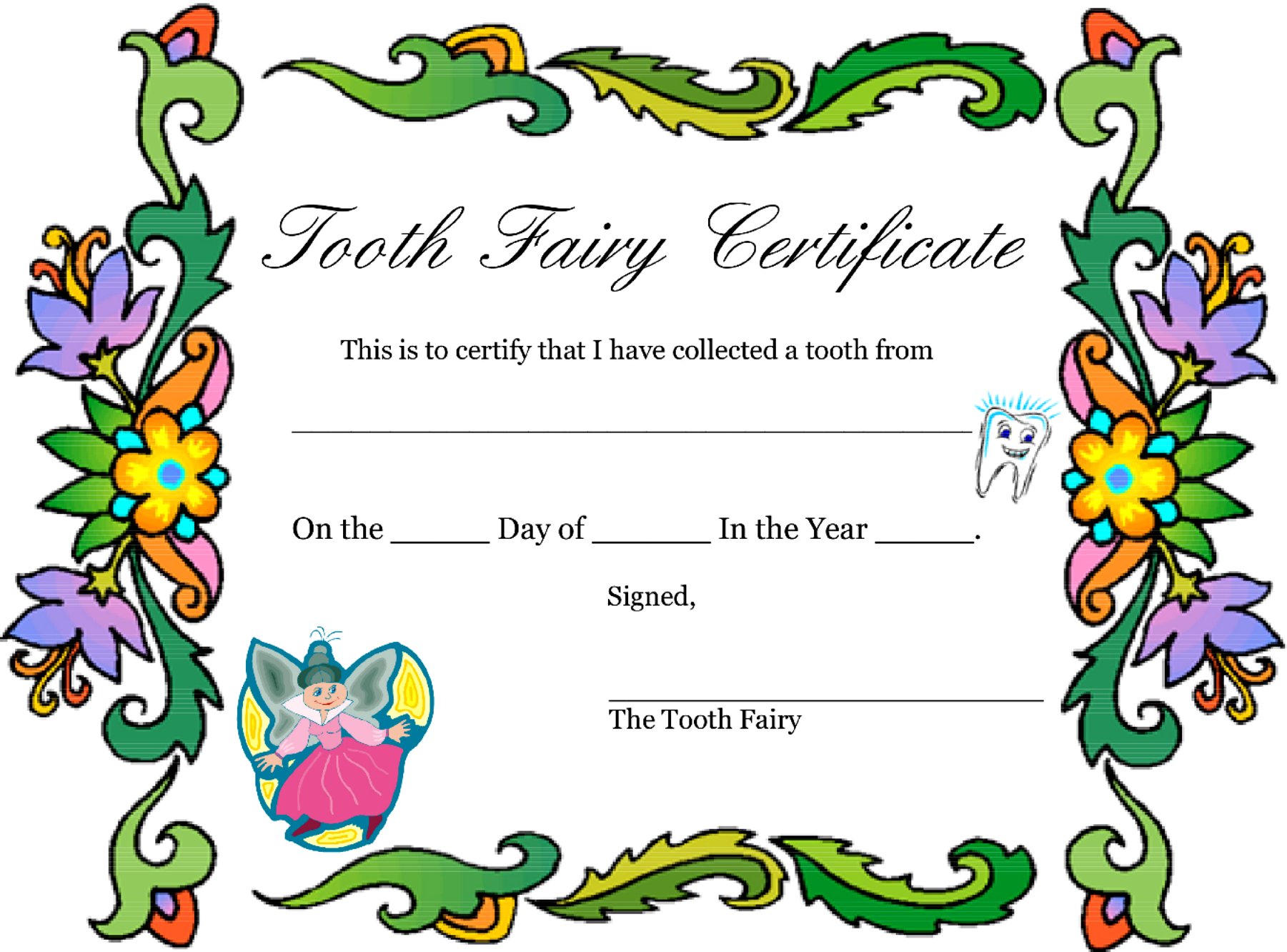
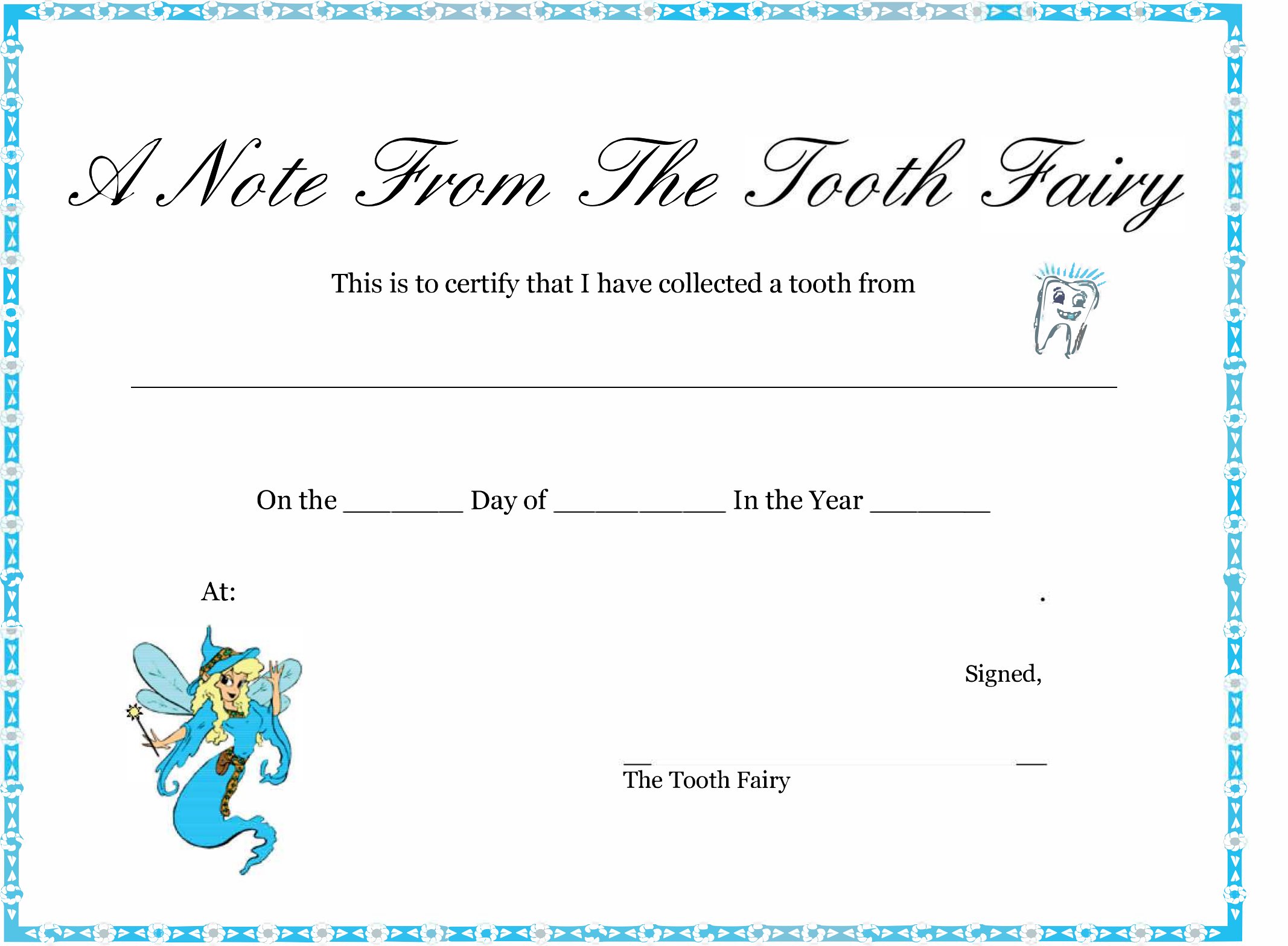
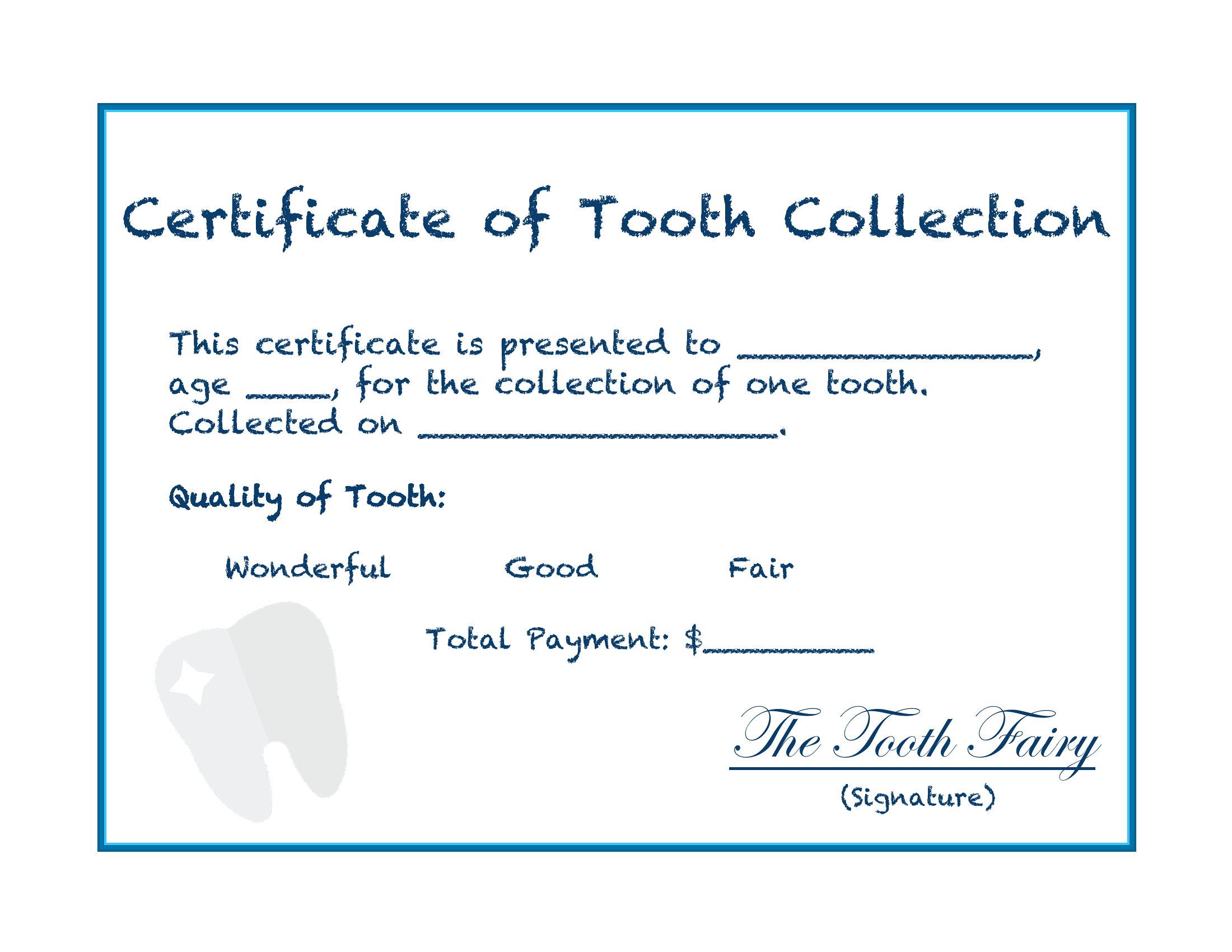
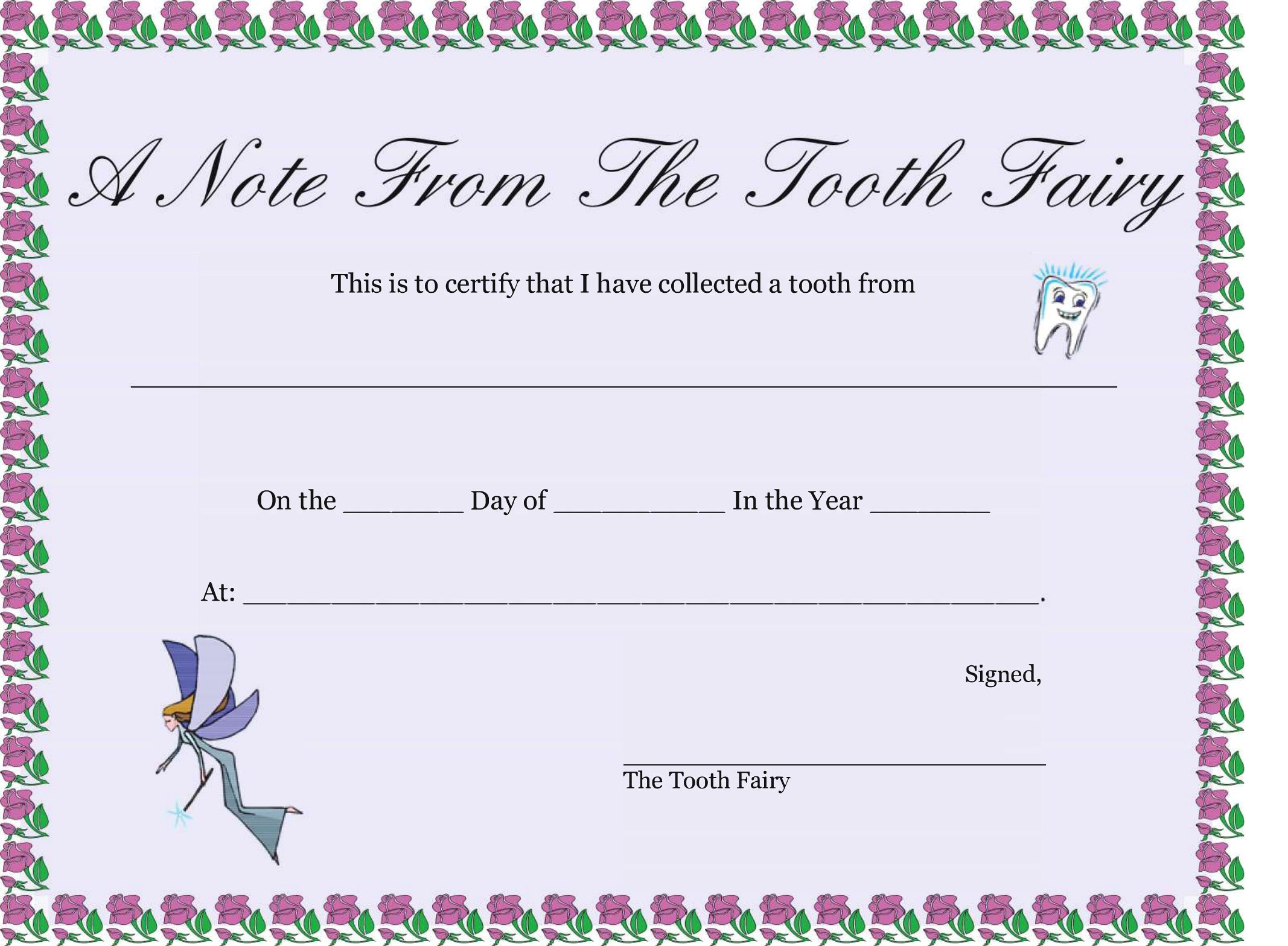
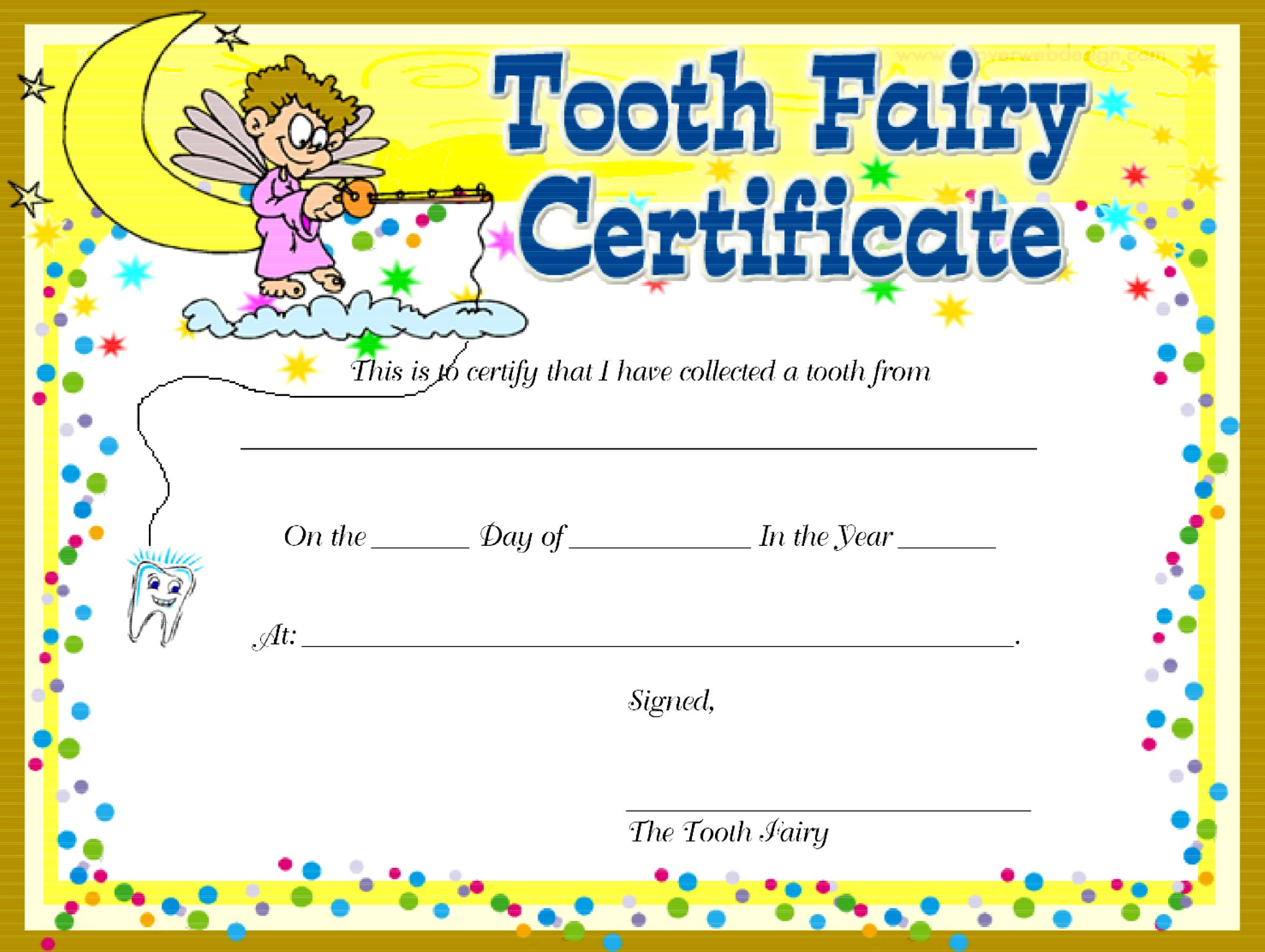
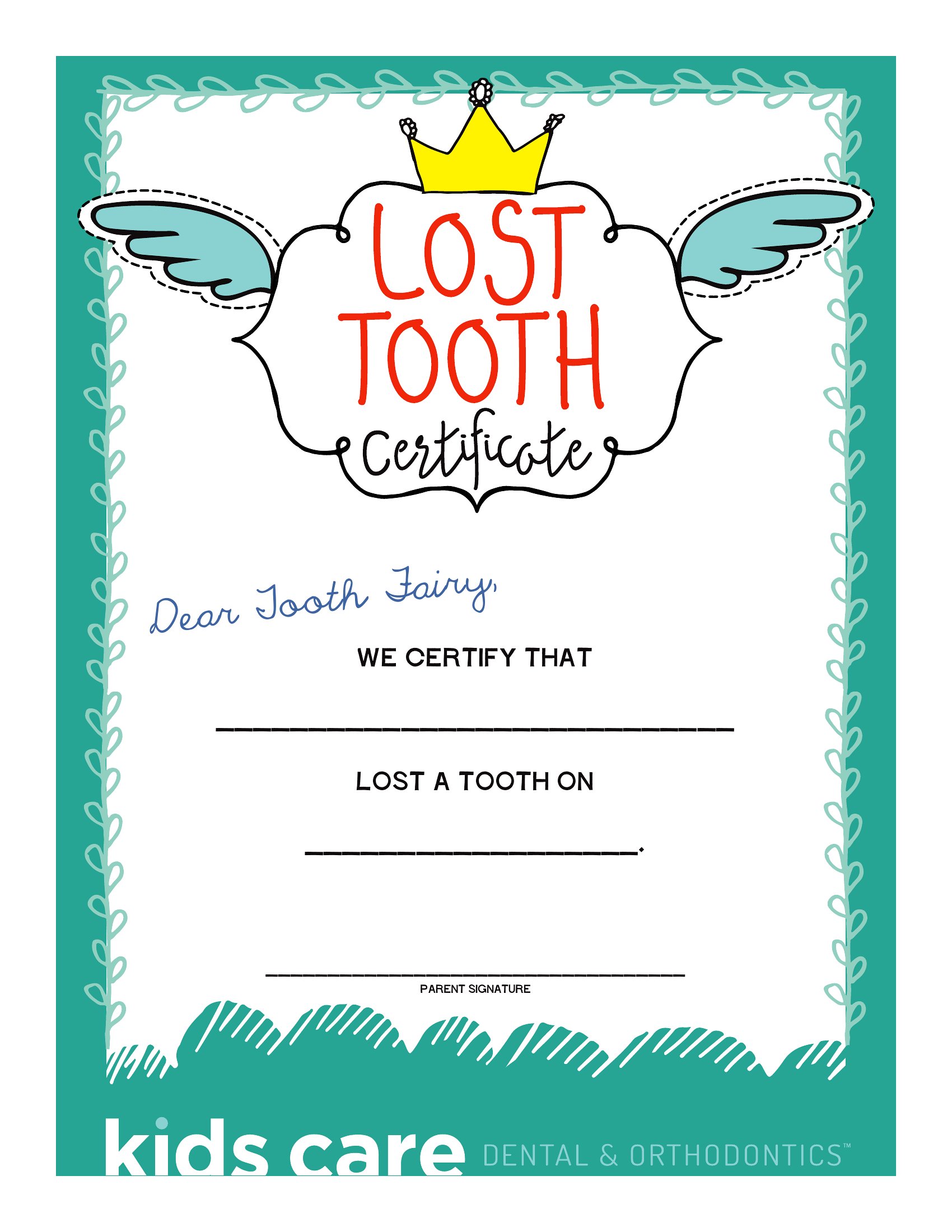
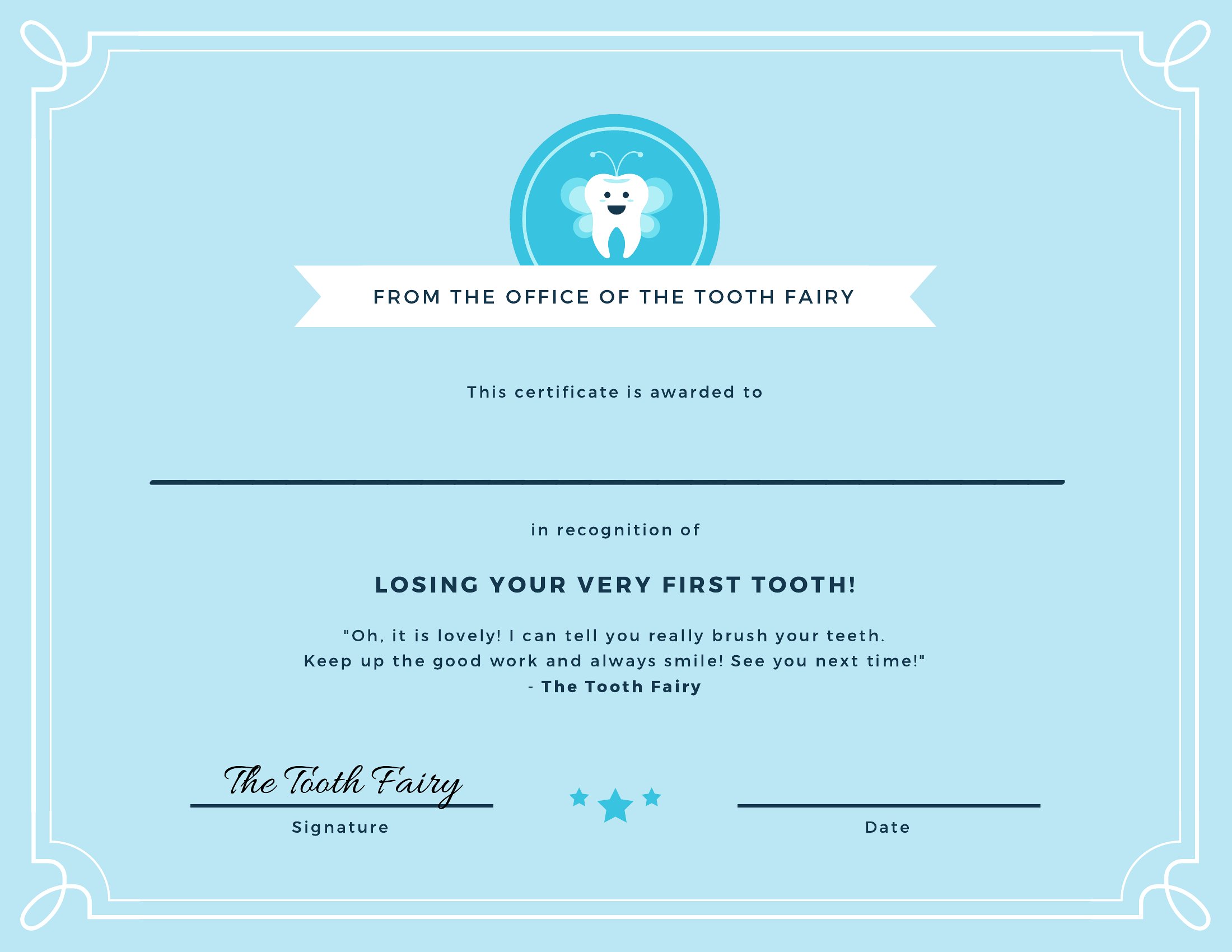
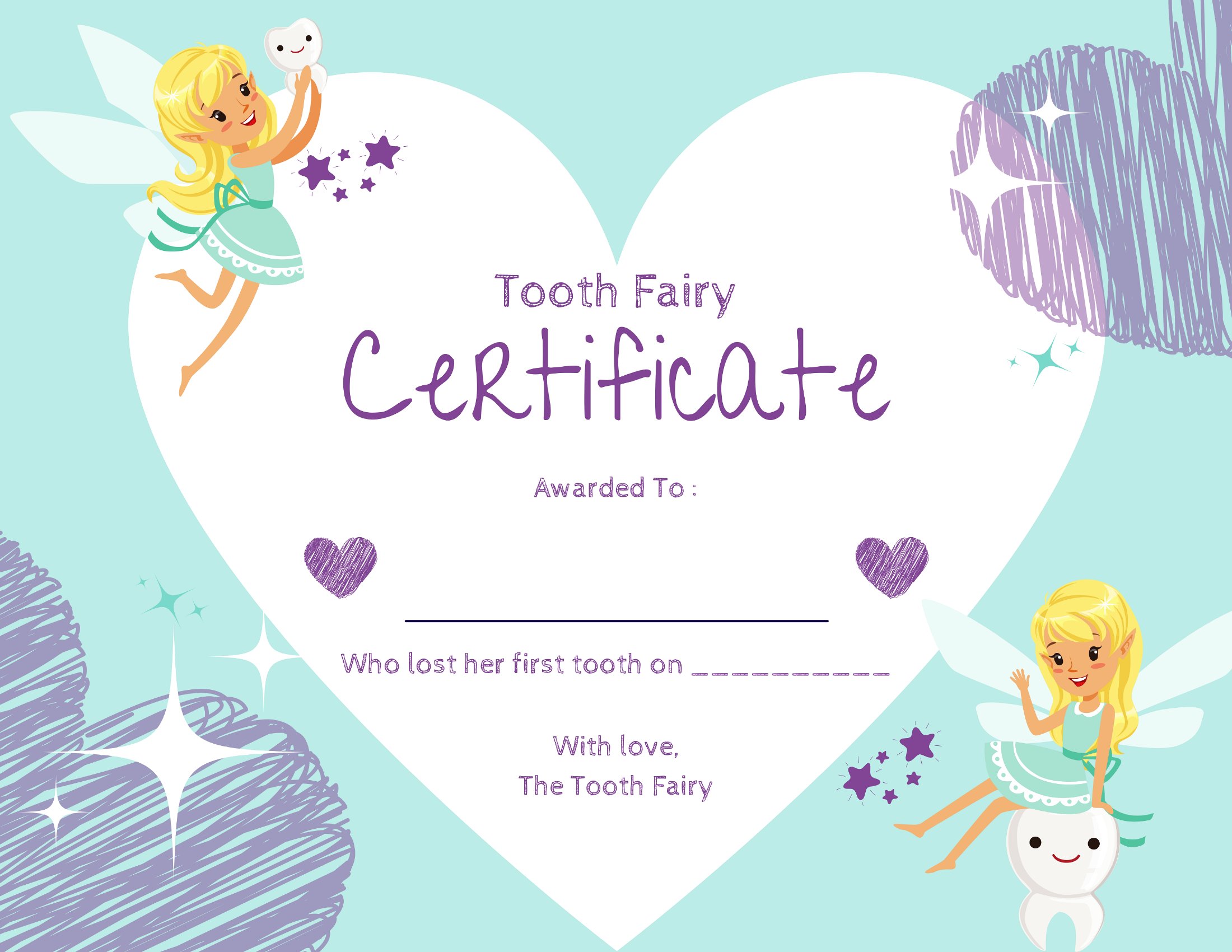
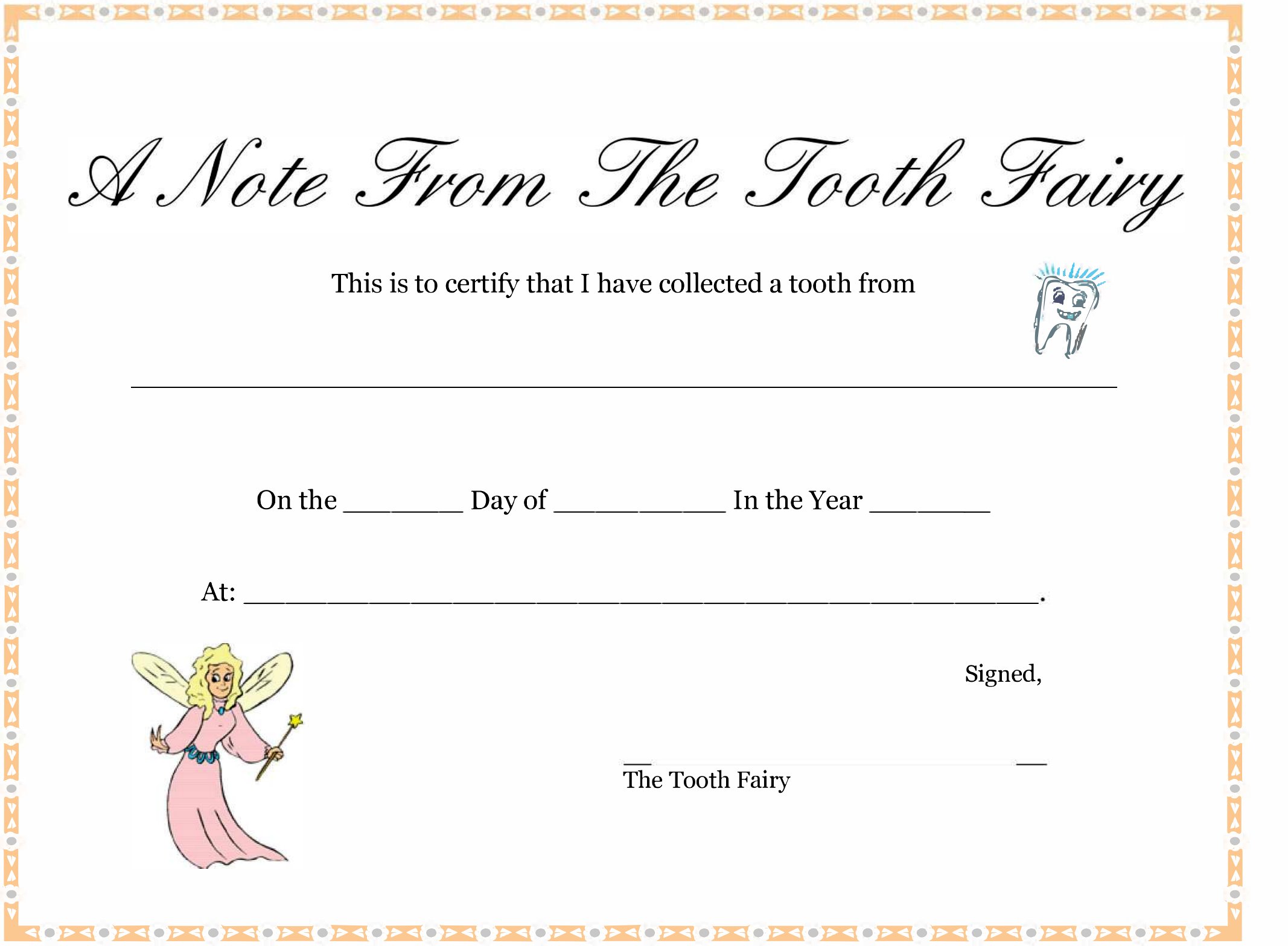
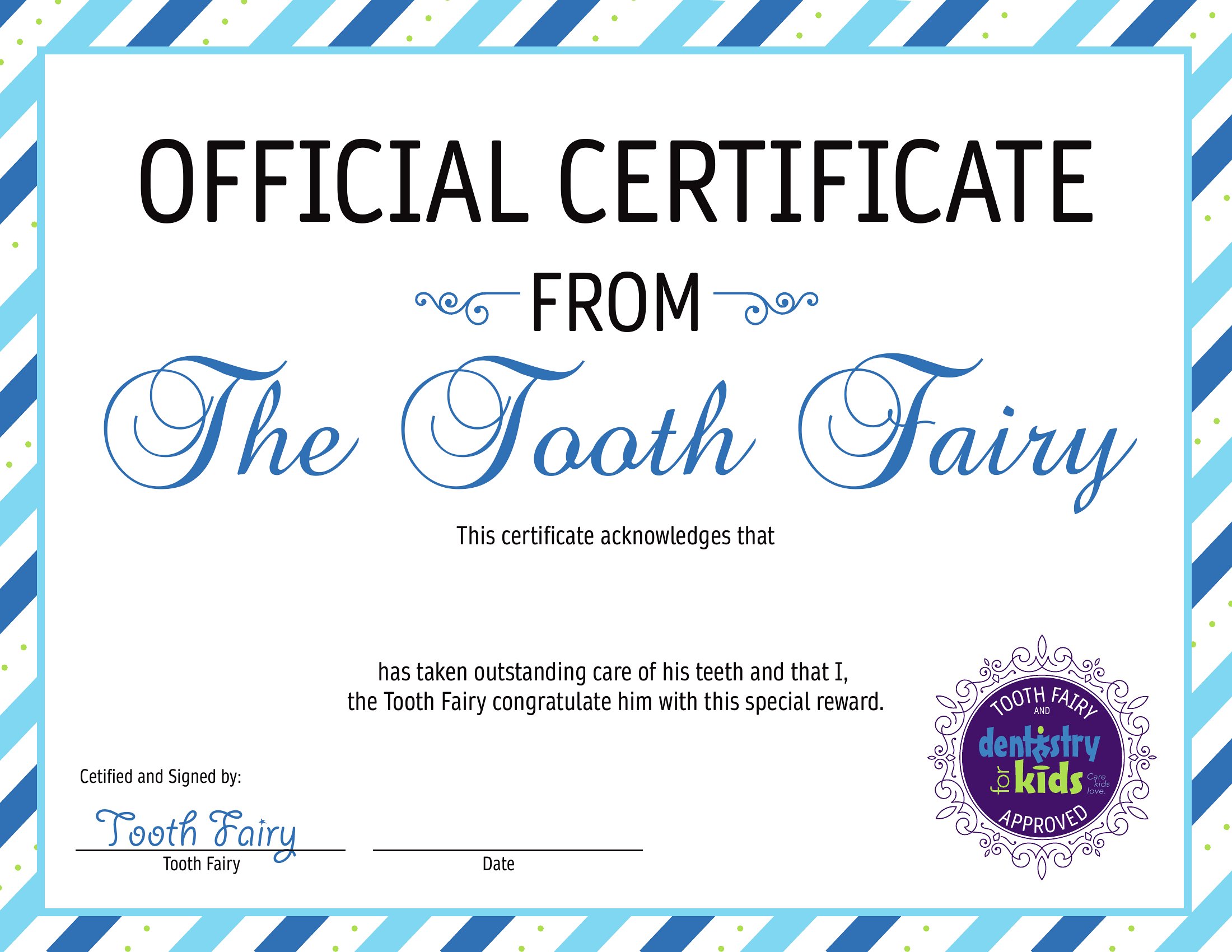
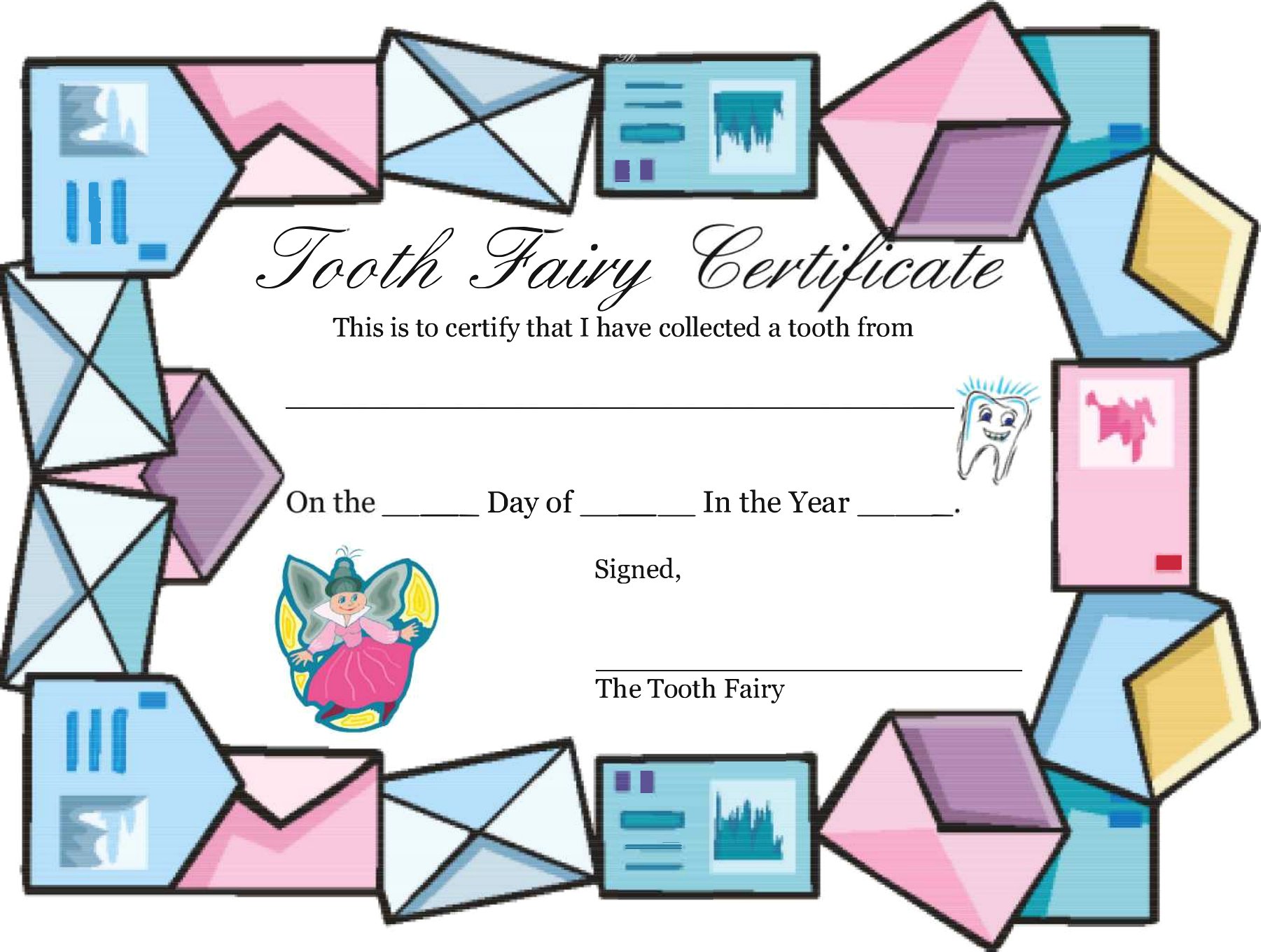
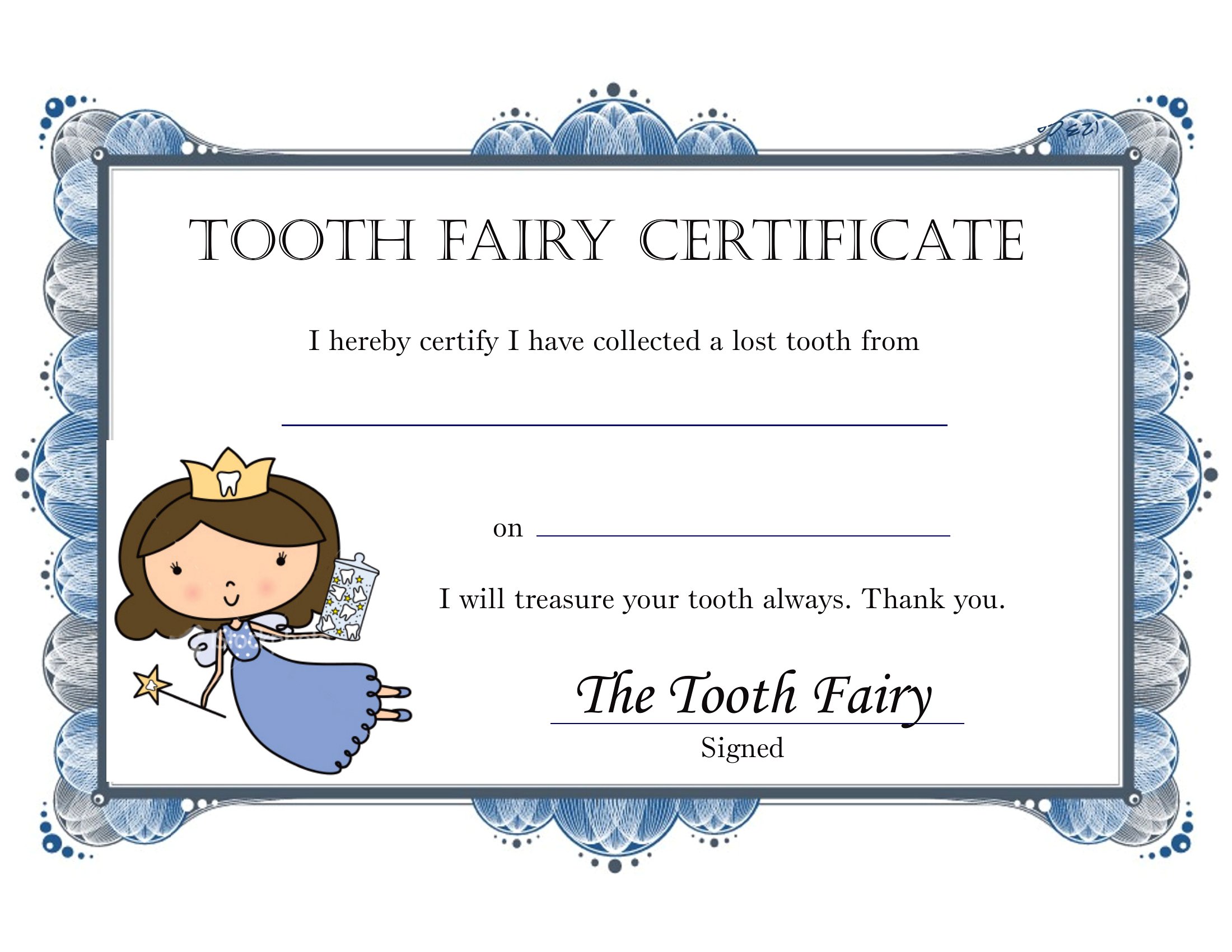
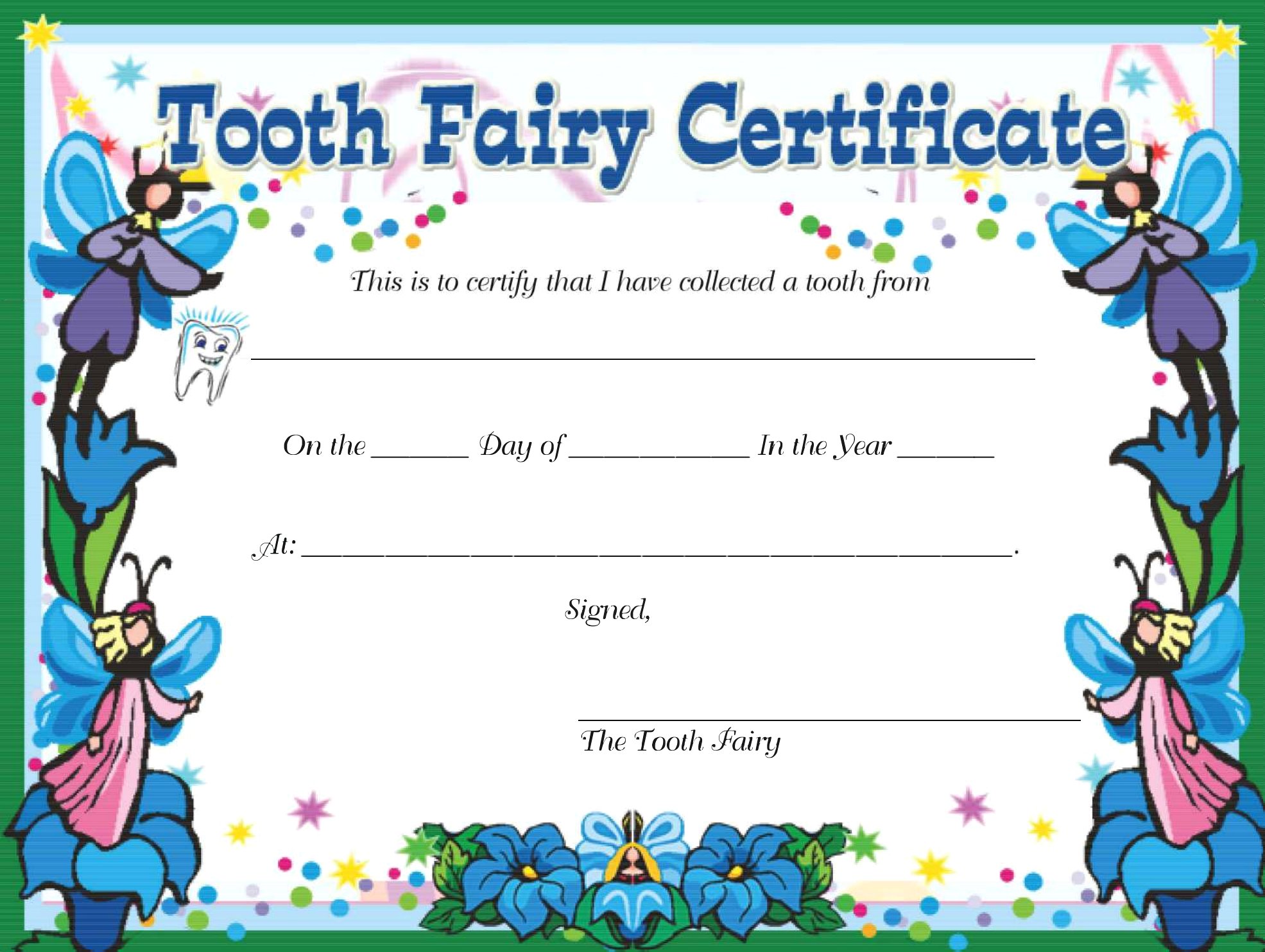
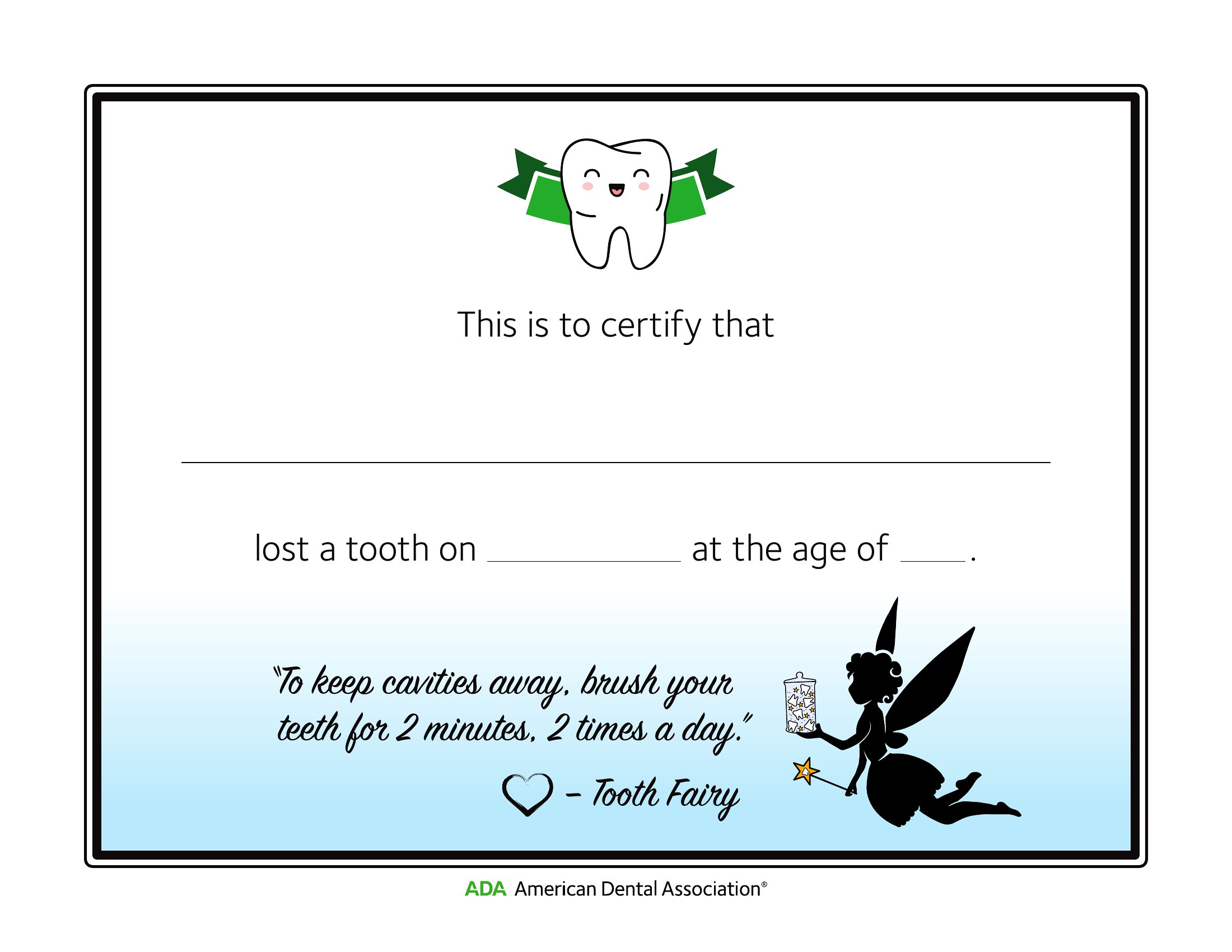
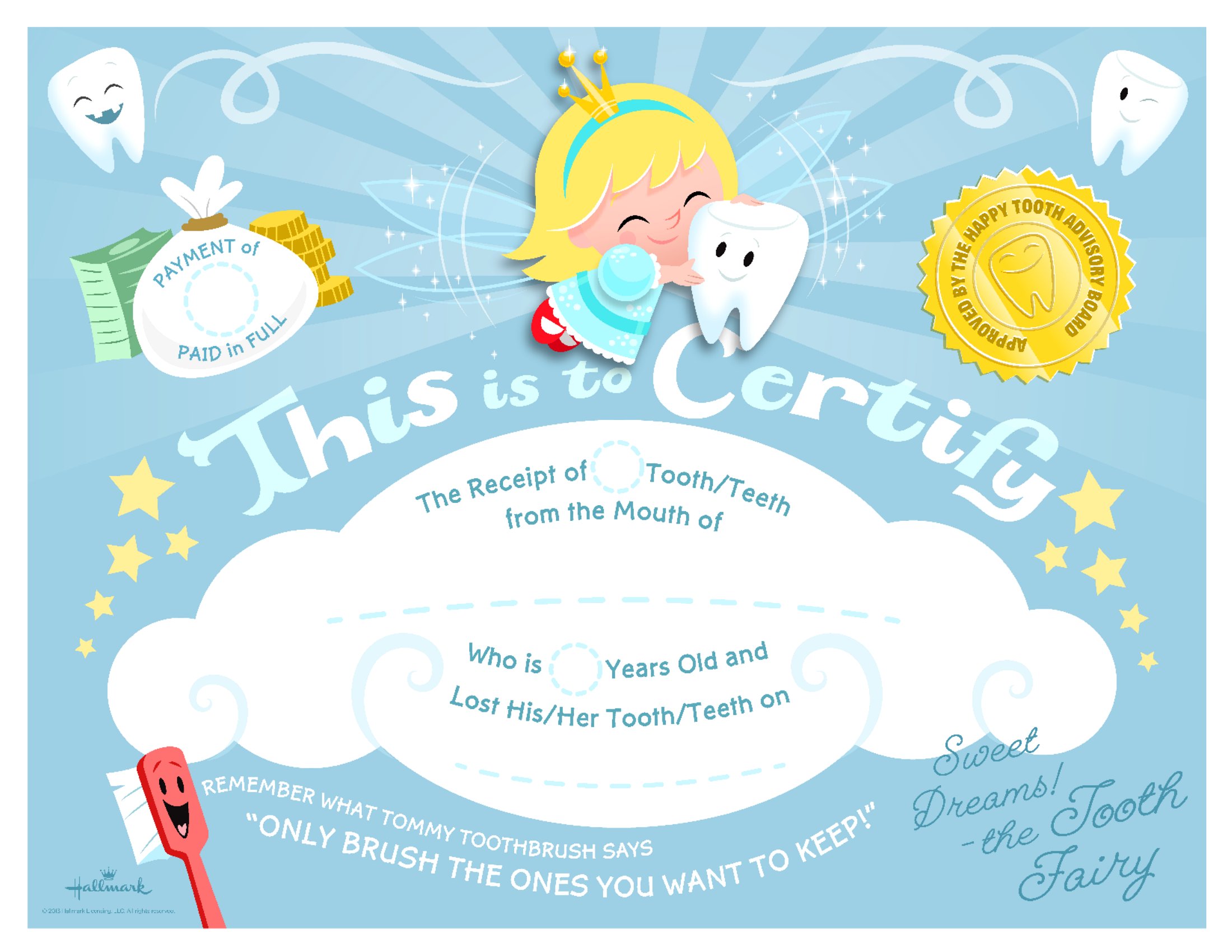
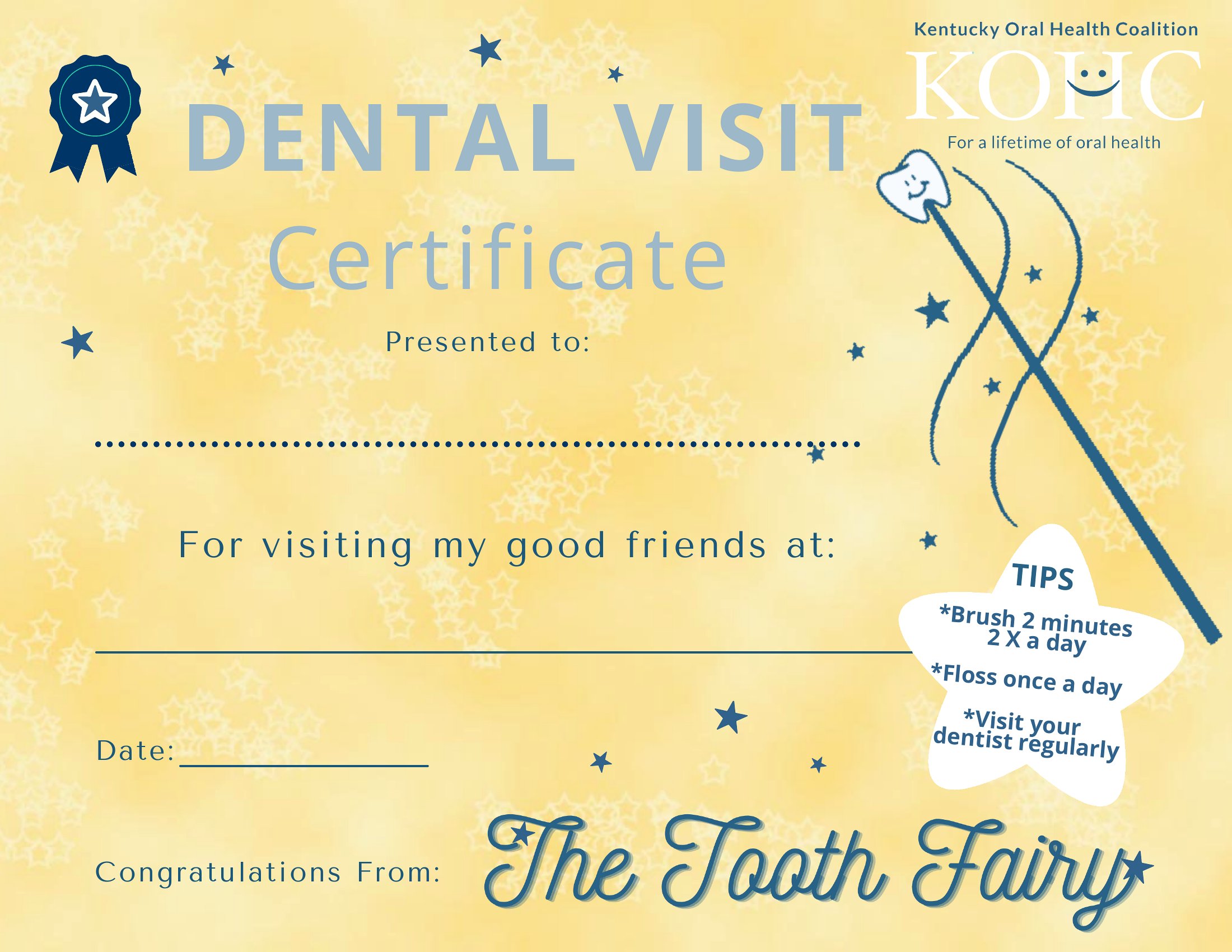
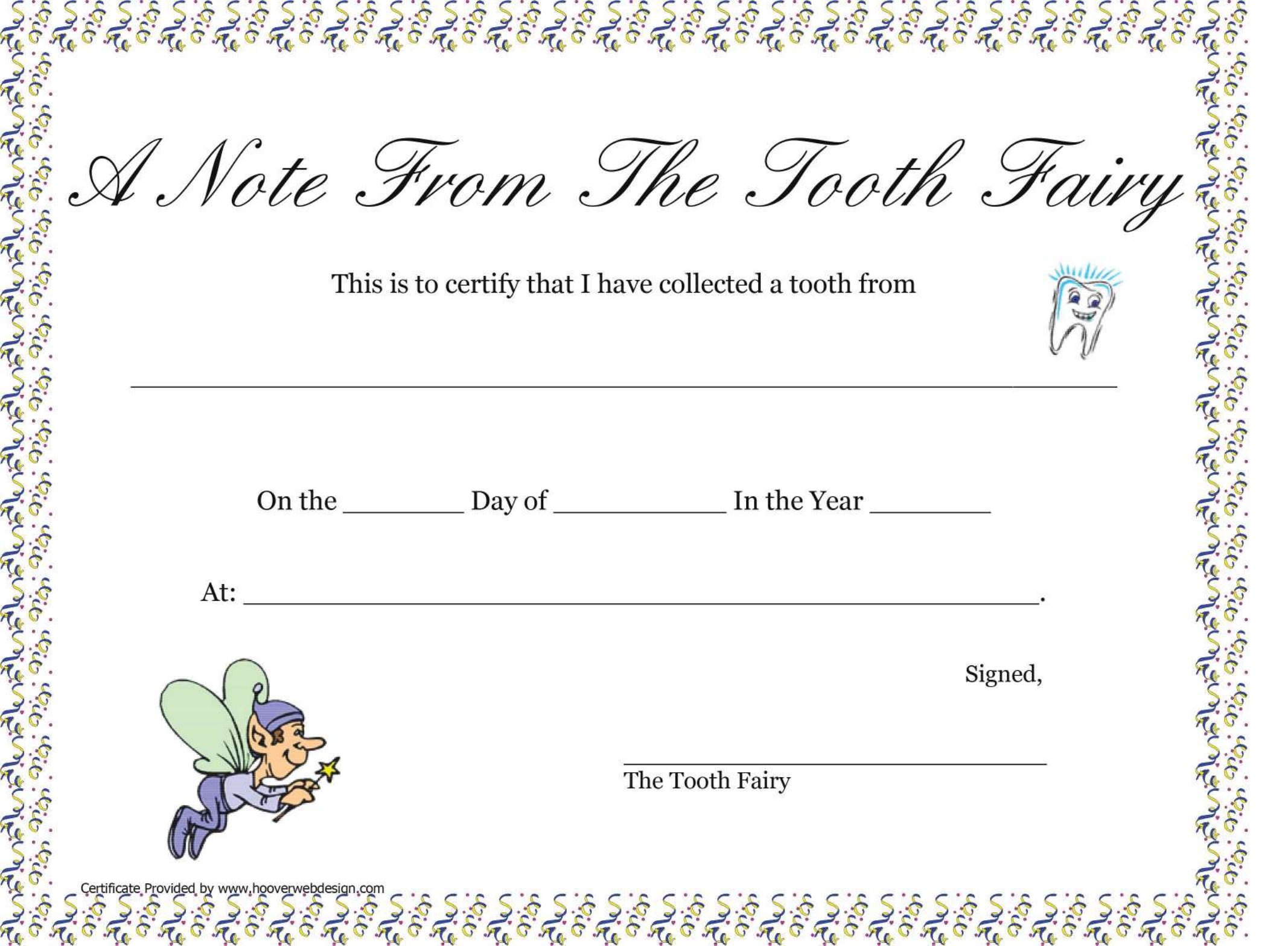
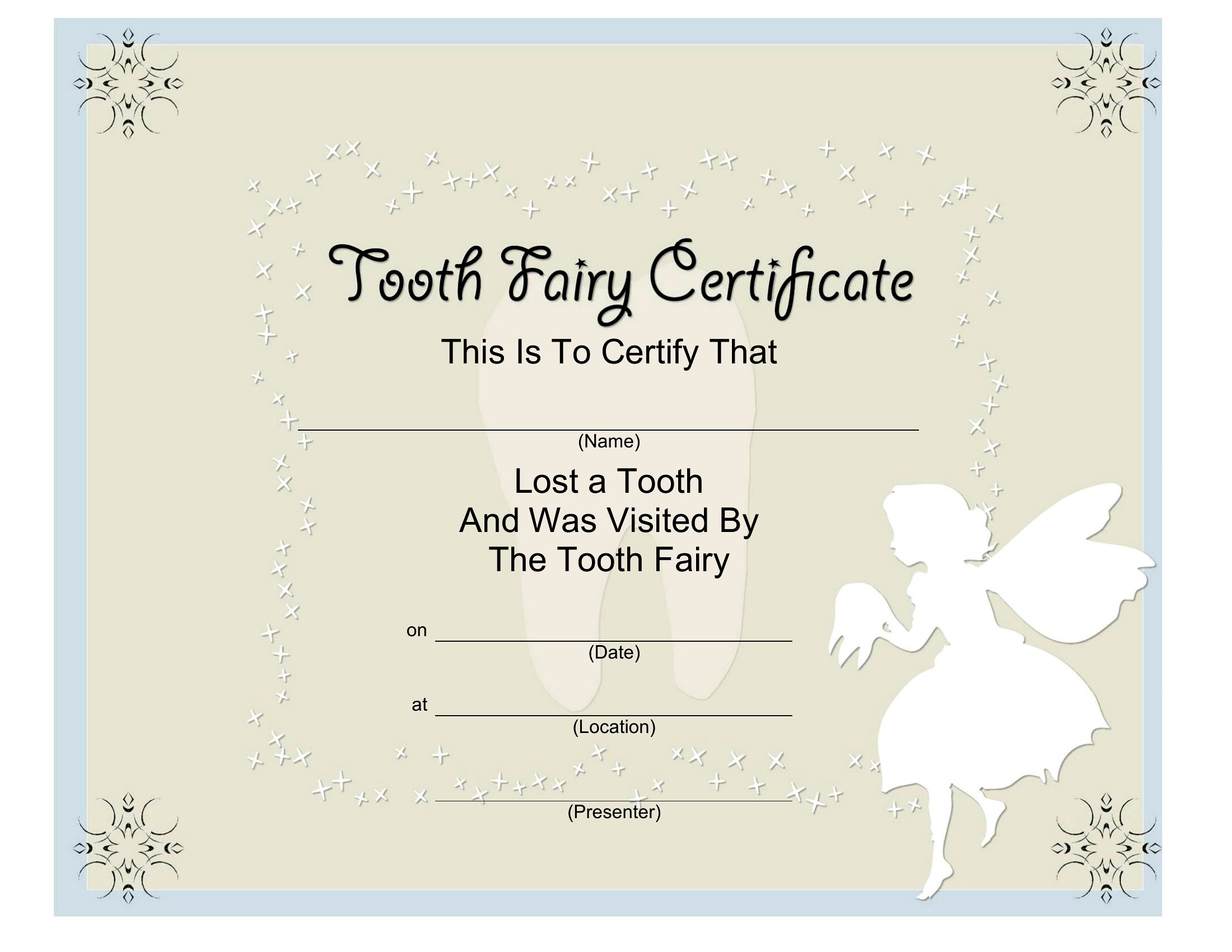
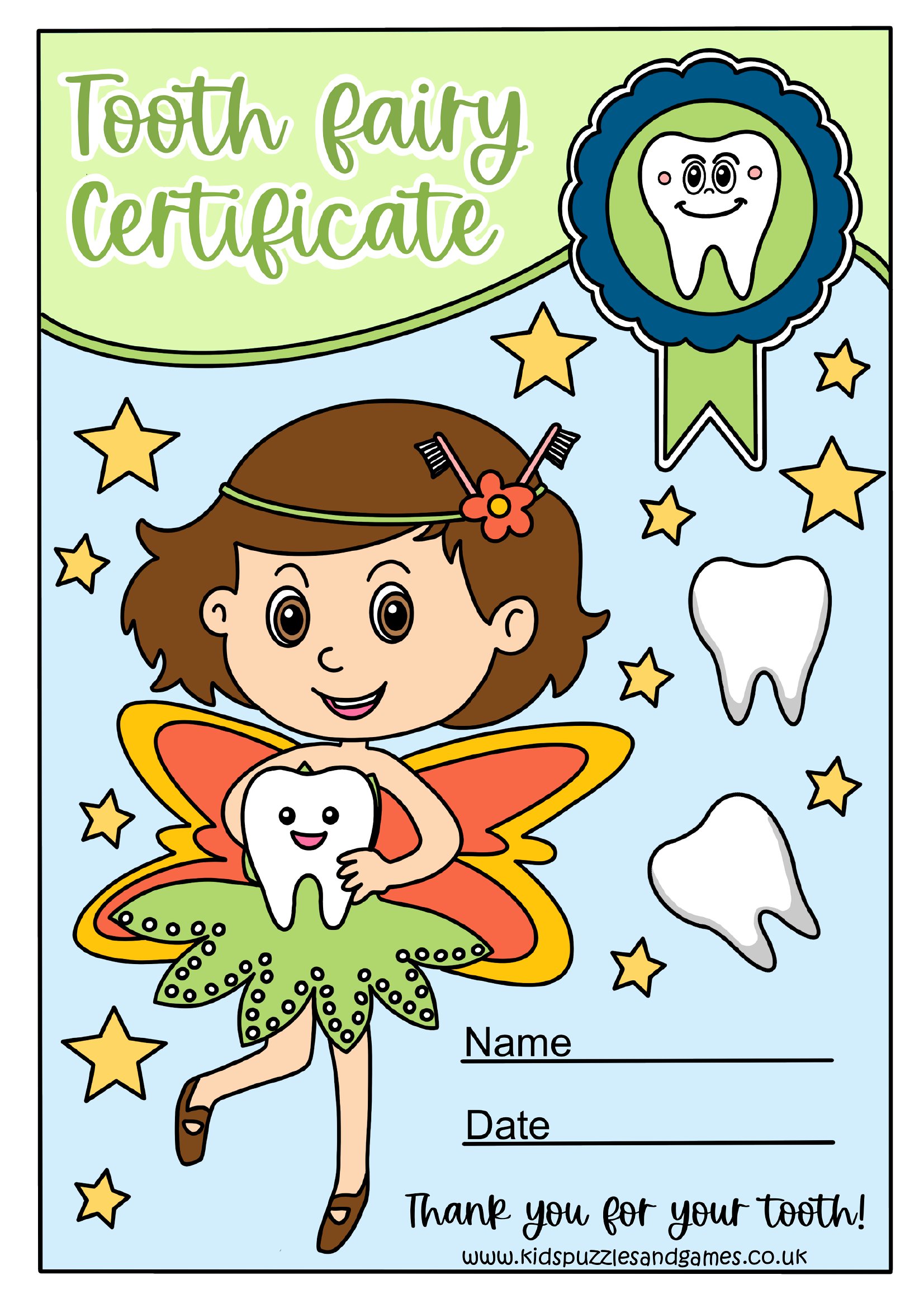
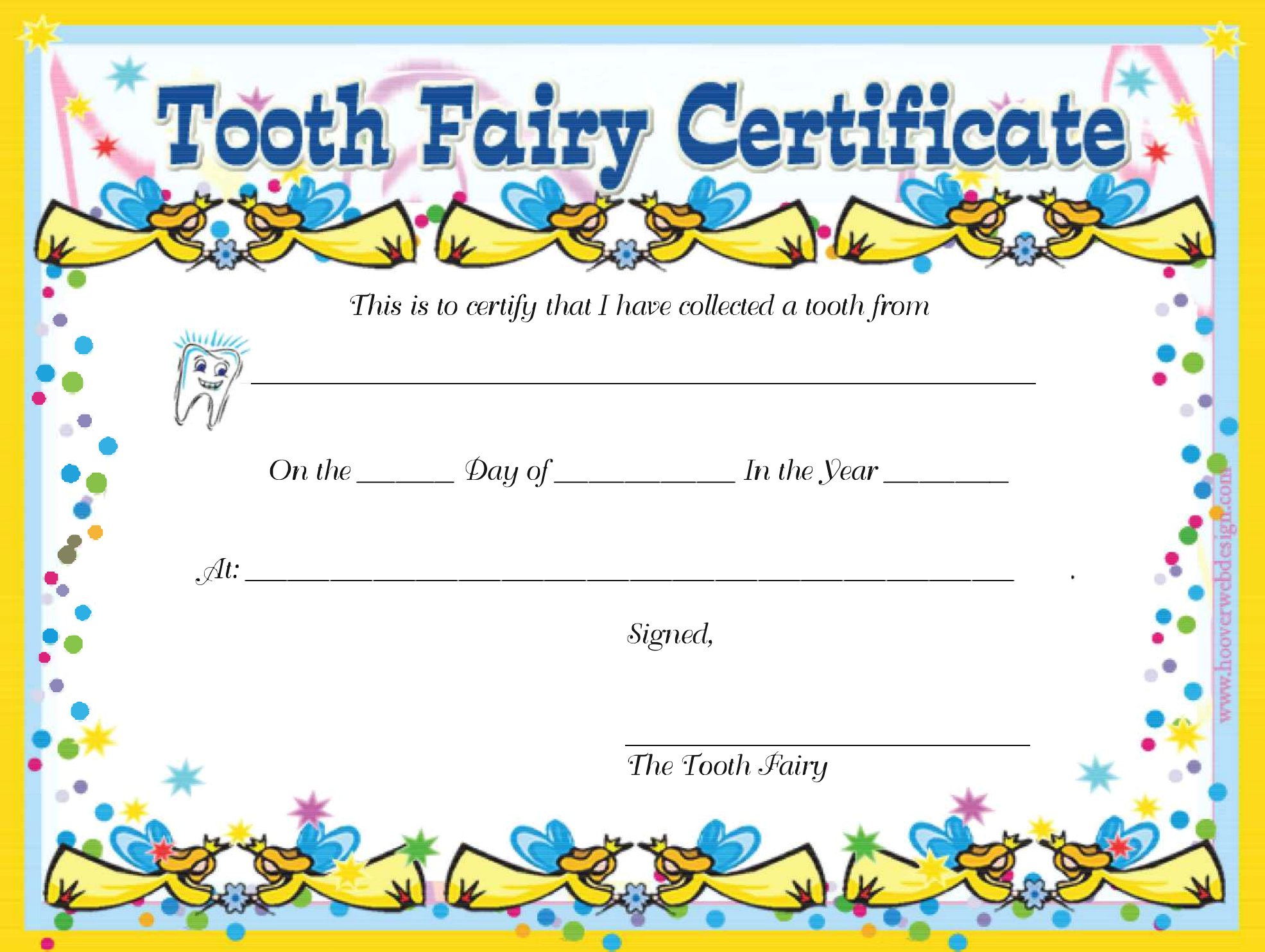
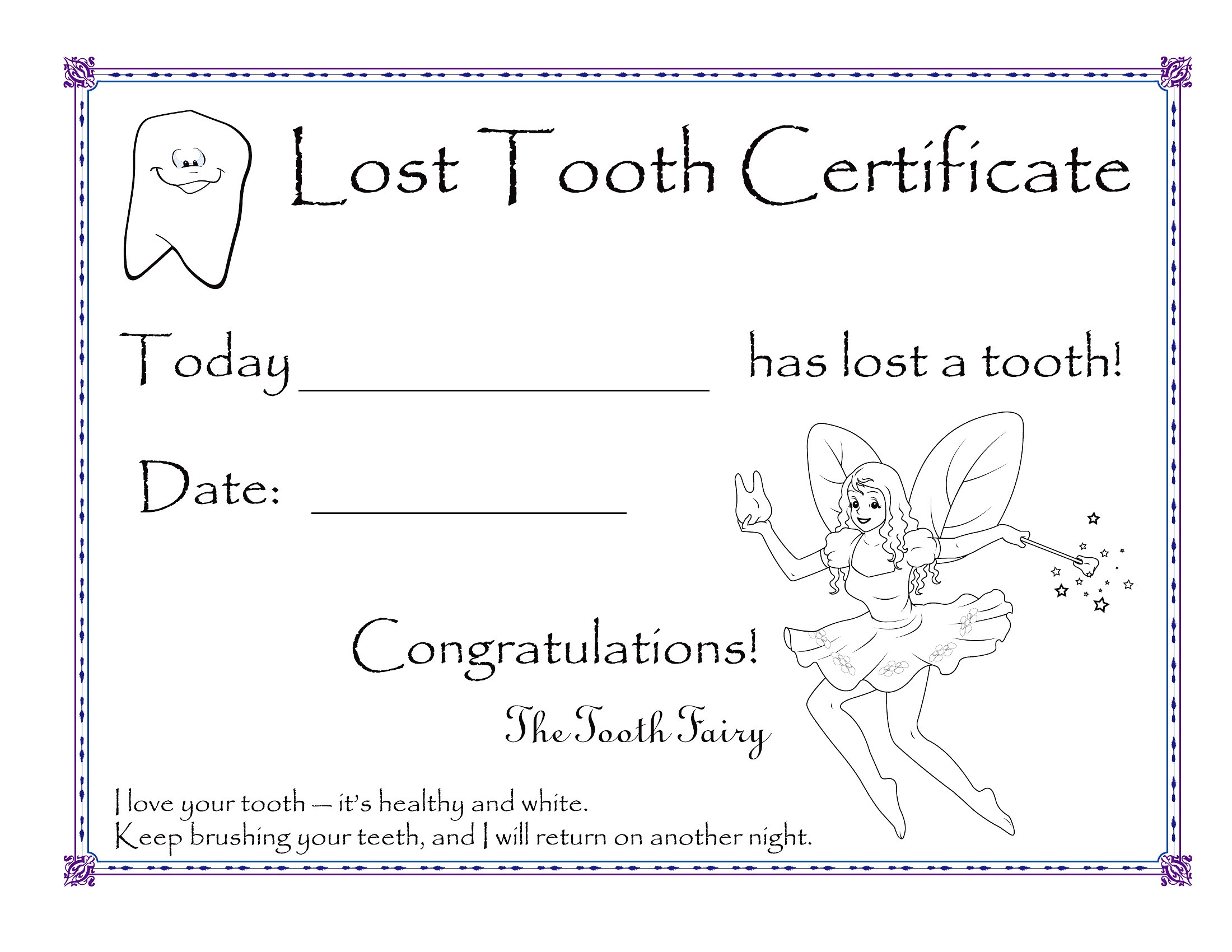
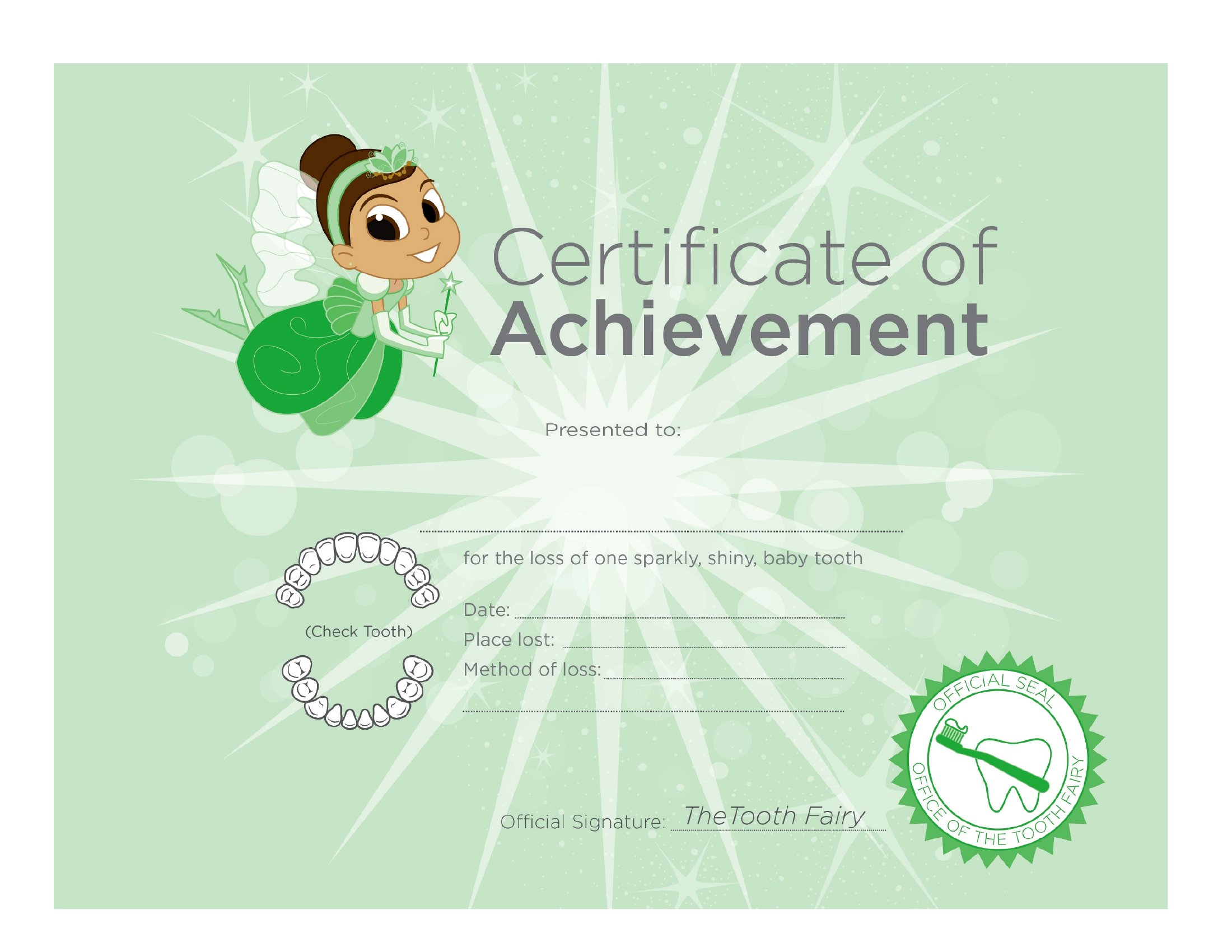
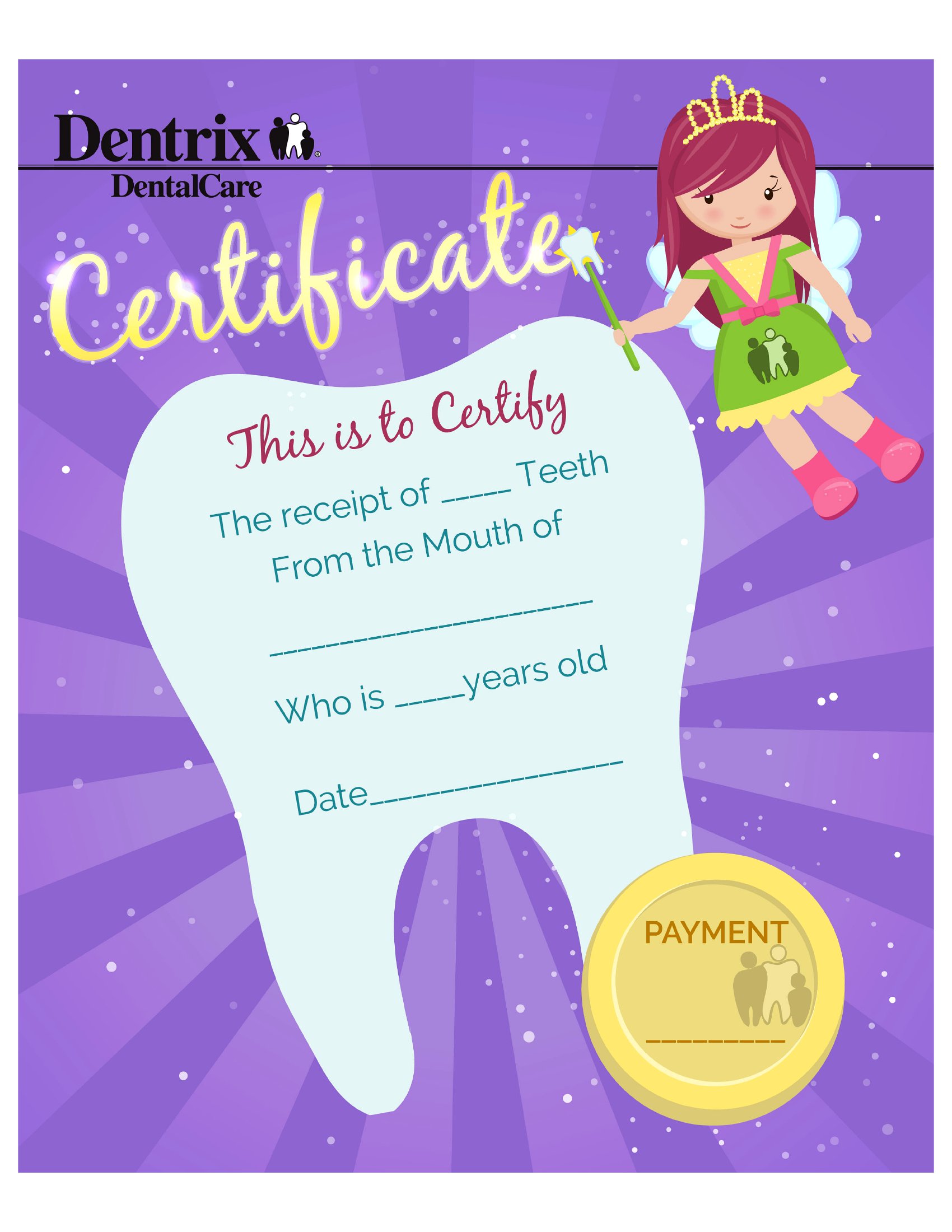
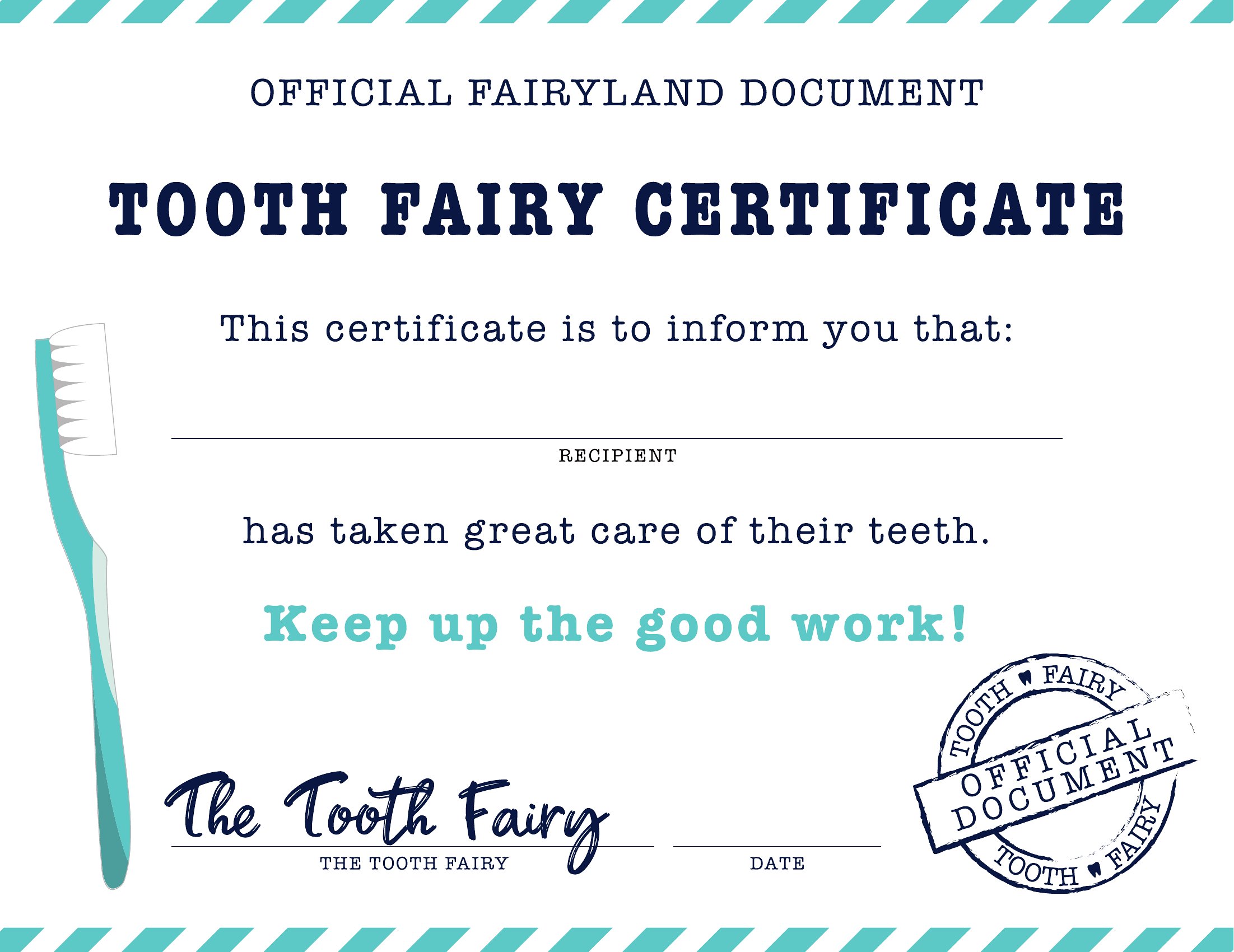
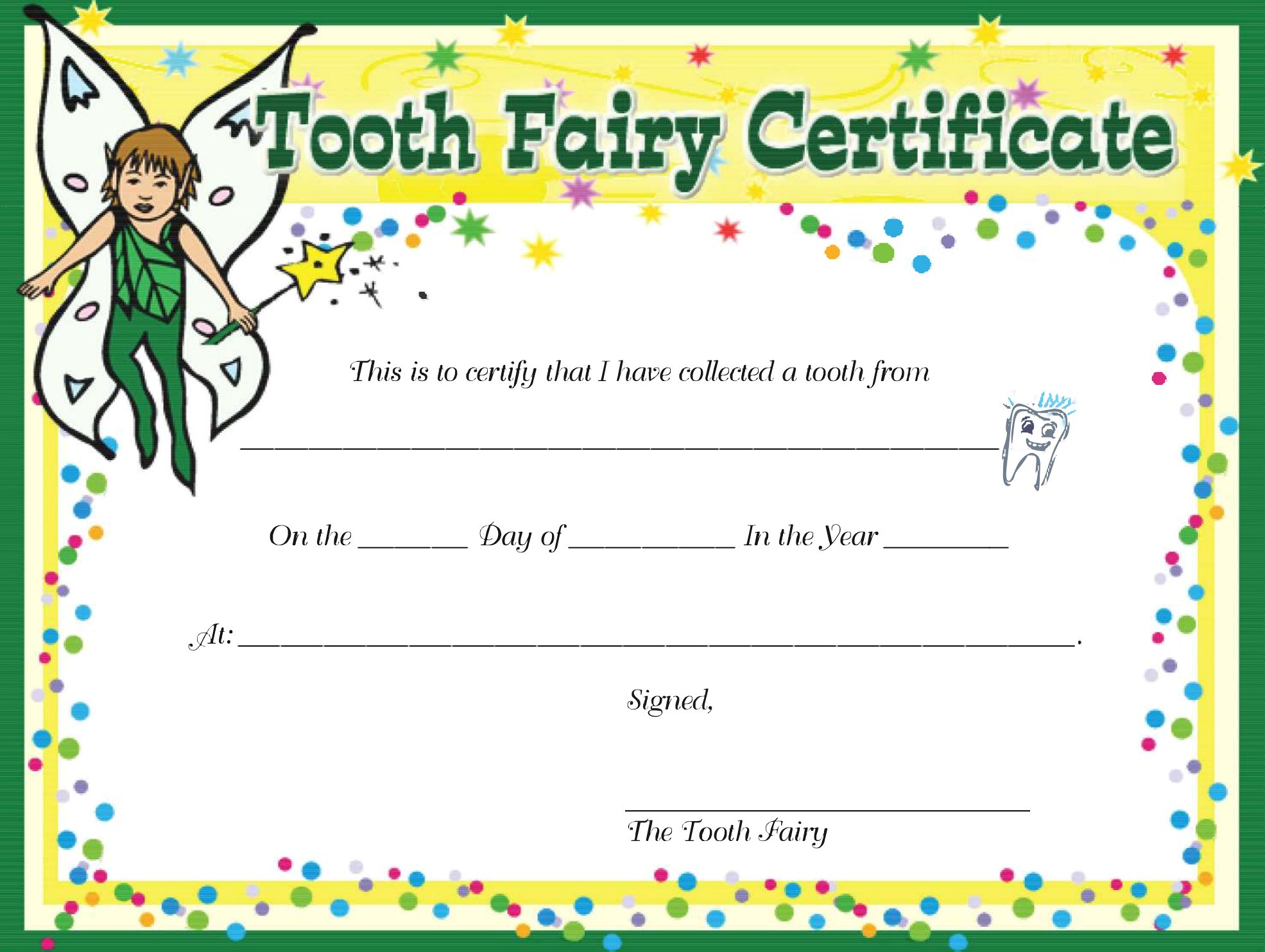
Losing a first tooth is a big deal, and a tooth fairy certificate makes the moment feel official. These 39 printable certificates give parents a sweet keepsake to leave behind, with space for the child's name, the date, and a note of congratulations from the tooth fairy herself. Bright, playful designs turn a wobbly-tooth milestone into a memory worth saving.

Each certificate is a print-ready PDF, so you can download, fill in the details, and print on regular paper or cardstock in minutes. Slip one under the pillow with a coin, or tuck it into a baby book for later. Choose the design that suits your little one and have it ready before bedtime.

When to use this Tooth Fairy Certificate template

  • Parents of a 5-year-old who just lost their first tooth and want to add a magical touch to the moment with a personalized keepsake certificate.
  • Grandparents celebrating their grandchild’s loose tooth and looking for a heartfelt way to document the milestone with a fun, printable certificate.
  • Daycare providers or teachers organizing a class celebration for children’s first lost teeth and needing a batch of identical certificates to hand out.
  • Families planning a themed tooth fairy visit and wanting a certificate that matches their decor, like glitter accents or a specific color scheme.

Which format should I download?

PDF

PDF is the only format here, and it’s the best choice because these certificates are designed to be printed immediately after customization. The fillable fields let you add names and dates before printing, while the non-fillable versions offer pre-designed layouts for quick use. Choose fillable if you want to personalize details like the child’s name or the date lost; opt for the static designs if you prefer a polished look without extra steps.

How to use this Tooth Fairy Certificate template

Can I add a photo of my child to the certificate?

Most of these templates include space for a name and date, but not all have a designated area for photos. If you need a photo spot, check the preview before downloading. For a photo inclusion, you might need to print the certificate and attach the photo separately or use a separate frame.

Are these certificates suitable for a child who lost a baby tooth that wasn’t their first?

Absolutely! These certificates work for any lost tooth milestone, whether it’s the first one or a later baby tooth. The playful designs keep the excitement alive, and you can adjust the wording in the notes section to celebrate whatever tooth it is.

How do I make the certificate feel more special for a child with special needs?

Consider pairing the certificate with a small sensory-friendly element, like a textured sticker or a braille label if needed. You can also write a personal note in the designated space to emphasize how proud you are of their progress, making the moment even more meaningful.

Comments

Join the conversation

Sign in to share your thoughts and leave a comment on this resource.

Newsletter

Get Weekly Design Updates

Join our community to receive curated resources and inspiration.

Weekly Tips Resources Early Access

We respect your privacy. Confirmation email required. Privacy Policy