

FAQ
Can I use these templates to compare loans with variable interest rates?
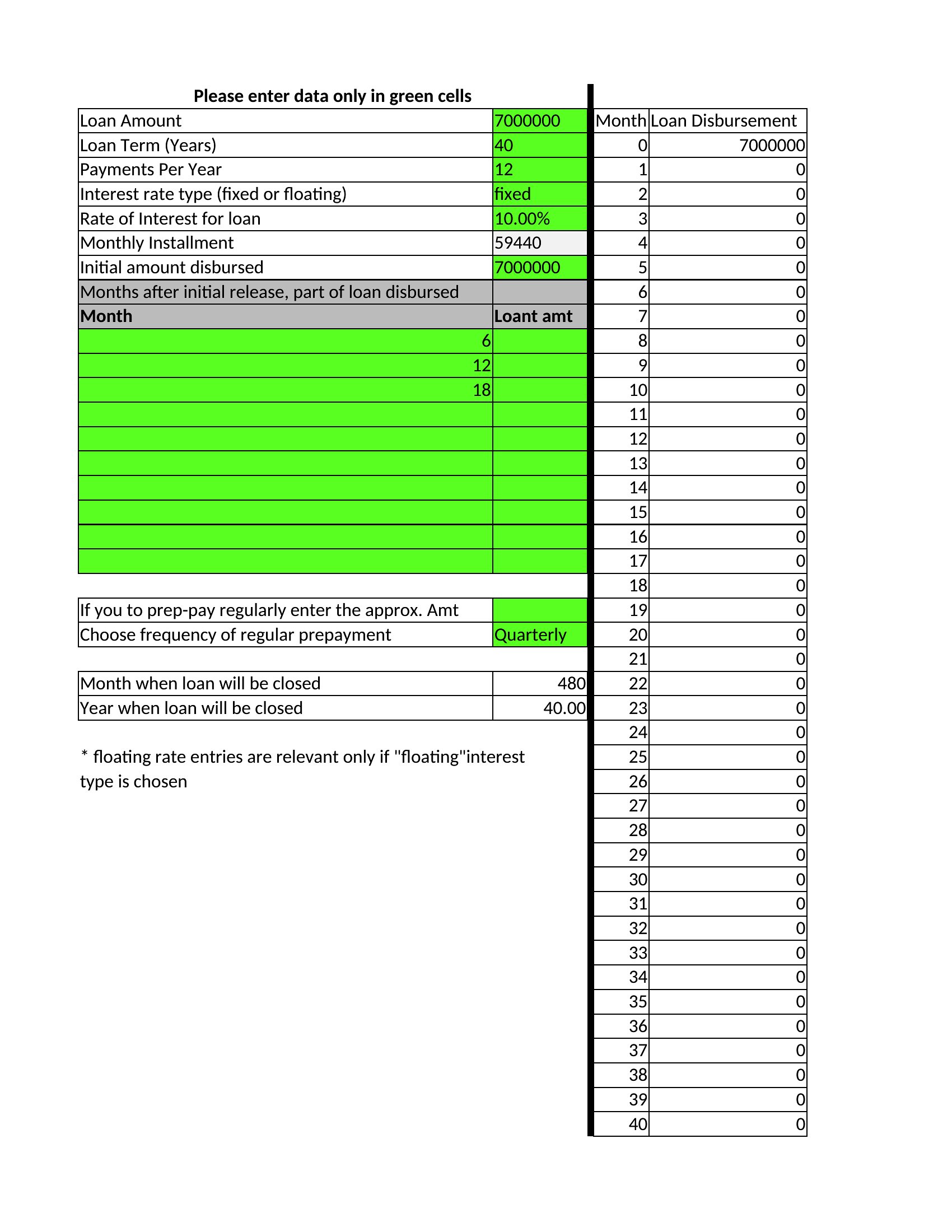
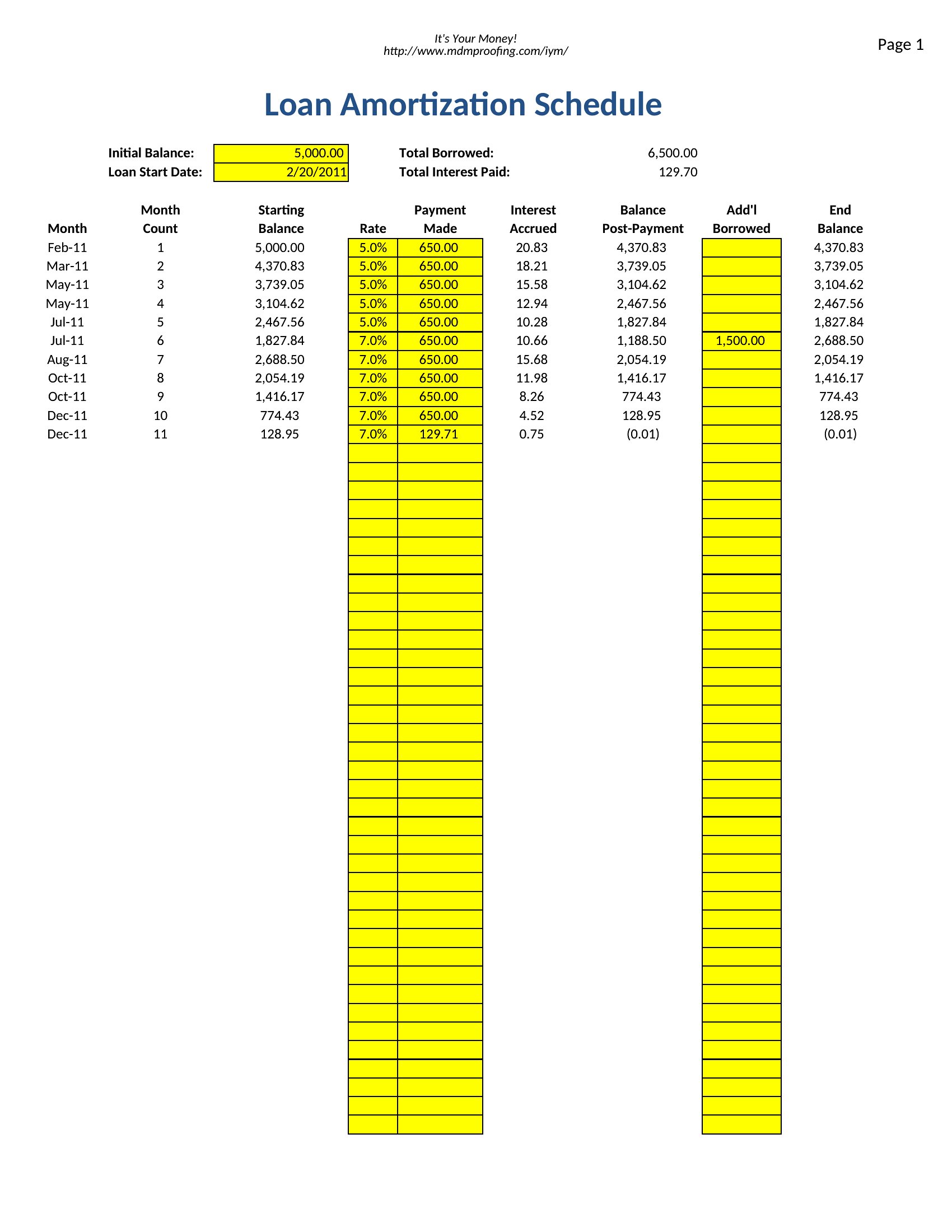
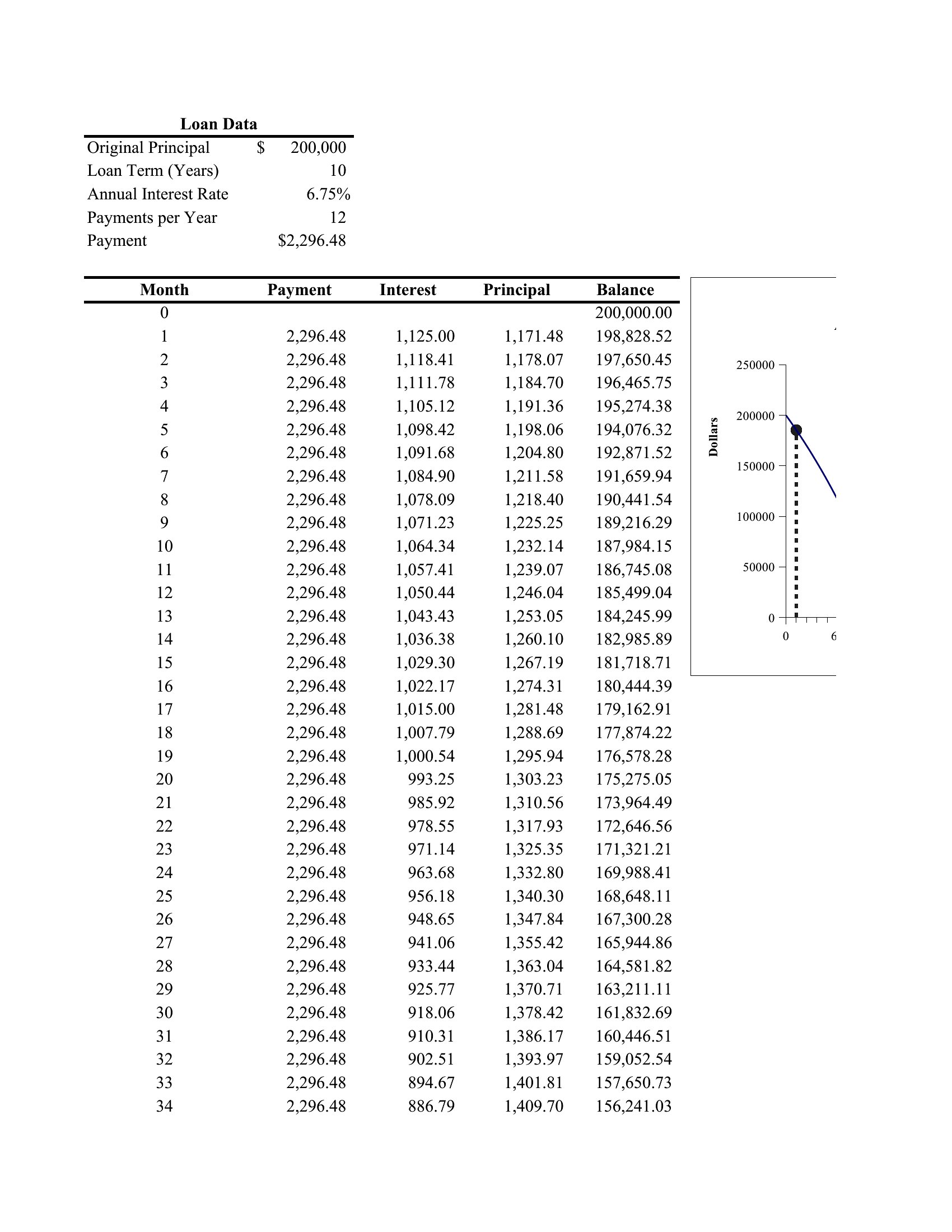
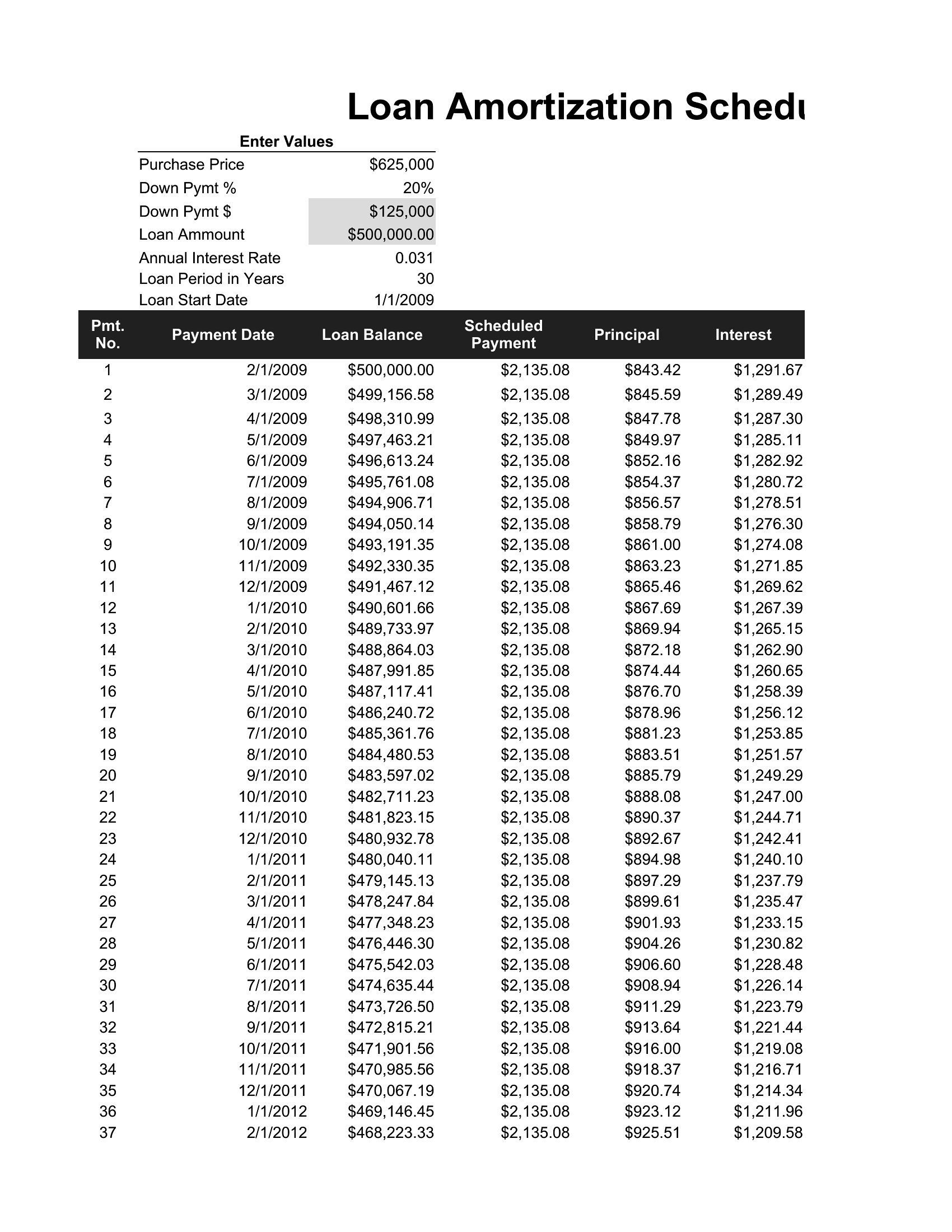
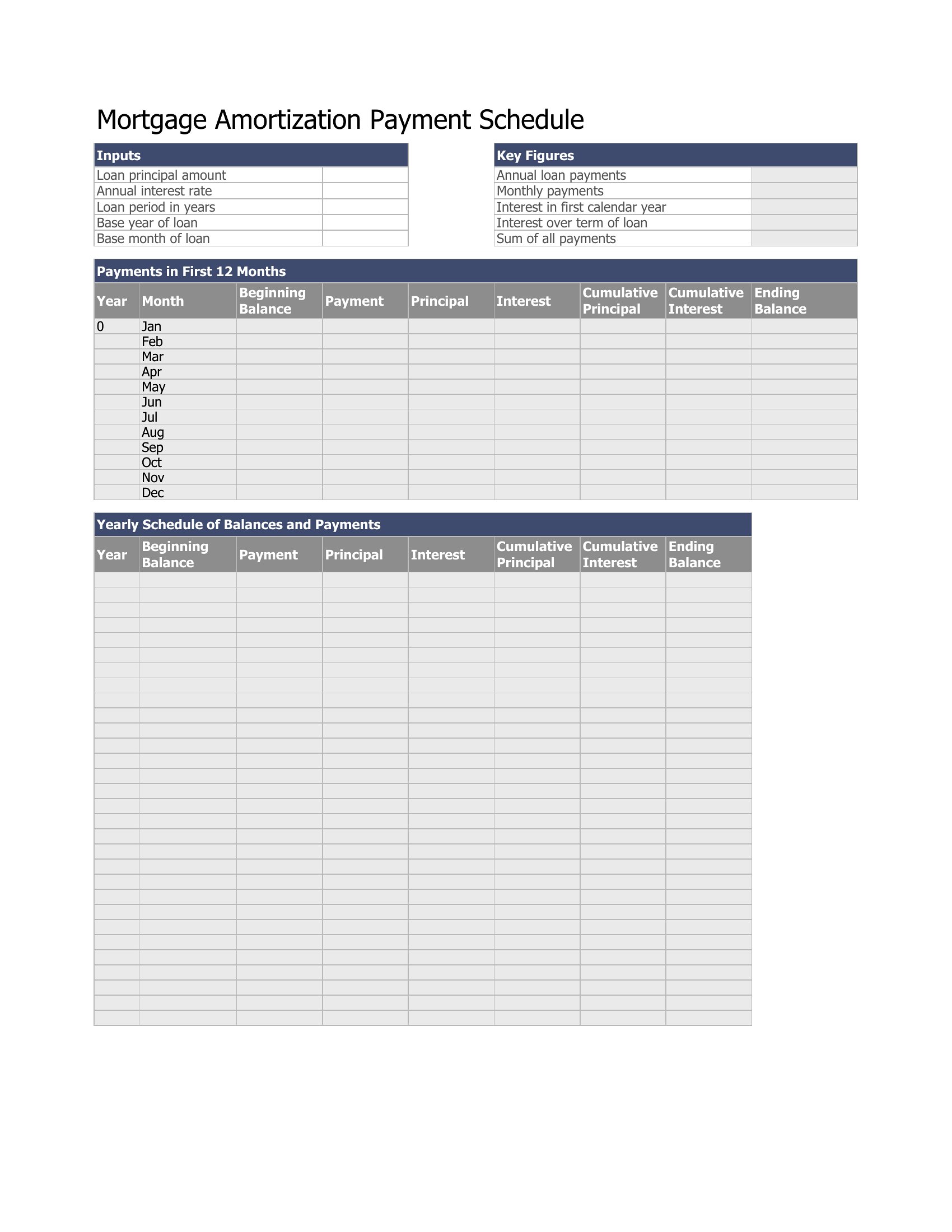
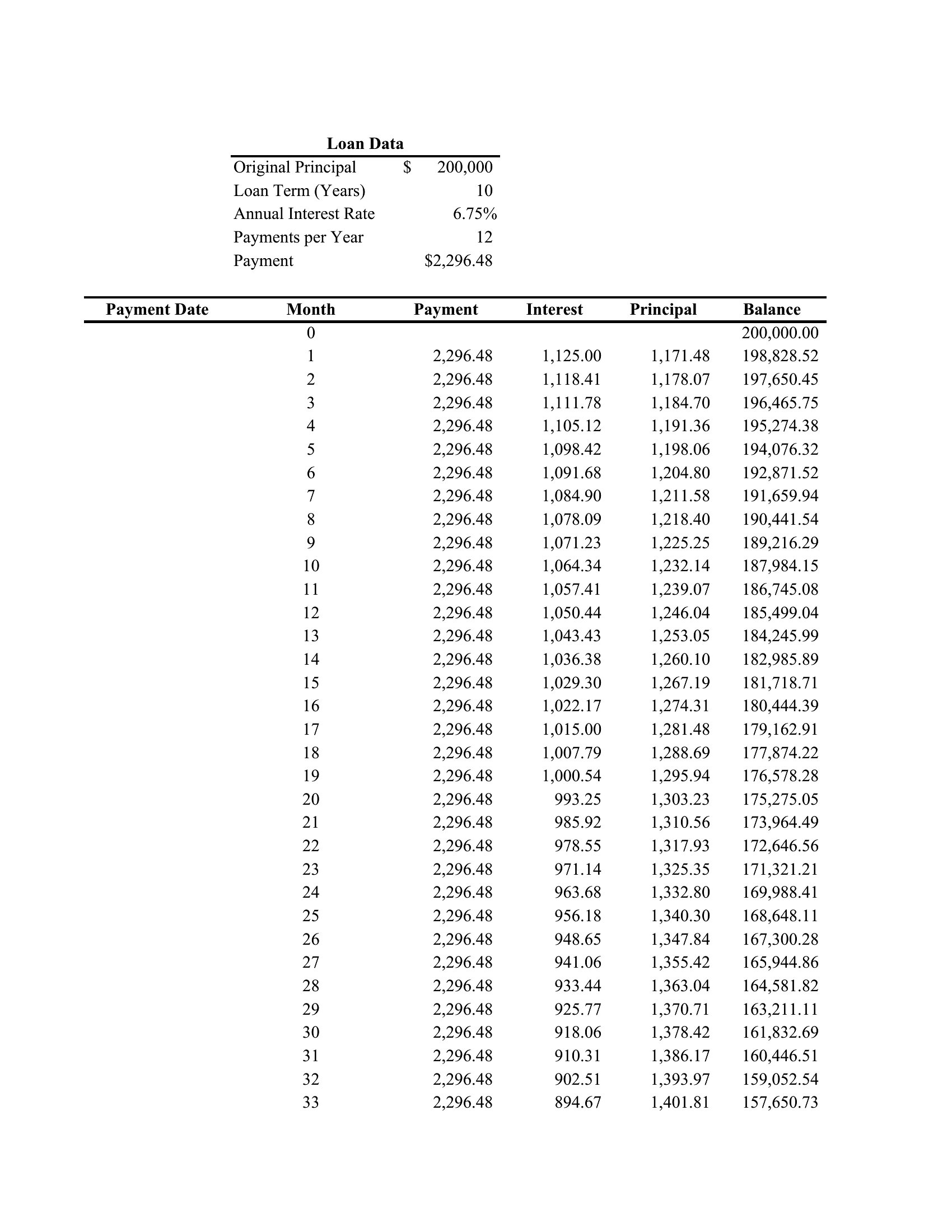
These Excel templates are designed for fixed-rate loans, where both the interest rate and payment remain constant. For variable-rate loans, you’d need to manually adjust the interest rate cell each period or use a more advanced tool like a loan amortization macro. The templates won’t automatically recalculate for fluctuating rates, so they’re best for scenarios where the rate stays the same throughout the term.
Will the templates show me how extra payments affect my payoff date?
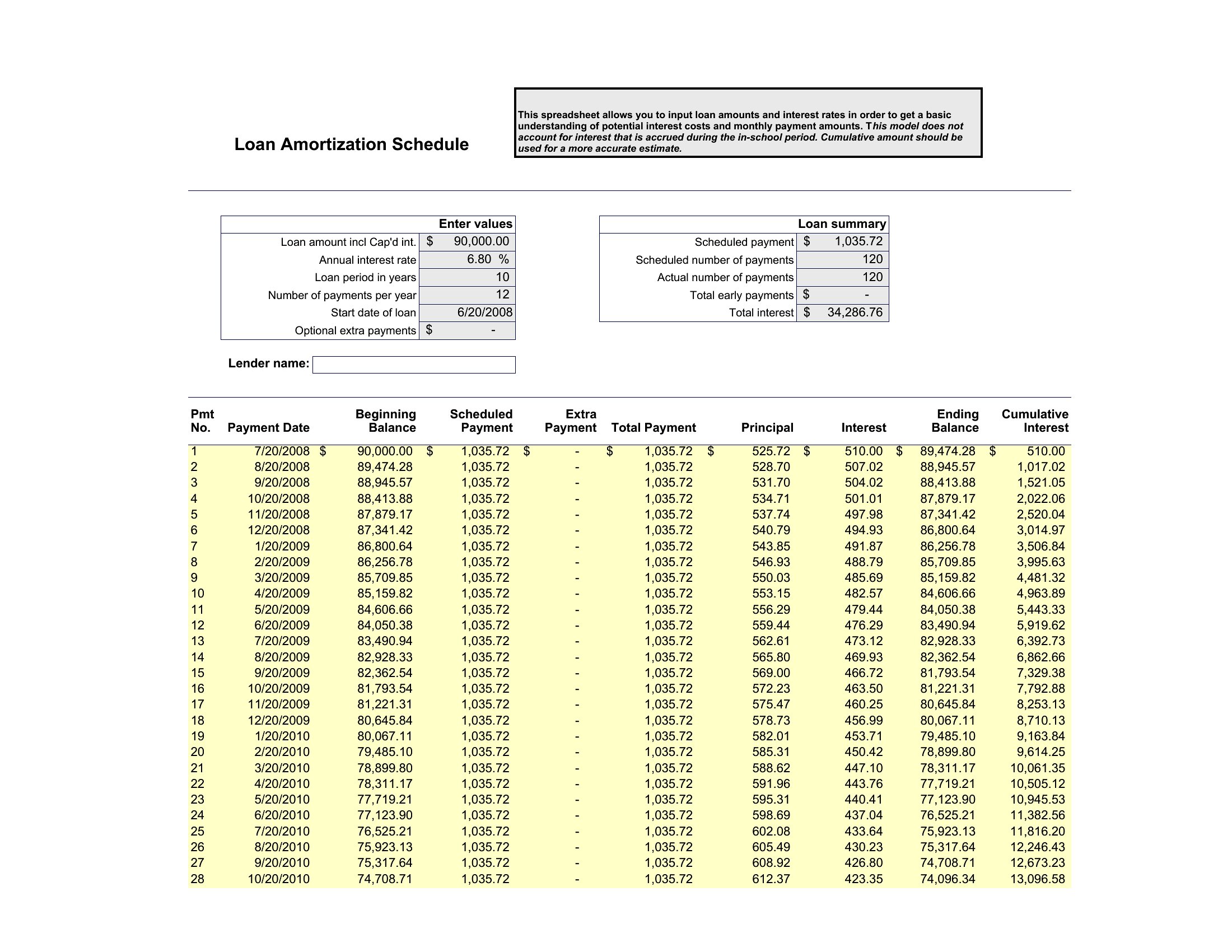
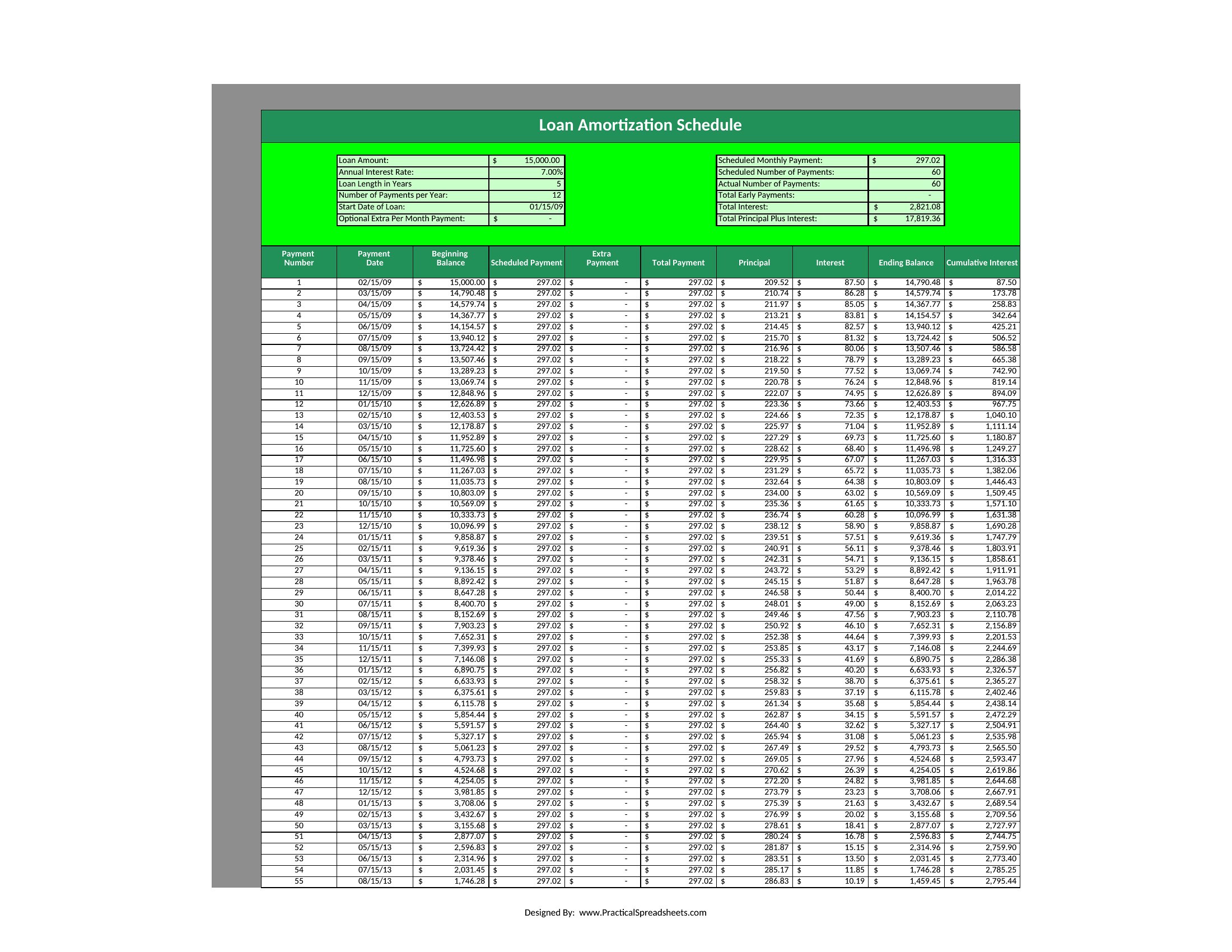
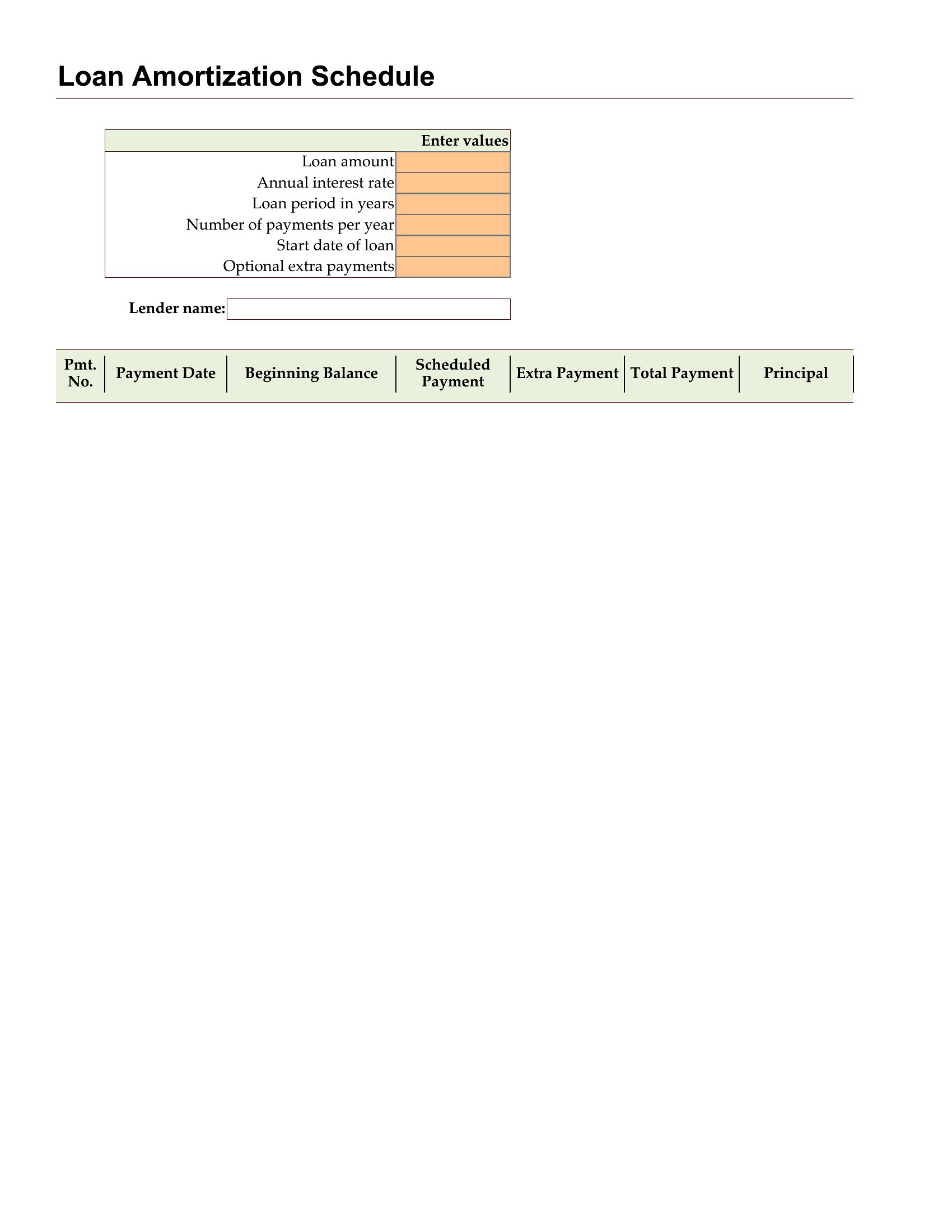
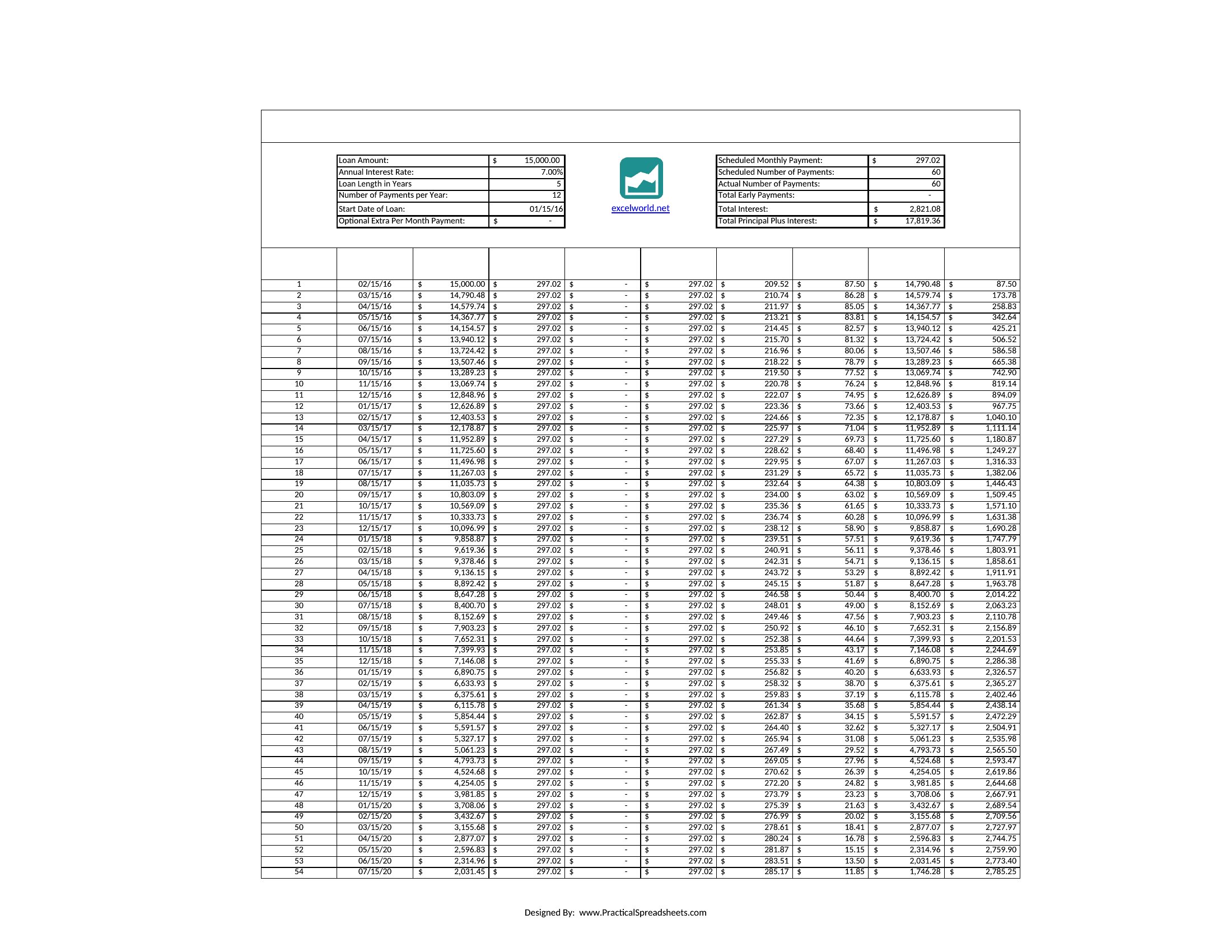
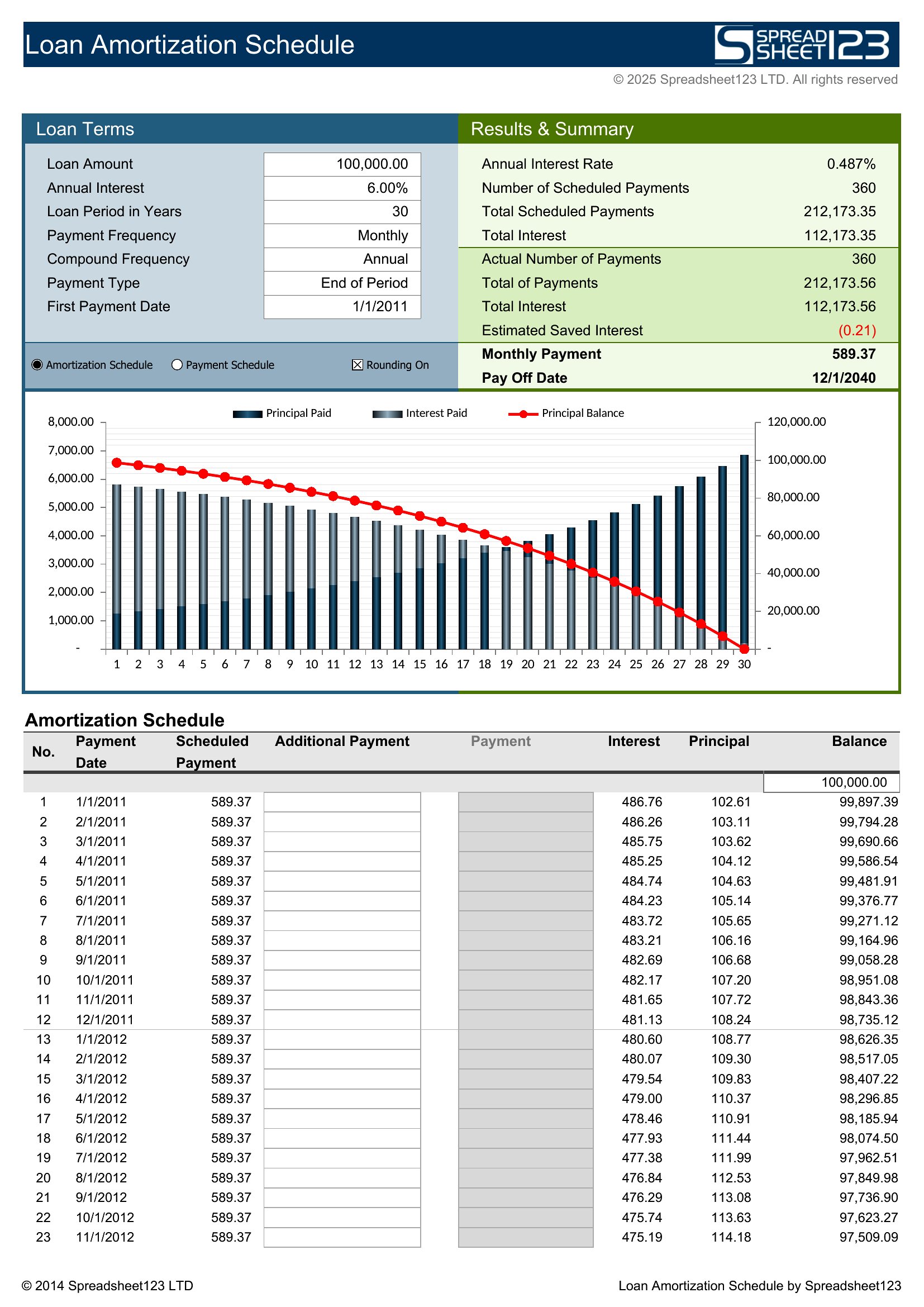
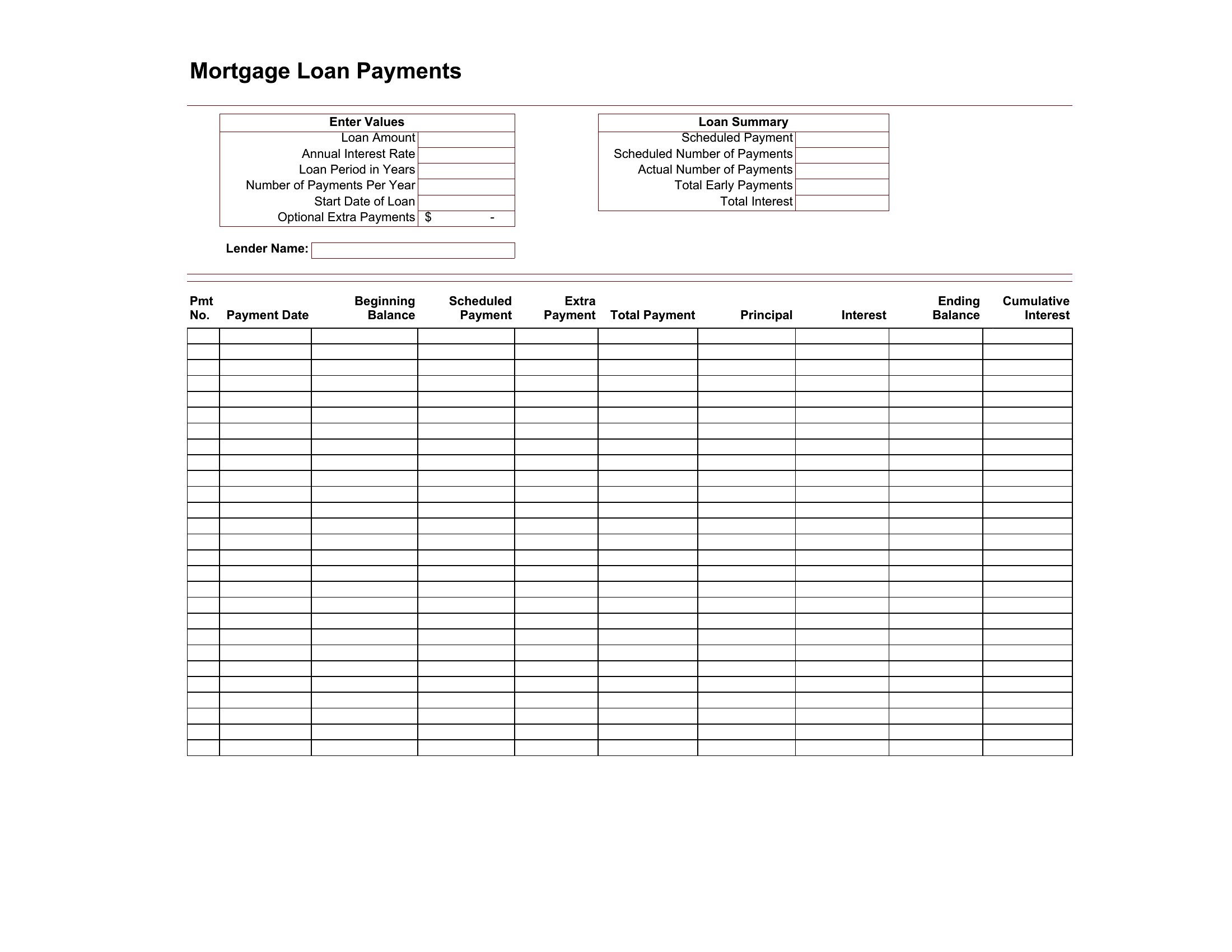
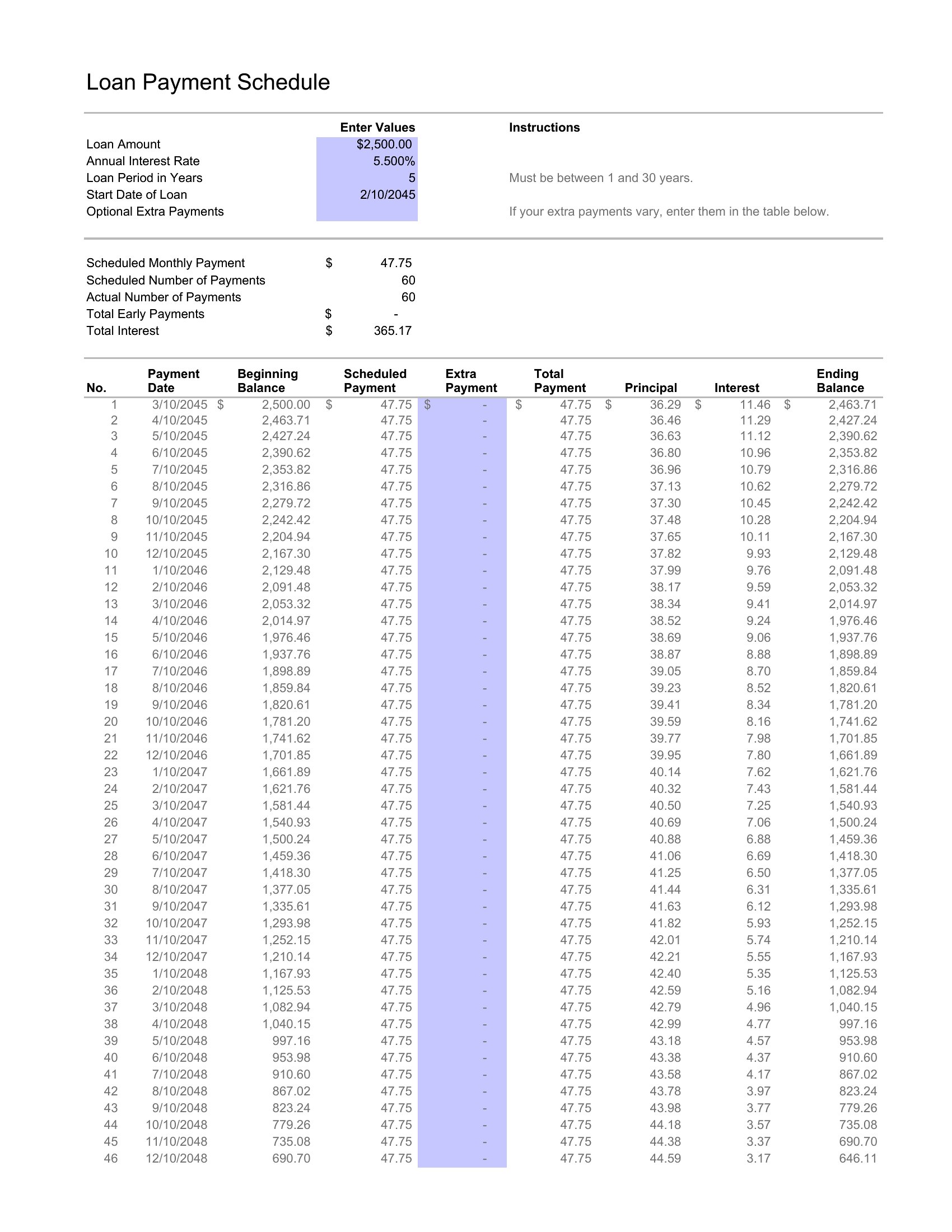
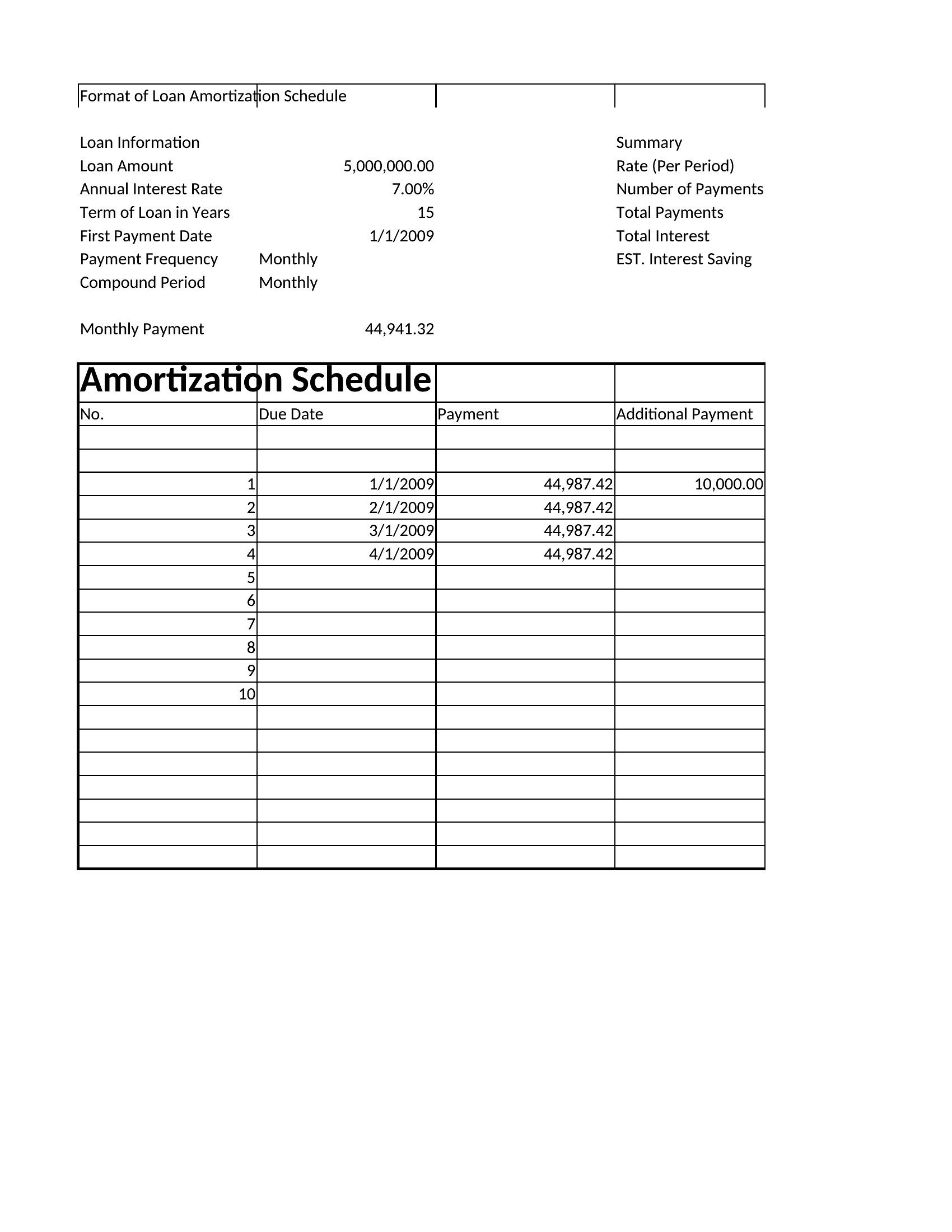
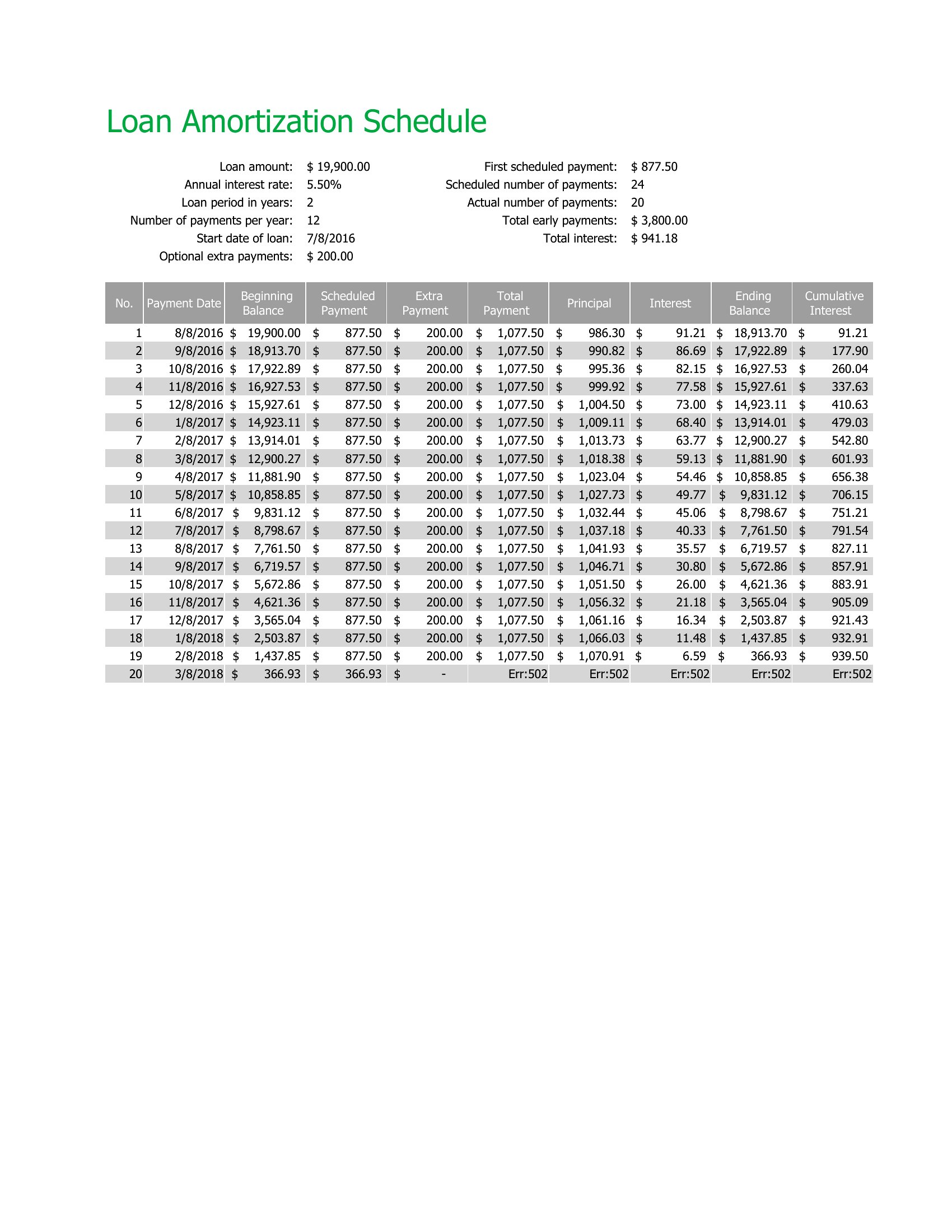
Yes, many of these templates include fields for extra principal payments, which will automatically recalculate your remaining balance, interest savings, and new payoff date. Look for templates labeled with ‘extra payments’ or ‘biweekly payments’—these are specifically built to show the impact of accelerating payments. Just enter the additional amount each period to see the timeline adjust in real time.
Do these templates account for taxes or insurance in loan calculations?
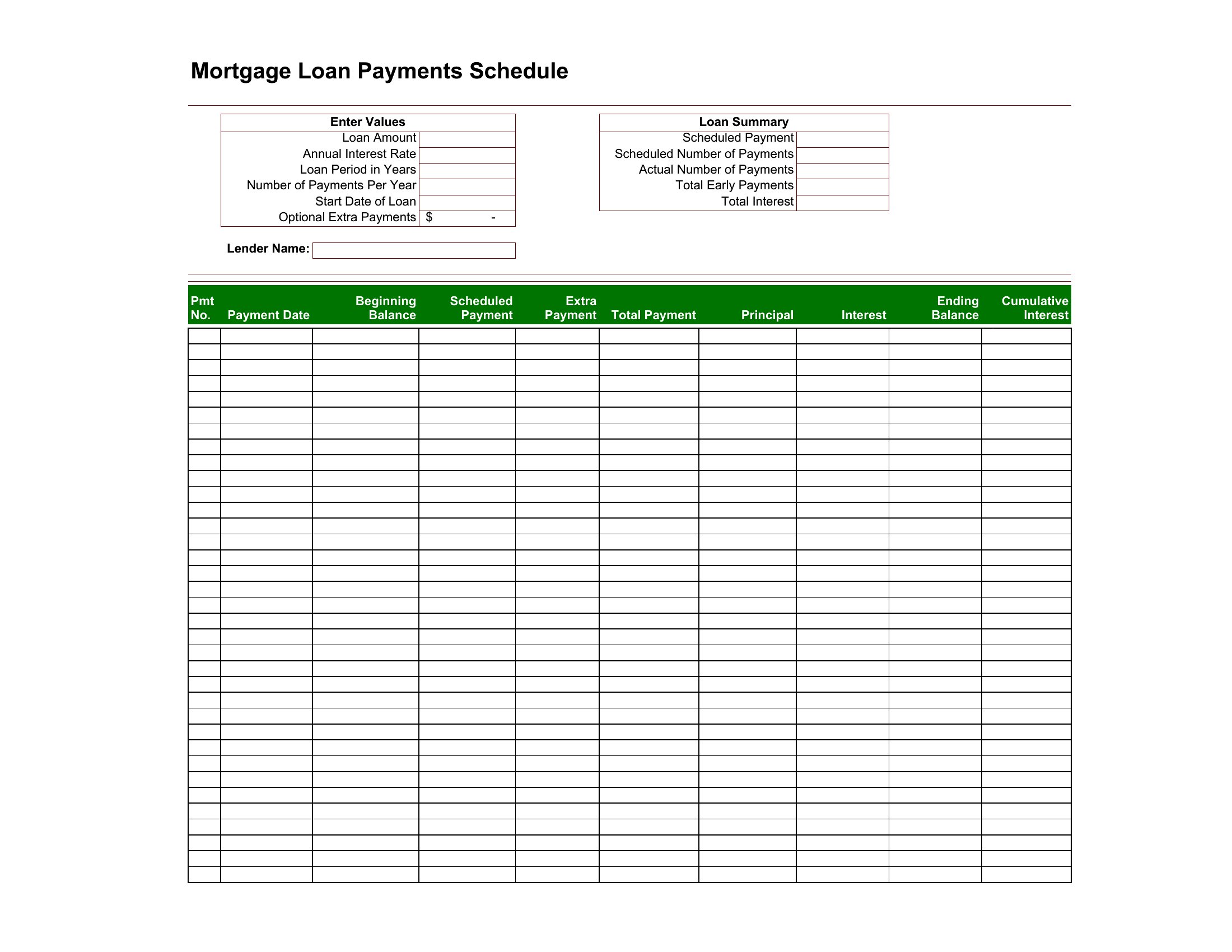
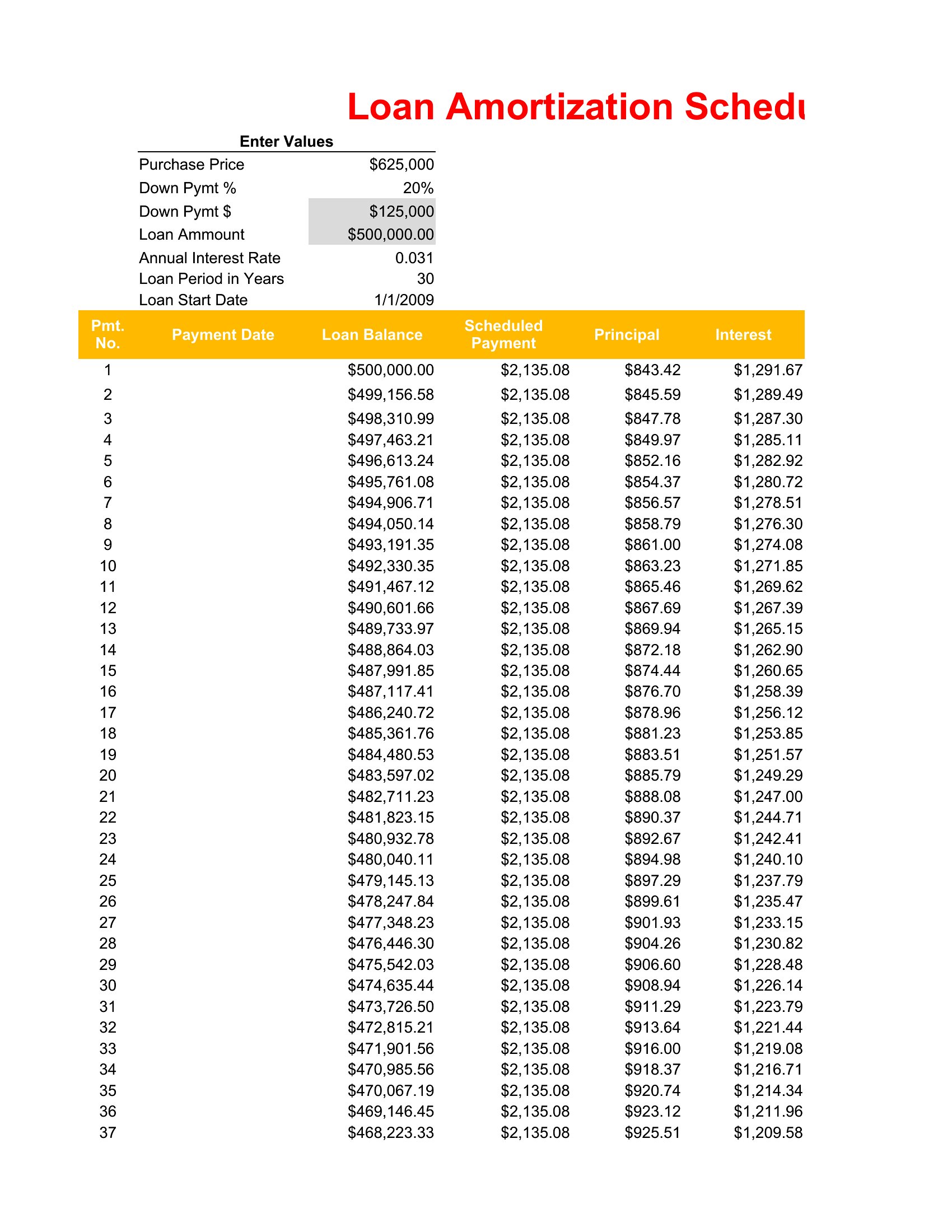
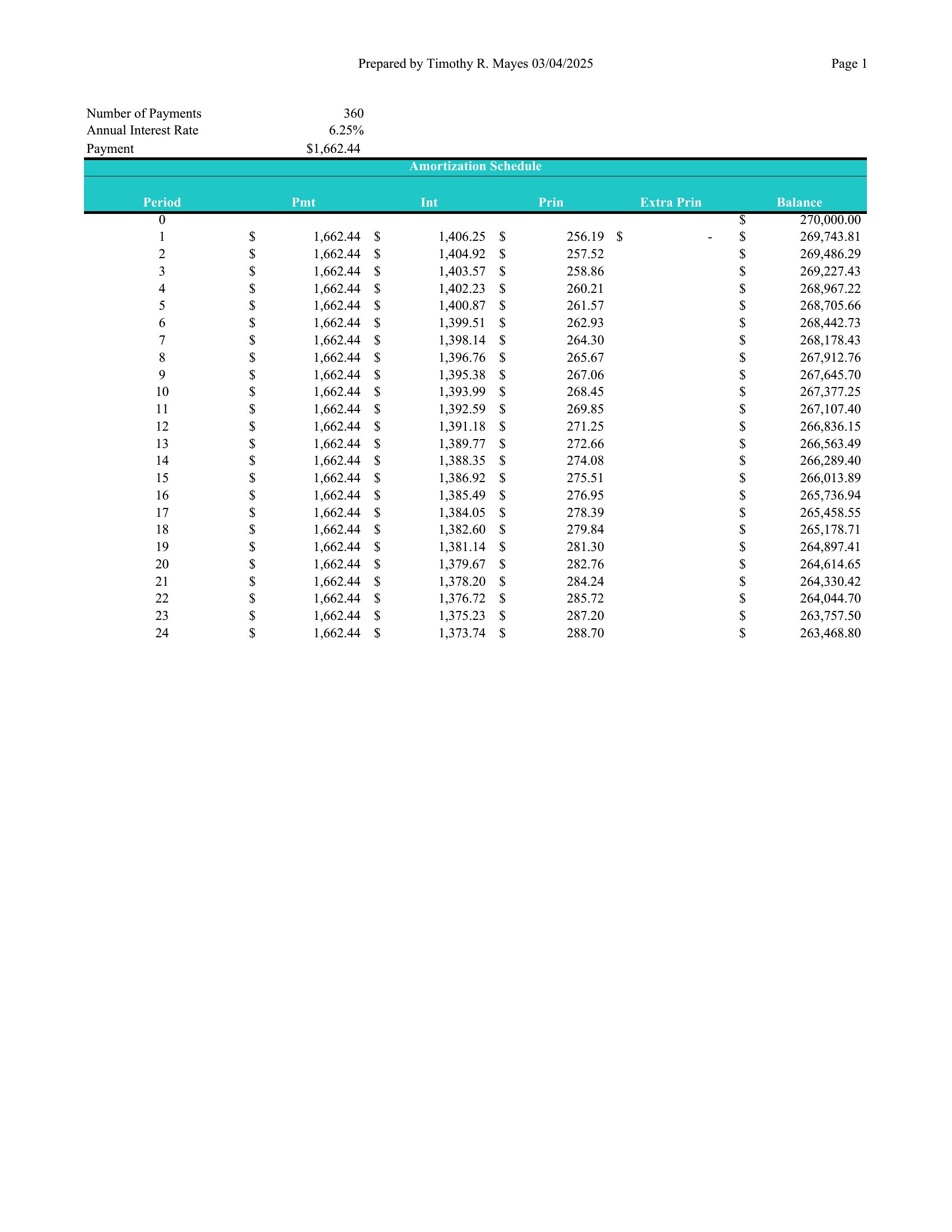
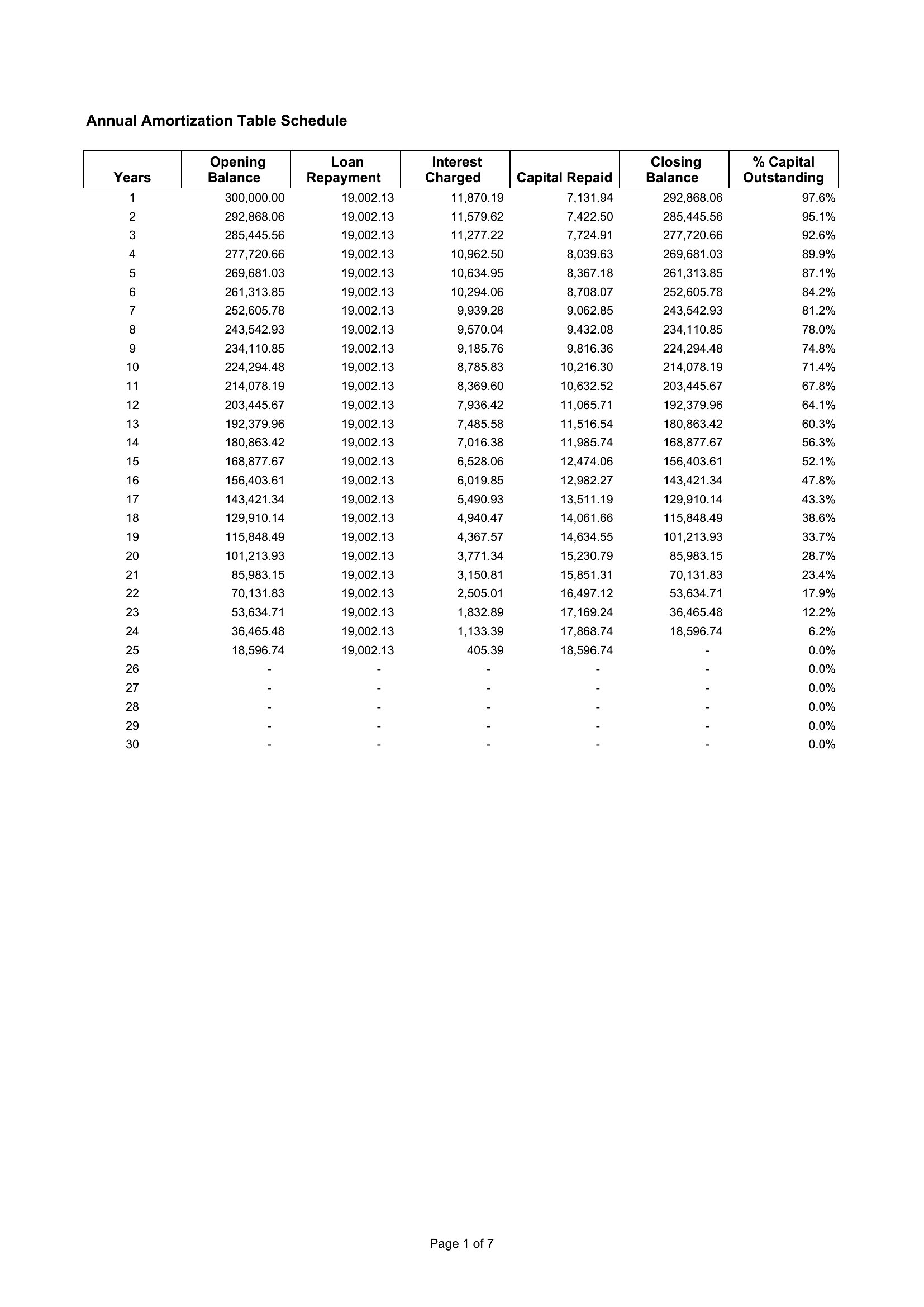
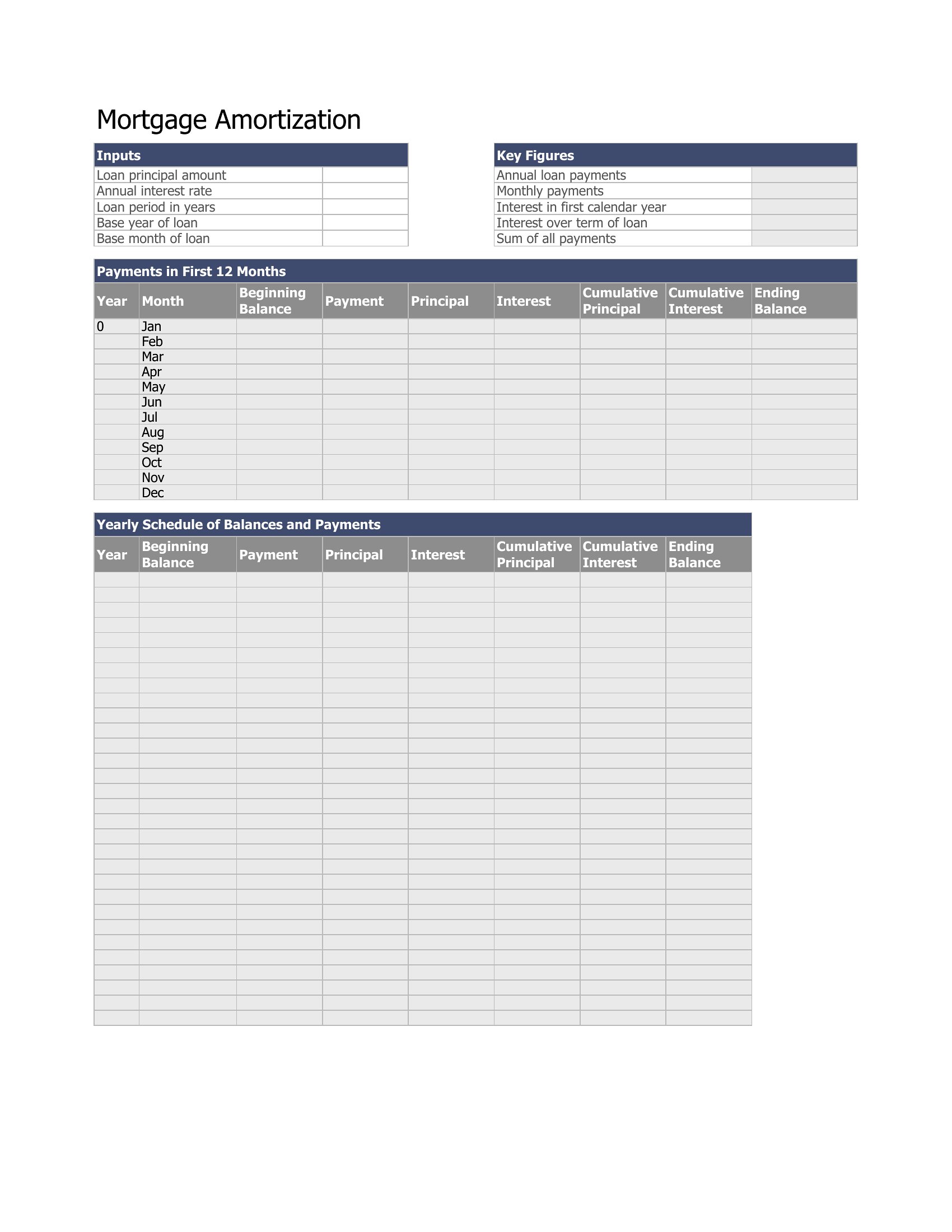
No, these amortization schedules focus solely on the principal and interest breakdown of the loan itself. They don’t include escrow amounts (like property taxes or PMI) or insurance premiums, which would require additional columns or a separate template. For a full breakdown, you’d need to manually add those line items or use a mortgage-specific tool that combines amortization with escrow calculations.
Comments
Join the conversation
Sign in to share your thoughts and leave a comment on this resource.