FAQ
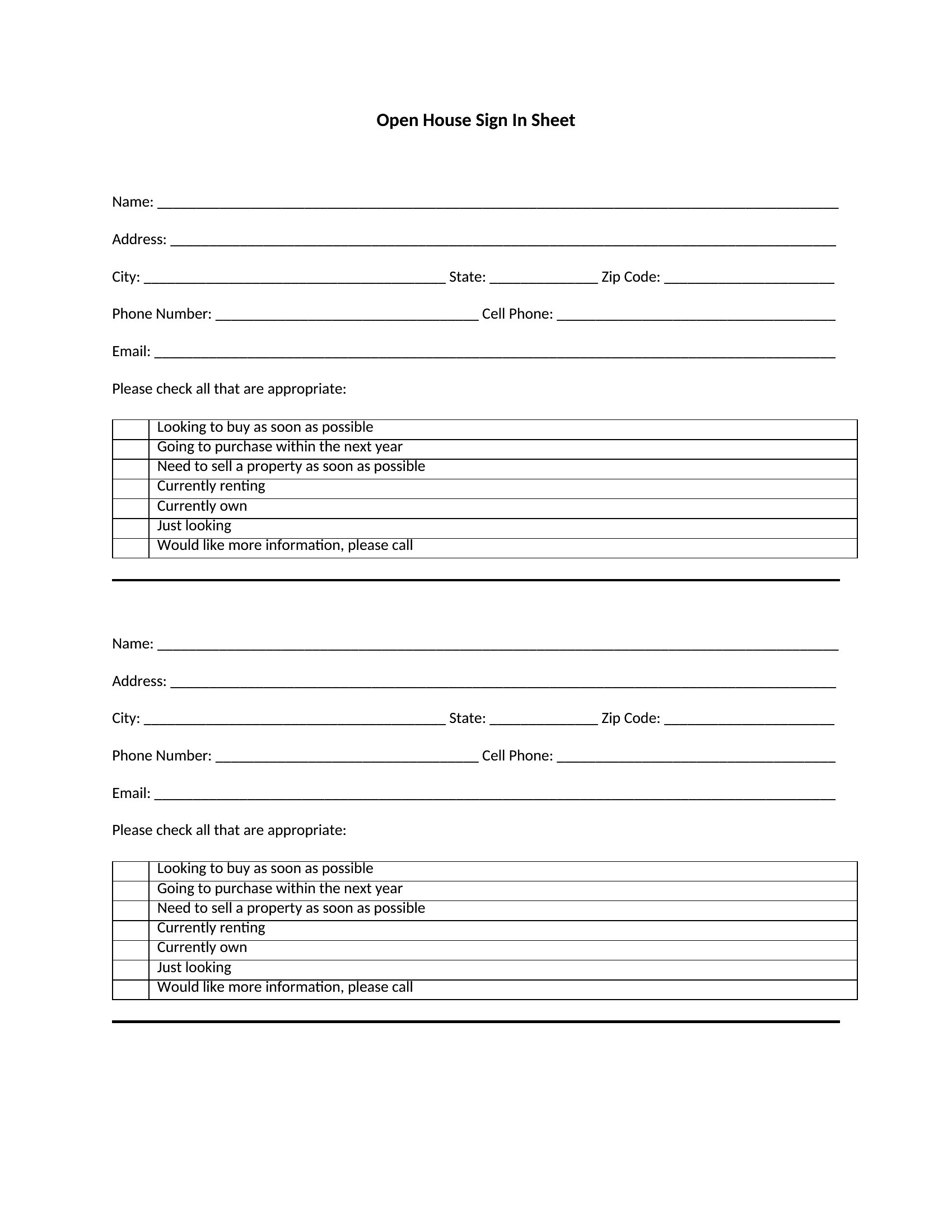
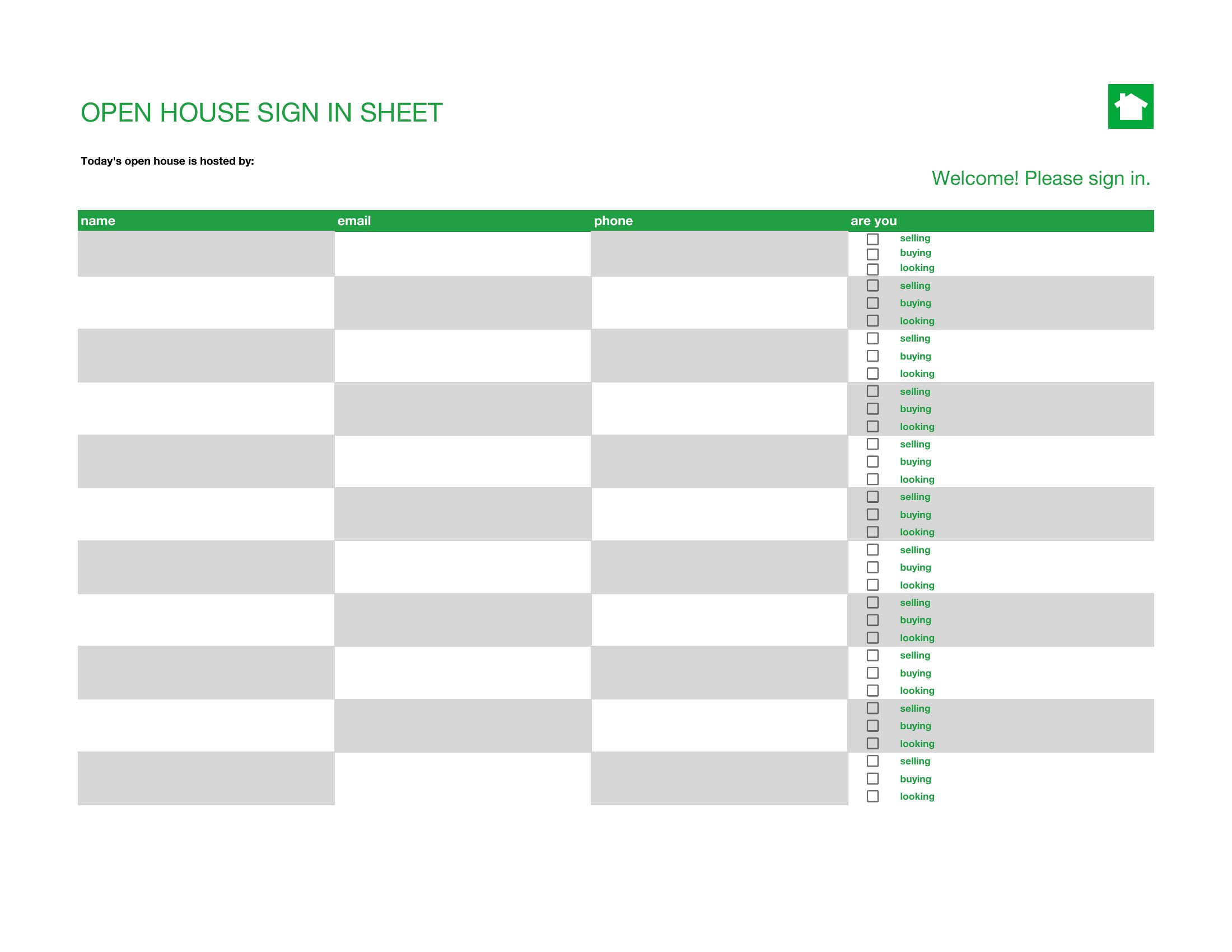
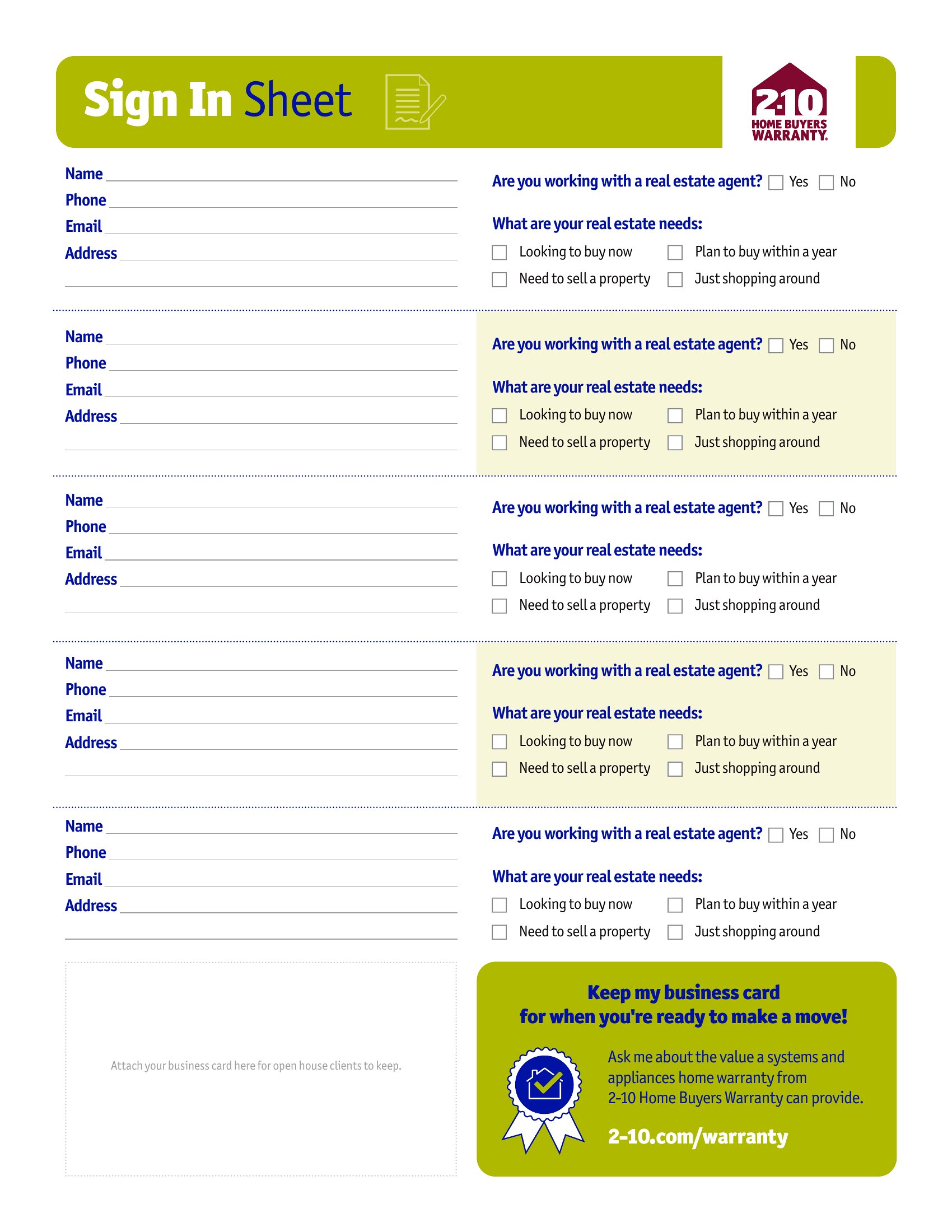
How can I make the sign-in sheet look more professional for my open house?
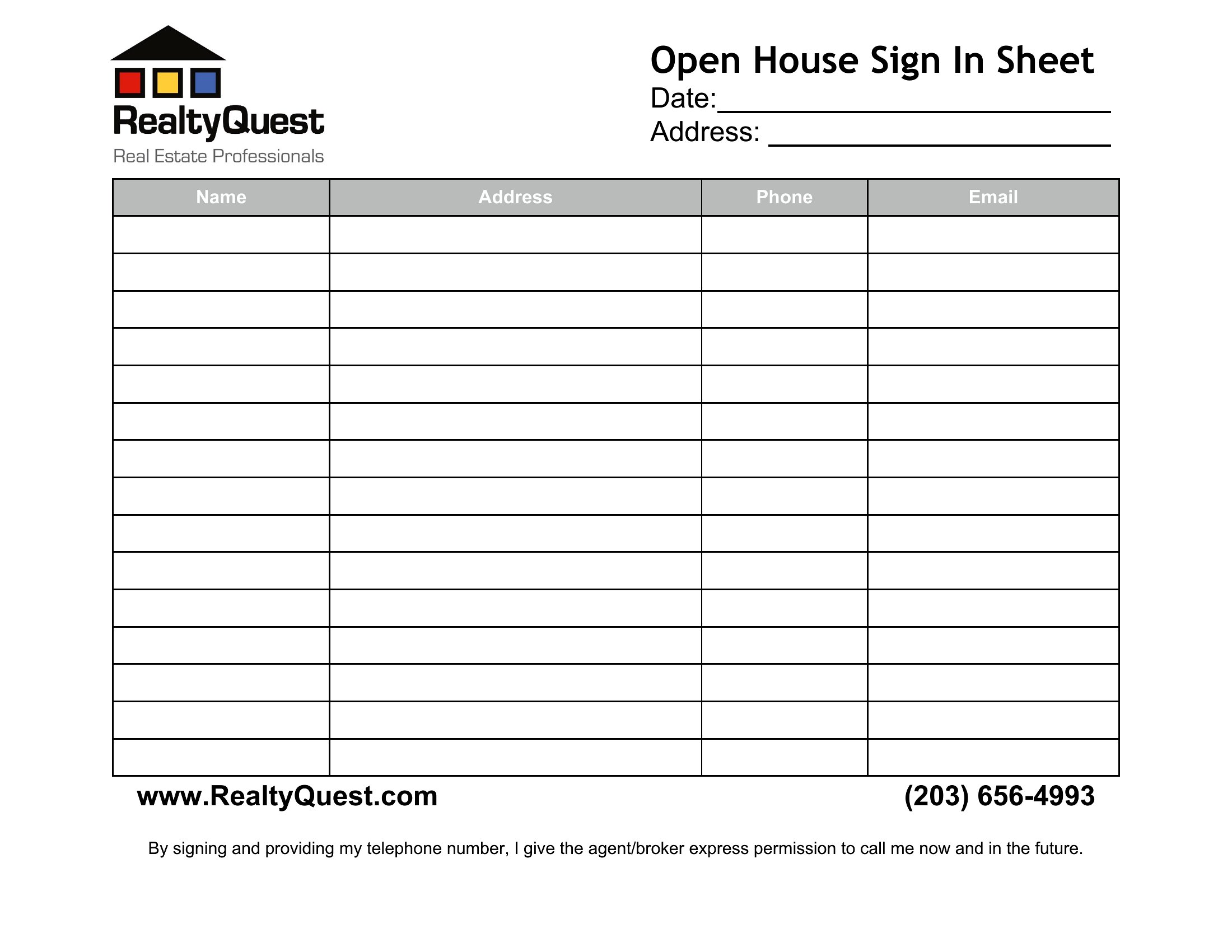
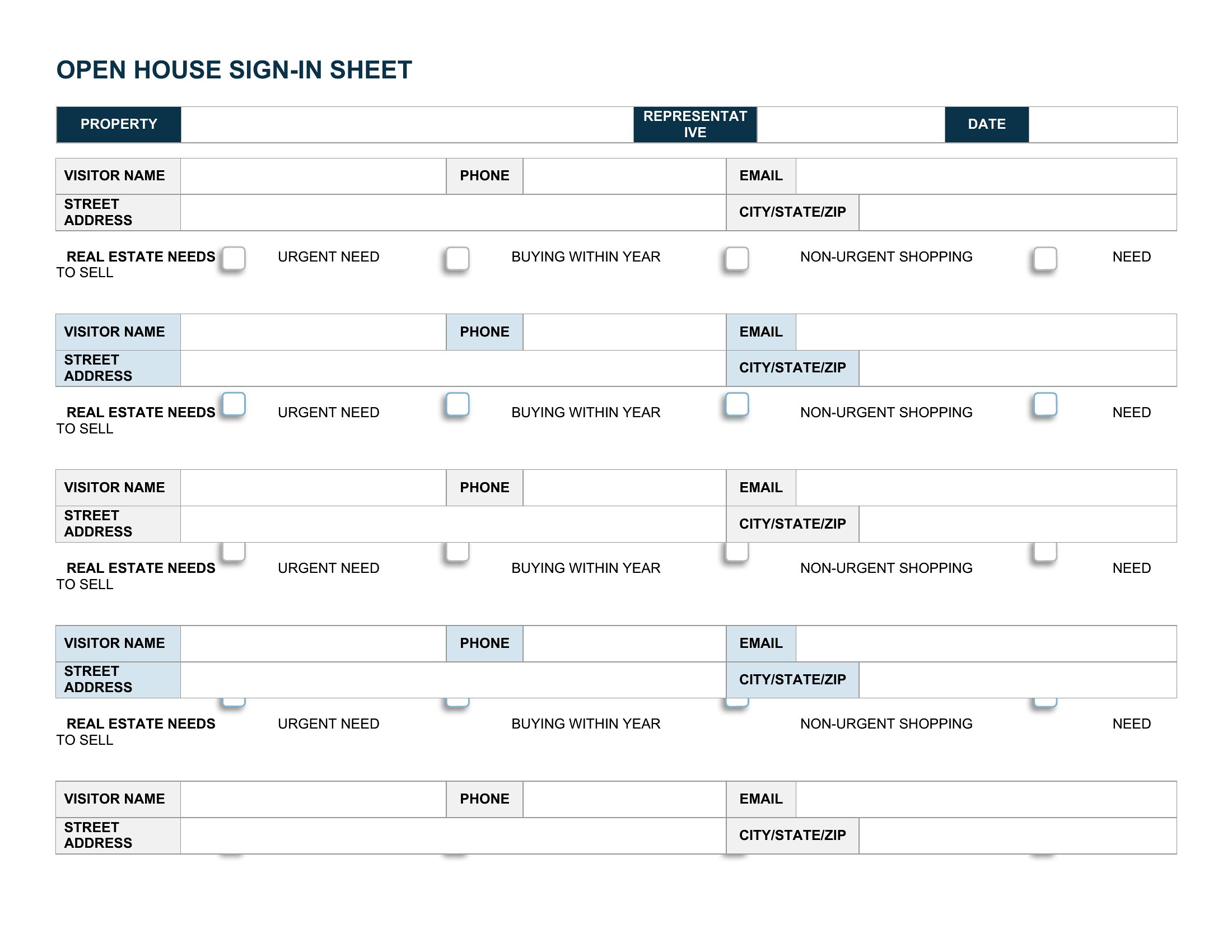
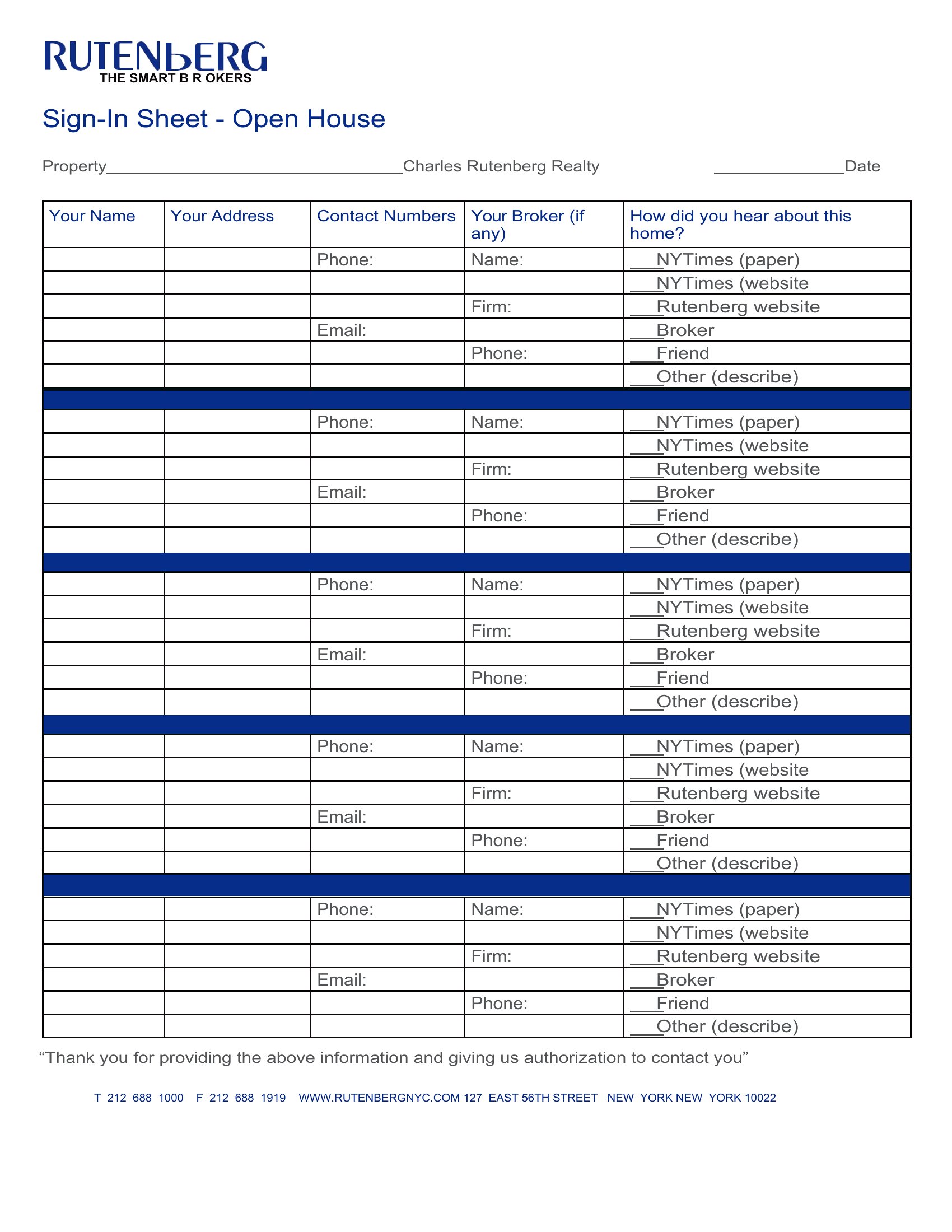
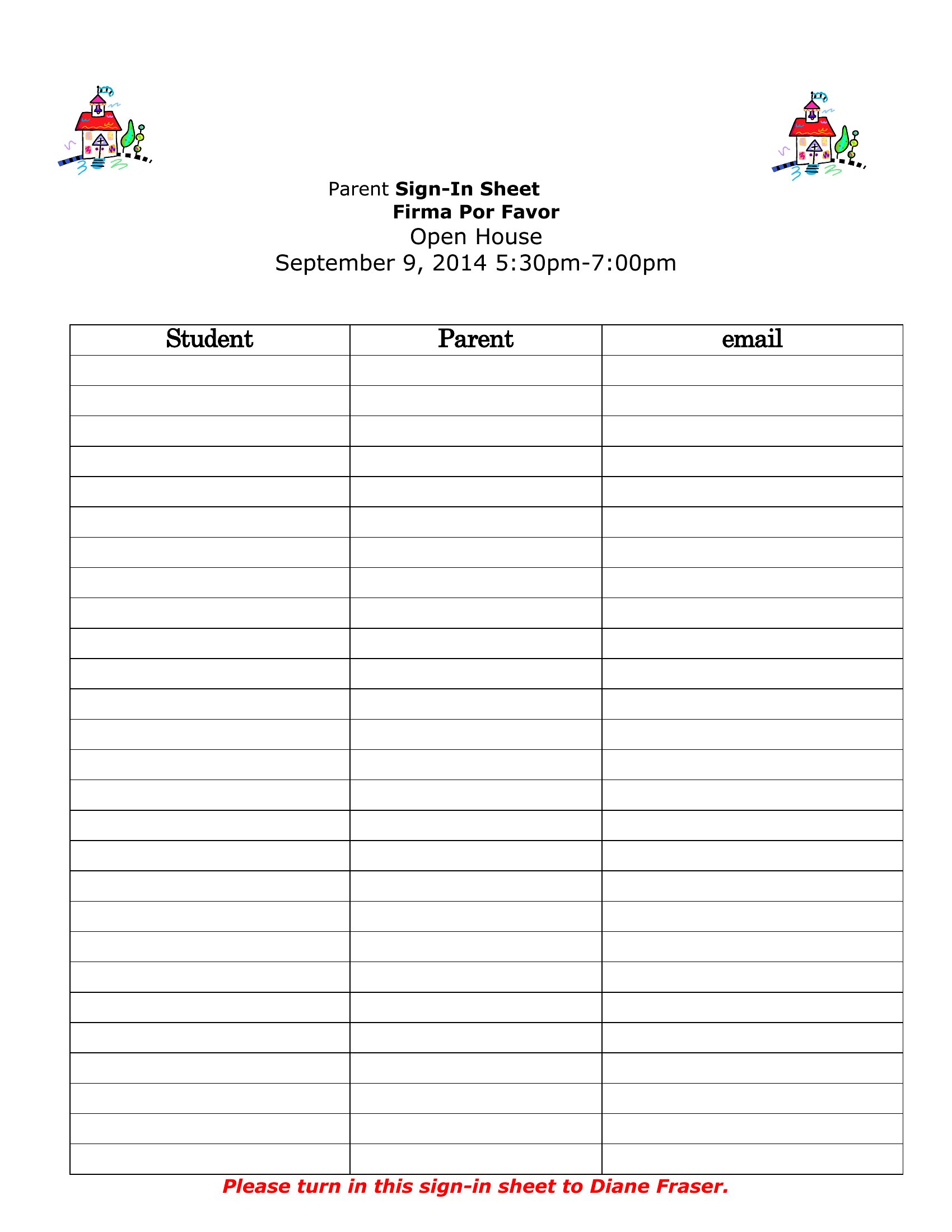
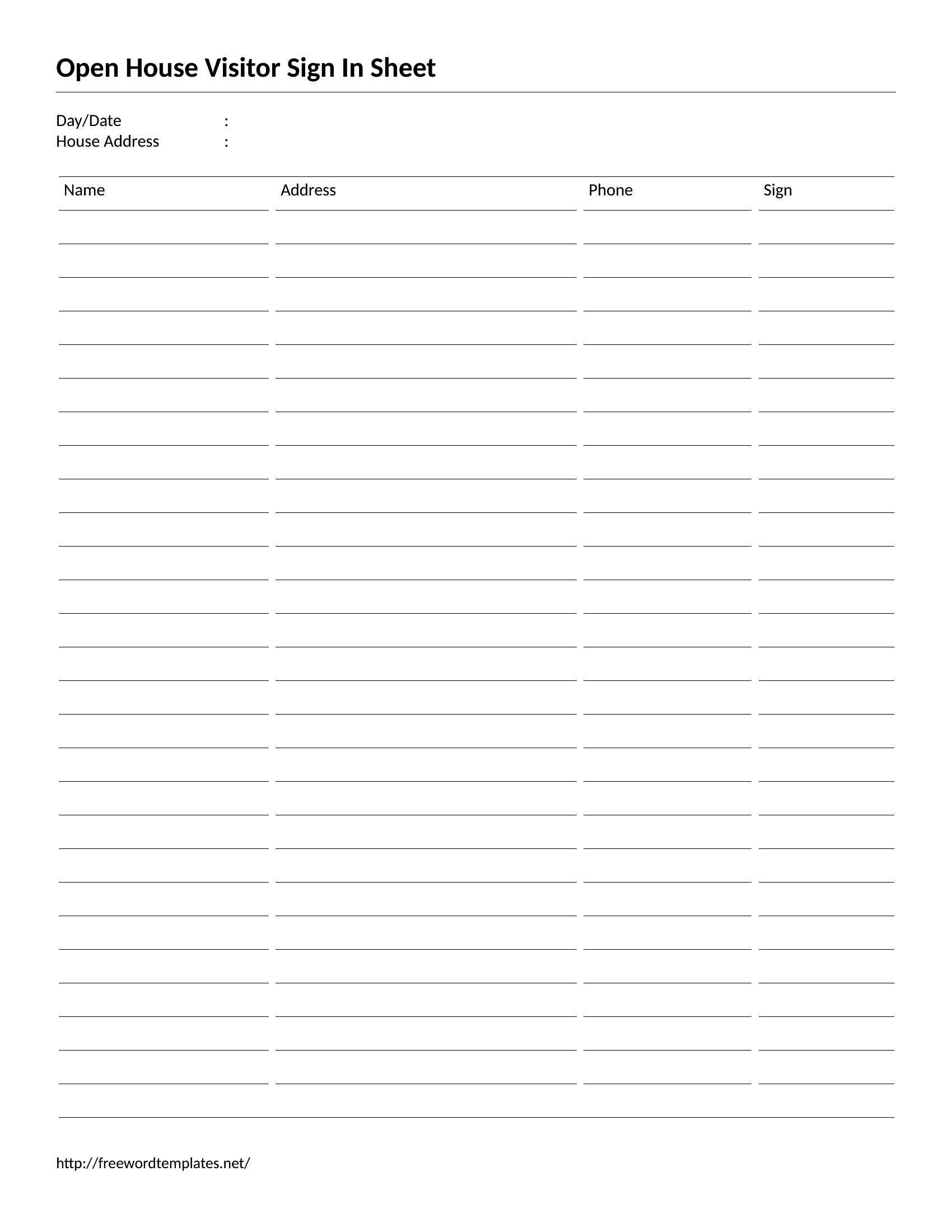
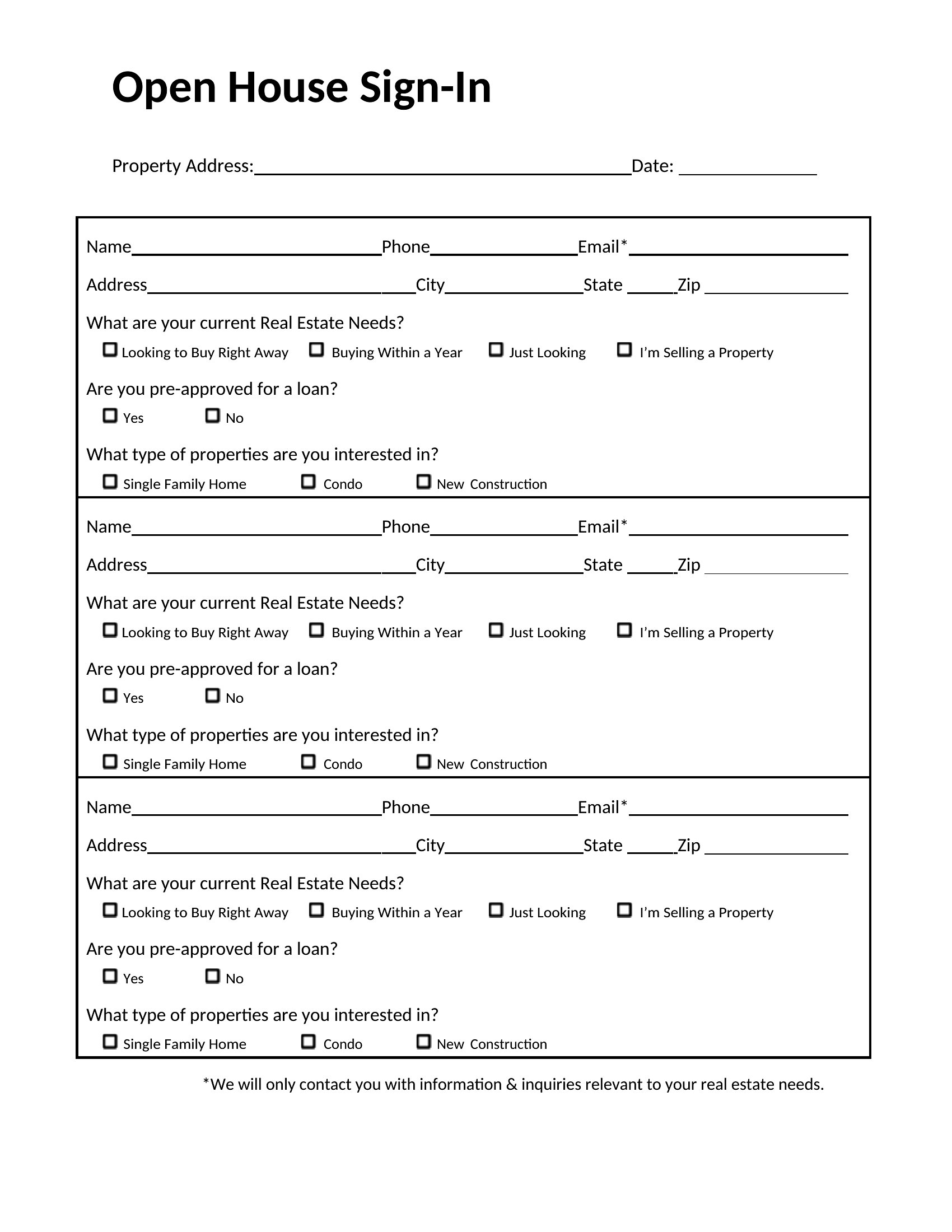
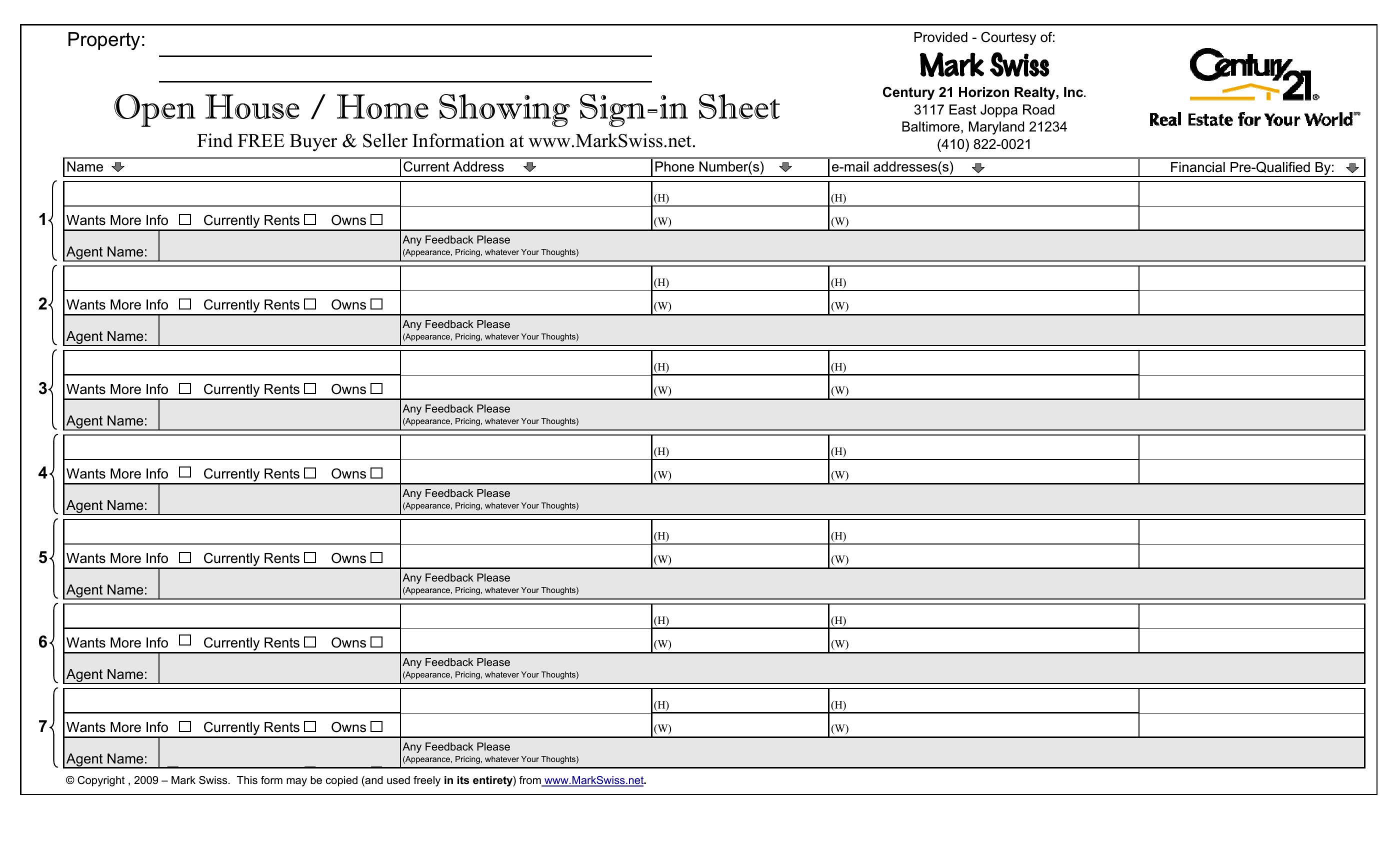
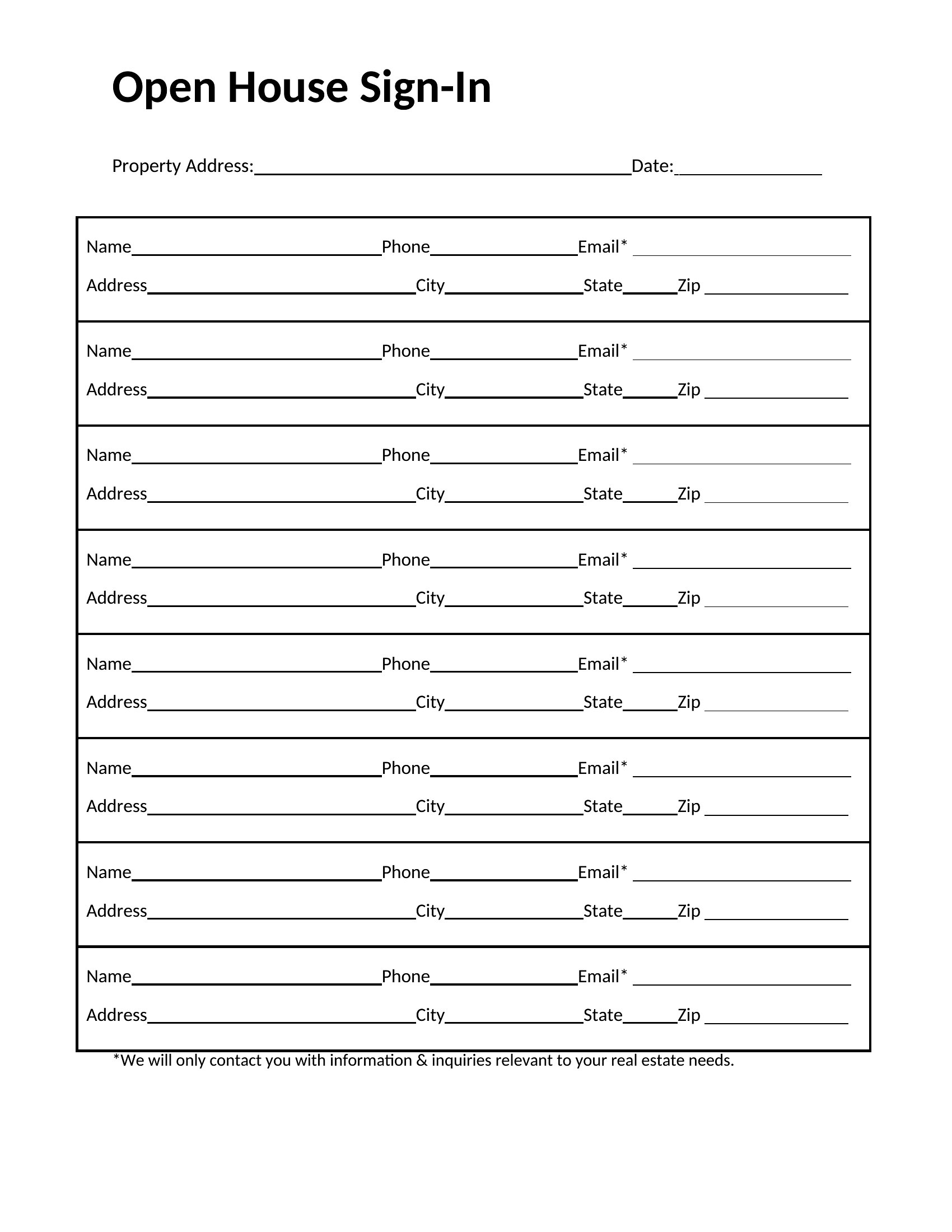
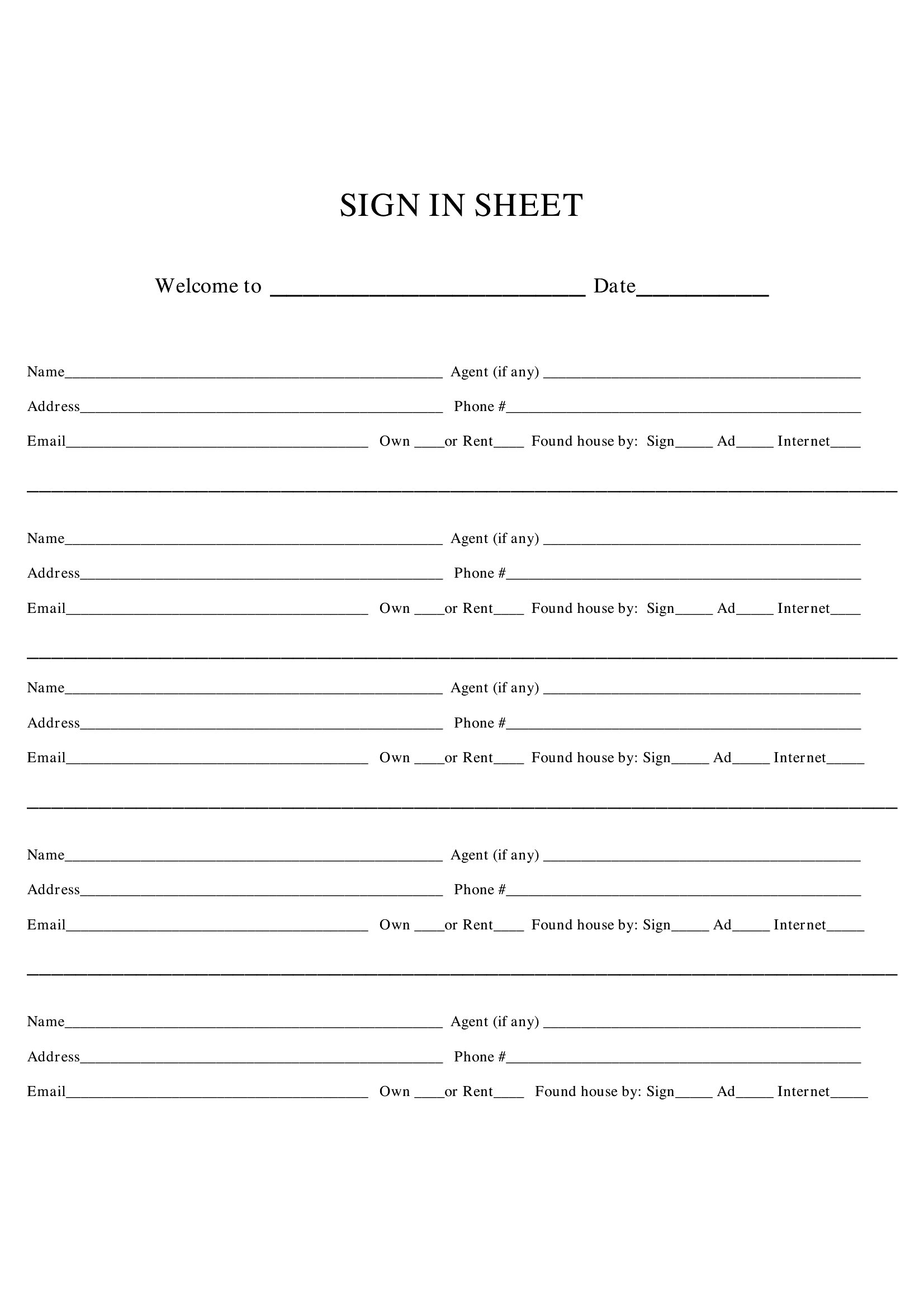
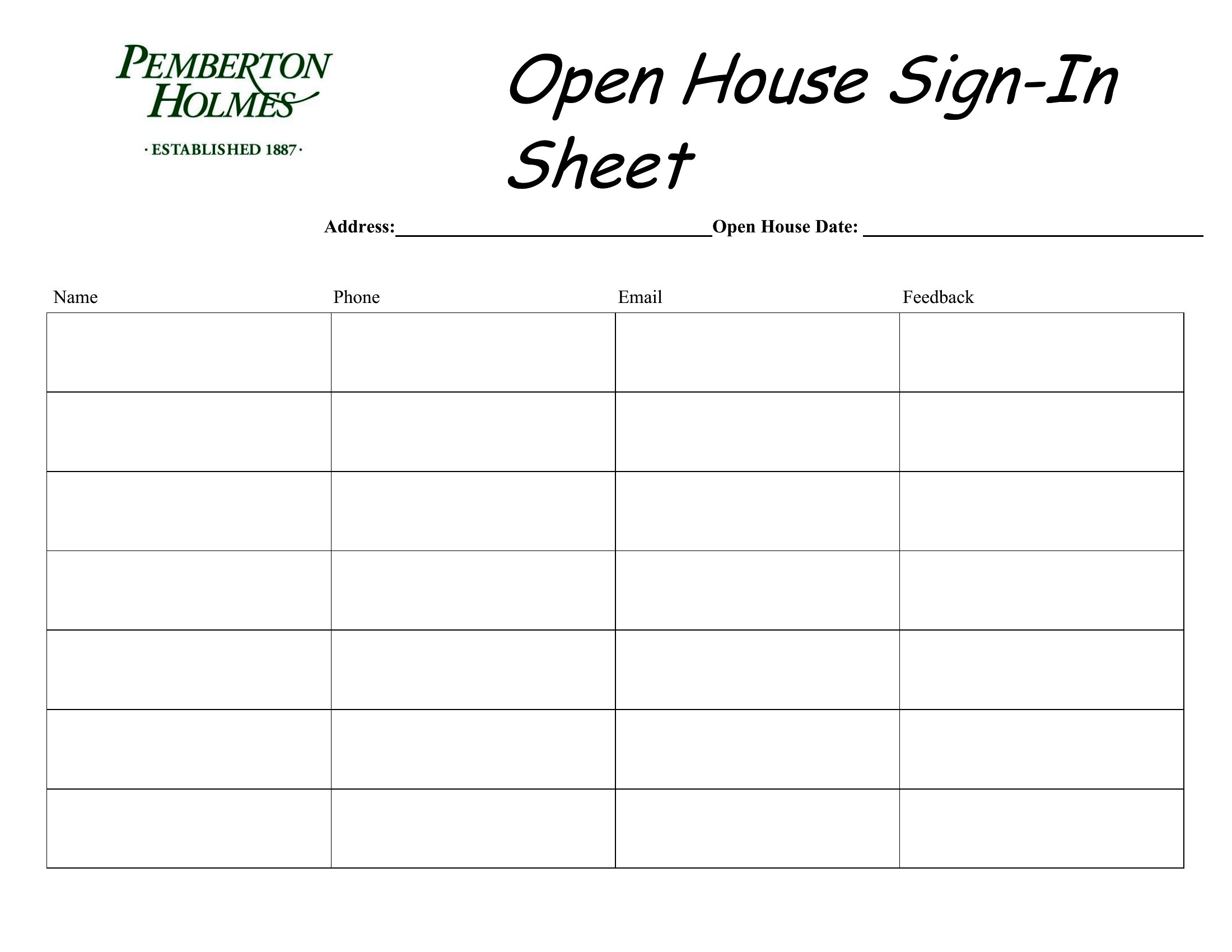
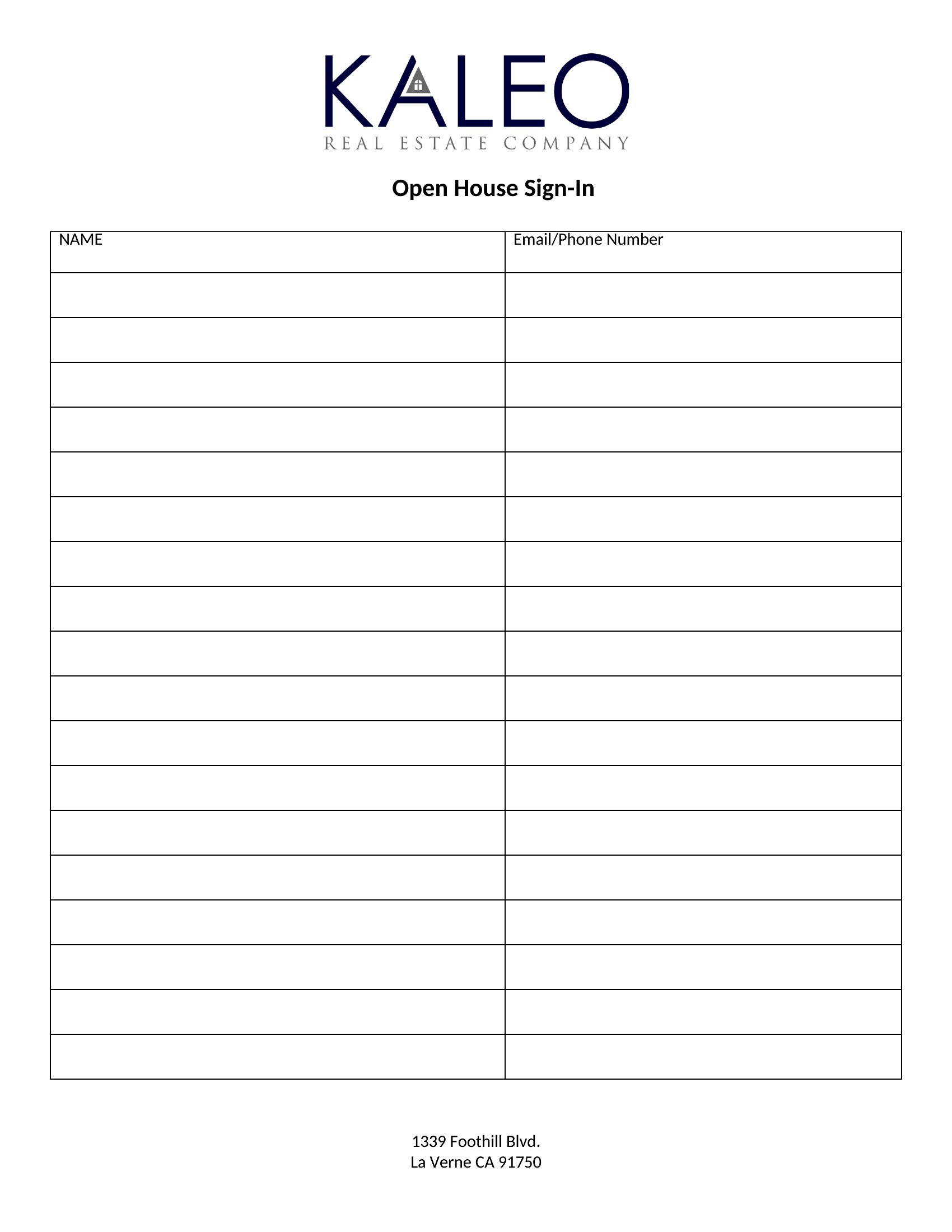
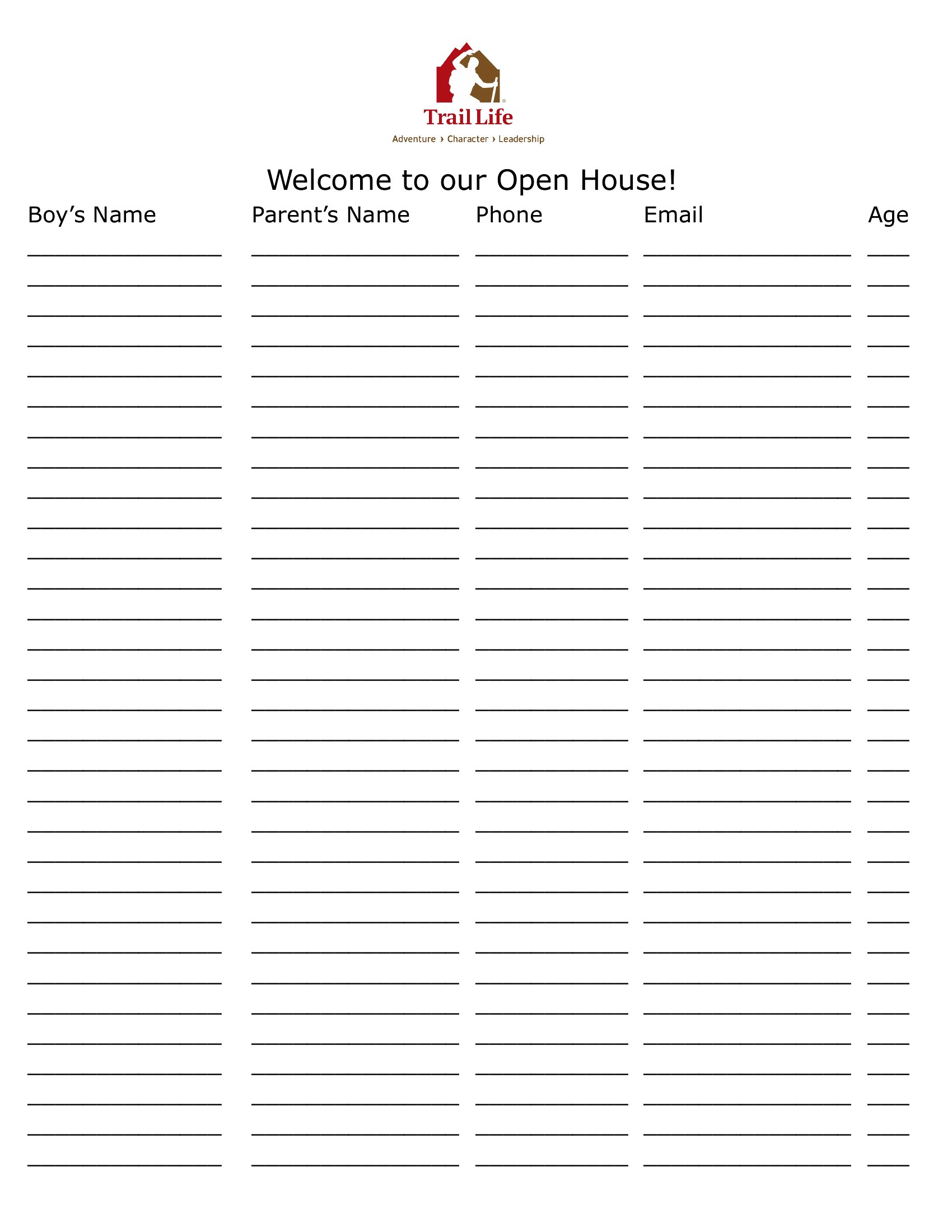
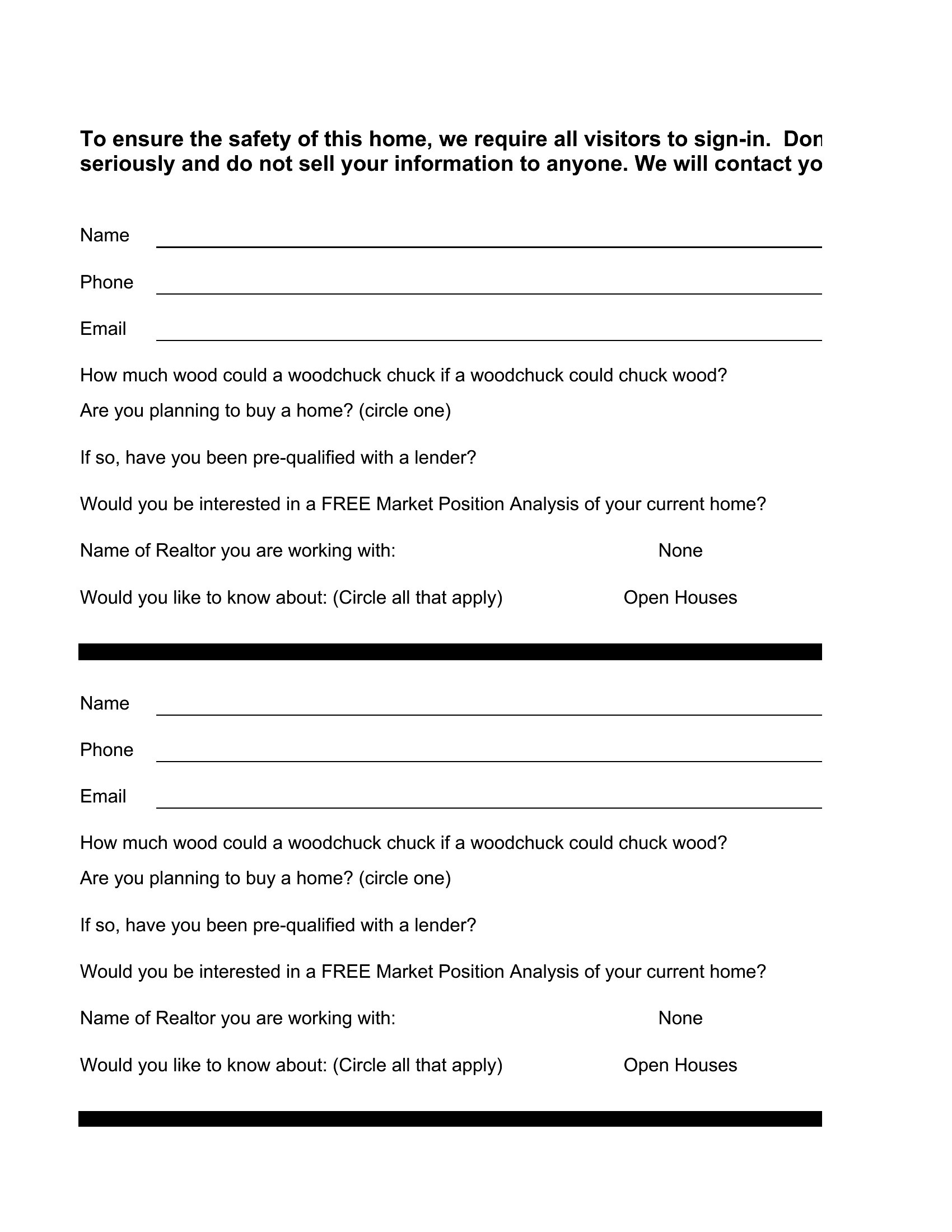
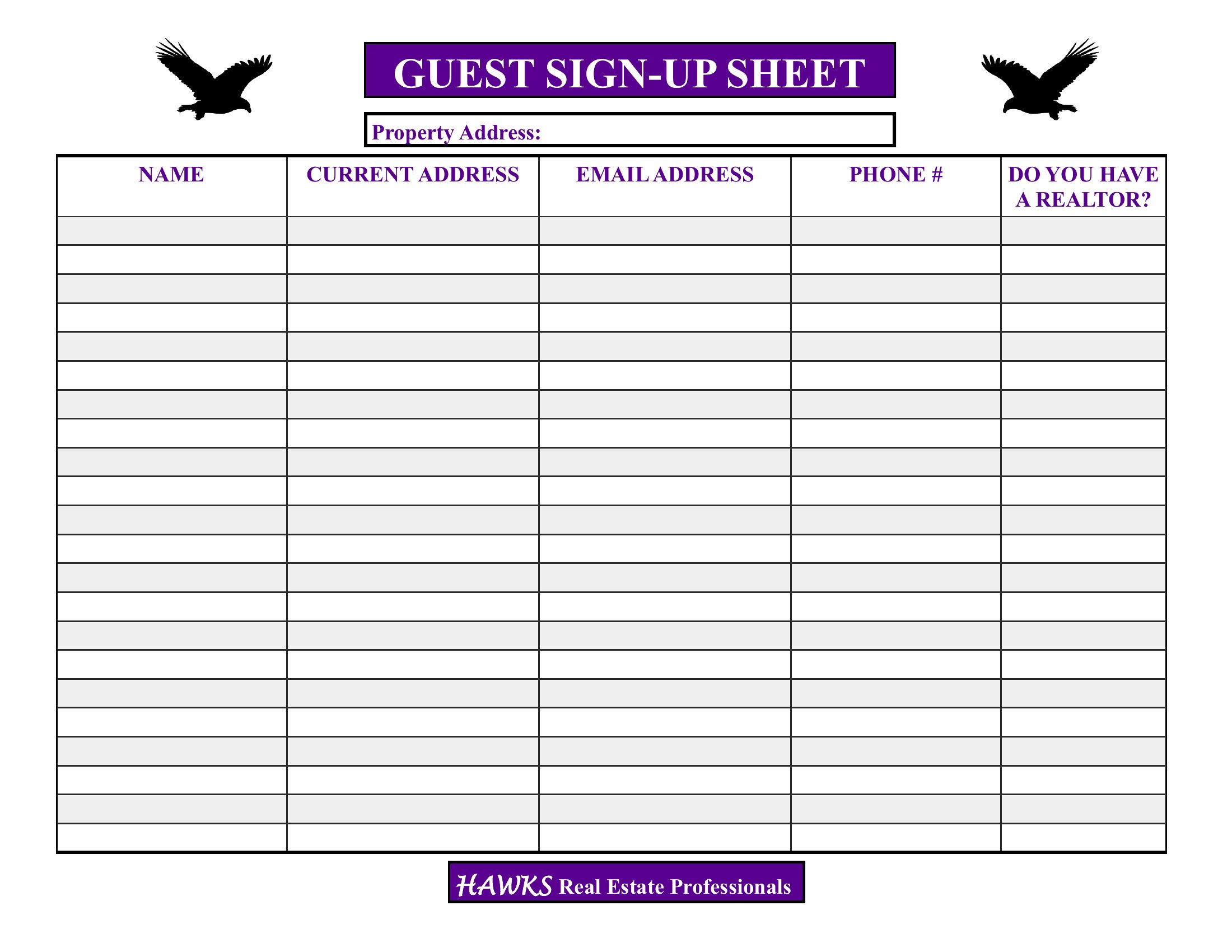
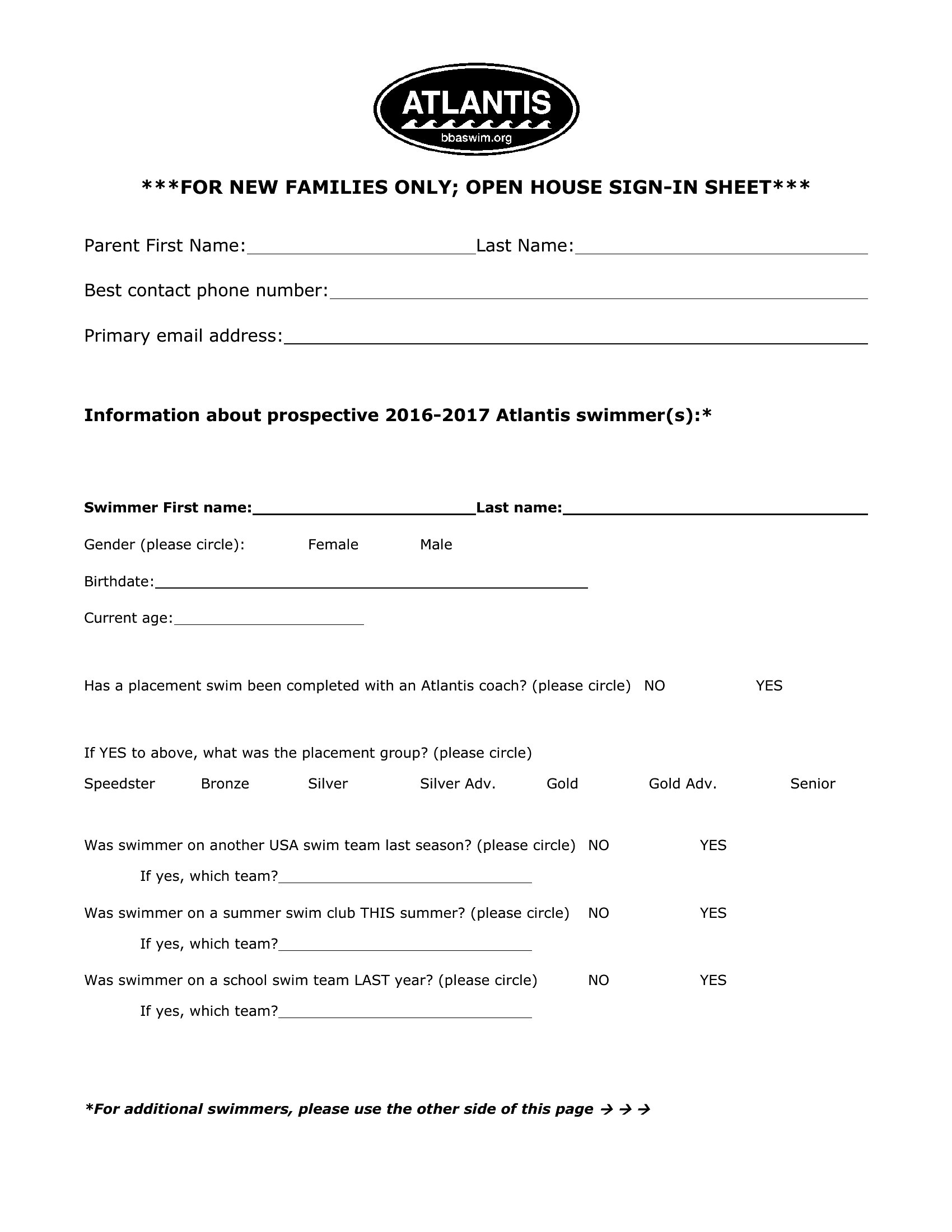
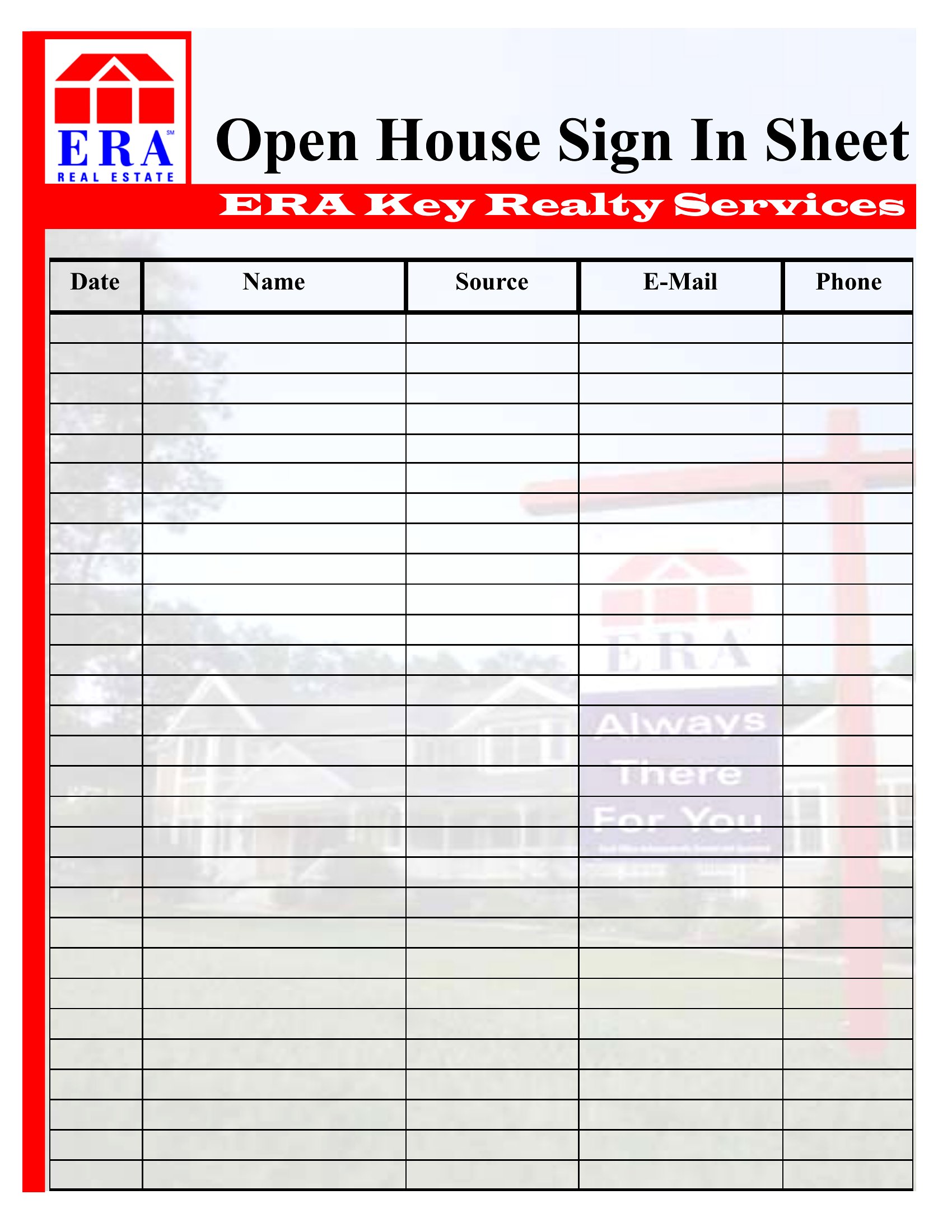
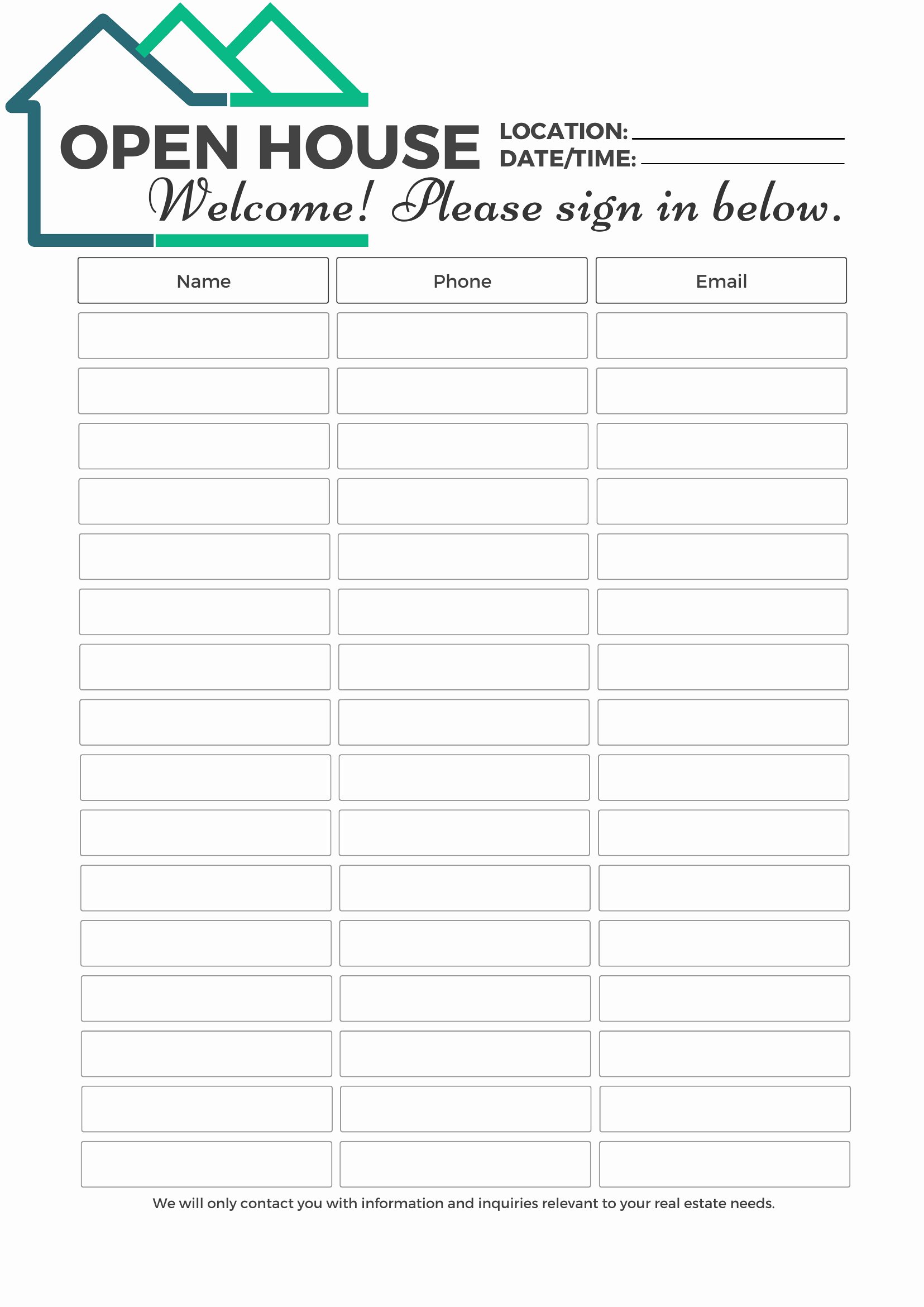
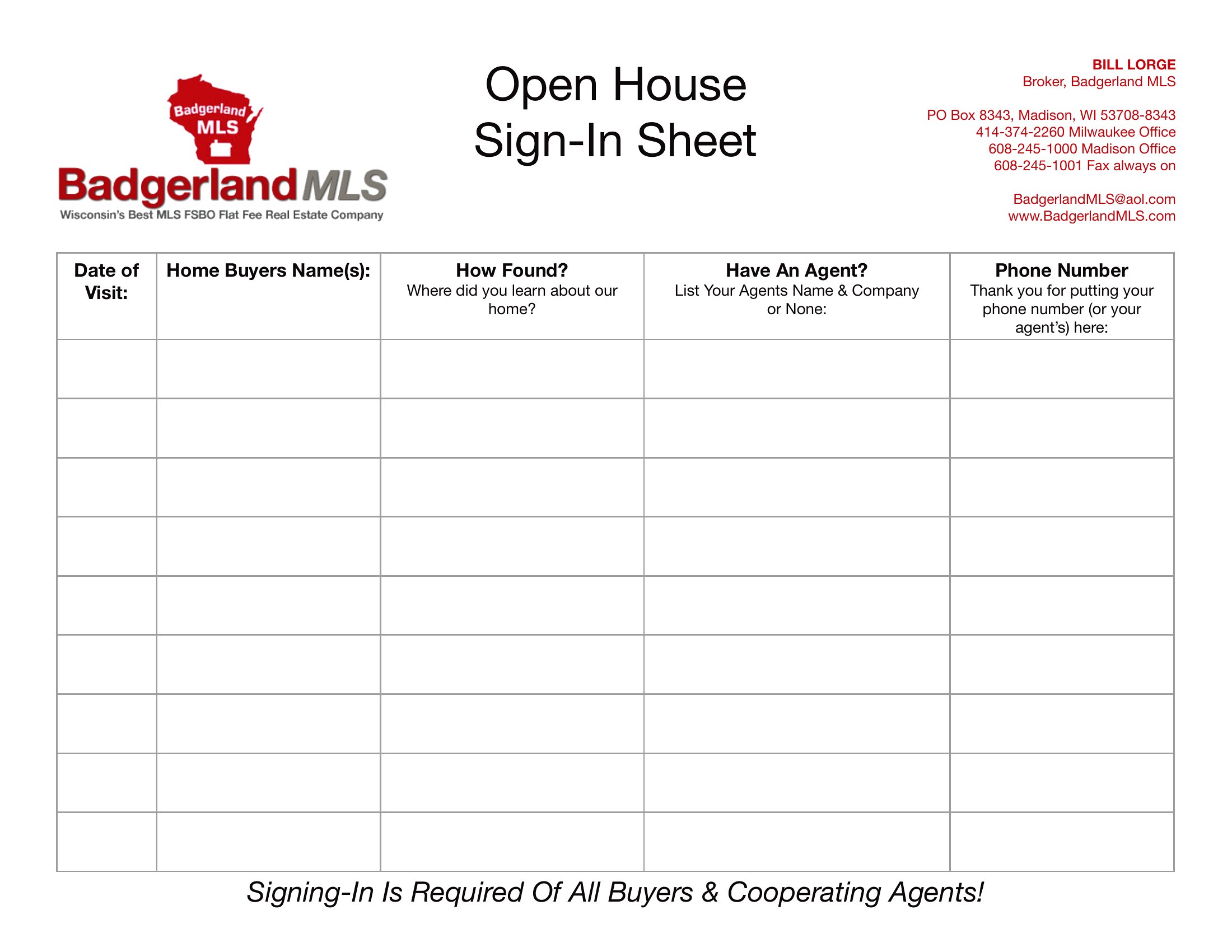
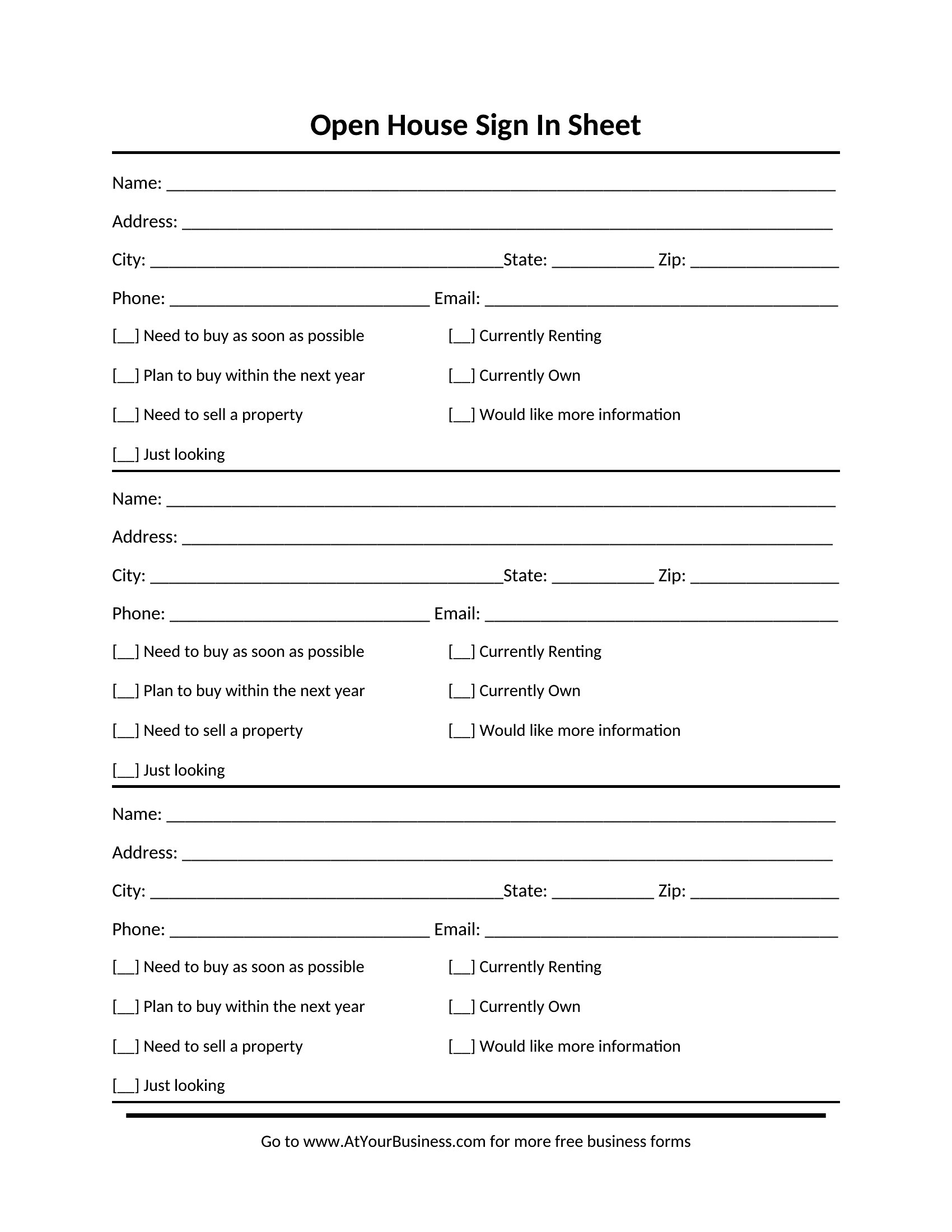
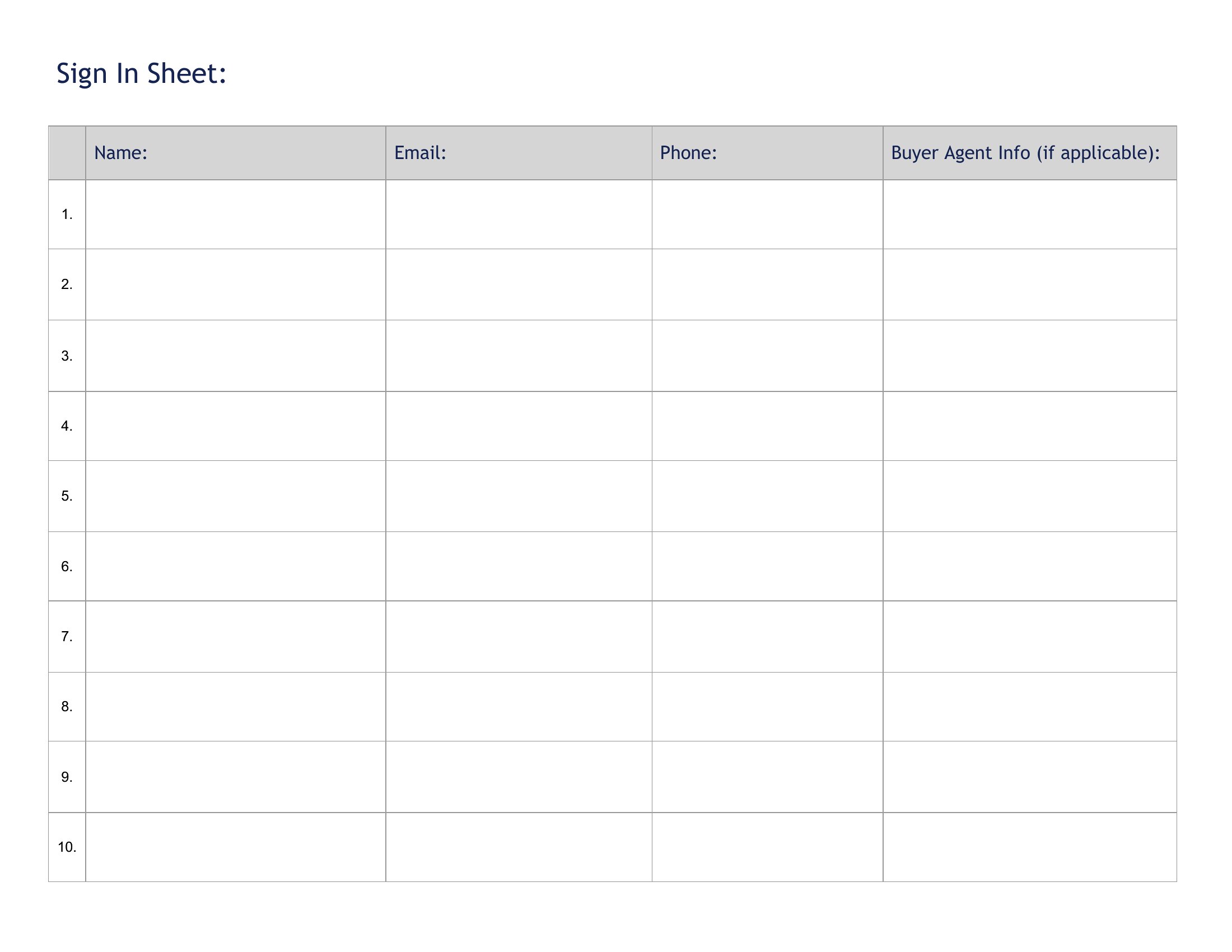
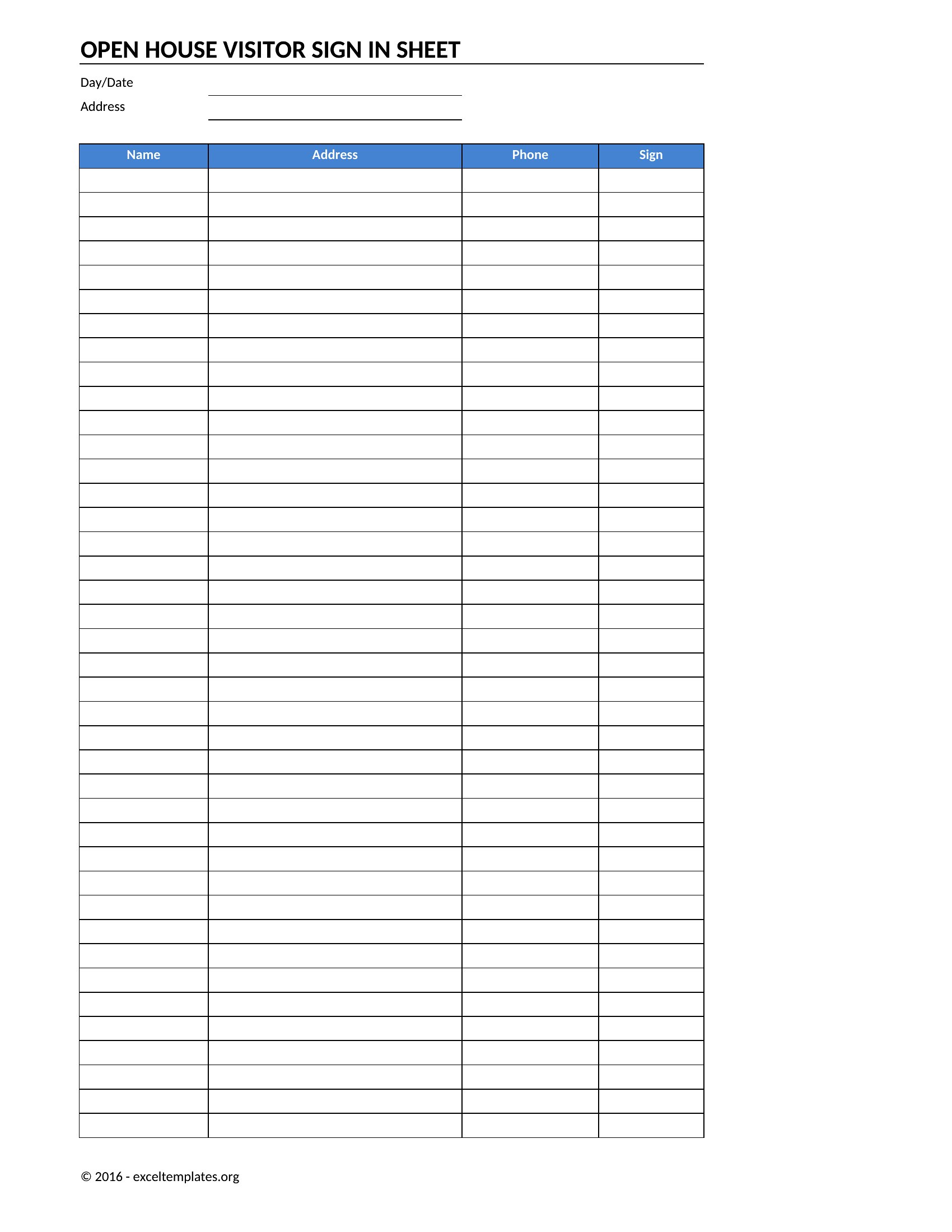
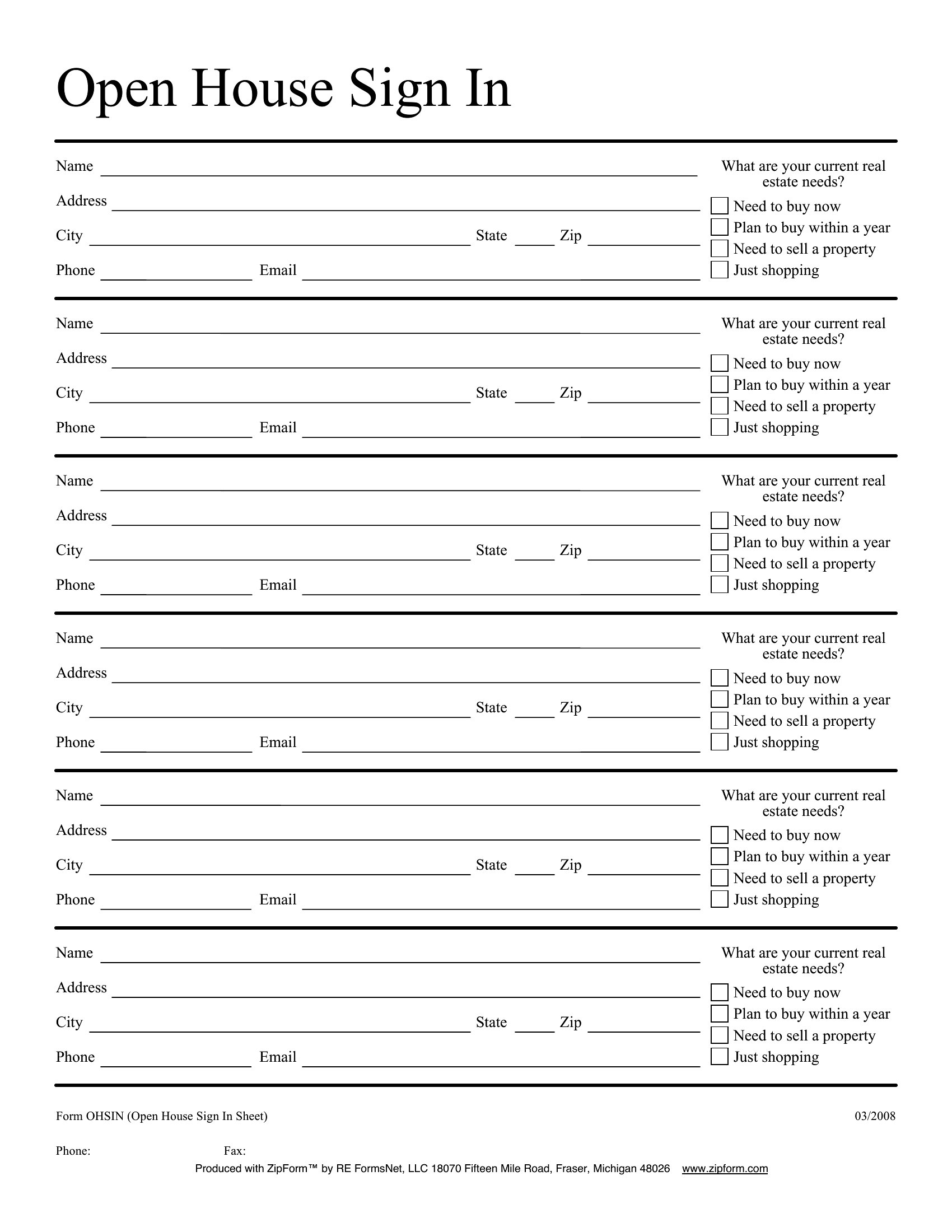
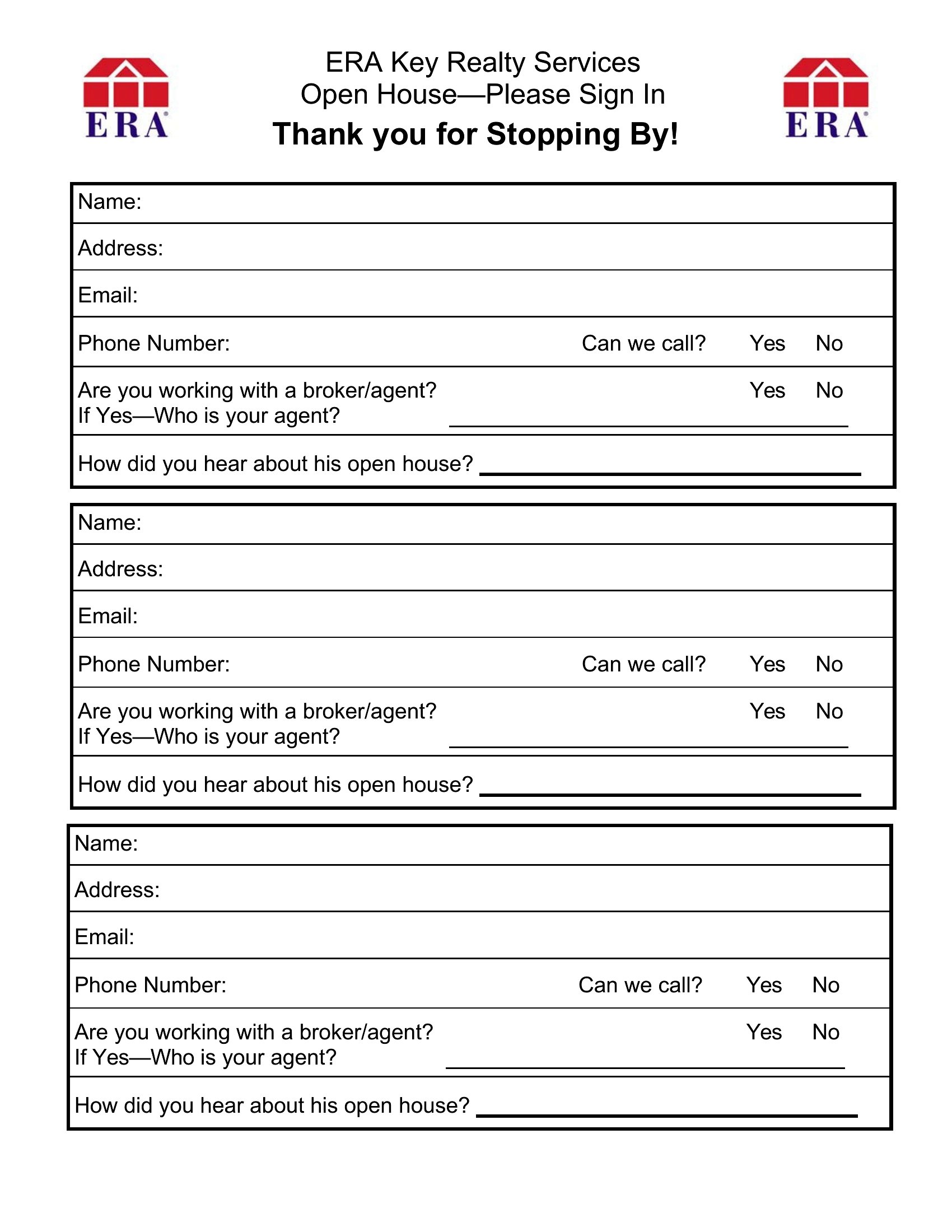
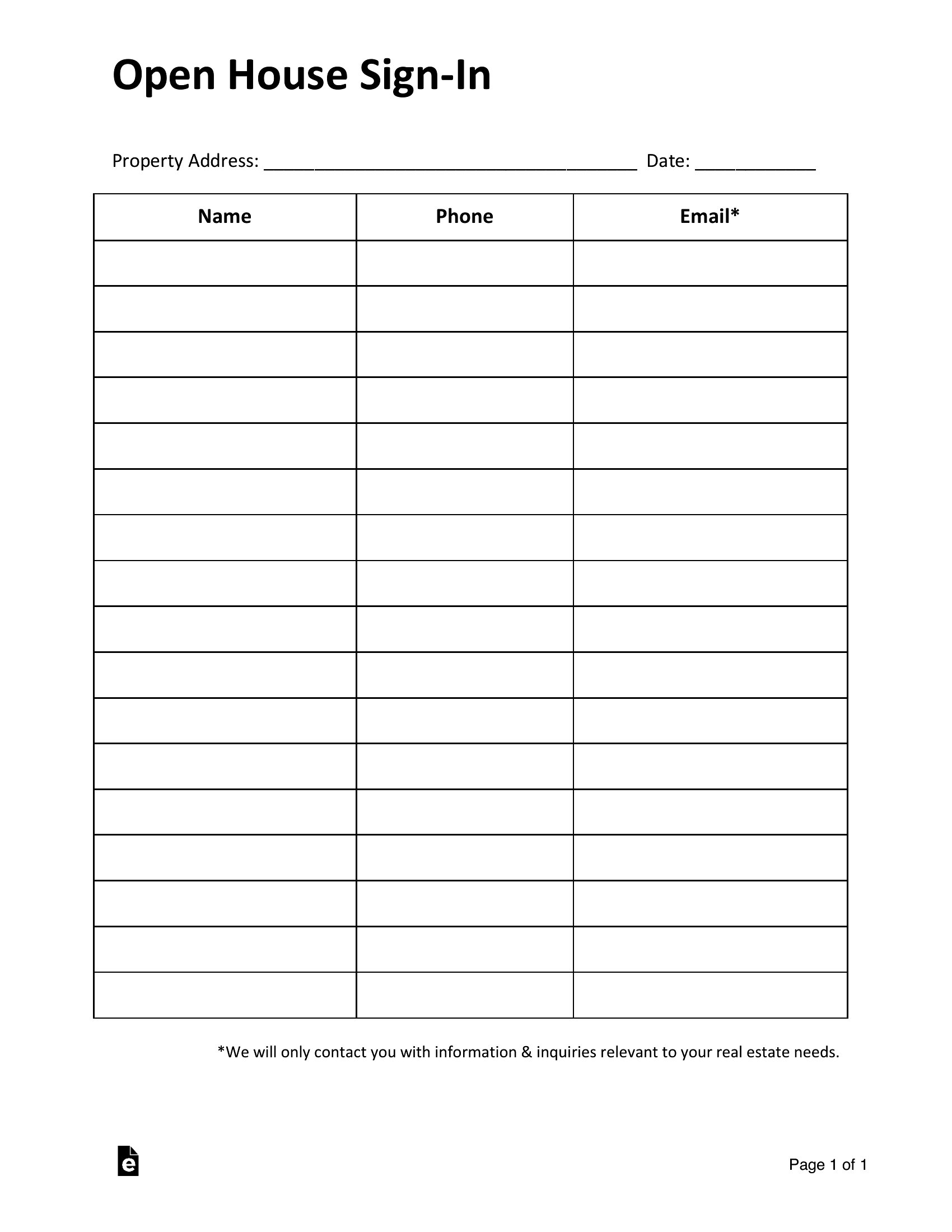
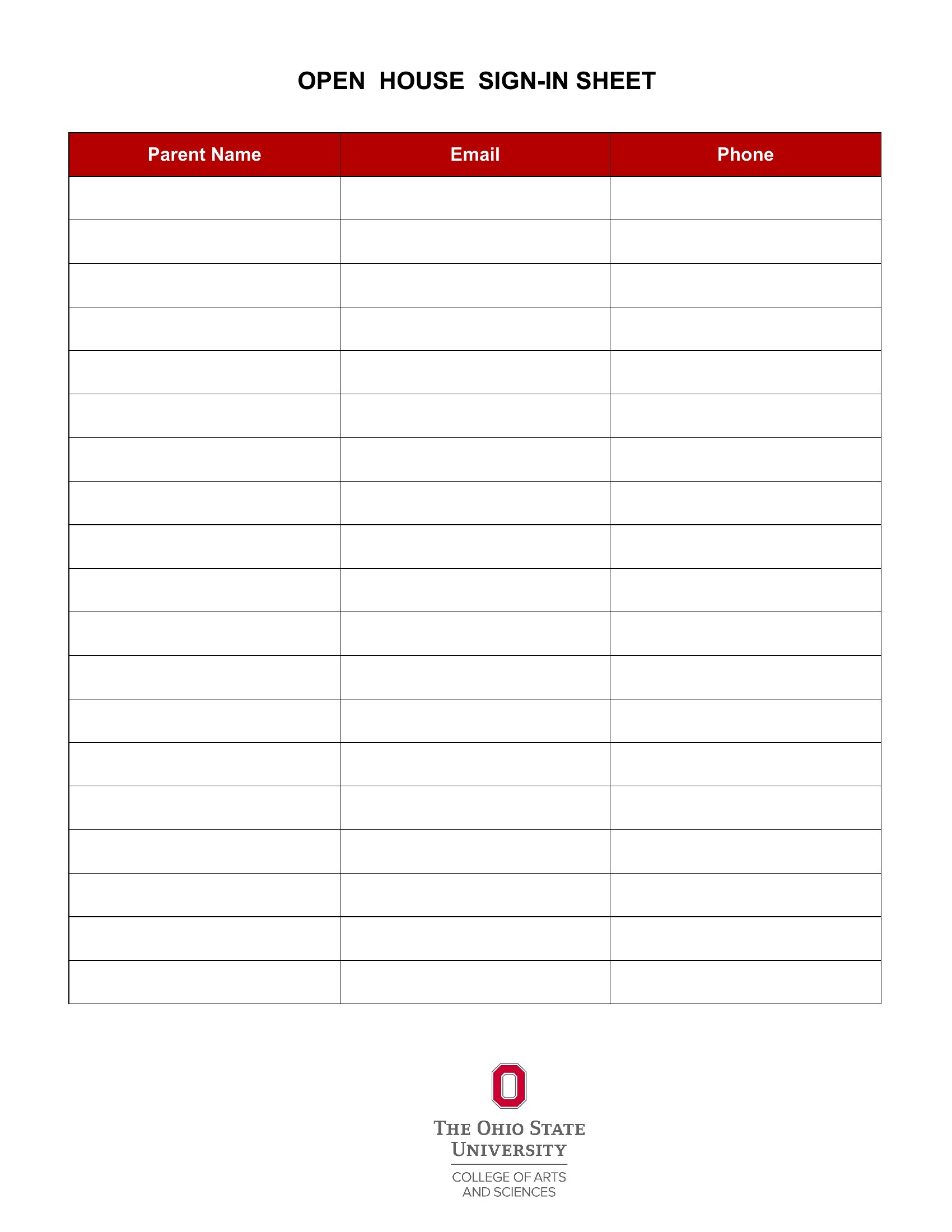
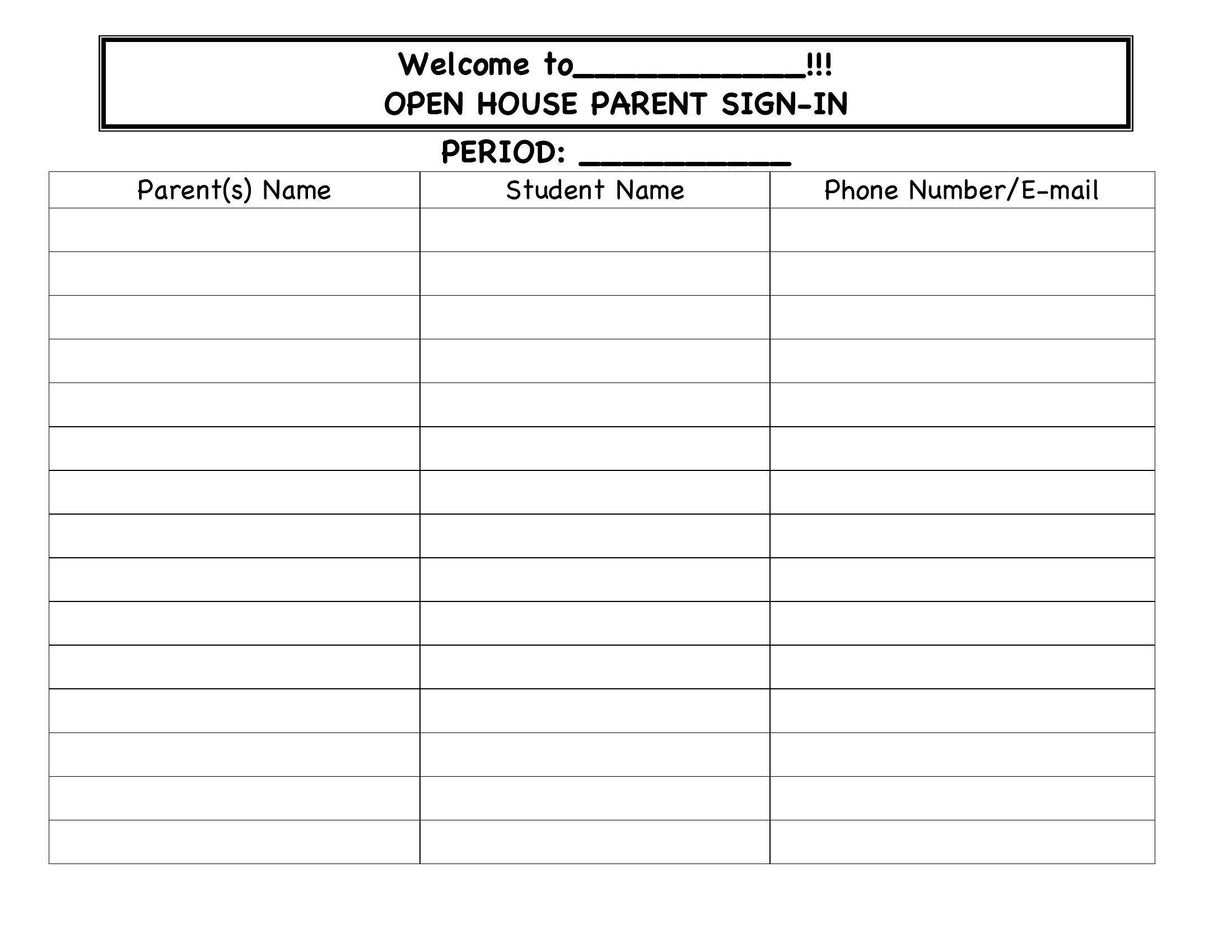
Add your real estate logo, company colors, or a brief headline like ‘Thank You for Visiting!’ using the Word template before printing. Keep the design clean to avoid overwhelming guests—stick to one or two colors and a readable font. The PDF versions are pre-formatted for printing, so they’re ready to use as-is for a polished look.
What information should I include beyond names and phone numbers?
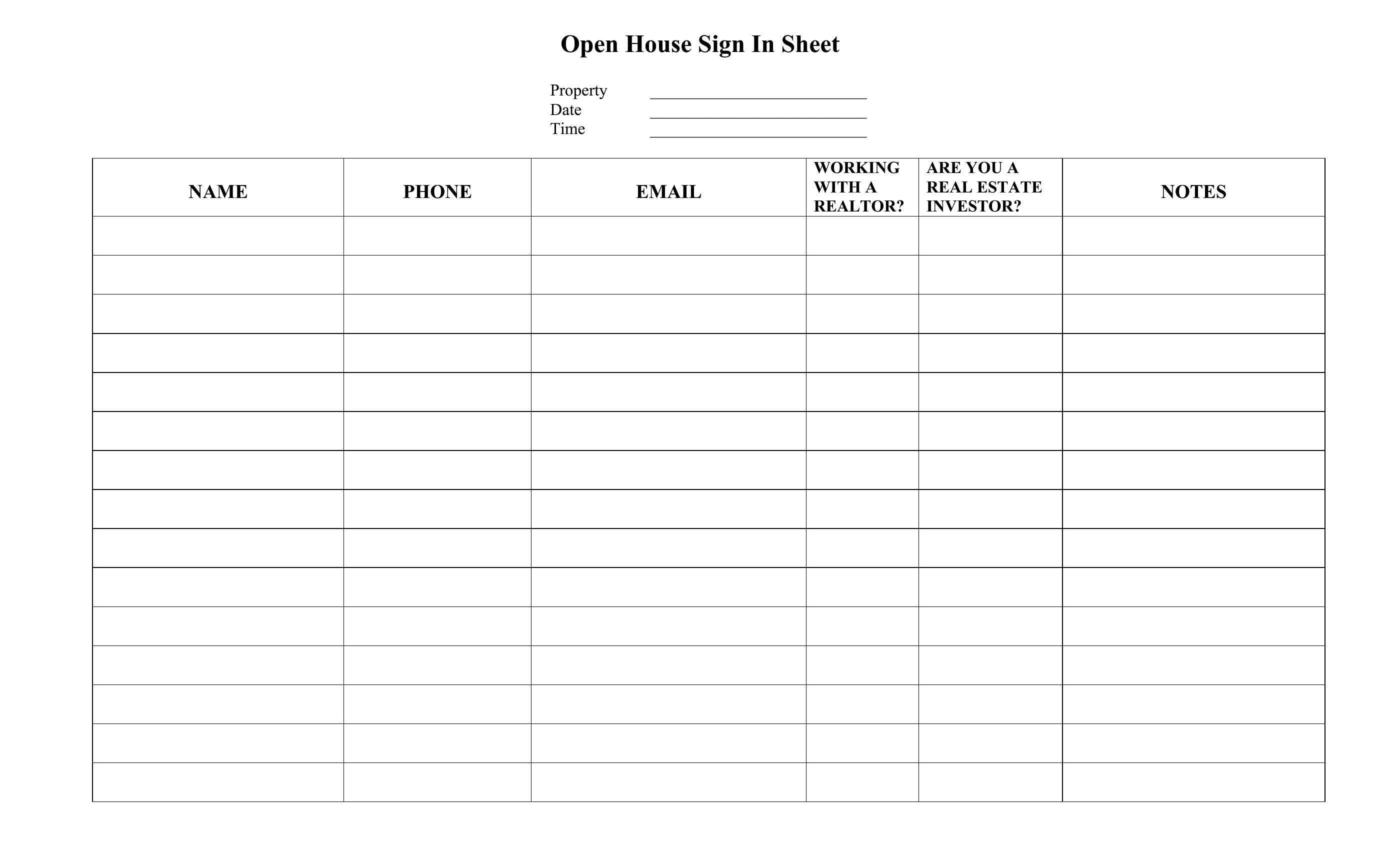
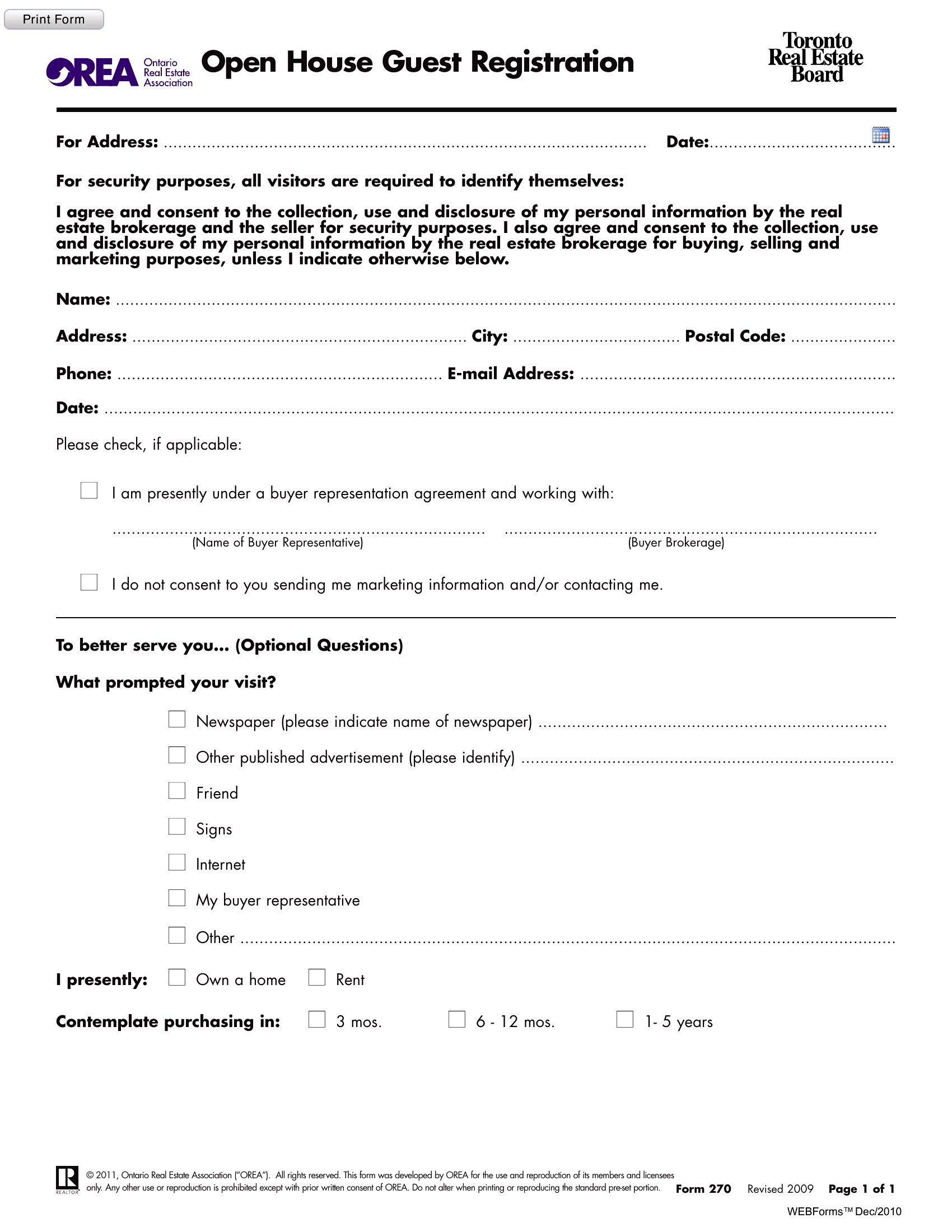
Consider adding fields for ‘Best Contact Time’ or ‘Property Interests’ to help you prioritize follow-ups. For rental properties, include ‘Preferred Move-In Date’ or ‘Budget Range’ to filter serious tenants. Keep it concise—too many fields may discourage guests from filling it out. Focus on what’s useful for your next steps.
Can I use this sheet for virtual open houses or online property tours?
While these templates are designed for in-person use, you can adapt the Word or PDF versions to create a digital sign-in form via tools like Google Forms or Typeform. Ask guests to email or text their details during the virtual tour. Highlight a note in your tour instructions, like ‘Send your contact info to [email] to stay in touch!’ to encourage participation.
Comments
Join the conversation
Sign in to share your thoughts and leave a comment on this resource.