FAQ
How can I keep the newsletter visually engaging for parents who might not read every word?
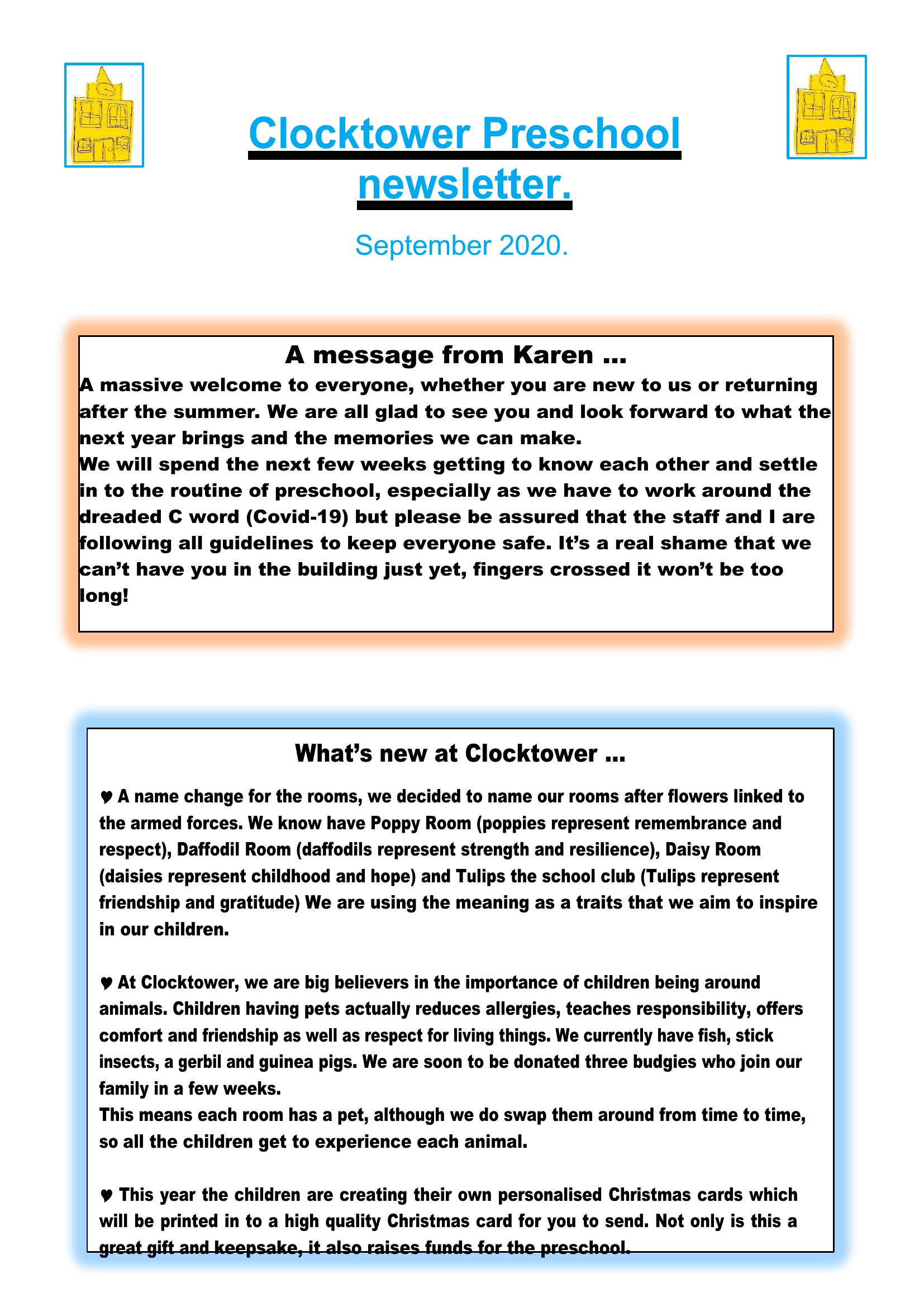
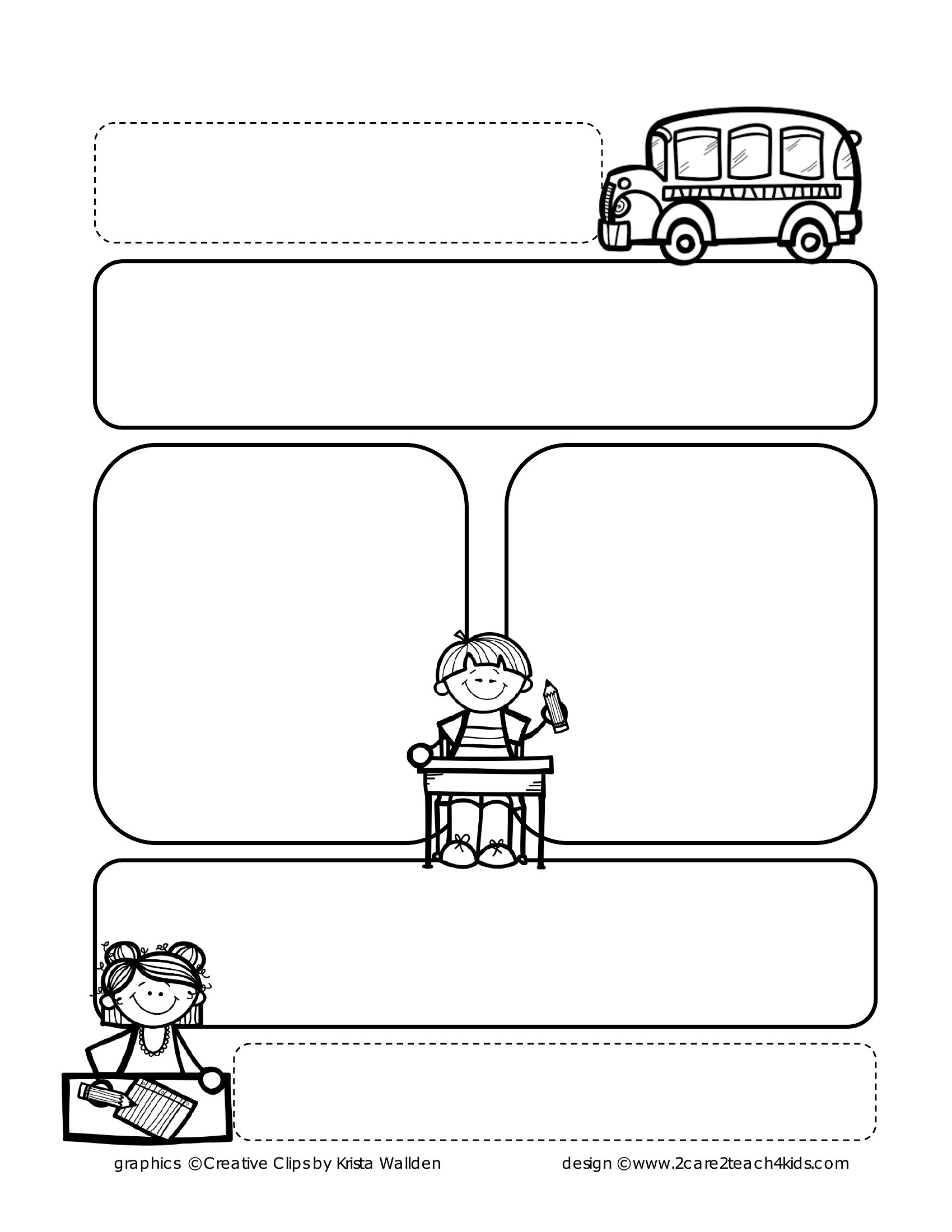
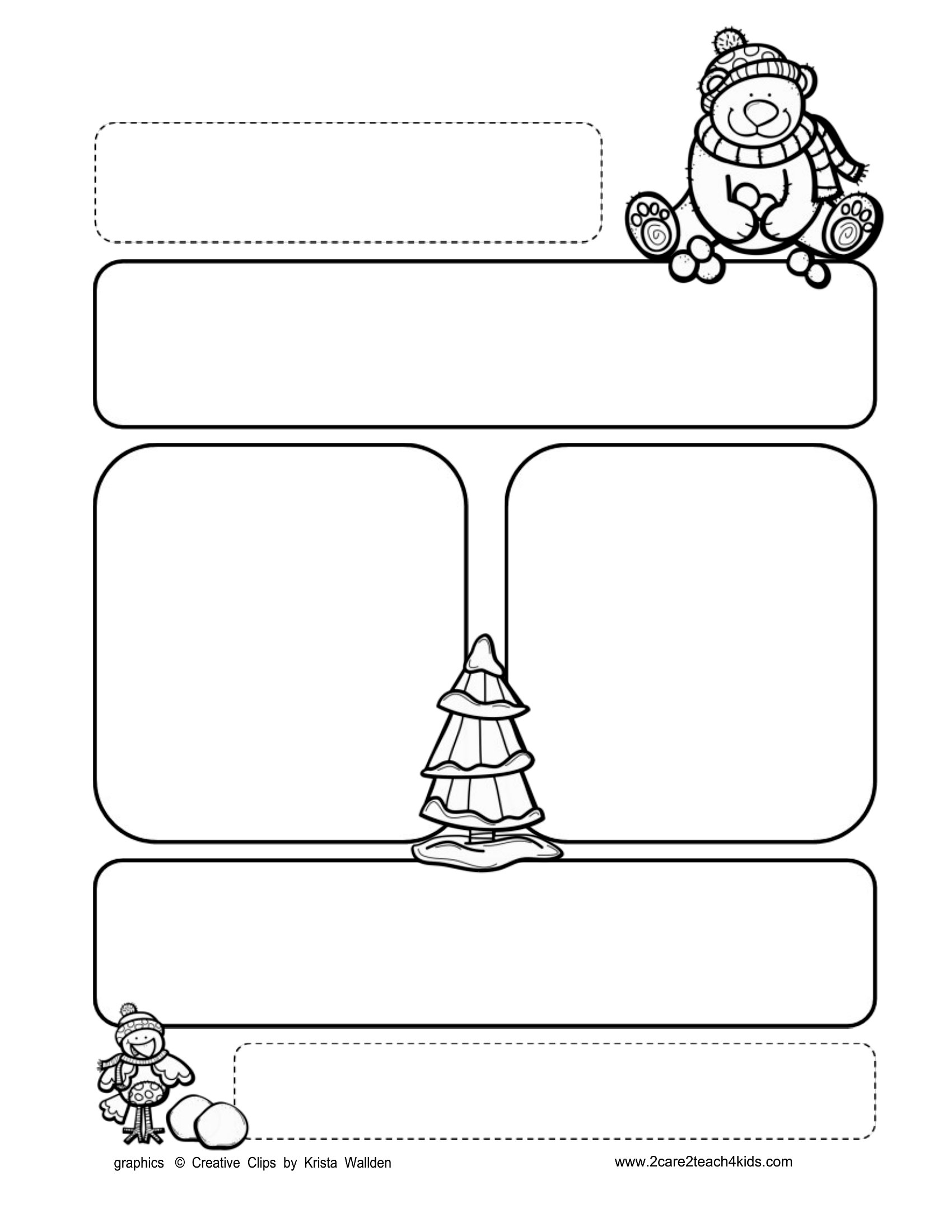
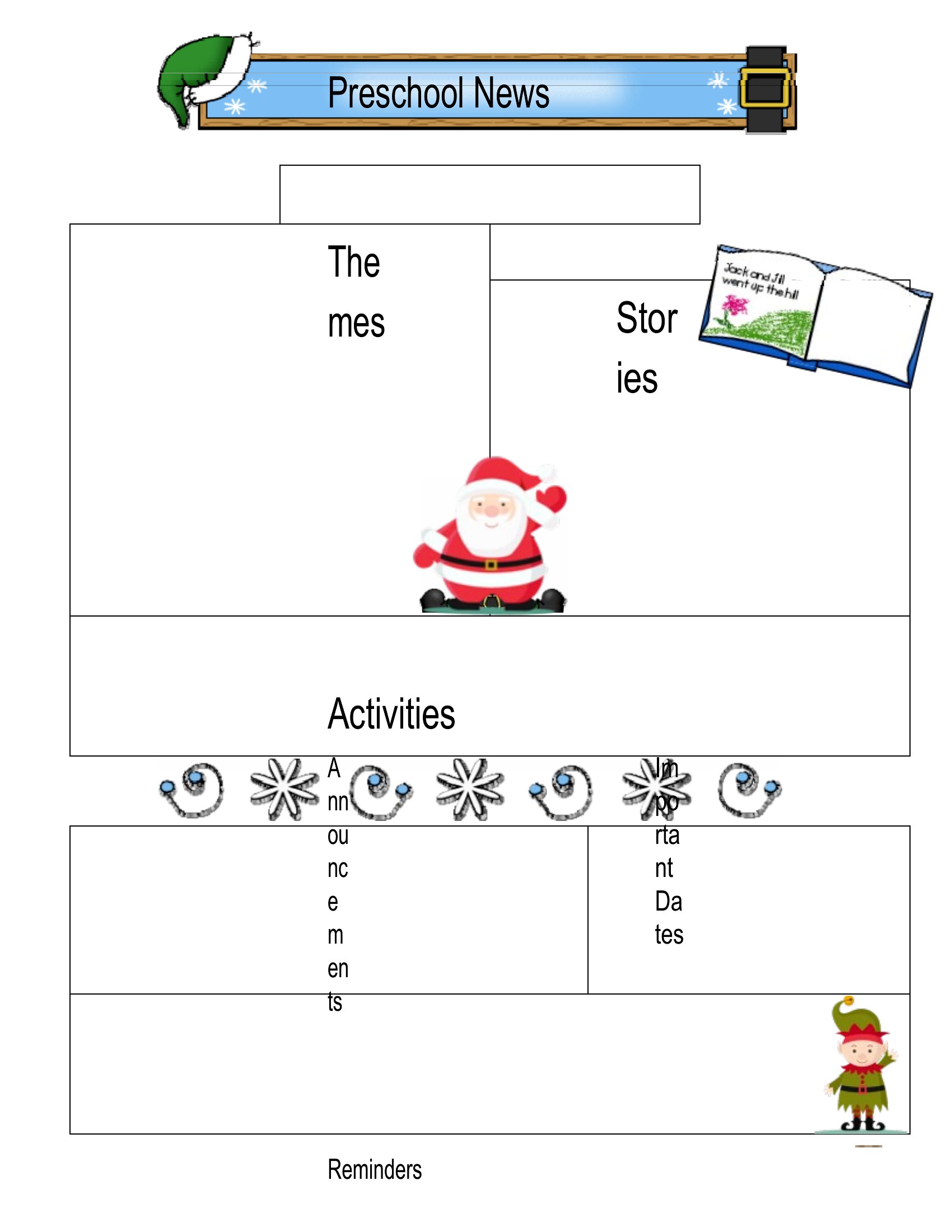
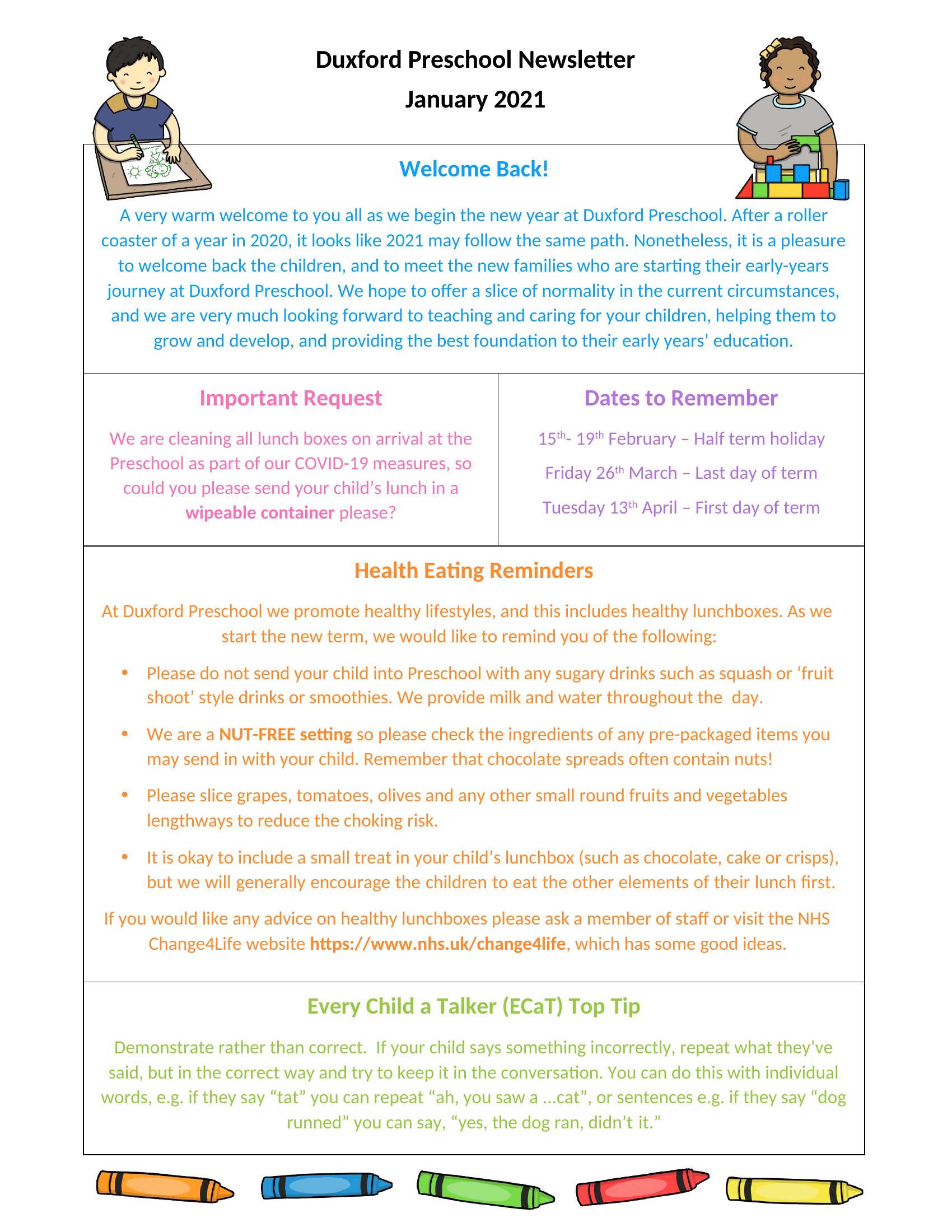
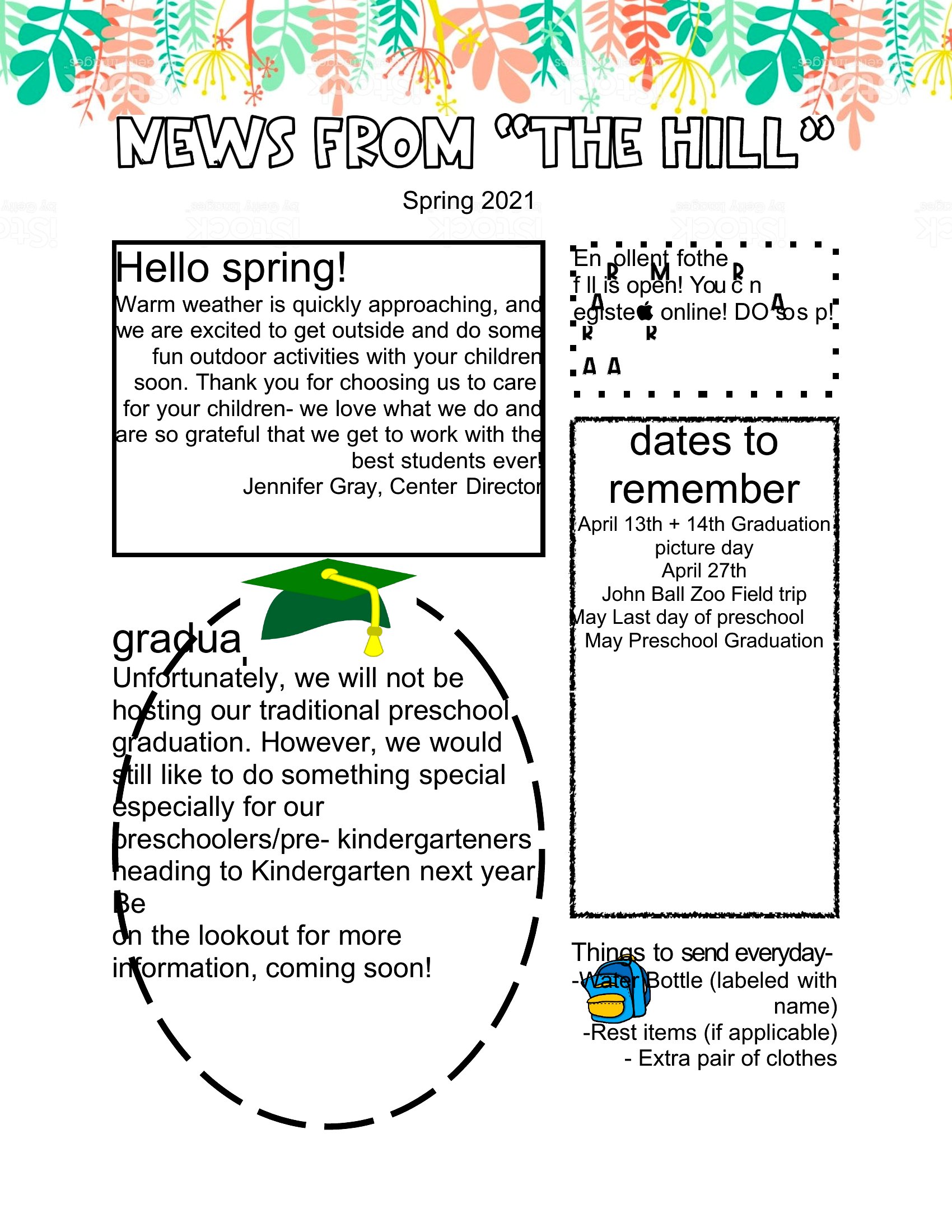
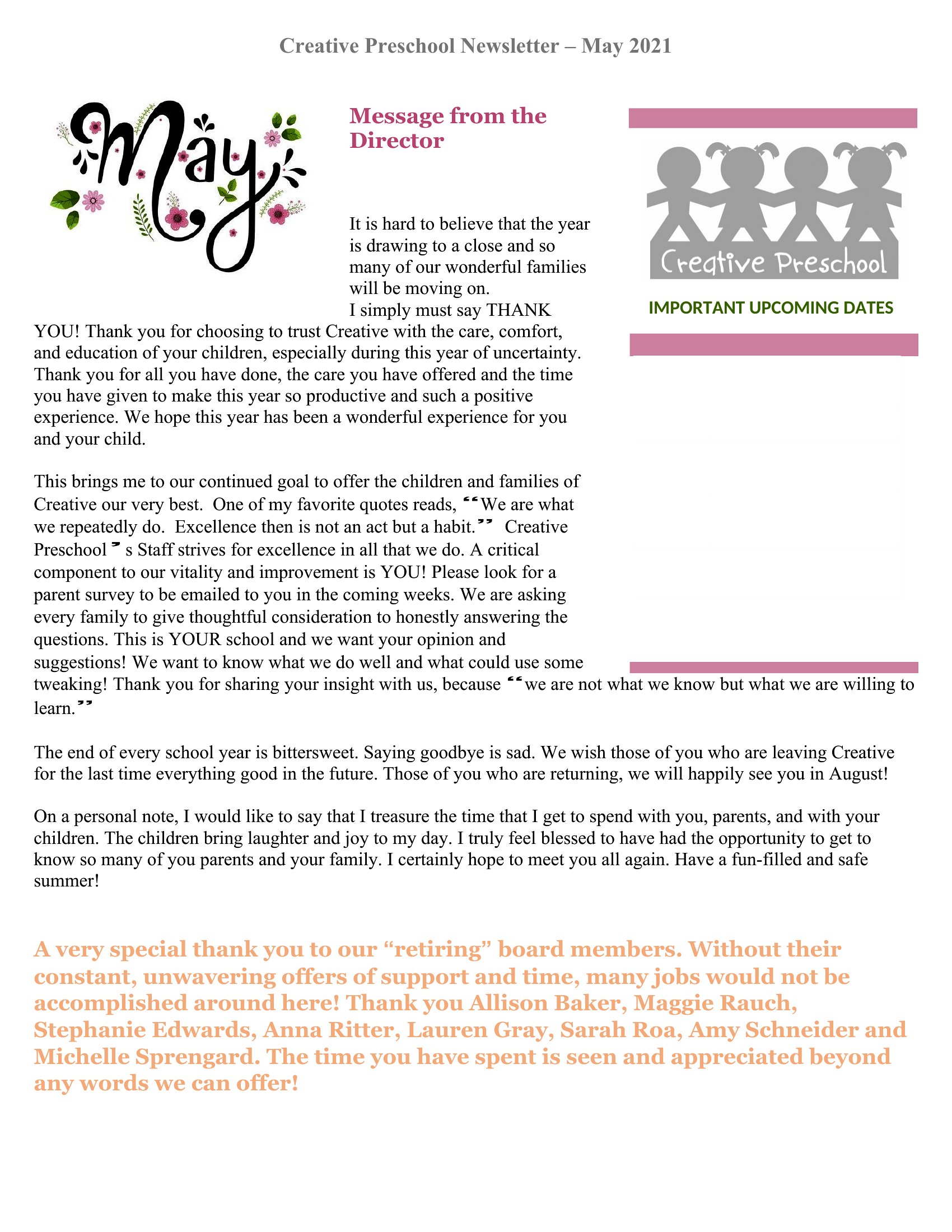
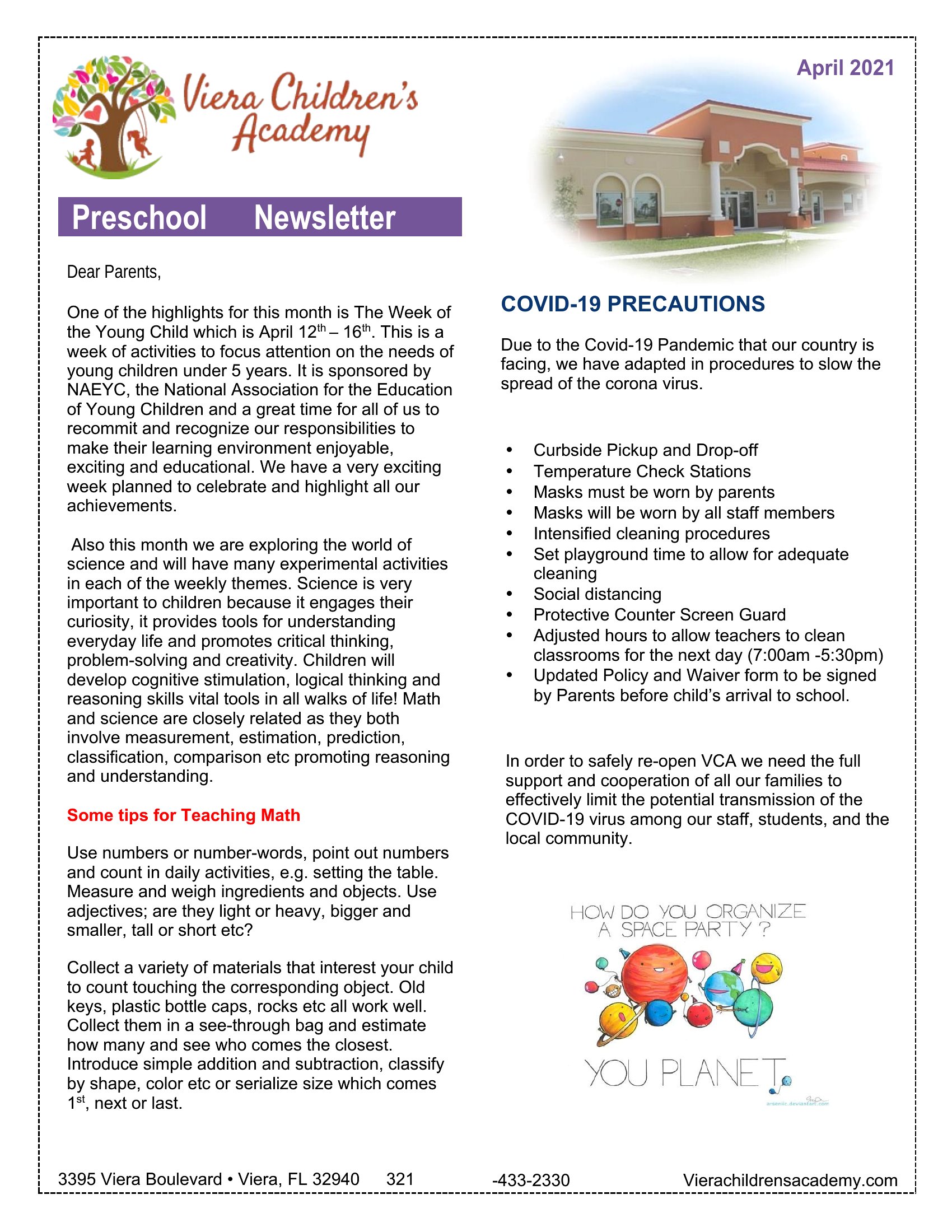
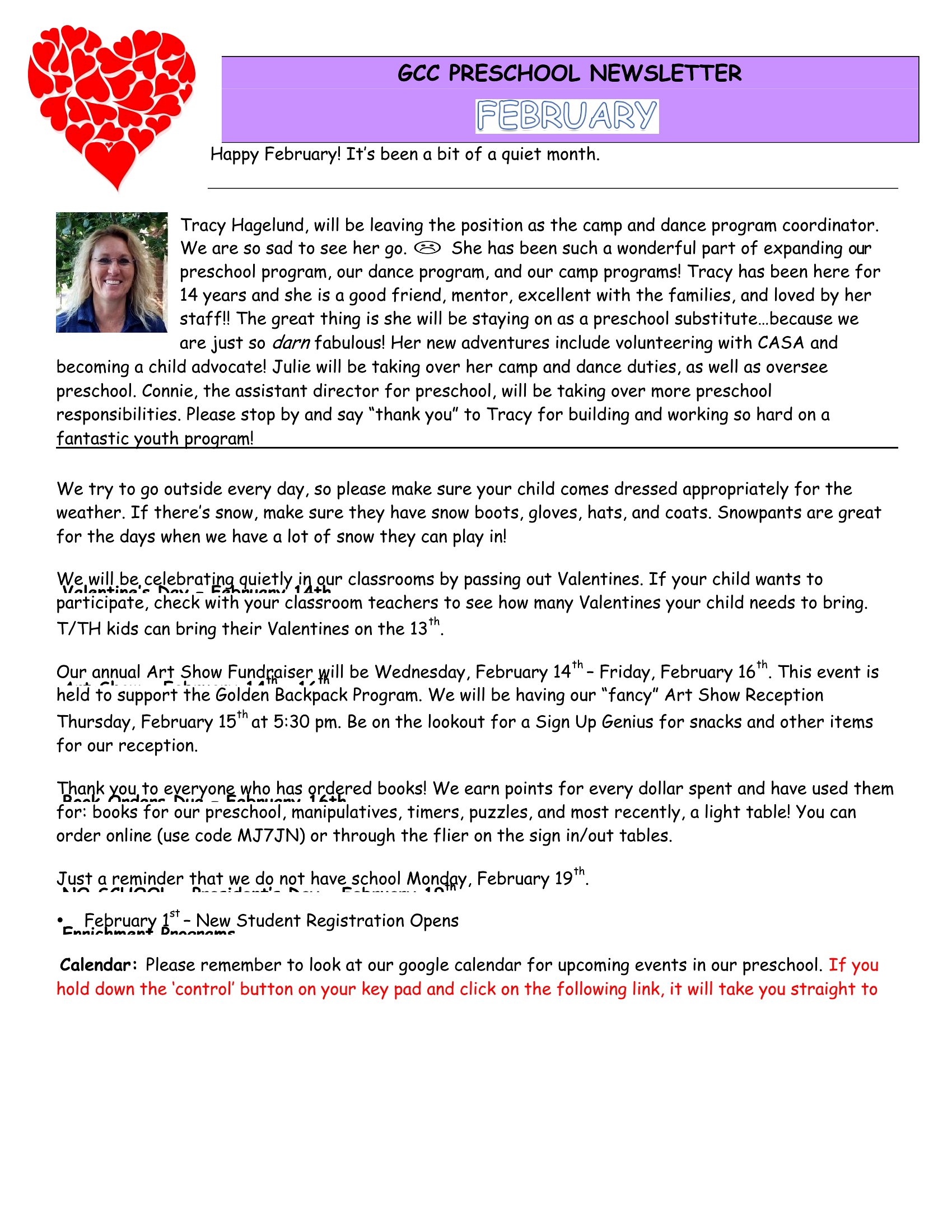
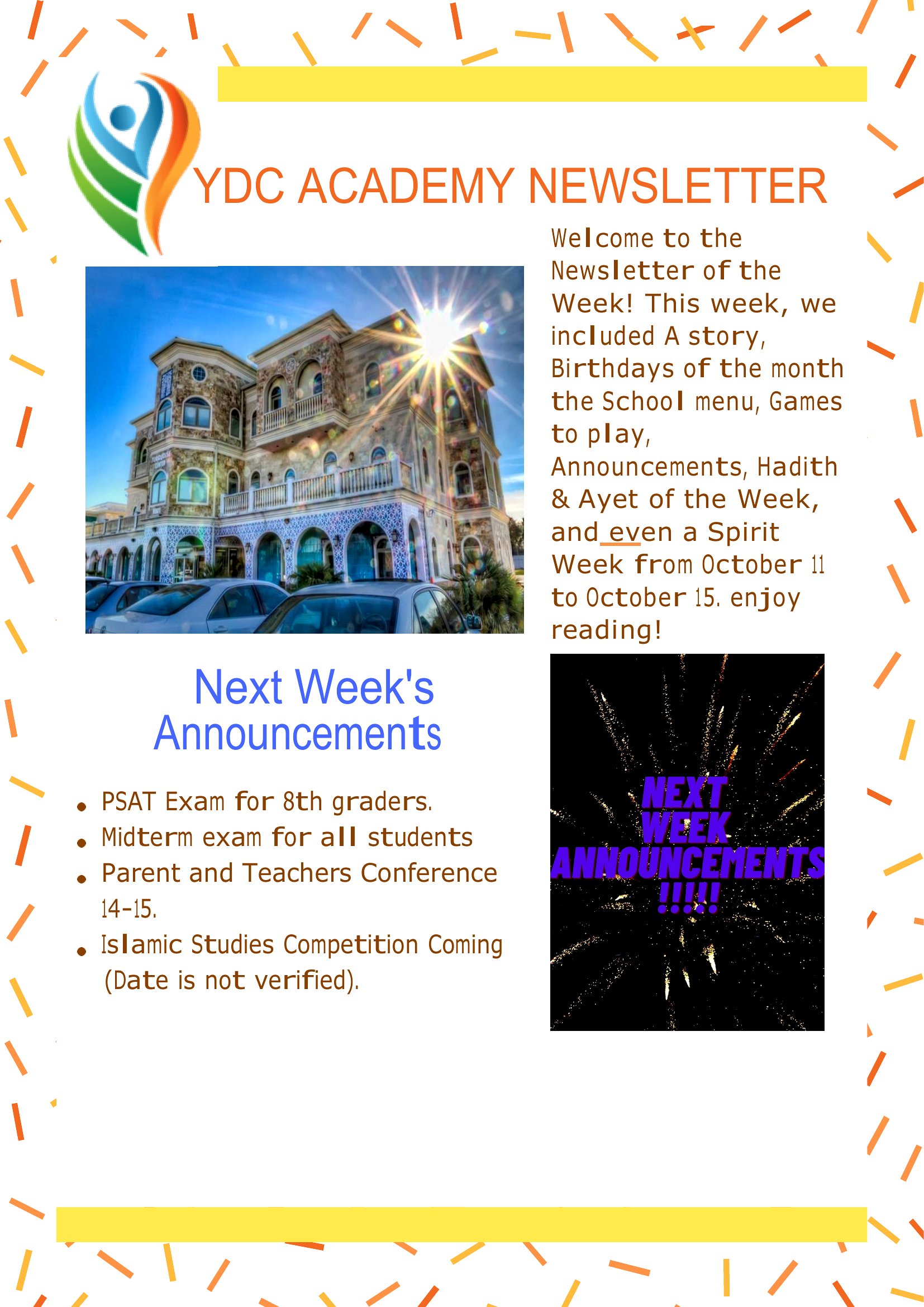
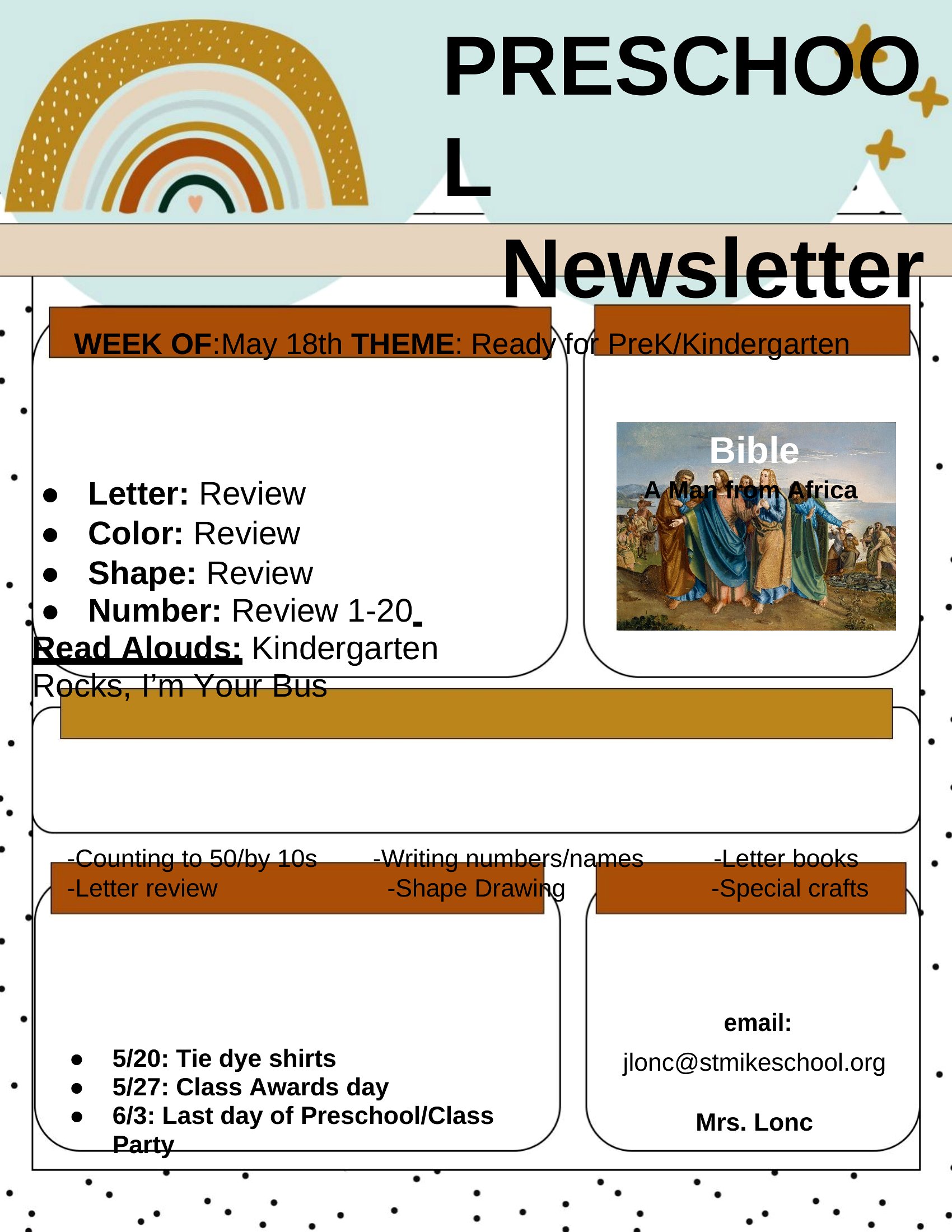
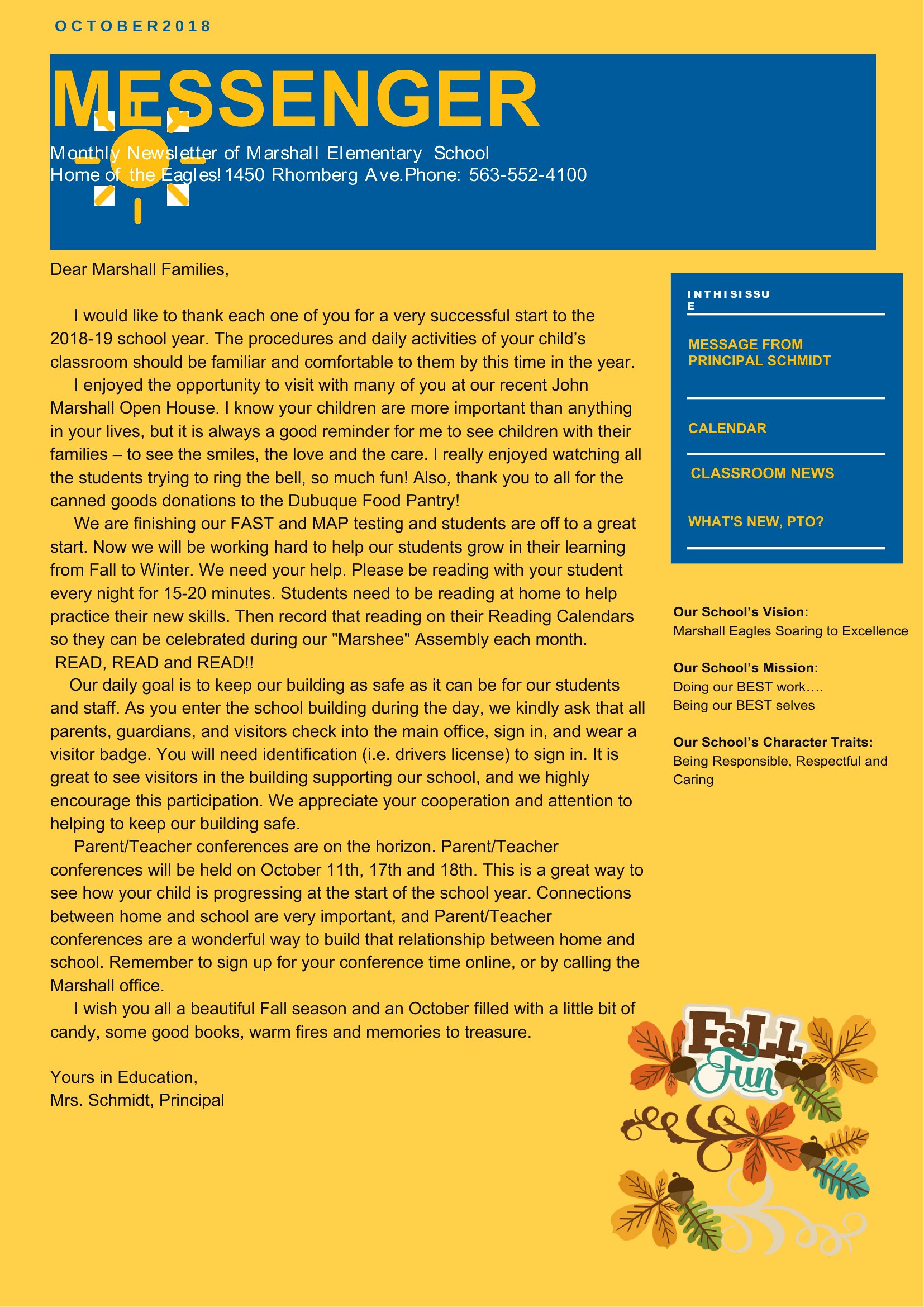
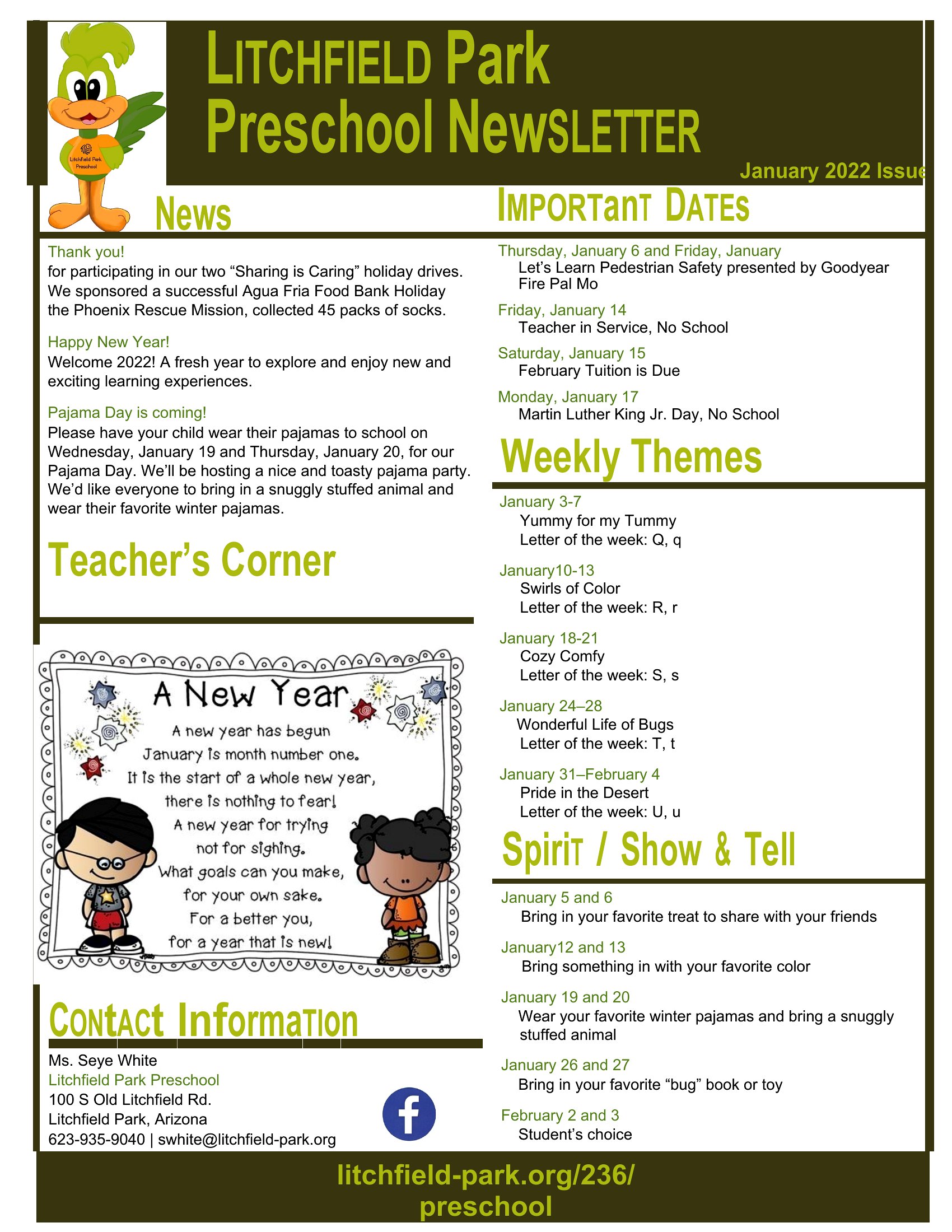
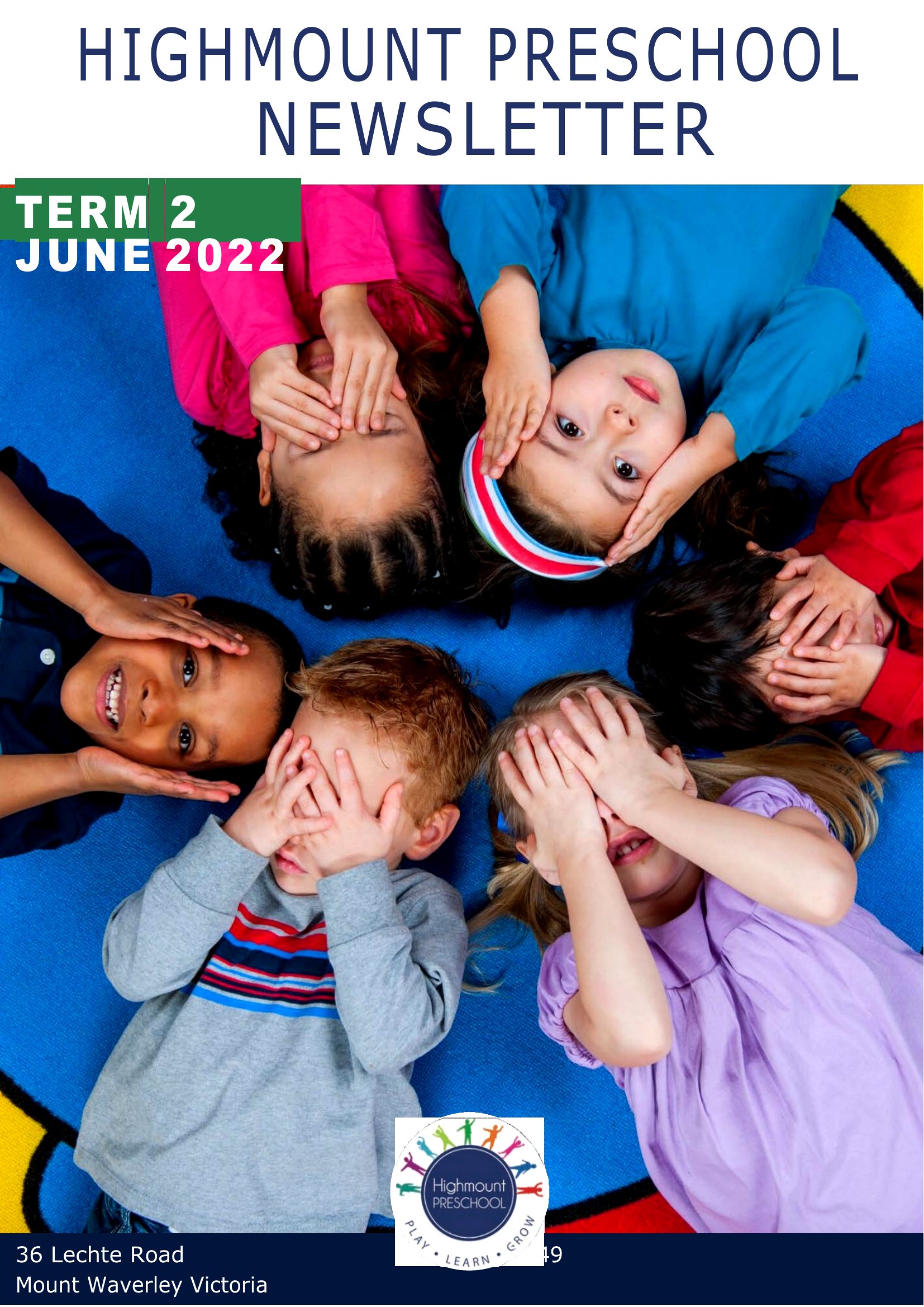
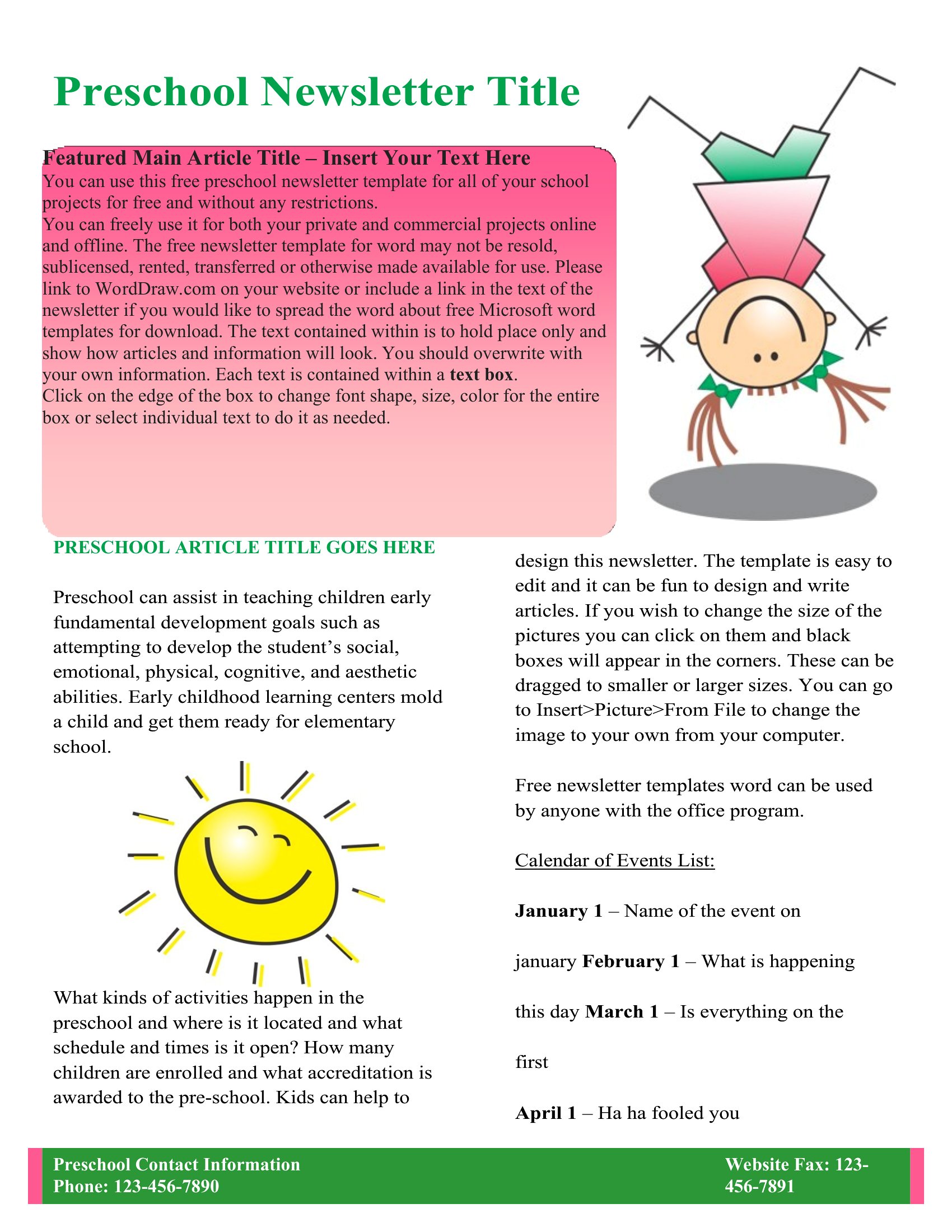
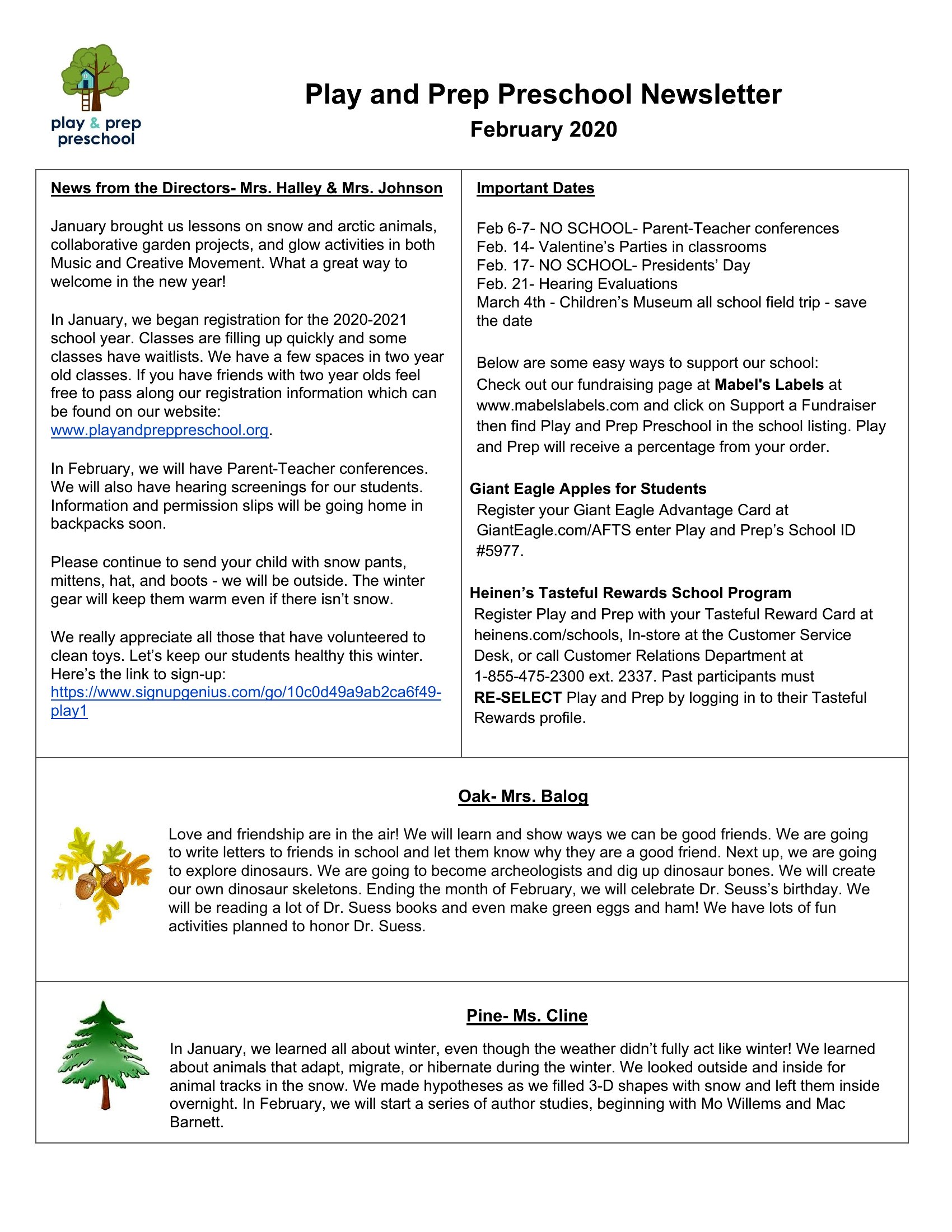
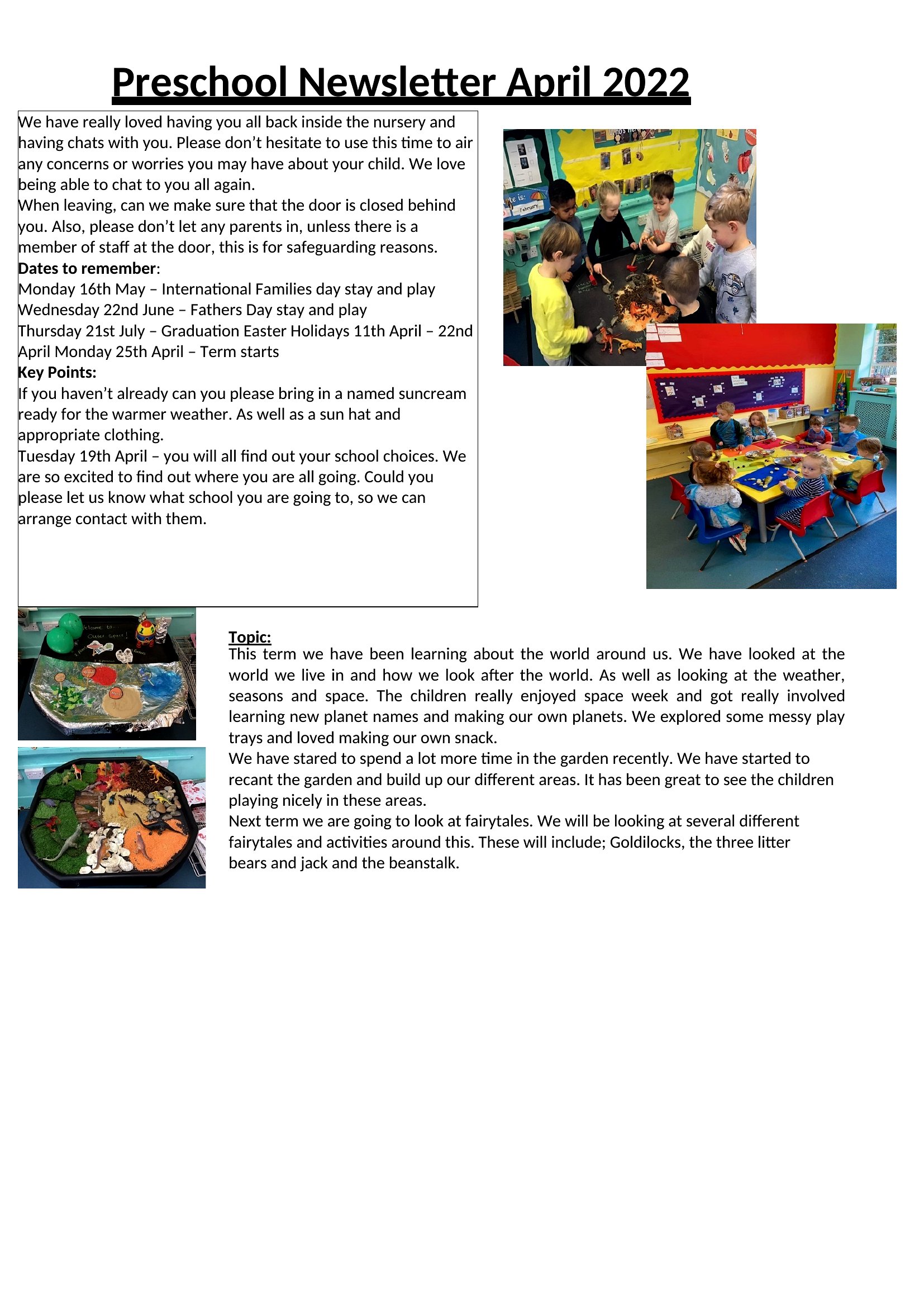
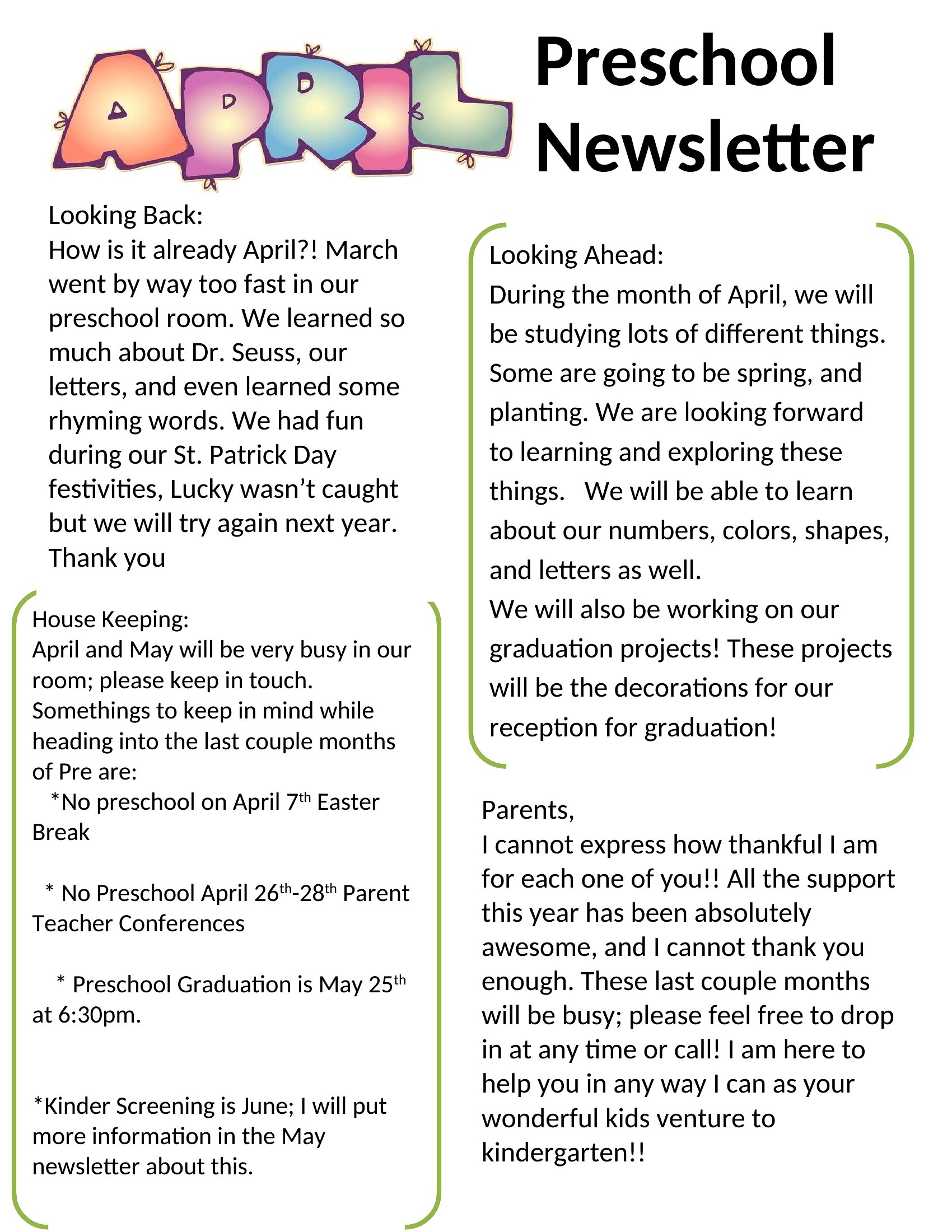
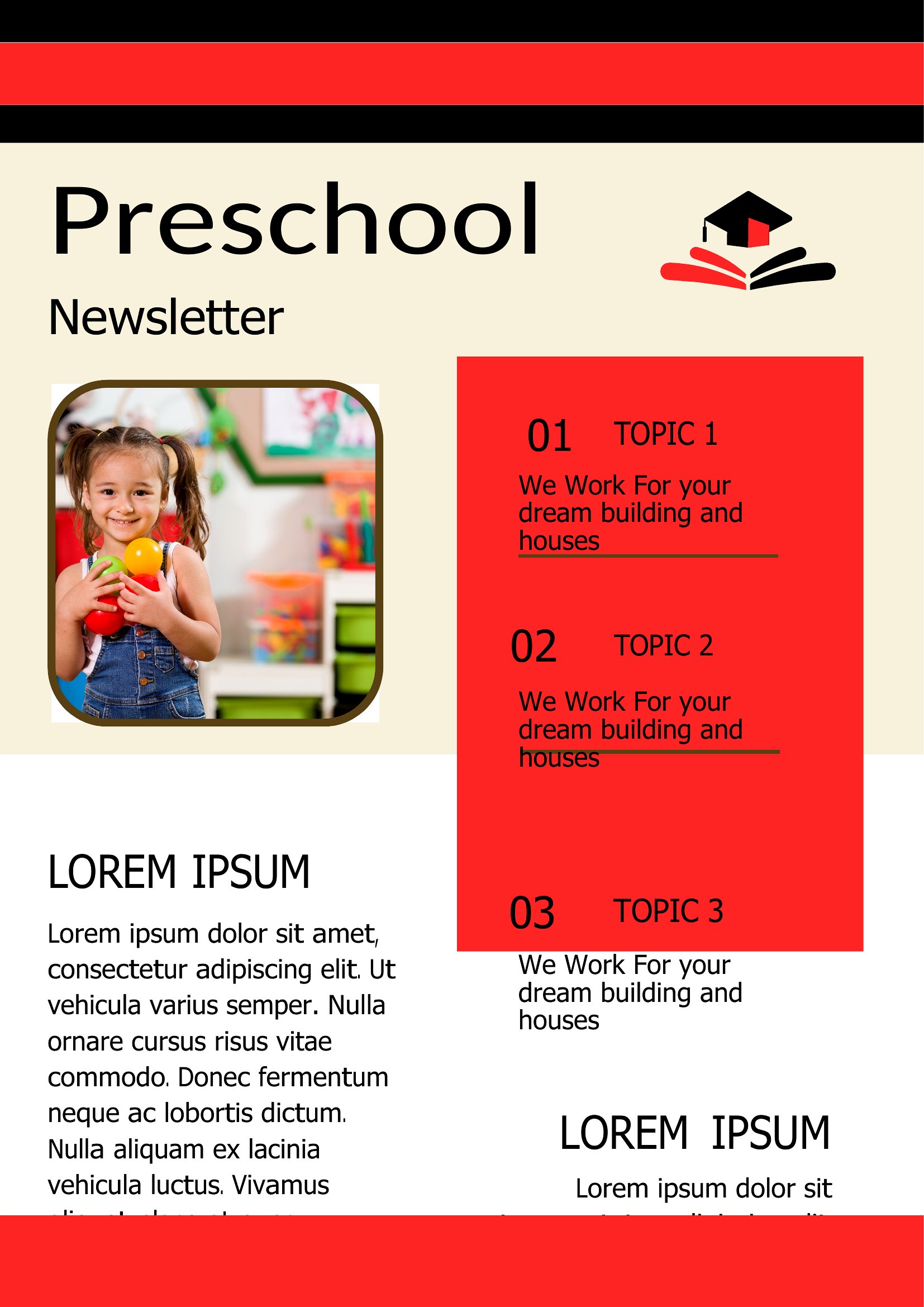
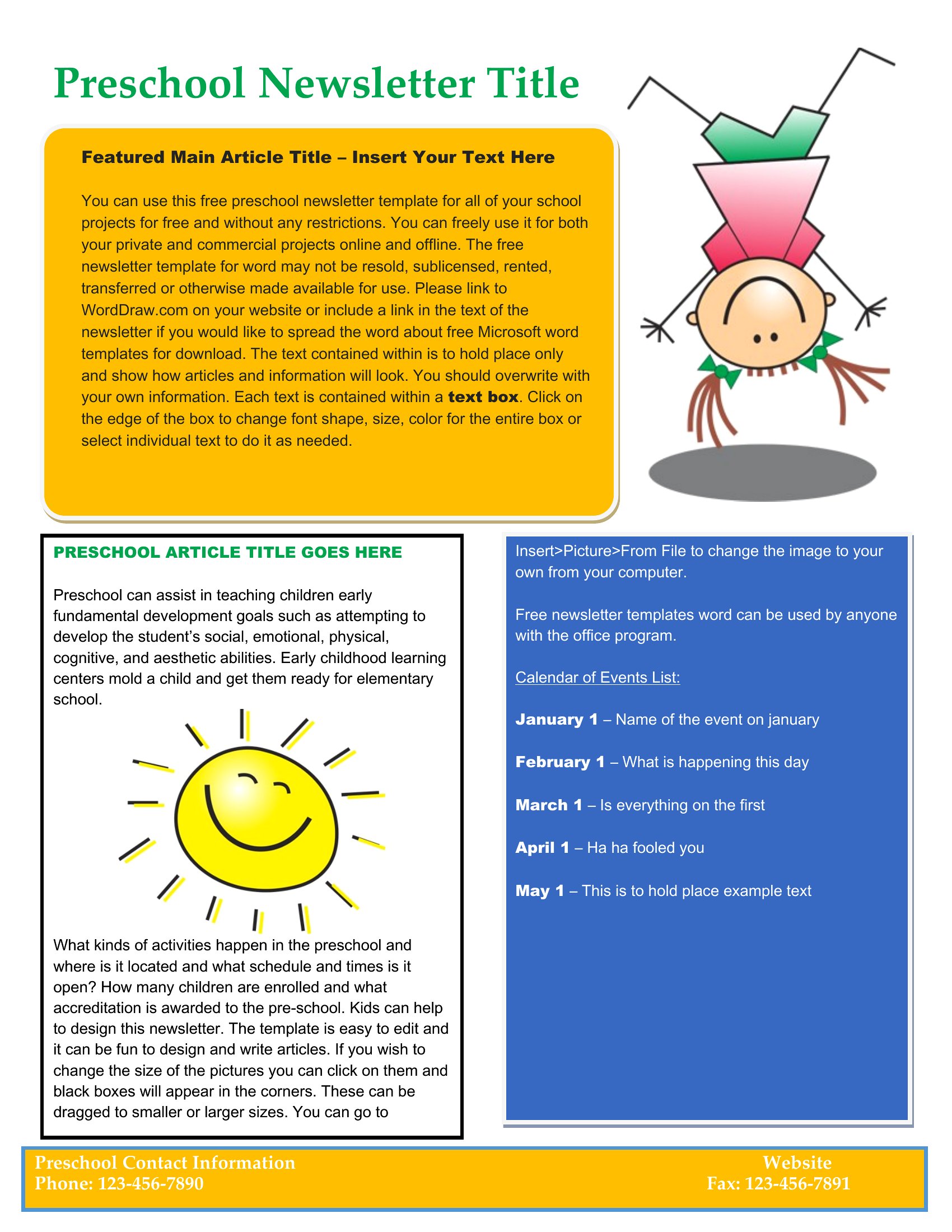
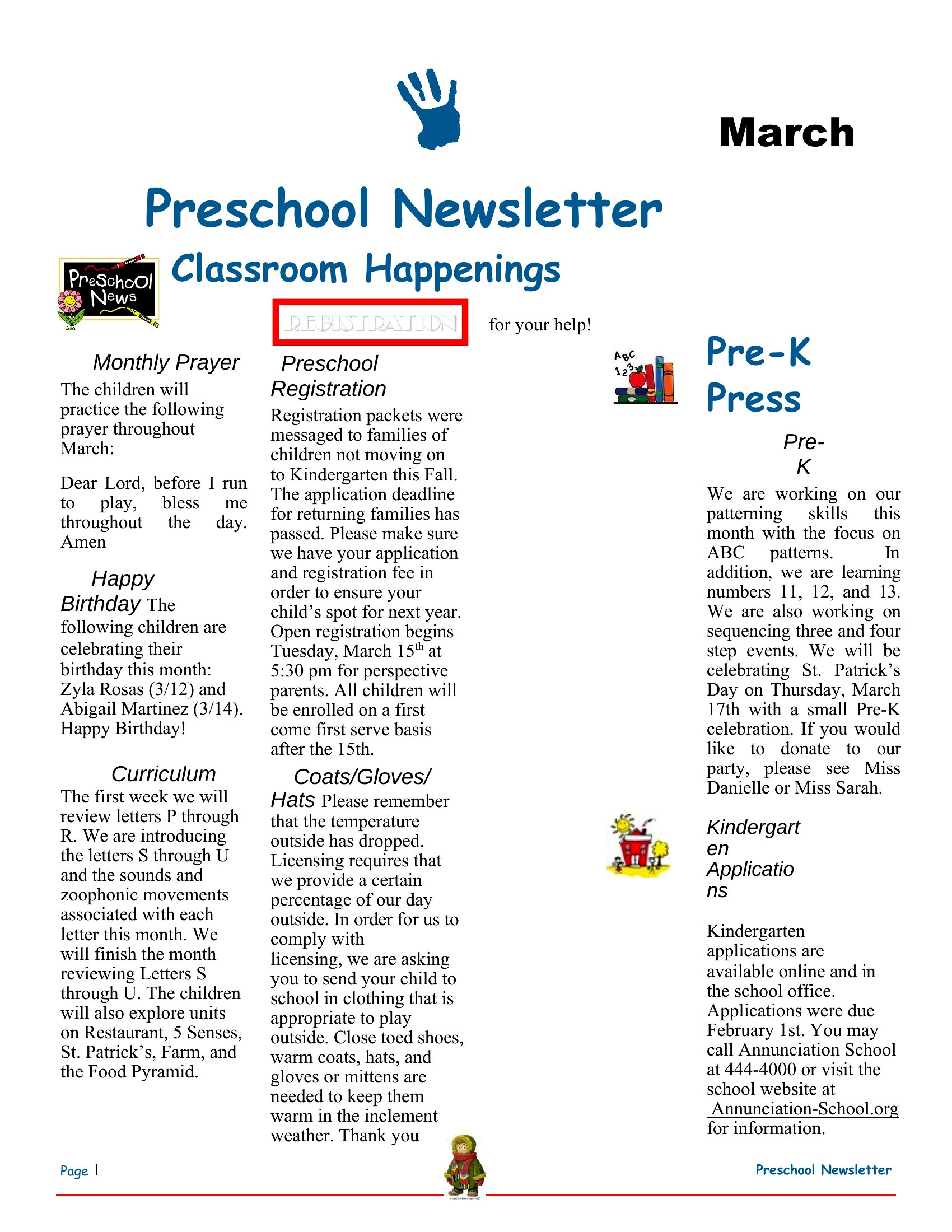
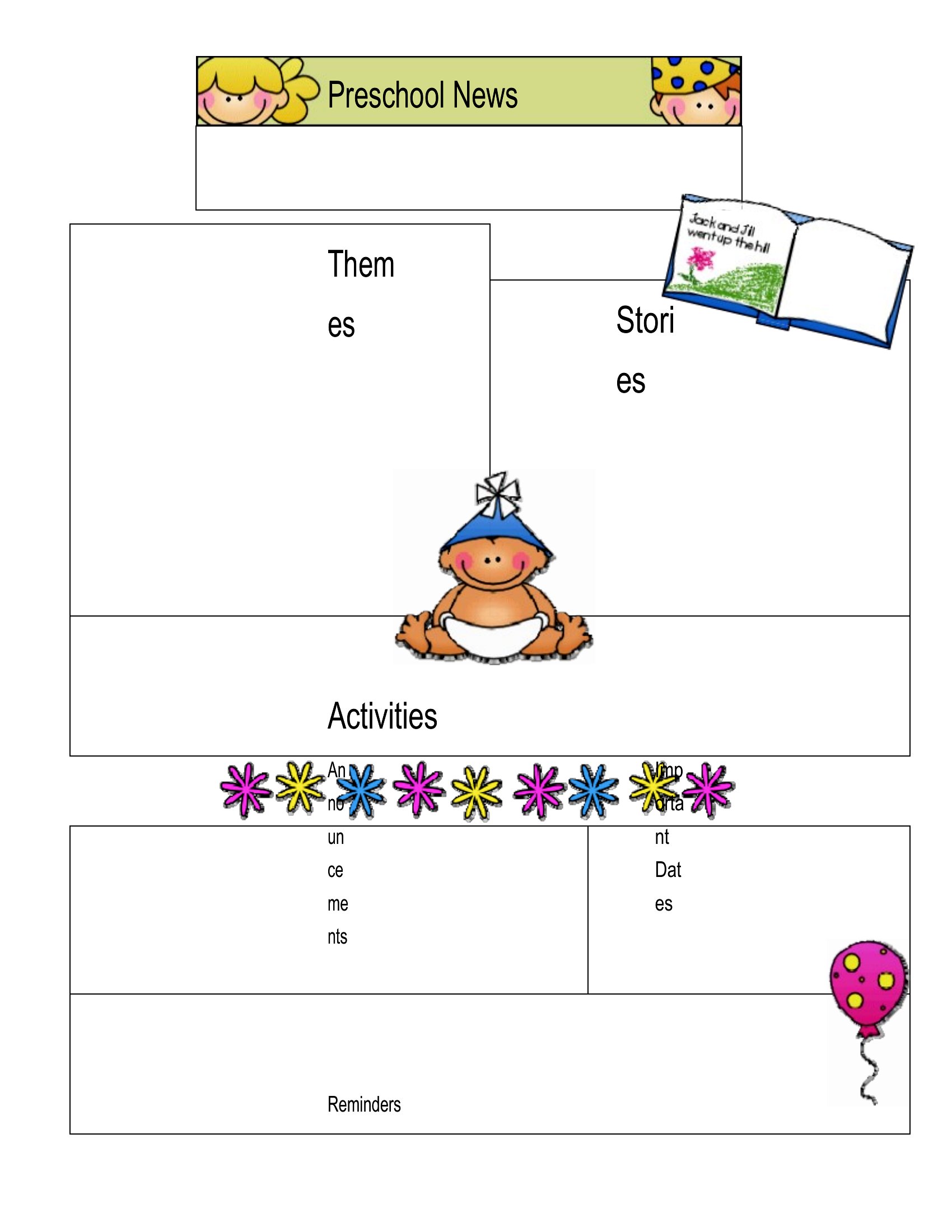
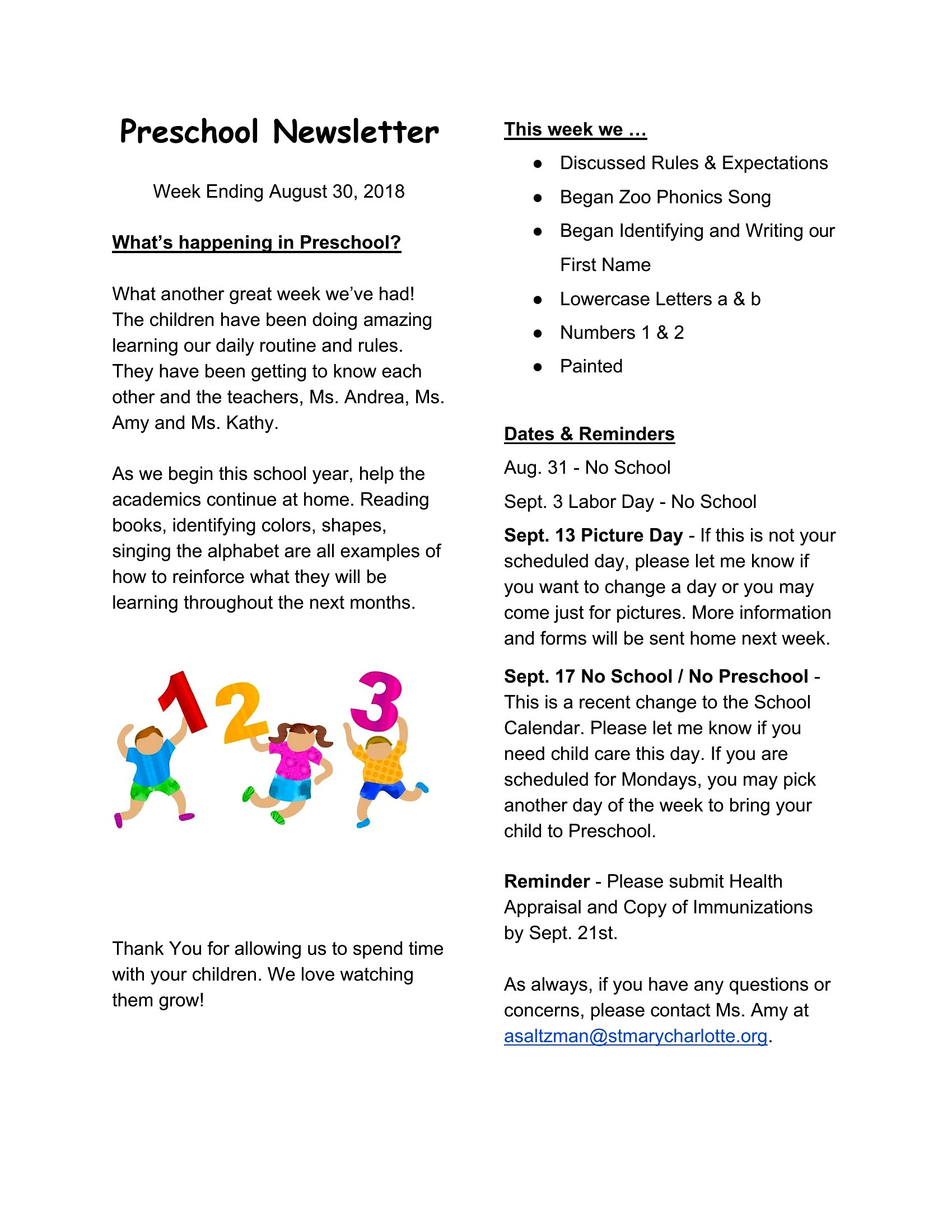
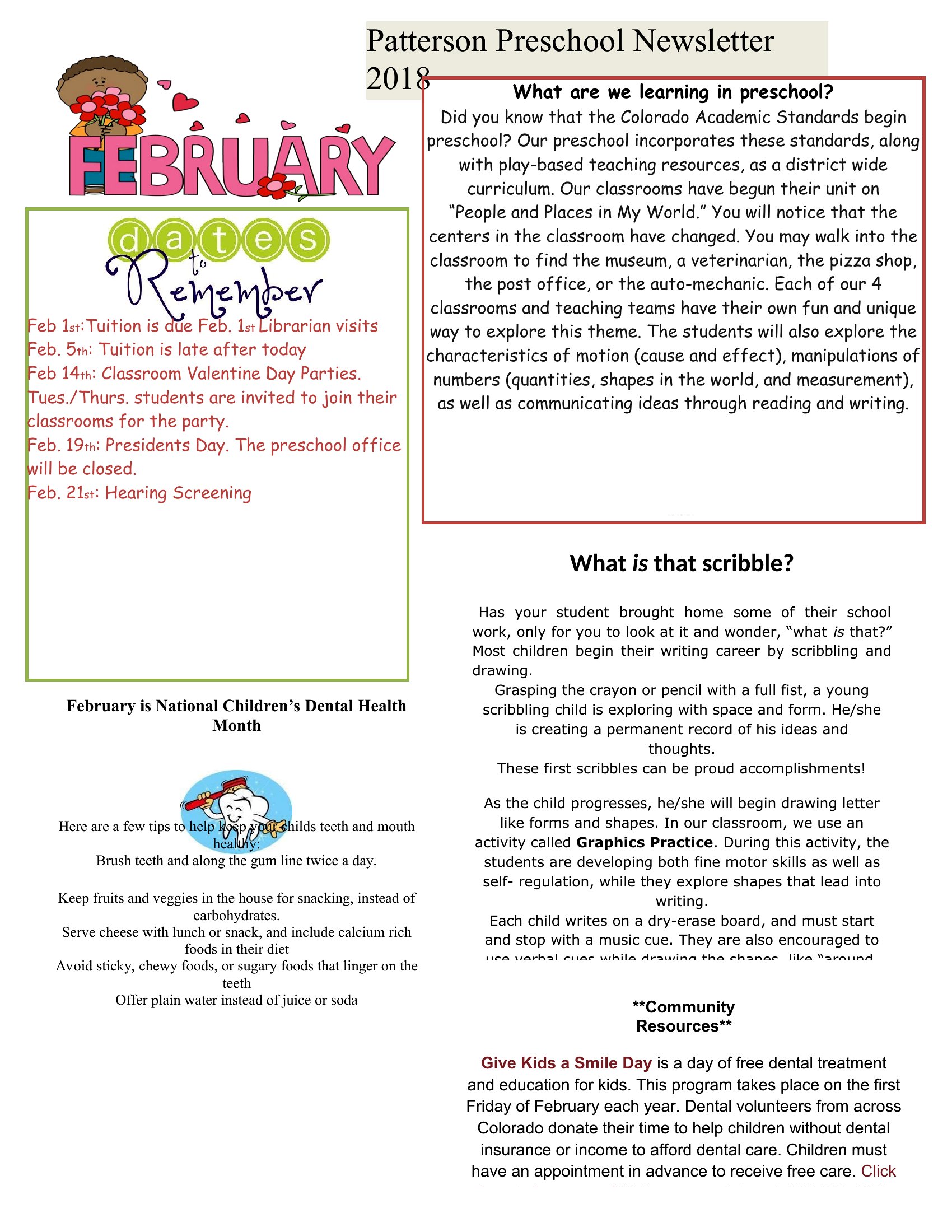
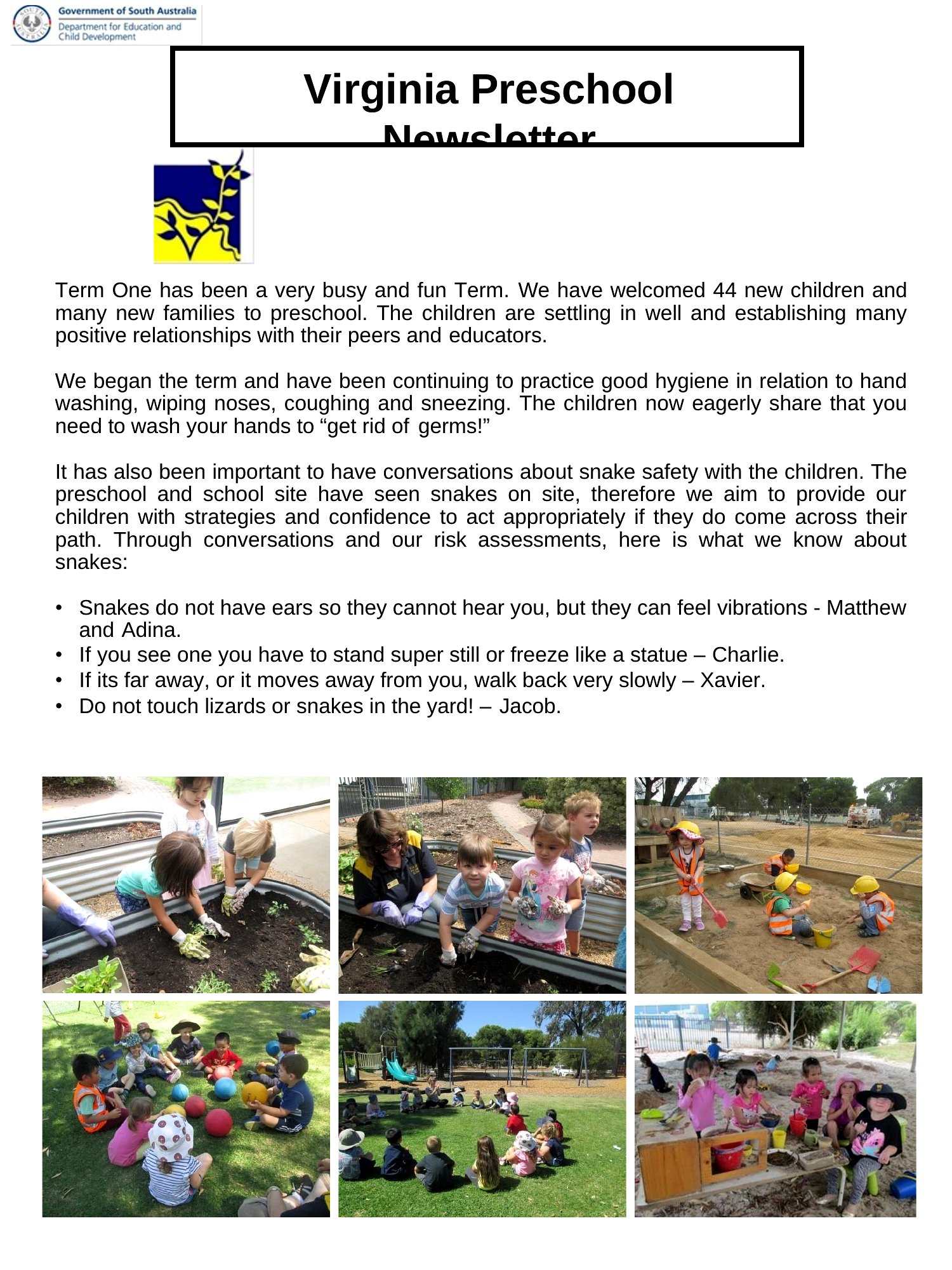
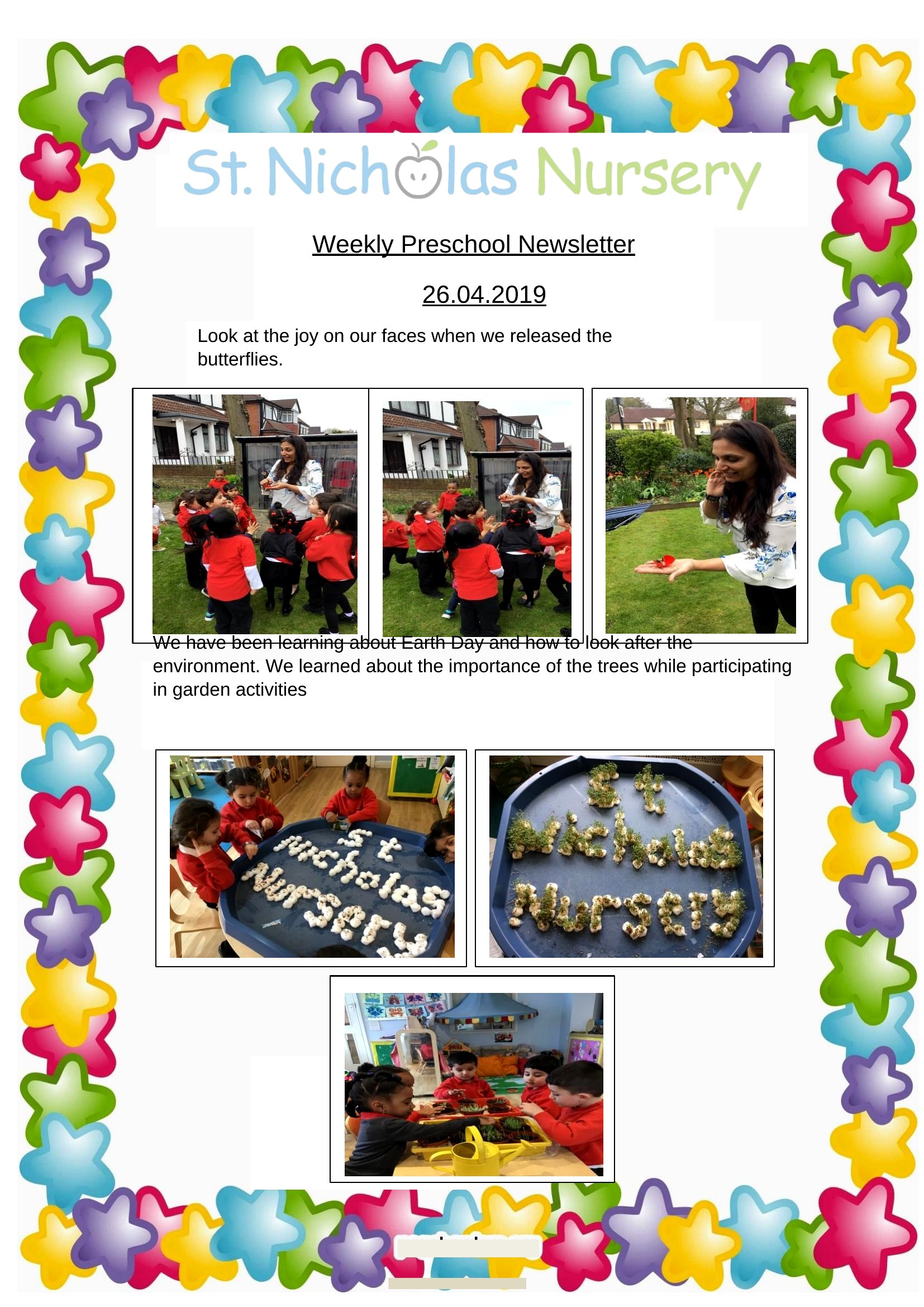
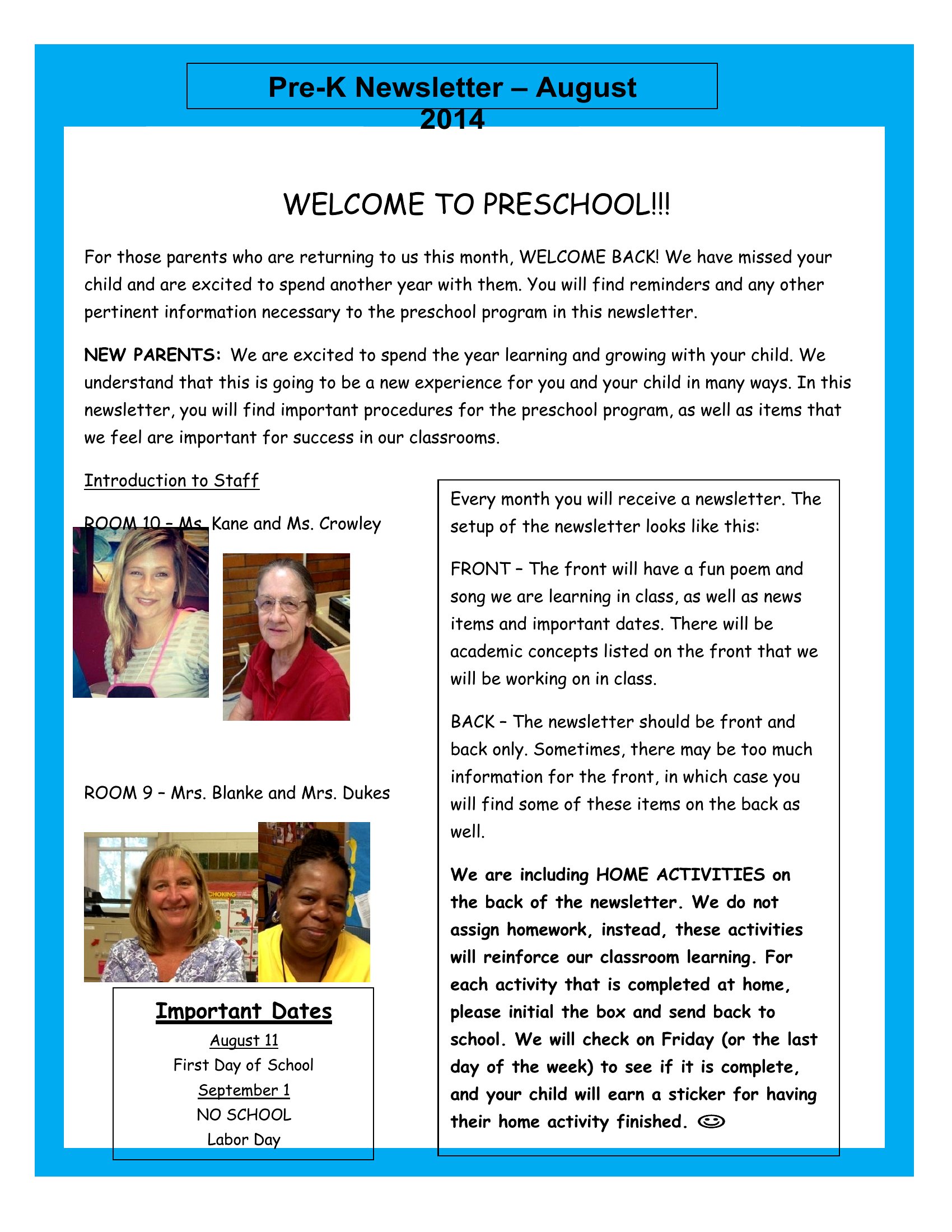
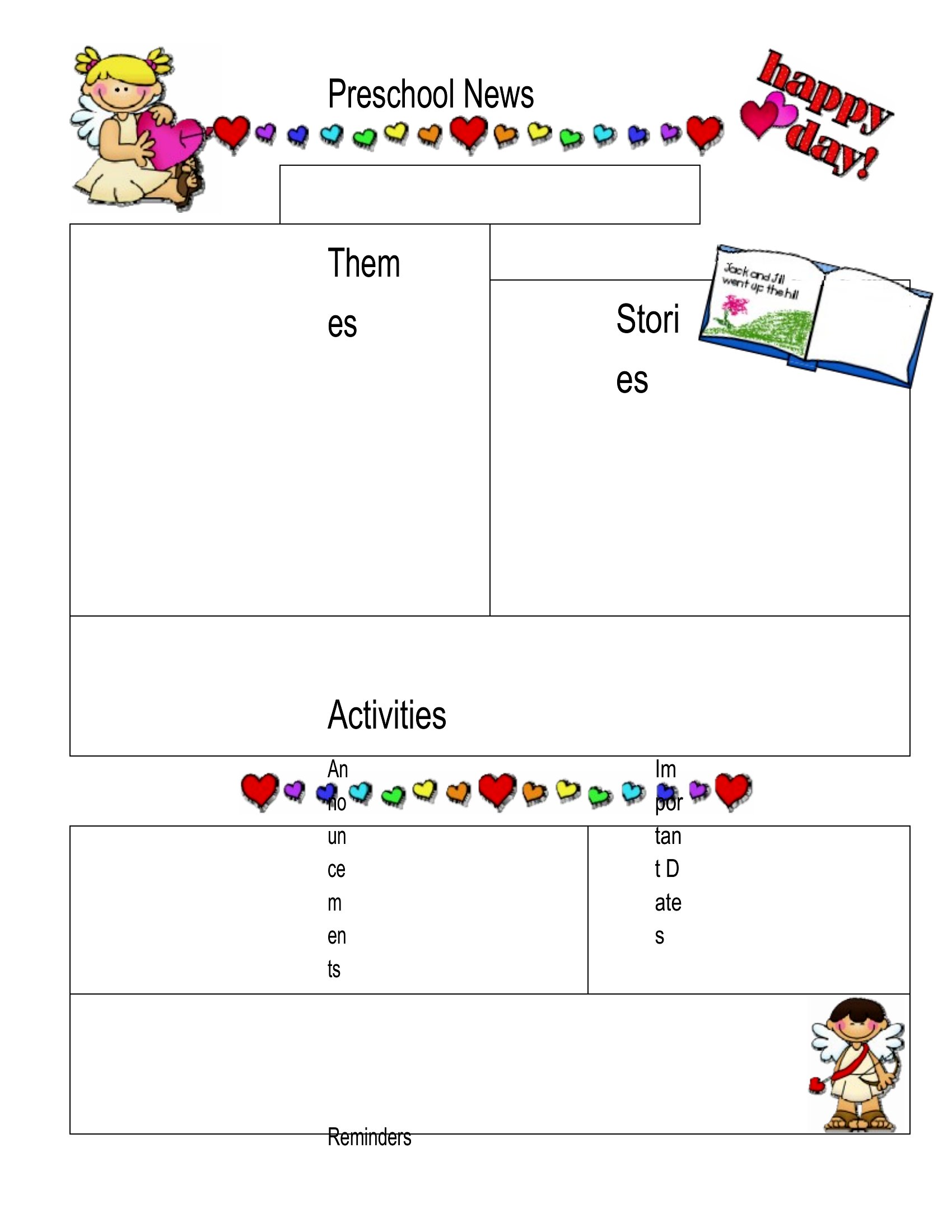
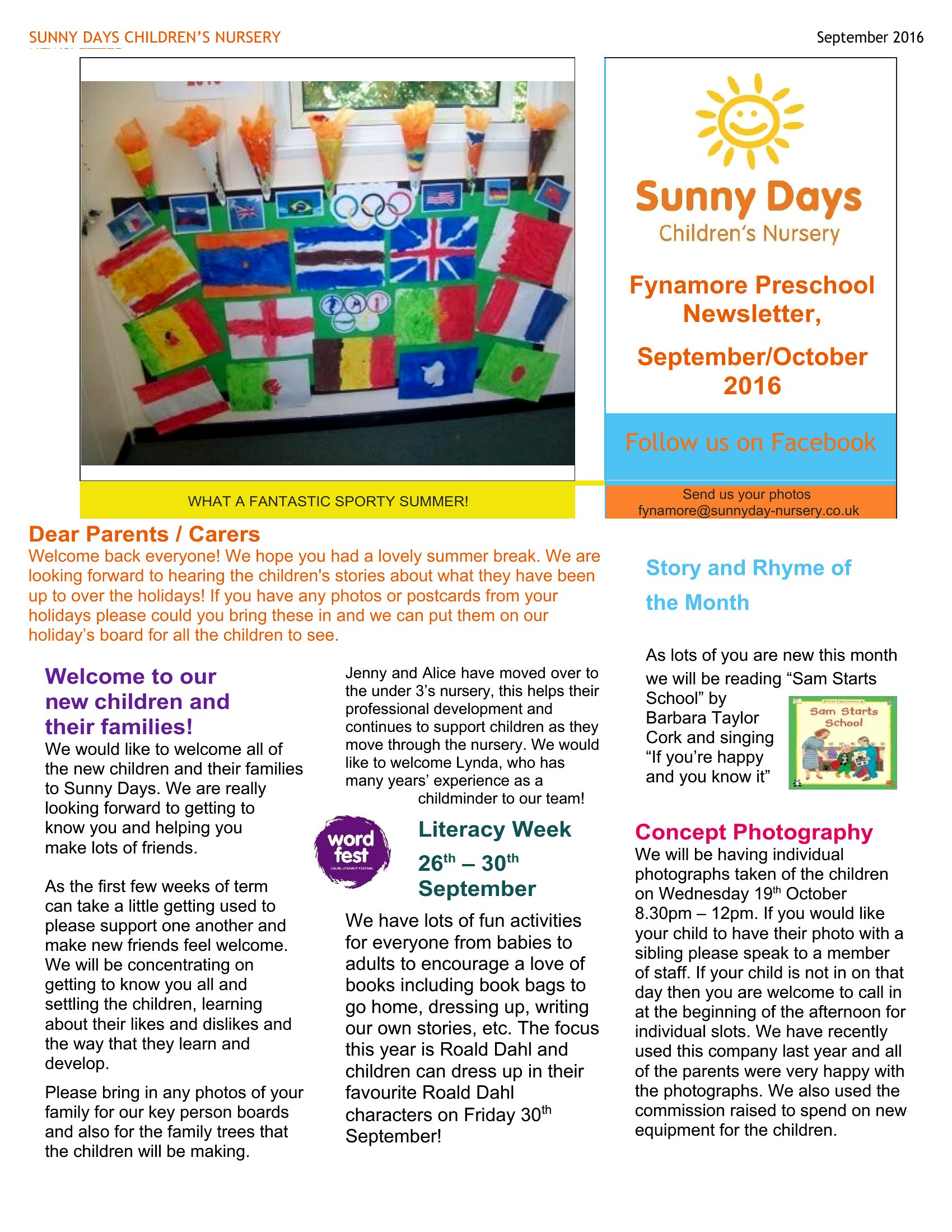
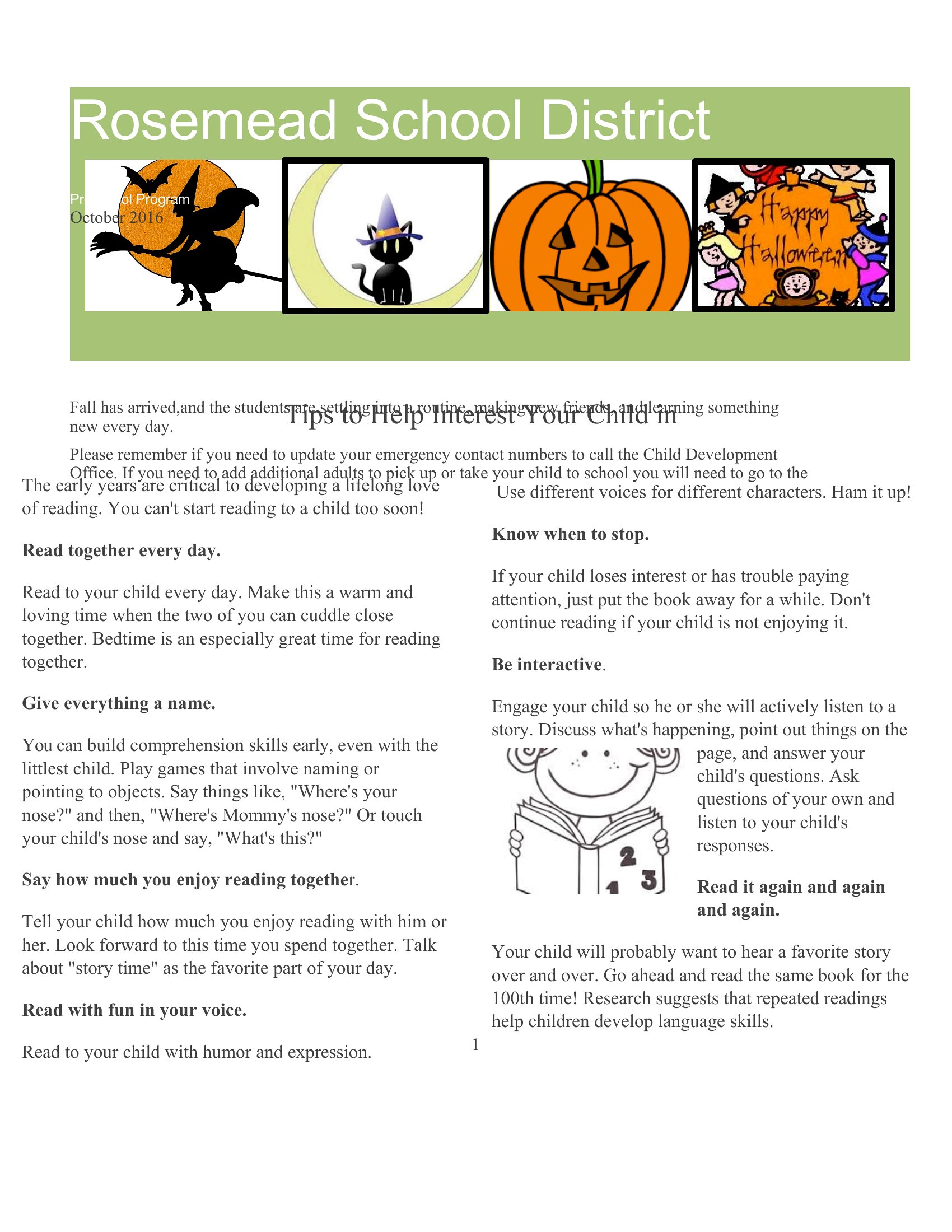
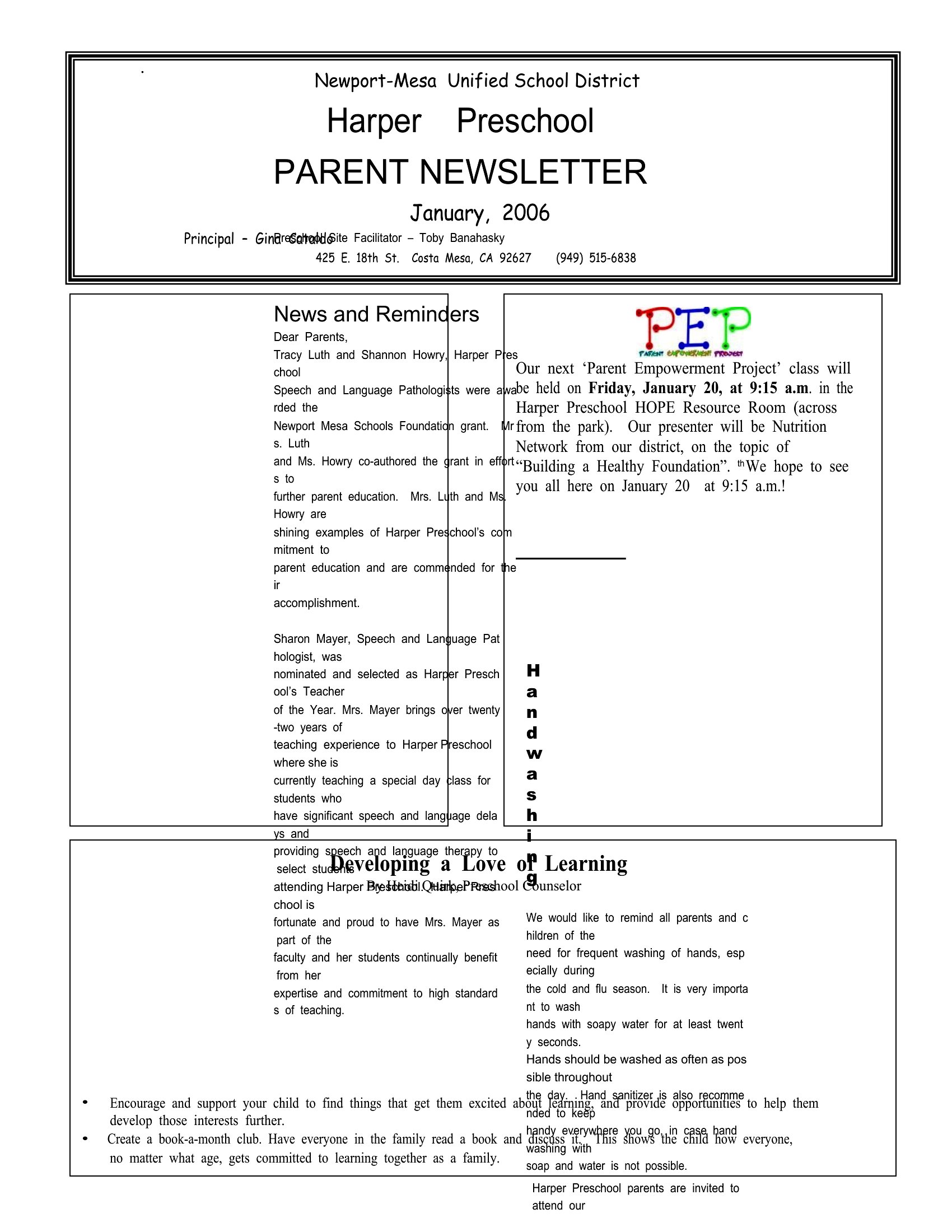
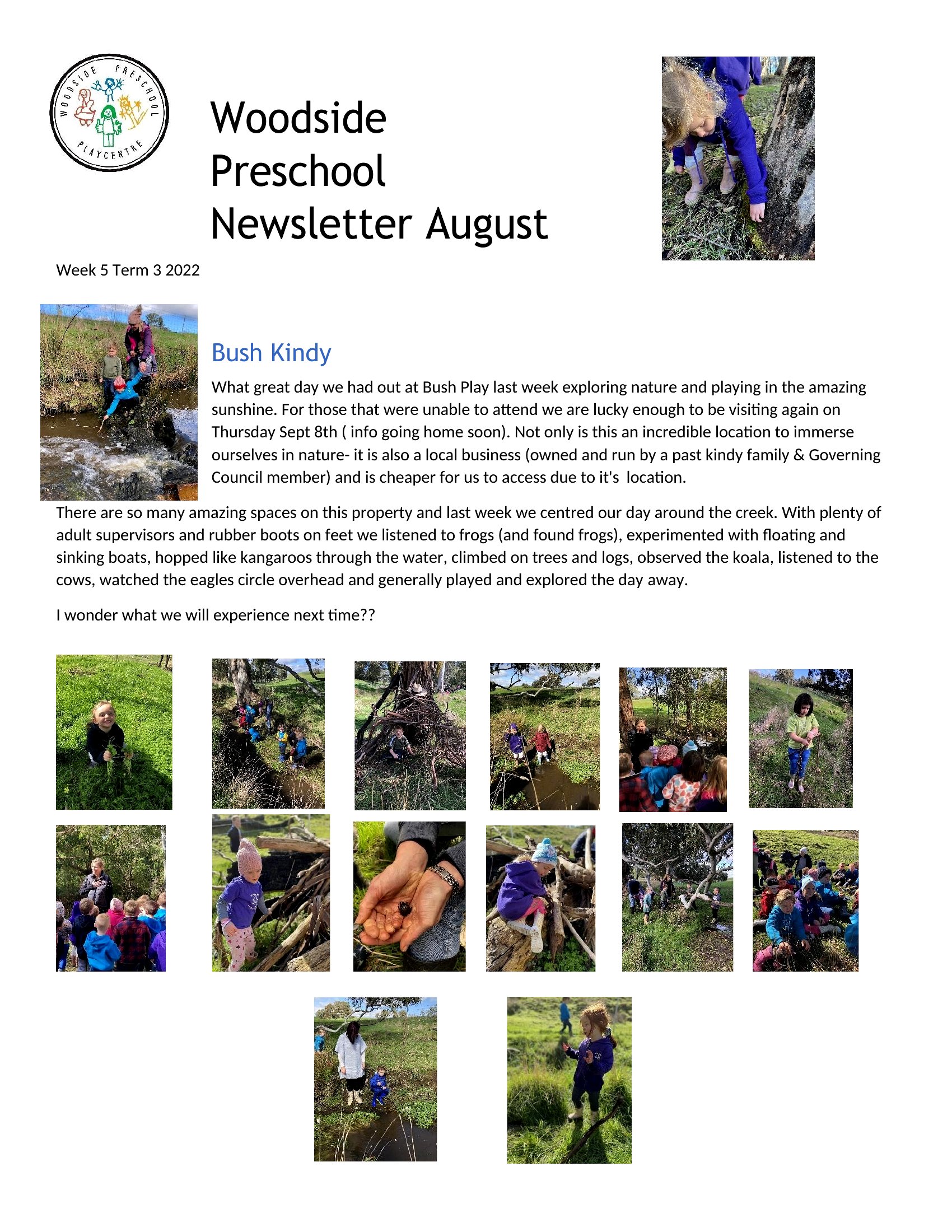
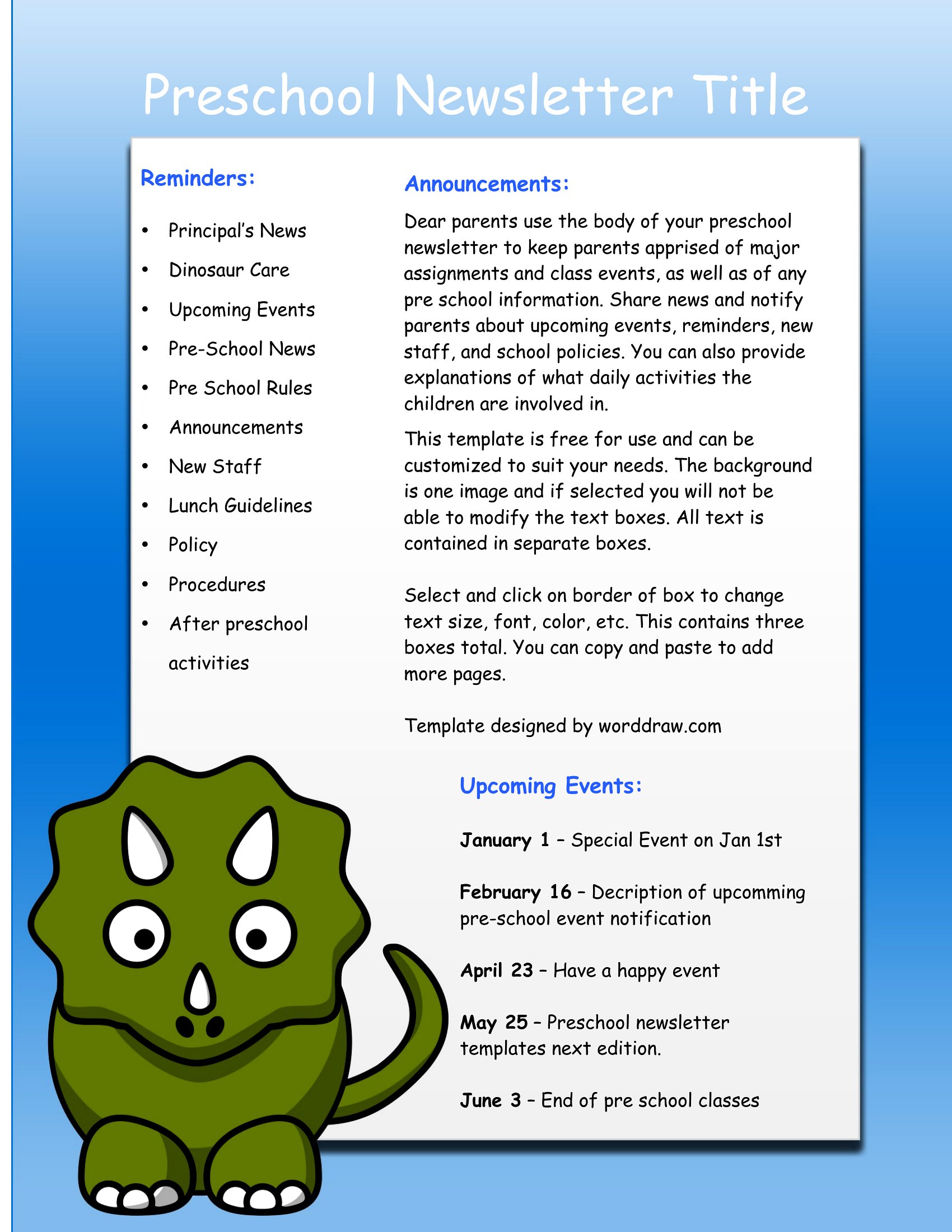
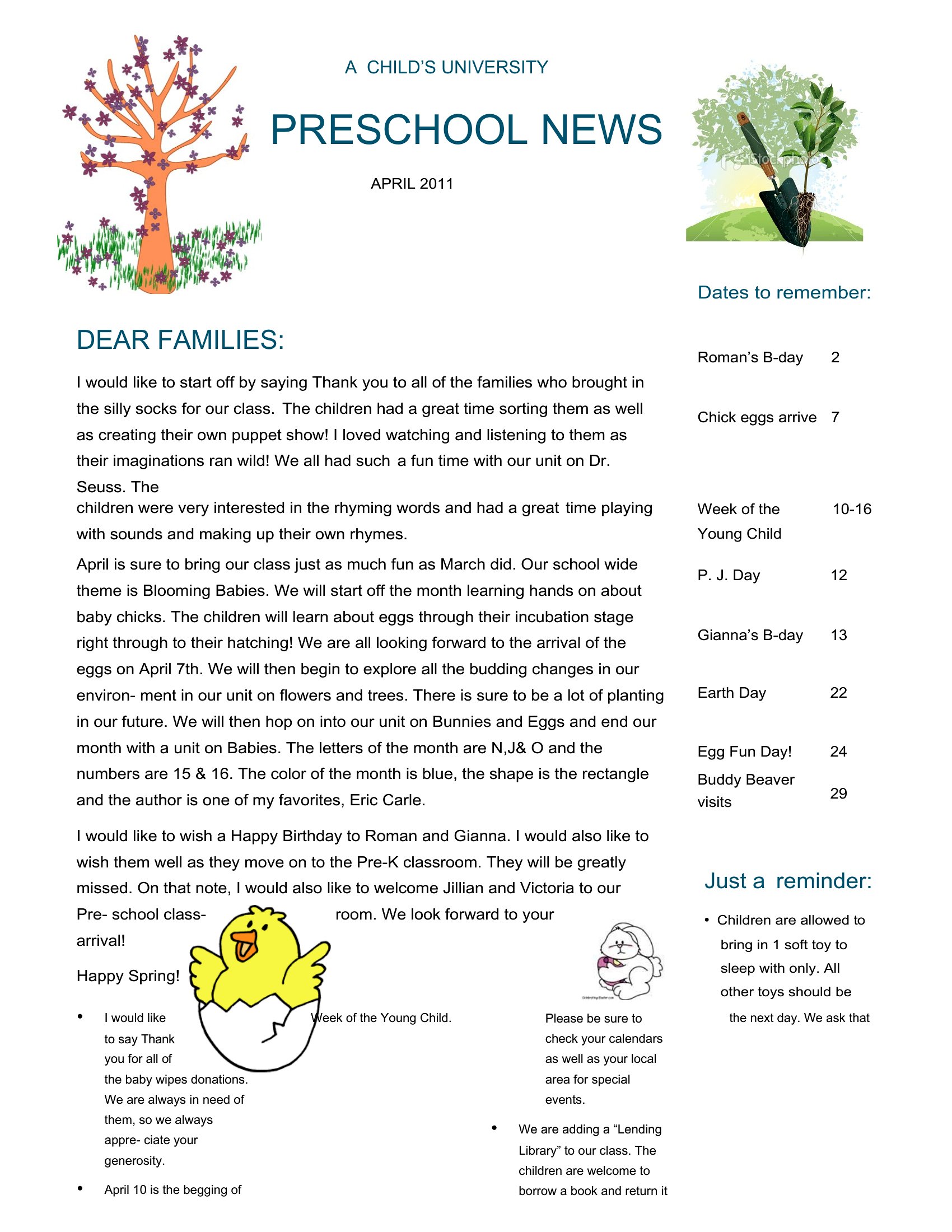
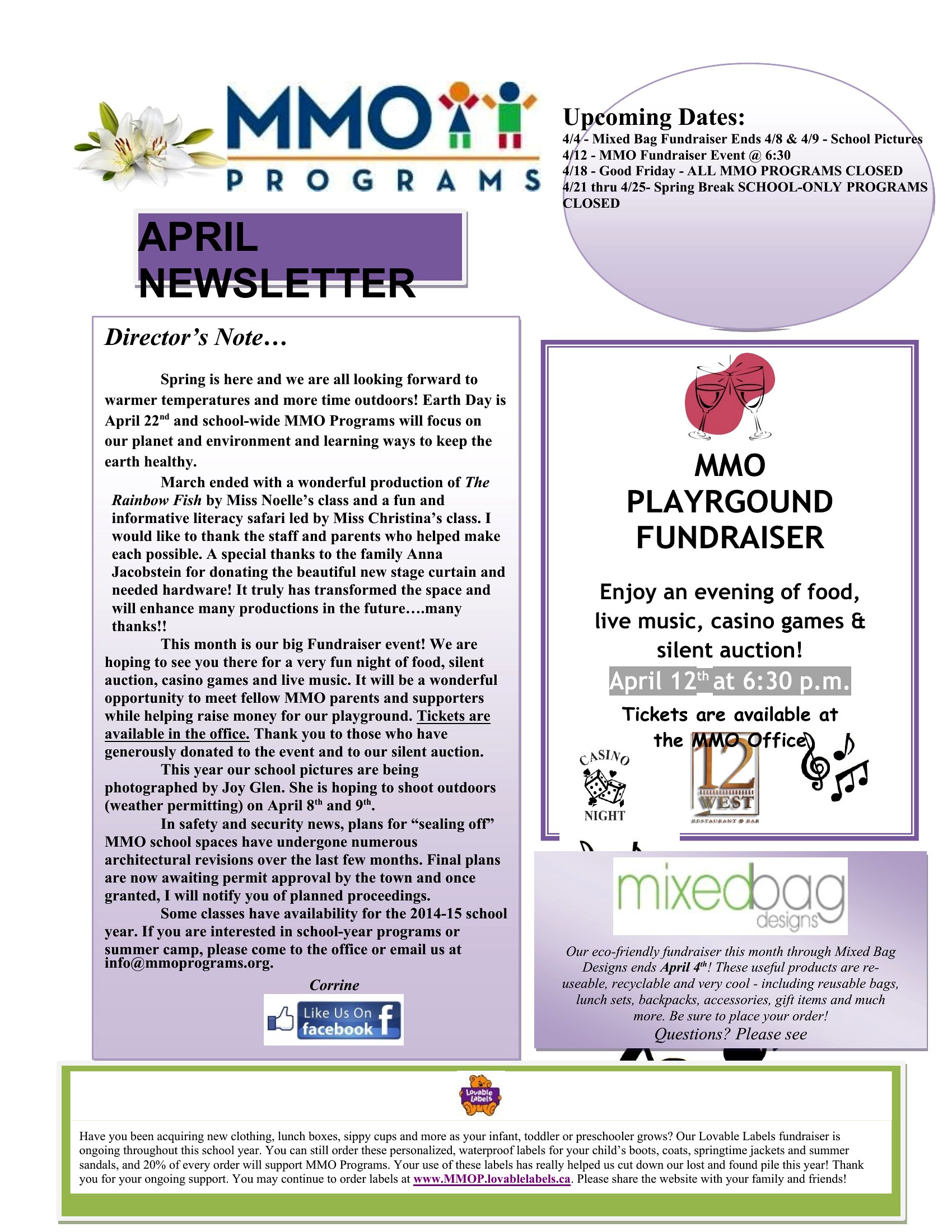
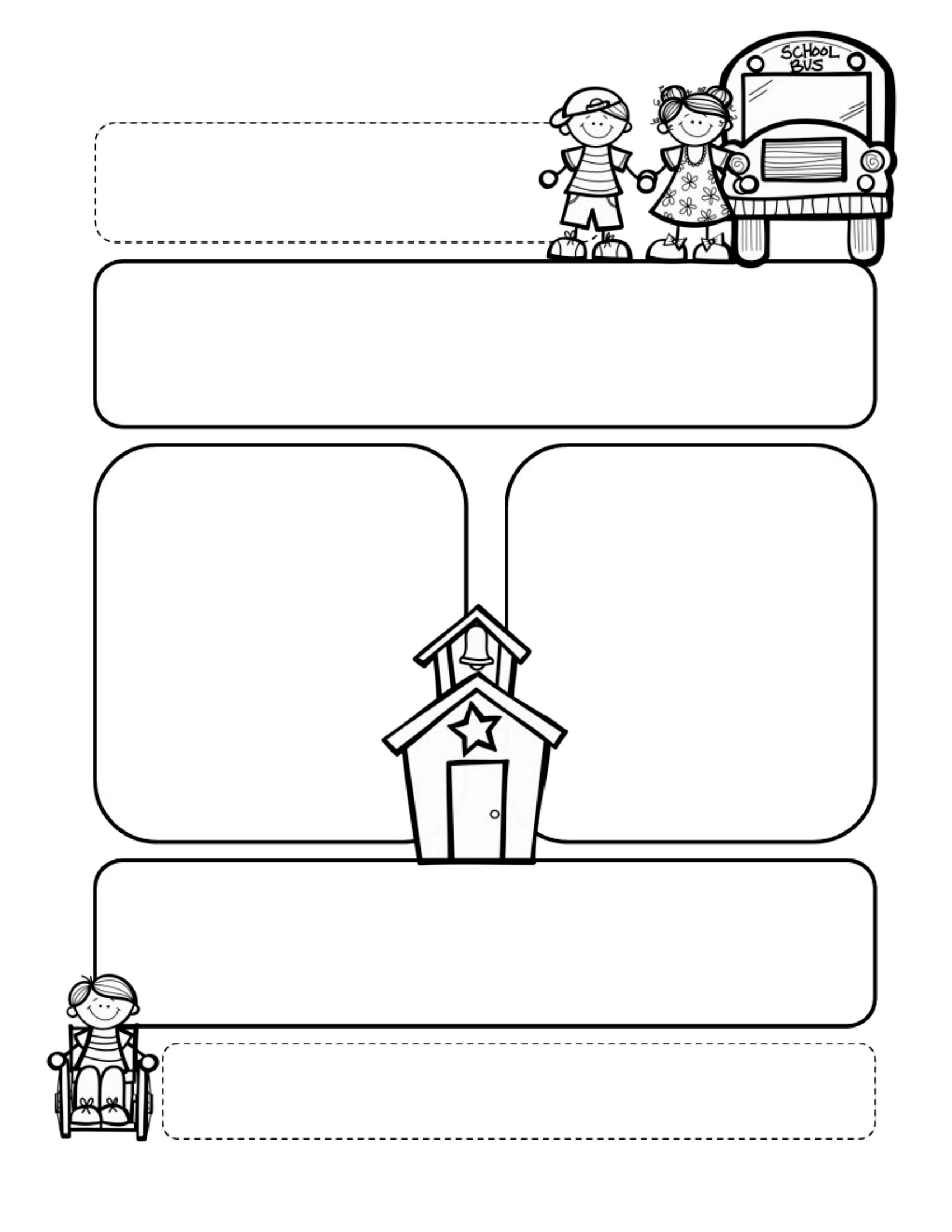
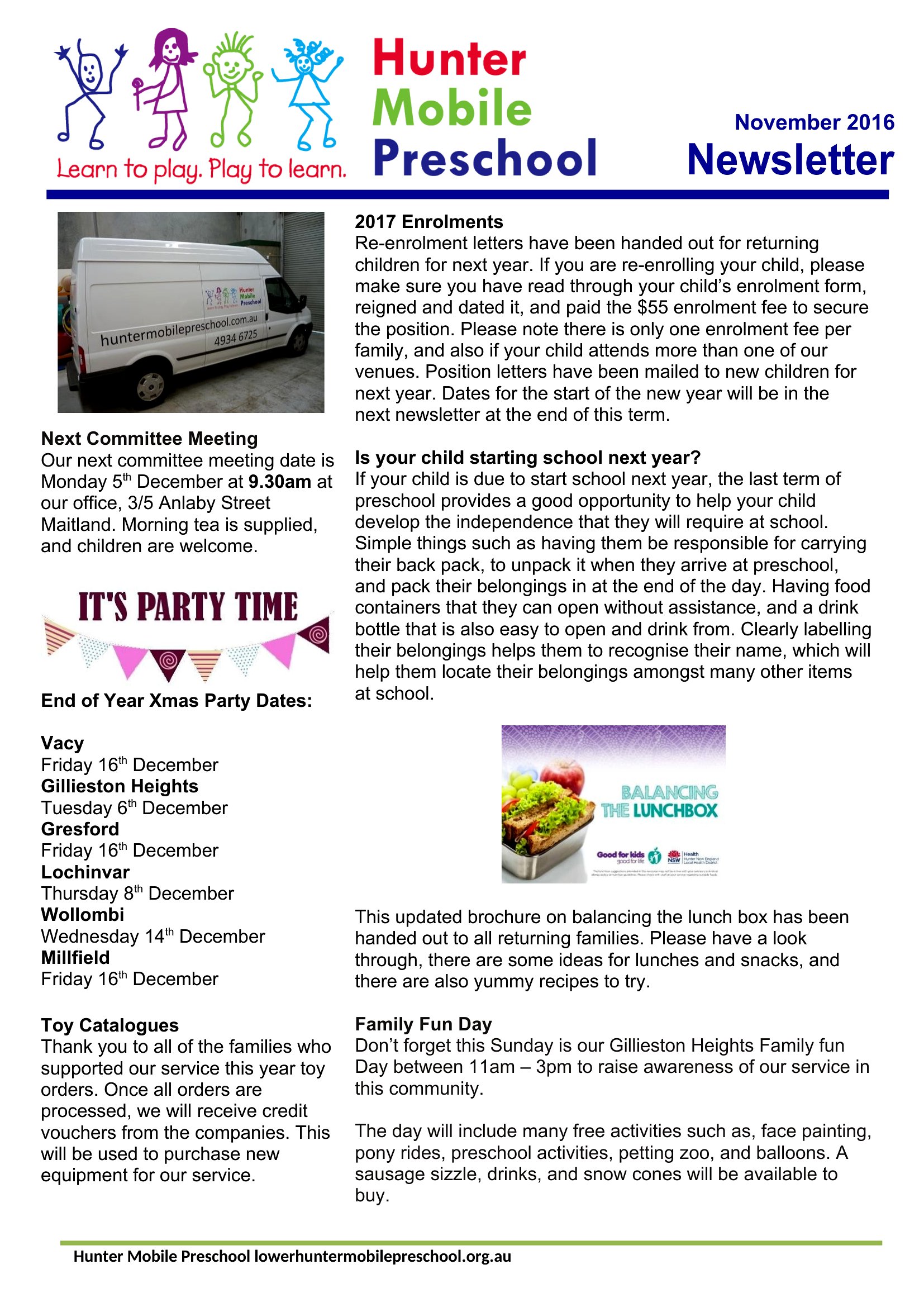
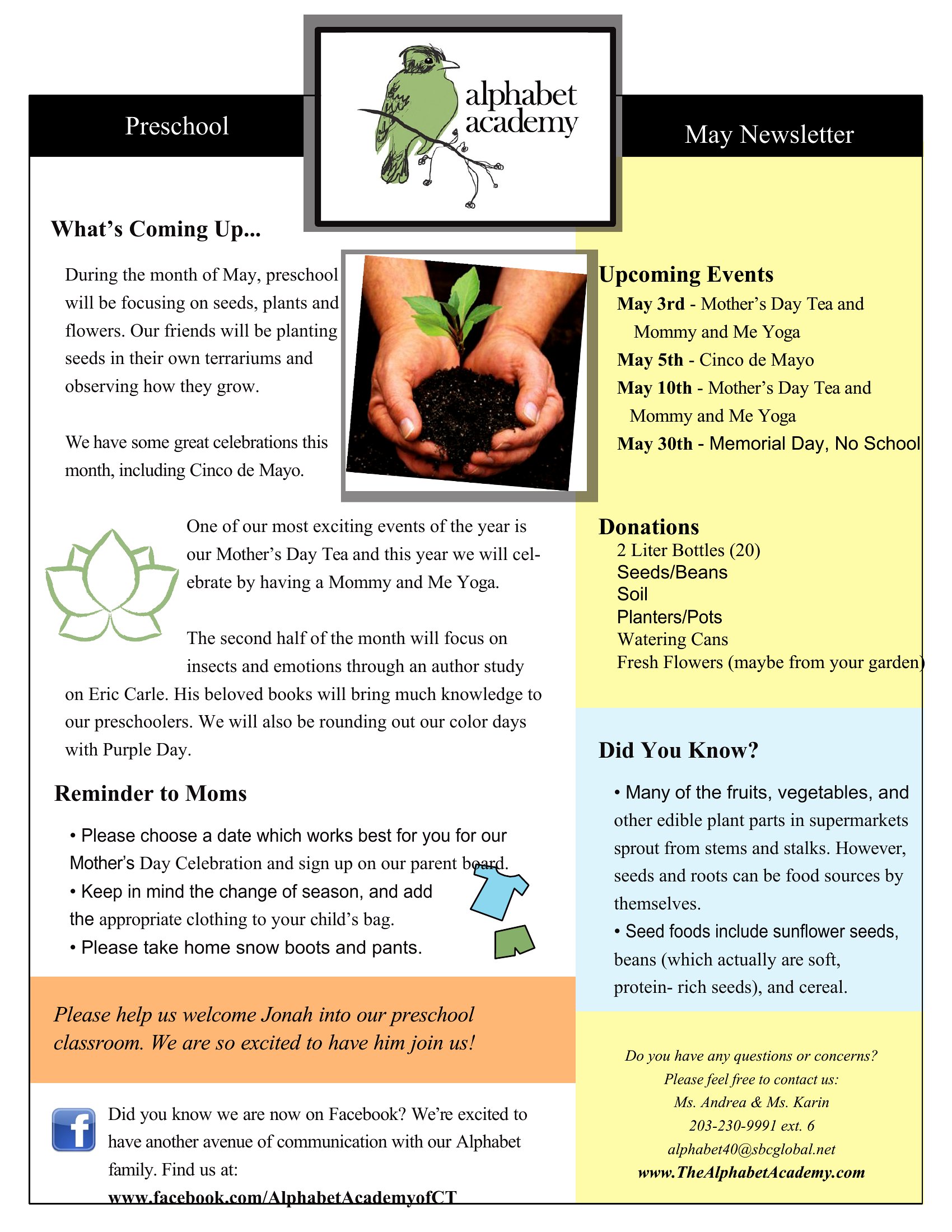
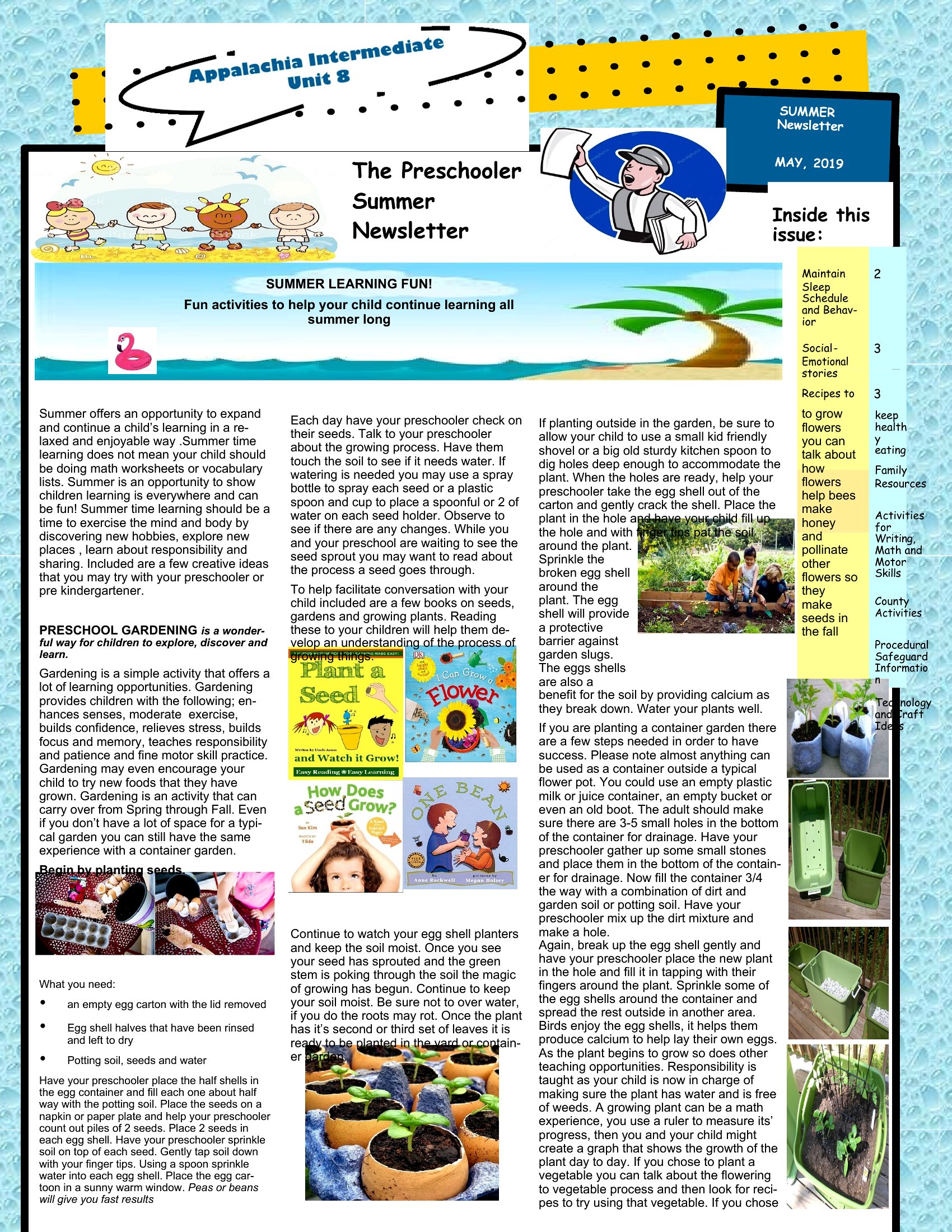
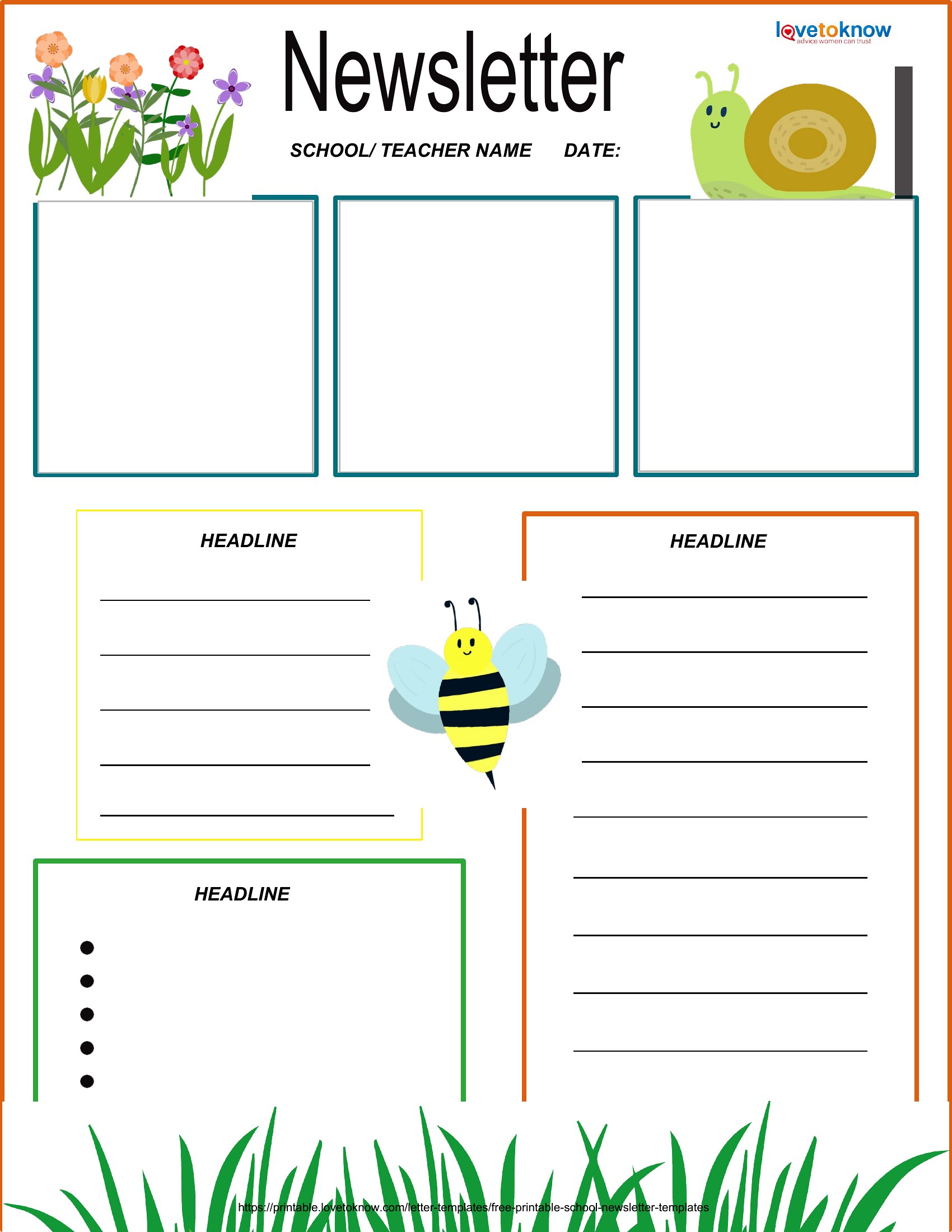
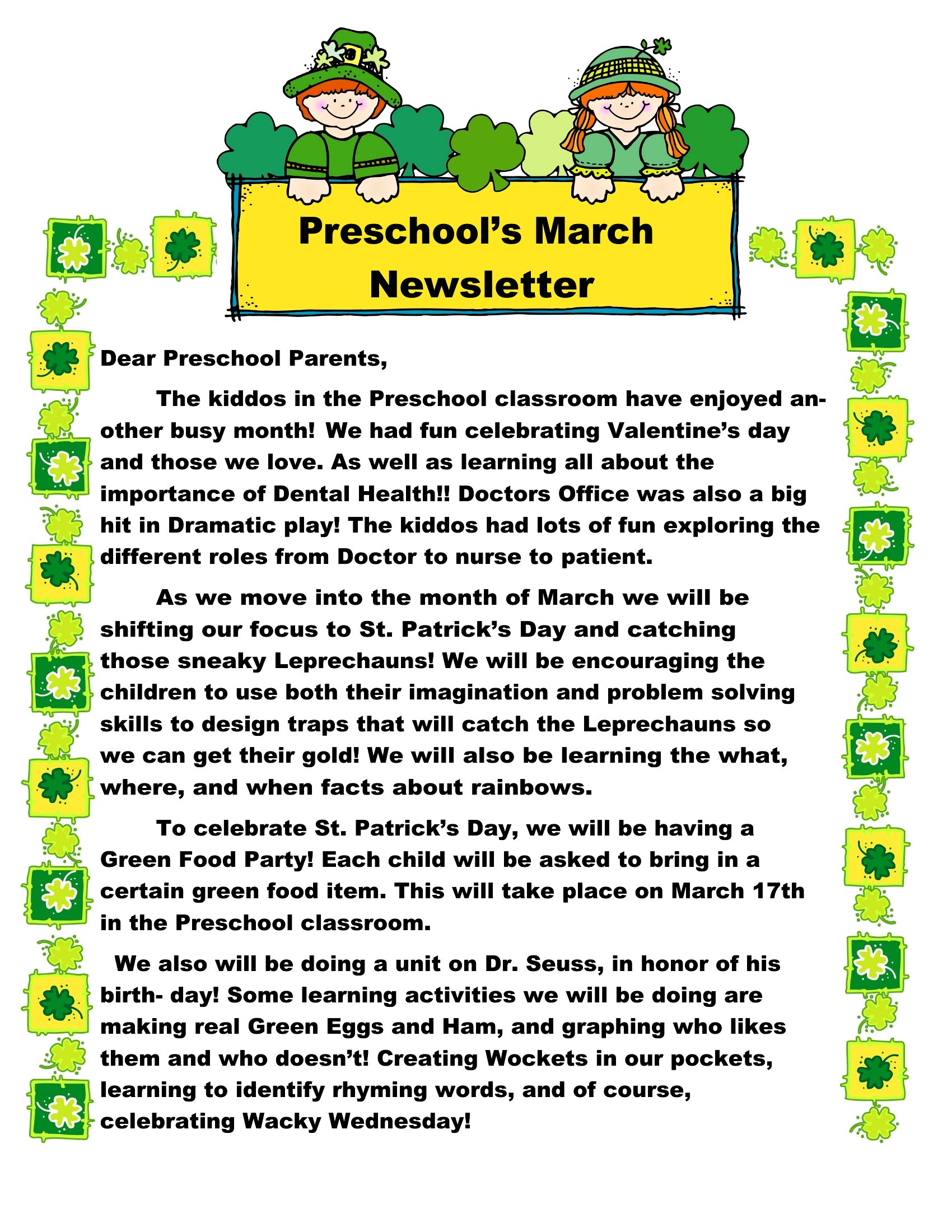
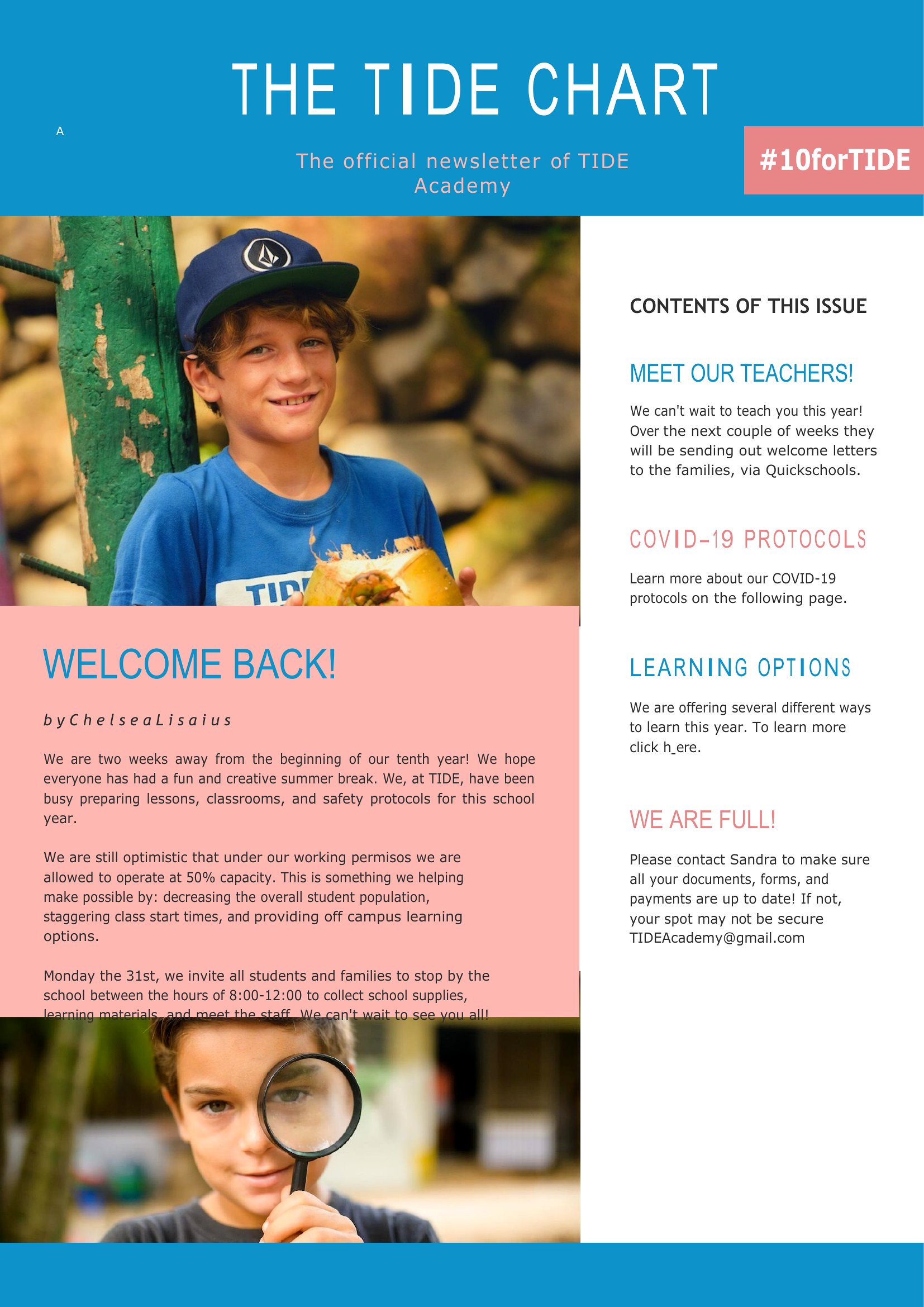
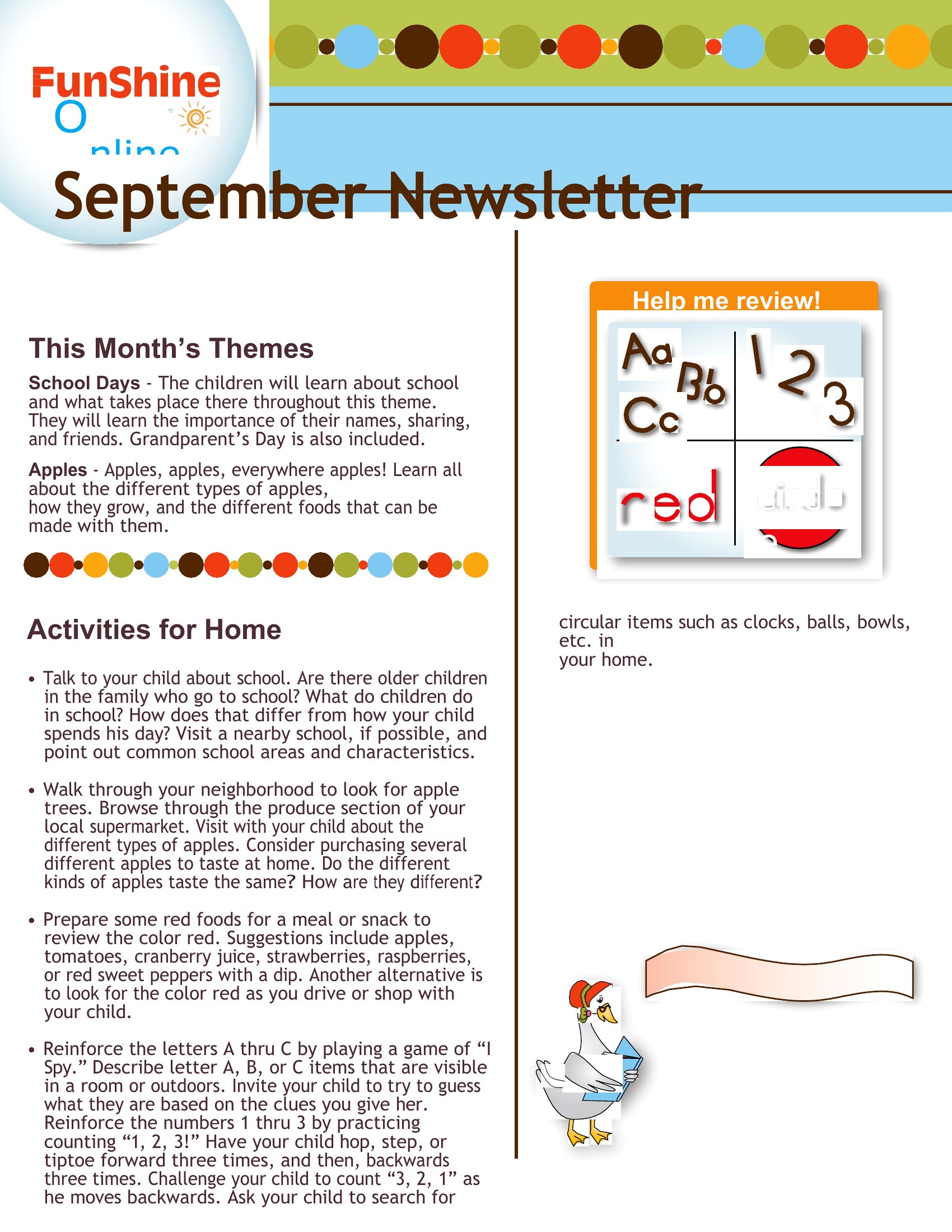
Use the templates’ built-in illustration spots for seasonal themes or quick doodles of classroom activities. Include high-contrast headings like ‘This Week’s Focus’ and ‘Upcoming Events’ to guide busy parents. Adding a small photo of children participating in a project—like painting or snack time—can also spark curiosity and connection.
What’s the best way to organize reminders so parents don’t miss important dates?
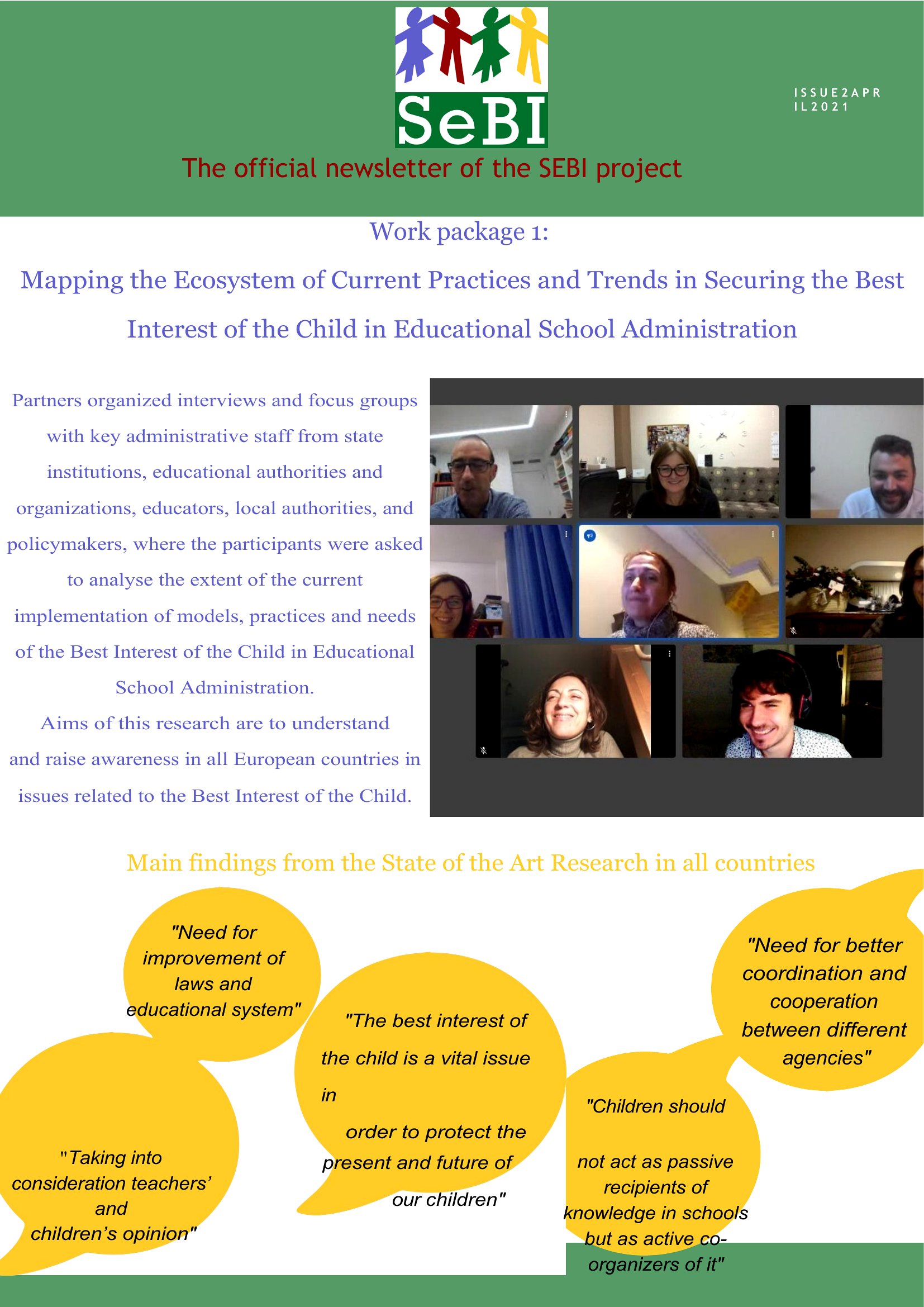
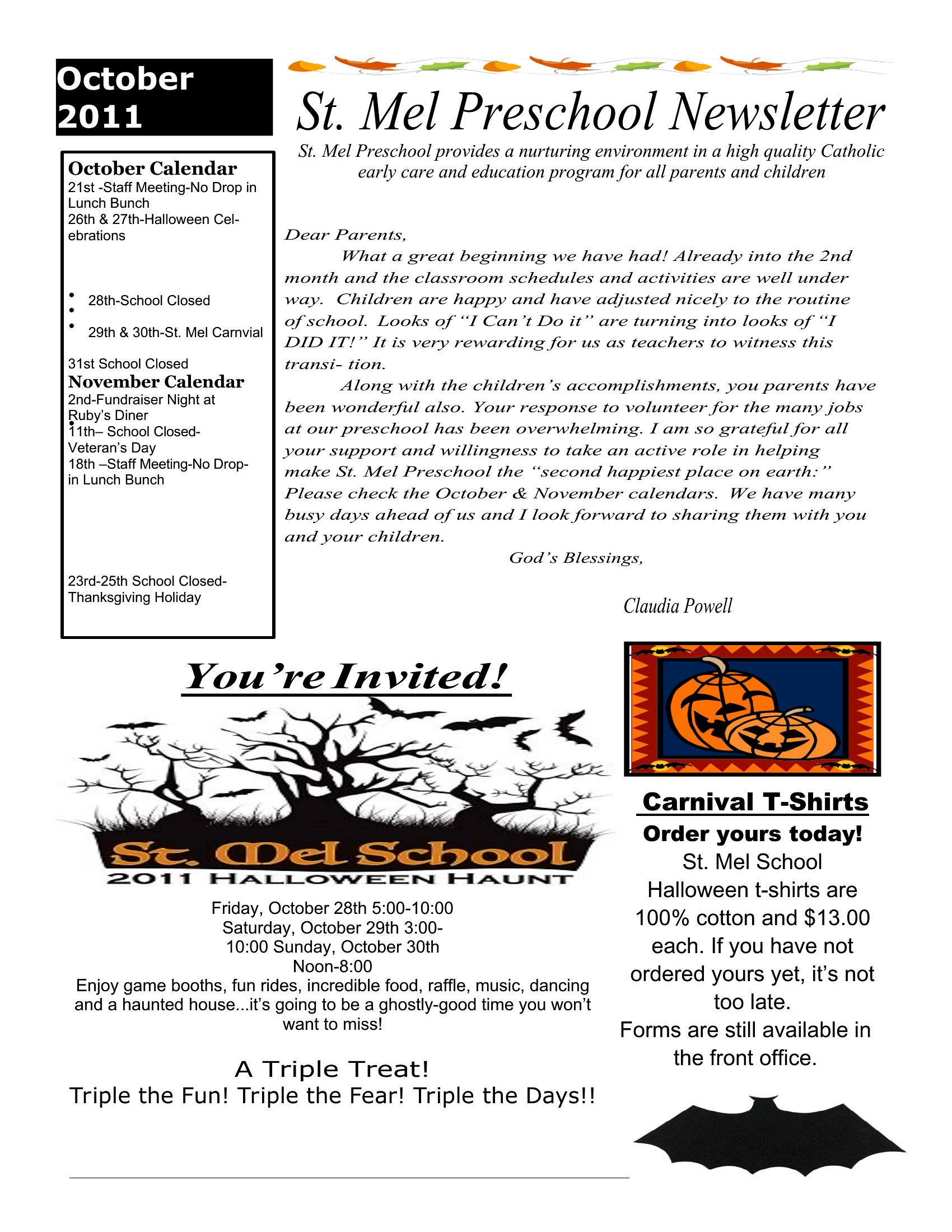
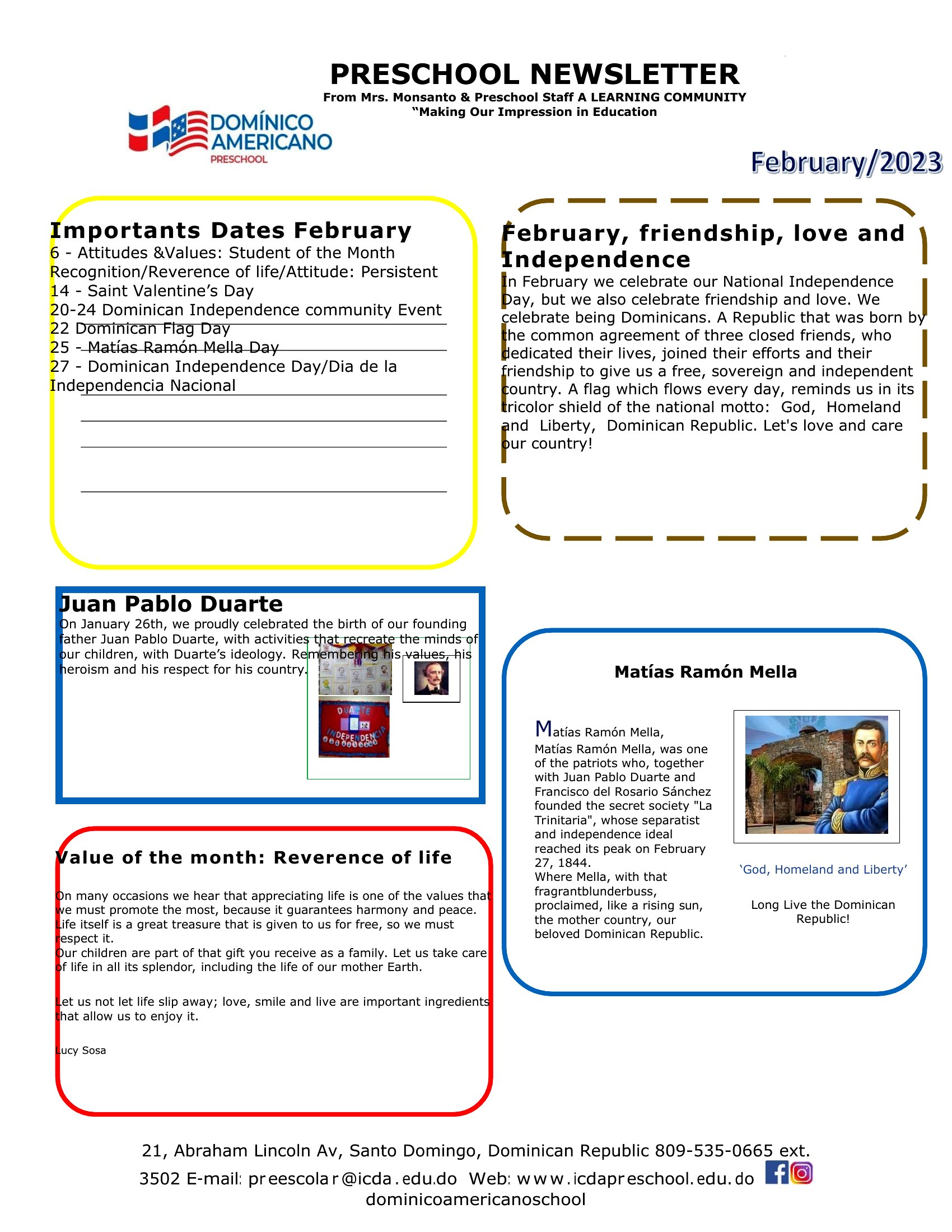
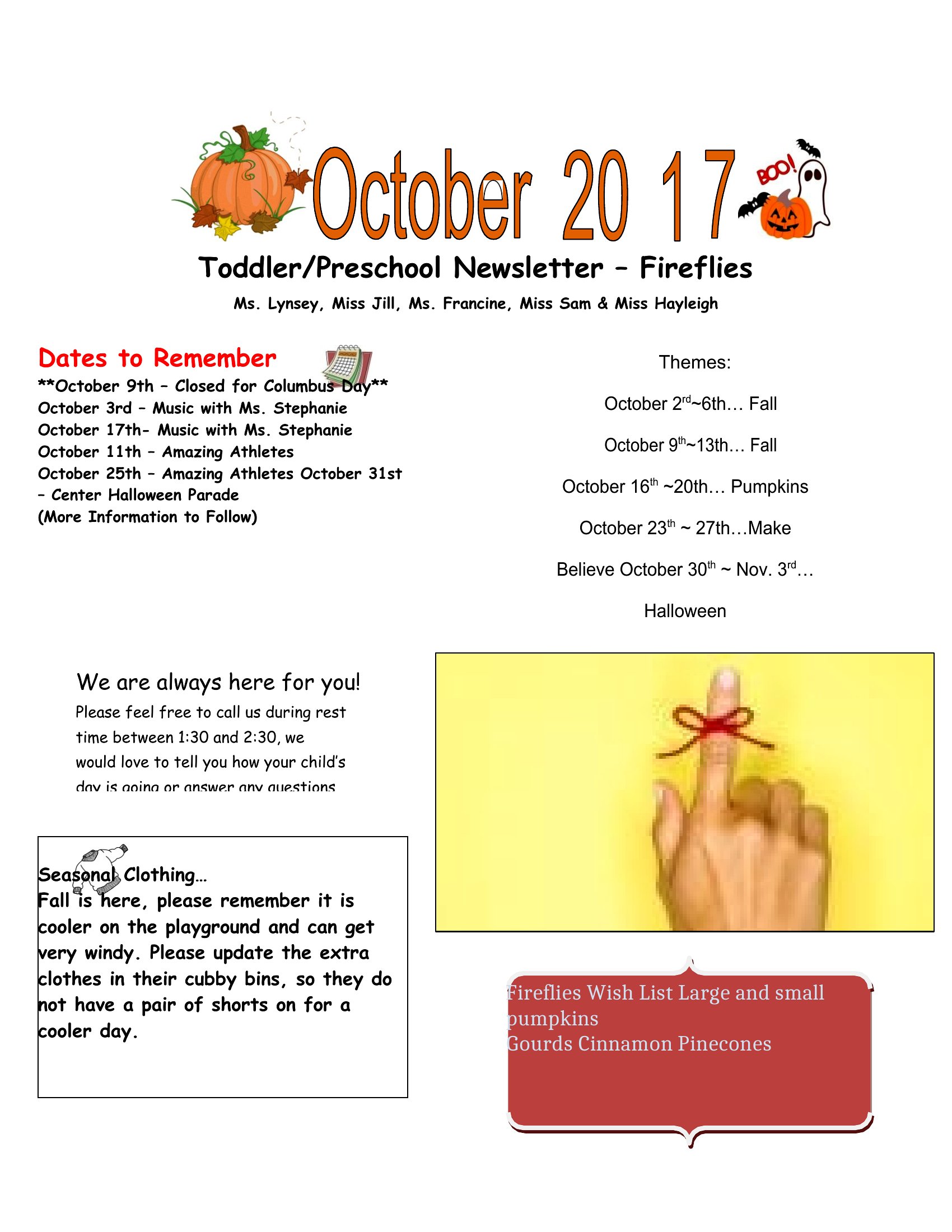
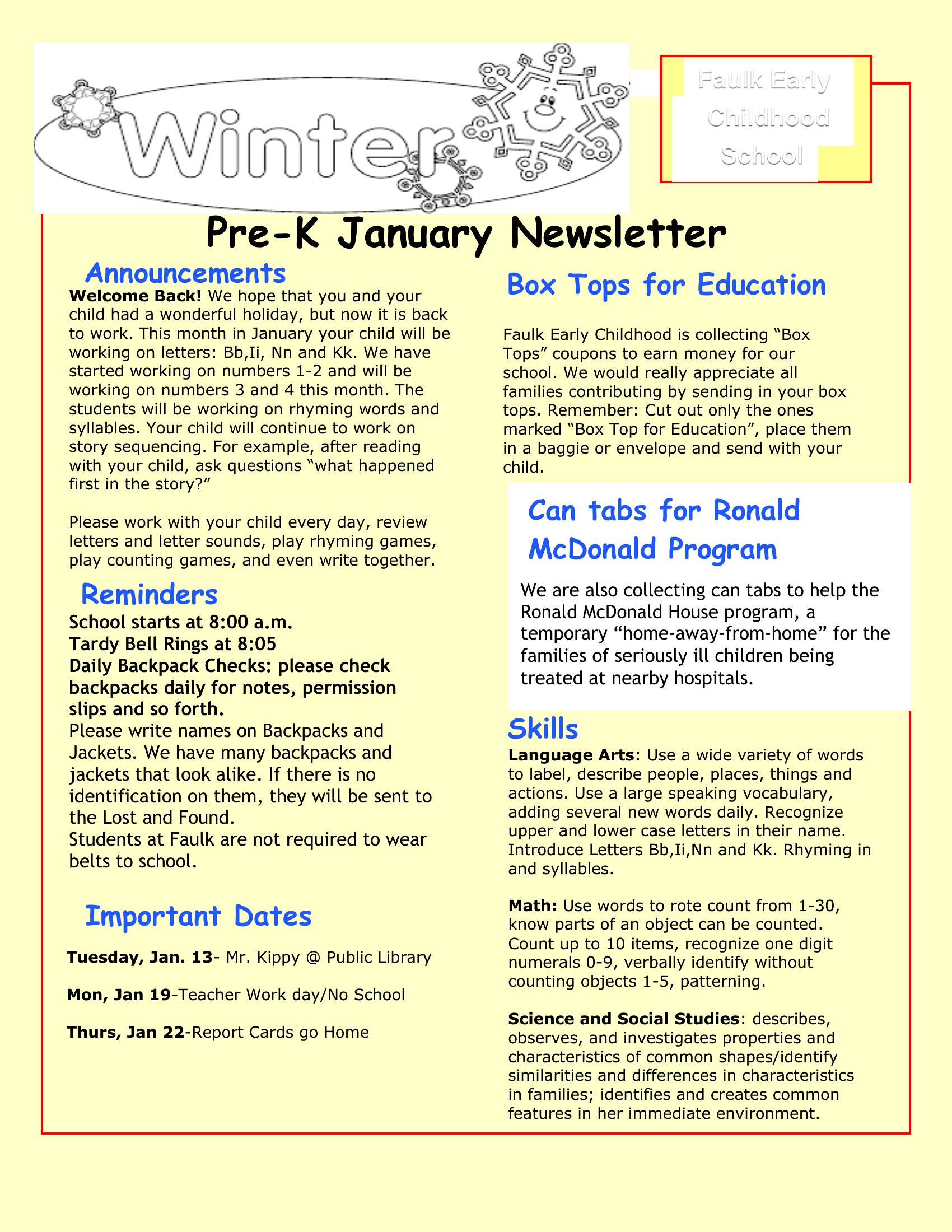
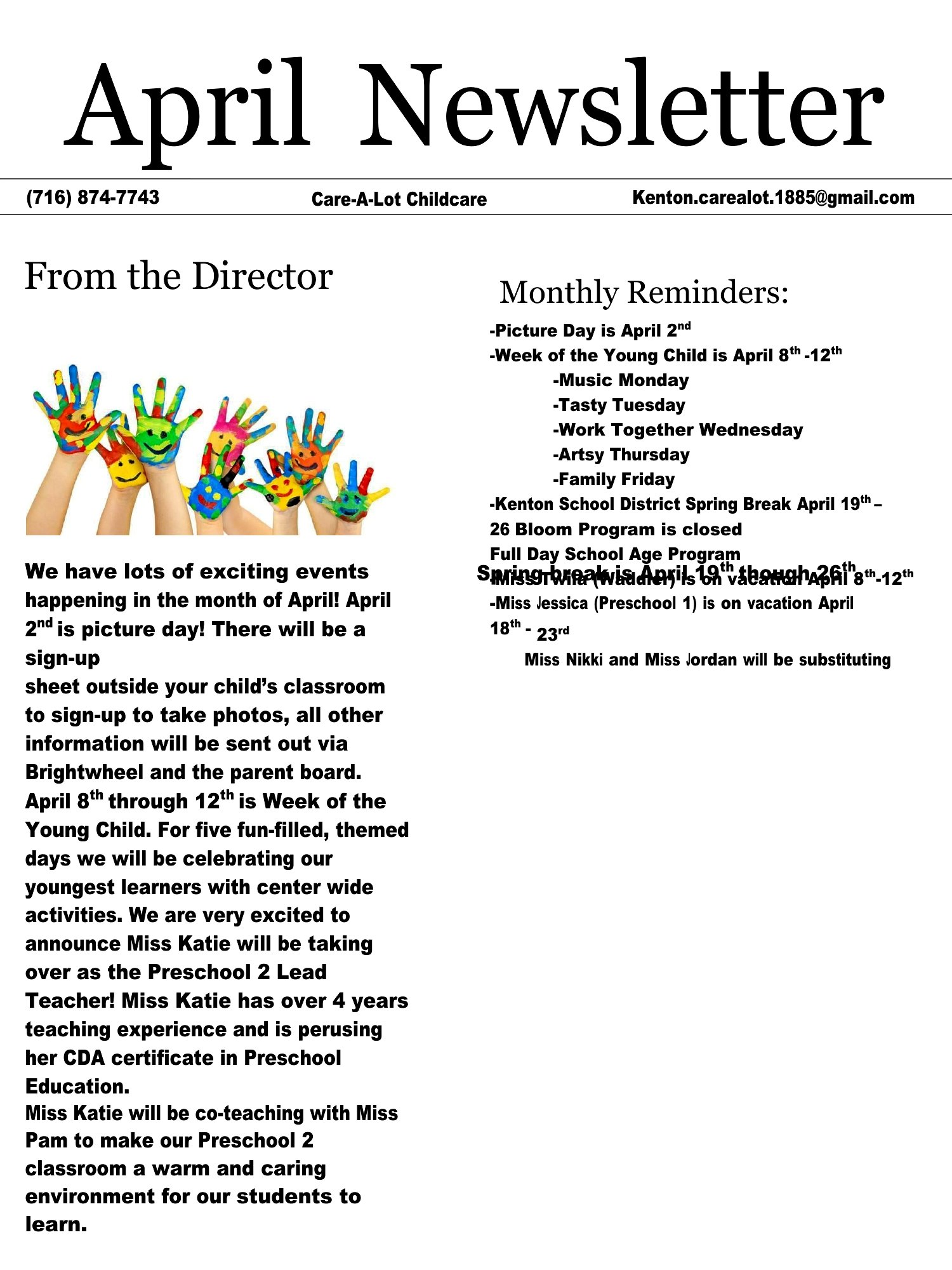
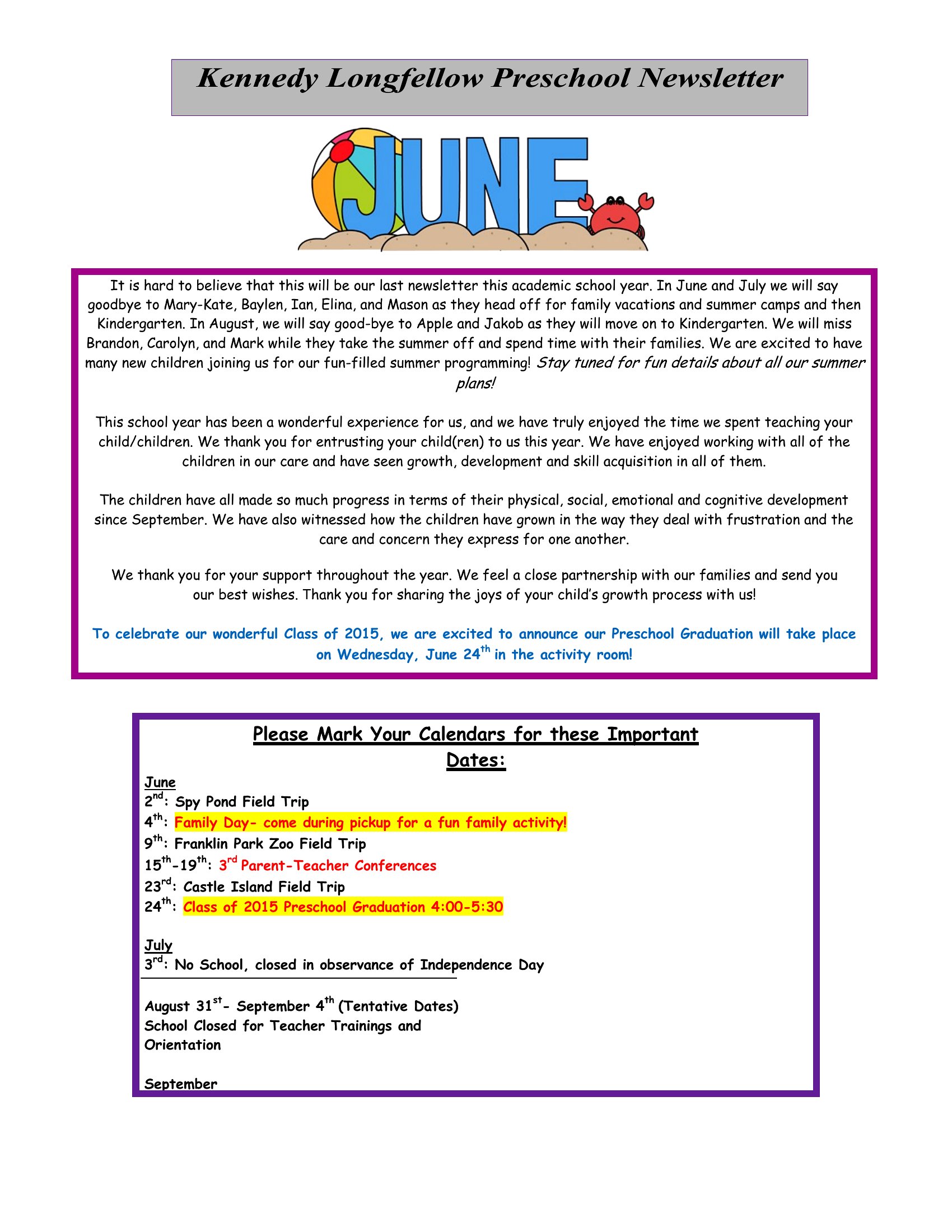
Dedicate a small calendar-style section near the top or bottom of the newsletter with bolded dates and icons (e.g., a star for field trips). Highlight recurring events like ‘Storytime Fridays’ in a different color. For deadlines, like fundraiser donations, use a speech bubble graphic or underline the text to create visual emphasis without overwhelming the layout.
Should I include a space for parent feedback or questions in the newsletter template?
Yes, add a brief ‘Ask Us!’ section at the end with a simple note like ‘Reply to this email or jot a comment below—we’d love to hear your thoughts!’ This encourages engagement without making it feel like homework. Keep it minimal; parents are more likely to respond if the request is low-effort and tied to a specific topic, like ‘What themes would you like to see next month?’
Comments
Join the conversation
Sign in to share your thoughts and leave a comment on this resource.