Free Missing Poster Templates (Word)
LifeTemplates

FAQ
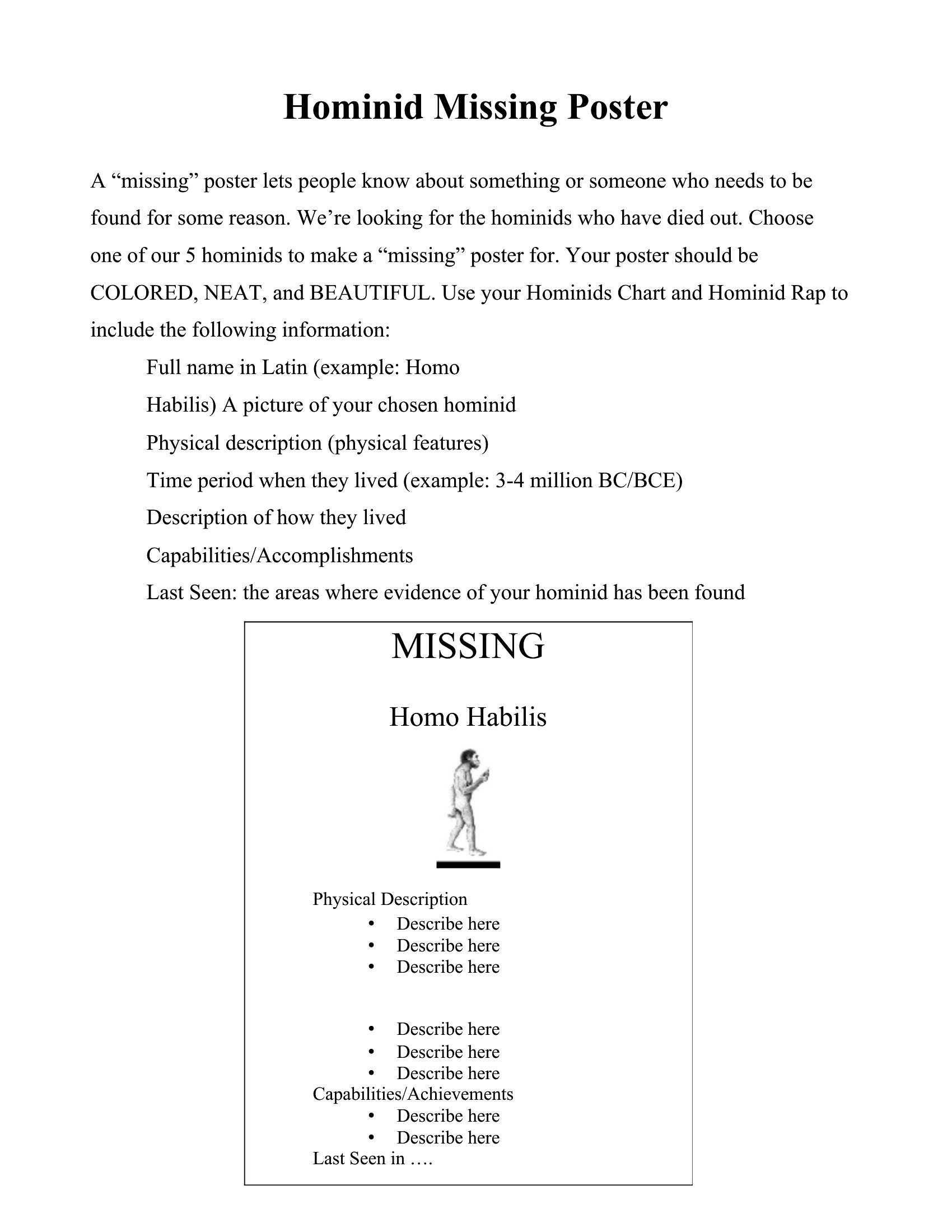
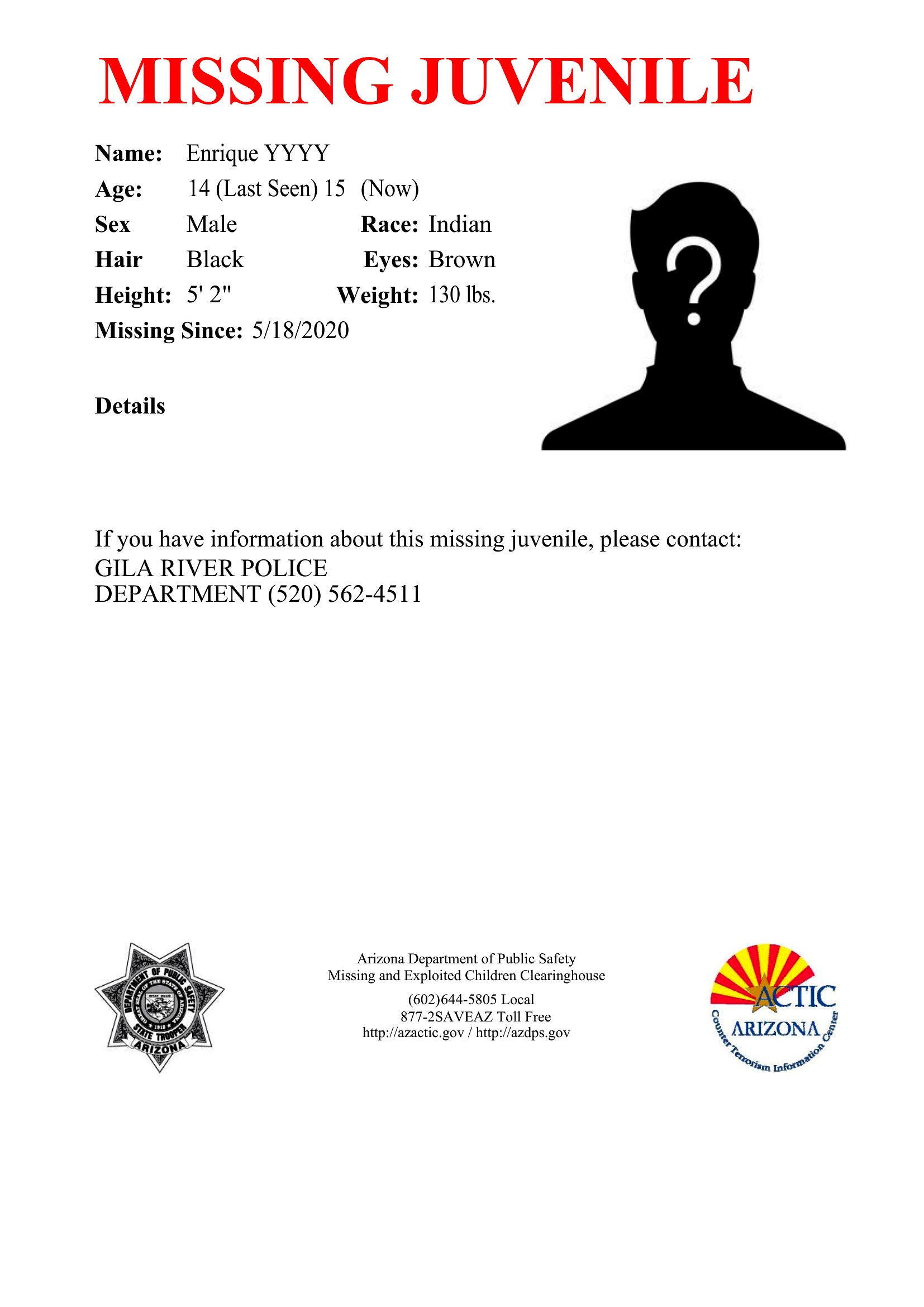
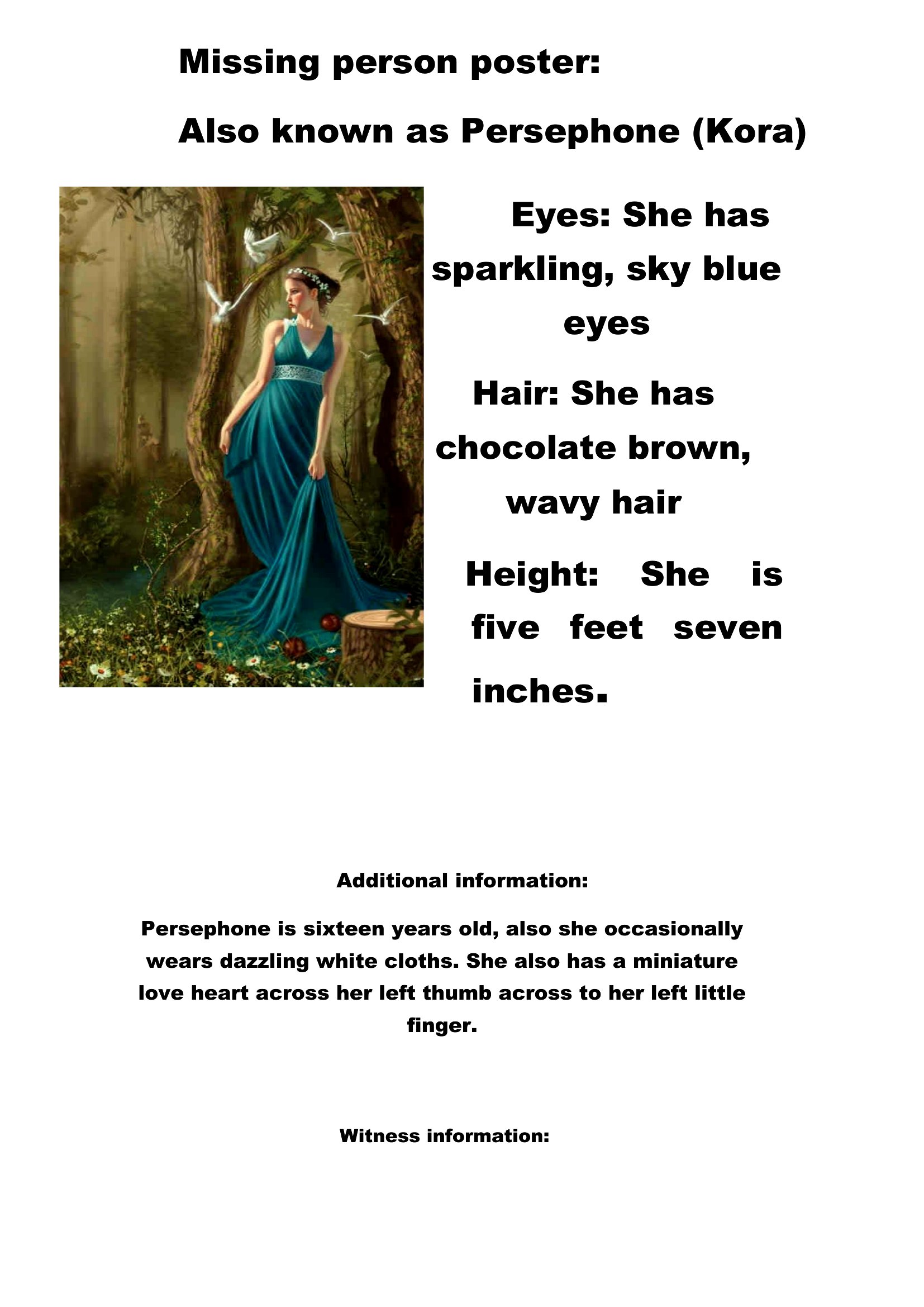
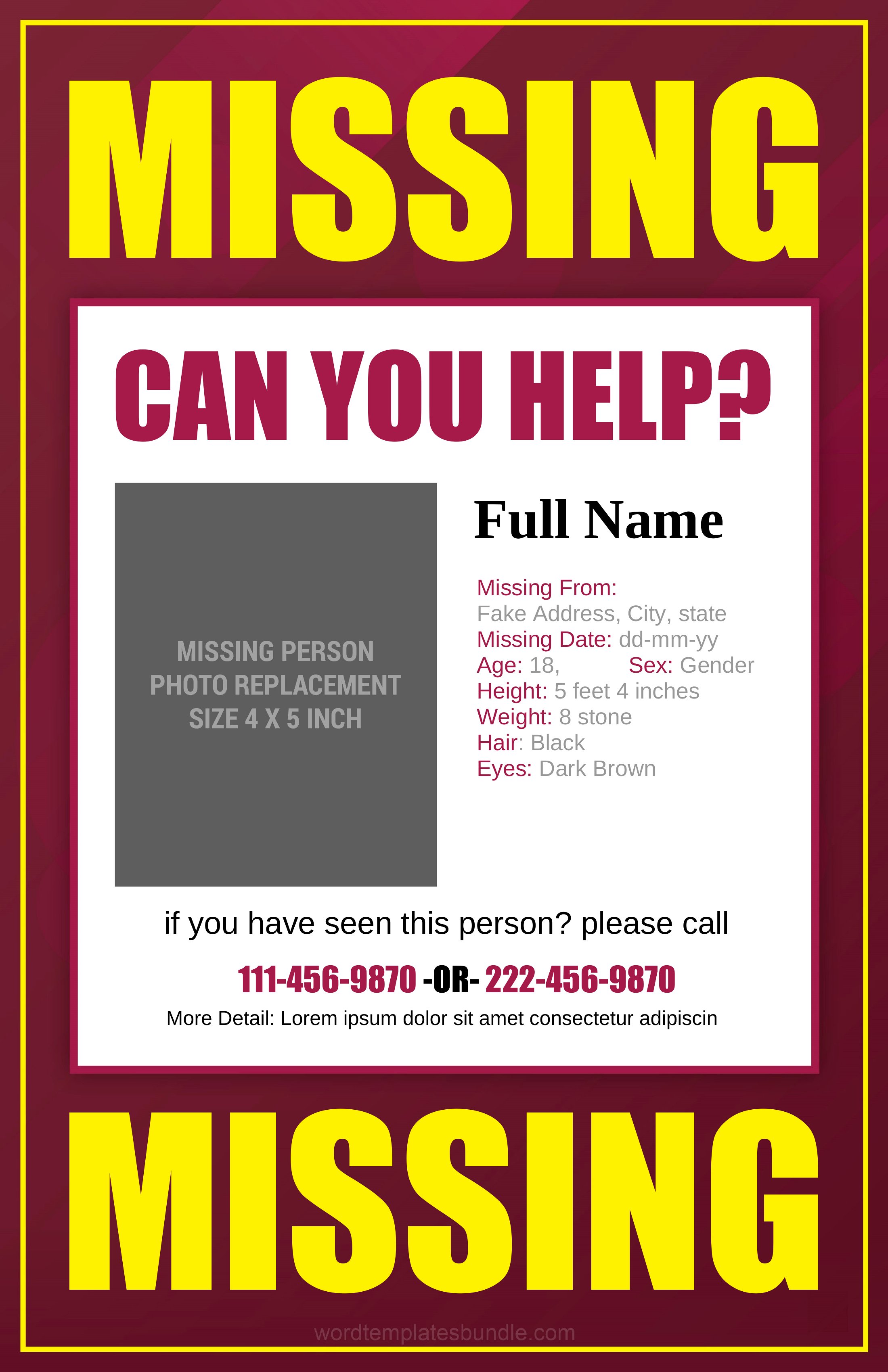
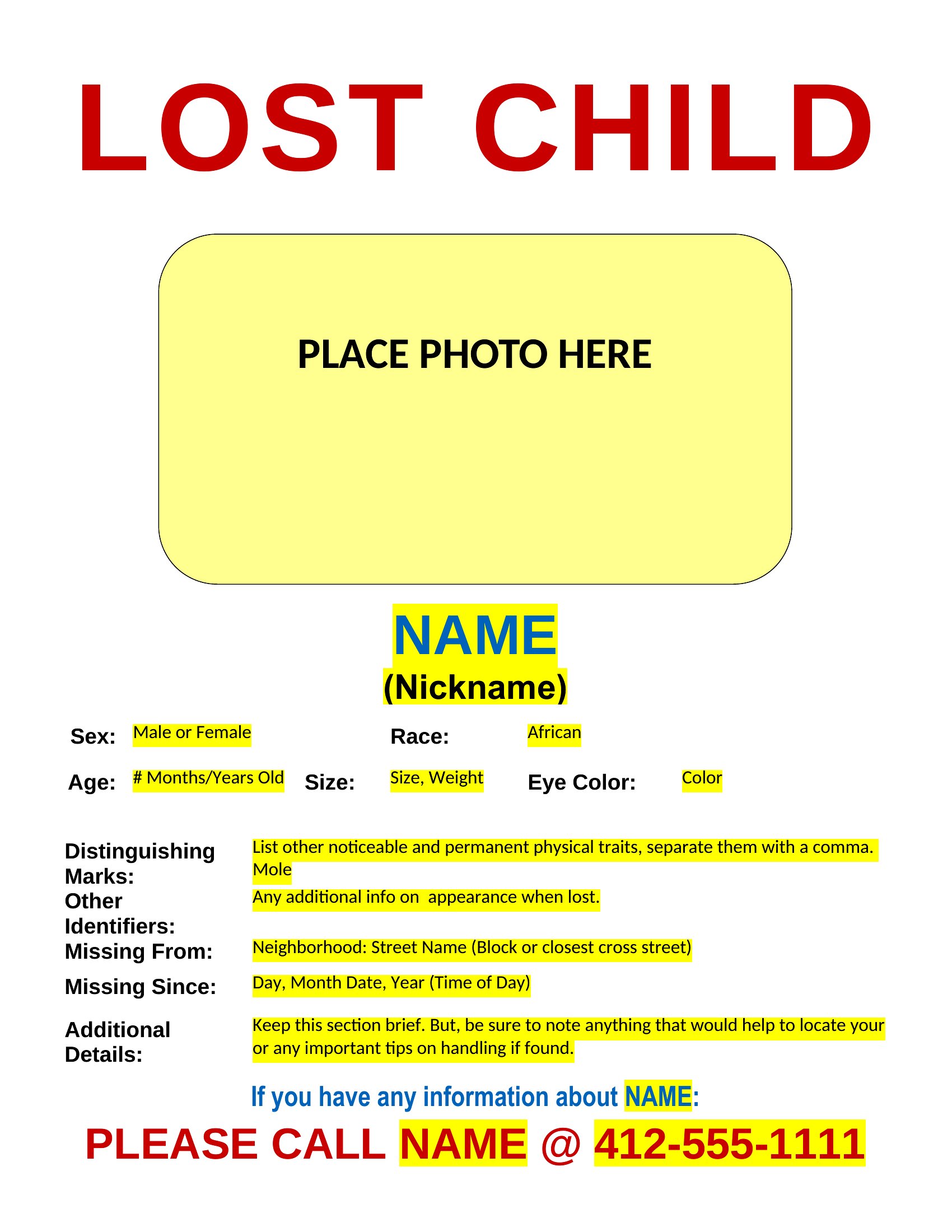
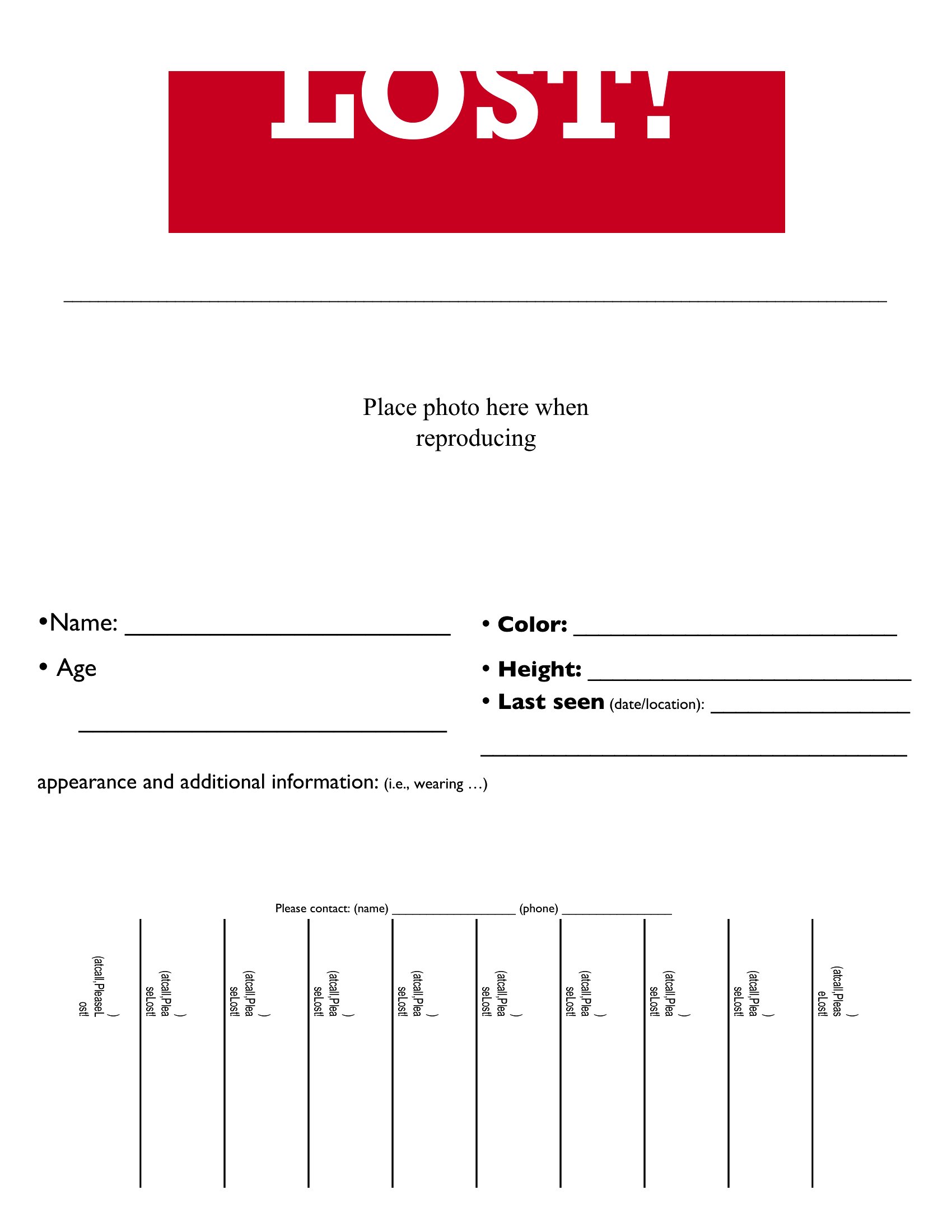
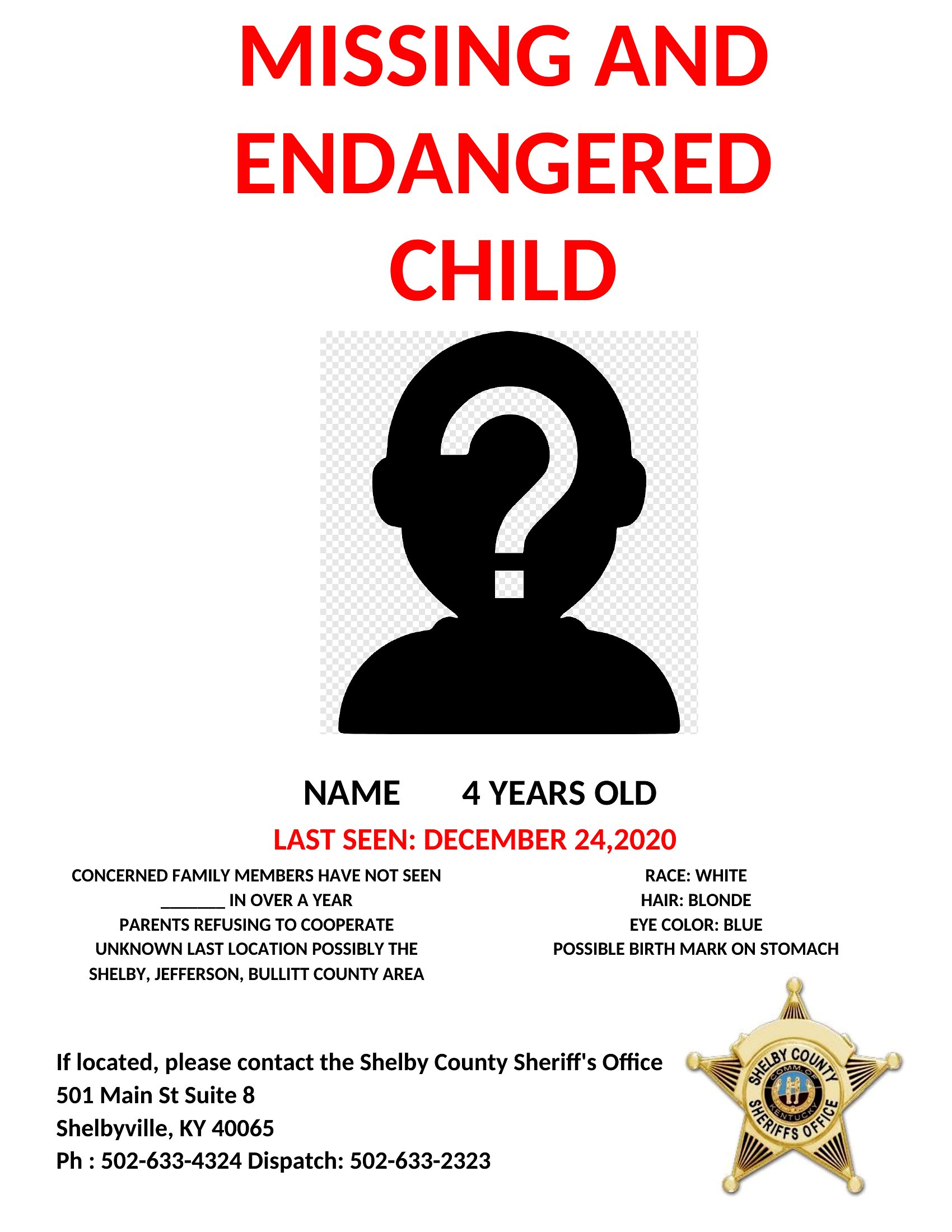
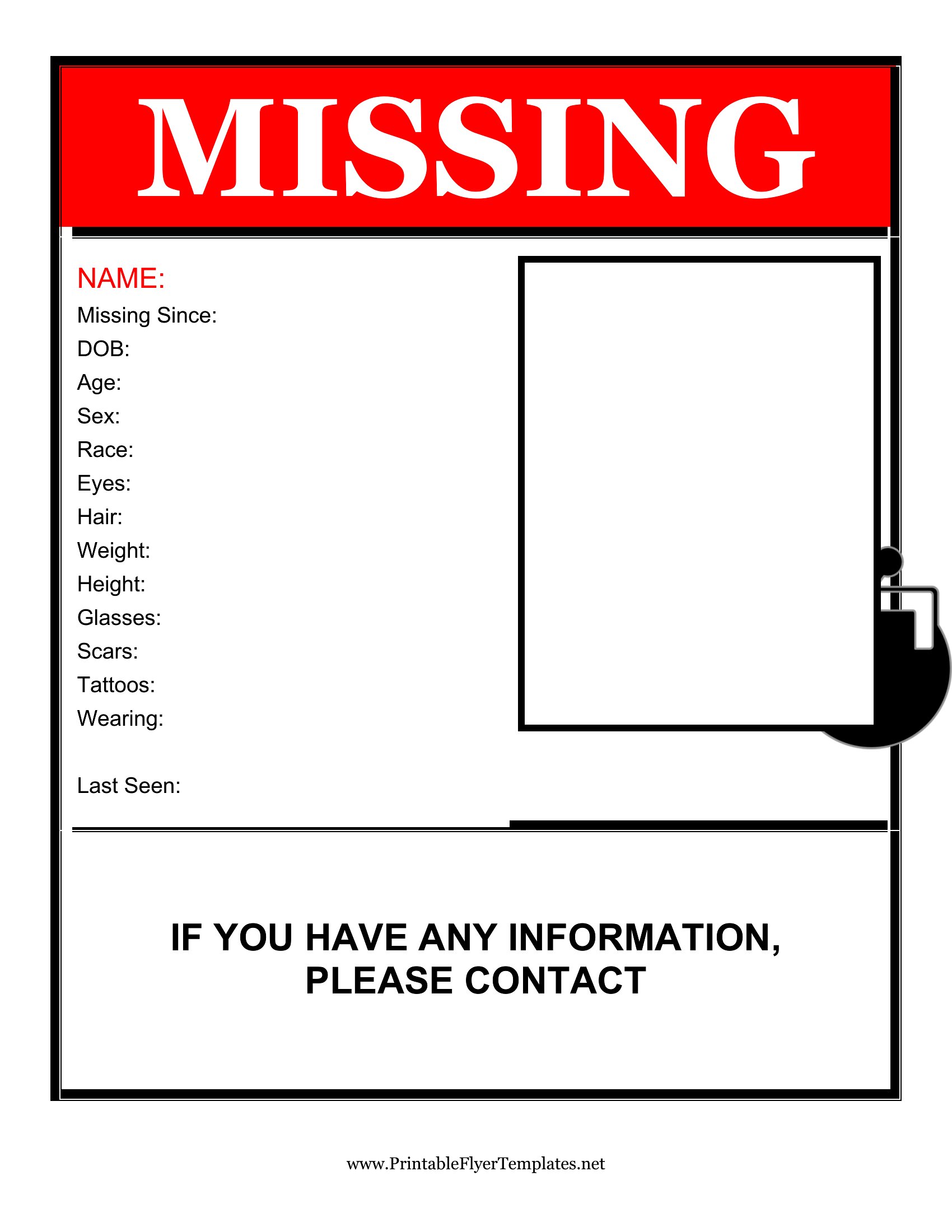
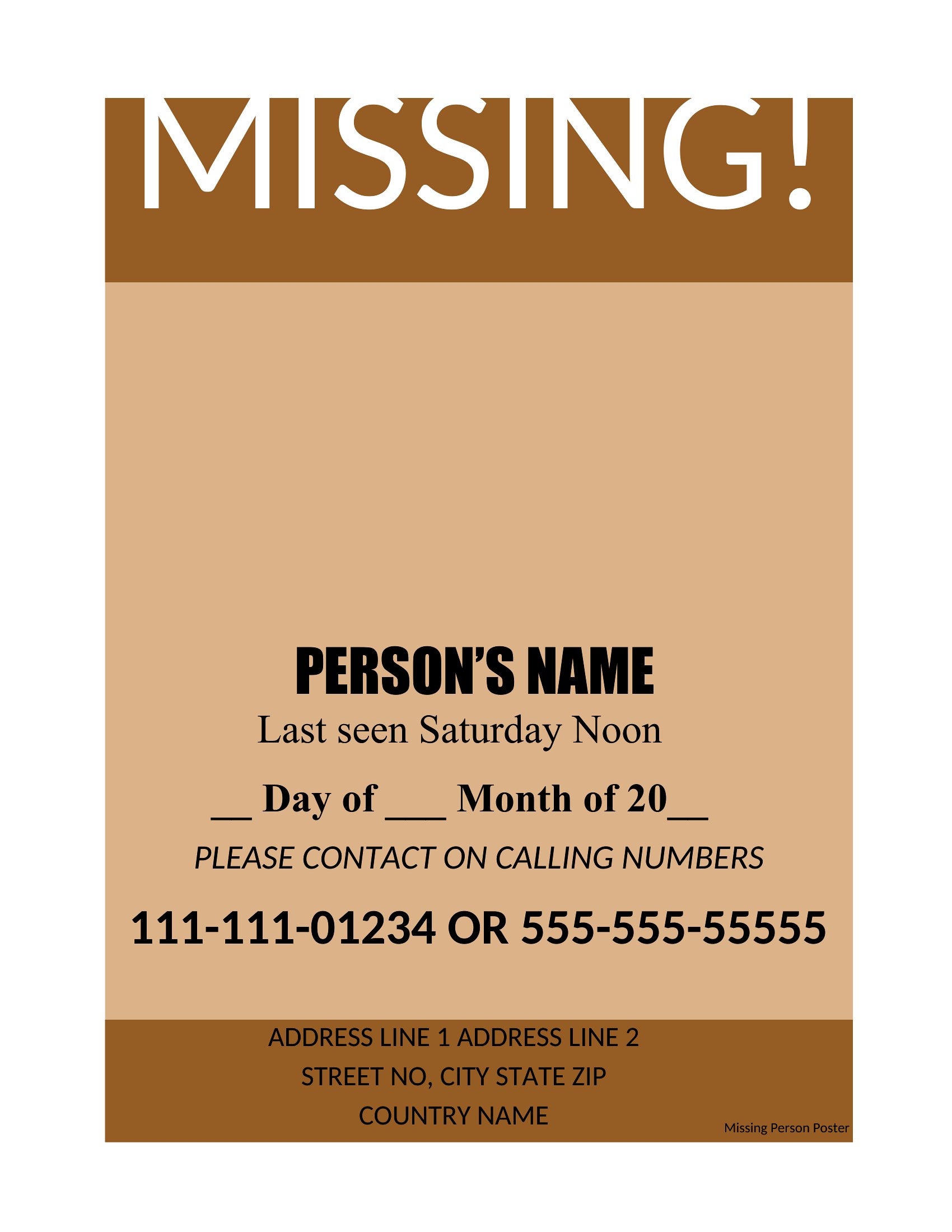
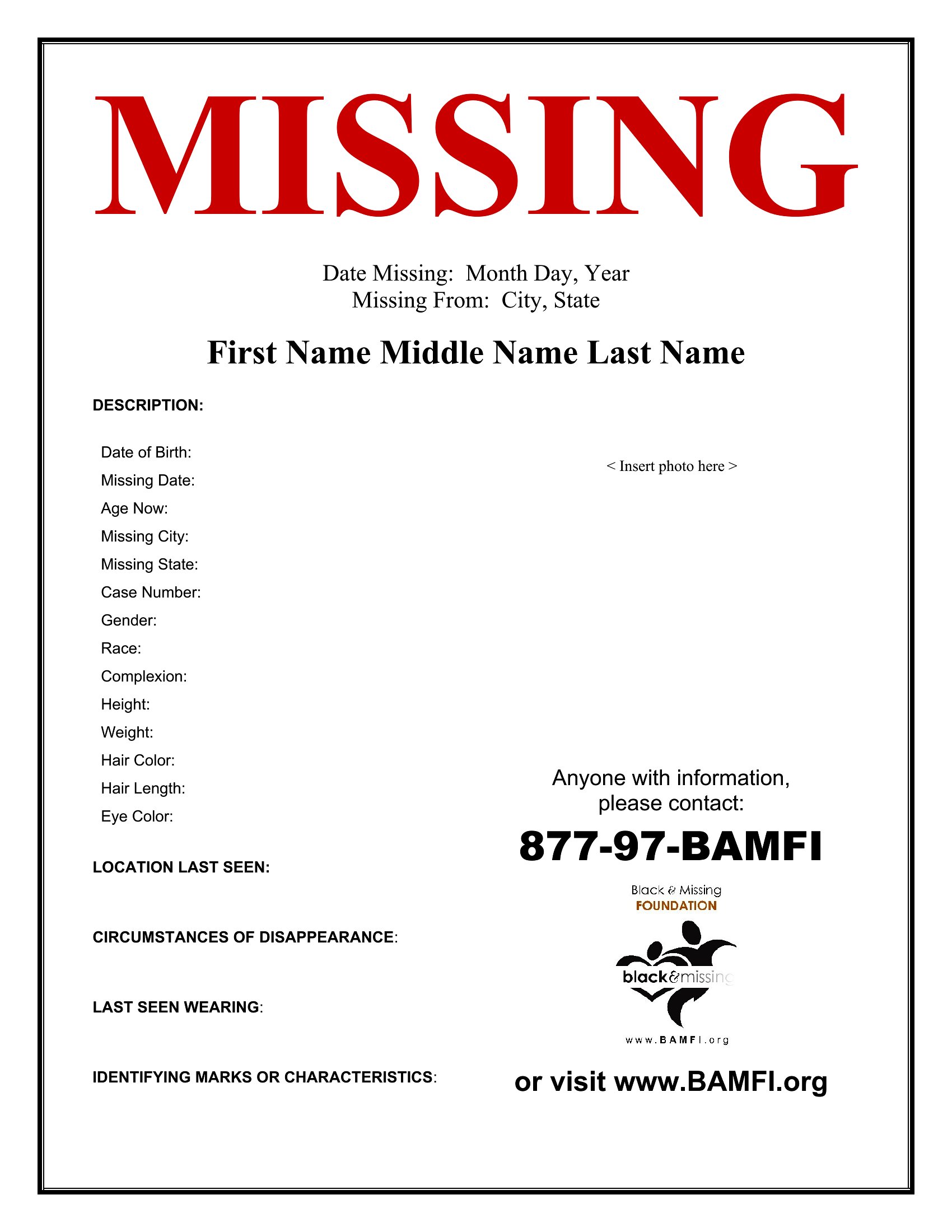
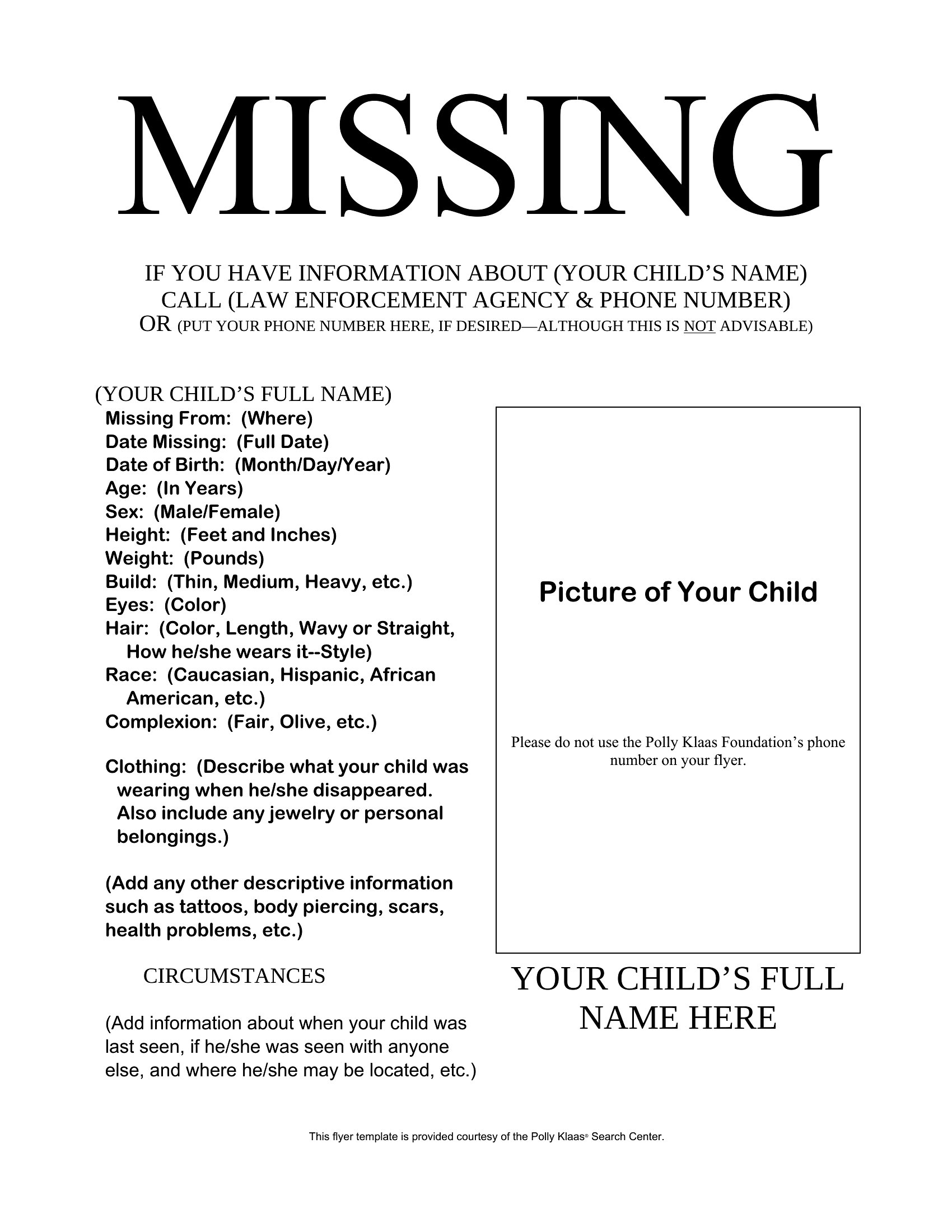
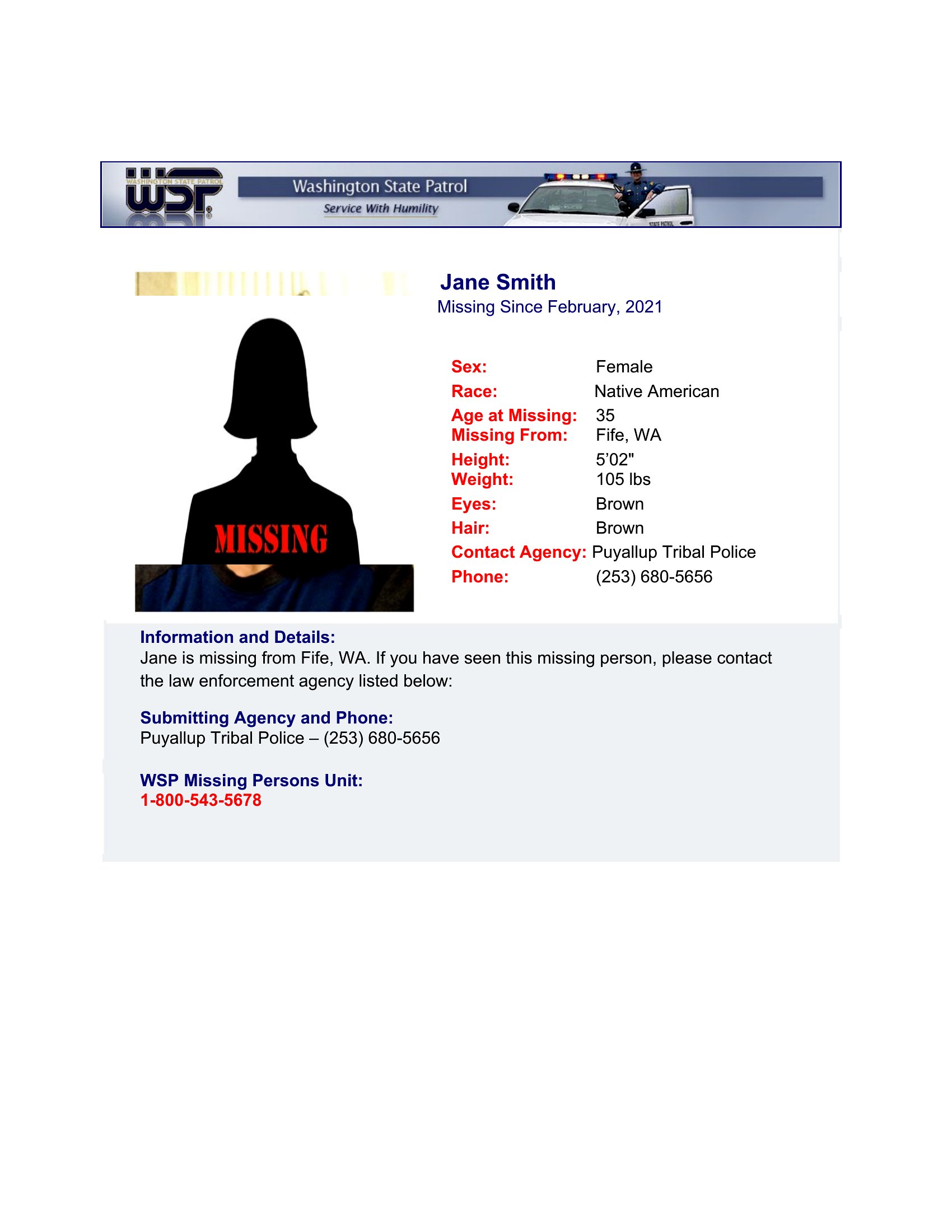
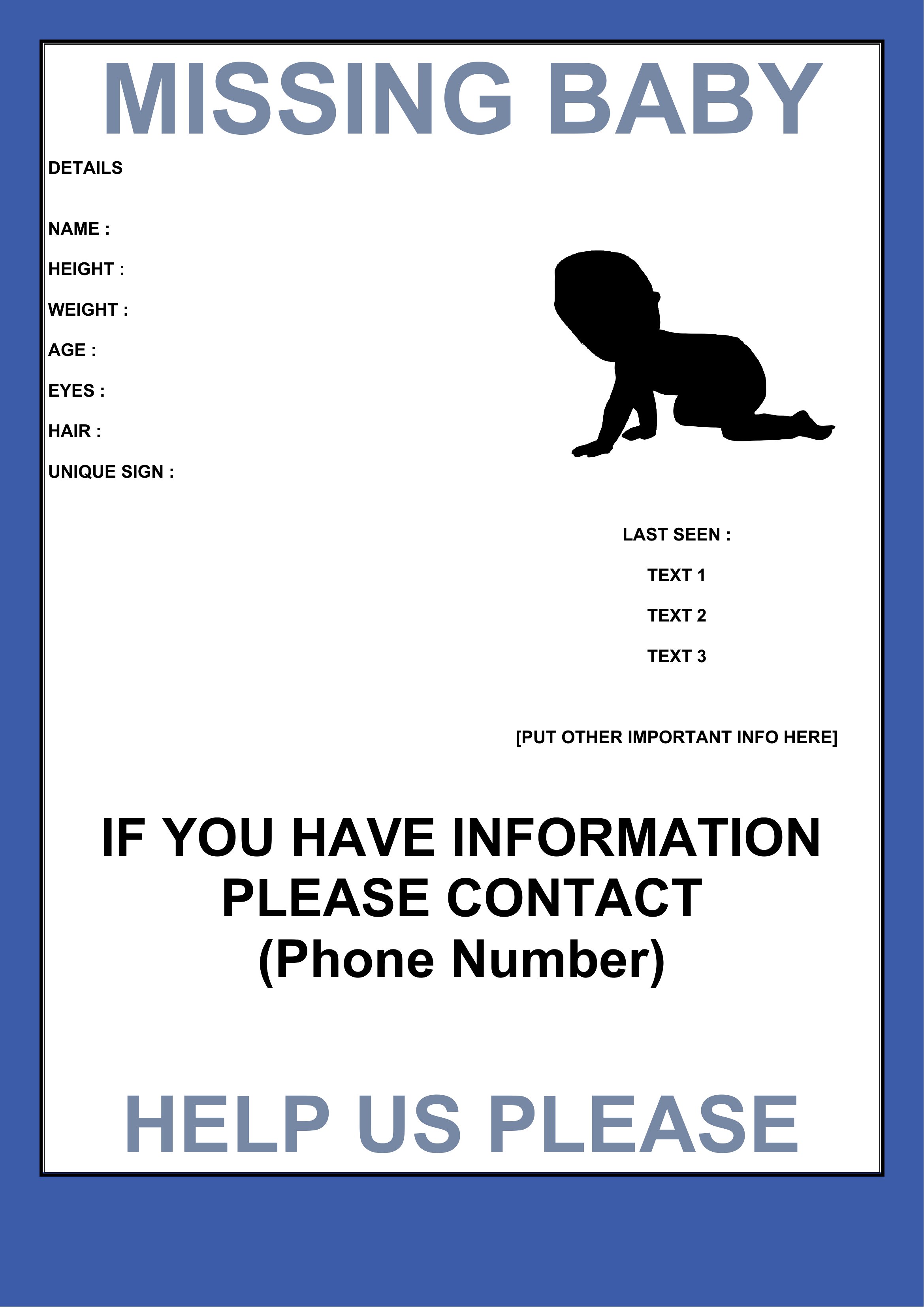
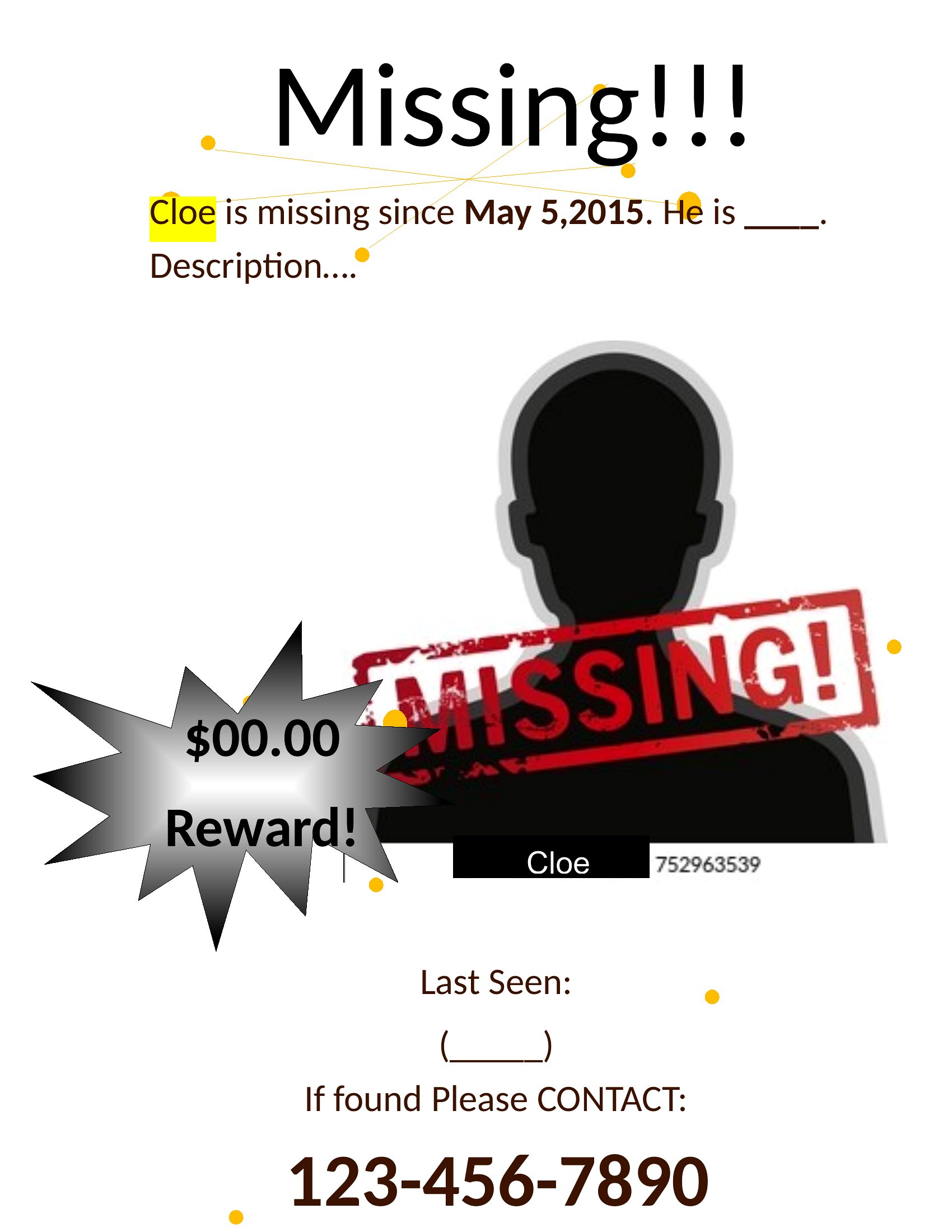
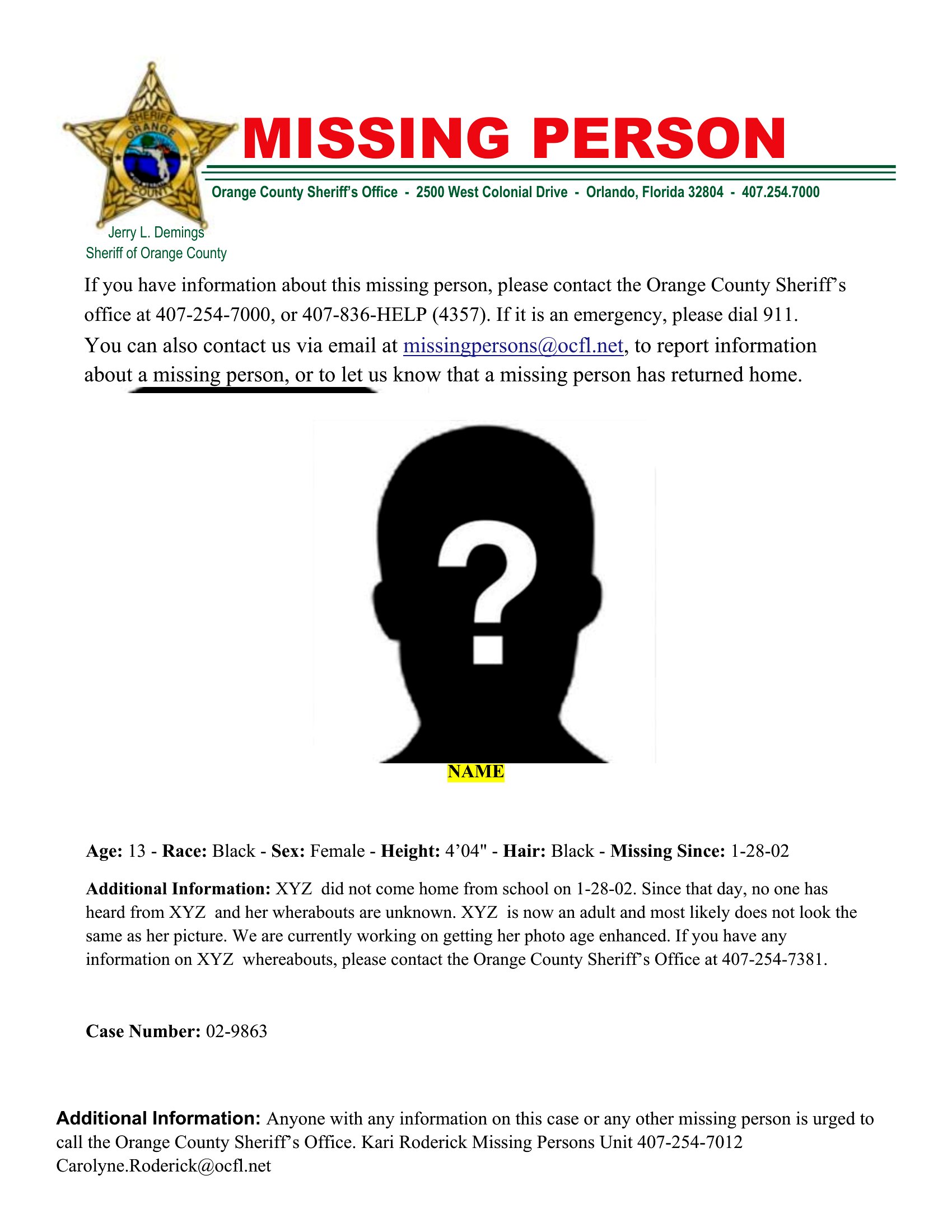
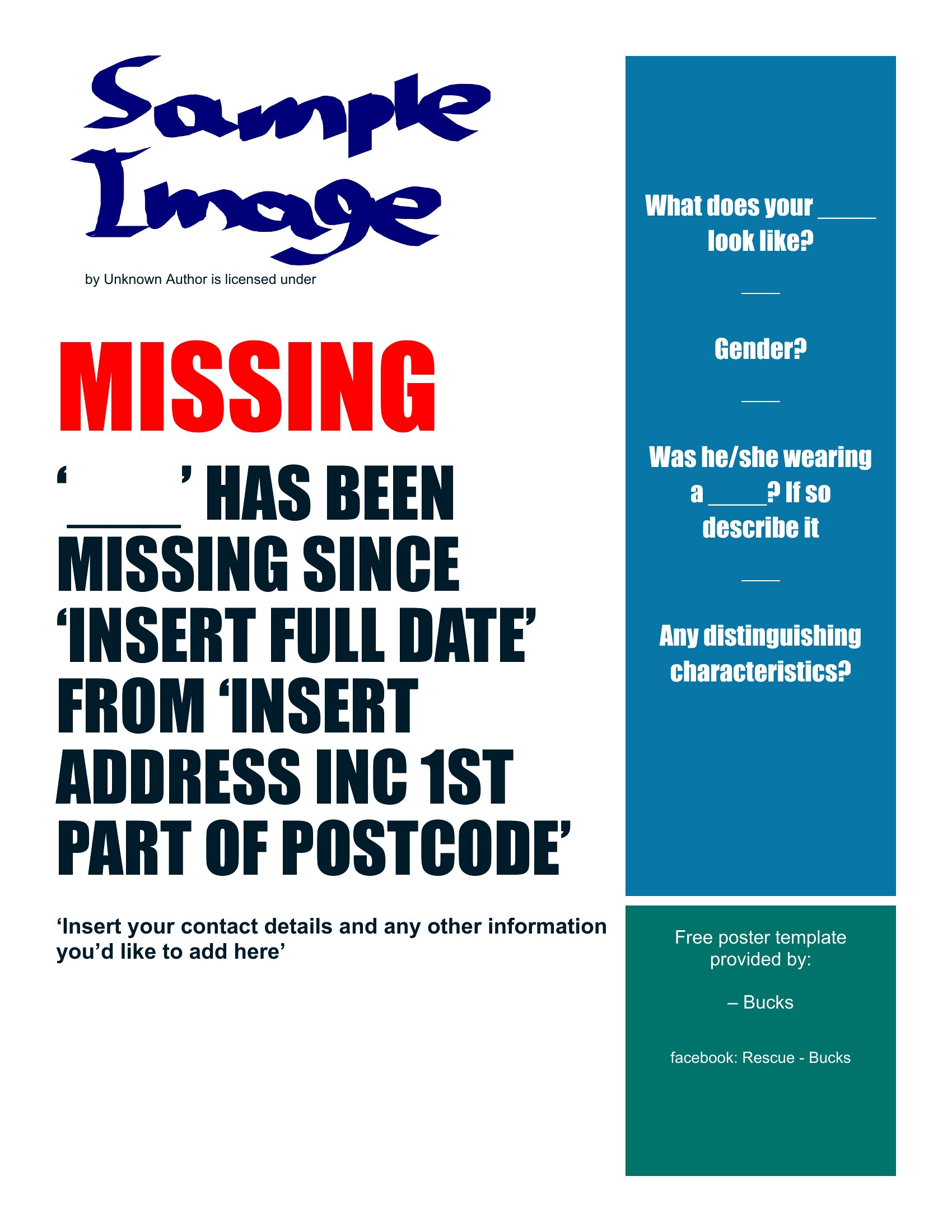
Can I add a photo directly into the template, or do I need to insert it separately?
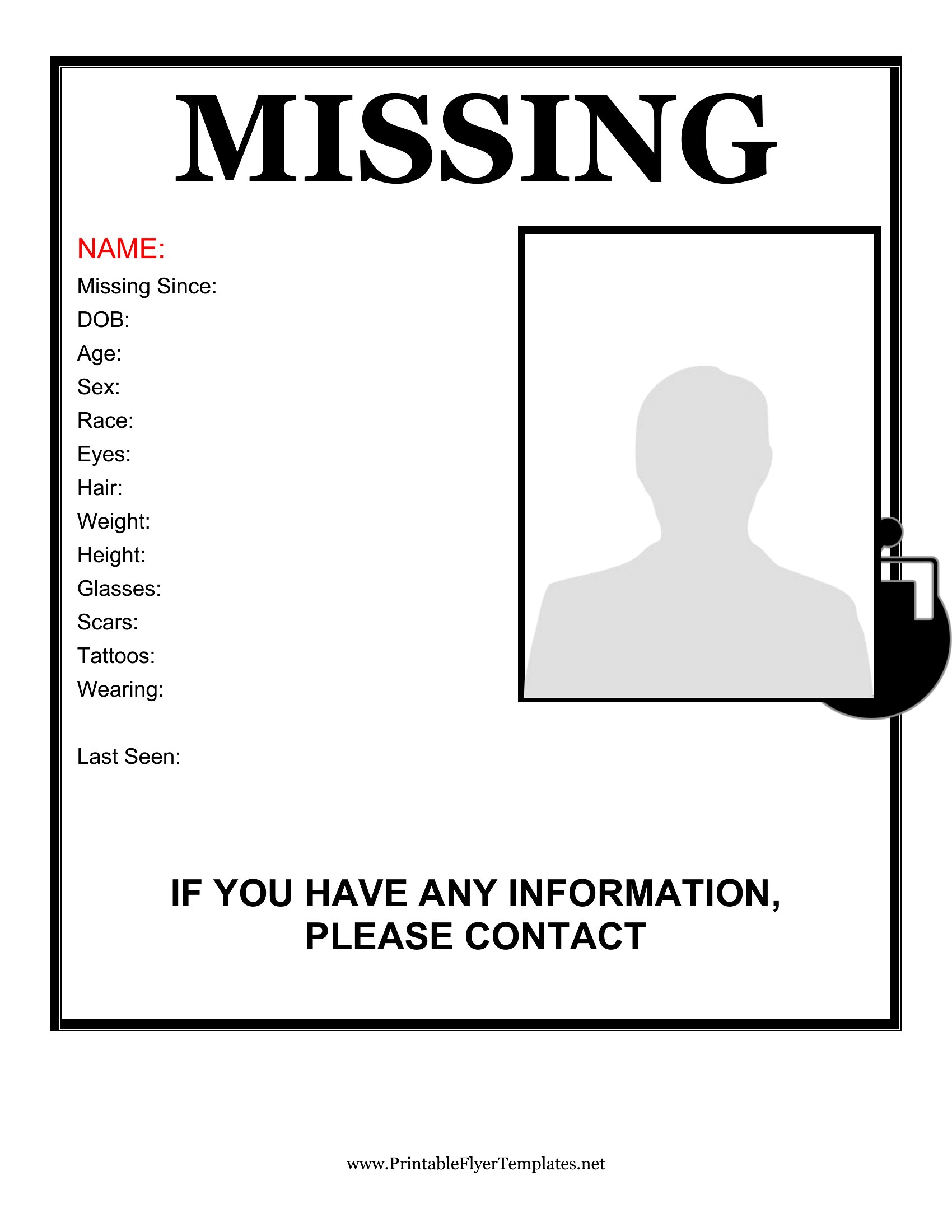
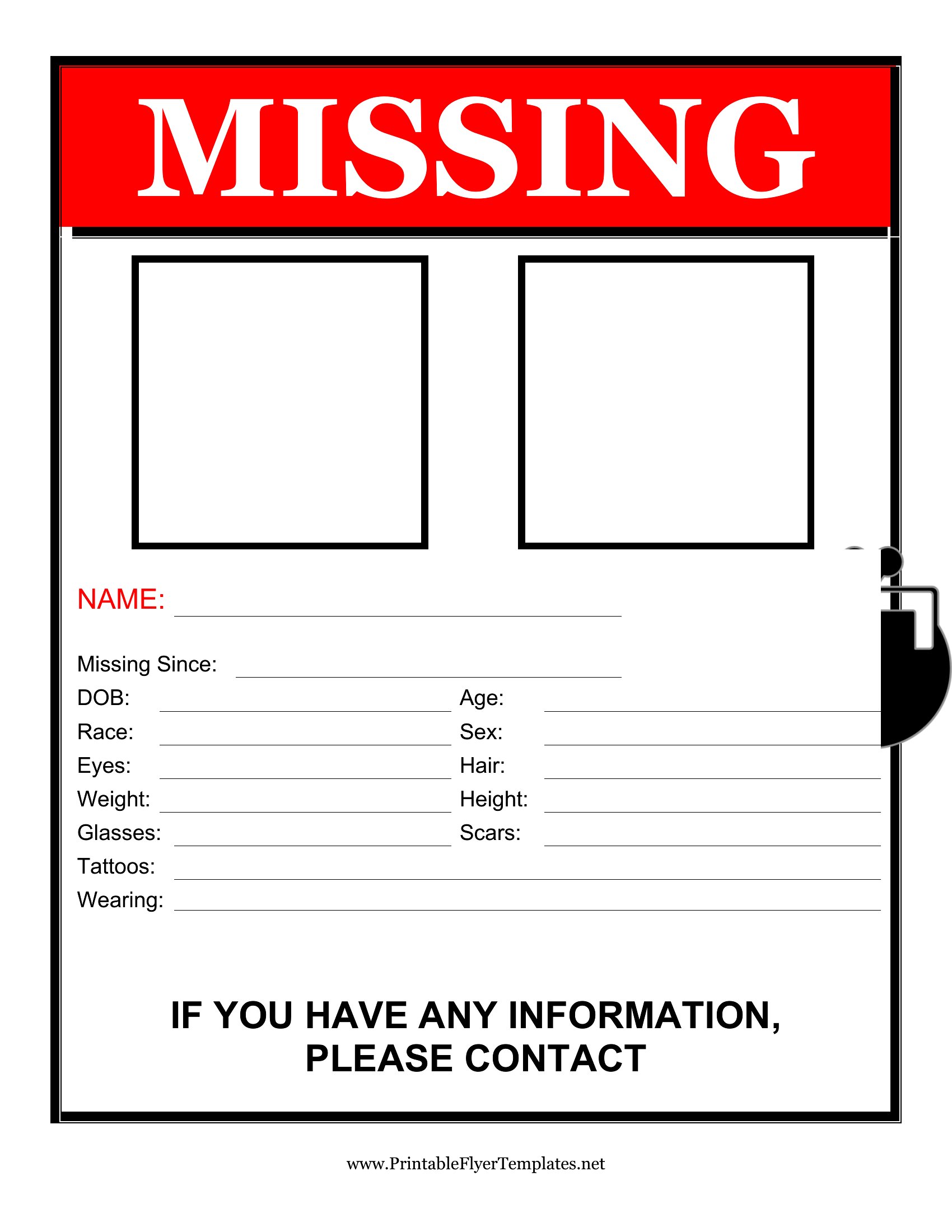
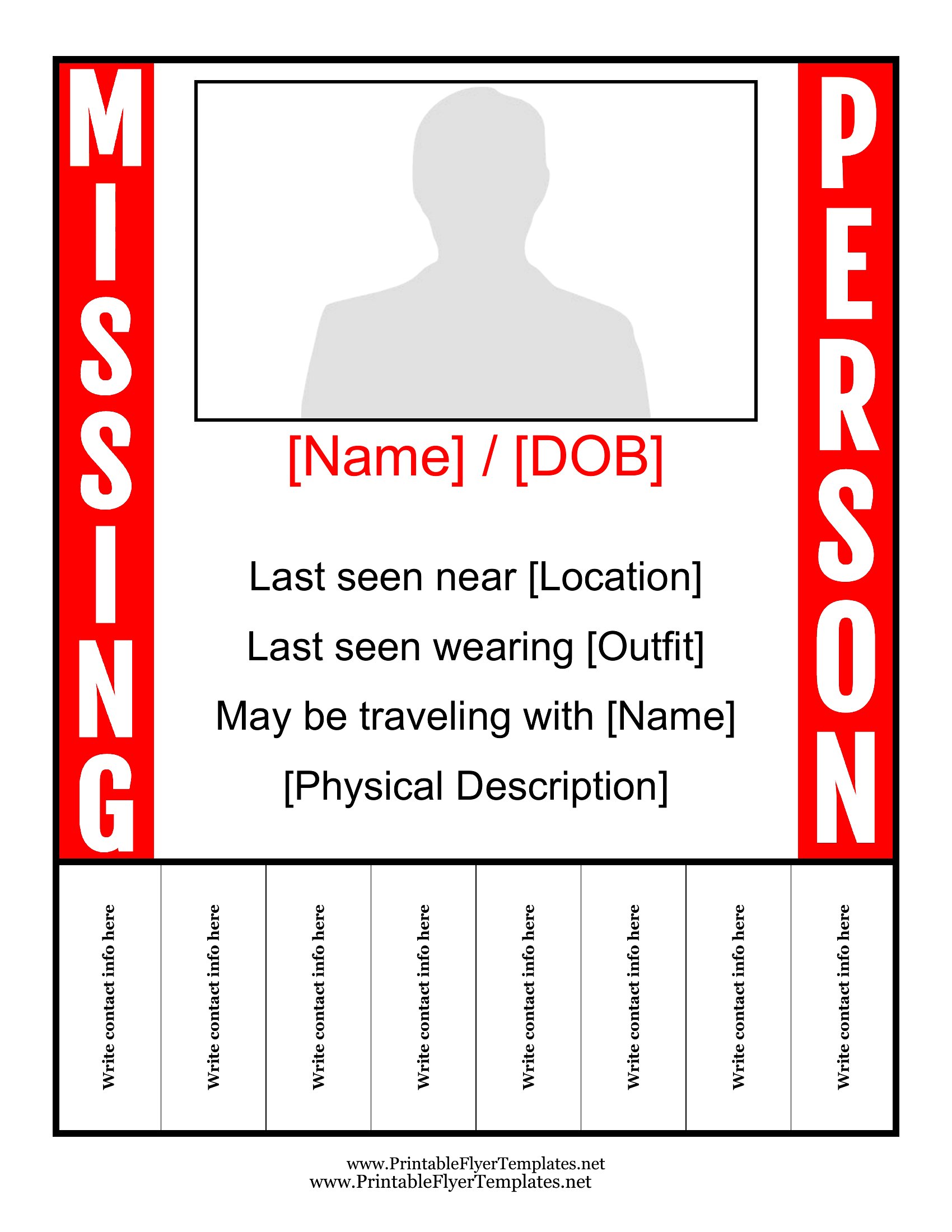
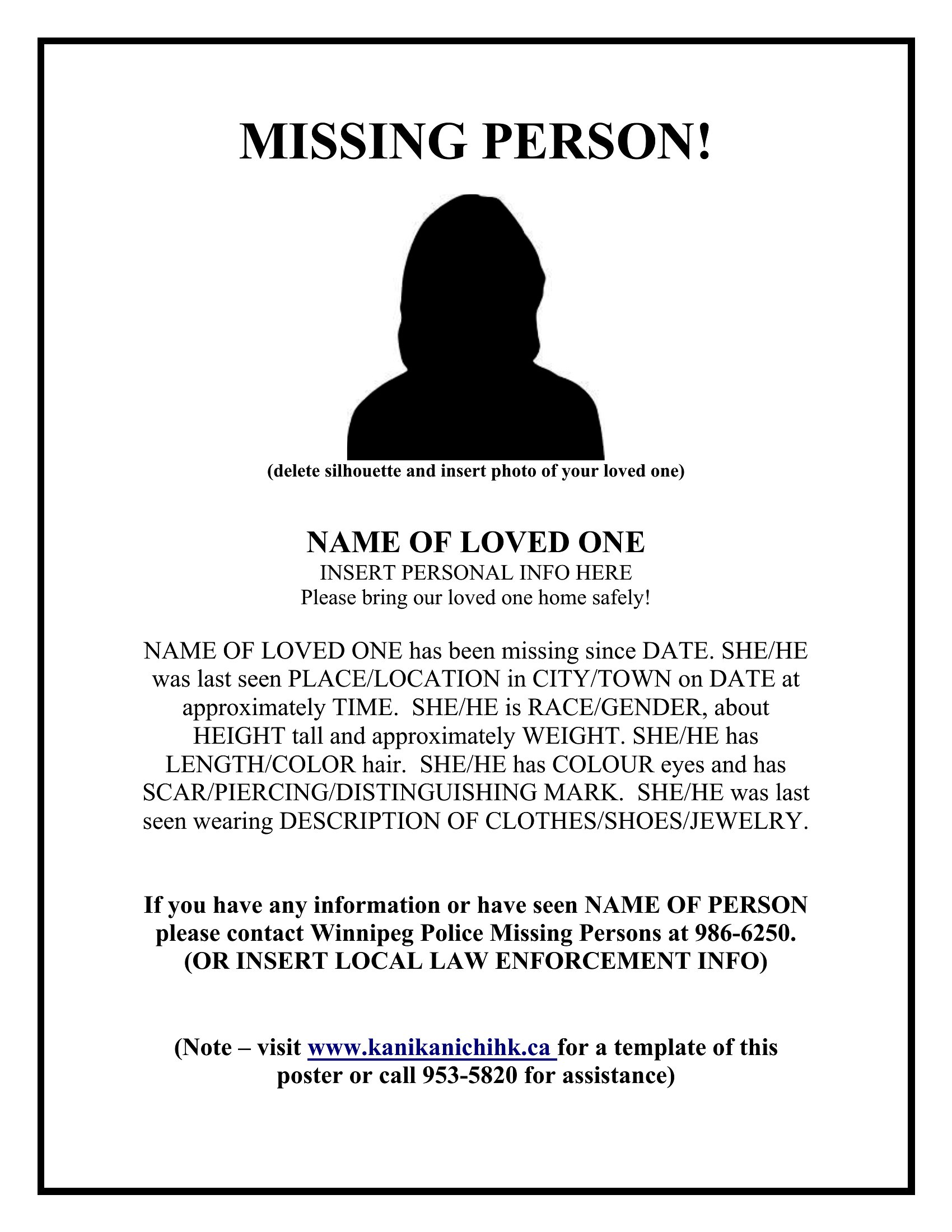
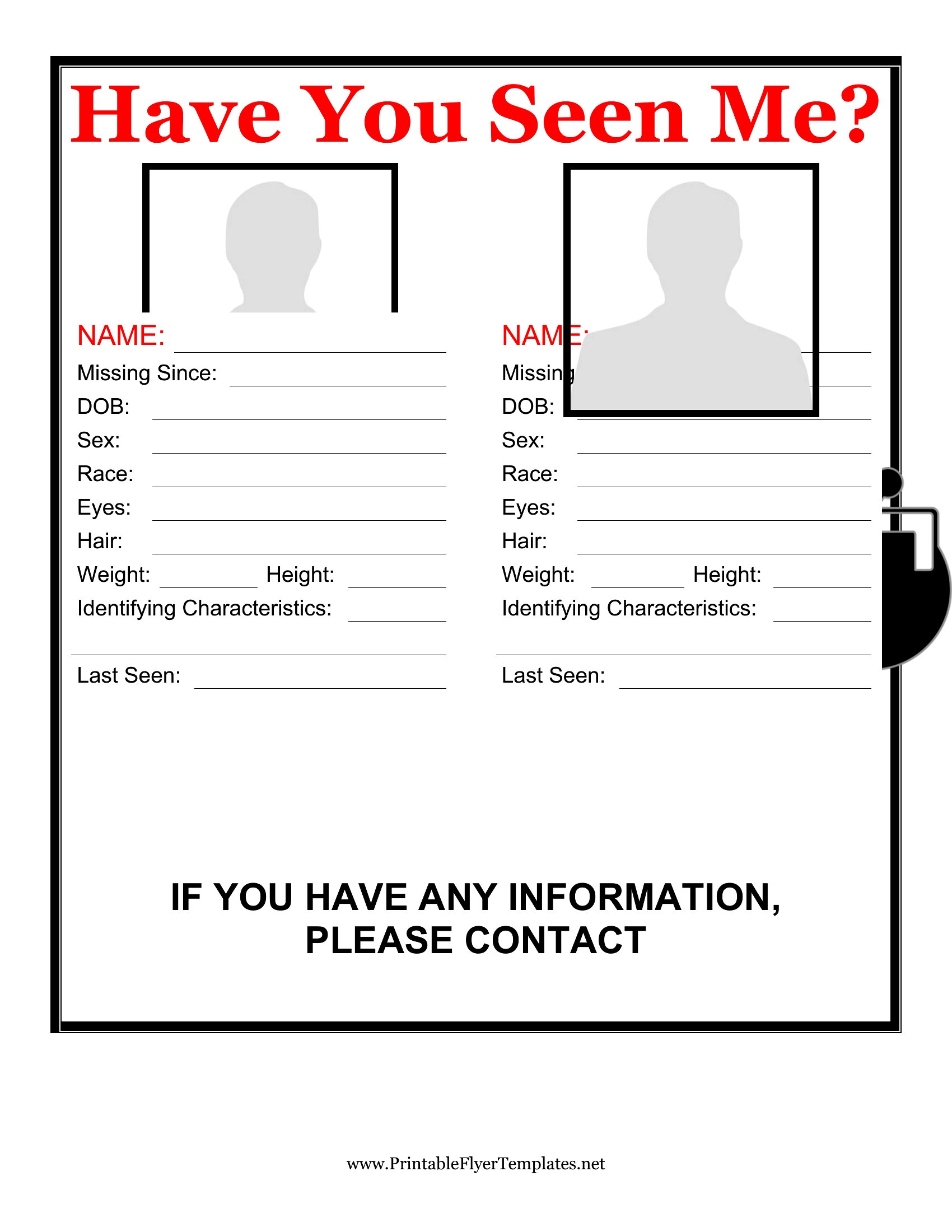
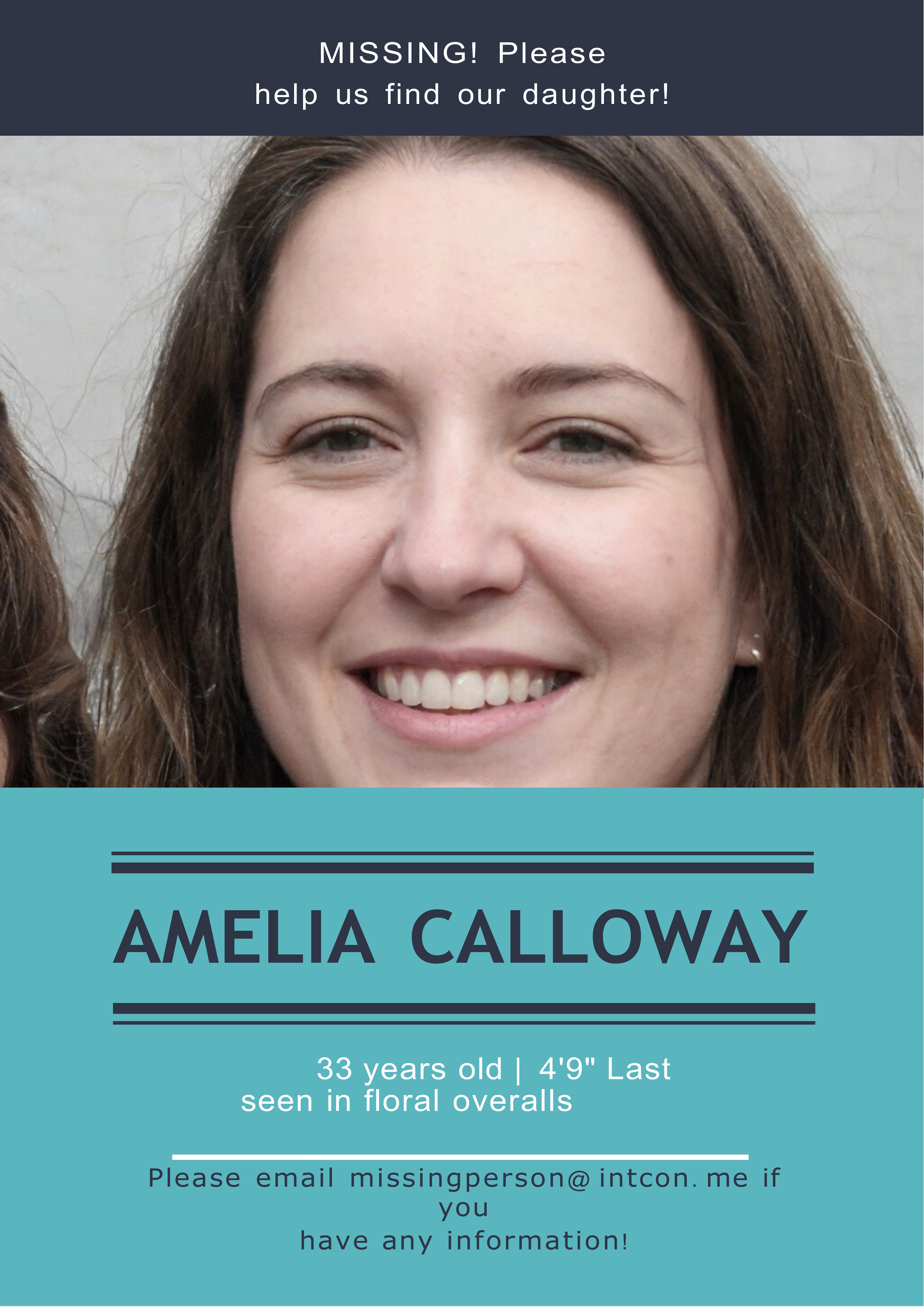
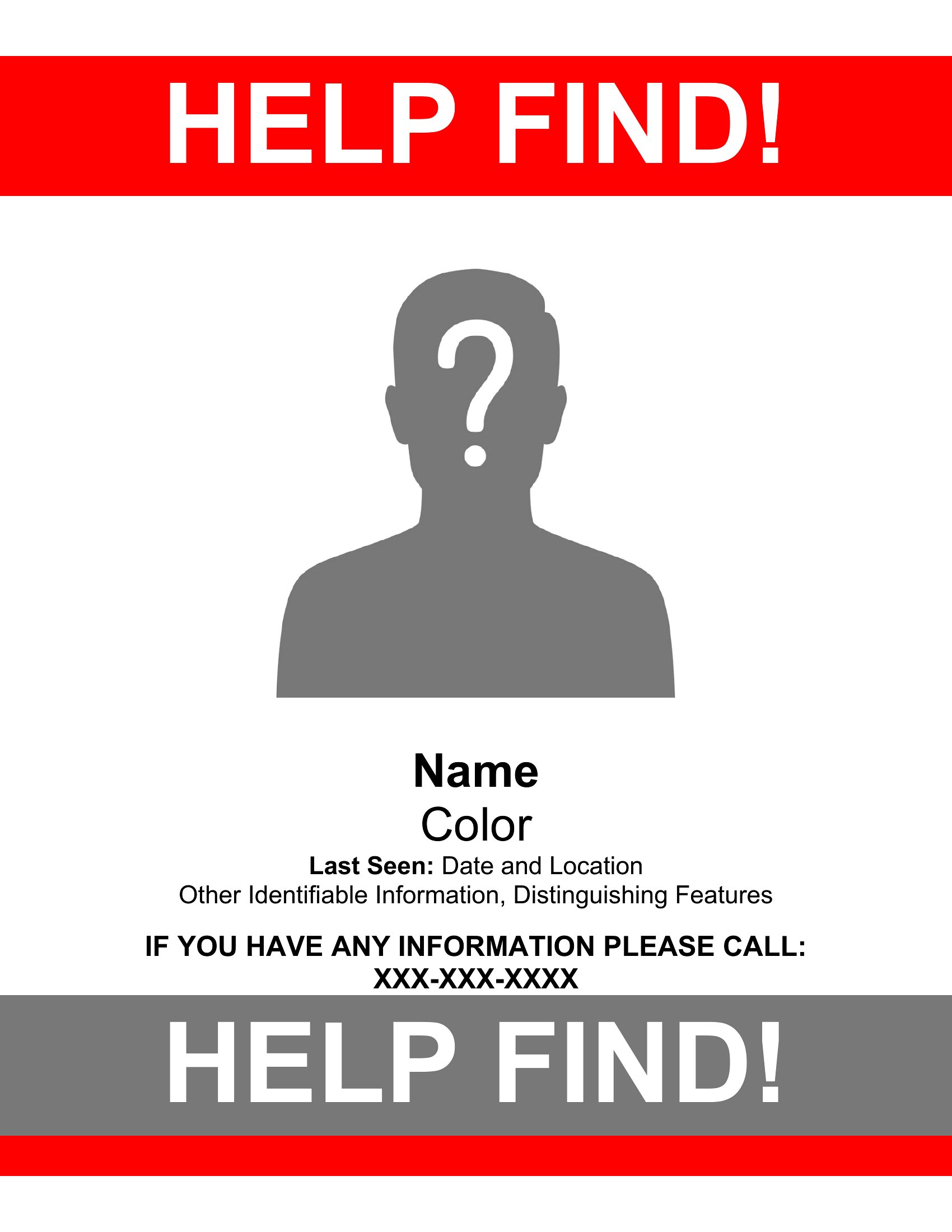
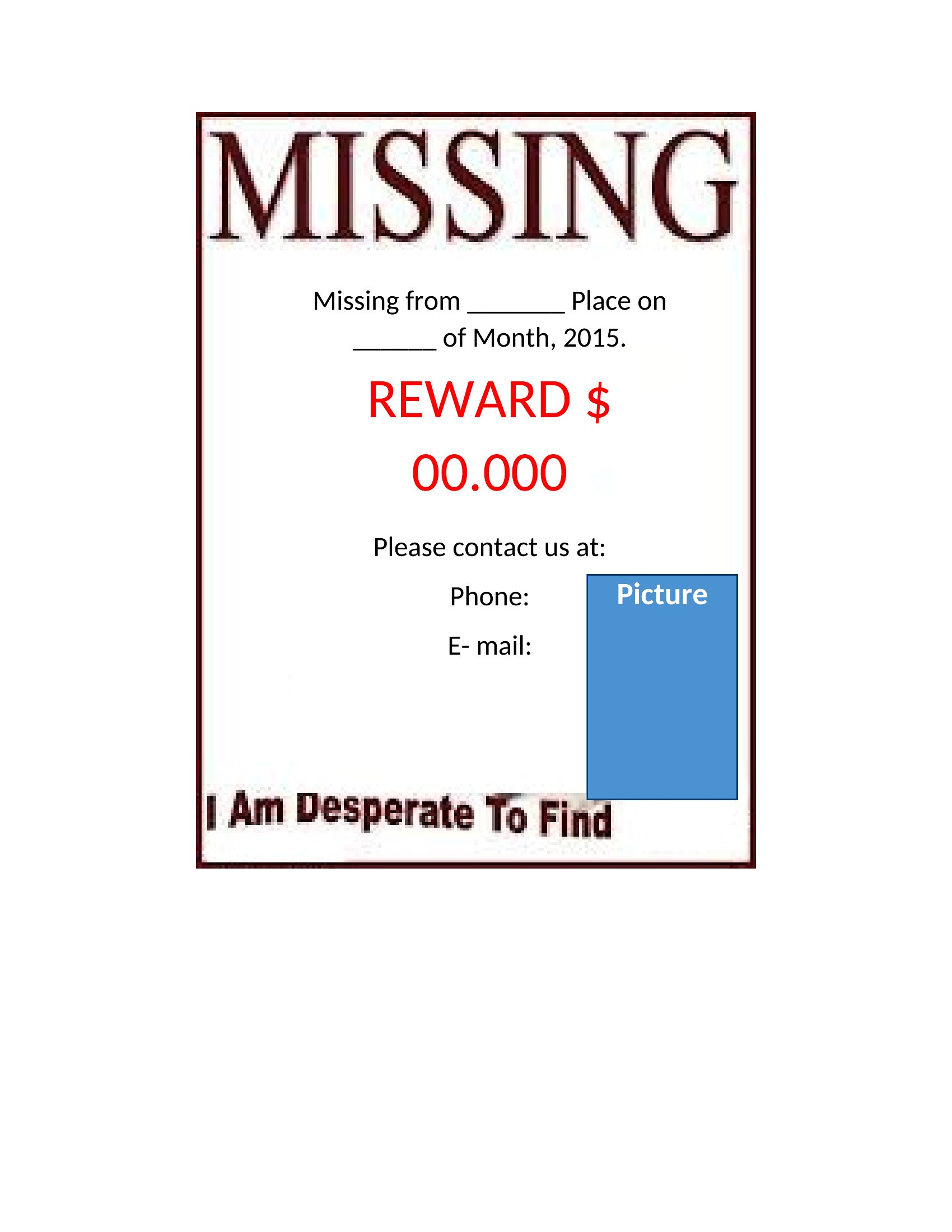
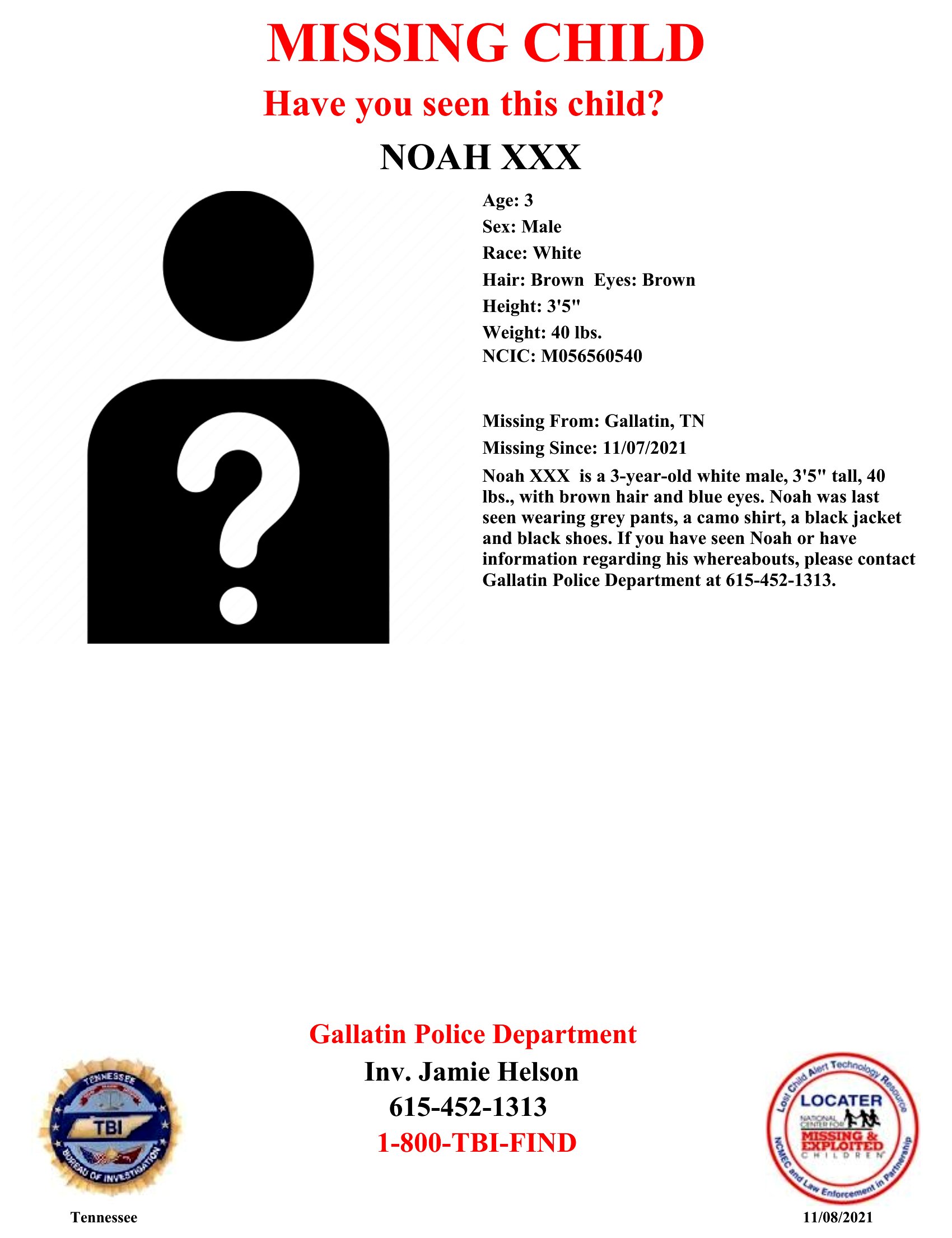
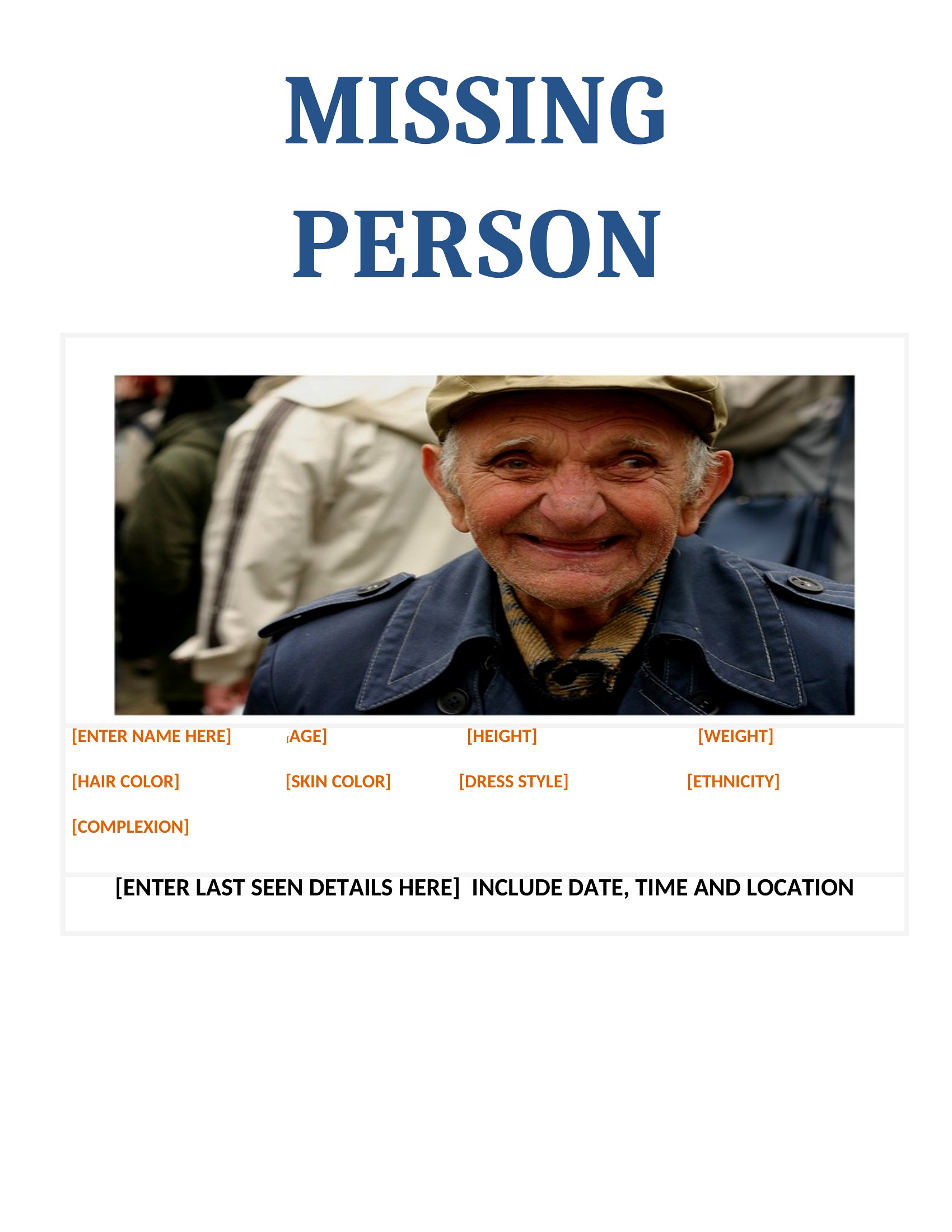
You’ll need to insert your photo separately. These Word templates include a designated photo space, but you’ll paste or drag your image into the placeholder. For best results, use a high-resolution file and resize it to fit clearly without stretching. Avoid overly small images that might get lost in the poster’s details.
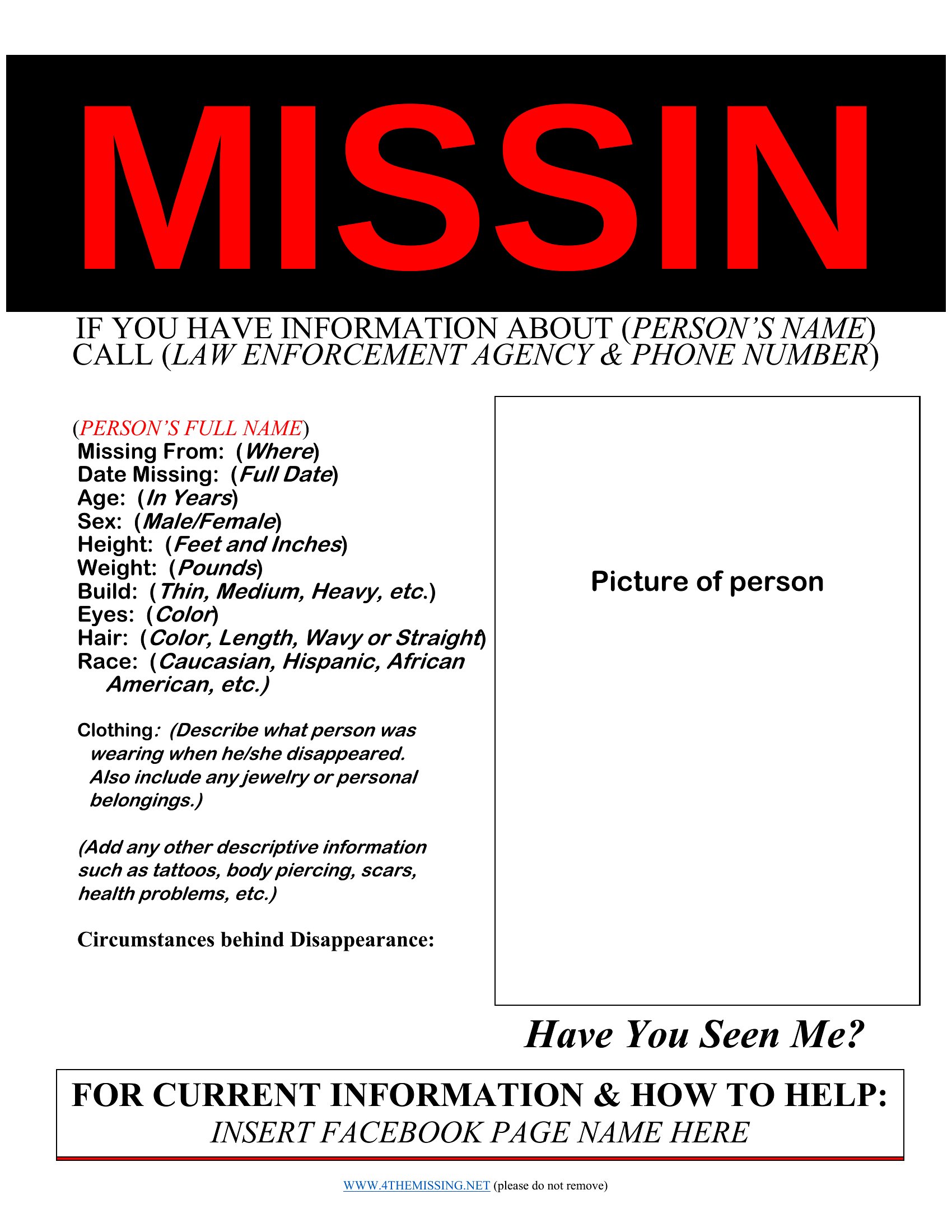
What’s the best way to make sure the text is still readable when printed in a public space?
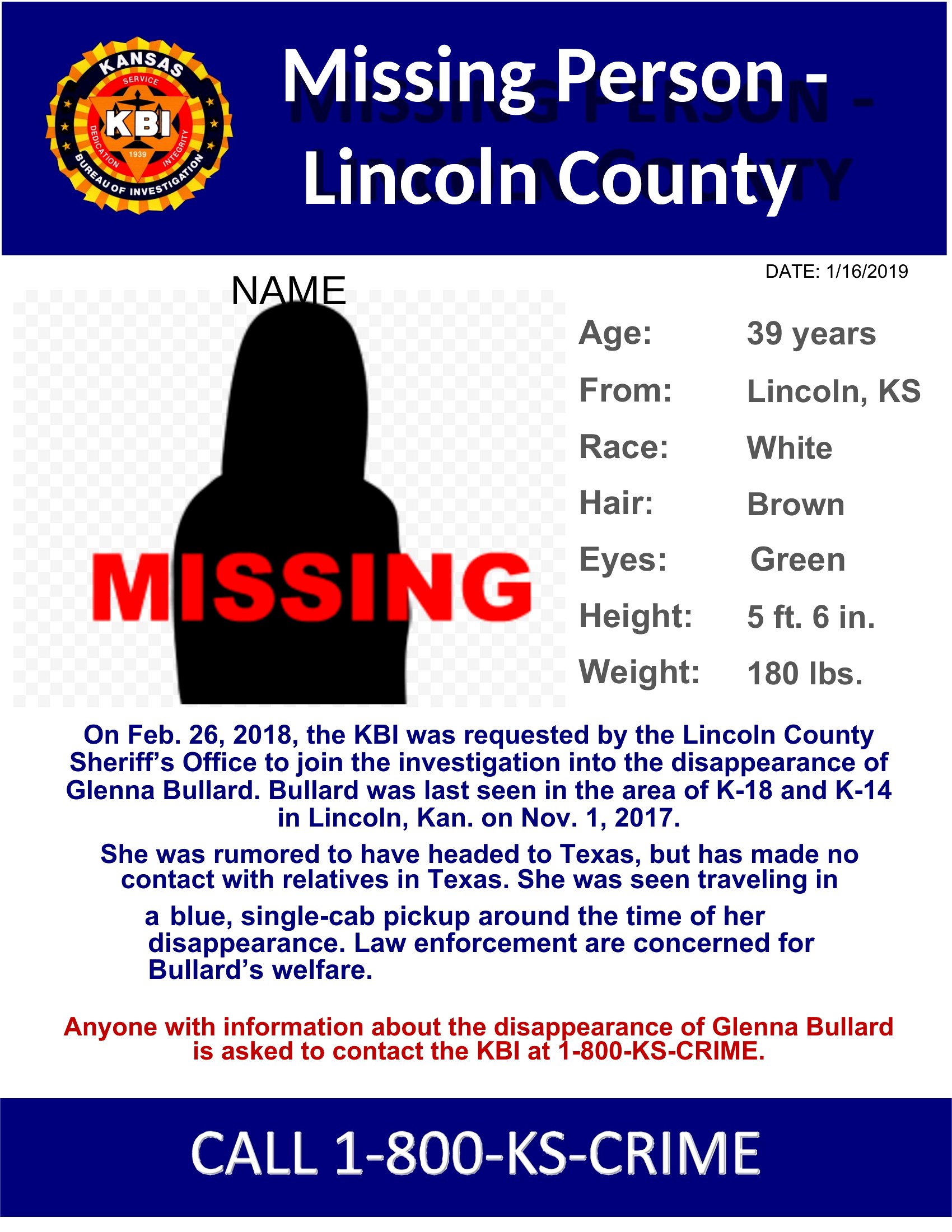
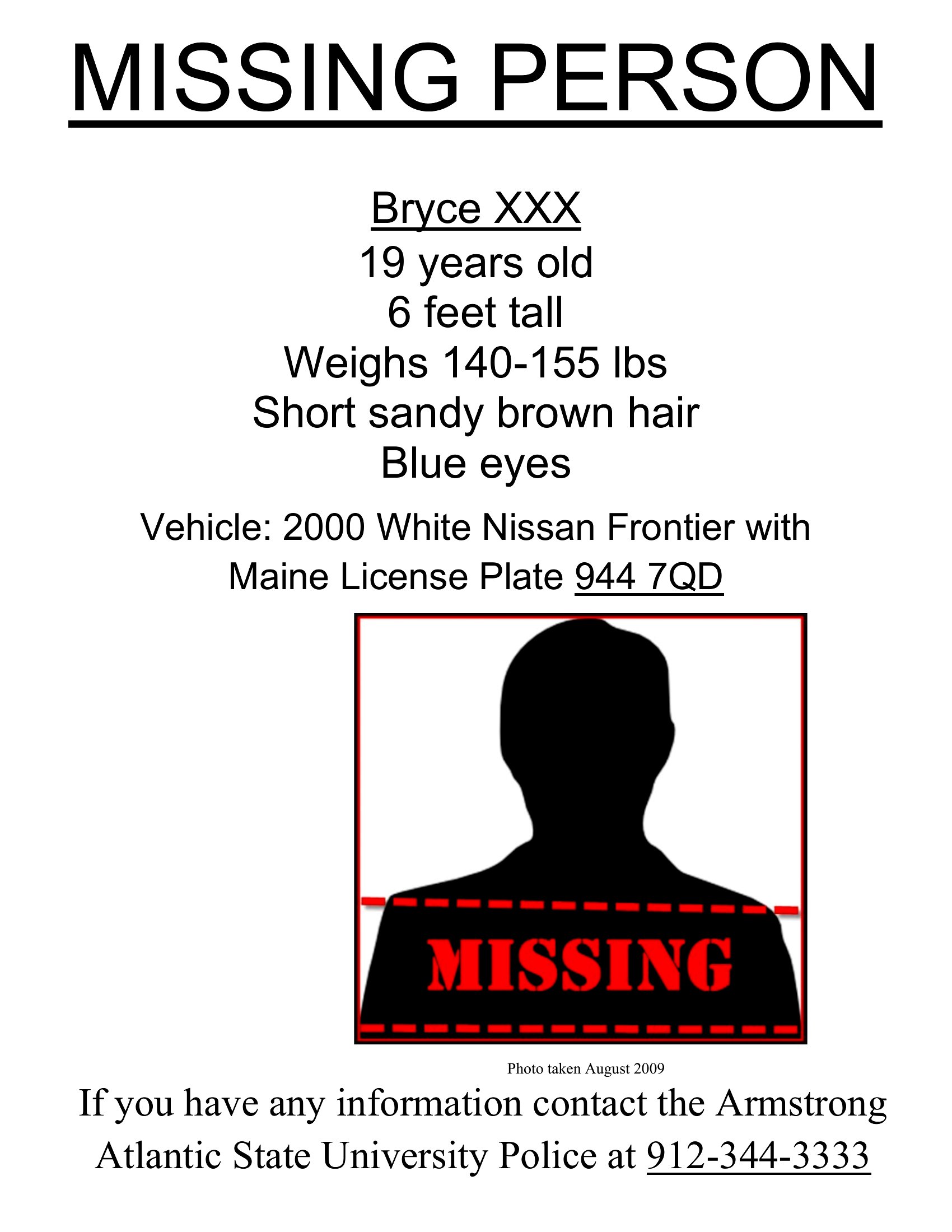
Use the template’s header sections for the most critical details—like the word ‘MISSING,’ name, and a brief description. Stick to bold, sans-serif fonts (like Arial or Calibri) and keep text in 14pt or larger. Avoid all-caps for long paragraphs, as it reduces readability. Print on bright-colored paper to contrast with backgrounds.
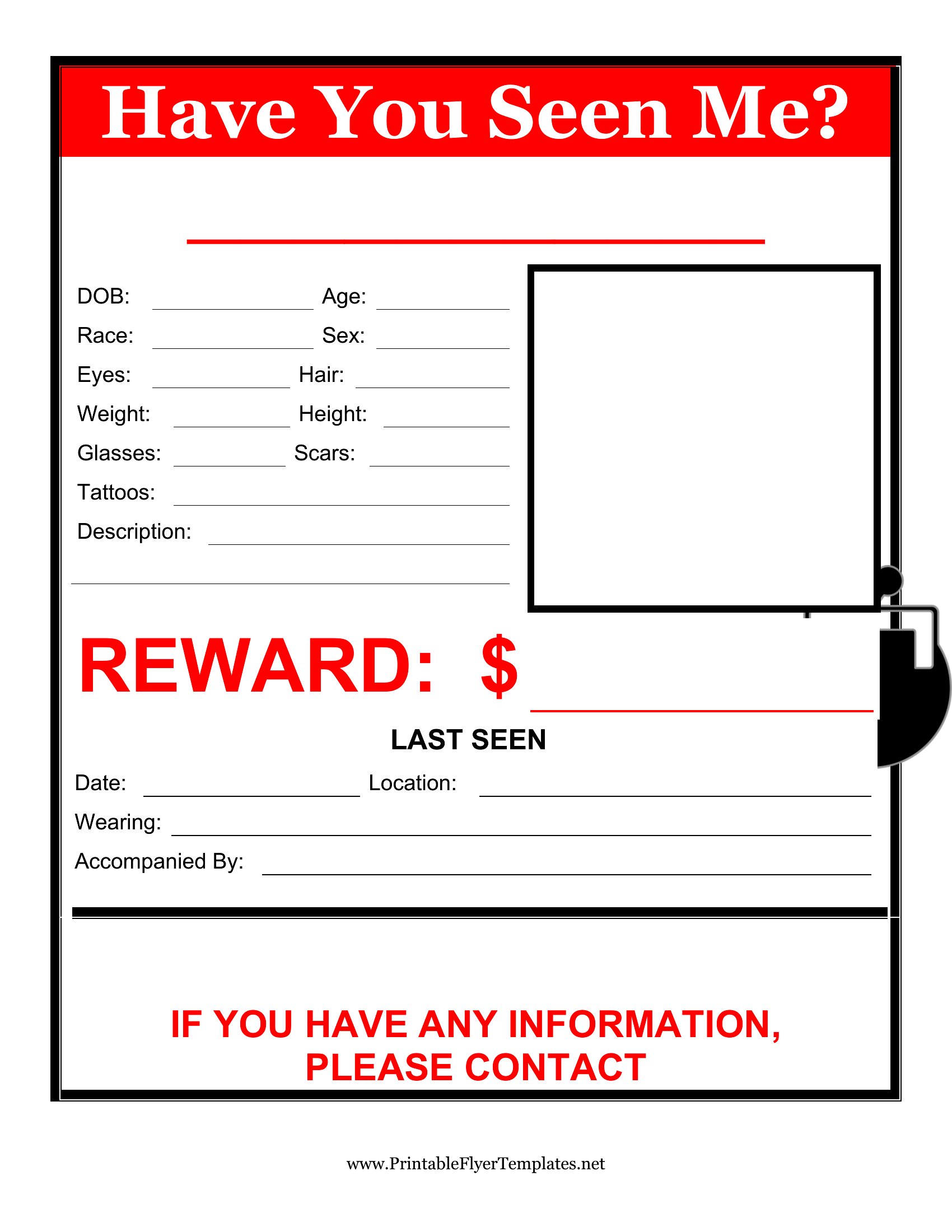
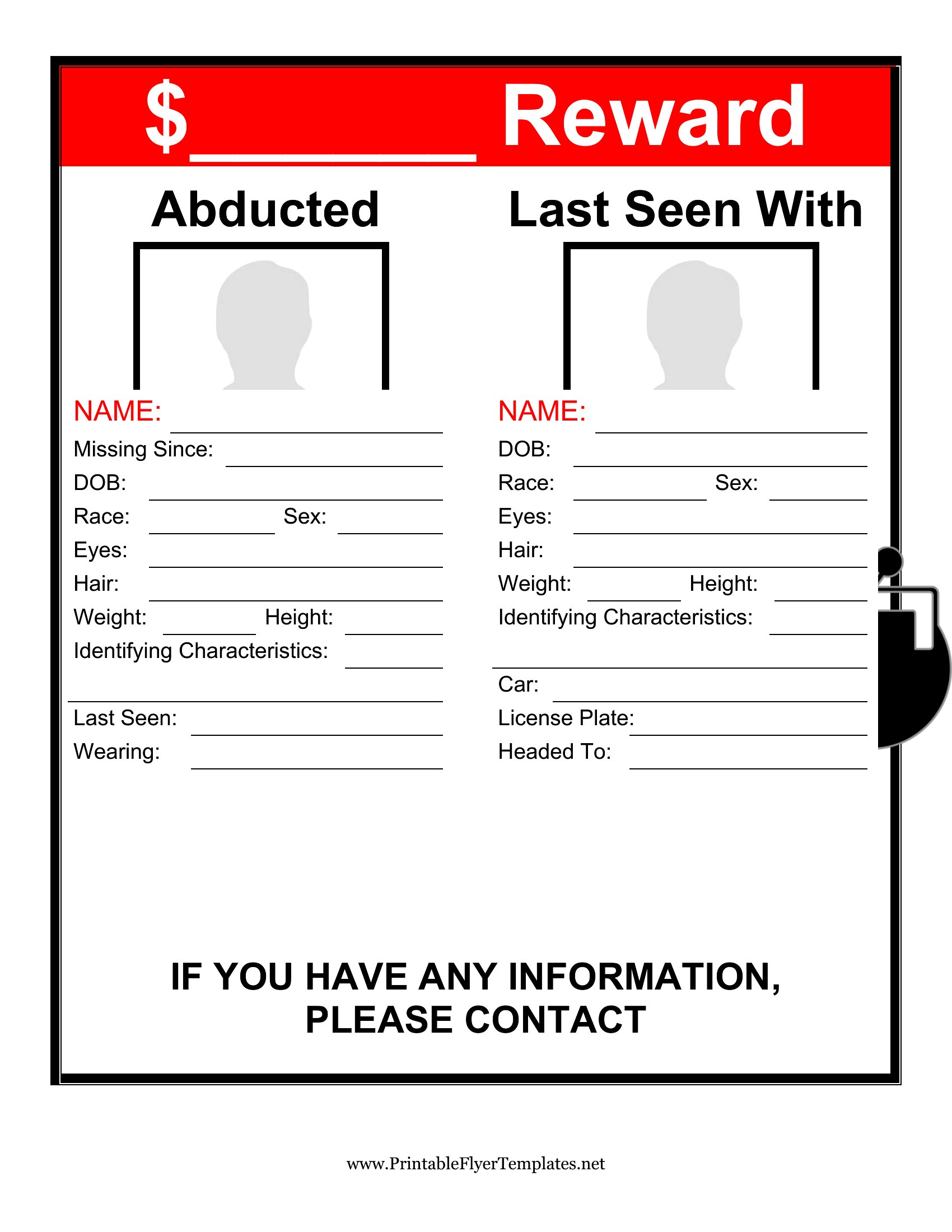
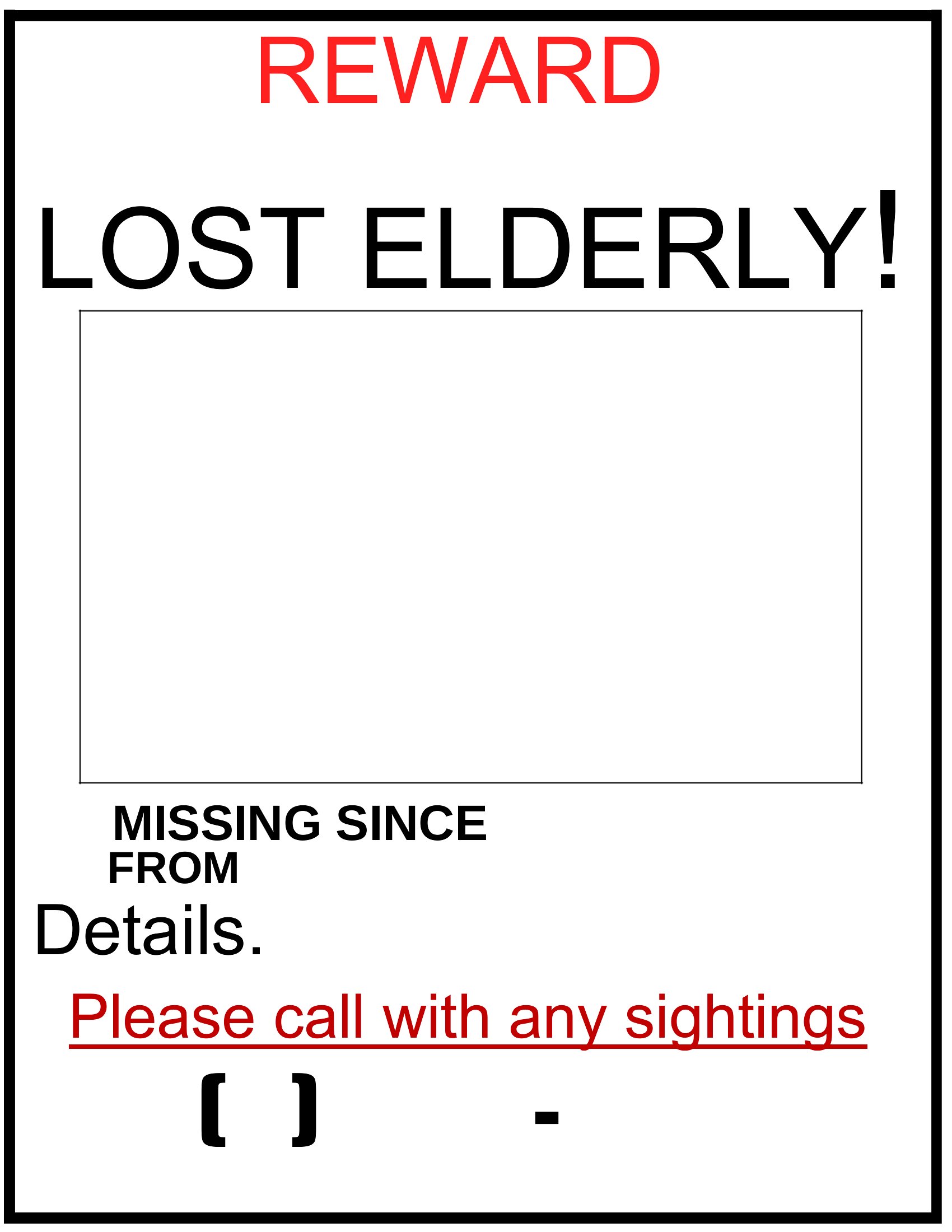
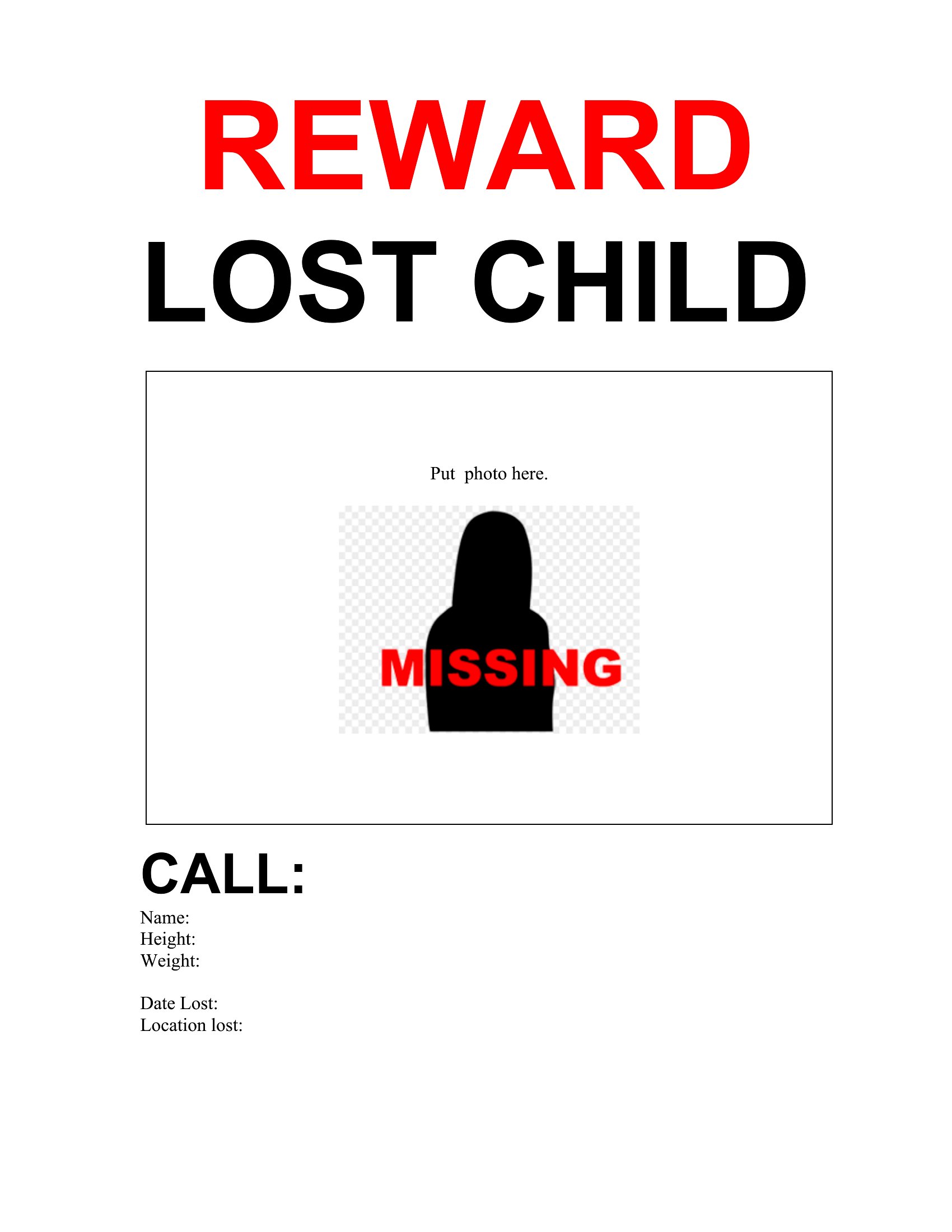
Should I include a reward offer, and how much detail is appropriate?
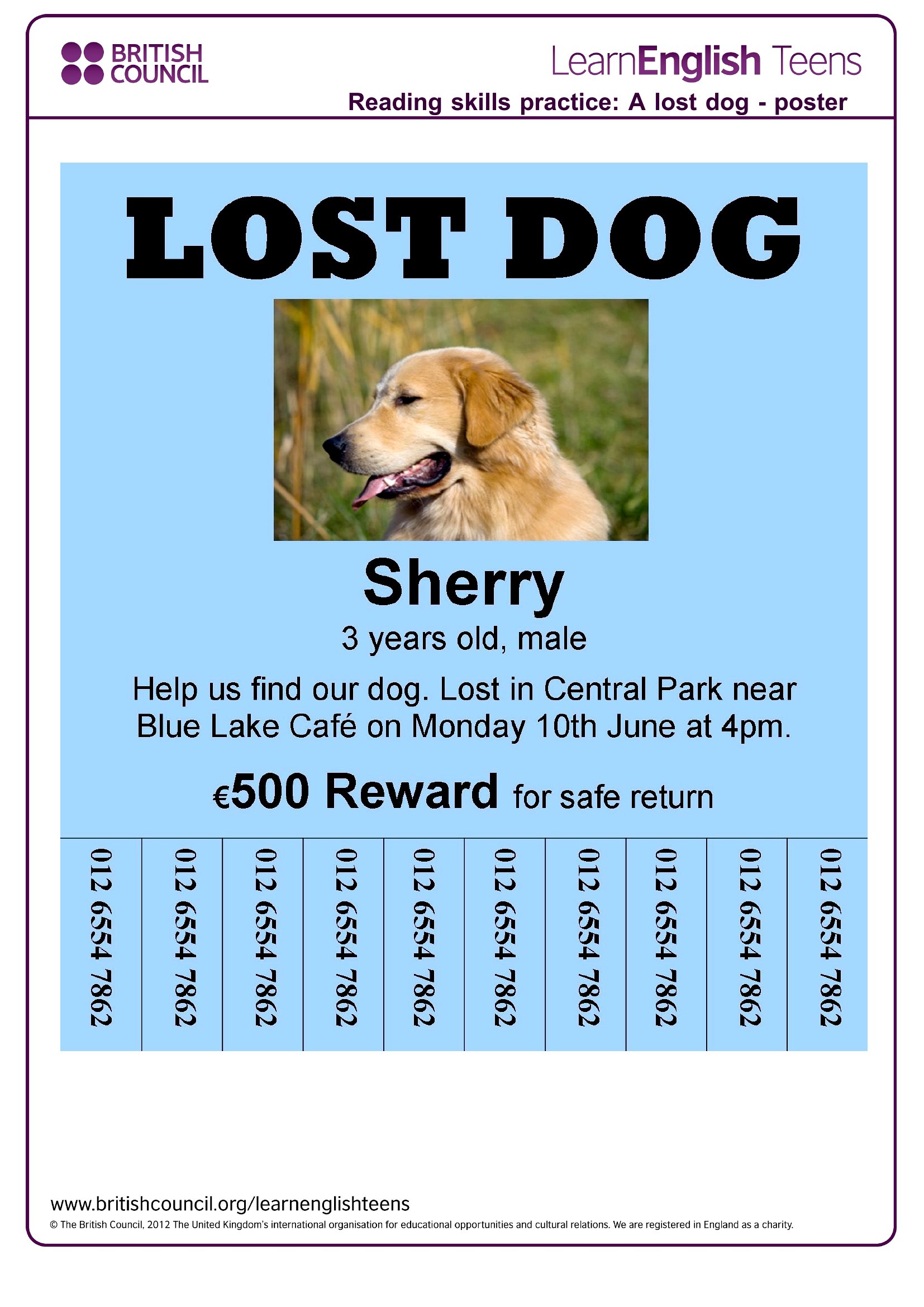
Yes, a reward can motivate sightings, but keep it concise. Specify the amount clearly (e.g., ‘$50 reward’) and avoid vague language like ‘any reward.’ If offering cash, note whether it’s for the person returning safely or the person who helps. For pets, mention if the reward is for their safe return. Always include your contact info prominently—this is more important than reward details.
Comments
Join the conversation
Sign in to share your thoughts and leave a comment on this resource.