Free User Story Templates (Word, Excel, PDF)
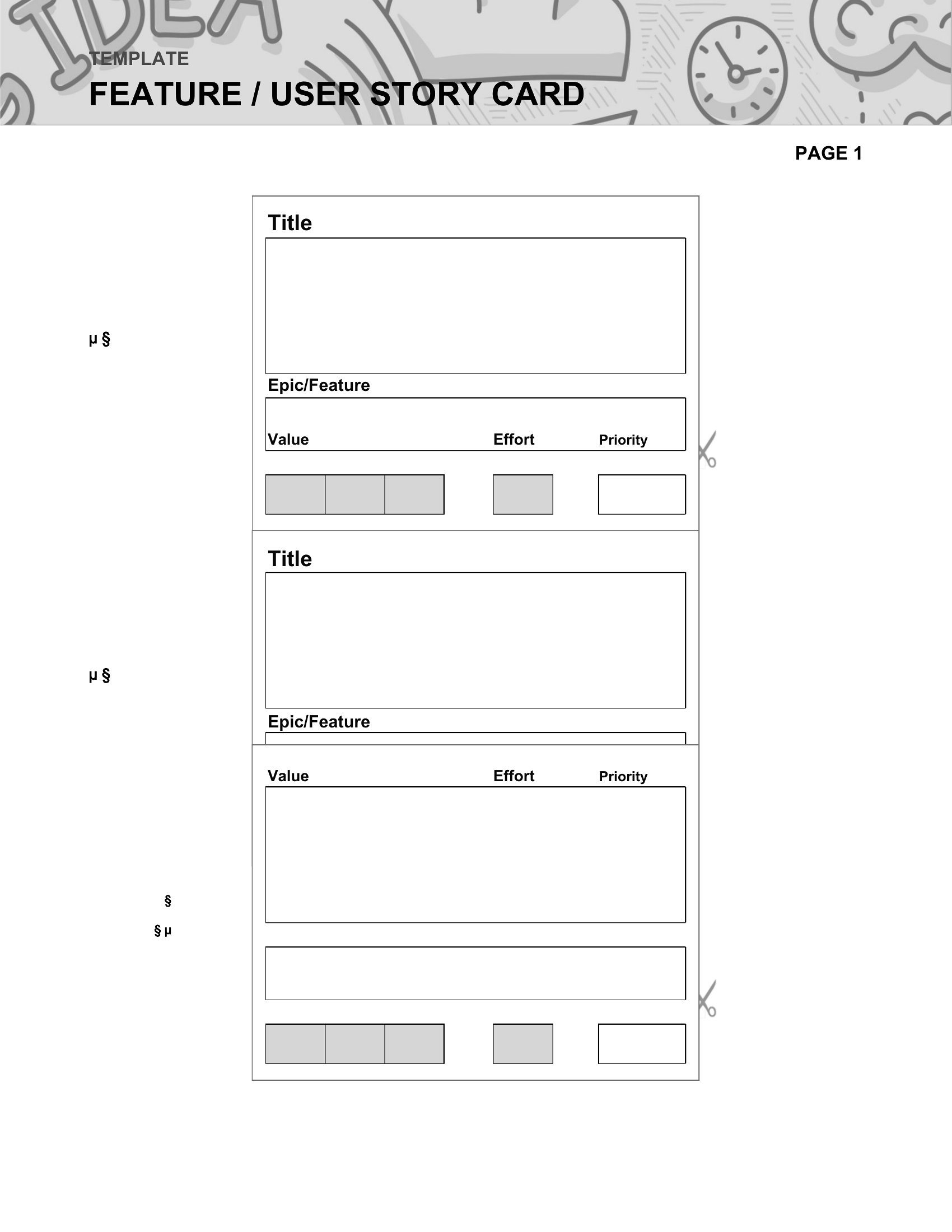
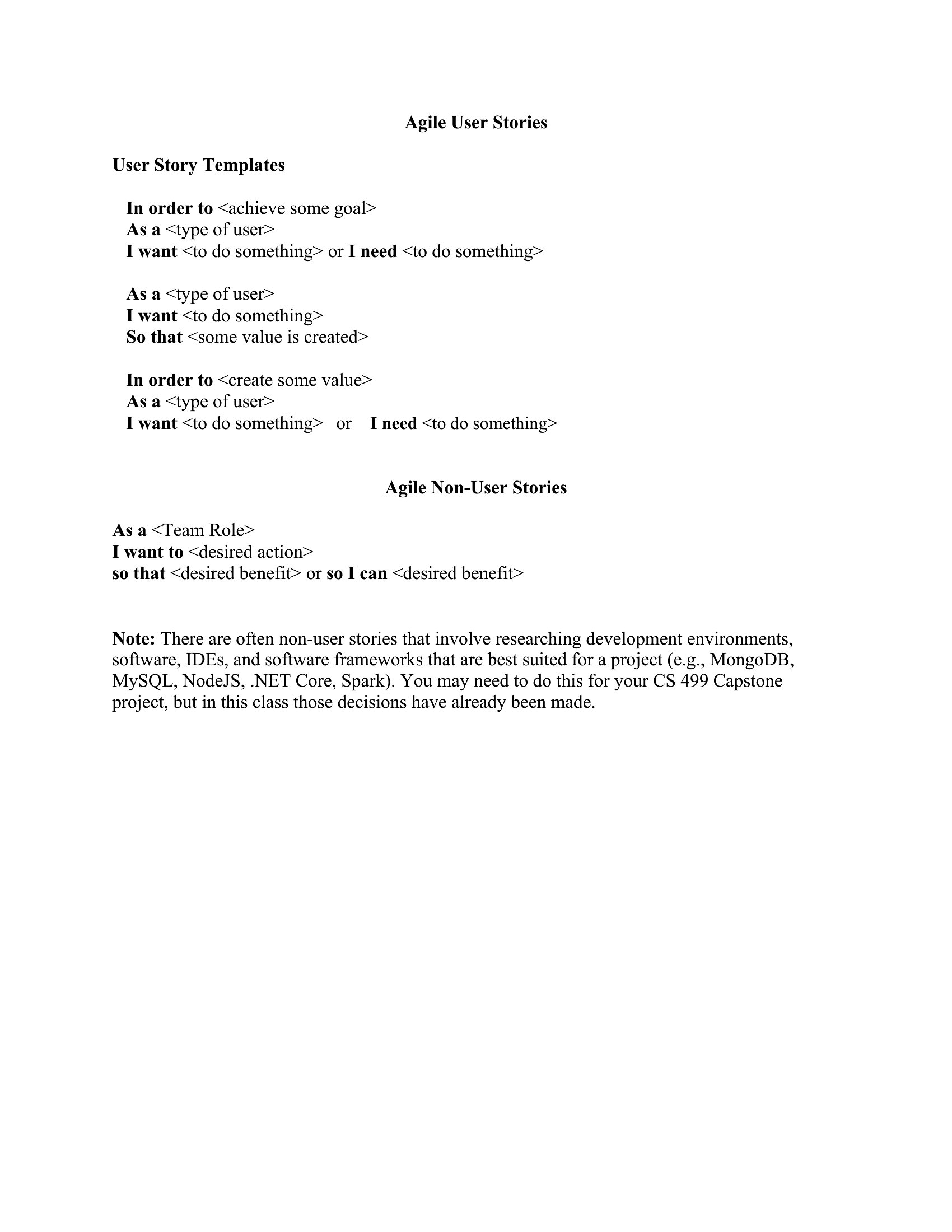
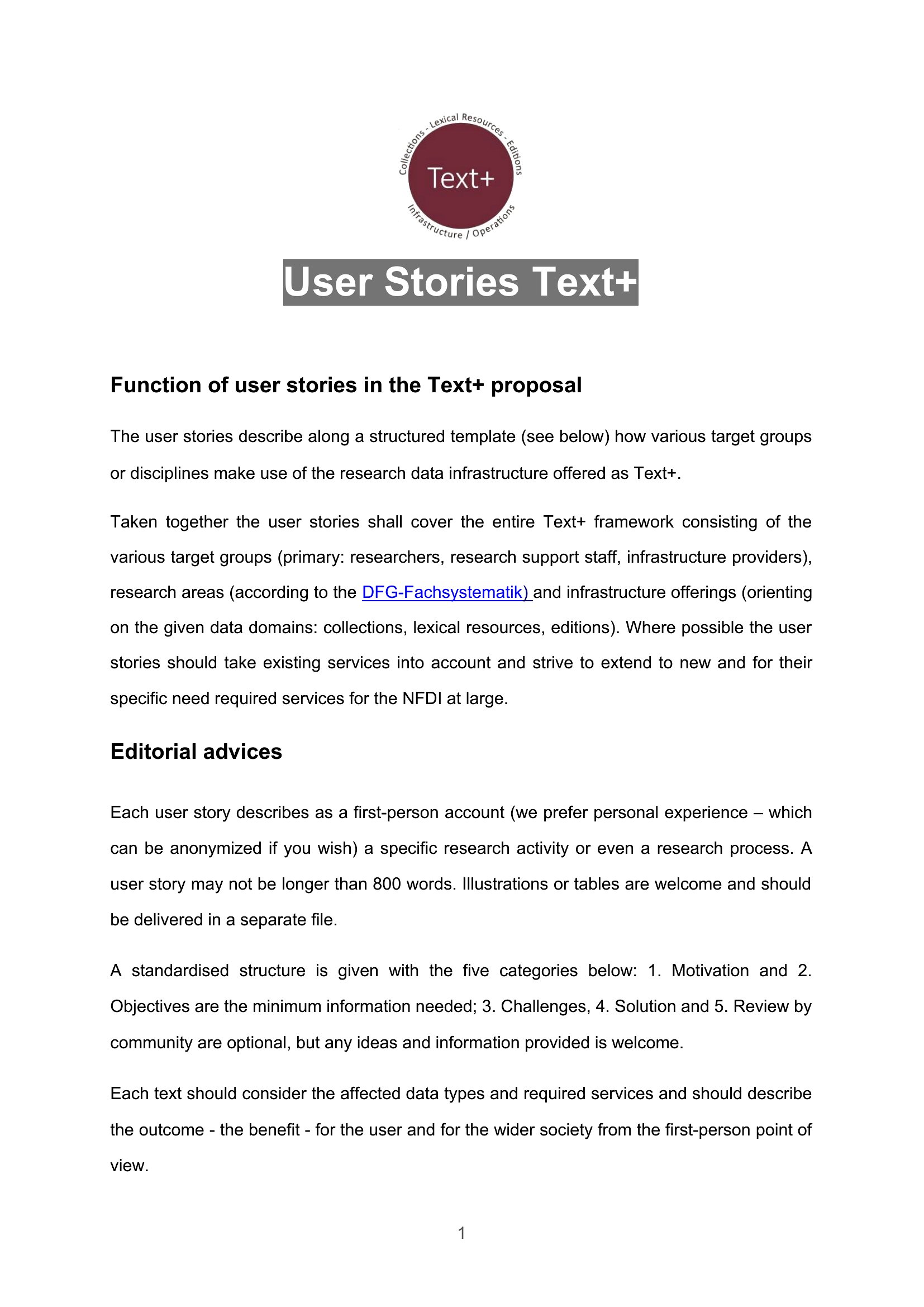
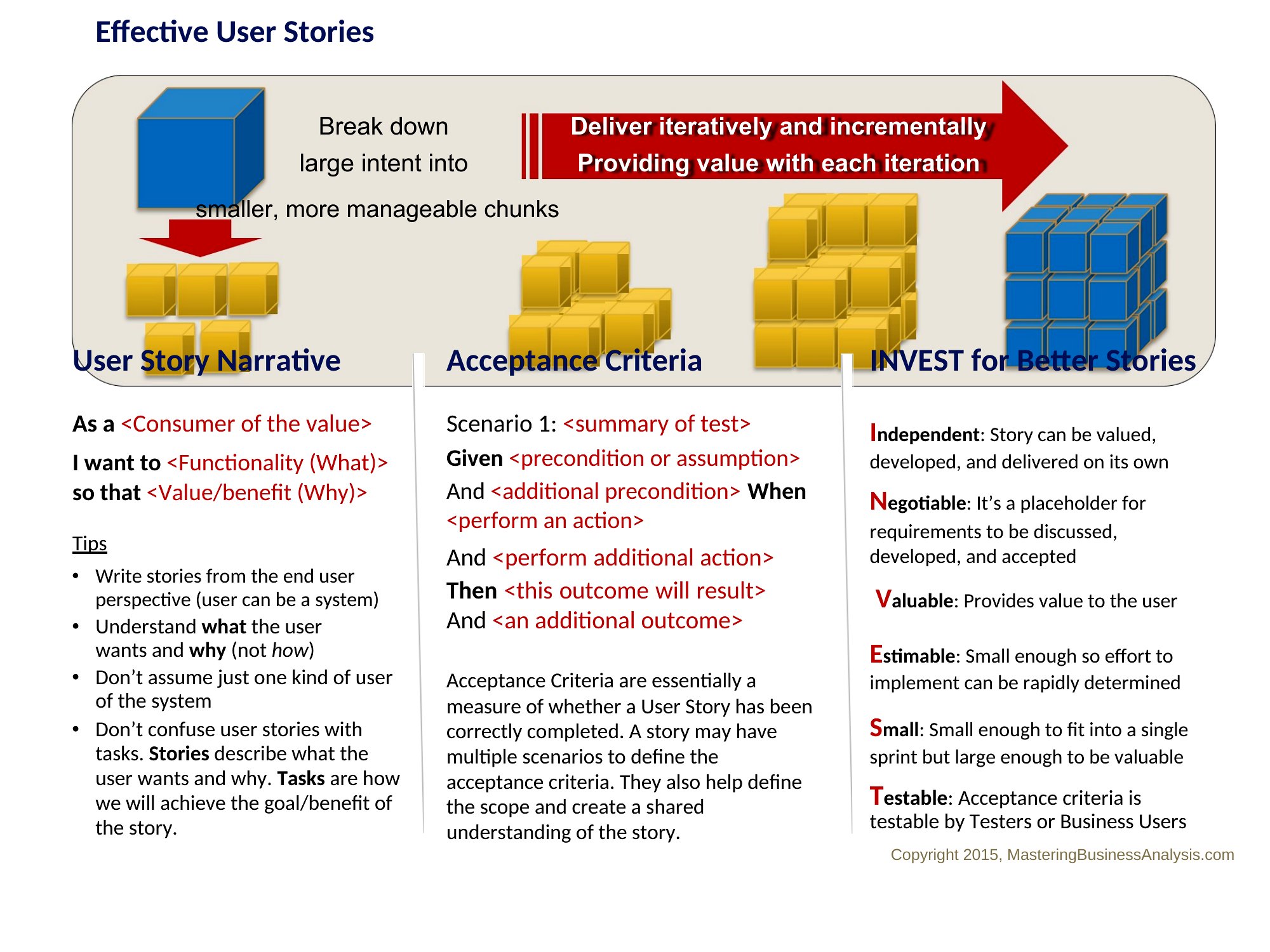
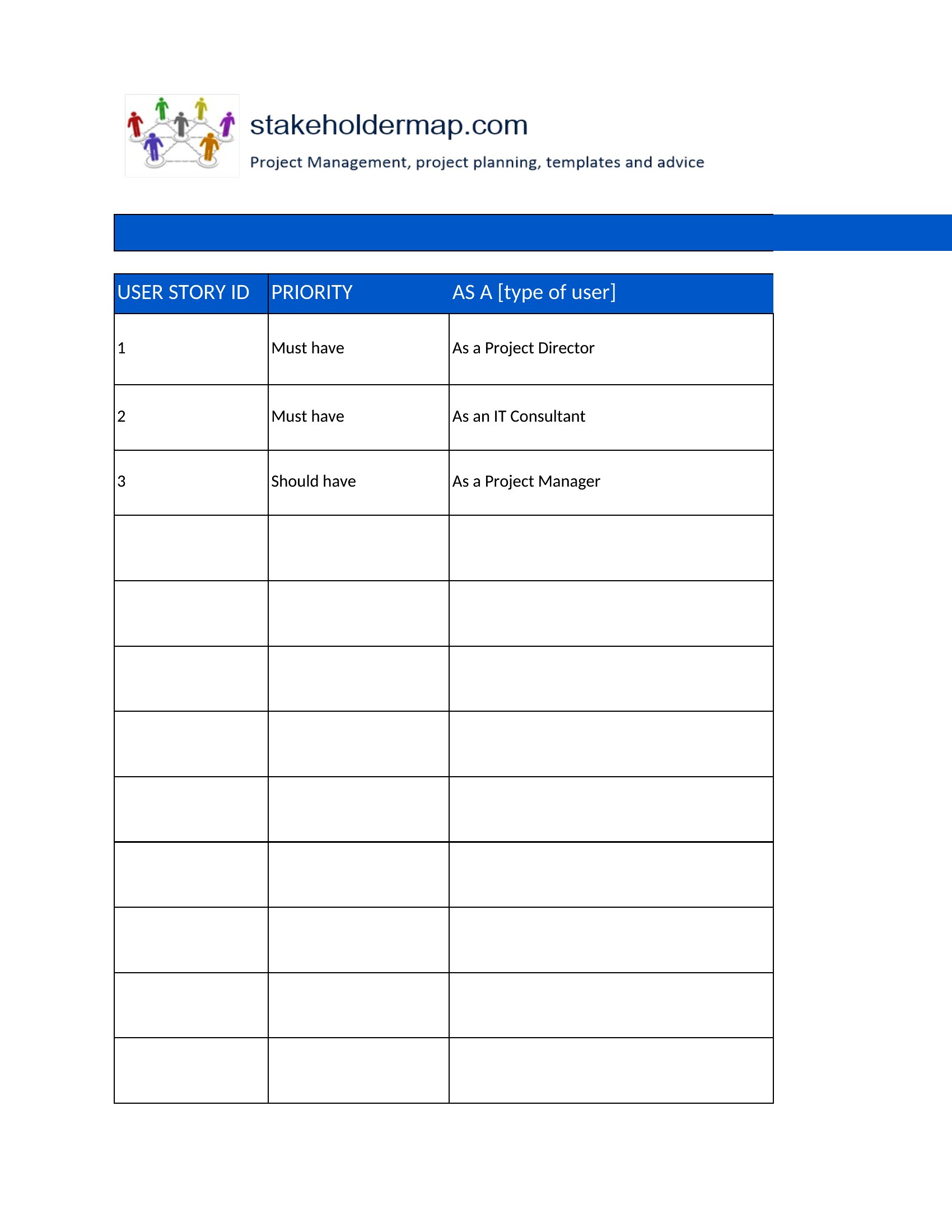
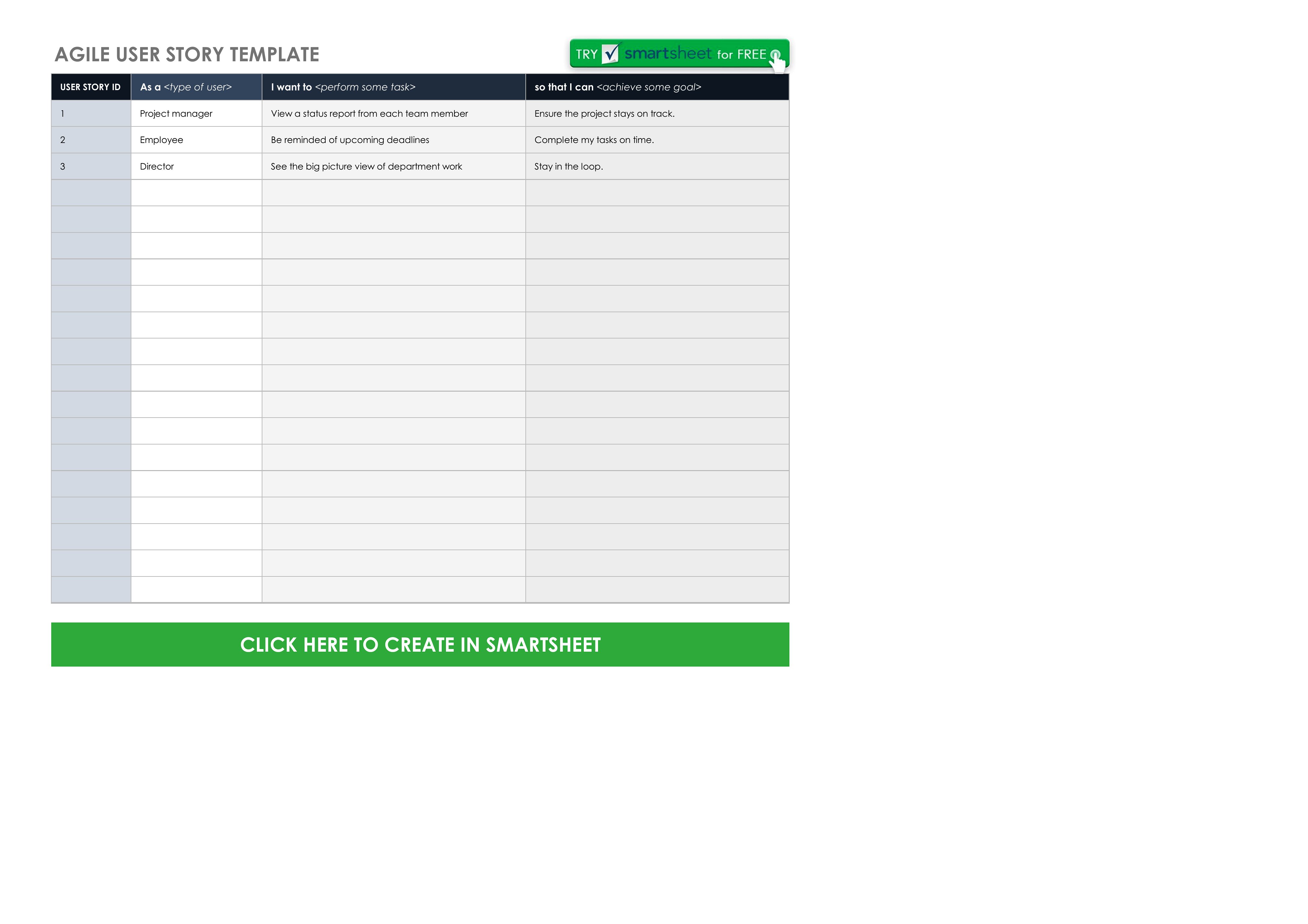
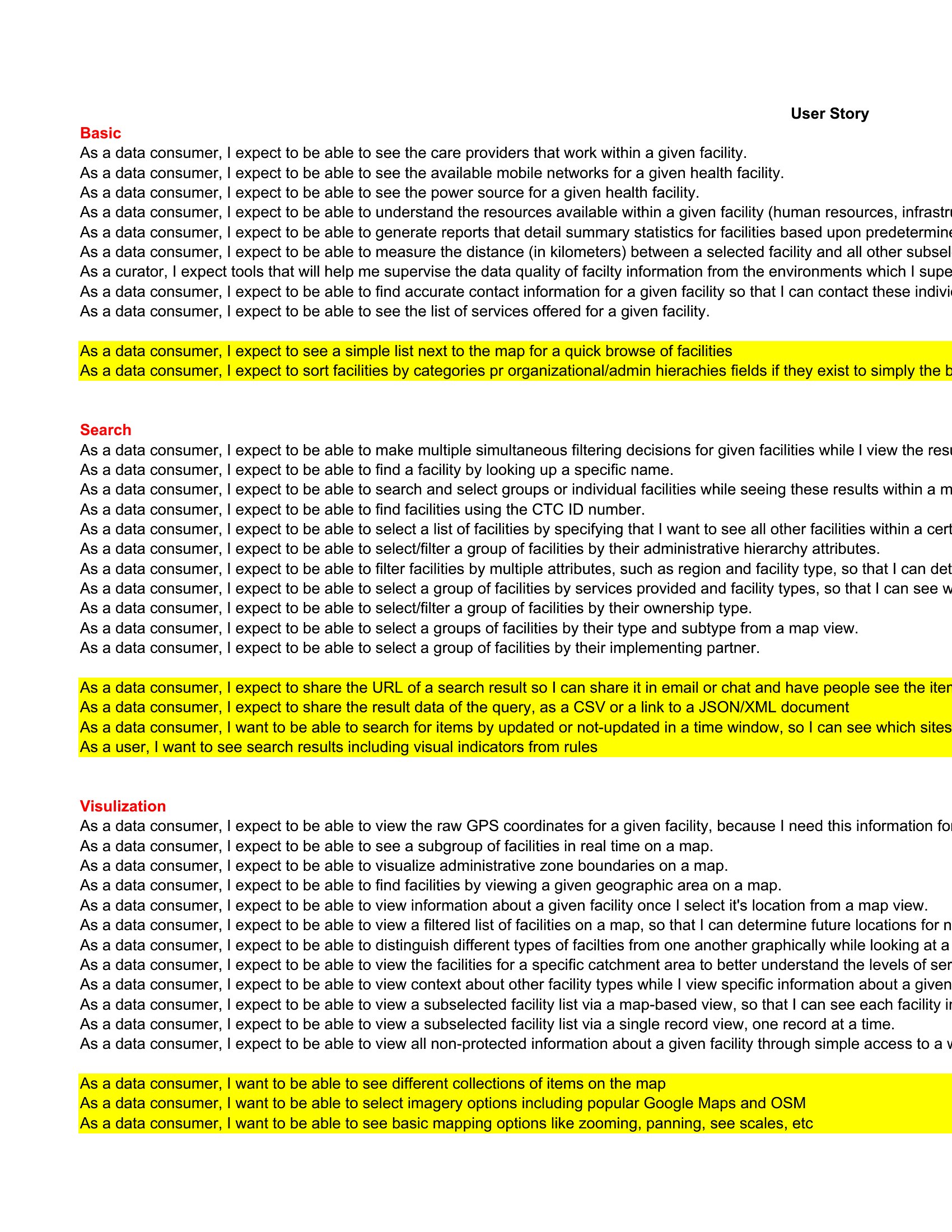
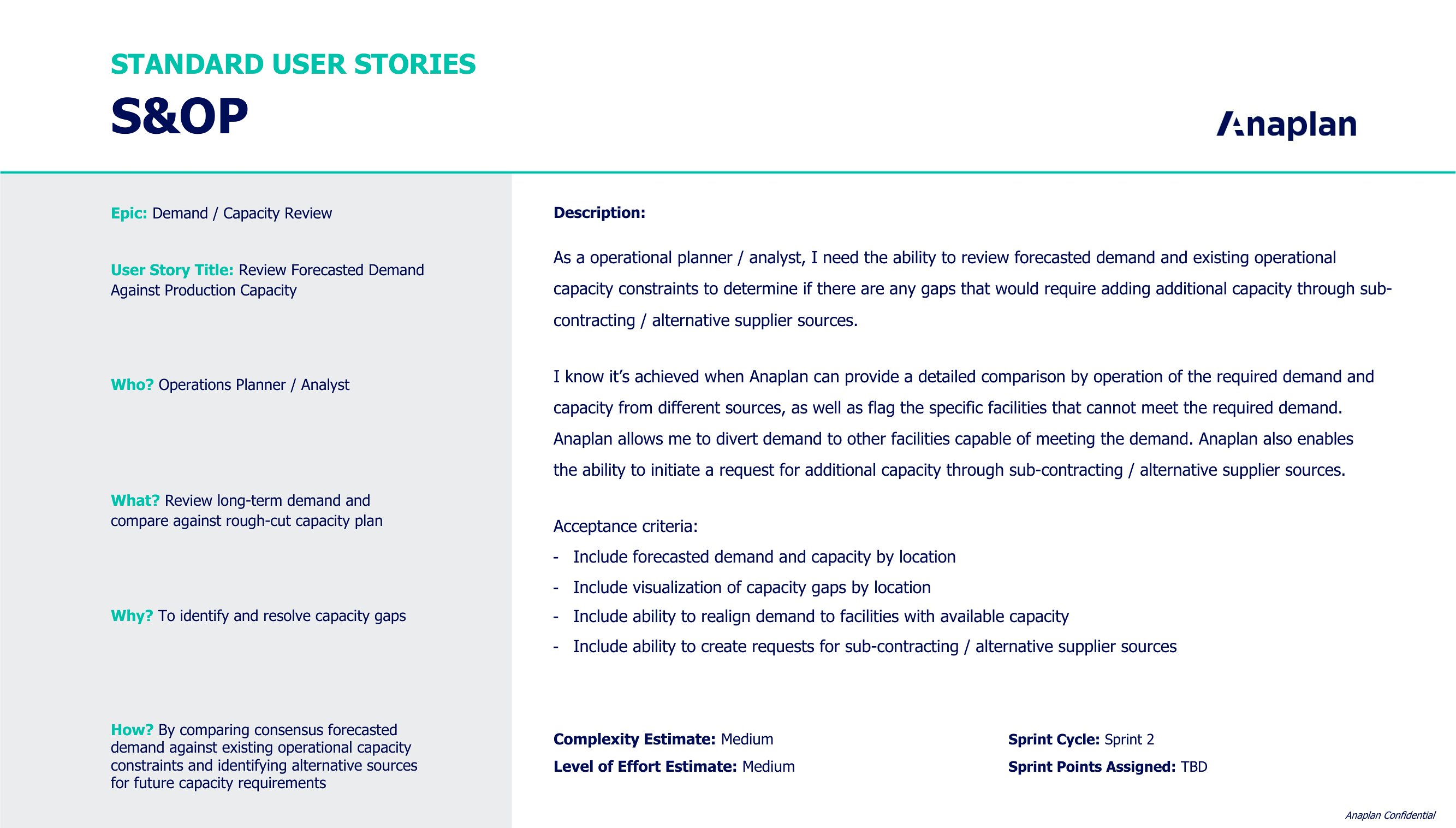
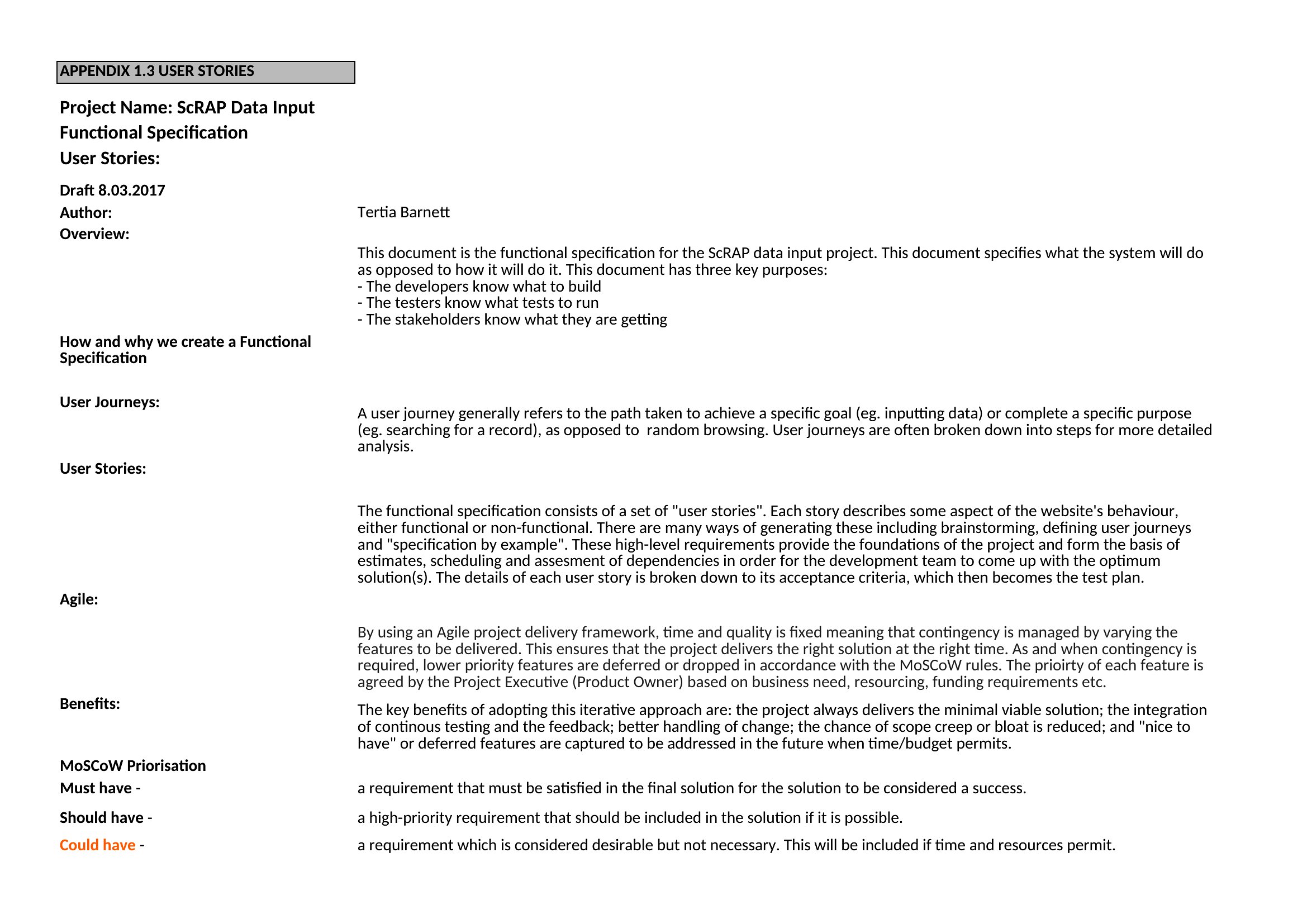
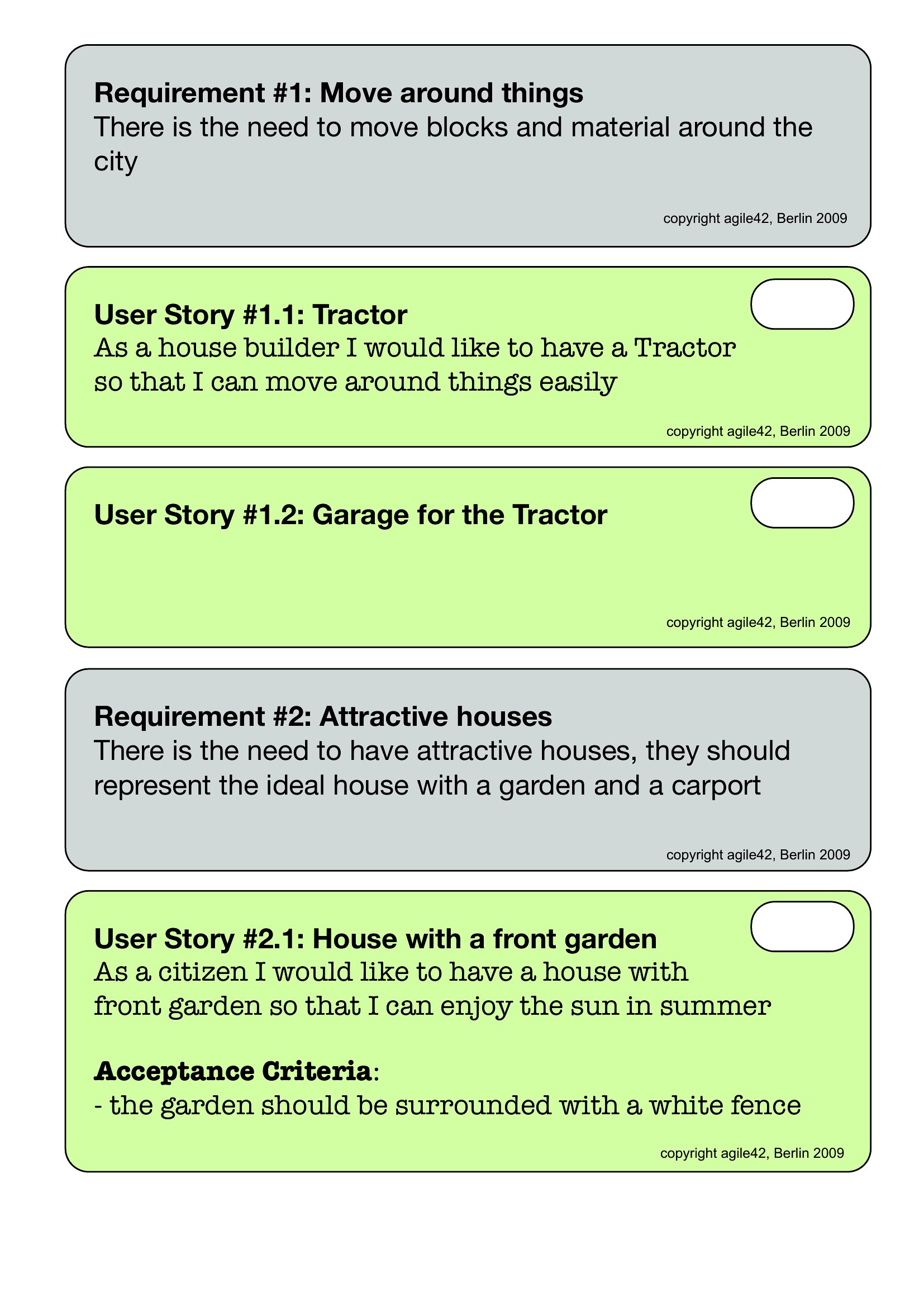
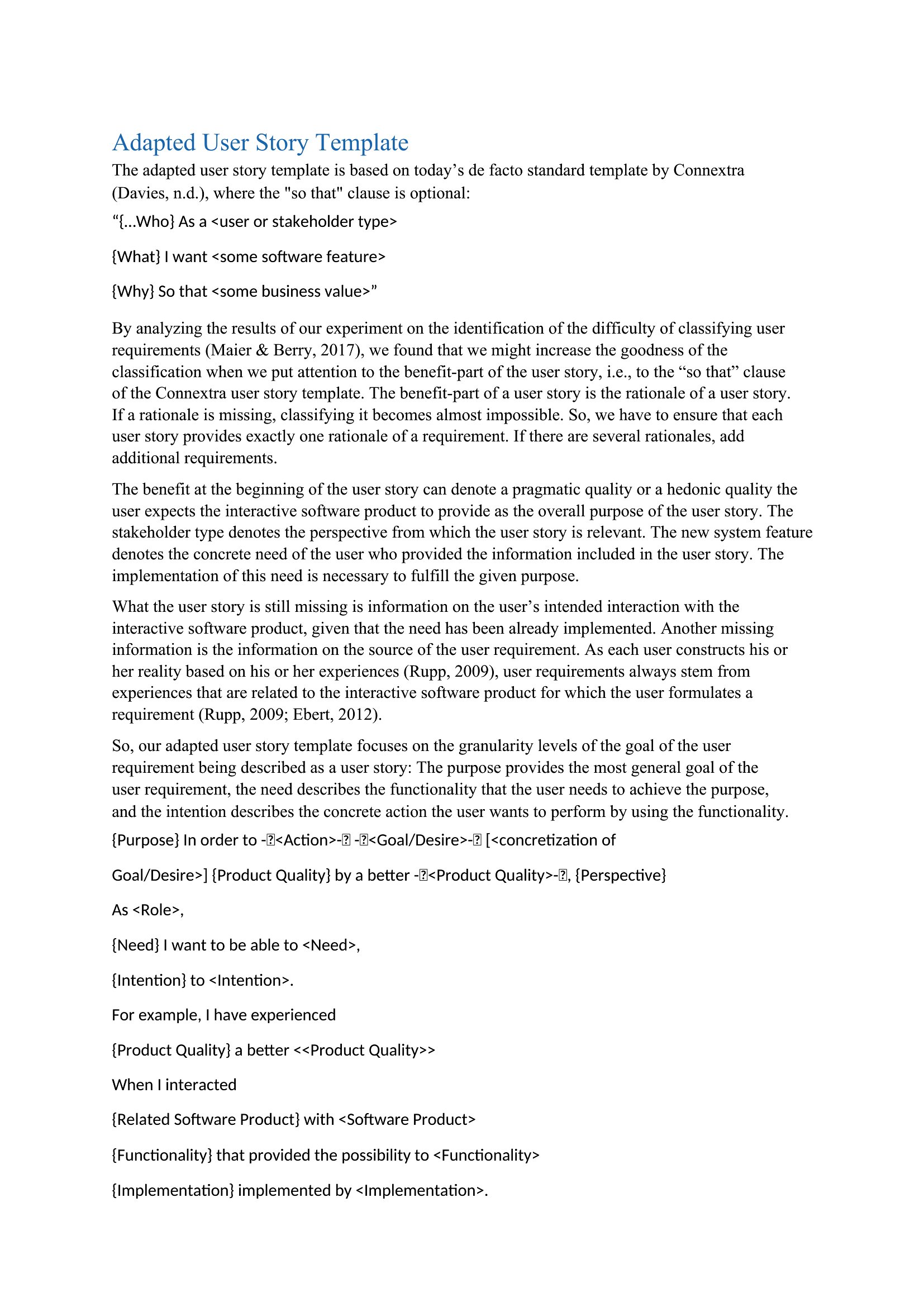
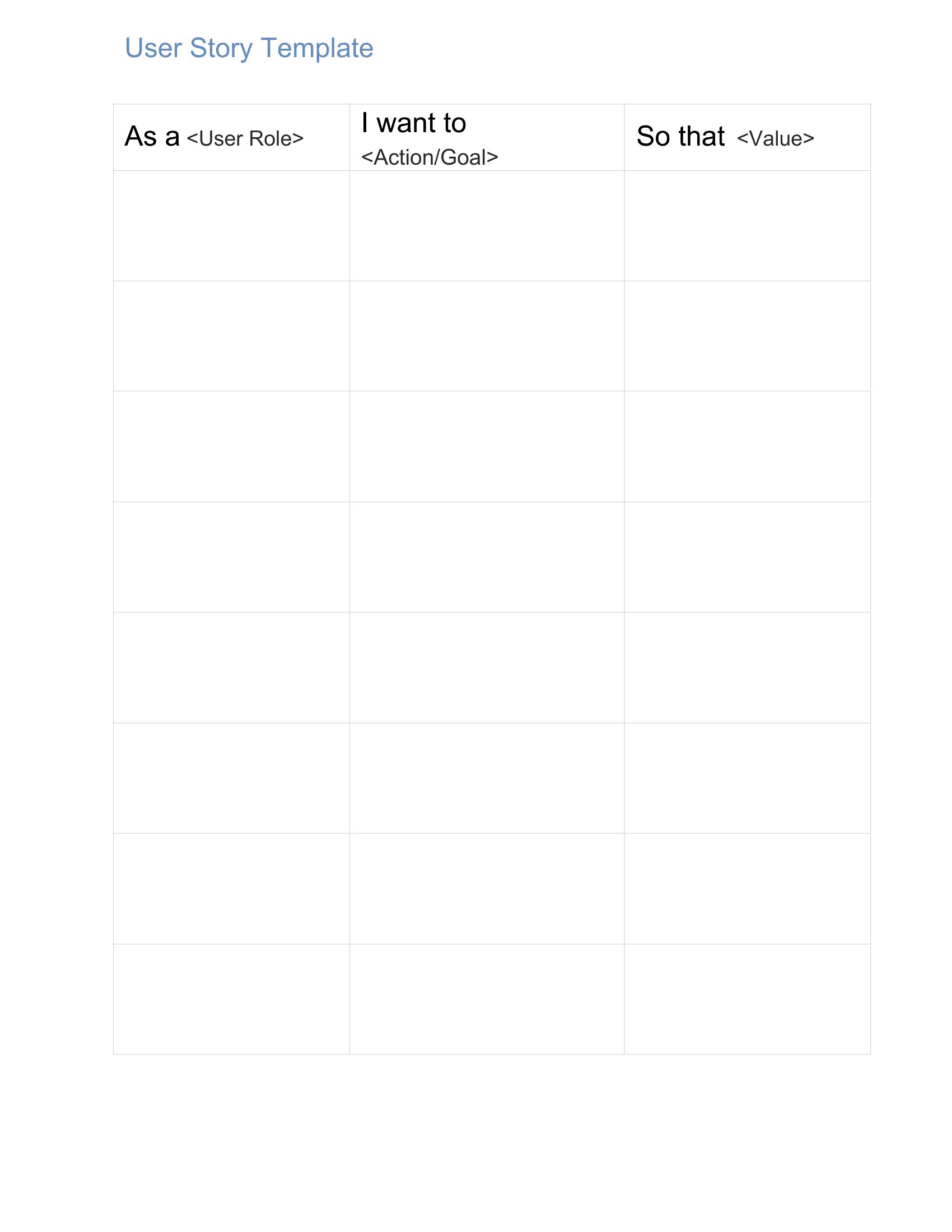
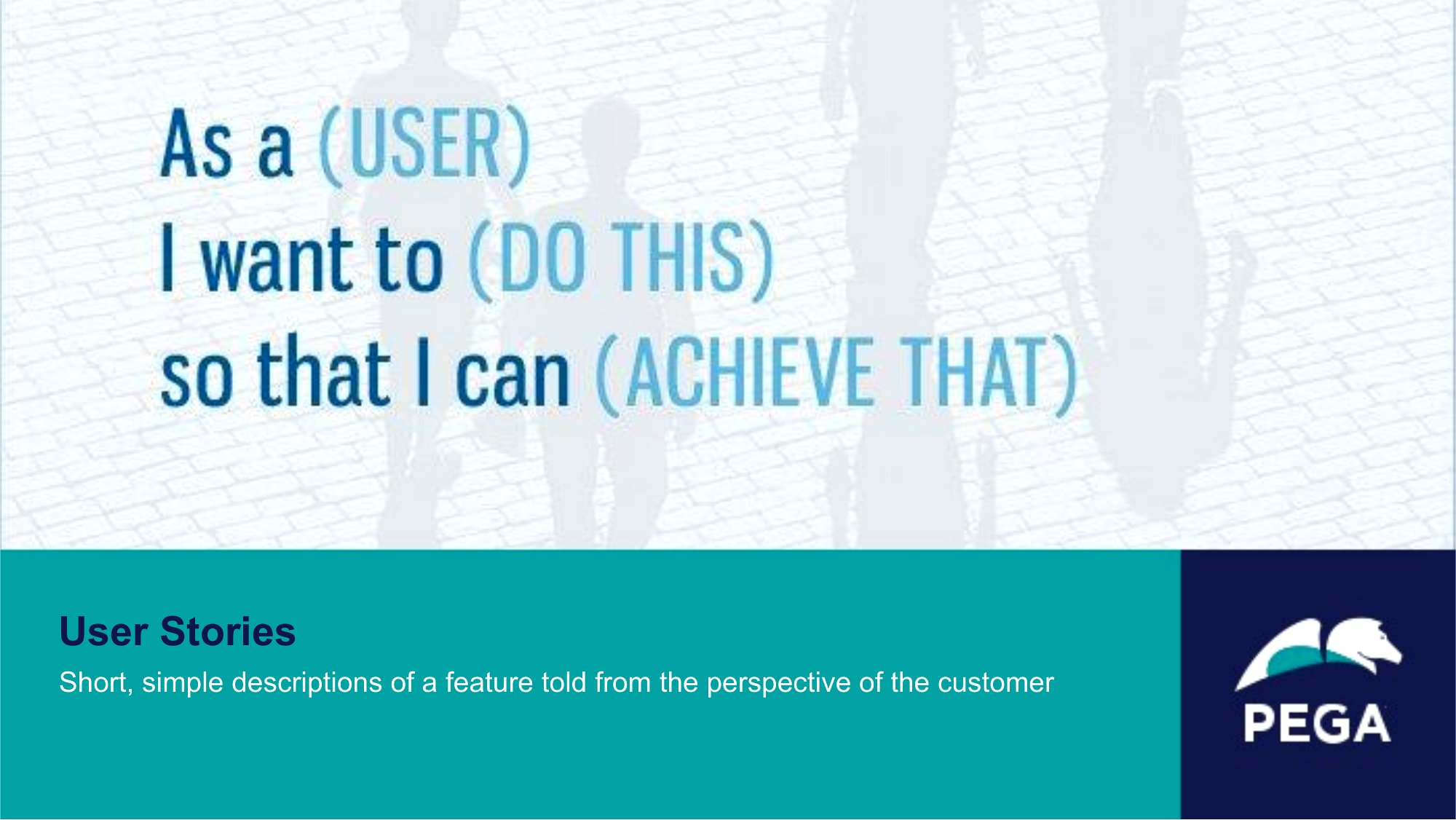
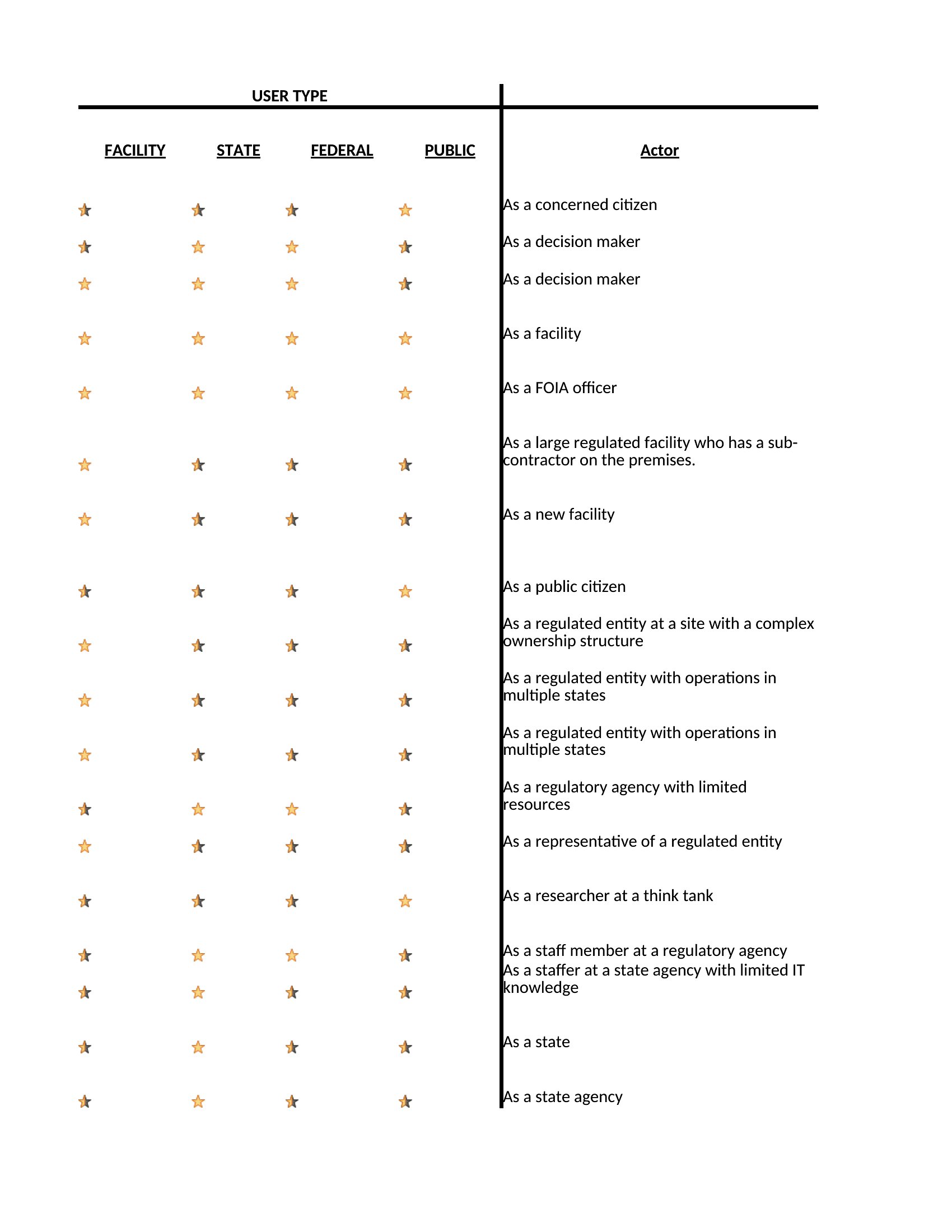
AnalysisUser stories keep agile teams focused on what users actually need, framed as who wants something and why. This collection of 47 templates gives product managers, Scrum teams, and business analysts a consistent format for writing stories, capturing acceptance criteria, and grooming a backlog.
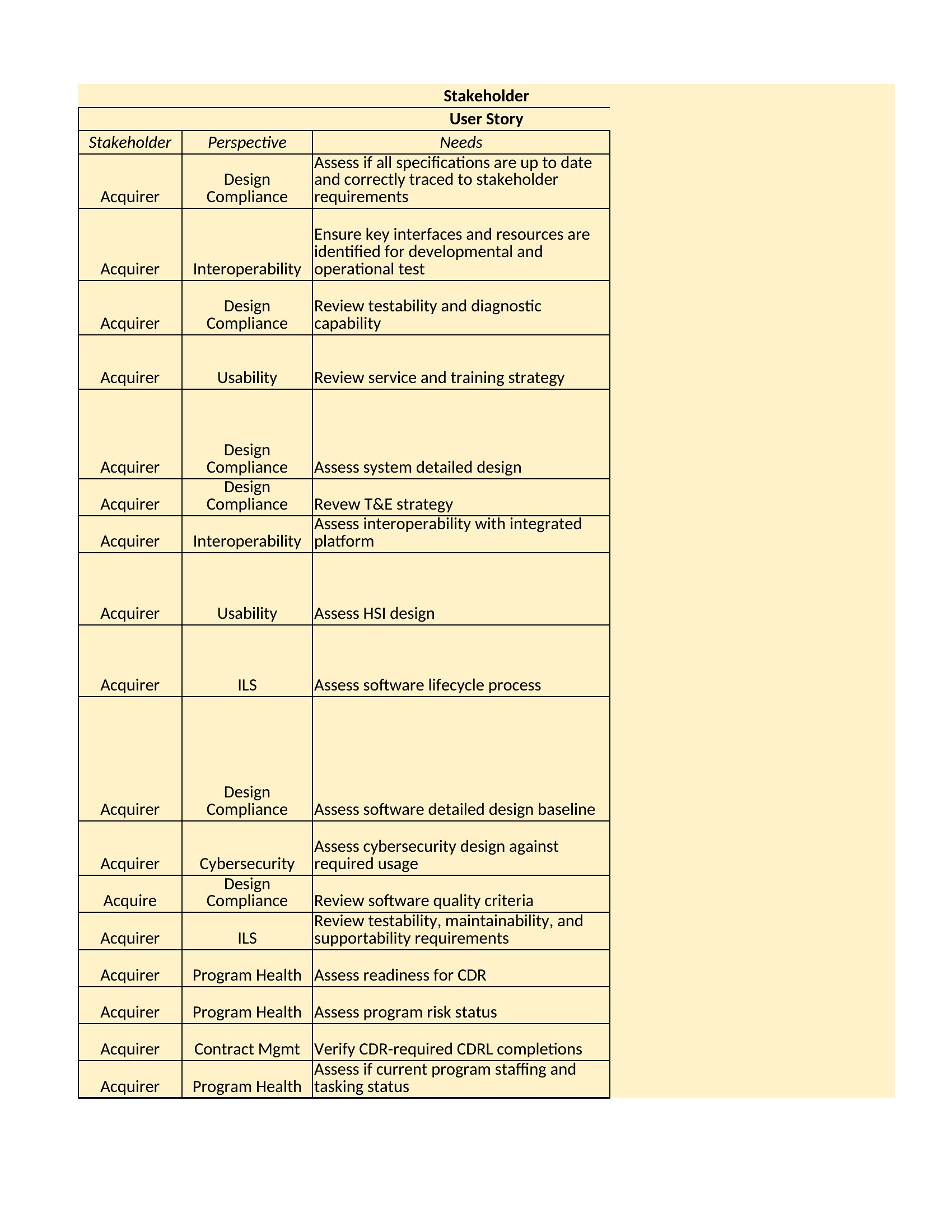
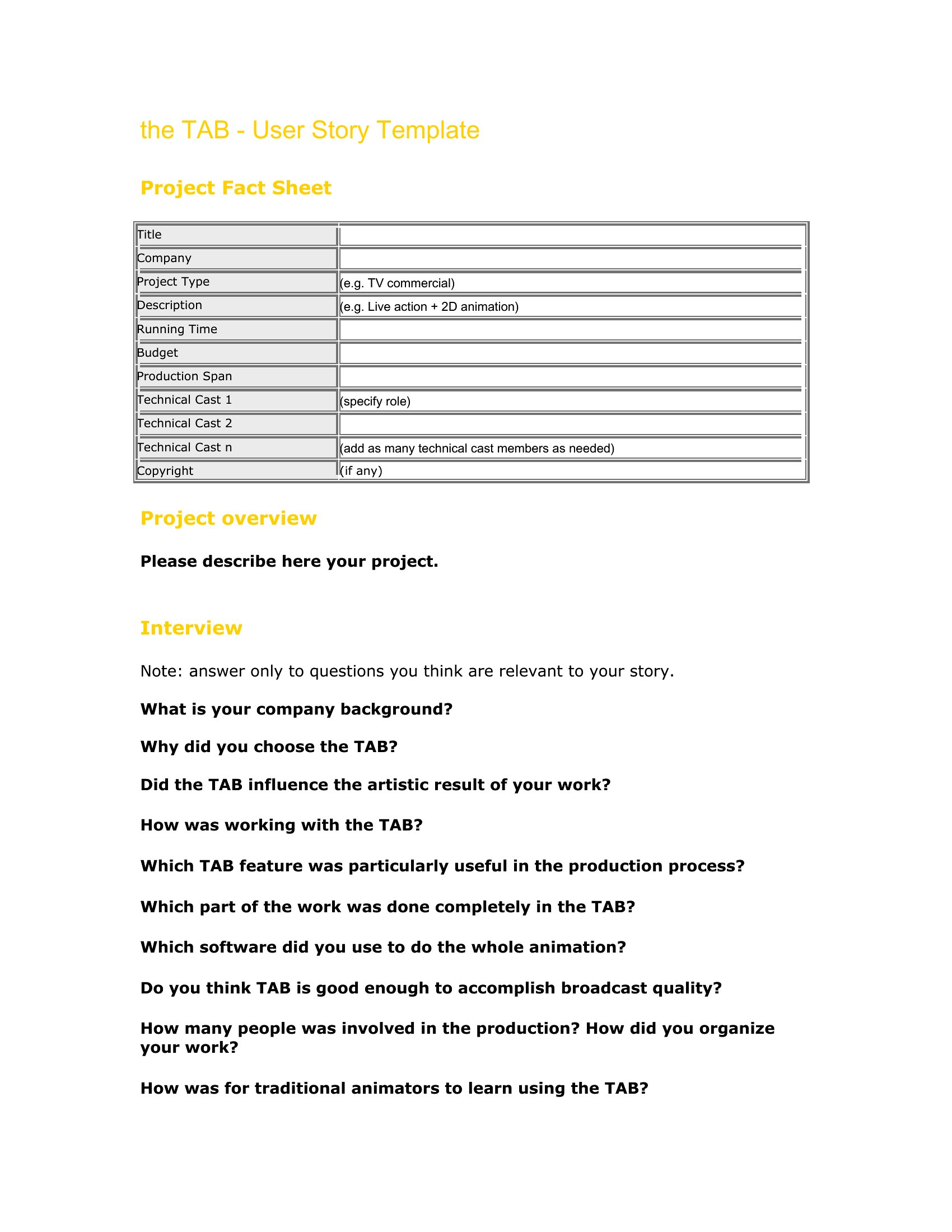
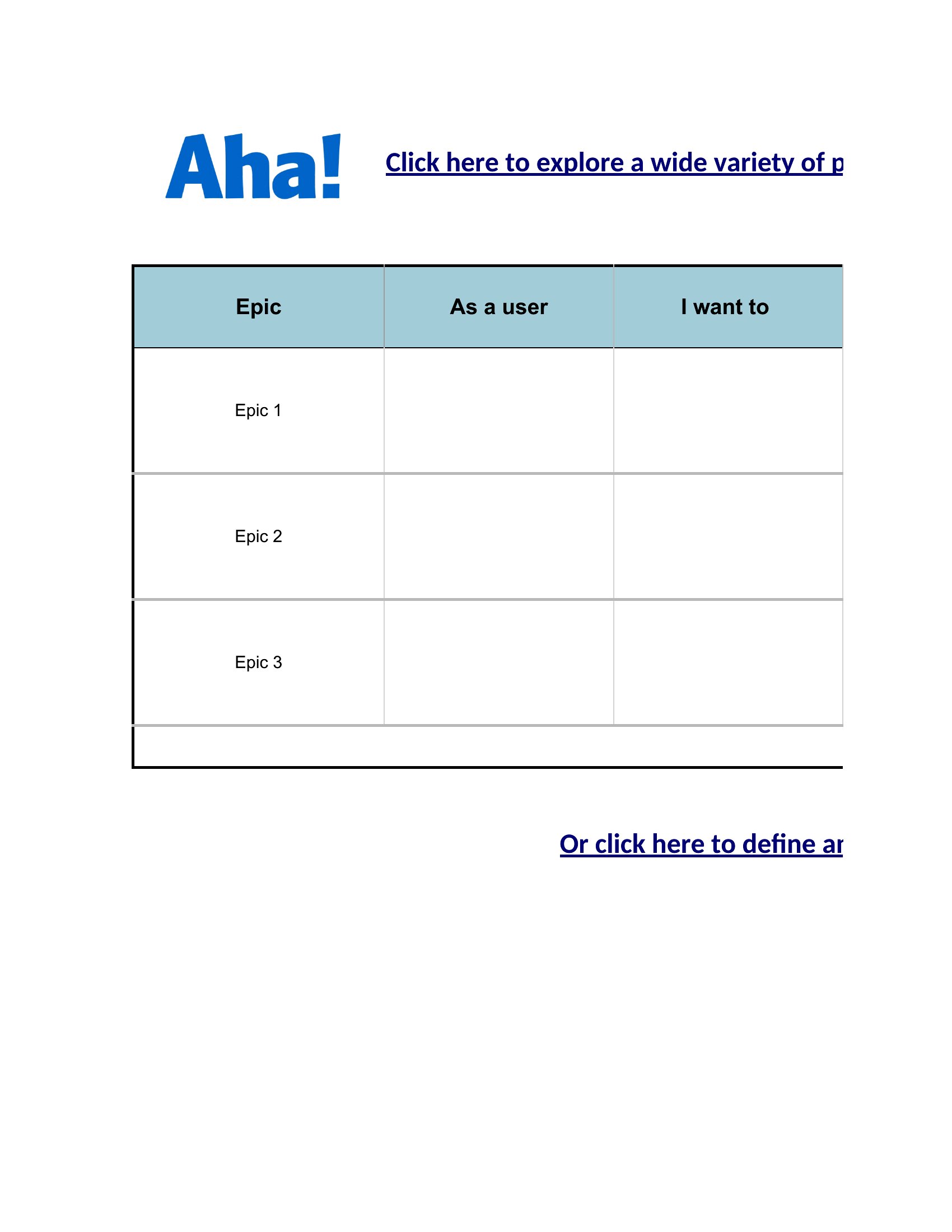
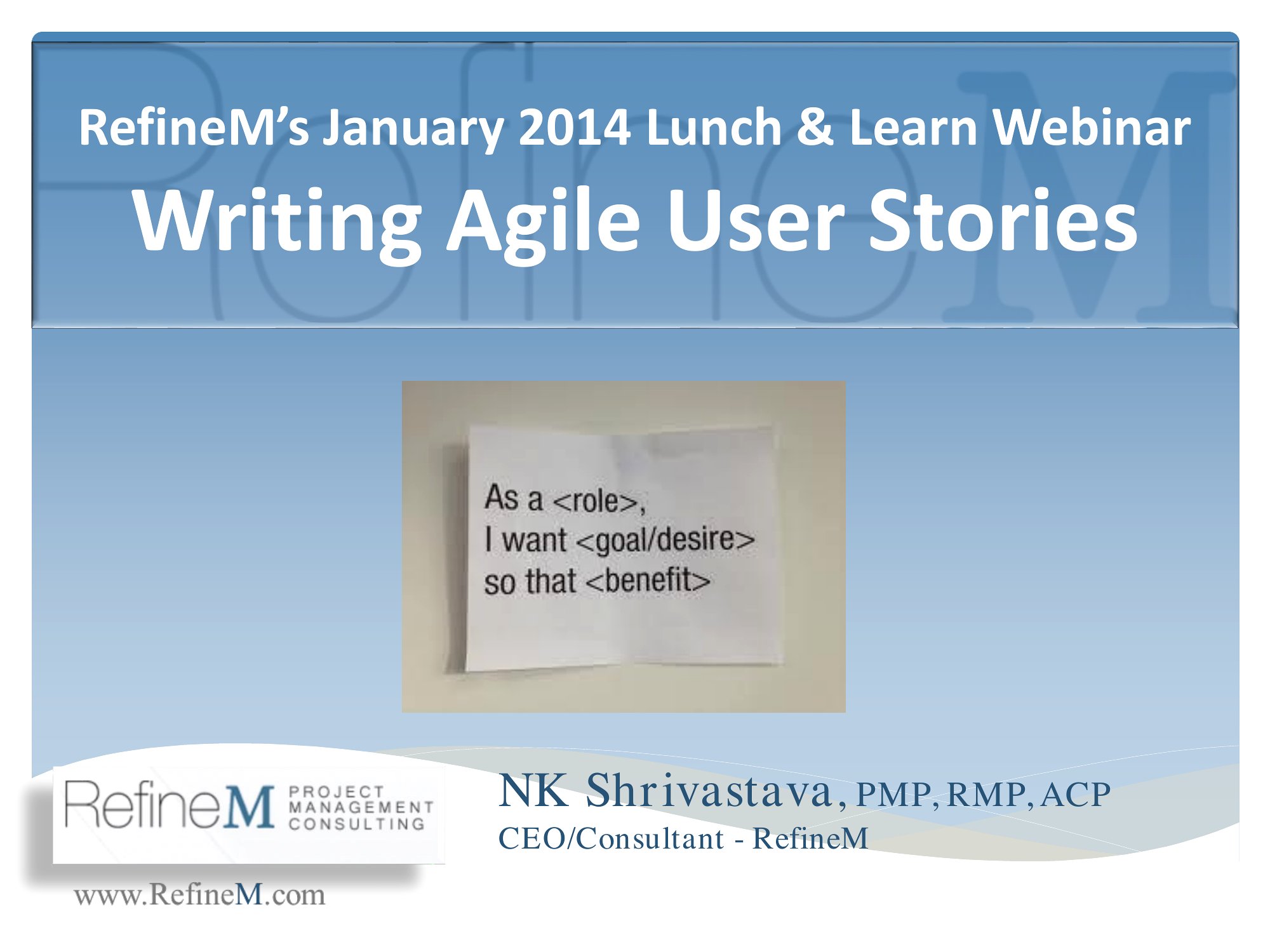
The Excel versions are handy for sprint planning and tracking, the Word files suit detailed write-ups, and the PDFs print well for backlog walls and workshops. Fill in the role, the goal, the benefit, and your given-when-then criteria, and each story is ready to estimate. It's free and easy to adapt to your workflow, whether you live in Jira or on sticky notes. Grab the format your team prefers and start writing clearer stories.
When to use this User Story template
- Product managers at a SaaS startup need to align developers with customer needs before sprint planning, using structured user stories to cut miscommunication in early-stage feature development.
- Scrum teams at a healthcare app development company document patient pain points in user stories to prioritize compliance-critical features during regulatory review phases.
- Business analysts at a retail e-commerce platform translate user feedback into actionable stories for the design team, ensuring persona-driven updates match seasonal shopping trends.
- A cross-functional team at a fintech firm uses user stories to map out API integrations for third-party payment gateways, clarifying edge cases before technical documentation is finalized.
Which format should I download?
Choose Word when you need to draft detailed, collaborative user stories with team annotations or embed research notes—ideal for workshops where ideas evolve. Pick Excel for sprint backlogs or tracking story points, especially when integrating with Jira or other agile tools. Opt for PDF if you’re sharing finalized user stories with stakeholders who lack Word access, like external vendors or non-technical executives. All formats support the same content but differ in collaboration and tracking flexibility.
Choose from 47 User Story Templates
How to use this User Story template
How do these templates help avoid vague user story language like ‘as a user, I want X’?
Templates include guided fields for roles, motivations, and acceptance criteria that force specificity—e.g., ‘as a freelancer, I want to invoice clients in 25+ currencies so I avoid forex fees when working with European clients.’ This structure replaces fluff with measurable outcomes tied to user goals.
Can these templates accommodate user stories for non-digital products, like physical retail or manufacturing?
Yes, the templates are adaptable to any context. For example, a manufacturing team could frame a story as ‘as a warehouse manager, I want real-time inventory alerts so I prevent stockouts during holiday rushes,’ replacing ‘app actions’ with workflow-based needs.
What’s the best way to use these templates if my team mixes Agile and Waterfall methodologies?
Start with the Word or Excel templates to capture user stories in Agile sprints, then export the finalized criteria to PDF for Waterfall phases like requirements documentation. The formats ensure consistency whether you’re iterating or locking in specifications.
Comments
Join the conversation
Sign in to share your thoughts and leave a comment on this resource.