








FAQ
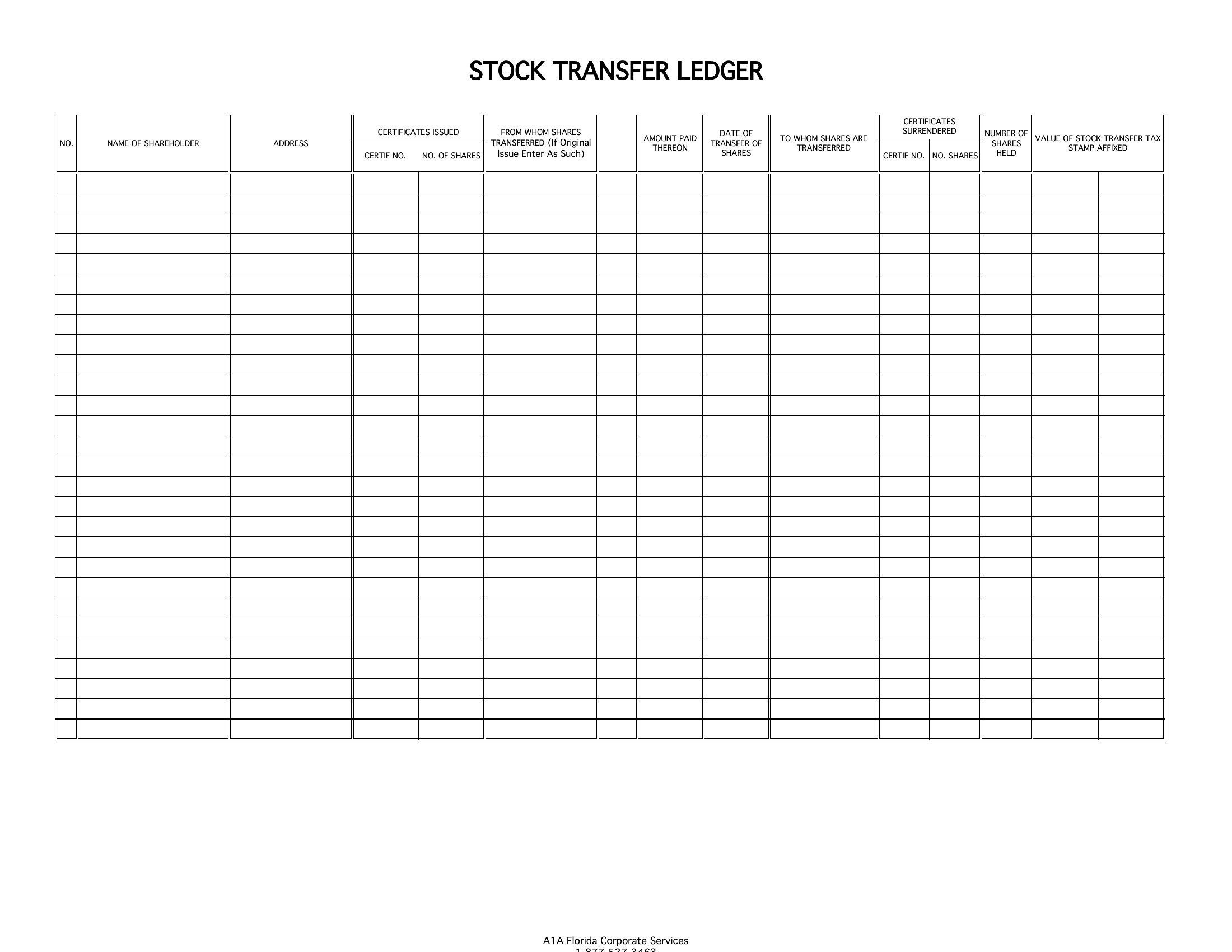
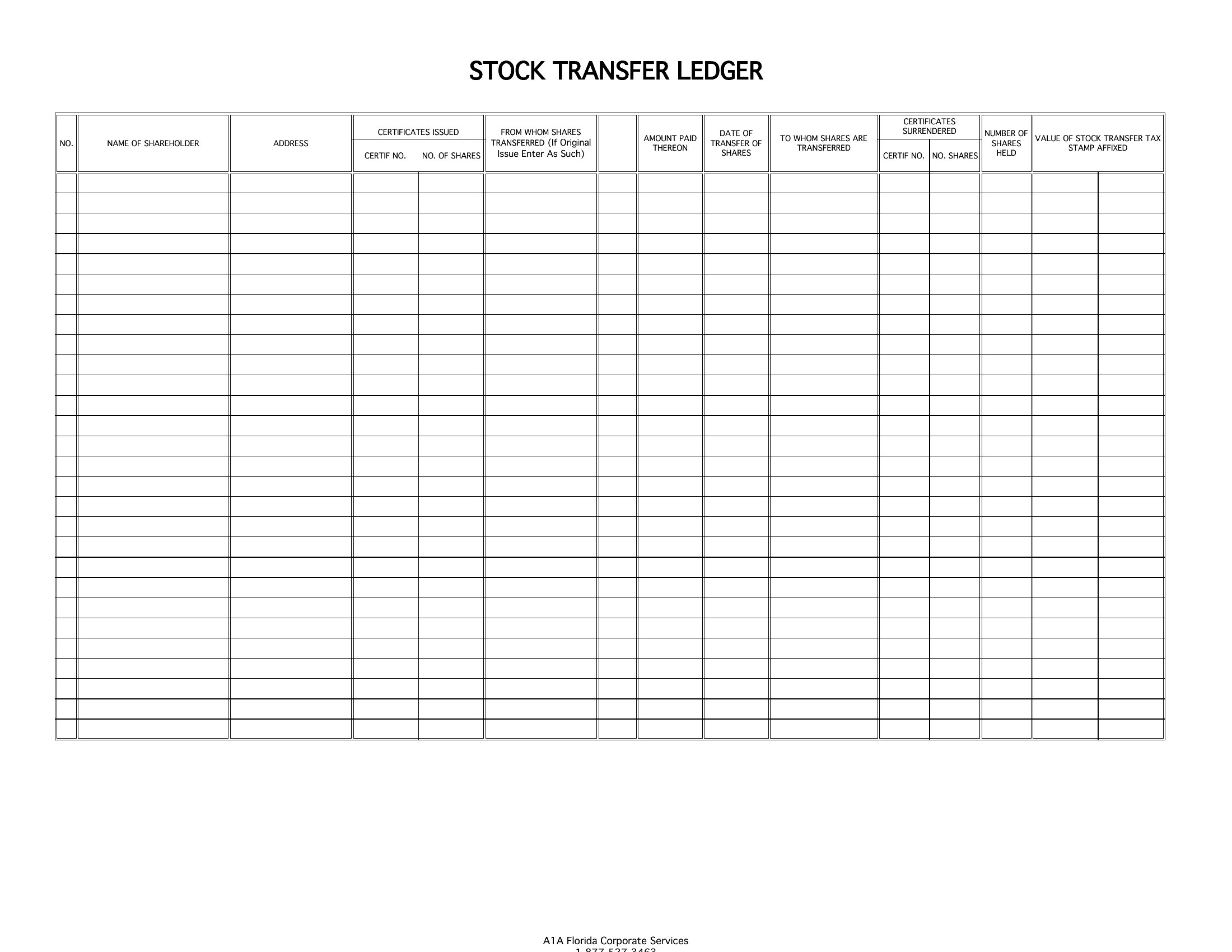
Can I use this stock ledger to track fractional shares or corporate actions like stock splits?
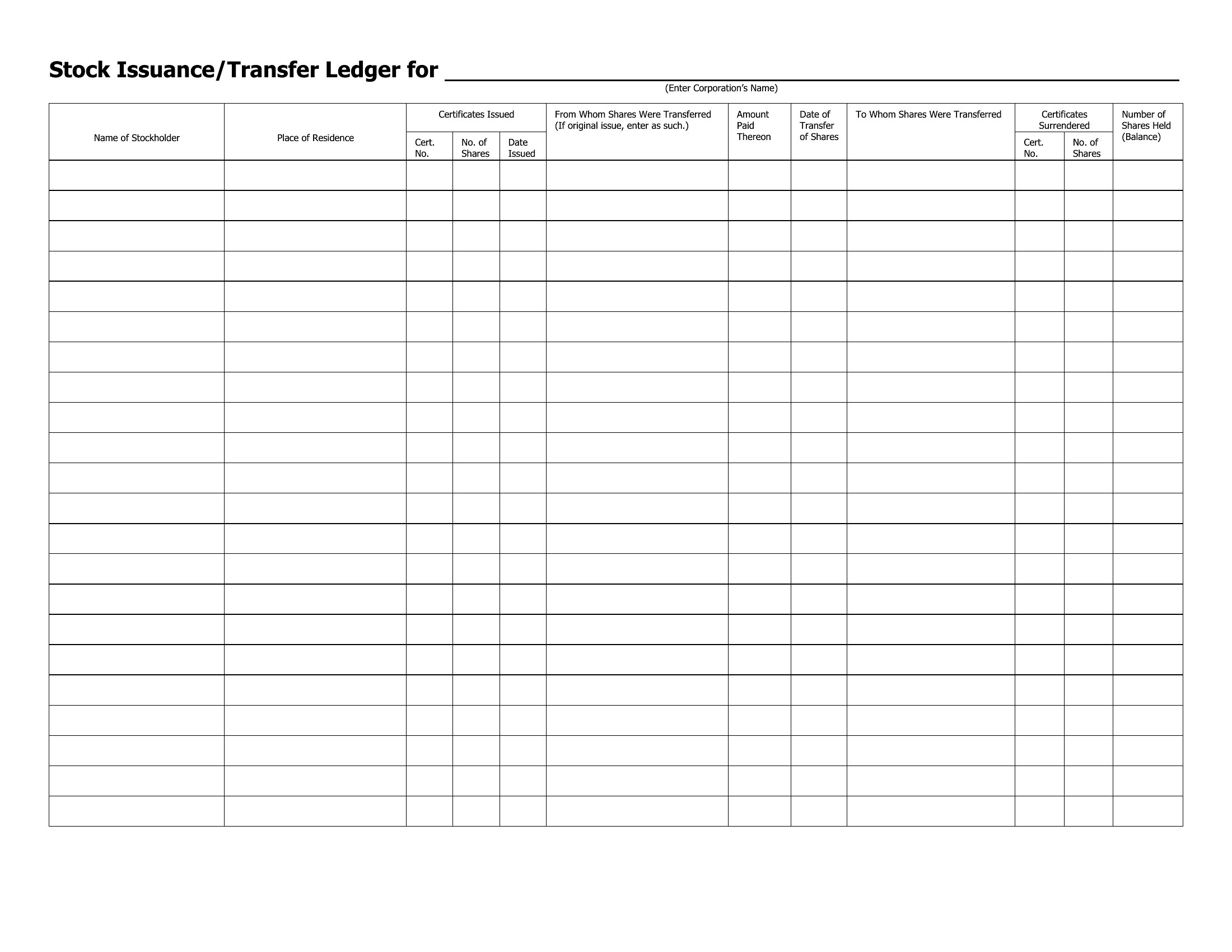
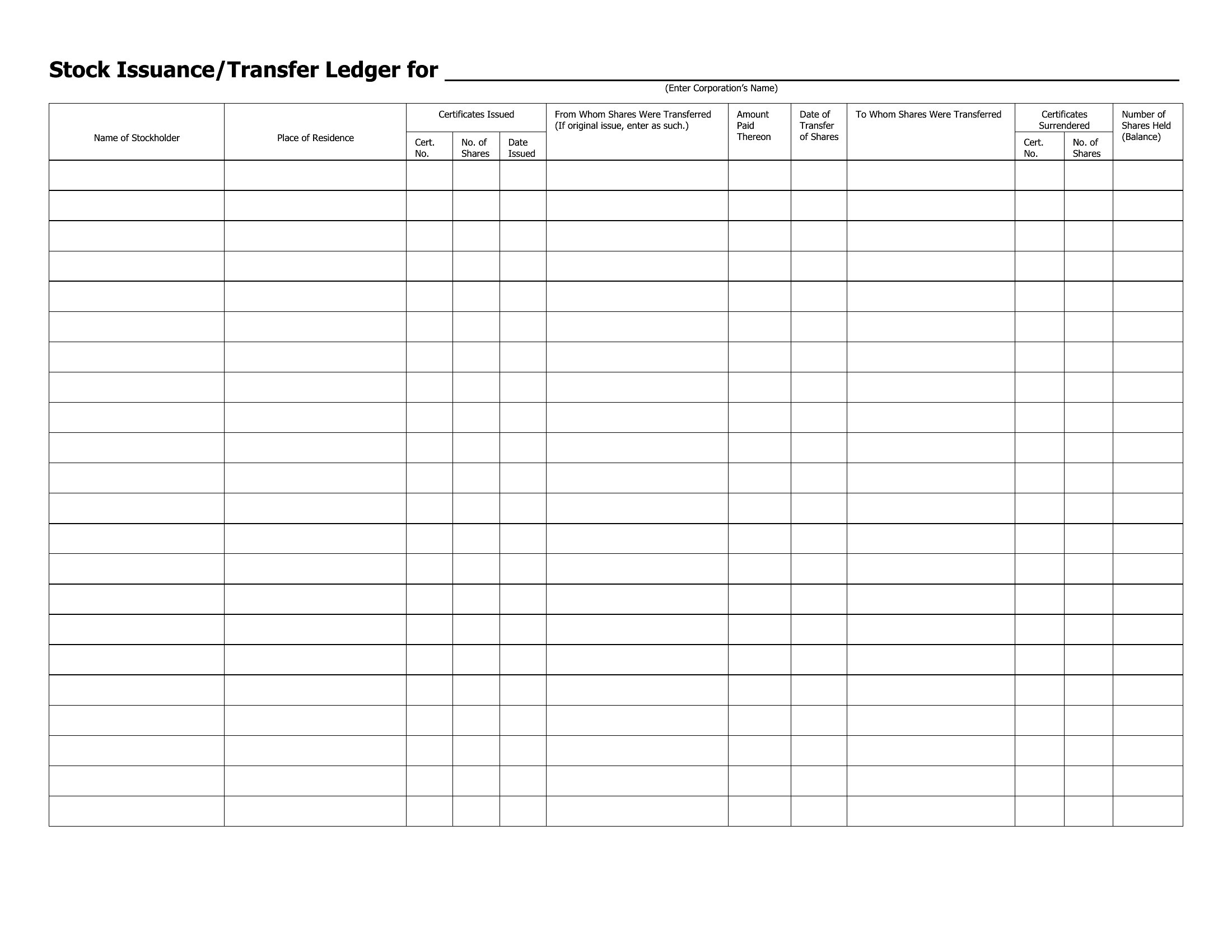
These templates are designed for whole-share tracking and basic corporate actions like transfers or cancellations. For fractional shares or complex events like splits or dividends, you’ll need to manually input adjustments or supplement the ledger with additional spreadsheets. Consult a financial advisor or legal professional to ensure compliance with securities regulations when handling these scenarios.
How do I handle multiple share classes (e.g., common, preferred, restricted) in the same ledger?
Most templates include columns for share class identifiers, allowing you to categorize entries by type. Use conditional formatting in Excel or section breaks in Word to visually separate share classes. For example, color-code rows or group them by class to quickly identify ownership structure during board meetings or investor reporting.
What should I do if a shareholder’s information changes (e.g., name, address, or tax ID) after the initial entry?
Update the record promptly by adding a new row with the corrected details and note the change in a comments column or adjacent cell. Include the original certificate number and a timestamp to maintain an audit trail. For critical changes, cross-reference the update with internal communications or legal documentation to preserve transparency.
Comments
Join the conversation
Sign in to share your thoughts and leave a comment on this resource.