Free Printable Hourly Schedules (Word, PDF)
DailyTemplates

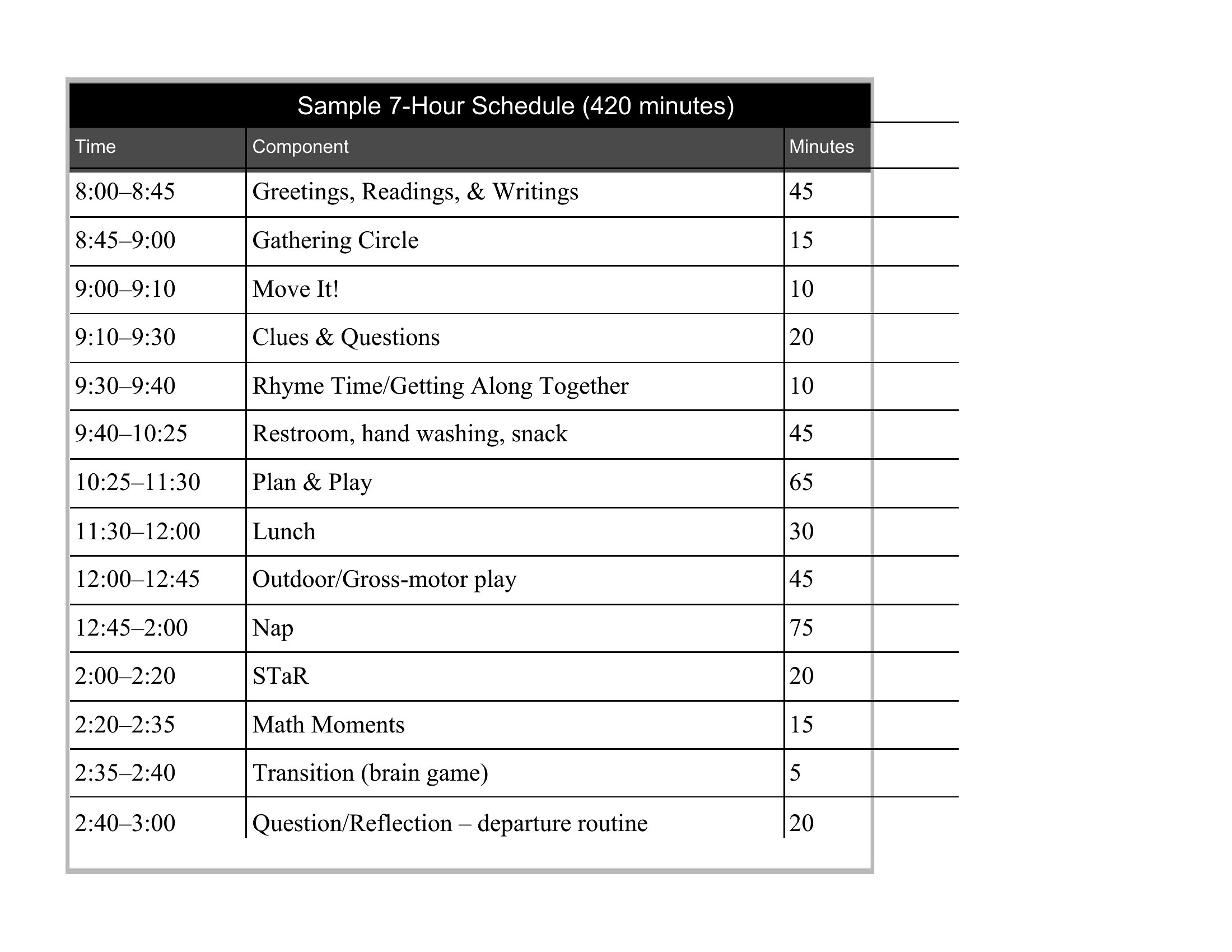
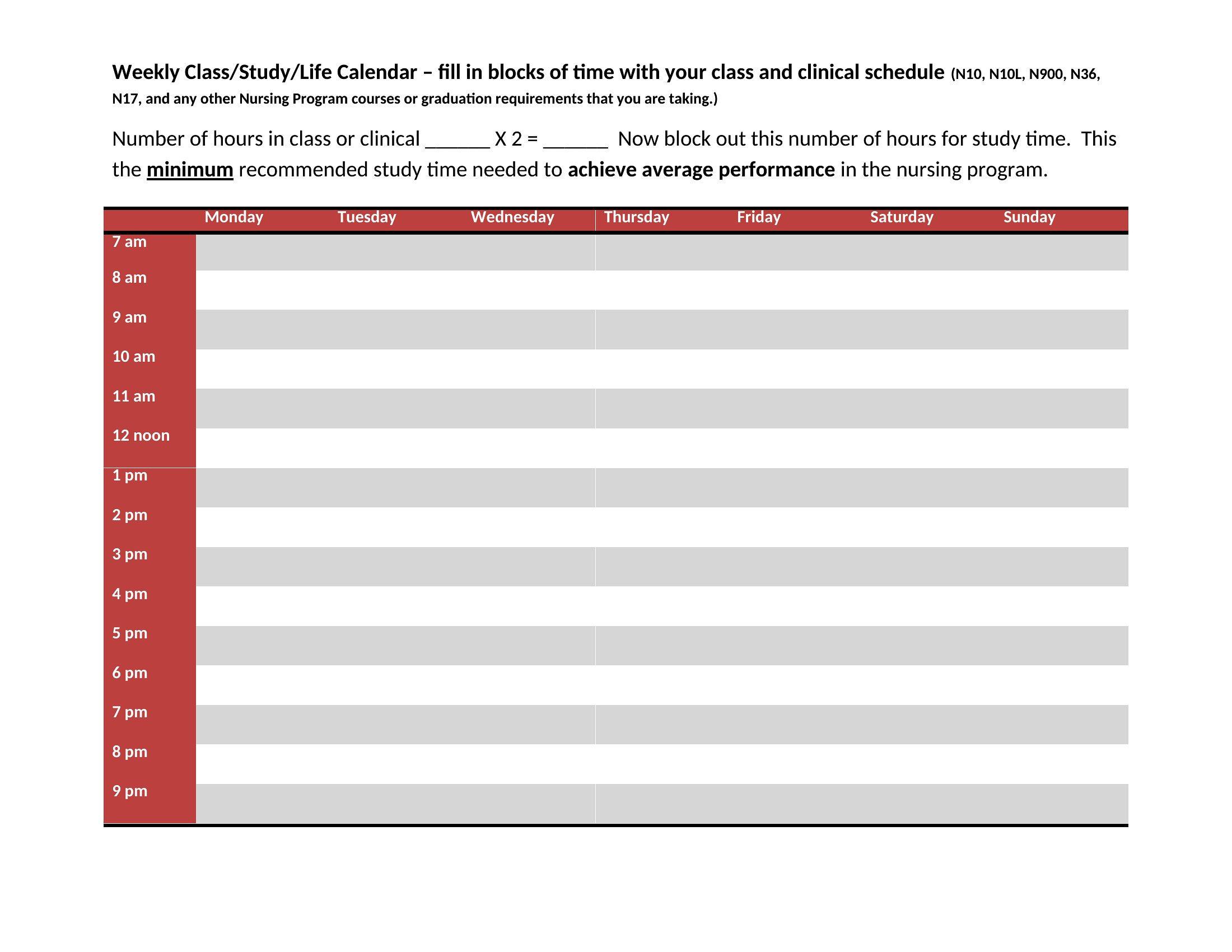
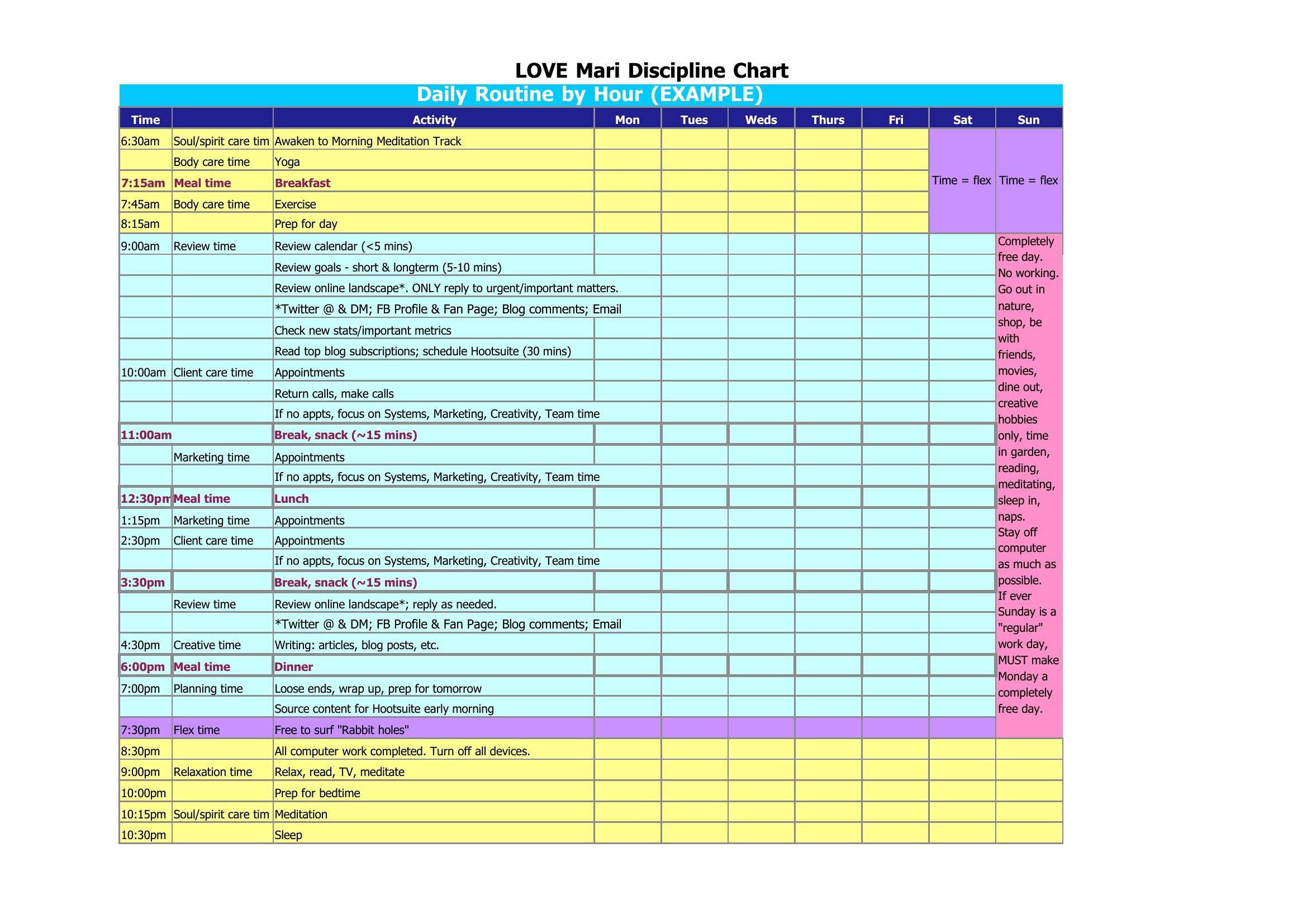
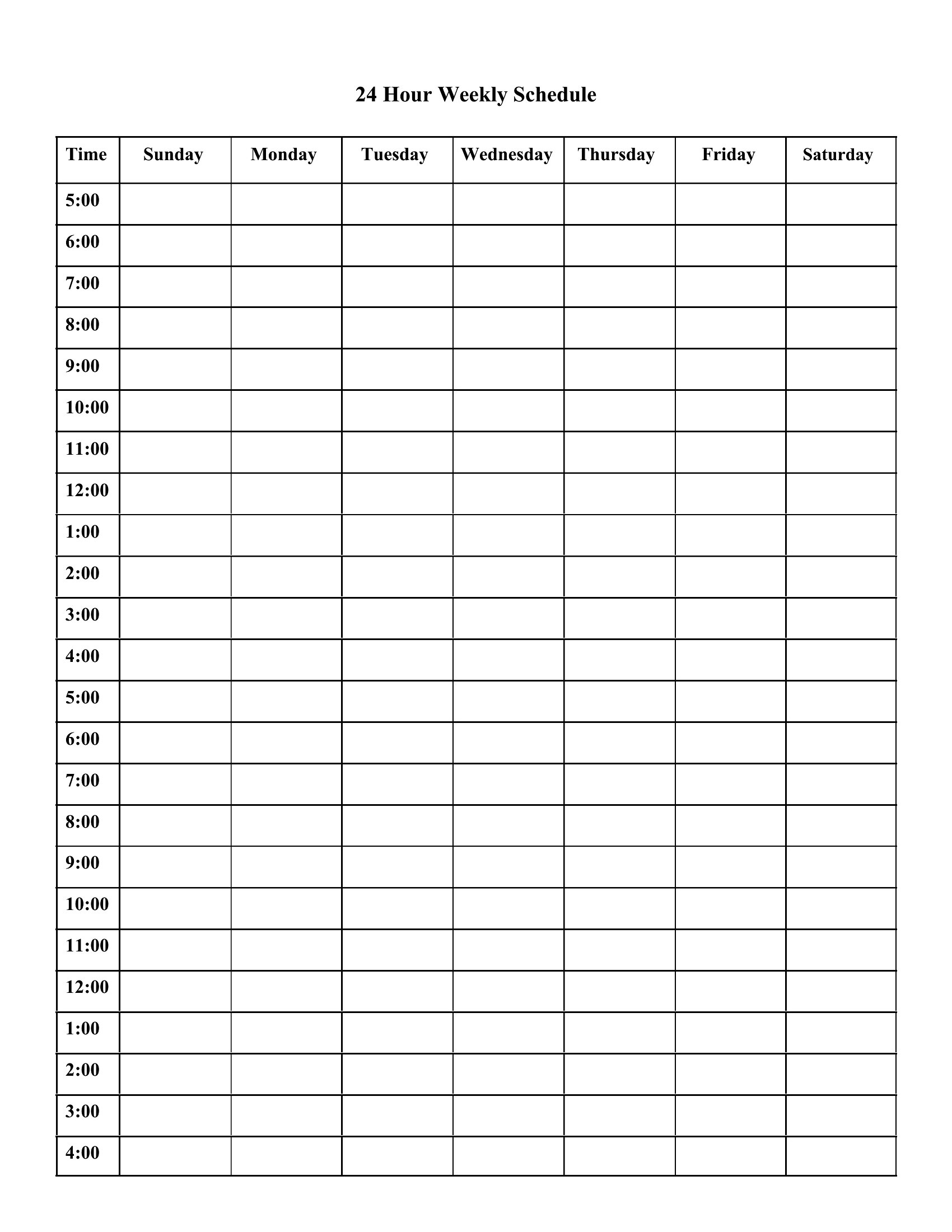
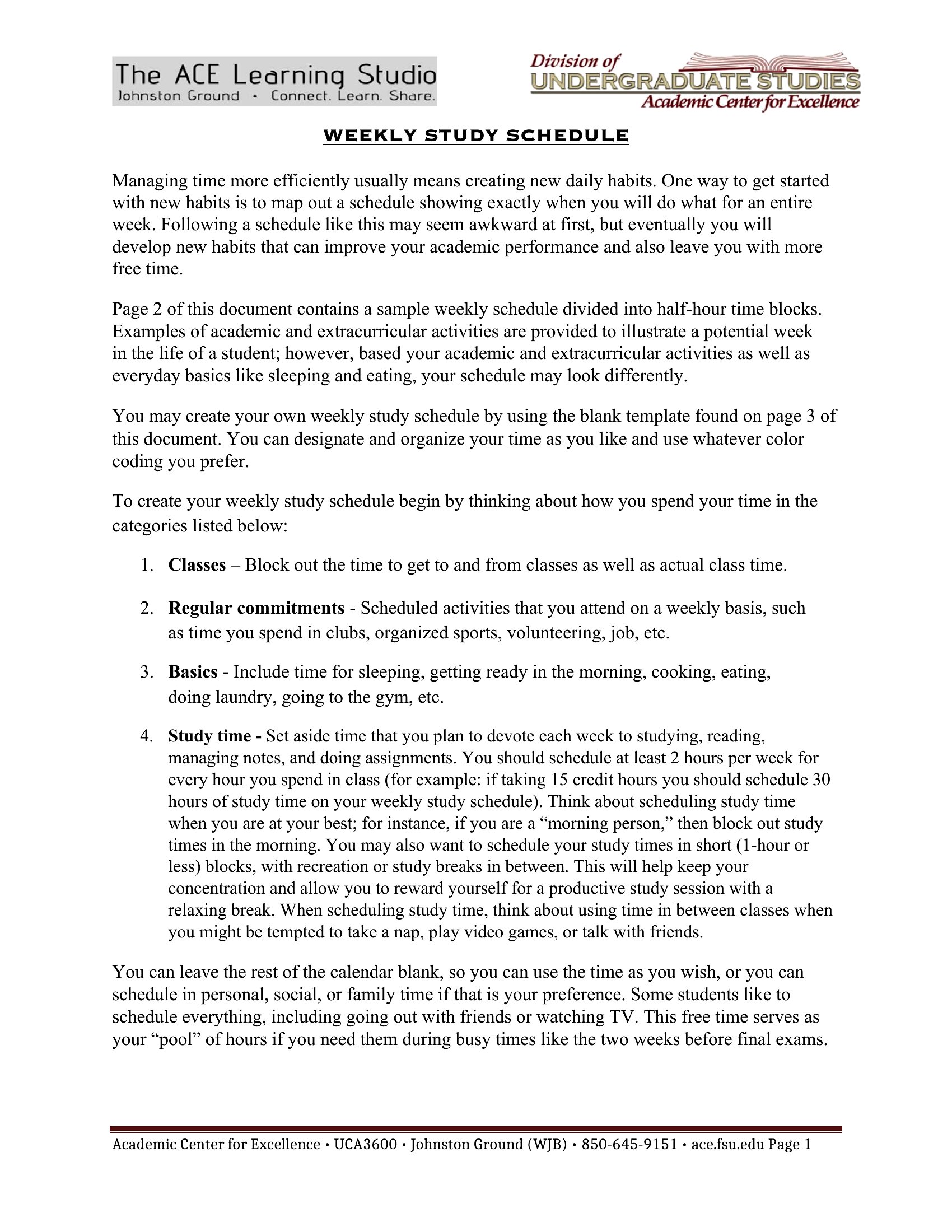
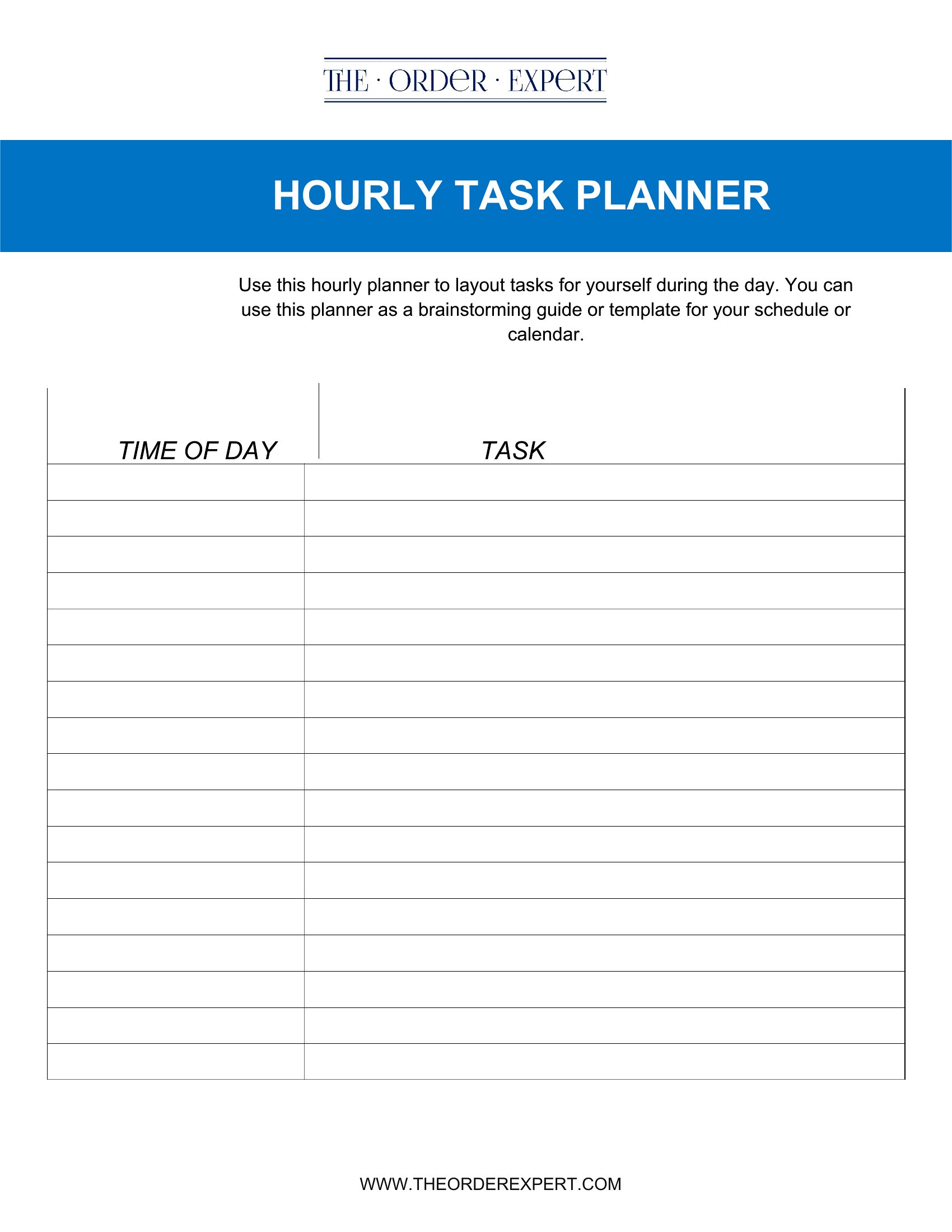
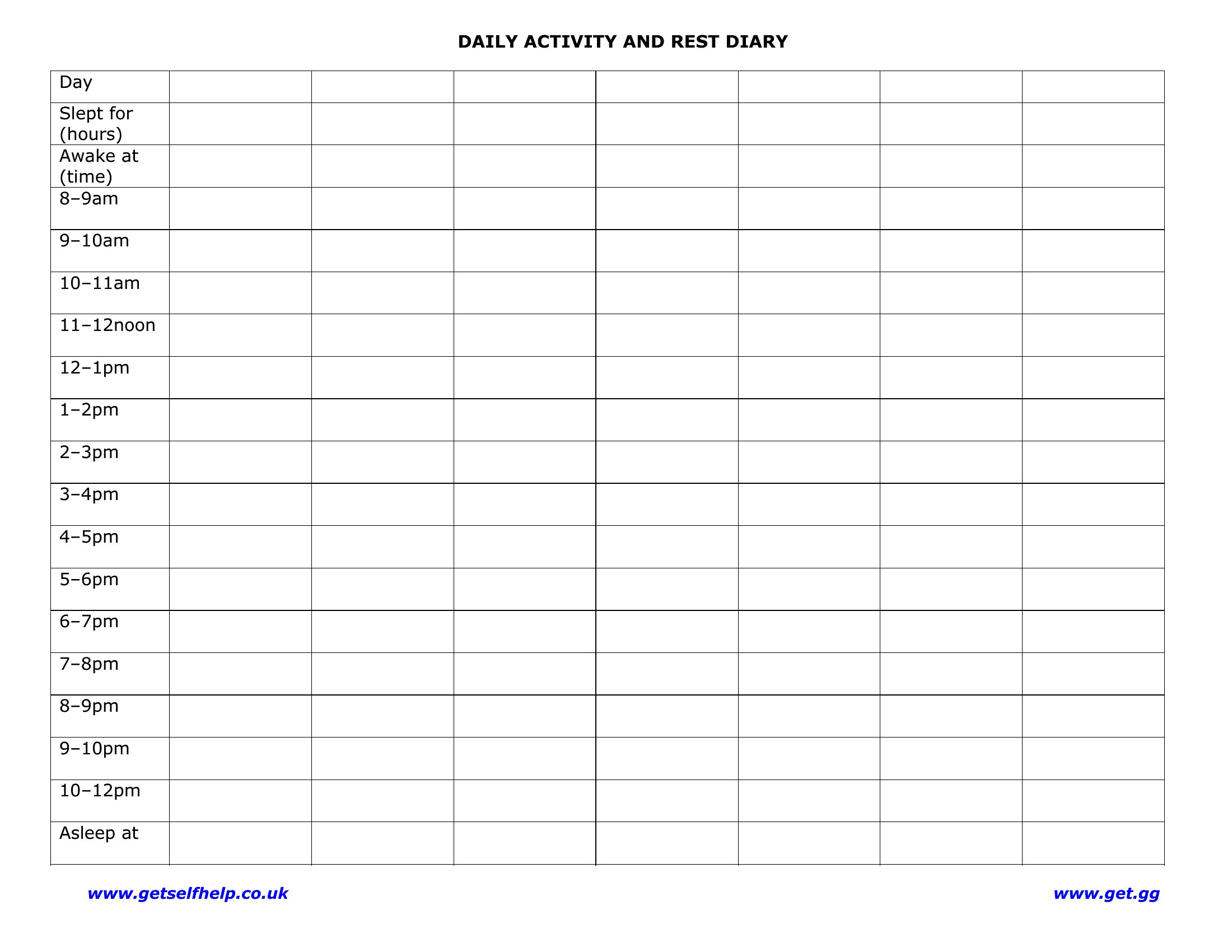
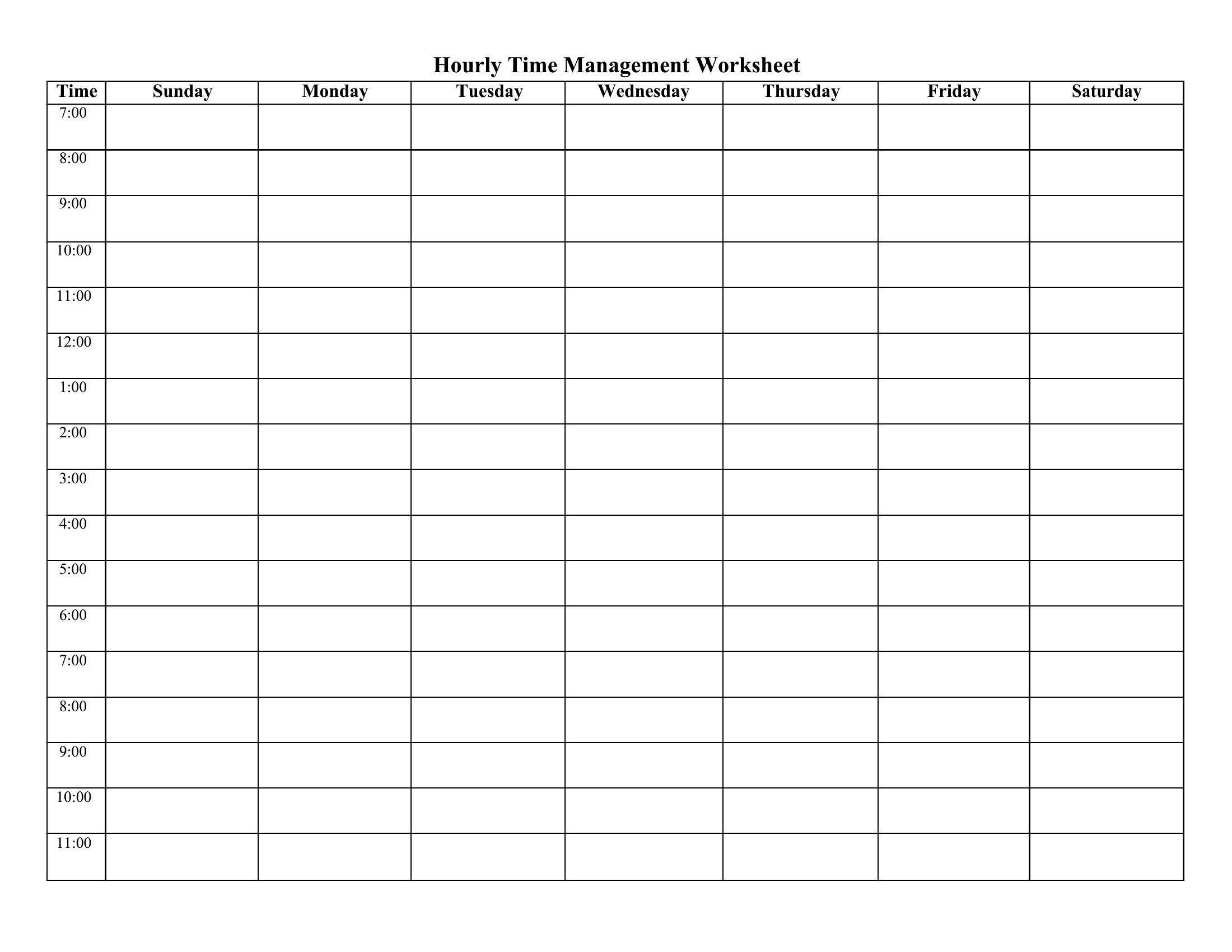
FAQ
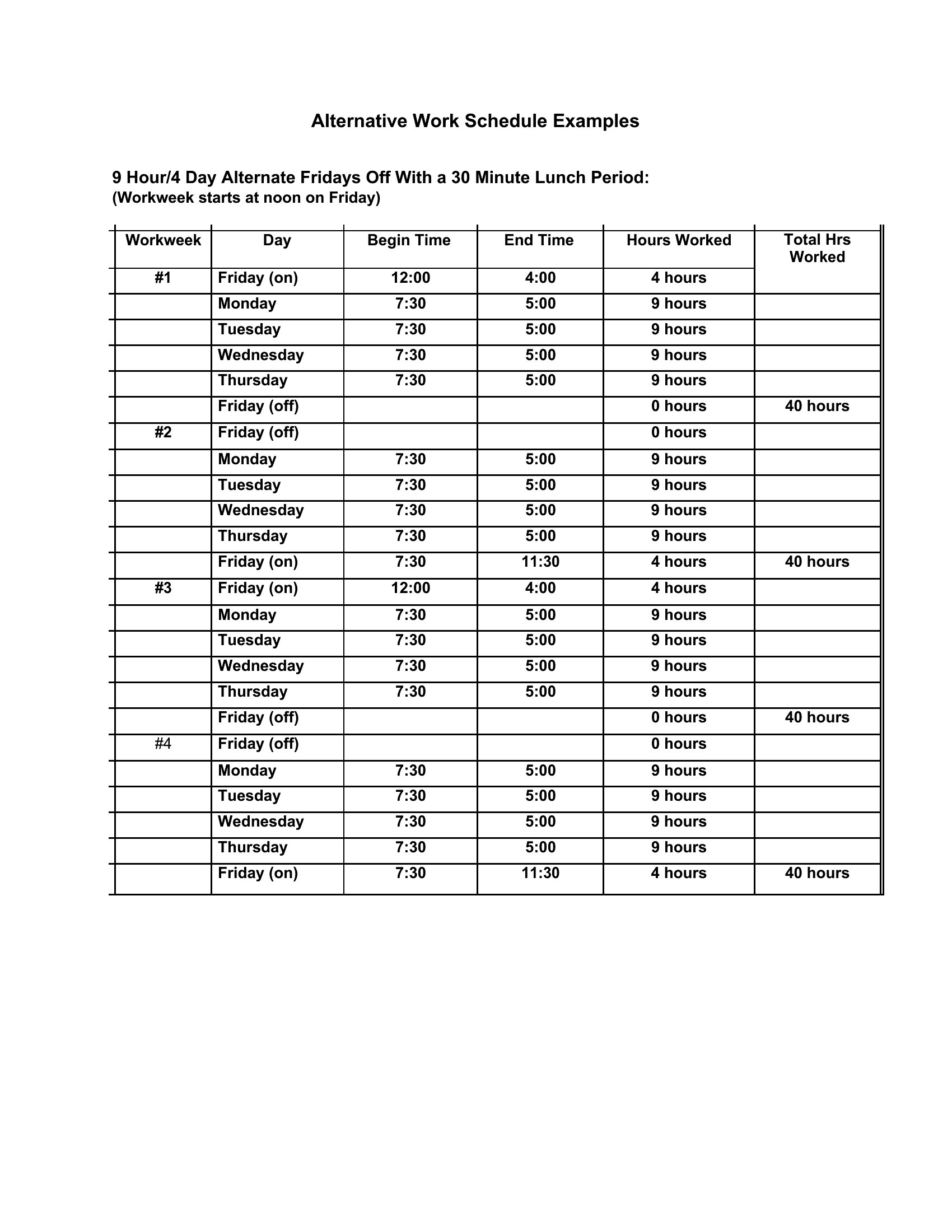
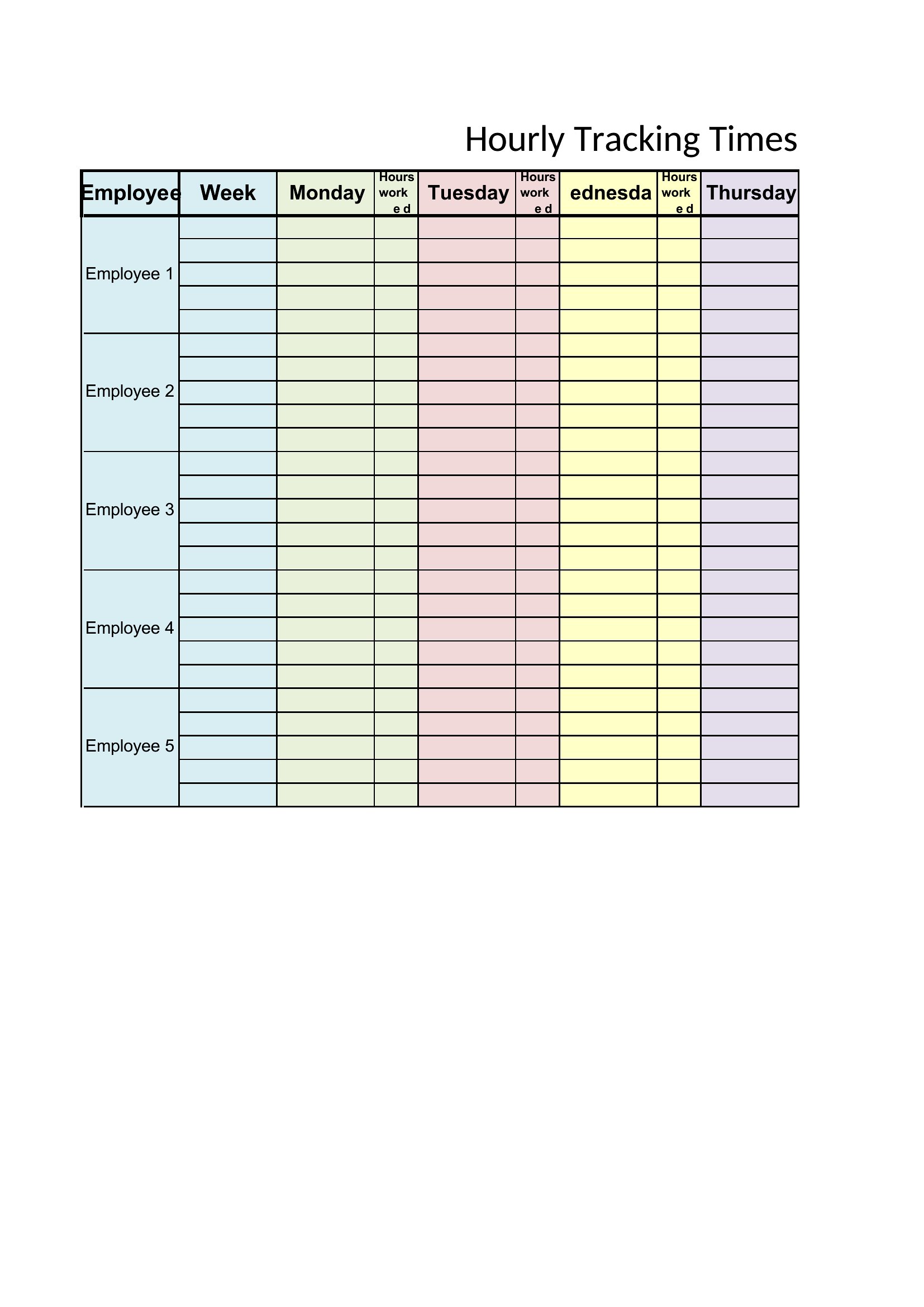
Can I use these templates to schedule shift work for a team, not just myself?
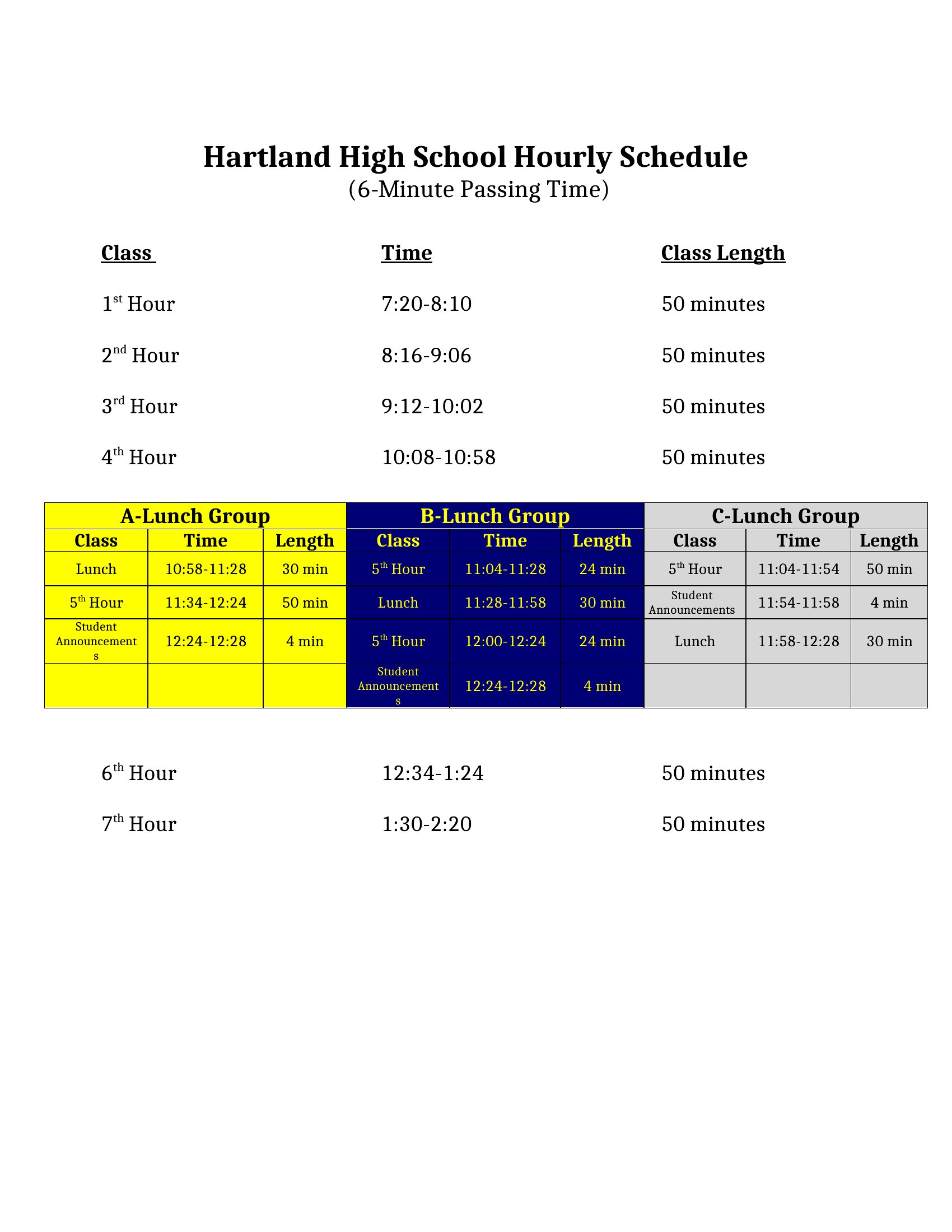
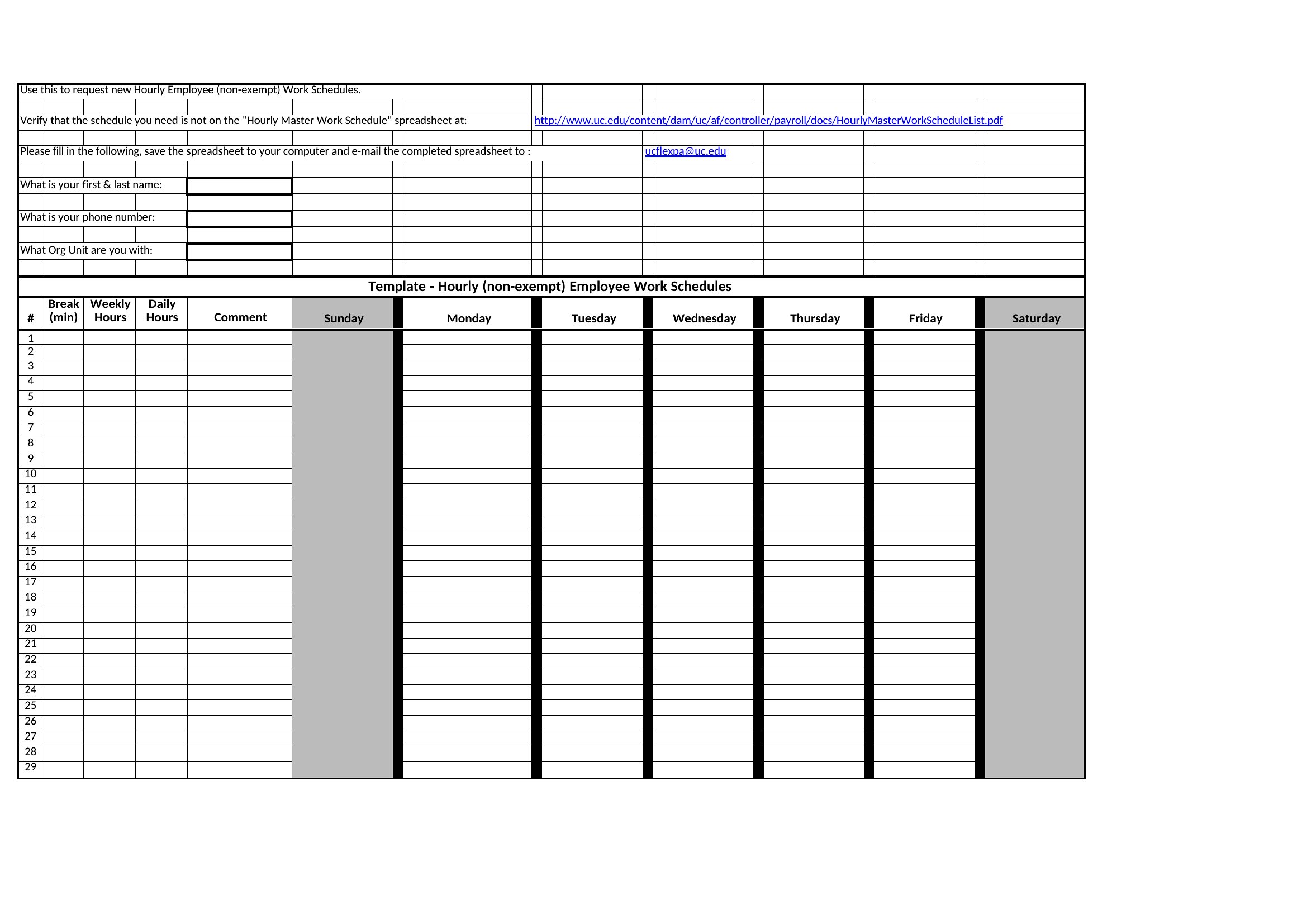
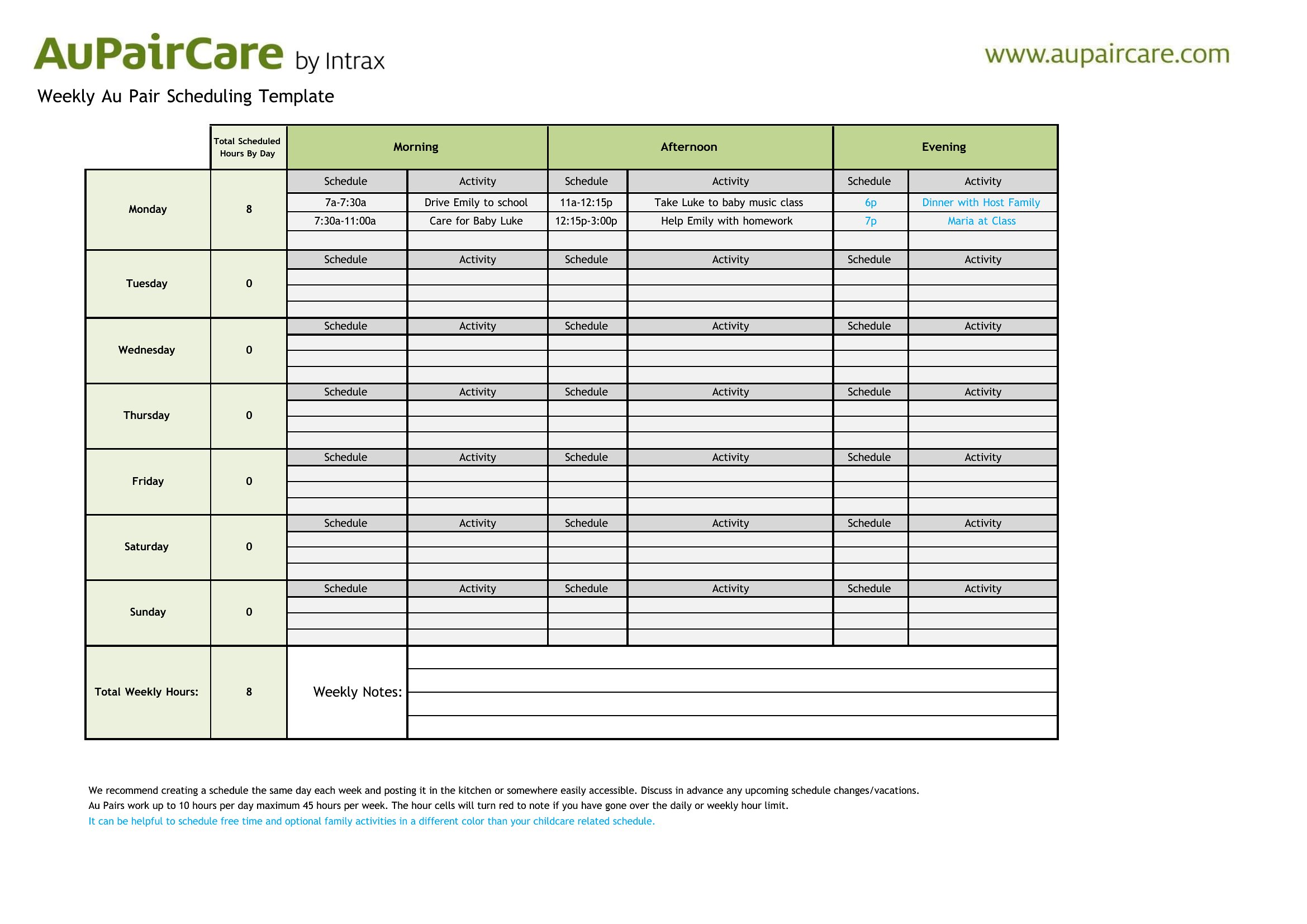
These templates are designed for individual daily planning, so they lack built-in team features like color-coding for shifts or shared access. For group scheduling, consider dedicated tools or customizing the Word format to include team names or color blocks for visibility. Always clarify team expectations separately.
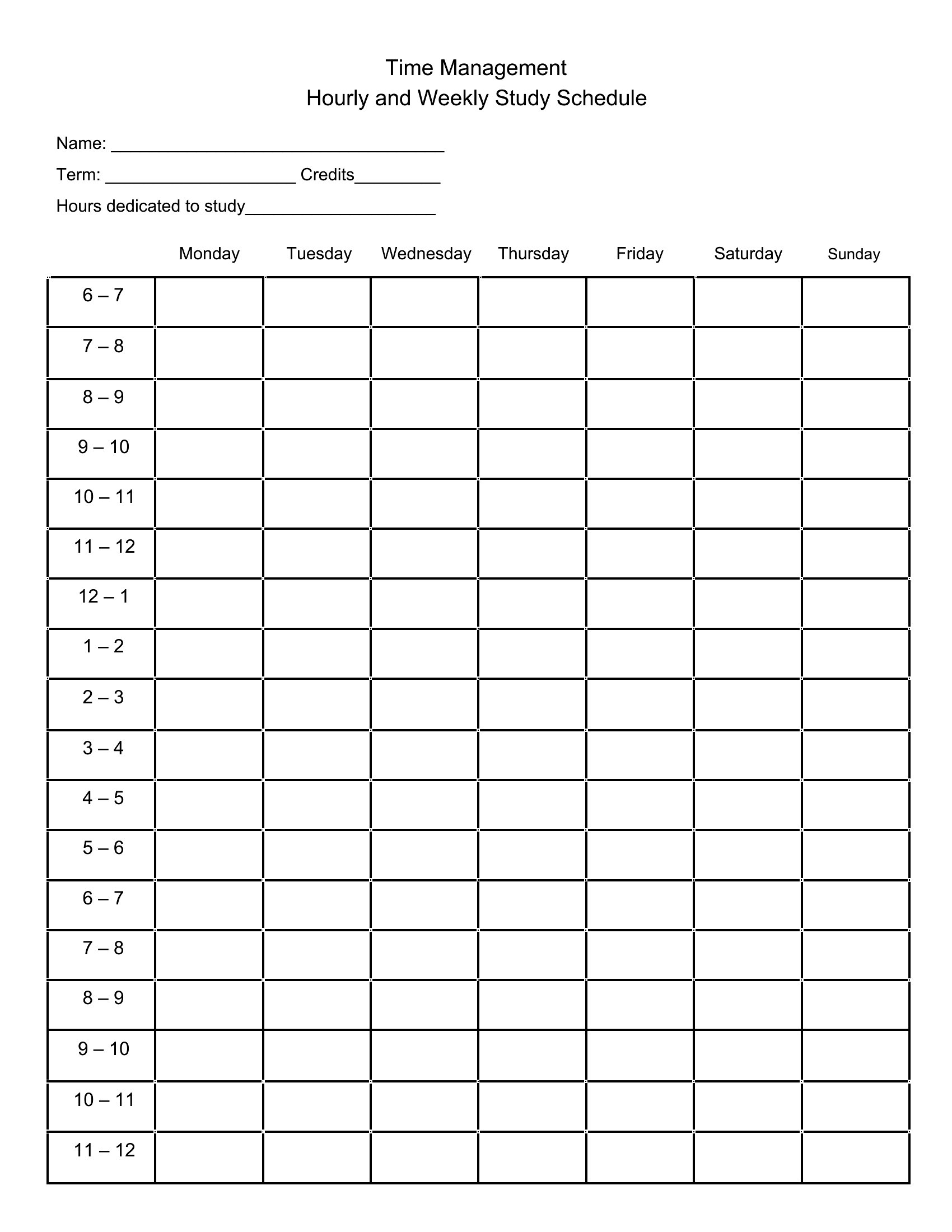
What if my workday isn’t a standard 9-to-5 shift?
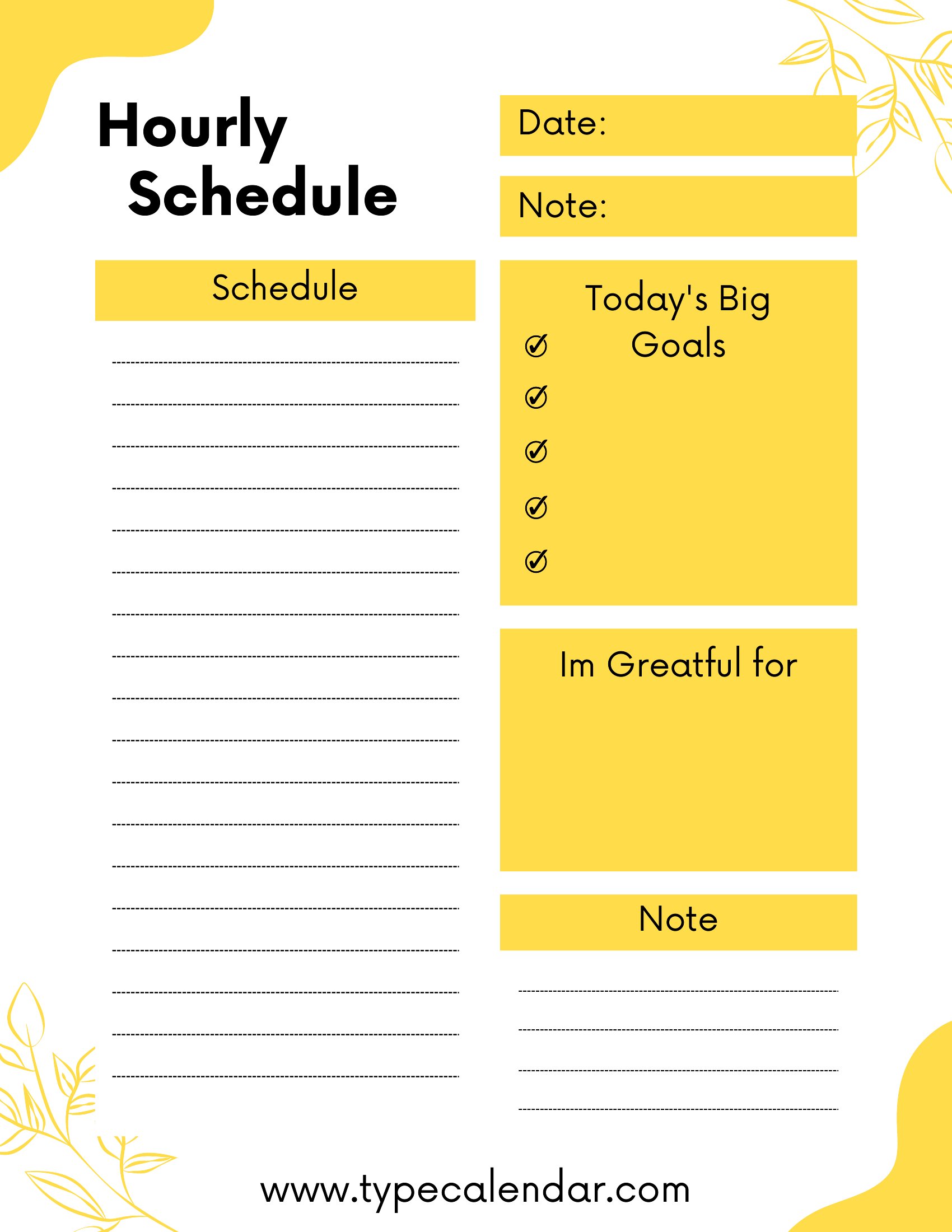
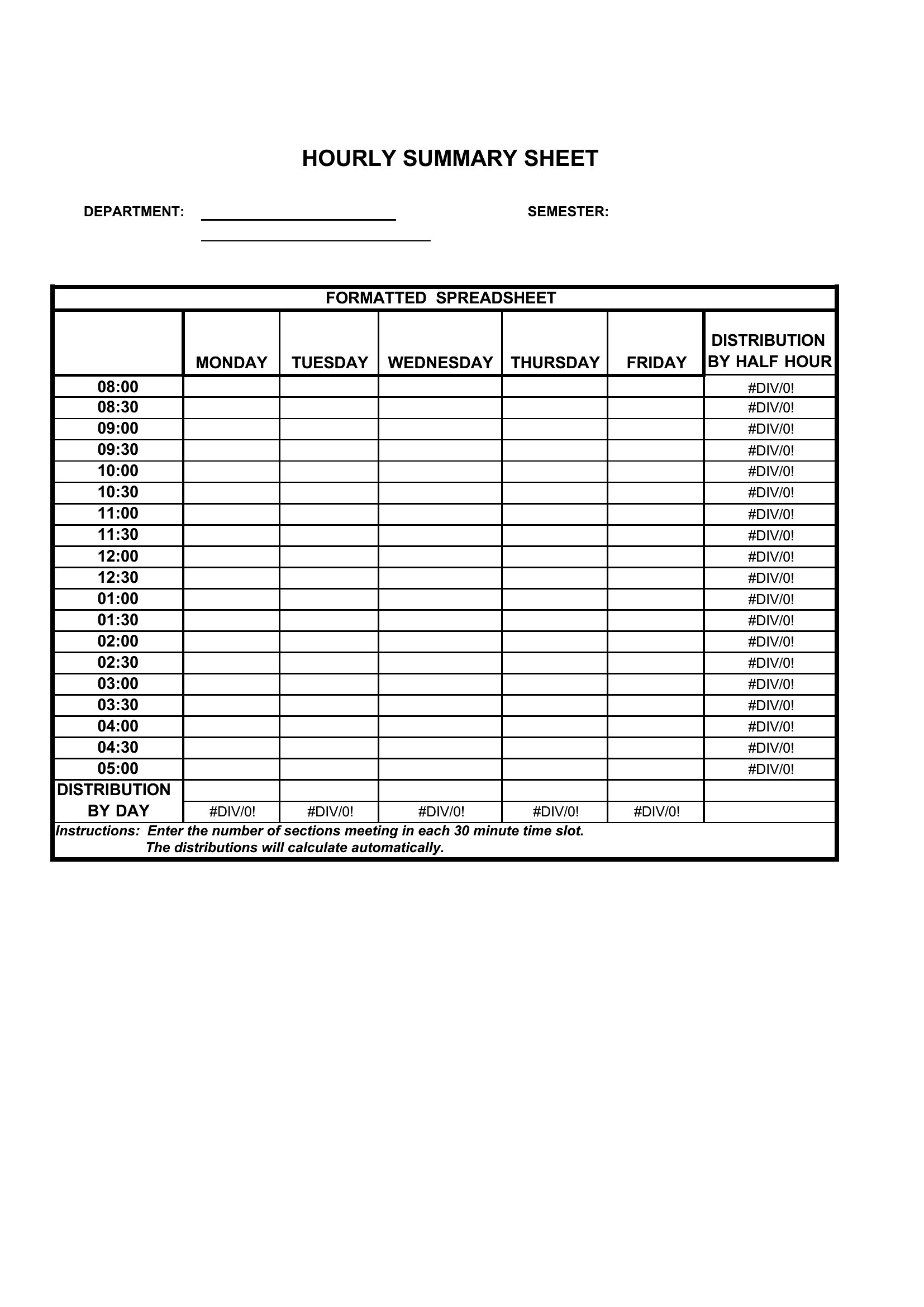
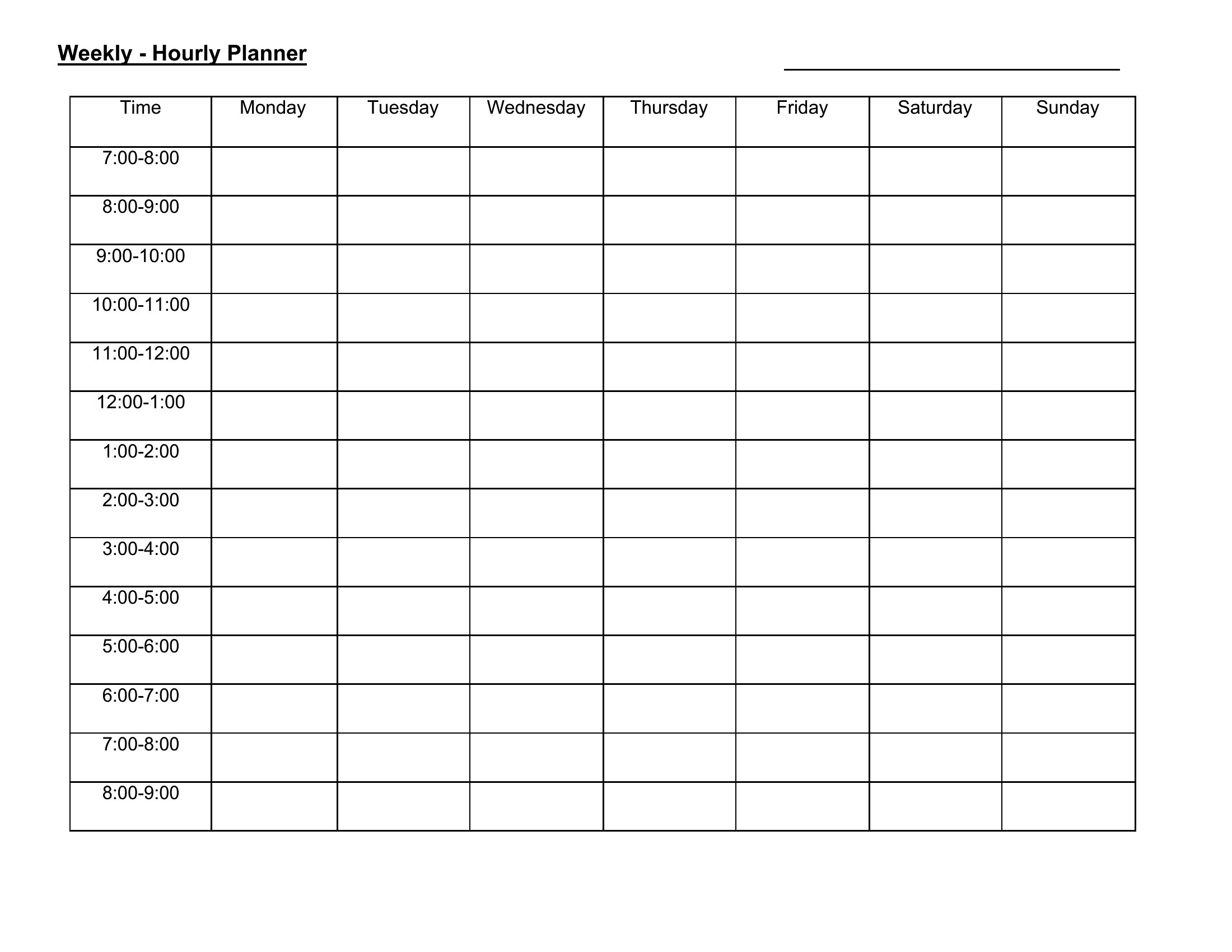
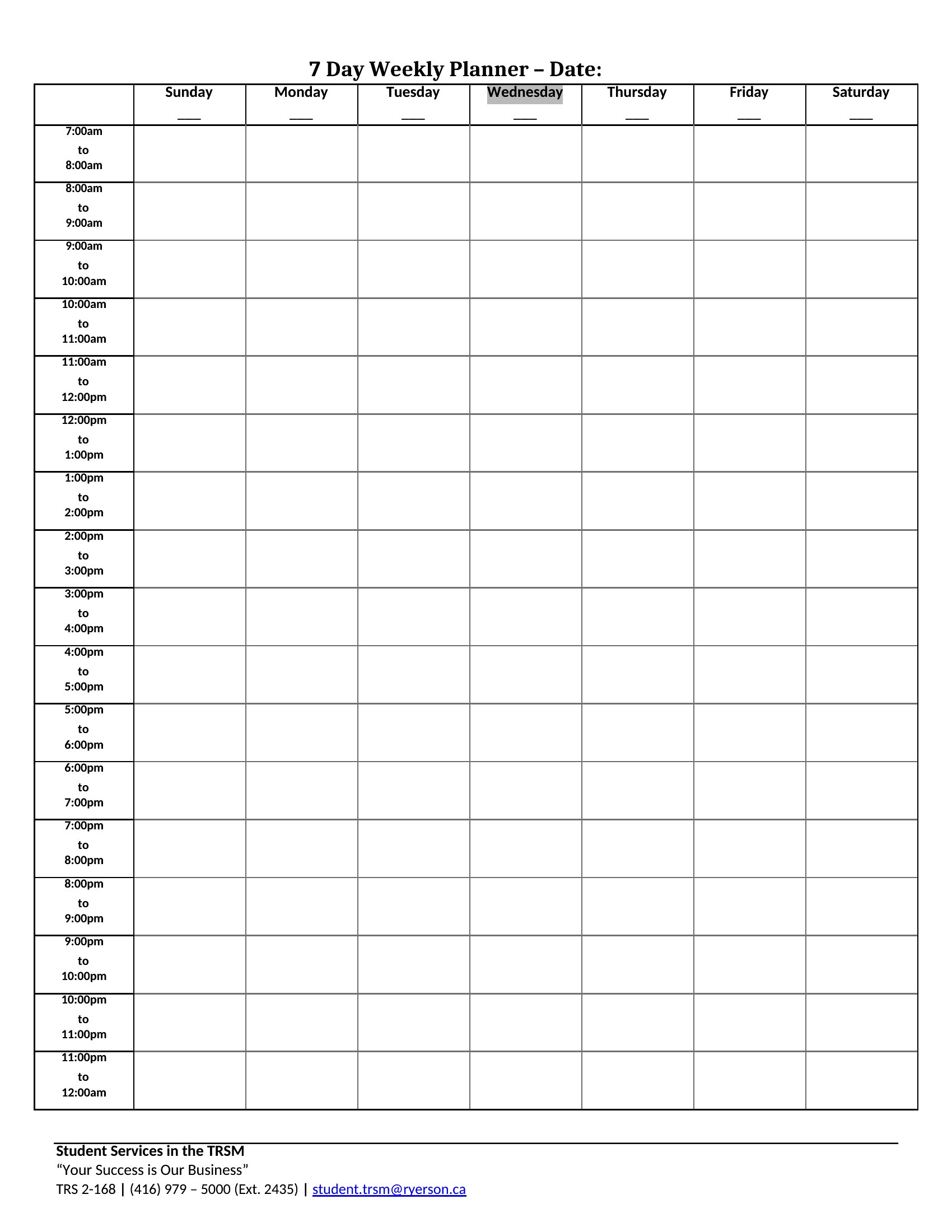
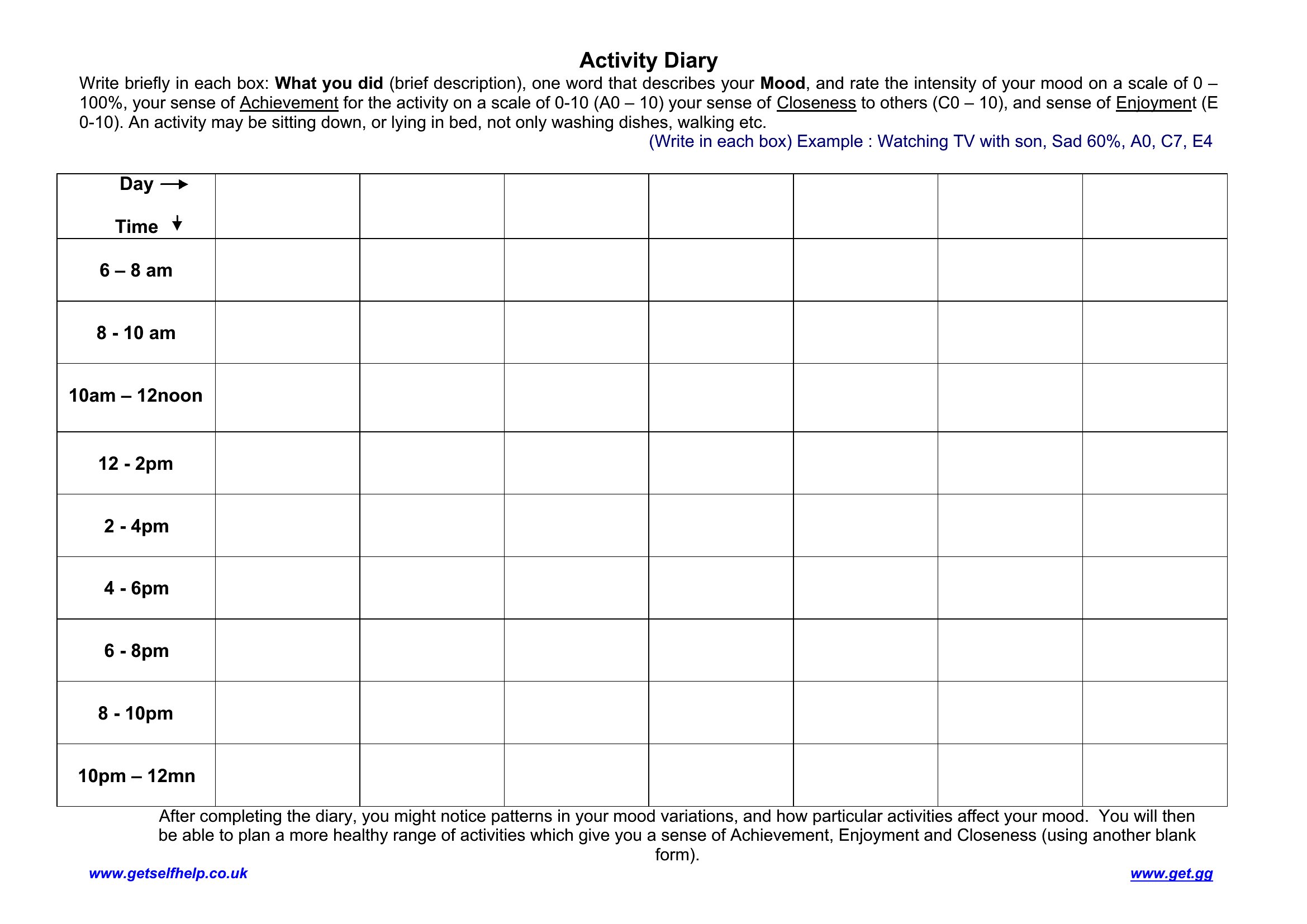
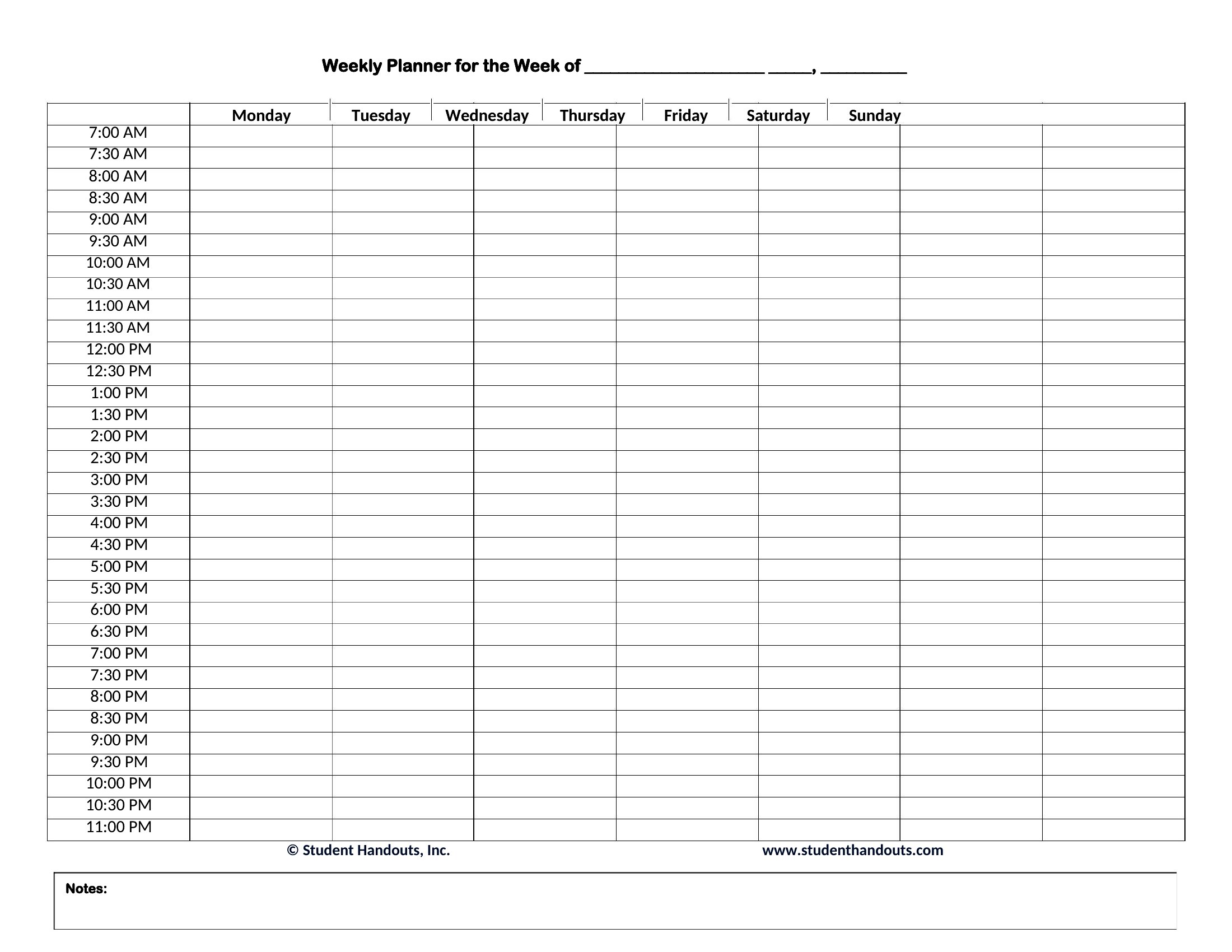
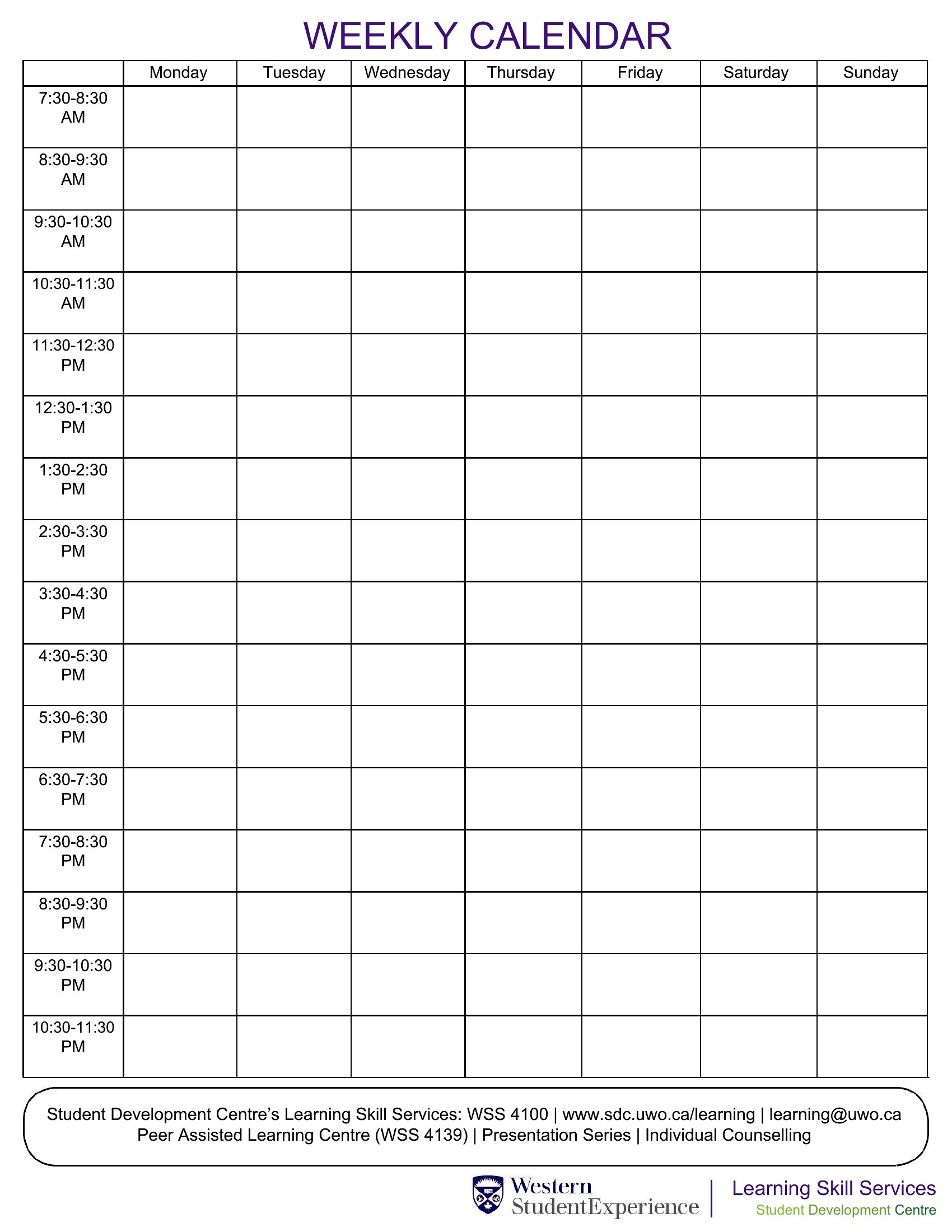
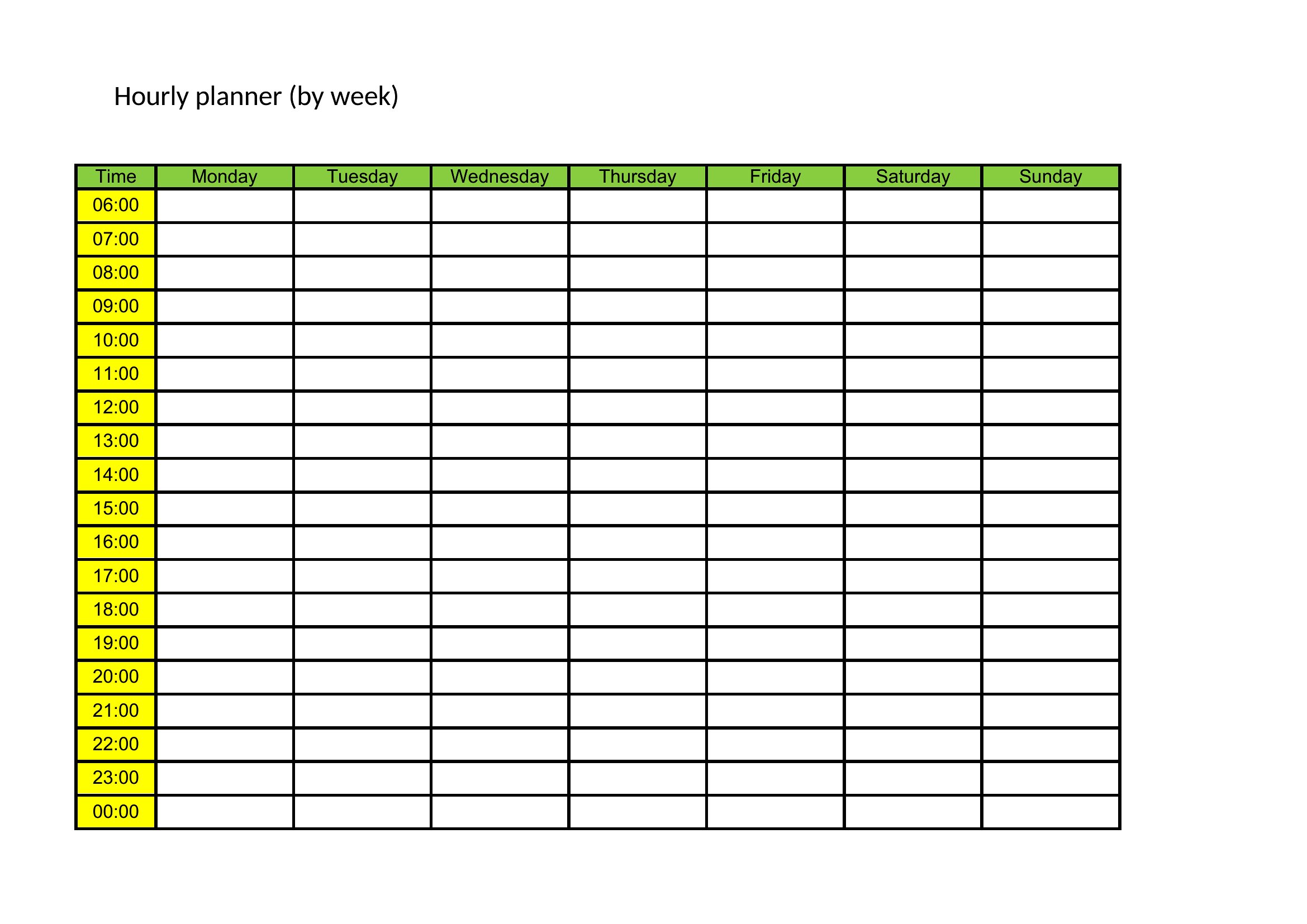
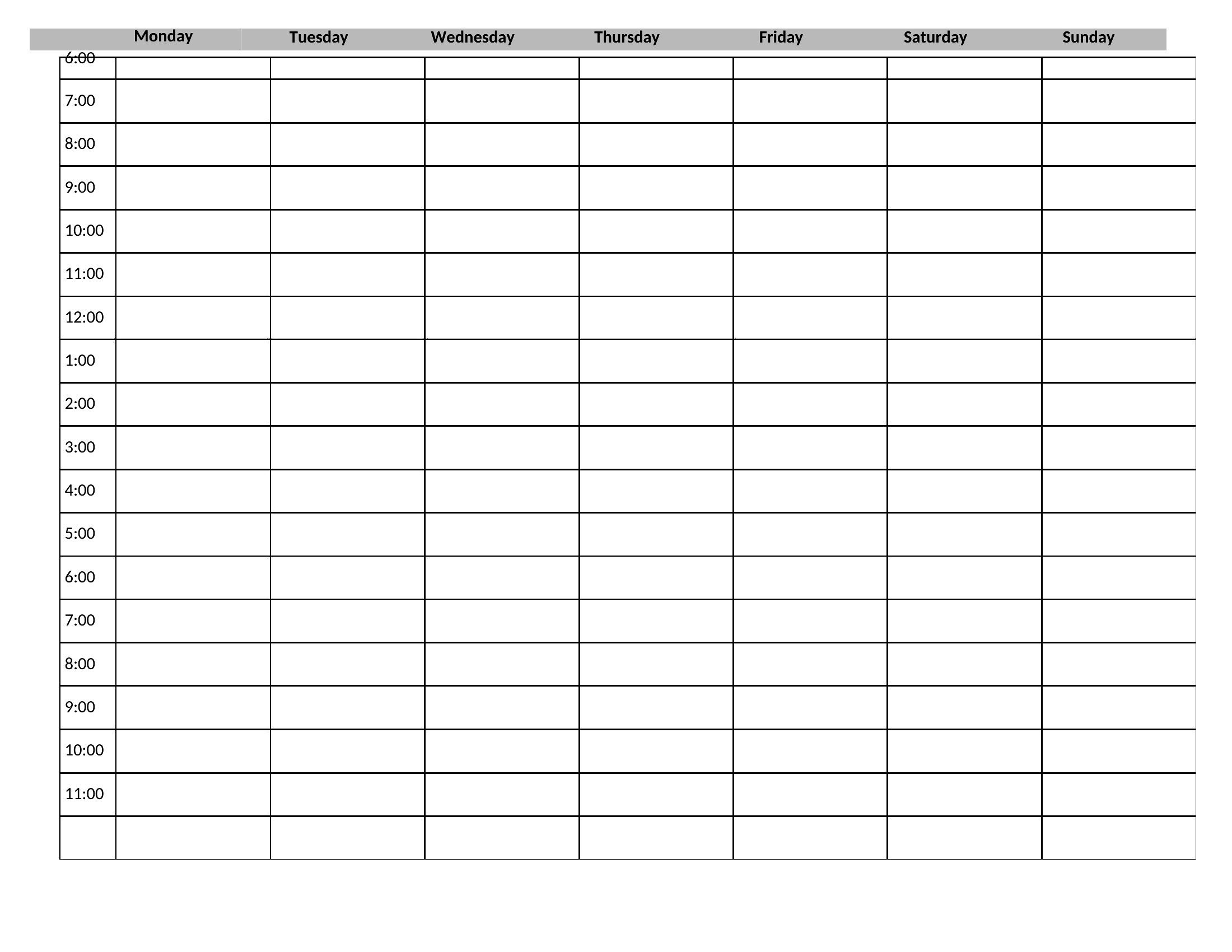
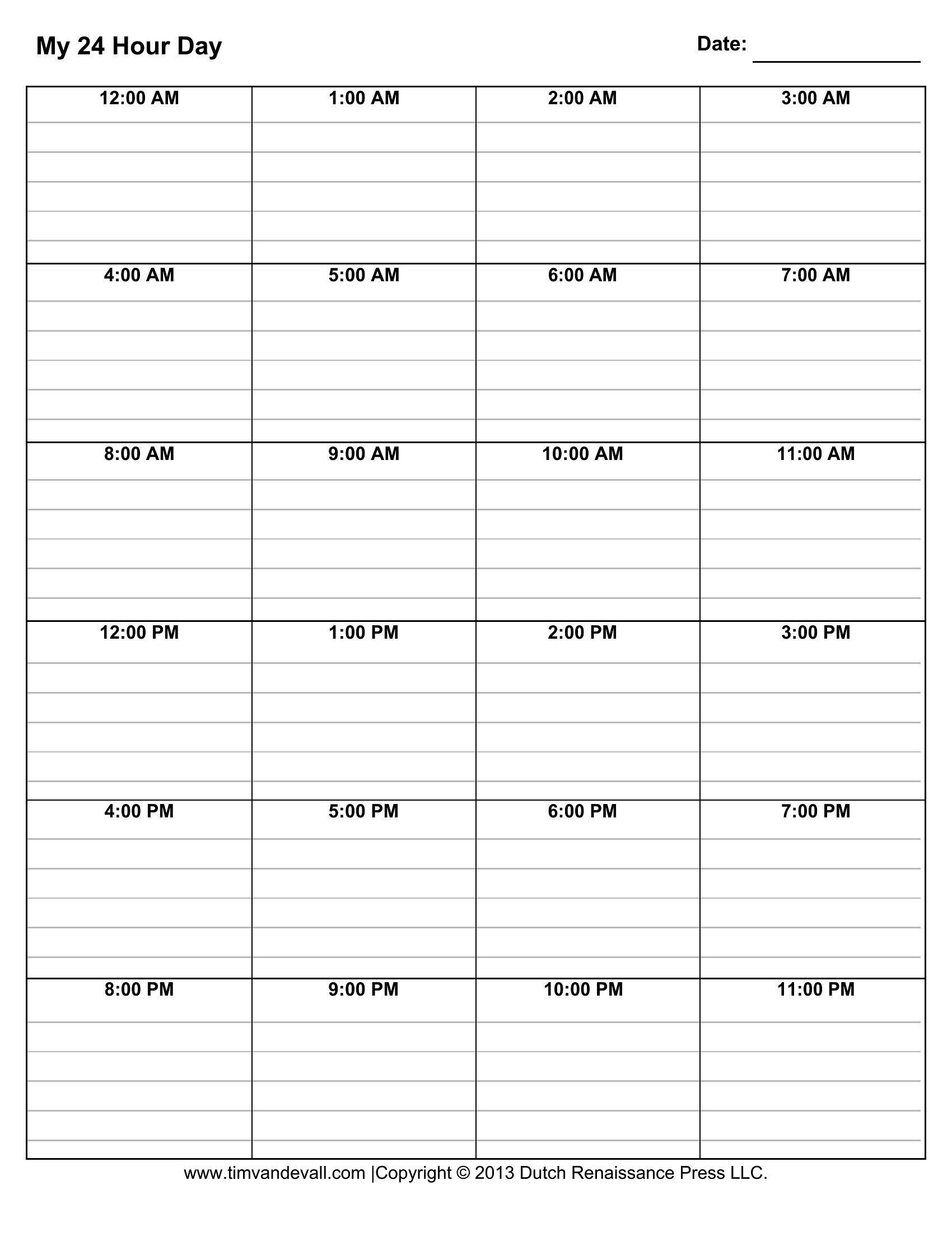
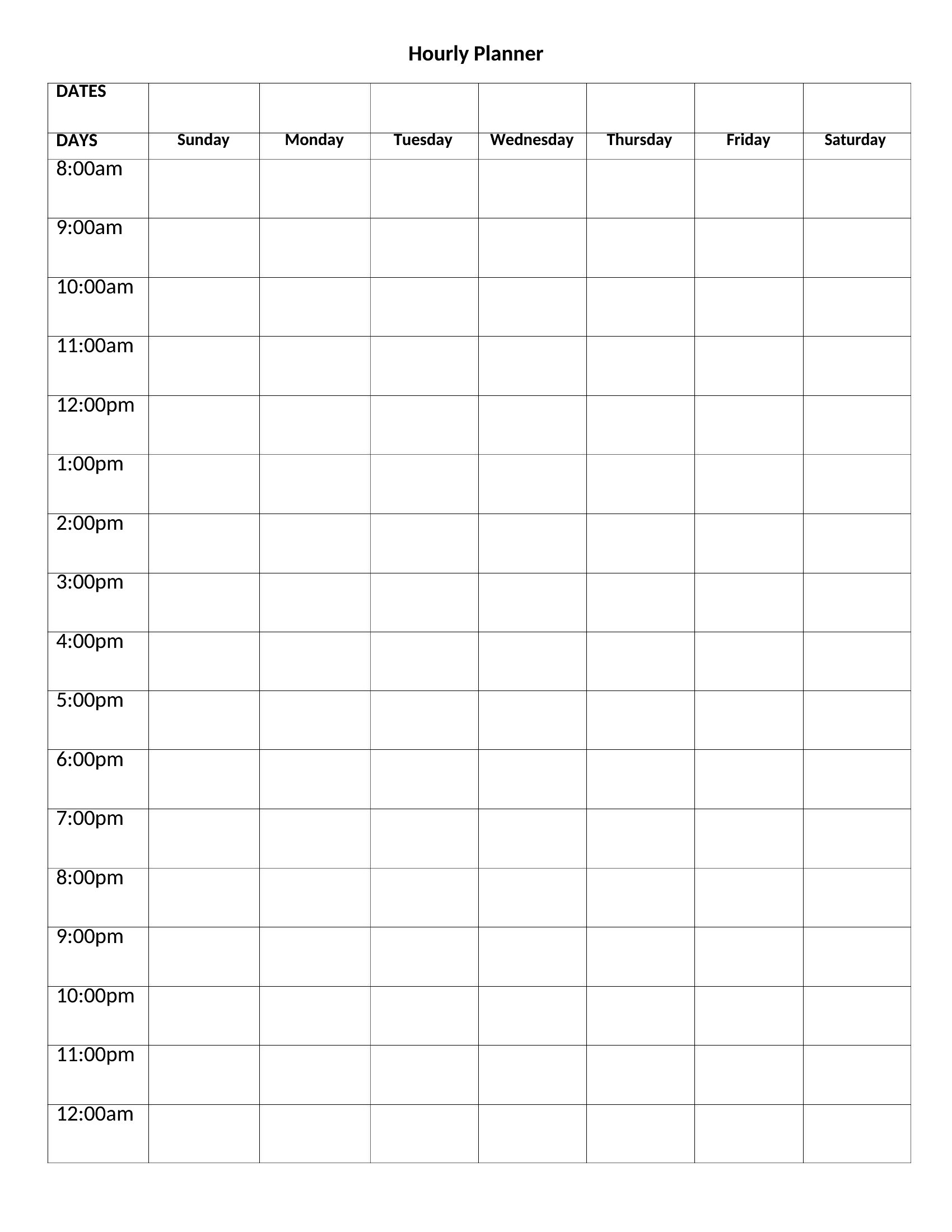
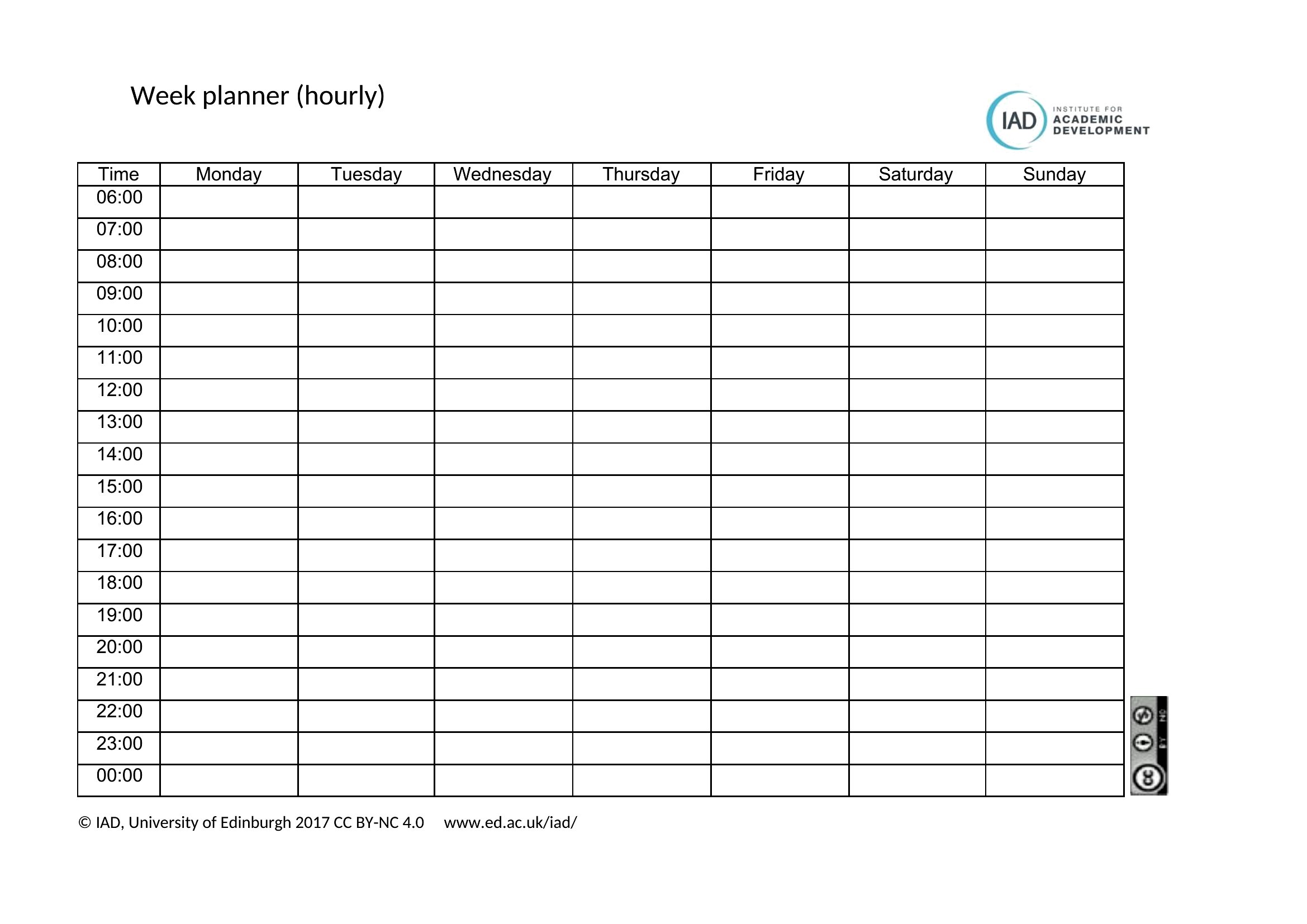
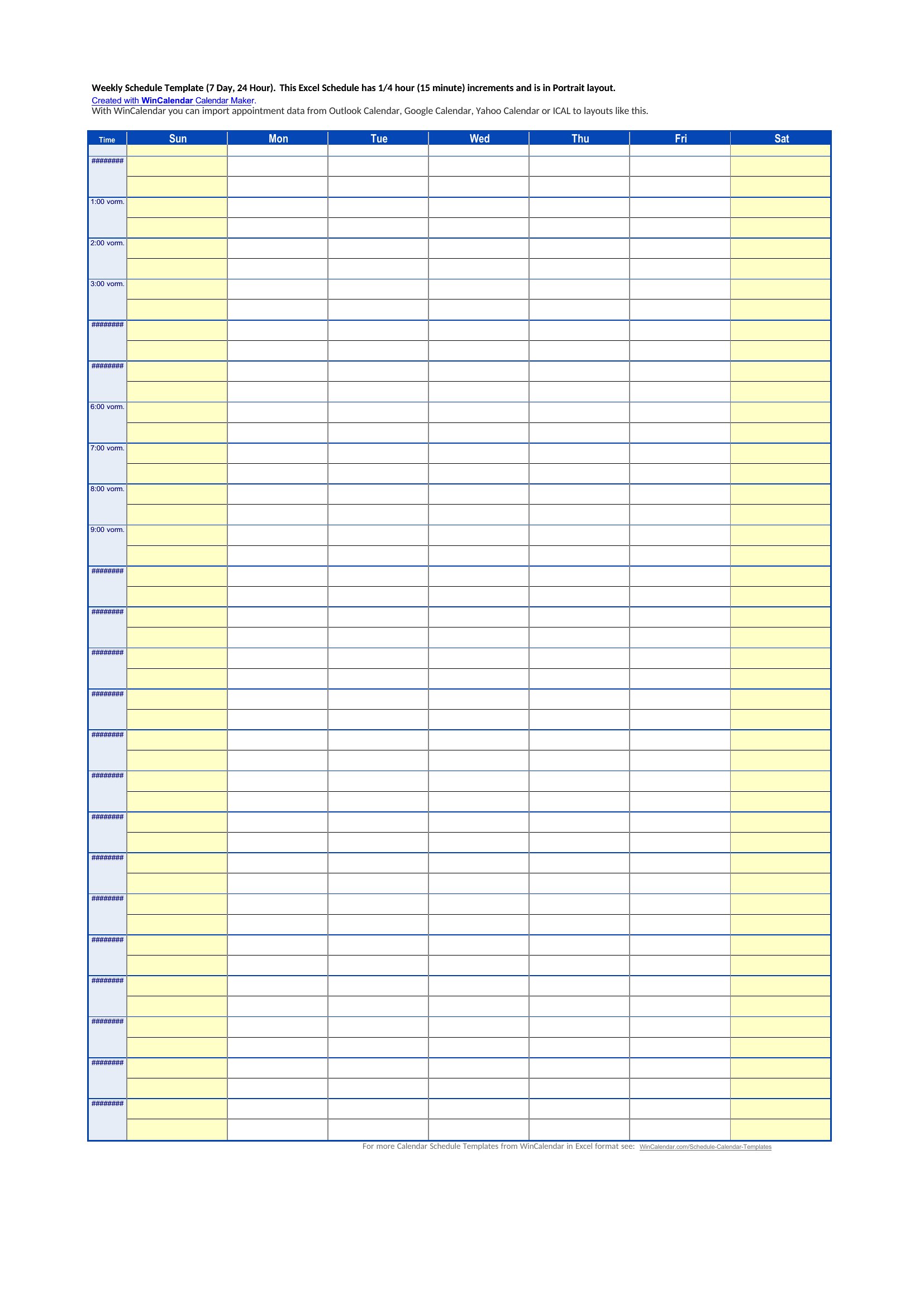
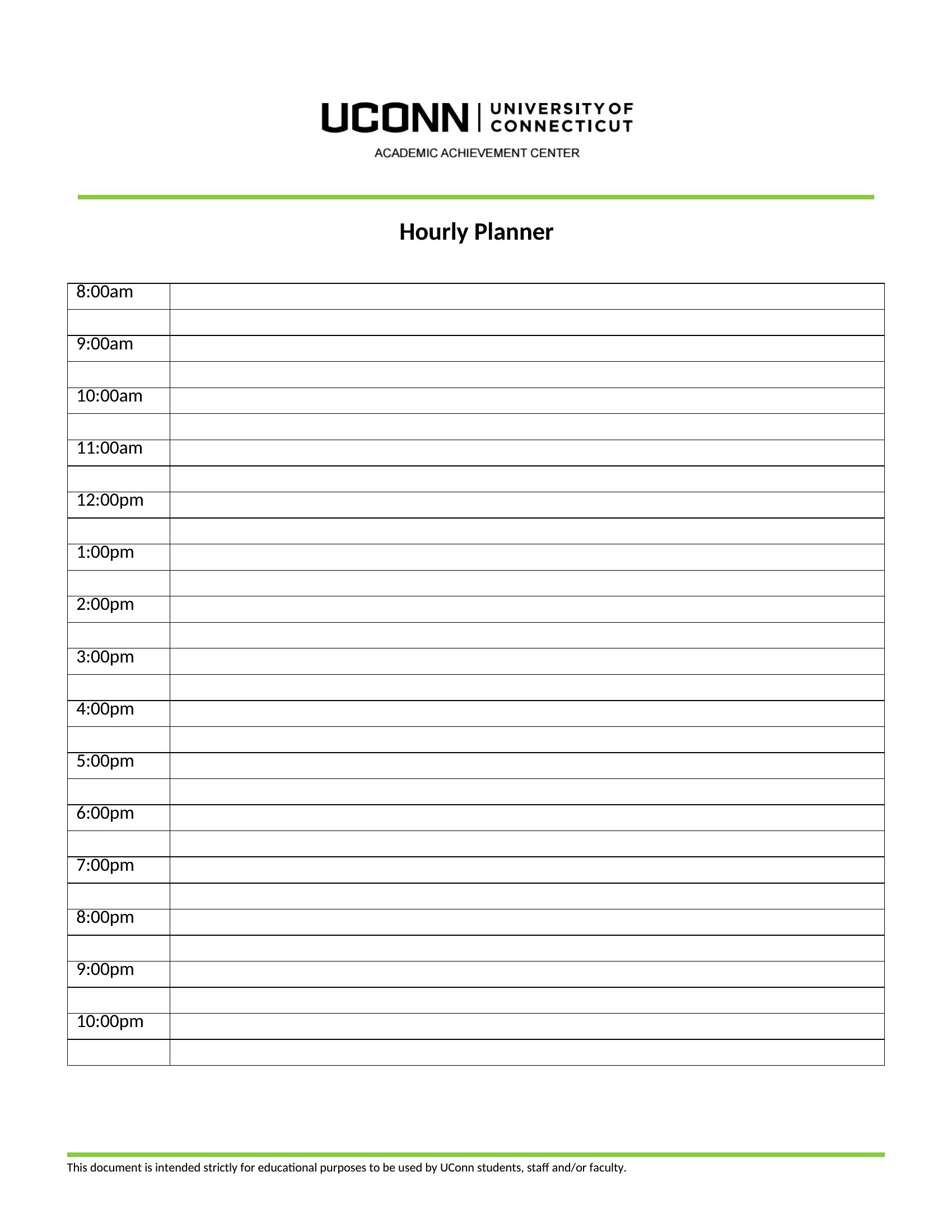
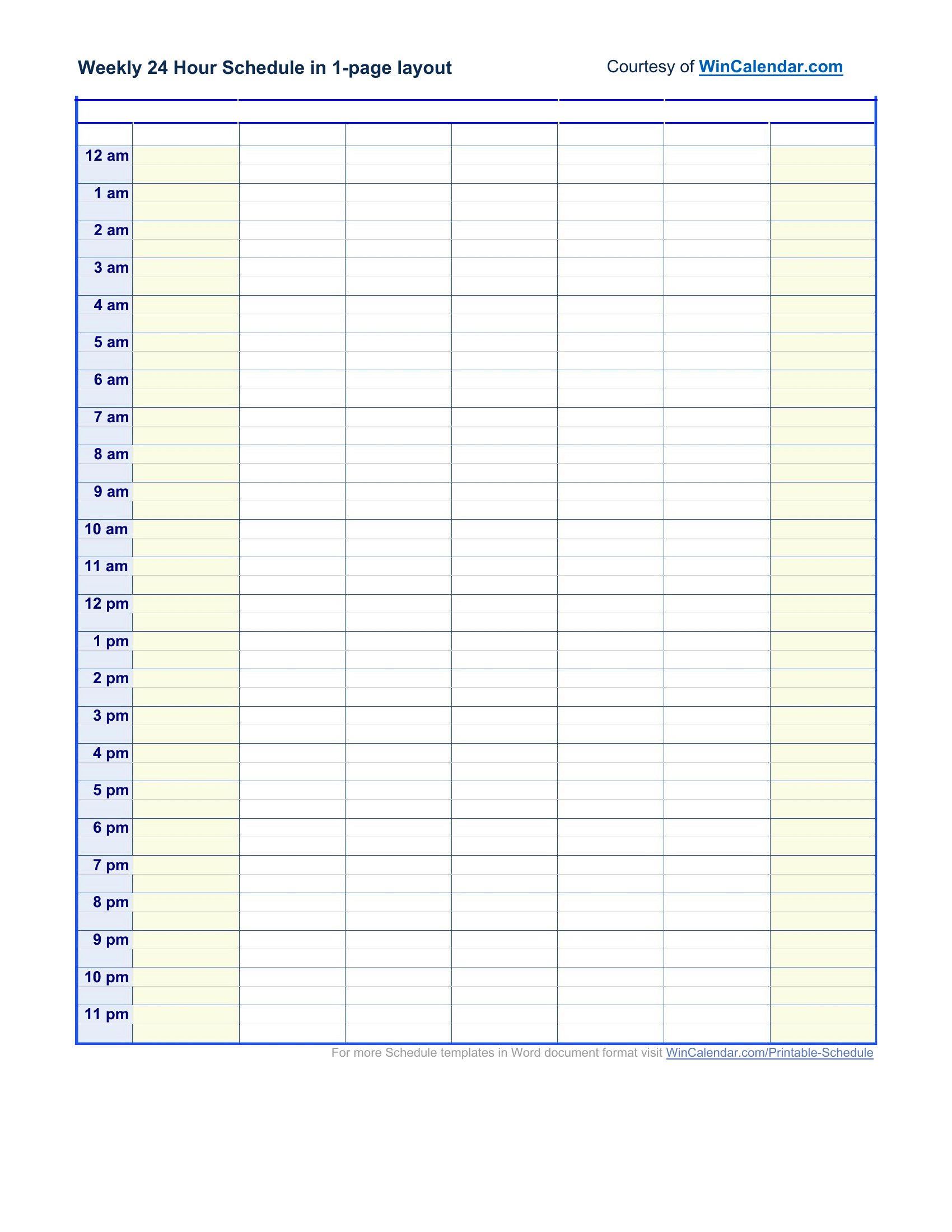
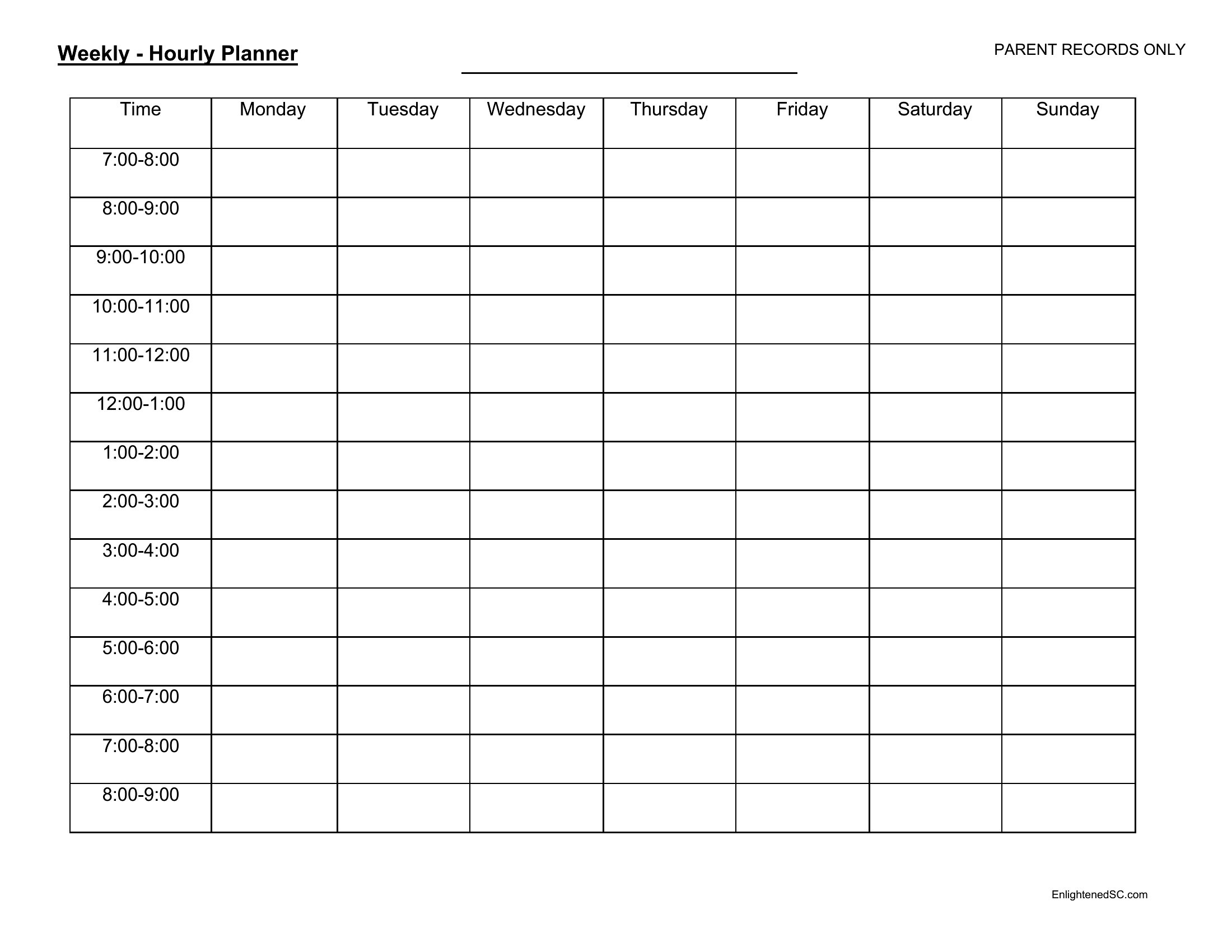
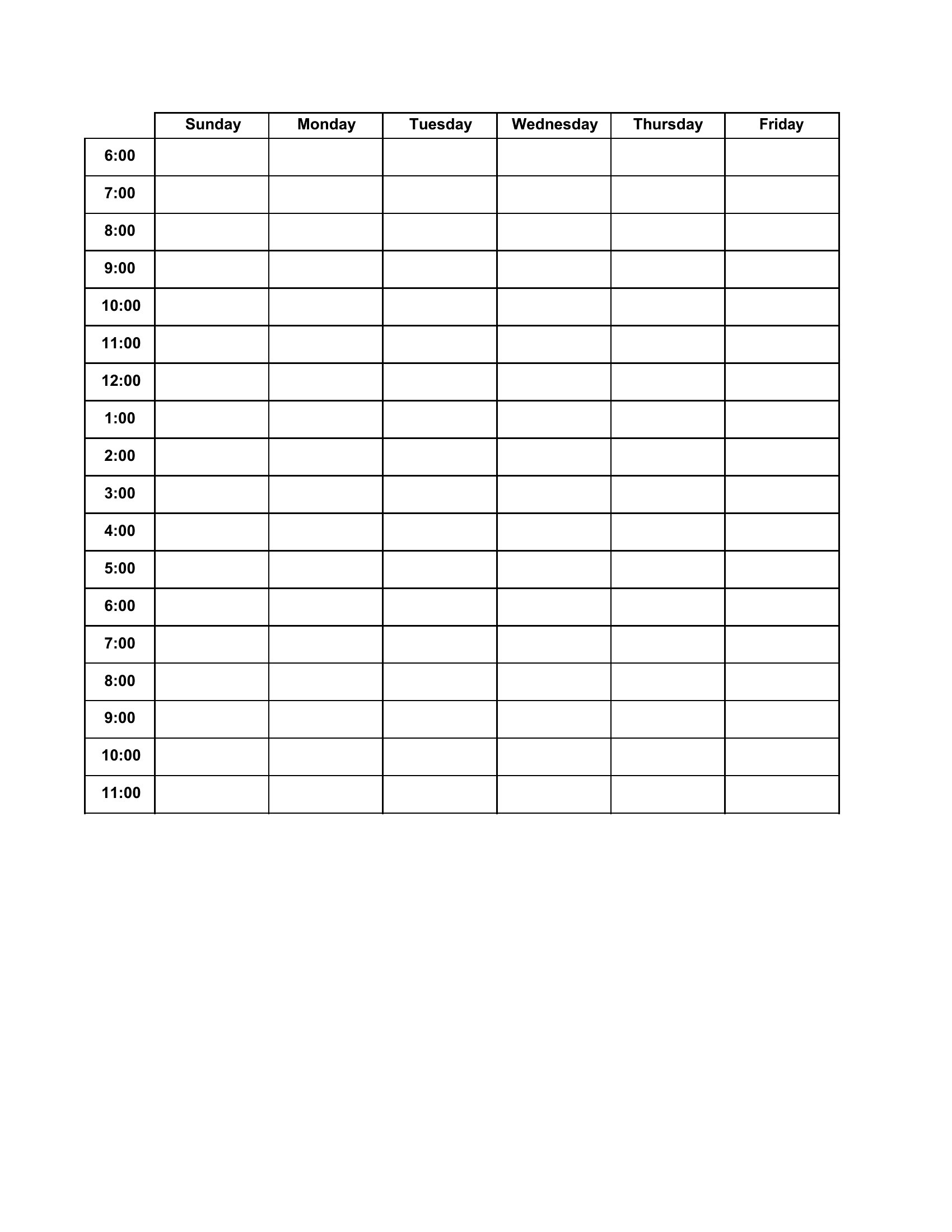
All templates include blank hourly slots, so you can easily extend them to 12-hour shifts, overnight schedules, or split shifts. Start with the 24-hour planner and delete unused slots, or adjust the time increments (e.g., 30-minute blocks) in Word to fit your unique rhythm.
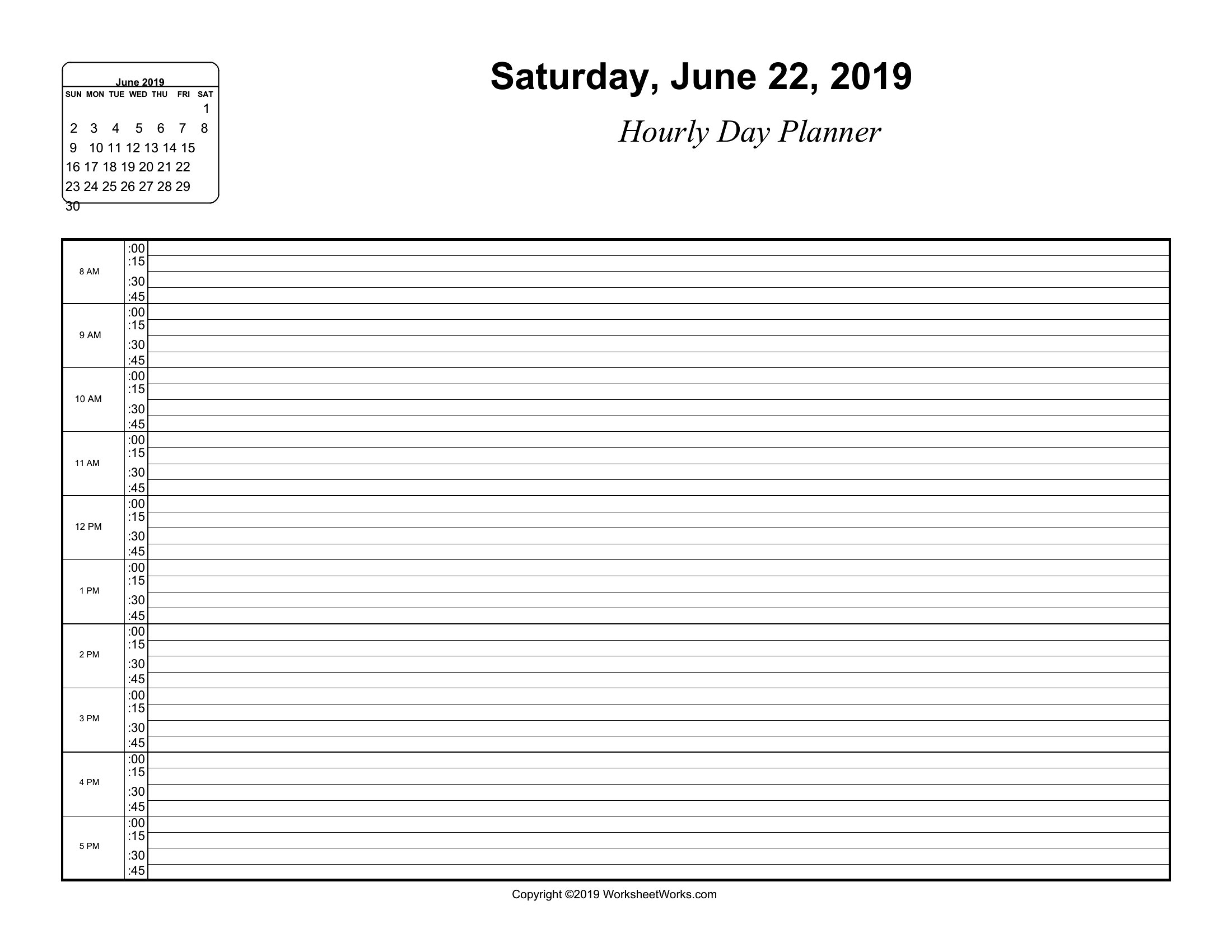
How do I handle tasks that take less than an hour but still need tracking?
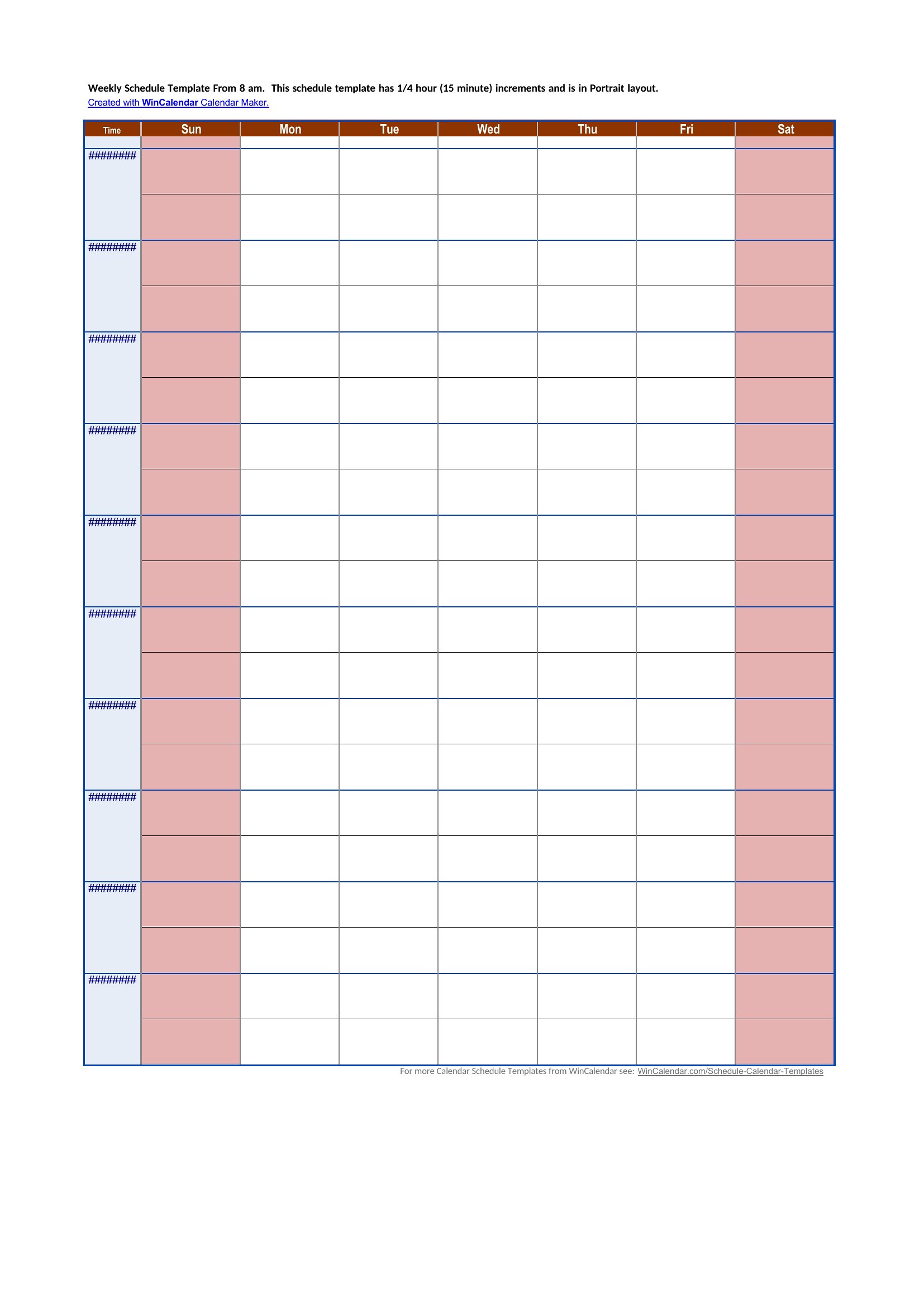
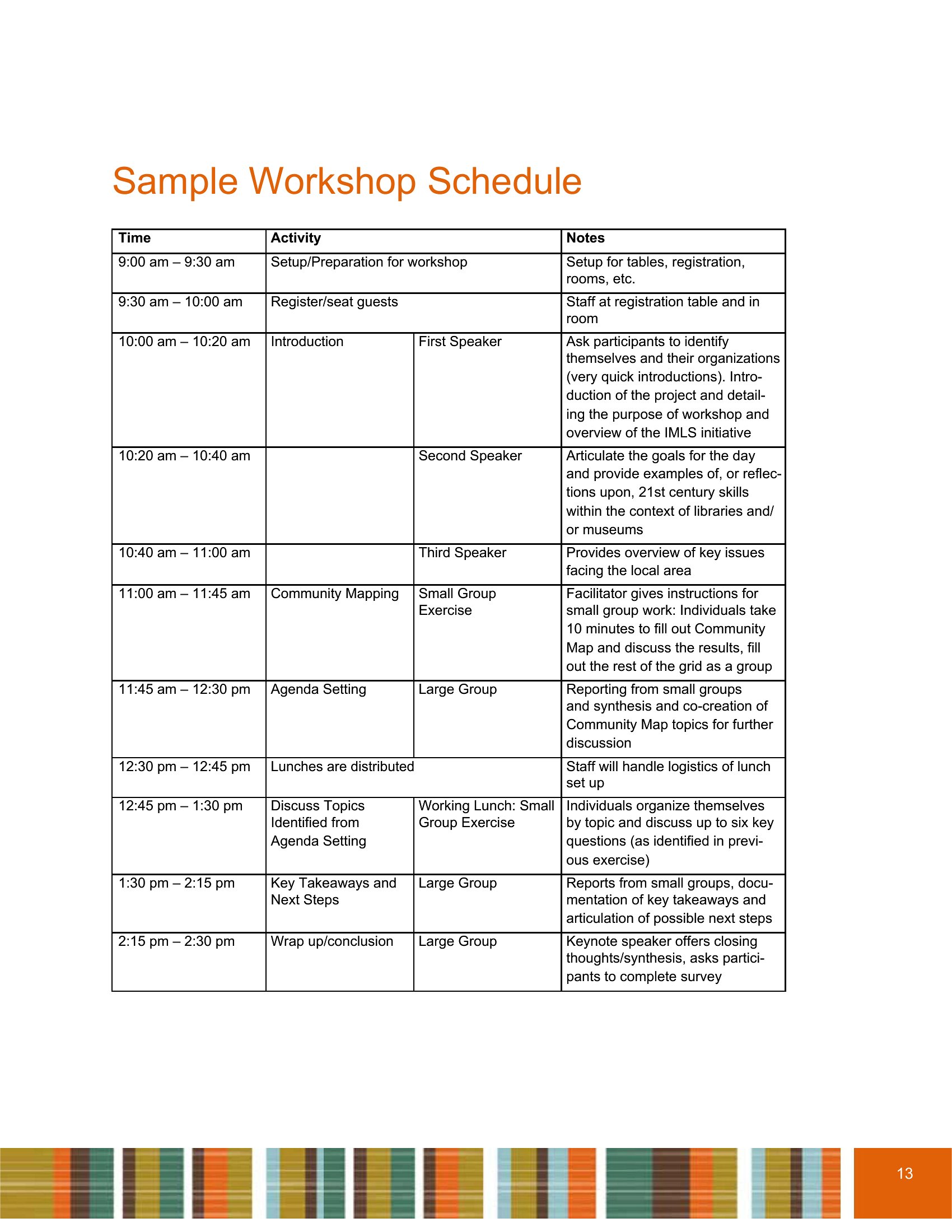
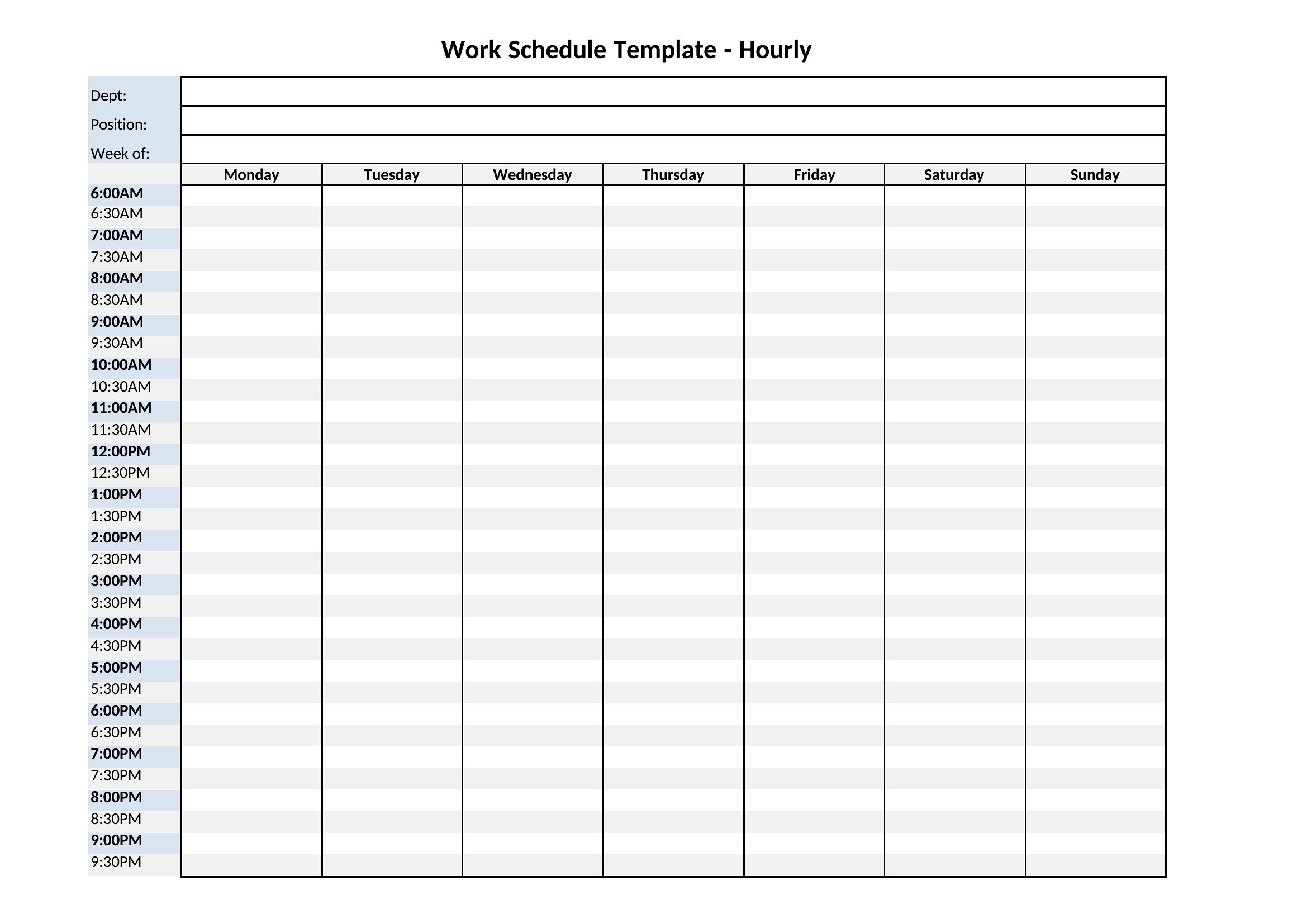
Use the smaller time increments available in the templates—some include 30-minute or even 15-minute slots. Alternatively, jot quick tasks in the notes section or group them under broader categories (e.g., “Admin: emails, invoices”) to keep your schedule scannable without clutter.
Comments
Join the conversation
Sign in to share your thoughts and leave a comment on this resource.