Free Trading Journal Templates (Word, Excel, PDF)
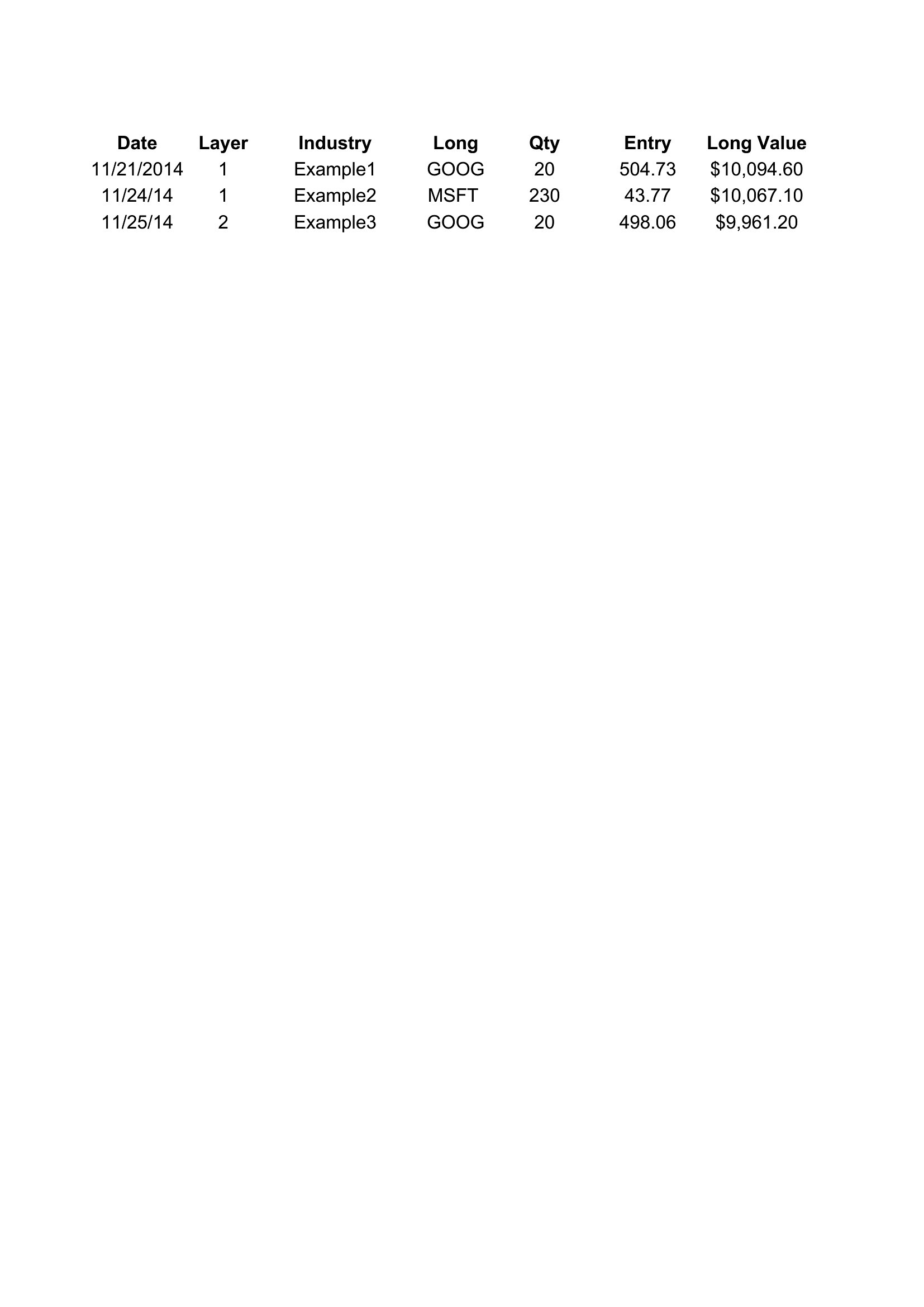
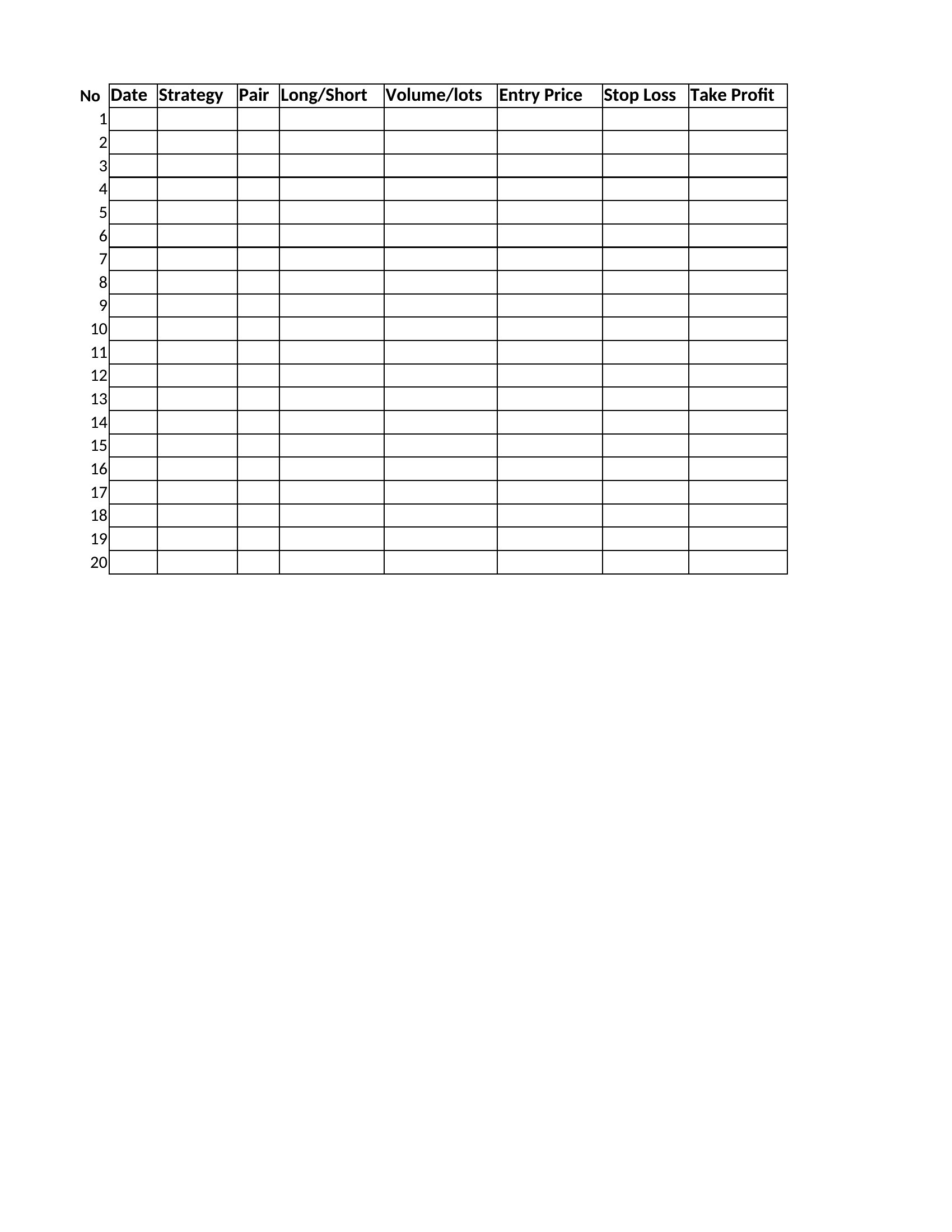
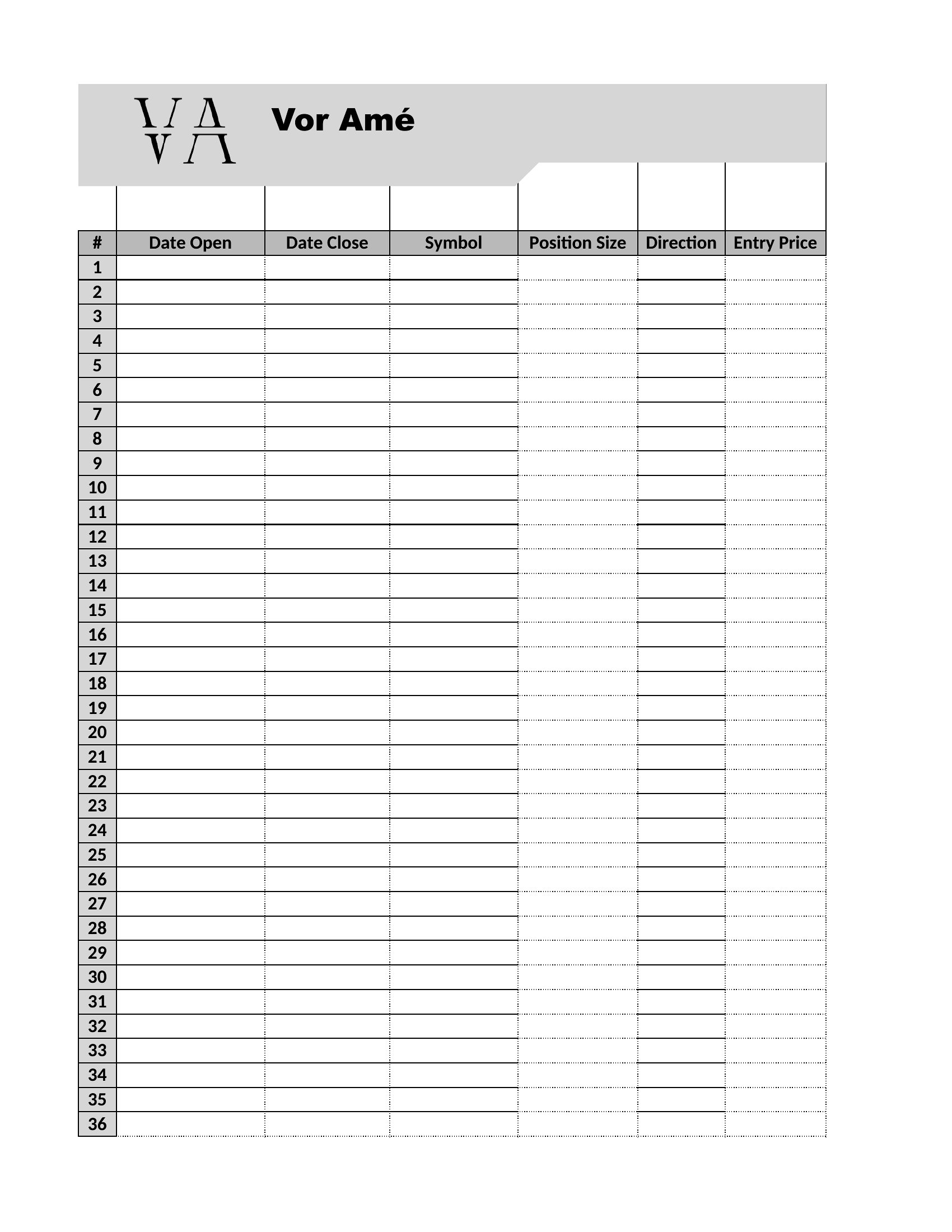
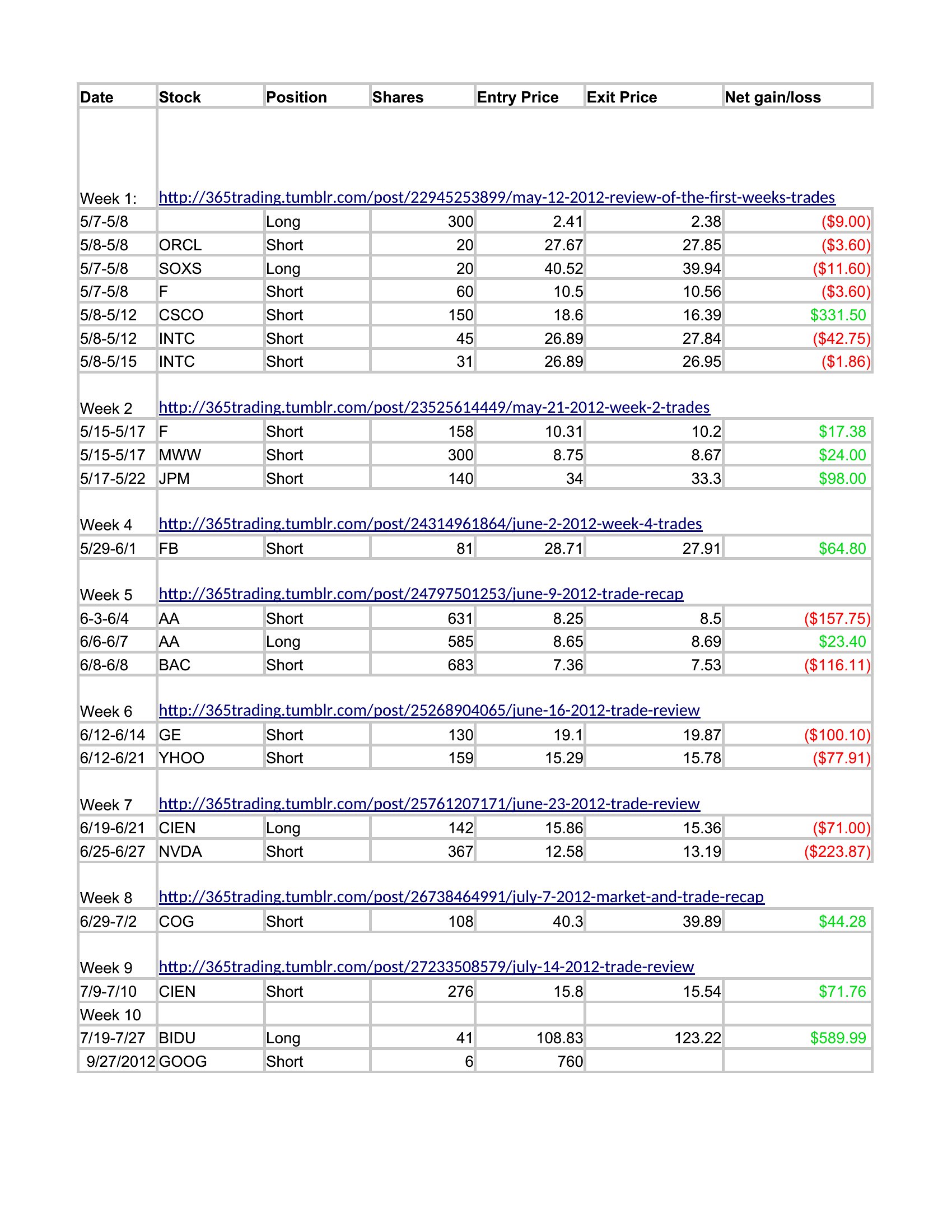
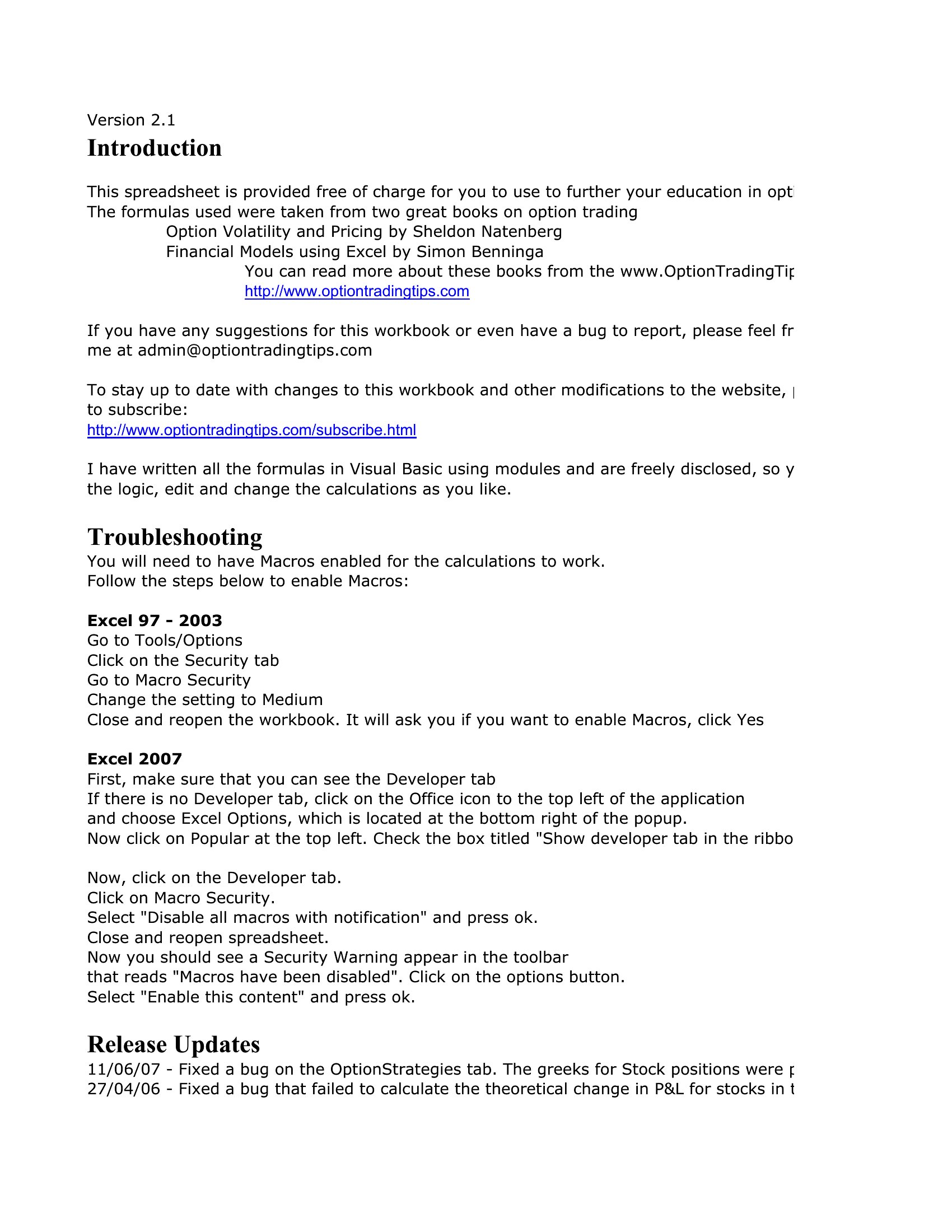
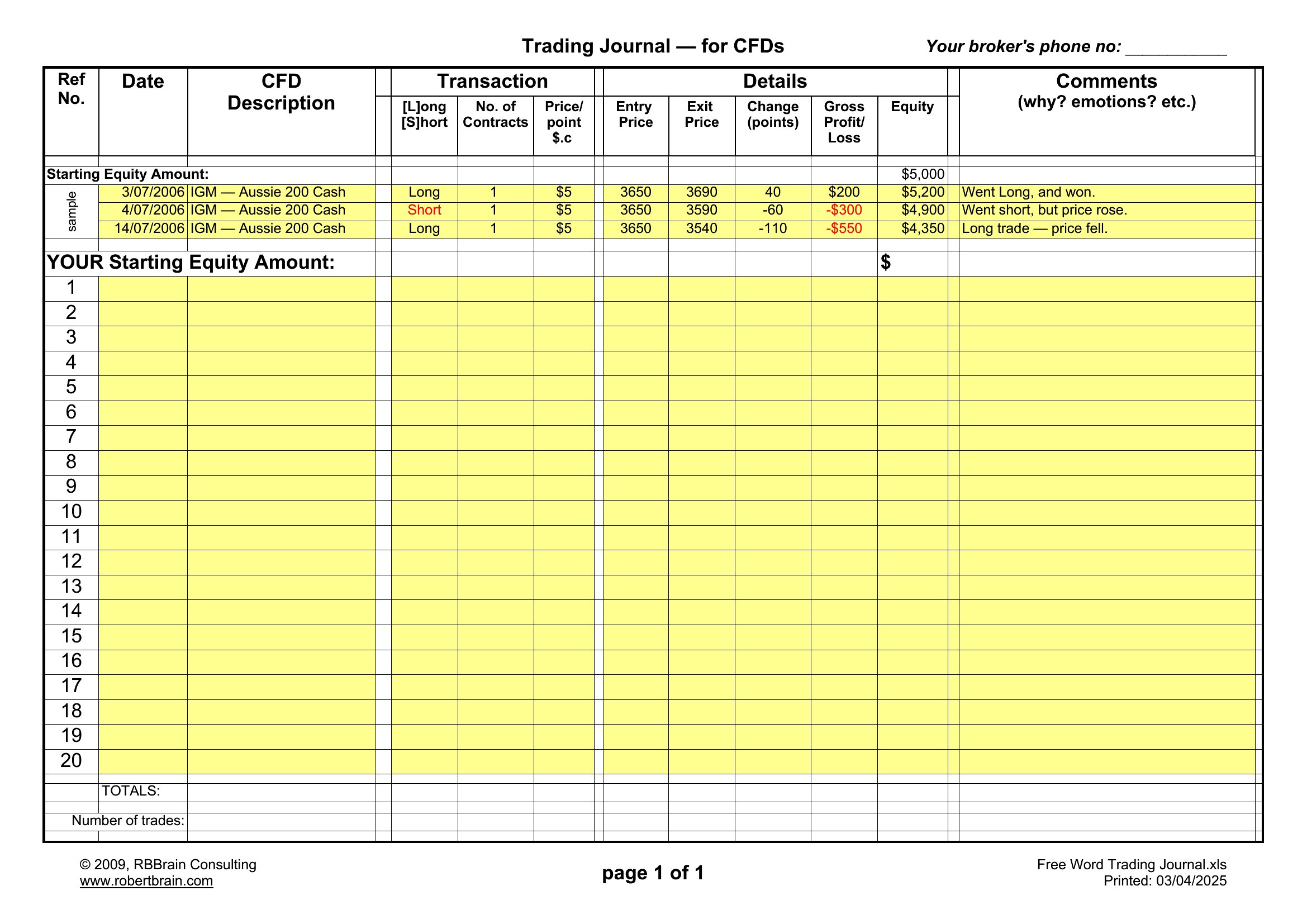
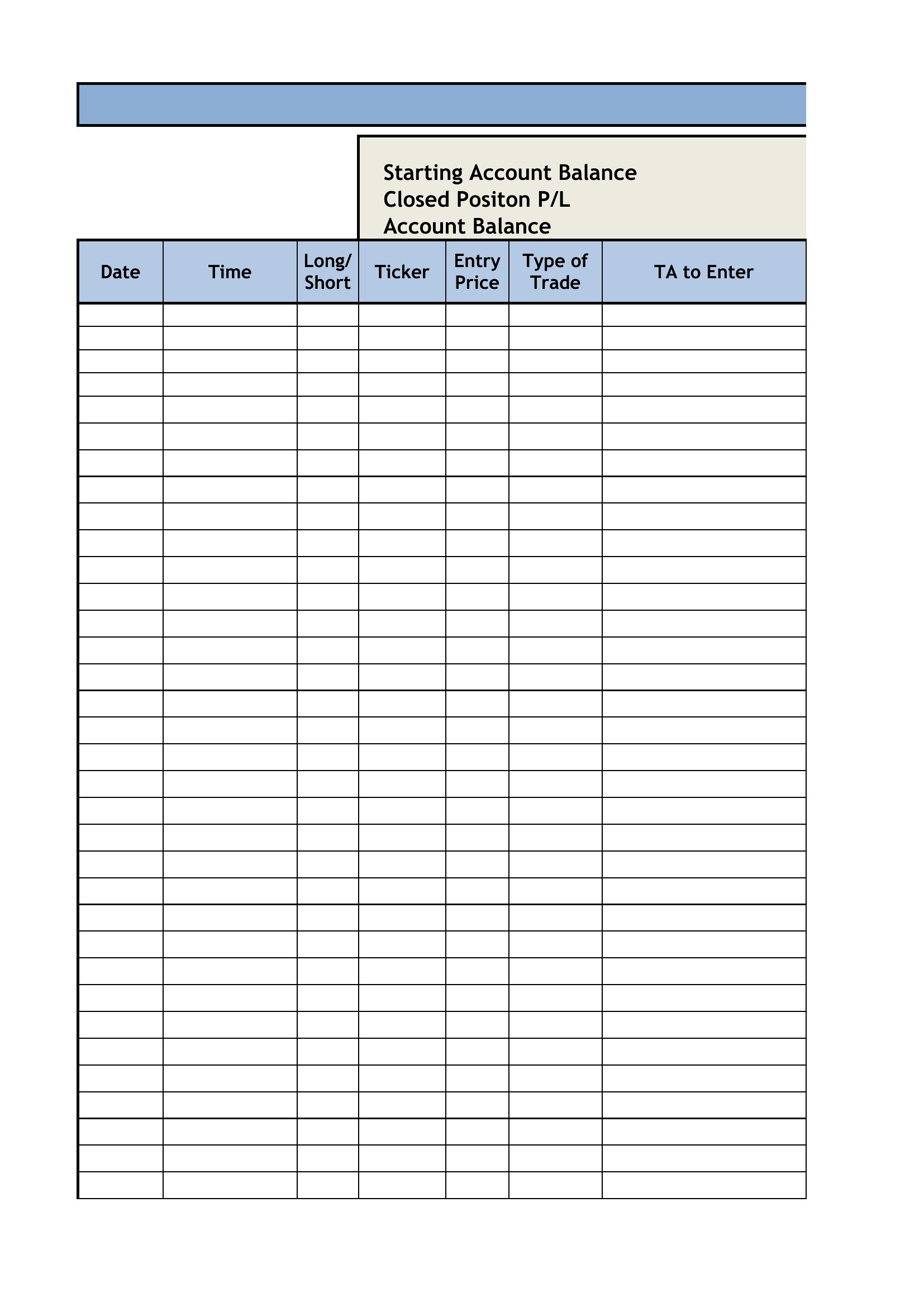
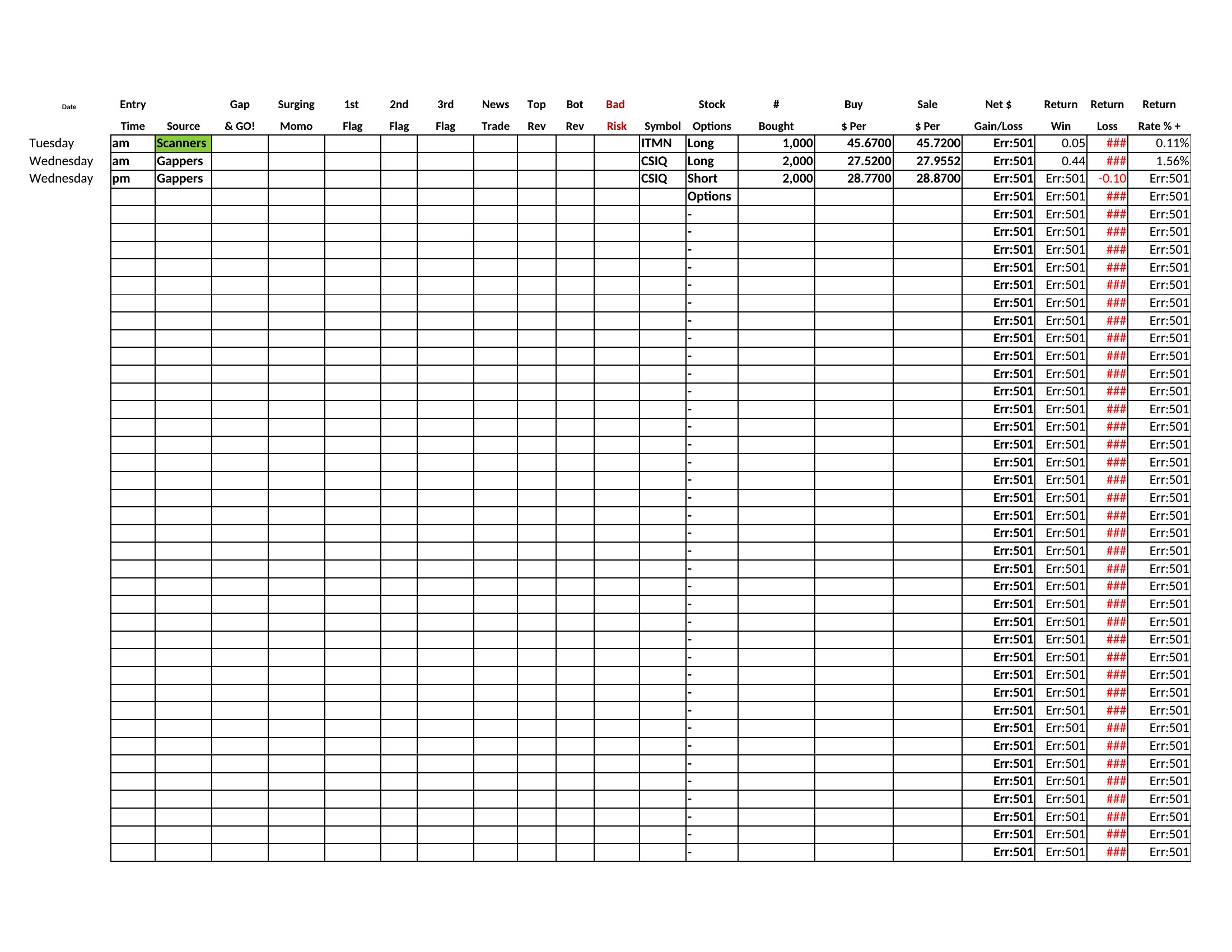
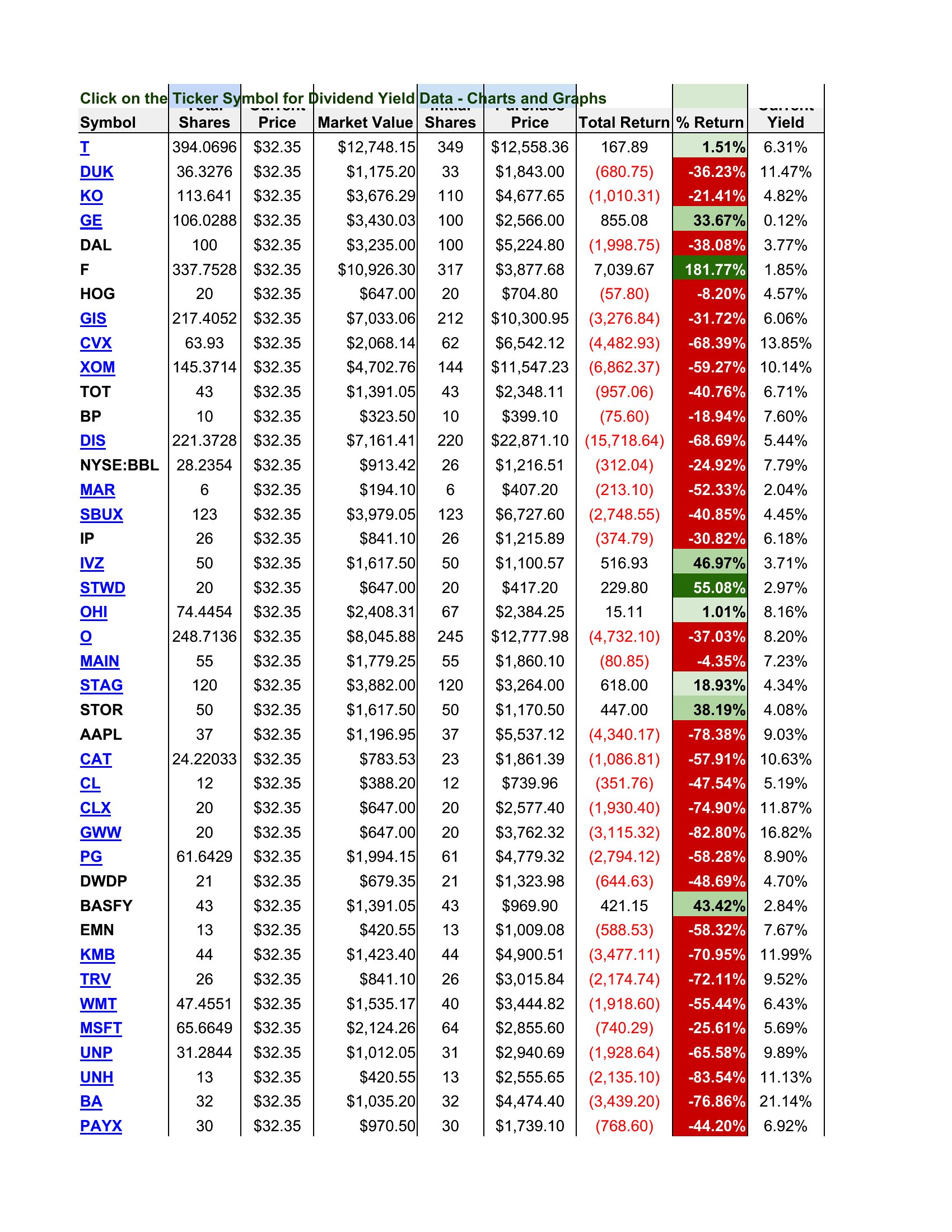
WorksheetsTraders who track every position learn faster than those who trade on memory. This collection of 46 trading journal templates gives day traders, swing traders, and beginners a structured place to log entries, exits, position size, and the reasoning behind each trade.
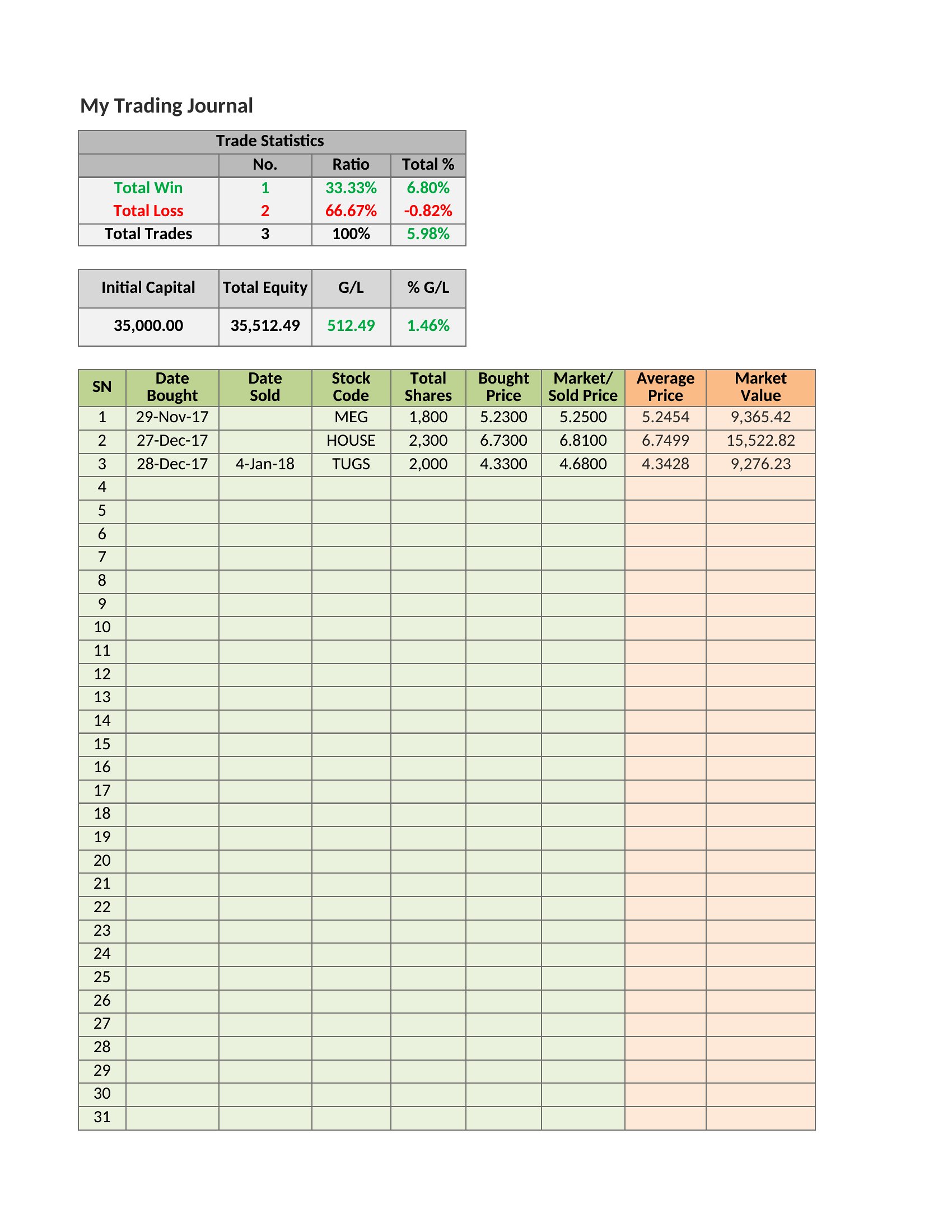
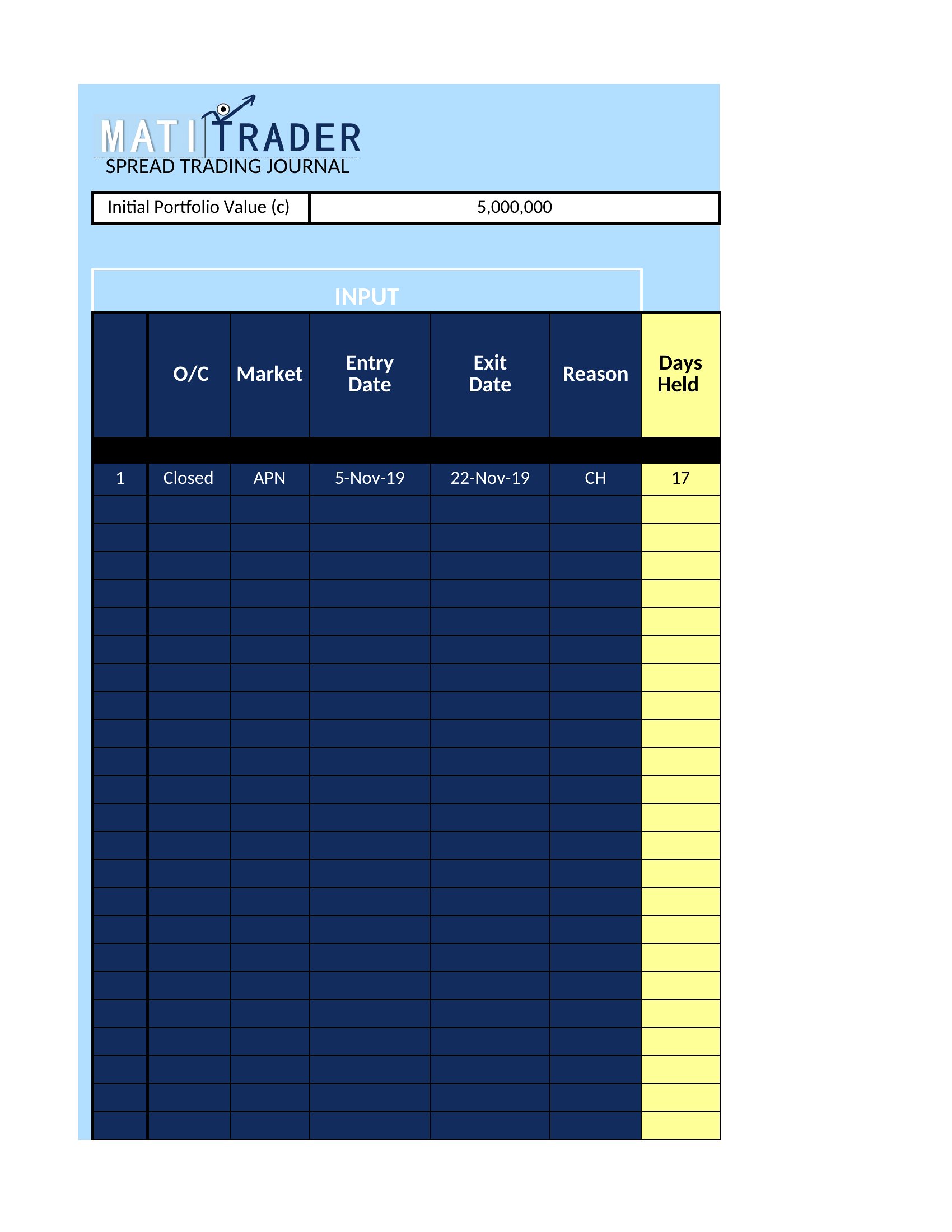
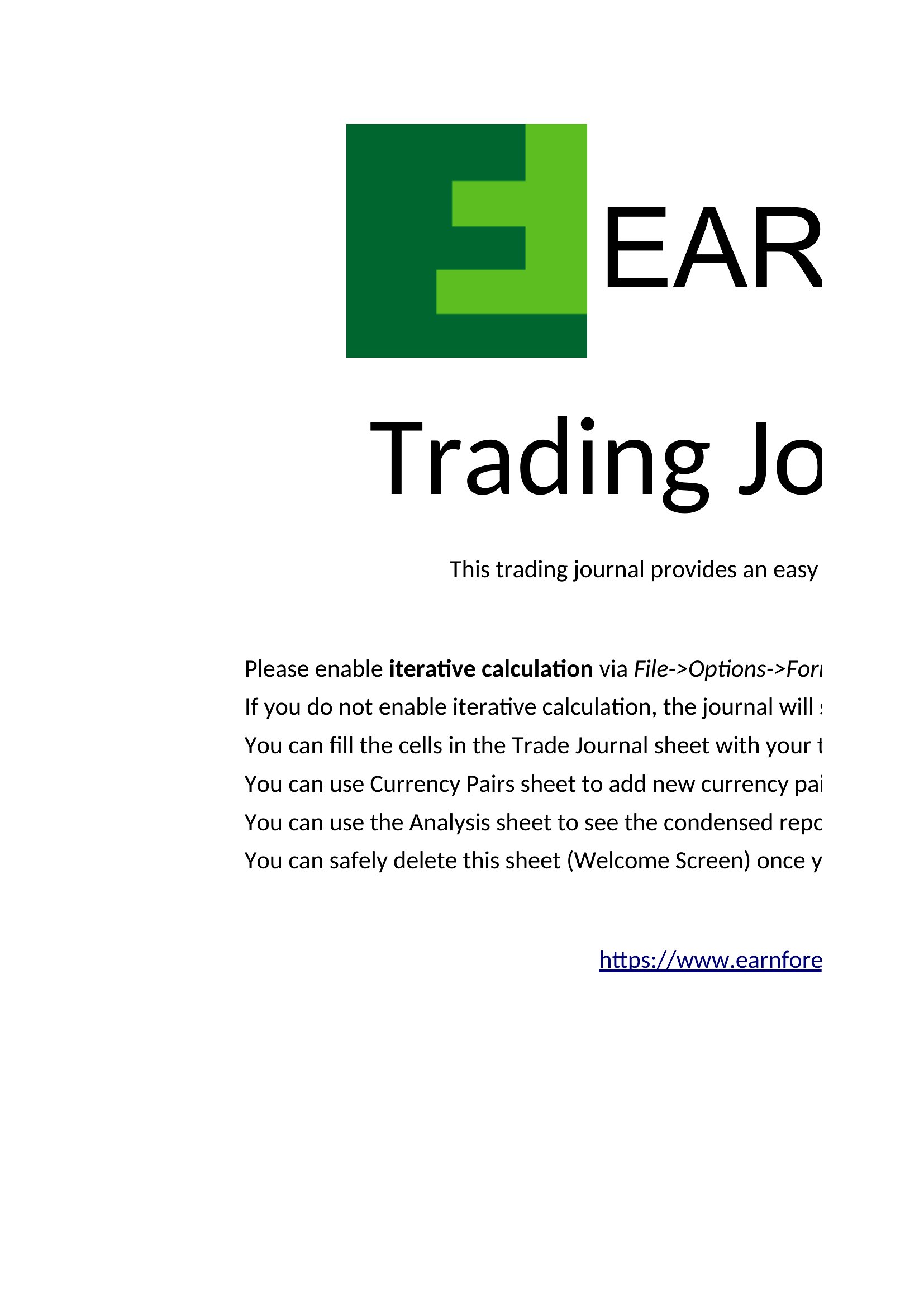
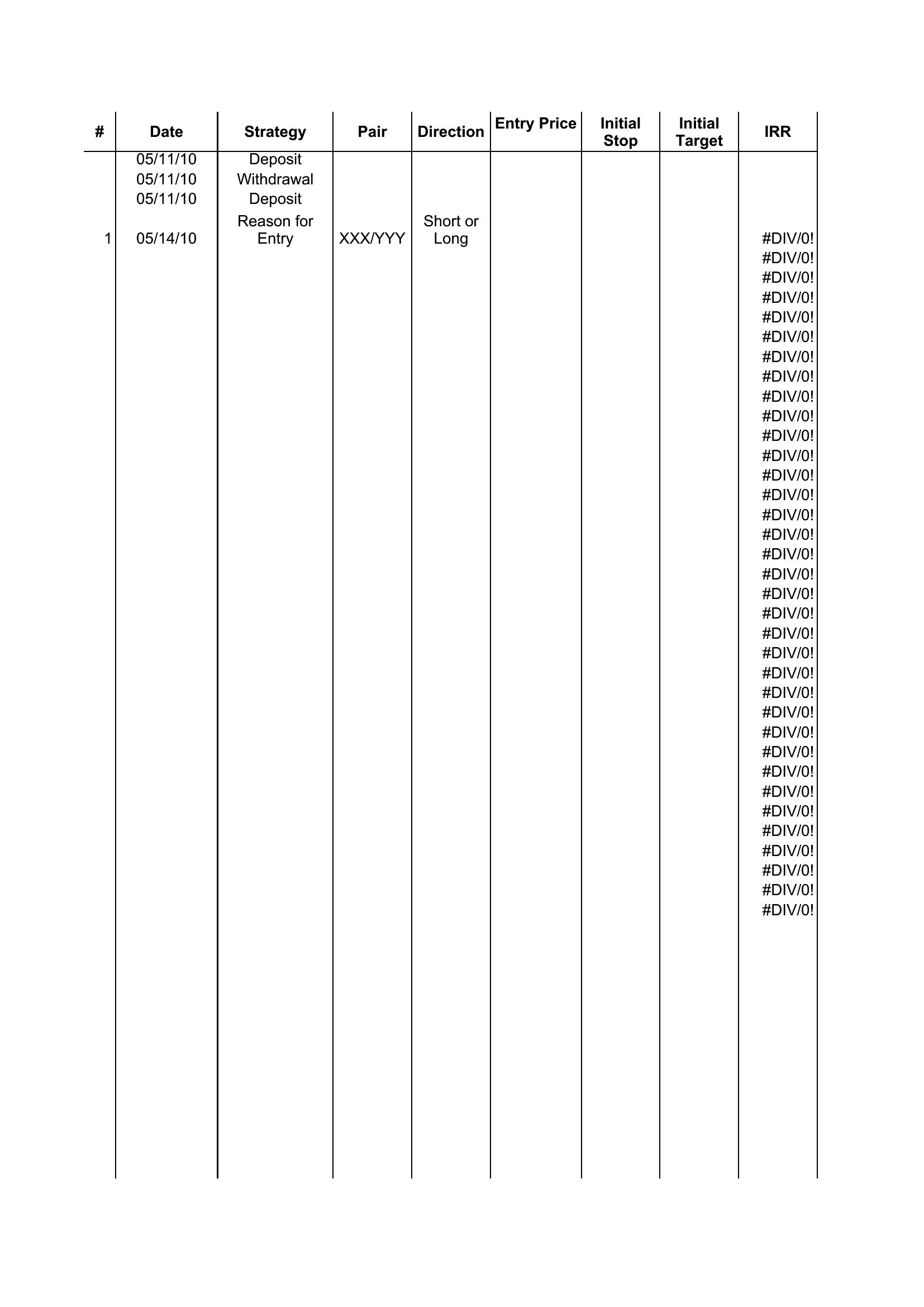
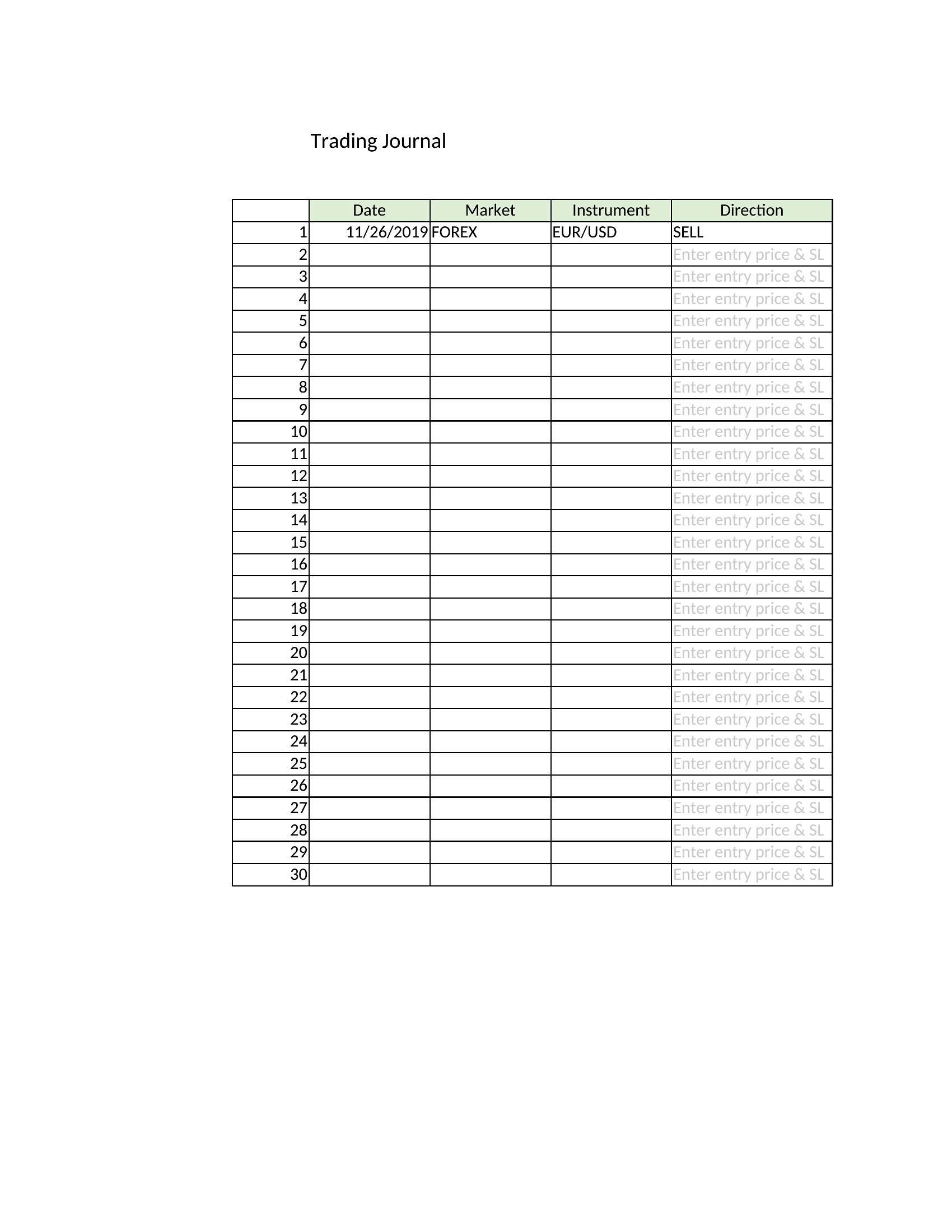
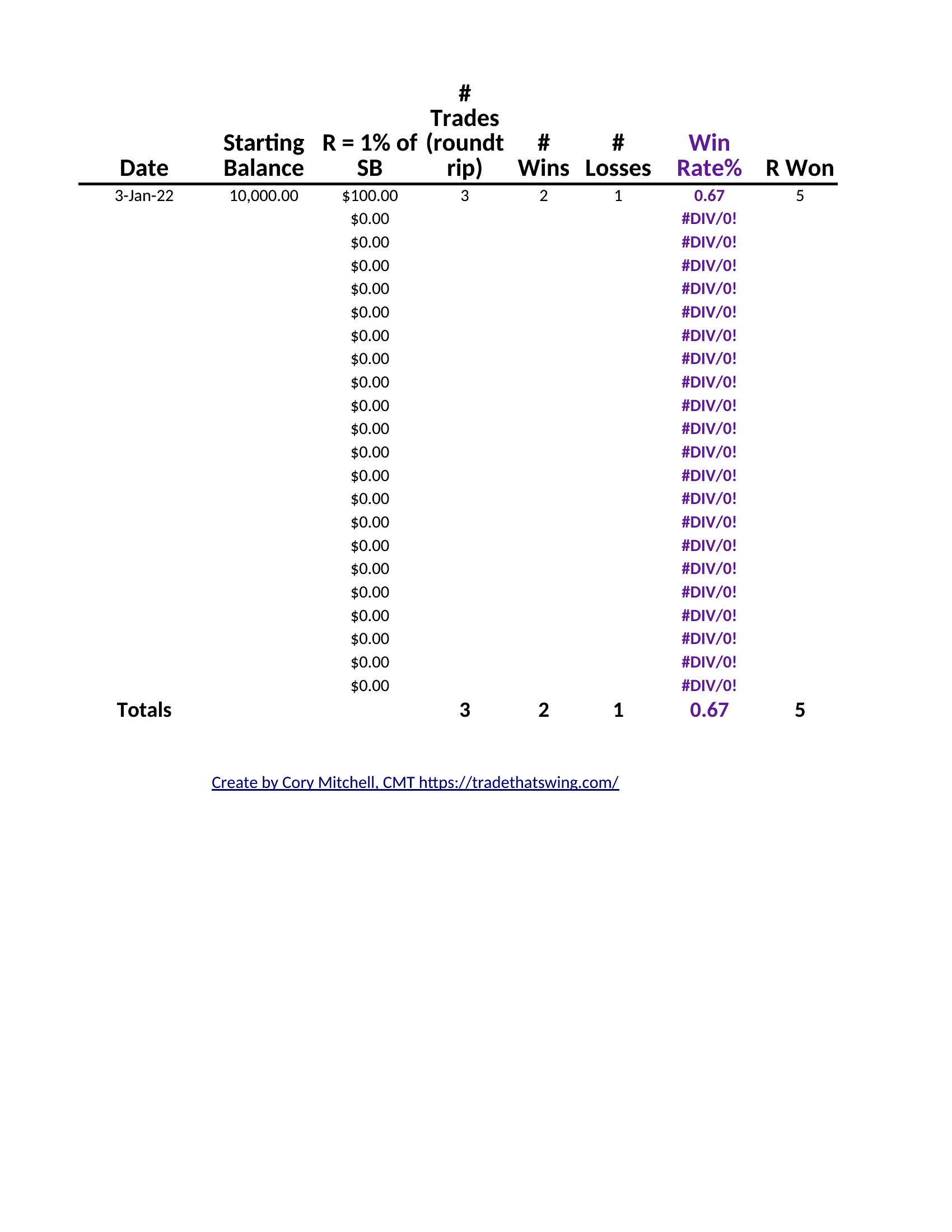
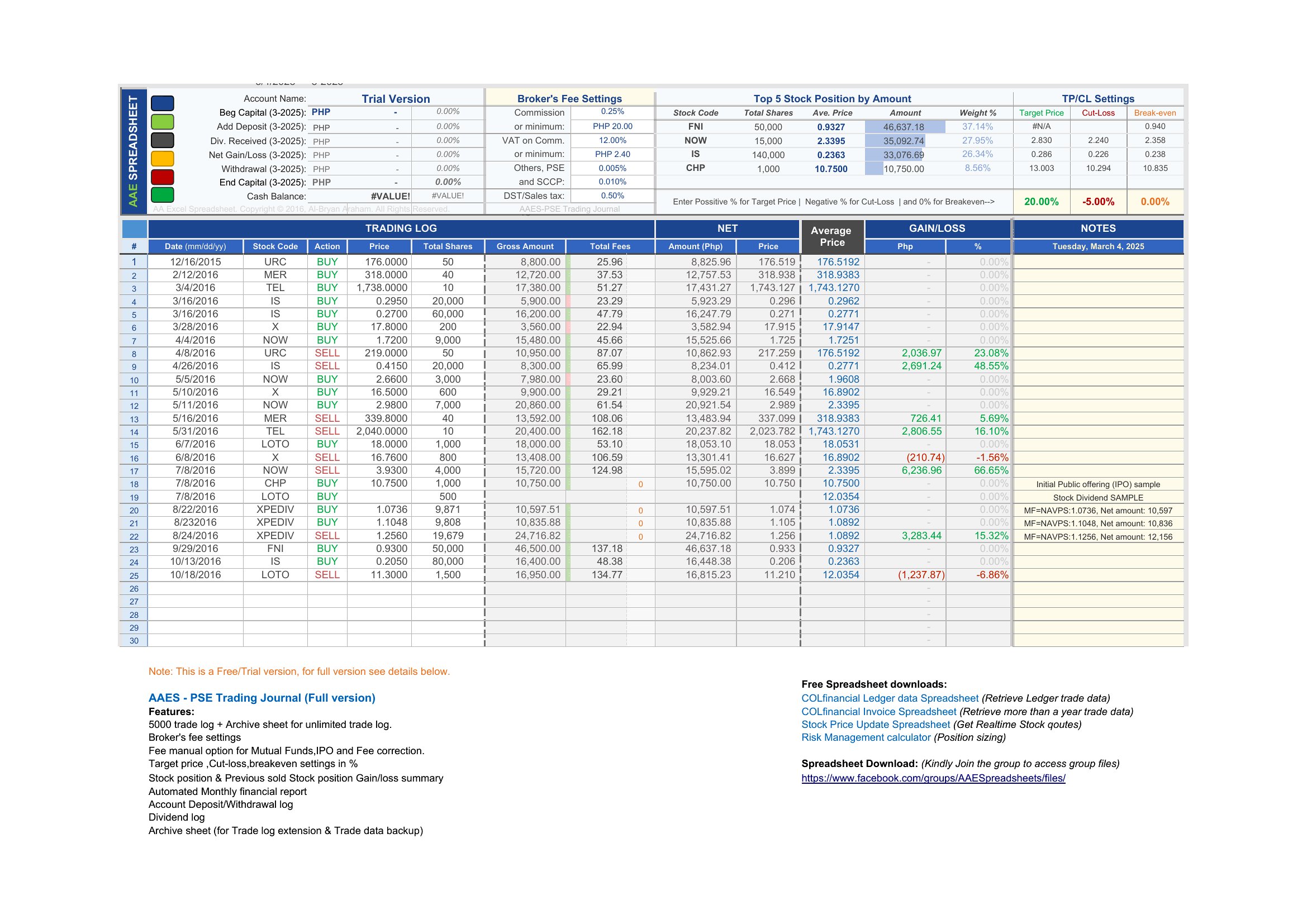
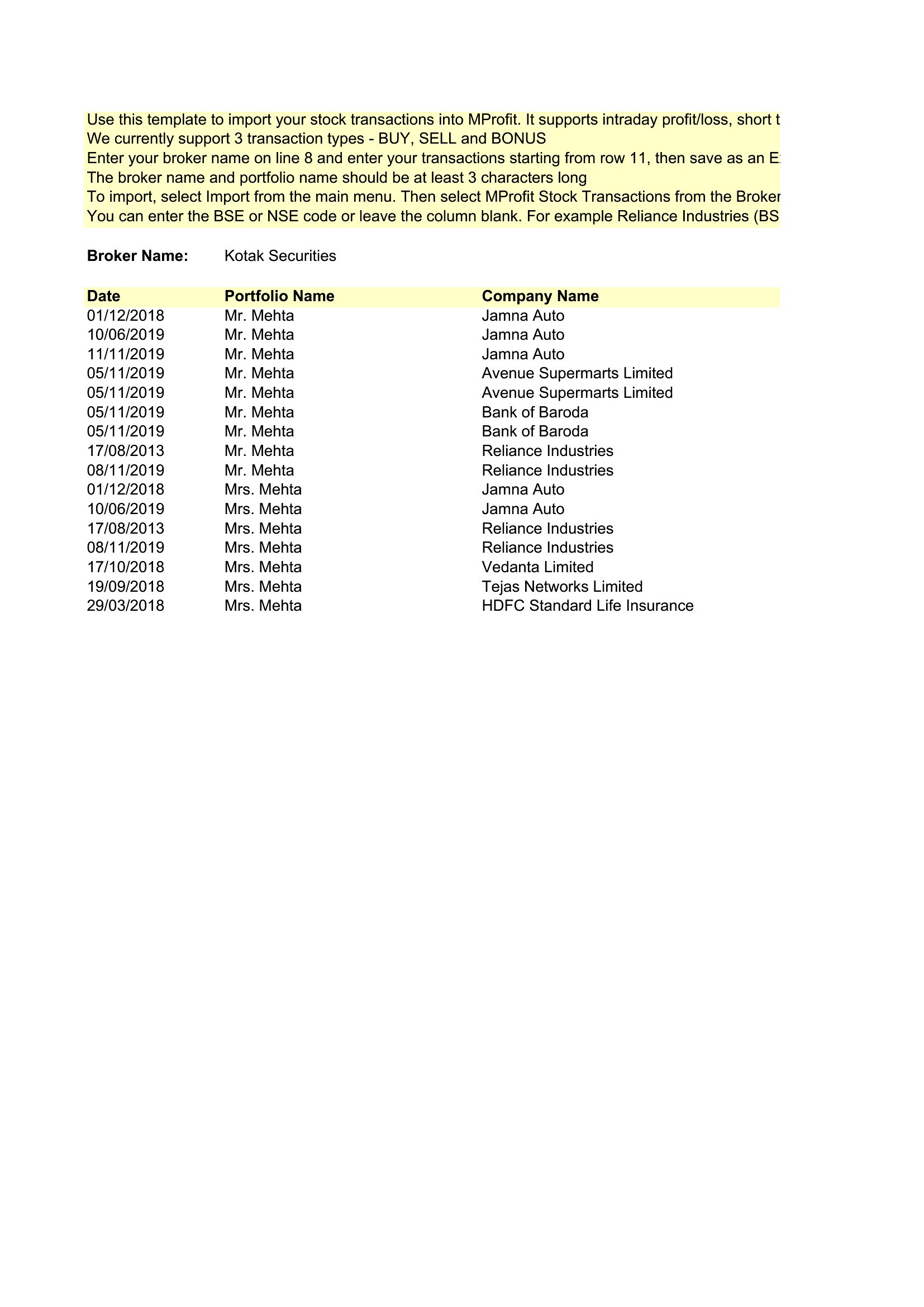
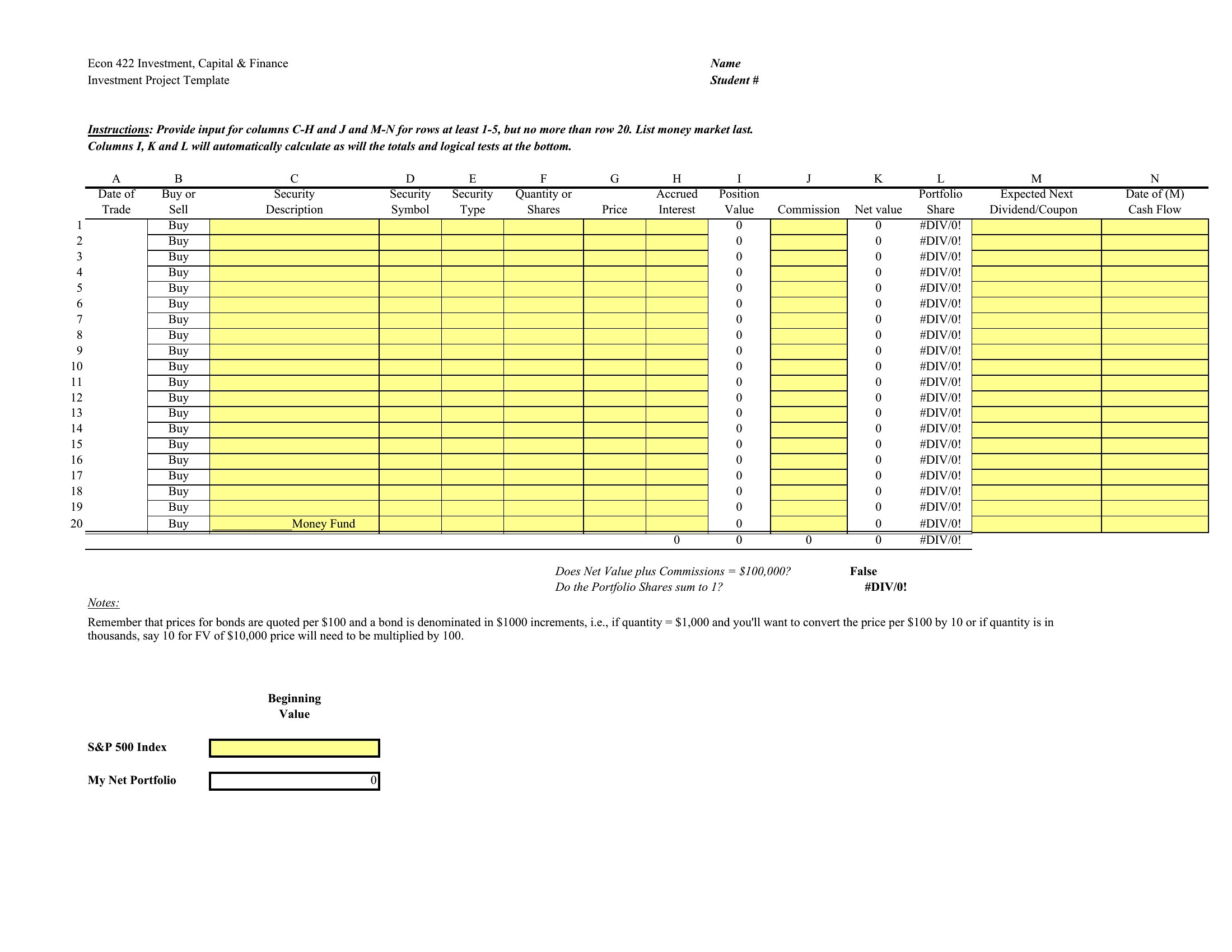
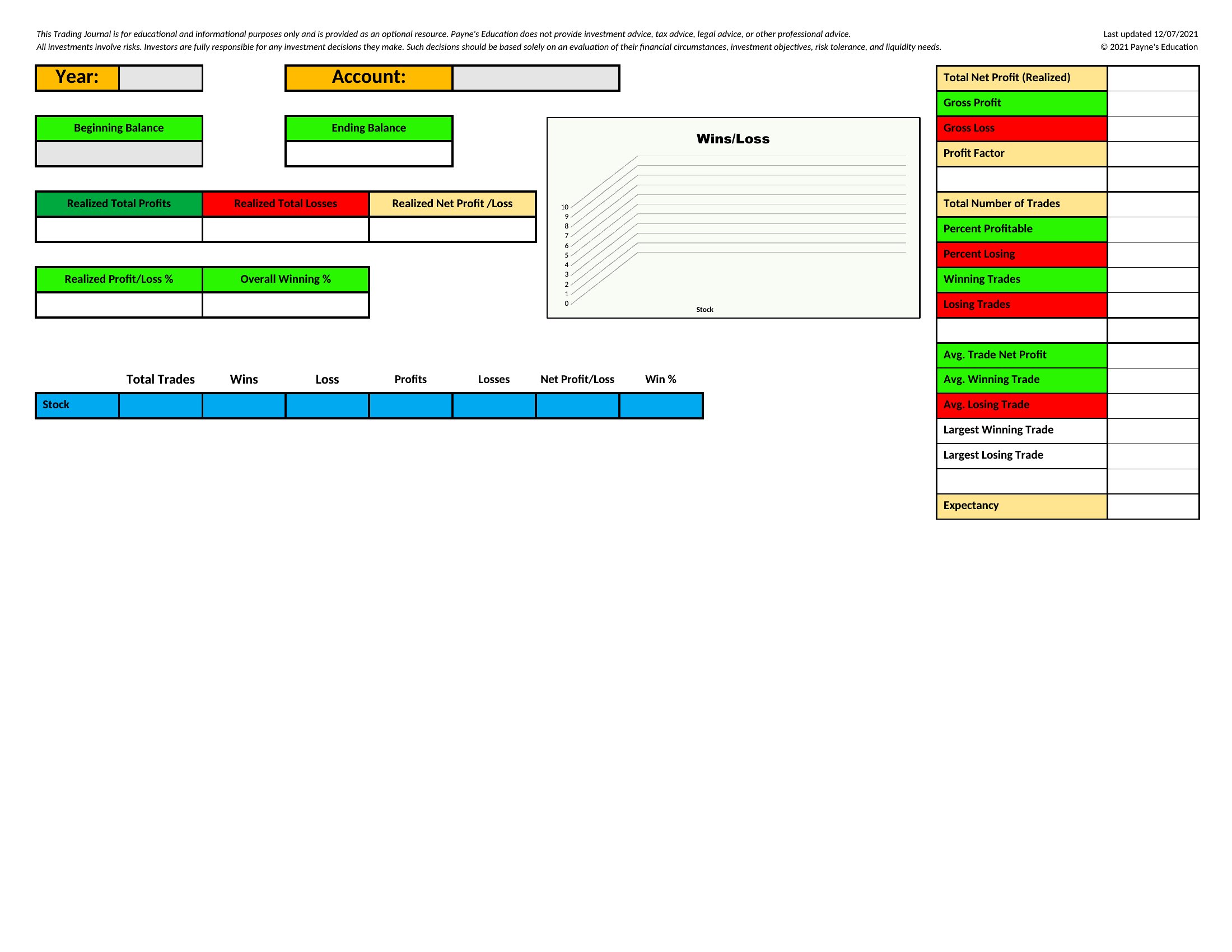
You'll find Word and PDF layouts for printing or filling in by hand, plus Excel sheets that tally your wins, losses, and running performance automatically. Record your setups, review what's working, and spot the habits costing you money. This is a record-keeping tool, not financial advice, so use it to study your own results. Pick the format that fits your routine and start journaling your next session.
When to use this Trading Journal template
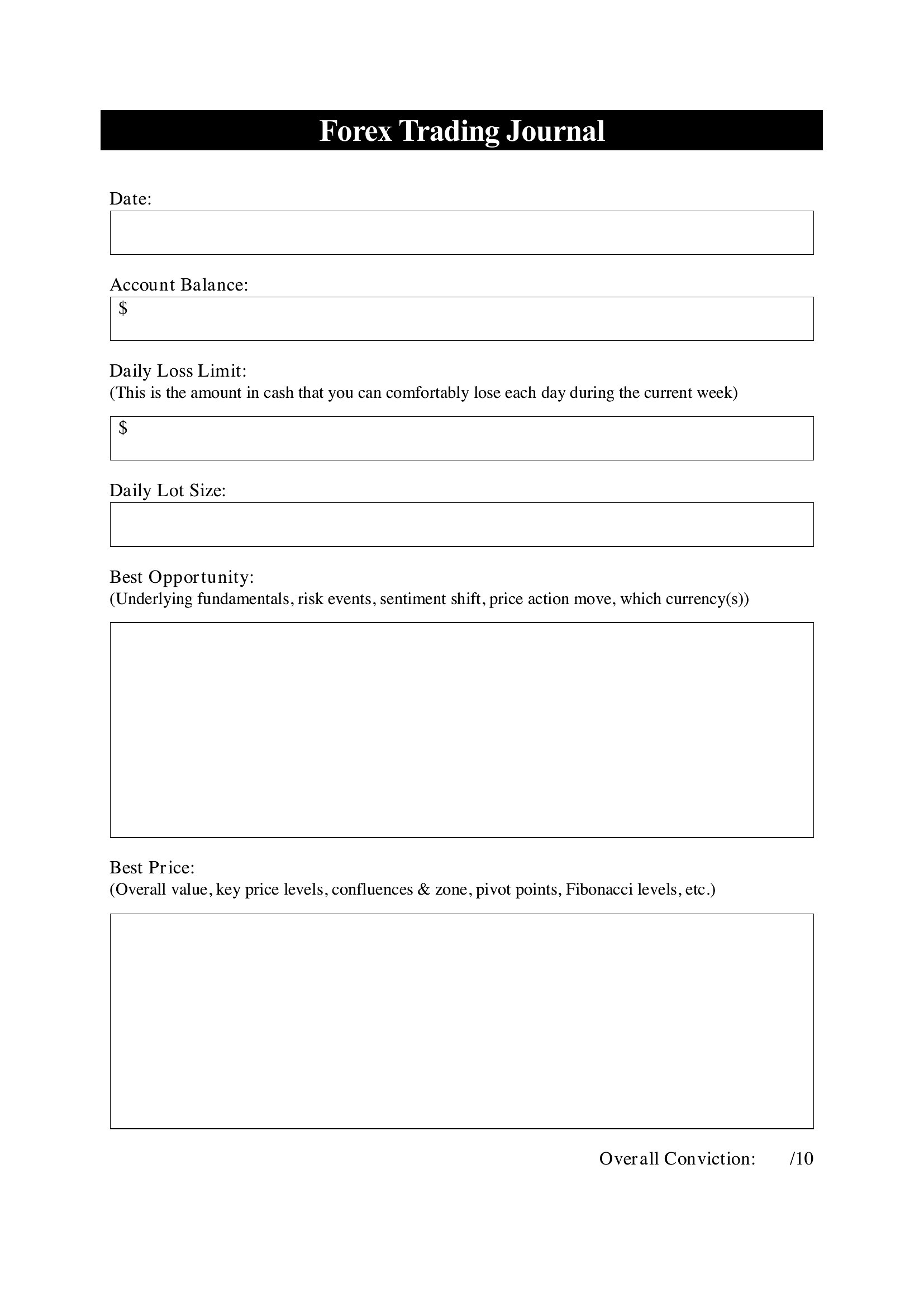
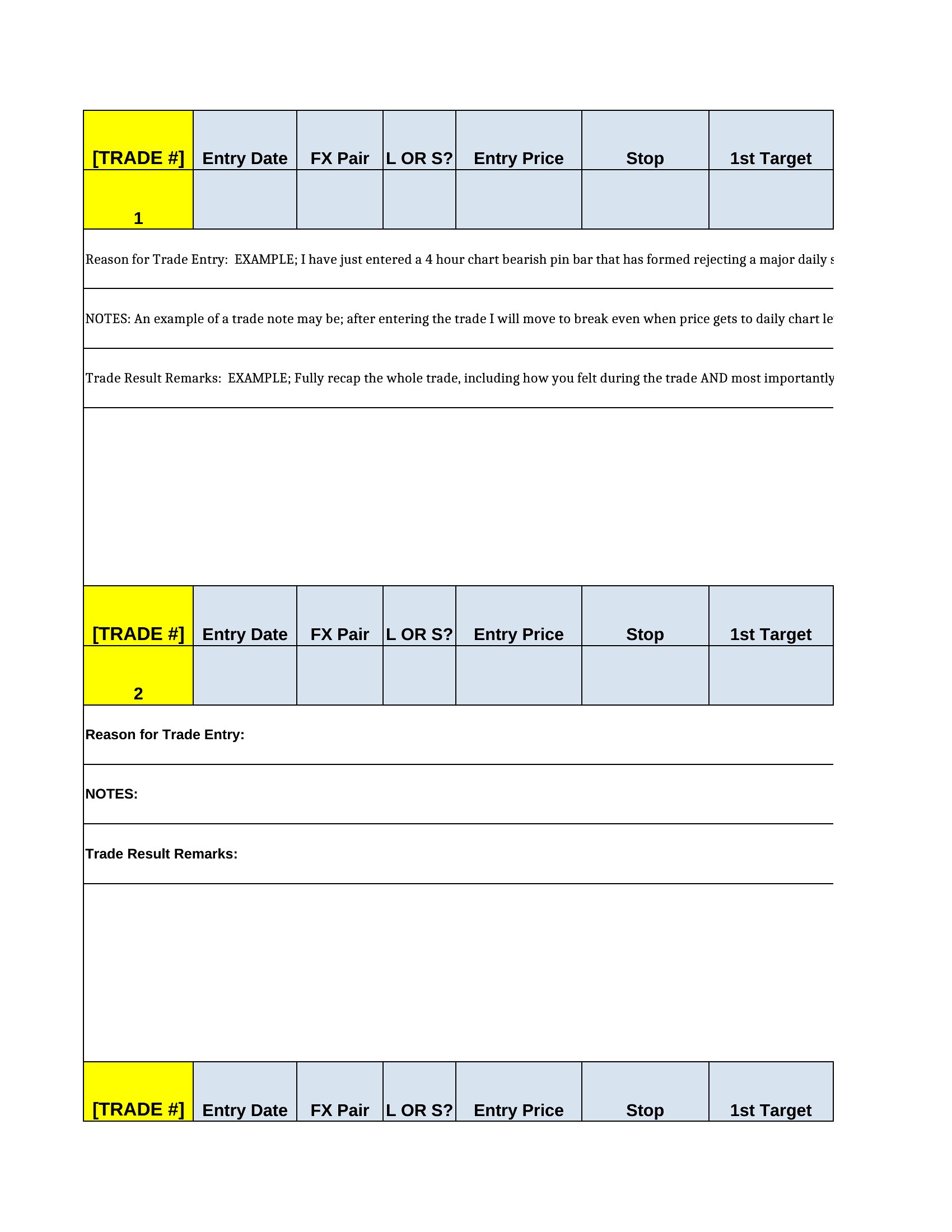
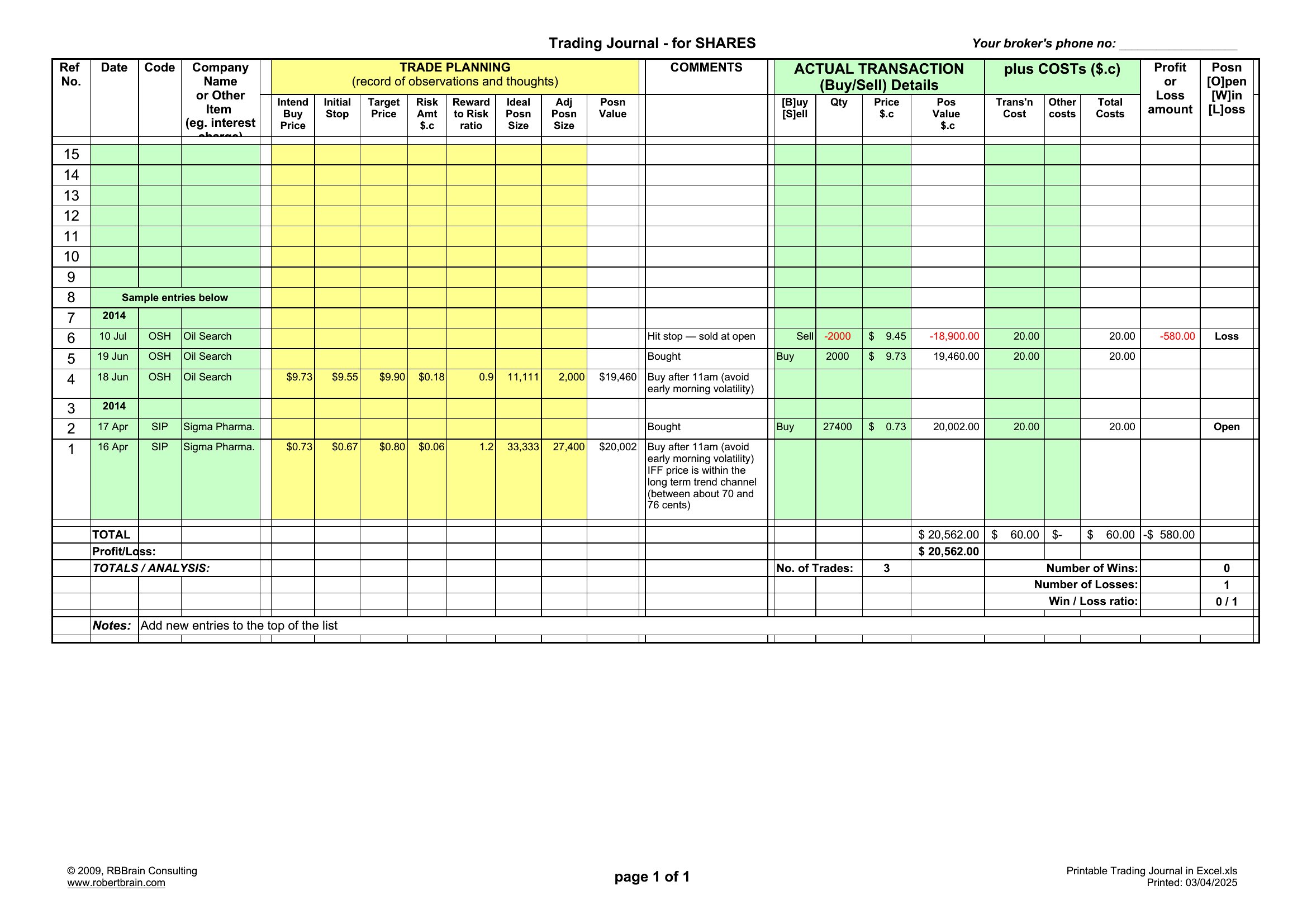
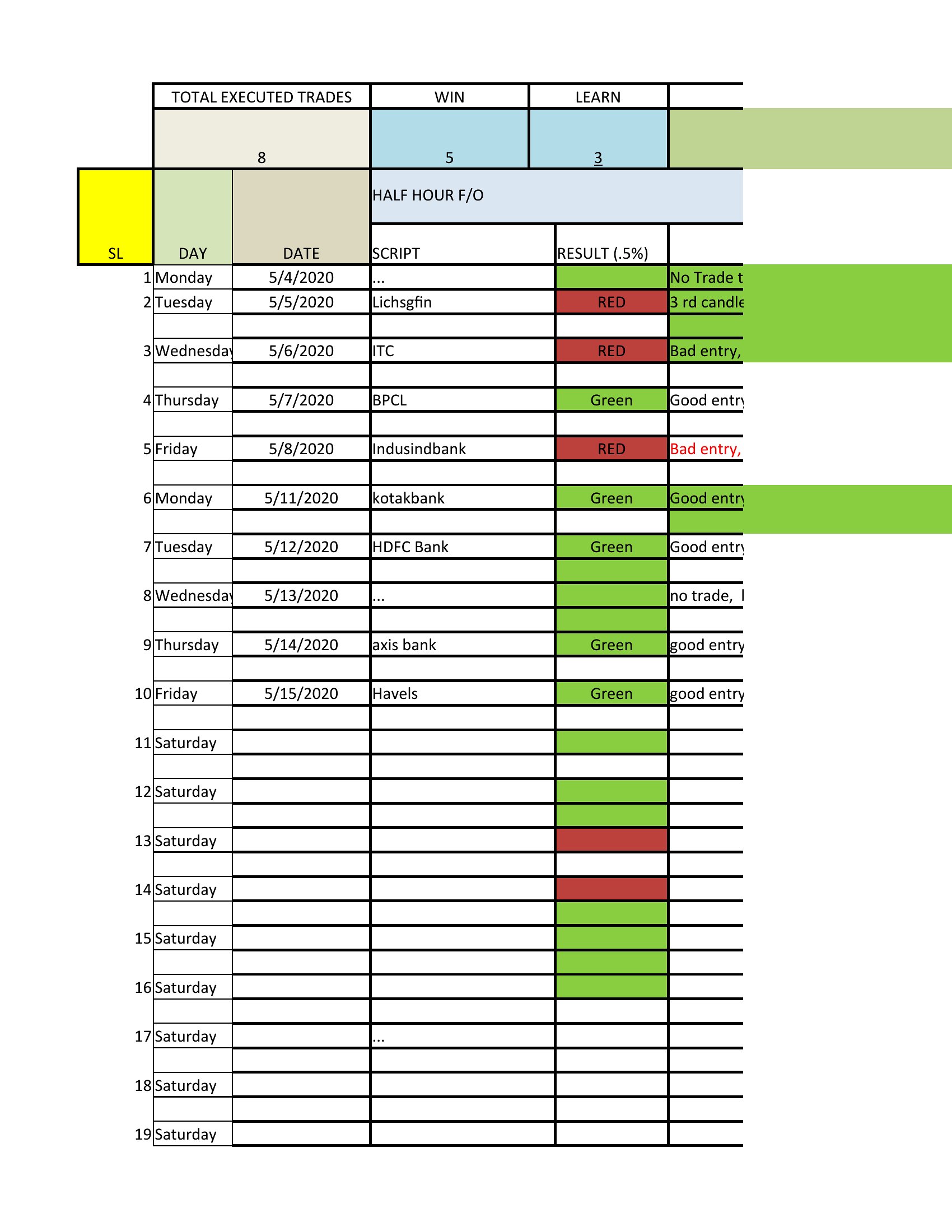
- New swing traders reviewing weekly charts who need a simple Word sheet to document entry signals, stop-loss levels, and emotional state for each trade—helping them spot patterns over time.
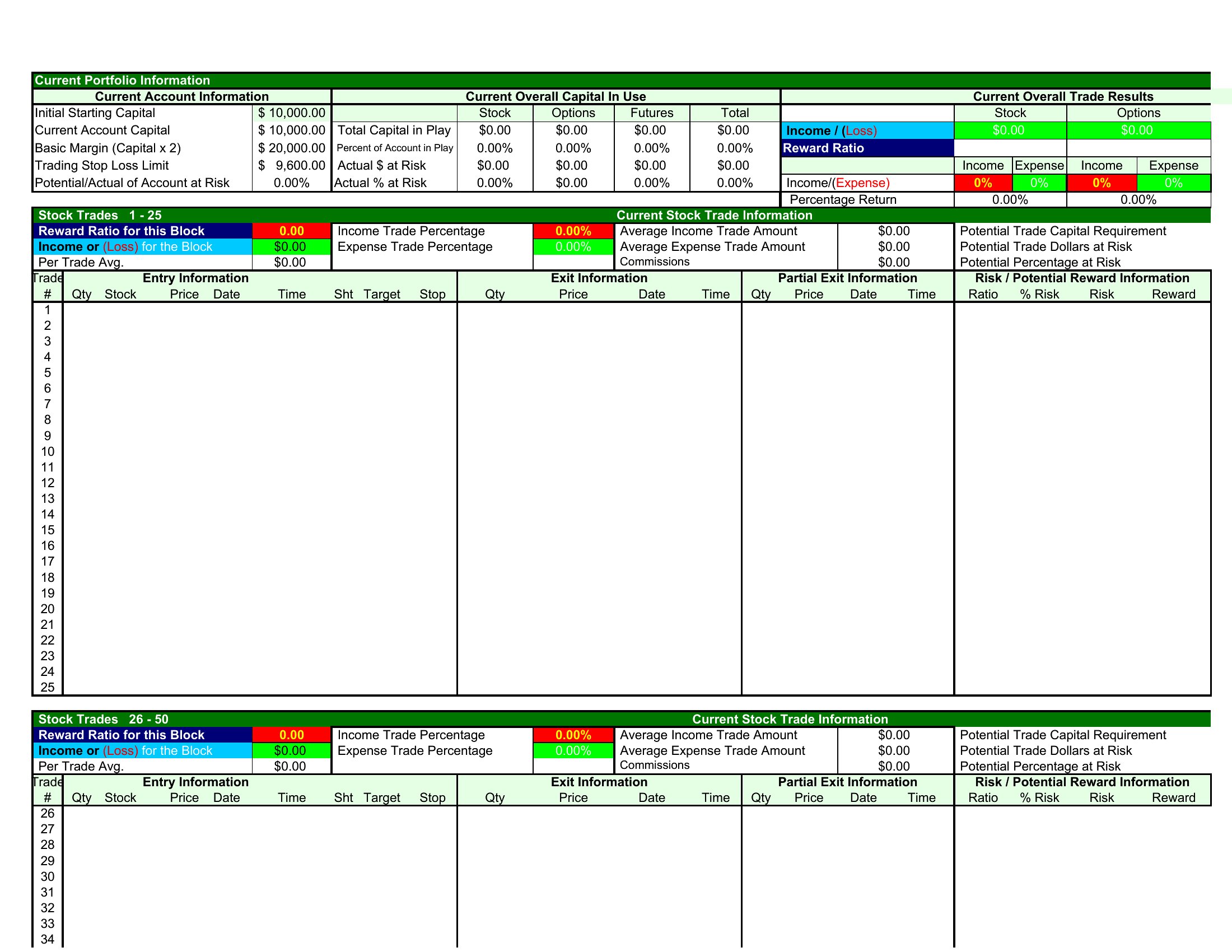
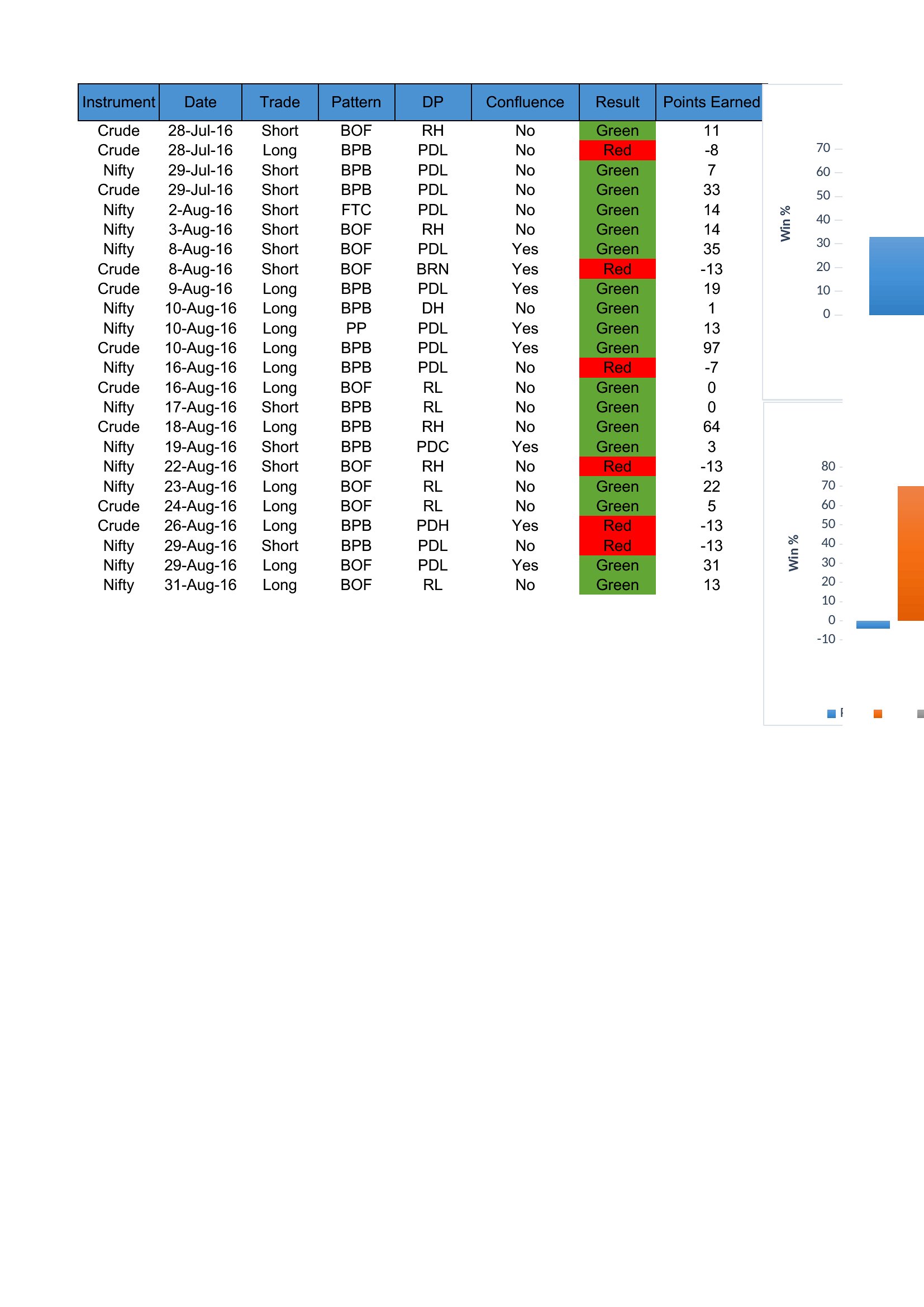
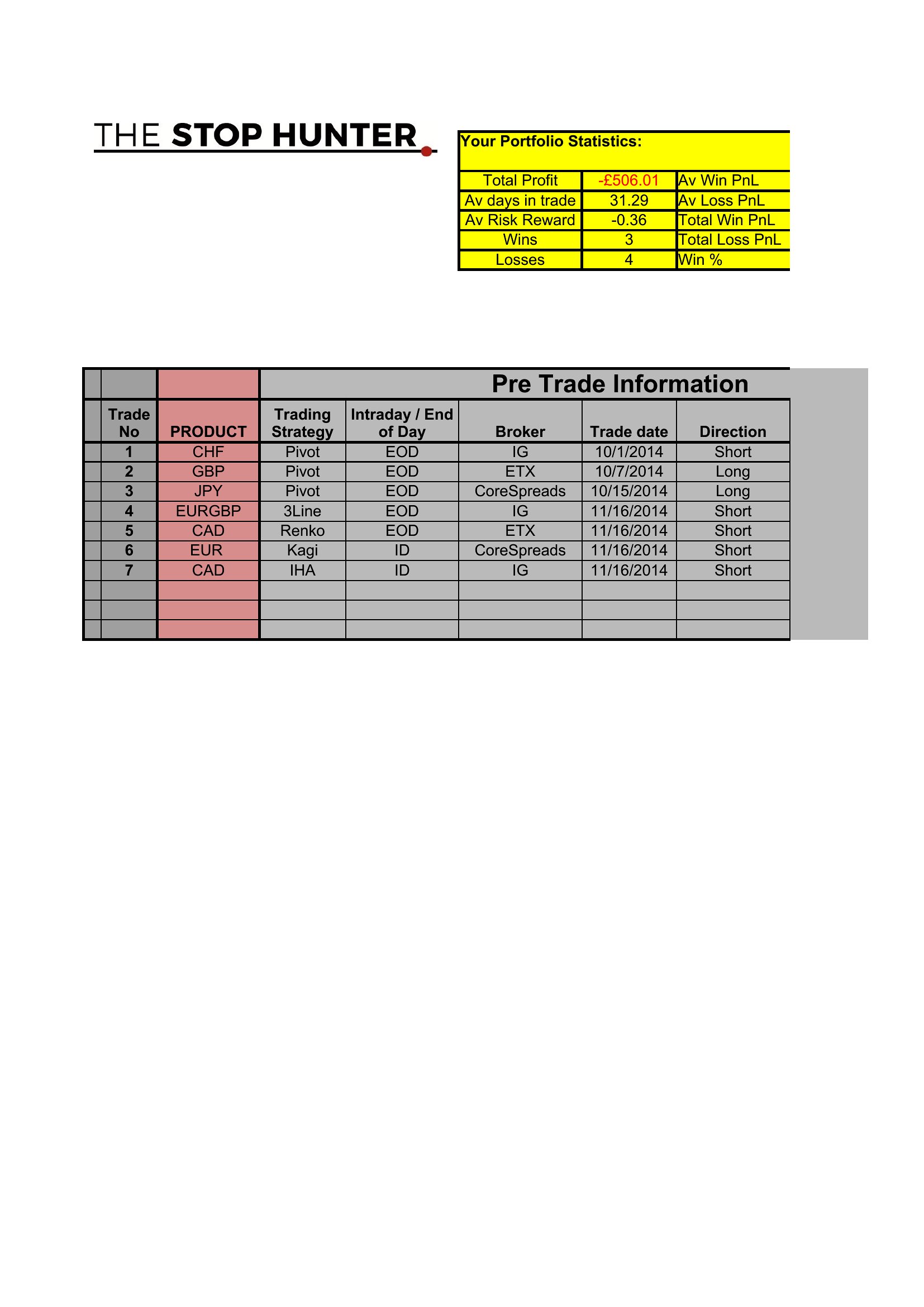
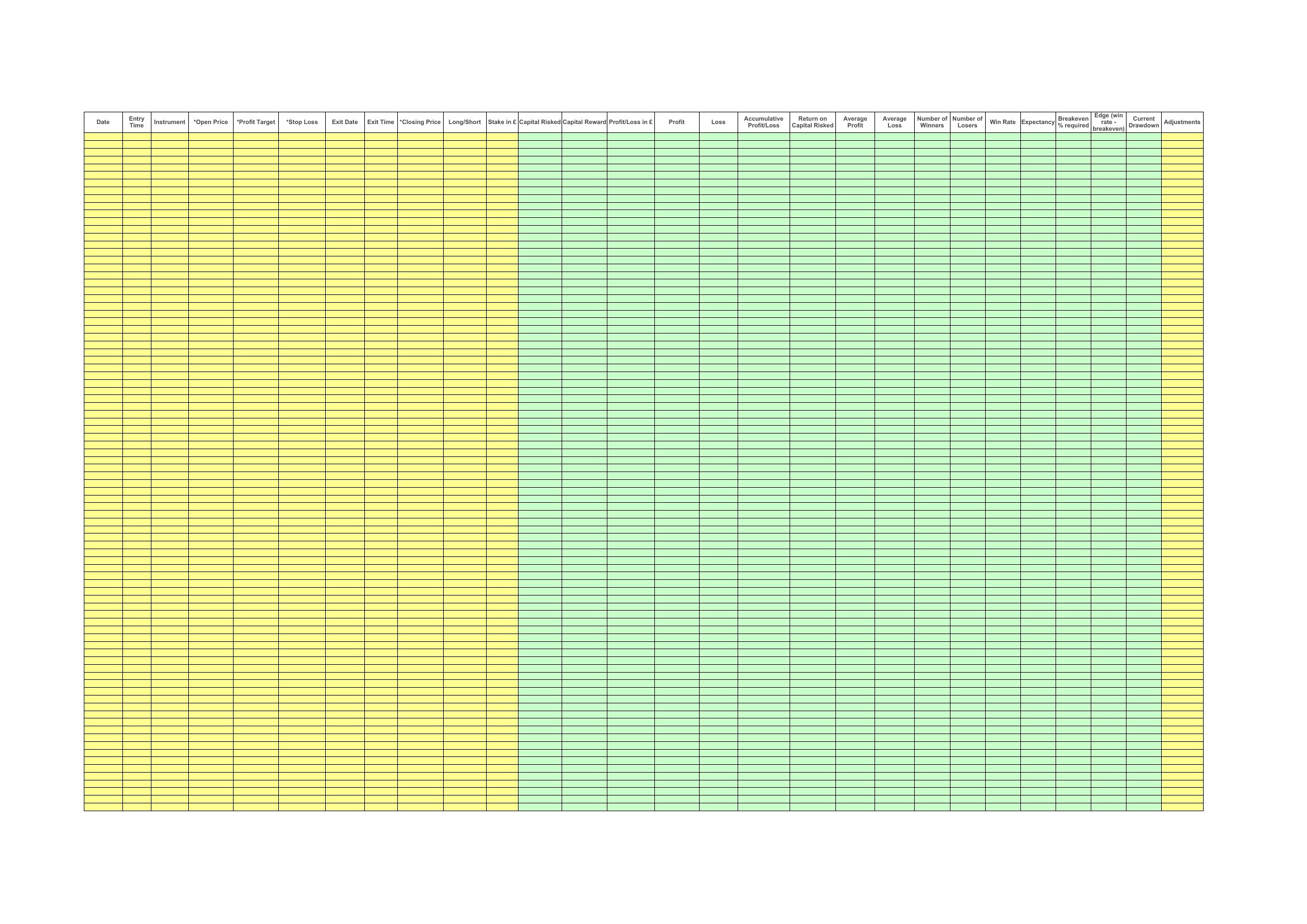
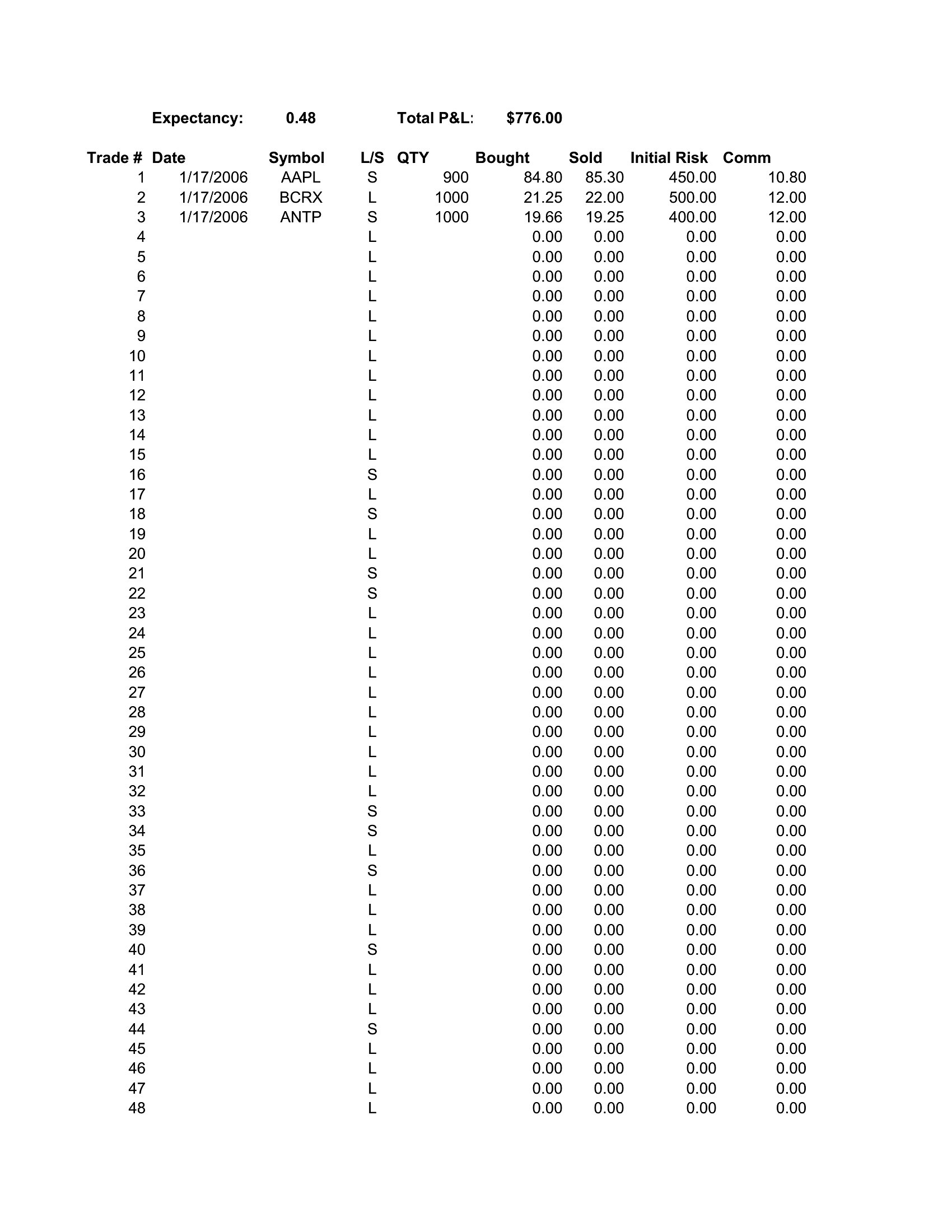
- Day traders executing multiple positions daily who prefer an Excel template with built-in win/loss tallies and risk-reward ratio calculations to analyze performance mid-session without manual math.
- Options traders testing new strategies who use a PDF journal to sketch trade setups, log volatility expectations, and track how extrinsic value decay affected outcomes—ideal for printing and annotating.
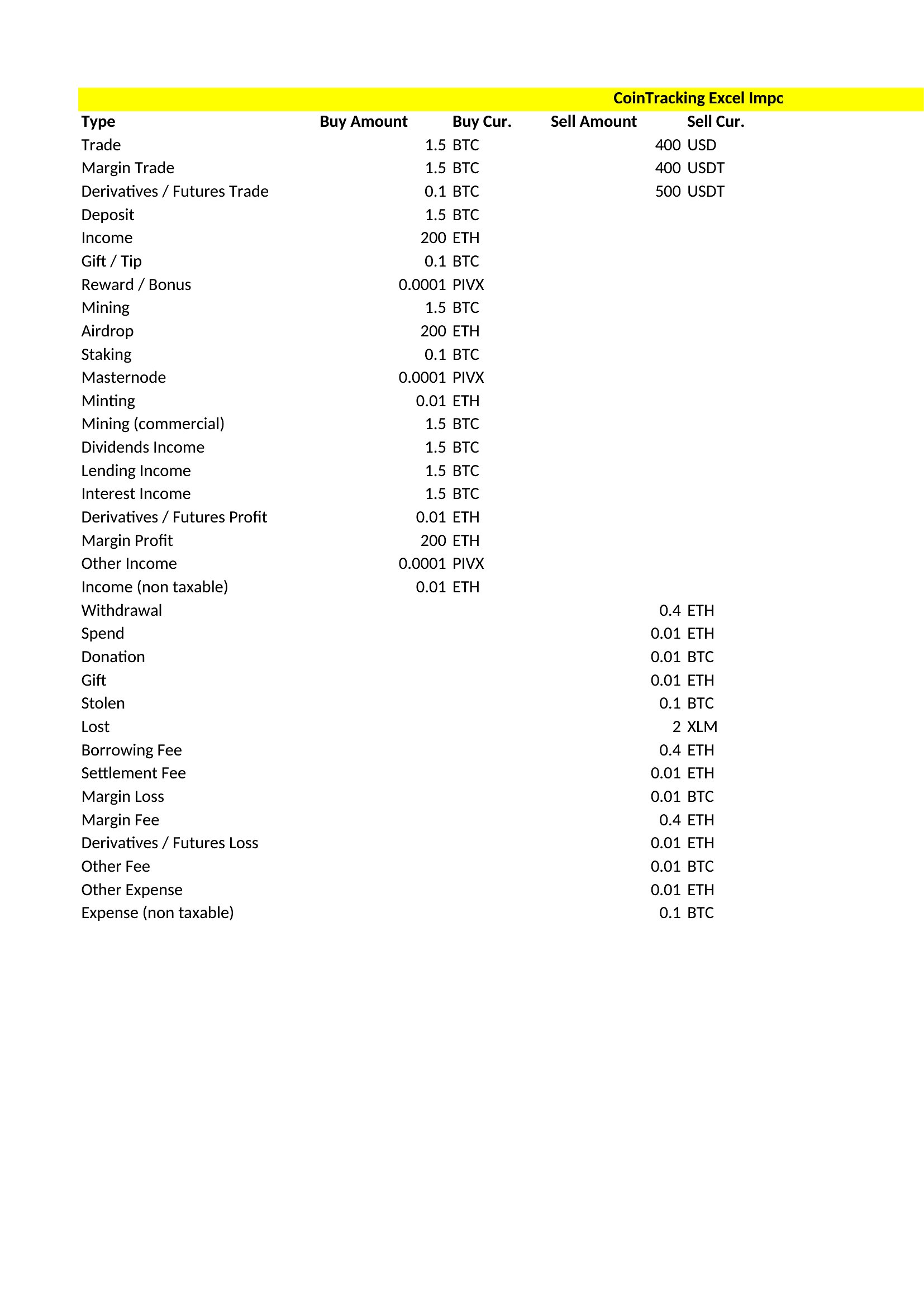
- Retail investors transitioning from stocks to futures who rely on a structured Excel template to compare margin requirements, rollover costs, and liquidity metrics across different contracts in one place.
Which format should I download?
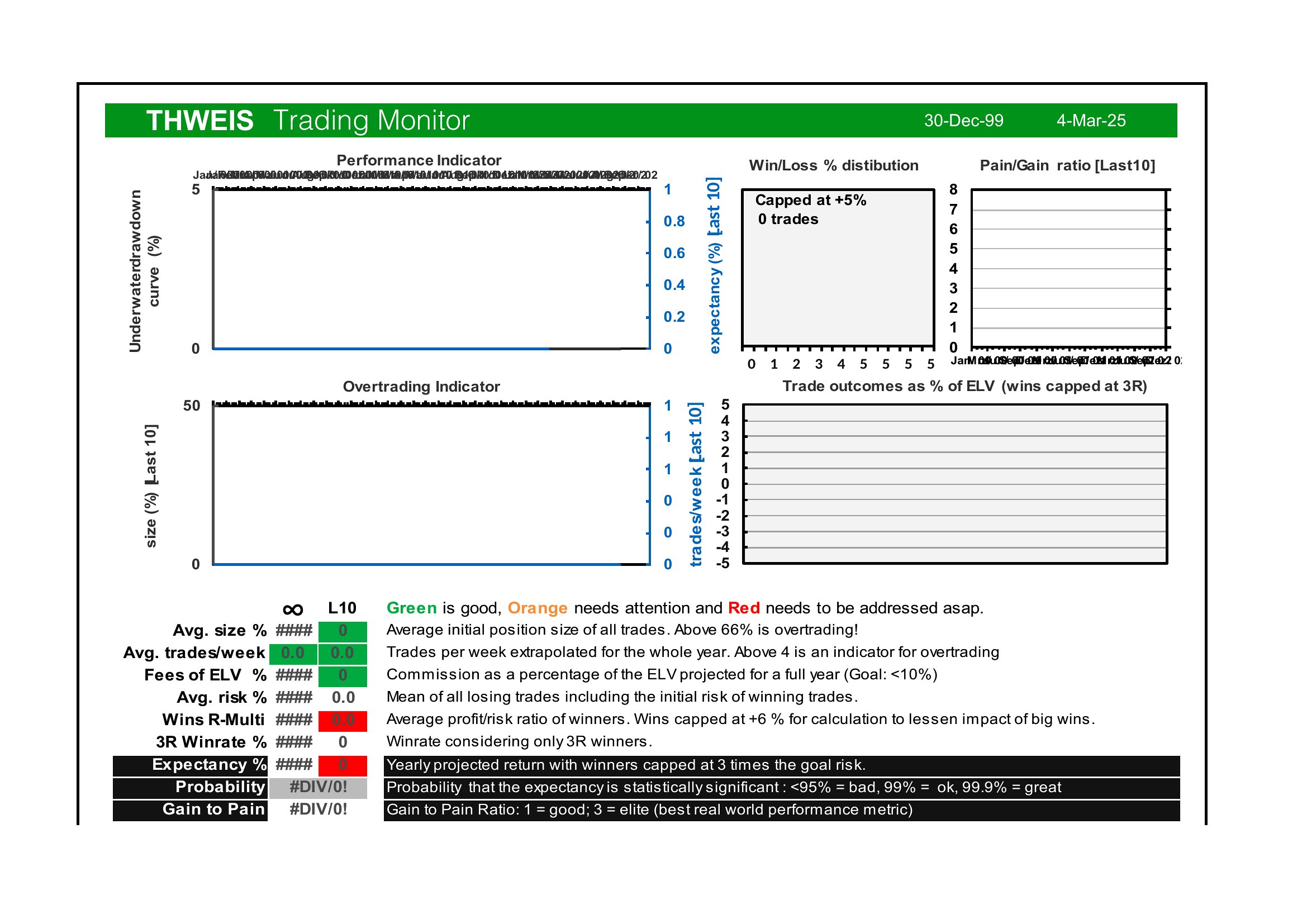
Choose Word when you want a customizable, printable layout for handwritten notes or sharing with a mentor—its editable fields let you adjust categories like ‘market sentiment’ or ‘news catalysts’ to fit your unique focus. Excel is best for active traders who need automated calculations (e.g., Sharpe ratio, max drawdown) or pivot tables to slice data by asset class or strategy. Opt for PDF if you prioritize portability—these templates are pre-formatted for consistency, perfect for reviewing trades on the go or archiving completed journals without risking file corruption.
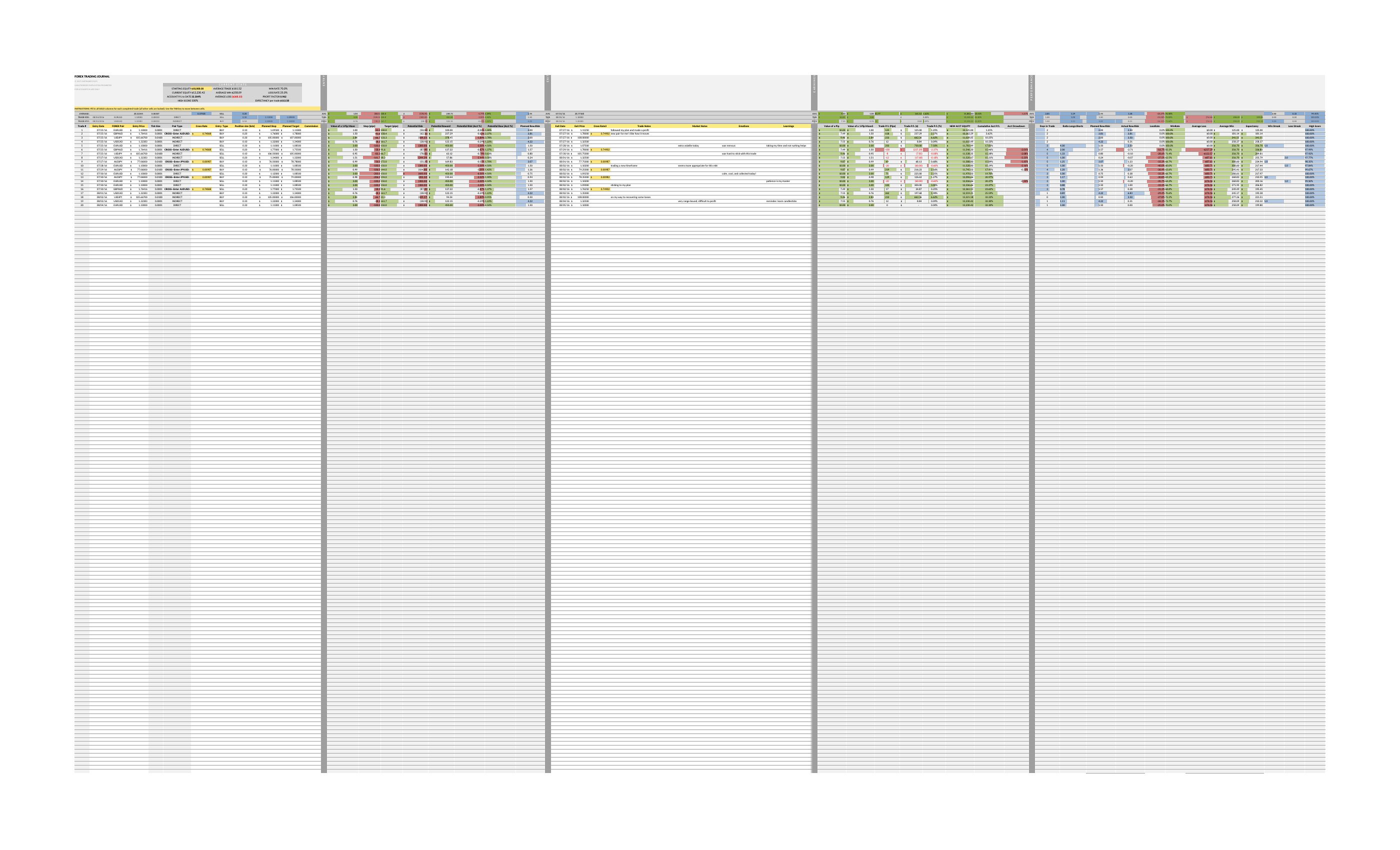
Choose from 46 Trading Journal Templates
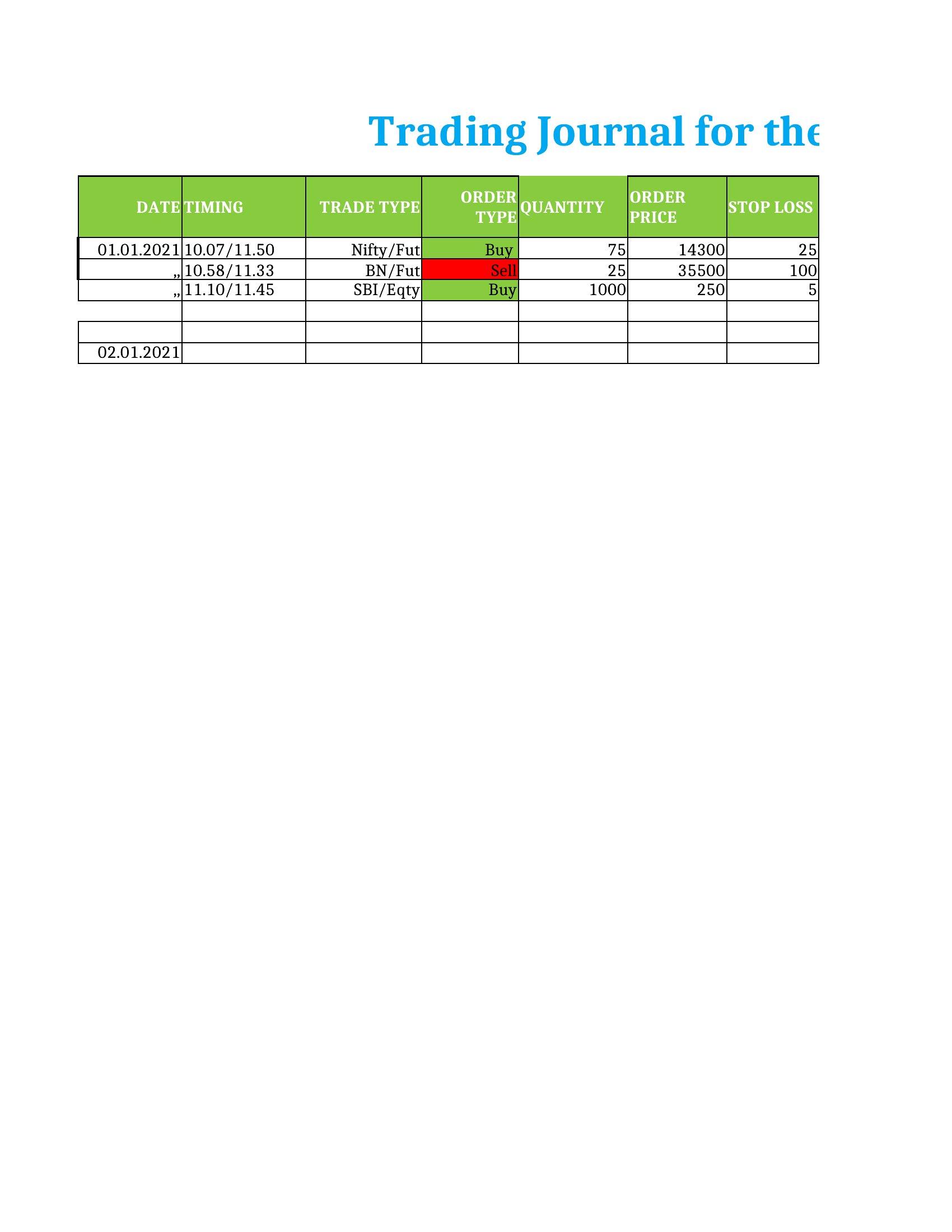
How to use this Trading Journal template
How do I decide which trading journal columns are essential for my strategy?
Start with non-negotiables like entry/exit price, position size, and profit/loss, then add strategy-specific fields (e.g., ‘VWAP confirmation’ for day traders or ‘theta decay’ for options). Use the Excel templates to test combinations—remove columns that don’t reveal insights after 30 days. Most traders refine their journal as they identify what influences their decisions most.

Can these templates help me track psychological biases like revenge trading or FOMO?
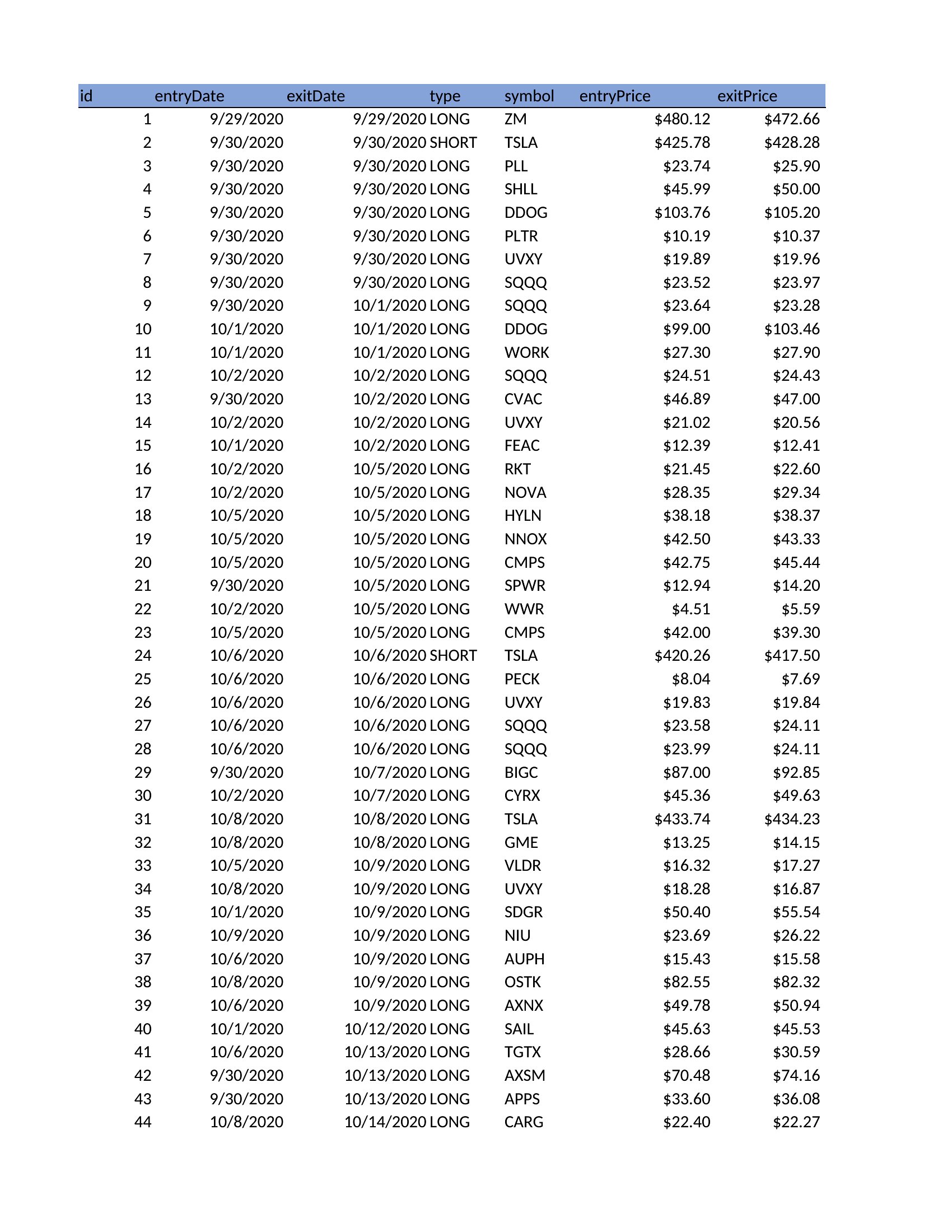
Yes, include a brief ‘emotional state’ section in your journal (Word or PDF works well for freeform notes) to log feelings before/after trades. Over time, you’ll spot correlations—e.g., trades made after a losing streak. The Excel templates can even flag patterns if you code emotions numerically (e.g., 1=overconfident, 3=fearful).
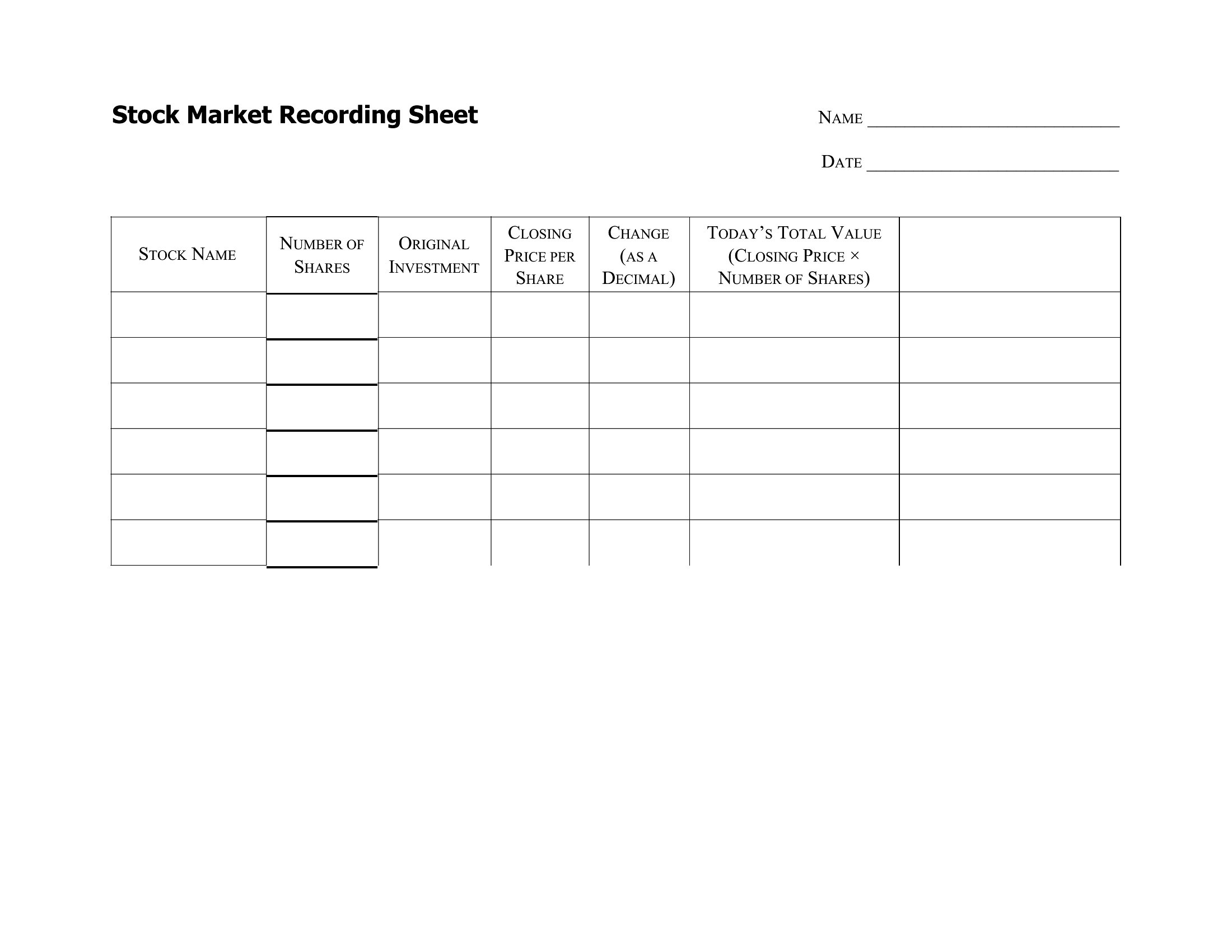
What’s the best way to use a trading journal to improve my risk management?
Dedicate a column to your *actual* risk per trade (not just the target) and compare it to your stated risk tolerance (e.g., 1% per trade). Use Excel’s conditional formatting to highlight trades where risk exceeded your rule. Over weeks, you’ll see if you’re consistently taking larger risks during drawdowns—a red flag to address. PDF templates let you print a monthly summary to review trends visually.
Comments
Join the conversation
Sign in to share your thoughts and leave a comment on this resource.