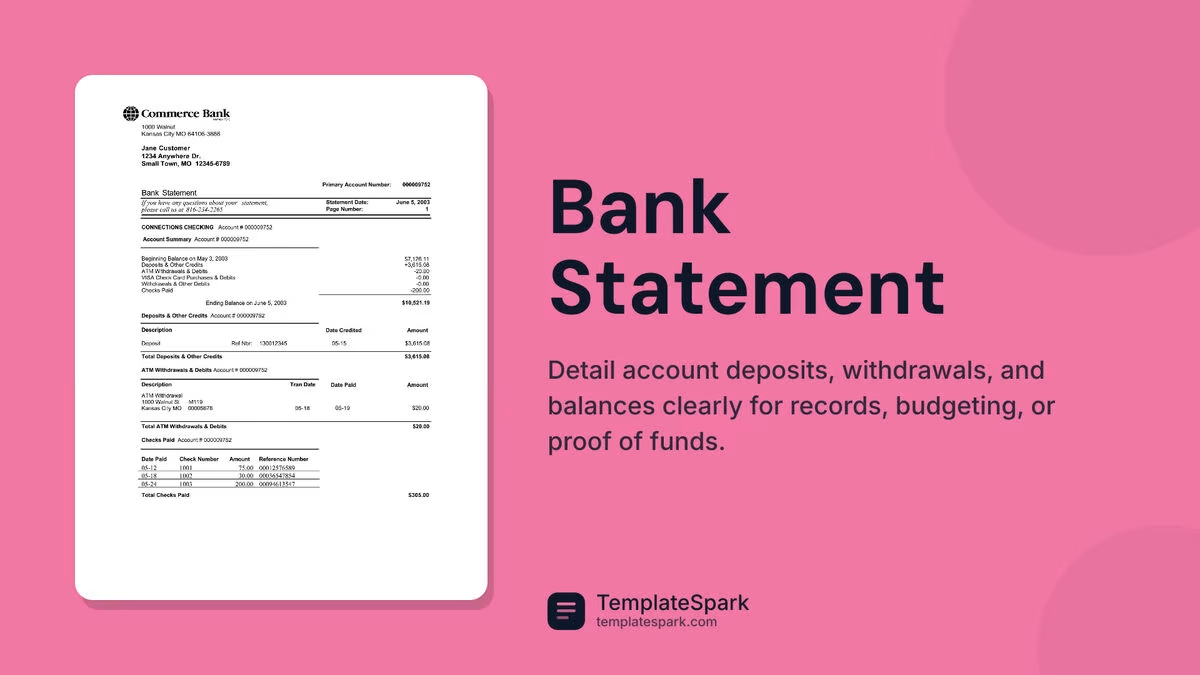
Free Bank Statement Templates (Word, Excel)
Statements by maiarasouza
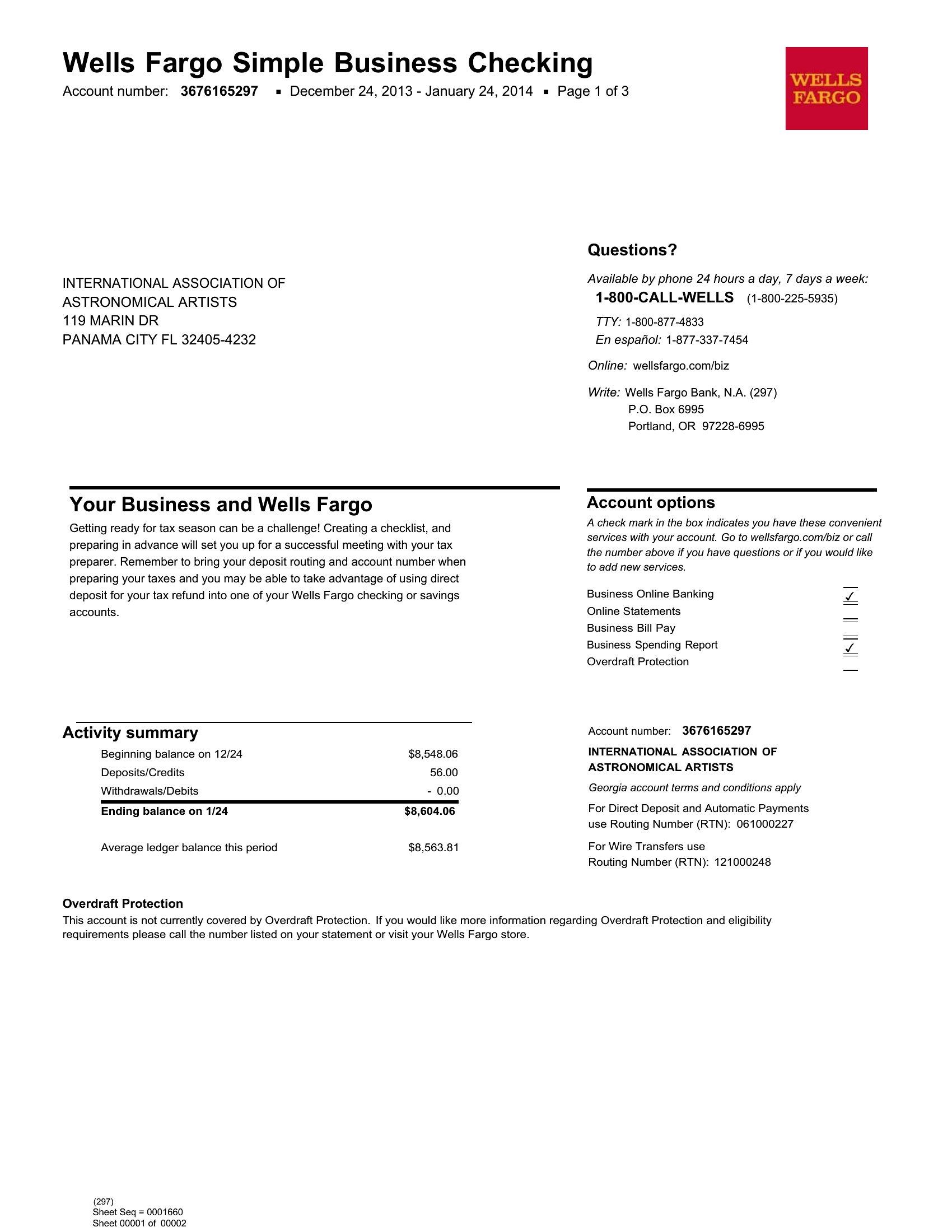
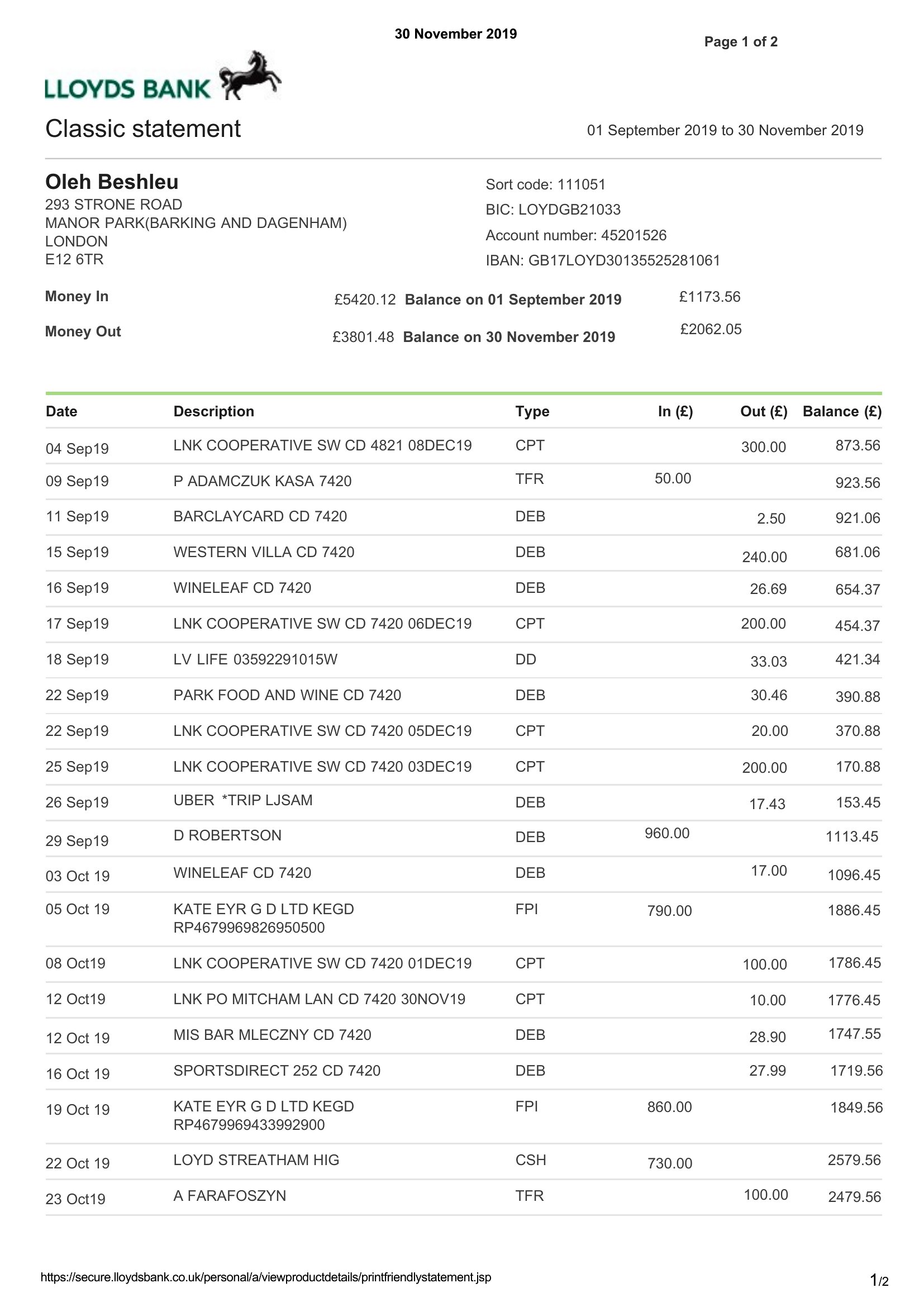
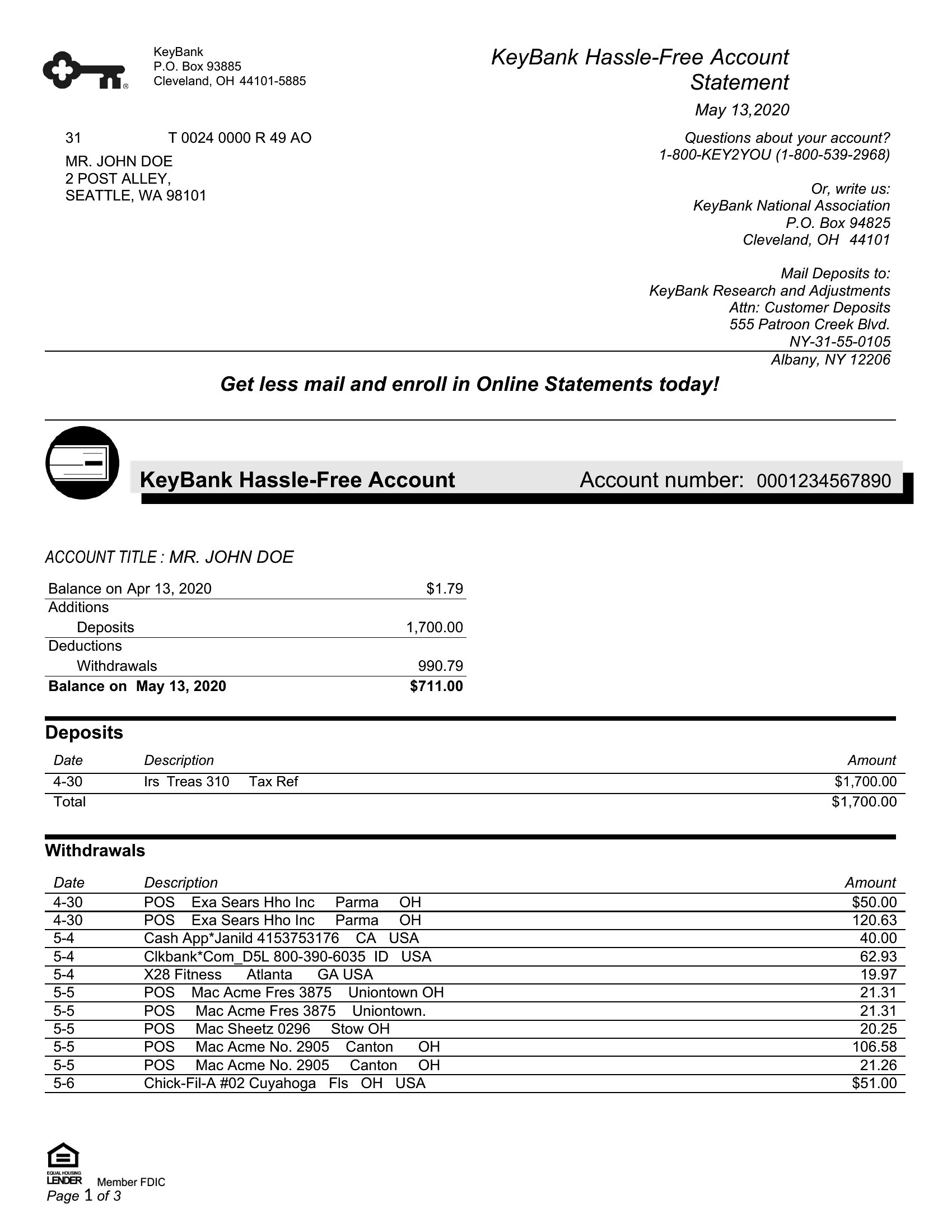
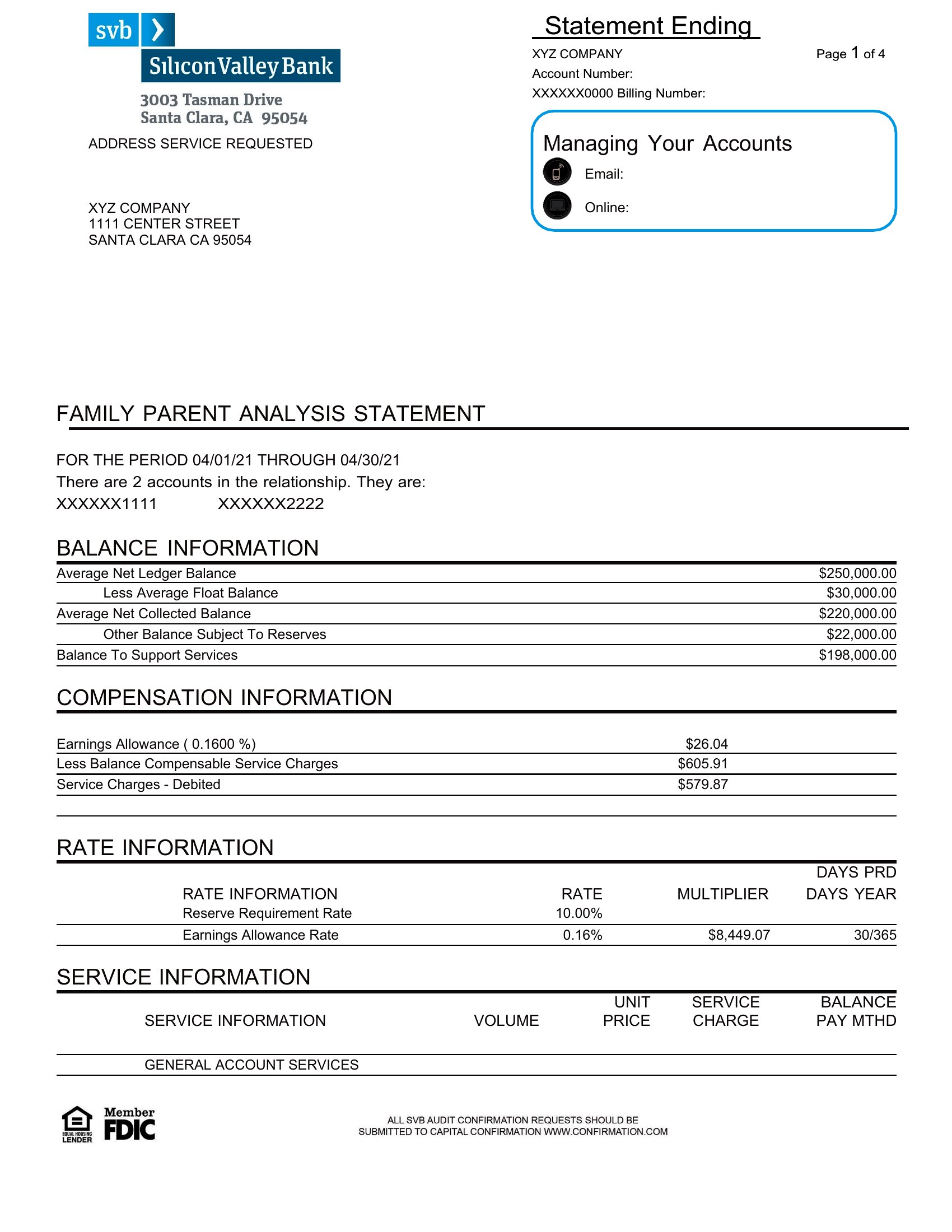
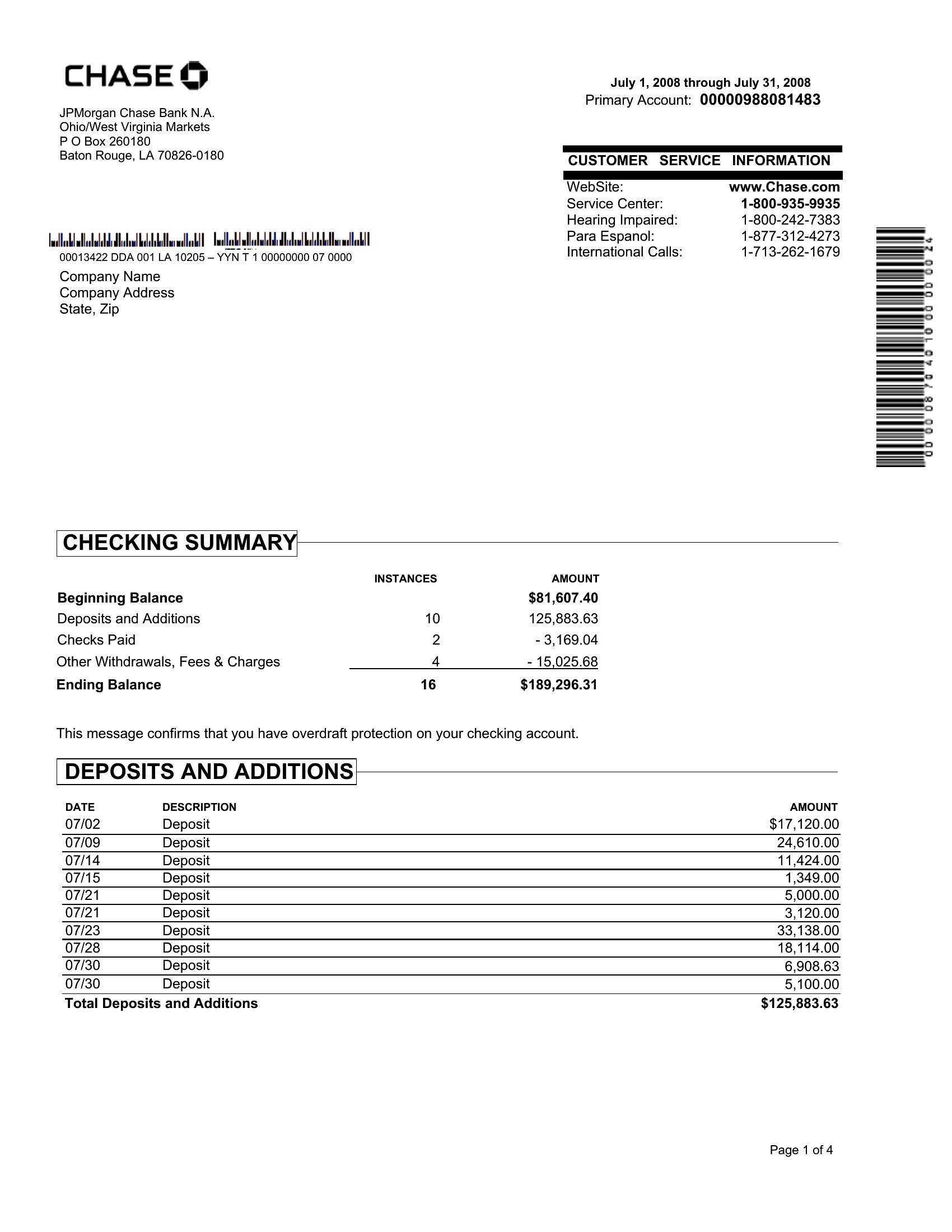
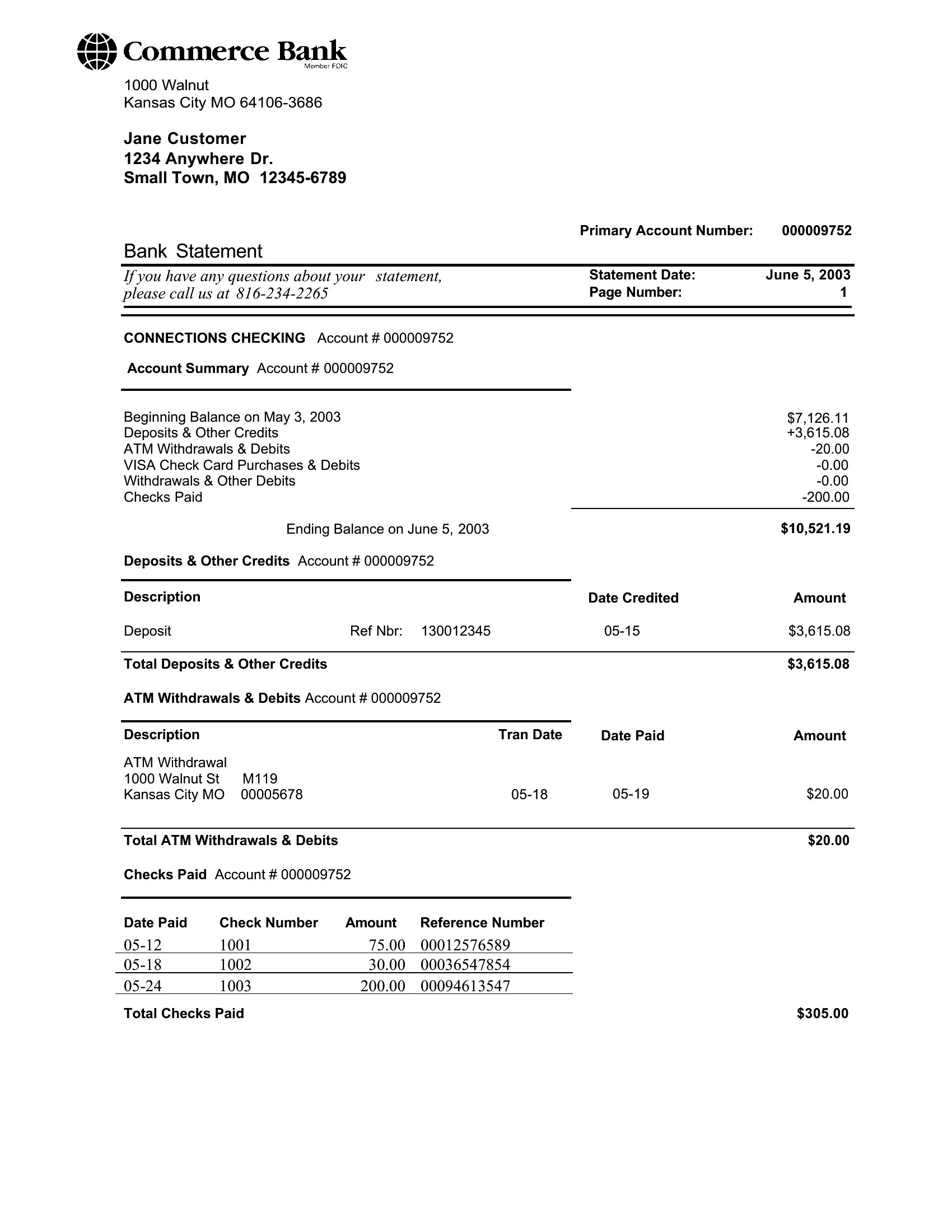
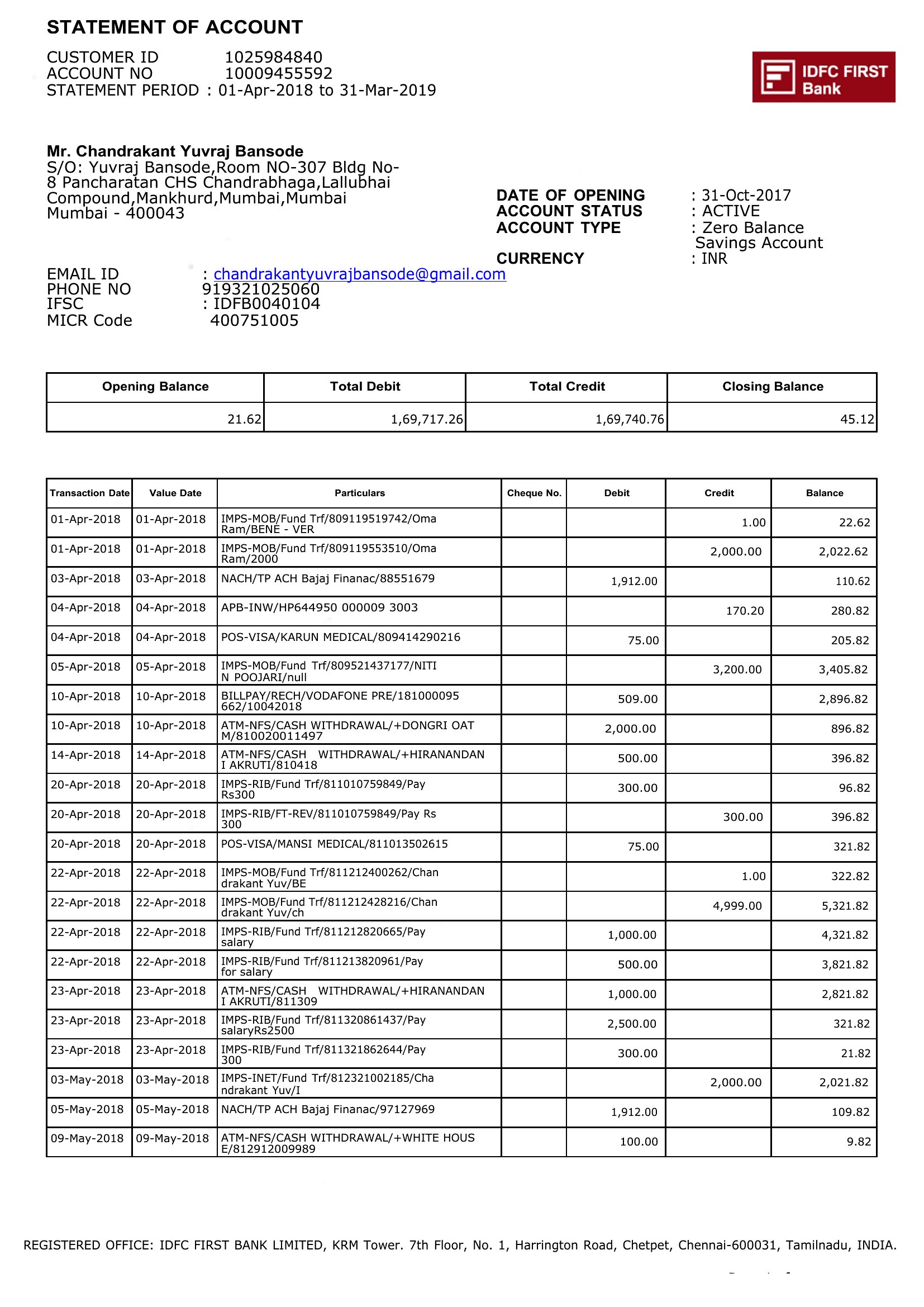
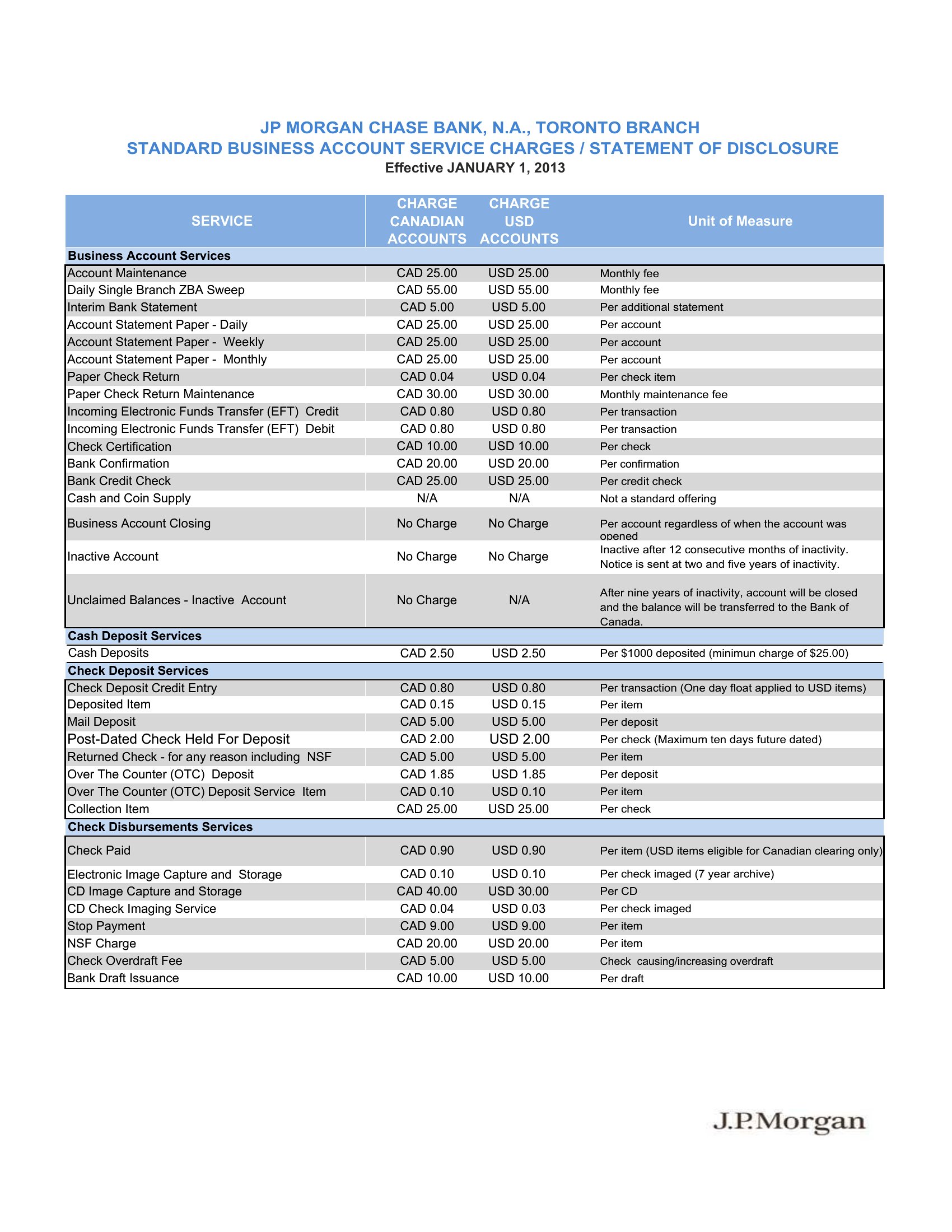
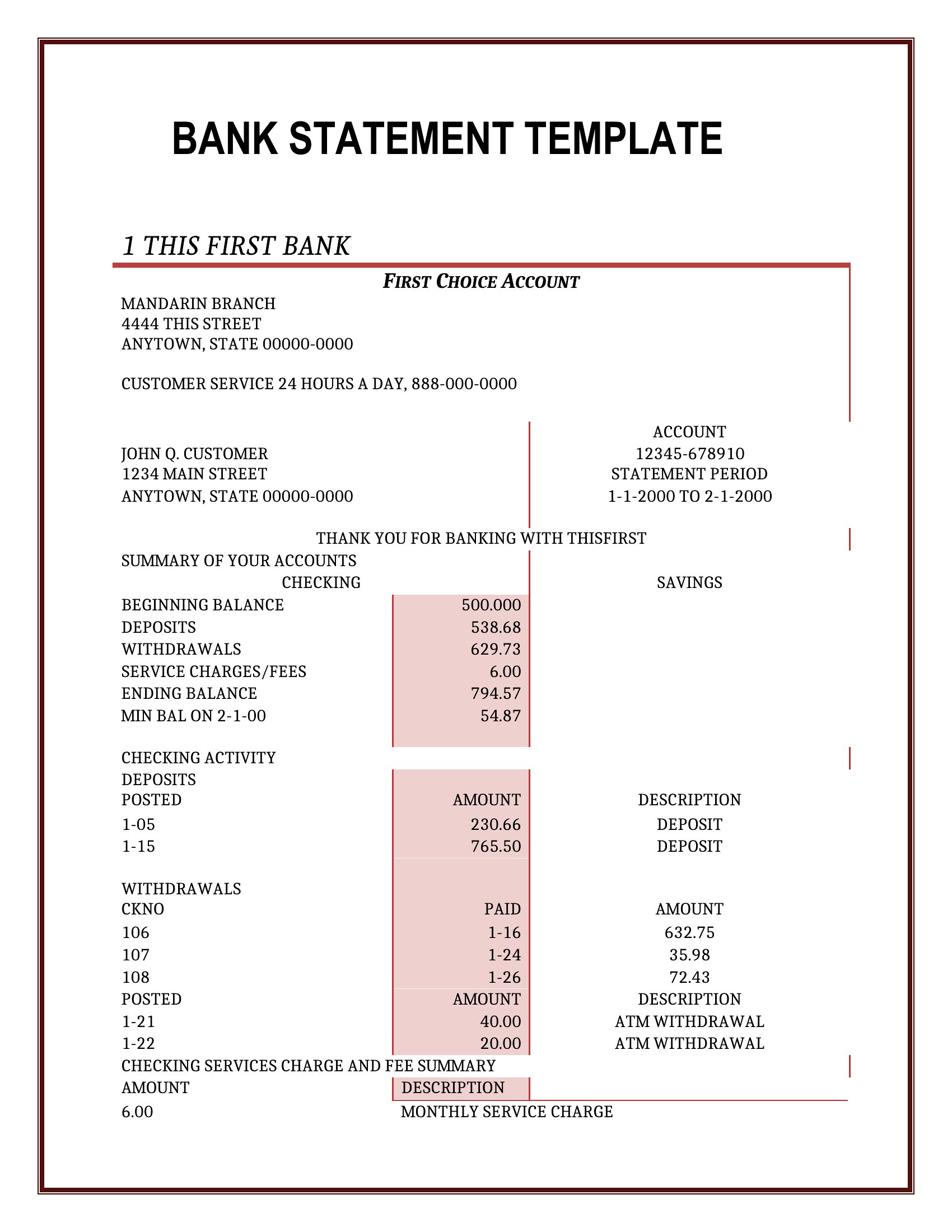
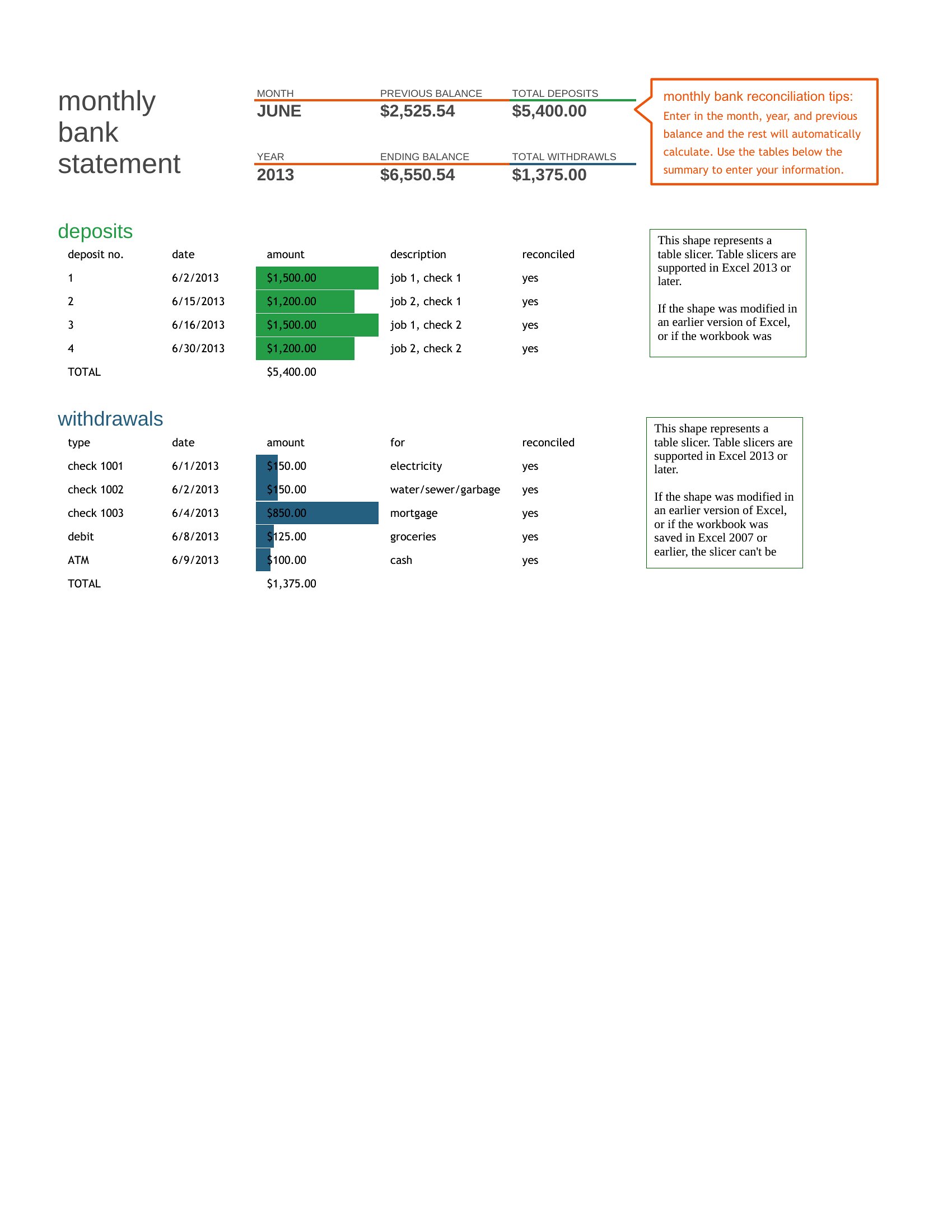
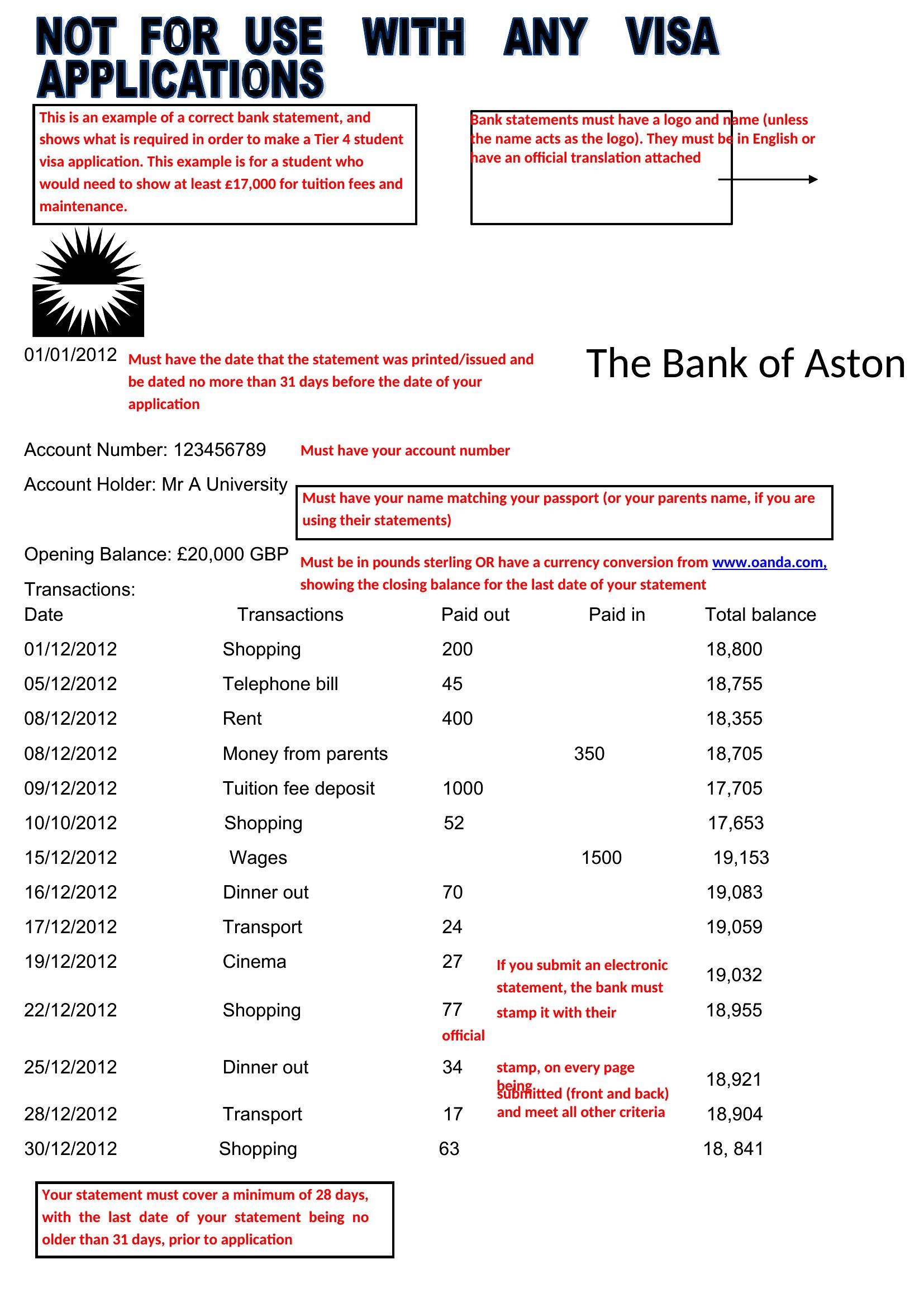
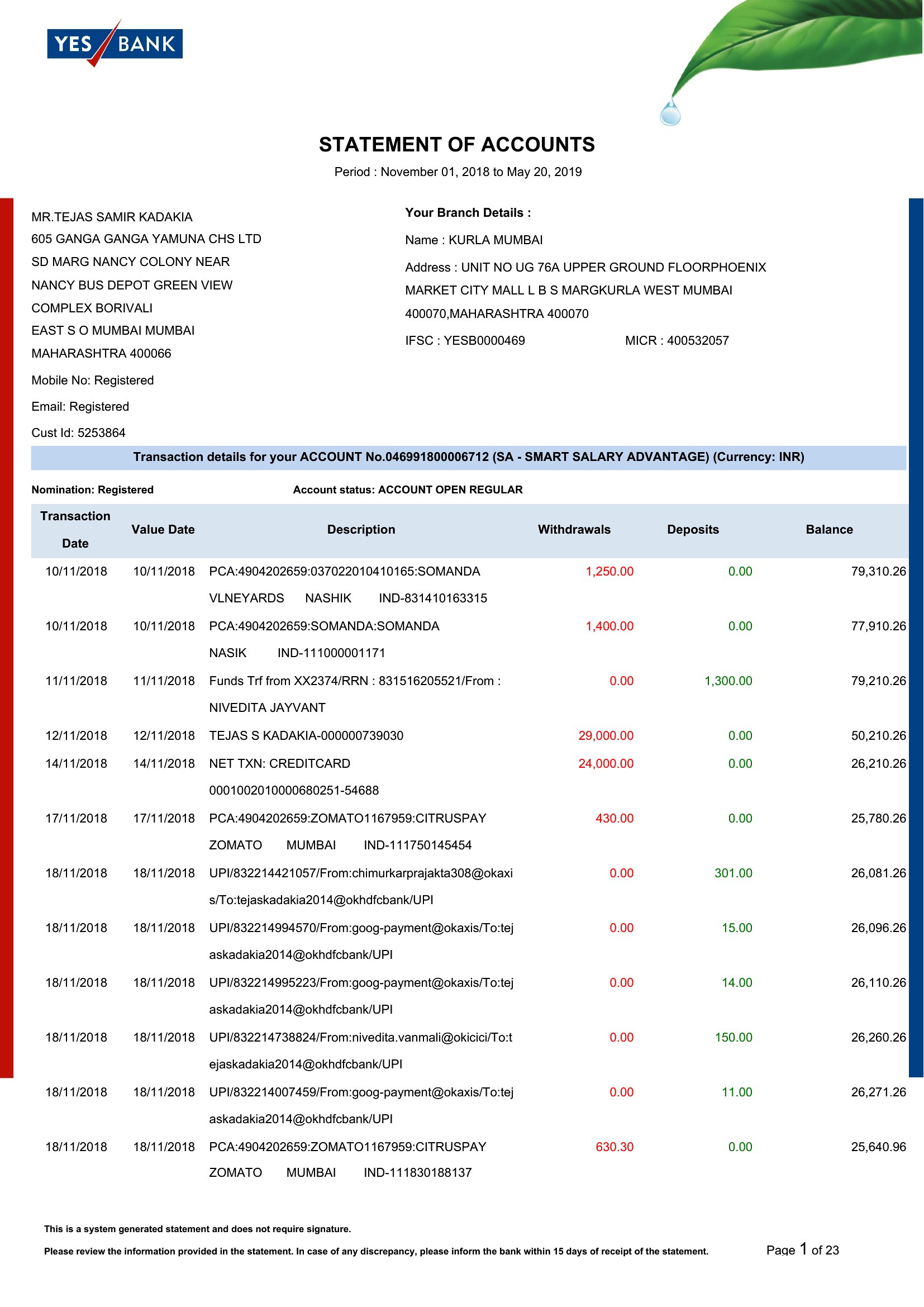
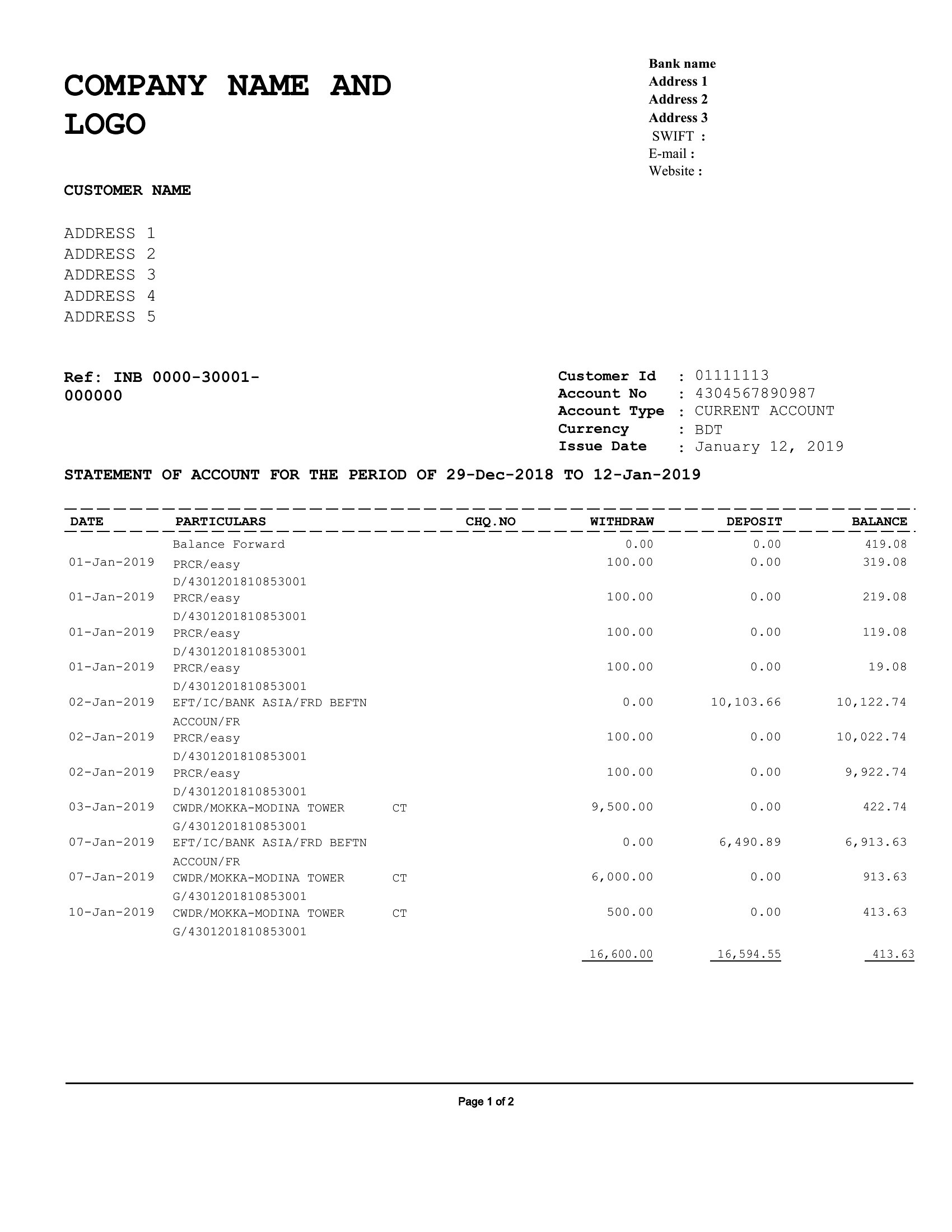
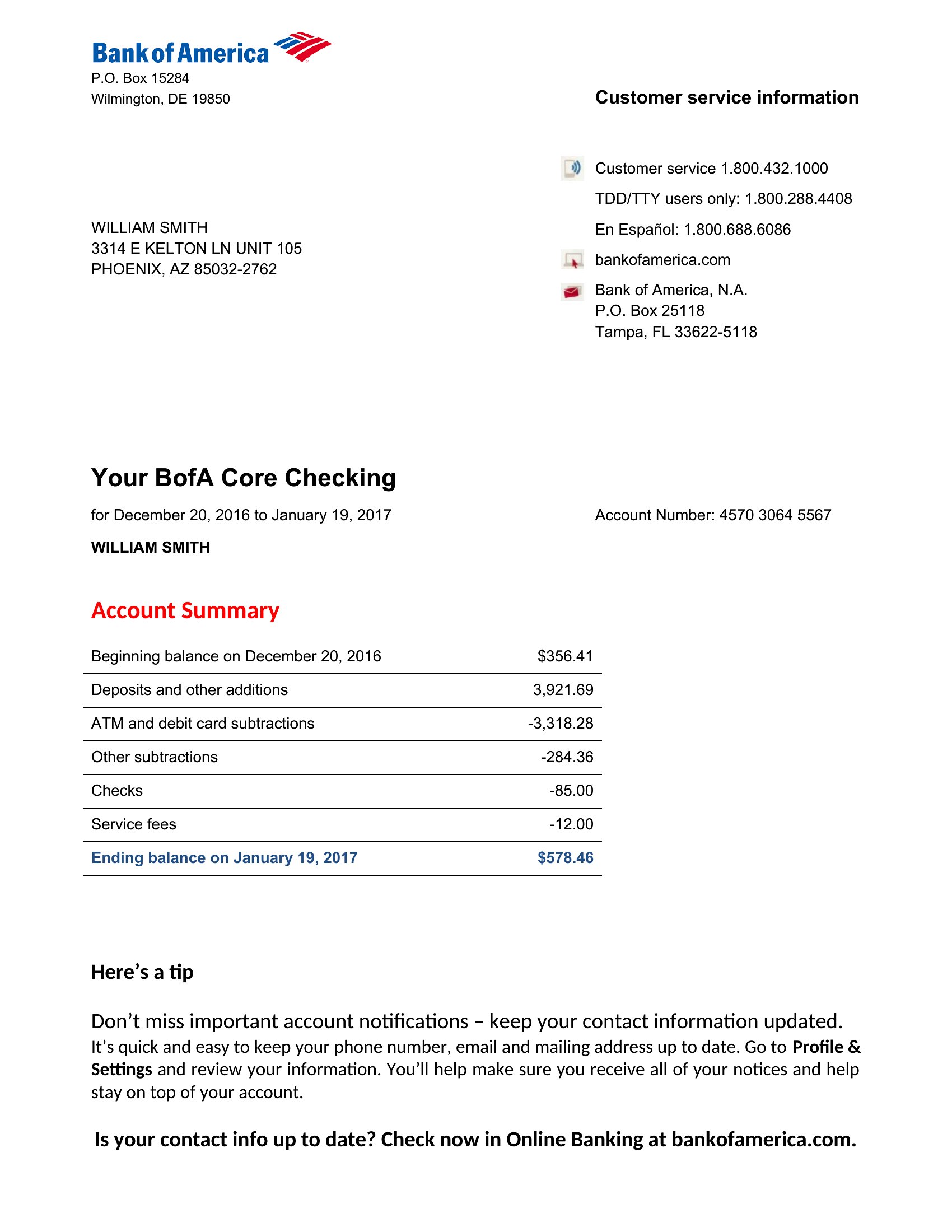
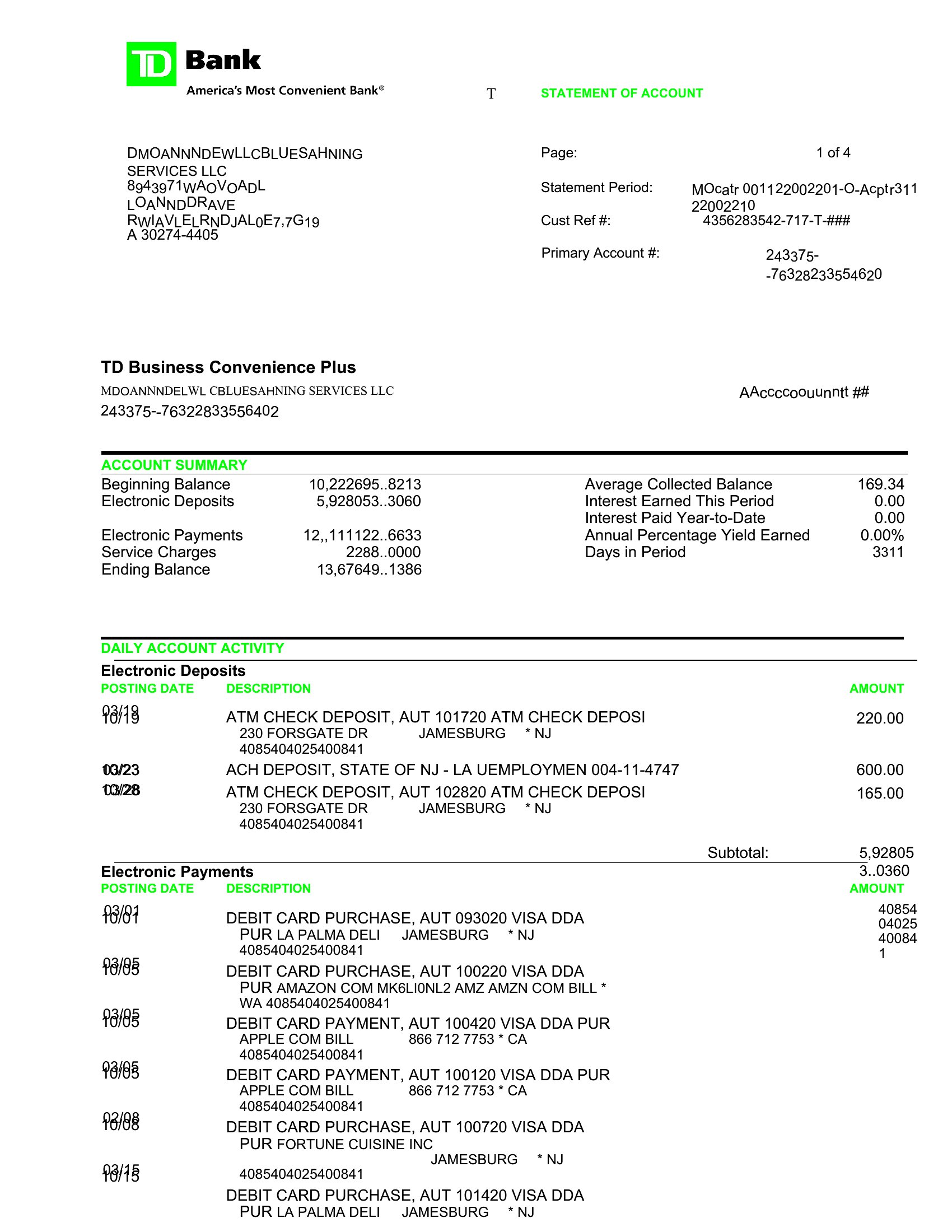
A clean bank statement format is useful for bookkeeping practice, budgeting mockups, and keeping a tidy record of transactions in one place. This set of 28 templates covers monthly statement layouts with columns for dates, descriptions, deposits, withdrawals, and running balances. Bookkeepers, students learning accounting, and small-business owners can pick a format that fits how they track money.
The templates come in editable Word and Excel files, so you can type entries or let a spreadsheet total the columns for you. Use them for honest record-keeping and learning, and always check your figures against the official statement from your bank. Download the layout that suits your needs and keep your transactions easy to follow.
Choose from 28 Bank Statement Templates
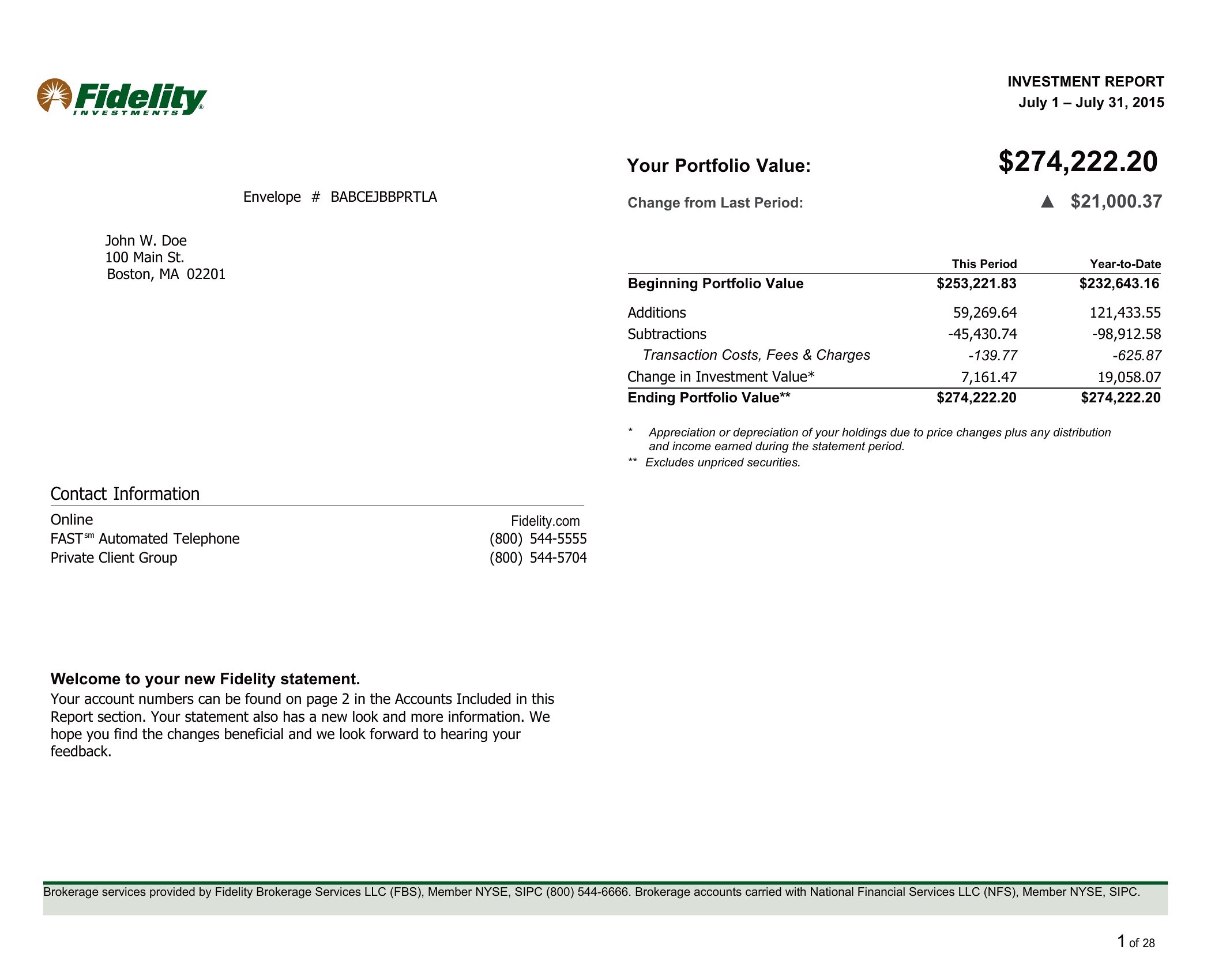
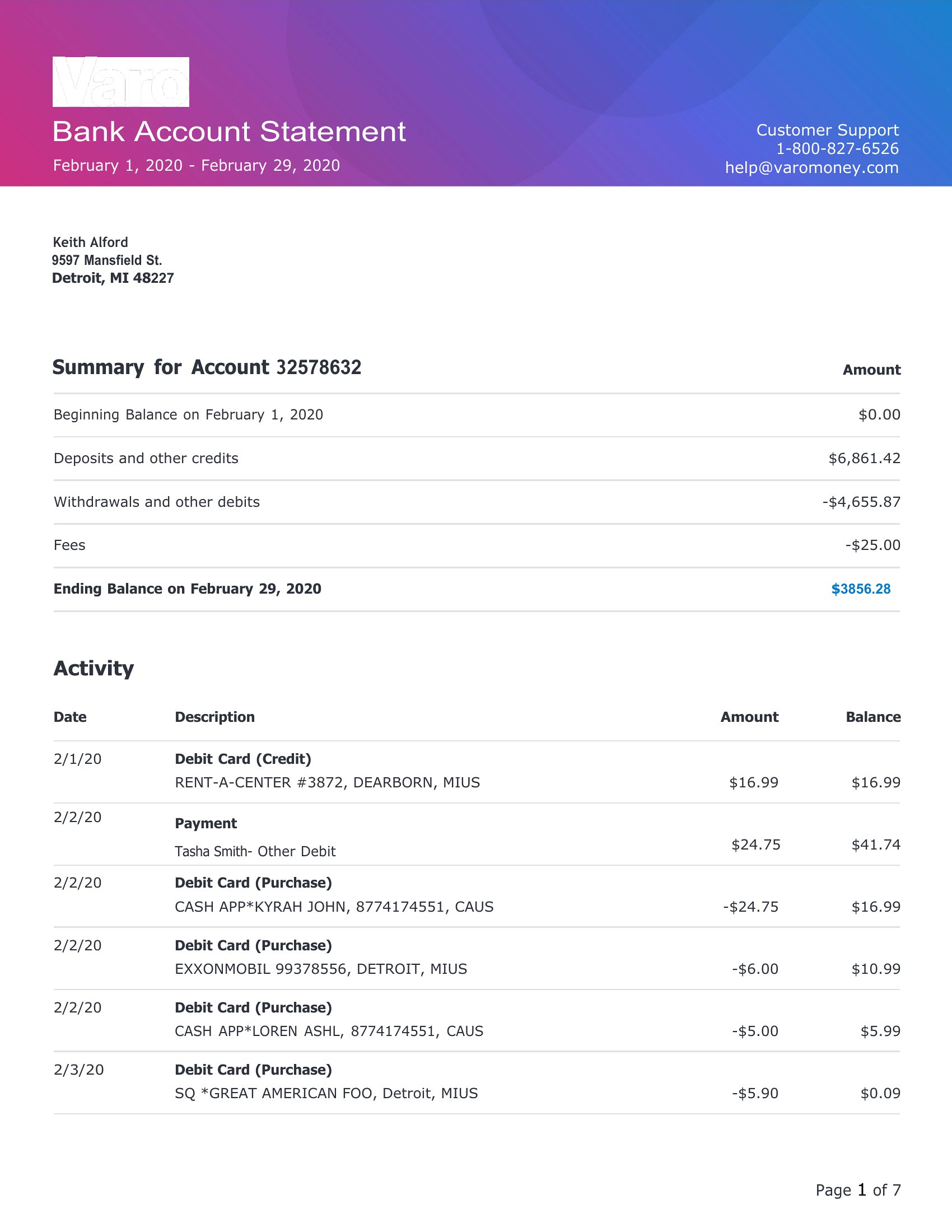
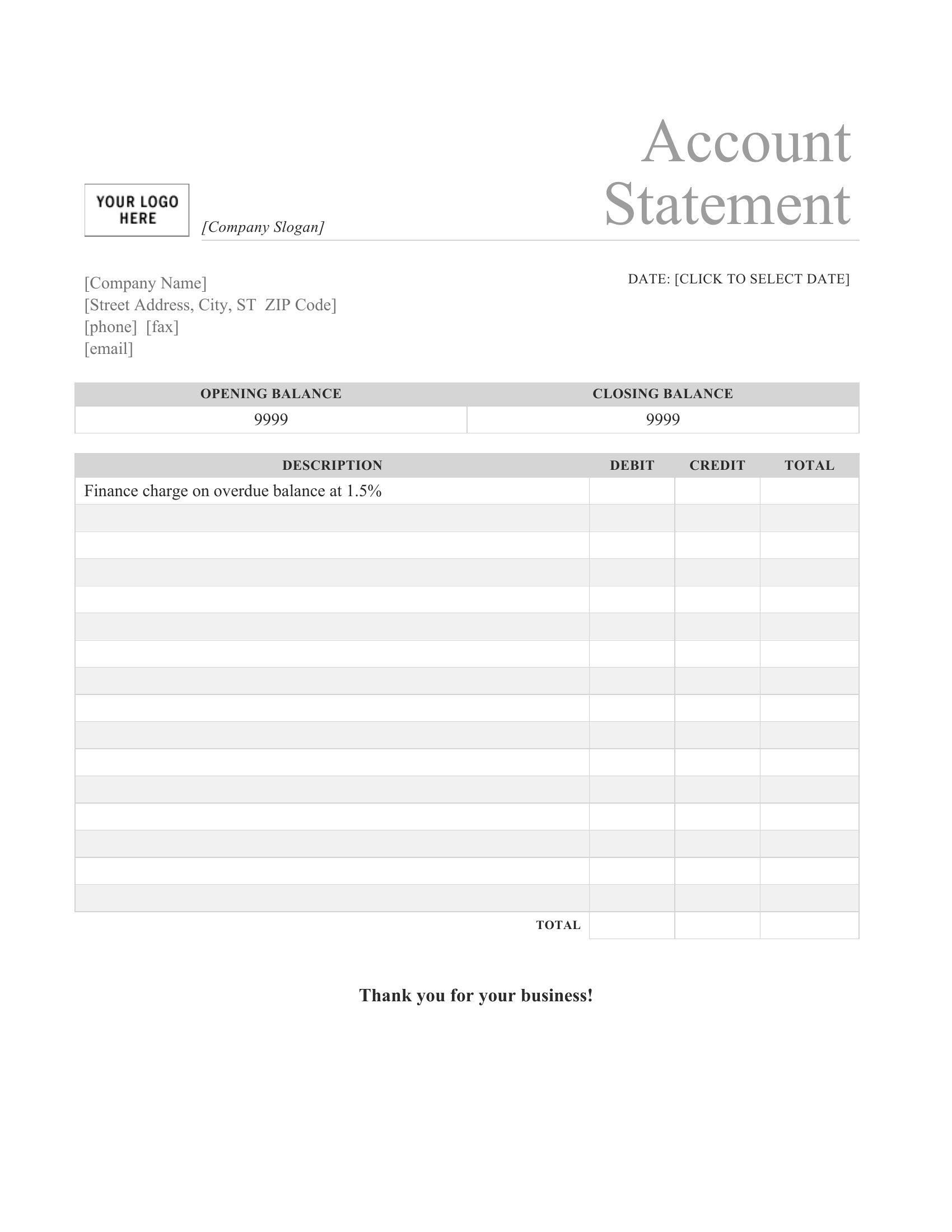

Frequently Asked Questions about Bank Statement Templates
Are these Bank Statement templates free to download?
Yes. Every Bank Statement template in this collection is free to download from TemplateSpark. Just open the template you need, download it, and start editing right away — no subscription required to get started.
What file formats are available for Bank Statement templates?
These Bank Statement templates are available in Word and Excel. Pick the format that matches your workflow — each download keeps the original layout so it looks right whether you open, print, or share it.
Can I edit these Bank Statement templates?
Yes. The editable files open in Microsoft Word (and compatible apps like Google Docs or LibreOffice), so you can change the text, colors, and layout to fit your needs, then save or export the finished Bank Statement document.
How many Bank Statement templates can I choose from?
This page collects 28 Bank Statement templates so you can compare styles and layouts in one place. Browse the options, open the one that fits your purpose best, and download it in your preferred format.
Can I use Bank Statement templates for commercial purposes?
In most cases, yes — these Bank Statement templates are intended for both personal and business use. Check the license note on the template before redistributing or reselling, and avoid sharing the source files as your own product.
What information does a bank statement typically show?
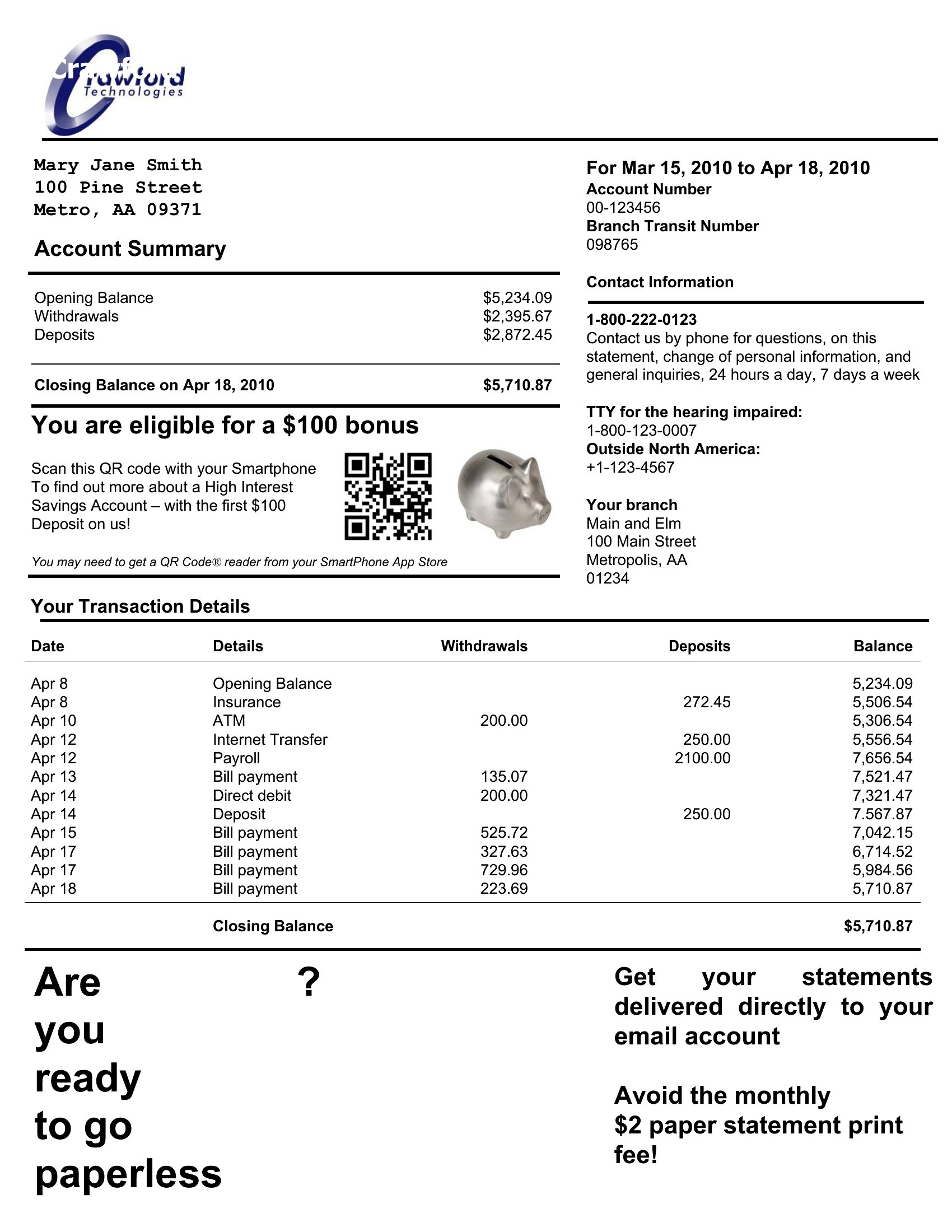
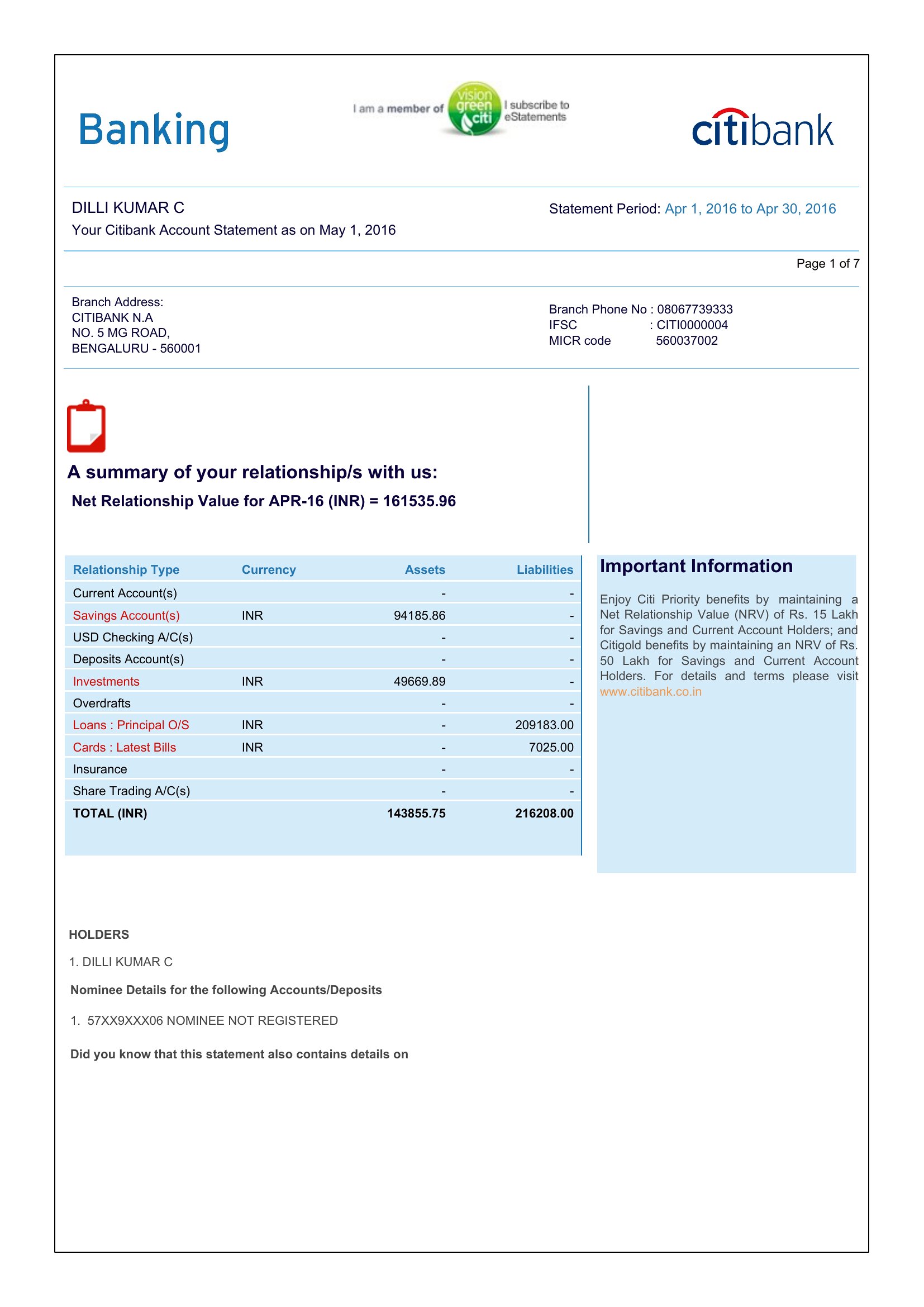
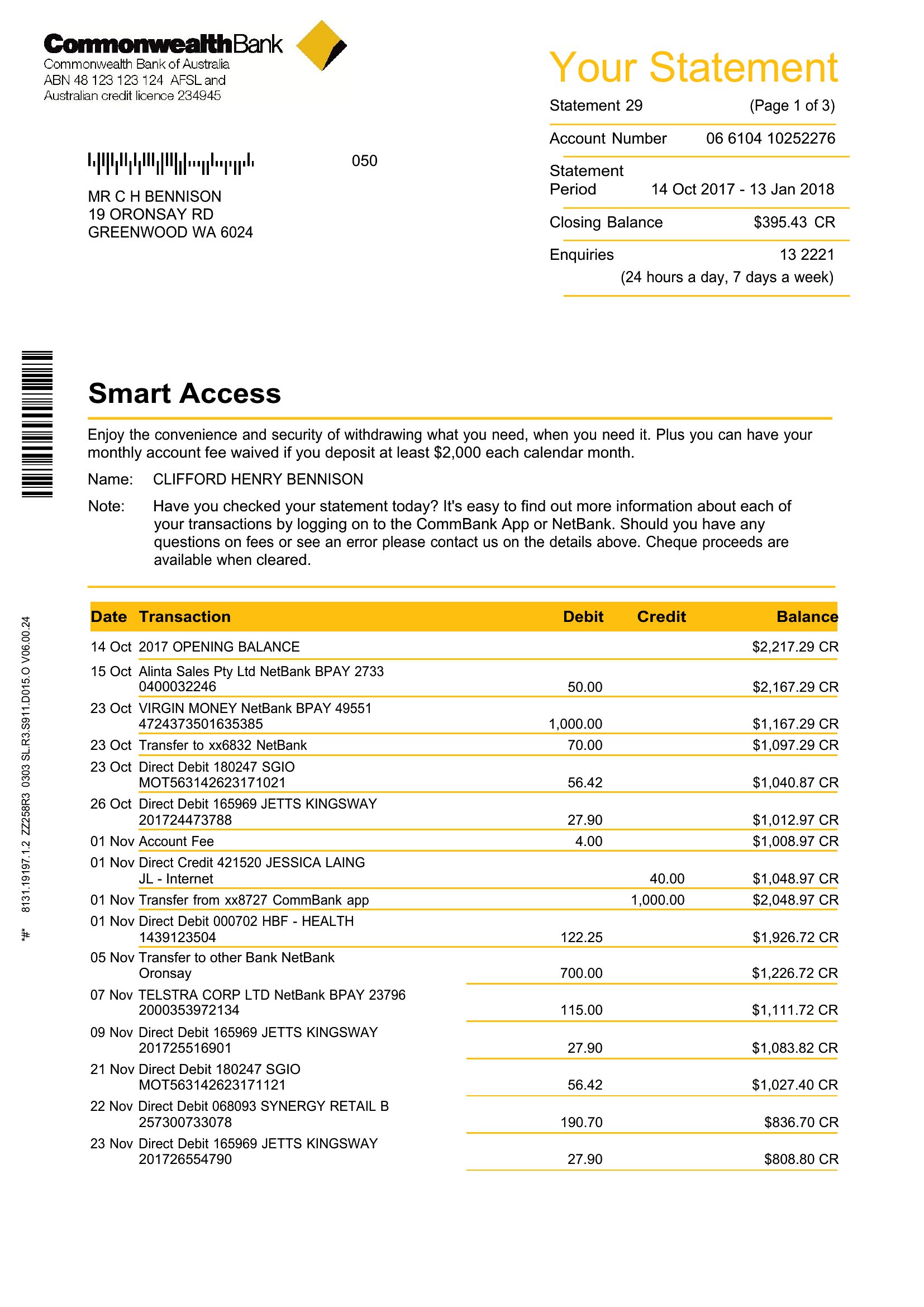
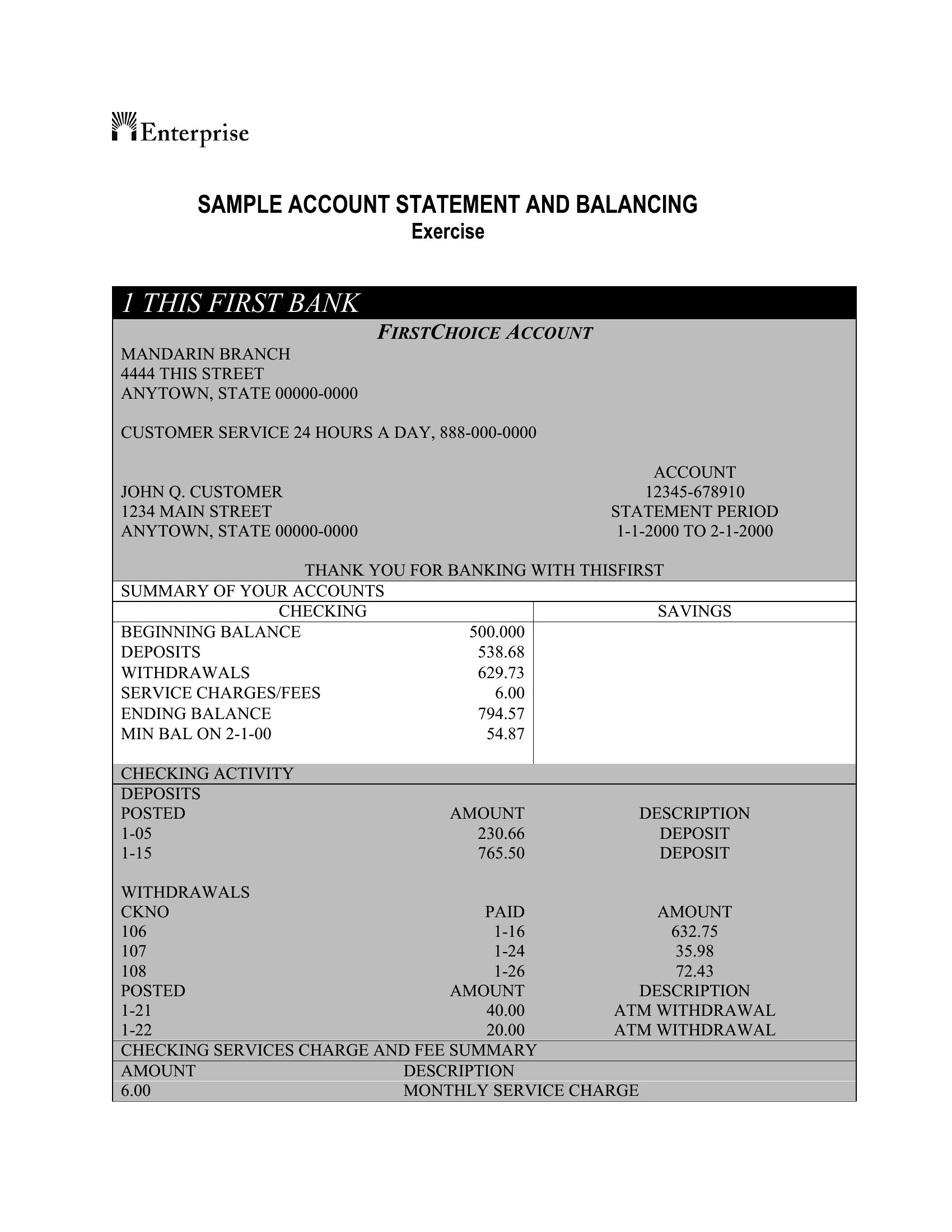
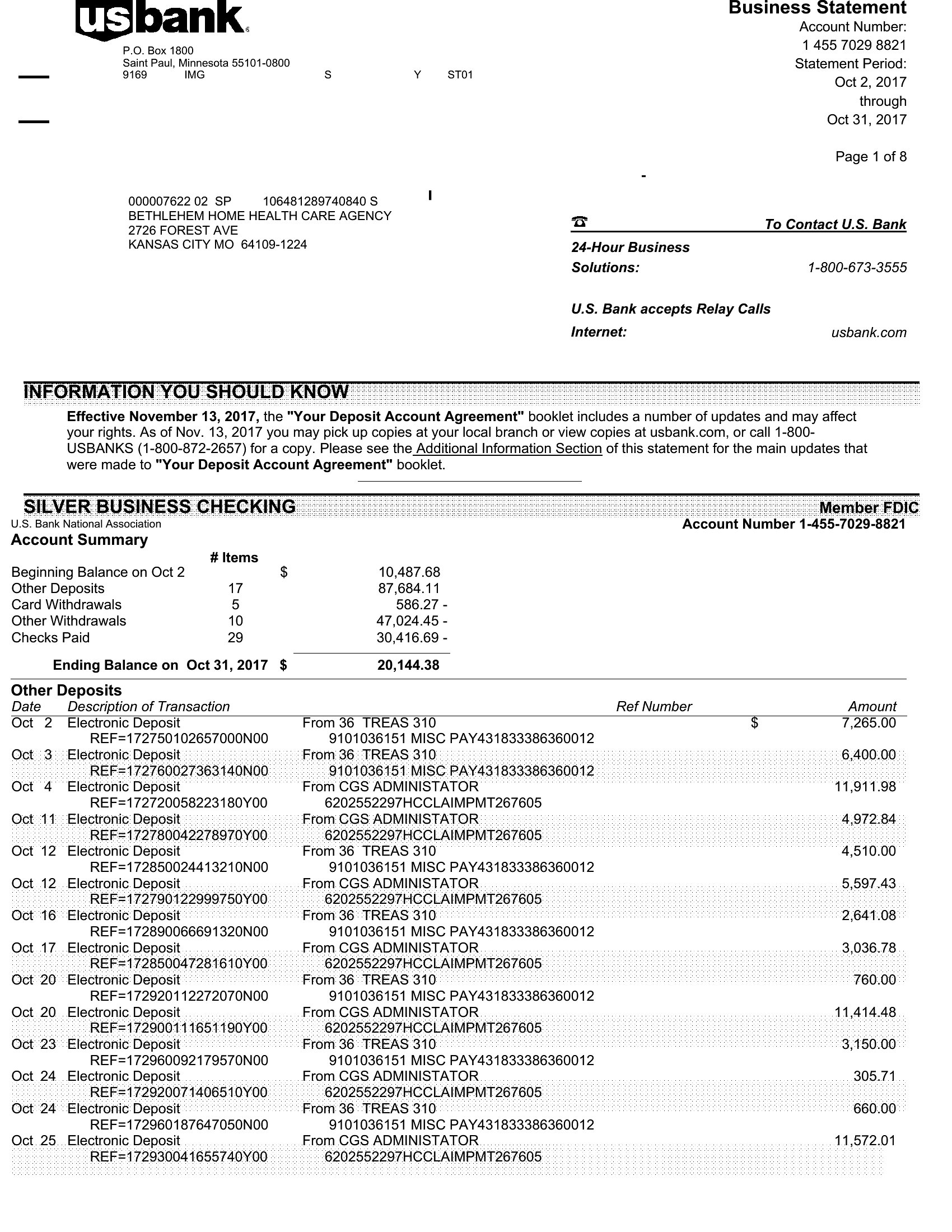
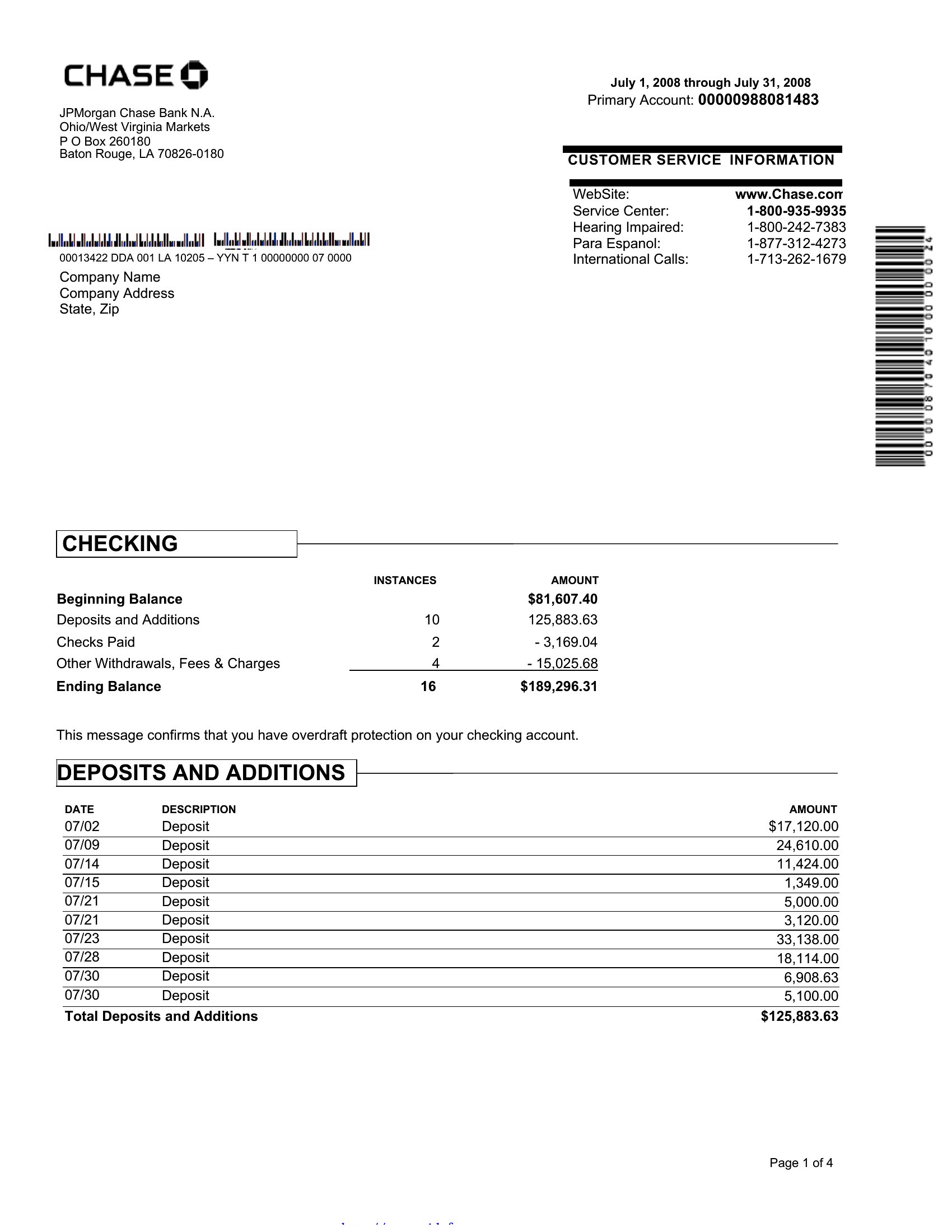
A bank statement lists transactions over a period, including the date, description, deposits, withdrawals, and a running balance. It also shows the opening and closing balances, account holder details, and the statement dates. Together these give a clear record of money moving in and out of the account.
How do you reconcile a bank statement with your records?
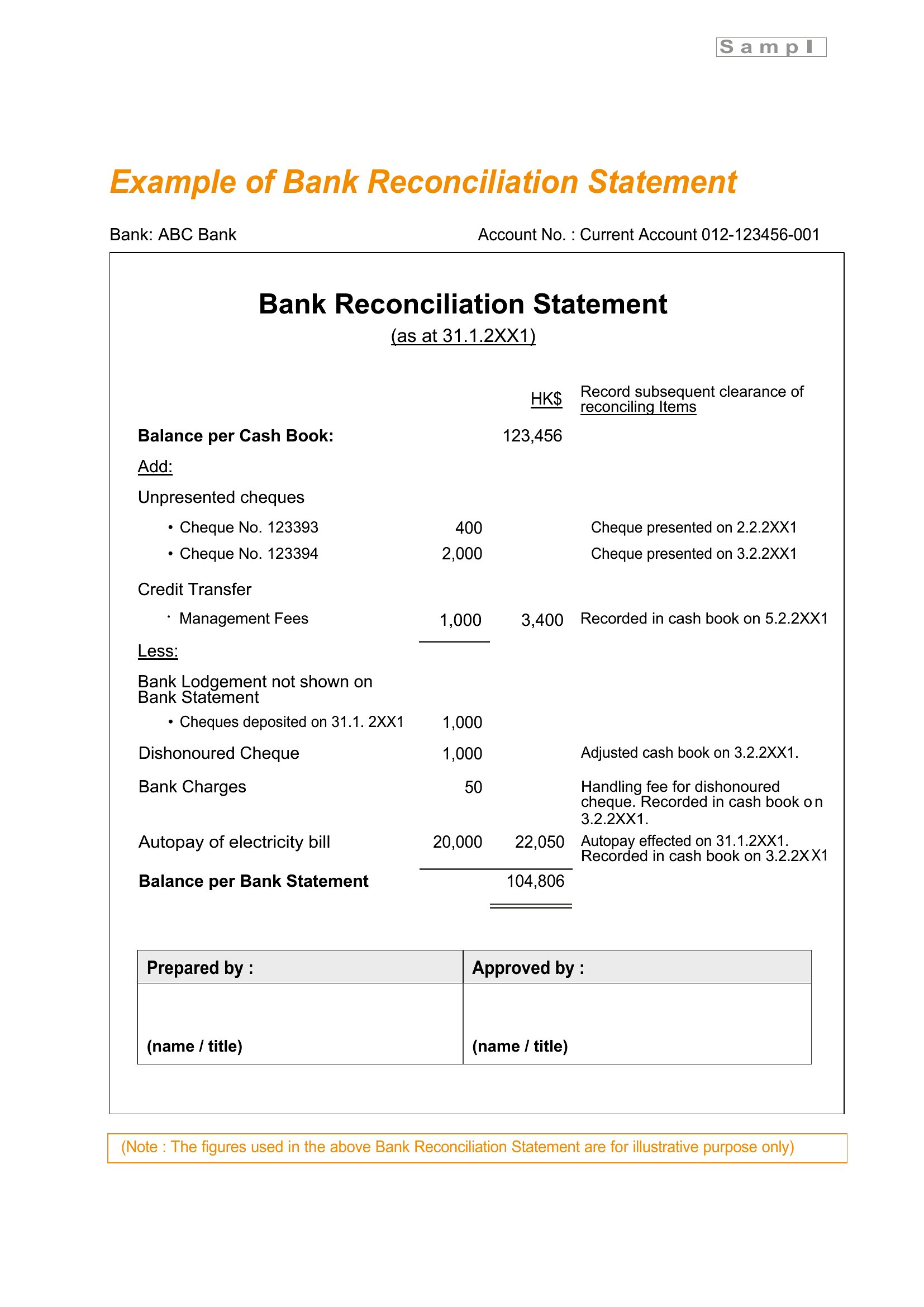
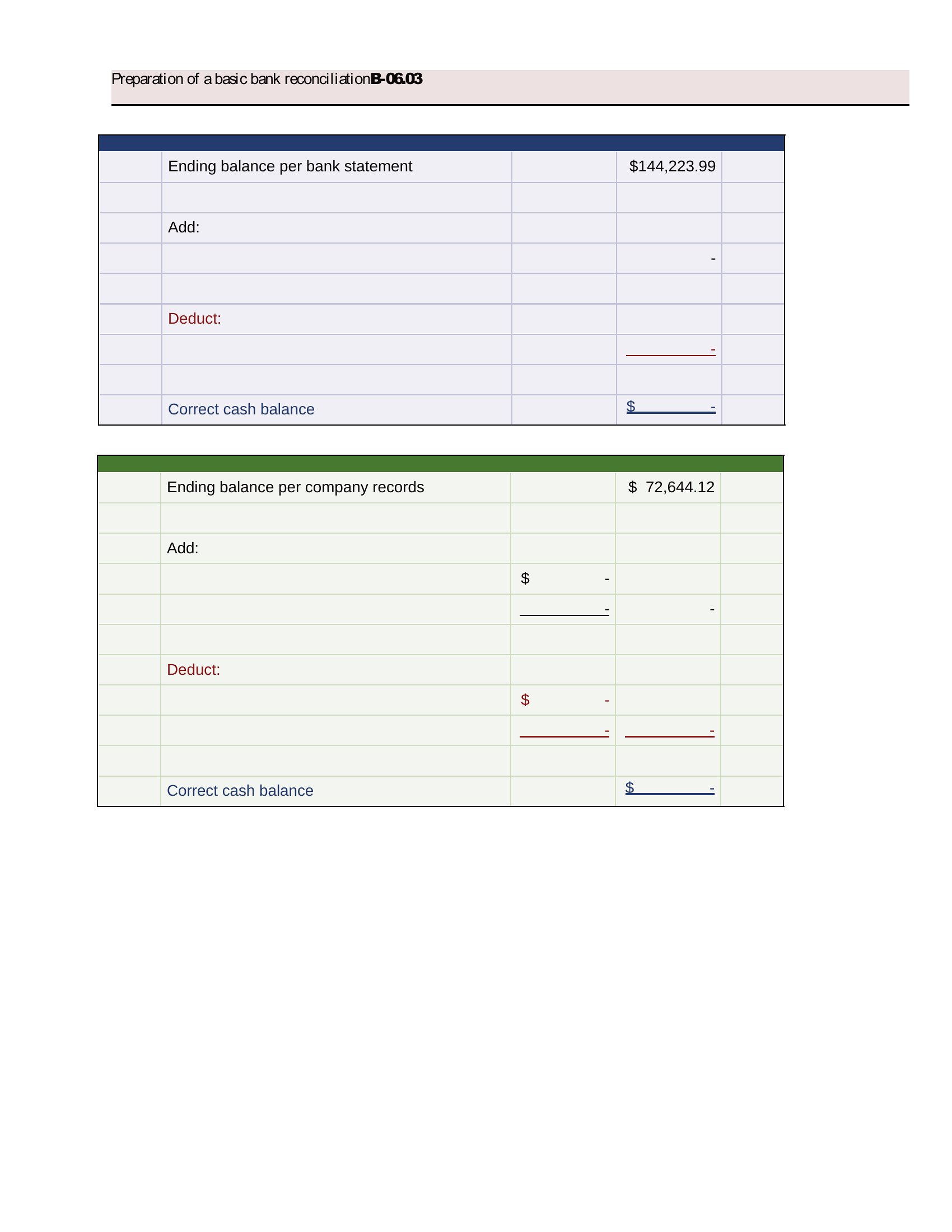
Compare each transaction on the statement with your own register, checking off matches and noting differences. Account for outstanding checks or pending deposits, then confirm the adjusted balances agree. Reconciling regularly catches errors, missed entries, and unauthorized charges before they become harder to trace.
What is the difference between deposits, withdrawals, and the running balance on a bank statement?
Deposits are funds added to the account, withdrawals are funds taken out, and the running balance is the account total after each transaction. Reading the columns together shows how each entry changed the balance, making it easier to follow activity and spot where the available amount rose or fell.
Comments
Join the conversation
Sign in to share your thoughts and leave a comment on this resource.