
Stockholders' Equity Templates (Word, Excel, PDF)
Statements by sladanadrljaca
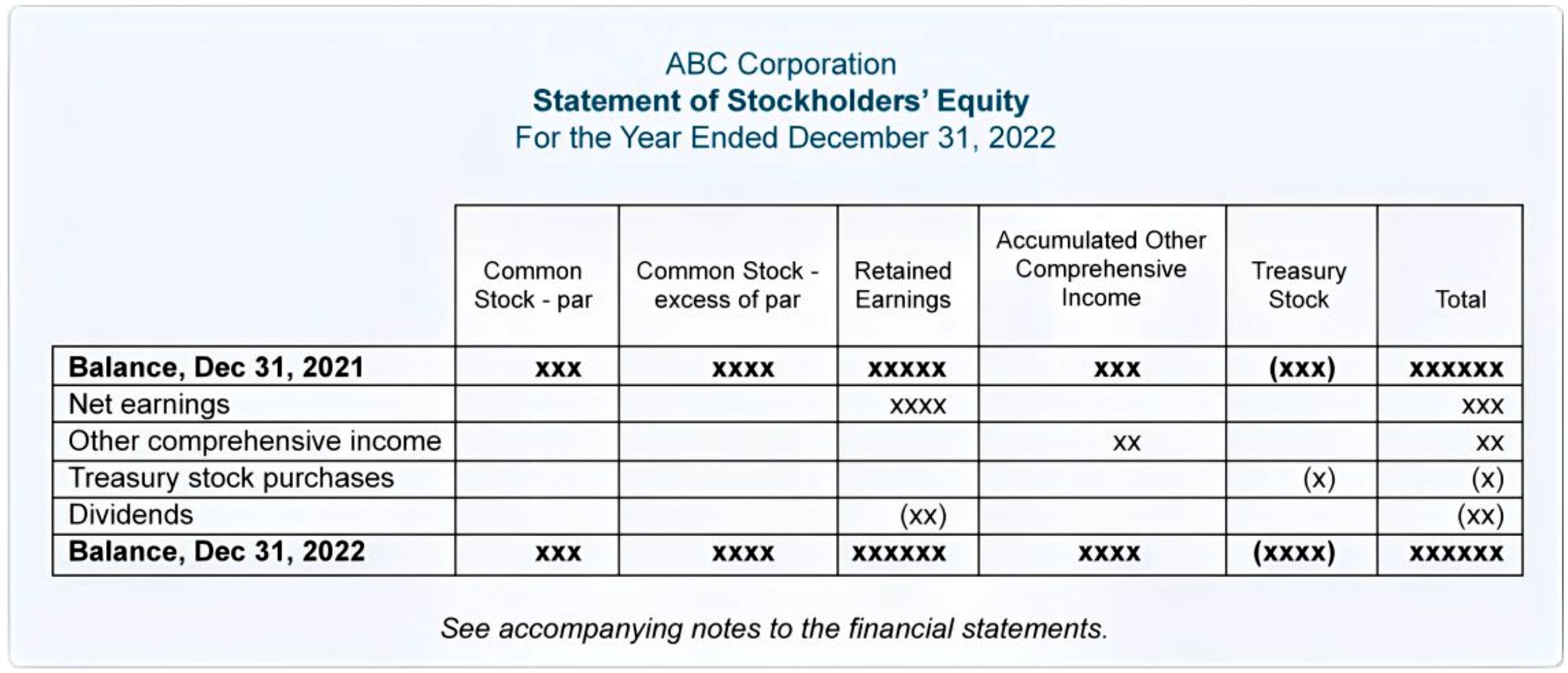
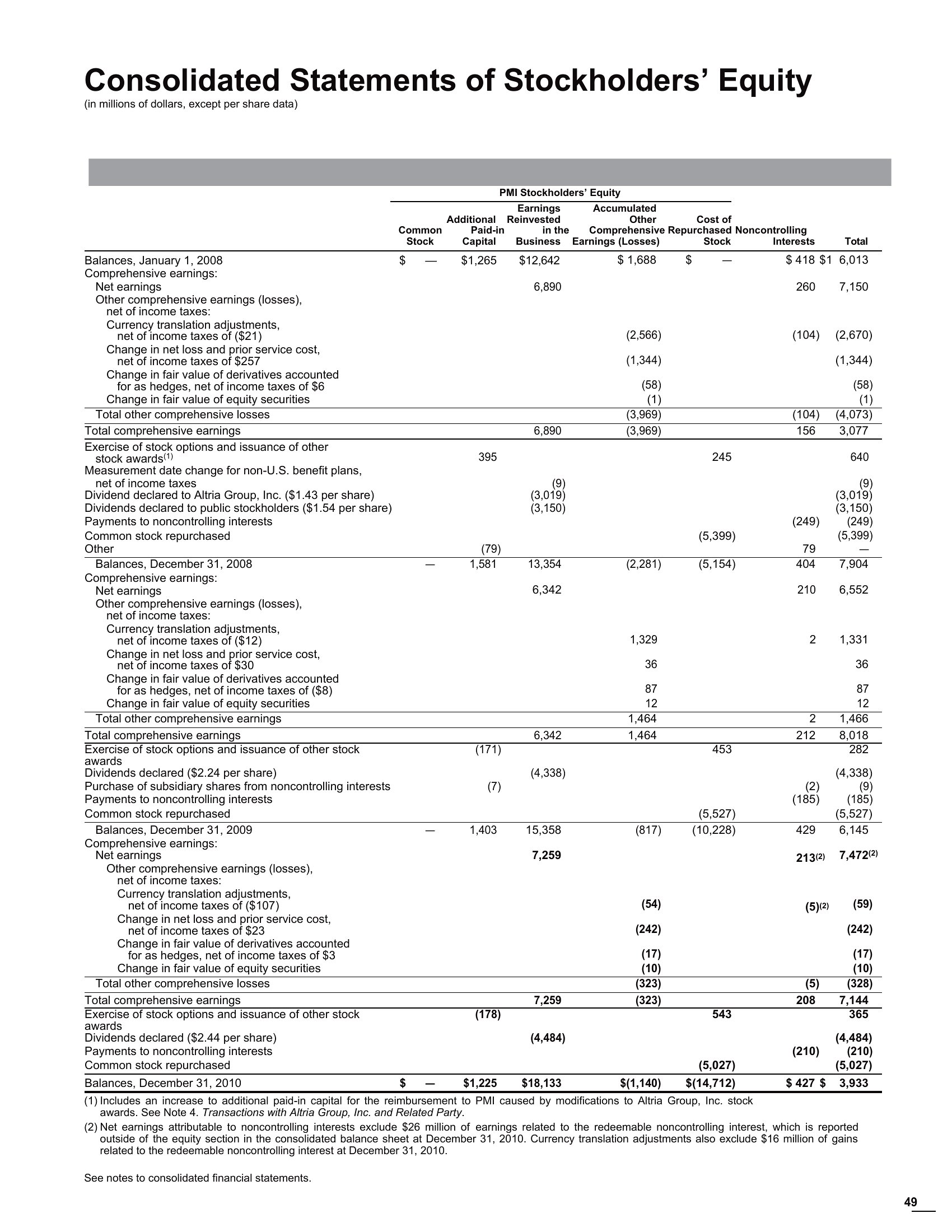
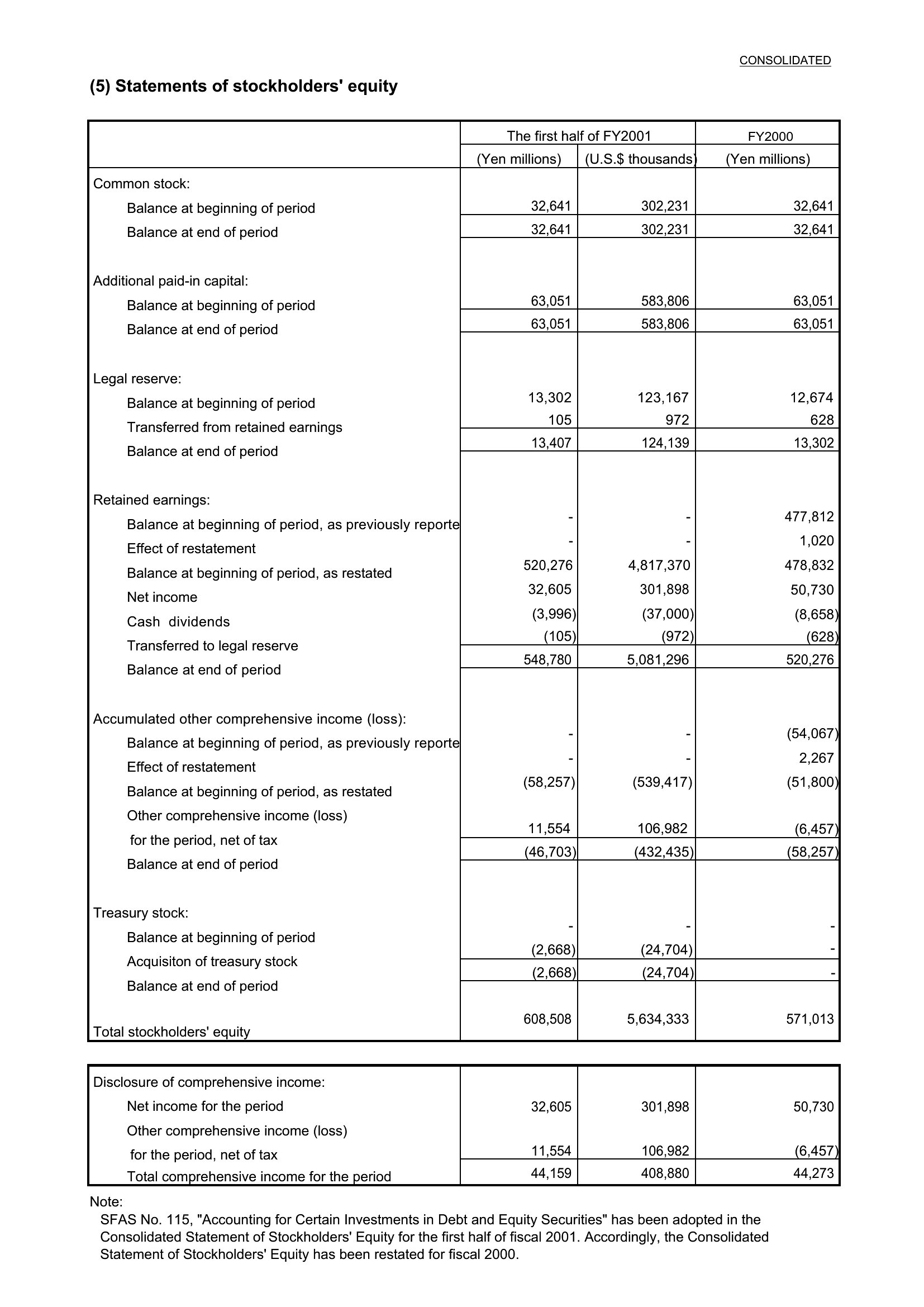
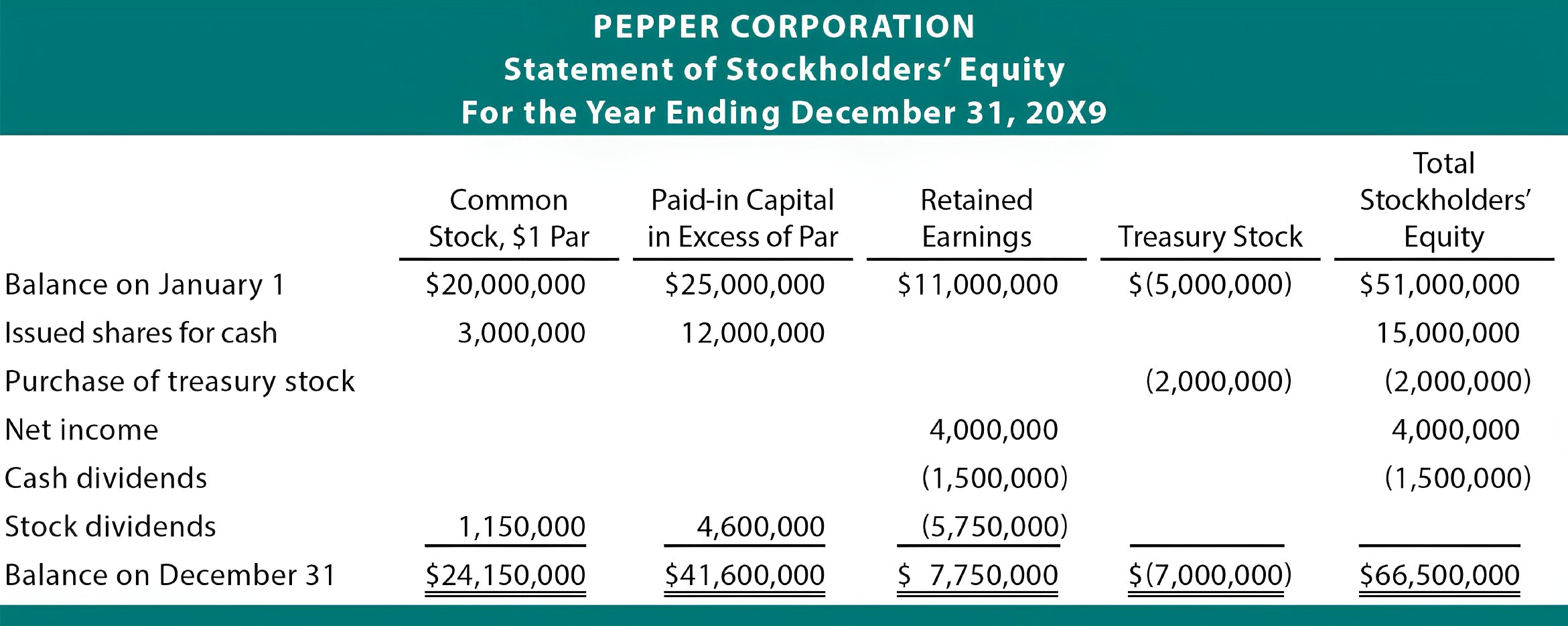
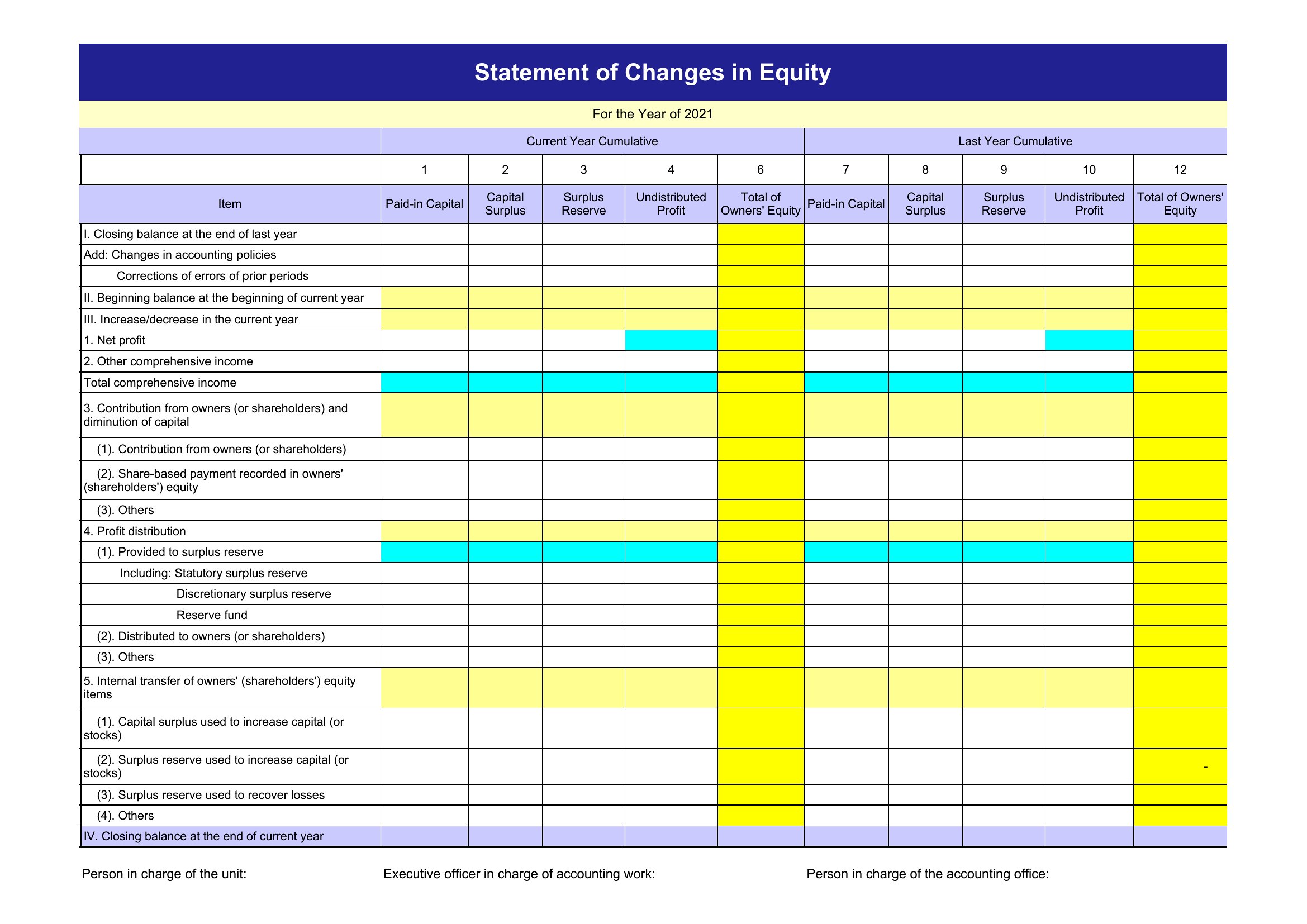
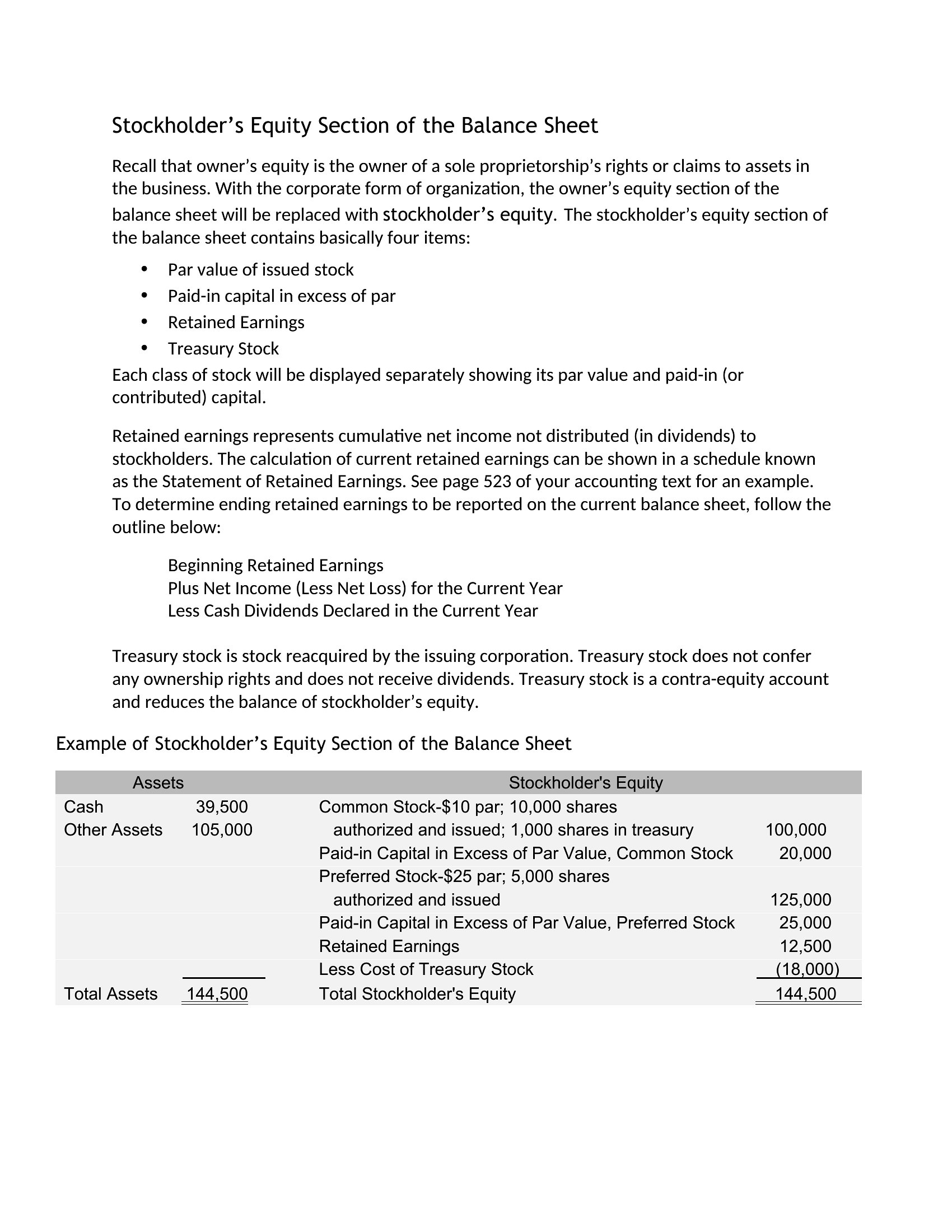
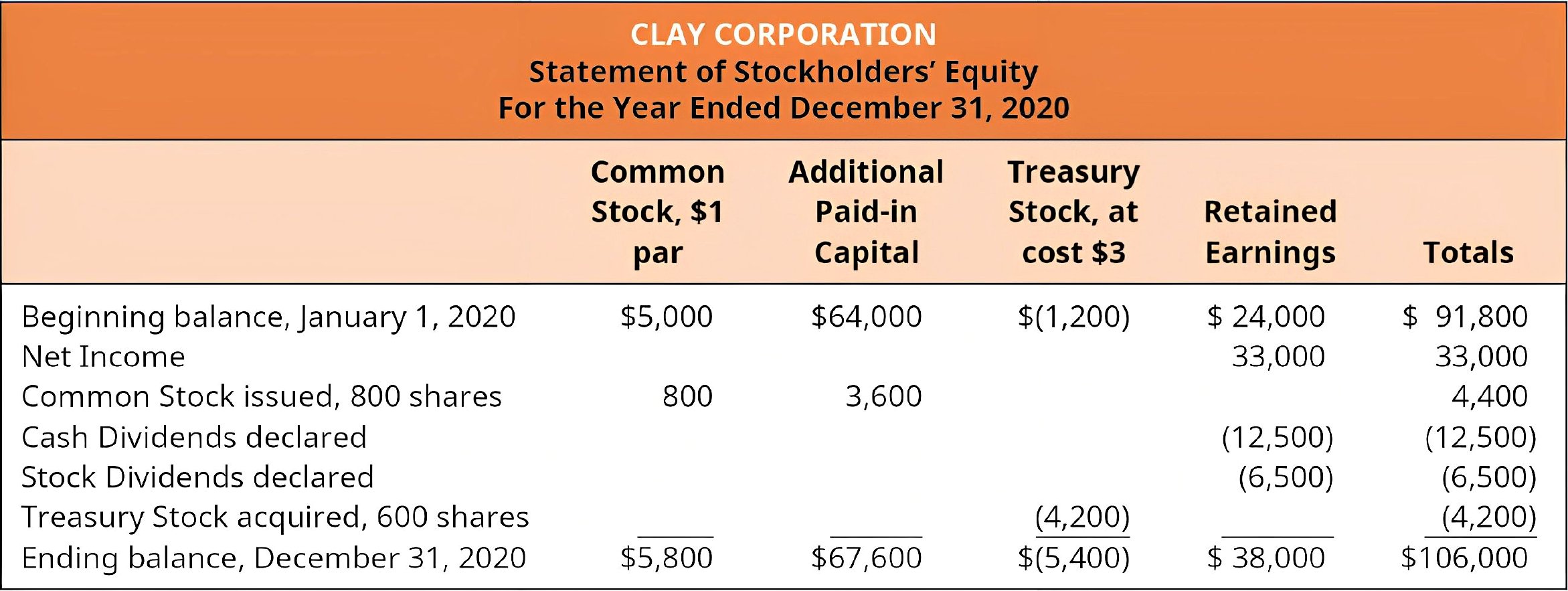
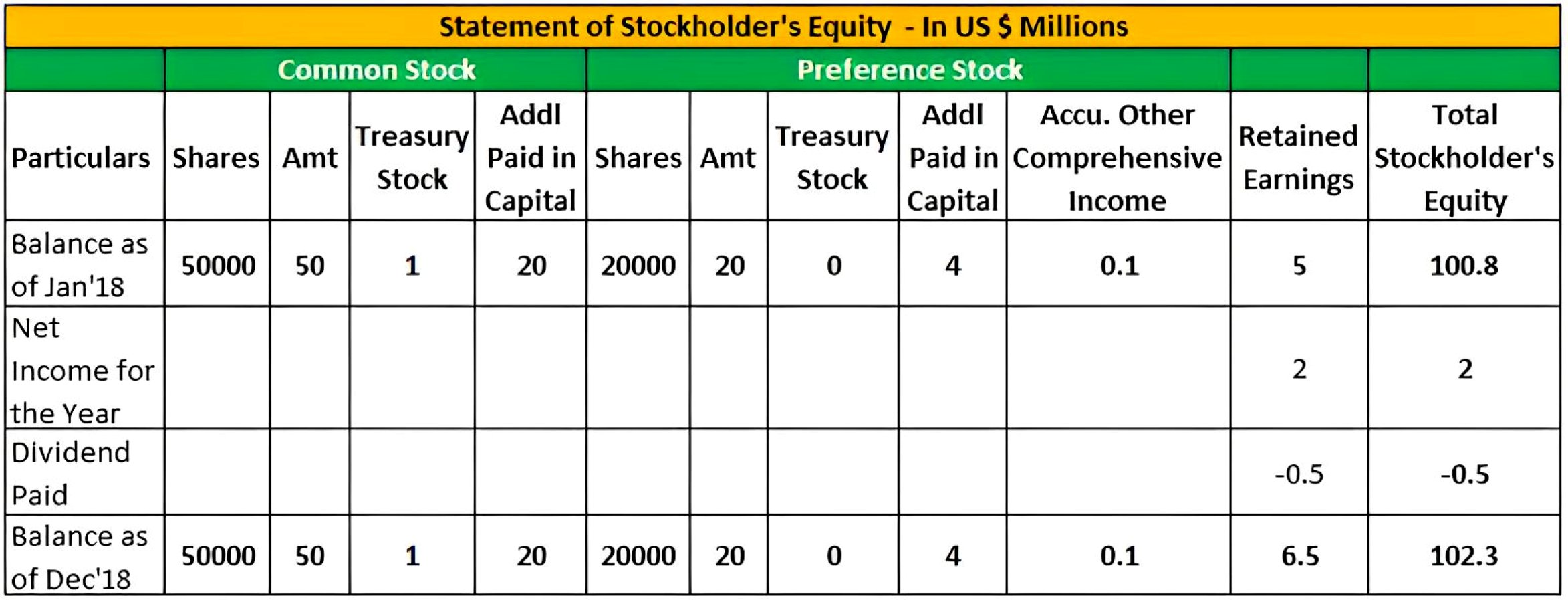
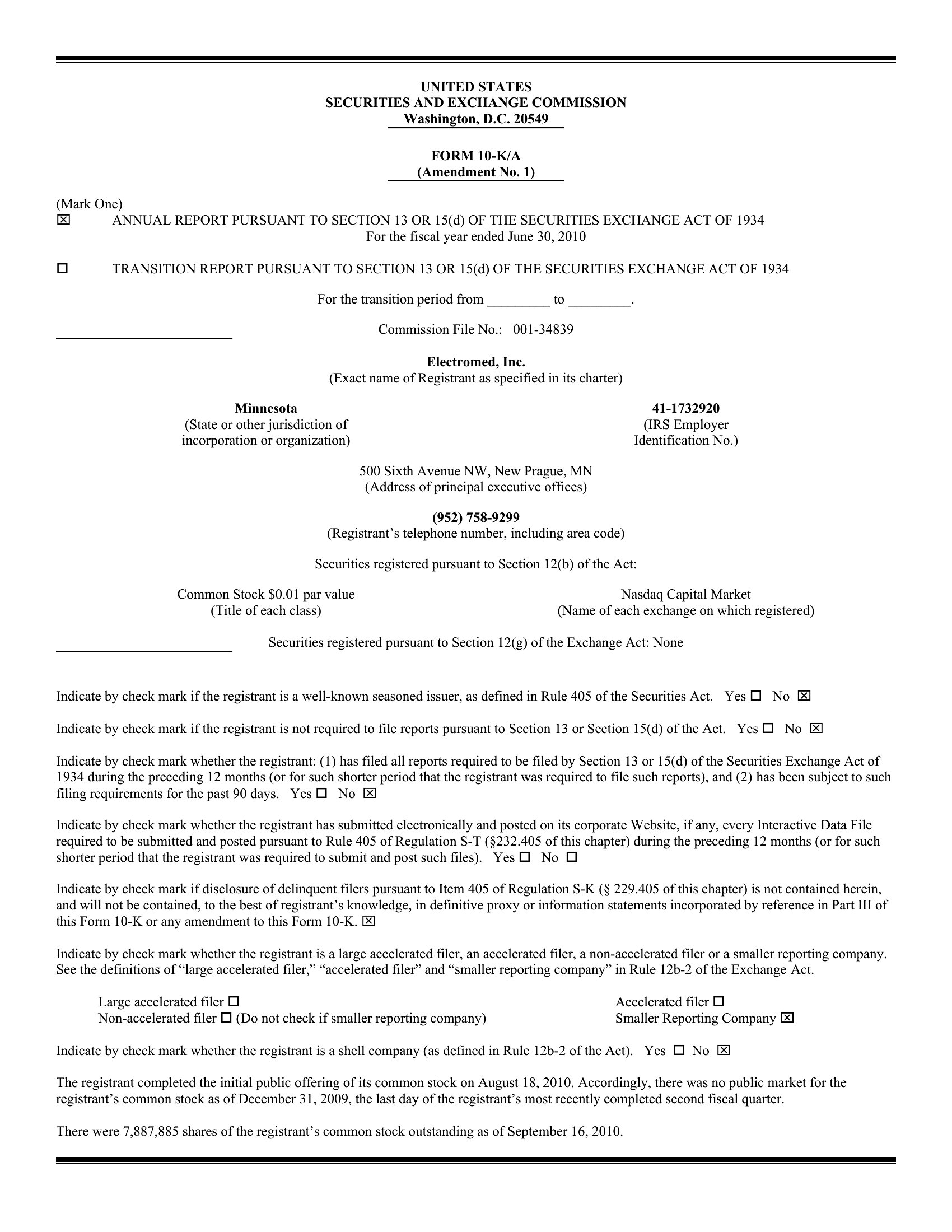
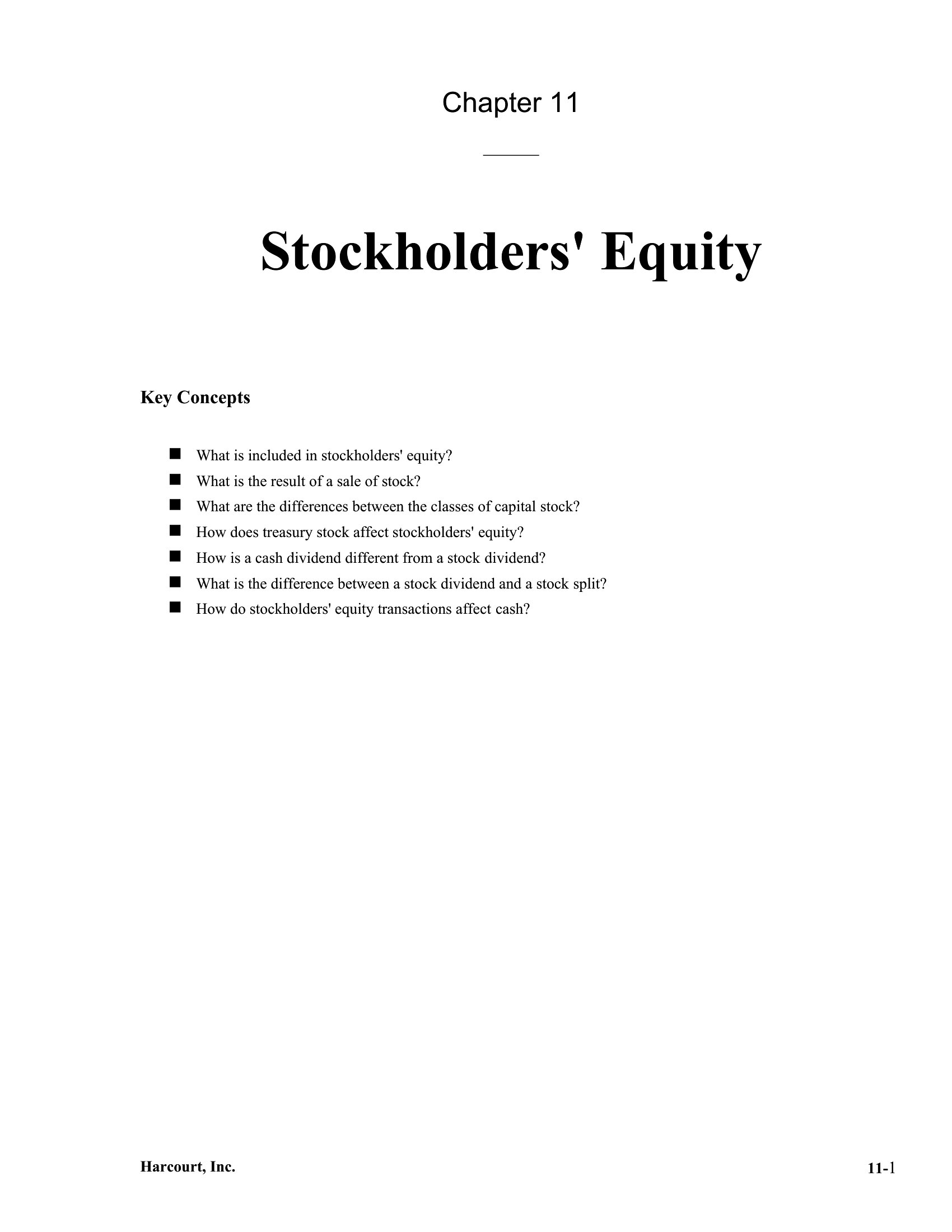
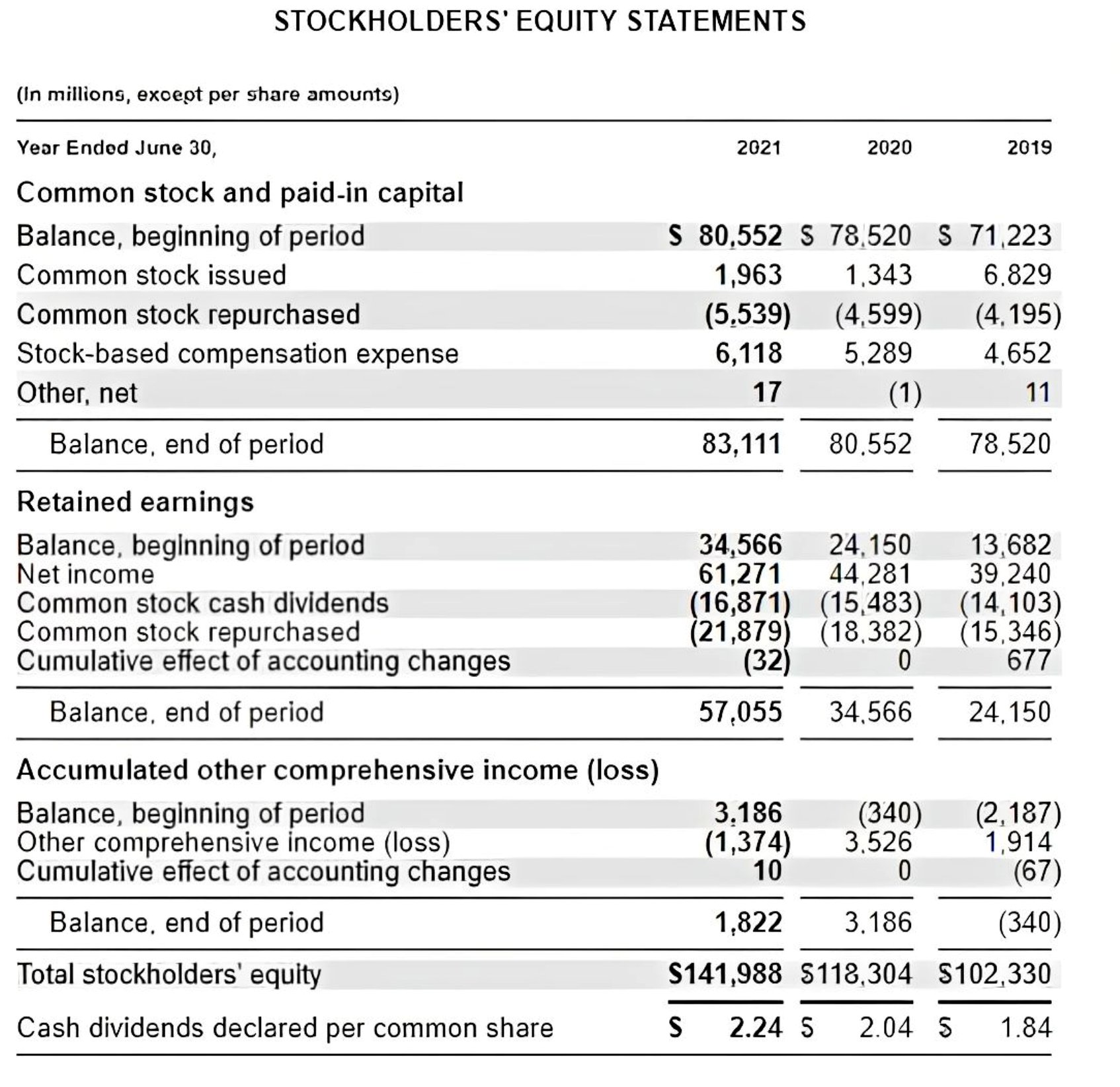
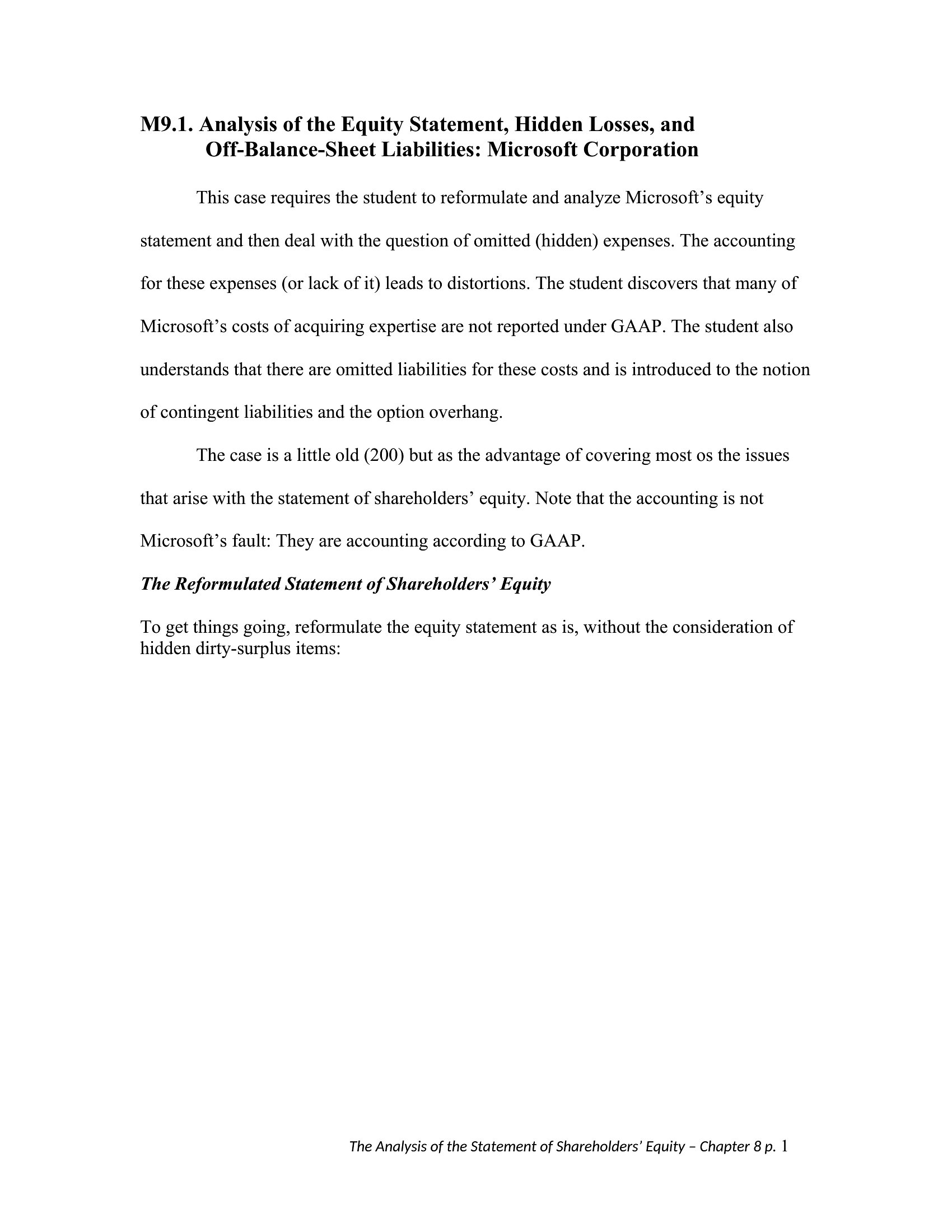
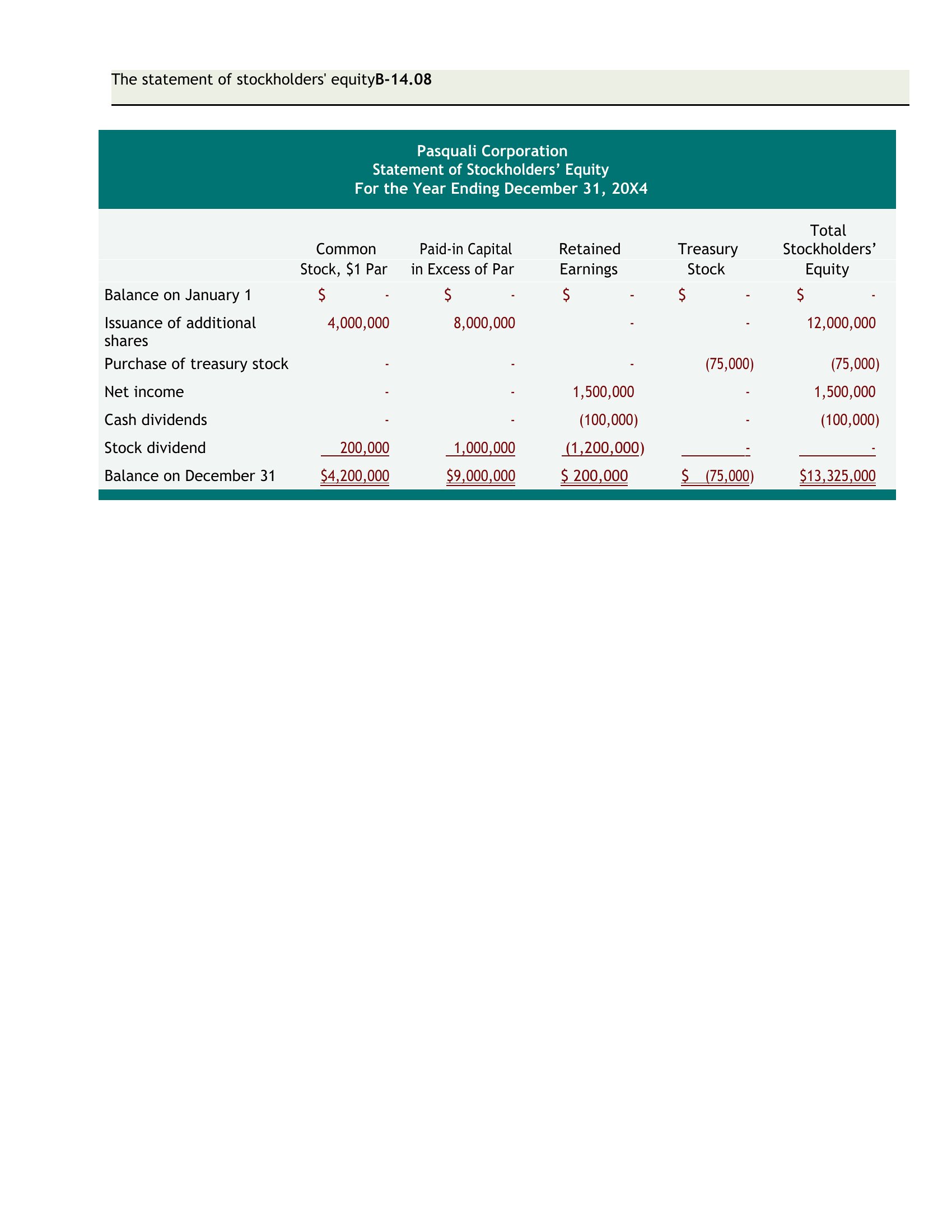
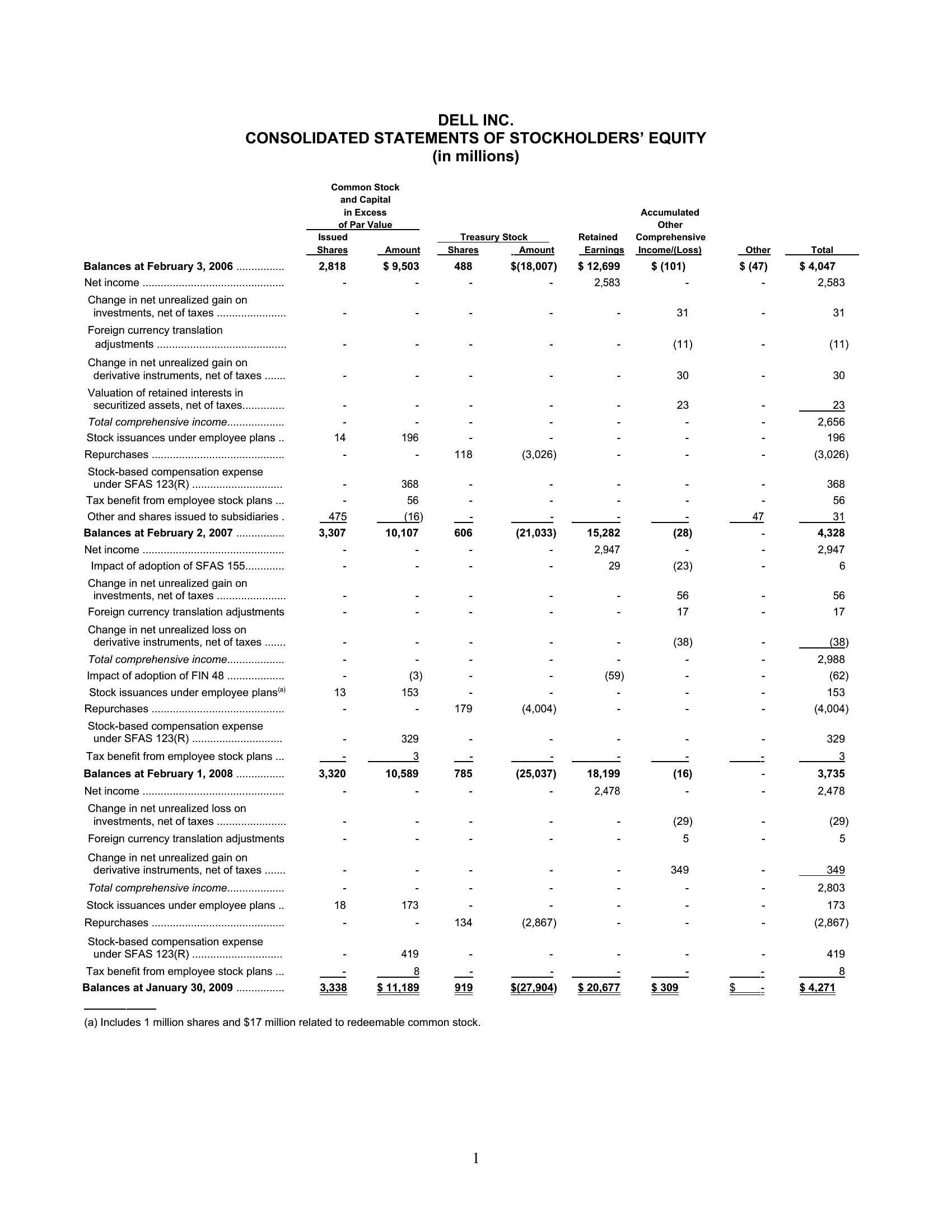
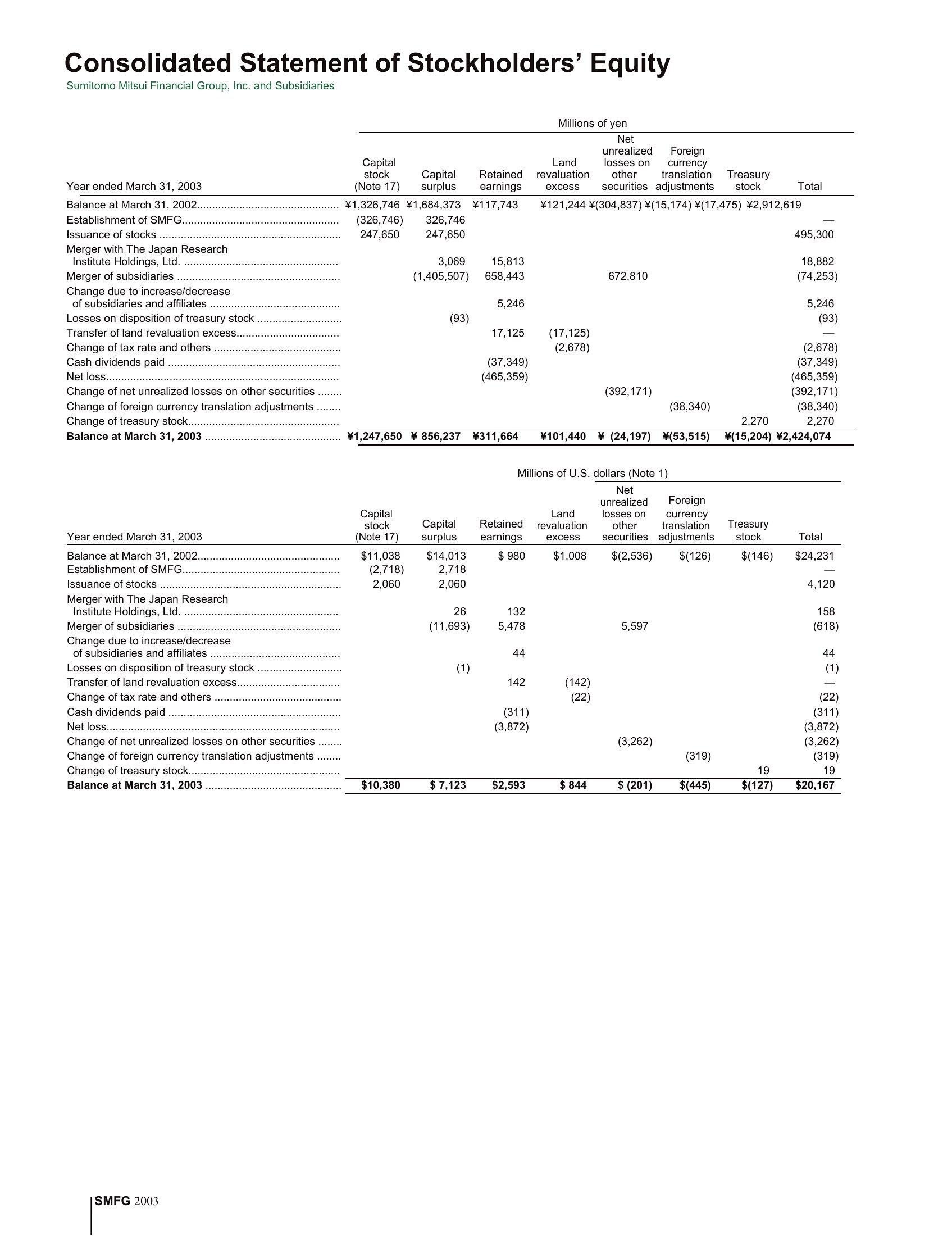
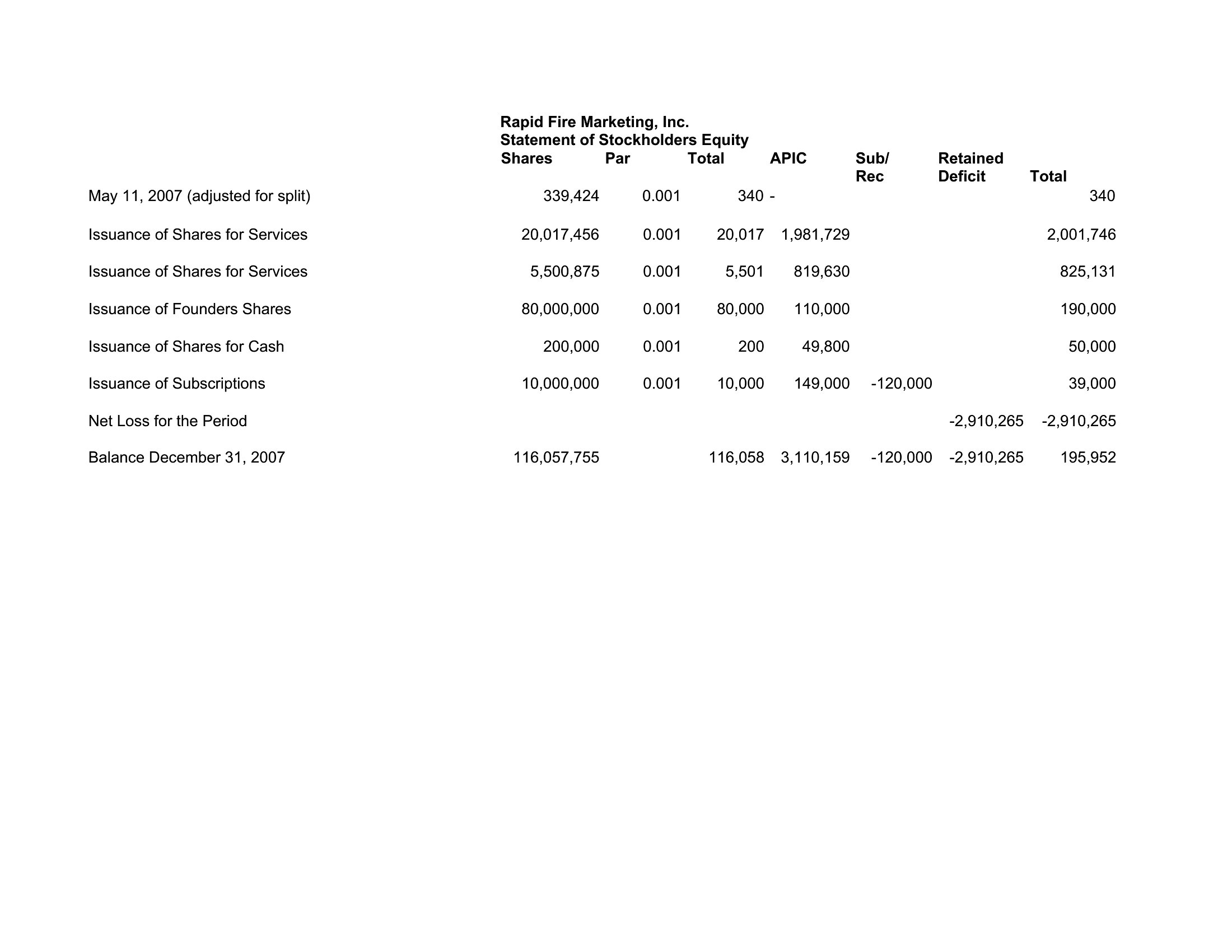
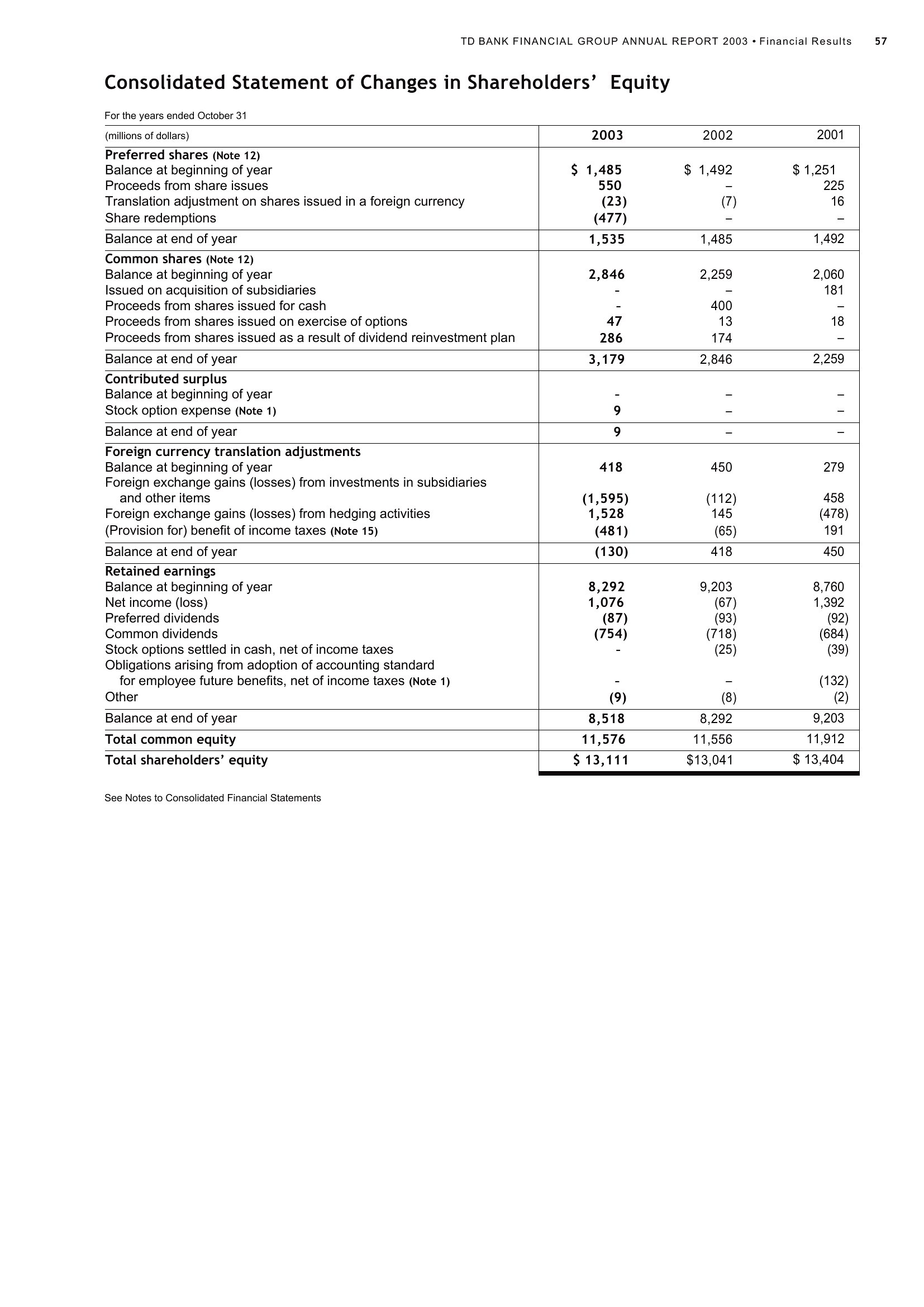
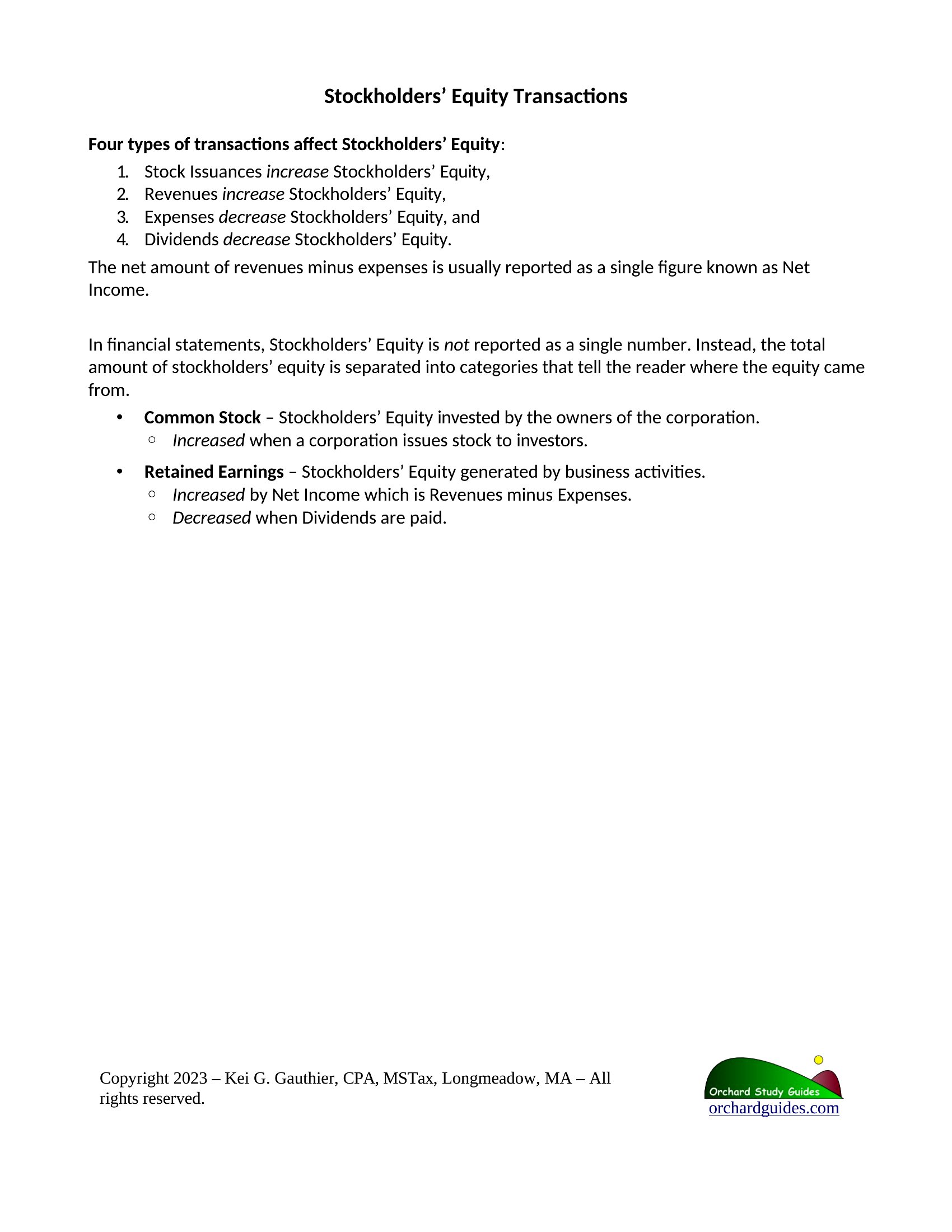
A statement of stockholders' equity shows how a company's ownership value shifts over a period, tracking contributed capital, retained earnings, and dividends. This set of 28 templates gives accountants, bookkeepers, and finance students a ready structure to prepare this part of the financial statements. Each layout organizes the columns and rows so the changes in equity are easy to follow.
Choose Word or PDF for clean reporting, or an Excel version that totals each component as you enter figures. Plug in your beginning balances, additions, and distributions, and the statement comes together without manual math errors. Accounting standards and disclosure rules differ, so confirm the right treatment for your entity before finalizing. Download the format that suits your books and prepare the statement with confidence.
When to use this Statement of Stockholders’ Equity template
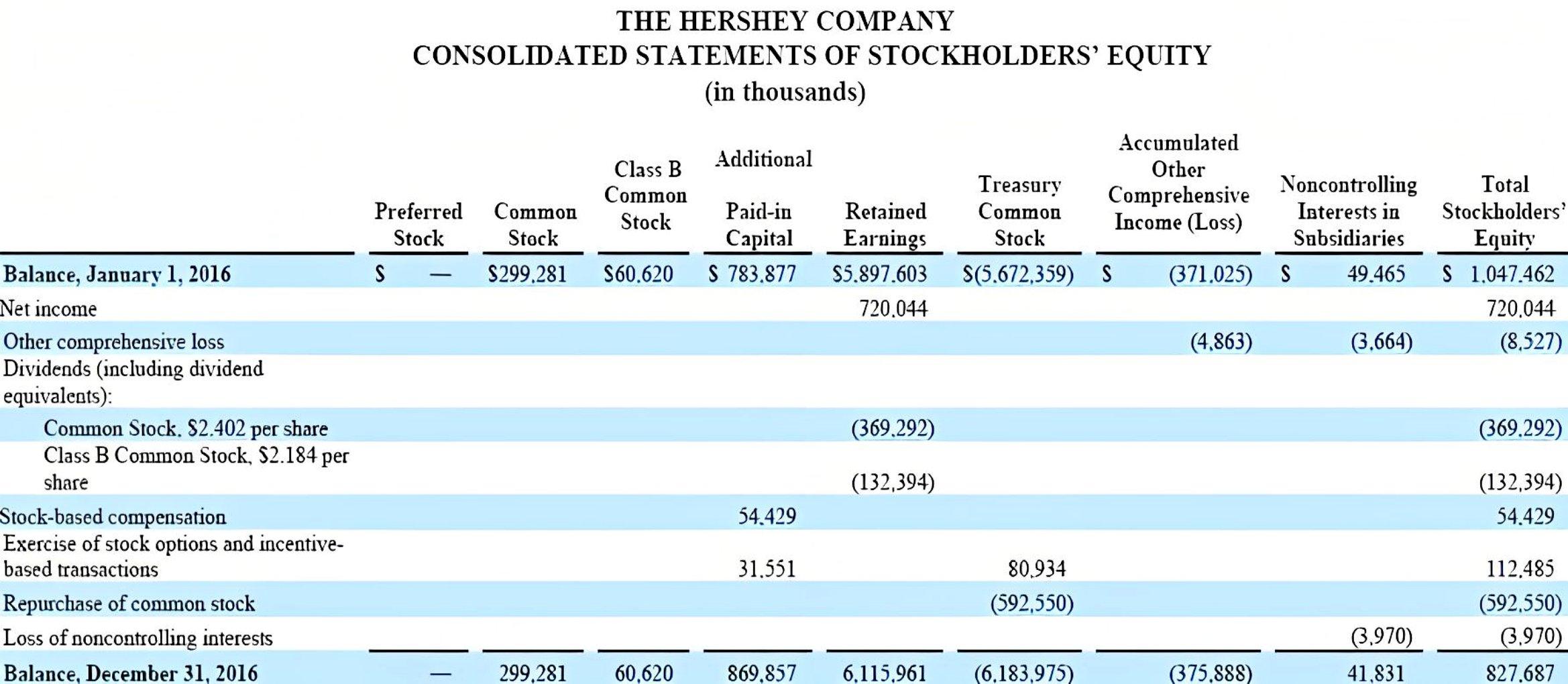
- A CPA preparing quarterly financials for a mid-sized corporation needs to reconcile retained earnings adjustments and treasury stock transactions for SEC filings—these templates streamline the reconciliation process with pre-labeled rows for clarity.
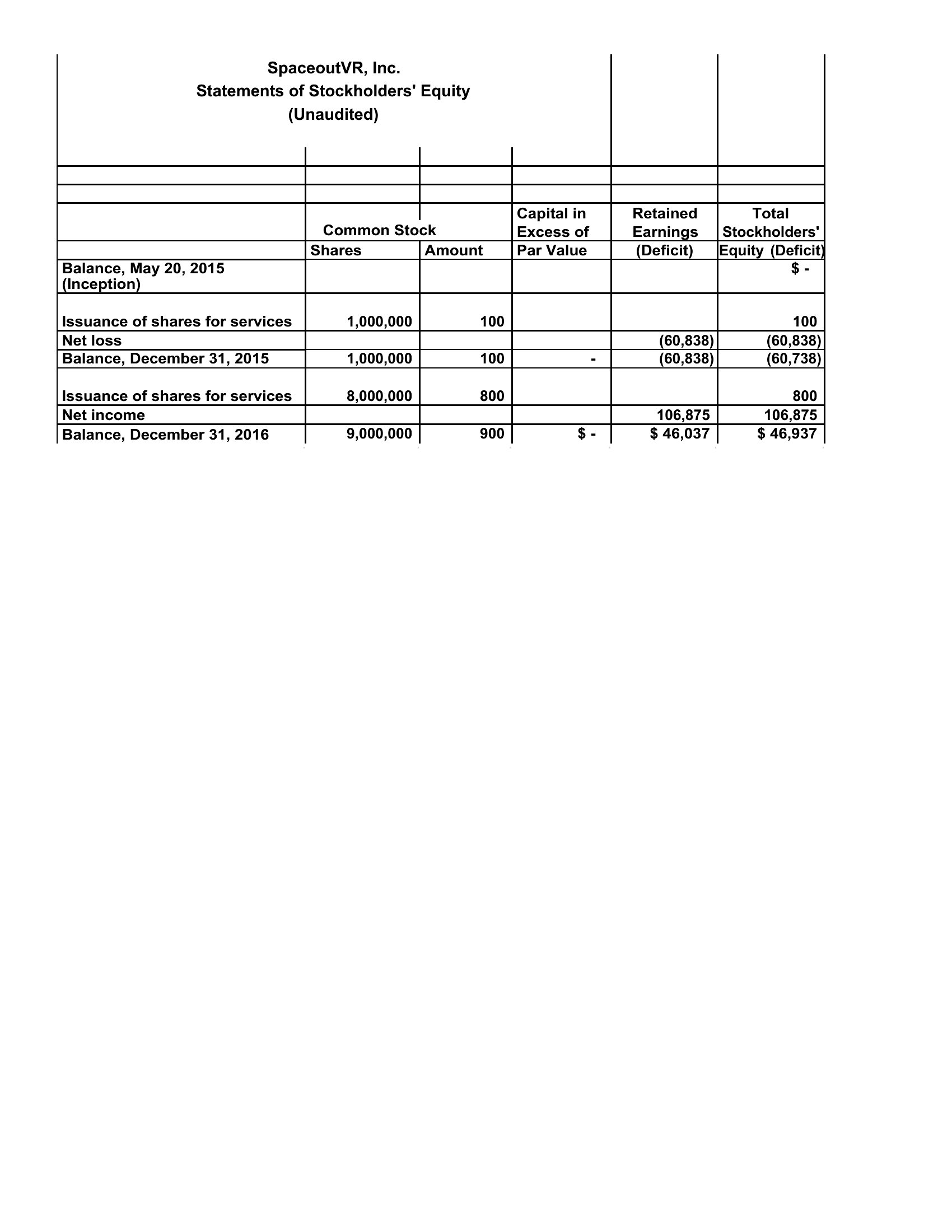
- A startup’s bookkeeper tracking seed funding rounds and equity compensation wants a visual breakdown of how shares issued and stock options affect equity over time—choose a template with side-by-side columns for beginning/ending balances.
- A finance professor demonstrating how dividends and net income impact shareholder equity selects a clean, annotated template to project on a screen, ensuring students see the direct link between operations and equity changes.
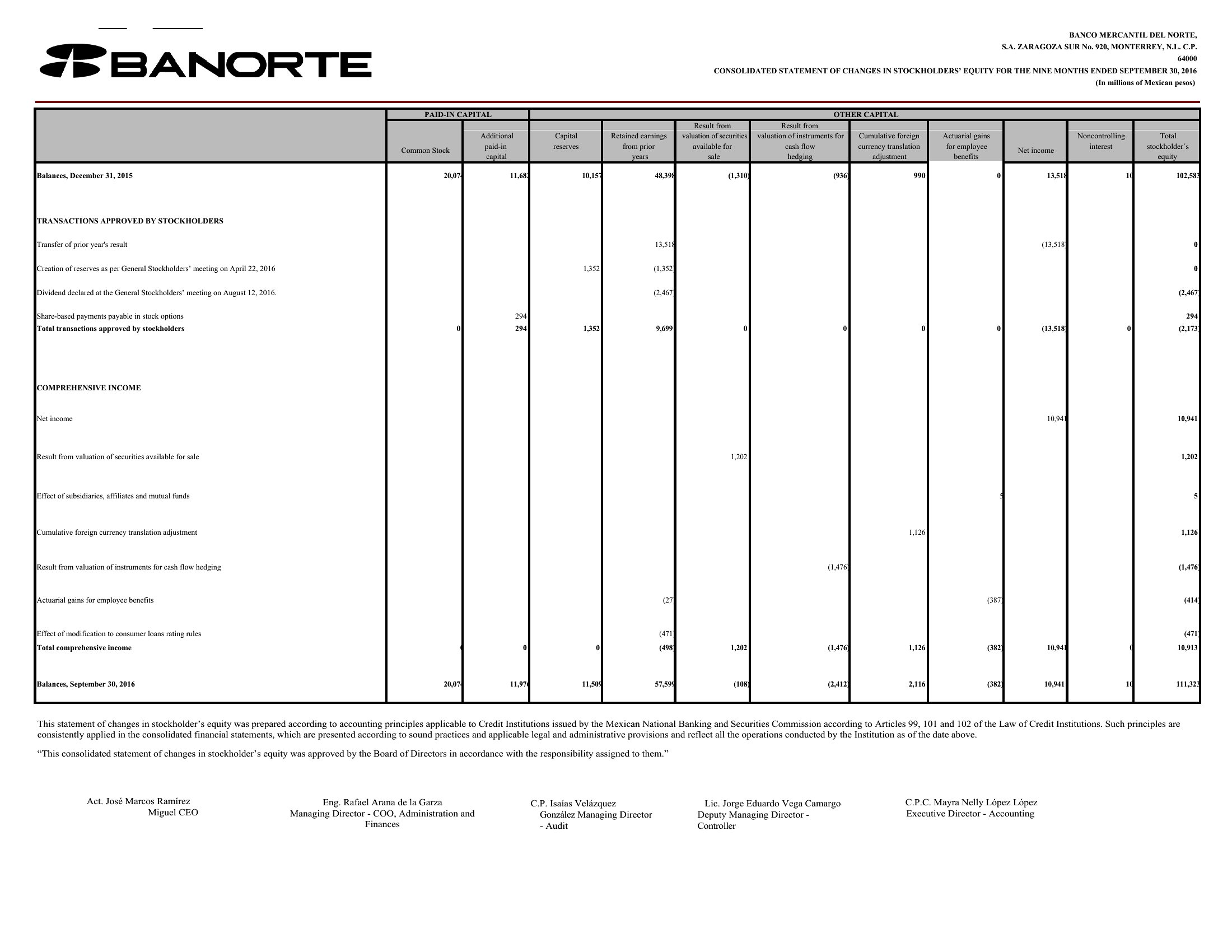
- A nonprofit board reviewing its endowment fund’s performance uses a template with separate sections for contributed capital and accumulated other comprehensive income to distinguish donor-restricted funds from unrestricted reserves.
Which format should I download?
Excel is ideal if you need to input dynamic data (like adjusting for stock splits or prior-period corrections) or embed formulas to auto-calculate retained earnings. Word works best for drafting a polished, narrative-heavy statement where you’ll manually type in figures alongside explanatory notes. PDF is the right choice if you’re finalizing a static version for board meetings or investor presentations—it locks in formatting while remaining easy to share. Avoid PDF for edits; use Word or Excel first, then convert to PDF for distribution.
Choose from 28 Statement of Stockholders’ Equity Templates

How to use this Statement of Stockholders’ Equity template
Why does my template show negative retained earnings, and how should I adjust the layout?
Negative retained earnings occur when cumulative losses exceed contributed capital. Use a template with a ‘Deficit’ section under retained earnings to clearly label the negative balance. For clarity, add a footnote explaining the cause (e.g., ‘Accumulated losses from 2022 operations’). If your template lacks this, modify the ‘Retained Earnings’ row to split into ‘Accumulated Deficit’ and ‘Other Comprehensive Income’ columns.
Can I use one template for both publicly traded and privately held companies?
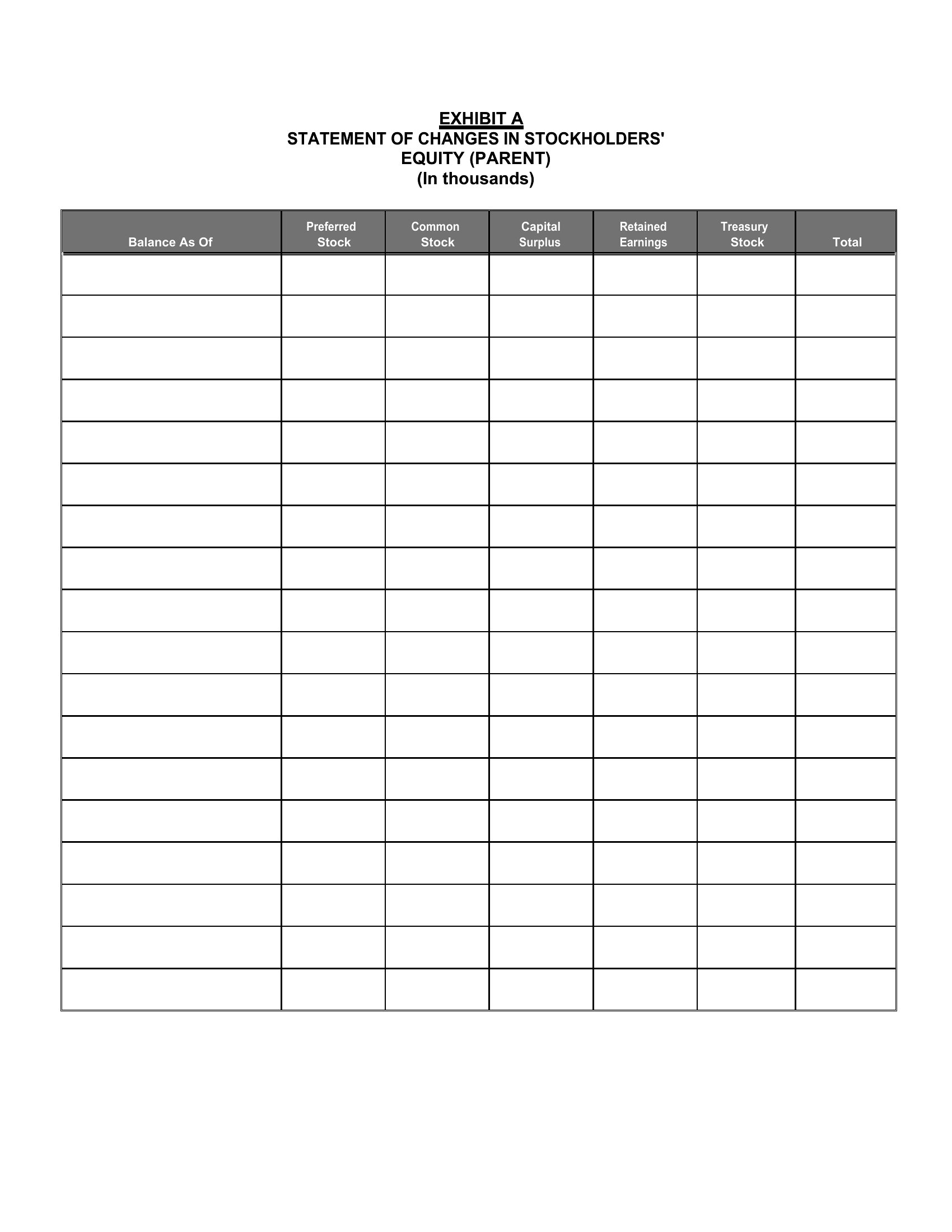
No—public companies require additional disclosures like treasury stock transactions and authorized/unissued shares. Privately held companies often omit these. Choose a template labeled ‘Private Company’ if your business isn’t SEC-filed; otherwise, select one with columns for ‘Common Stock, $X par value,’ ‘Additional Paid-in Capital,’ and ‘Treasury Stock.’ For hybrid cases (e.g., private with stock options), add a ‘Stockholders’ Equity Changes’ schedule as a separate tab in Excel.
How do I account for stock dividends in a template that doesn’t have a ‘Dividends Declared’ row?
Stock dividends reduce retained earnings by the par value of the shares issued. In your template, deduct the par value from retained earnings and add a new row labeled ‘Stock Dividends’ under ‘Other Comprehensive Income’ with a negative value. For example, if a $1 par stock issues a 10% dividend on 10,000 shares, reduce retained earnings by $1,000 and note the transaction in a footnote. Use Excel’s ‘Data Validation’ to prevent errors if manually entering values.
Comments
Join the conversation
Sign in to share your thoughts and leave a comment on this resource.