Free Time Log Templates (Word, Excel, PDF)
Data by veslemoysaevik
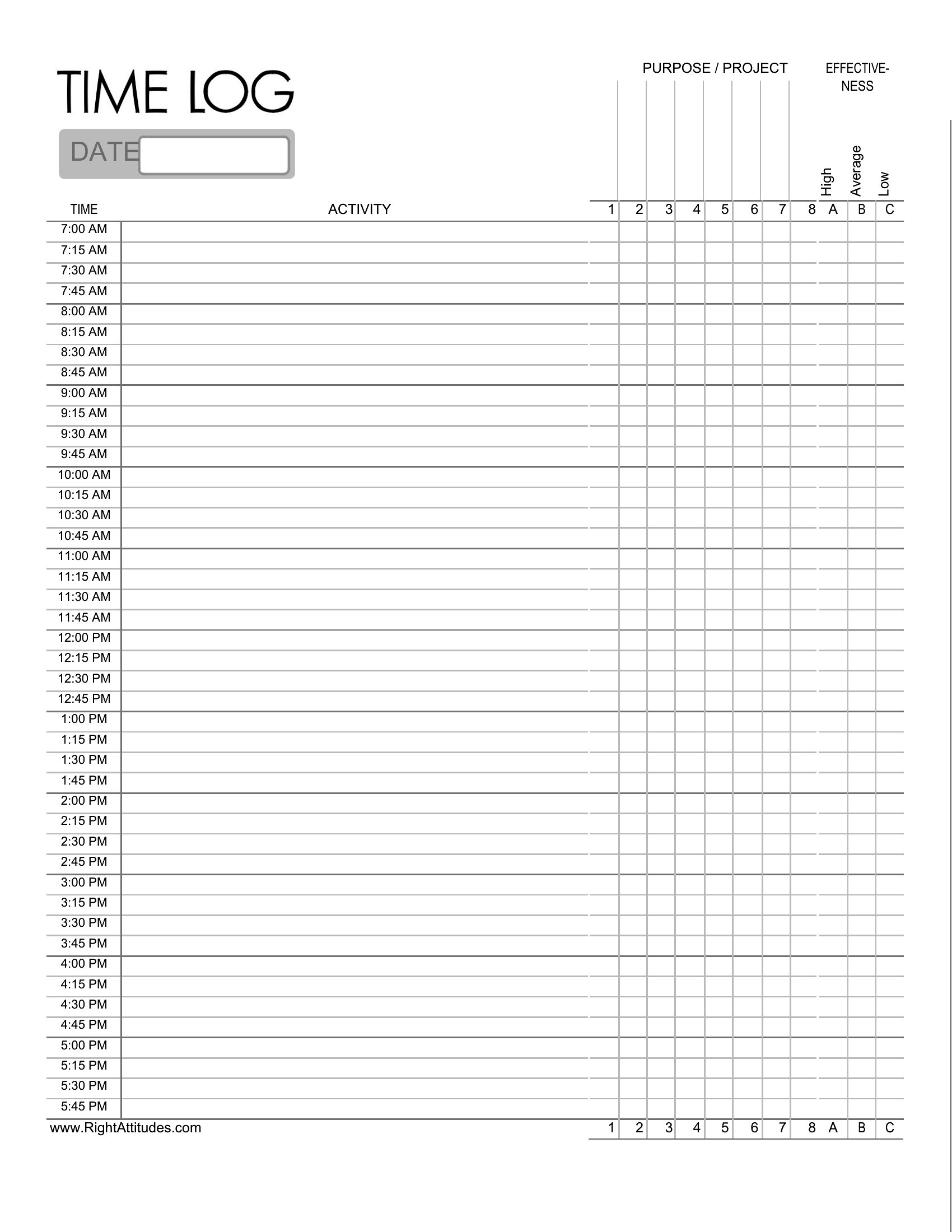
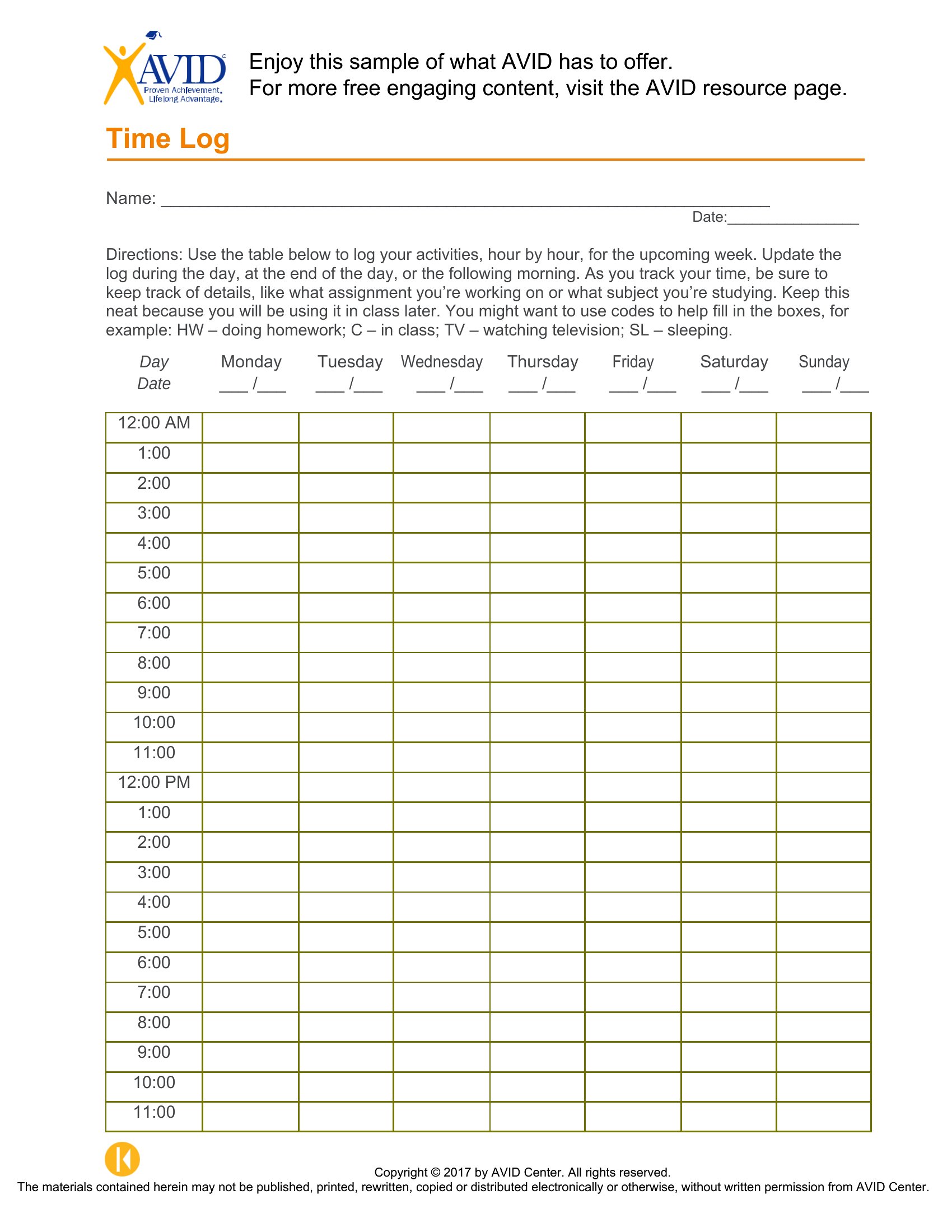
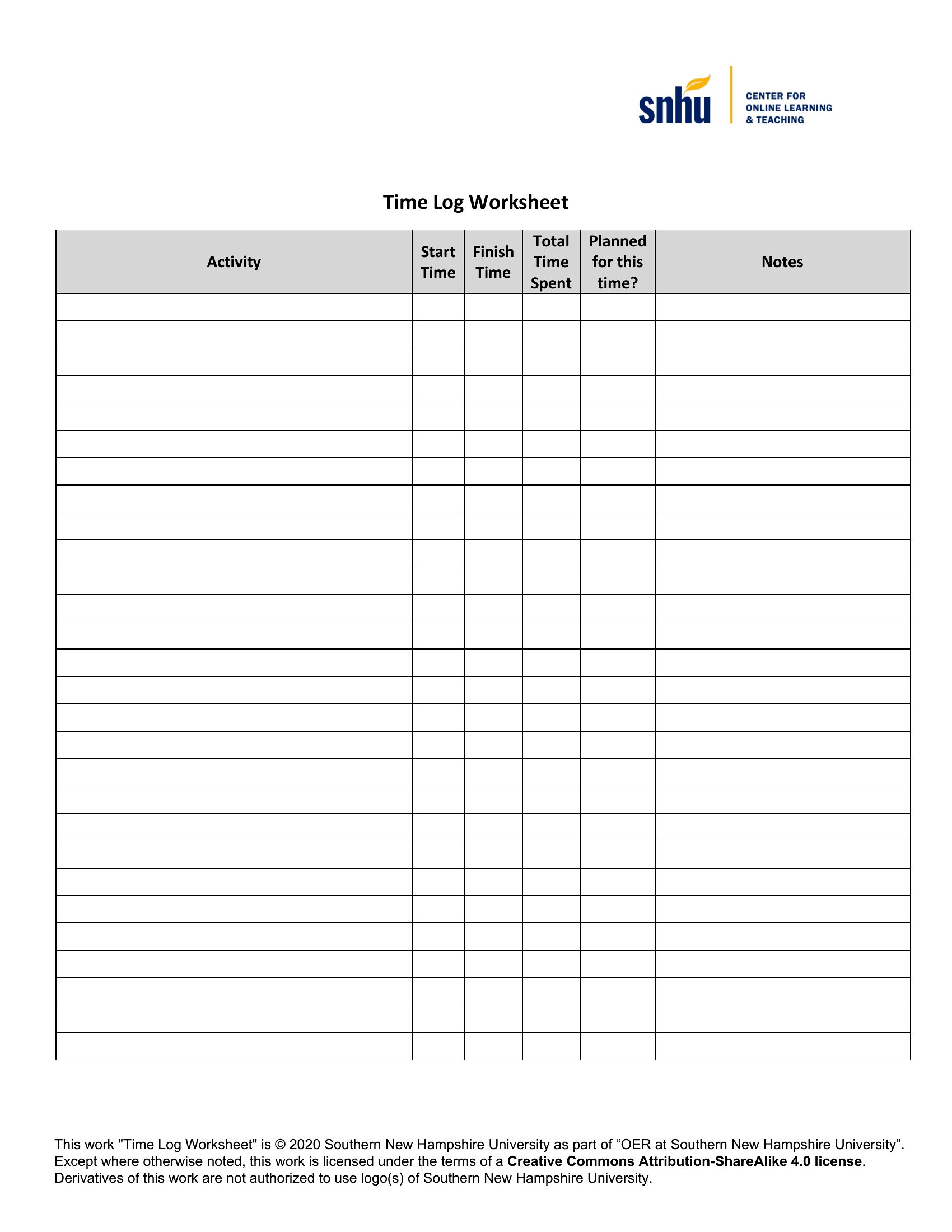
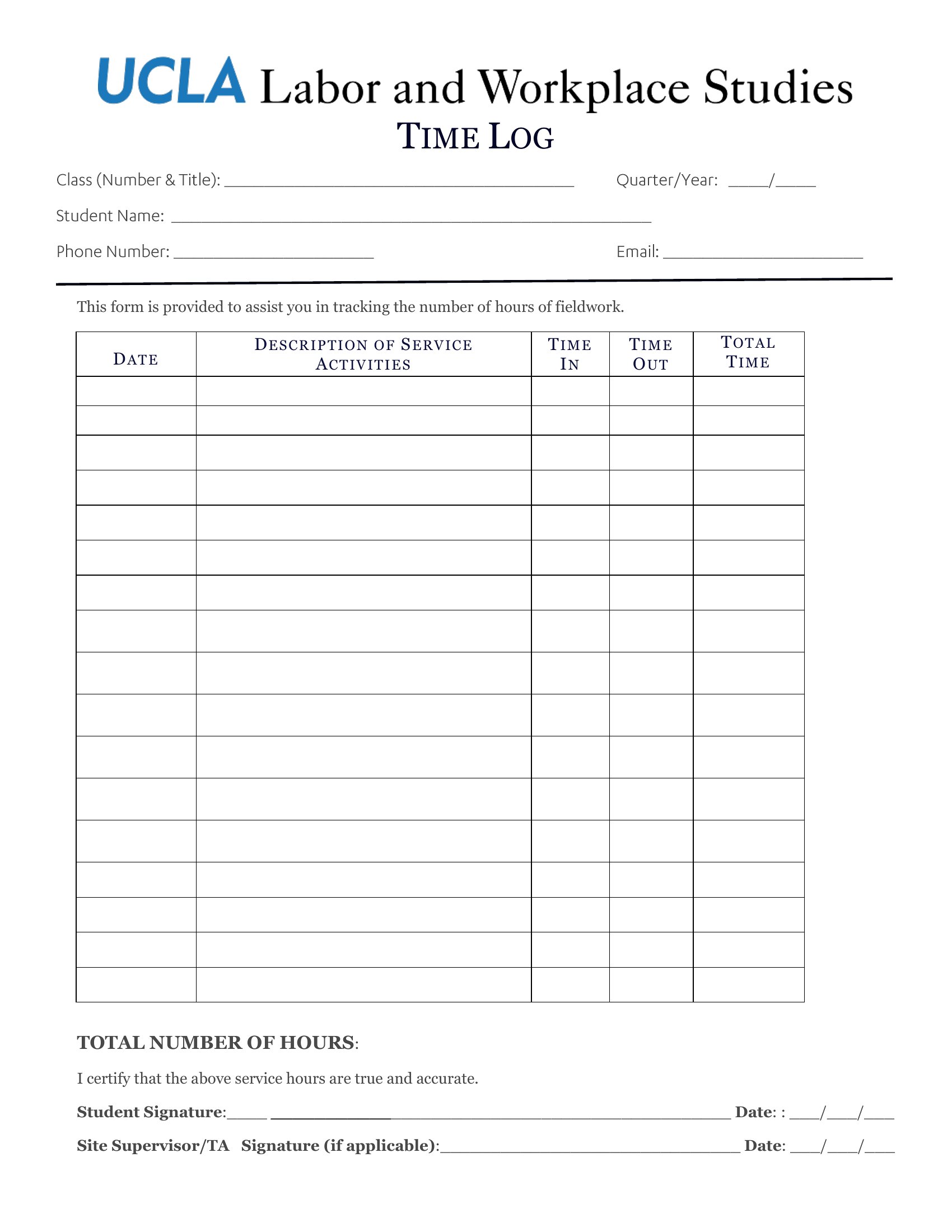
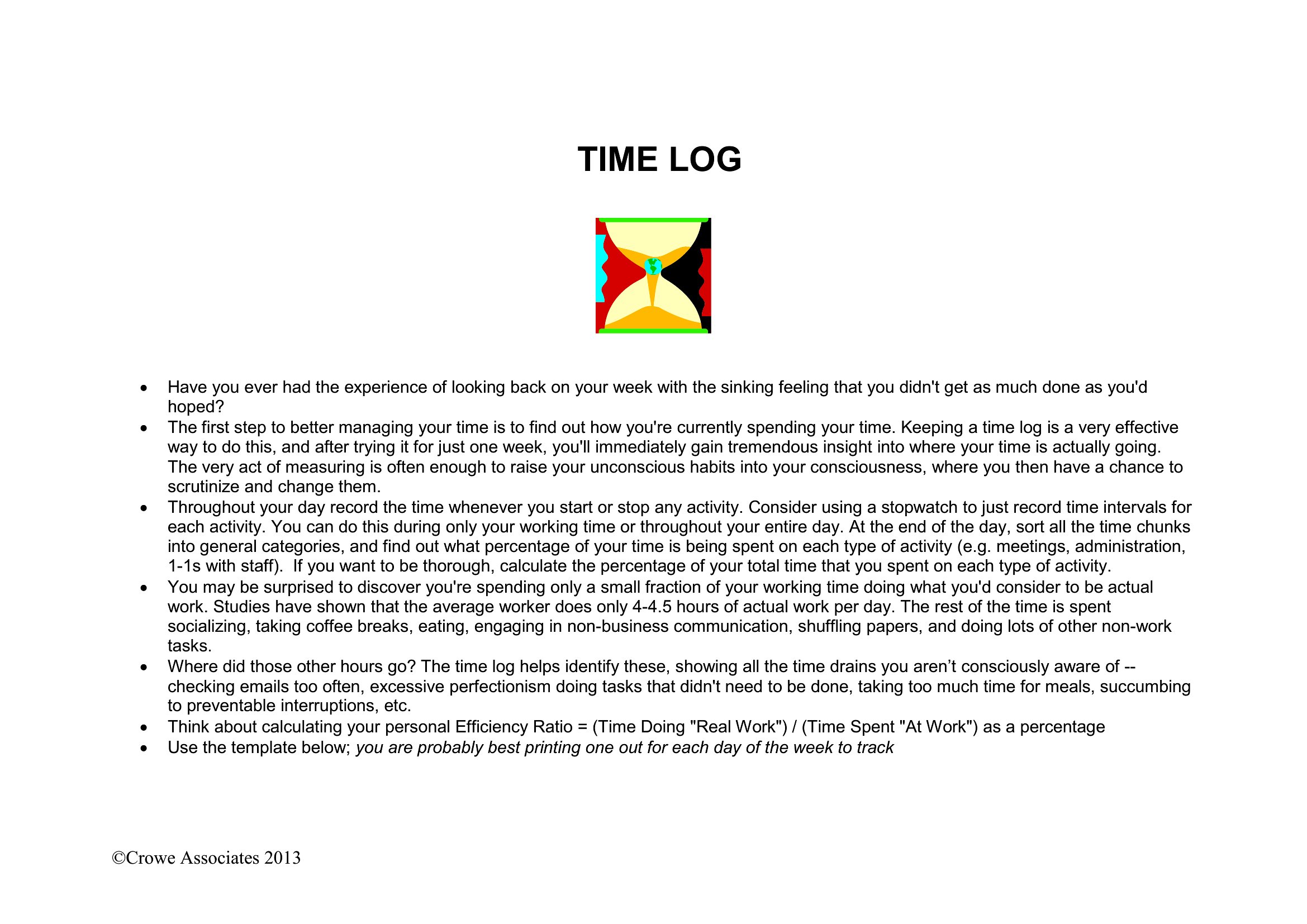
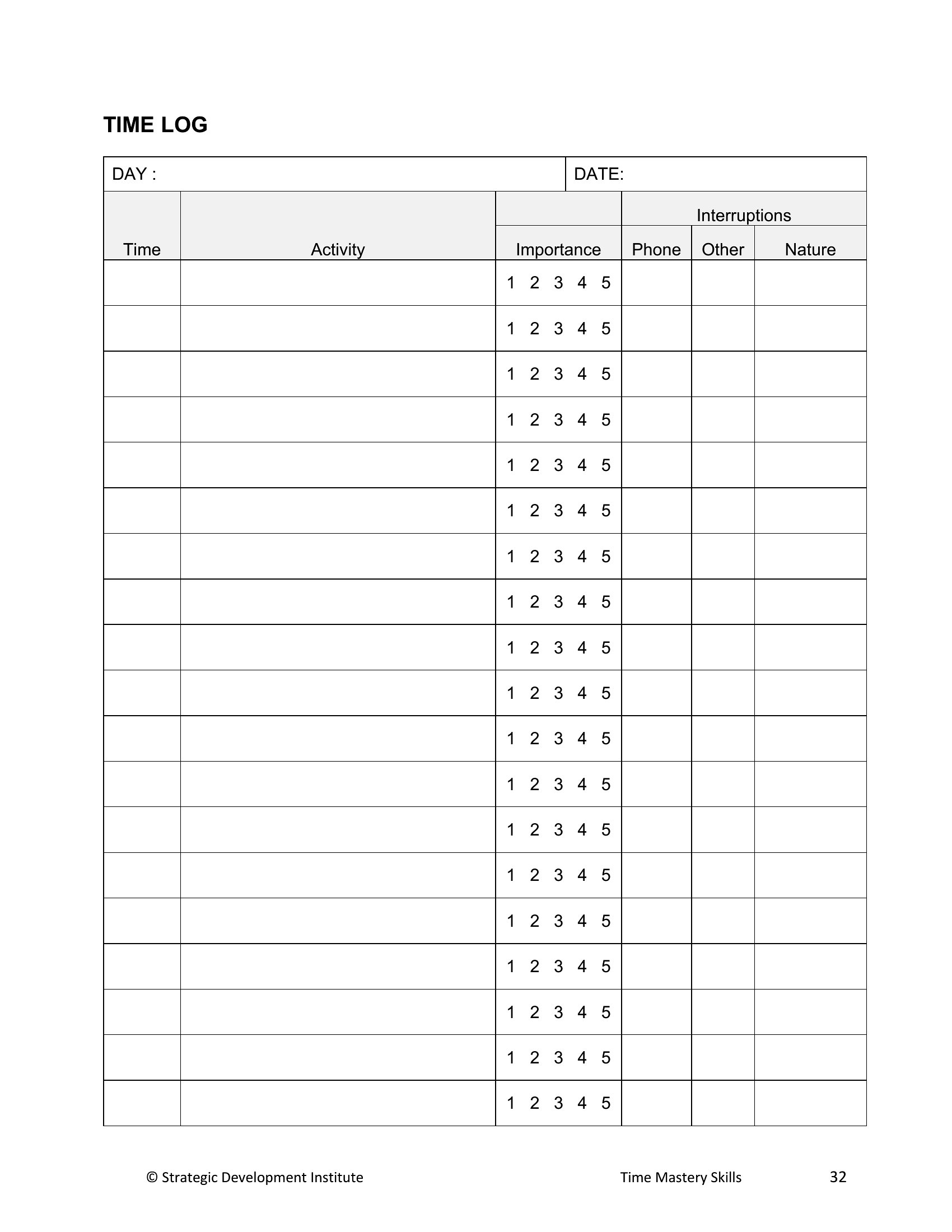
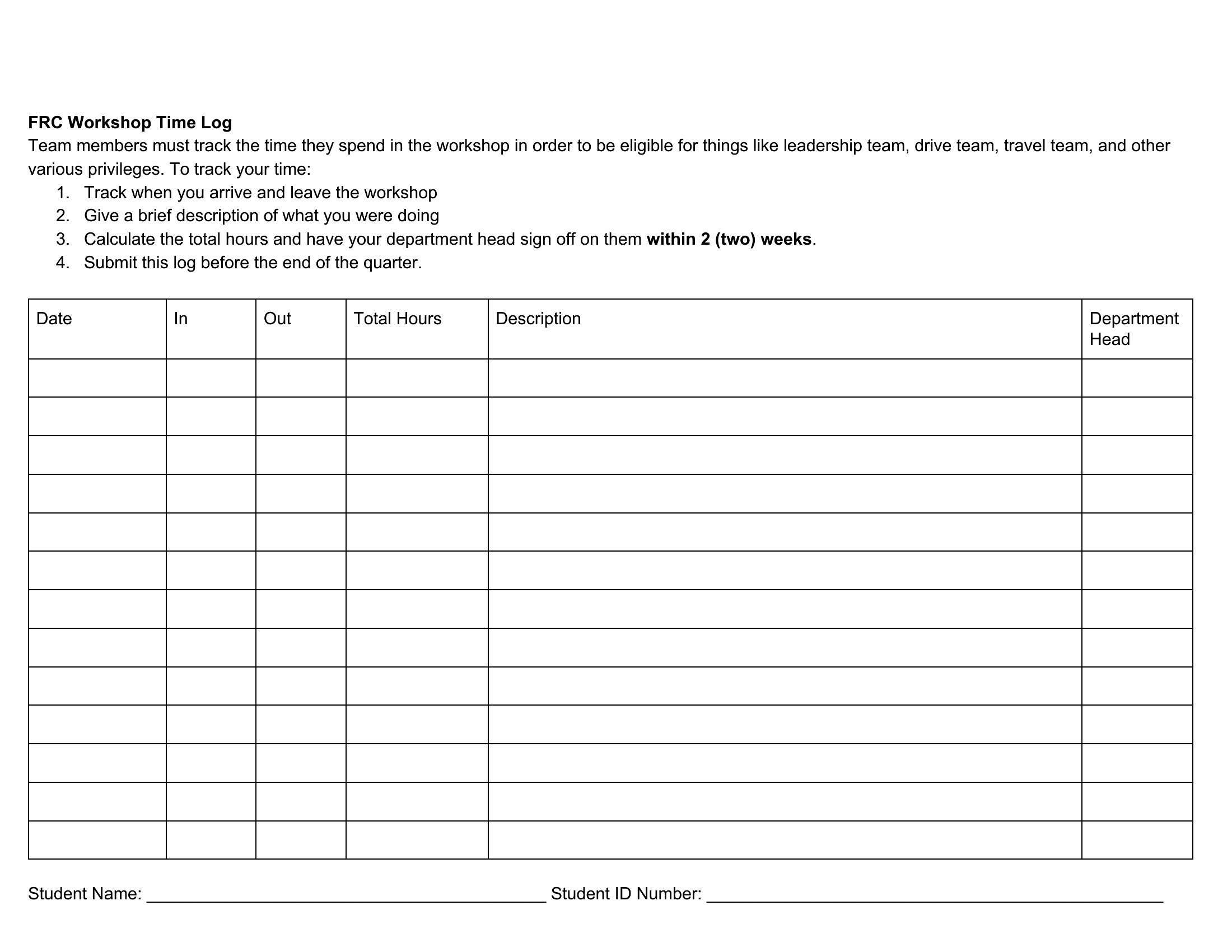
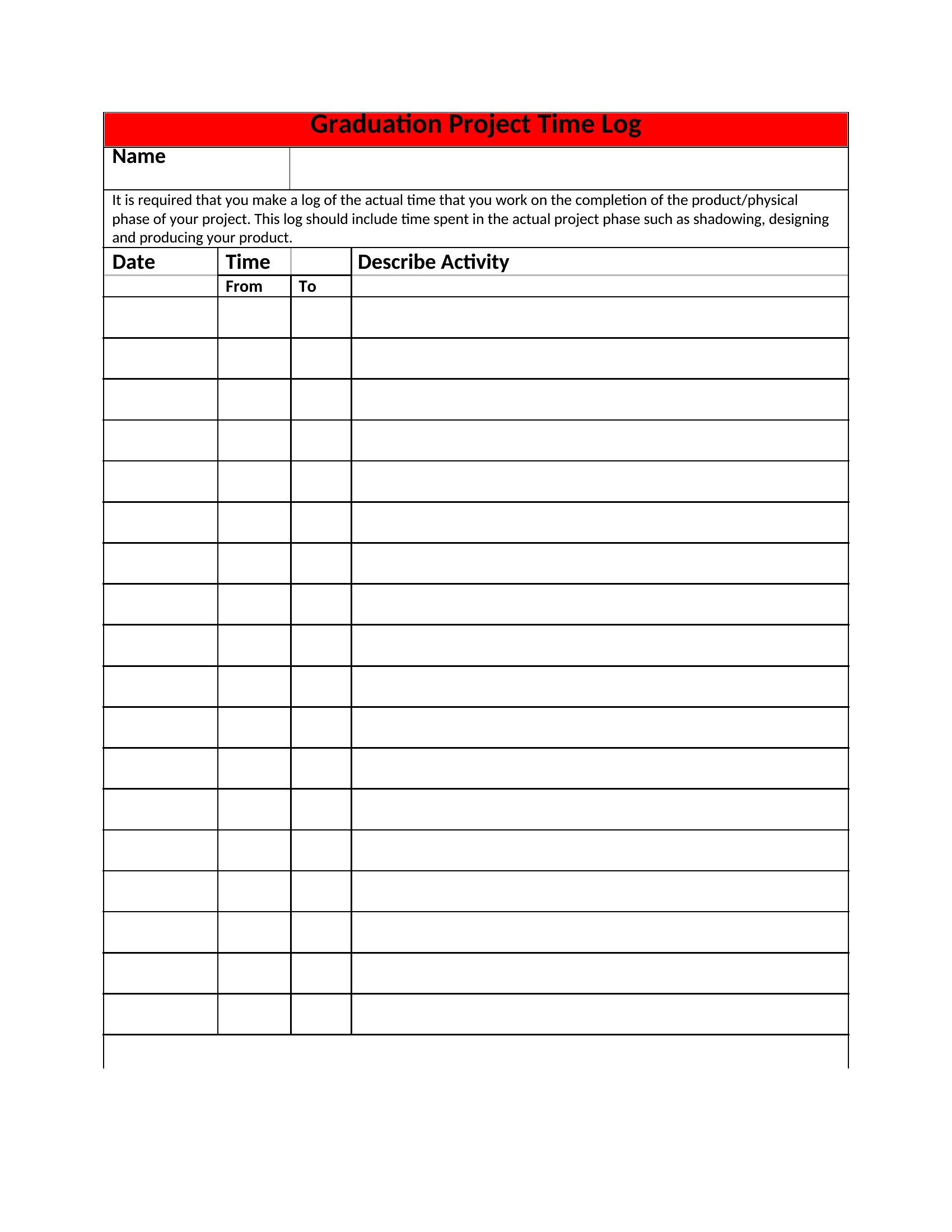
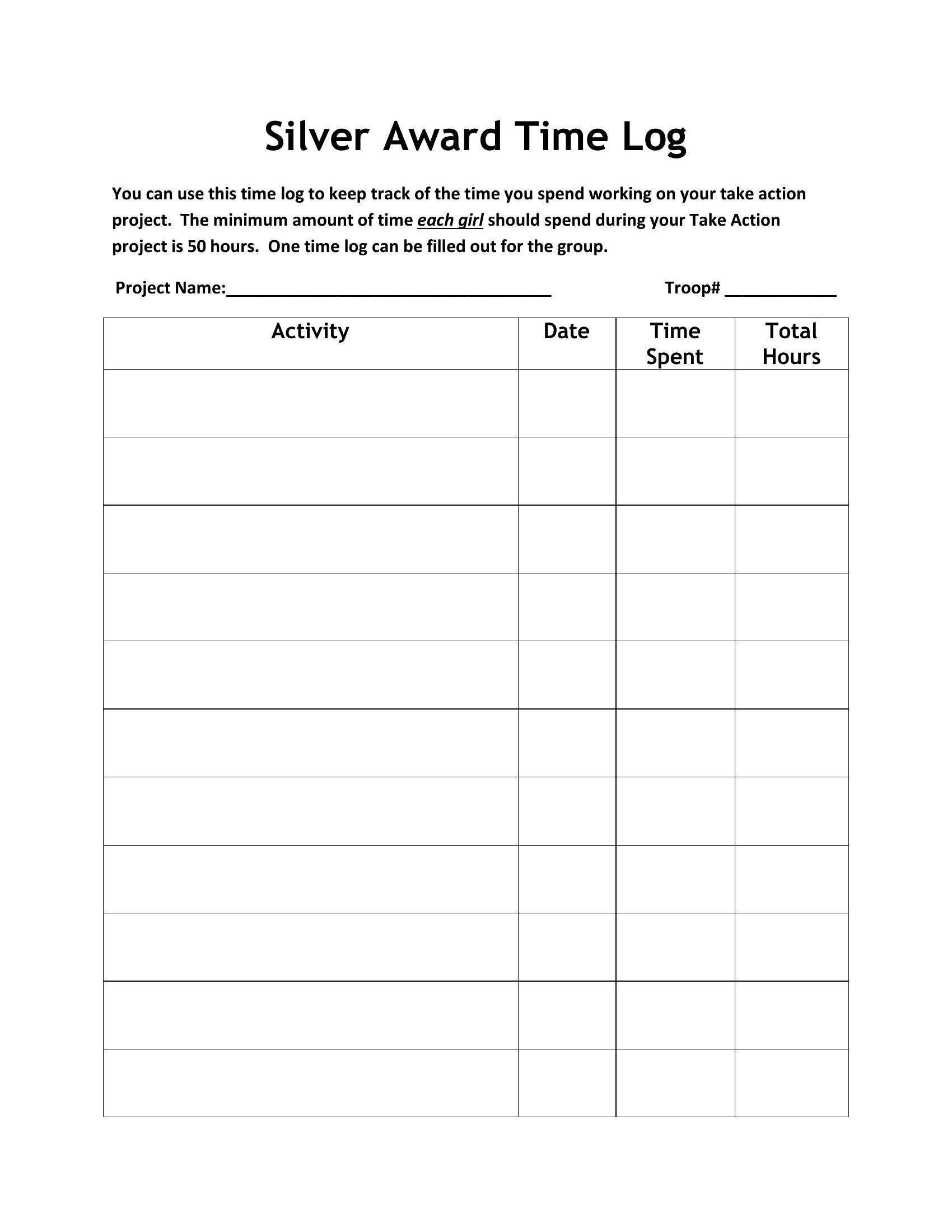
Ever finish a day with no idea where the hours went? A time log brings that back into focus. These 50 time log templates help freelancers, students, and professionals record tasks, start and stop times, and total hours spent on each project. The layouts suit billing clients, studying, and personal productivity.
The Excel versions tally your hours automatically, the Word files let you reshape the categories, and the PDFs print for a desk or planner. Note each task as you switch, and you'll have an honest picture of your day by evening. Download the format that fits your routine and start tracking your time.
Choose from 50 Time Log Templates
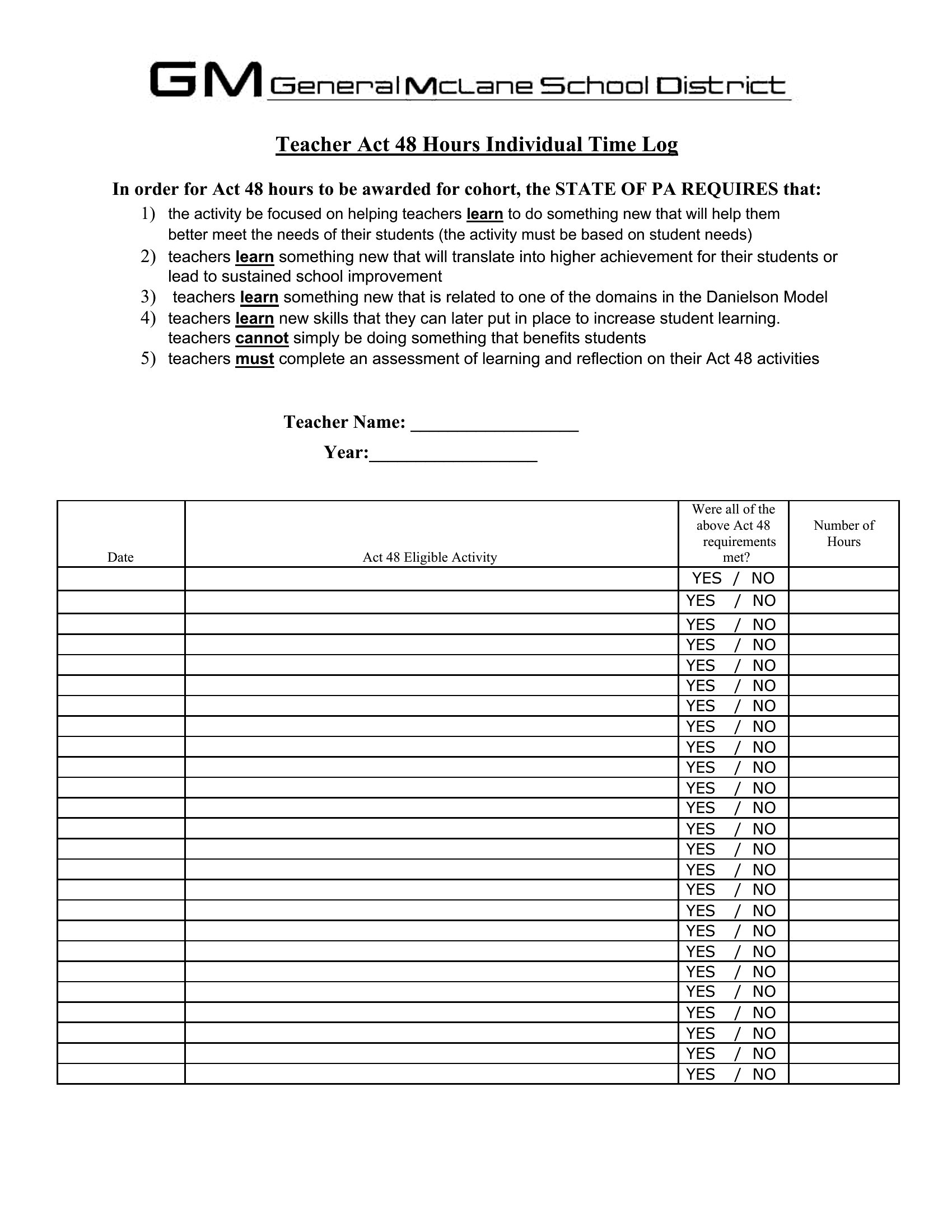
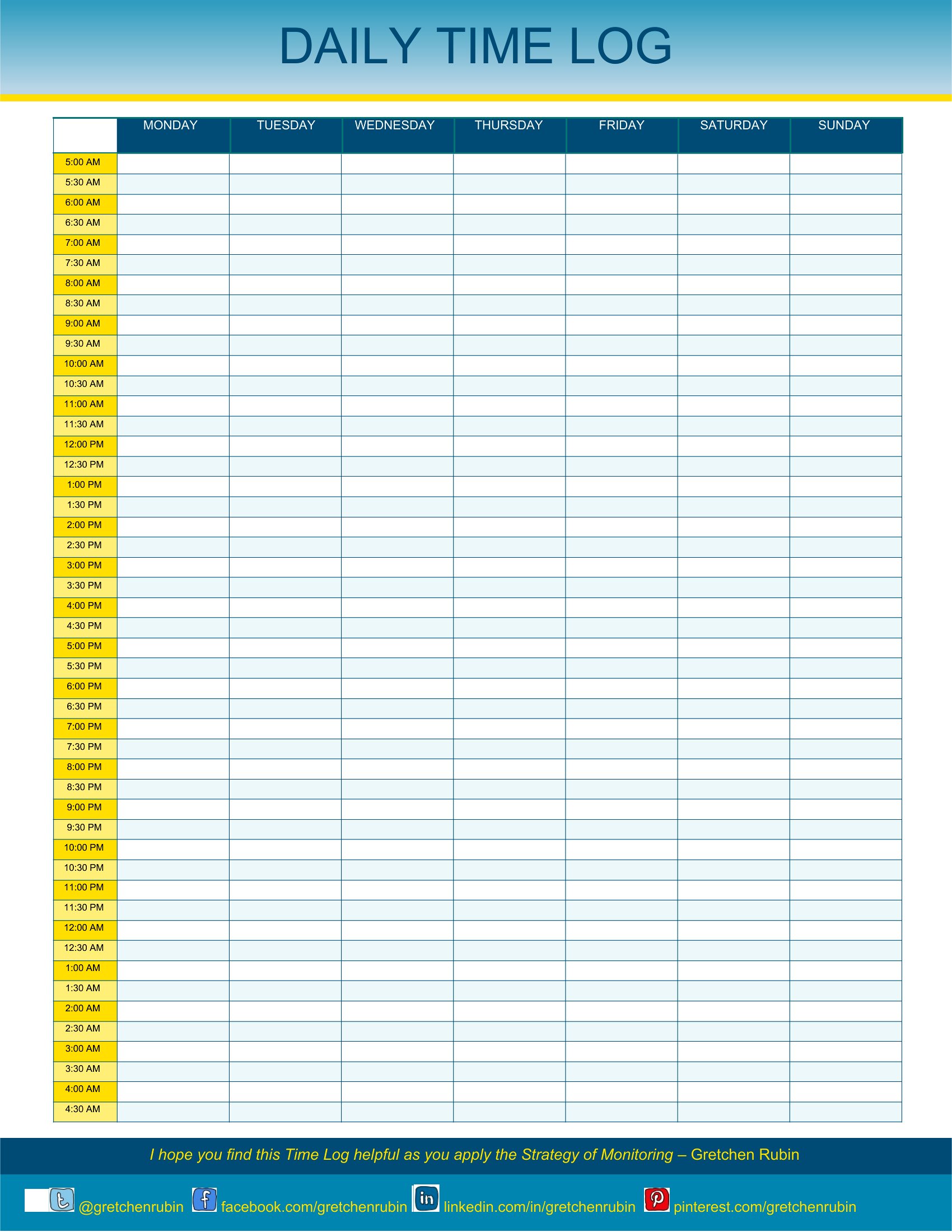
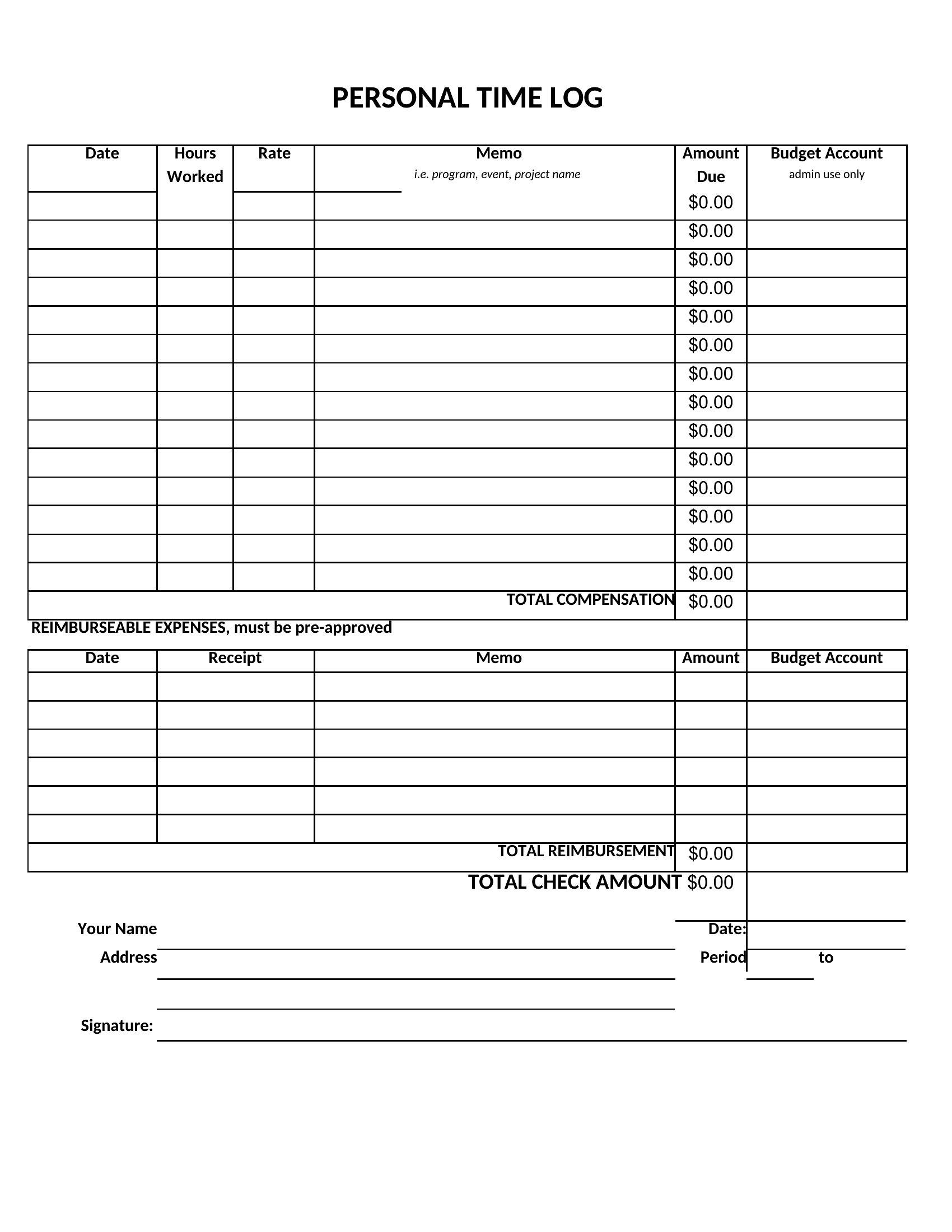
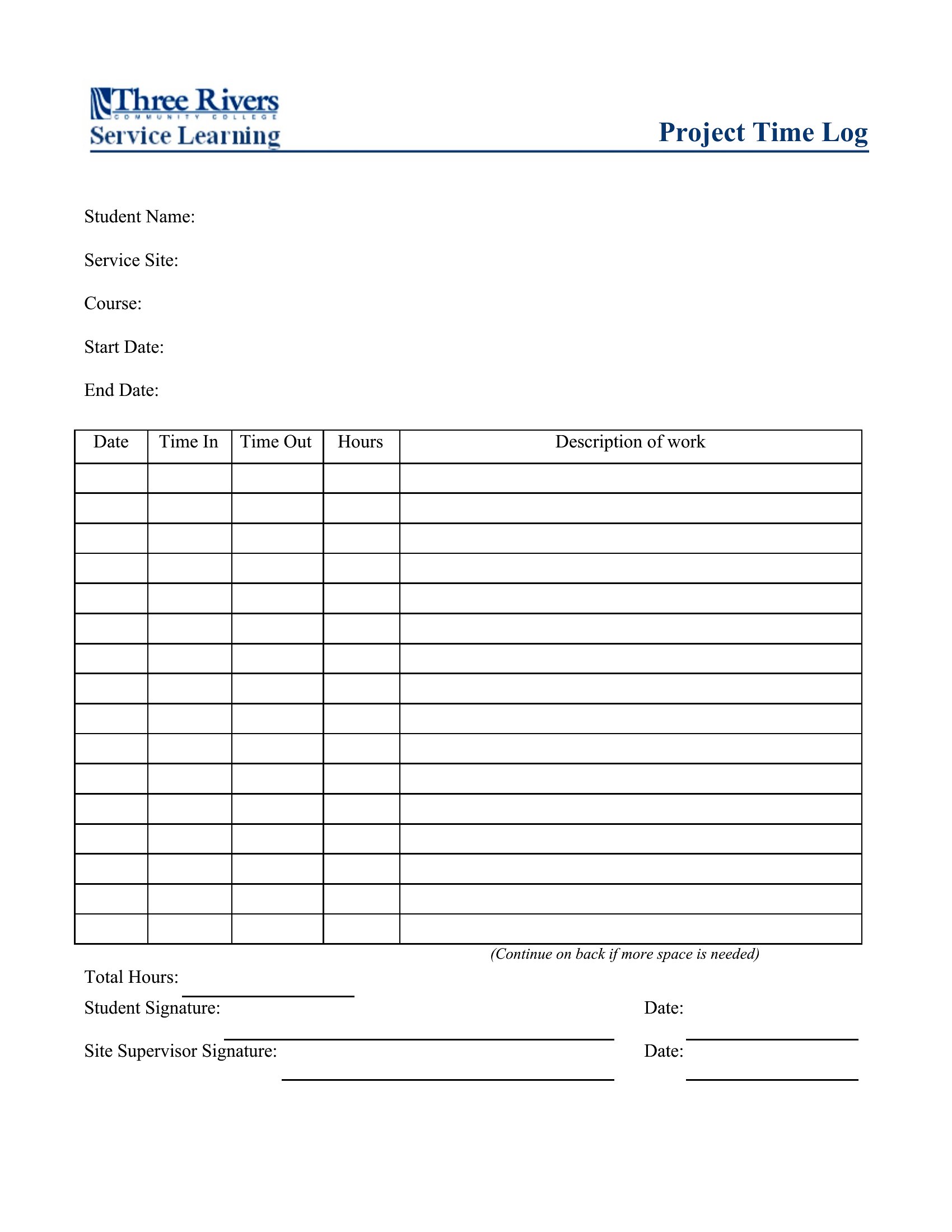
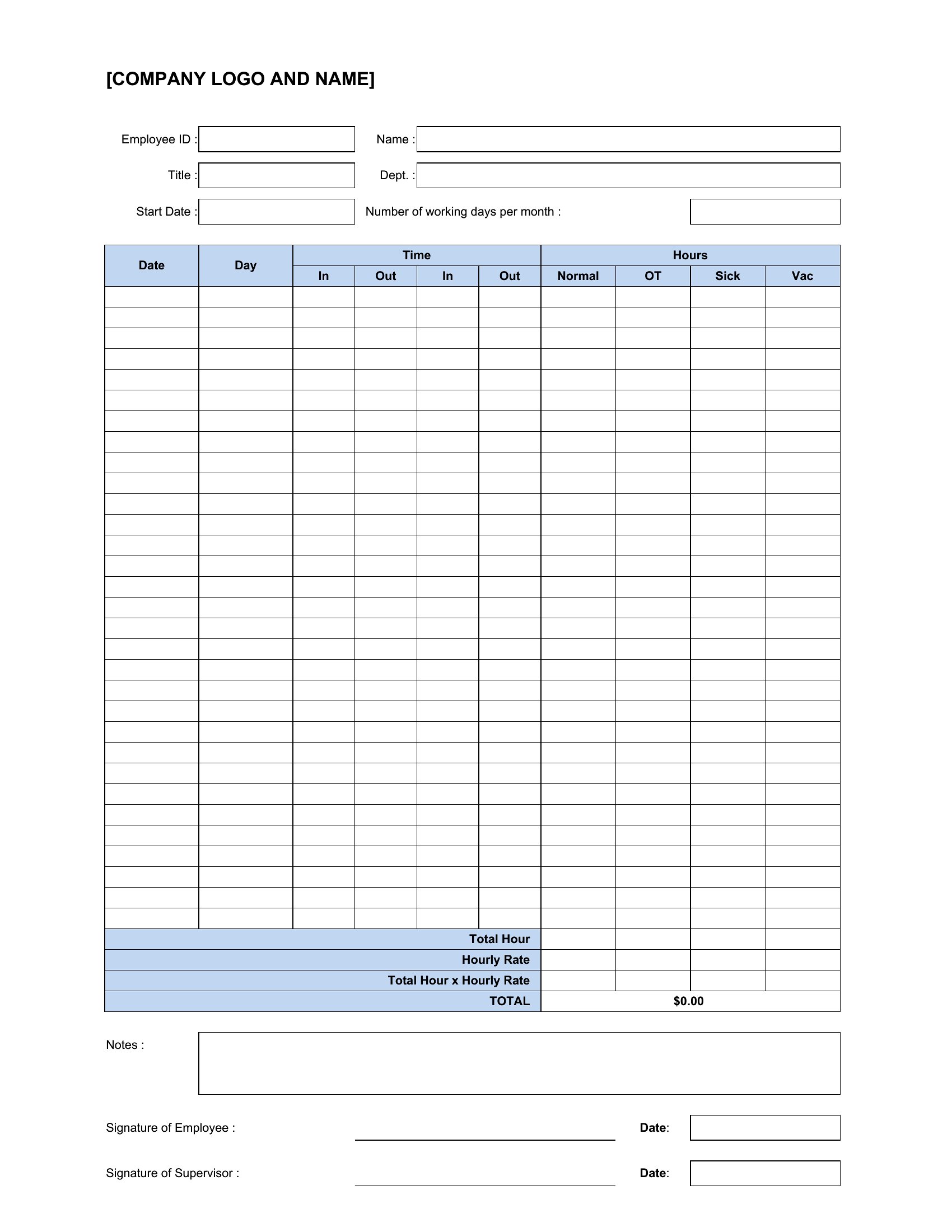
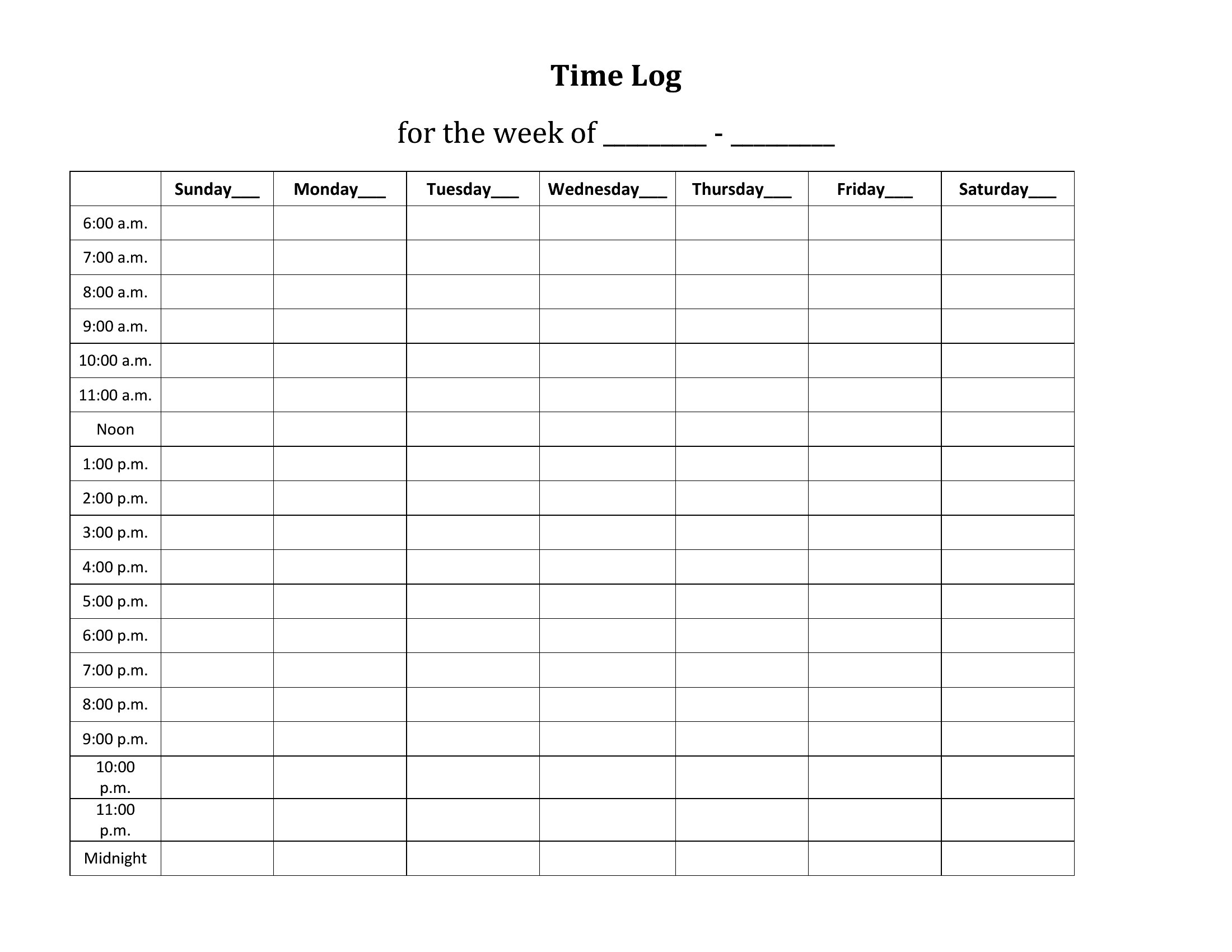
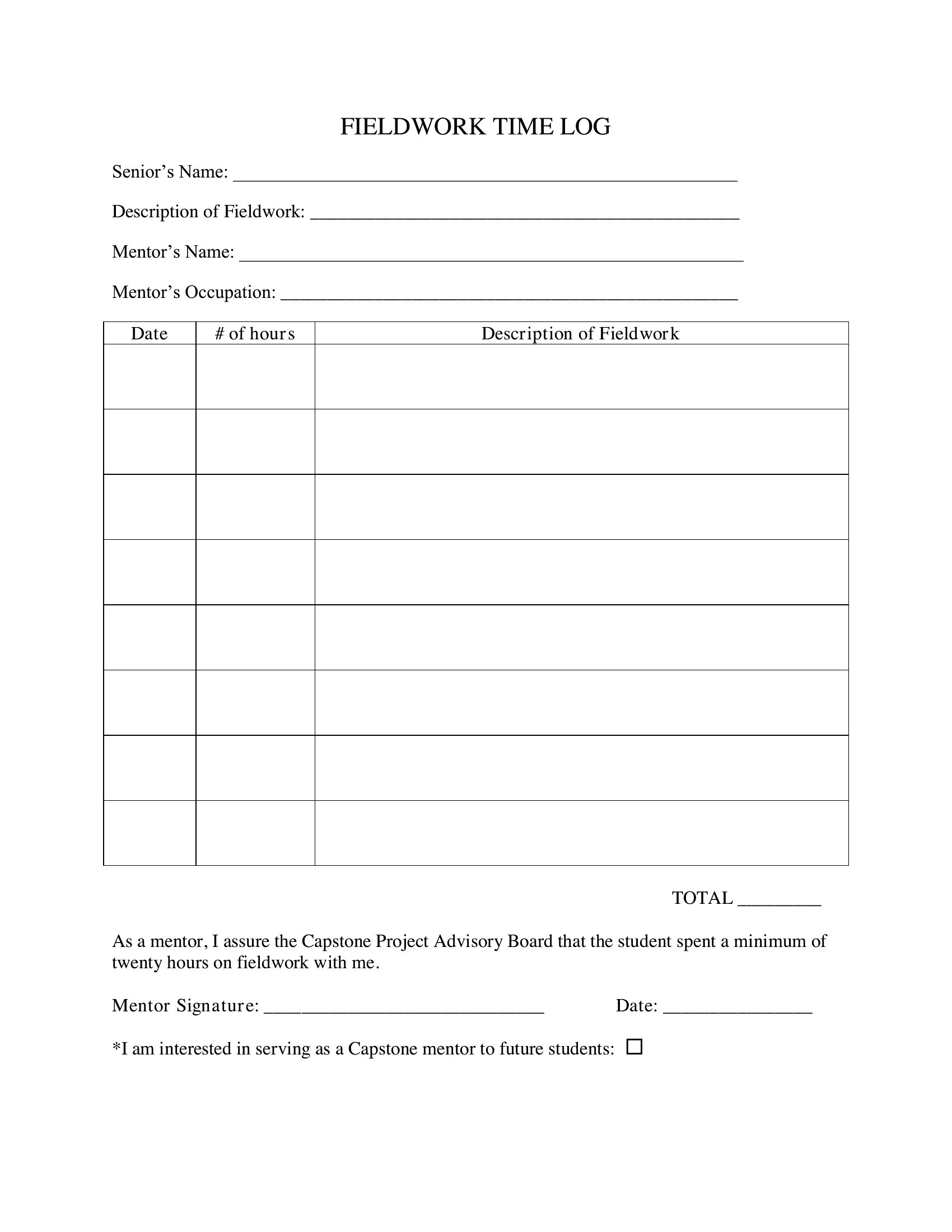
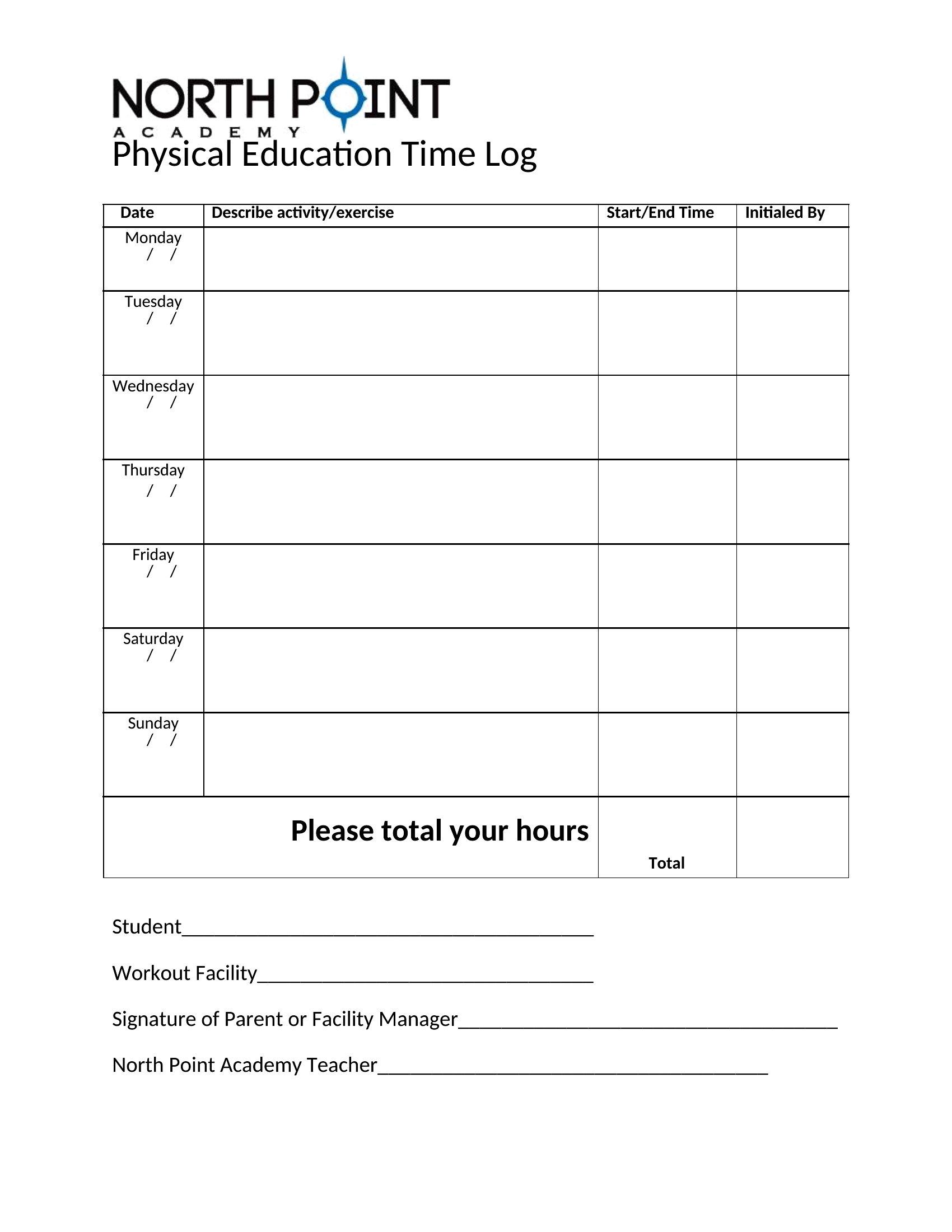
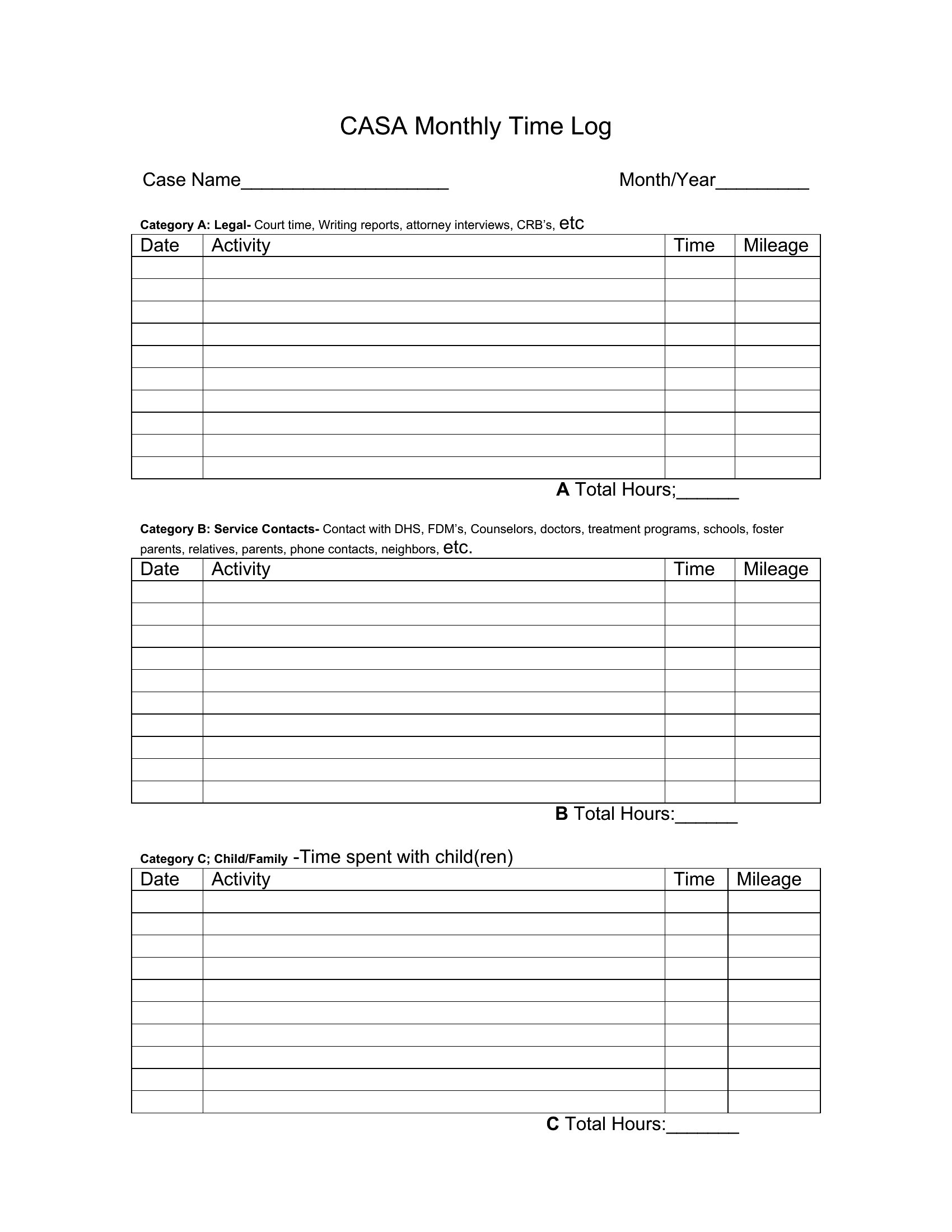
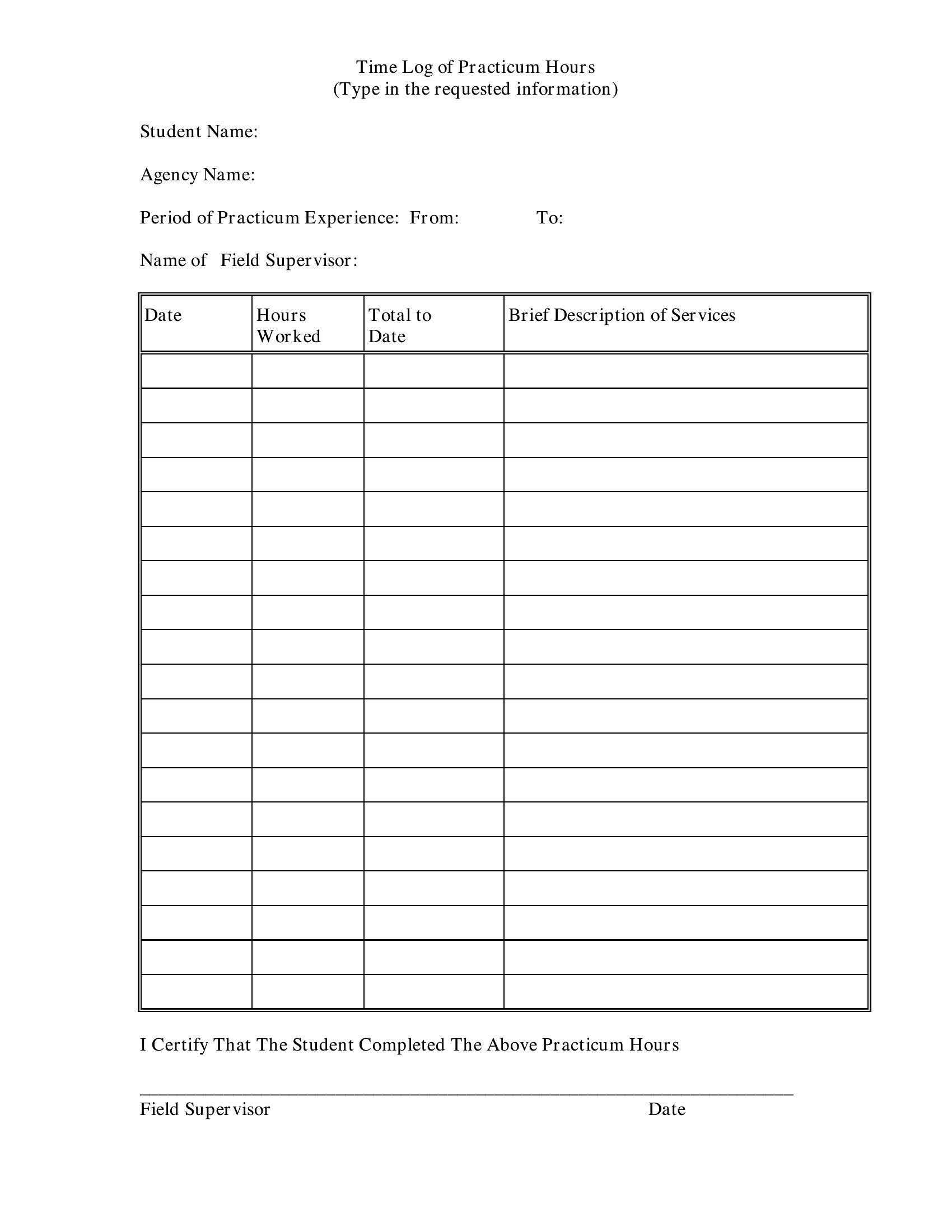
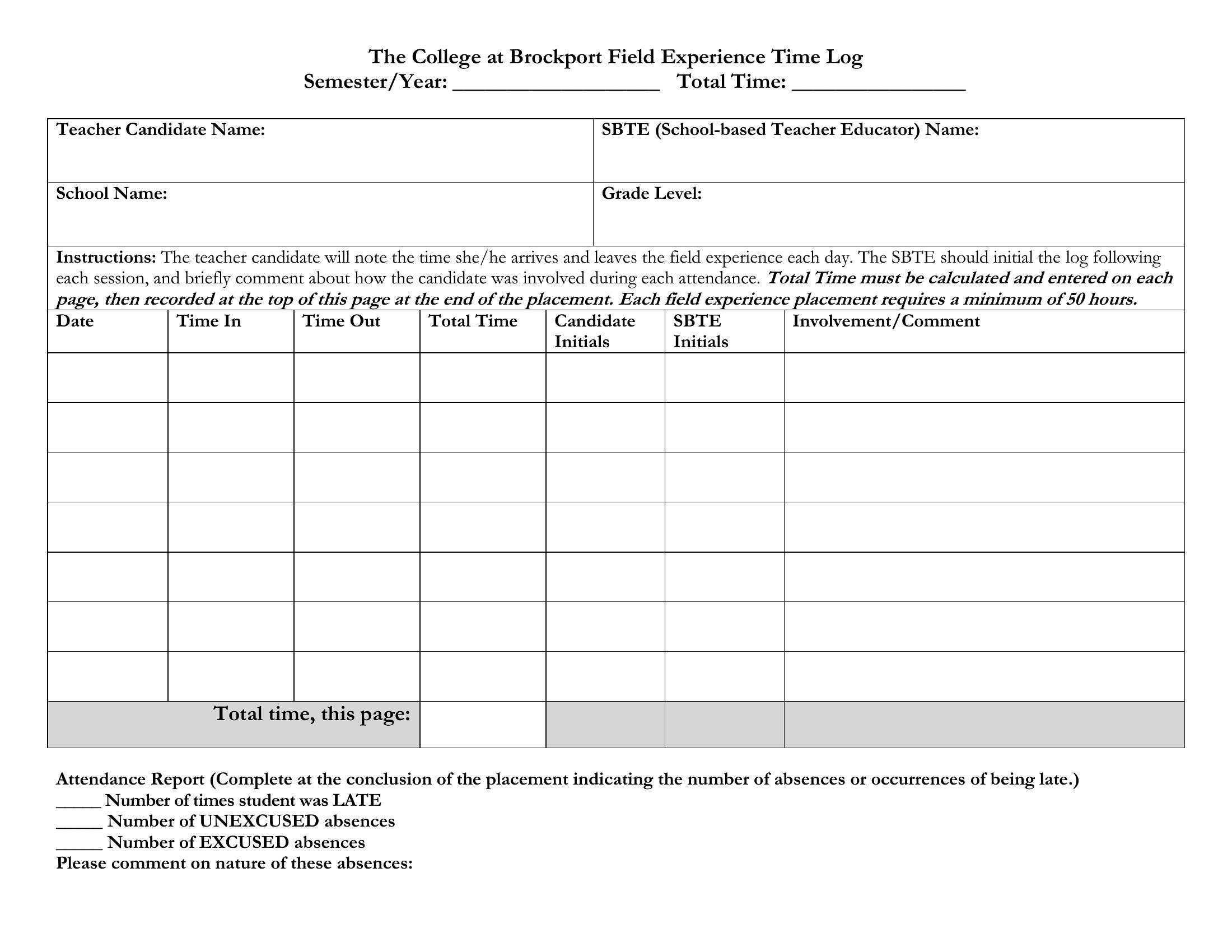
Example Time Log
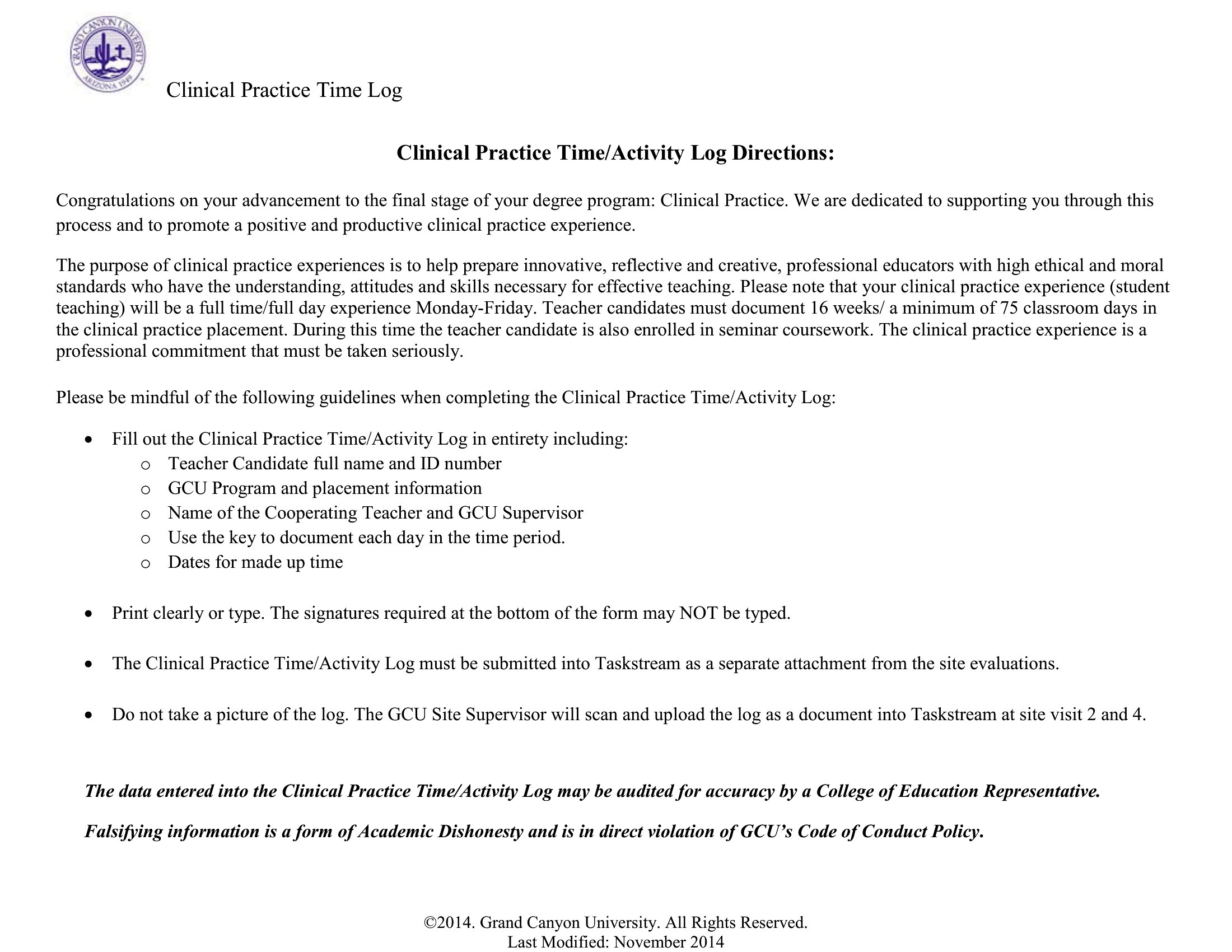
Word Time Log
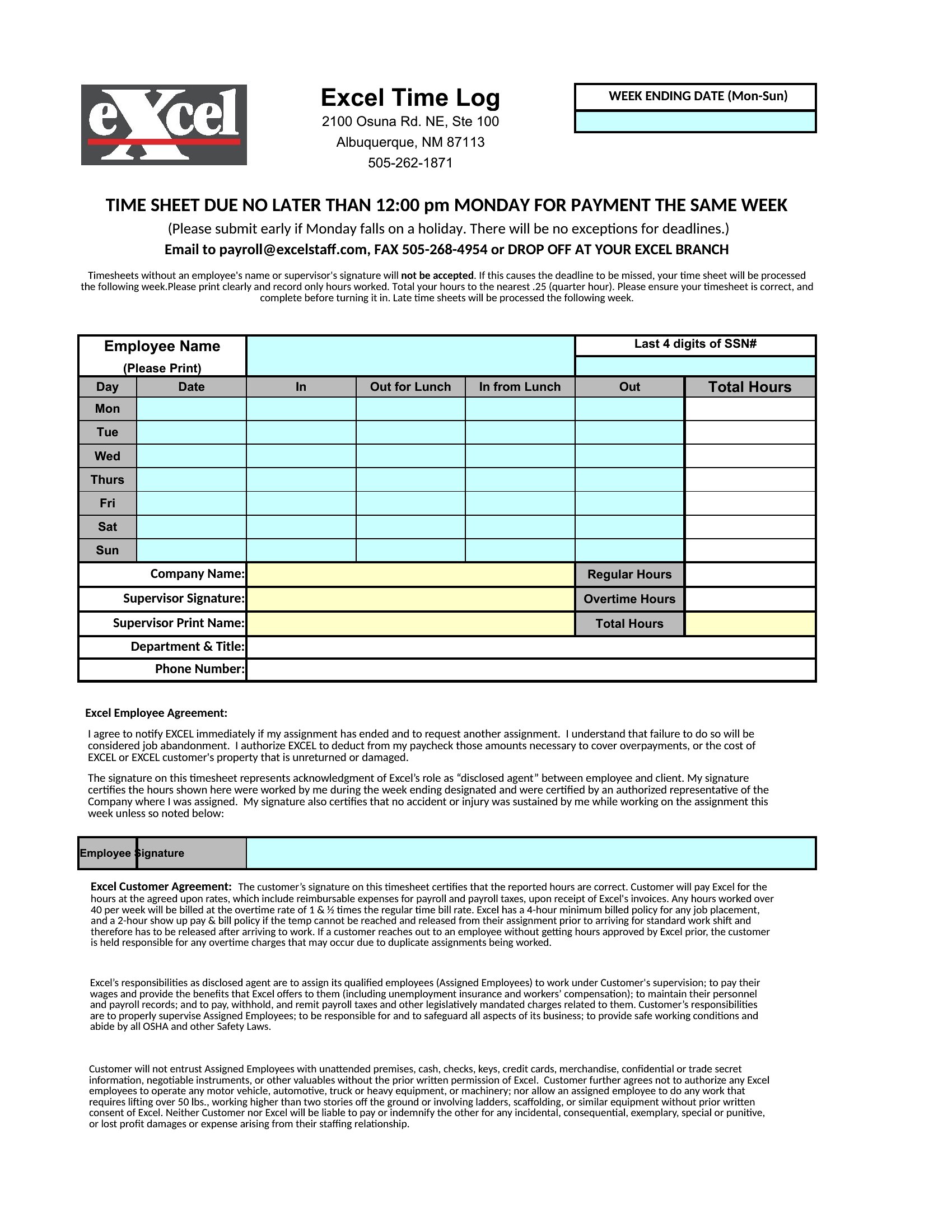
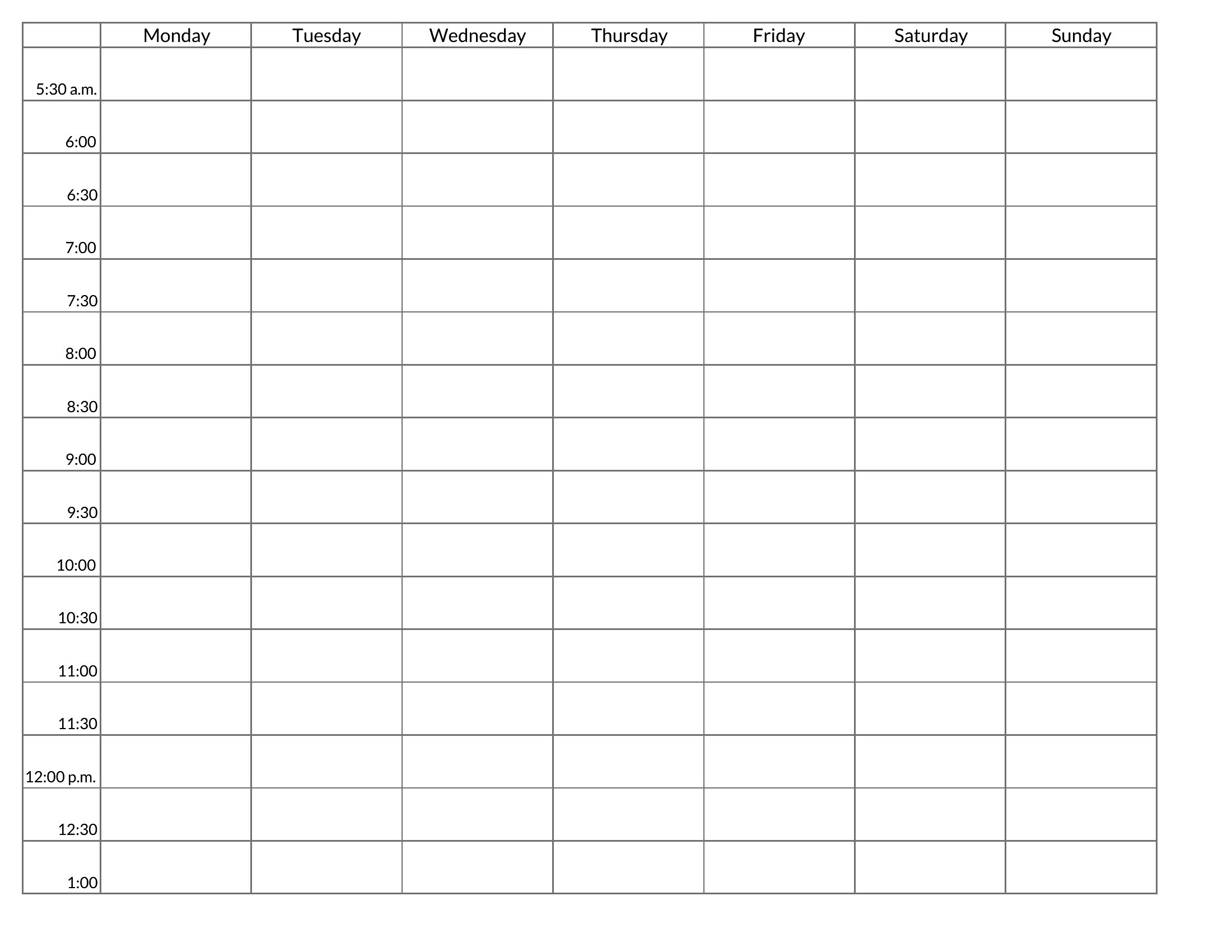
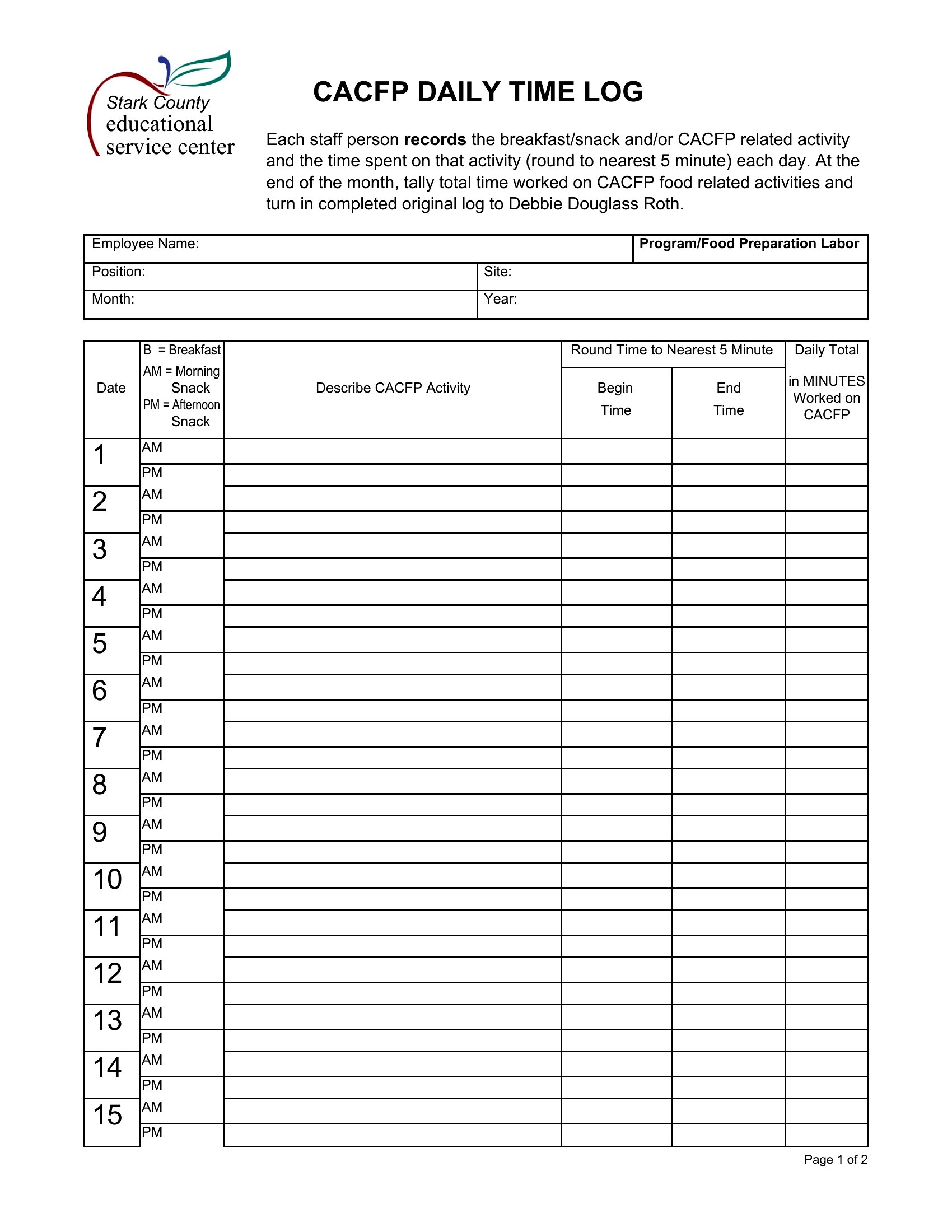
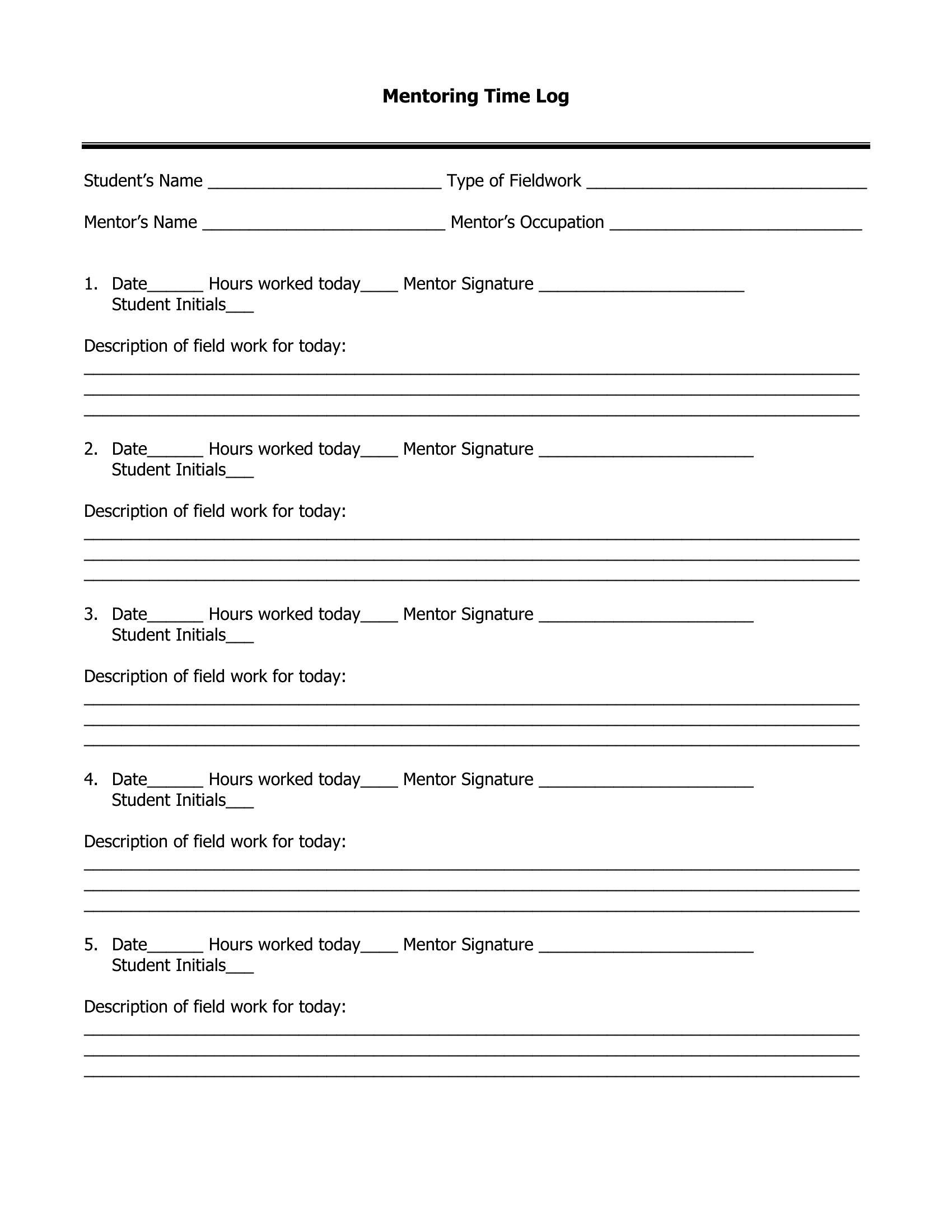
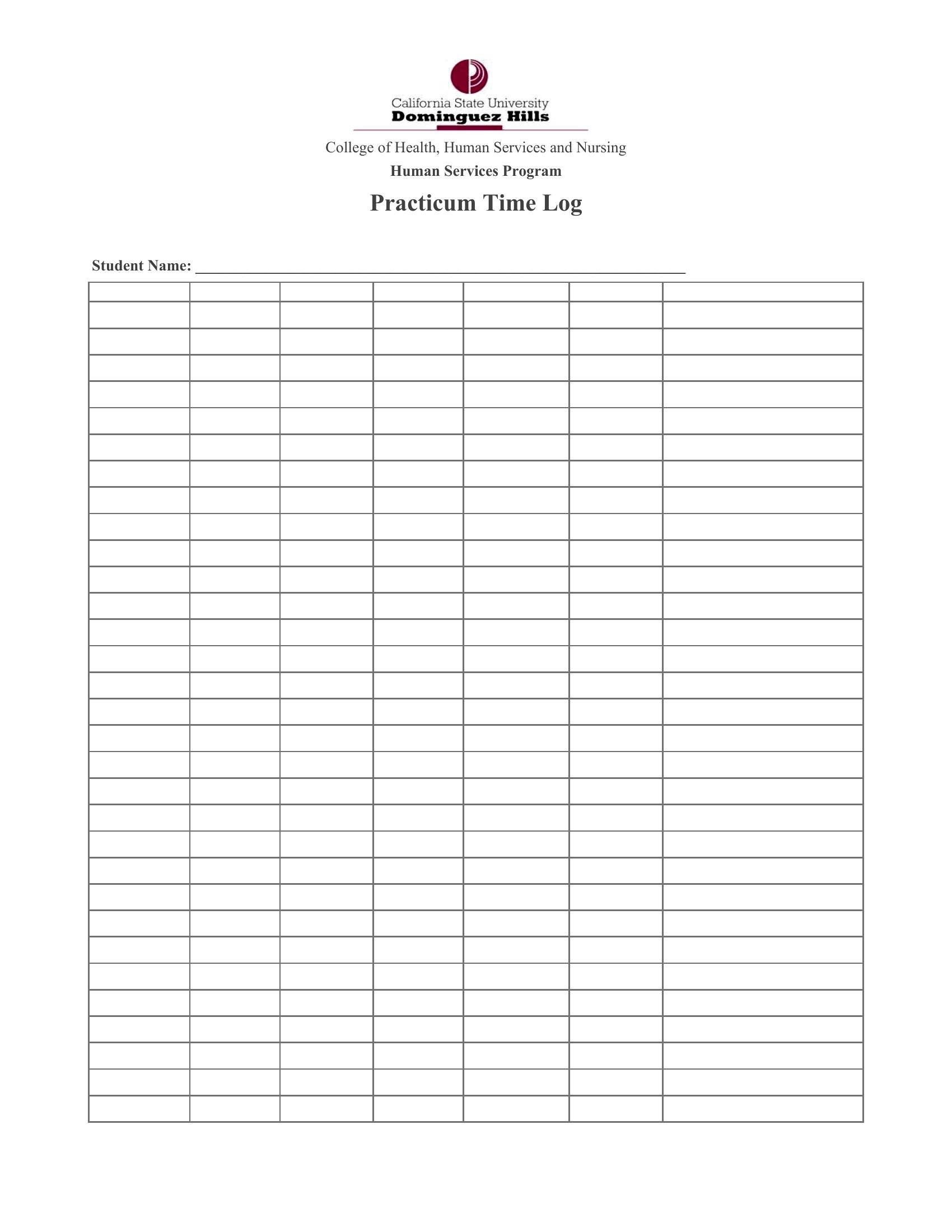
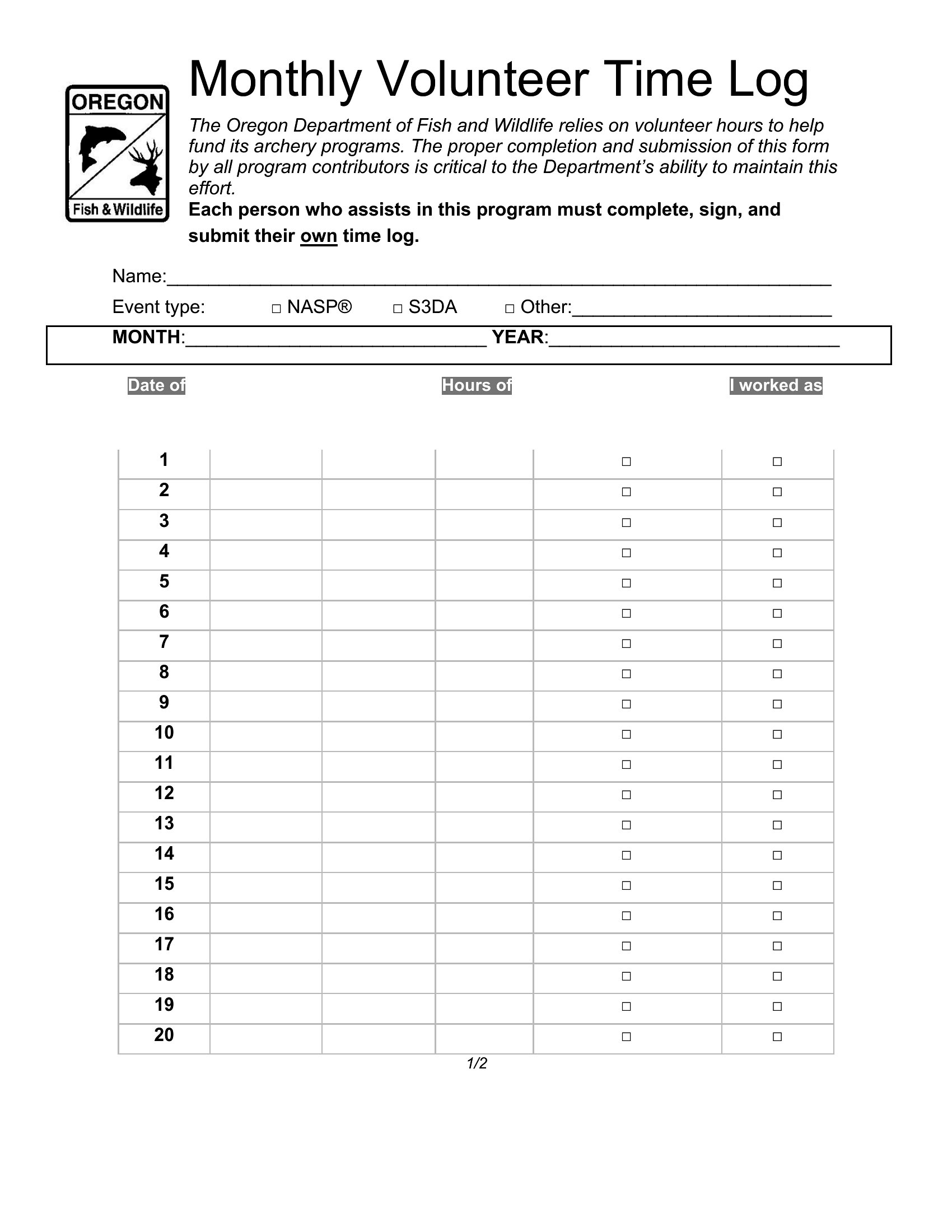
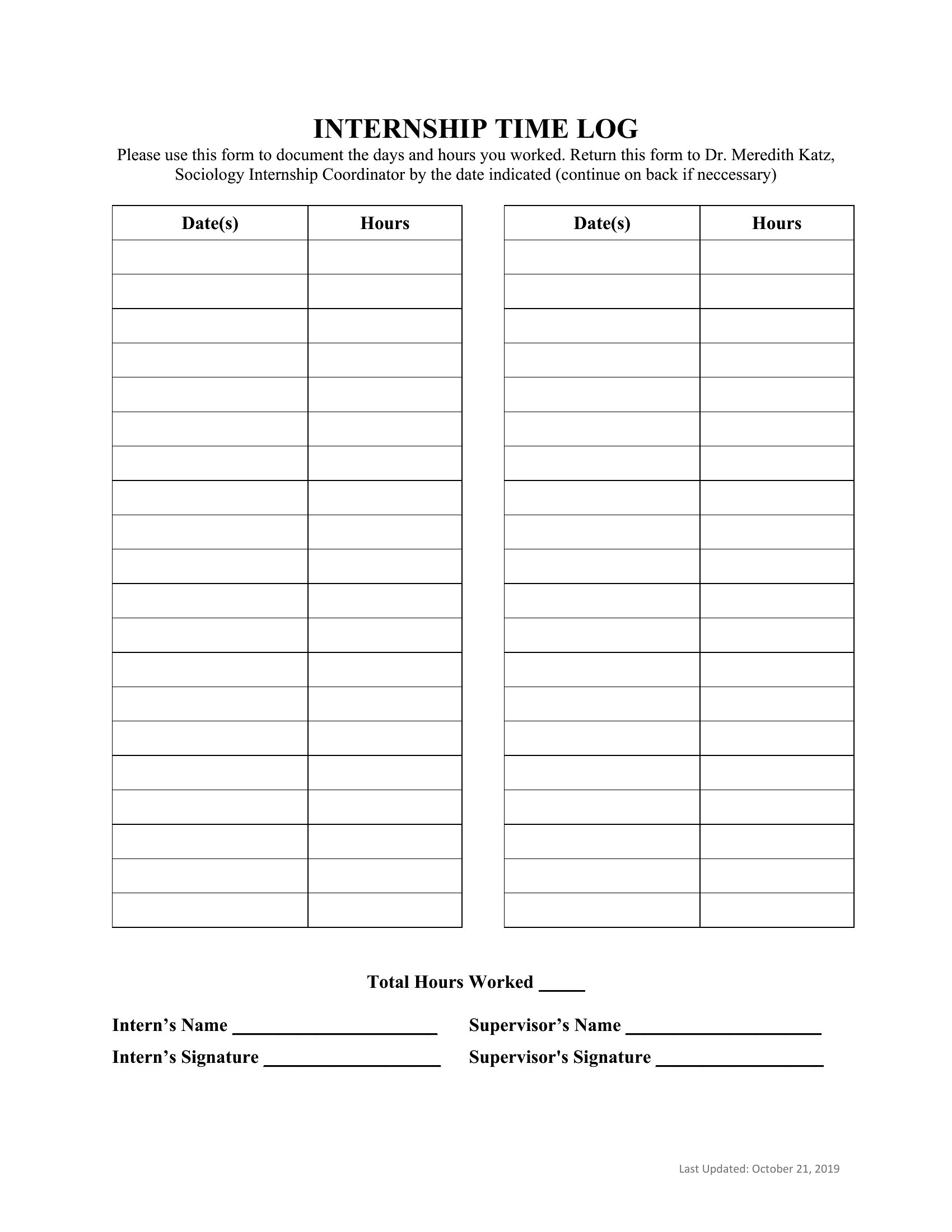
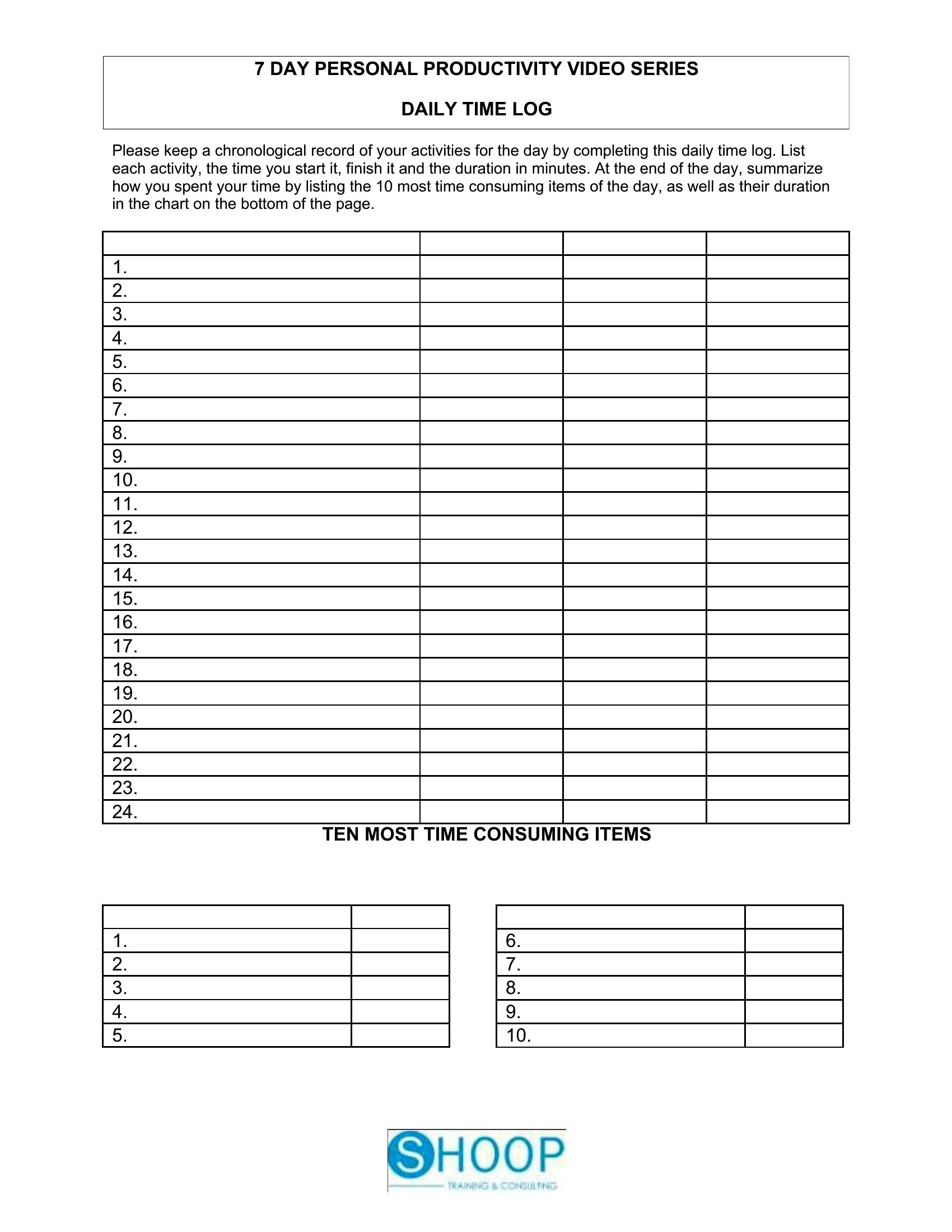
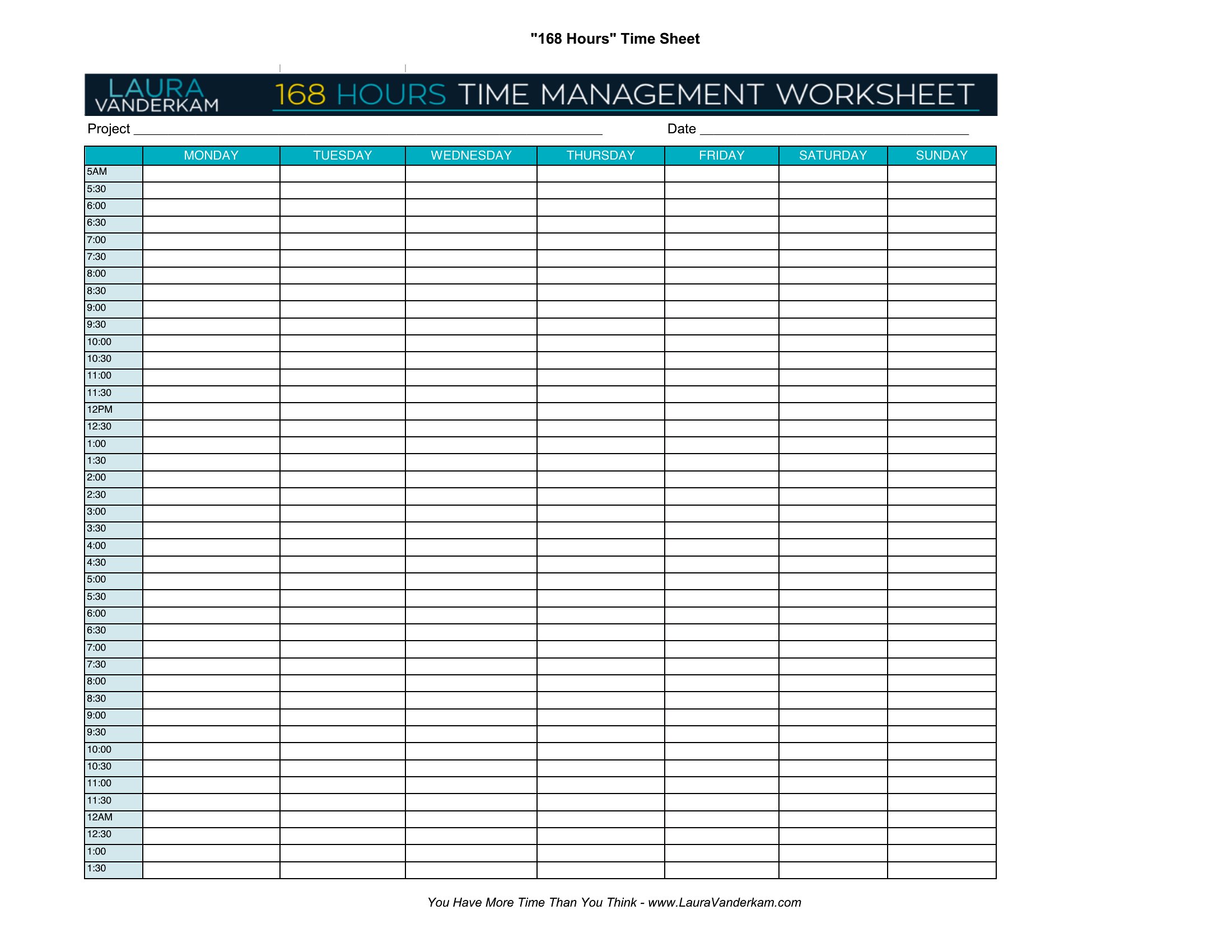
Free Time Log
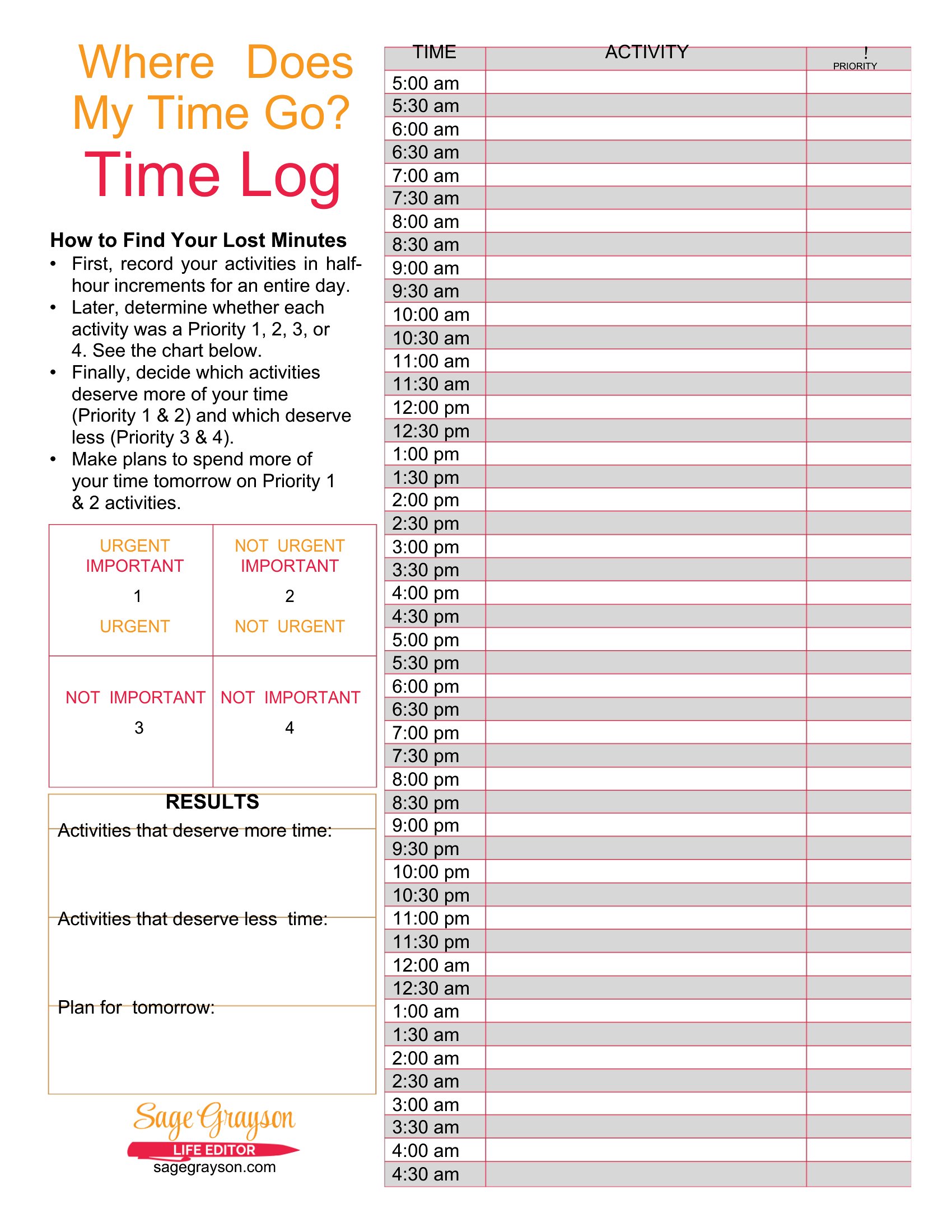
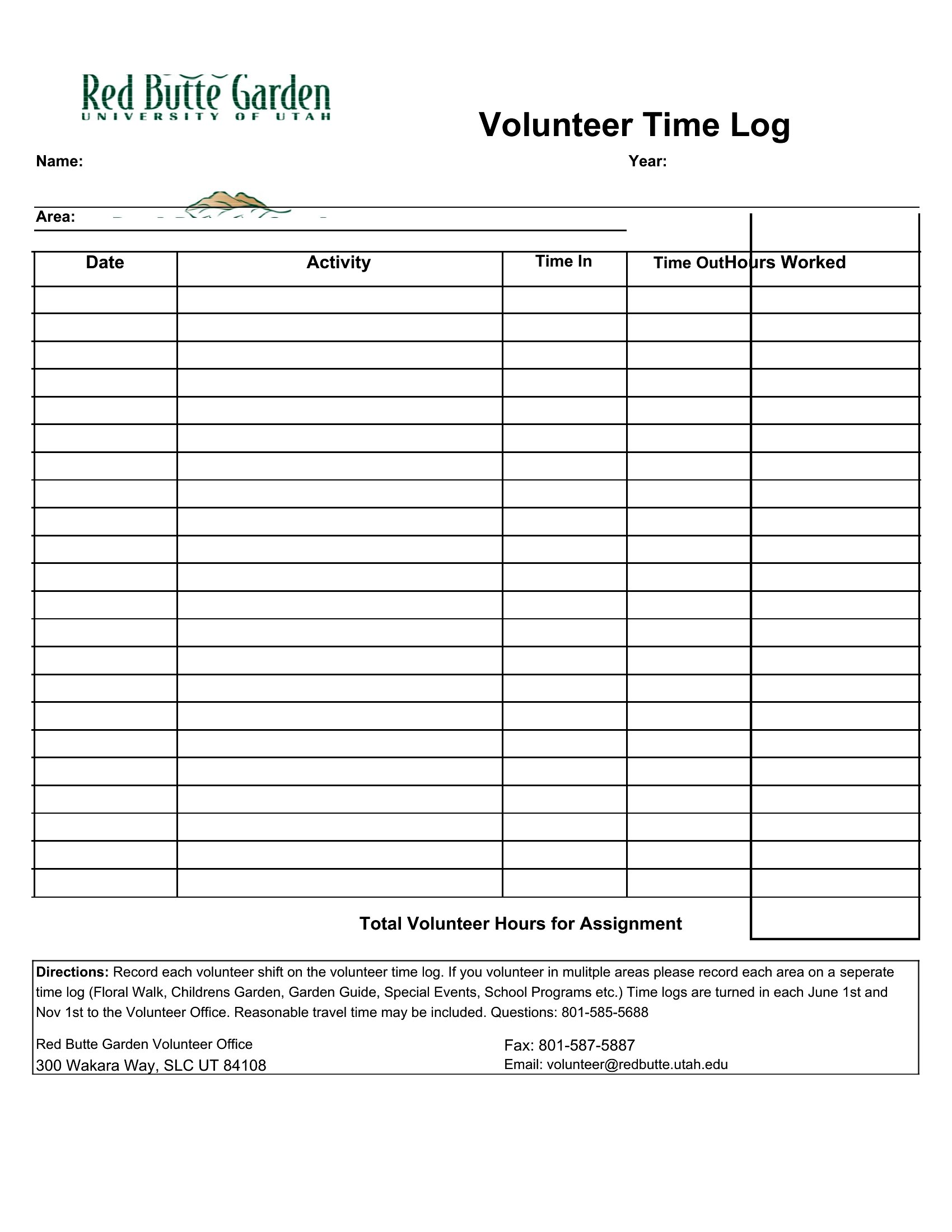
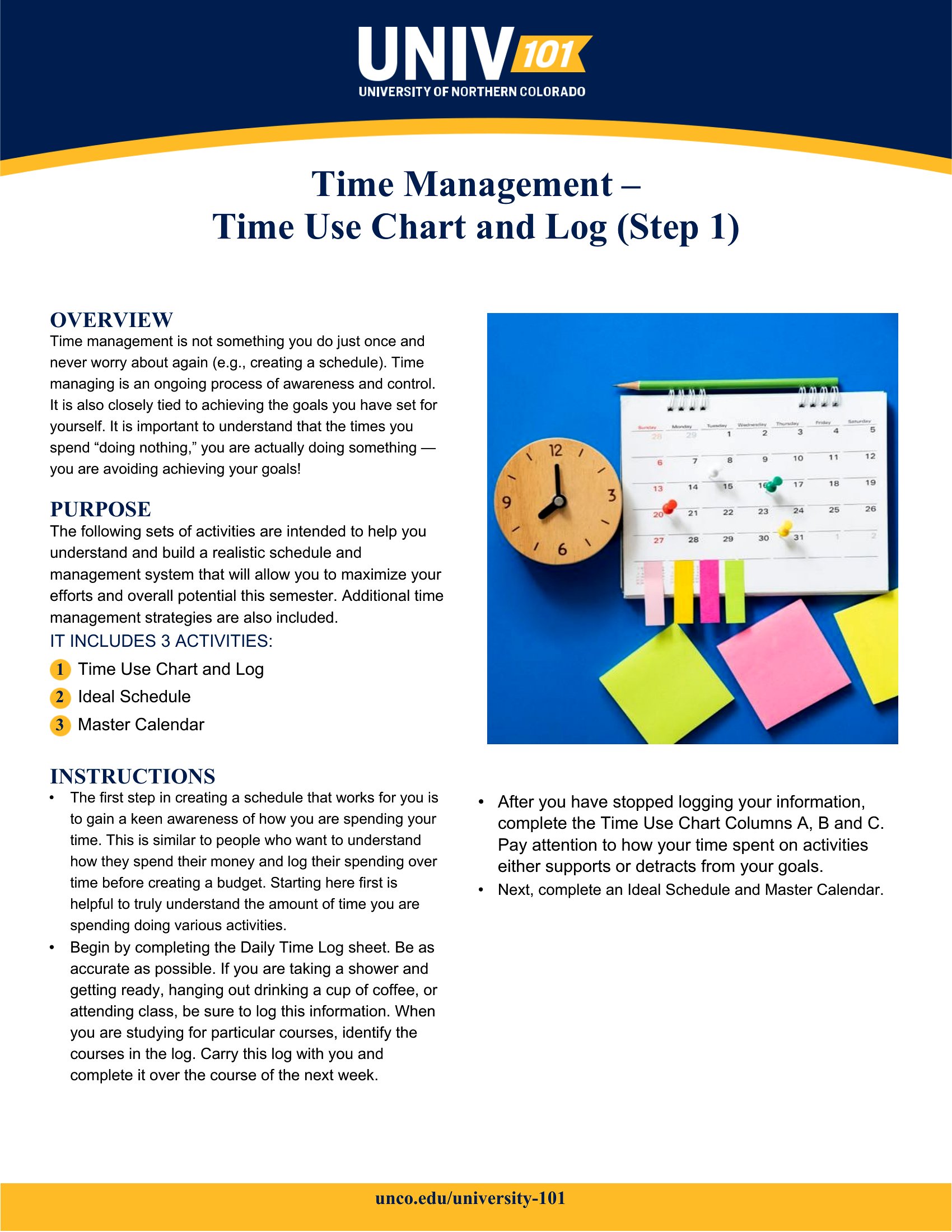
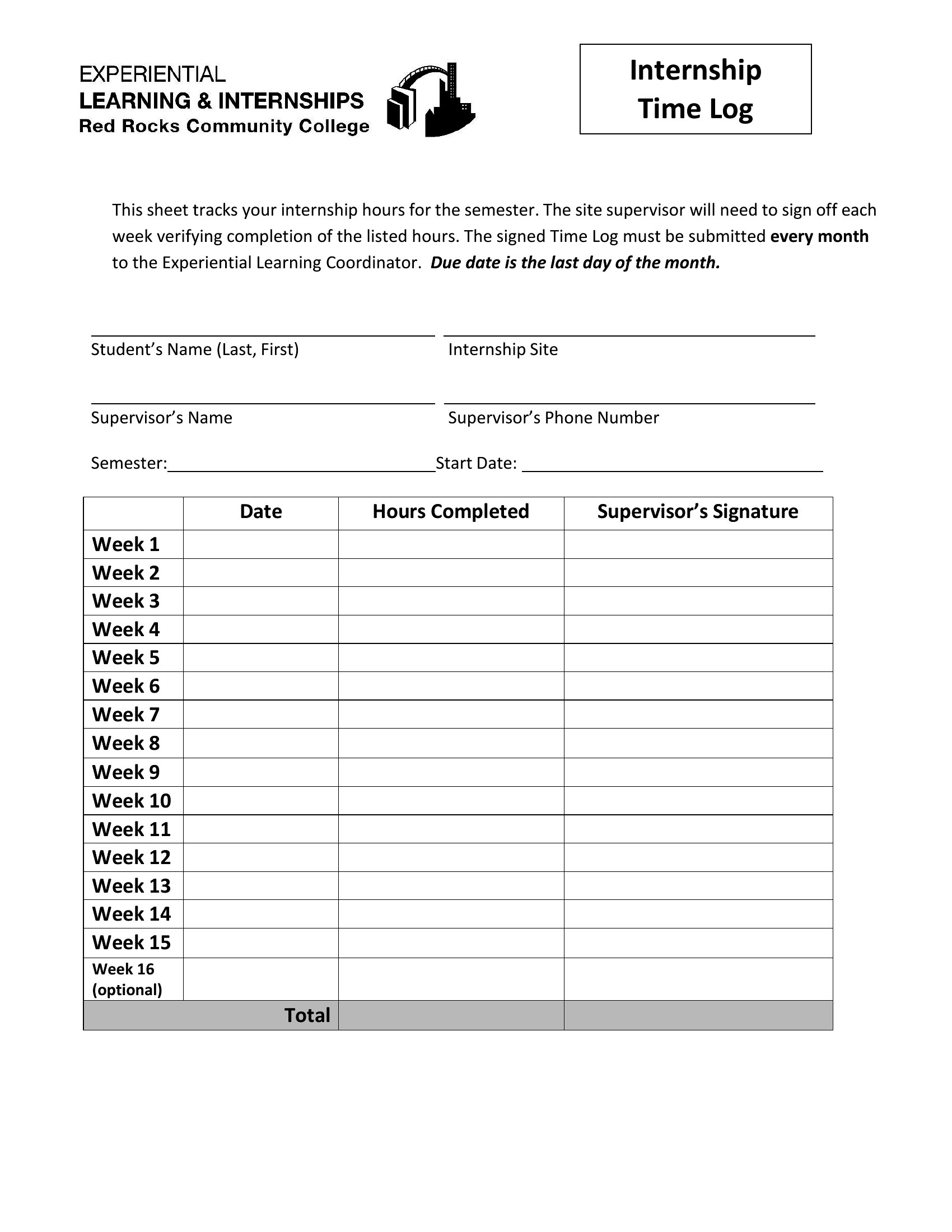
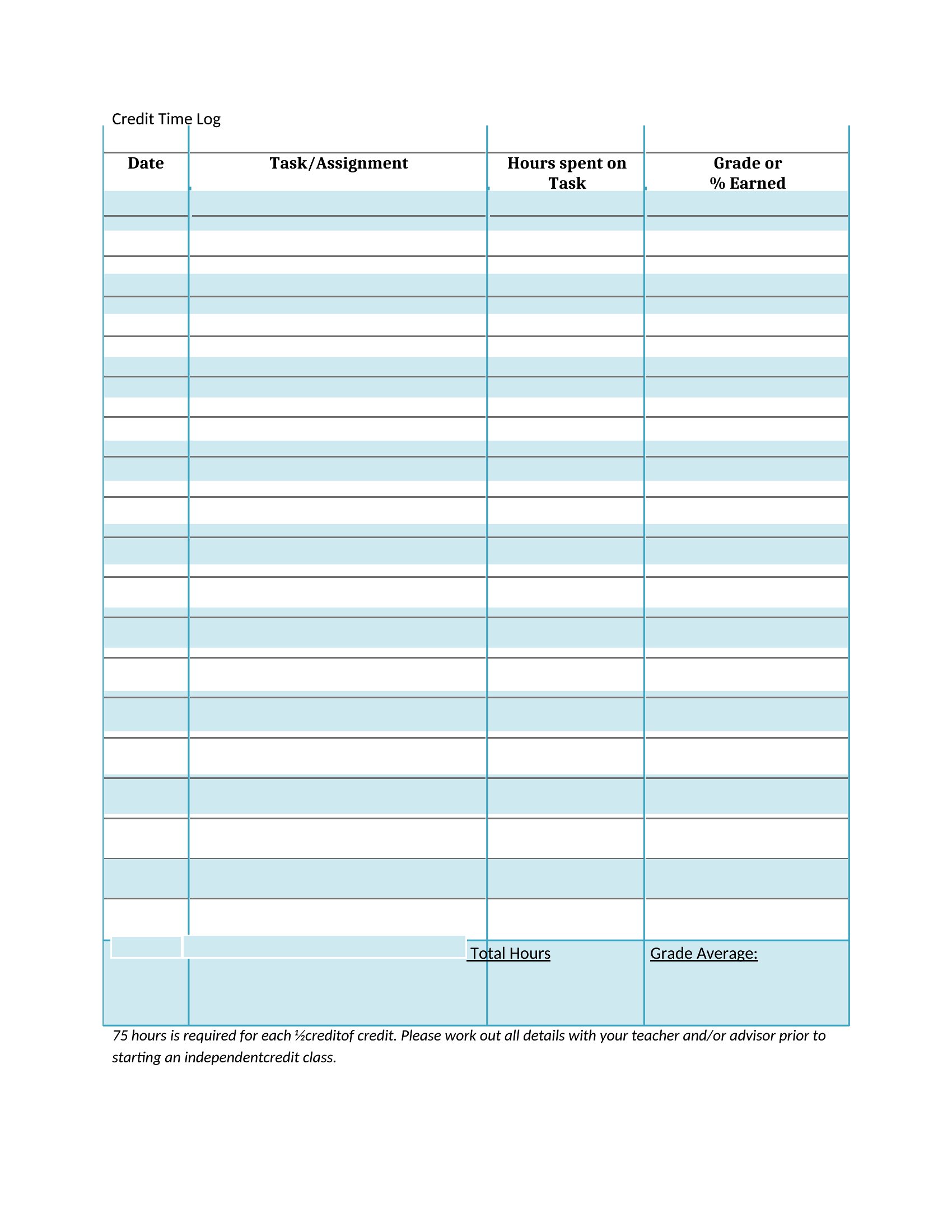
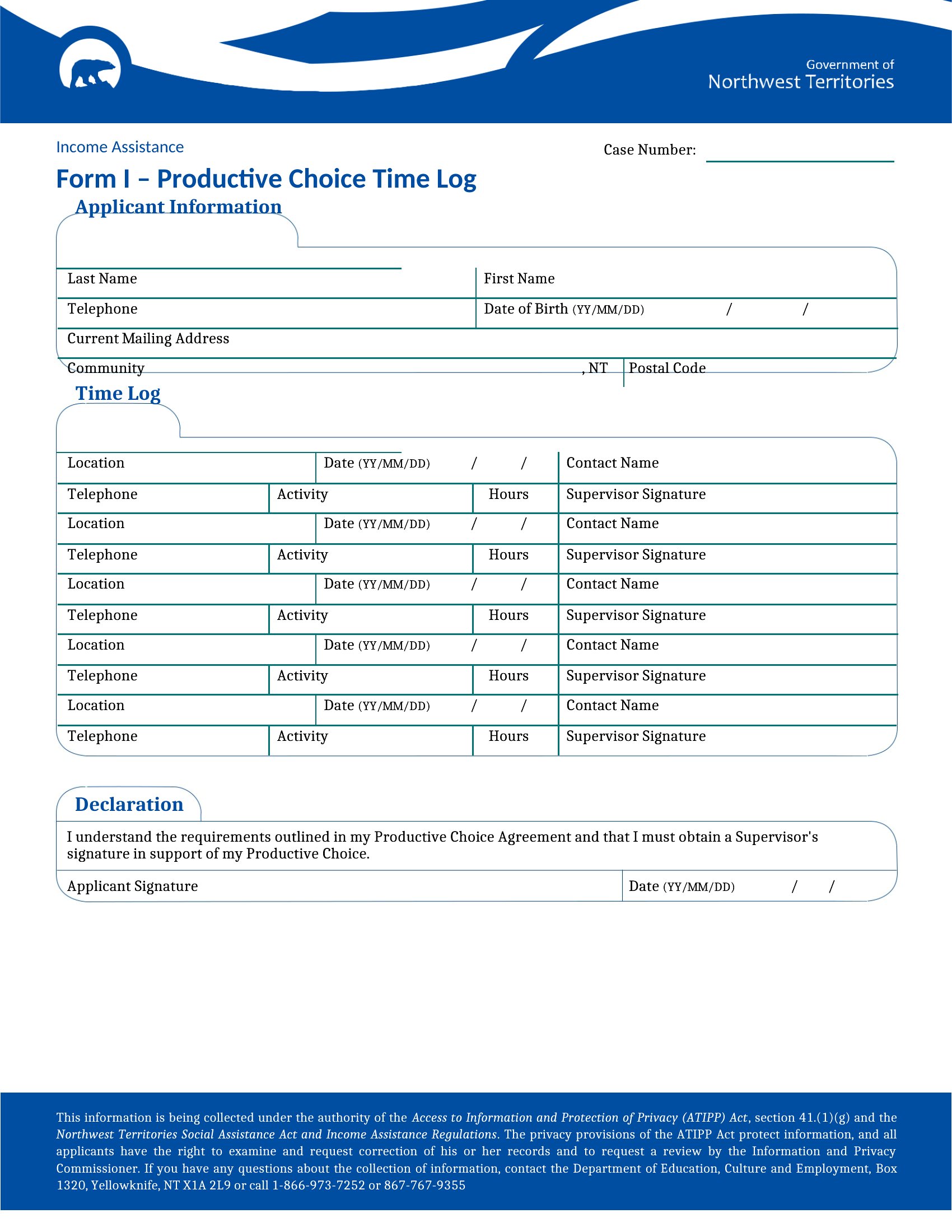
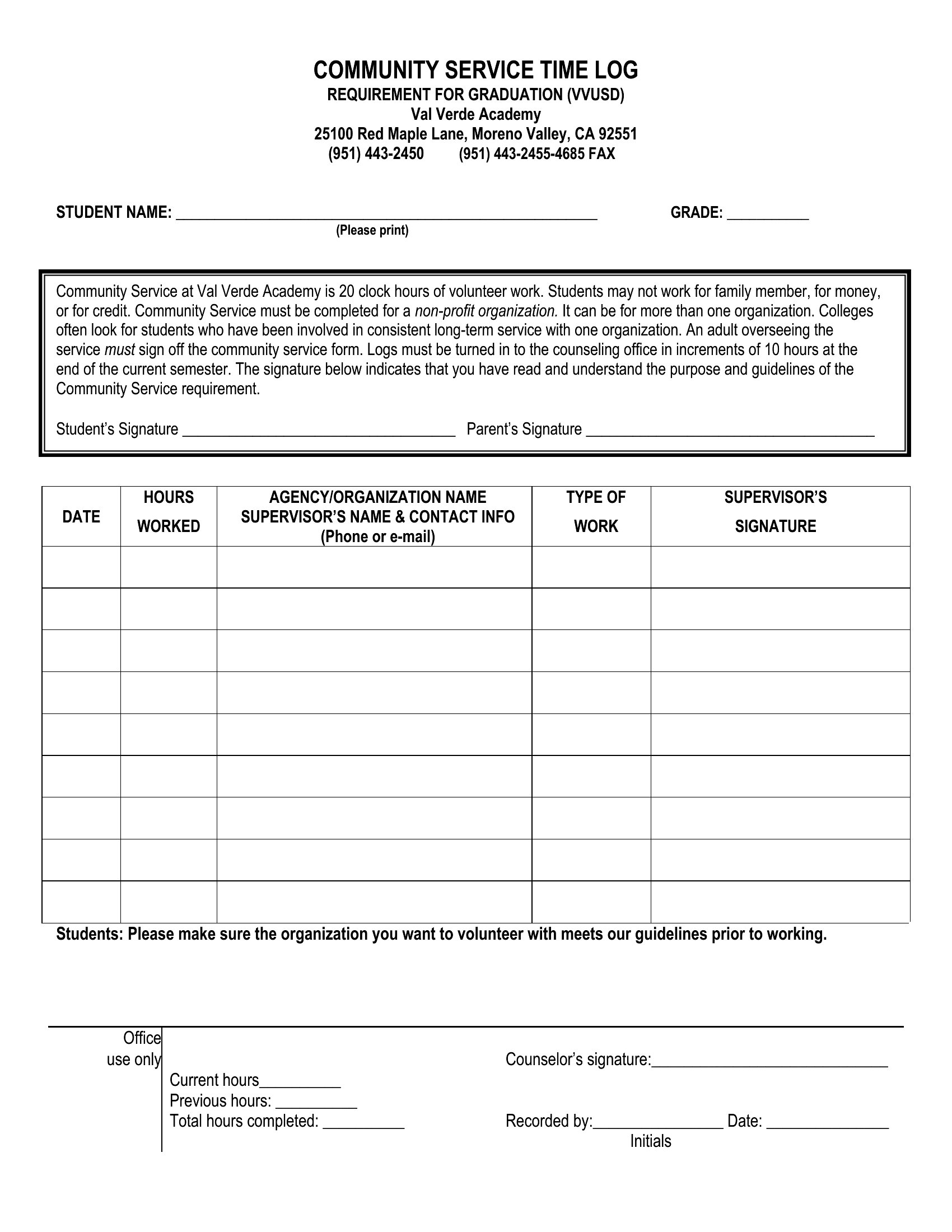
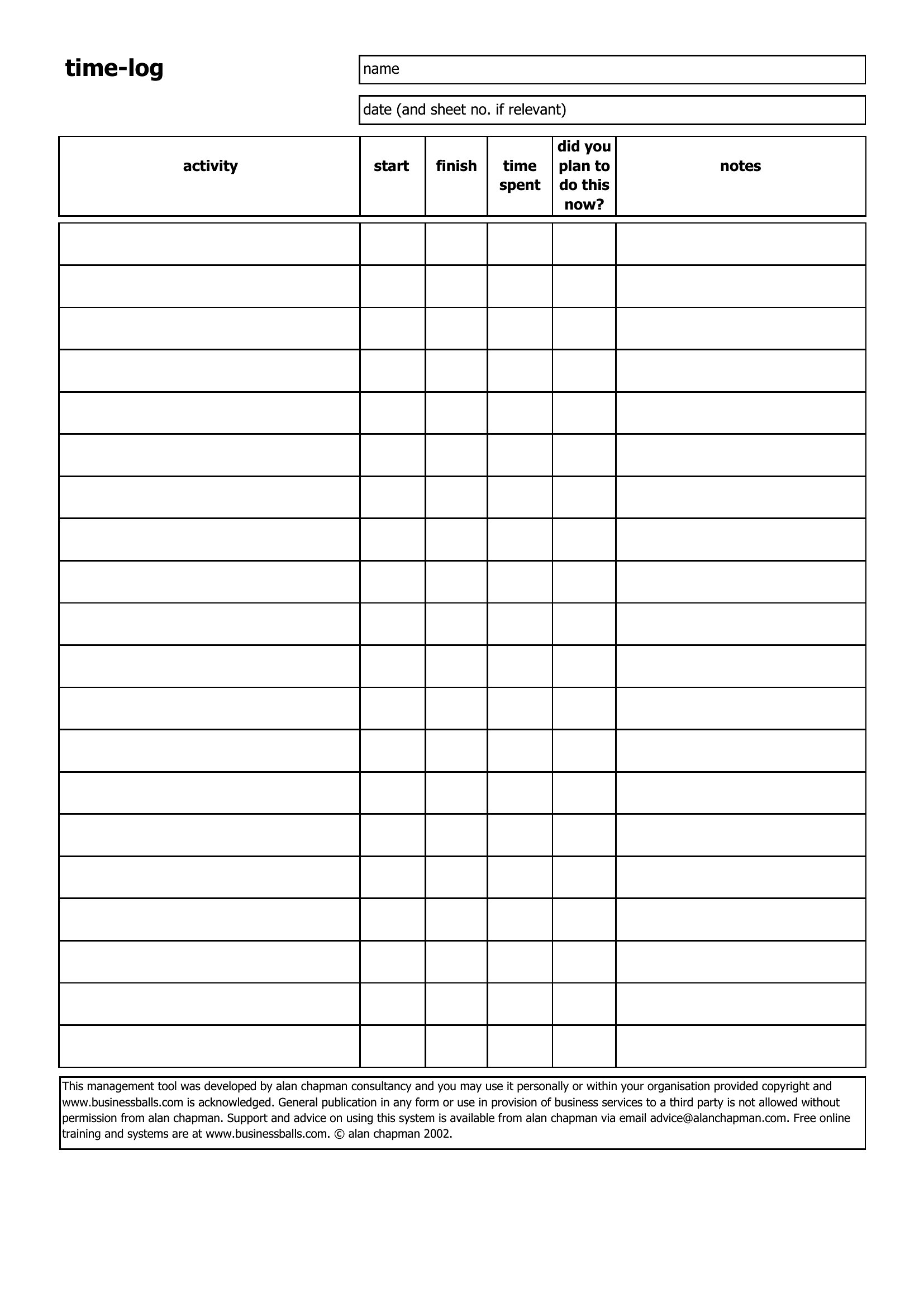
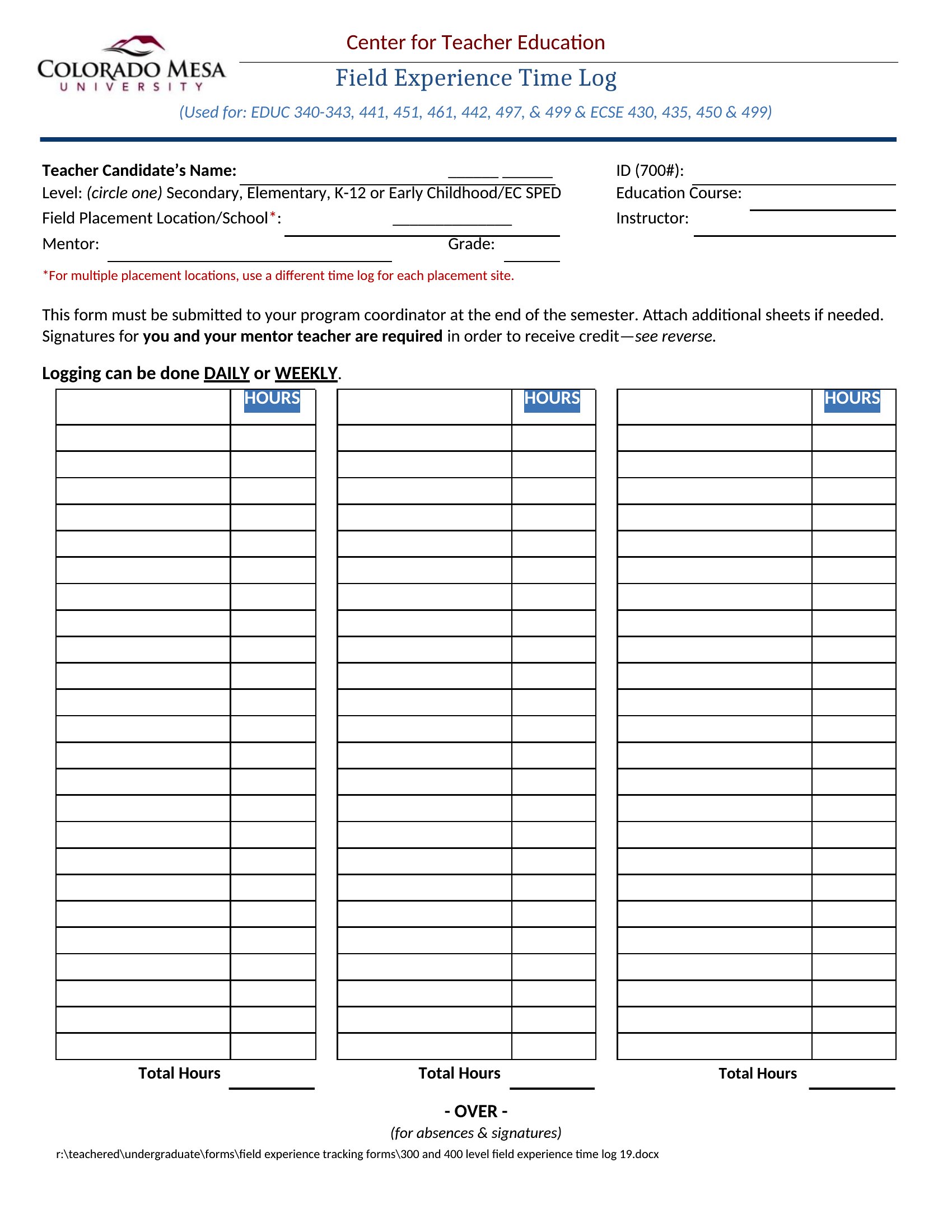
Sample Time Log
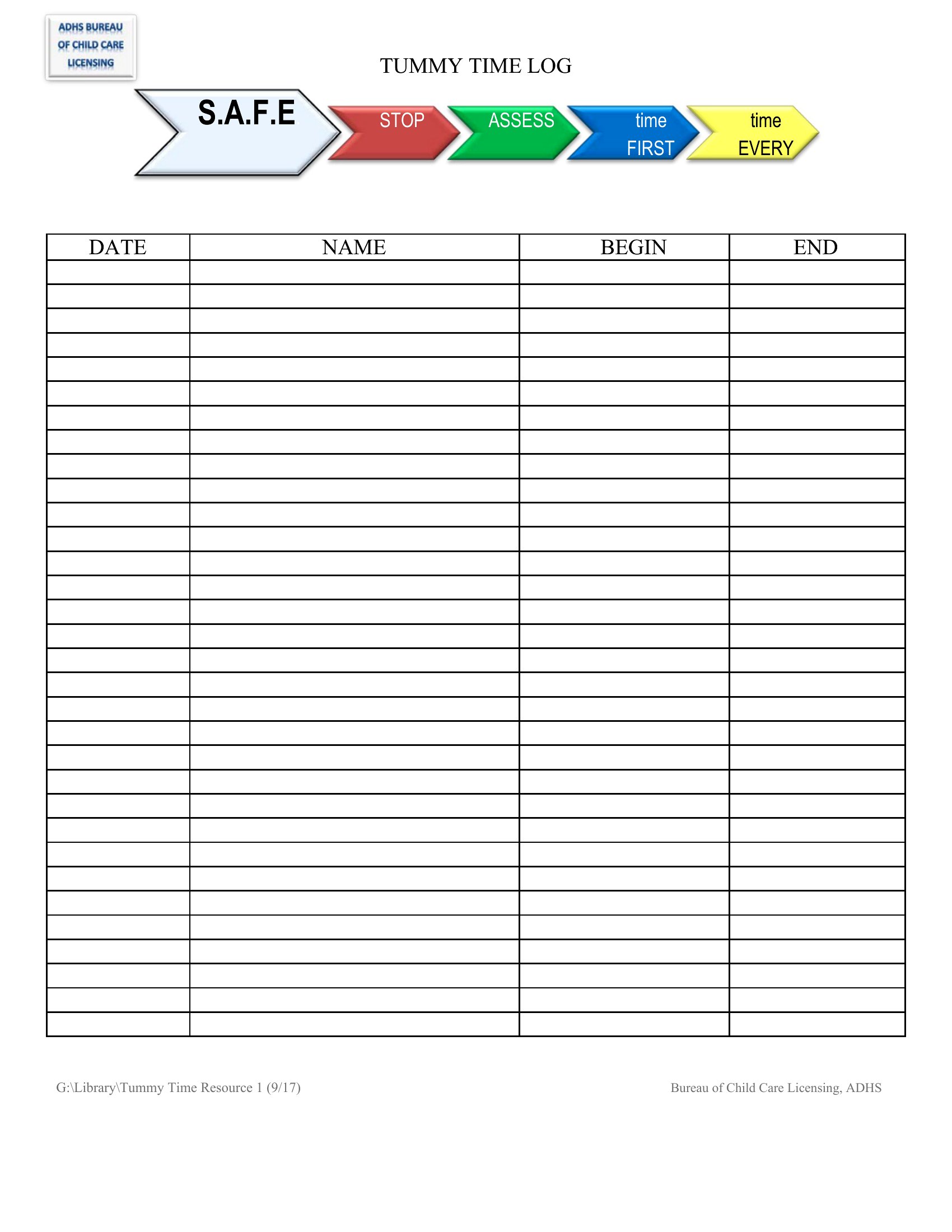
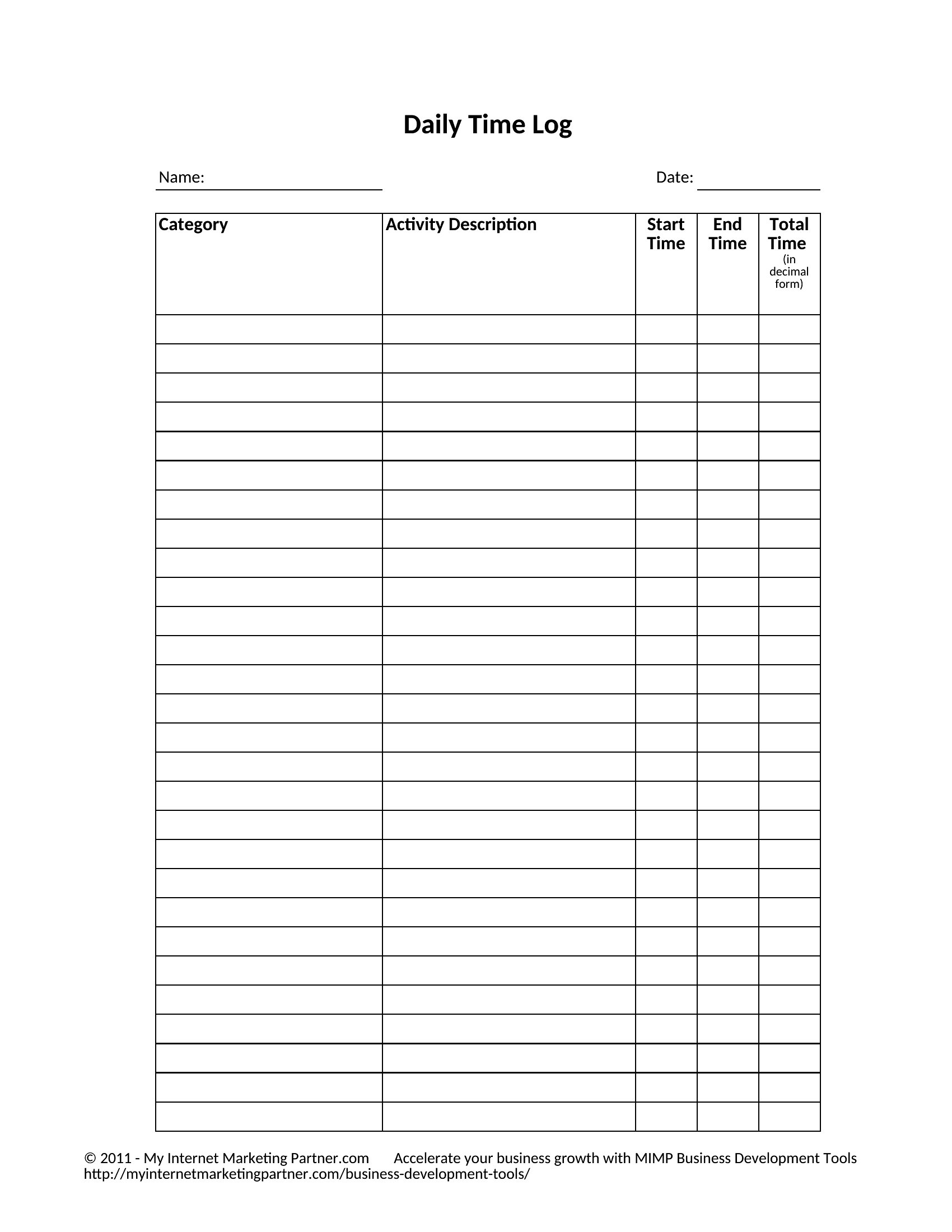
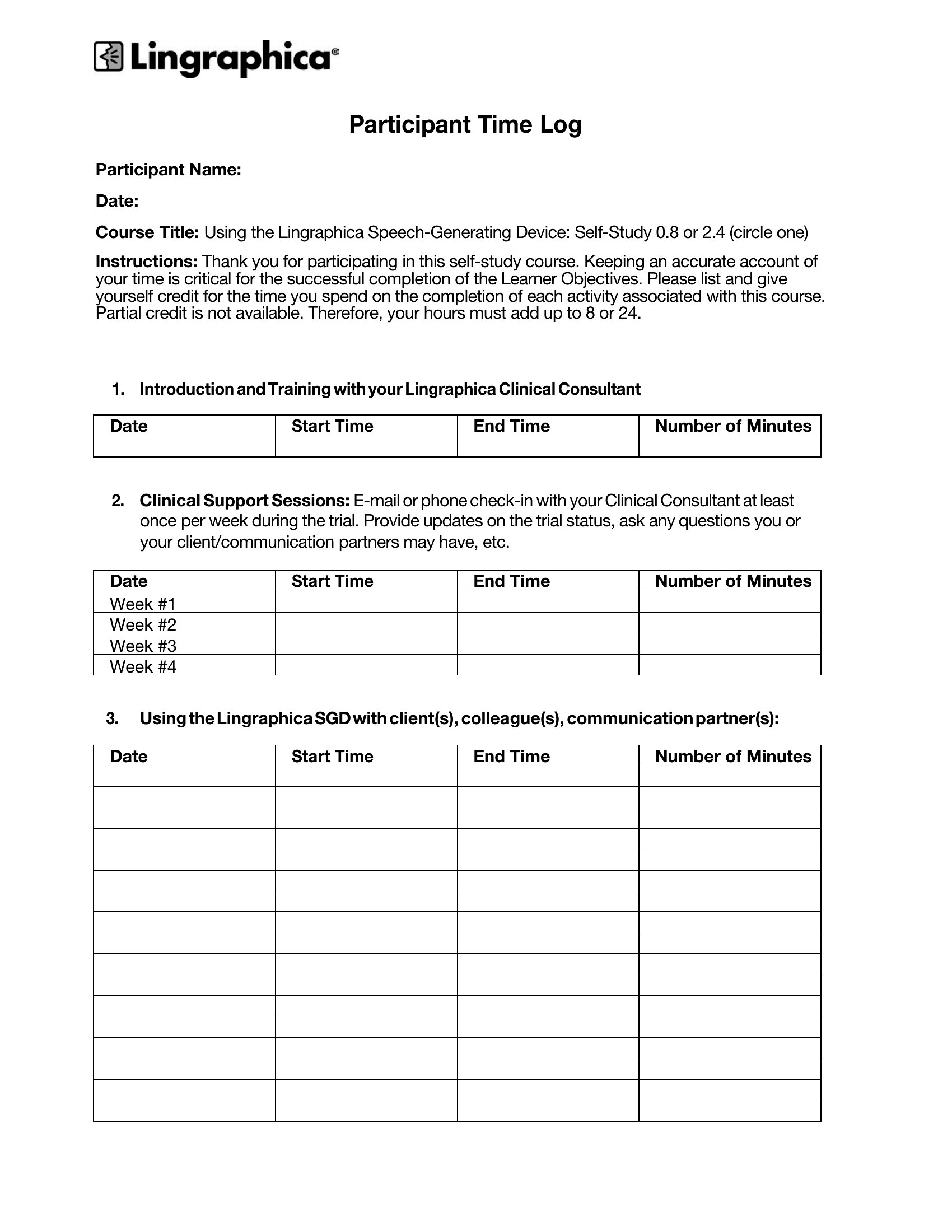
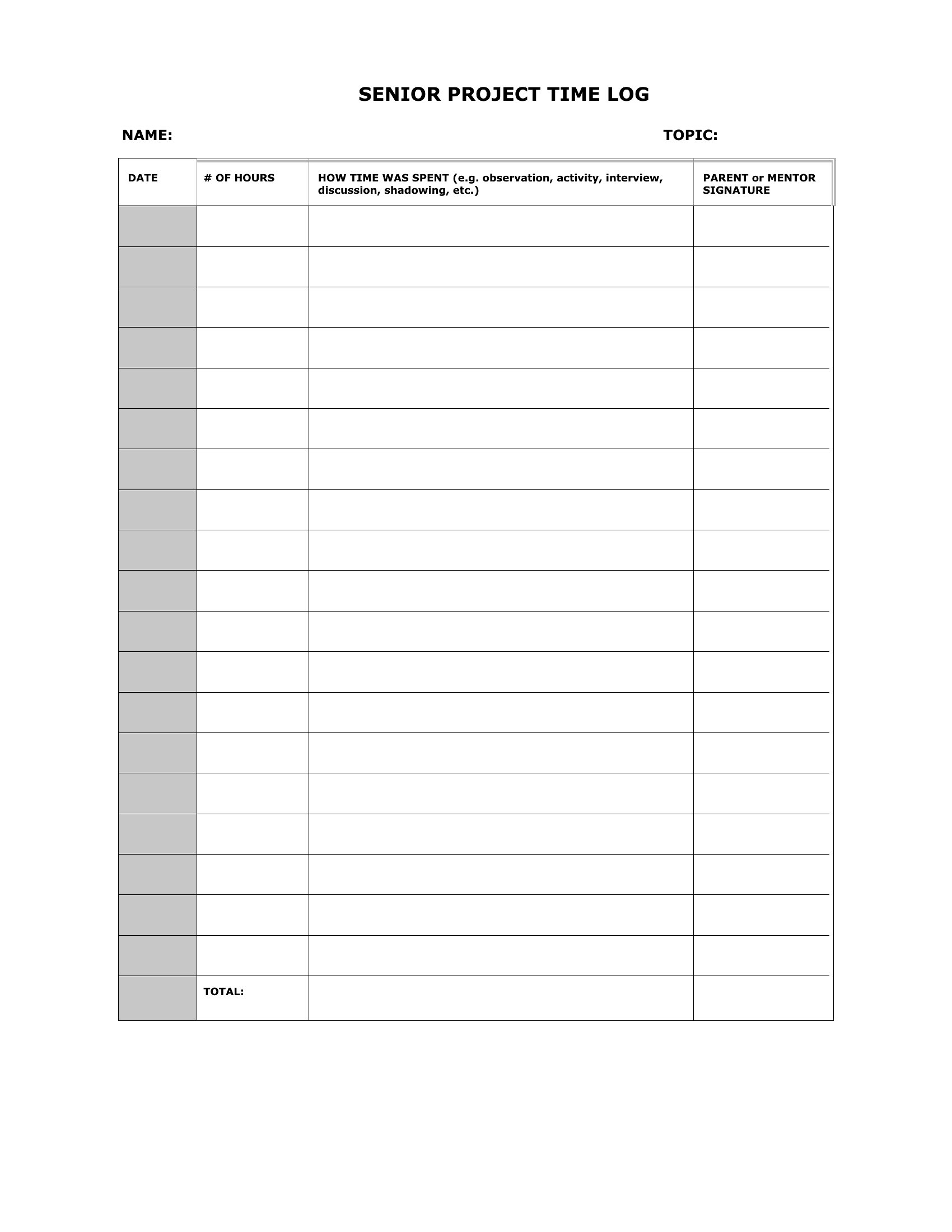
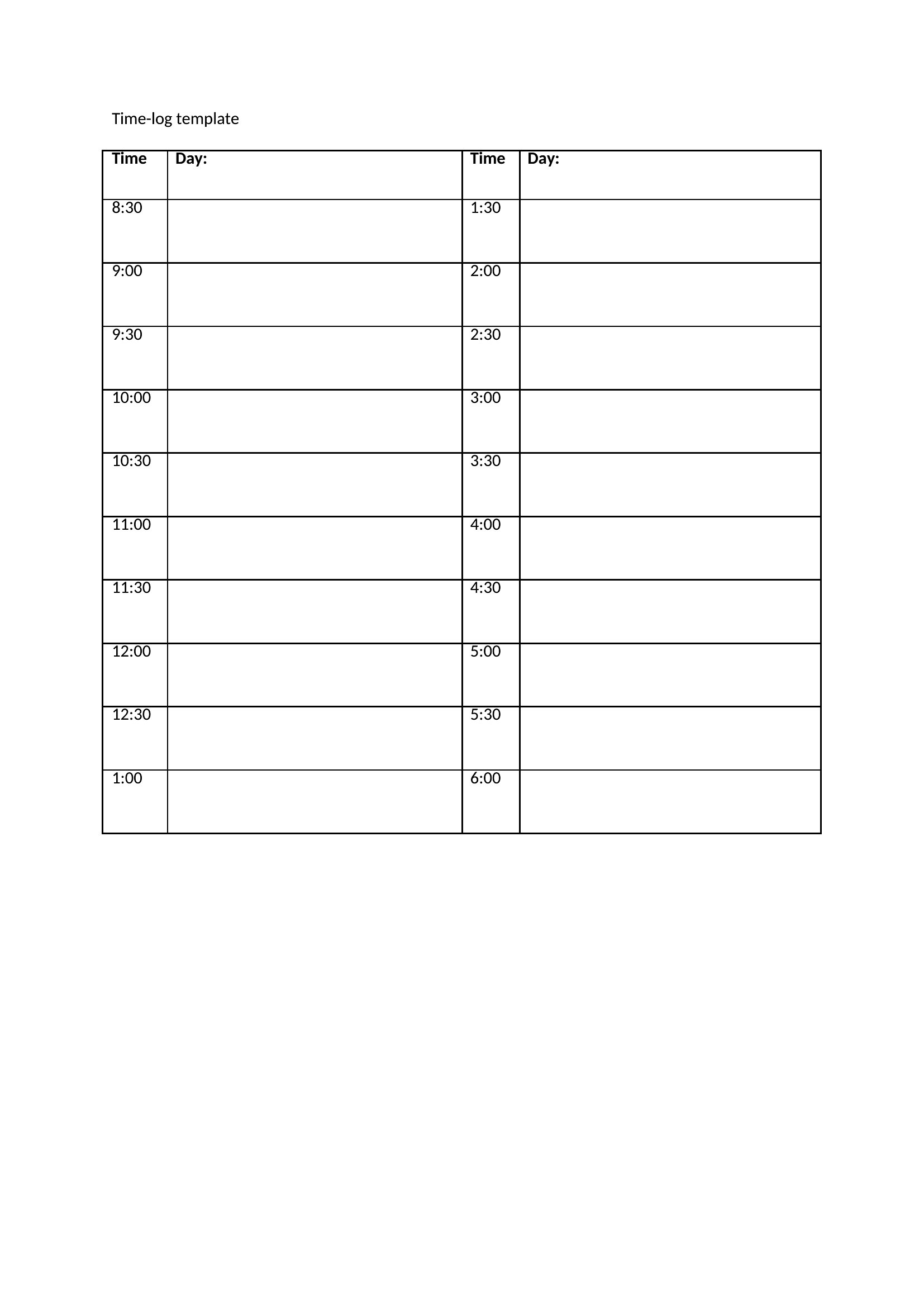
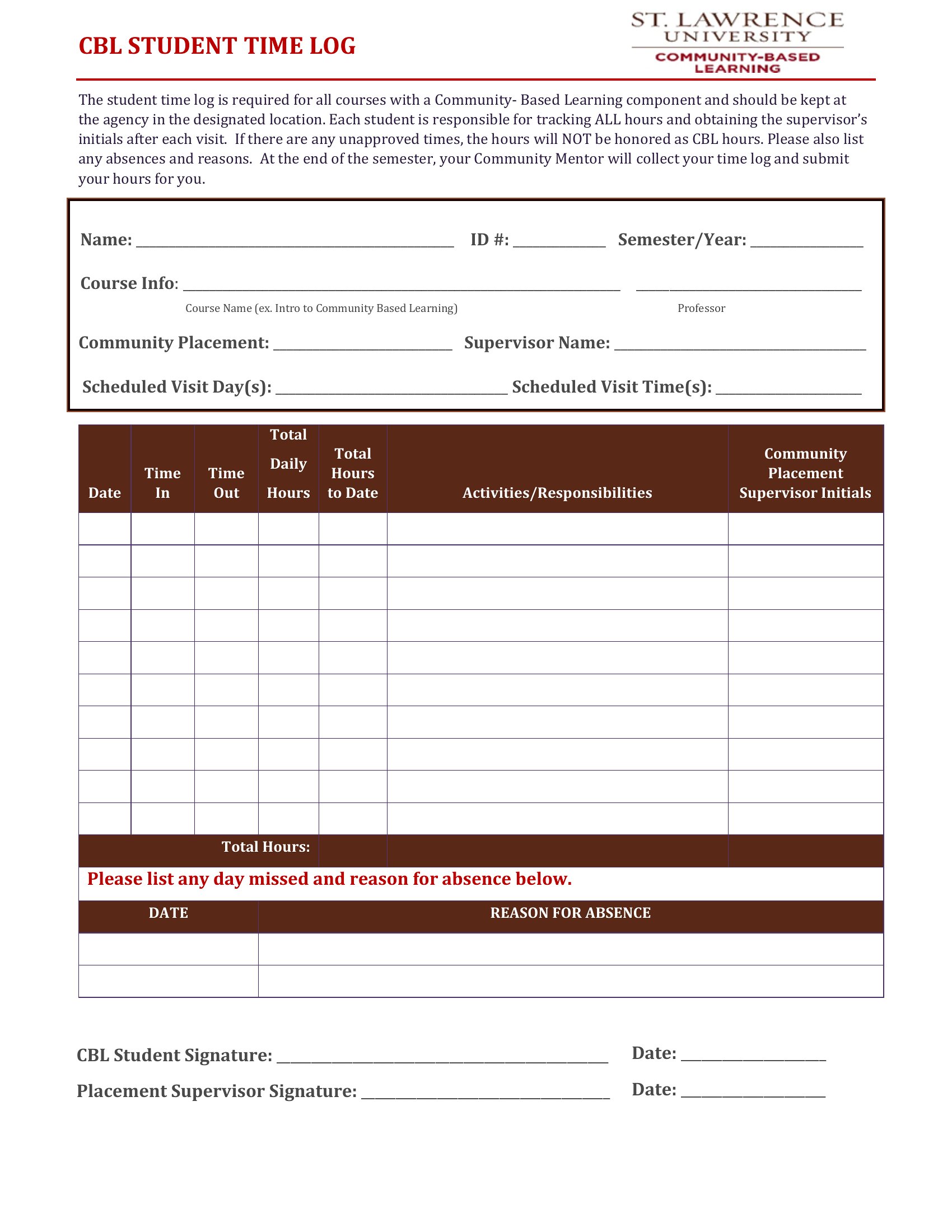
Pdf Time Log
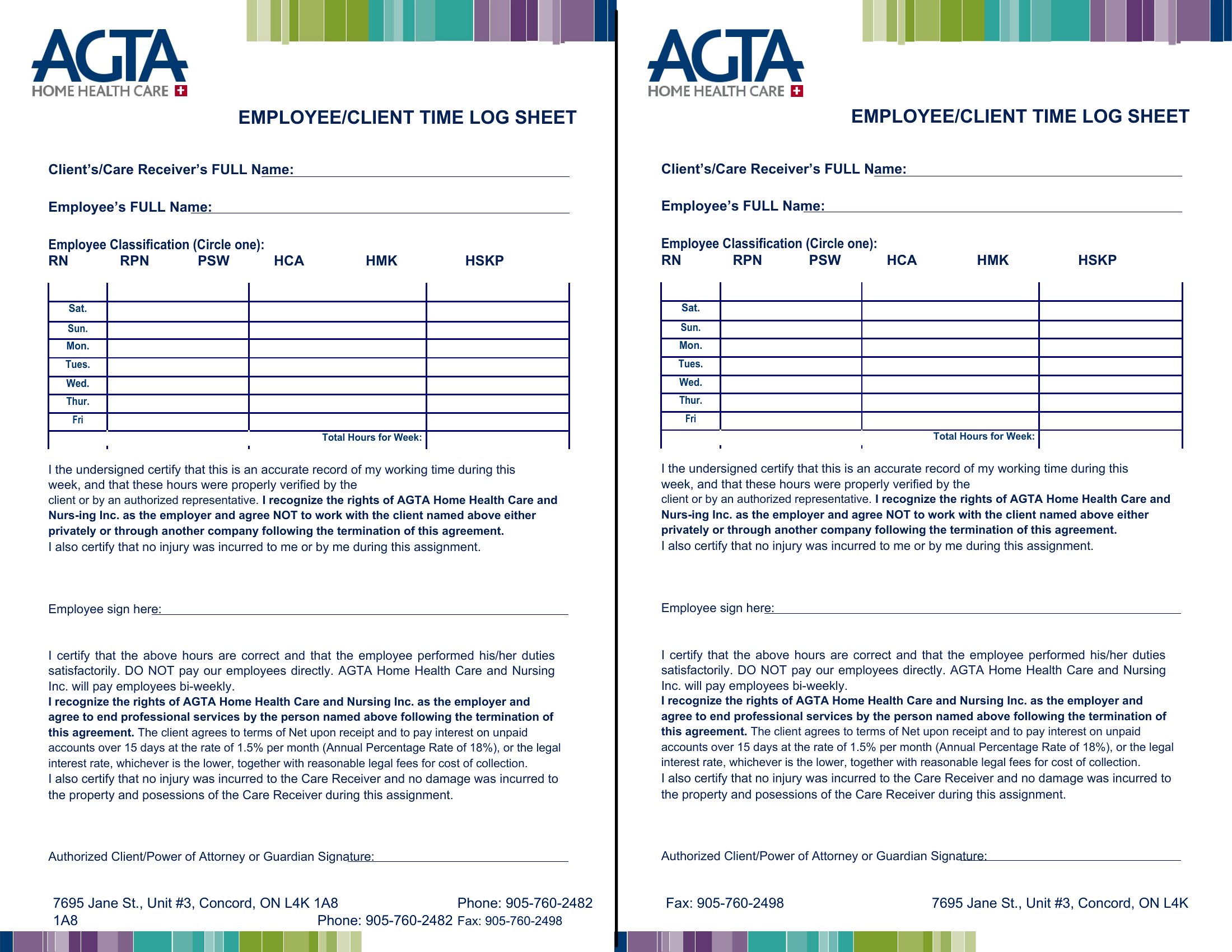
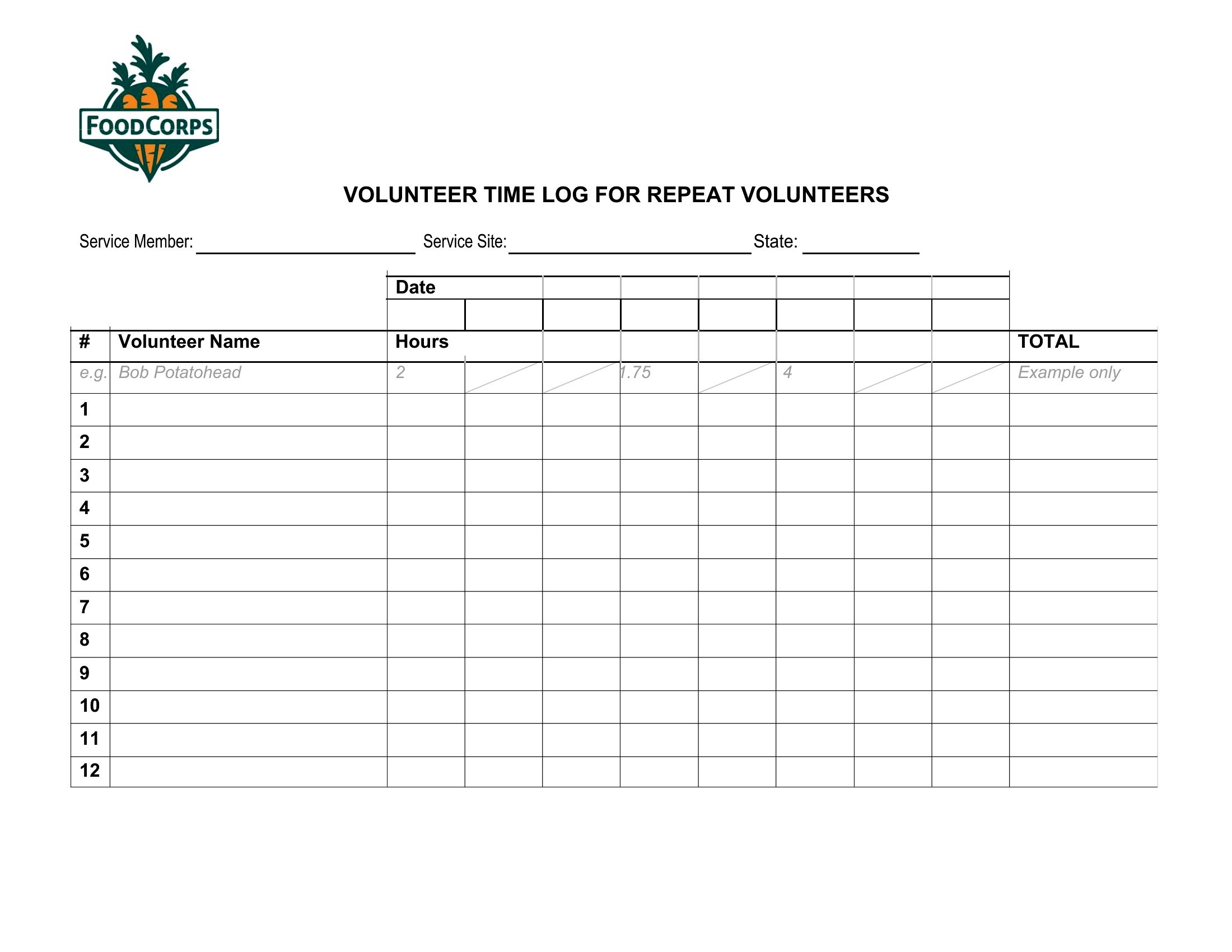
Blank Time Log
Frequently Asked Questions about Time Log Templates
Are these Time Log templates free to download?
Yes. Every Time Log template in this collection is free to download from TemplateSpark. Just open the template you need, download it, and start editing right away — no subscription required to get started.
What file formats are available for Time Log templates?
These Time Log templates are available in Word, Excel, and PDF. Pick the format that matches your workflow — each download keeps the original layout so it looks right whether you open, print, or share it.
Can I edit these Time Log templates?
Yes. The editable files open in Microsoft Word (and compatible apps like Google Docs or LibreOffice), so you can change the text, colors, and layout to fit your needs, then save or export the finished Time Log document.
How many Time Log templates can I choose from?
This page collects 50 Time Log templates so you can compare styles and layouts in one place. Browse the options, open the one that fits your purpose best, and download it in your preferred format.
Can I use Time Log templates for commercial purposes?
In most cases, yes — these Time Log templates are intended for both personal and business use. Check the license note on the template before redistributing or reselling, and avoid sharing the source files as your own product.
What is a time log and what is it used for?
A time log records how time is spent across tasks, noting start and stop times and total hours for each activity. Freelancers, students, and professionals use it to bill clients, study efficiently, and understand where their hours go, turning a vague day into a clear record.
How do you use a time log to bill clients accurately?
Record each task with its start time, stop time, and a brief description as you work, then total the hours per client or project. Logging in real time rather than from memory keeps entries accurate, and the detailed record supports transparent, defensible invoices clients can review.
What is the difference between a time log and a to-do list?
A to-do list plans what you intend to do, while a time log records what you actually did and how long it took. The list looks forward to organize tasks; the log looks back to measure effort, supporting billing, productivity review, and better future planning.
Comments
Join the conversation
Sign in to share your thoughts and leave a comment on this resource.