
Free Risk Assessment Templates (Excel, PDF)
Analysis by elizabethchavez
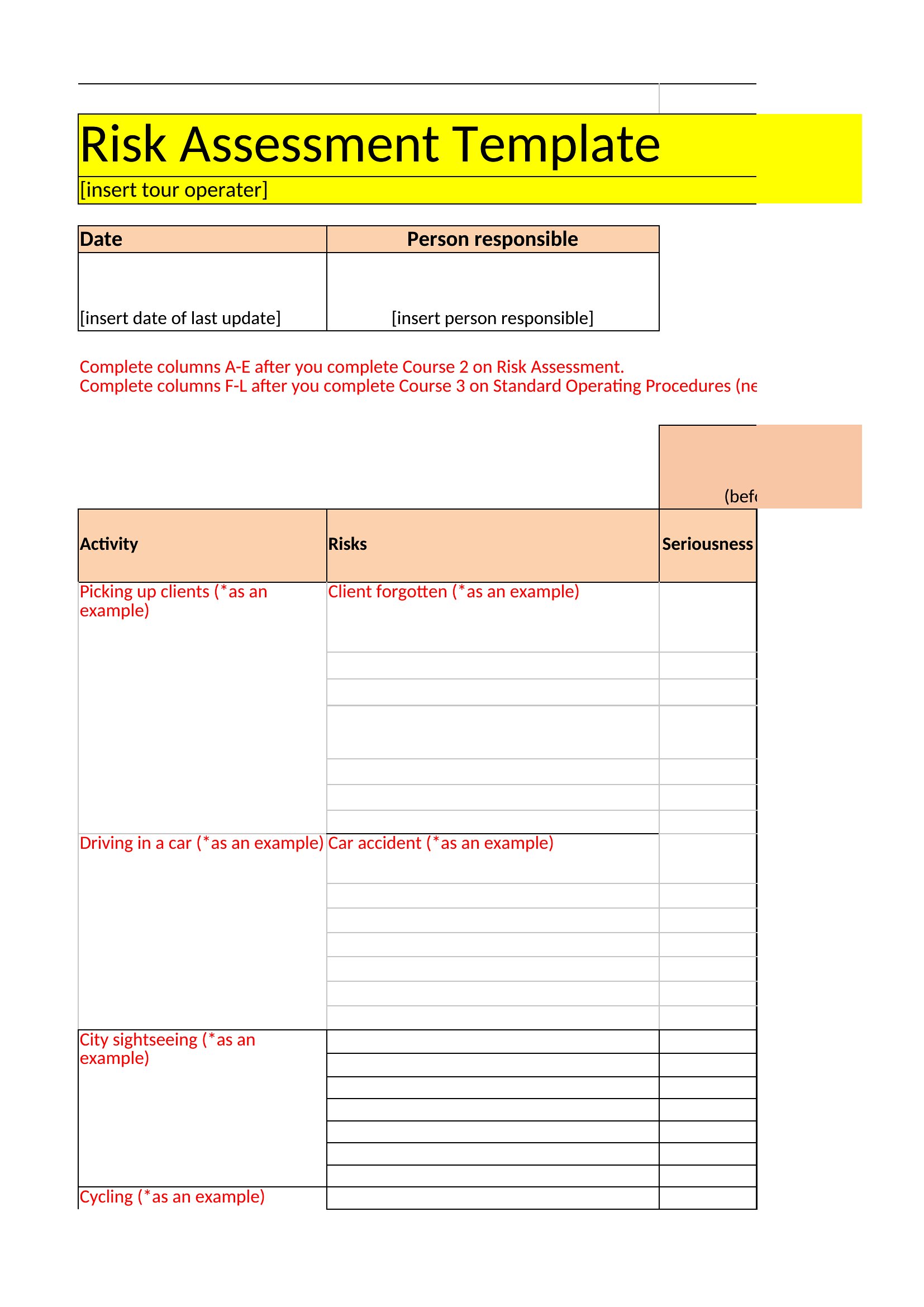
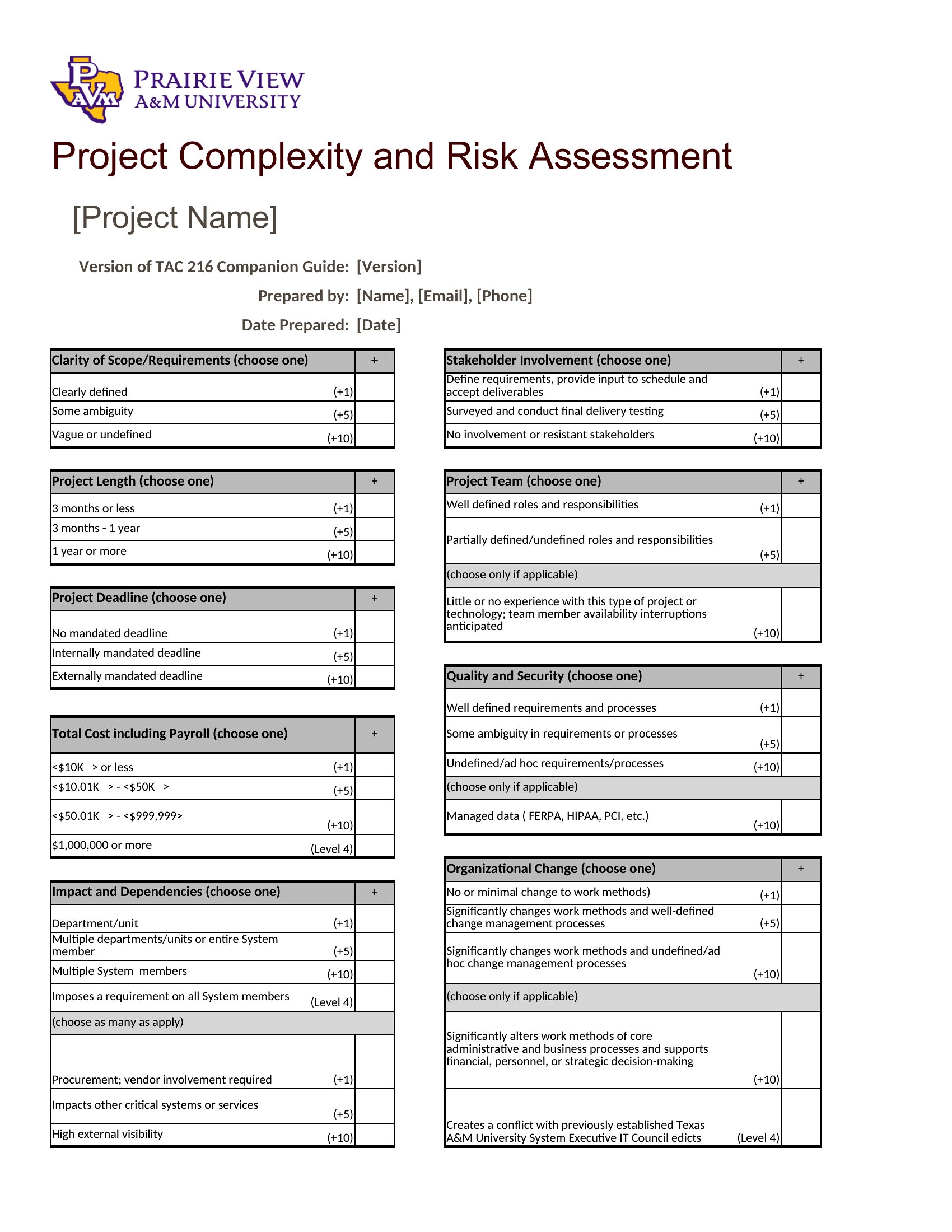
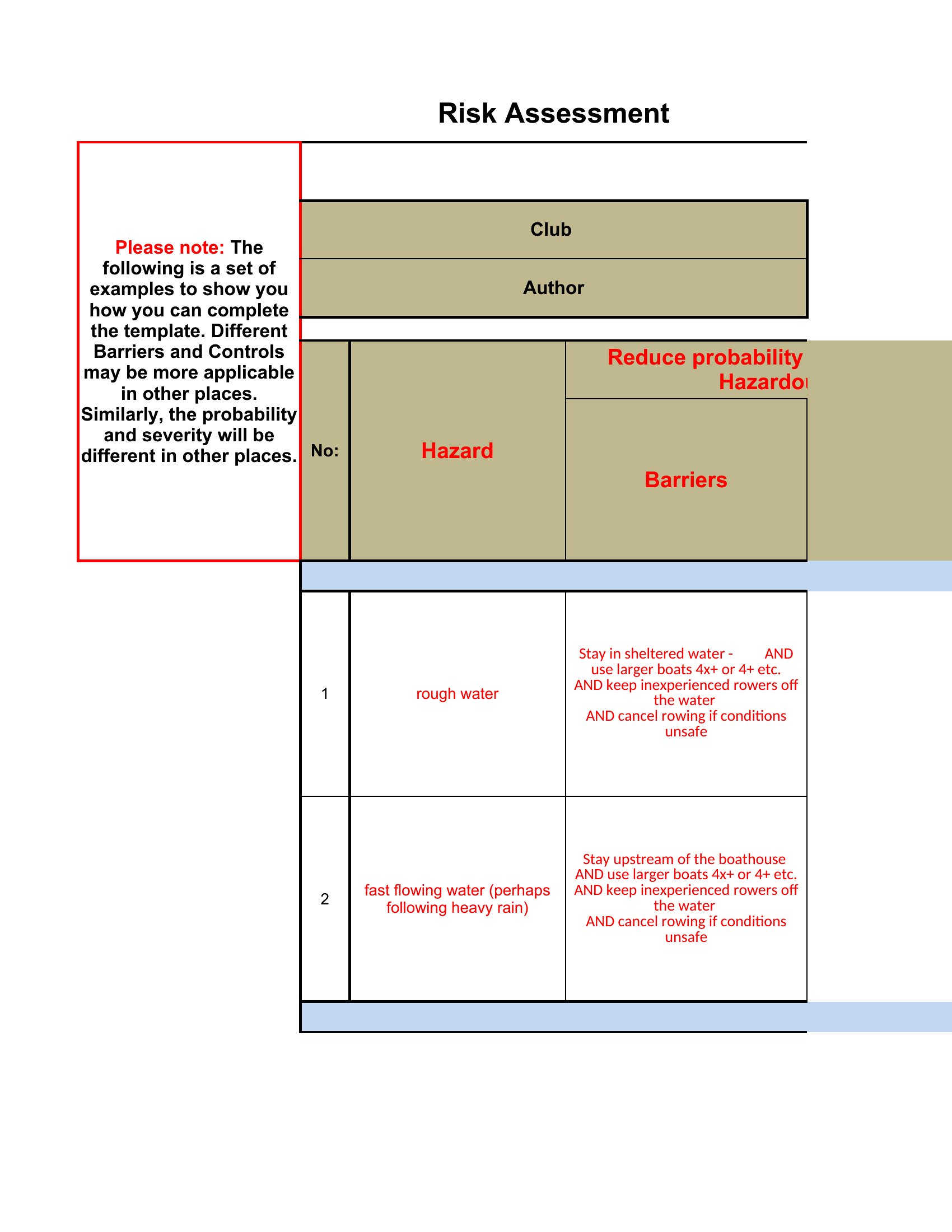
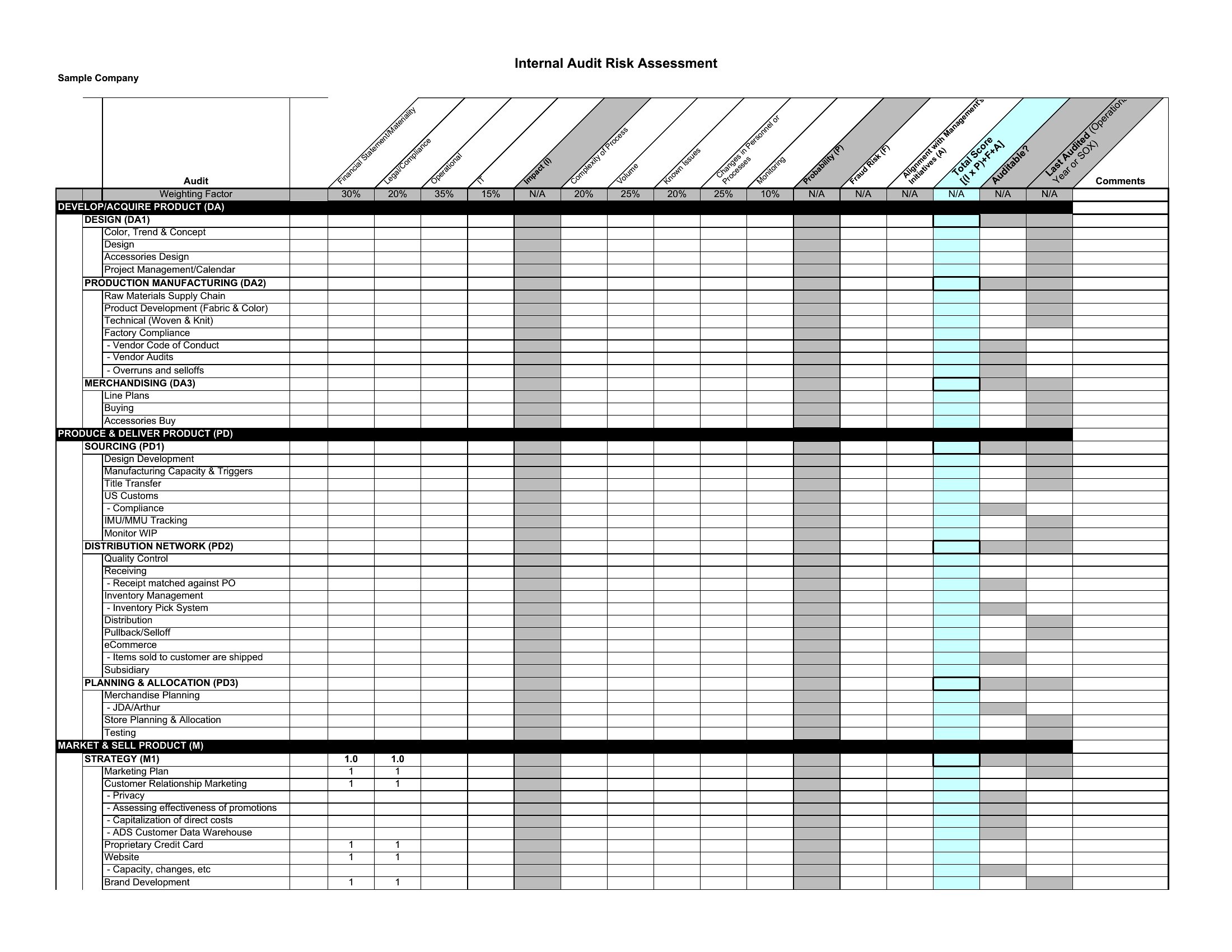
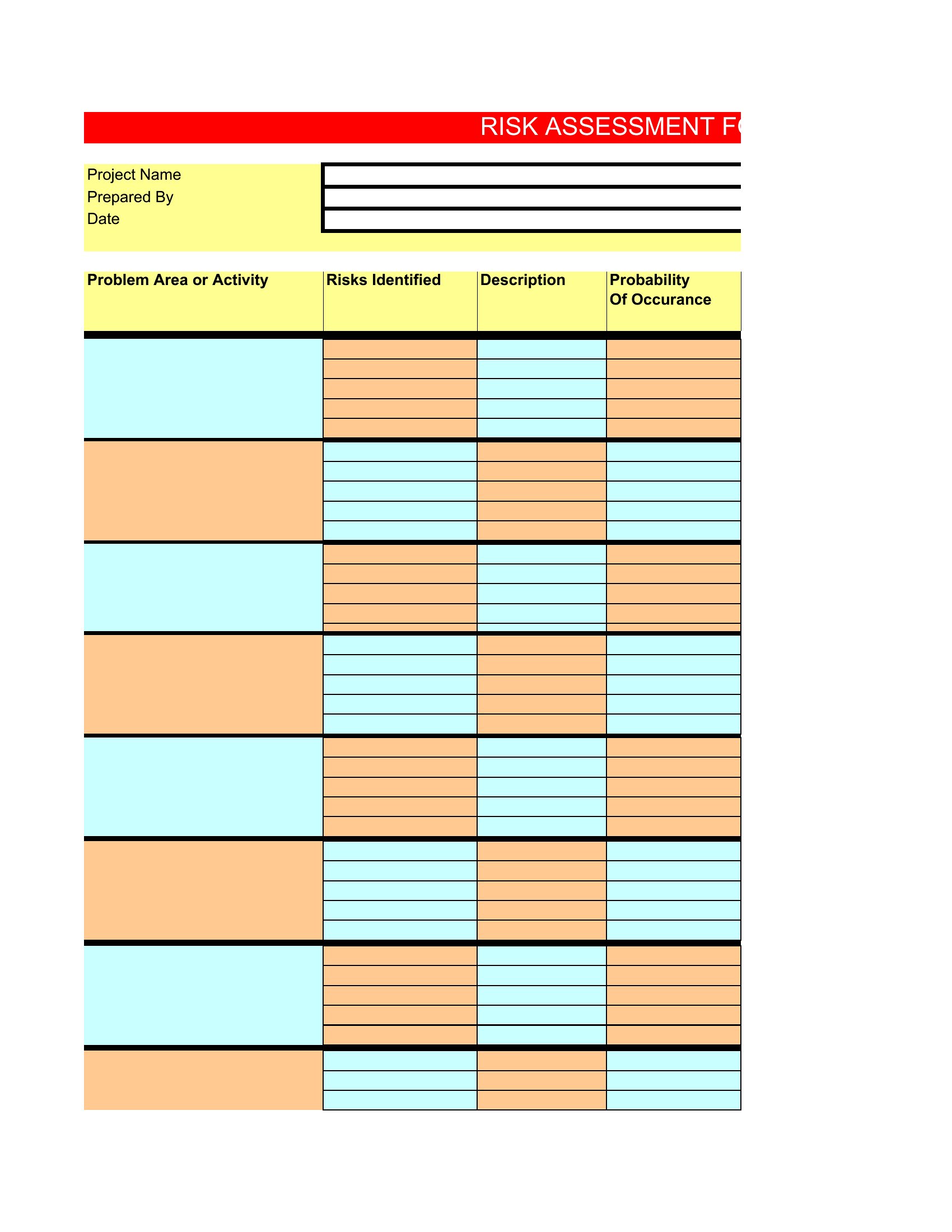
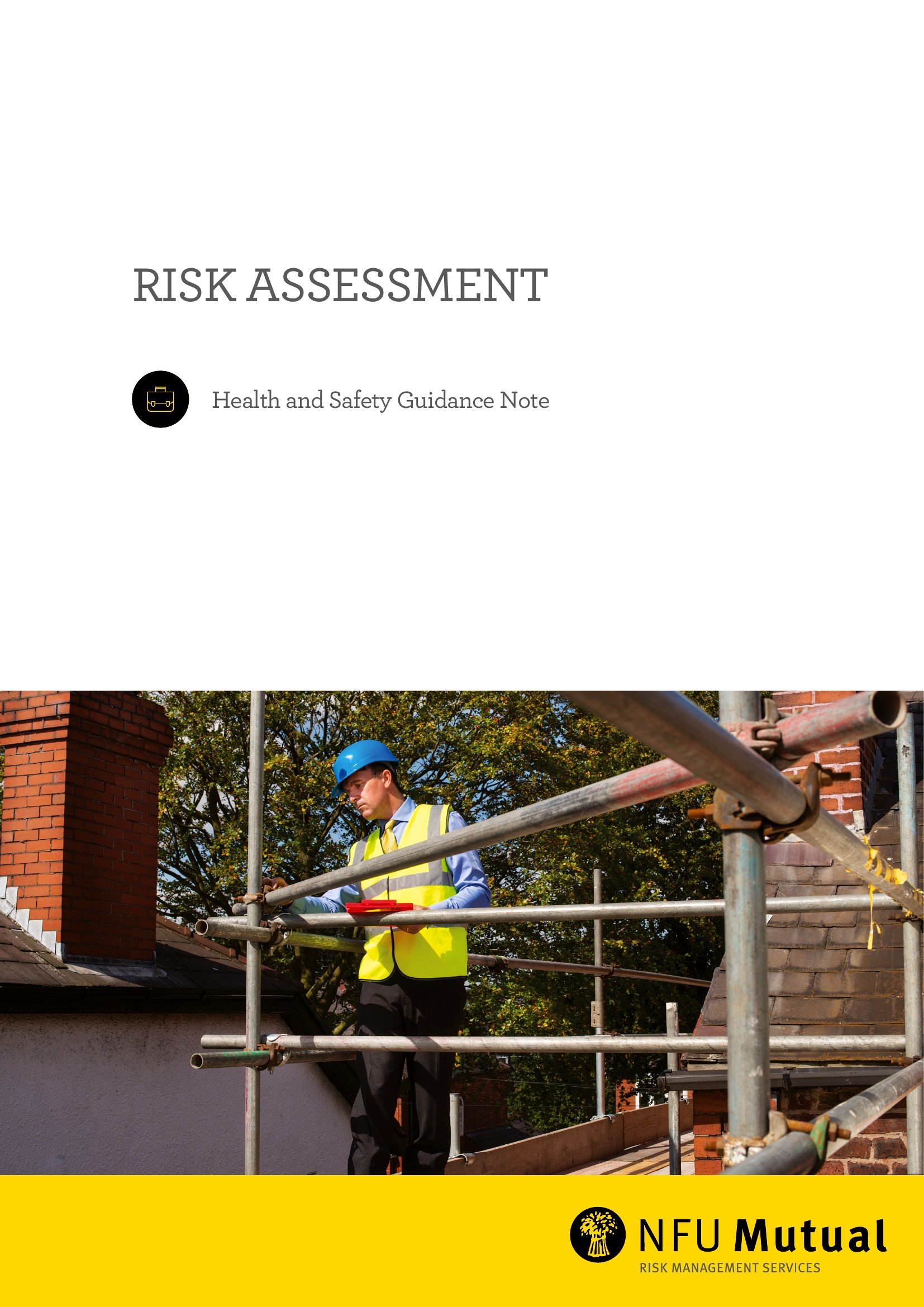
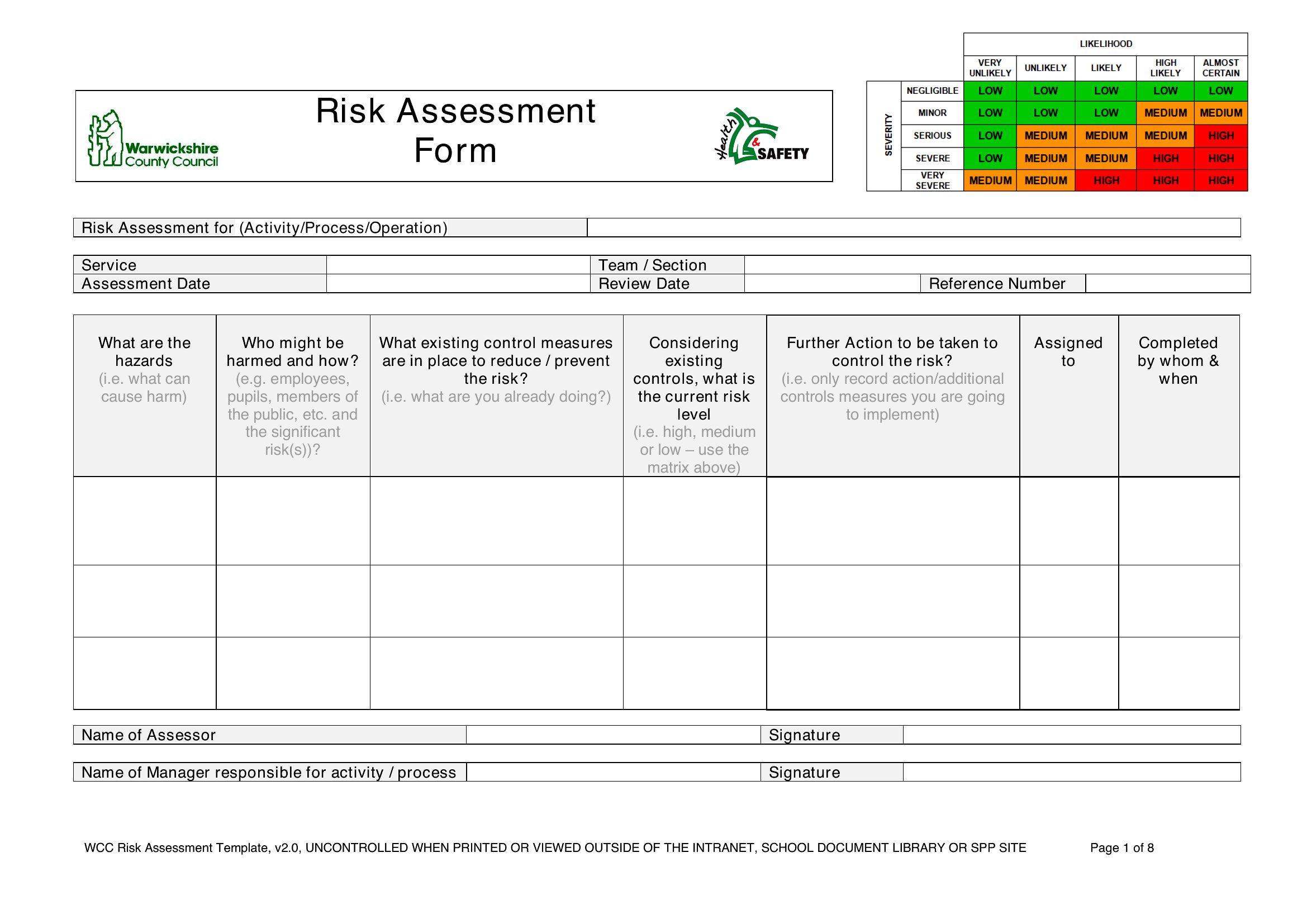
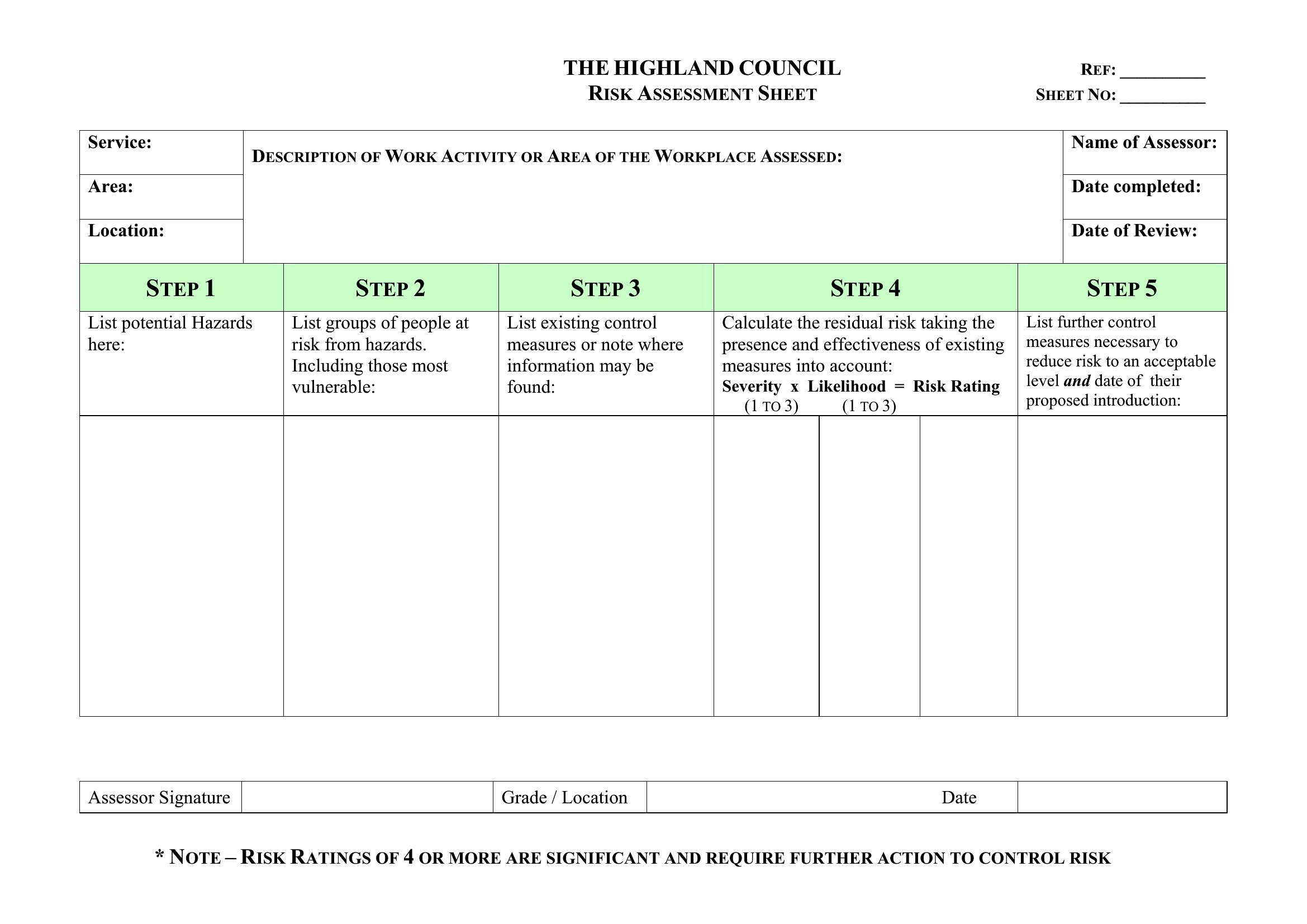
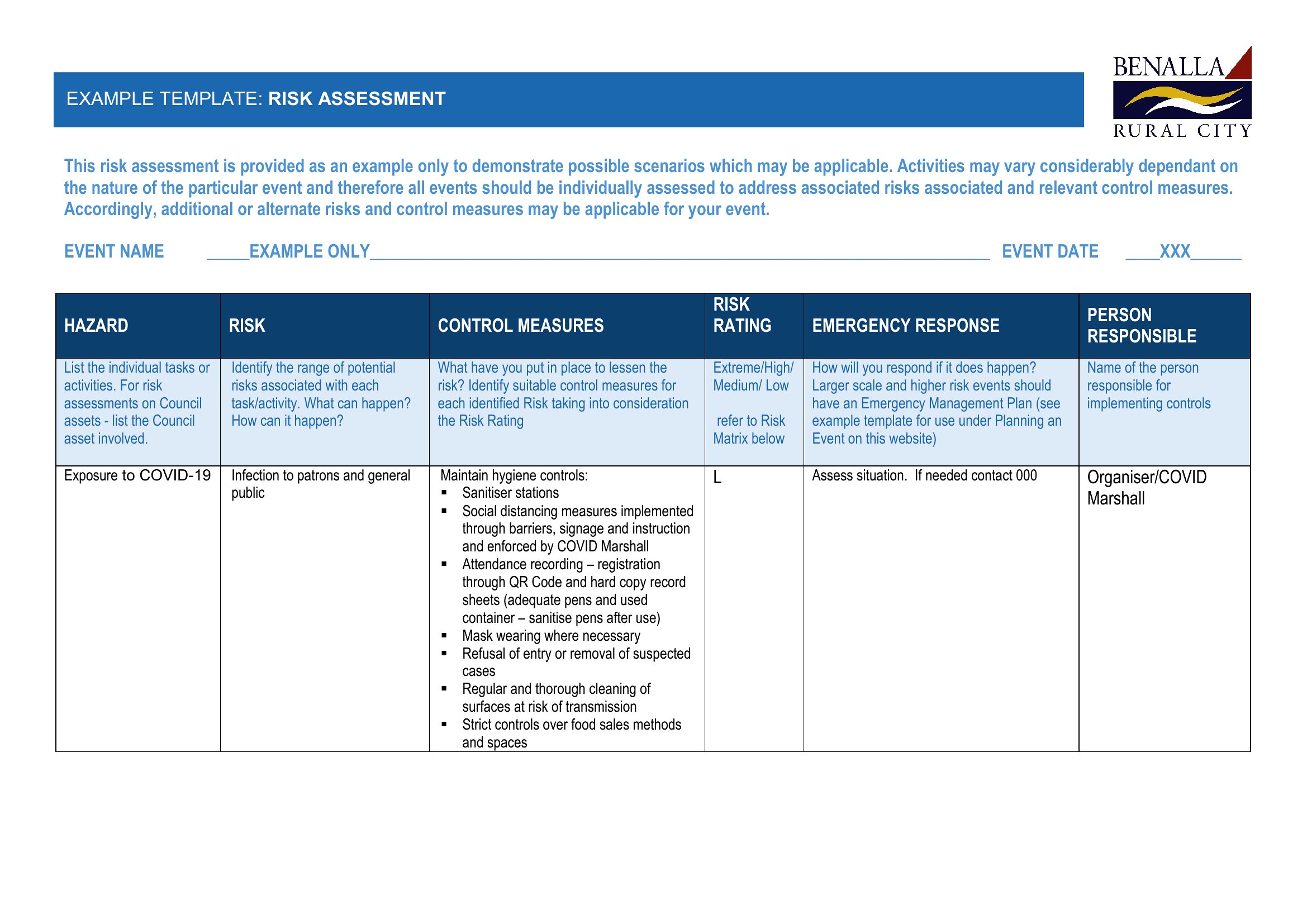
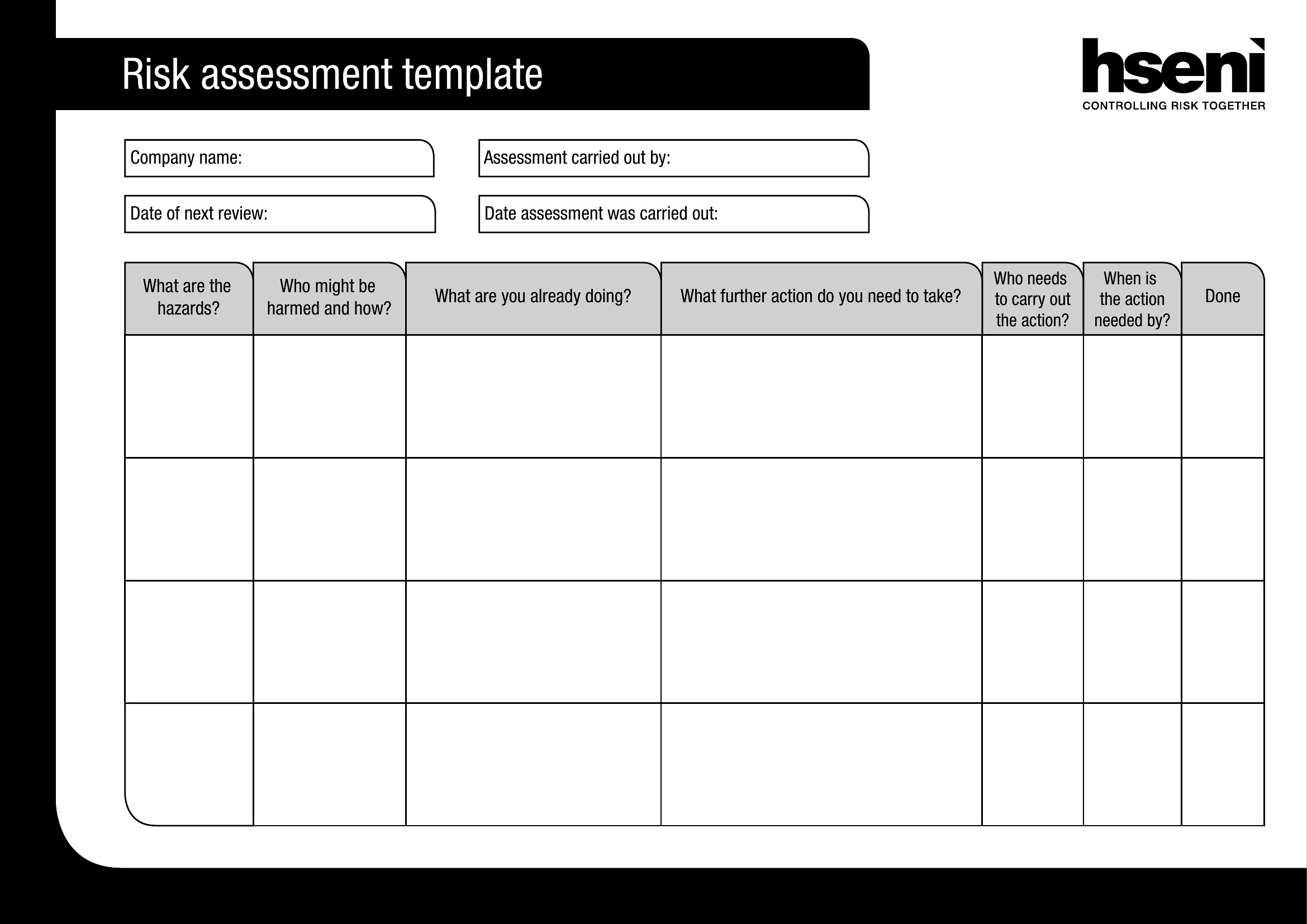
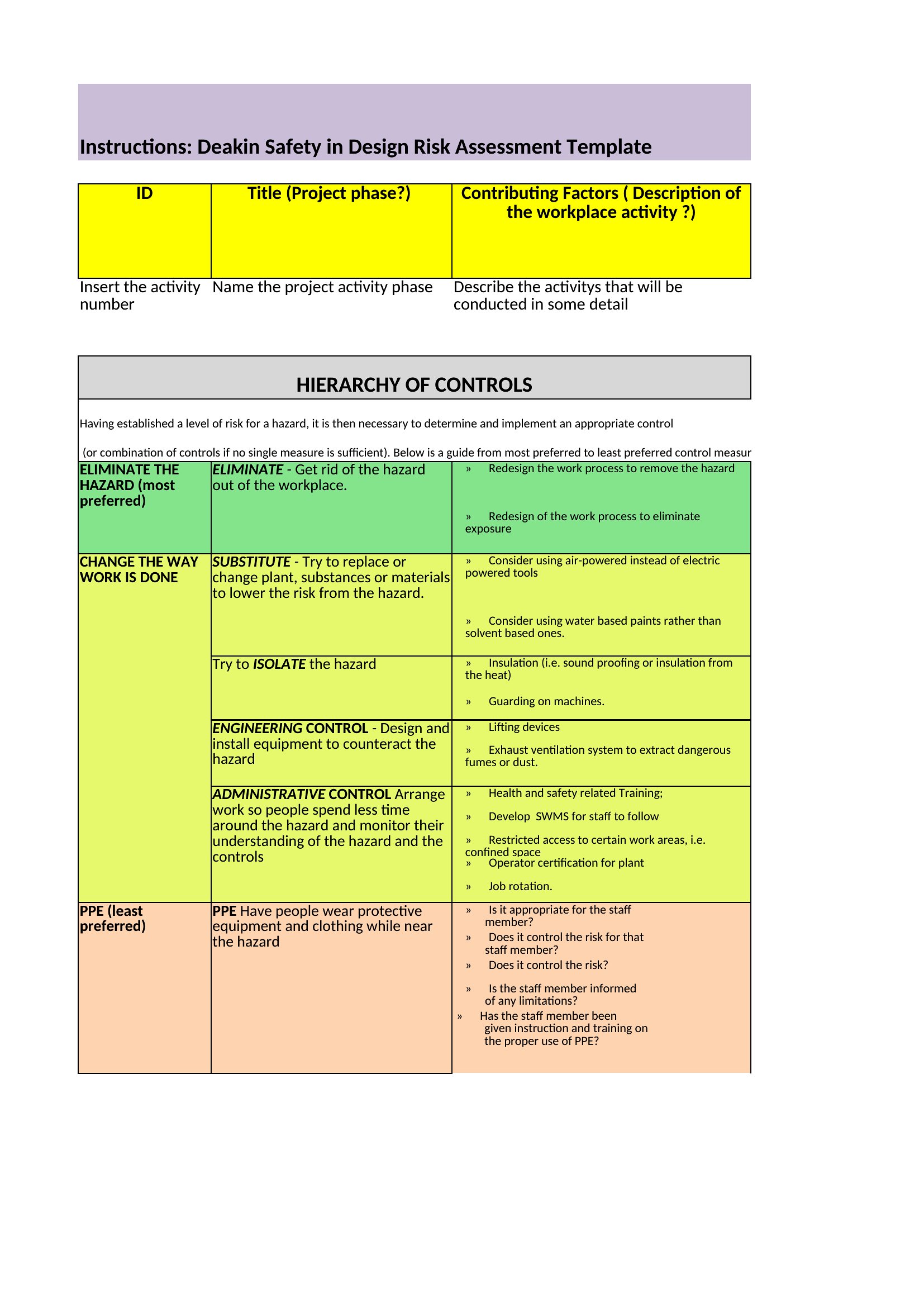
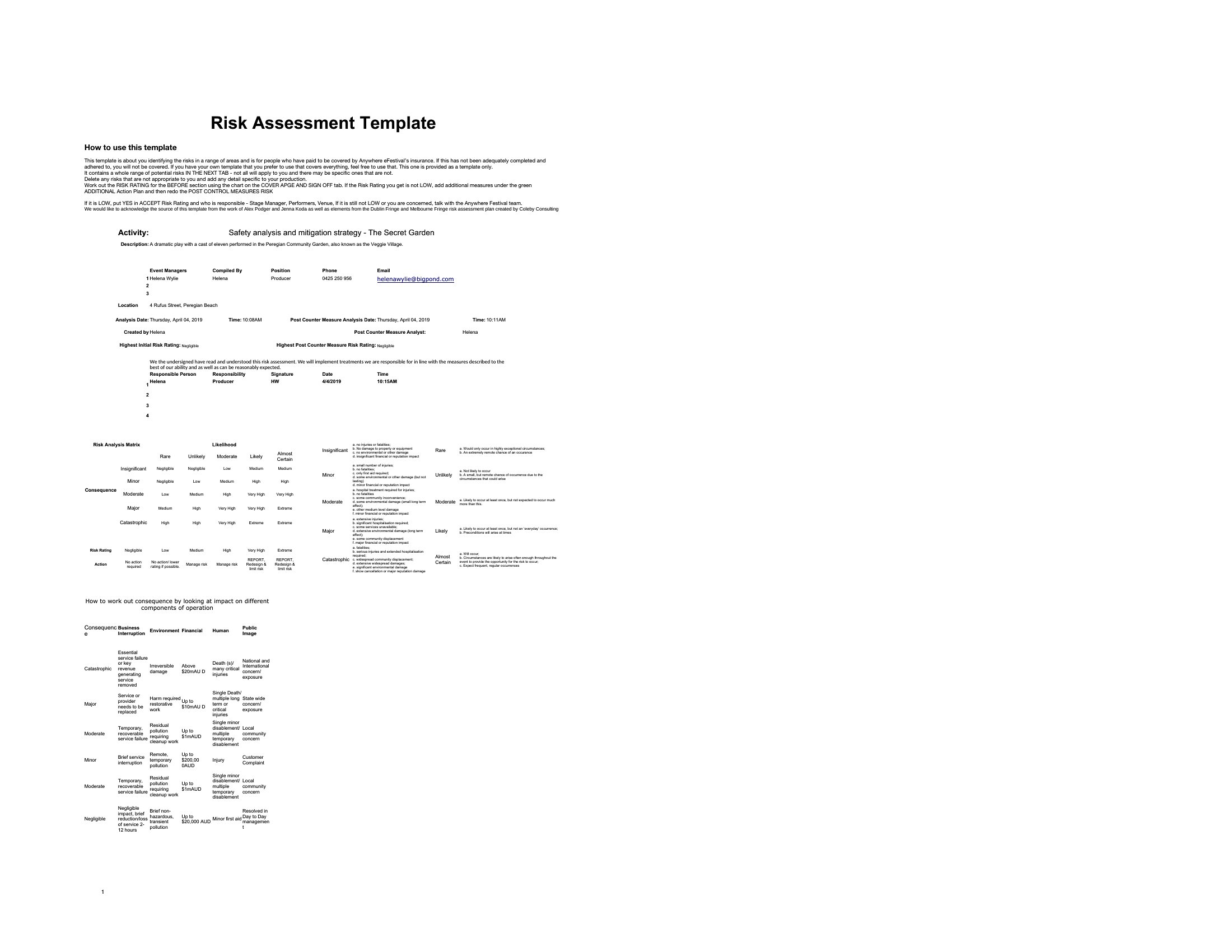
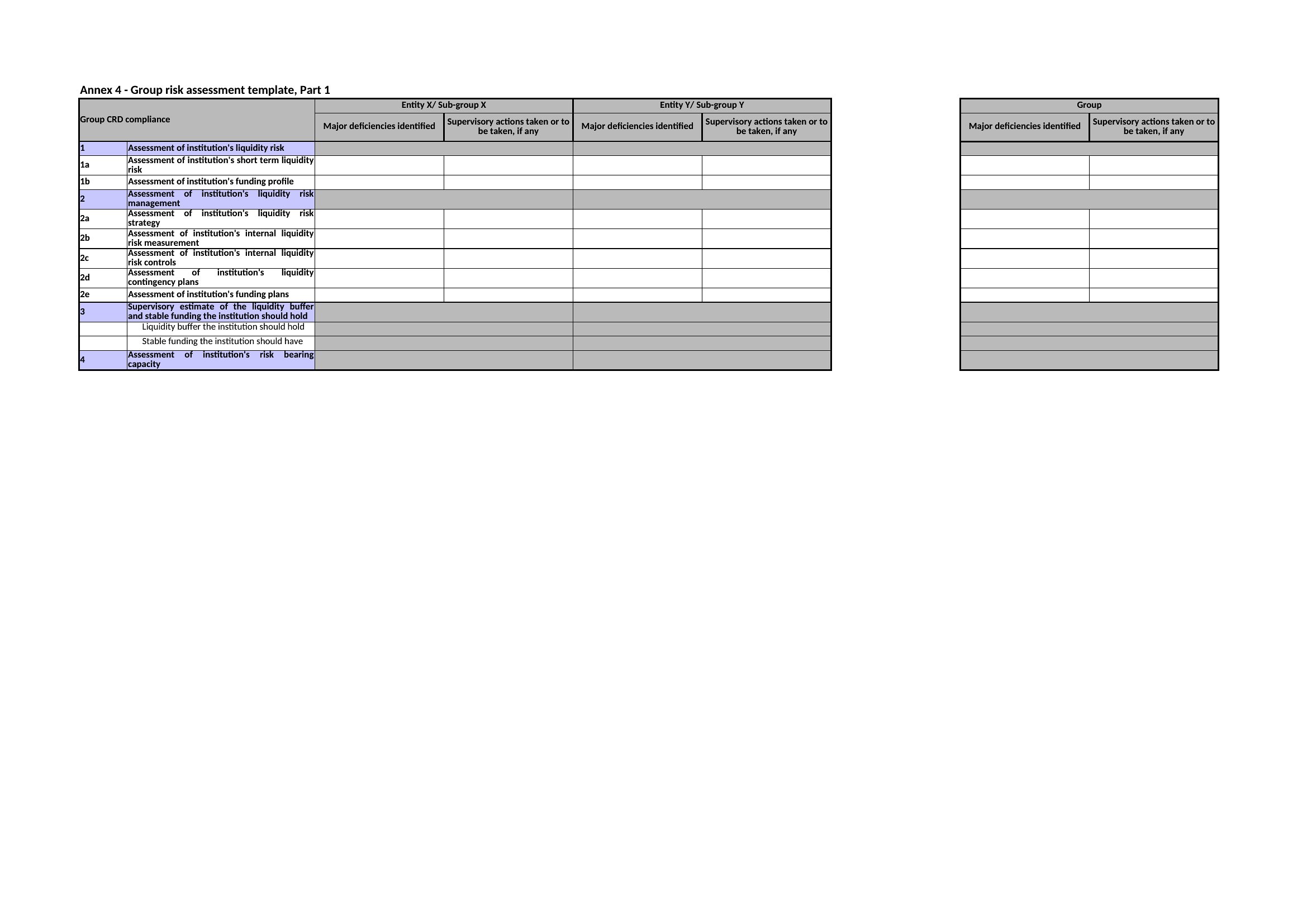
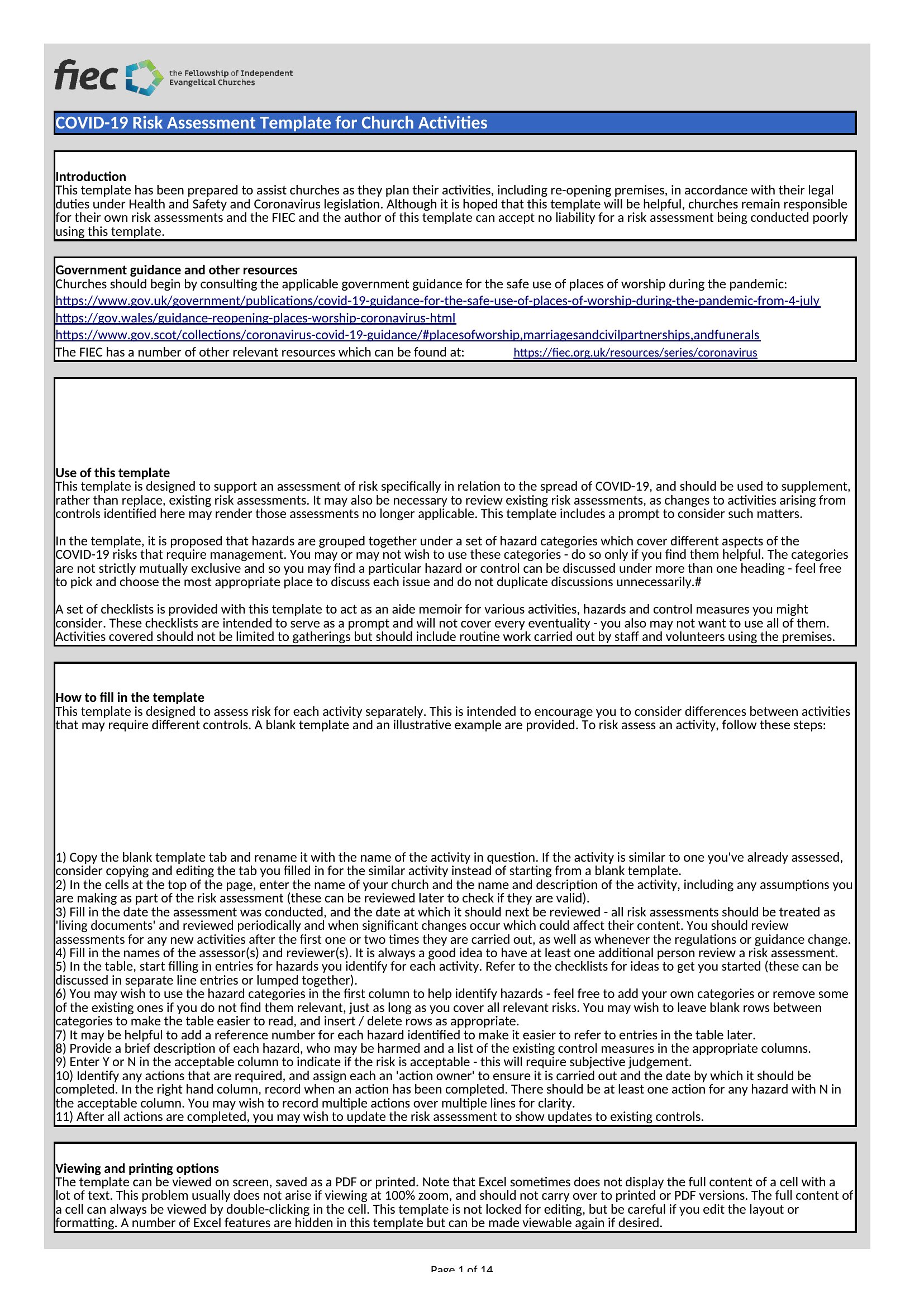
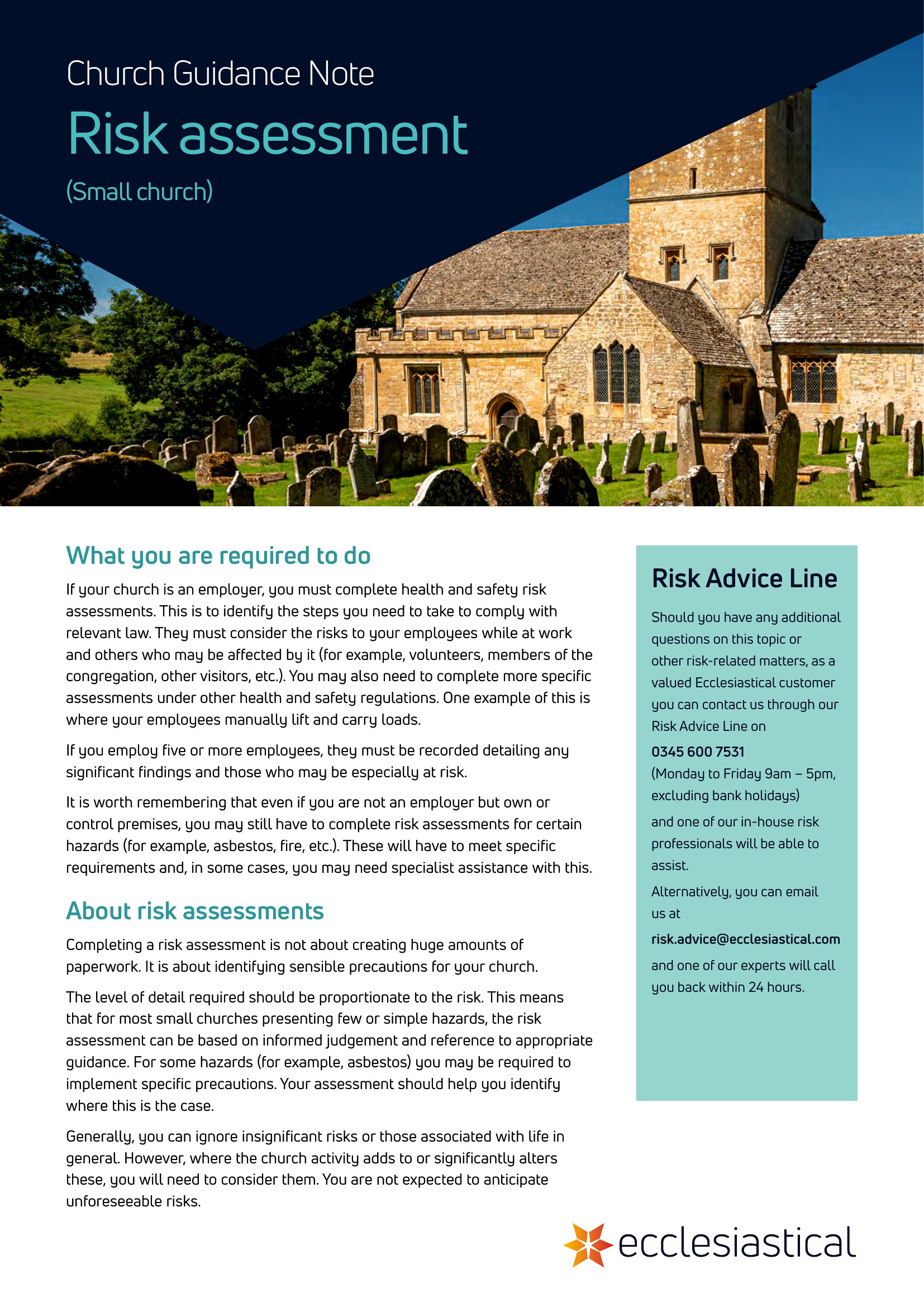
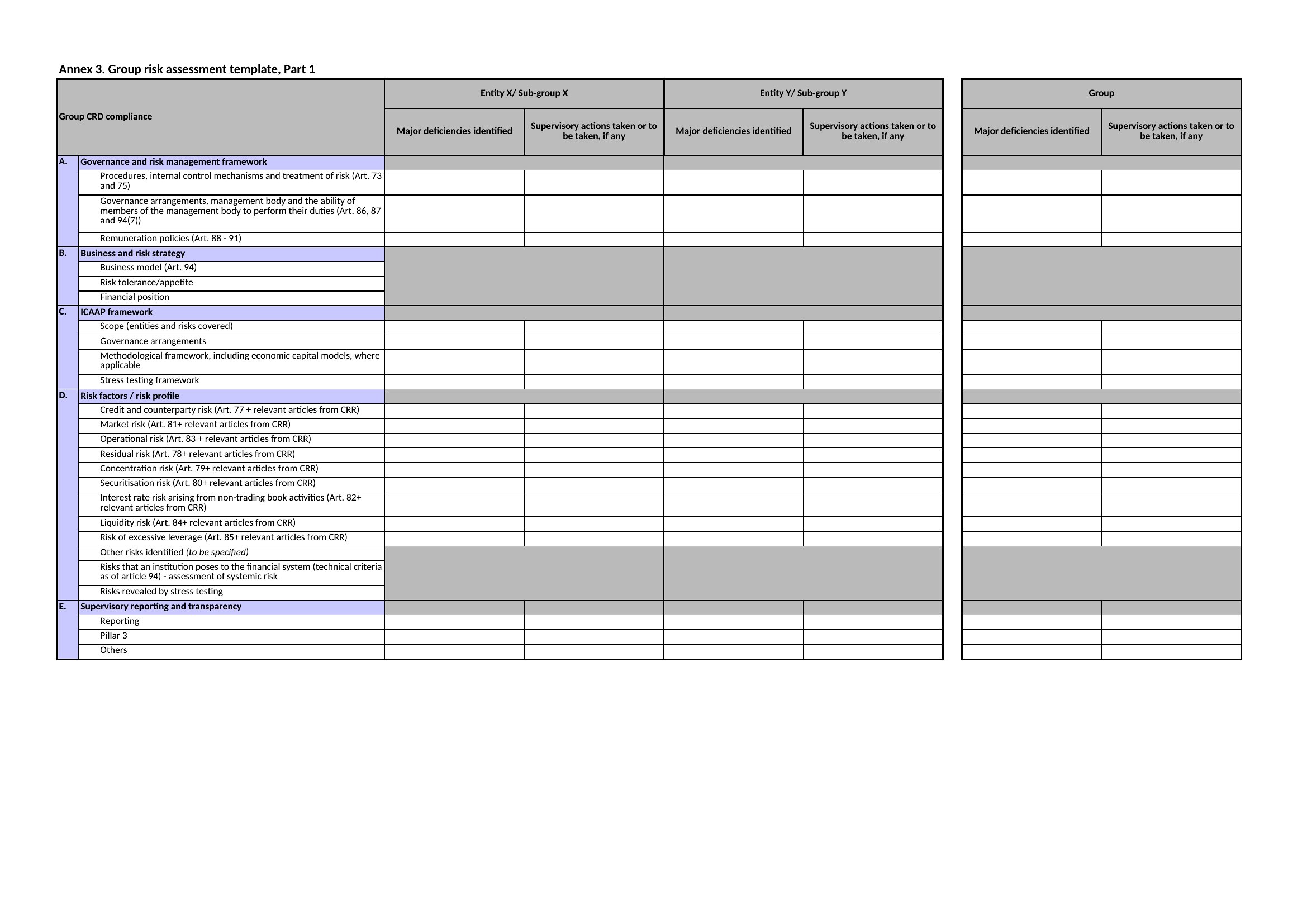
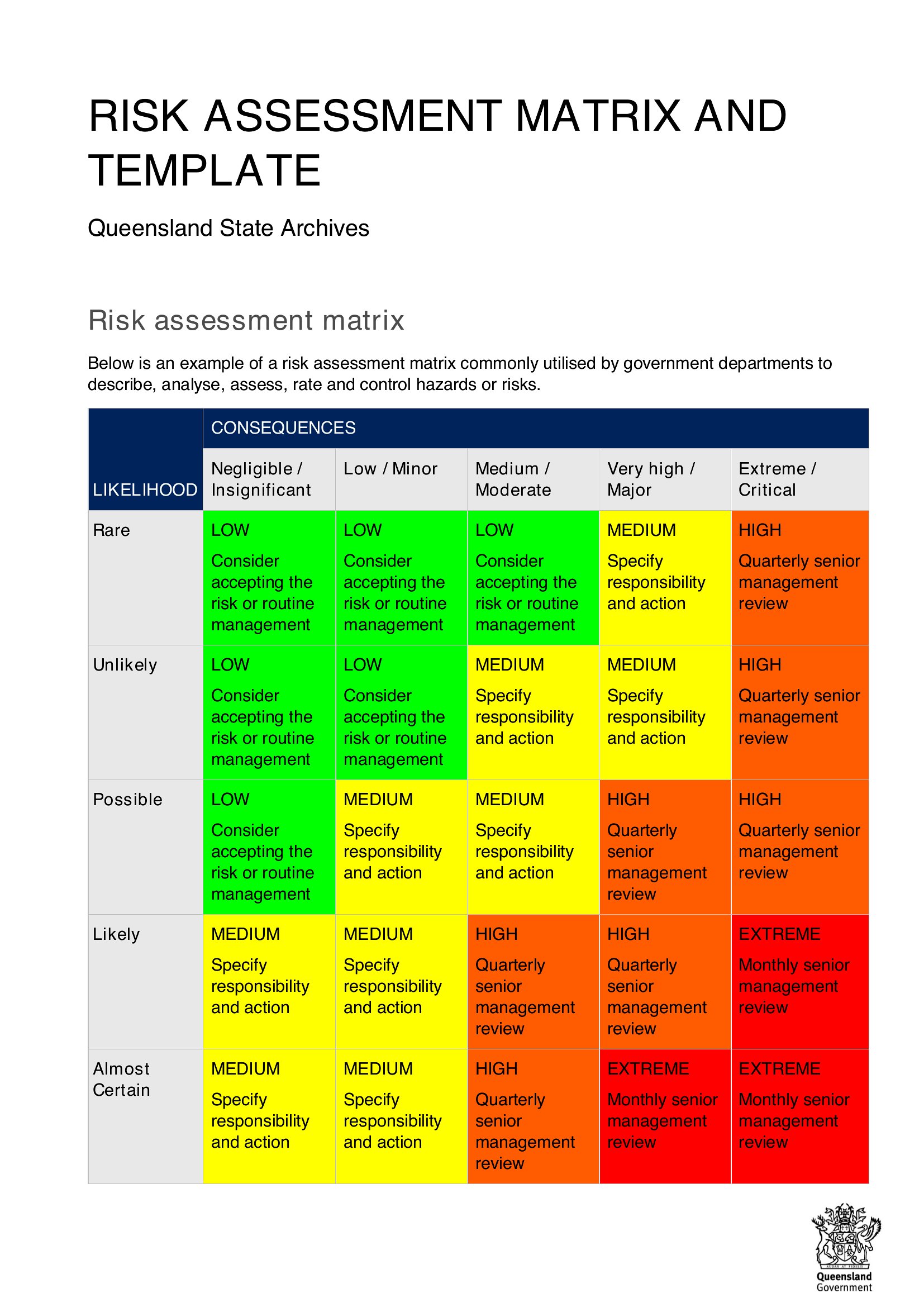
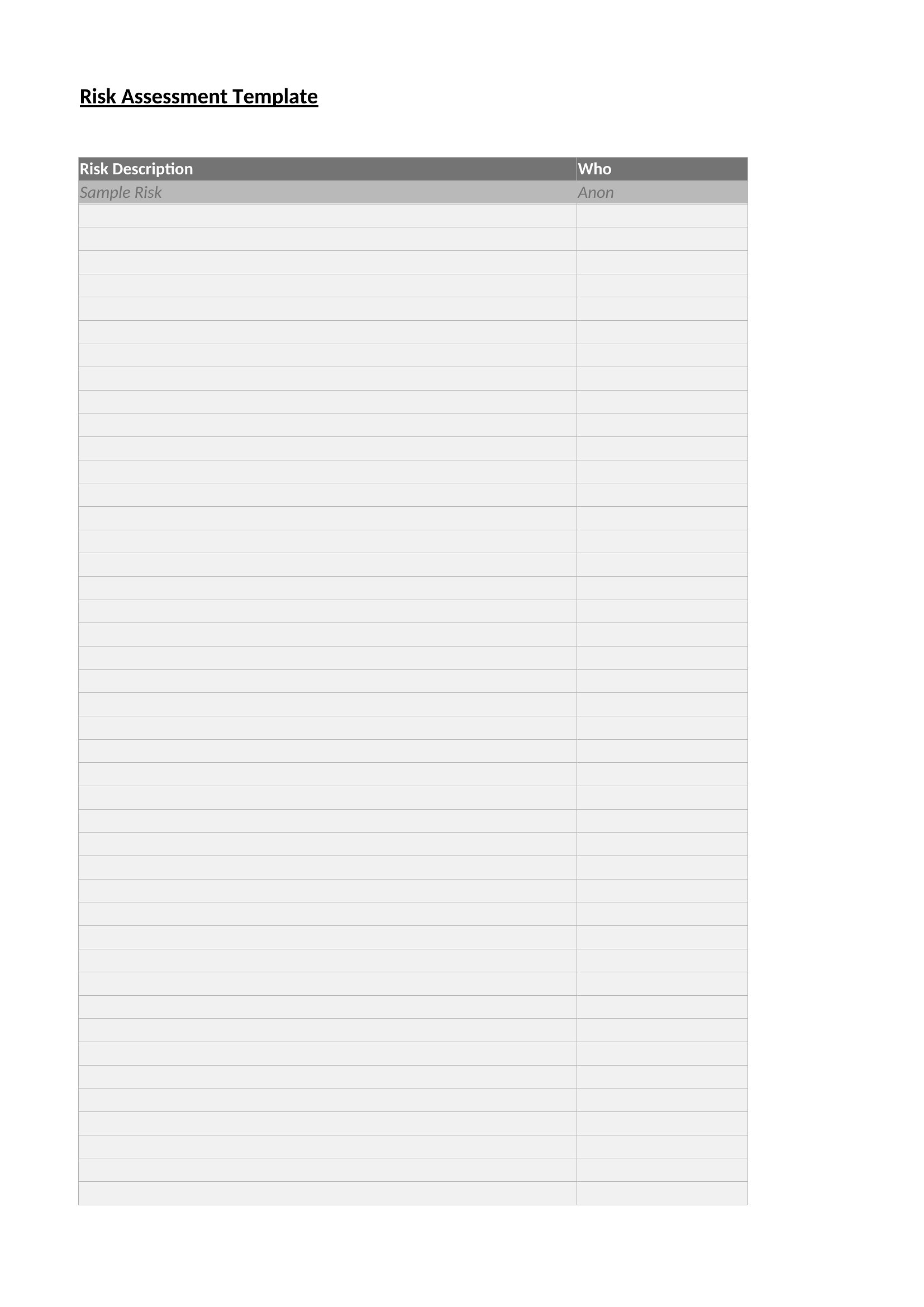
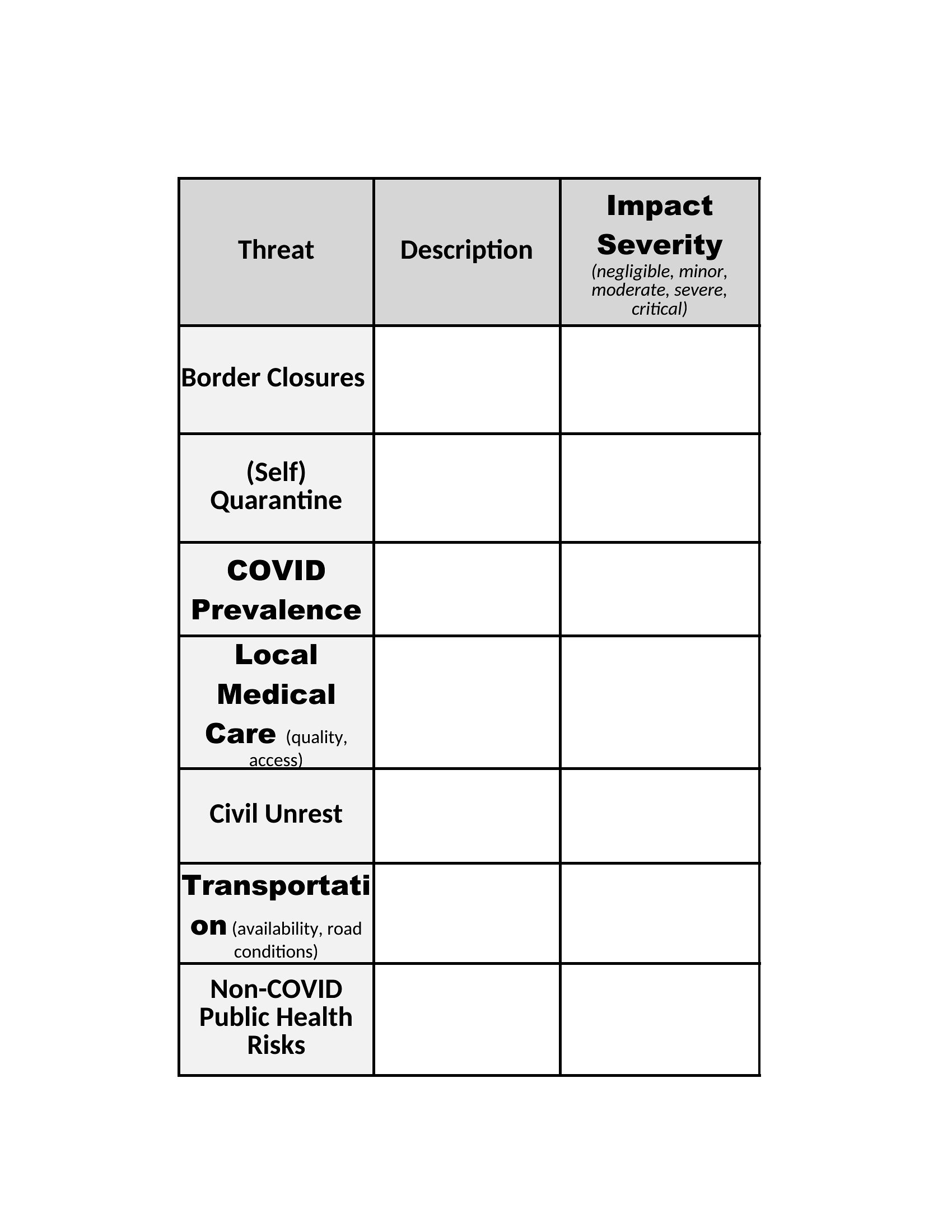
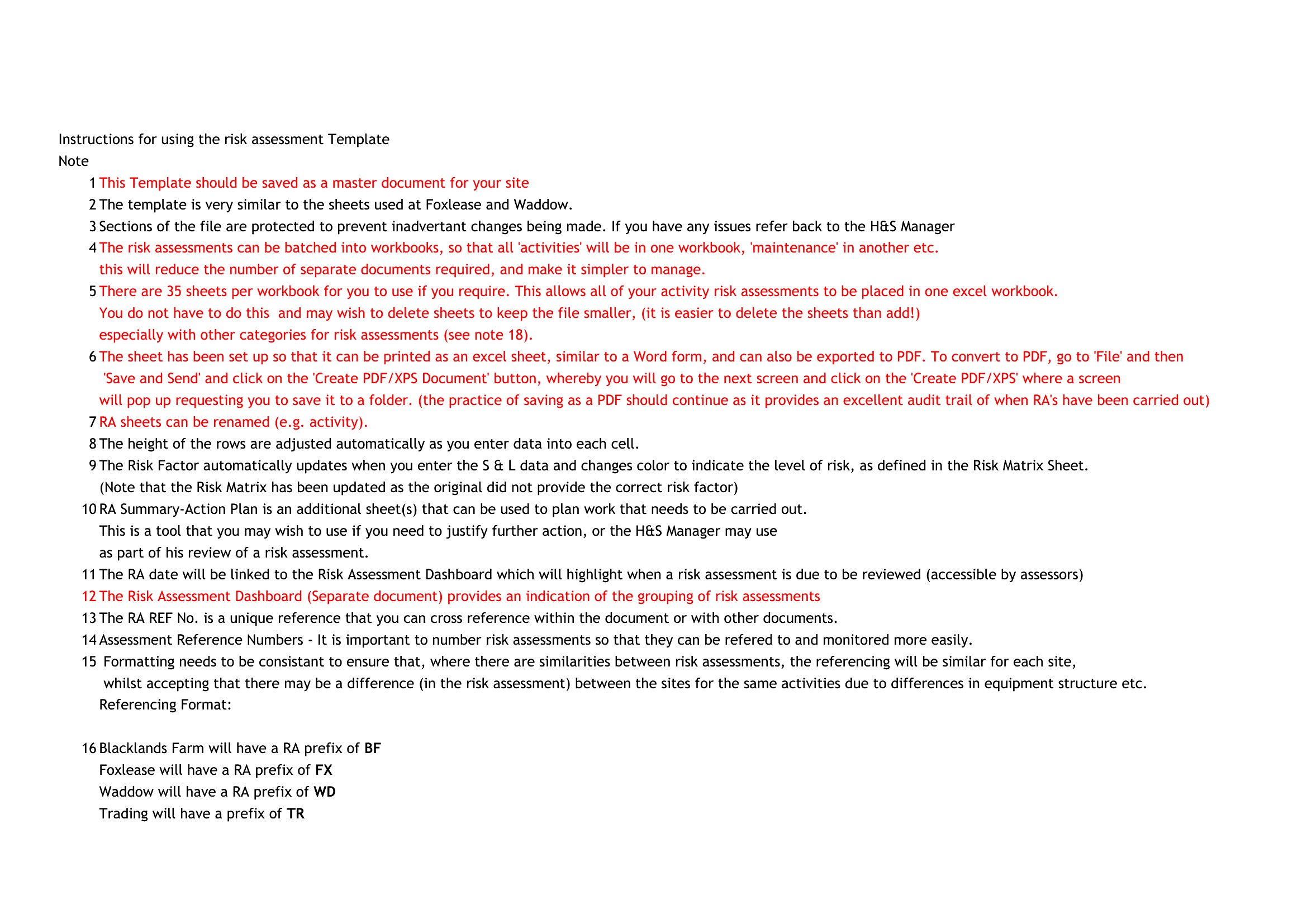
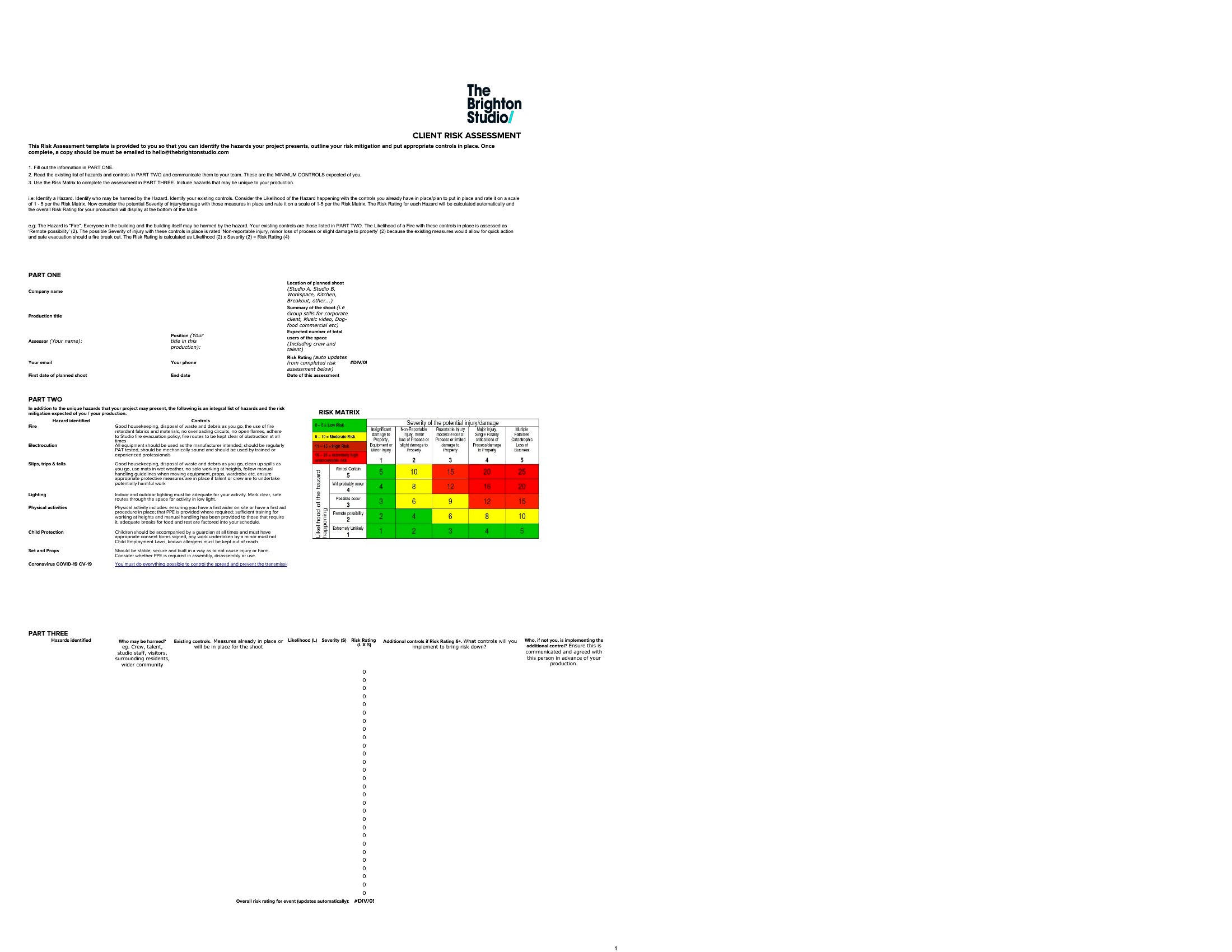
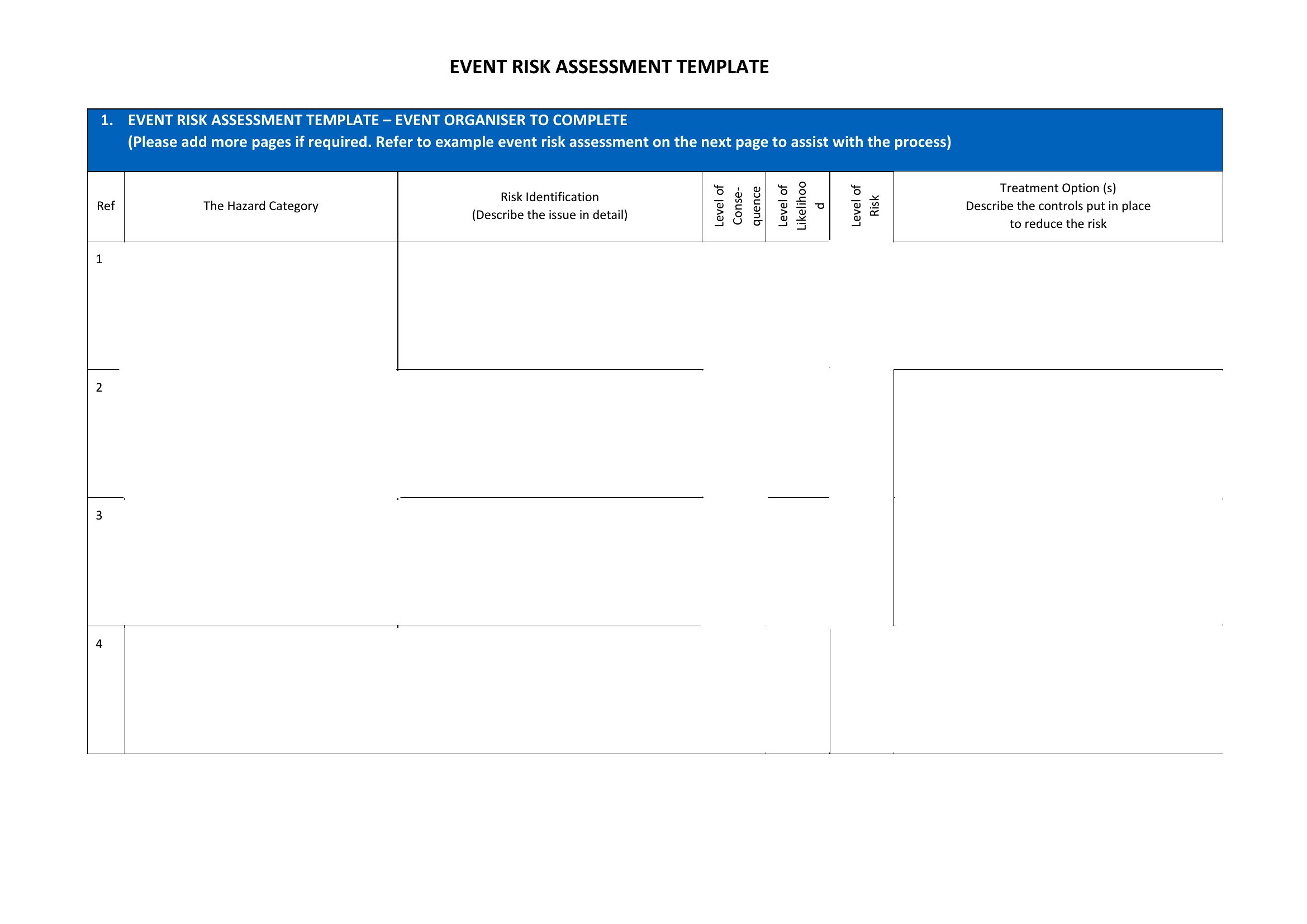
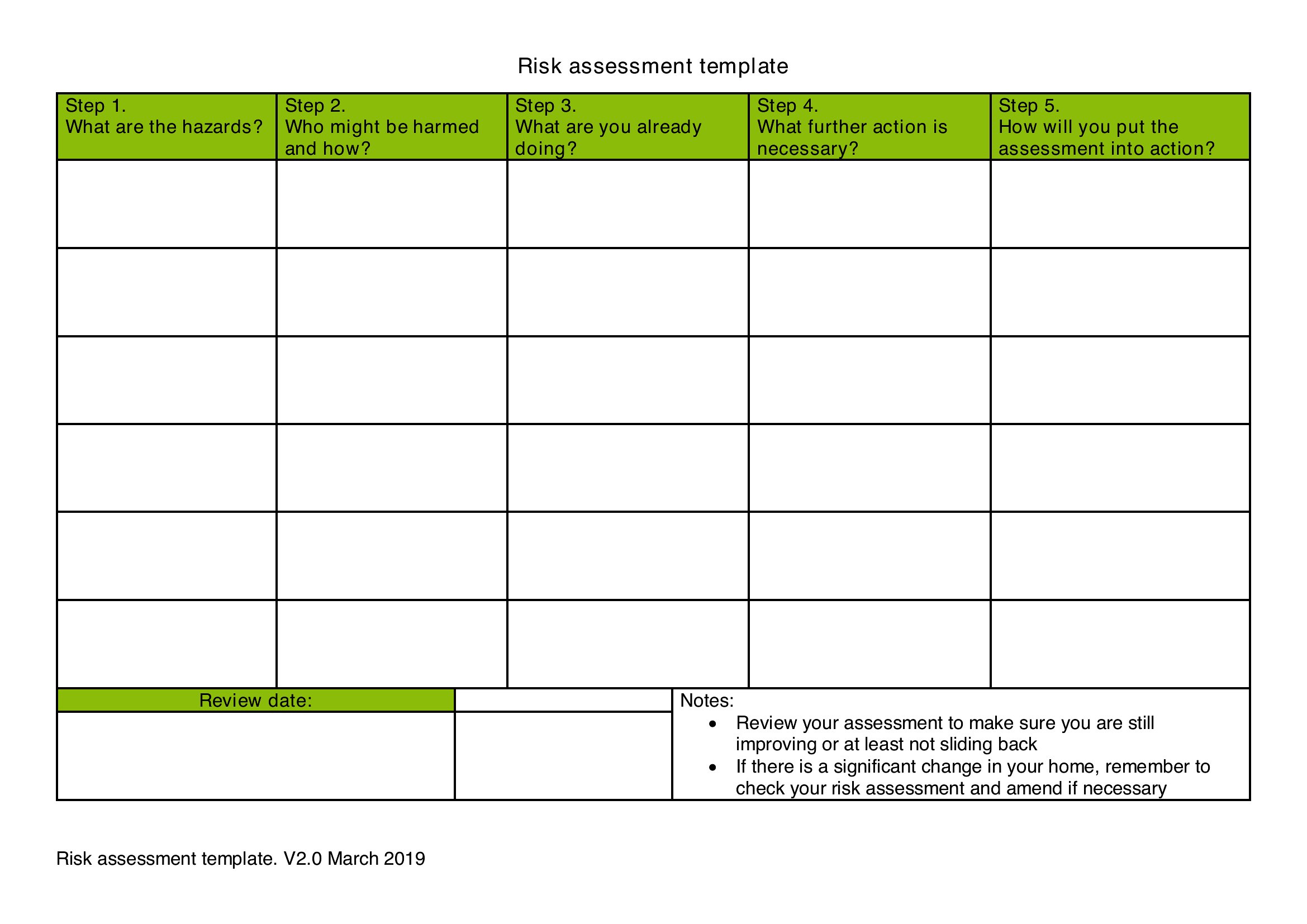
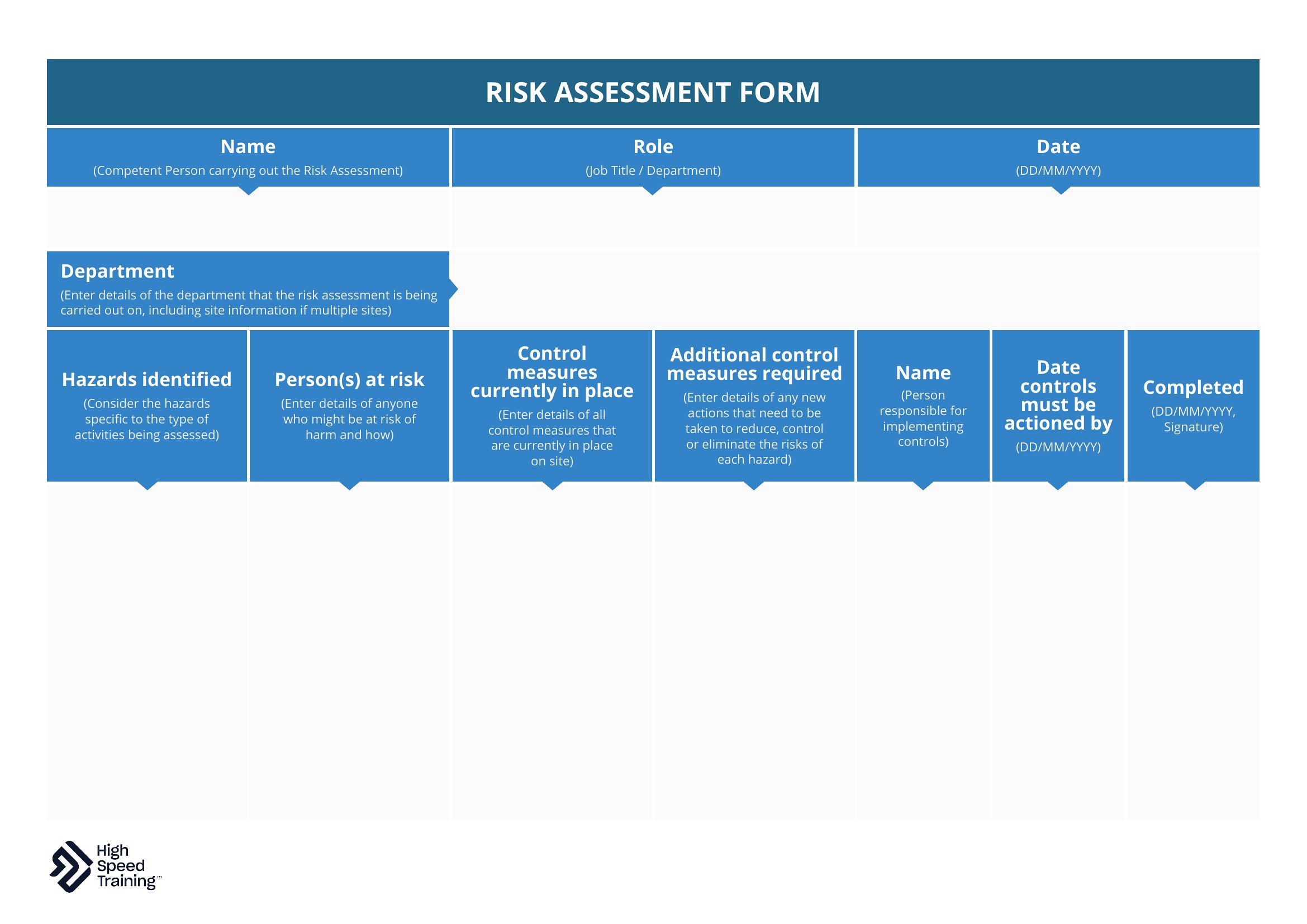
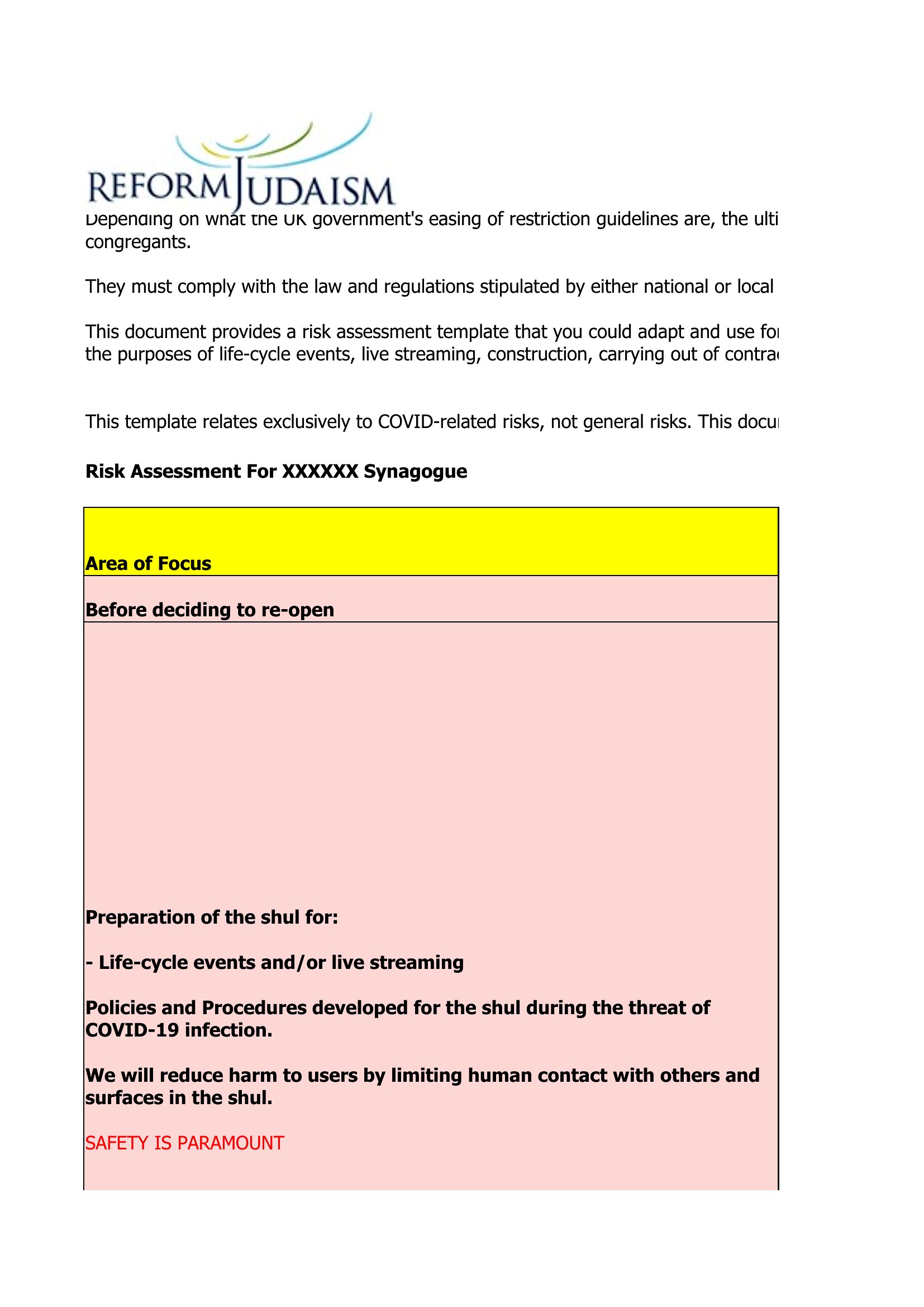
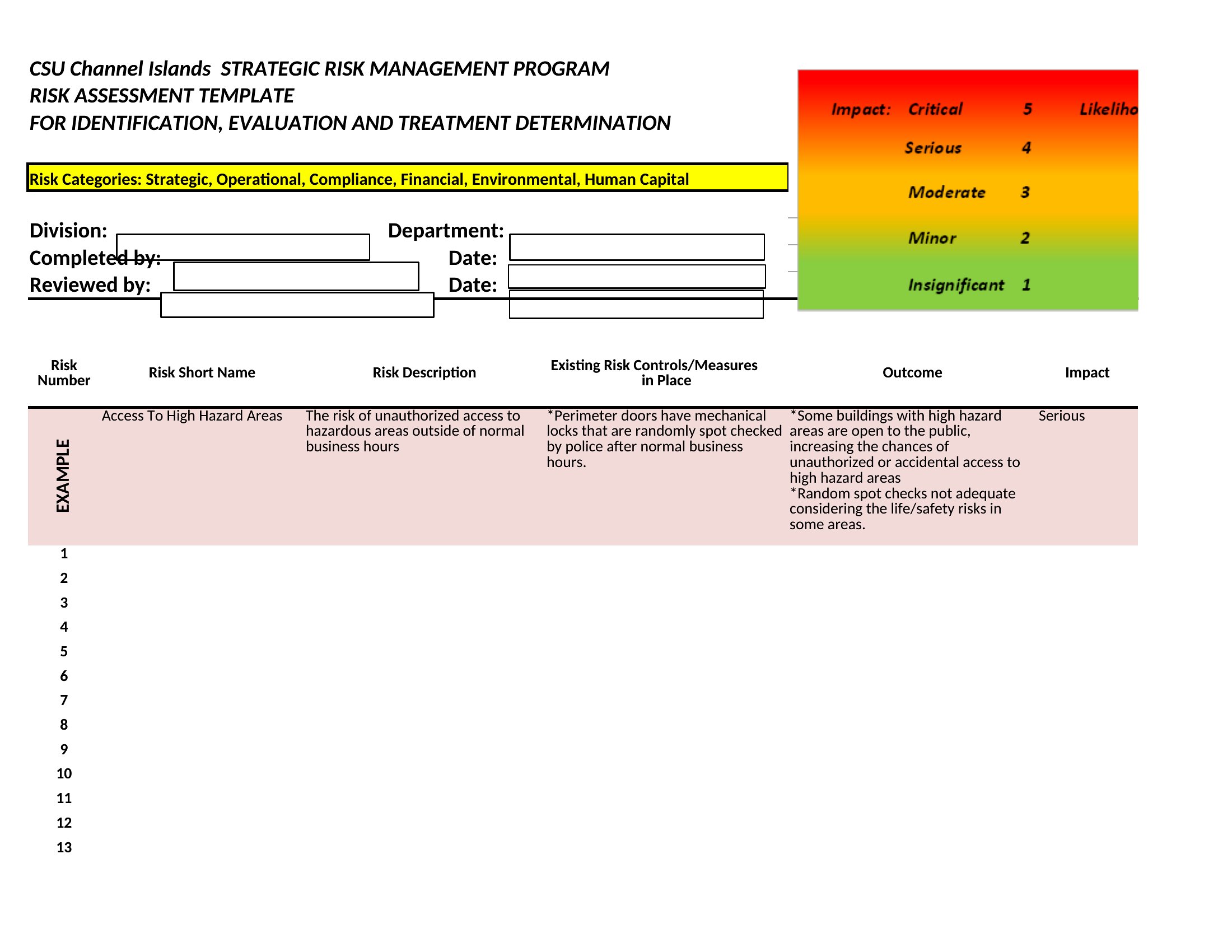
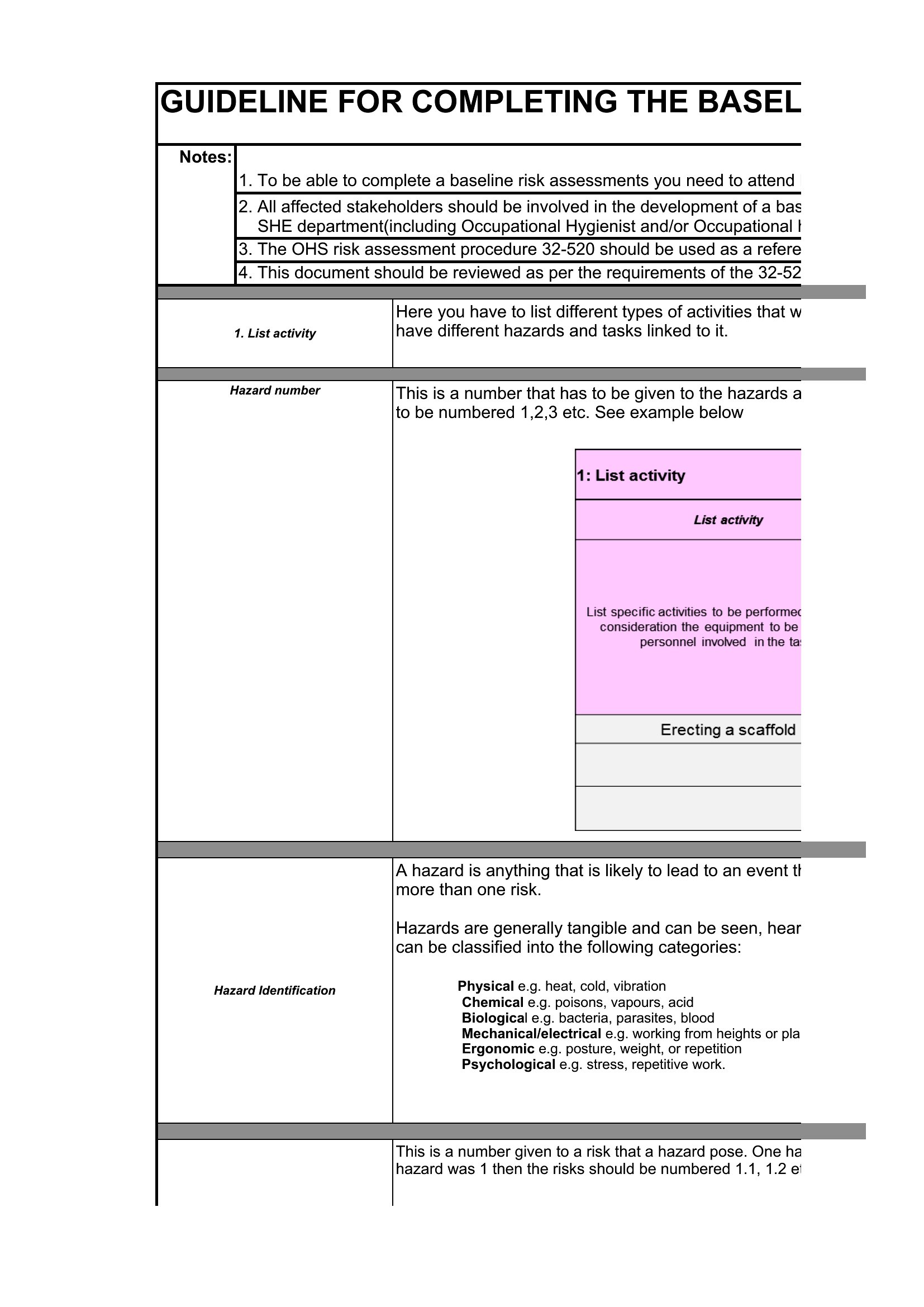
Before work starts on a site or an event opens its doors, a written risk assessment shows you've thought through what could go wrong. These 52 risk assessment templates help safety officers, employers, and organizers list hazards, rate likelihood and severity, and record the controls in place. Each layout keeps the scoring consistent across every risk.
The Excel versions calculate risk ratings as you score each item, while the PDFs print for a clipboard walk-through or a compliance file. Identify the hazards, note who's affected, and document your control measures. Safety rules vary by industry and jurisdiction, so confirm the standards that apply to you. Download the template that fits your workplace and assess the risks before they become incidents.
When to use this Risk Assessment template
- Construction site managers reviewing new machinery installations to identify pinch points, noise hazards, and fall risks for workers before project kickoff.
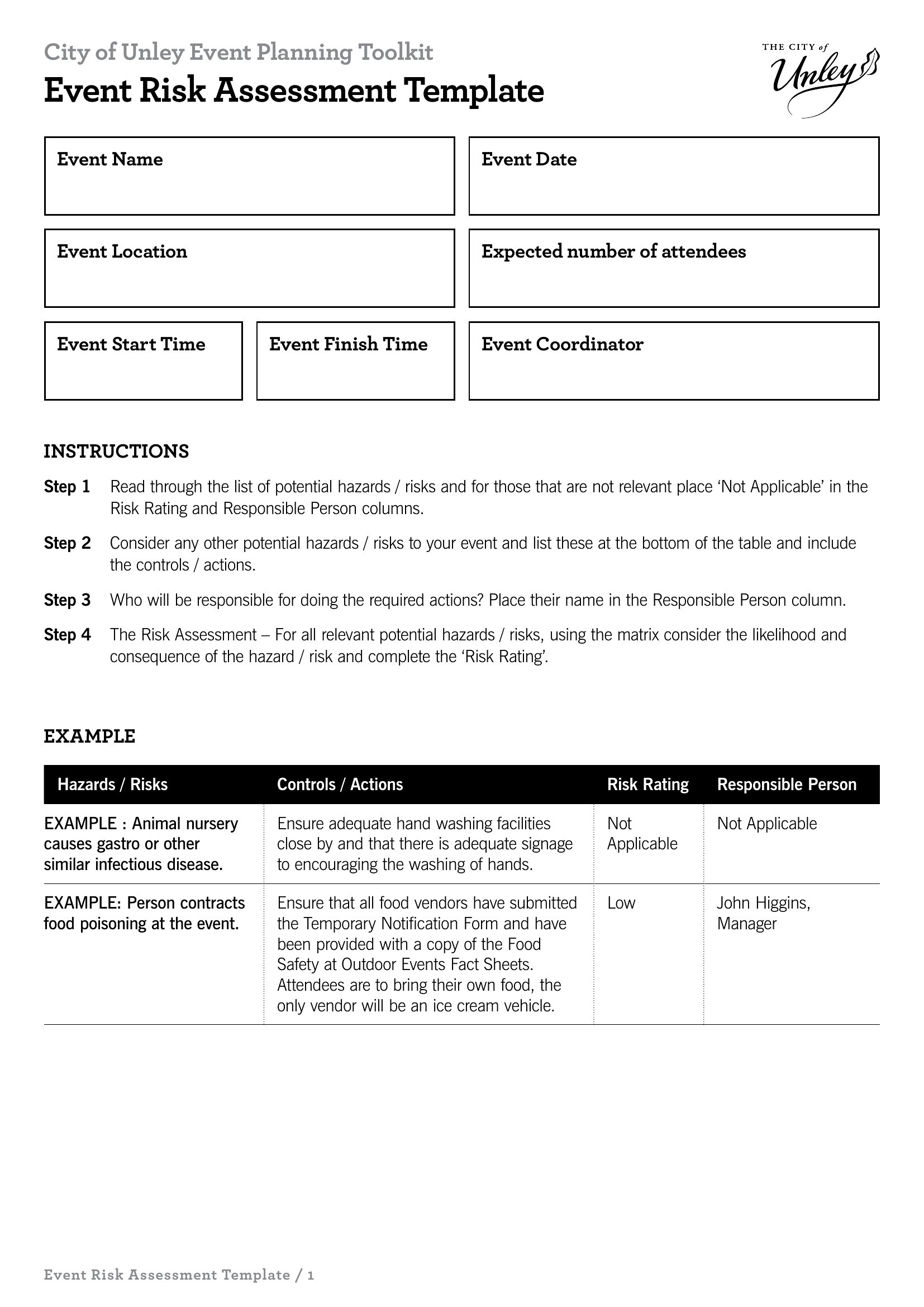
- Event planners evaluating stage setup hazards like crowding, fire exits, or equipment overload during festival or conference staging before permits are approved.
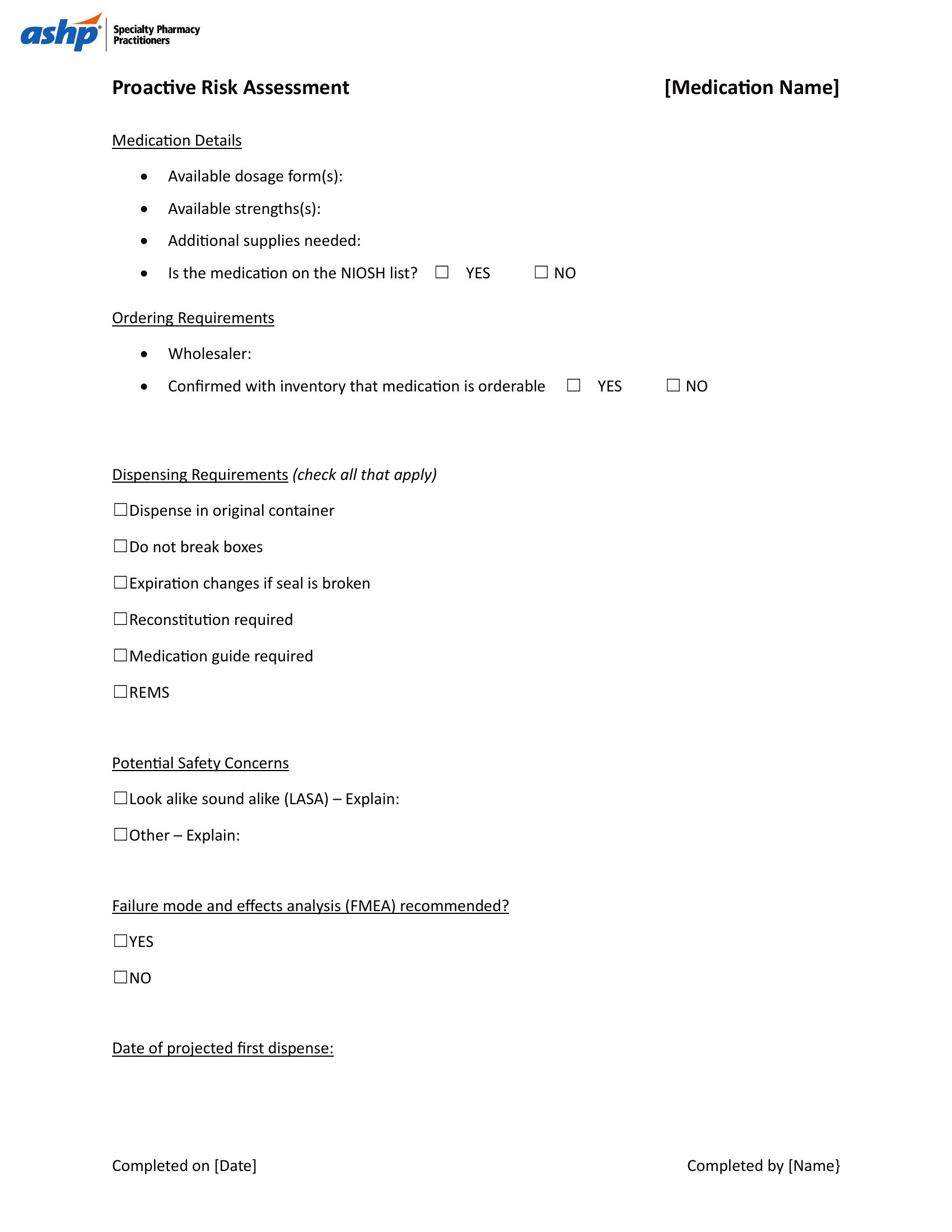
- Hospital administrators assessing patient care areas for infection control gaps, equipment failure risks, or inadequate staffing levels before new policies are implemented.
- Small business owners checking warehouse storage layouts for slips, trips, or manual handling risks when introducing new inventory systems or seasonal workflows.
Which format should I download?
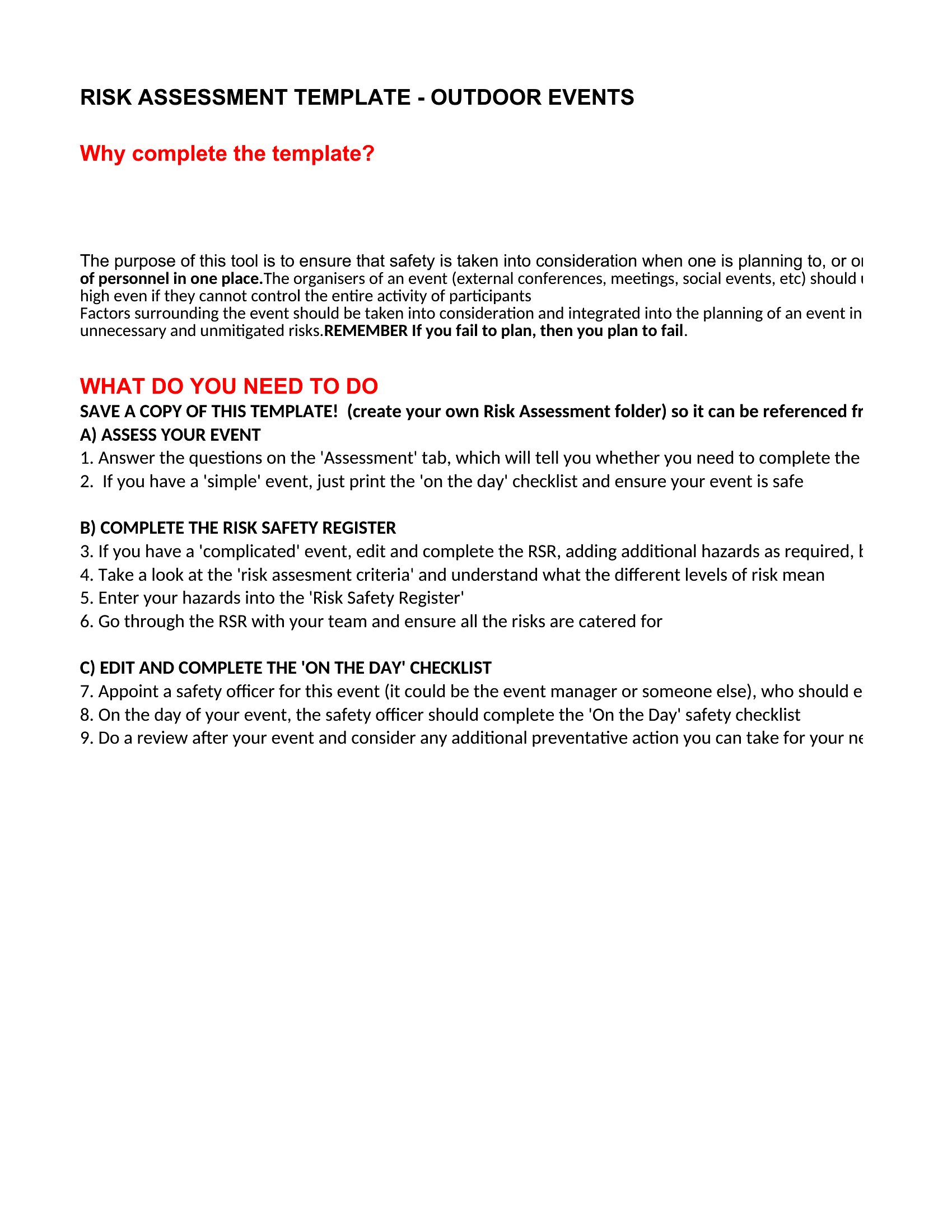
The Excel format is ideal for teams needing automated scoring—it recalculates risk ratings as you adjust hazard likelihood and severity, saving time during iterative assessments. Choose PDF if you’re required to submit a static, approved document to regulators or stakeholders, or when sharing with non-technical audiences who don’t modify the template. Avoid Excel for final submissions unless instructed otherwise, as editable cells may be flagged for revision.
Choose from 52 Risk Assessment Templates
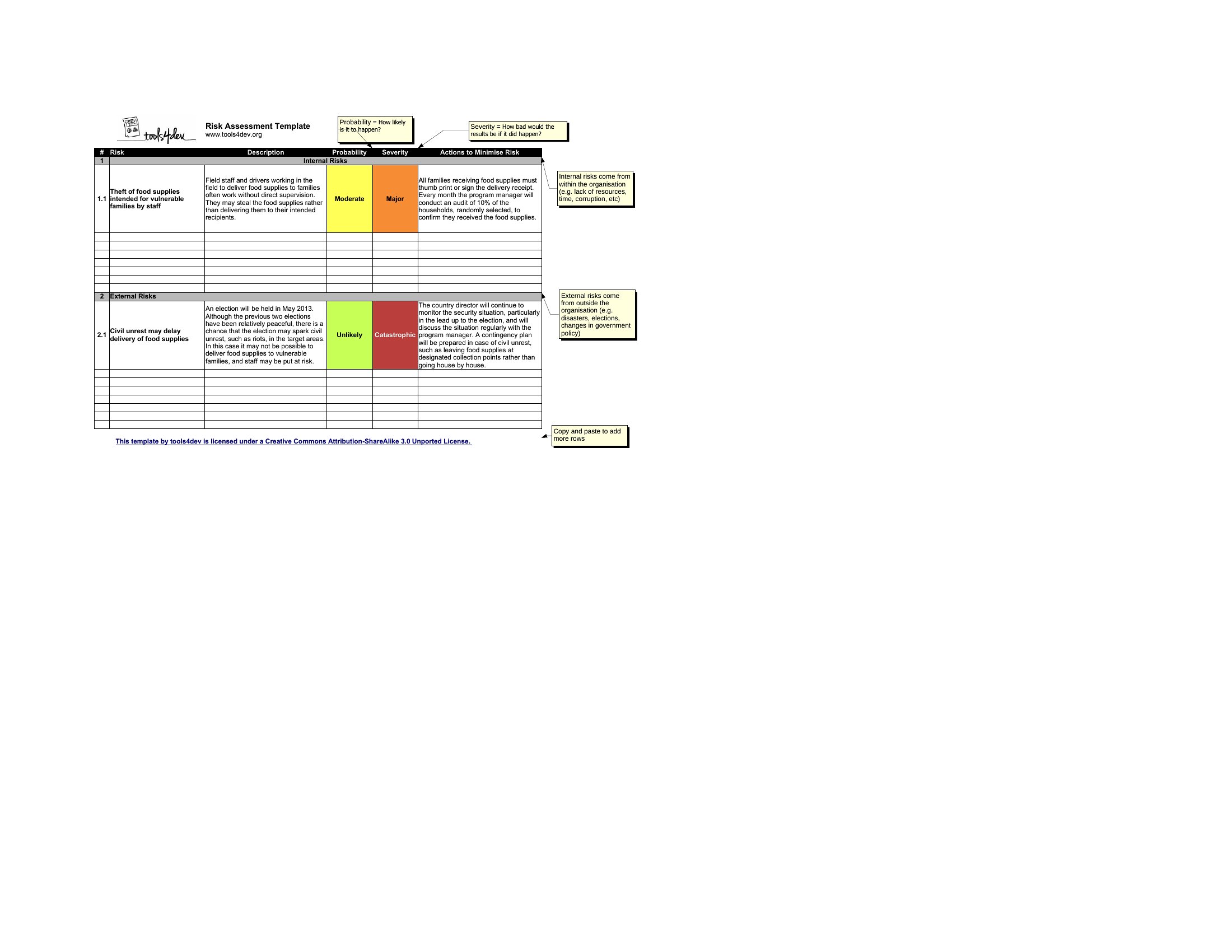
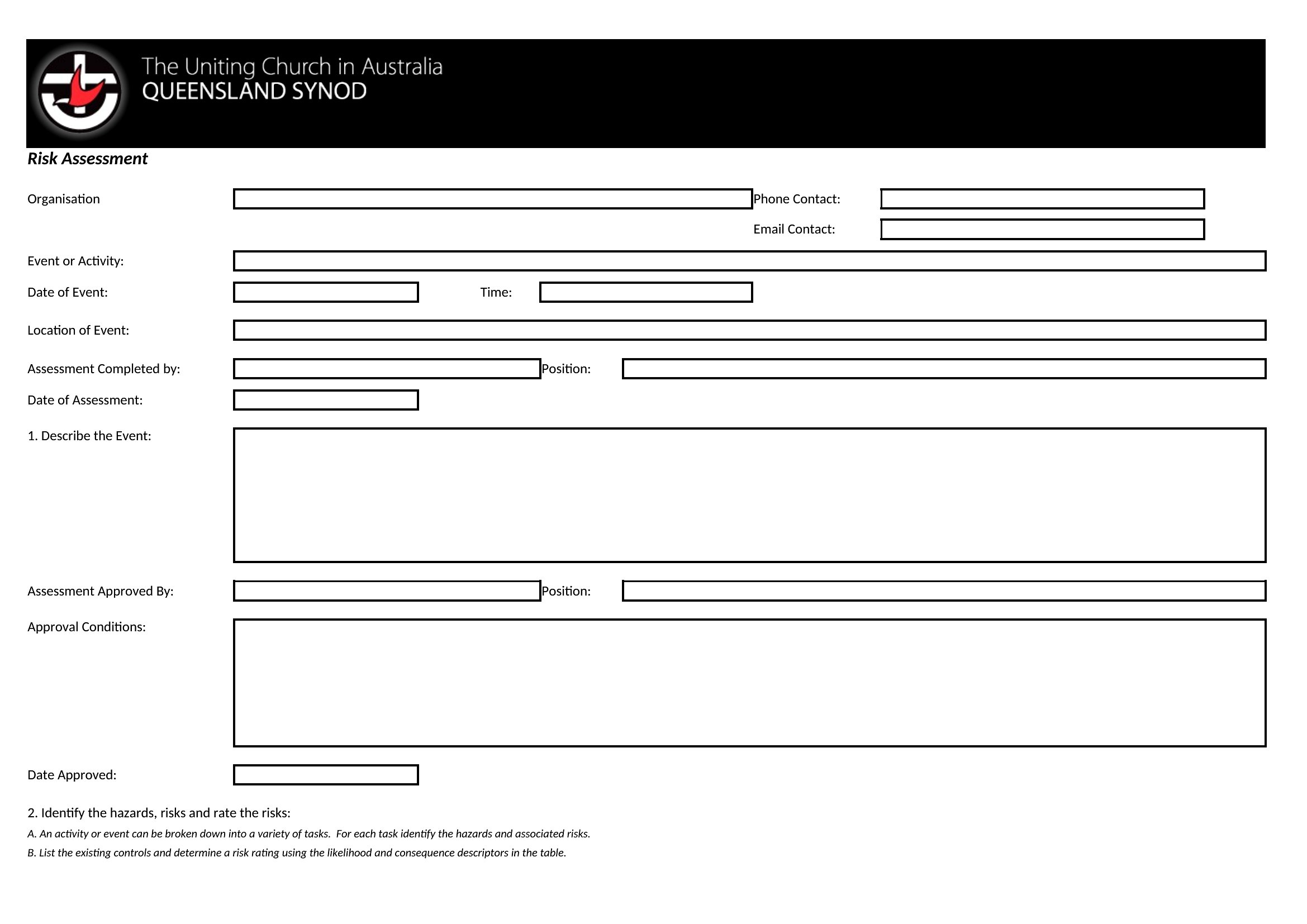
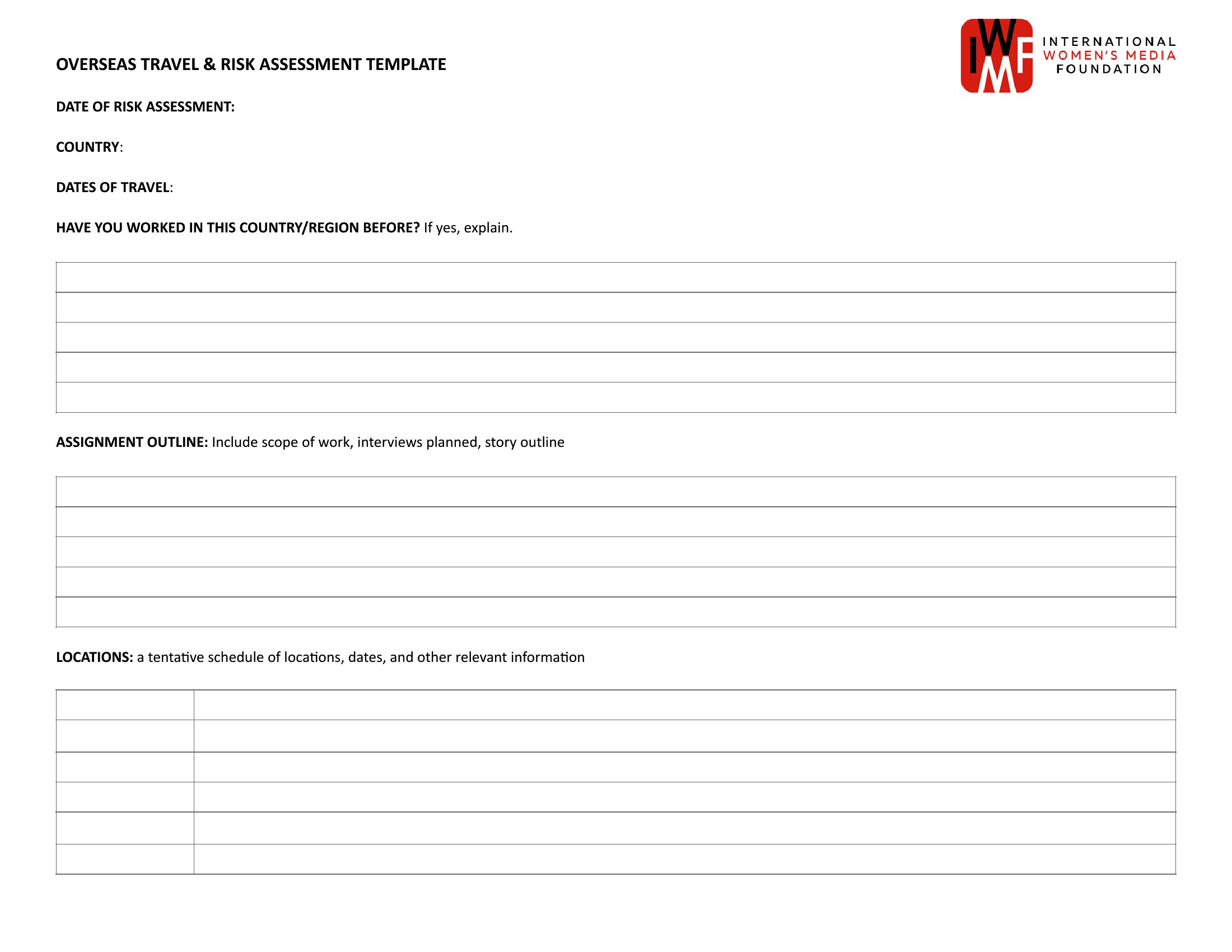
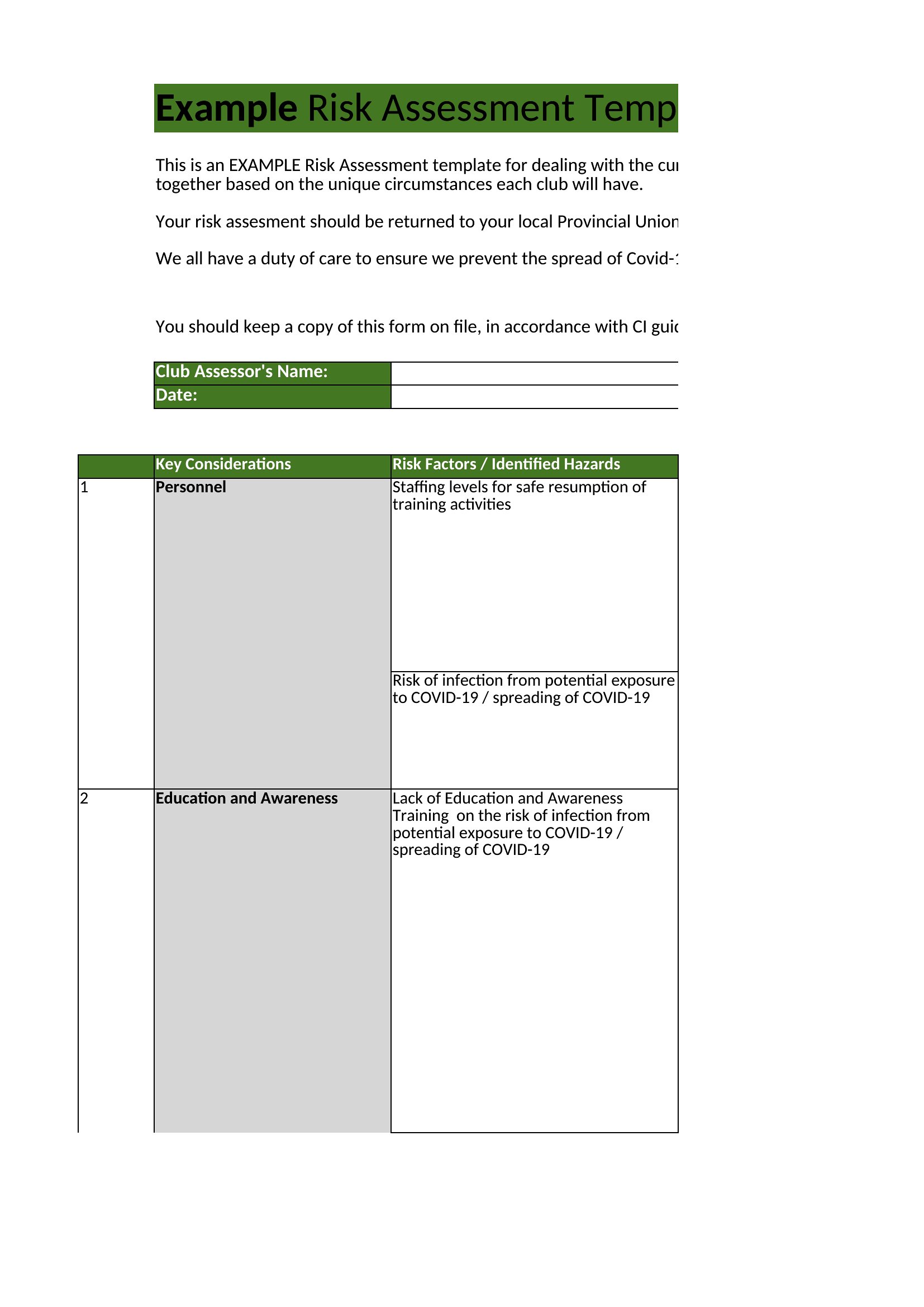
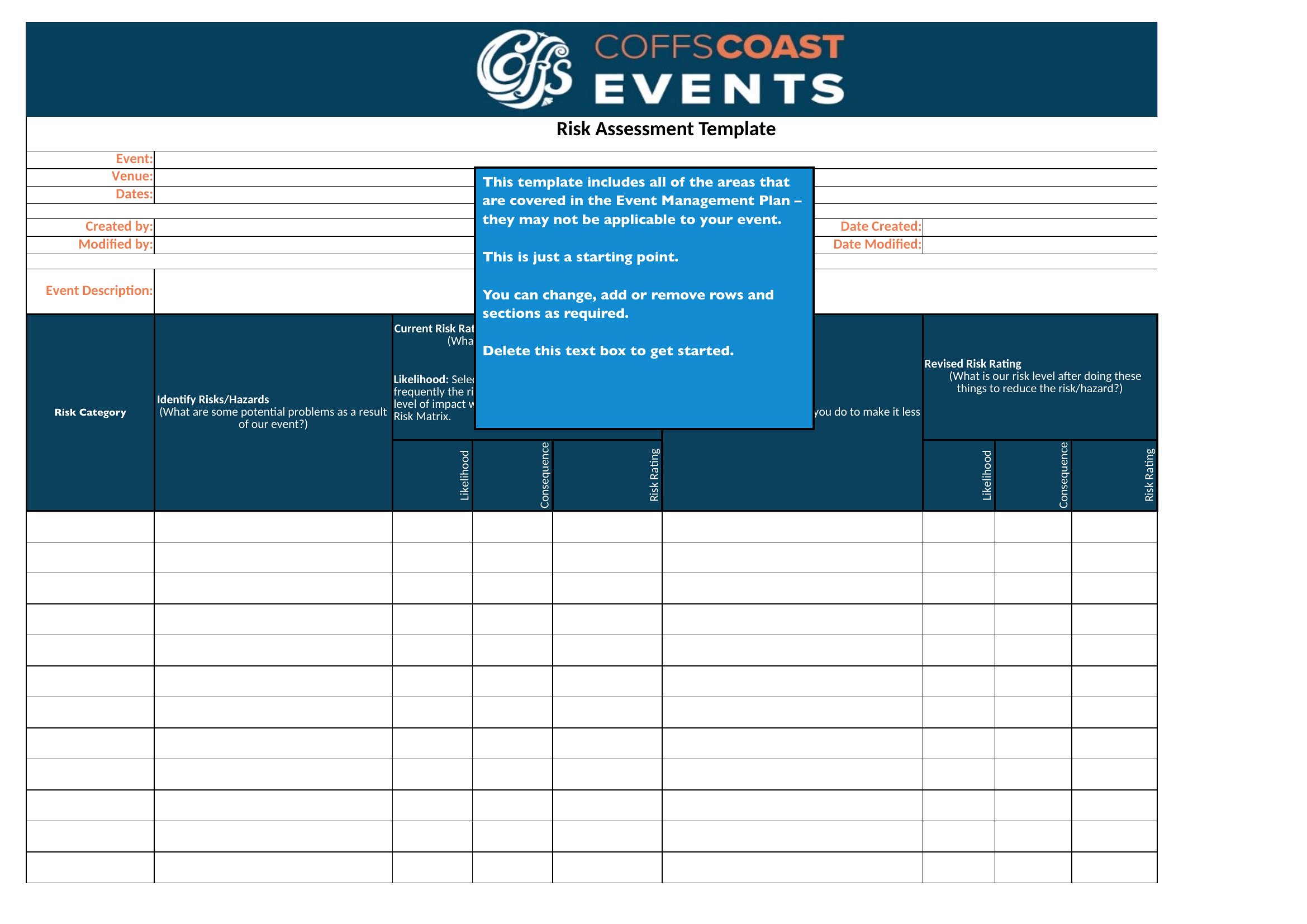
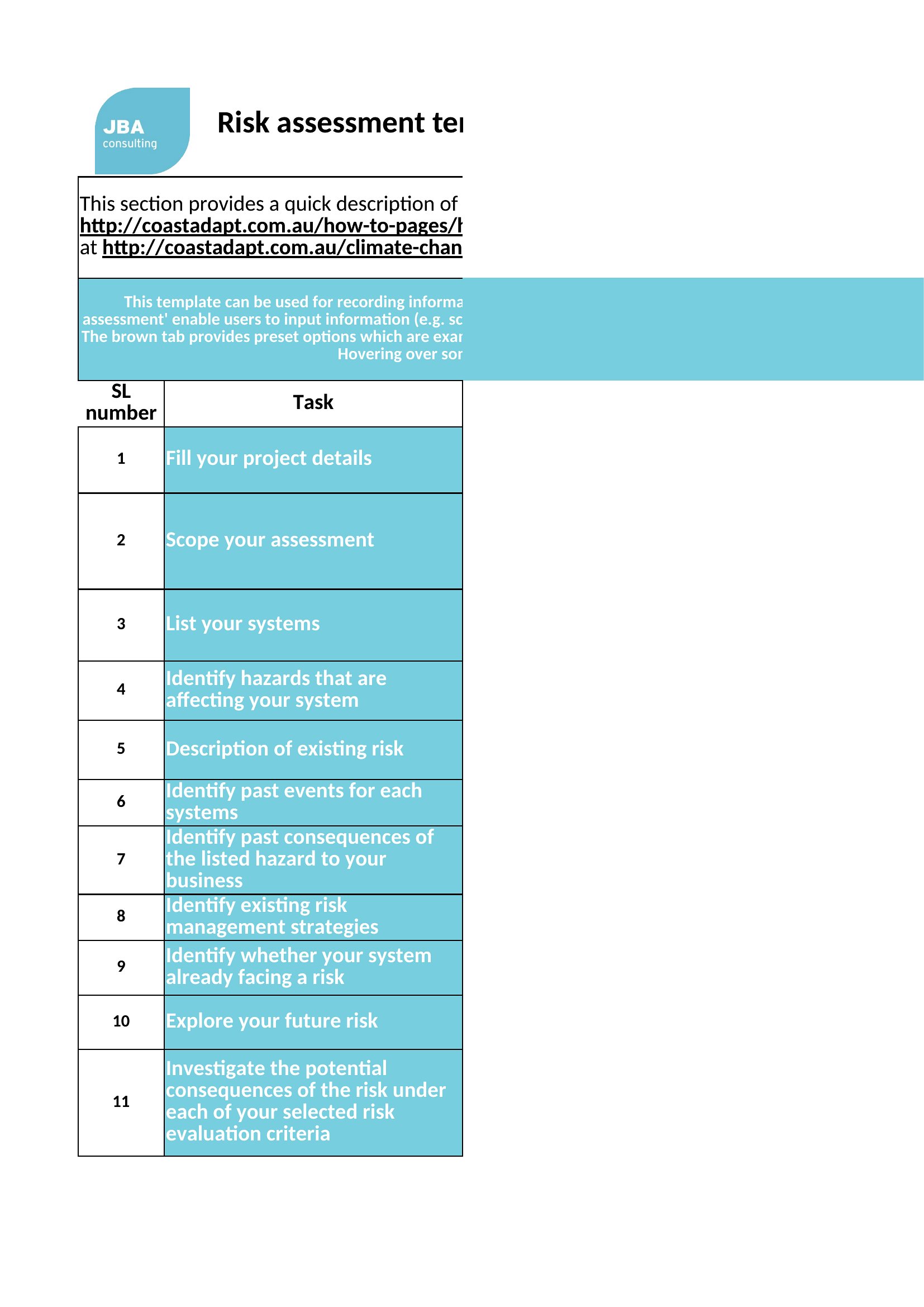
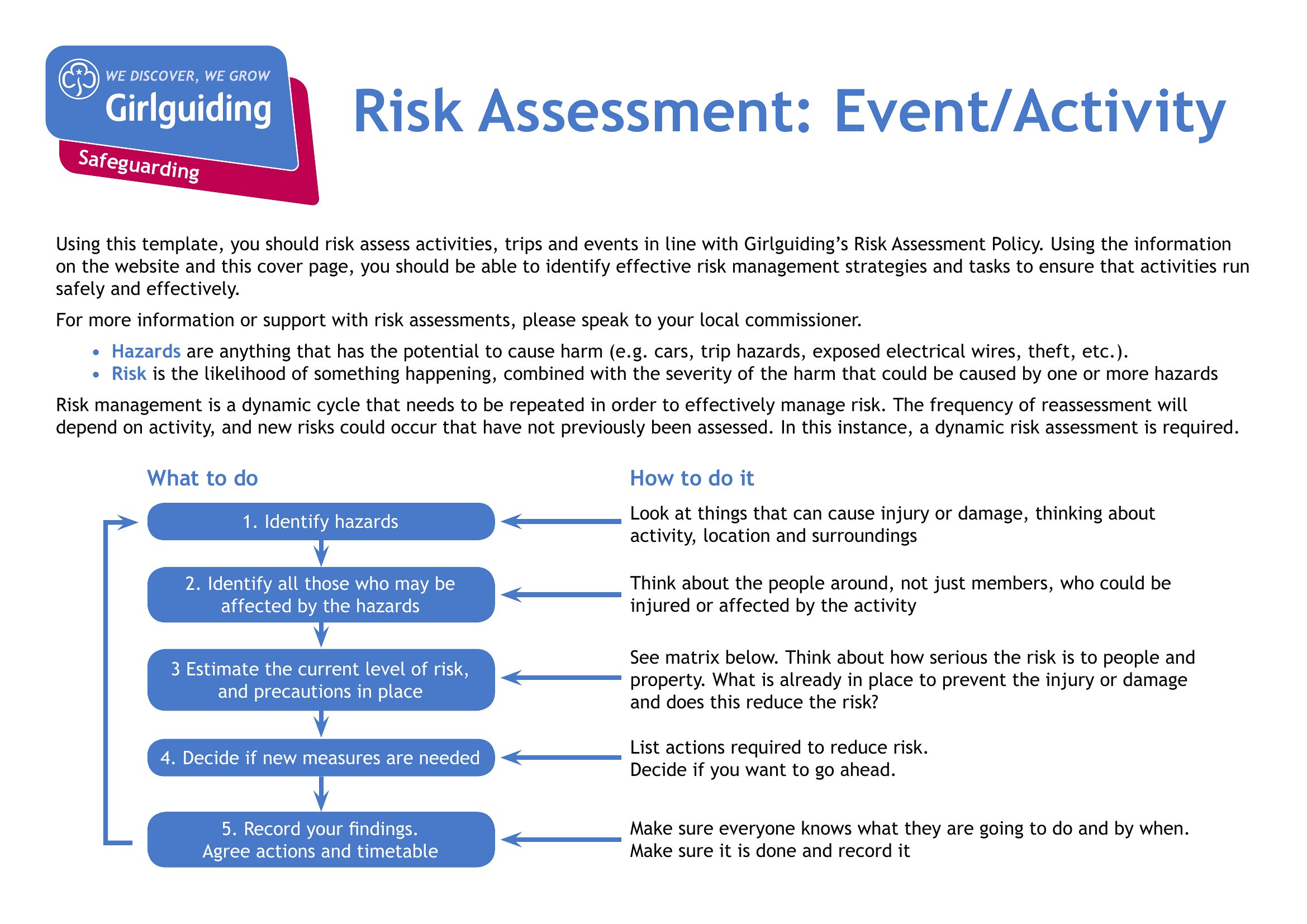
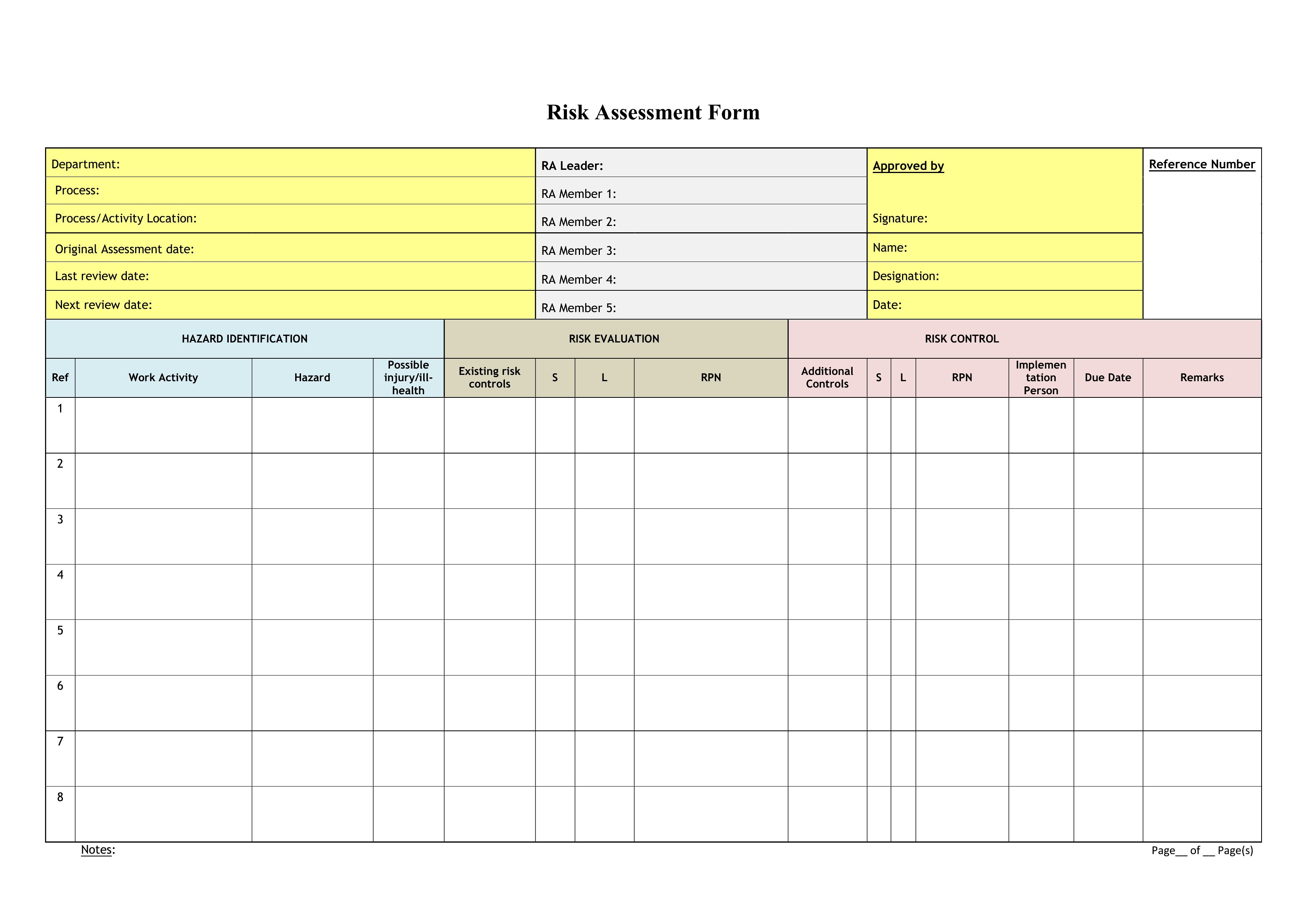
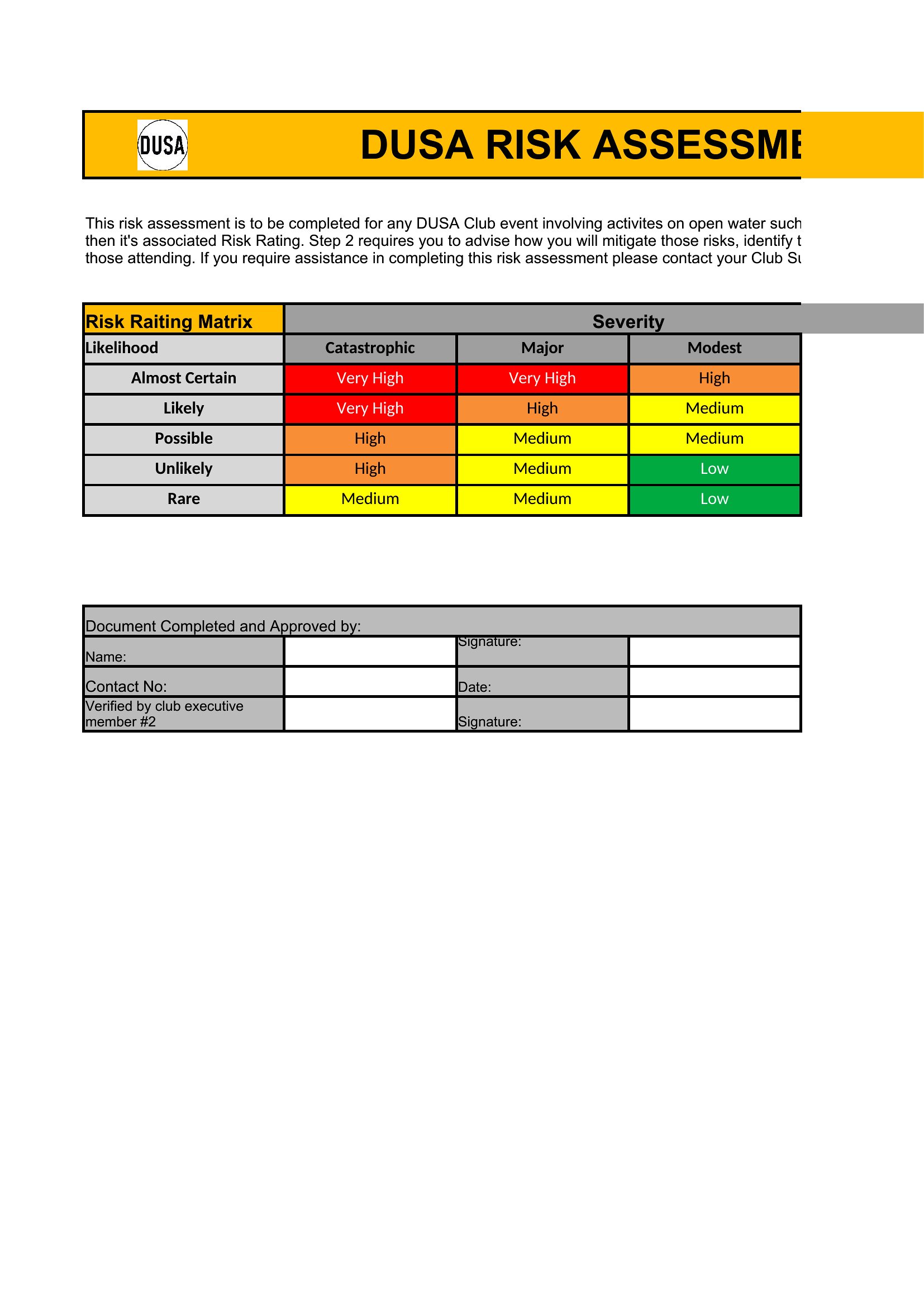
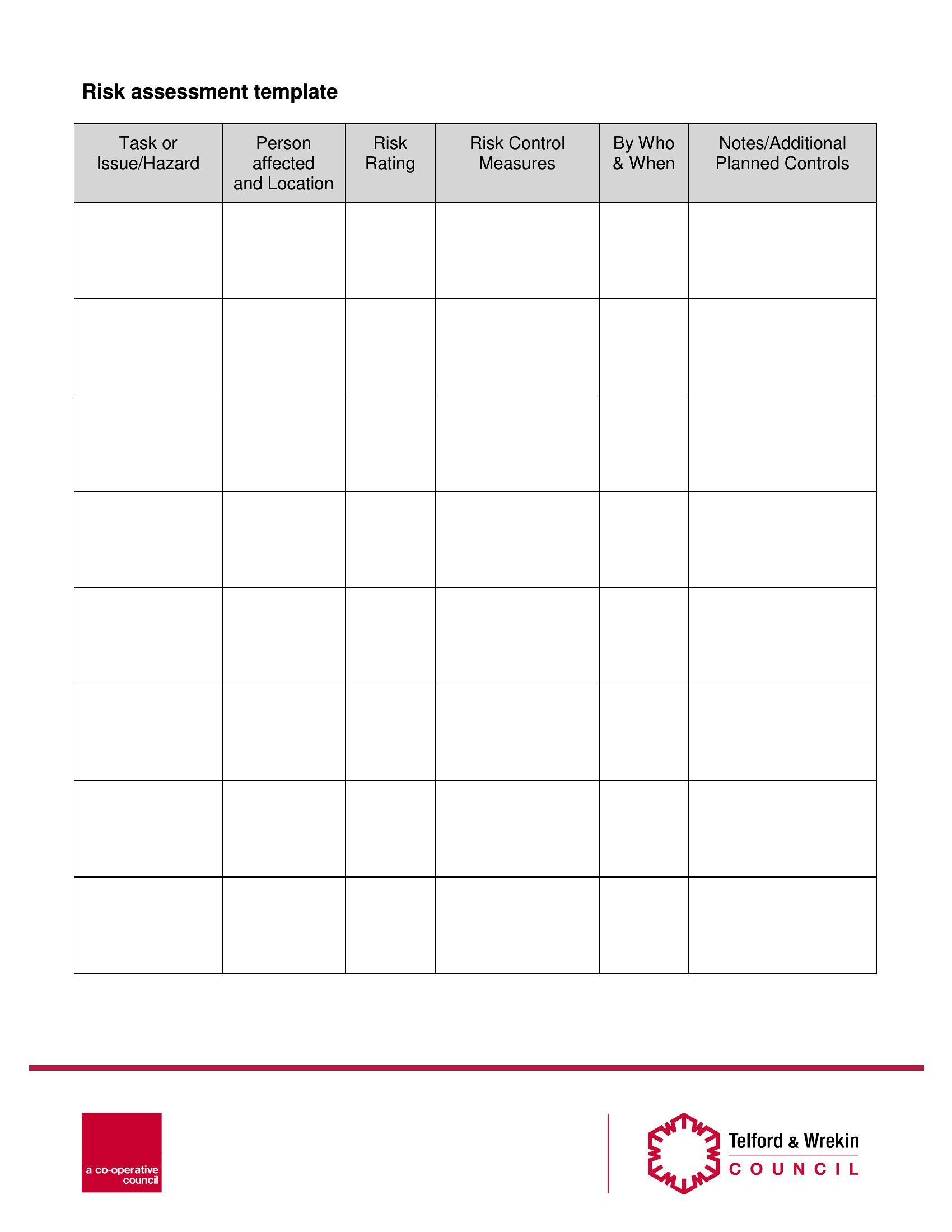
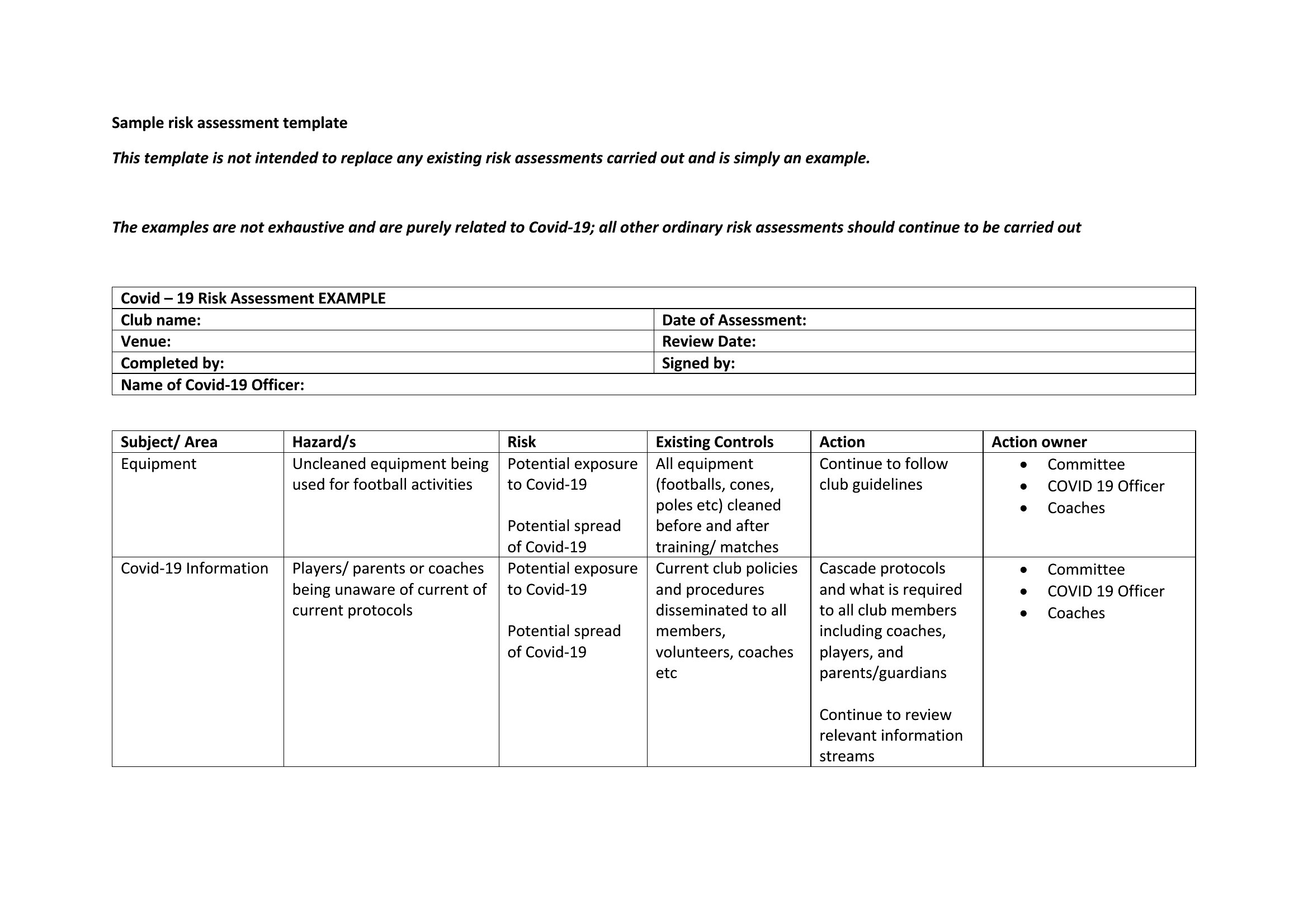
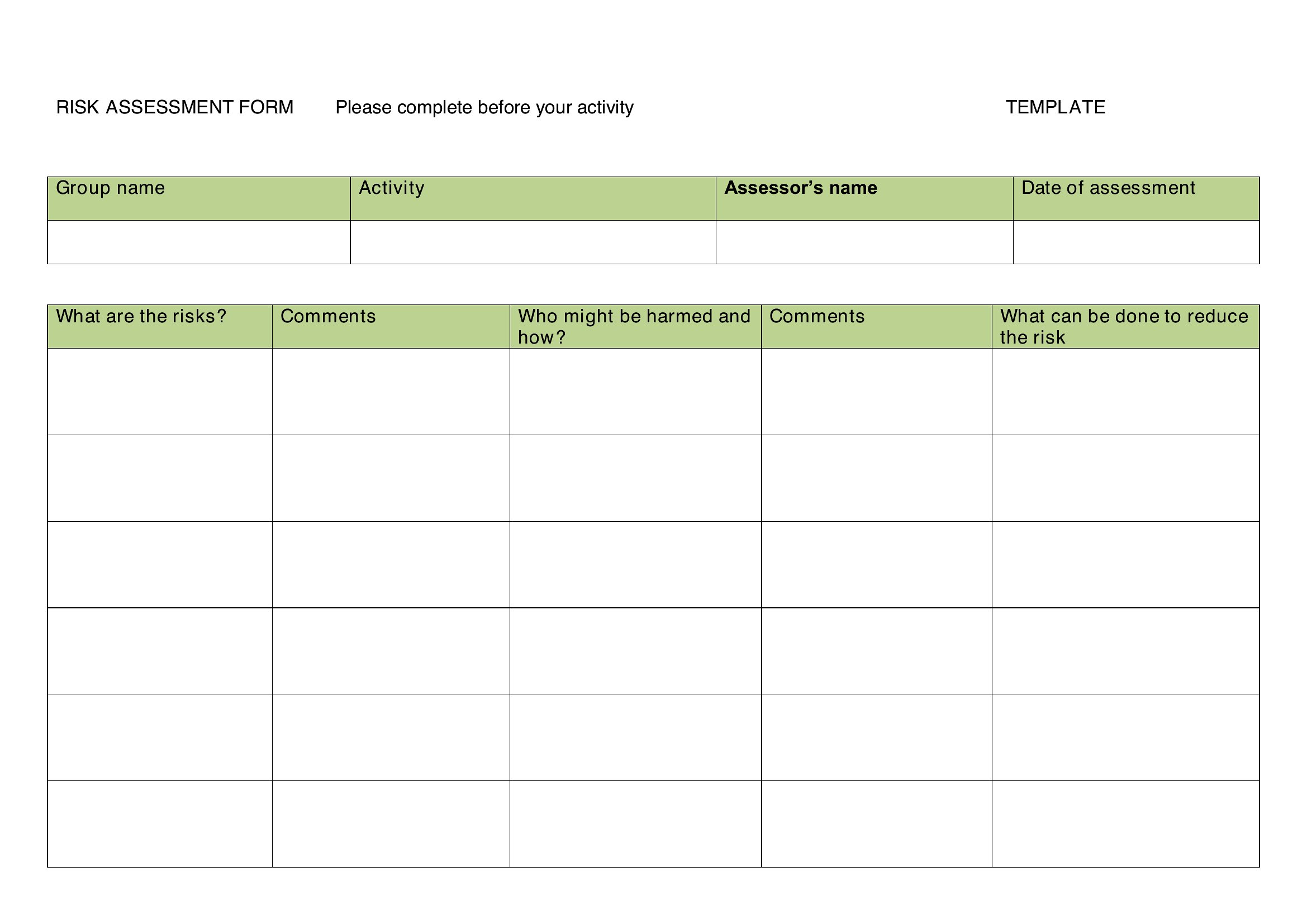
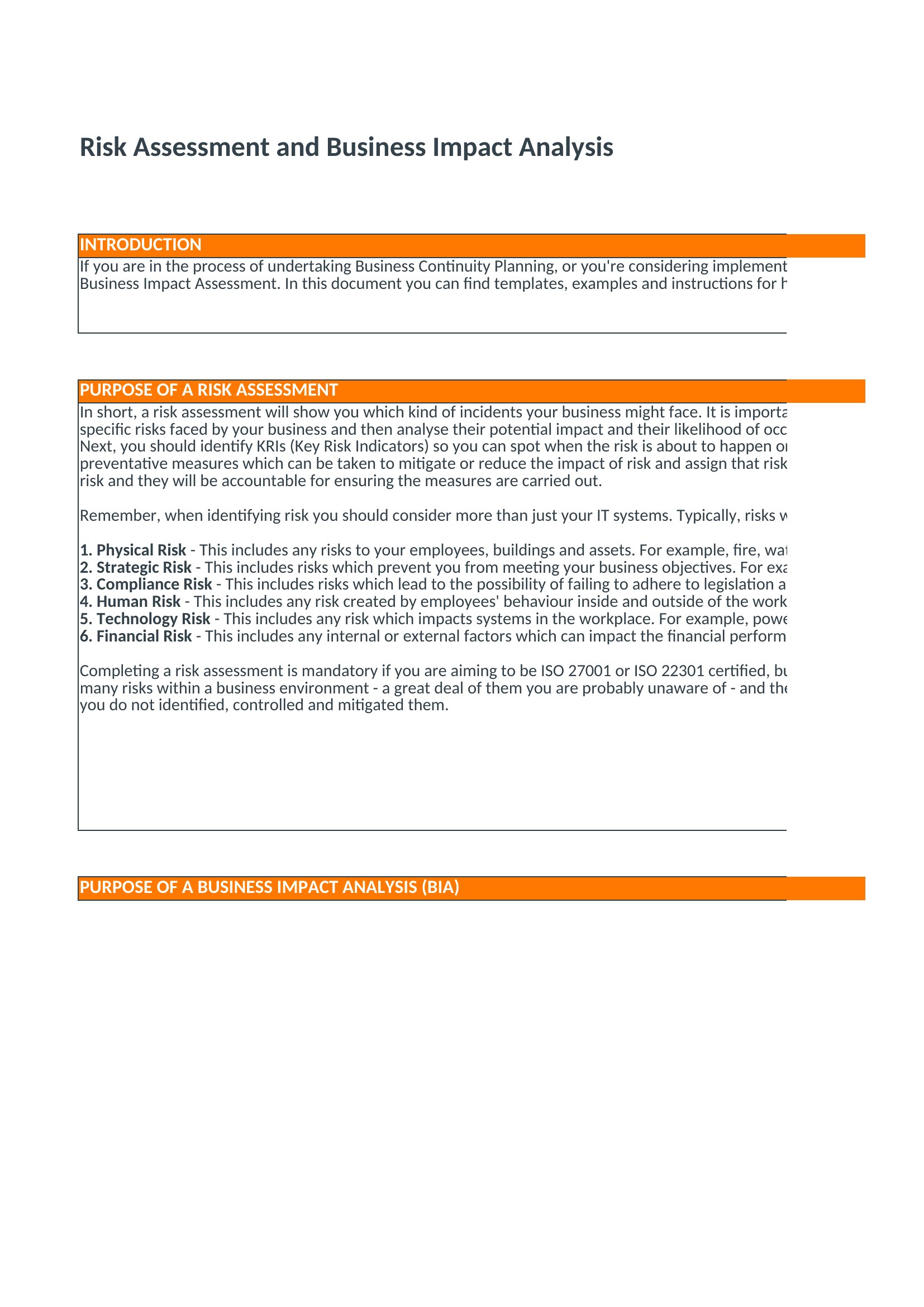
Word Risk Assessment
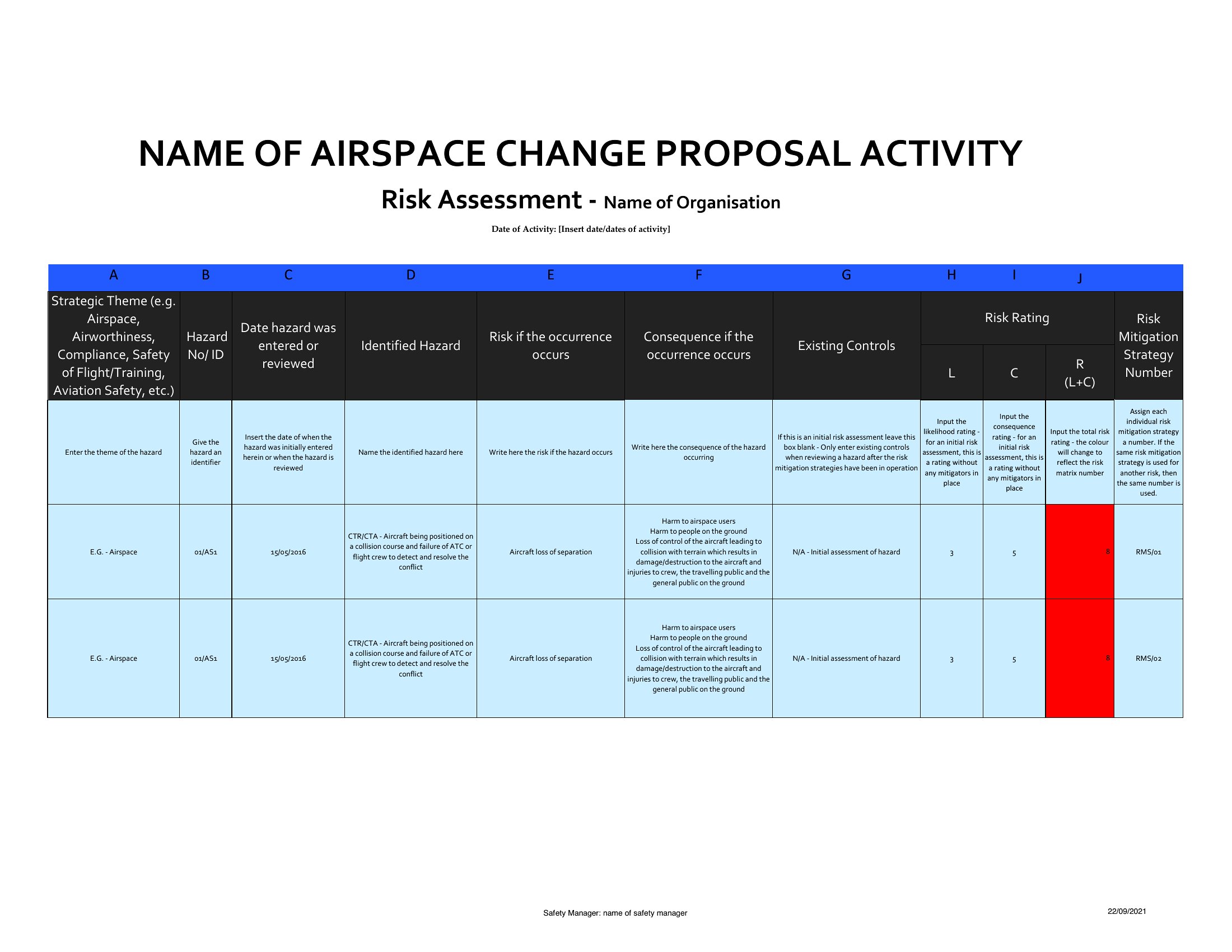
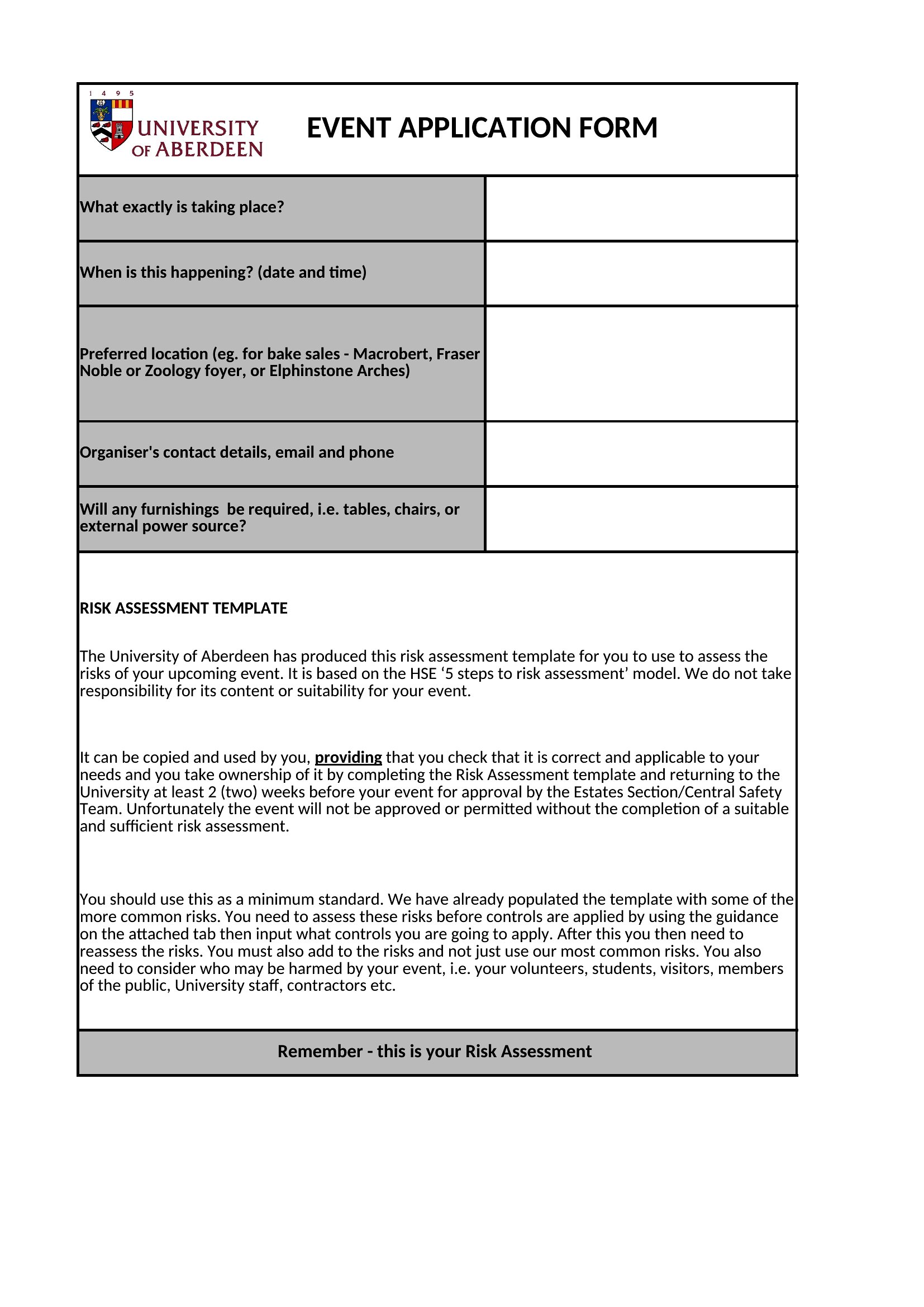
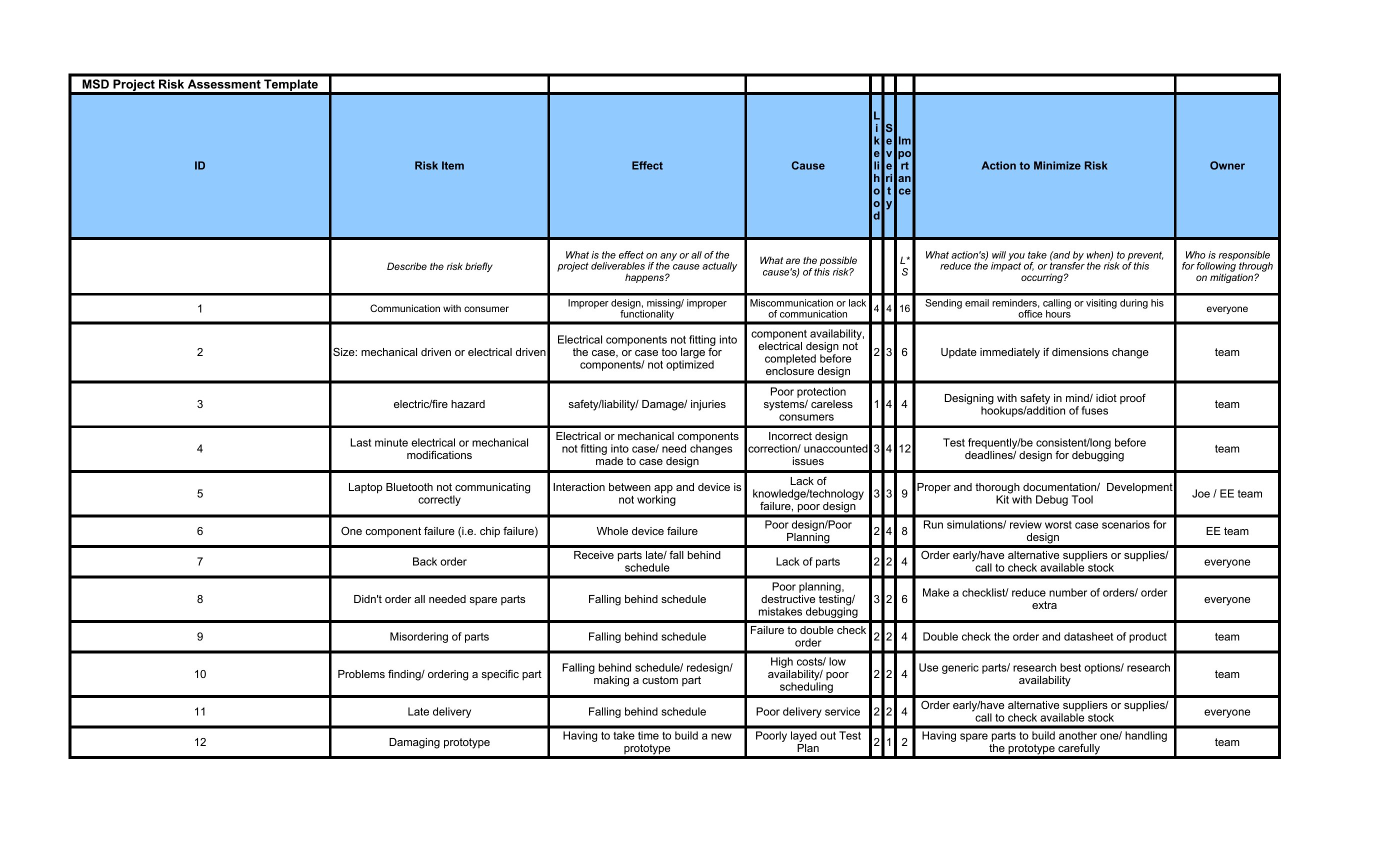
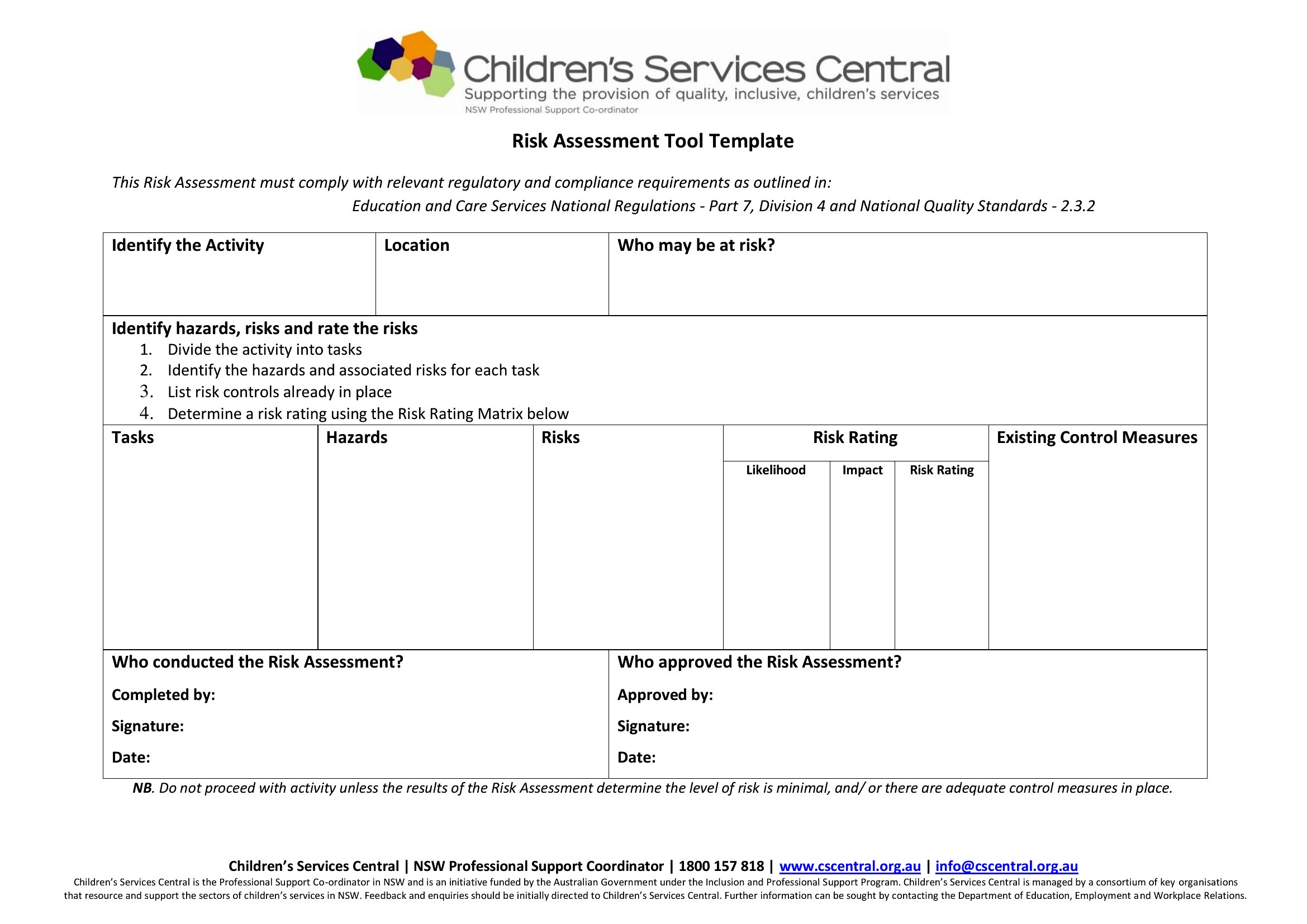
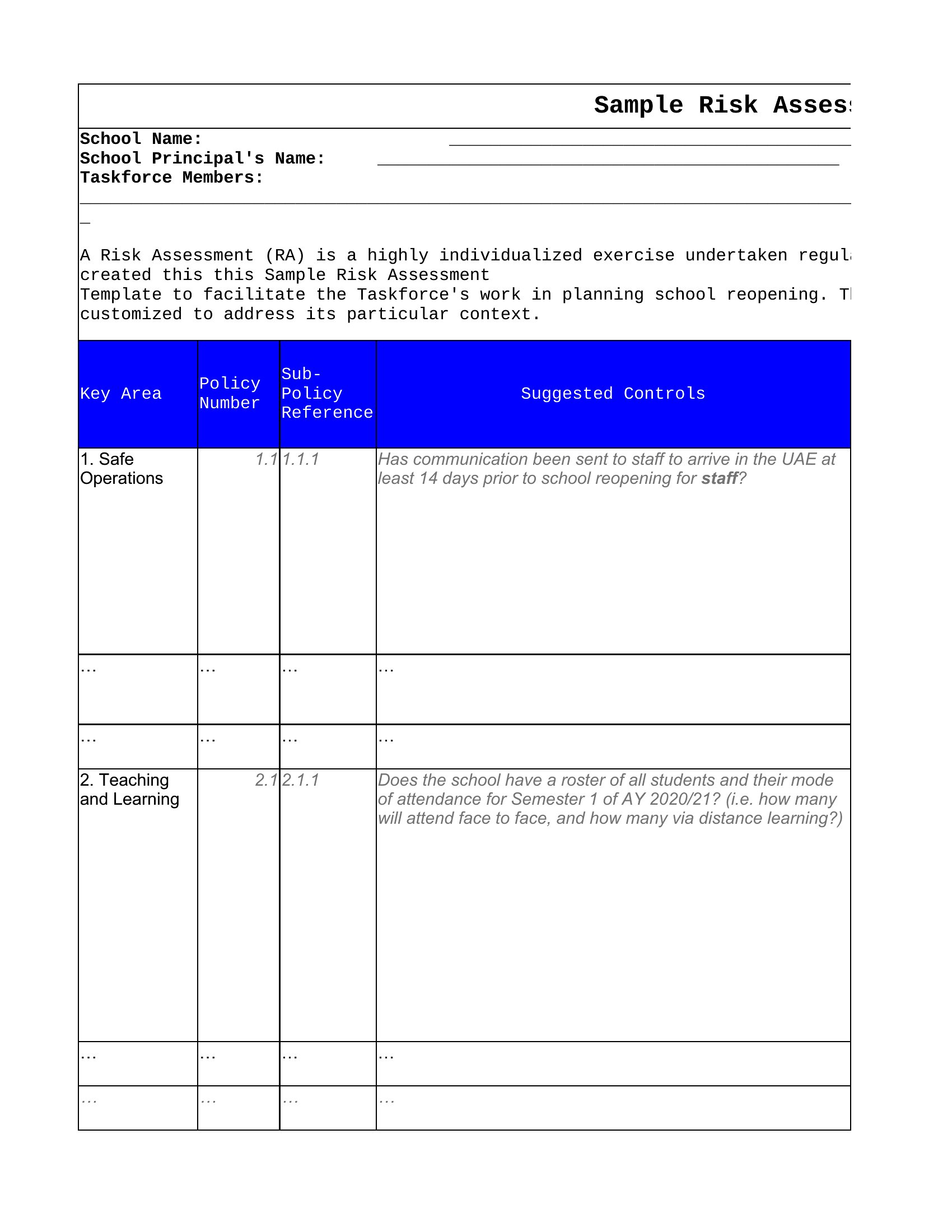
Free Risk Assessment
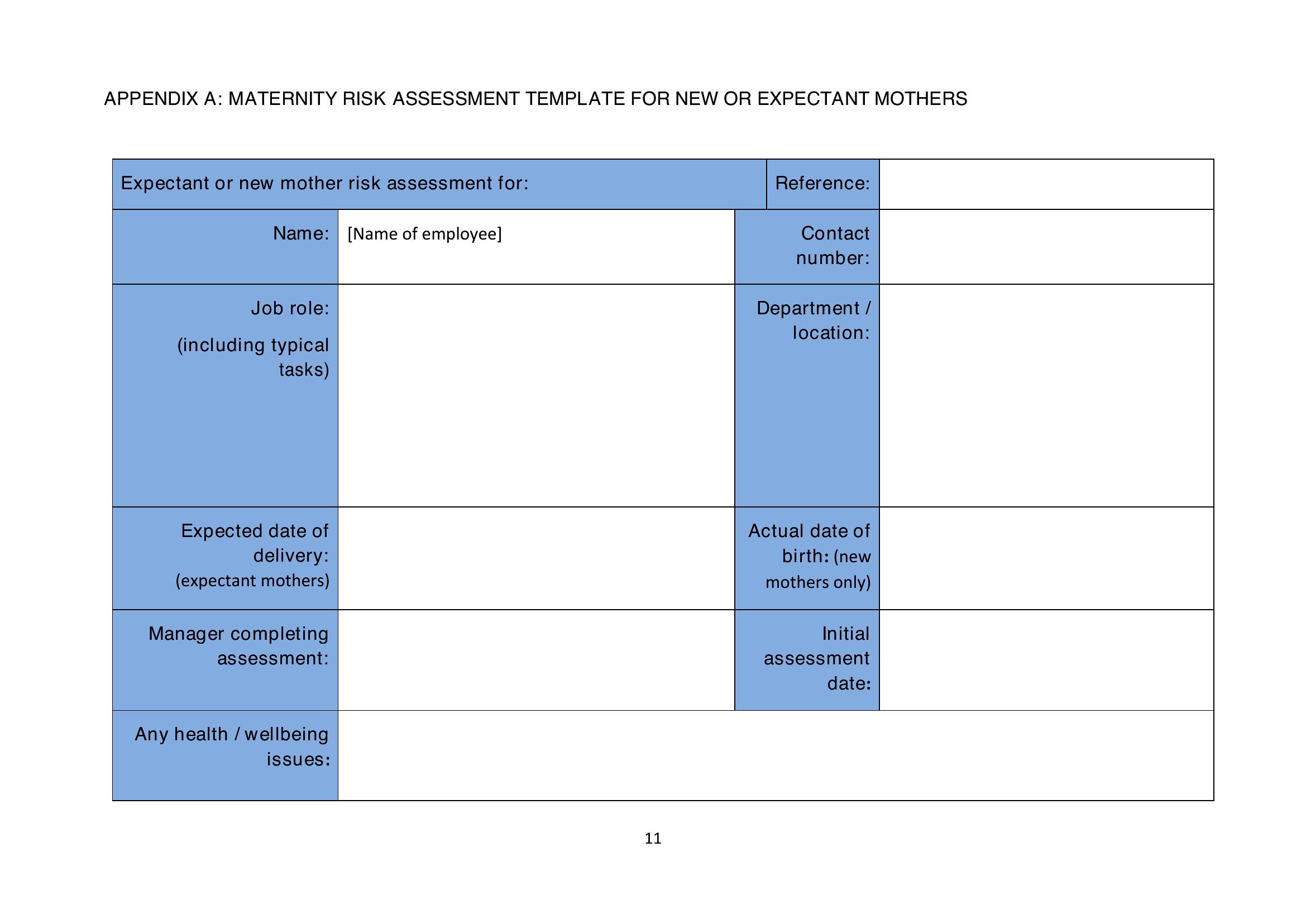
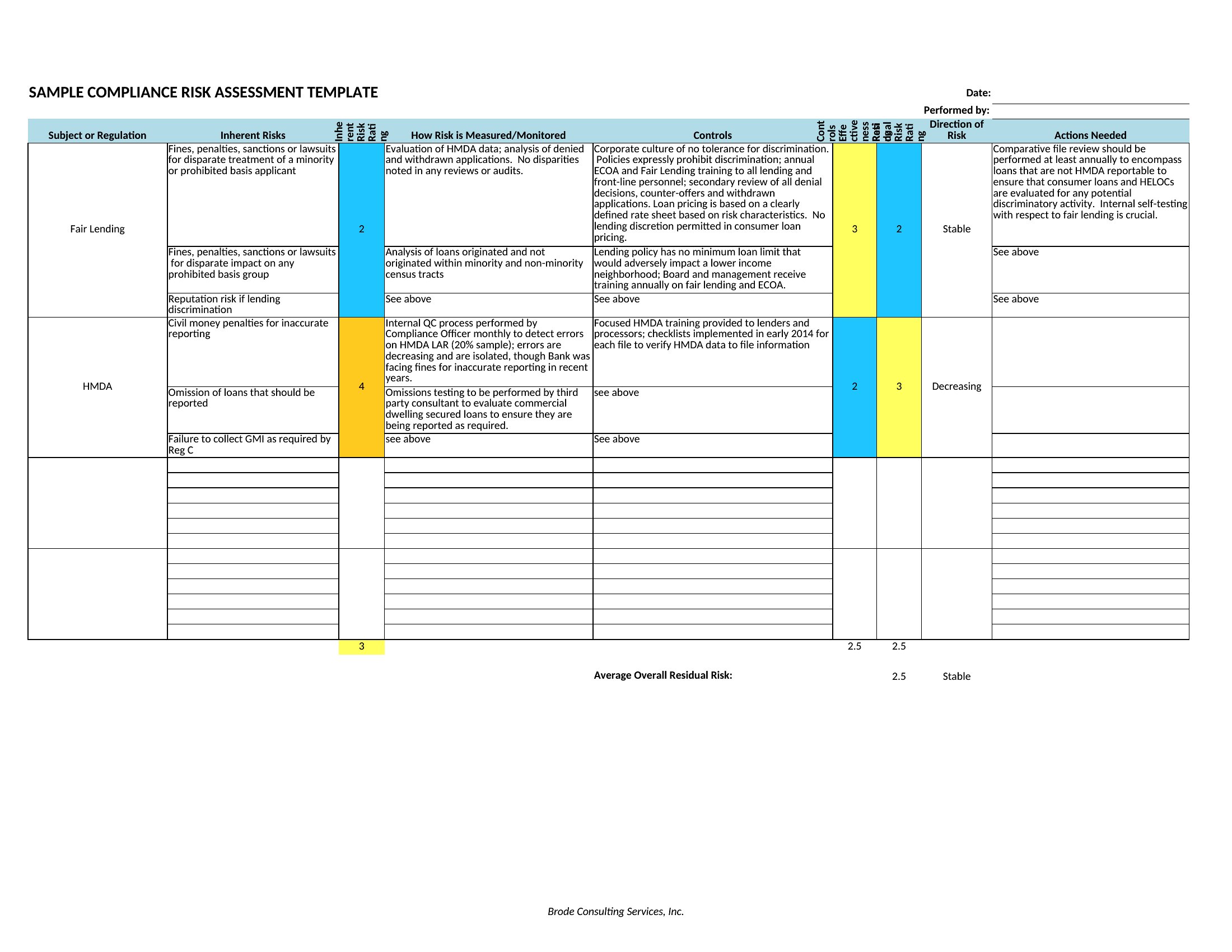
Risk Assessment Pdf
How to use this Risk Assessment template
Can these templates help us meet industry-specific regulations like OSHA or ISO 31000?
These templates follow standard risk assessment frameworks and cover common hazard categories, but they’re not a substitute for consulting official guidelines. For OSHA compliance, check that your industry’s standards (e.g., 1926 for construction) are reflected in your hazard lists. ISO 31000 users should align the severity/likelihood scales with your organization’s risk appetite. Always review with a safety professional for tailored compliance.
What’s the best way to document controls when the mitigation steps span multiple teams?
Assign a dedicated column in the template for ‘Responsible Party’ and use color-coding for urgency (e.g., red for immediate action, yellow for ongoing review). For complex controls, attach a supplementary document via the template’s notes section or hyperlink to a shared drive. Excel’s comment feature lets you flag owners directly within the cell. Update the template during monthly safety meetings to keep accountability clear.
How often should we revisit risk assessments for low-risk items marked as ‘negligible’?
Low-risk items should be reviewed annually or when there’s a significant change—like new equipment, a process update, or an incident elsewhere in the industry. Set calendar reminders in the template’s header or use Excel’s conditional formatting to highlight items due for review. Document the review date and any adjustments made to maintain an audit trail. Never assume ‘negligible’ means ‘ignored’—context shifts over time.
Comments
Join the conversation
Sign in to share your thoughts and leave a comment on this resource.