
Free Media Release Form Templates (Word, PDF)
ID/Consent by melinatadic
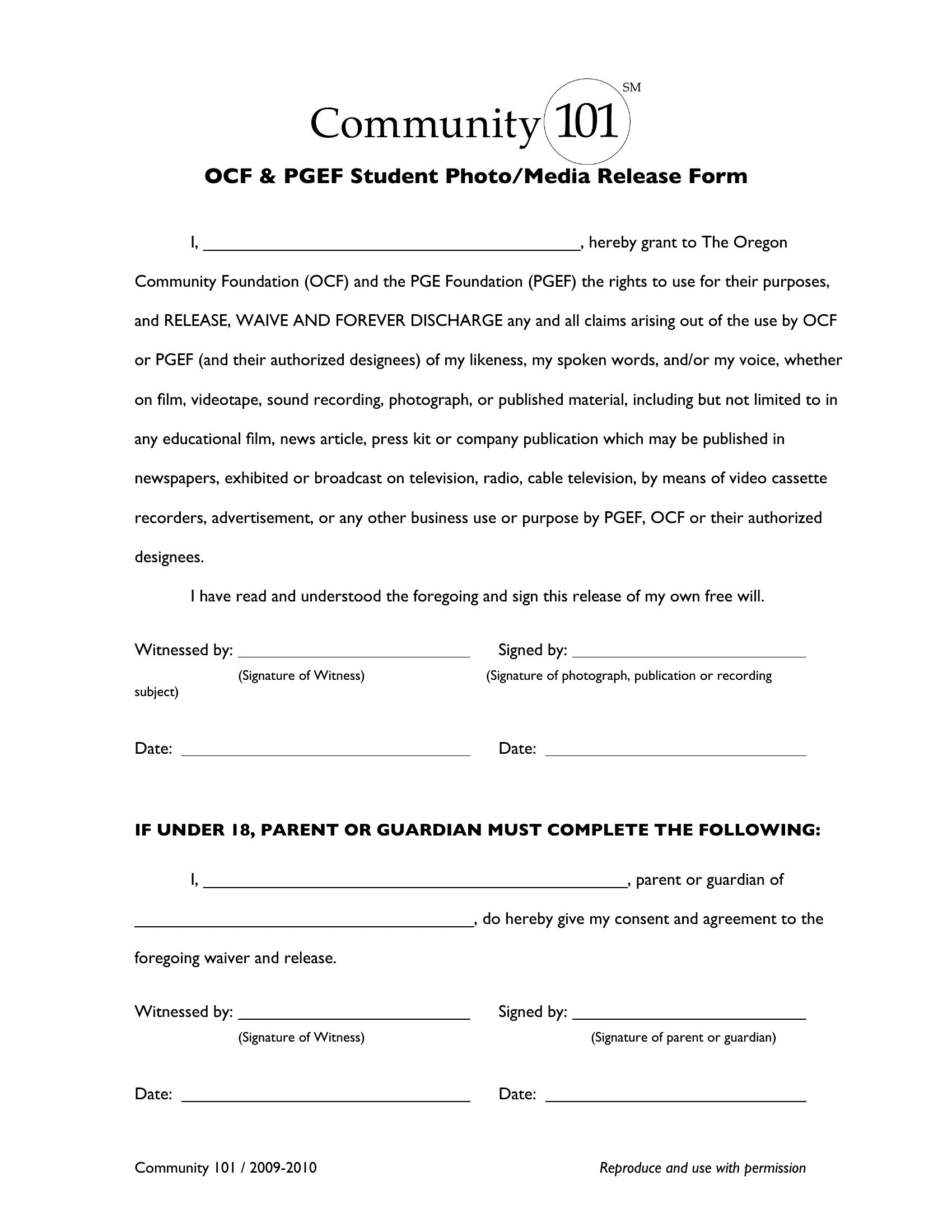
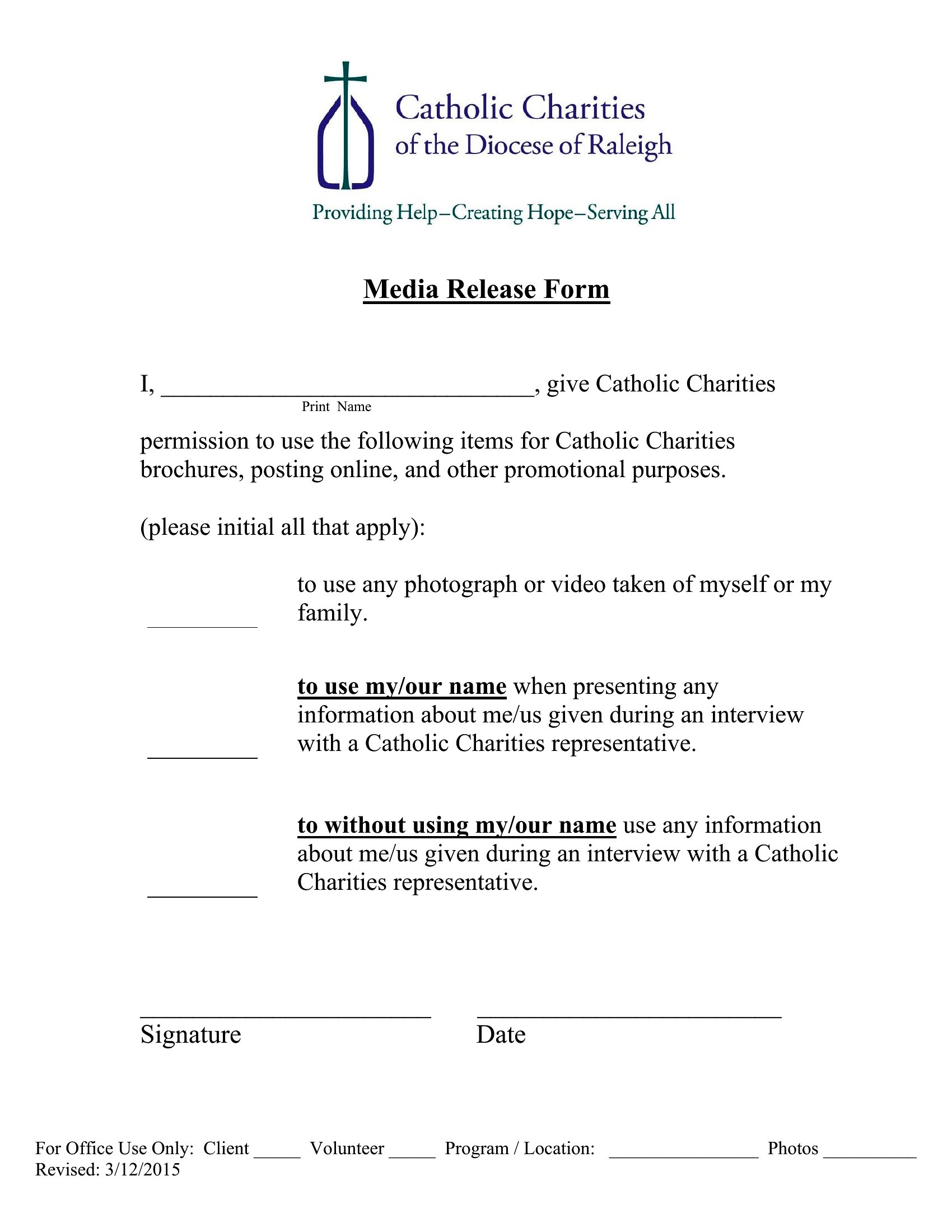
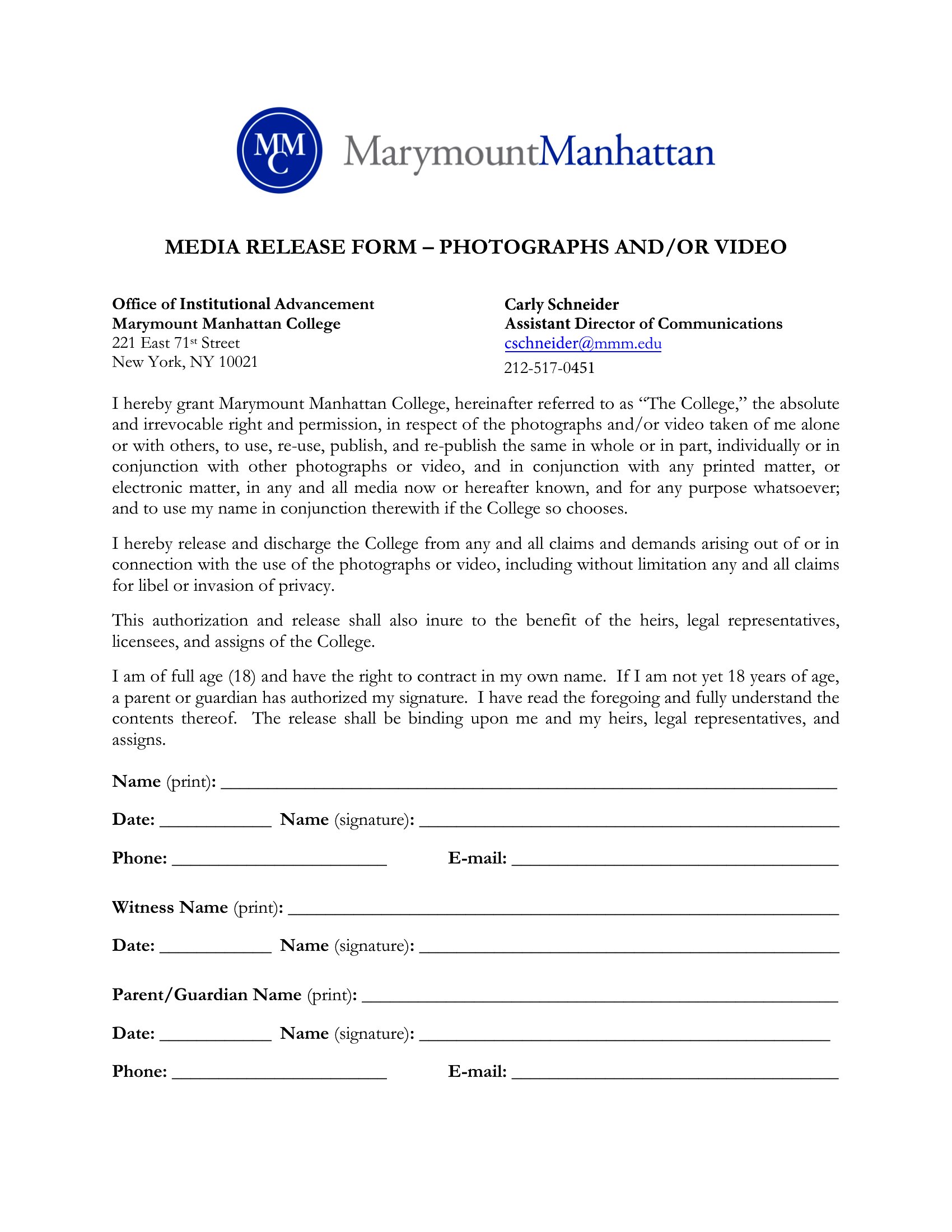
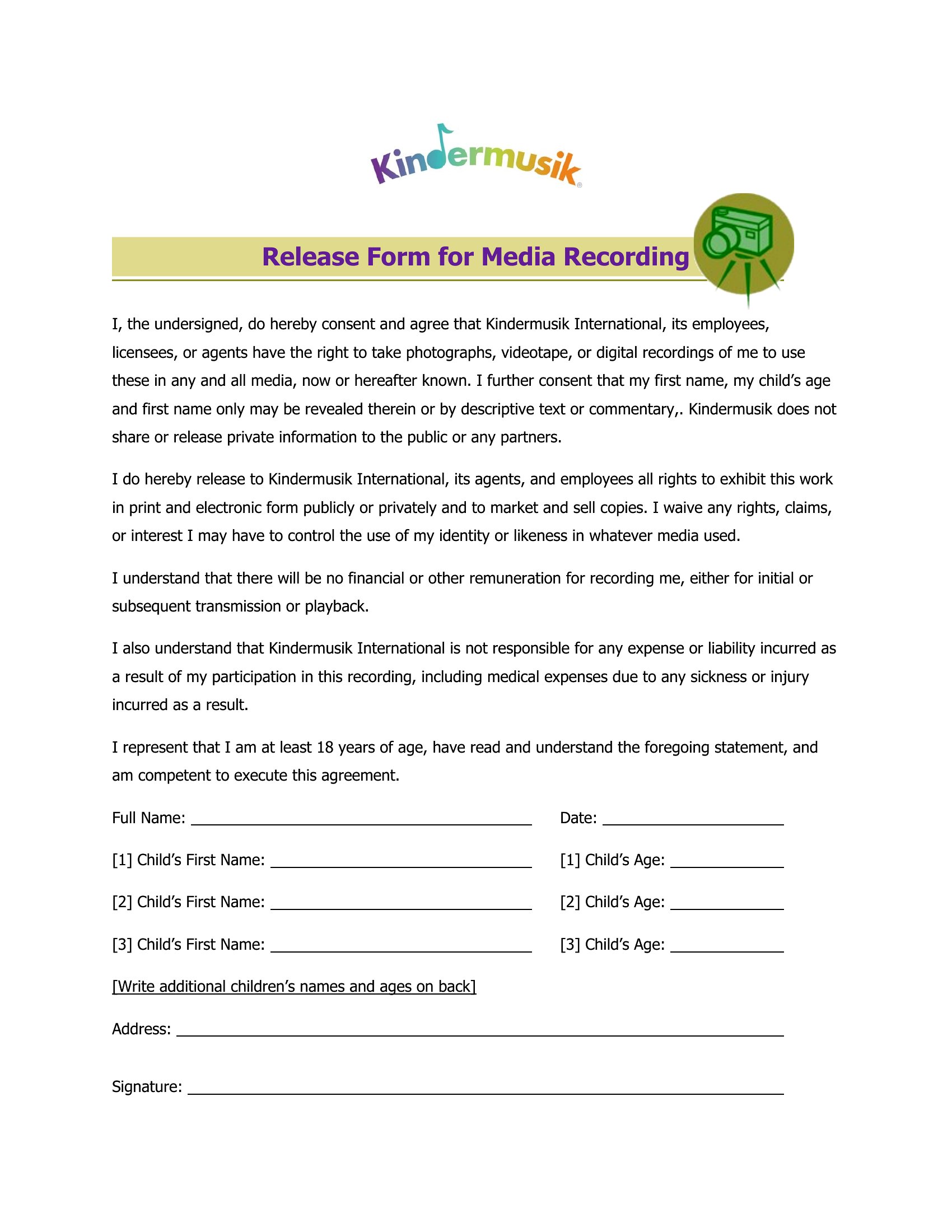
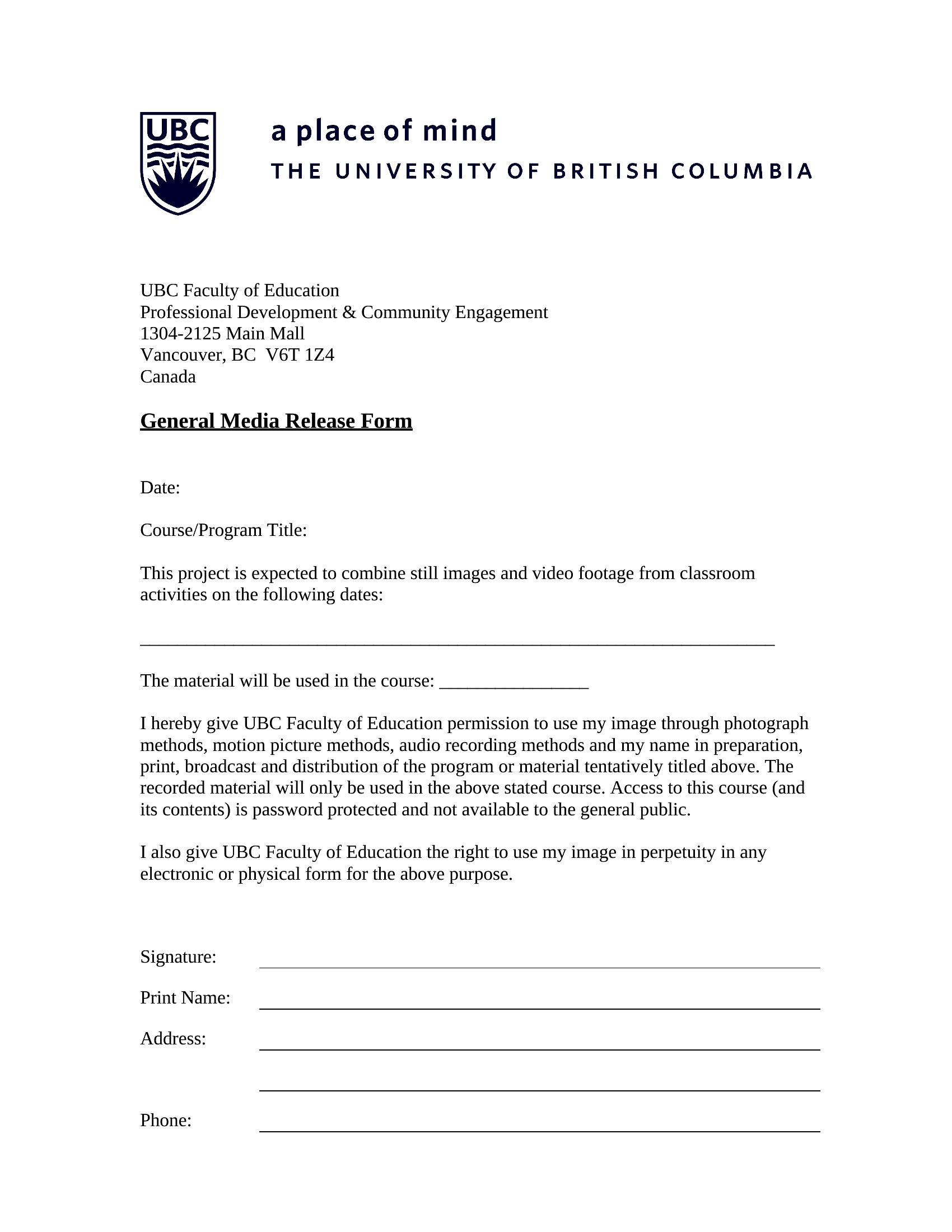
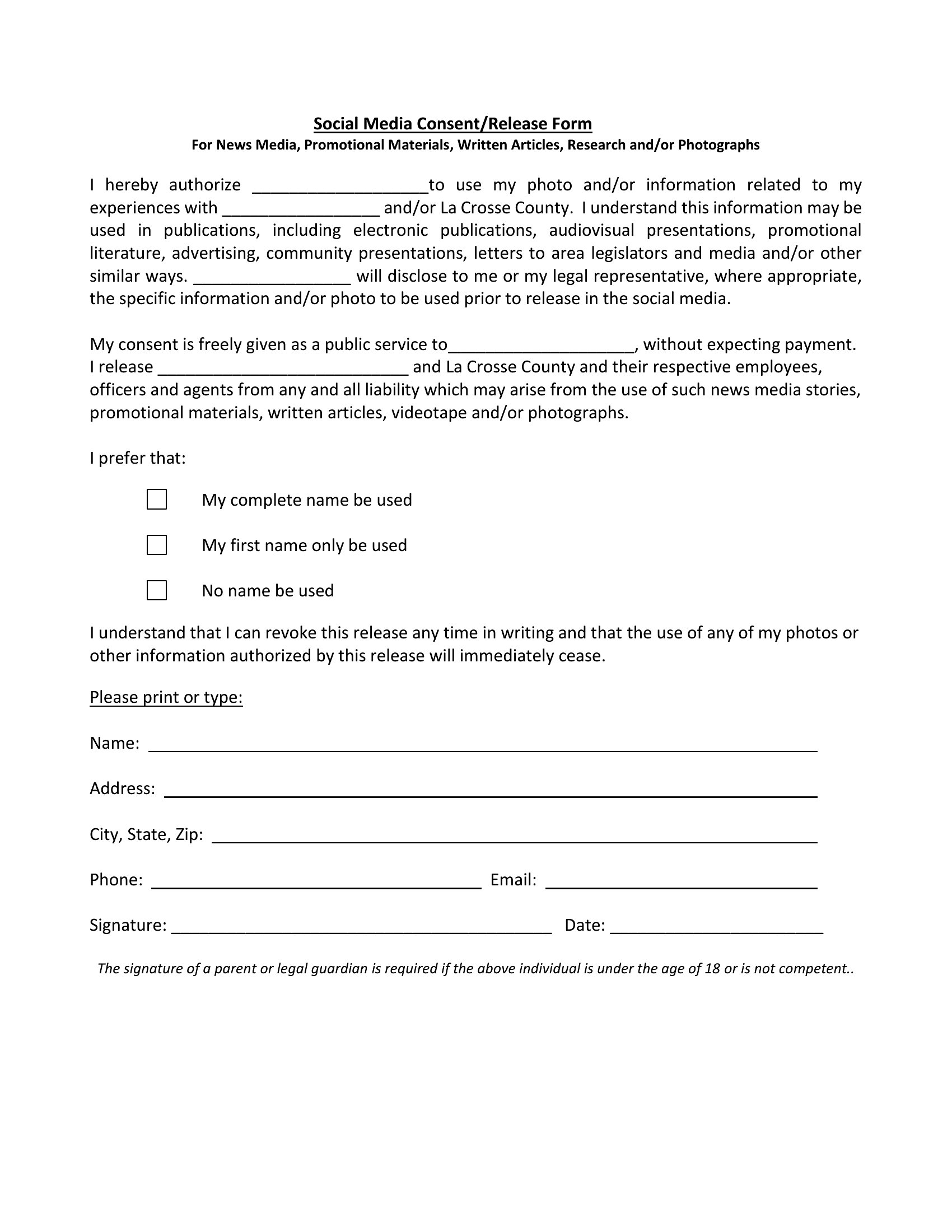
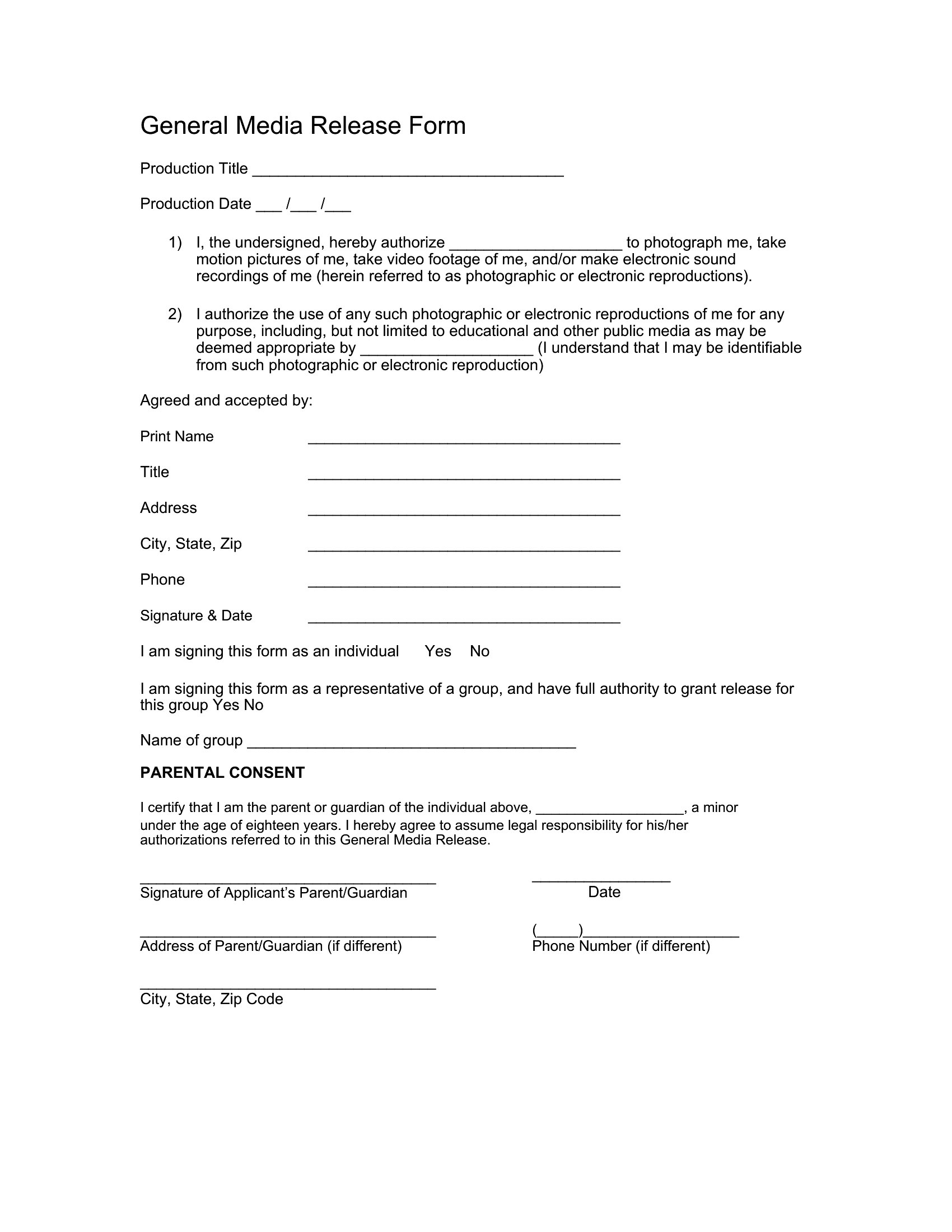
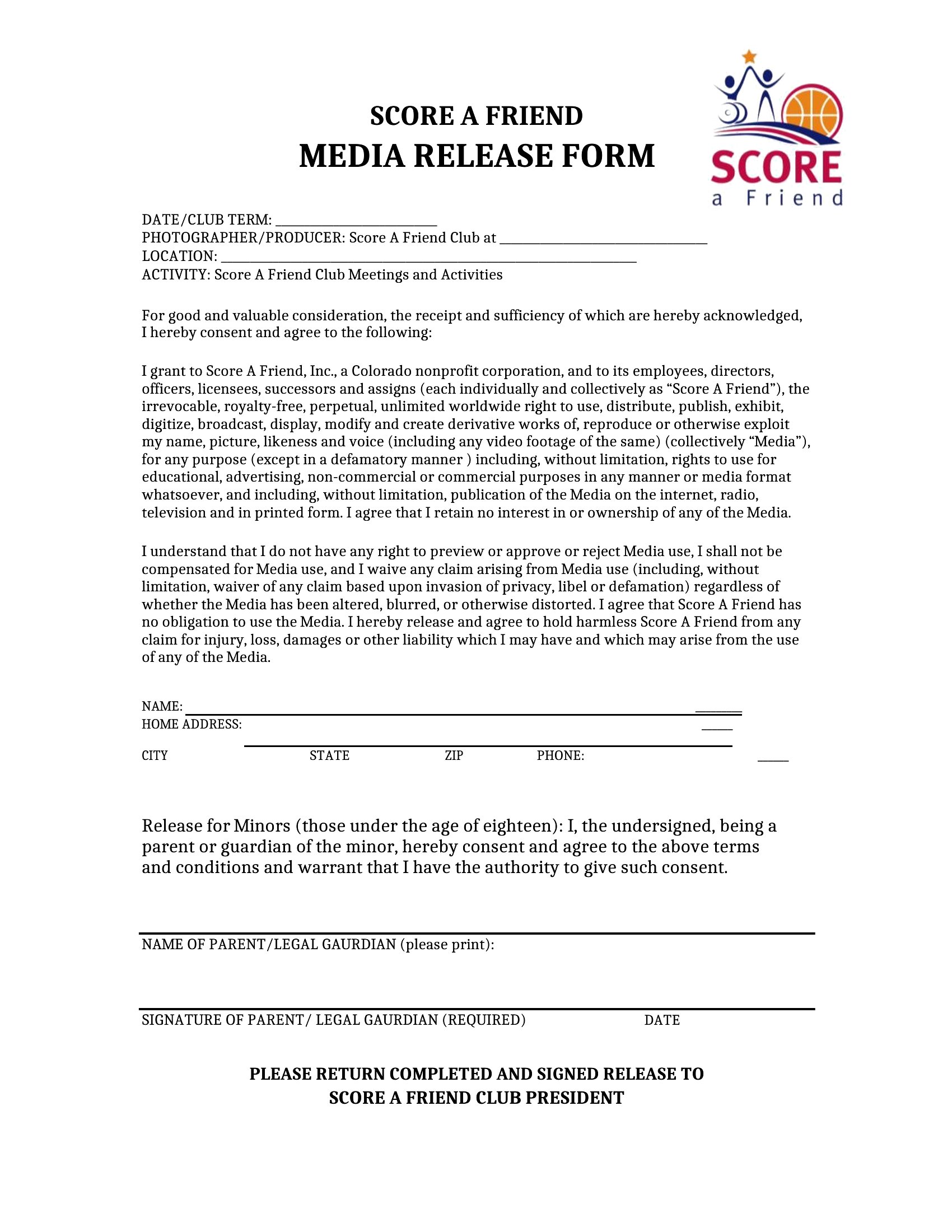
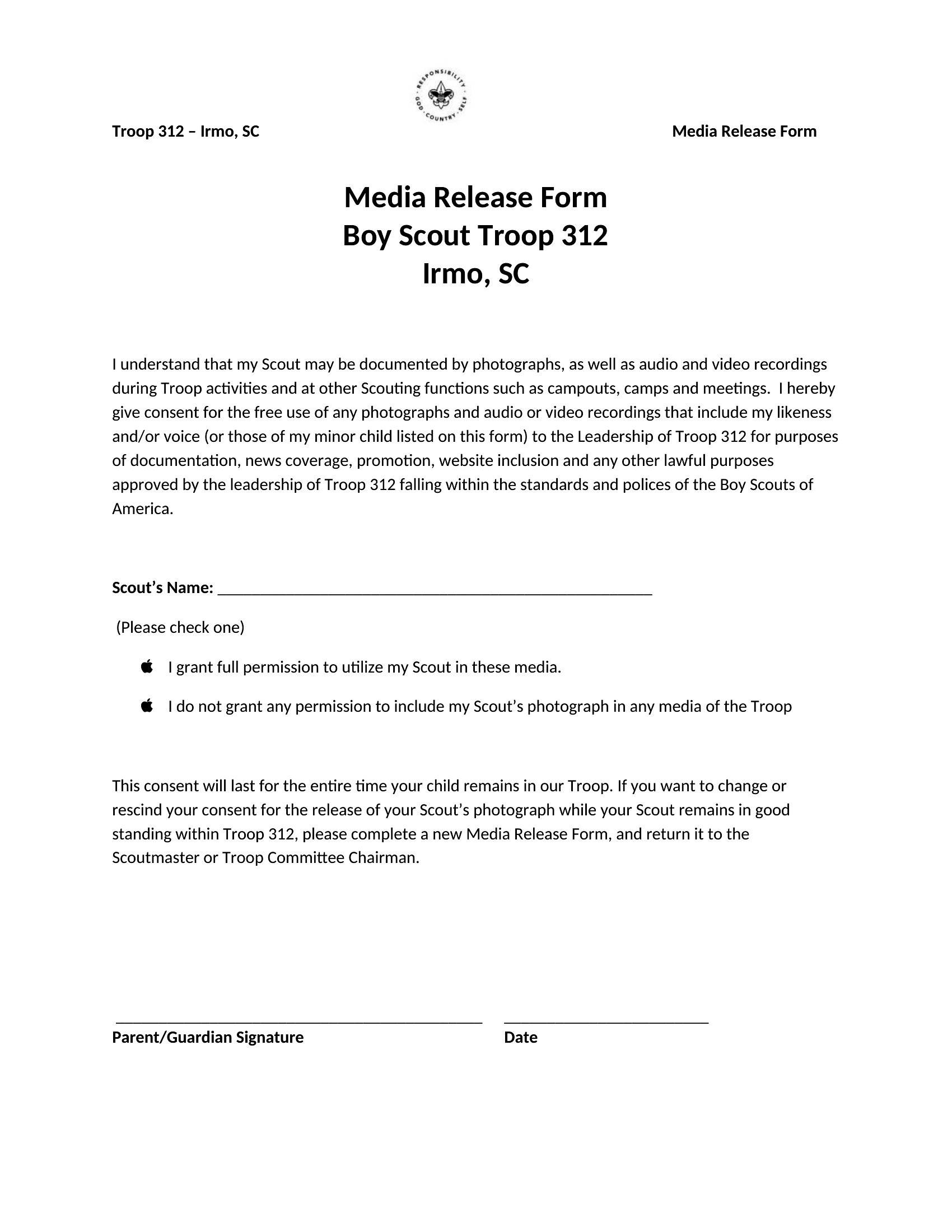
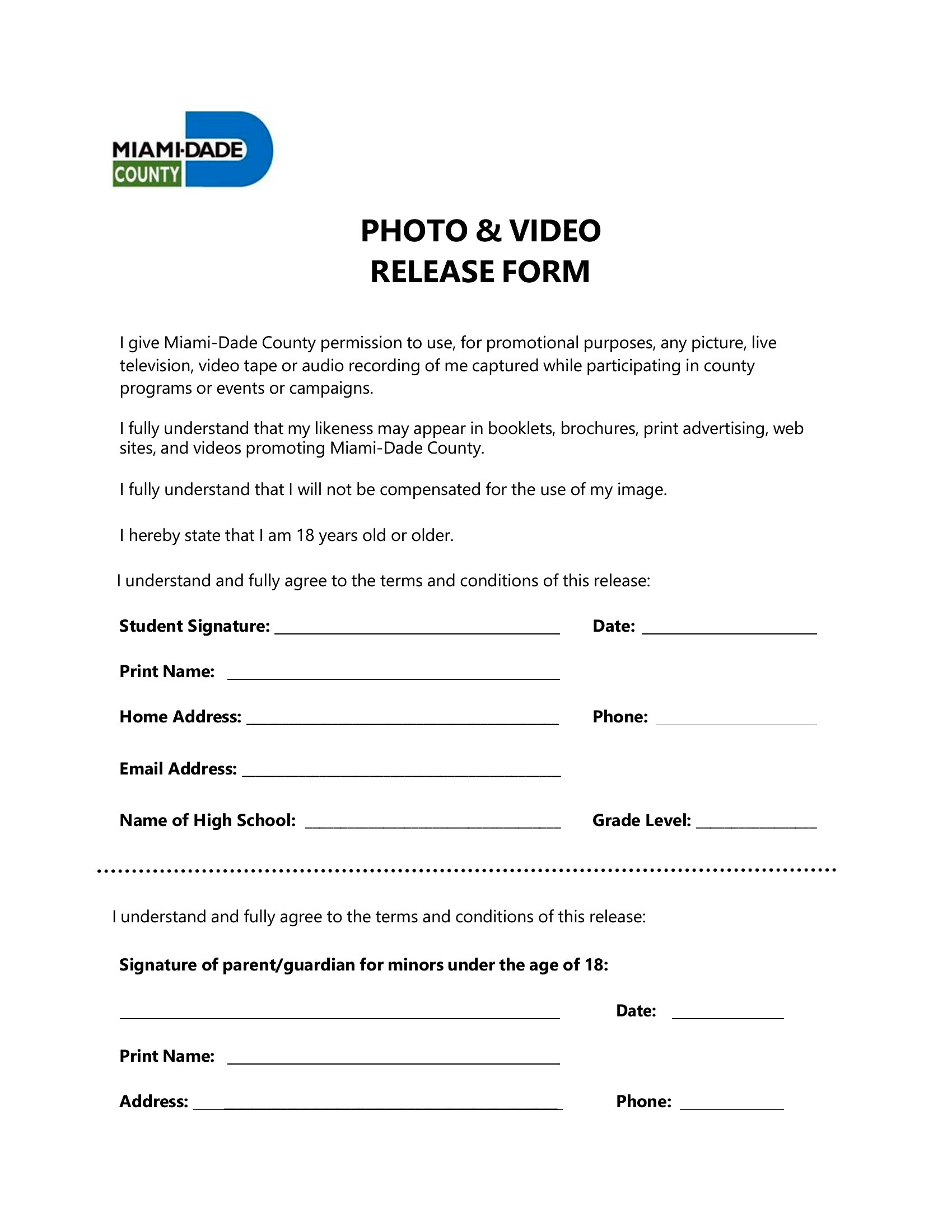
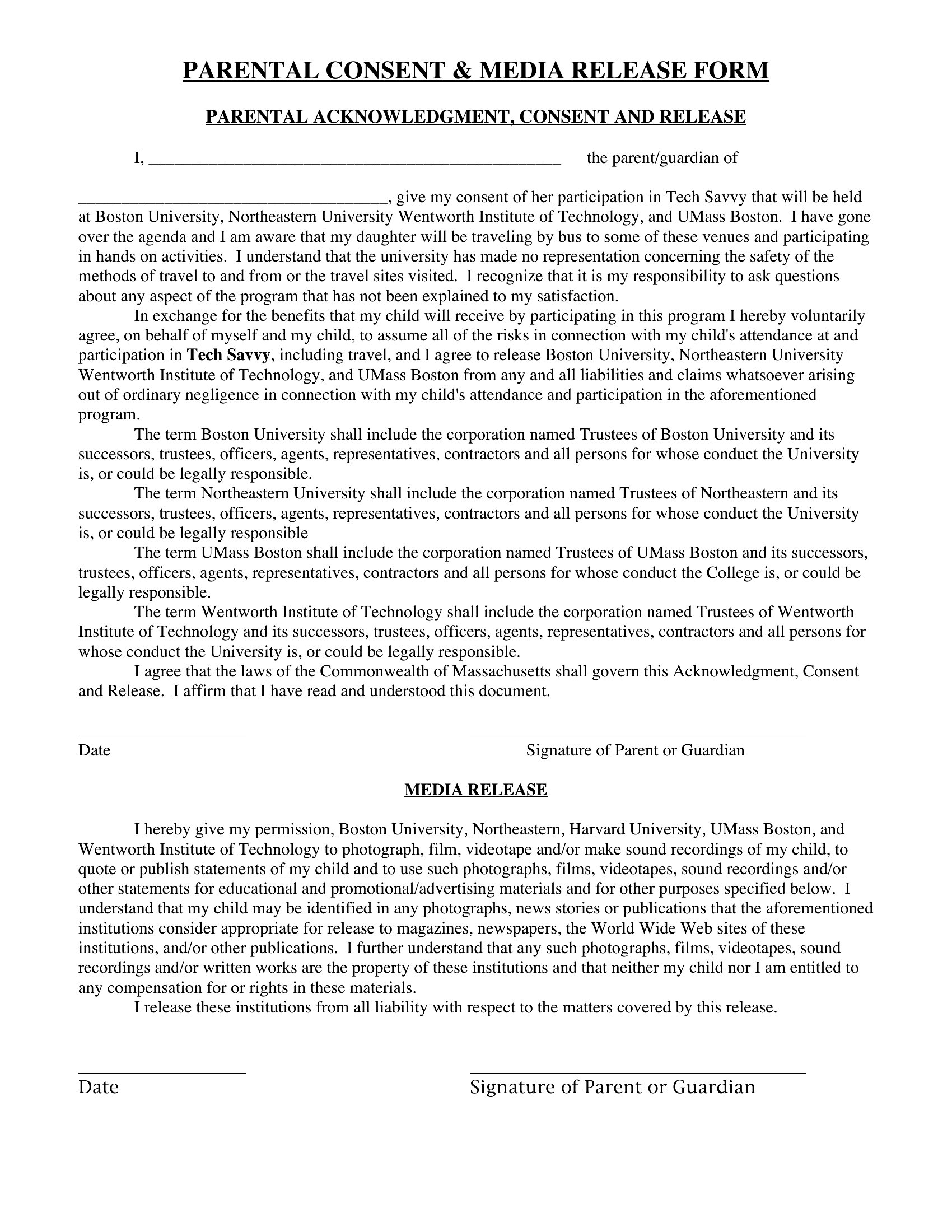
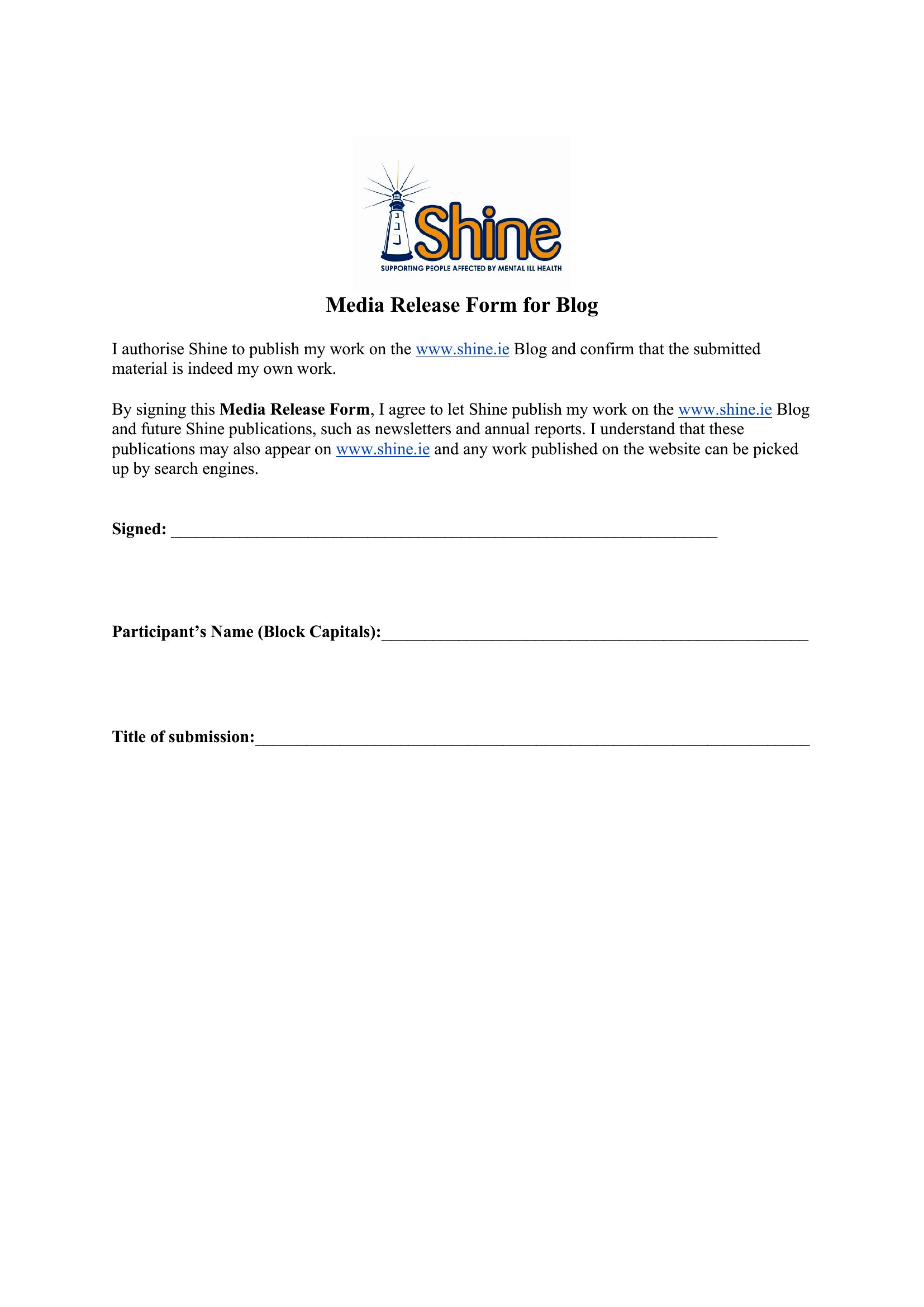
A media release form is what you hand someone before their face, voice, or name shows up in your marketing, yearbook, or highlight reel. This set of 52 templates covers the permissions photographers, schools, nonprofits, and small marketing teams need to use images and recordings without a later dispute. Each one spells out who's being recorded, where the material can appear, and how long the consent lasts.
You'll find editable Word versions for quick wording changes and clean PDFs you can print and collect signatures on at an event. Add your organization's name, adjust the usage terms, and have participants sign before the cameras roll. Rules around consent can vary by state and by minor status, so confirm local requirements before you rely on one. Download the version that fits your shoot and keep signed copies on file.
When to use this Media Release Form template
- A wedding photographer needs parents to sign permission slips before capturing candid moments of children at a destination wedding, ensuring compliance with local child photography laws and avoiding potential disputes over image usage.
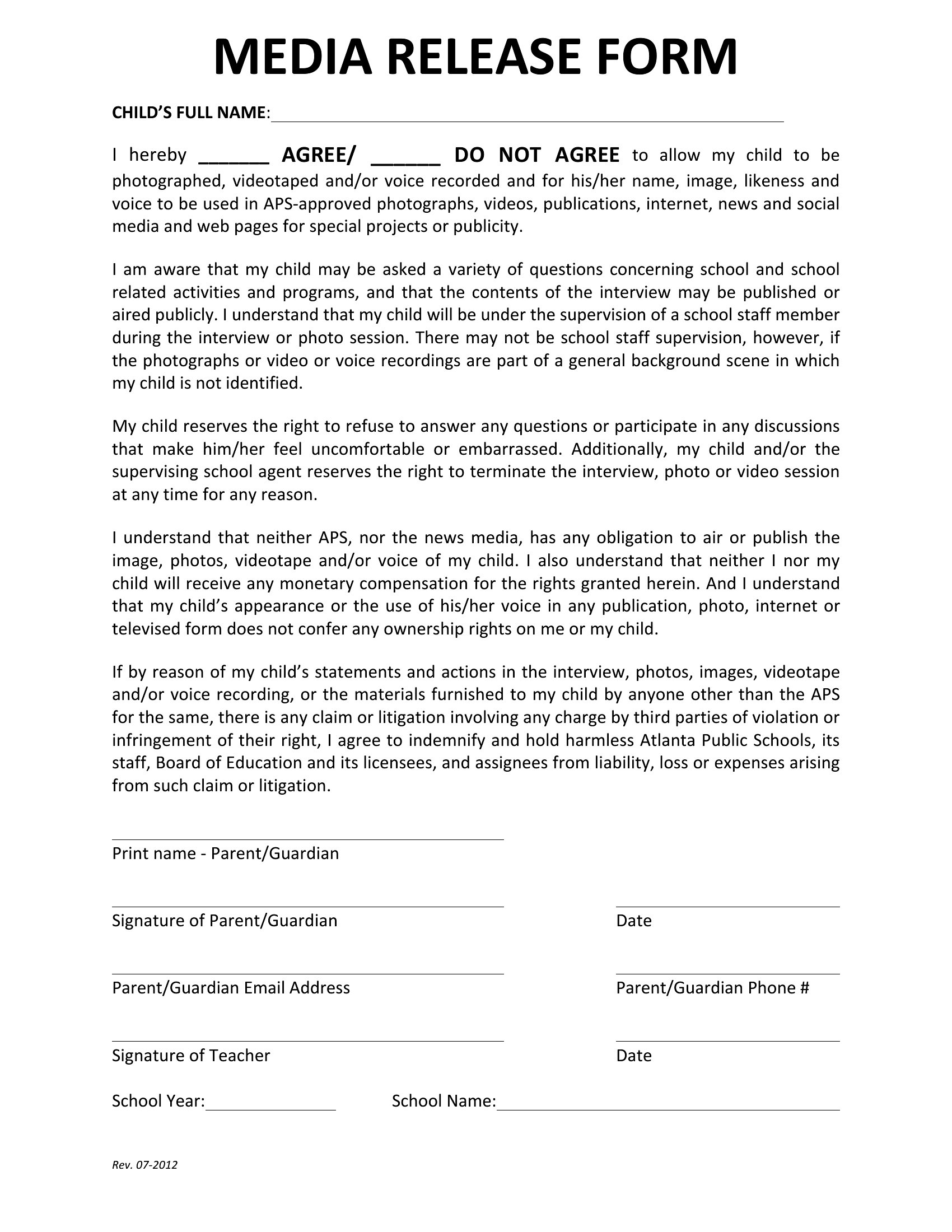
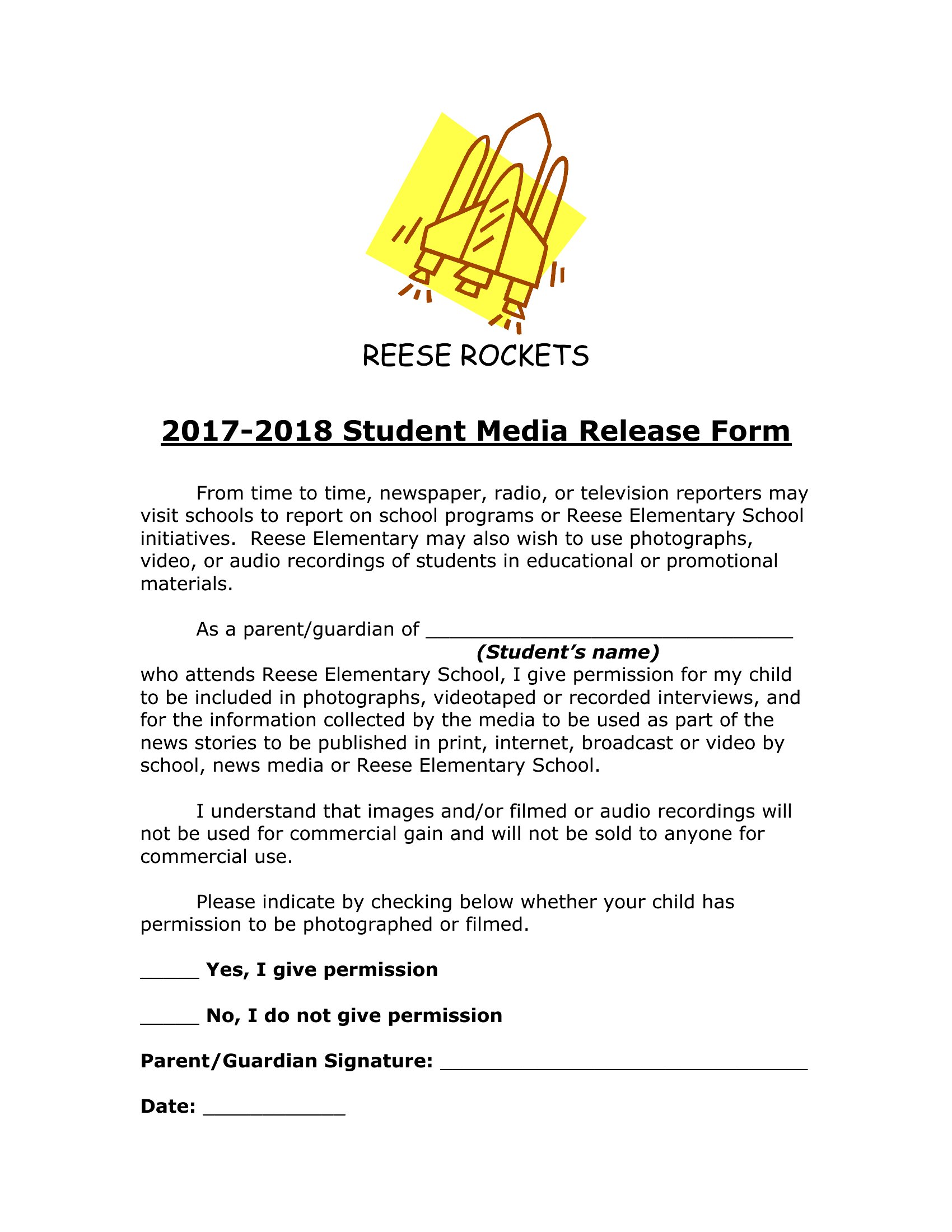
- School administrators require a signed media release form from every parent before publishing student portraits in the annual yearbook, protecting the school from copyright claims while keeping families informed about where their child’s image may appear.
- A local nonprofit organizing a community event wants to film testimonials from participants for their fundraising campaign, so they distribute a media release form to clarify usage rights and duration for video content across social media and promotional materials.
- A small marketing agency handling influencer collaborations needs standardized media release forms to document verbal or written consent from clients before using their interviews or images in ads, ensuring all parties agree on platforms and timeline for content distribution.
Which format should I download?
Choose Word if you need an editable, reusable template that can be customized for multiple clients or projects—ideal for agencies or photographers who frequently update details like names, dates, or usage terms. Opt for PDF when you require a fillable form for quick distribution (e.g., at events) where recipients can sign digitally or print it out, and you want to lock in the structure to prevent accidental edits later. The PDF format also ensures compatibility with e-signature tools many professionals already use.
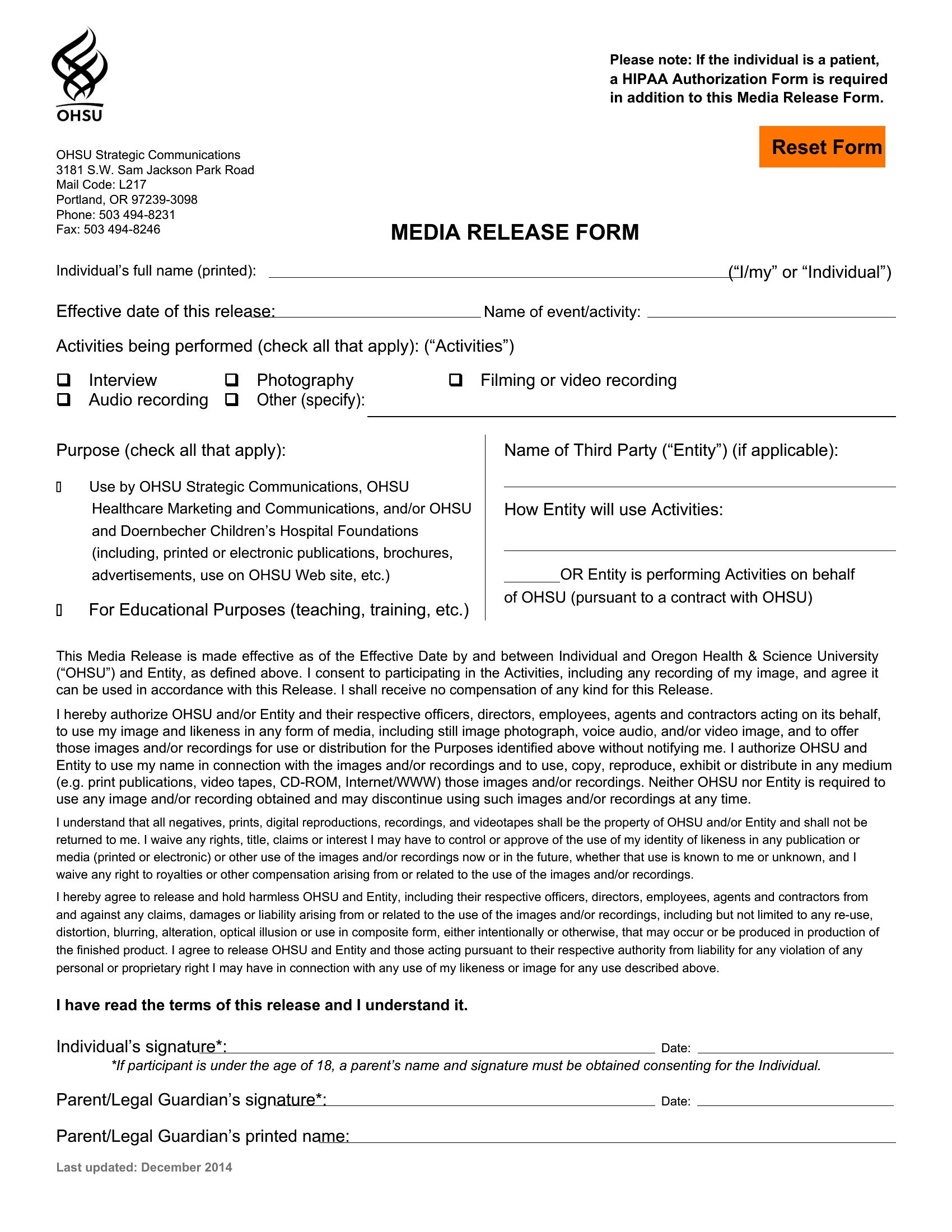
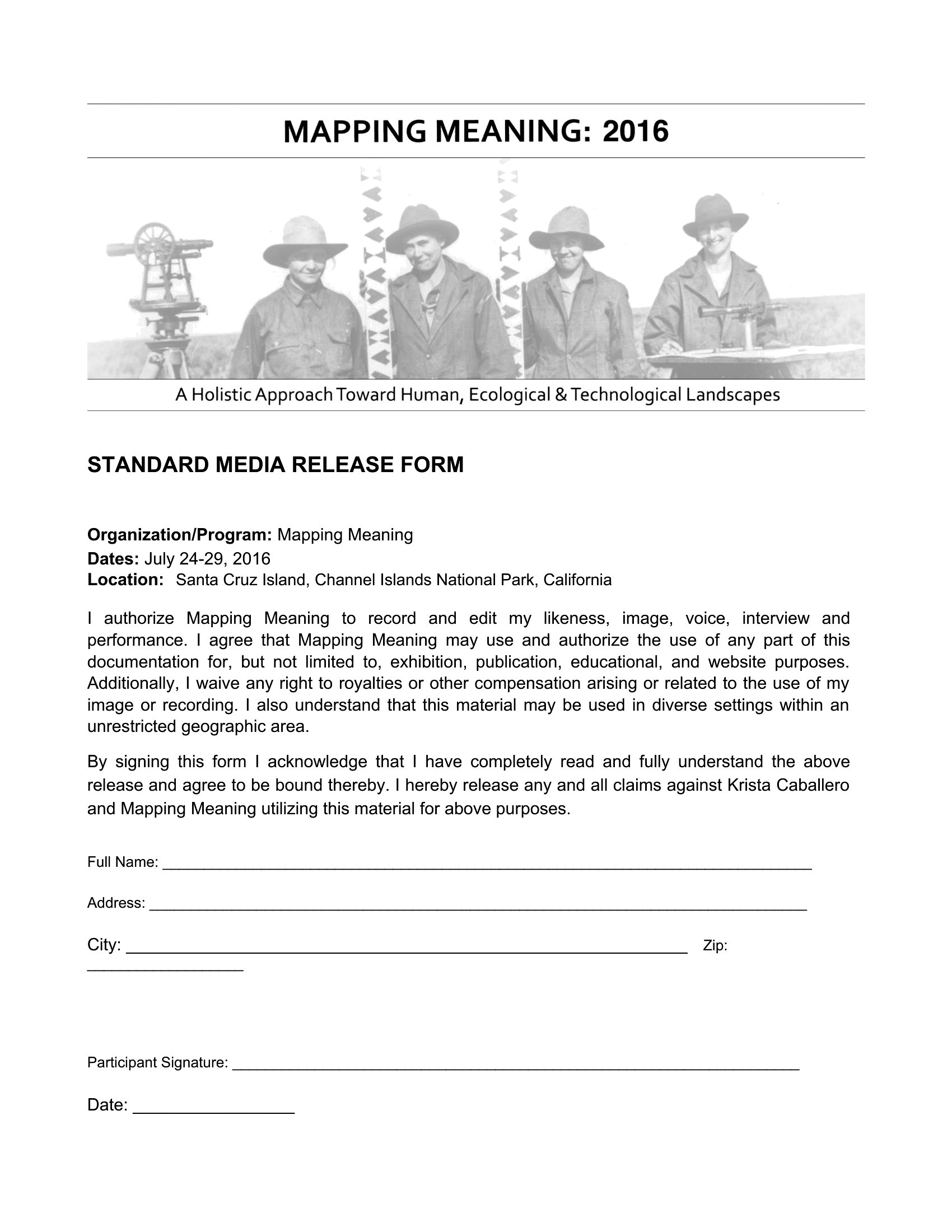
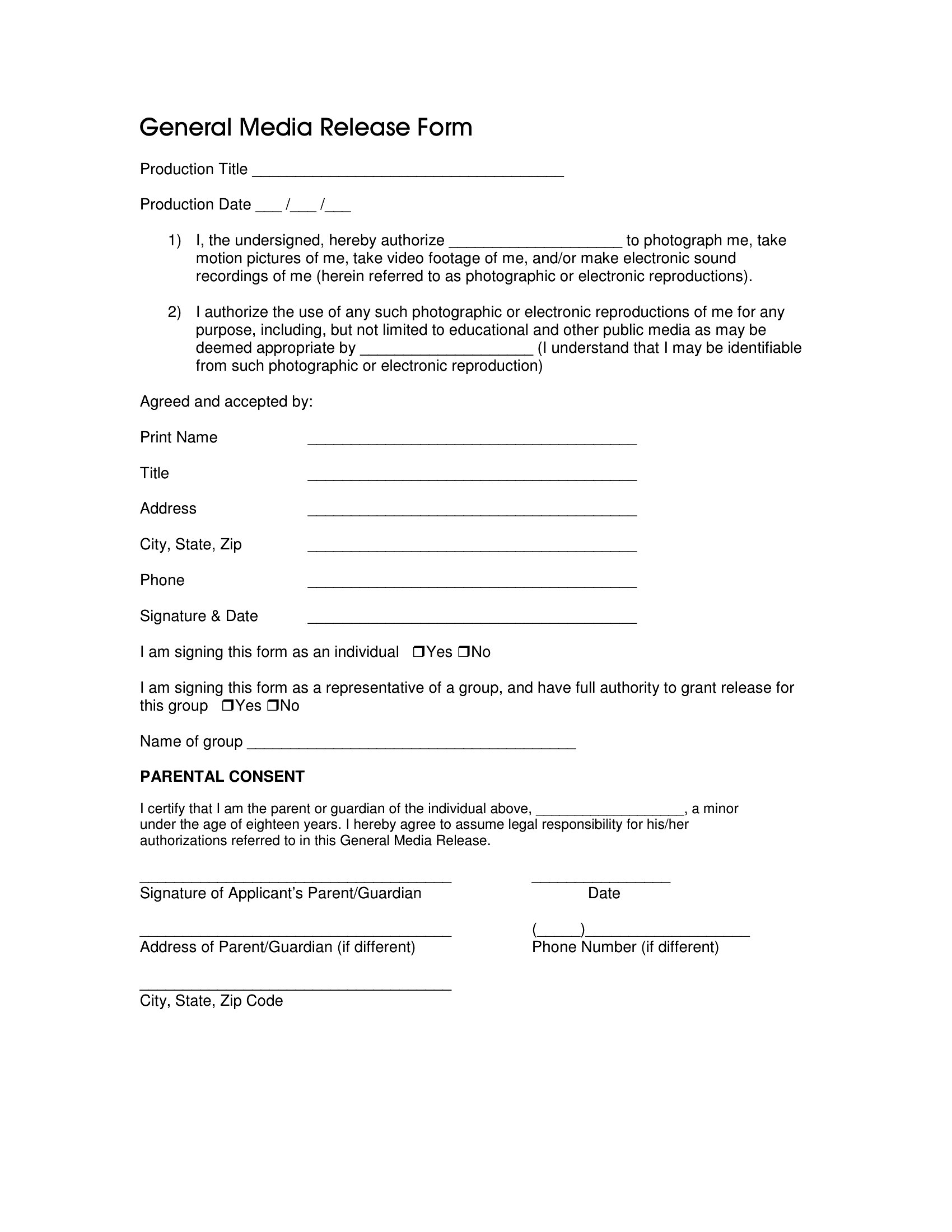
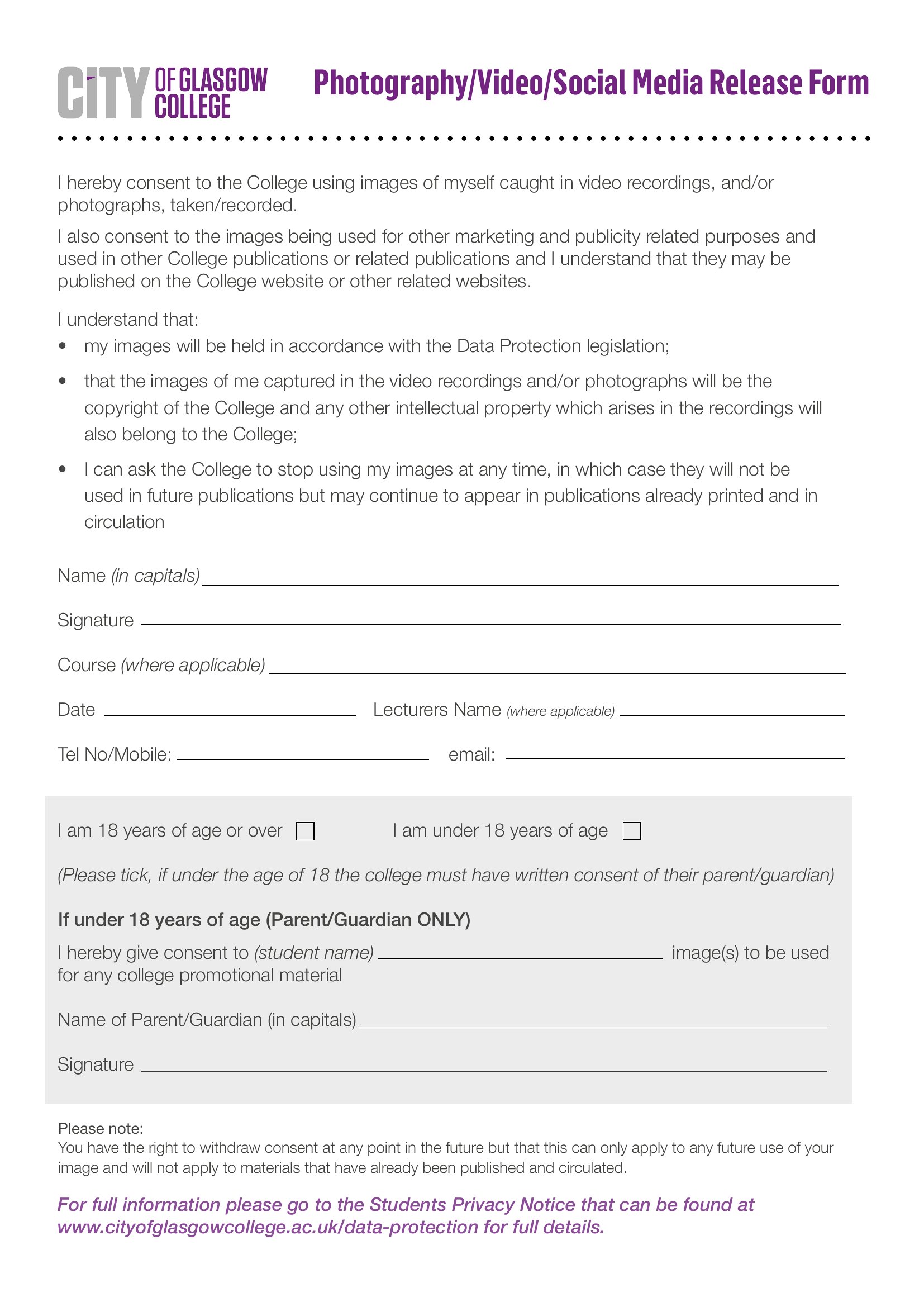
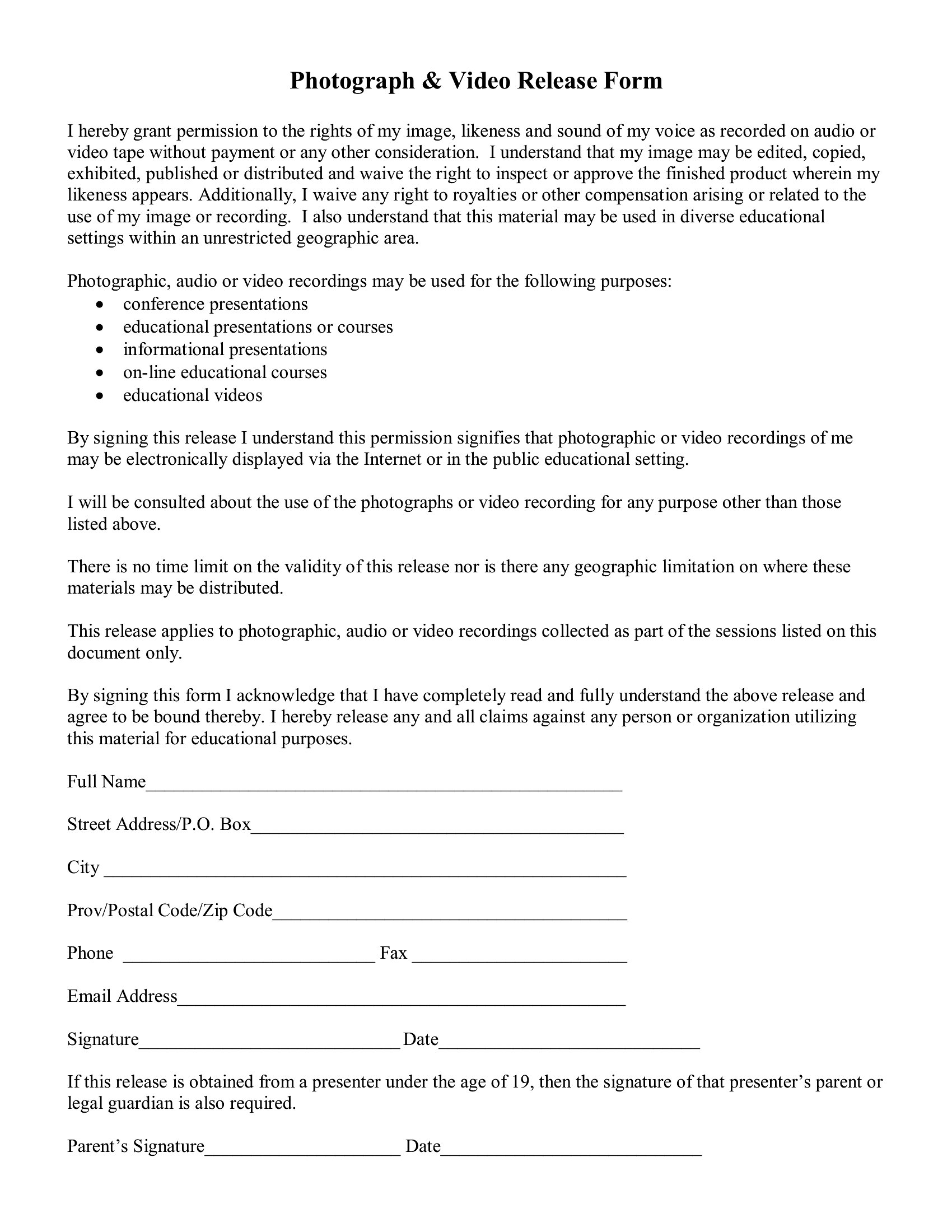
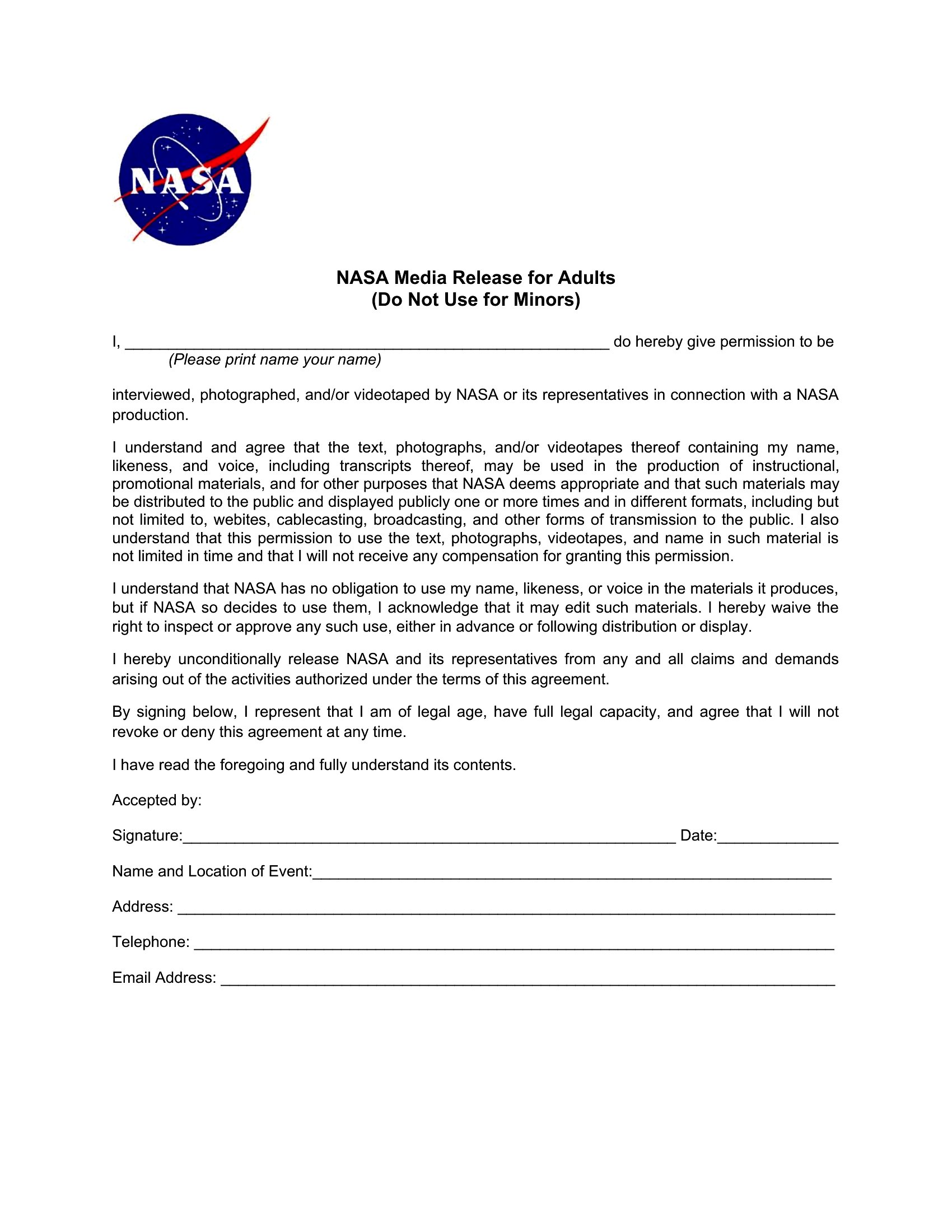
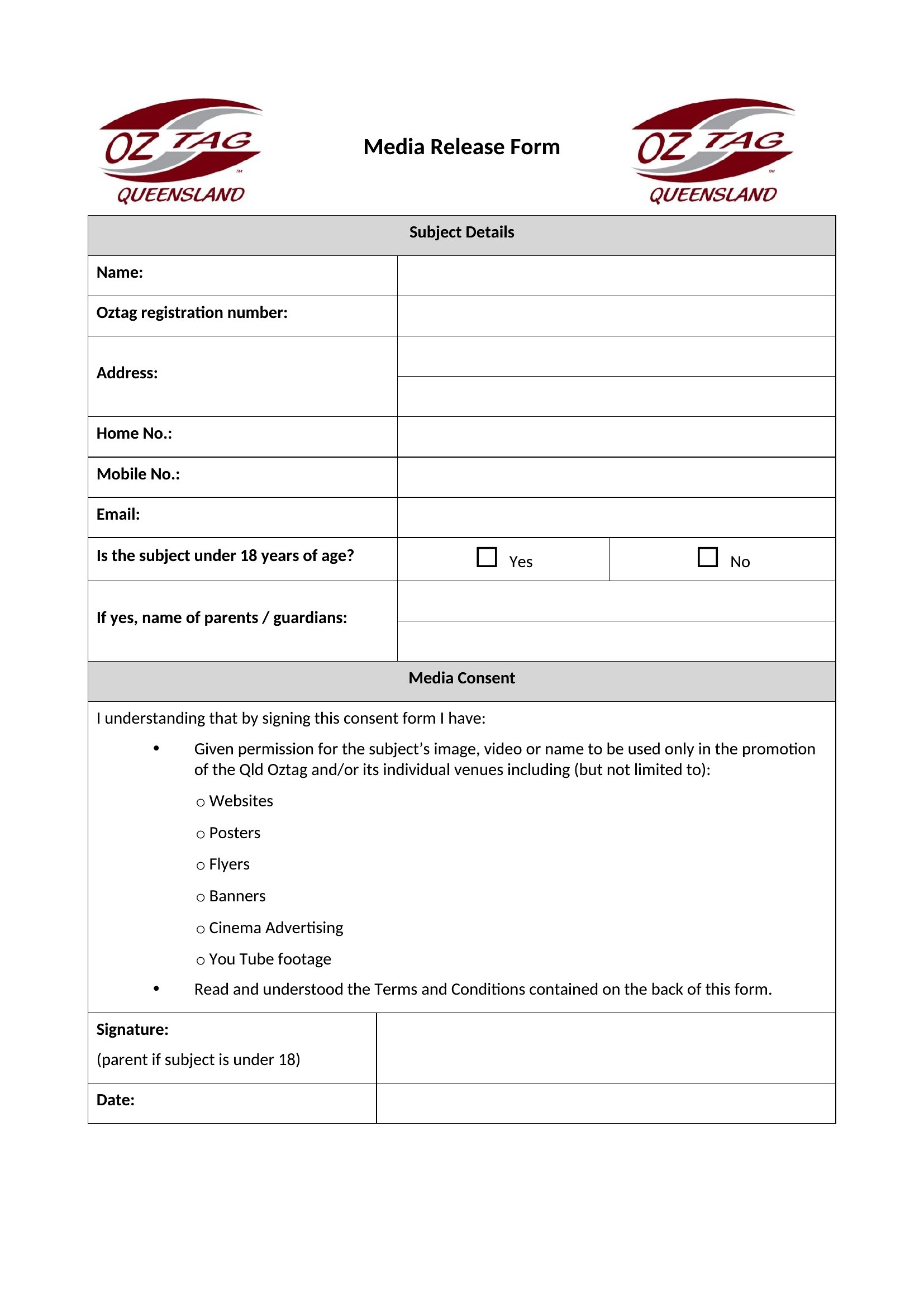
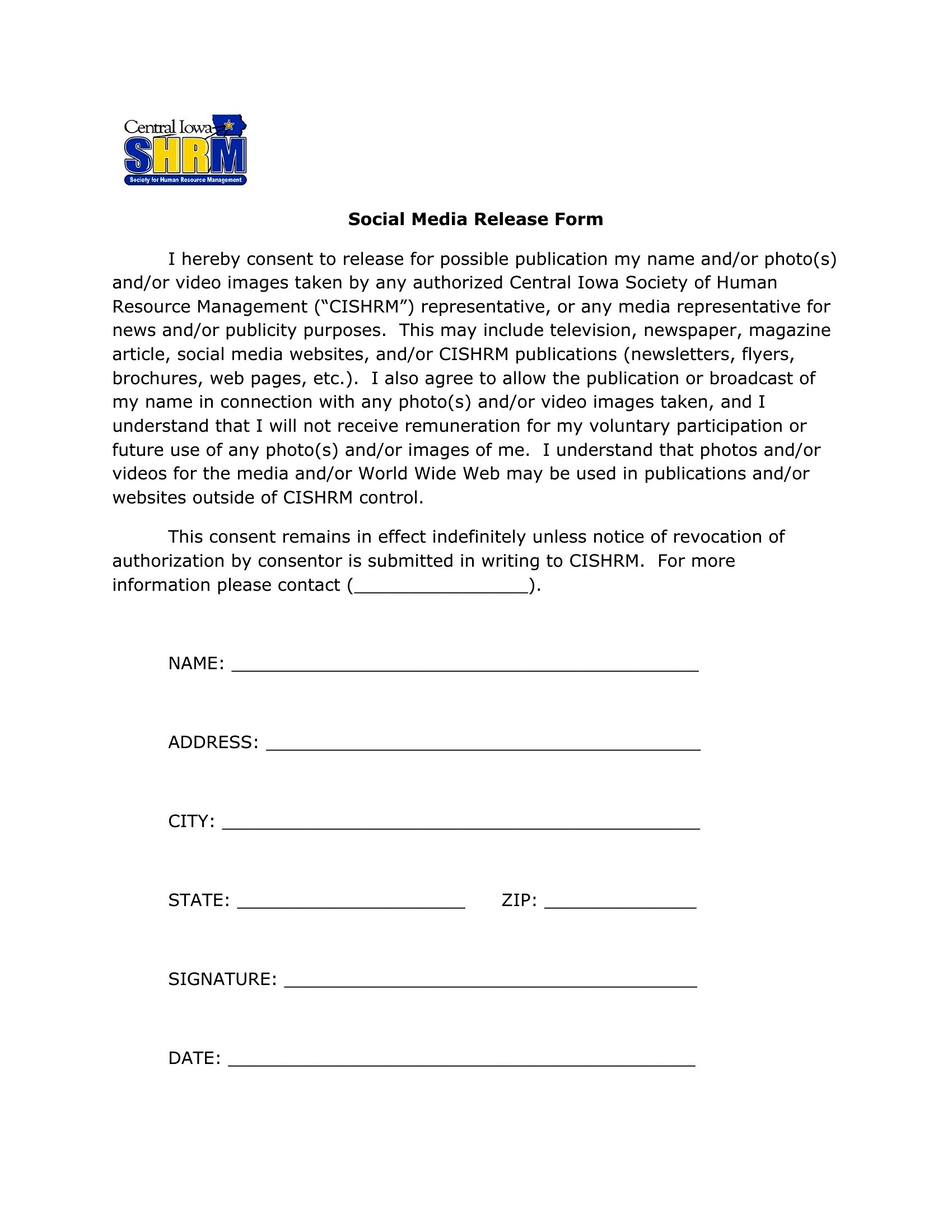
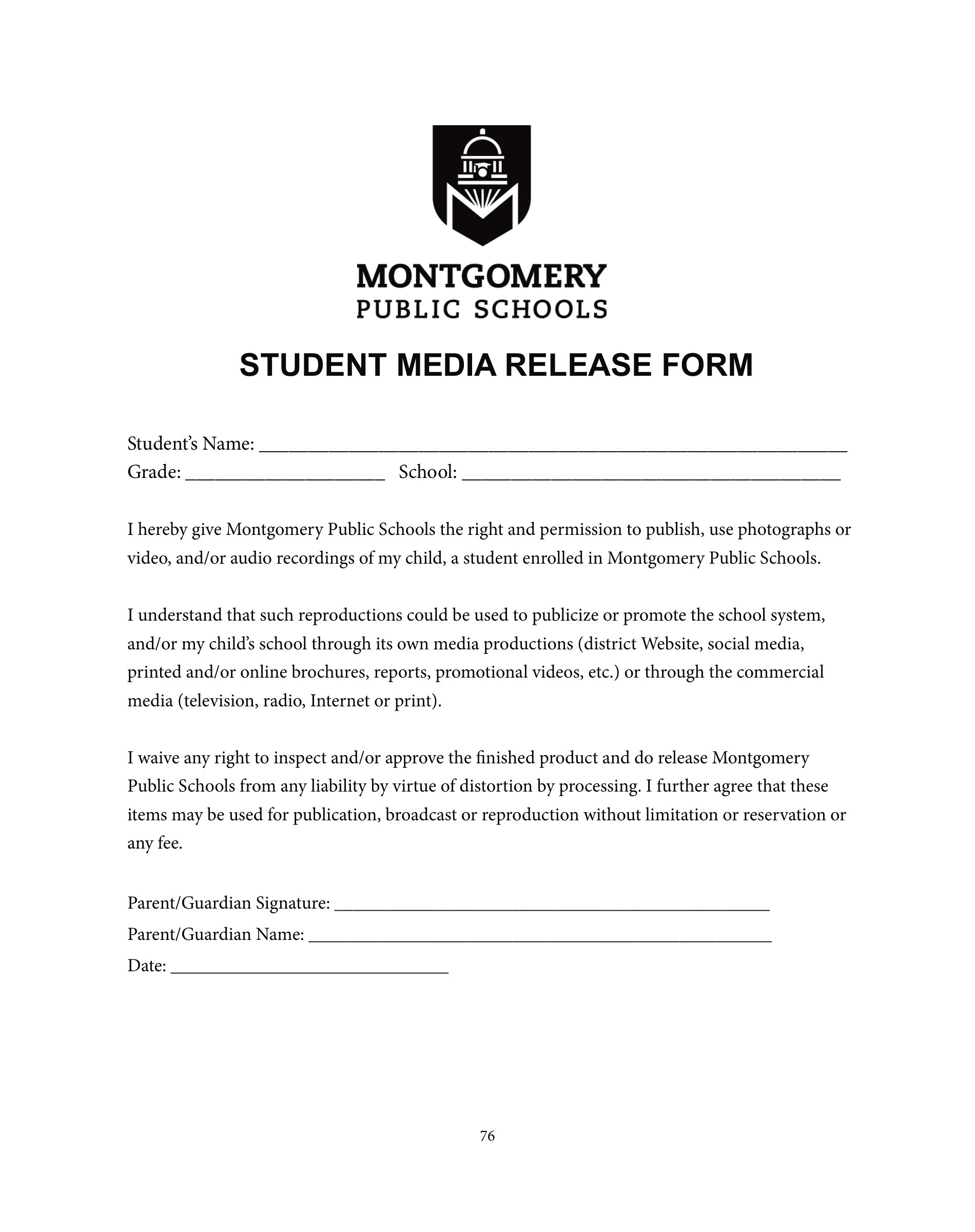
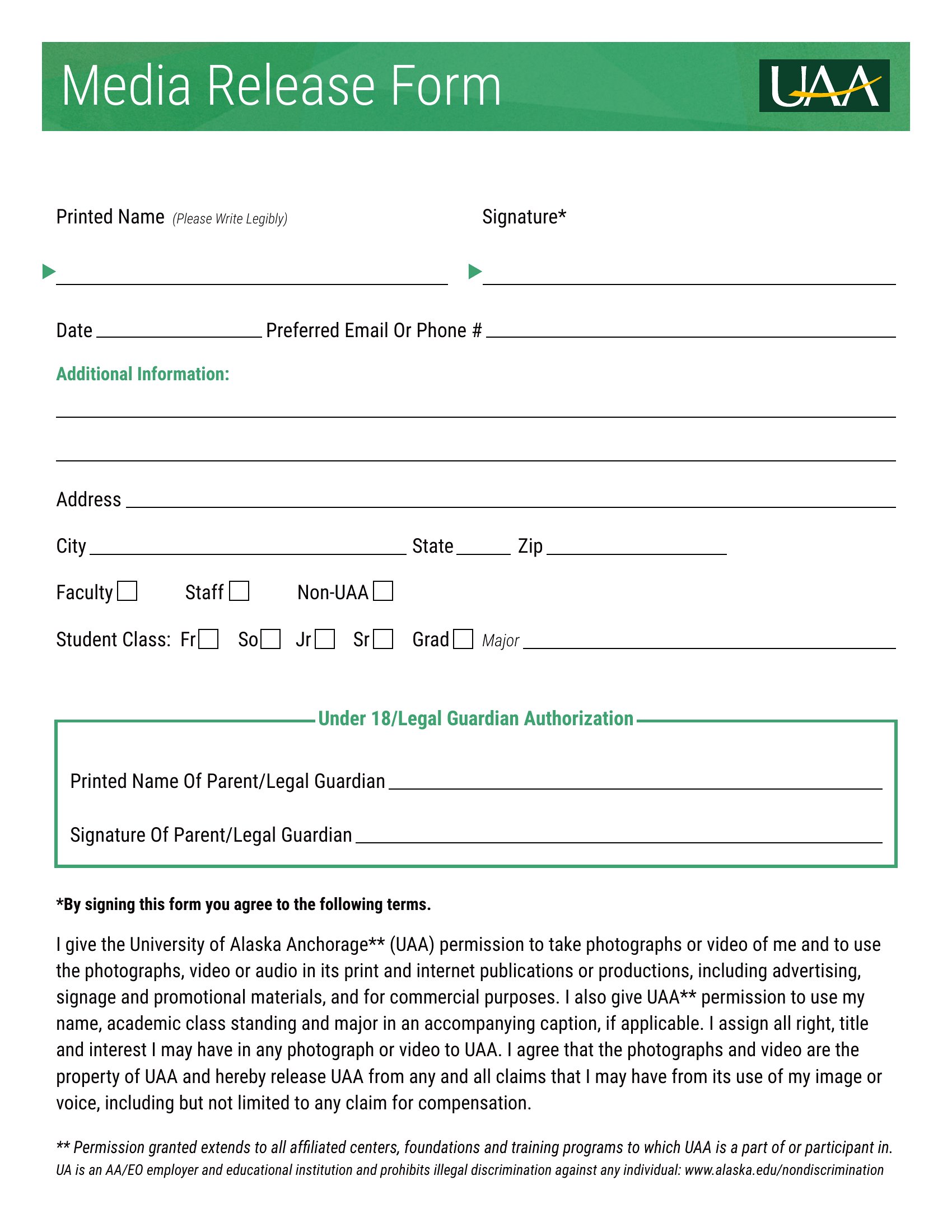
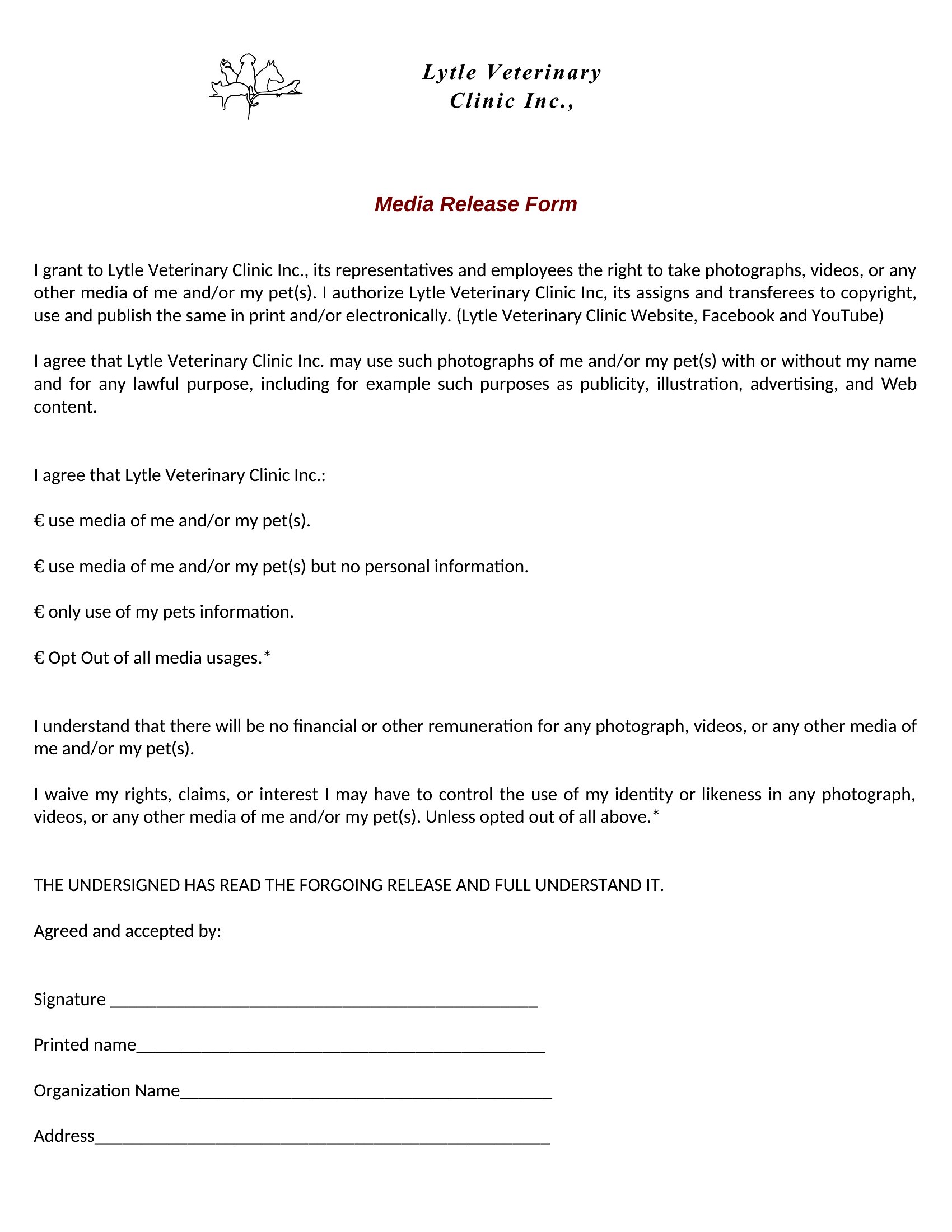
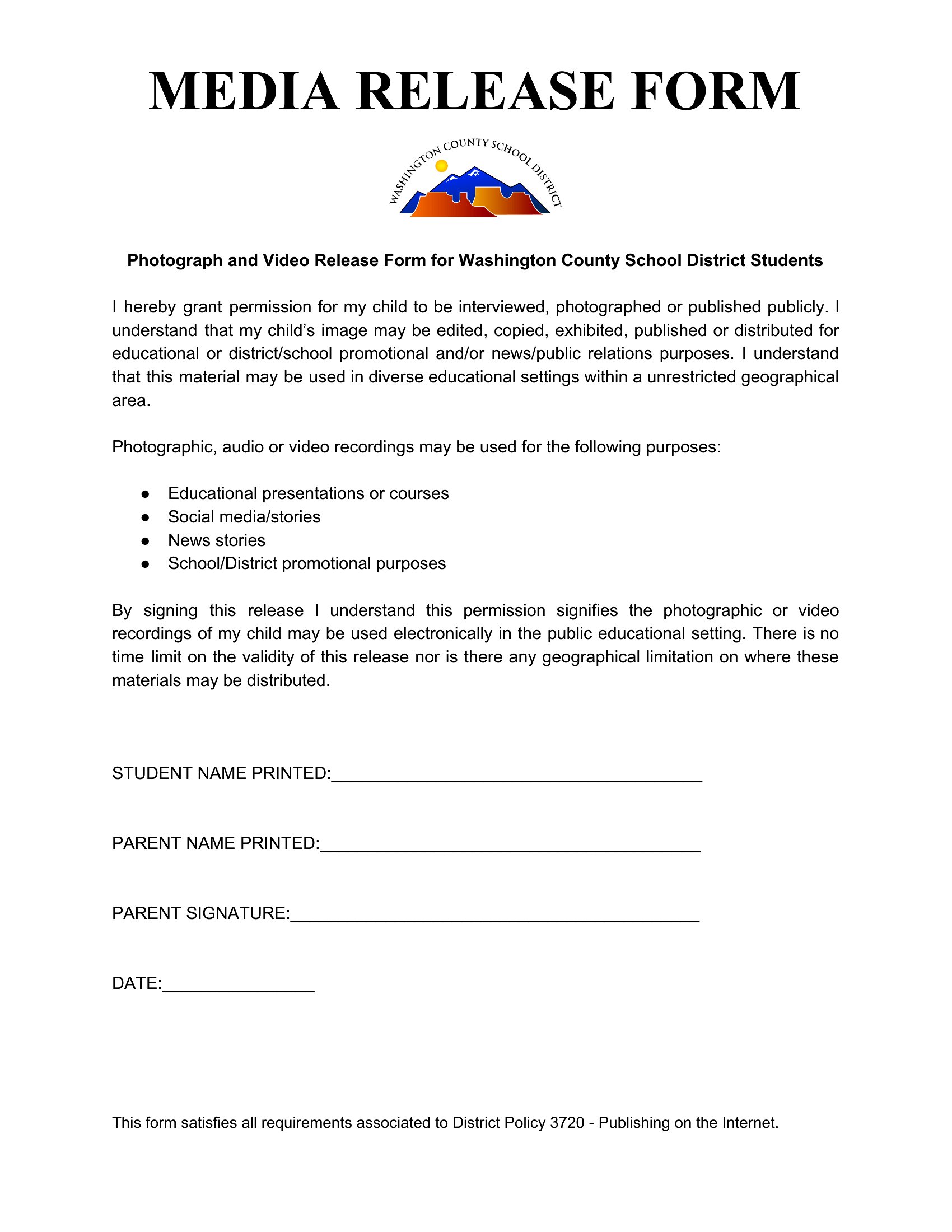
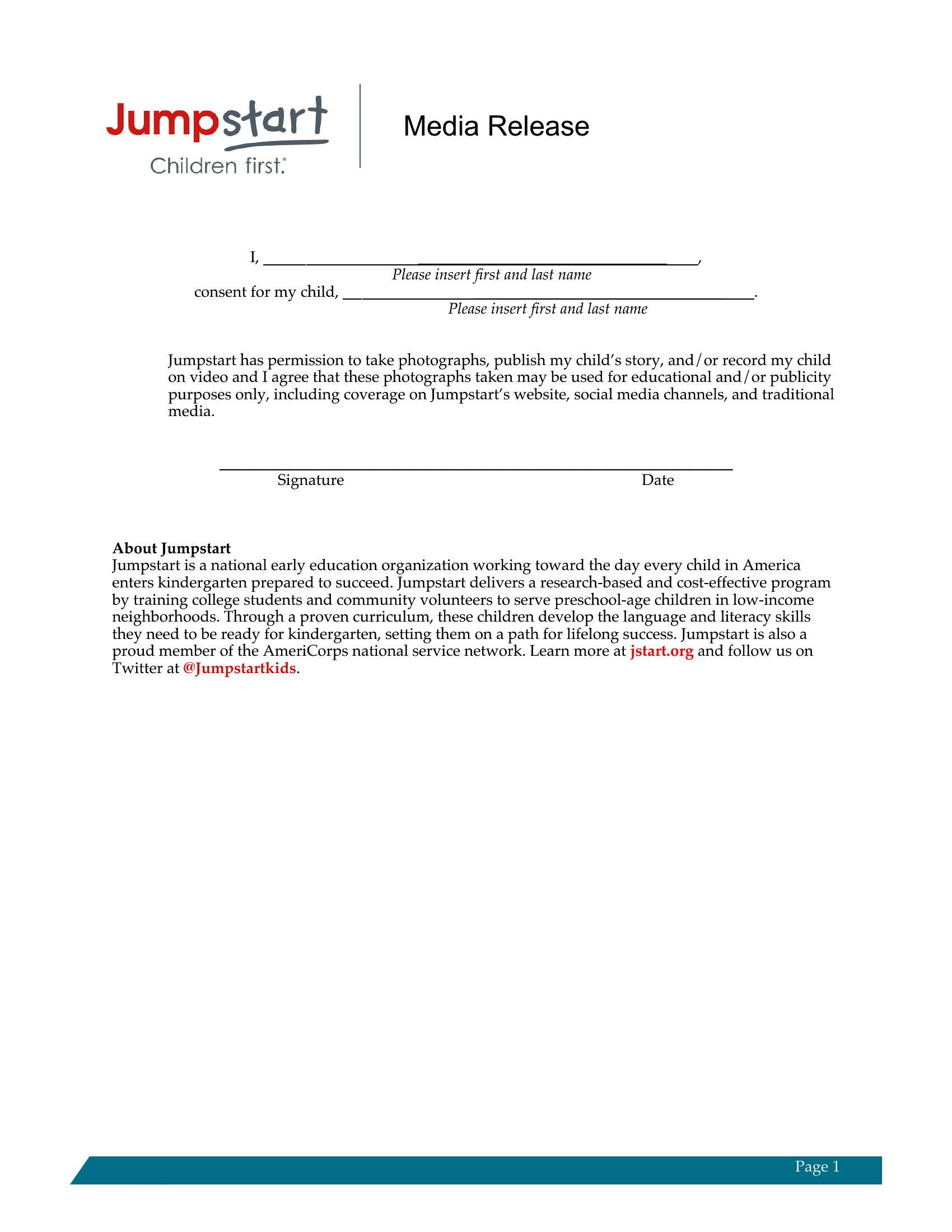
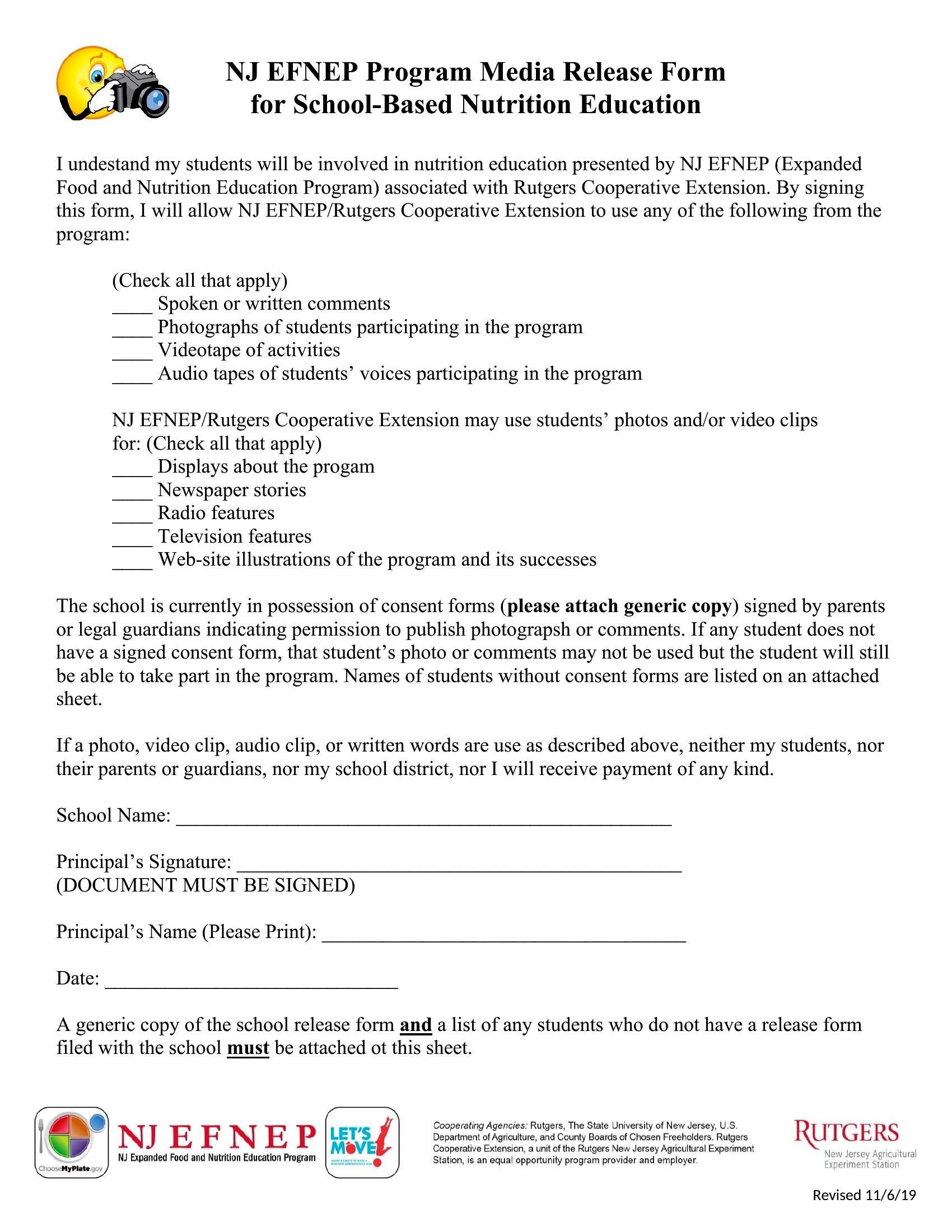
Choose from 52 Media Release Form Templates
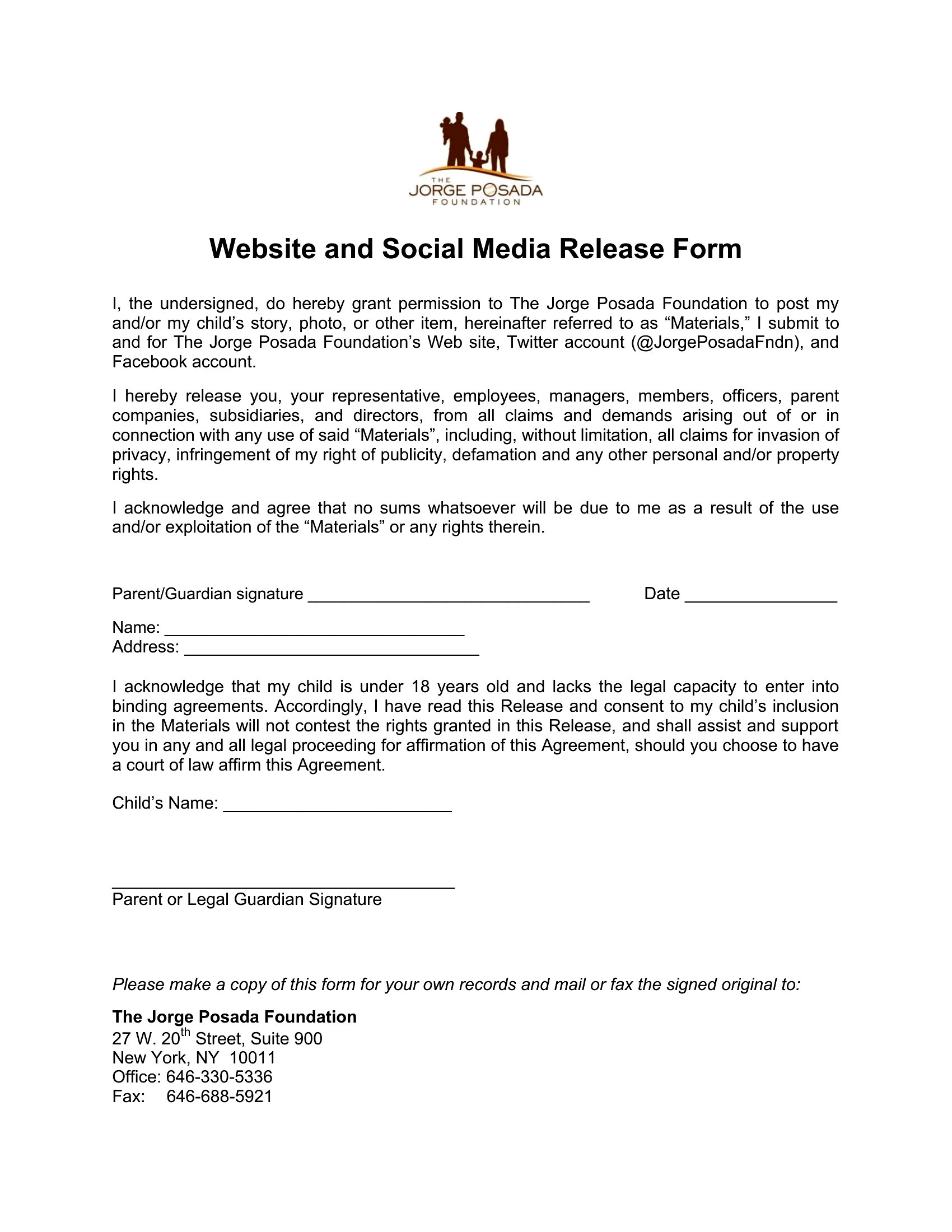
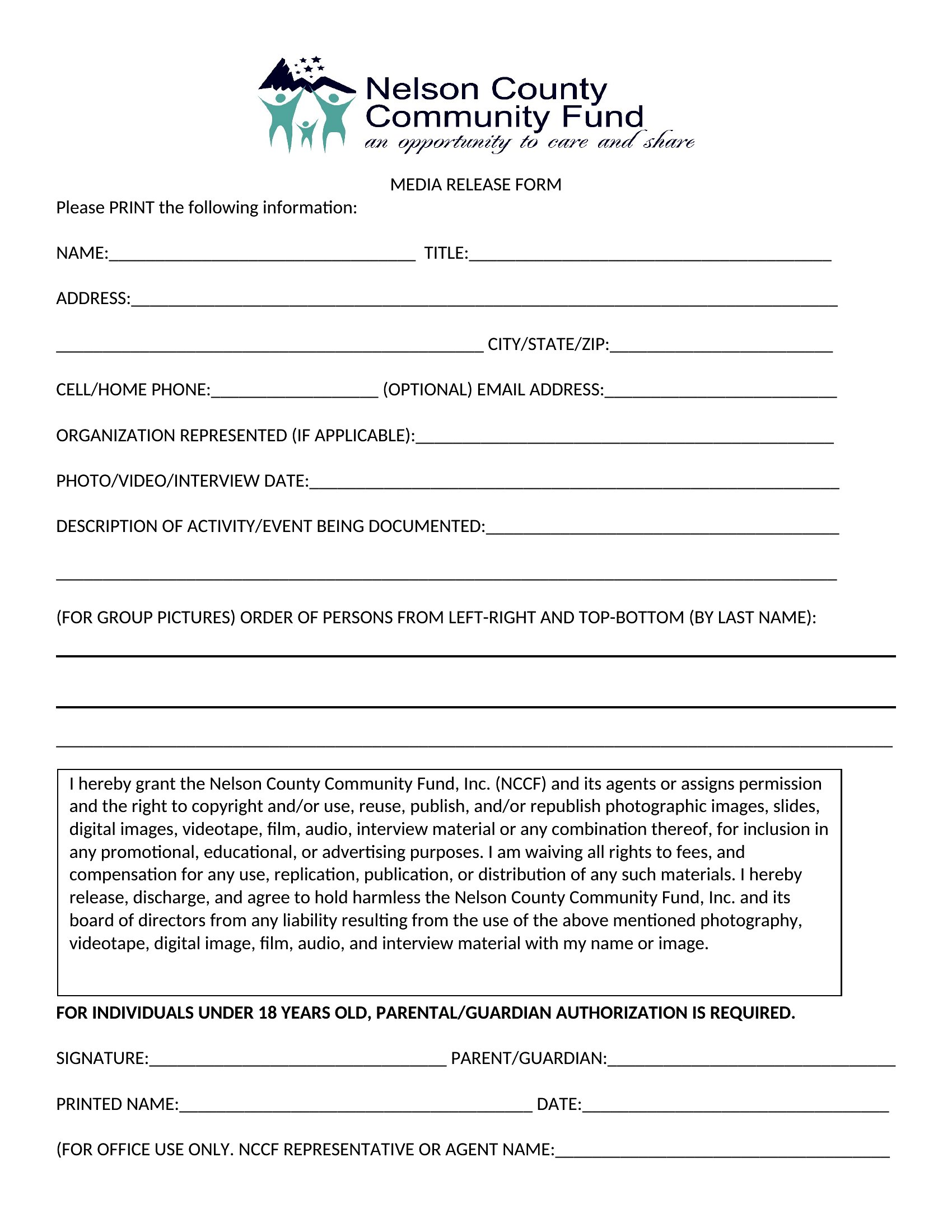
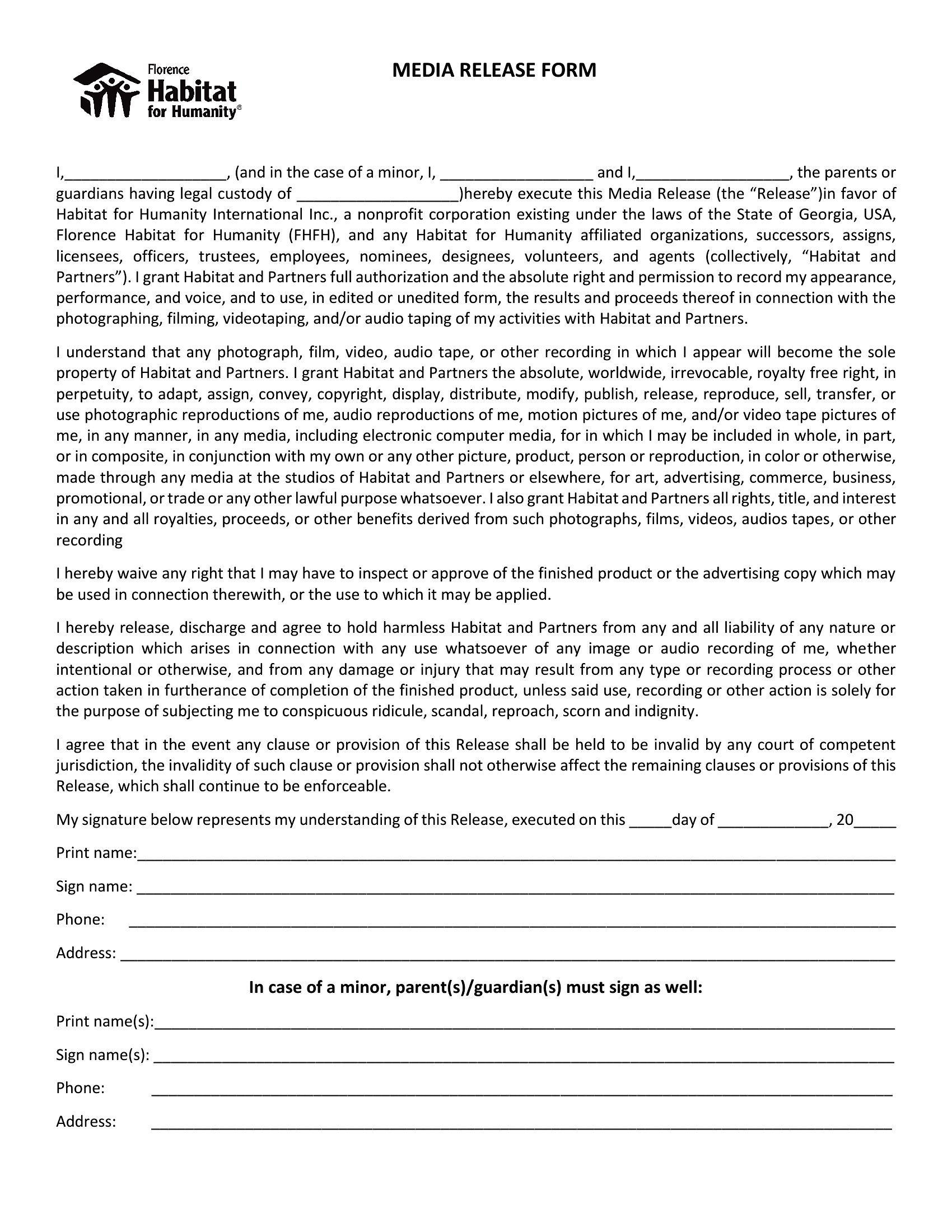
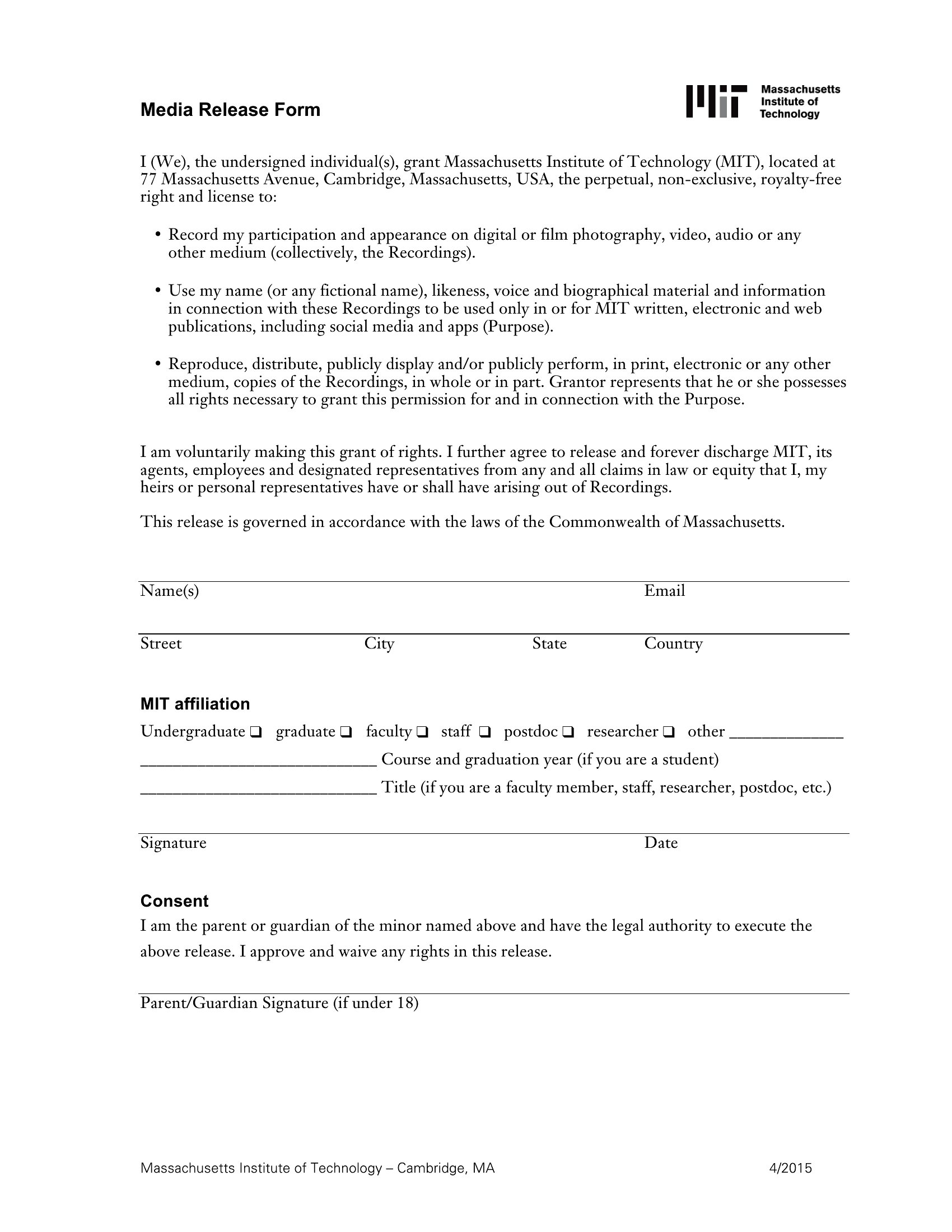
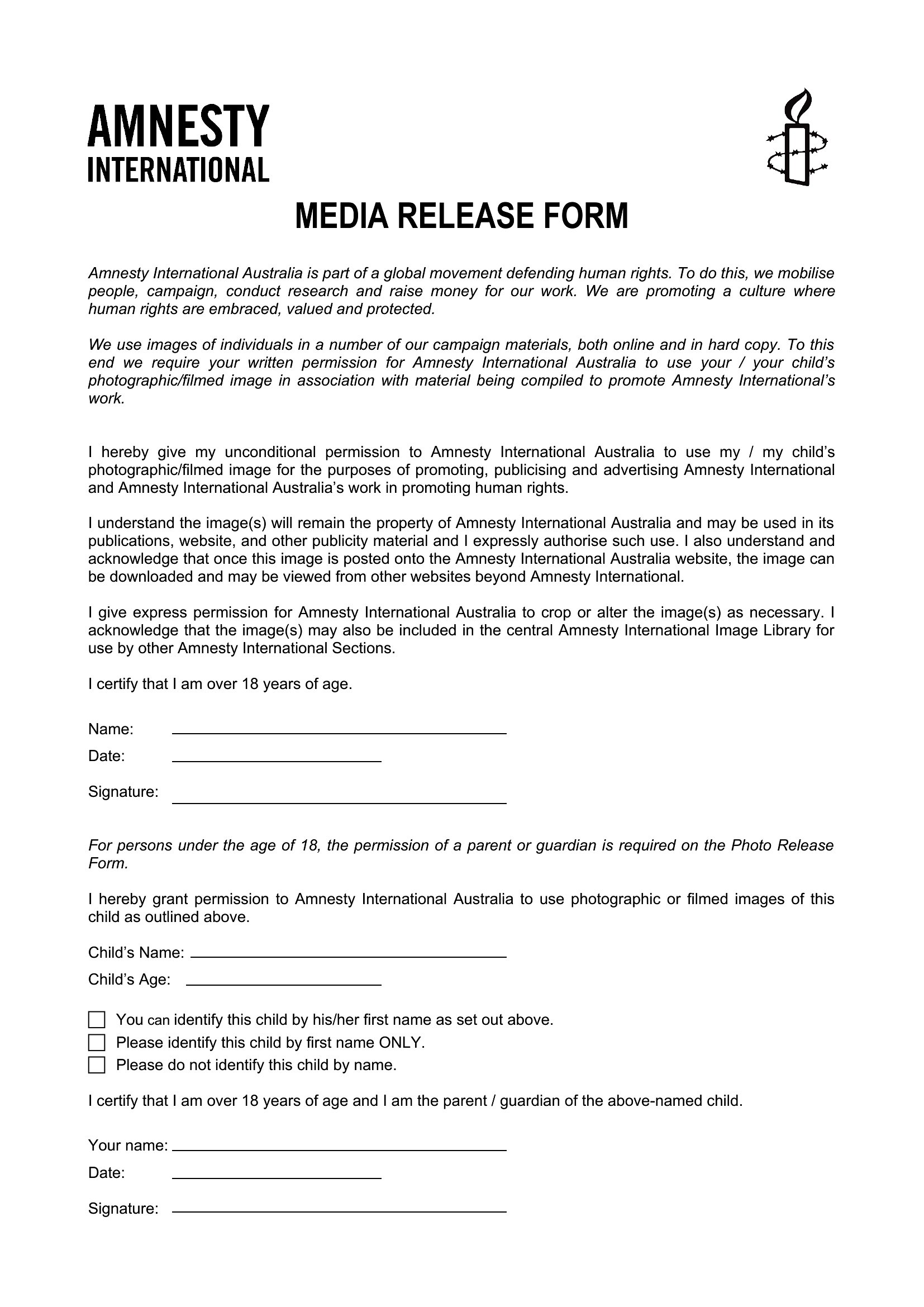
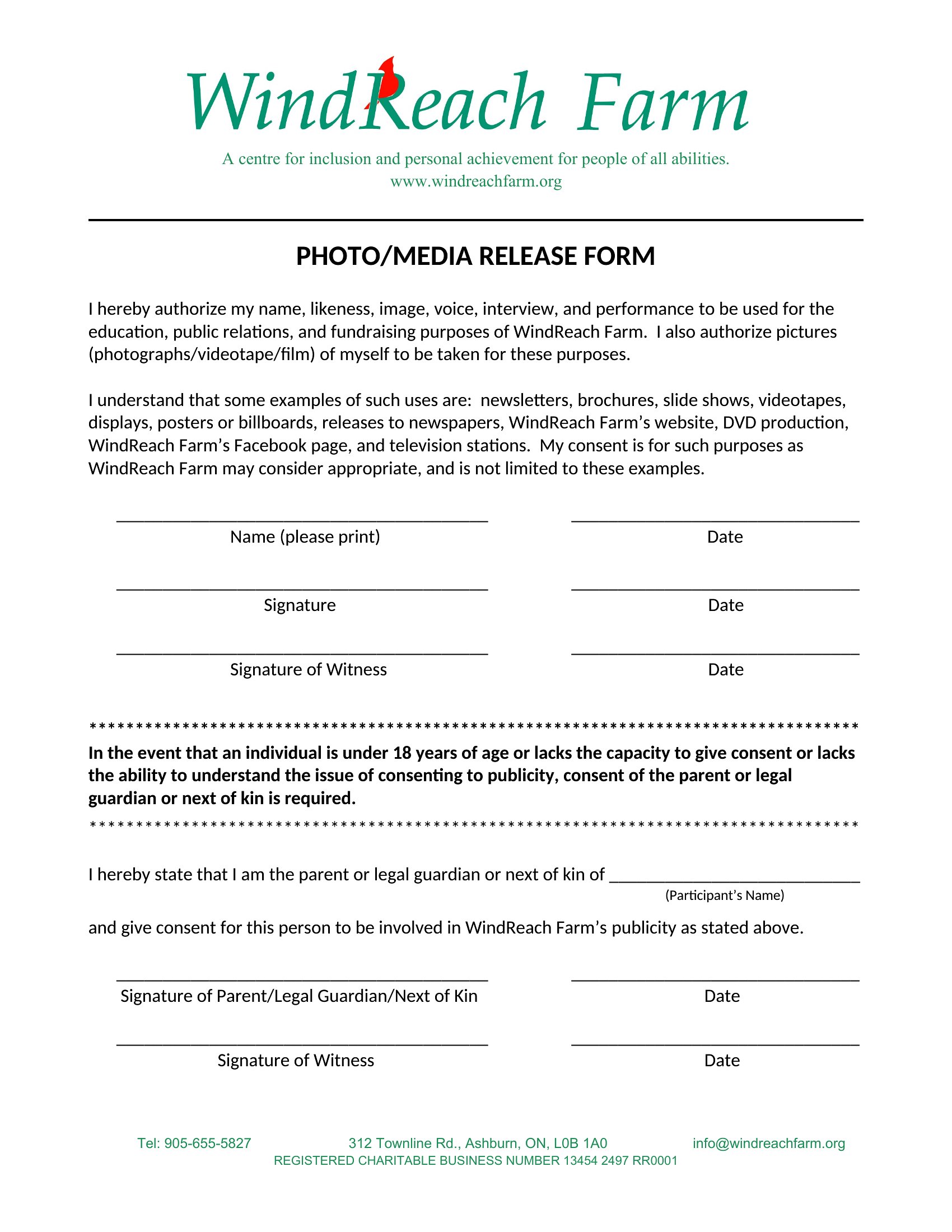
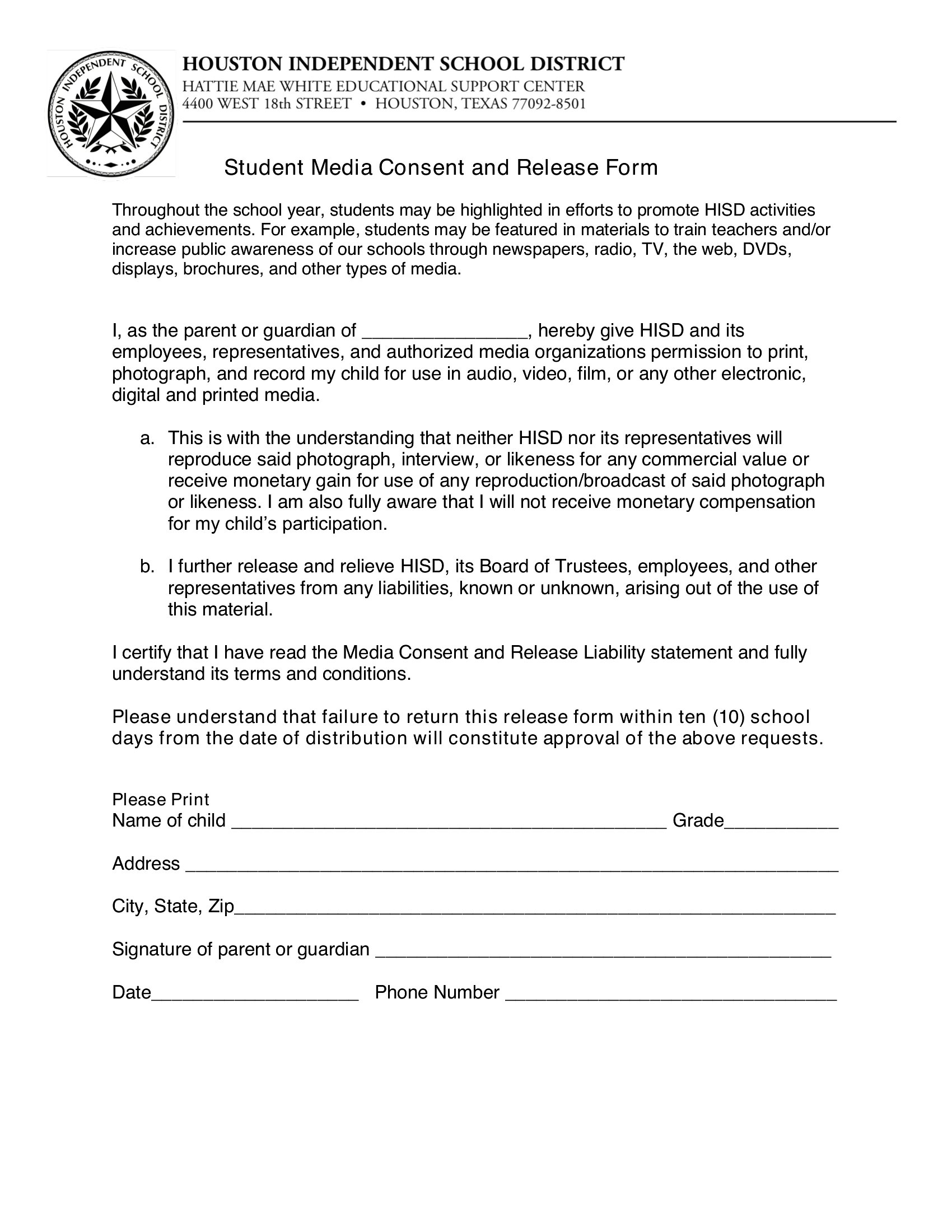
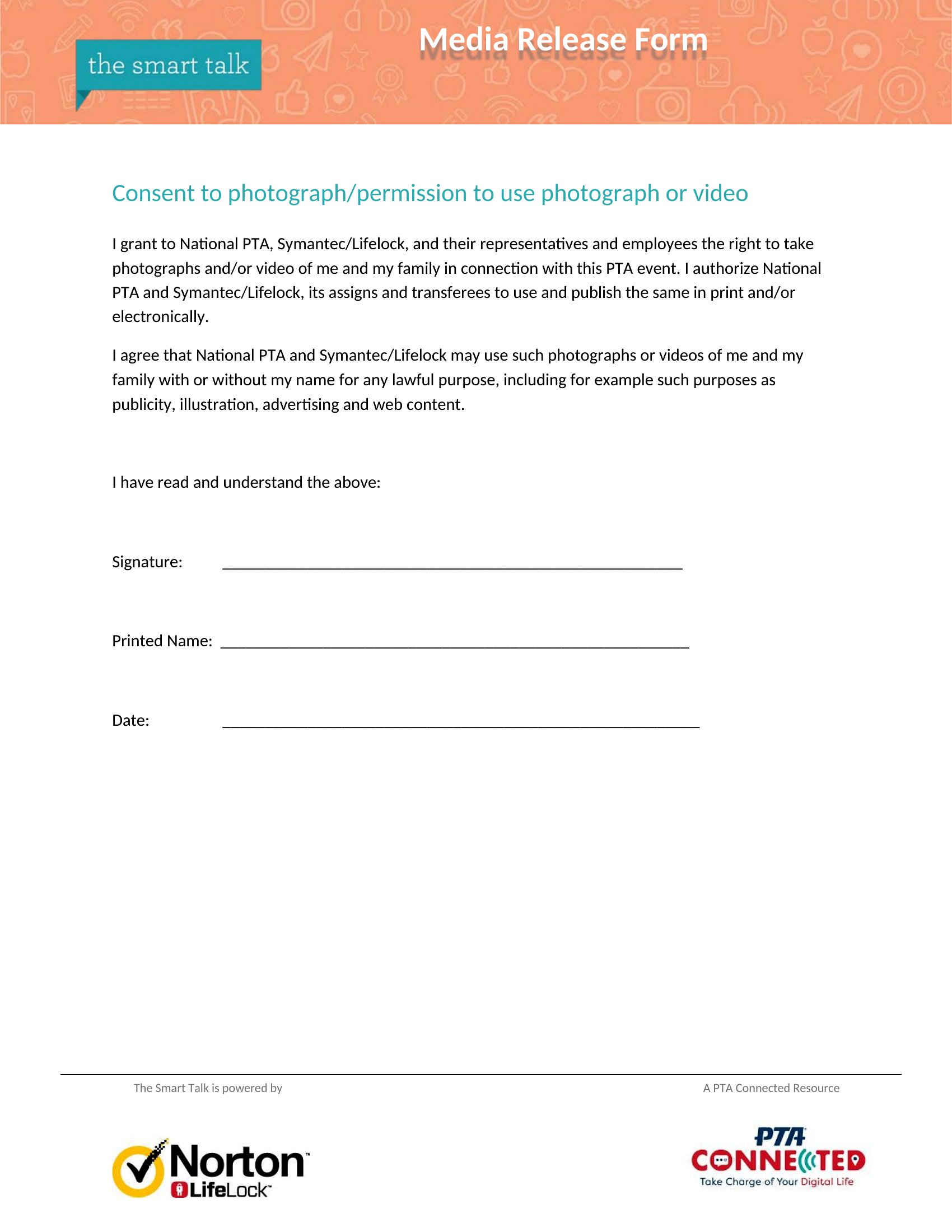
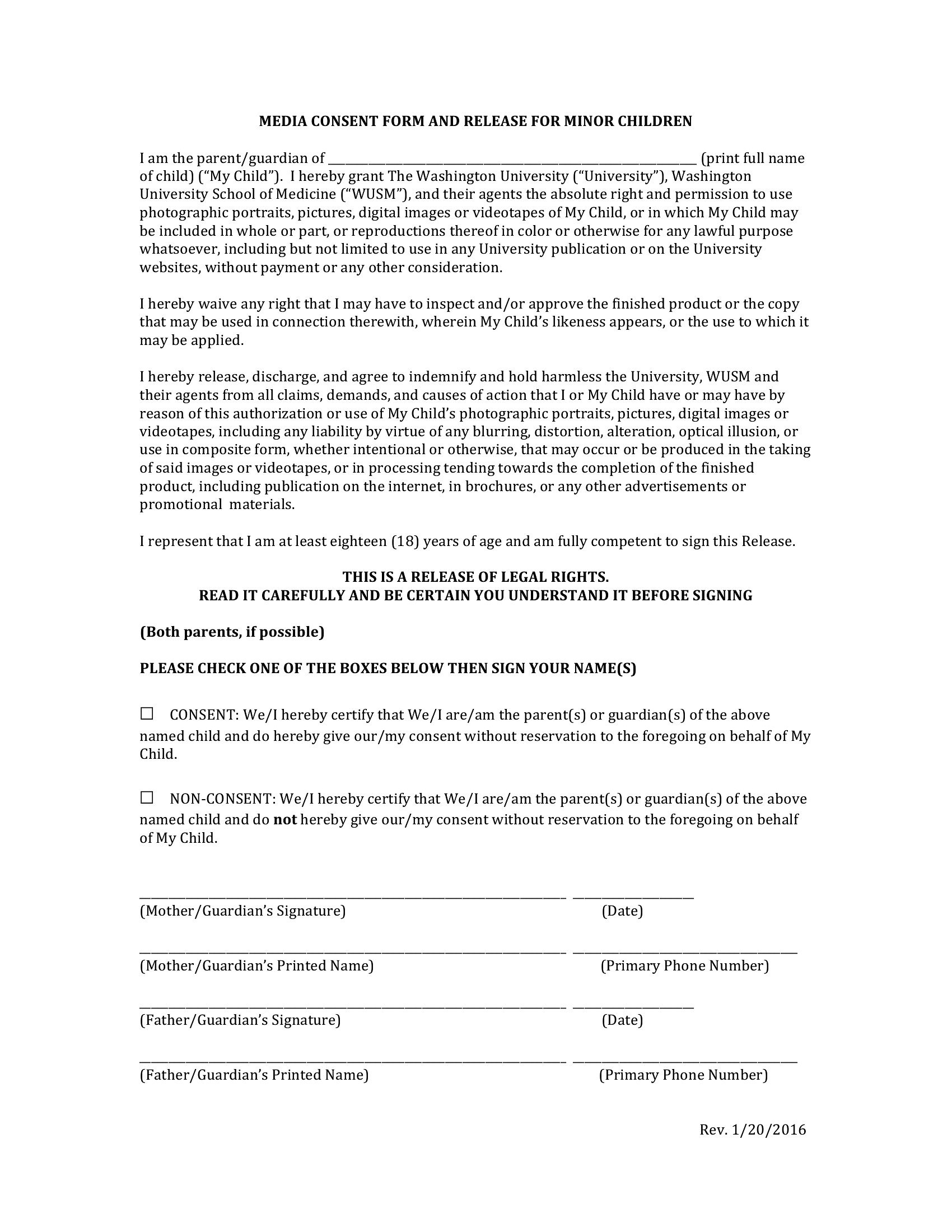
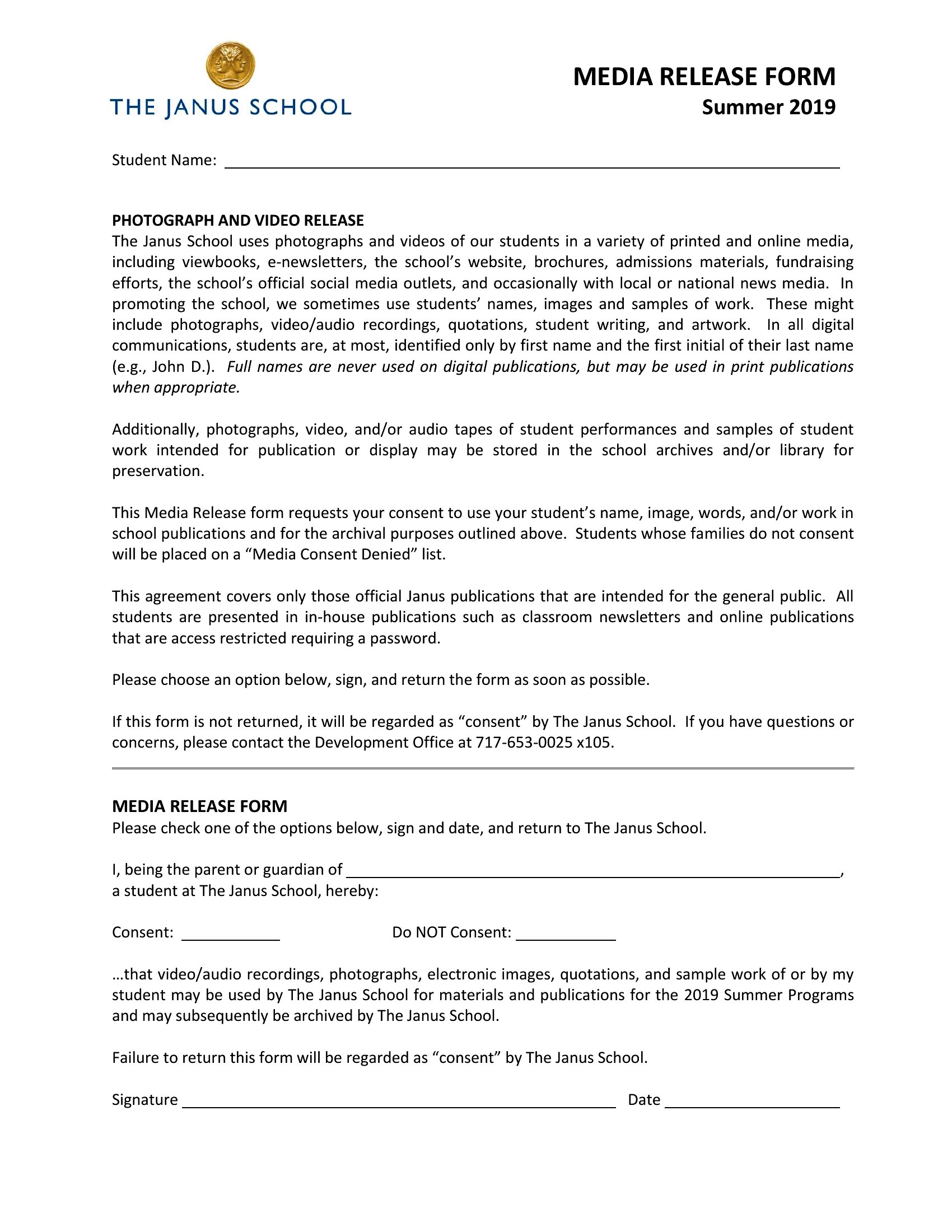
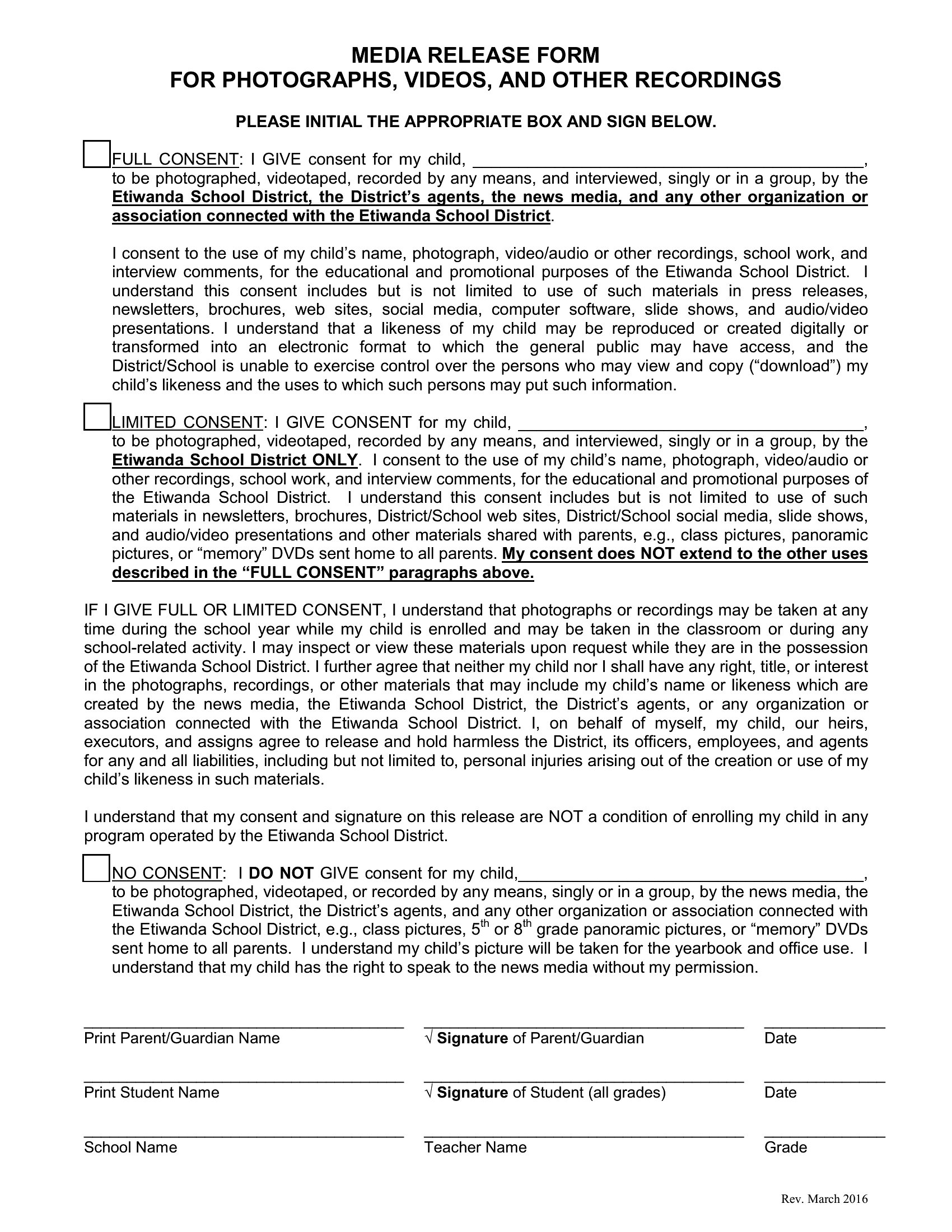
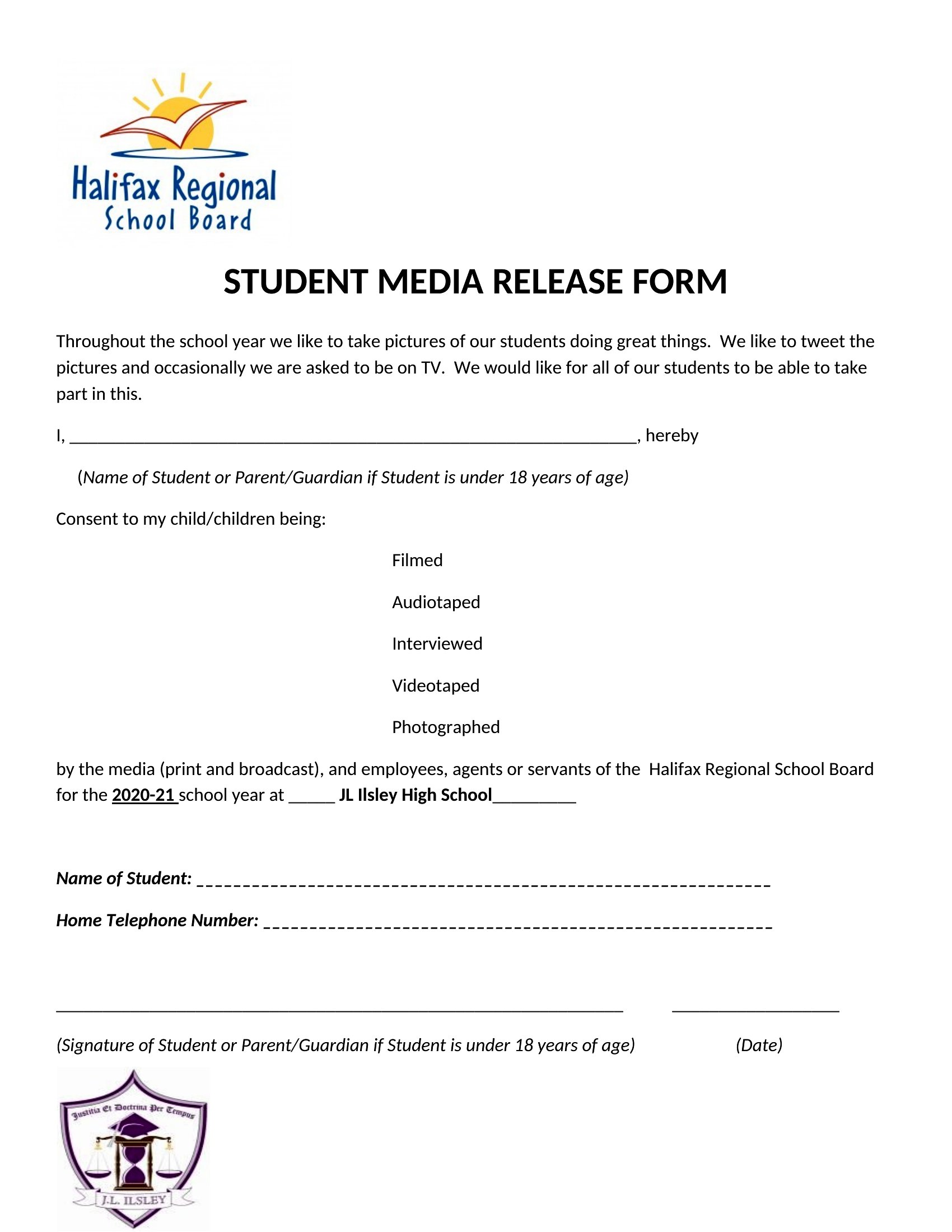
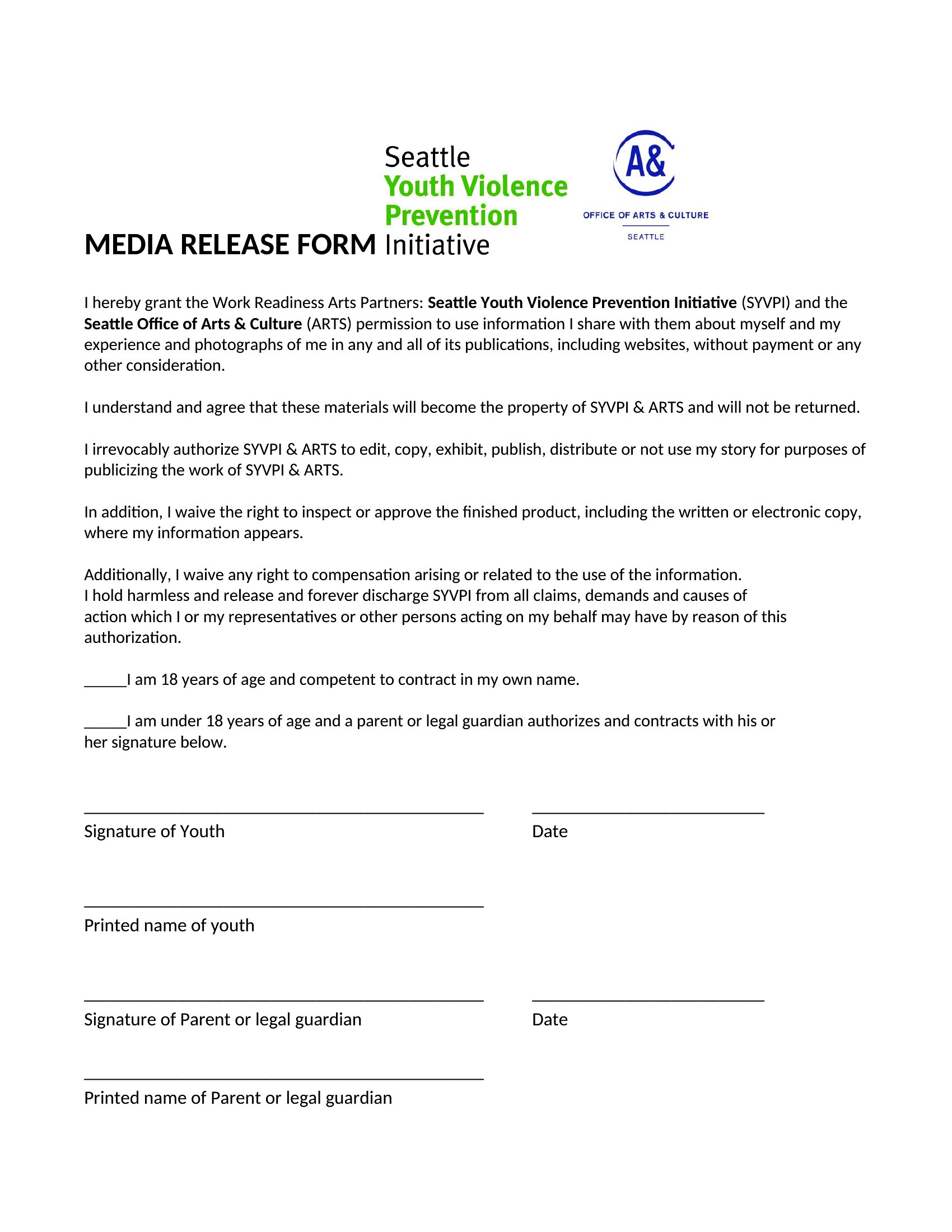
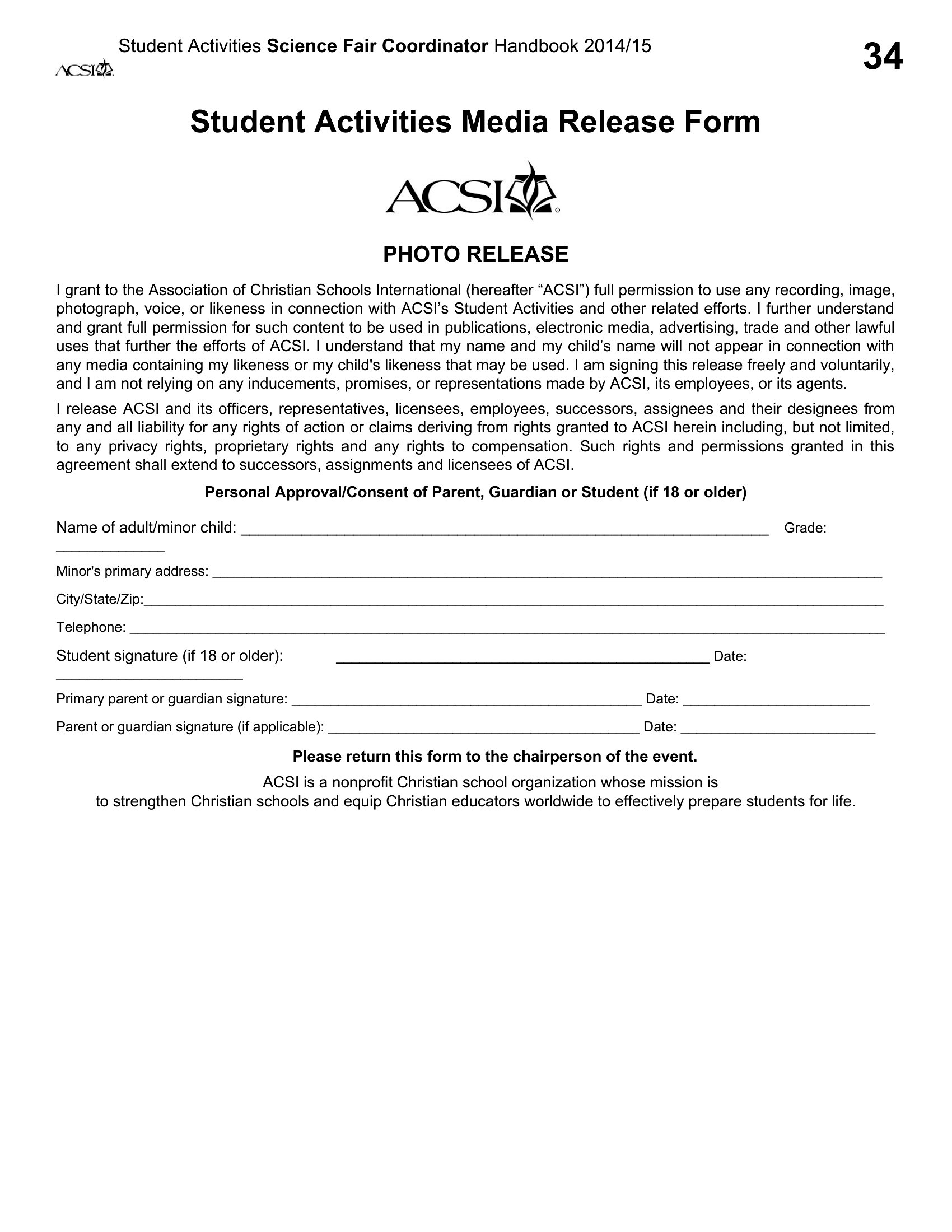
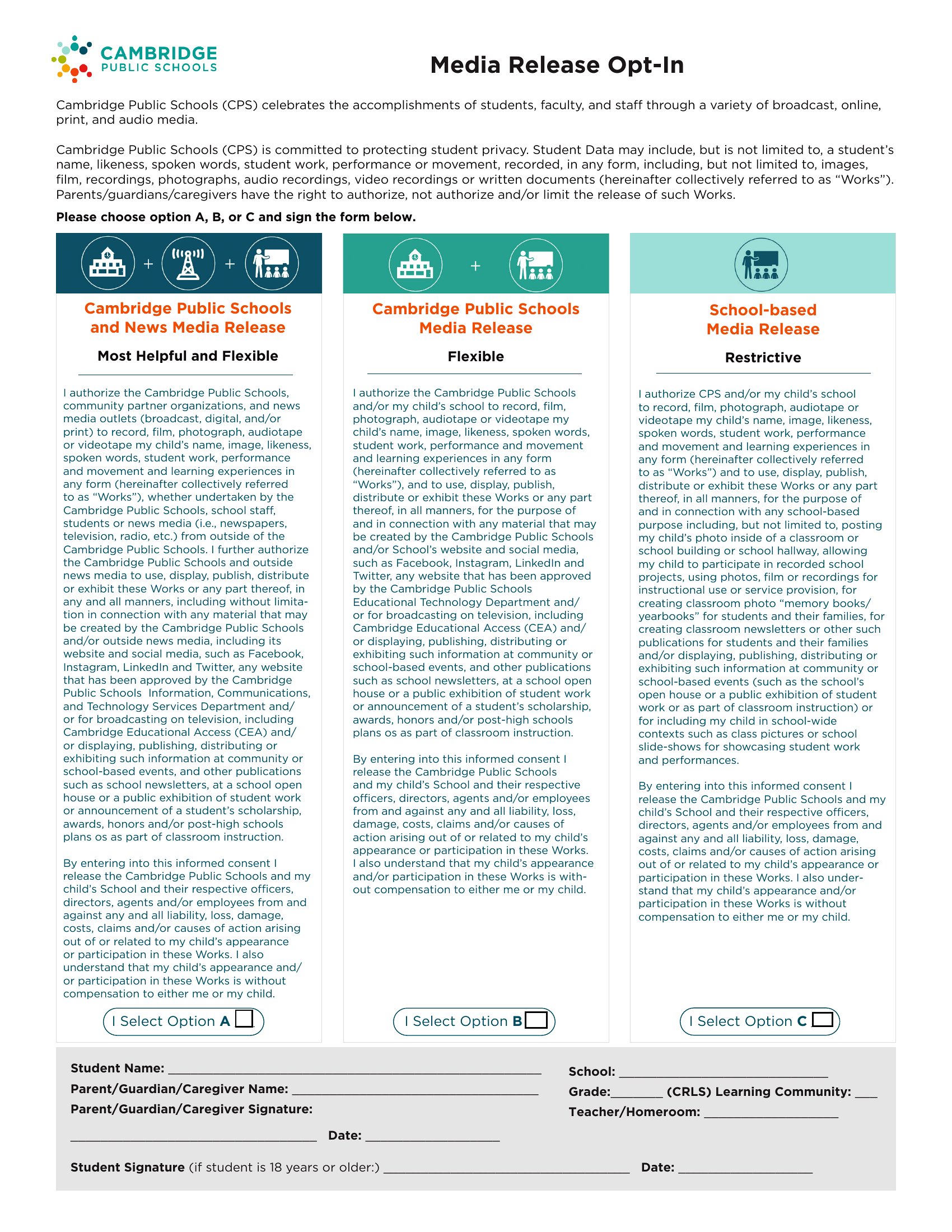
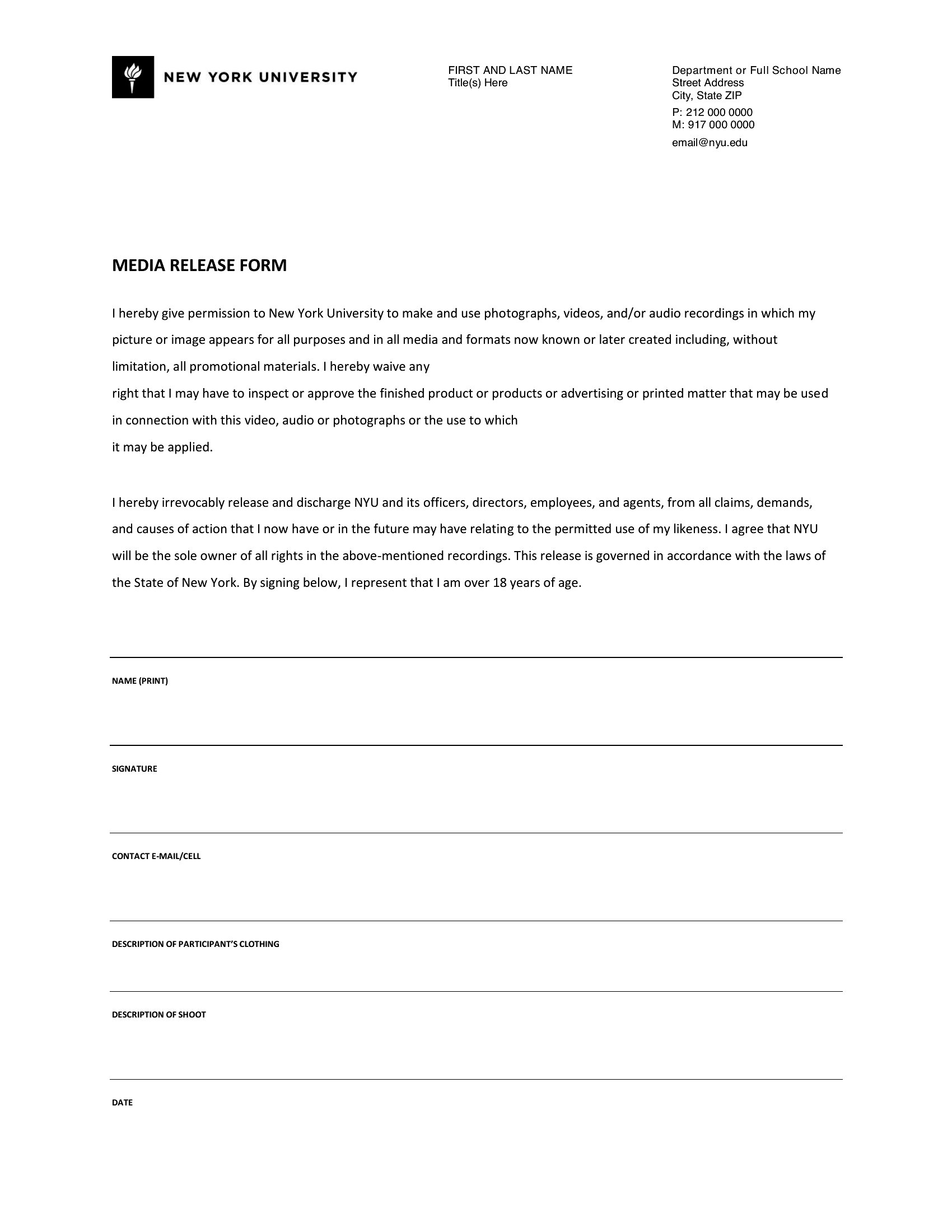
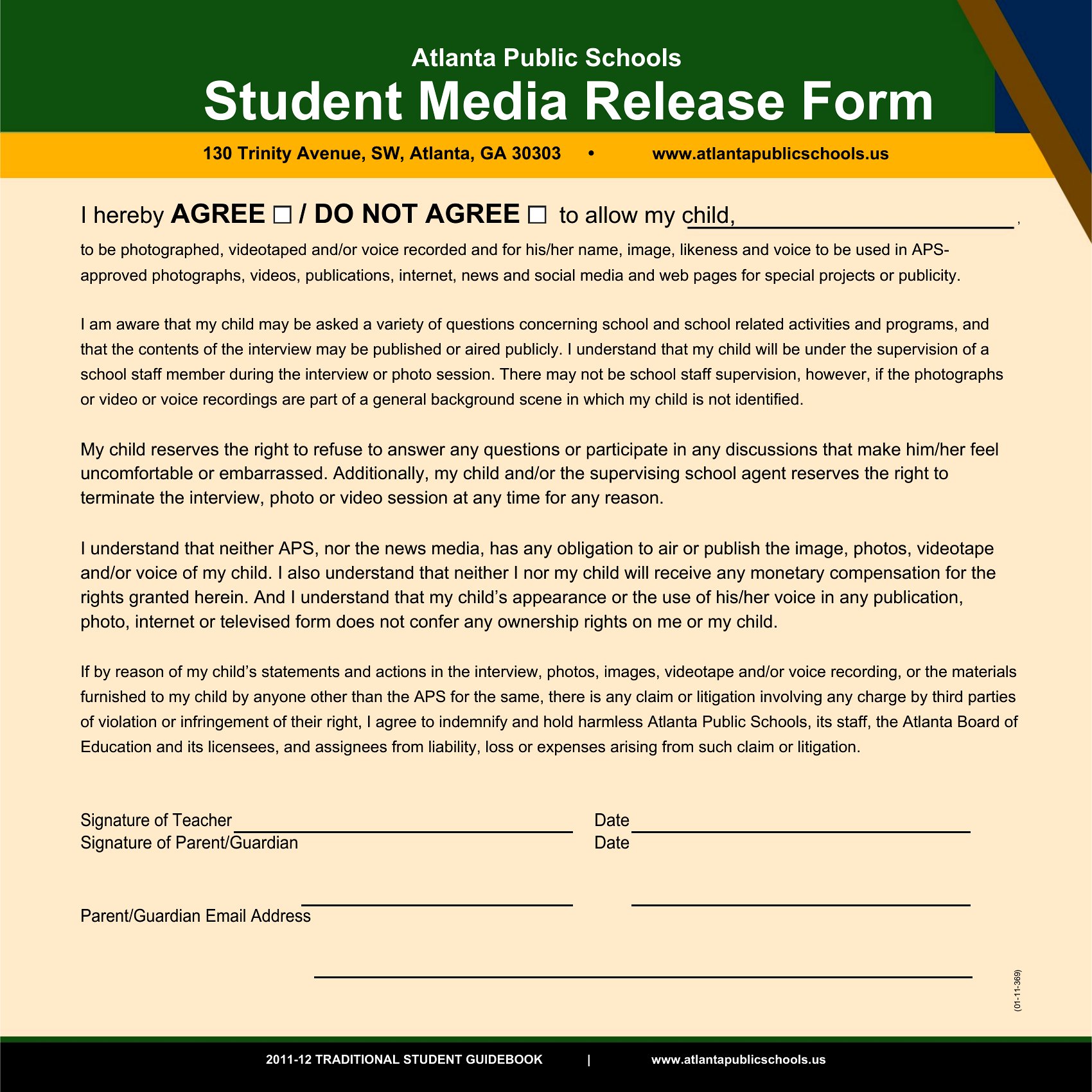
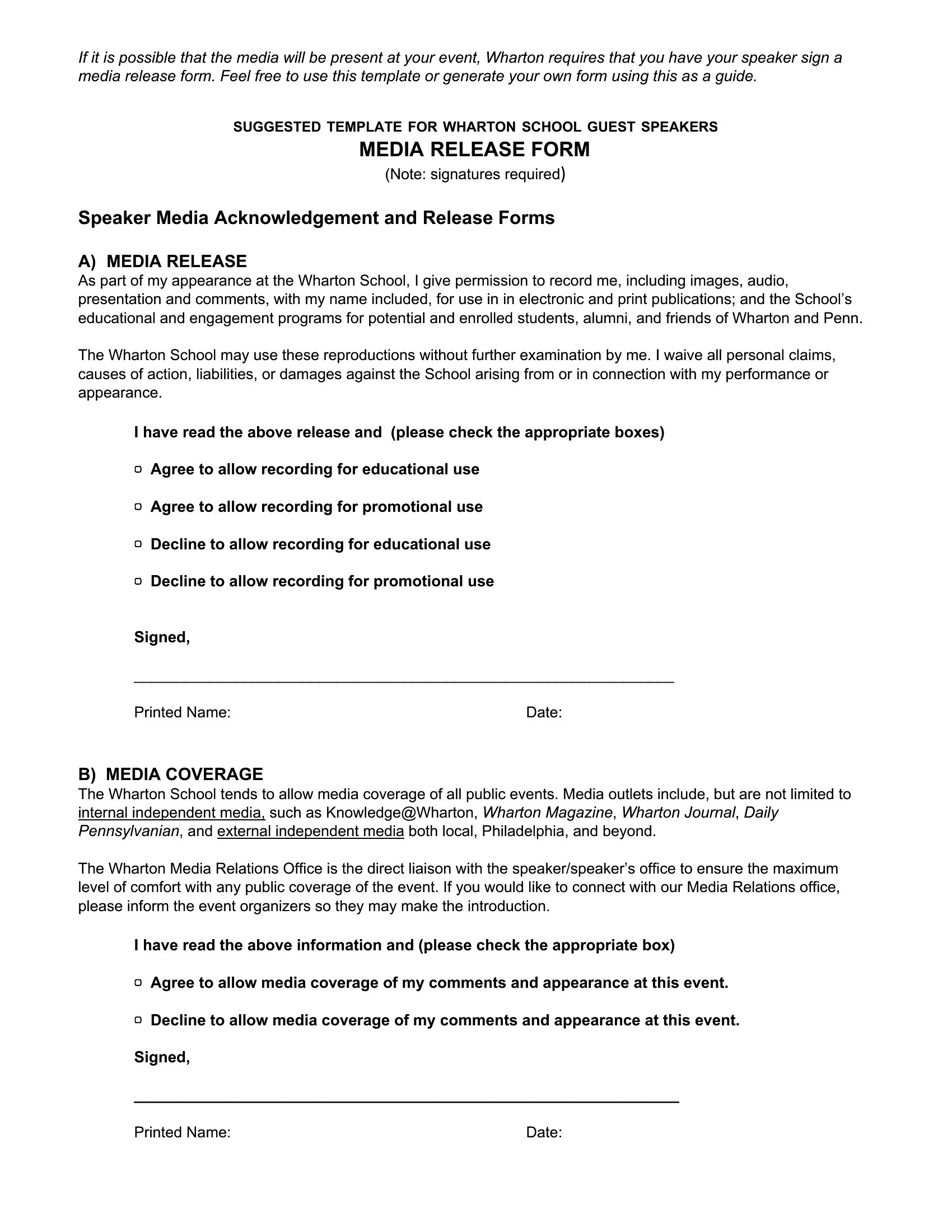
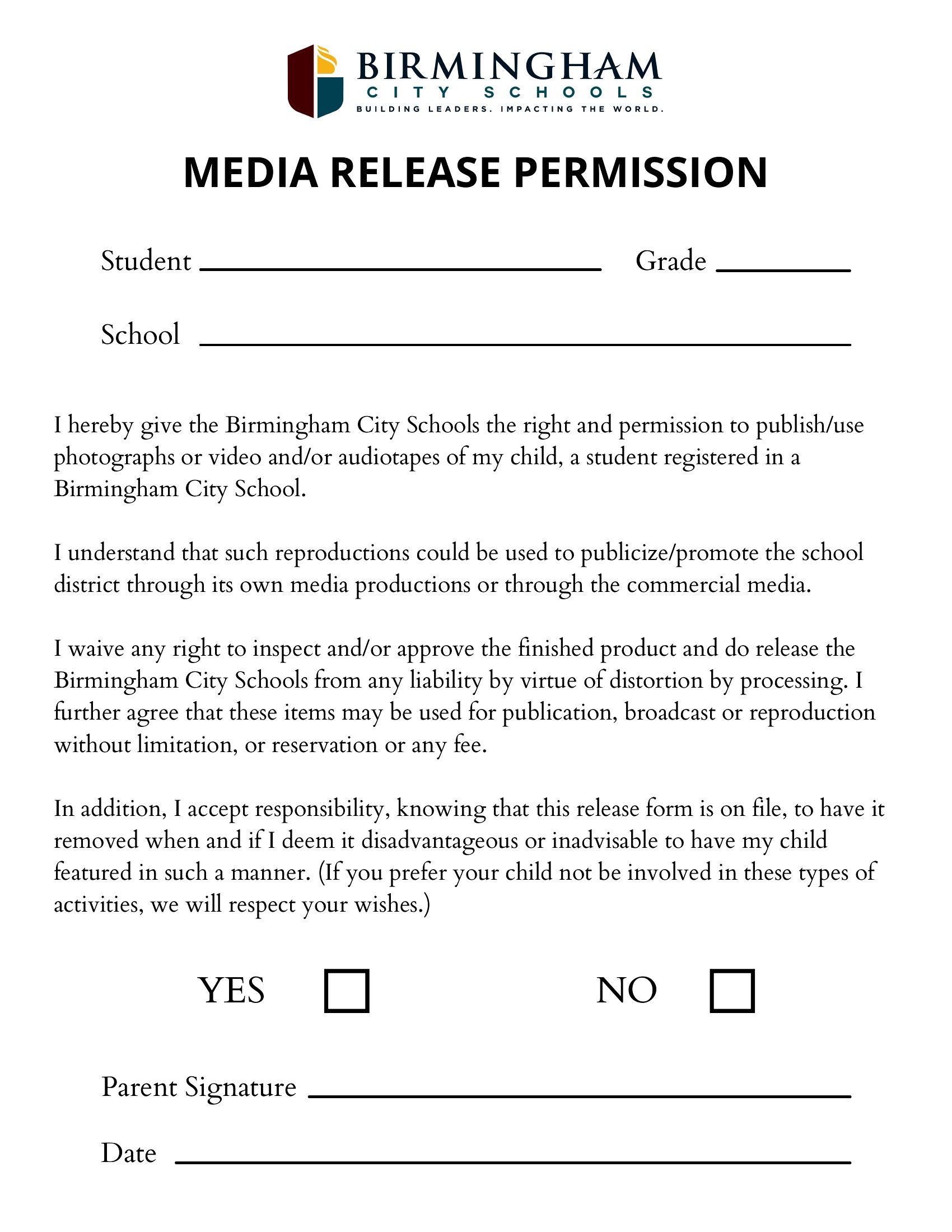
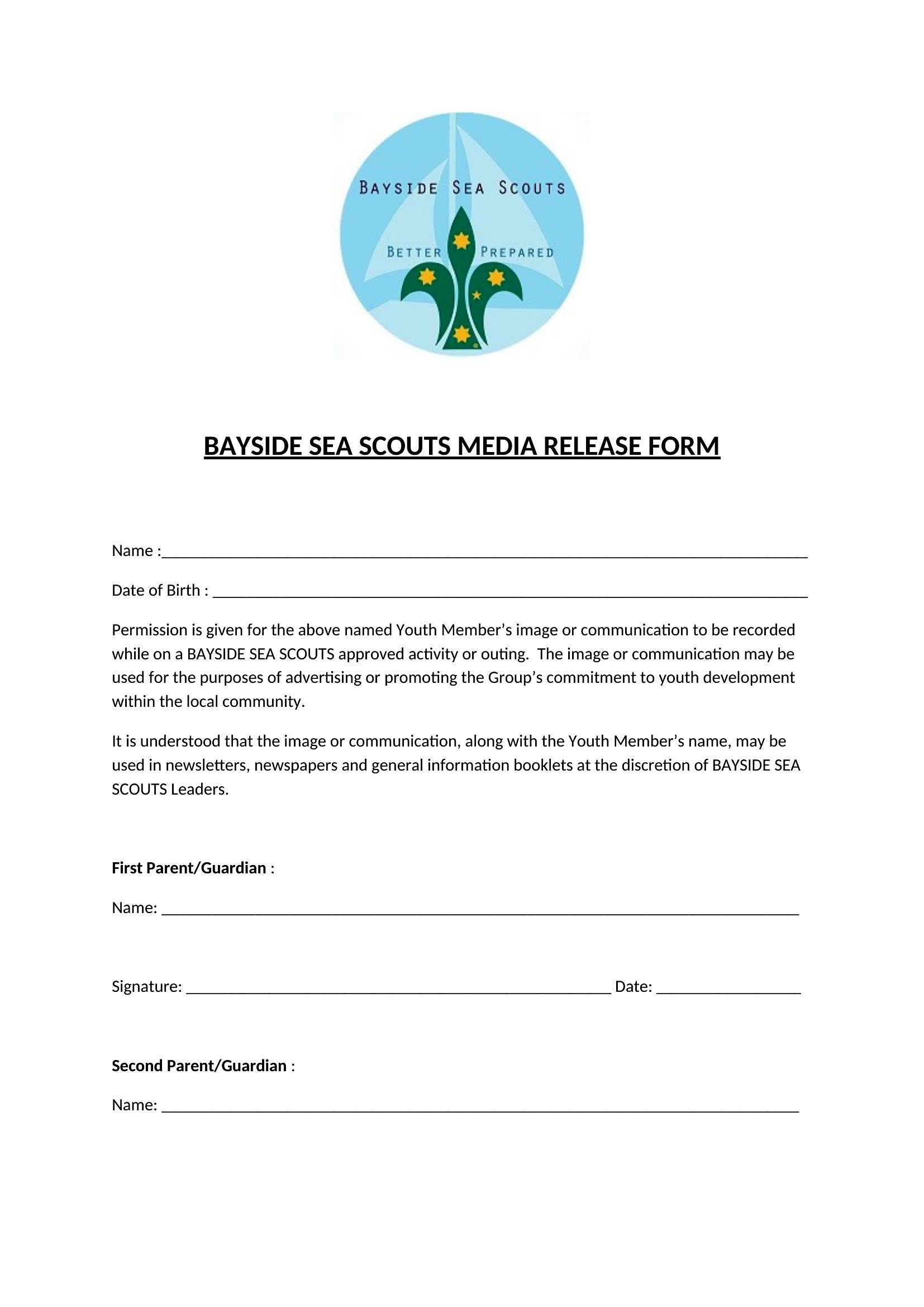
How to use this Media Release Form template
What is a media release form and why is it important?
A media release form is permission a person gives before their image, voice, or name is used in photos, video, or marketing. It protects the organization from later disputes by documenting consent. Photographers, schools, and nonprofits use it to ensure they can legally publish the recordings.
What should a media release form include?
Include the participant's name, a description of how the media will be used, and the scope and duration of permission. Add the date, signatures, and a parent or guardian signature for minors. Clear wording about usage rights and any limits makes the consent valid and enforceable.
When do you need a signed media release form?
You need one whenever you plan to publish identifiable images, recordings, or names of people, especially for marketing, publications, or public display. Get it signed before recording when possible. It is essential for minors and recognizable individuals, where using media without consent could lead to disputes.
Comments
Join the conversation
Sign in to share your thoughts and leave a comment on this resource.