
Free Work Breakdown Structures (Word, Excel, PDF)
Project by nathanslawa
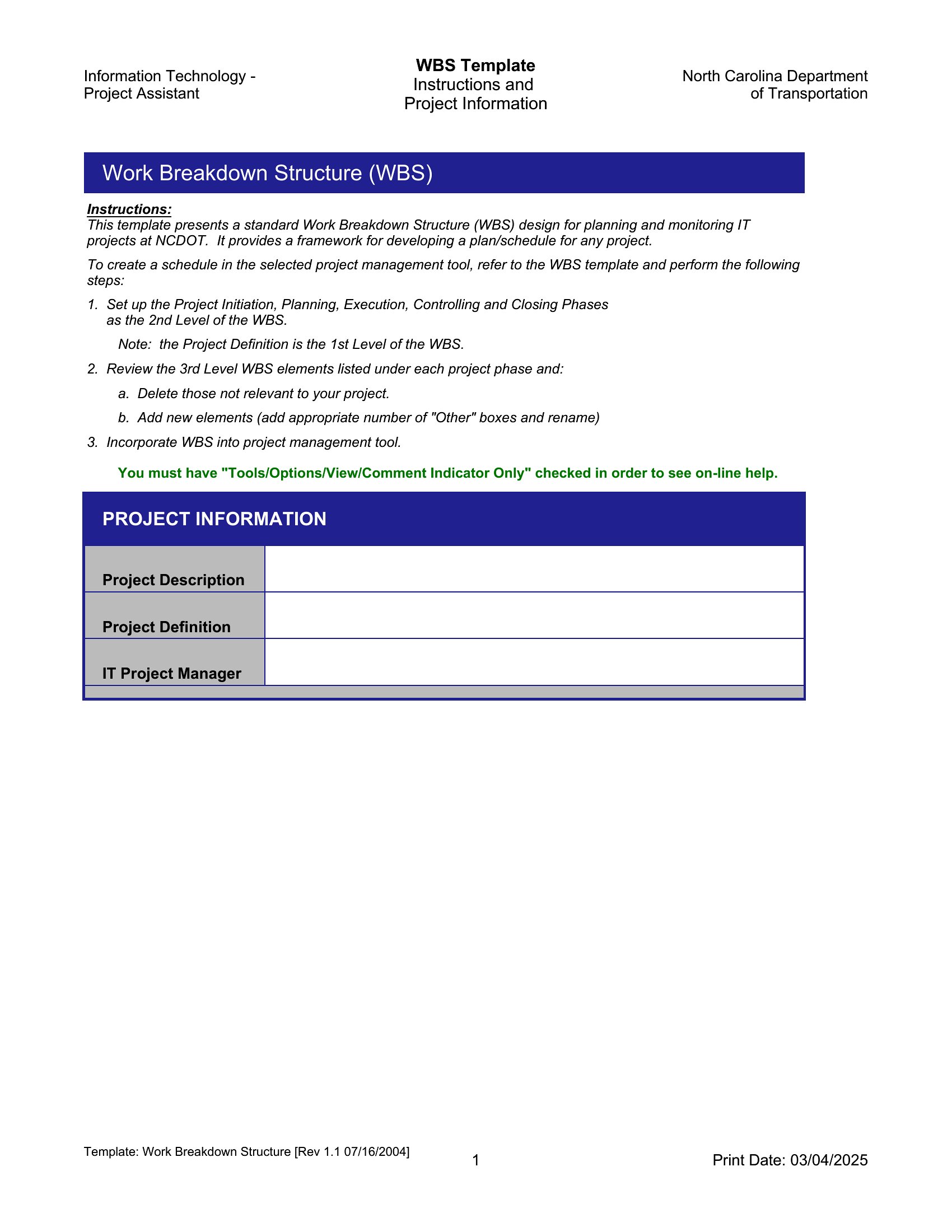
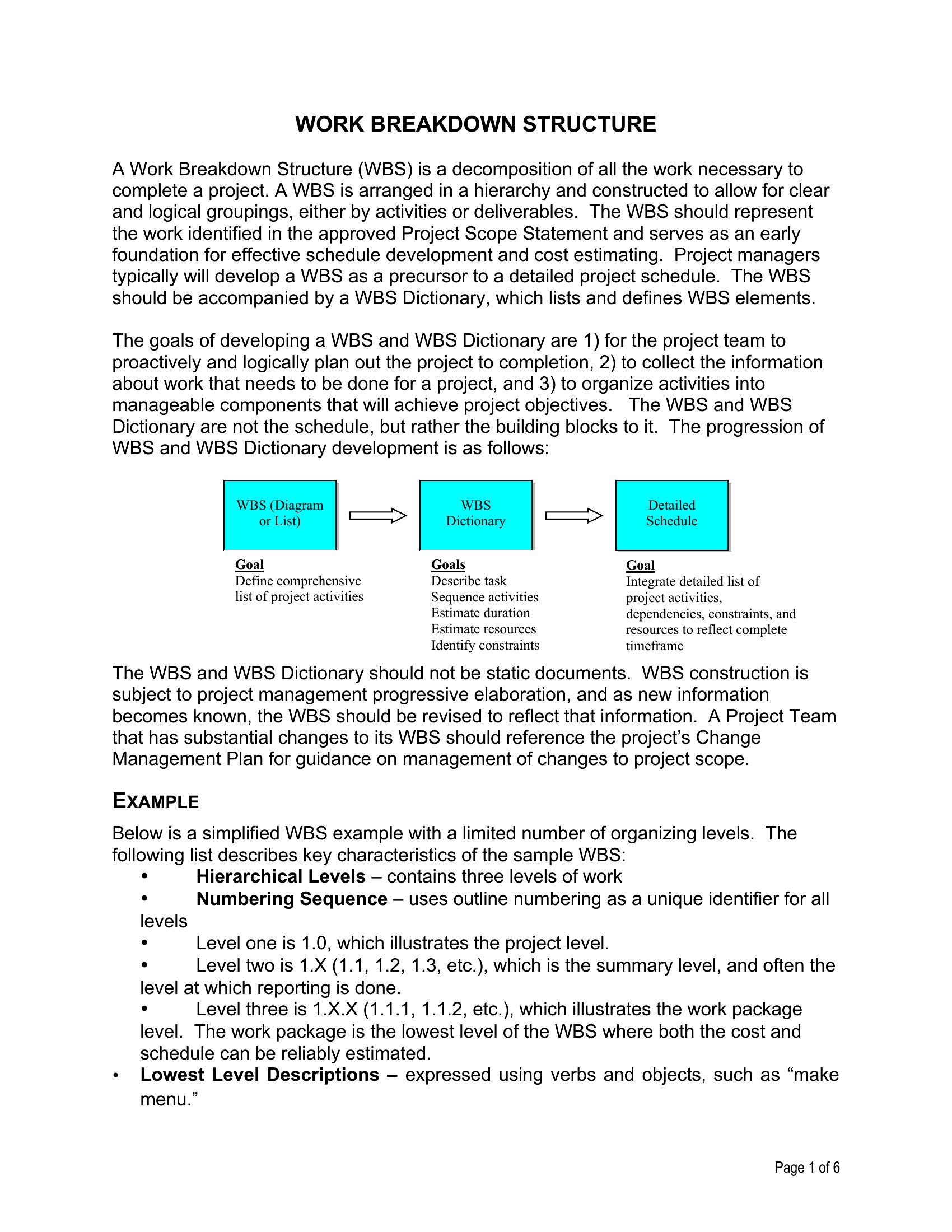
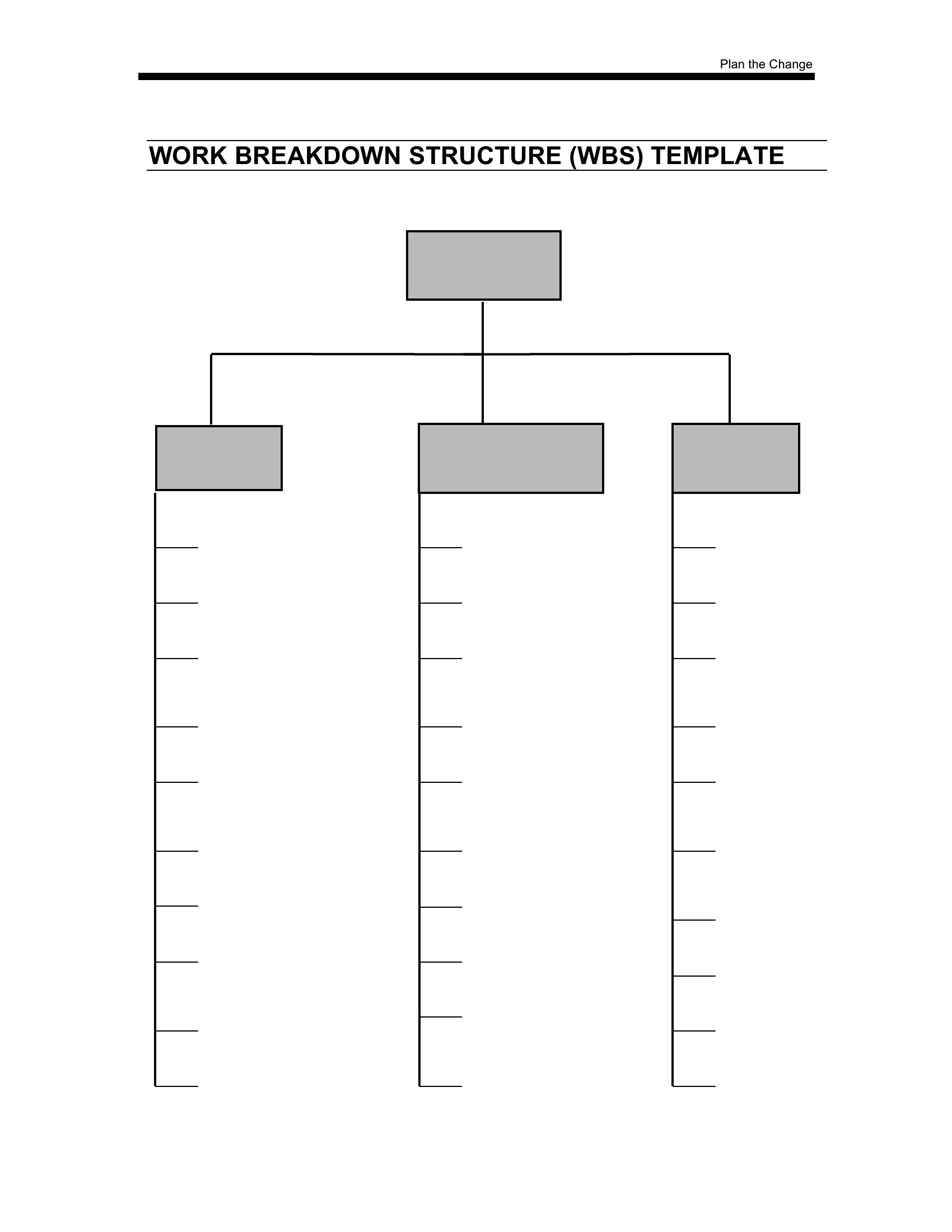
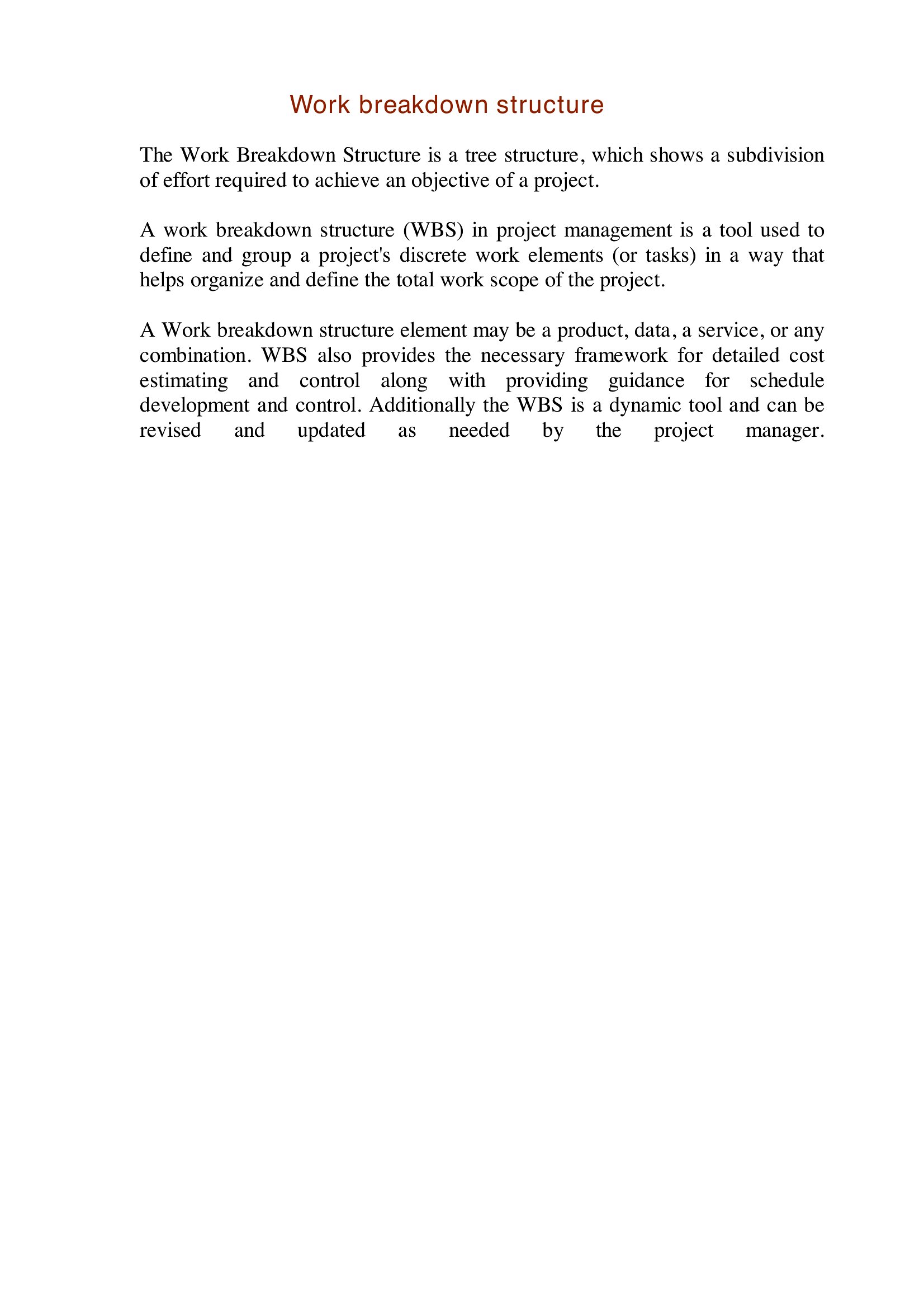
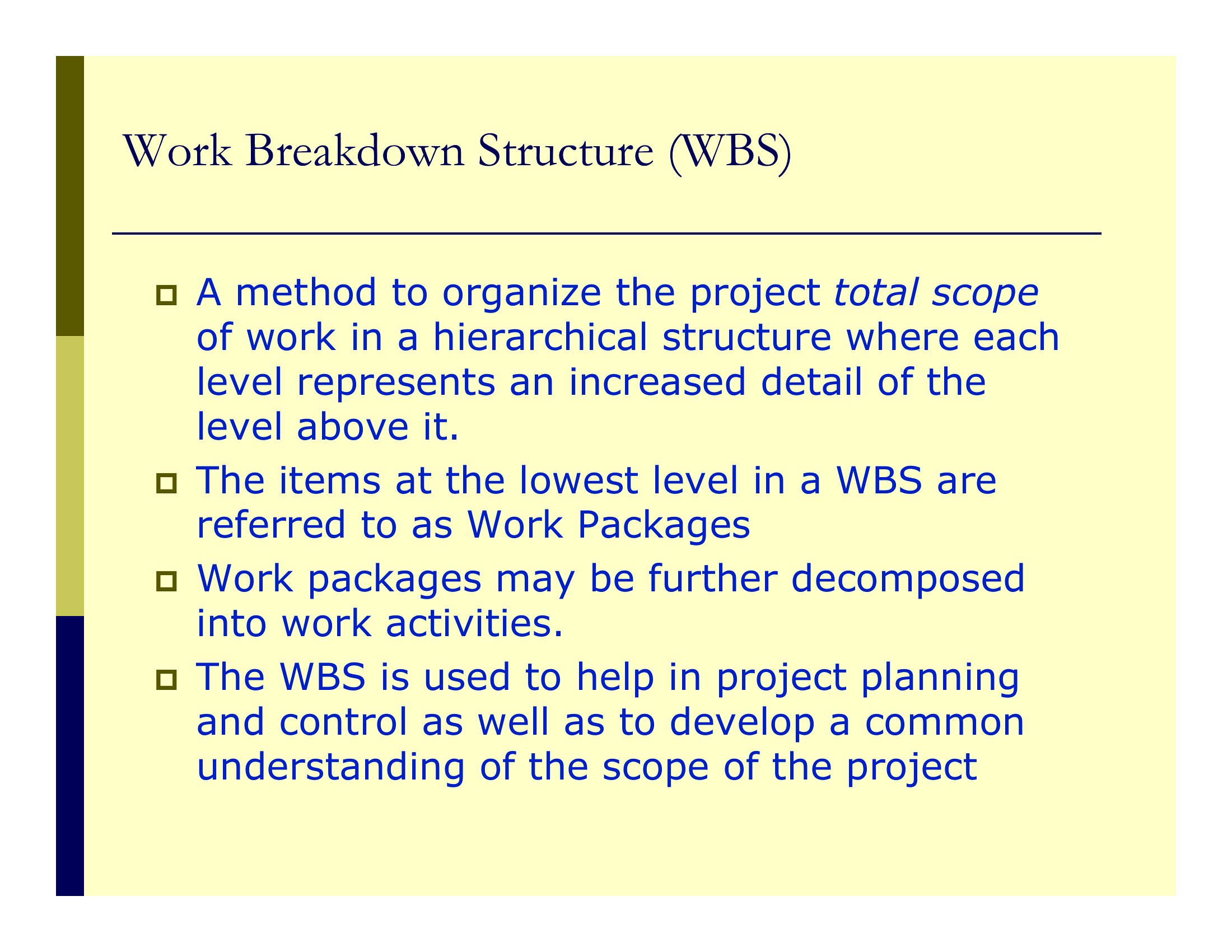
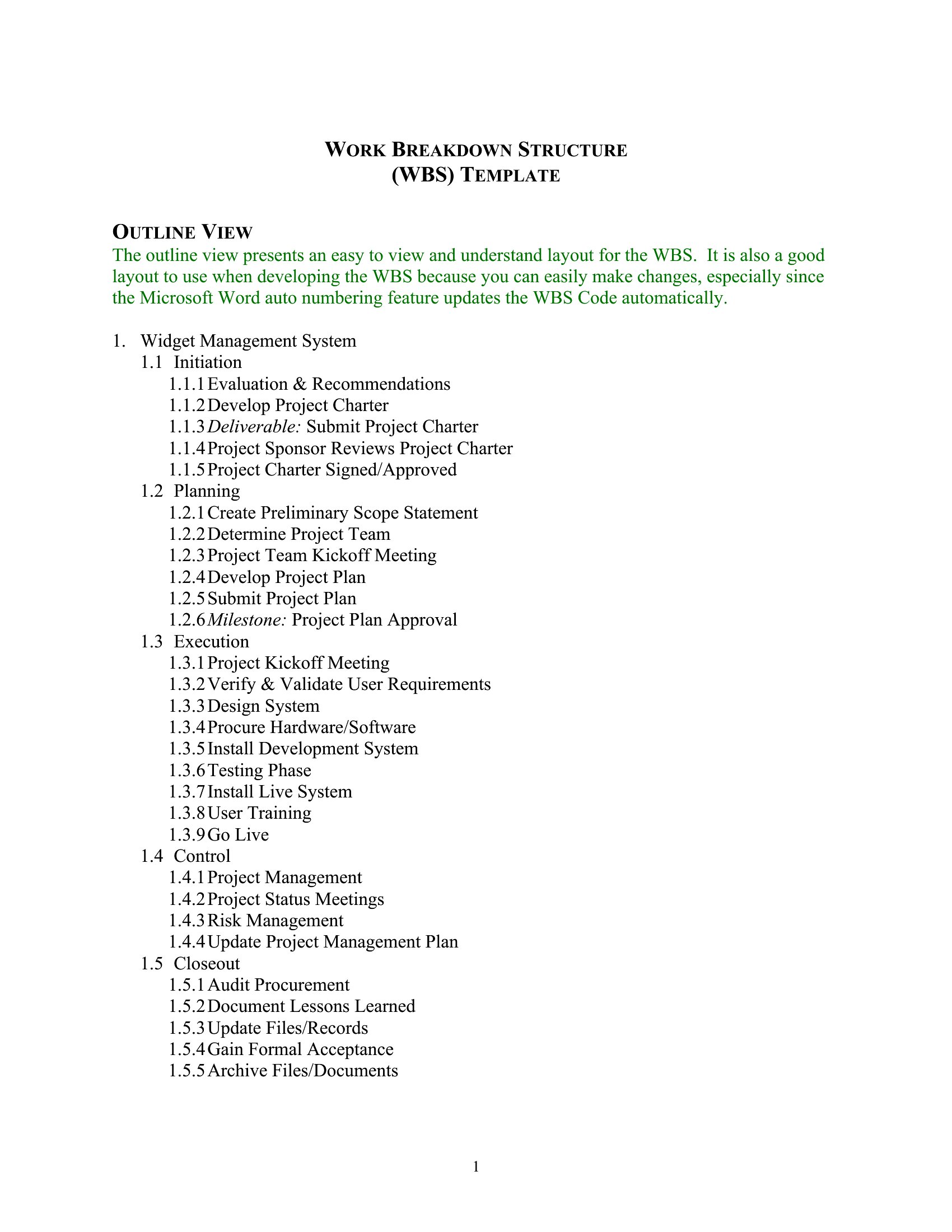
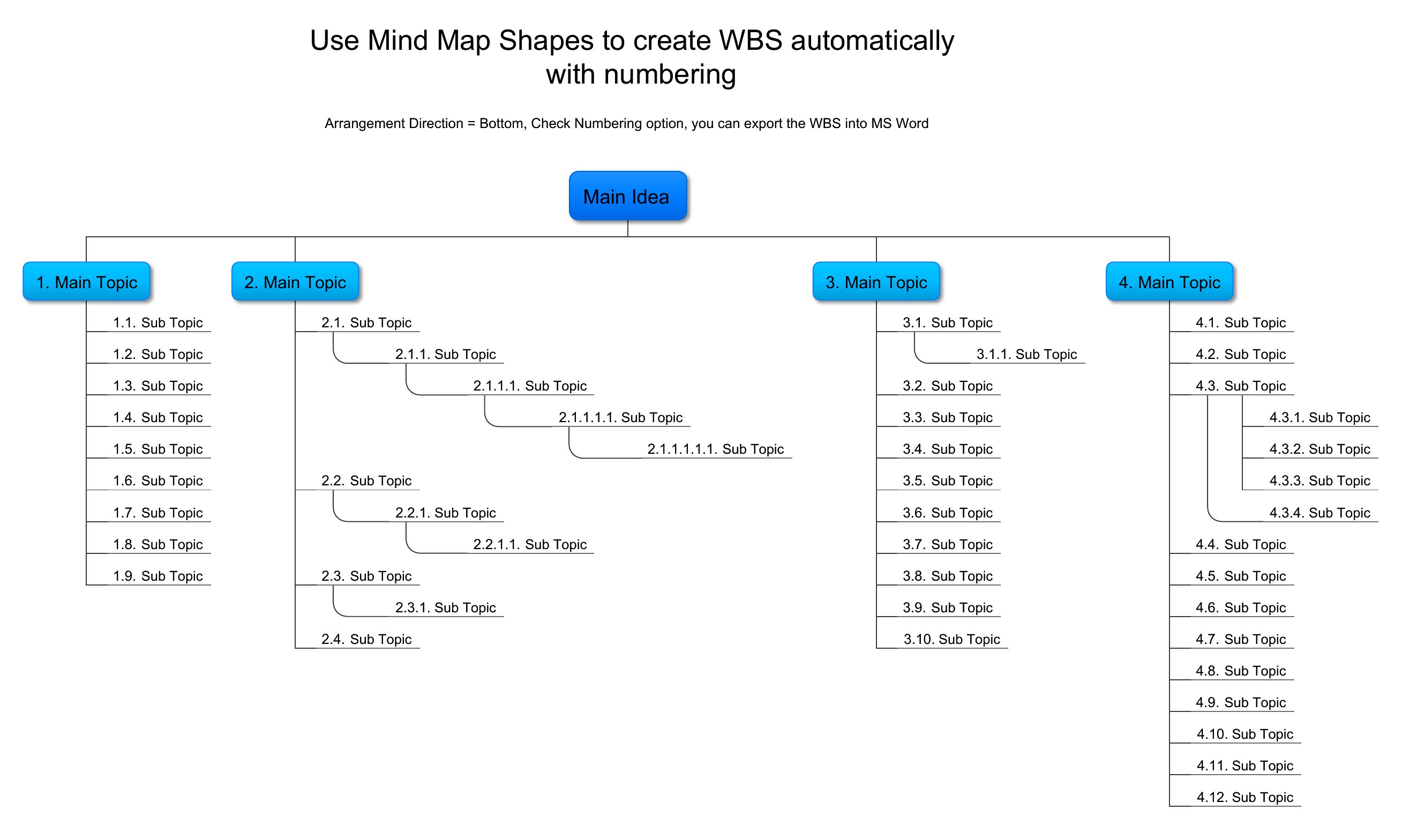
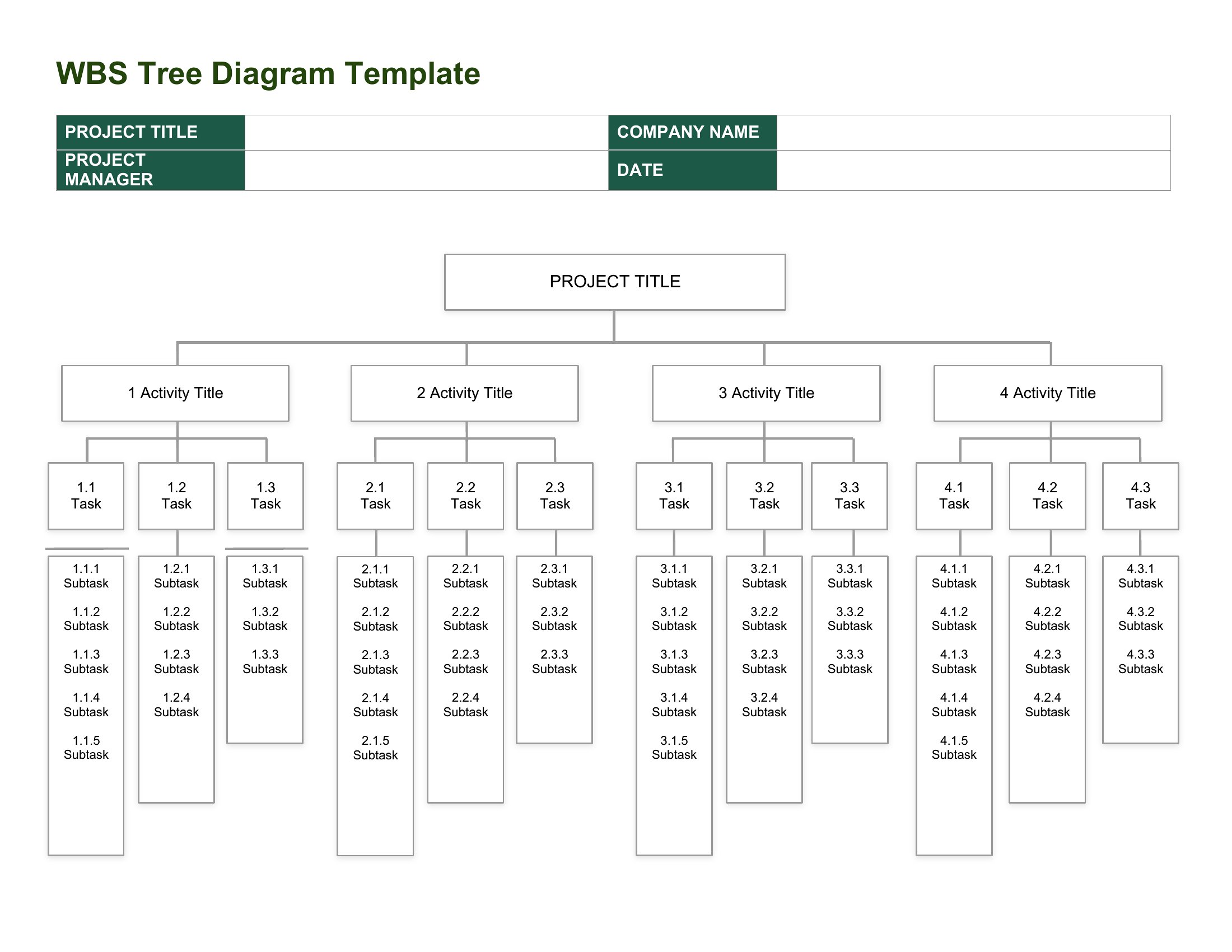
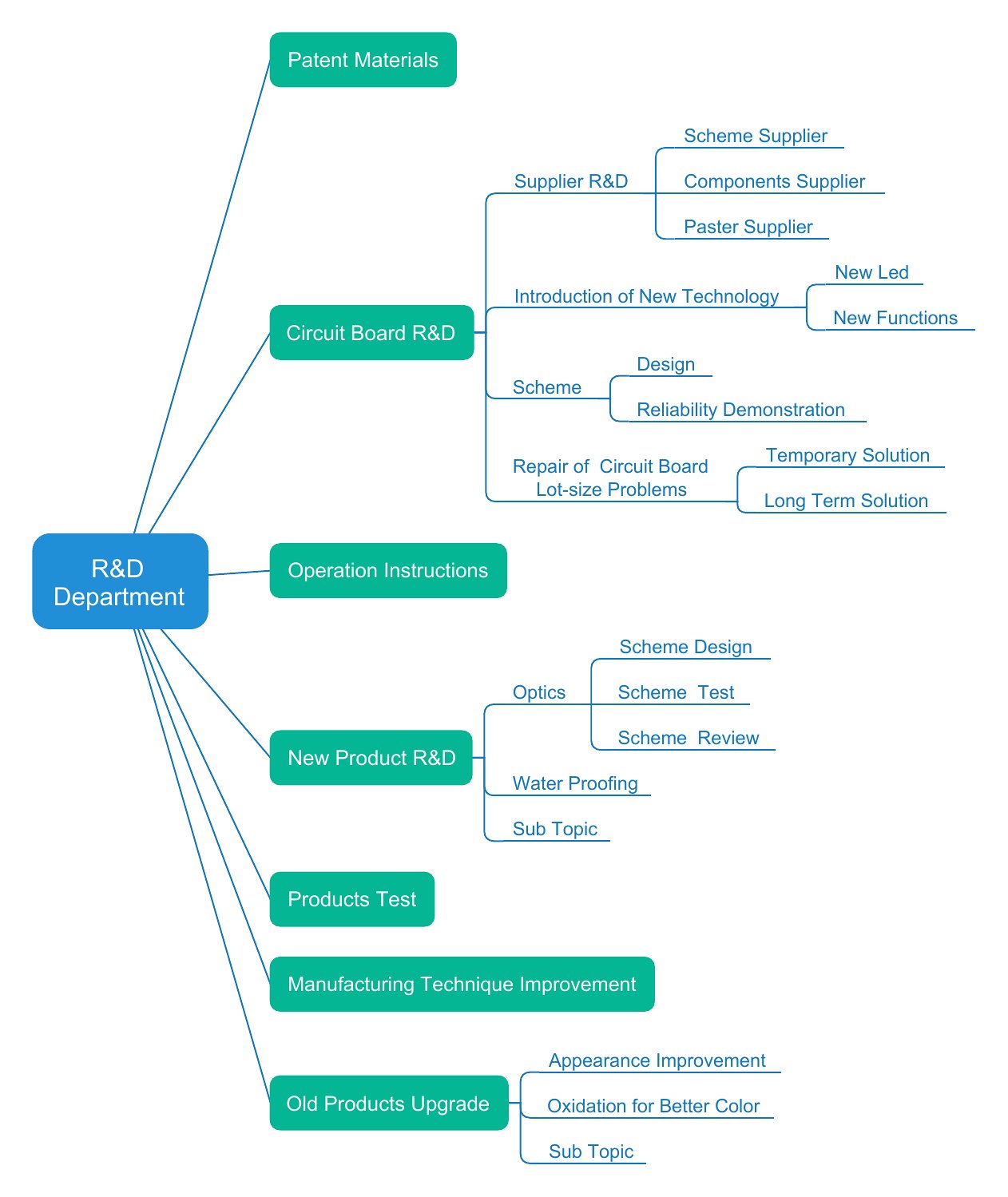
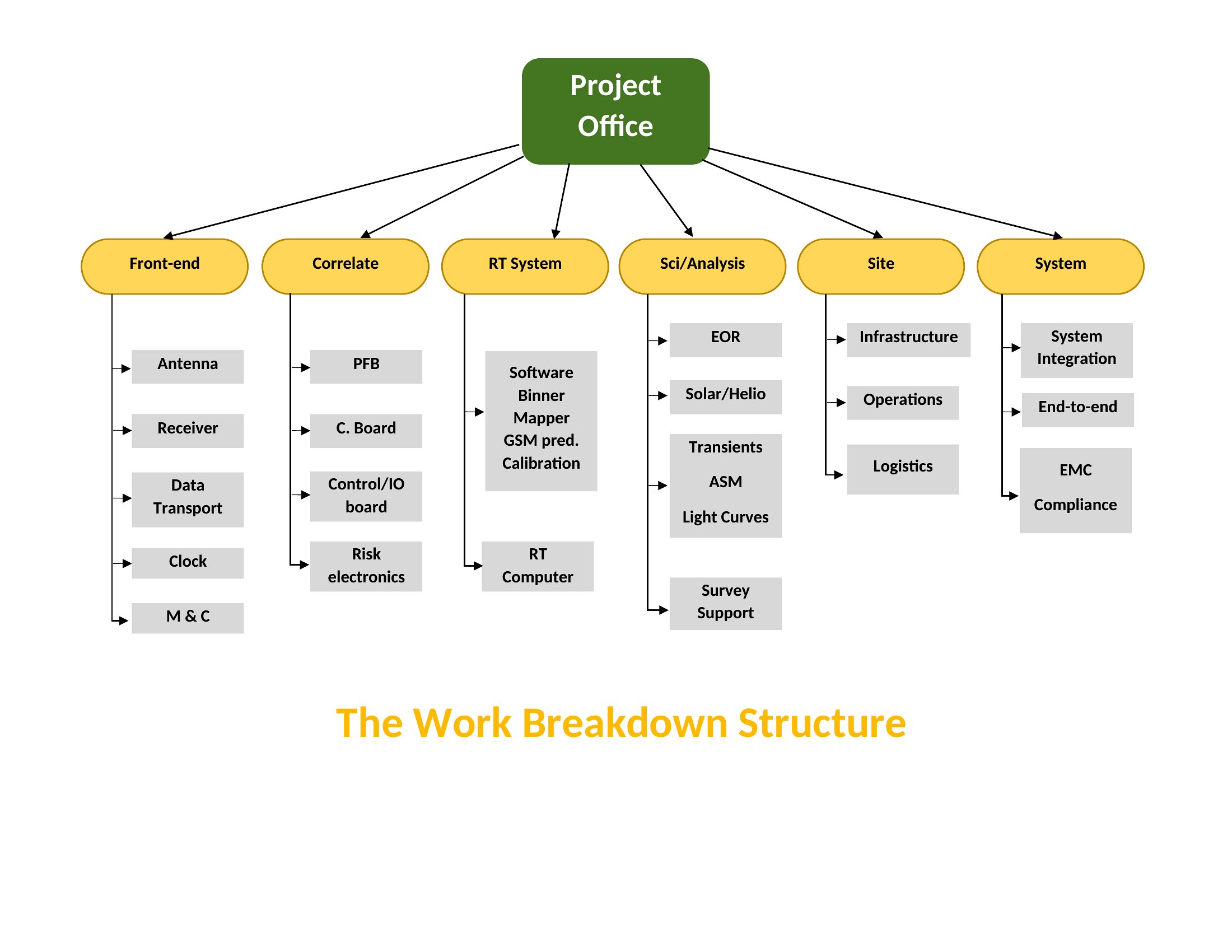
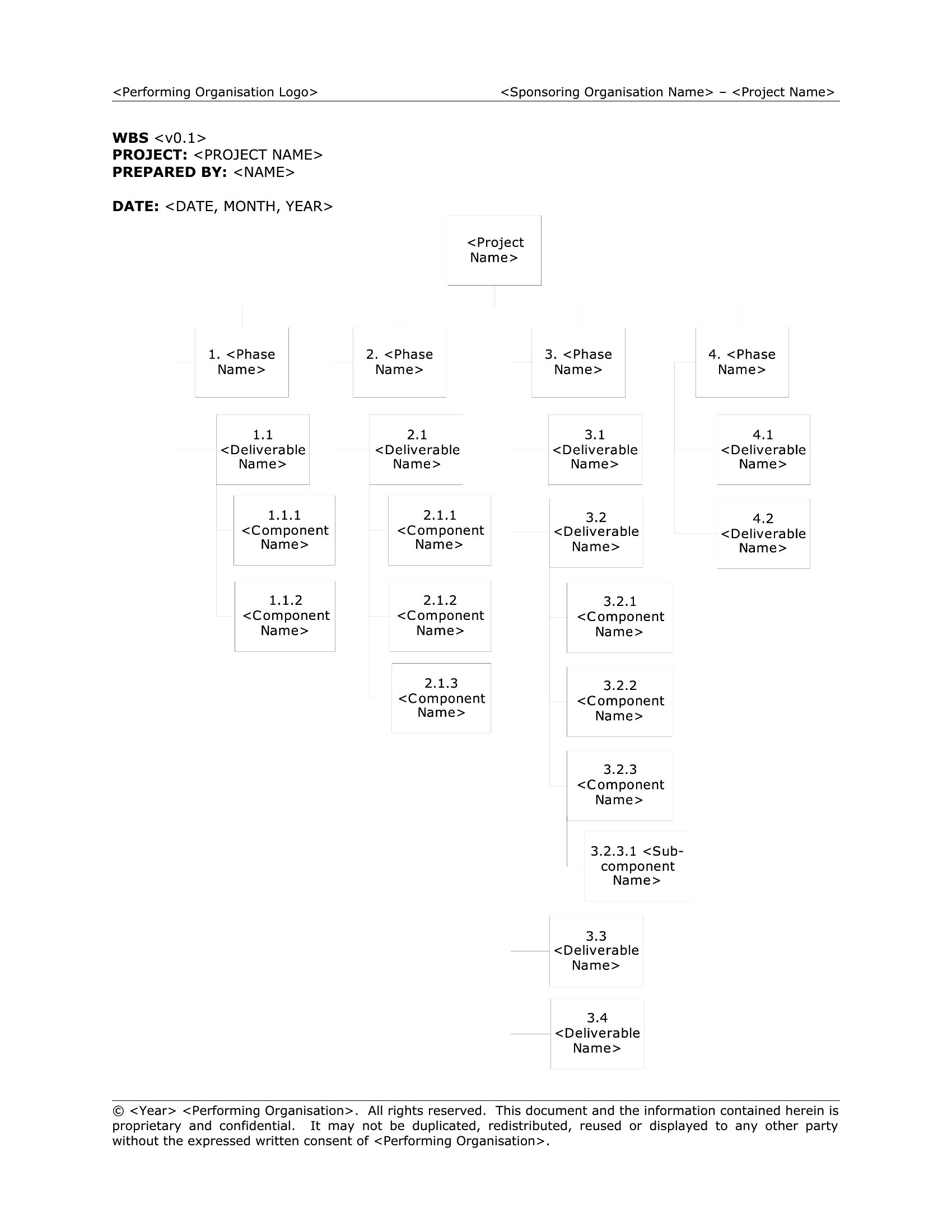
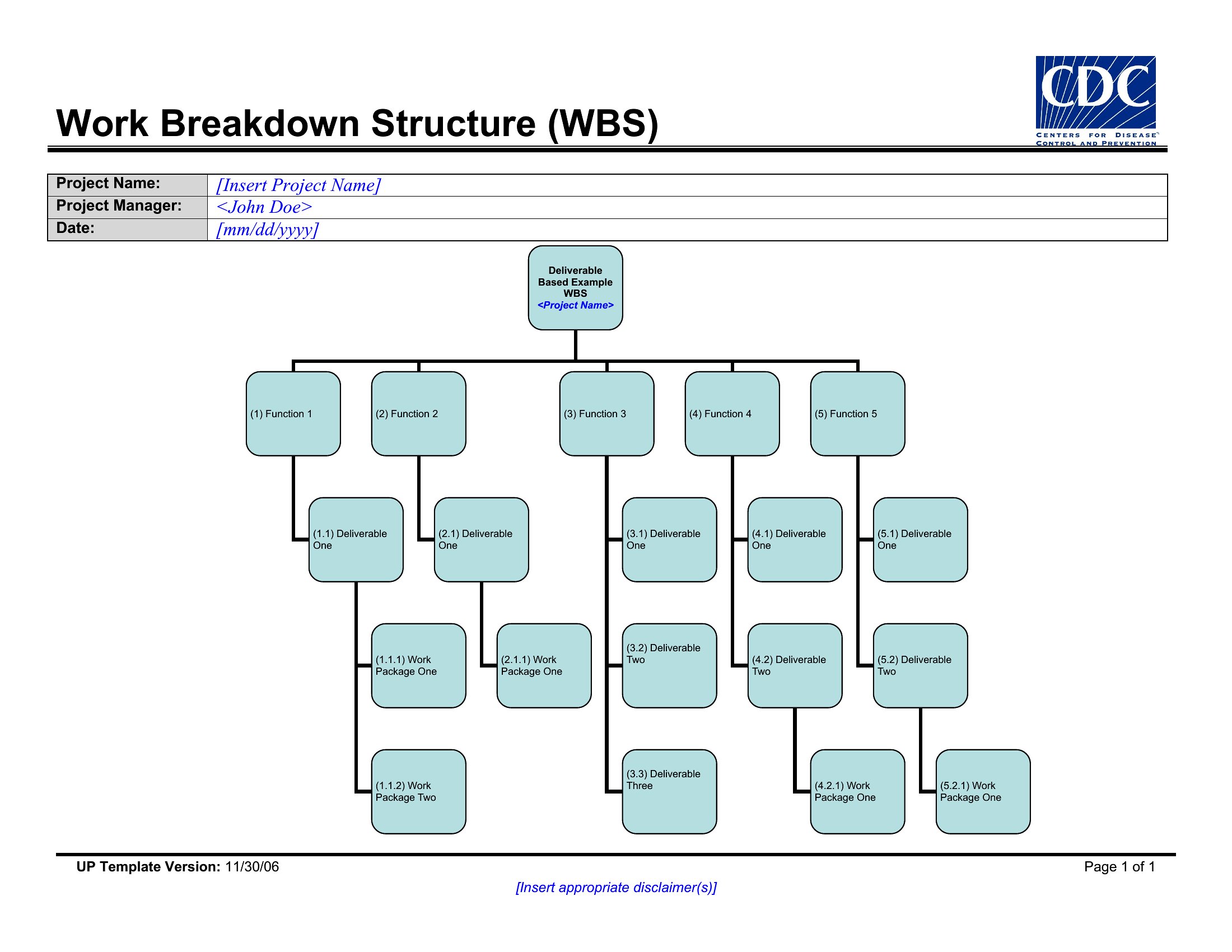
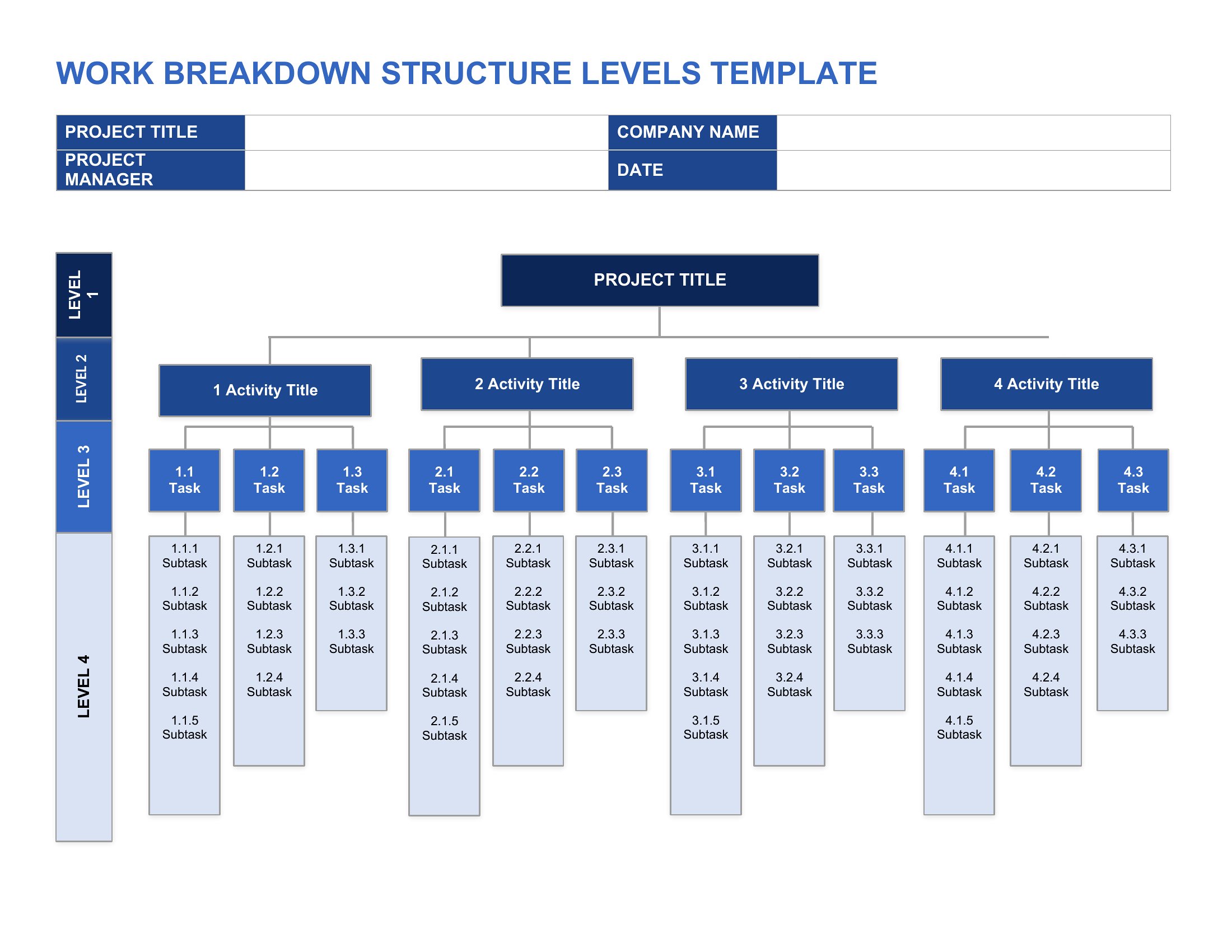
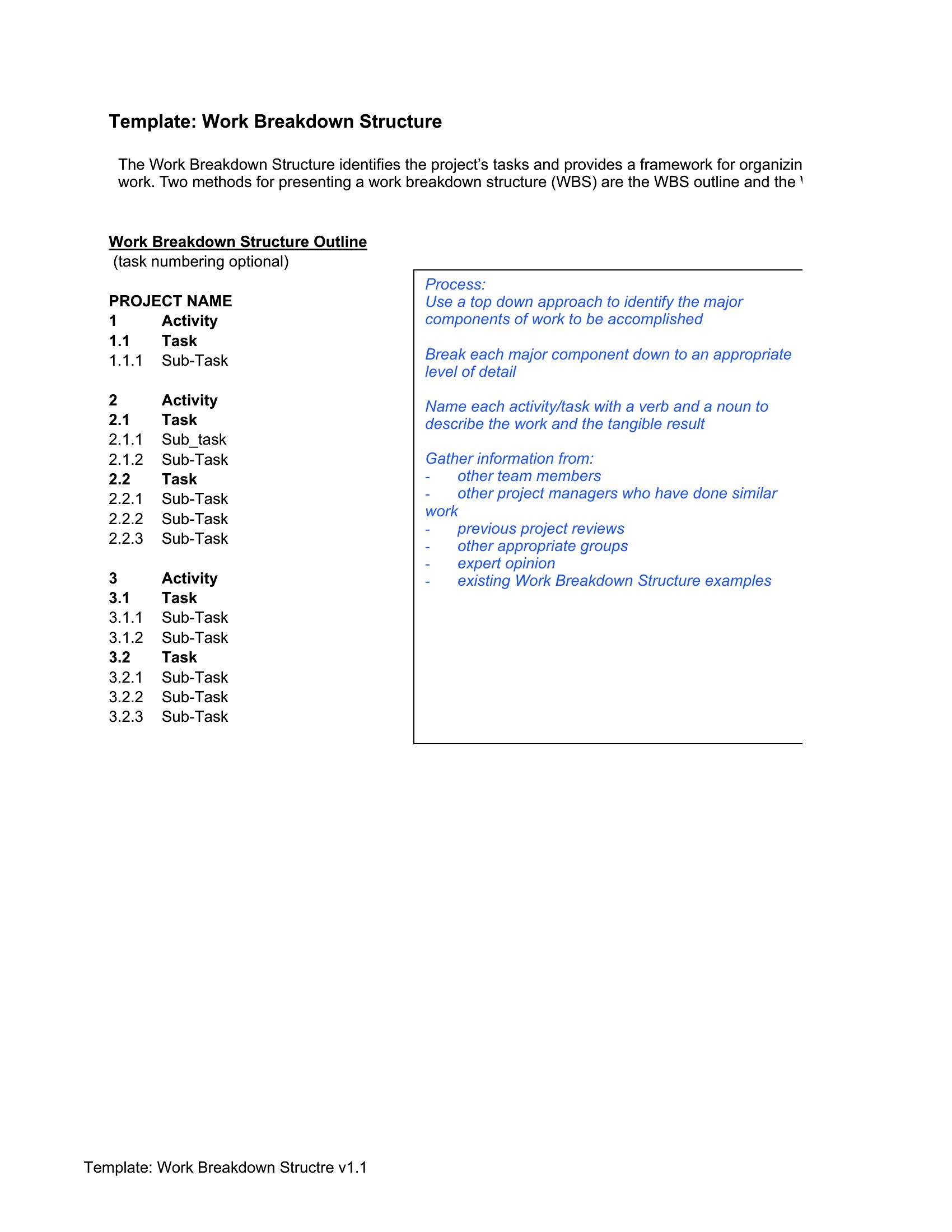
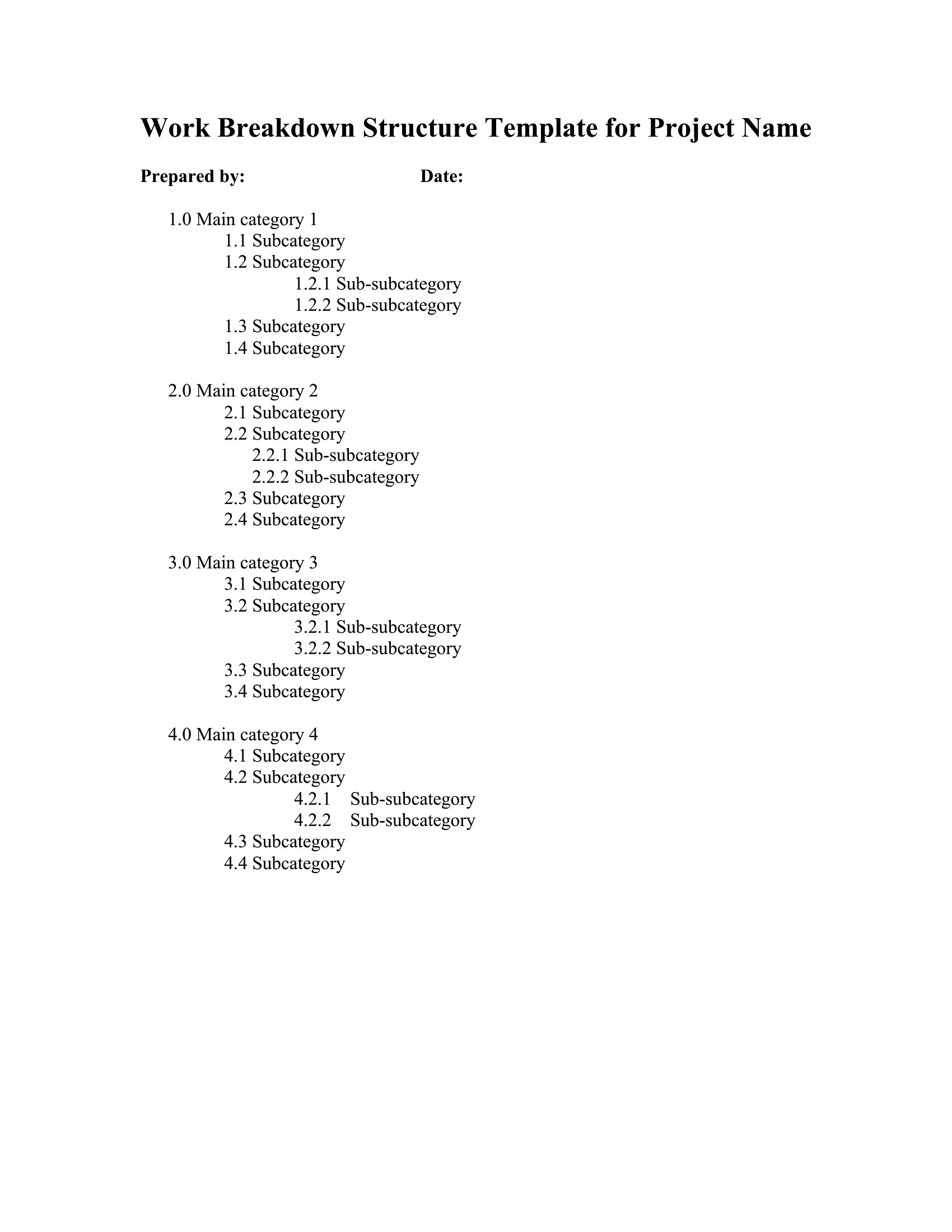
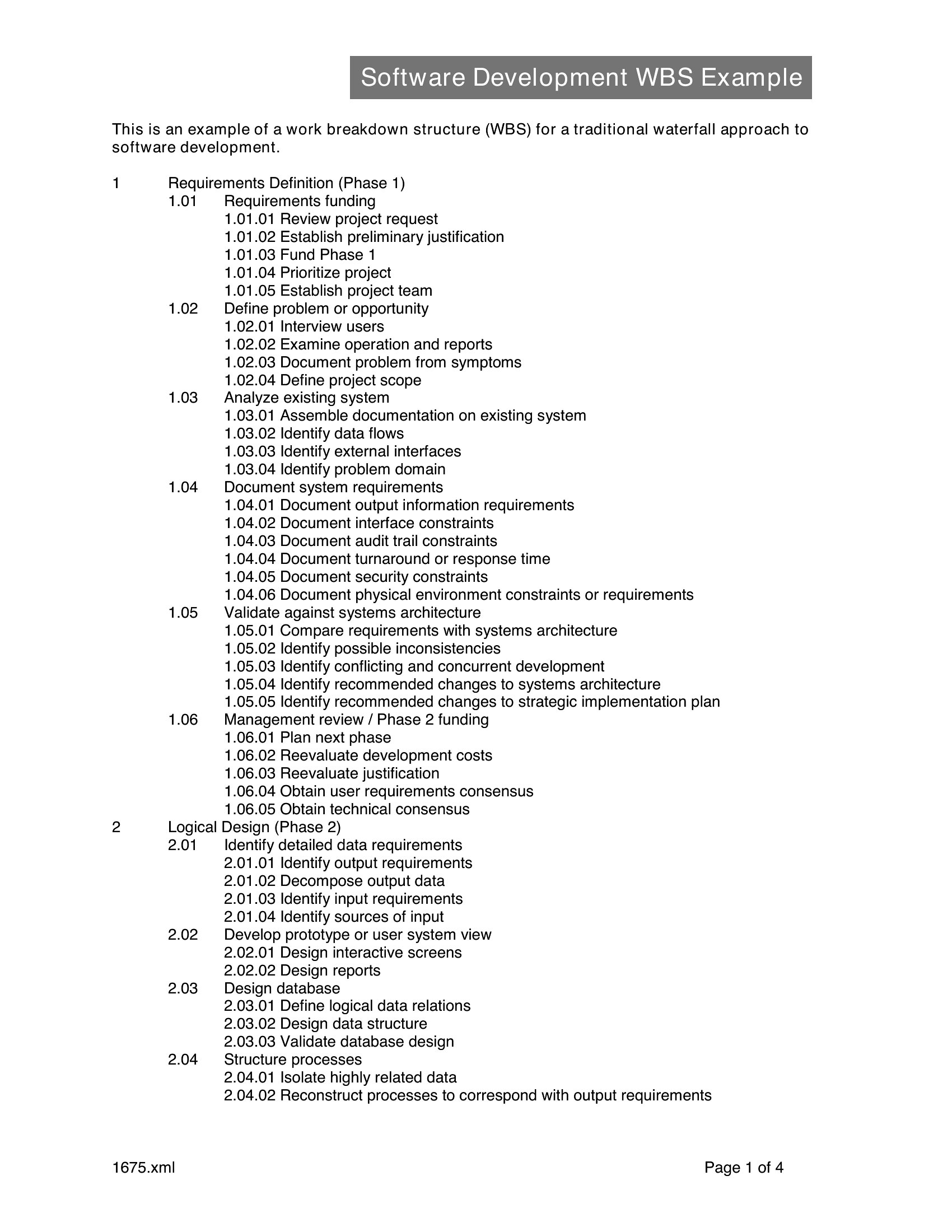
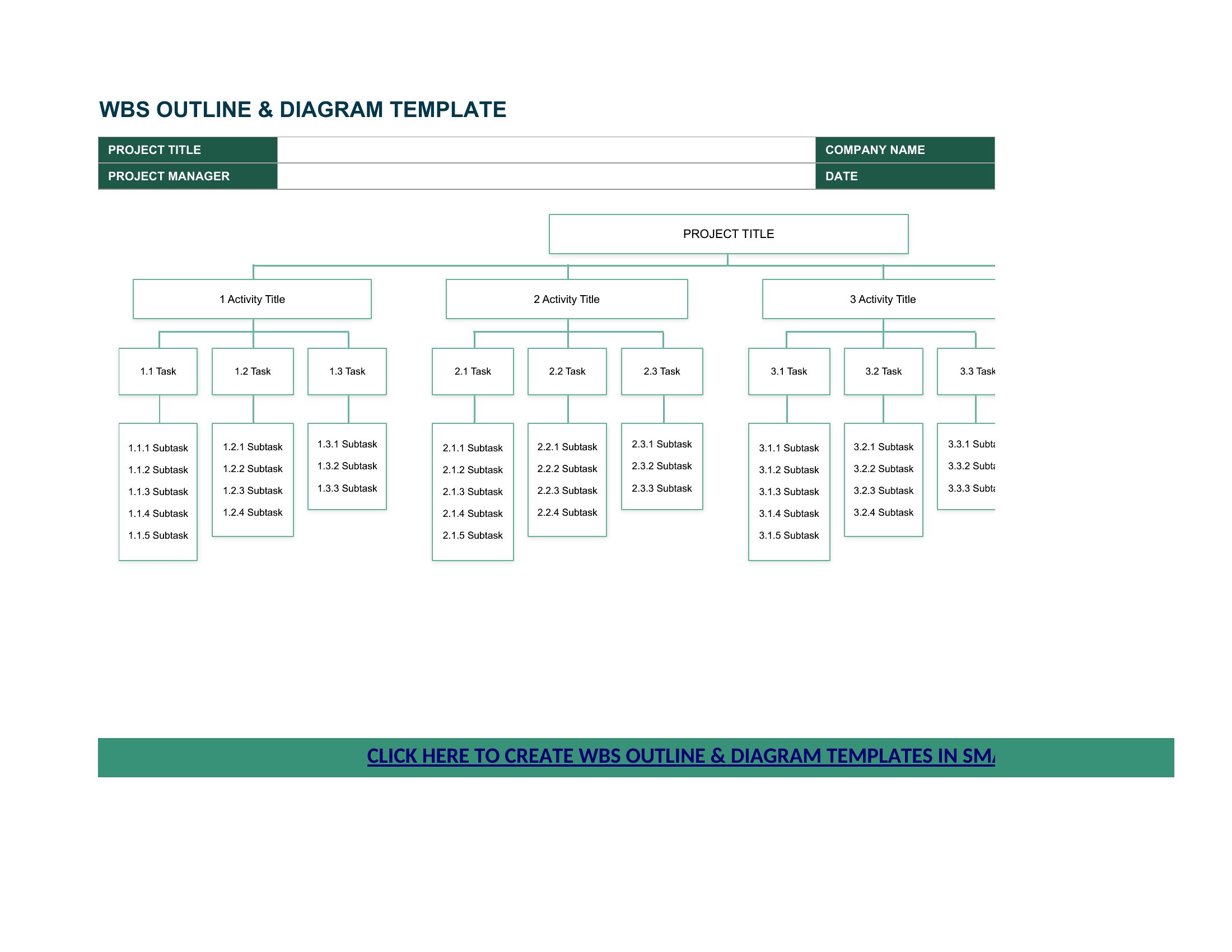
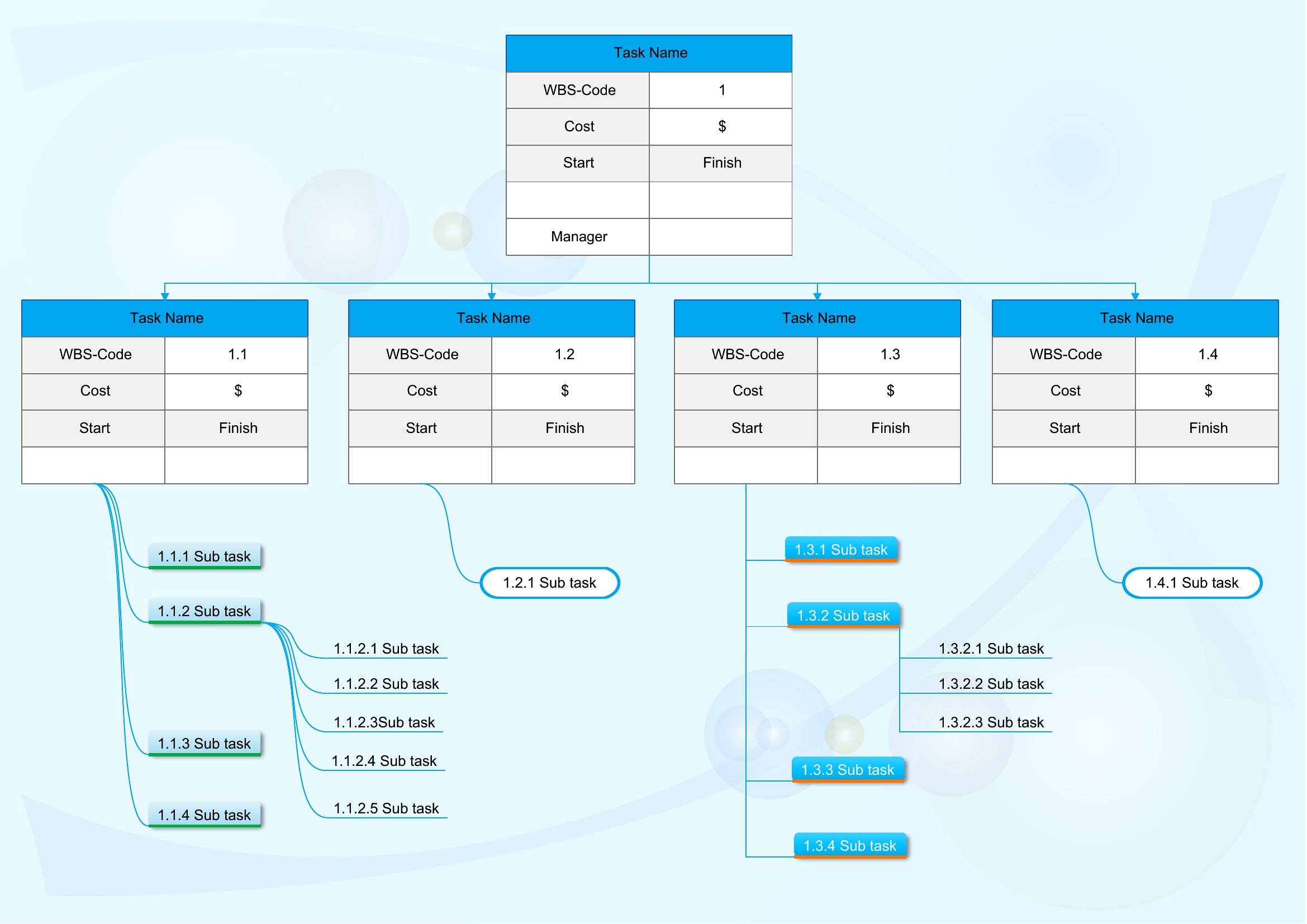
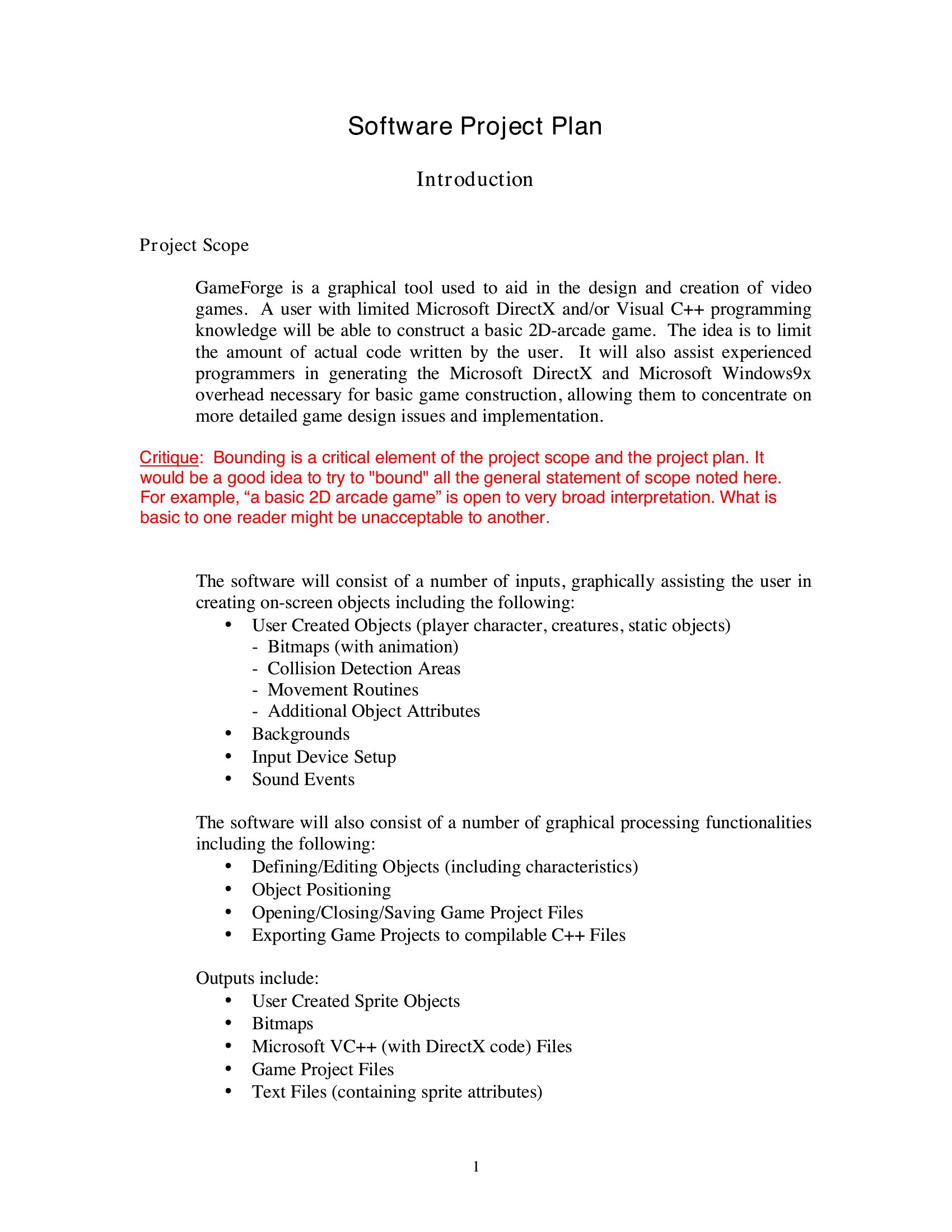
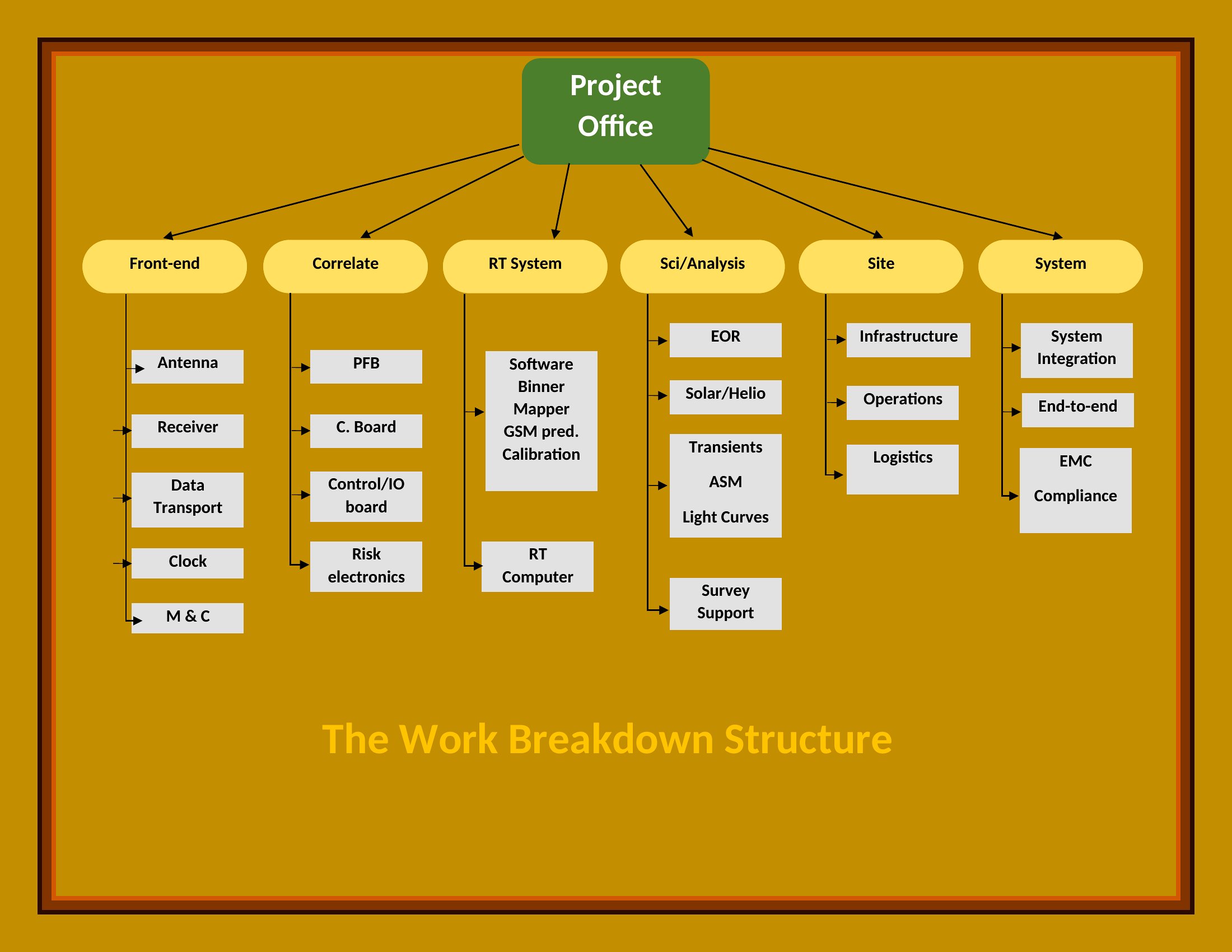
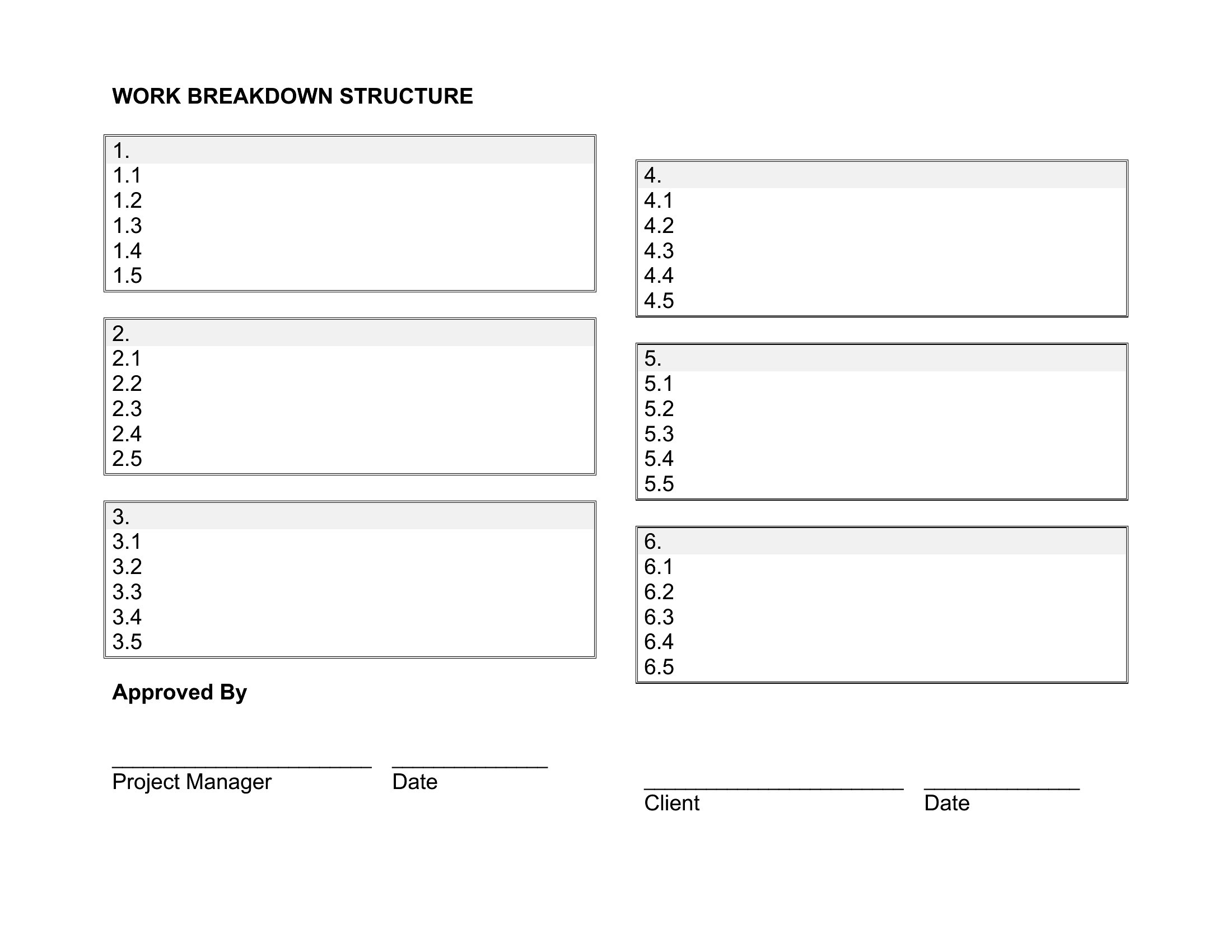
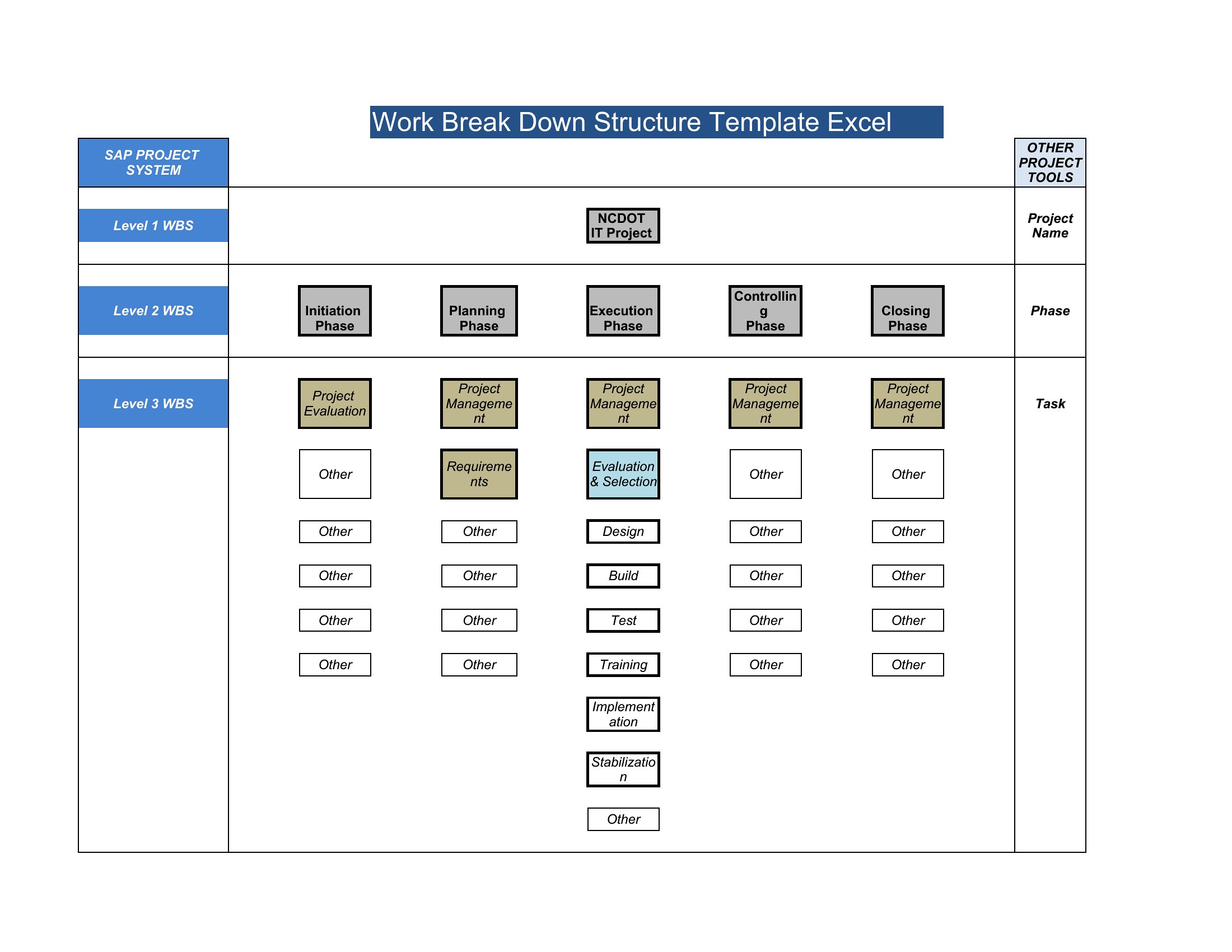
Breaking a big project into smaller, manageable pieces is the whole idea behind a work breakdown structure, and it makes planning and tracking far less overwhelming. This set of 43 templates organizes deliverables into tasks and subtasks, covering construction, software, and general project work. Project managers, contractors, and team leads can see the full scope laid out before assigning work or estimating costs.
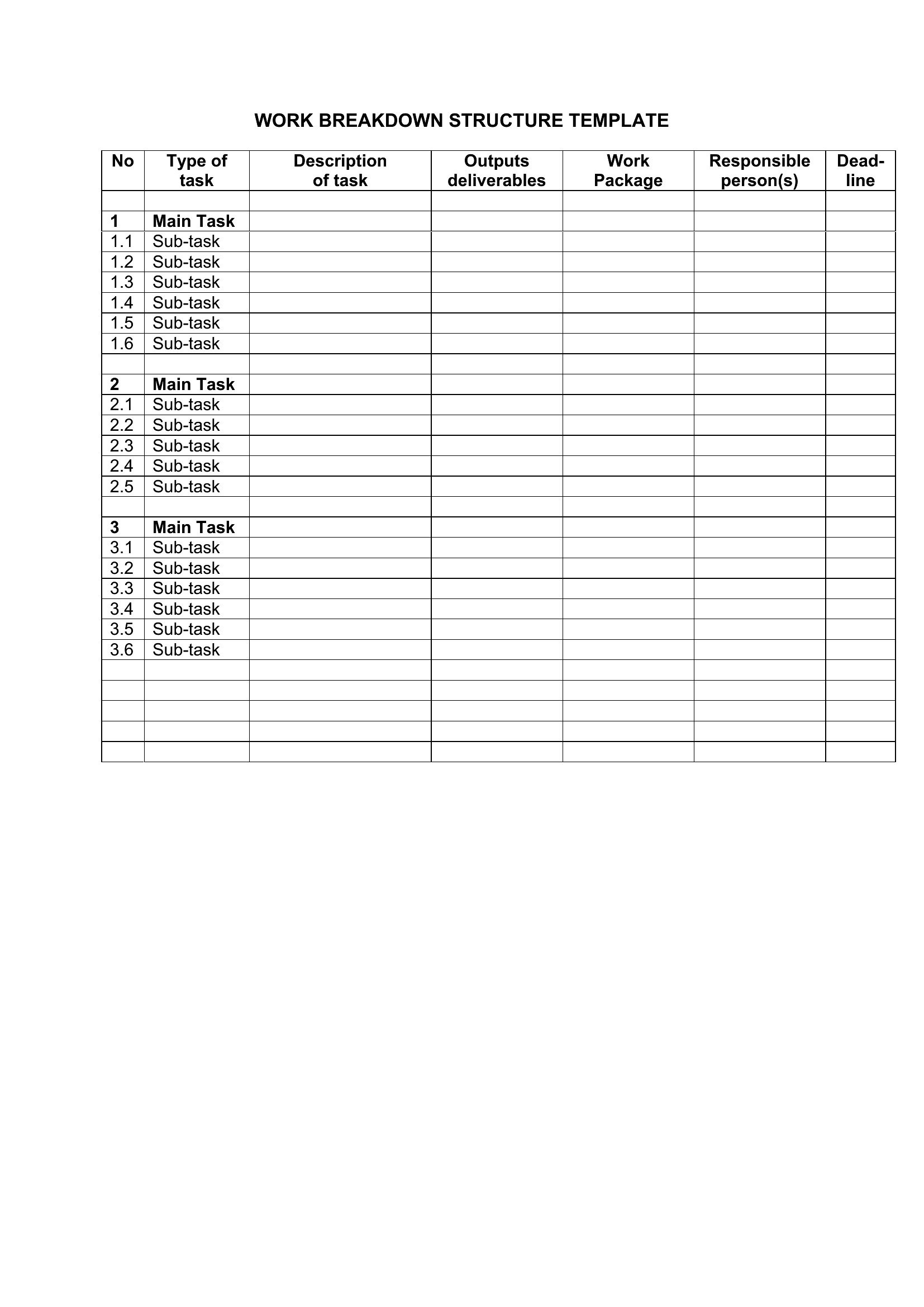
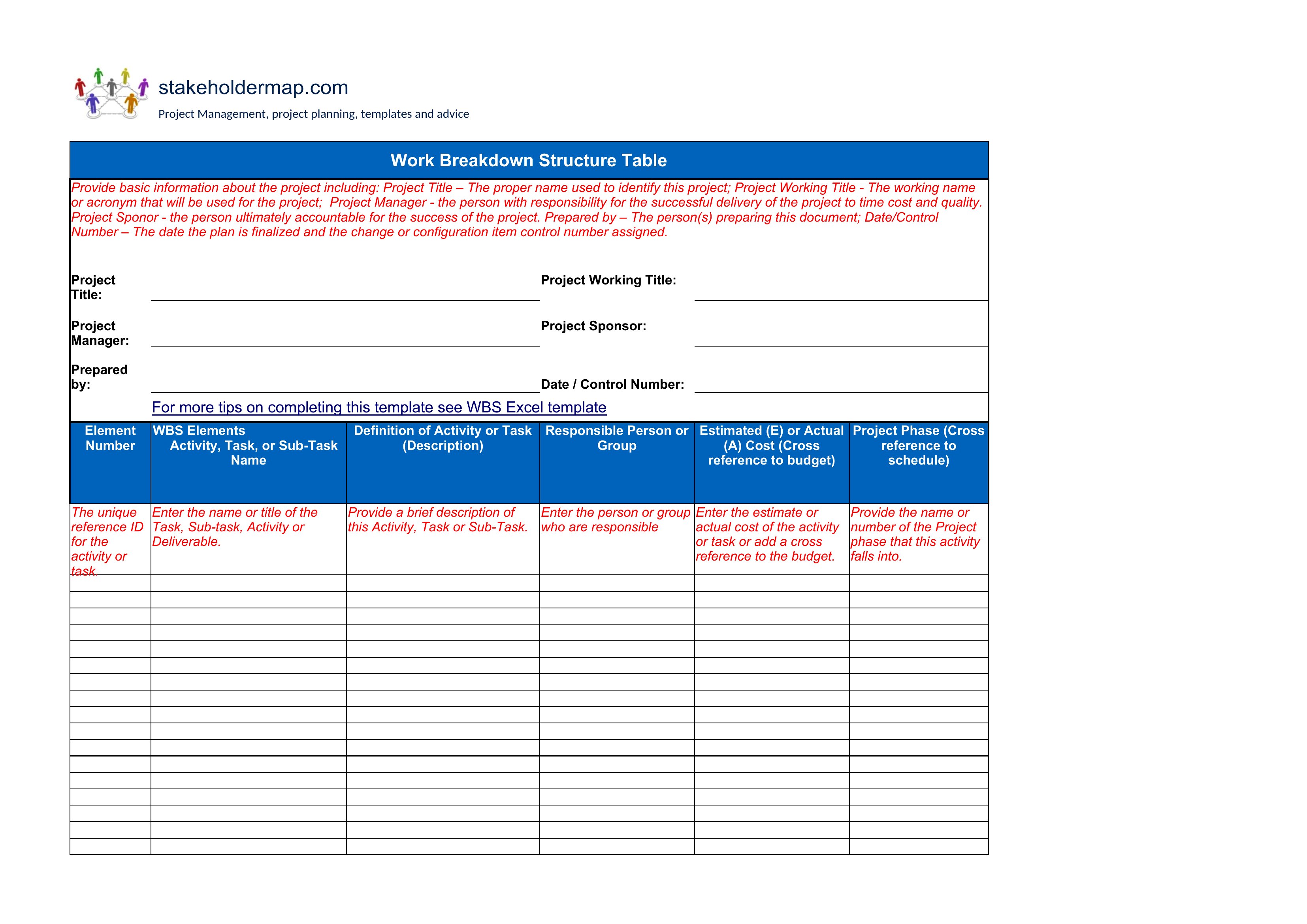
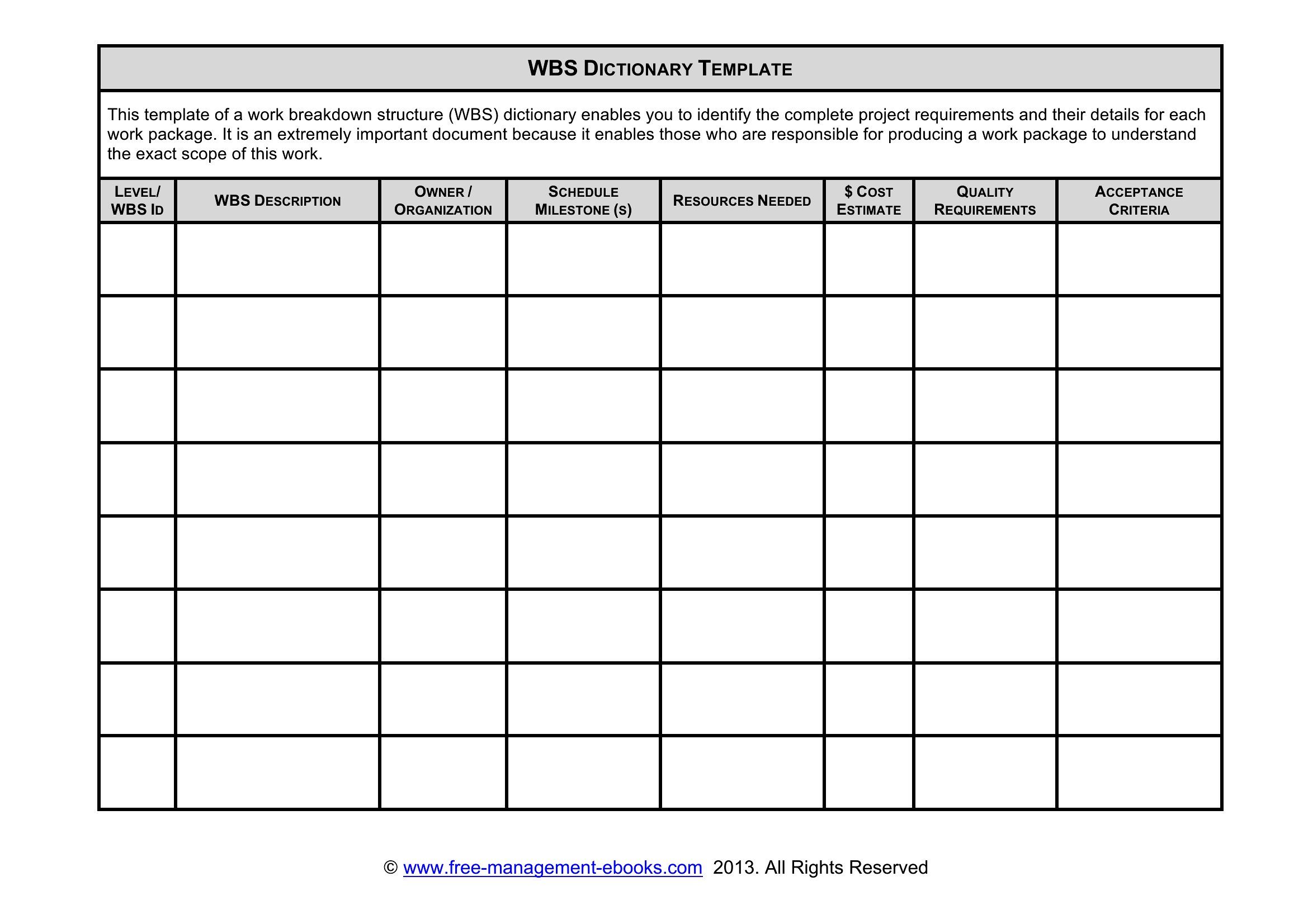
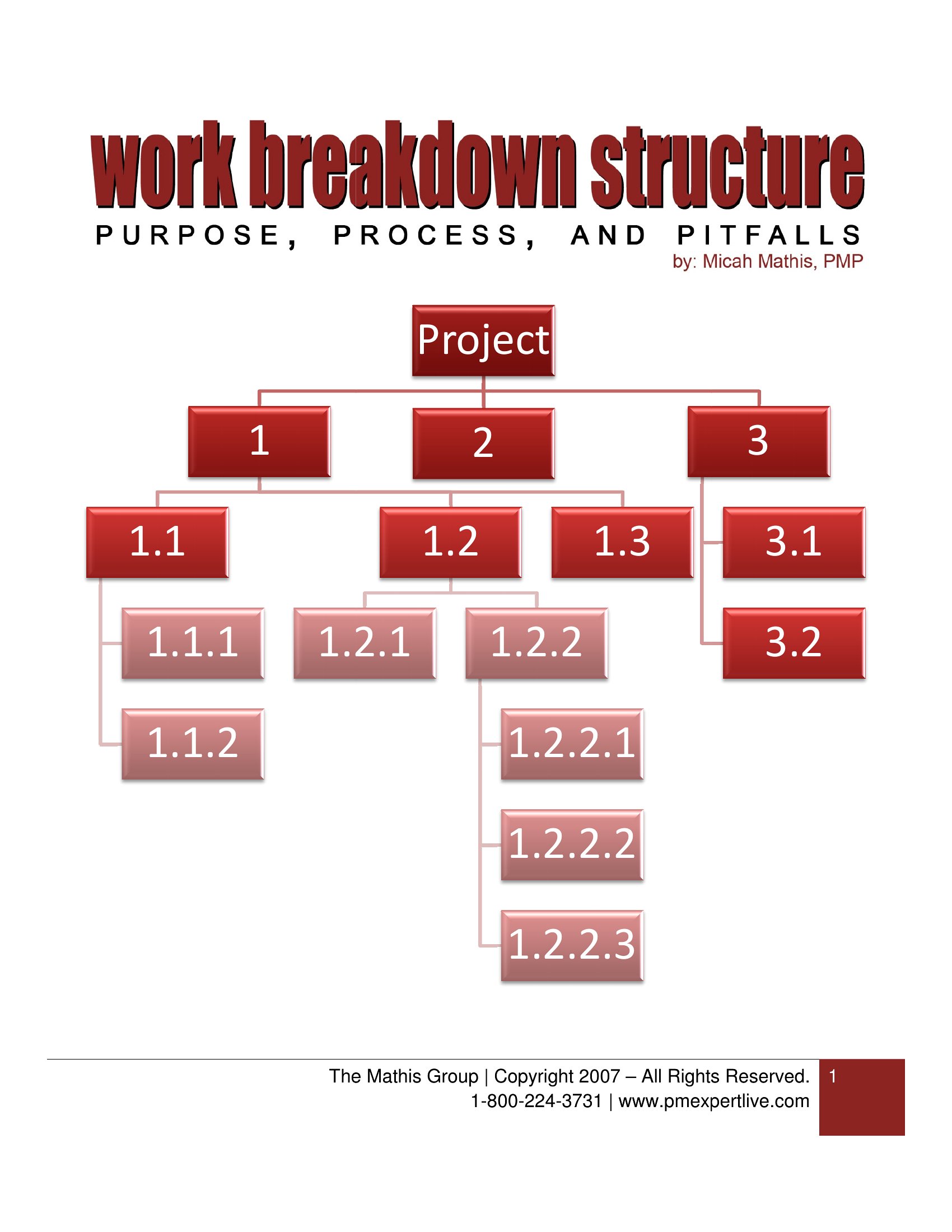
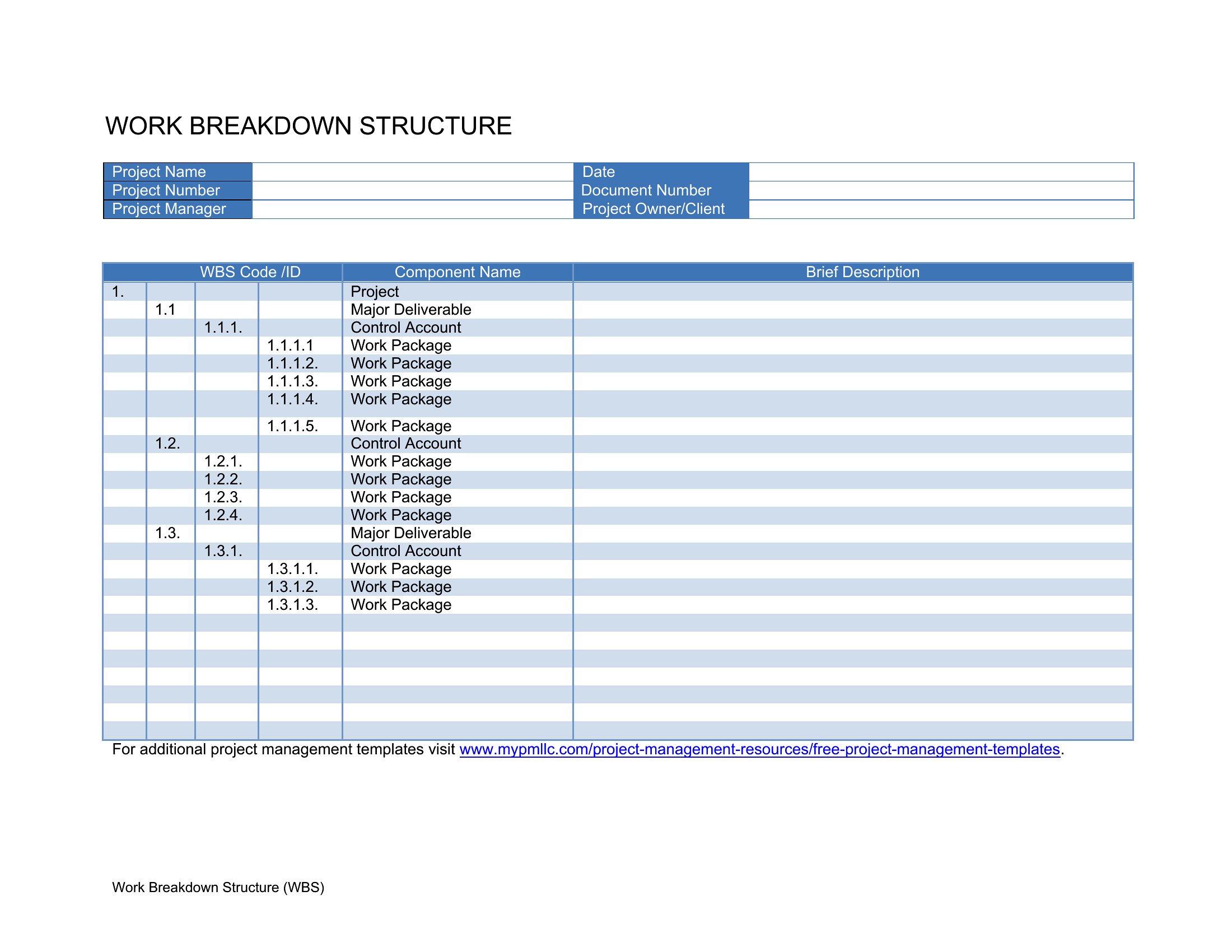
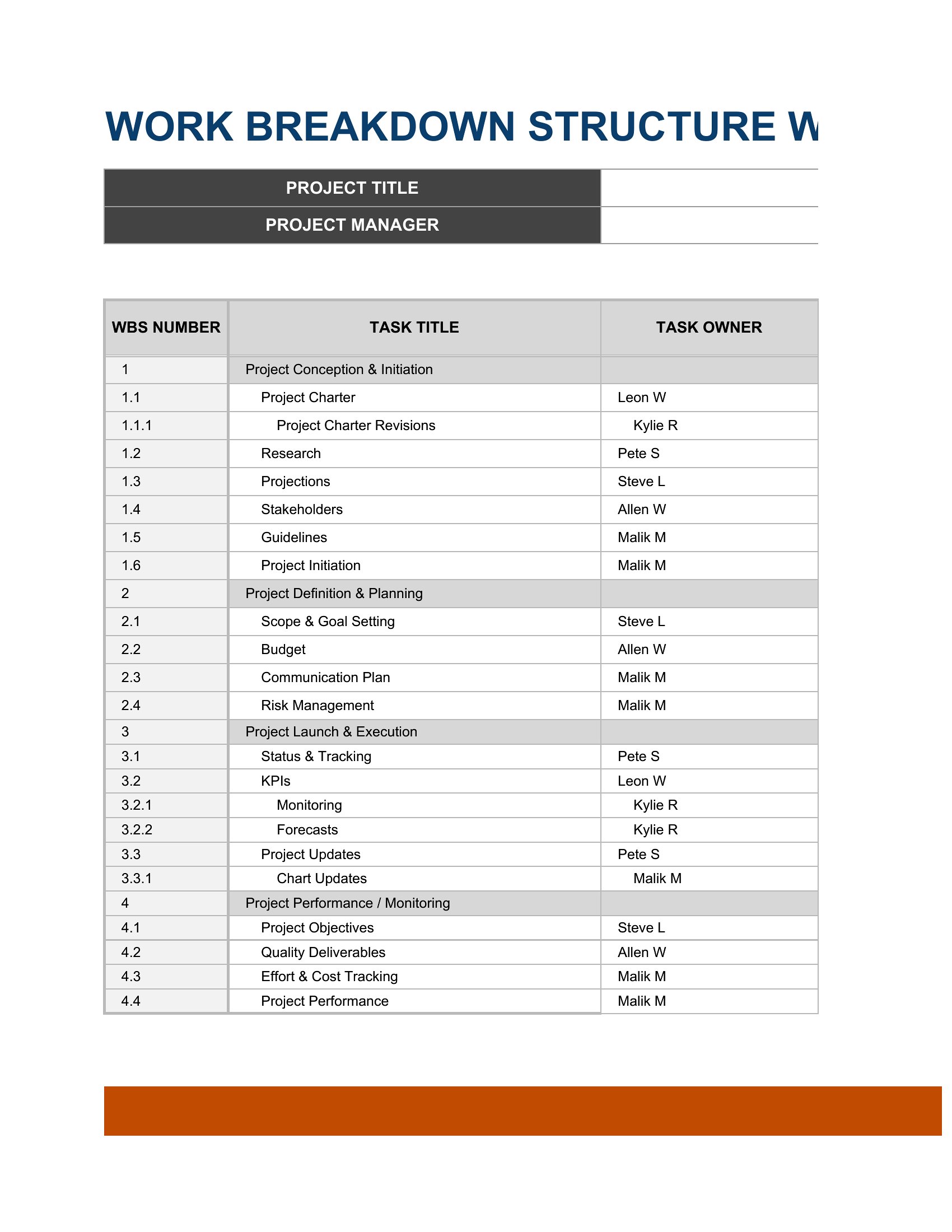
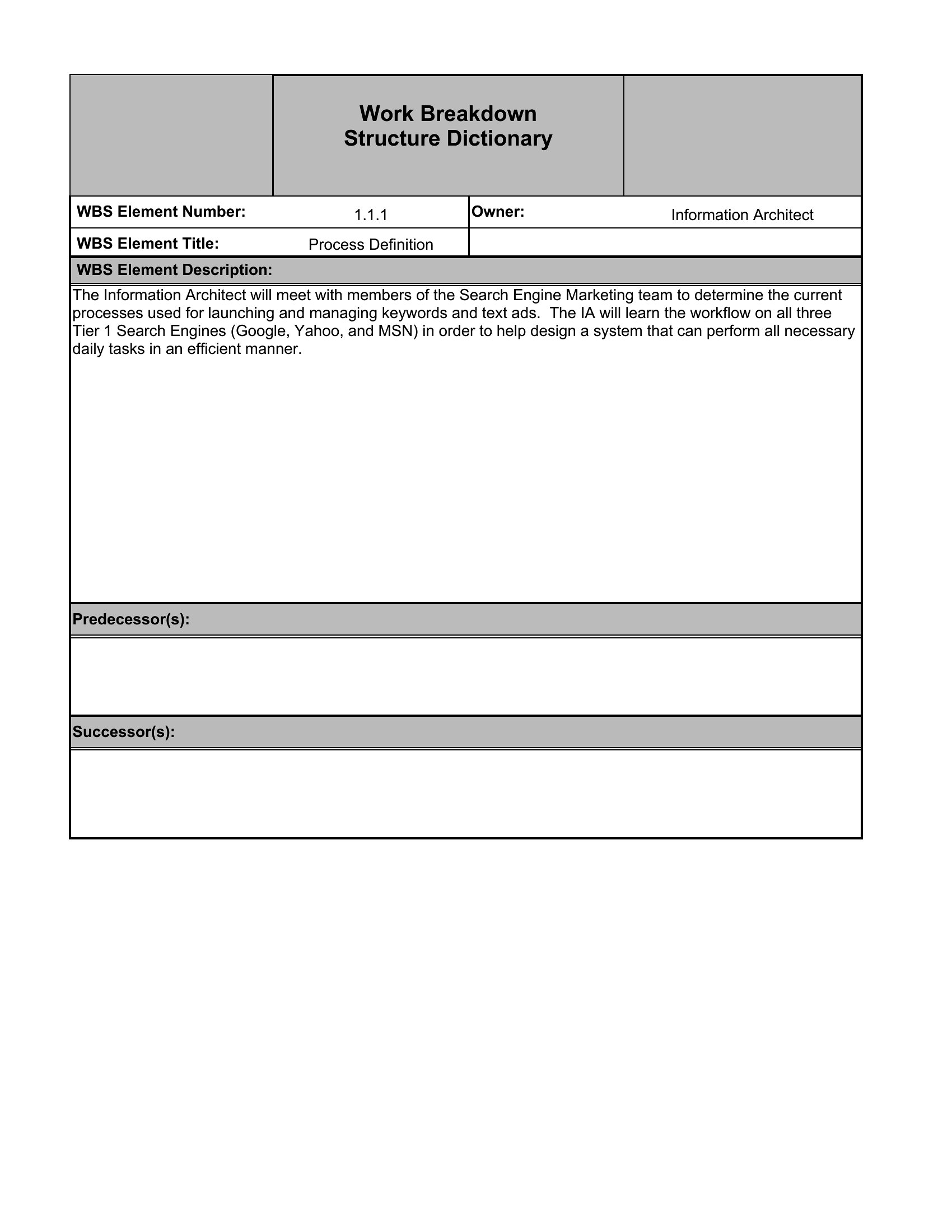
You'll find Word and PDF versions for diagrams, plus Excel sheets for outlining tasks in rows with owners and dates. Fill in your deliverables, break them down level by level, and the project becomes something you can actually schedule. Pick the format that fits your project and map the work before it starts.
When to use this Work Breakdown Structure template
- A construction project manager planning a multi-phase renovation needs to define structural, electrical, and plumbing tasks clearly for subcontractors to bid on individual phases of the work.
- A software development team lead preparing for a new product launch uses a WBS to map out sprints, API integrations, and testing phases to align engineers and designers on deadlines across 12-week milestones.
- A marketing director overseeing a campaign launch breaks down content creation, social media scheduling, influencer coordination, and analytics reporting into actionable subtasks for a remote team.
- A small business owner launching a new product line divides manufacturing, supplier orders, inventory setup, and promotional materials into a WBS to track dependencies and avoid delays before the holiday season.
Which format should I download?
The Excel format is ideal for project managers who need to adjust tasks dynamically, add dependencies, or share editable versions with teams—especially for complex projects like construction or software development. Use Word when you need to embed the WBS within a larger project proposal or report, where formatting consistency matters. The PDF format works best for finalized, unchangeable versions, such as submitting a WBS to stakeholders or clients who don’t need to modify it. Choose PDF if you’re presenting the structure in a formal review meeting where edits aren’t expected.
Choose from 43 Work Breakdown Structure Templates

How to use this Work Breakdown Structure template
How detailed should individual tasks be in a WBS for a software project?
For software projects, tasks should be specific enough to assign ownership but broad enough to avoid micro-managing. Aim for subtasks that take 4–16 hours to complete, like ‘Develop login API’ or ‘Test payment gateway integration.’ Breaking tasks too finely can inflate documentation without adding value.
Can a WBS help manage risks in a construction project?
Yes, a WBS indirectly supports risk management by identifying critical path tasks—like foundation work or permit approvals—that could delay the entire project. Listing these as high-priority items helps allocate contingency buffers early. However, it doesn’t replace a formal risk register; treat it as a starting point to spot potential bottlenecks.
Should subtasks in a WBS include estimated costs?
While costs aren’t part of a traditional WBS, some teams add a cost column to subtasks for budget tracking, especially in construction or manufacturing. If you include costs, ensure the WBS remains focused on scope and timeline—don’t let financial estimates distract from the core purpose of breaking work into actionable steps.
Comments
Join the conversation
Sign in to share your thoughts and leave a comment on this resource.