
Free Communication Plan Templates (Word)
Project by nataniellockert
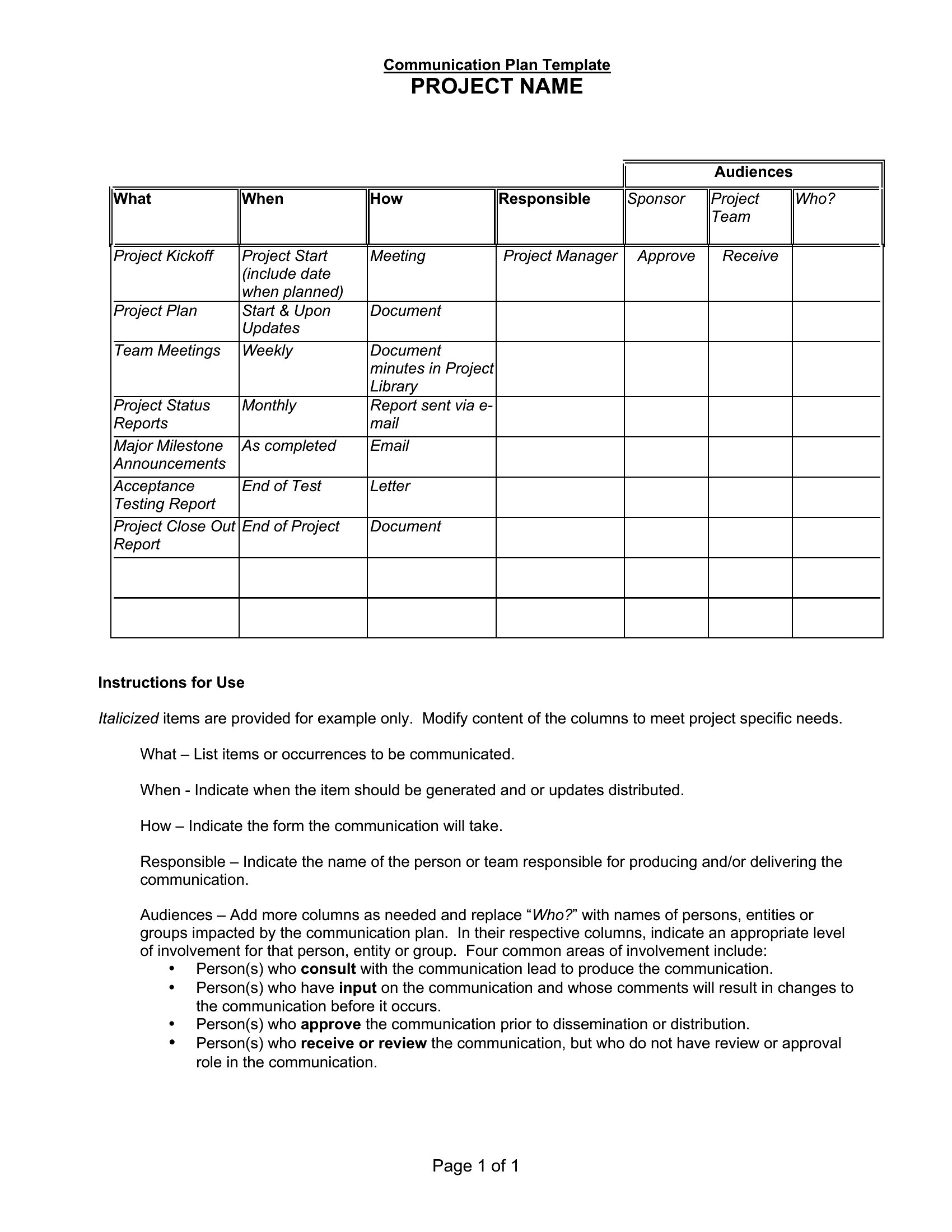
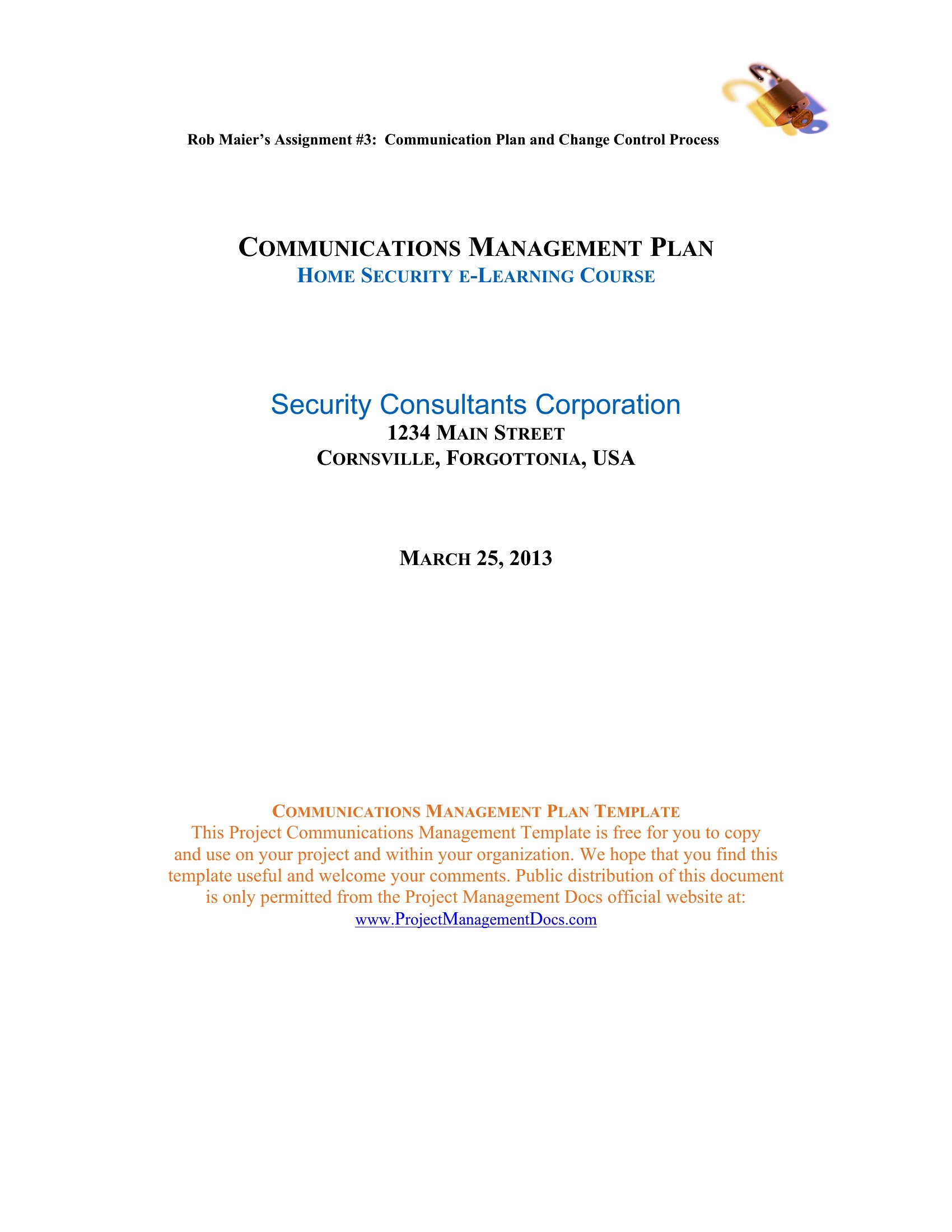
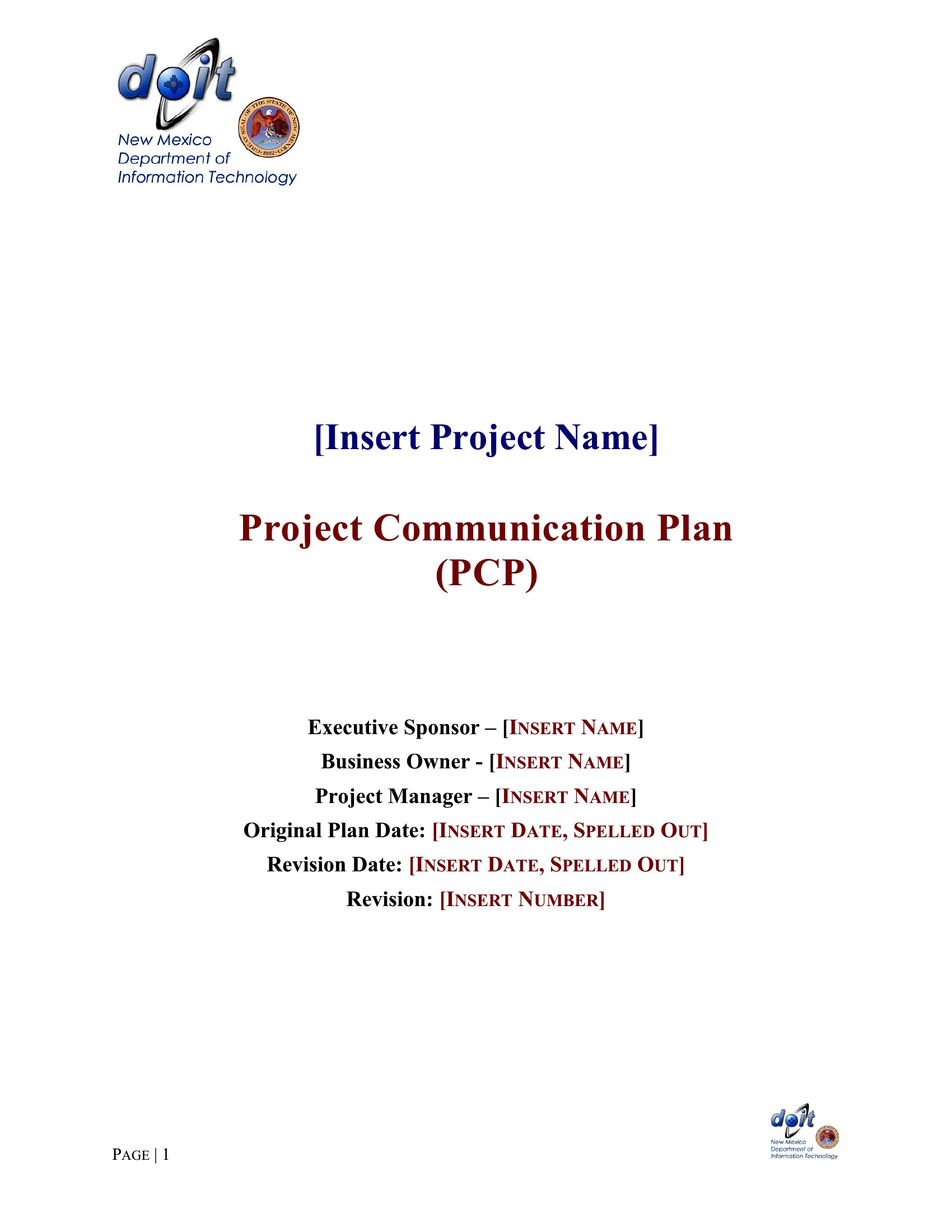
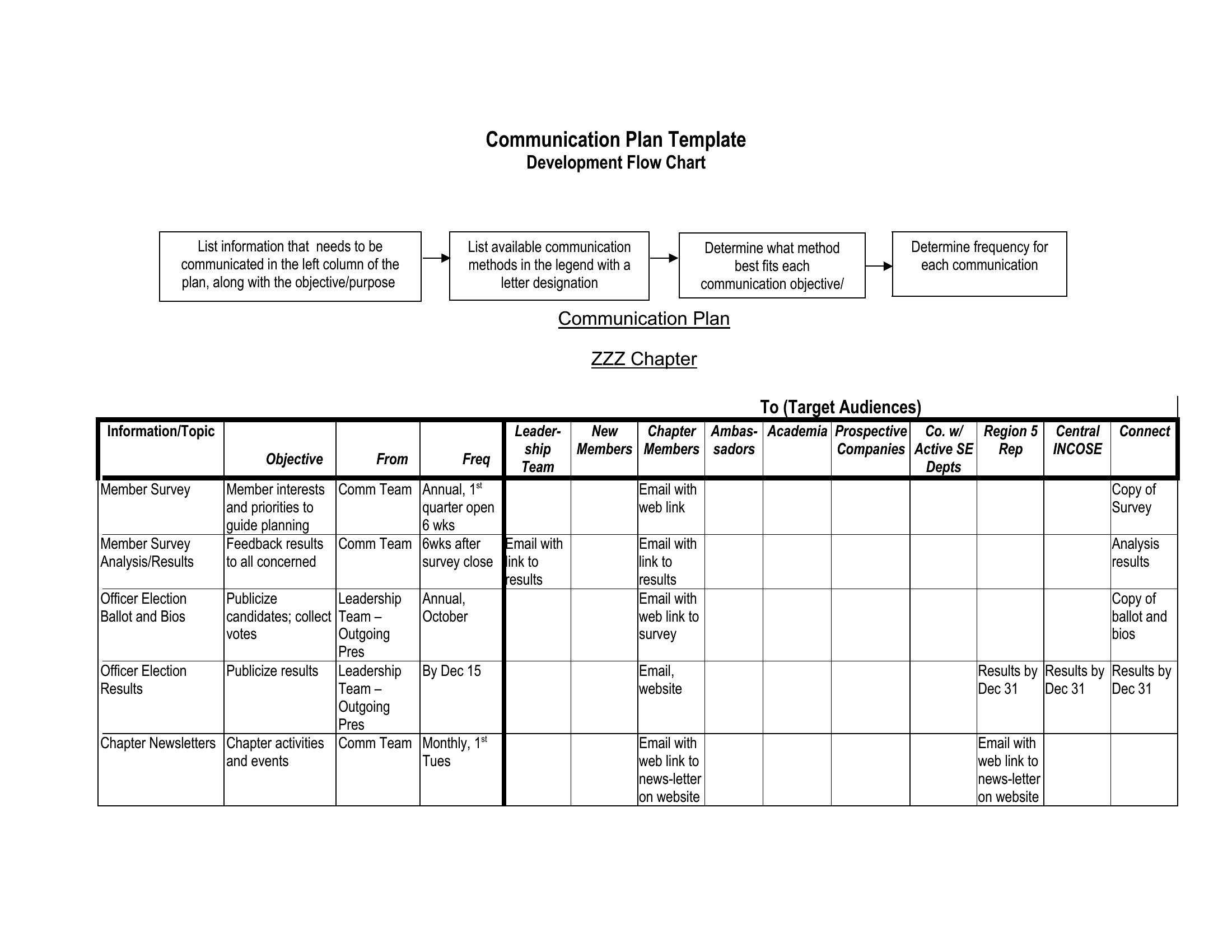
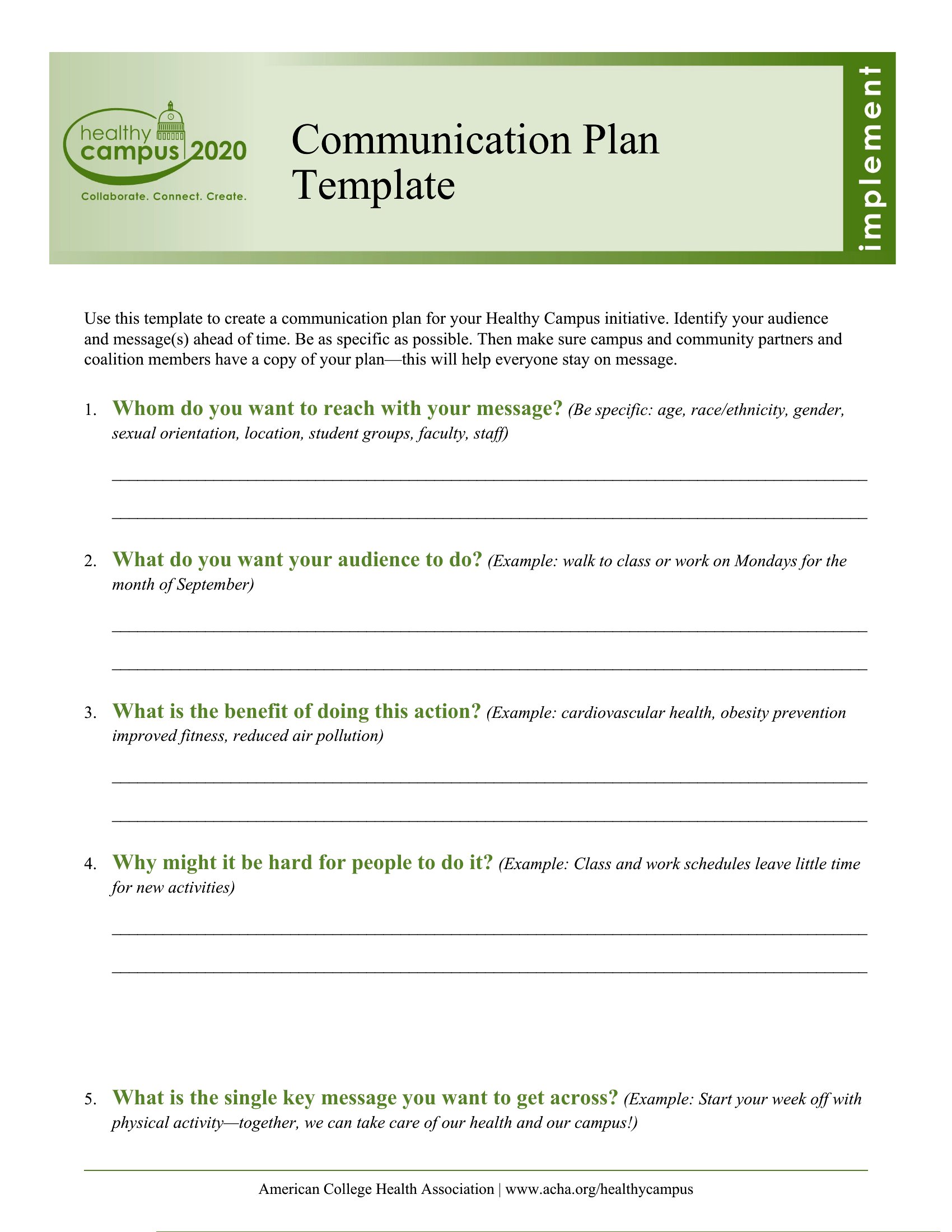
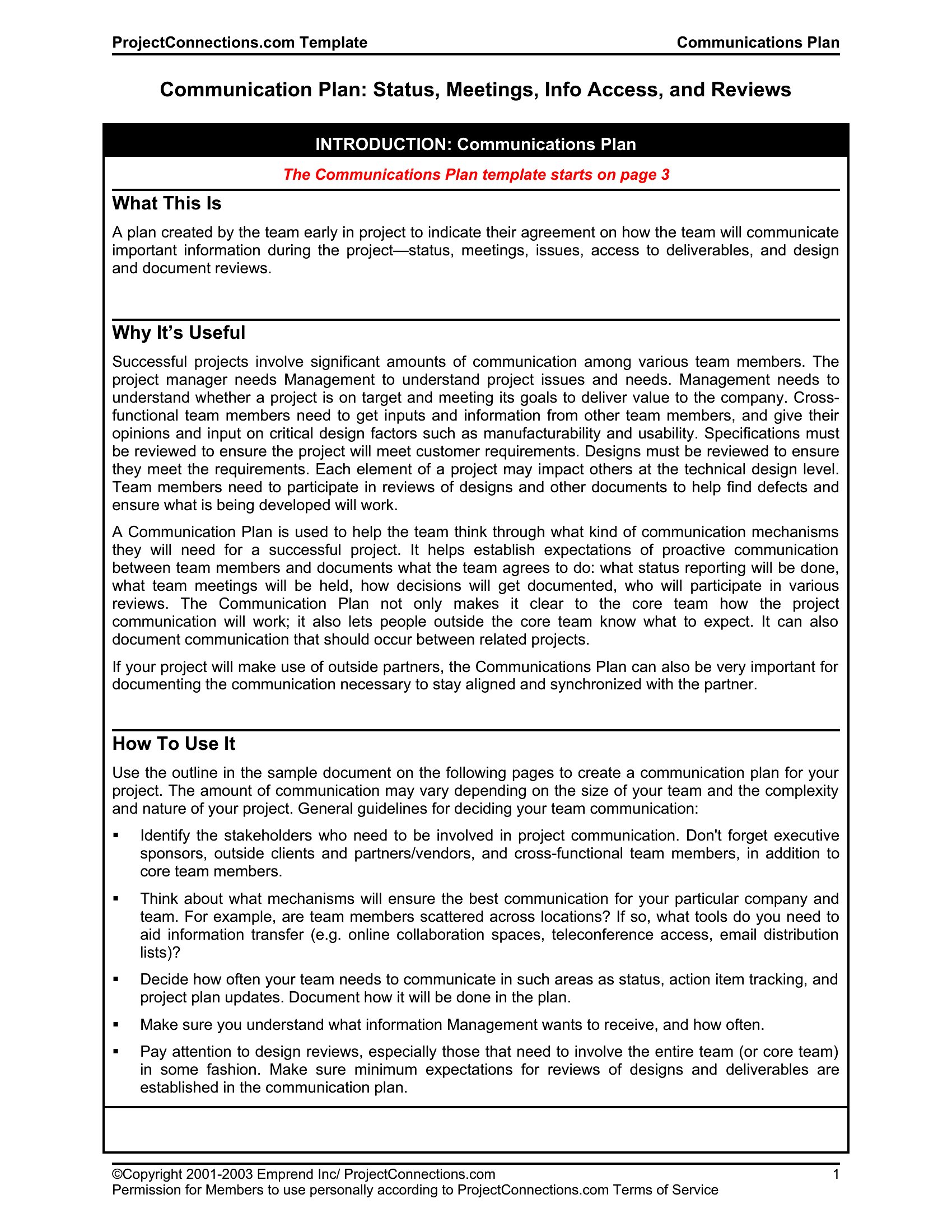
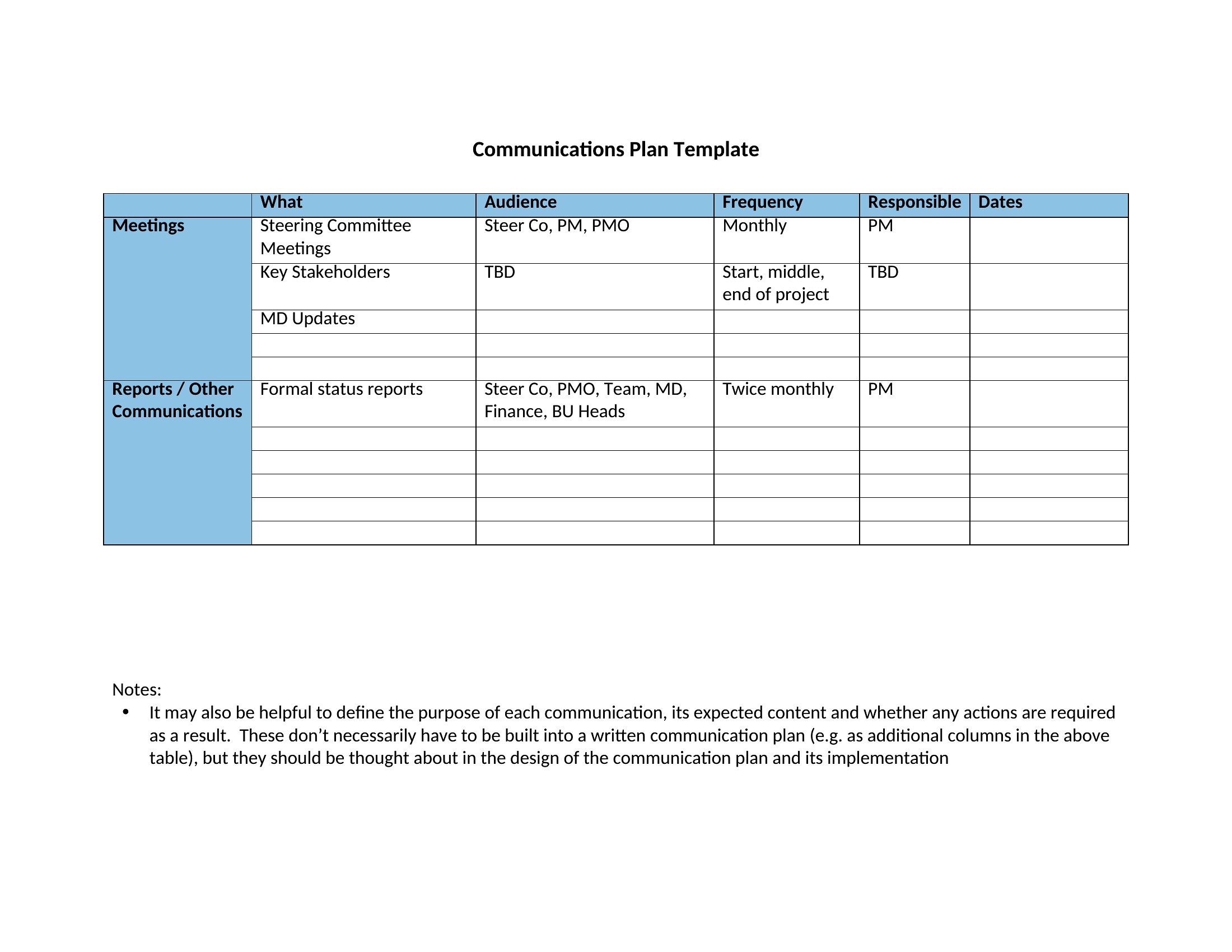
A communication plan keeps everyone informed during a project or a crisis by spelling out who shares what, with whom, and how often. This collection of 49 templates covers internal updates, project communication, and crisis messaging that managers rely on to avoid mixed signals. Project leads and PR teams can map out their messaging before things get hectic.
The templates open in Word for easy editing, so you can list your audiences, channels, and timing, then adjust as the project evolves. Print it for a kickoff meeting or keep it as a shared reference. Download the plan that fits your needs and get everyone on the same page from the start.
When to use this Communication Plan template
- Project managers launching a new product must align engineering, marketing, and customer support teams—this plan clarifies deadlines for each update and ensures no one is caught off guard by last-minute announcements.
- A nonprofit’s executive director needs to coordinate between board members, volunteers, and donors during a high-profile fundraising campaign, so every stakeholder receives consistent messaging about goals and progress.
- HR leaders rolling out a company-wide policy change should use this to outline training sessions, FAQs, and internal FAQs to employees, reducing confusion and rumors before the rollout.
- A startup’s crisis response team needs a template to assign spokespeople, draft key messages, and schedule updates to media and investors during a product launch gone wrong.
Which format should I download?
All templates in this collection are available exclusively in Word, which is ideal for teams who need flexible, editable documents. Word’s familiar interface lets you easily customize messaging, add brand logos, or adjust formatting to match internal style guides. It’s also the best choice if you plan to share the plan with stakeholders who may not use specialized software—Word files open universally across devices. If you’re working in a controlled environment where tracking changes or version control is critical, Word’s built-in tools make it simple to collaborate in real time or review edits before finalizing the plan.
Choose from 49 Communication Plan Templates
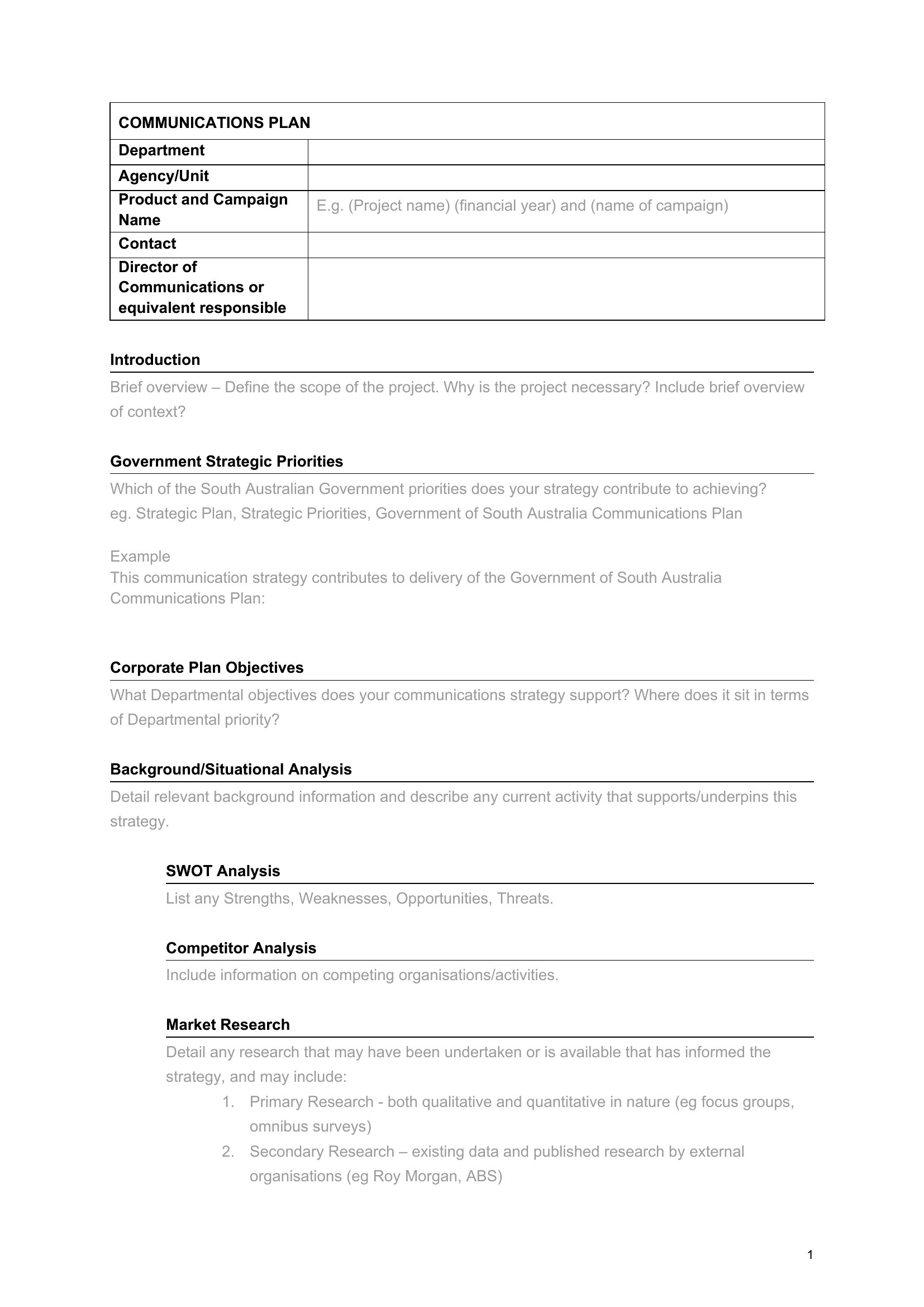
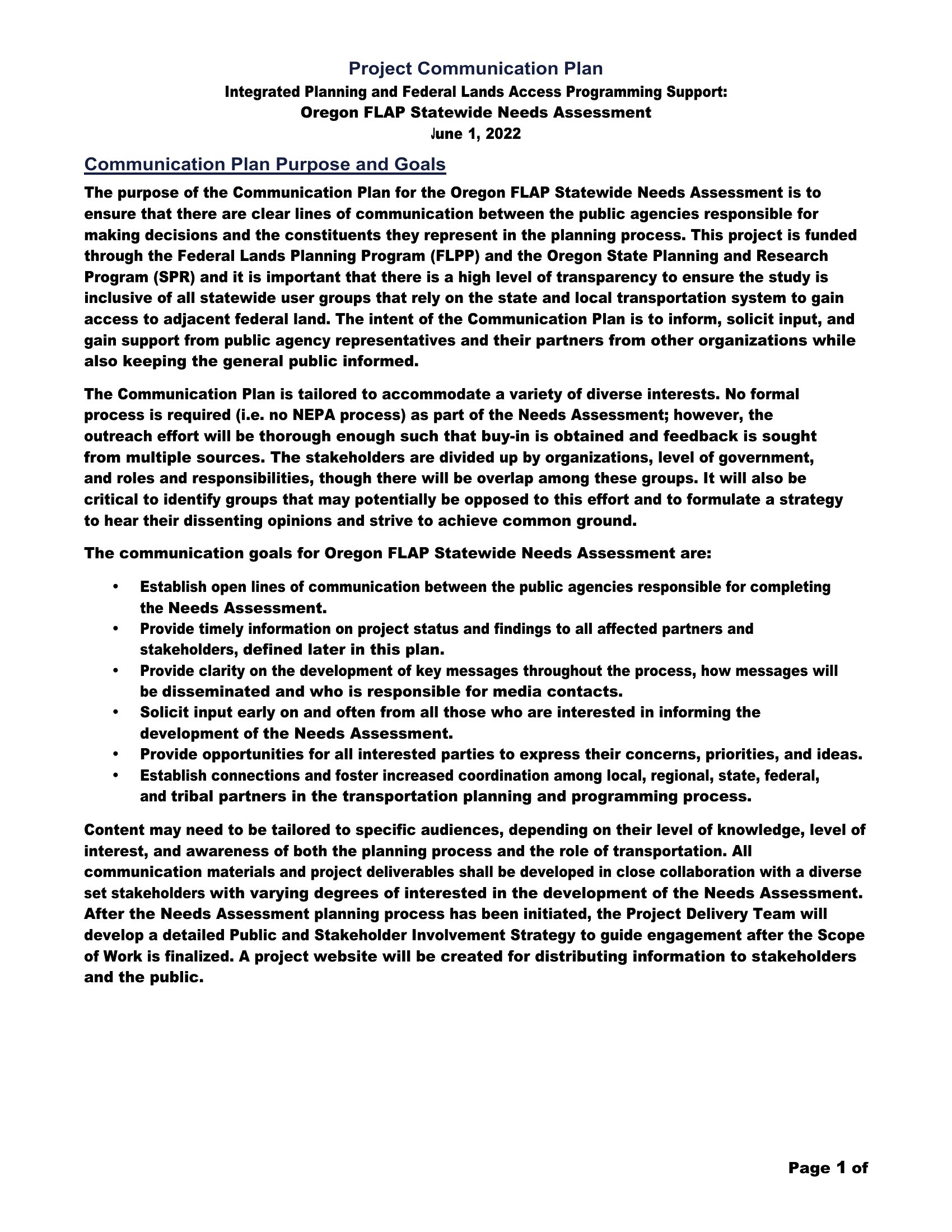
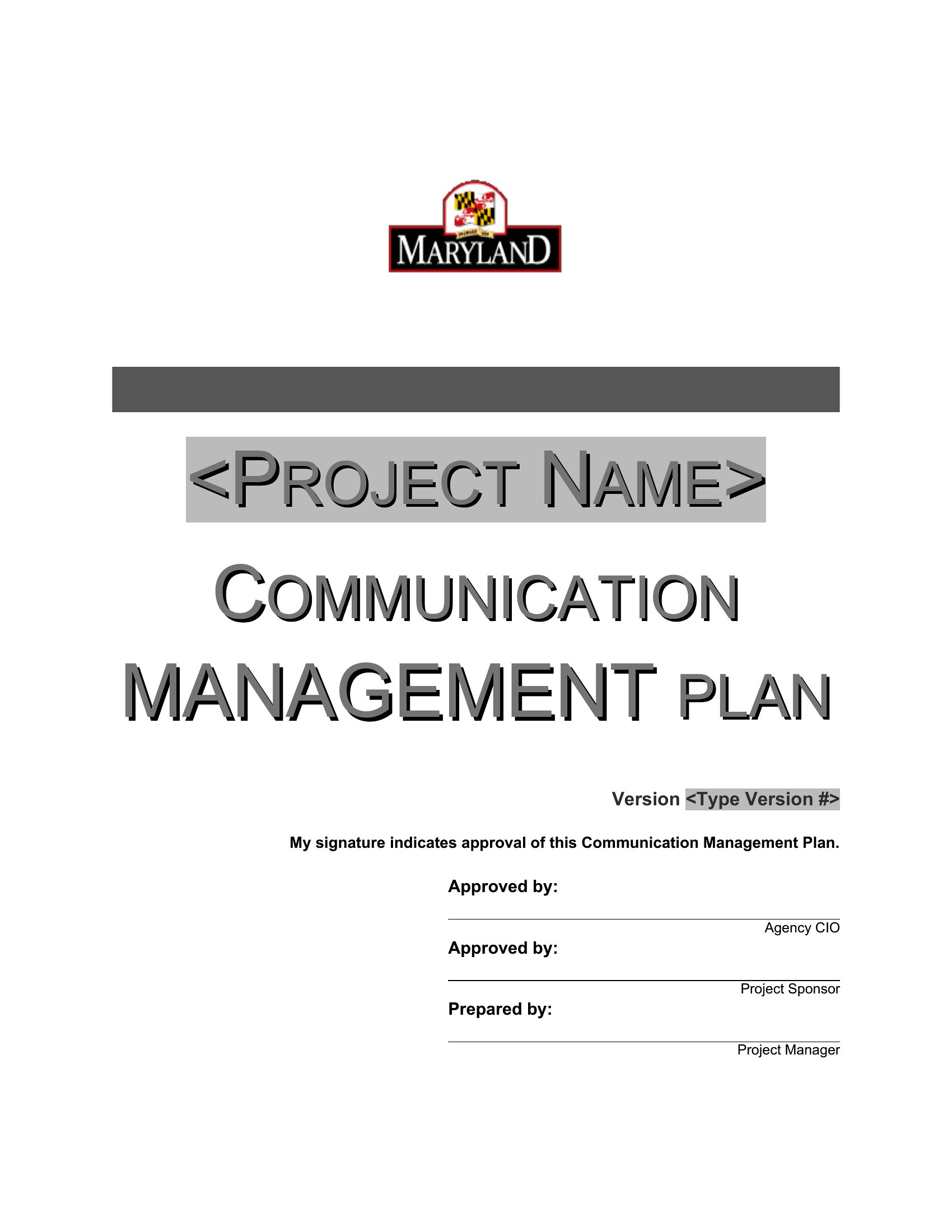
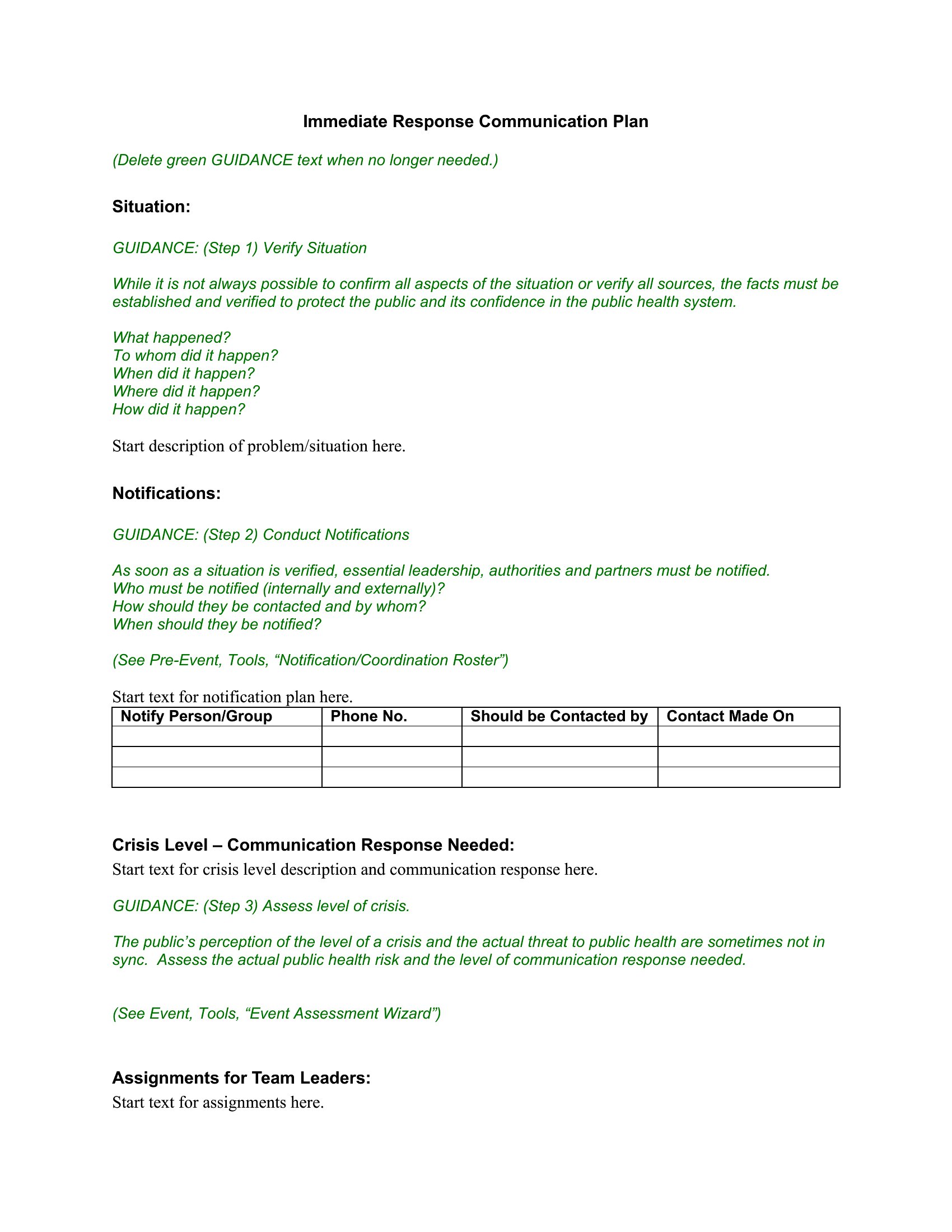
Communications Plan
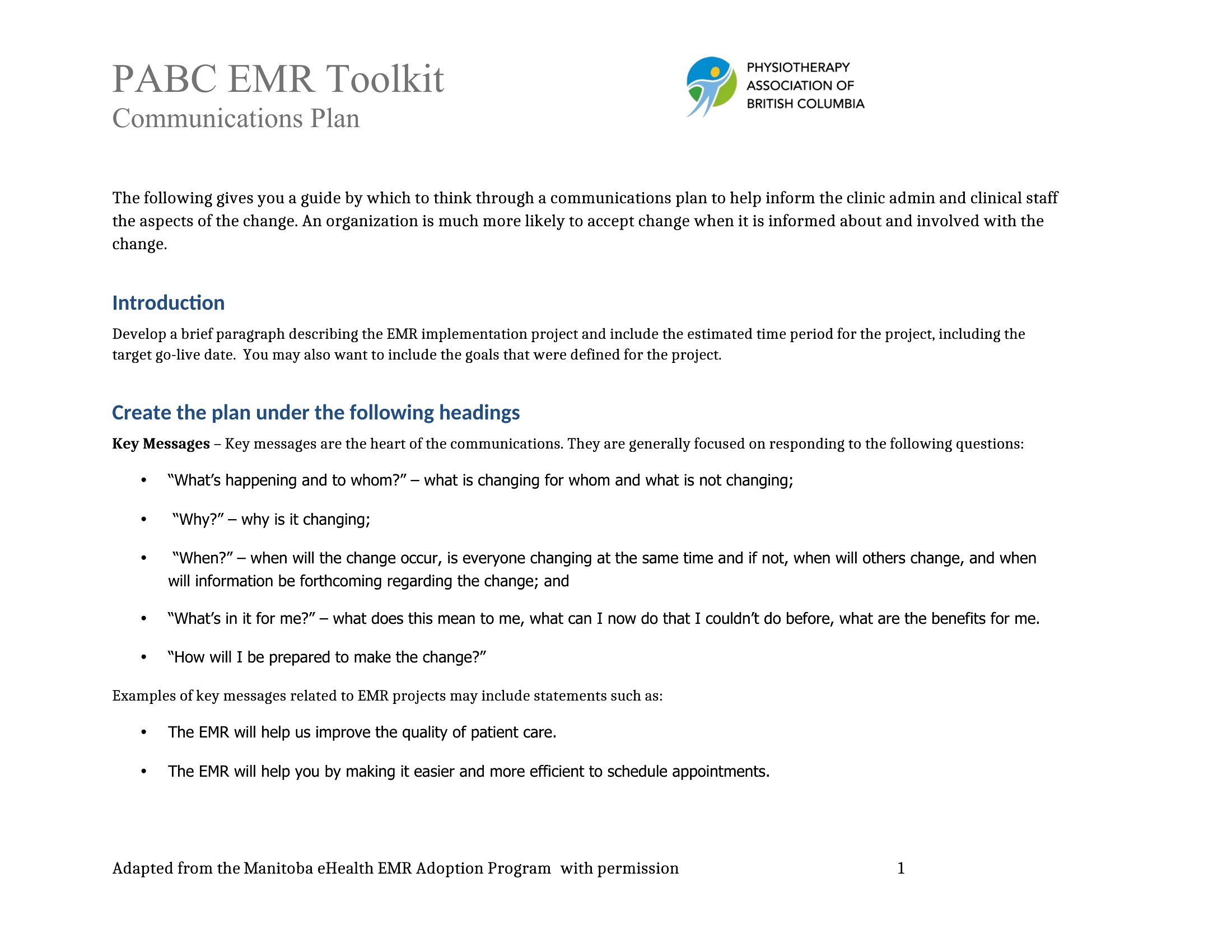
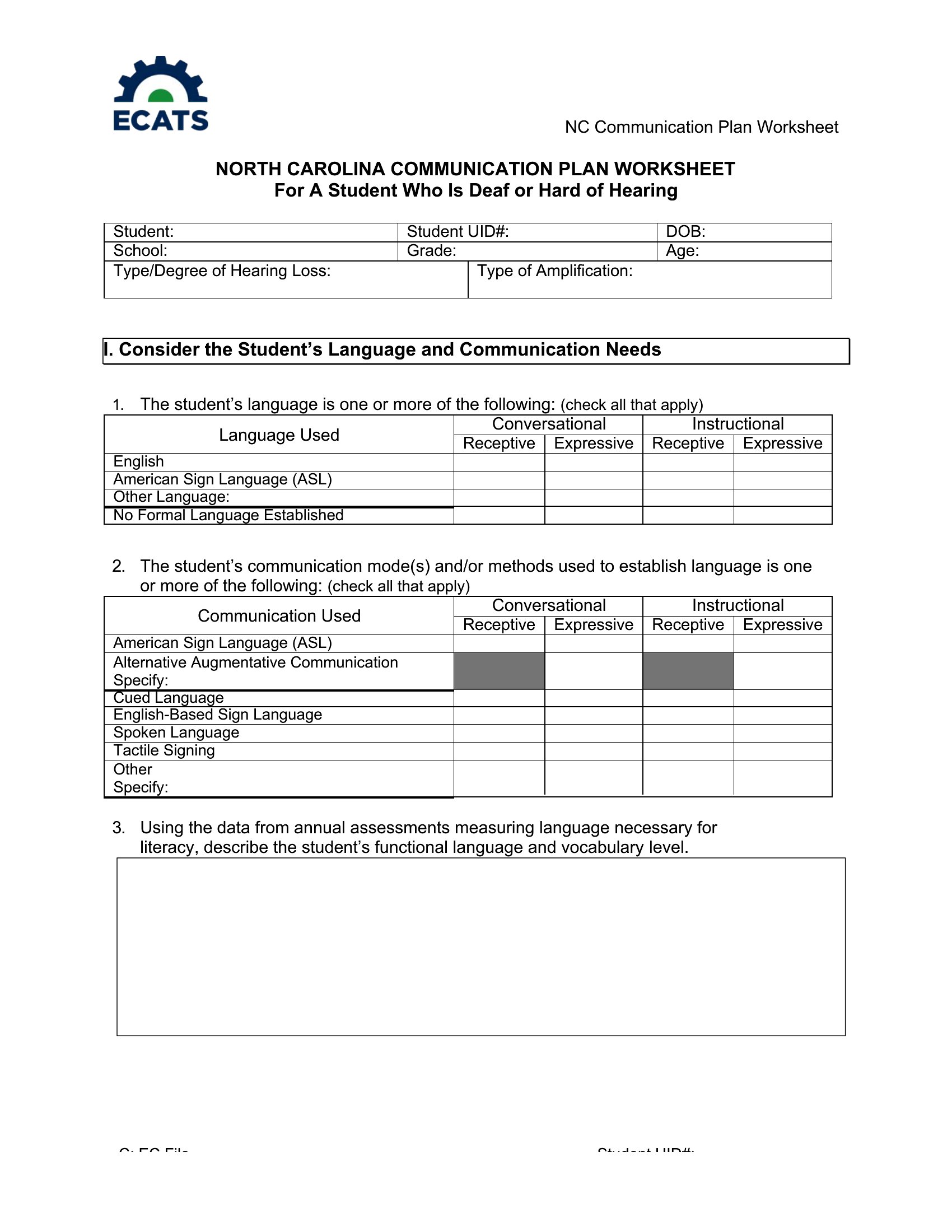
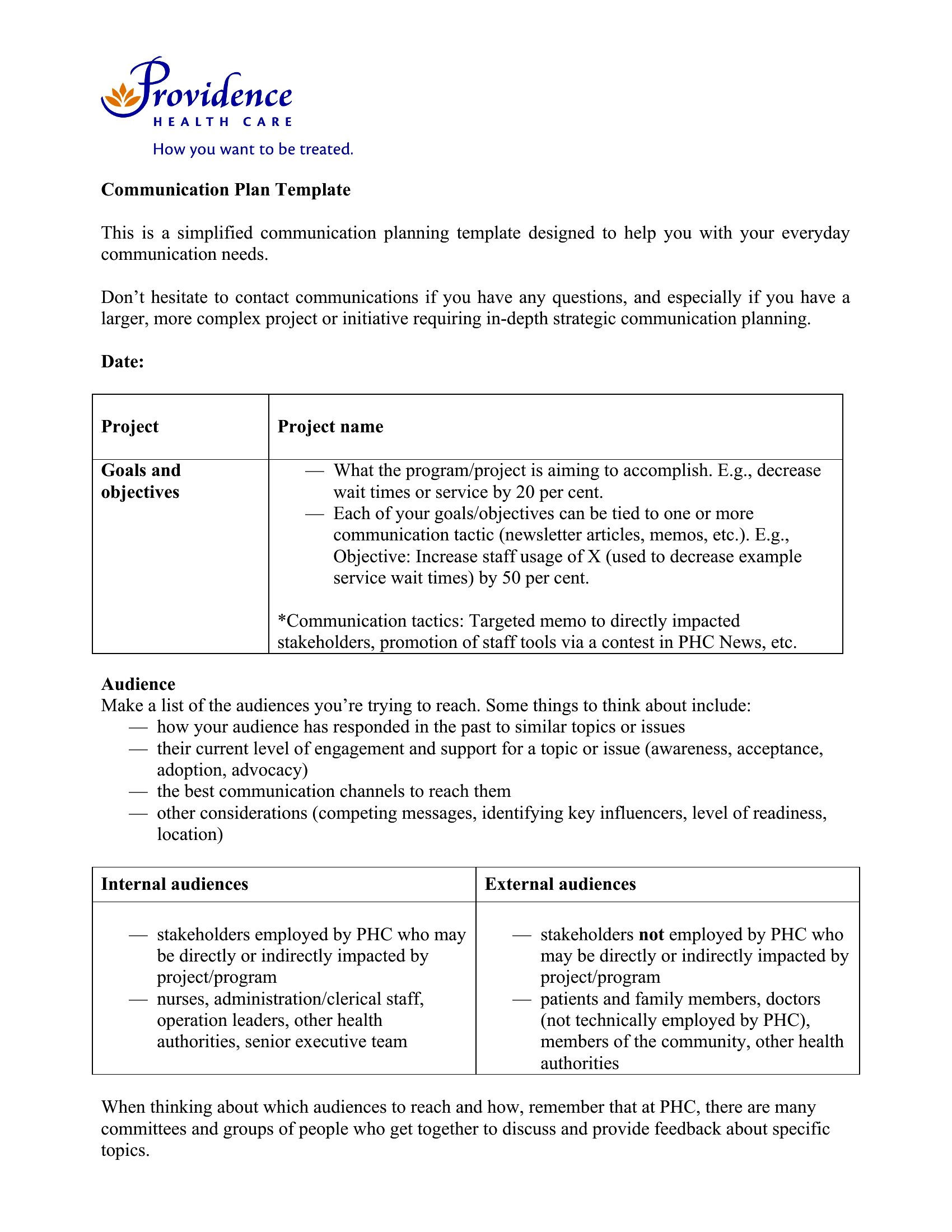
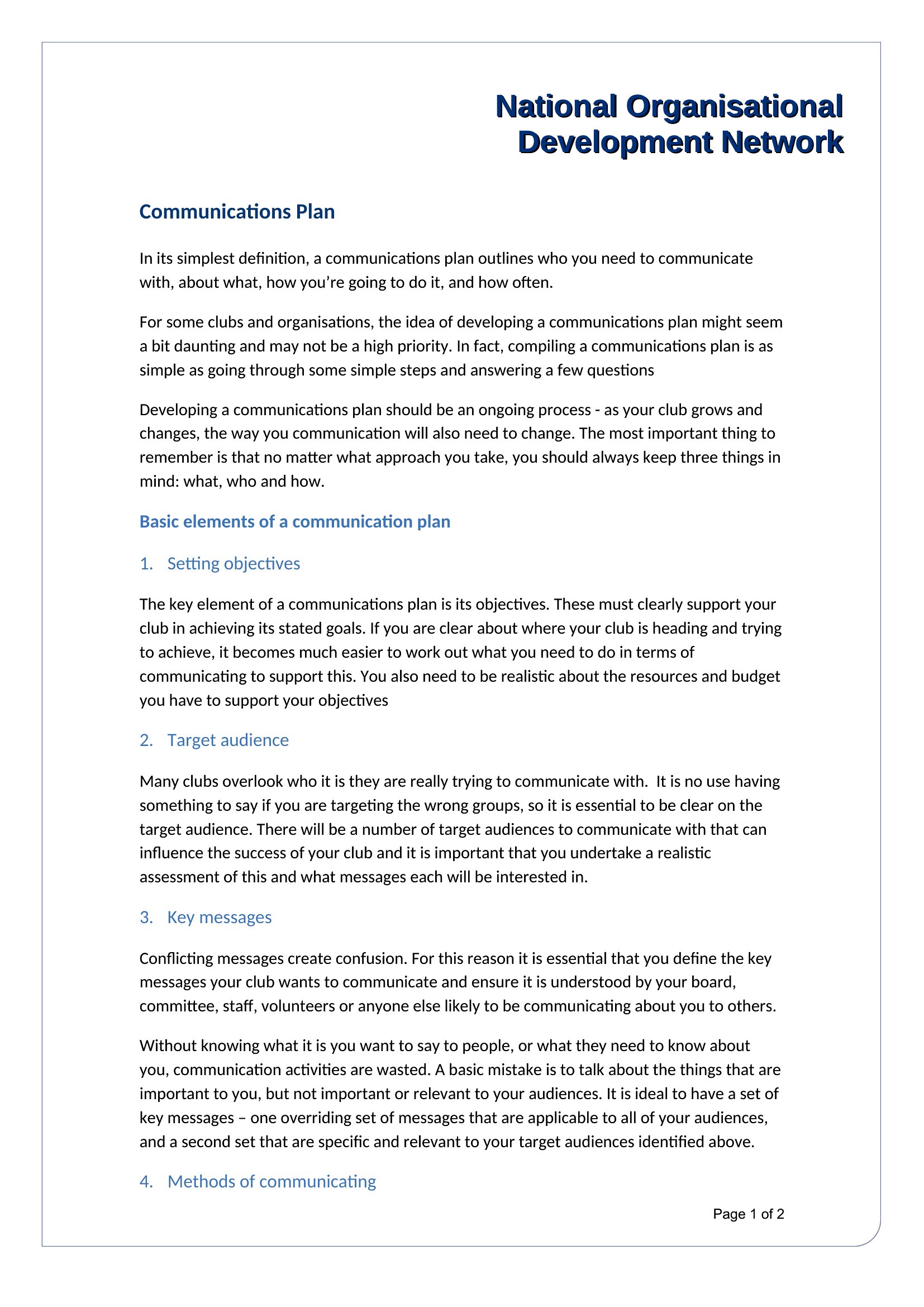
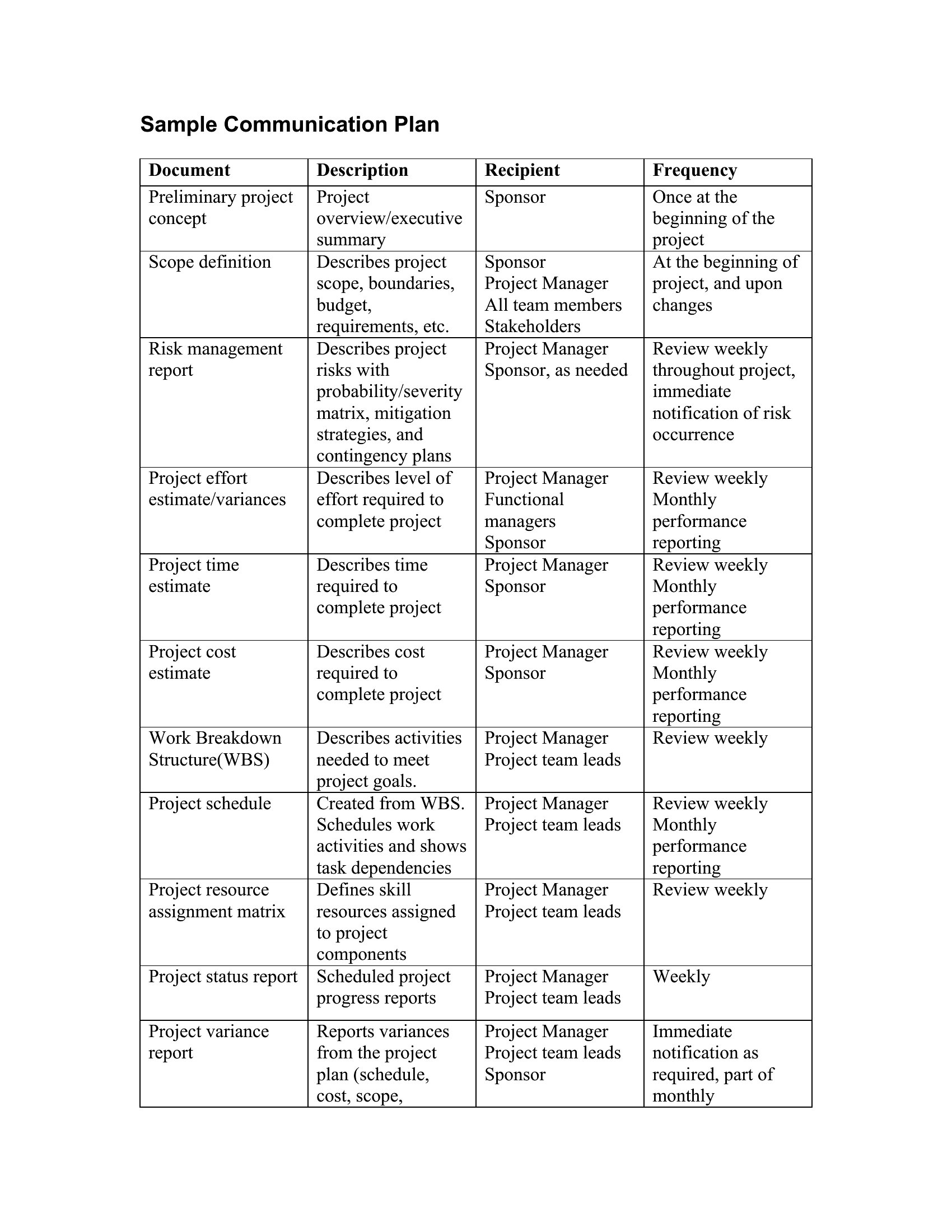
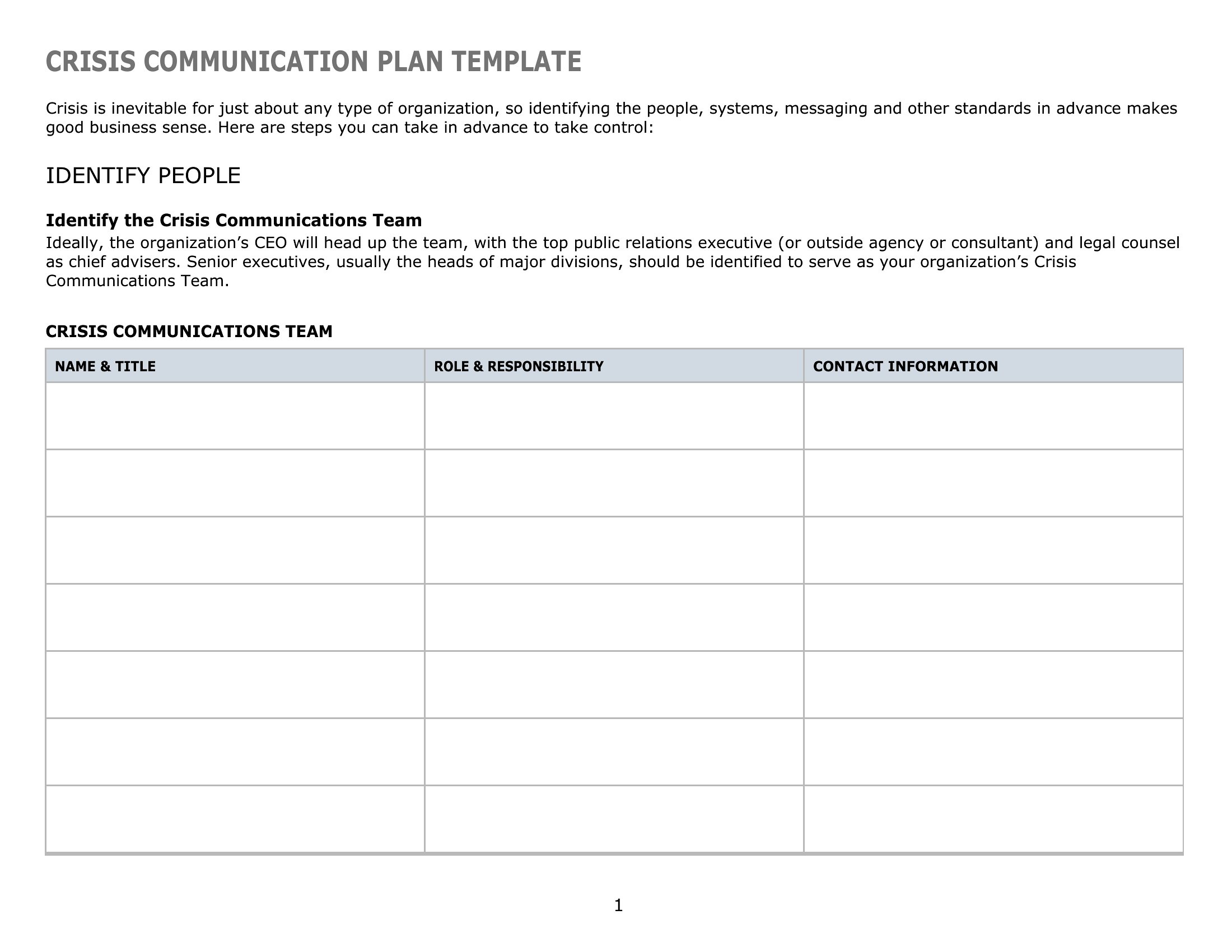
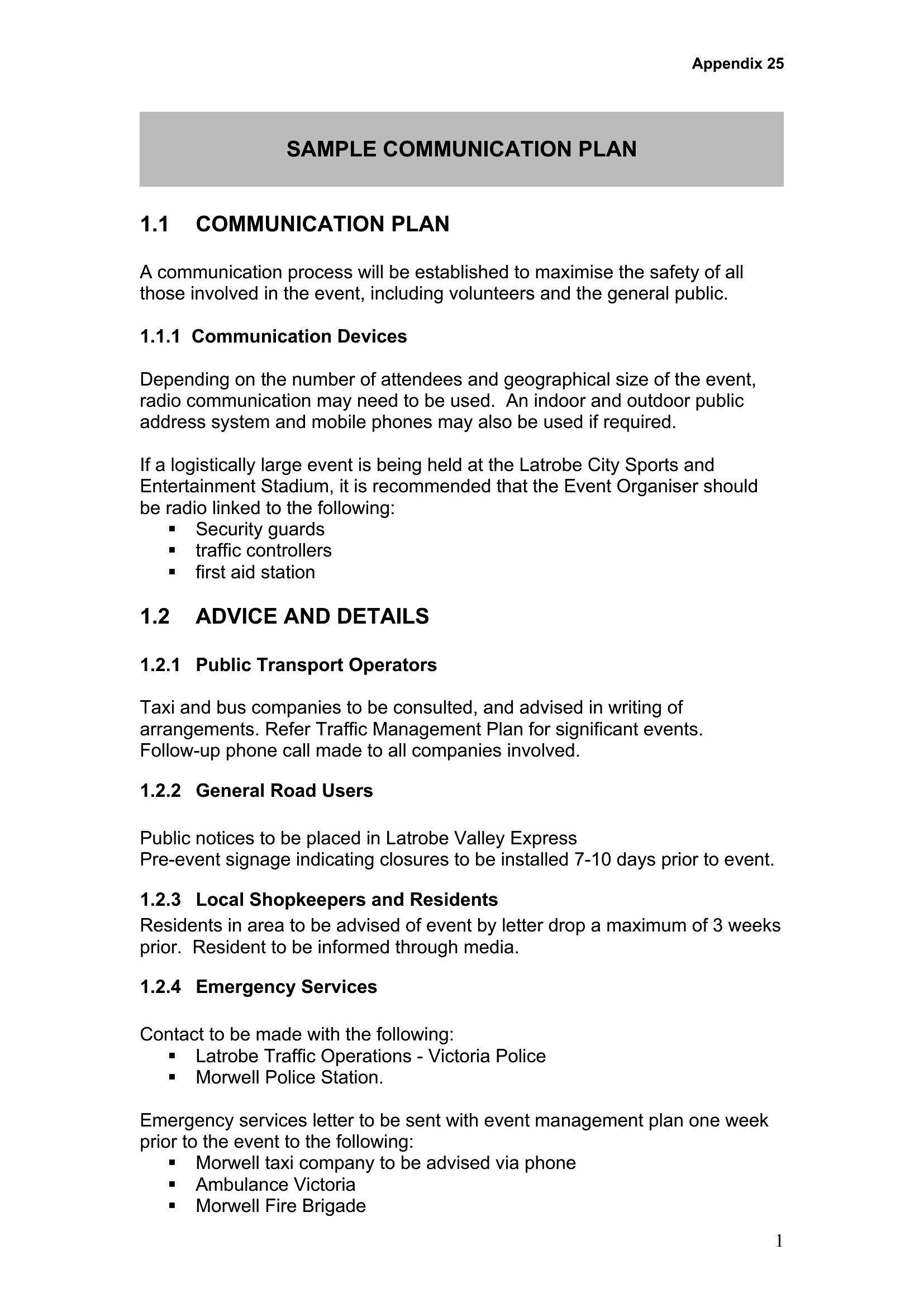
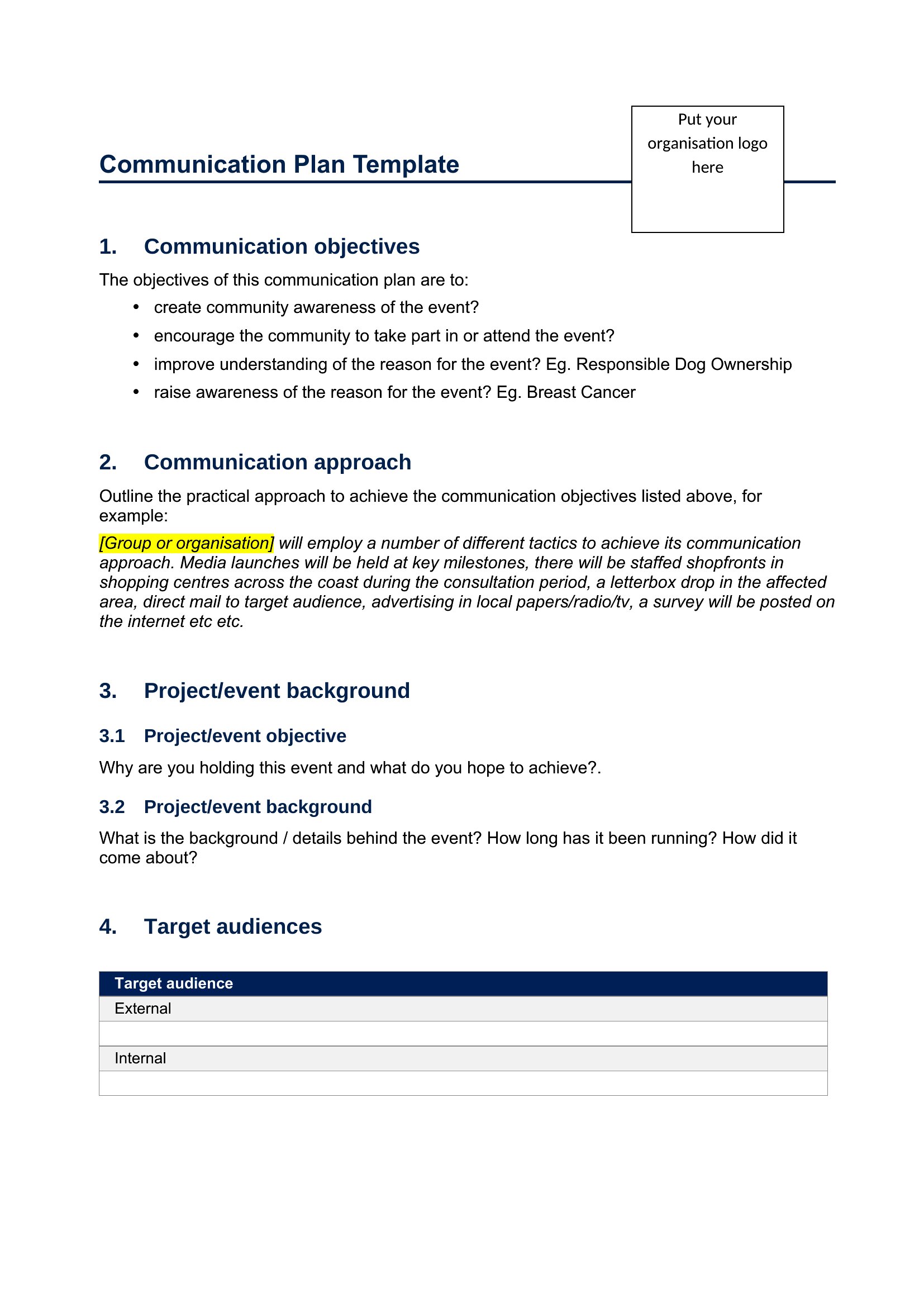
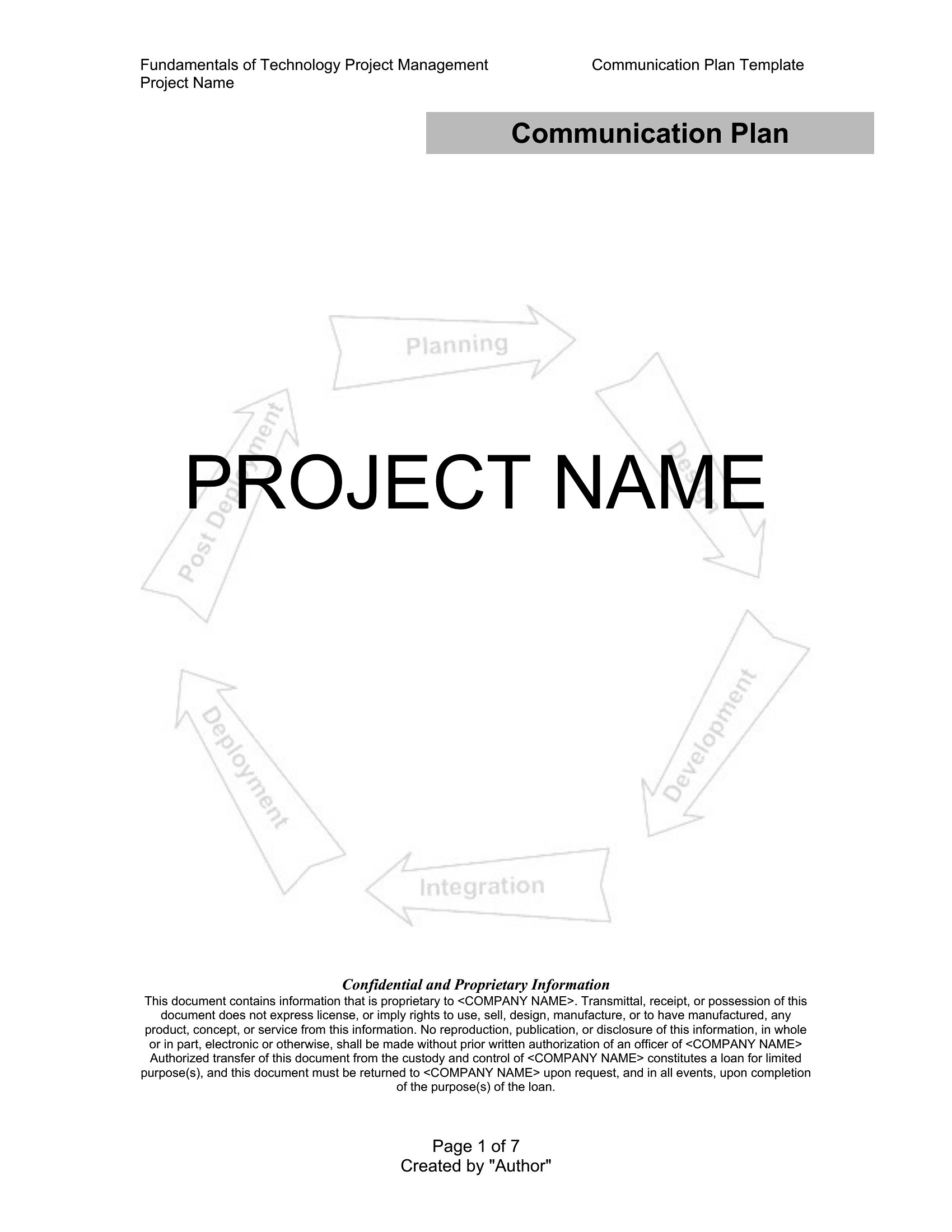
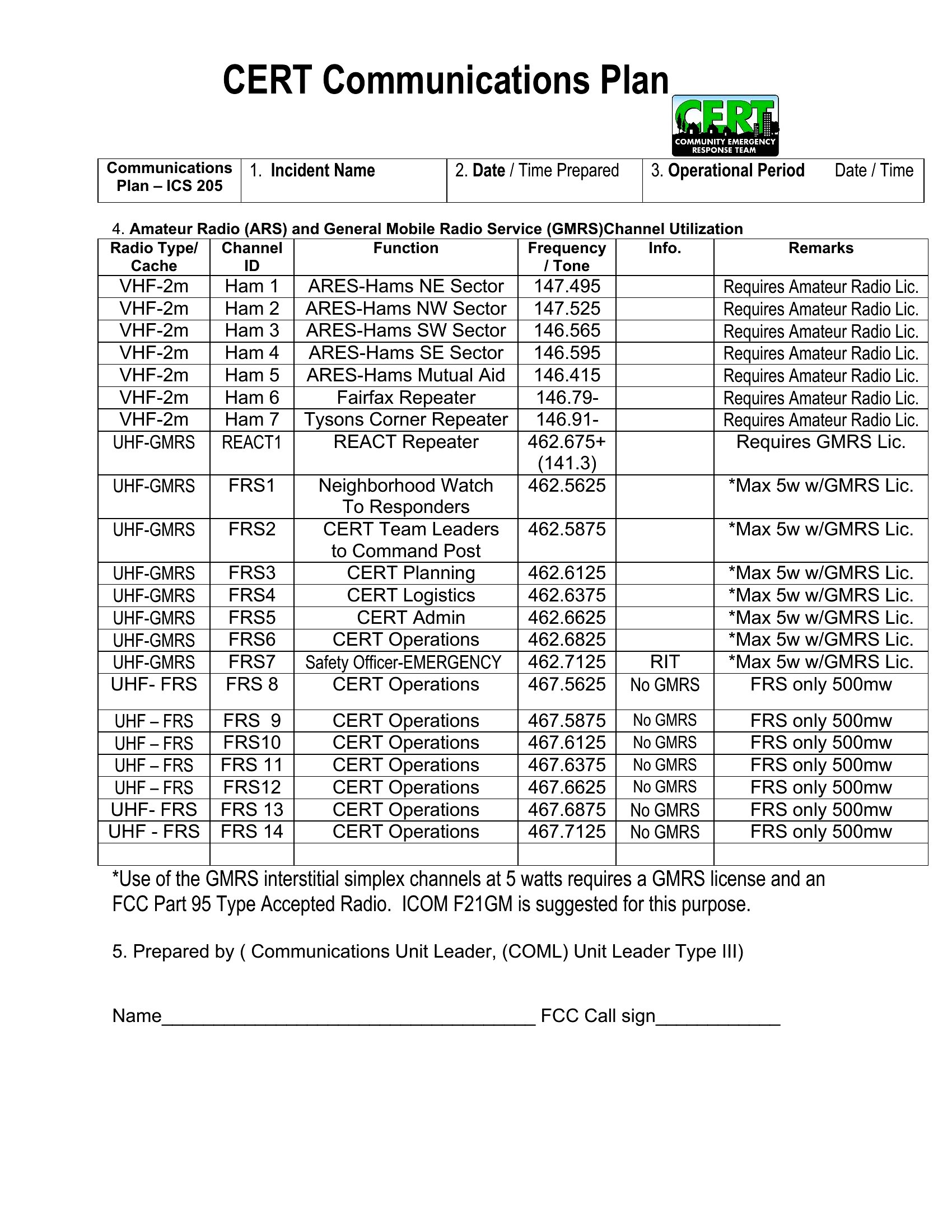
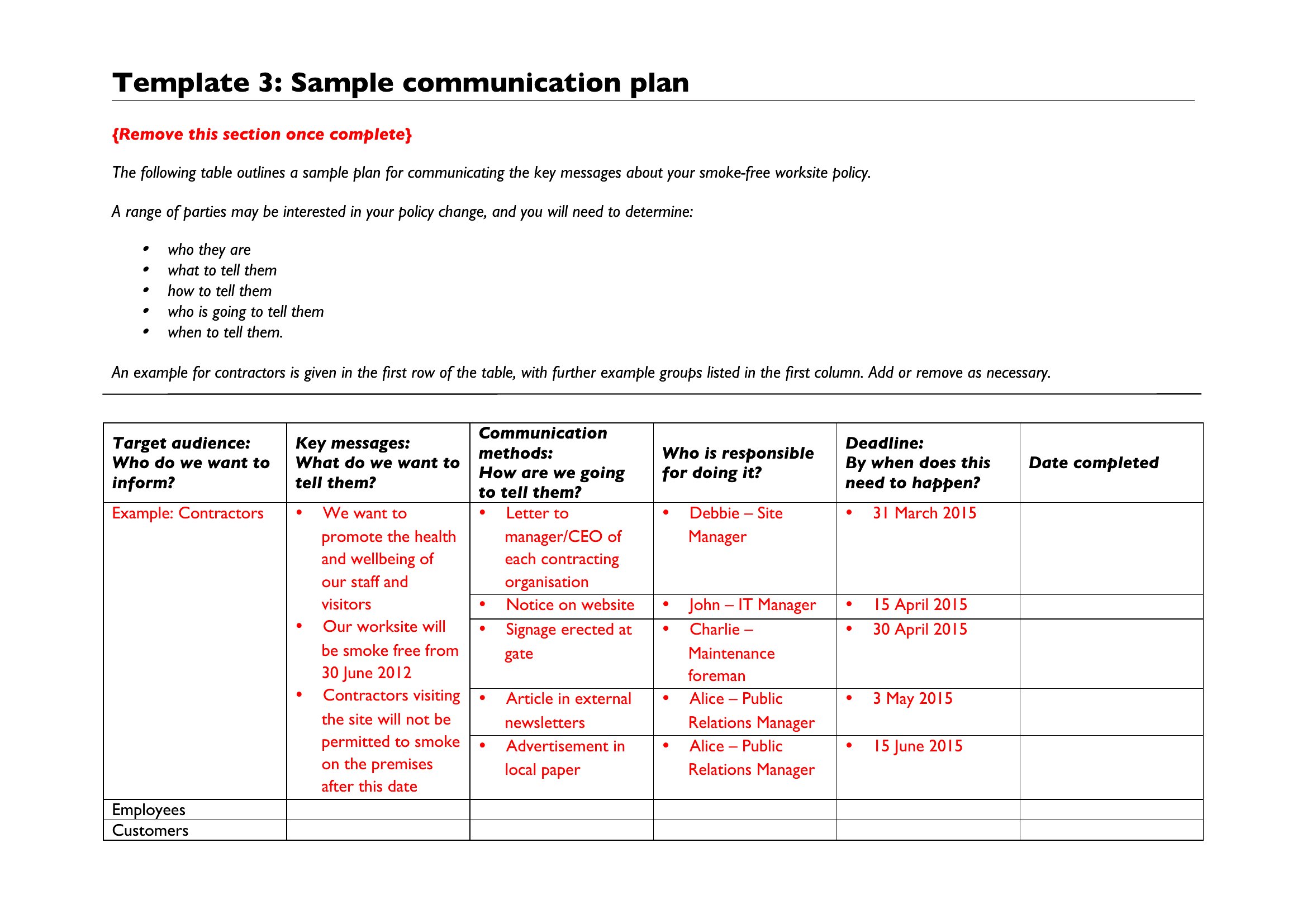

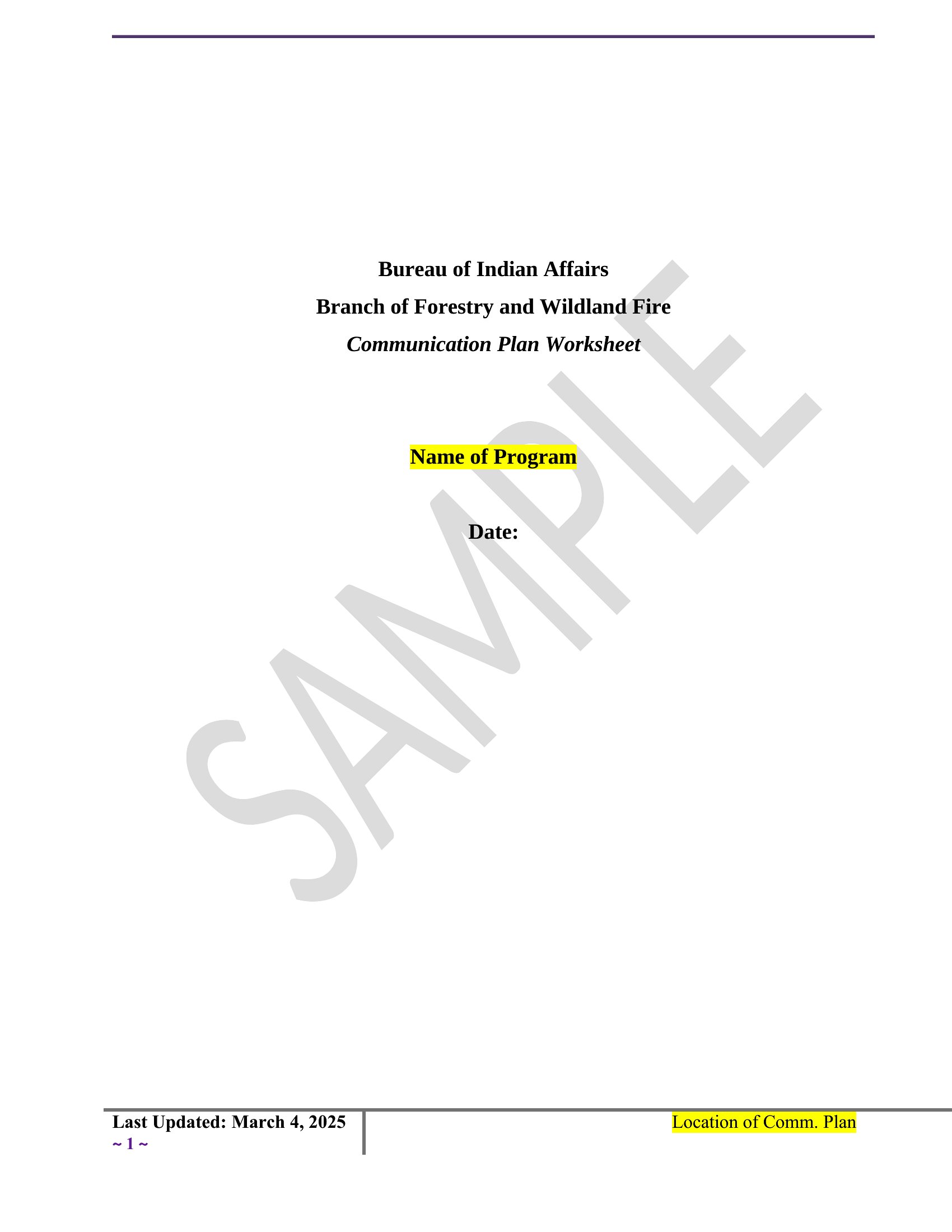
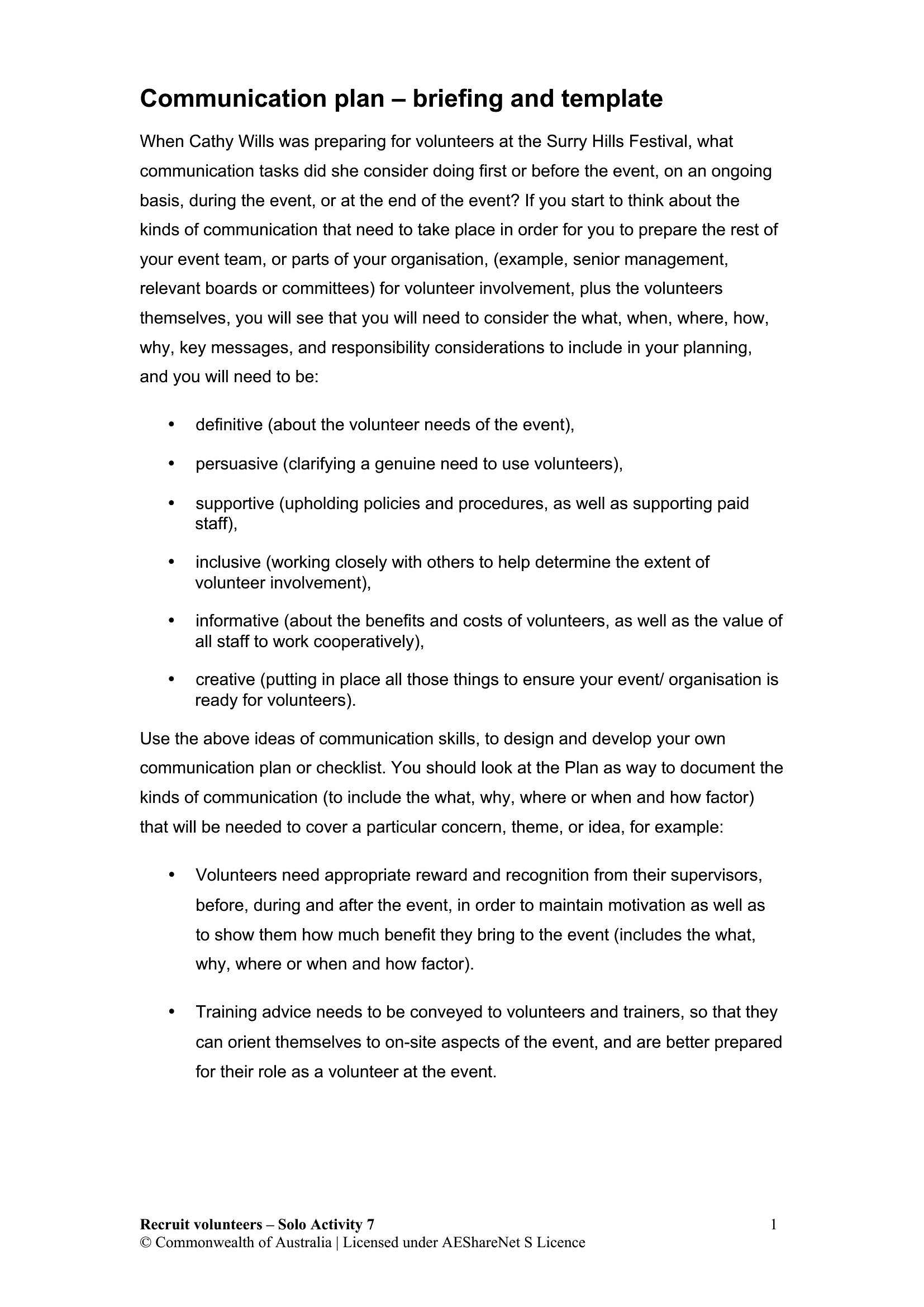
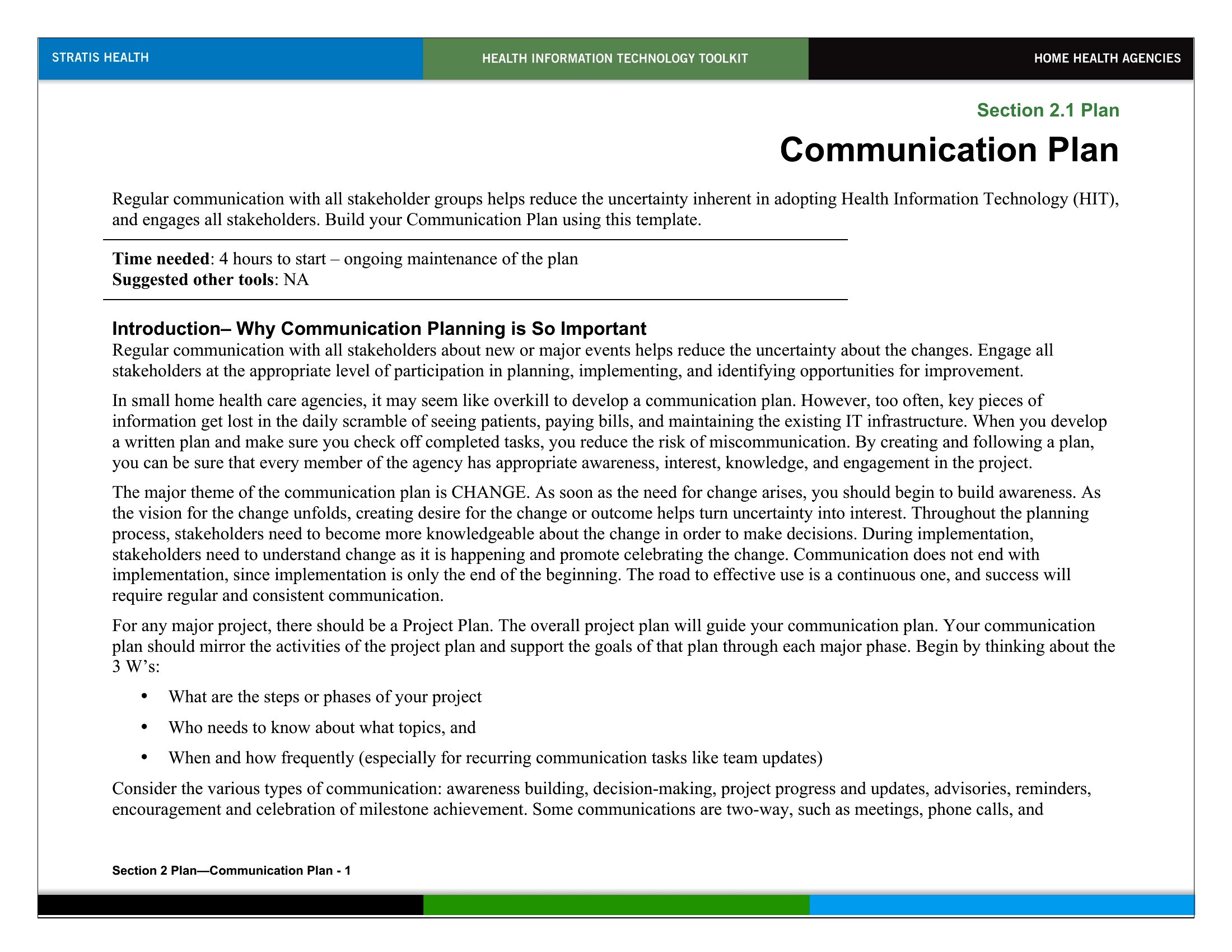
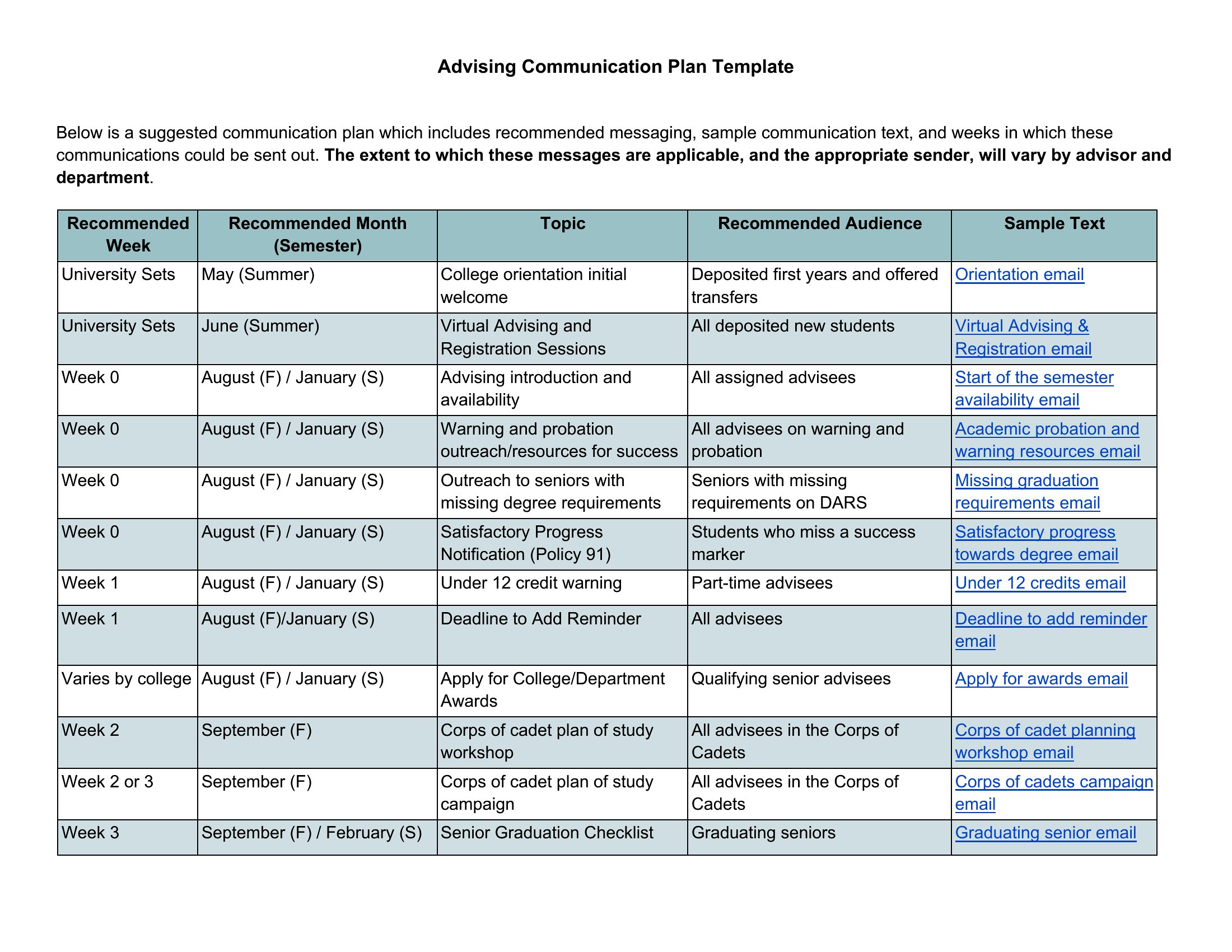
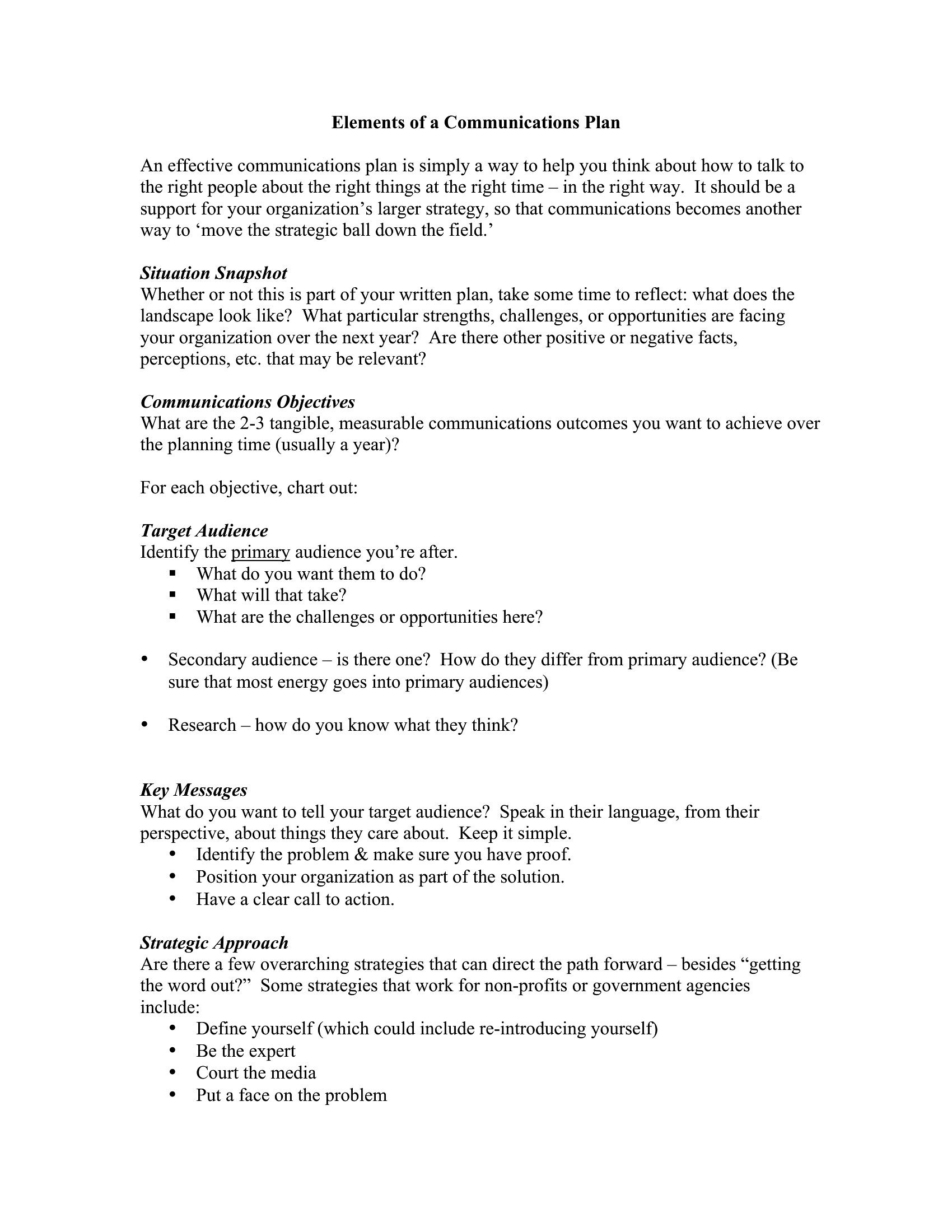
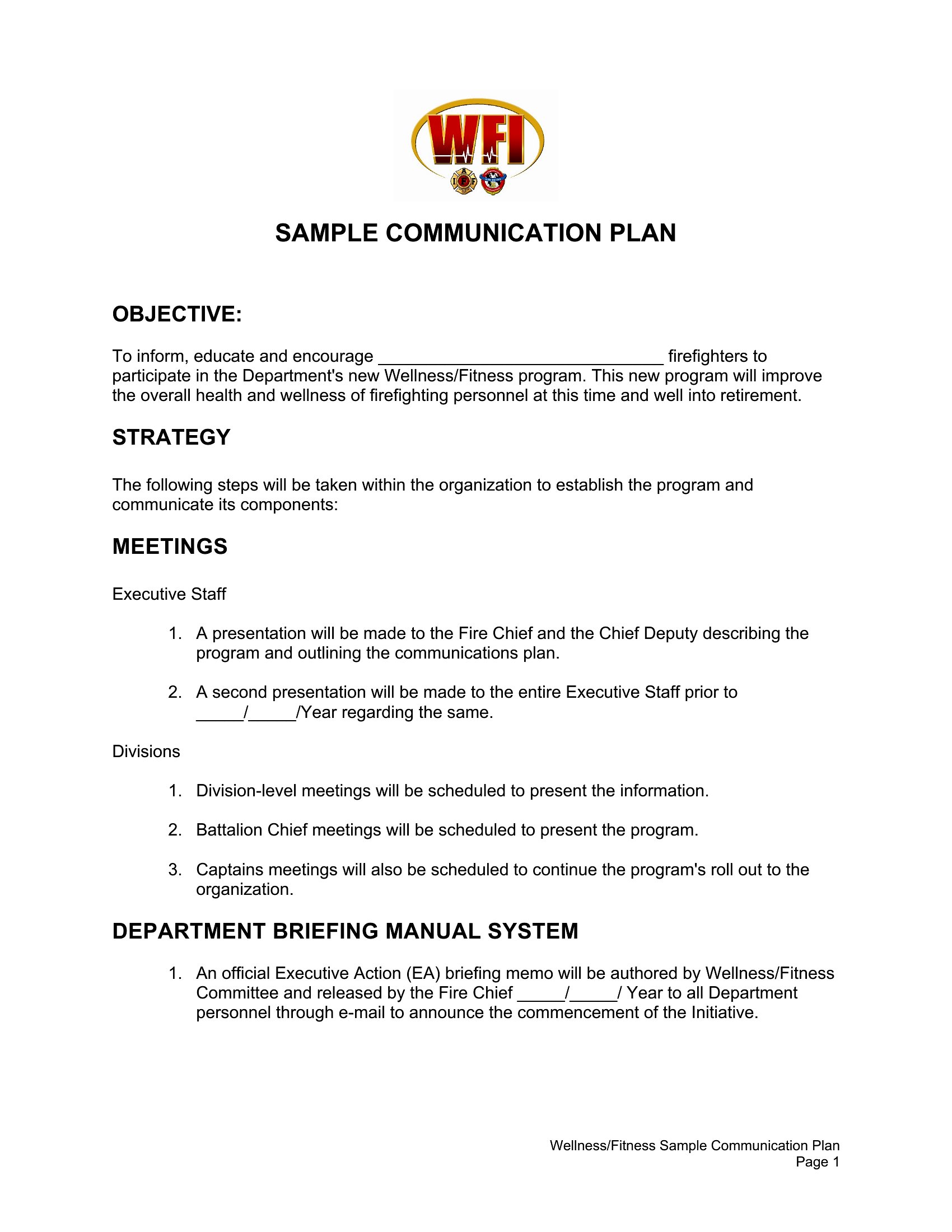
Communication Plan
How to use this Communication Plan template
How do I decide which communication plan template fits my team’s needs?
Look for a template that matches your primary goal—whether it’s internal updates, stakeholder alignment, or crisis response. For example, use a ‘Project Communications Plan’ if you’re managing a team with multiple deliverables, or a ‘Crisis Communications Plan’ if you need structured messaging for urgent situations. The sample names in the collection often include keywords that signal their focus, like ‘stakeholder’ or ‘internal,’ to help you narrow it down.
Can I use these templates to outline both routine updates and emergency messaging?
Yes, many templates in this collection are designed to be adaptable. For instance, a ‘Project Communications Plan’ can include sections for regular status meetings while also reserving space for contingency updates. The key is to start with a template that aligns with your most frequent need, then expand it by copying relevant sections from other templates—like adding a ‘Crisis Communications Plan’ template’s messaging framework if you anticipate disruptions.
What’s the best way to involve team members in refining the communication plan?
Assign specific sections to team leads based on their areas of expertise—like asking the PR team to review messaging or the tech team to confirm deadlines. Use Word’s ‘Track Changes’ feature to gather input without overwhelming the document. Once feedback is incorporated, save a final version and archive earlier drafts for reference. This keeps the plan collaborative while maintaining a clear, actionable record.
Comments
Join the conversation
Sign in to share your thoughts and leave a comment on this resource.