
Free Training Certificate Templates (Word)
Business by liesawortmann
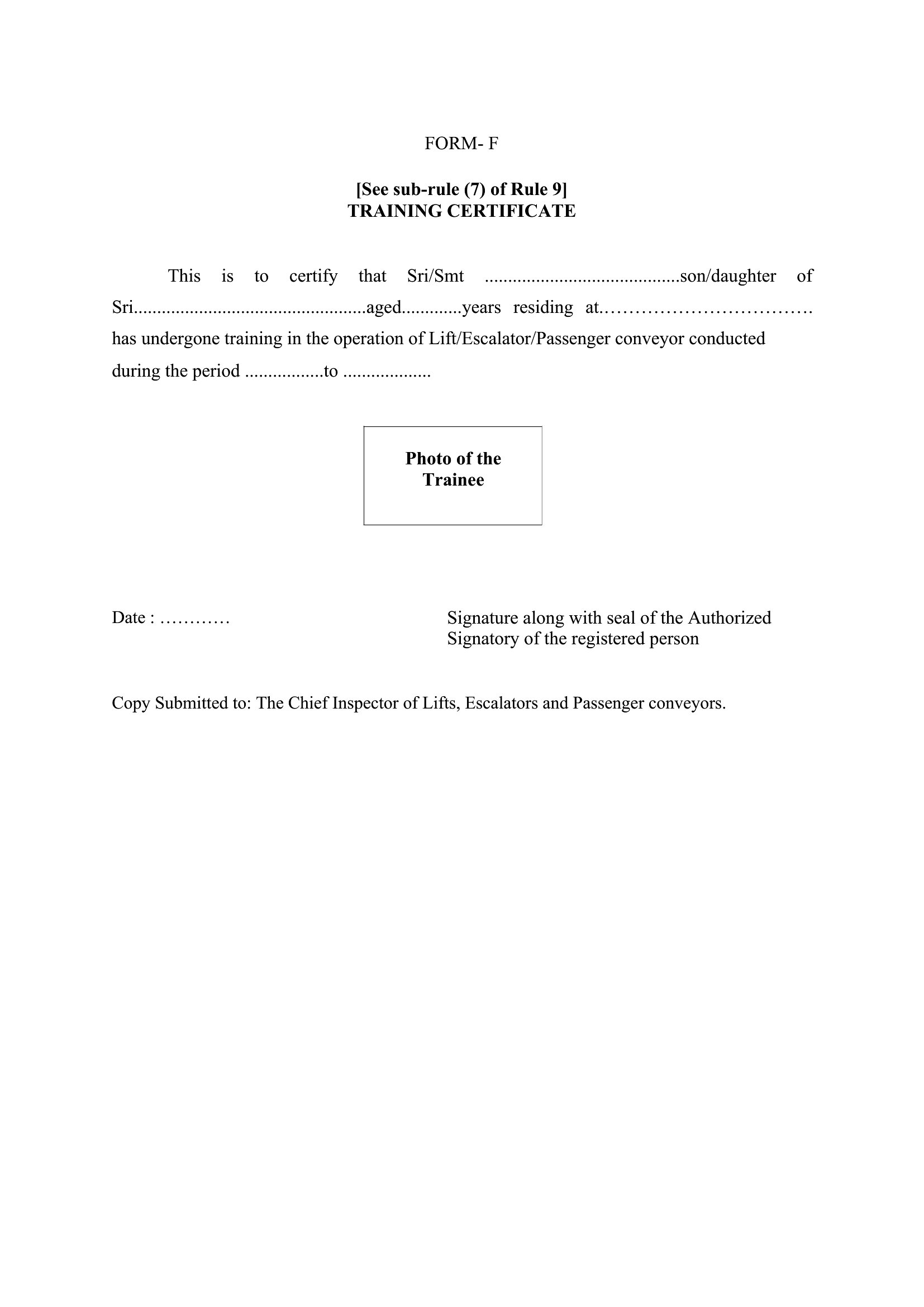
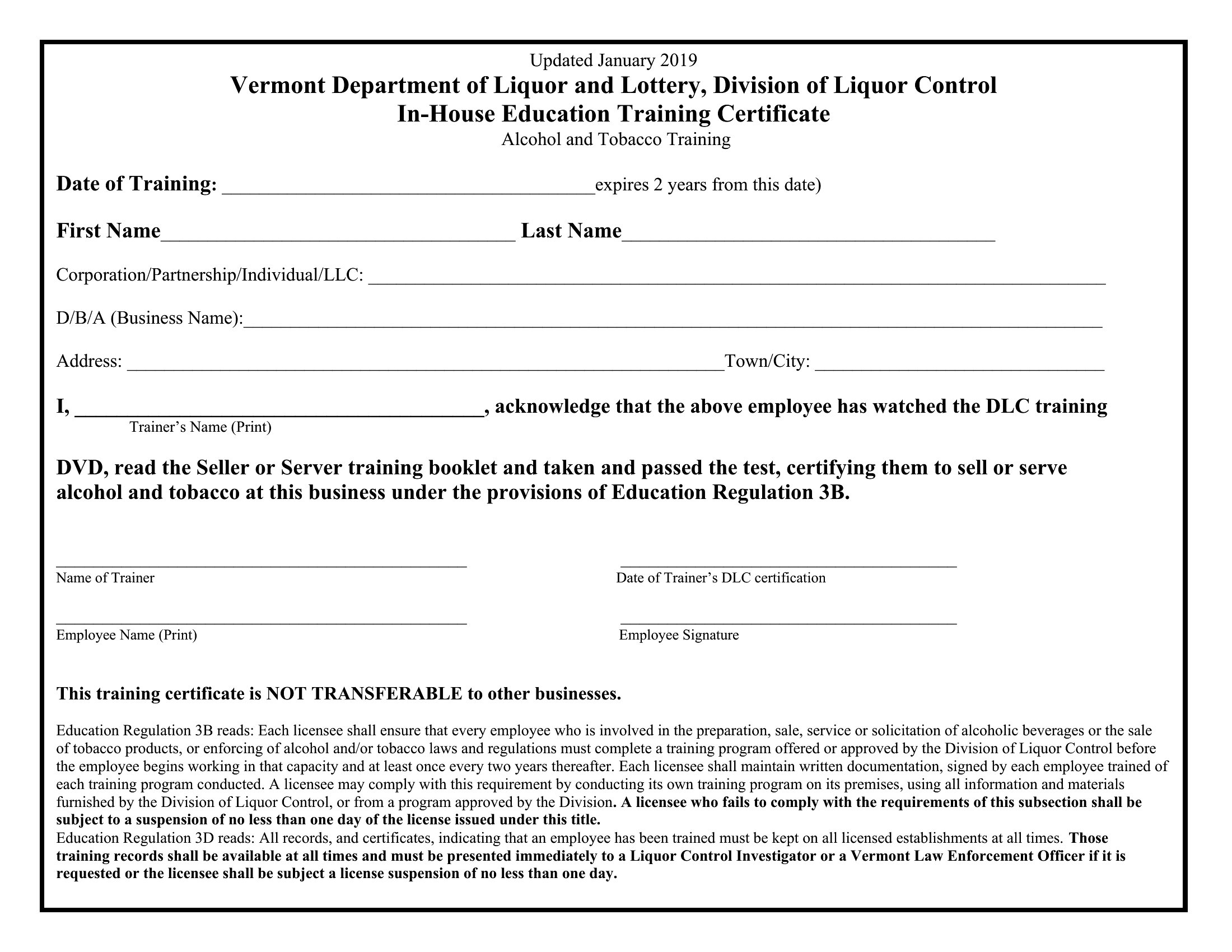
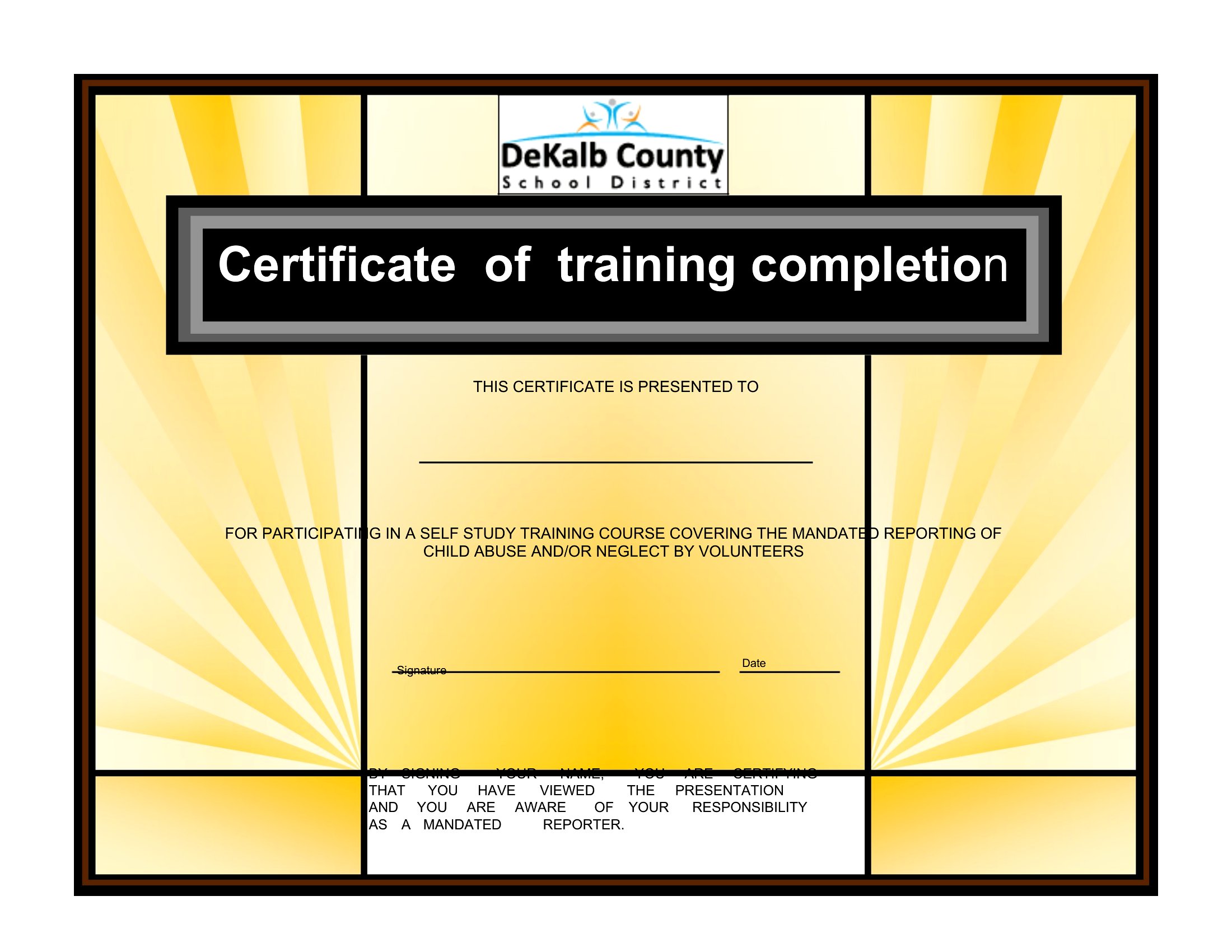
Handing out a certificate at the end of a course gives participants something to show for their effort and adds a professional touch to any program. These 39 training certificate templates suit workplace safety sessions, workshops, and skills courses. Trainers, HR teams, and course leaders can recognize completion without designing anything from scratch.
The templates are editable in Word, so you can add the recipient's name, the course title, the date, and a signature line in seconds. Print them on plain or heavier stock for a polished look. Choose the design that fits your program and have certificates ready for the next graduating group.
When to use this Training Certificate template
- Small business owners issuing completion certificates for in-house training programs to reinforce professional development and employee engagement.
- Corporate HR teams recognizing attendance at mandatory compliance workshops, like harassment prevention or cybersecurity, to document participation for records.
- Nonprofit organizers handing out certificates for volunteer training—like fundraiser coordination or crisis management—to validate skills in grant applications or donor reports.
- Trade school instructors awarding certificates for hands-on courses (e.g., welding, bookkeeping) to help students showcase credentials to prospective employers or unions.
Which format should I download?
All 39 templates are available only in Word format, which is ideal because it balances simplicity with customization. Choose Word if you need to edit text, adjust colors, or add your logo without technical barriers. Word’s widespread use also ensures recipients can open and print certificates easily, whether for digital portfolios or physical displays. Avoid other formats—this collection prioritizes accessibility and straightforward sharing.









How to use this Training Certificate template
Can I add a unique ID or barcode to track certificates in Word?
Yes, you can manually insert a unique identifier or barcode by copying one from a template or using Word’s built-in shapes and text boxes. For bulk tracking, consider adding a serial number in the footer or a QR code linking to a participant’s records. This keeps certificates professional while maintaining organizational control.
How do I ensure the certificate looks consistent across multiple print runs?
Save the Word template as a ‘template file’ (.dotx) to preserve fonts, colors, and branding. Store it securely and reopen it for every print batch—this prevents accidental formatting changes. For high-volume prints, use Word’s ‘Save As’ to duplicate the file with a new name before editing details like names or dates.
Are these templates suitable for bilingual training programs?
The templates are designed in English but can be adapted for bilingual use. Duplicate the document, translate the text manually, and adjust the layout to fit both languages. Use Word’s ‘insert text box’ feature to layer translations if space is limited, keeping the original design intact for one language while adding the second in a smaller font.
Comments
Join the conversation
Sign in to share your thoughts and leave a comment on this resource.