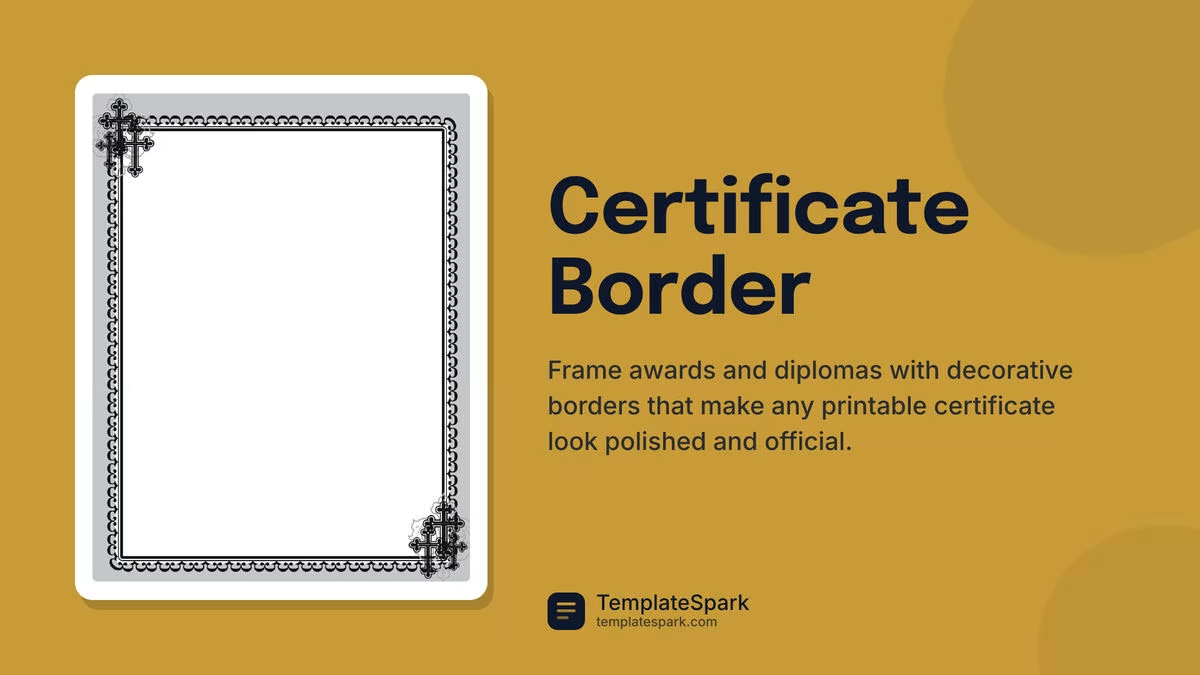
Free Certificate Border Templates (Word)
Project by alexanderlarsen
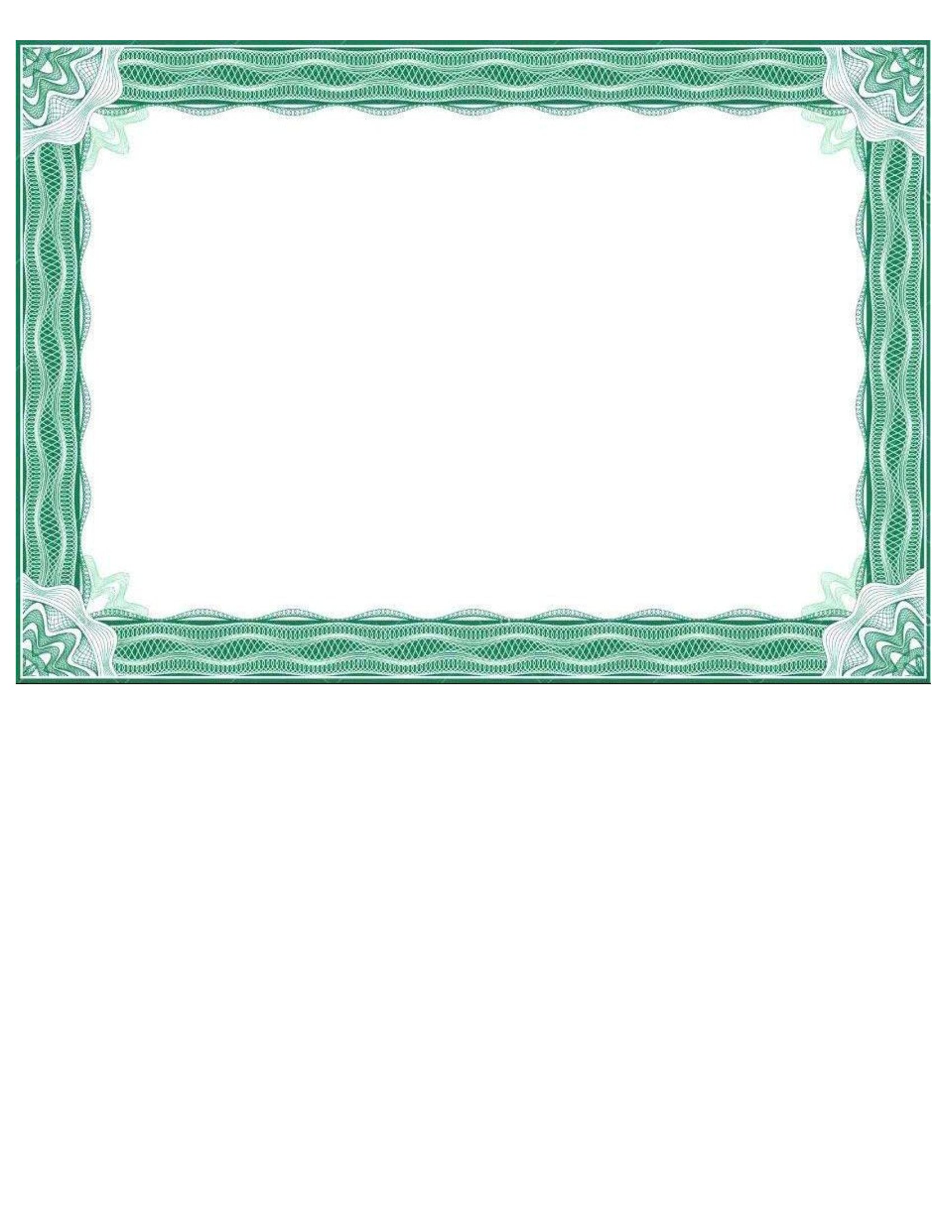
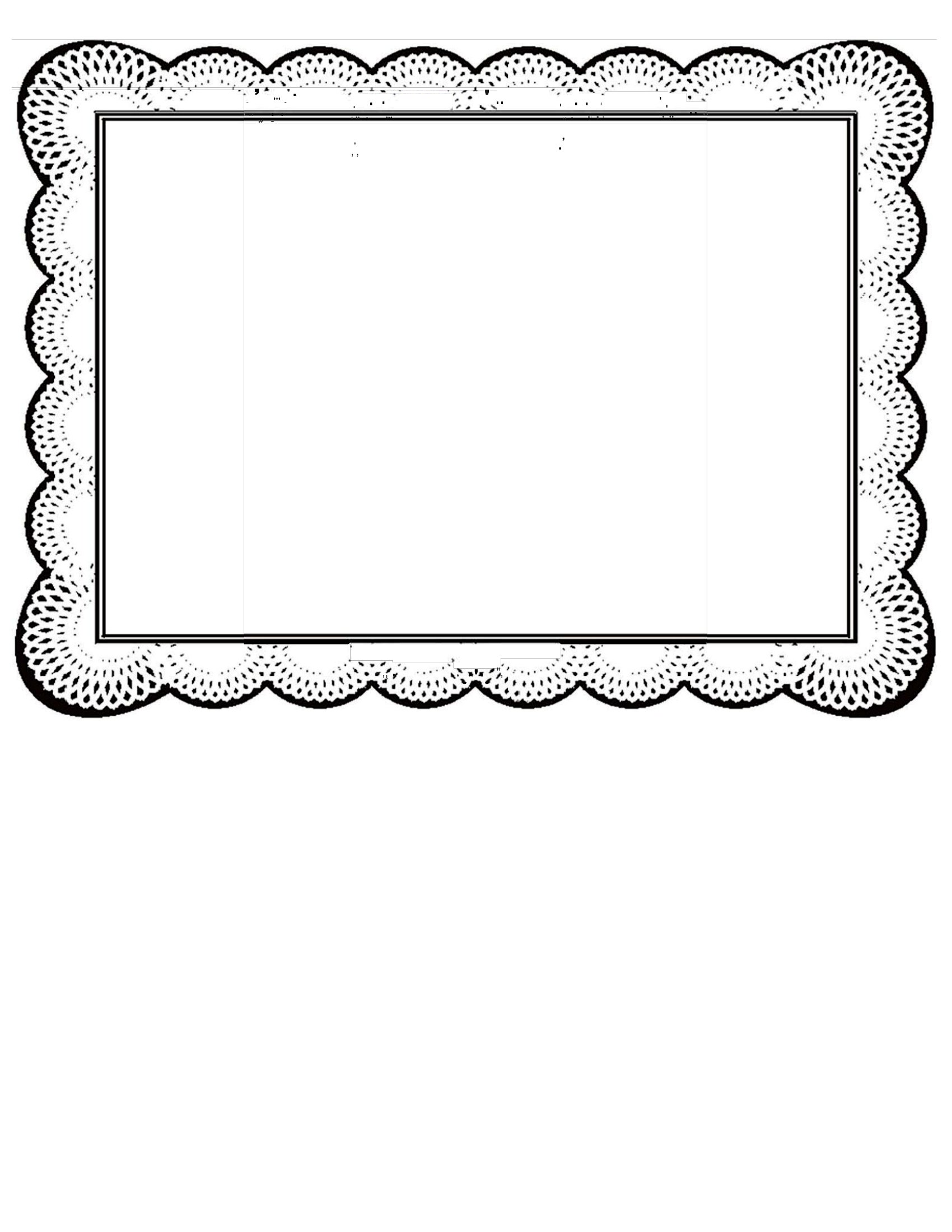
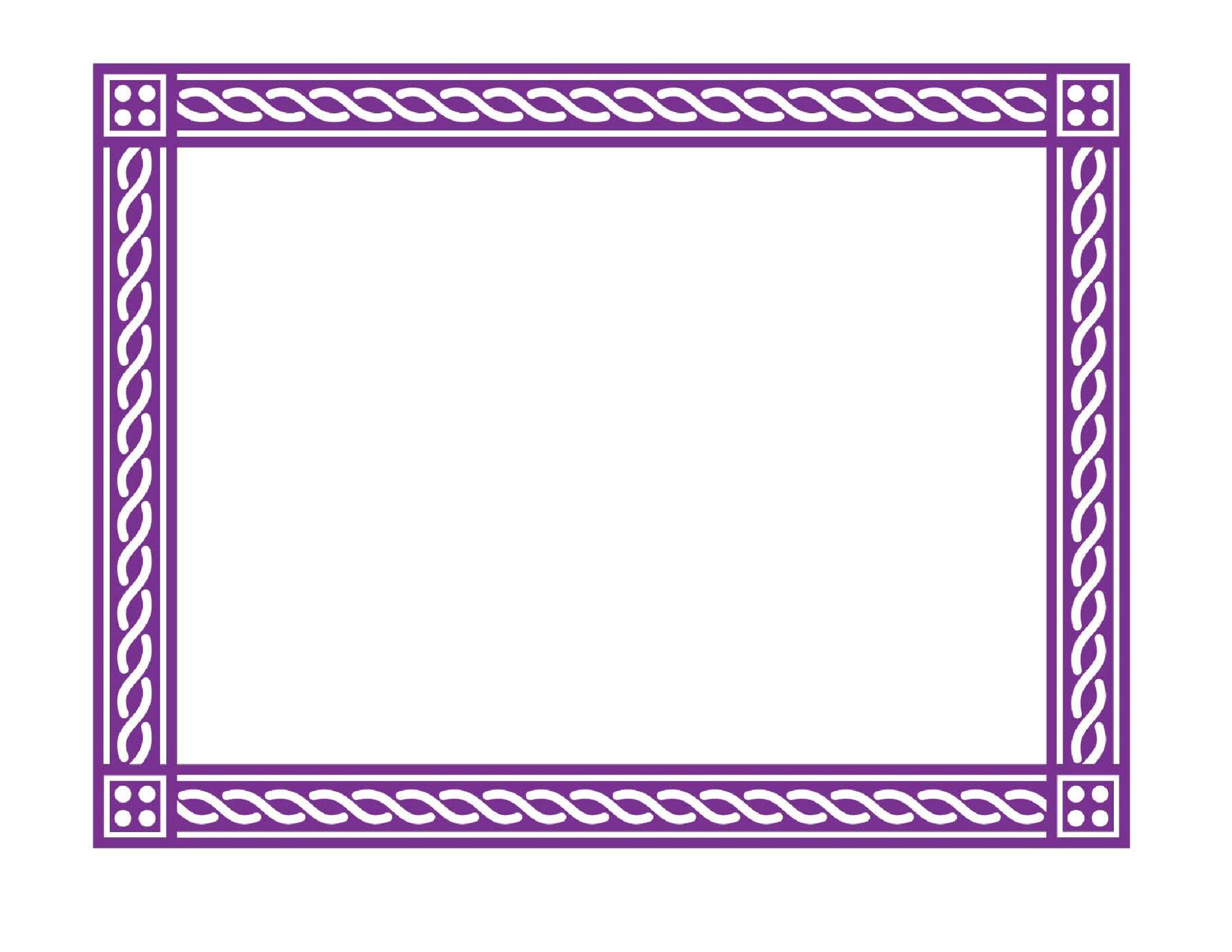
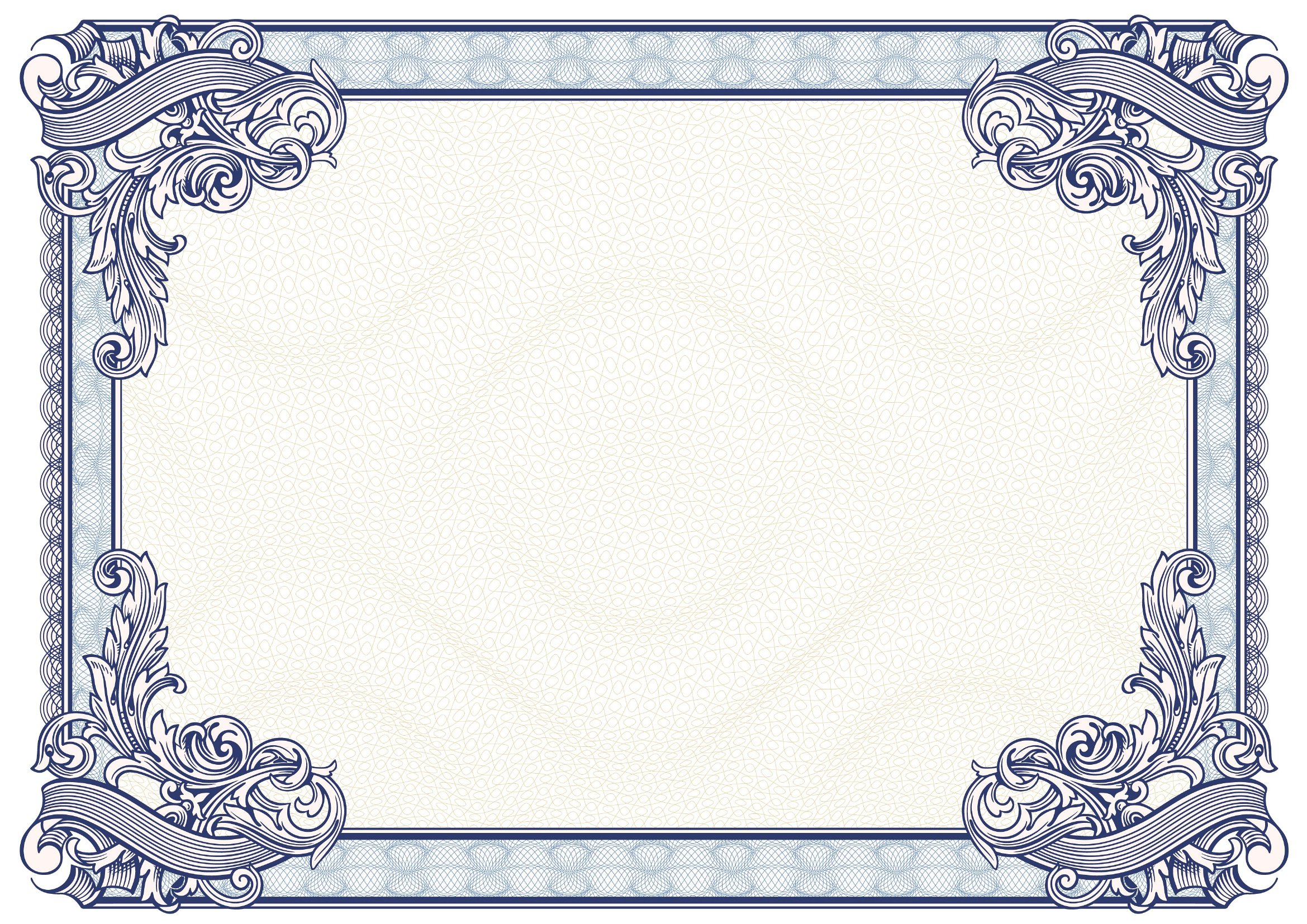
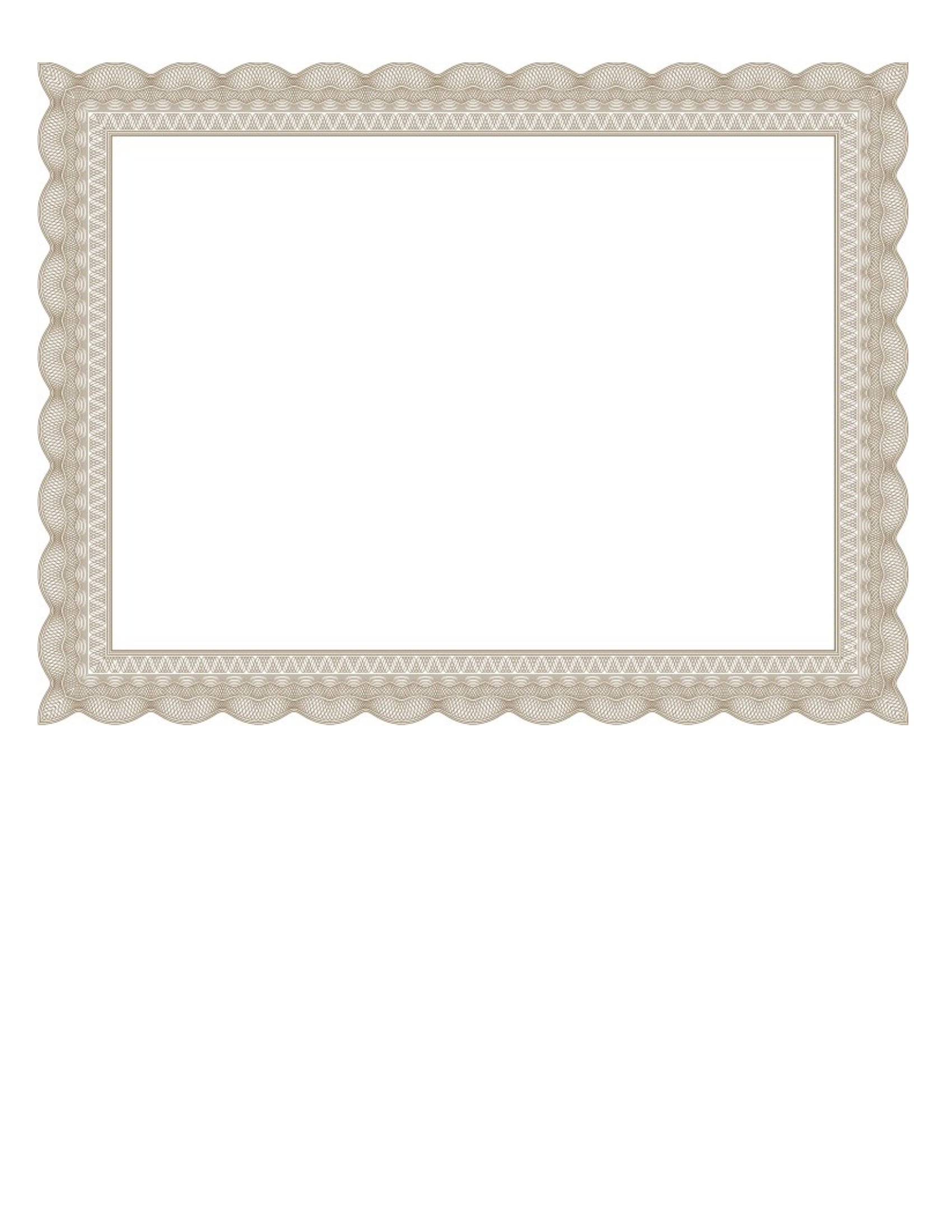
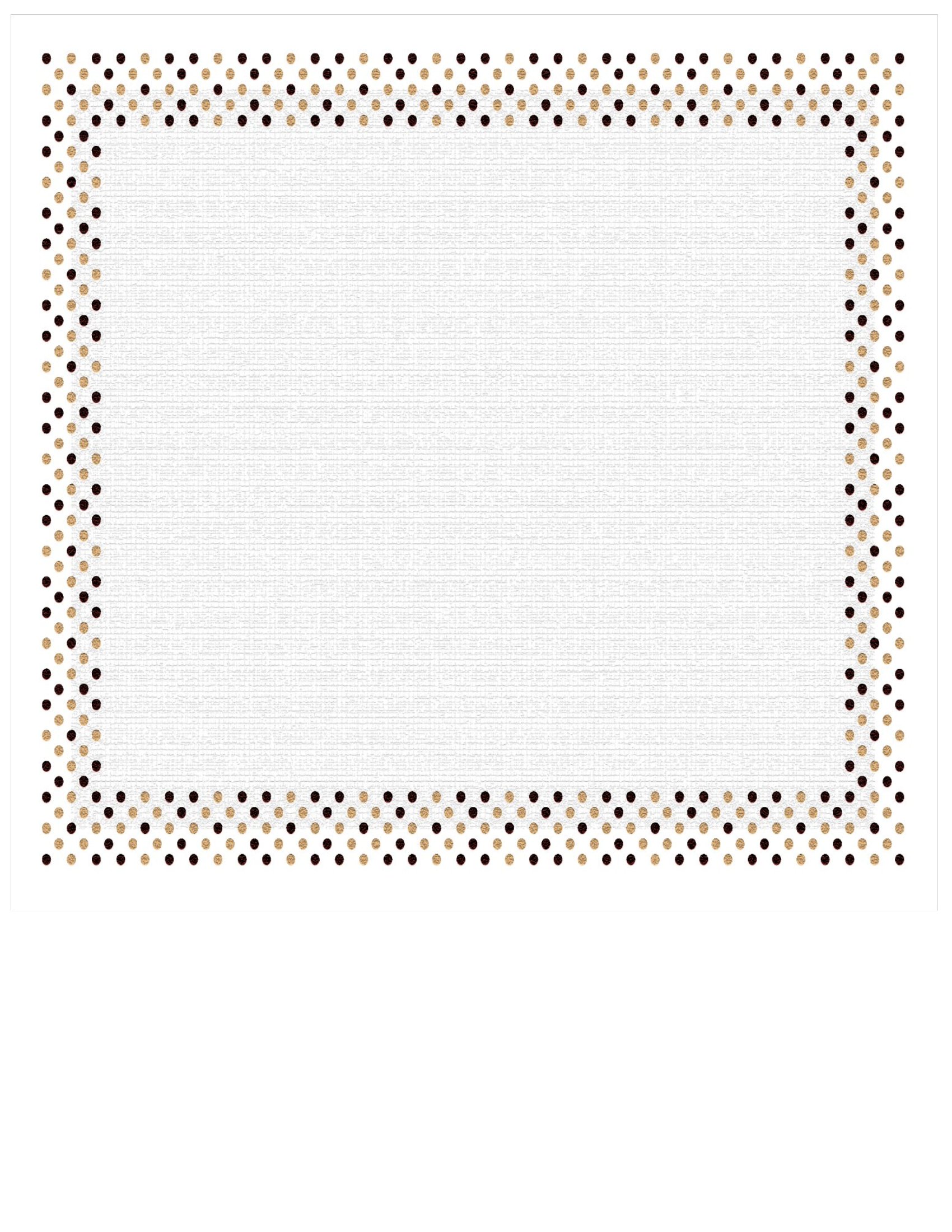
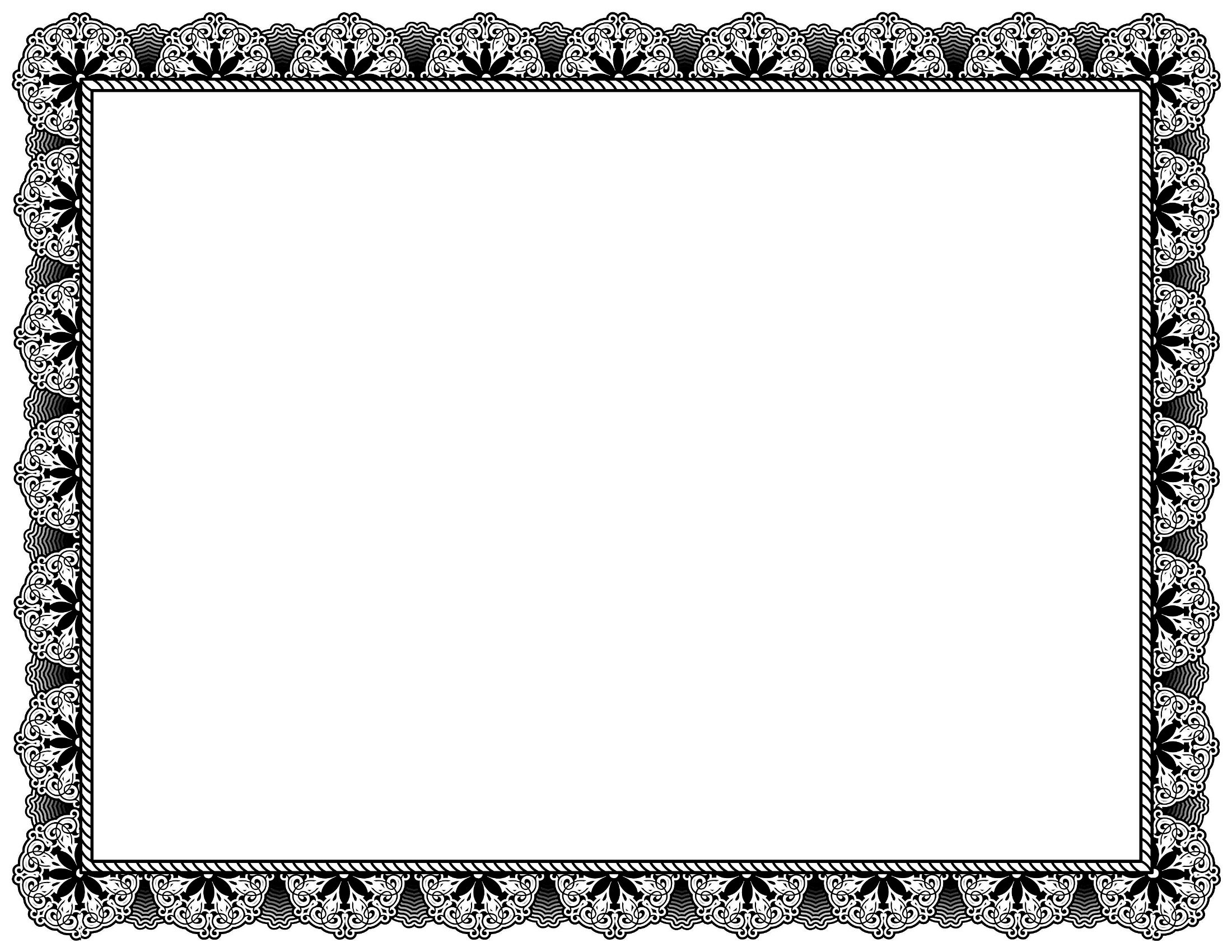
The right border can turn a plain certificate into something that looks worth framing. This collection of 41 certificate border templates offers decorative frames and edge designs you can drop behind awards, diplomas, and recognition certificates. Teachers, HR teams, and event organizers can dress up a document without hiring a designer.
Each border is editable in Microsoft Word, so you can resize it, change colors, and add your own text inside the frame. There's no design skill required; pick a style, type in your wording, and print. Download the border that matches your certificate and give it a polished, finished look.
Choose from 41 Certificate Border Templates






Frequently Asked Questions about Certificate Border Templates
Are these Certificate Border templates free to download?
Yes. Every Certificate Border template in this collection is free to download from TemplateSpark. Just open the template you need, download it, and start editing right away — no subscription required to get started.
What file formats are available for Certificate Border templates?
These Certificate Border templates are available in Word. Pick the format that matches your workflow — each download keeps the original layout so it looks right whether you open, print, or share it.
Can I edit these Certificate Border templates?
Yes. The editable files open in Microsoft Word (and compatible apps like Google Docs or LibreOffice), so you can change the text, colors, and layout to fit your needs, then save or export the finished Certificate Border document.
How many Certificate Border templates can I choose from?
This page collects 41 Certificate Border templates so you can compare styles and layouts in one place. Browse the options, open the one that fits your purpose best, and download it in your preferred format.
Can I use Certificate Border templates for commercial purposes?
In most cases, yes — these Certificate Border templates are intended for both personal and business use. Check the license note on the template before redistributing or reselling, and avoid sharing the source files as your own product.
What is a certificate border used for?
A certificate border is a decorative frame or edge design placed around the content of a certificate. It dresses up awards, diplomas, and recognition documents, adding a polished, frame-worthy look while leaving the center open for names, titles, and other personalized text.
How do you choose a certificate border design?
Match the border style to the occasion: classic, ornate frames suit formal awards and diplomas, while simpler or colorful borders fit casual or children's certificates. Keep the design from crowding the text, and pick colors that complement any logo or seal you plan to add.
What is the best way to add a certificate border?
Place the border as a background or outer frame so it surrounds the content without overlapping the text. Leave adequate margins inside the border for the title, name, and signatures, and ensure the design prints cleanly to the page edges for a finished appearance.
Comments
Join the conversation
Sign in to share your thoughts and leave a comment on this resource.