
Free Rent Roll Templates (Word, Excel)
Data by yanbavrichenko
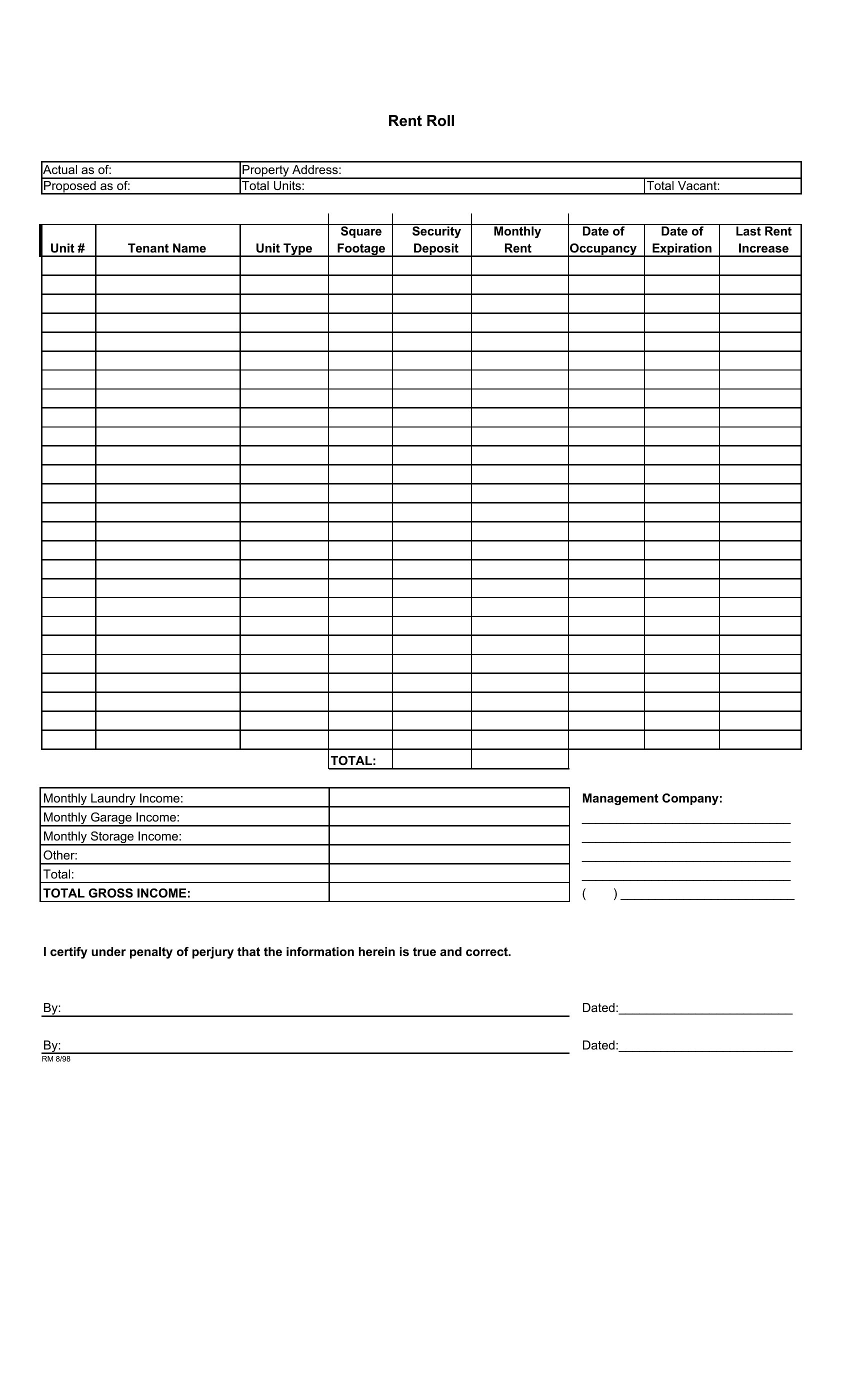
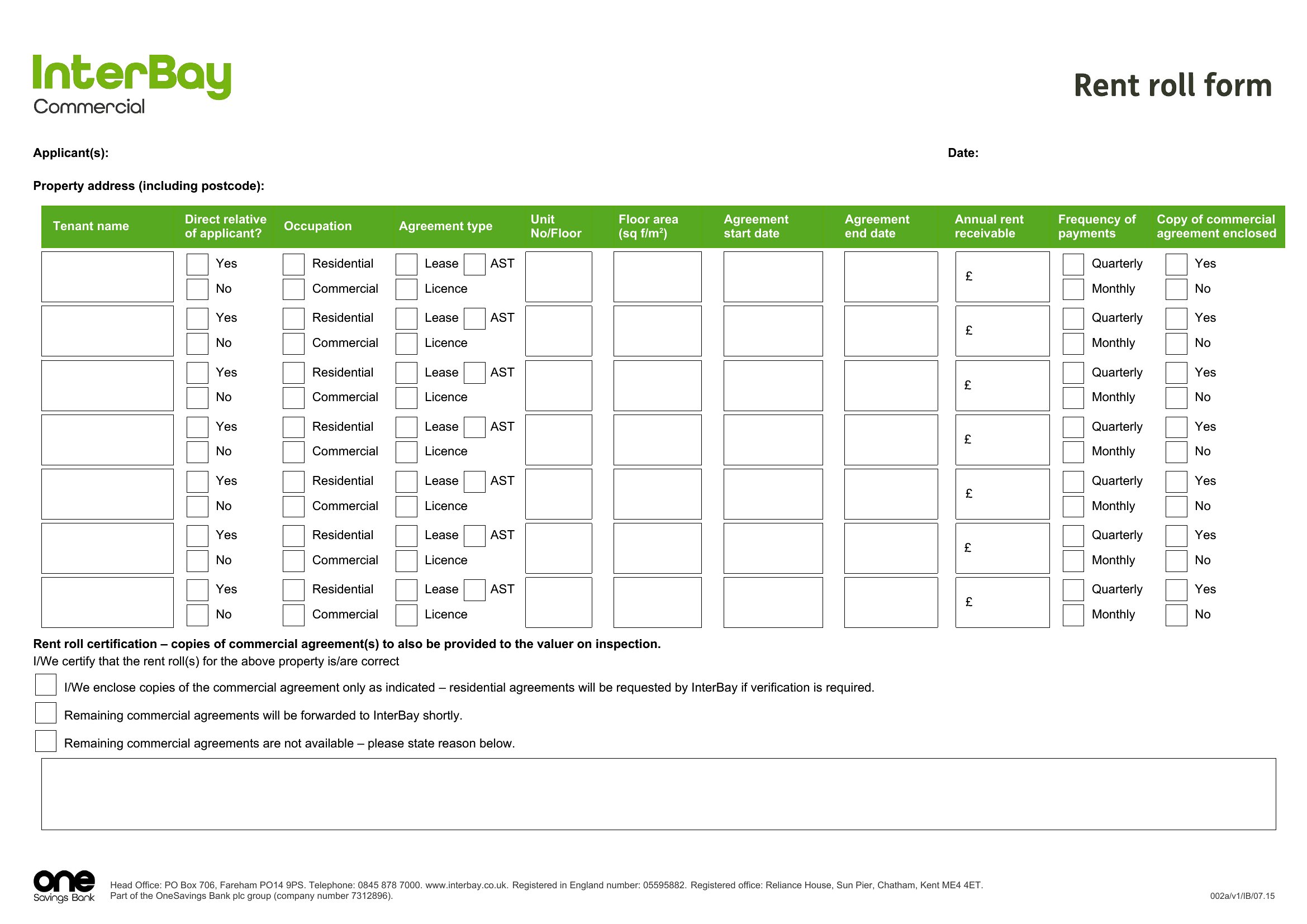
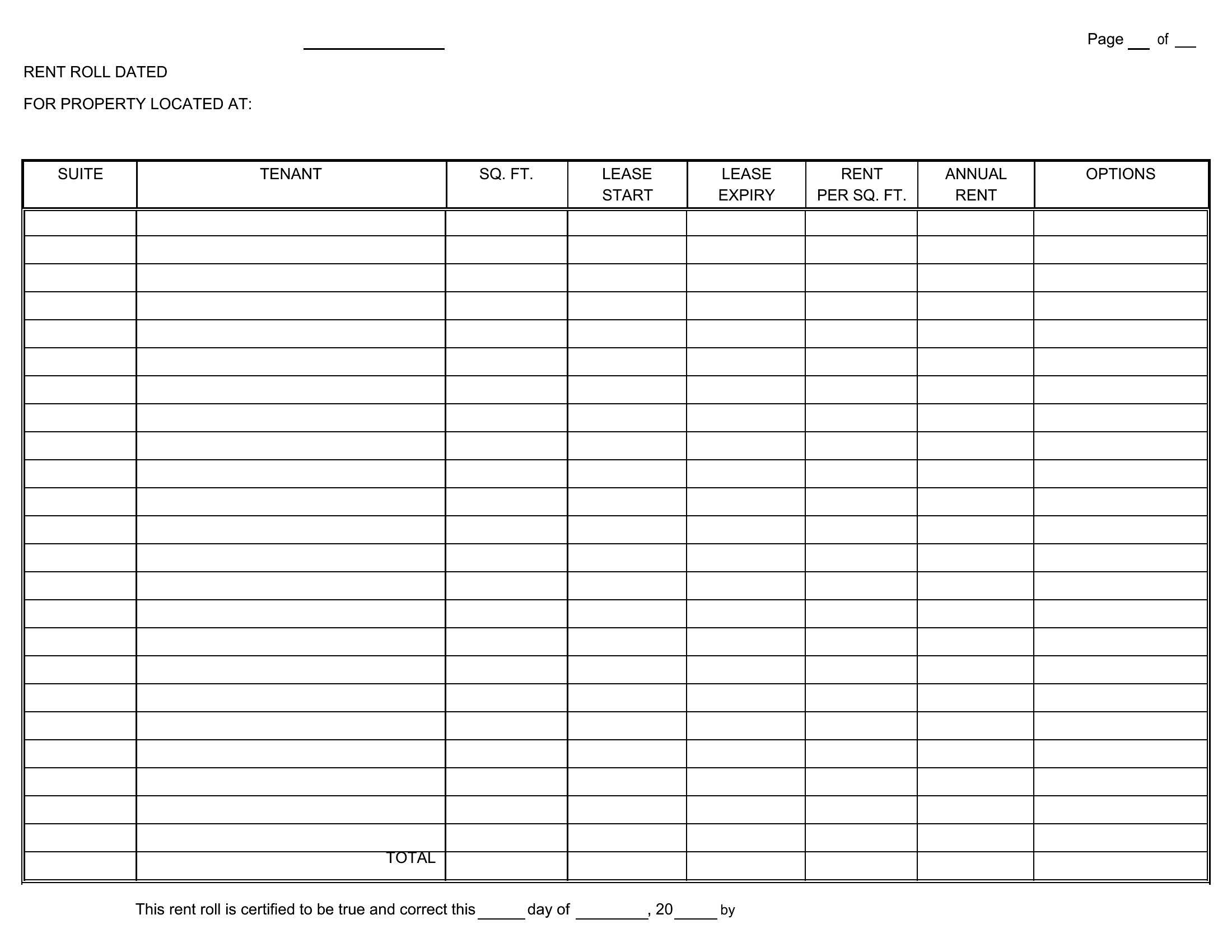
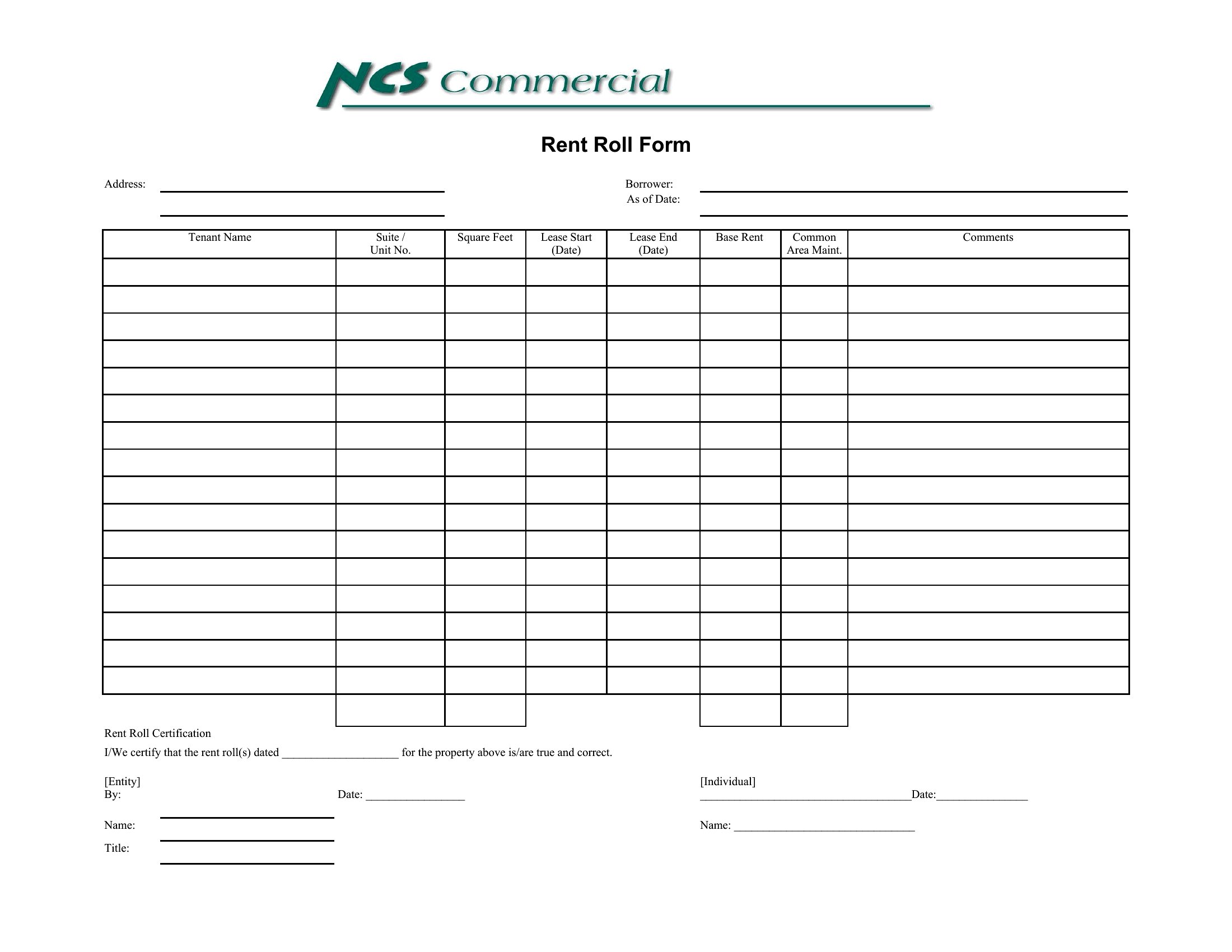
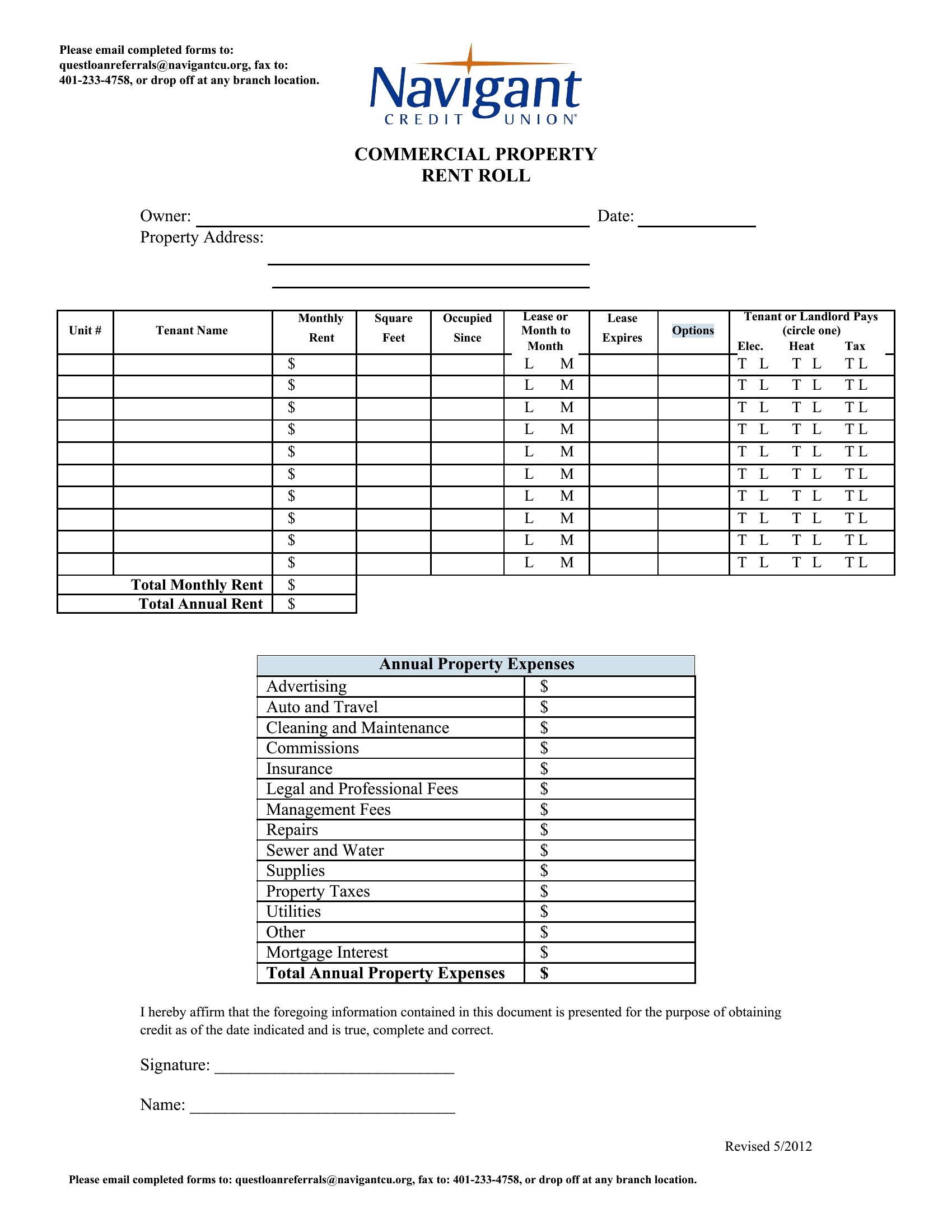
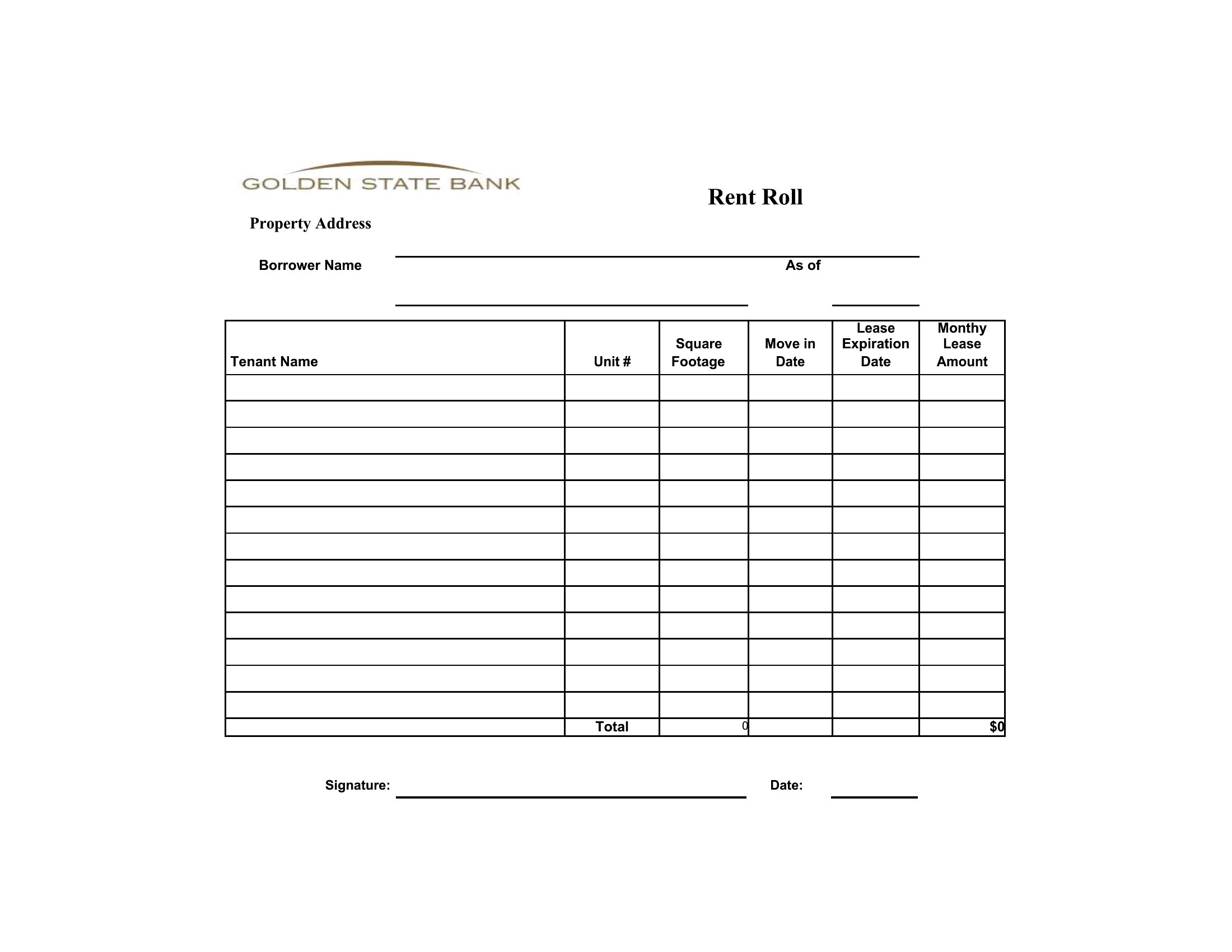
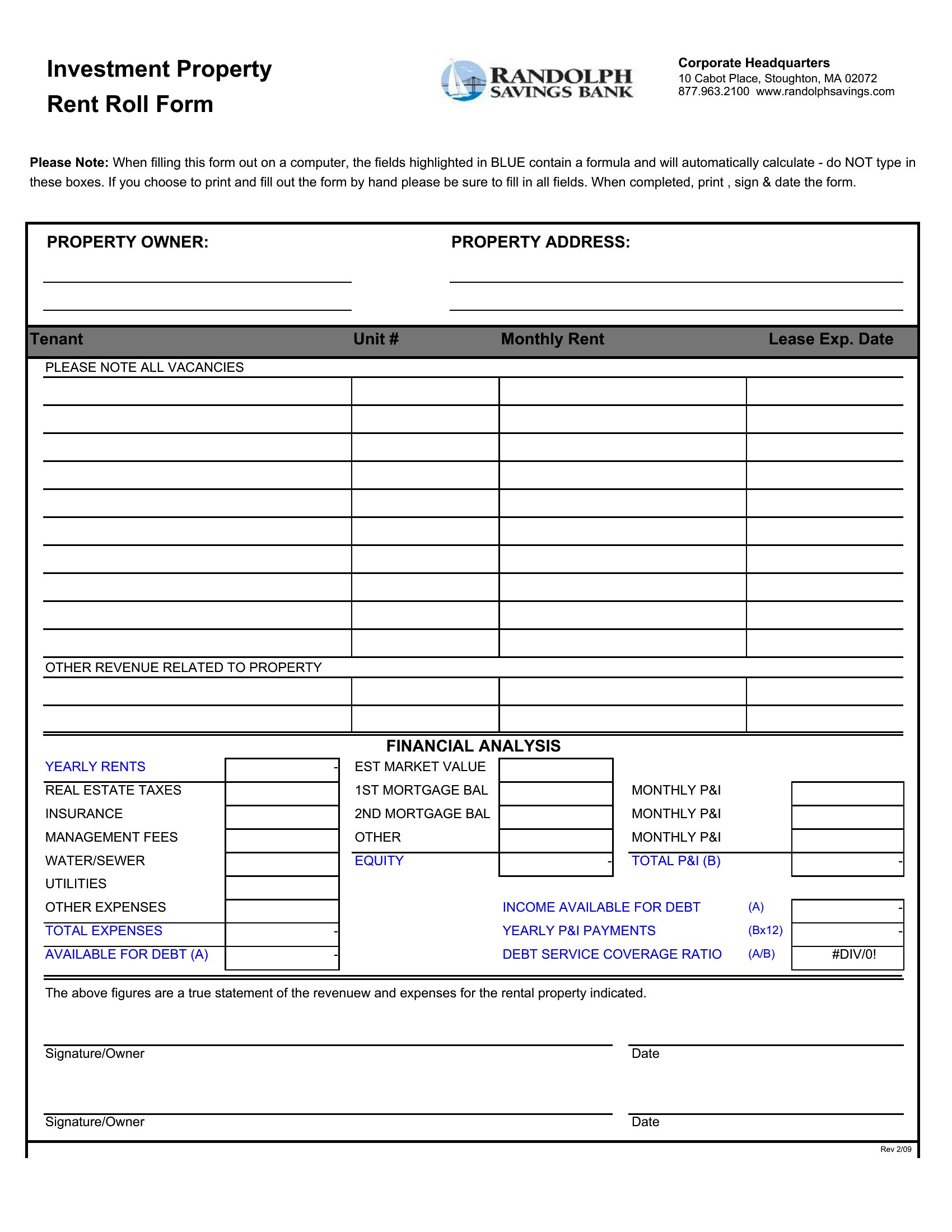
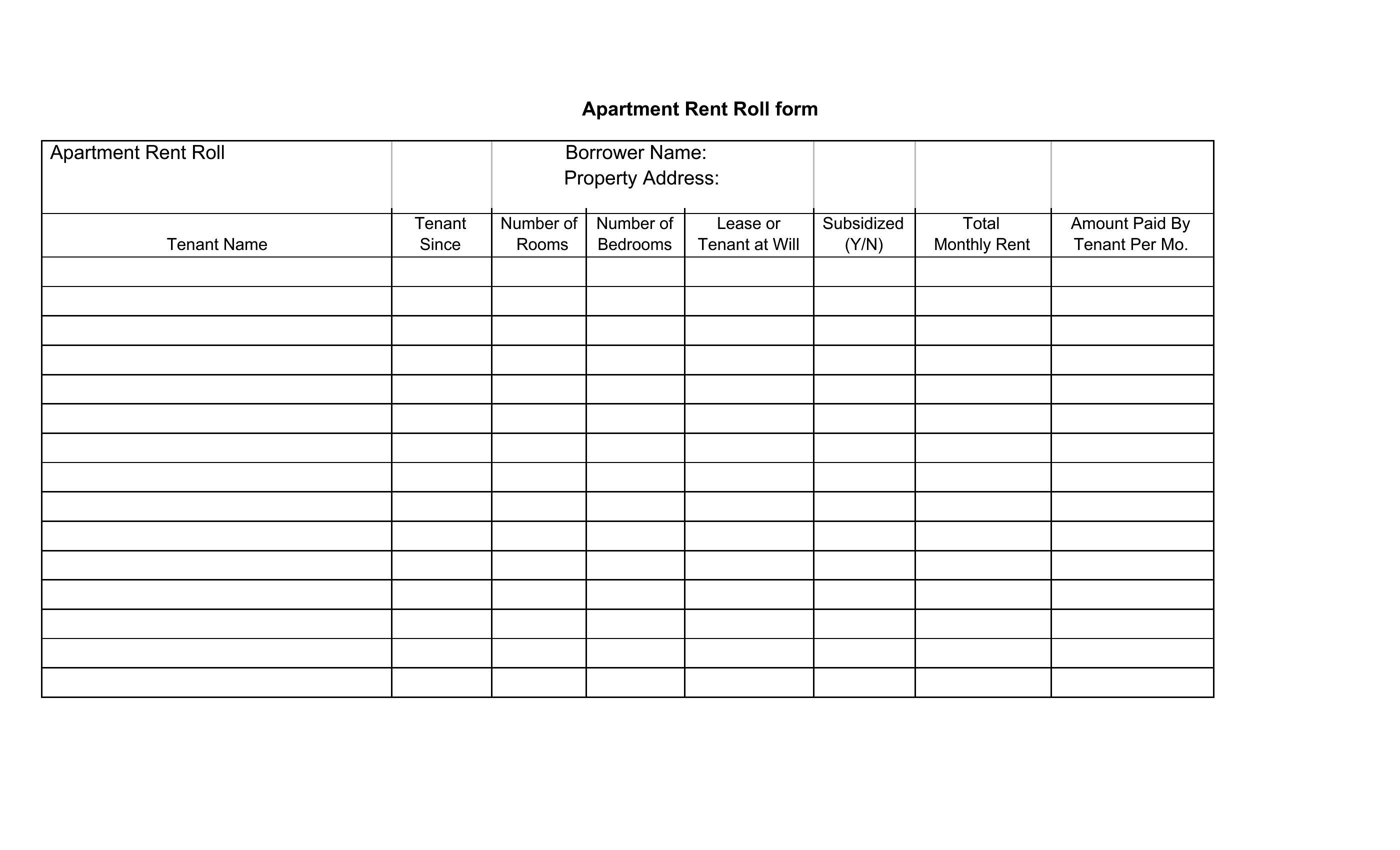
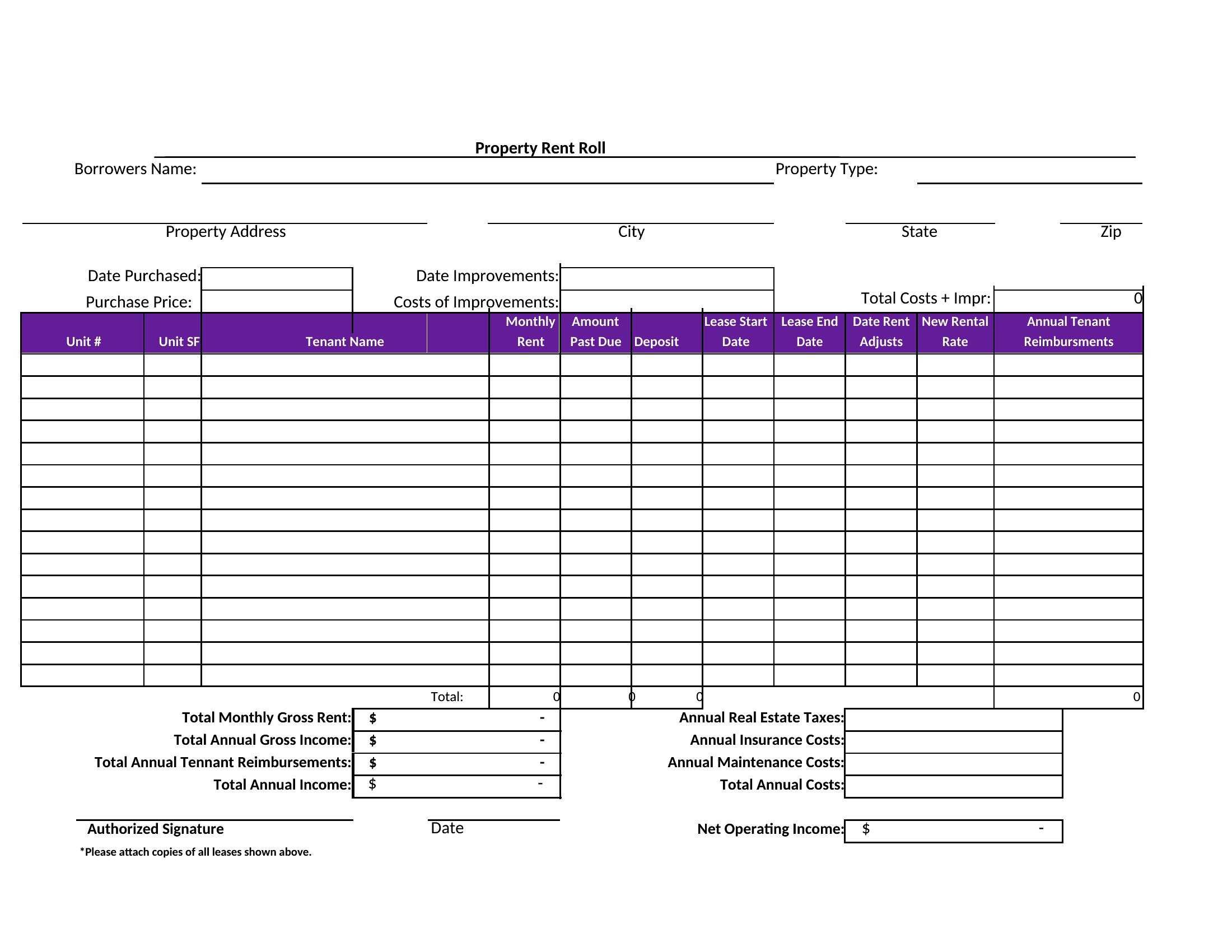
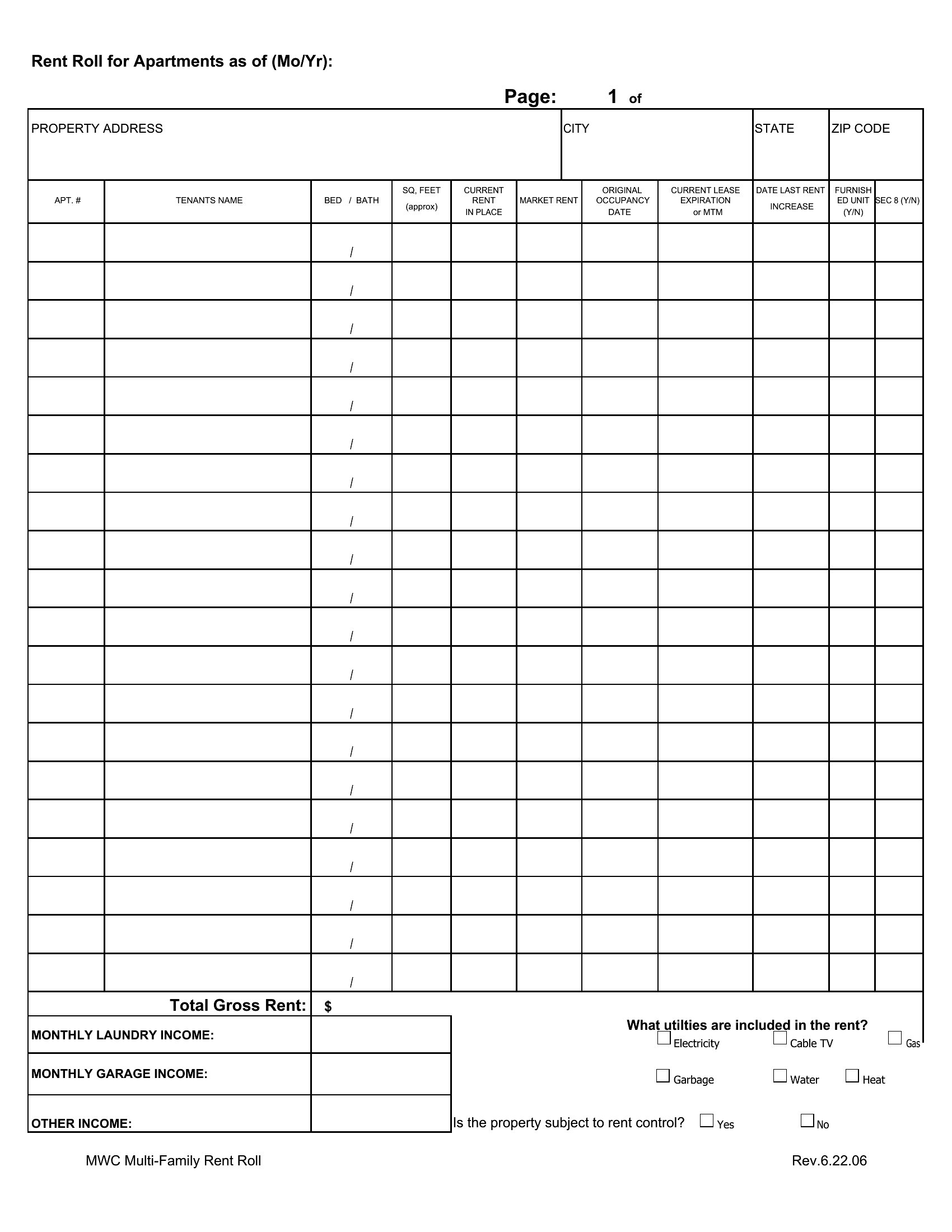
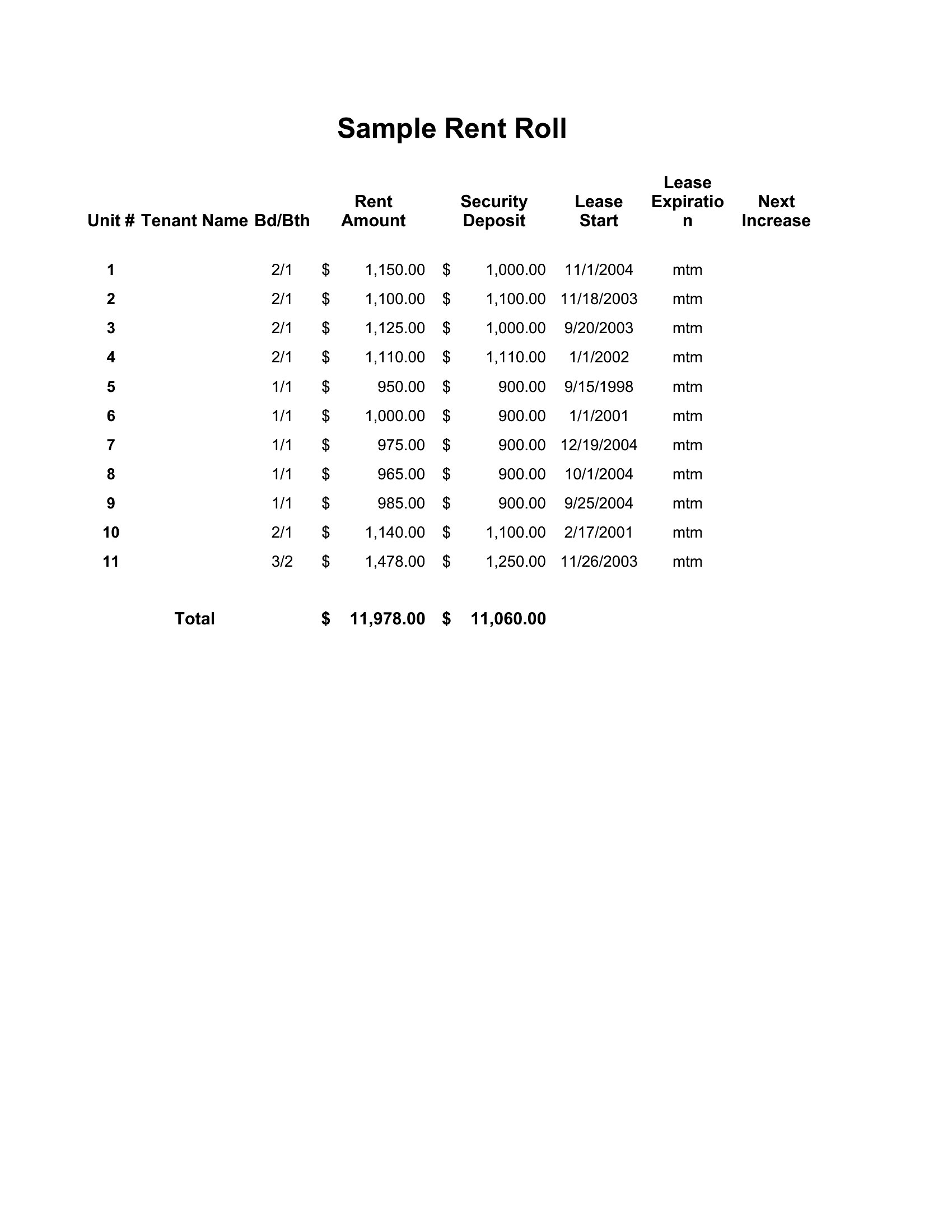
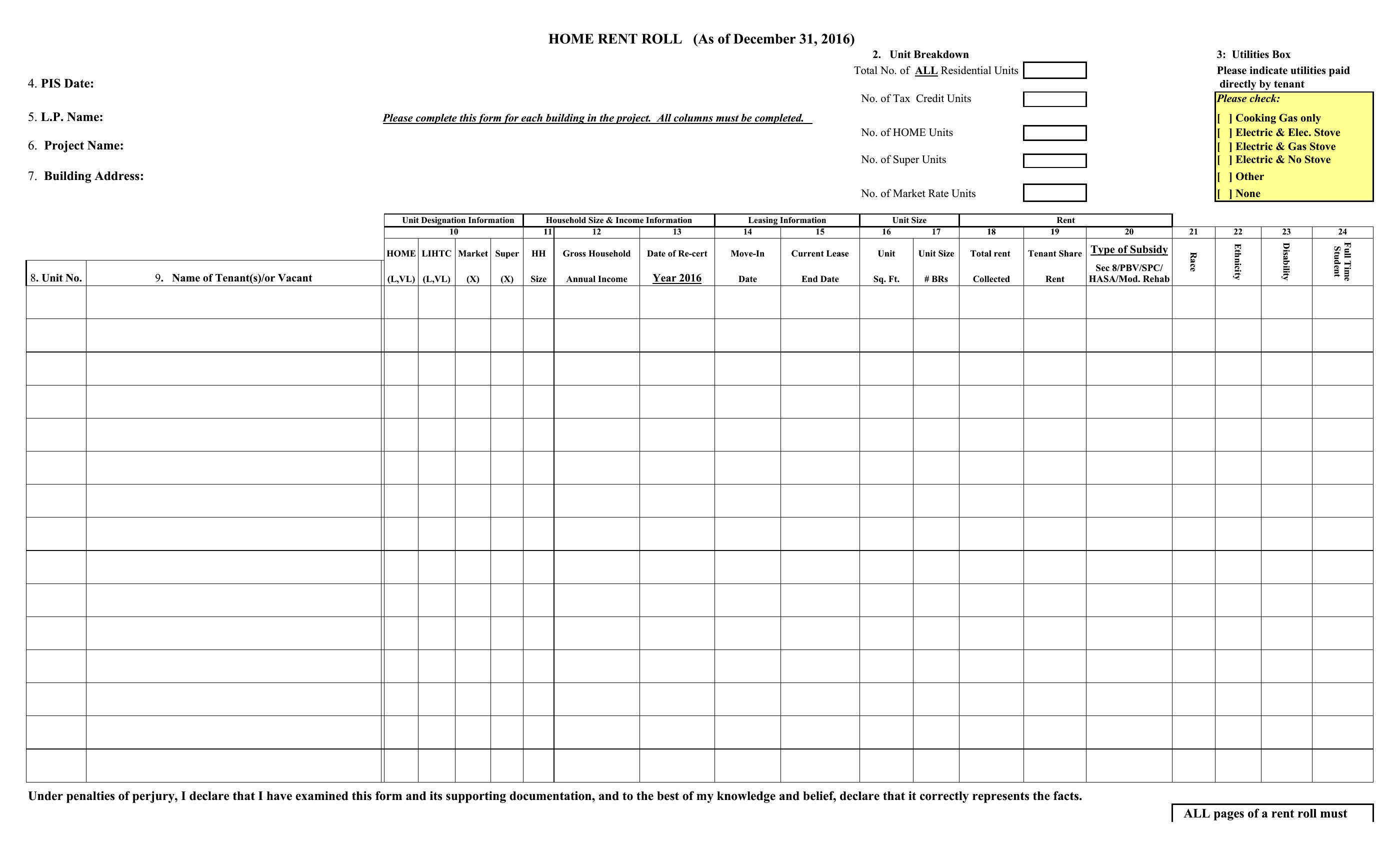
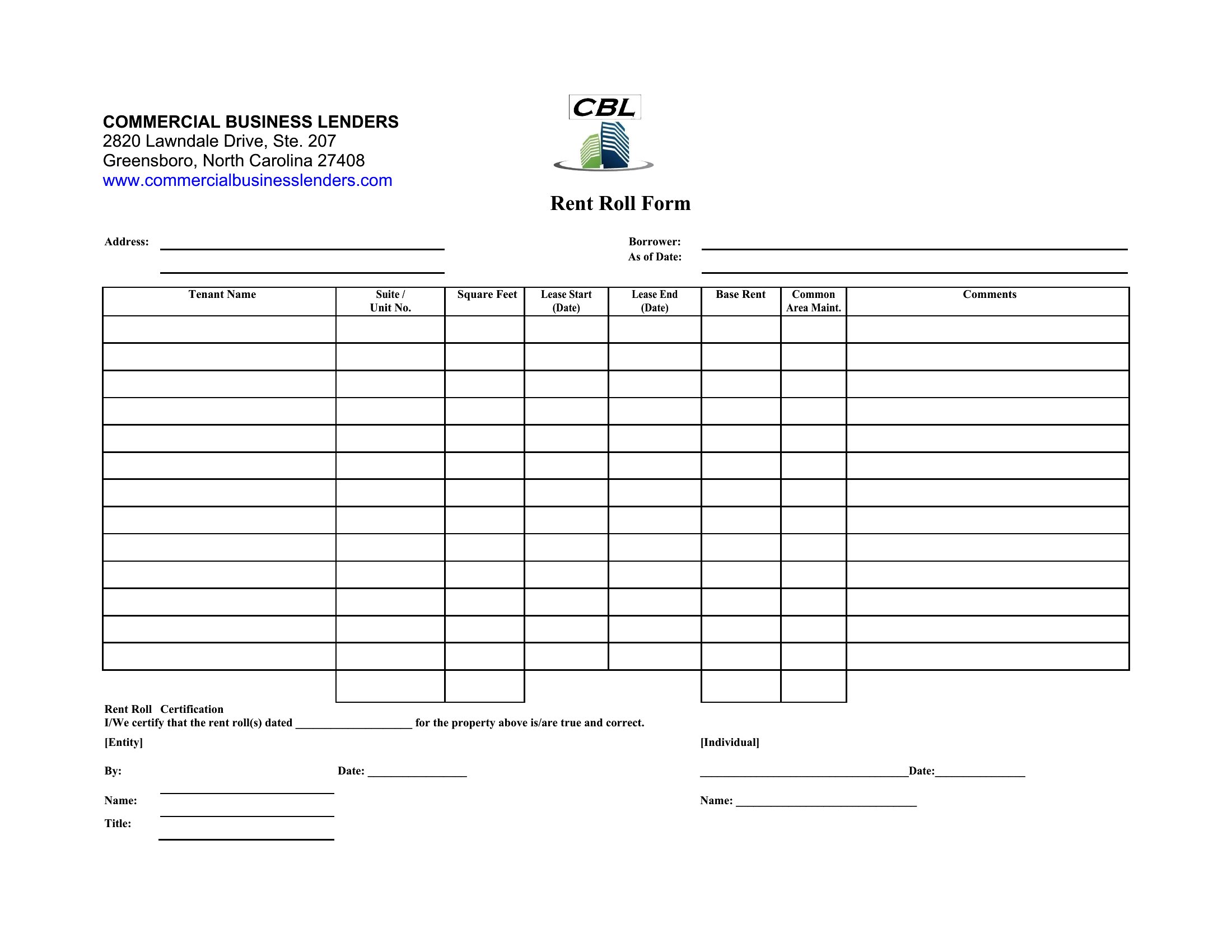
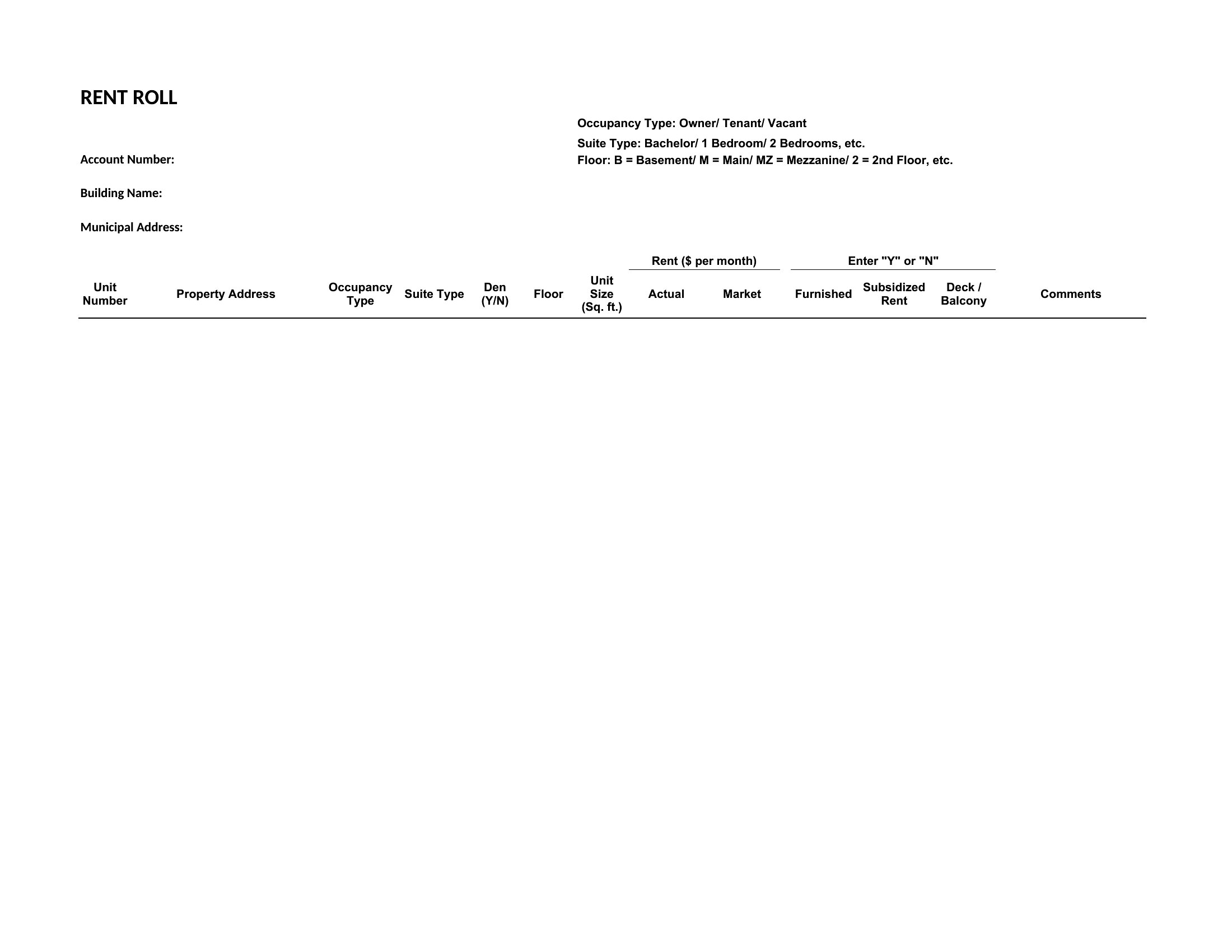
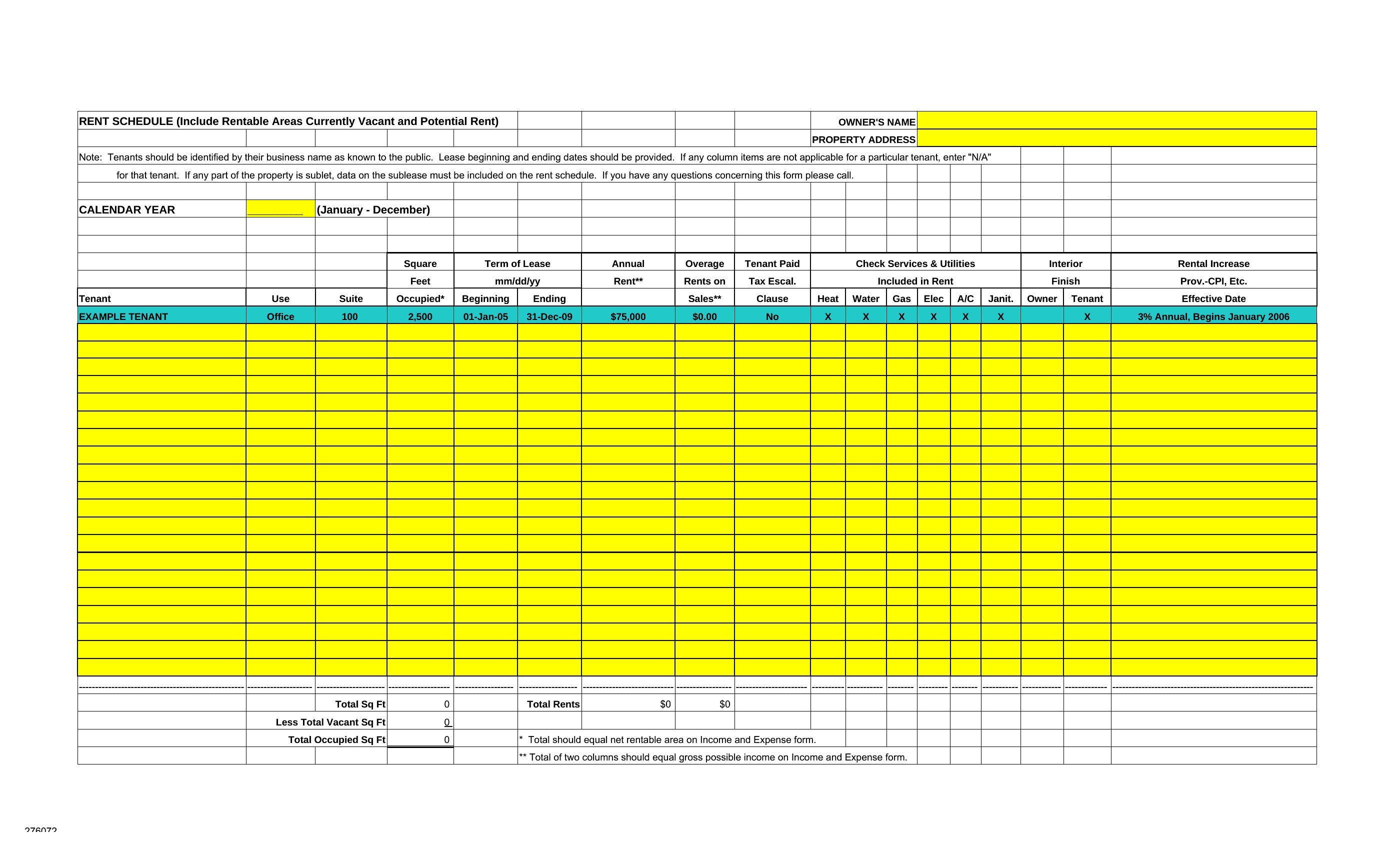
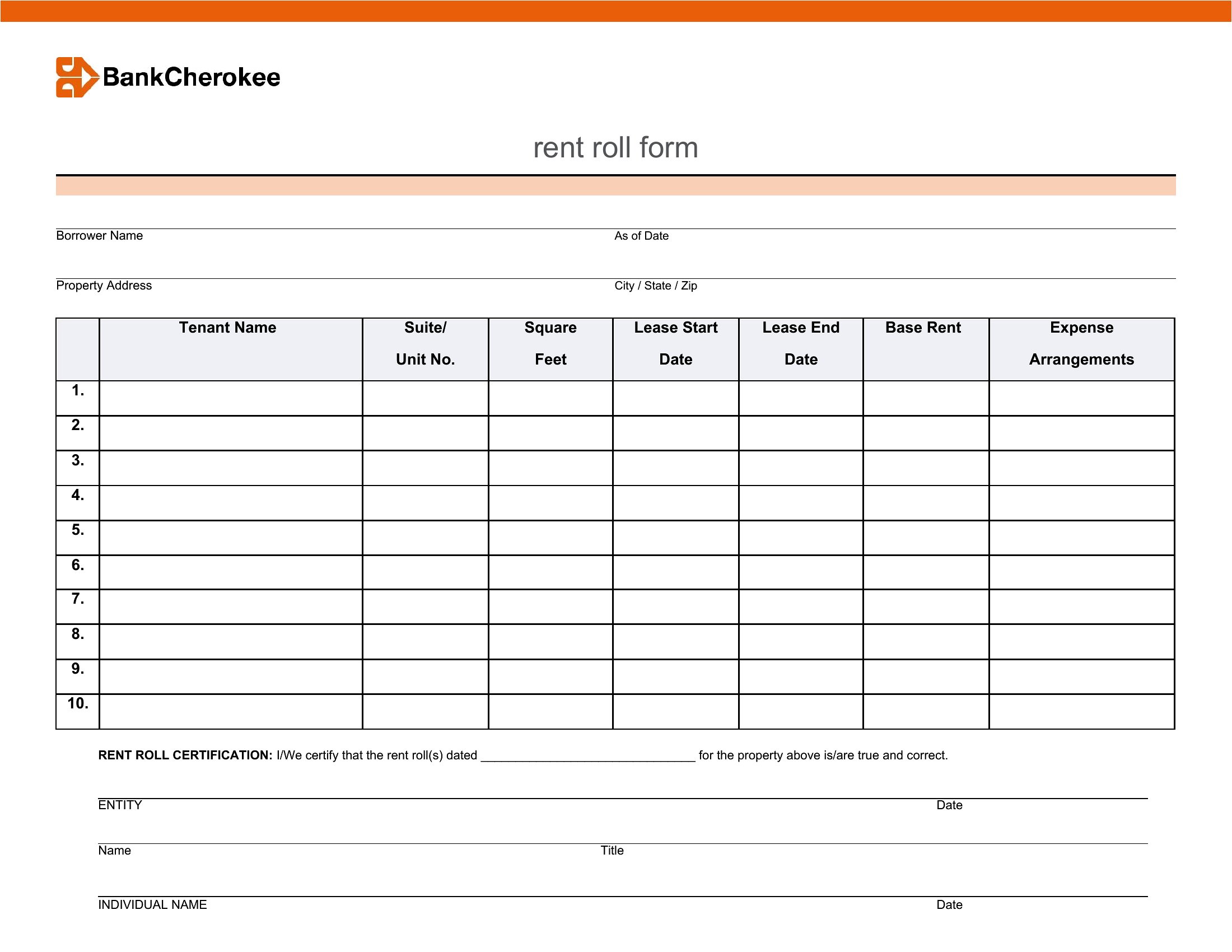
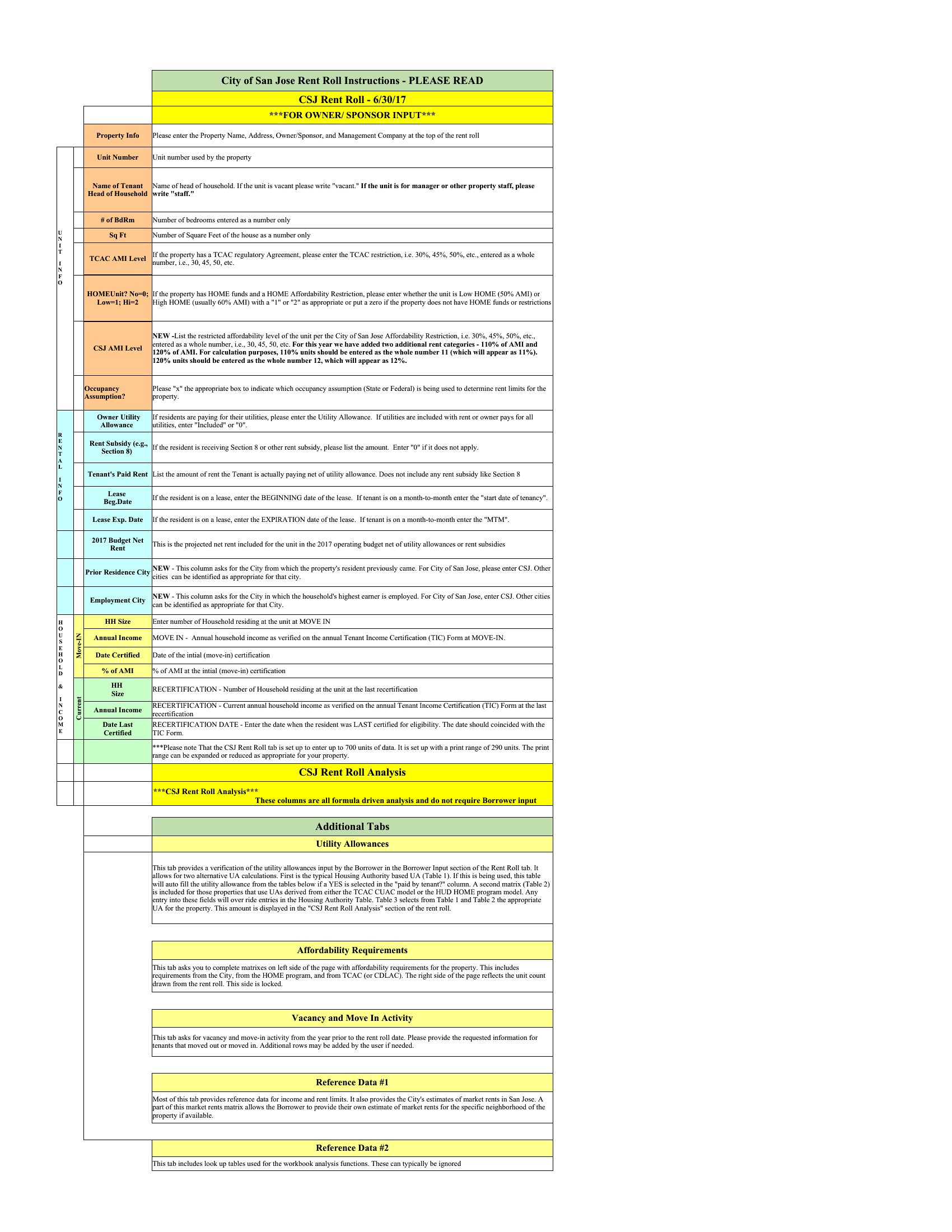
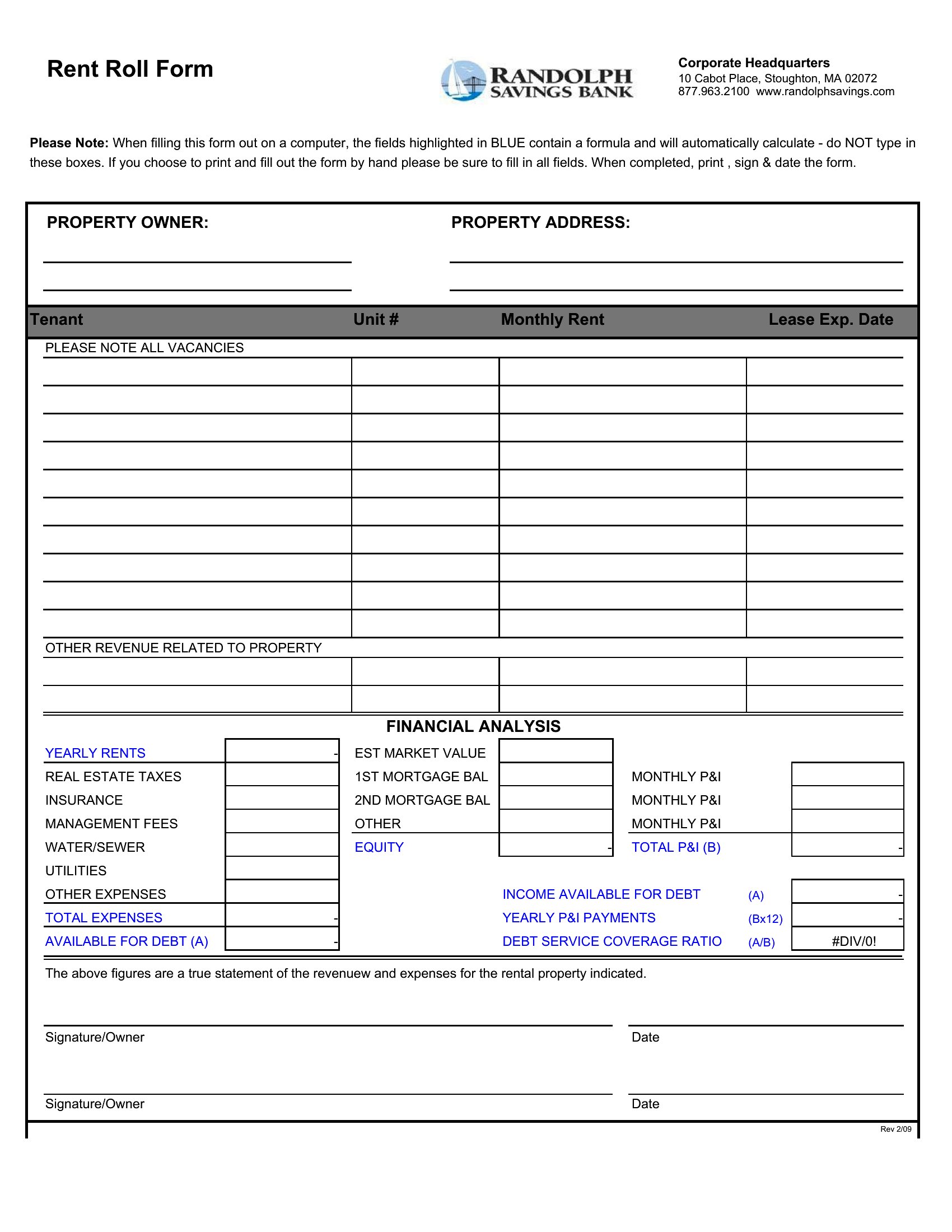
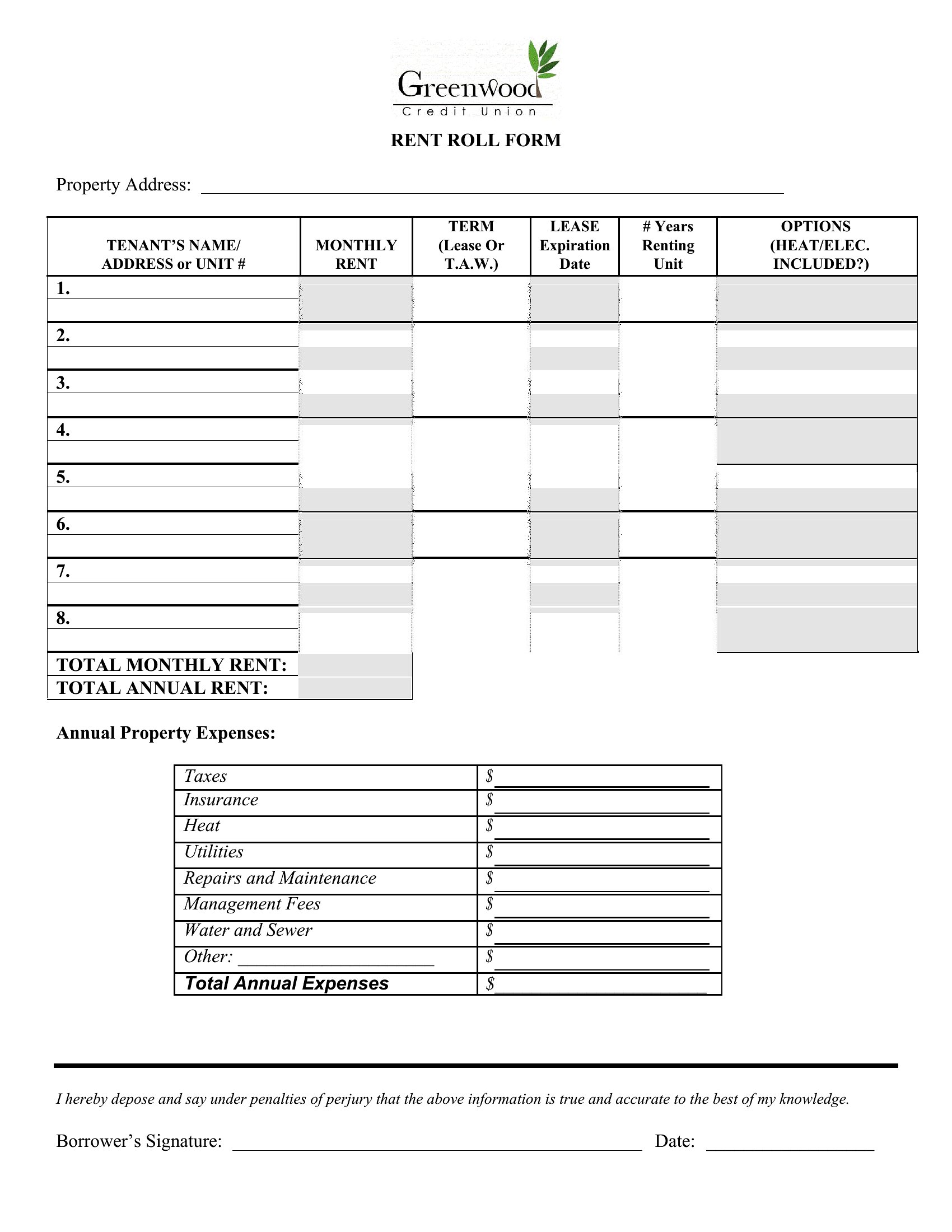
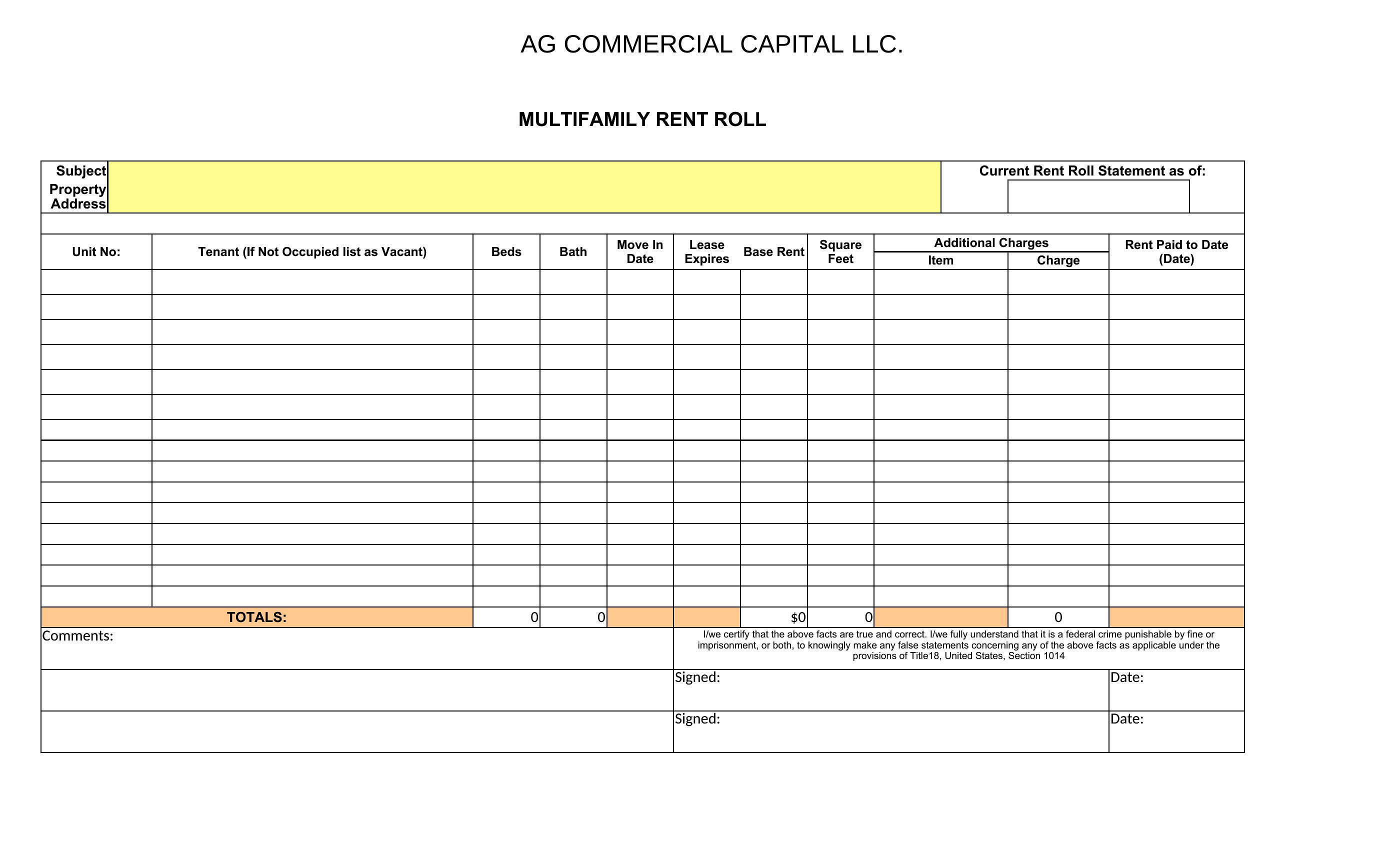
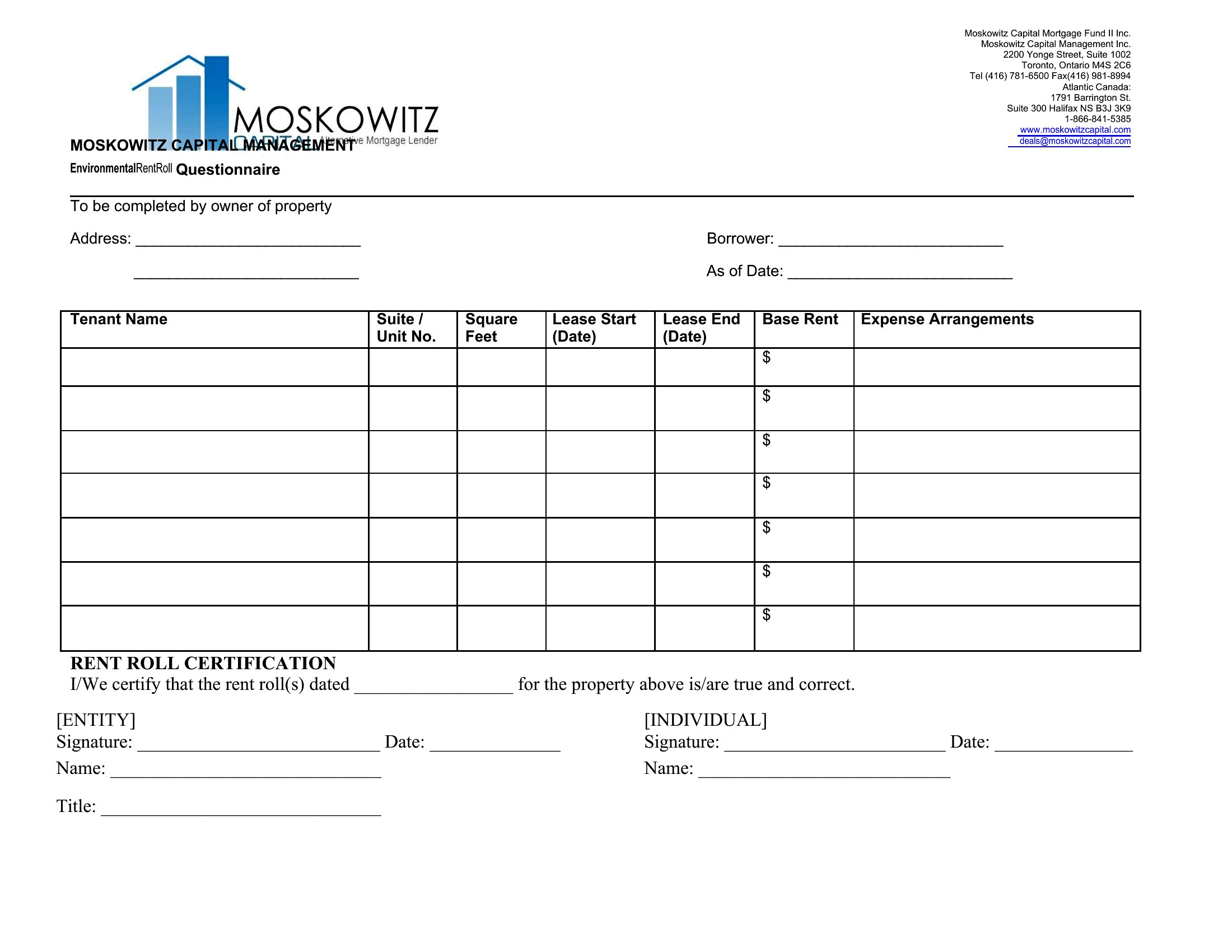
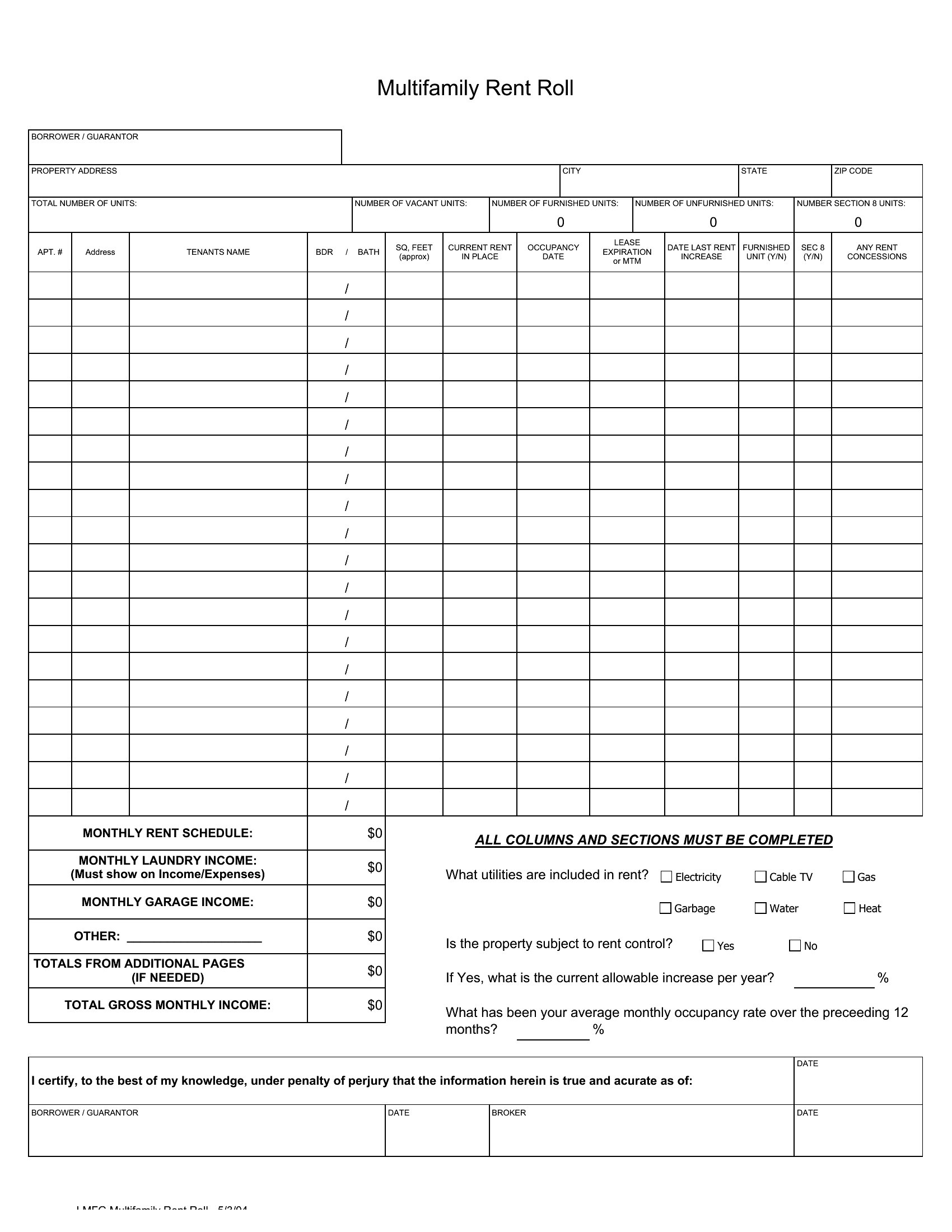
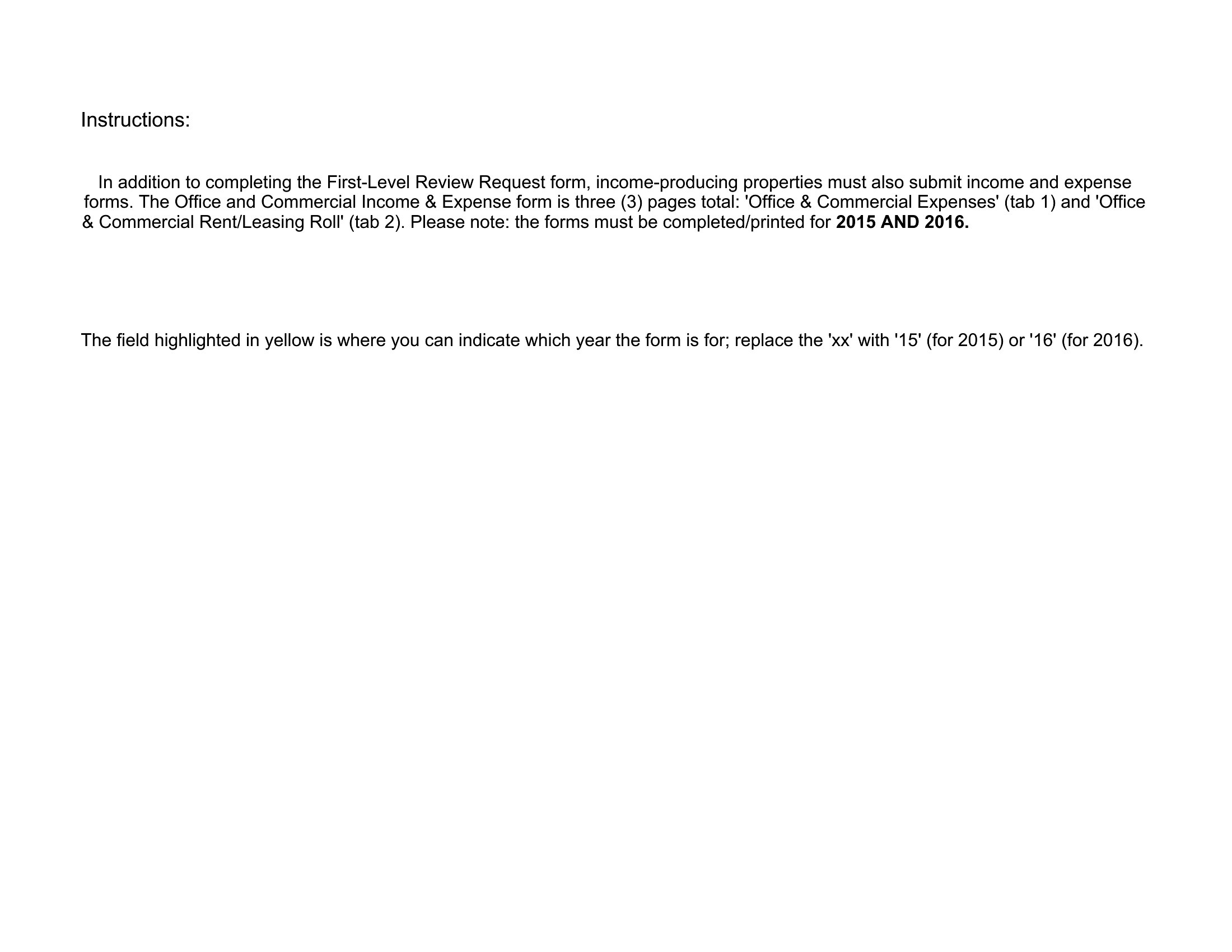
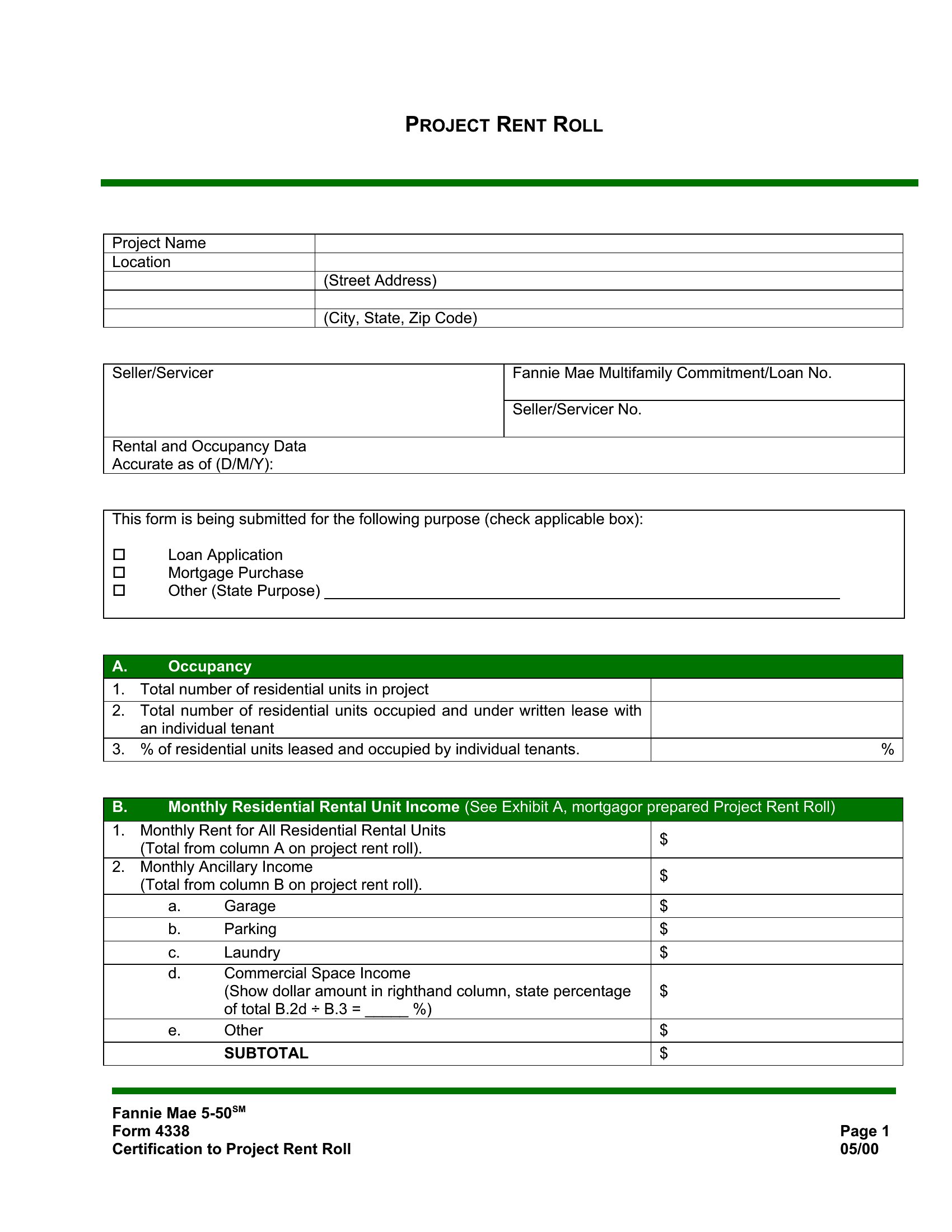
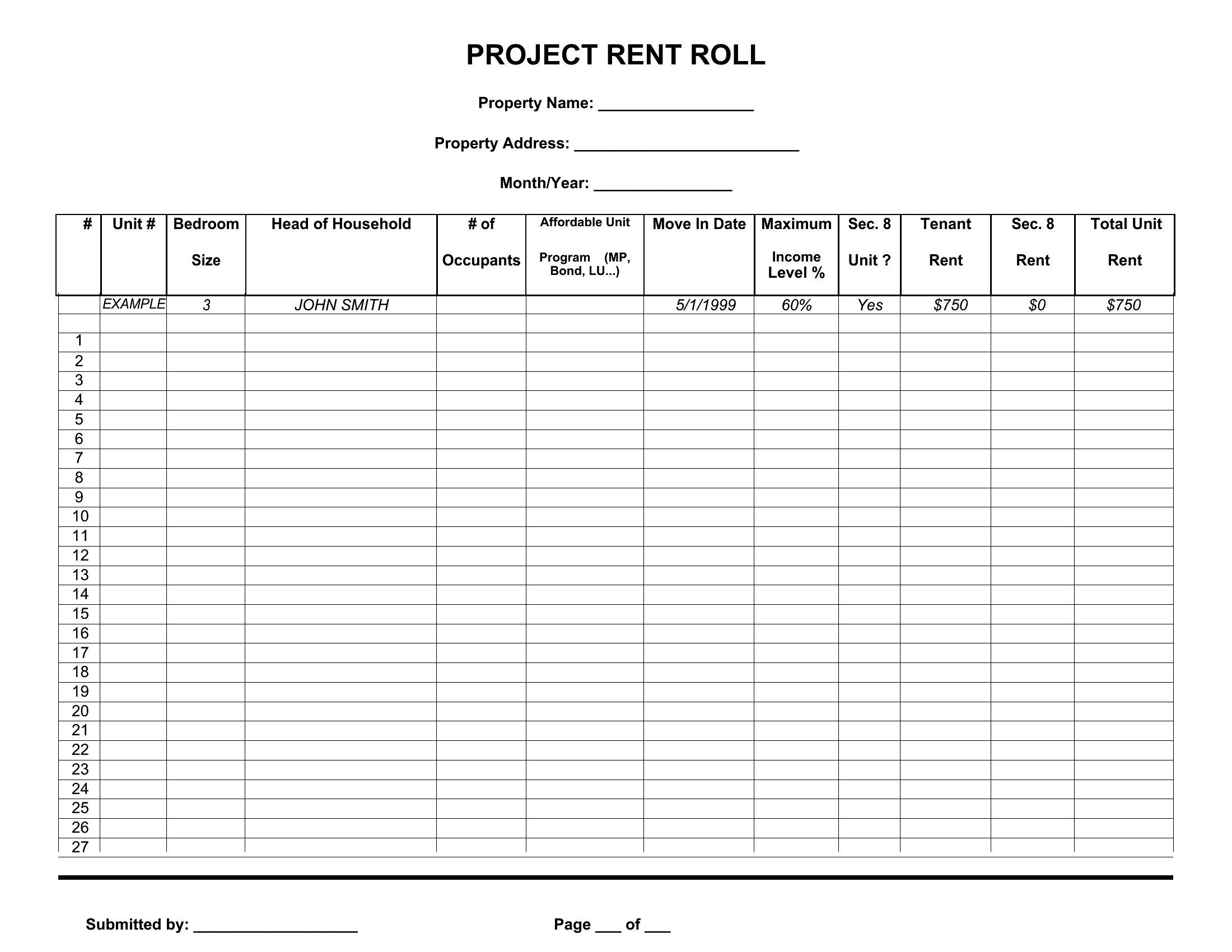
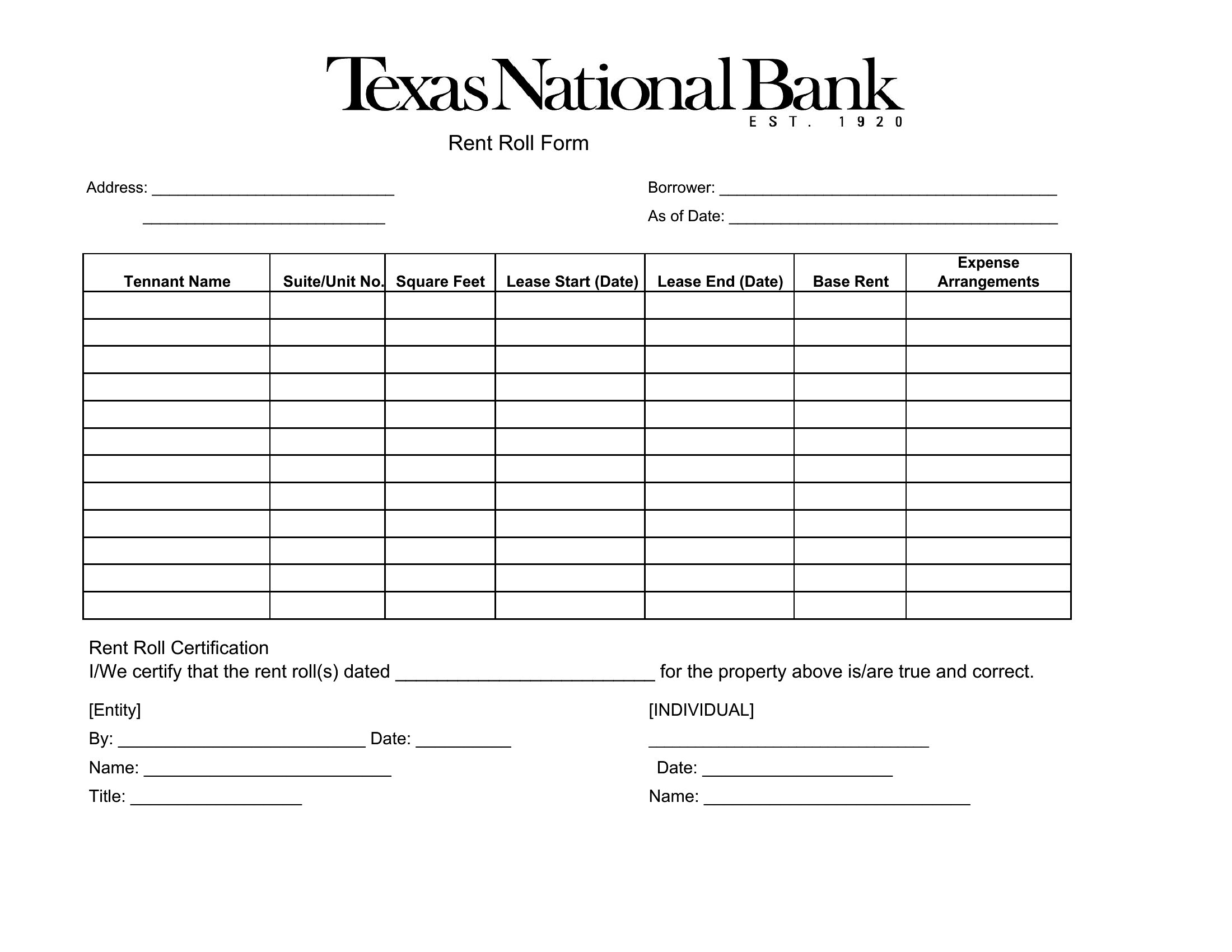
A rent roll gives a property owner the whole income picture at a glance, listing every unit, tenant, rent amount, and lease term. This set of 46 templates helps landlords and managers track occupancy and cash flow across a building or portfolio. Investors and lenders often ask for one when sizing up a property's value.
Excel versions total rents and flag vacancies as you type, while the Word options work for a printed summary. Enter each unit's details, update them as leases turn over, and keep the figures current for reports or loan applications. Since the numbers feed financial decisions, double-check them against your records. Download the format you need and build your rent roll.
When to use this Rent Roll template
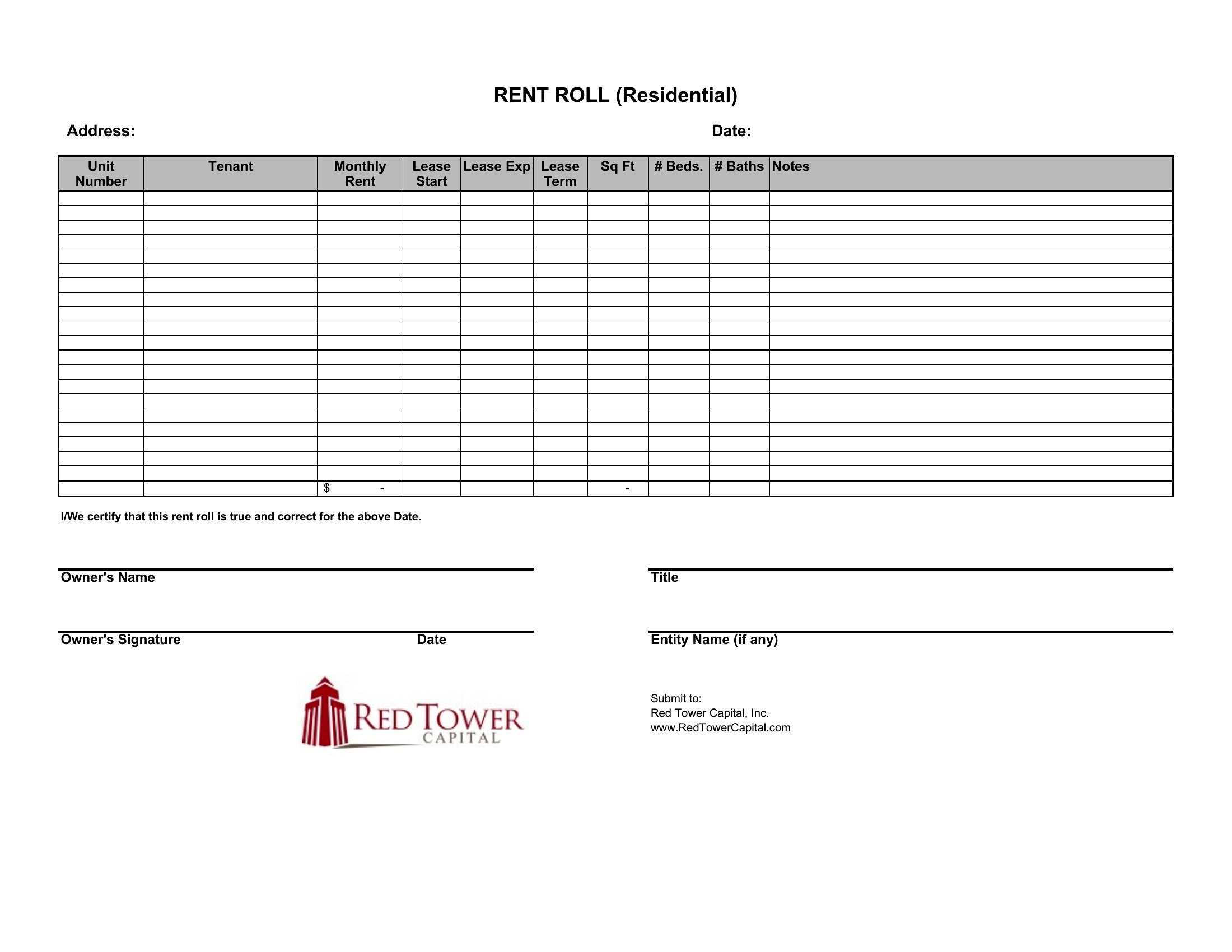
- A small residential landlord with 15 units in a single-family neighborhood uses an Excel rent roll to instantly calculate total revenue and identify which leases expire soon, so they can adjust pricing or send renewal notices proactively.
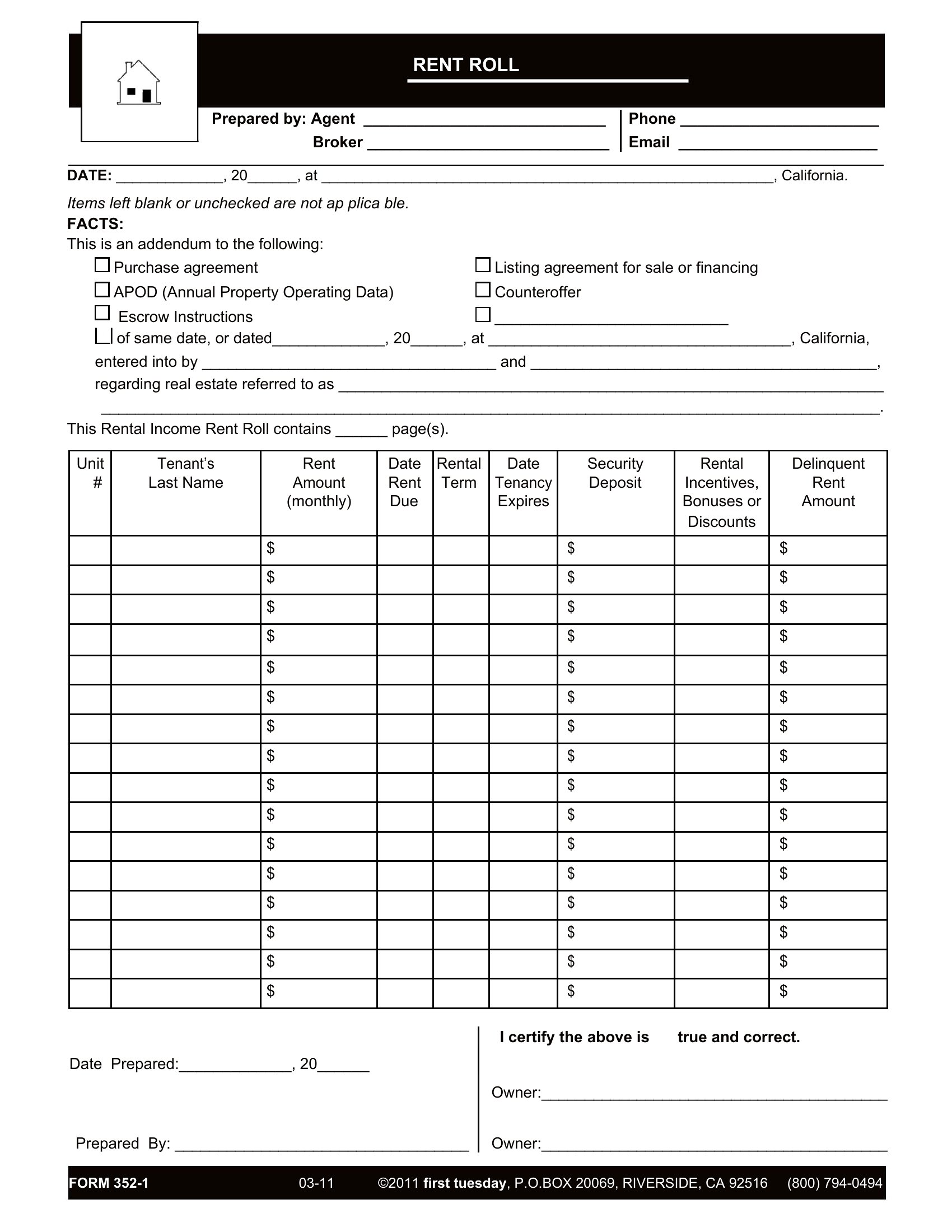
- A property management company for student housing needs a Word-based rent roll to document lease terms, security deposits, and move-in dates for all 50 units, which they share with co-owners and insurance providers during quarterly reviews.
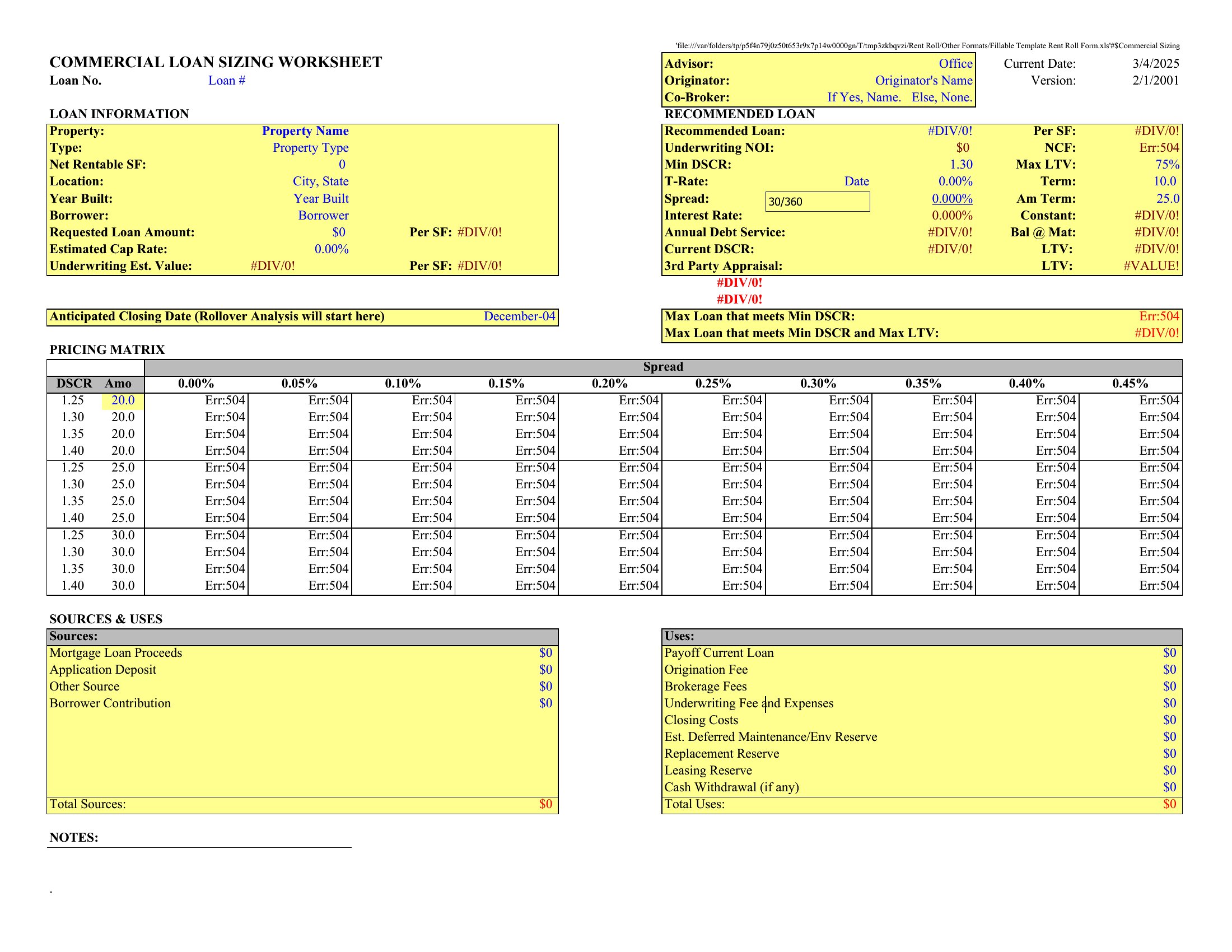
- A commercial real estate investor evaluating a 20-unit apartment complex requests a detailed rent roll from the current owner to compare current income against projected cash flow before making an offer, using the Excel version to spot discrepancies in reported occupancy.
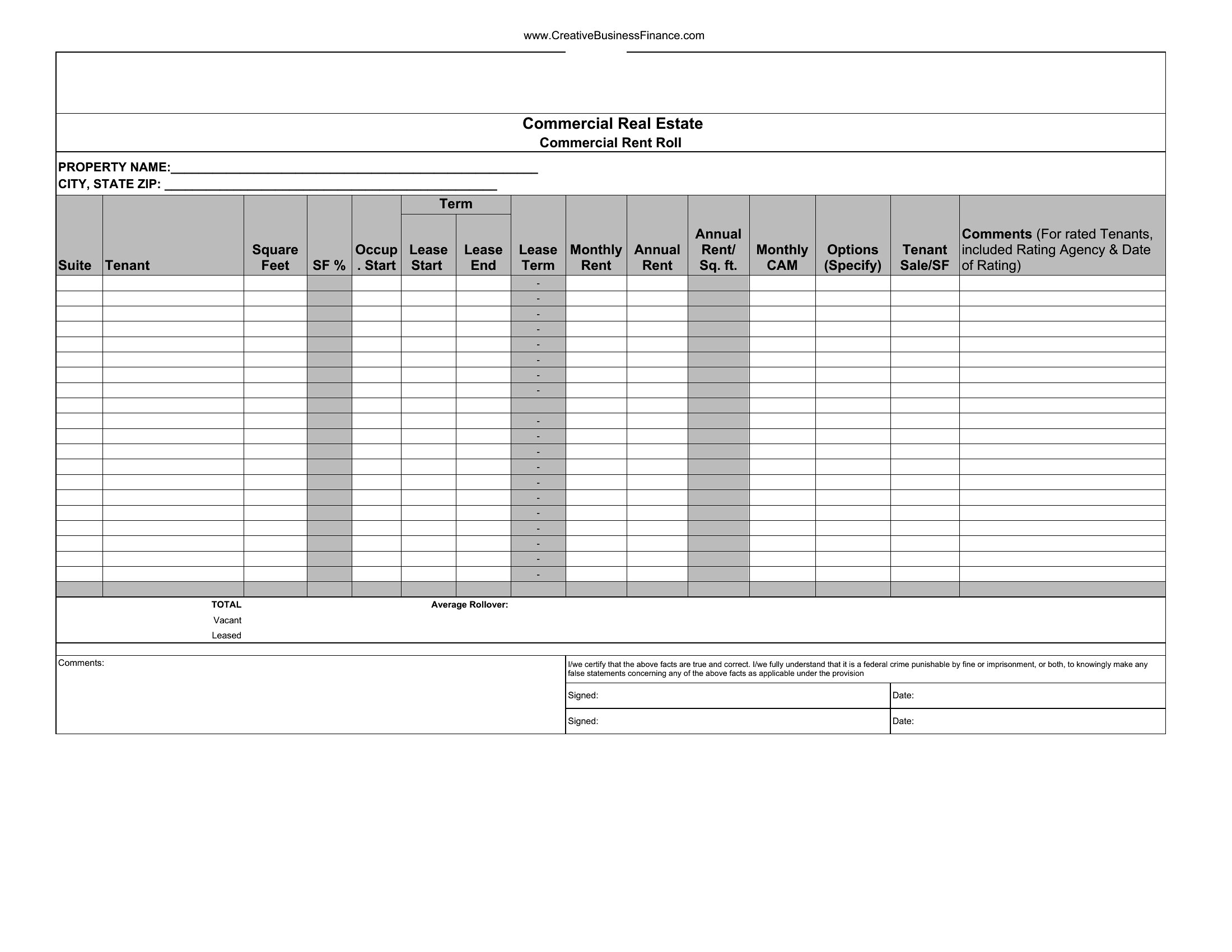
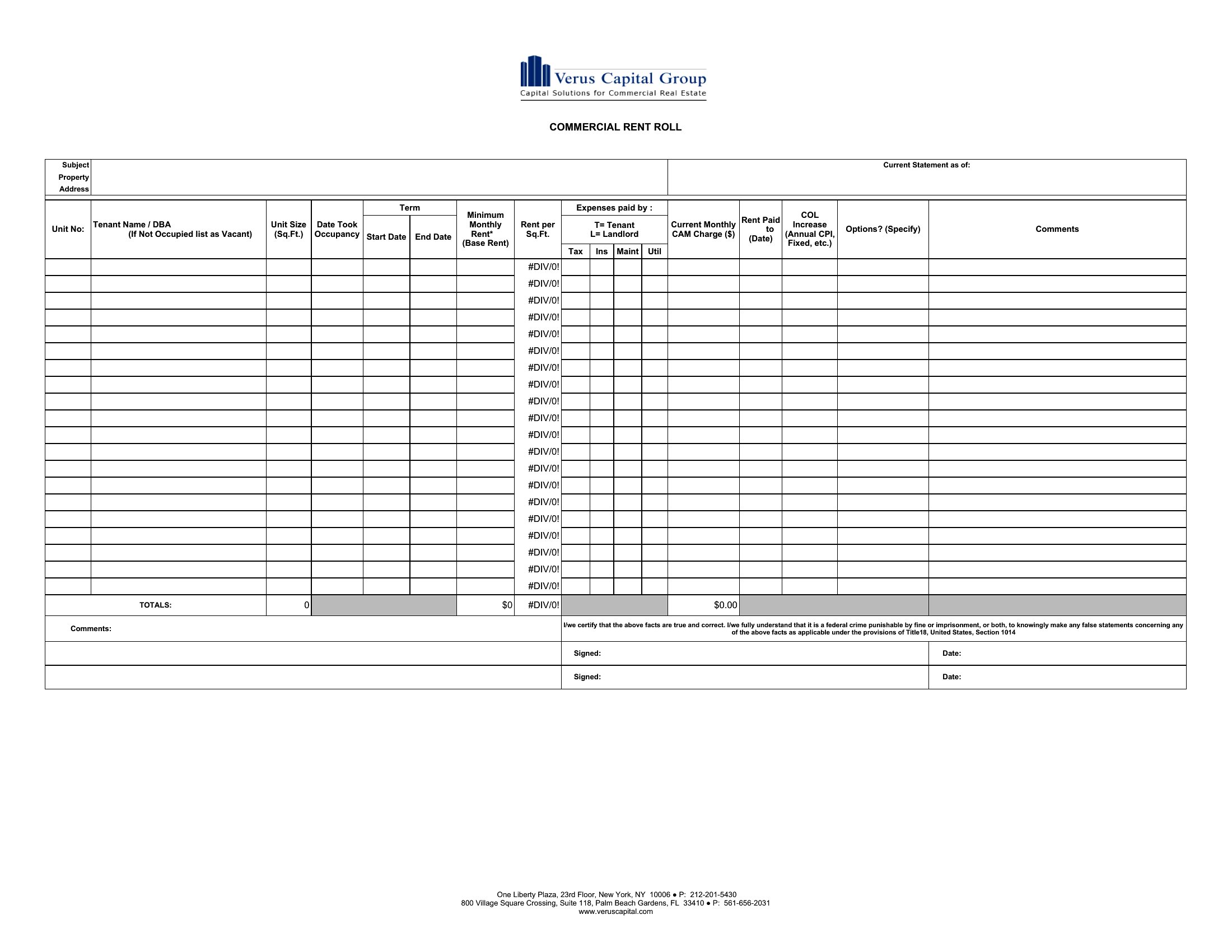
- A new property manager for a mixed-use building with retail and office spaces creates a Word rent roll to track varying lease structures (NNN vs. gross), tenant improvement allowances, and escalation clauses—essential for renegotiating leases and justifying rent increases to the building owner.
Which format should I download?
Choose Excel for dynamic rent rolls if you need automatic calculations, percentage occupancy tracking, or color-coding for vacancies and lease expirations. This format is ideal for investors, lenders, or managers who analyze data frequently or share reports with stakeholders requiring raw numbers. Opt for Word when you prioritize formatting consistency—such as for legal or investor presentations—where lease terms, tenant names, and unit details must appear in a polished, print-ready layout. Word works best for static documents that serve as official records or are shared with parties who don’t need to modify the underlying data.
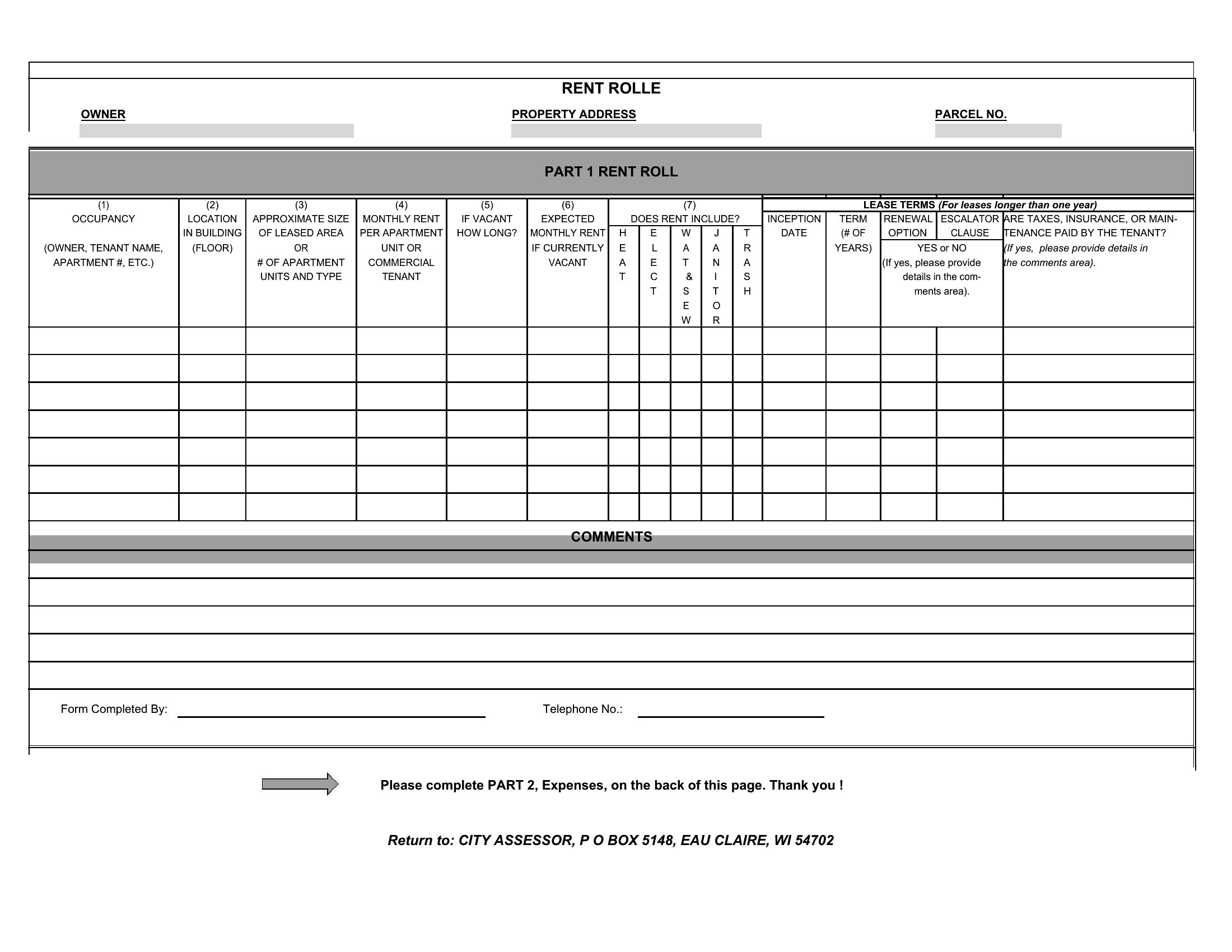
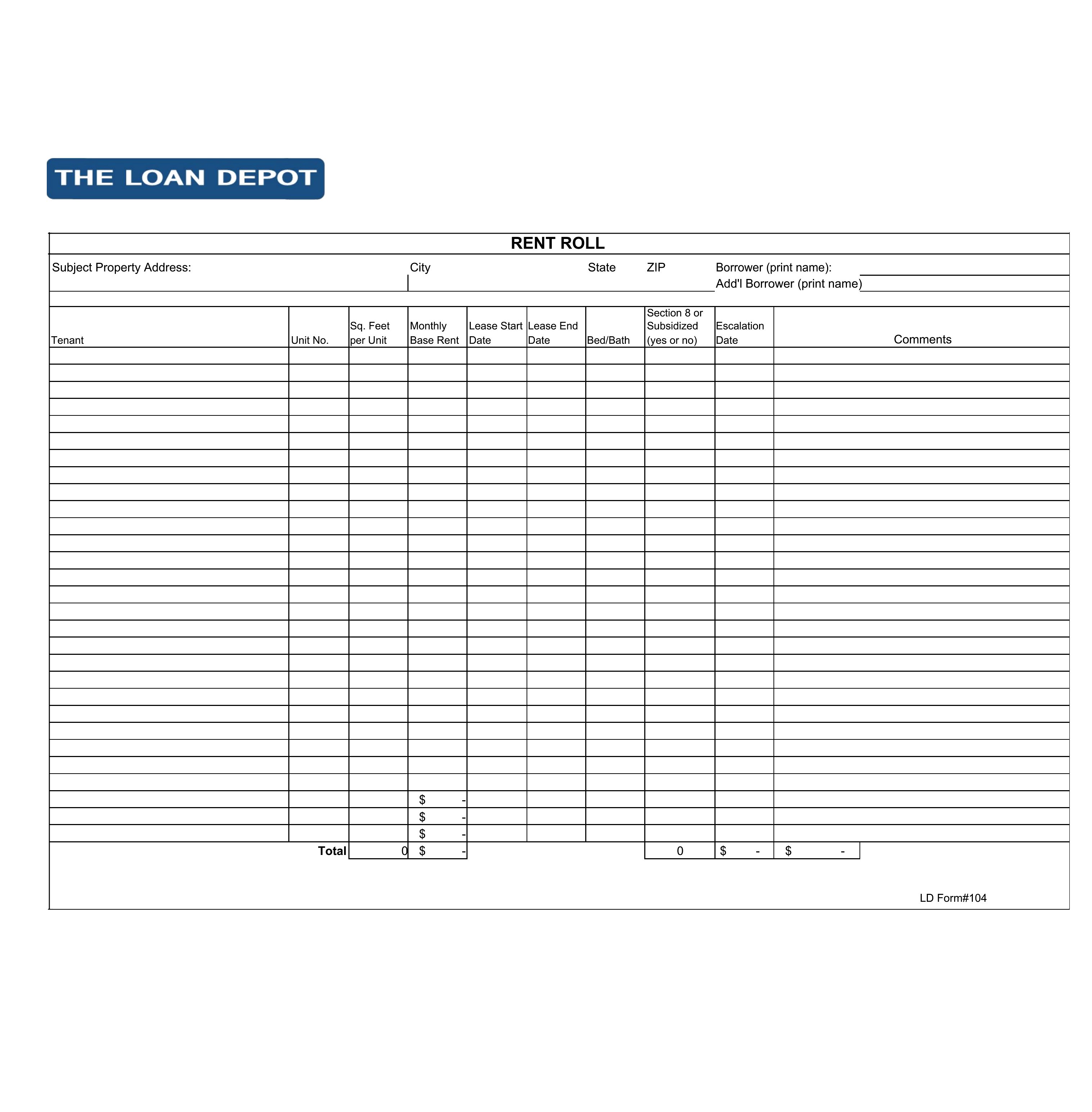
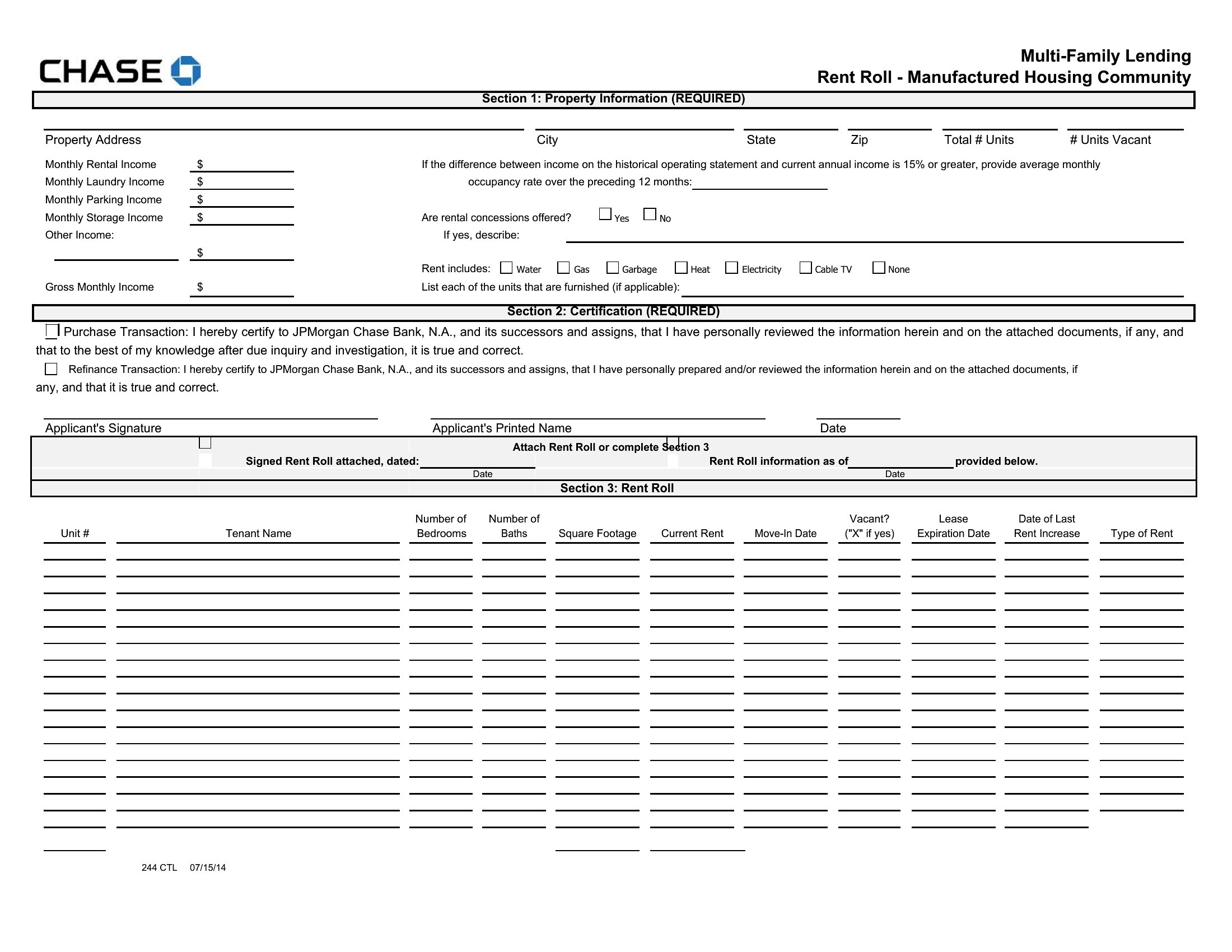
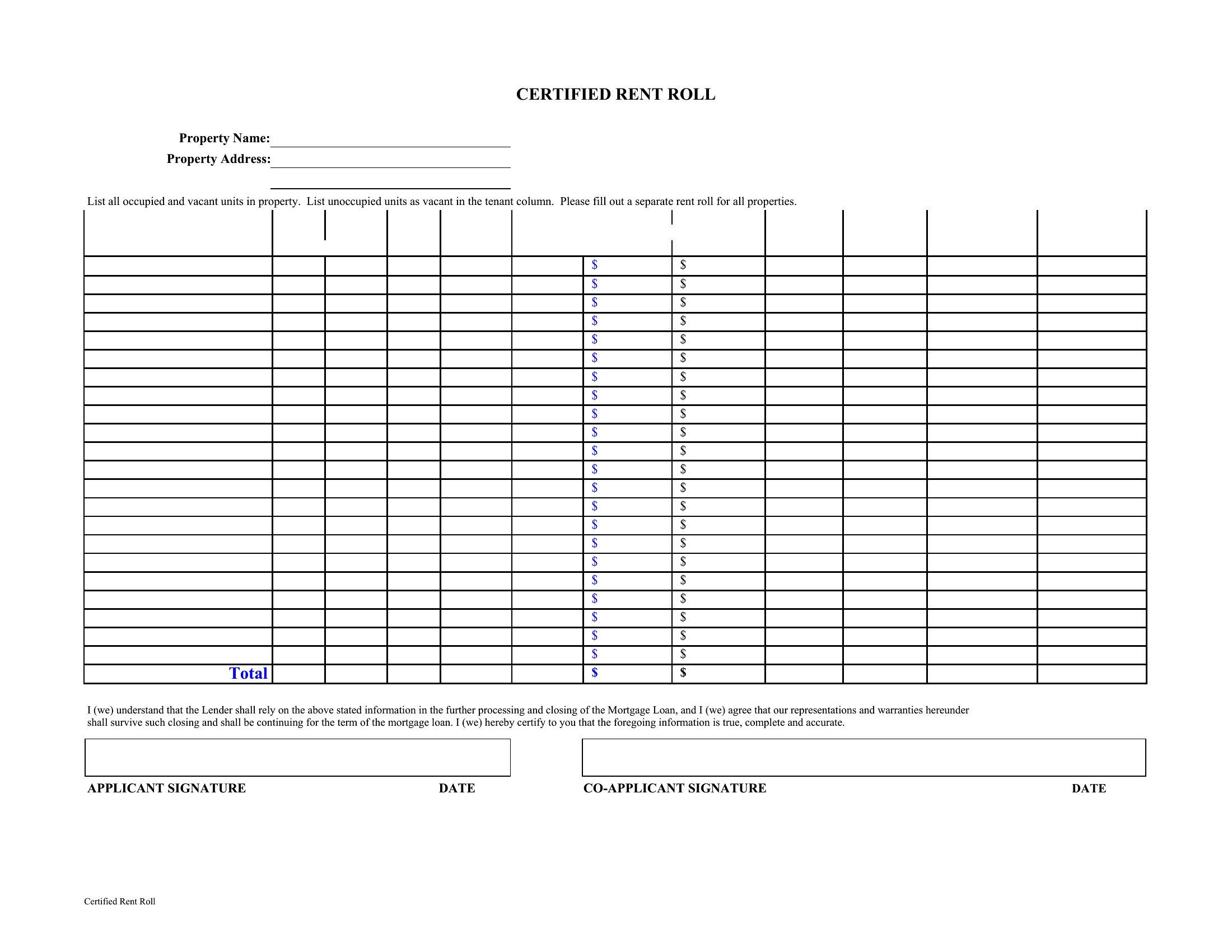
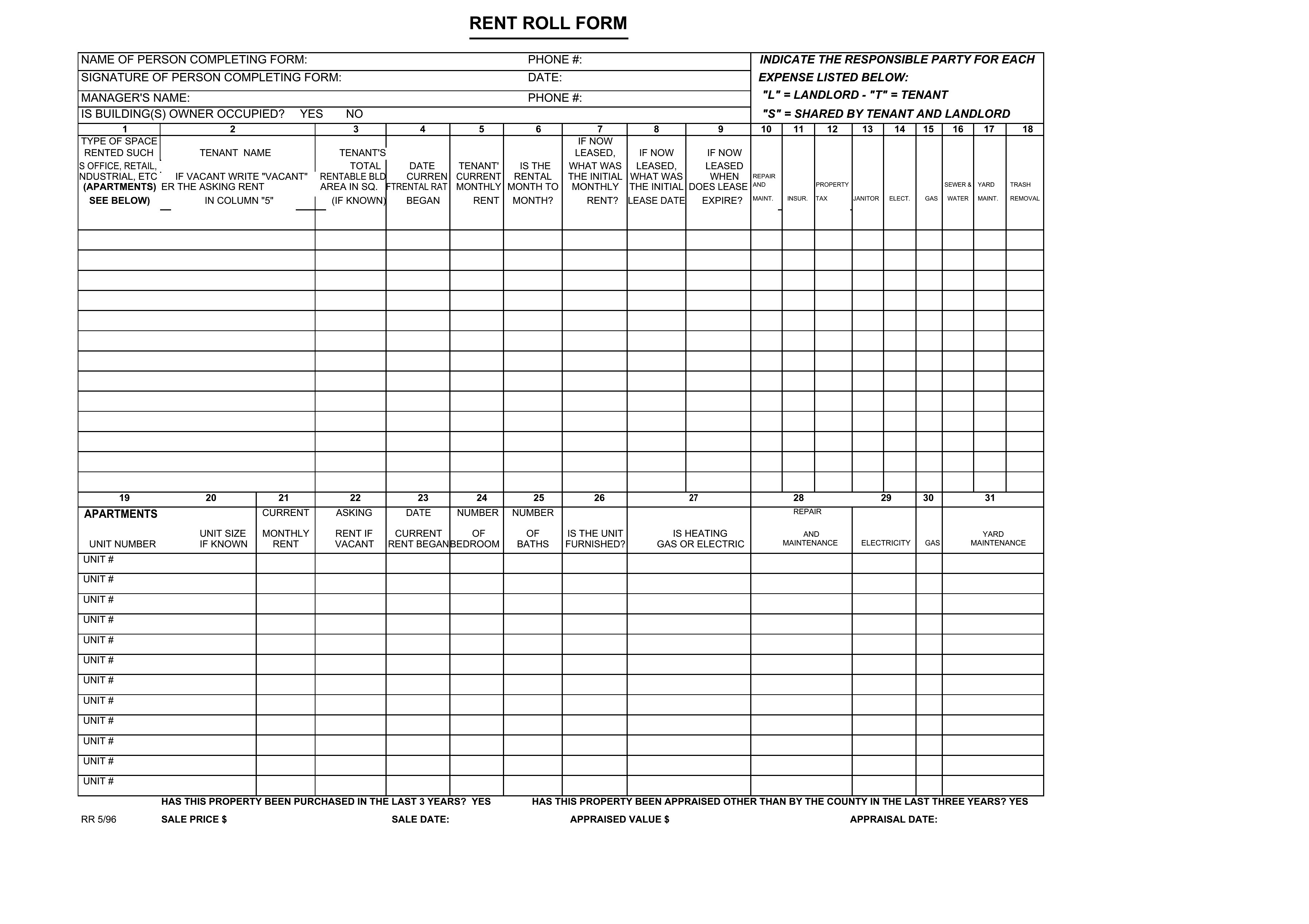
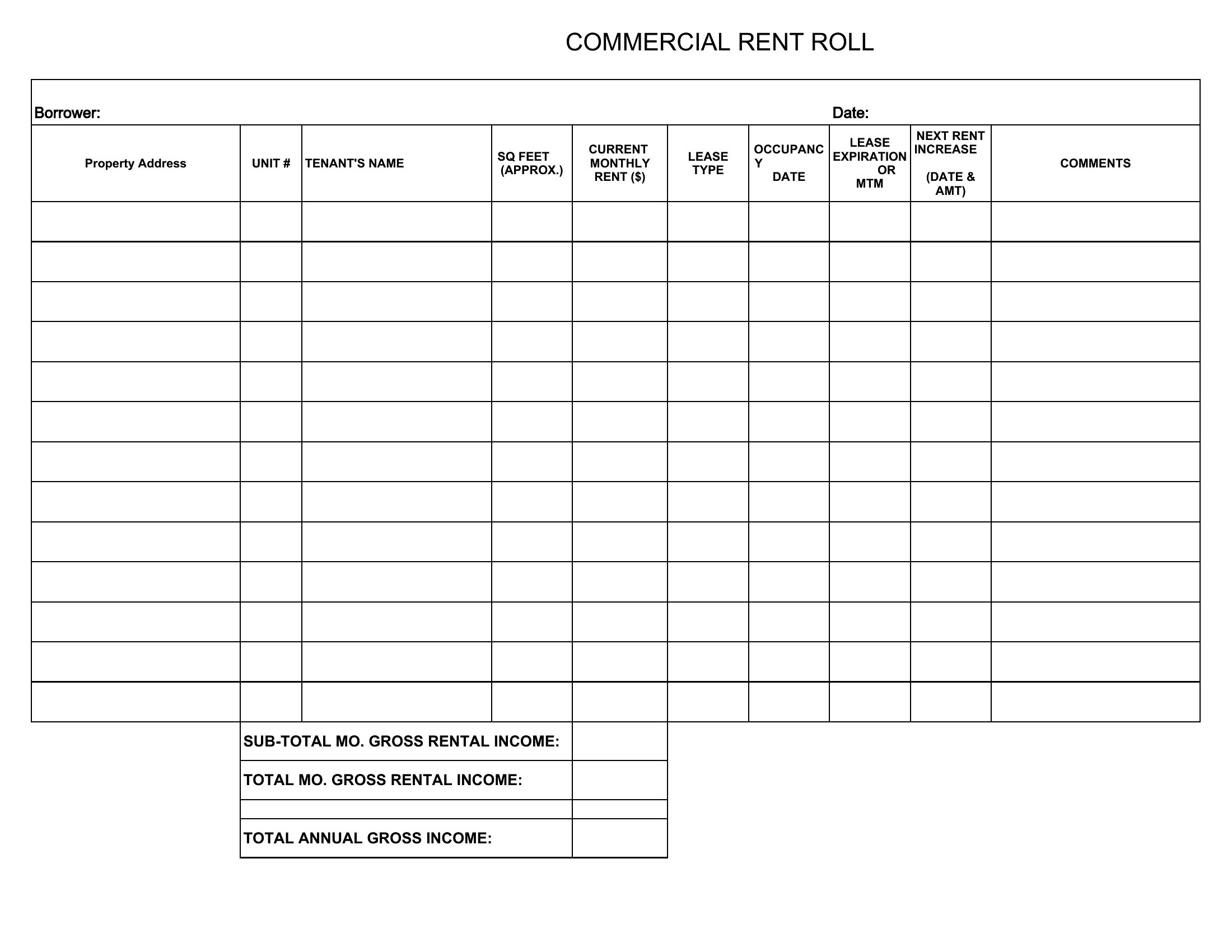
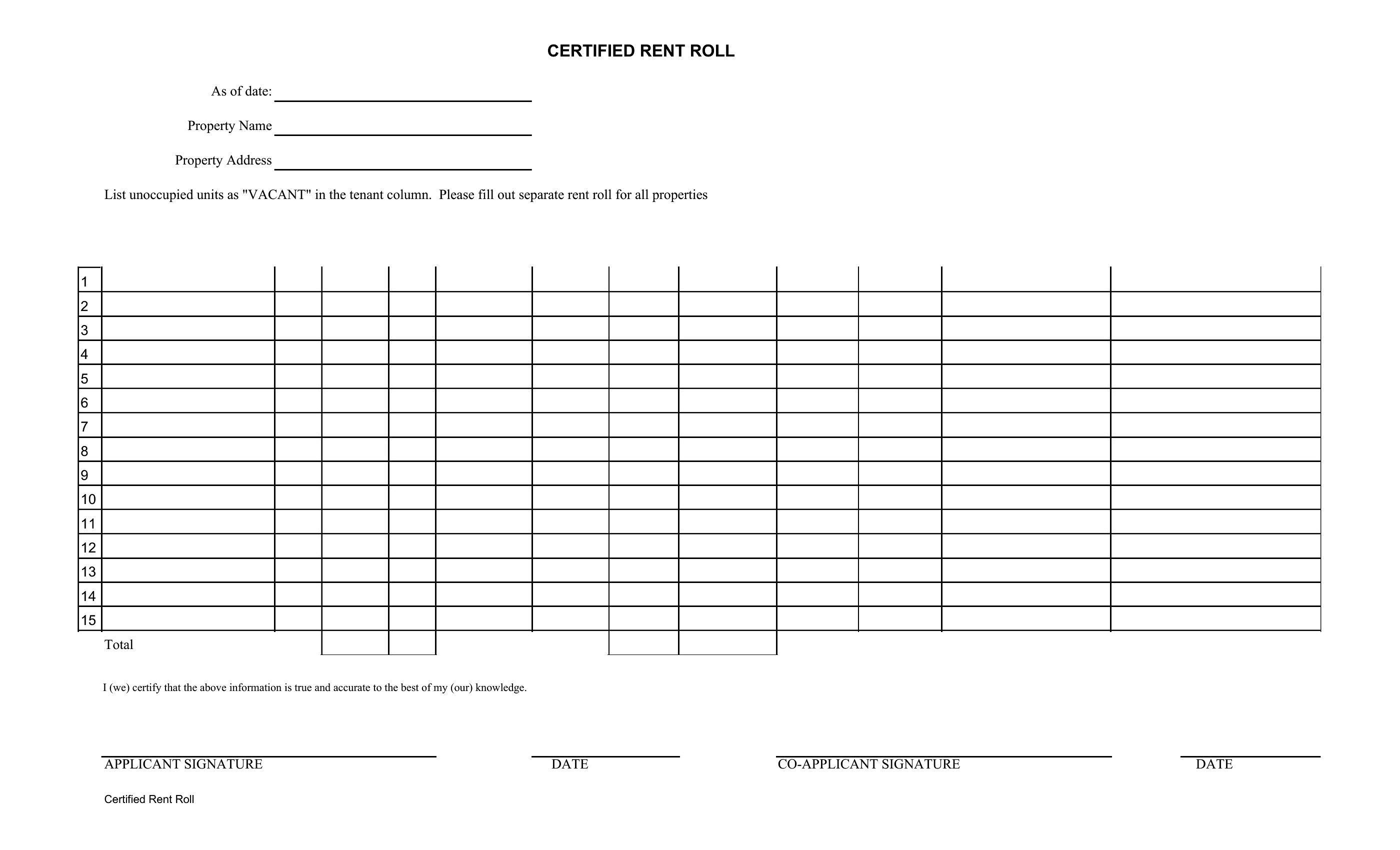
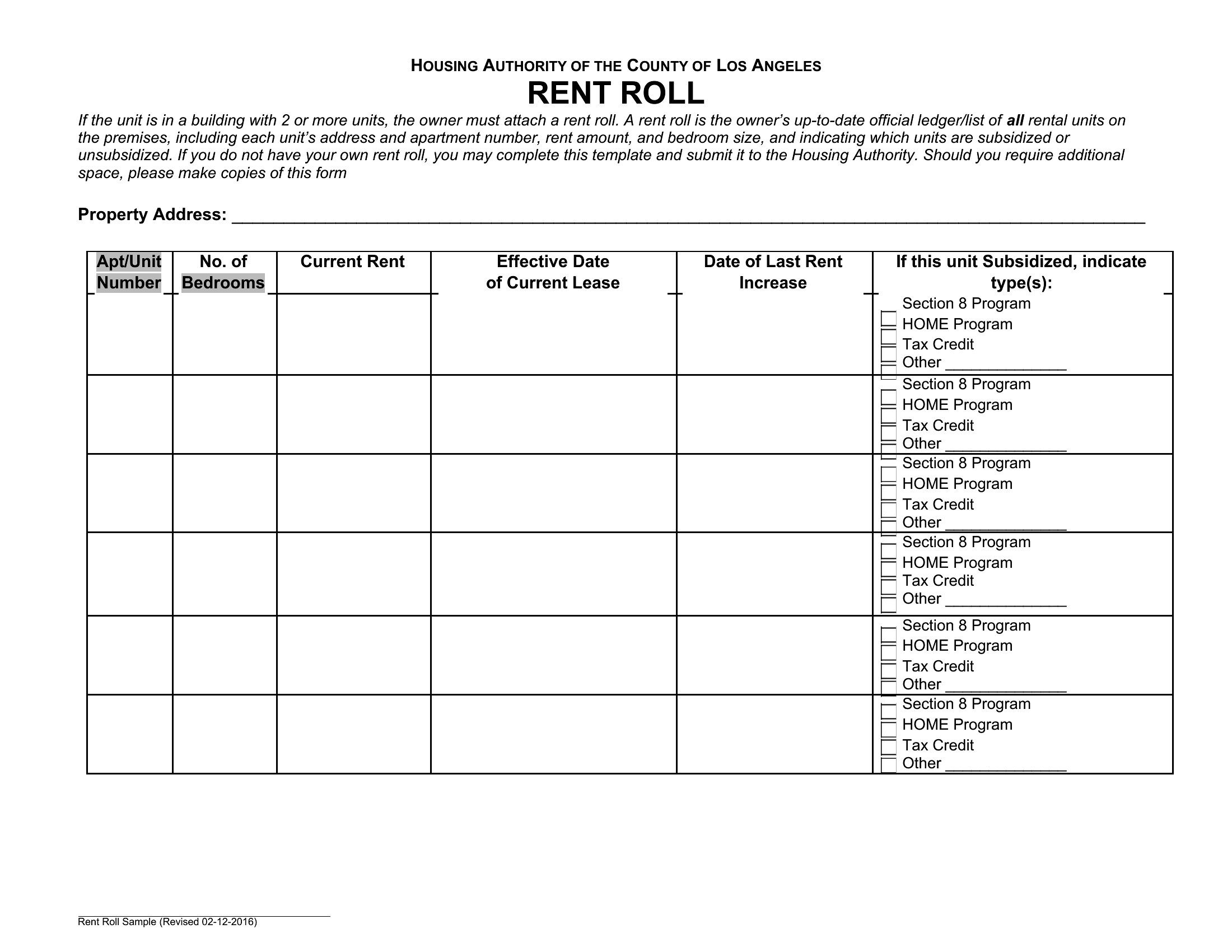
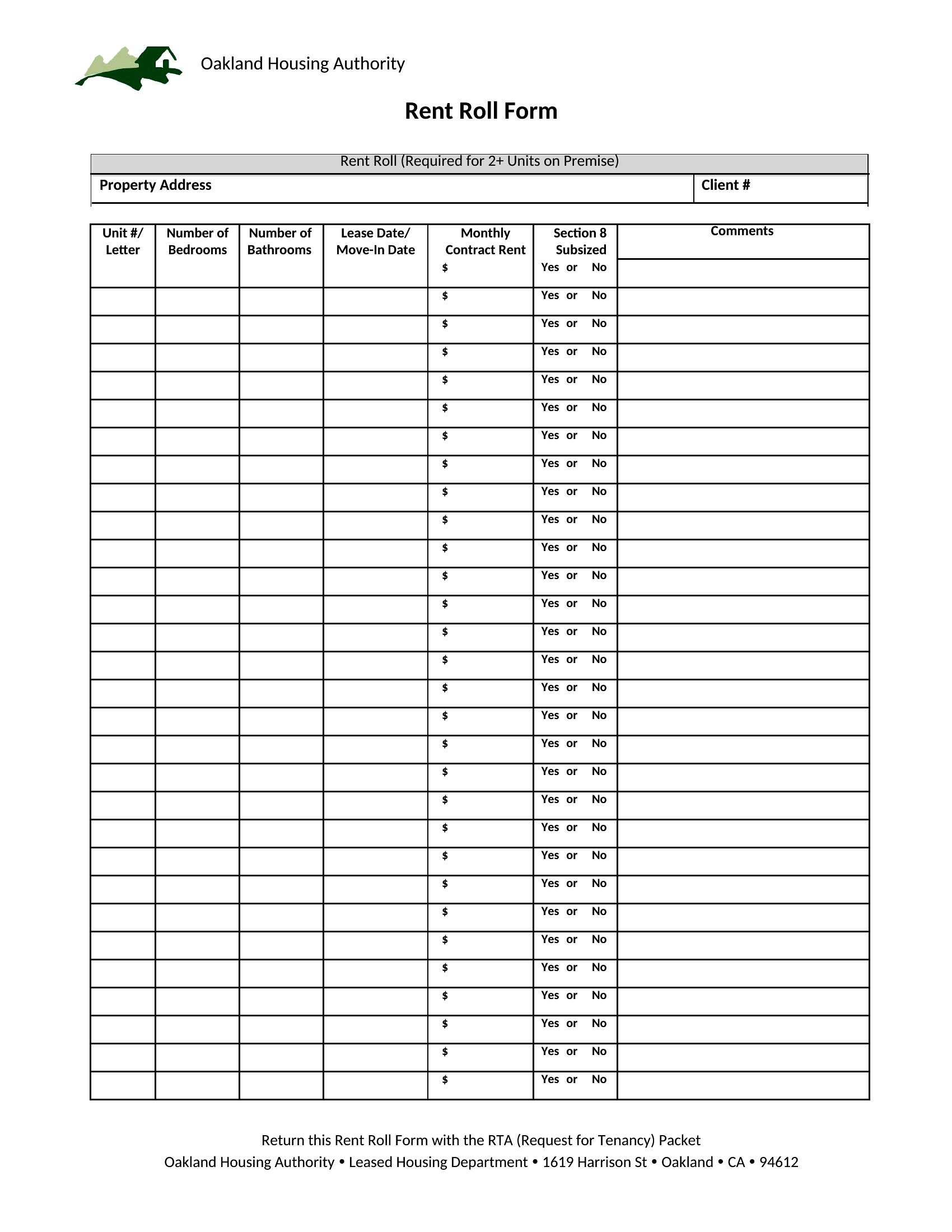
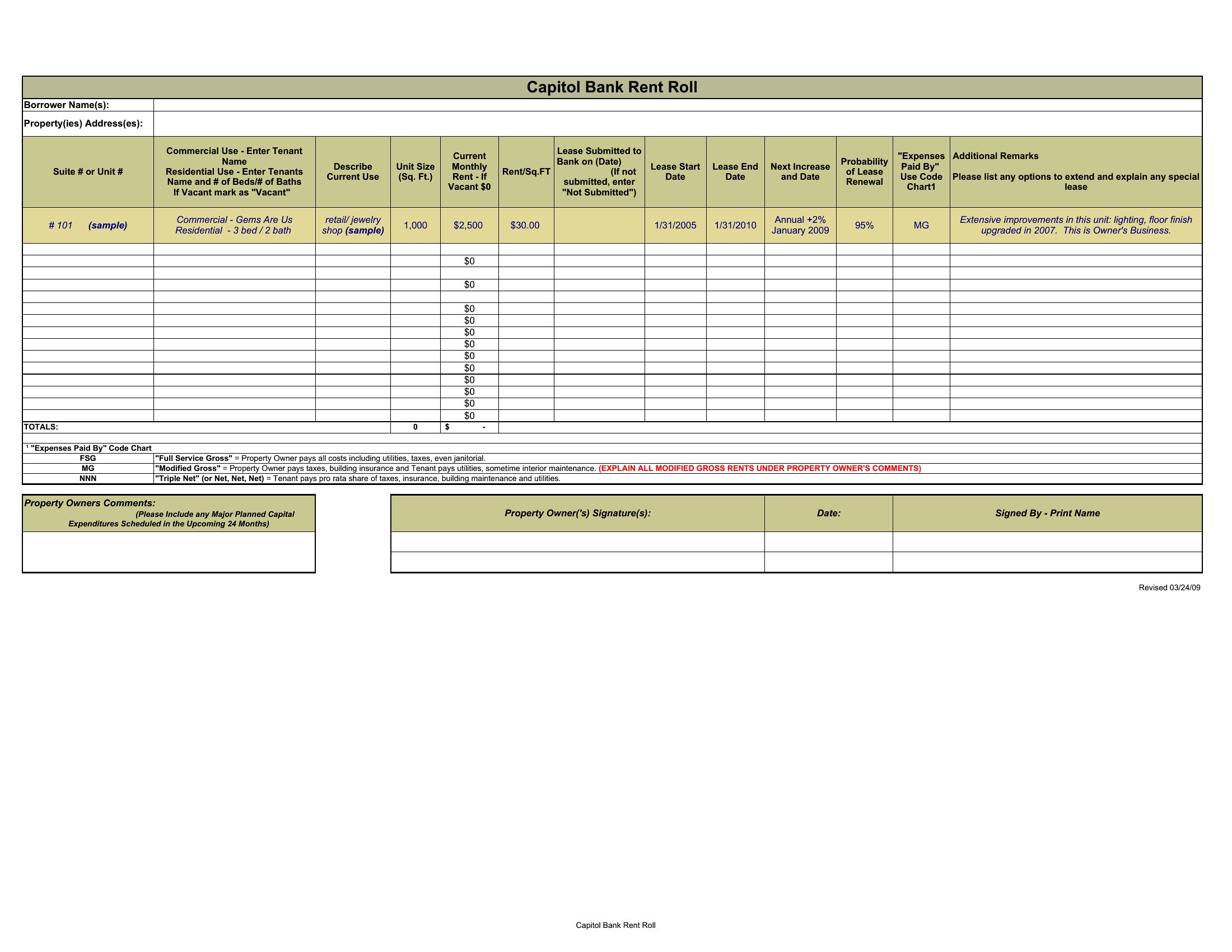
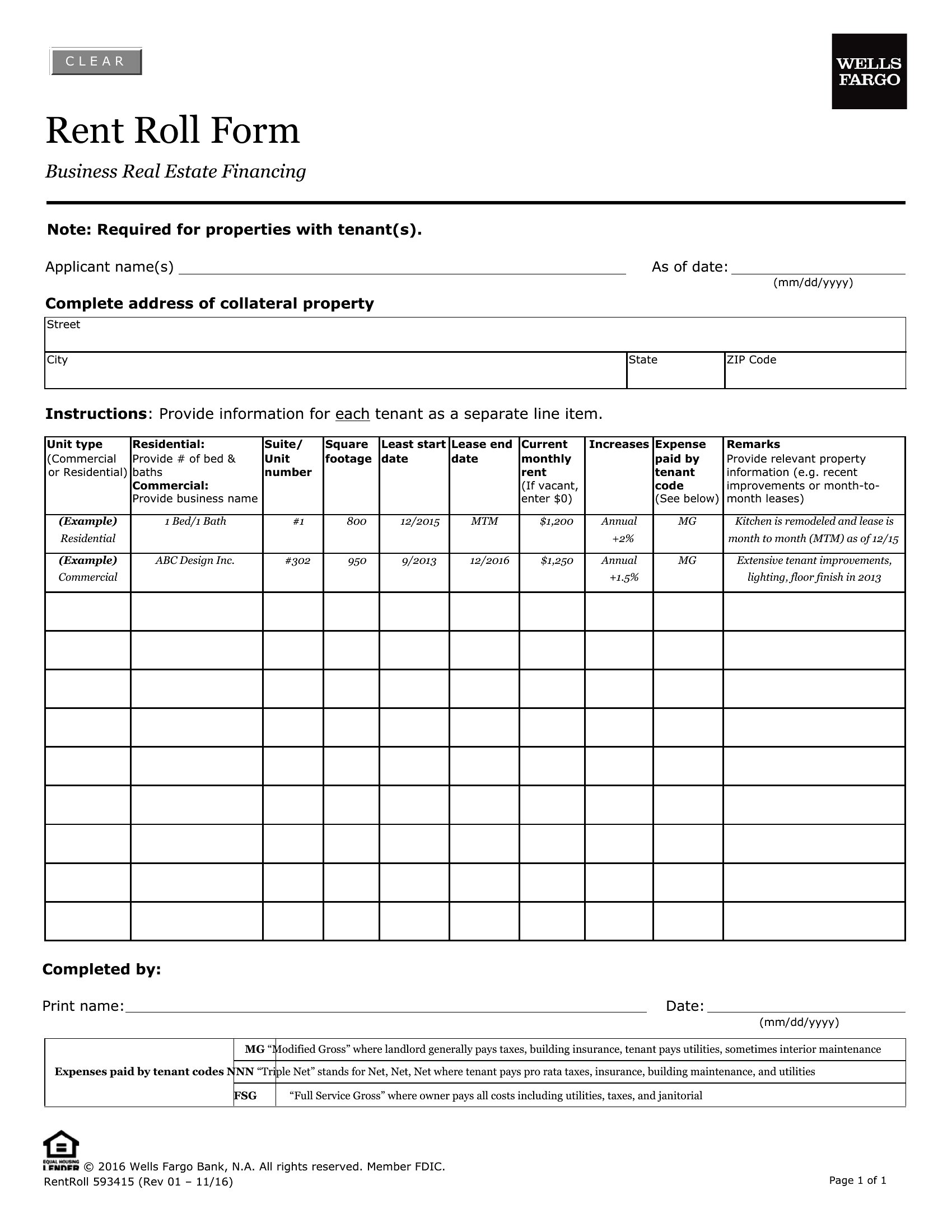
Choose from 46 Rent Roll Templates


How to use this Rent Roll template
How can a rent roll help during lease renewals?
A rent roll provides a side-by-side comparison of current rents, lease expiration dates, and tenant history. For example, you can quickly identify tenants paying below market rate and use the data to negotiate higher renewals—while noting which units have been vacant longer to adjust pricing competitively. It also flags tenants with payment issues or frequent late fees as candidates for lease review or replacement.
Can I use a rent roll to justify rent increases to tenants?
A rent roll alone isn’t a legal or ethical tool for rent increases, but it can support a transparent conversation by showing market trends (e.g., comparable rents in the area) and property-wide expenses (like maintenance or insurance hikes). Always comply with local rent control laws and tenant rights. Use the data to explain how increases align with fair market value and property needs, rather than presenting it as the sole reason.
What details should I include beyond rent amounts in a rent roll?
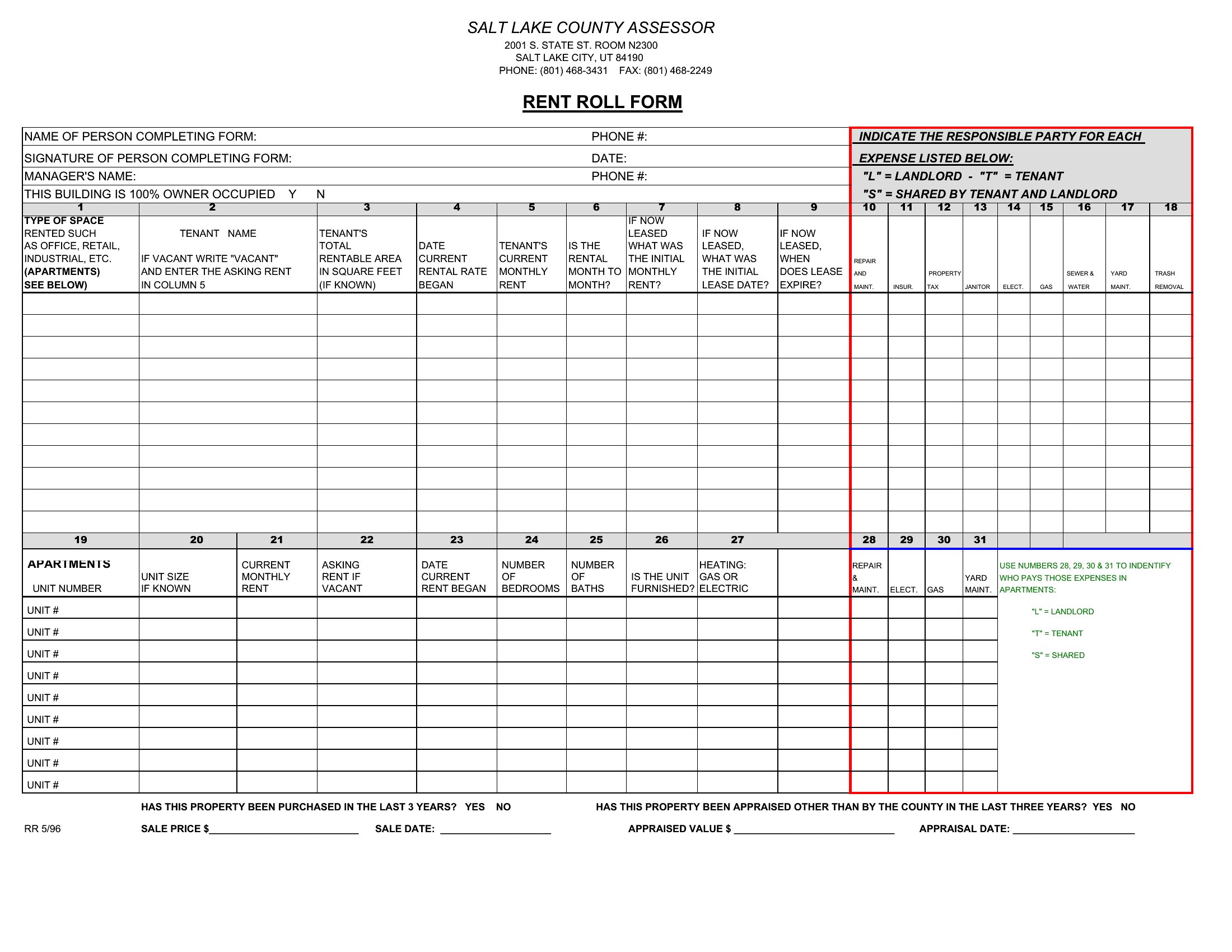
Include unit numbers, tenant names/contact info, lease start/end dates, security deposit amounts, utility responsibility (if applicable), and any concessions (like free months or tenant improvements). For commercial leases, add CAM (common area maintenance) charges, personal guarantees, or sublease clauses. This level of detail helps with financial forecasting, tenant communications, and compliance during property inspections or sales.
Comments
Join the conversation
Sign in to share your thoughts and leave a comment on this resource.