
Free Water Bottle Label Templates (Word)
Life by gabrielandersen
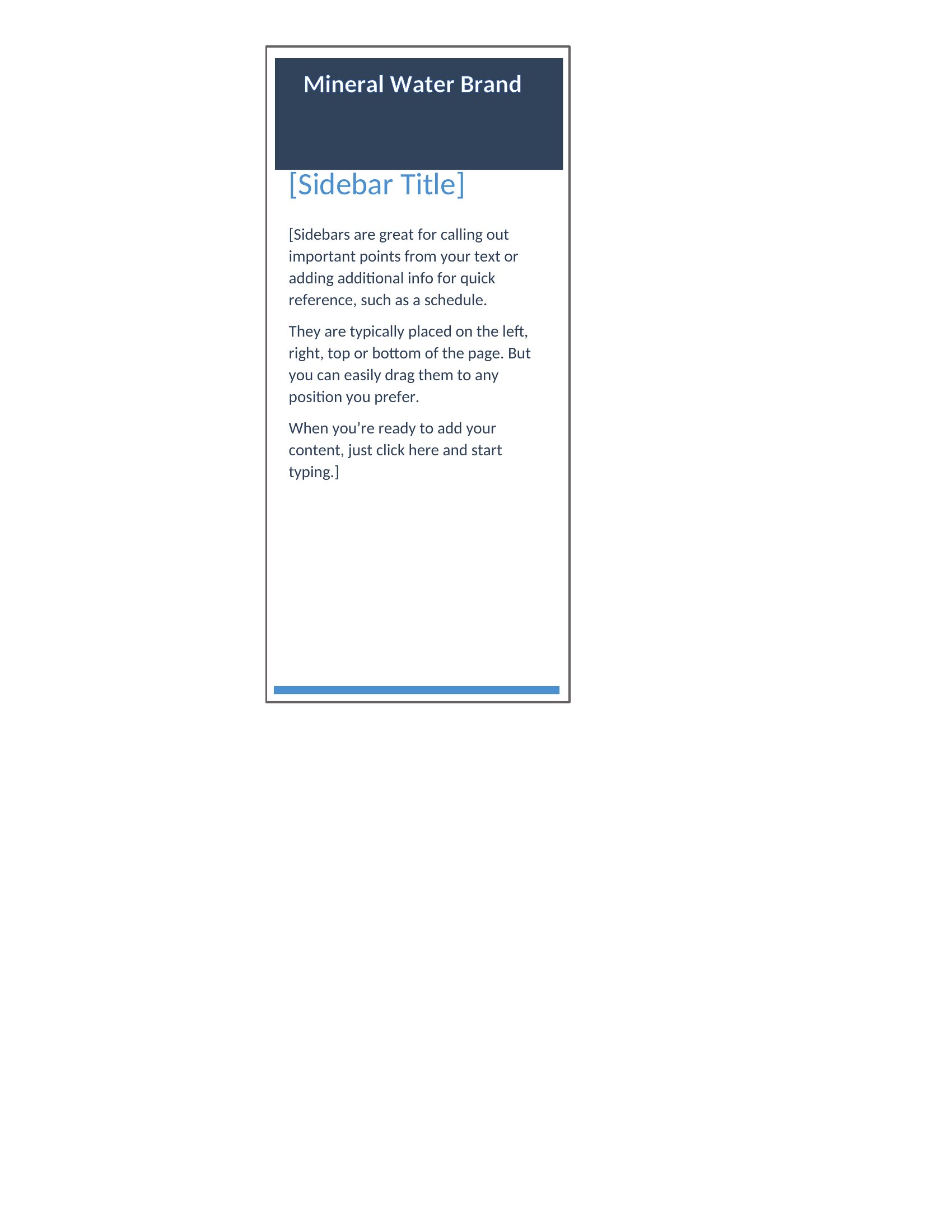
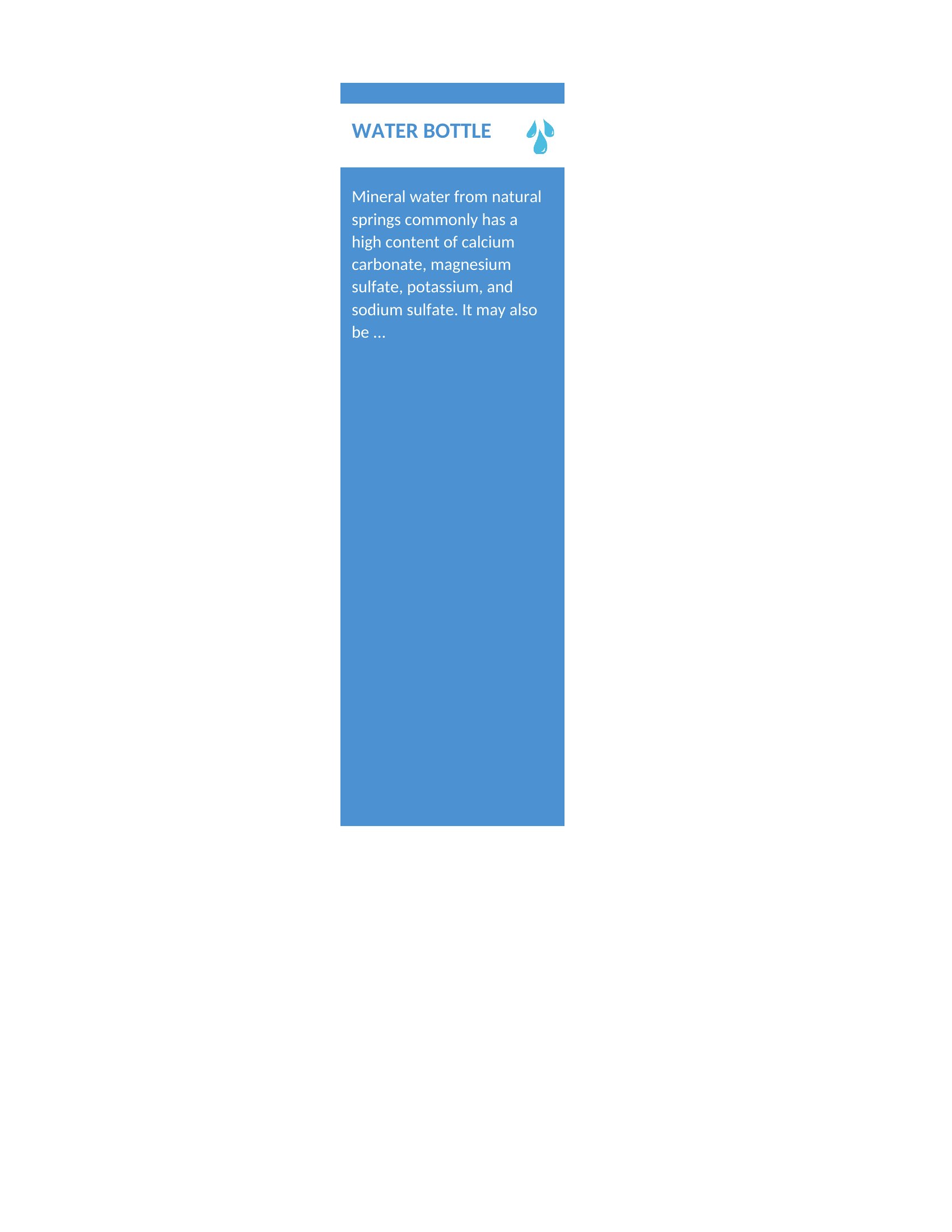
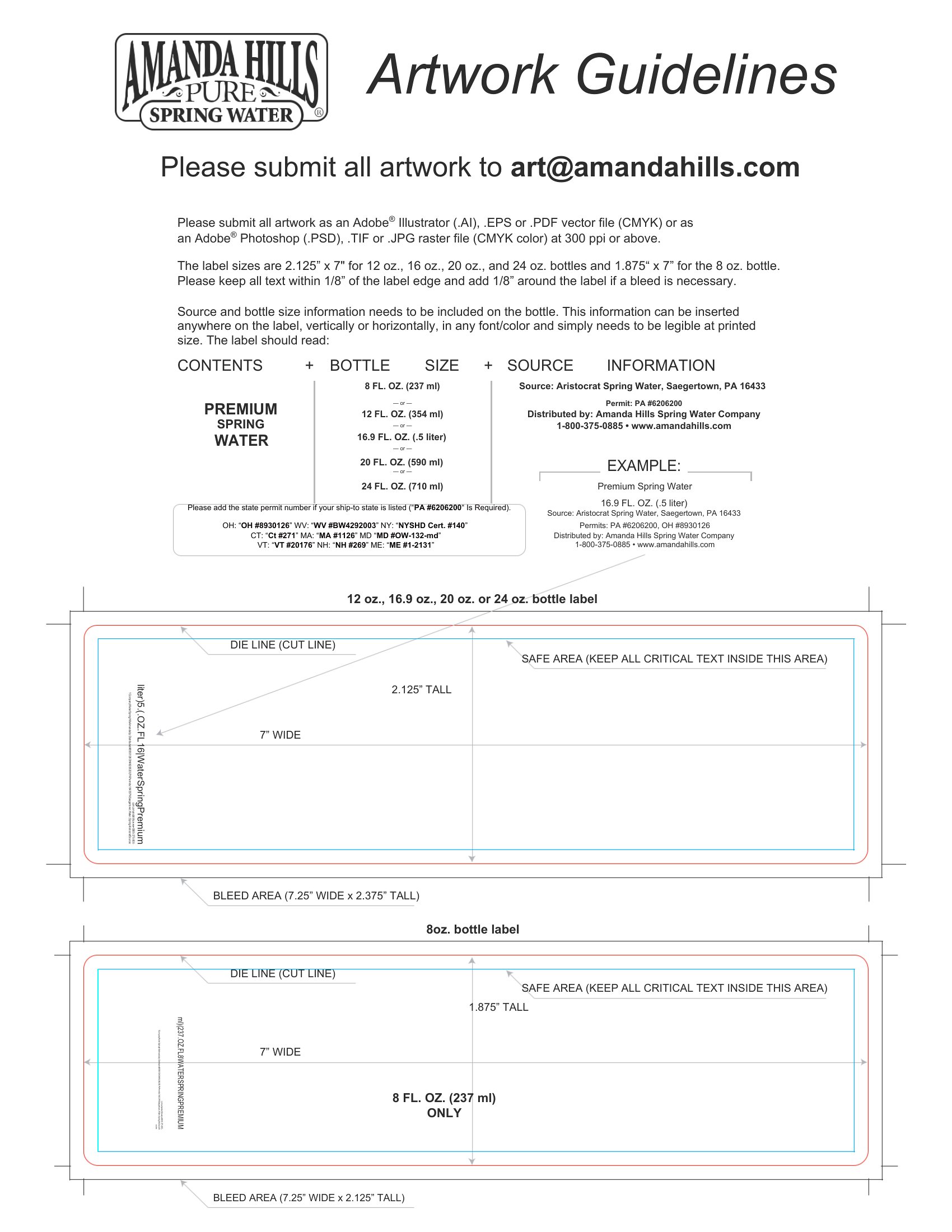
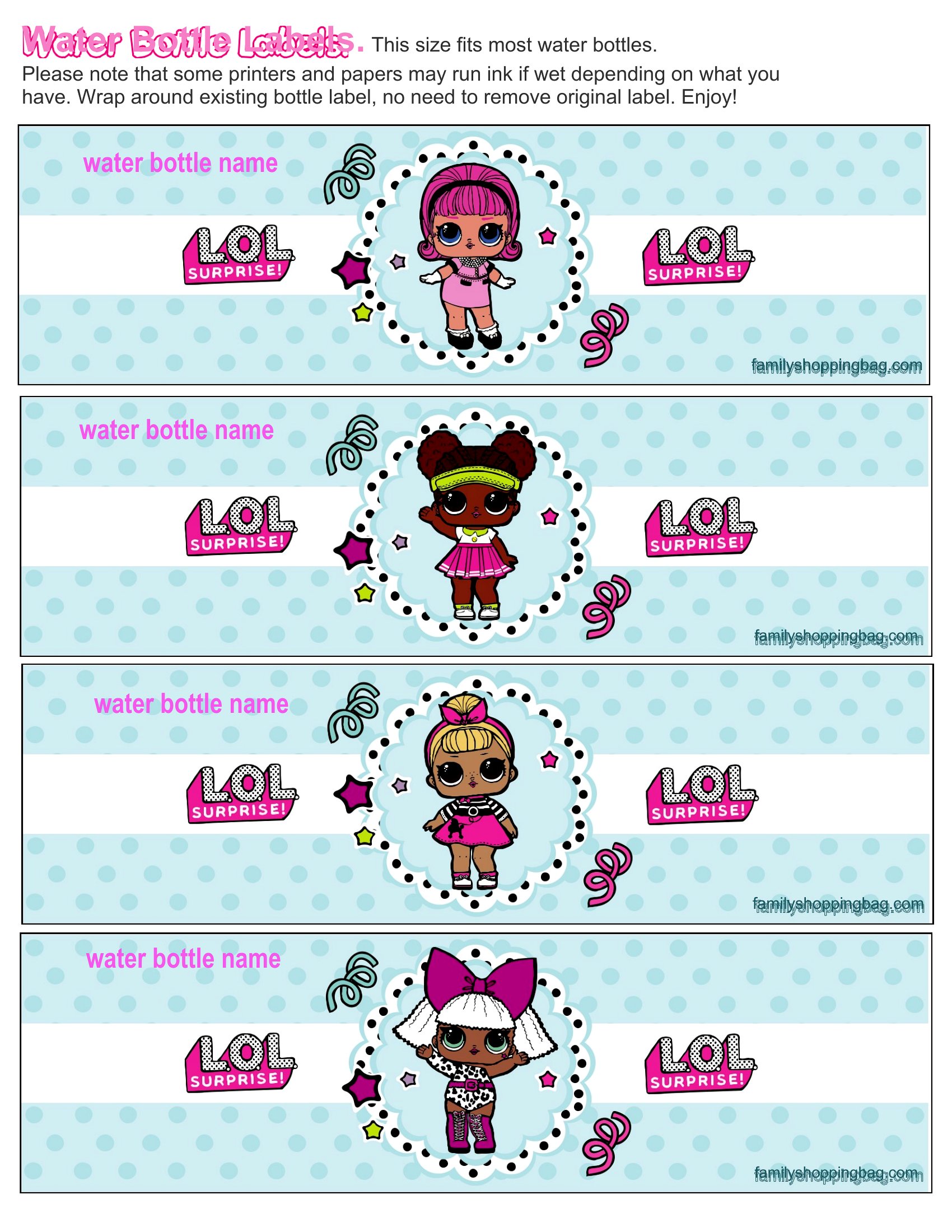
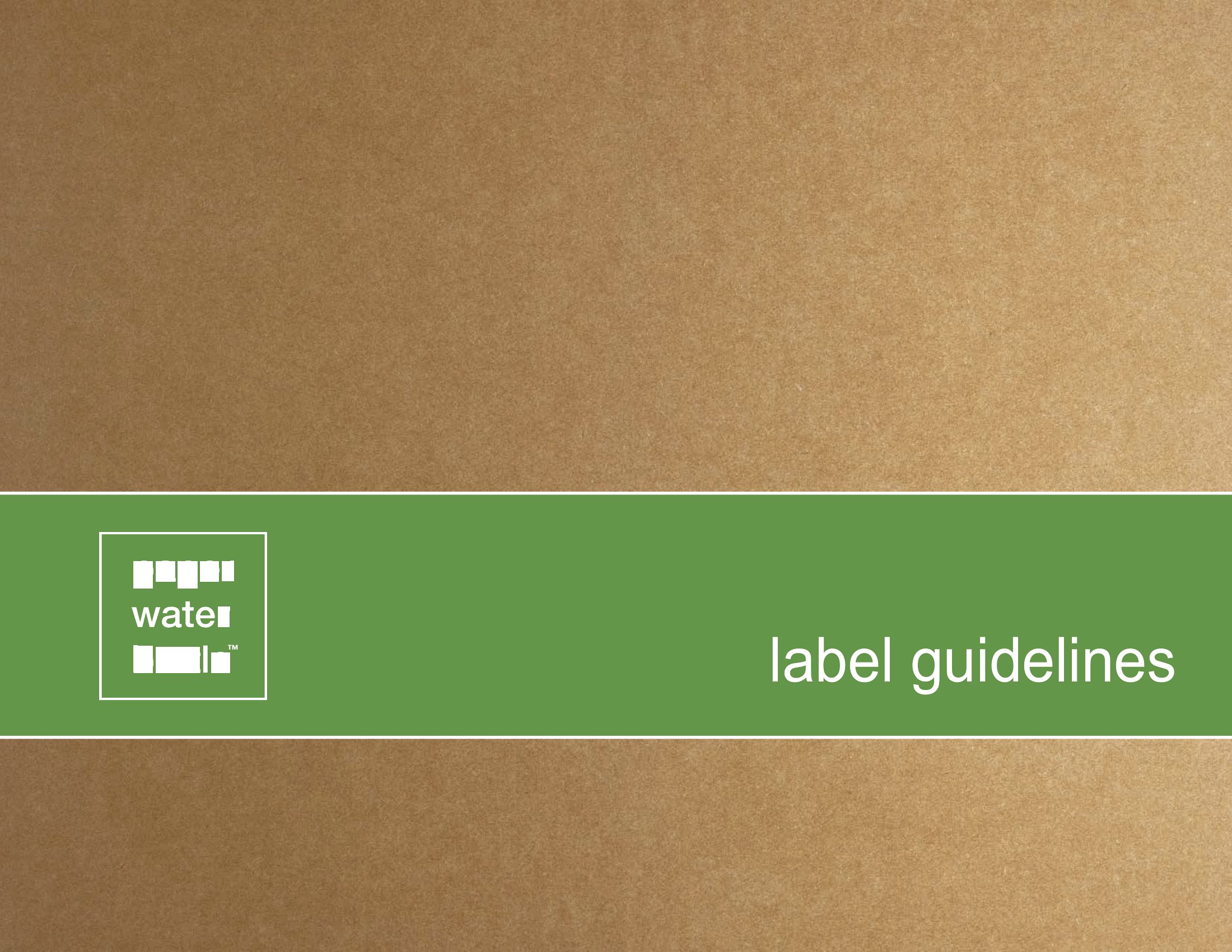
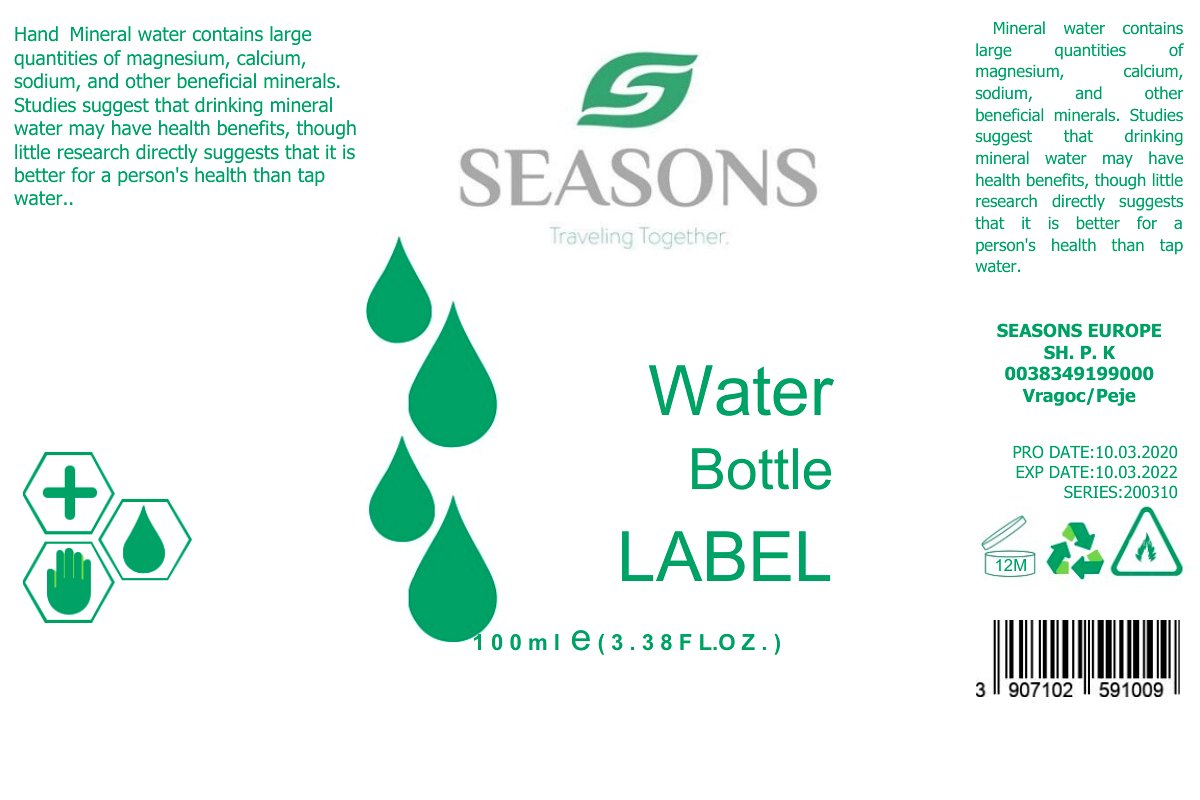
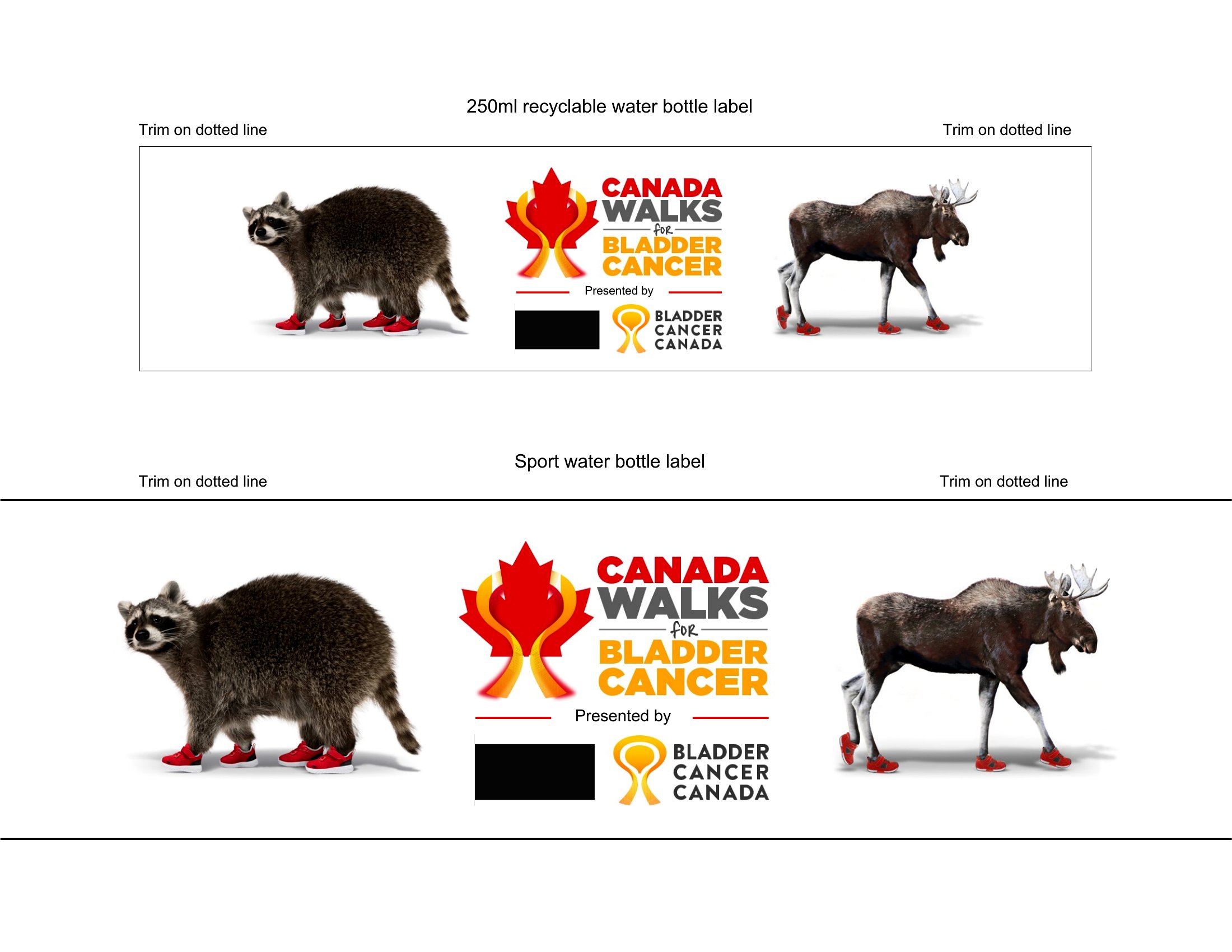
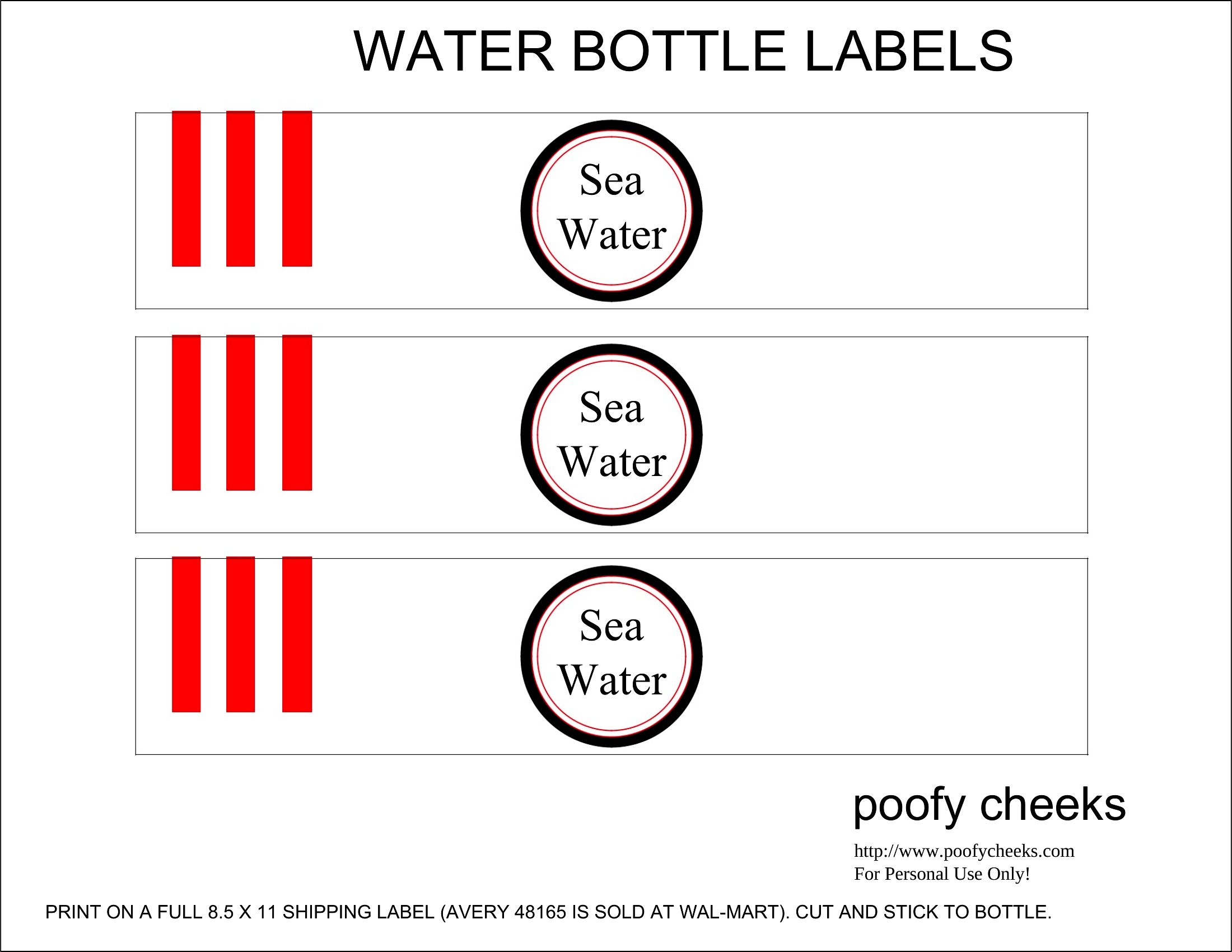
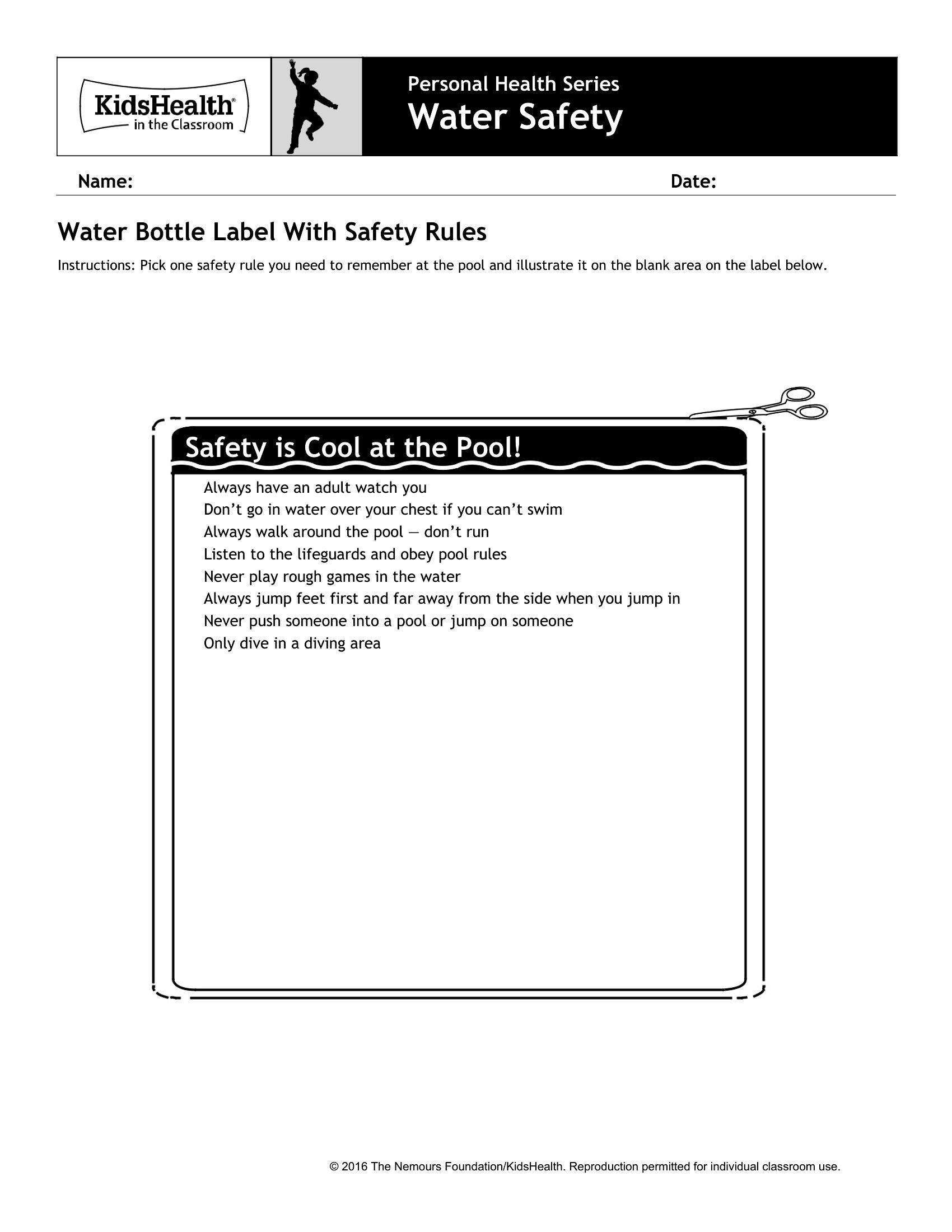
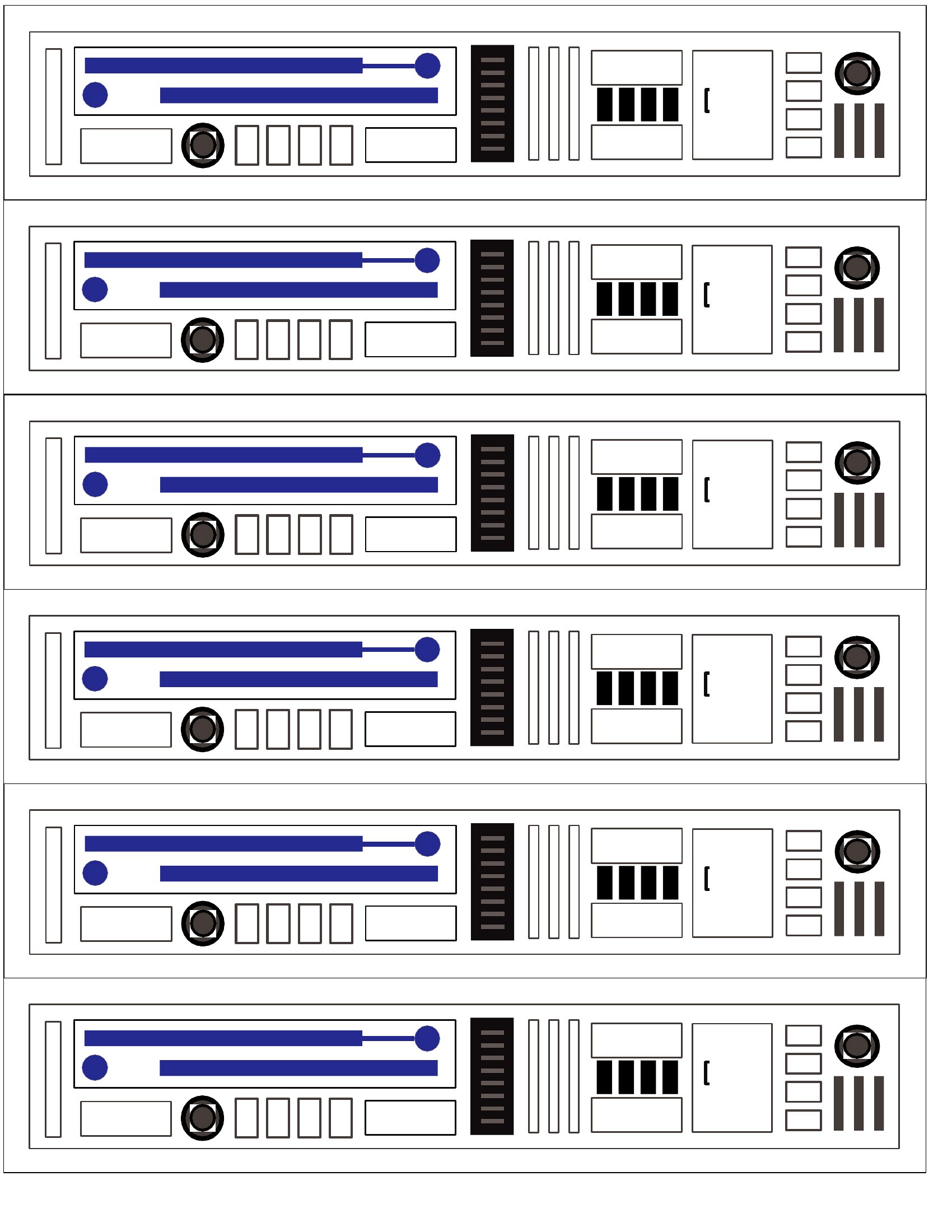
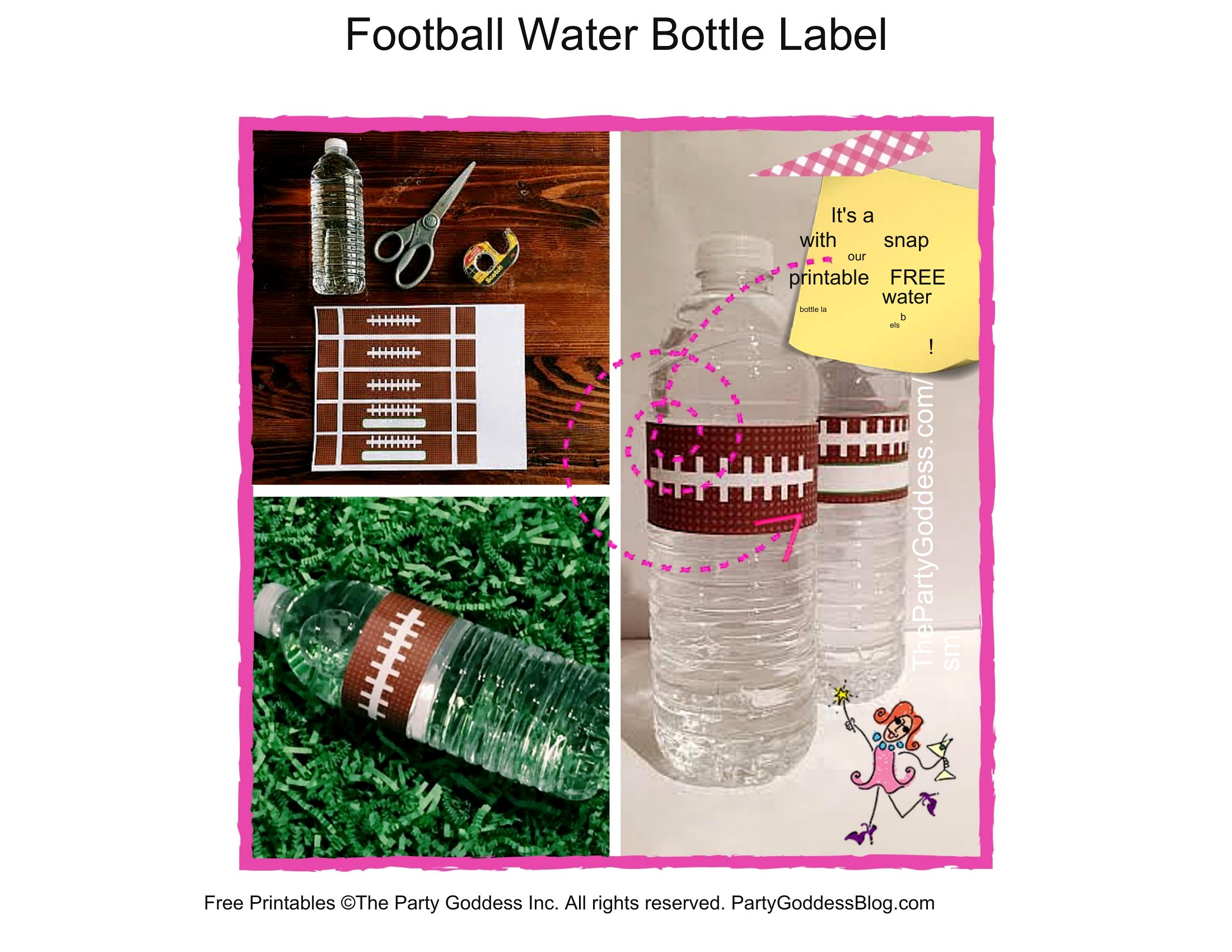
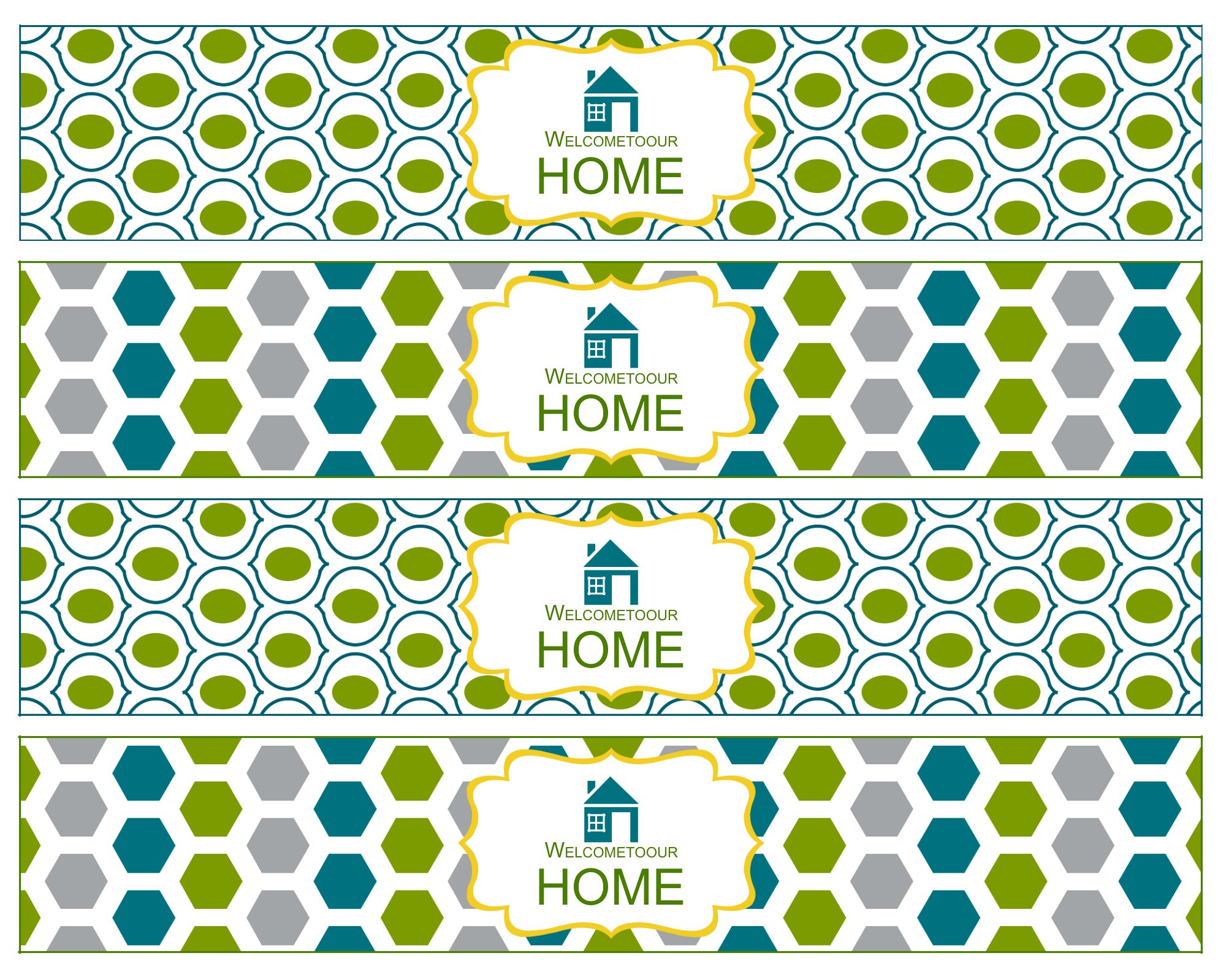
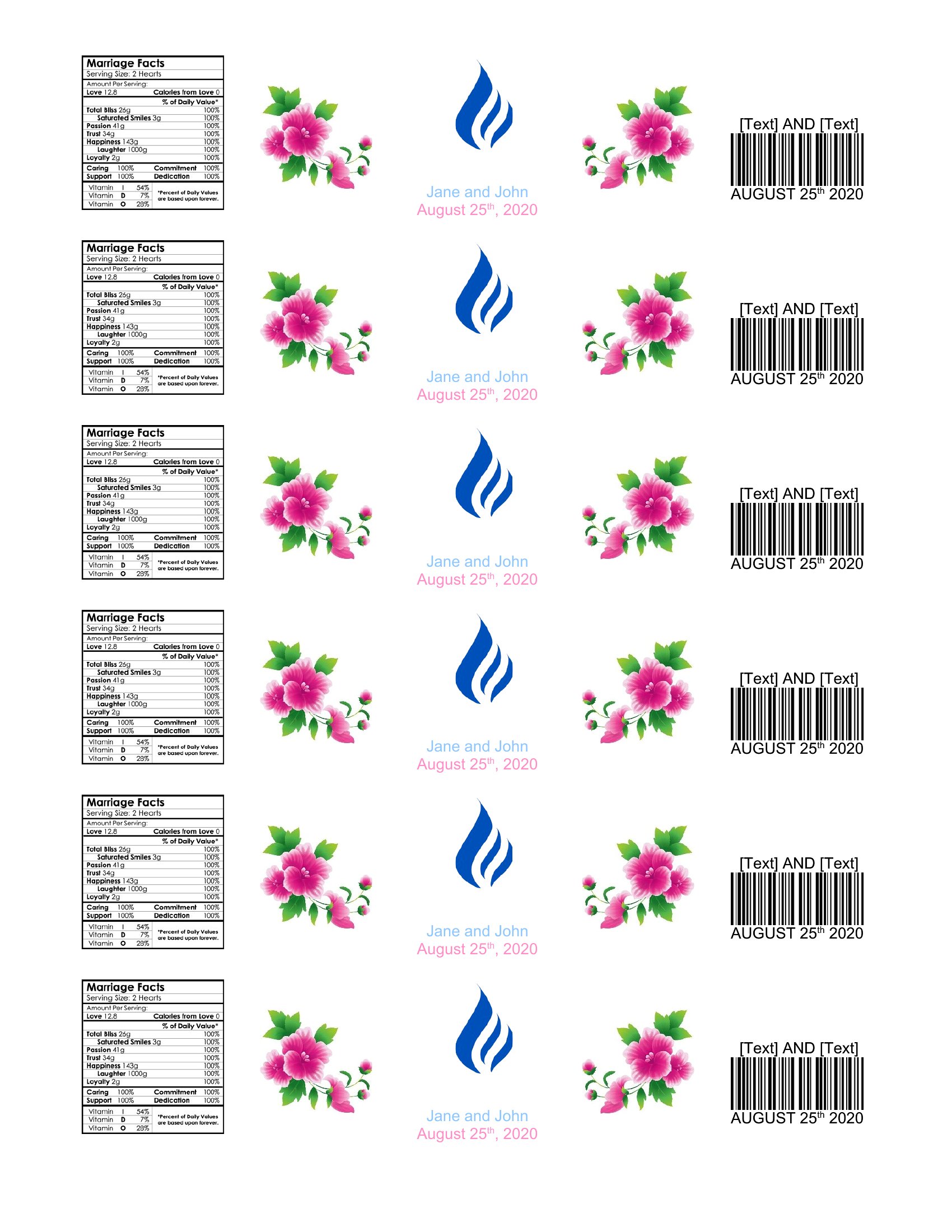
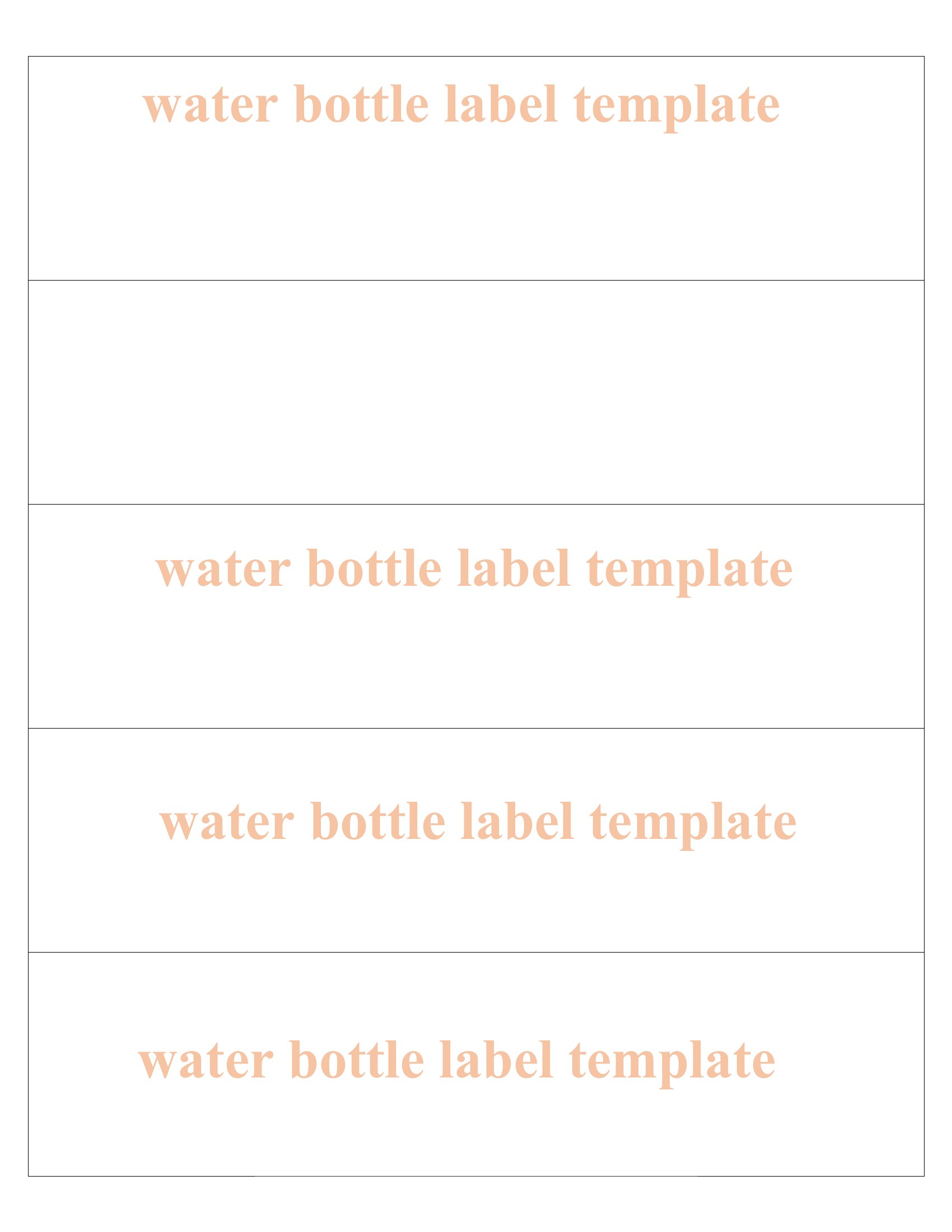
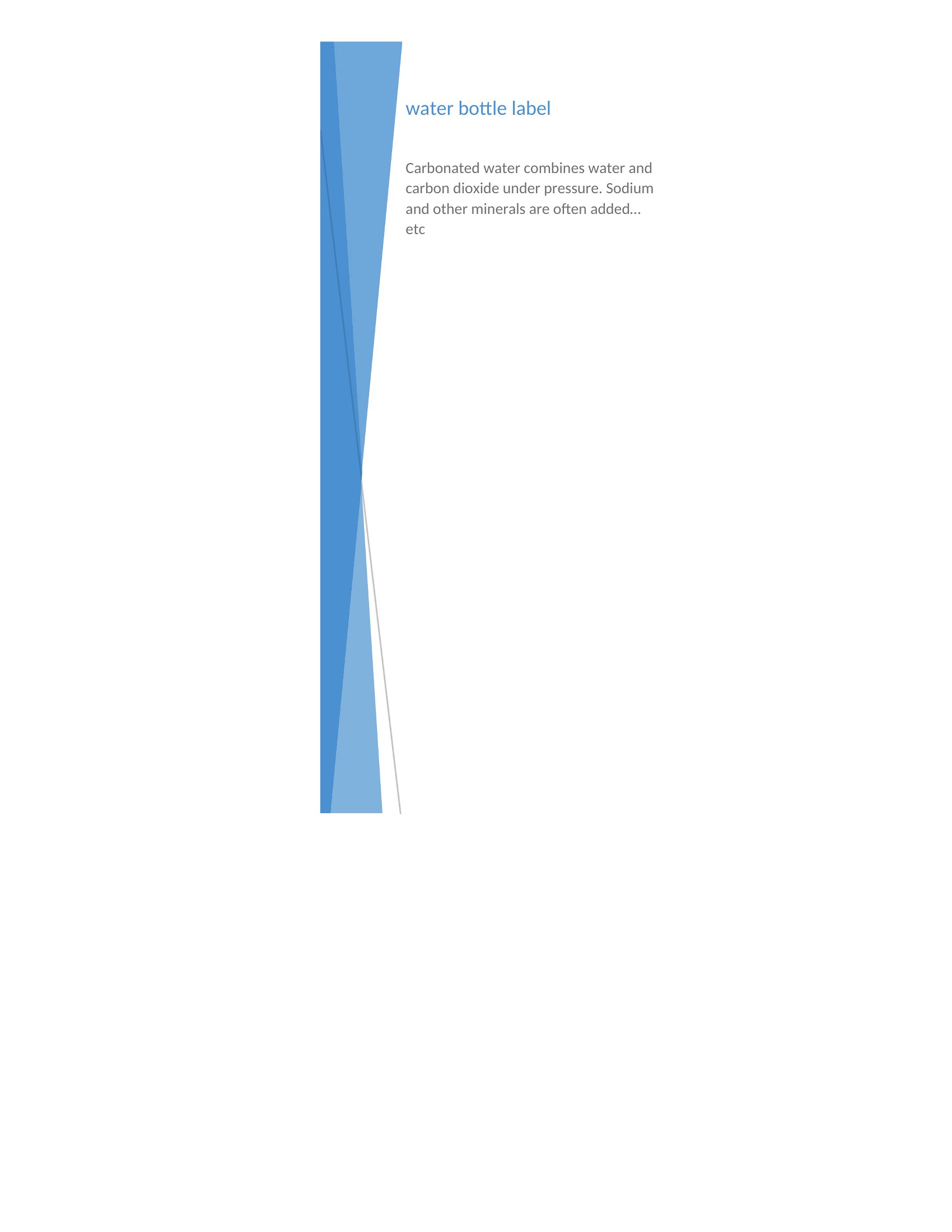
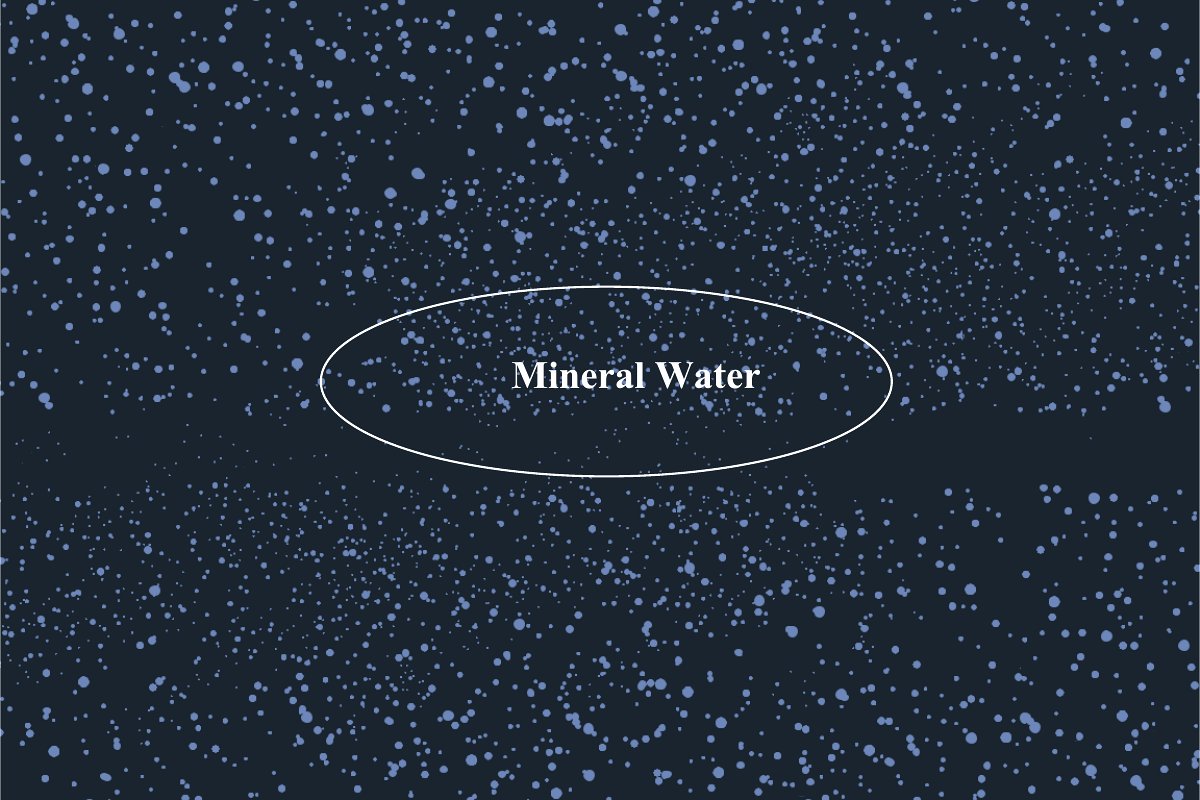
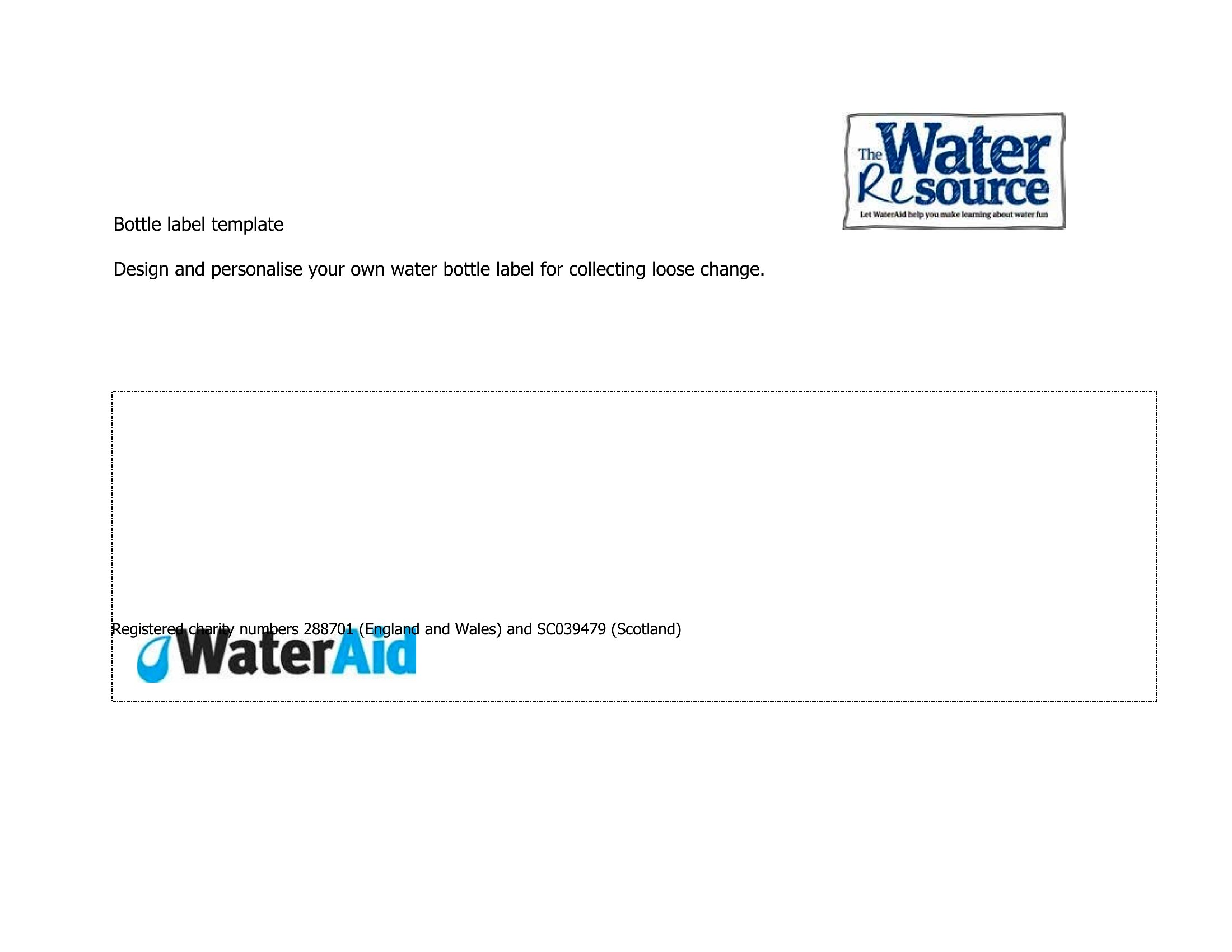
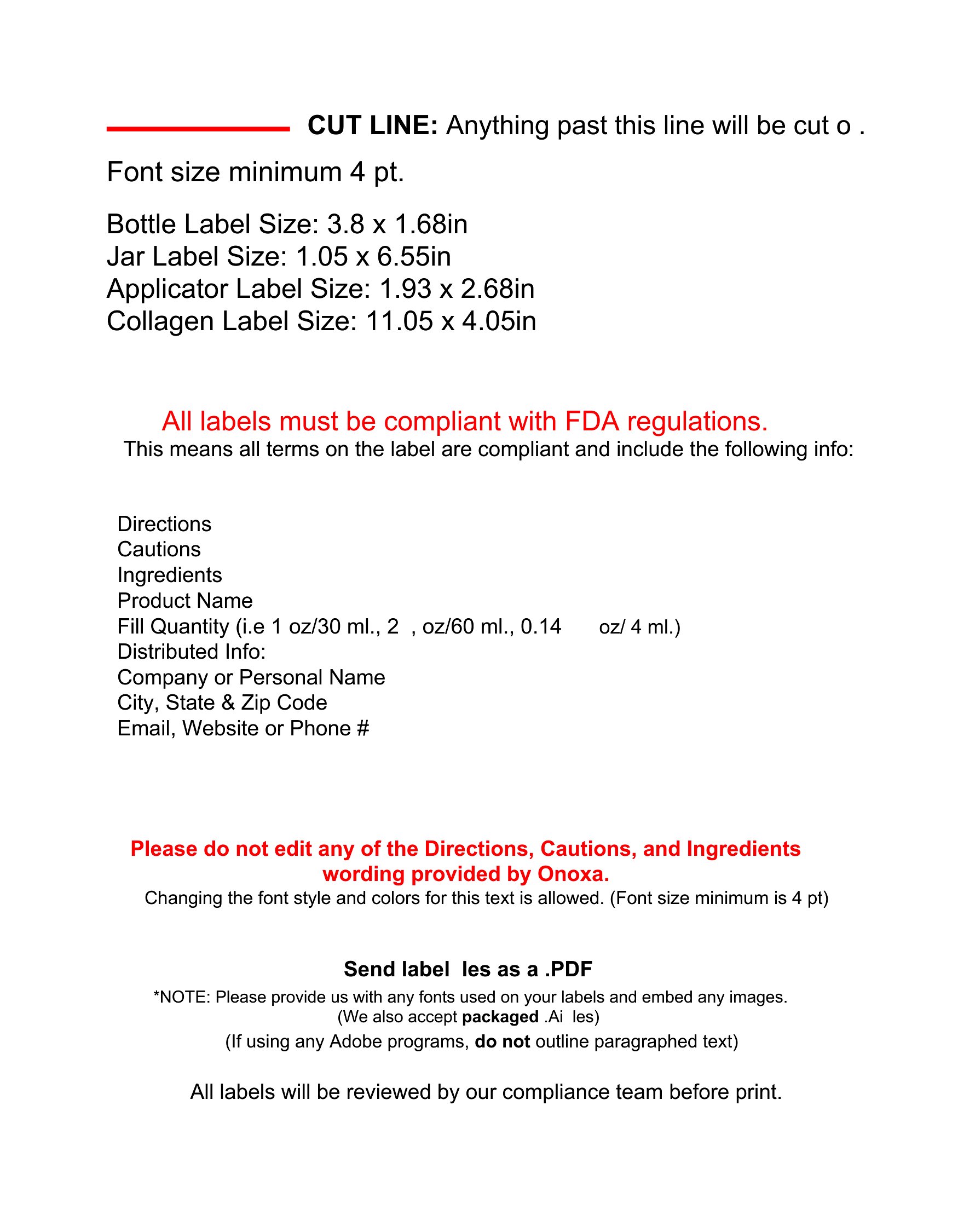
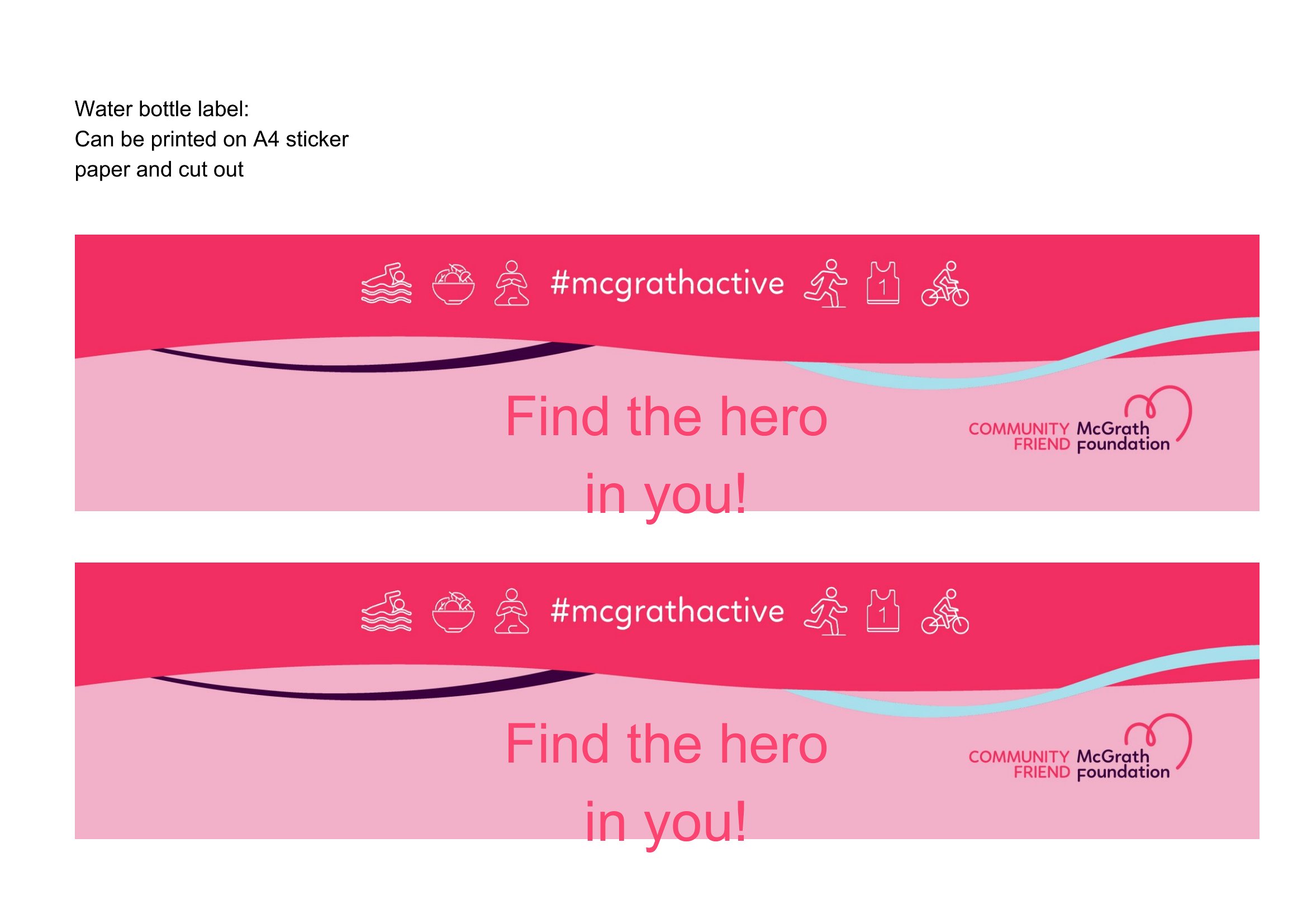
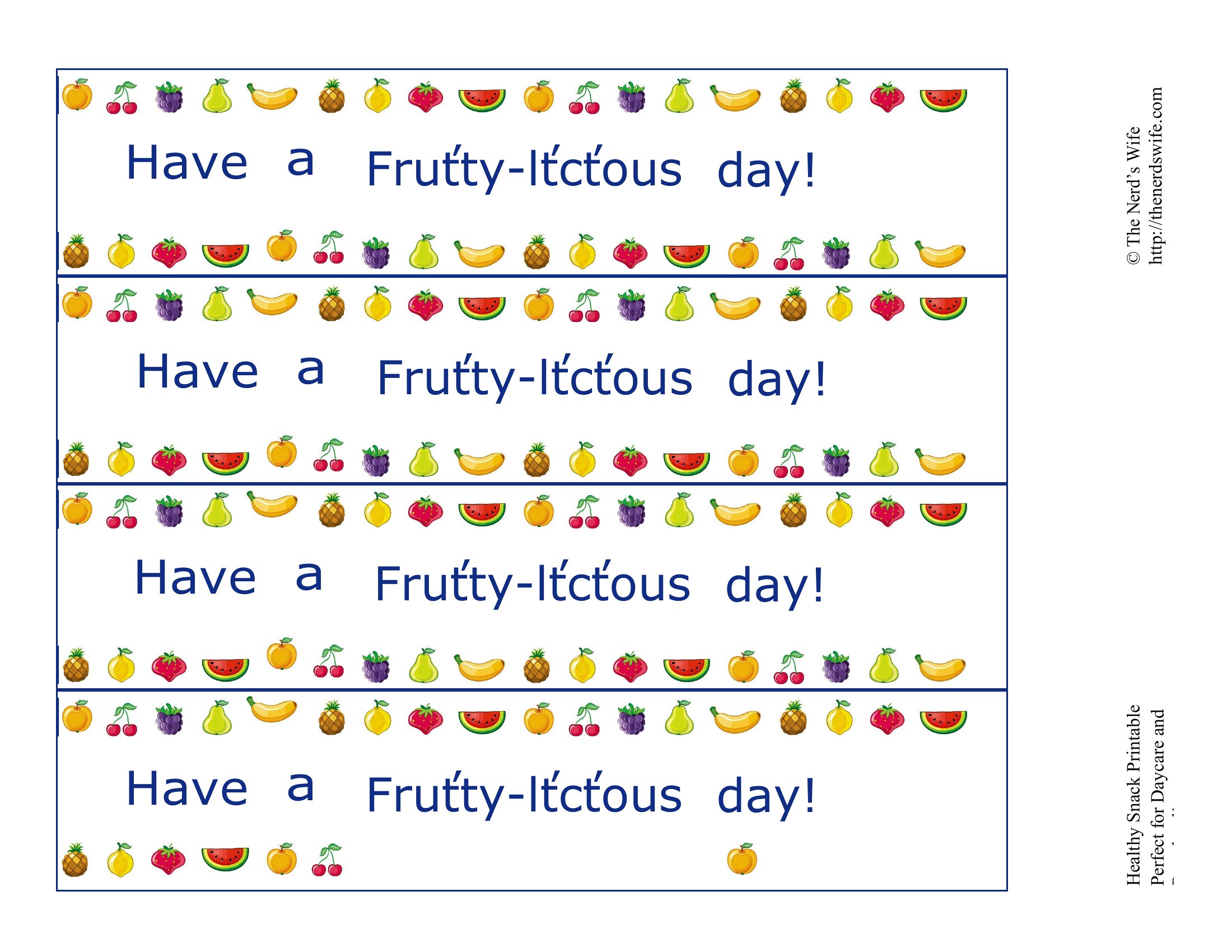
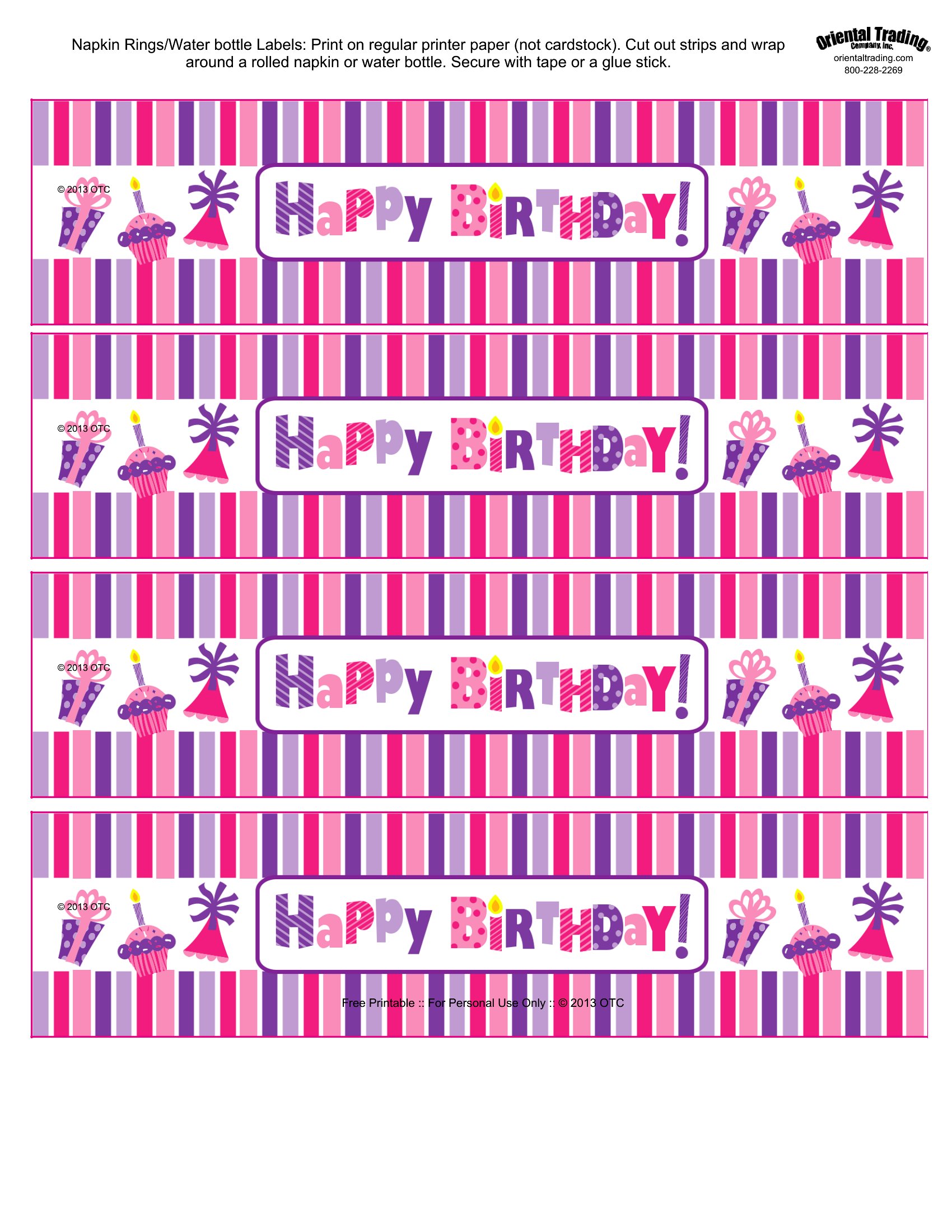
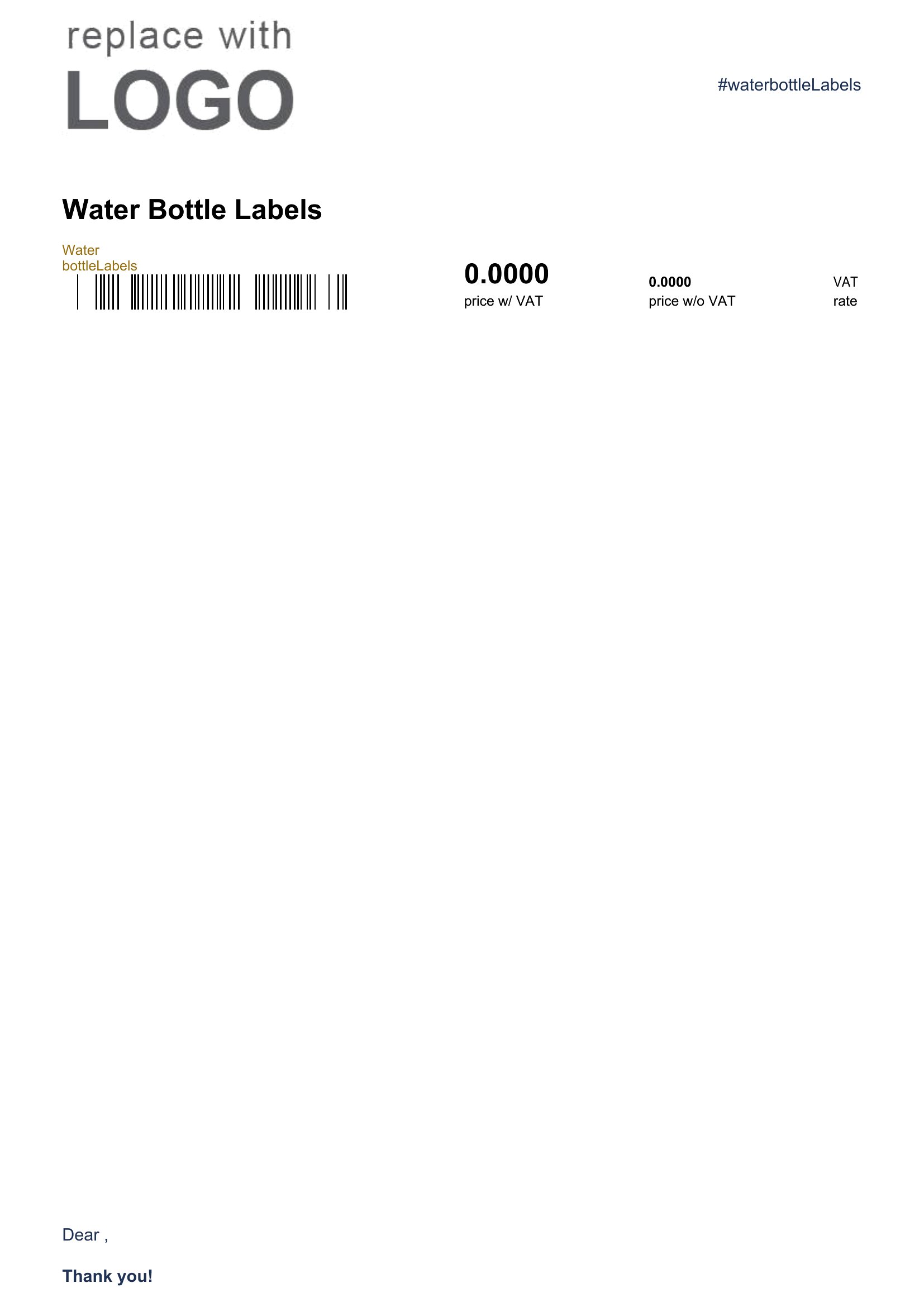
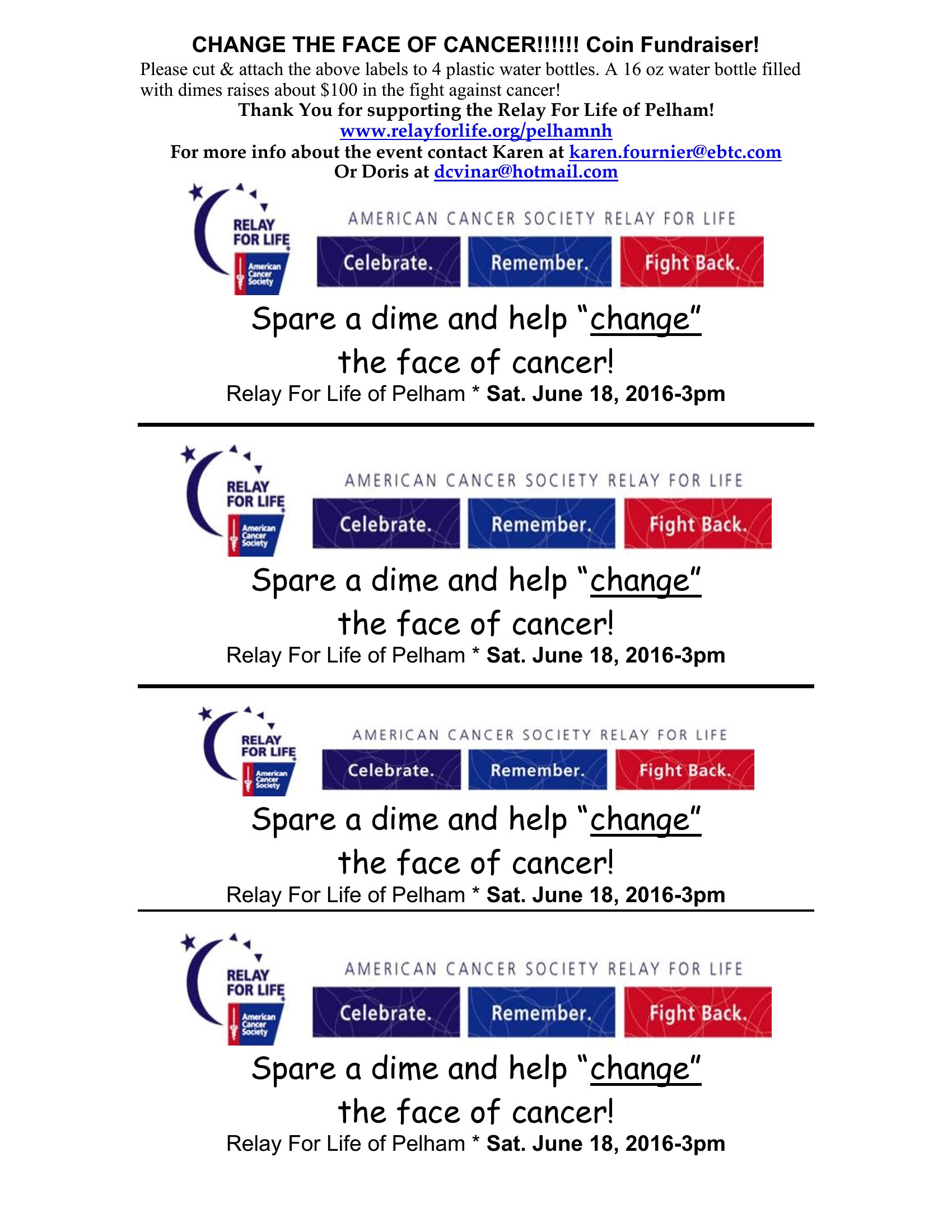
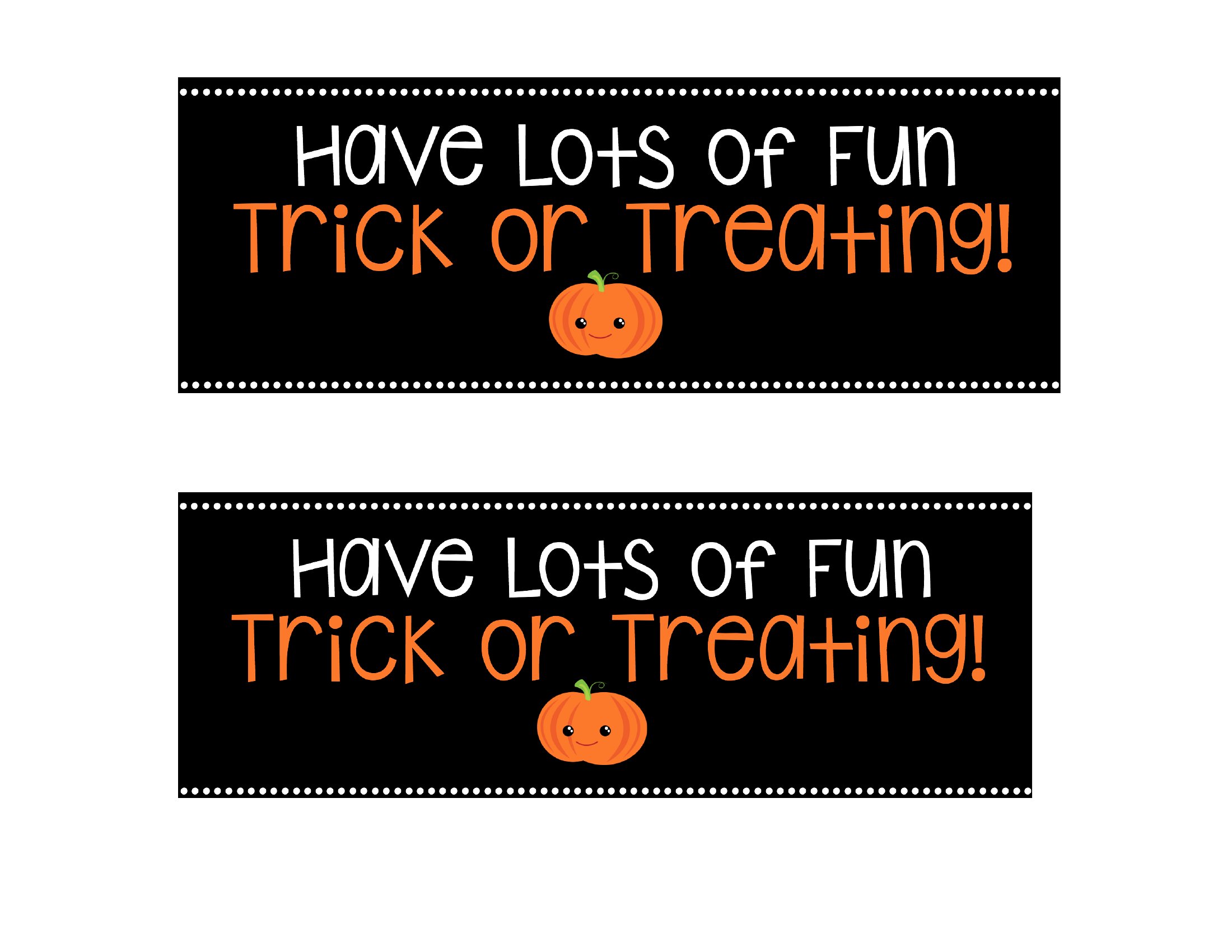
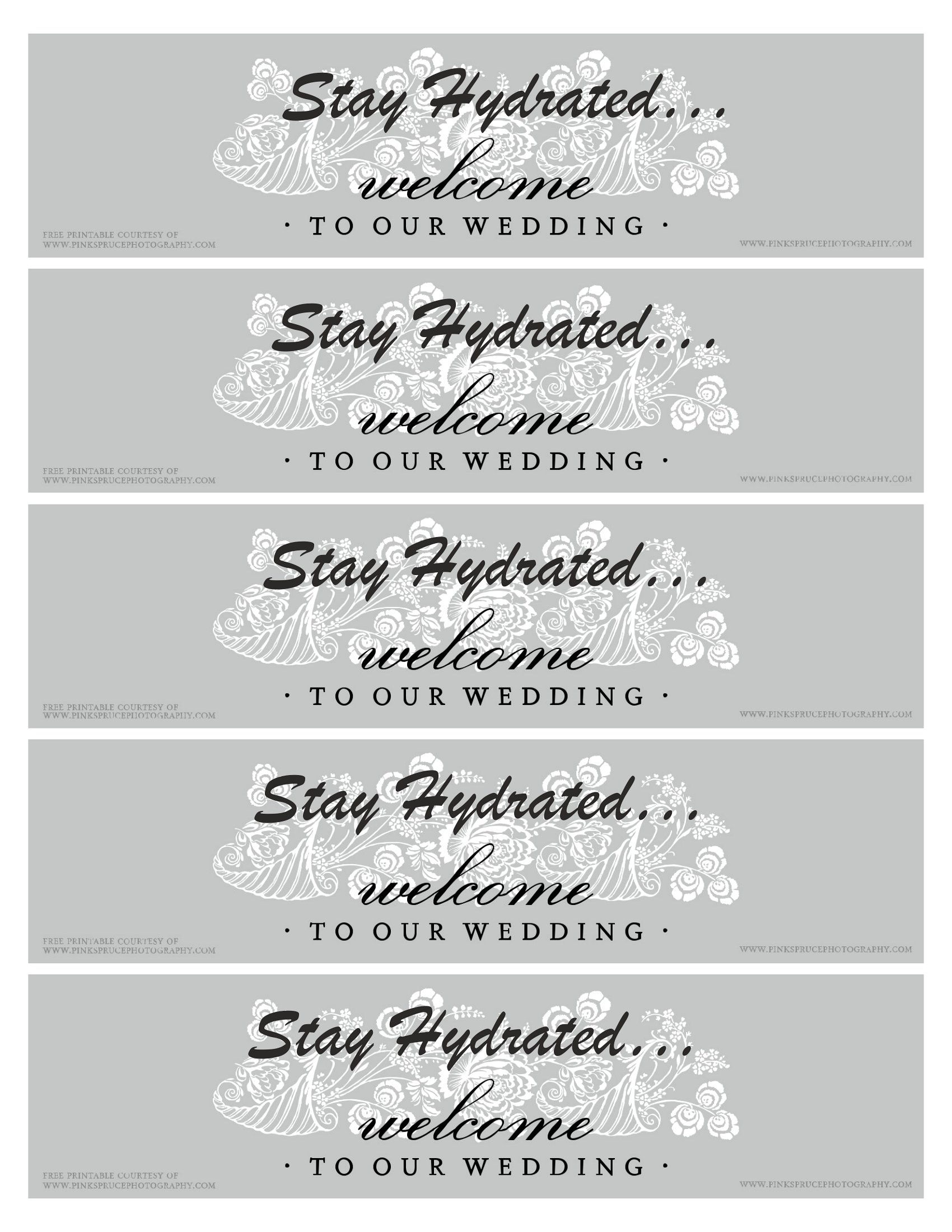
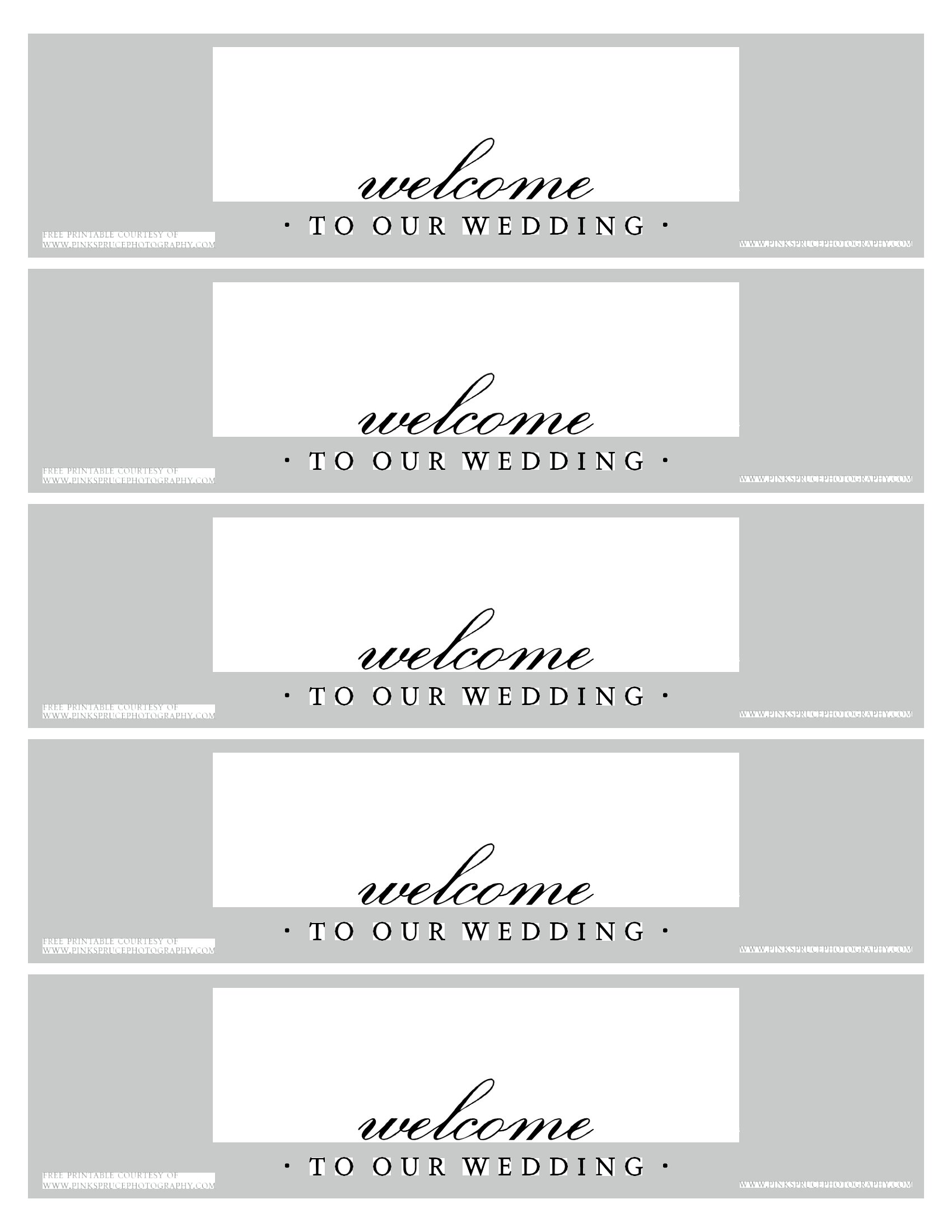
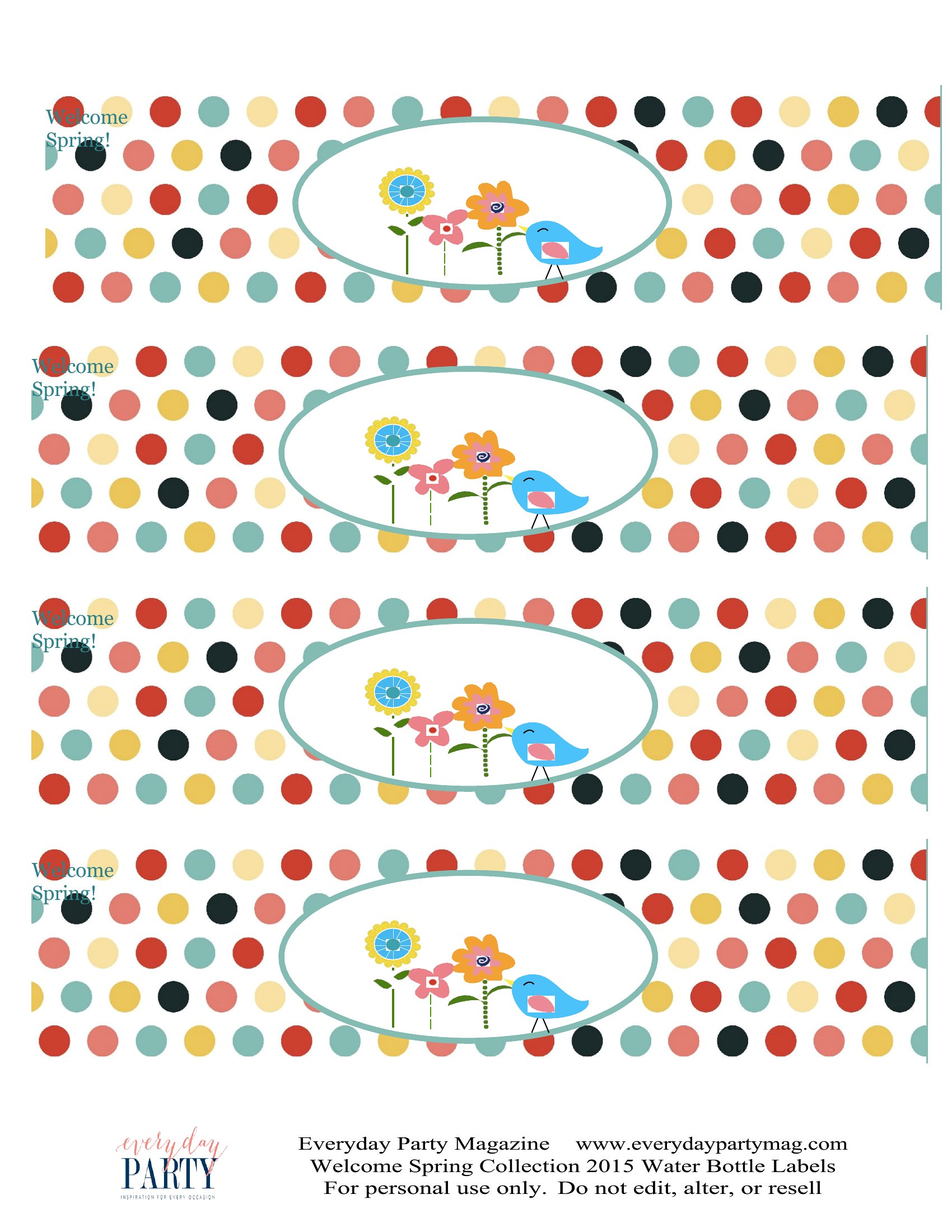
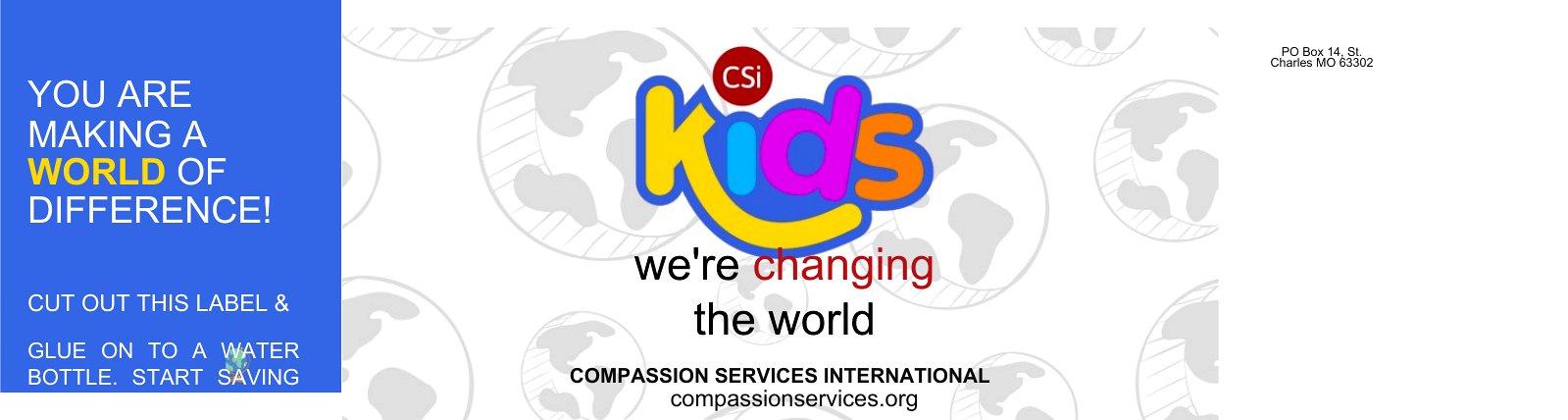
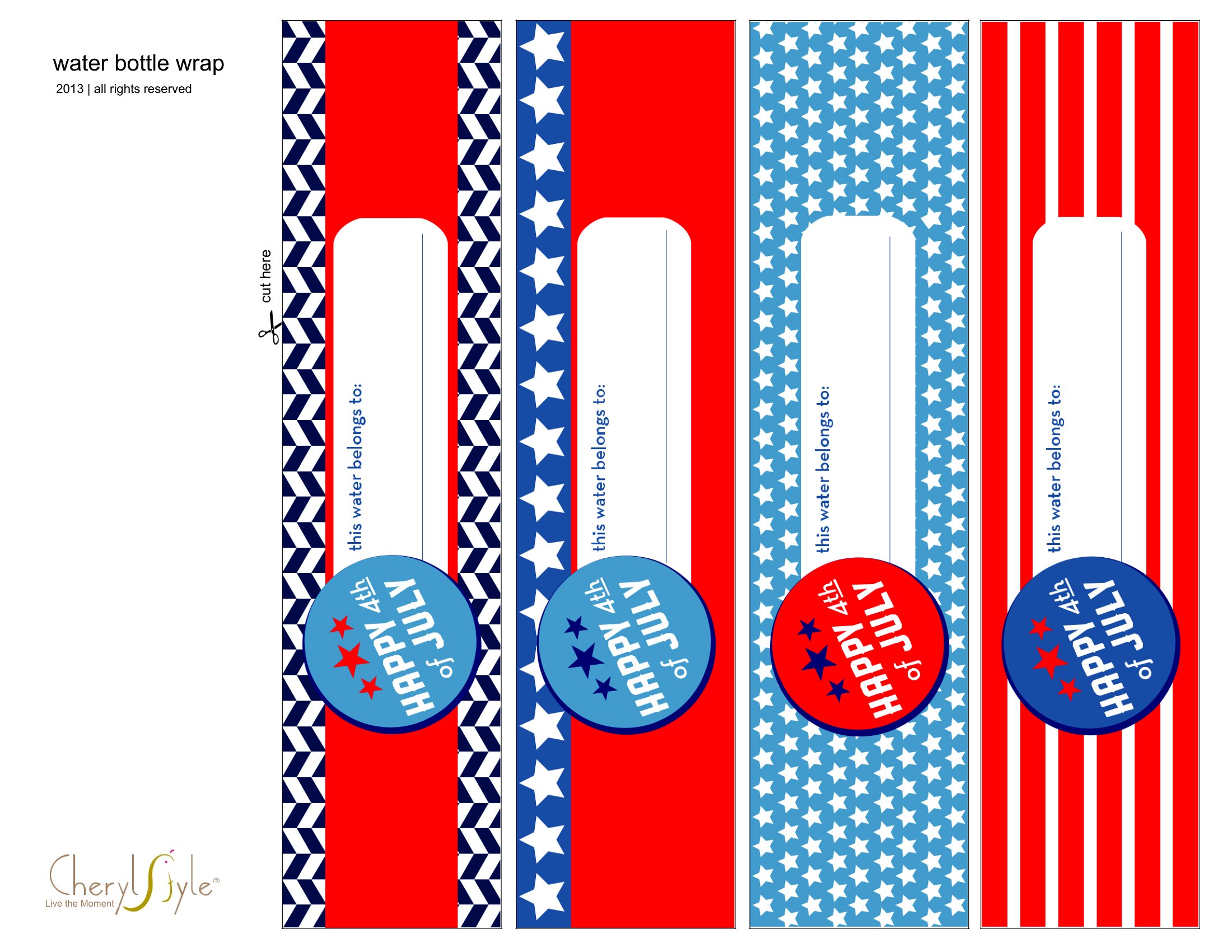
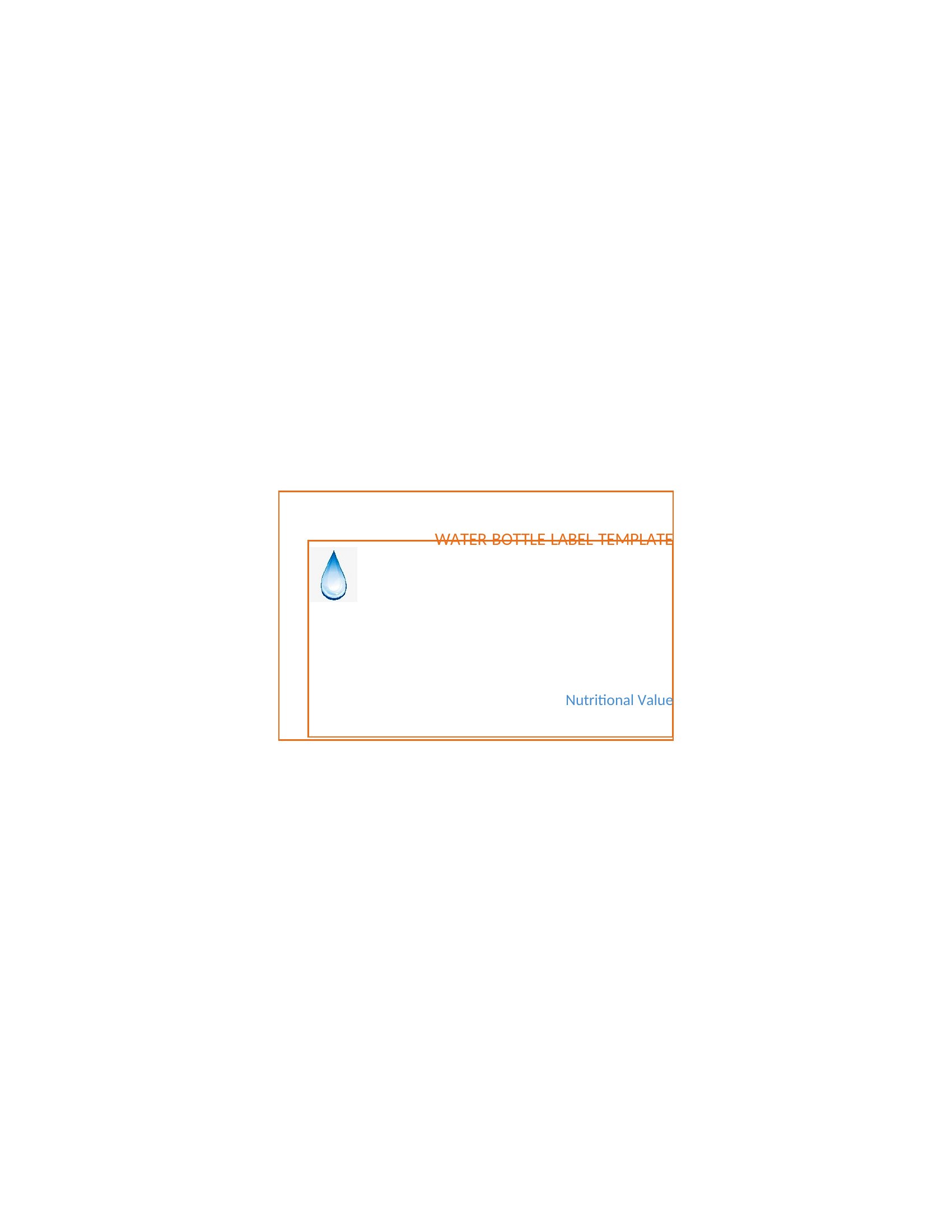
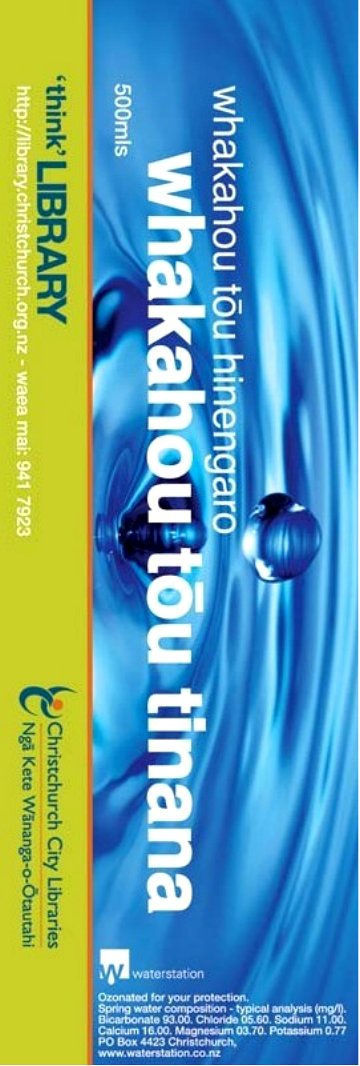
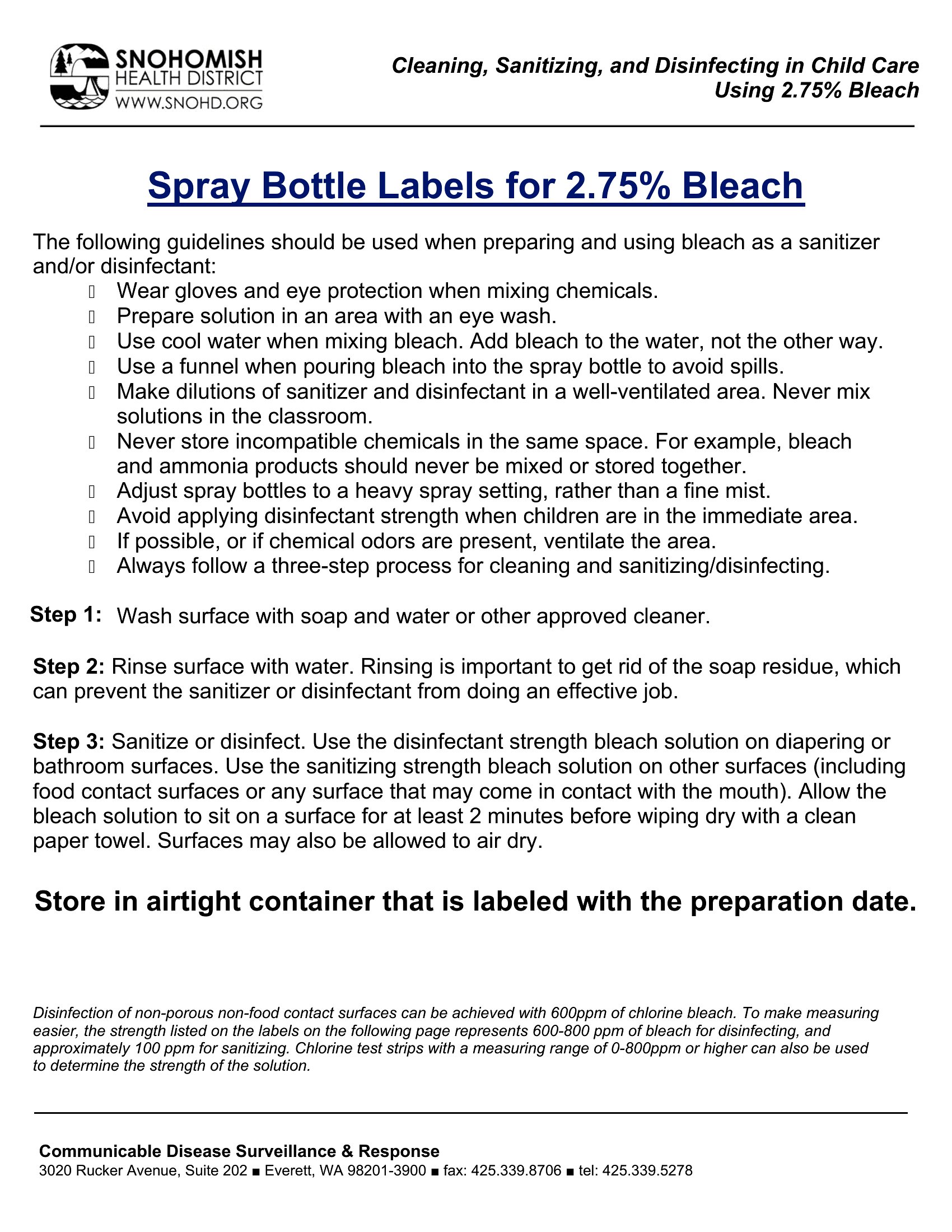
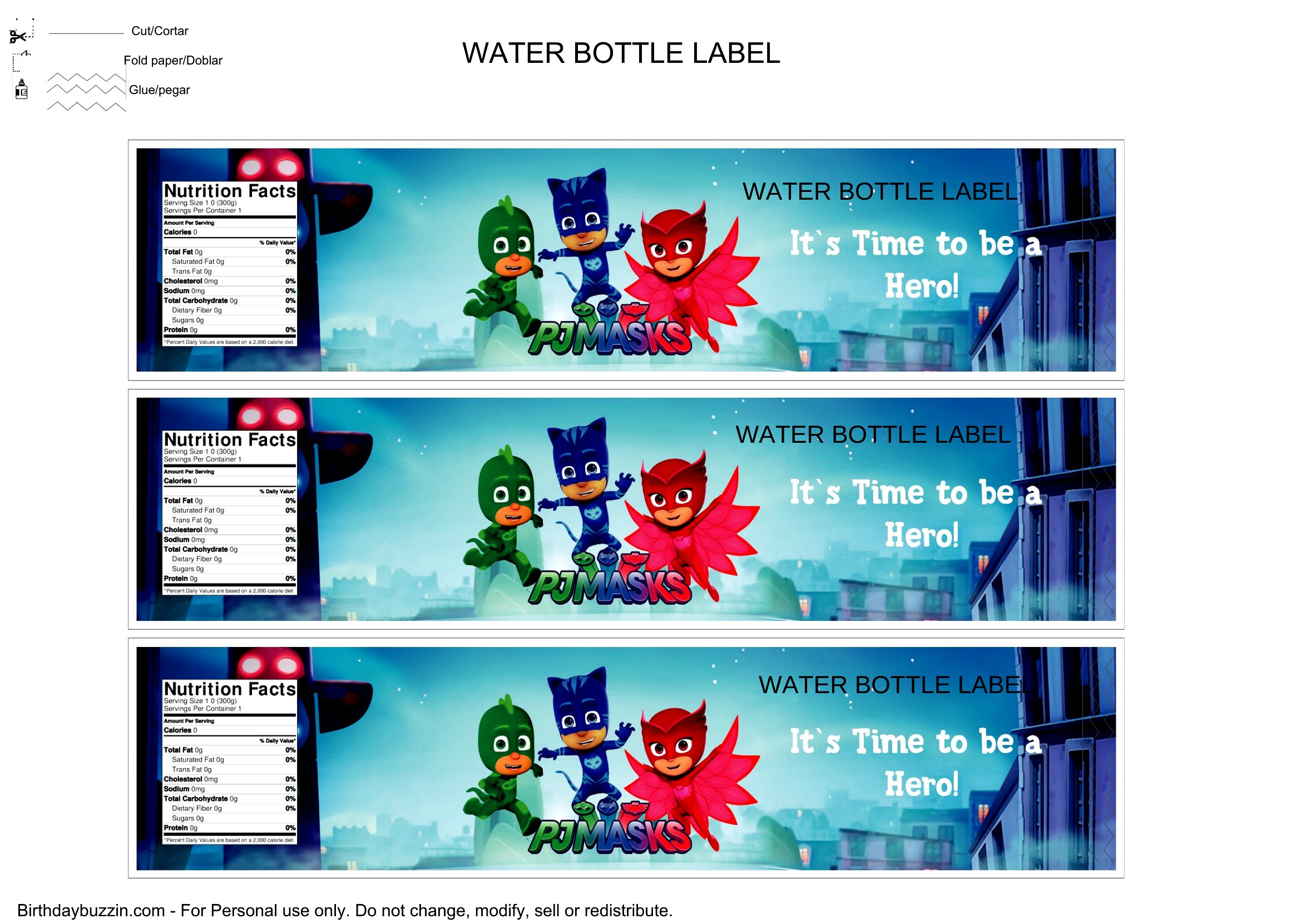
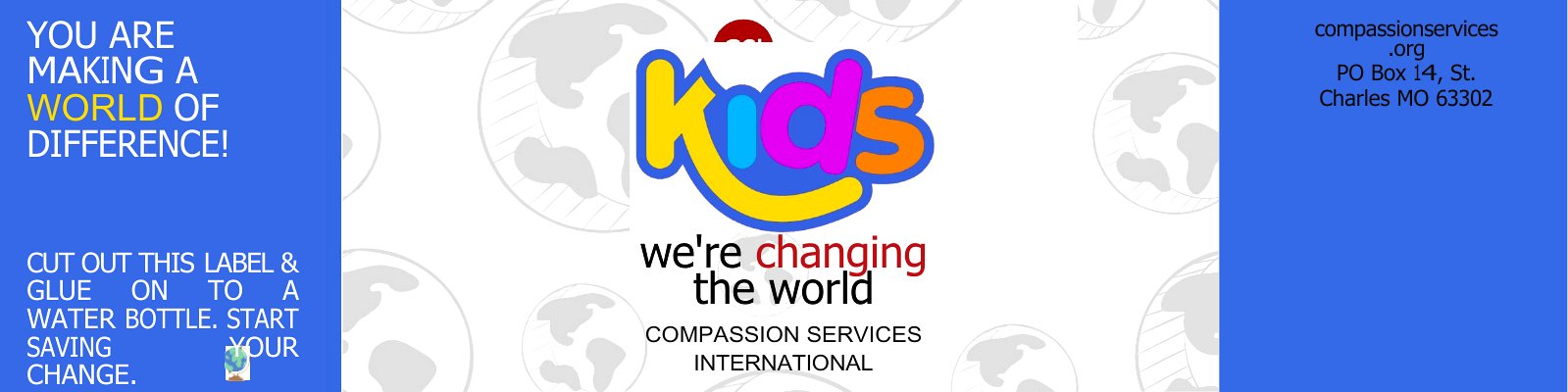
Custom water bottle labels turn a case of plain bottles into a polished detail for weddings, baby showers, birthday parties, and company events. This set of 51 labels gives you blank layouts you can dress up with names, dates, monograms, or a quick thank-you. Party hosts, brides, and small businesses use them to tie drinks into the rest of the decor.
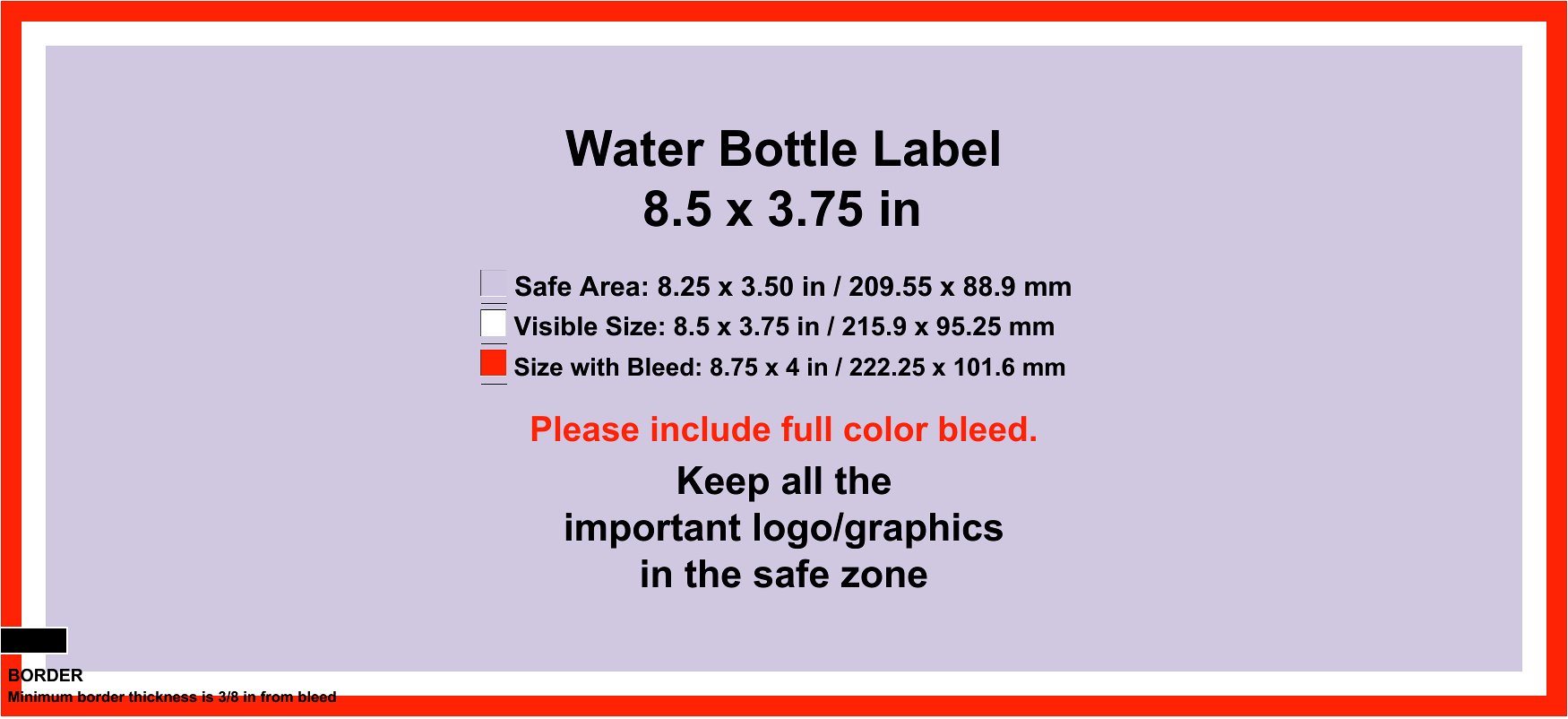
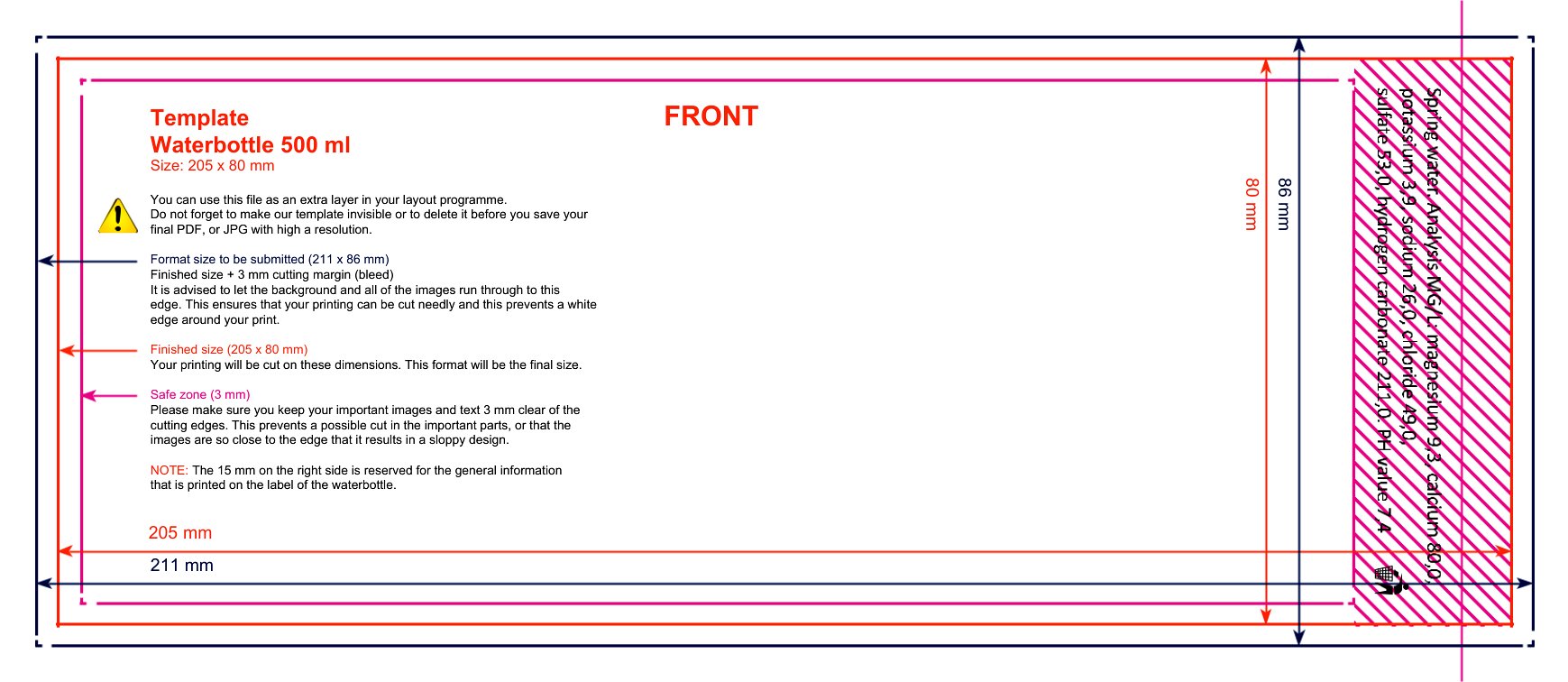
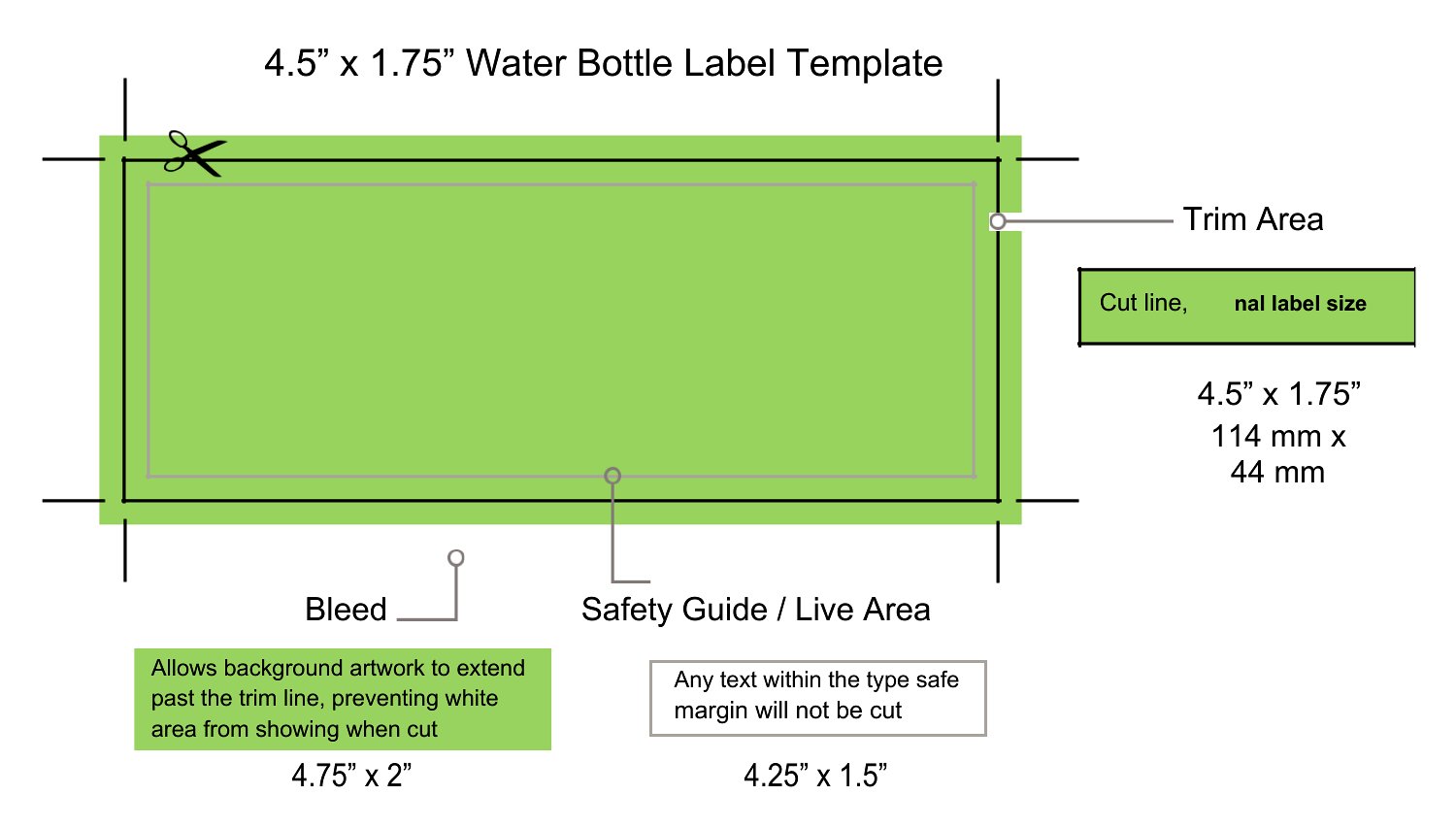
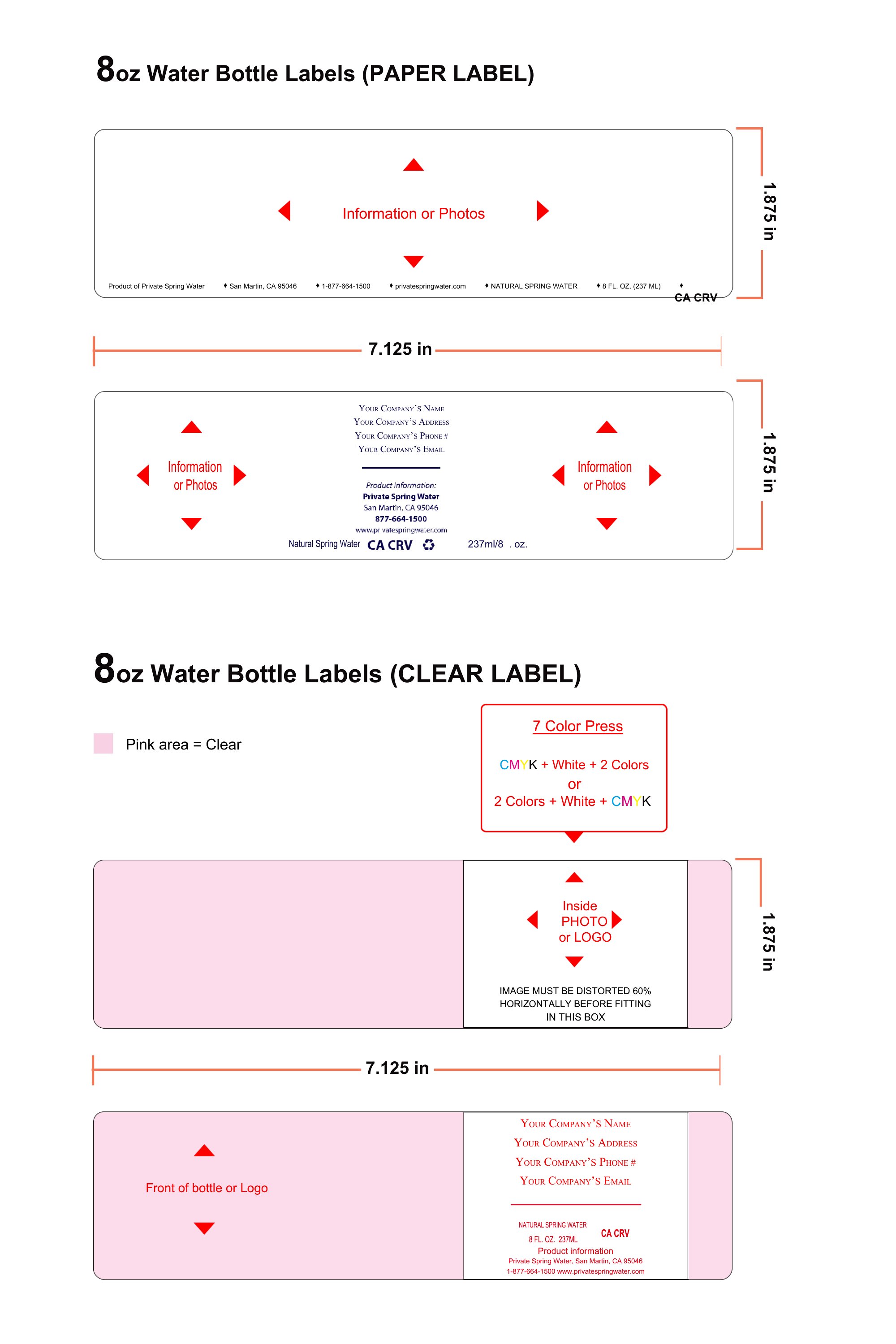
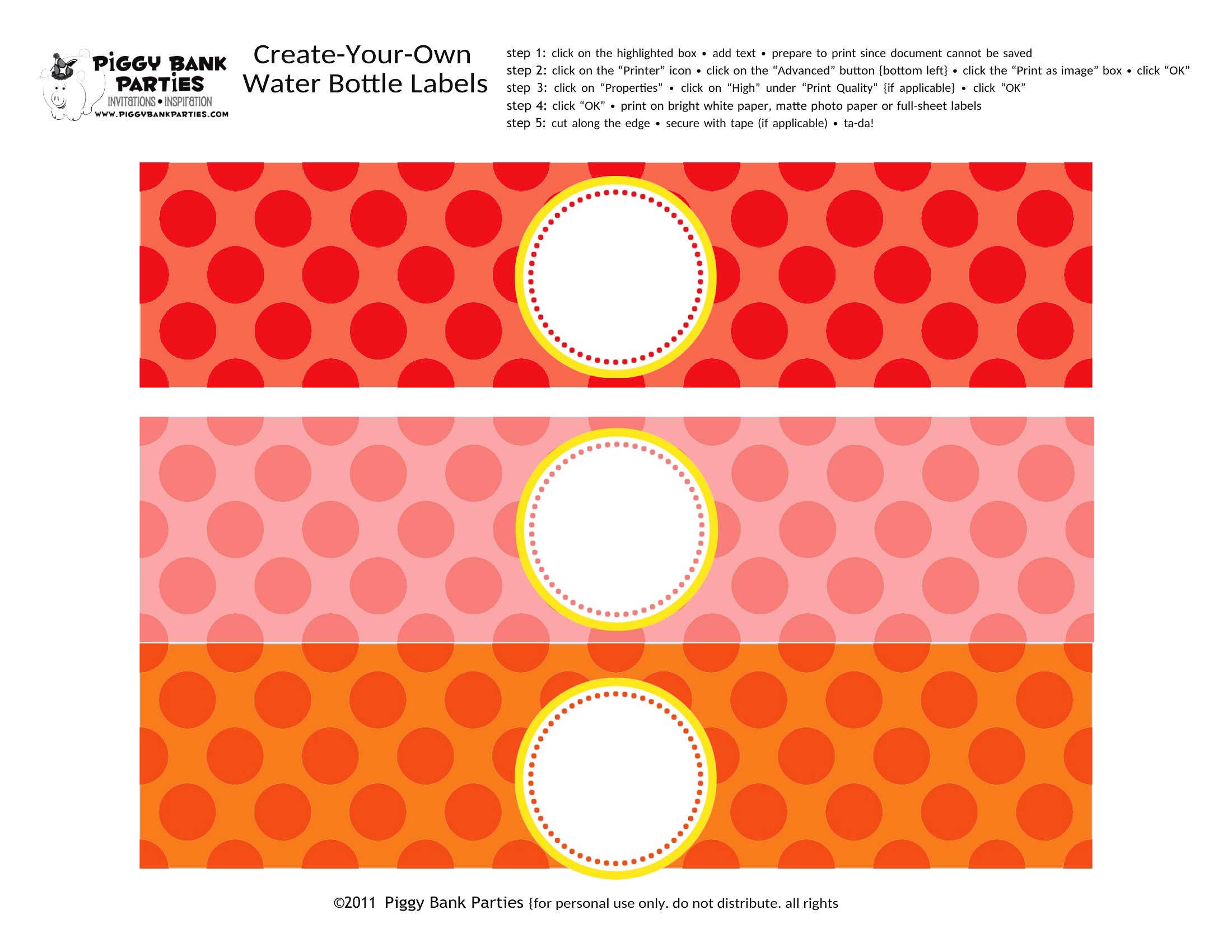
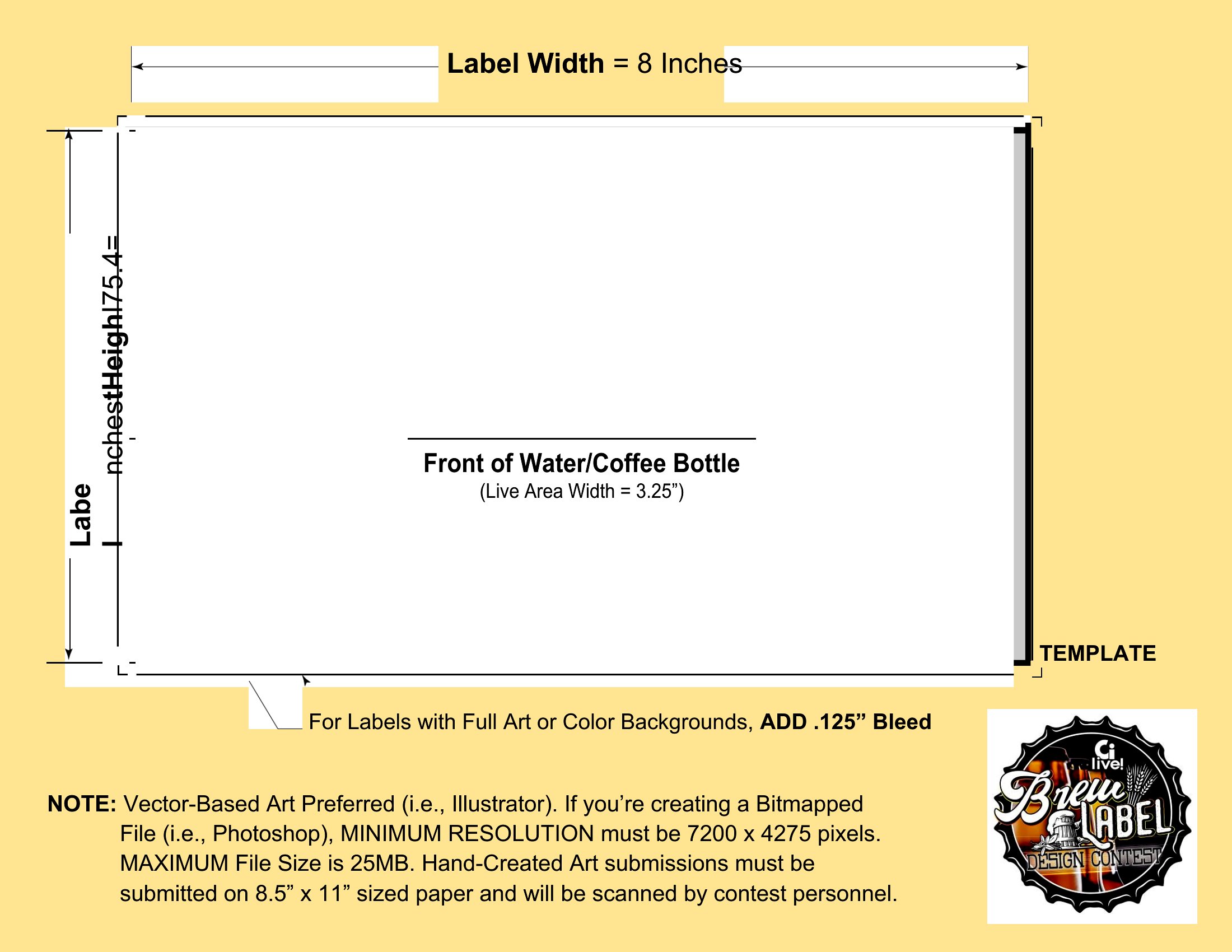
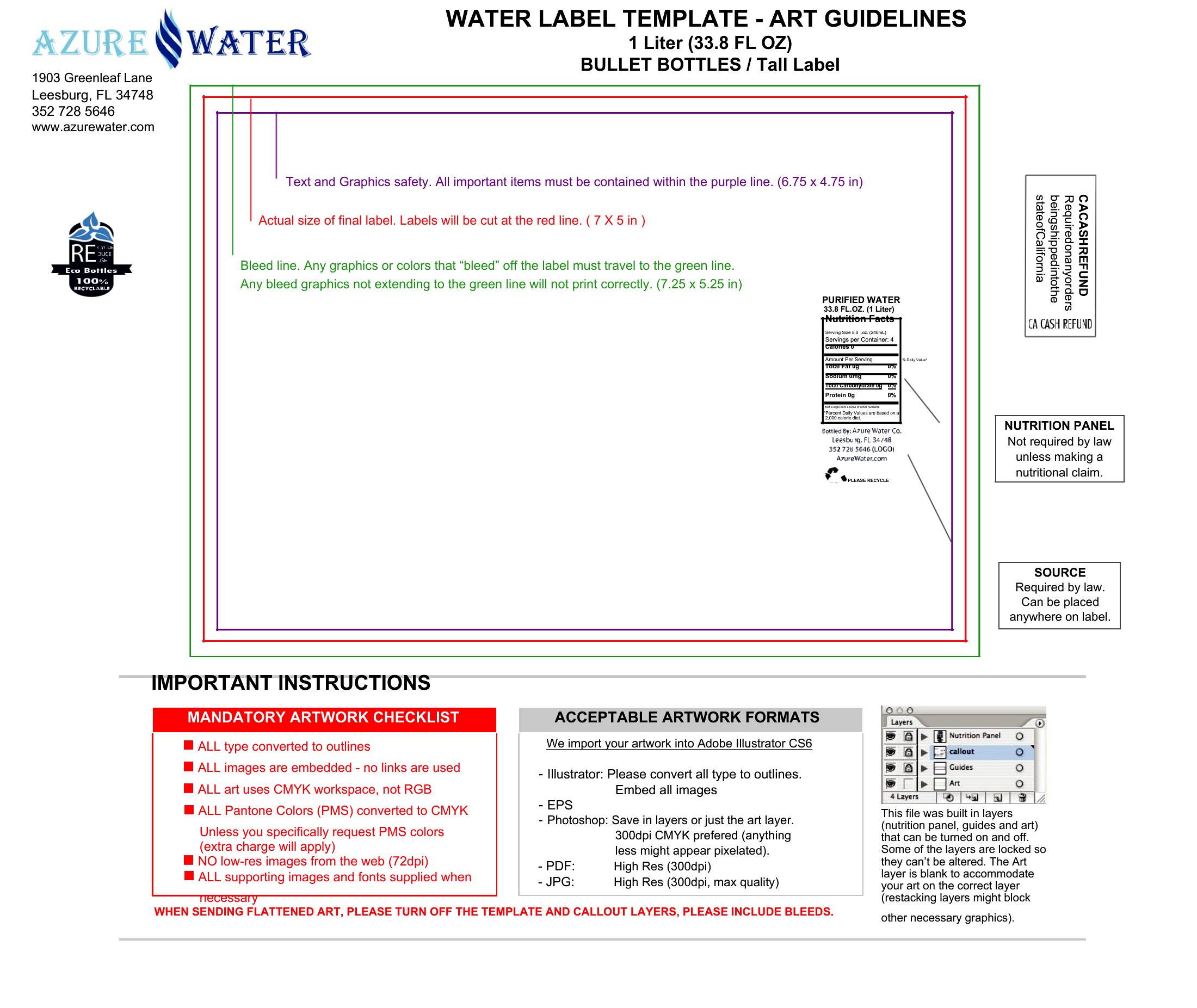
Each label is built in Word and sized to wrap a standard bottle, so you can swap in your text, adjust colors, and print a full sheet at home. Use sticker paper or regular paper with tape, trim along the guides, and you've got a coordinated look in minutes. Pick a style, personalize it, and start printing.
Choose from 51 Water Bottle Label Templates




Frequently Asked Questions about Water Bottle Label Templates
Are these Water Bottle Label templates free to download?
Yes. Every Water Bottle Label template in this collection is free to download from TemplateSpark. Just open the template you need, download it, and start editing right away — no subscription required to get started.
What file formats are available for Water Bottle Label templates?
These Water Bottle Label templates are available in Word. Pick the format that matches your workflow — each download keeps the original layout so it looks right whether you open, print, or share it.
Can I edit these Water Bottle Label templates?
Yes. The editable files open in Microsoft Word (and compatible apps like Google Docs or LibreOffice), so you can change the text, colors, and layout to fit your needs, then save or export the finished Water Bottle Label document.
How many Water Bottle Label templates can I choose from?
This page collects 51 Water Bottle Label templates so you can compare styles and layouts in one place. Browse the options, open the one that fits your purpose best, and download it in your preferred format.
Can I use Water Bottle Label templates for commercial purposes?
In most cases, yes — these Water Bottle Label templates are intended for both personal and business use. Check the license note on the template before redistributing or reselling, and avoid sharing the source files as your own product.
What can you personalize on a water bottle label?
Water bottle labels can be customized with names, dates, monograms, event themes, and short messages such as a thank-you. Hosts often match colors and fonts to a wedding, baby shower, birthday, or company event, turning plain bottles into a coordinated detail that fits the occasion.
How do you size a water bottle label to fit the bottle?
Measure the bottle's flat label area, its circumference, and height, then choose a layout that wraps without overlapping the curved top or bottom. Leaving a small overlap at the seam helps it stay secured. Test-fitting one printed label before making the full batch avoids sizing mistakes.
What is the best way to attach printed water bottle labels?
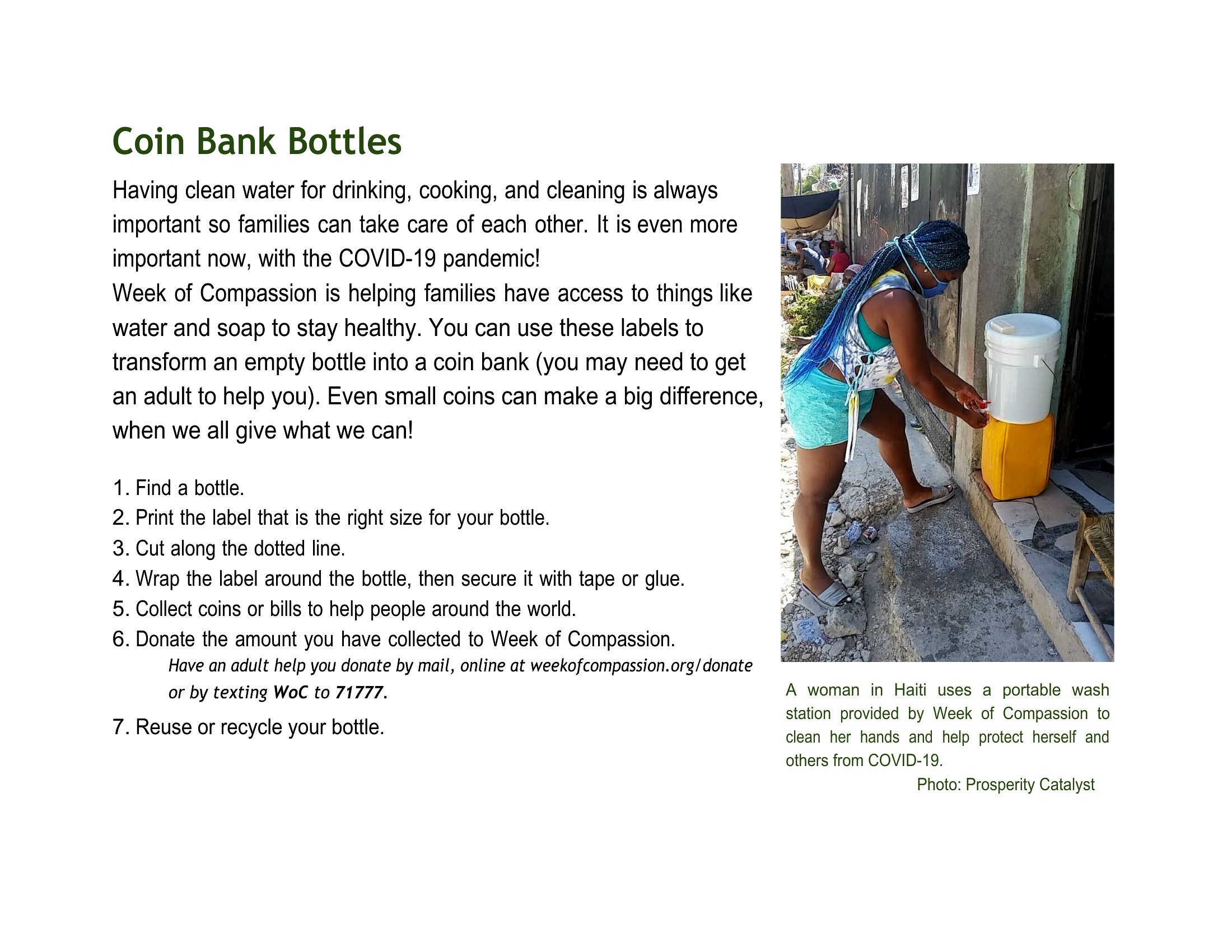
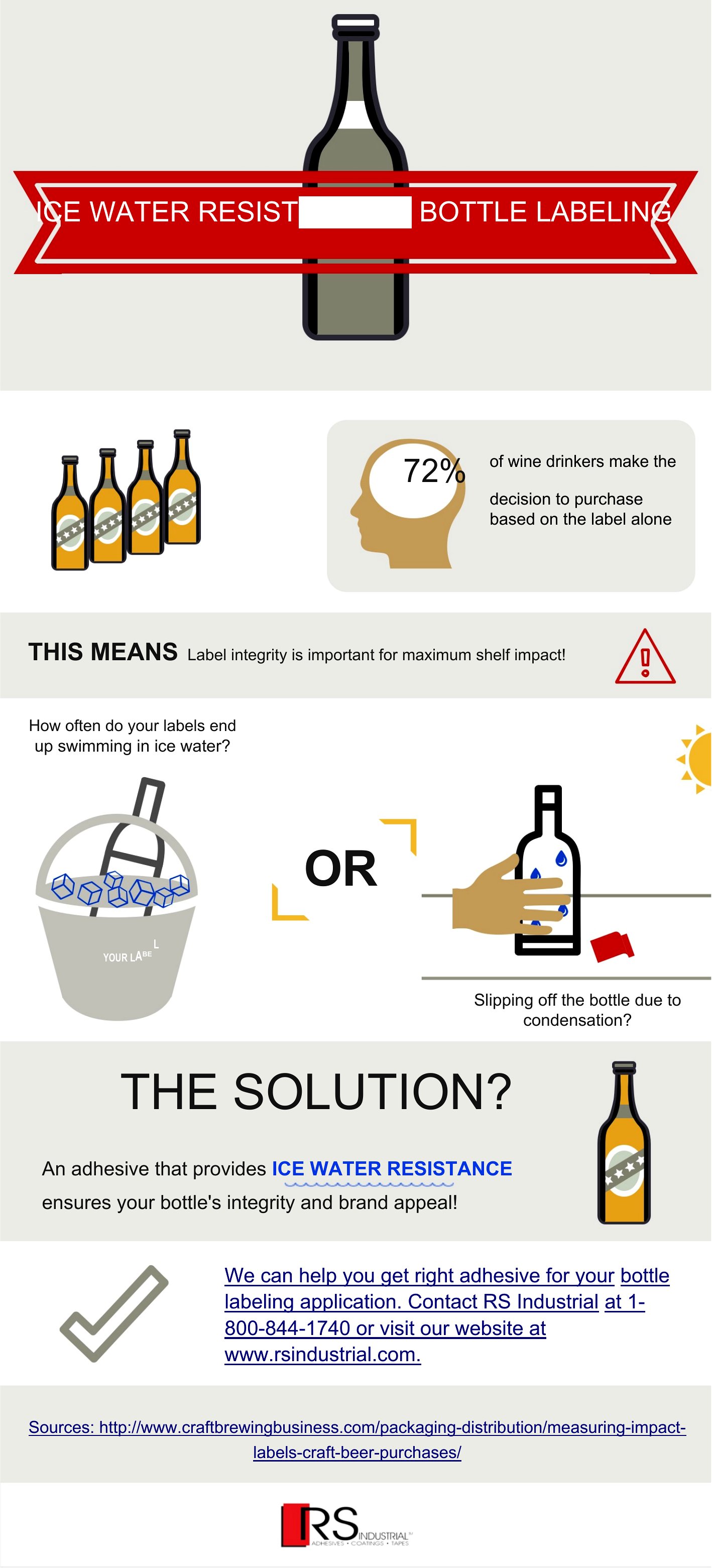
Use waterproof or adhesive label paper, or secure printed labels with double-sided tape or glue at the seam. If bottles will sit in ice or condensation, water-resistant material keeps the print from smearing or peeling. Clean, dry bottles help labels stick evenly and stay in place.
Comments
Join the conversation
Sign in to share your thoughts and leave a comment on this resource.