
Free Tear-Off Flyer Templates (Word)
Life by ryanfrench
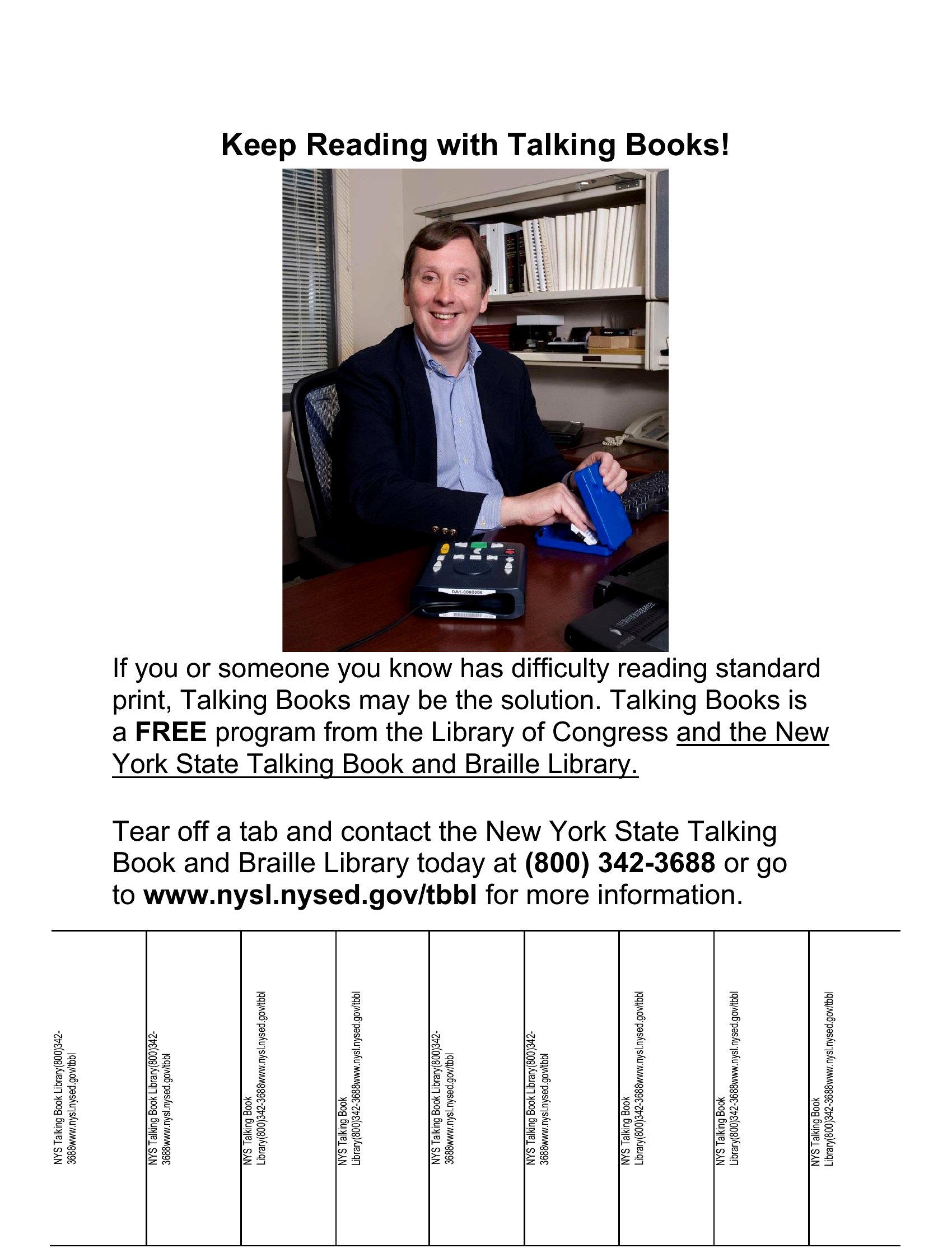
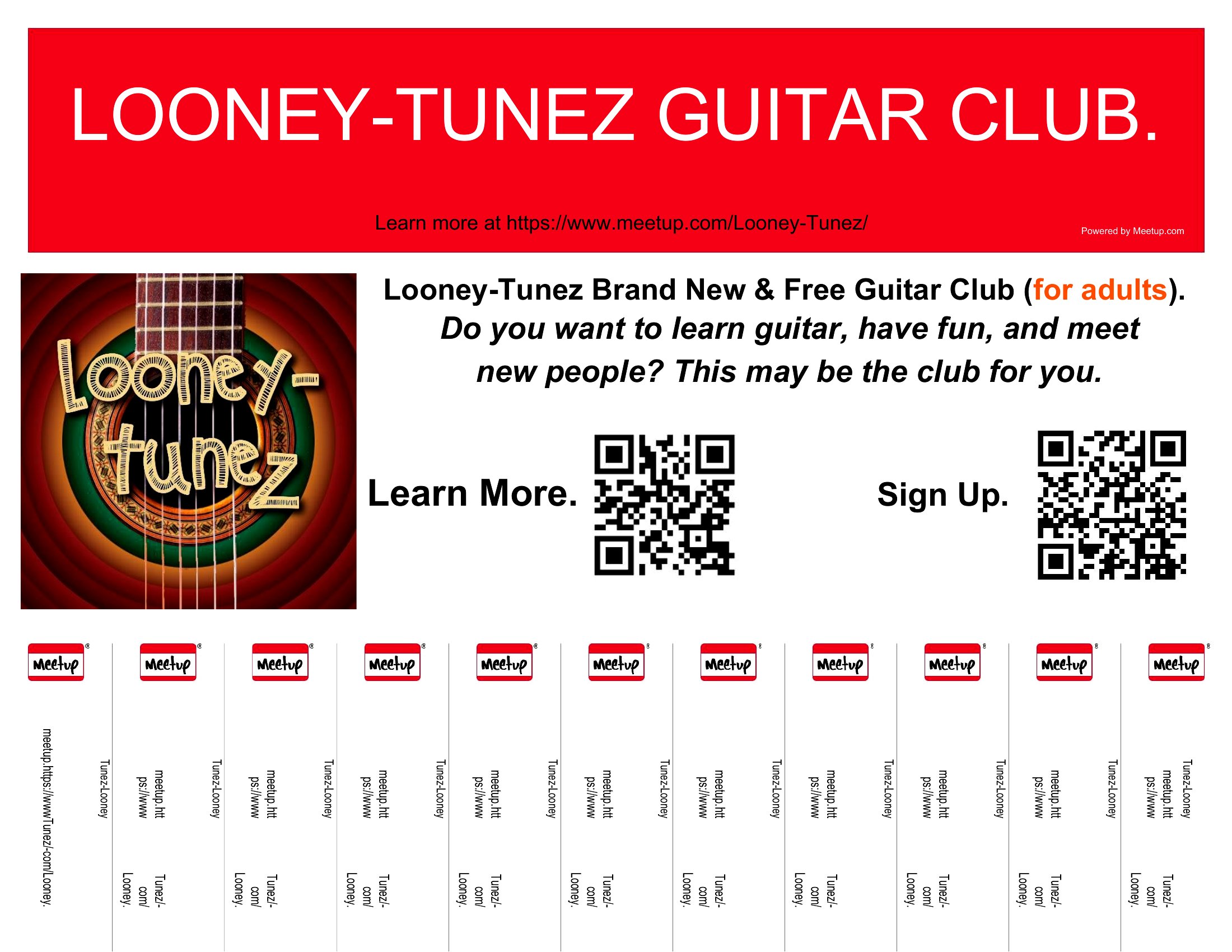
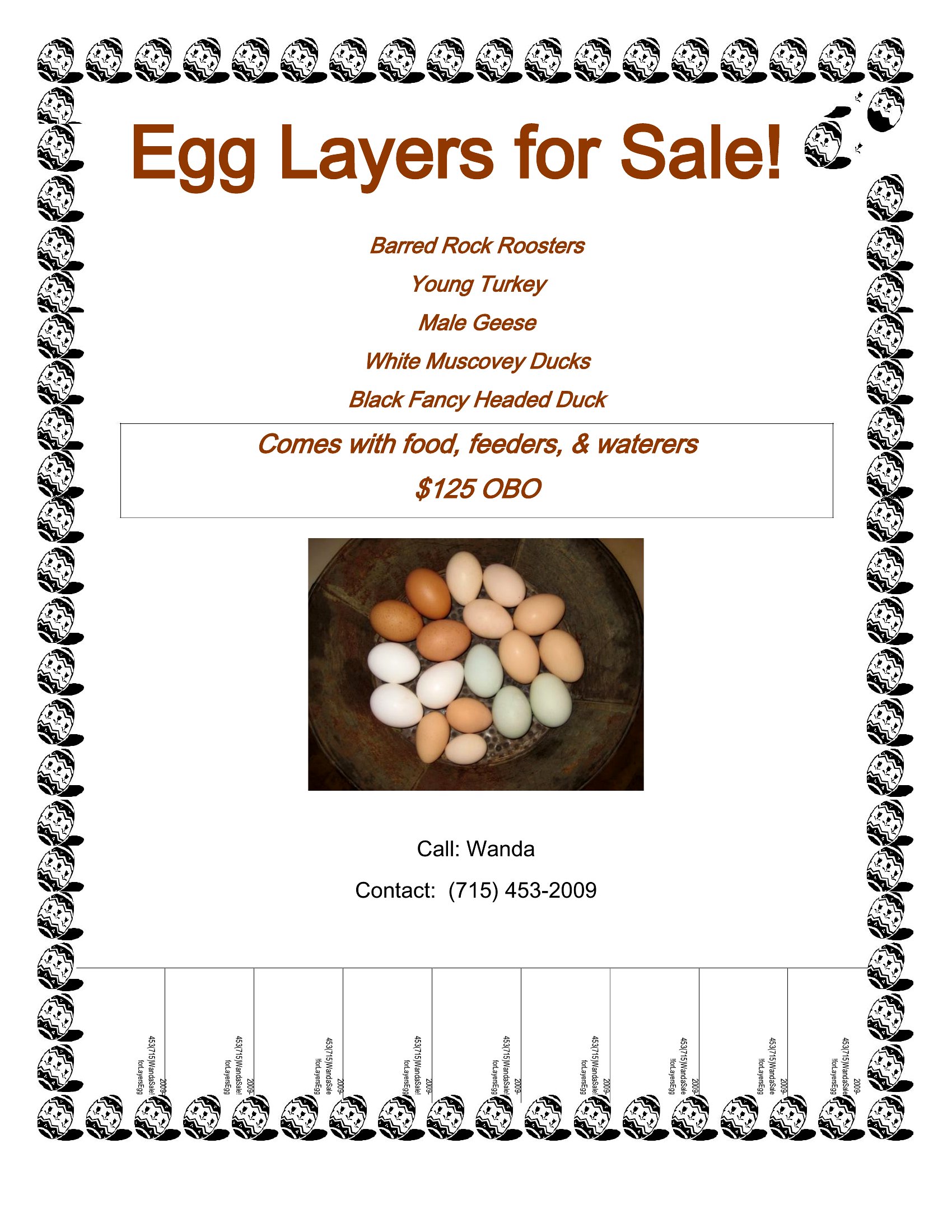
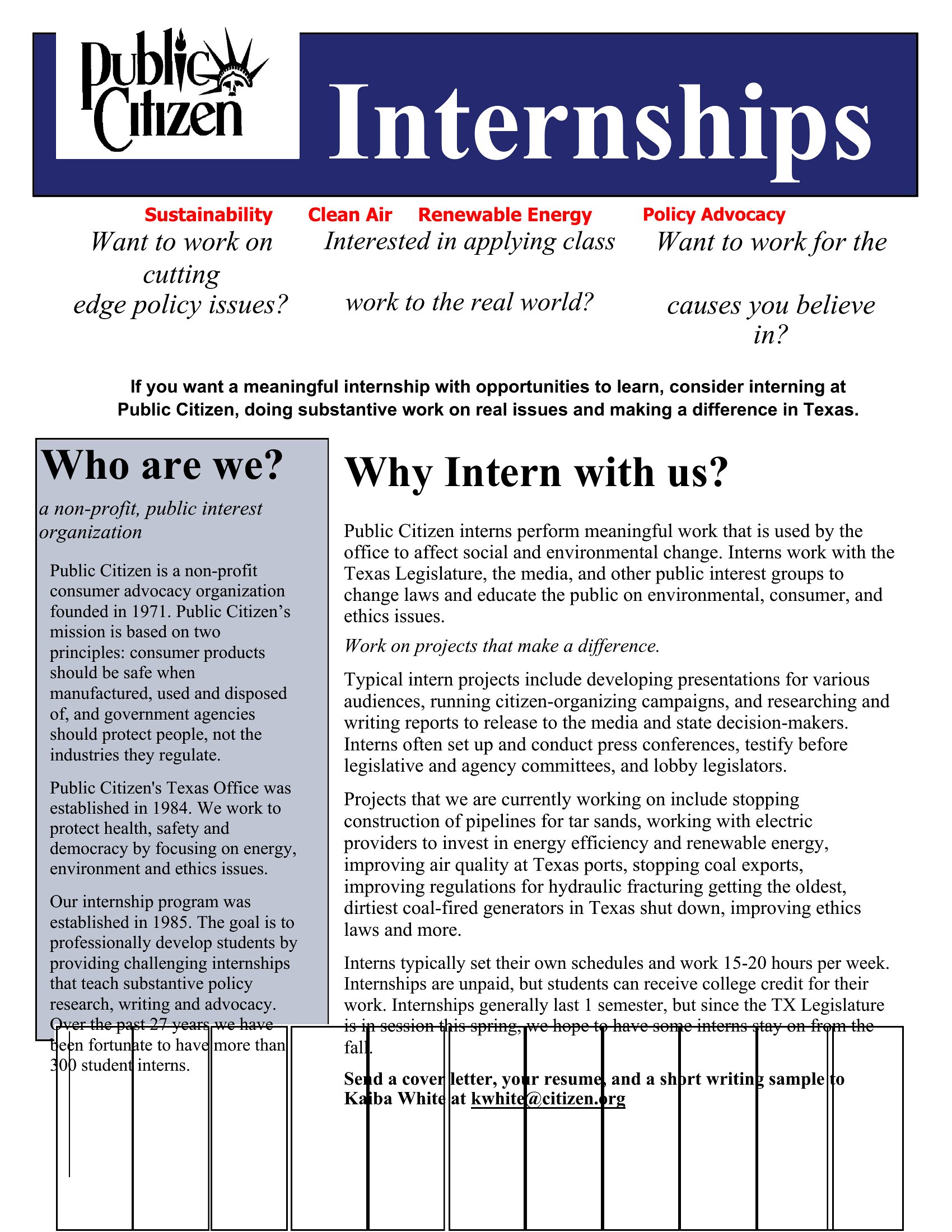
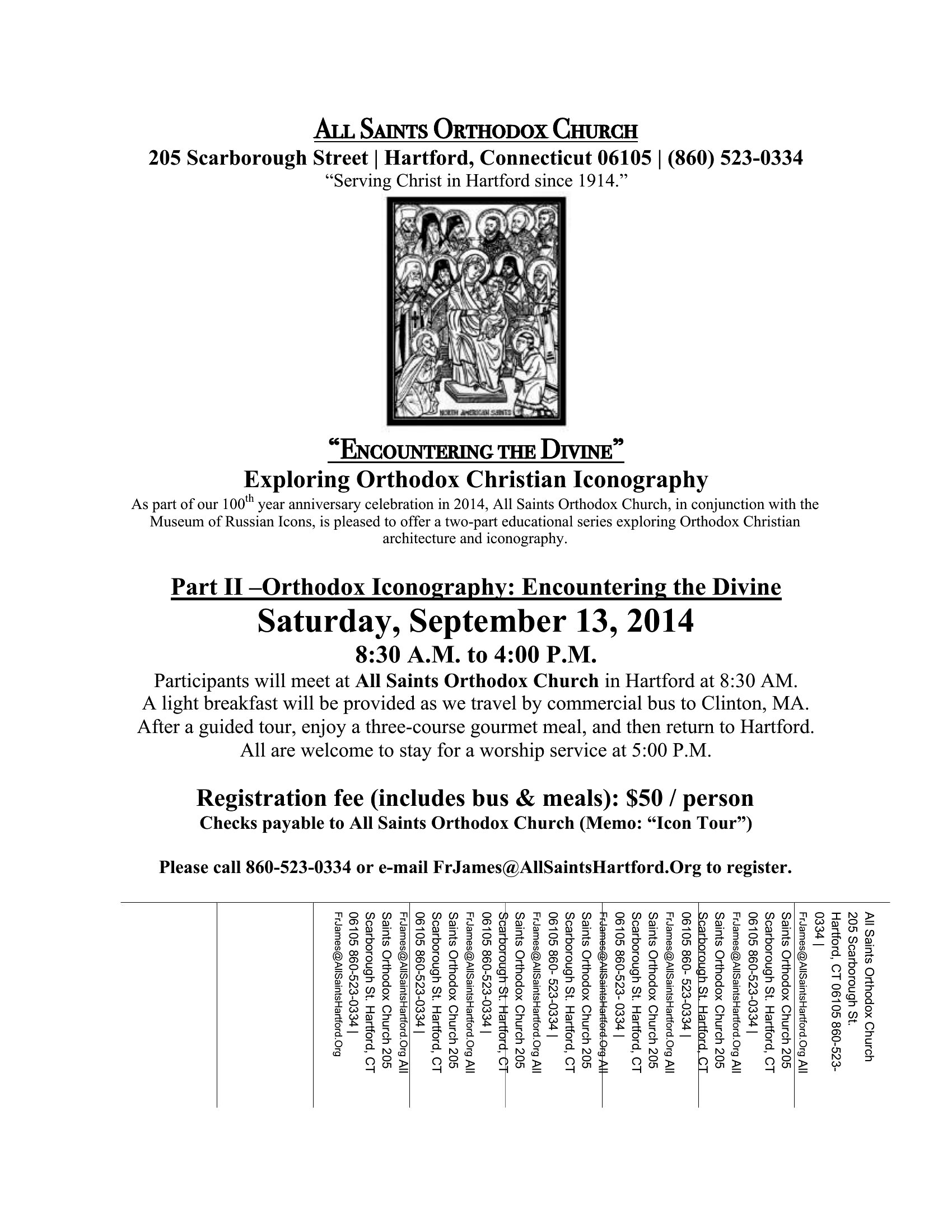
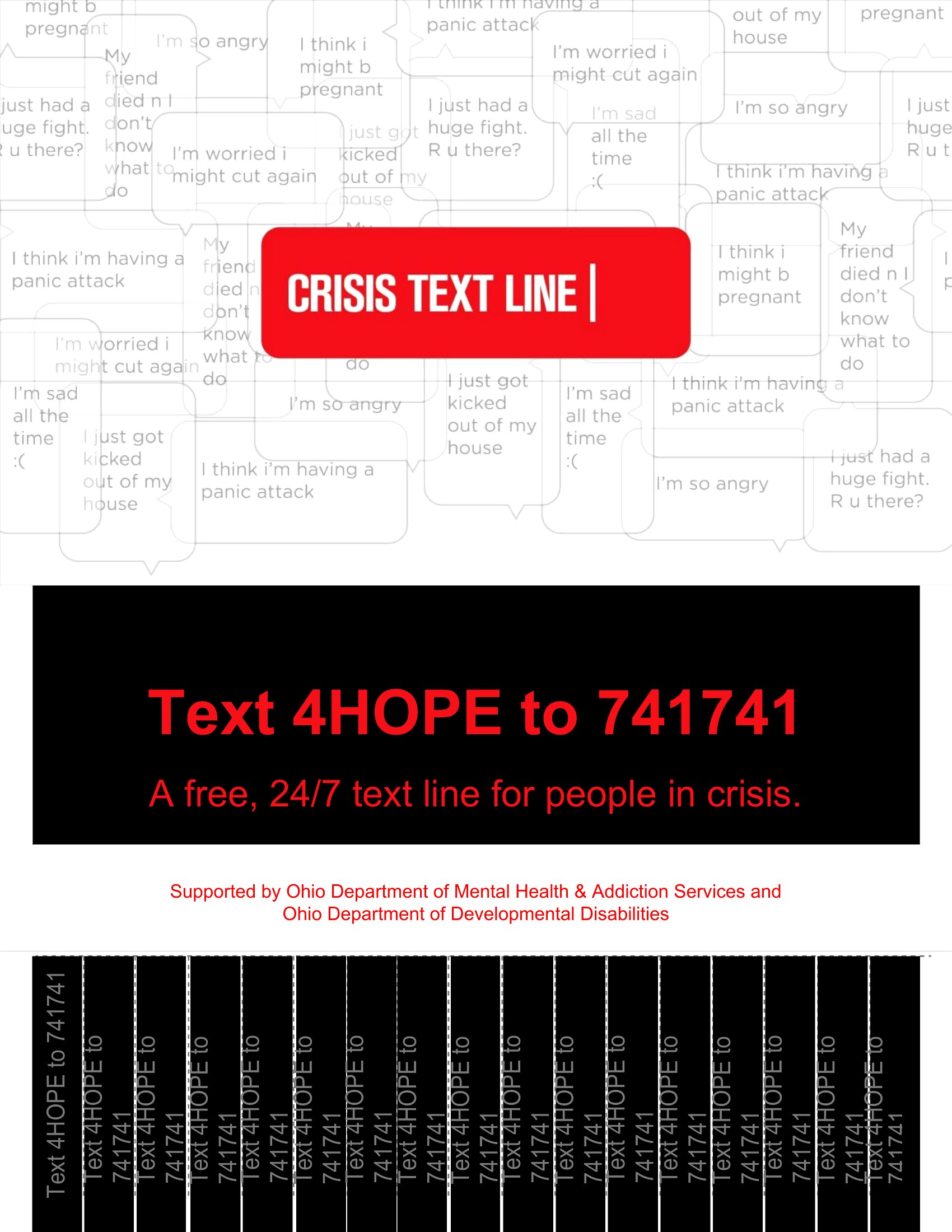
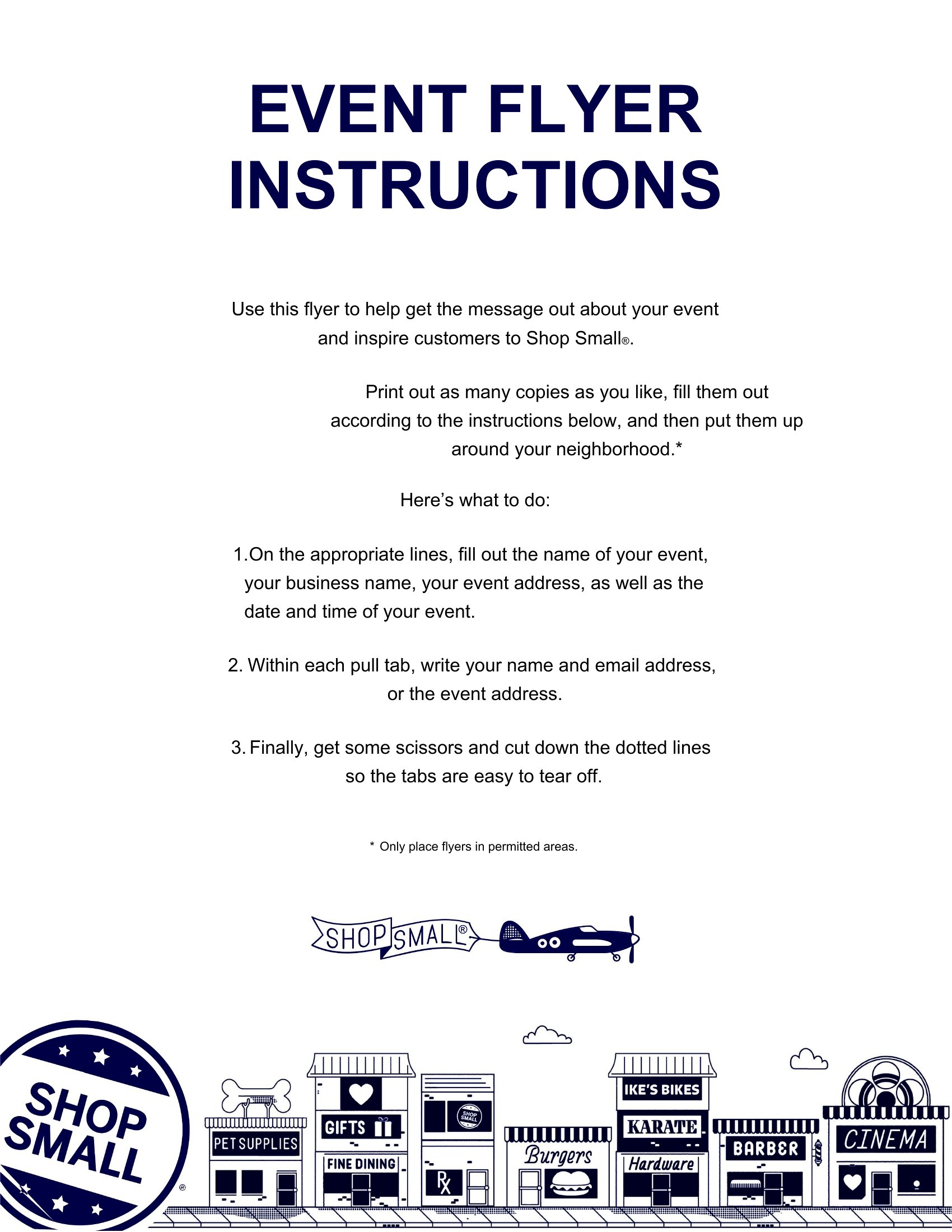
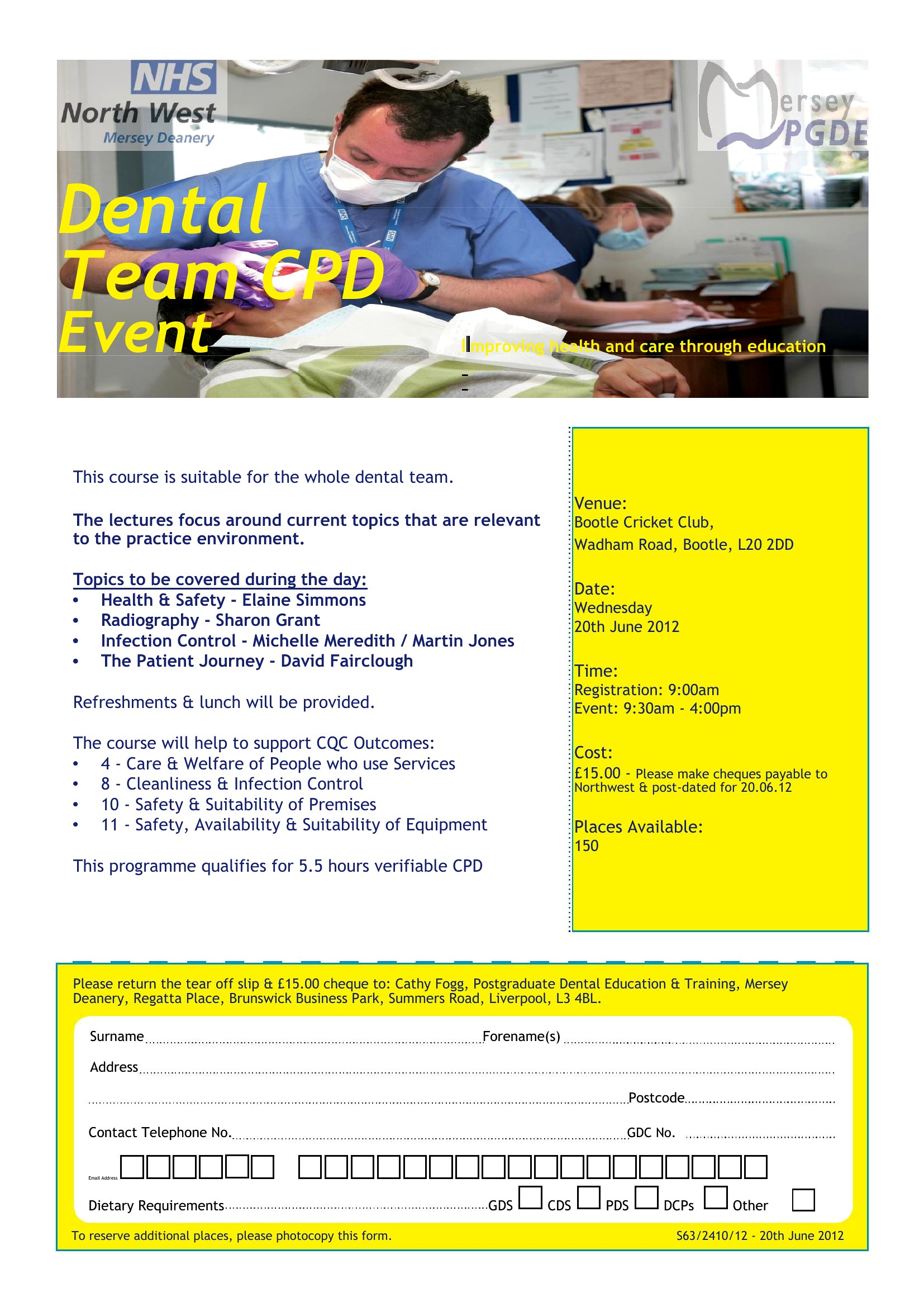
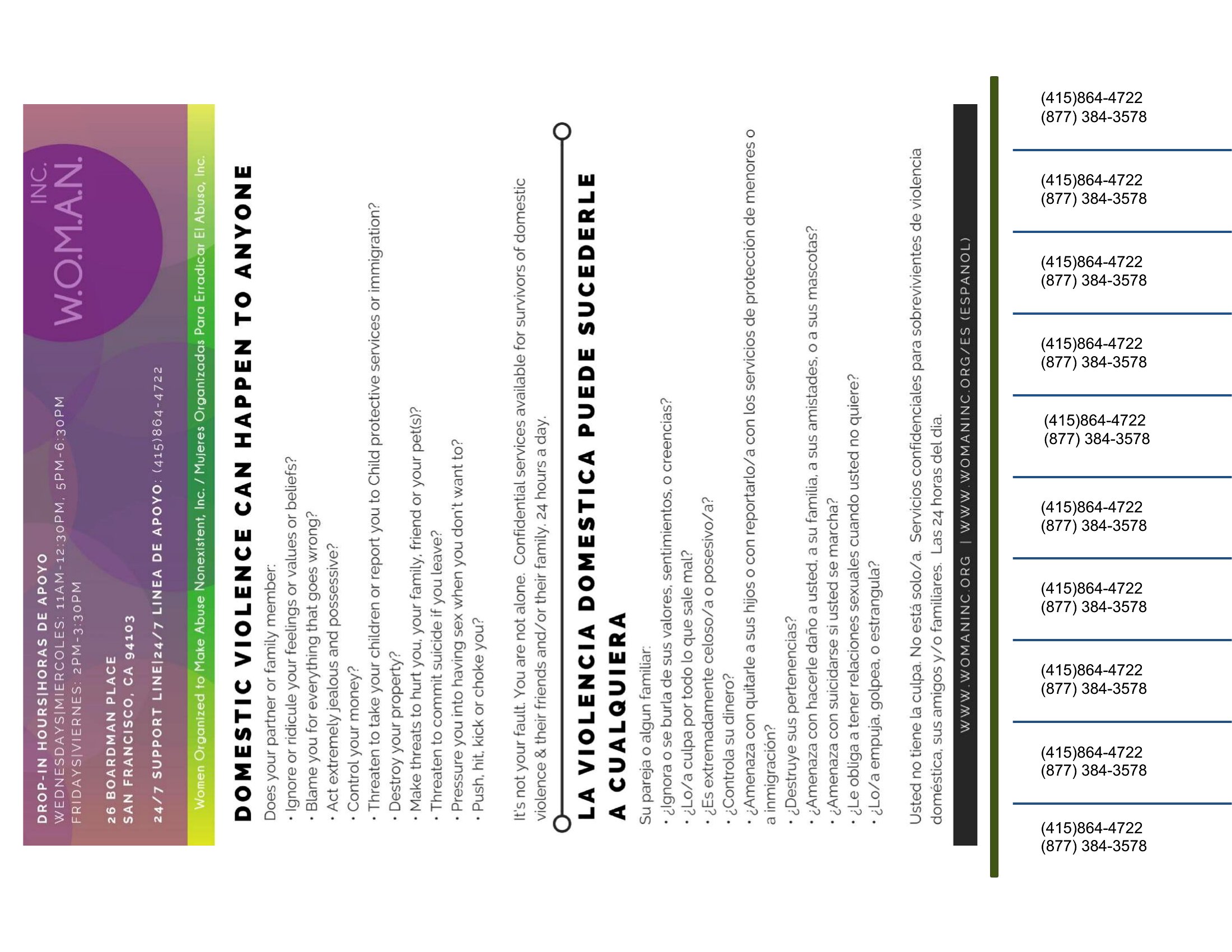
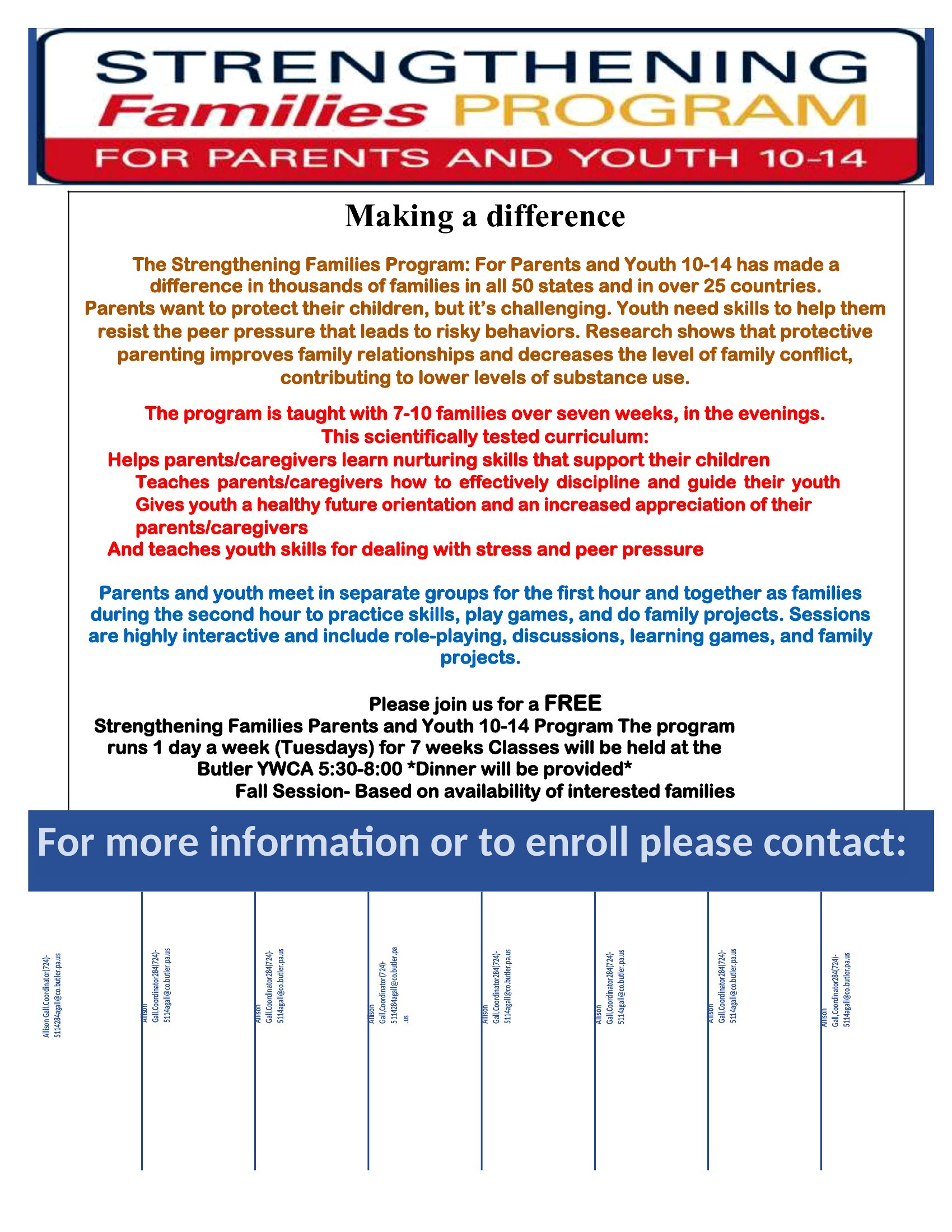
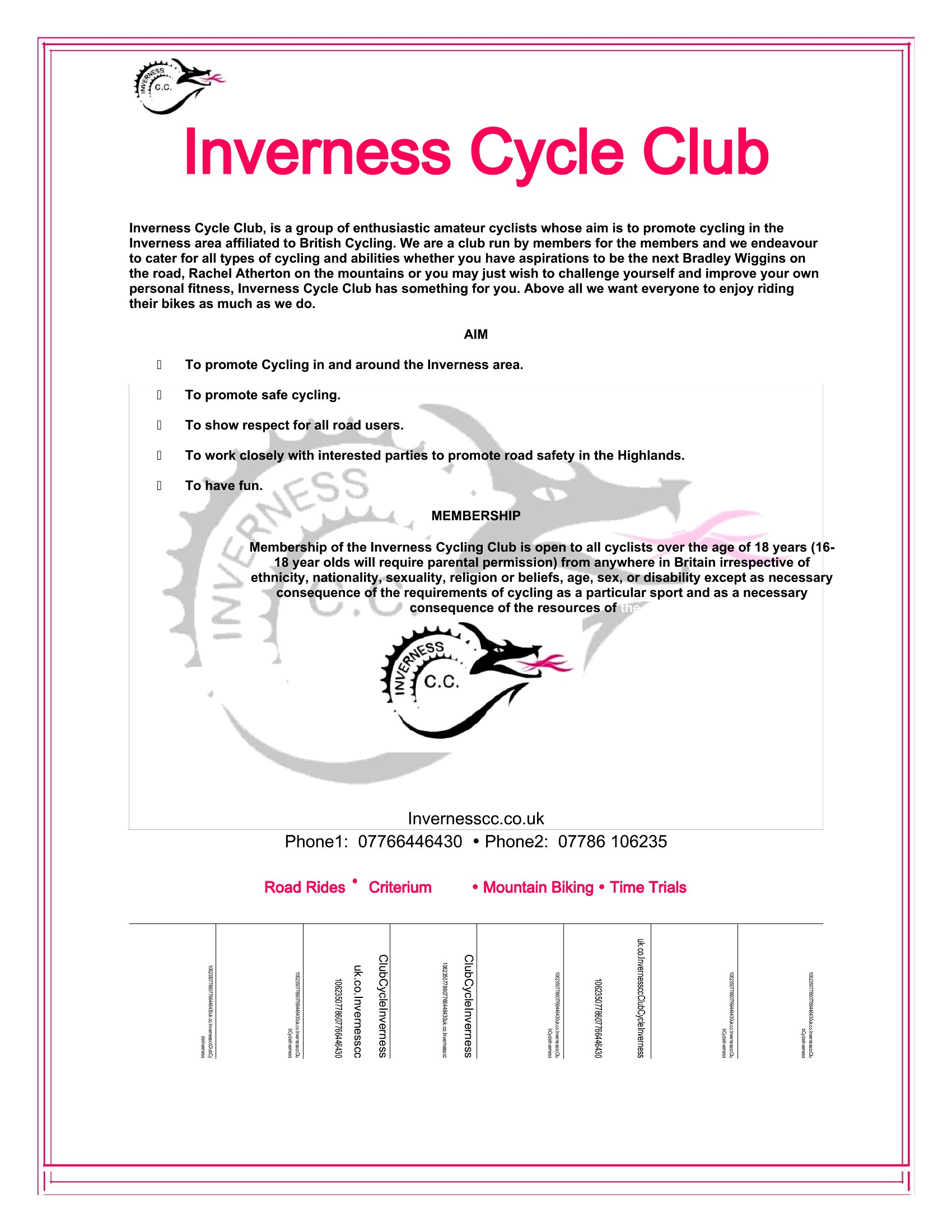
A tear-off flyer does the selling for you on community boards, with little pull-tabs people can grab and call later. This collection of 46 templates helps tutors, pet sitters, landlords, and side-hustlers advertise a service with a bold headline and a row of detachable phone-number strips. Designs cover plain text layouts and eye-catching versions for events, rentals, and lost pets.
Each template opens in Microsoft Word, so you type your message, set the contact details on every tab, and print at home on letter paper. Cut along the lines, pin it up, and let the tabs disappear one by one. Download the style that fits your offer and get the word out without paying for printing.
When to use this Tear Off Flyer template
- A freelance tutor in a college district needs a quick, eye-catching flyer to post on campus bulletin boards, with tear-off strips listing their contact info and availability for last-minute study sessions.
- A local pet sitter wants to distribute flyers at dog parks and vet clinics, using tear-off tabs to make it easy for busy pet owners to save their number for emergency walks or boarding.
- A landlord managing multiple rental properties uses tear-off flyers in laundromats and coffee shops, featuring bold headlines about available units and tear-off strips with their direct phone number for inquiries.
- A handyman offering seasonal services like gutter cleaning or holiday decorations posts flyers in hardware stores, with tear-off strips that include their service specials and a call-to-action for quick bookings.
Which format should I download?
All 46 templates in this collection are designed exclusively for Word, making them ideal for users who need a balance of simplicity and customization. Word is the best choice here because it allows easy editing of text, fonts, and basic graphics—perfect for professionals who want to tweak contact details, pricing, or branding without requiring advanced design skills. The tear-off strips can also be adjusted for size or quantity directly in Word, ensuring a polished look without needing external design software.
Choose from 46 Tear Off Flyer Templates


































How to use this Tear Off Flyer template
How do I ensure the tear-off strips on my flyer are the right size for easy detachment?
Most templates in this collection include pre-sized tear-off strips designed to fit standard flyer dimensions. If you need adjustments, open the Word document and use the ruler tool to resize the strips evenly. For best results, keep them between 1 and 1.5 inches wide to ensure they tear cleanly without ripping the rest of the flyer.
Can I add a QR code to my tear-off flyer for quick contact or booking?
Yes, you can include a QR code linking to your contact info, booking page, or website. In Word, insert the QR code as an image or use a QR code generator tool to create one, then resize it to fit neatly beside the tear-off strips. Keep the code large enough to scan easily but avoid covering critical contact details.
What’s the best way to print these flyers at home for a professional look?
For a polished finish, use a good-quality printer with at least 300 DPI resolution and matte or glossy photo paper. Print on a slightly heavier weight (80–100 lb) to prevent tearing when detaching the strips. If possible, use a printer with bleed settings to ensure clean edges, especially if your flyer includes full-bleed graphics.
Comments
Join the conversation
Sign in to share your thoughts and leave a comment on this resource.