
Free Decision Matrix Templates (Word, Excel, PDF)
Worksheets by rolandocolunga
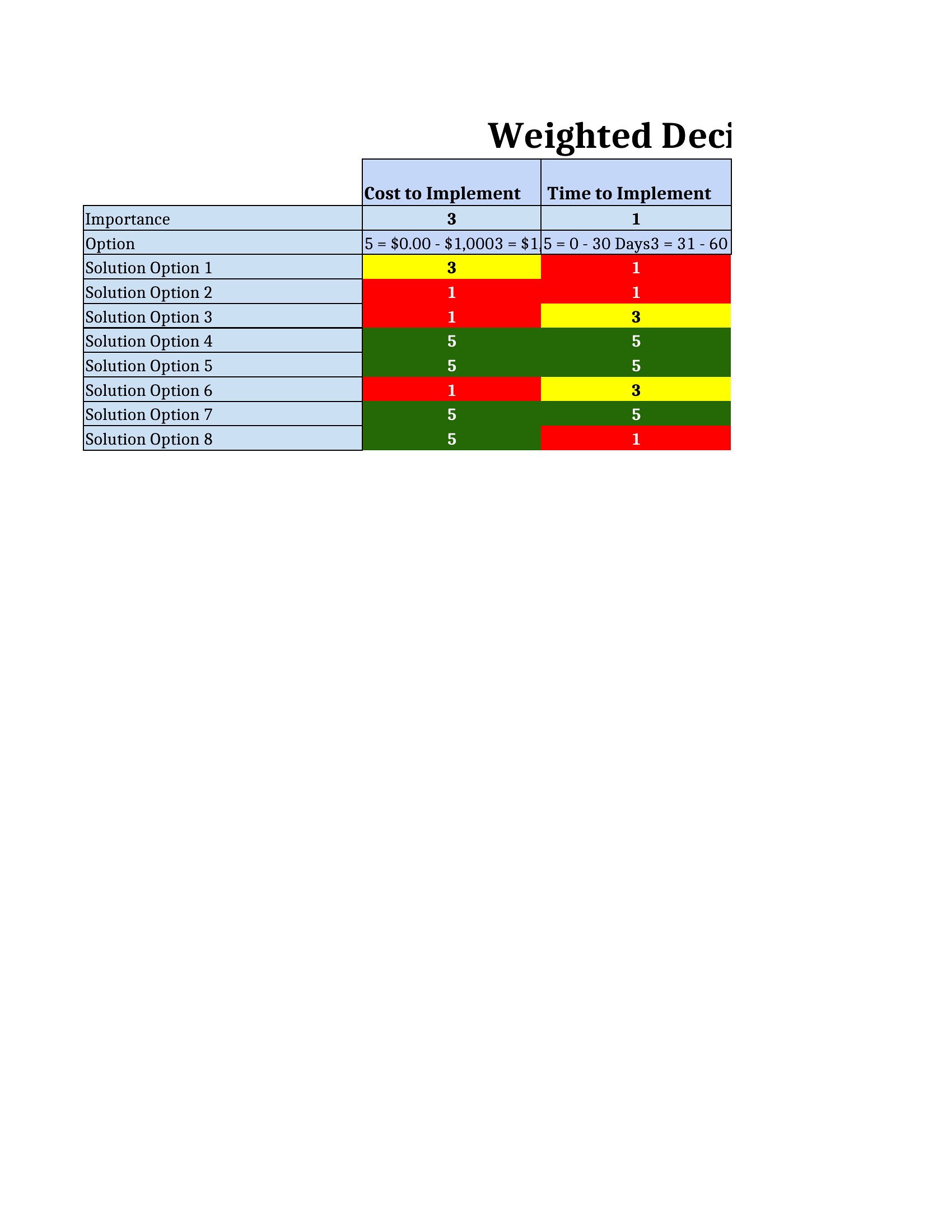
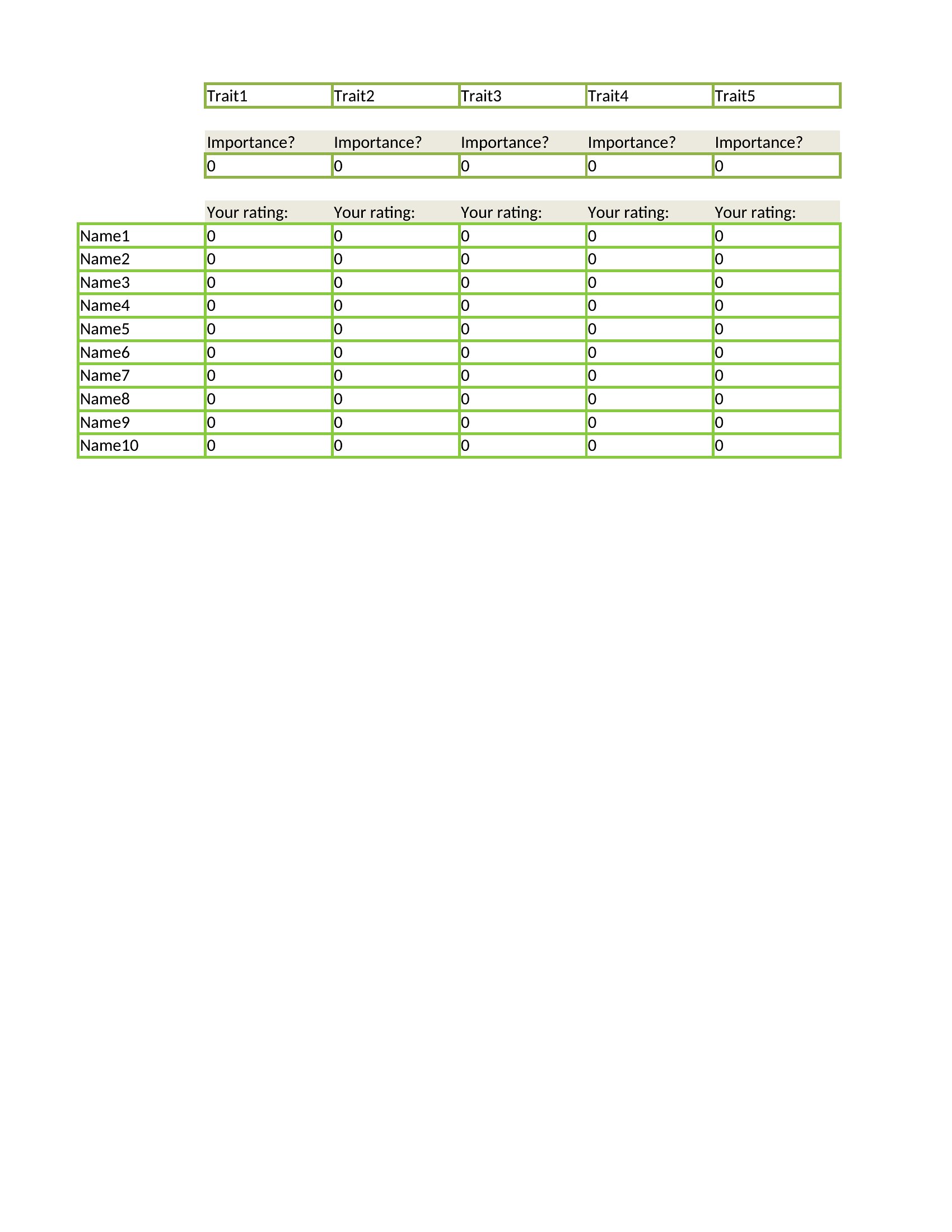
When you're stuck between options, a decision matrix lays out your choices against the criteria that matter and scores each one, so the best pick becomes obvious. This set of 42 templates helps teams, managers, and individuals compare vendors, projects, or big personal decisions without going in circles.
The Excel versions calculate weighted scores as you type, the Word files suit a written analysis, and the PDFs print for workshops and group sessions. List your options, weight your criteria, and let the totals guide you. It's free and works for anything from a hiring choice to a home purchase. Choose the format that fits your decision and map out your options before you commit.
When to use this Decision Matrix template
- A procurement manager evaluating three software vendors for a small business needs to compare pricing, scalability, and customer support objectively without favoring one due to personal bias.
- A nonprofit board deciding between two grant-funded community programs must weigh financial impact, reach, and sustainability to justify their final recommendation to donors.
- New parents overwhelmed by daycare options can organize their top choices against criteria like location, cost, curriculum, and reviews to avoid second-guessing their decision for years.
- A product team analyzing five feature ideas for the next sprint must align each against business goals, development effort, and user demand to prioritize fairly during sprint planning.
Which format should I download?
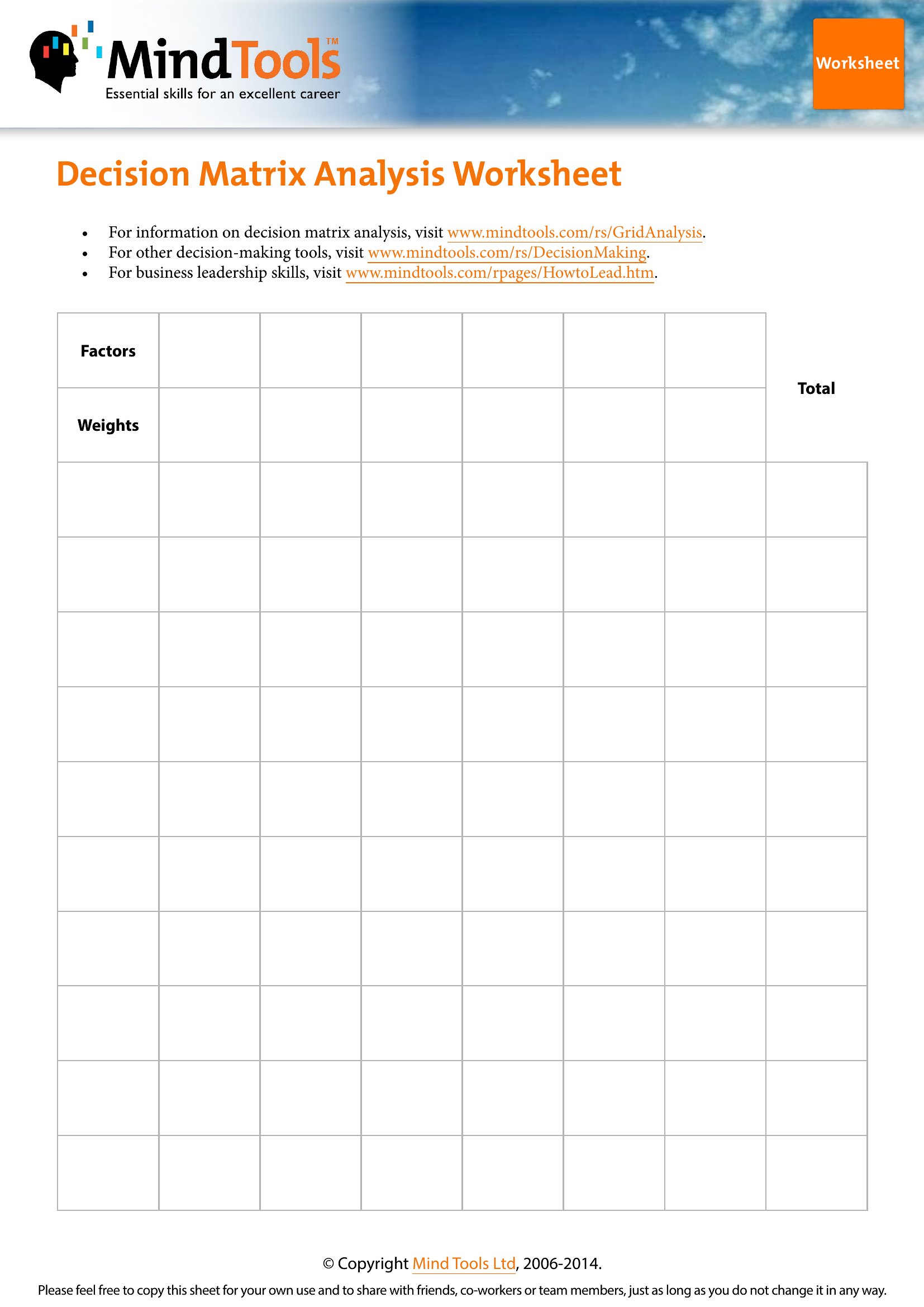
Choose Excel for any decision requiring dynamic scoring—like comparing vendors or projects—since it auto-calculates weighted criteria as you input data. The Word format works best for collaborative, written analyses where team members need to add notes or justify scores without spreadsheet expertise. Use PDF for finalized matrices that must be shared as read-only references, such as approval documents or client presentations. Avoid PDF for editable workflows, as it locks content after creation.
Choose from 42 Decision Matrix Templates
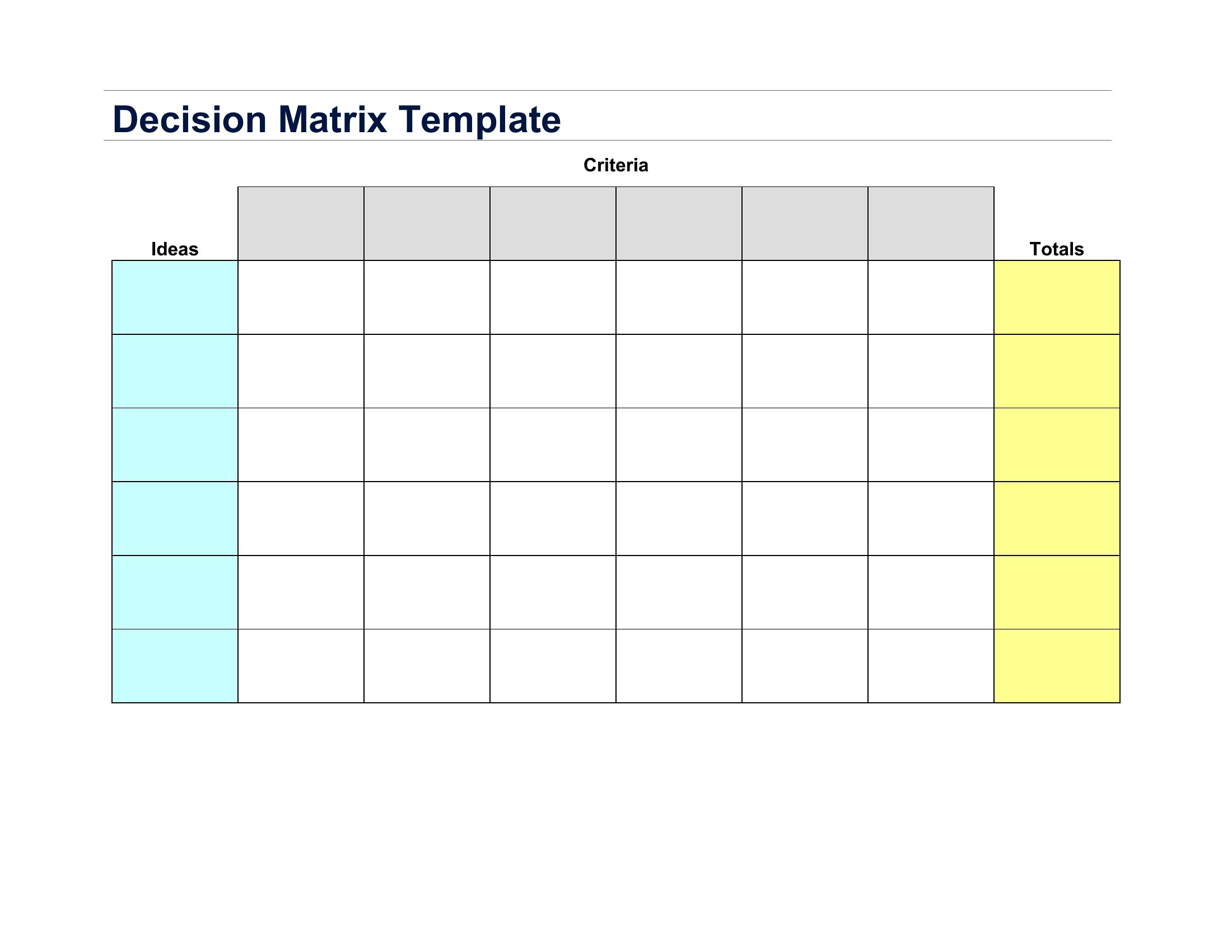
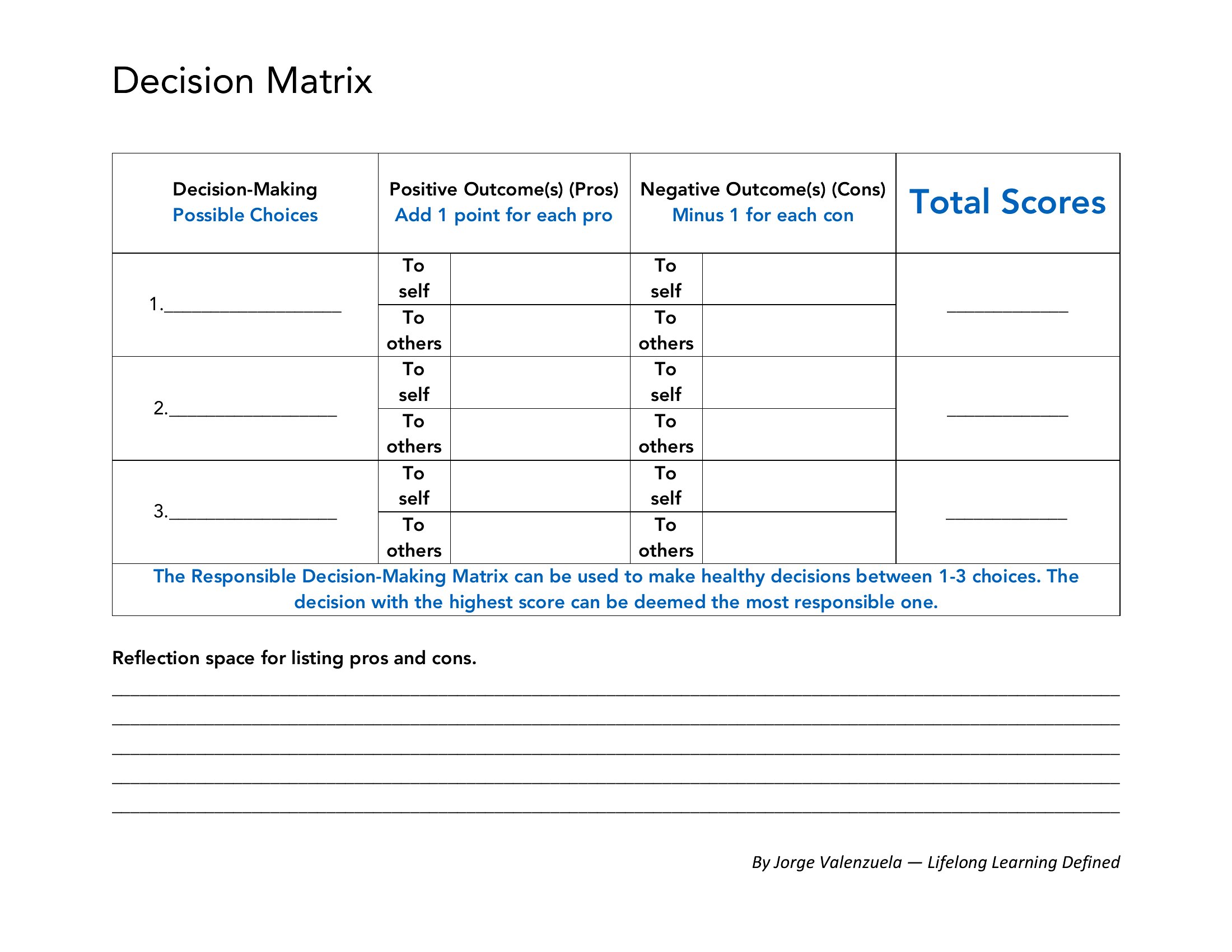
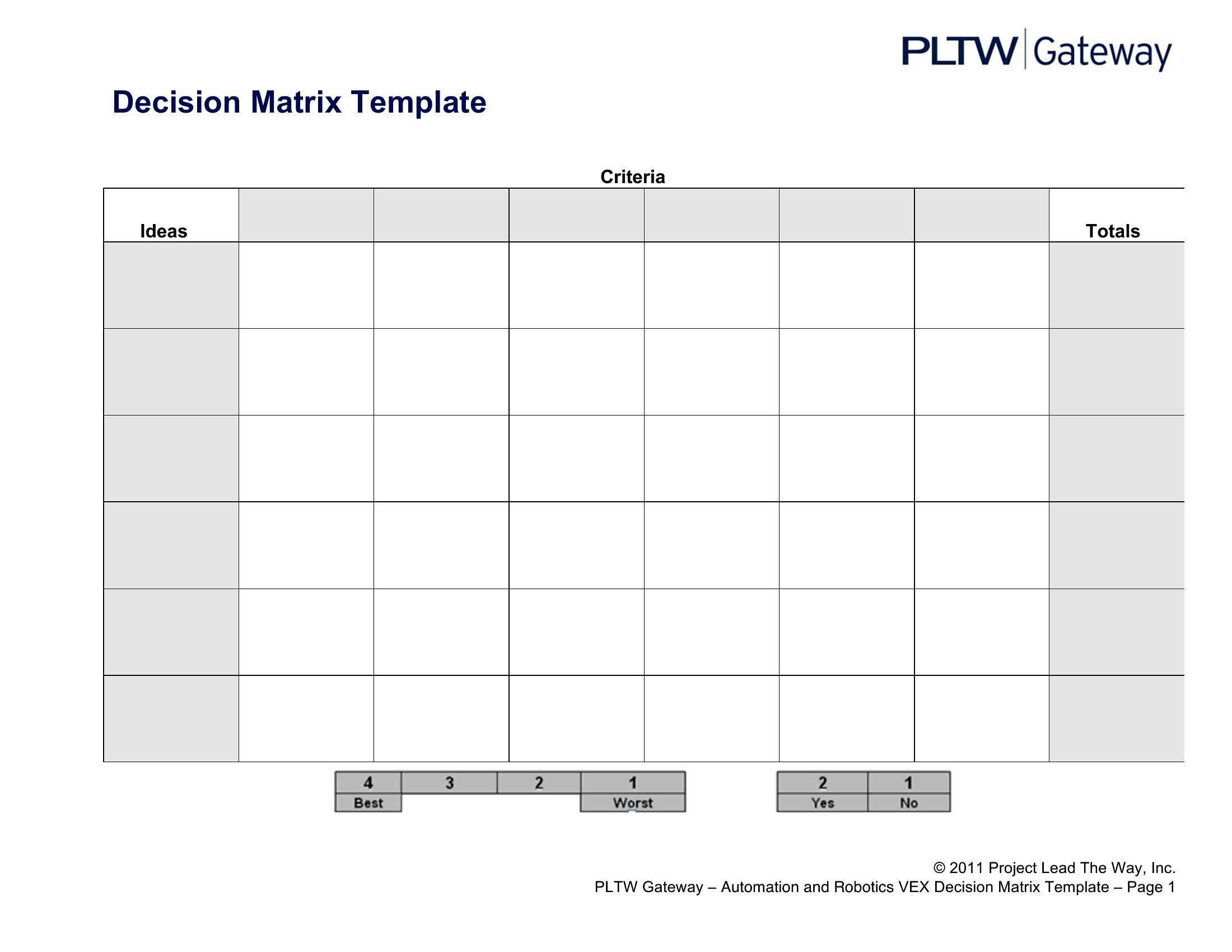
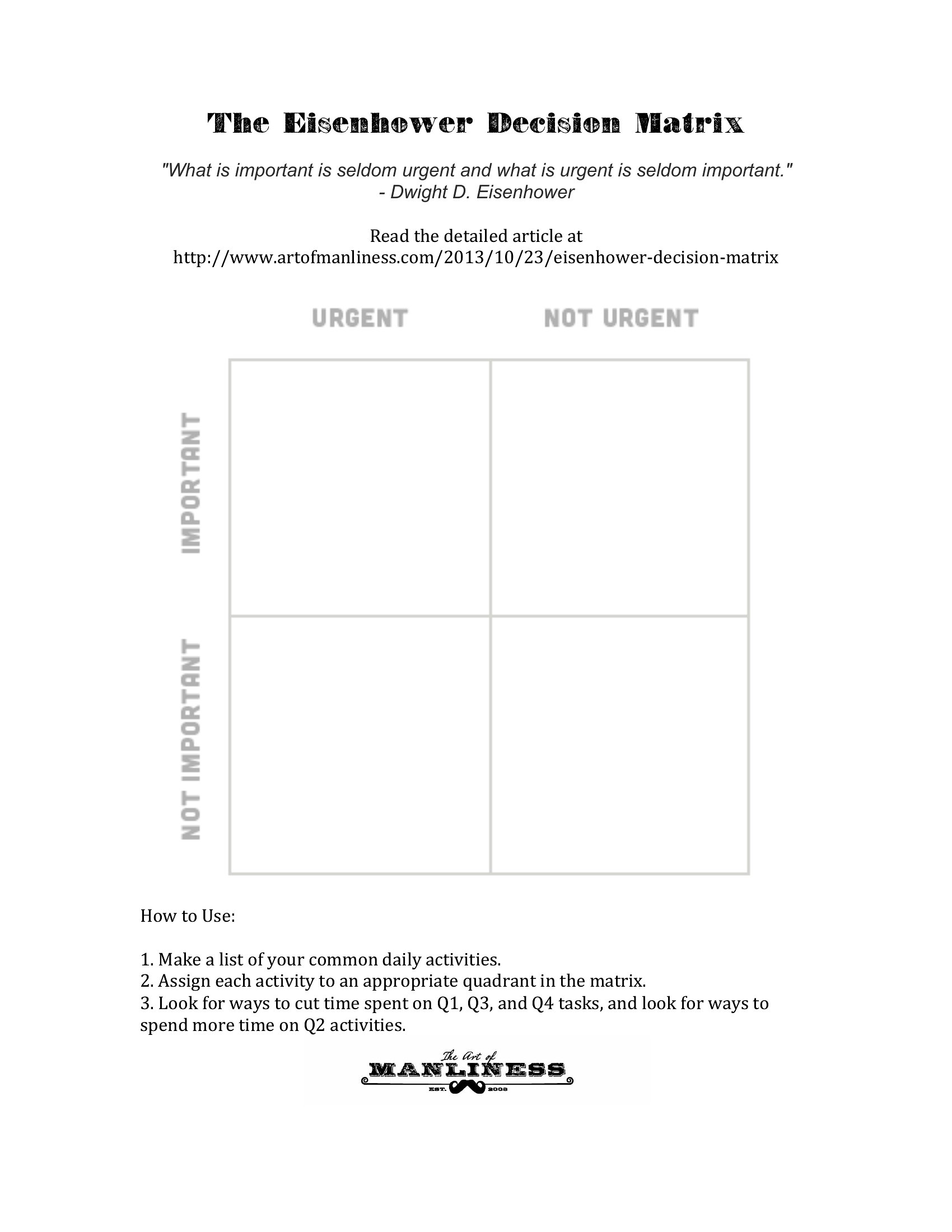
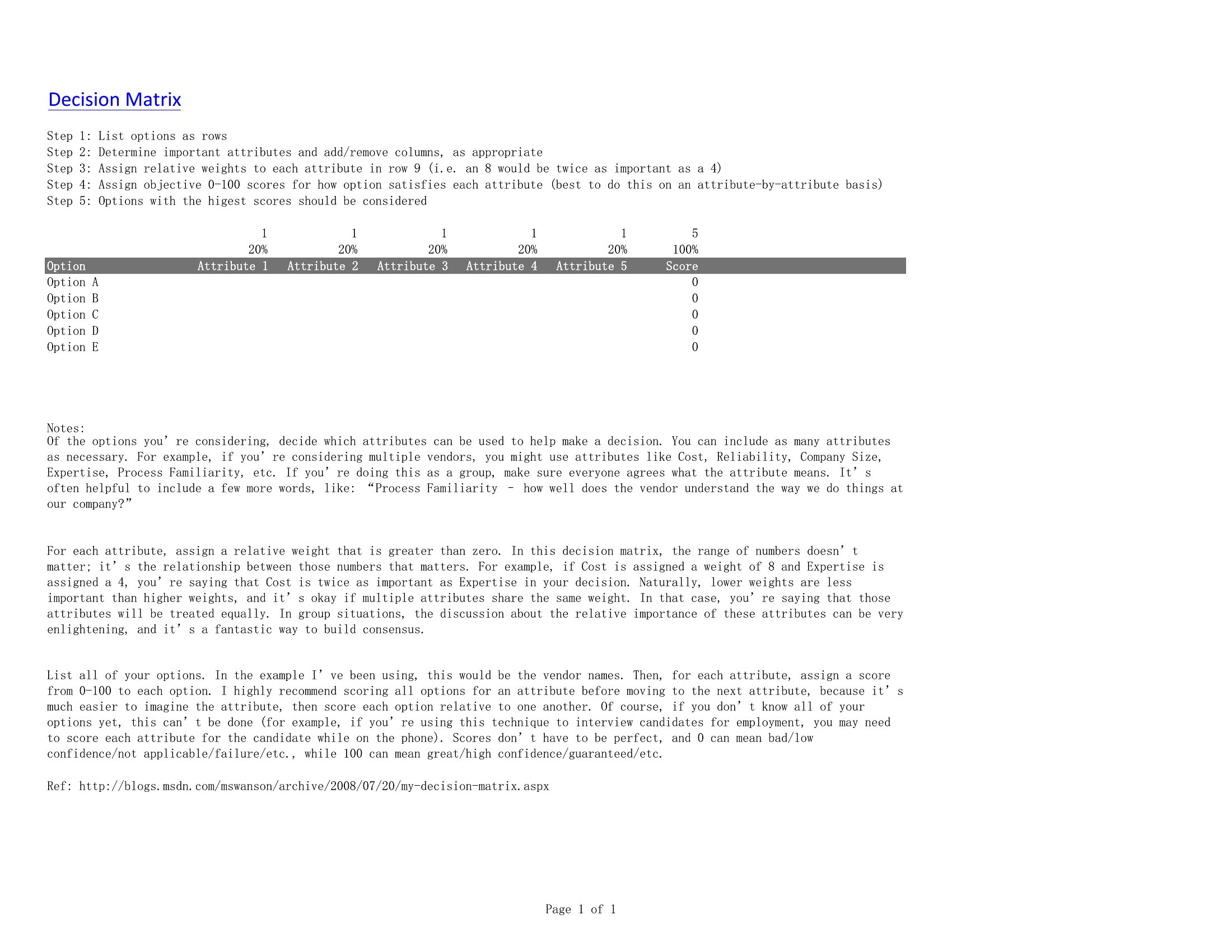
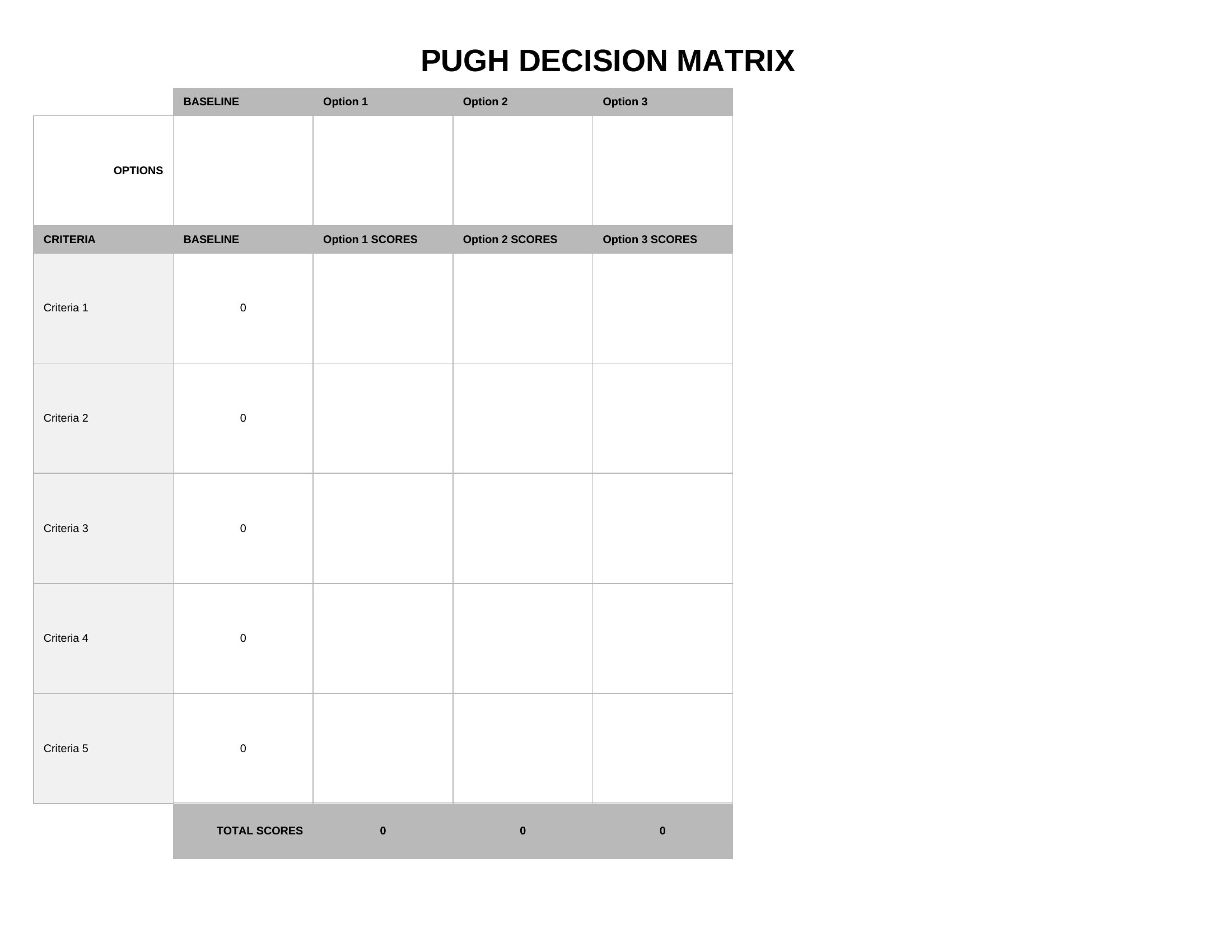
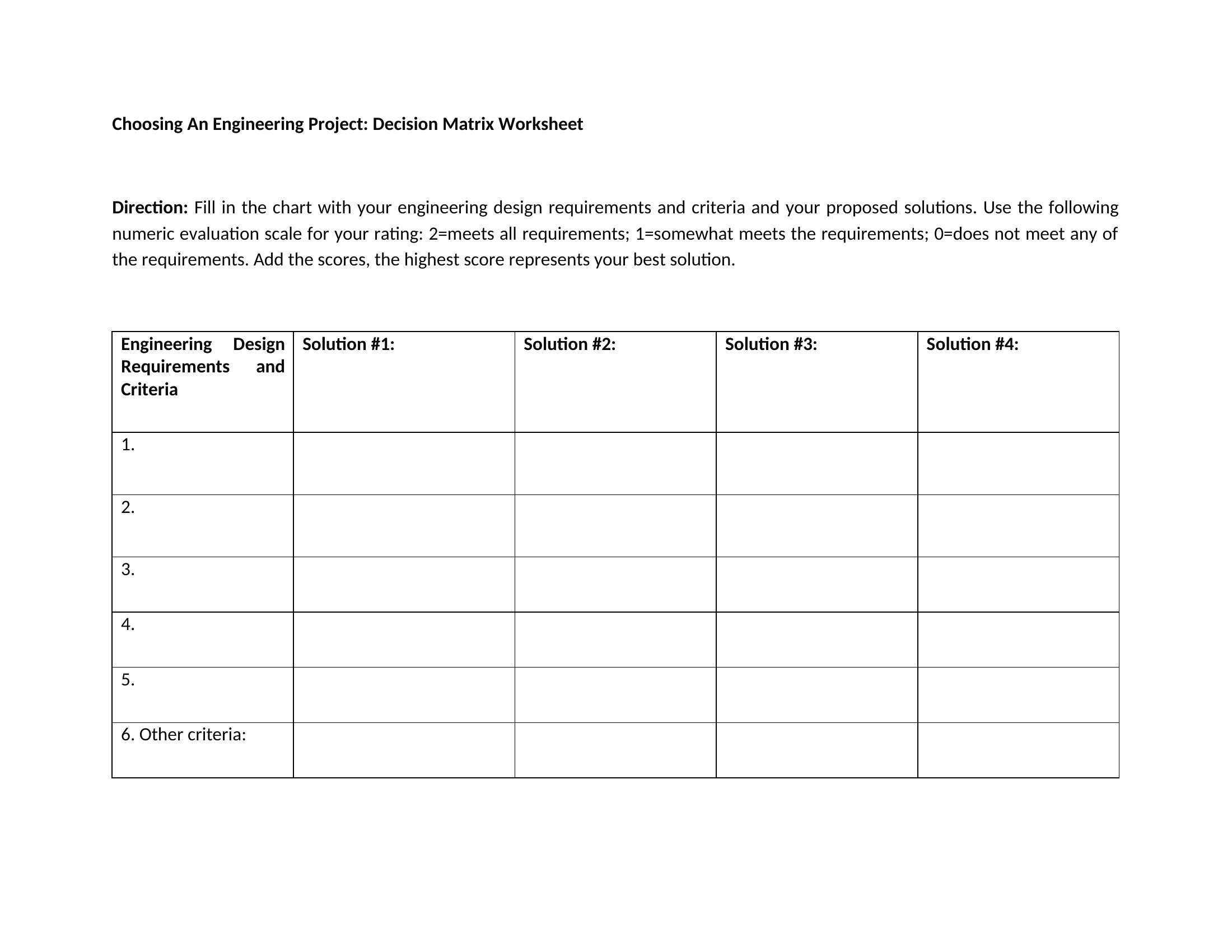
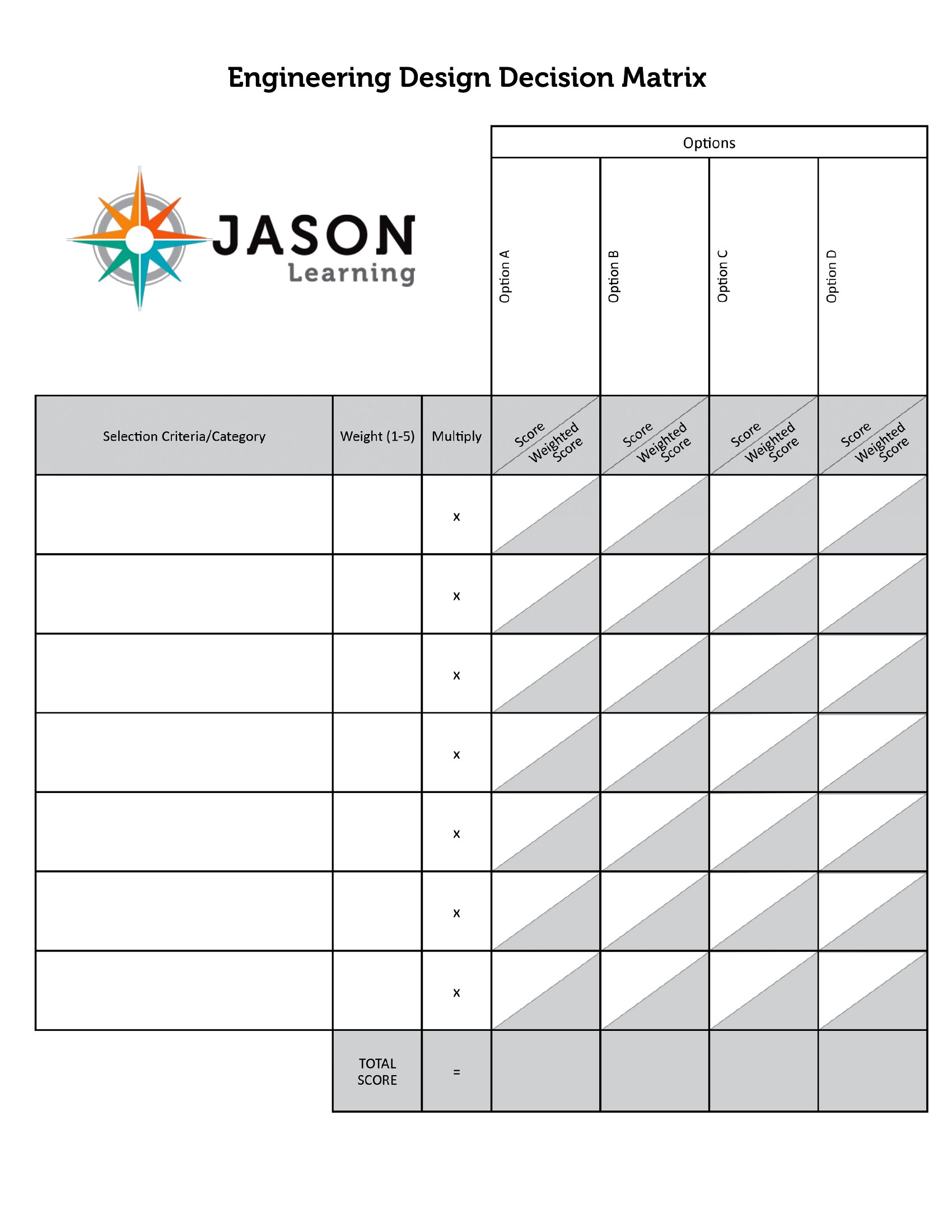
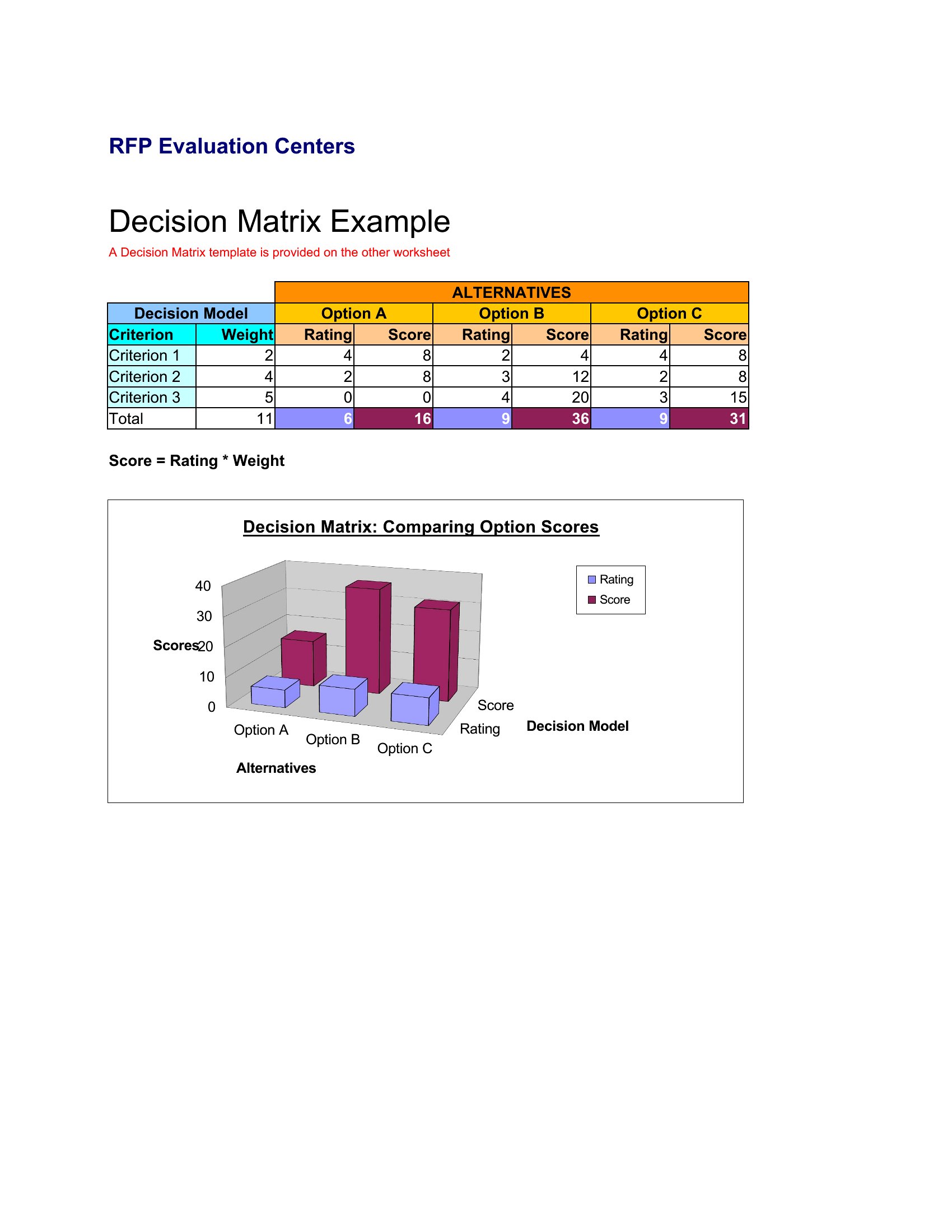
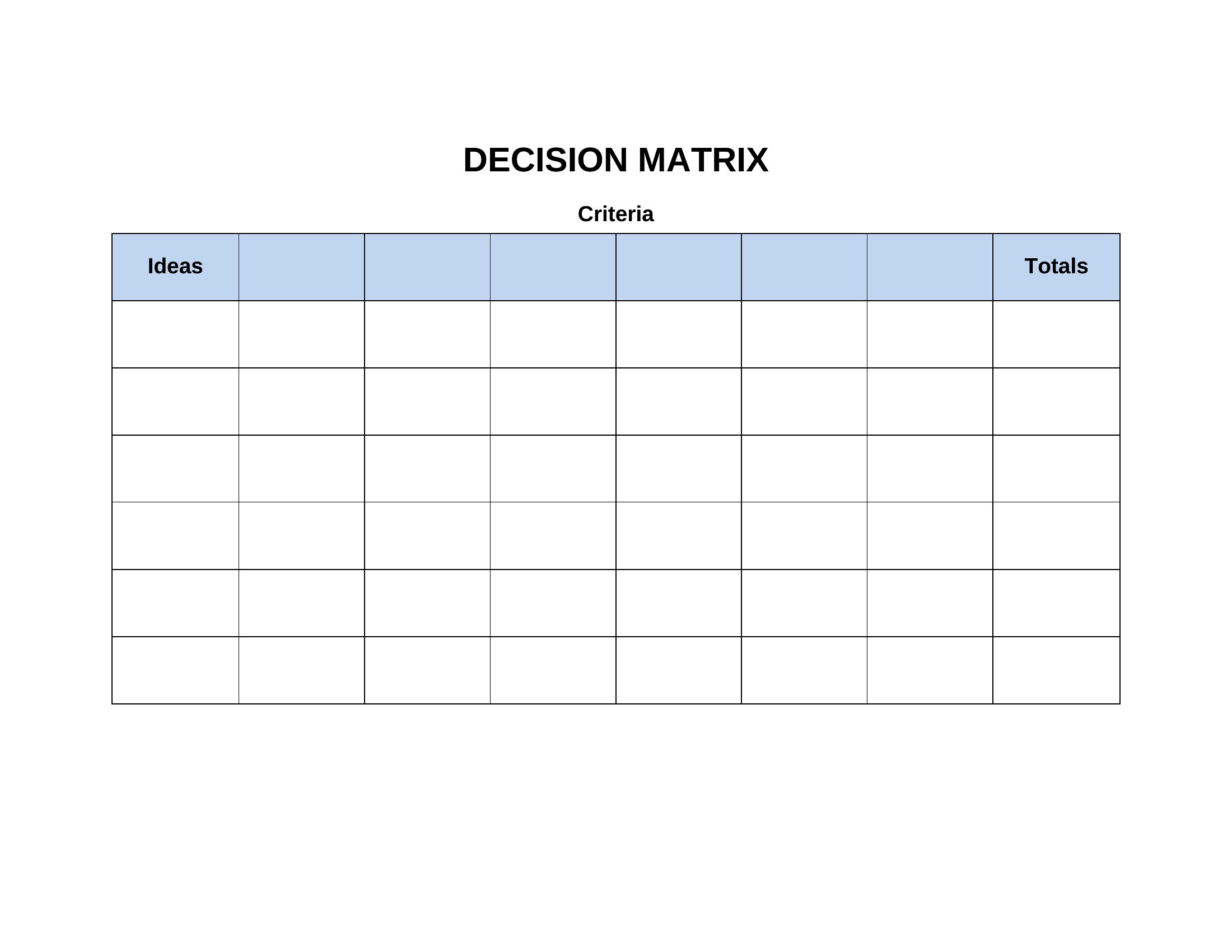
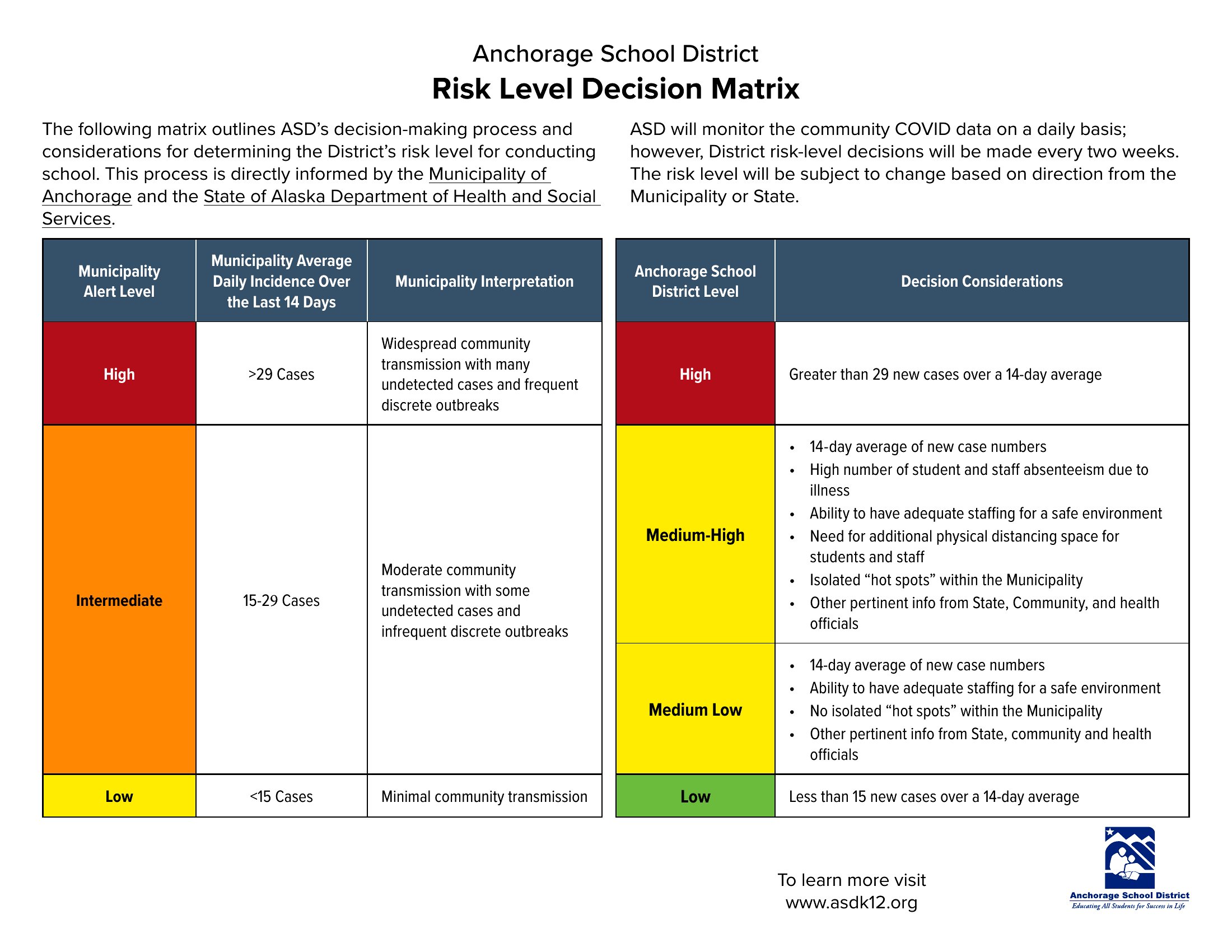
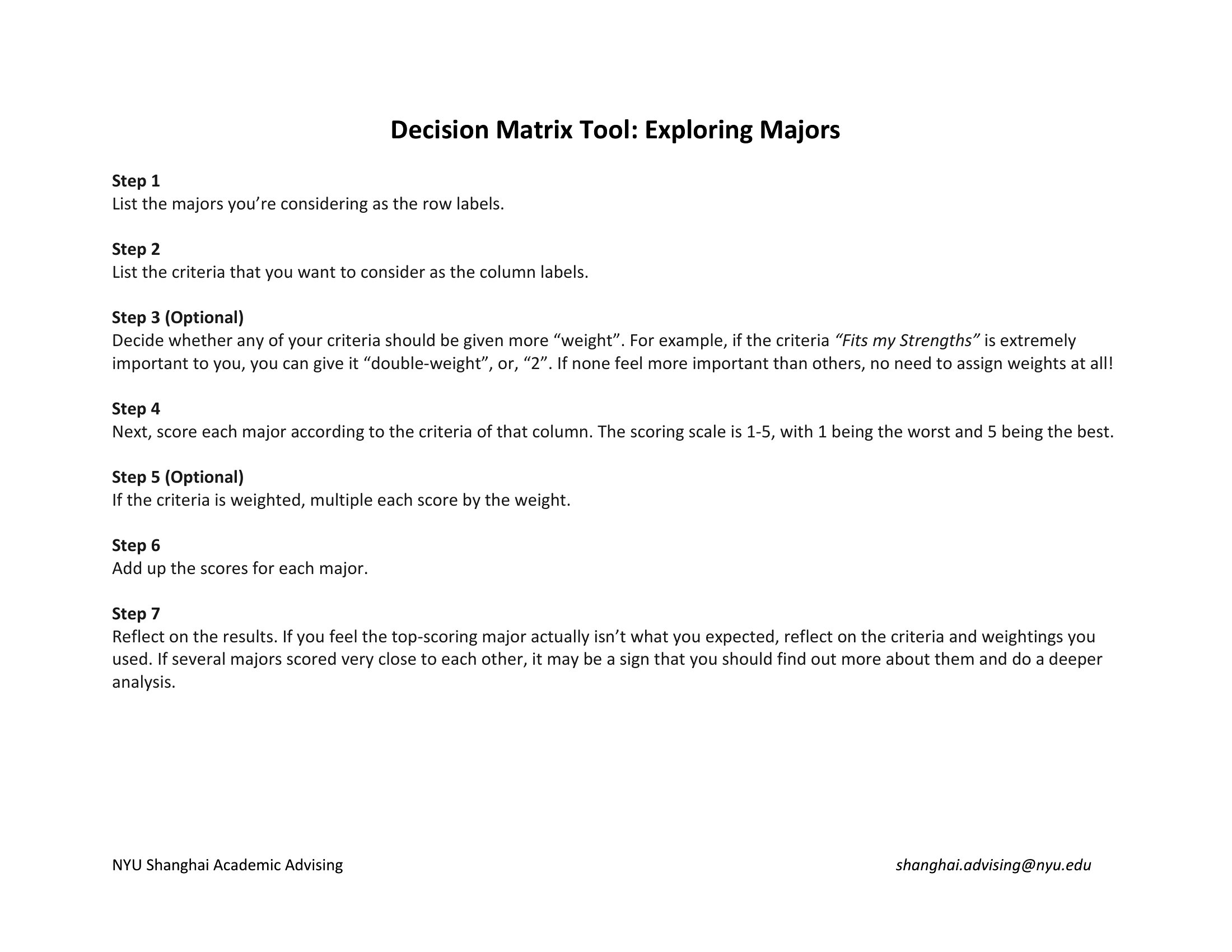
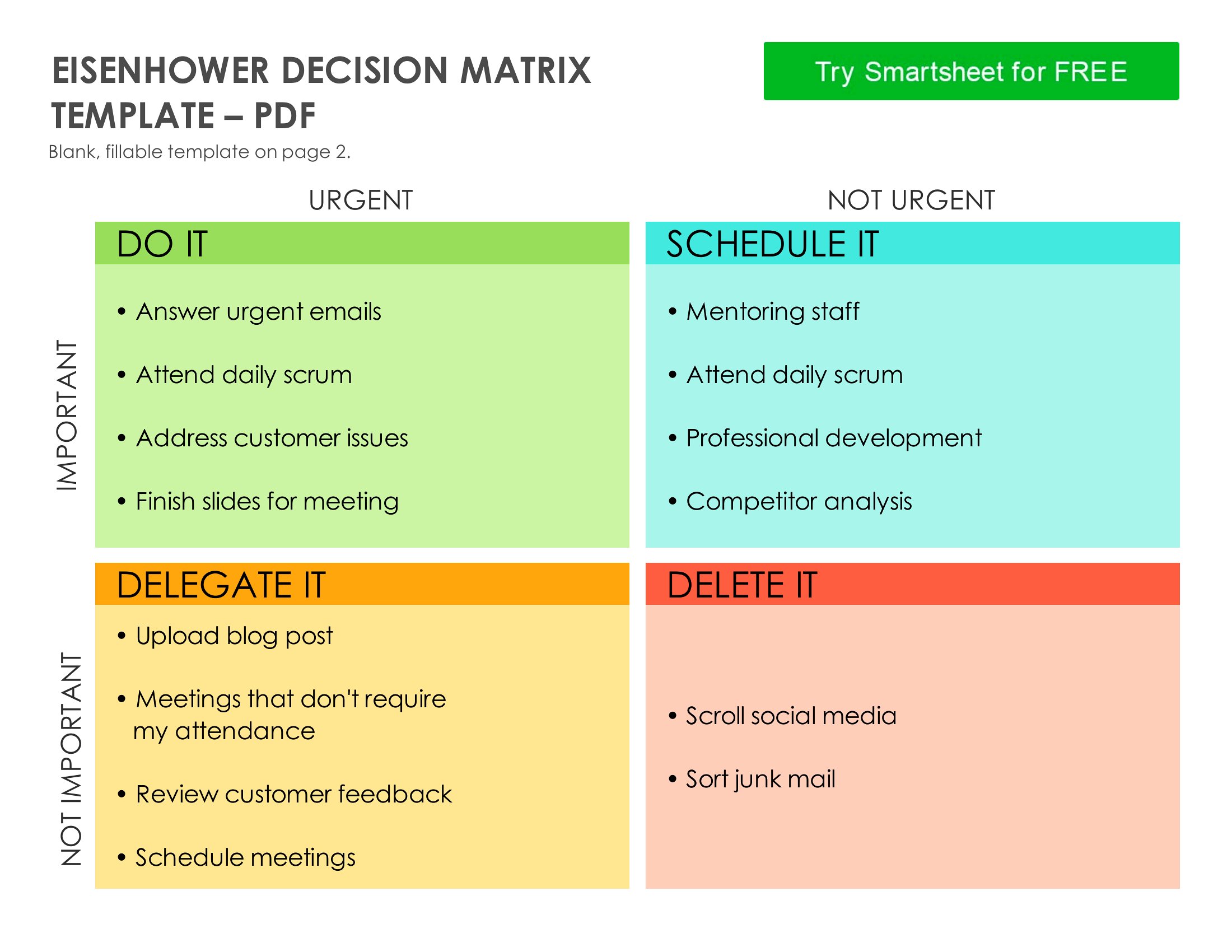
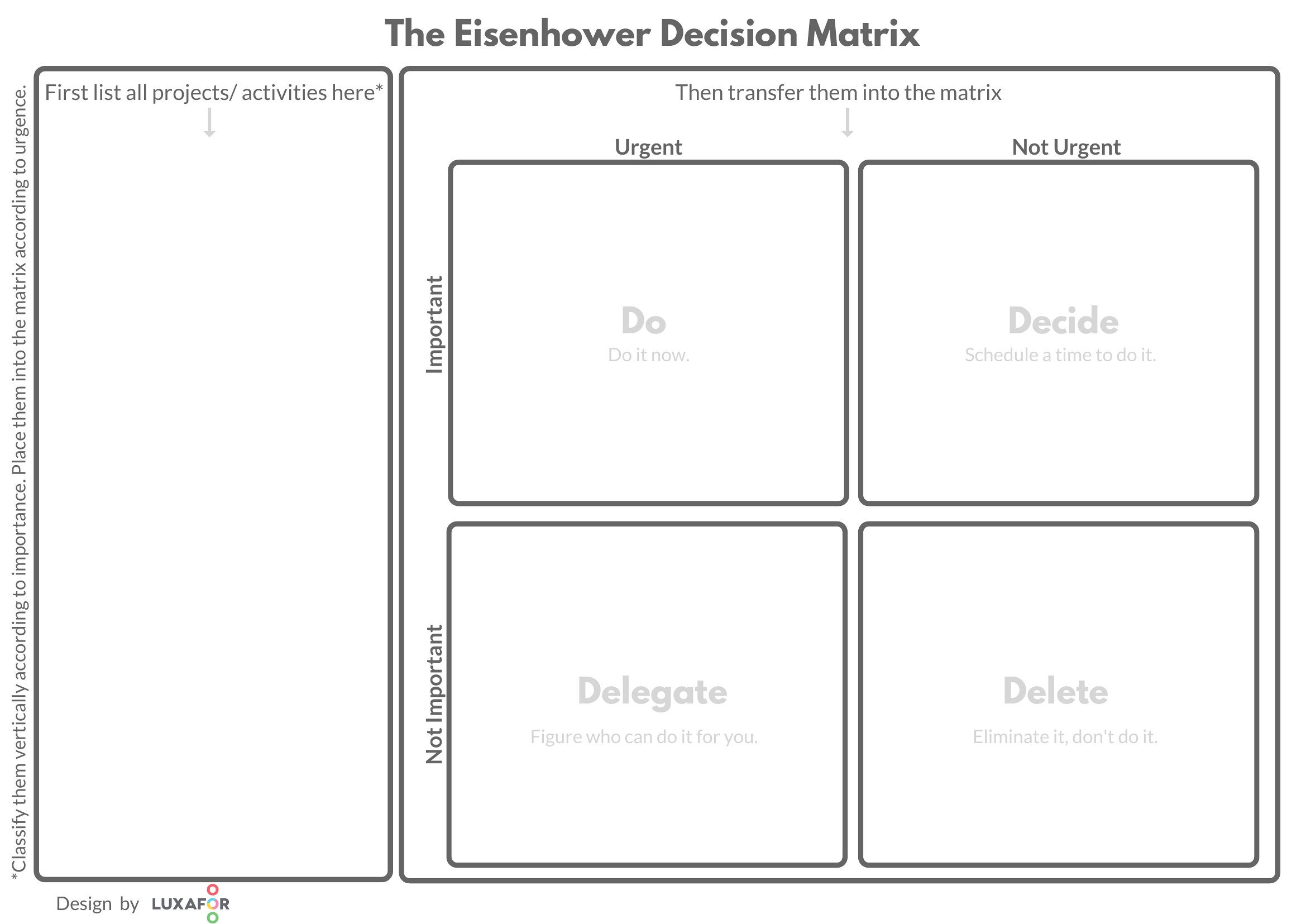
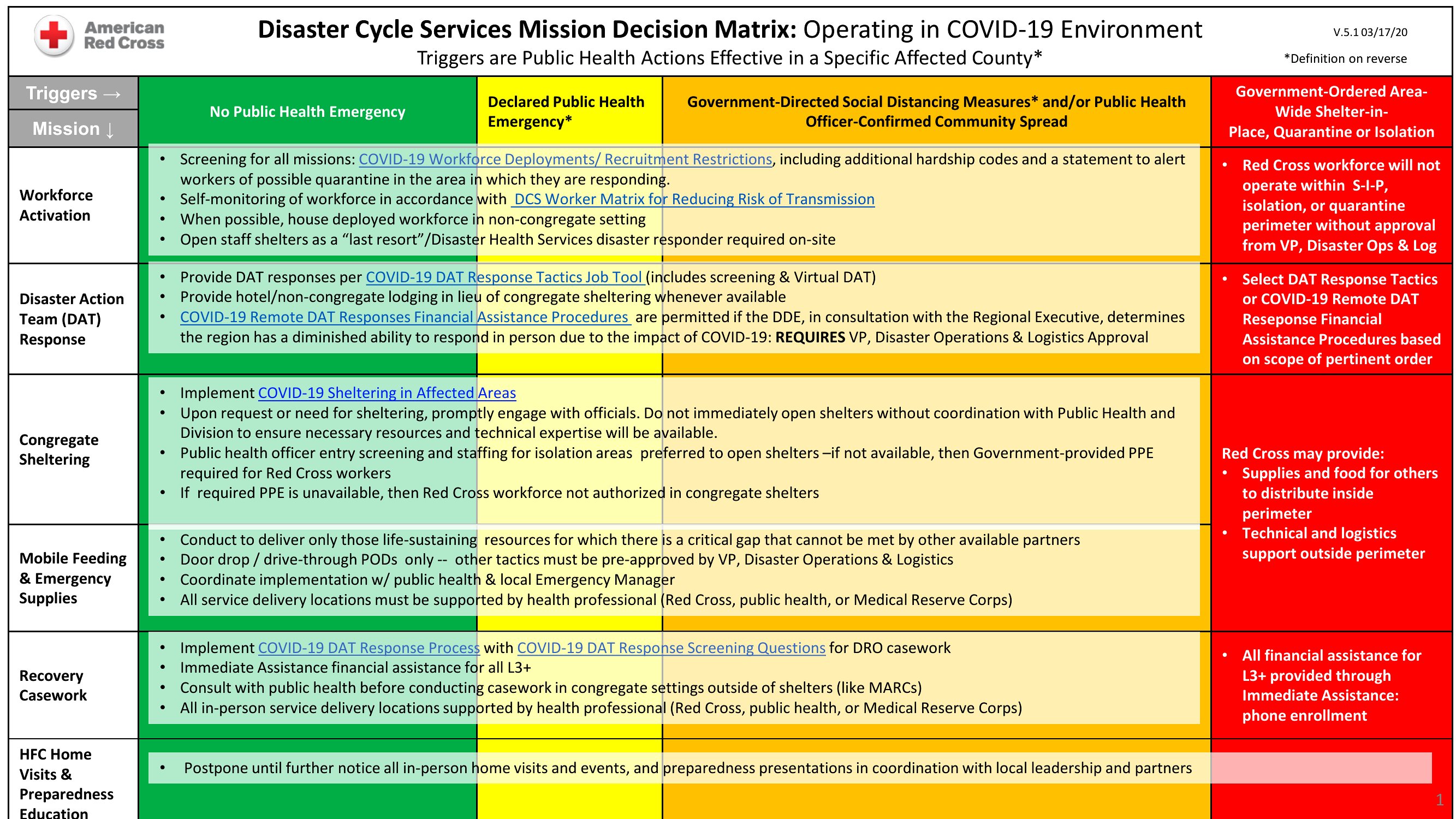
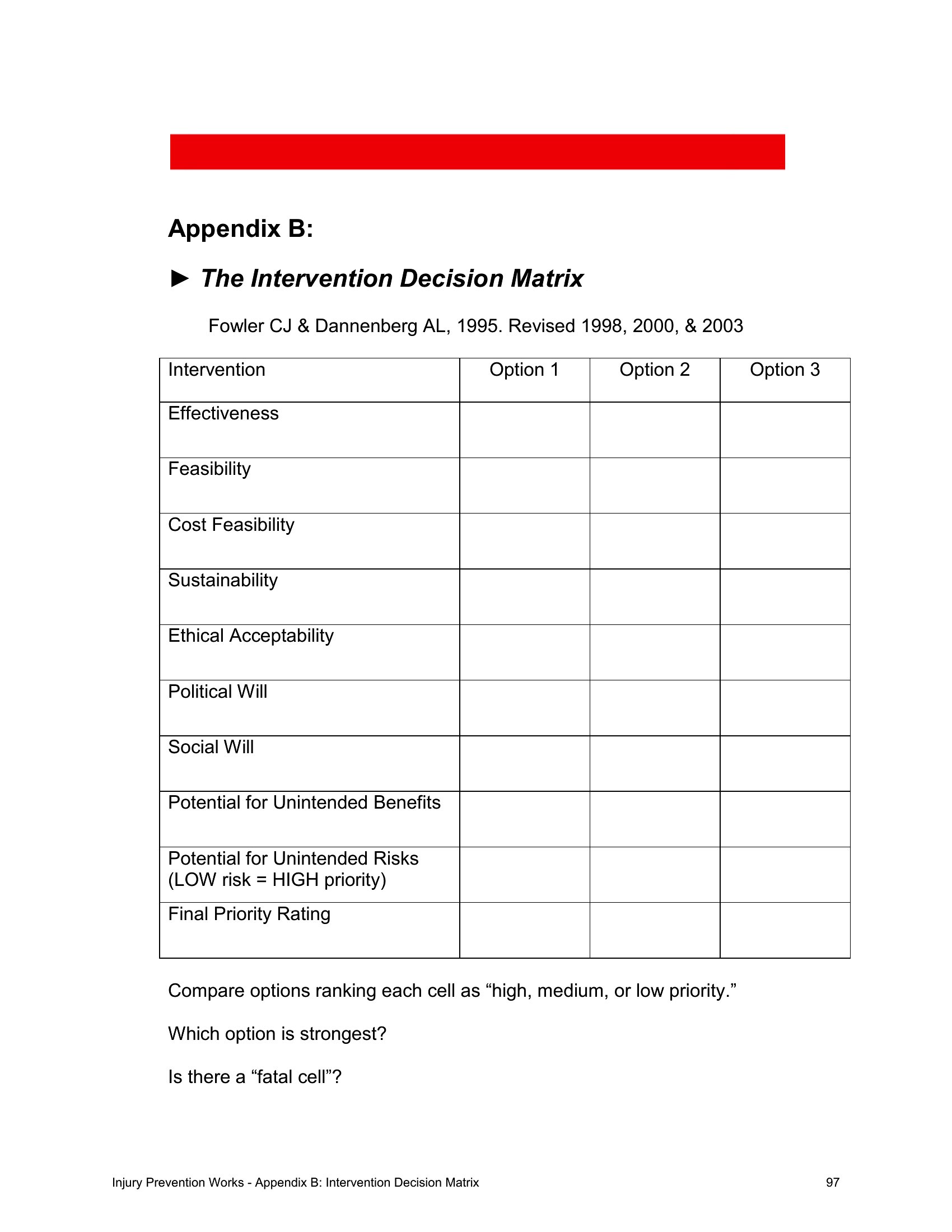
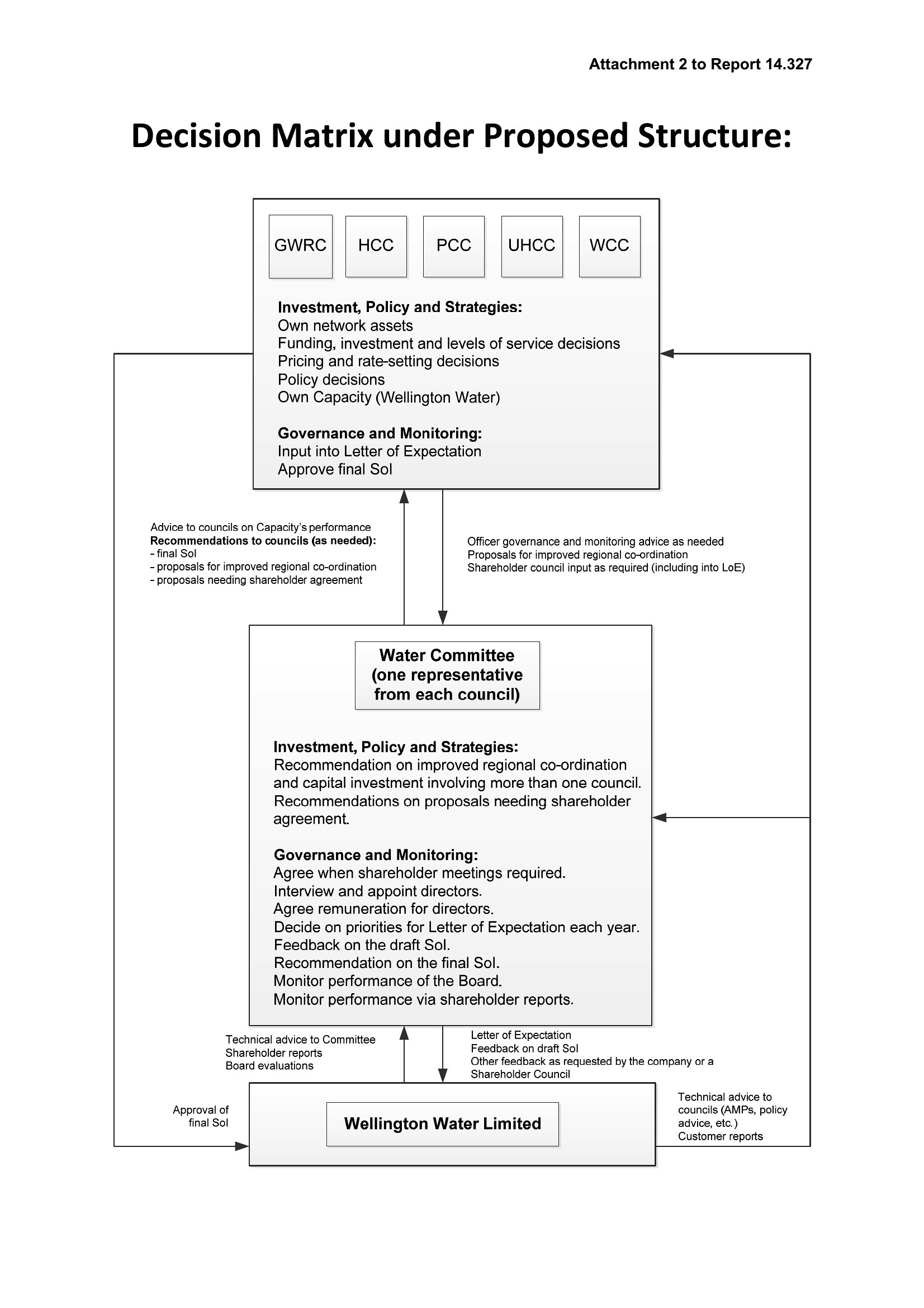
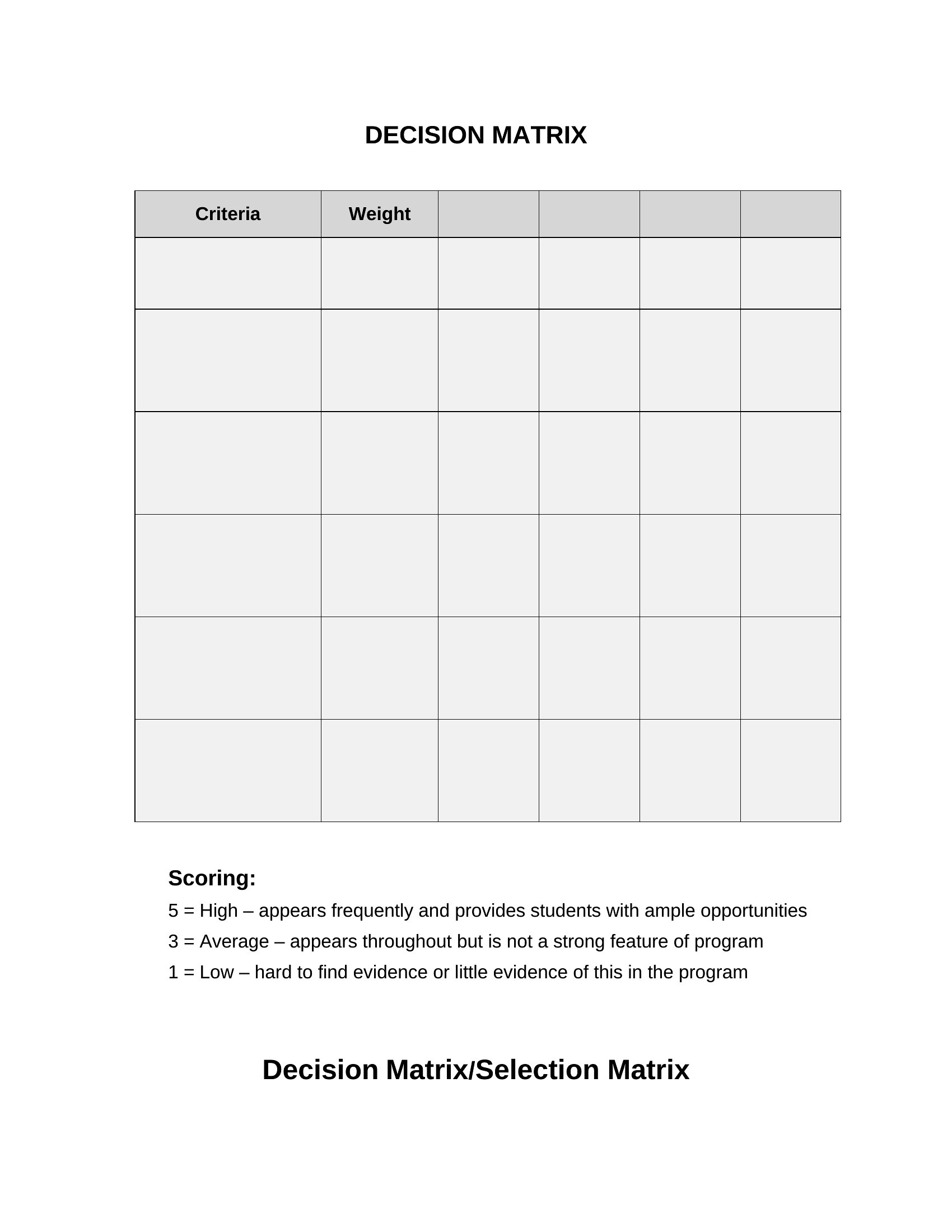
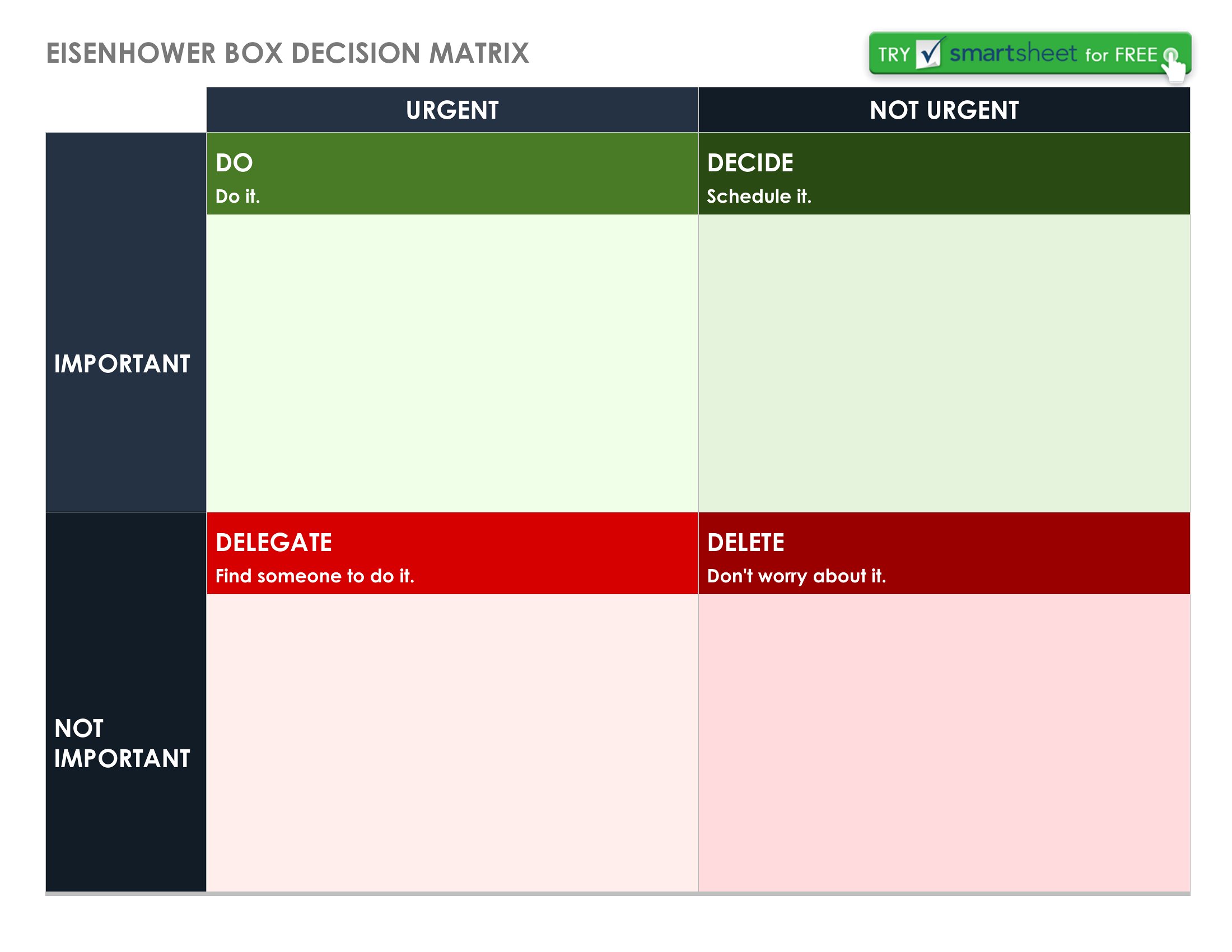
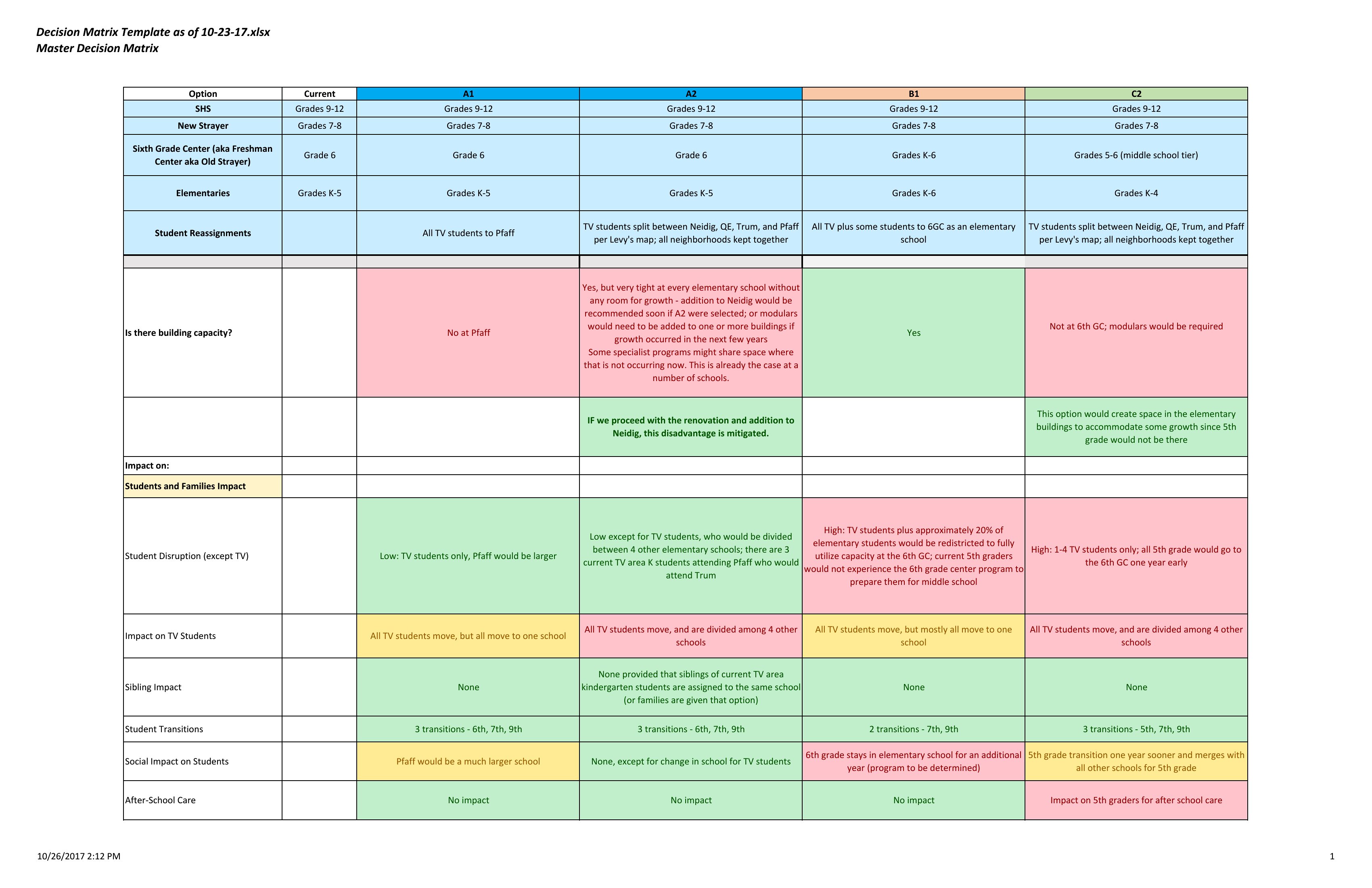
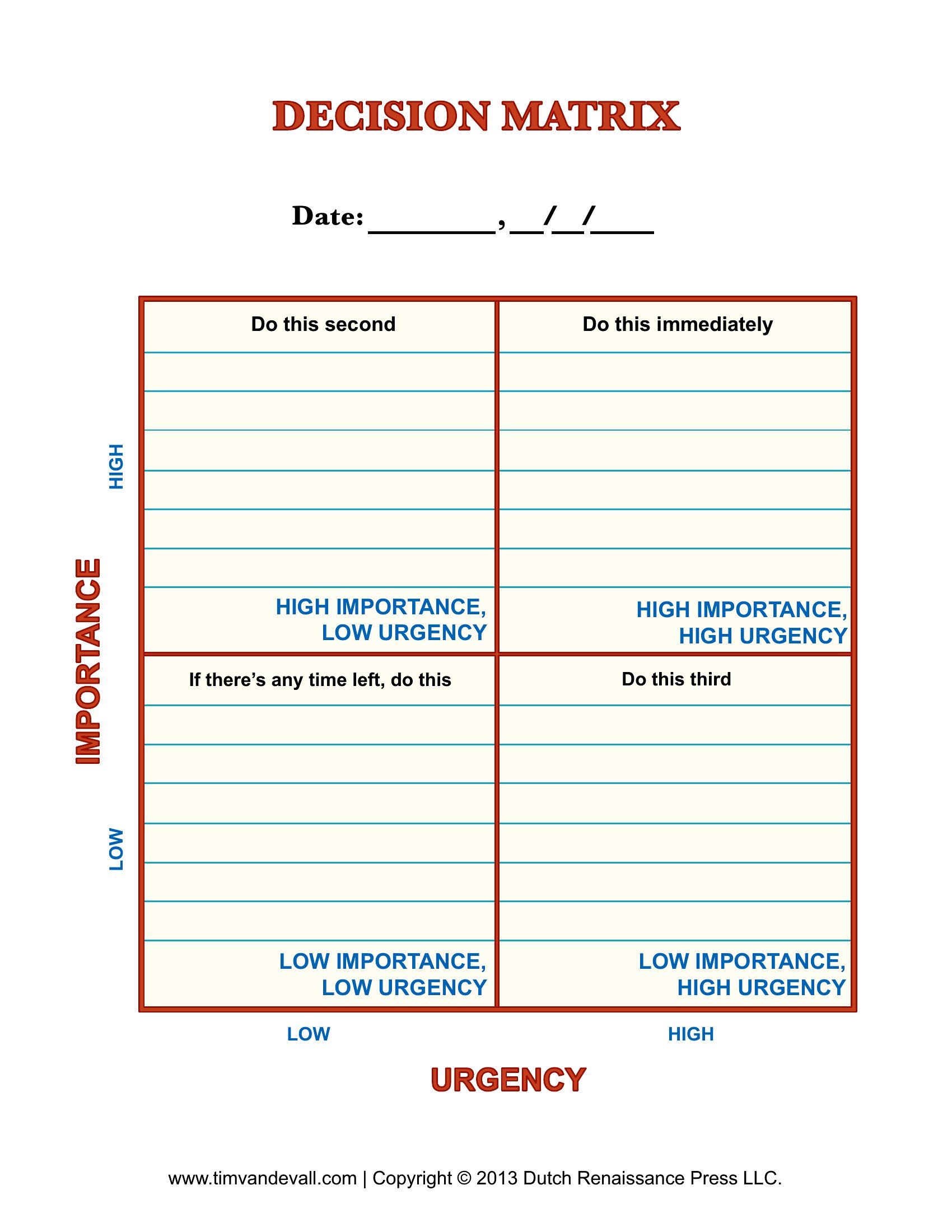
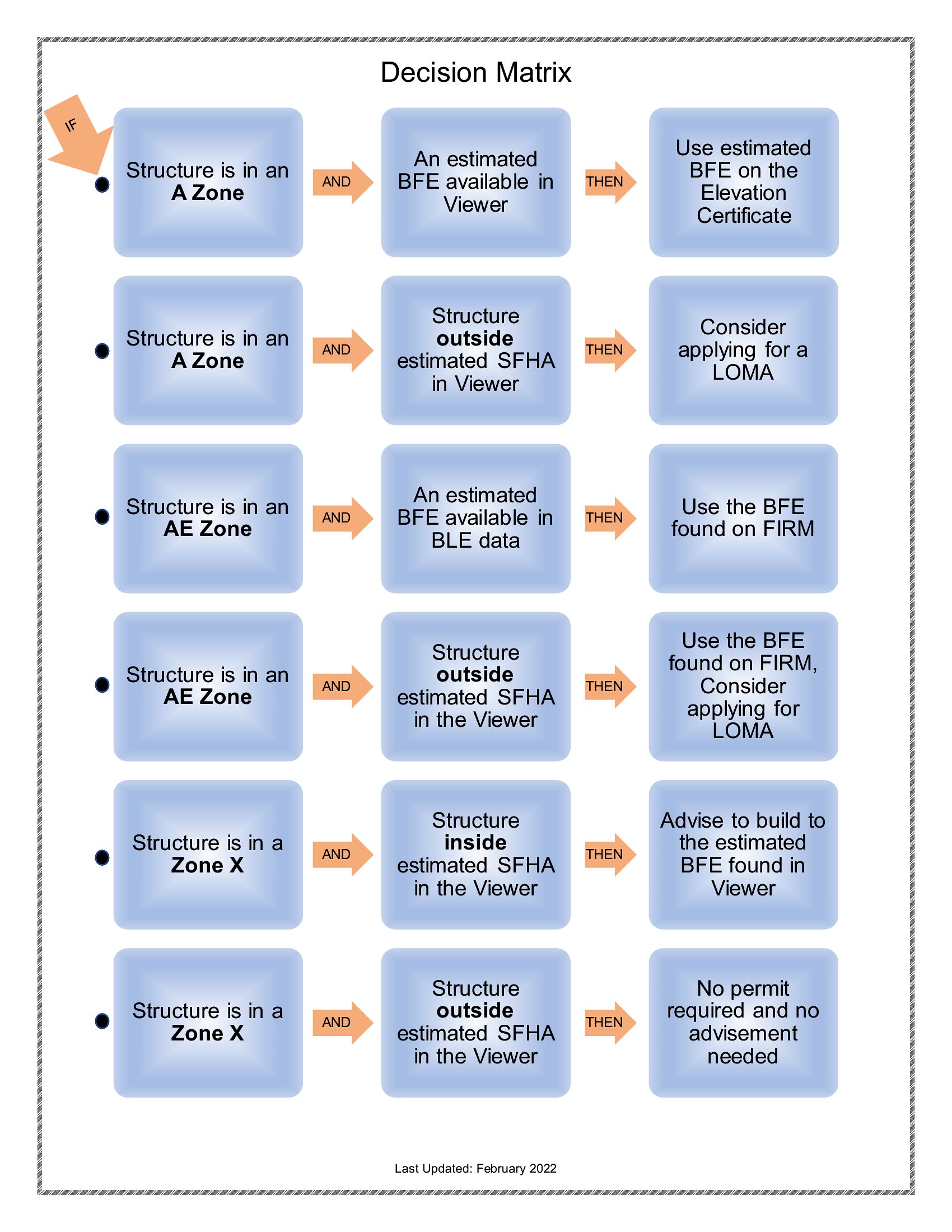
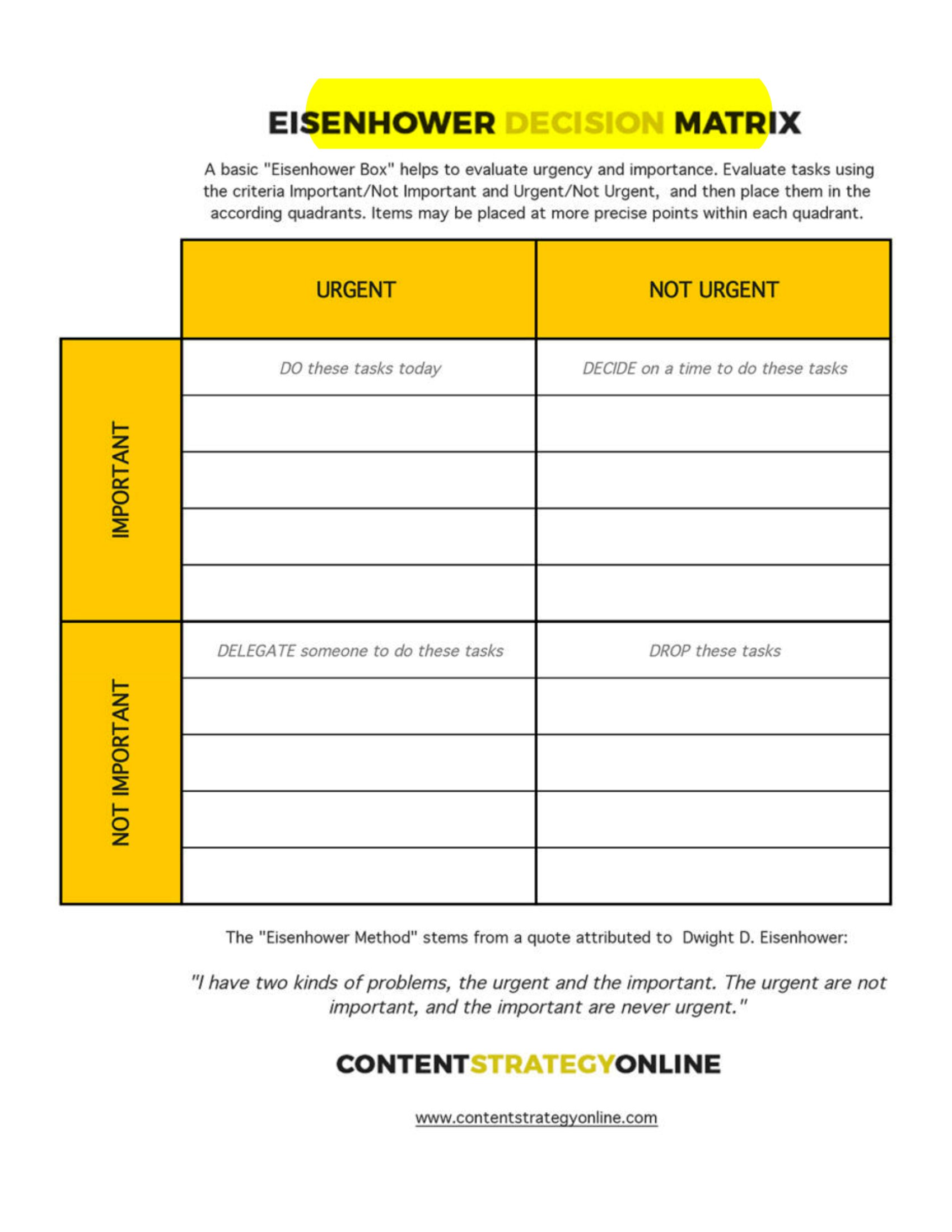
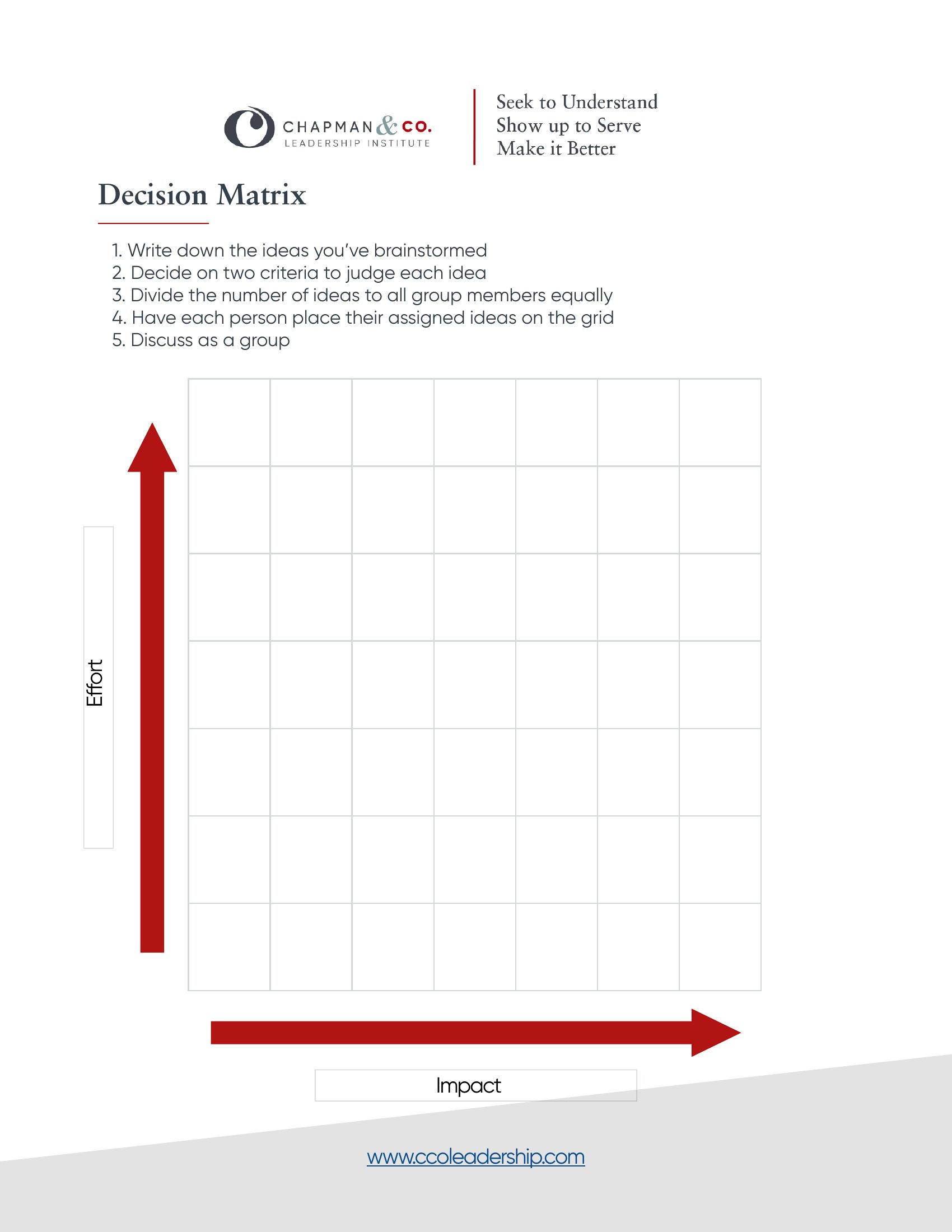
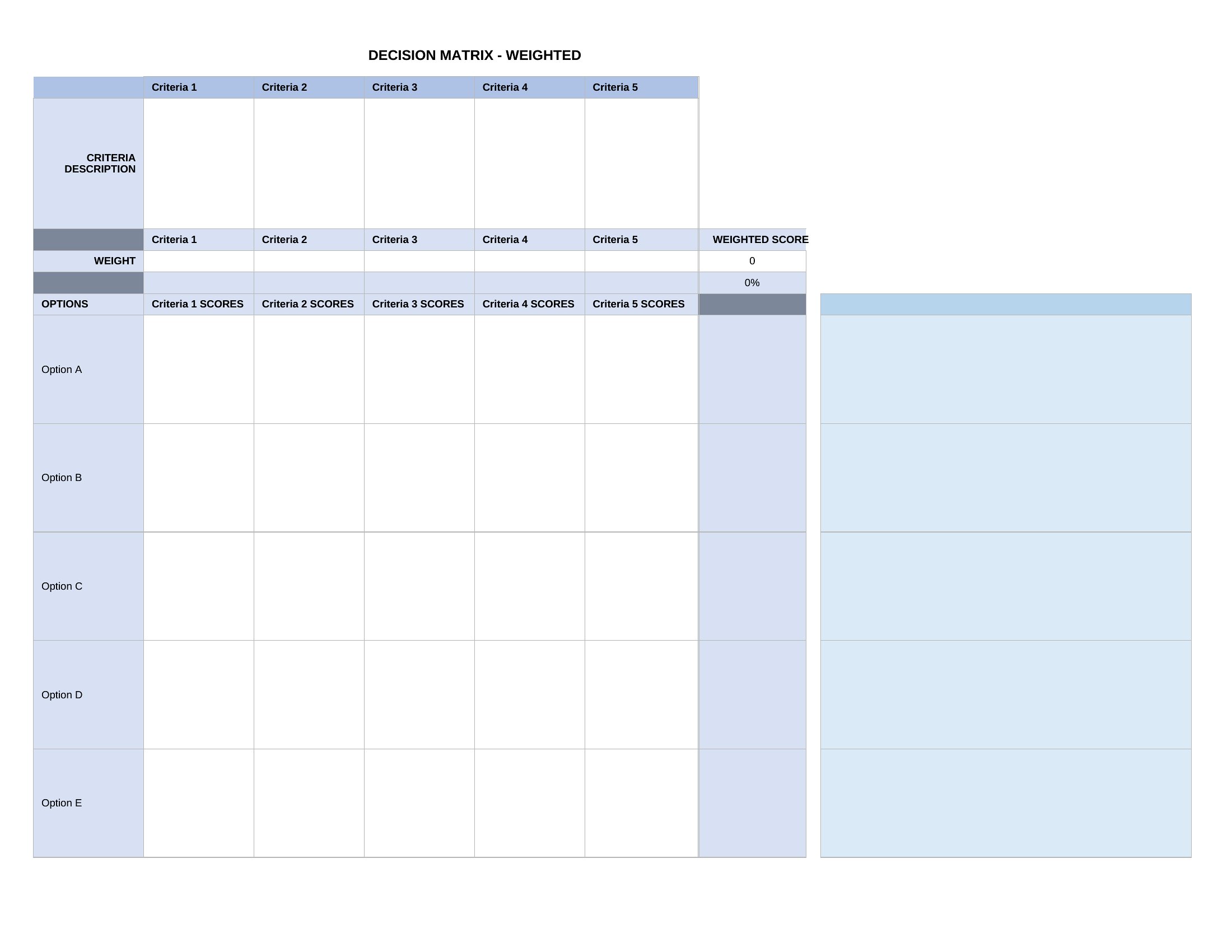
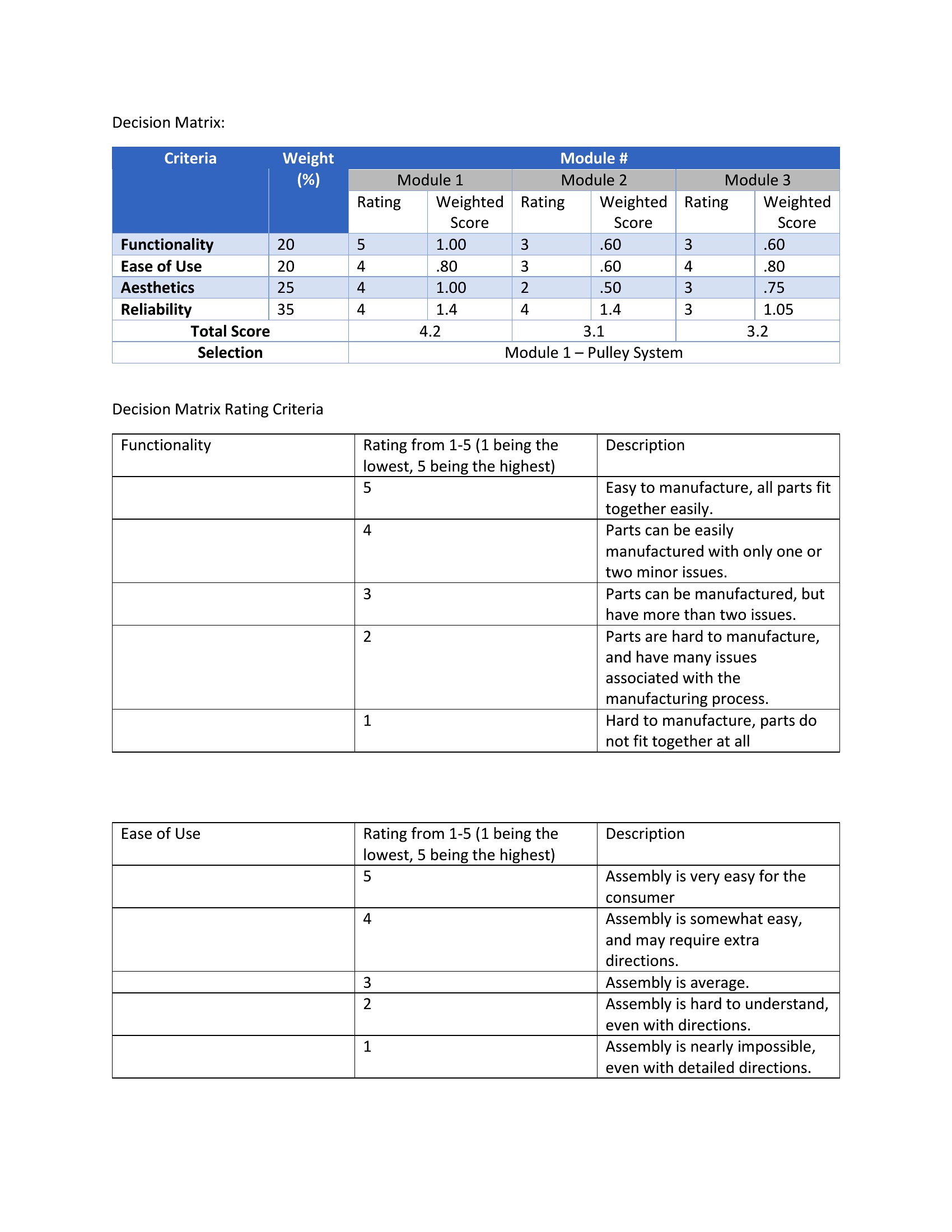
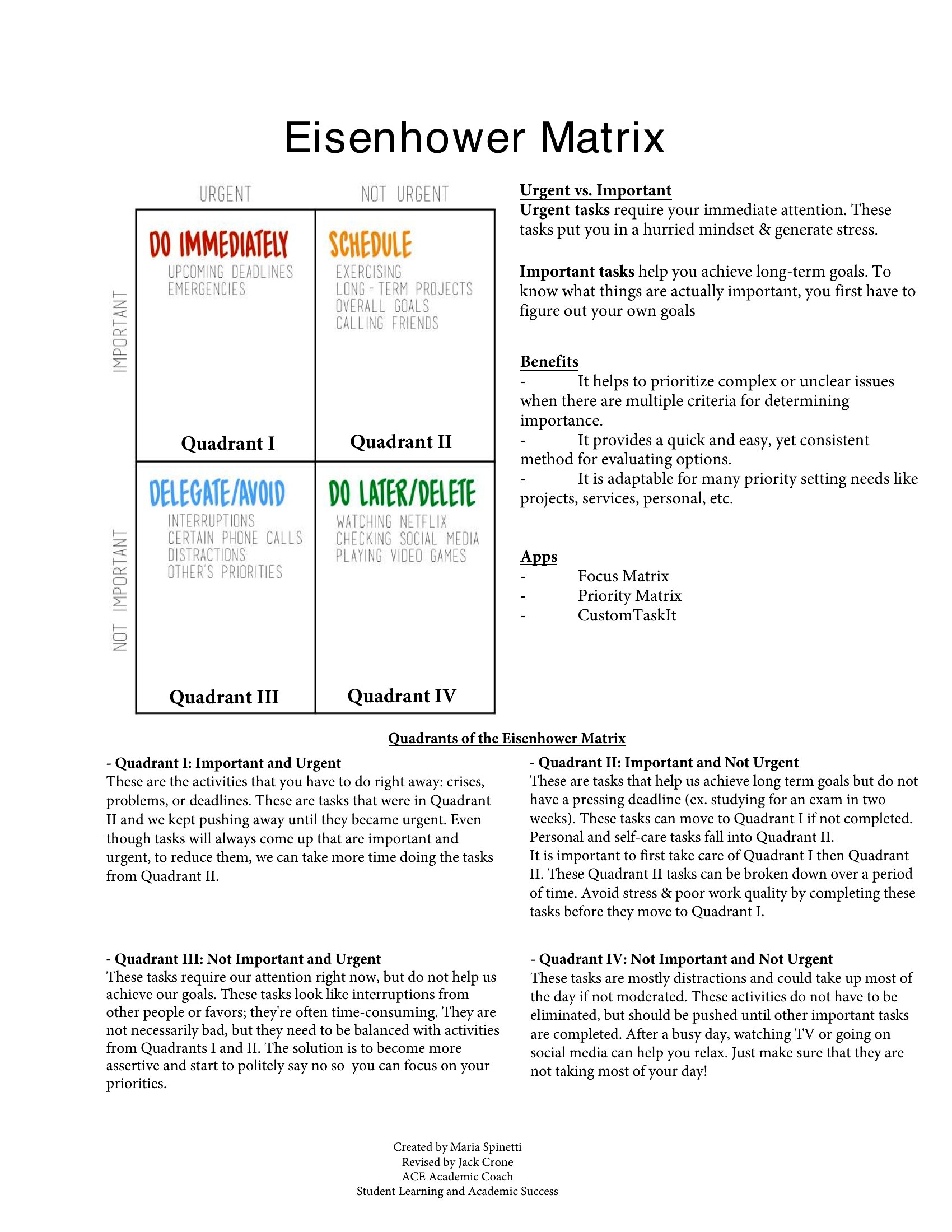
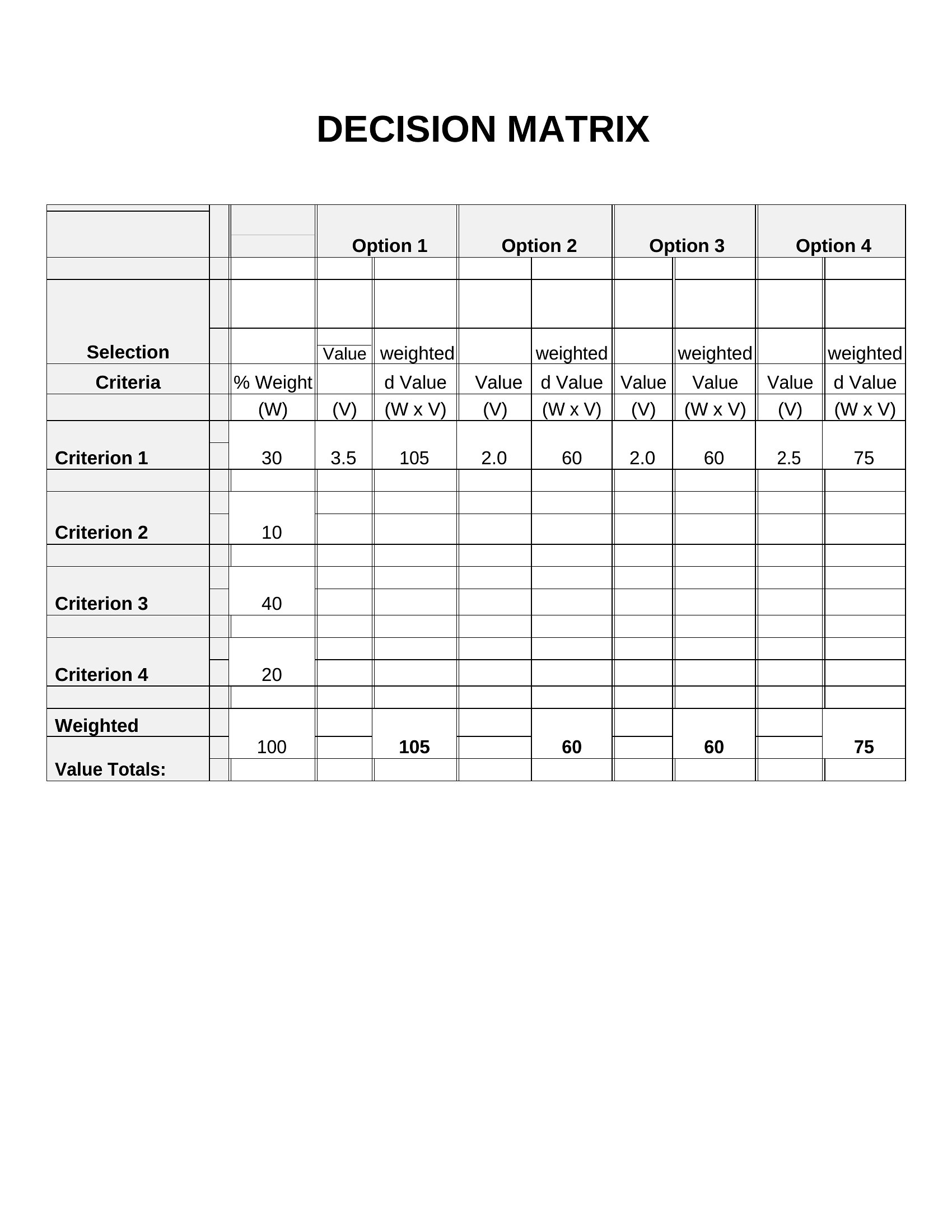
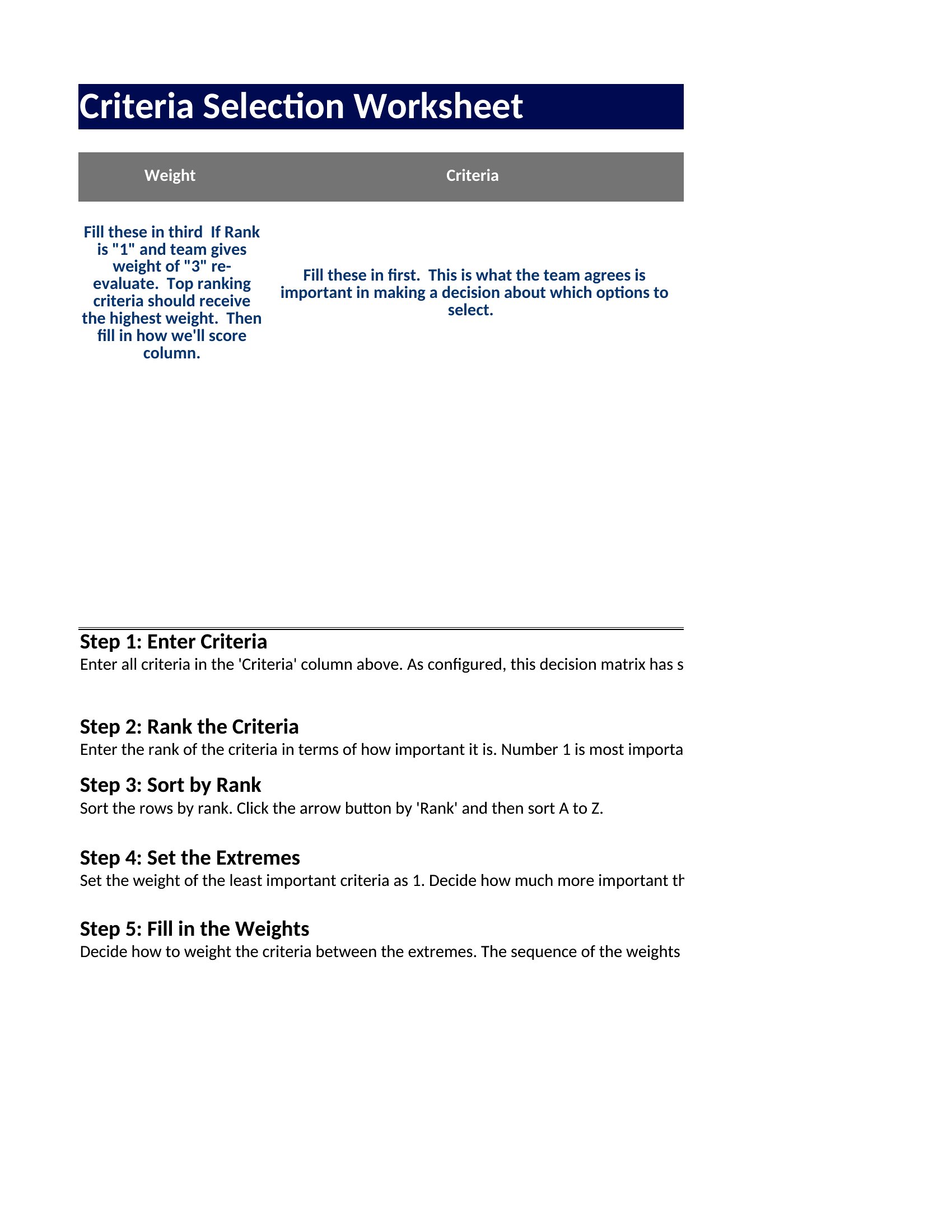
Decision Matrix
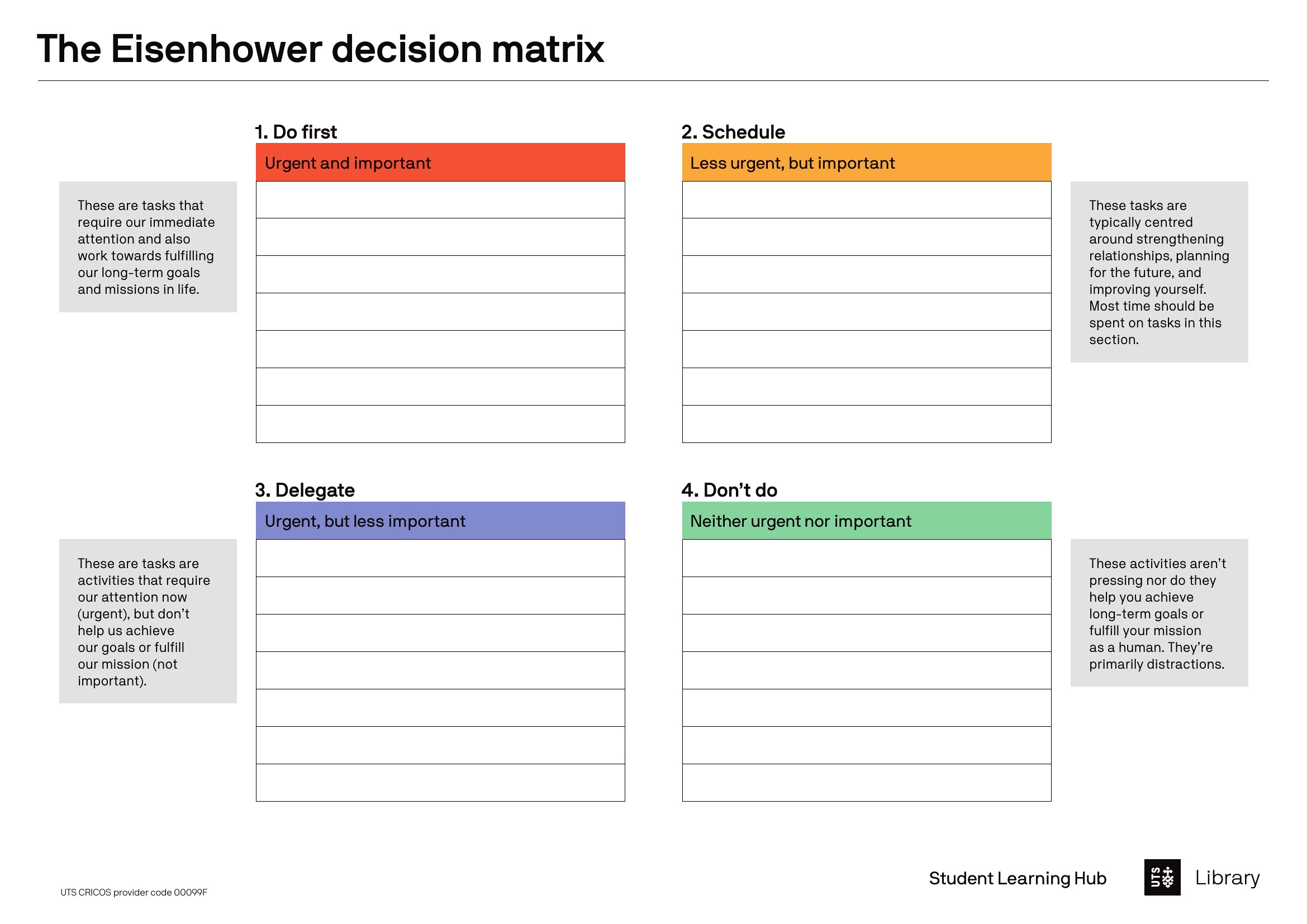
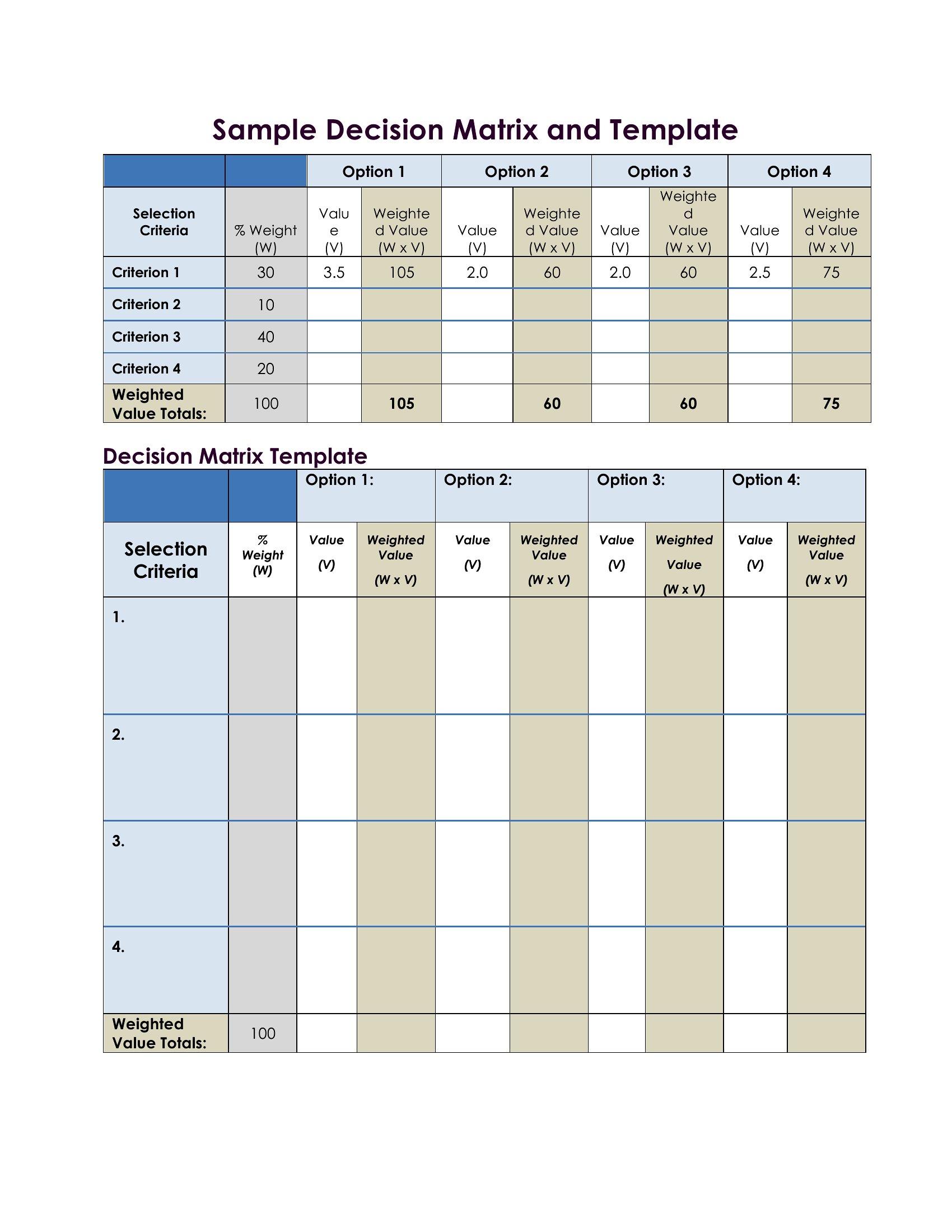
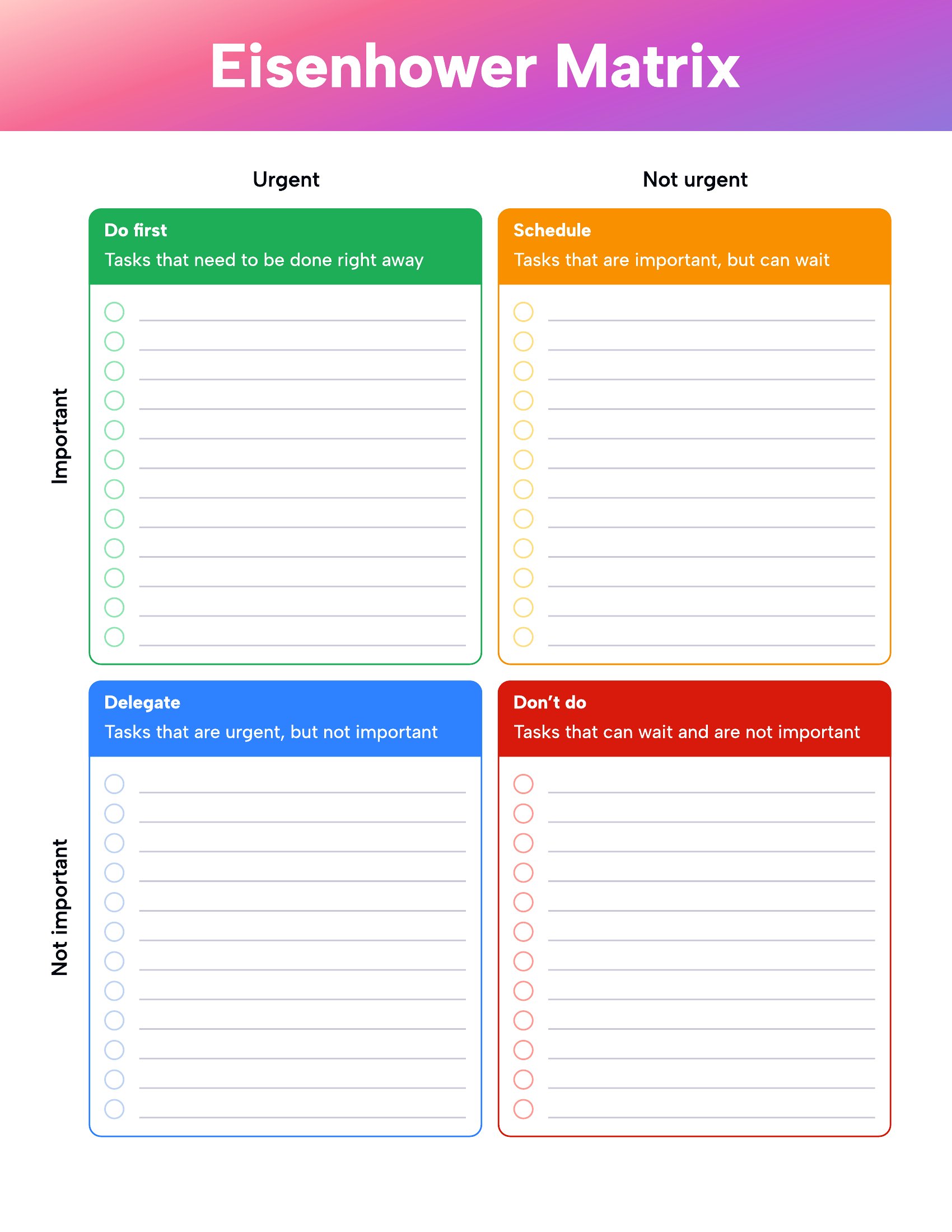
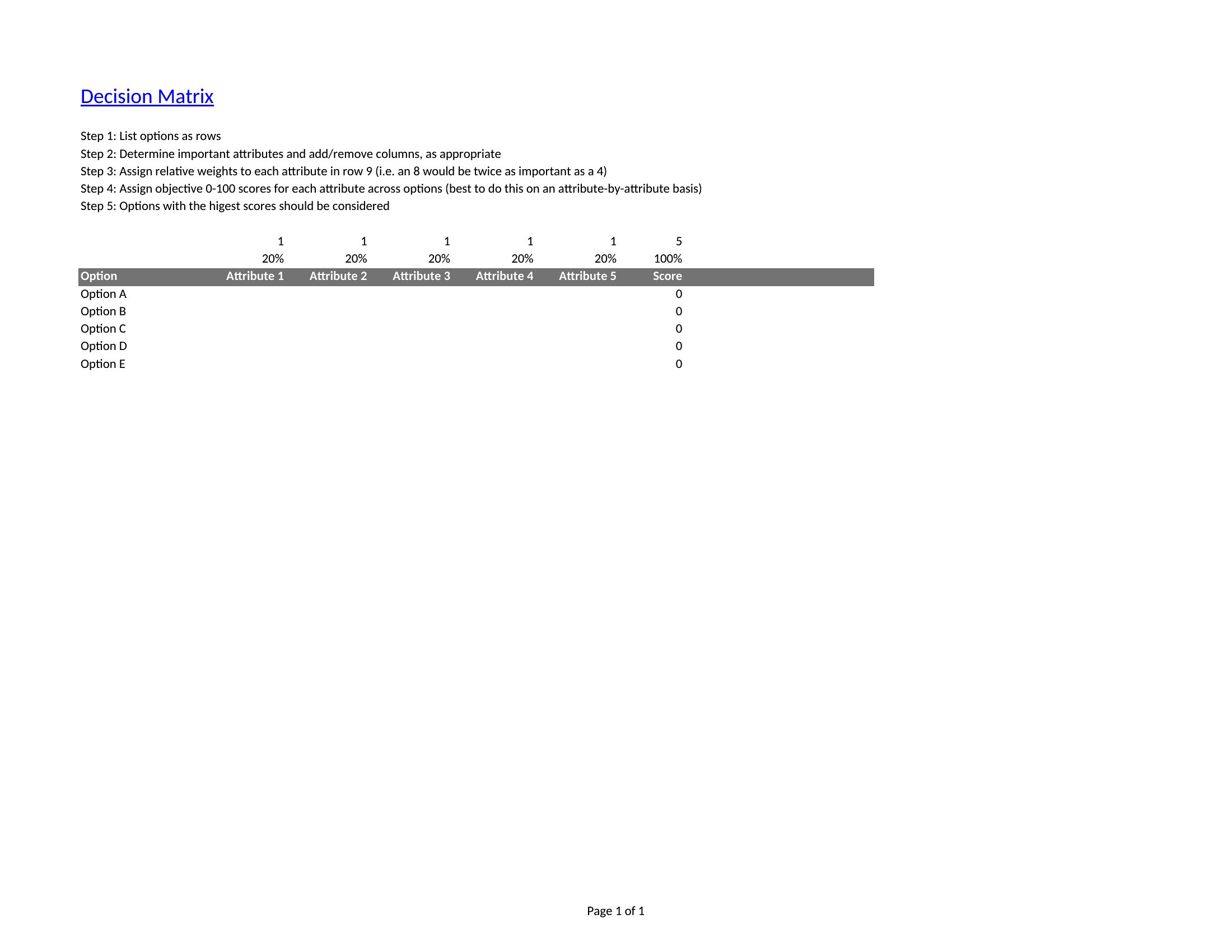
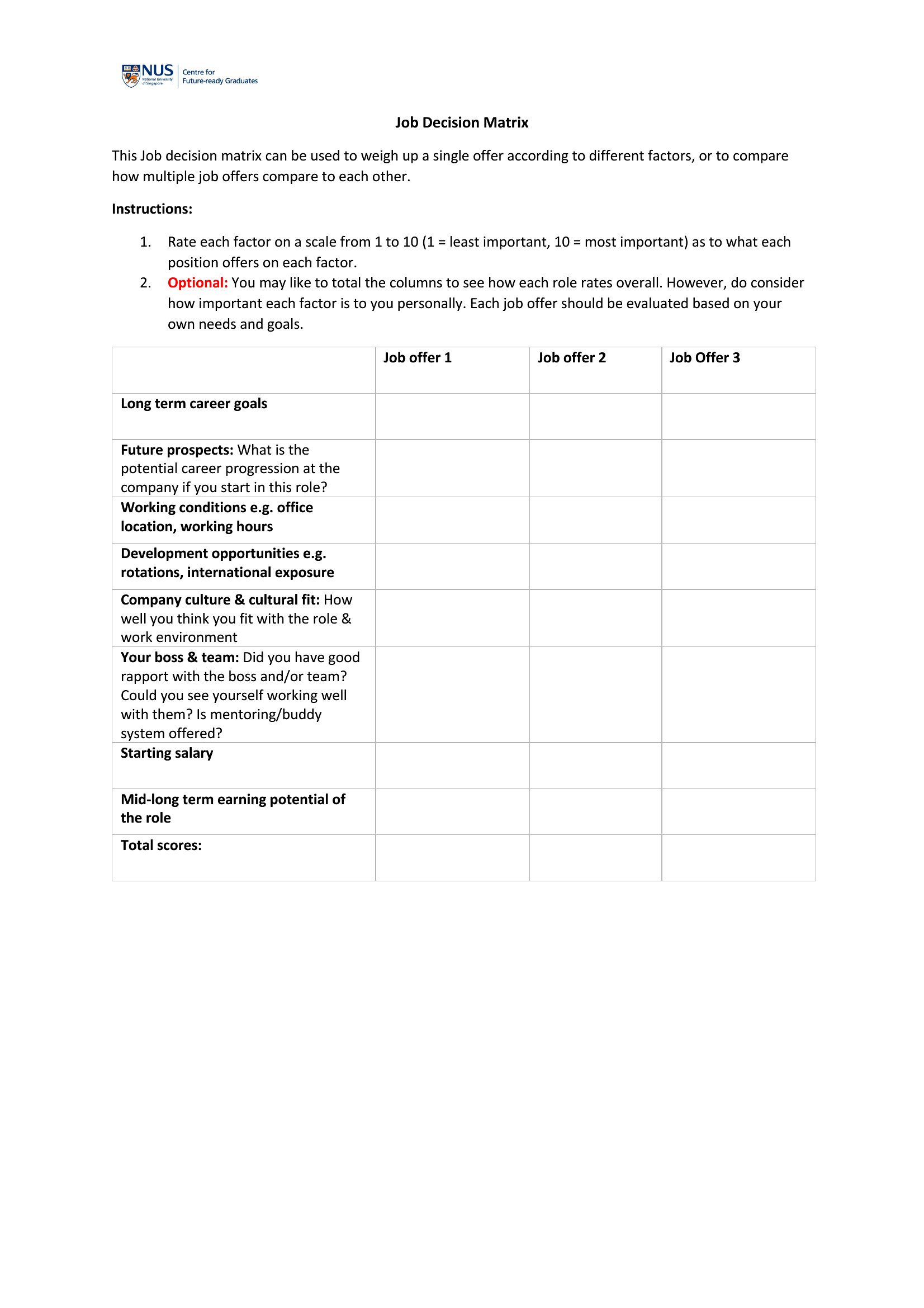
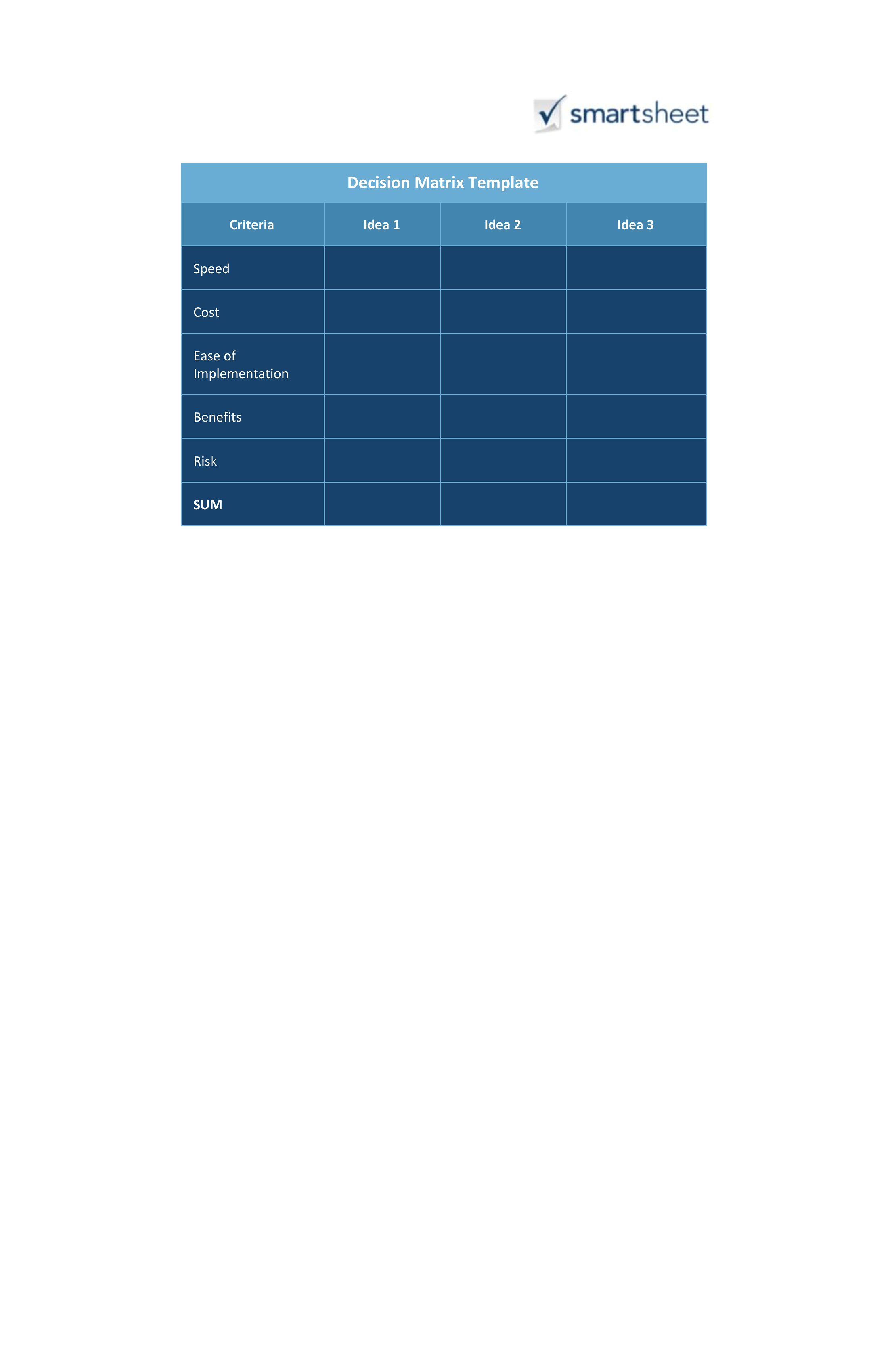
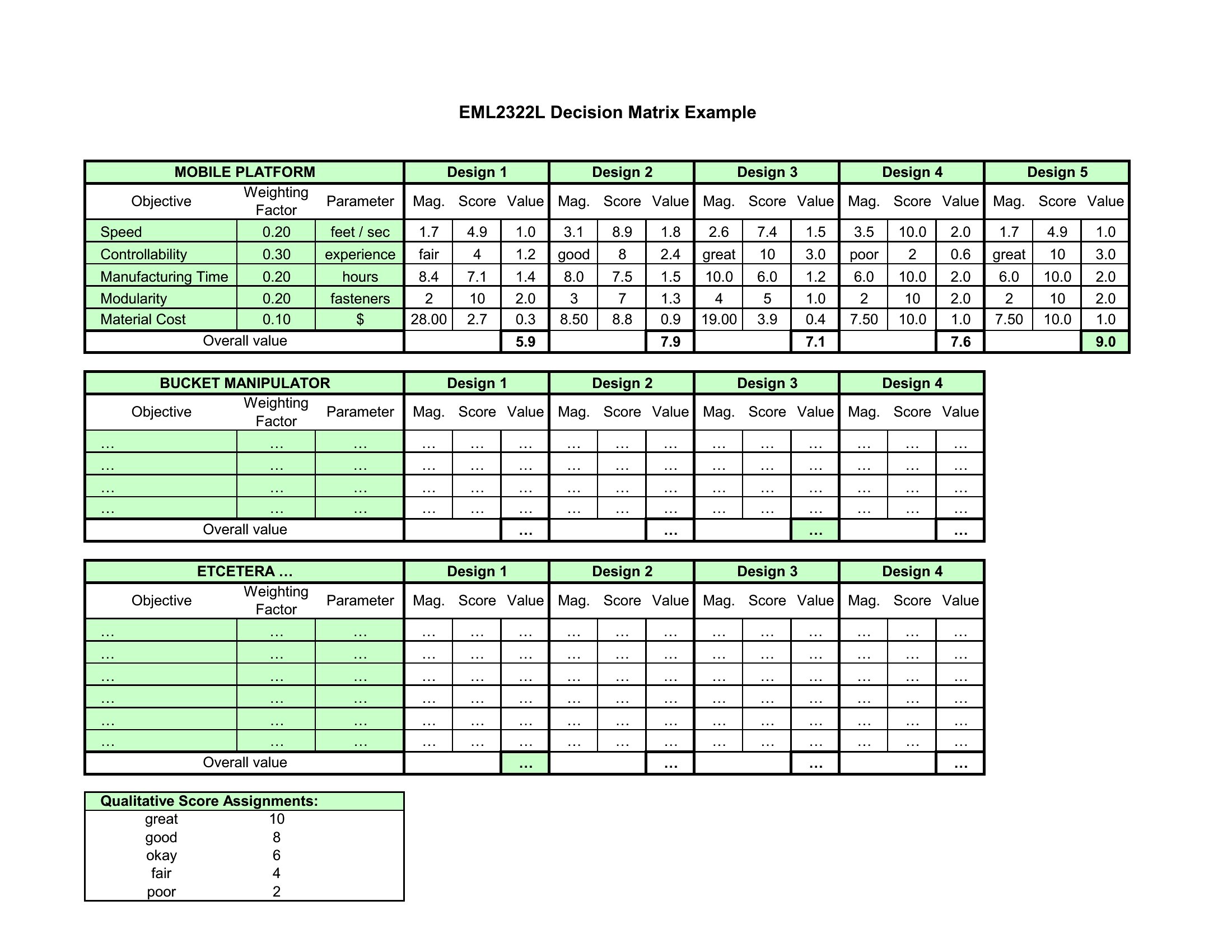
How to use this Decision Matrix template
How do I decide which criteria to include in my decision matrix?
List factors directly tied to your goal, then pare down to 5–10 key criteria. For example, a hiring manager might include culture fit, skills, salary expectations, and long-term potential. Involve stakeholders early to align on priorities. Avoid overly subjective traits like ‘personality’—replace them with measurable alternatives (e.g., ‘team collaboration score’).
What if two options score almost the same in my matrix?
Re-examine the criteria weights or add a tiebreaker category (e.g., ‘risk tolerance’ or ‘implementation speed’). For personal decisions, consider qualitative factors not captured in scores, like gut instinct or external advice. Document the rationale for your final choice to justify it later. Matrices reduce bias but can’t eliminate all ambiguity.
Can I use a decision matrix for decisions where some criteria are unknown or unquantifiable?
Yes, but assign subjective scores (e.g., 1–5) for qualitative factors and label them clearly in your matrix. For unknowns, include a ‘risk’ or ‘uncertainty’ column to flag areas needing deeper research. Avoid forcing numbers where none exist—acknowledge limitations upfront. This method works best when most criteria can be reasonably compared, even if imperfectly.
Comments
Join the conversation
Sign in to share your thoughts and leave a comment on this resource.