Free Musician Invoice Templates (Word, PDF)
Invoices by kairavkavser
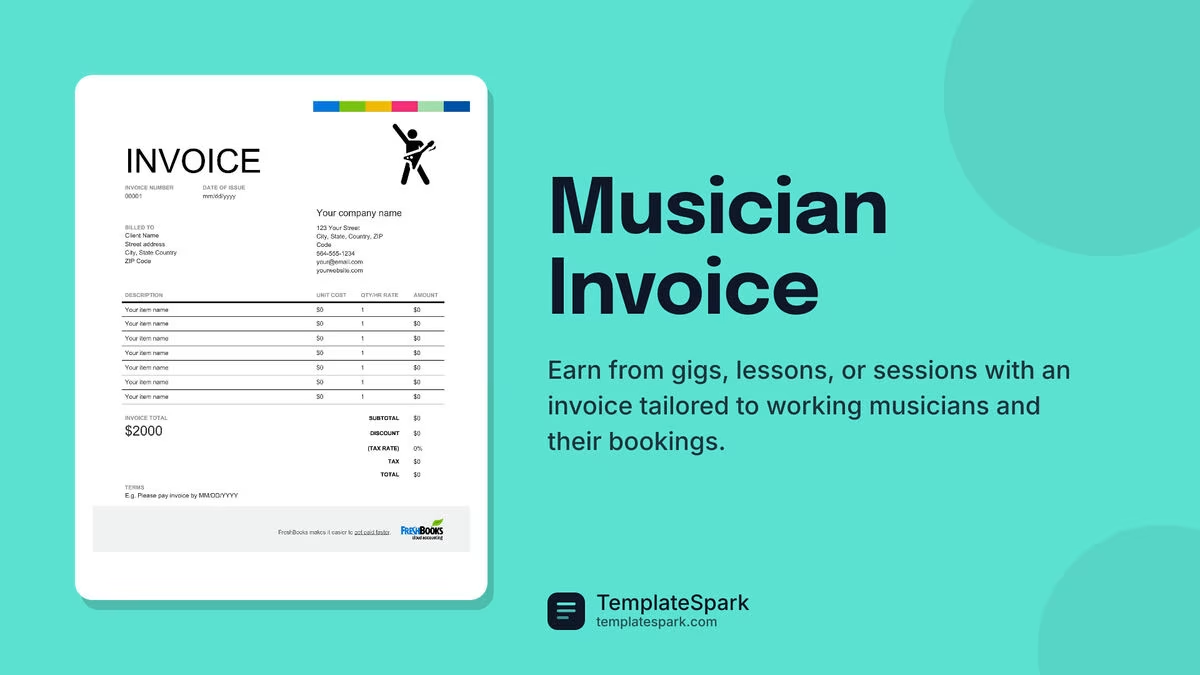
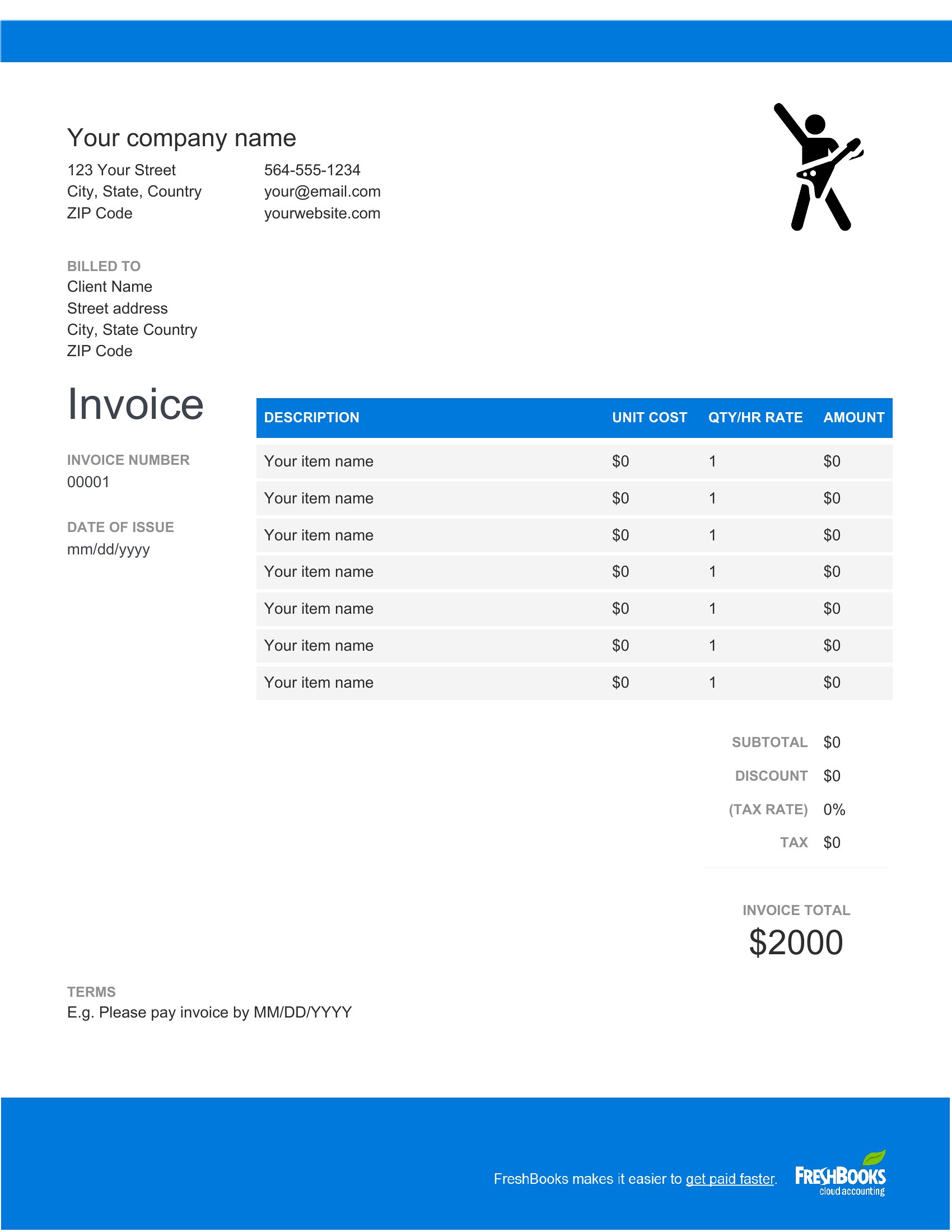
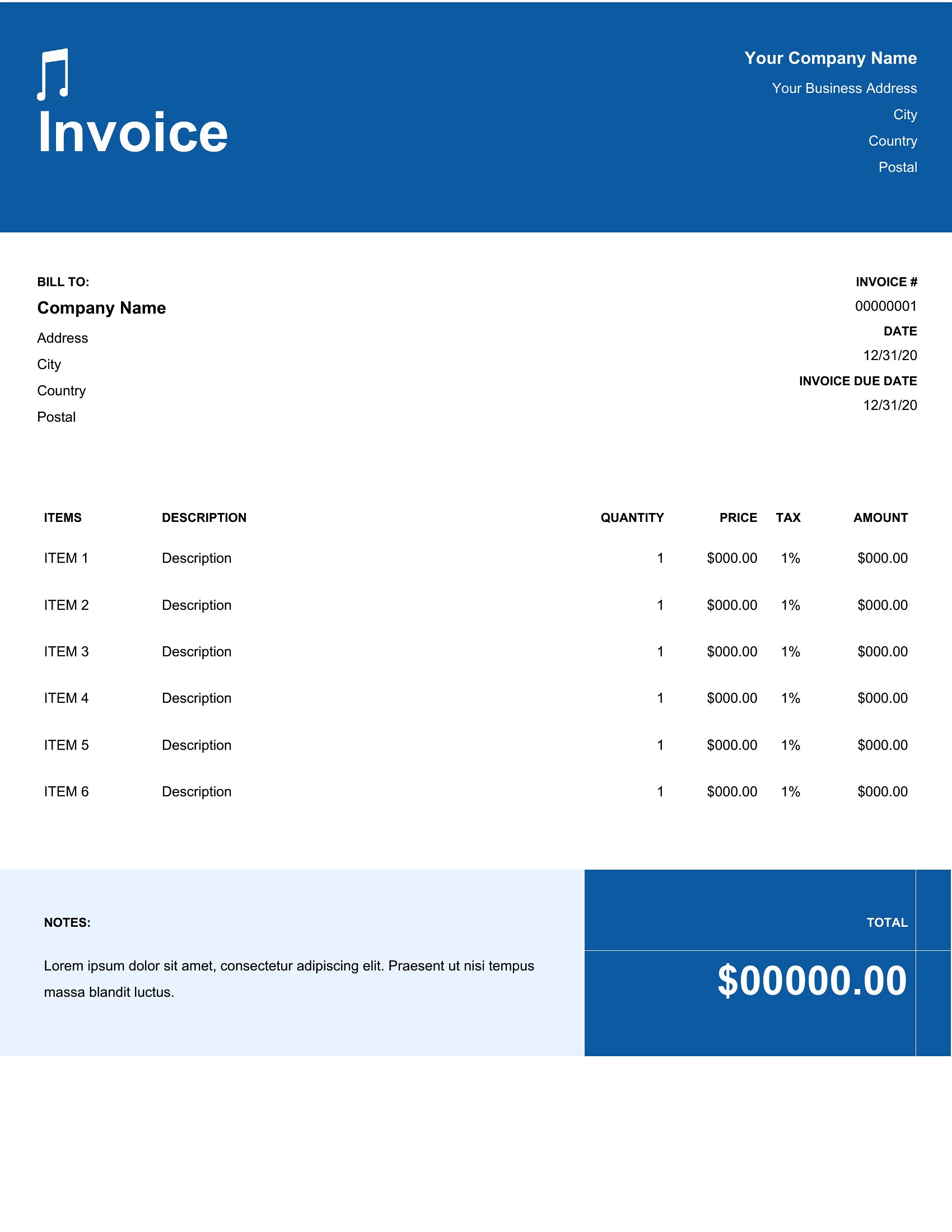
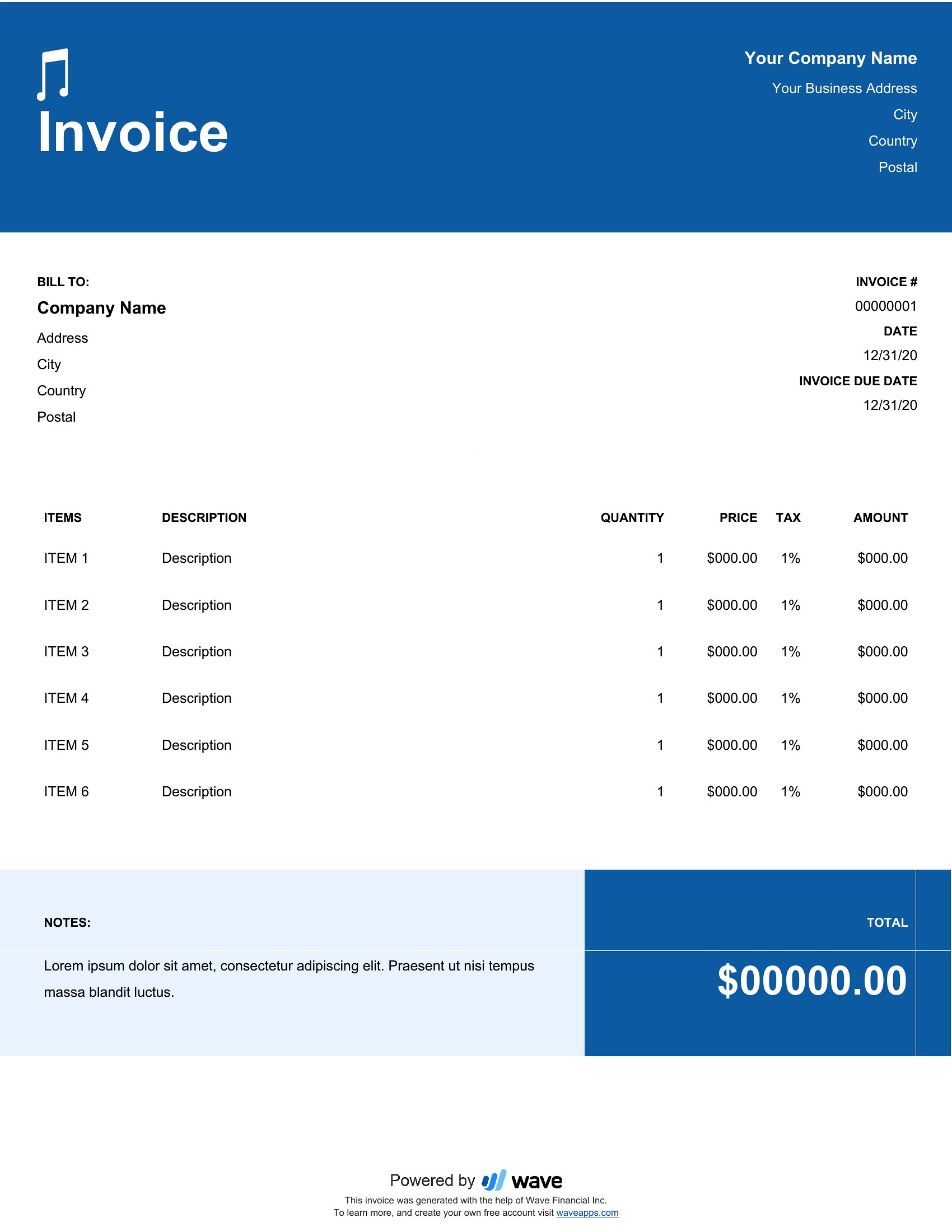
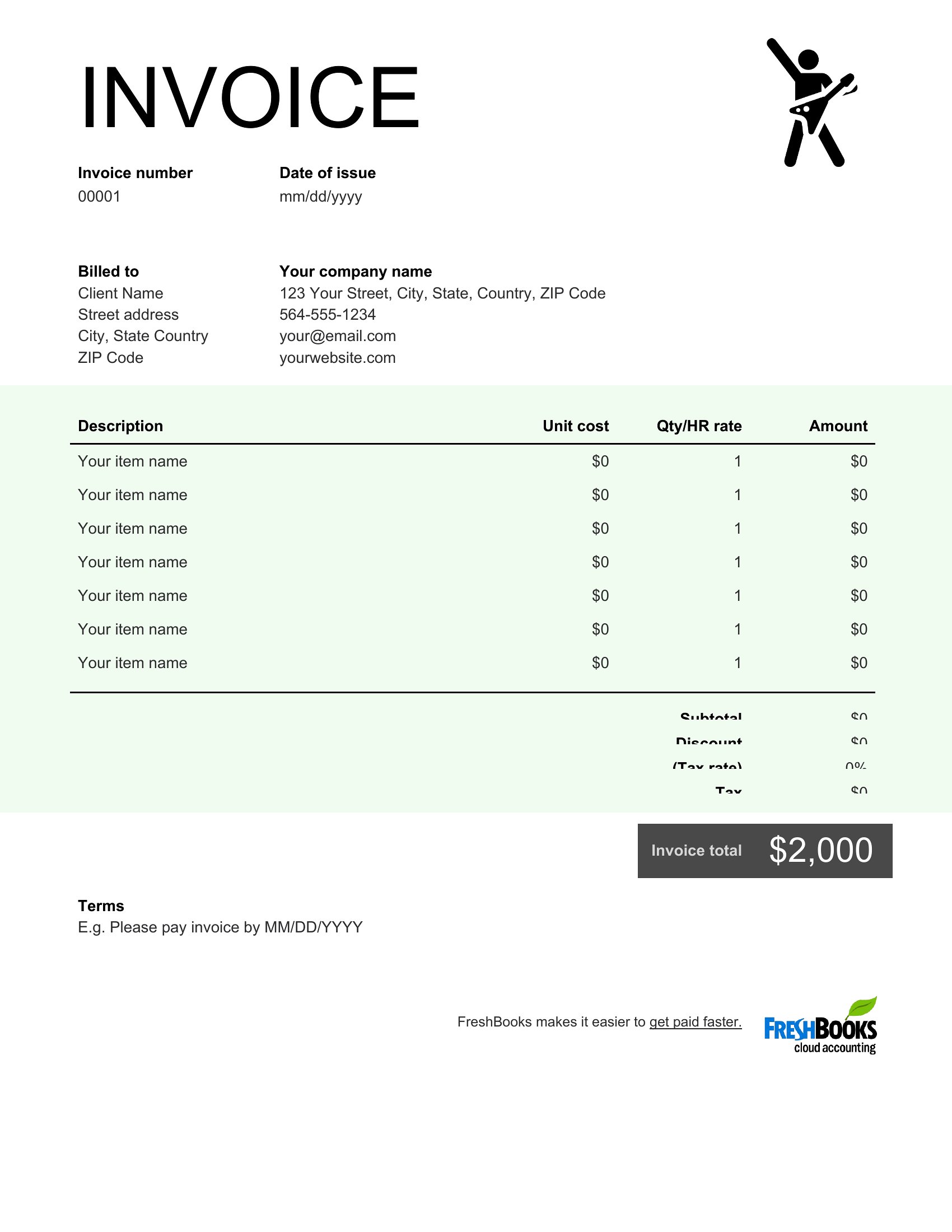
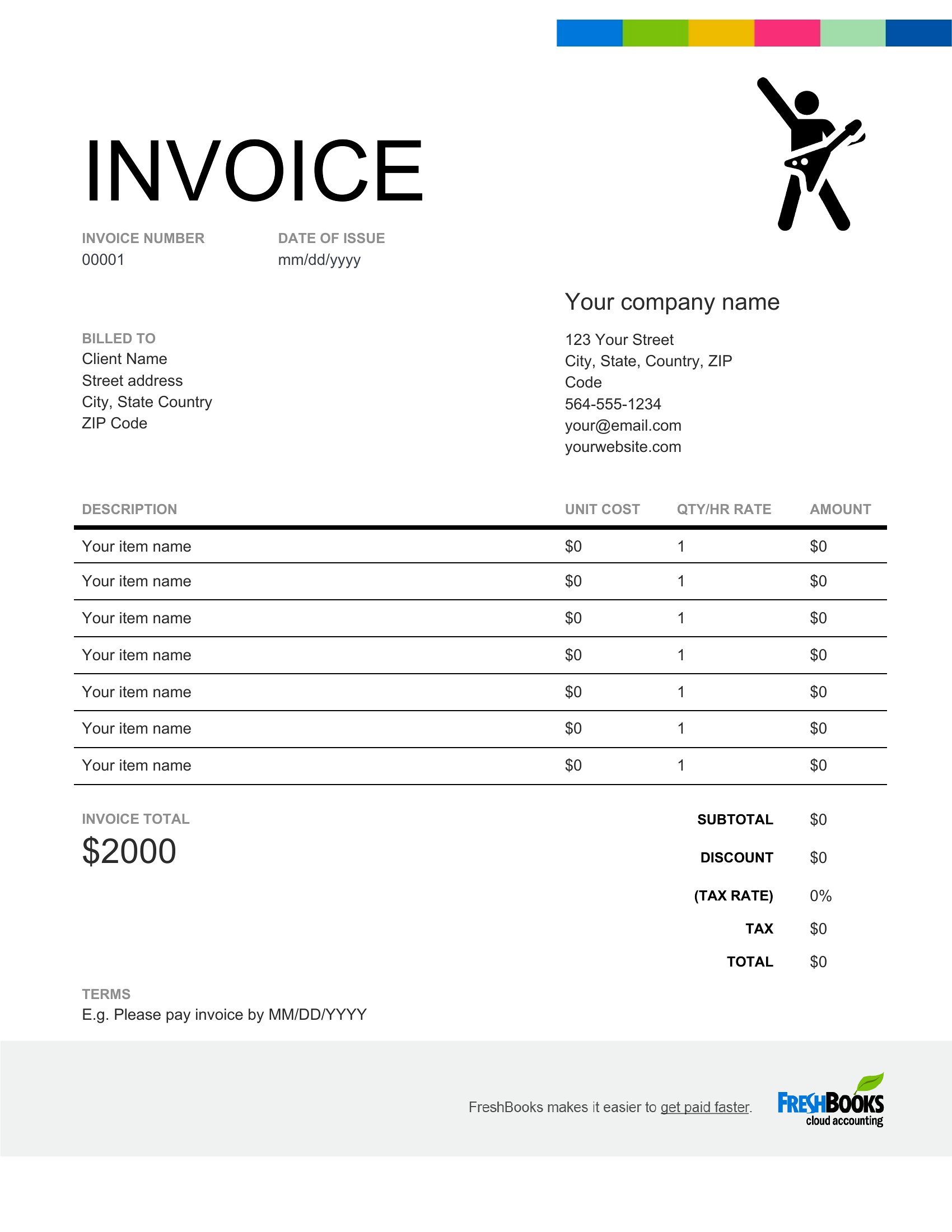
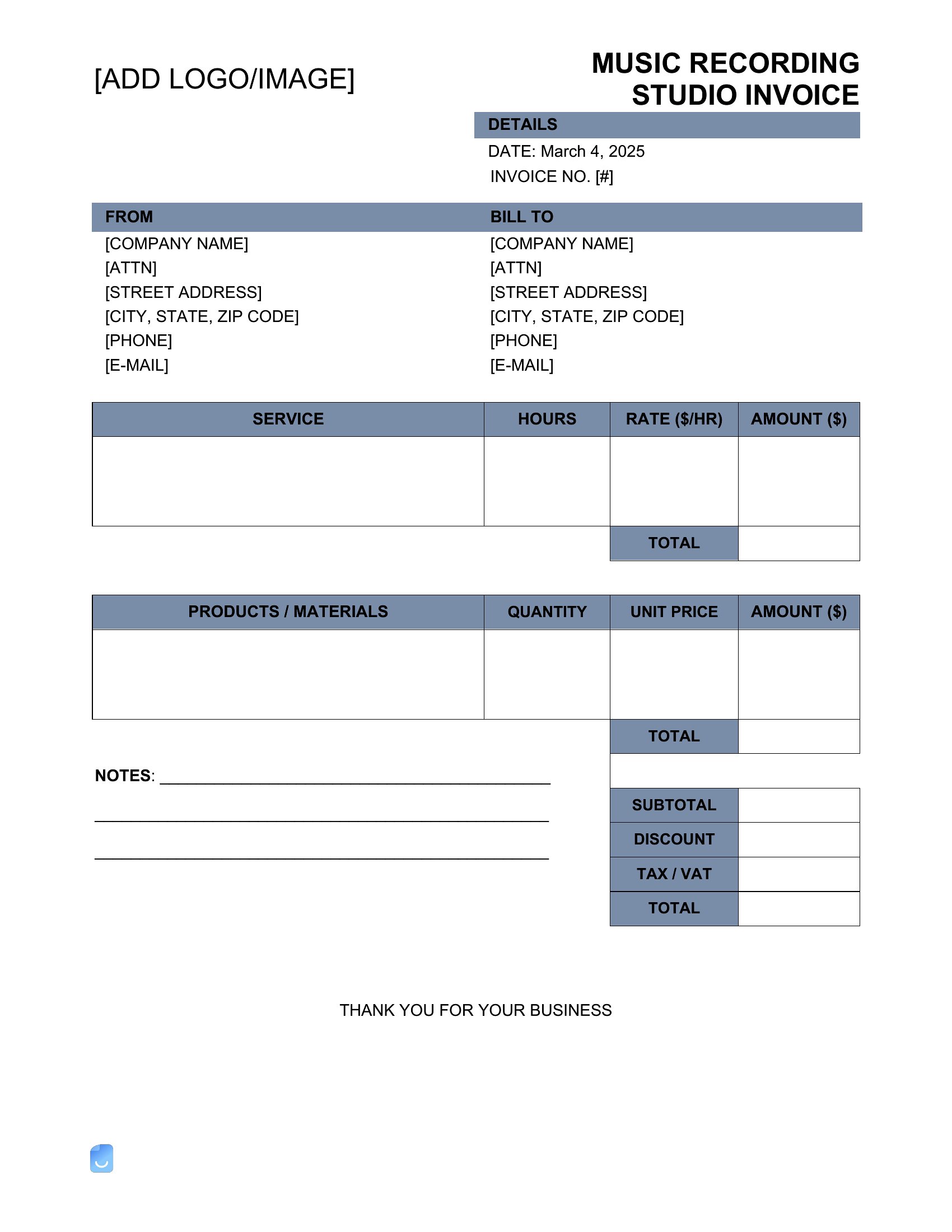
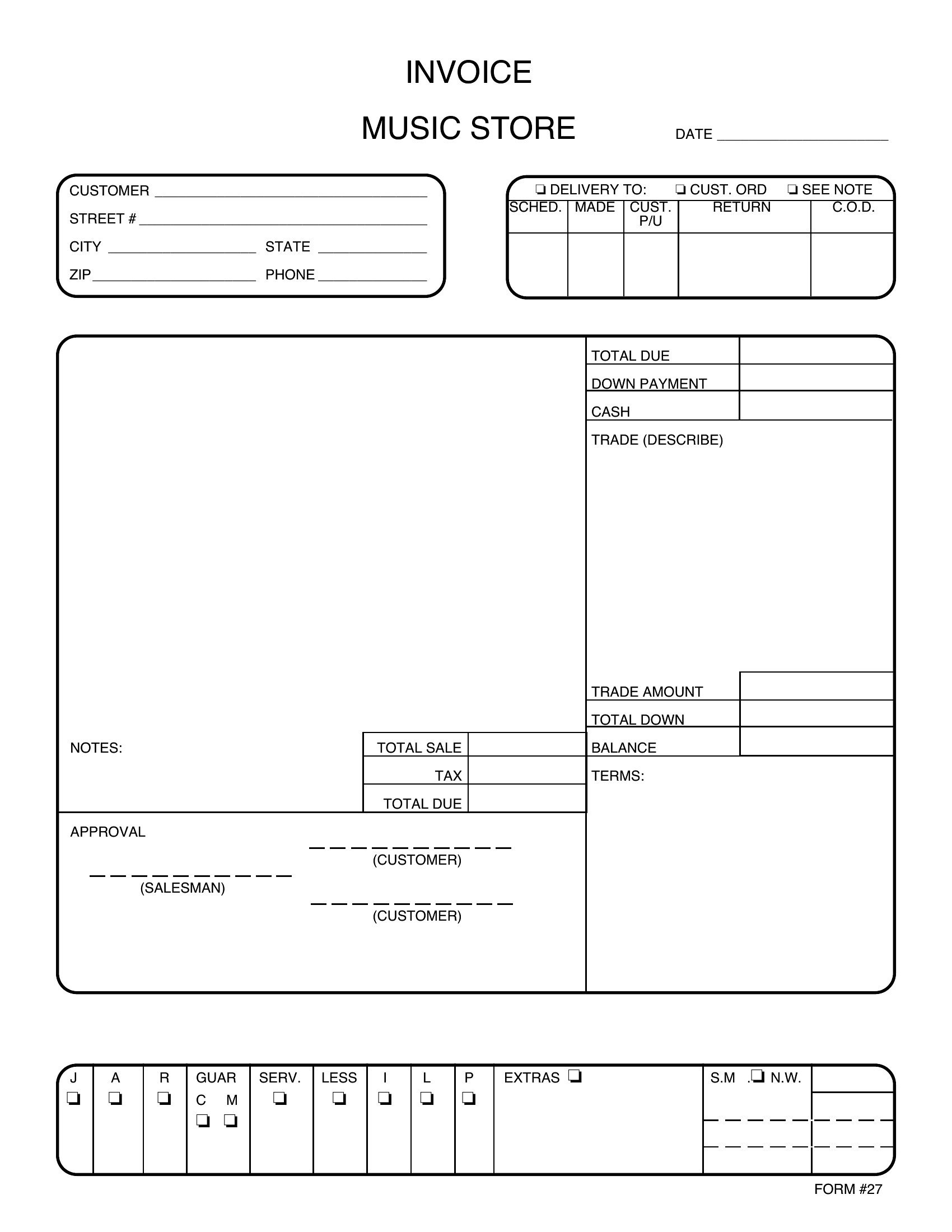
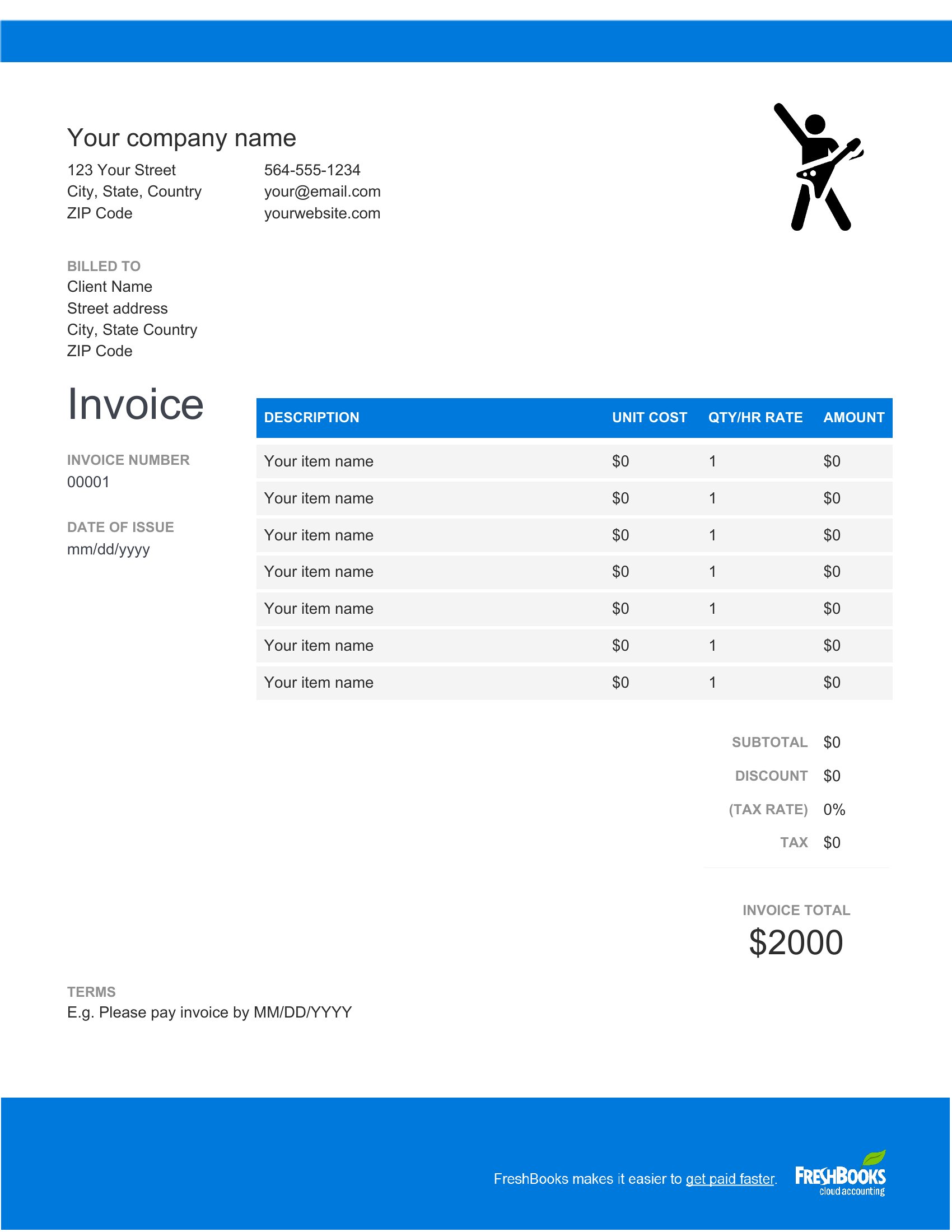
Playing the gig is the fun part; getting paid for it shouldn't be a chore. This set of 17 musician invoice templates helps performers, session players, and music teachers bill venues and clients for shows, recording time, and lessons with every detail spelled out.
The Word files let you list each service, set your rate, and add your name and payment terms, while the PDFs are ready to print or email as is. Fill in the numbers and the format keeps it clean and professional. There's no cost and nothing to design from scratch. Choose the style that fits your act, save it as your template, and send a polished invoice after your next booking.
Choose from 17 Musician Invoice Templates
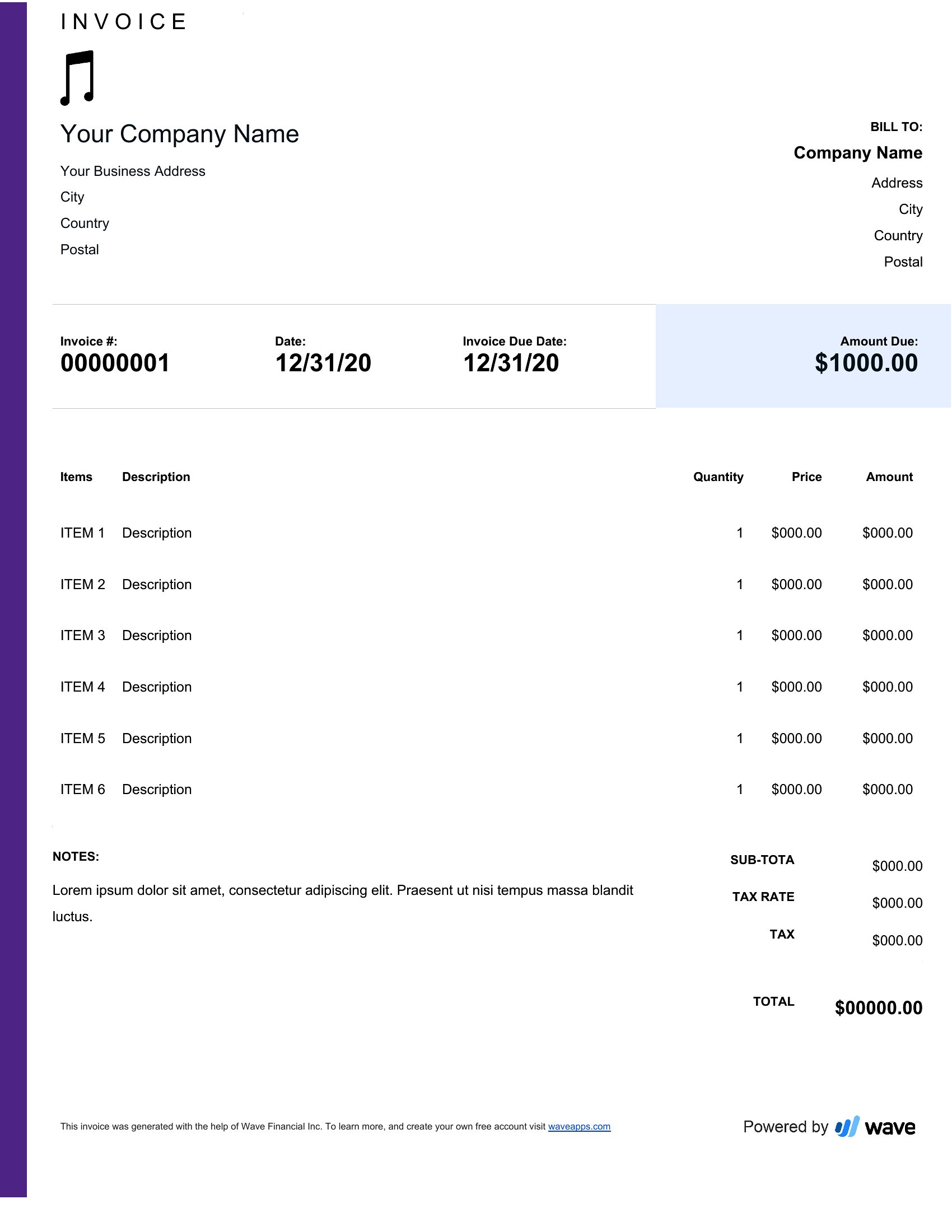
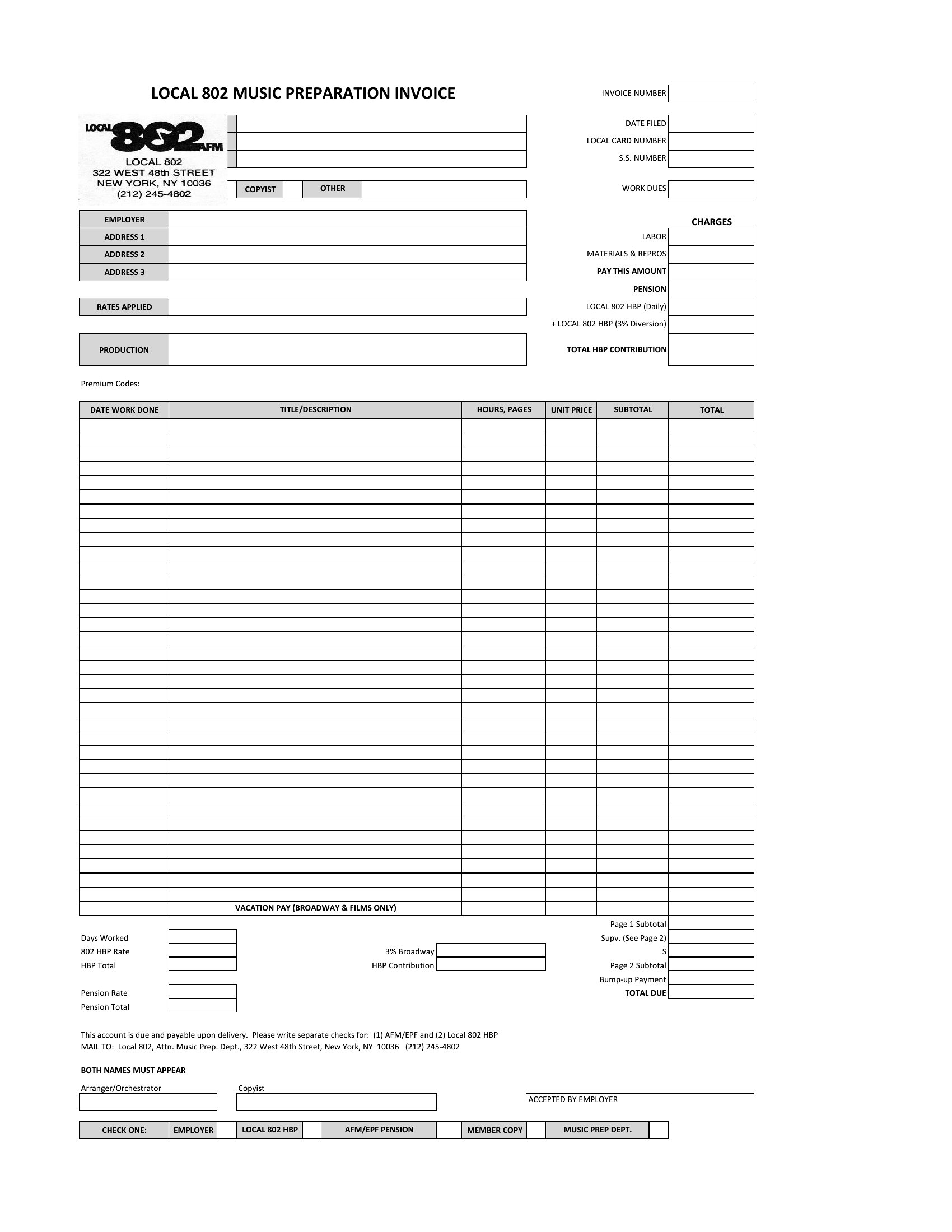
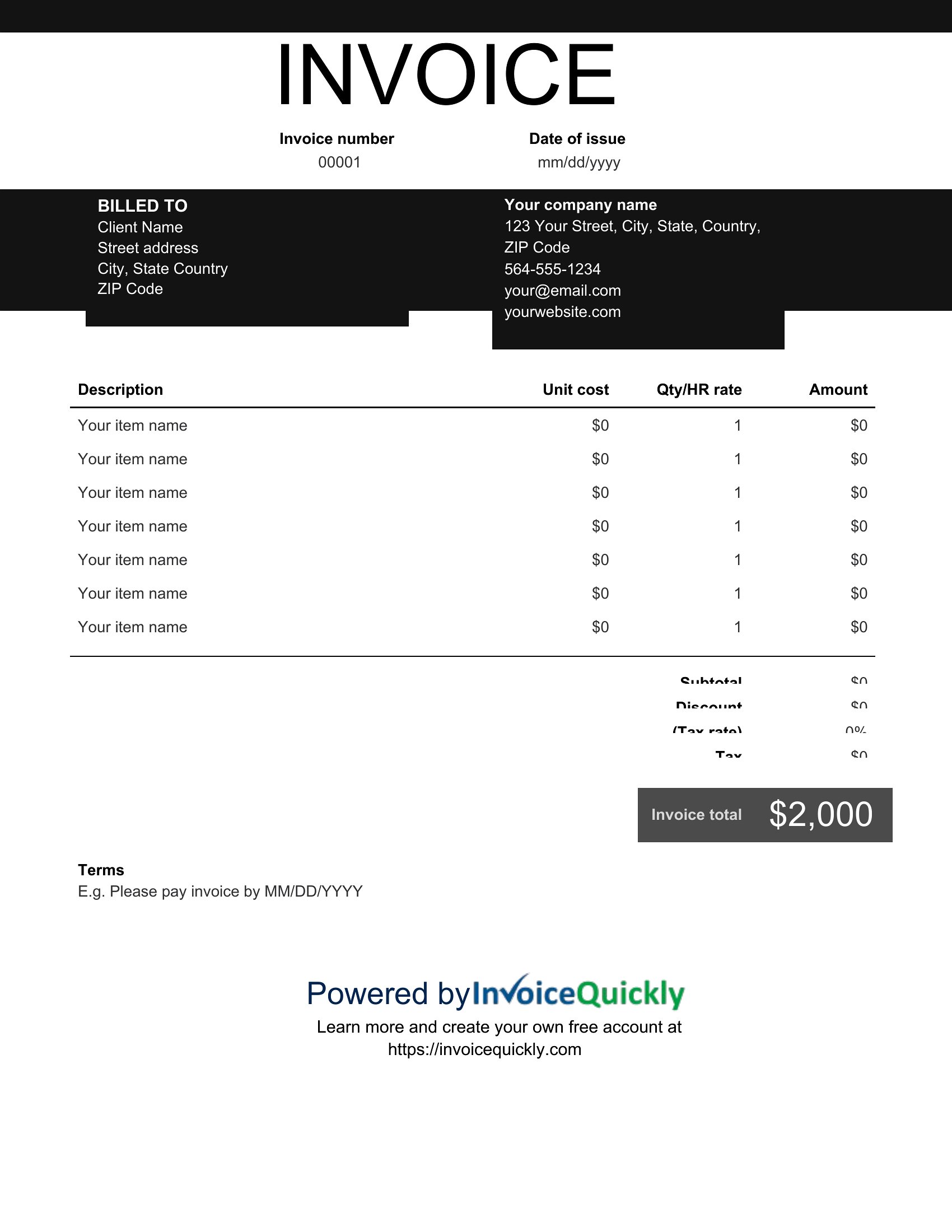
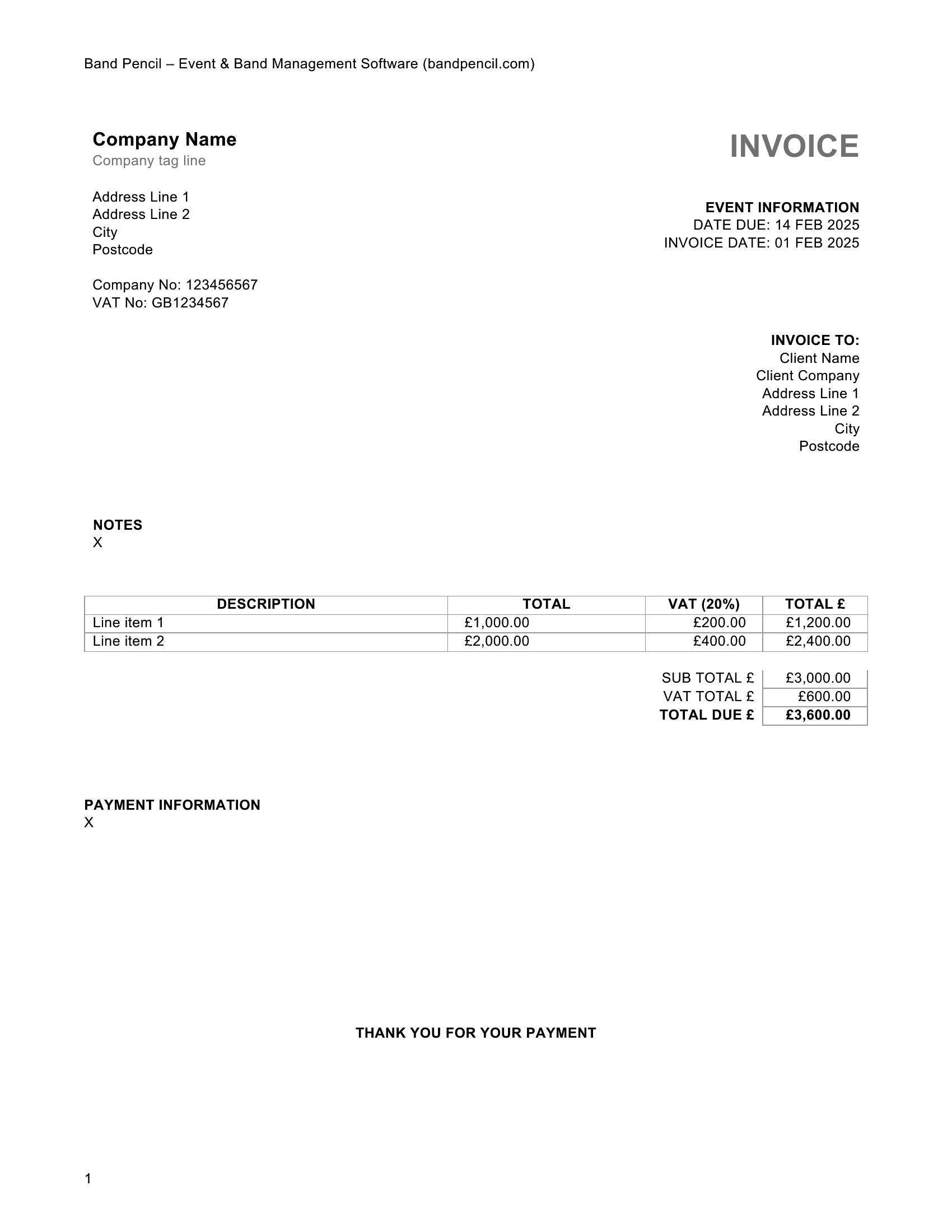
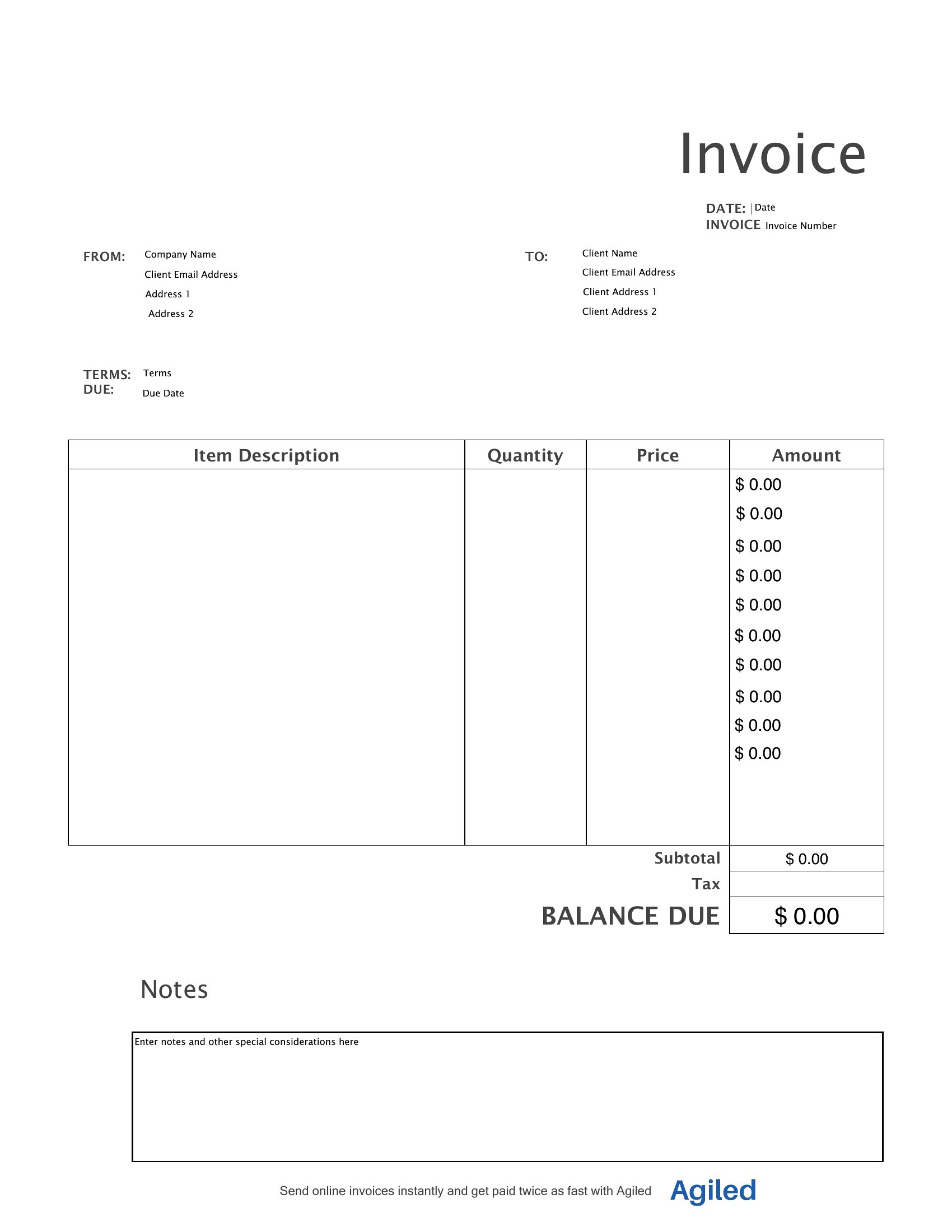
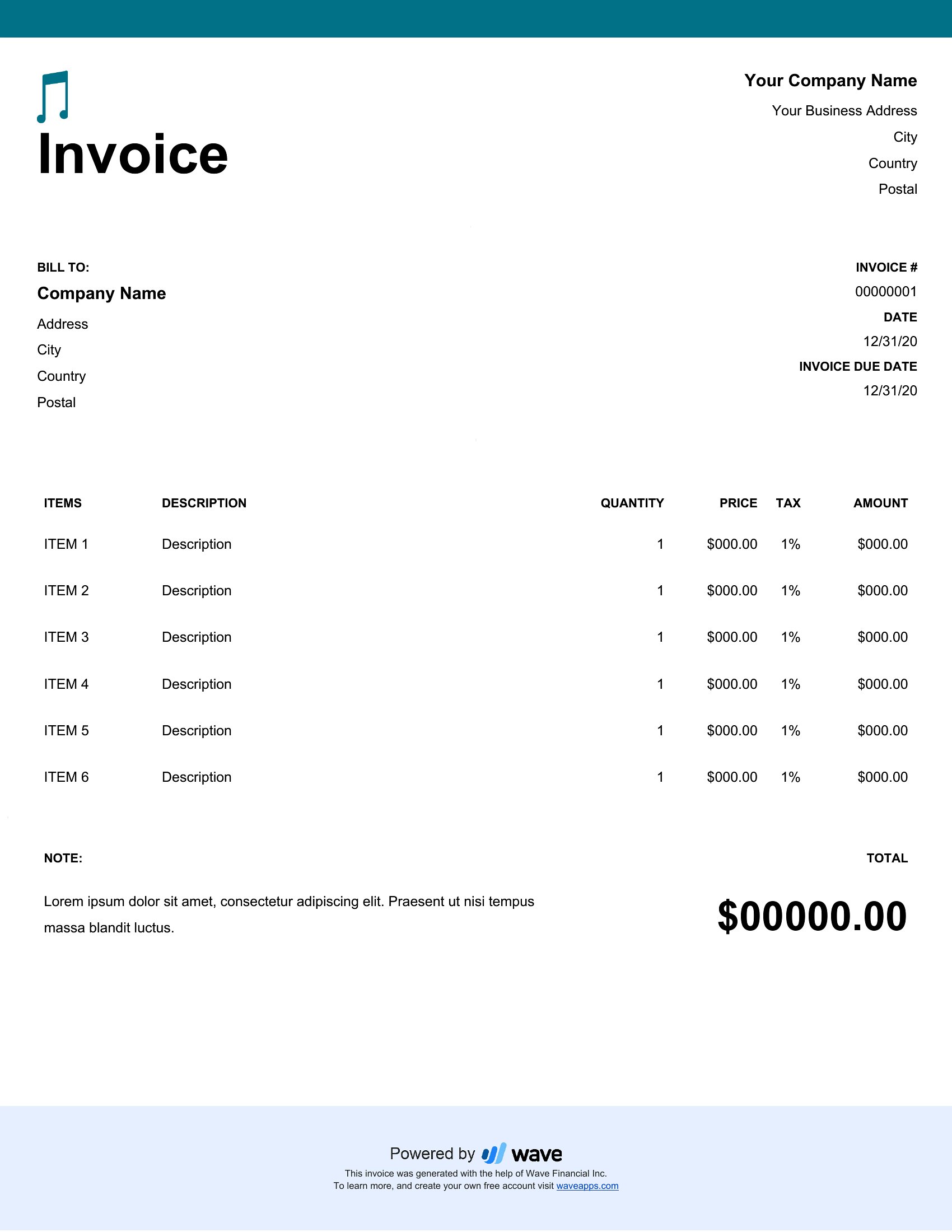
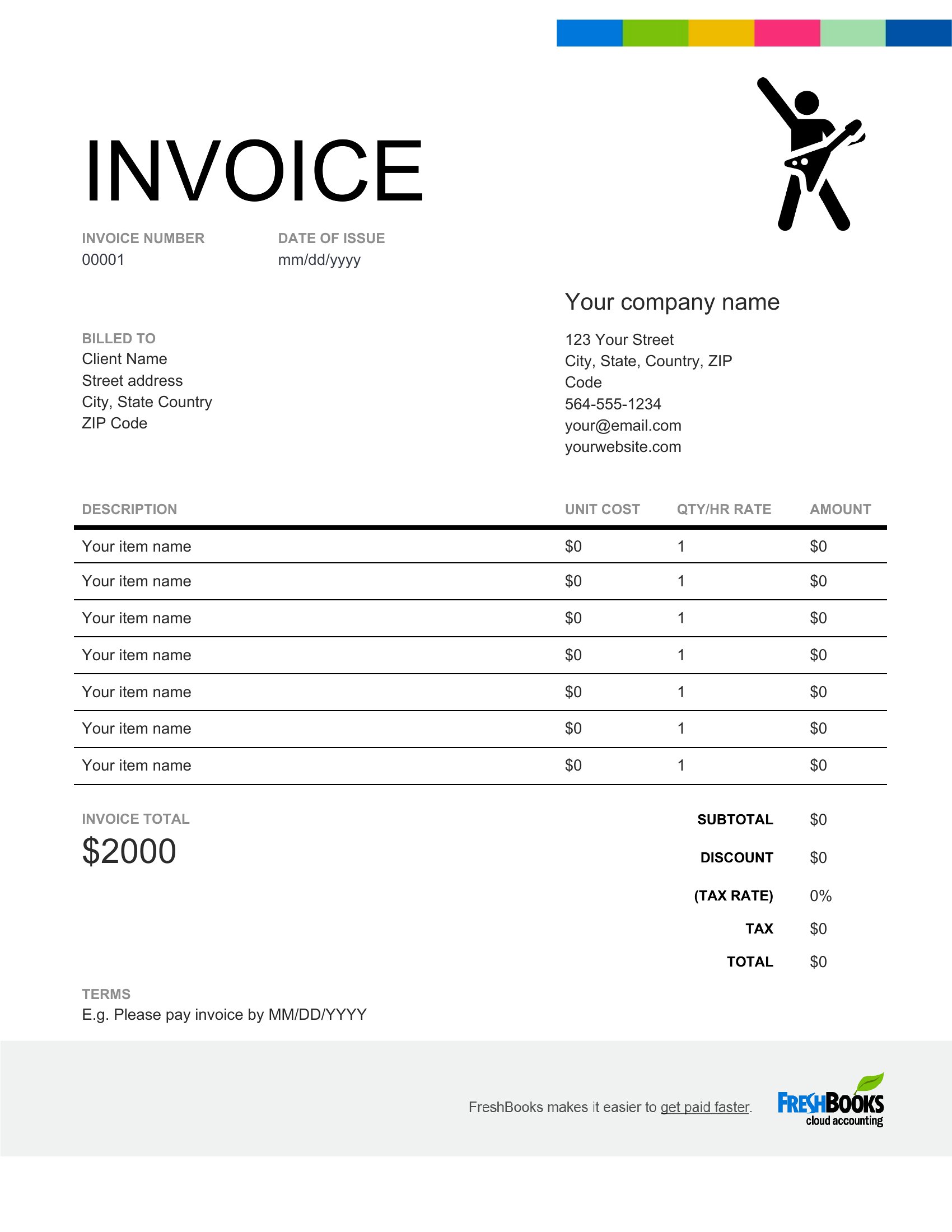
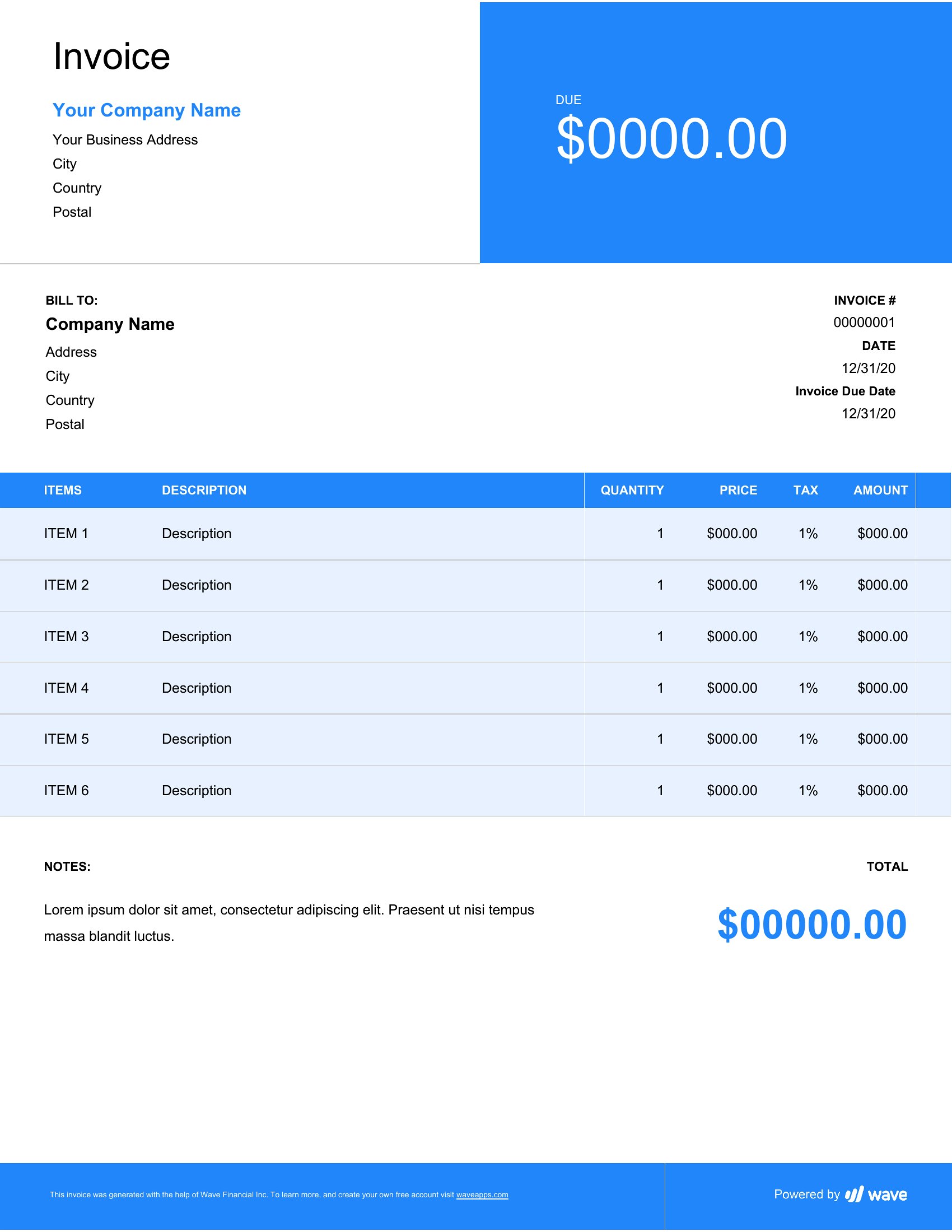
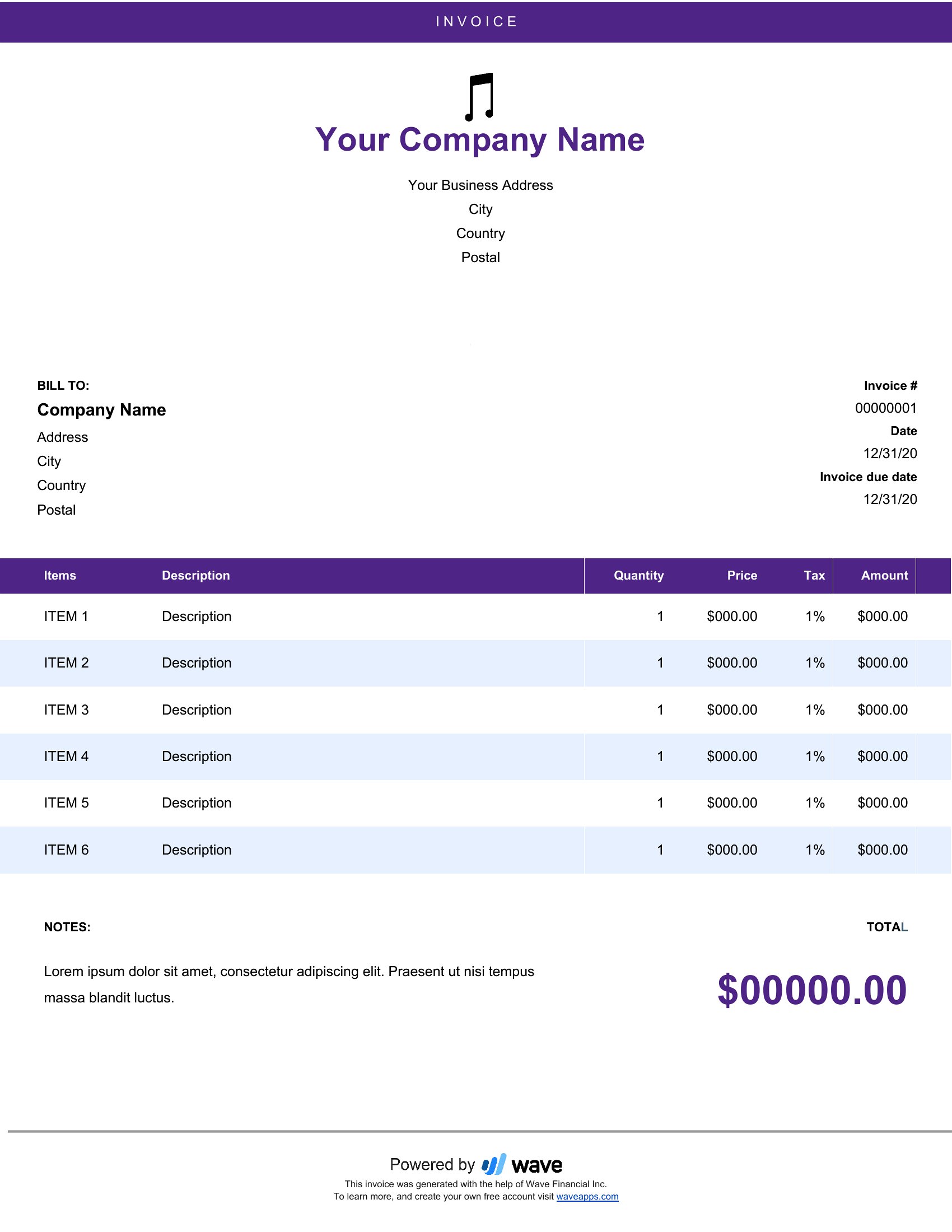
Musician Invoice Pdf
Frequently Asked Questions about Musician Invoice Templates
Are these Musician Invoice templates free to download?
Yes. Every Musician Invoice template in this collection is free to download from TemplateSpark. Just open the template you need, download it, and start editing right away — no subscription required to get started.
What file formats are available for Musician Invoice templates?
These Musician Invoice templates are available in Word and PDF. Pick the format that matches your workflow — each download keeps the original layout so it looks right whether you open, print, or share it.
Can I edit these Musician Invoice templates?
Yes. The editable files open in Microsoft Word (and compatible apps like Google Docs or LibreOffice), so you can change the text, colors, and layout to fit your needs, then save or export the finished Musician Invoice document.
How many Musician Invoice templates can I choose from?
This page collects 17 Musician Invoice templates so you can compare styles and layouts in one place. Browse the options, open the one that fits your purpose best, and download it in your preferred format.
Can I use Musician Invoice templates for commercial purposes?
In most cases, yes — these Musician Invoice templates are intended for both personal and business use. Check the license note on the template before redistributing or reselling, and avoid sharing the source files as your own product.
What should a musician invoice include?
A musician invoice should name you and the client or venue, describe the service such as a performance, recording session, or lesson, and list the date, hours, and rate. Add travel or equipment fees, the total due, payment terms, and a unique invoice number for clear records.
How do musicians bill for performances versus lessons?
Performances are often billed as a flat gig fee or per hour, with extras for travel, rehearsal, or equipment. Lessons are usually charged per session or as a package. Itemizing each type separately keeps the invoice clear and helps clients understand exactly what they are paying for.
Should a musician invoice list deposits for booked gigs?
Yes. If a client paid a deposit to reserve a date, show it as a line that reduces the balance, then state the remaining amount due. This confirms what has been paid, clarifies the outstanding total, and reduces confusion when the final payment is collected after the event.
Comments
Join the conversation
Sign in to share your thoughts and leave a comment on this resource.