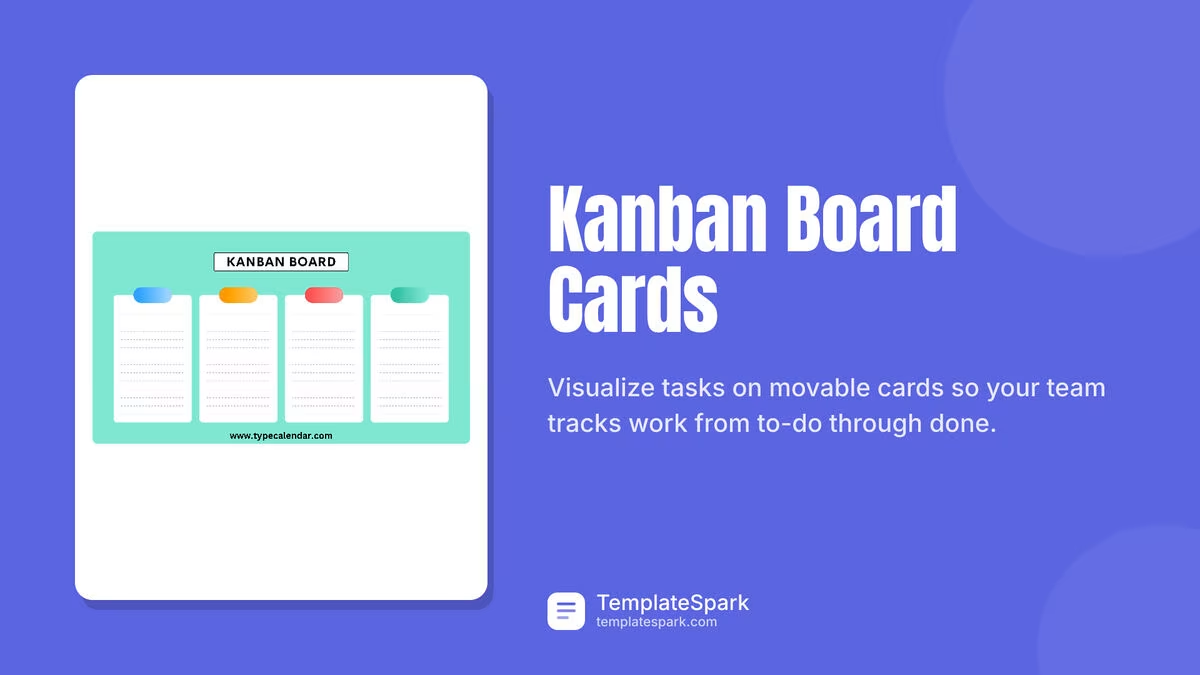
Free Kanban Board Card Templates (Word, Excel, PDF)
Project by abiliolima
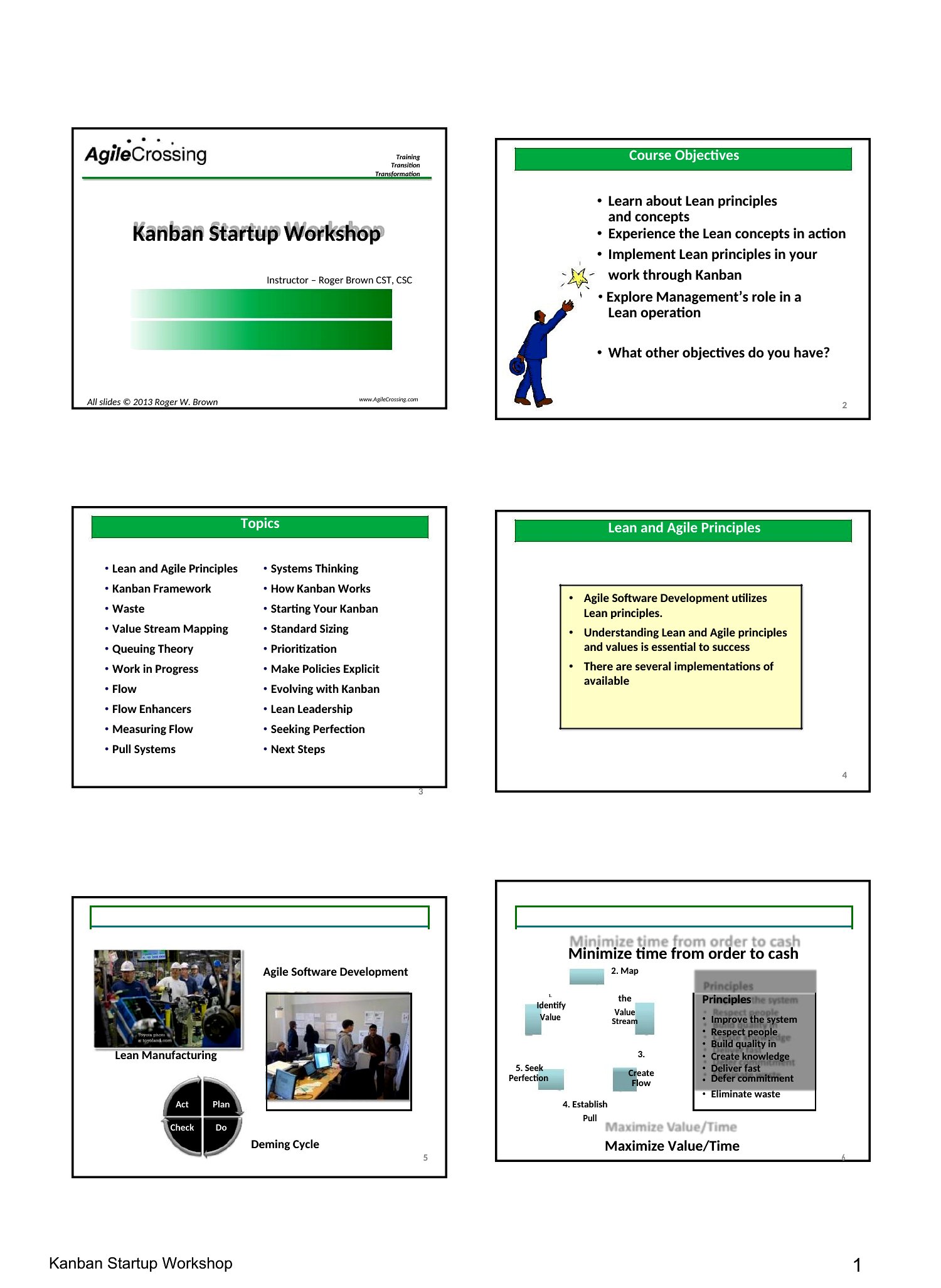
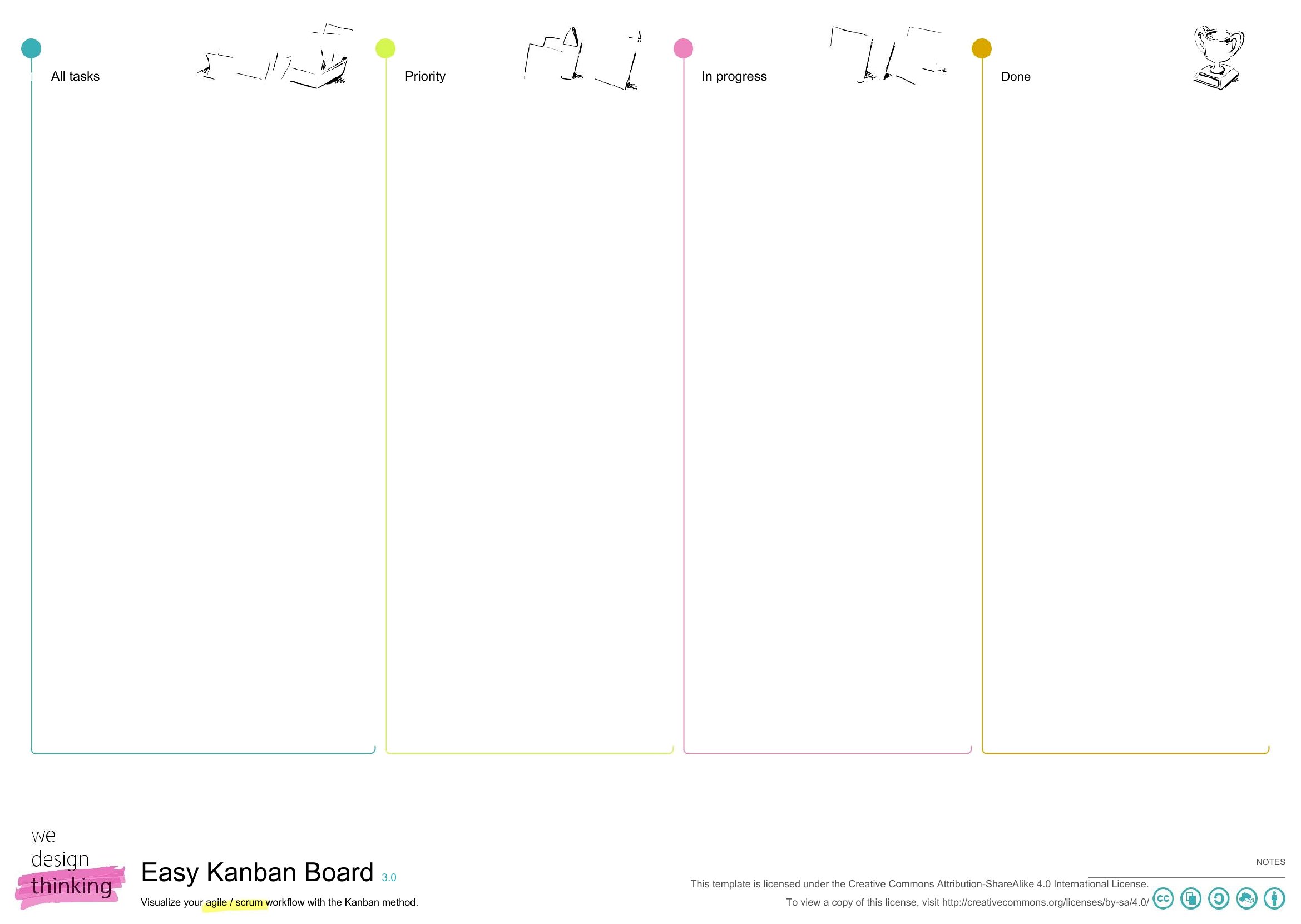
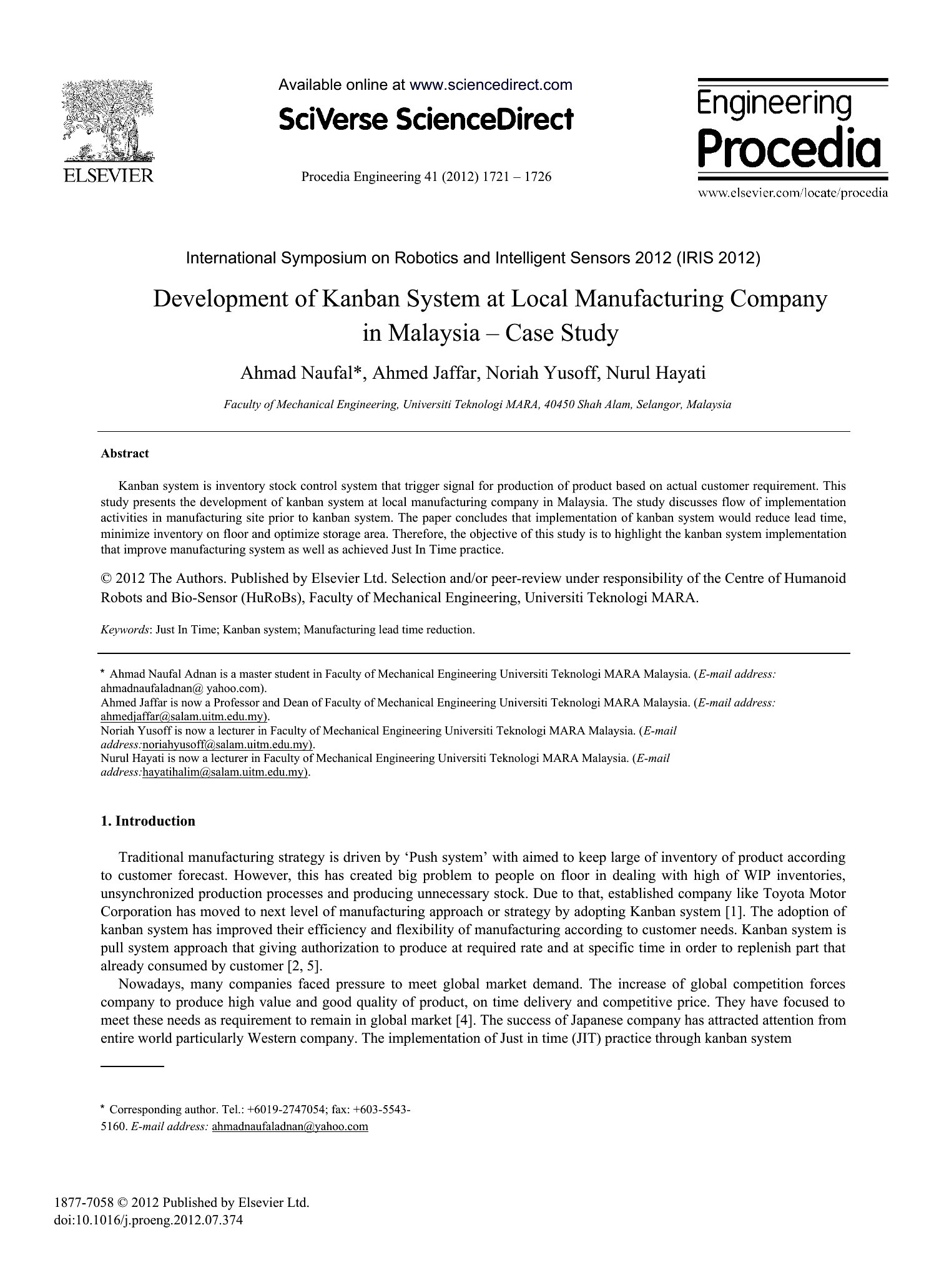
A kanban board makes work visible, and good cards are what keep tasks moving from to-do to done. This set of 29 templates gives agile teams, students, and home organizers ready-made cards and board layouts for tracking projects, chores, or sprints on a wall or a desk.
Pick editable Word files, Excel layouts for digital tracking, or print-ready PDFs to cut out and pin up. Fill in tasks, owners, and due dates, then move cards across columns as work progresses. Download the format that fits your workflow and give your projects a clear, hands-on flow.
Choose from 29 Kanban Board Cards Templates
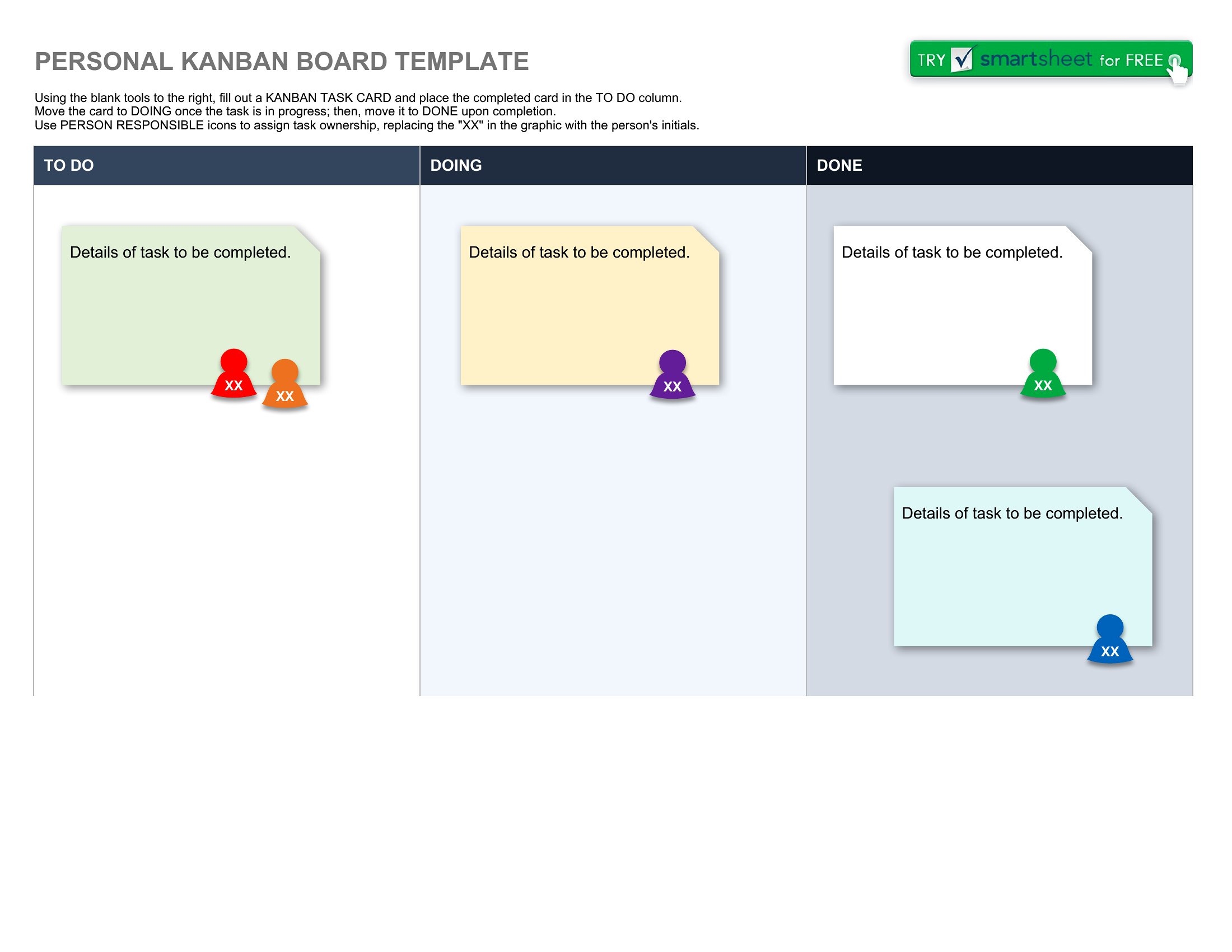
Jira Kanban Boards
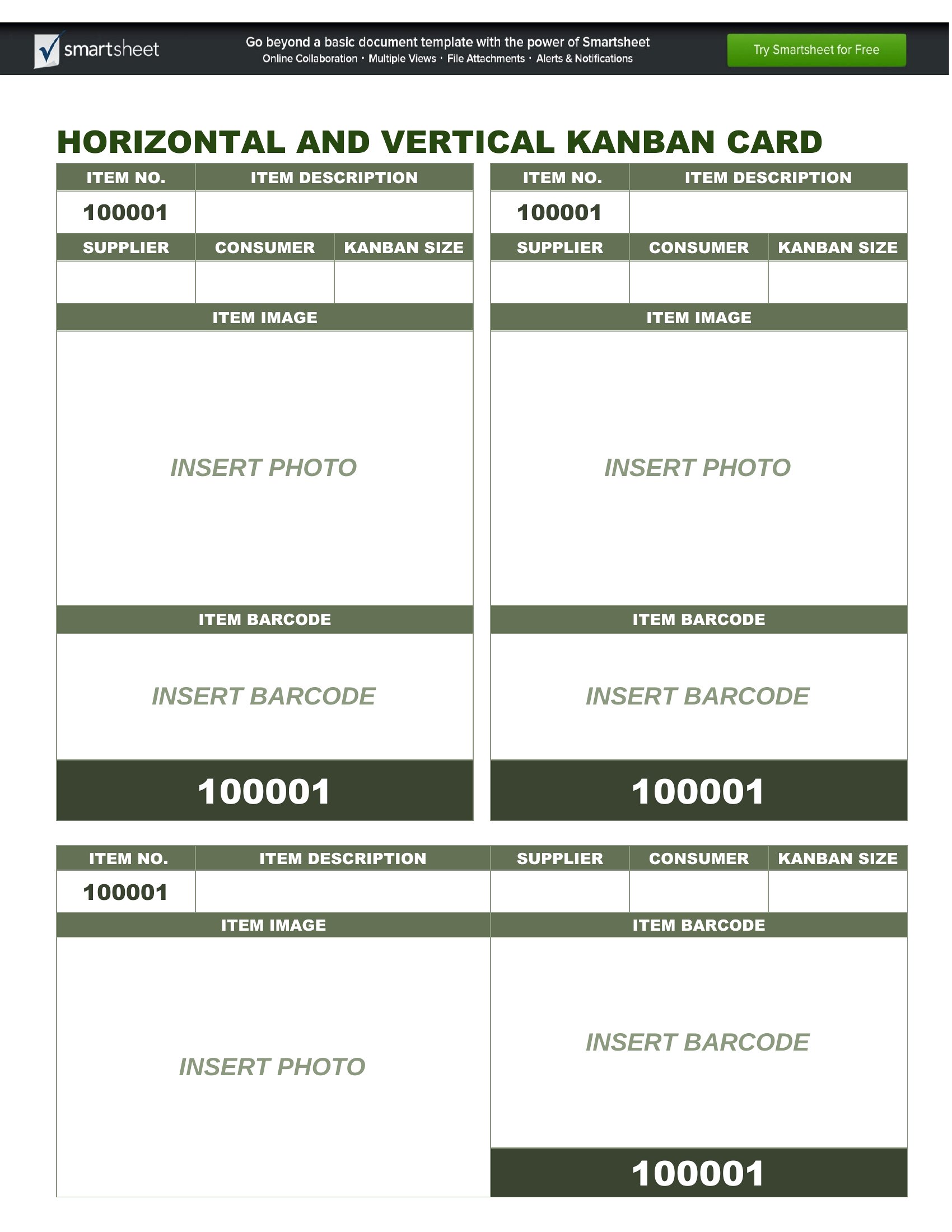
Kanban Board In Jira
What Is Kanban Board
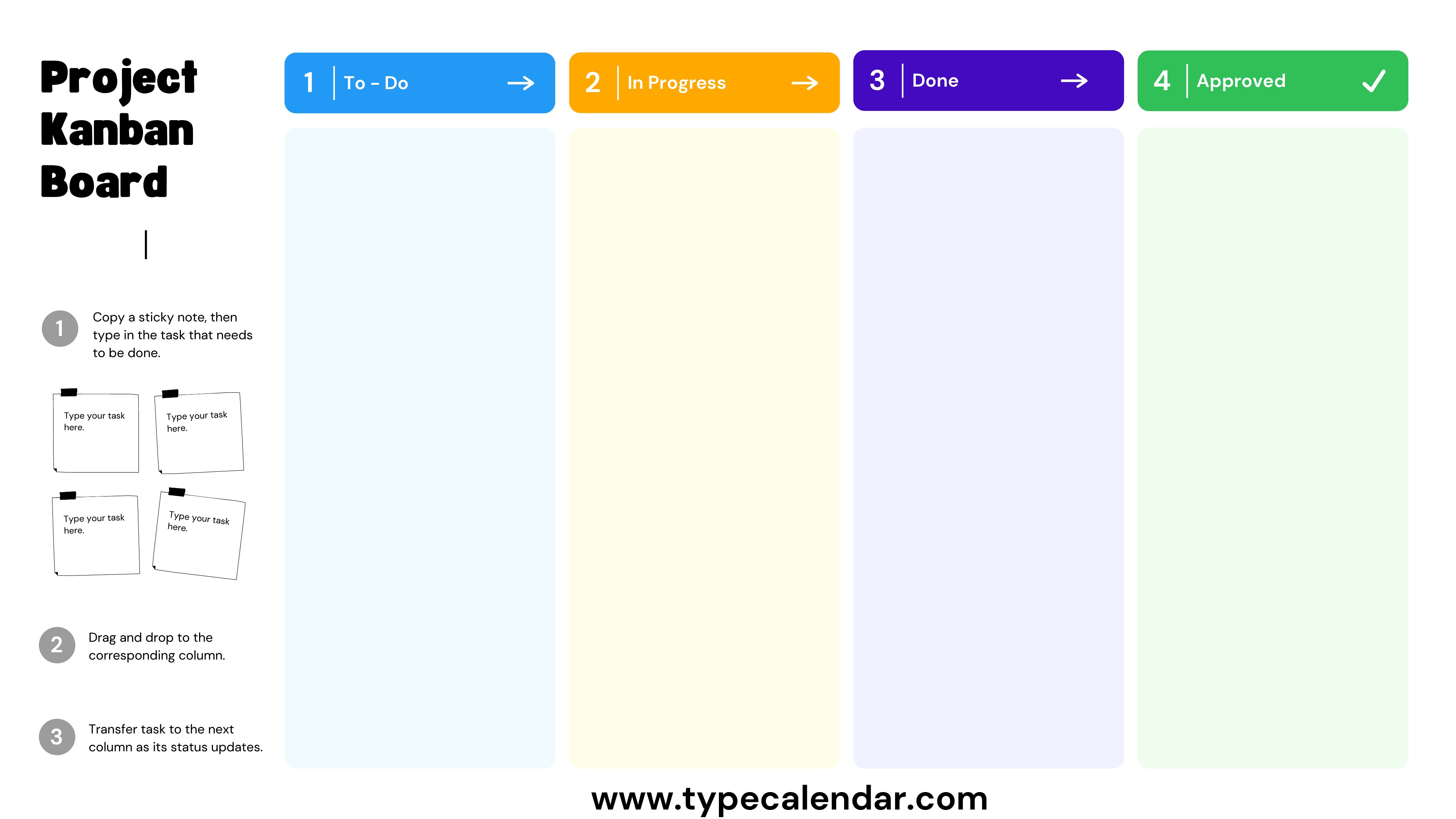
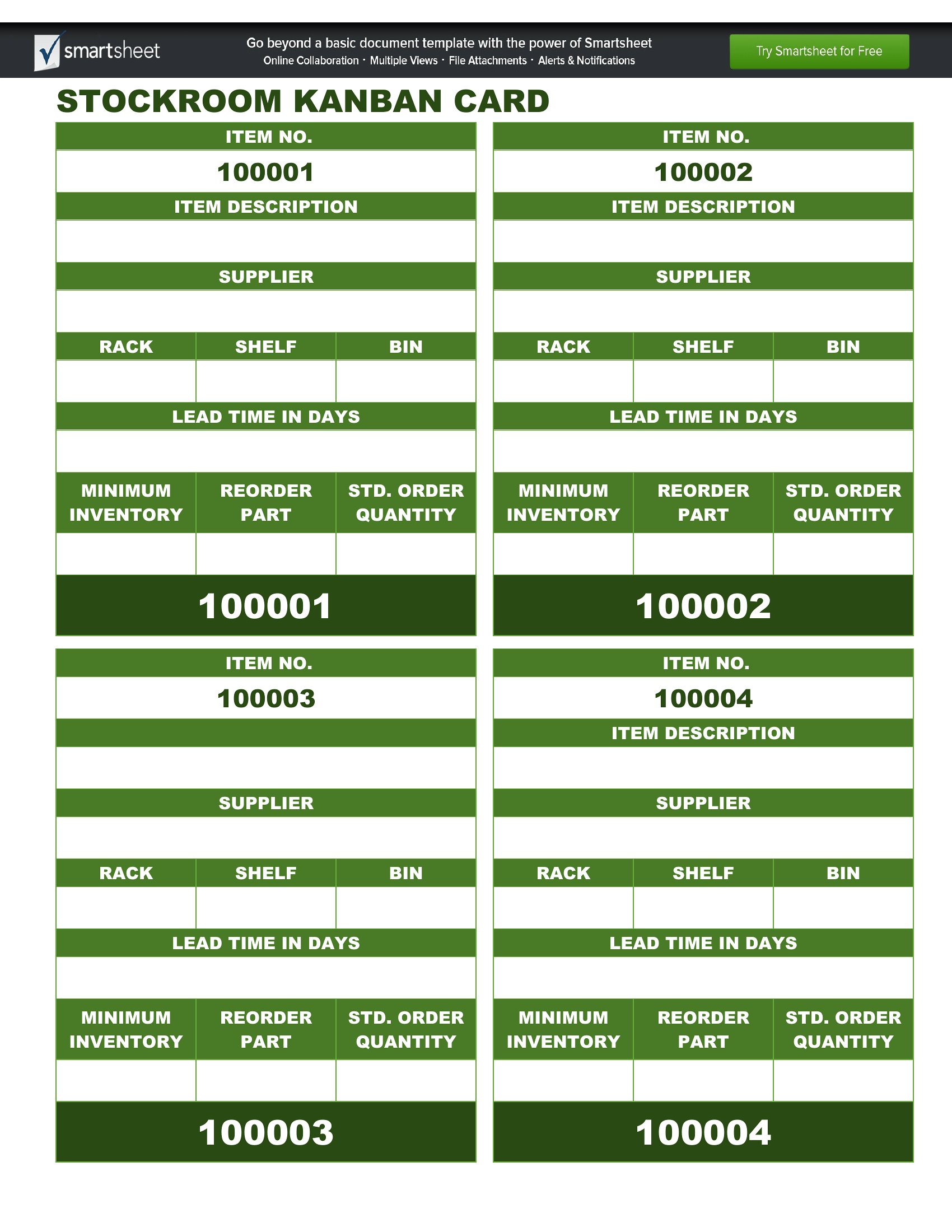
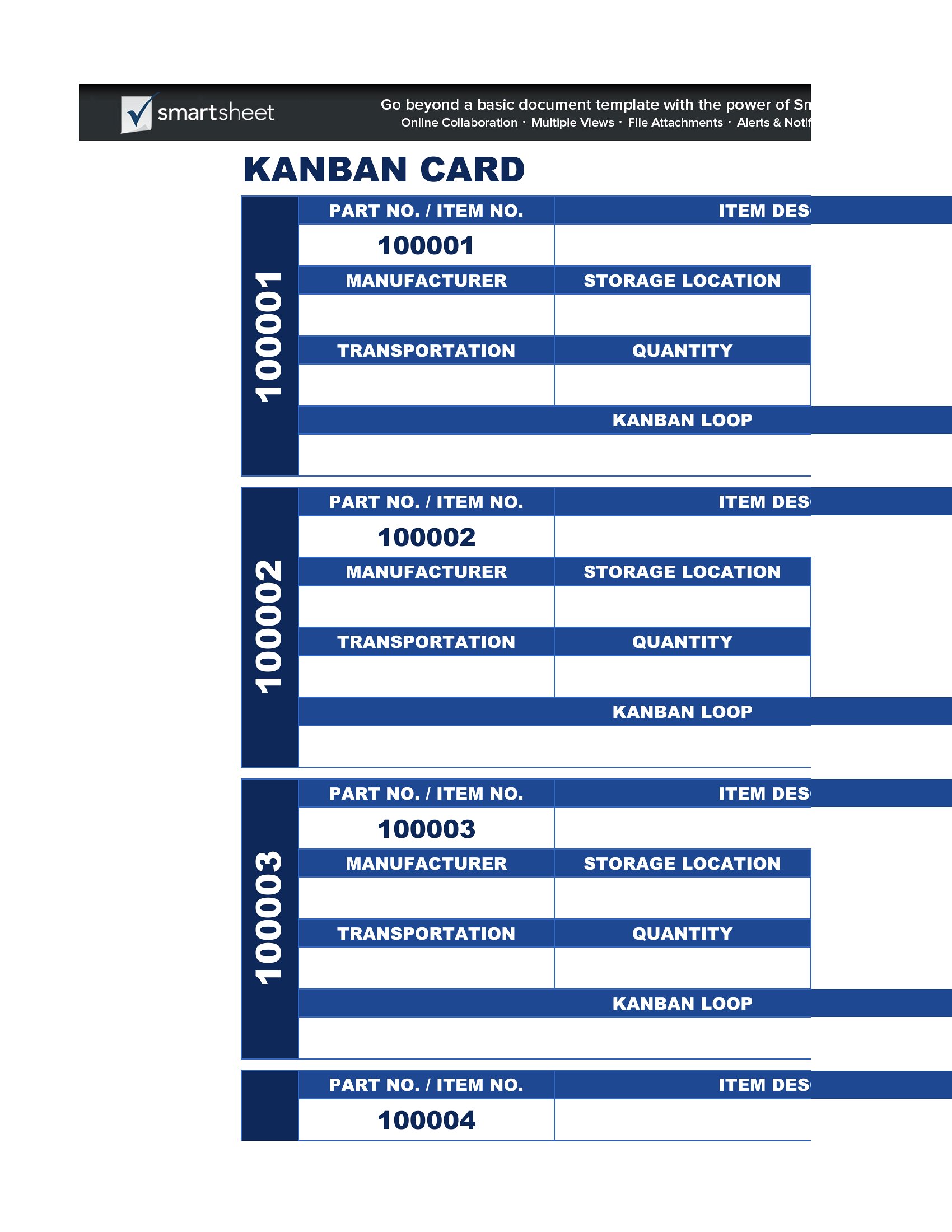
Kanban Board Online
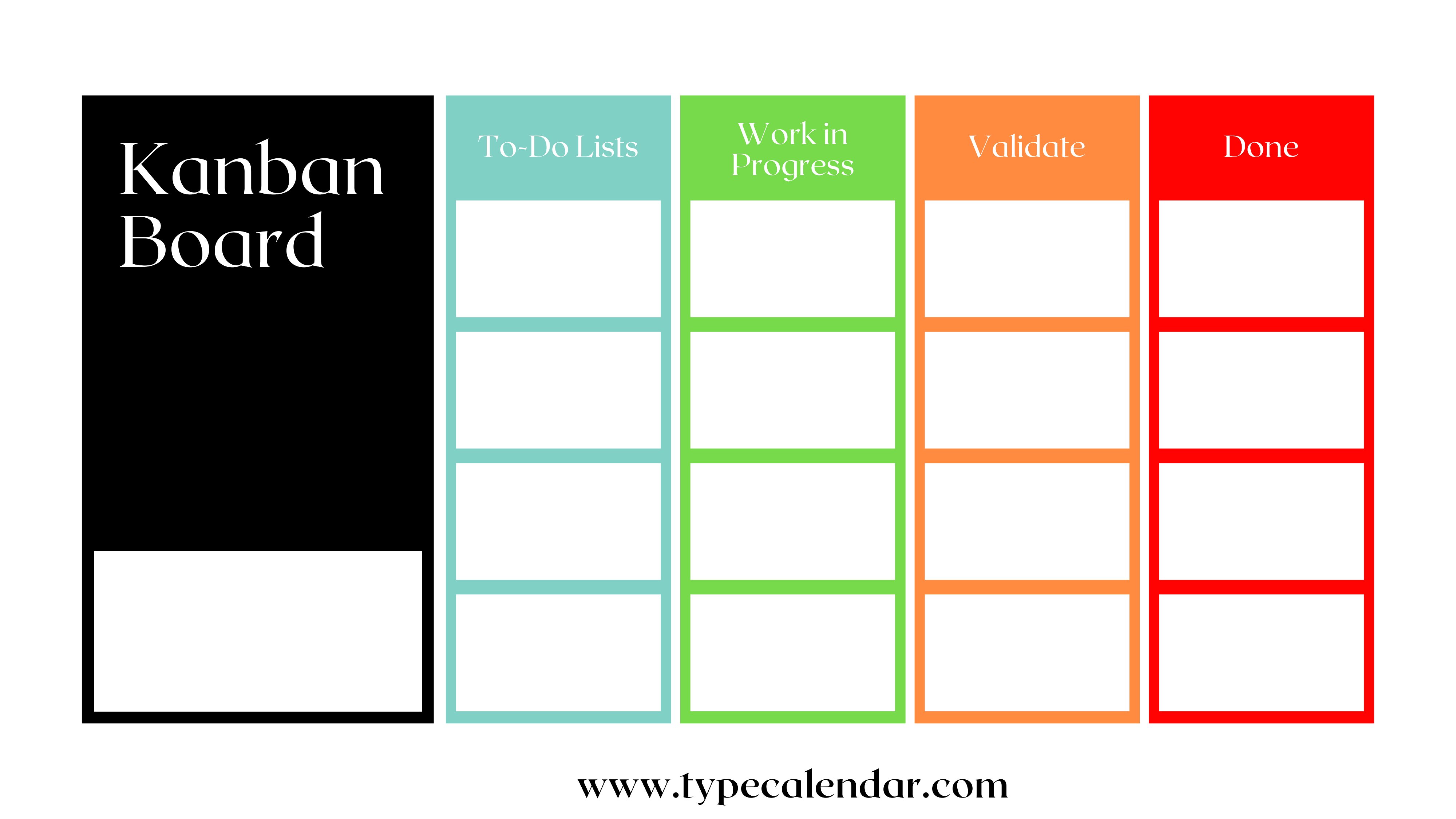
Kanban Boards
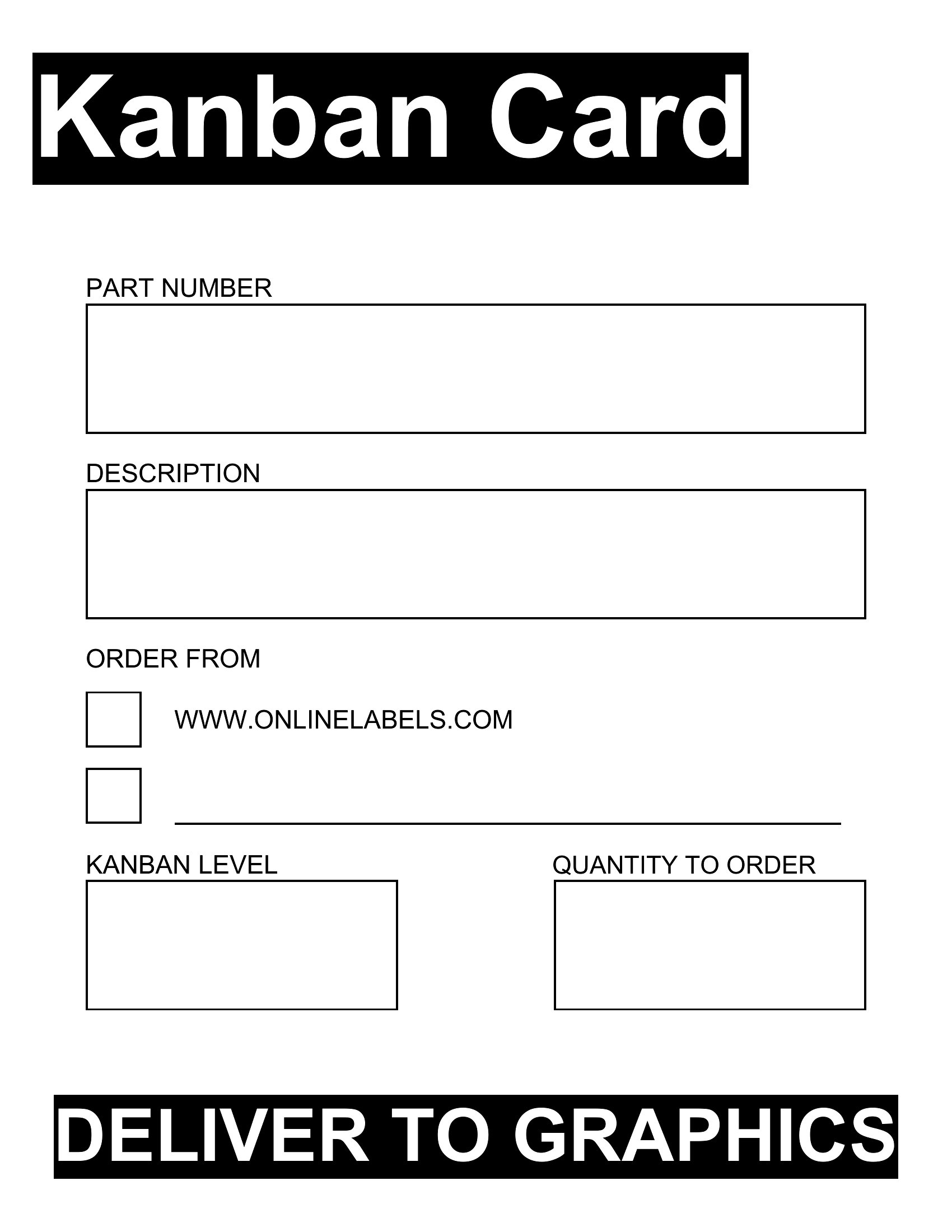
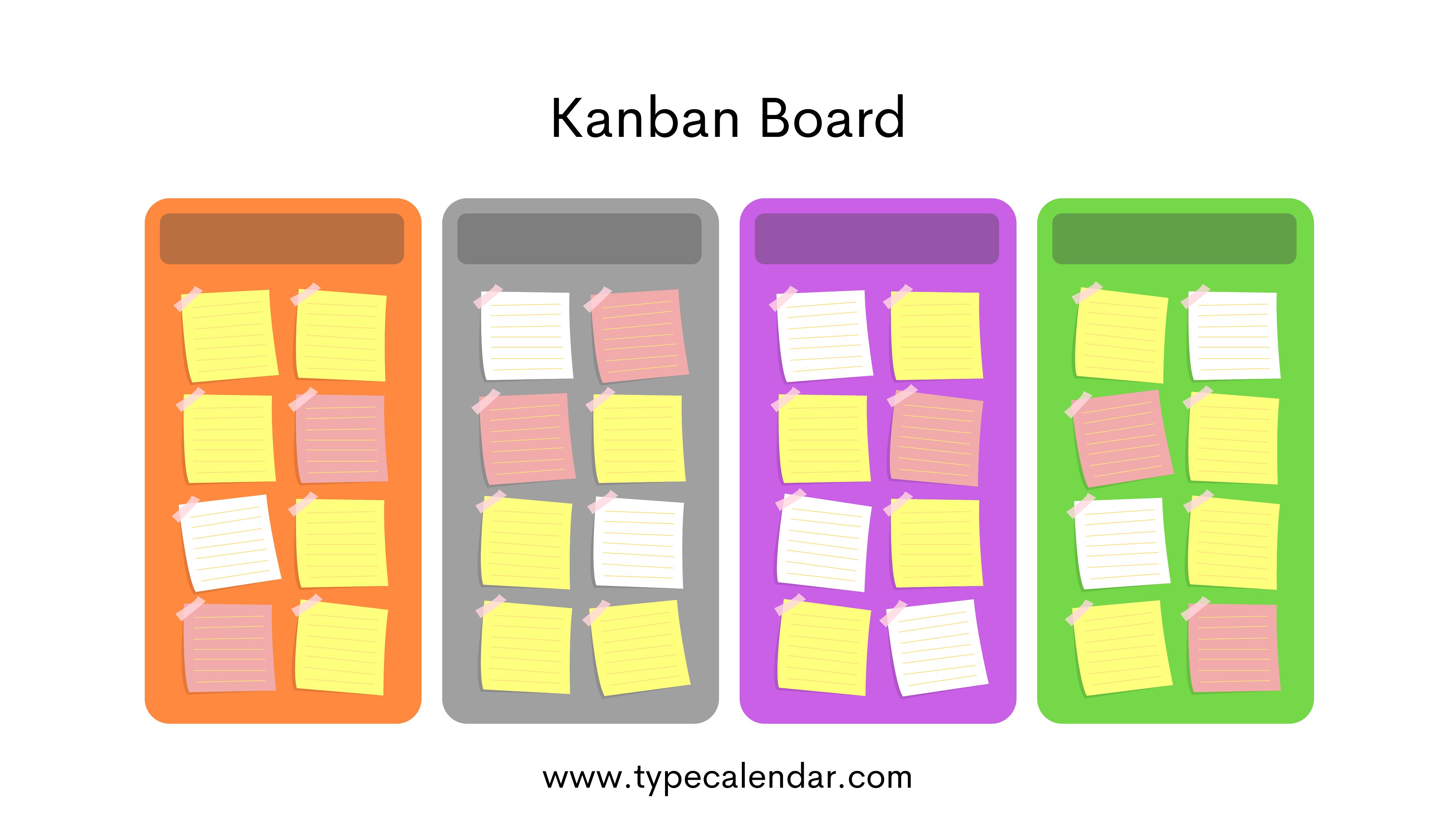
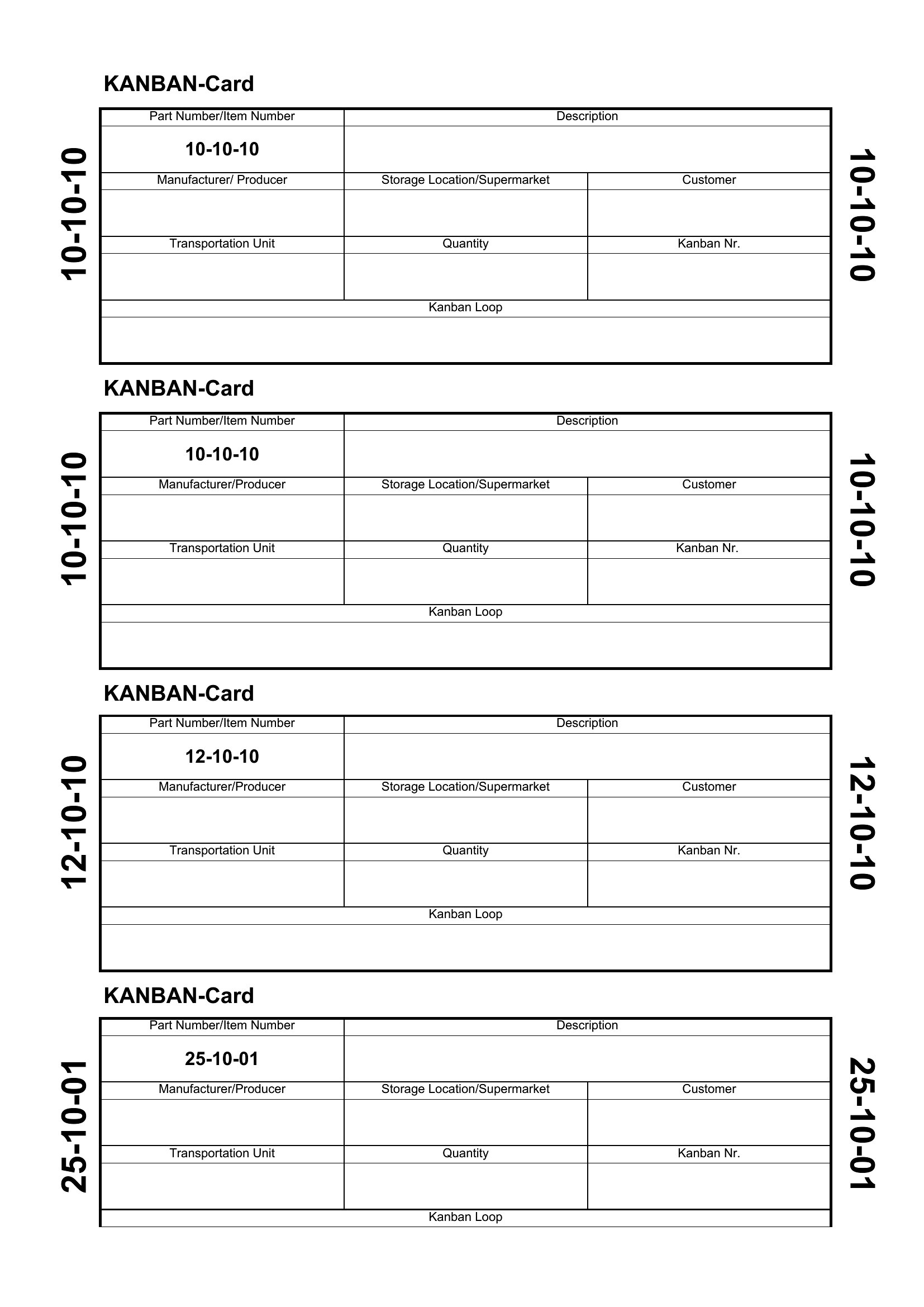
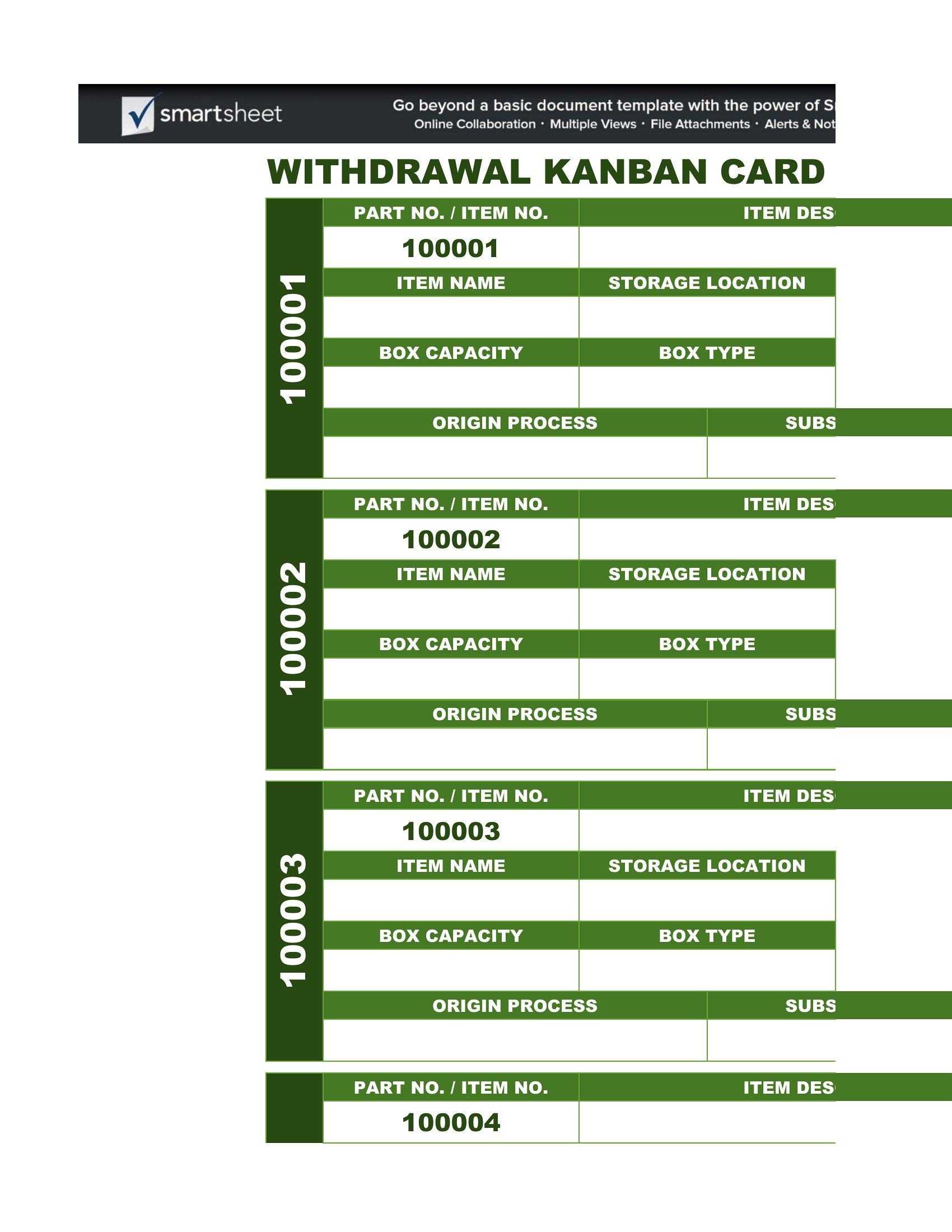
Kanban Board Free
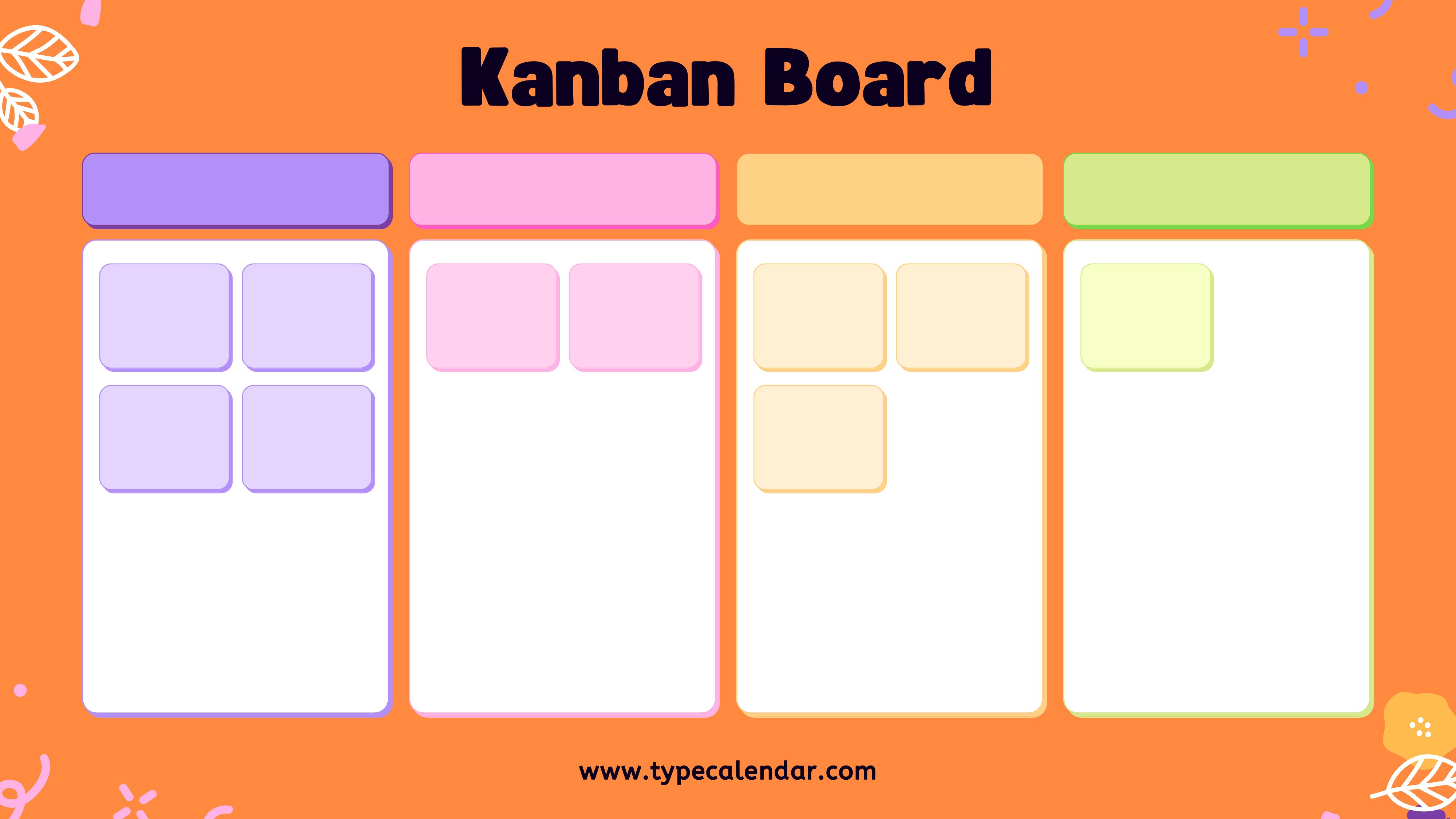
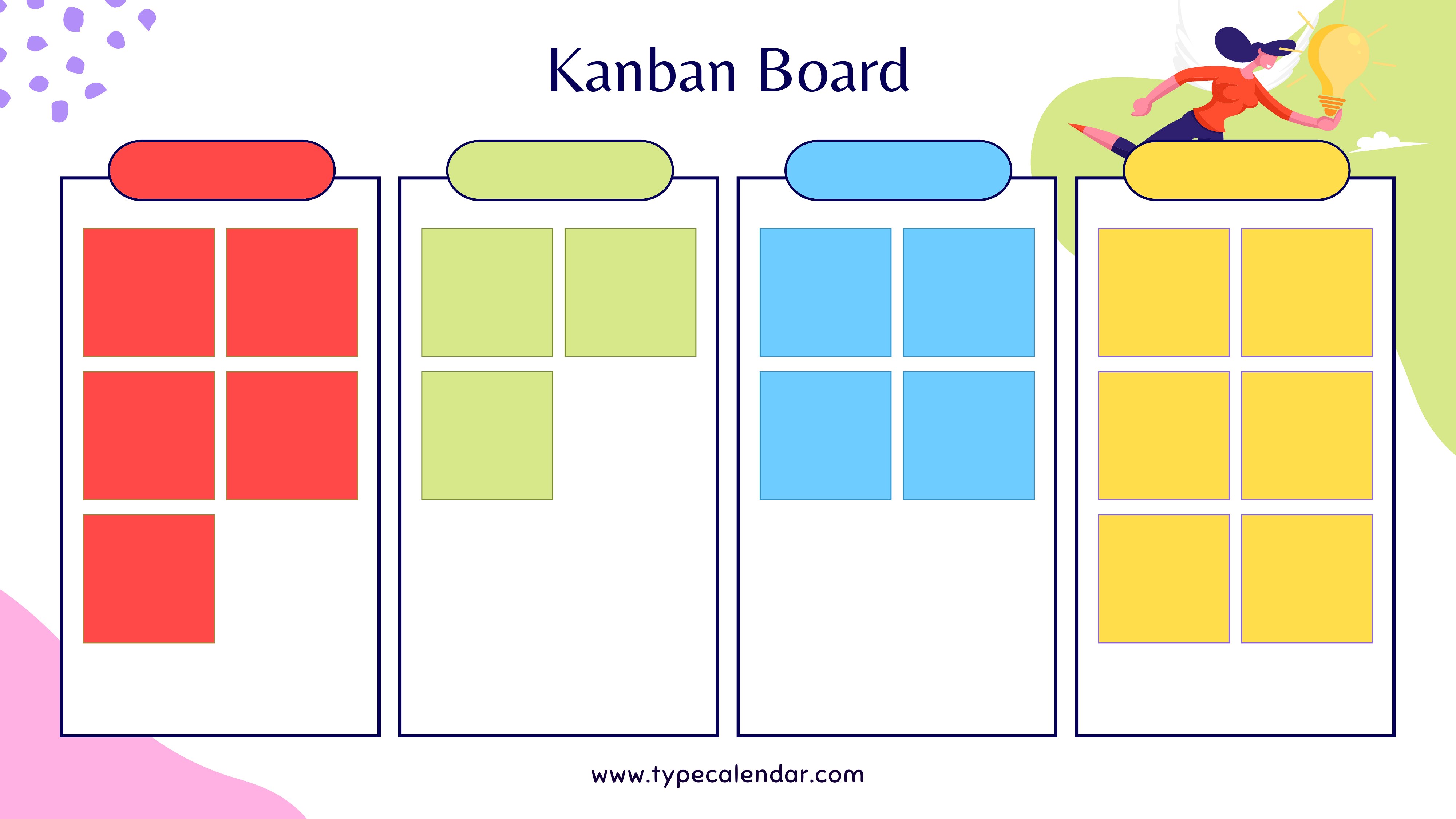
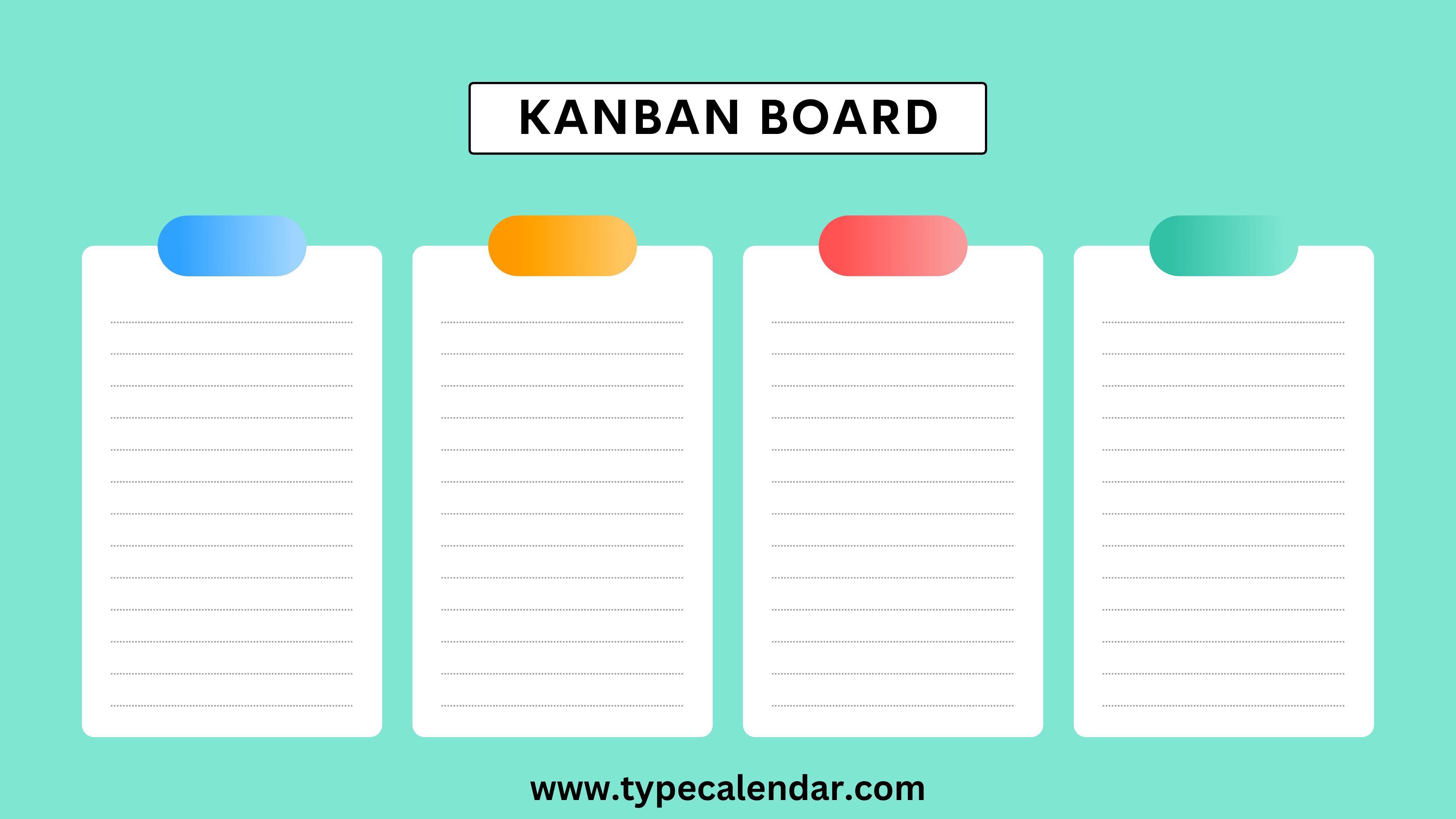
Kanban Board

Frequently Asked Questions about Kanban Board Cards Templates
Are these Kanban Board Cards templates free to download?
Yes. Every Kanban Board Cards template in this collection is free to download from TemplateSpark. Just open the template you need, download it, and start editing right away — no subscription required to get started.
What file formats are available for Kanban Board Cards templates?
These Kanban Board Cards templates are available in Word, Excel, and PDF. Pick the format that matches your workflow — each download keeps the original layout so it looks right whether you open, print, or share it.
Can I edit these Kanban Board Cards templates?
Yes. The editable files open in Microsoft Word (and compatible apps like Google Docs or LibreOffice), so you can change the text, colors, and layout to fit your needs, then save or export the finished Kanban Board Cards document.
How many Kanban Board Cards templates can I choose from?
This page collects 29 Kanban Board Cards templates so you can compare styles and layouts in one place. Browse the options, open the one that fits your purpose best, and download it in your preferred format.
Can I use Kanban Board Cards templates for commercial purposes?
In most cases, yes — these Kanban Board Cards templates are intended for both personal and business use. Check the license note on the template before redistributing or reselling, and avoid sharing the source files as your own product.
What are kanban board cards and how are they used?
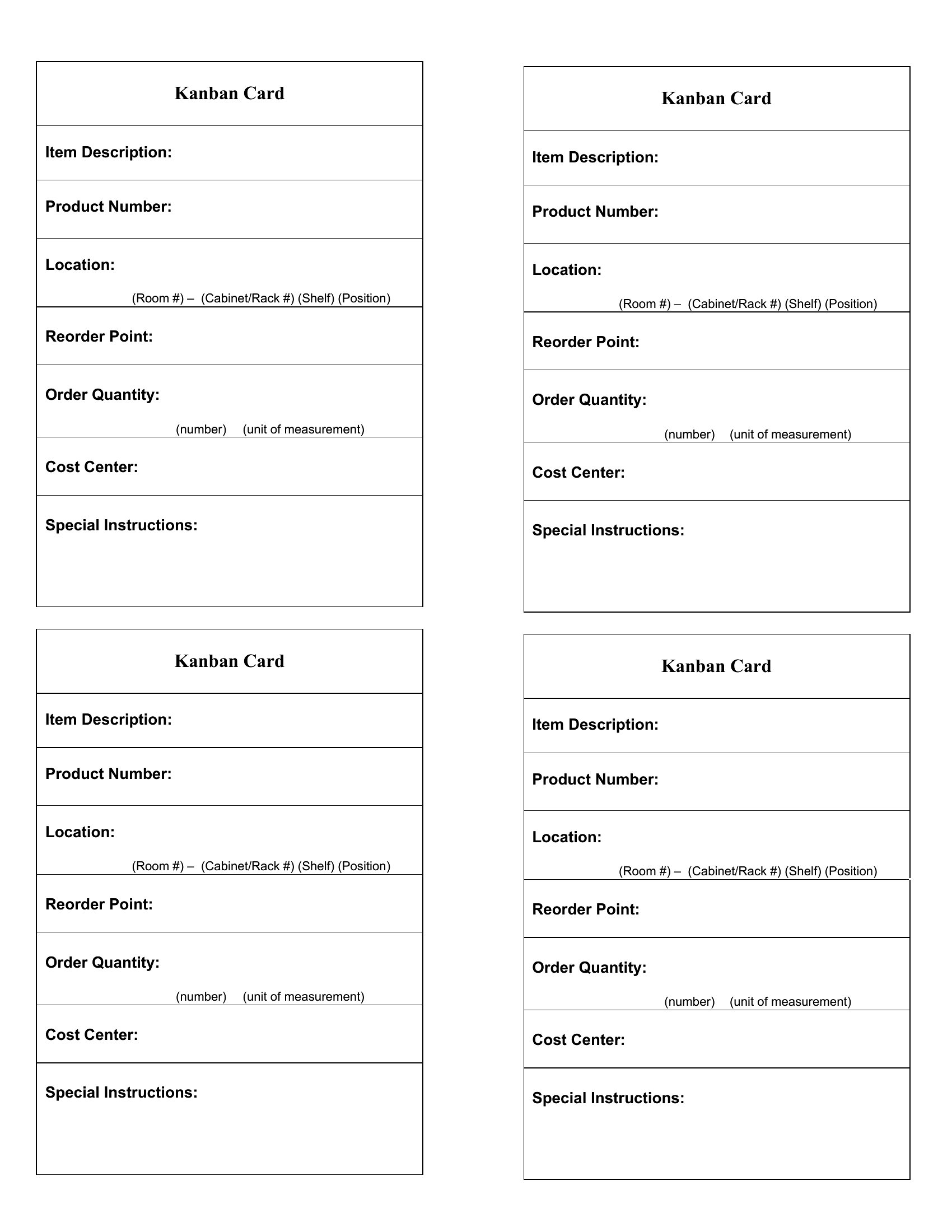
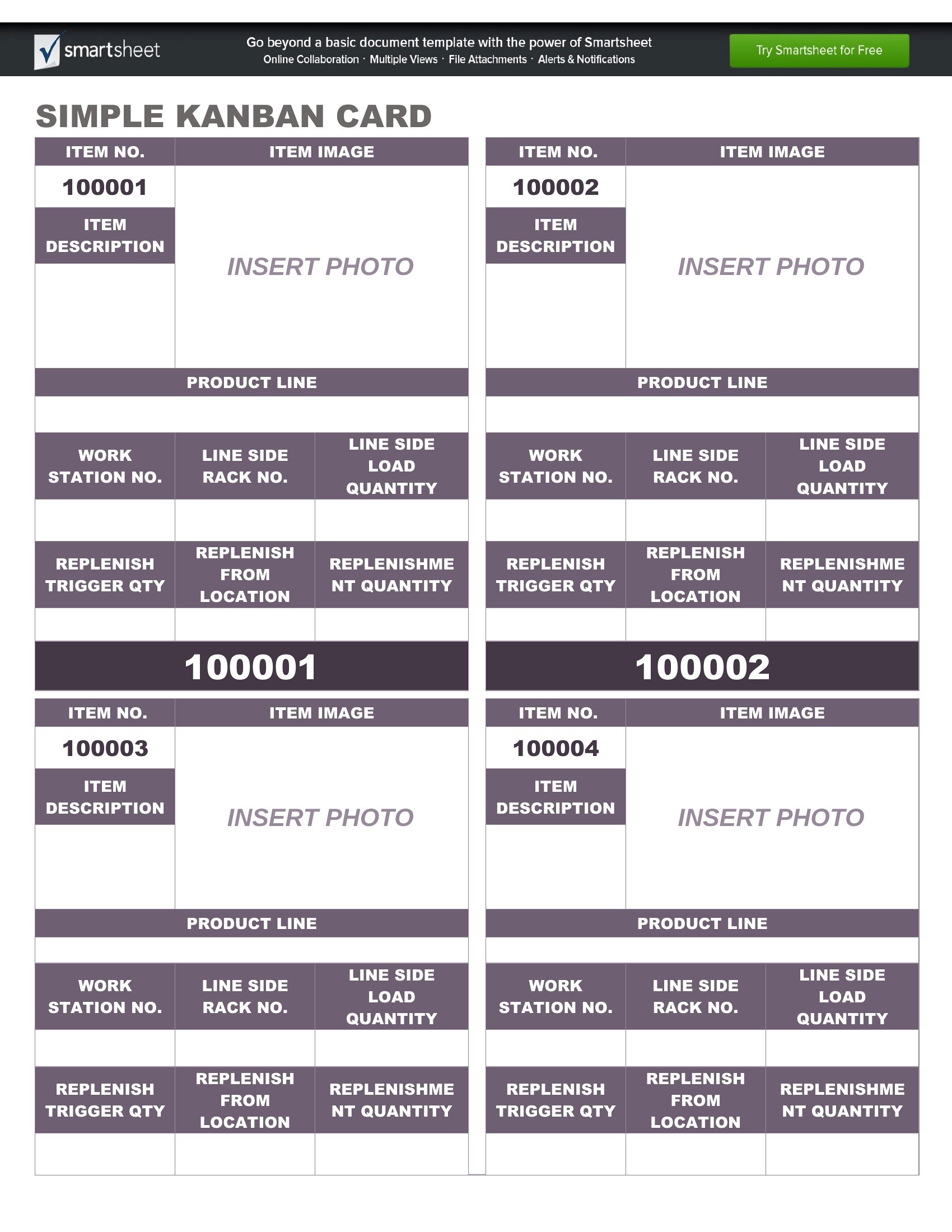
Kanban board cards represent individual tasks or work items on a kanban board. Each card moves through columns such as to-do, in progress, and done to show its status. They make work visible, help teams track progress, and reveal bottlenecks as tasks flow from start to completion.
What information should you put on a kanban card?
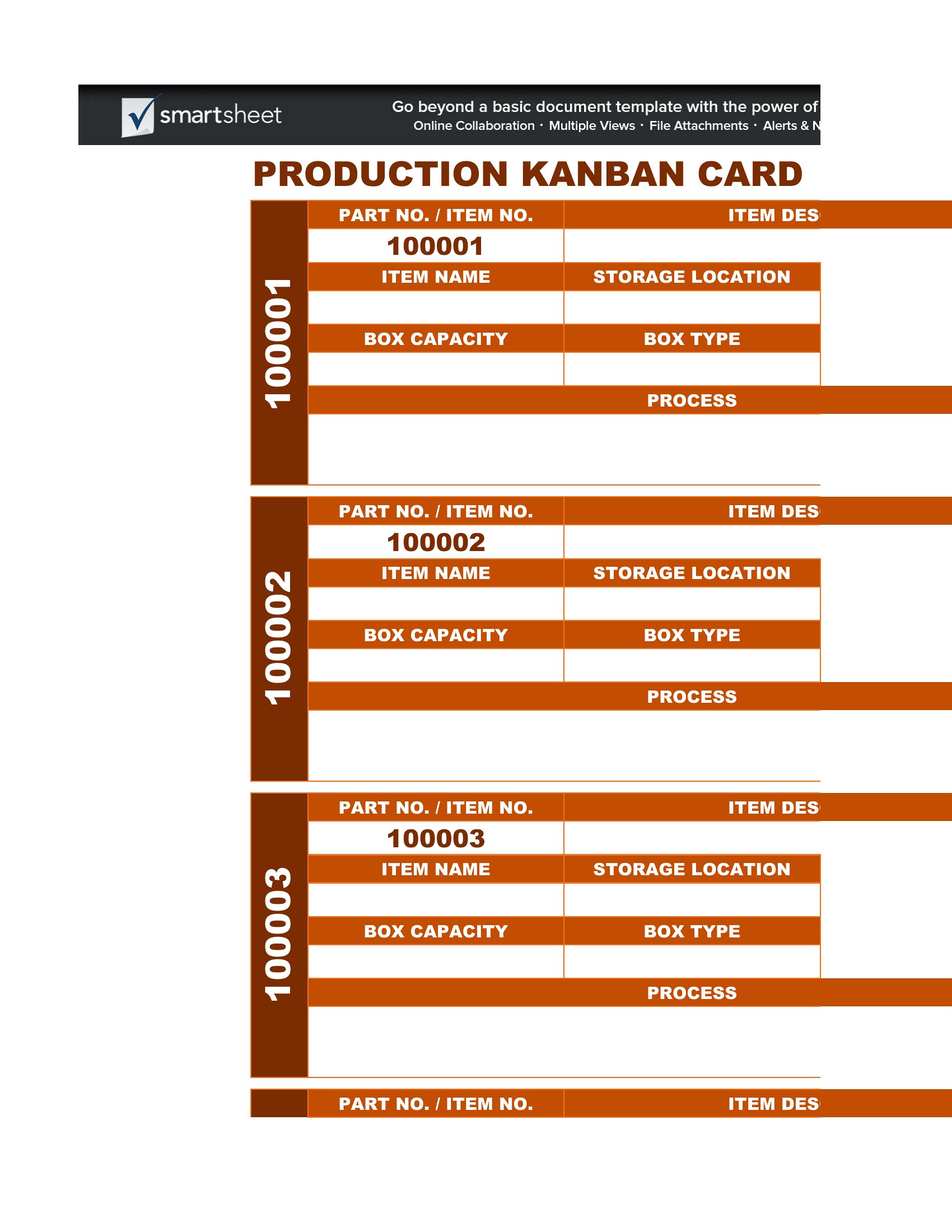
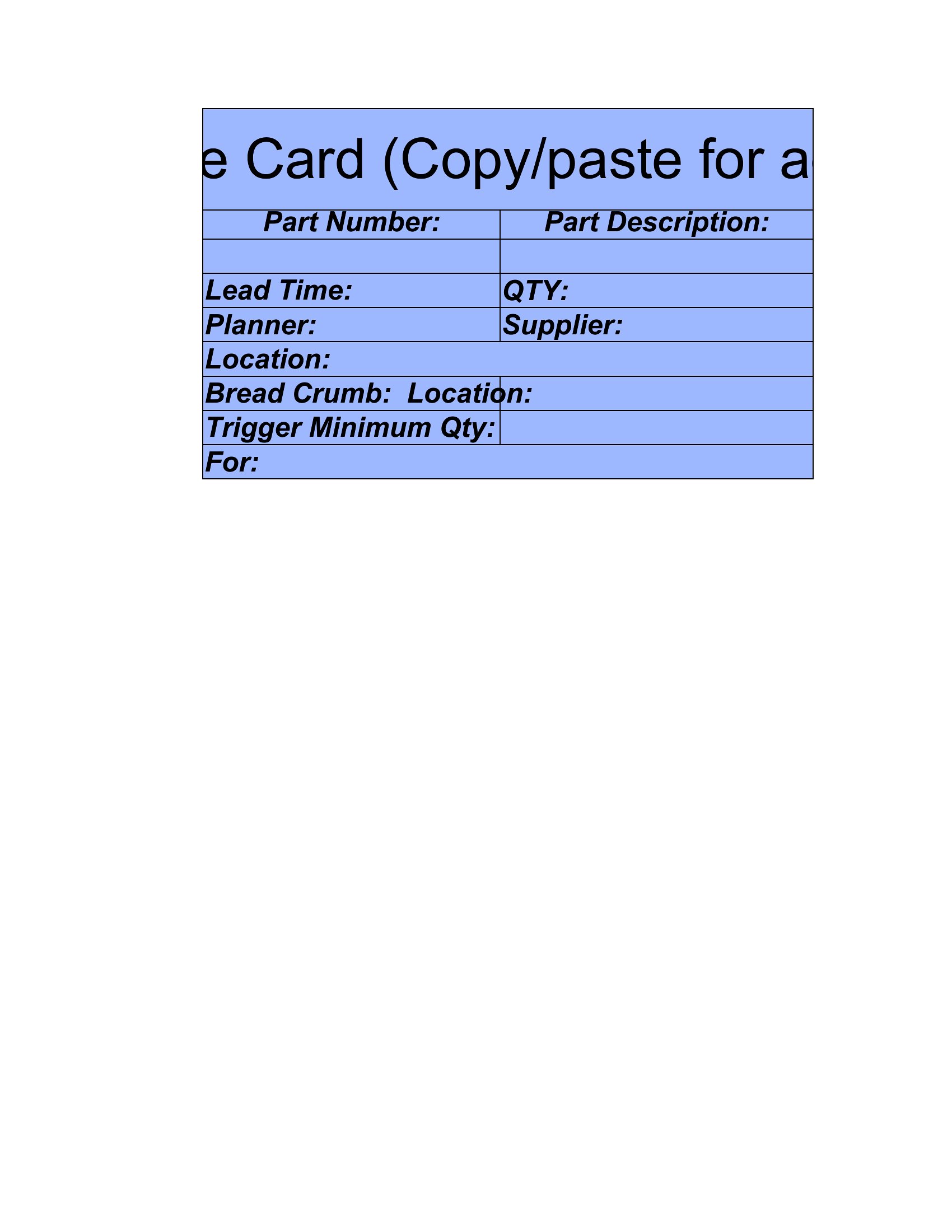
A kanban card should include a clear task title, a short description, the person responsible, and a due date or priority. It may also note status, labels or categories, and any blockers. Keeping cards concise but informative helps everyone understand the task at a glance.
How do you organize columns on a kanban board?
Most boards use at least to-do, in progress, and done columns to show workflow stages. Teams can add columns like backlog, review, or testing to match their process. Limiting work in progress per column prevents overload and keeps tasks moving smoothly from one stage to the next.
Comments
Join the conversation
Sign in to share your thoughts and leave a comment on this resource.