Free Security Report Templates (Word, PDF)
Audit by servandovilla
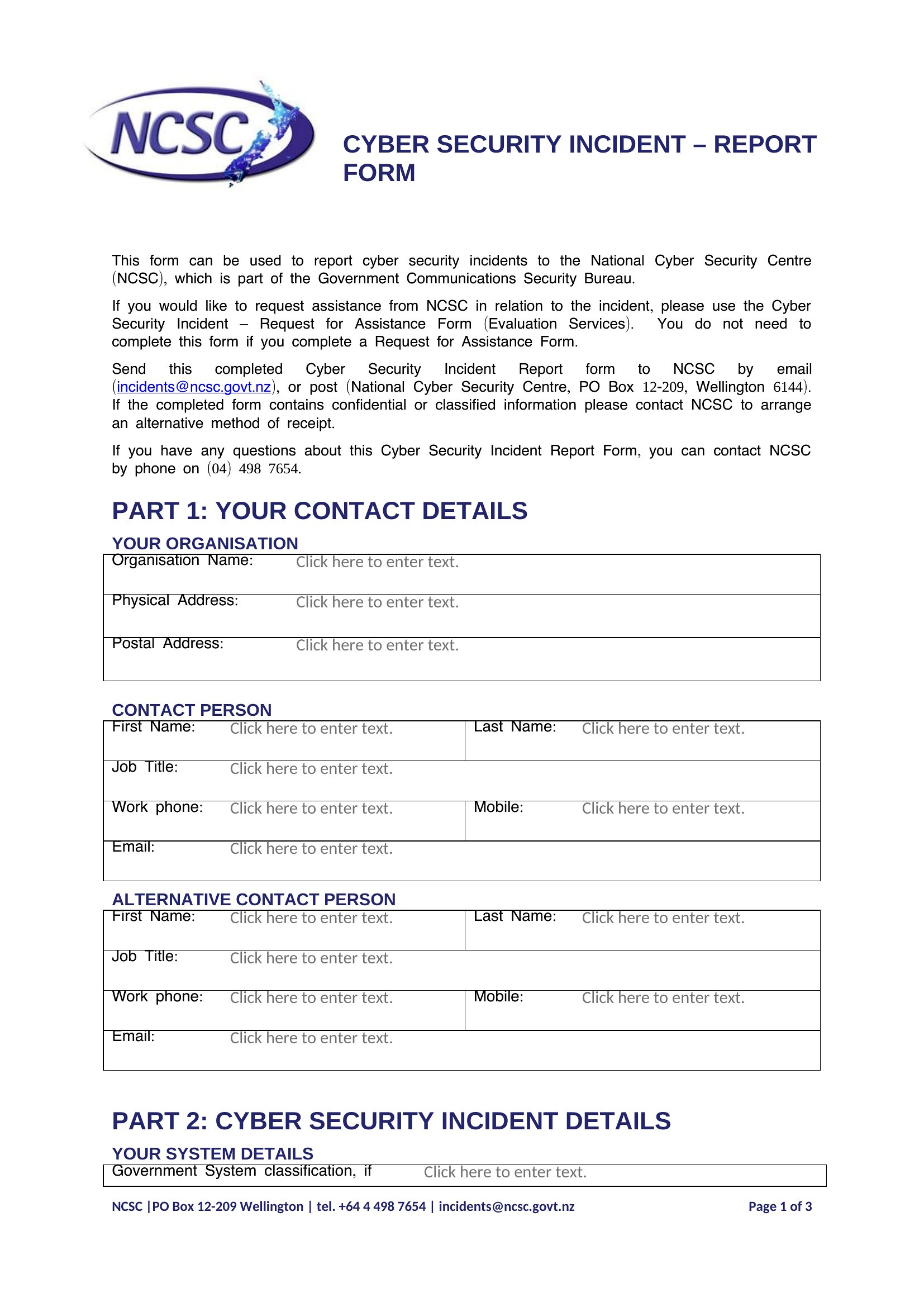
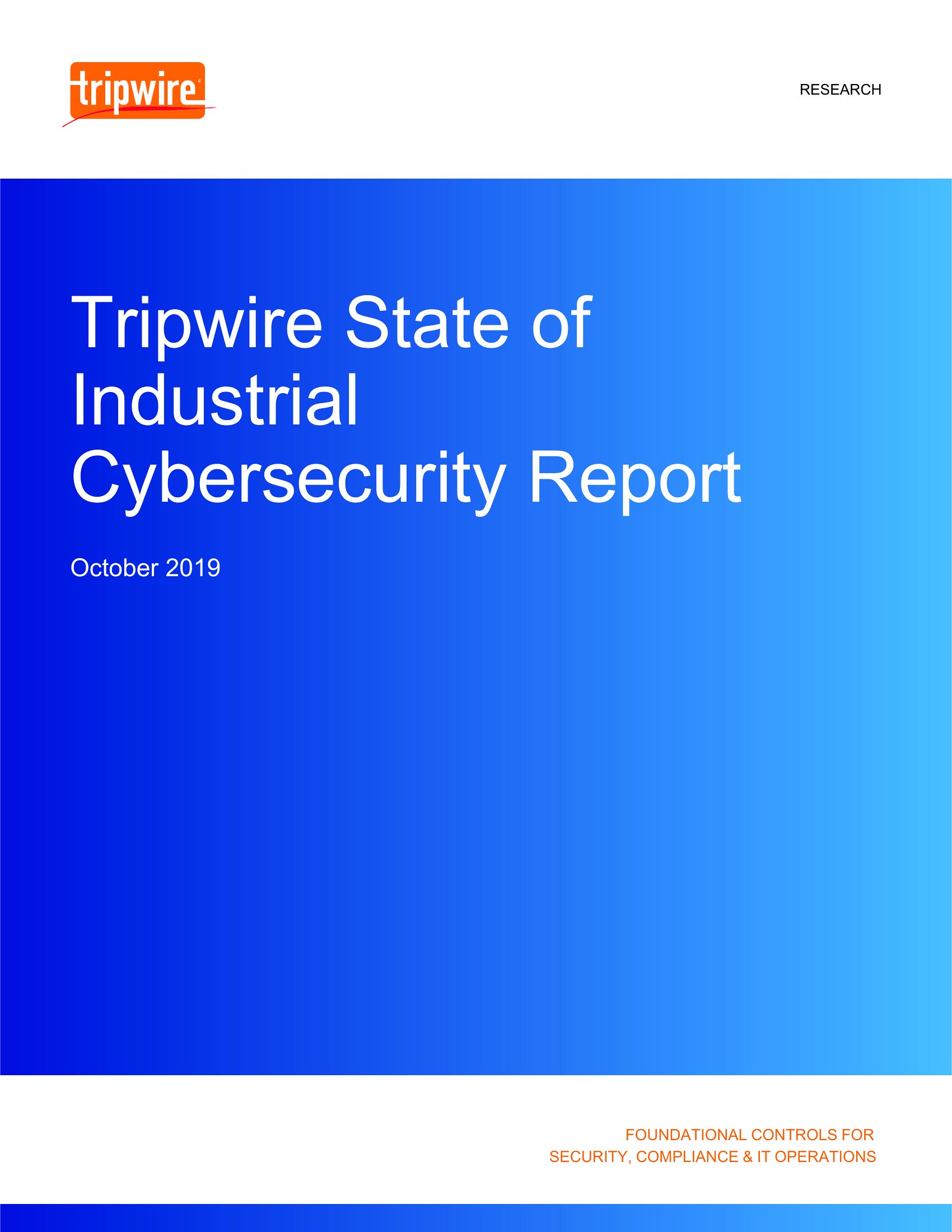
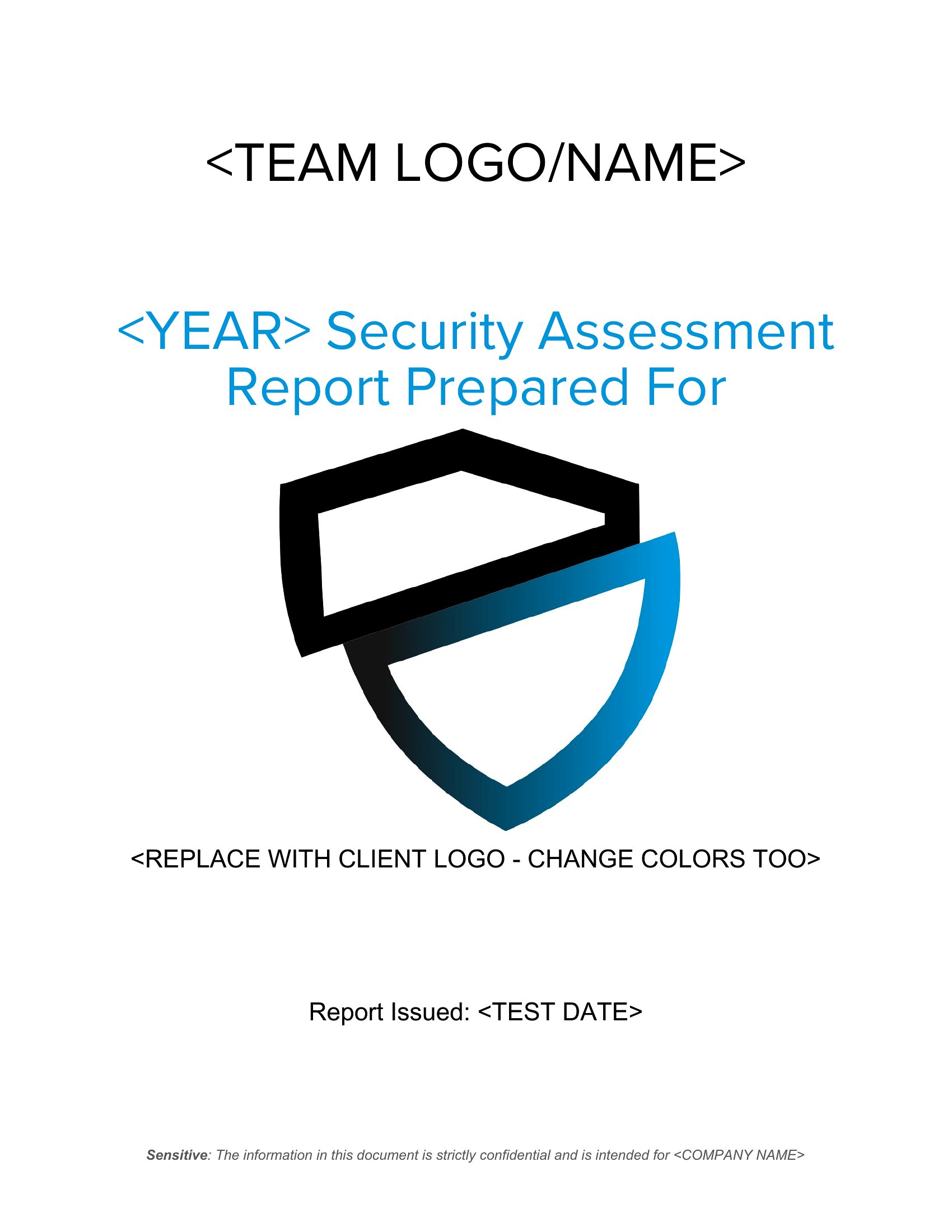
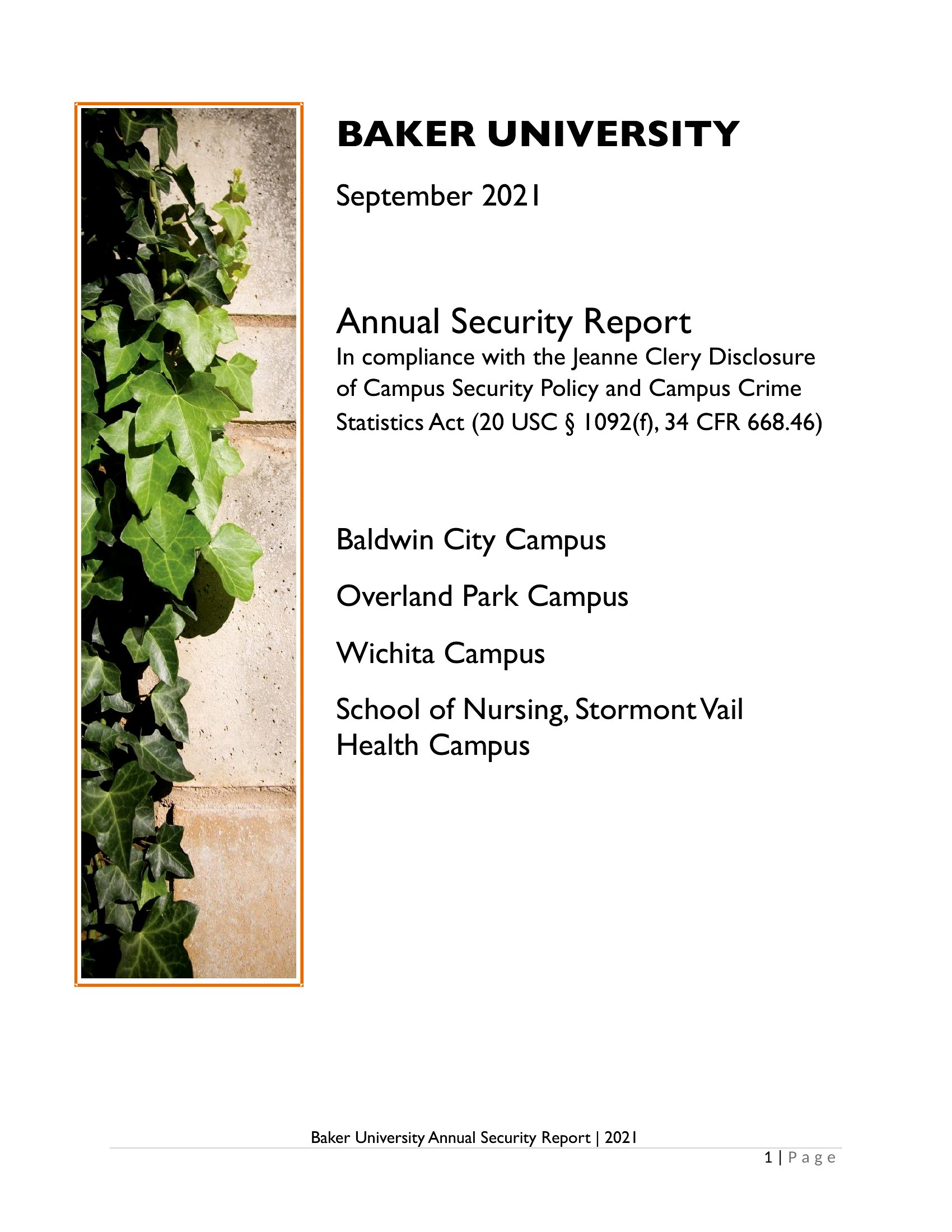
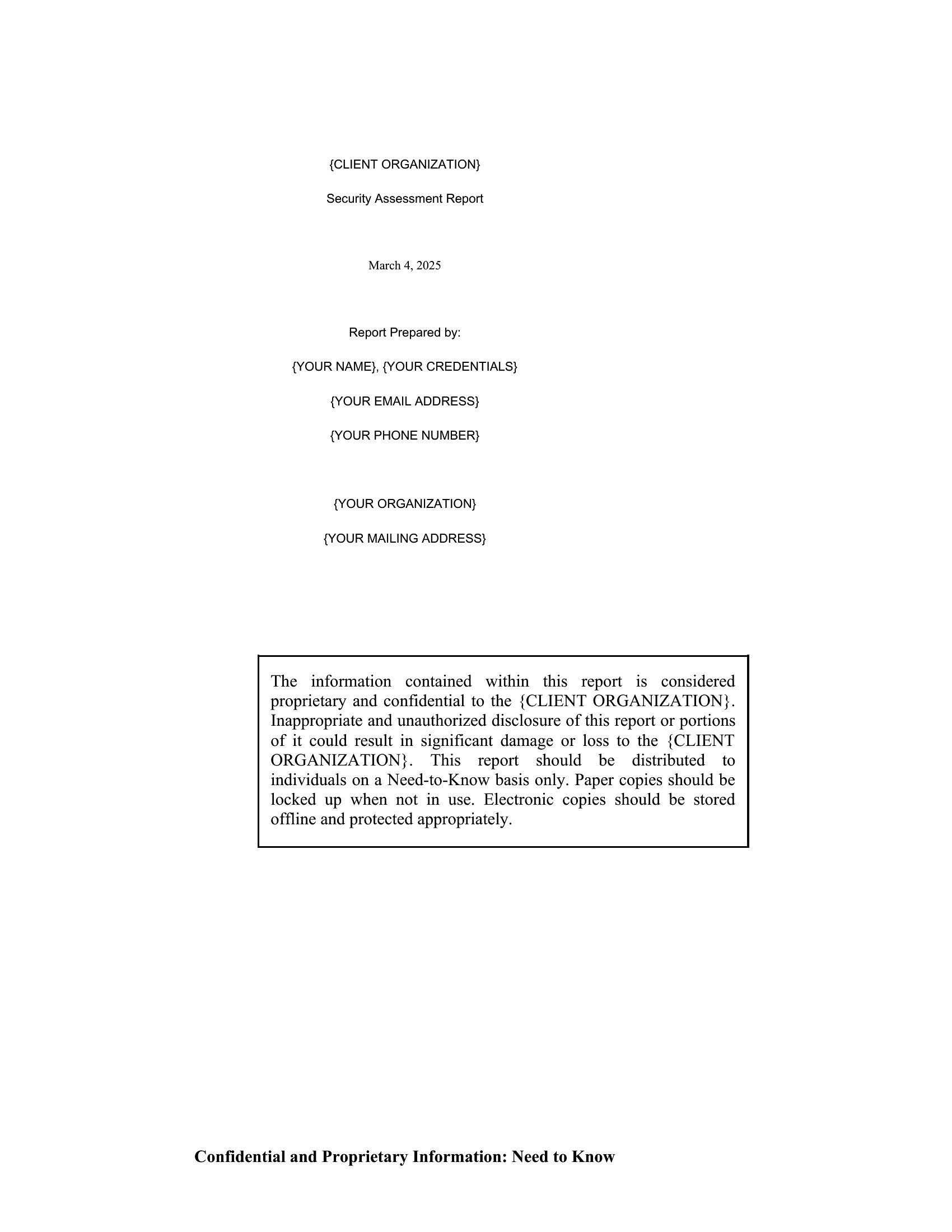
A clear security report records what happened on a shift so nothing important slips through the cracks. This collection of 50 security report templates gives guards, supervisors, and facility managers a consistent way to log incidents, patrols, visitors, and any unusual activity.
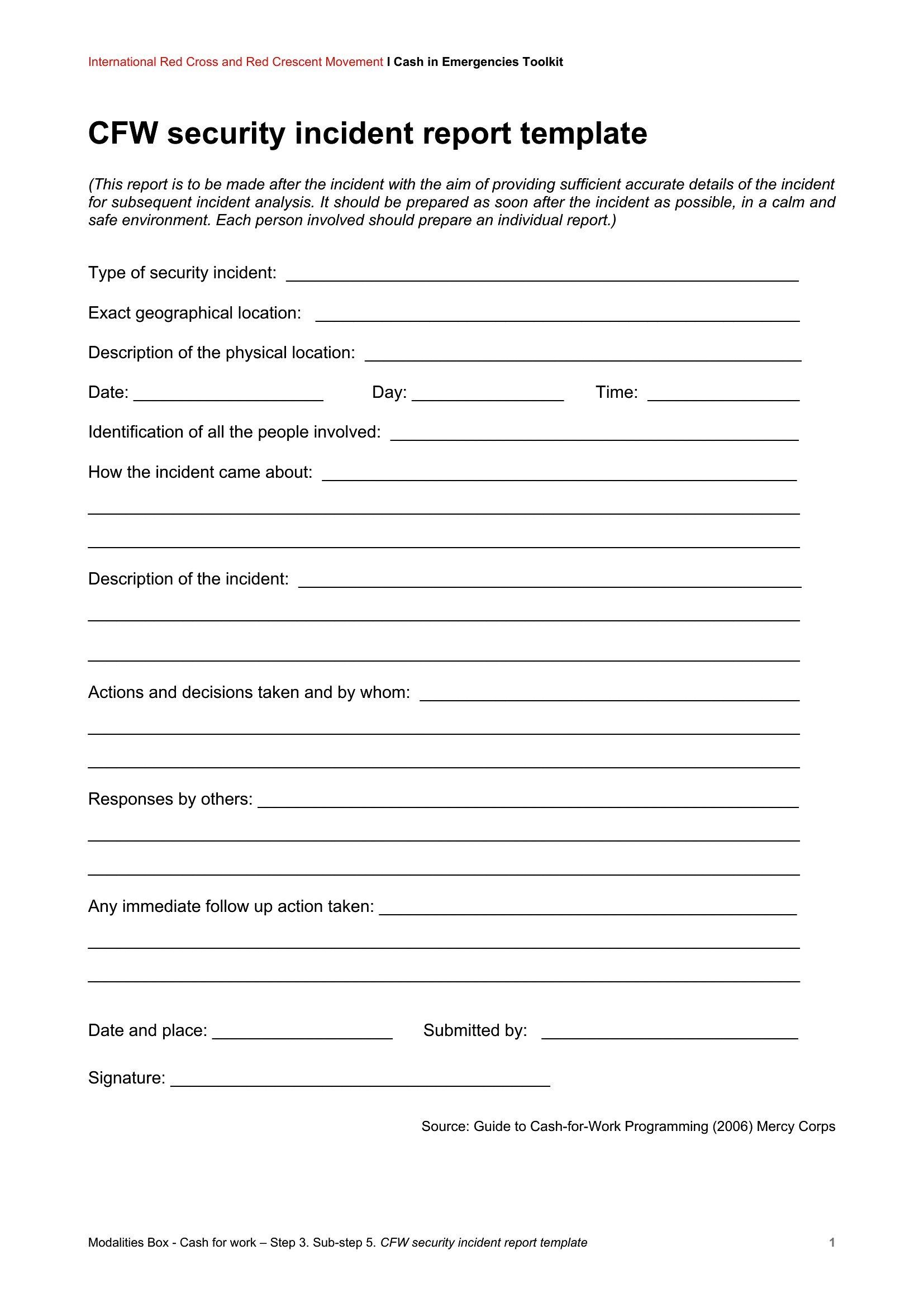
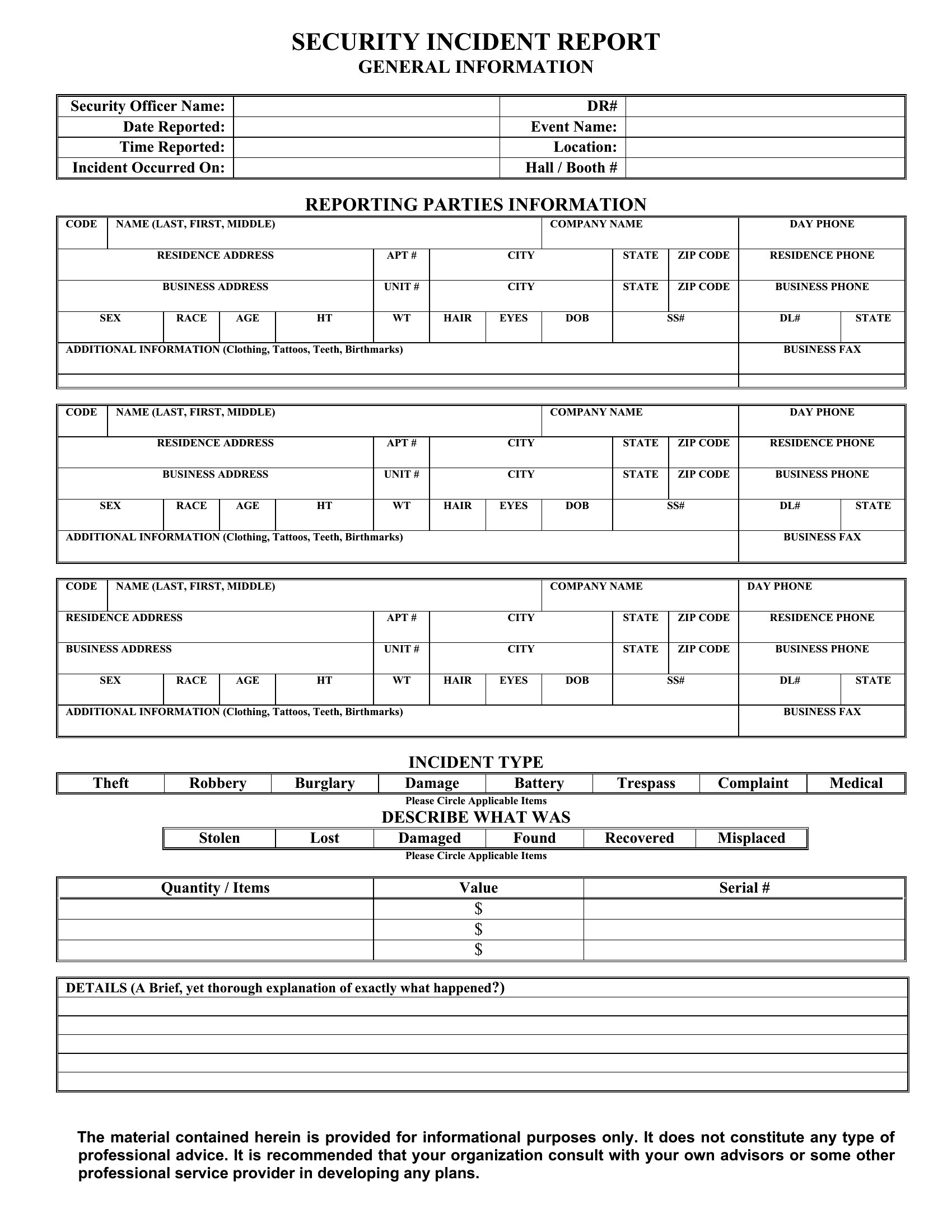
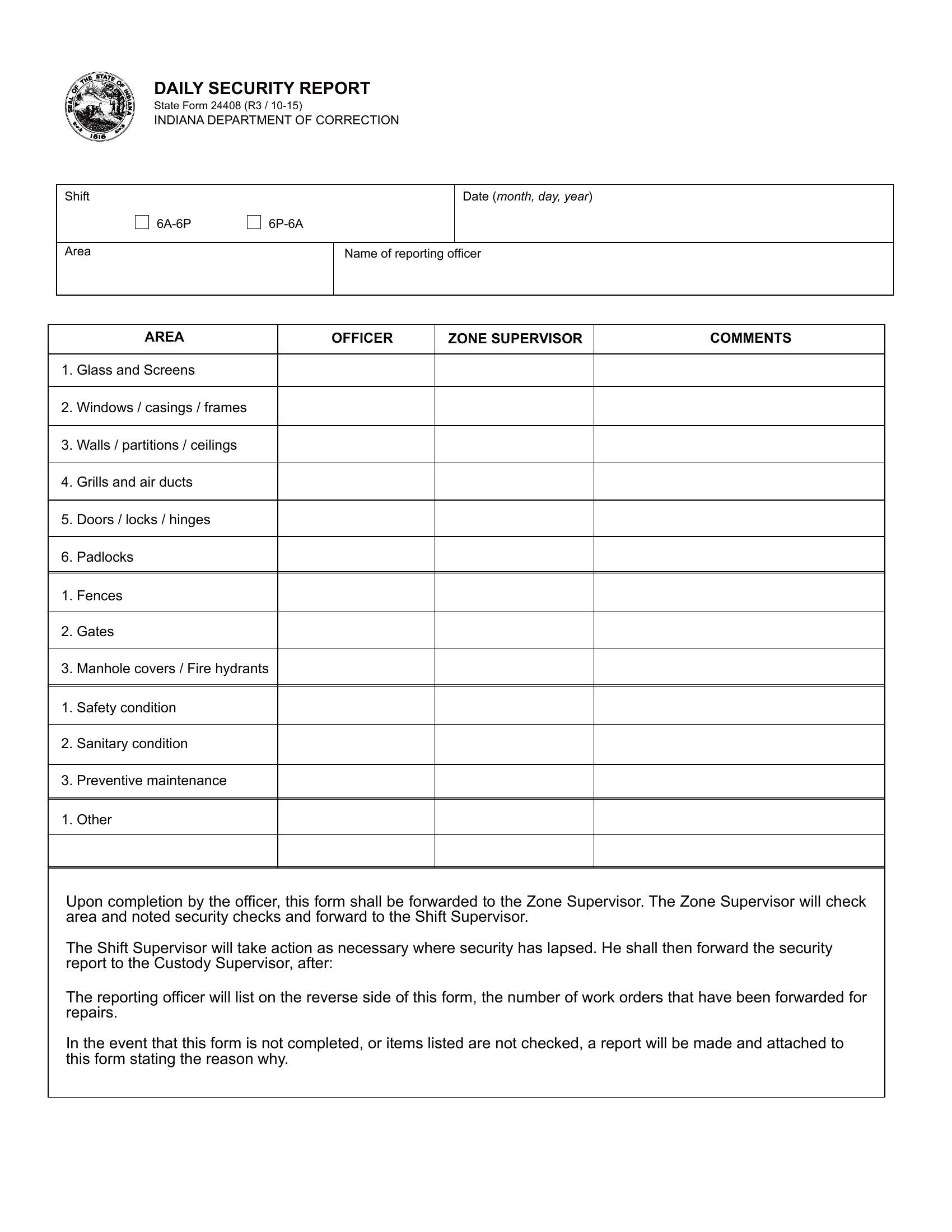
The templates are editable in Word for typed reports and available as PDFs you can print for a clipboard or logbook. Capture the date, time, location, and a factual account of events, then file it for the record. Pick the format that matches your post and document each shift without rewriting the same form every night.
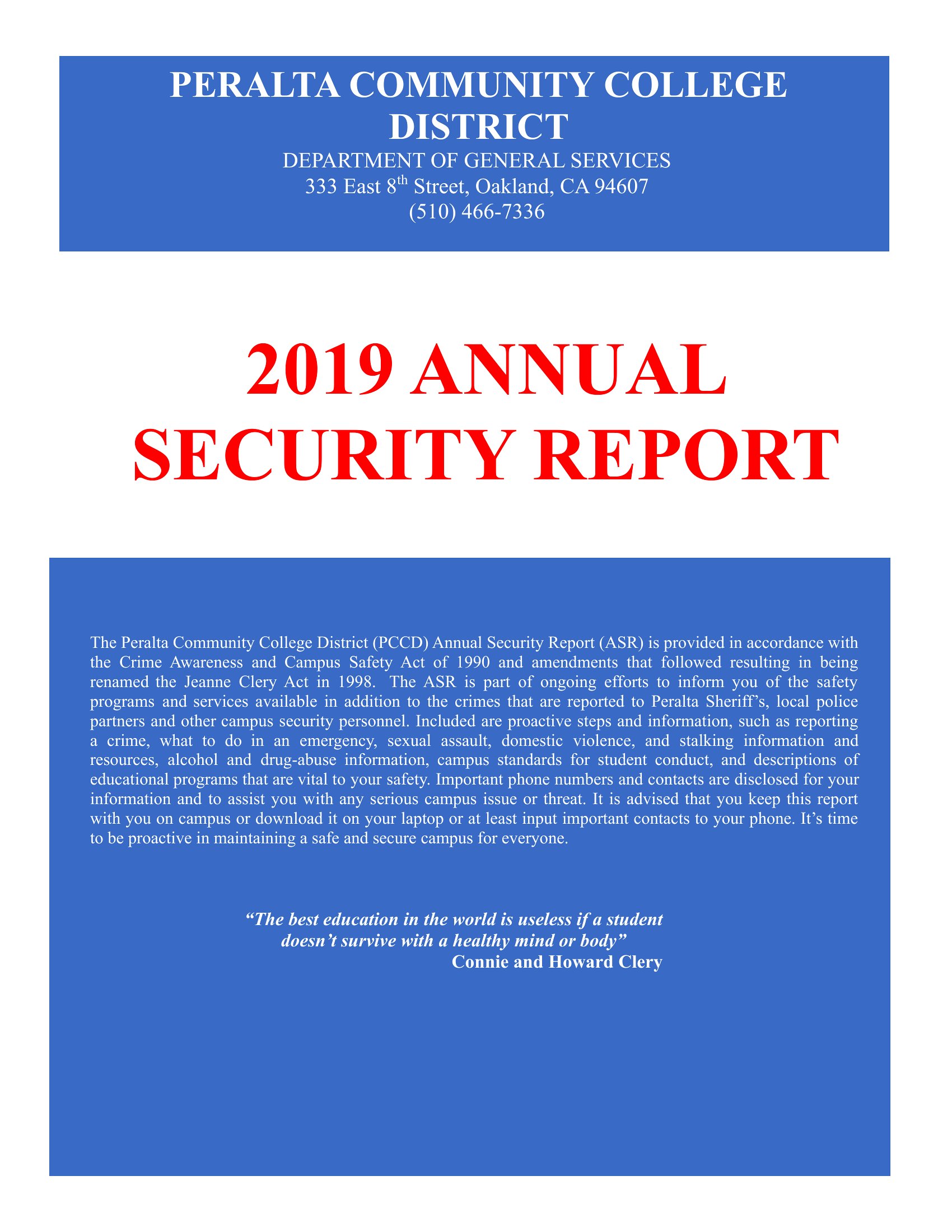
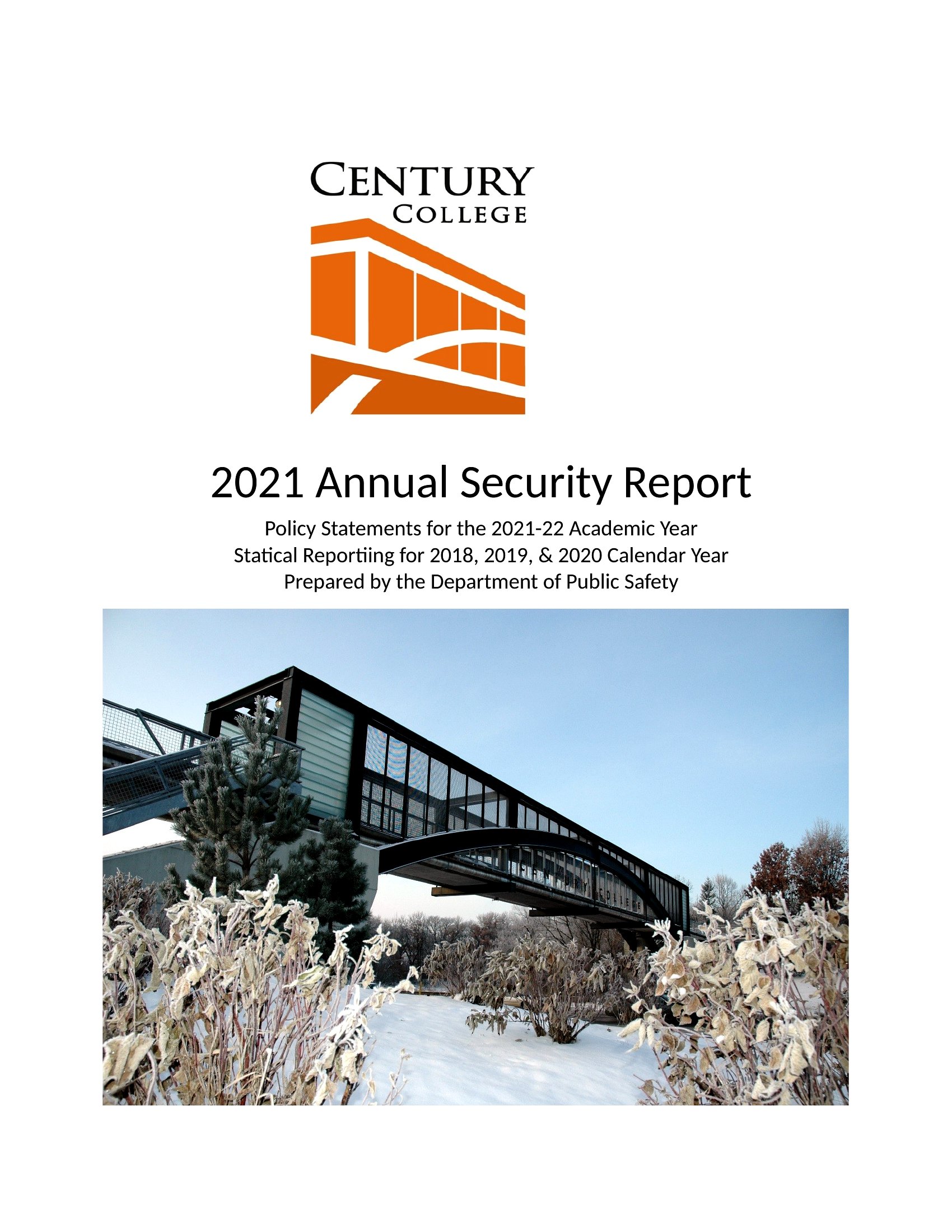
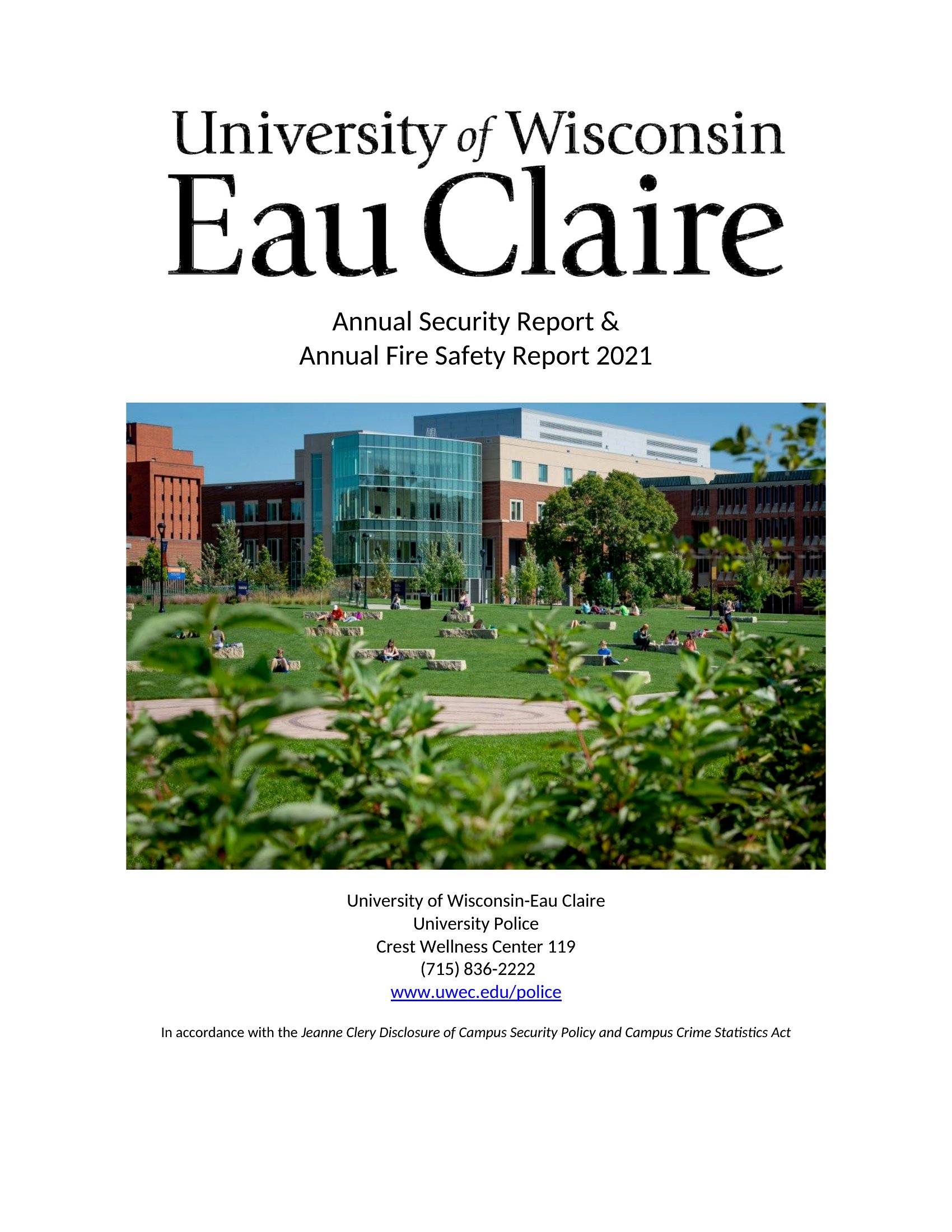
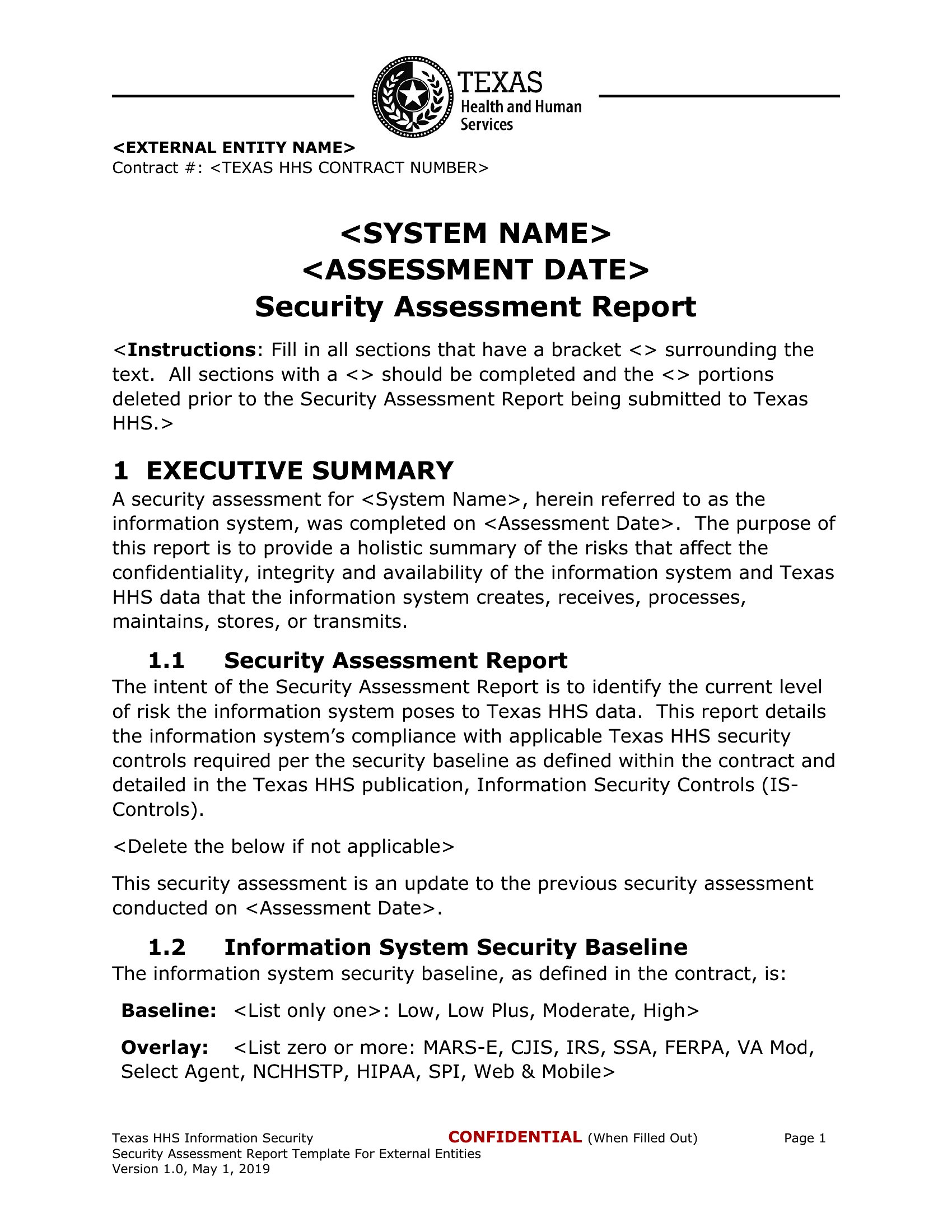
Choose from 50 Security Report Templates












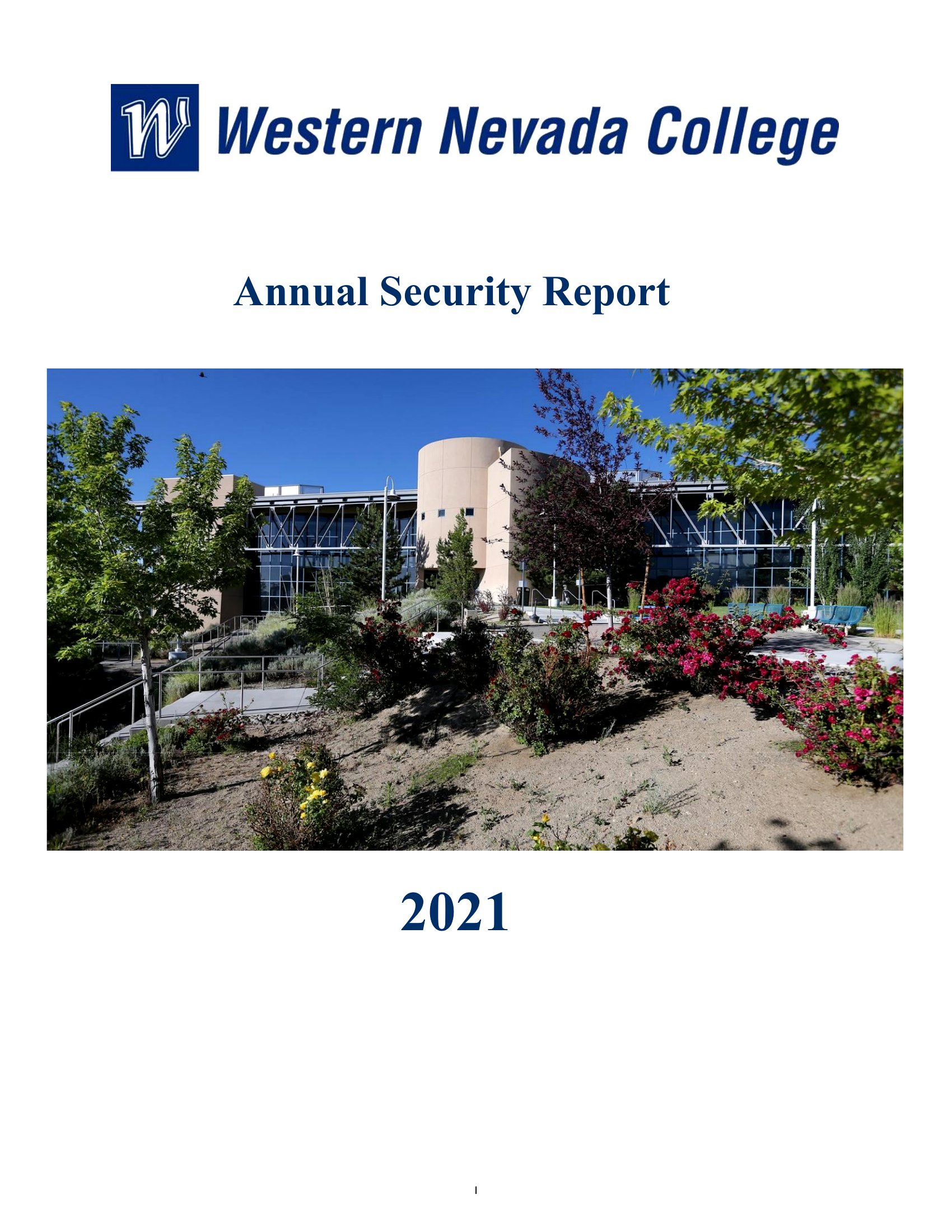
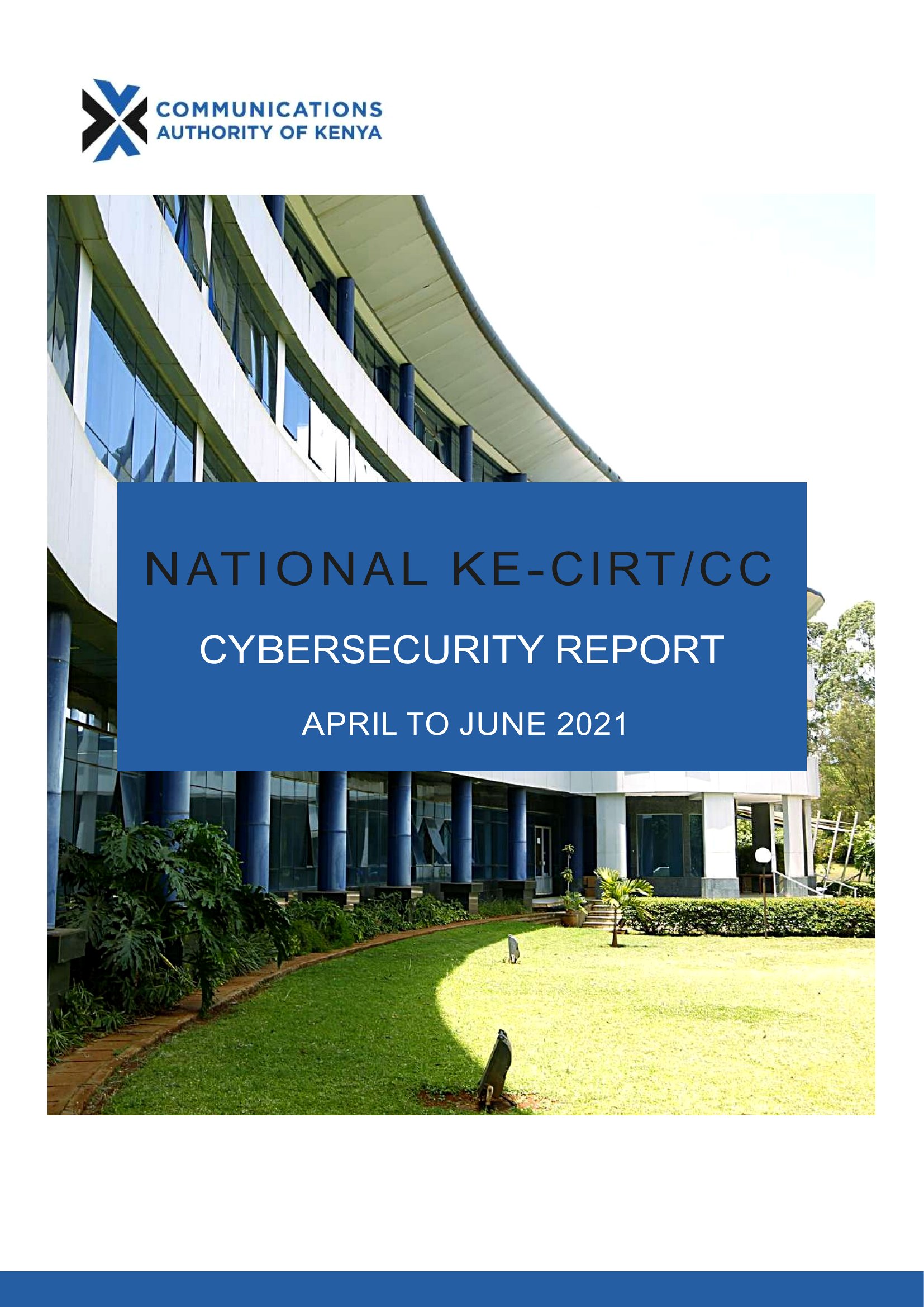
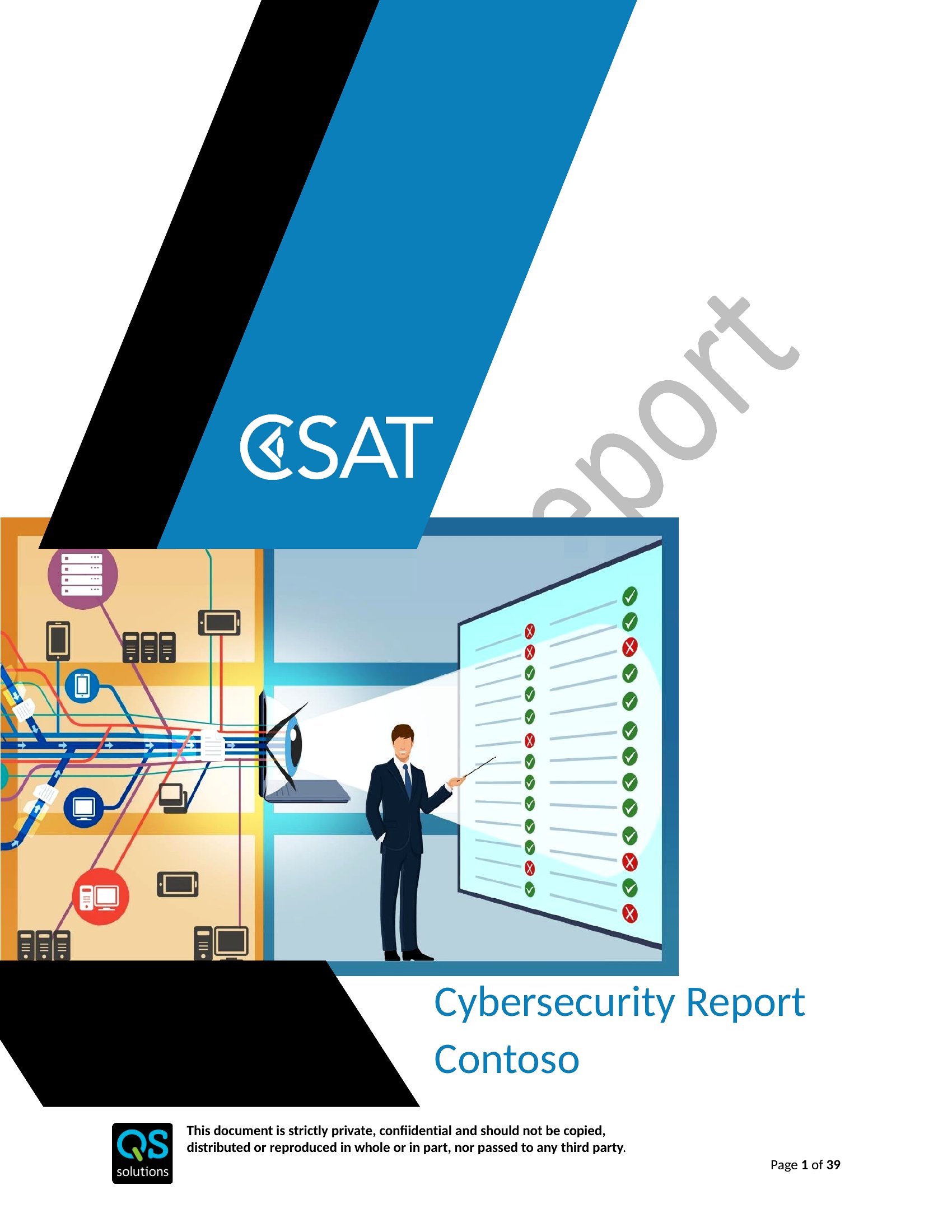


Frequently Asked Questions about Security Report Templates
Are these Security Report templates free to download?
Yes. Every Security Report template in this collection is free to download from TemplateSpark. Just open the template you need, download it, and start editing right away — no subscription required to get started.
What file formats are available for Security Report templates?
These Security Report templates are available in Word and PDF. Pick the format that matches your workflow — each download keeps the original layout so it looks right whether you open, print, or share it.
Can I edit these Security Report templates?
Yes. The editable files open in Microsoft Word (and compatible apps like Google Docs or LibreOffice), so you can change the text, colors, and layout to fit your needs, then save or export the finished Security Report document.
How many Security Report templates can I choose from?
This page collects 50 Security Report templates so you can compare styles and layouts in one place. Browse the options, open the one that fits your purpose best, and download it in your preferred format.
Can I use Security Report templates for commercial purposes?
In most cases, yes — these Security Report templates are intended for both personal and business use. Check the license note on the template before redistributing or reselling, and avoid sharing the source files as your own product.
What is a security report and what is it used for?
A security report documents what happened during a shift or incident, creating a clear record for review. Guards and supervisors use it to log patrols, incidents, visitors, and unusual activity, ensuring important details are captured accurately and can be referenced later by management, clients, or authorities.
What should a security report include?
A security report should include the date, time, location, the officer's name, and a factual description of events in chronological order. Note people involved, actions taken, and any follow-up needed. Stick to objective observations rather than opinions, since accurate, specific details make the report reliable and useful.
What common mistakes should you avoid when writing a security report?
Avoid vague language, missing times, and personal opinions stated as fact. Do not omit details or delay writing until memory fades. Failing to record names, locations, or actions taken weakens the report. Keep it clear, objective, and chronological so it holds up if reviewed later.
Comments
Join the conversation
Sign in to share your thoughts and leave a comment on this resource.