
Free Security Deposit Receipts (Word, Excel, PDF)
Payments by ellapatel
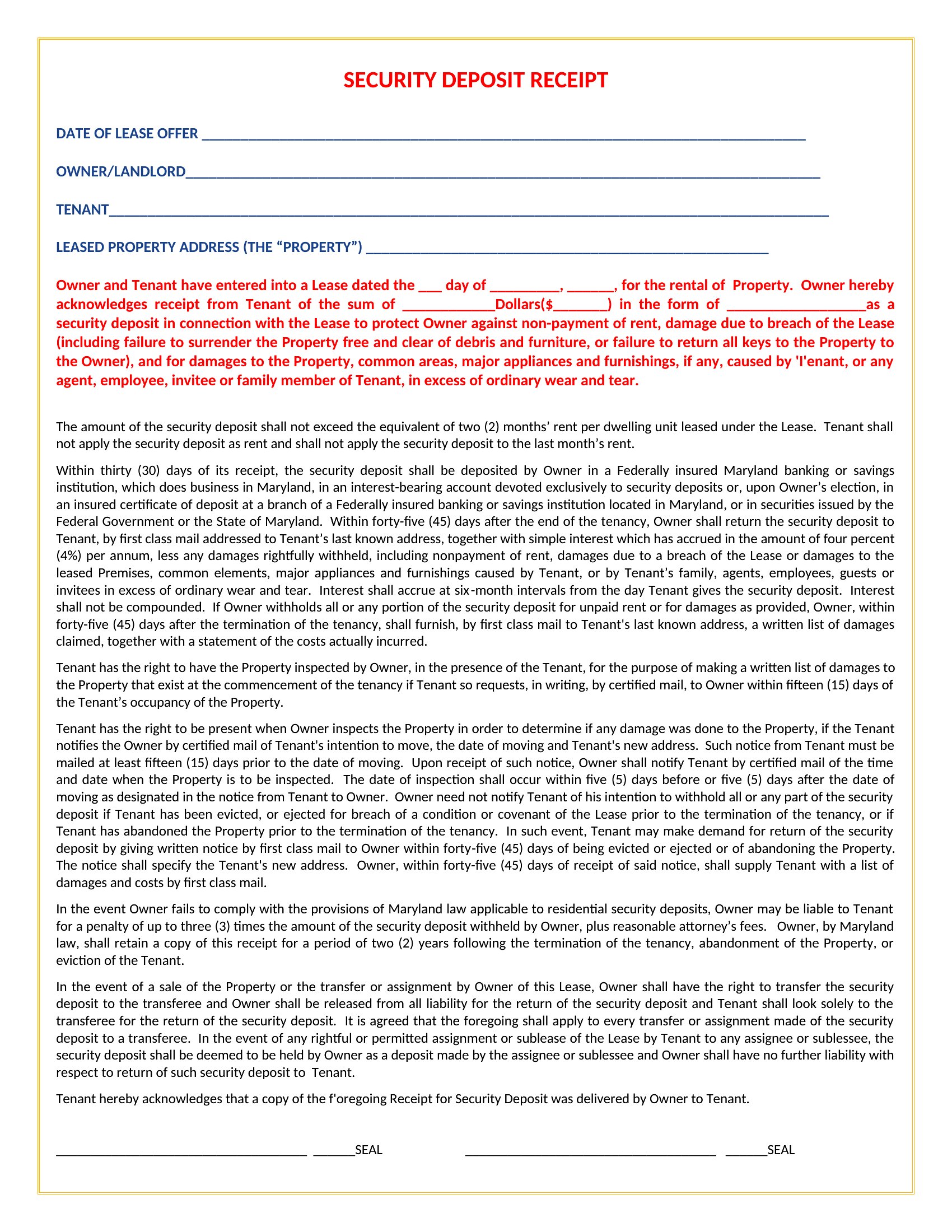
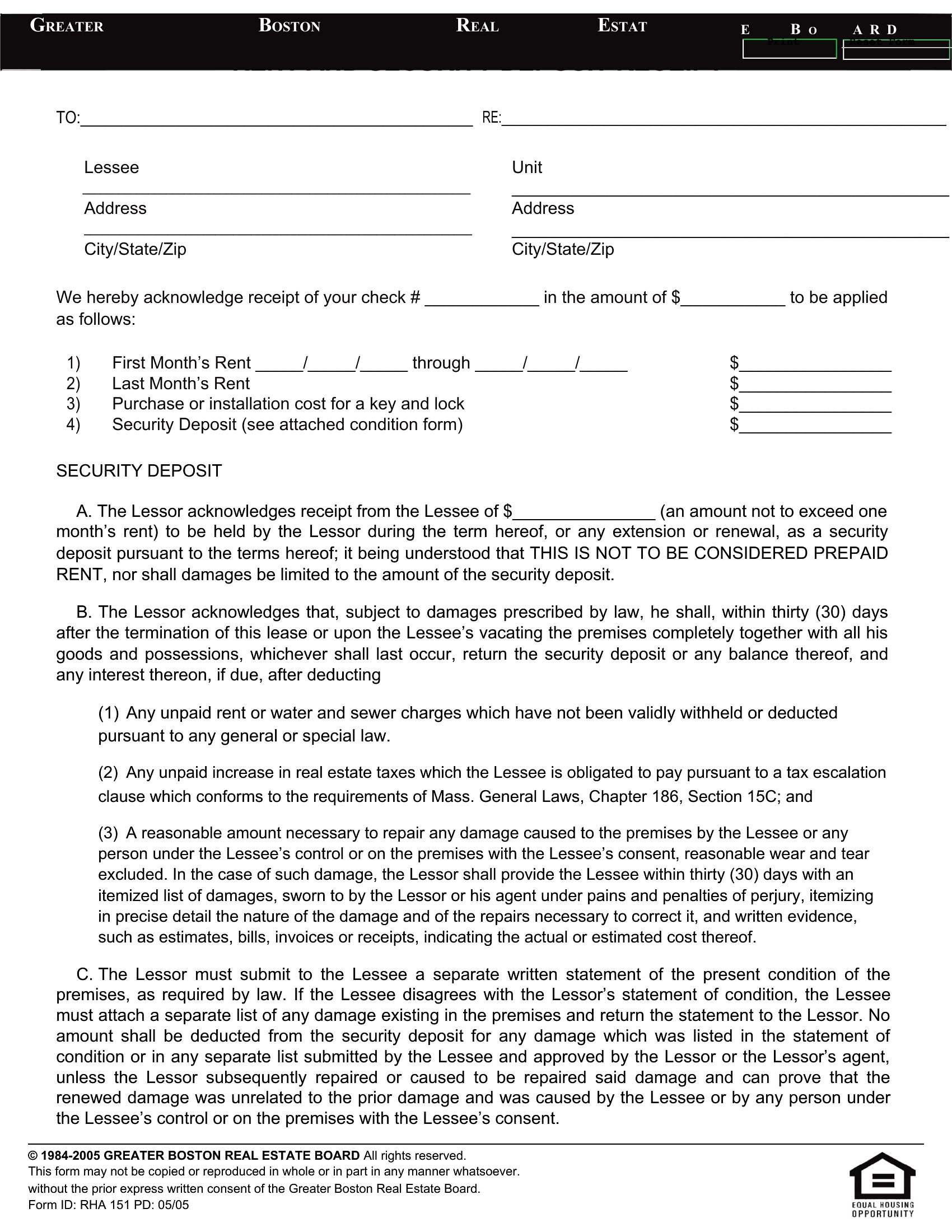
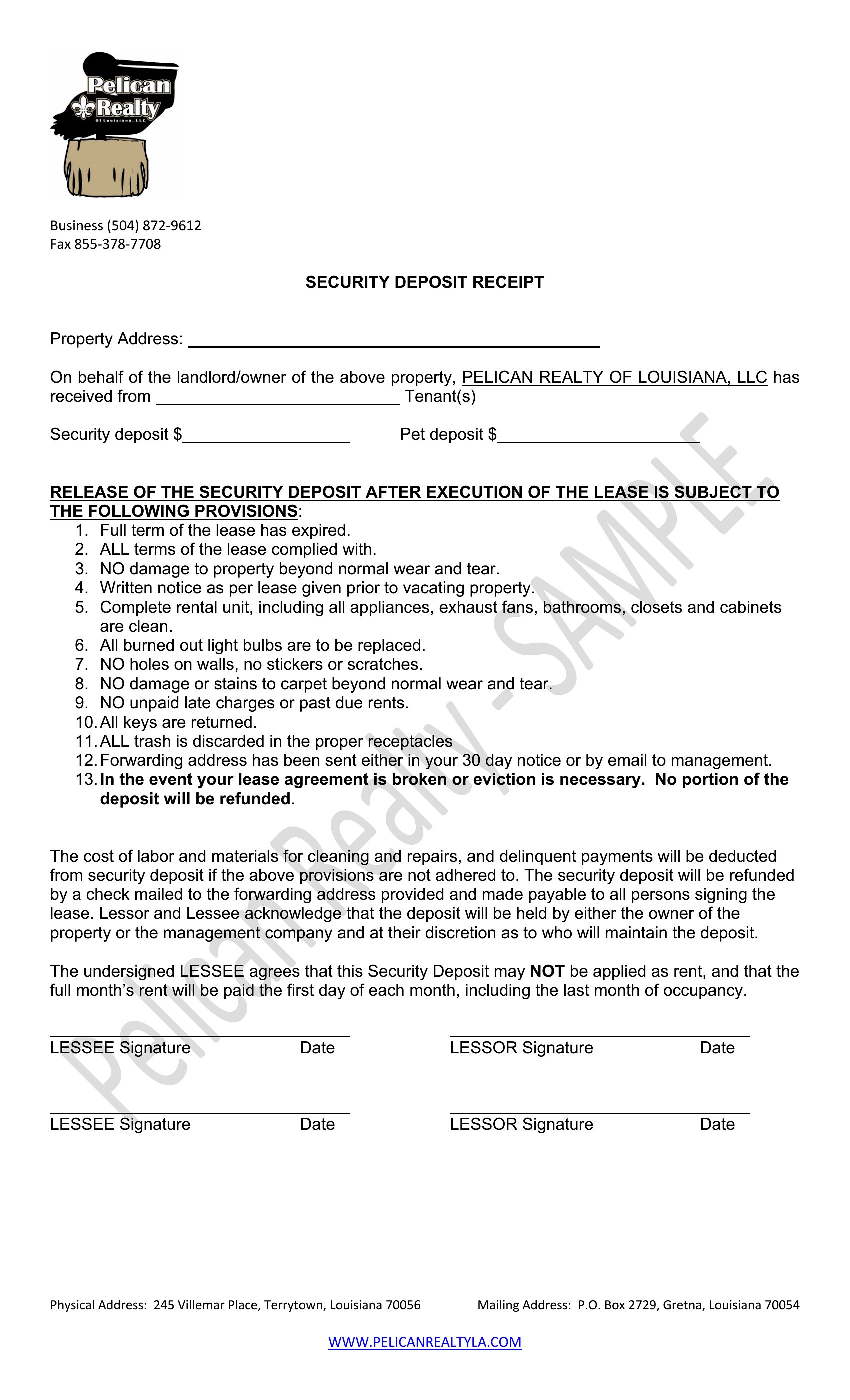
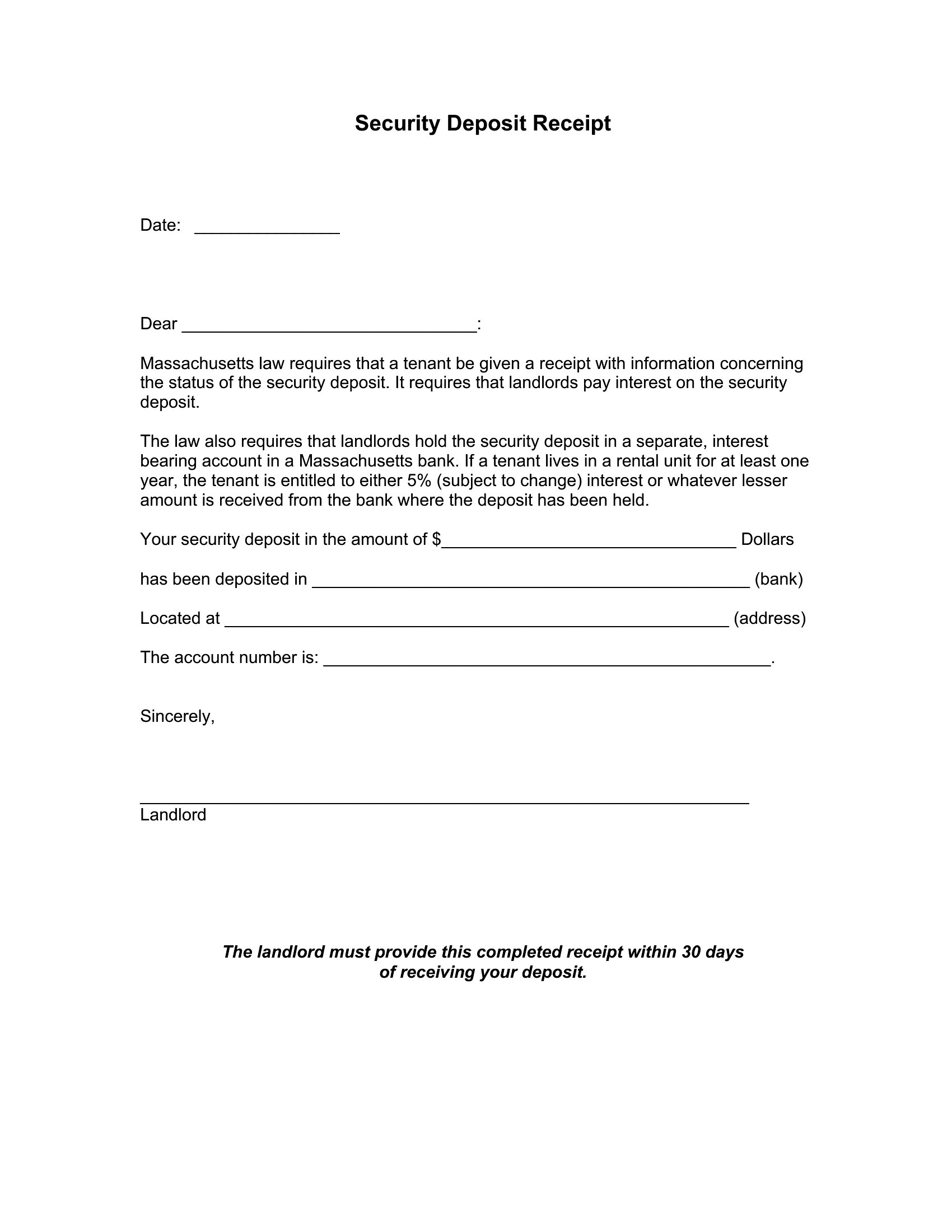
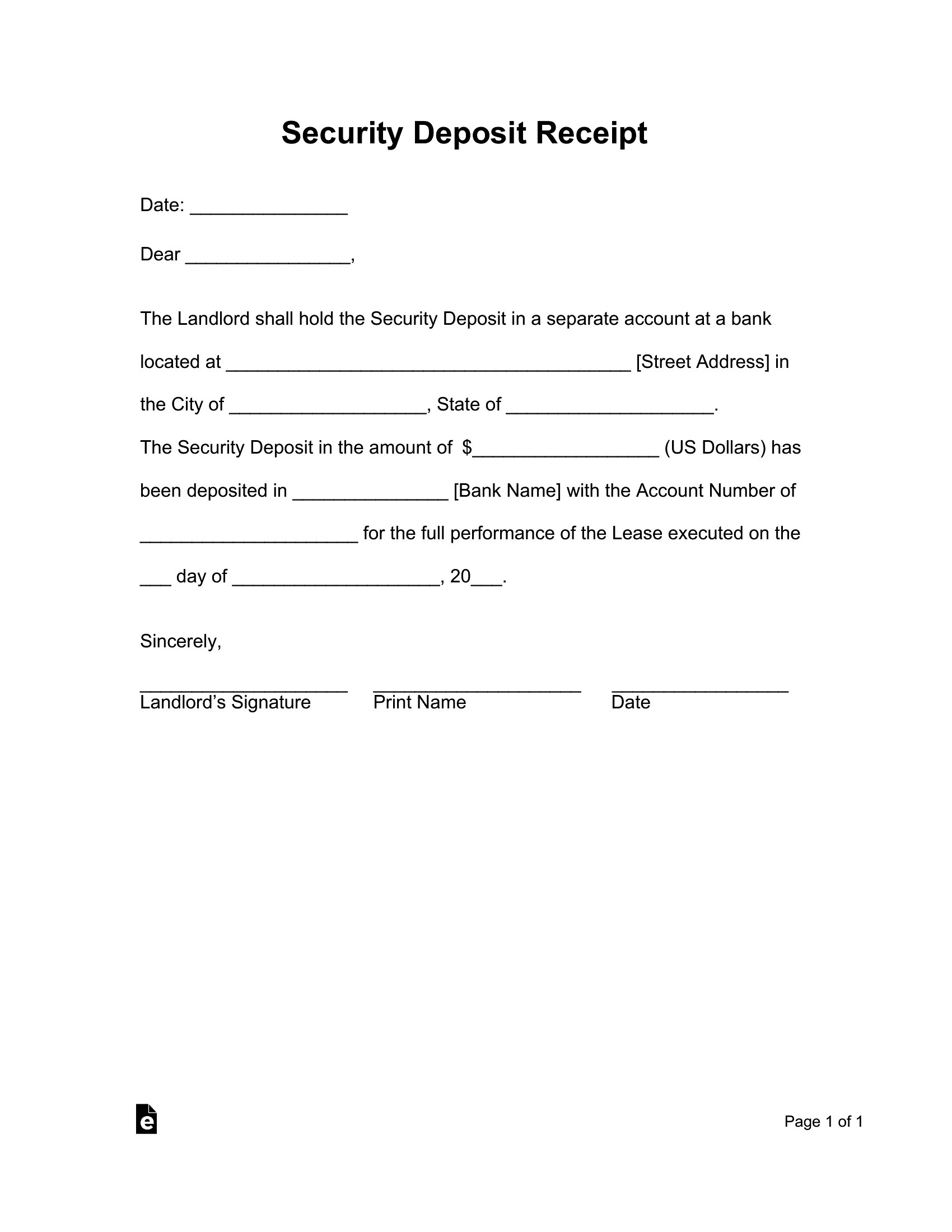
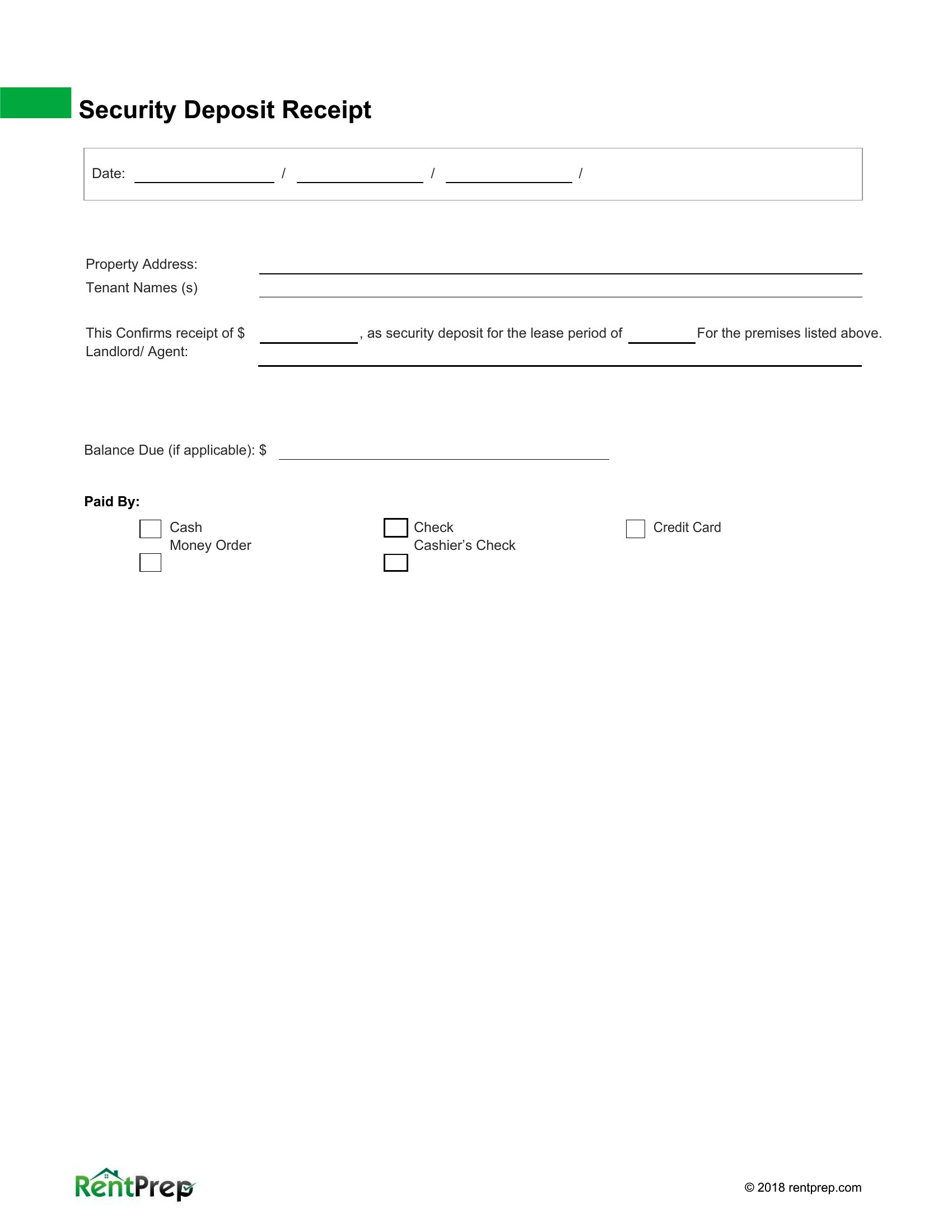
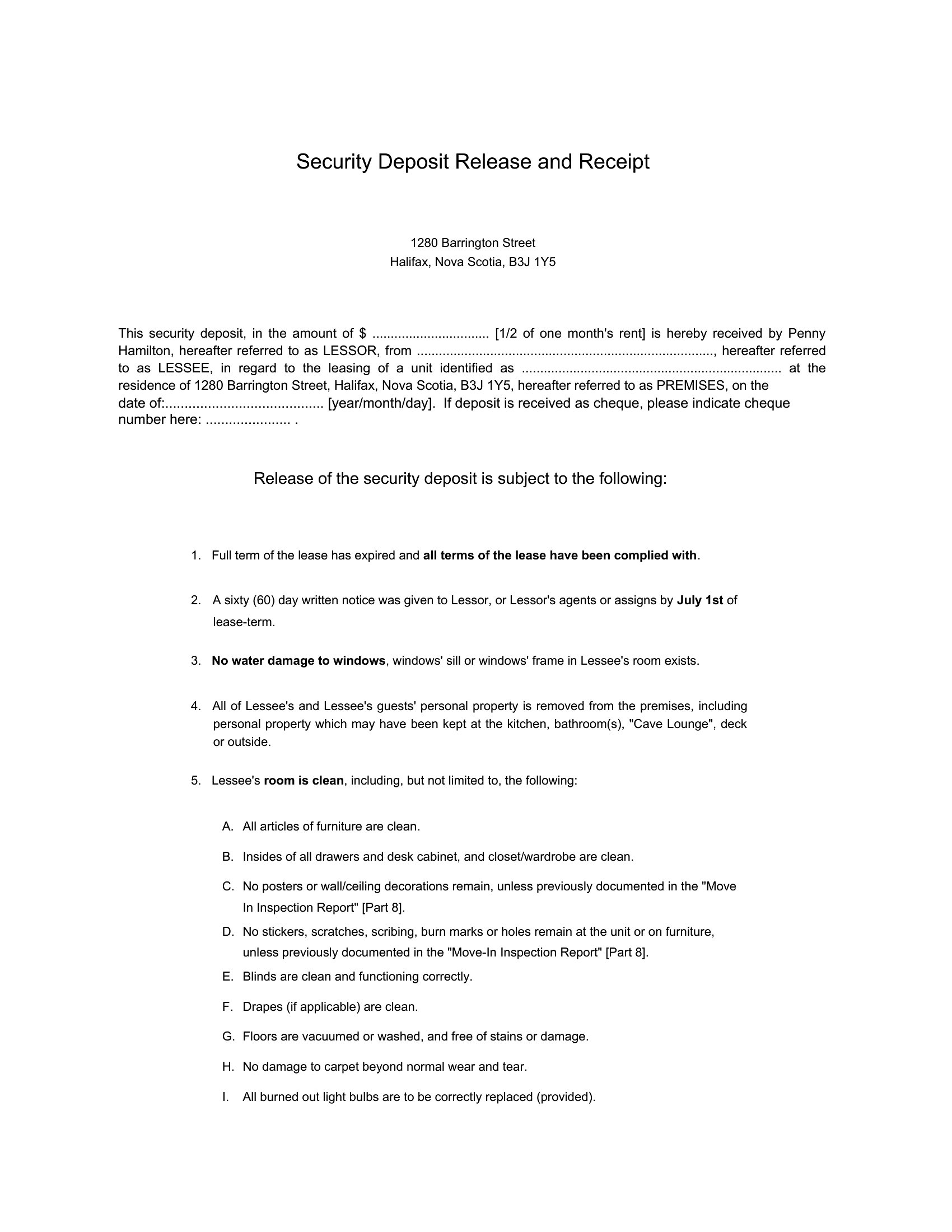
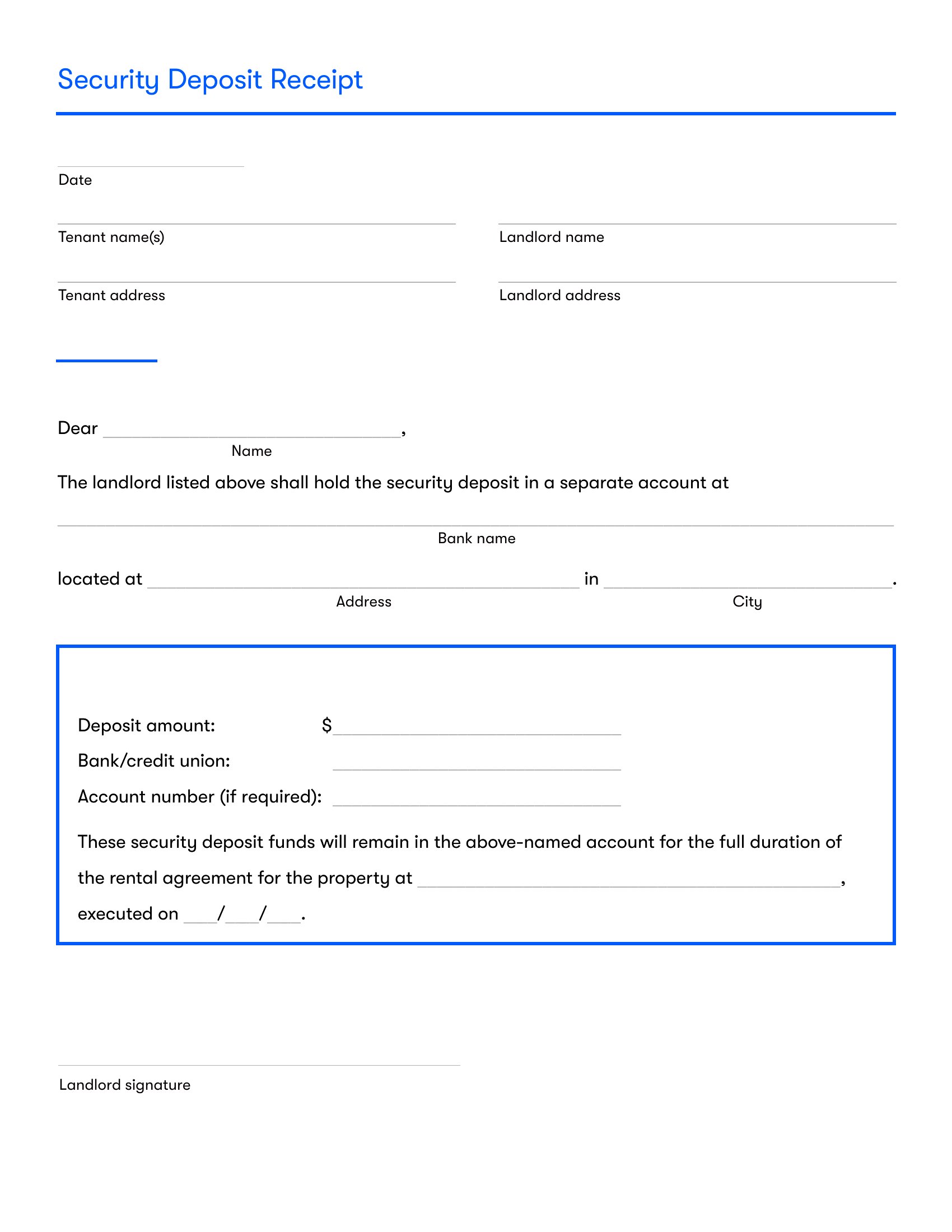
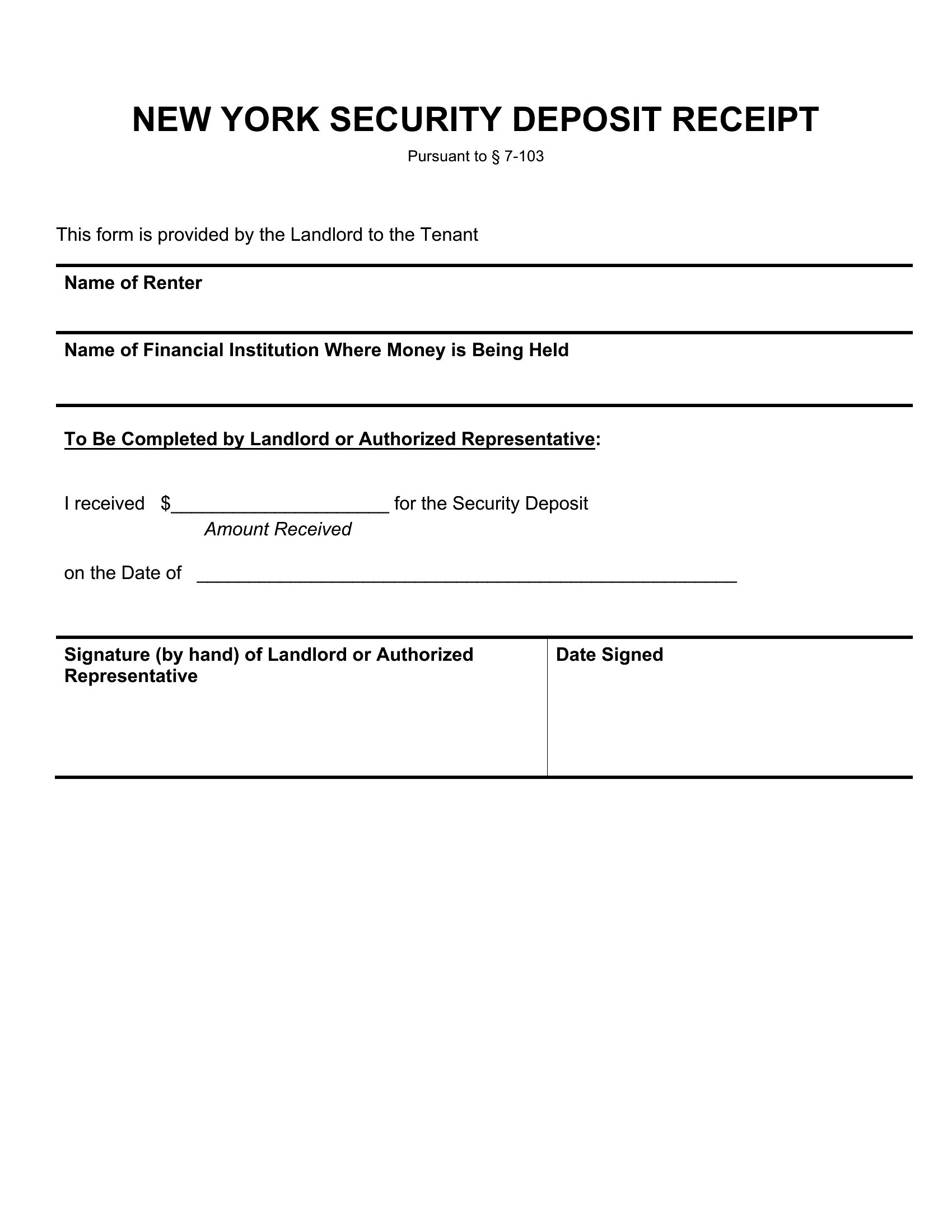
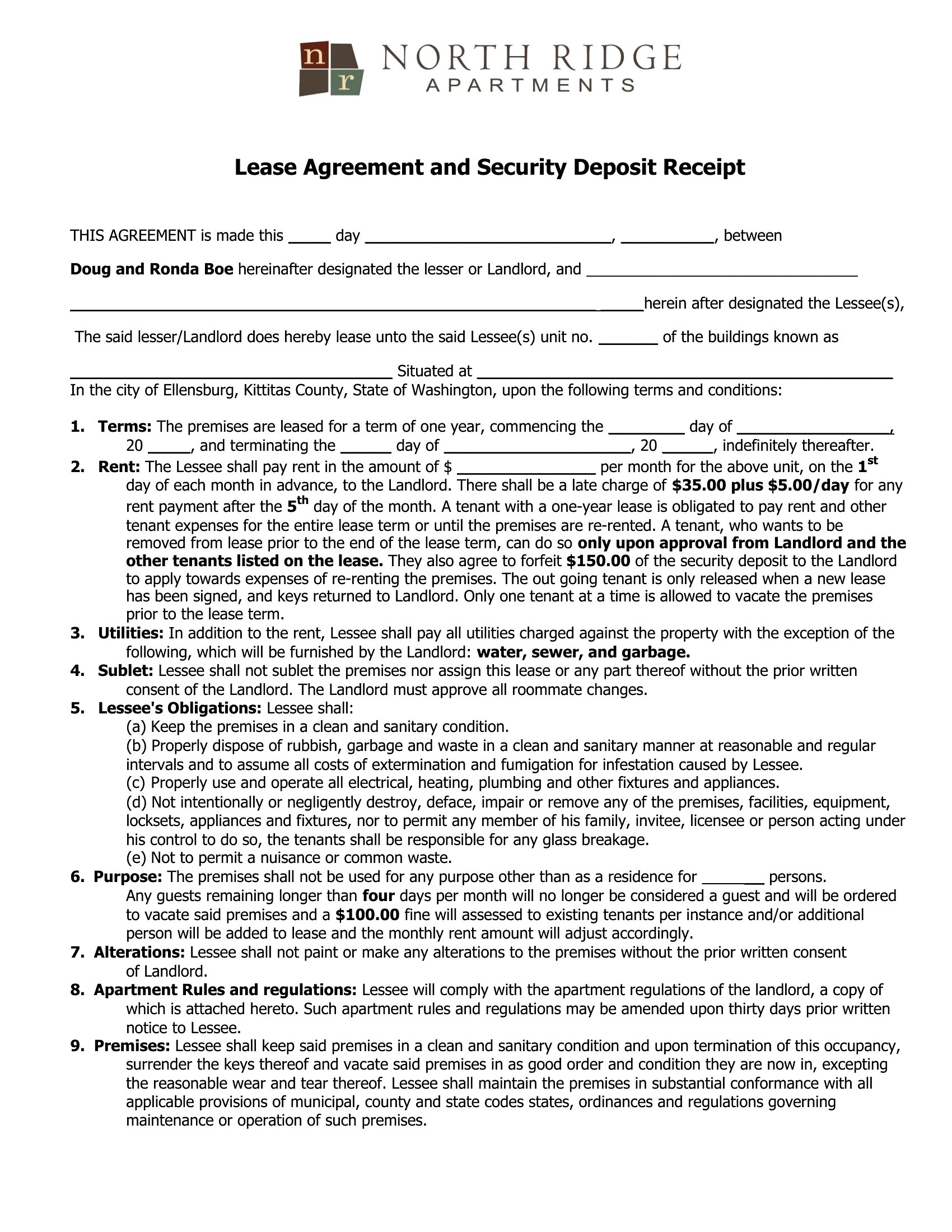
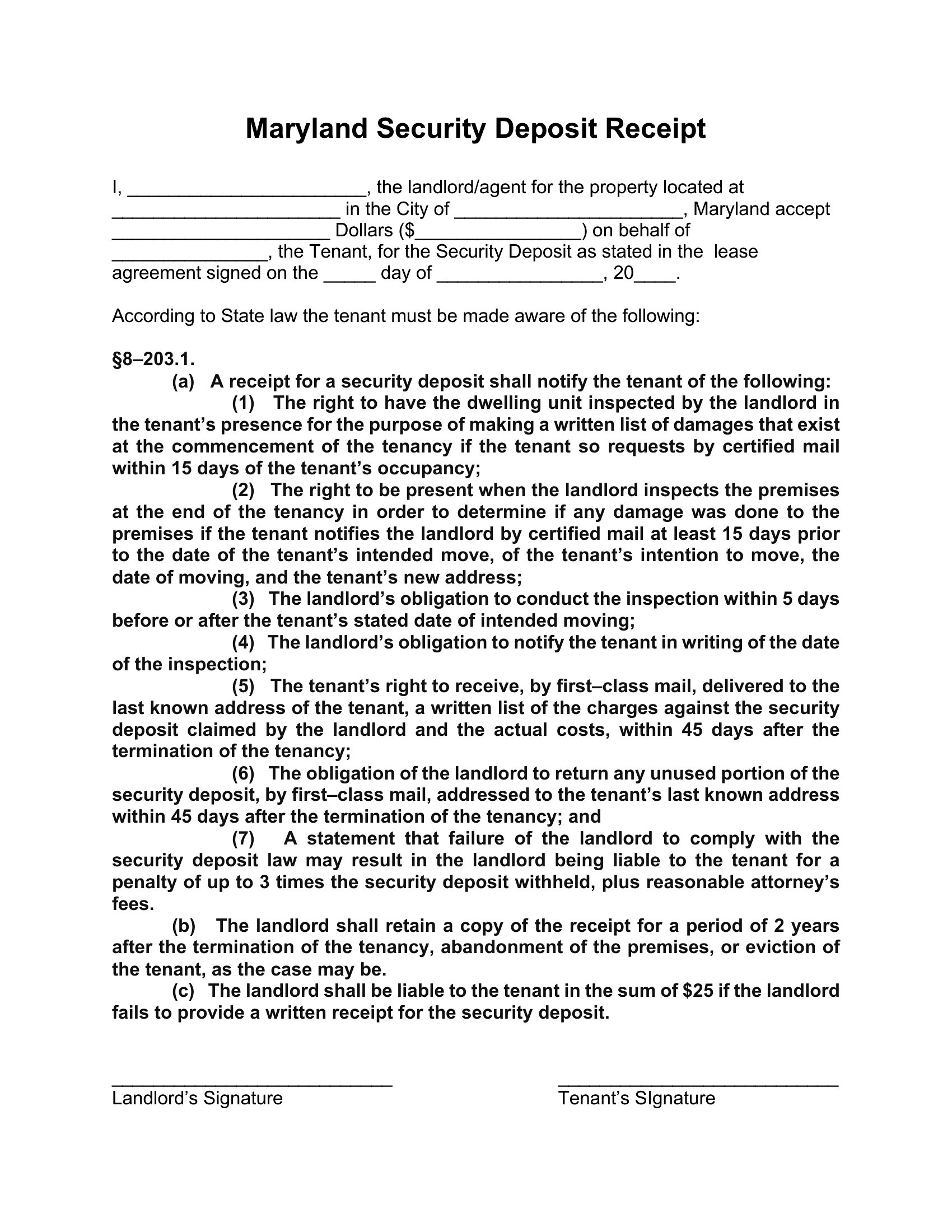
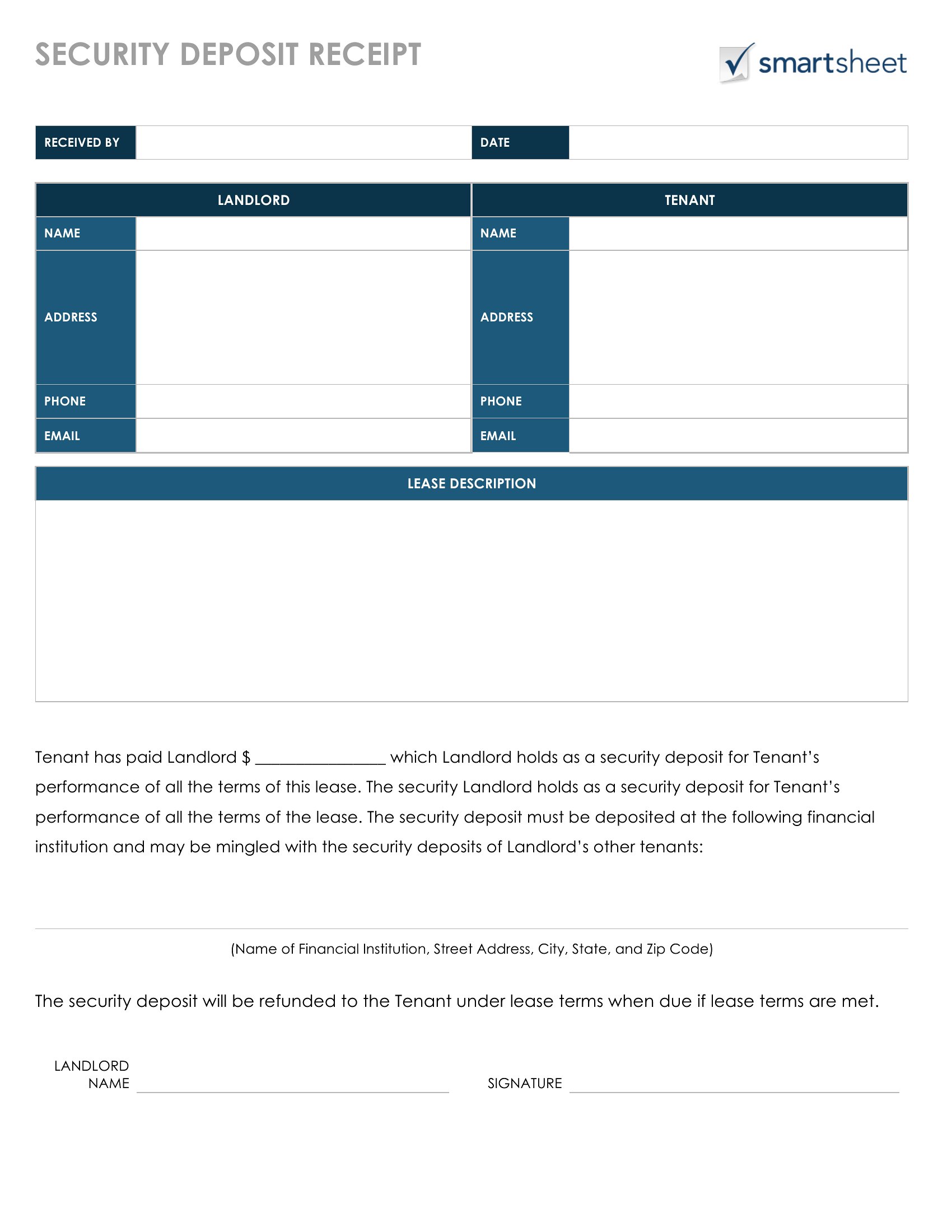
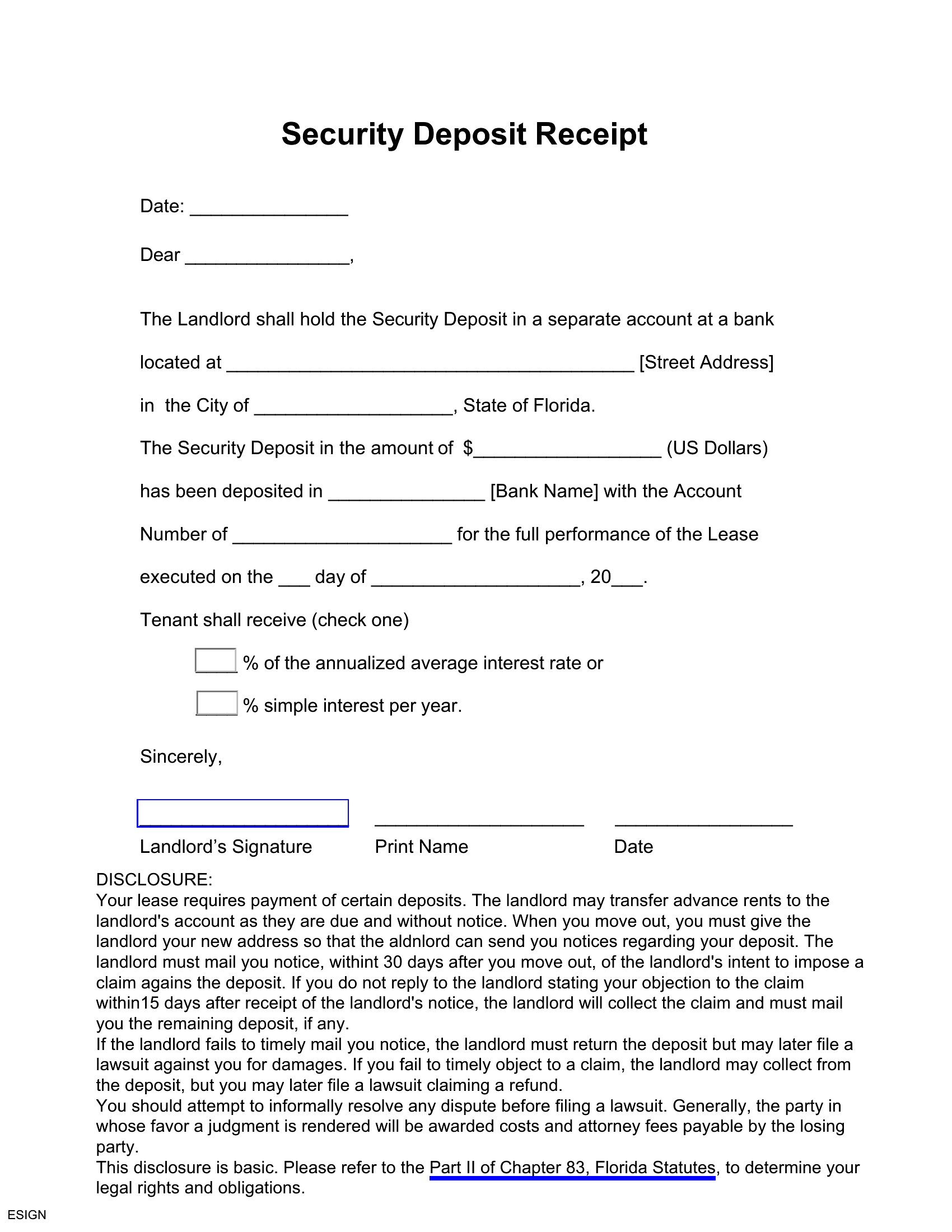
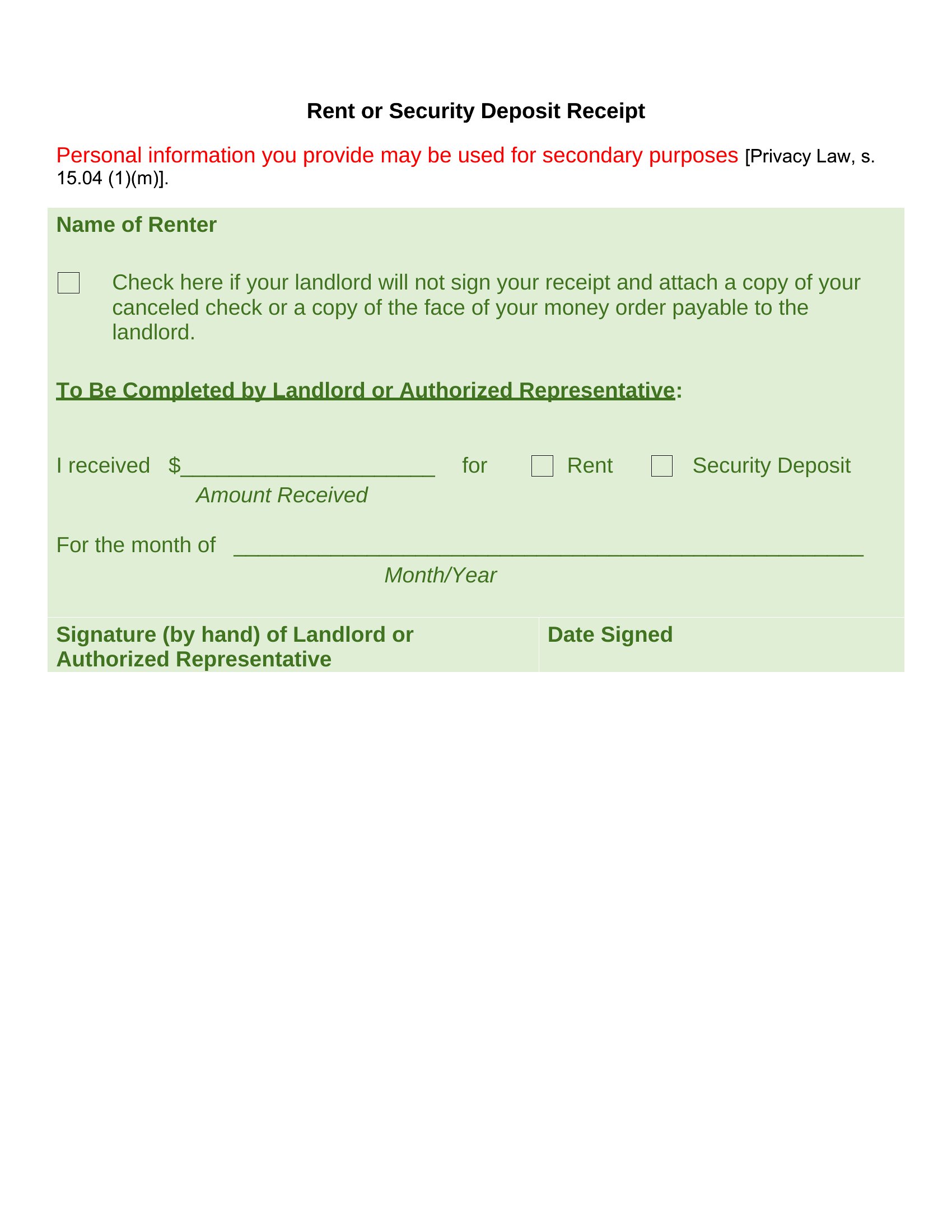
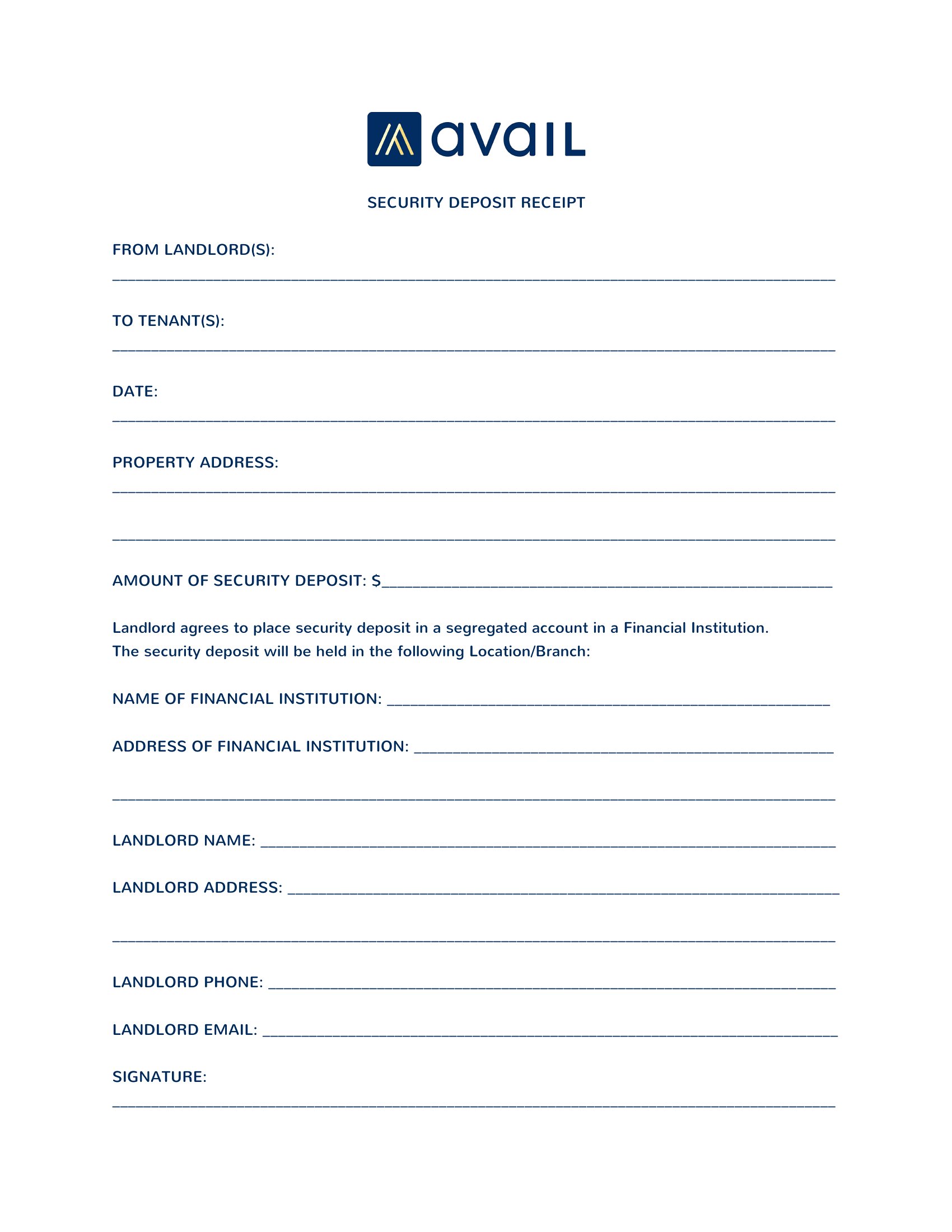
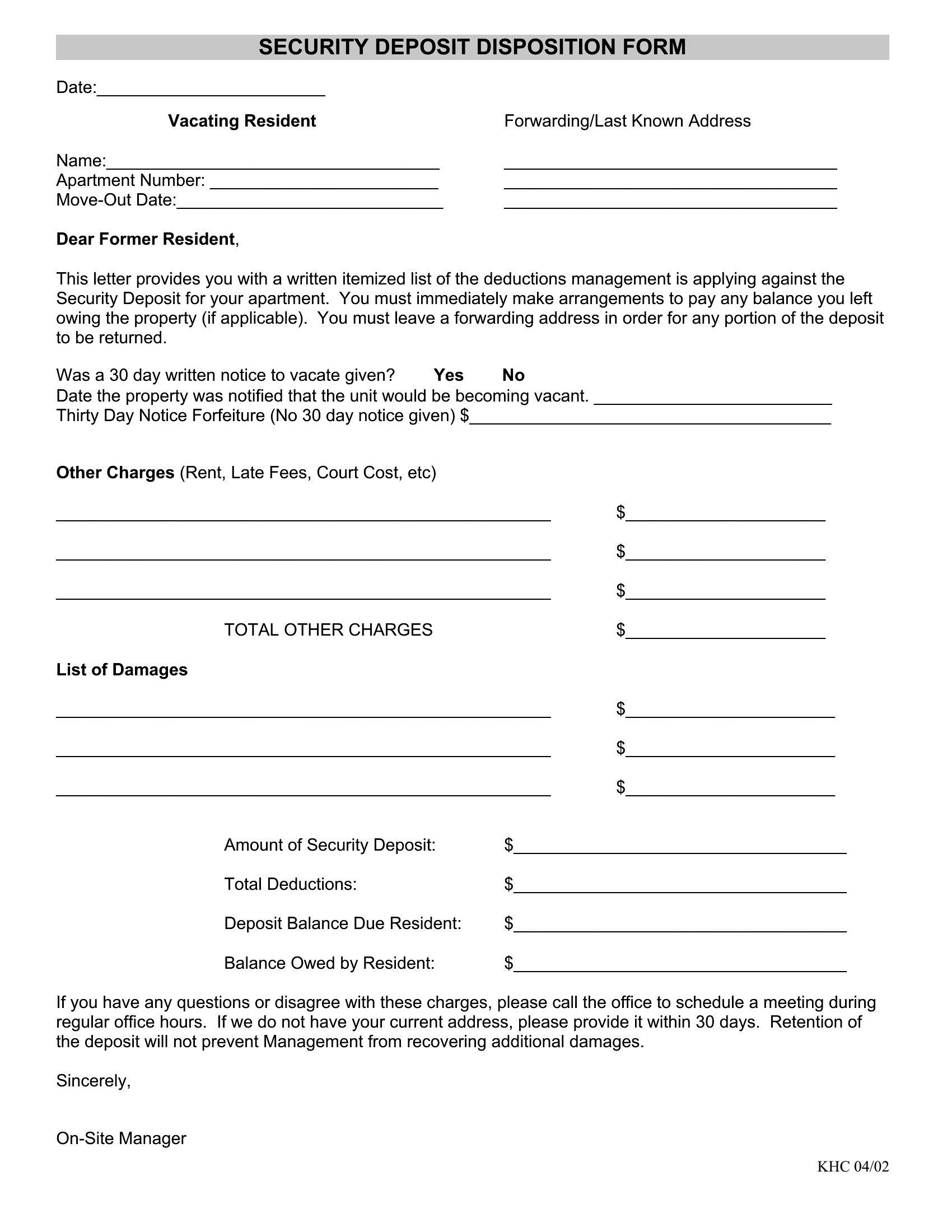
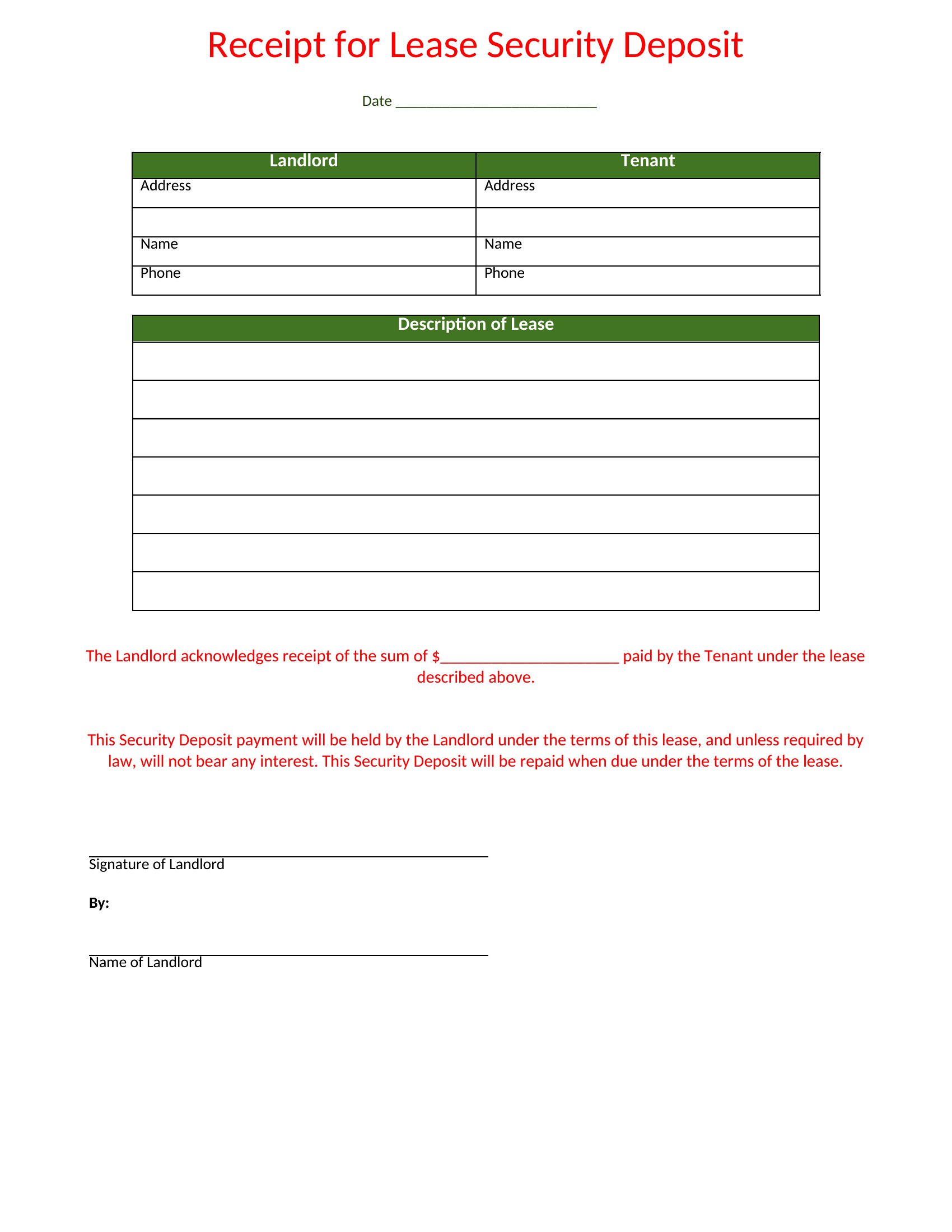
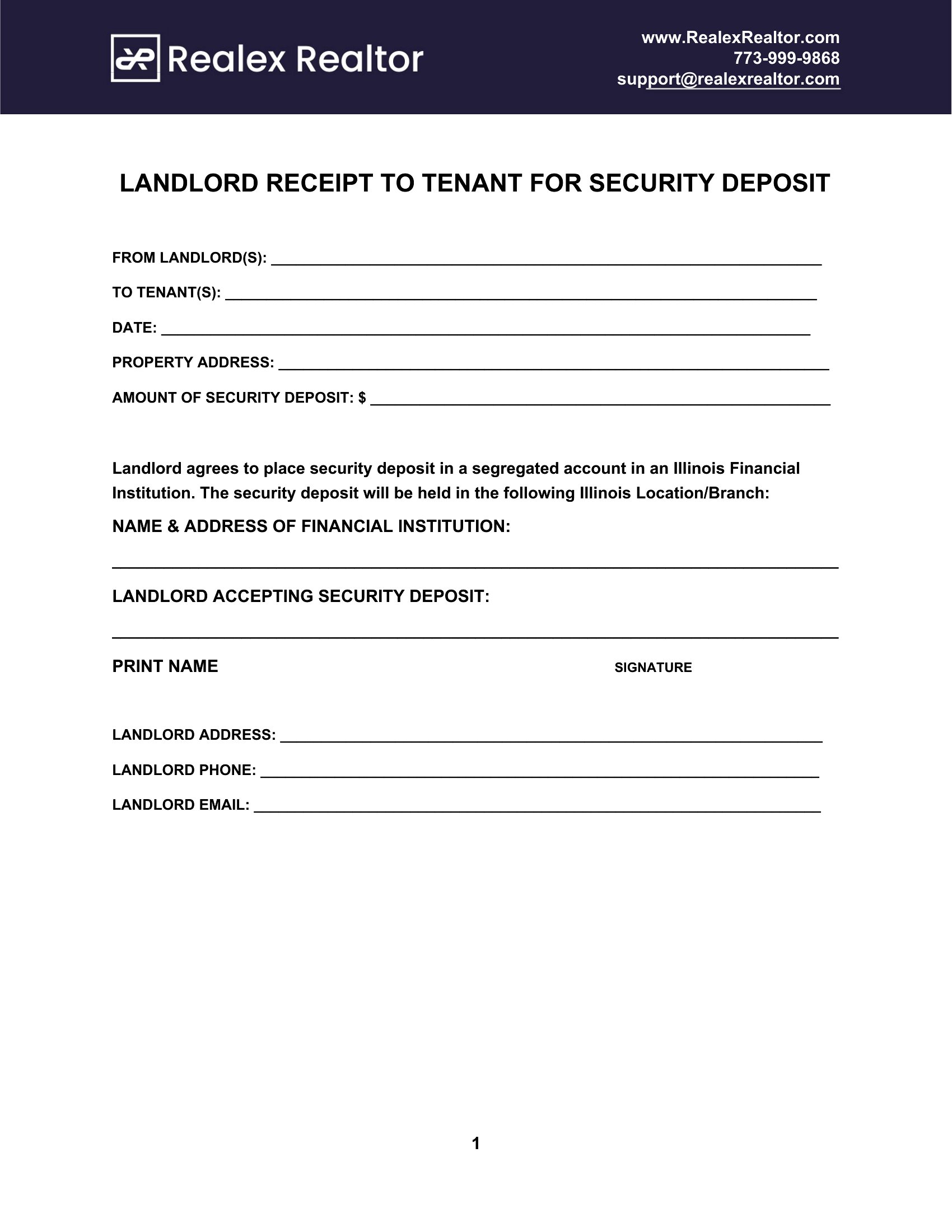
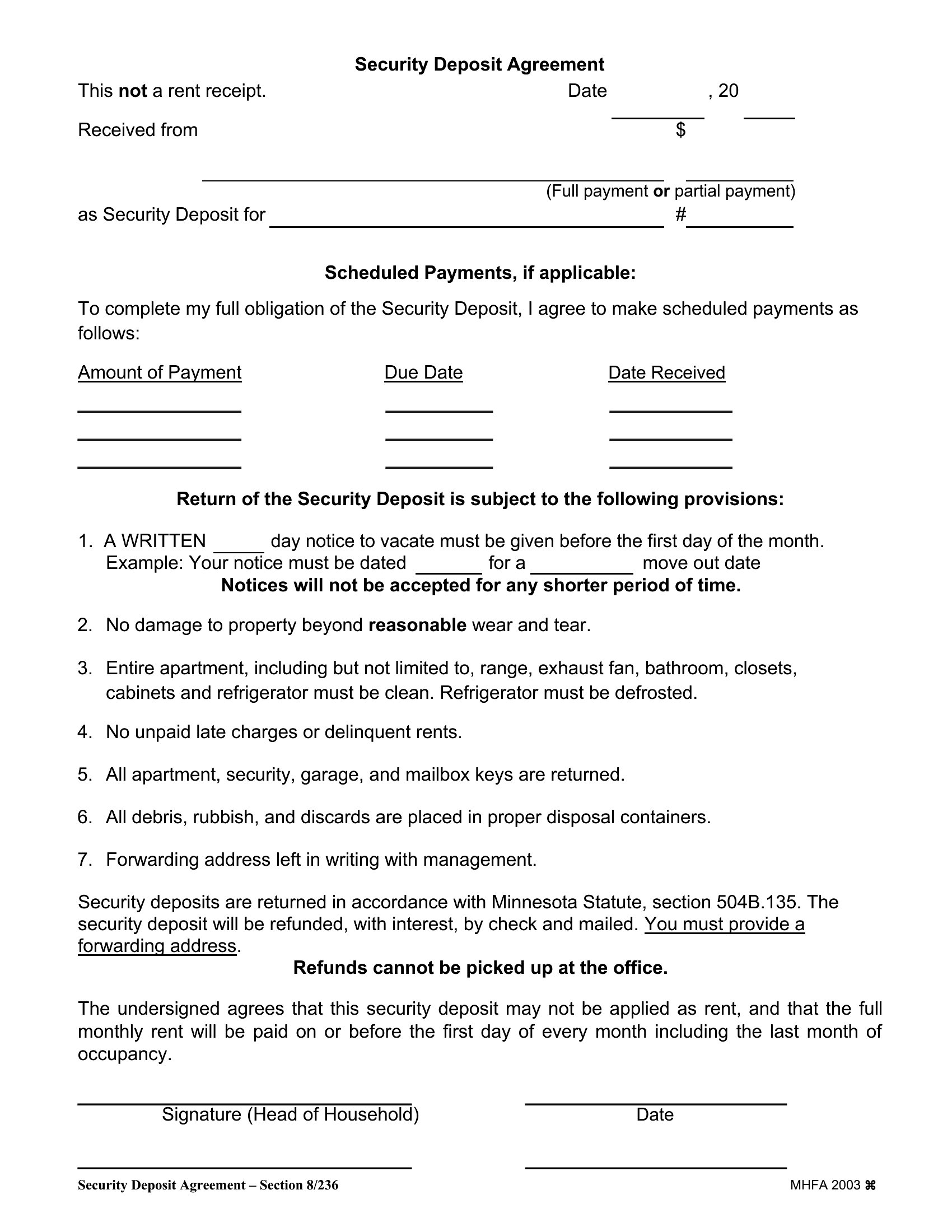
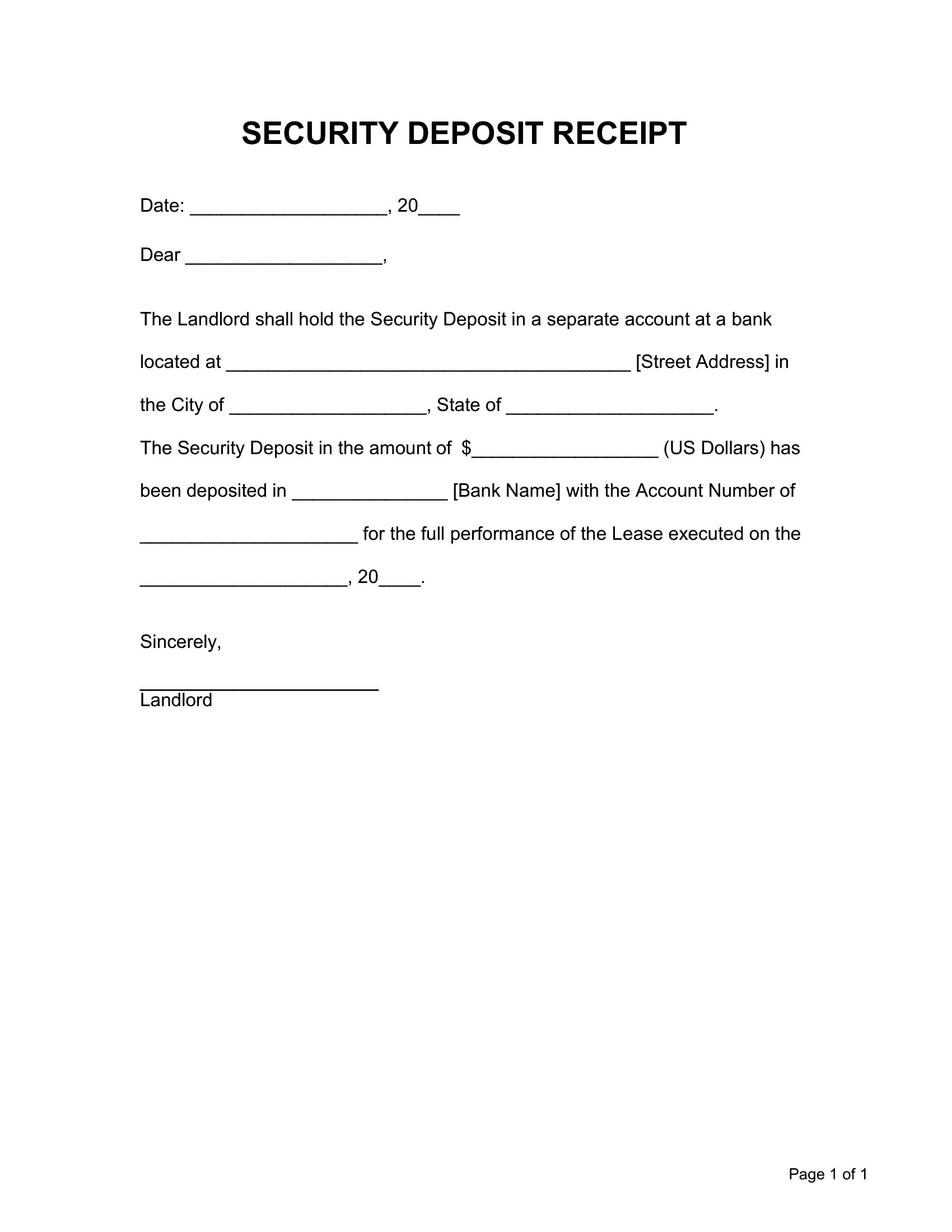
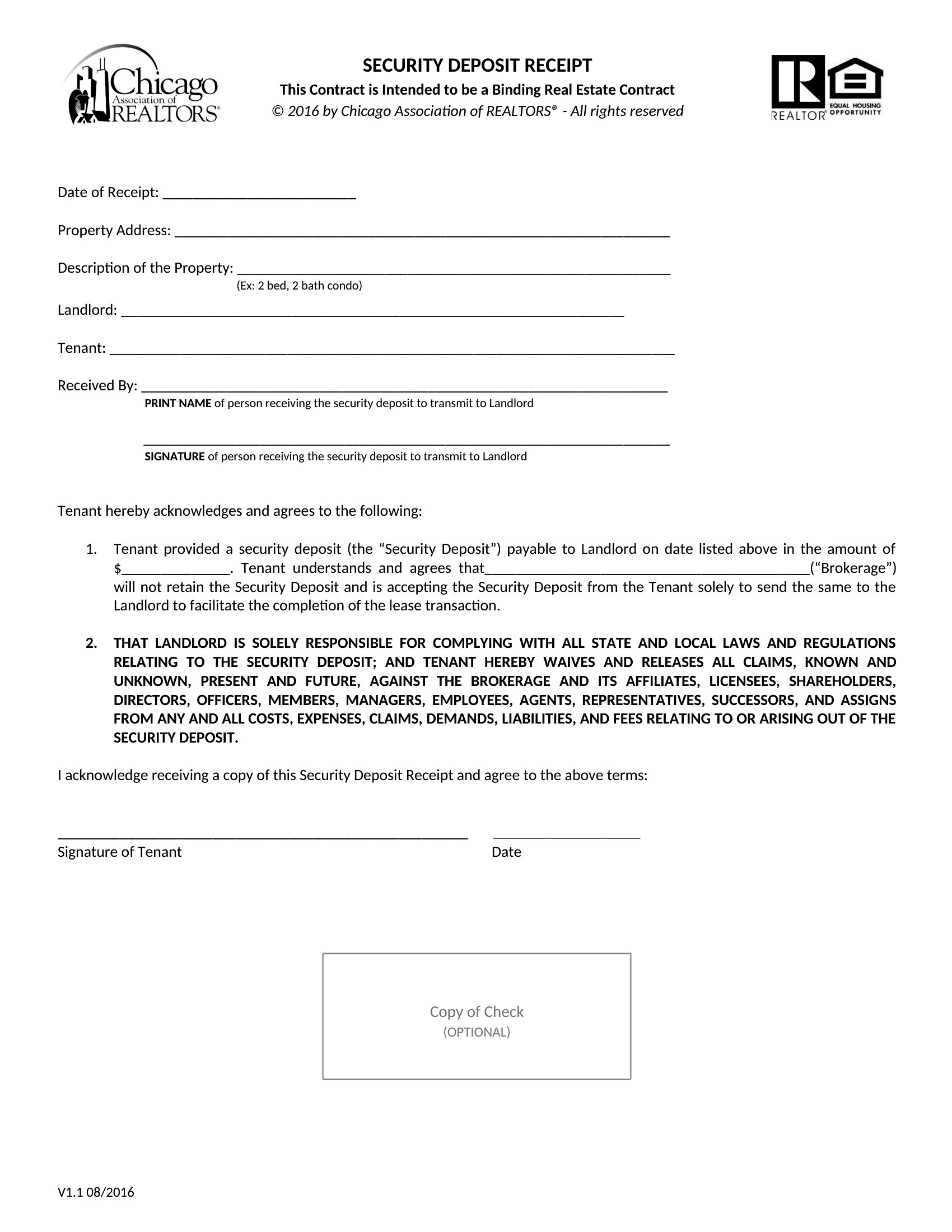
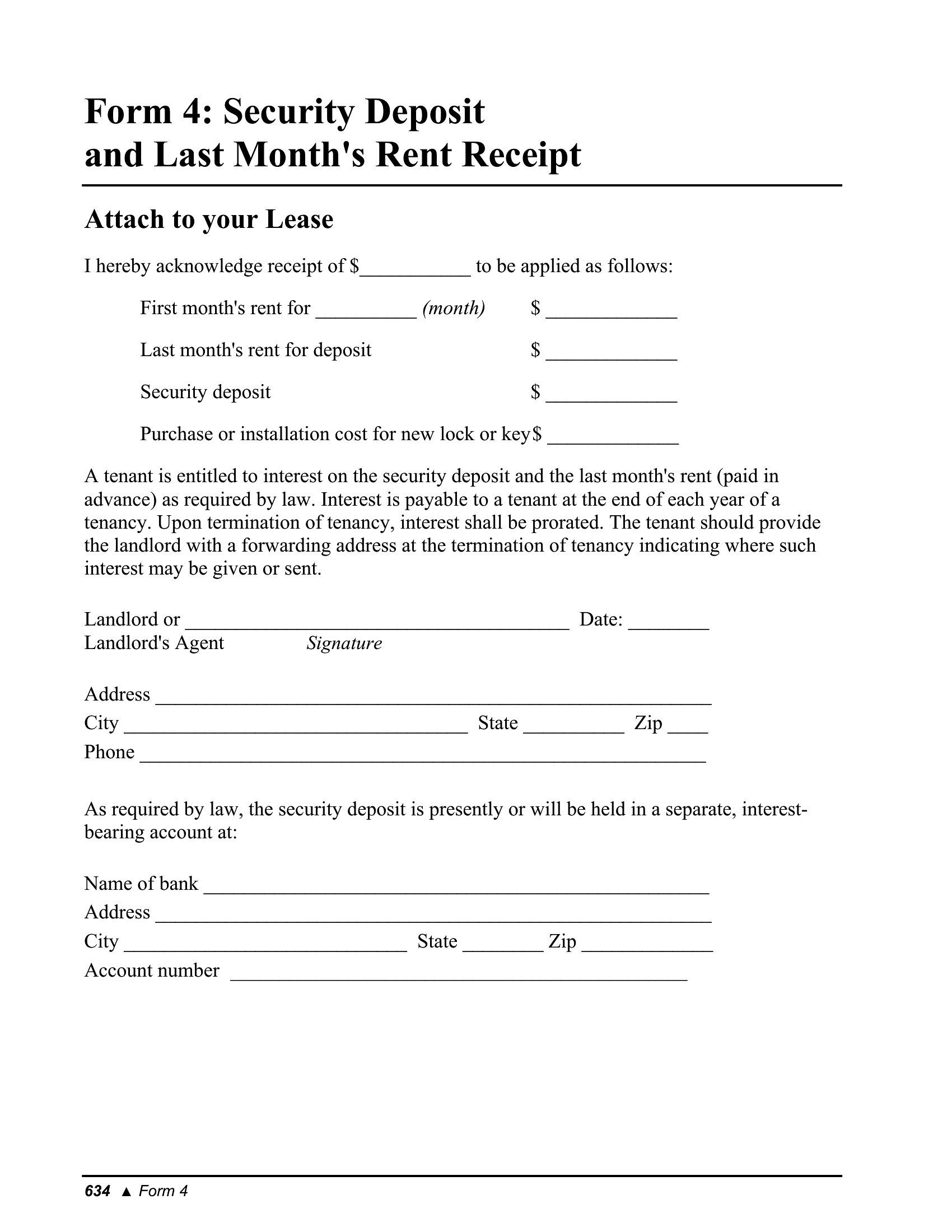
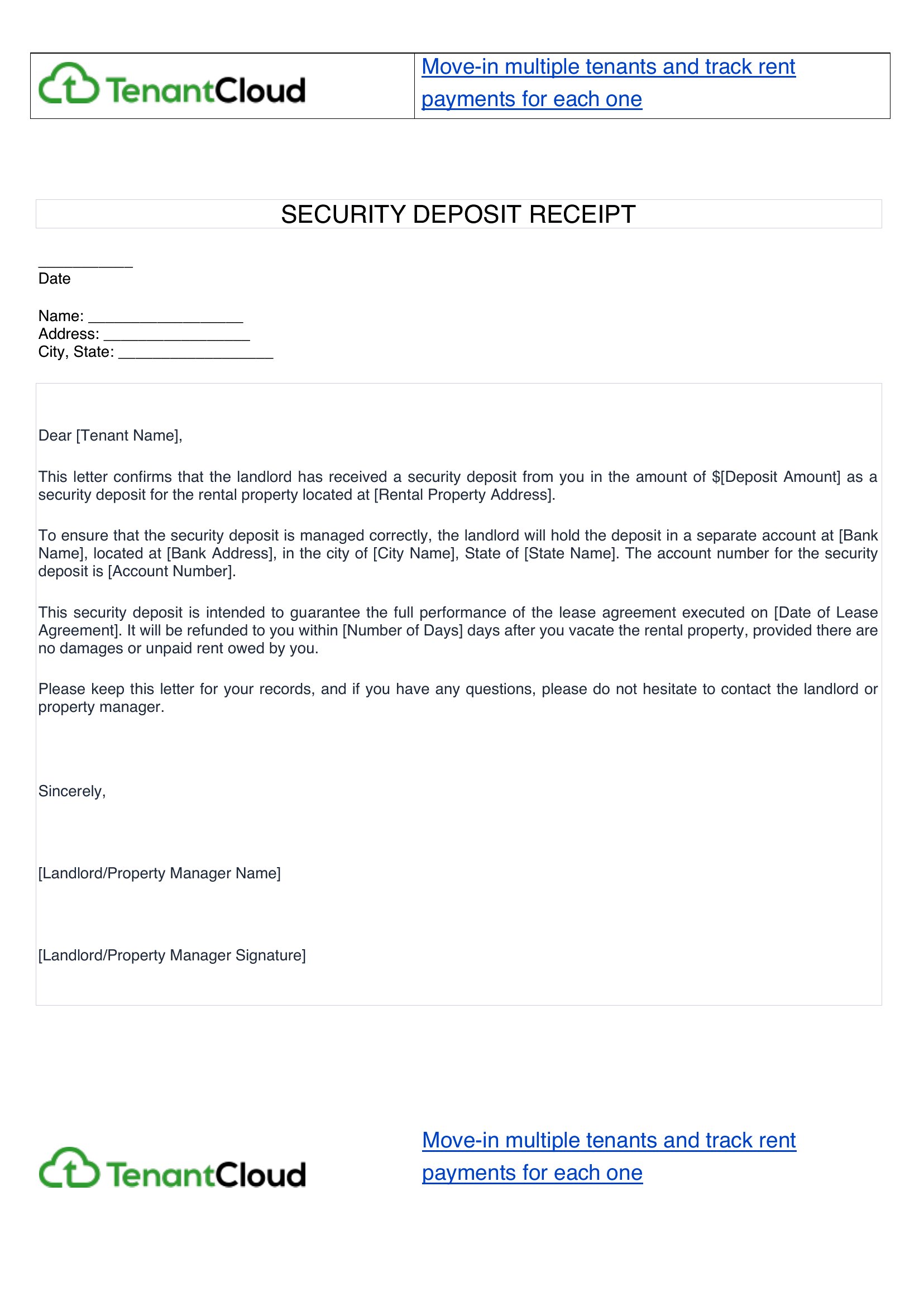
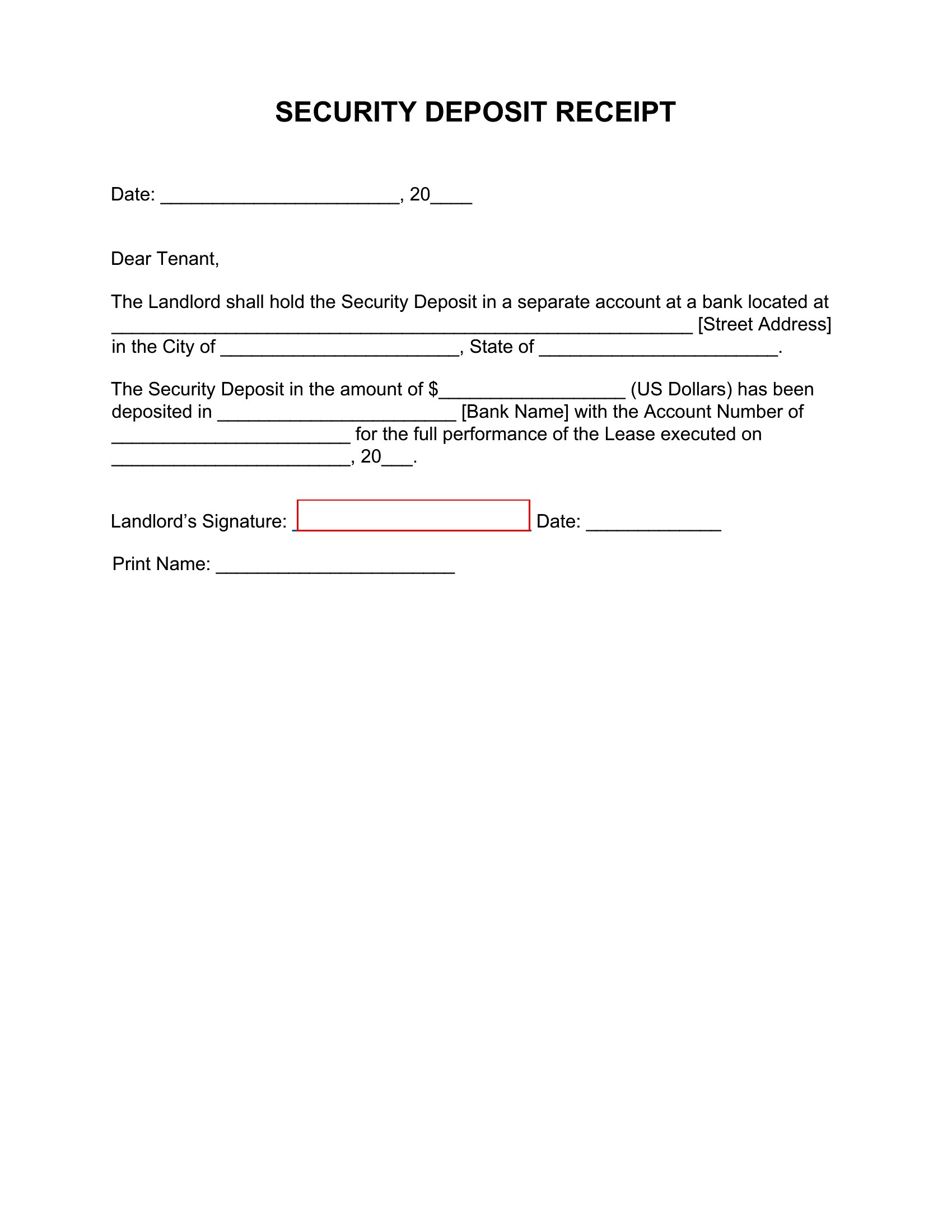
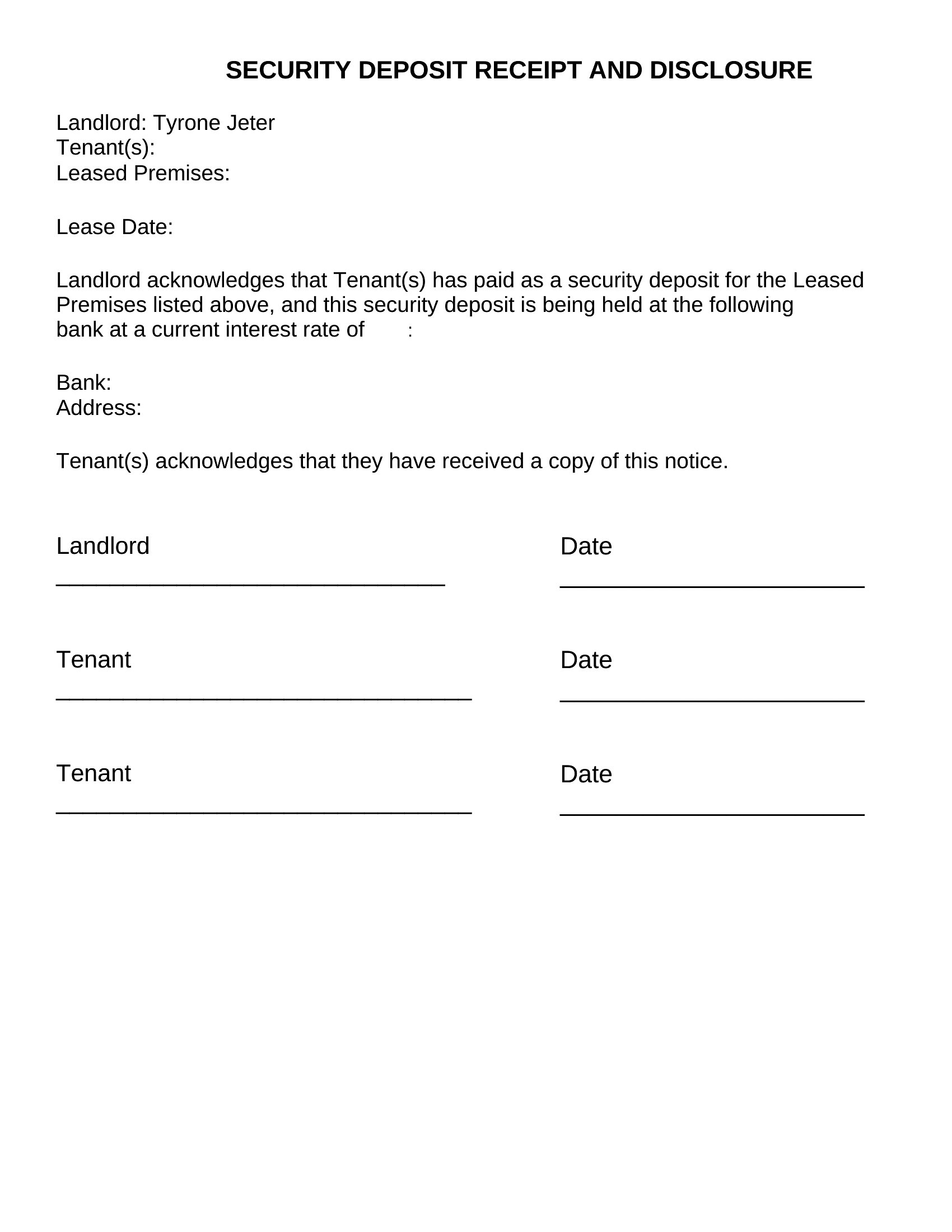
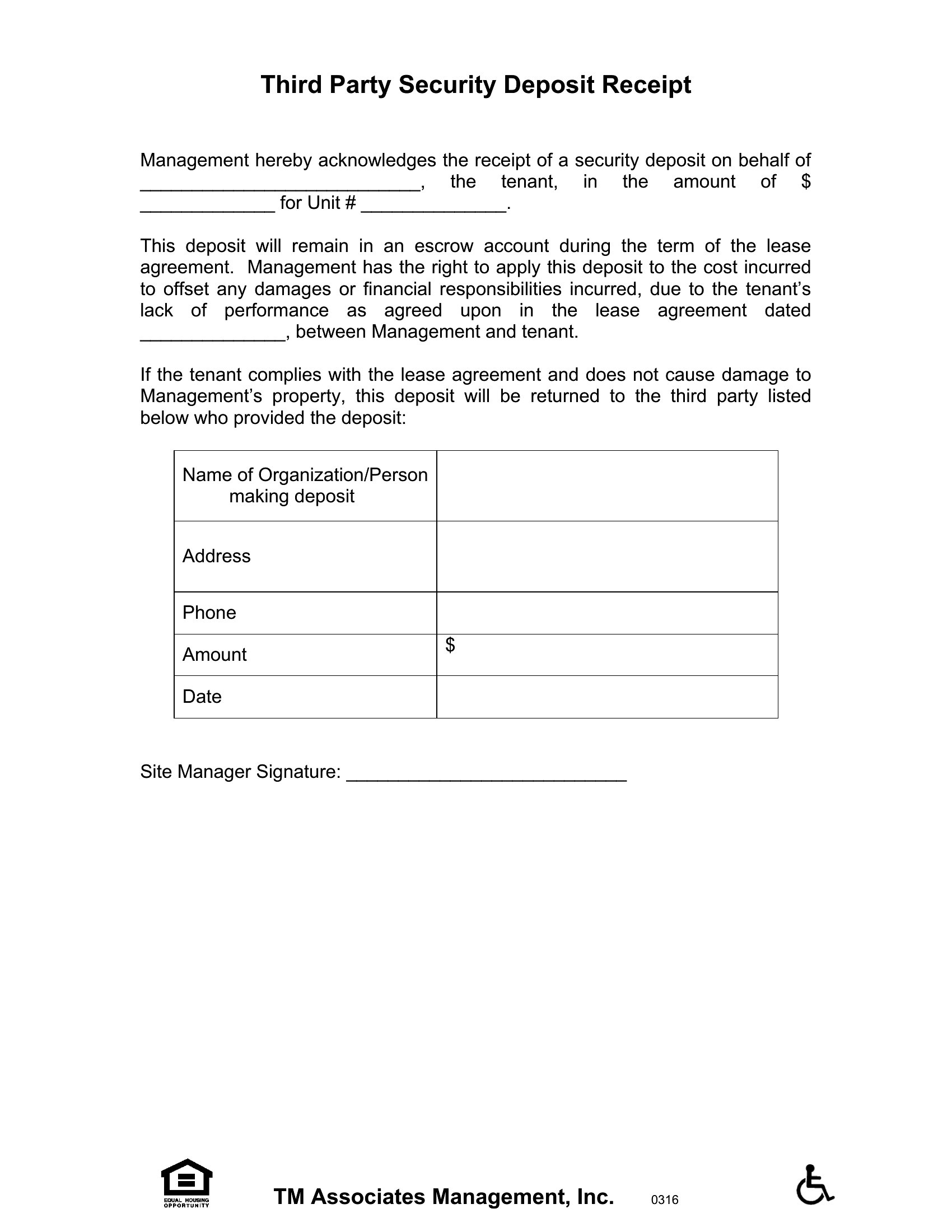
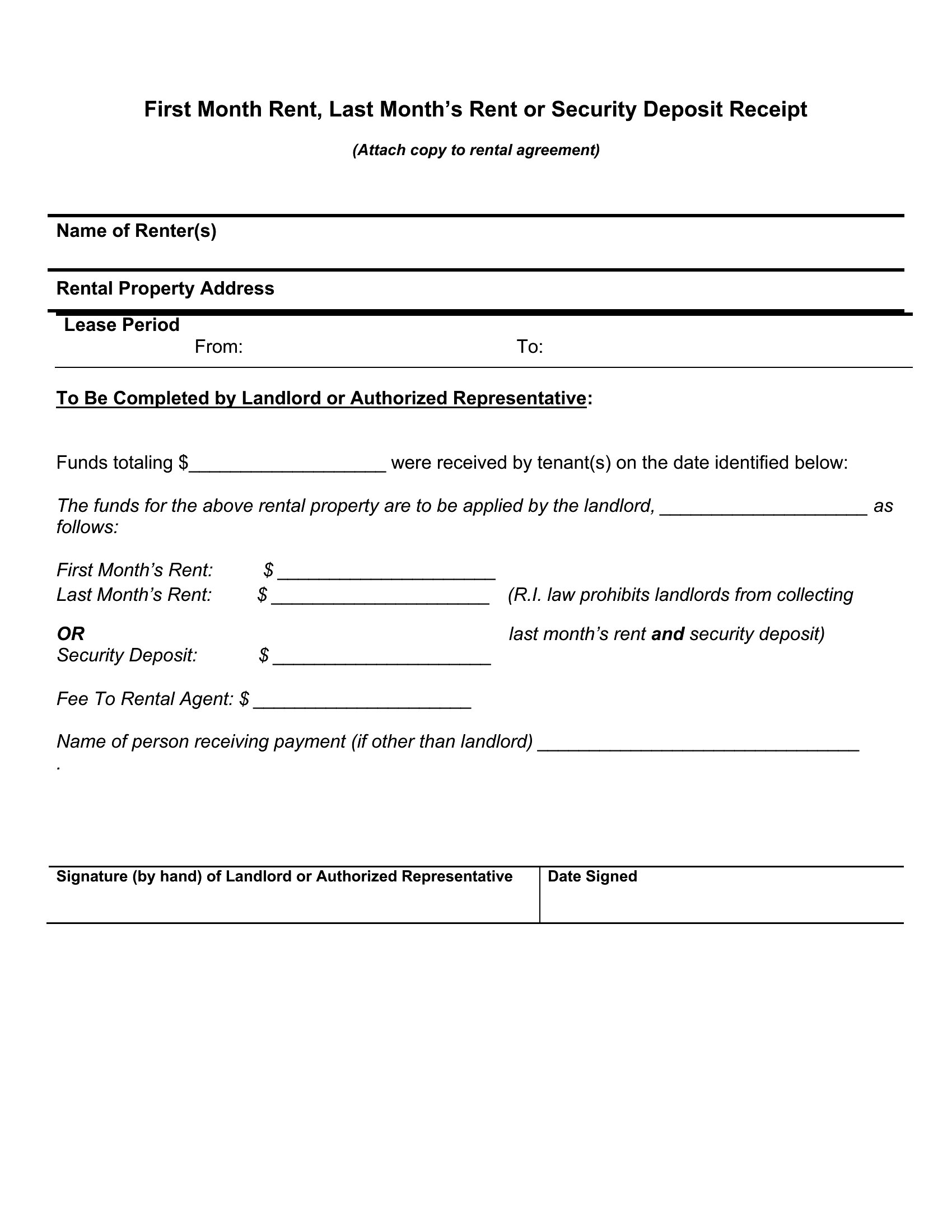
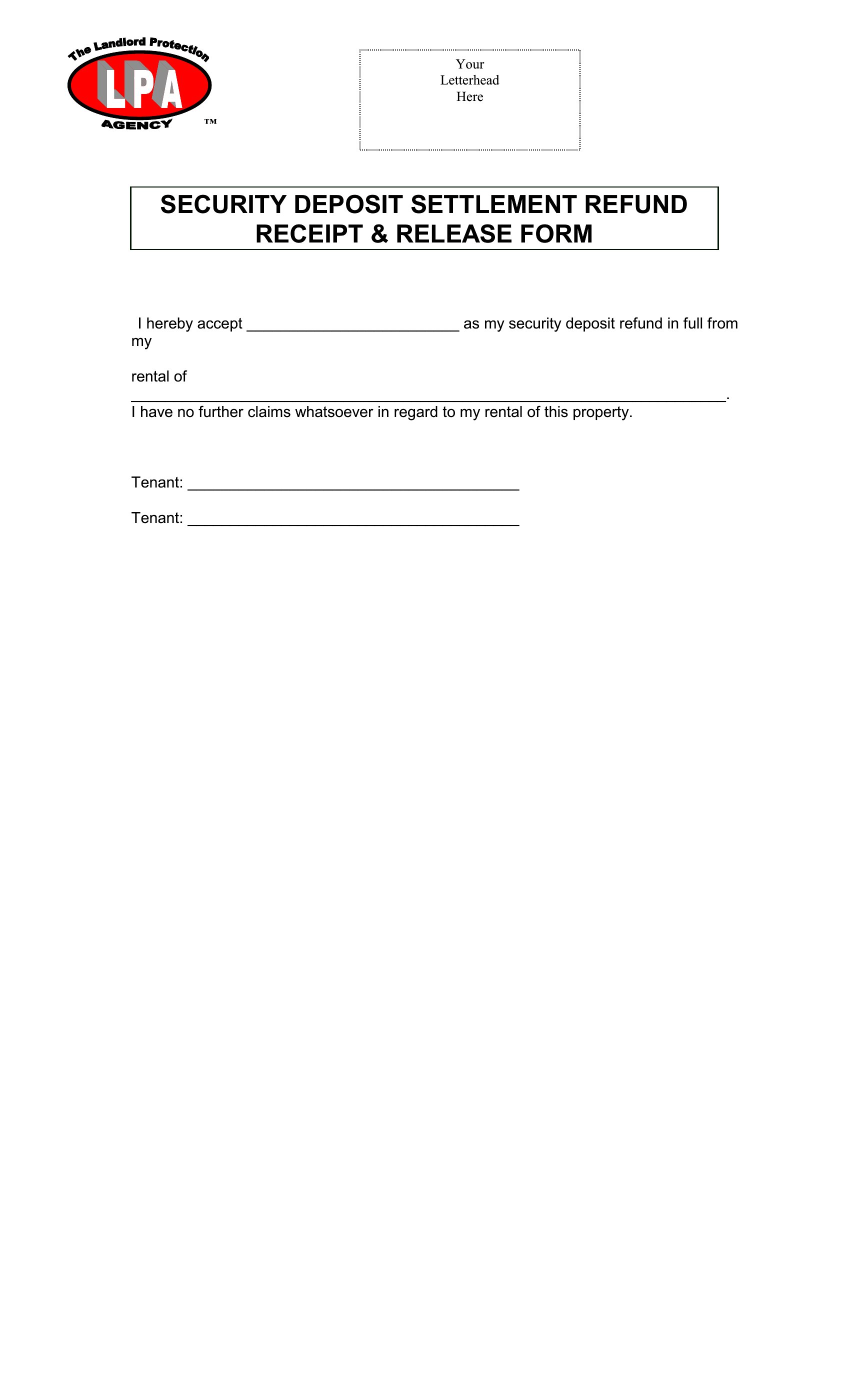
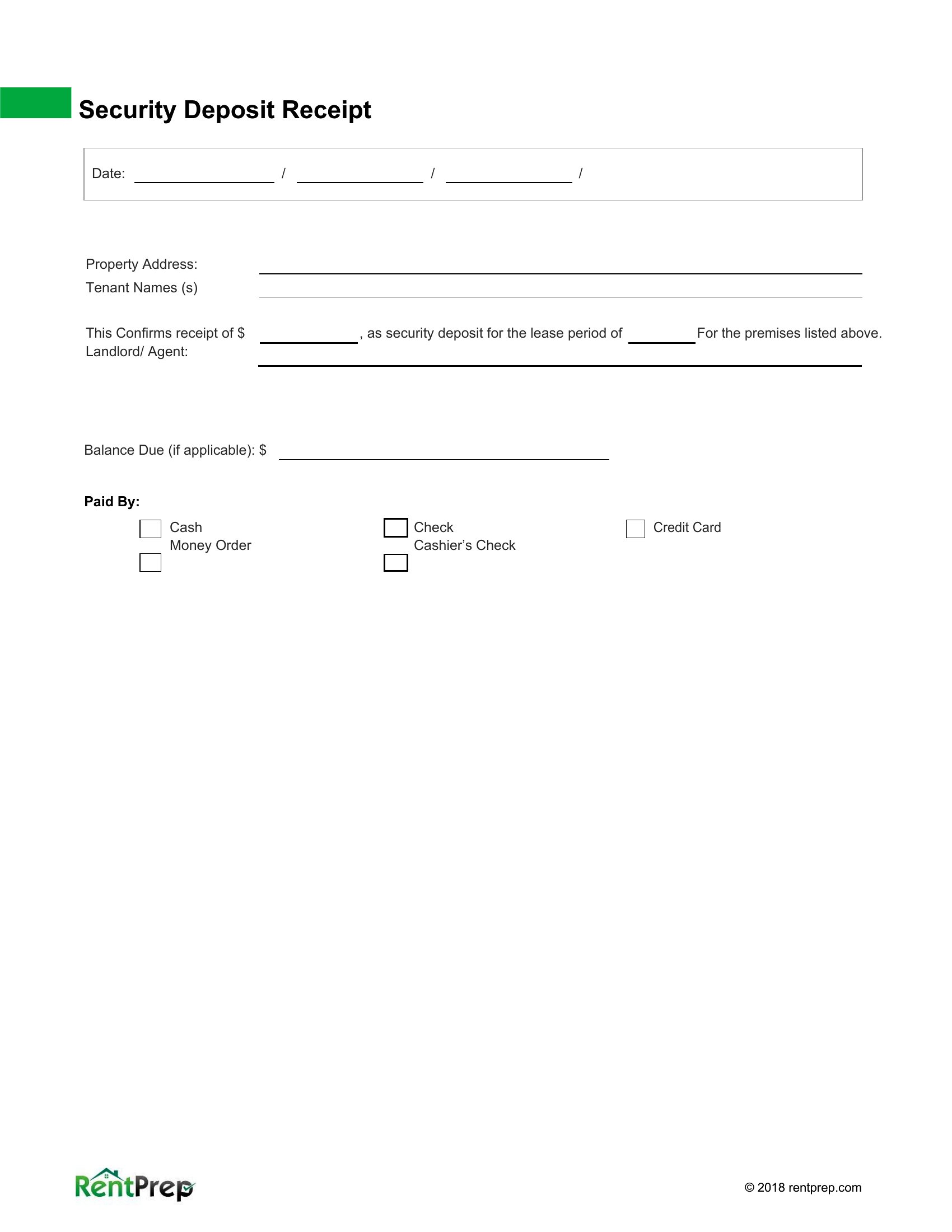
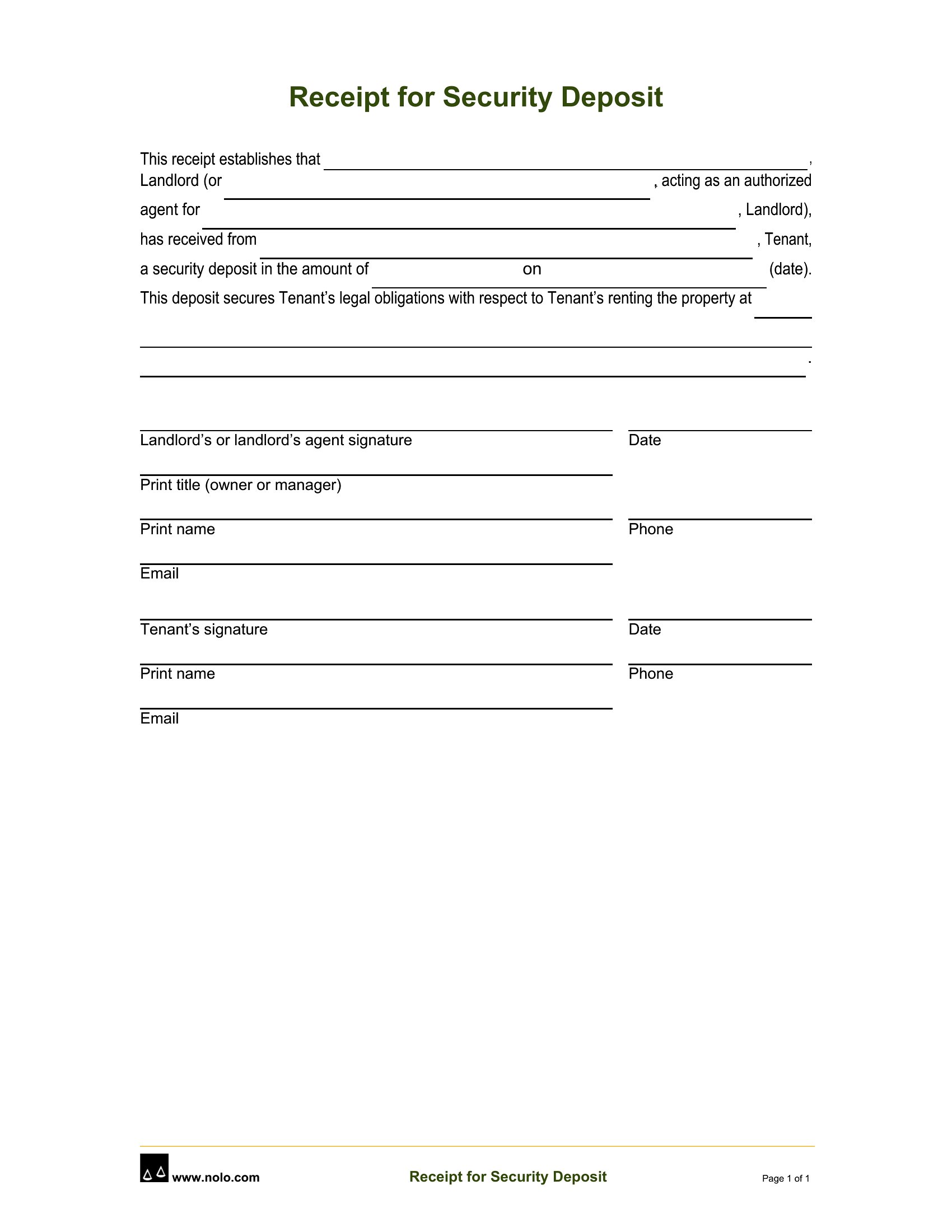
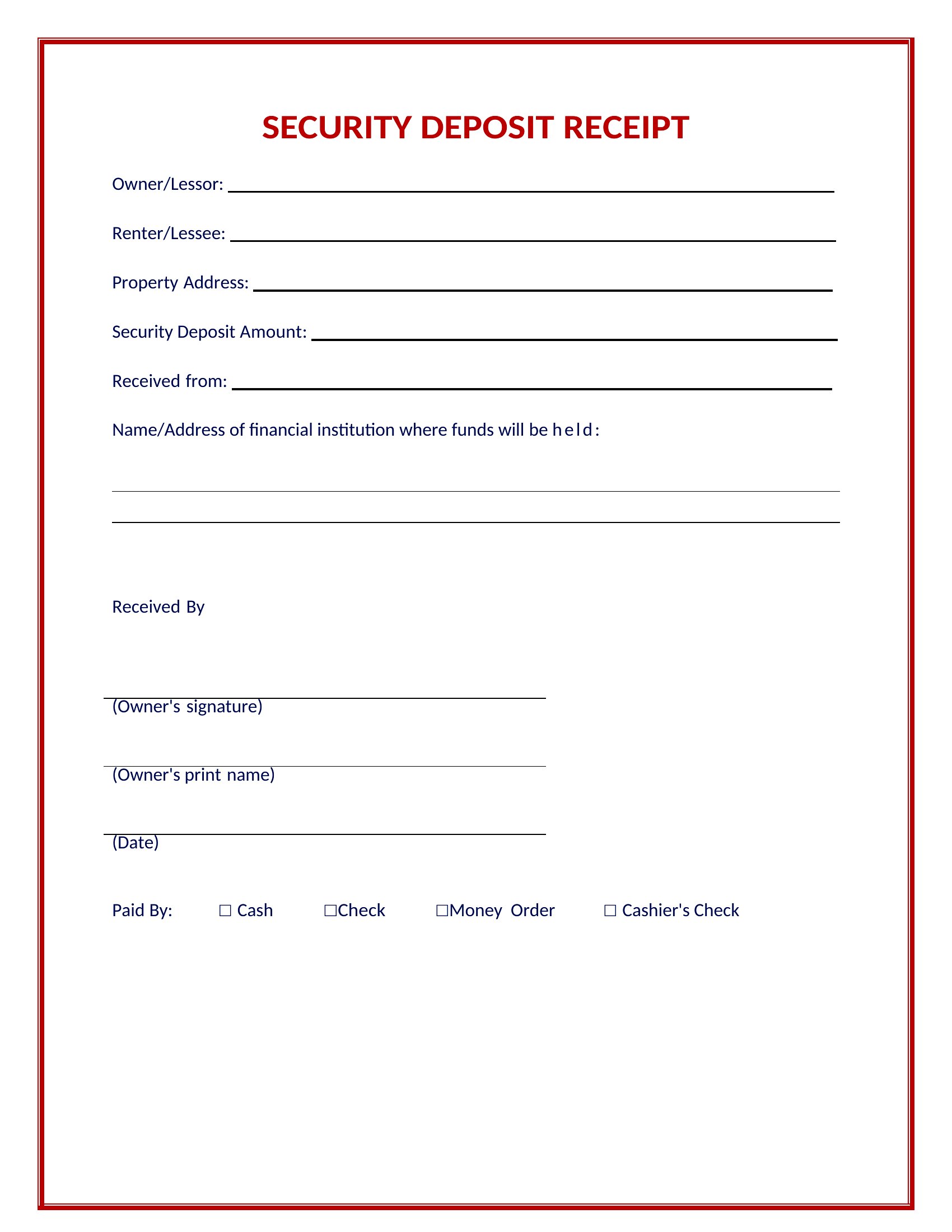
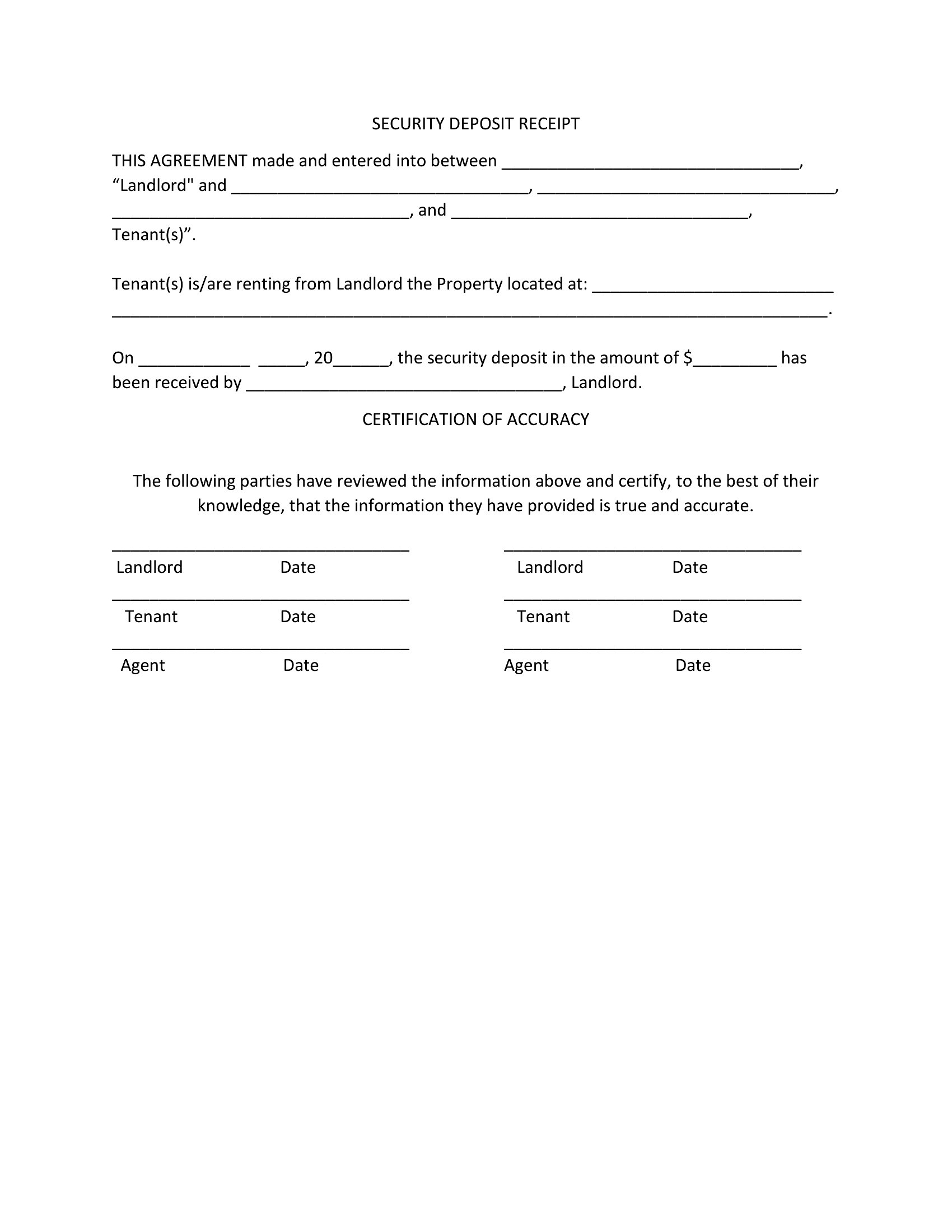
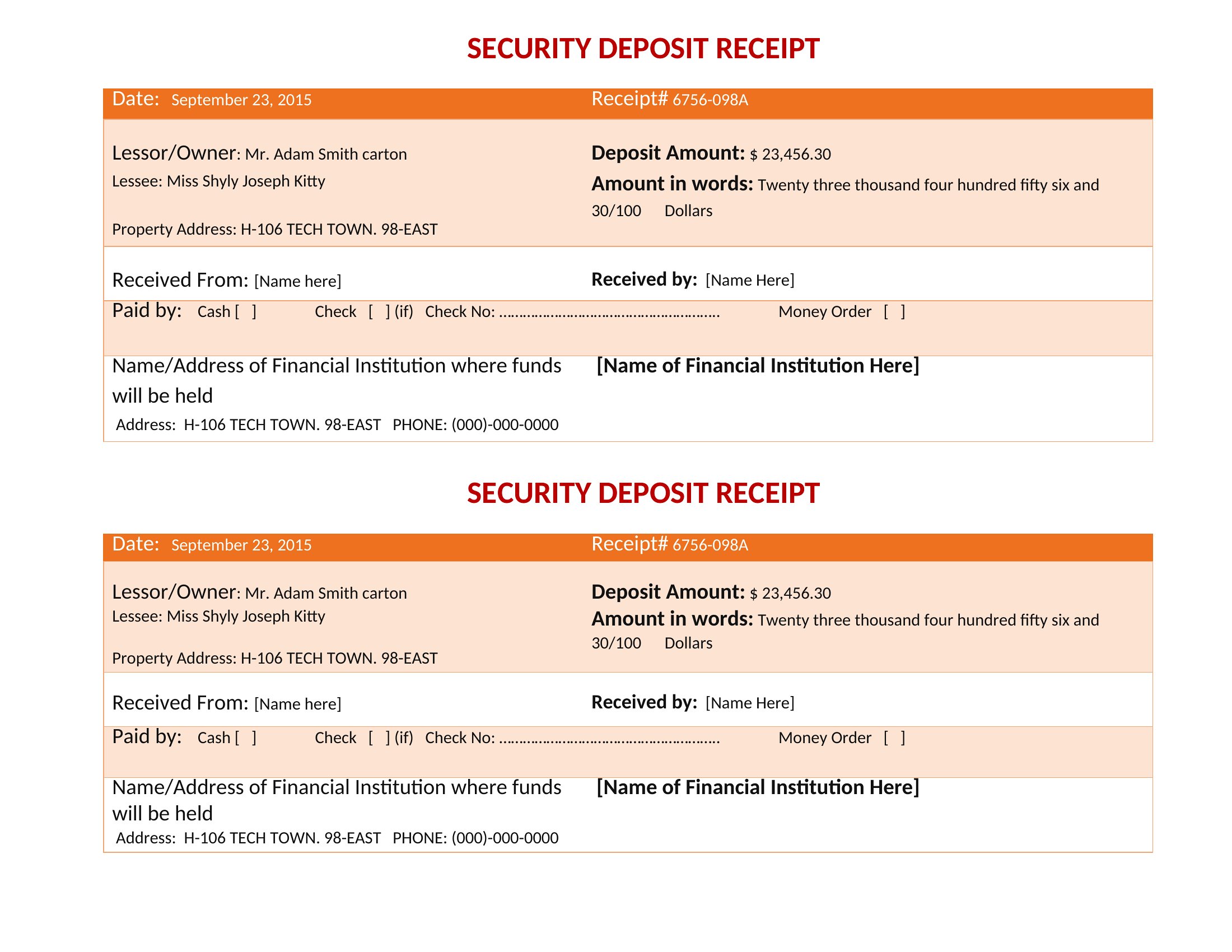
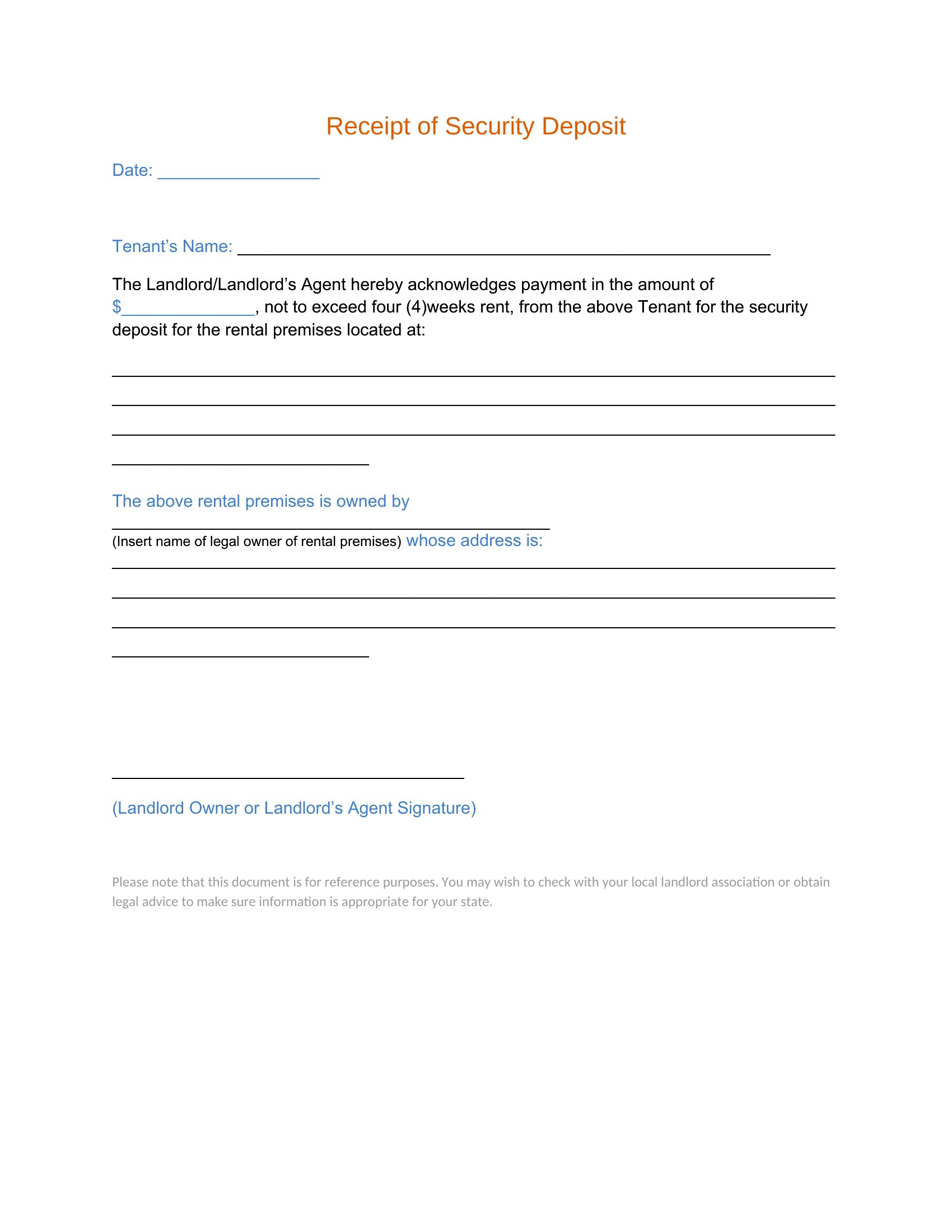
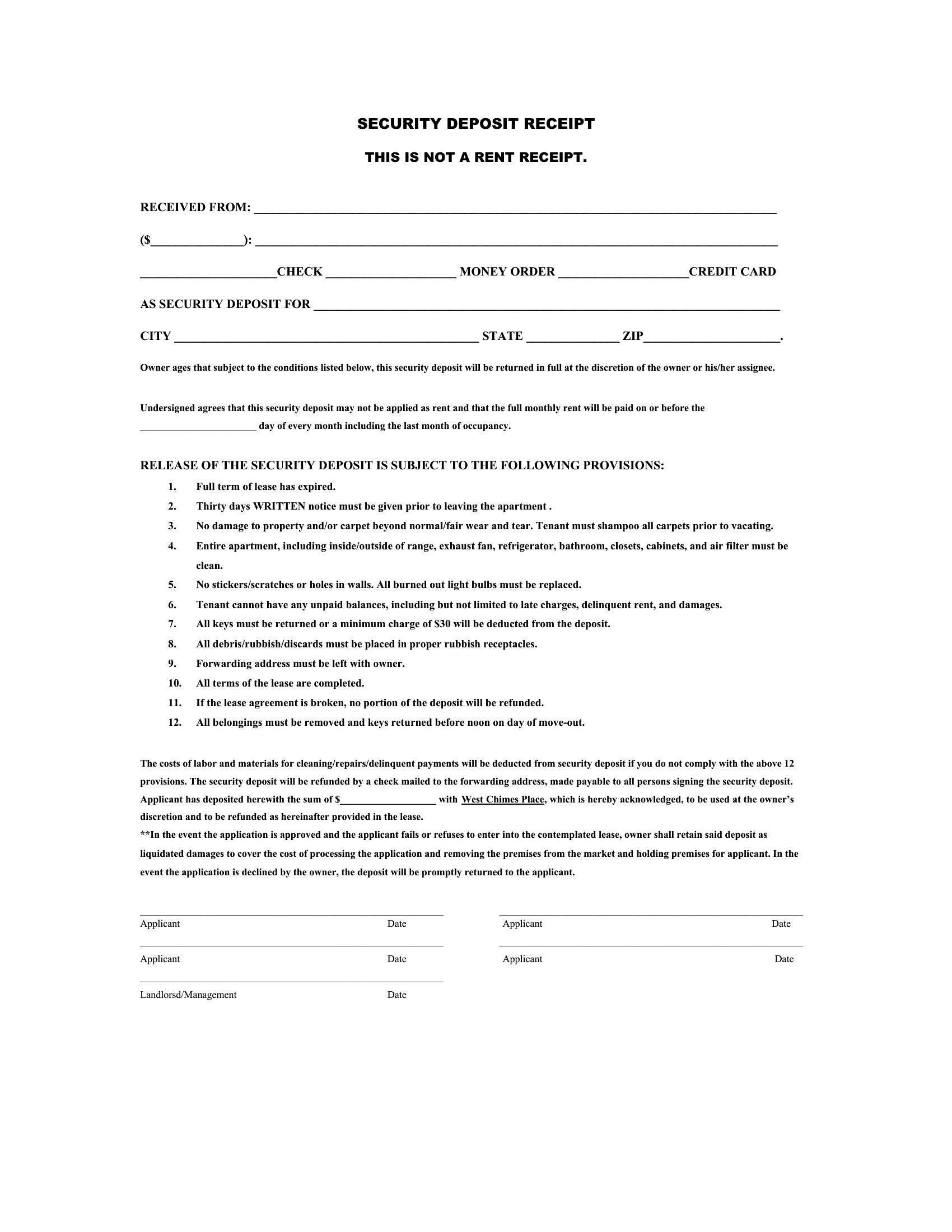
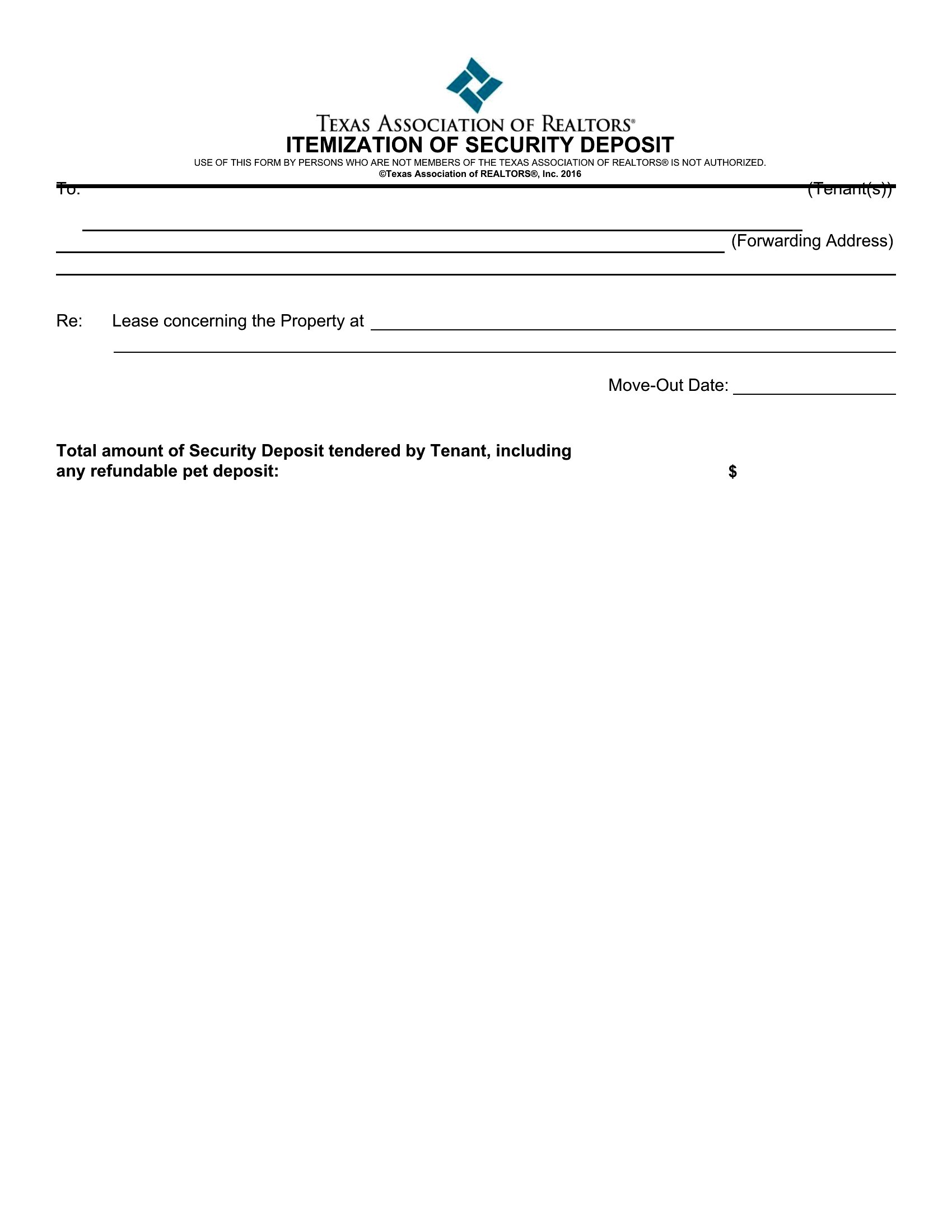
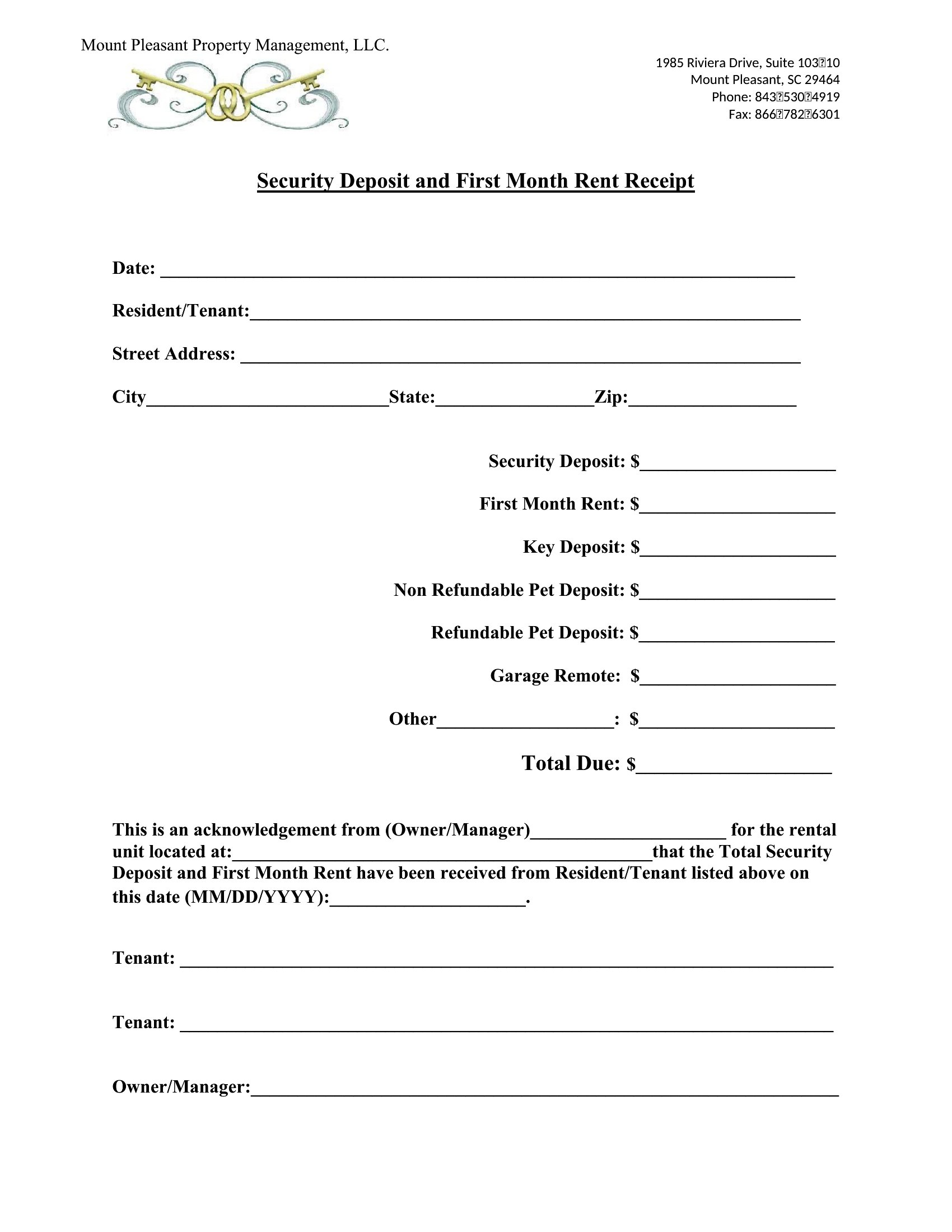
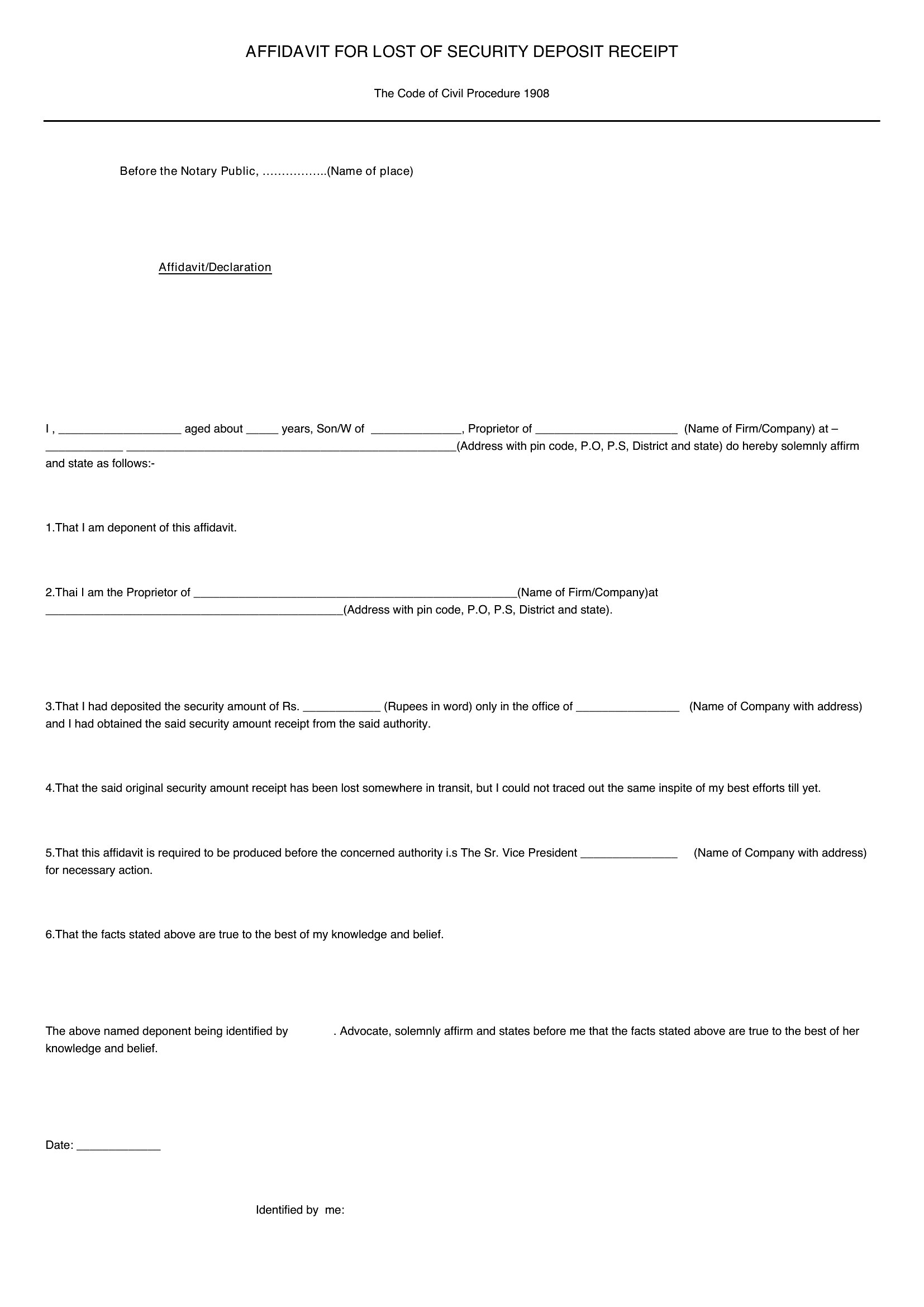
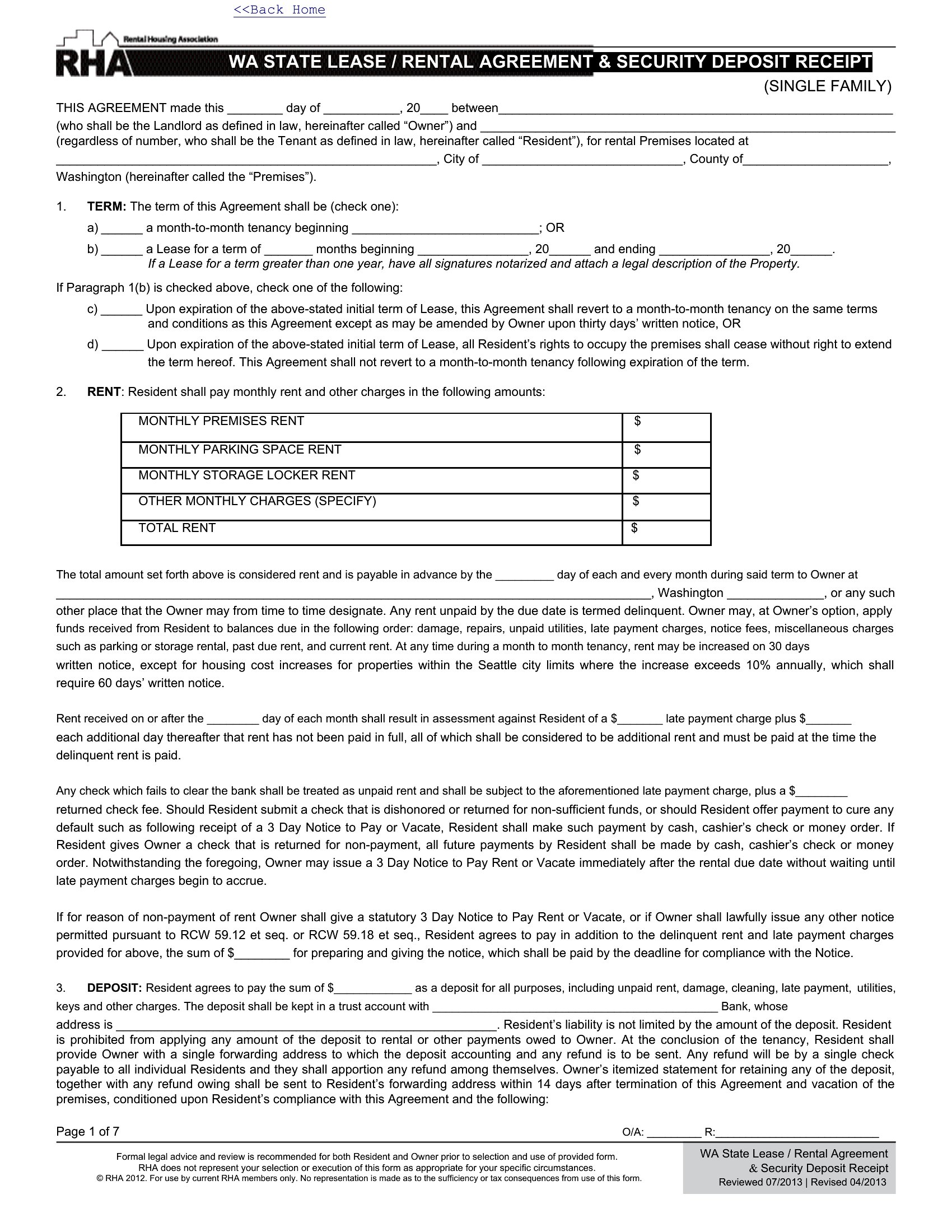
Handing over a security deposit deserves a paper trail, and a receipt protects both landlord and tenant from disputes down the road. This set of 42 templates documents the amount, the date, and where the deposit is held. Landlords, property managers, and renters use them to keep move-in records clear from day one.
Edit the Word or Excel versions, or print the PDFs for a quick signed receipt at lease signing. Note the deposit amount, the unit, and any terms for its return, then give a copy to the tenant. Deposit handling rules vary by state, so confirm local limits and timelines. Pick the format you prefer and keep your records straight.
When to use this Security Deposit Receipt template
- A landlord in a residential lease needs a customizable receipt to document security deposit amounts for each tenant at move-in, including bank details for record-keeping.
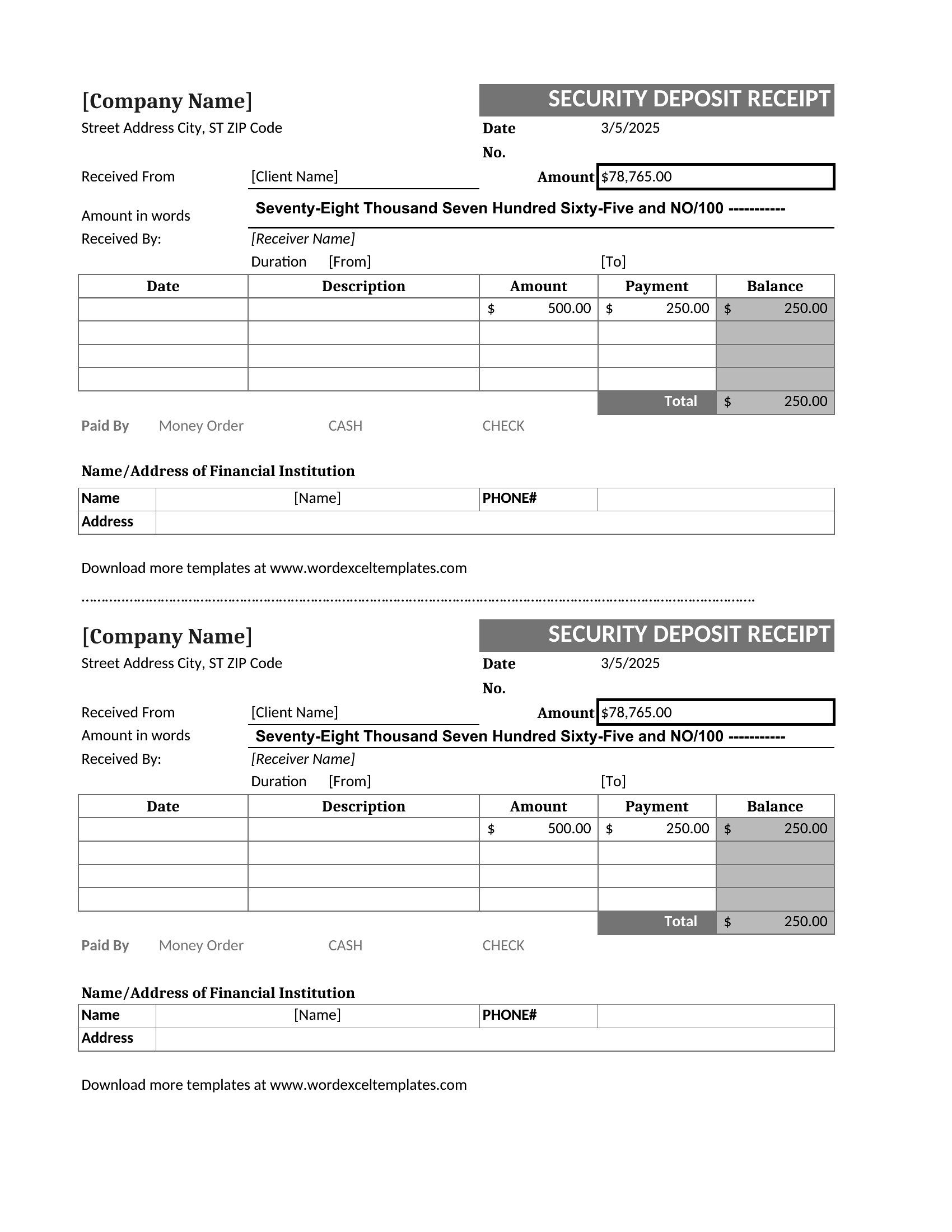
- A property manager handling multiple units wants a standardized Excel-based receipt to track deposits for each tenant, with space for adjustments or refunds later.
- A tenant moving into a new rental property requests a printed PDF receipt to confirm the deposit amount and terms before signing the lease agreement.
- A rental agent managing short-term leases requires a simple, downloadable PDF template to quickly generate receipts for Airbnb or vacation rental deposits during check-in.
Which format should I download?
Choose Word for a fully editable receipt that allows landlords to input custom details like tenant names, property addresses, or additional terms before printing. Excel works best when managing multiple deposits for a portfolio—use it to track all deposits in one file with formulas for total amounts. PDF is ideal for tenants who need a ready-to-sign, printed record, or for property managers who prefer a consistent, uneditable format to avoid discrepancies. Stick with PDF if you only need a quick, professional-looking receipt without edits.
Choose from 42 Security Deposit Receipt Templates

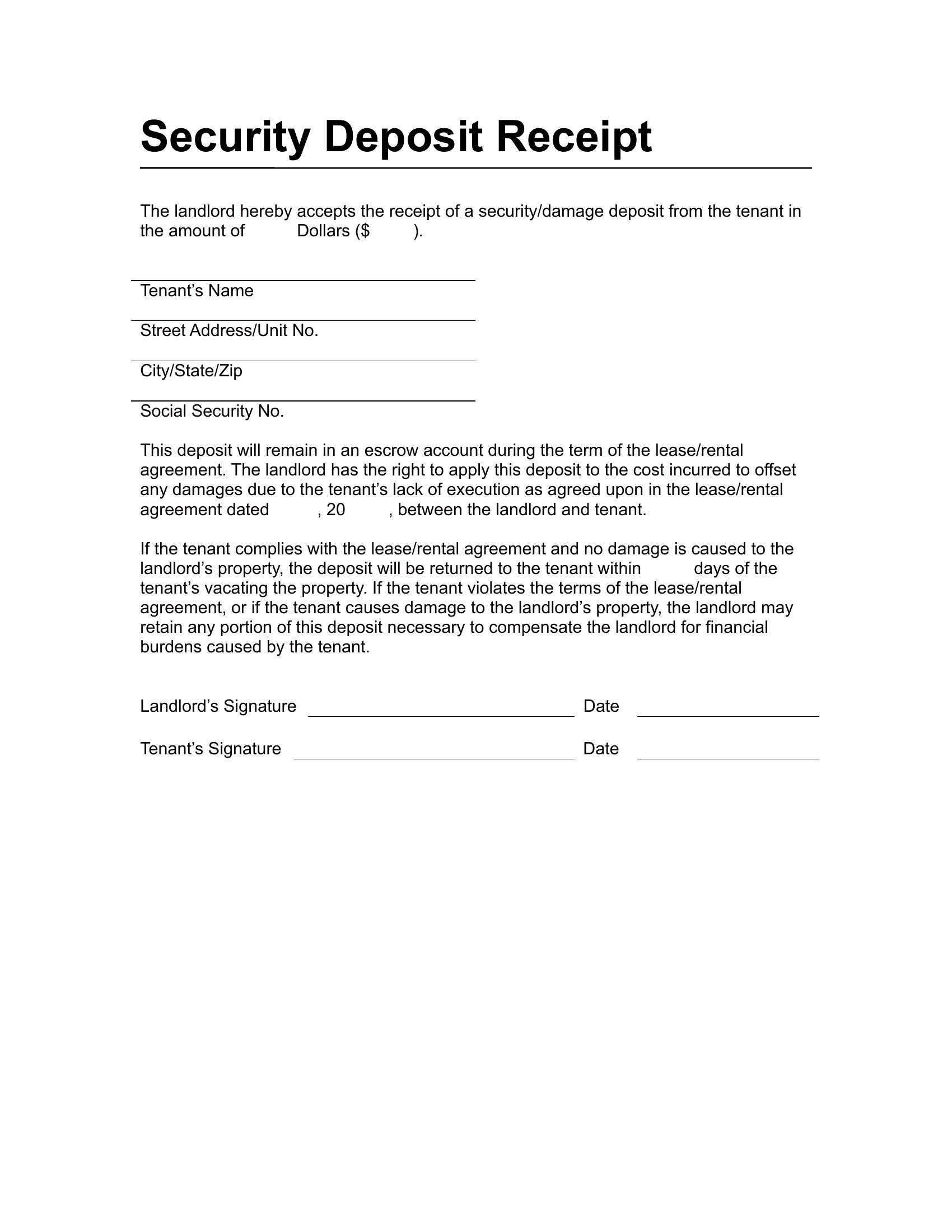
How to use this Security Deposit Receipt template
Should I include the reason for the security deposit on the receipt?
Yes, including a brief note like ‘to cover potential damages or unpaid rent’ helps clarify expectations and reduces confusion later. Landlords should align this with their lease agreement terms. Tenants benefit from seeing this upfront, as it reminds them of their obligations.
Can this receipt double as proof for tax or accounting purposes?
While the receipt serves as documentation, always consult a tax professional for advice on deductions or record-keeping. Include all required details (dates, amounts, and bank info) to ensure it aligns with local accounting standards. These templates cover the basics, but specifics may vary by region or business needs.
What happens if the deposit amount changes after the receipt is issued?
Issue a corrected receipt or addendum if the deposit changes, noting the original and revised amounts with dates. For Excel or Word templates, simply update the file and reprint or resend it. Always communicate changes clearly to avoid disputes—tenants should acknowledge any revisions in writing.
Comments
Join the conversation
Sign in to share your thoughts and leave a comment on this resource.