Skip to content
50% off this one-time $1.99 pack with HALFOFF — or unlimited with Pro.HALFOFF
Premium

Free Meet the Teacher Templates (Word, PDF)

Personal
mineamaki by mineamaki
Updated 0 downloads Quality-checked template

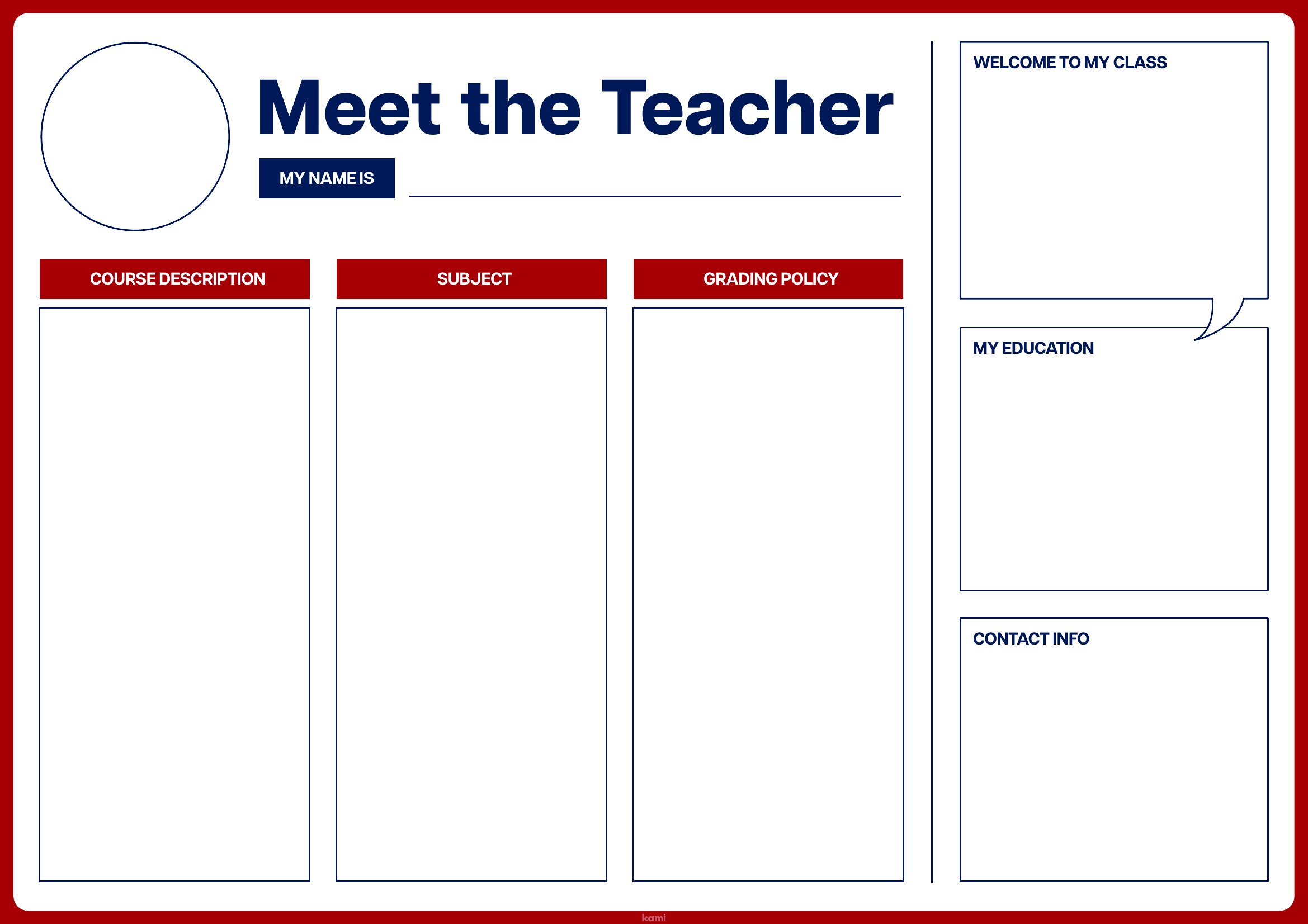
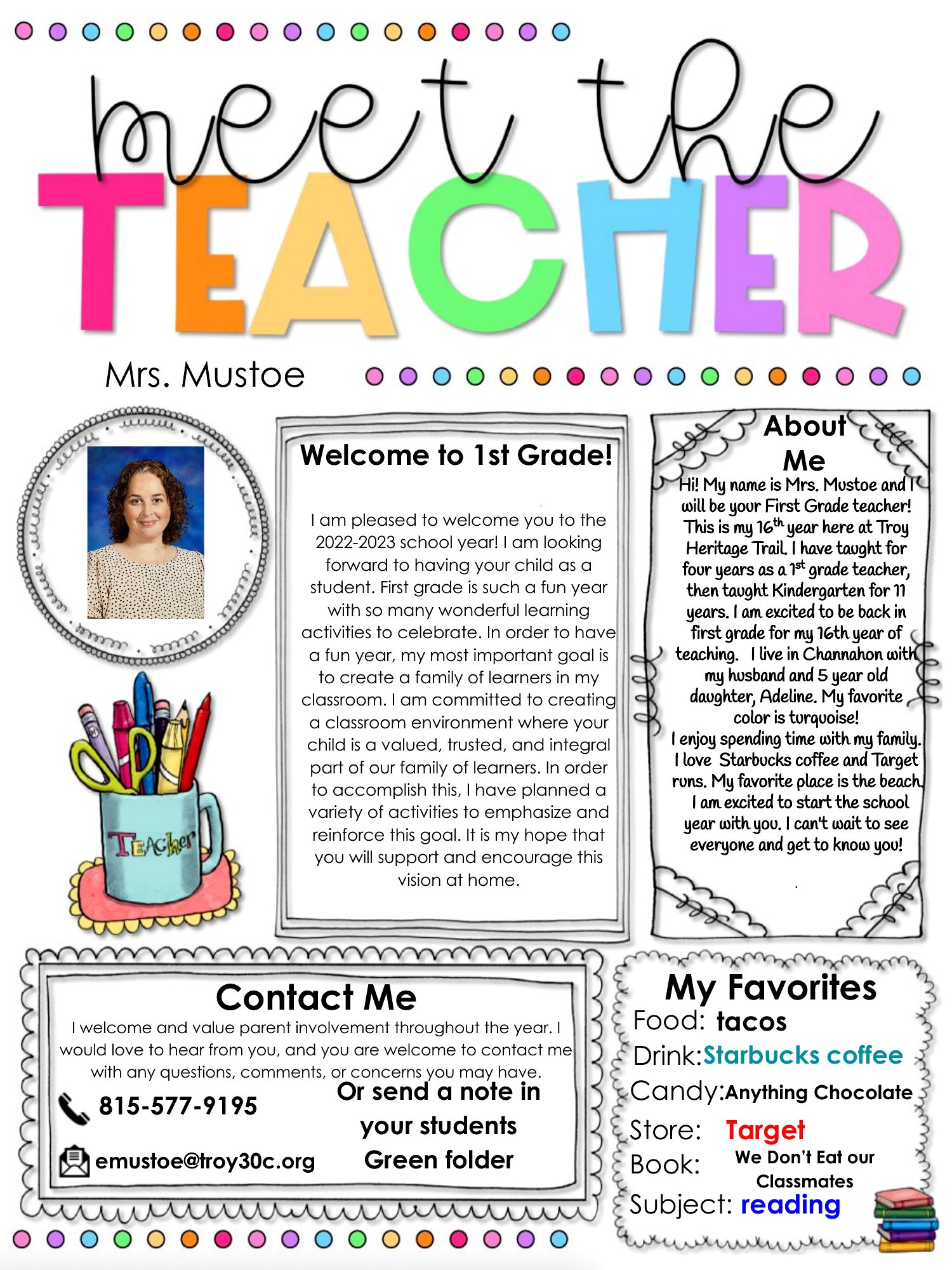
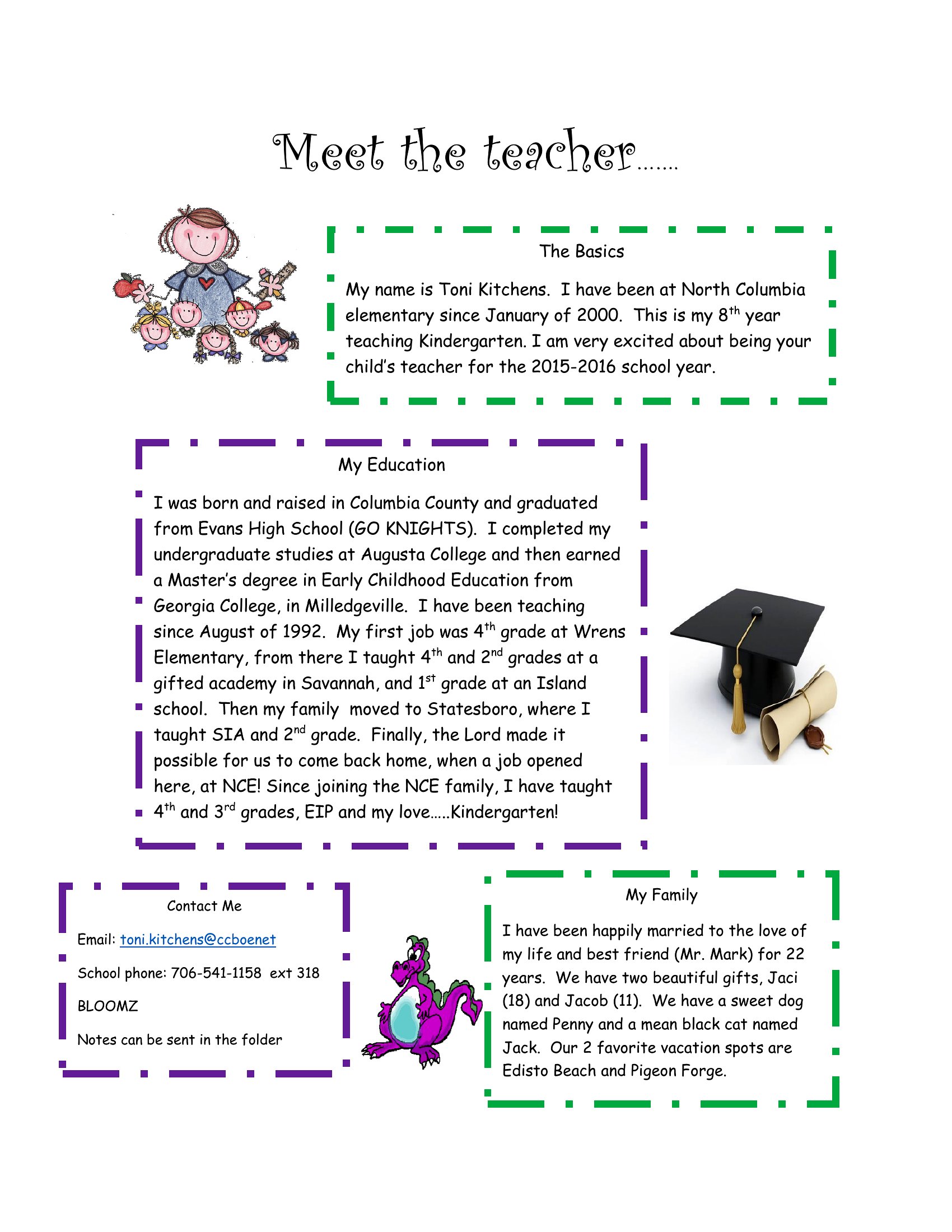
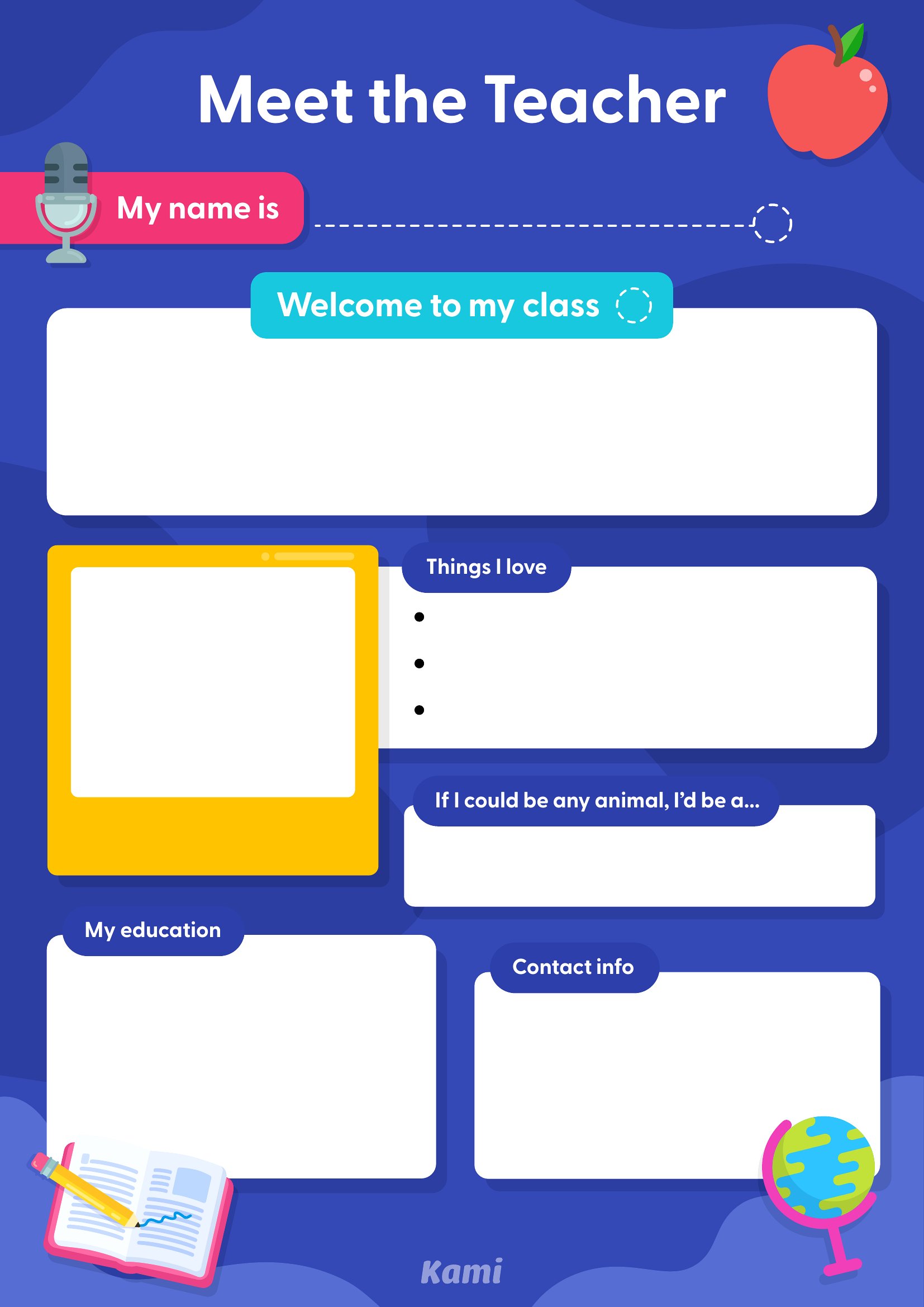
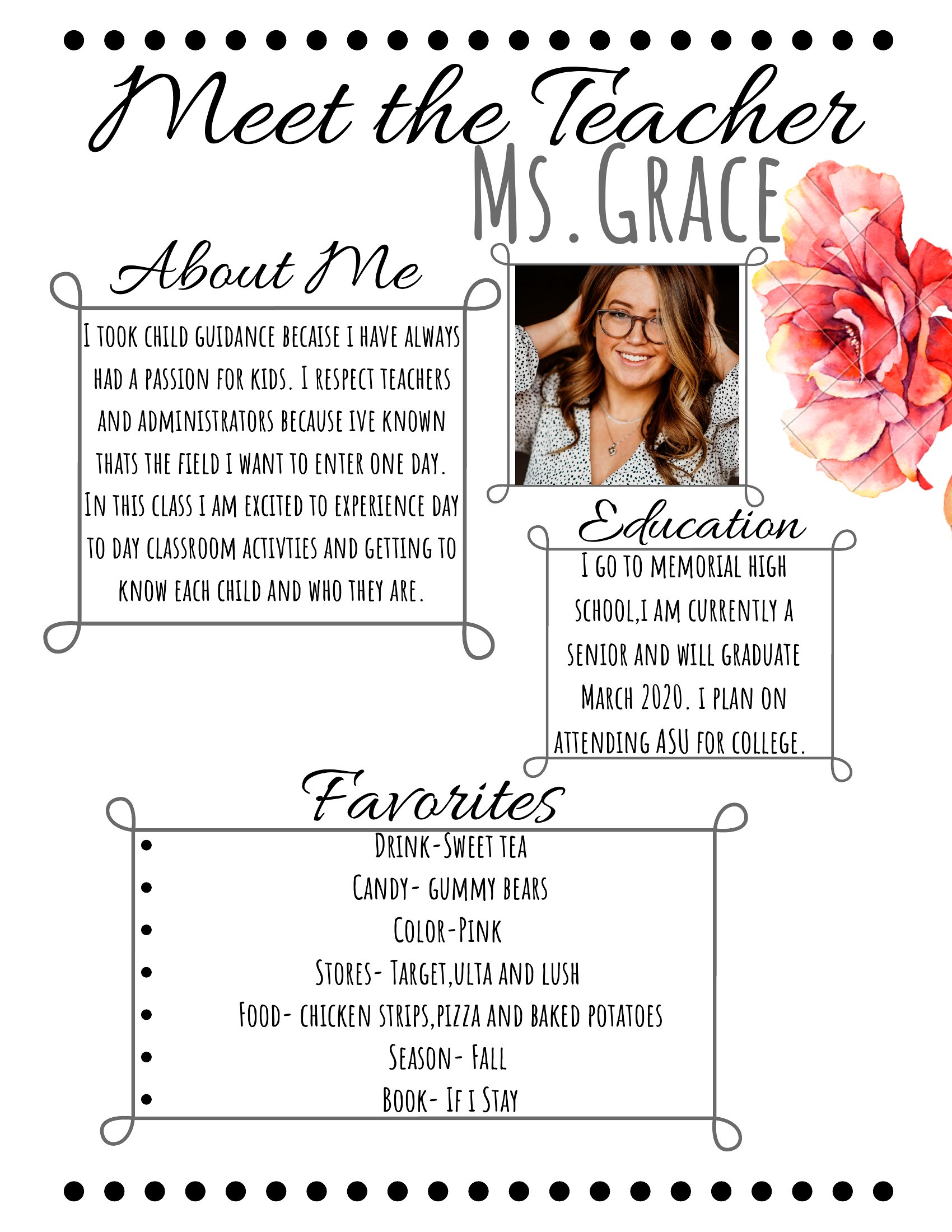
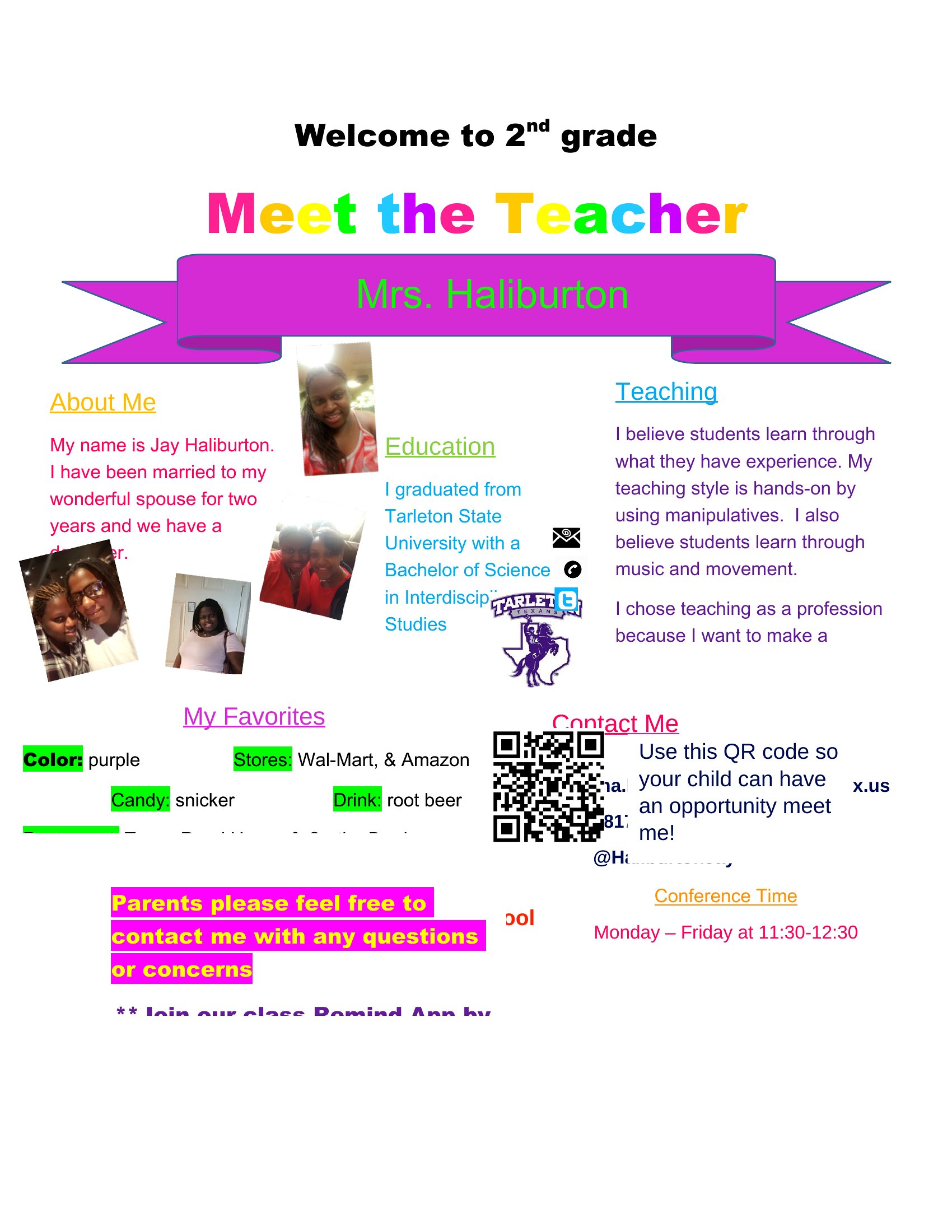
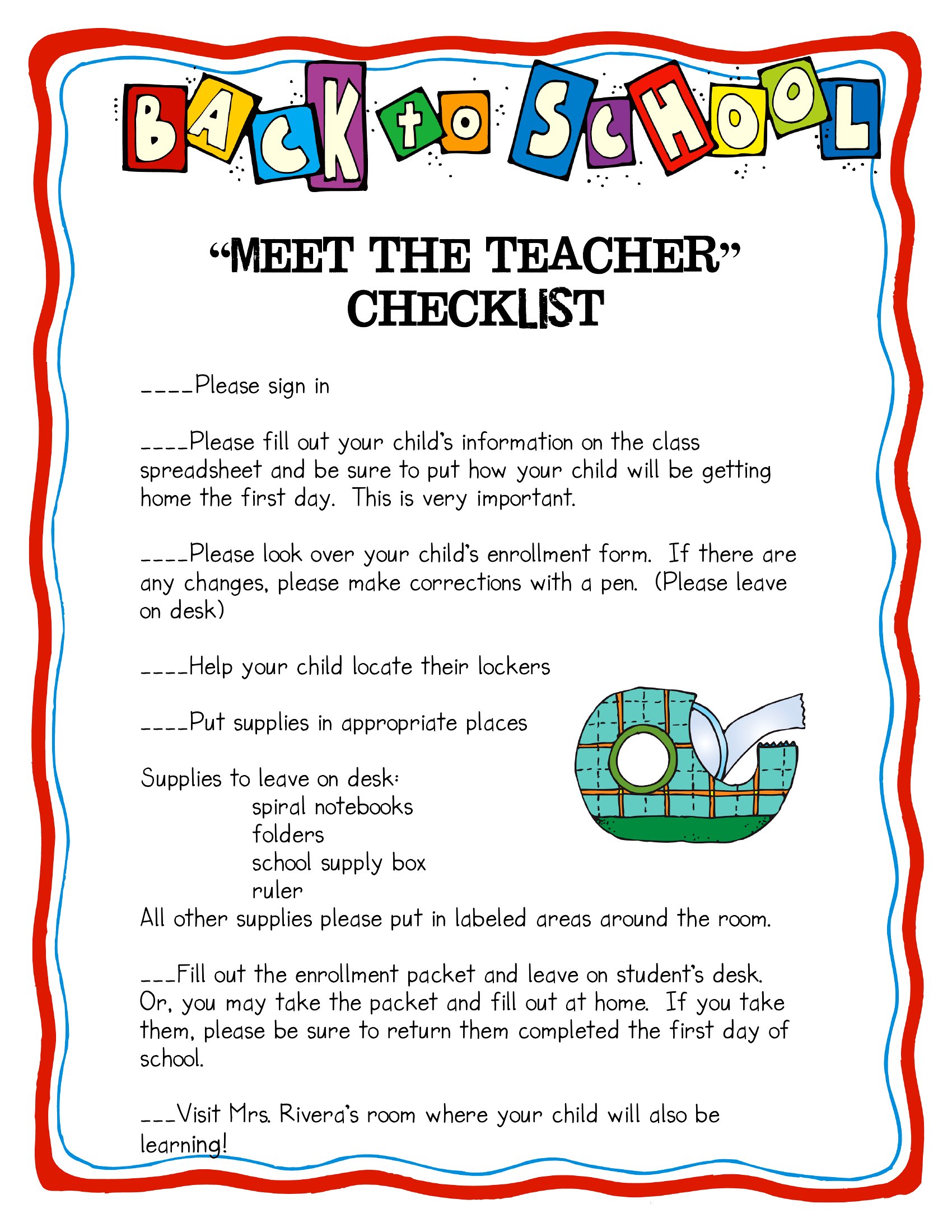
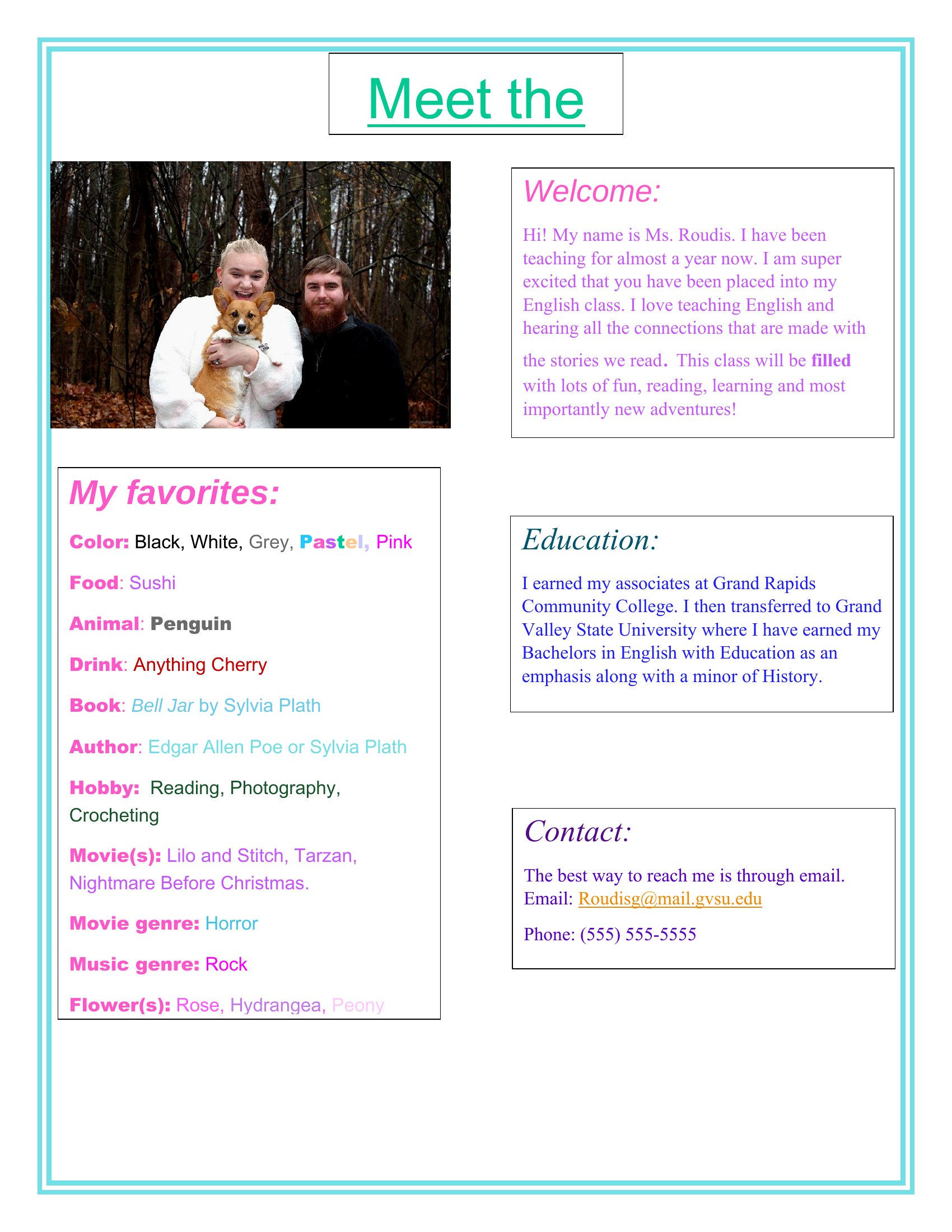
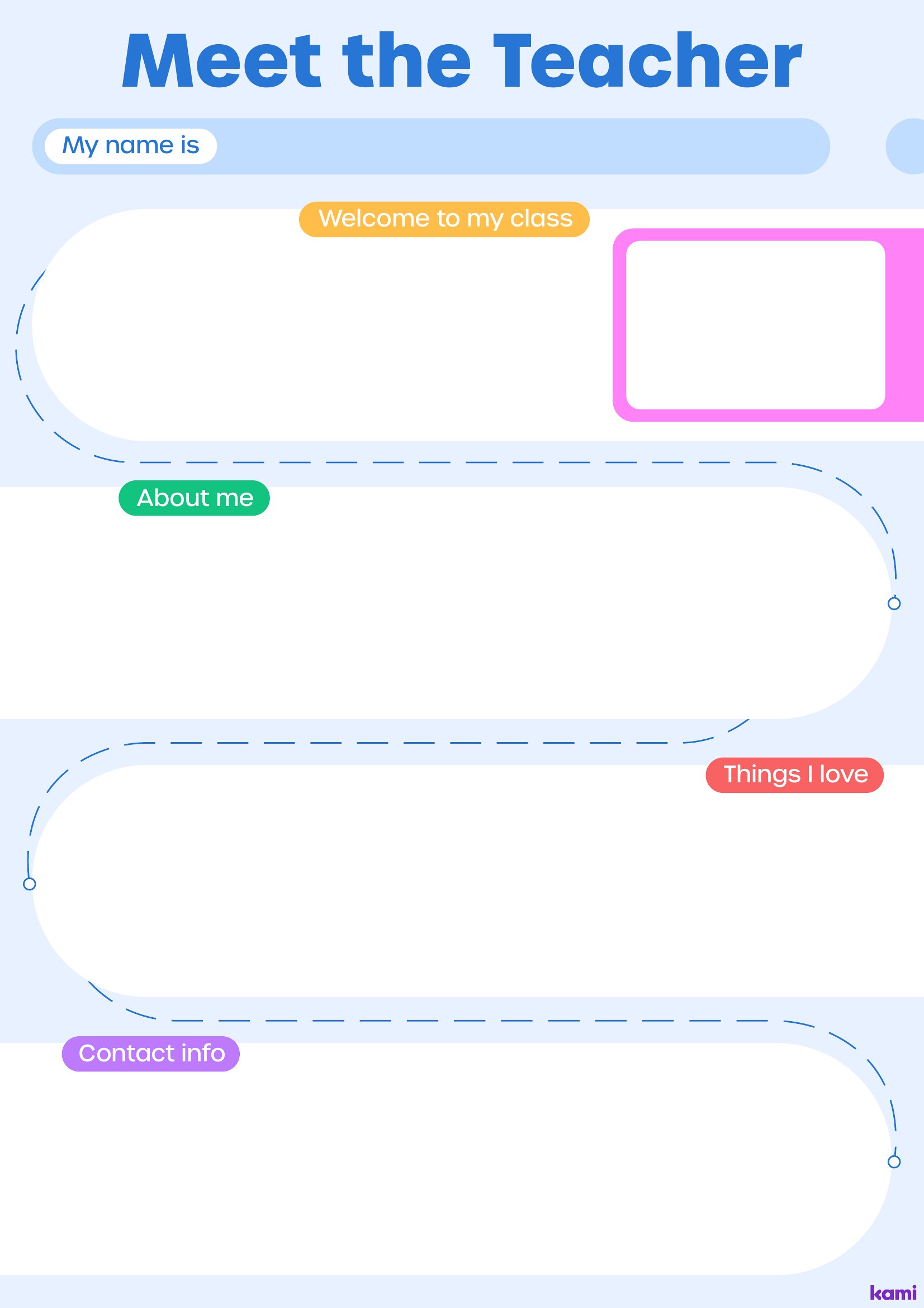
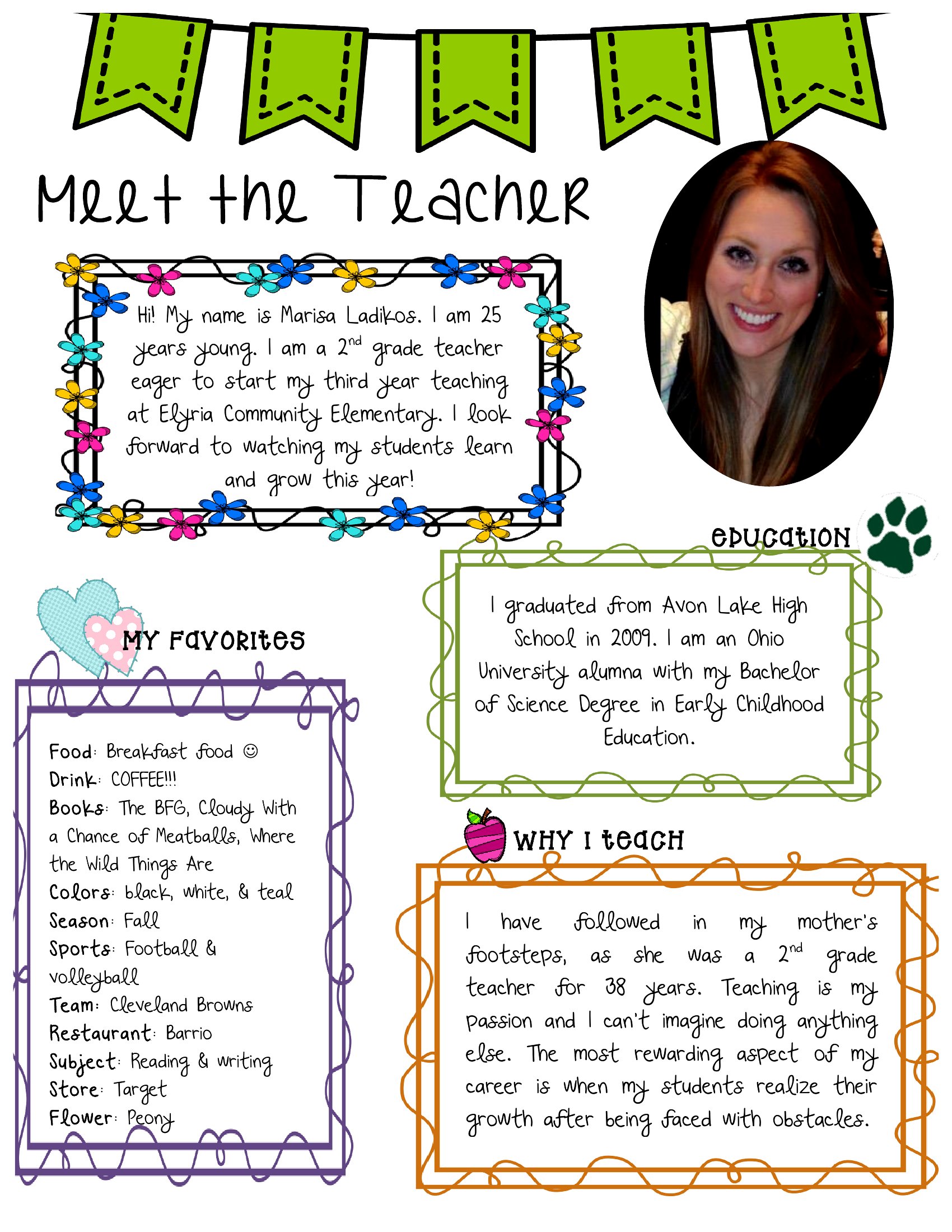
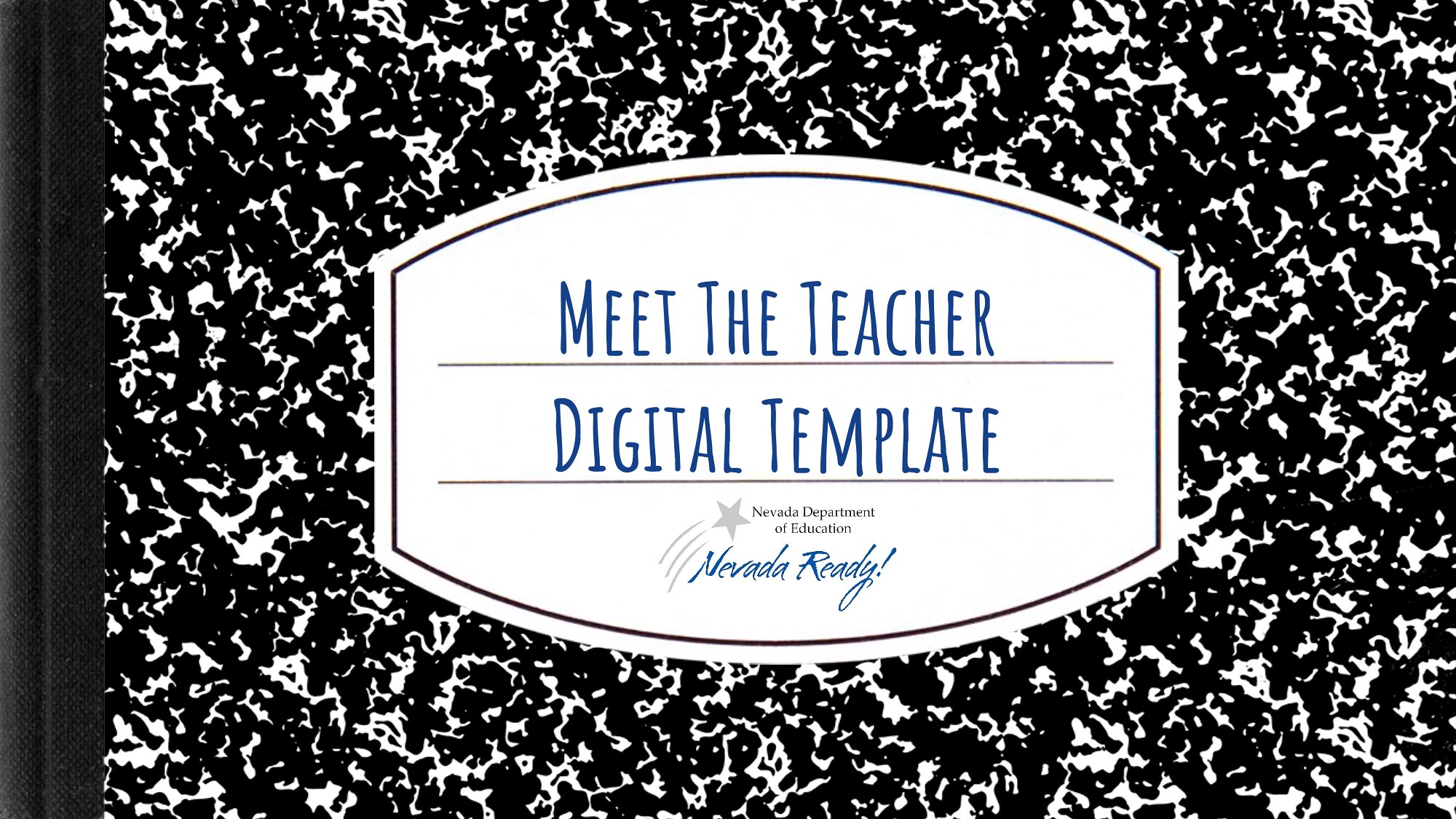
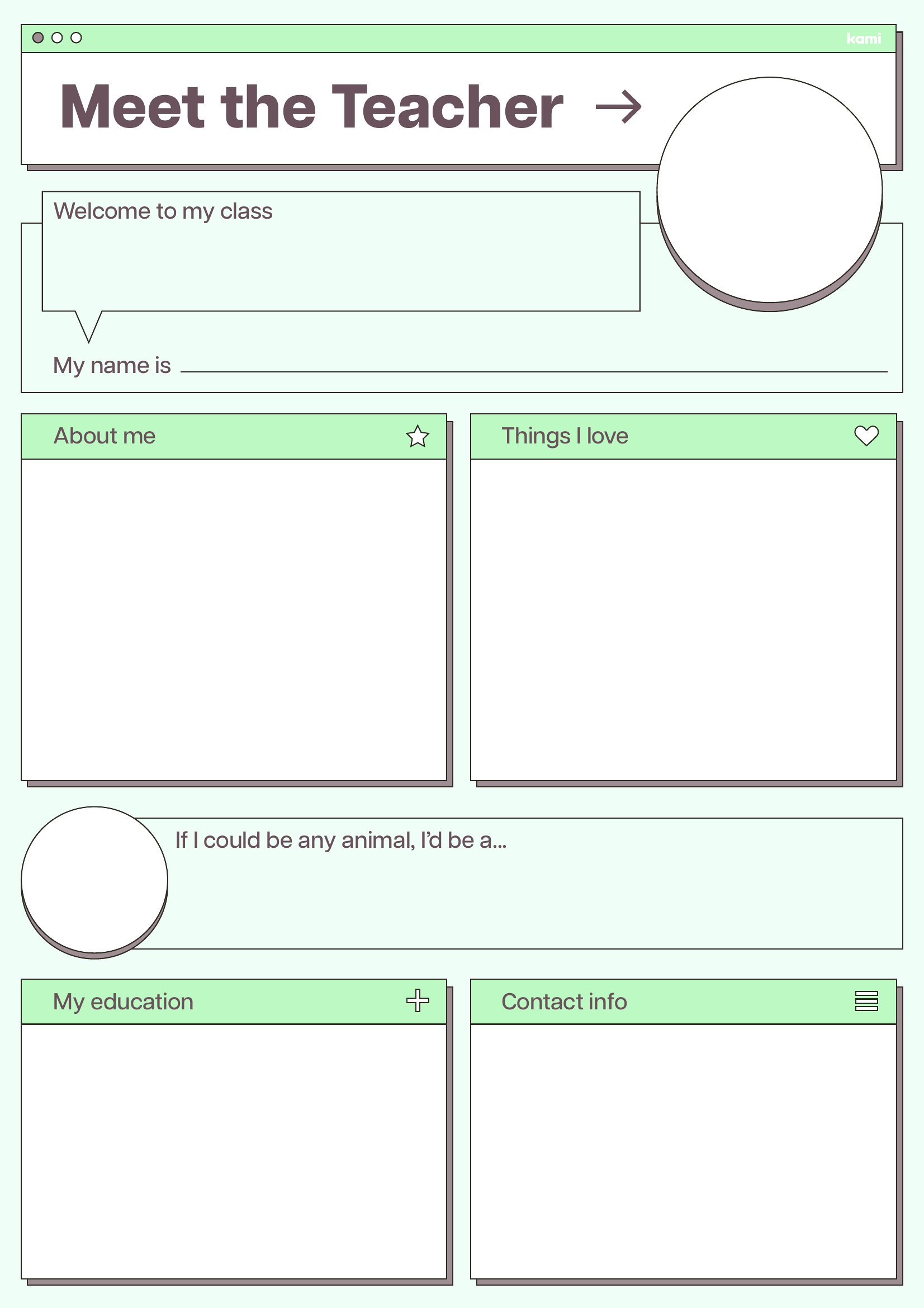
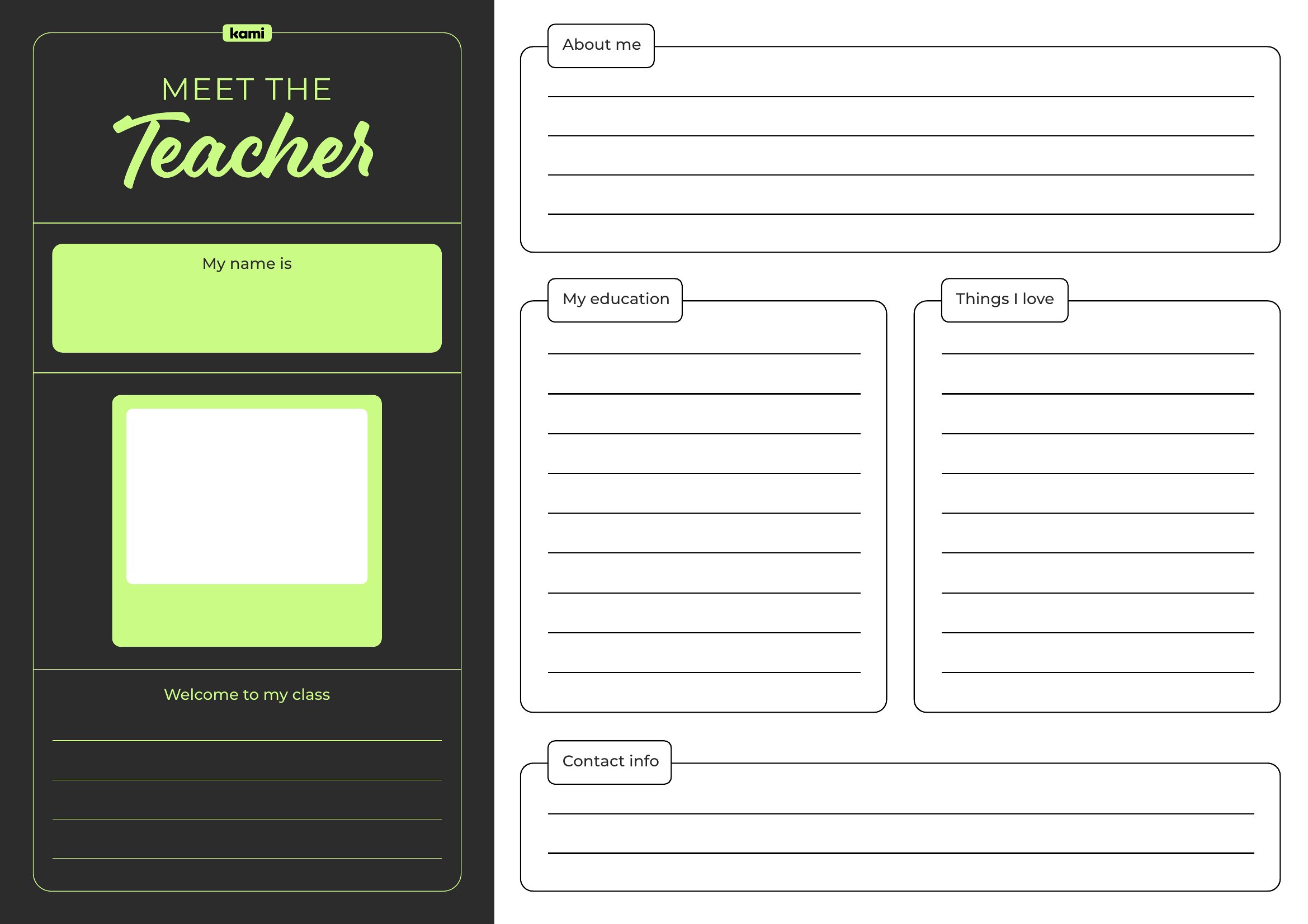
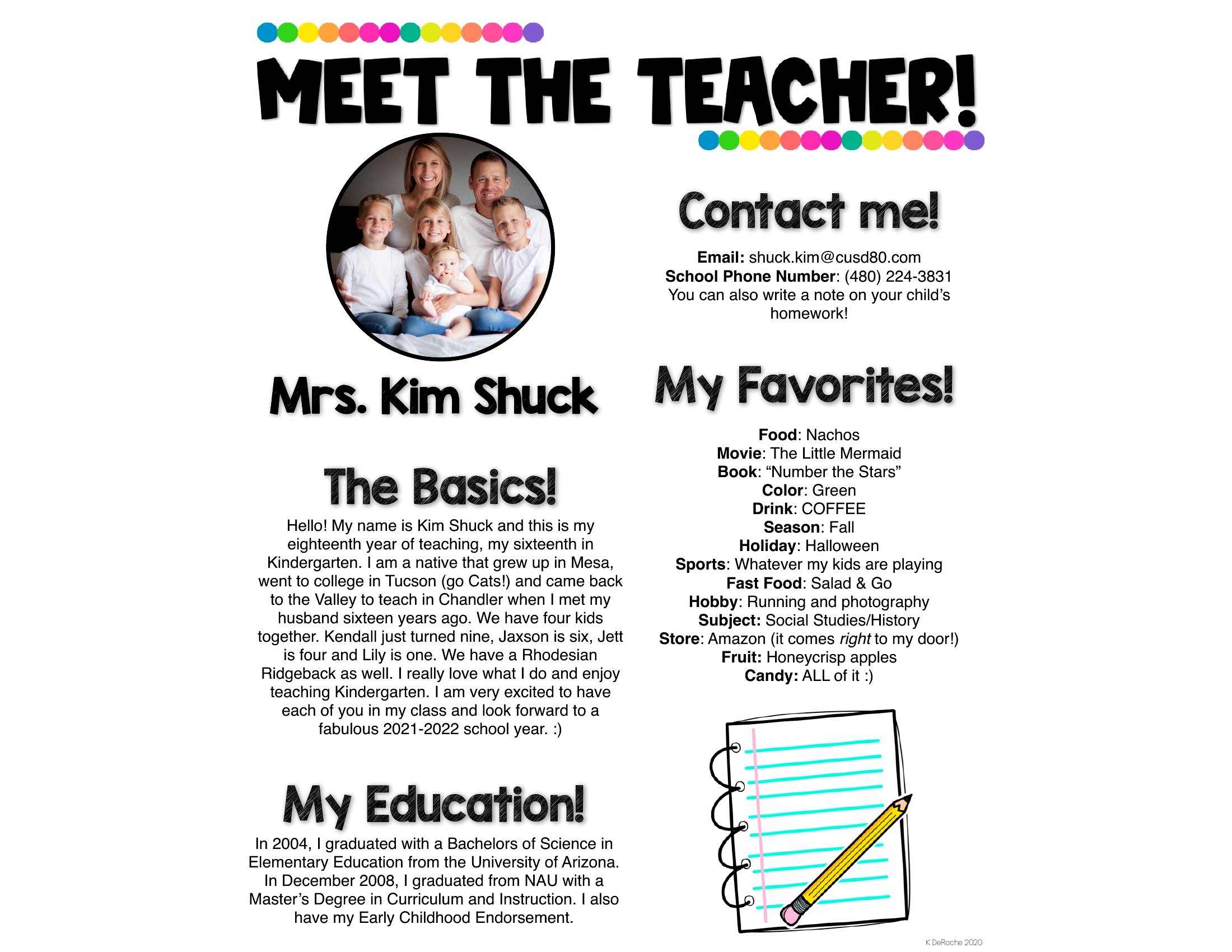
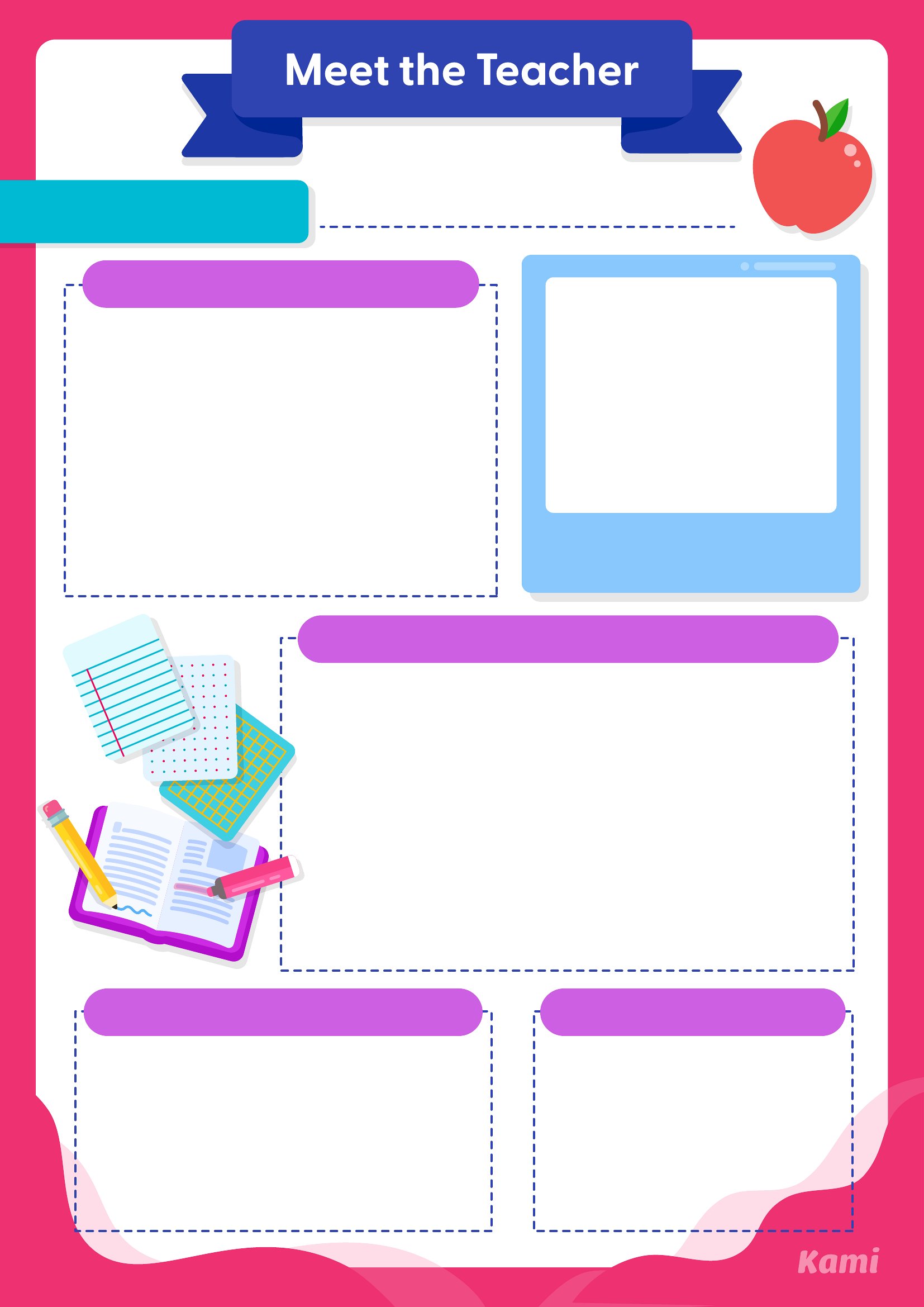
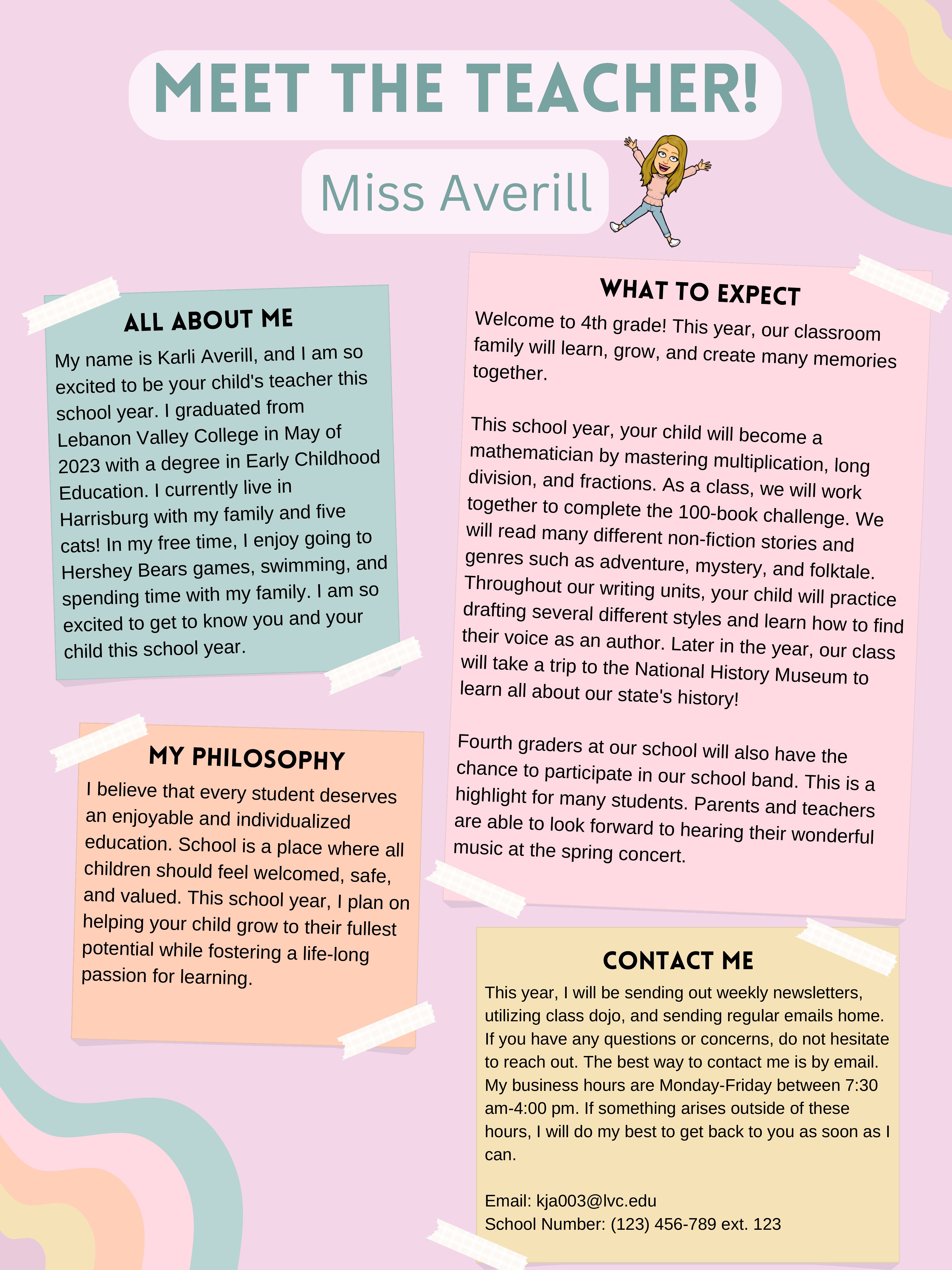
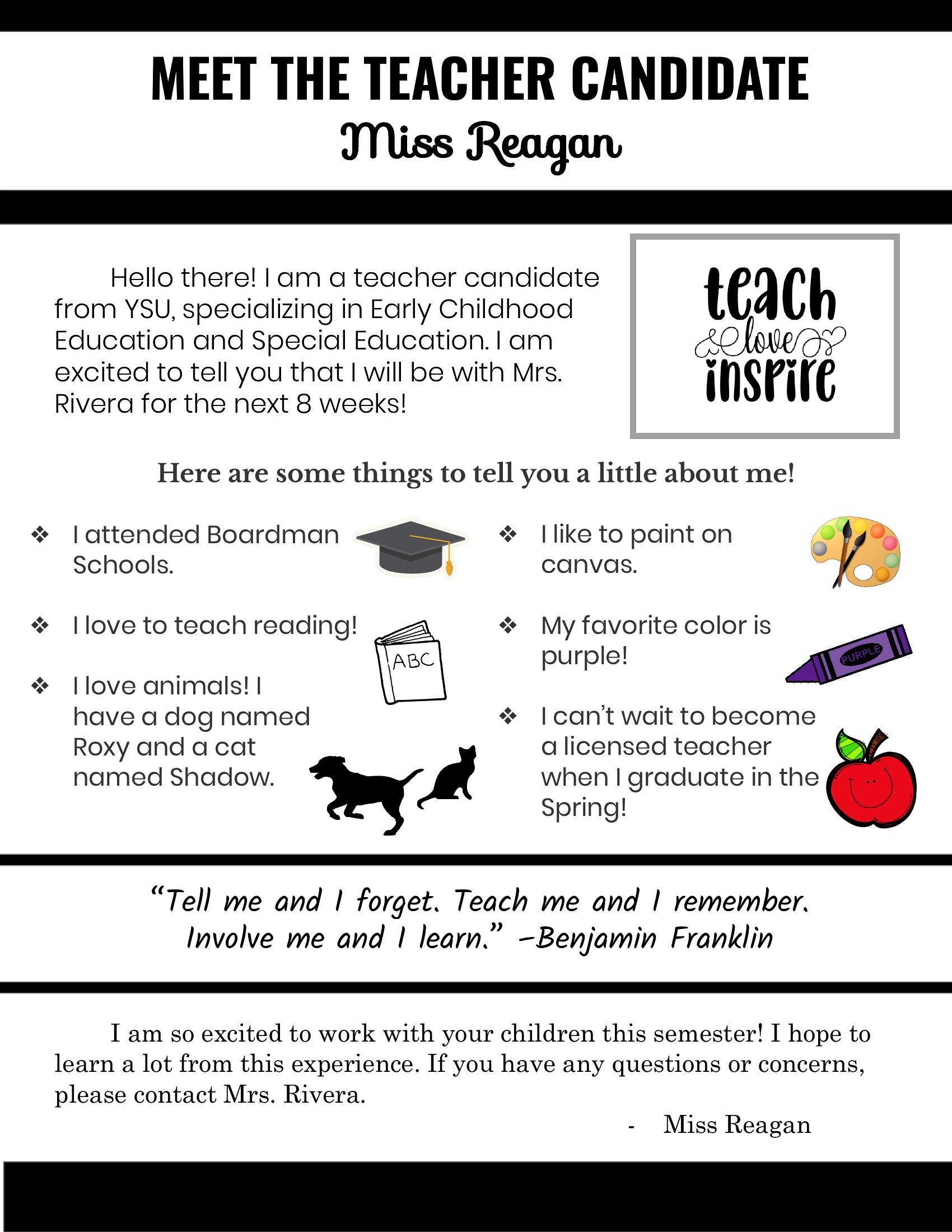
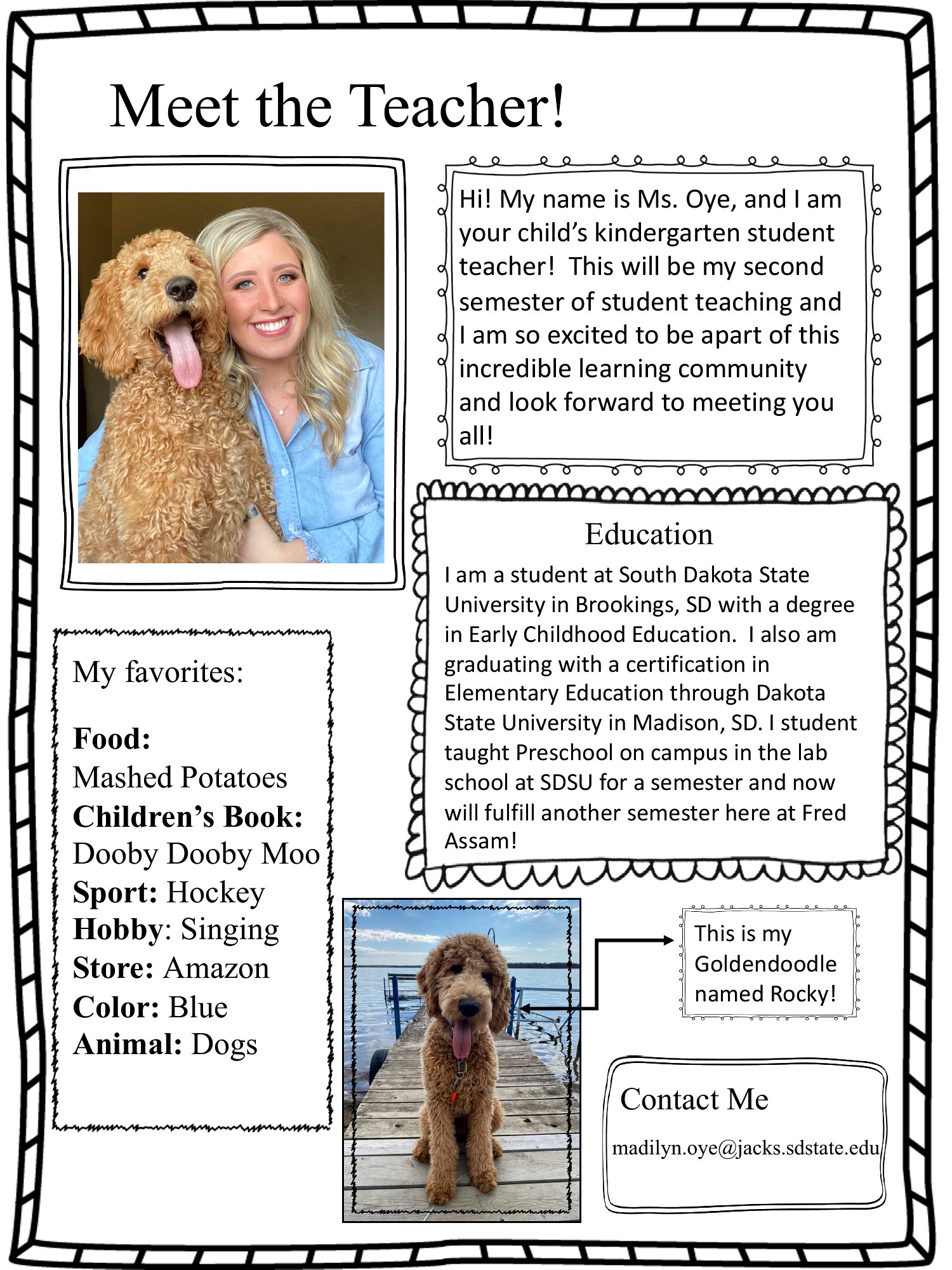
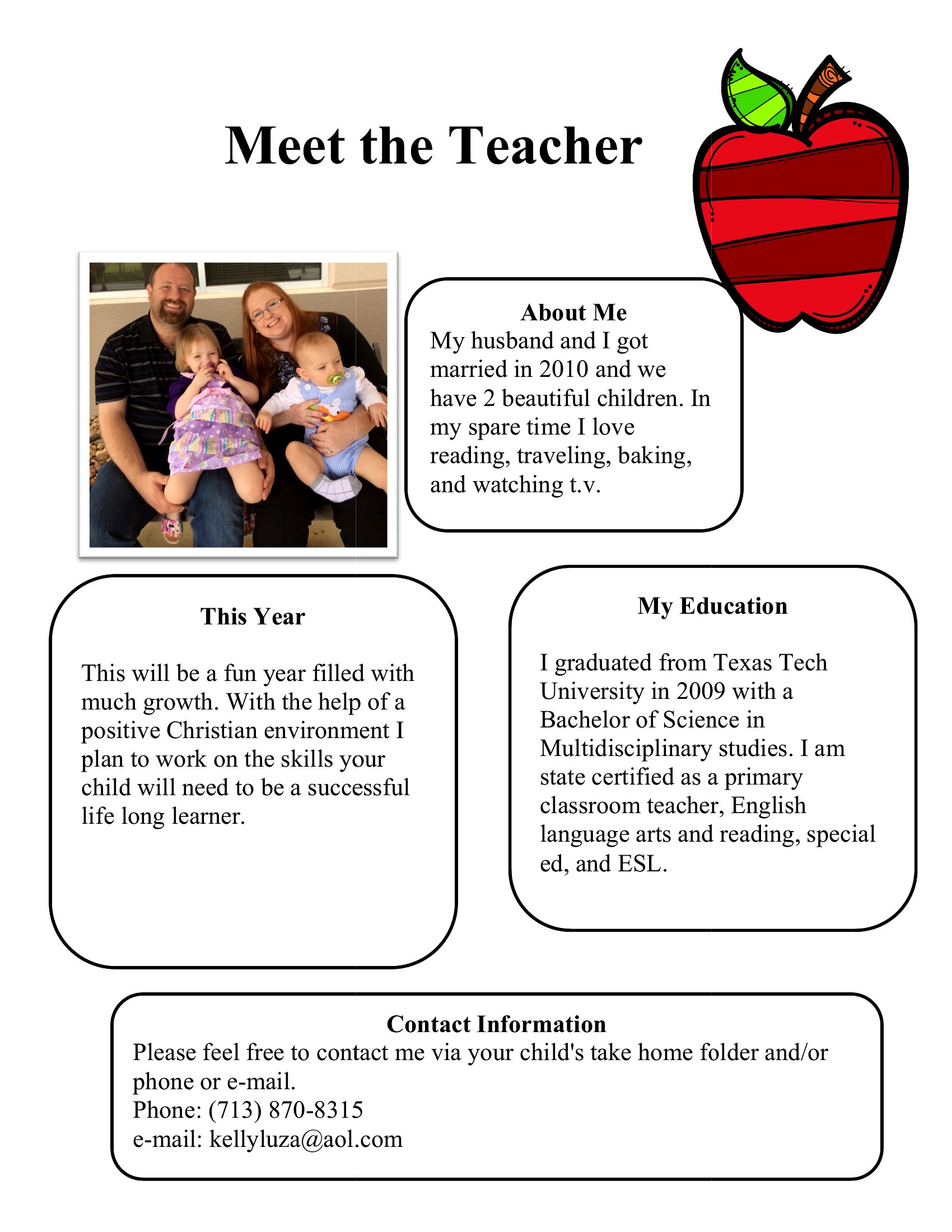
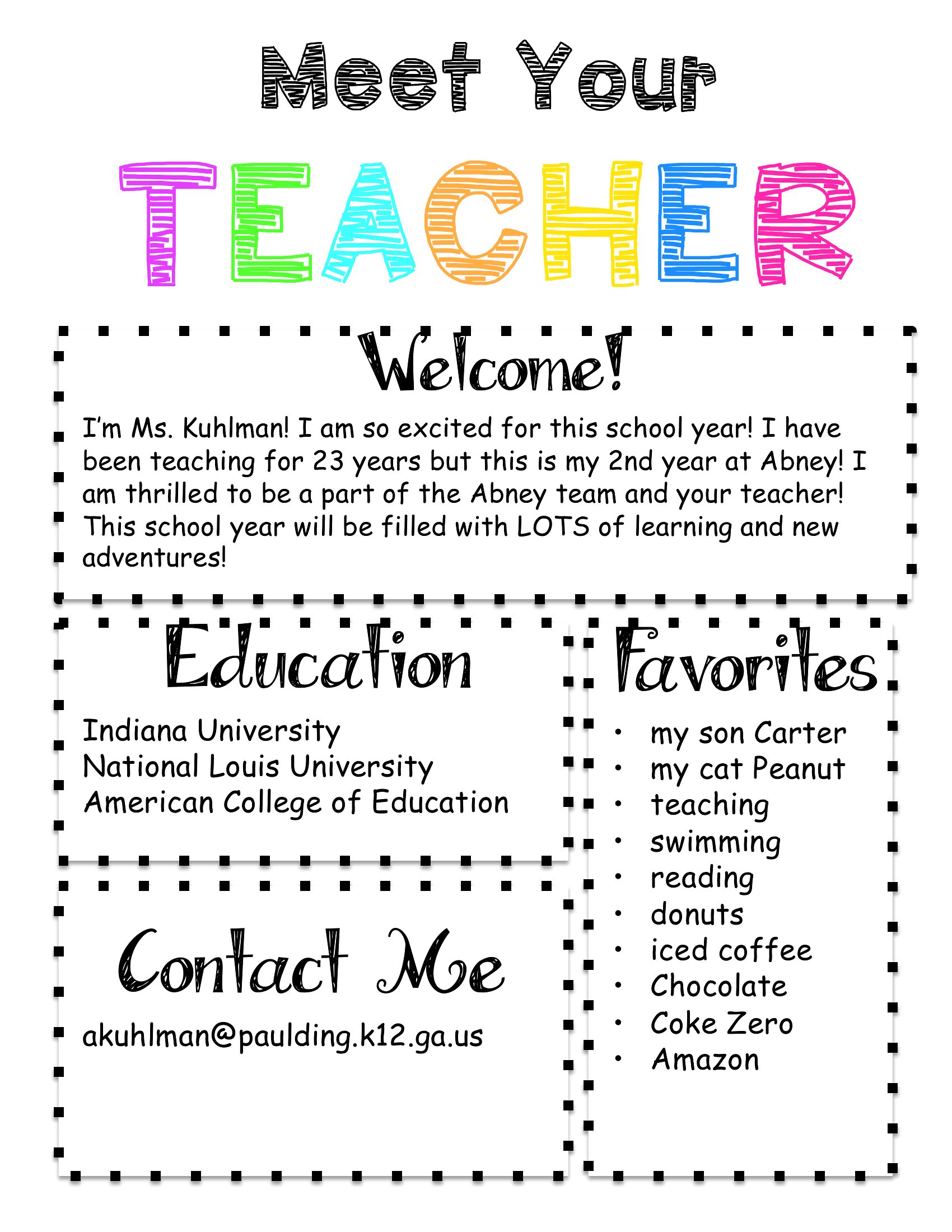
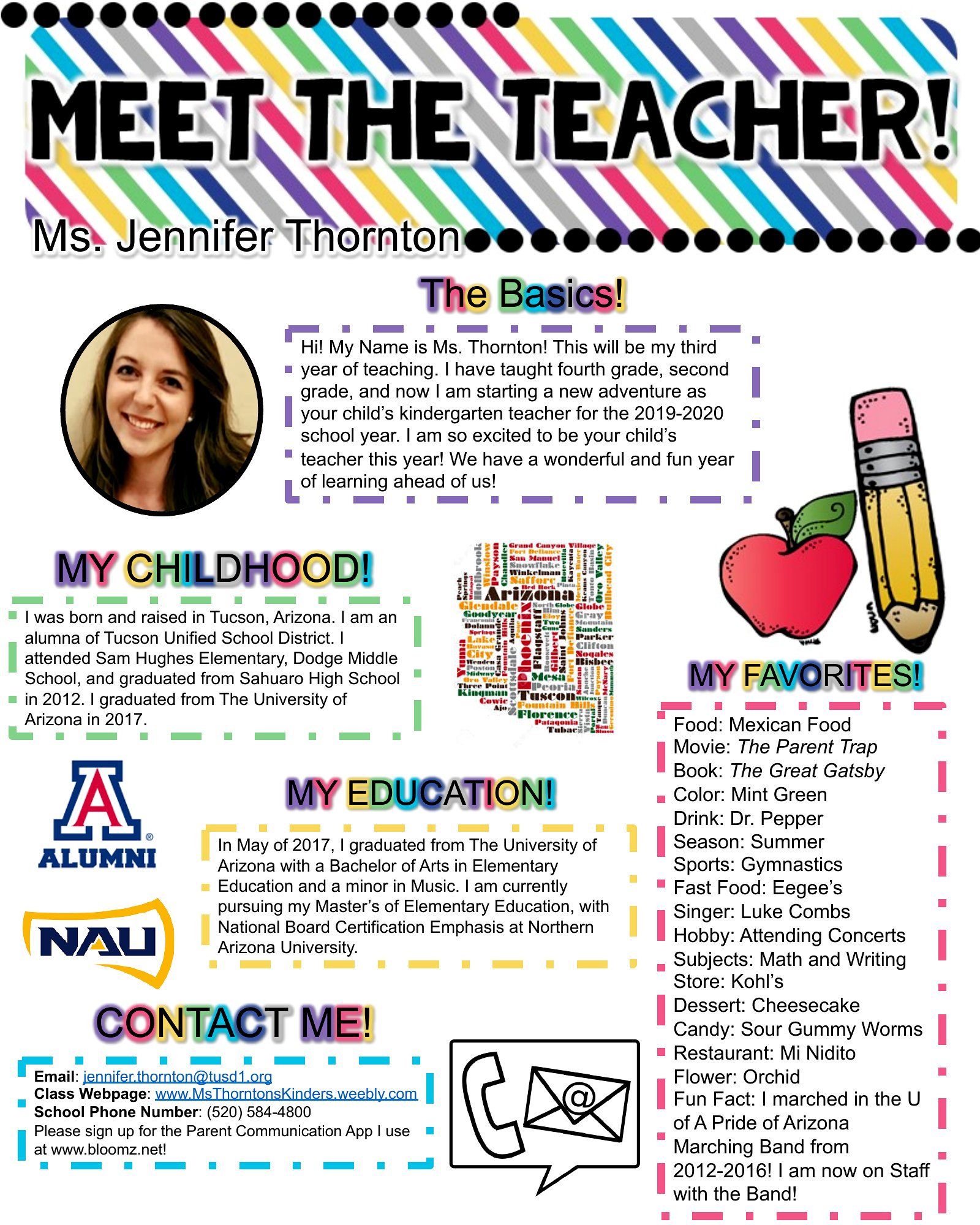
The start of a school year goes smoother when families get to know the teacher before day one. This set of 24 meet the teacher templates gives educators a friendly one-page introduction covering their background, classroom expectations, supply lists, and how to get in touch.

Edit the Word versions to add your photo and details, or print the PDFs to send home or hand out at open house. Fill in your teaching style, schedule, and a warm welcome, then share it with parents and students. Choose the layout that fits your classroom and make a great first impression before the bell even rings.

When to use this Meet the Teacher template

  • New elementary school teachers can use these templates to create warm, professional introductions for parents before the first day of school, reducing back-to-school anxiety while setting clear expectations about classroom routines and communication policies.
  • Substitute teachers preparing for long-term assignments can quickly customize a one-page PDF or Word template to share their background, classroom management approach, and contact information with students’ families to build trust from day one.
  • Special education teachers need these templates to clearly outline accommodations, therapeutic supports, and individualized goals in a way that’s easy for parents to digest, fostering collaboration with families who have complex needs to navigate.
  • Private tutors and homeschool instructors can adapt these designs to introduce themselves to students’ parents, outline their teaching philosophy, and include a brief supply list if they provide physical materials, helping to establish professionalism in a less formal setting.

Which format should I download?

WordPDF

Choose Word if you need to make multiple edits—such as swapping photos, adjusting classroom policies, or personalizing sections like hobbies or education background—before finalizing your introduction. Use PDF when you’ve finalized your meet-the-teacher letter and want to print copies for open house events or email as a fillable form. PDFs are ideal for preserving formatting when distributing to parents who may not have Word, while Word offers flexibility for last-minute tweaks.

How to use this Meet the Teacher template

How can I make sure my meet-the-teacher template feels personal without overwhelming parents with too much information?

Keep your introduction concise by focusing on three key areas: who you are (a brief bio with a photo), what to expect (classroom routines, communication policies), and how to get involved (volunteer opportunities, PTA events). Include a supply list only if it’s essential, and use bullet points or short paragraphs to make it scannable. Parents appreciate clarity and warmth over lengthy details.

Are there ways to adapt these templates for teachers who work with multilingual families?

Yes, you can use the Word versions to translate key sections—like classroom expectations or contact information—into the primary languages spoken by your students’ families. Alternatively, include a bilingual section in the PDF or attach a translated version as a supplement. Highlight important terms like “emergency contact” in both languages to ensure clarity. Pair the template with a verbal welcome during open house to reinforce understanding.

What’s the best way to include photos in the template without making it look unprofessional?

Use a high-quality, well-lit headshot that’s cropped to focus on your face and shoulders, dressed in semiprofessional attire (like a collared shirt or a simple sweater). Place the photo in the top corner or beside your bio section with a clean border or subtle shadow. Avoid selfies or casual shots, and keep the background simple. If you’re uncomfortable with a photo, opt for a small icon or graphic instead—just ensure your personality still shines through in the written content.

Comments

Join the conversation

Sign in to share your thoughts and leave a comment on this resource.

Newsletter

Get Weekly Design Updates

Join our community to receive curated resources and inspiration.

Weekly Tips Resources Early Access

We respect your privacy. Confirmation email required. Privacy Policy