Skip to content
50% off this one-time $1.99 pack with HALFOFF — or unlimited with Pro.HALFOFF
Premium

Free Printable Luggage Tags (Word)

Life
alexanderlarsen by alexanderlarsen
Updated 0 downloads 1 community comment

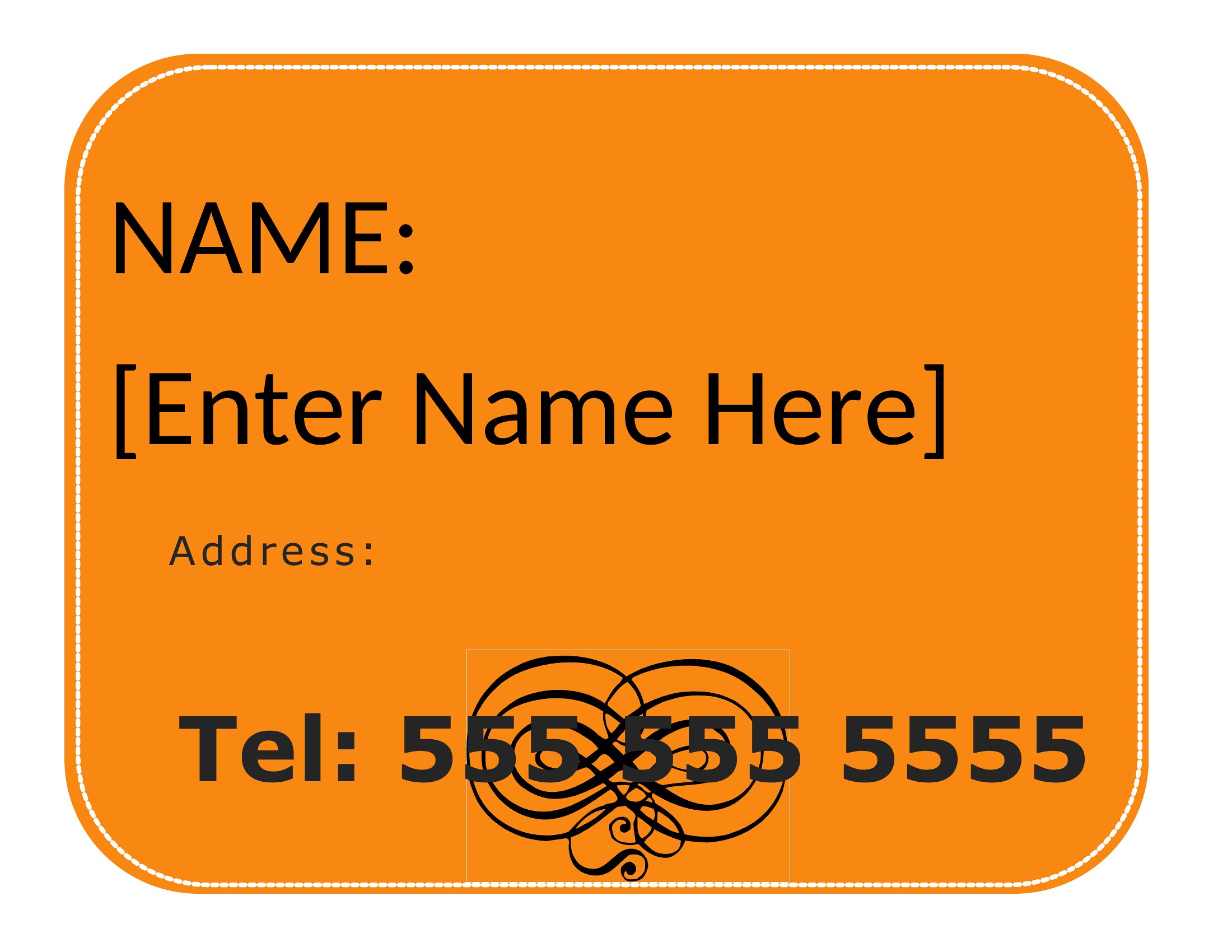
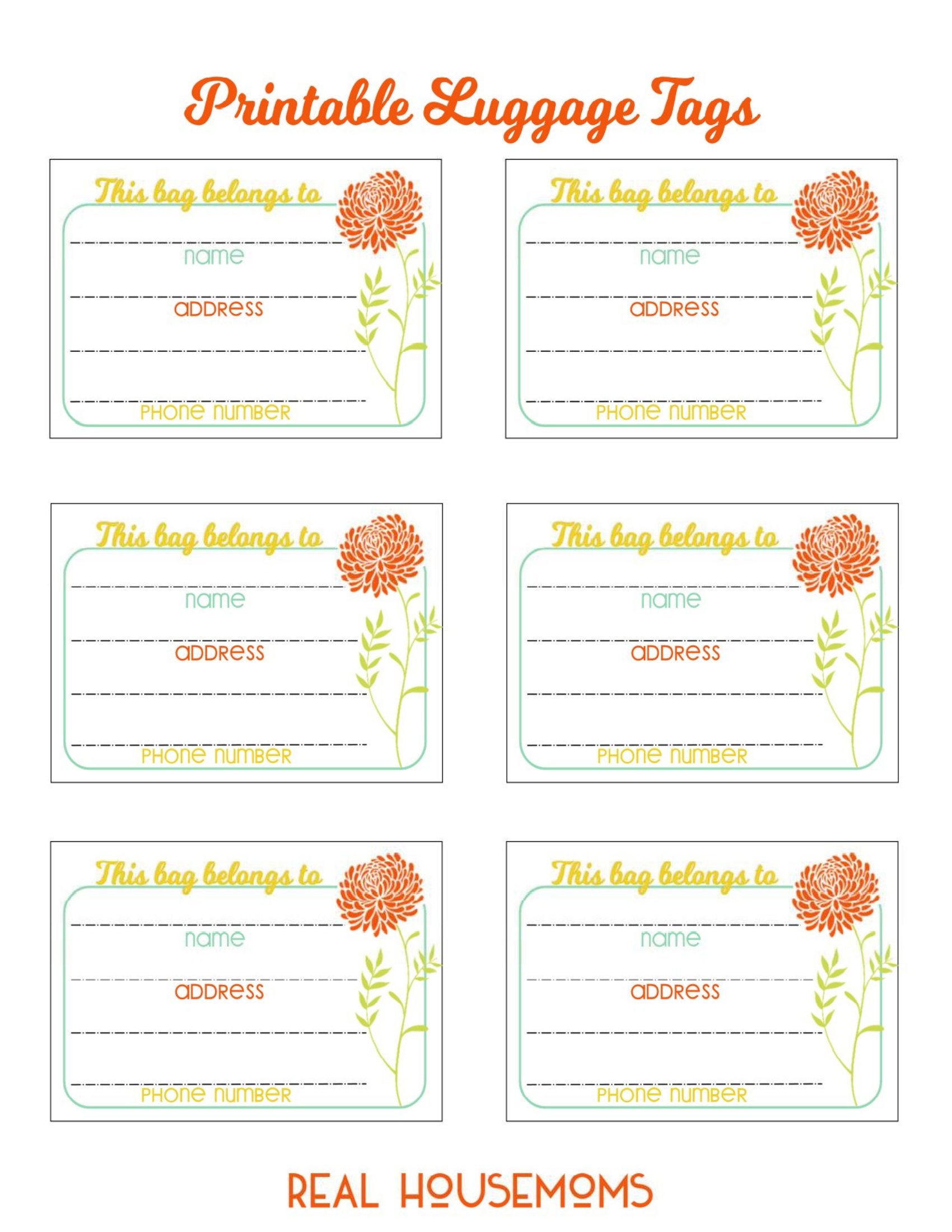
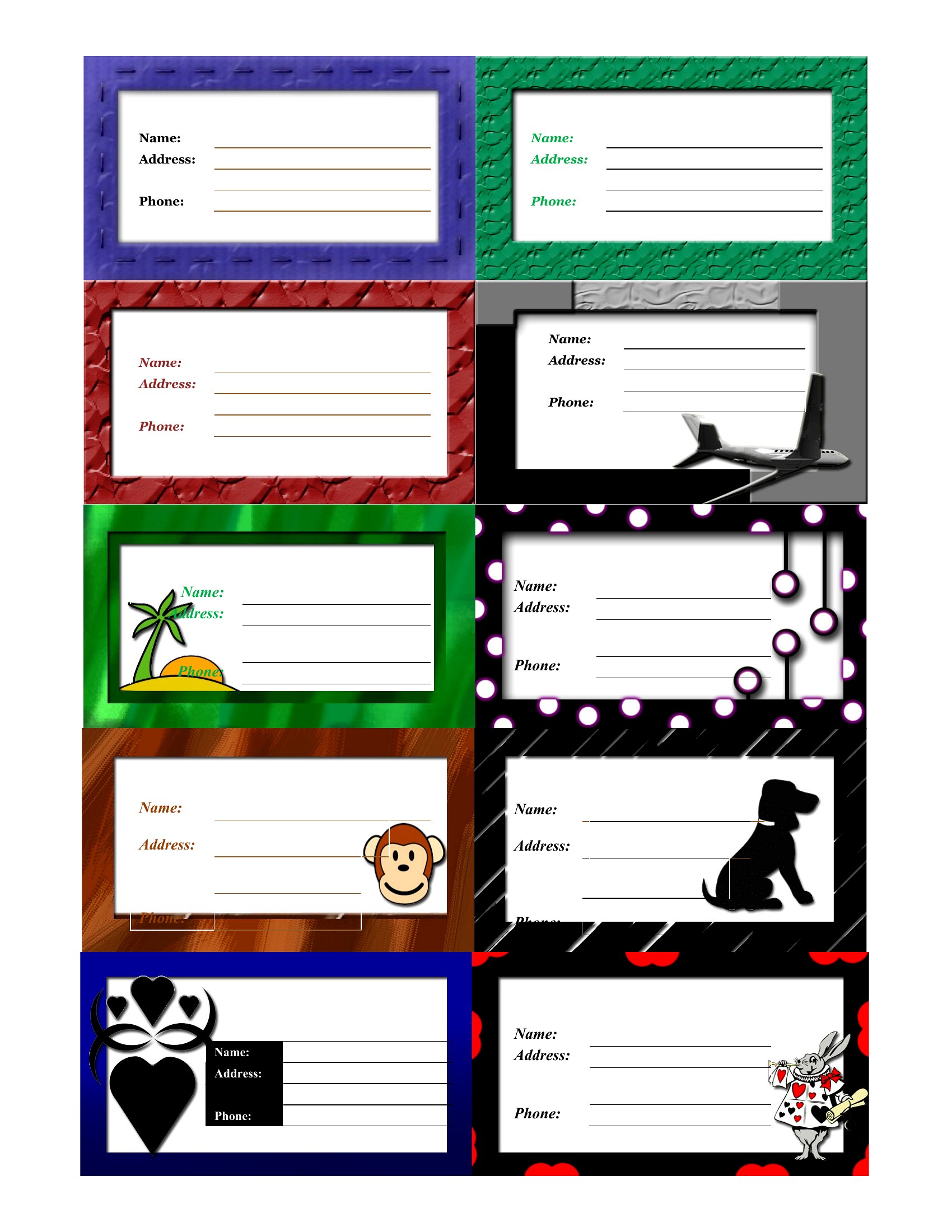
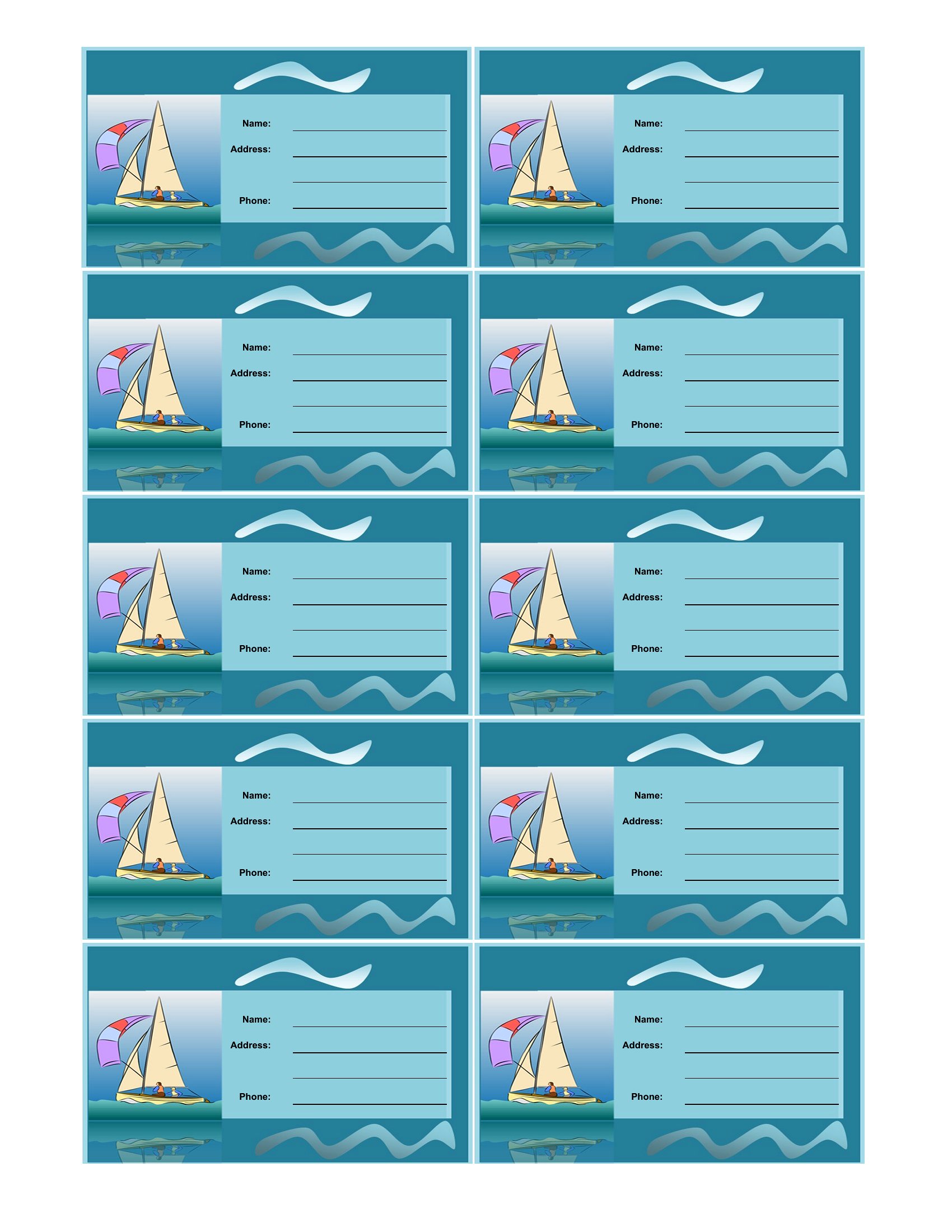
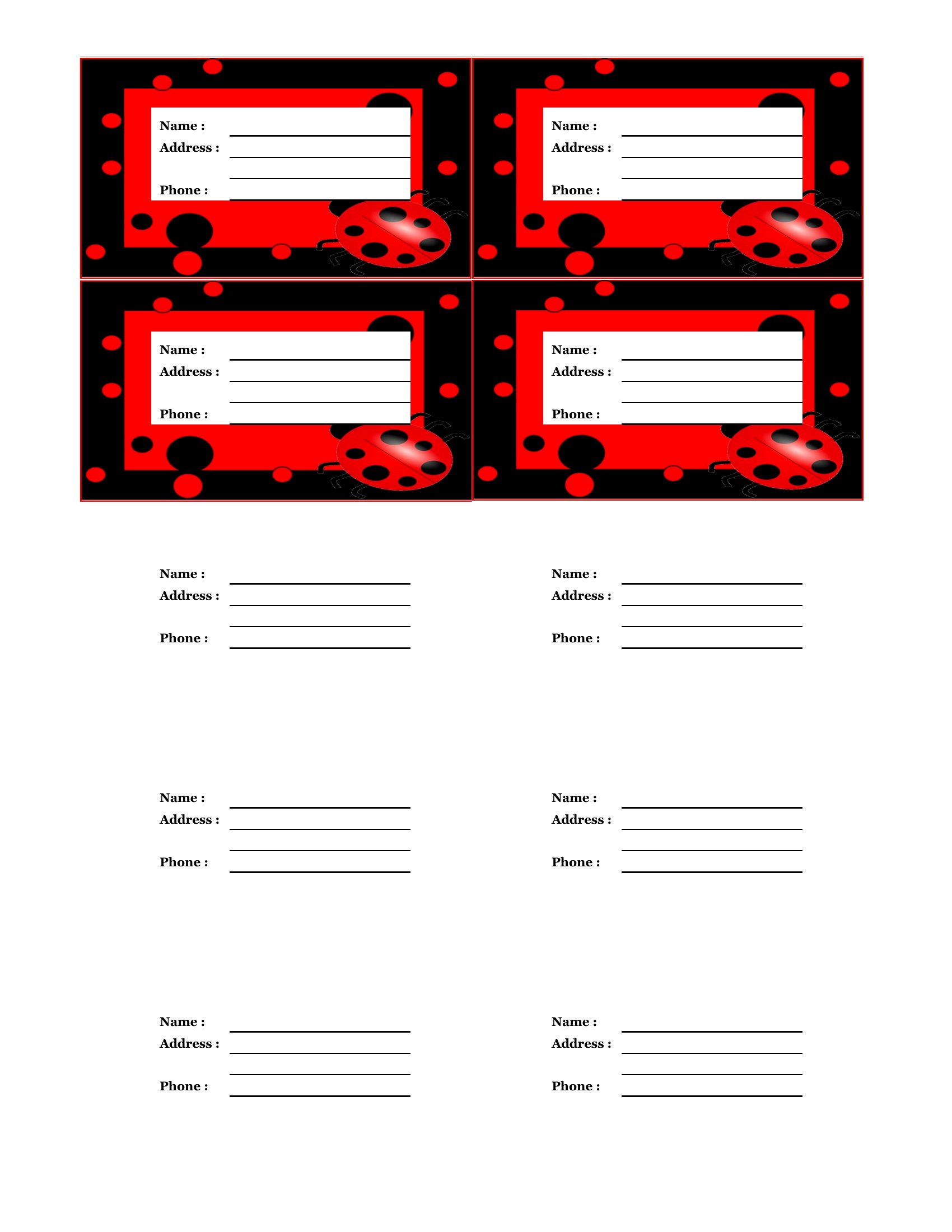
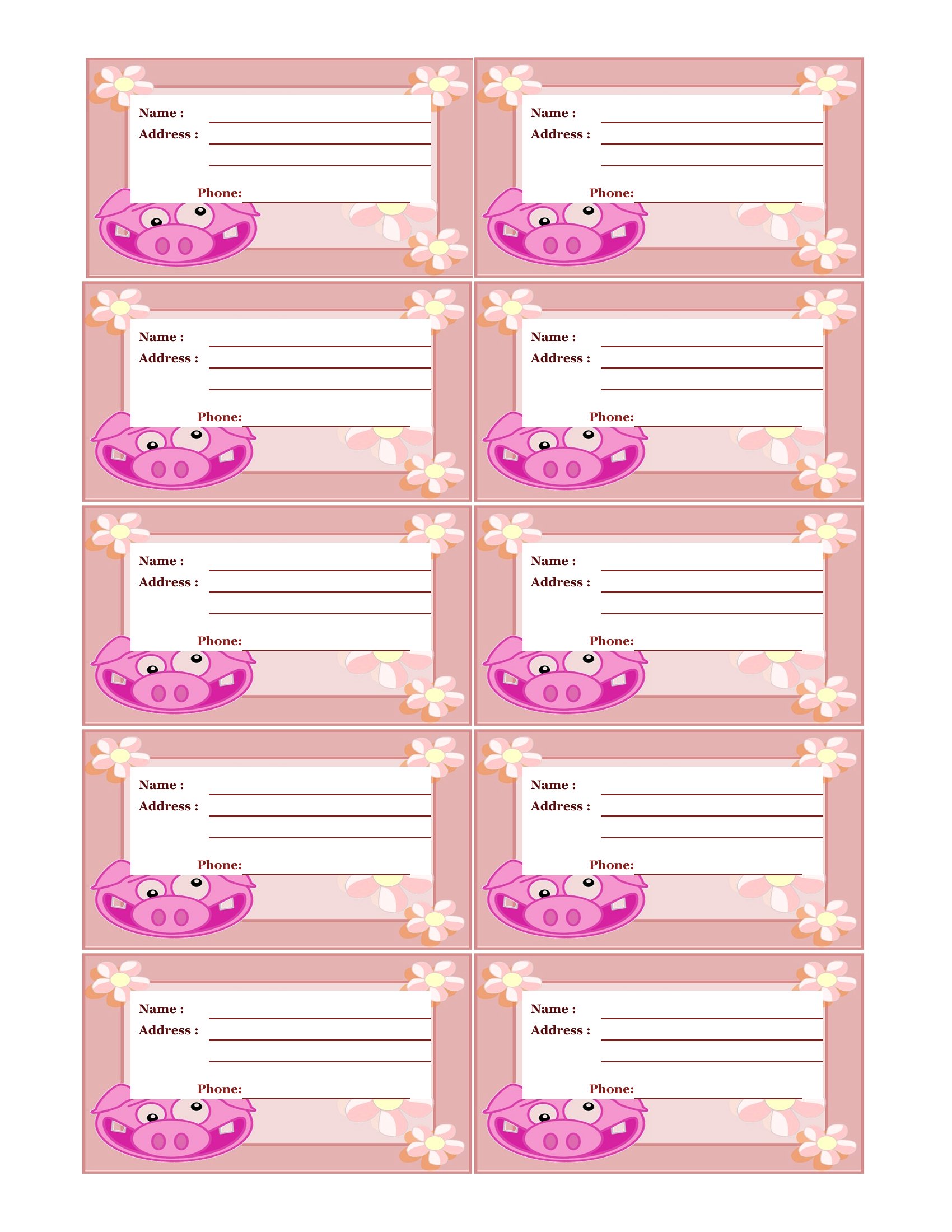
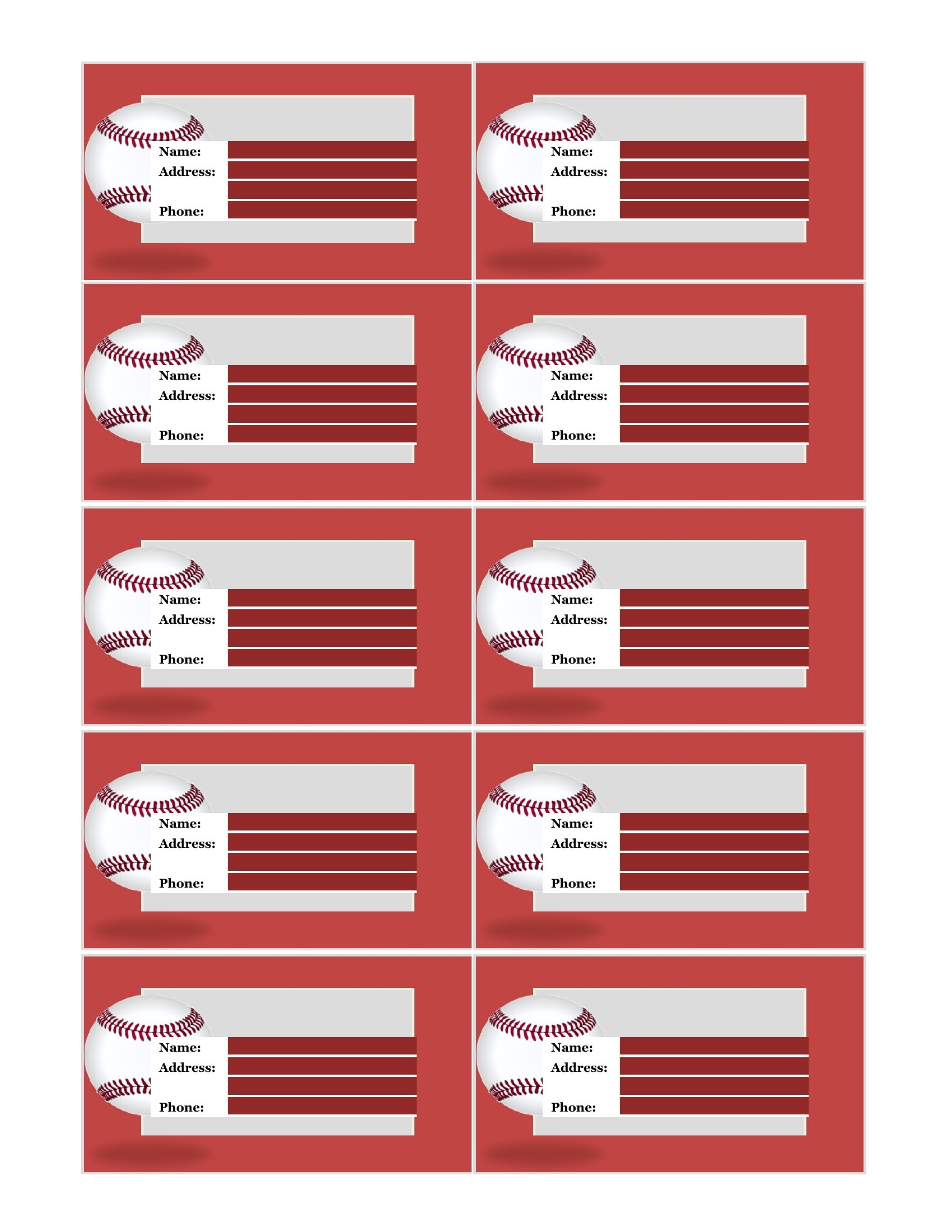
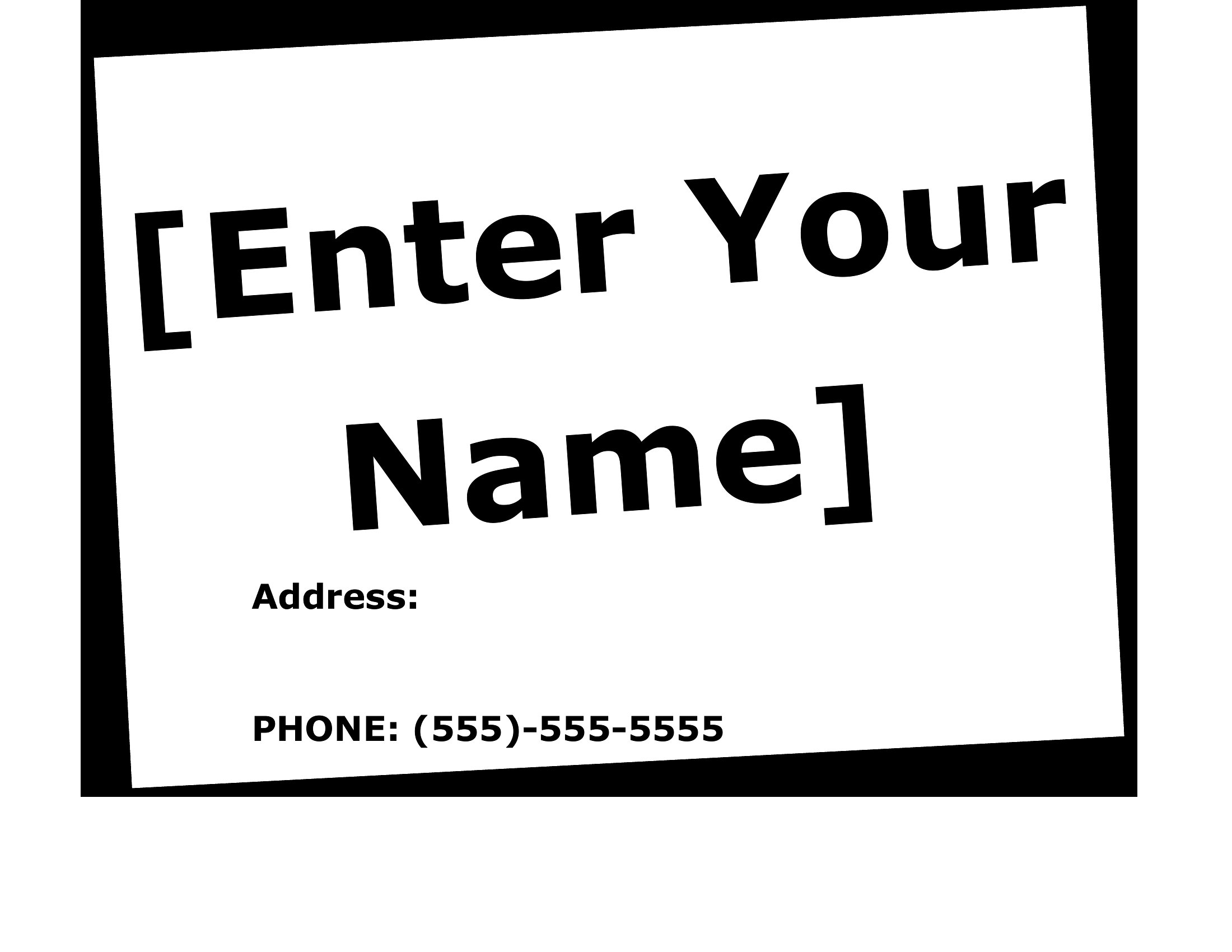
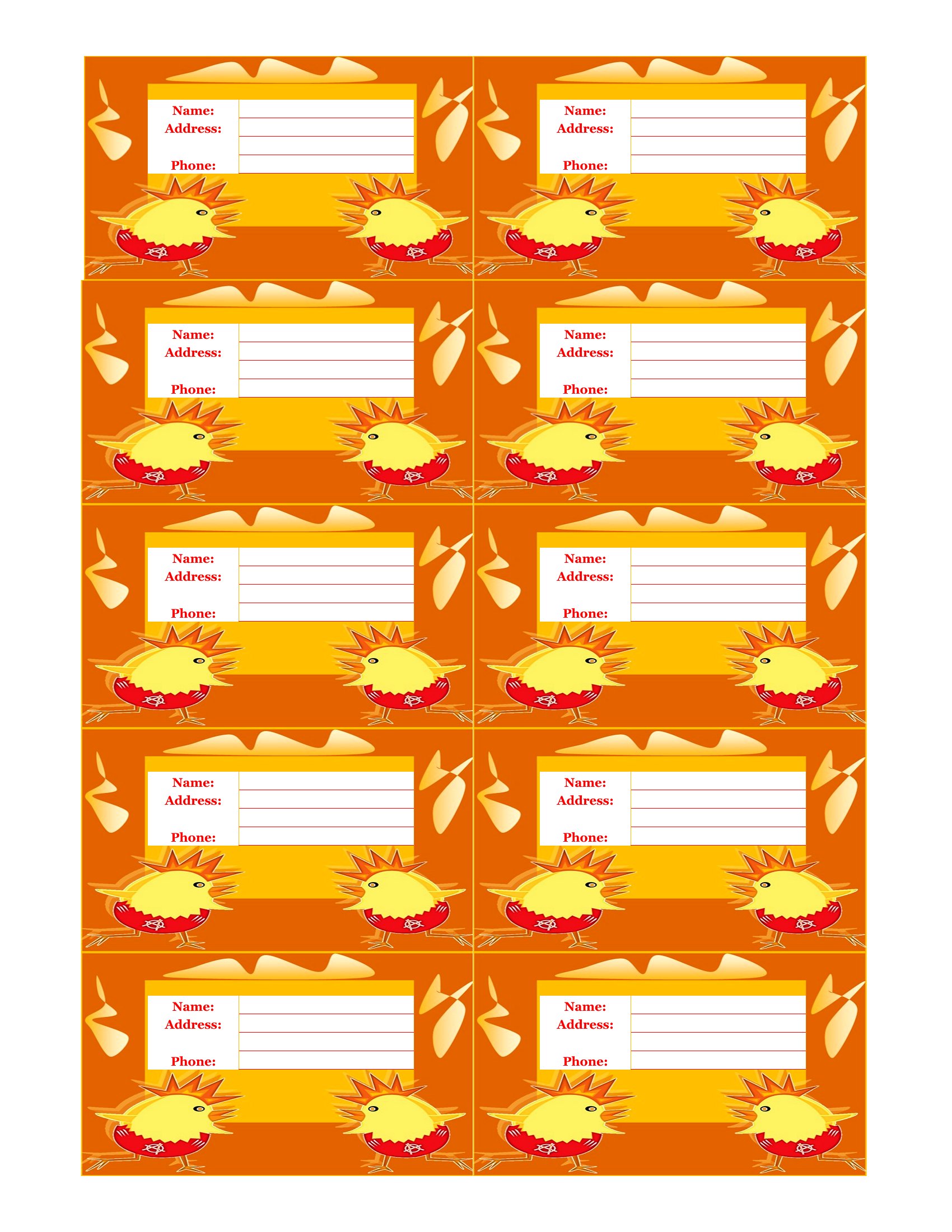
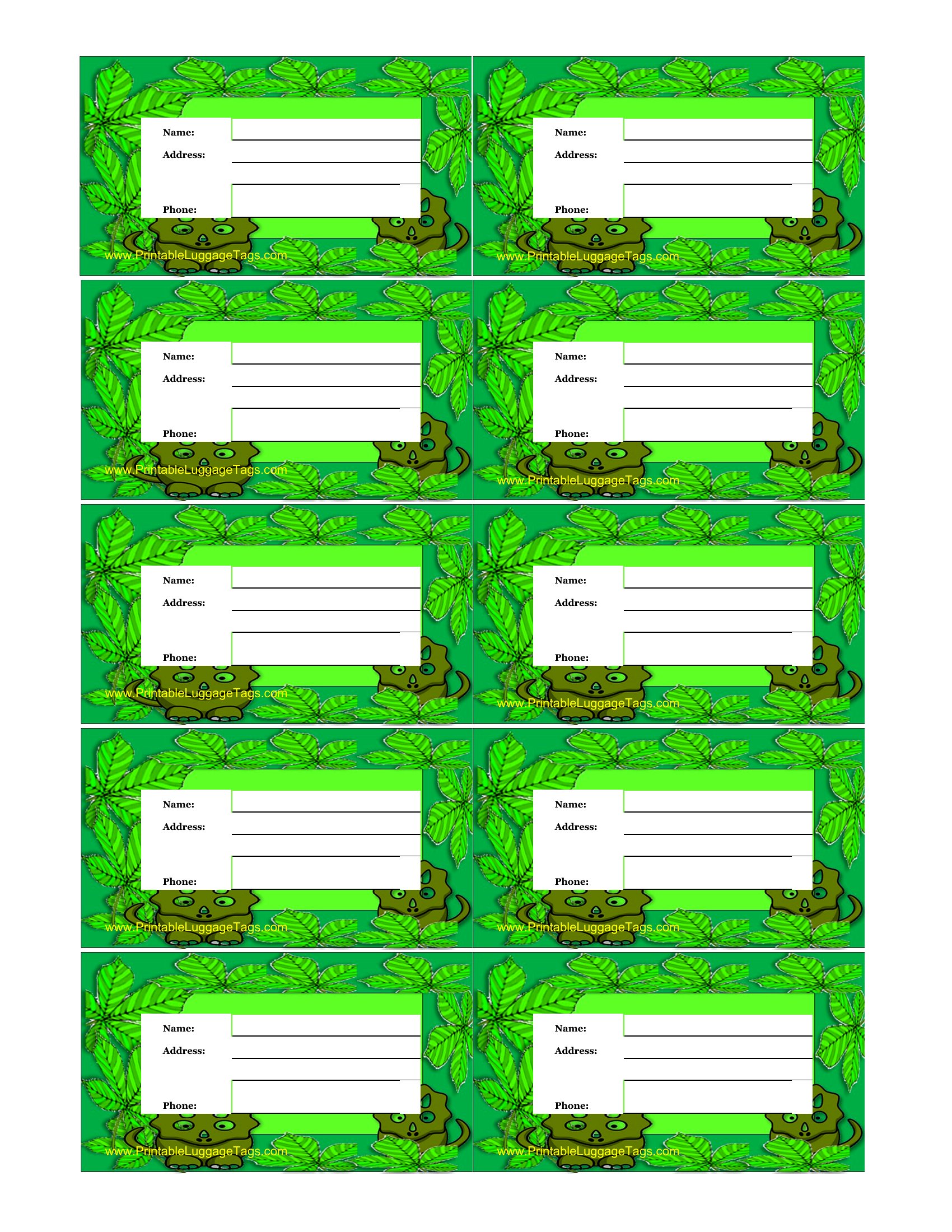
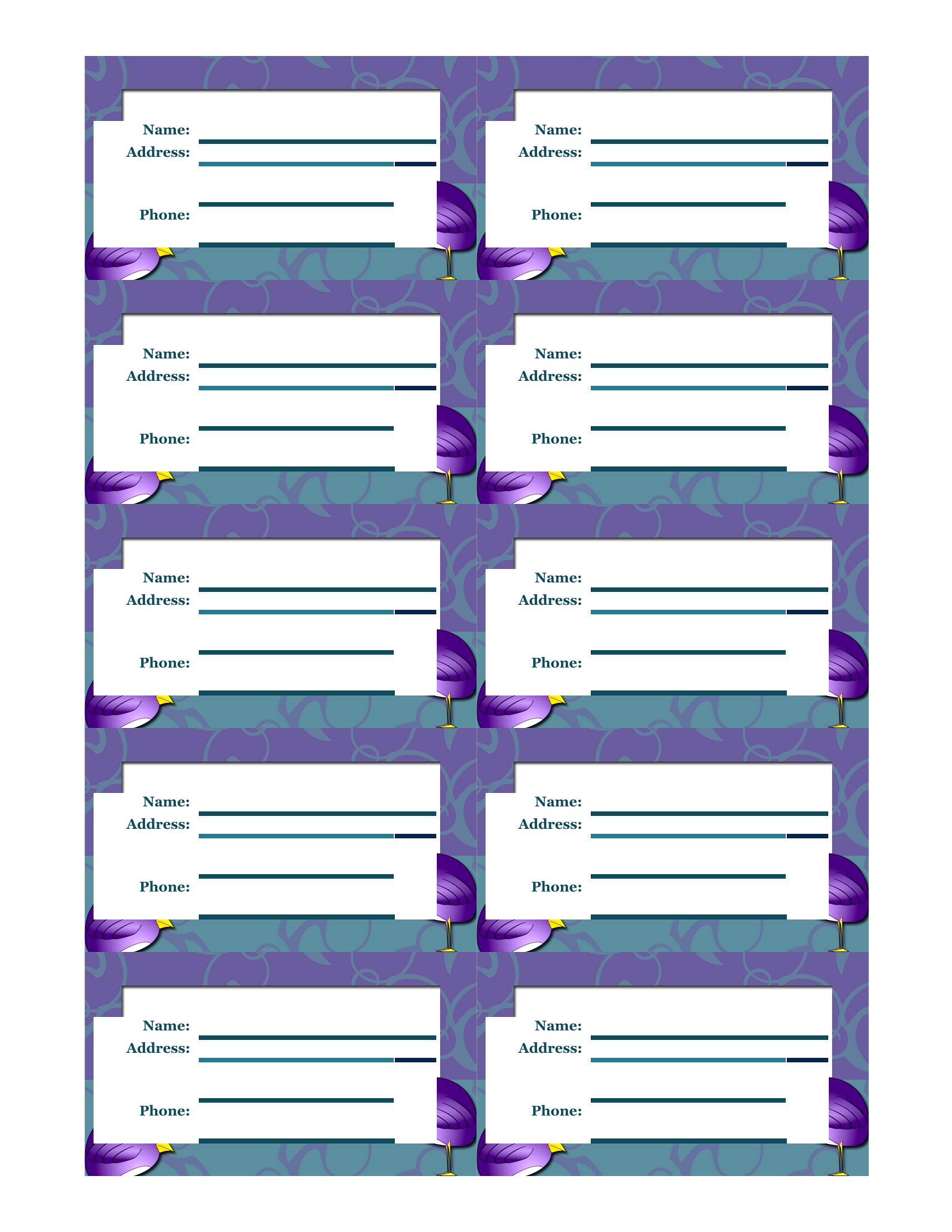
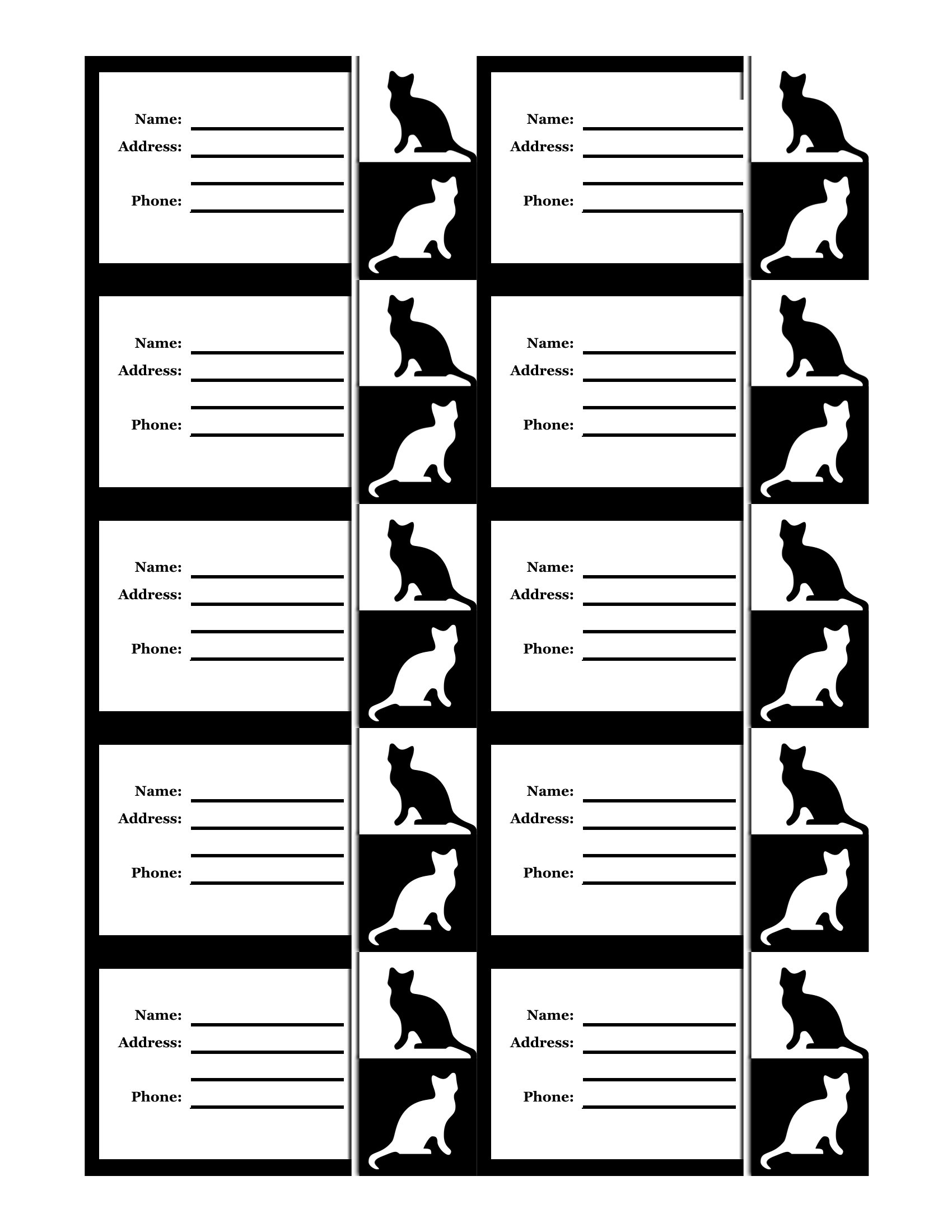
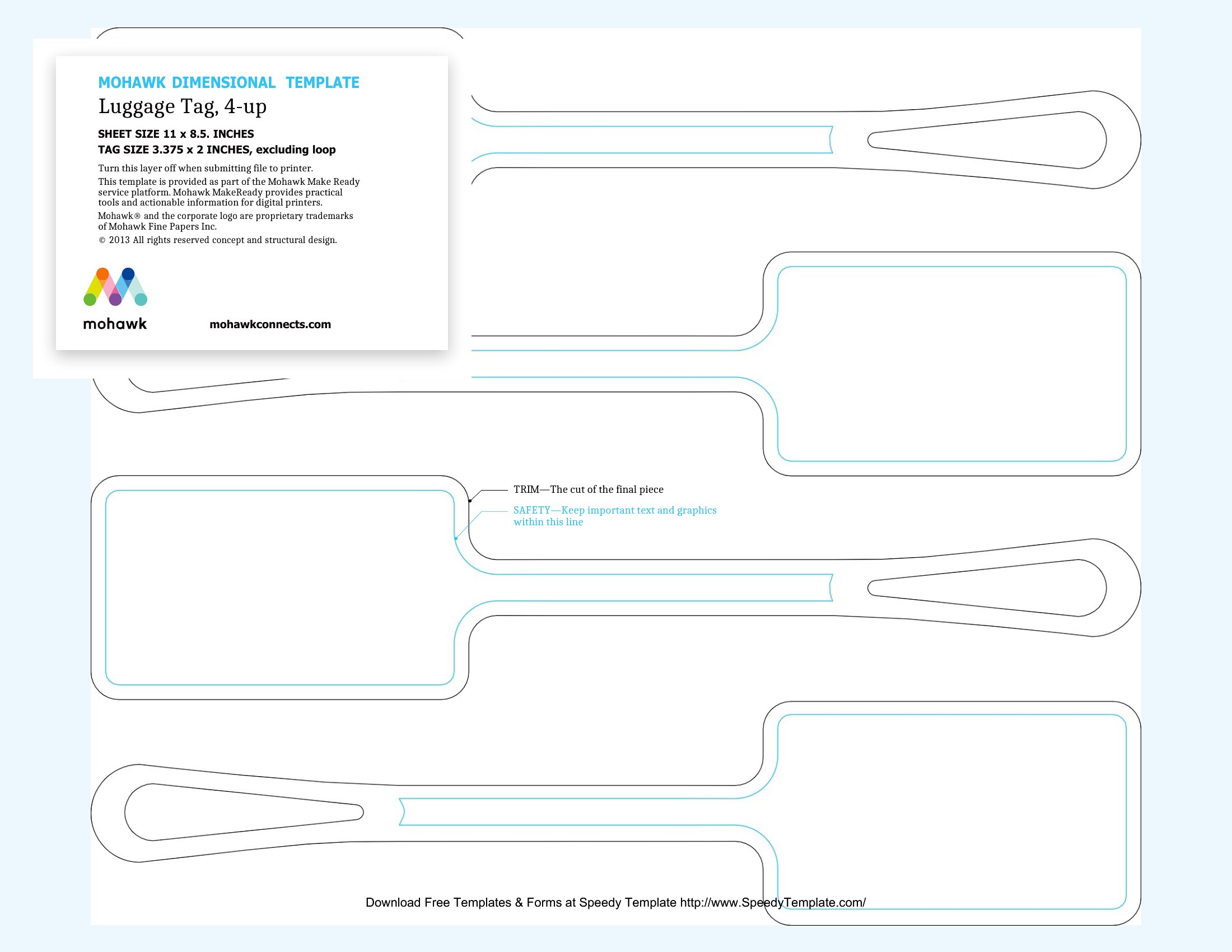
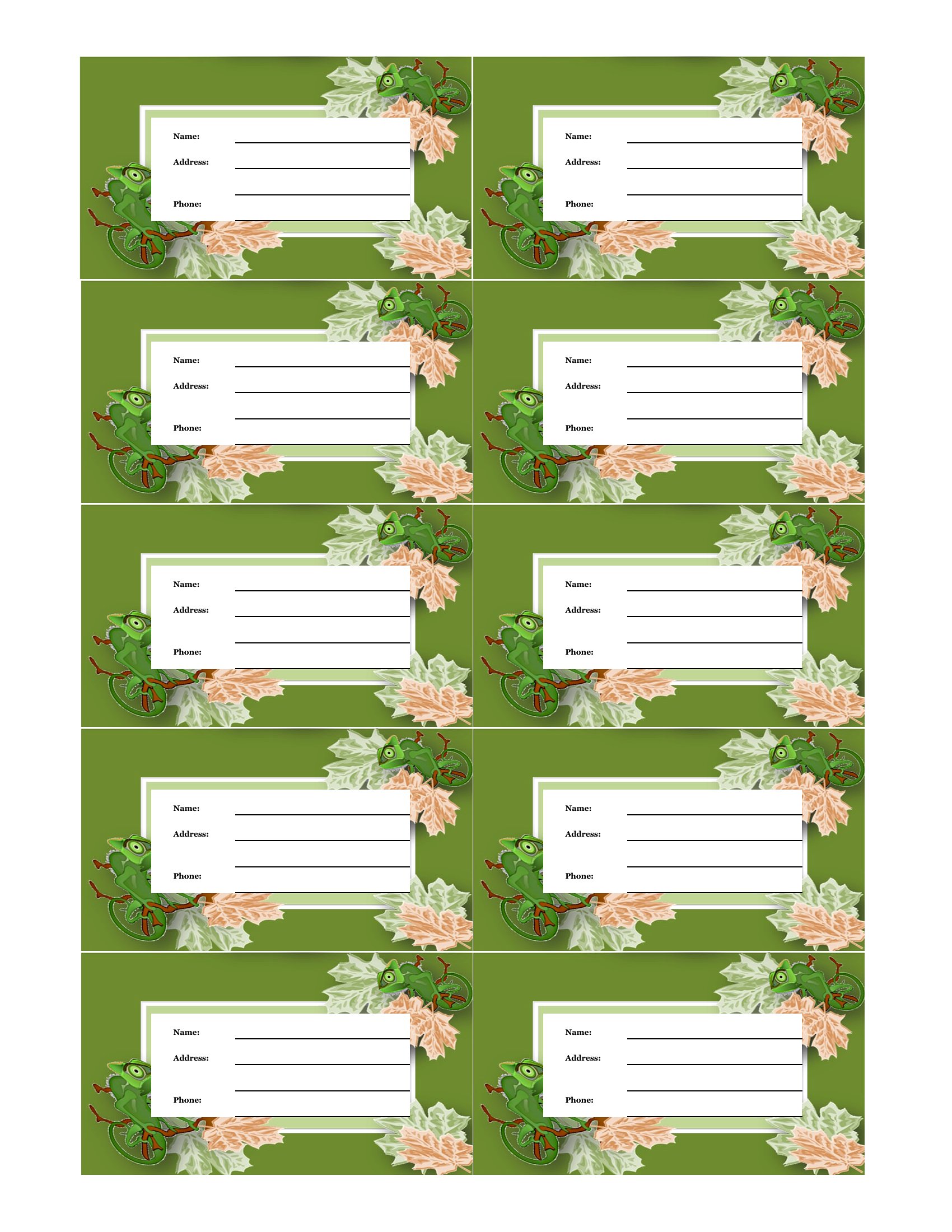
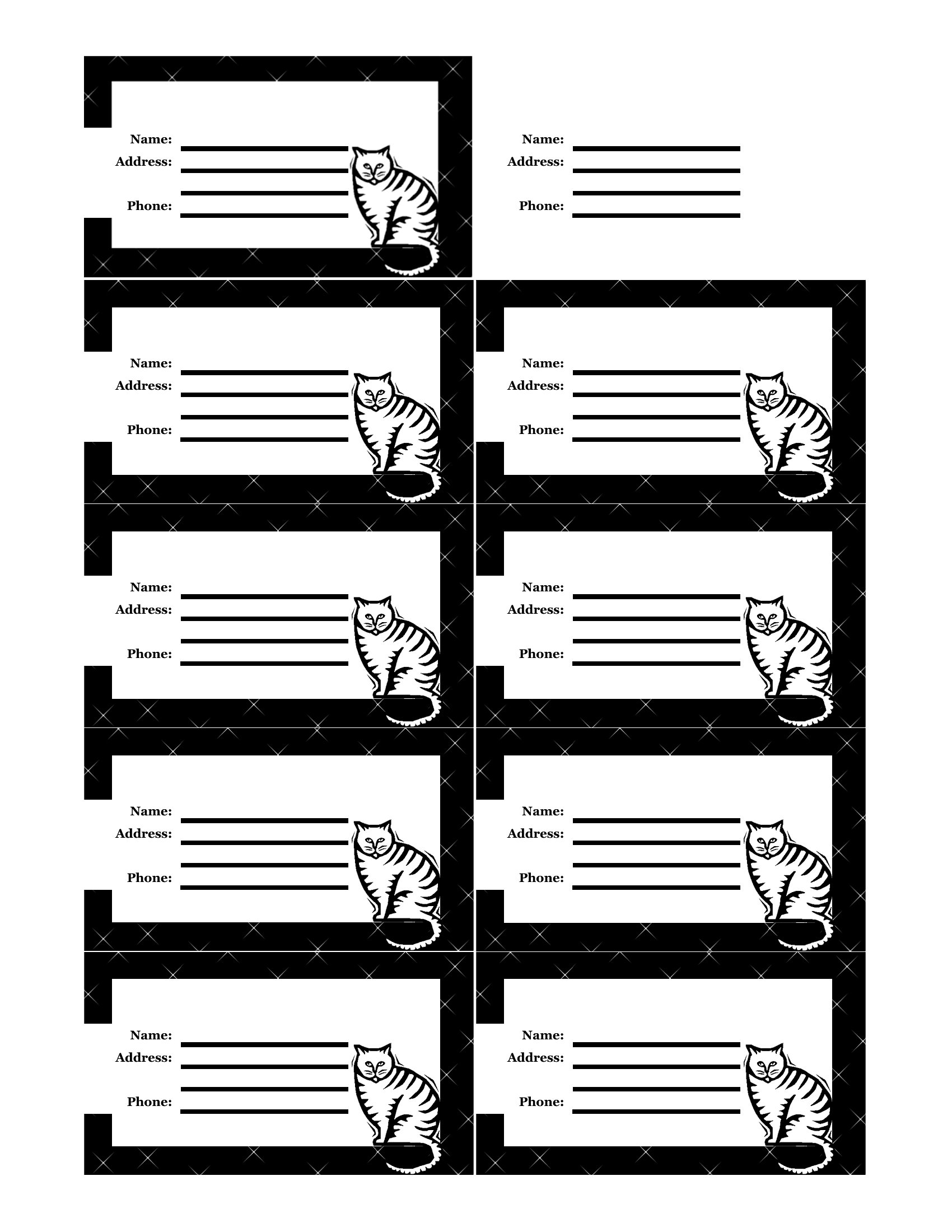
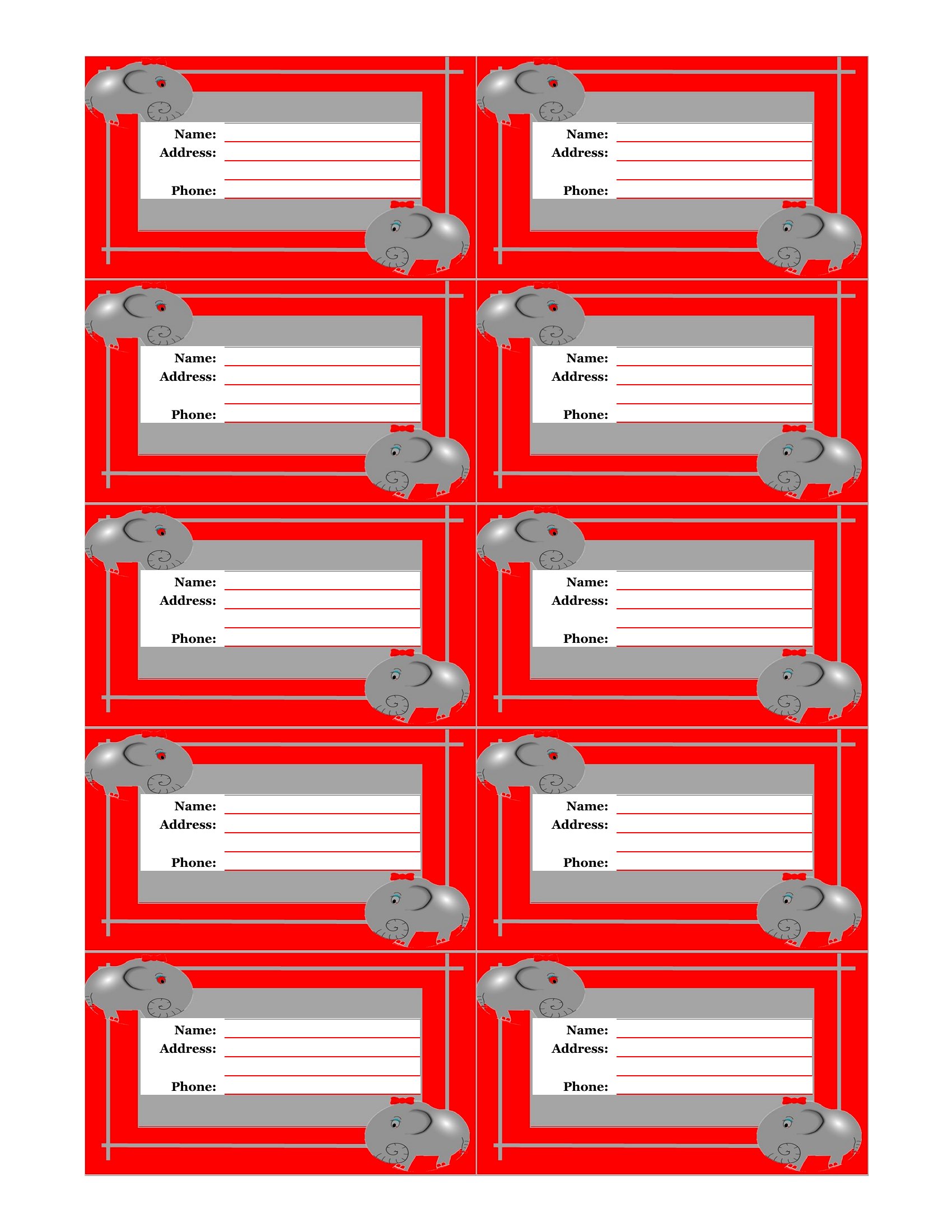
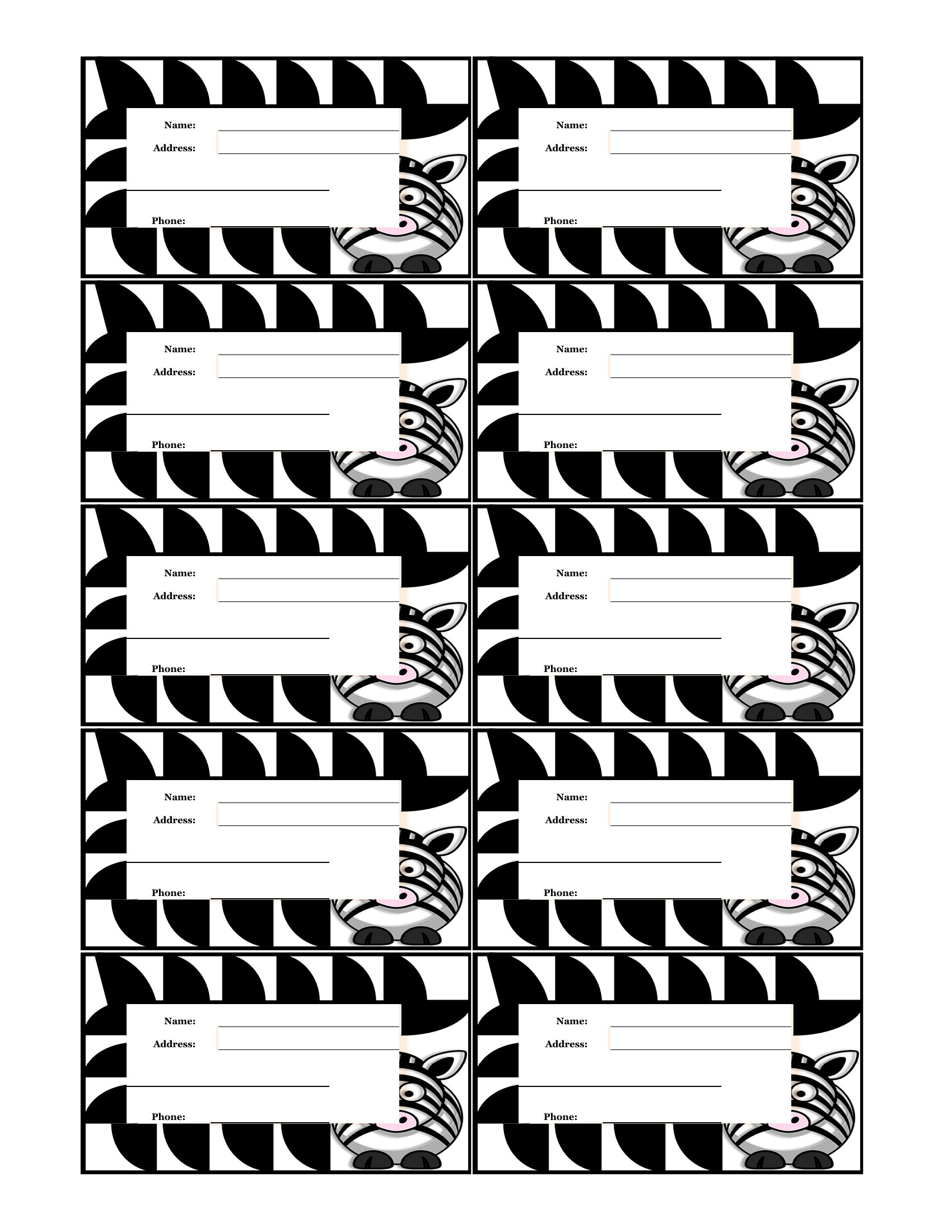
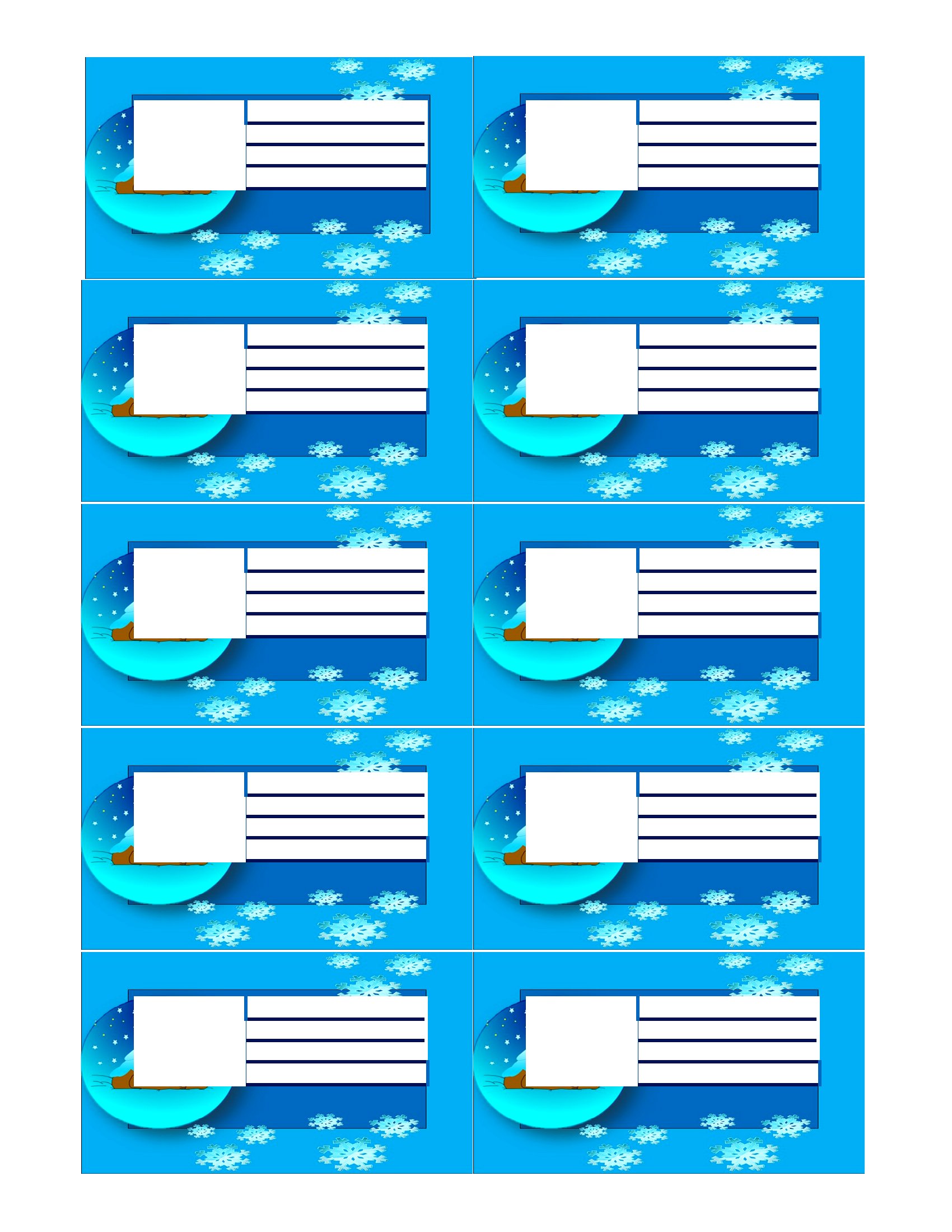
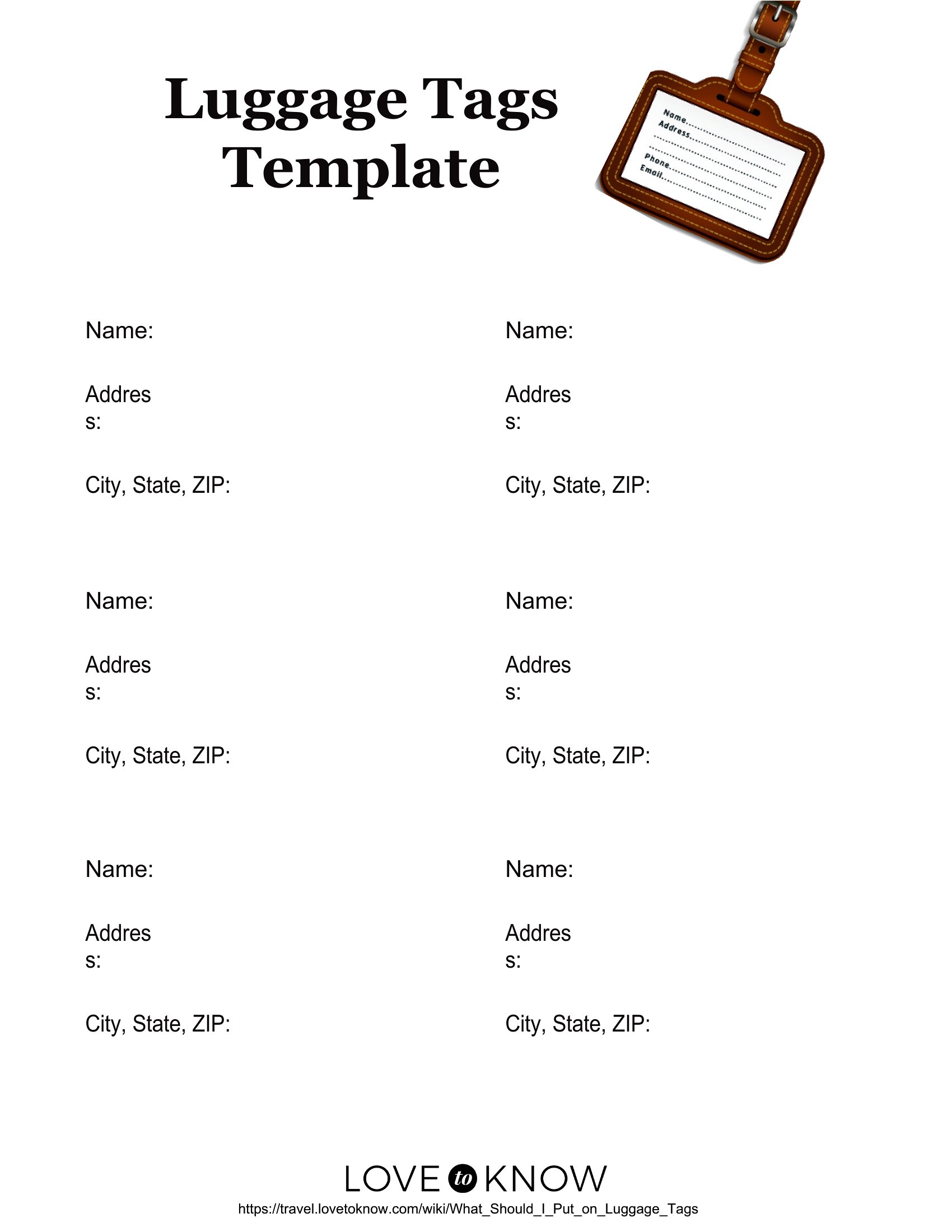
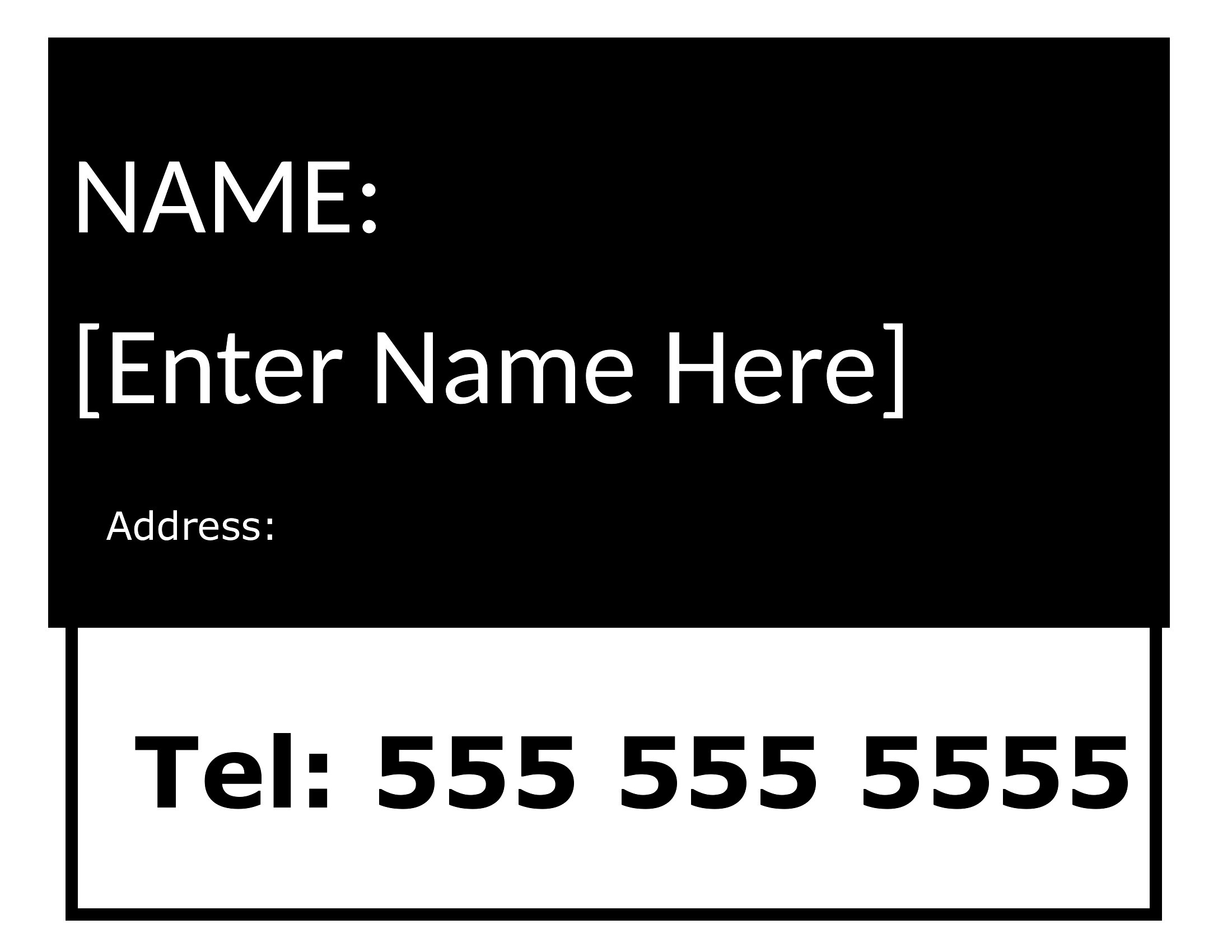
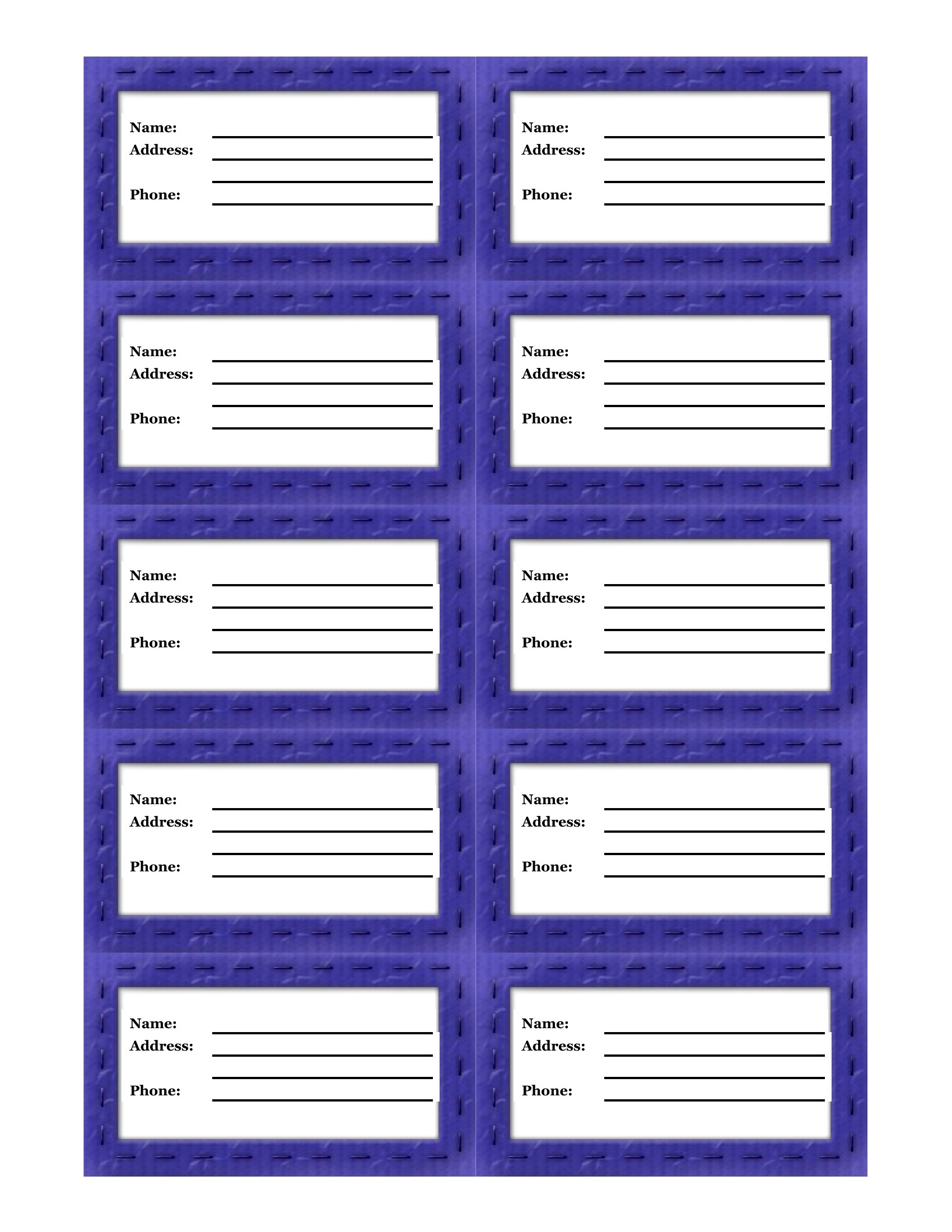
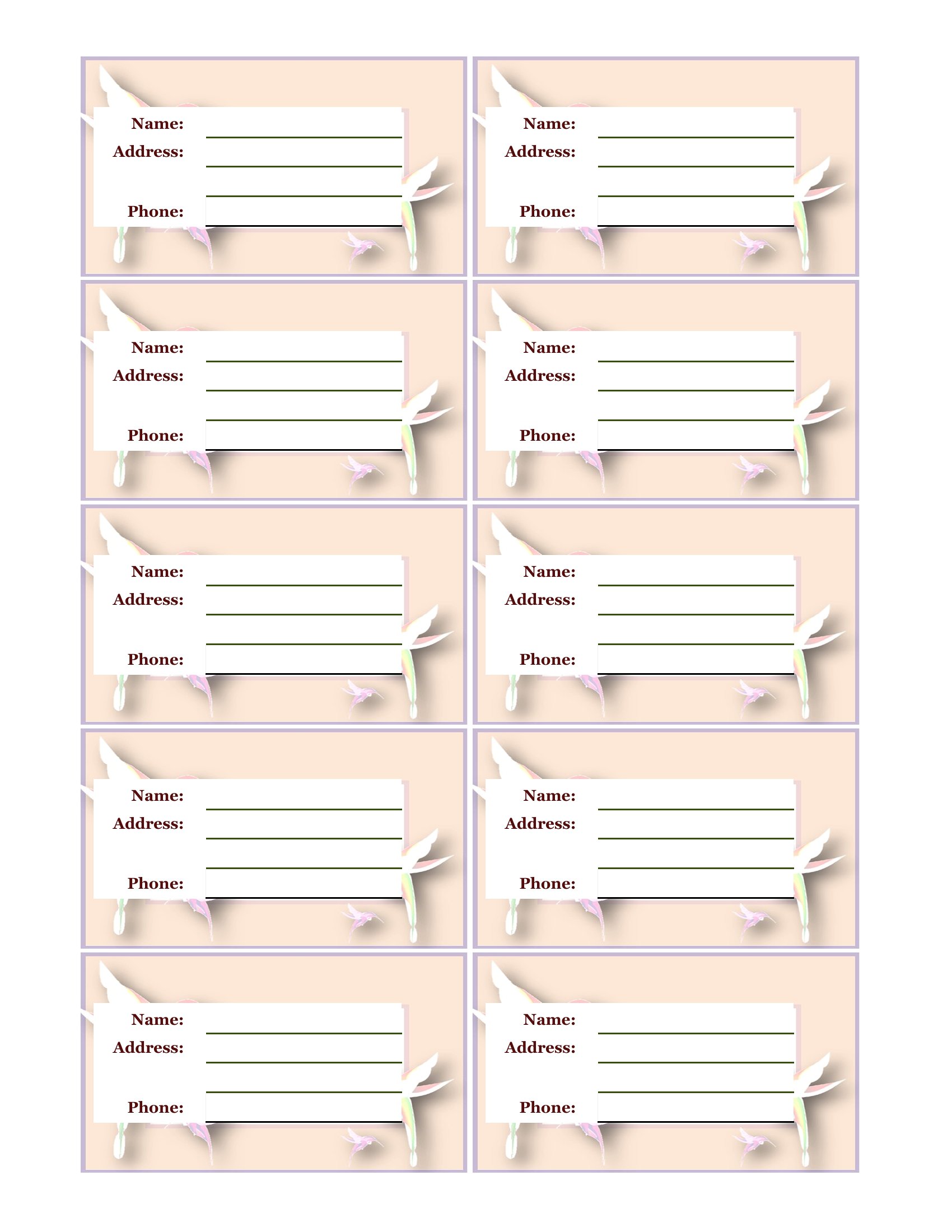
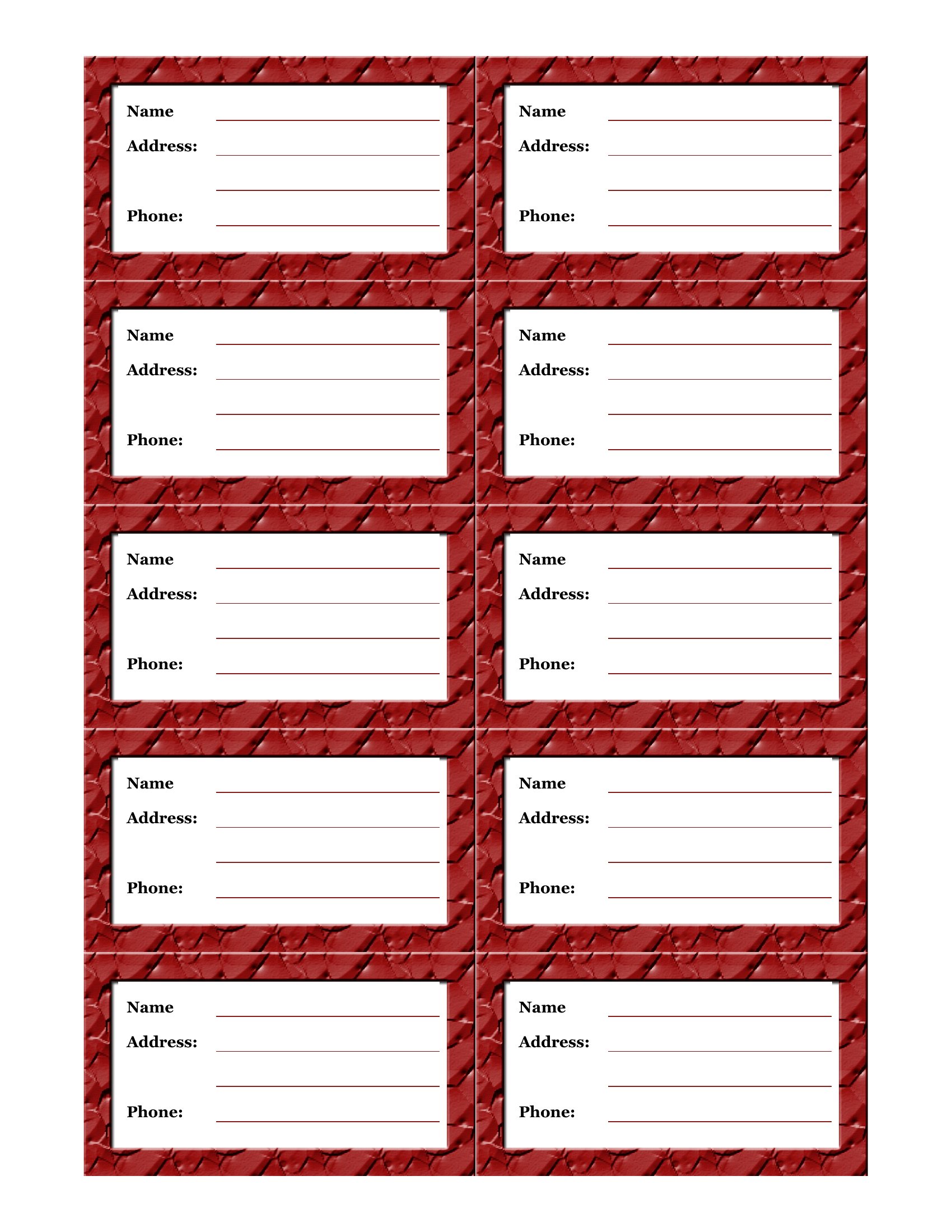
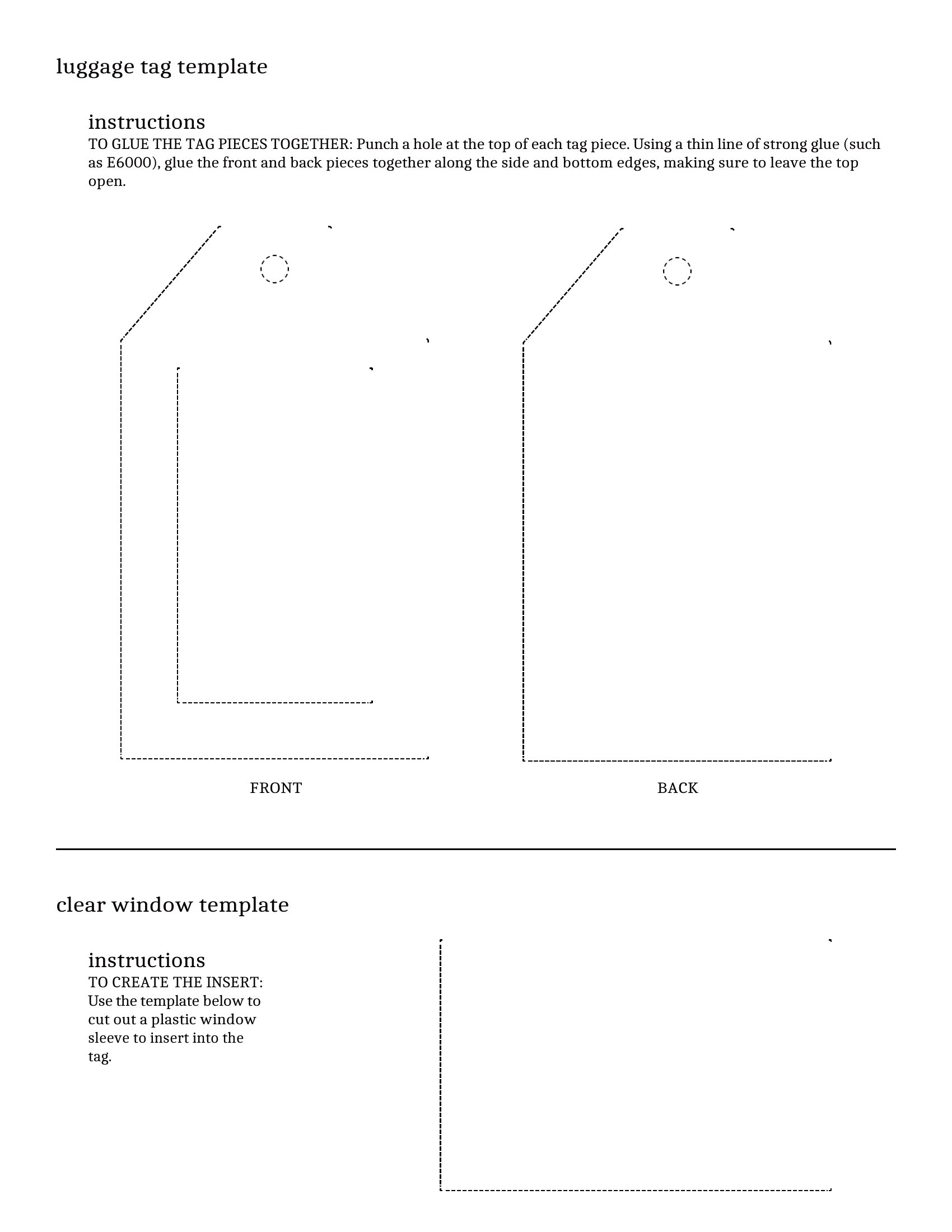
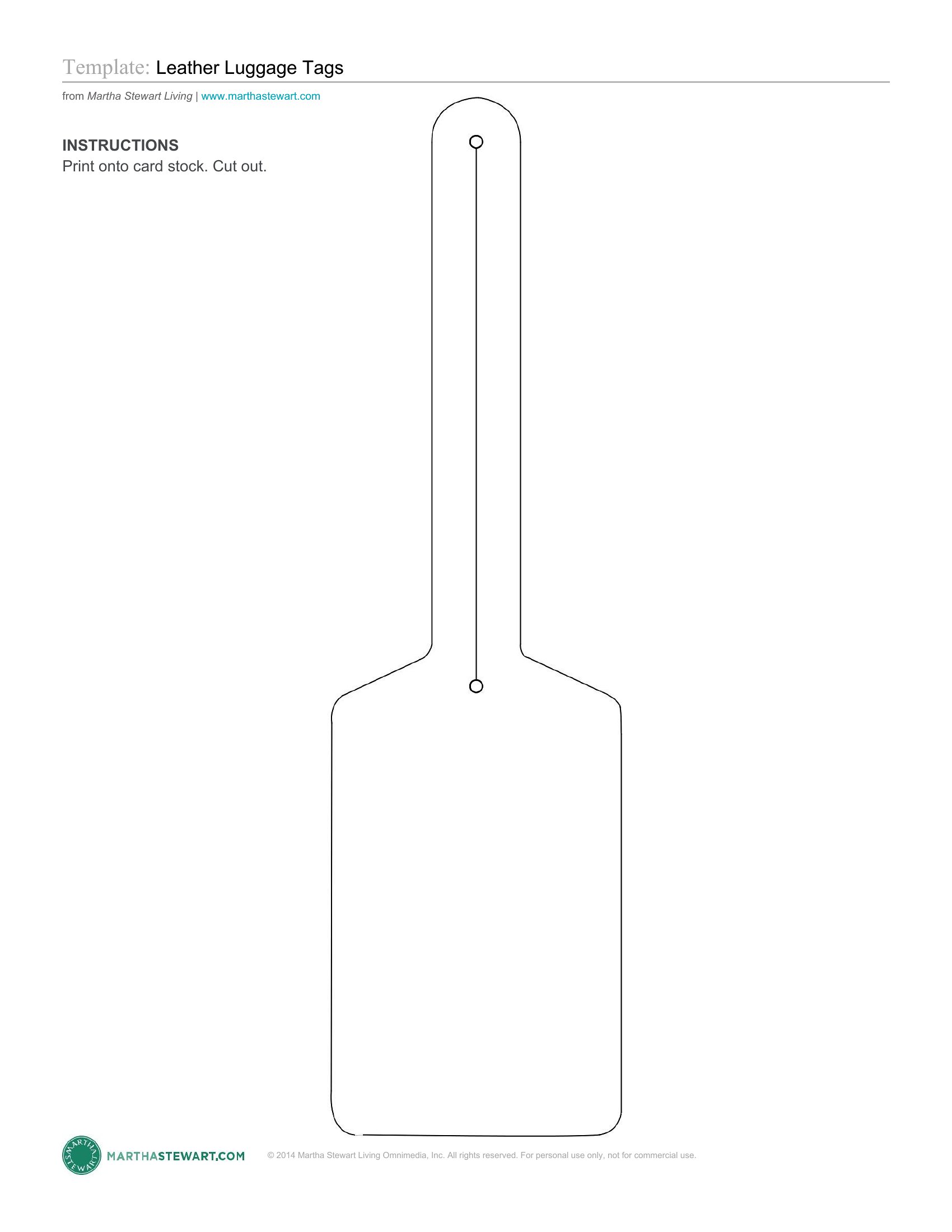
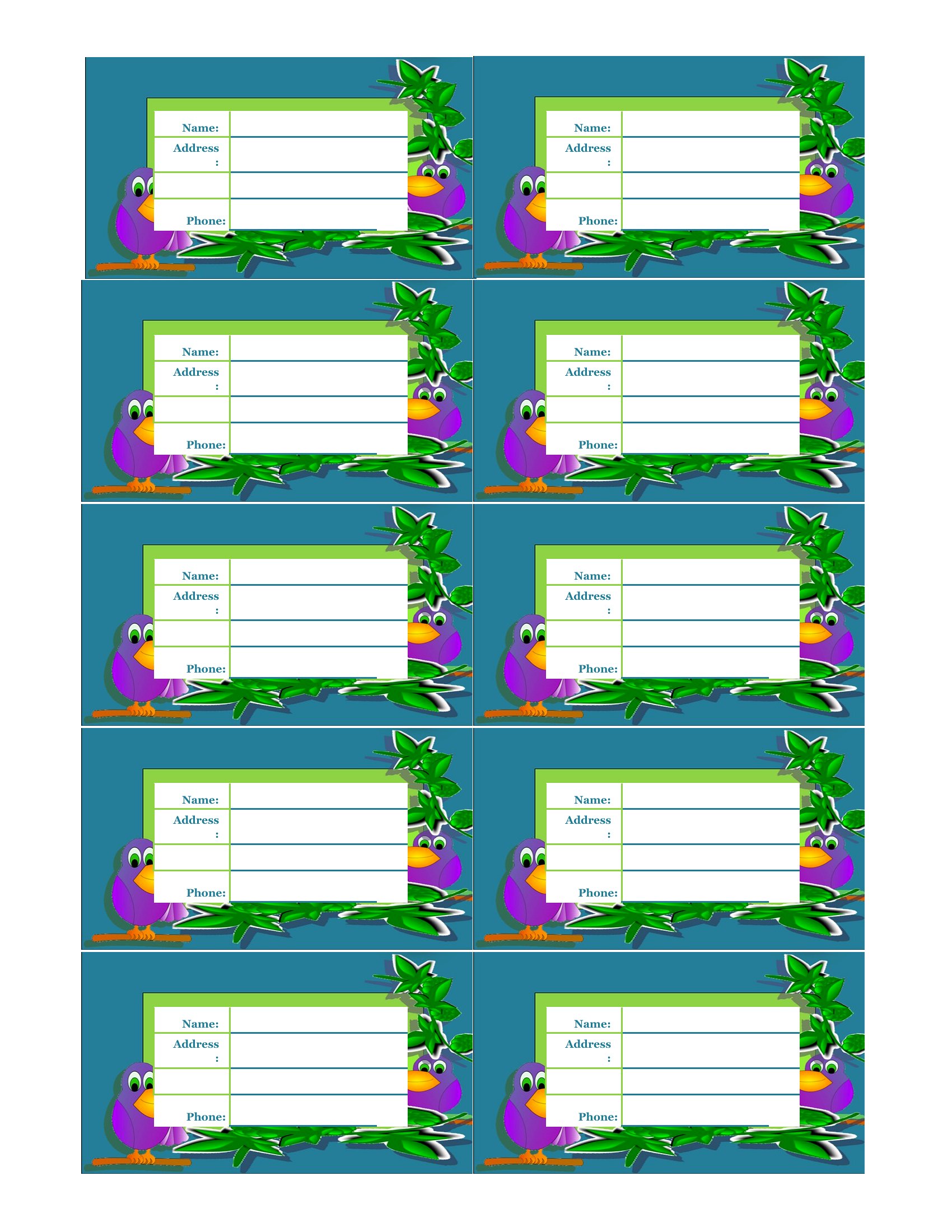
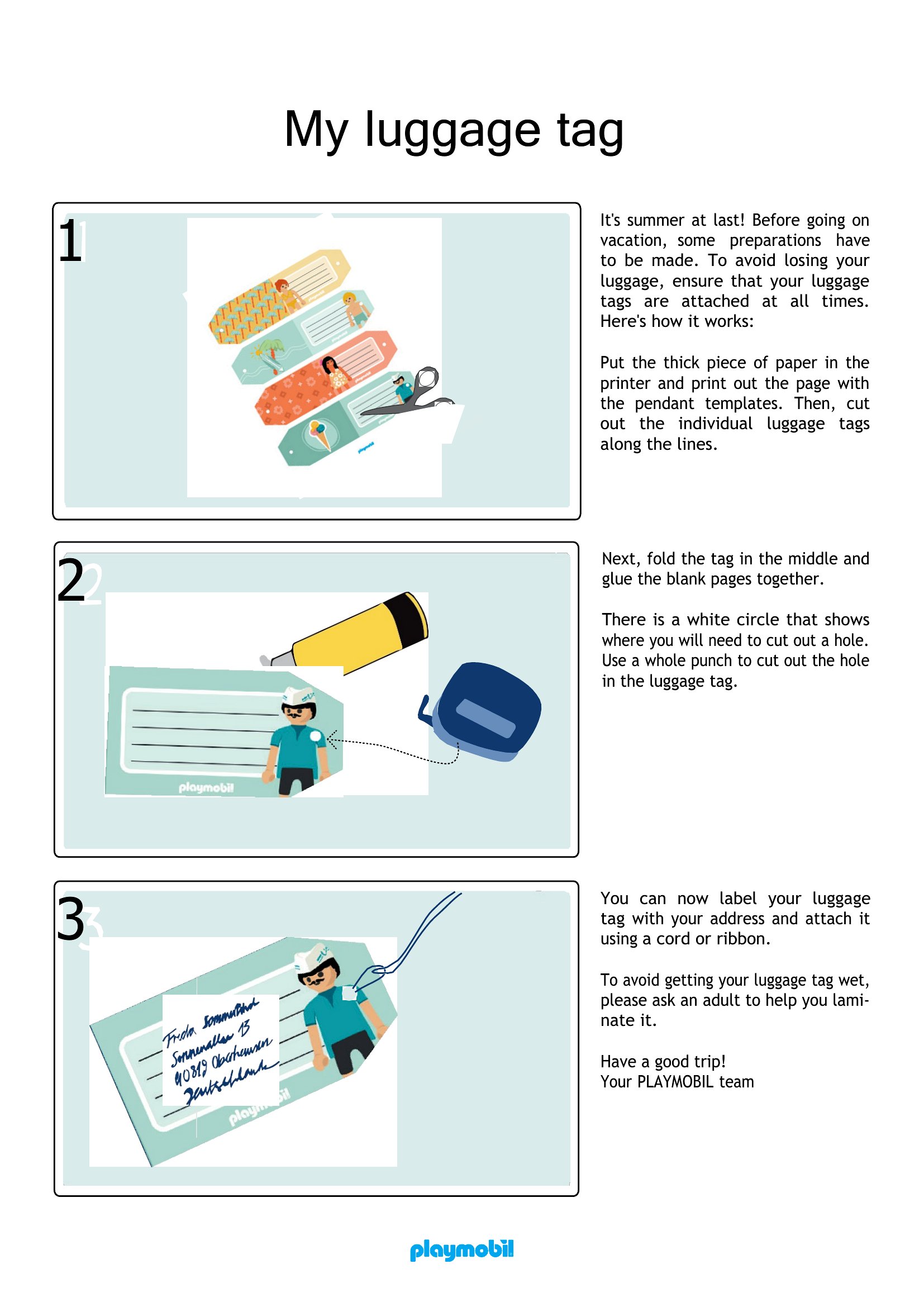
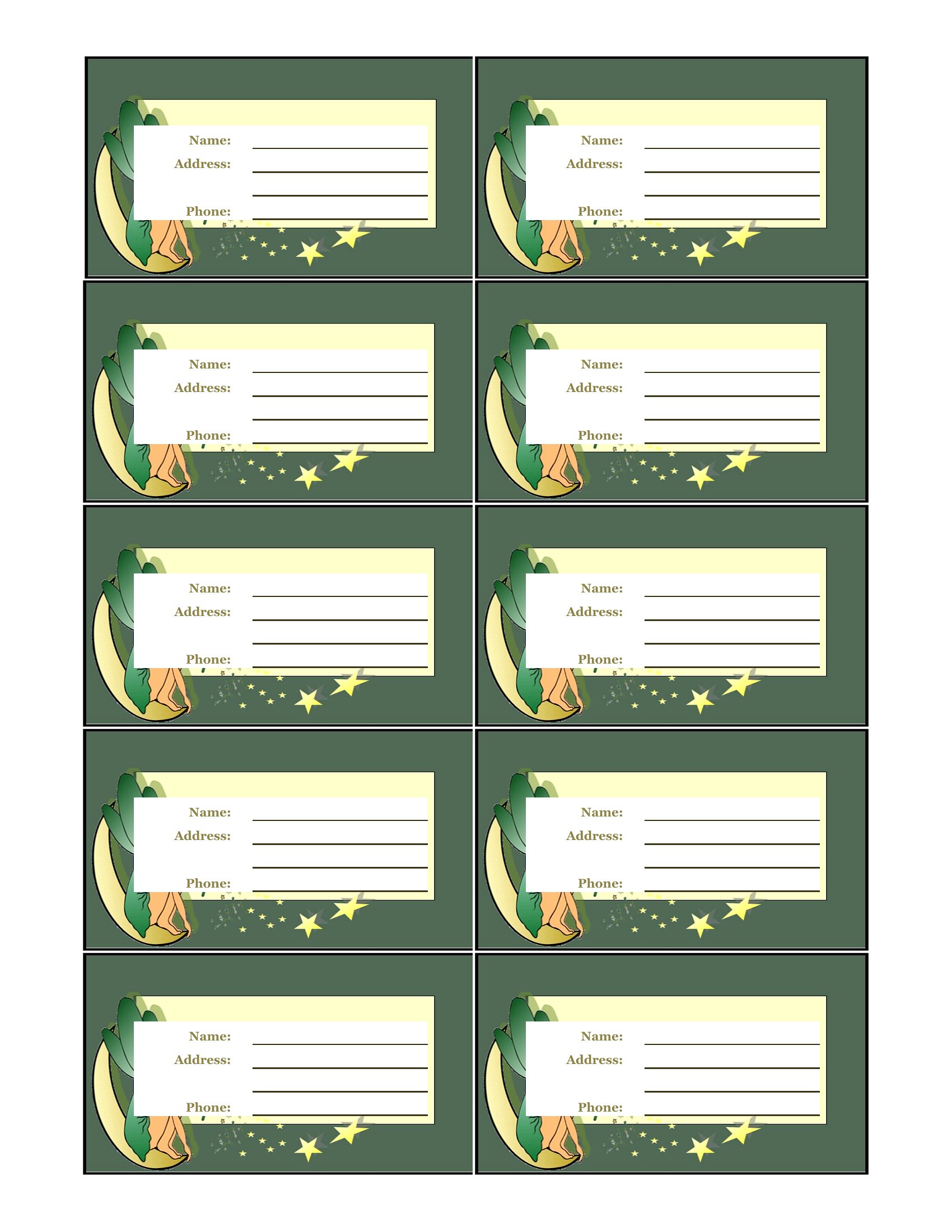
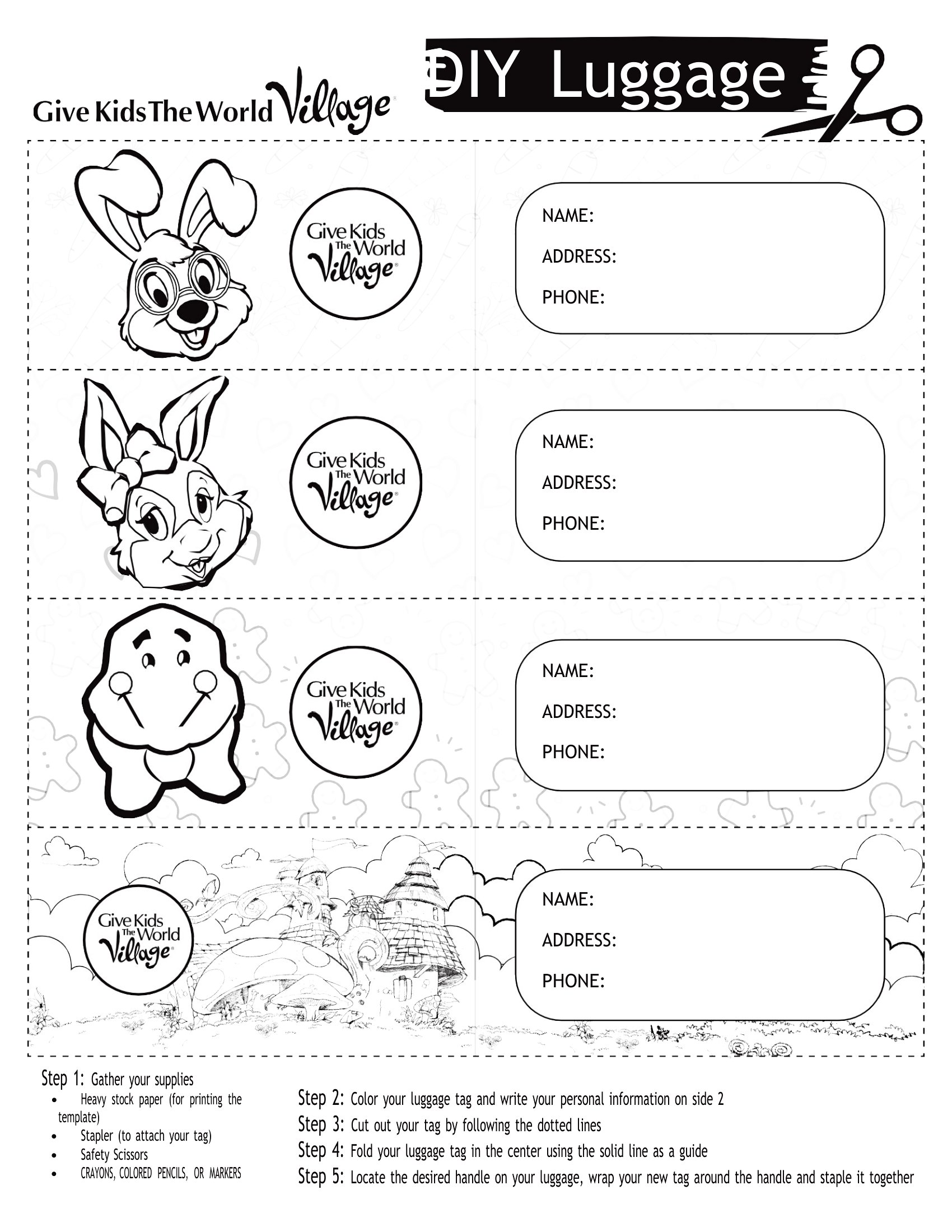
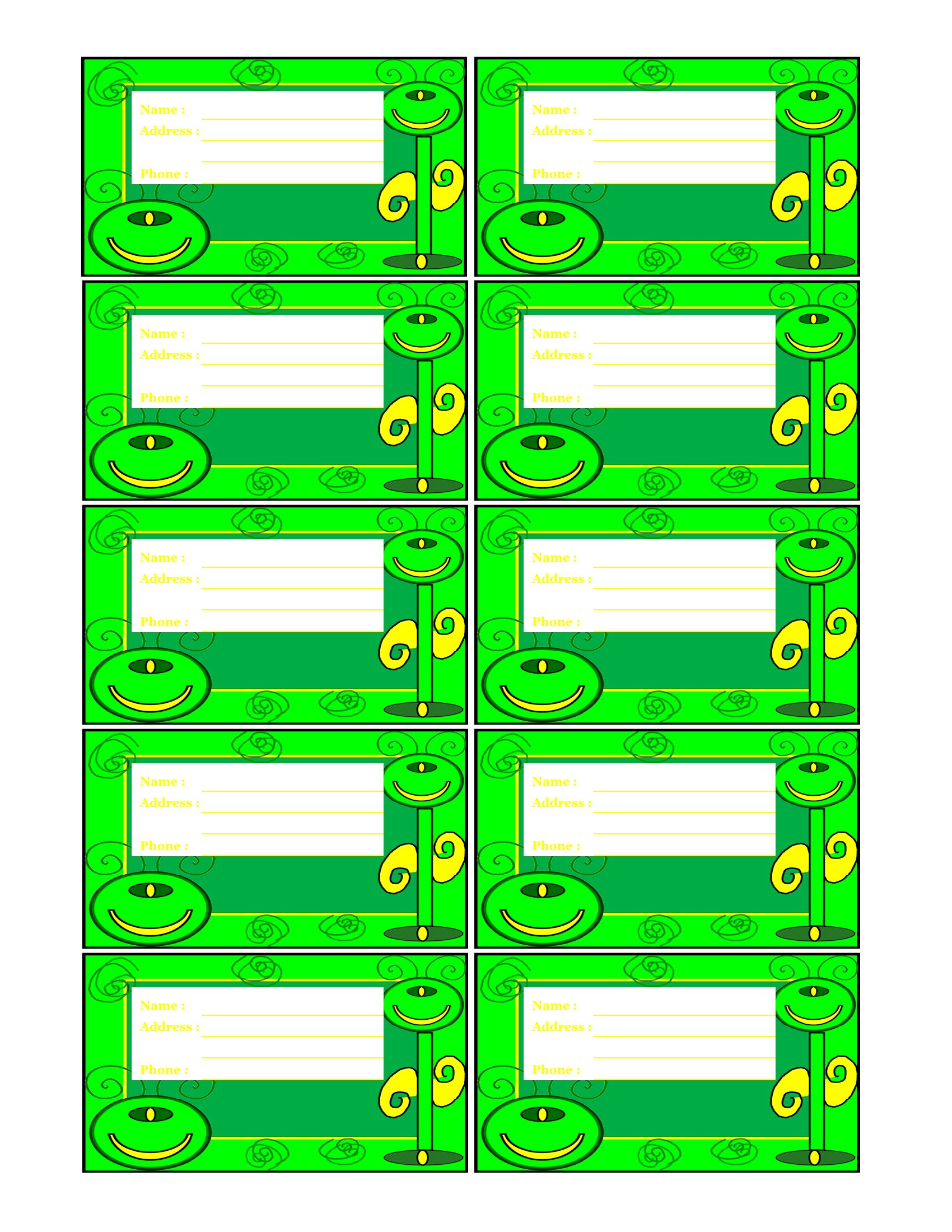
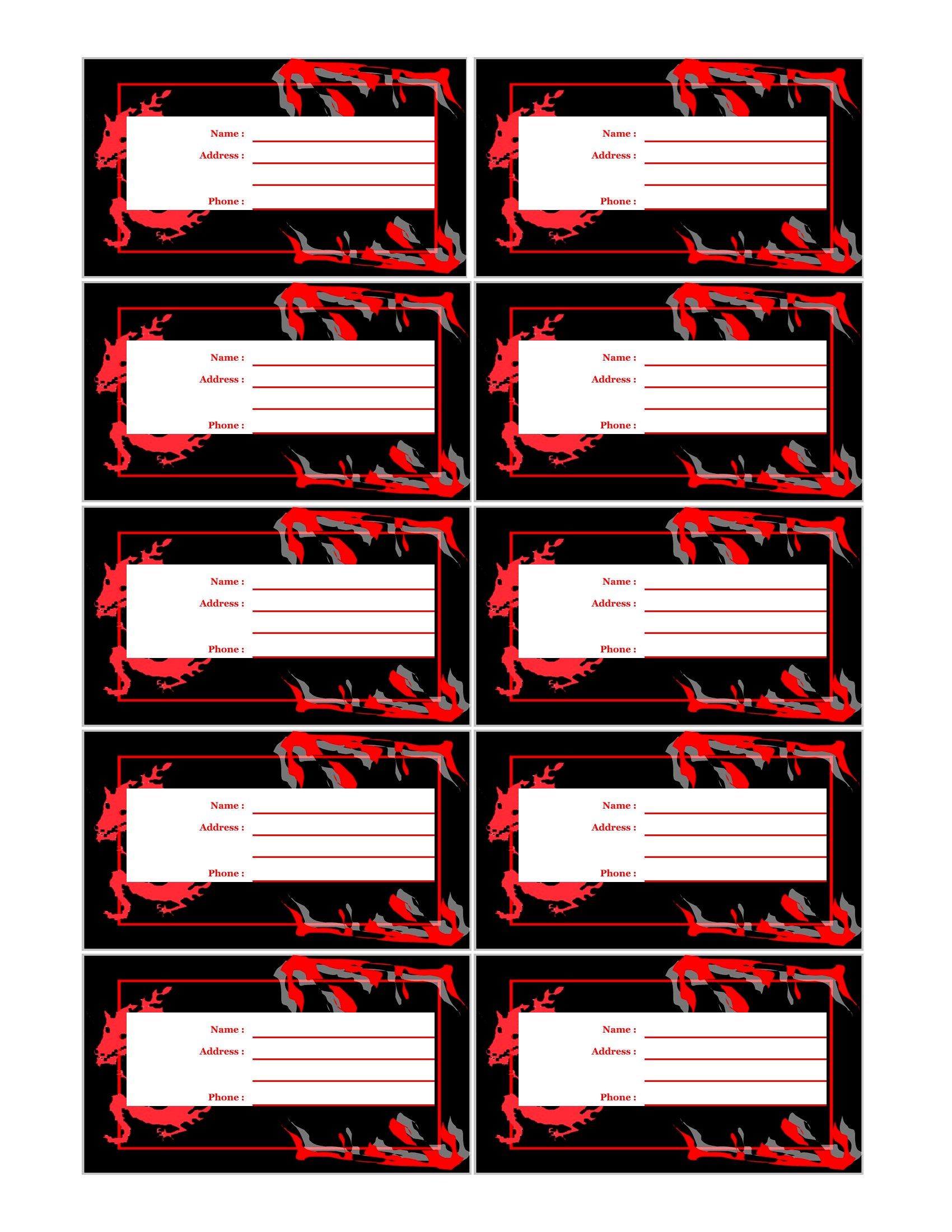
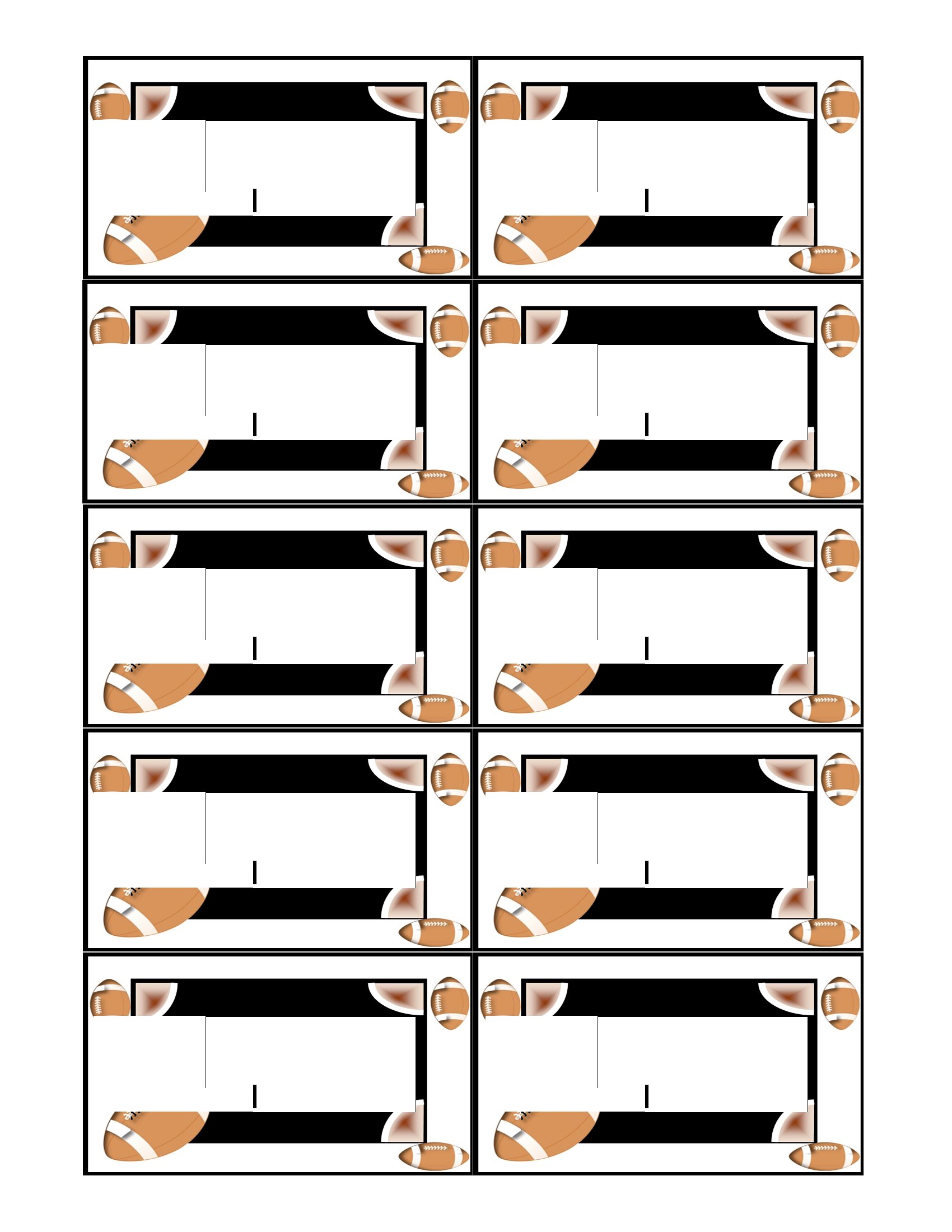
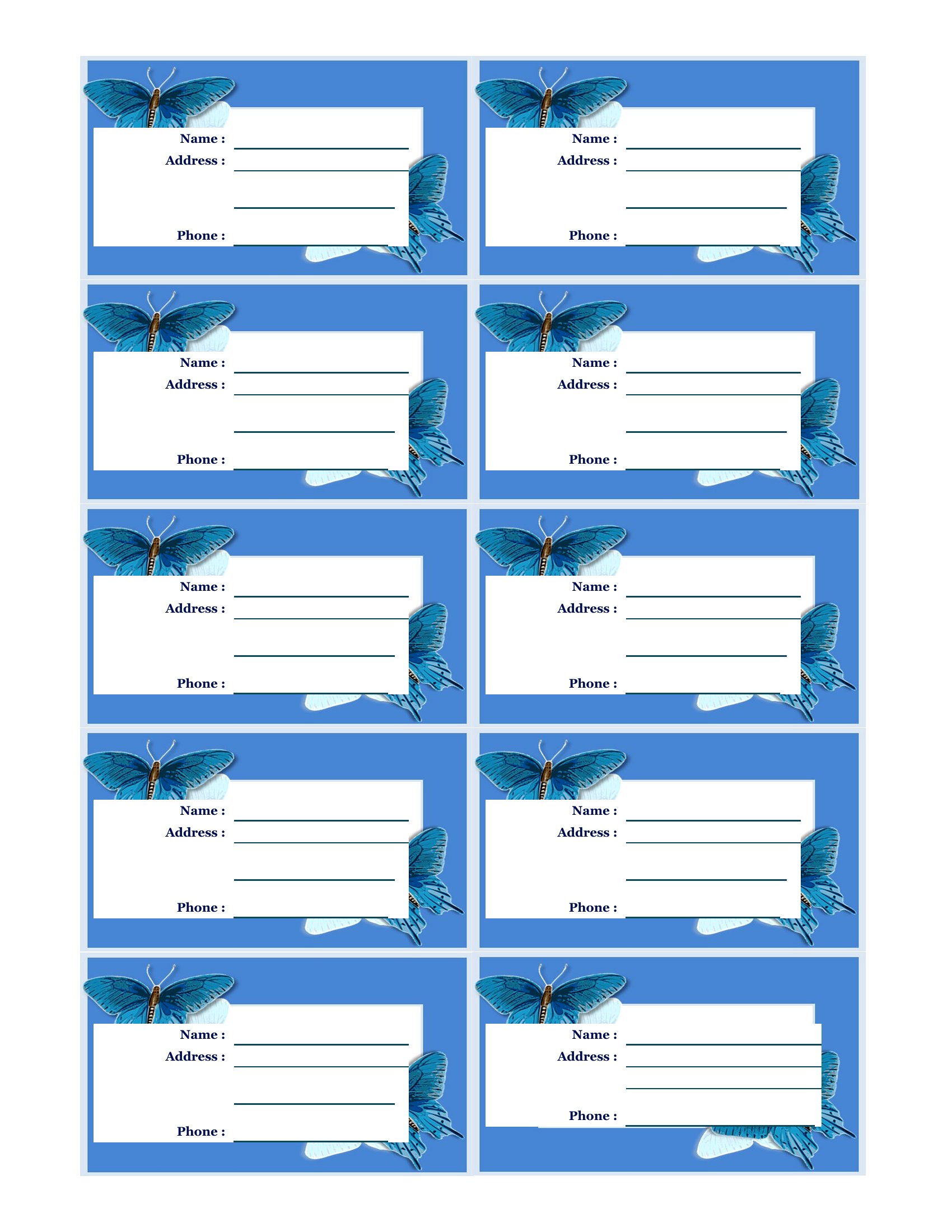
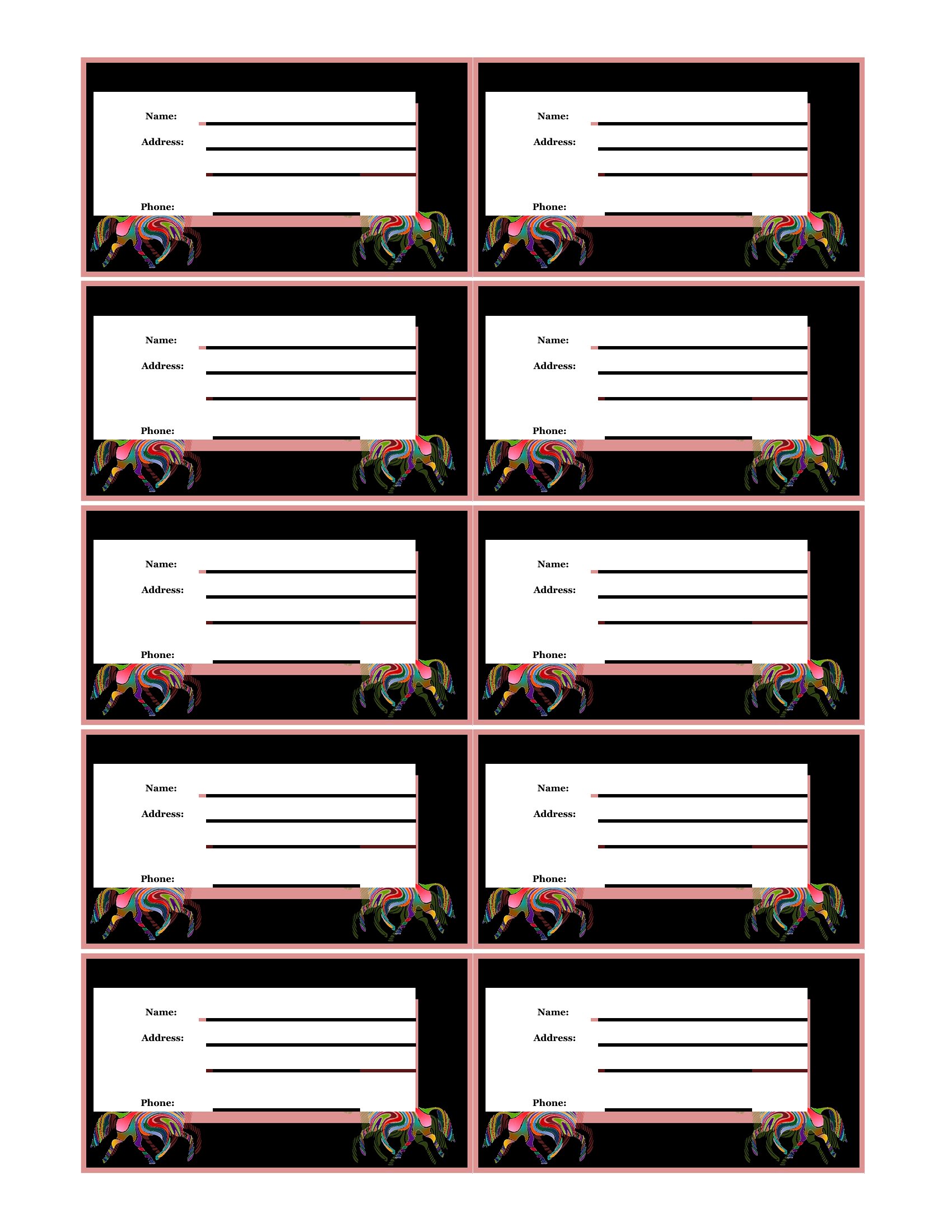
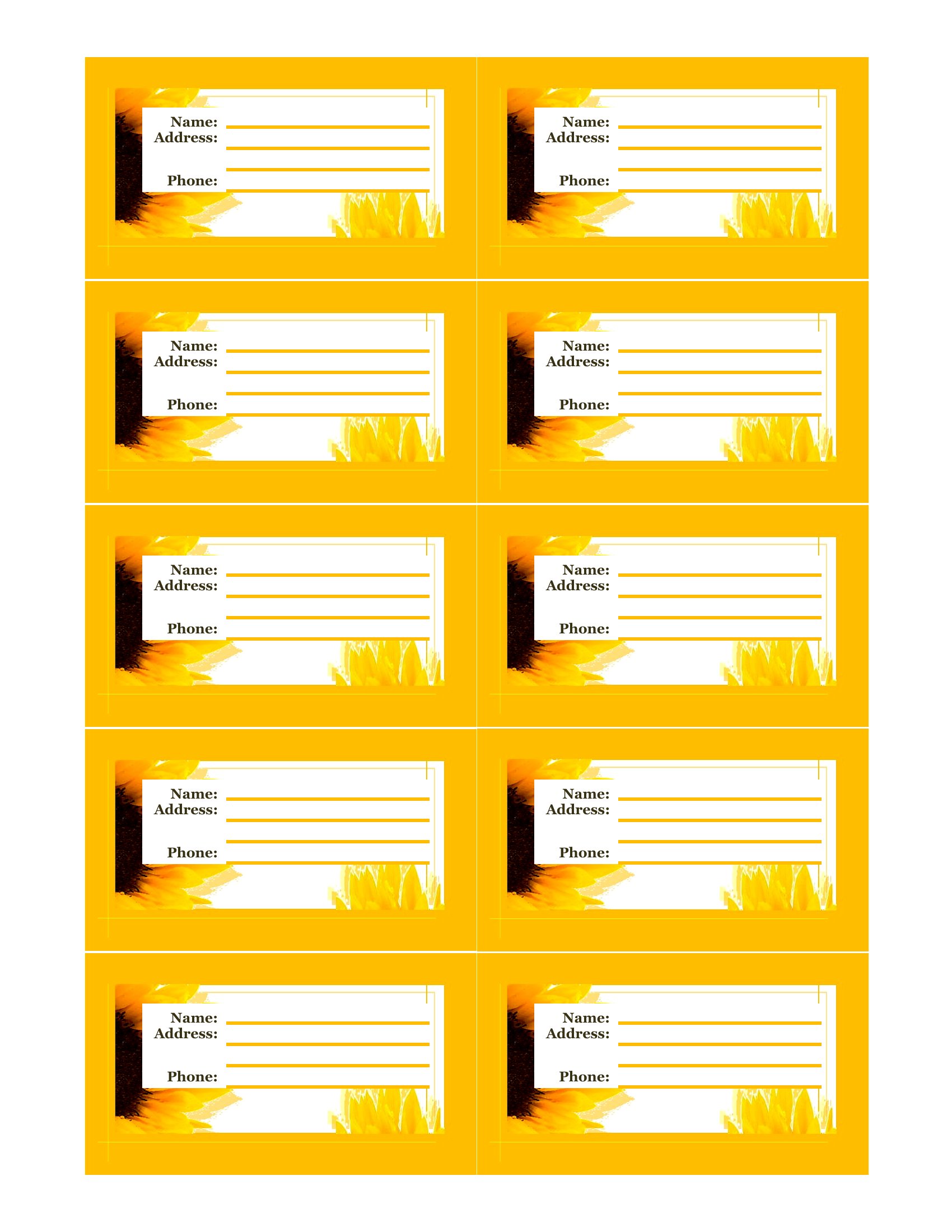
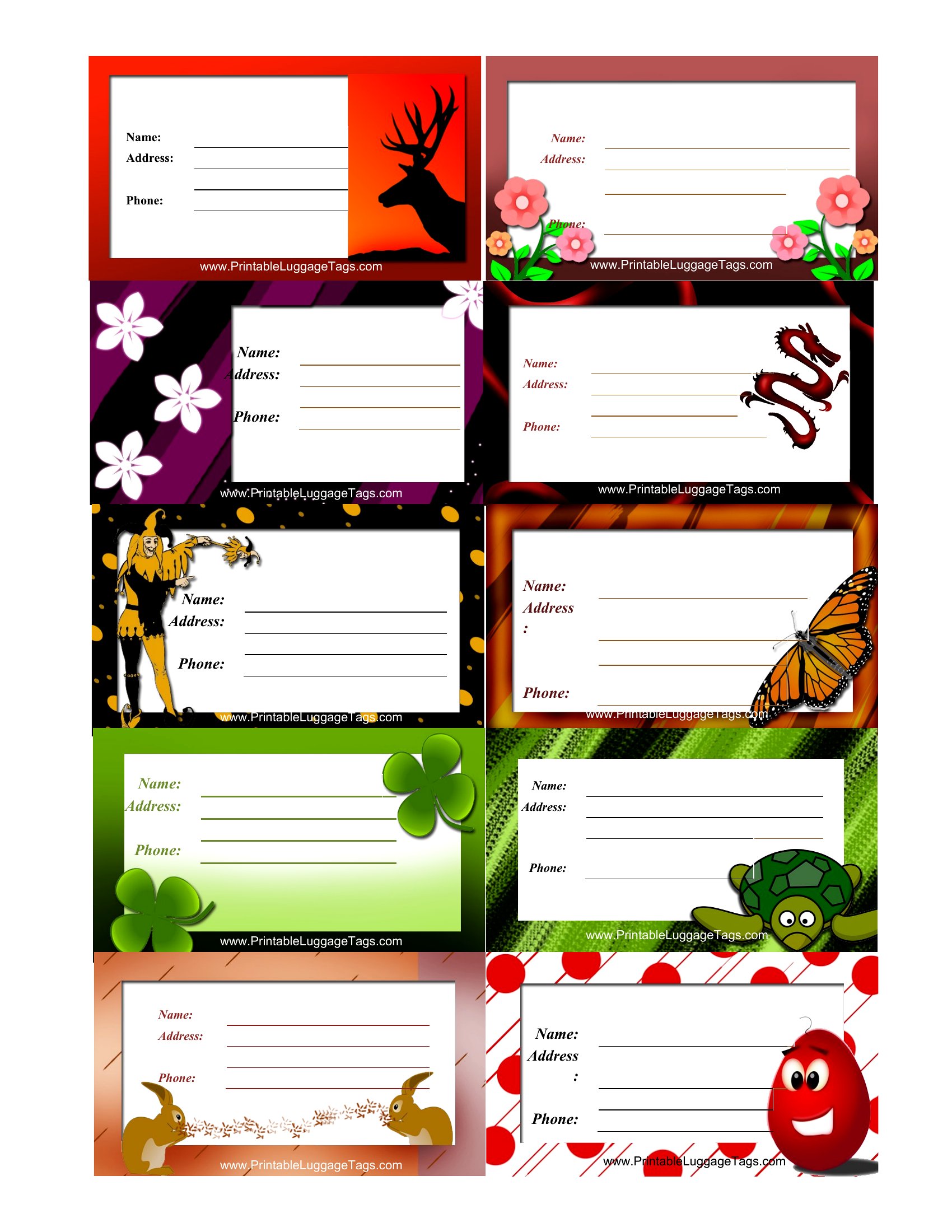
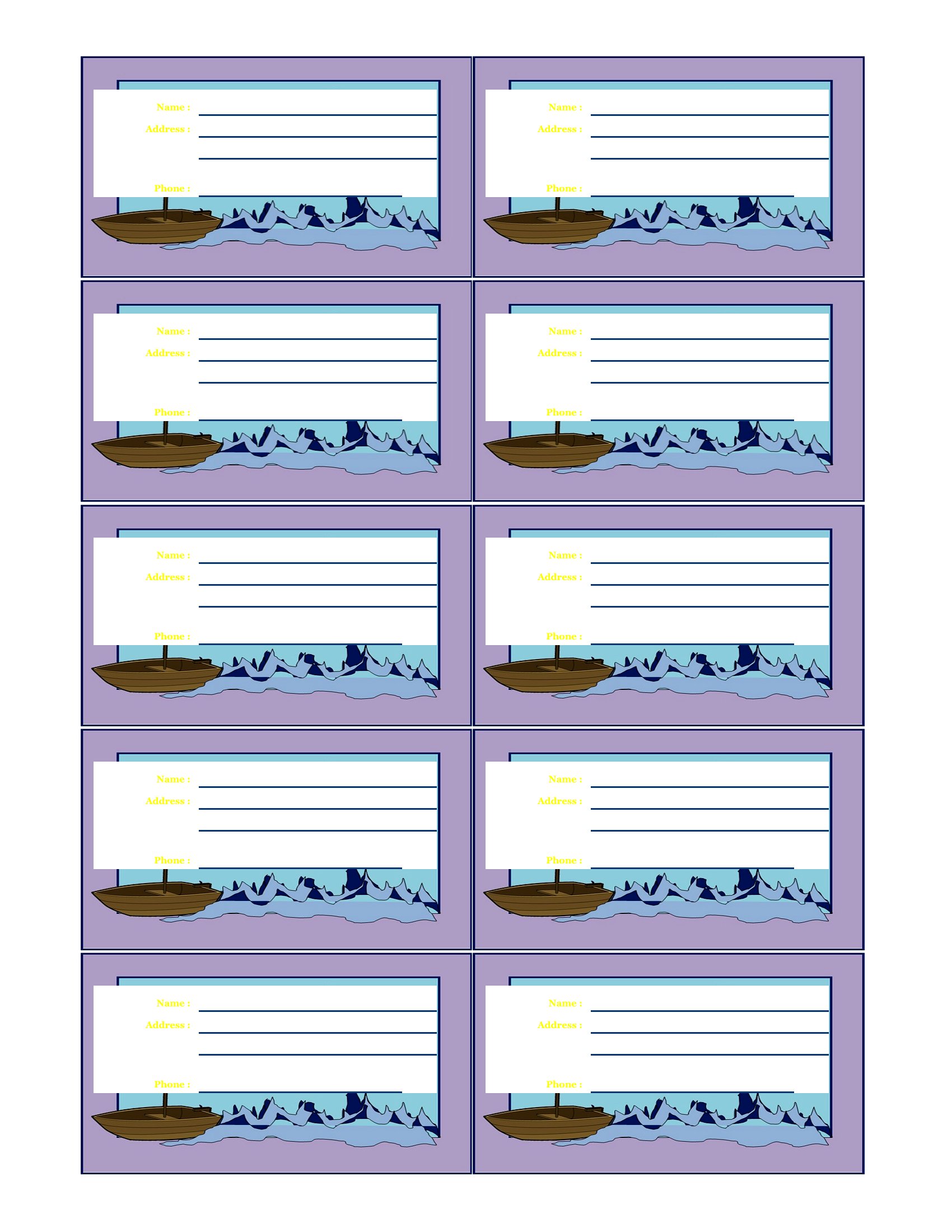
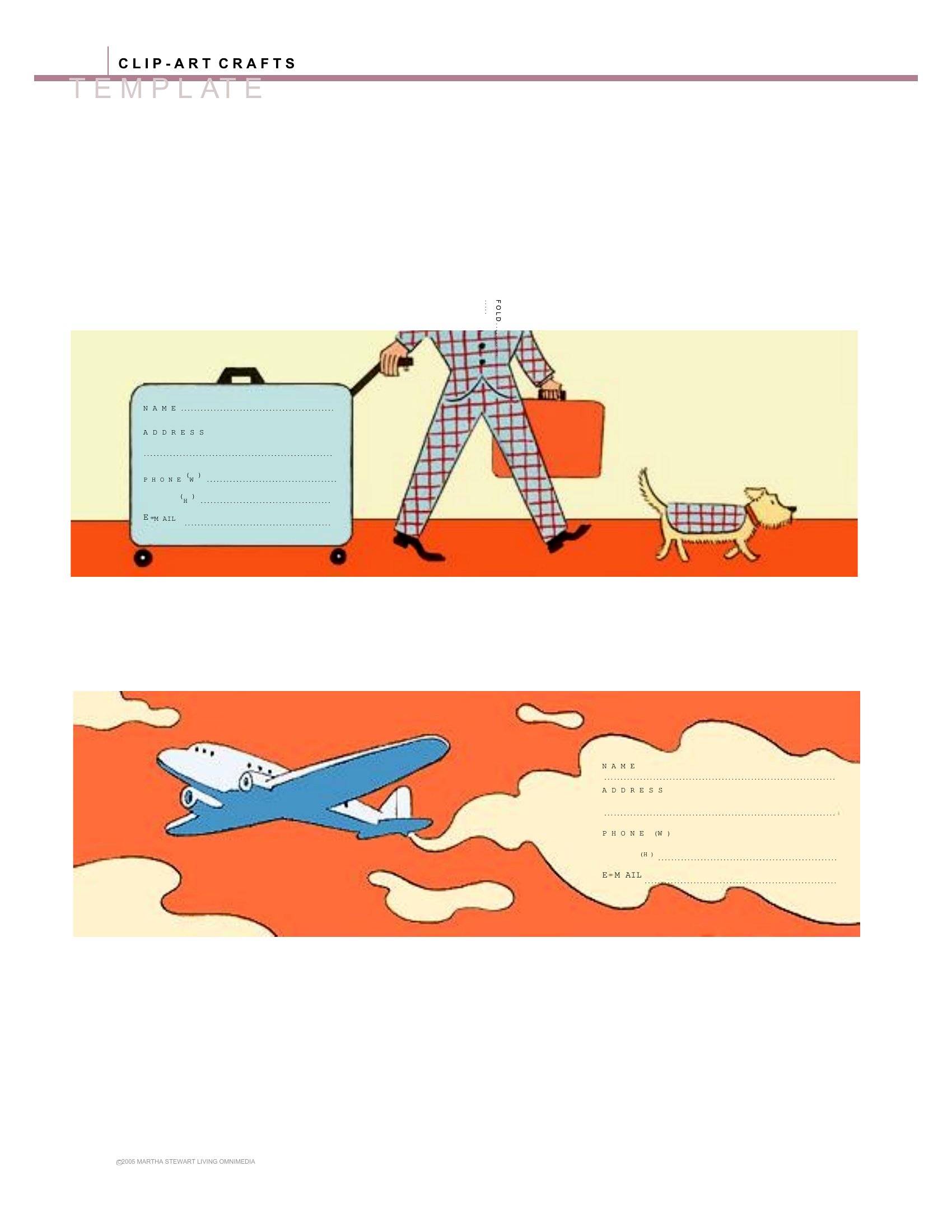
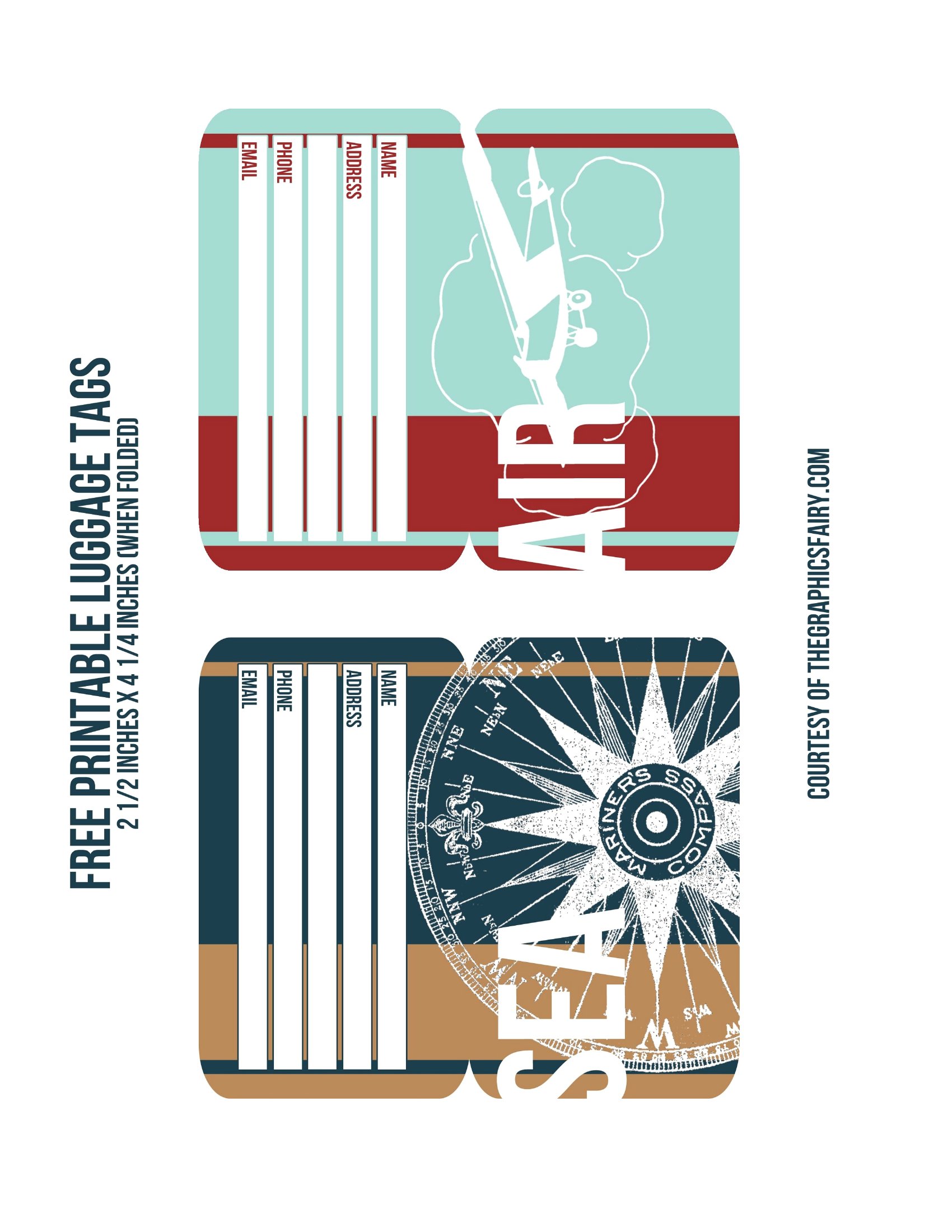
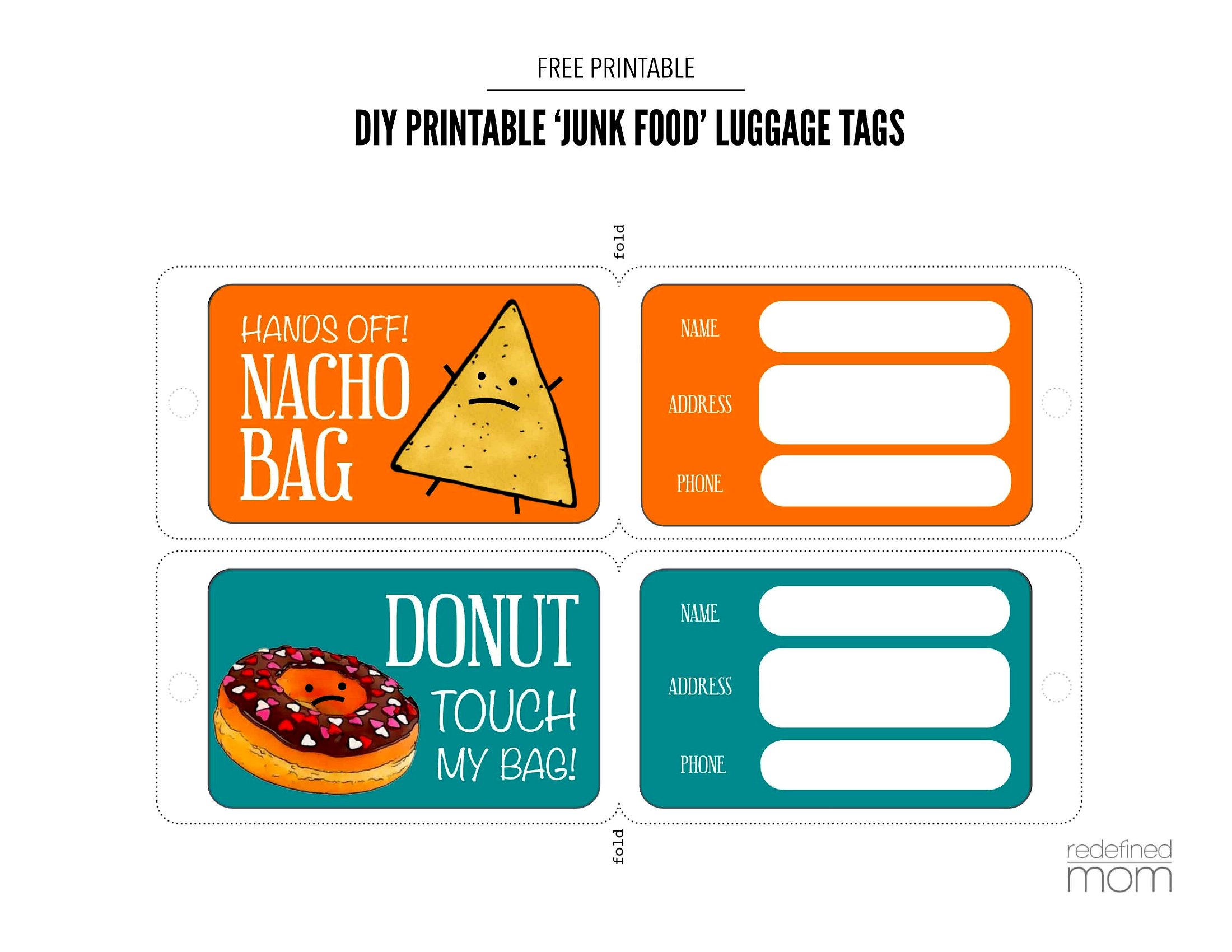
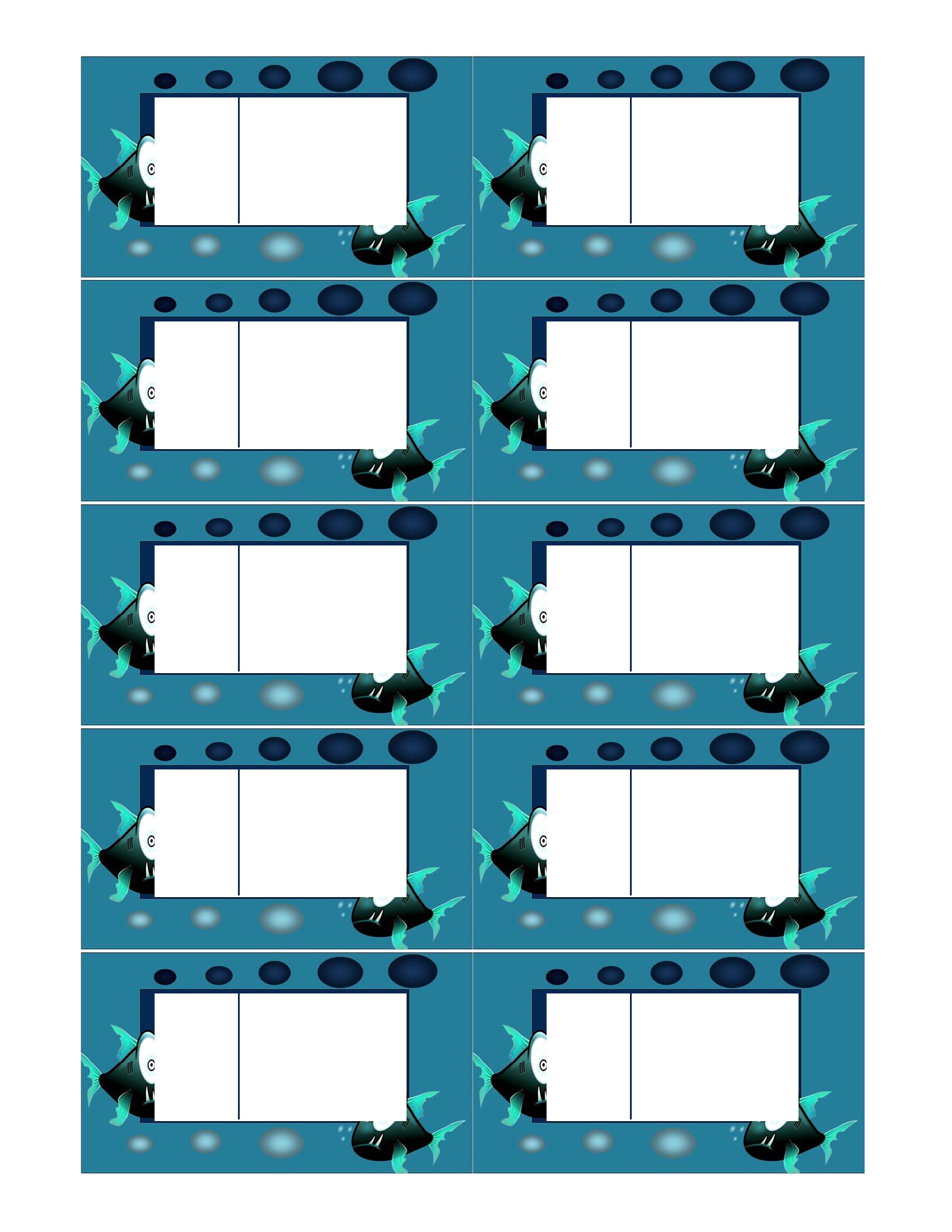
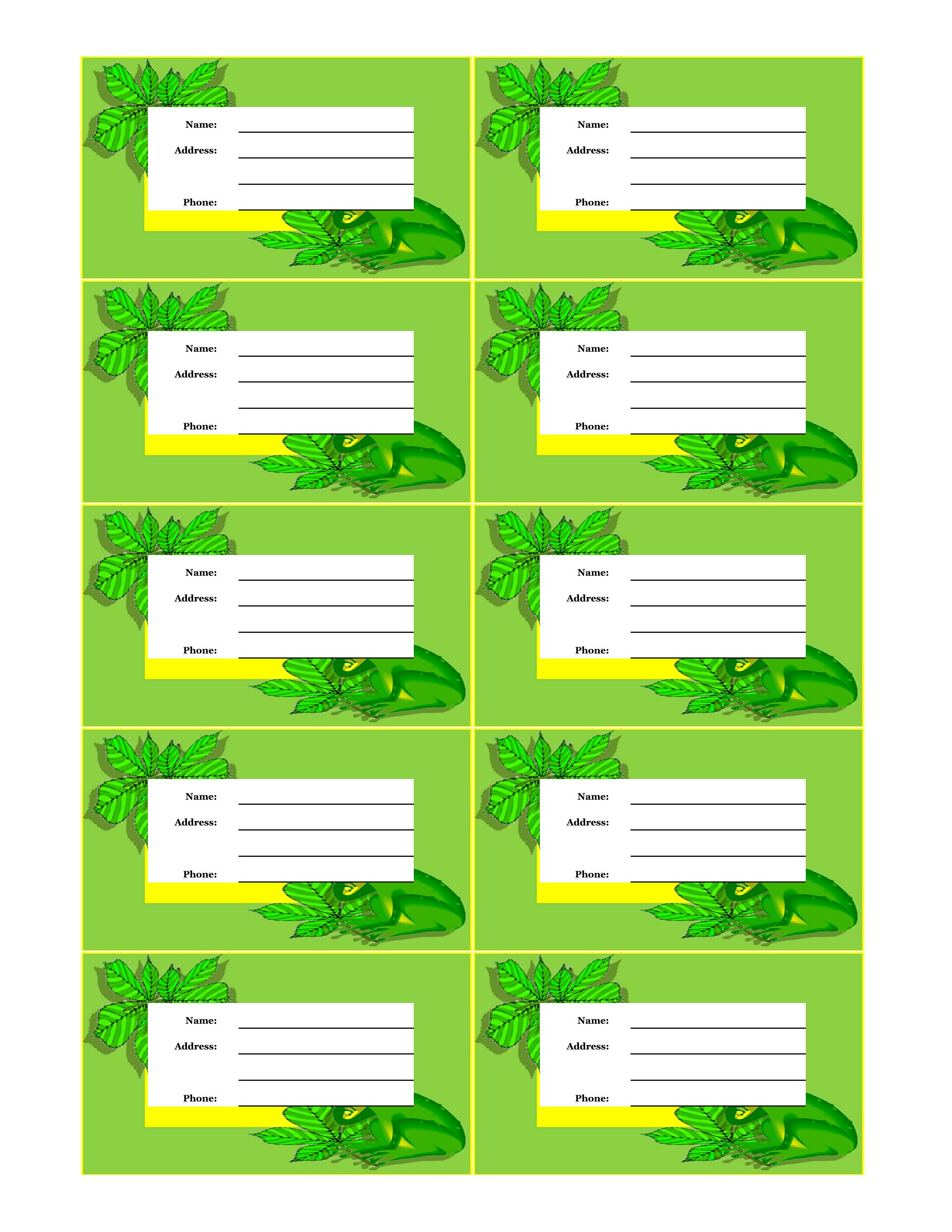
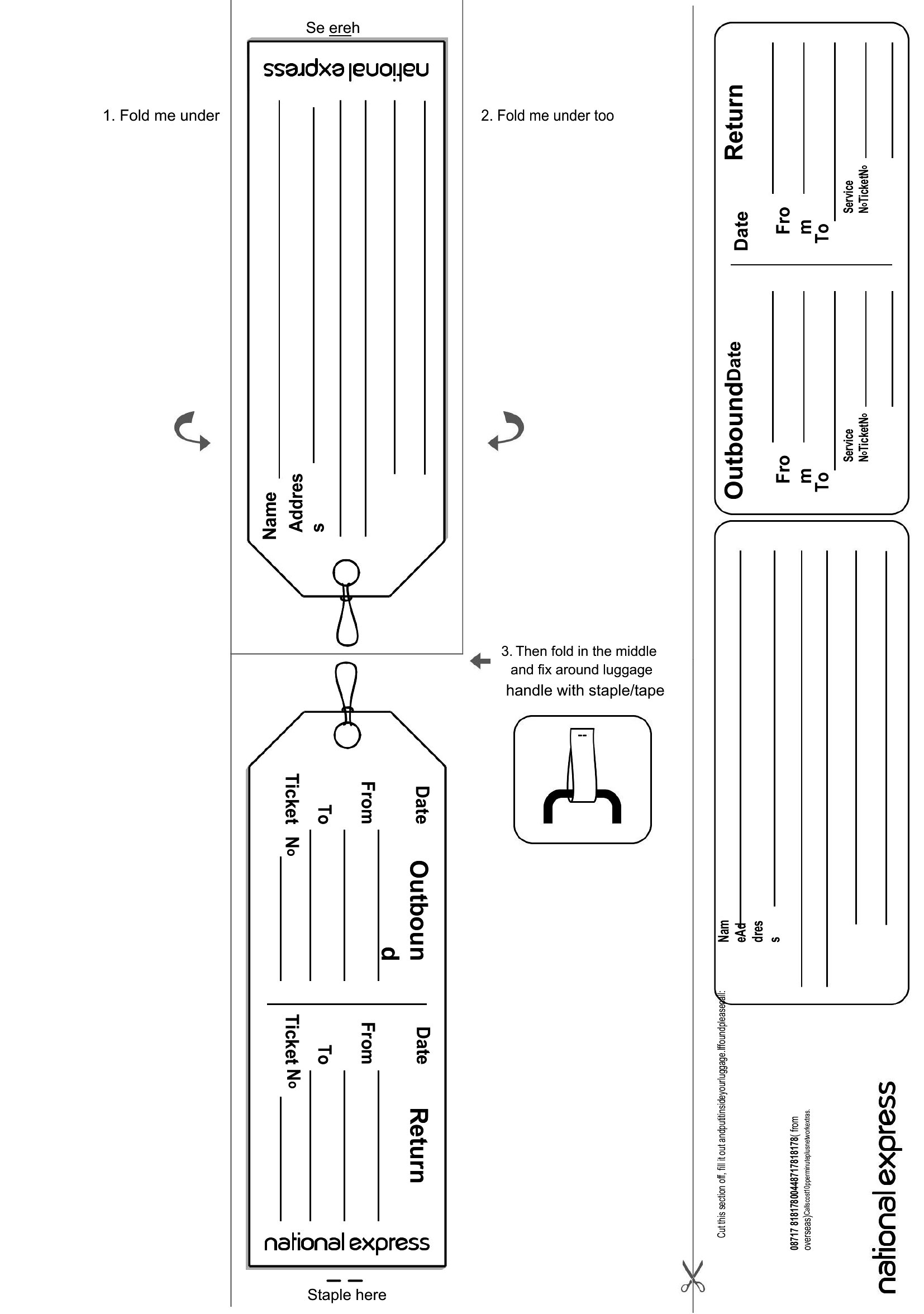
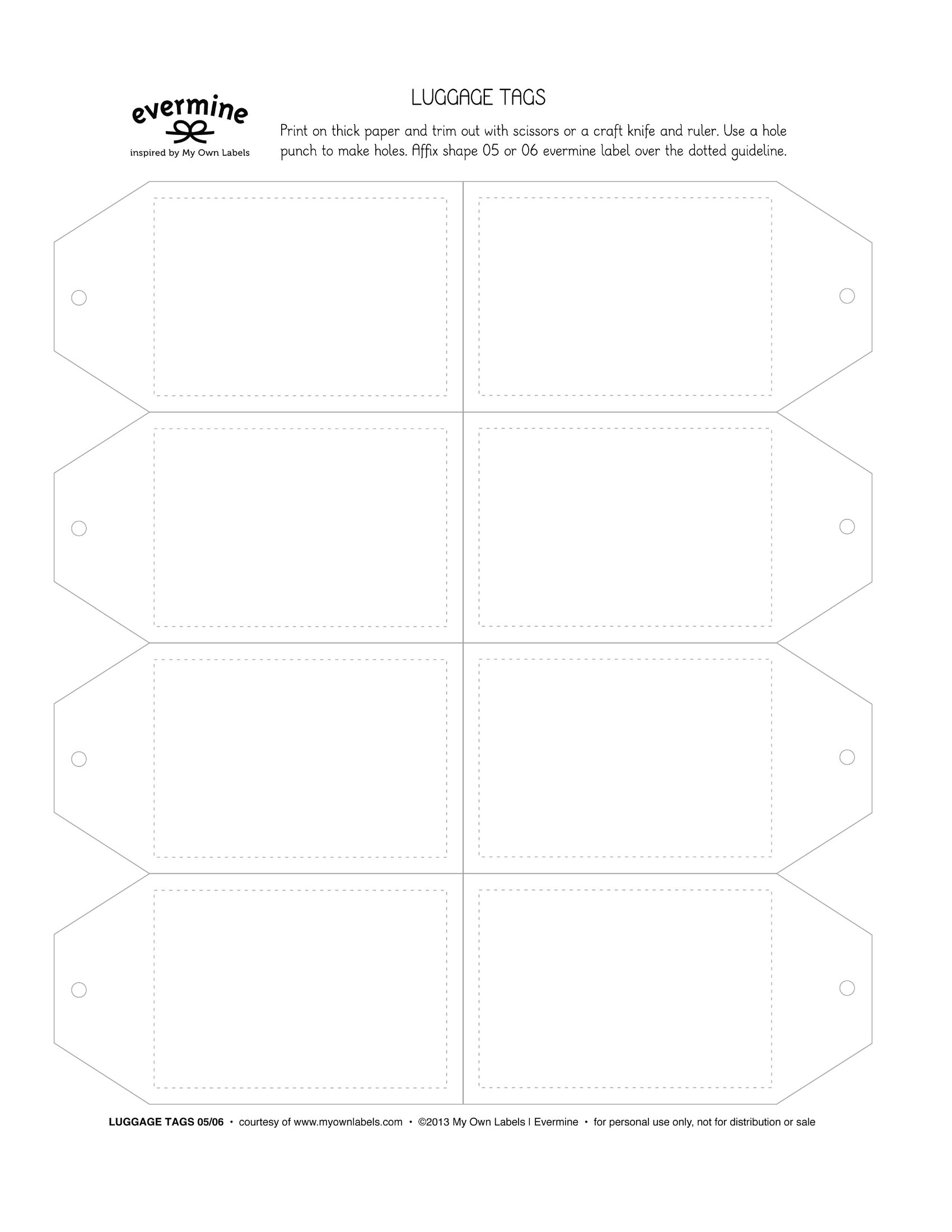
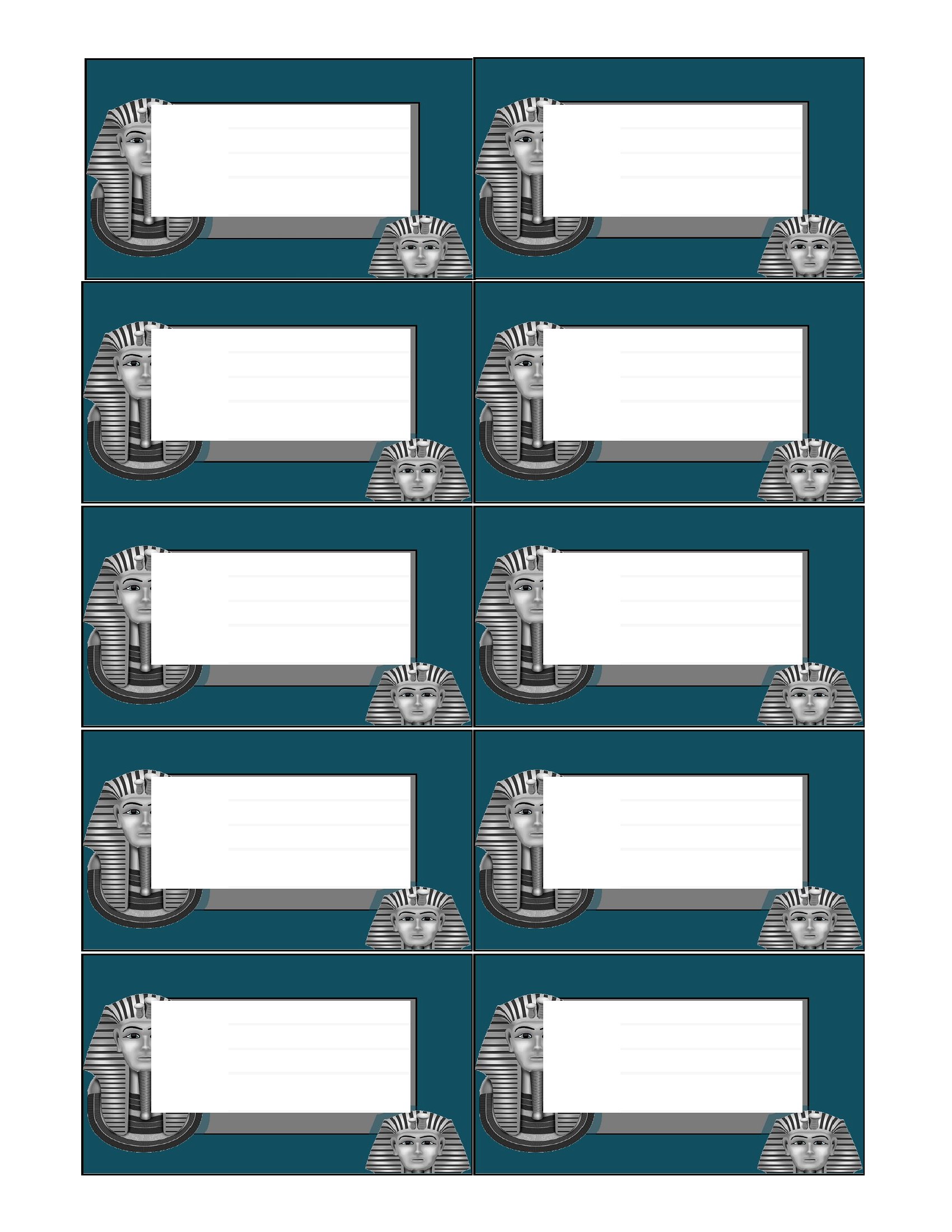
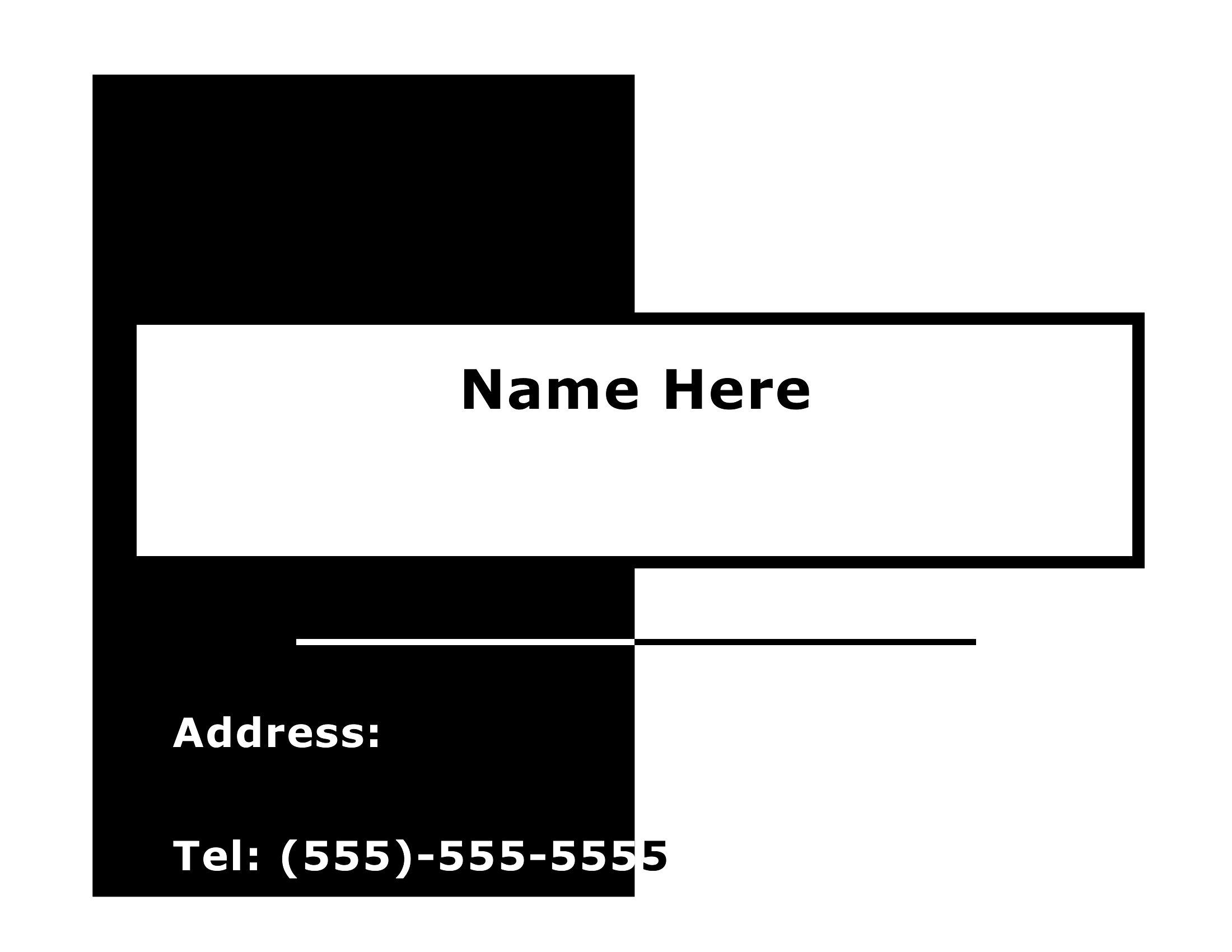
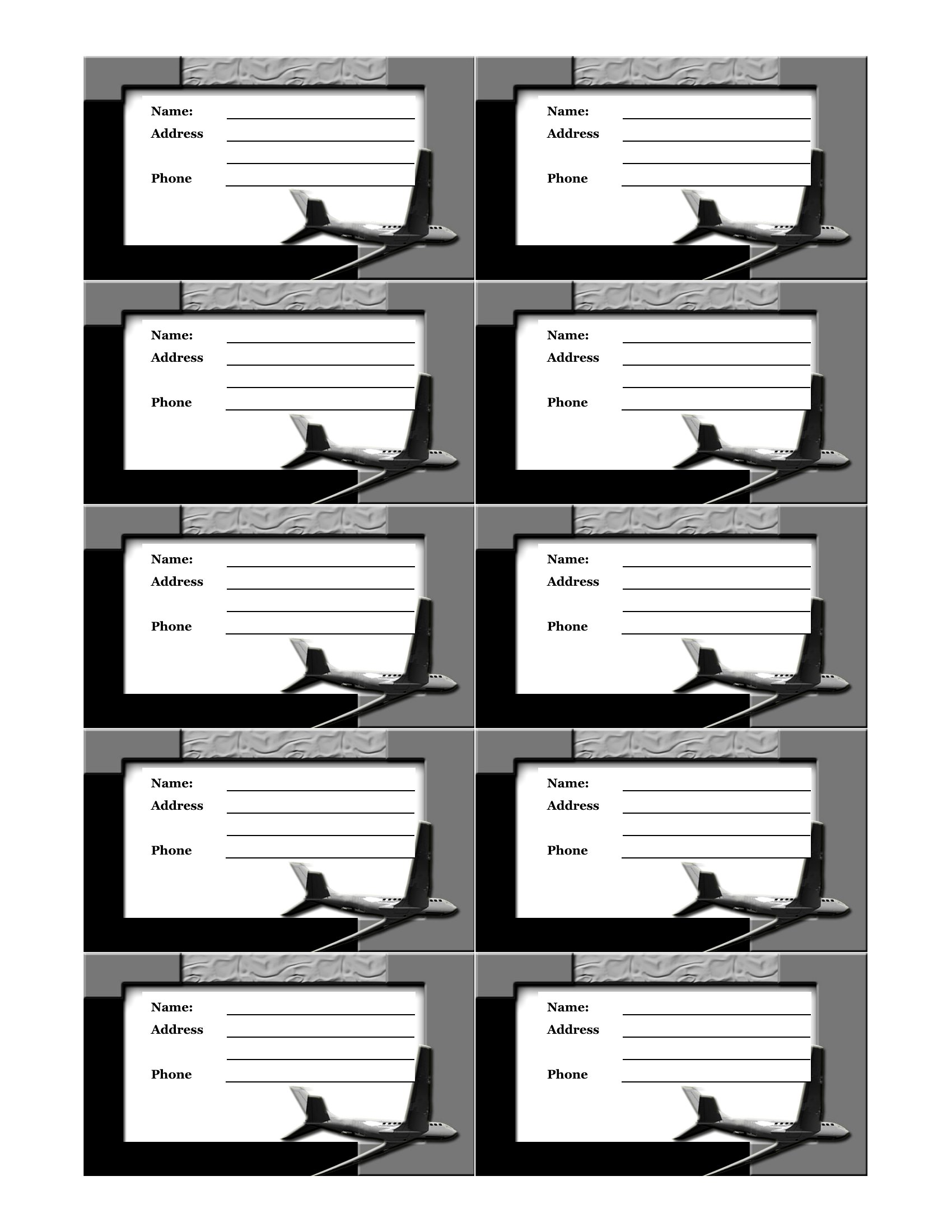
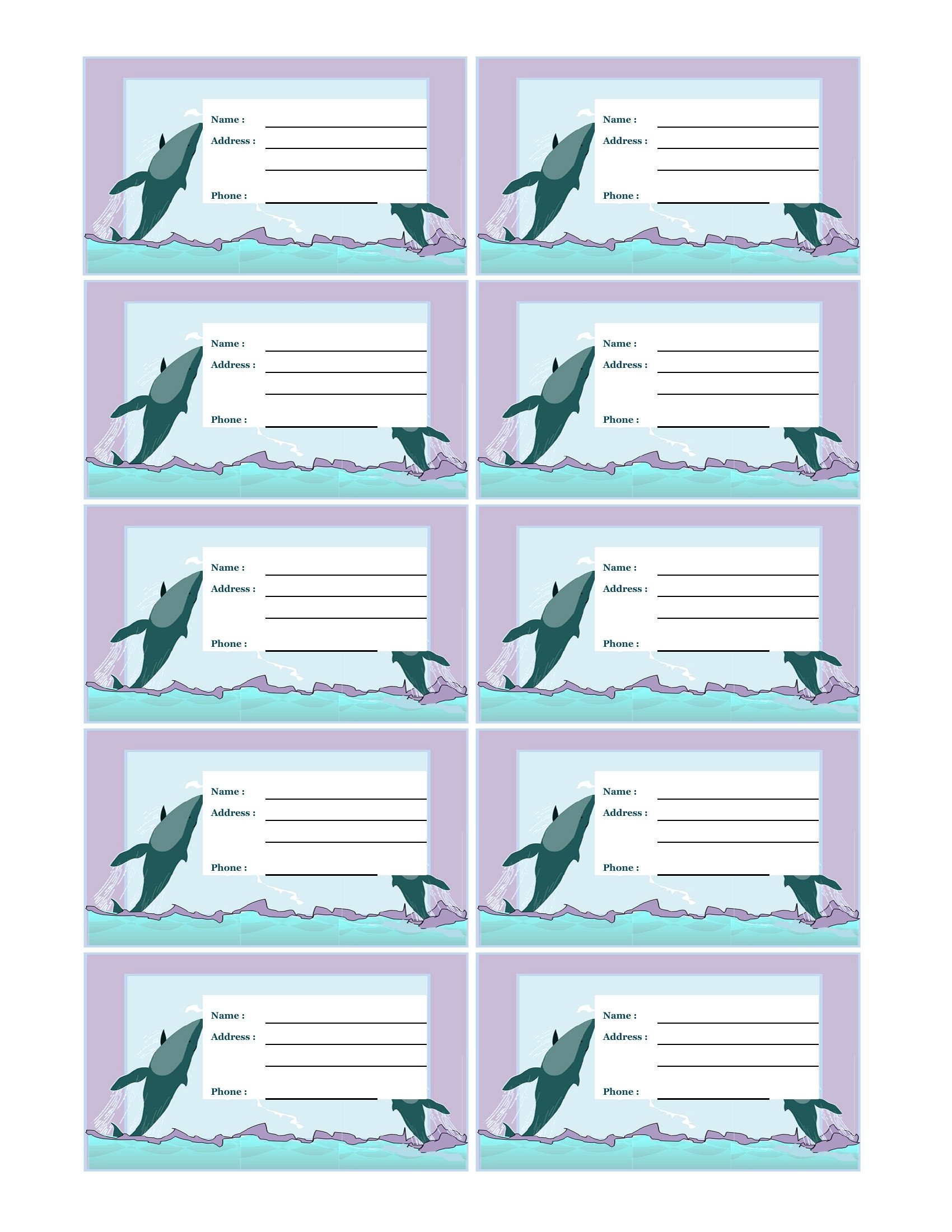
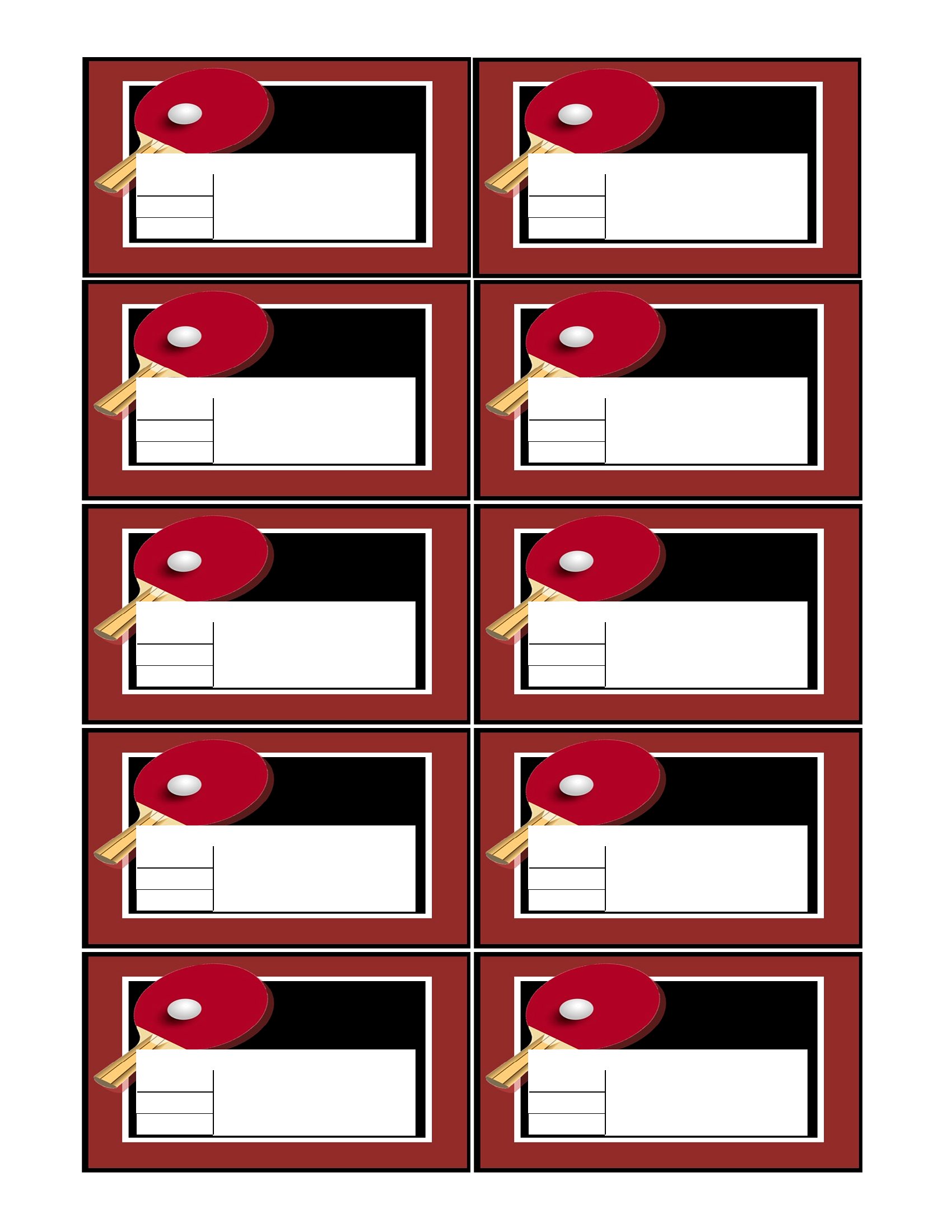
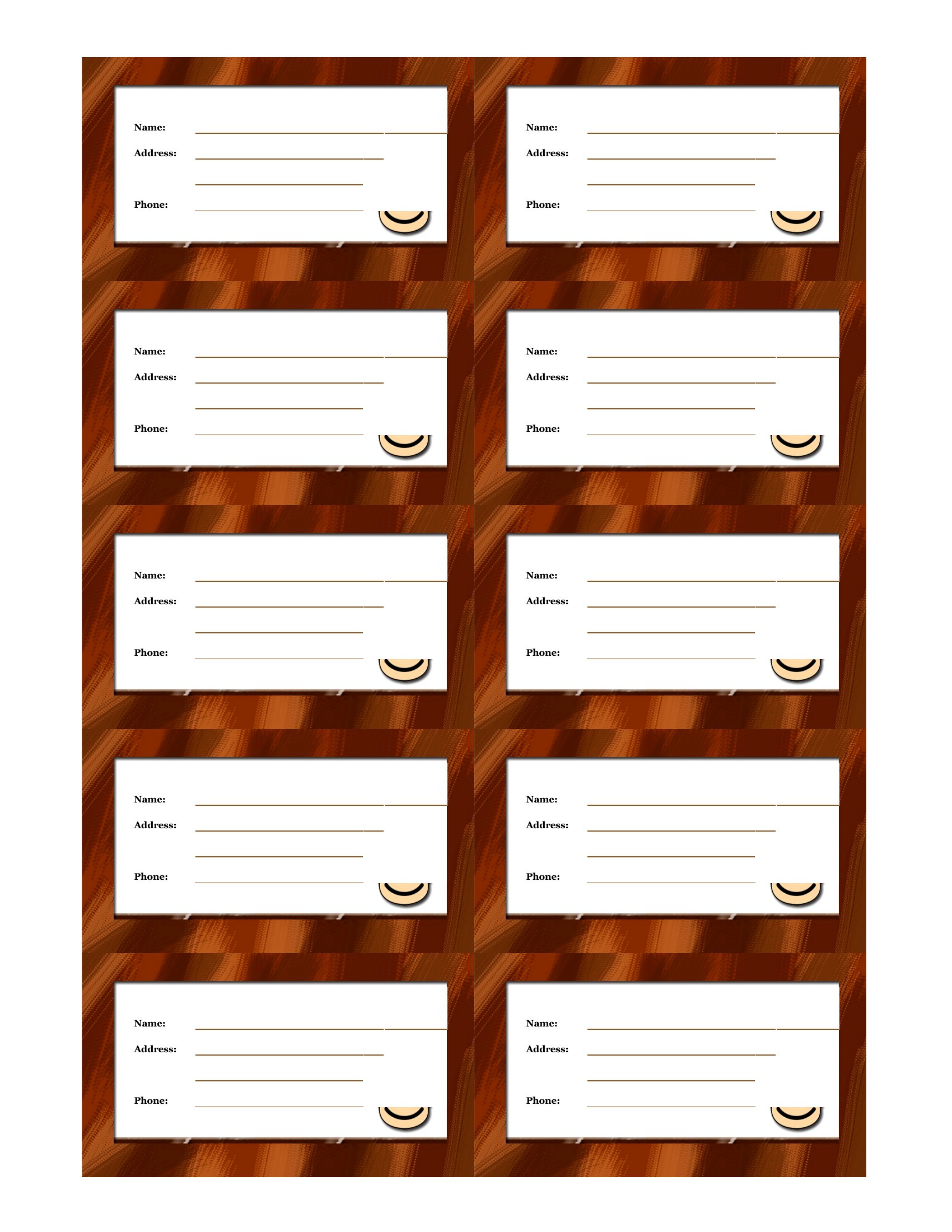
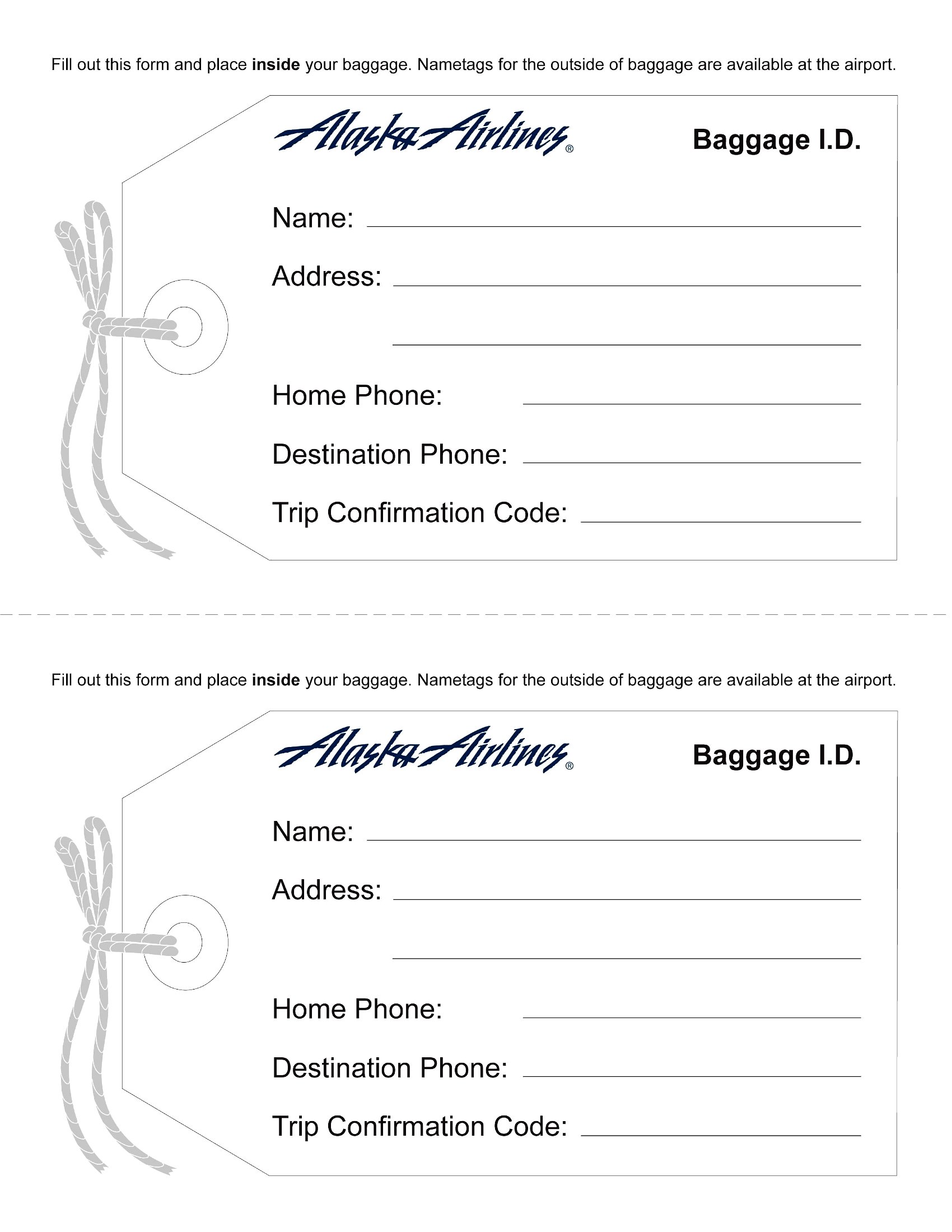
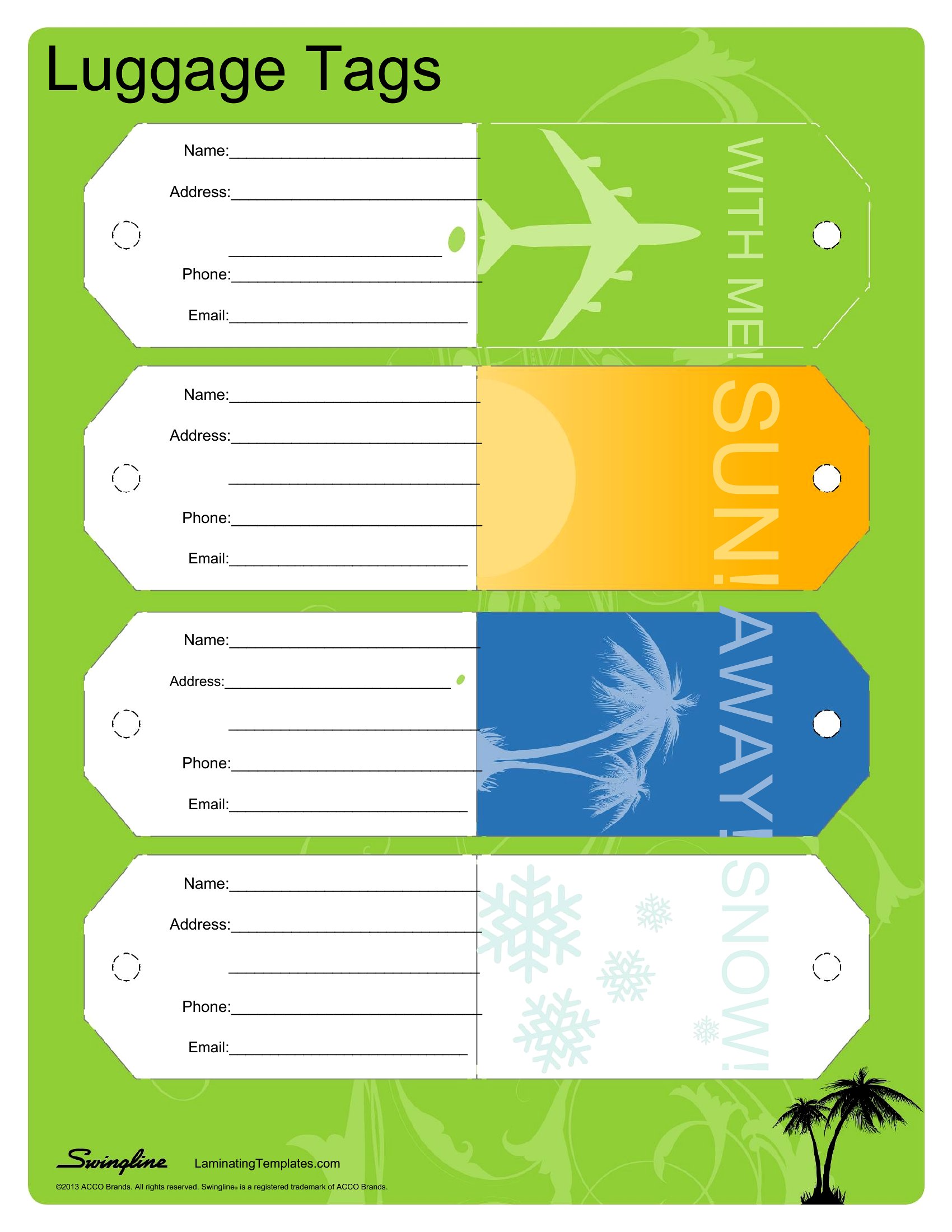
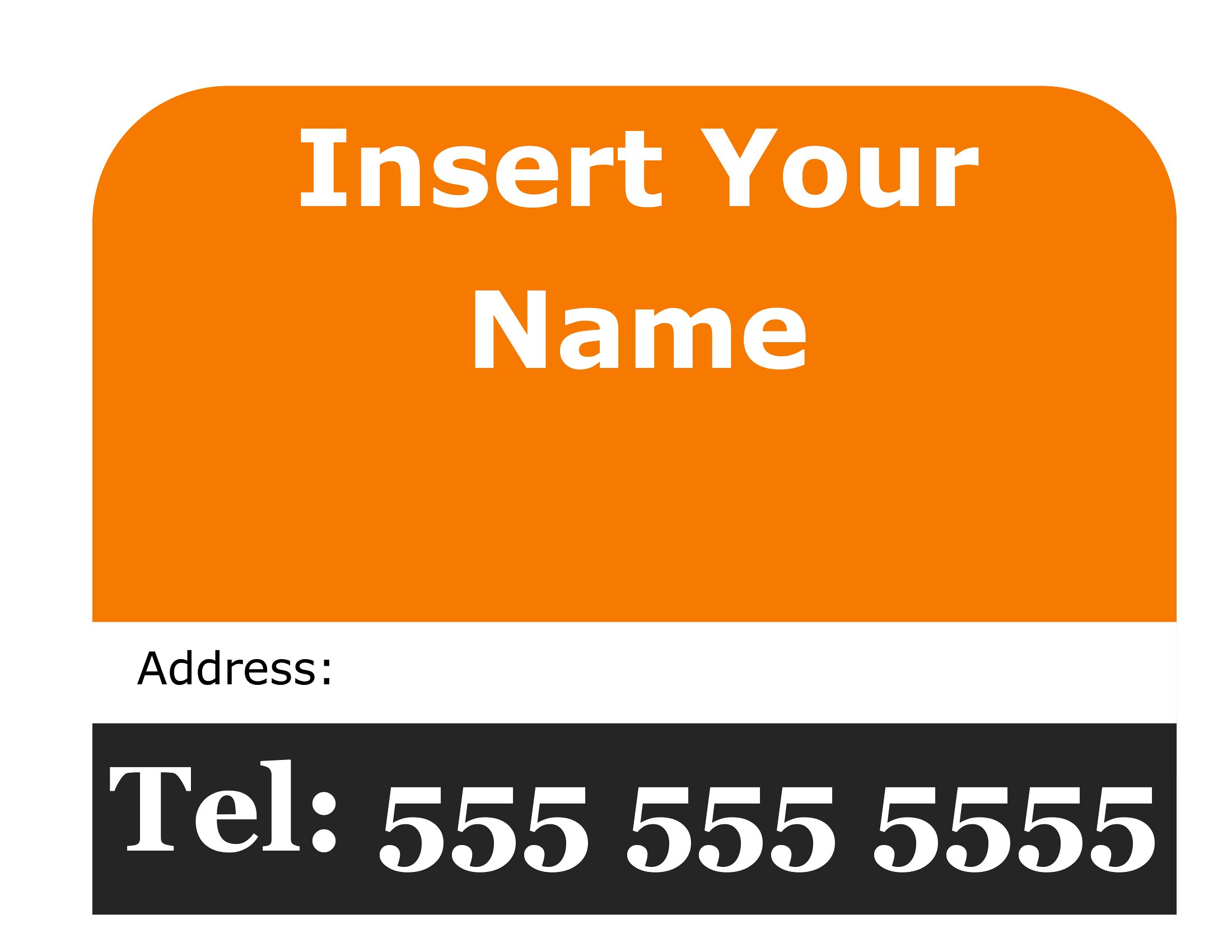
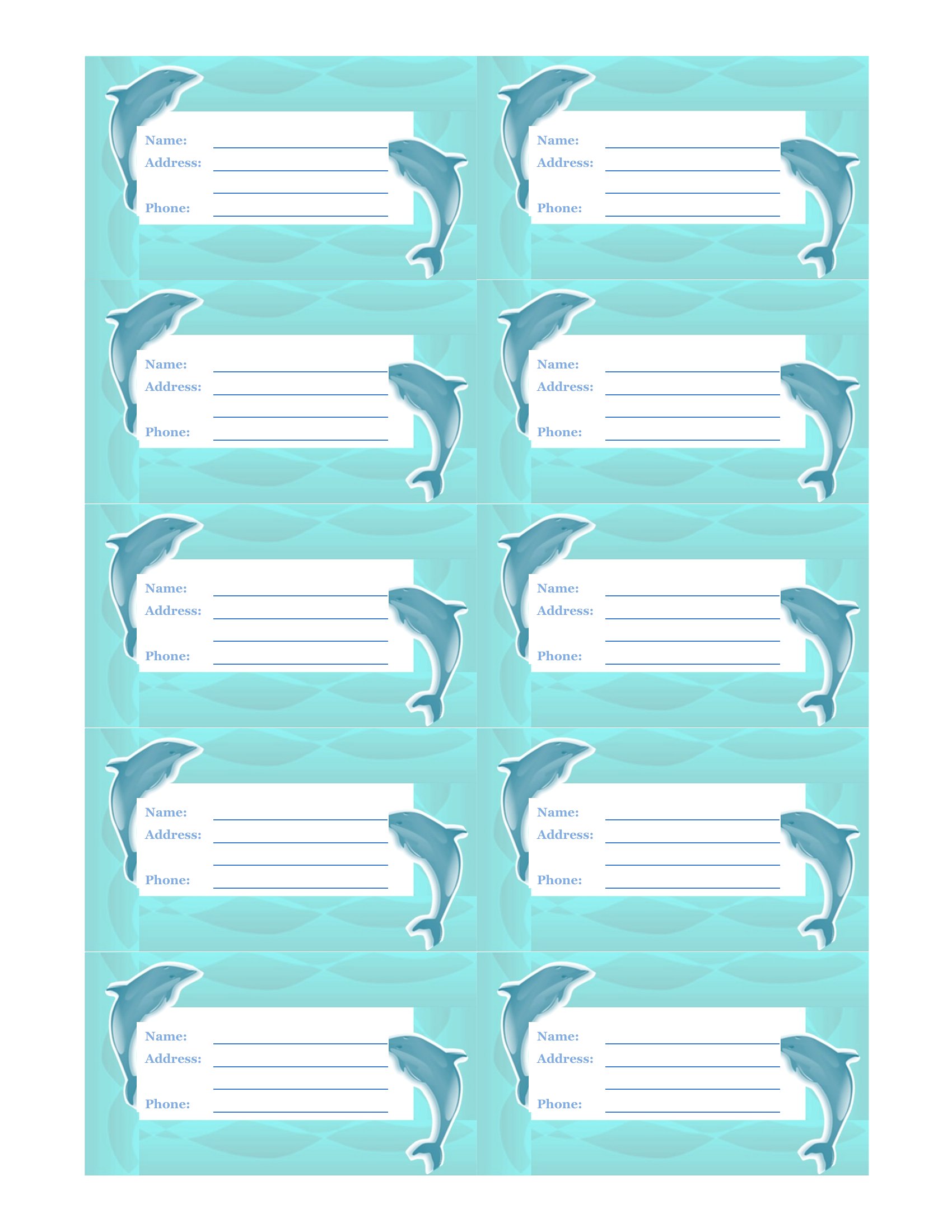
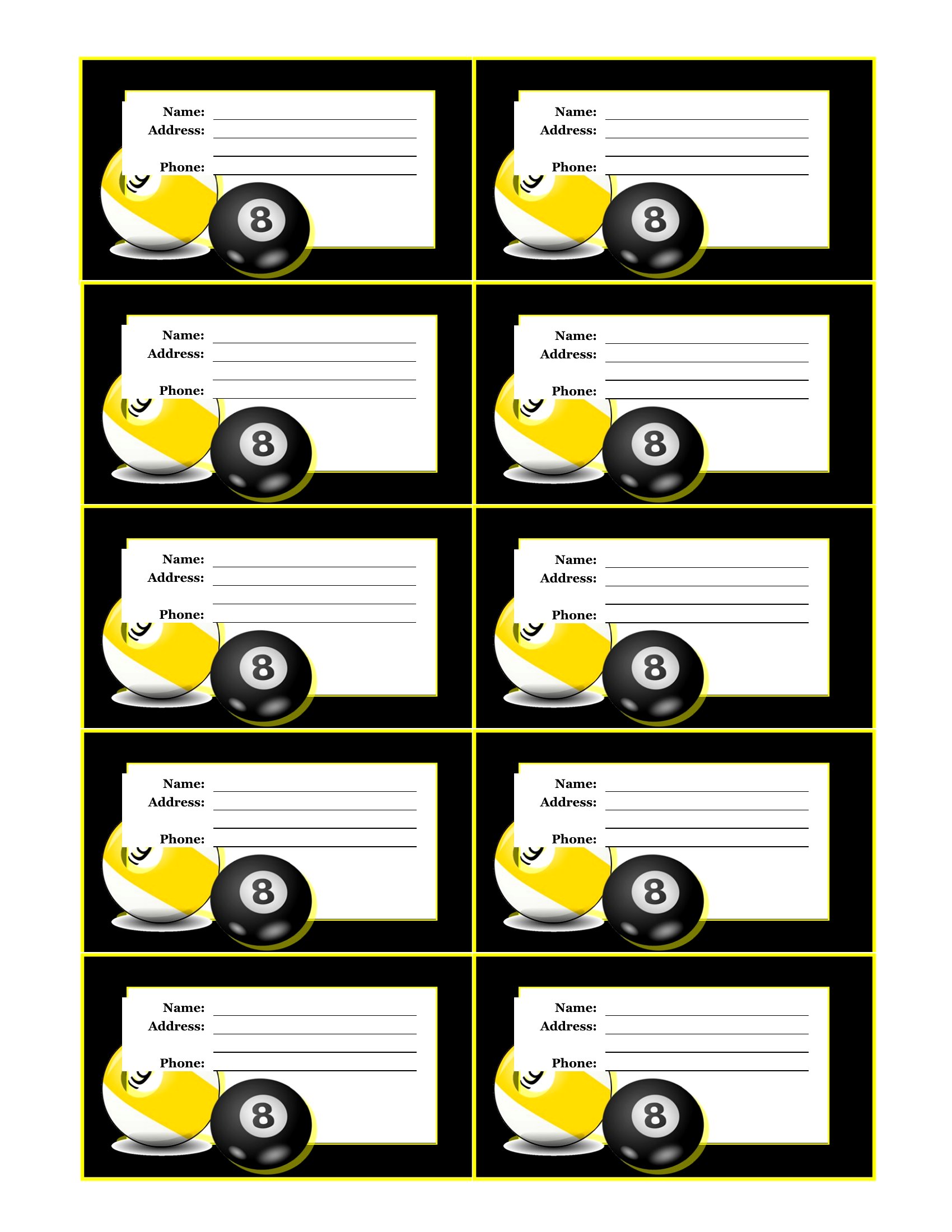
A clear luggage tag is the quickest way to find your bag on a crowded carousel and get it back if it goes missing. This set of 58 luggage tag templates is handy for families heading on vacation, frequent business travelers, and anyone tagging gear for a school or group trip. Each design has space for your name, phone number, and address, with styles ranging from simple and practical to bright and easy to spot.

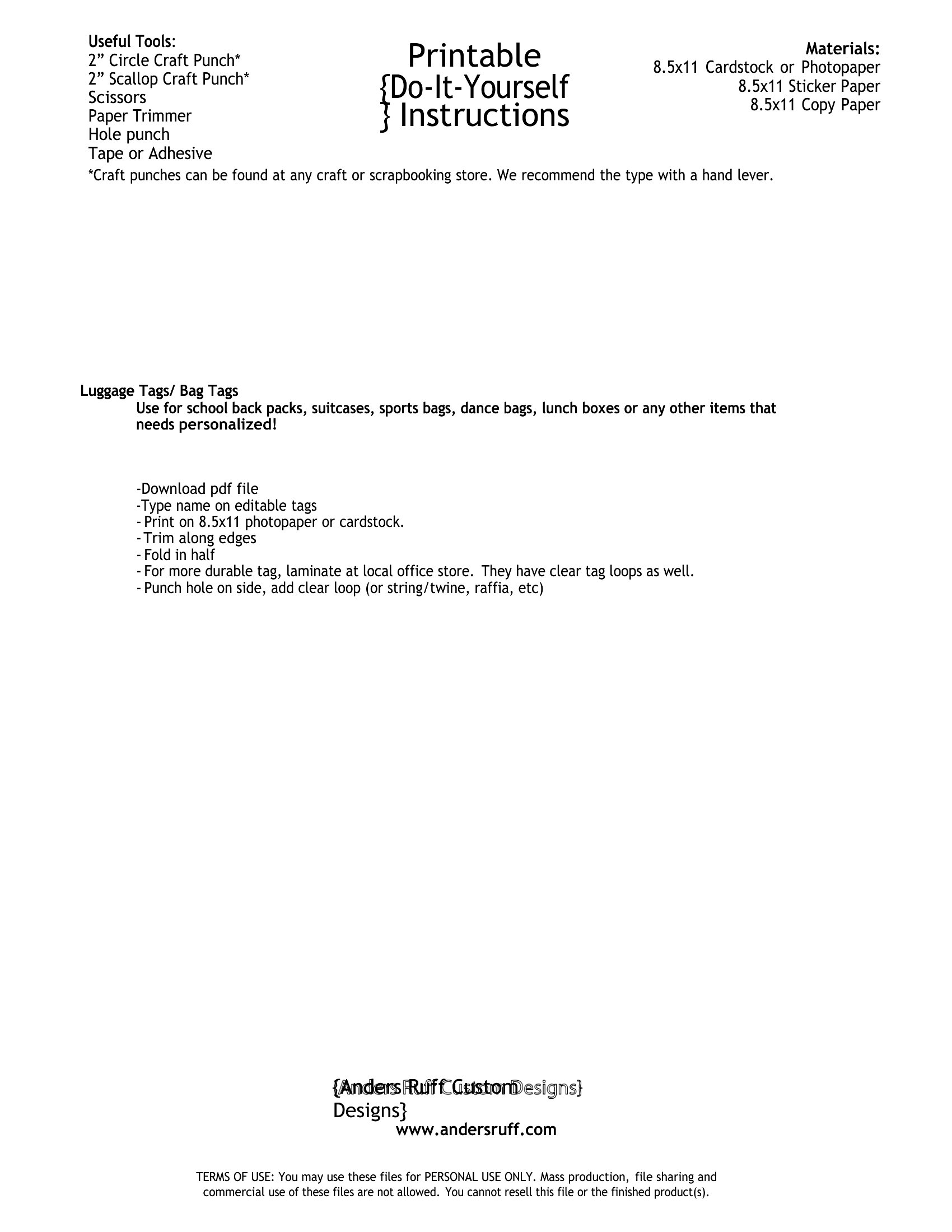
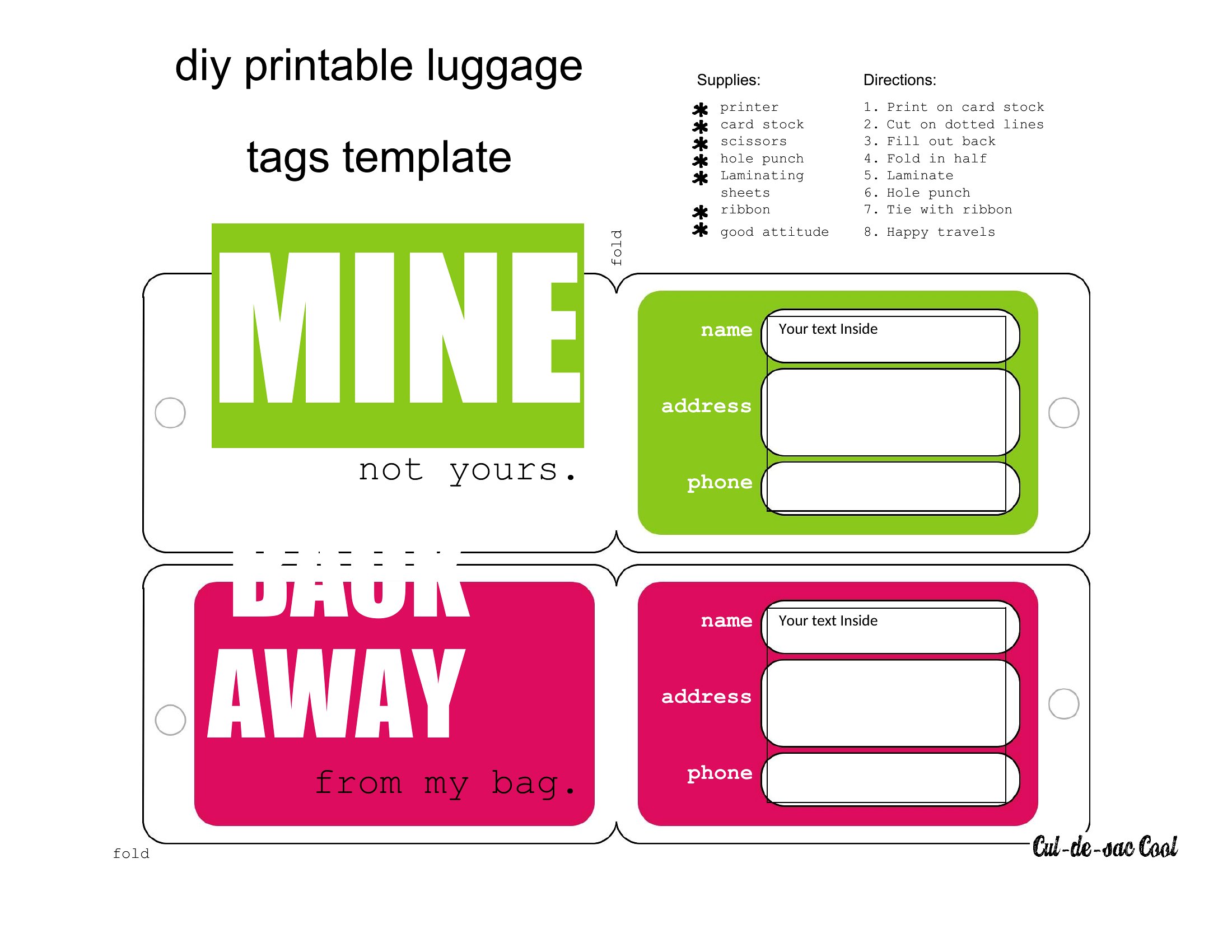
The templates open in Word, so you can type your details, change colors, and print as many as you need on card stock. Cut them out, add a loop or laminate them for durability, and clip one to every bag. Download the tags you like and have the whole set ready before you pack.

When to use this Luggage Tag template
  • Families traveling with kids to theme parks or resorts should use these luggage tags to quickly reunite lost bags with matching contact details on each piece of luggage, reducing stress at baggage claim.
  • Business travelers attending conferences abroad need durable, professional-looking tags with their company name and direct contact info to ensure their briefcase or laptop bag is returned immediately if misplaced during transit.
  • Parents organizing group trips for school clubs or sports teams can customize these tags with team names and emergency contacts to easily identify and return shared equipment or personal items if separated during travel.
  • Adventurers packing for multi-day hikes or camping trips should use these tags on backpacks and gear bags to include medical alerts or trip-specific notes, helping responders locate and assist them if lost or injured in remote areas.

Which format should I download?

Word

The Word format is ideal here because it allows for easy editing of text fields like names, phone numbers, and addresses—critical for accuracy—while also supporting customization of design elements (colors, fonts) to match personal or brand preferences. Use Word if you plan to print multiple tags with slight variations, such as for a family or group, or if you want to save editable backups for future trips. The format ensures compatibility with most printers and avoids formatting issues that can arise with PDFs or images.

Choose from 58 Luggage Tag Templates
How to use this Luggage Tag template
Can these luggage tags include special instructions or symbols, like 'Fragile' or medical alerts?

Yes, many of these templates feature blank spaces or customizable sections where you can add notes like 'Contains medications' or 'Do not stack heavily.' For medical alerts, include symbols or text in the address field (e.g., 'Diabetic—insulin in bag') to alert baggage handlers or authorities if your luggage is inspected or lost.

How do I ensure the printed tags are durable enough for international travel or rough handling?

Print on thick, matte paper (80–120 gsm) or laminate the tags after printing to protect them from moisture, scratches, or wear. Avoid glossy finishes, as they can smudge. For extra durability, attach tags to luggage with a waterproof adhesive or a small zip tie, ensuring they’re visible but secure.

Are there templates that work well for tagging non-luggage items, like instrument cases or pet carriers?

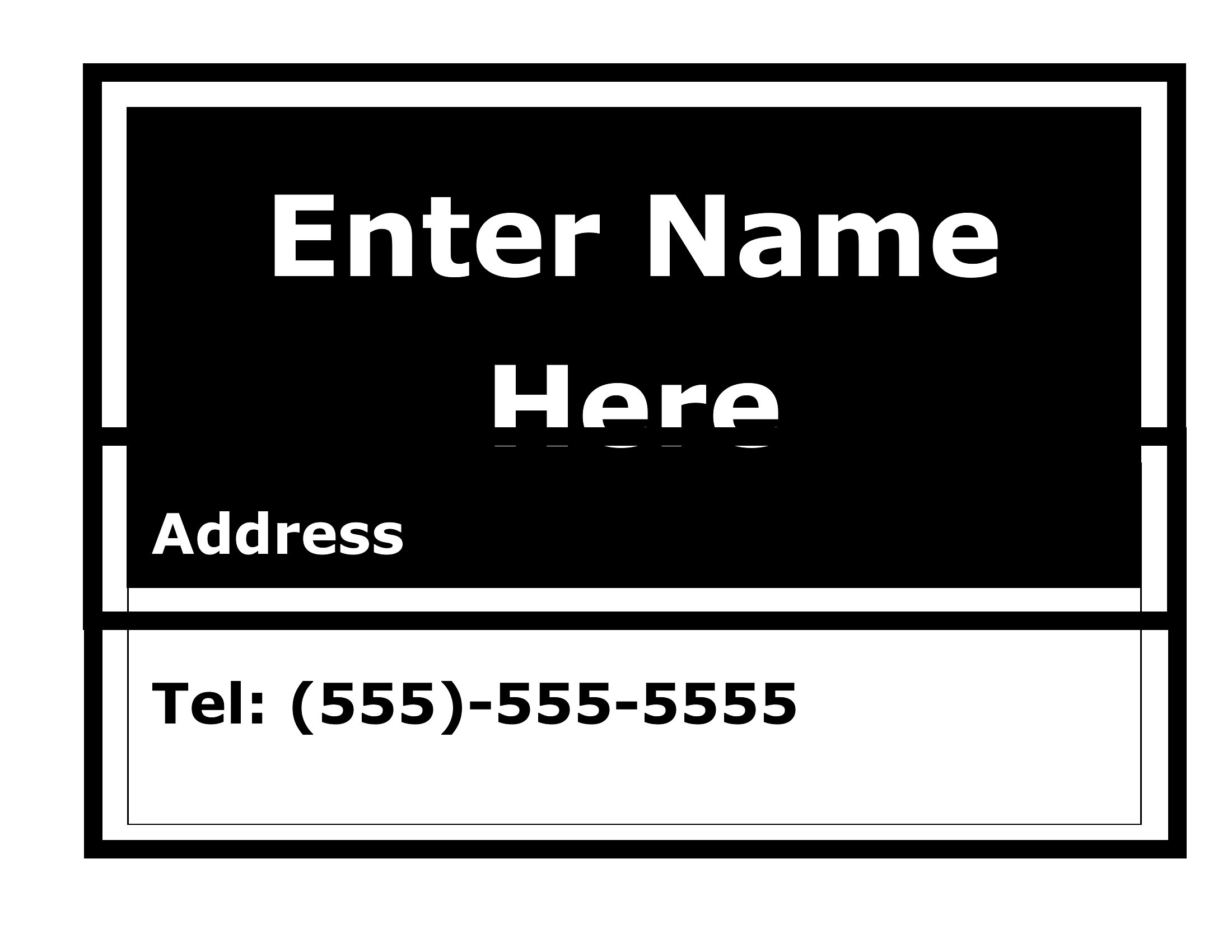
Yes, several templates in this collection are minimalist and scalable, making them suitable for tagging items like guitar cases, pet carriers, or sports equipment. Look for designs with a single large text box or a clean layout—simply resize the template in Word and adjust the fields to fit your item’s surface area. Add a note like 'Property of [Name]' to deter mix-ups.

Comments

Join the conversation

Sign in to share your thoughts and leave a comment on this resource.

Newsletter

Get Weekly Design Updates

Join our community to receive curated resources and inspiration.

Weekly Tips Resources Early Access

We respect your privacy. Confirmation email required. Privacy Policy