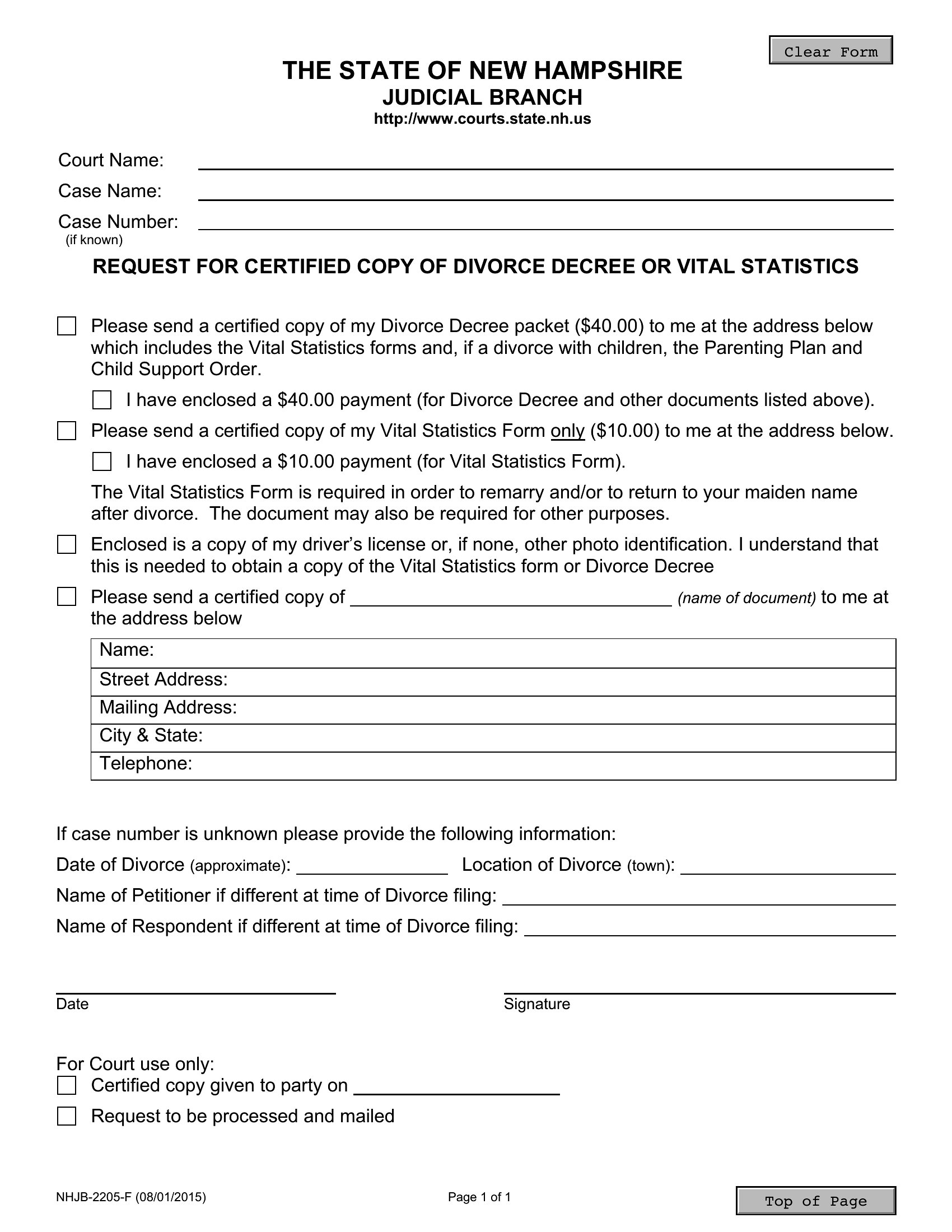
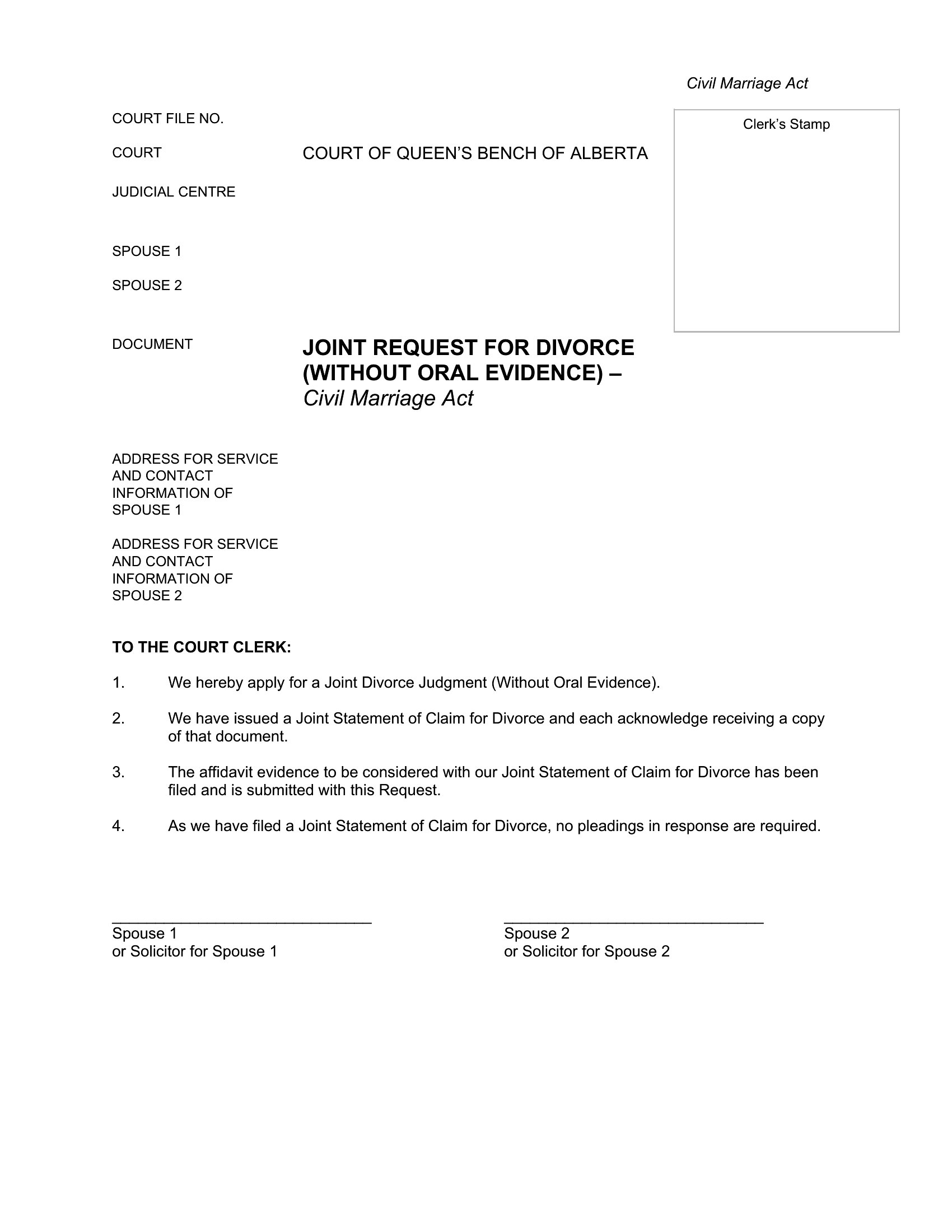

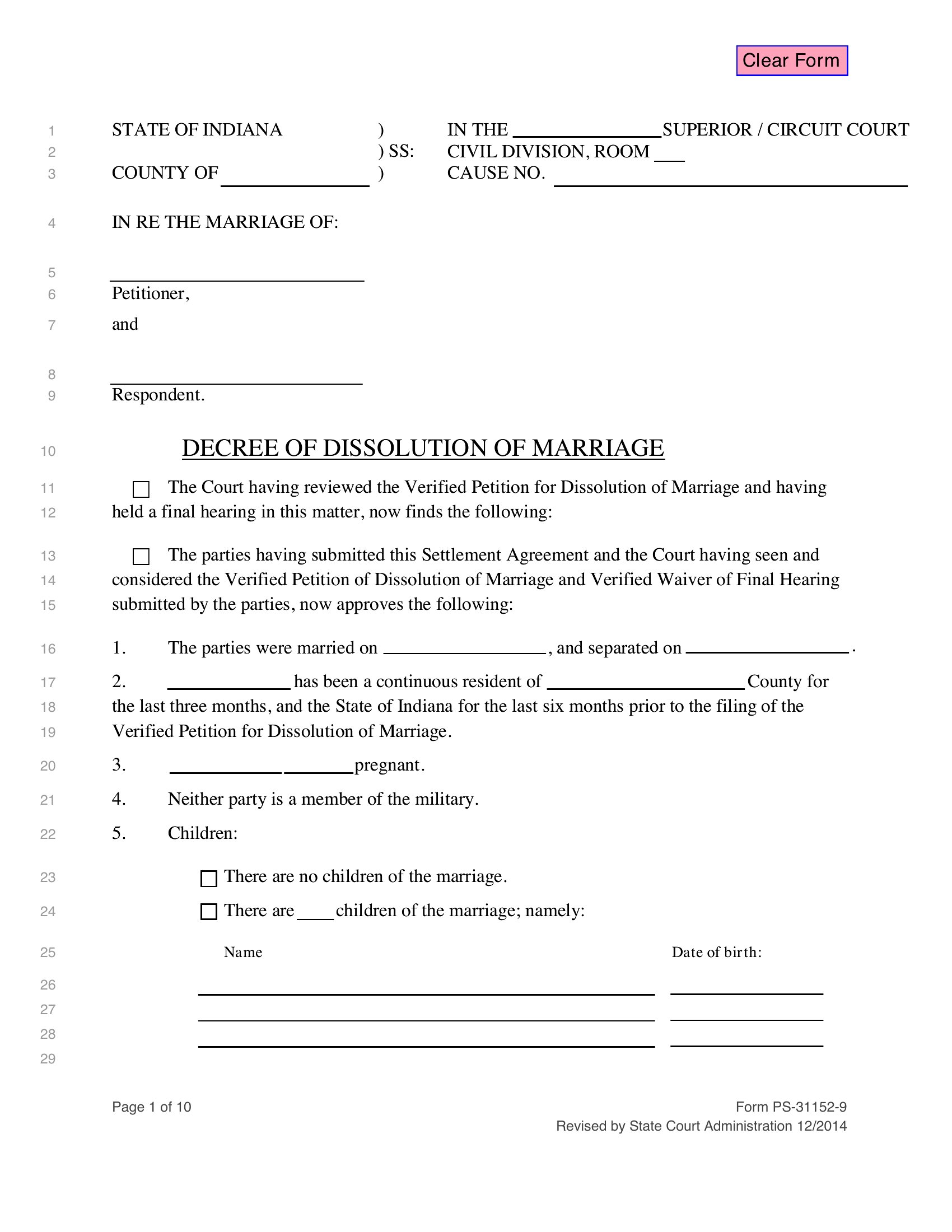
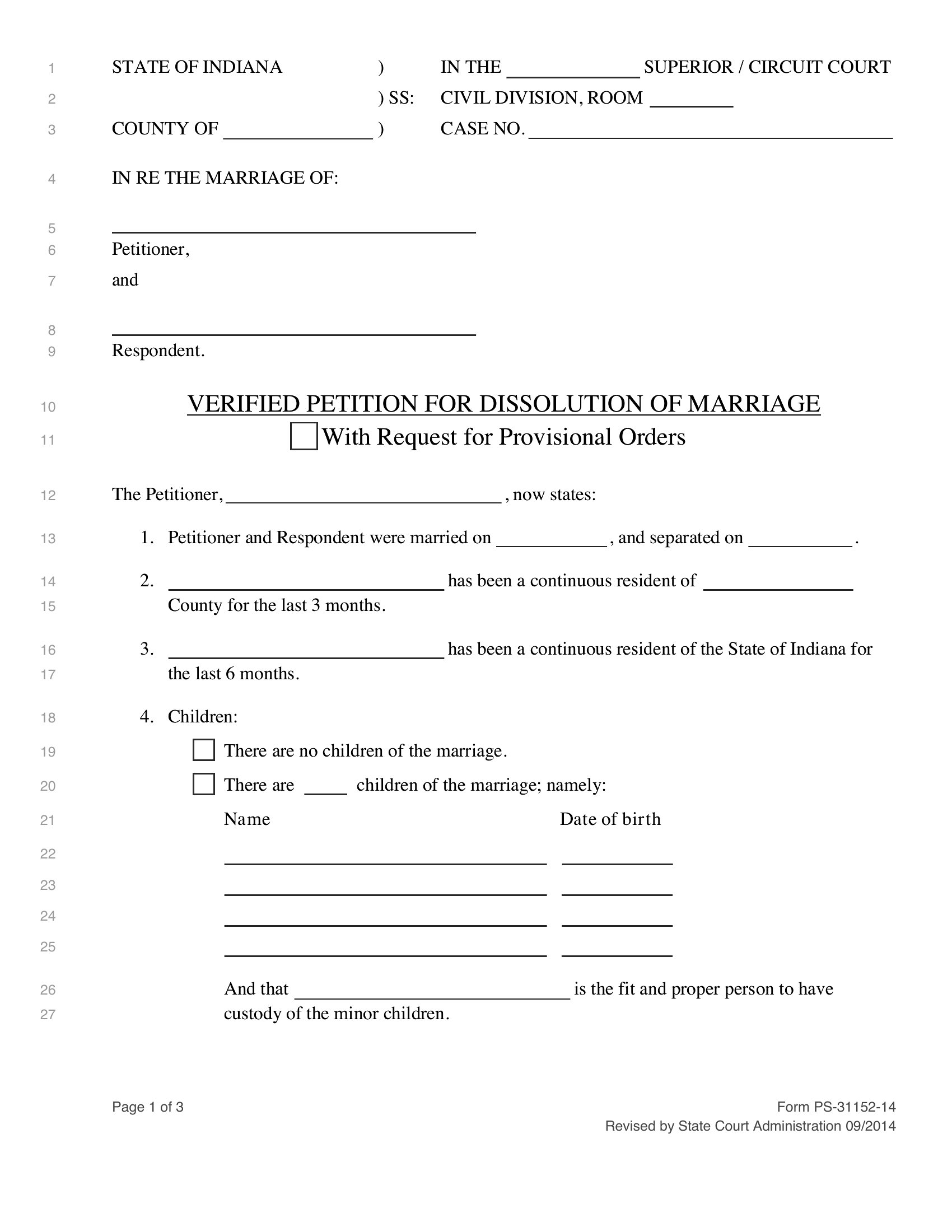
Free Divorce Paper Templates (Word, PDF)
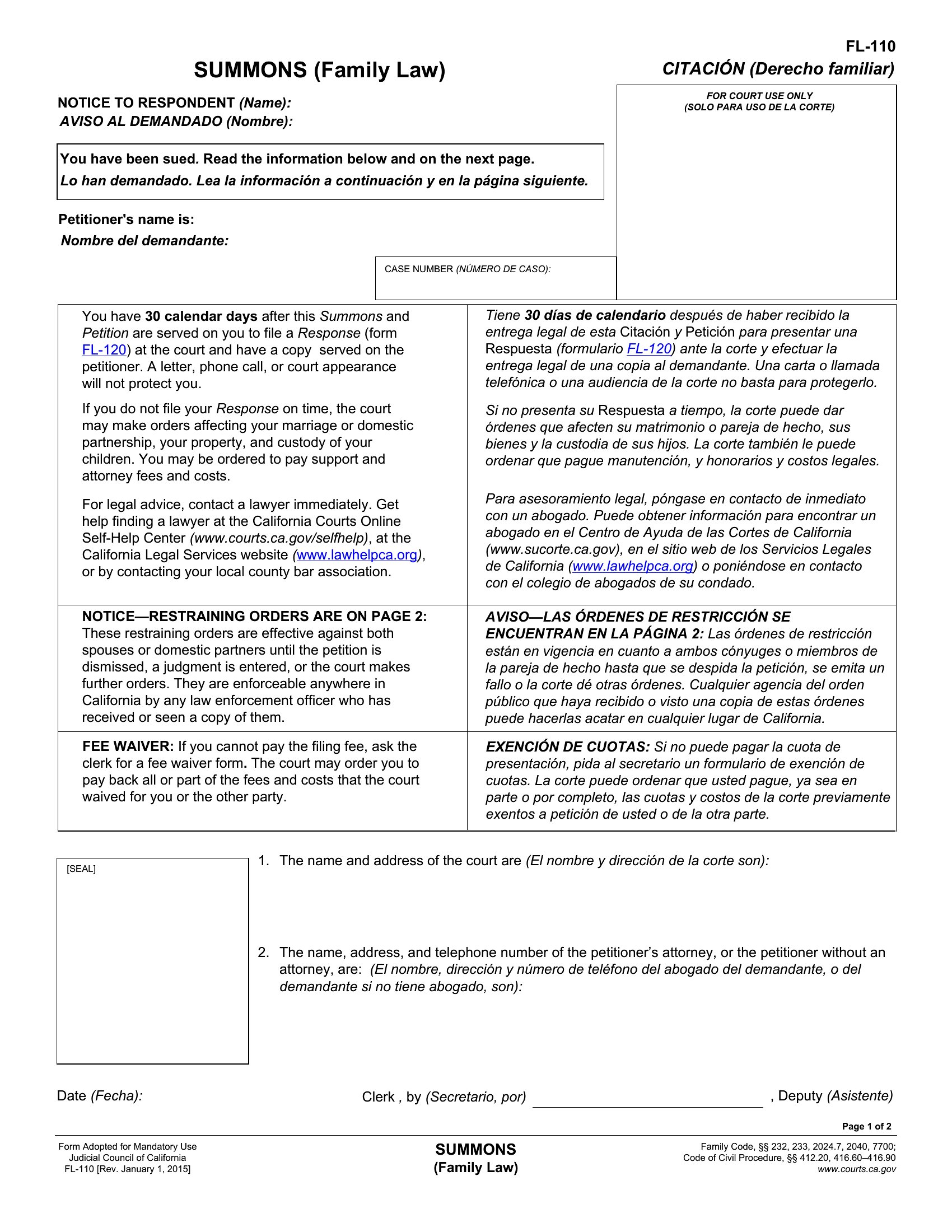
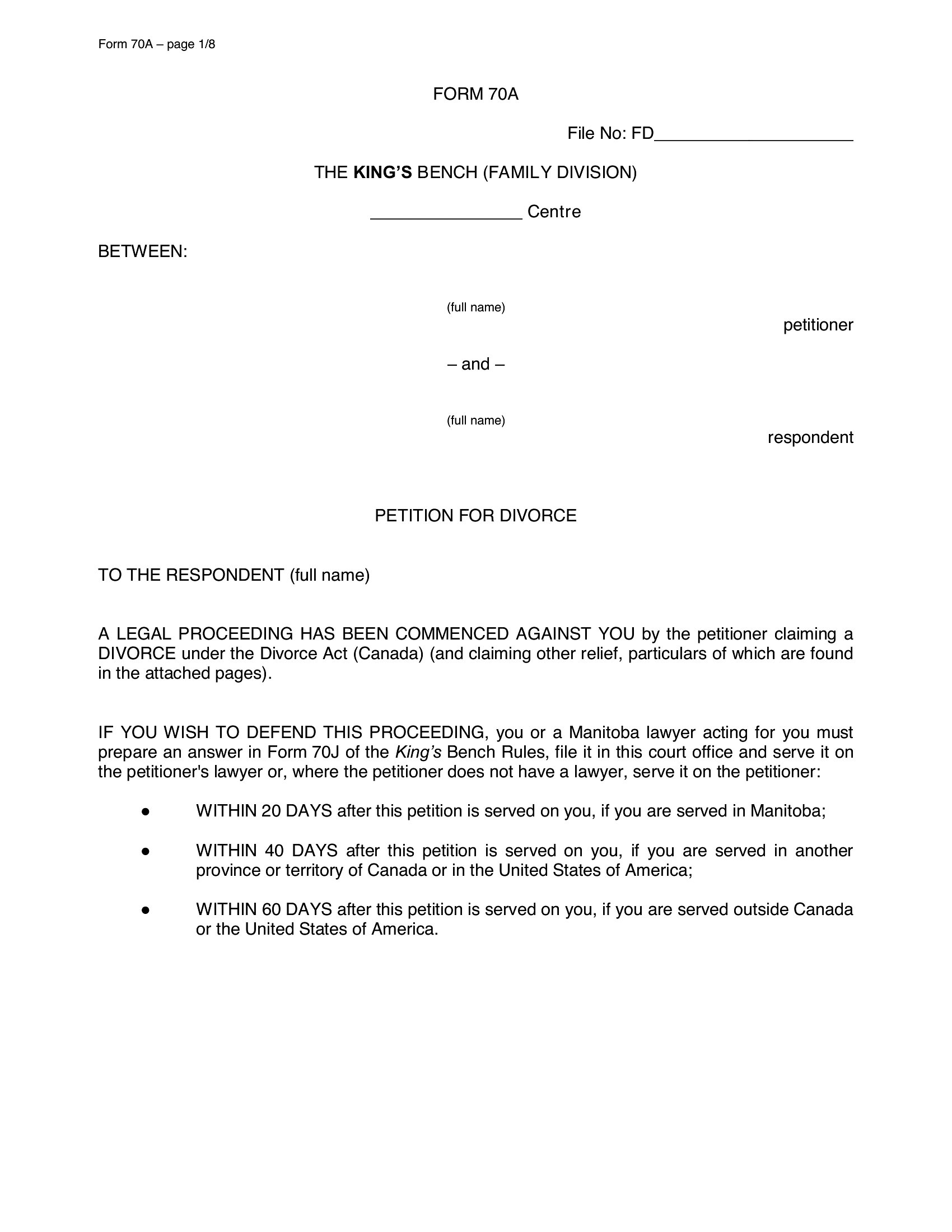
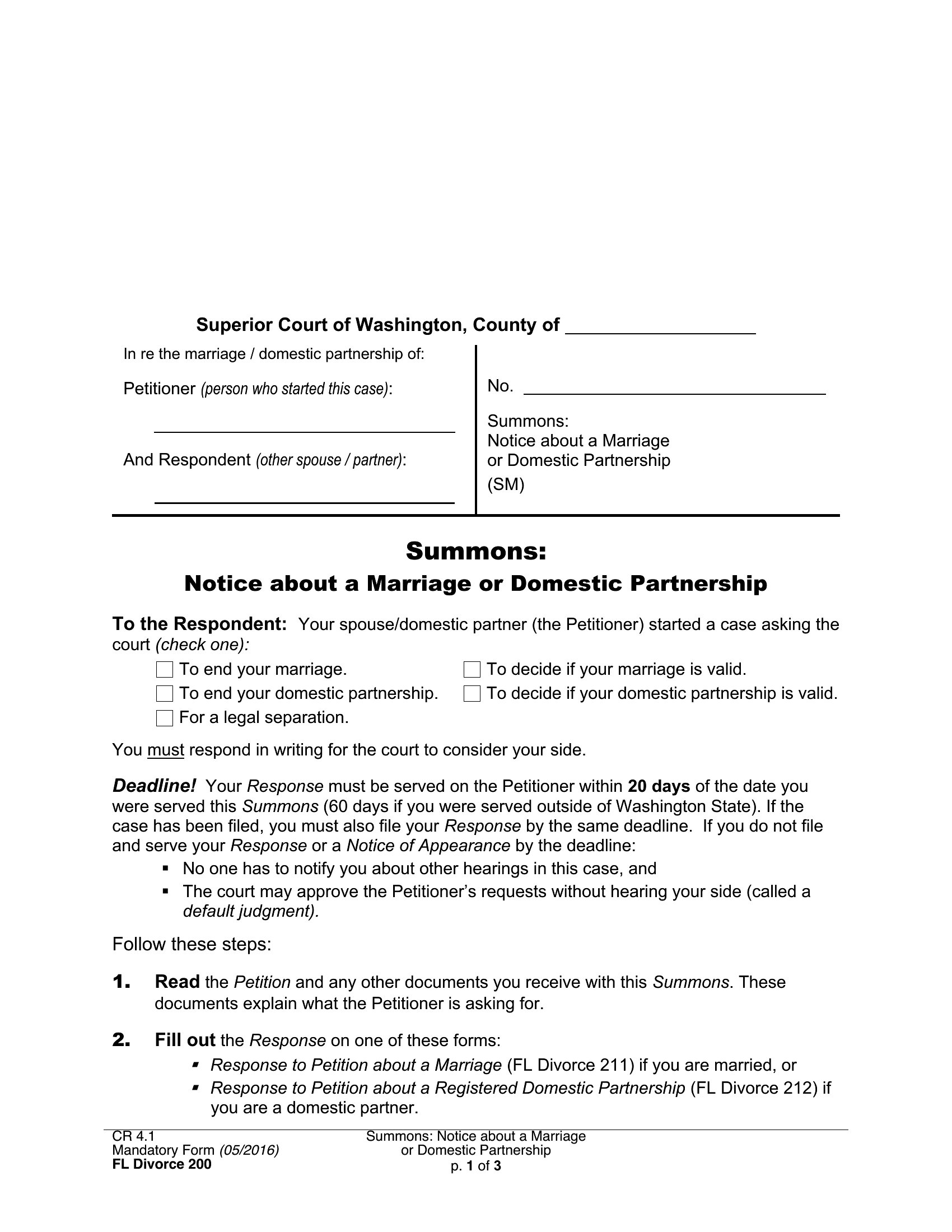
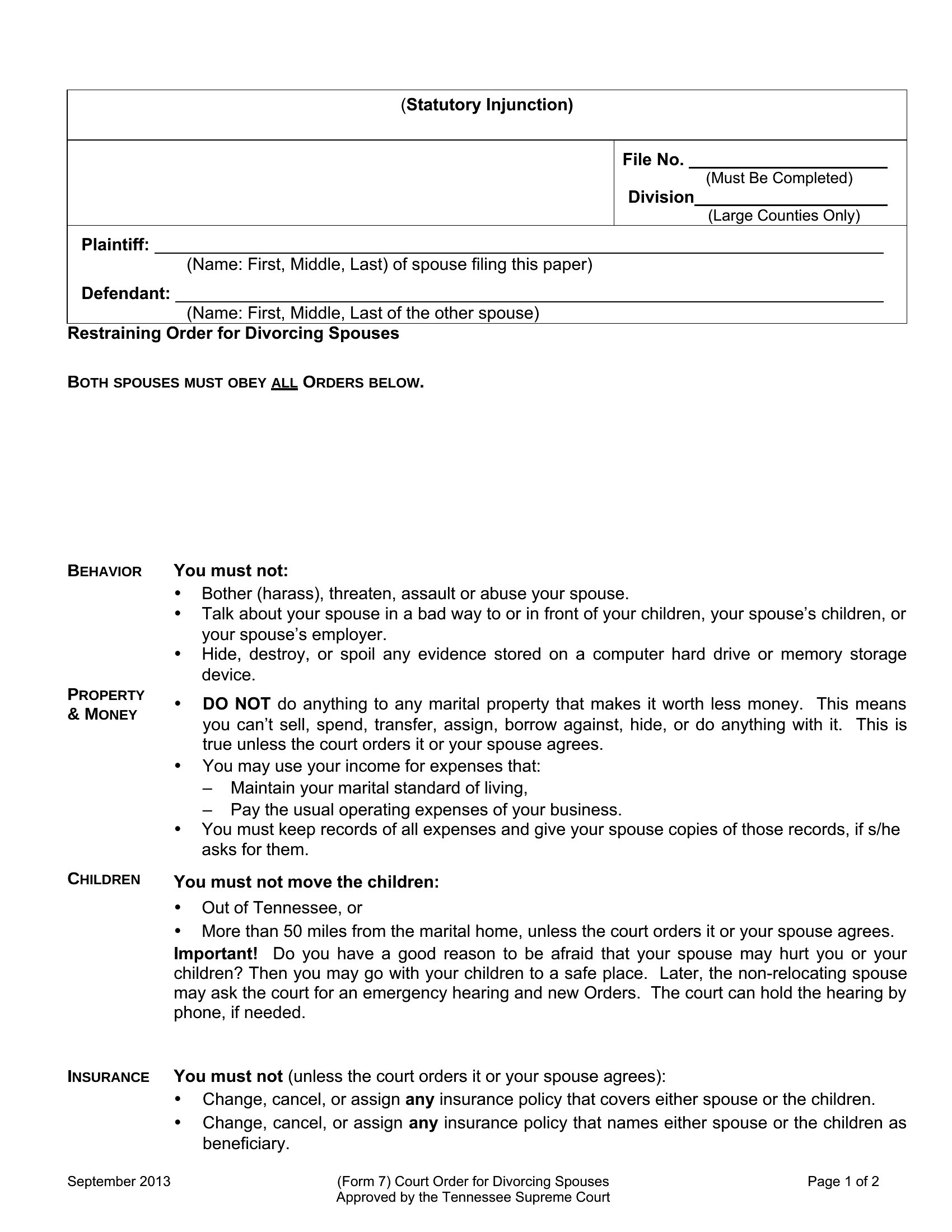
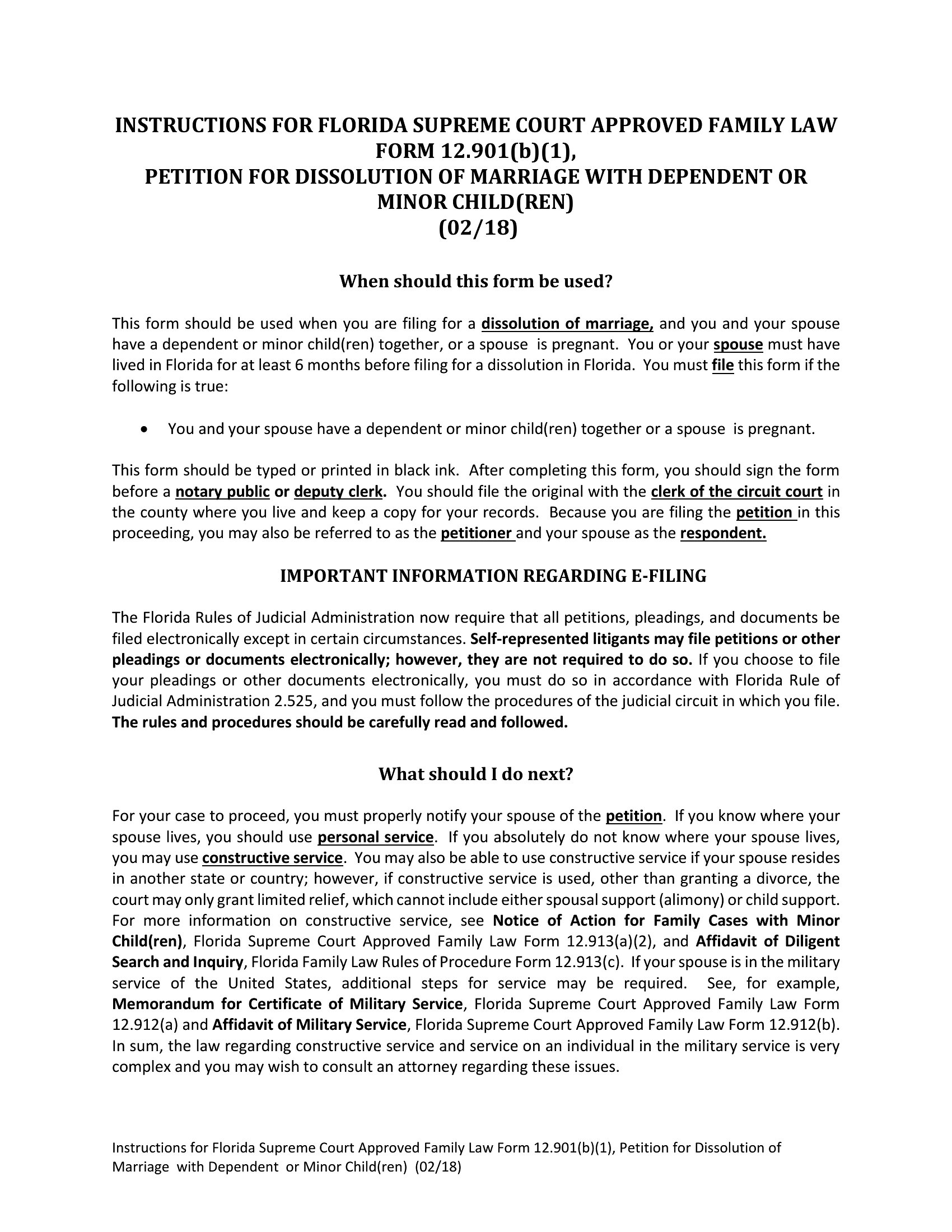
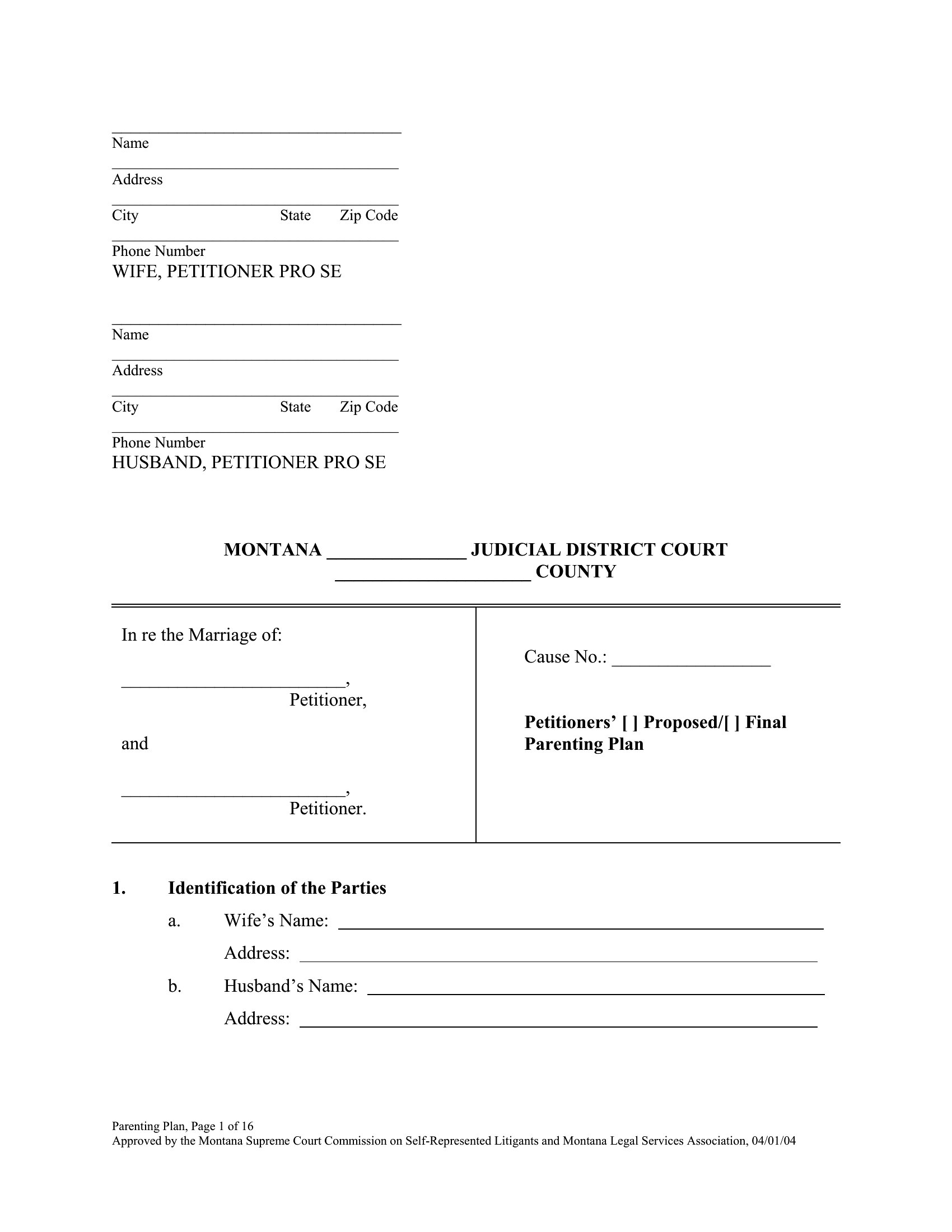
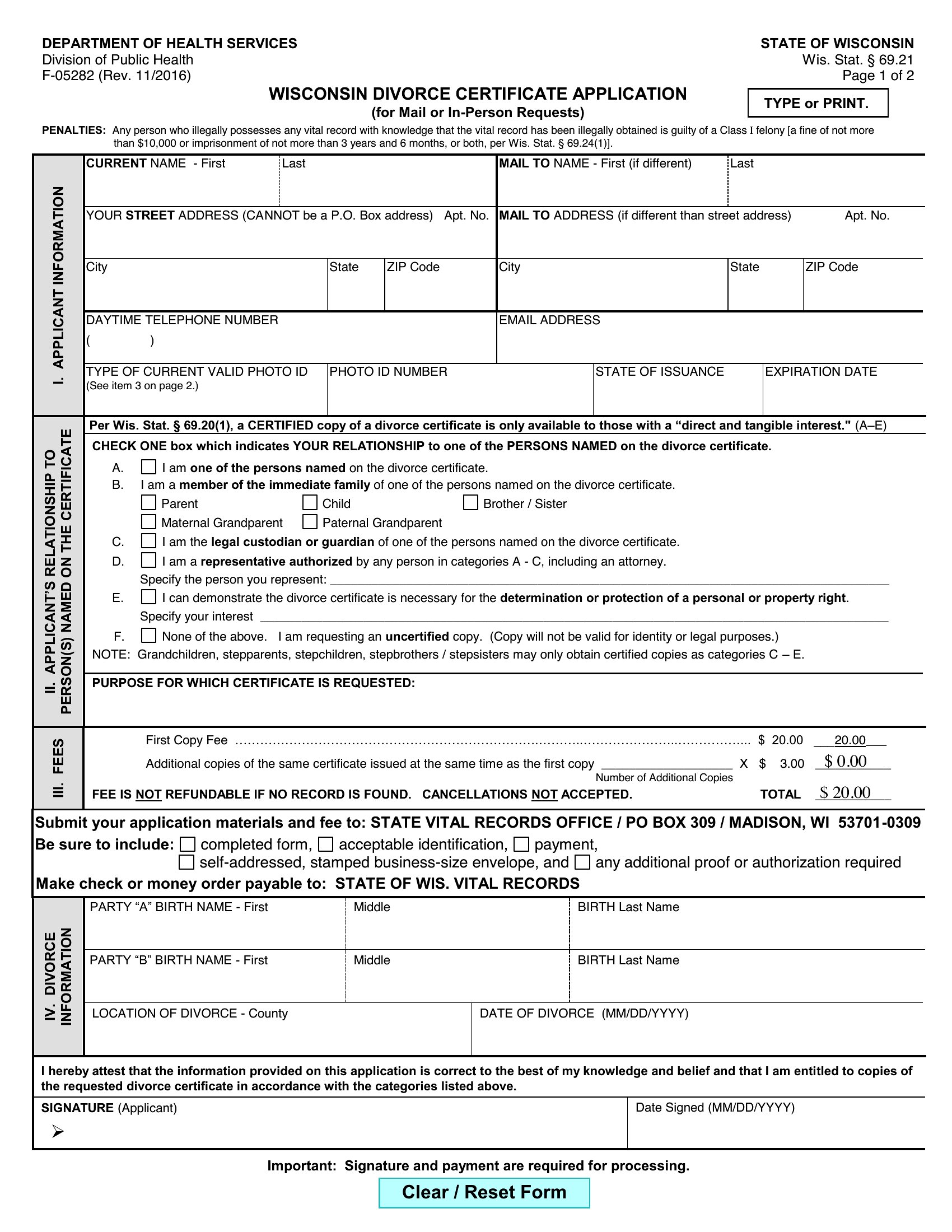
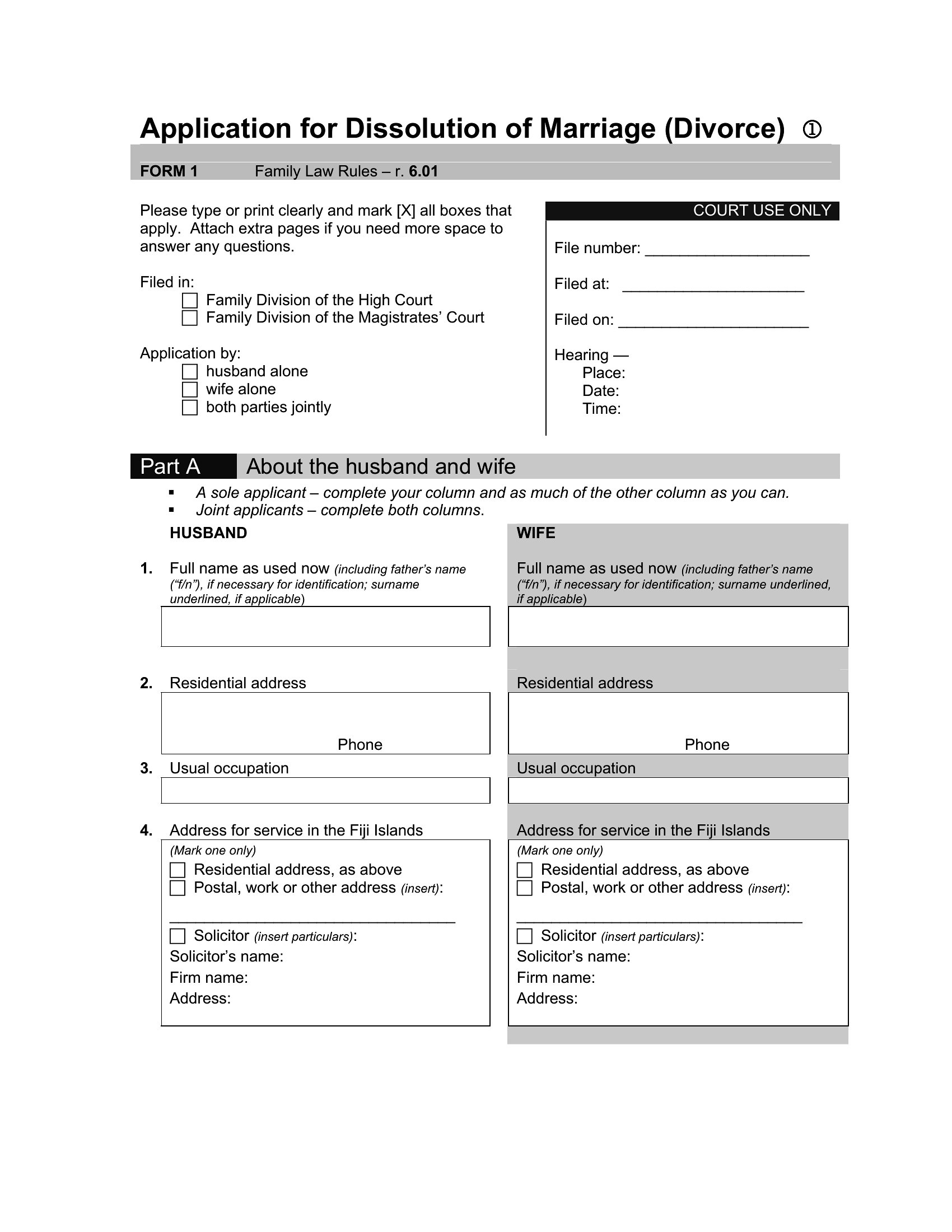
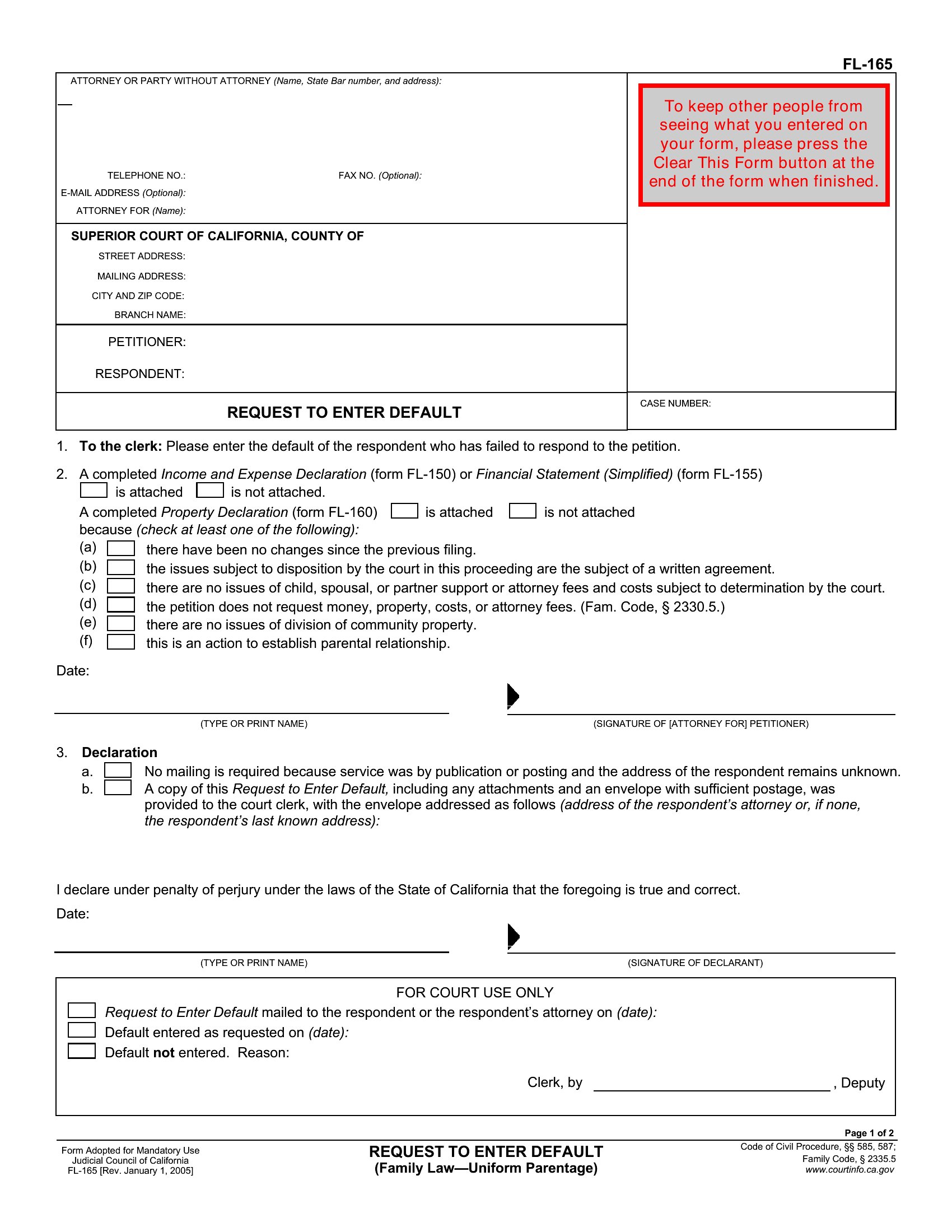
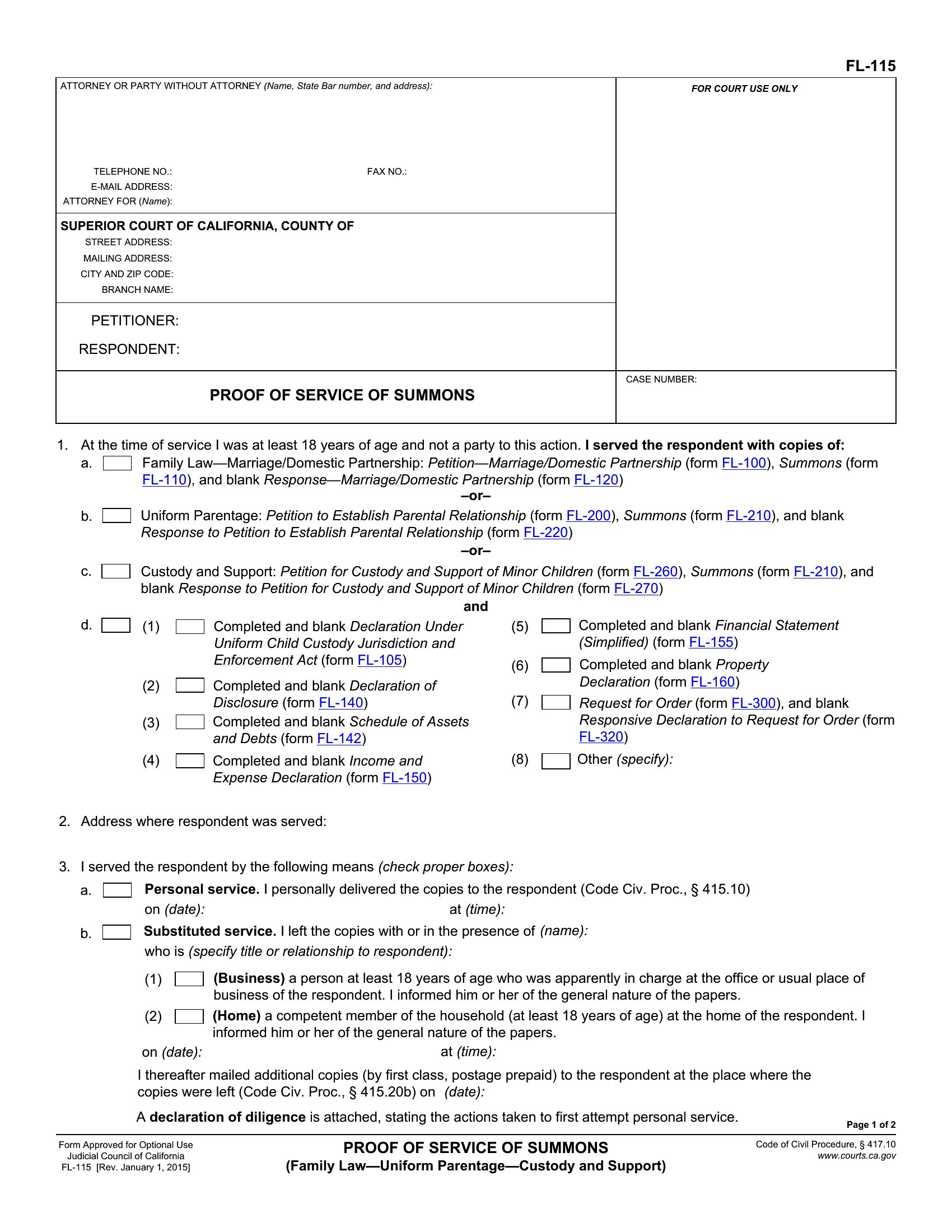
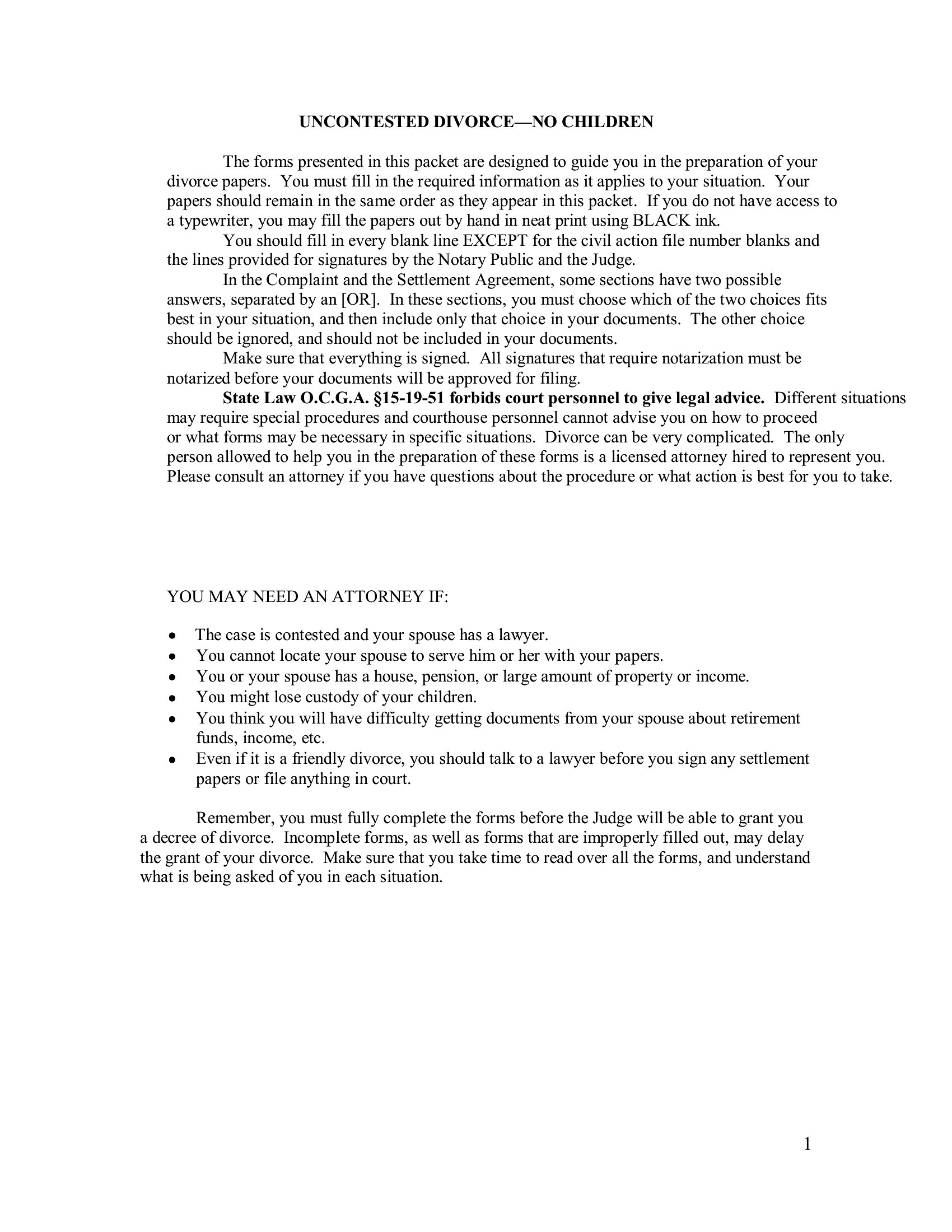
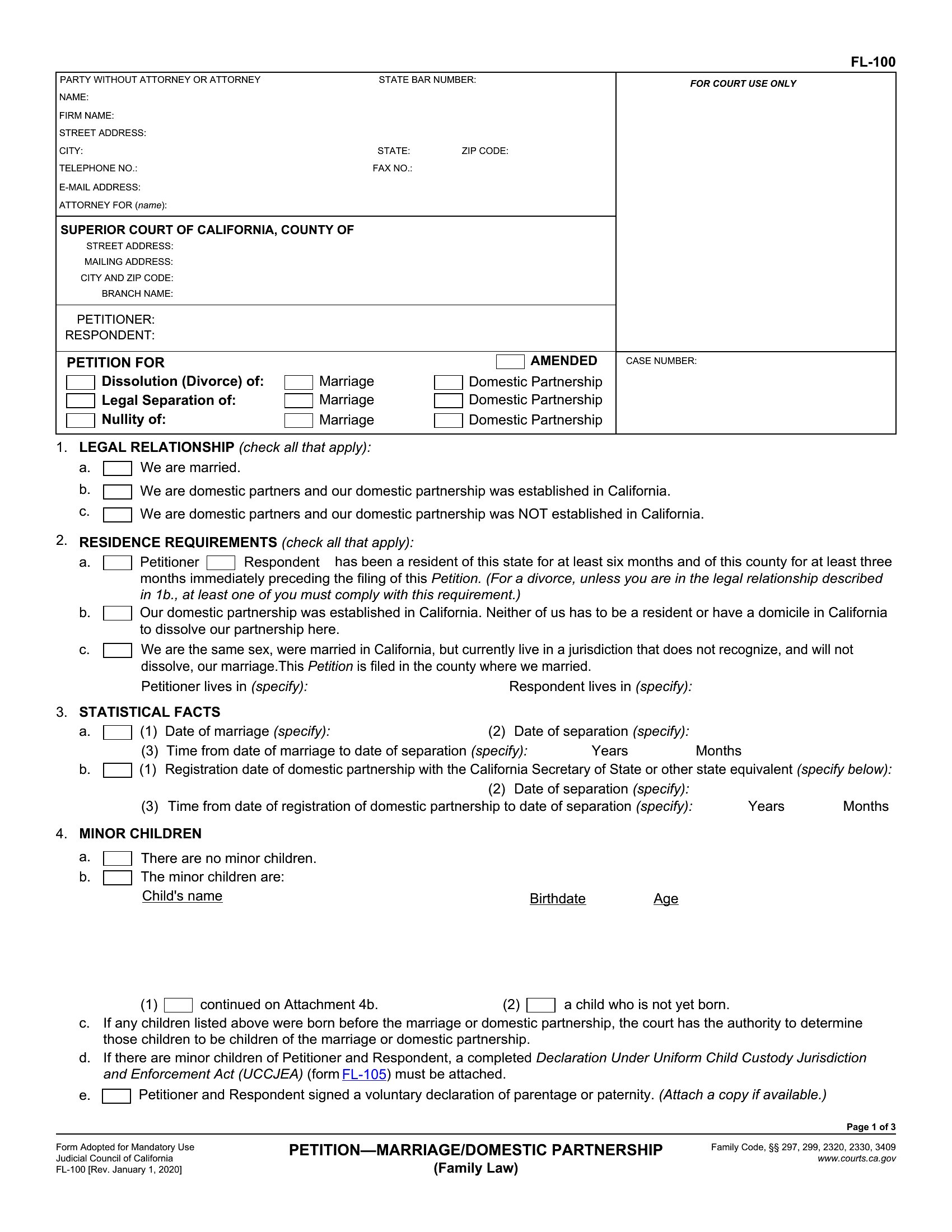
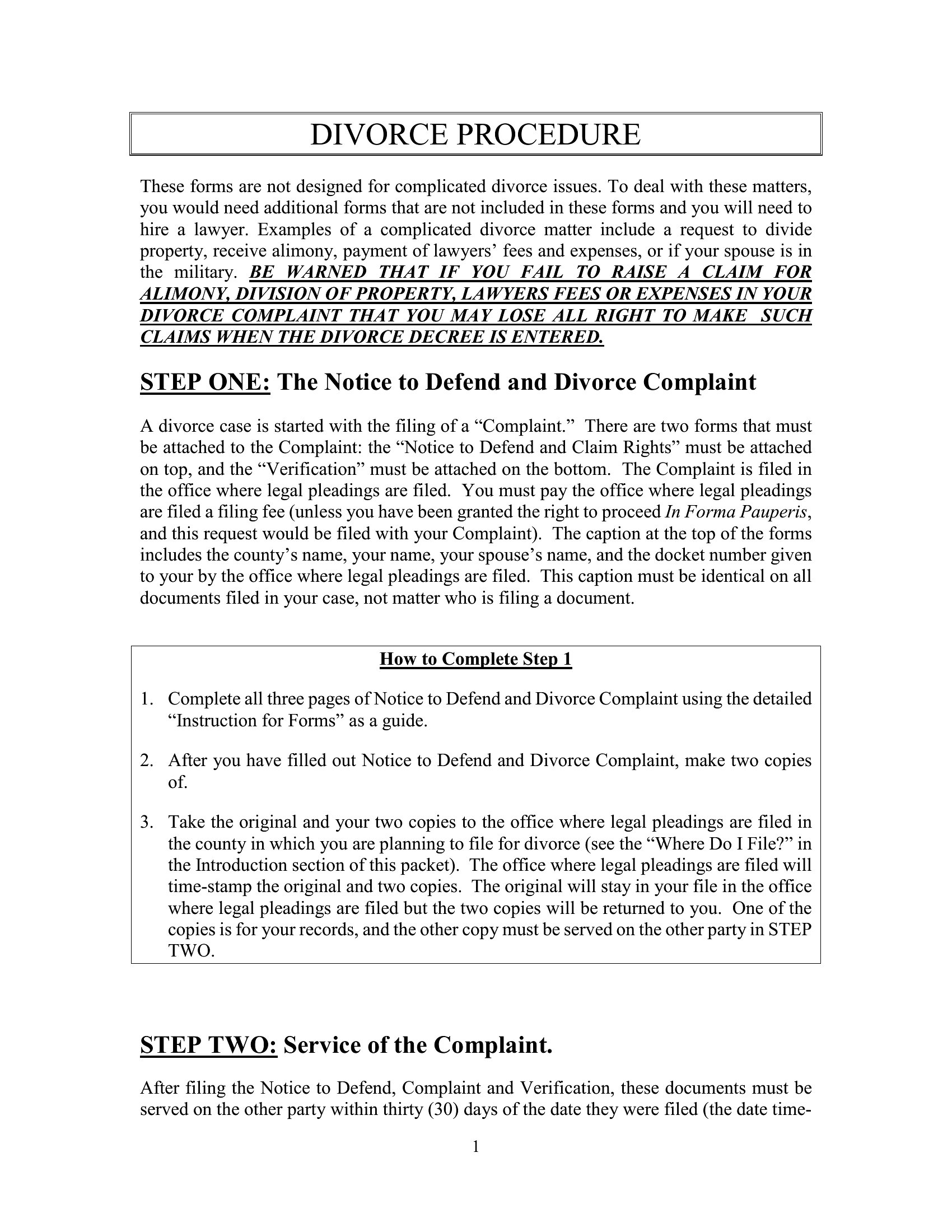
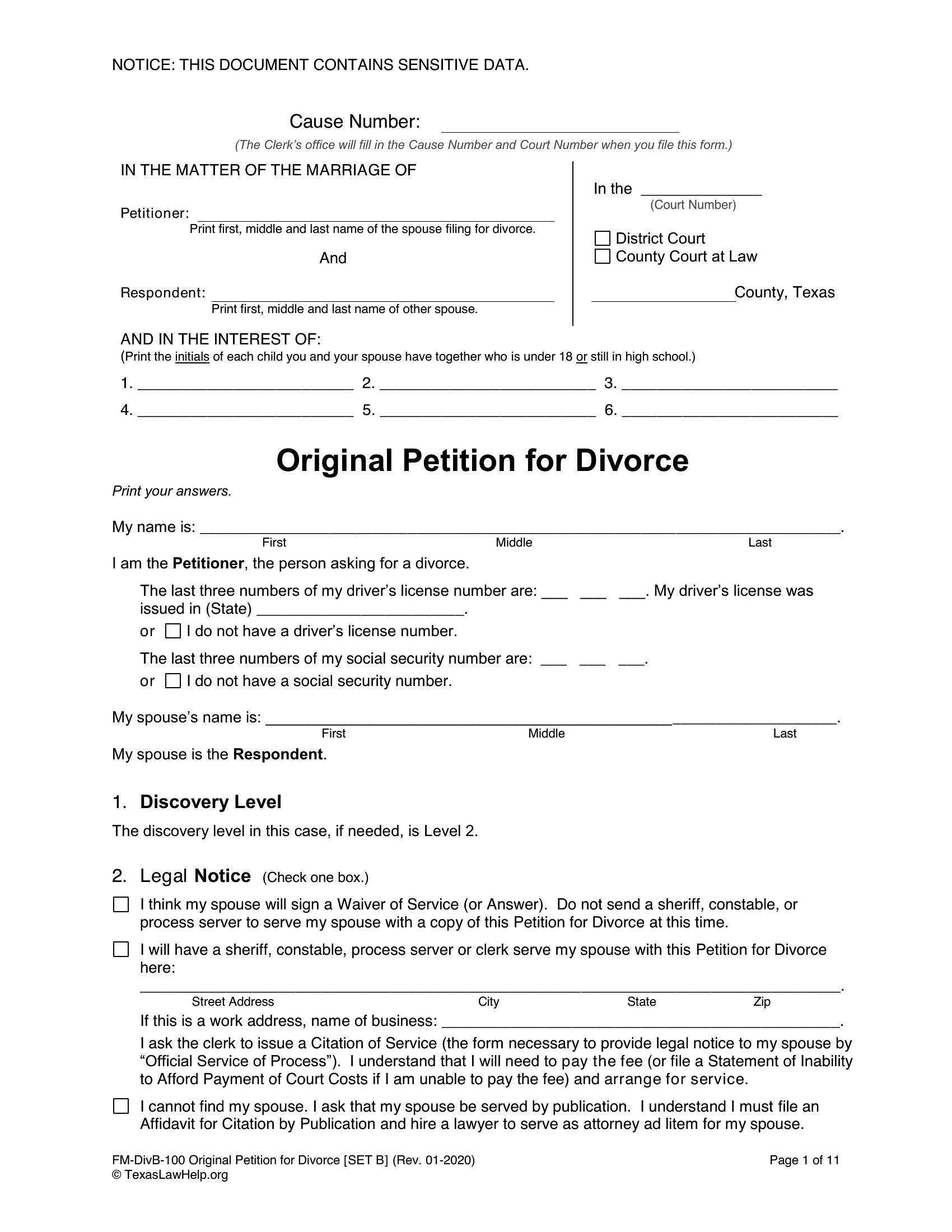
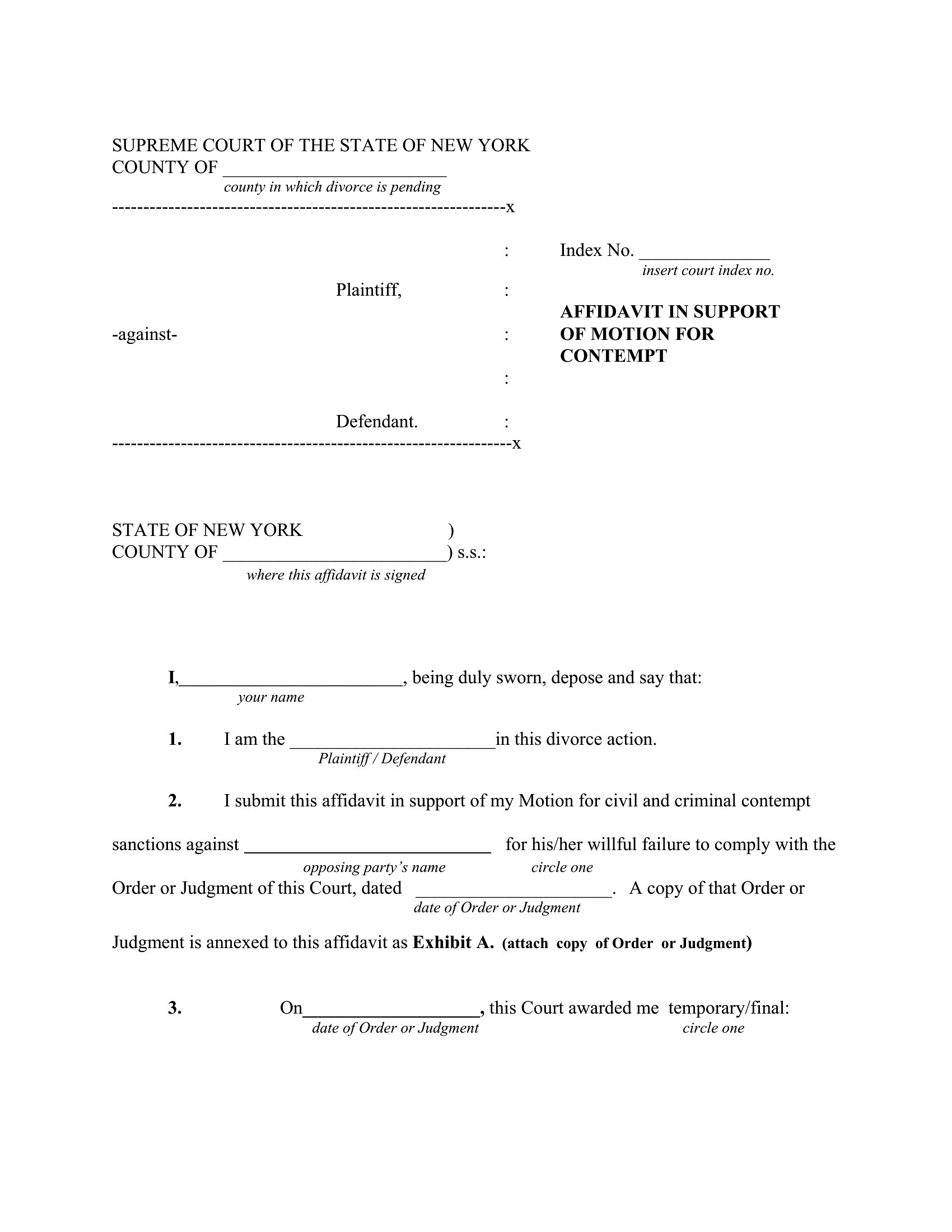
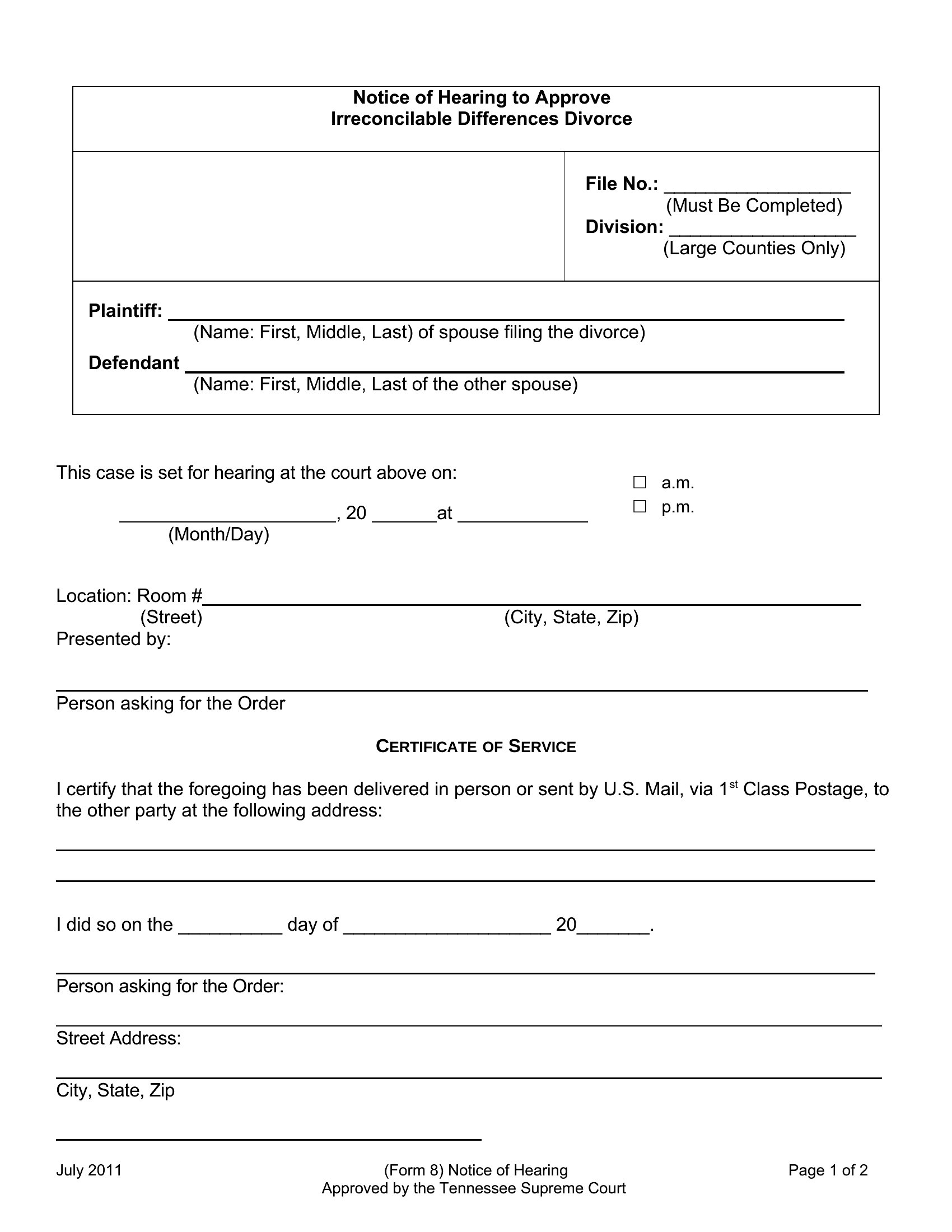
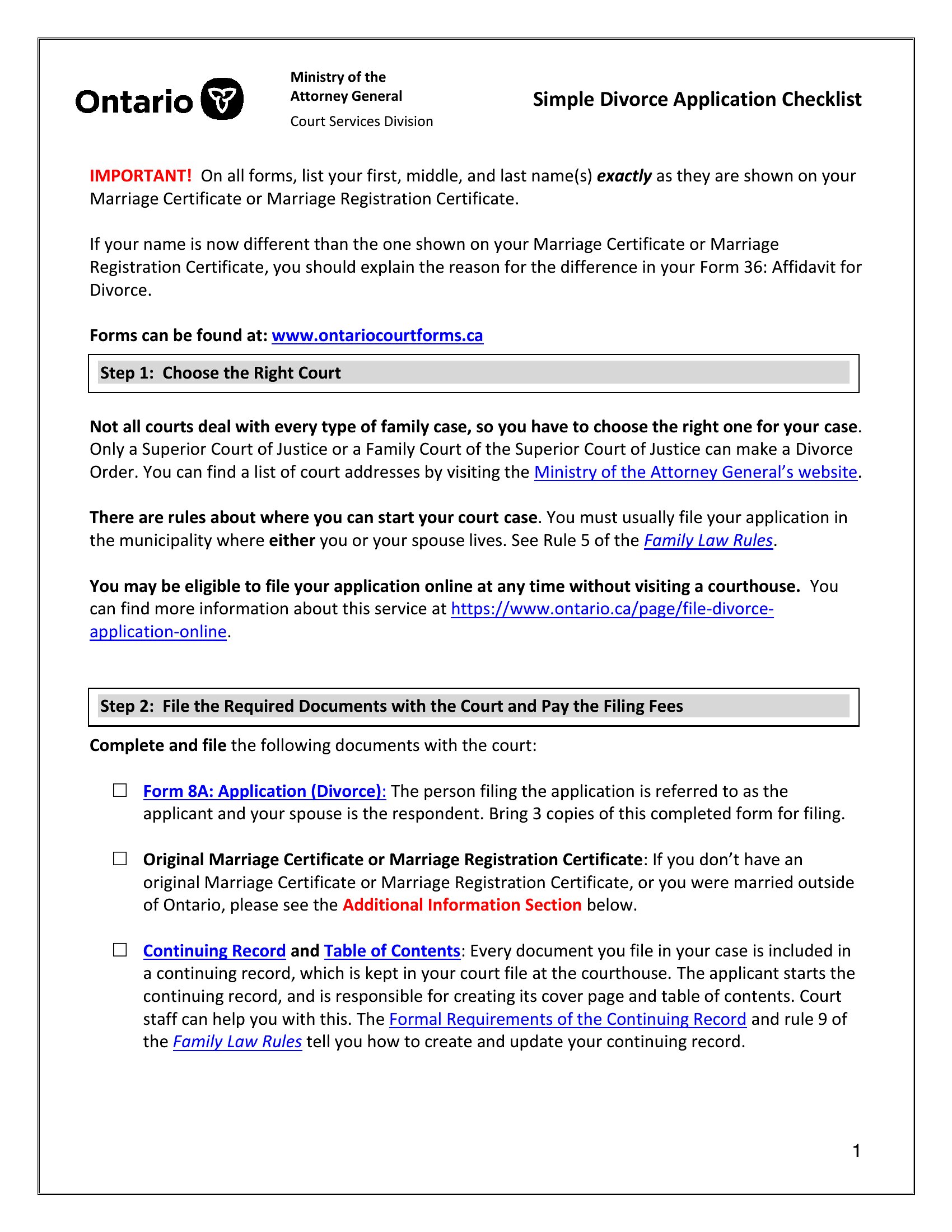
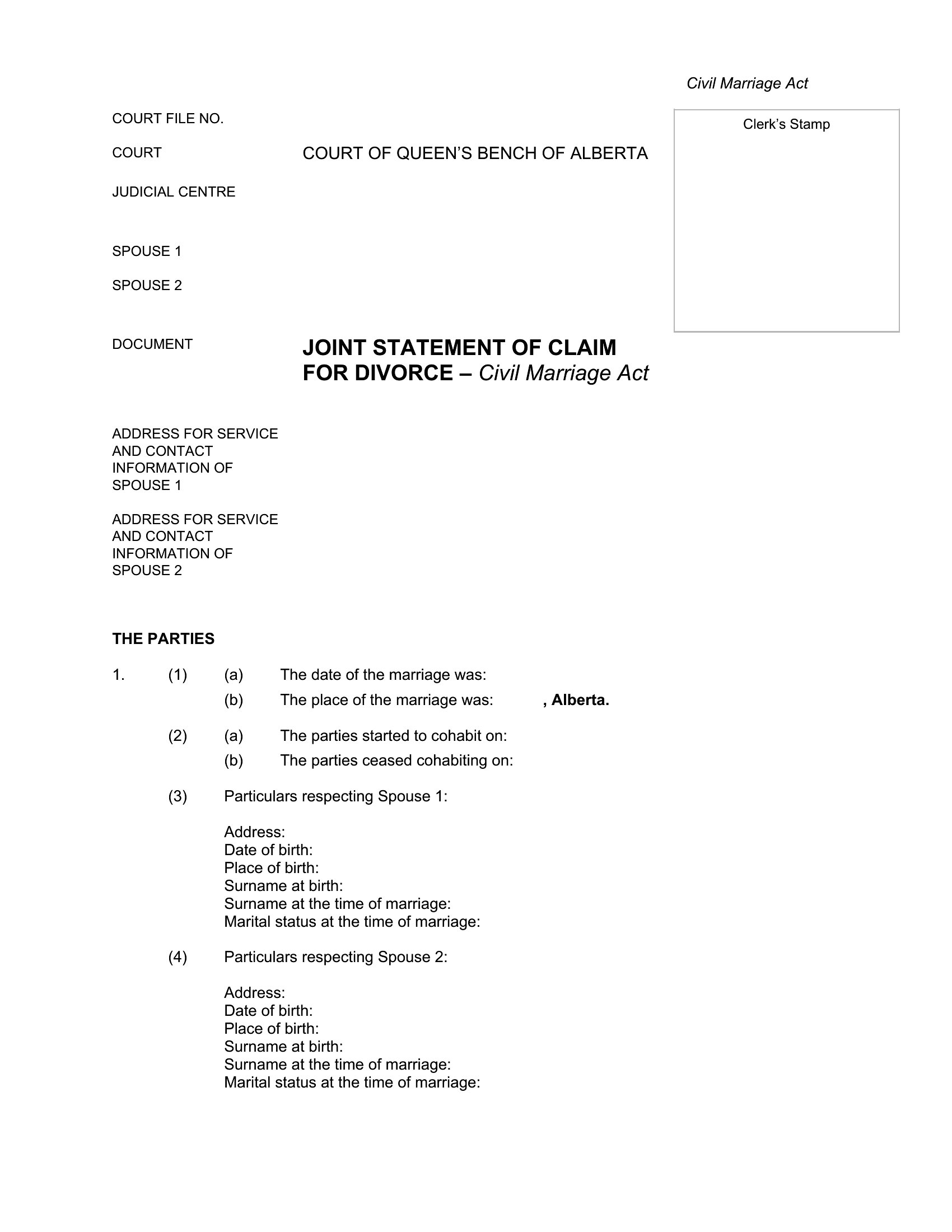
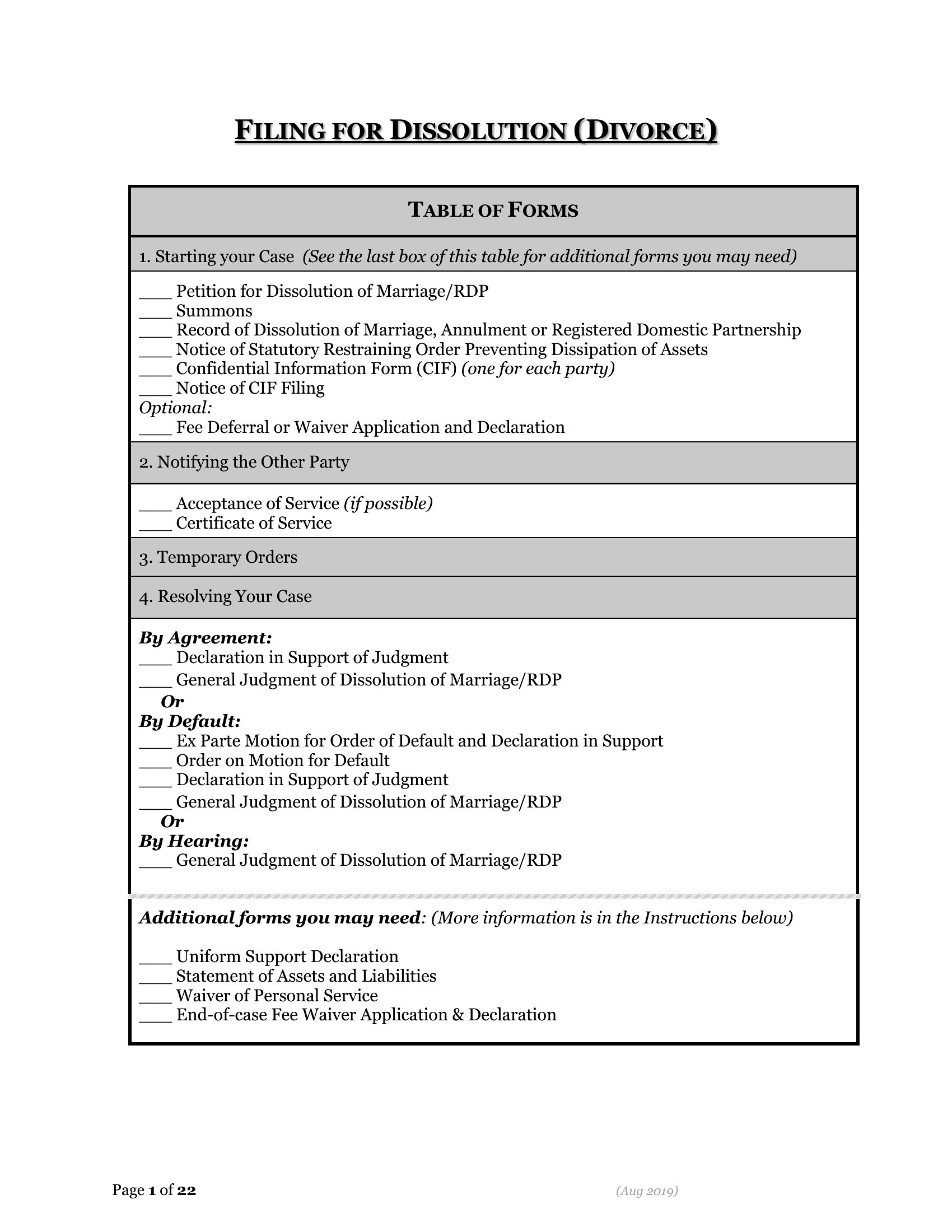
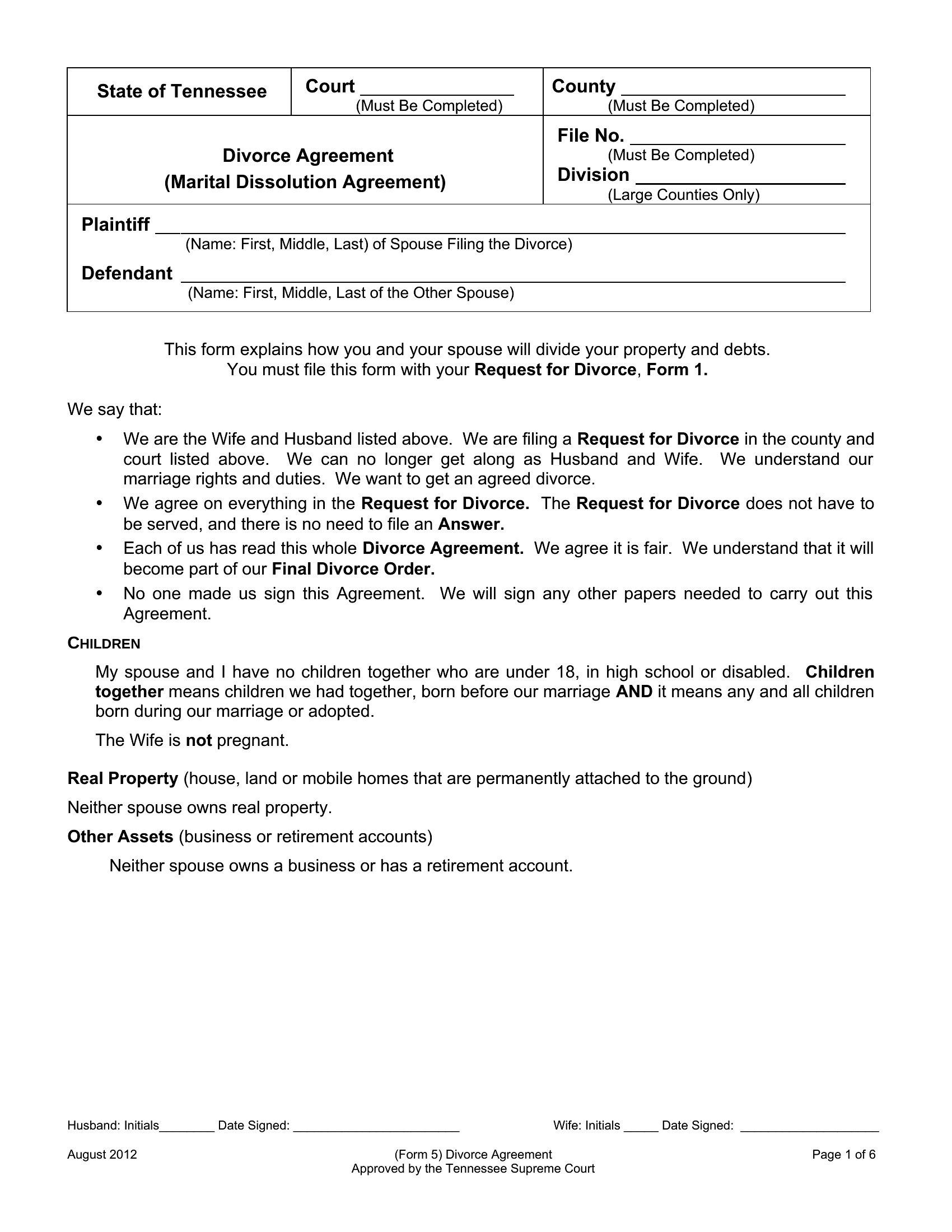
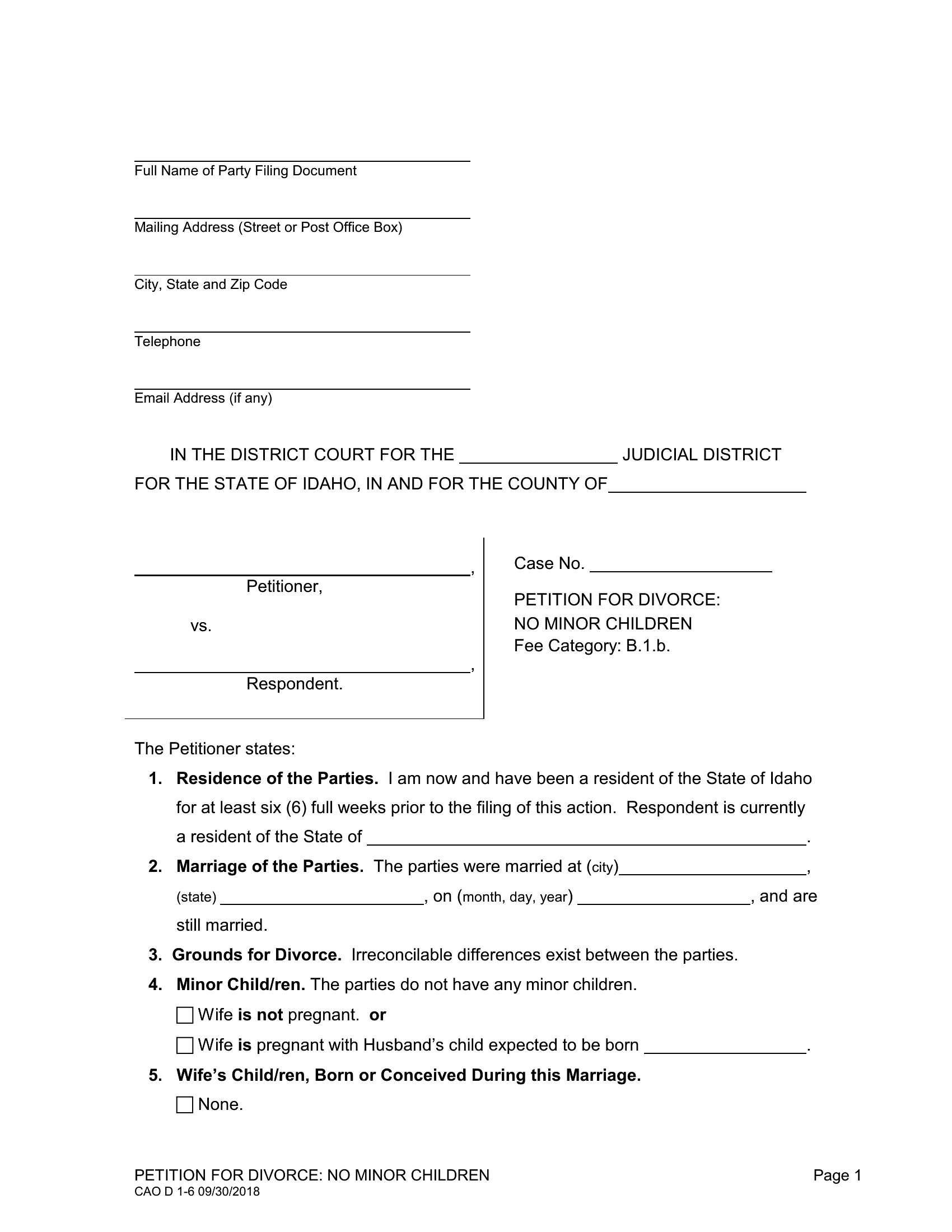
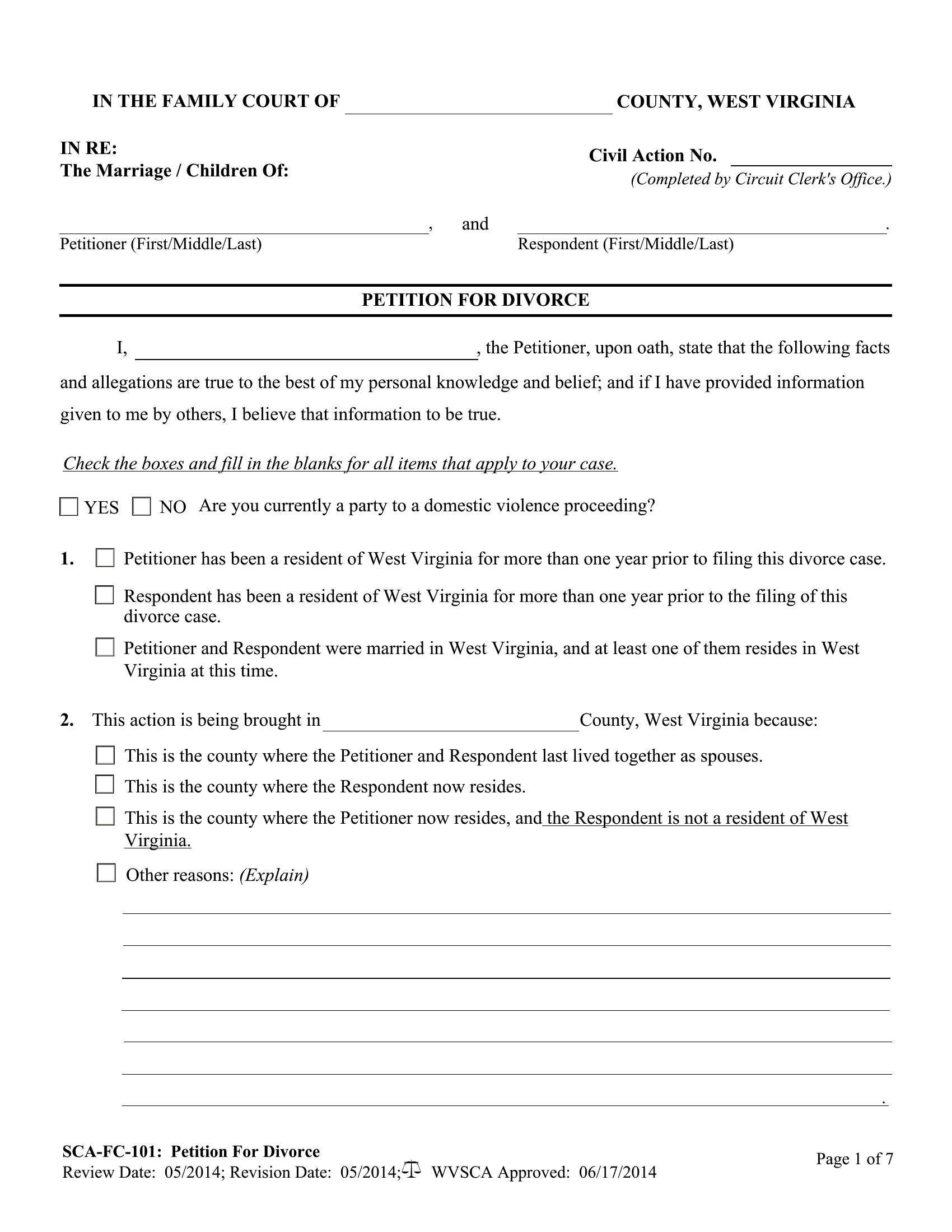
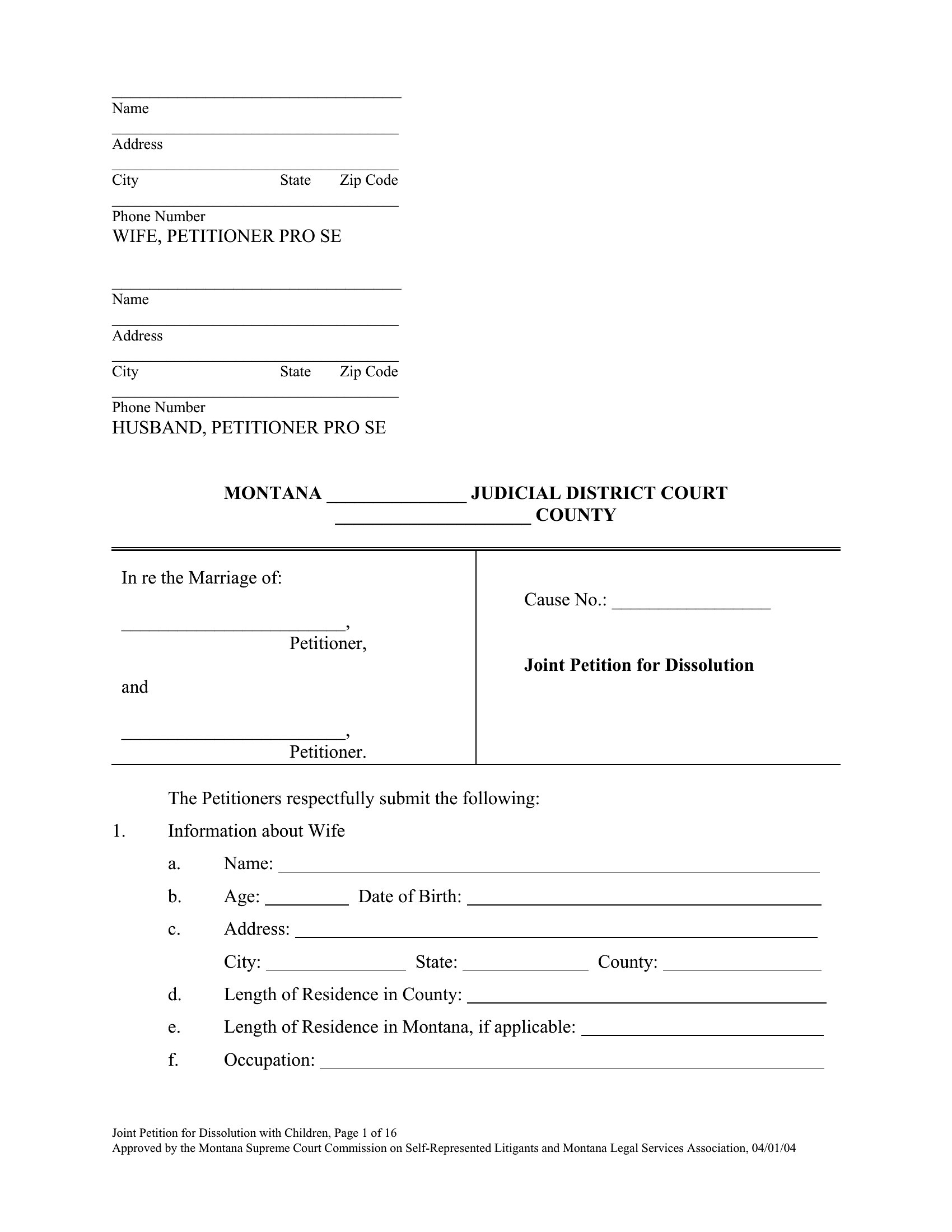
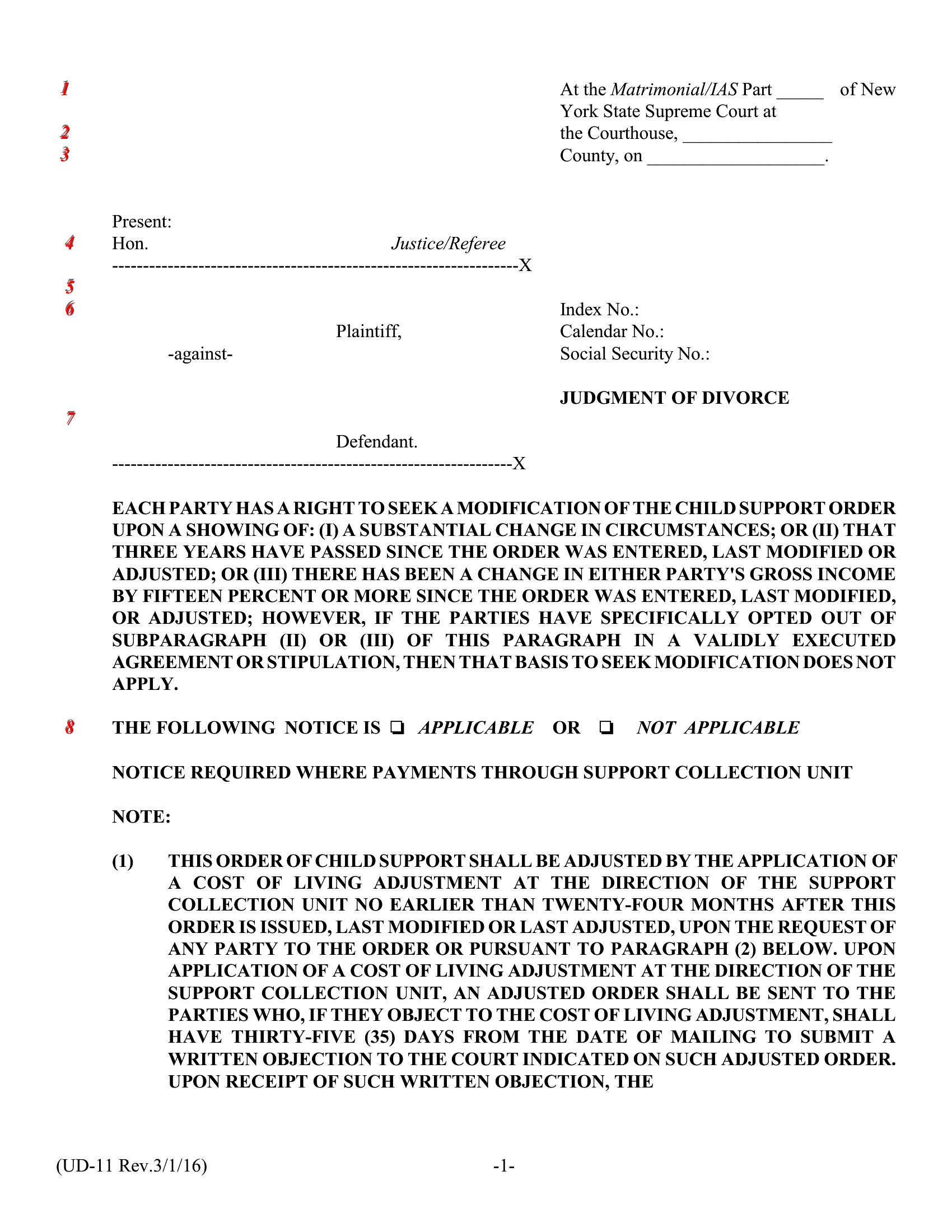
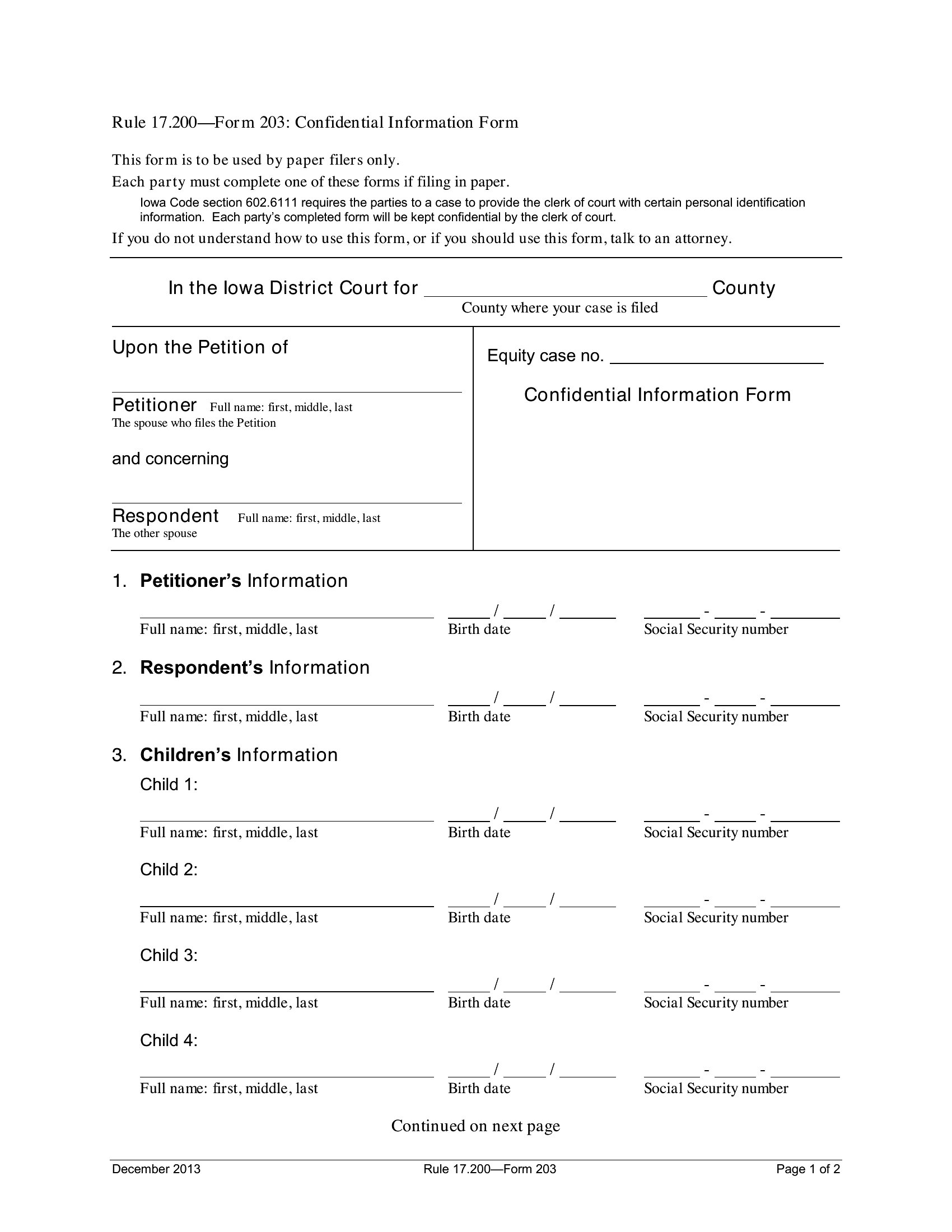
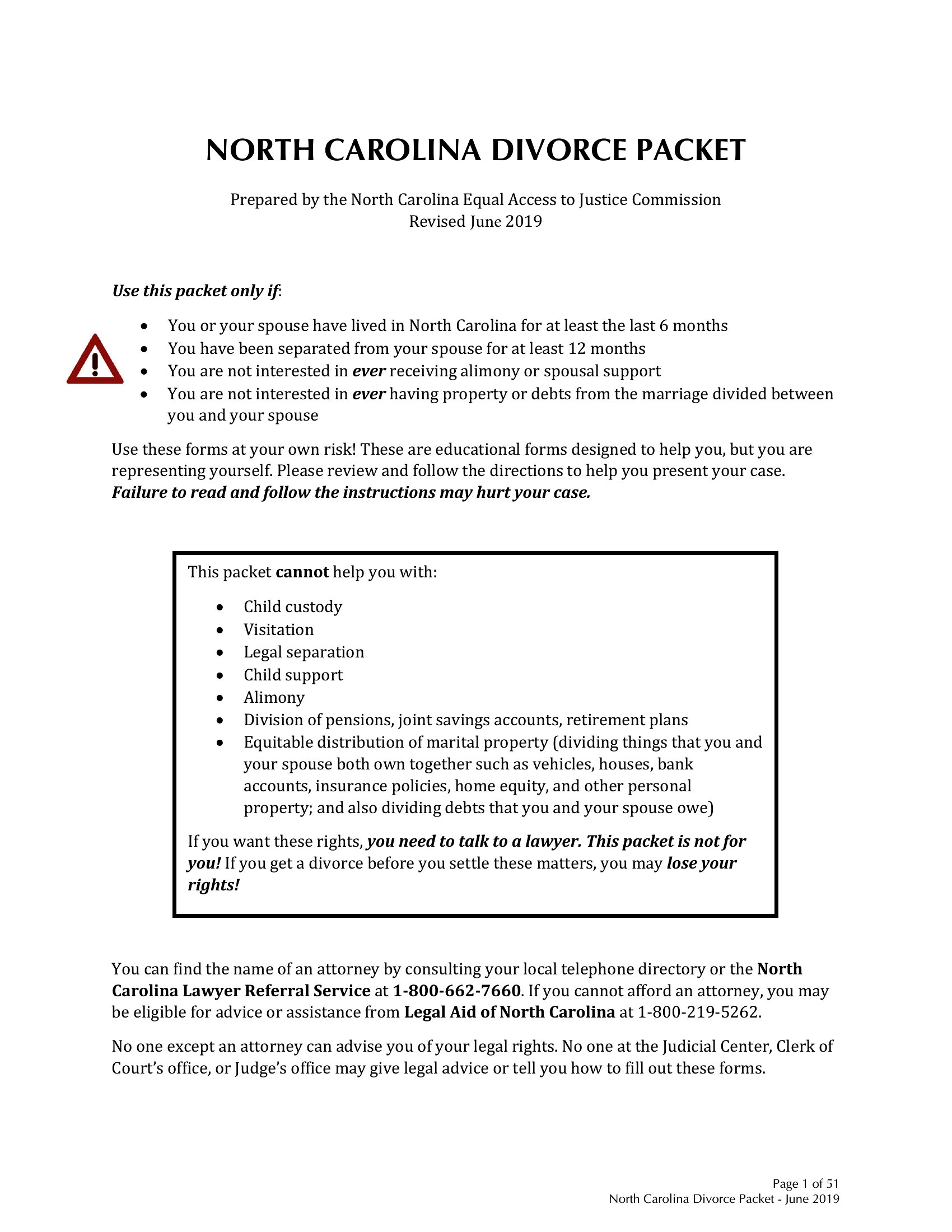
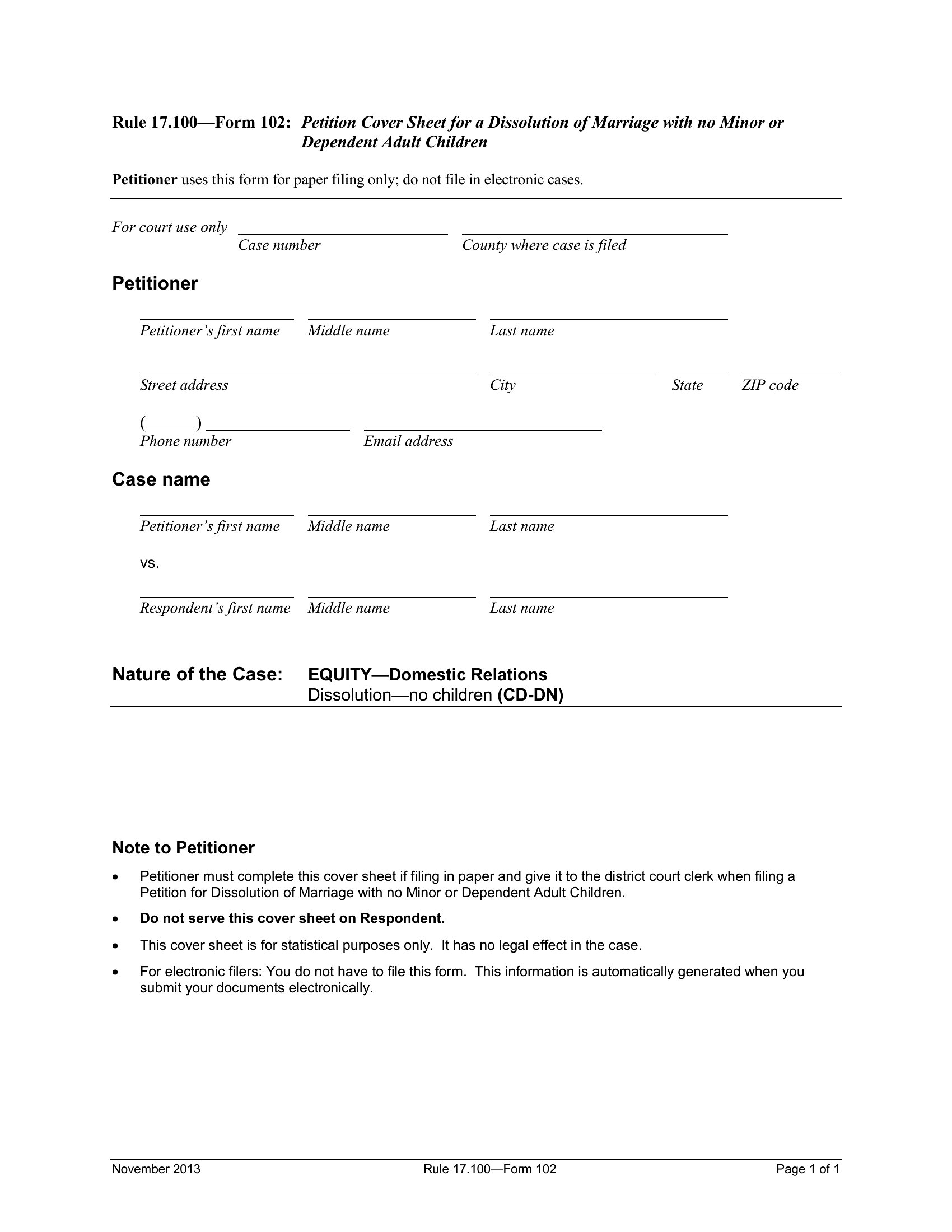
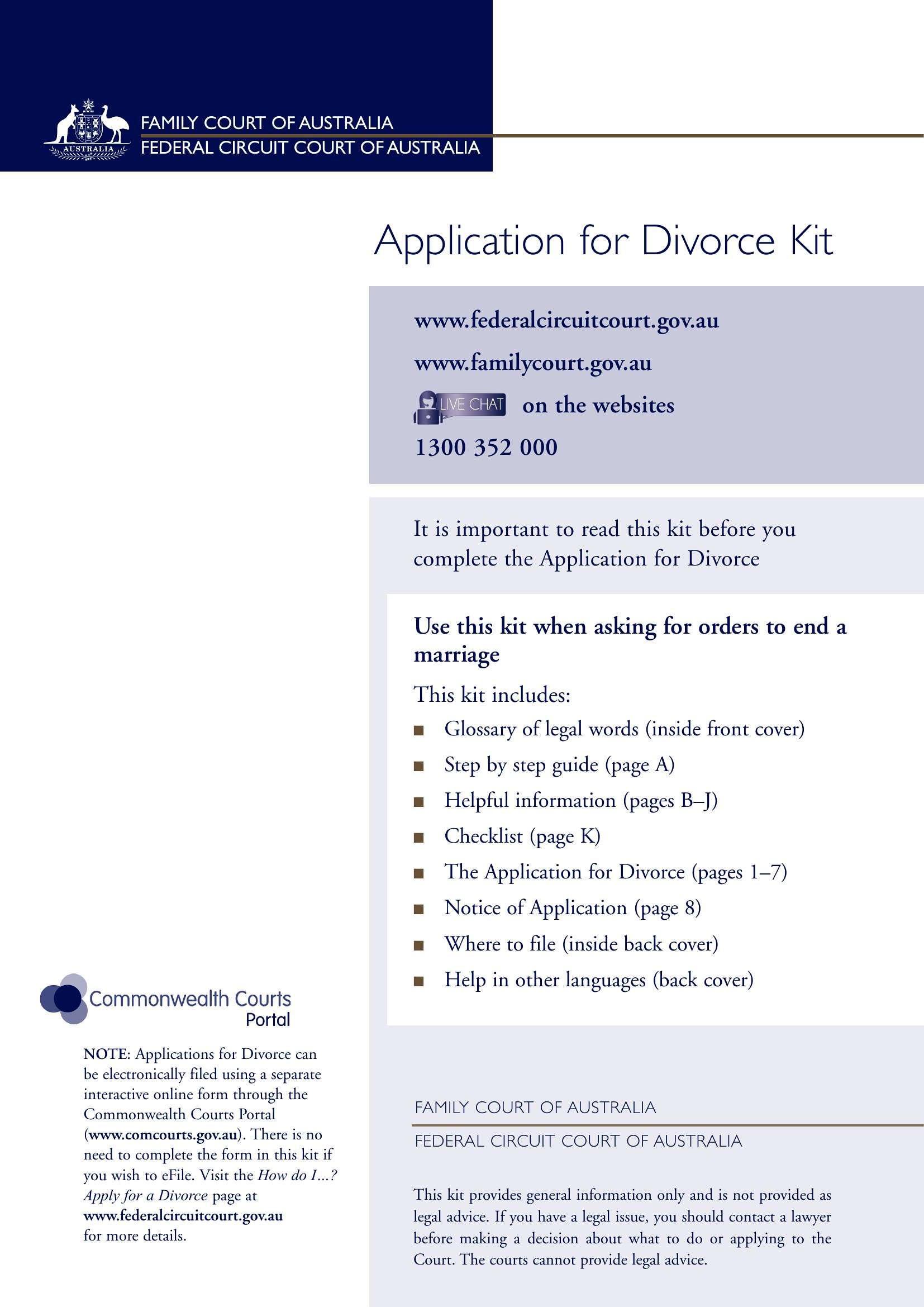
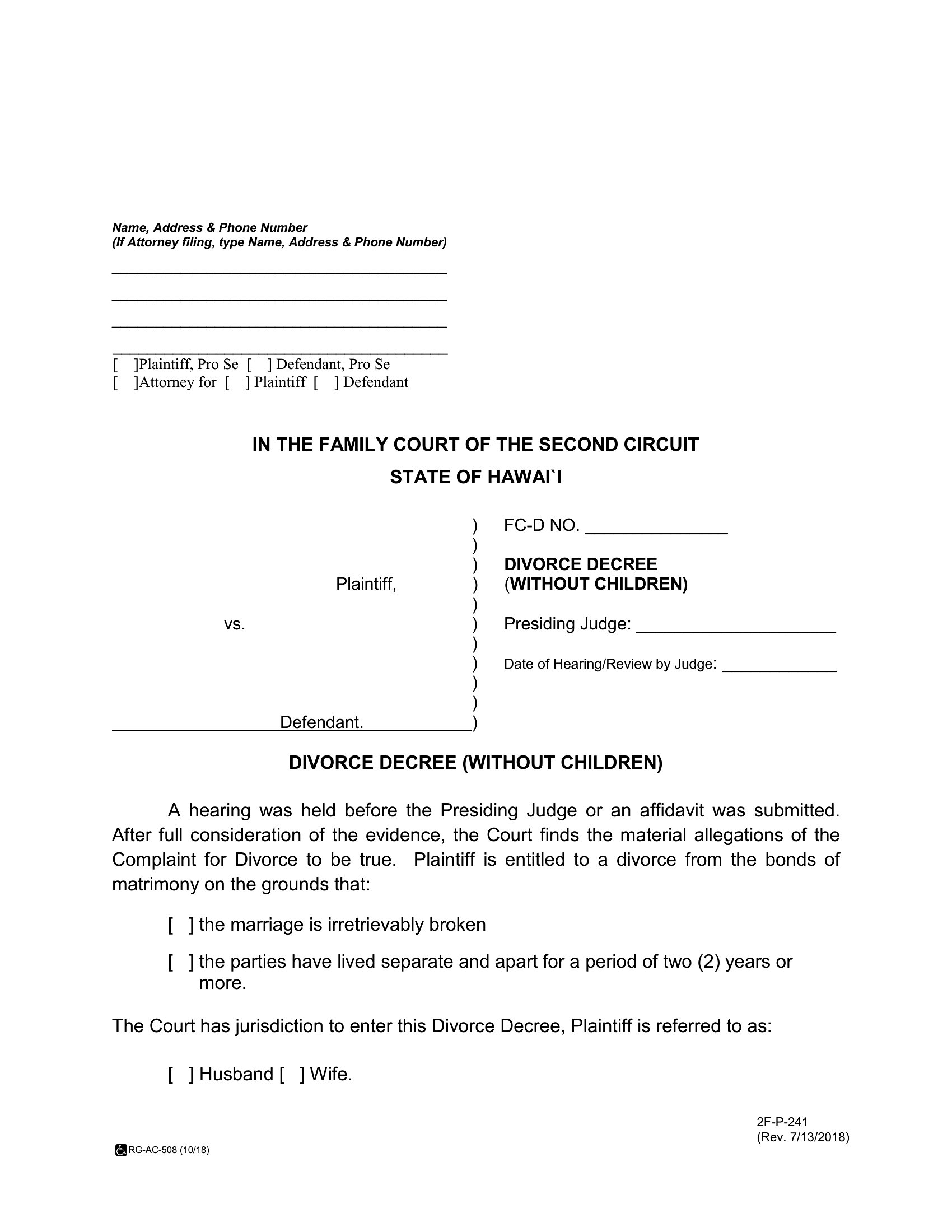
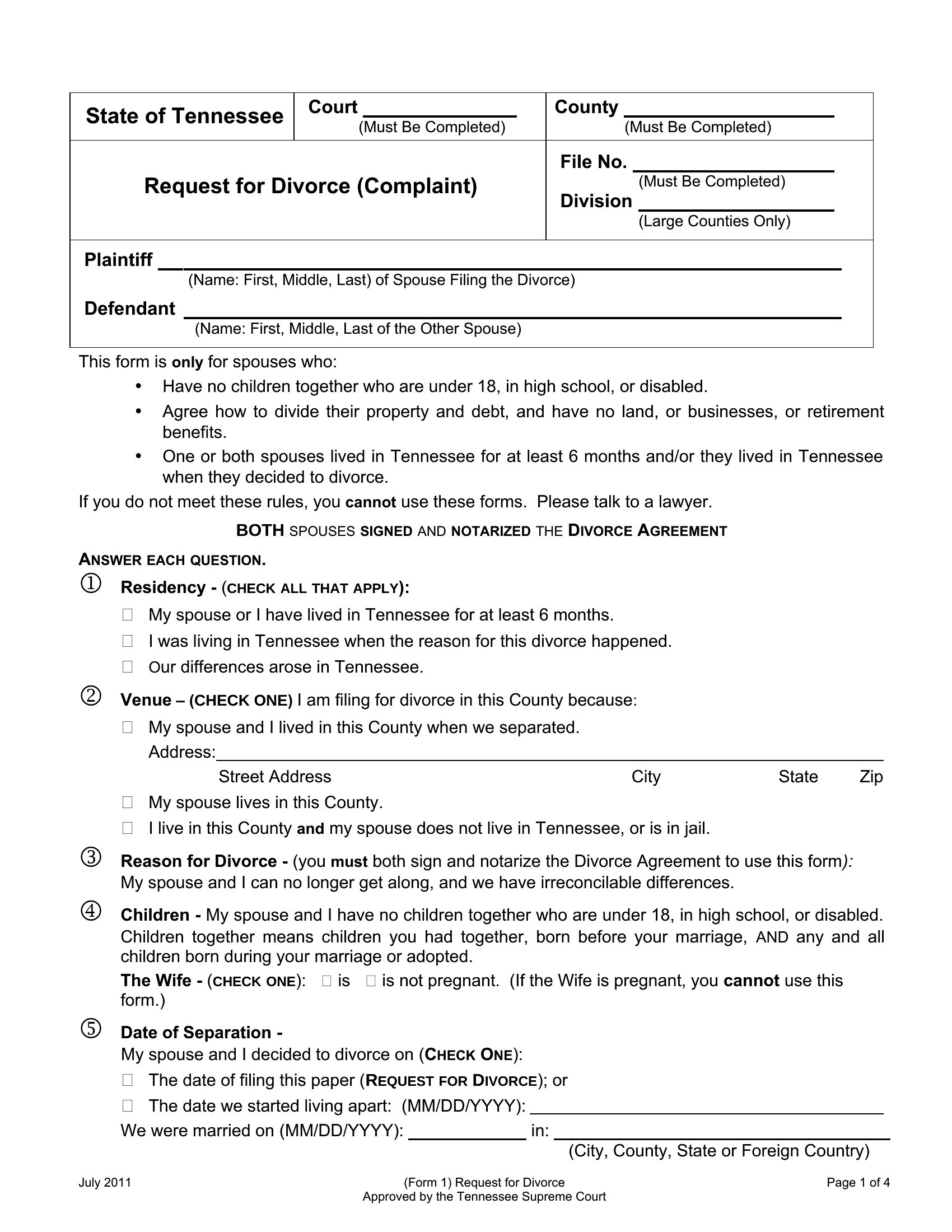
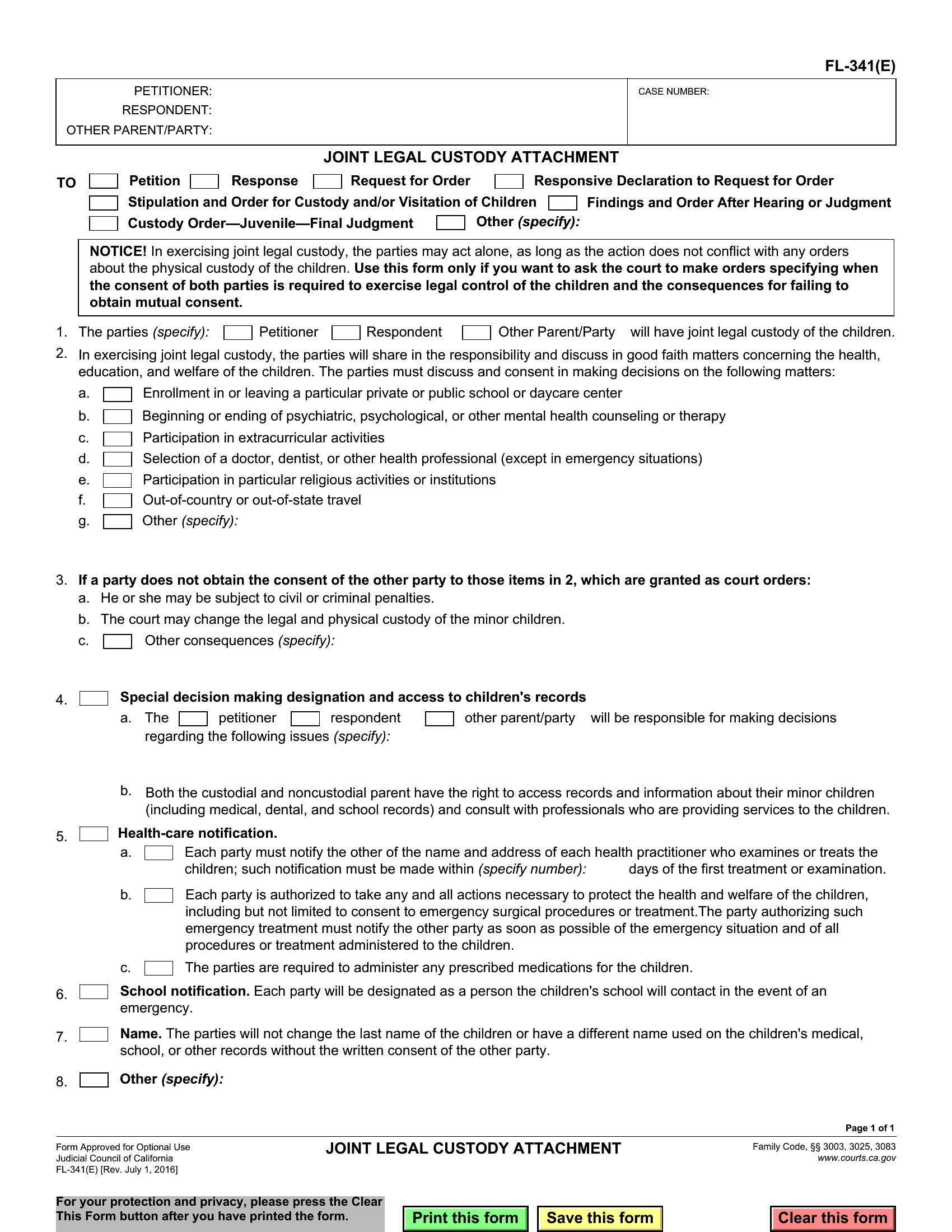
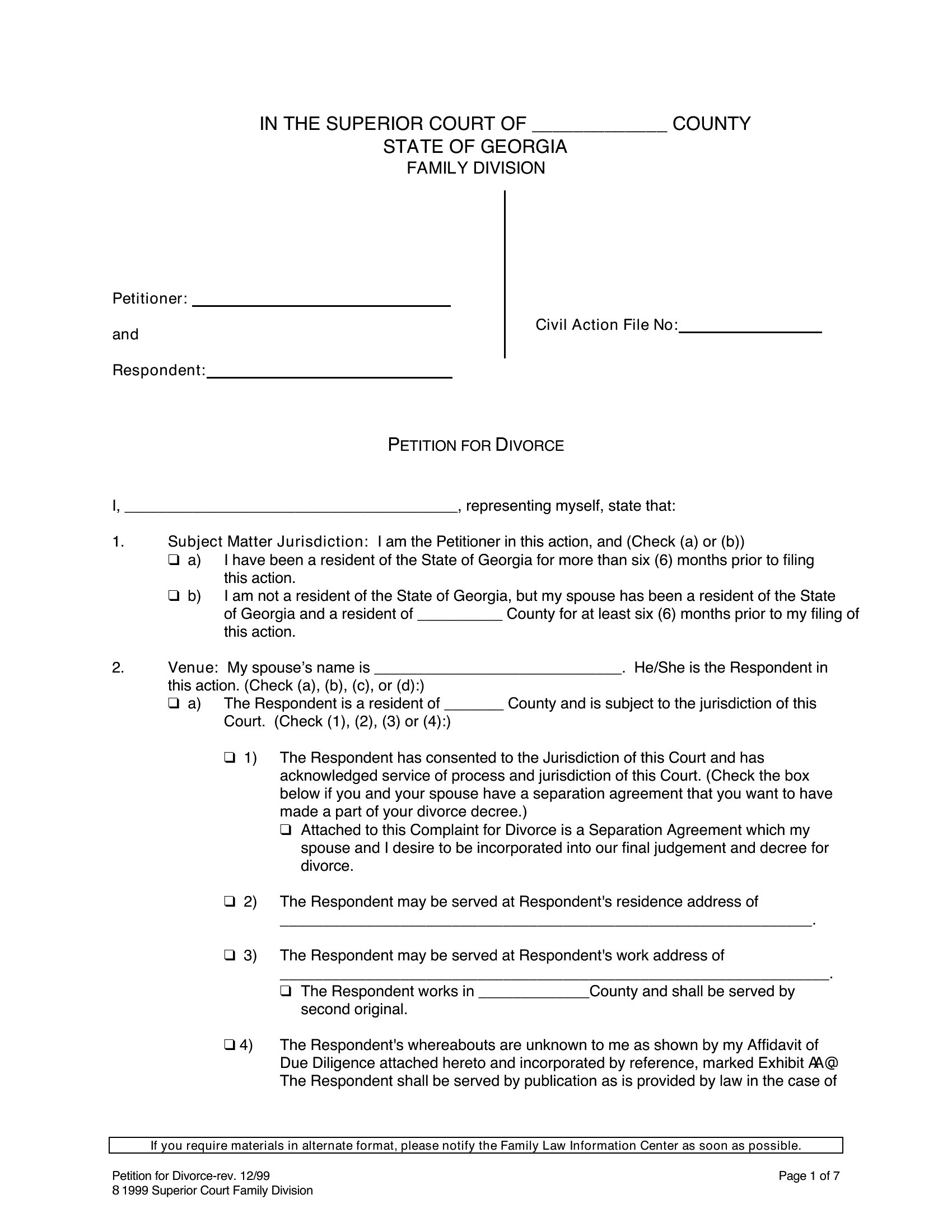
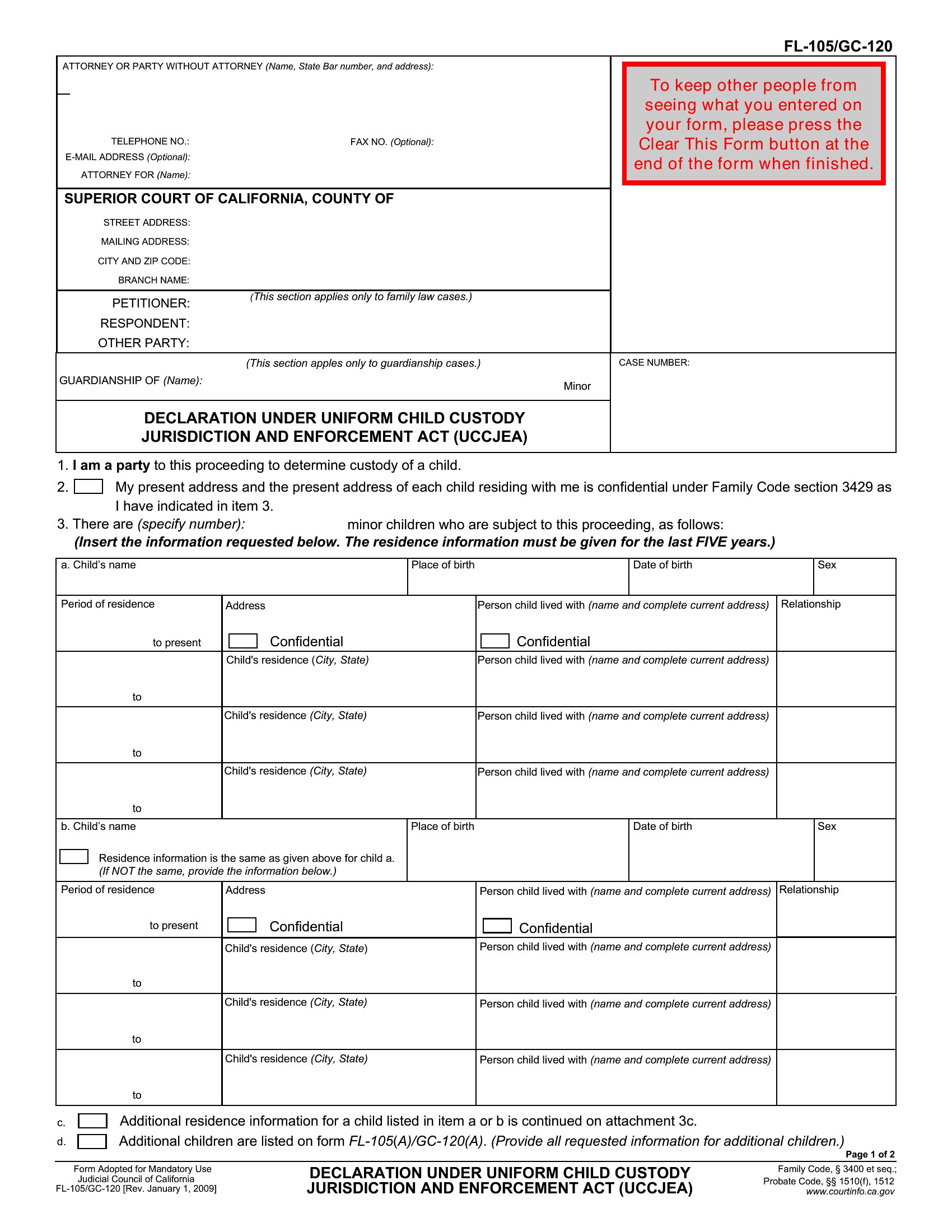
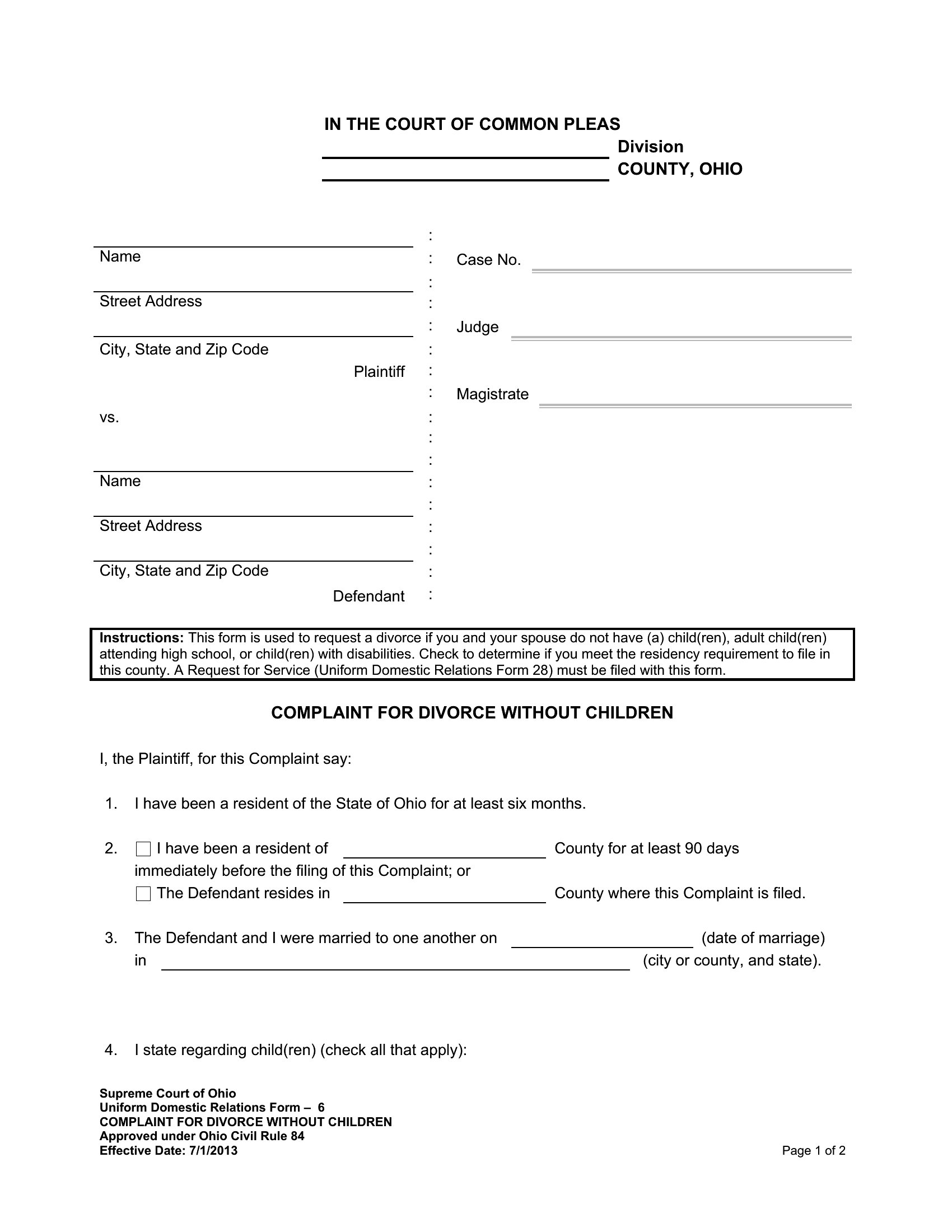
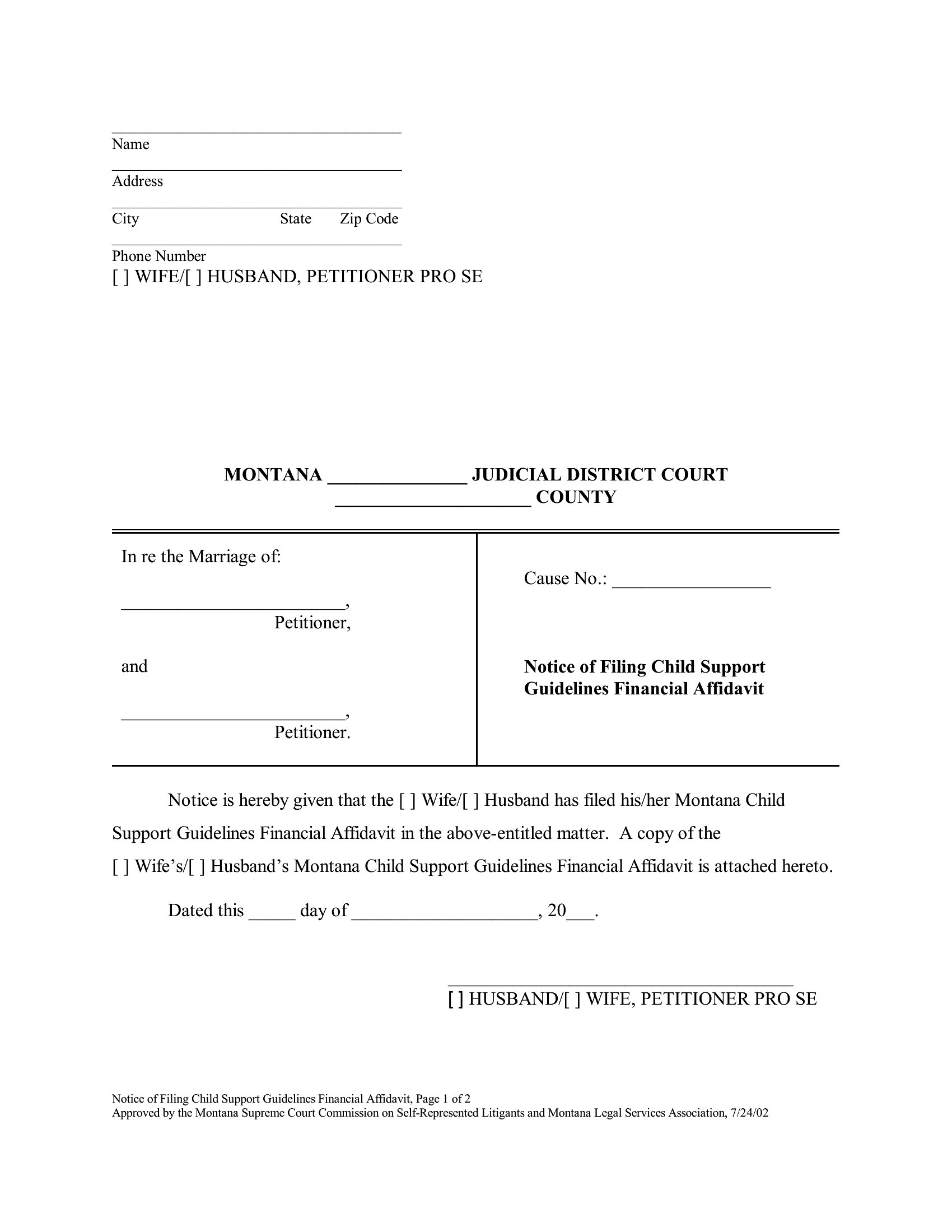
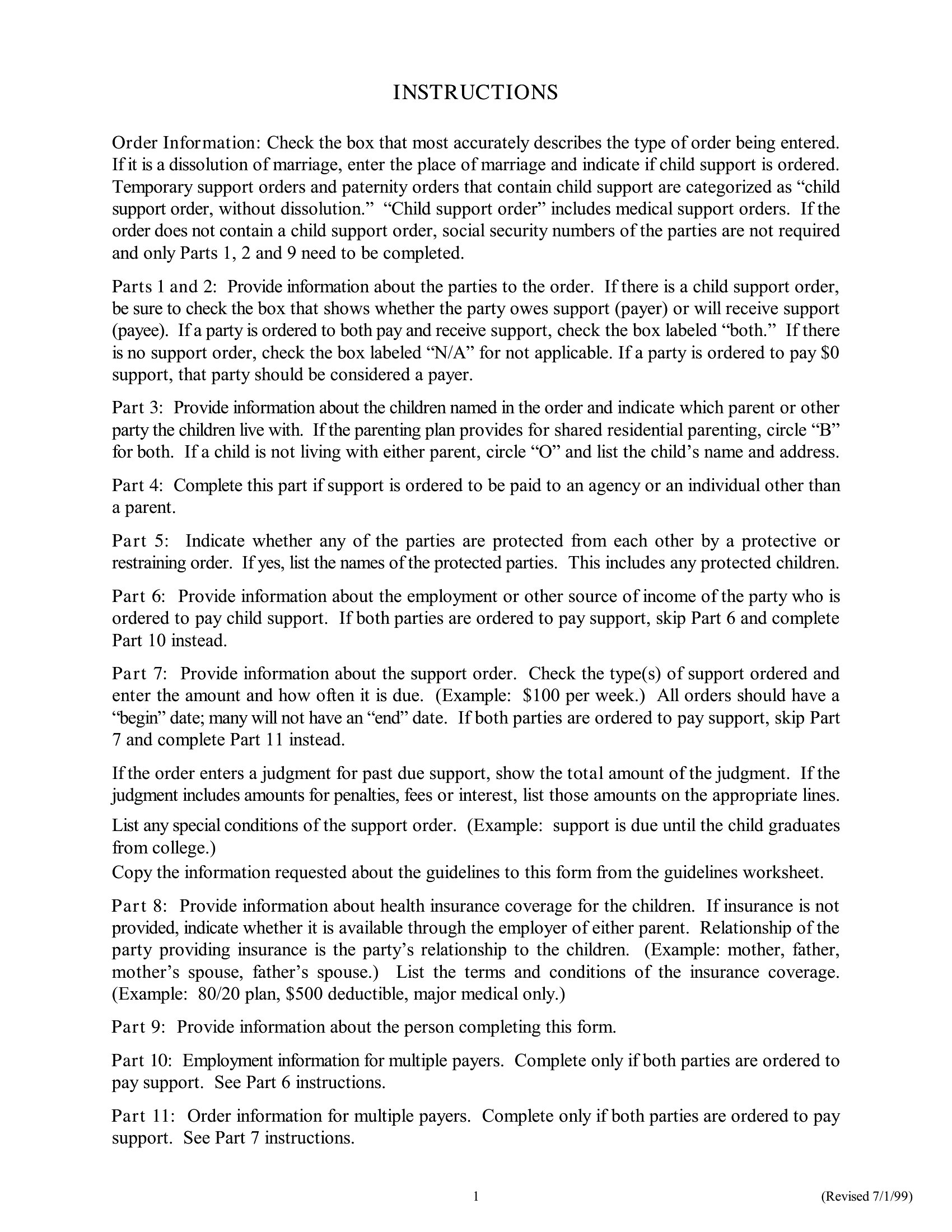
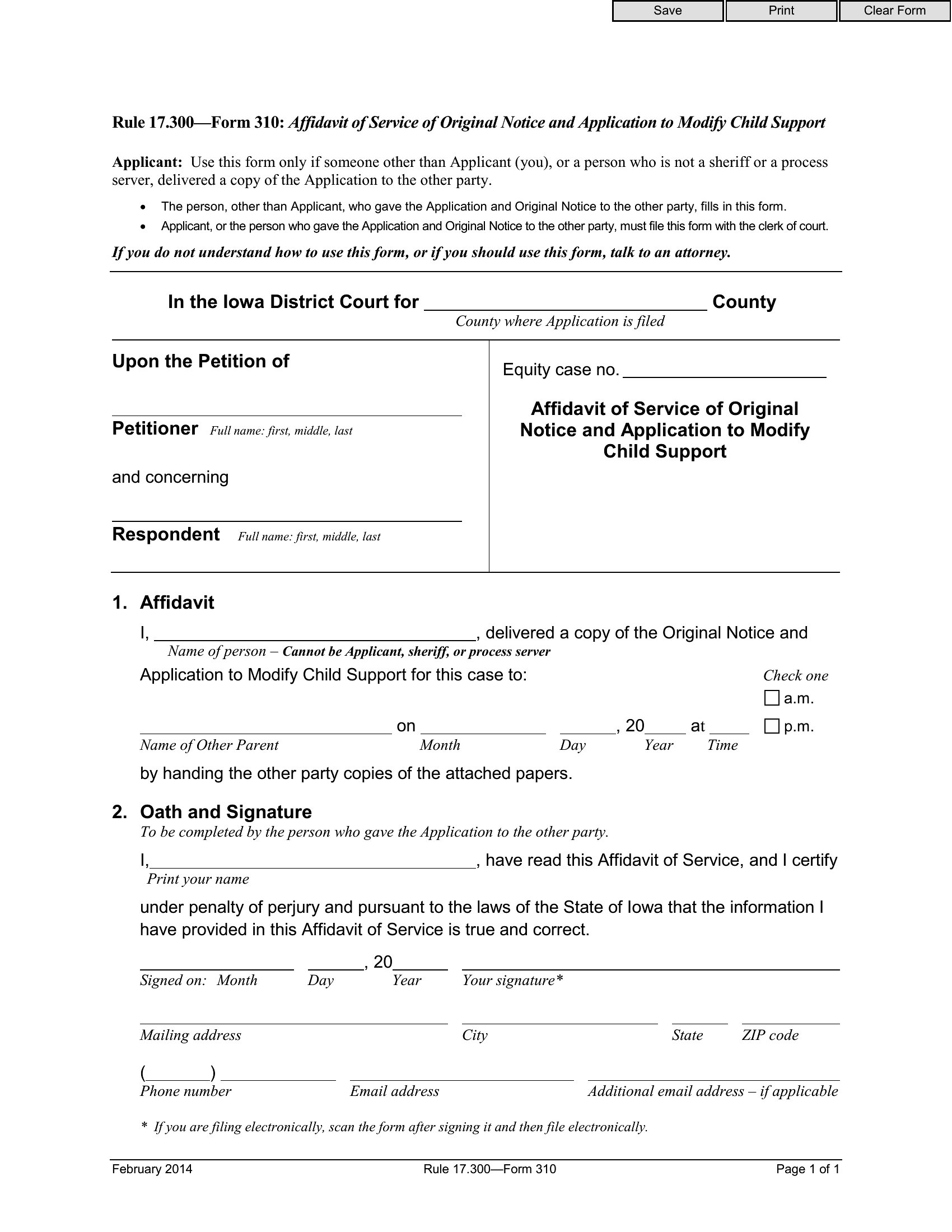
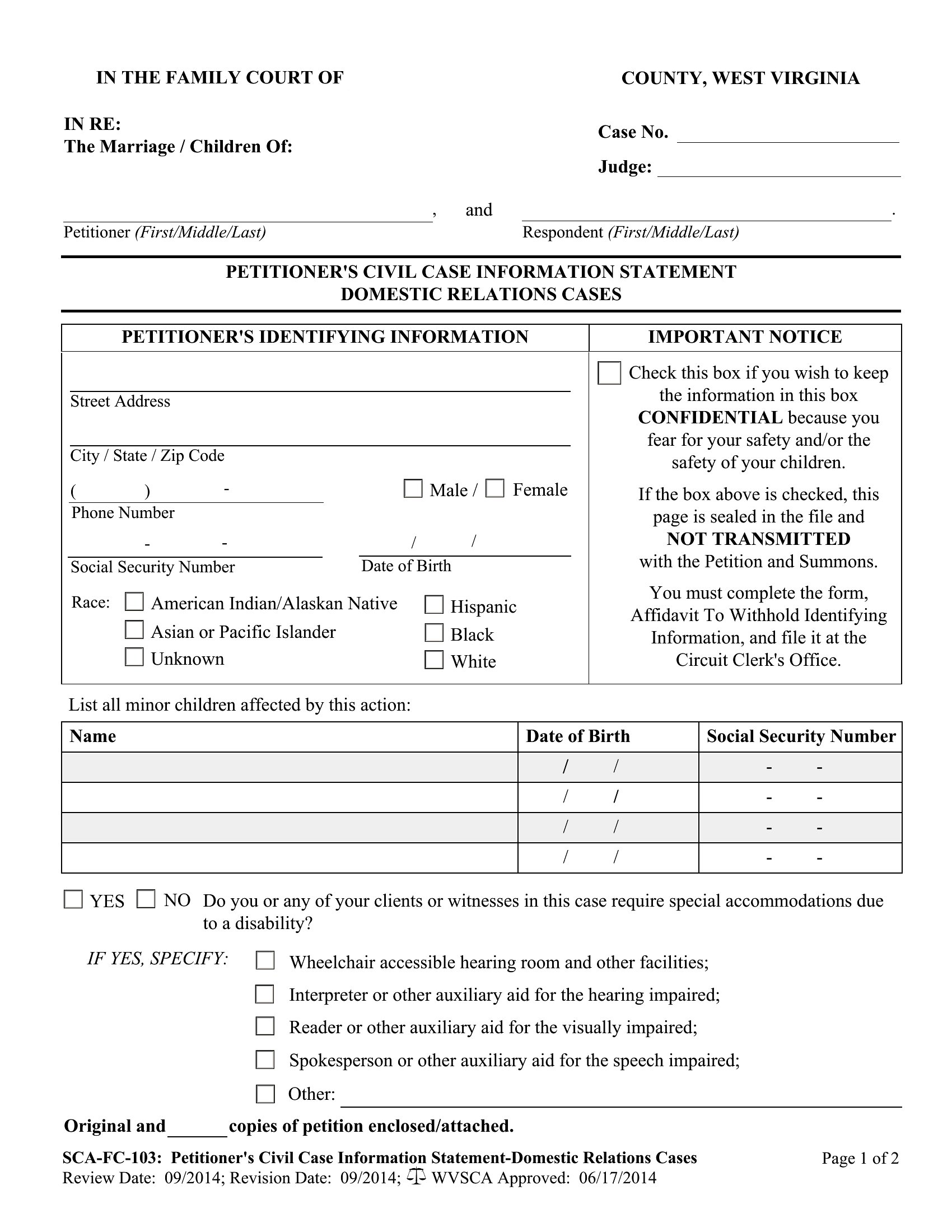
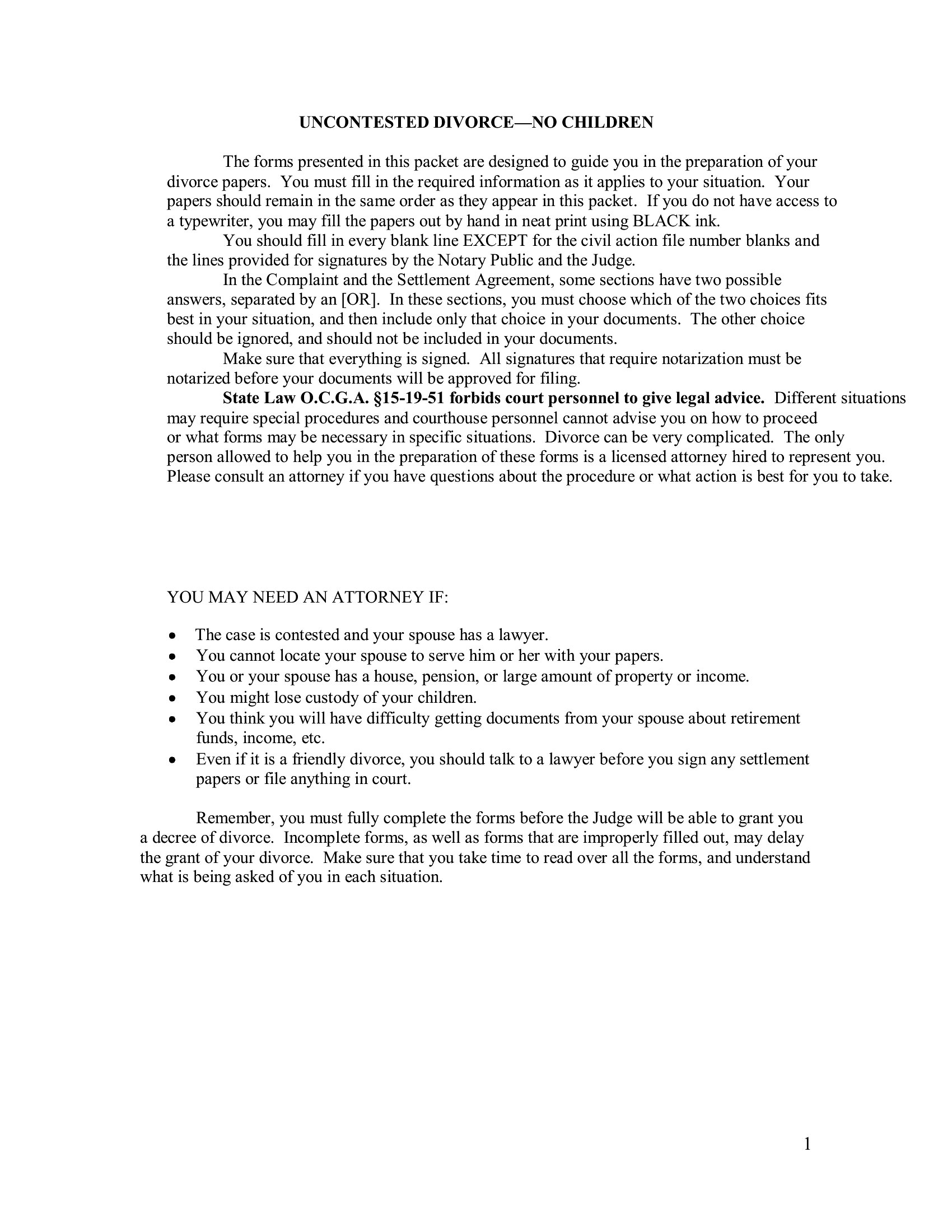
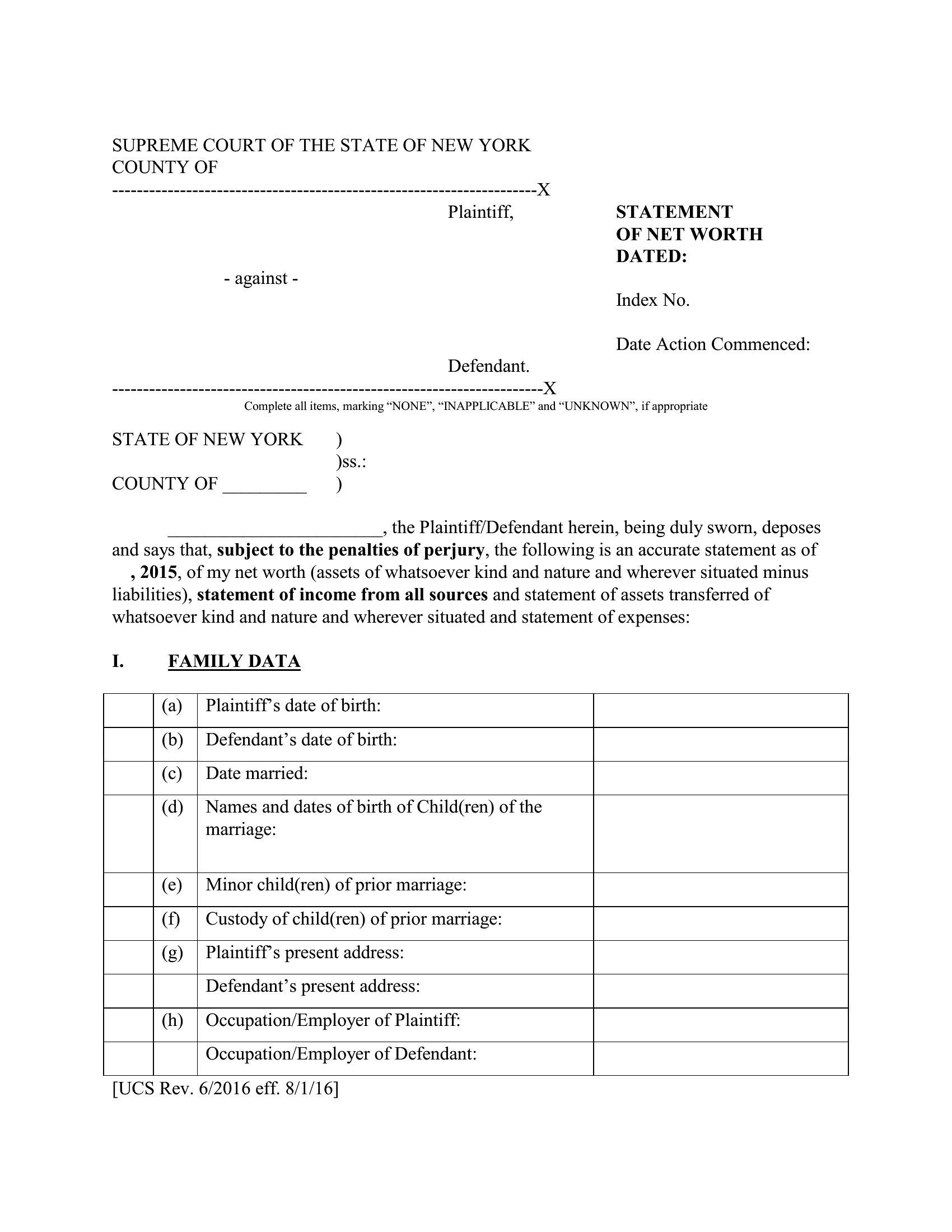
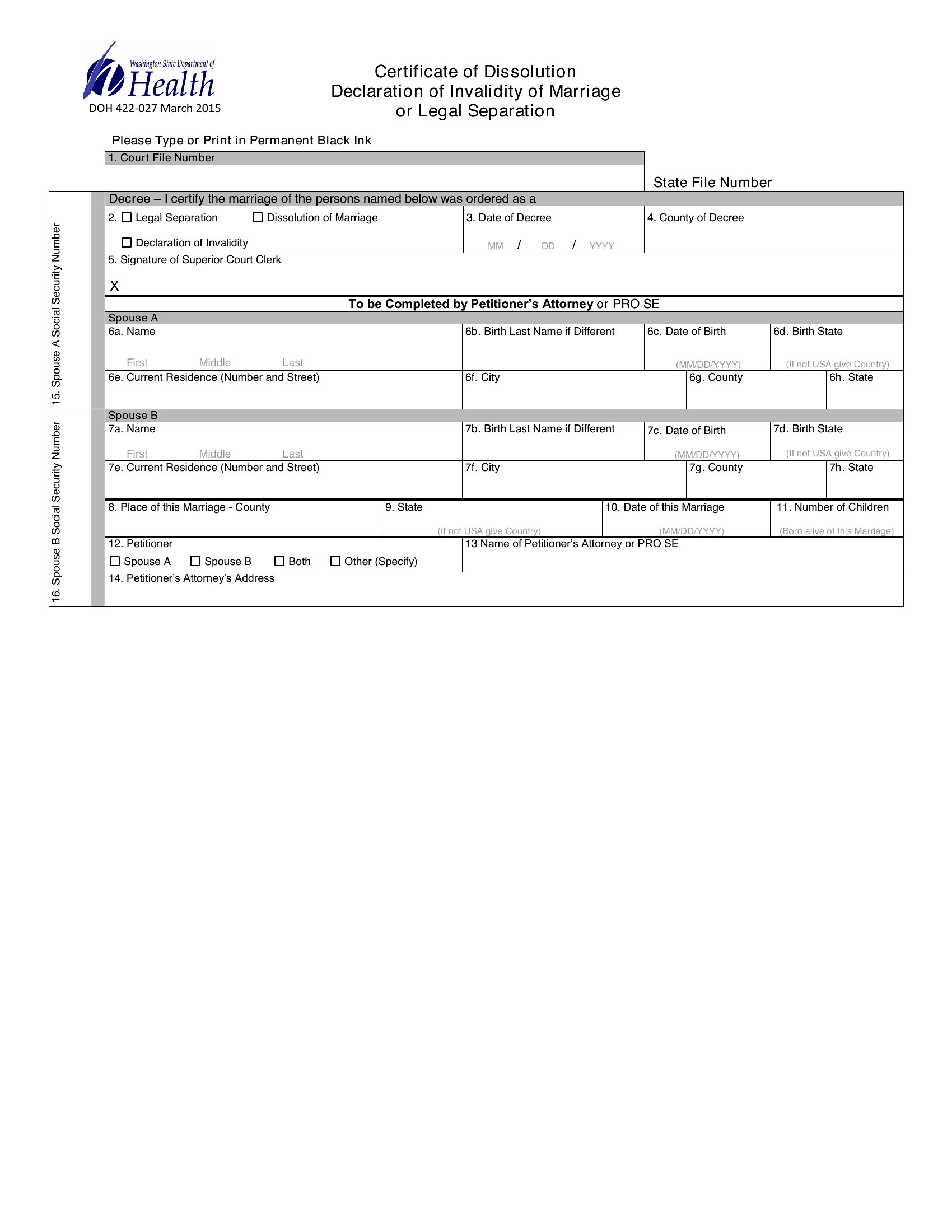
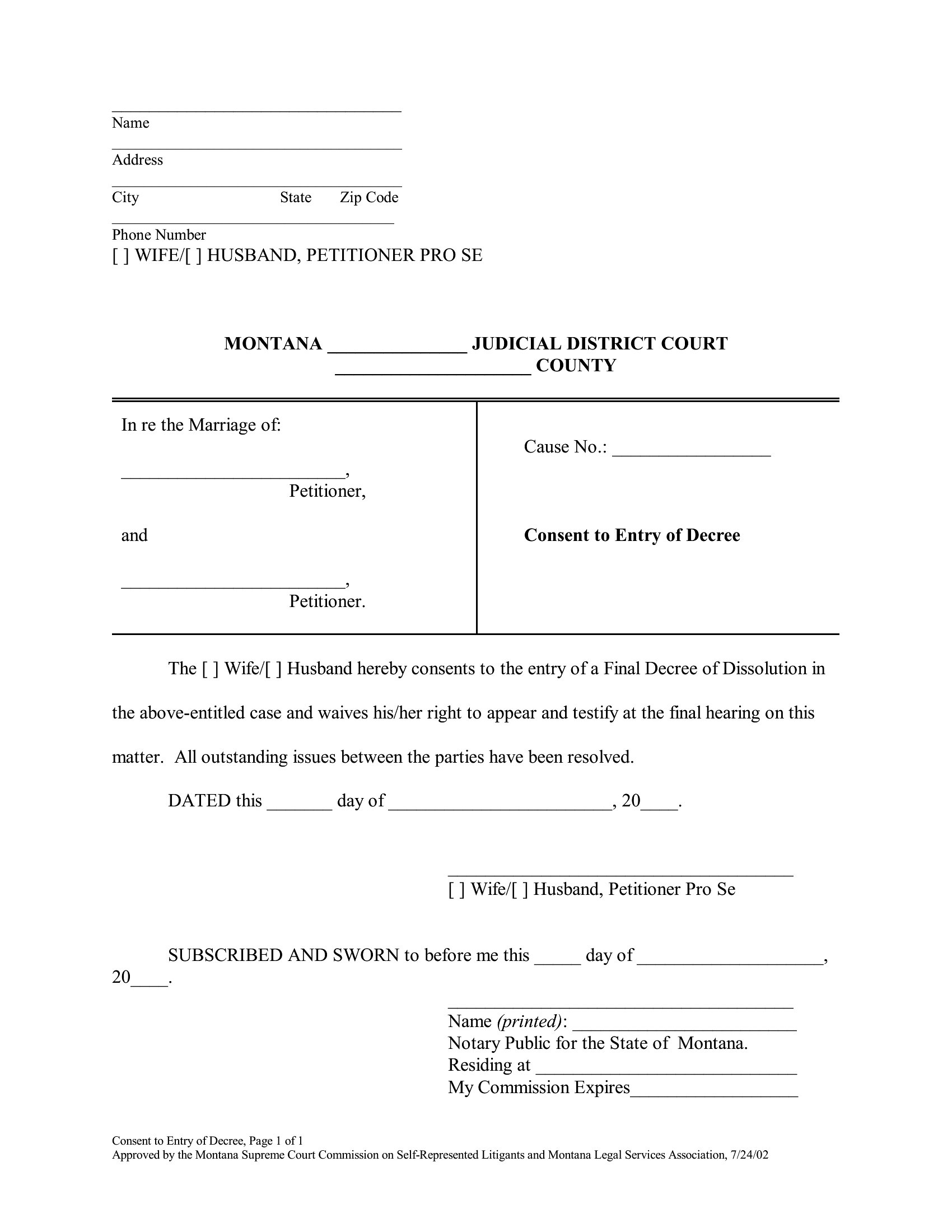
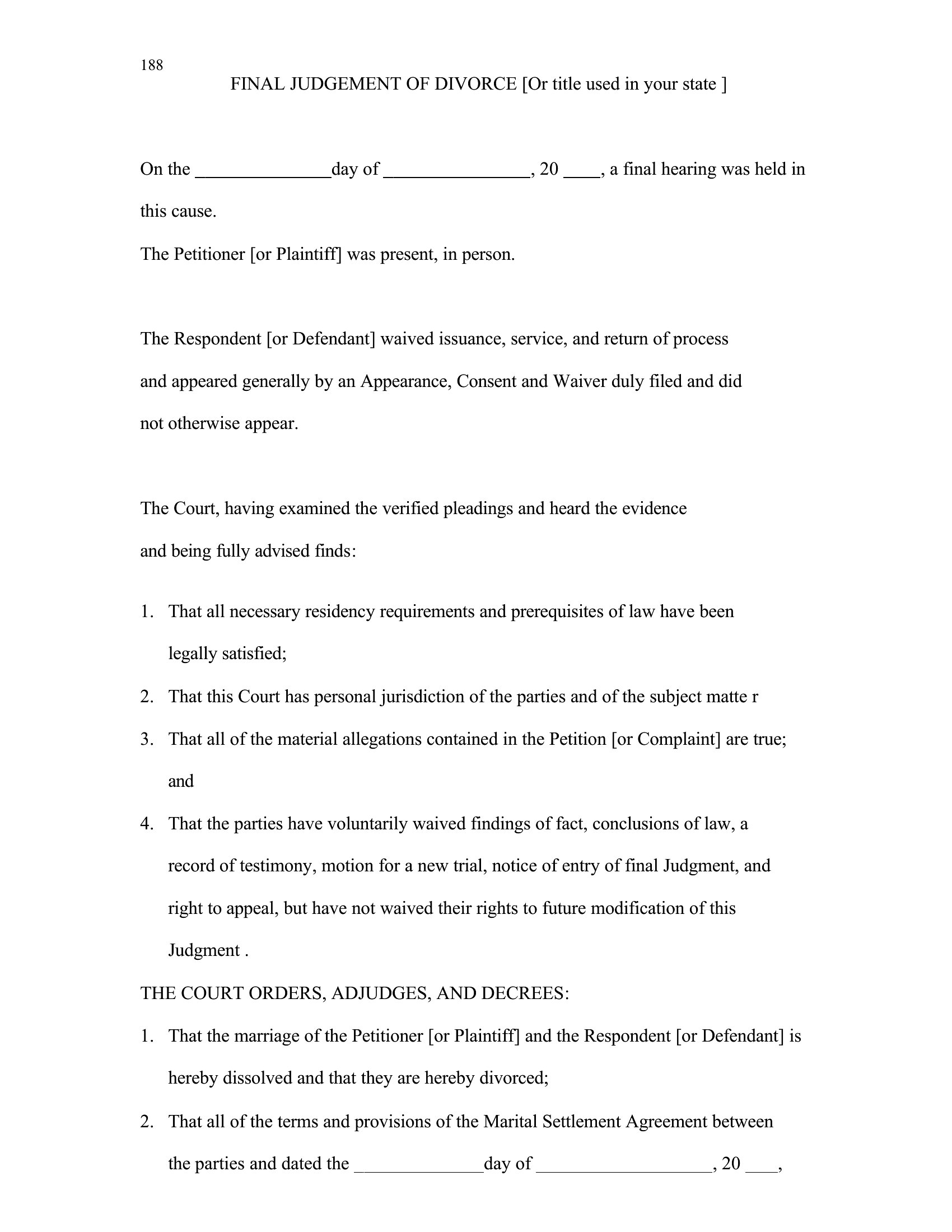
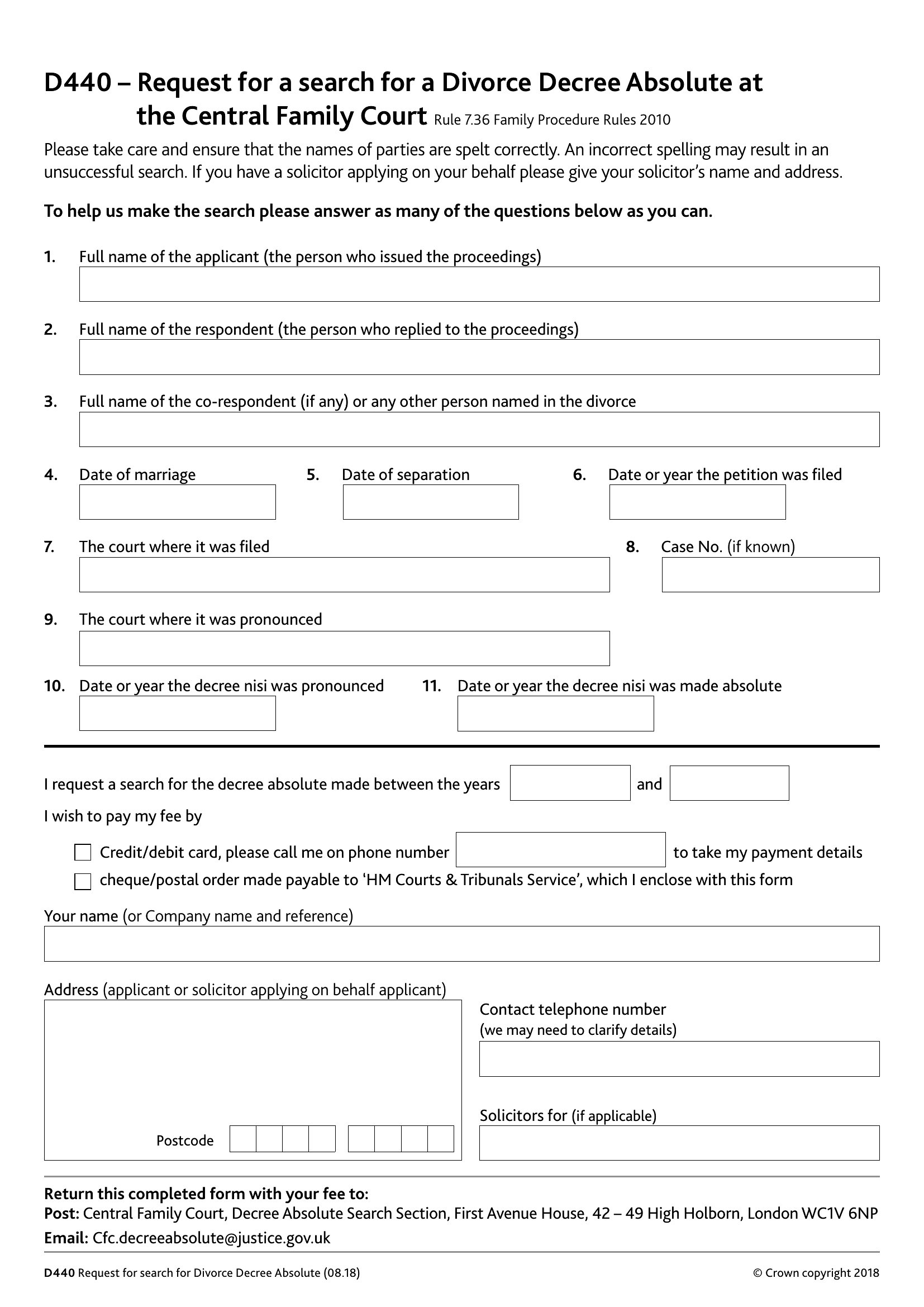
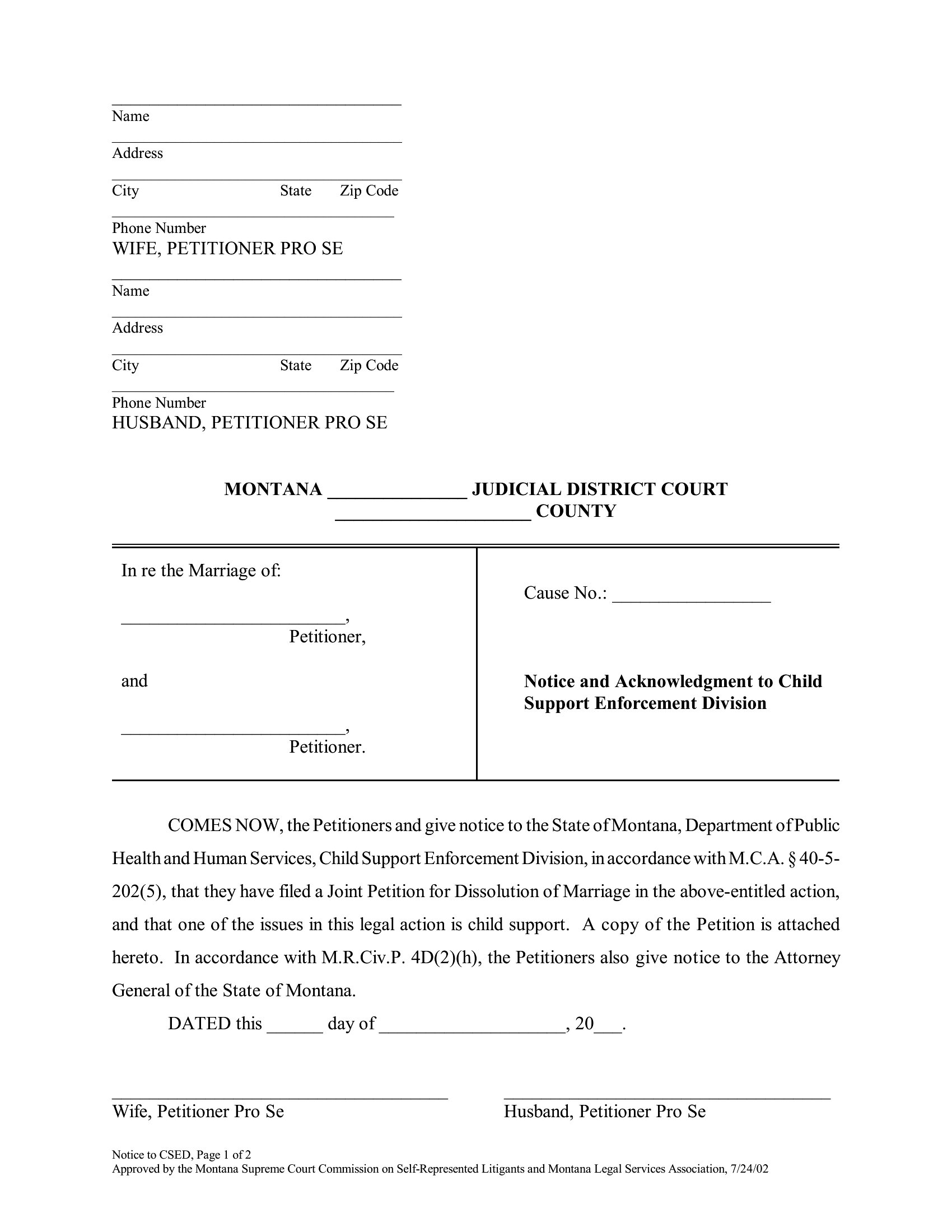
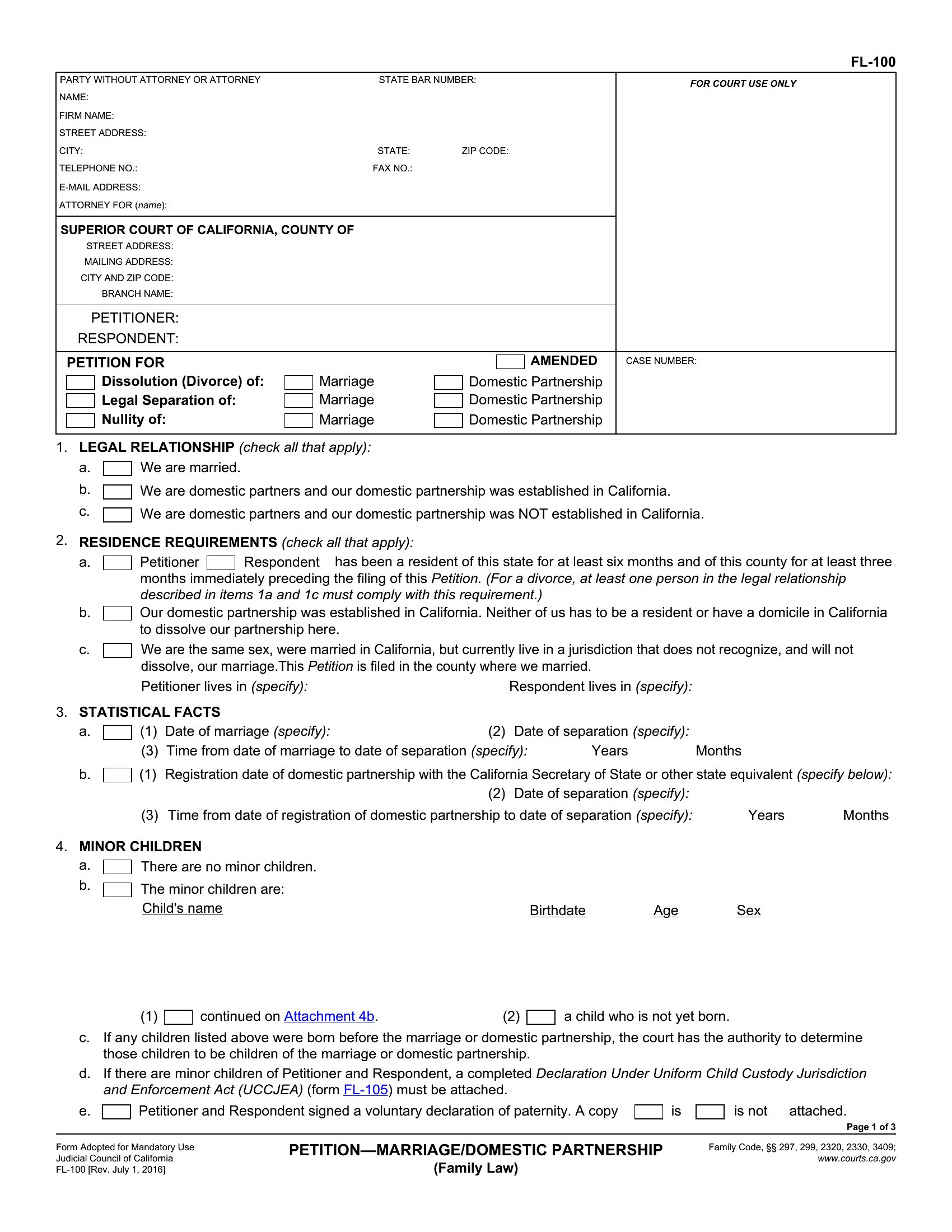
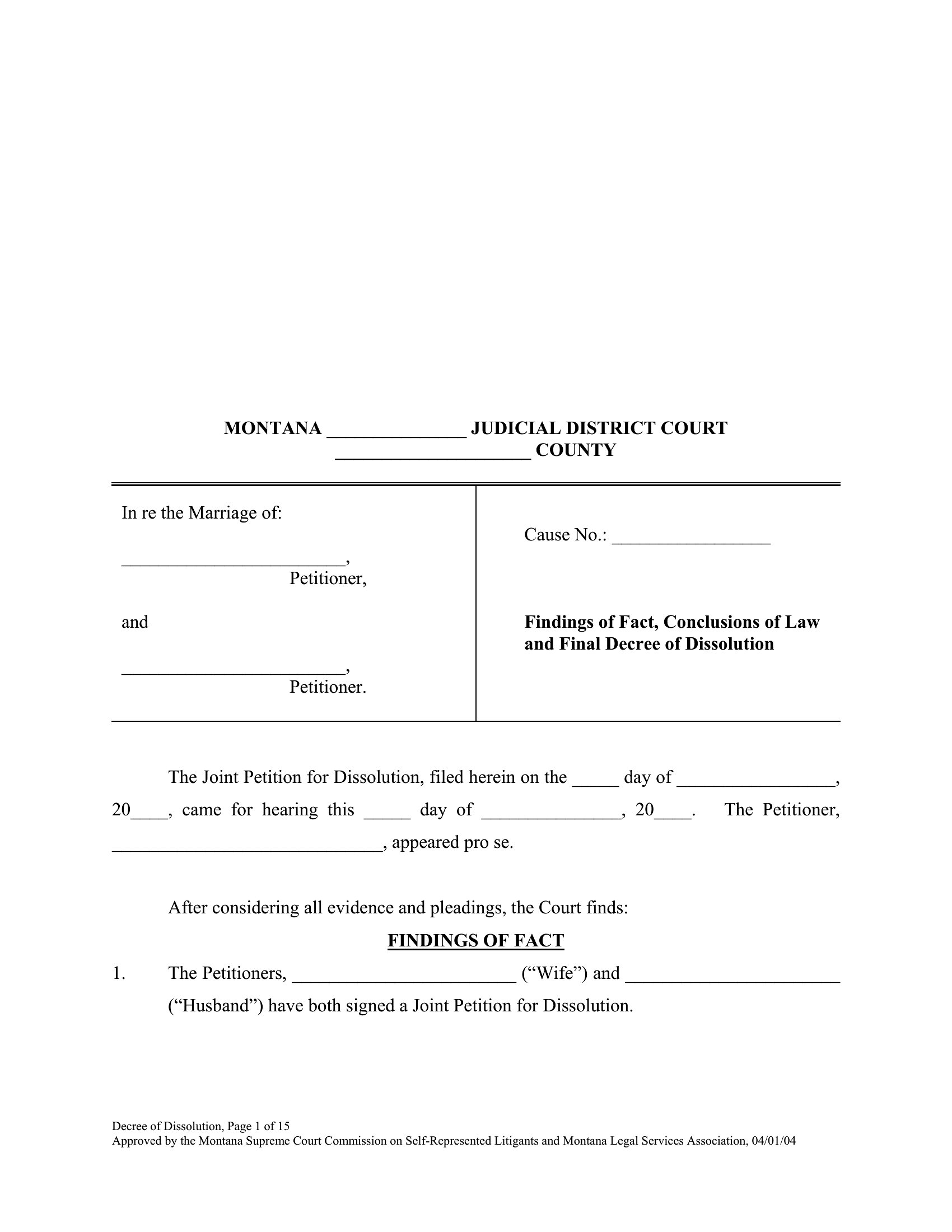
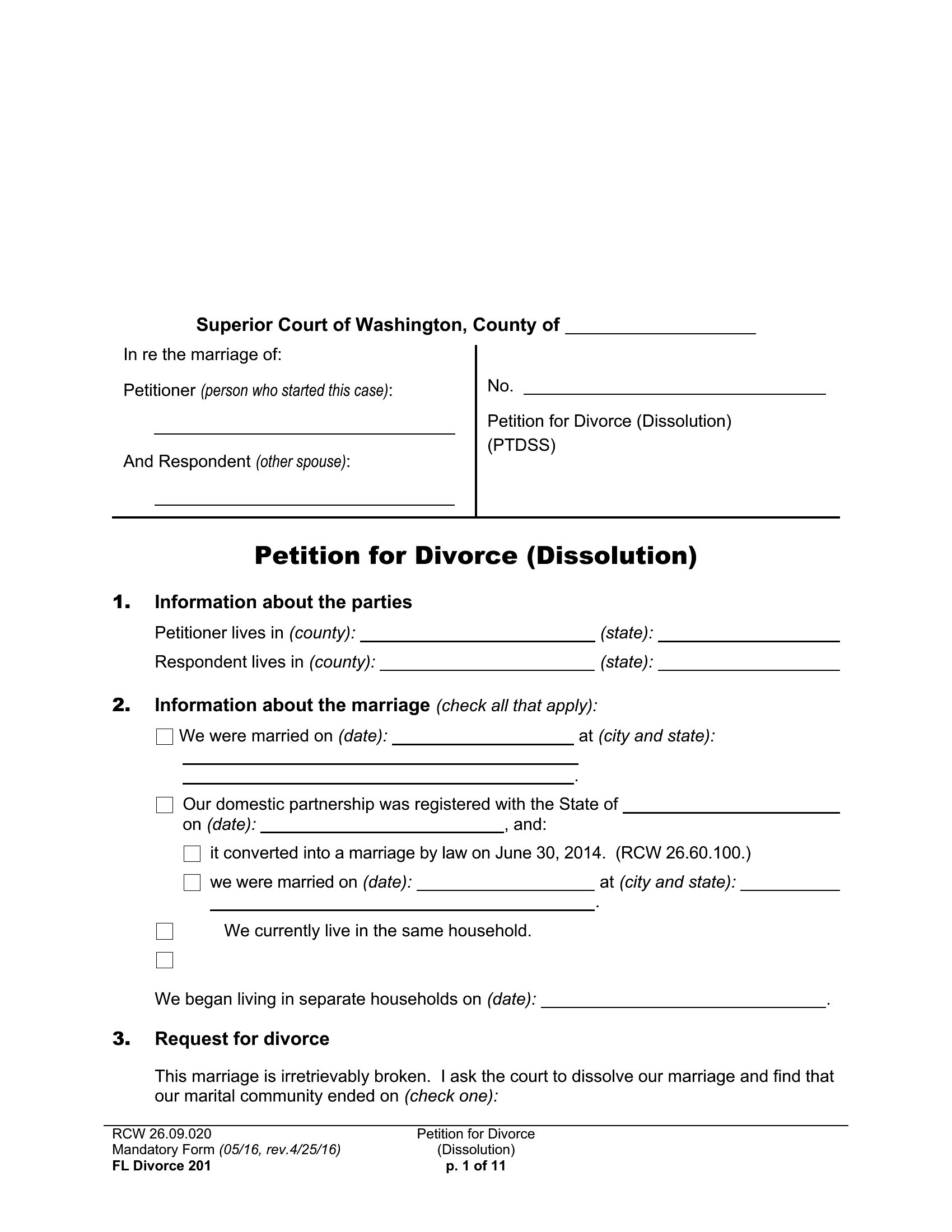
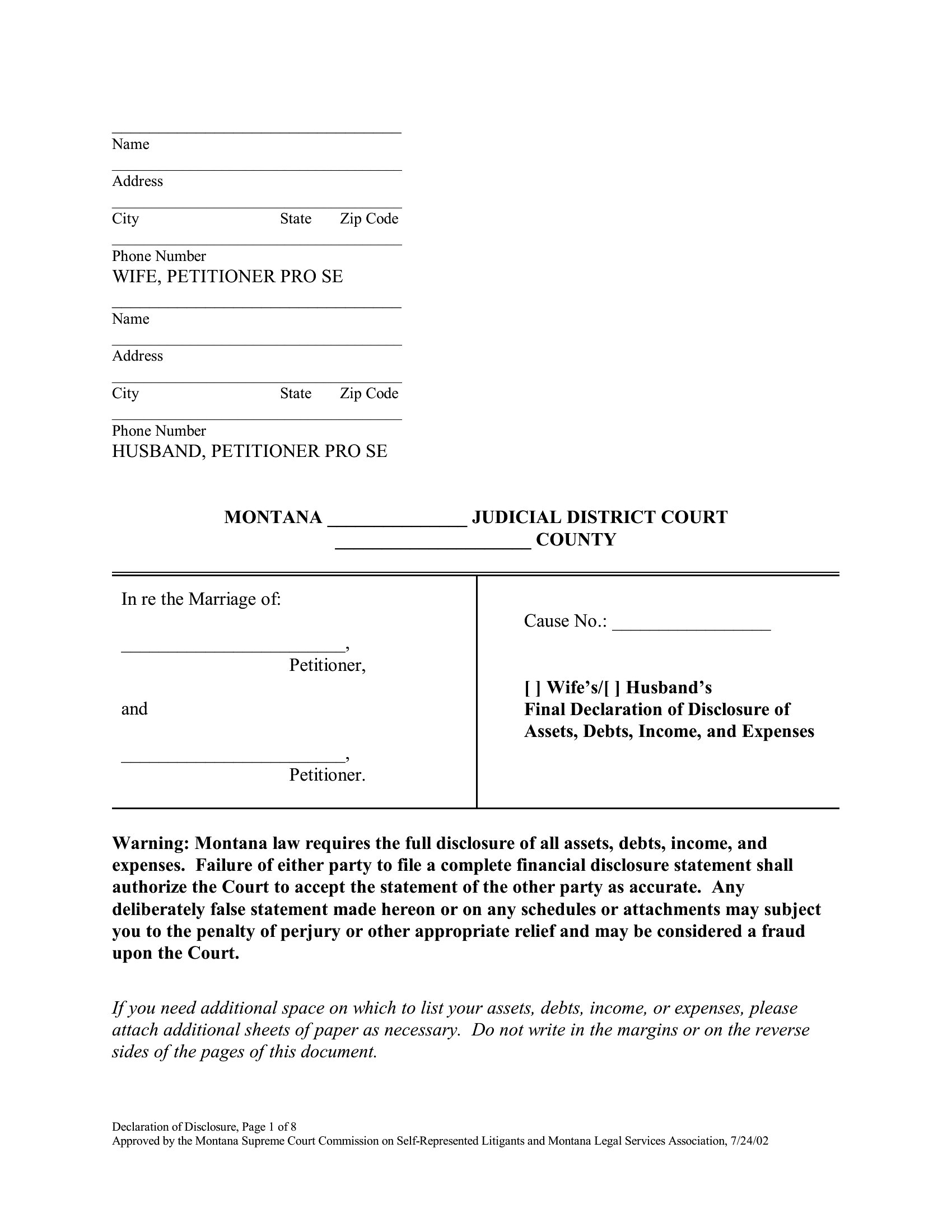
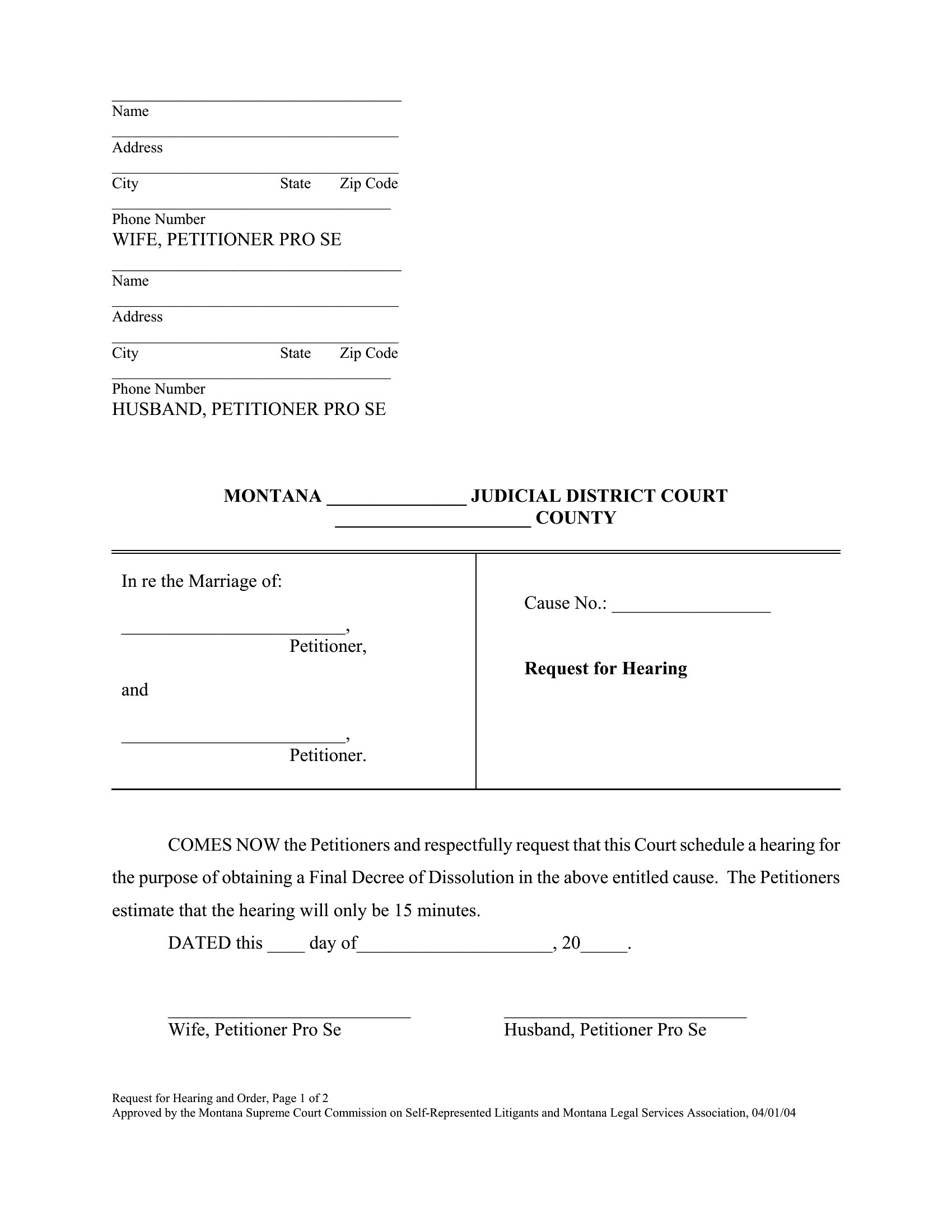
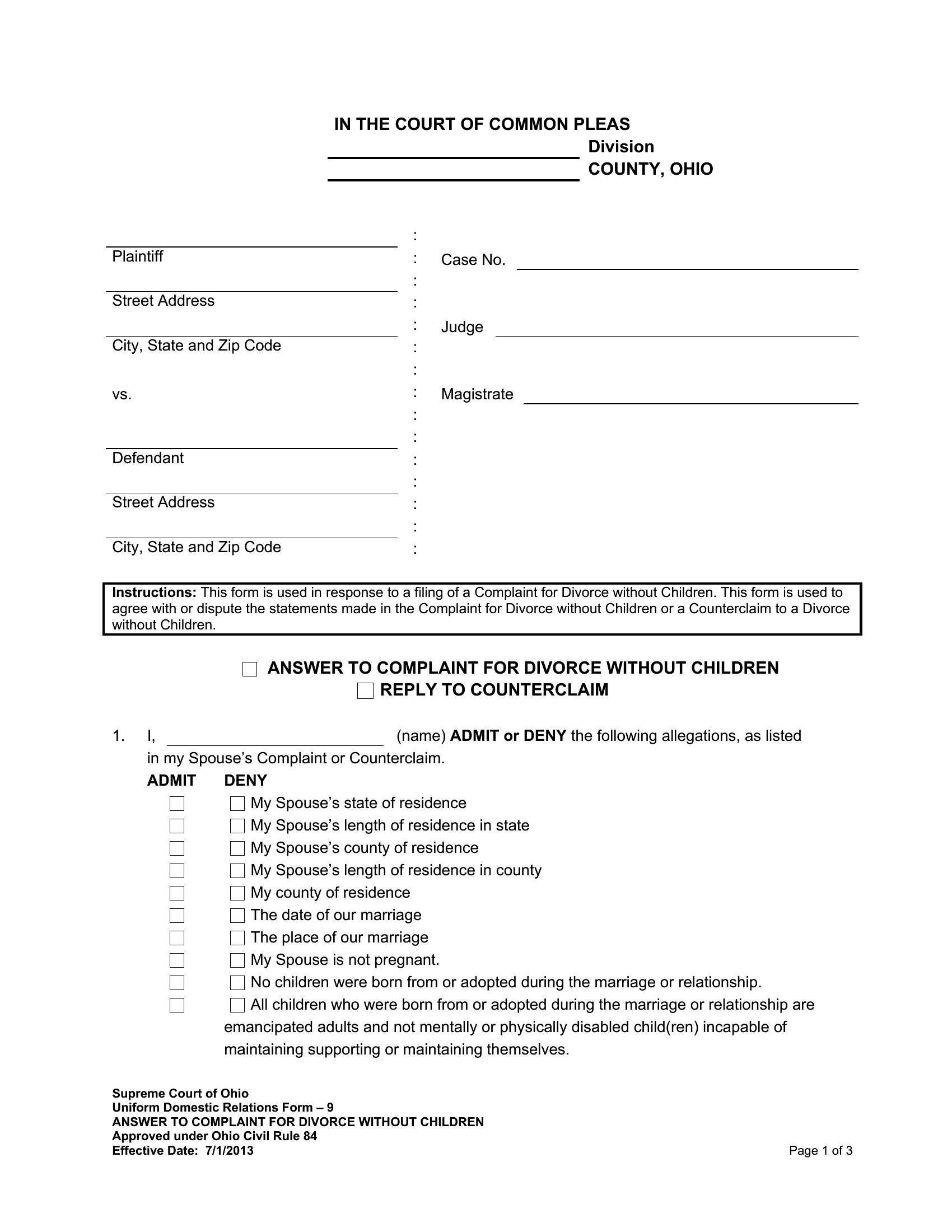
LegalSorting through divorce paperwork is overwhelming when you're already stretched thin, and this library of 56 document templates helps you get organized before heading to court. It covers the forms common to an uncontested filing, including petitions, settlement agreements, parenting plans, and financial disclosures, so separating couples and anyone doing their own research can see what each one handles.
Every template is editable in Word and ready as a clean PDF for printing and signing, so you can enter names, dates, and terms, then produce a tidy copy for the court. Requirements differ from state to state, so treat these as customizable drafts and confirm details with your local court before filing. Download what you need and keep the whole packet together.
When to use this Divorce Papers template
- A soon-to-be divorcing parent in Texas navigating an uncontested split needs a fillable parenting plan template to outline custody schedules before meeting with their attorney for review.
- A couple in California finalizing an amicable separation prefers PDF forms to print, sign, and file together to avoid confusion during their court date in a self-service divorce process.
- A single mother in Ohio researching divorce terms online downloads a settlement agreement template to draft her own preliminary terms and discuss with her lawyer before submission.
- A couple in New York with no children but shared assets uses a financial disclosure form template to organize their bank records and property details for a smoother negotiation phase.
Which format should I download?
Choose Word when you need to edit text, adjust terms, or add personal details before finalizing—it’s ideal for drafting or revising documents collaboratively with a lawyer. Opt for PDF if you’re filing or printing right away, as these templates are formatted for court submission or to share securely with your ex-partner. For uncontested divorces, PDFs save time by allowing quick digital signatures in many states. Stick with Word if your case involves complex financial disclosures needing real-time calculations or formatting tweaks.
Choose from 56 Divorce Papers Templates
How to use this Divorce Papers template
Do these templates include state-specific language for divorce filings?
These templates provide the general structure and clauses commonly used in uncontested divorce filings. However, divorce laws vary significantly by state, so it’s critical to verify with your local court or consult a family law attorney to ensure compliance. Some templates may reference generic terms like 'petitioner' or 'respondent'—these should be replaced with your names or adjusted to fit your state’s official forms. Always check your county’s clerk’s website for required local filings.
What’s the best way to fill out a parenting plan template if custody arrangements are still being negotiated?
Start by drafting a rough outline of your proposed schedule and terms in the Word template, leaving blanks or notes where details are undecided. Use this as a starting point for discussions with your ex-partner or mediator. Once you’ve reached a verbal agreement, transfer the final terms into a PDF version for printing or filing. Never file a partially completed parenting plan—courts require all sections to be addressed clearly. Consider including a section for contingencies or future adjustments to account for flexibility.
Are settlement agreement templates enforceable if both parties sign them before divorce is finalized?
A signed settlement agreement can carry weight with the court, but it’s not automatically enforceable until it’s incorporated into your final divorce decree. Courts typically require these agreements to be reviewed for fairness, especially regarding child support, alimony, or asset division. If disputes arise later, the judge will examine whether both parties had independent legal advice or if one was coerced. Treat these templates as drafts to negotiate with—always have your attorney review the final version before submission.
Comments
Join the conversation
Sign in to share your thoughts and leave a comment on this resource.