
Skip to content
50% off this one-time $1.99 pack with HALFOFF — or unlimited with Pro.HALFOFF
Premium

Free US Passport Photo Templates (Word, PDF)

Life
iepistimiyagorchinskiy by iepistimiyagorchinskiy
Updated 0 downloads Quality-checked template

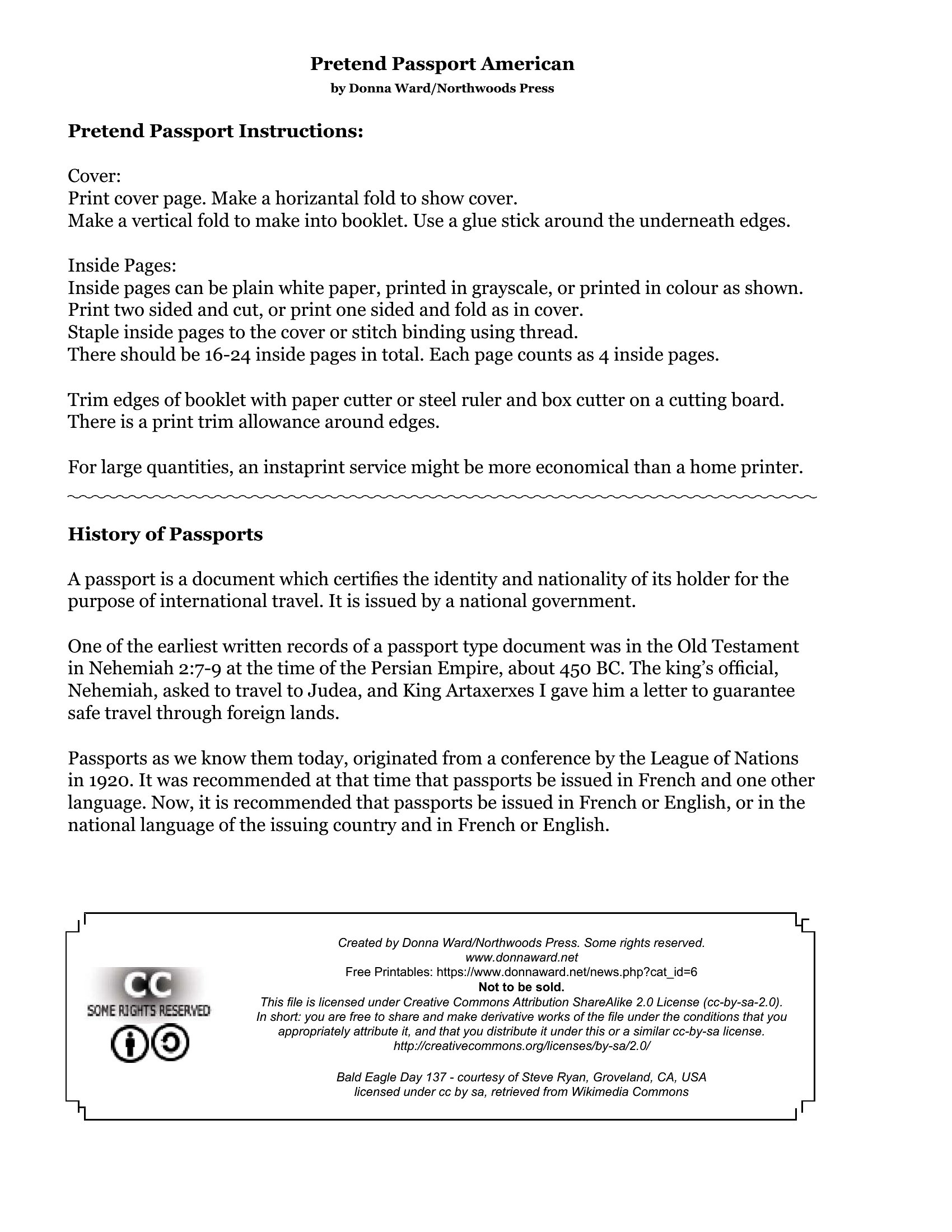
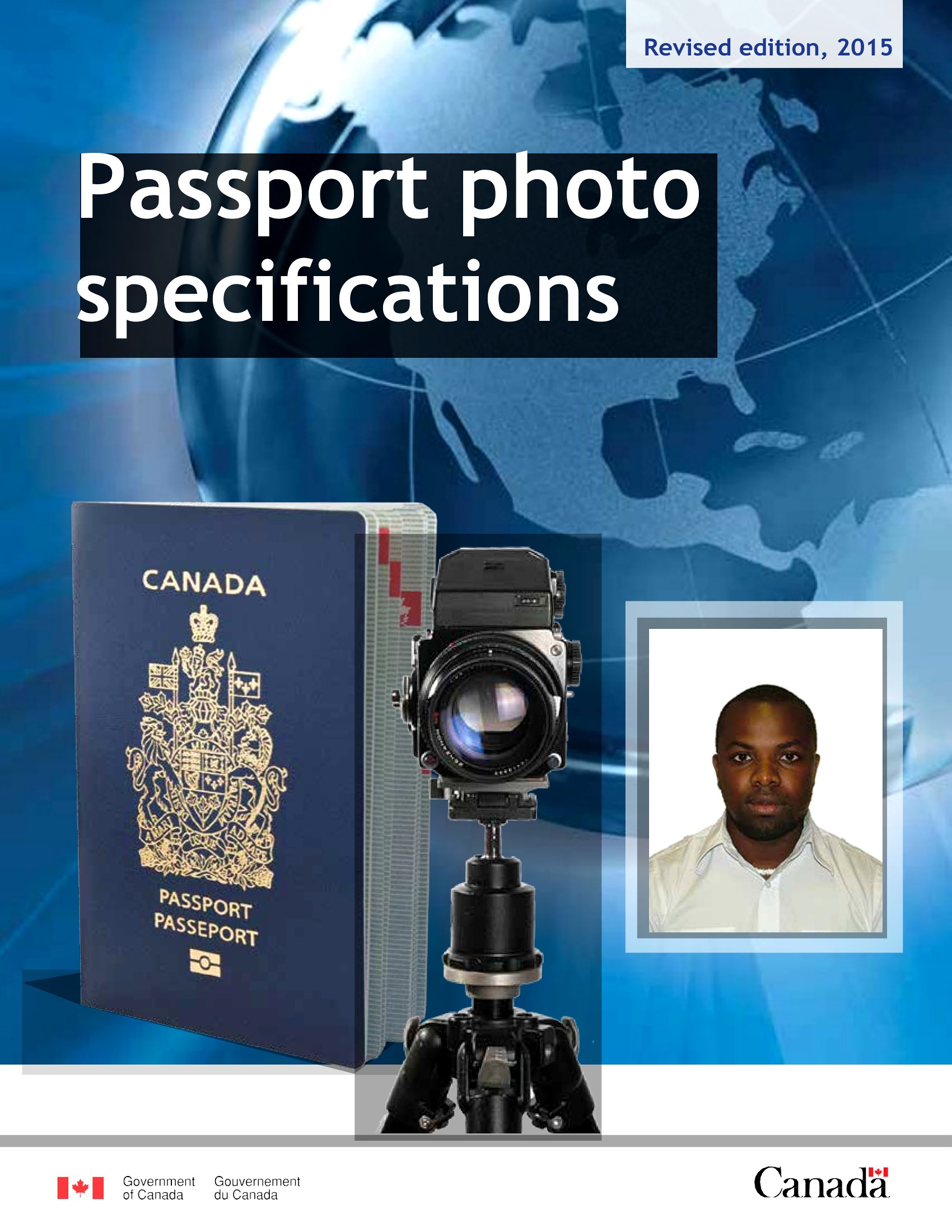
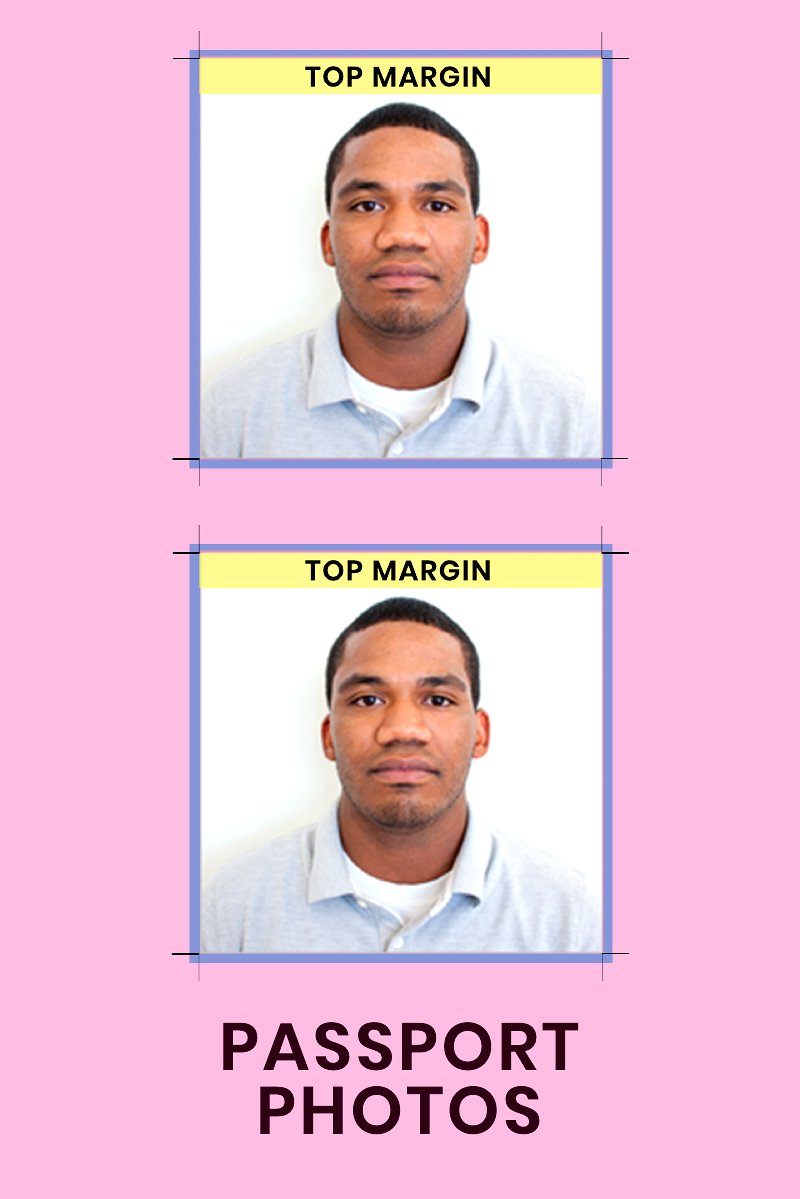
Printing your own passport photos at home can save a trip to the drugstore, as long as the layout meets the official size rules. These 27 templates arrange standard 2x2 inch photos on a single sheet so you get several prints from one page. Travelers, parents handling kids' applications, and anyone renewing documents can use them to avoid paying per photo.

The templates come in Word for quick photo placement and PDF for a print-ready sheet you can take to any photo kiosk or home printer. Drop in your image, line it up with the guides, and print on photo paper. Always double-check current government size and background requirements before you submit. Download a sheet and print your set in minutes.

When to use this US Passport Photo template

  • First-time travelers printing photos at home for their US passport application to avoid store fees and last-minute stress, especially under tight visa processing deadlines.
  • Parents applying for minors’ passports who need cost-effective, bulk-printed photos in one sitting—reducing trips to a pharmacy with fussy children in tow.
  • Renewing a passport and replacing outdated photos without visiting a shipping-center or paying per-print markups, while ensuring compliance with US State Department dimensions.
  • International students updating their passport photos for study abroad paperwork and needing multiple identical copies printed simultaneously for university and embassy submissions.

Which format should I download?

WordPDF

Use Word for templates if you plan to edit the layout (like adding names or dates) before printing, as it allows easy customization of text fields and easy re-saves. Choose PDF if you only need to print the template as-is—it preserves precise dimensions and ensures compatibility with home or office printers without formatting issues. Both formats support 2x2 inch photos, but PDFs are ideal for direct printing with no software changes required.

Choose from 27 US Passport Photo Templates

How to use this US Passport Photo template

What are the size requirements for a US passport photo?

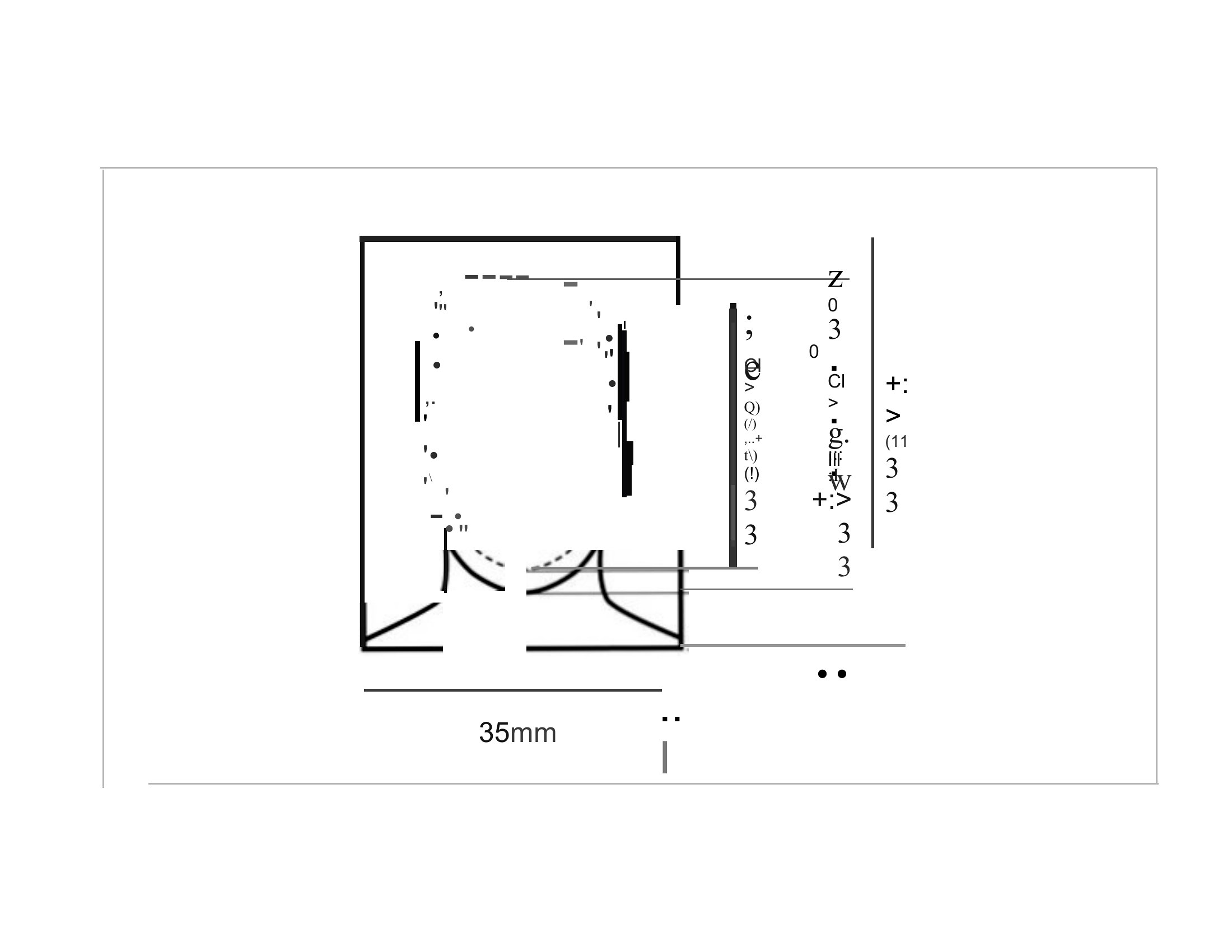
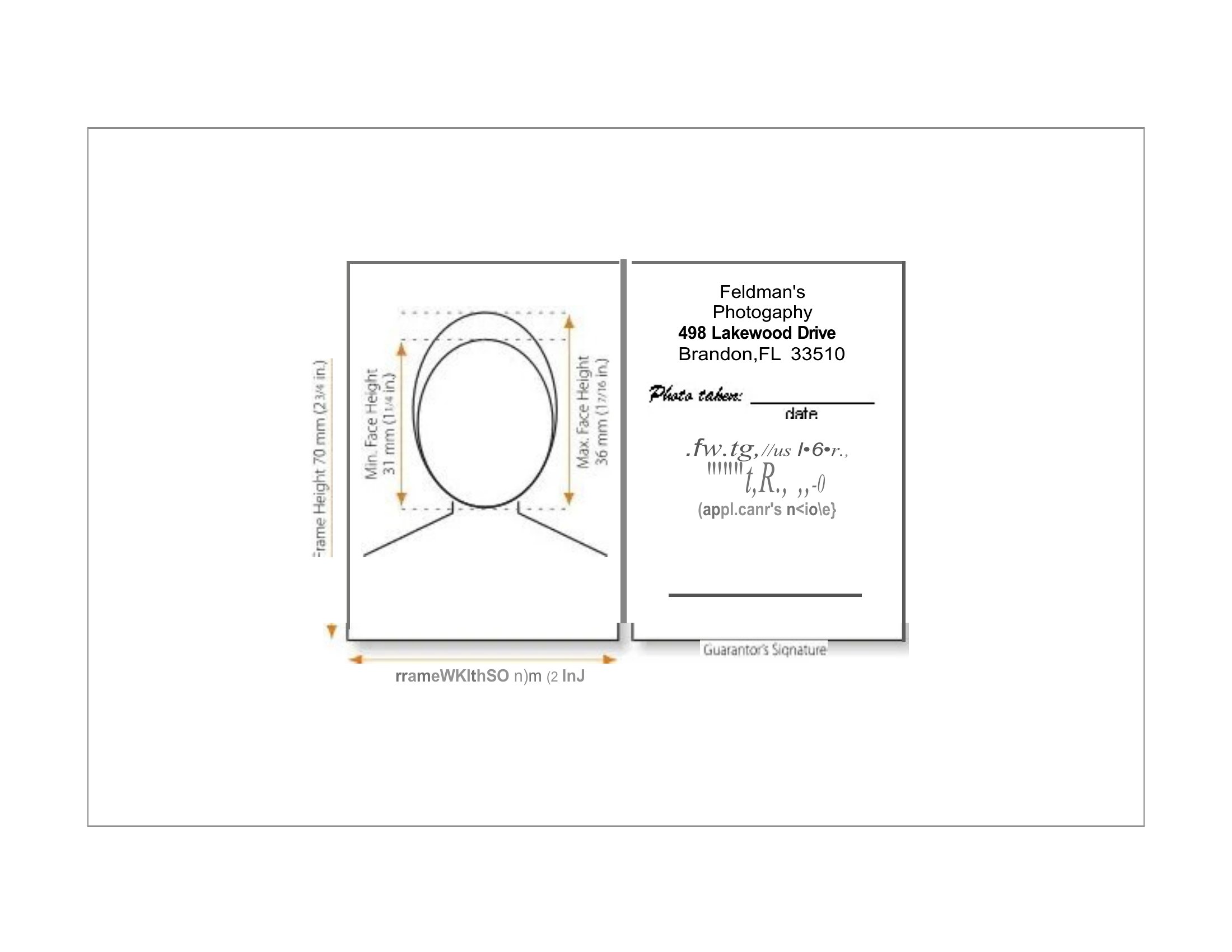
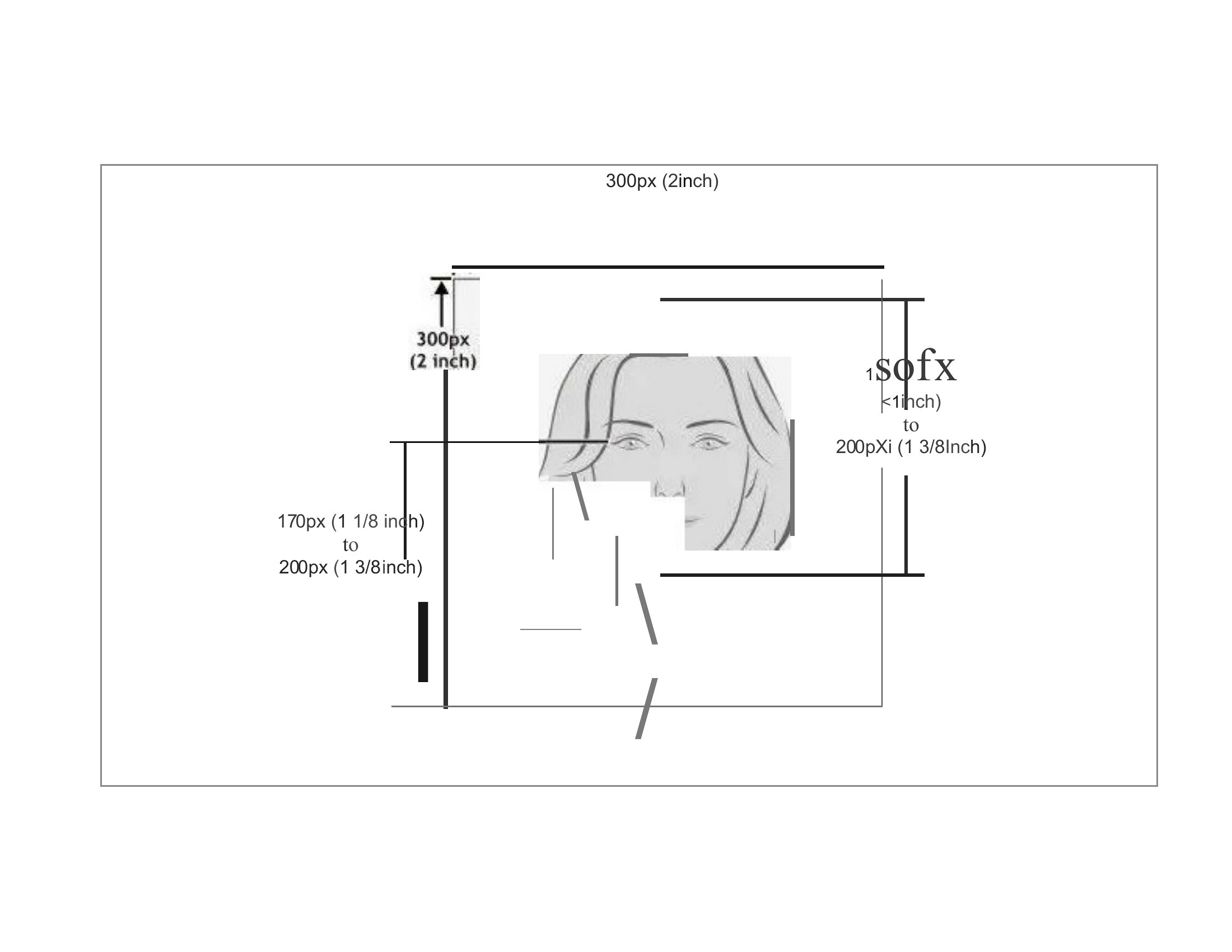
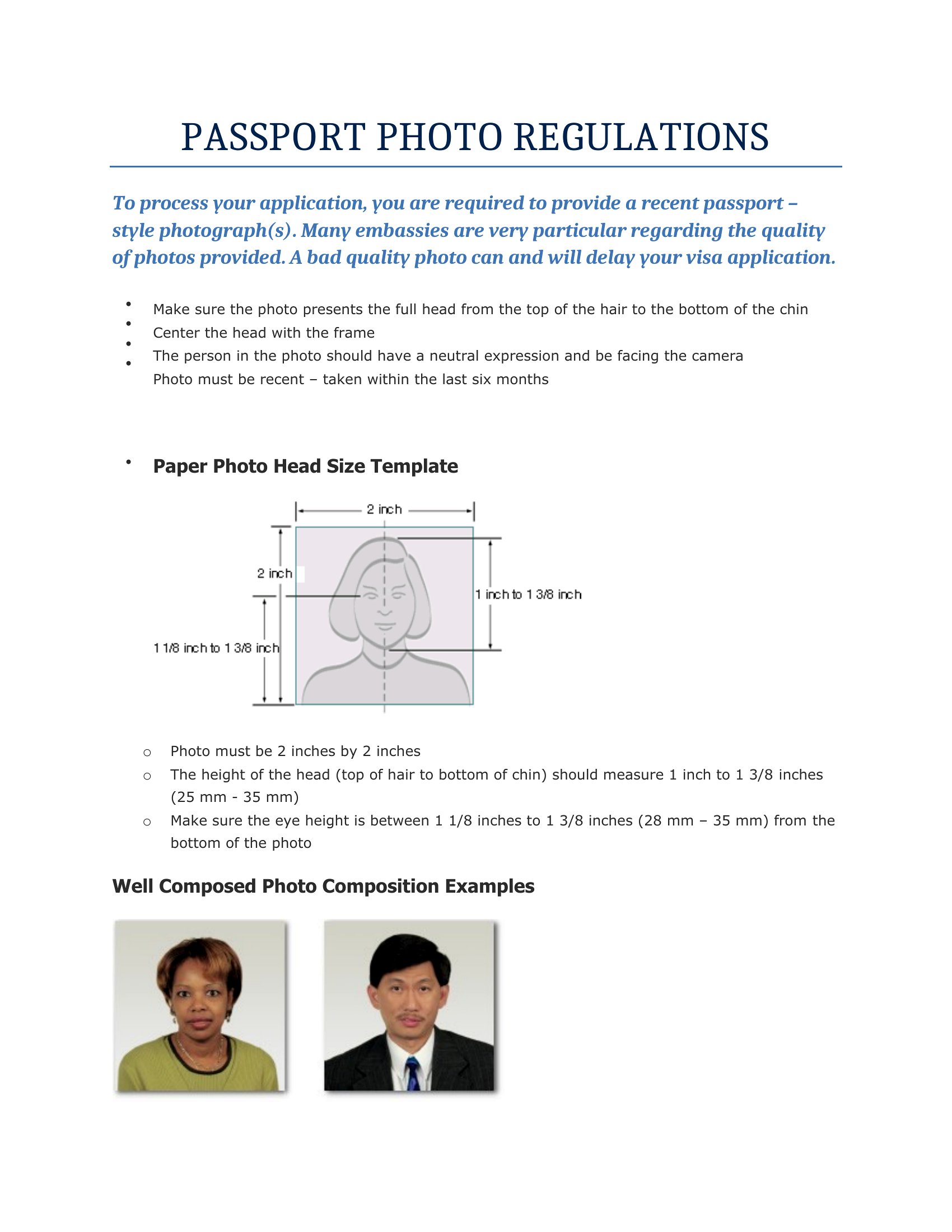
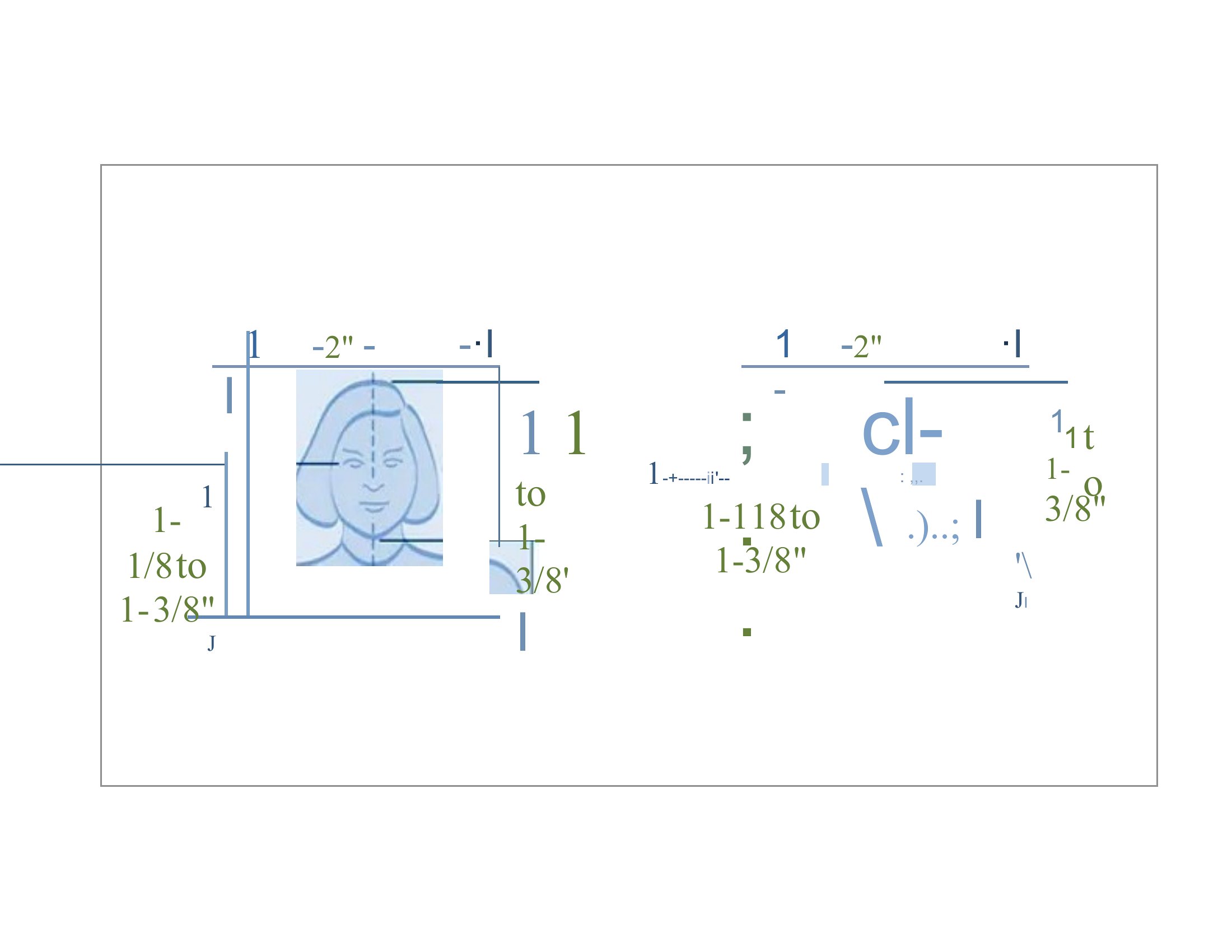
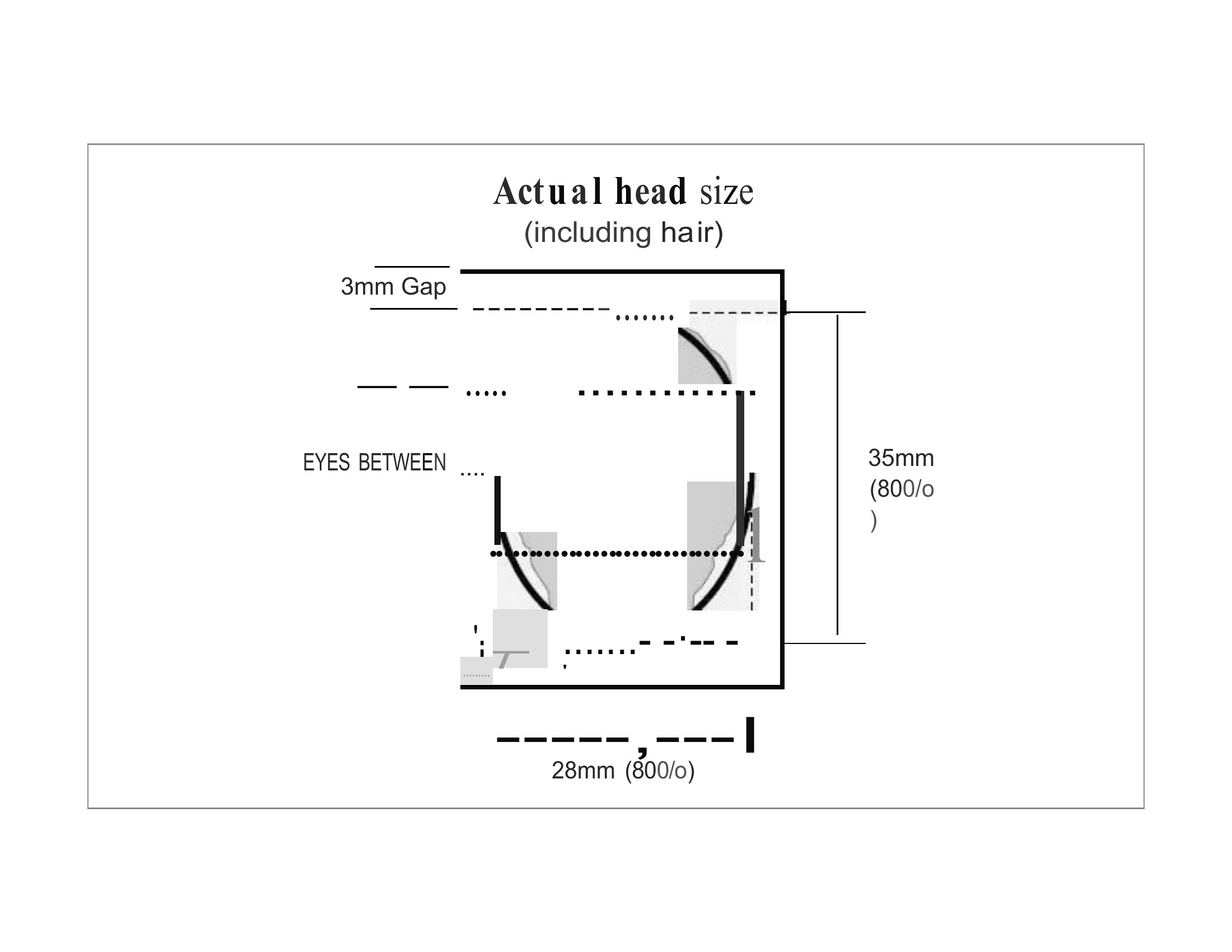
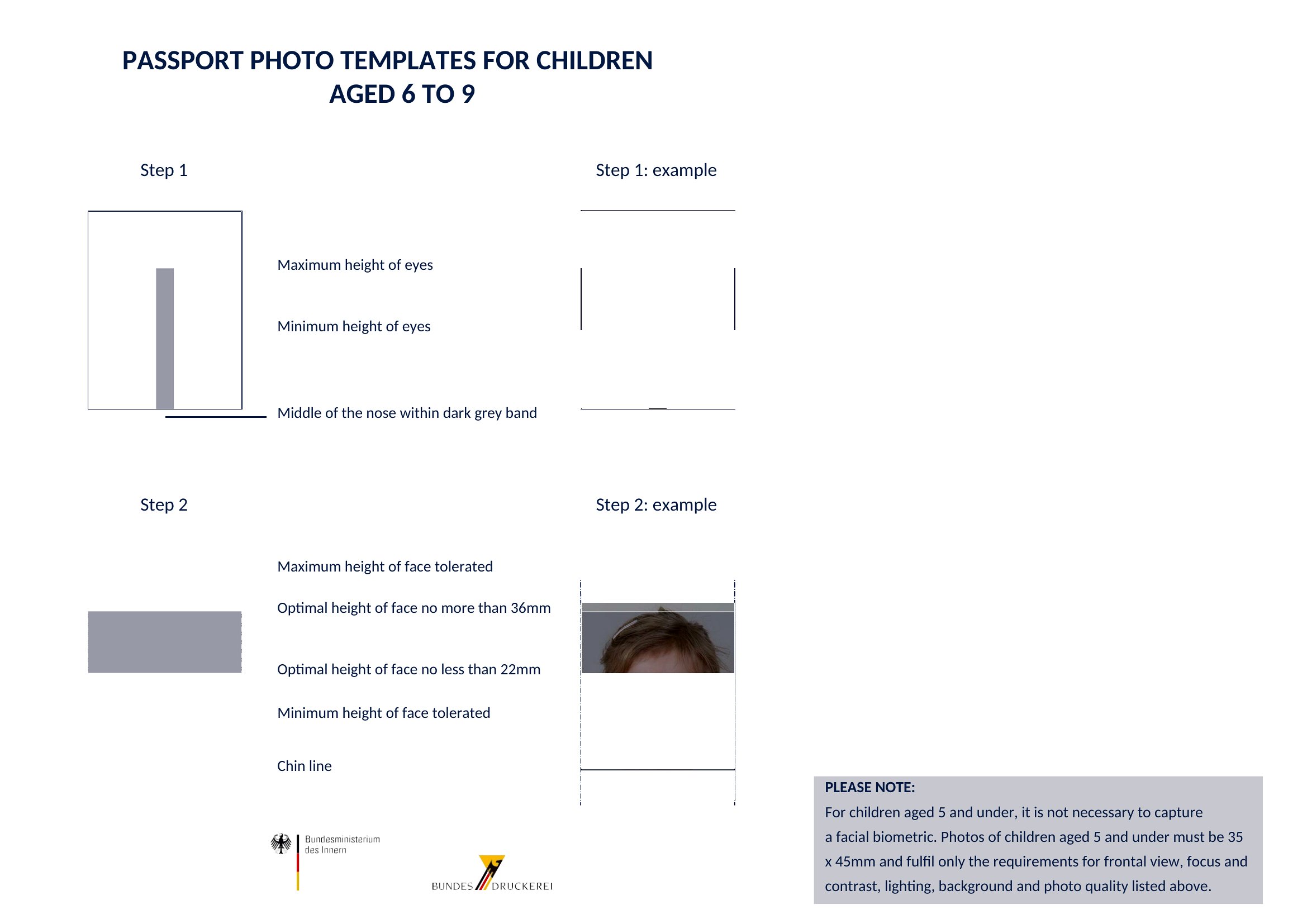
A US passport photo must be 2 by 2 inches, with the head centered and measuring roughly 1 to 1 and 3 eighths inches from the bottom of the chin to the top of the head. The photo should be recent, in color, and printed on quality photo paper.

What are the rules for a US passport photo background and expression?

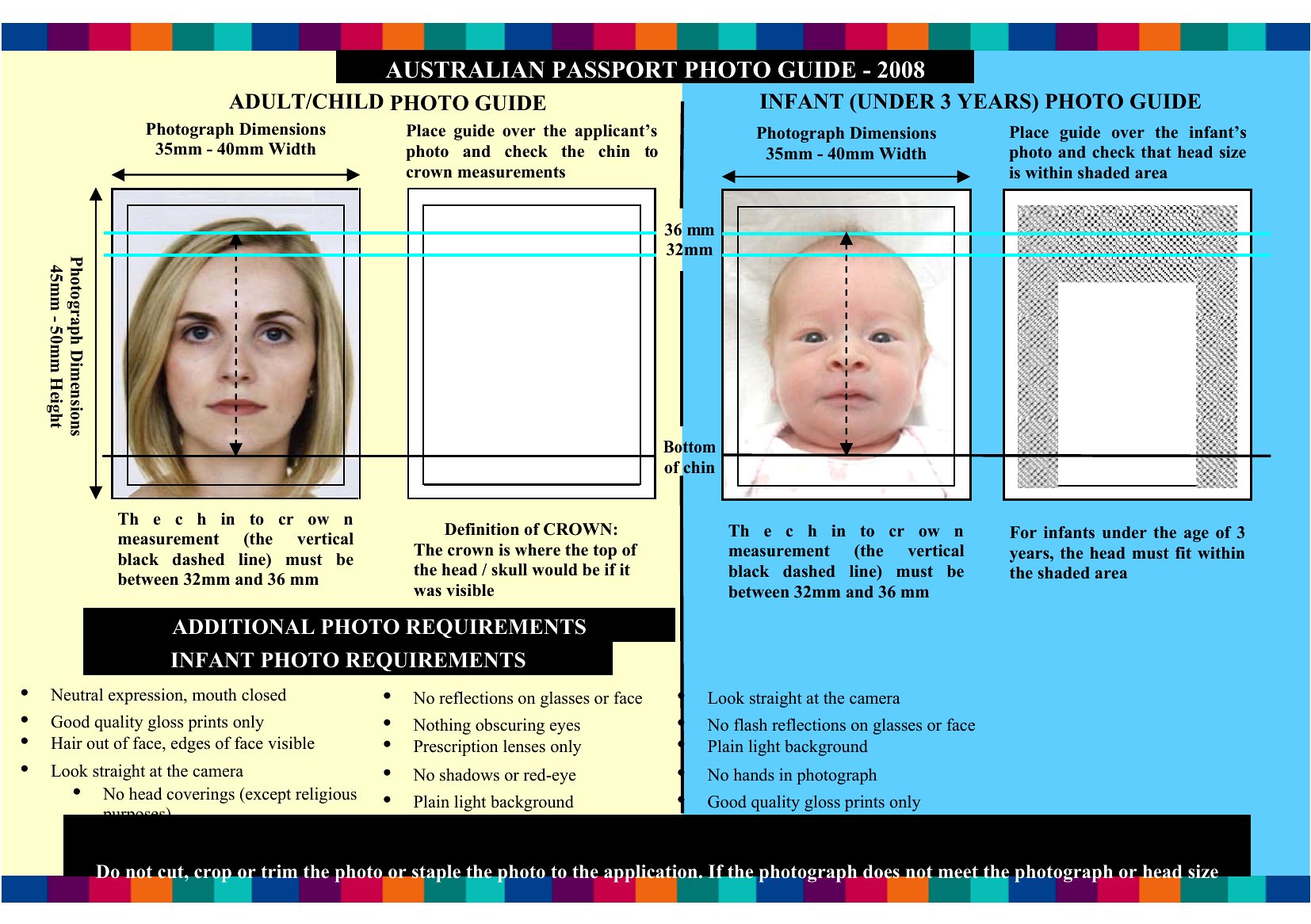
The background must be plain white or off-white with no shadows or patterns. Face the camera directly with a neutral expression or natural smile and both eyes open. Avoid hats, head coverings except for religious reasons, and glasses, which are no longer allowed in passport photos.

Can you take and print a US passport photo at home?

Yes, you can take a passport photo at home if it meets the official size, background, lighting, and expression rules. Using a template to arrange 2 by 2 inch images on one sheet lets you print several copies, as long as the final prints meet all requirements.

Comments

Join the conversation

Sign in to share your thoughts and leave a comment on this resource.

Newsletter

Get Weekly Design Updates

Join our community to receive curated resources and inspiration.

Weekly Tips Resources Early Access

We respect your privacy. Confirmation email required. Privacy Policy