Free Dentist Note Templates (Word)
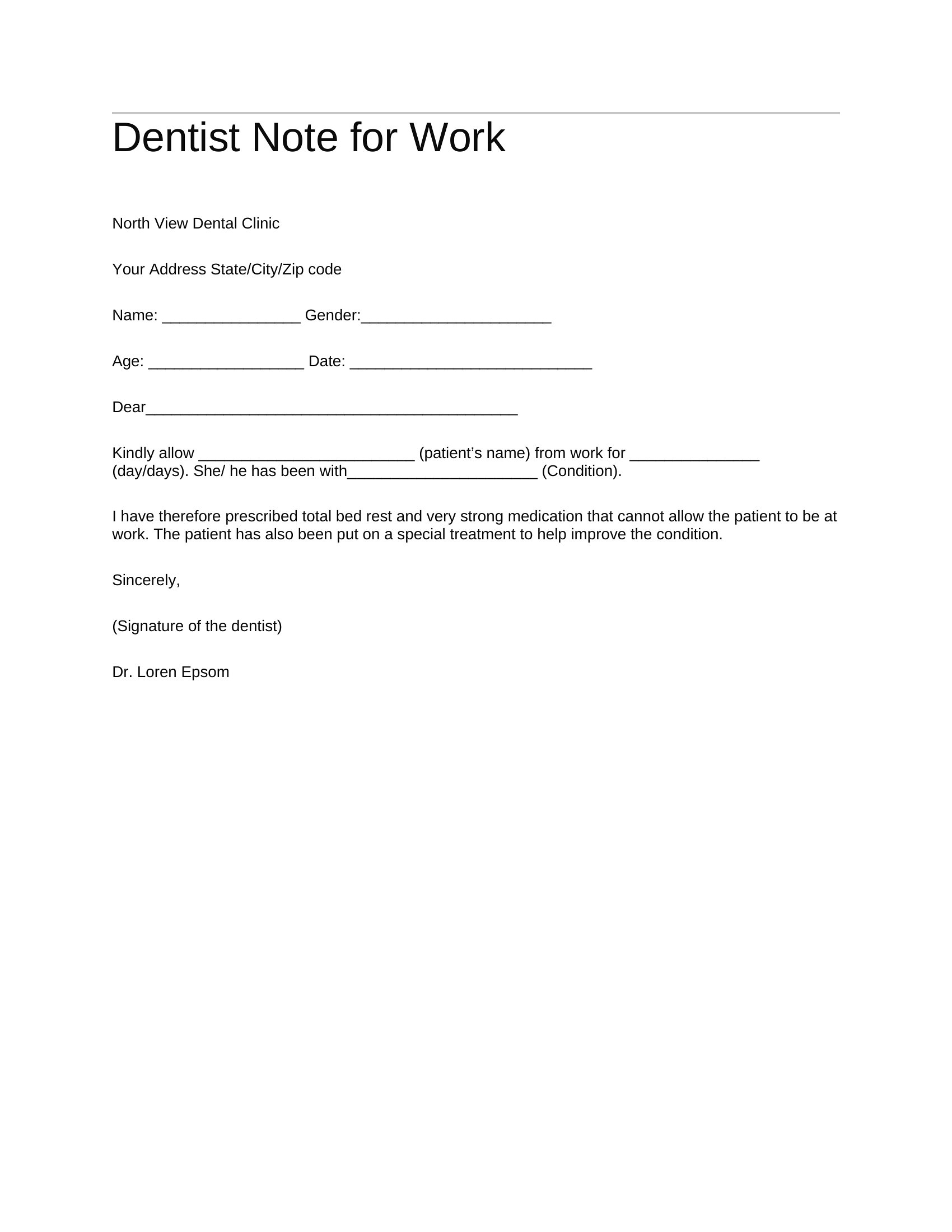
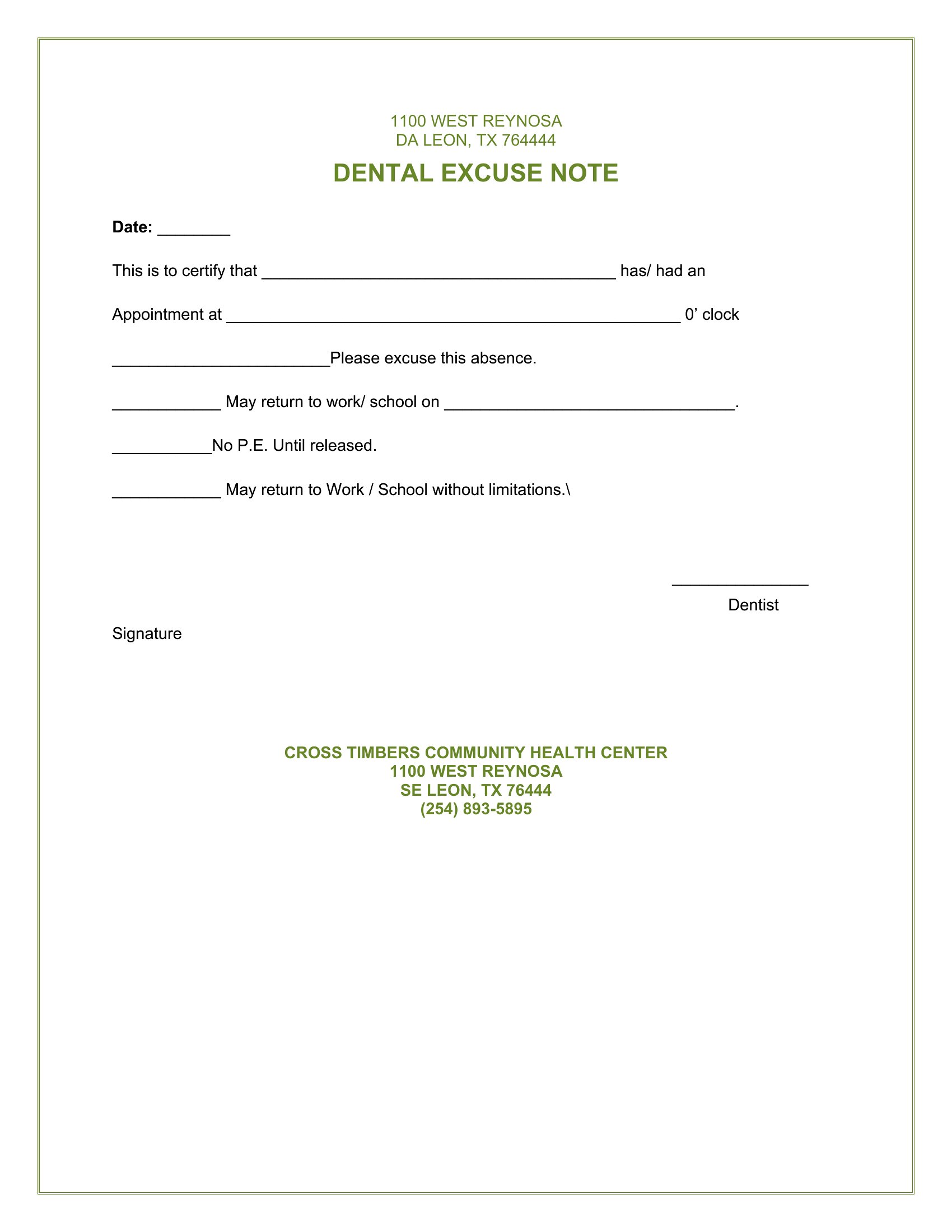
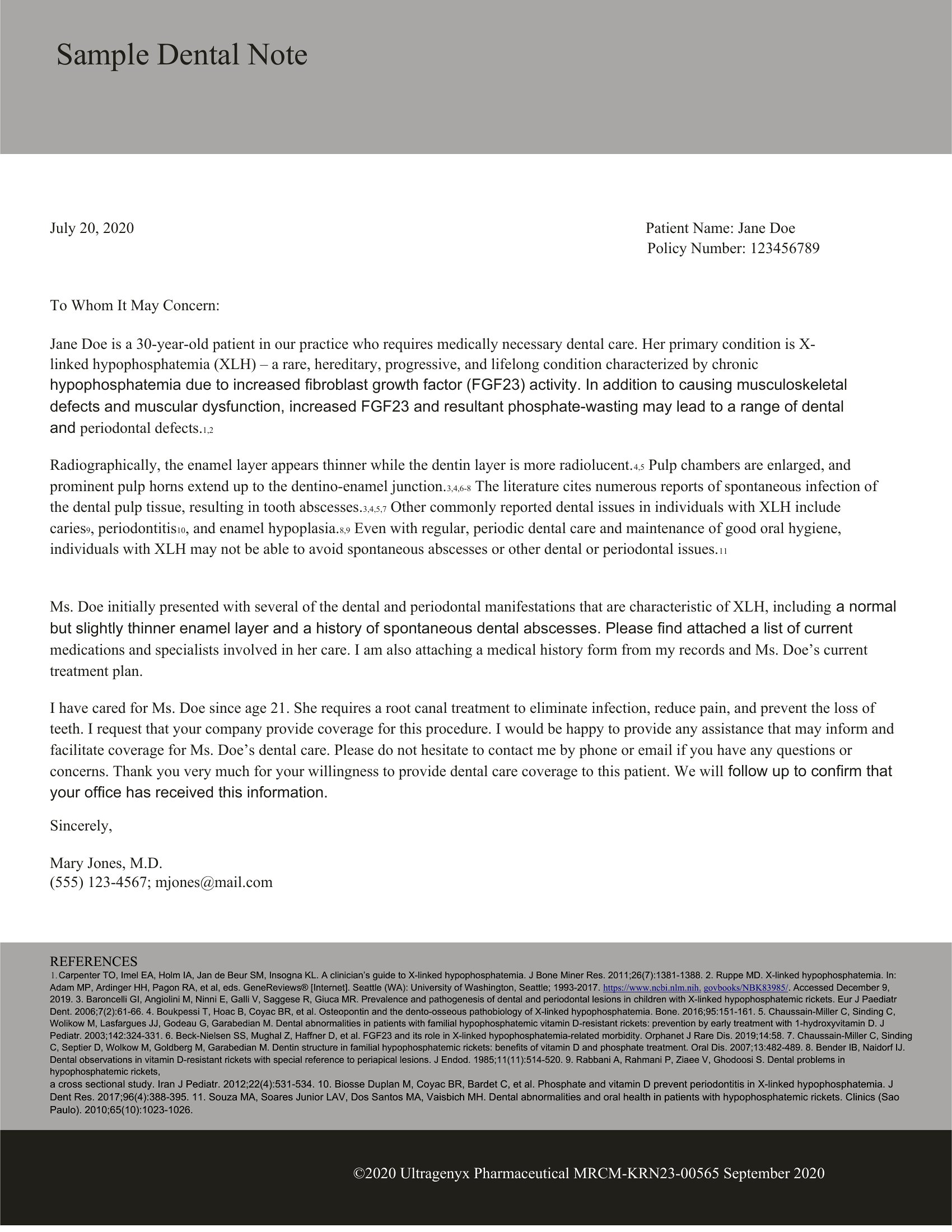
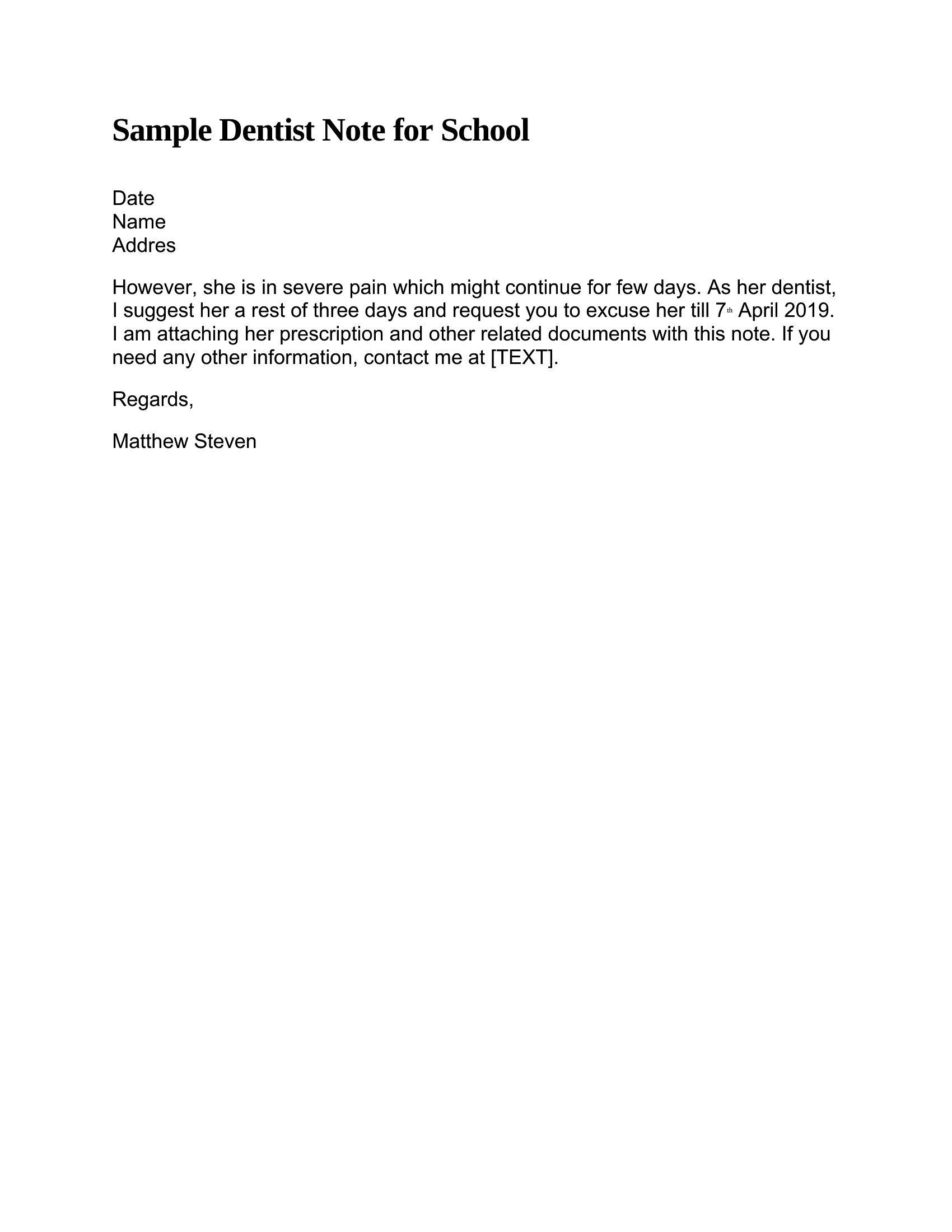
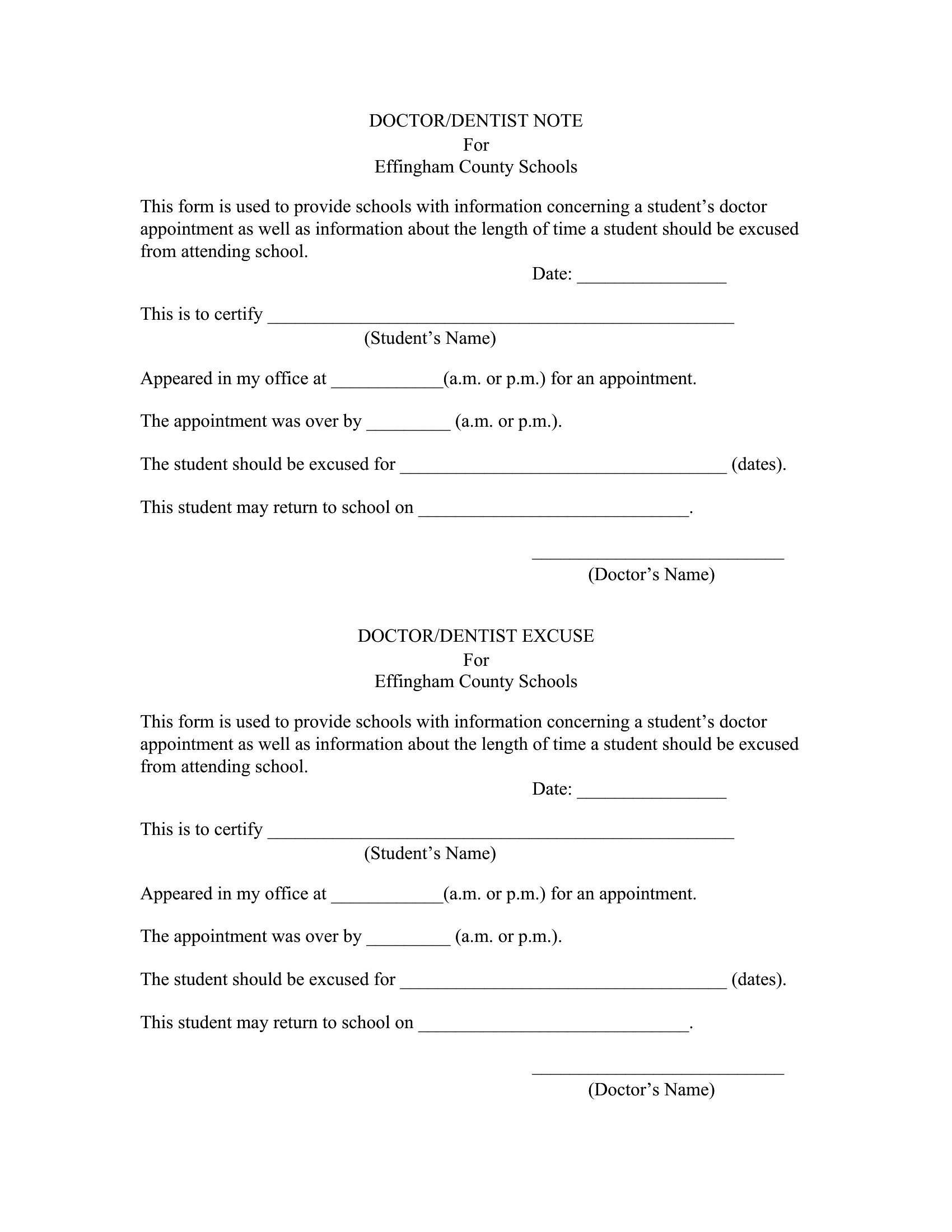
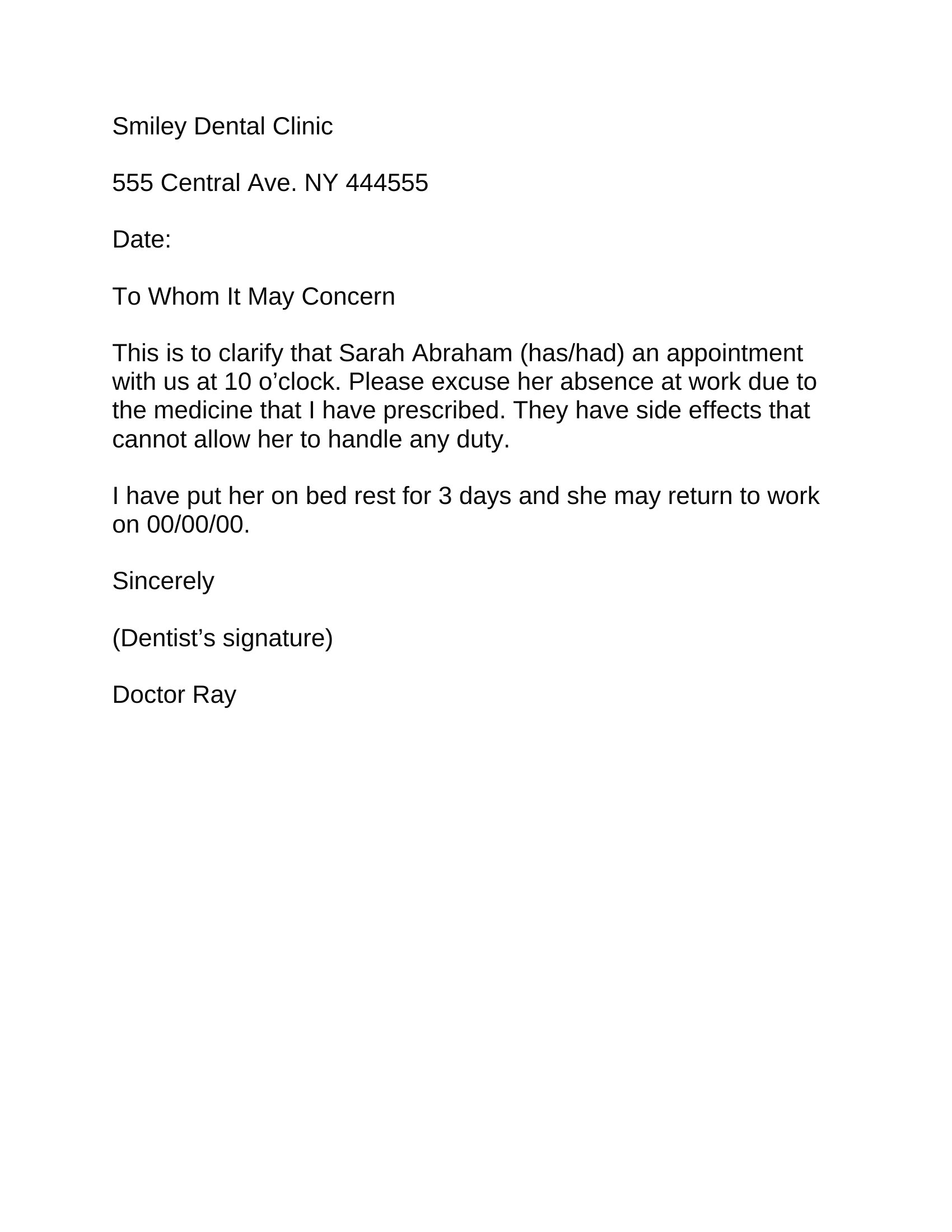
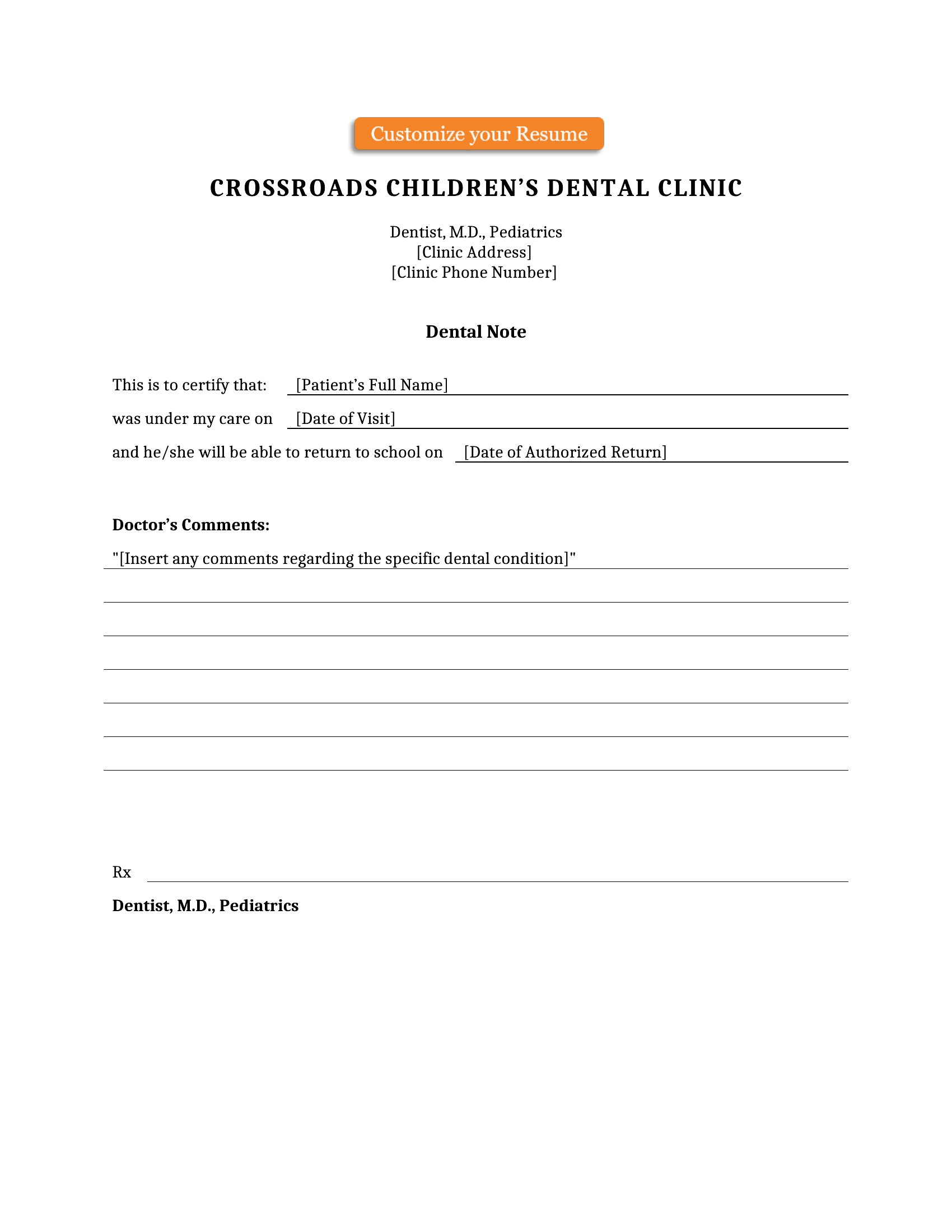
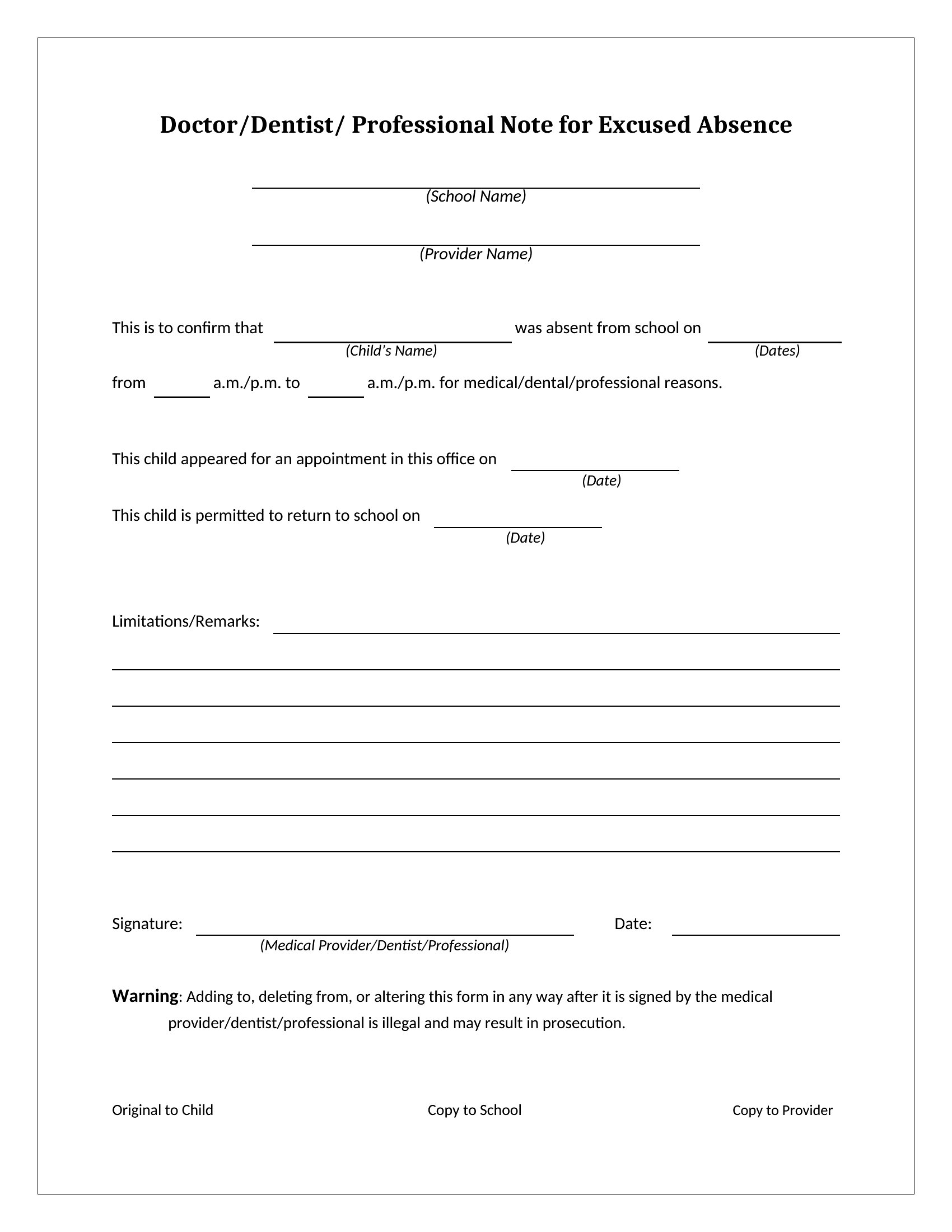
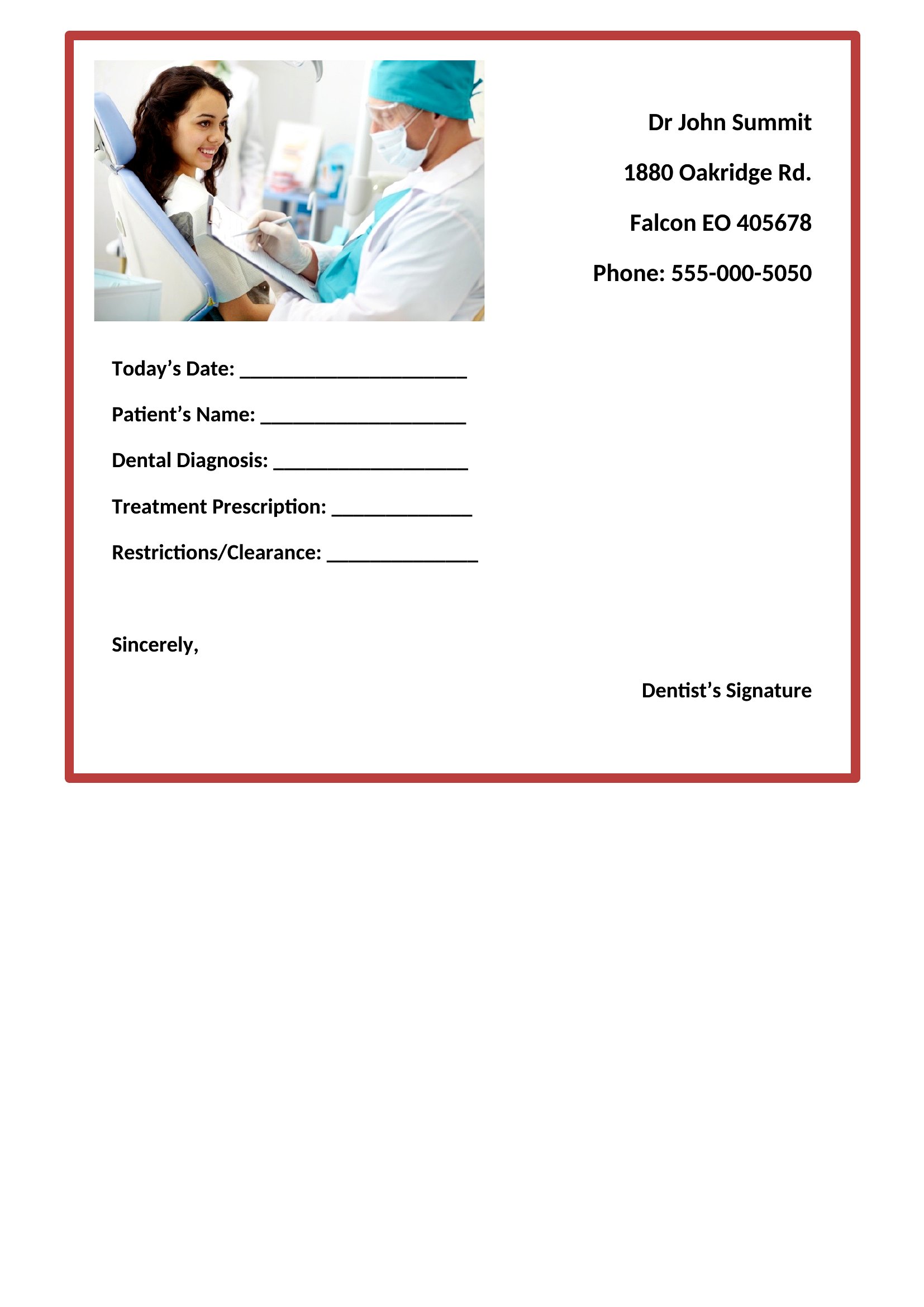
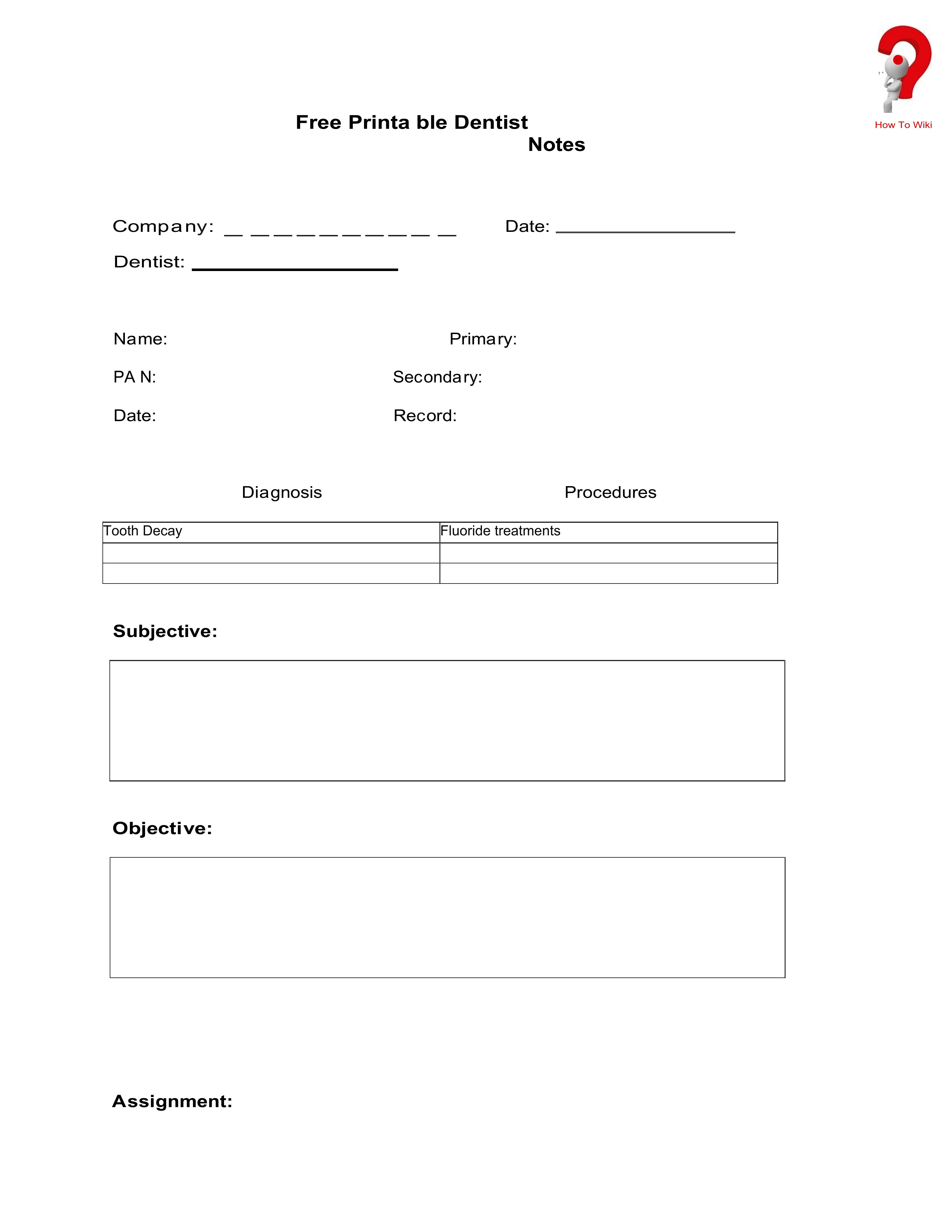
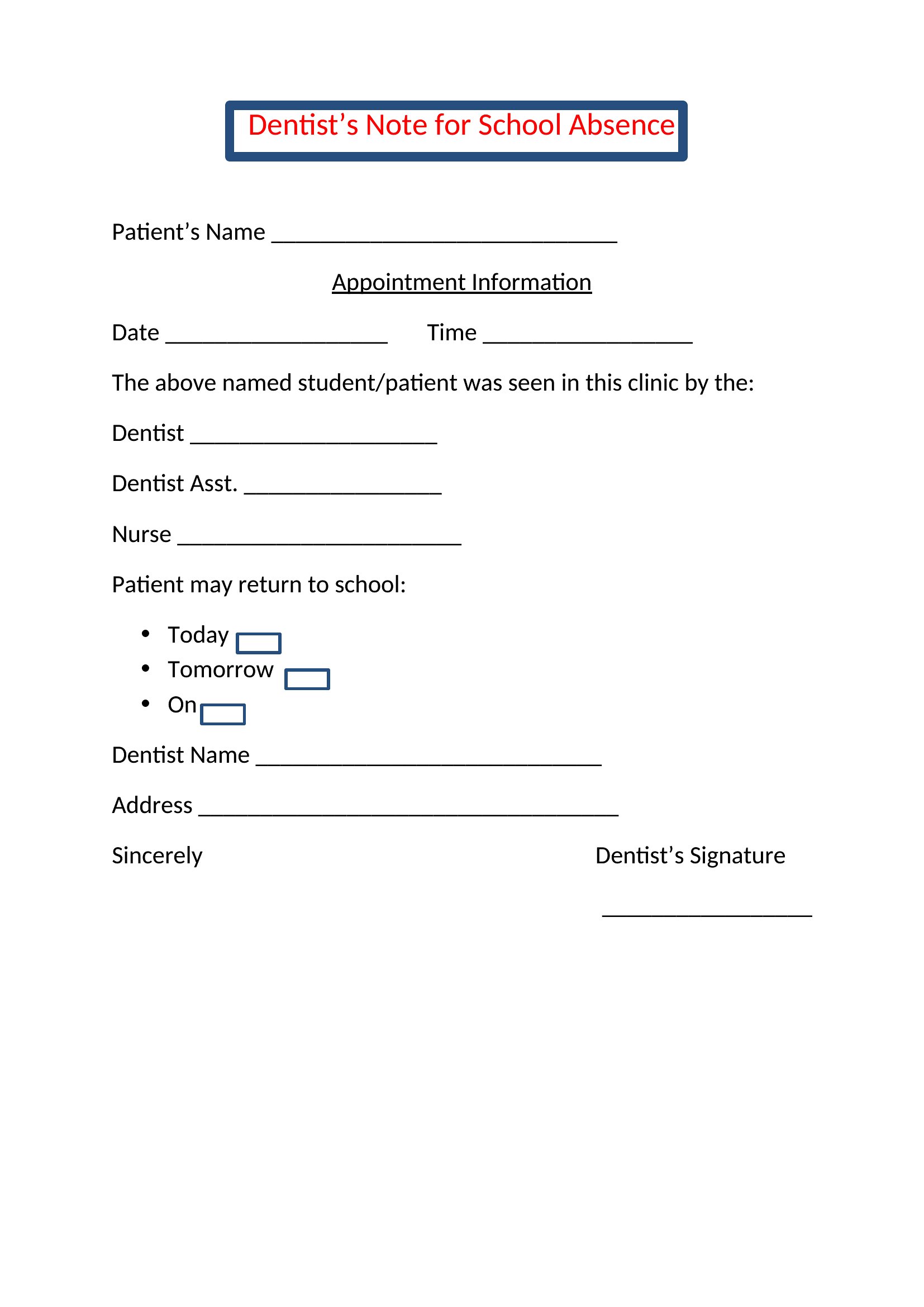
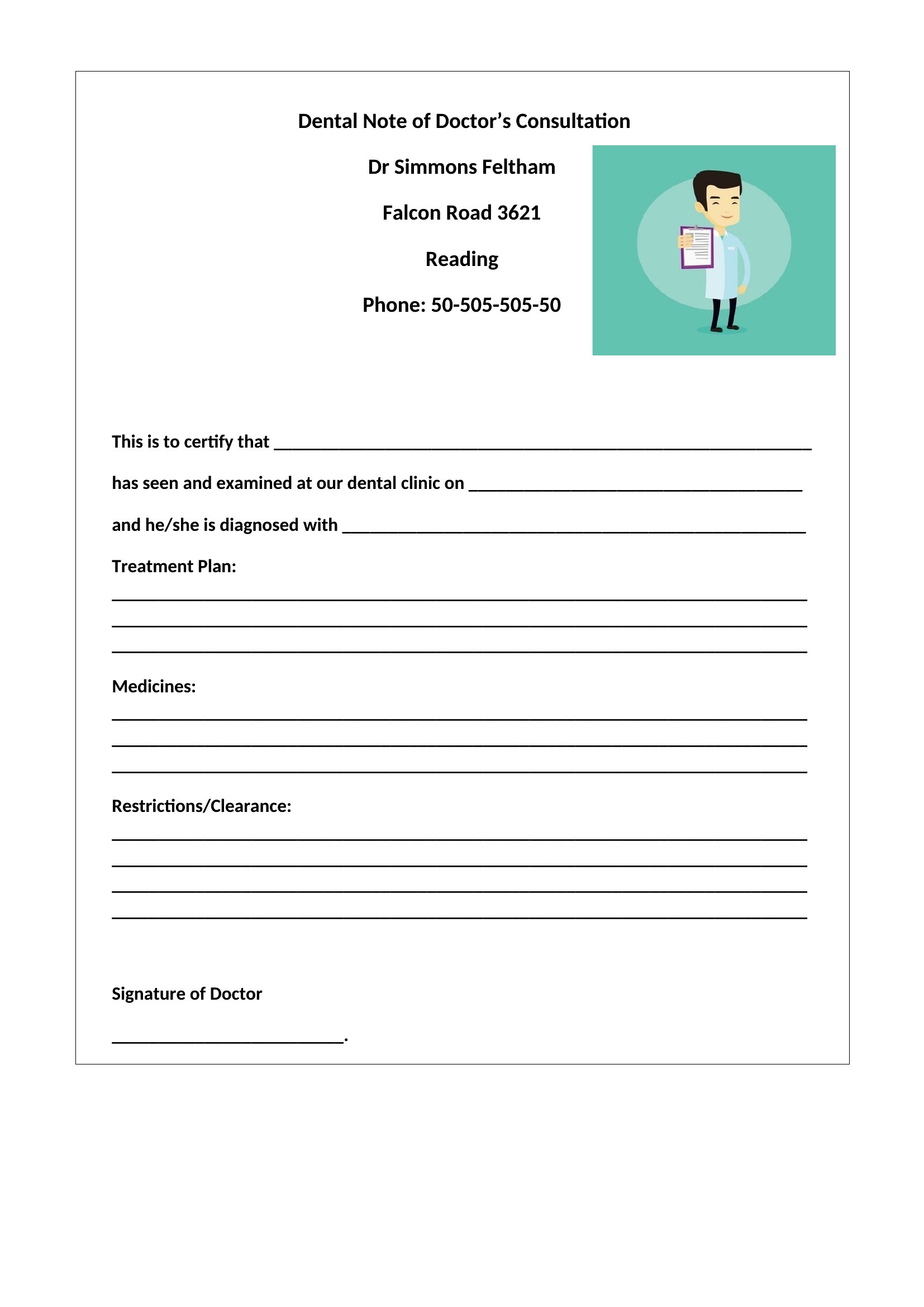
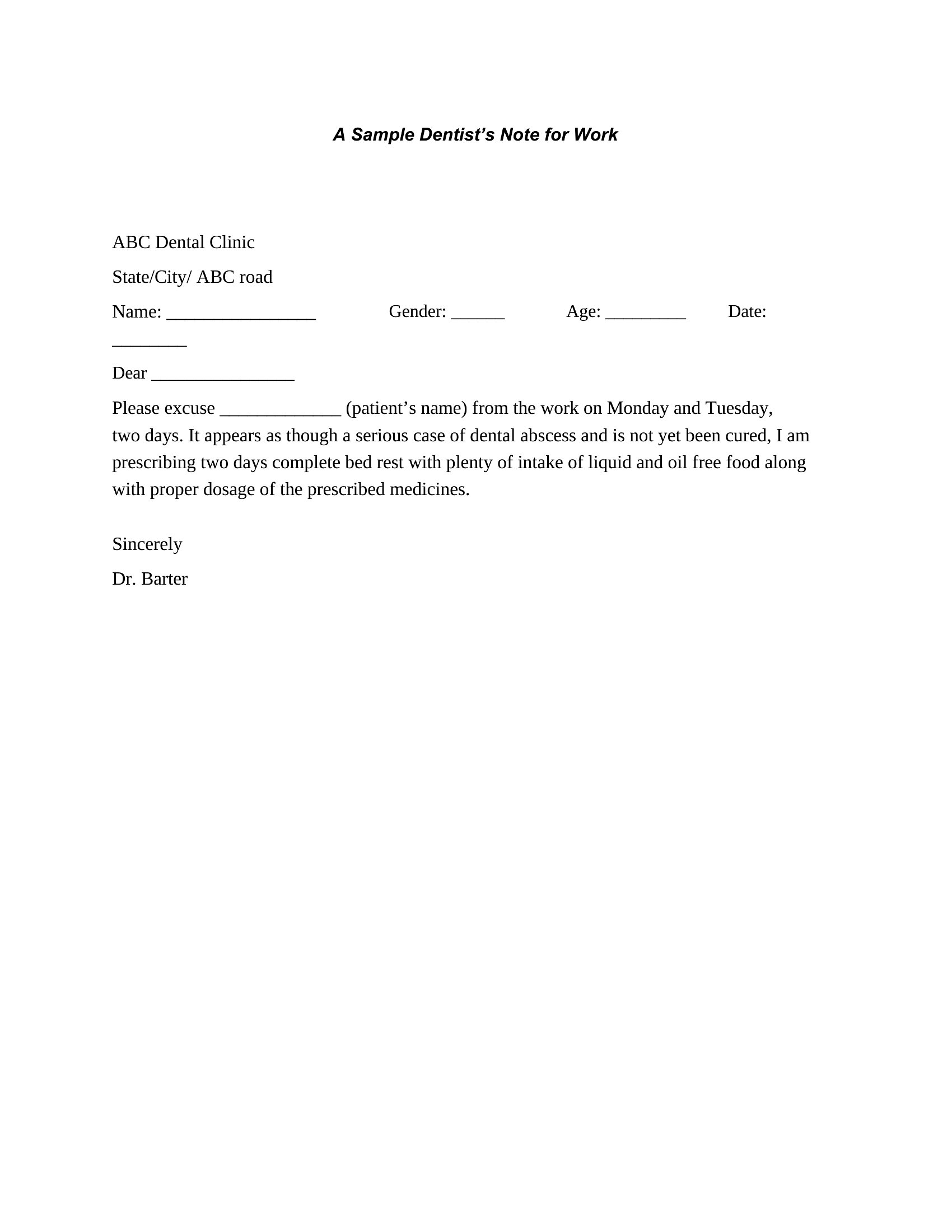
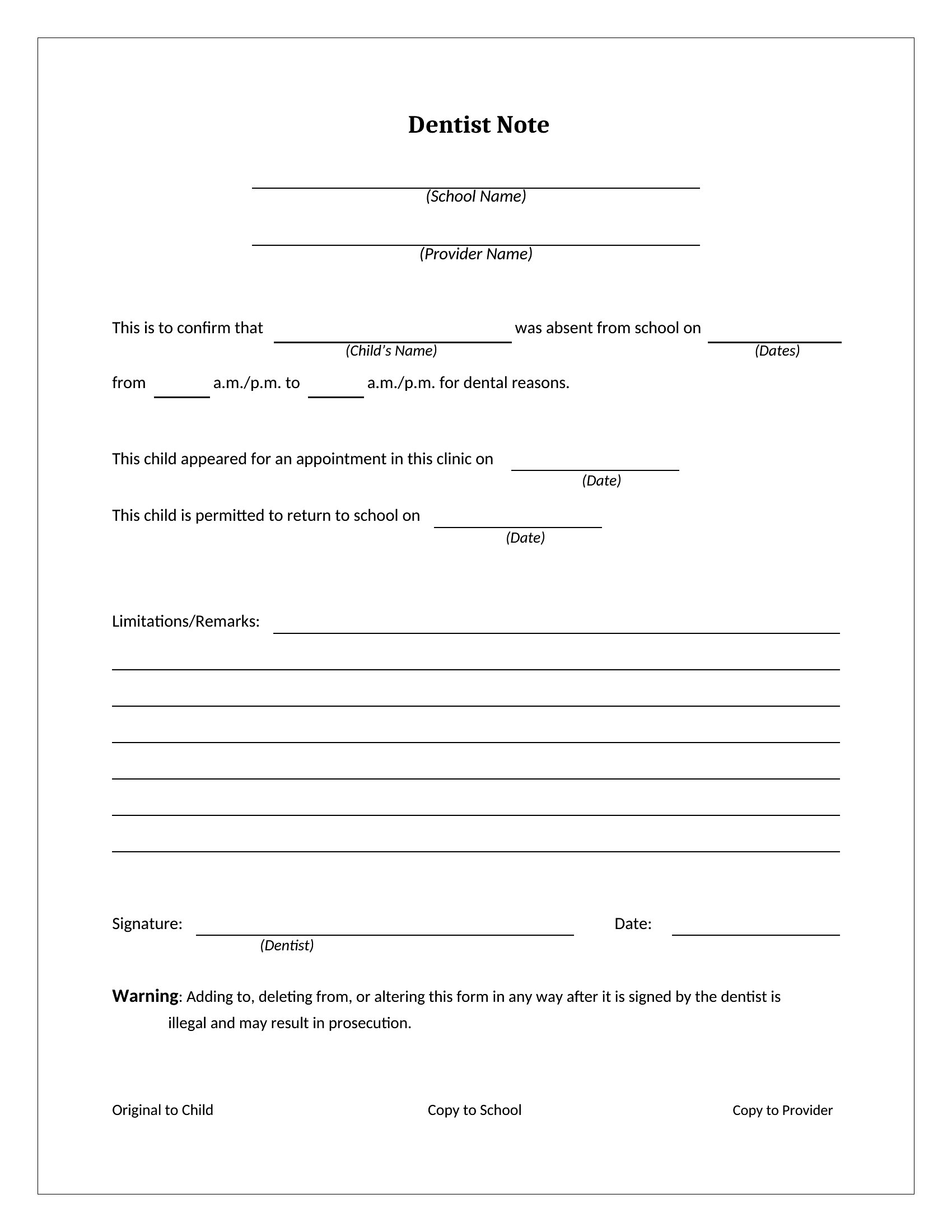
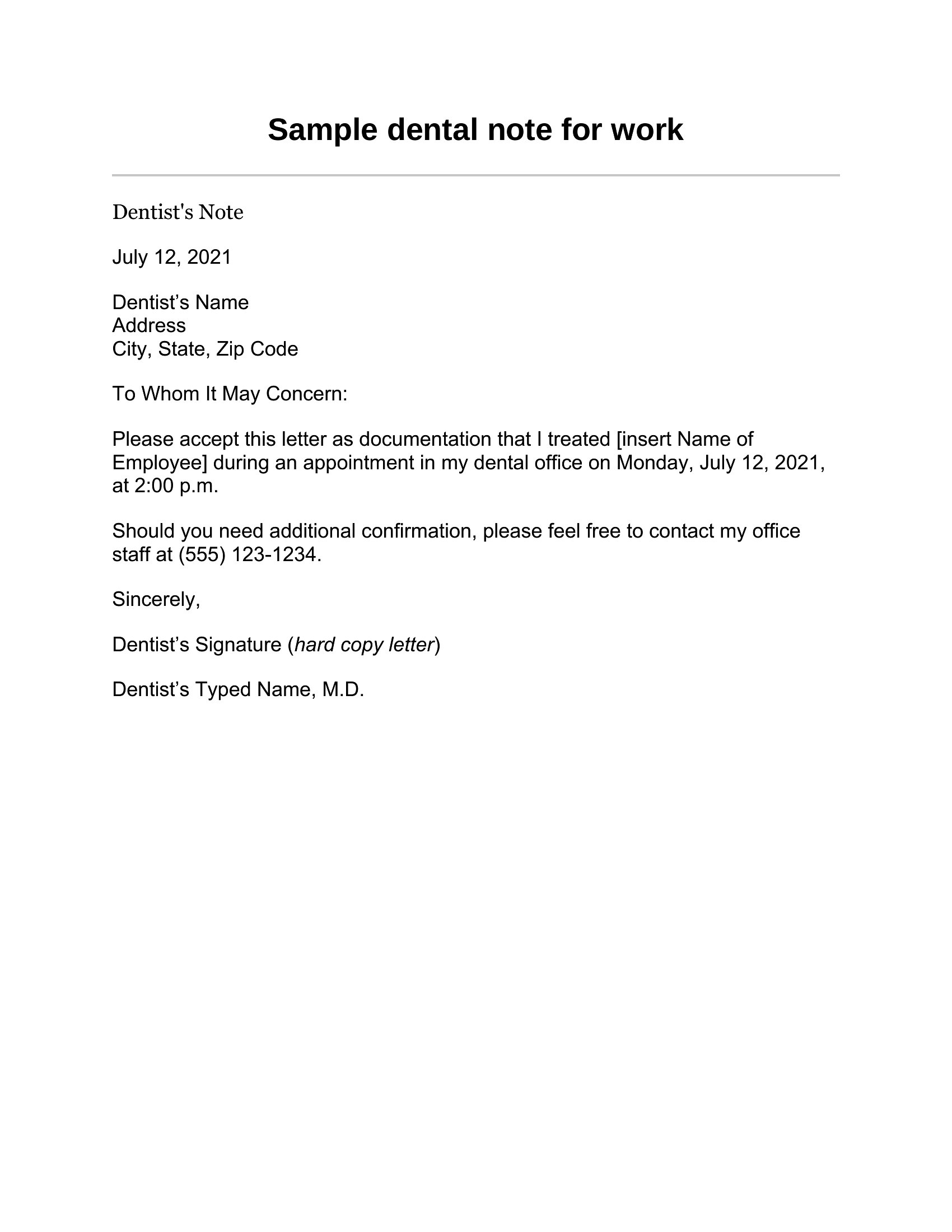
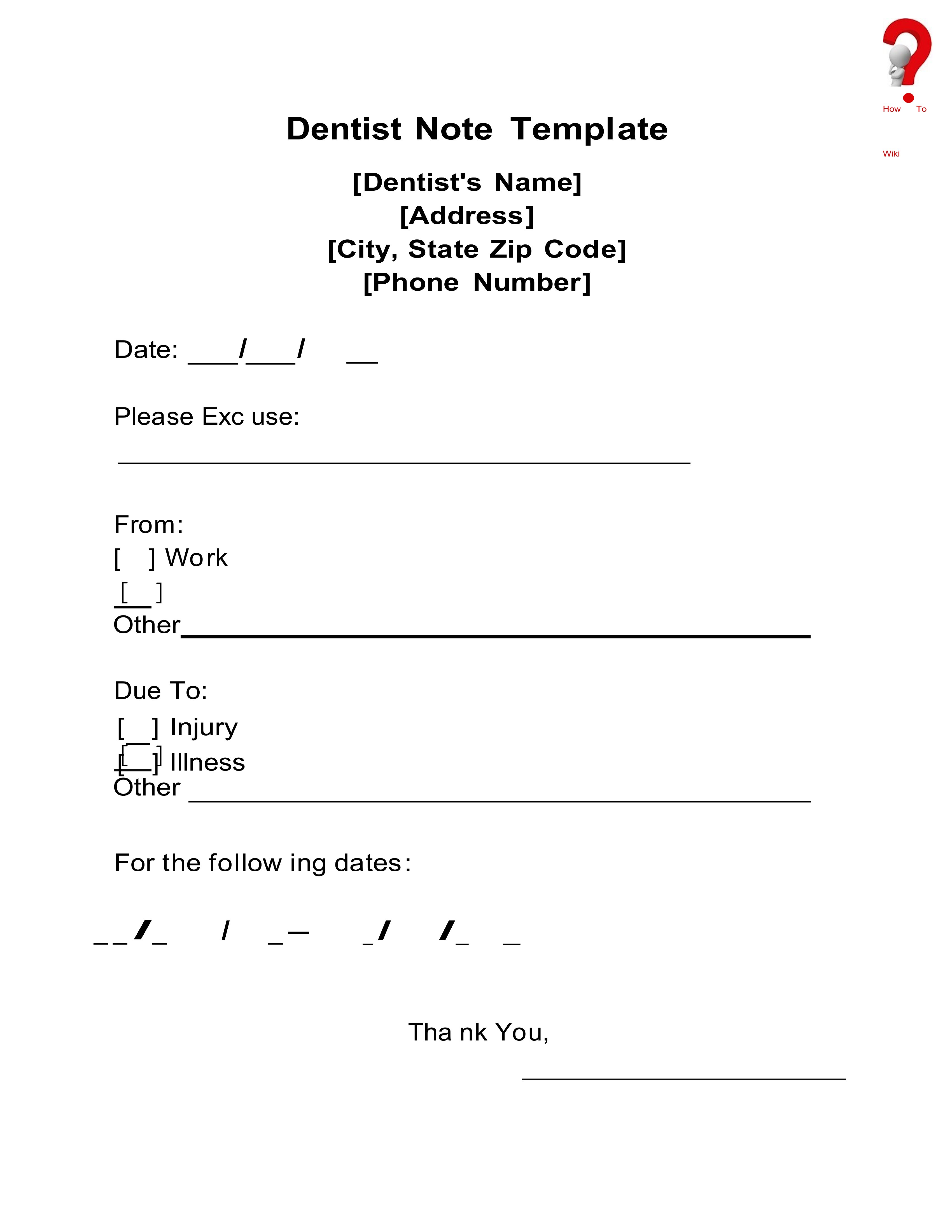
LifeDental offices often need to confirm that a patient came in, whether for a work or school absence. This set of 20 dentist note templates gives practices a clean, professional way to document a visit, with space for the date, the patient's name, and the provider's signature. Office managers and front-desk staff can produce one in moments.
The templates are editable in Microsoft Word, so you can add your practice's name and details and fill in the specifics for each patient. Keep these for legitimate documentation tied to a real appointment, and follow your office's record-keeping practices. Download the layout that suits your office and customize it to fit.
When to use this Dentist Note template
- A school nurse needs to quickly generate a dental visit verification for a student with a last-minute appointment, ensuring it matches the district’s required format.
- A dental office assistant must provide a parent with a signed note confirming their child’s cleaning appointment for a daycare’s attendance record.
- An HR specialist at a manufacturing plant requires a dentist’s note template to document an employee’s urgent dental visit for a same-day absence approval.
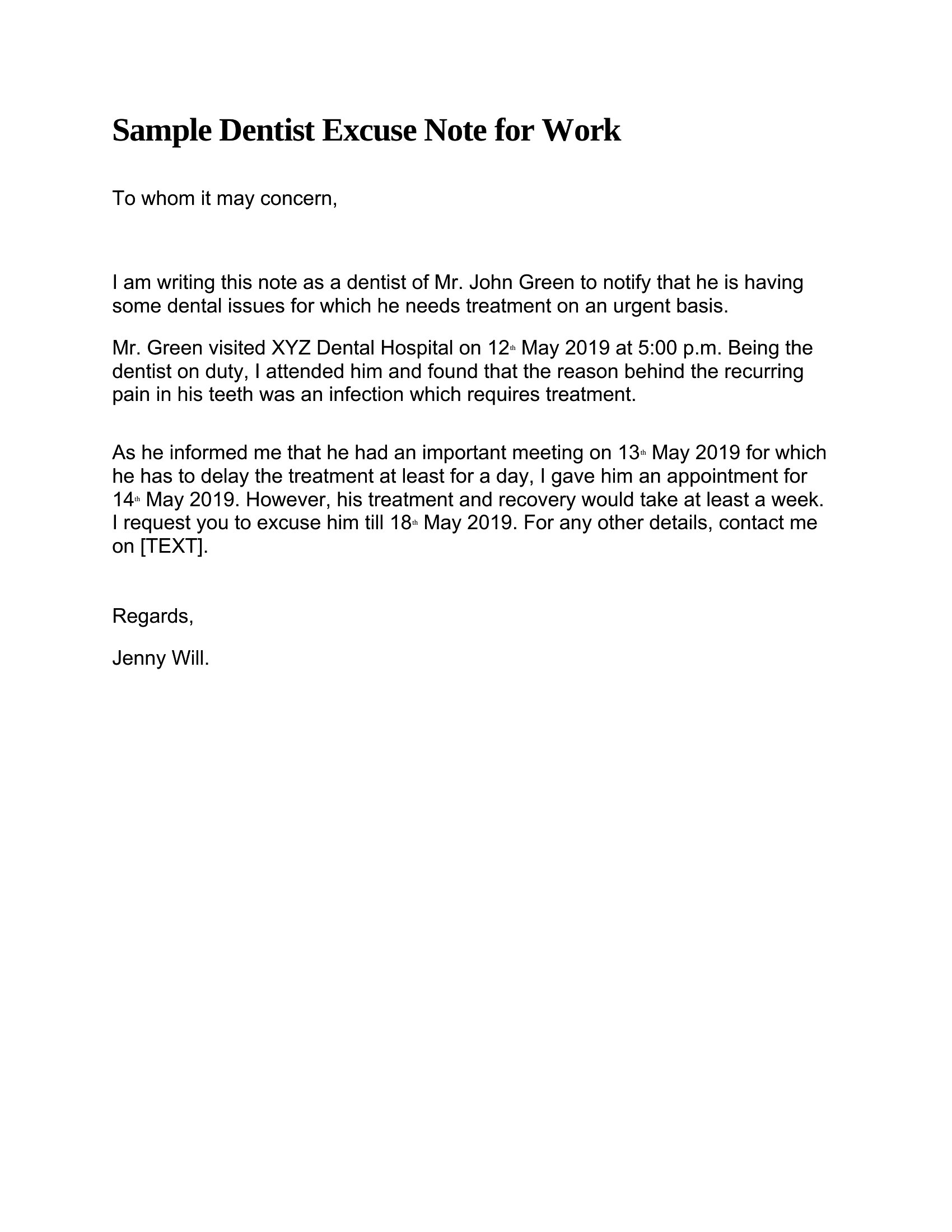
- A pediatric dentist’s scheduler needs a professional note template to send to parents’ employers when their child requires an emergency tooth extraction.
Which format should I download?
All 20 templates are available exclusively in Microsoft Word format, which is ideal for dental offices already using MS Office. This format allows easy customization—such as adding practice logos, provider details, or specific visit notes—before printing or emailing. Choose Word if your office prefers editable, reusable documents that integrate seamlessly with existing workflows, like scanning signatures or saving to shared drives.
Choose from 20 Dentist Note Templates
How to use this Dentist Note template
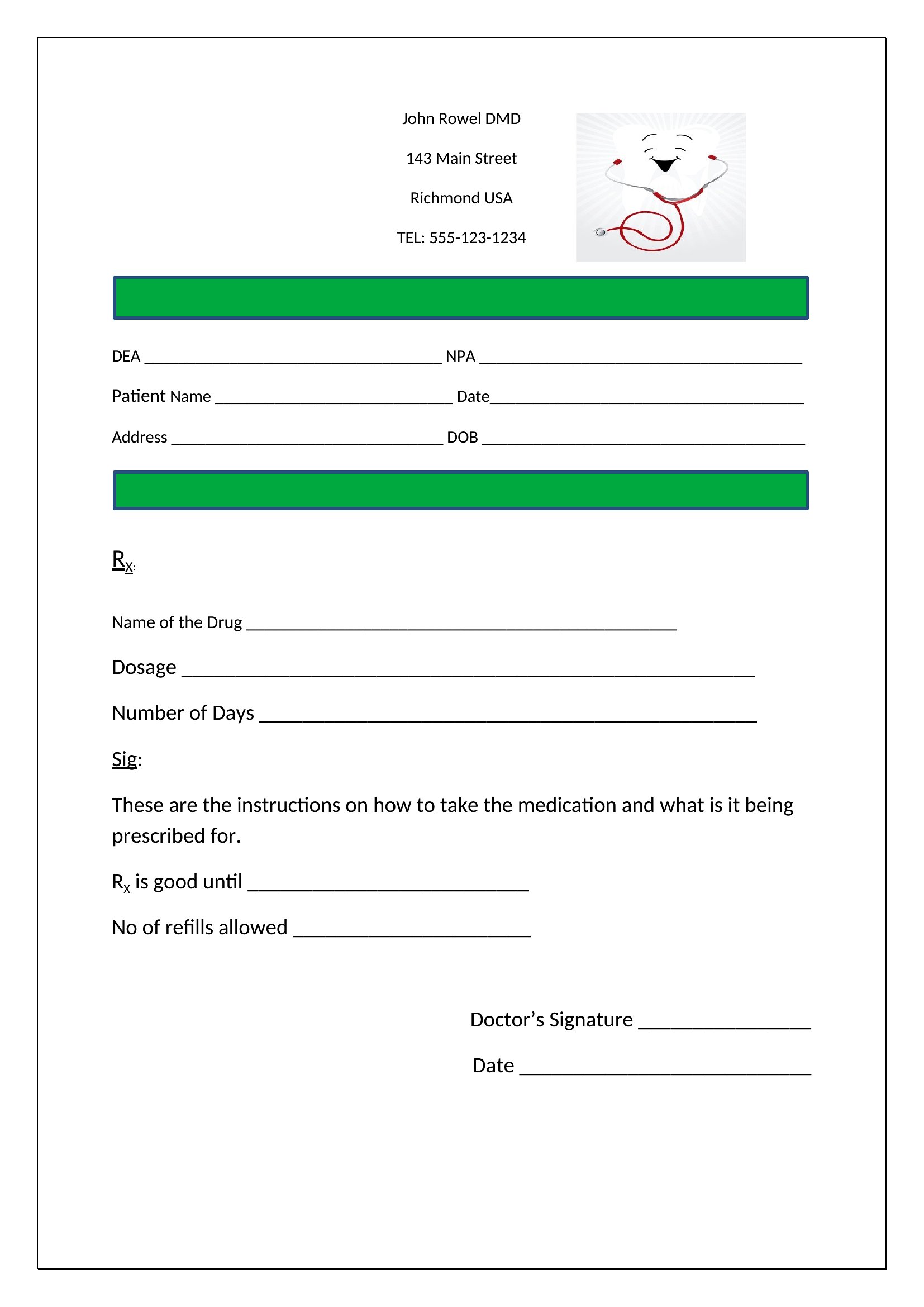
Can these templates include a dentist’s license number or practice contact details?
Yes, the Word templates provide fields where you can manually add a dentist’s license number, clinic name, and contact information. However, ensure all details comply with your state’s dental board regulations before use. These are starting points—always verify legal requirements for your specific practice.
Do the templates accommodate notes for both routine cleanings and emergency dental visits?
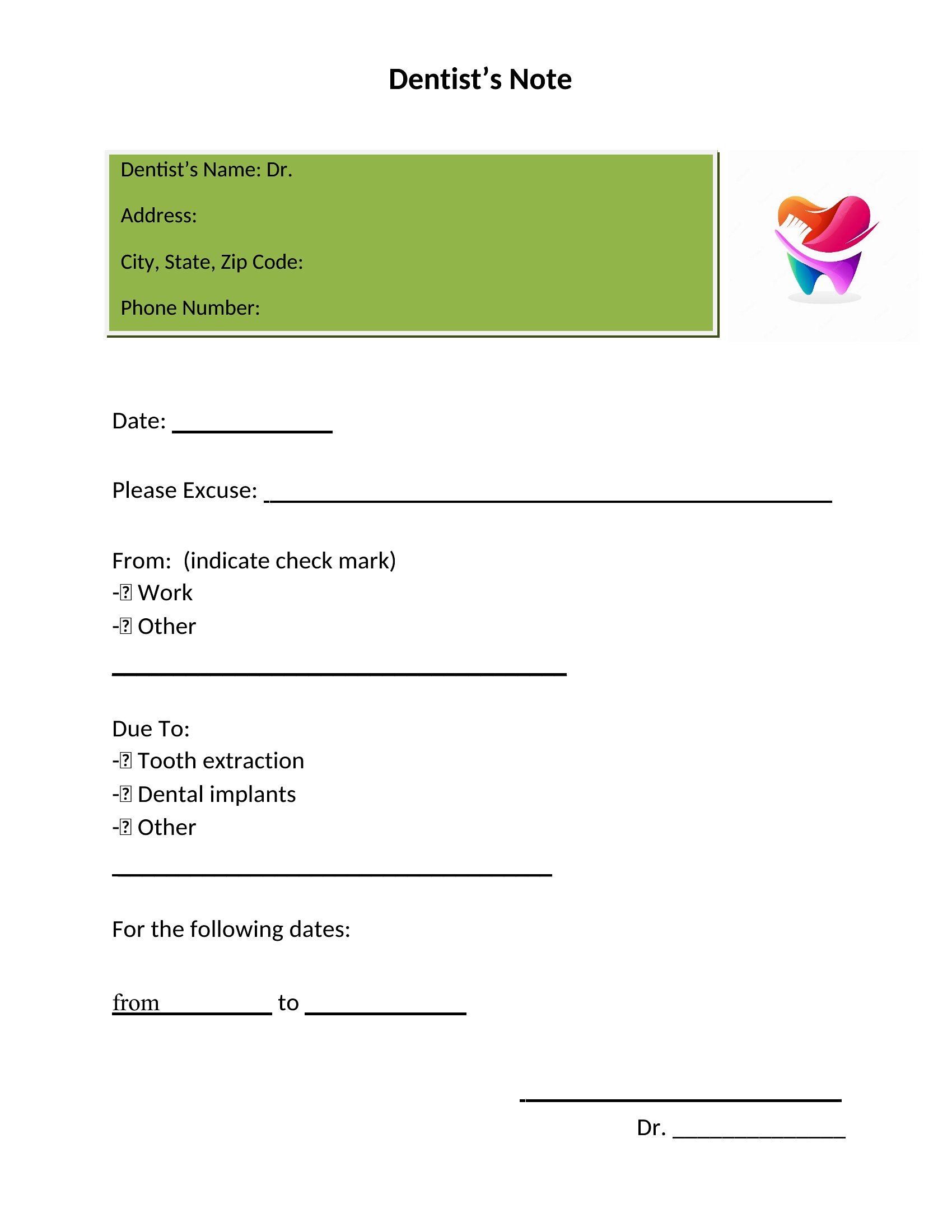
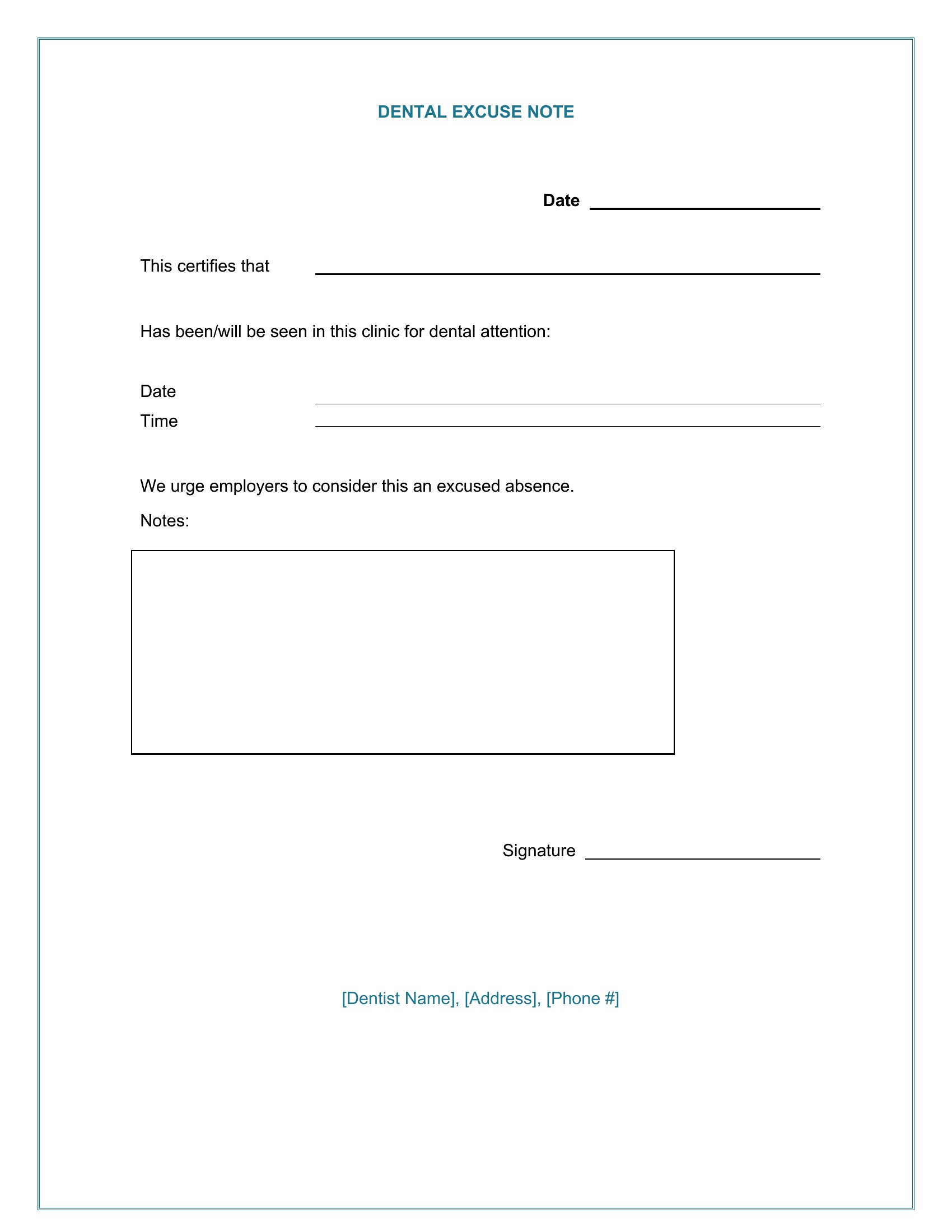
The templates include space for the date, patient name, provider signature, and a notes section. For emergencies, office staff can add details like ‘unexpected tooth abscess’ or ‘trauma-related extraction’ in the provided area. The focus is on clarity for schools or employers, not clinical diagnosis.
Are these suitable for bilingual offices that need notes in both English and Spanish?
The templates are in English by default, but the editable Word format lets you duplicate and translate them for bilingual use. Simply copy the template, adjust the text to Spanish, and save as a separate file. No built-in translation tools are included, so manual review is recommended for accuracy.
Comments
Join the conversation
Sign in to share your thoughts and leave a comment on this resource.