Skip to content
50% off this one-time $1.99 pack with HALFOFF — or unlimited with Pro.HALFOFF
Premium

Free Printable Binder Spine Inserts (Word, PDF)

Life
svitogorastepaniv by svitogorastepaniv
Updated 0 downloads Quality-checked template

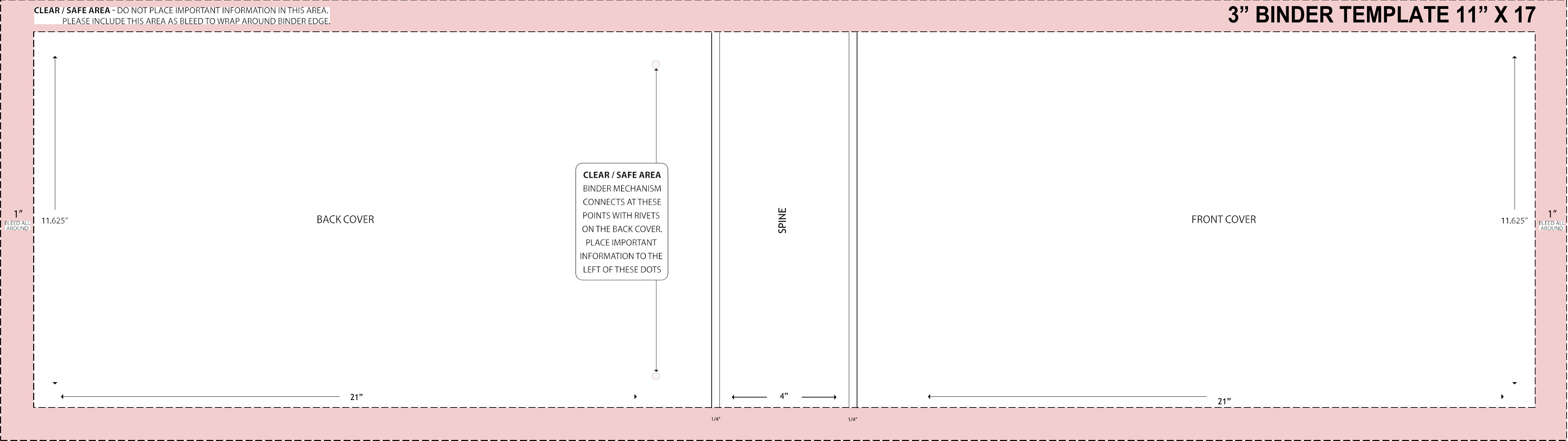
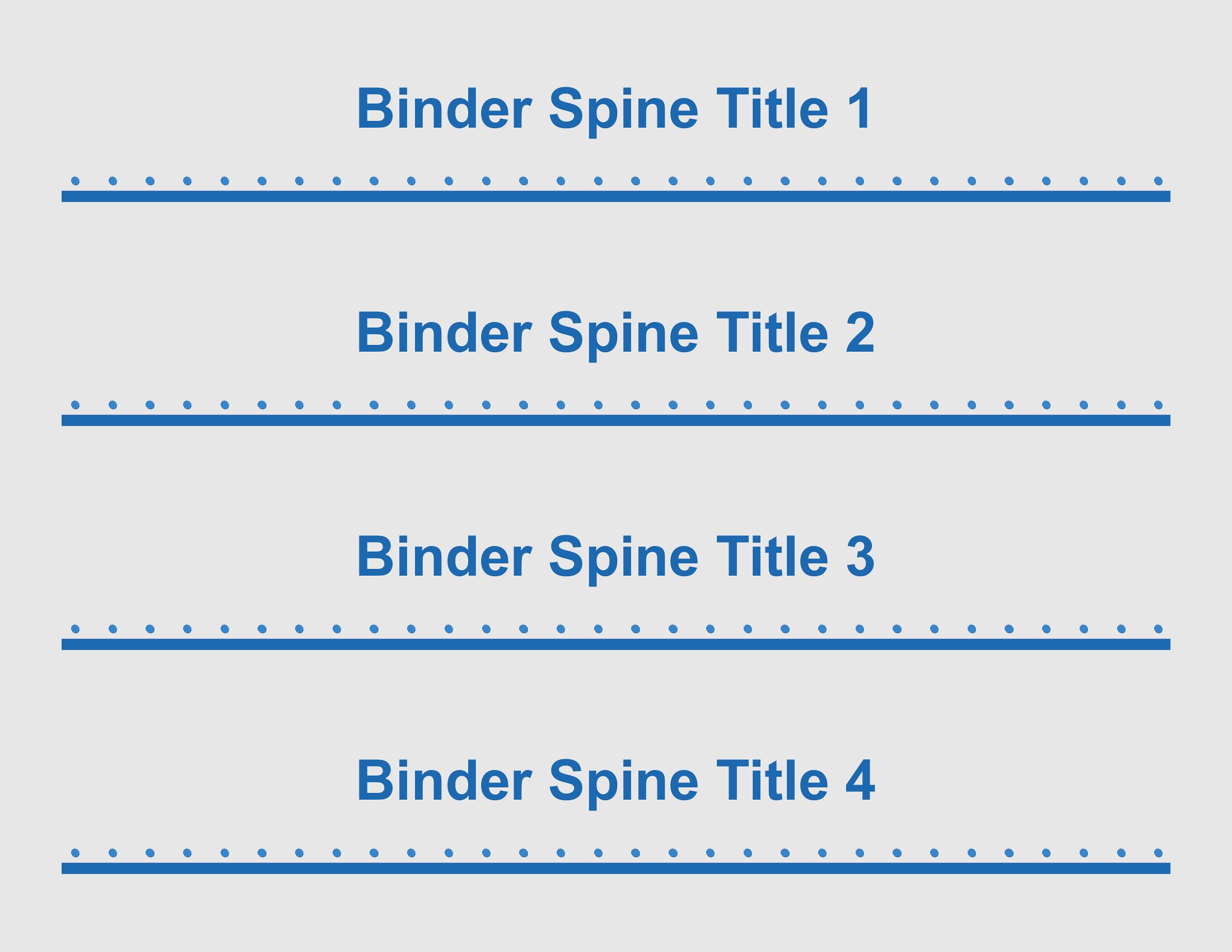
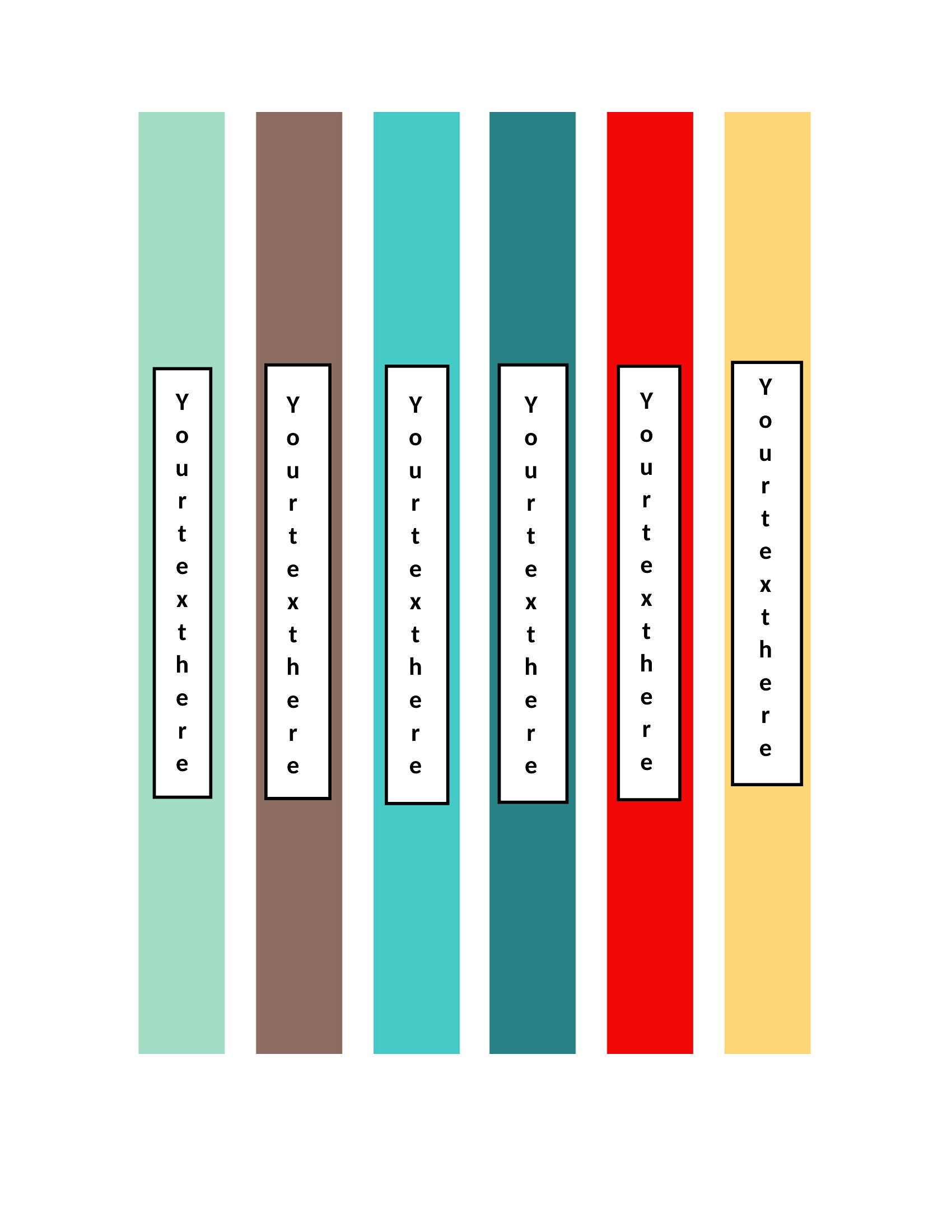
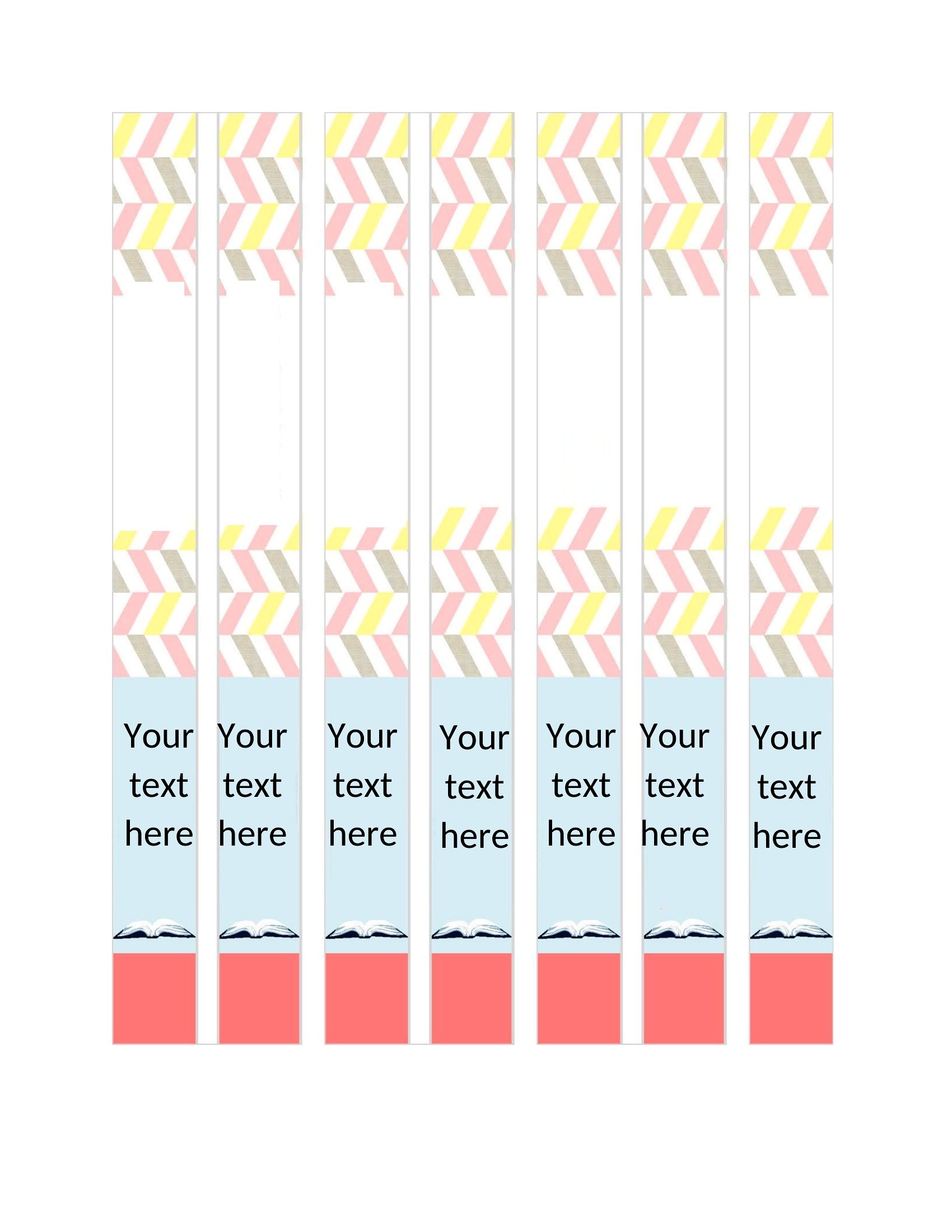
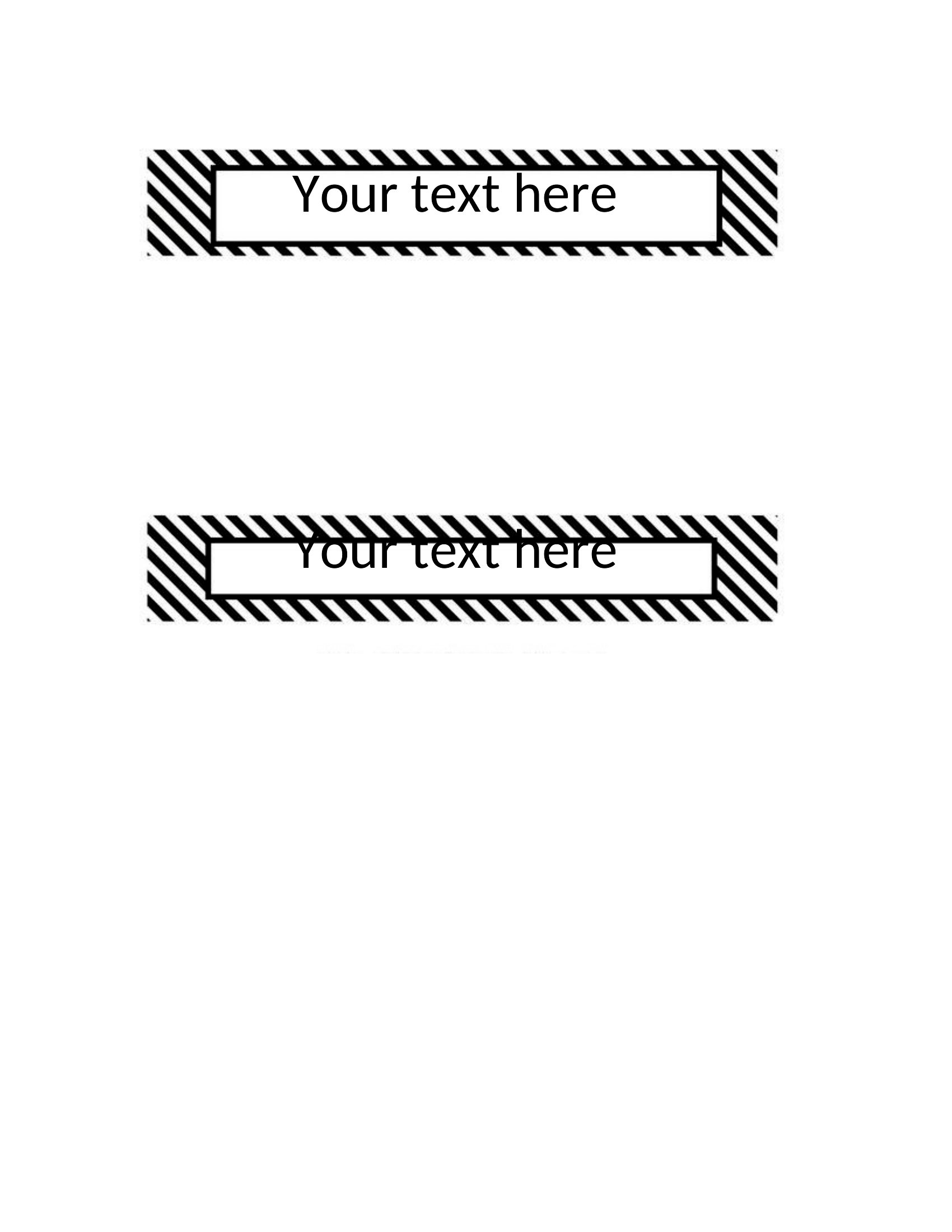
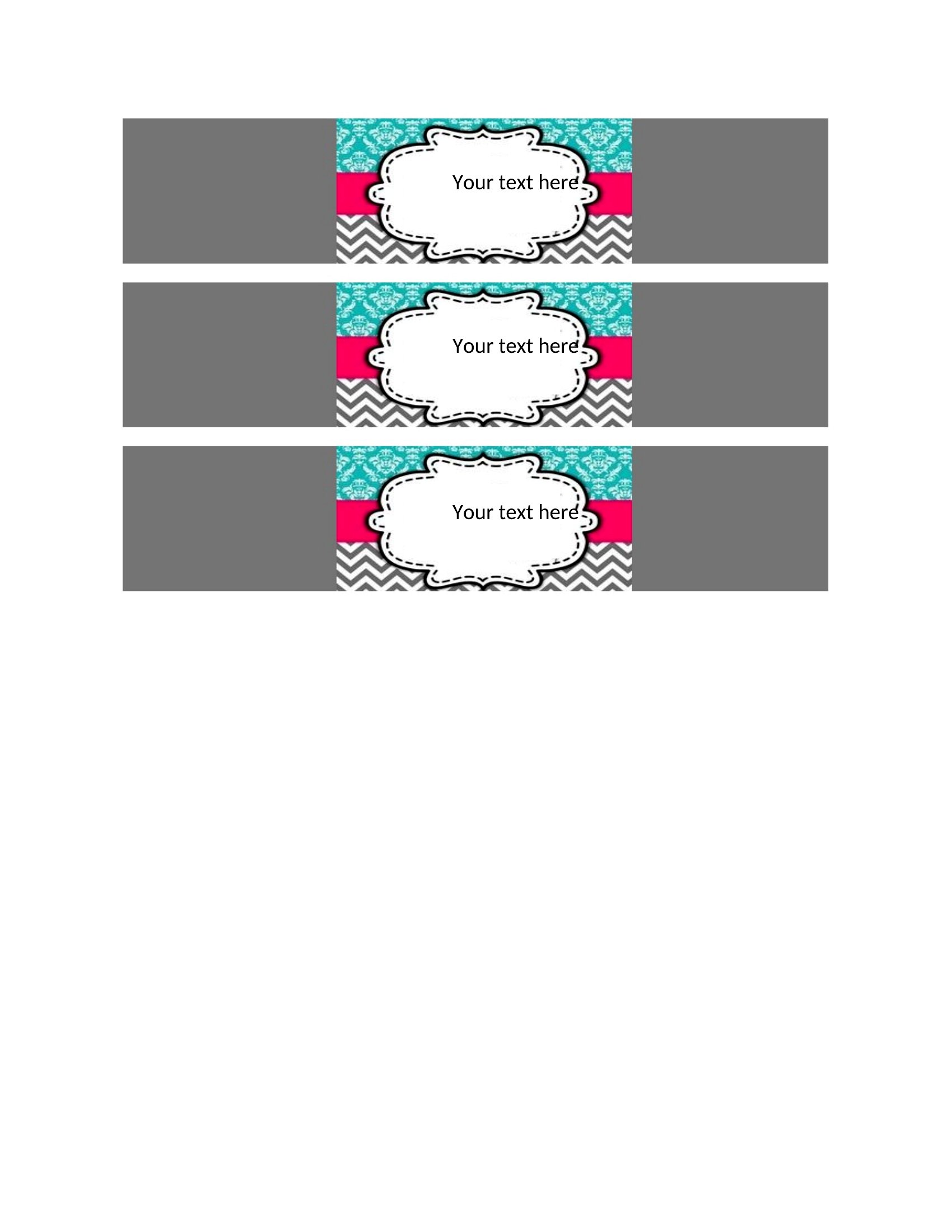
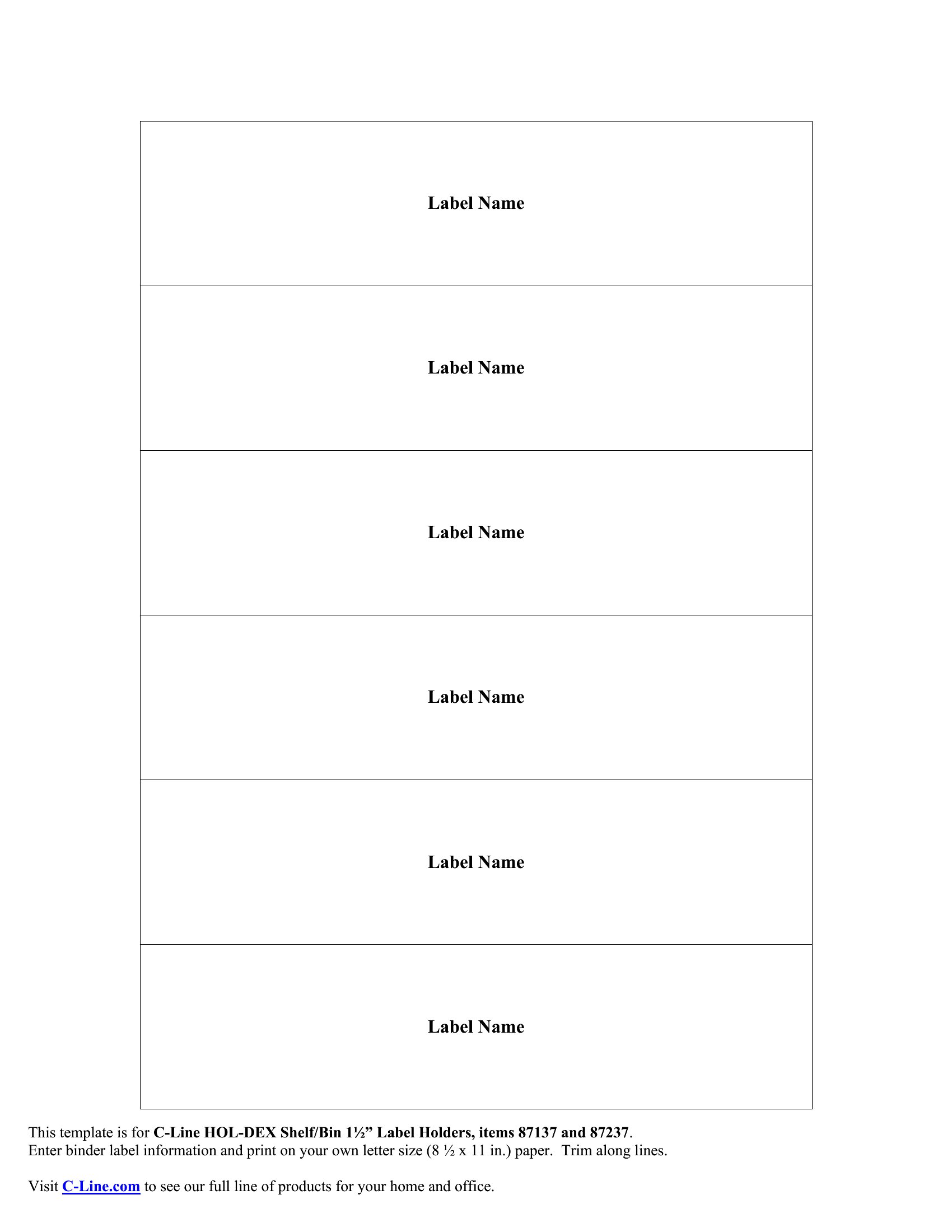
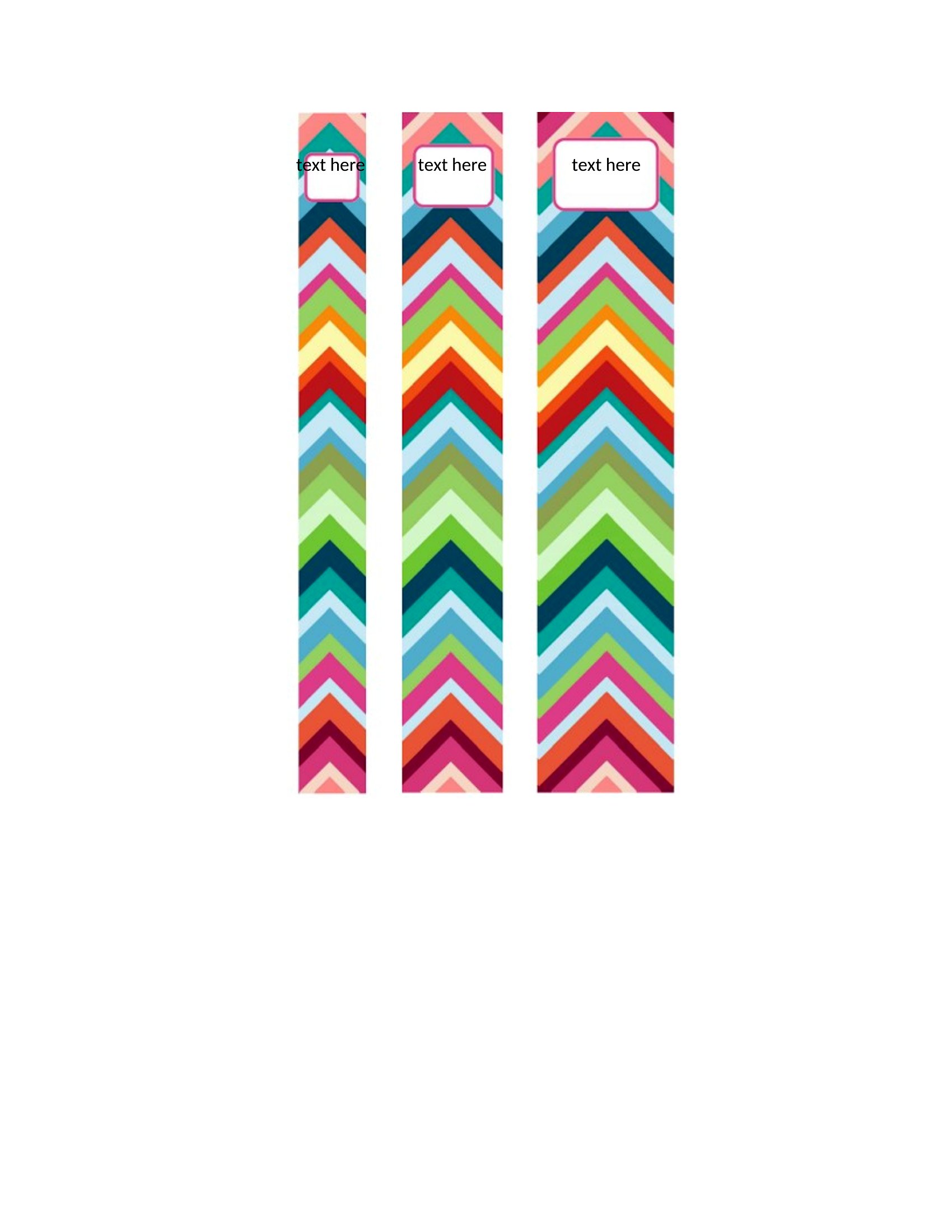
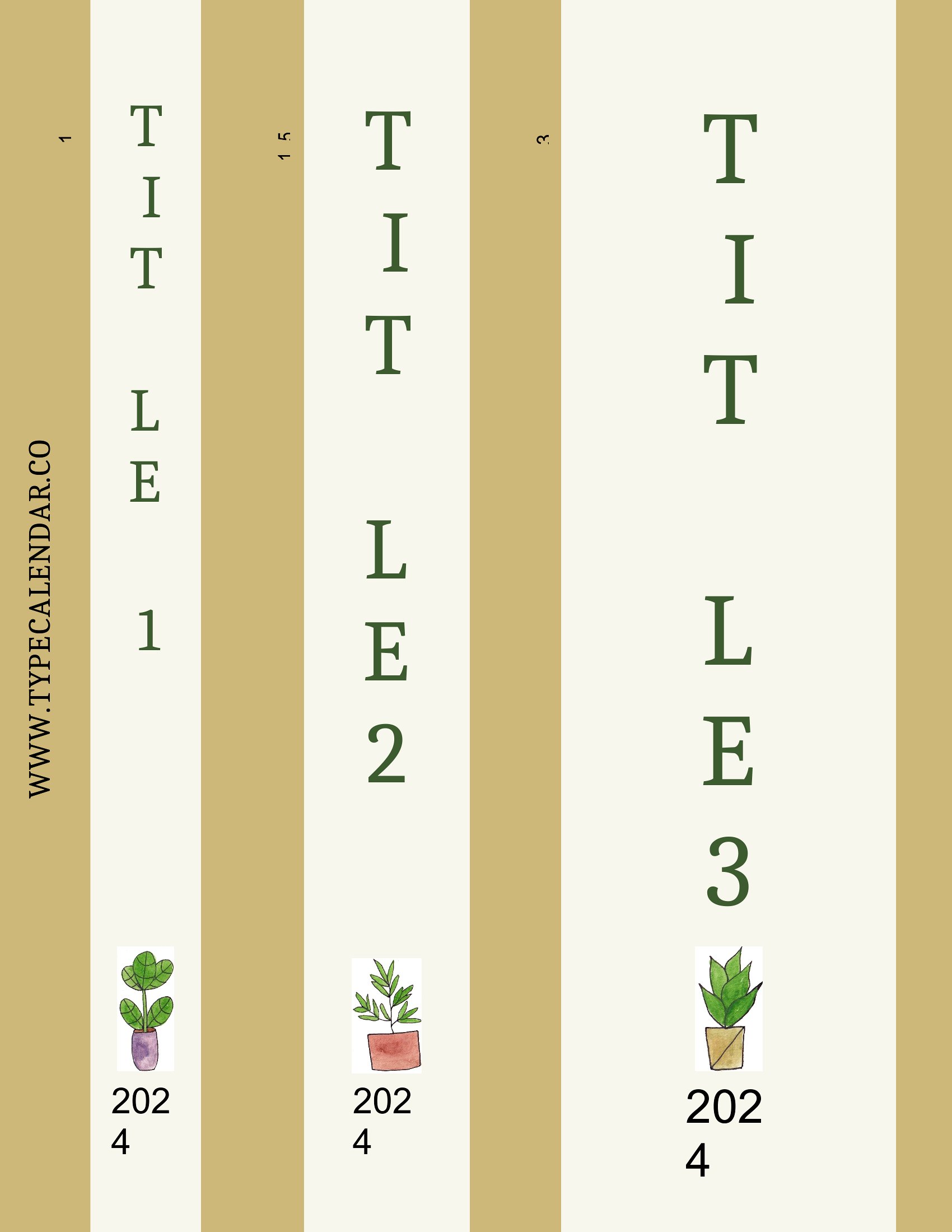
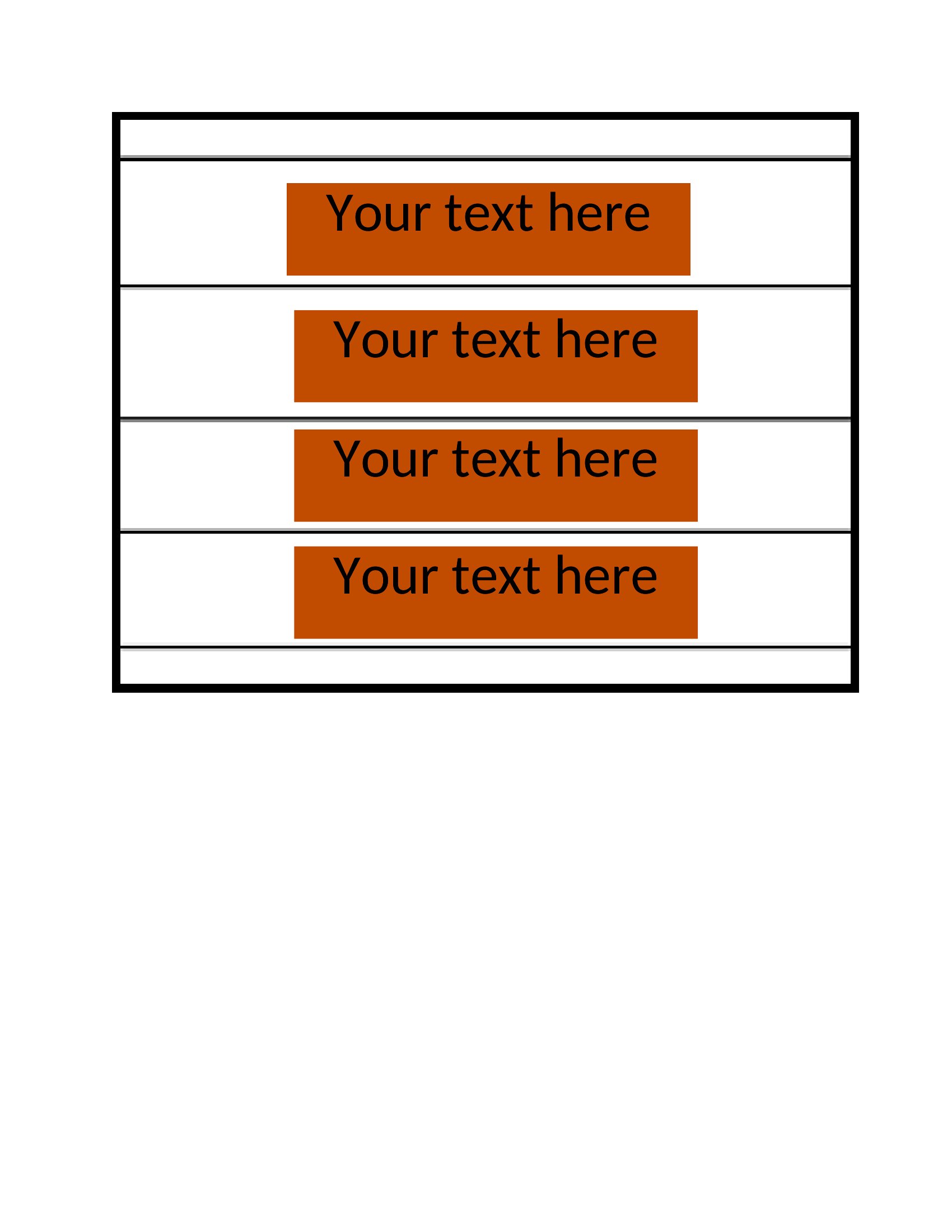
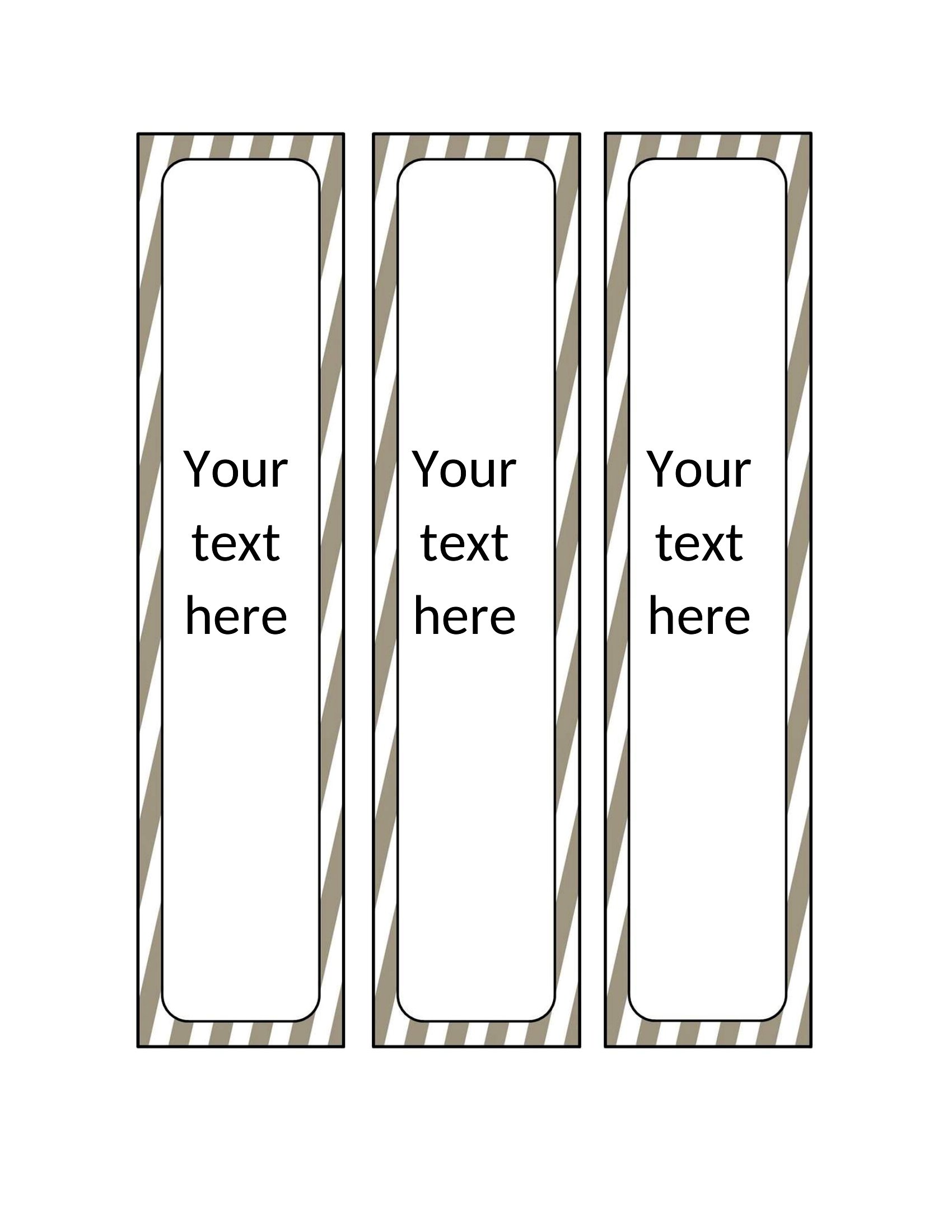
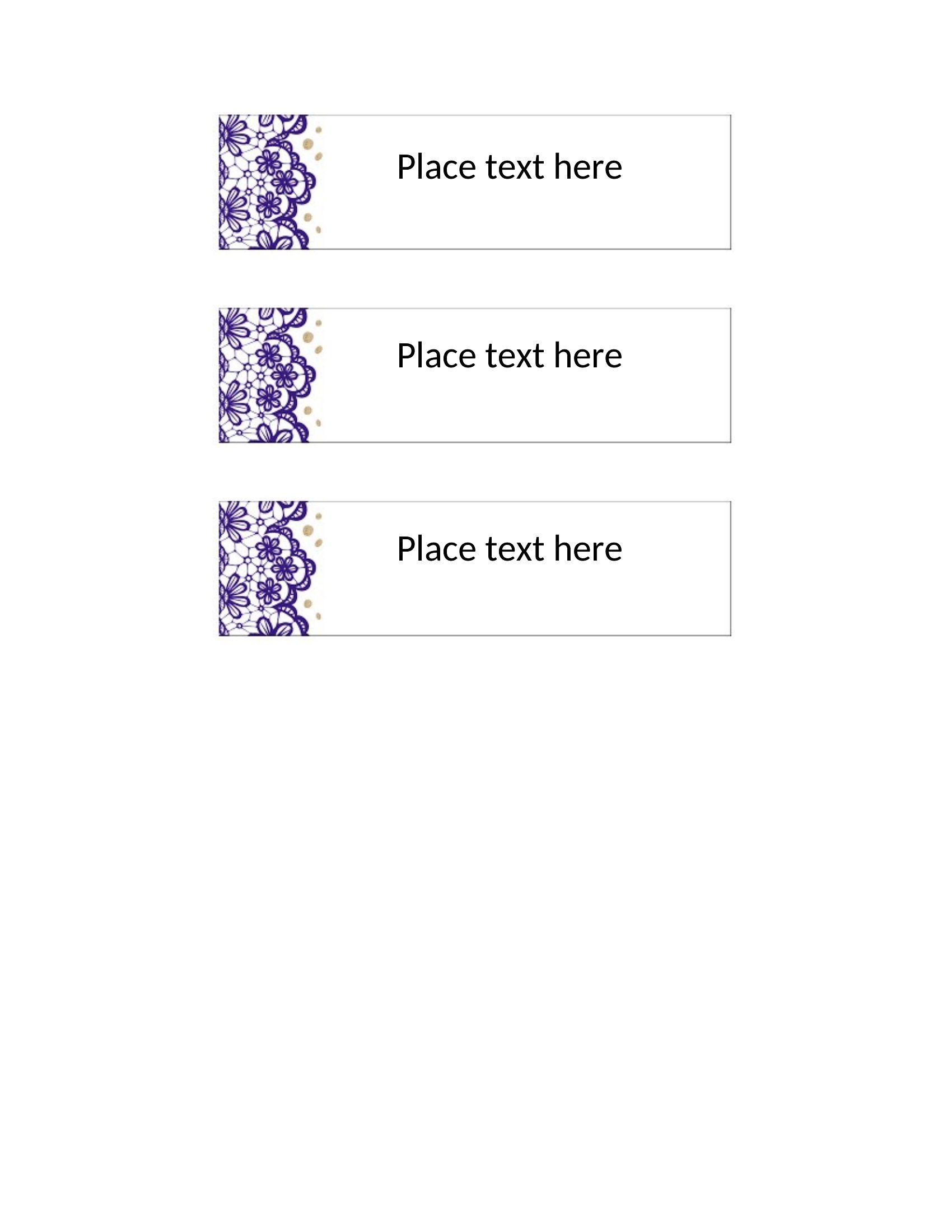
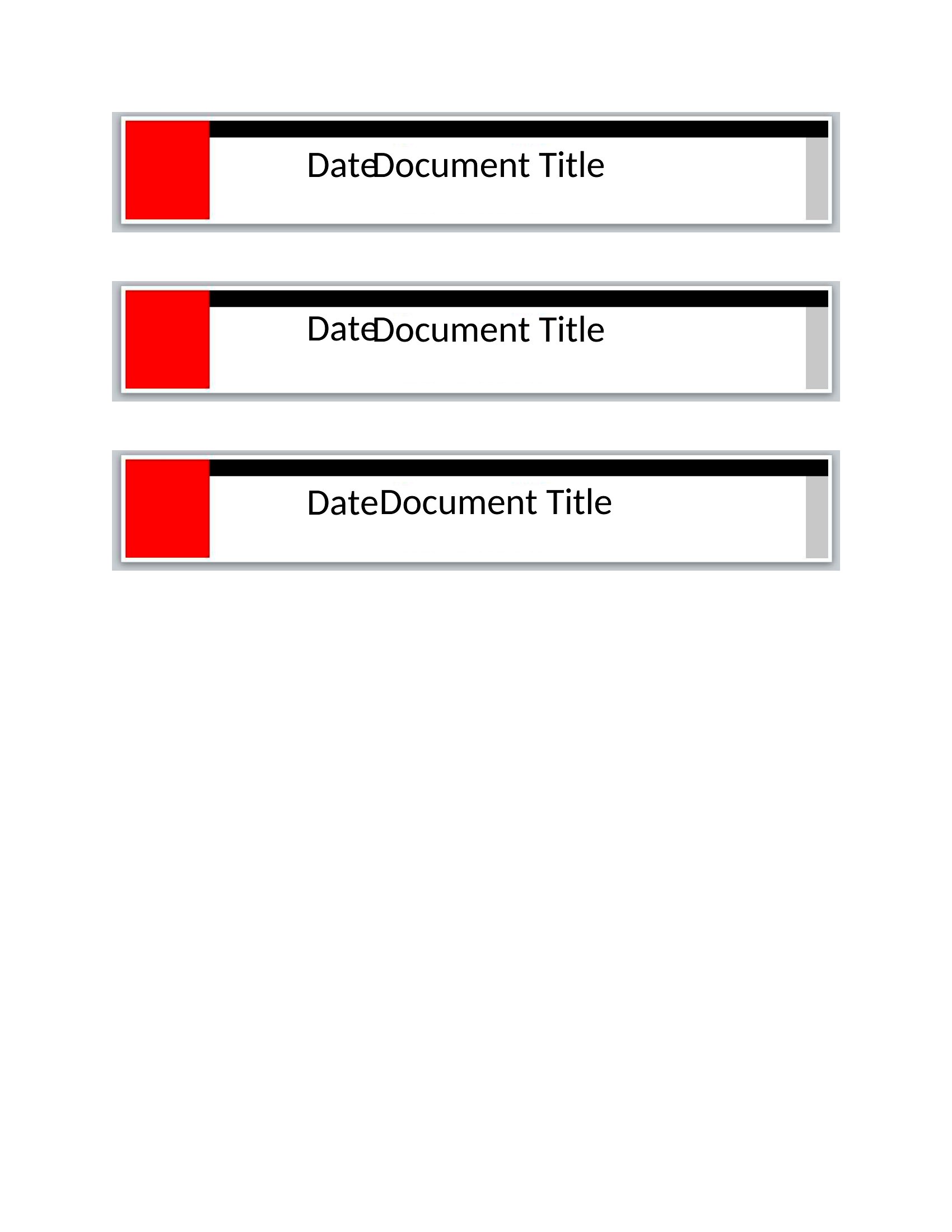
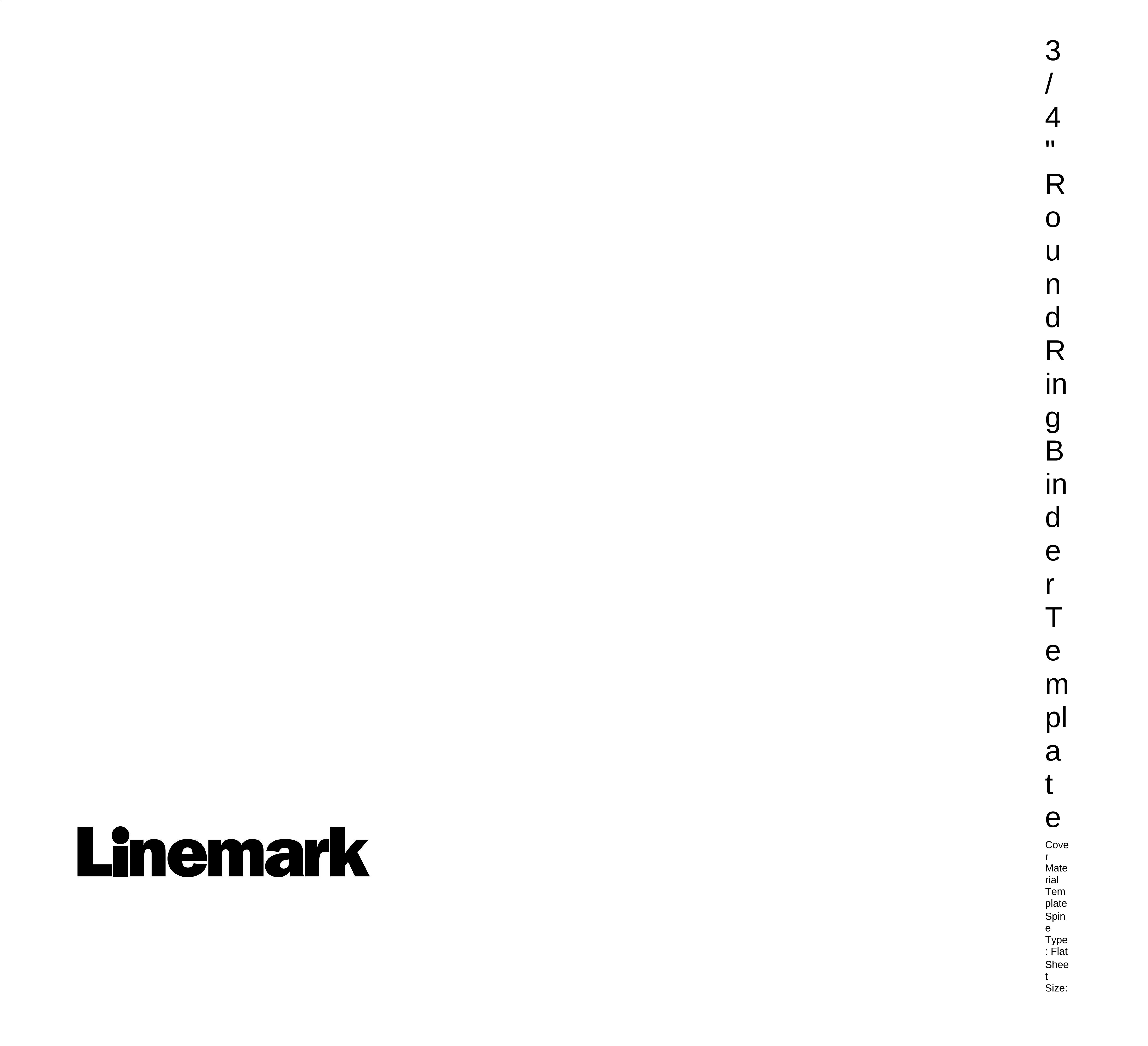
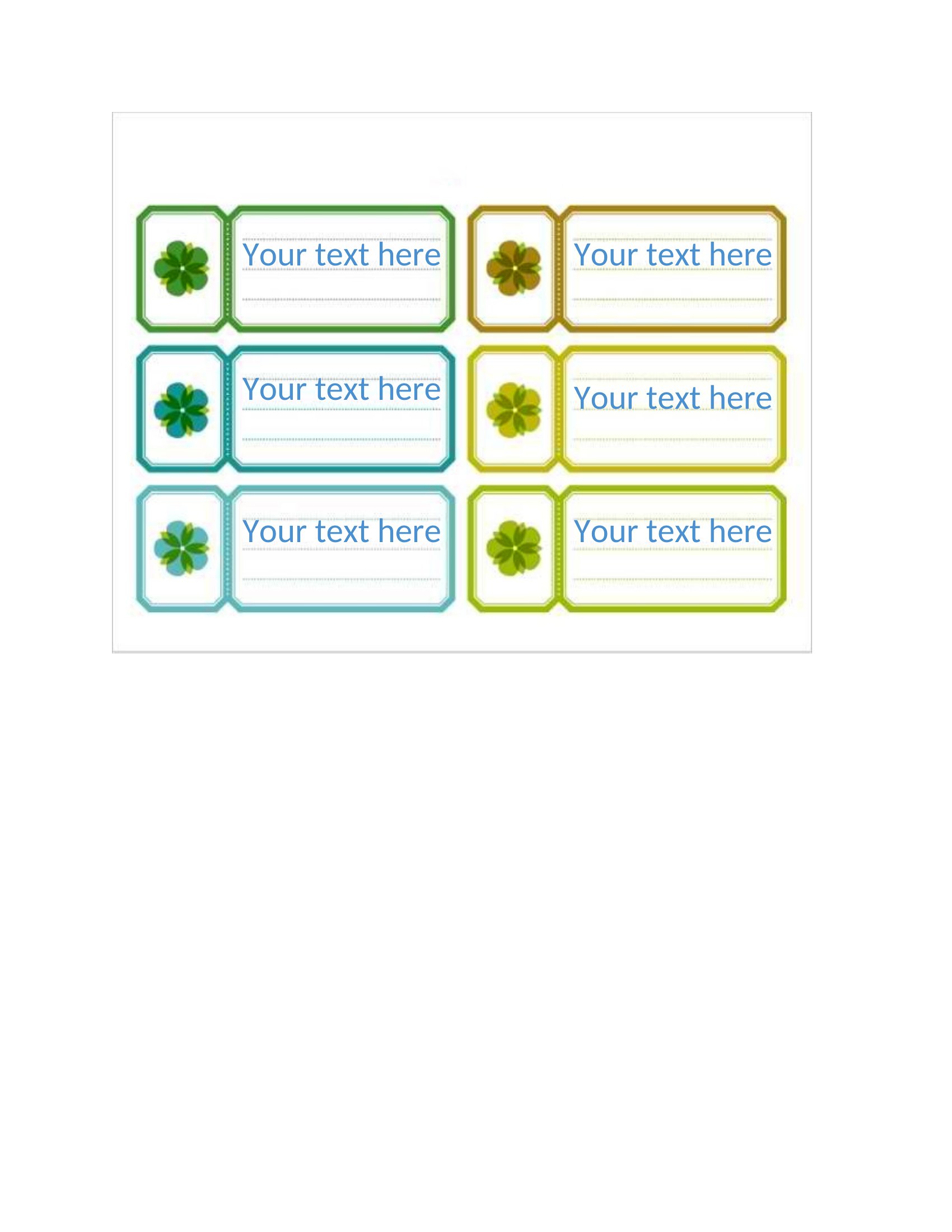
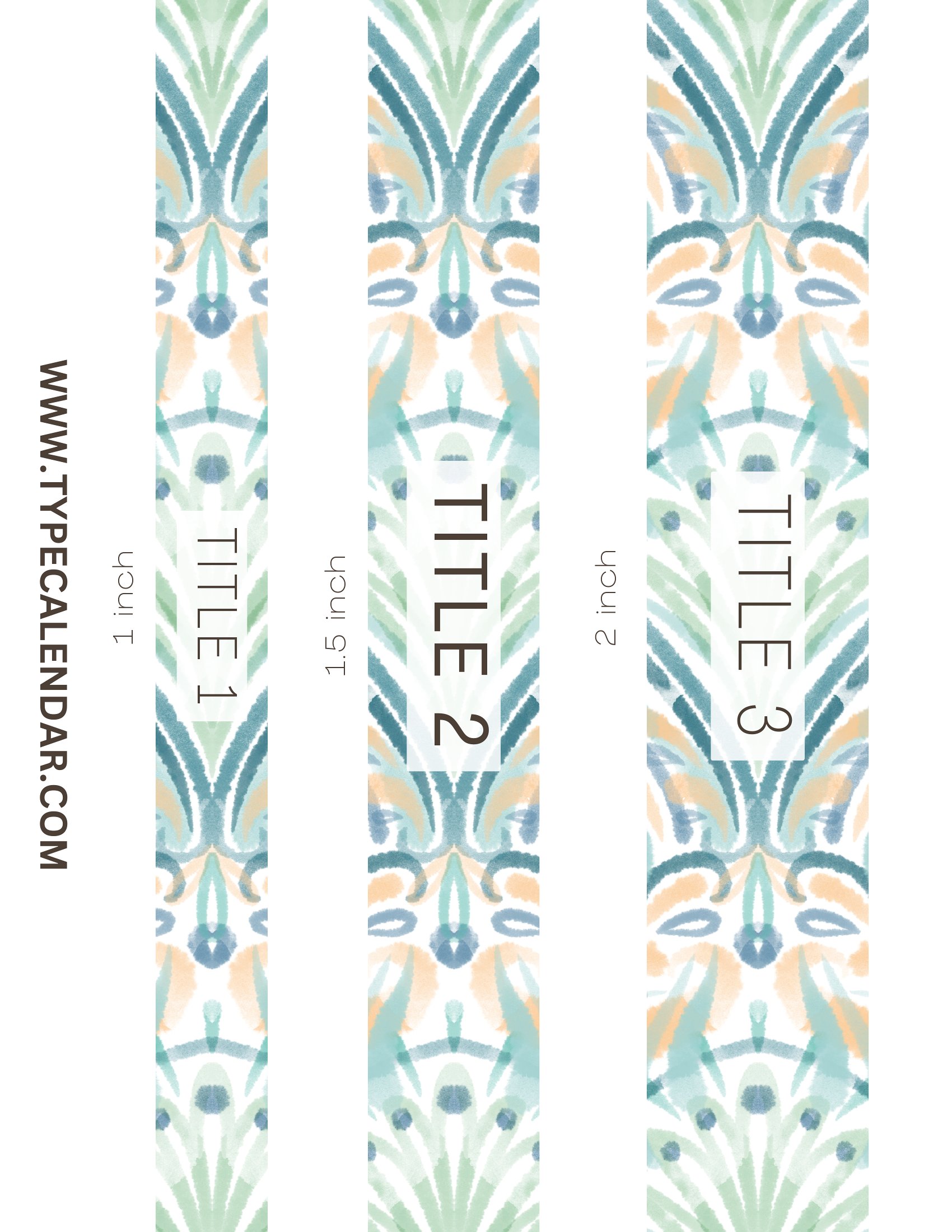
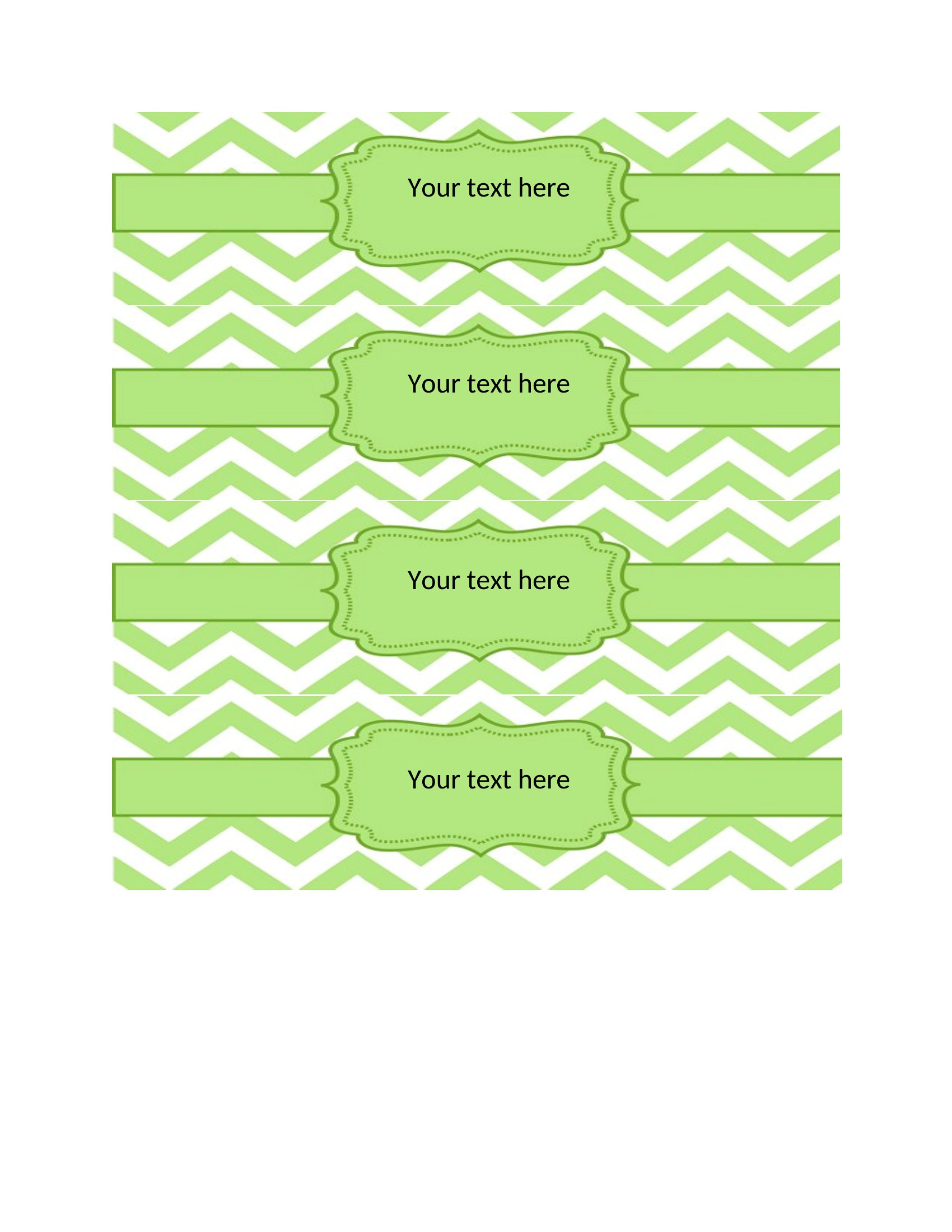
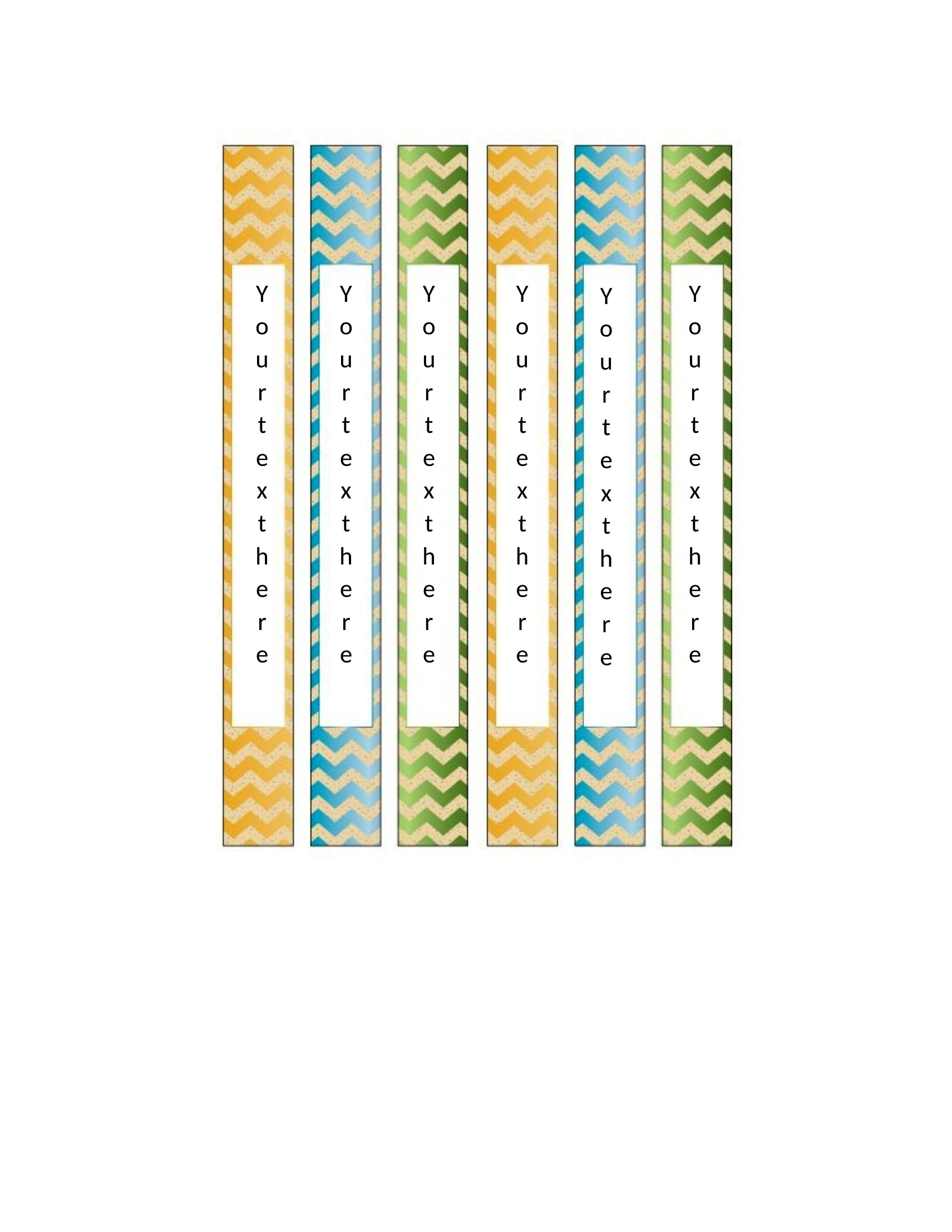
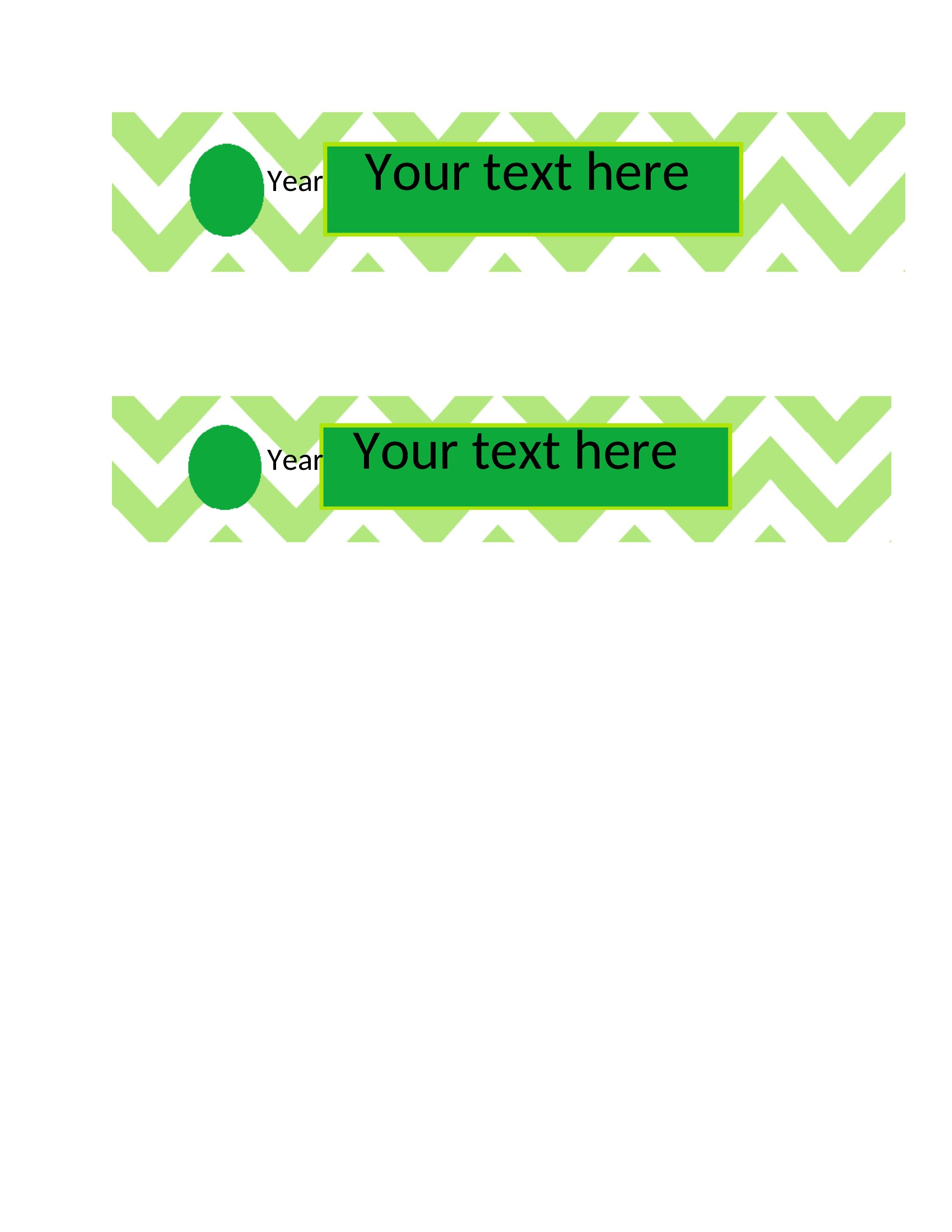
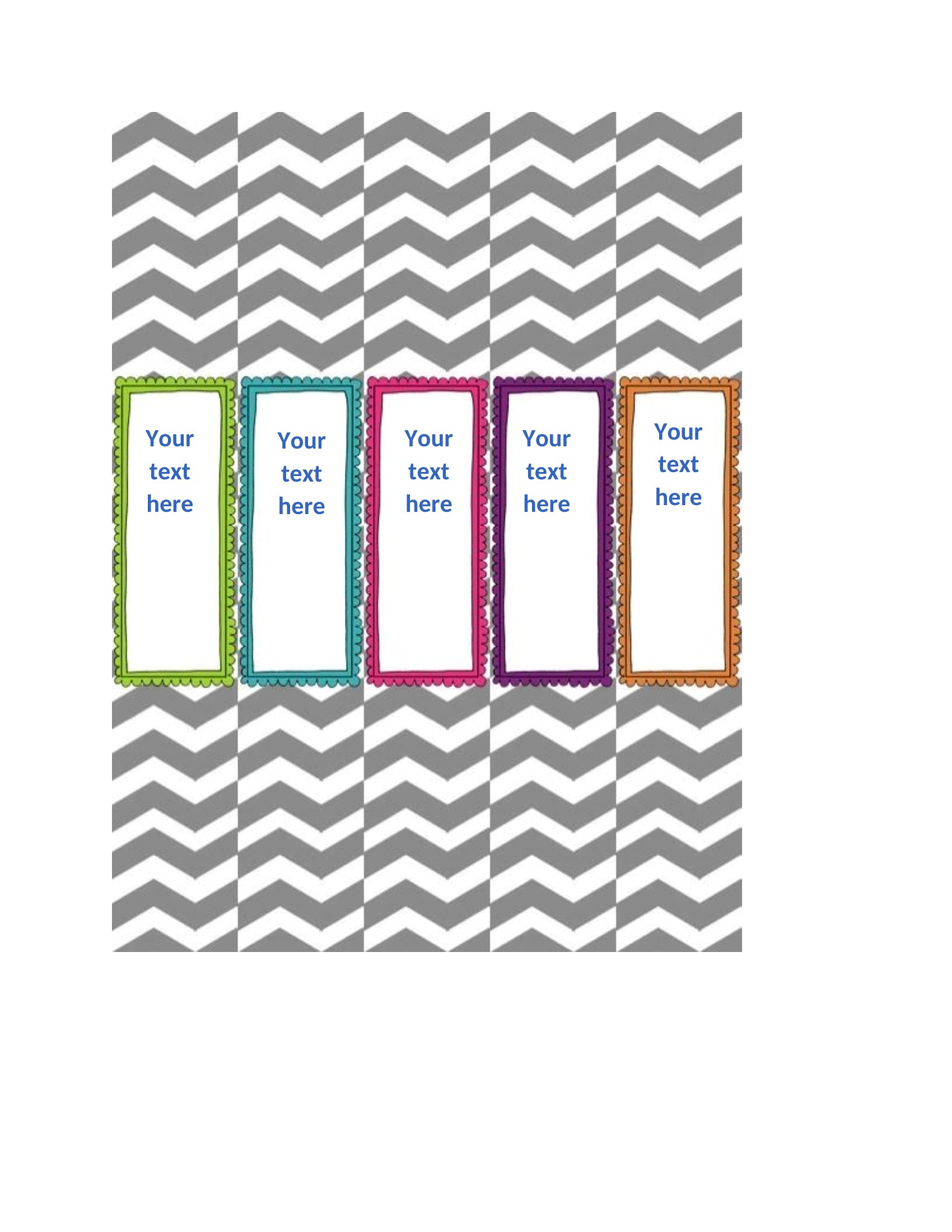
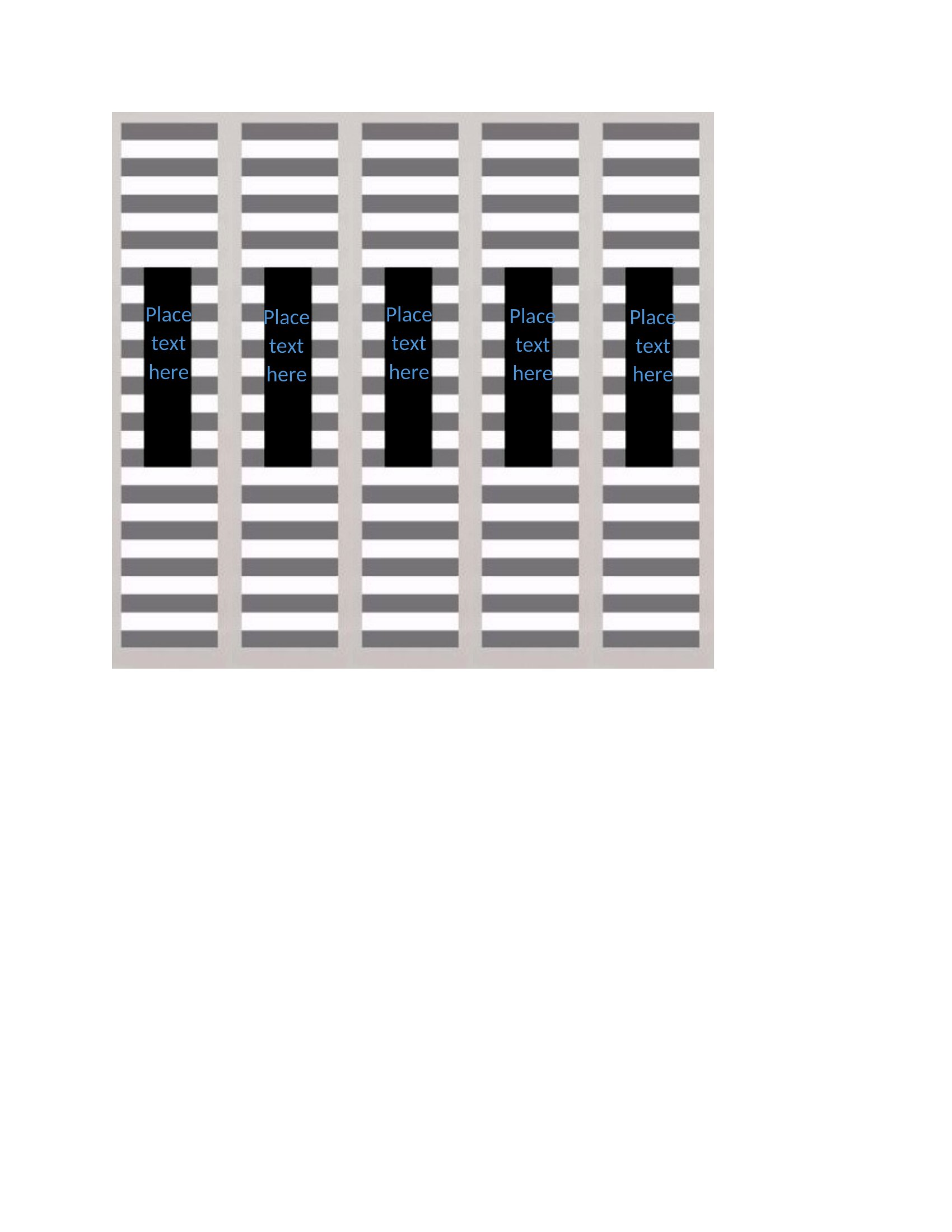
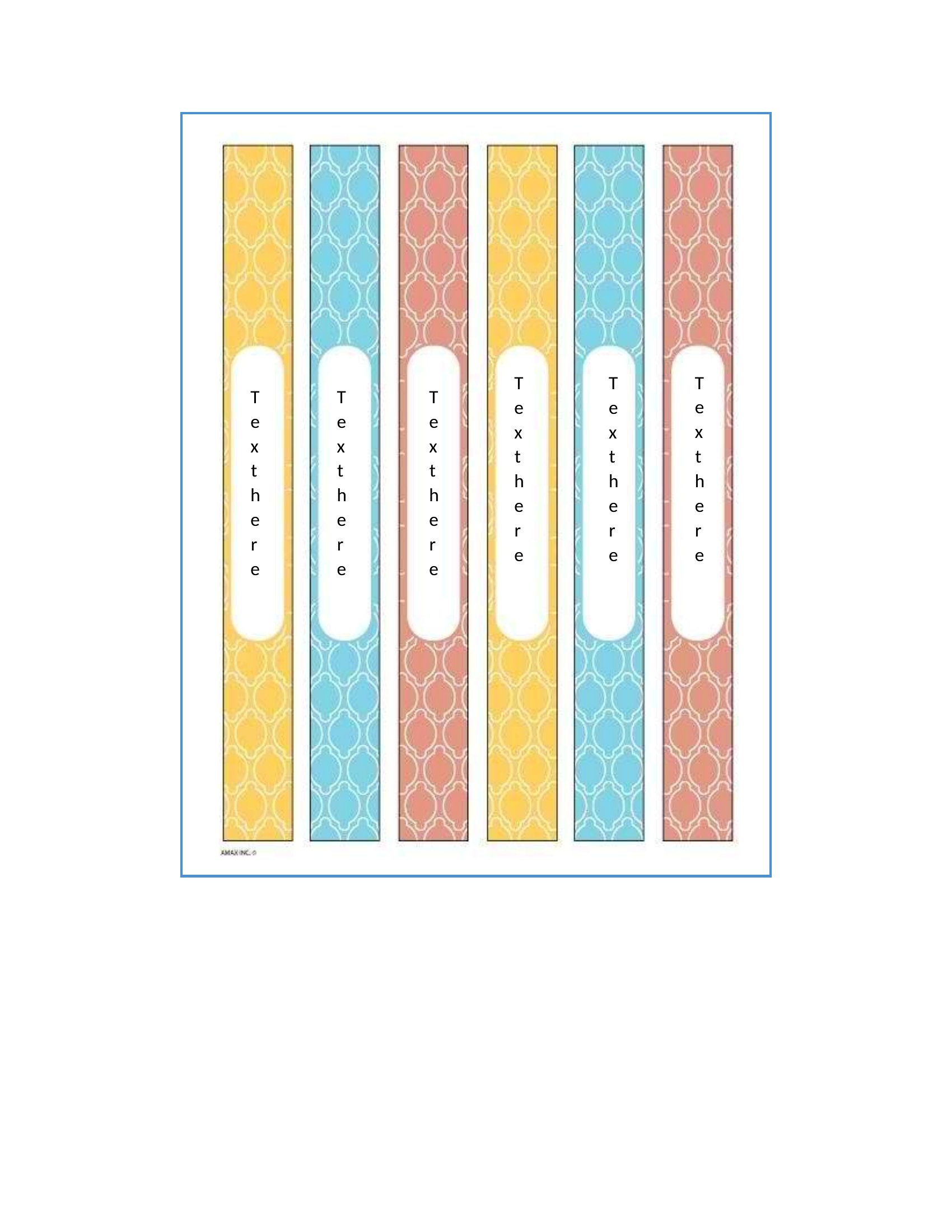
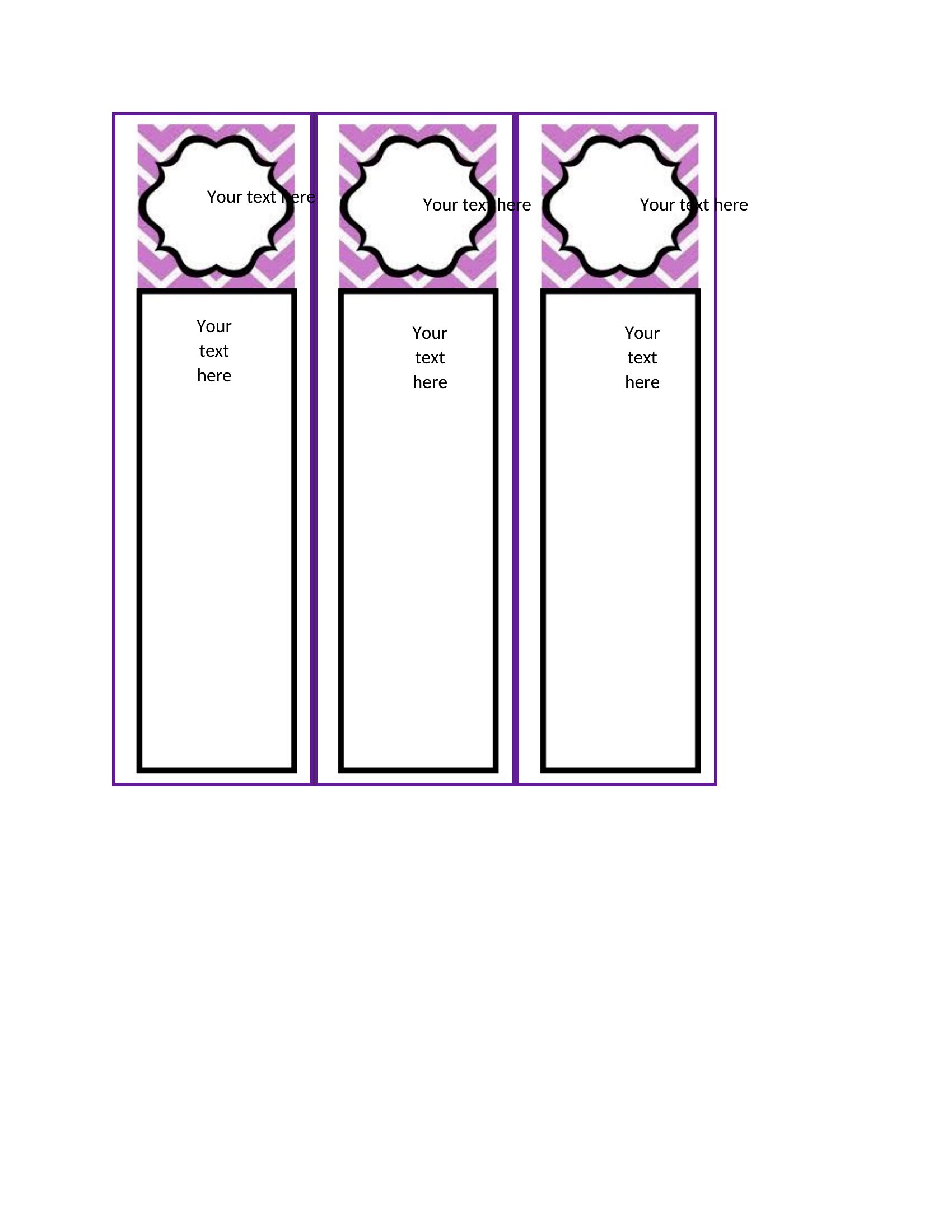
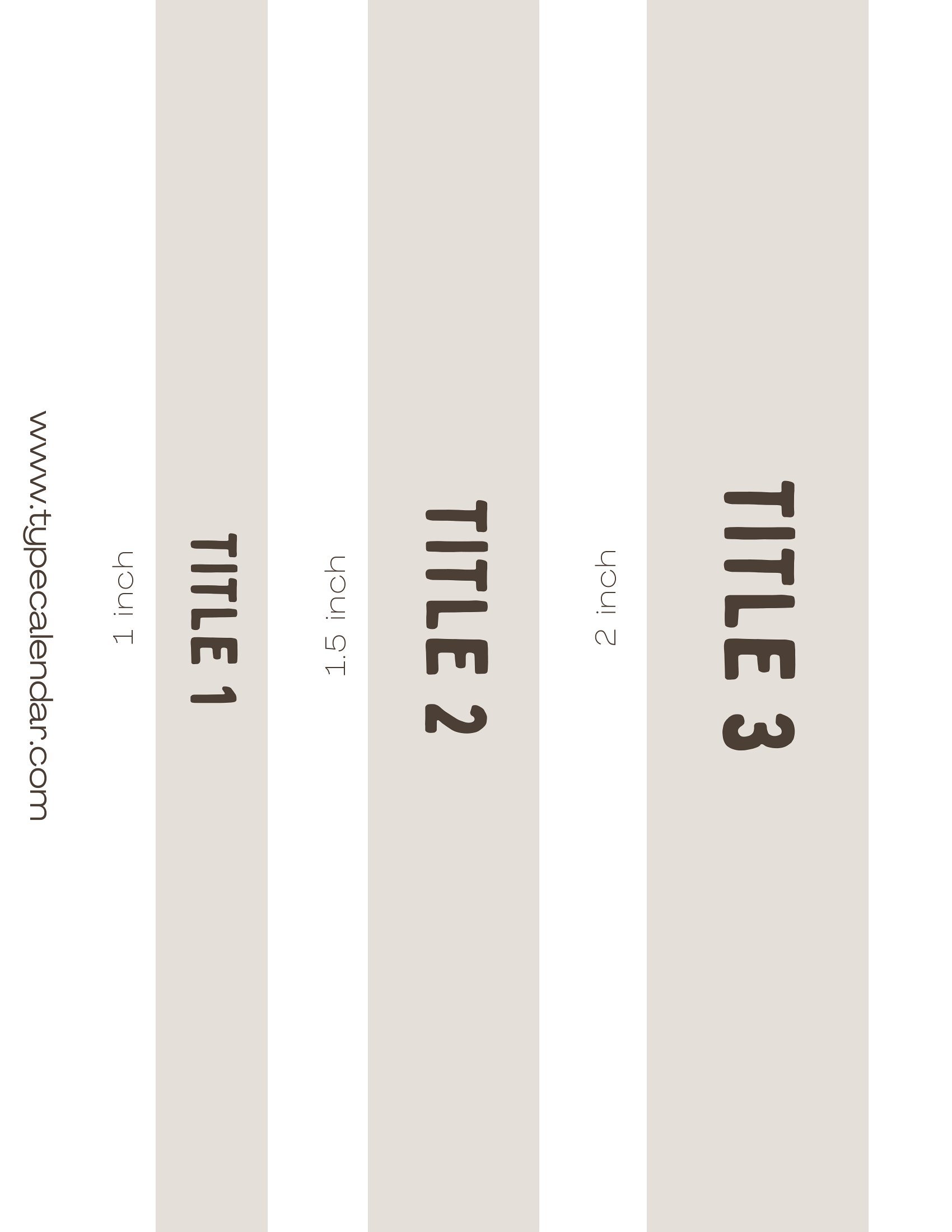
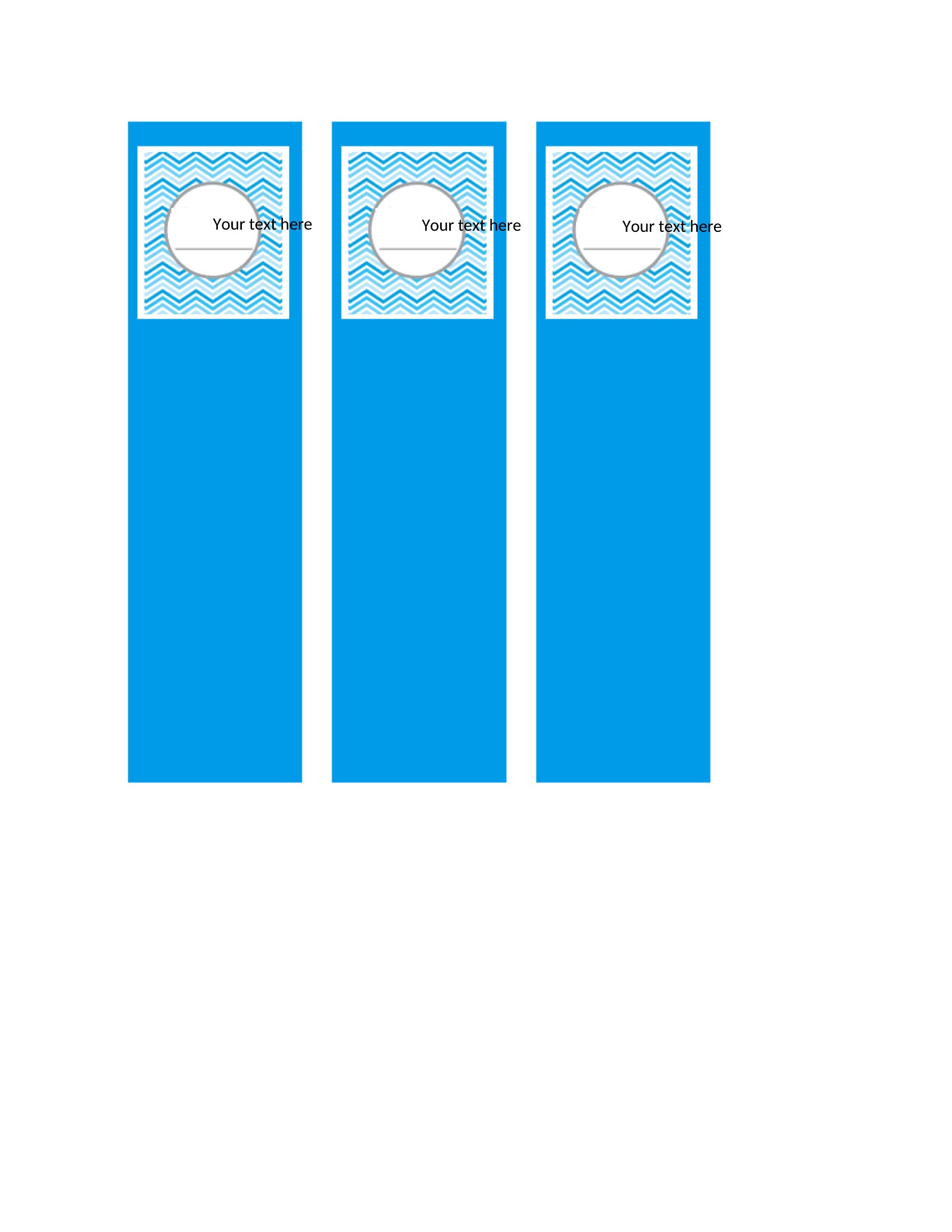
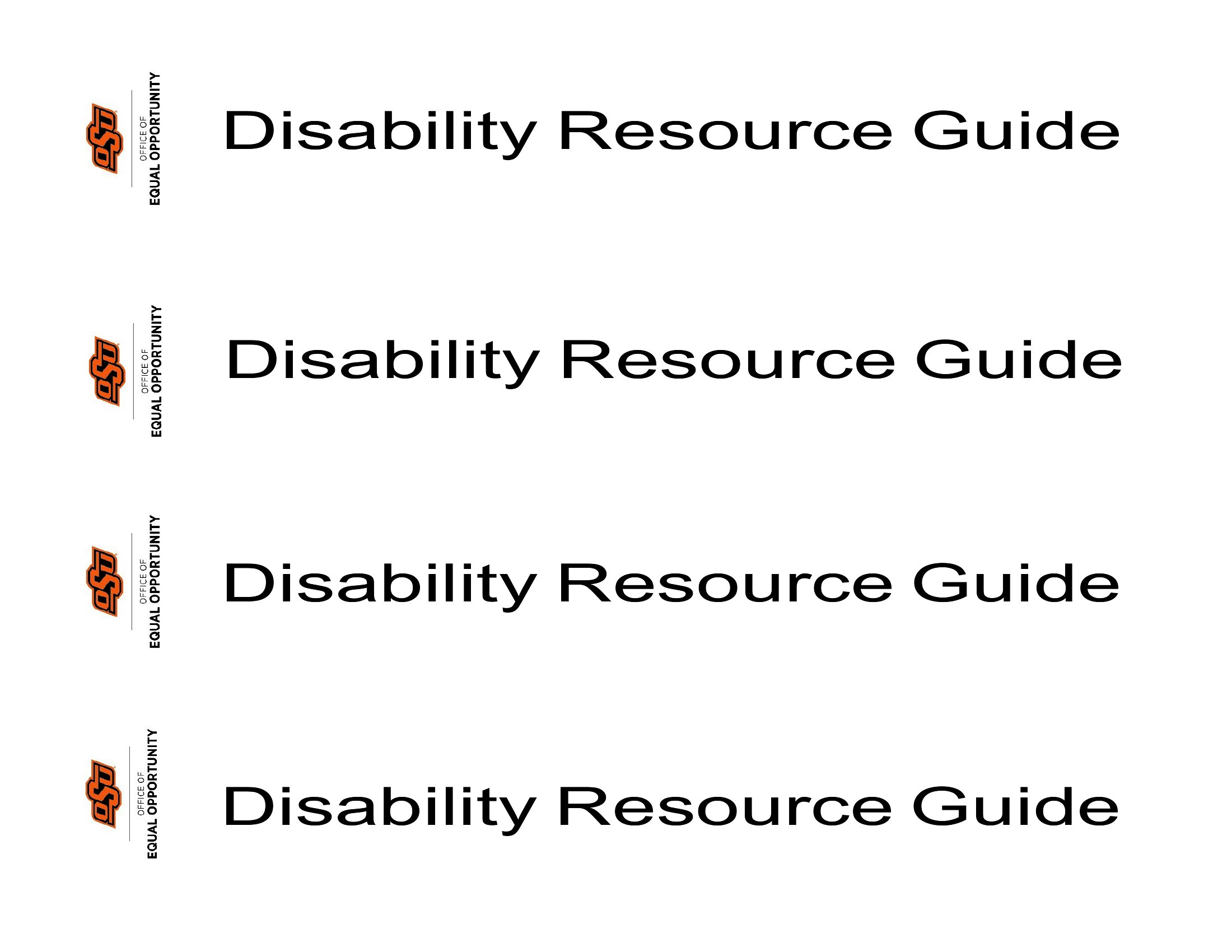
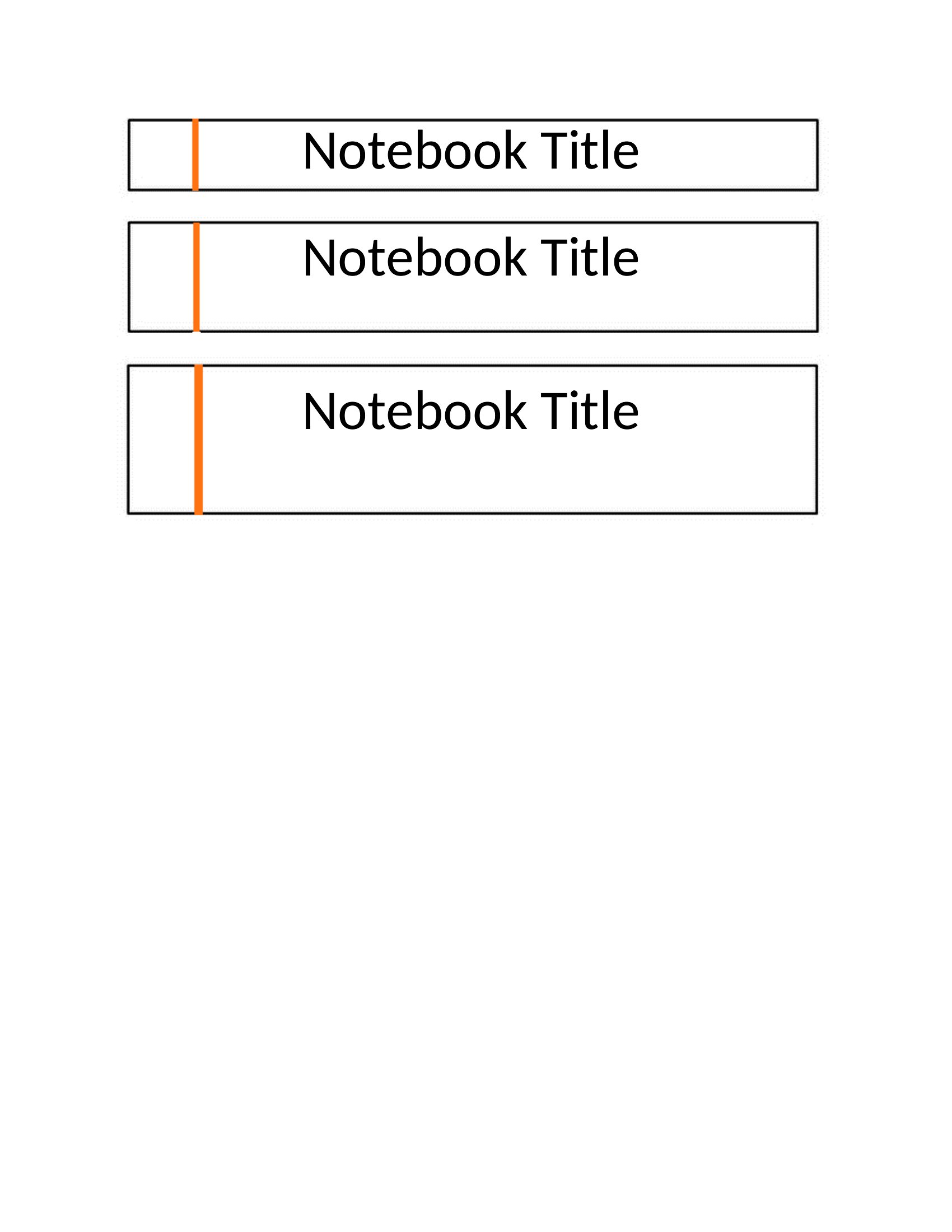
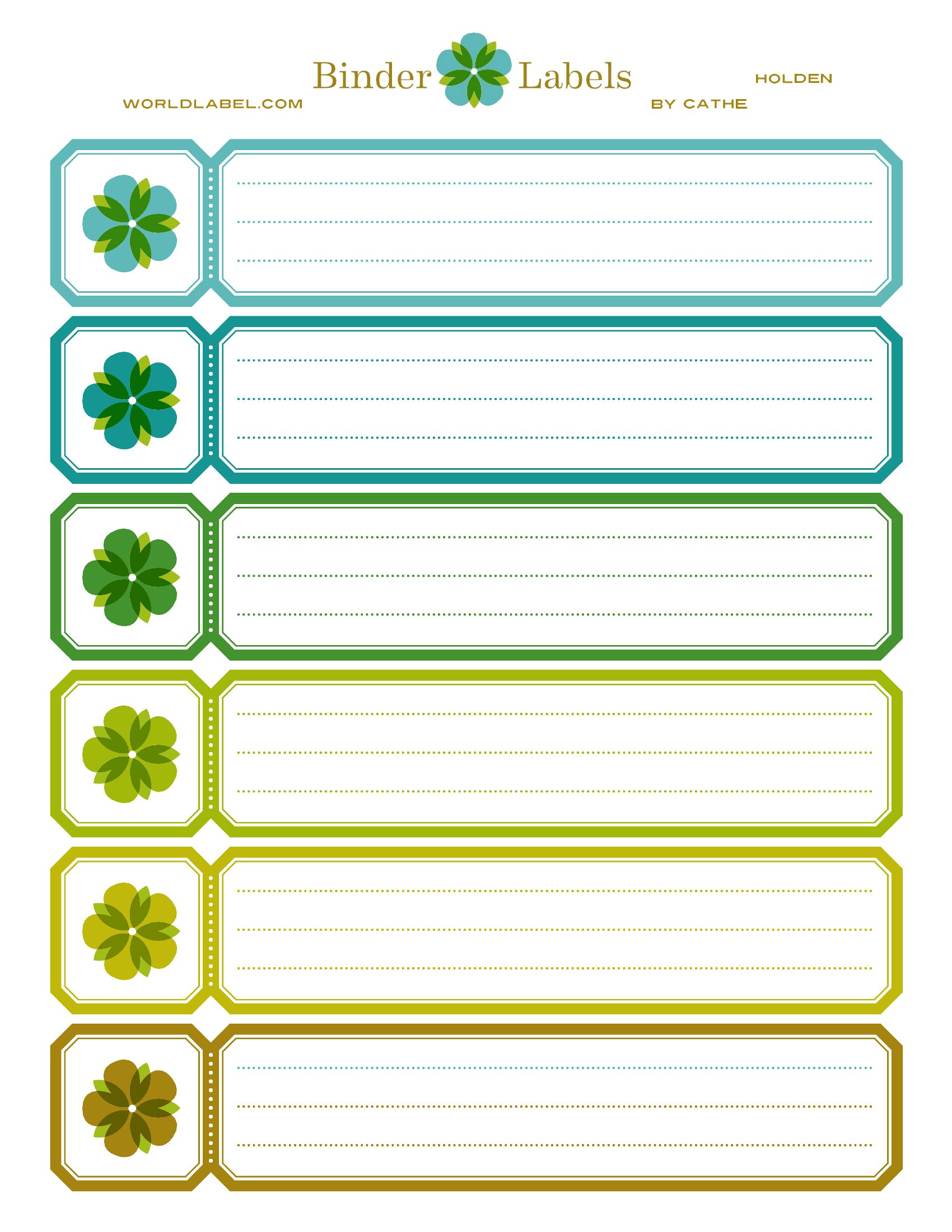
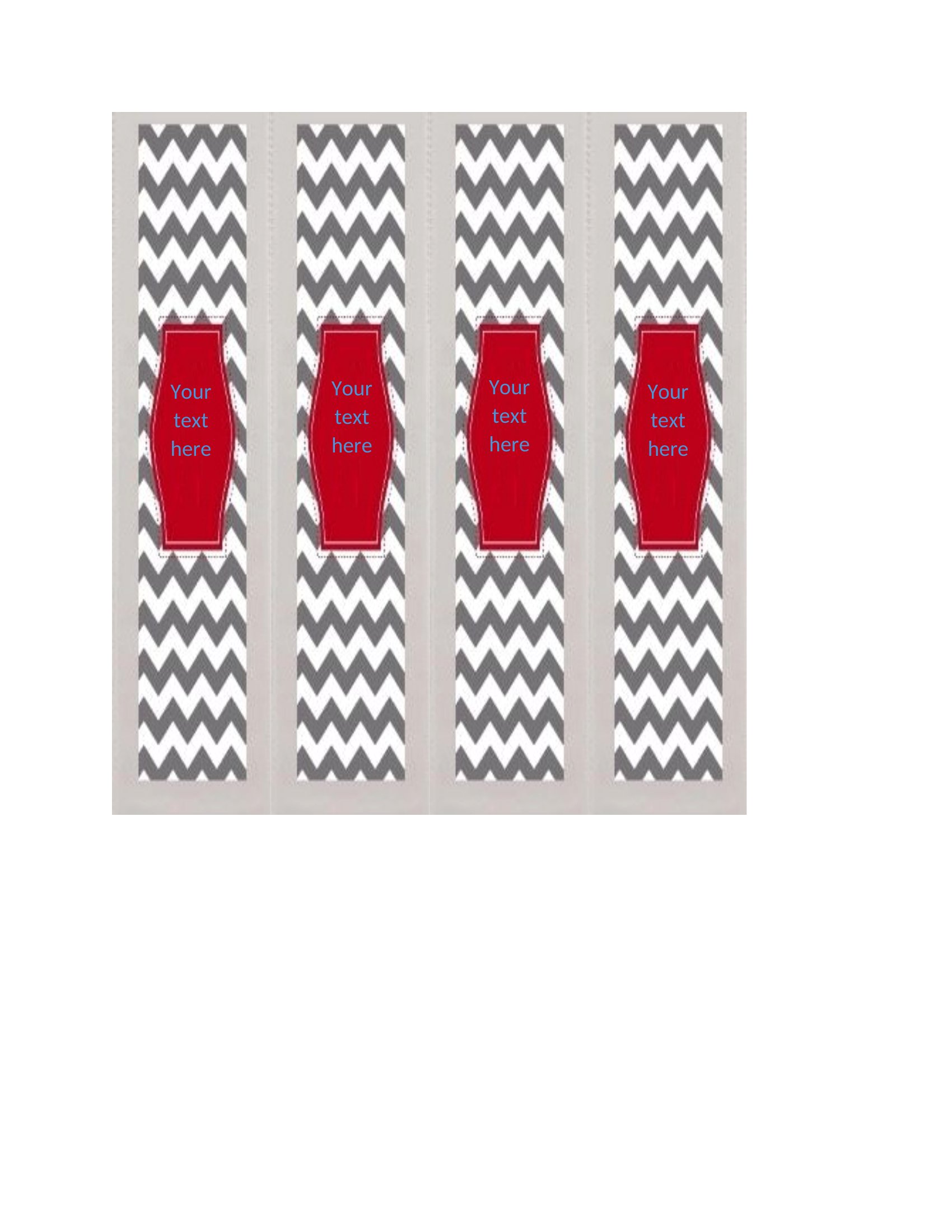
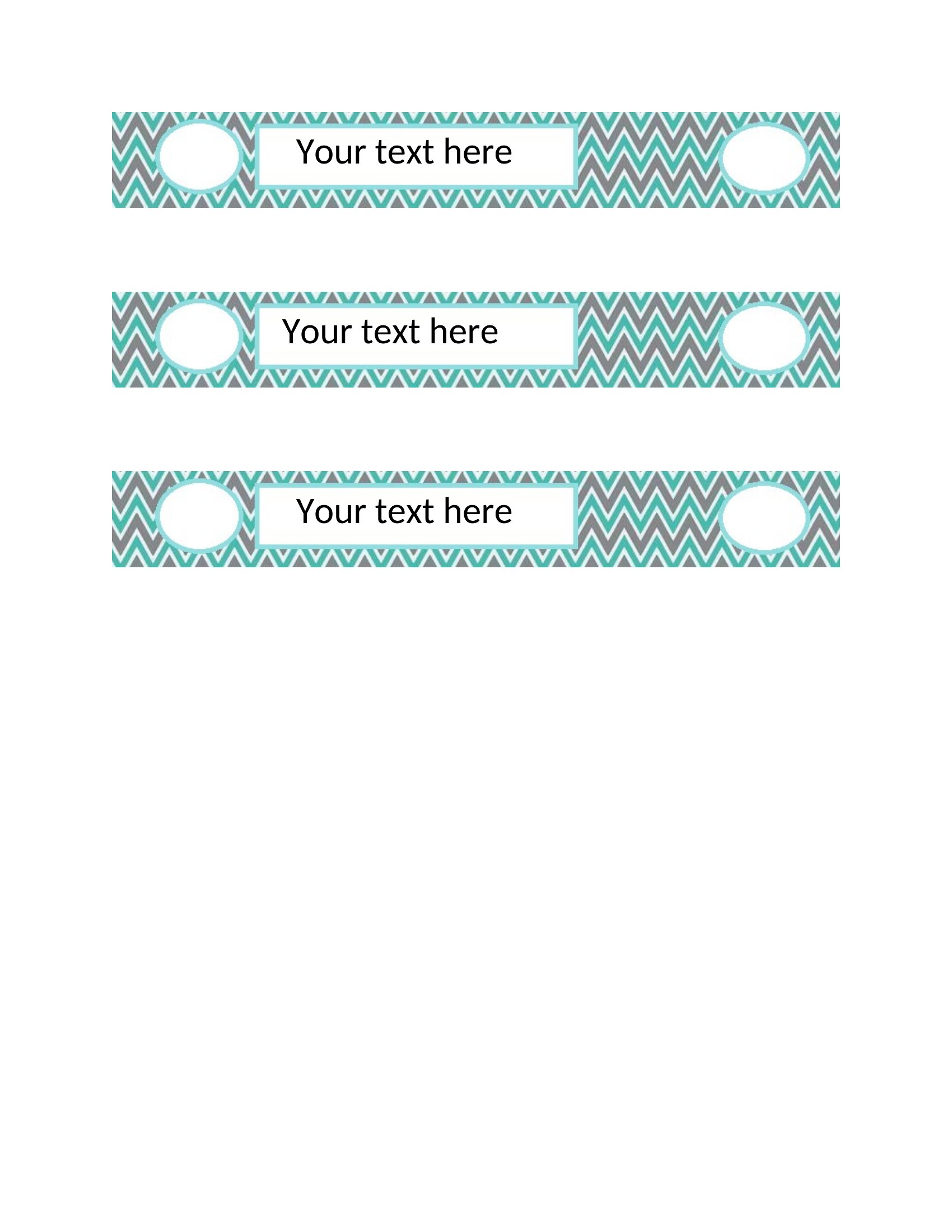
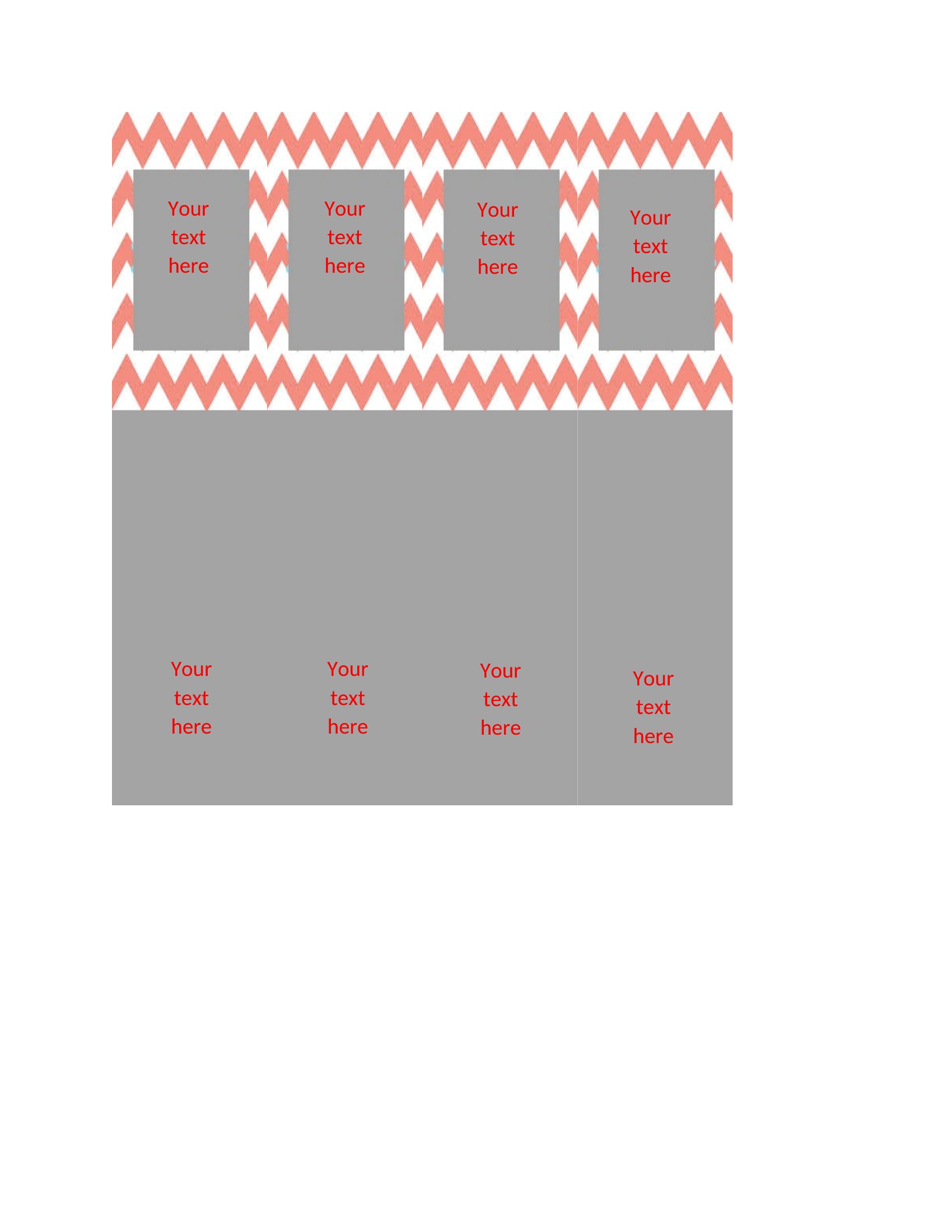
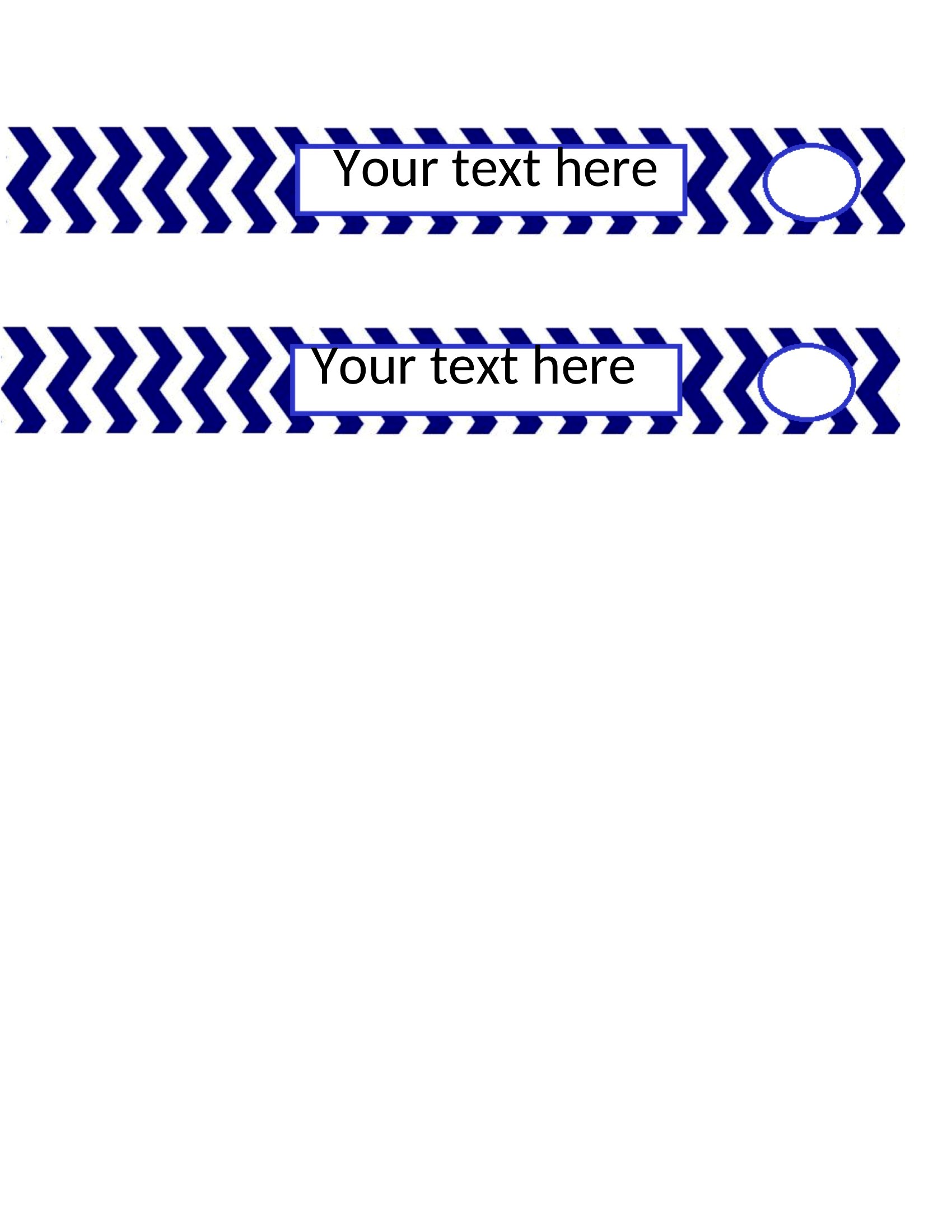
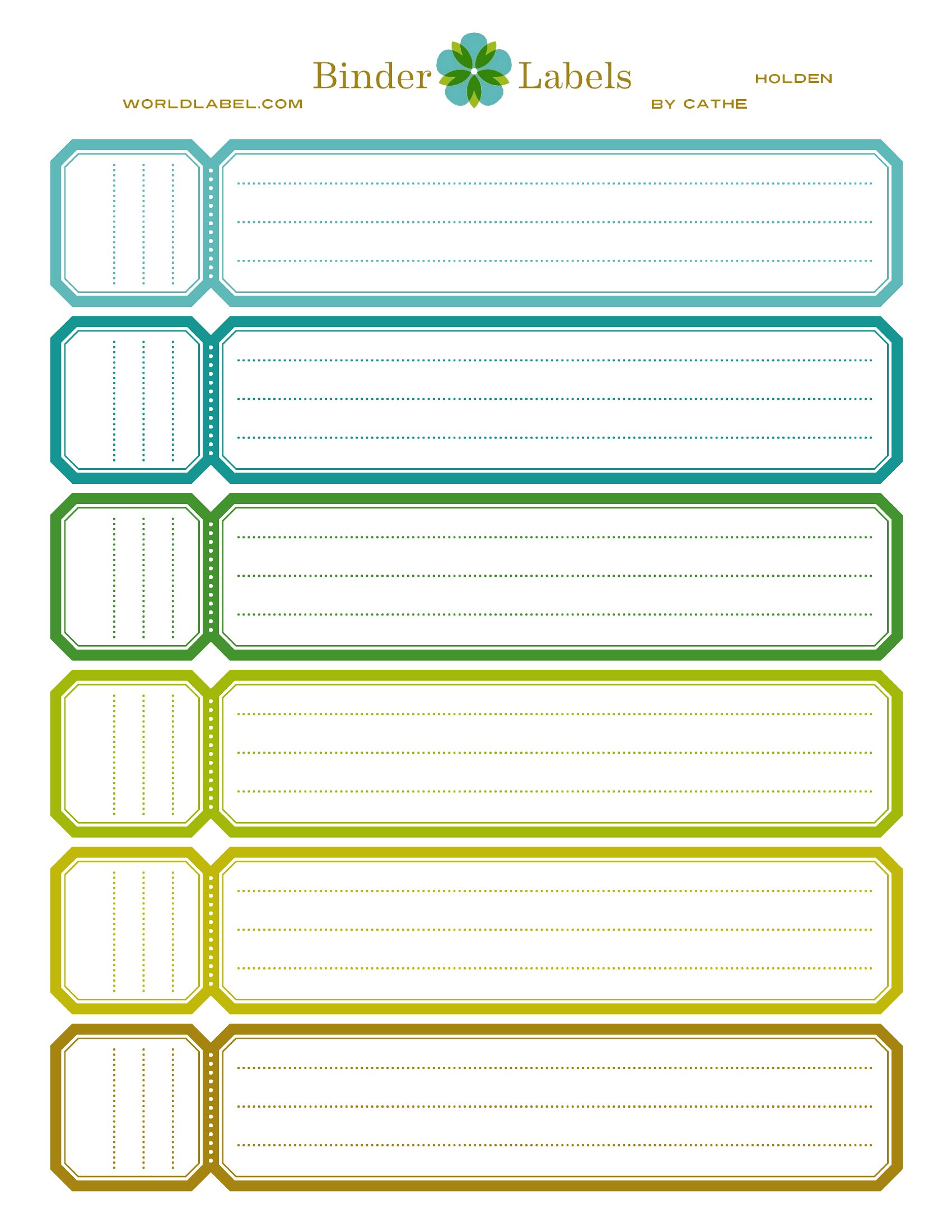
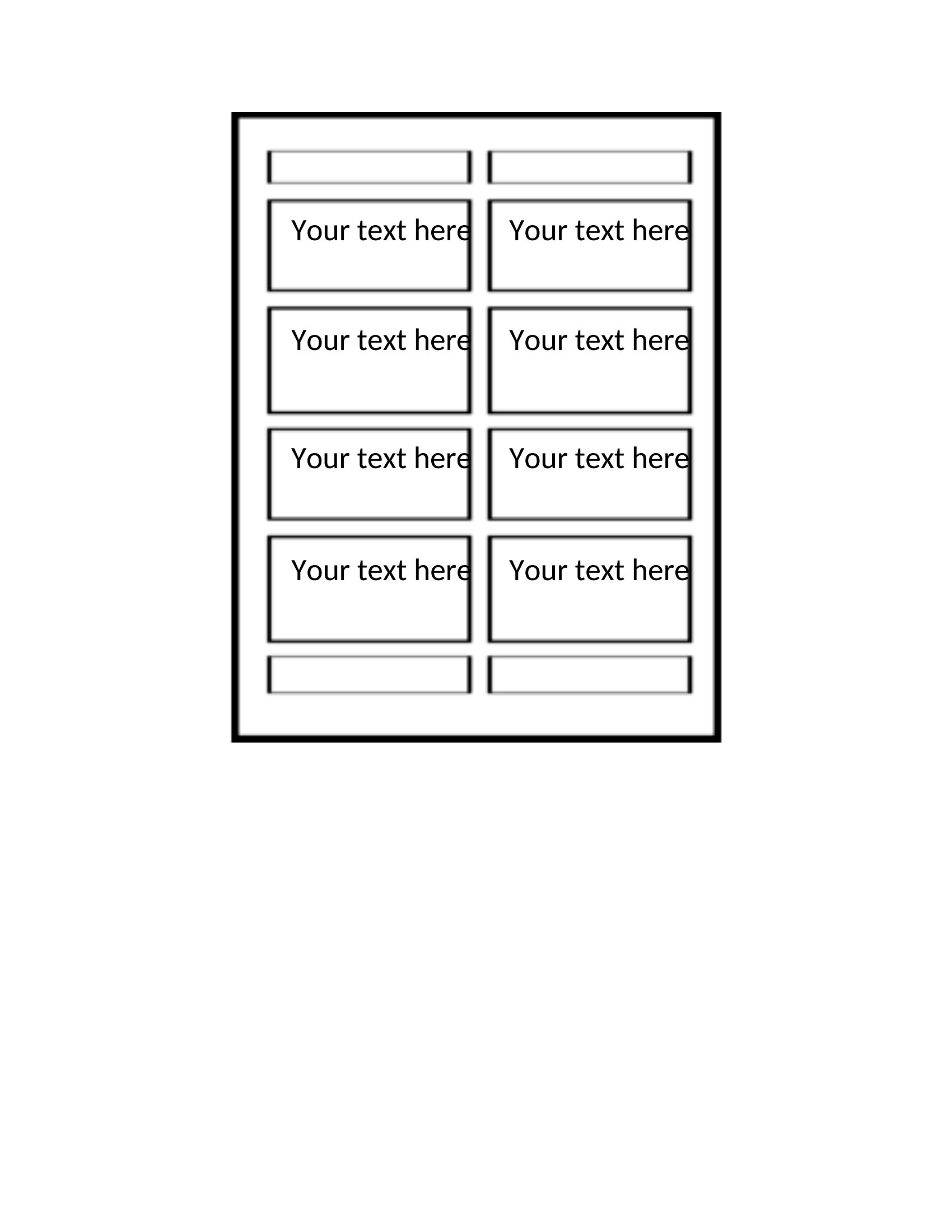
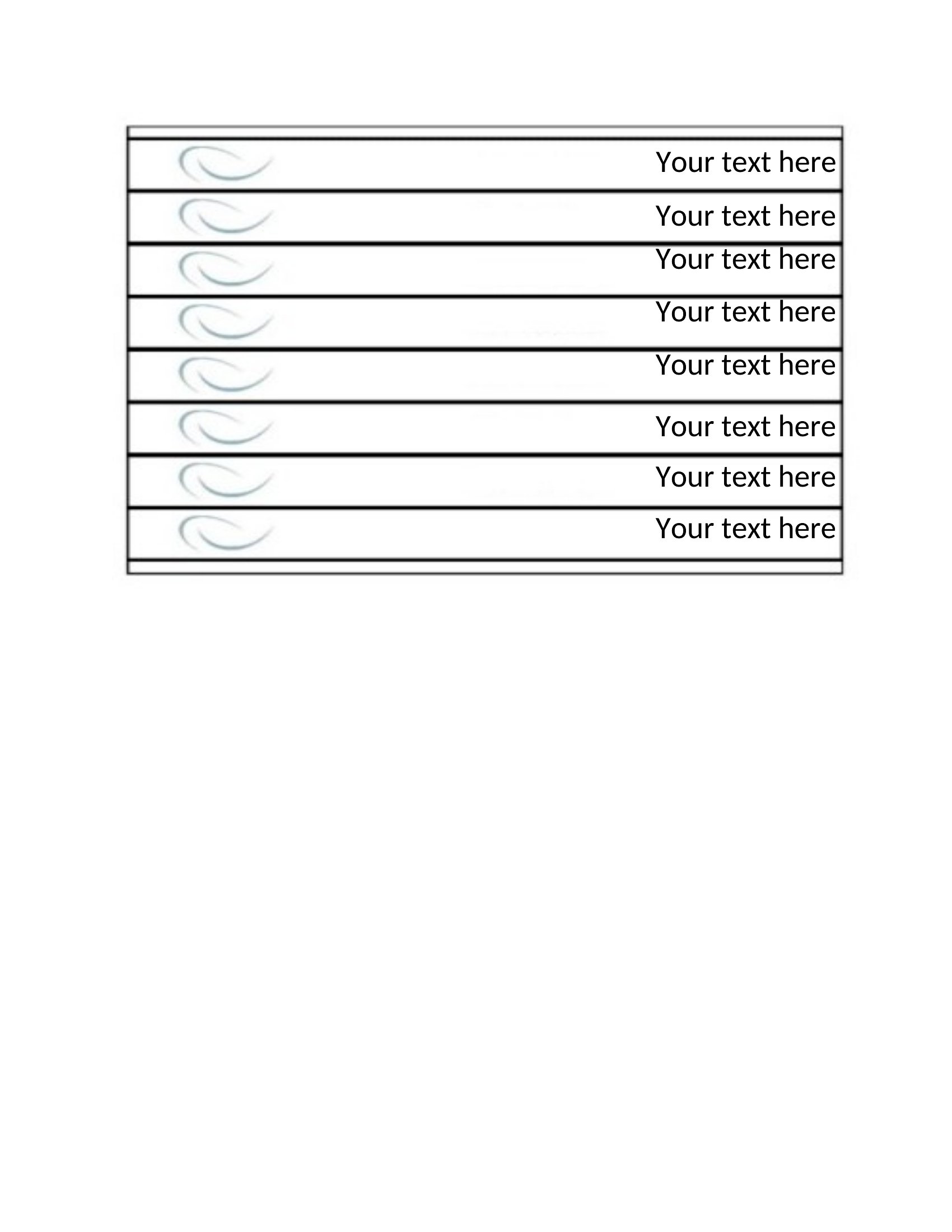
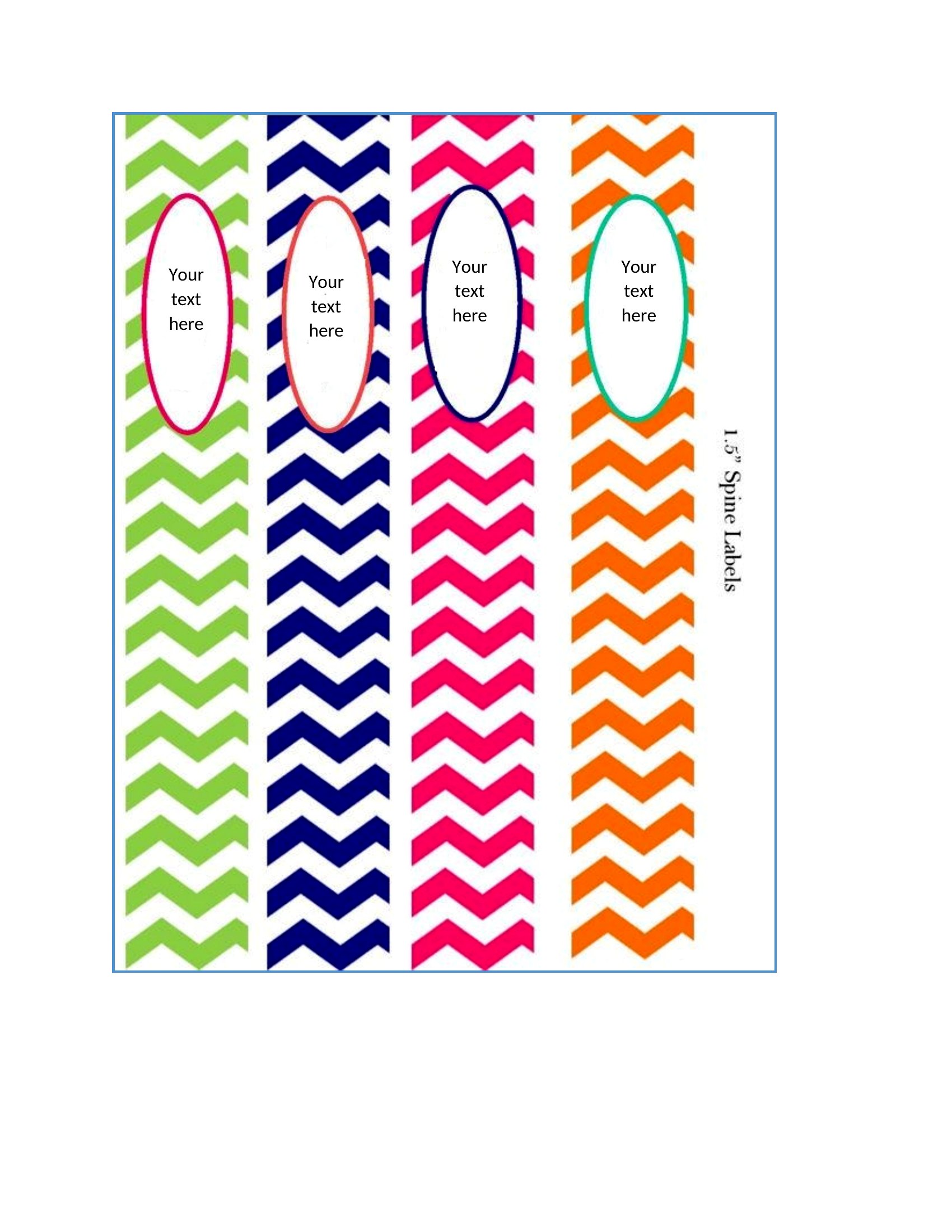
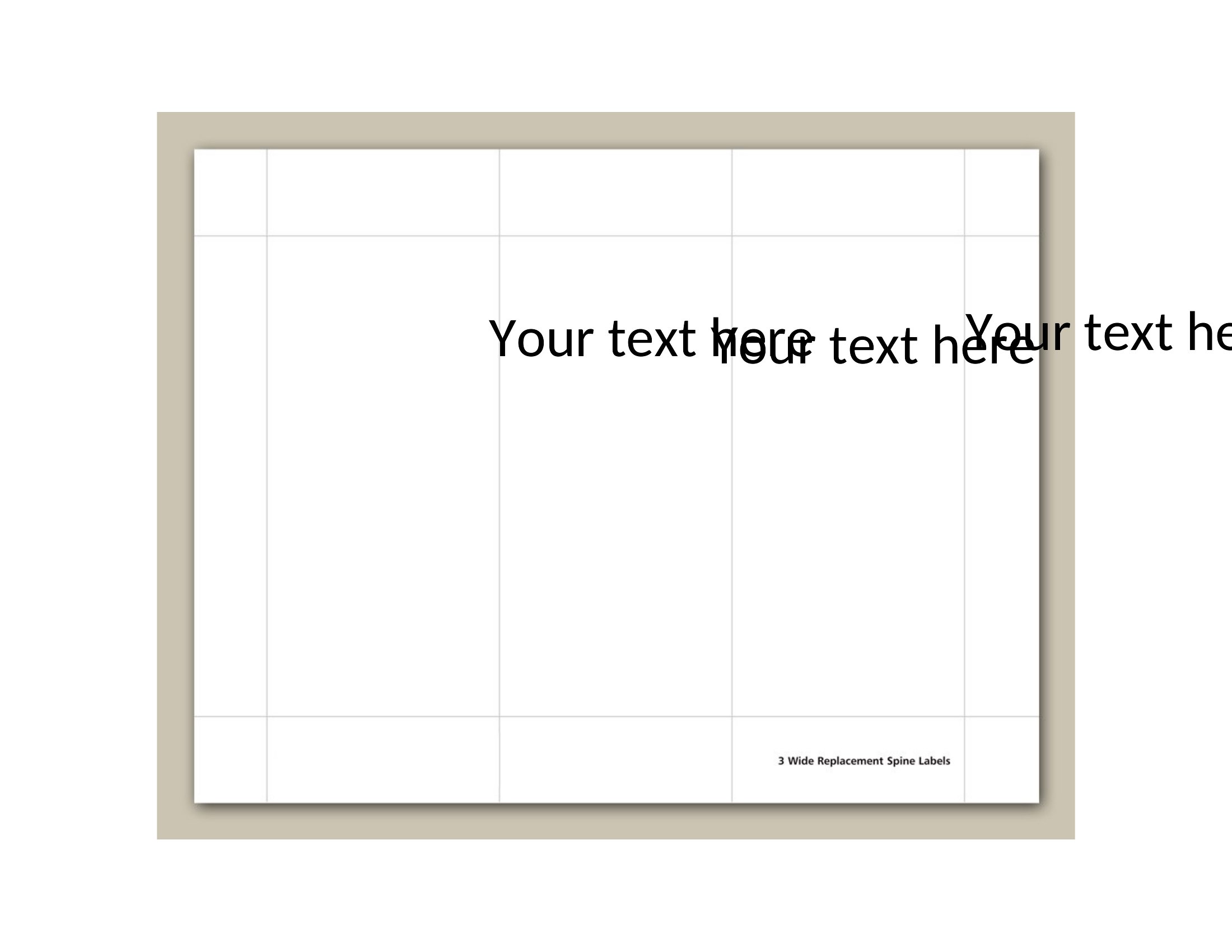
A shelf of unlabeled binders is a small daily headache, and printed spine inserts fix it in an afternoon. This set of 51 binder spine insert templates helps teachers, offices, and home organizers label binders of every width so the right one is easy to grab. Each template fits common spine sizes with room for a clear title and category.

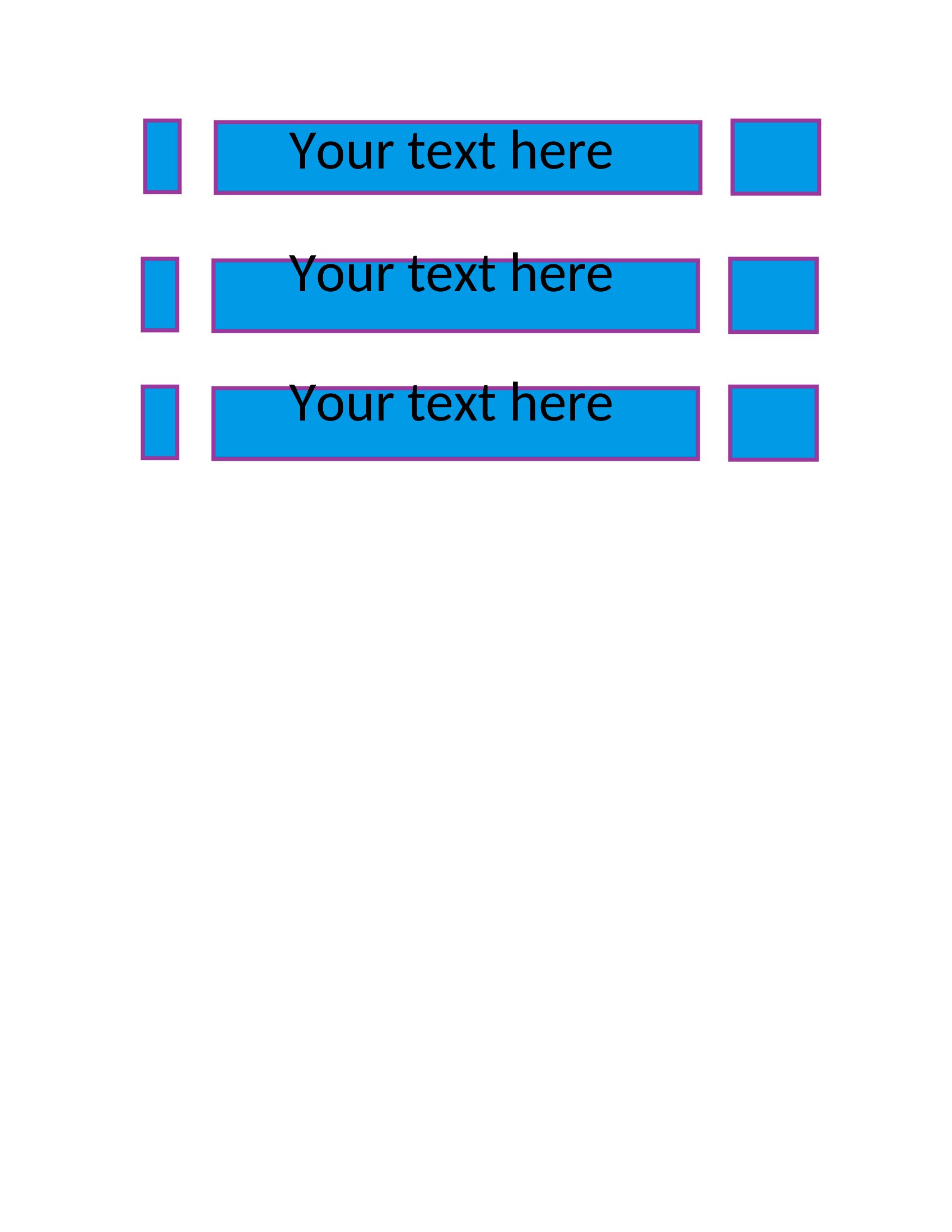
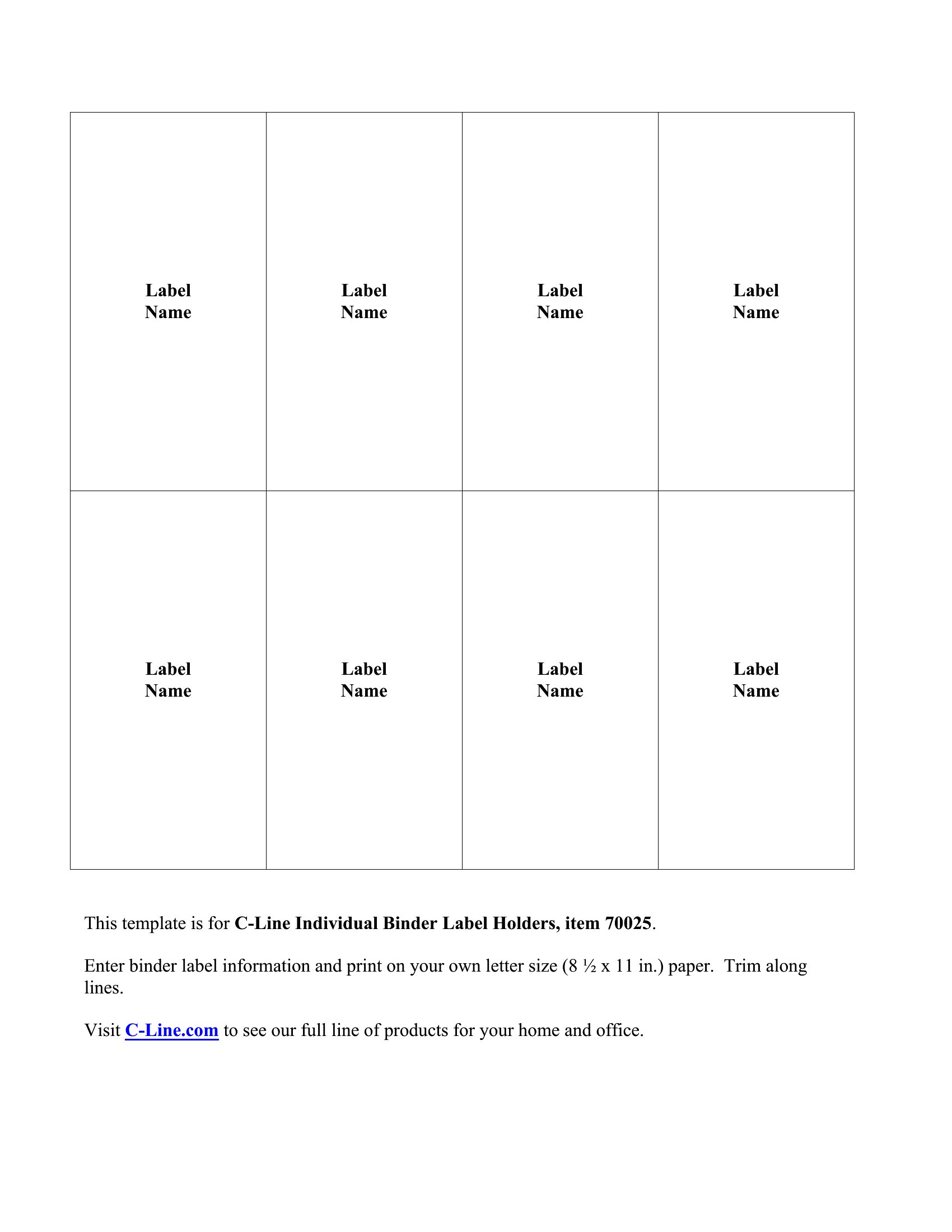
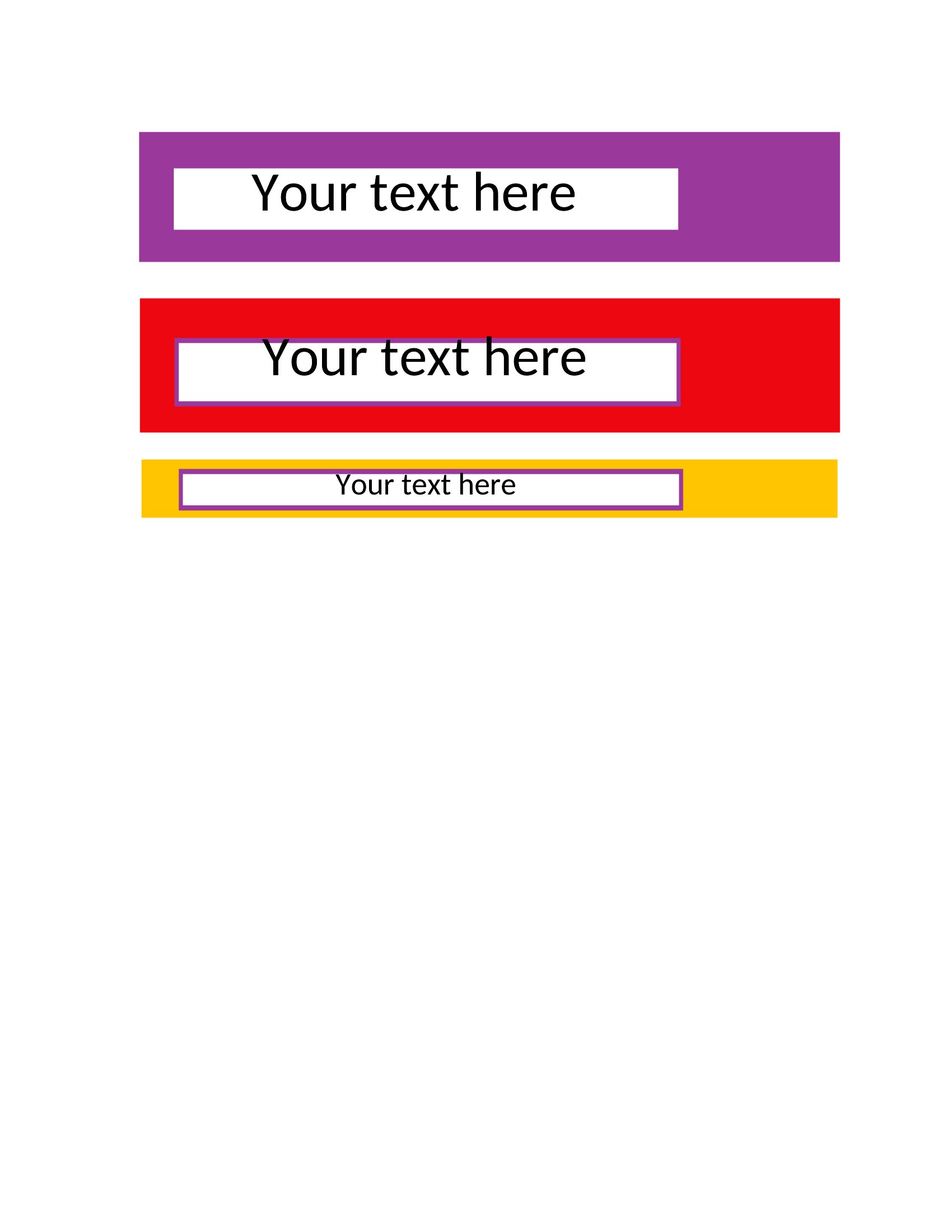
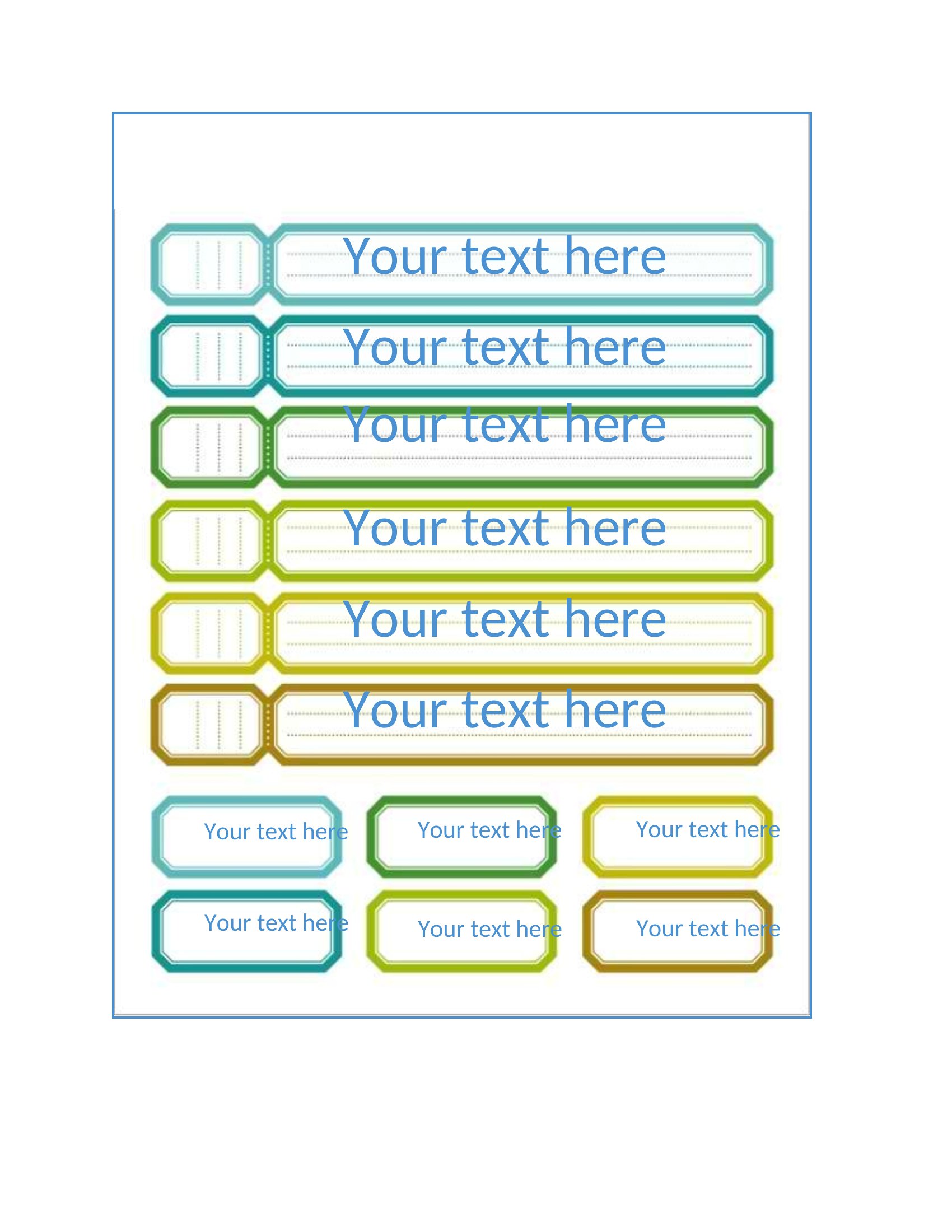
Edit the Word versions to type your labels and tweak the size, or print the ready-made PDFs and slide them straight in. Fill in the titles, print on regular paper or cardstock, and trim to fit. Choose the width that matches your binders and get the whole shelf labeled in one sitting.

When to use this Binder Spine Insert template

  • A high school teacher managing 12 subject binders for lesson plans, quizzes, and student work can use these inserts to instantly sort materials by class or unit at the start of each semester.
  • Office administrators handling client files, contracts, and project folders will save time locating the correct binder by labeling each with a clear project name and department code.
  • Parents organizing their child’s schoolwork—homework assignments, permission slips, and extracurricular records—can quickly find what they need without flipping through mismatched binders.
  • Small business owners tracking invoices, receipts, and tax documents will keep financial records neatly separated by month or vendor, reducing clutter during tax season.

Which format should I download?

WordPDF

Choose Word for editable binder spine inserts that let you type or adjust label text and dimensions to match your exact binder width before printing. Opt for PDF if you need a ready-to-print, non-editable version with precise formatting for immediate use. PDFs are ideal when you’ve finalized your labels and just need to print them without further changes.

Choose from 51 Binder Spine Insert Templates
How to use this Binder Spine Insert template

Can I adjust the spine width on these templates to fit binders that aren’t standard sizes?
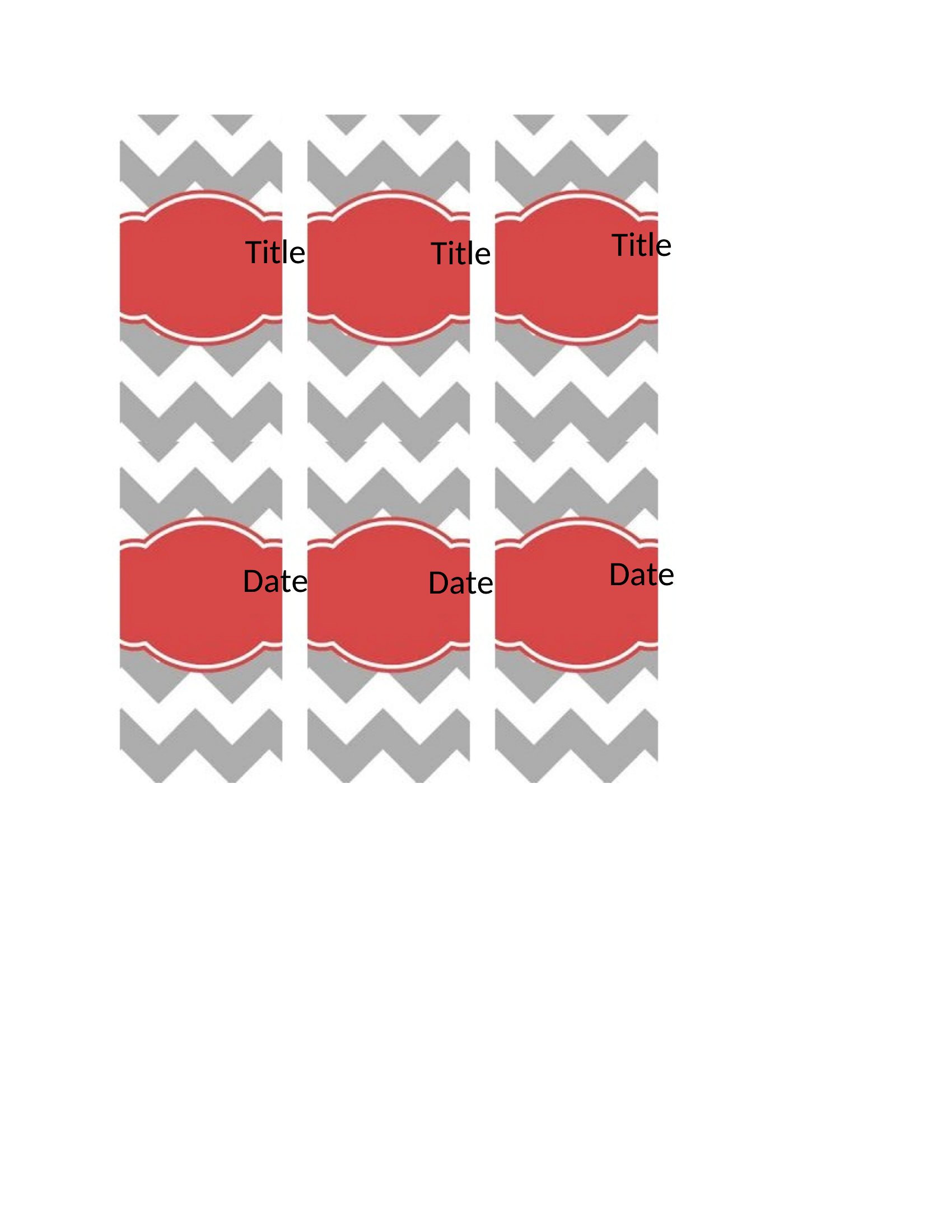
Yes, the Word templates allow you to resize the spine insert to match your binder’s exact width. Simply duplicate the template, adjust the margins or scaling in Word’s layout tools, and preview before printing to ensure a snug fit.
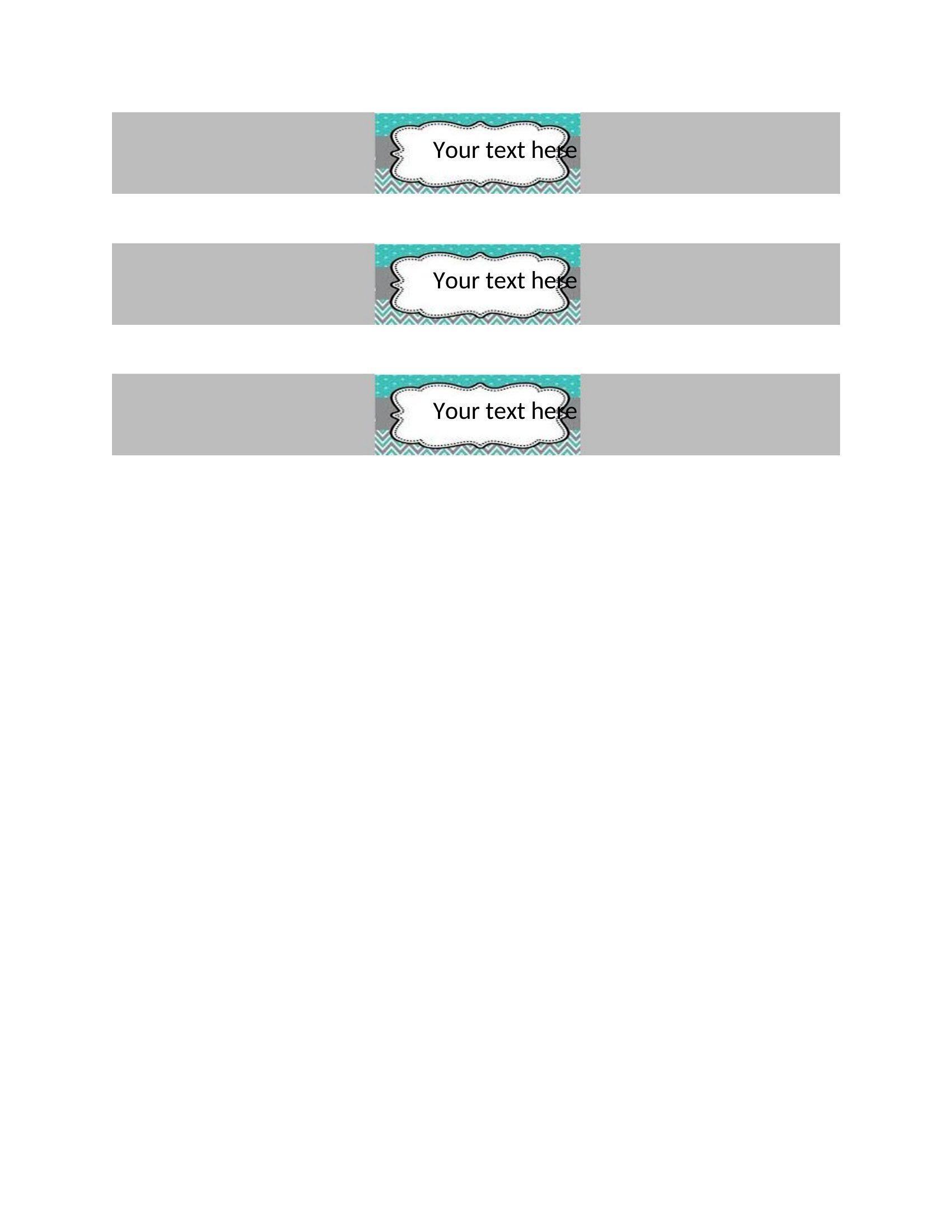
Are these templates suitable for binders with spiral or coil bindings where the spine is thicker?

These templates work best for traditional flat-spine binders. For spiral or coil-bound binders, you may need to manually resize the PDF or Word template to accommodate the thicker spine, or use a blank template to create a custom fit.
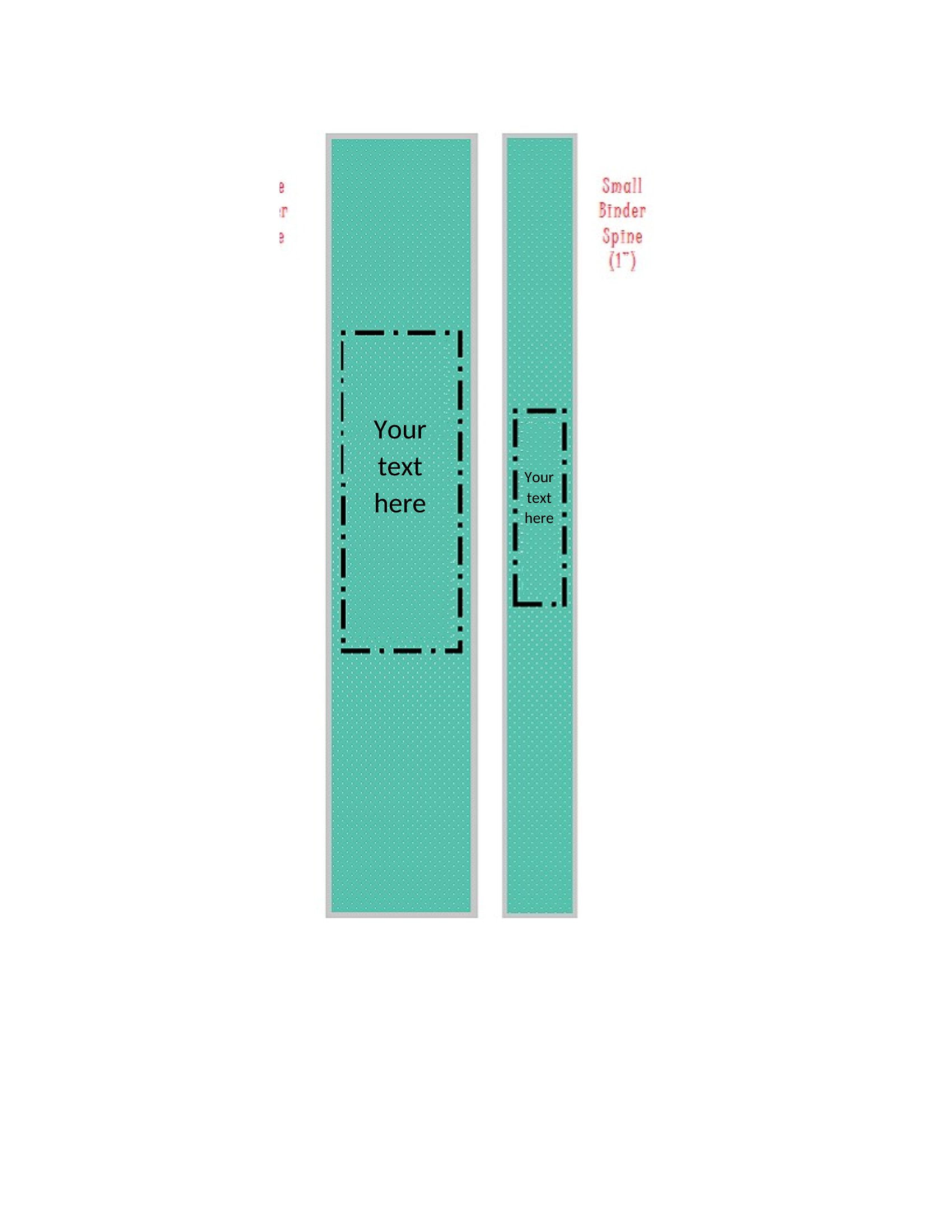
How do I ensure the text on the spine insert remains legible after printing?

Use a dark-colored ink on light-colored paper or vice versa for contrast. Avoid overly decorative fonts—stick to bold, clear fonts like Arial or Times New Roman in at least 10pt size. Test a small printout first to check readability.

Comments

Join the conversation

Sign in to share your thoughts and leave a comment on this resource.

Newsletter

Get Weekly Design Updates
Join our community to receive curated resources and inspiration.
Weekly Tips Resources Early Access
We respect your privacy. Confirmation email required. Privacy Policy